In –Built Math functions
in Java script
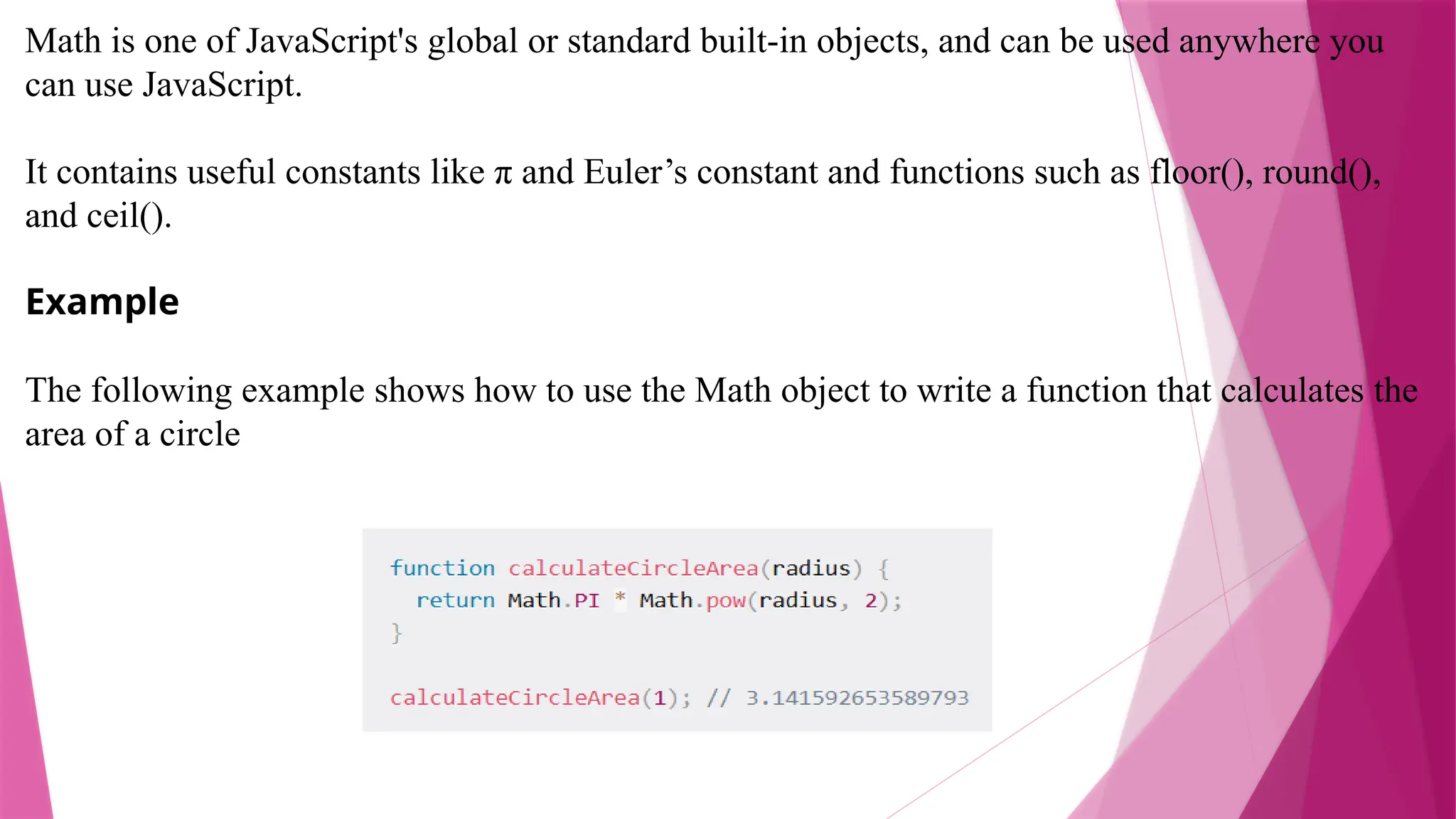
Math is one of JavaScript's global or standard built-in objects, and can be used anywhere you
can use JavaScript.
It contains useful constants like π and Euler’s constant and functions such as floor(), round(),
and ceil().
Example
The following example shows how to use the Math object to write a function that calculates the
area of a circle
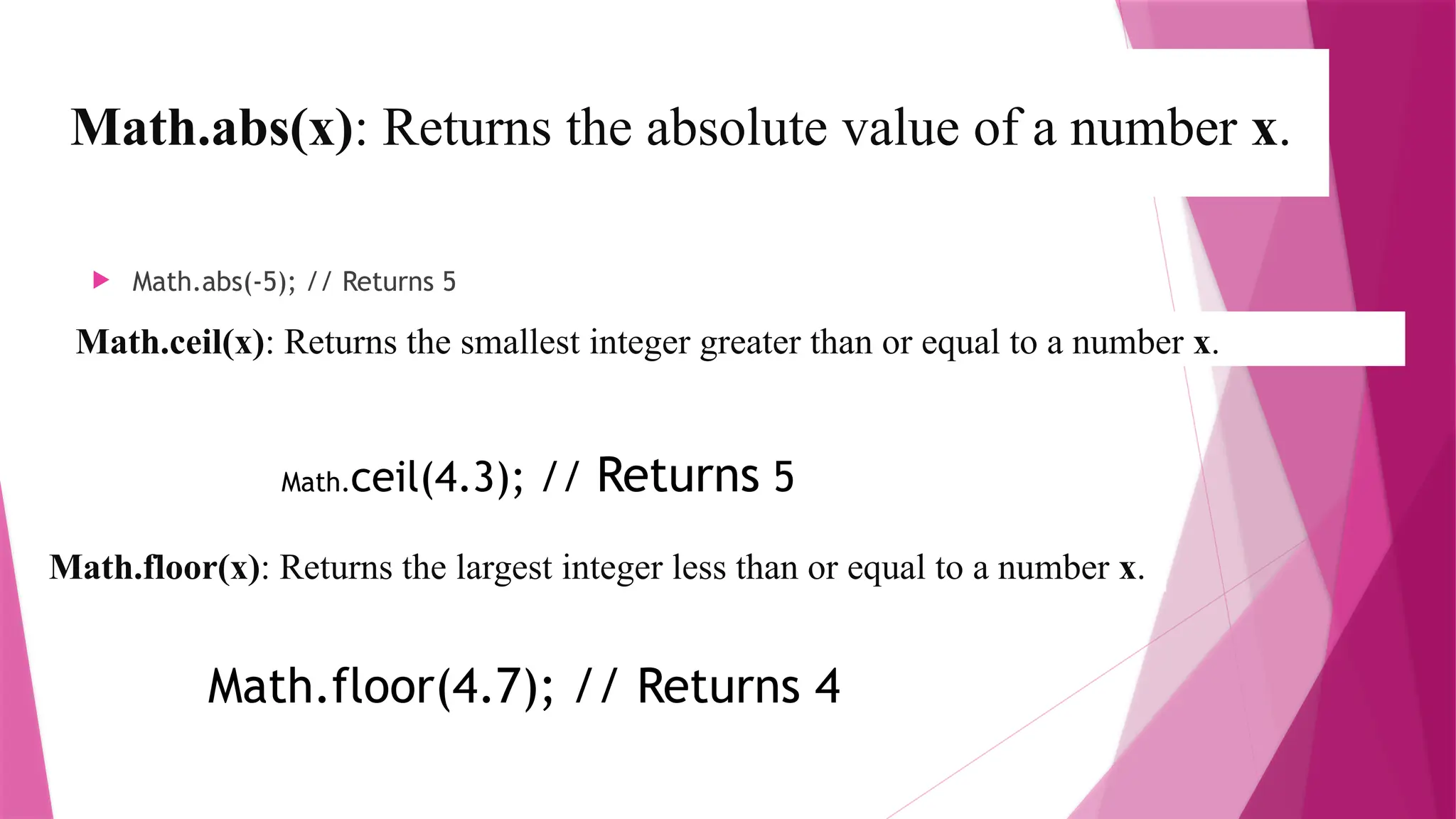
Math.abs(x): Returns the absolute value of a number x.
 Math.abs(-5); // Returns 5
Math.ceil(x): Returns the smallest integer greater than or equal to a number x.
Math.ceil(4.3); // Returns 5
Math.floor(x): Returns the largest integer less than or equal to a number x.
Math.floor(4.7); // Returns 4
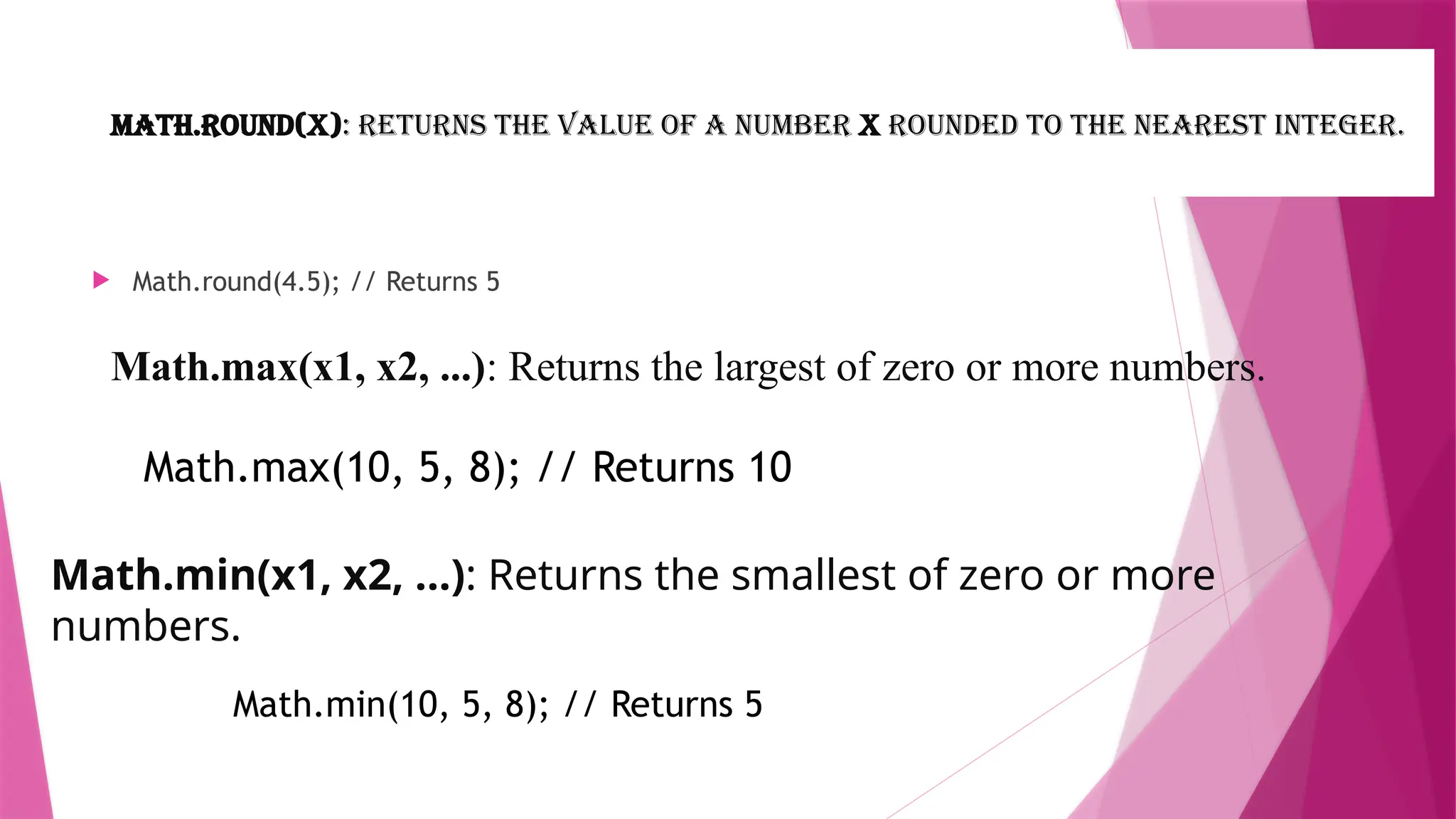
Math.round(x): Returns the value of a number x rounded to the nearest integer.
 Math.round(4.5); // Returns 5
Math.max(x1, x2, ...): Returns the largest of zero or more numbers.
Math.max(10, 5, 8); // Returns 10
Math.min(x1, x2, ...): Returns the smallest of zero or more
numbers.
Math.min(10, 5, 8); // Returns 5
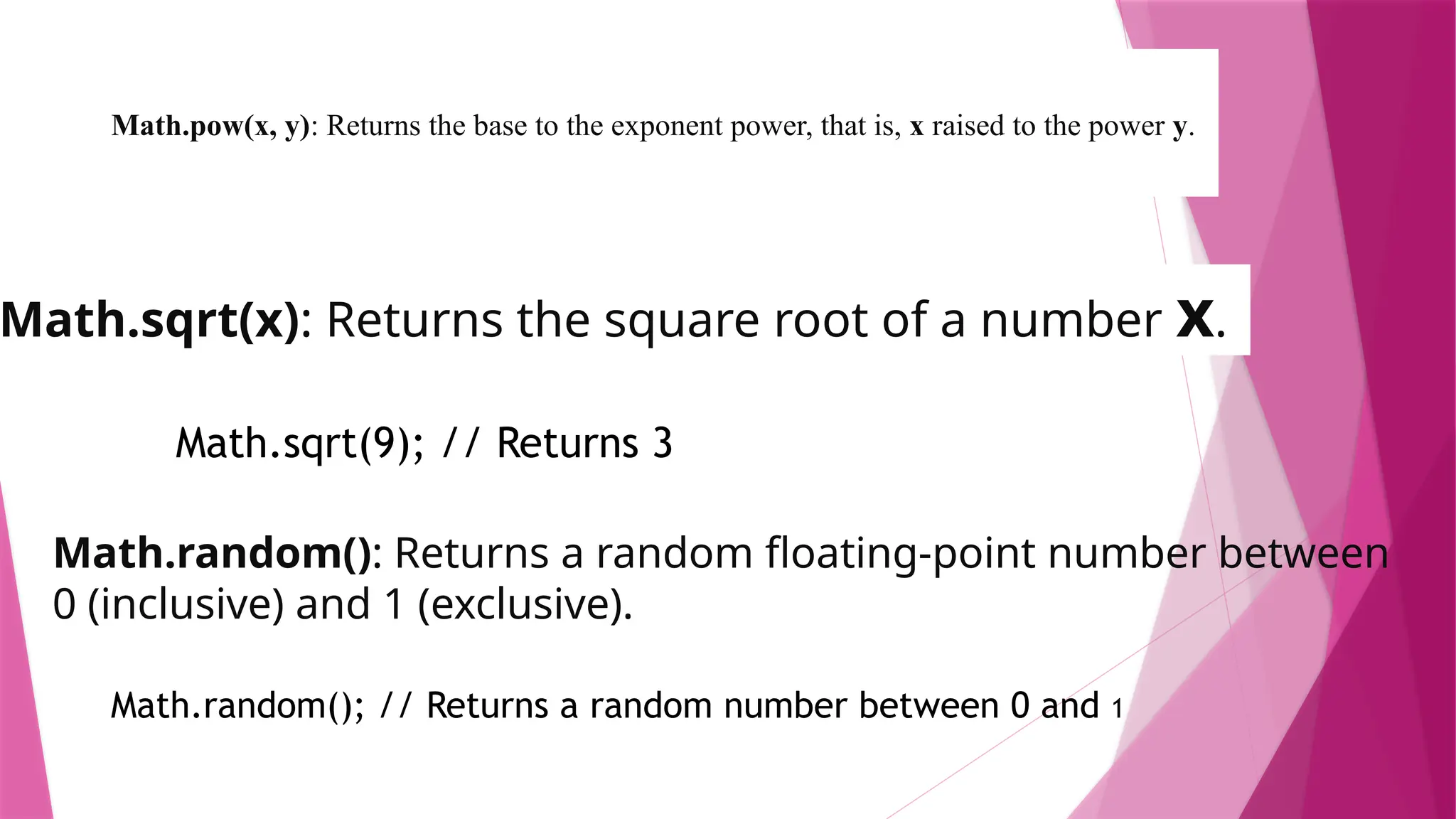
Math.pow(x, y): Returns the base to the exponent power, that is, x raised to the power y.
 Math.pow(2, 3); // Returns 8
Math.sqrt(x): Returns the square root of a number x.
Math.sqrt(9); // Returns 3
Math.random(): Returns a random floating-point number between
0 (inclusive) and 1 (exclusive).
Math.random(); // Returns a random number between 0 and 1
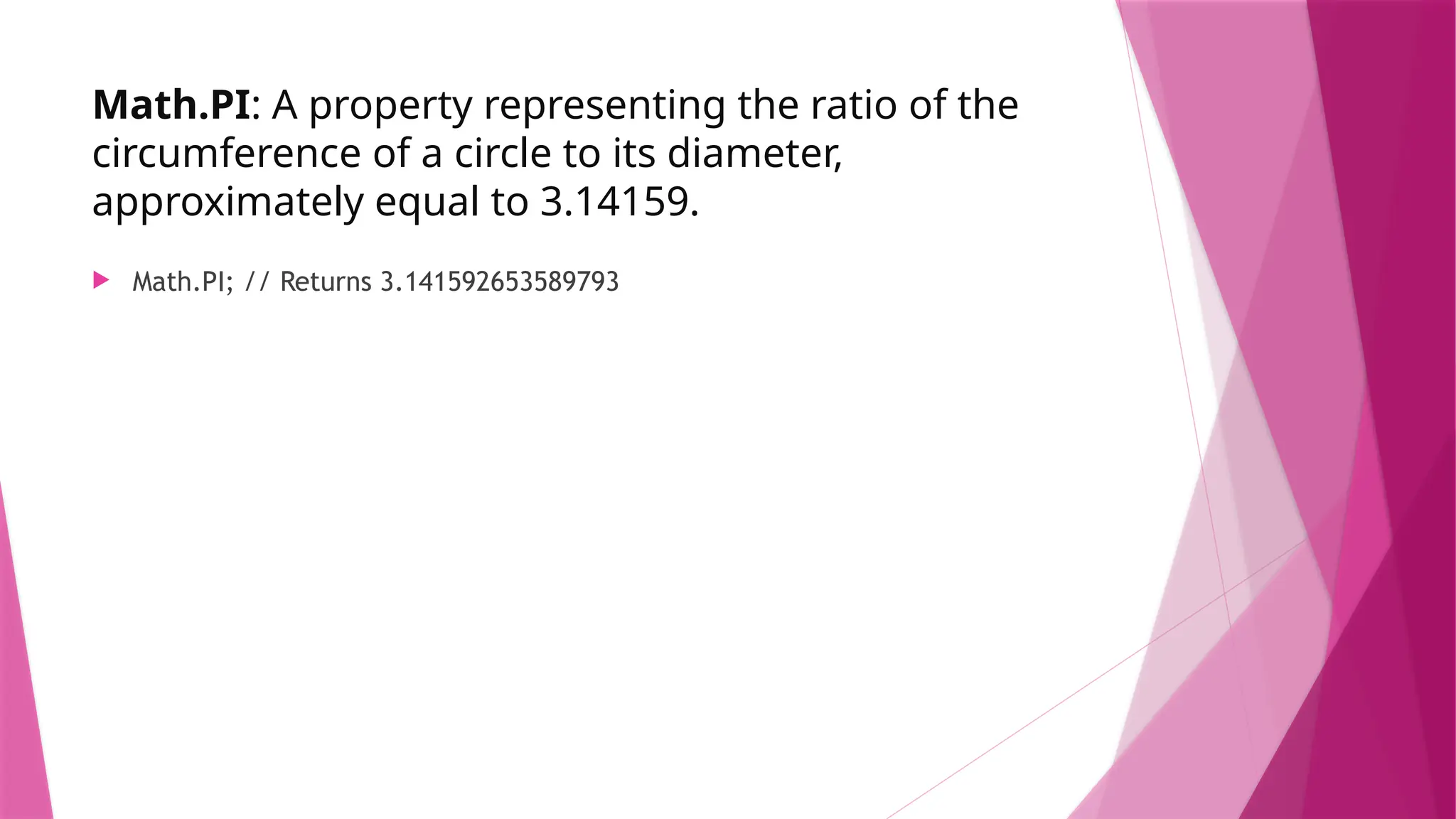
Math.PI: A property representing the ratio of the
circumference of a circle to its diameter,
approximately equal to 3.14159.
 Math.PI; // Returns 3.141592653589793
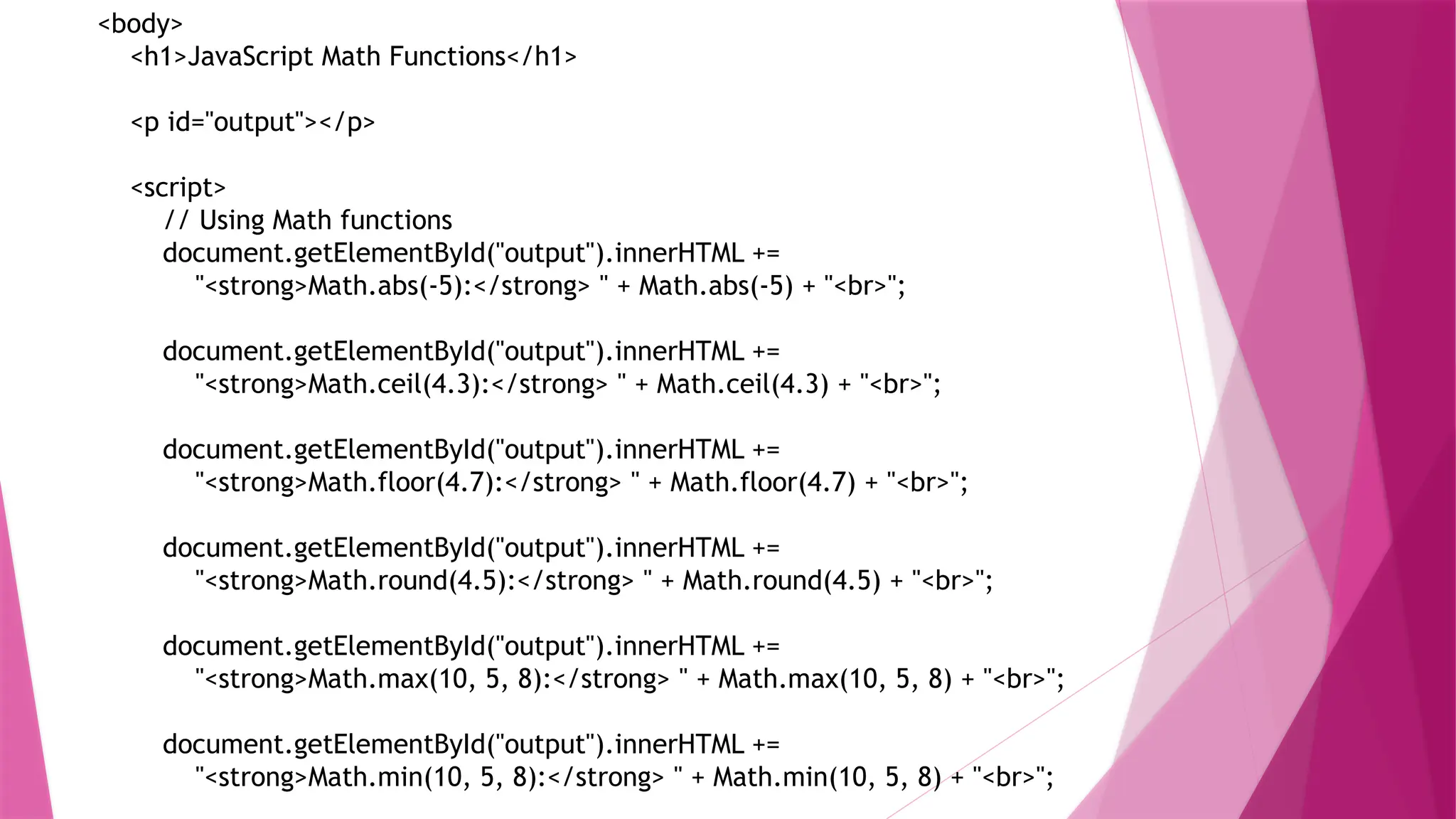
<body>
<h1>JavaScript Math Functions</h1>
<p id="output"></p>
<script>
// Using Math functions
document.getElementById("output").innerHTML +=
"<strong>Math.abs(-5):</strong> " + Math.abs(-5) + "<br>";
document.getElementById("output").innerHTML +=
"<strong>Math.ceil(4.3):</strong> " + Math.ceil(4.3) + "<br>";
document.getElementById("output").innerHTML +=
"<strong>Math.floor(4.7):</strong> " + Math.floor(4.7) + "<br>";
document.getElementById("output").innerHTML +=
"<strong>Math.round(4.5):</strong> " + Math.round(4.5) + "<br>";
document.getElementById("output").innerHTML +=
"<strong>Math.max(10, 5, 8):</strong> " + Math.max(10, 5, 8) + "<br>";
document.getElementById("output").innerHTML +=
"<strong>Math.min(10, 5, 8):</strong> " + Math.min(10, 5, 8) + "<br>";
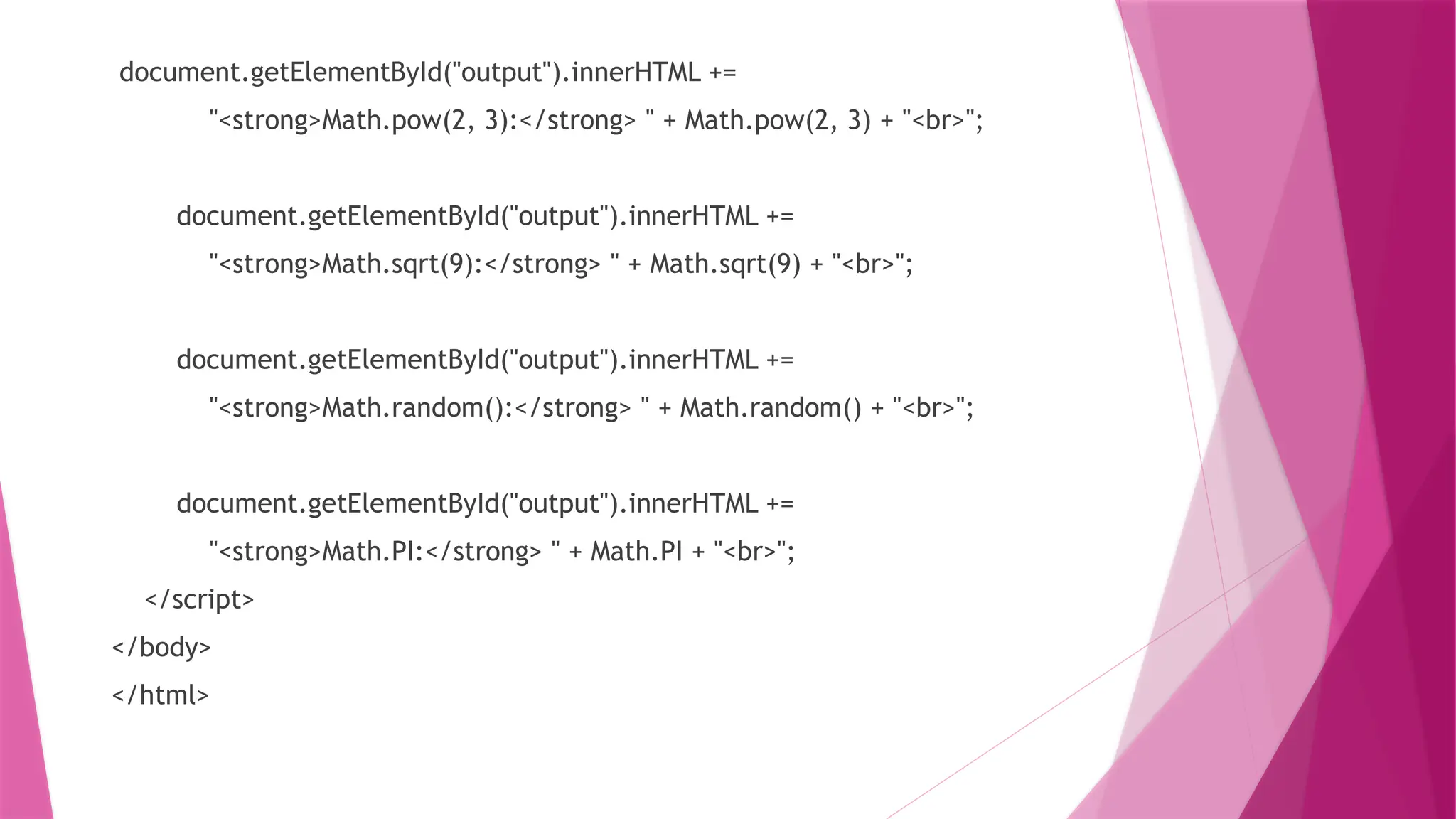
document.getElementById("output").innerHTML +=
"<strong>Math.pow(2, 3):</strong> " + Math.pow(2, 3) + "<br>";
document.getElementById("output").innerHTML +=
"<strong>Math.sqrt(9):</strong> " + Math.sqrt(9) + "<br>";
document.getElementById("output").innerHTML +=
"<strong>Math.random():</strong> " + Math.random() + "<br>";
document.getElementById("output").innerHTML +=
"<strong>Math.PI:</strong> " + Math.PI + "<br>";
</script>
</body>
</html>

In- Built Math function in java script..

  • 1.
    In –Built Mathfunctions in Java script
  • 2.
    Math is oneof JavaScript's global or standard built-in objects, and can be used anywhere you can use JavaScript. It contains useful constants like π and Euler’s constant and functions such as floor(), round(), and ceil(). Example The following example shows how to use the Math object to write a function that calculates the area of a circle
  • 3.
    Math.abs(x): Returns theabsolute value of a number x.  Math.abs(-5); // Returns 5 Math.ceil(x): Returns the smallest integer greater than or equal to a number x. Math.ceil(4.3); // Returns 5 Math.floor(x): Returns the largest integer less than or equal to a number x. Math.floor(4.7); // Returns 4
  • 4.
    Math.round(x): Returns thevalue of a number x rounded to the nearest integer.  Math.round(4.5); // Returns 5 Math.max(x1, x2, ...): Returns the largest of zero or more numbers. Math.max(10, 5, 8); // Returns 10 Math.min(x1, x2, ...): Returns the smallest of zero or more numbers. Math.min(10, 5, 8); // Returns 5
  • 5.
    Math.pow(x, y): Returnsthe base to the exponent power, that is, x raised to the power y.  Math.pow(2, 3); // Returns 8 Math.sqrt(x): Returns the square root of a number x. Math.sqrt(9); // Returns 3 Math.random(): Returns a random floating-point number between 0 (inclusive) and 1 (exclusive). Math.random(); // Returns a random number between 0 and 1
  • 6.
    Math.PI: A propertyrepresenting the ratio of the circumference of a circle to its diameter, approximately equal to 3.14159.  Math.PI; // Returns 3.141592653589793
  • 7.
    <body> <h1>JavaScript Math Functions</h1> <pid="output"></p> <script> // Using Math functions document.getElementById("output").innerHTML += "<strong>Math.abs(-5):</strong> " + Math.abs(-5) + "<br>"; document.getElementById("output").innerHTML += "<strong>Math.ceil(4.3):</strong> " + Math.ceil(4.3) + "<br>"; document.getElementById("output").innerHTML += "<strong>Math.floor(4.7):</strong> " + Math.floor(4.7) + "<br>"; document.getElementById("output").innerHTML += "<strong>Math.round(4.5):</strong> " + Math.round(4.5) + "<br>"; document.getElementById("output").innerHTML += "<strong>Math.max(10, 5, 8):</strong> " + Math.max(10, 5, 8) + "<br>"; document.getElementById("output").innerHTML += "<strong>Math.min(10, 5, 8):</strong> " + Math.min(10, 5, 8) + "<br>";
  • 8.
    document.getElementById("output").innerHTML += "<strong>Math.pow(2, 3):</strong>" + Math.pow(2, 3) + "<br>"; document.getElementById("output").innerHTML += "<strong>Math.sqrt(9):</strong> " + Math.sqrt(9) + "<br>"; document.getElementById("output").innerHTML += "<strong>Math.random():</strong> " + Math.random() + "<br>"; document.getElementById("output").innerHTML += "<strong>Math.PI:</strong> " + Math.PI + "<br>"; </script> </body> </html>