WHAT IS HTML 5?
“HTML 5” IS A MISCONSEPTION... (sorta)
  For most people, HTML5 is really a branding buzz-word
    gone wild


HTML 5 IS A COLLECTION OF FEATURES...
  What people are calling HTML5 is really a collection of
   W3C specifications and CSS3 standards that enable a
   more expressive experience


WE CAN DROP THE 5...
    The 5 can be confusing, let’s just consider it HTML,
    because that is what it really is
WHAT MAKES UP “NEW” HTML

W3C SPECS AND PROPOSALS...
  The W3C standards board are drafting new
    specifications for HTML tags and features. These
    new features are what makes up part of “HTML5”


CSS3 SPECS AND PROPOSALS...
  CSS3 has (and is) adding new features and
    functionality to browser-based applications
WHY ALL THE HYPE?
EMPOWERING A LARGE SET OF DEVELOPERS...
  The new features of HTML are providing more control,
    expressiveness and capabilities that browser-based
    developers have asked (and) needed for a long time


LOOK MA, NO PLUGINS!!!
  Flash is great, but it’s causing a lot of turmoil in the development
     community (right or wrong). The new HTML features has the
     ability to provide Flash-like (and more) features for any device
     that supports a modern browser


MOBILE, MOBILE EVERYWHERE...
  Mobile devices are driving the market, and they (mostly) have
   modern browsers, enabling a lot of this cool new stuff
WHY SHOULD I CARE?

I <3 FLASH BUT...
  Flash is great, it gives us a lot of power but there are
    limitations
  Let’s be honest... Flash mobile is cool but really not
    there yet and in some cases *cough* iOS *cough* it’s
    not even supported
  Mobile browser are often the most advanced
    browsers in the market
  As Seb Lee-Delisle said:
     “... we are really software programmers.”
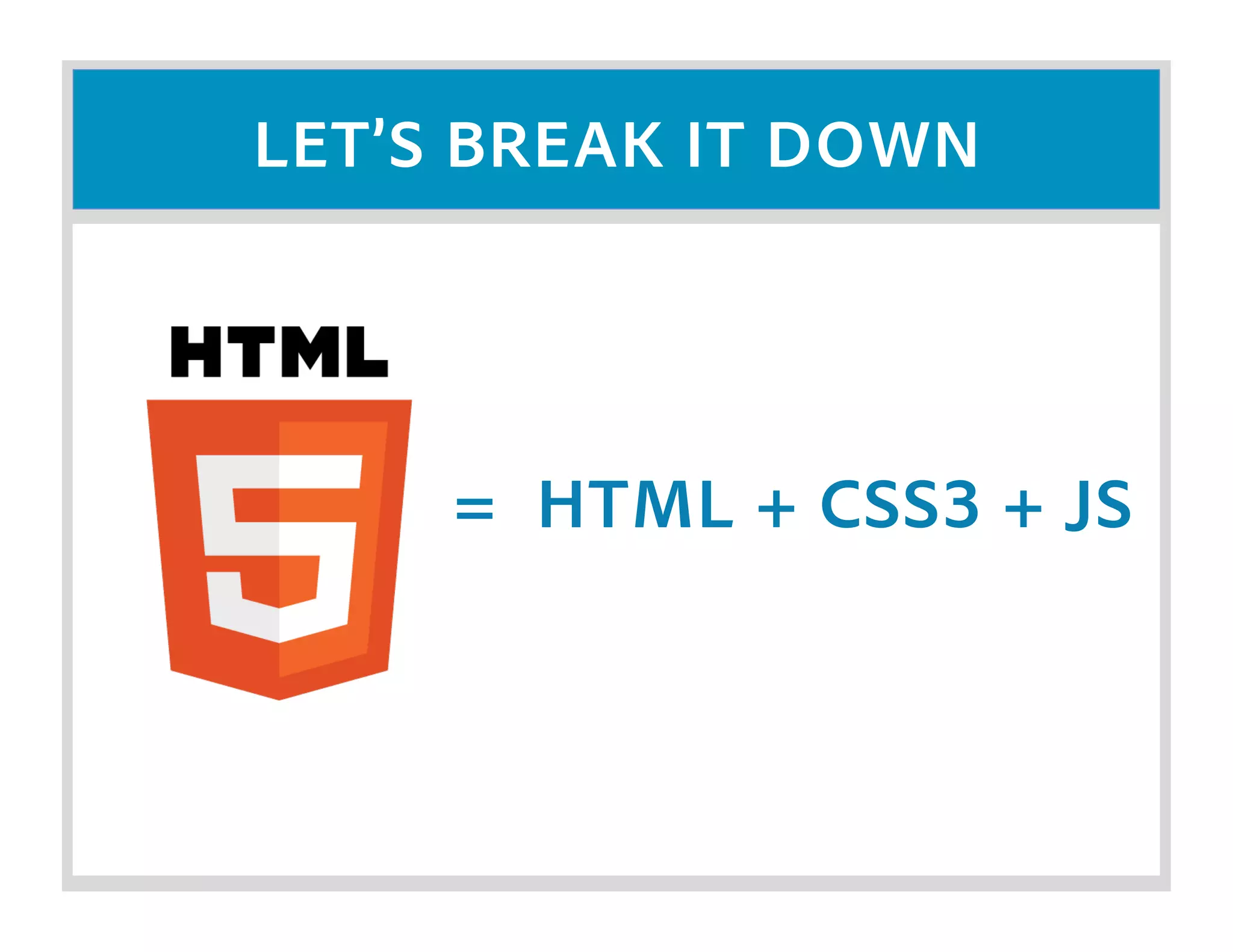
LET’S BREAK IT DOWN


     = HTML + CSS3 + JS
HTML SIDE OF THINGS...

NEW DOCTYPE...
  <!DOCTYPE html>!


LOOSER STRUCTRE...
  XHTML required valid XML data, not so with HTML5
     Types are dropped for <script> and <style> tags
     Quotes are optional


EDITABILITY...
  Throw a new attribute (contentEditable) on text items
    and users can now change the values in real-time
HTML SIDE OF THINGS...

BETTER FORMS...
  Placeholder Text
  Autofocus on fields
  Email field Type (helpful for mobile)
  Web address field type (similar to email)
  Number Field (min, max, step & sliders)
  Date Pickers, Search Fields, Color Pickers
  Form Validation
  Required Fields
  Regex Support
HTML SIDE OF THINGS...

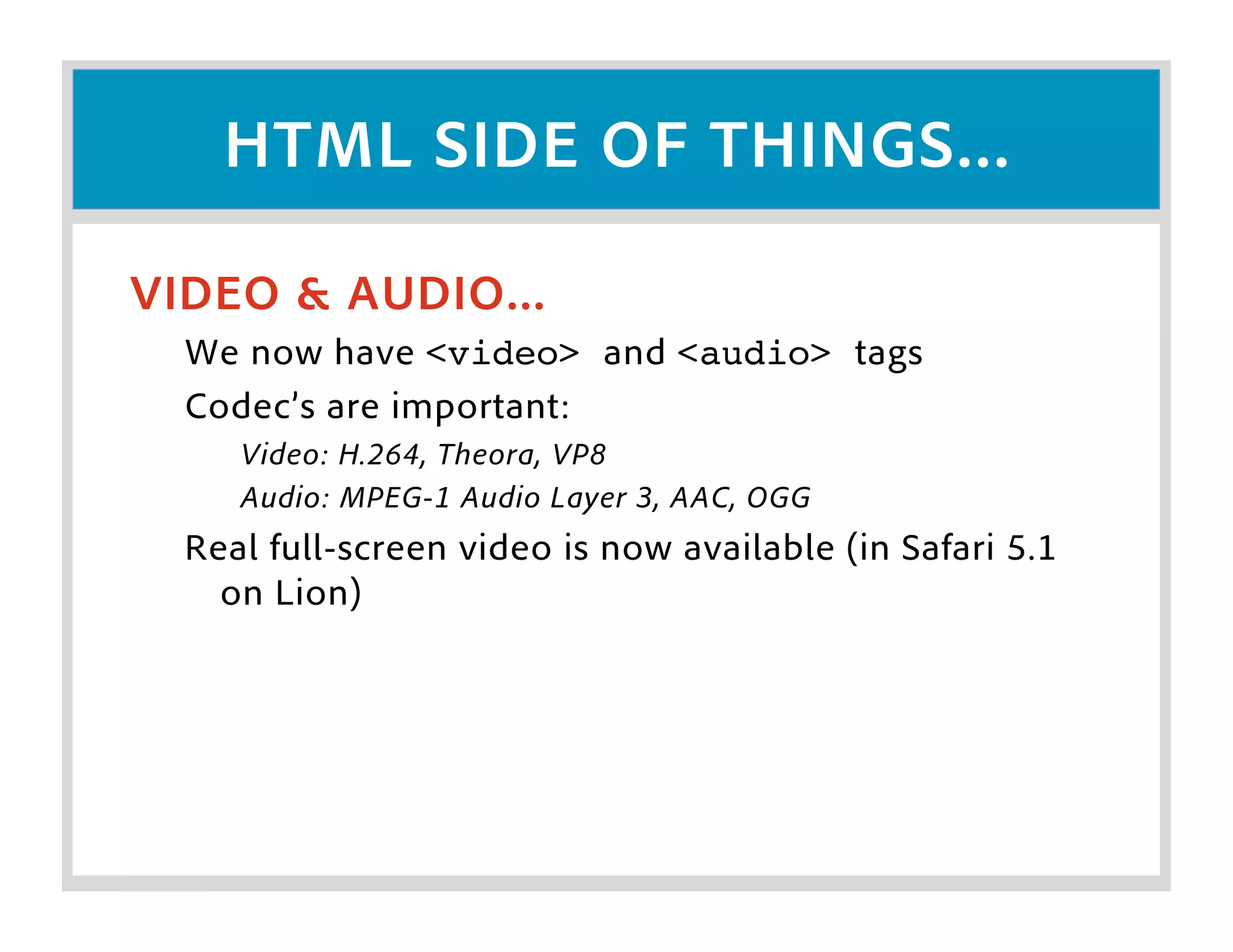
VIDEO & AUDIO...
  We now have <video> and <audio> tags
  Codec’s are important:
     Video: H.264, Theora, VP8
     Audio: MPEG-1 Audio Layer 3, AAC, OGG
  Real full-screen video is now available (in Safari 5.1
    on Lion)
HTML SIDE OF THINGS...

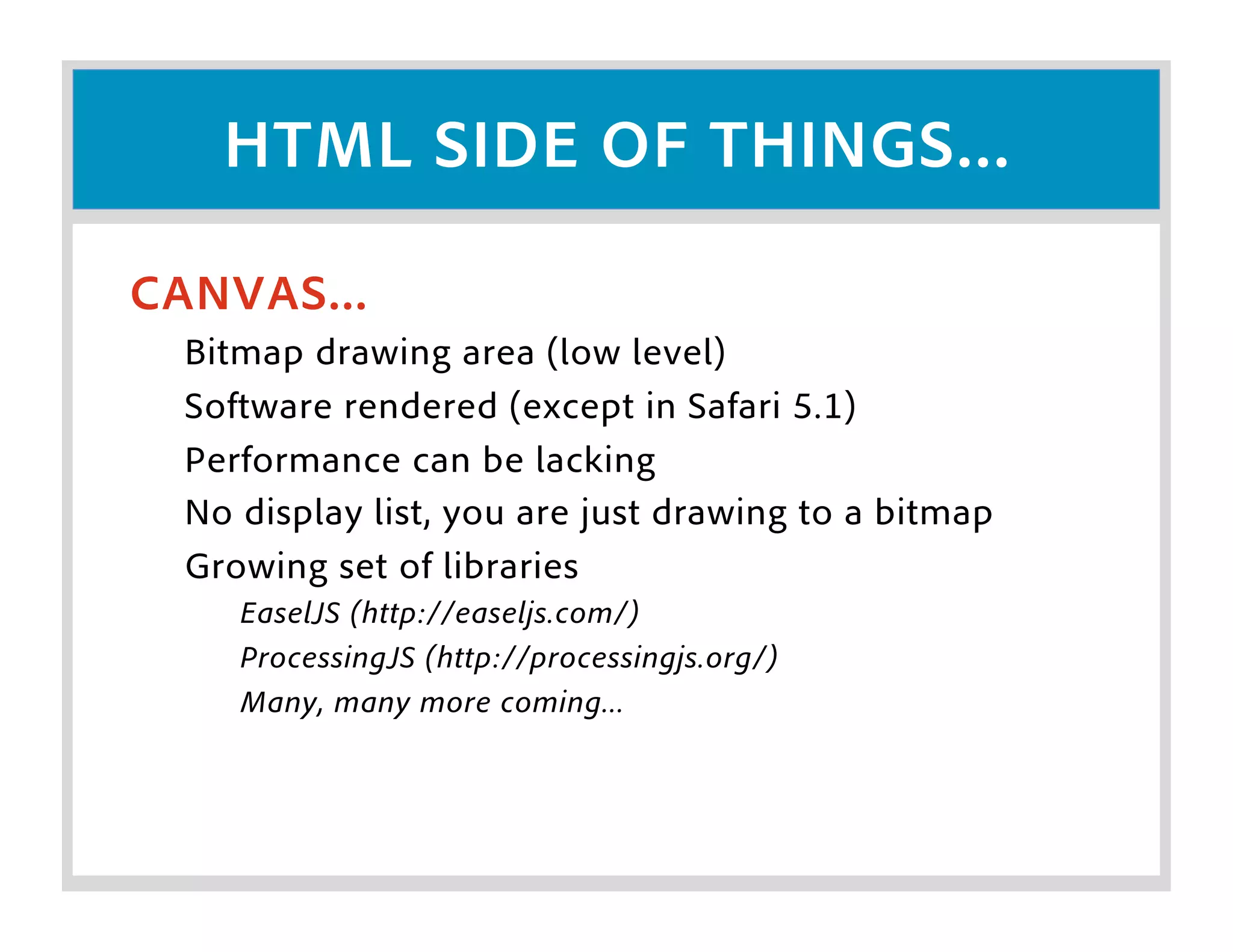
CANVAS...
  Bitmap drawing area (low level)
  Software rendered (except in Safari 5.1)
  Performance can be lacking
  No display list, you are just drawing to a bitmap
  Growing set of libraries
     EaselJS (http://easeljs.com/)
     ProcessingJS (http://processingjs.org/)
     Many, many more coming...
CSS SIDE OF THINGS...

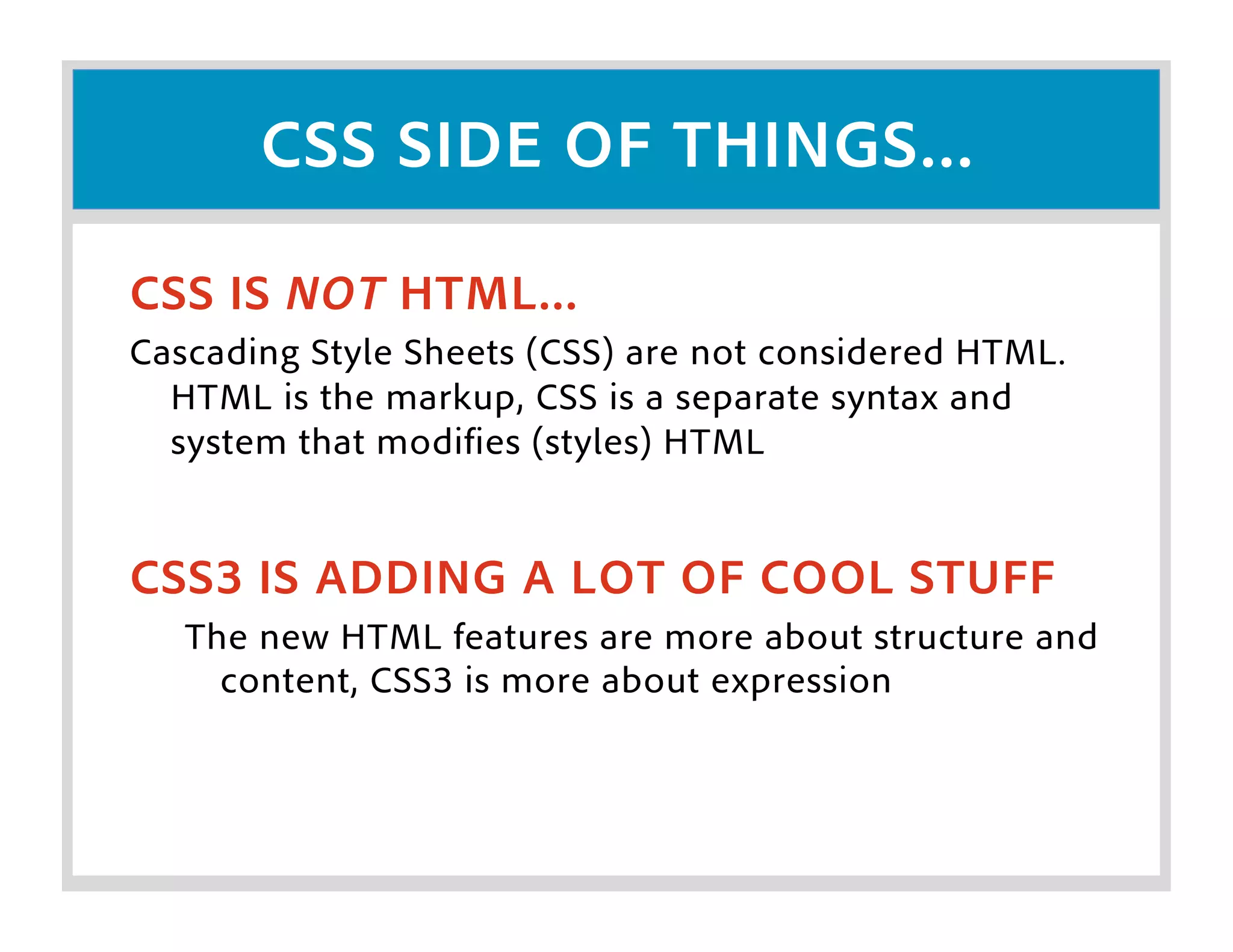
CSS IS NOT HTML...
Cascading Style Sheets (CSS) are not considered HTML.
  HTML is the markup, CSS is a separate syntax and
  system that modifies (styles) HTML


CSS3 IS ADDING A LOT OF COOL STUFF
   The new HTML features are more about structure and
     content, CSS3 is more about expression
CSS SIDE OF THINGS...
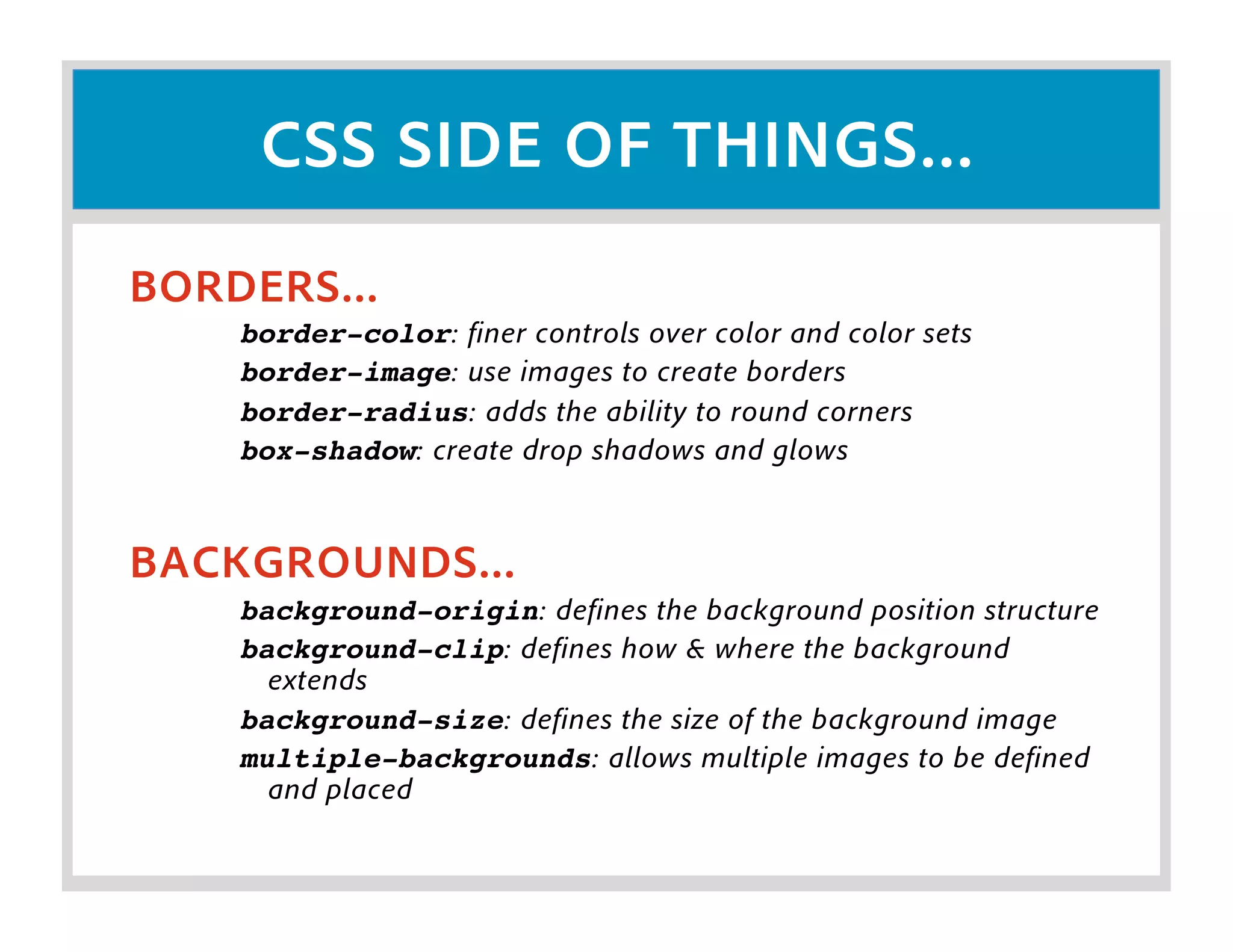
BORDERS...
    border-color: finer controls over color and color sets
    border-image: use images to create borders
    border-radius: adds the ability to round corners
    box-shadow: create drop shadows and glows


BACKGROUNDS...
    background-origin: defines the background position structure
    background-clip: defines how & where the background
      extends
    background-size: defines the size of the background image
    multiple-backgrounds: allows multiple images to be defined
      and placed
CSS SIDE OF THINGS...

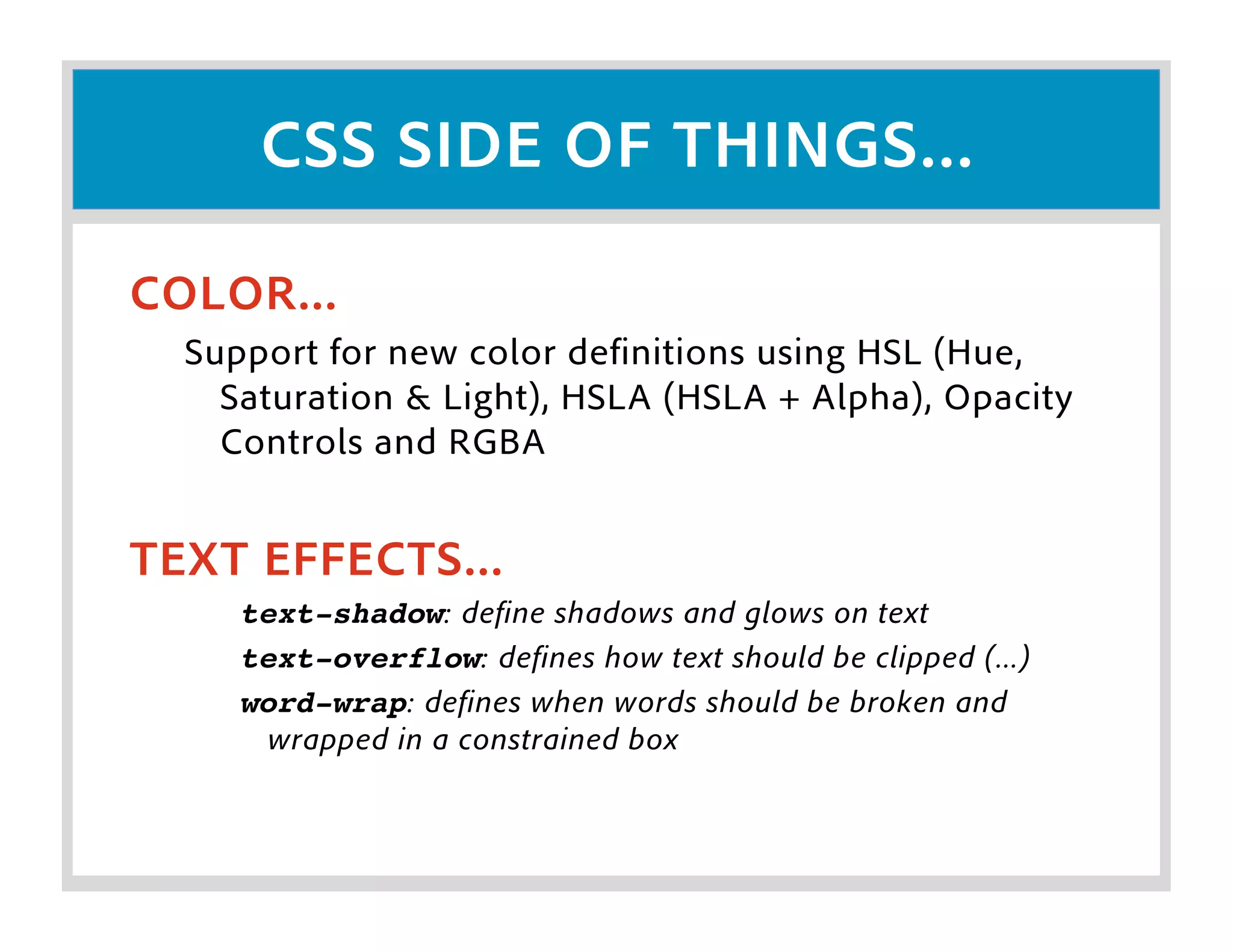
COLOR...
  Support for new color definitions using HSL (Hue,
    Saturation & Light), HSLA (HSLA + Alpha), Opacity
    Controls and RGBA


TEXT EFFECTS...
     text-shadow: define shadows and glows on text
     text-overflow: defines how text should be clipped (...)
     word-wrap: defines when words should be broken and
      wrapped in a constrained box
CSS SIDE OF THINGS...

USER INTERFACE...
     box-sizing: define how box size is calculated
     resize: allow boxes to be resized by the user
     outline: think nested borders


NEW SELECTORS...
  Three new selector types have been added
     [att^=val]: attribute beings with value
     [att$=val]: attribute ends with value
     [att*=val]: attribute contains value
CSS SIDE OF THINGS...

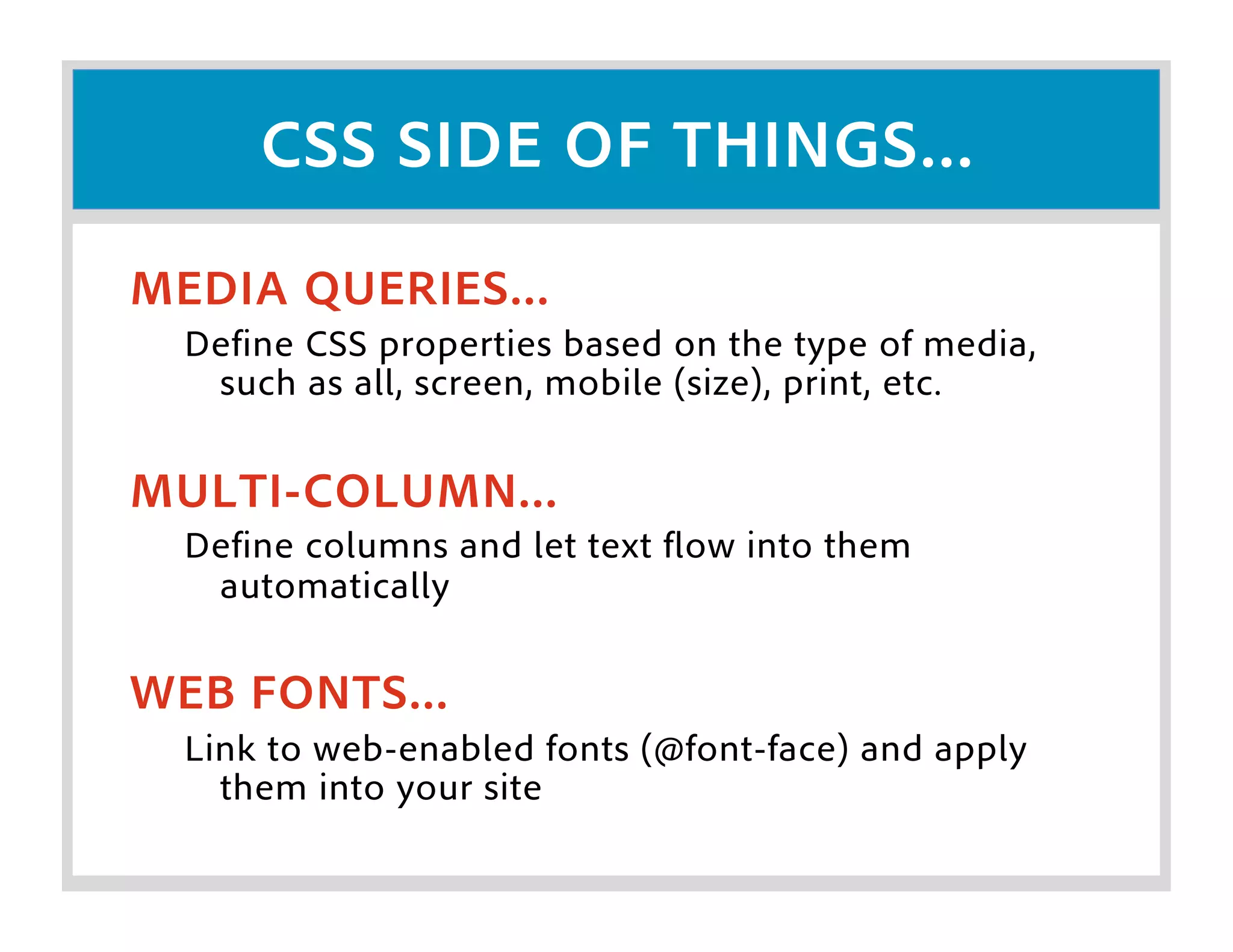
MEDIA QUERIES...
  Define CSS properties based on the type of media,
   such as all, screen, mobile (size), print, etc.


MULTI-COLUMN...
  Define columns and let text flow into them
   automatically

WEB FONTS...
  Link to web-enabled fonts (@font-face) and apply
    them into your site
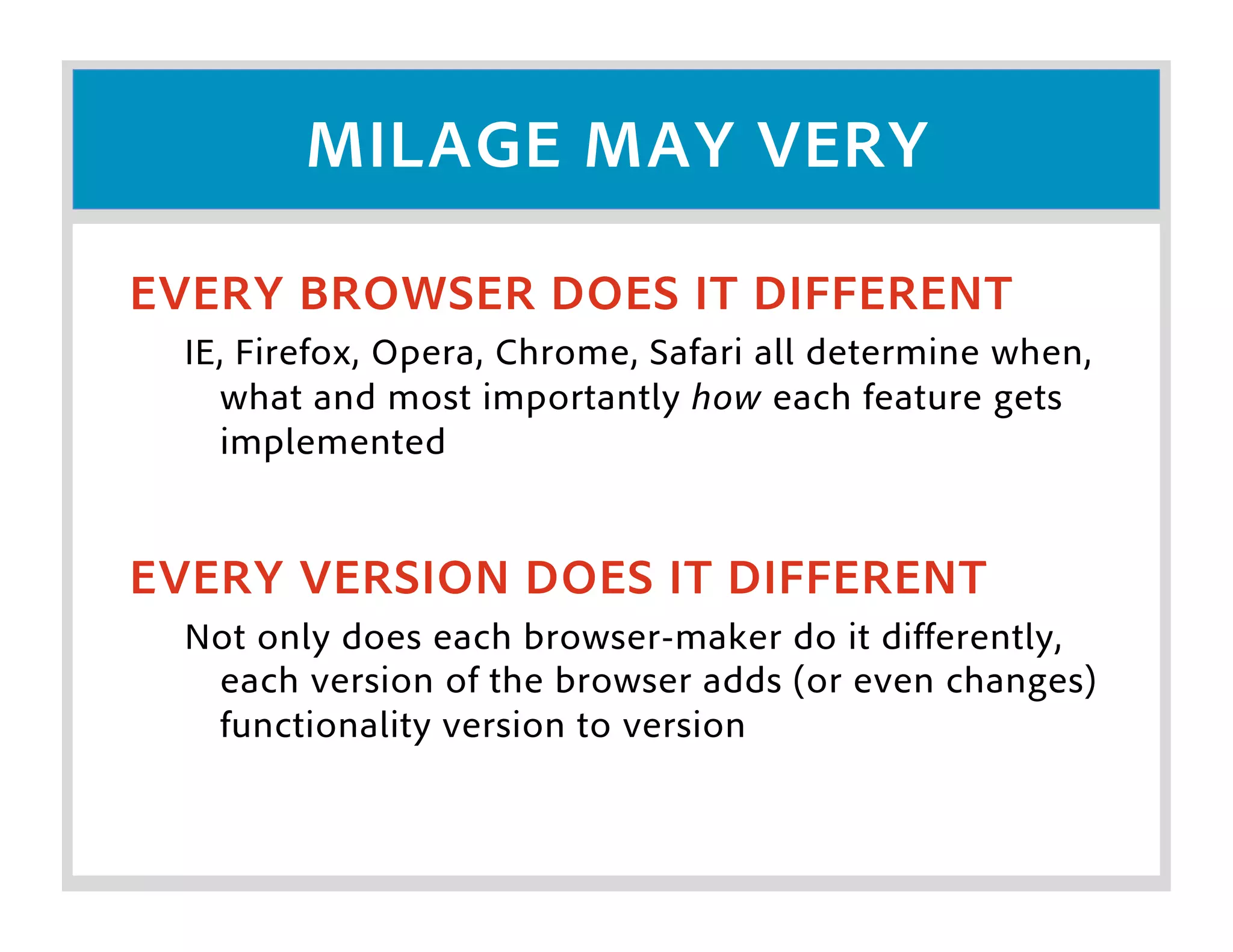
MILAGE MAY VERY

EVERY BROWSER DOES IT DIFFERENT
  IE, Firefox, Opera, Chrome, Safari all determine when,
    what and most importantly how each feature gets
    implemented


EVERY VERSION DOES IT DIFFERENT
  Not only does each browser-maker do it differently,
   each version of the browser adds (or even changes)
   functionality version to version
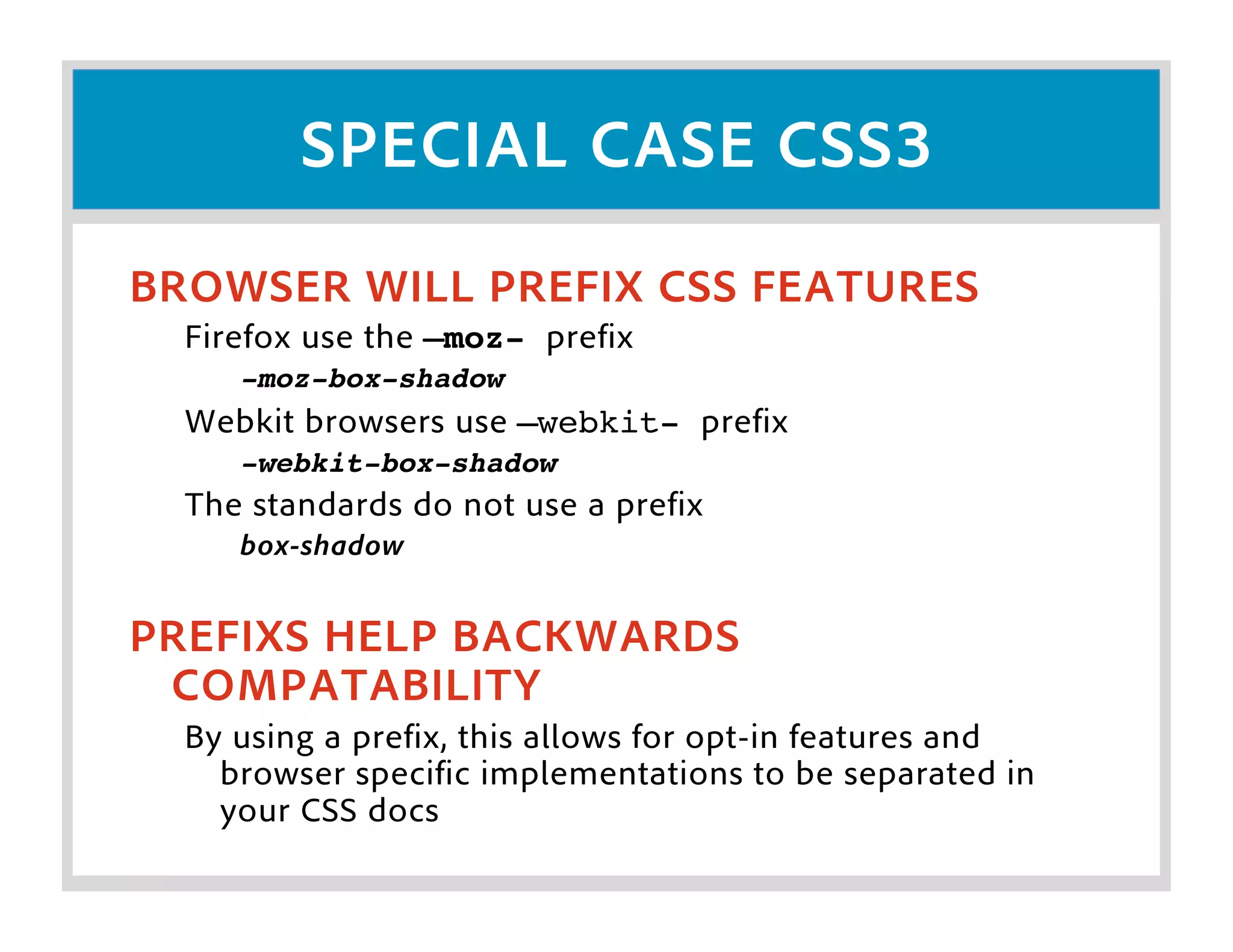
SPECIAL CASE CSS3
BROWSER WILL PREFIX CSS FEATURES
  Firefox use the –moz- prefix
     -moz-box-shadow
  Webkit browsers use –webkit- prefix
     -webkit-box-shadow
  The standards do not use a prefix
     box-shadow


PREFIXS HELP BACKWARDS
 COMPATABILITY
  By using a prefix, this allows for opt-in features and
    browser specific implementations to be separated in
    your CSS docs
FORK YOUR CODE

AS DEVELOPERS WE HAVE TO TEST AND
 FORK OUR CODE
 When leveraging new features we have to consider
  what browsers support which feature, then properly
  apply or remove content accordingly
GRACEFULLY FALLBACK
UNDERSTAND YOUR USER
  Who are you creating content for and what browsers do
   they use? This is true for ANY technology!


UNDERSTAND WHAT IS SUPPORTED
  Define what you are doing, determine what you can
    leverage and make sure to handle a graceful fallback


IT DOESN’T HAVE TO BE PRETTY
  Having a fallback doesn’t mean that your low end-
    browsers have to look the same, just make it usable for
    them
LEARN MORE...
HERE ARE SOME AWESOME RESOURCES

 The standards...
 HTML: http://diveintohtml5.org/
 CSS3: http://www.css3.info/

 Drawing stuff...
 http://easeljs.com/
 http://processingjs.org/

 Examples...
 http://beta.theexpressiveweb.com/

HTML5 for the Flash Developer

  • 2.
    WHAT IS HTML5? “HTML 5” IS A MISCONSEPTION... (sorta) For most people, HTML5 is really a branding buzz-word gone wild HTML 5 IS A COLLECTION OF FEATURES... What people are calling HTML5 is really a collection of W3C specifications and CSS3 standards that enable a more expressive experience WE CAN DROP THE 5... The 5 can be confusing, let’s just consider it HTML, because that is what it really is
  • 3.
    WHAT MAKES UP“NEW” HTML W3C SPECS AND PROPOSALS... The W3C standards board are drafting new specifications for HTML tags and features. These new features are what makes up part of “HTML5” CSS3 SPECS AND PROPOSALS... CSS3 has (and is) adding new features and functionality to browser-based applications
  • 4.
    WHY ALL THEHYPE? EMPOWERING A LARGE SET OF DEVELOPERS... The new features of HTML are providing more control, expressiveness and capabilities that browser-based developers have asked (and) needed for a long time LOOK MA, NO PLUGINS!!! Flash is great, but it’s causing a lot of turmoil in the development community (right or wrong). The new HTML features has the ability to provide Flash-like (and more) features for any device that supports a modern browser MOBILE, MOBILE EVERYWHERE... Mobile devices are driving the market, and they (mostly) have modern browsers, enabling a lot of this cool new stuff
  • 5.
    WHY SHOULD ICARE? I <3 FLASH BUT... Flash is great, it gives us a lot of power but there are limitations Let’s be honest... Flash mobile is cool but really not there yet and in some cases *cough* iOS *cough* it’s not even supported Mobile browser are often the most advanced browsers in the market As Seb Lee-Delisle said: “... we are really software programmers.”
  • 6.
    LET’S BREAK ITDOWN = HTML + CSS3 + JS
  • 7.
    HTML SIDE OFTHINGS... NEW DOCTYPE... <!DOCTYPE html>! LOOSER STRUCTRE... XHTML required valid XML data, not so with HTML5 Types are dropped for <script> and <style> tags Quotes are optional EDITABILITY... Throw a new attribute (contentEditable) on text items and users can now change the values in real-time
  • 8.
    HTML SIDE OFTHINGS... BETTER FORMS... Placeholder Text Autofocus on fields Email field Type (helpful for mobile) Web address field type (similar to email) Number Field (min, max, step & sliders) Date Pickers, Search Fields, Color Pickers Form Validation Required Fields Regex Support
  • 9.
    HTML SIDE OFTHINGS... VIDEO & AUDIO... We now have <video> and <audio> tags Codec’s are important: Video: H.264, Theora, VP8 Audio: MPEG-1 Audio Layer 3, AAC, OGG Real full-screen video is now available (in Safari 5.1 on Lion)
  • 10.
    HTML SIDE OFTHINGS... CANVAS... Bitmap drawing area (low level) Software rendered (except in Safari 5.1) Performance can be lacking No display list, you are just drawing to a bitmap Growing set of libraries EaselJS (http://easeljs.com/) ProcessingJS (http://processingjs.org/) Many, many more coming...
  • 11.
    CSS SIDE OFTHINGS... CSS IS NOT HTML... Cascading Style Sheets (CSS) are not considered HTML. HTML is the markup, CSS is a separate syntax and system that modifies (styles) HTML CSS3 IS ADDING A LOT OF COOL STUFF The new HTML features are more about structure and content, CSS3 is more about expression
  • 12.
    CSS SIDE OFTHINGS... BORDERS... border-color: finer controls over color and color sets border-image: use images to create borders border-radius: adds the ability to round corners box-shadow: create drop shadows and glows BACKGROUNDS... background-origin: defines the background position structure background-clip: defines how & where the background extends background-size: defines the size of the background image multiple-backgrounds: allows multiple images to be defined and placed
  • 13.
    CSS SIDE OFTHINGS... COLOR... Support for new color definitions using HSL (Hue, Saturation & Light), HSLA (HSLA + Alpha), Opacity Controls and RGBA TEXT EFFECTS... text-shadow: define shadows and glows on text text-overflow: defines how text should be clipped (...) word-wrap: defines when words should be broken and wrapped in a constrained box
  • 14.
    CSS SIDE OFTHINGS... USER INTERFACE... box-sizing: define how box size is calculated resize: allow boxes to be resized by the user outline: think nested borders NEW SELECTORS... Three new selector types have been added [att^=val]: attribute beings with value [att$=val]: attribute ends with value [att*=val]: attribute contains value
  • 15.
    CSS SIDE OFTHINGS... MEDIA QUERIES... Define CSS properties based on the type of media, such as all, screen, mobile (size), print, etc. MULTI-COLUMN... Define columns and let text flow into them automatically WEB FONTS... Link to web-enabled fonts (@font-face) and apply them into your site
  • 16.
    MILAGE MAY VERY EVERYBROWSER DOES IT DIFFERENT IE, Firefox, Opera, Chrome, Safari all determine when, what and most importantly how each feature gets implemented EVERY VERSION DOES IT DIFFERENT Not only does each browser-maker do it differently, each version of the browser adds (or even changes) functionality version to version
  • 17.
    SPECIAL CASE CSS3 BROWSERWILL PREFIX CSS FEATURES Firefox use the –moz- prefix -moz-box-shadow Webkit browsers use –webkit- prefix -webkit-box-shadow The standards do not use a prefix box-shadow PREFIXS HELP BACKWARDS COMPATABILITY By using a prefix, this allows for opt-in features and browser specific implementations to be separated in your CSS docs
  • 18.
    FORK YOUR CODE ASDEVELOPERS WE HAVE TO TEST AND FORK OUR CODE When leveraging new features we have to consider what browsers support which feature, then properly apply or remove content accordingly
  • 19.
    GRACEFULLY FALLBACK UNDERSTAND YOURUSER Who are you creating content for and what browsers do they use? This is true for ANY technology! UNDERSTAND WHAT IS SUPPORTED Define what you are doing, determine what you can leverage and make sure to handle a graceful fallback IT DOESN’T HAVE TO BE PRETTY Having a fallback doesn’t mean that your low end- browsers have to look the same, just make it usable for them
  • 20.
    LEARN MORE... HERE ARESOME AWESOME RESOURCES The standards... HTML: http://diveintohtml5.org/ CSS3: http://www.css3.info/ Drawing stuff... http://easeljs.com/ http://processingjs.org/ Examples... http://beta.theexpressiveweb.com/