Building Mobile
HTML5 Apps
With Angular.JS + Ionic Framework
Uri Shaked, DroidCon Tel-Aviv
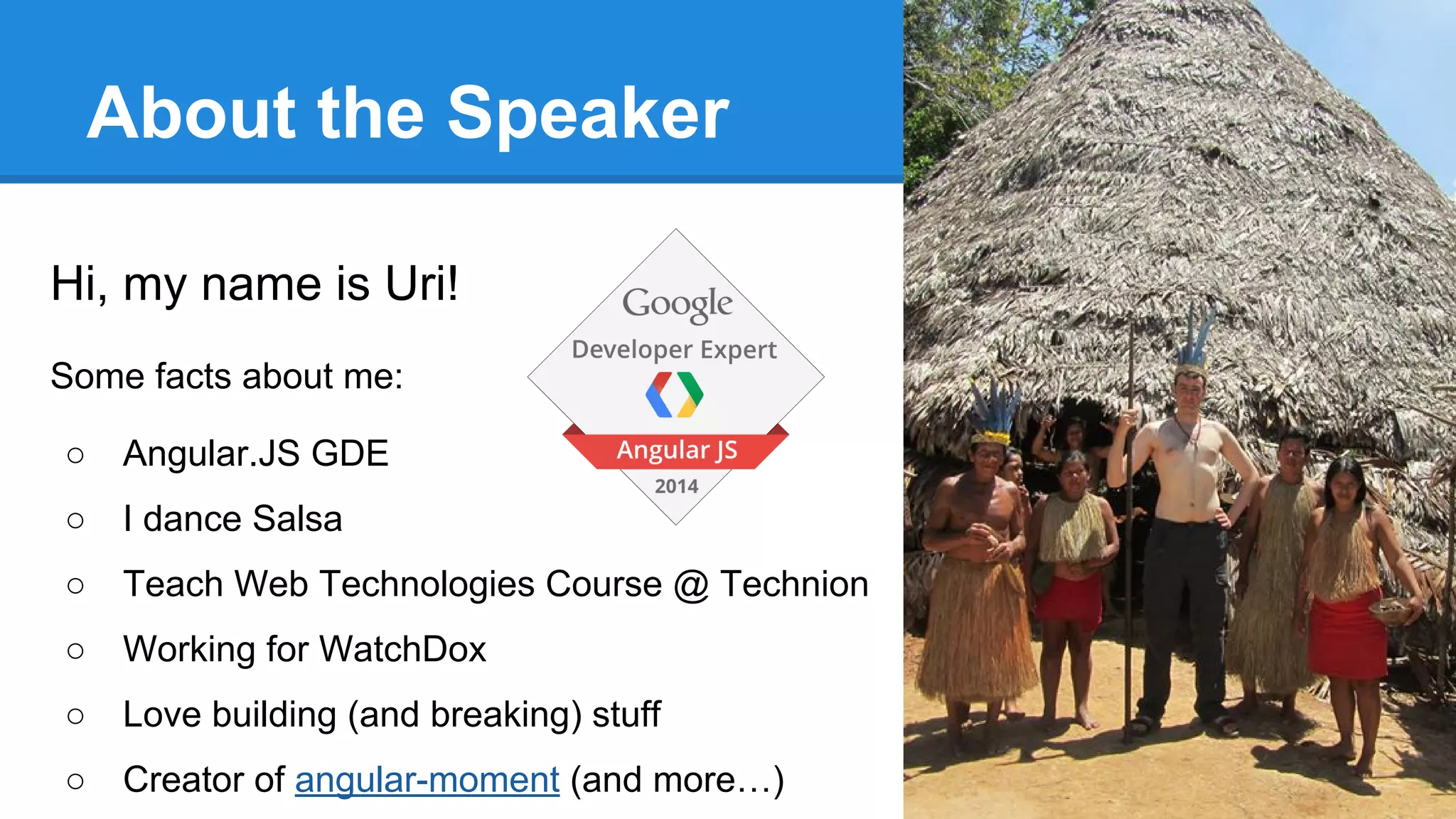
About the Speaker
Hi, my name is Uri!
Some facts about me:
○ Angular.JS GDE
○ I dance Salsa
○ Teach Web Technologies Course @ Technion
○ Working for WatchDox
○ Love building (and breaking) stuff
○ Creator of angular-moment (and more…)
Cross Platform Apps Overview
○ Native Apps / Non JS Frameworks
○ JS Frameworks (e.g. titanium)
○ Cordova / PhoneGap
○ HTML5 Apps
Angular.JS
○ Popular MV* Framework by Google
○ Large community, Enterprise adoption
○ Extend HTML capabilities with Directives
and two-way Data-Binding
○ Dependency Injection, Application
Architecture and Easy-to-Test code
Apache Cordova
○ Open Source hybrid HTML5 app platform,
originally known as “PhoneGap”
○ Large ecosystem with many plugins
○ Supports Android, iOS, Windows Mobile,
Blackberry, Tizen, Firefox OS...
Ionic Framework
○ Built on top of Cordova, Angular.JS
○ Mobile-app Focused
○ Provides CSS Components, Javascript
Controllers and CLI wrapper around
Cordova
Does this really work?
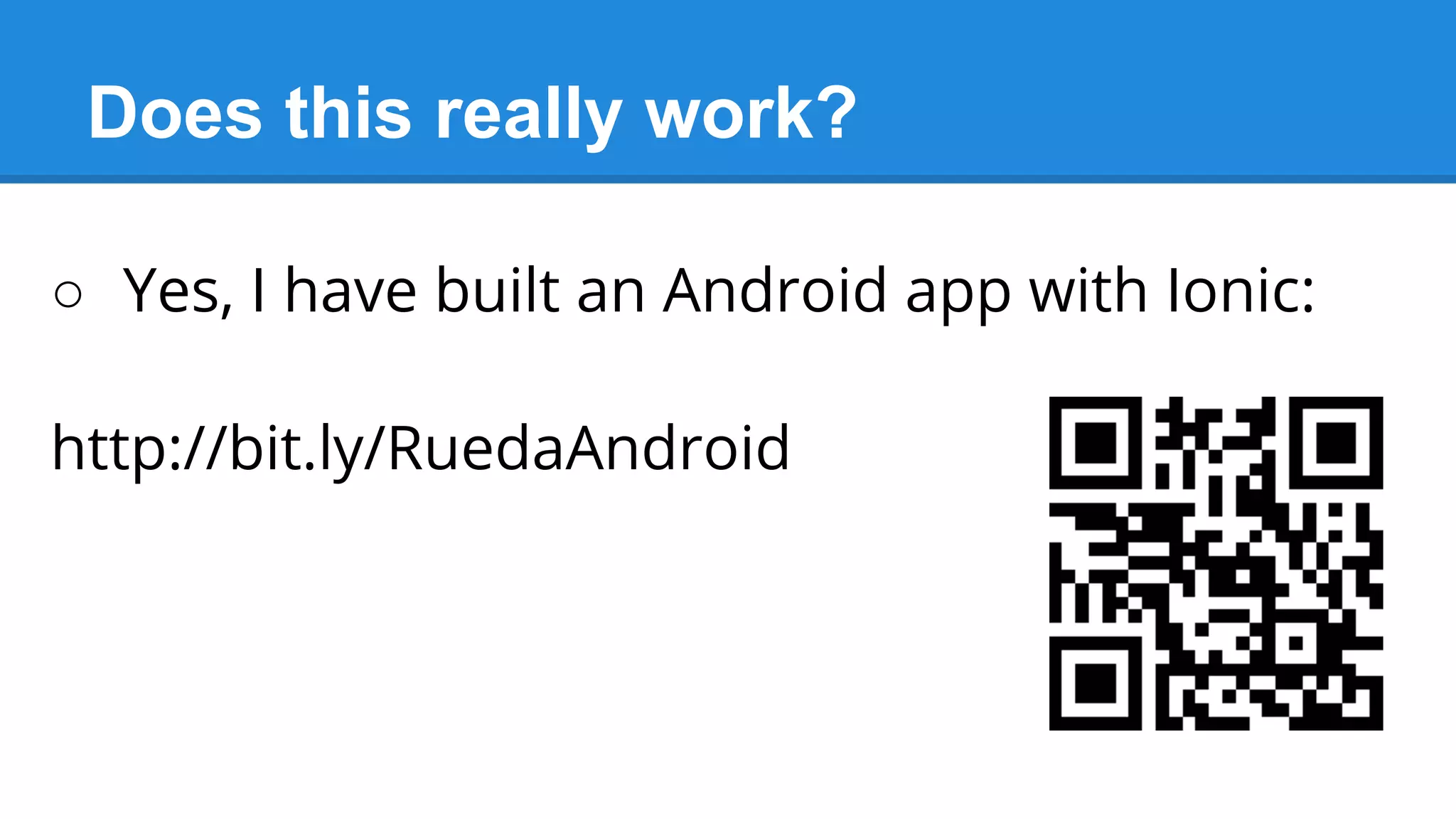
○ Yes, I have built an Android app with Ionic:
http://bit.ly/RuedaAndroid
What do we get?
○ Tabbed controllers
○ Complete navigation history
○ Gestures: Pull to Refresh & Swipe to delete
○ Sidebar Directive
○ Lists & Form Controls
○ Ionicons - Over 500 ready-to-use icons
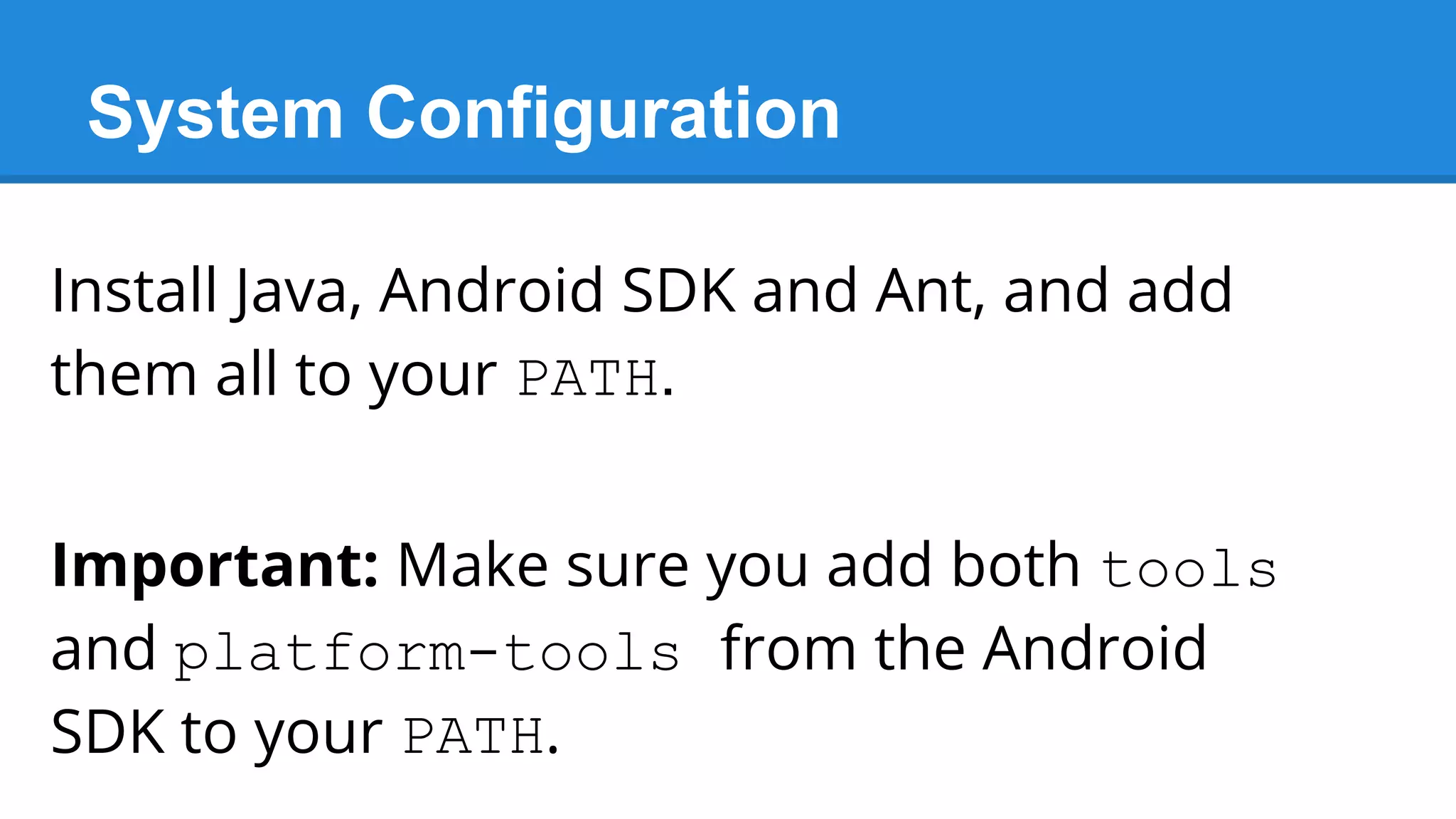
System Configuration
Install Java, Android SDK and Ant, and add
them all to your PATH.
Important: Make sure you add both tools
and platform-tools from the Android
SDK to your PATH.
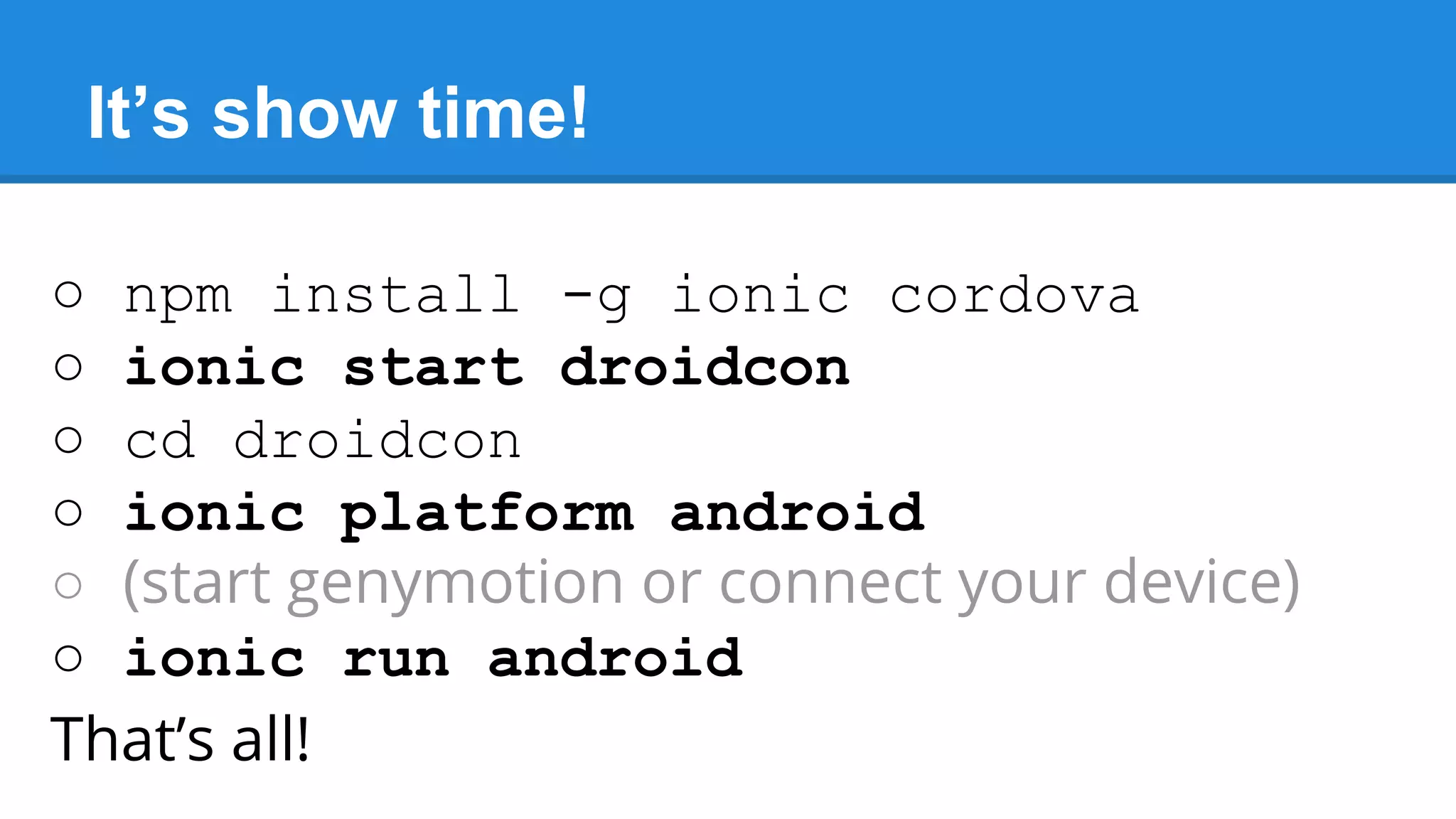
It’s show time!
○ npm install -g ionic cordova
○ ionic start droidcon
○ cd droidcon
○ ionic platform android
○ (start genymotion or connect your device)
○ ionic run android
That’s all!
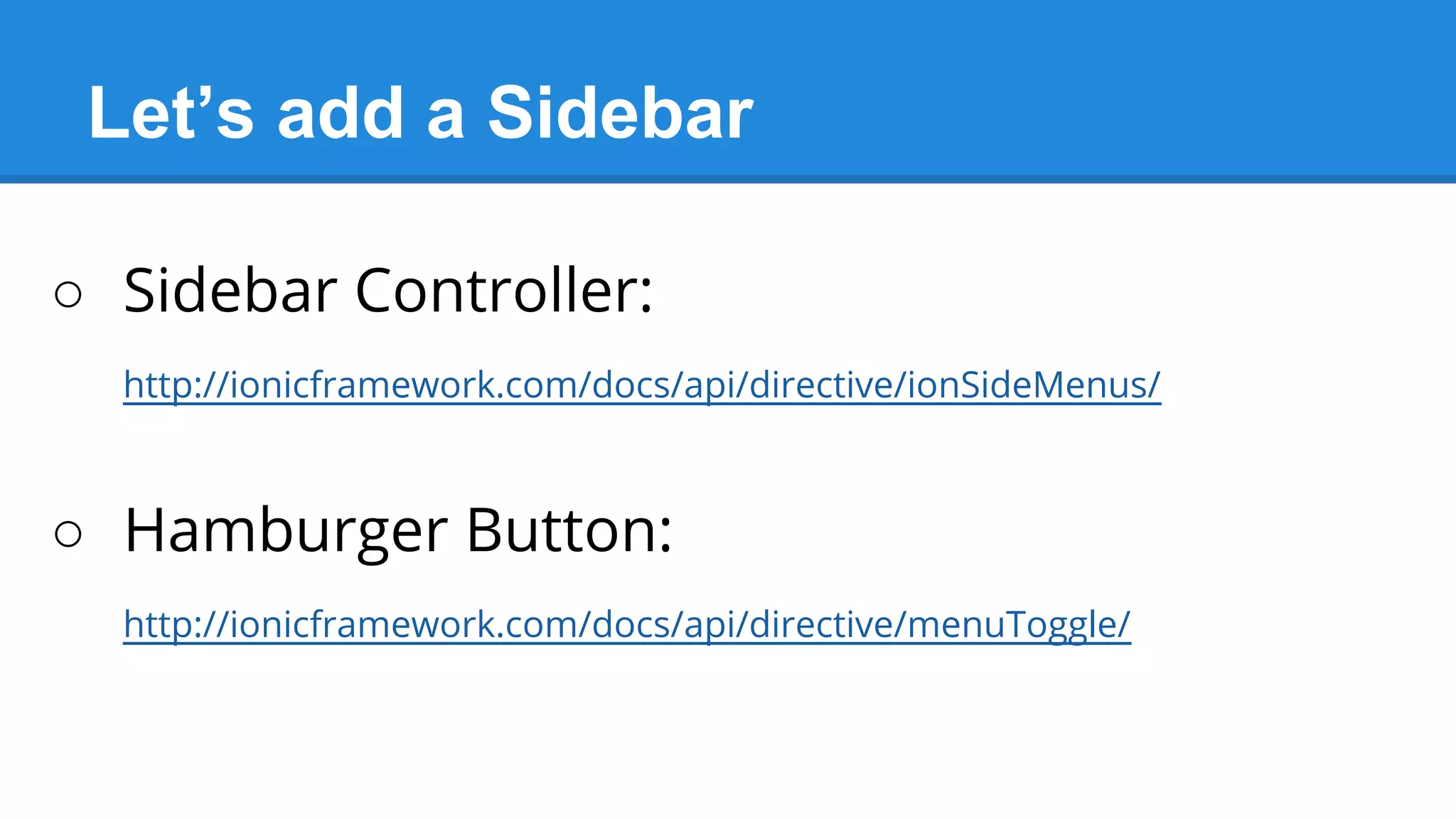
Let’s add a Sidebar
○ Sidebar Controller:
http://ionicframework.com/docs/api/directive/ionSideMenus/
○ Hamburger Button:
http://ionicframework.com/docs/api/directive/menuToggle/
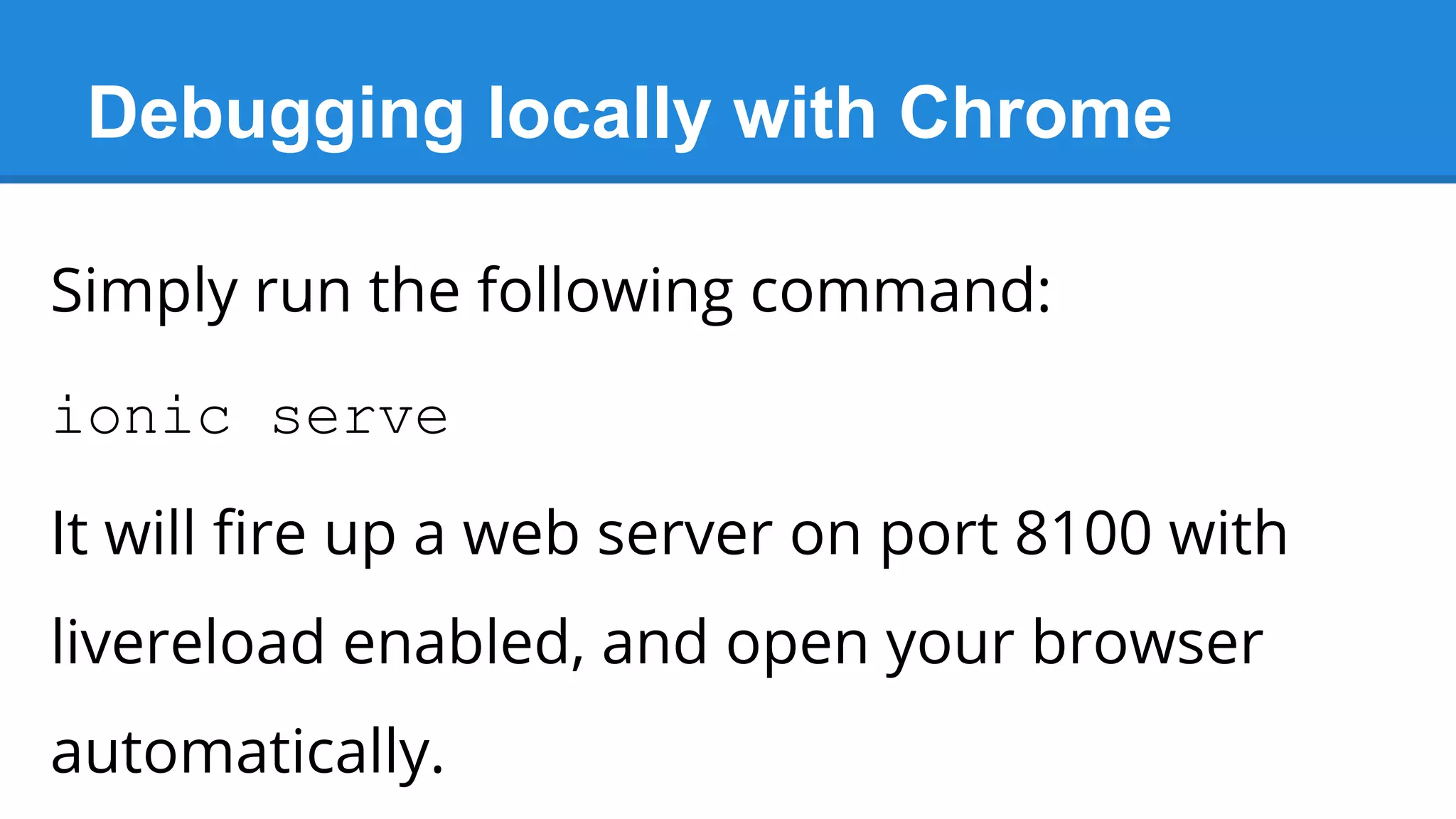
Debugging locally with Chrome
Simply run the following command:
ionic serve
It will fire up a web server on port 8100 with
livereload enabled, and open your browser
automatically.
Remote Debugging with Chrome
○ Connect your device
○ Go to chrome://inspect
○ Find your app instance, and click inspect
○ Kittens will mate
Plugin’ to Camera
○ Run the following command:
cordova plugin add org.apache.cordova.camera
○ Then call the method navigator.
camera.getPicture()
○ Even better: use ngCordova
That's all Folks!
I hope that you had fun and learned
something new :-)

HTML5 App Skills for Android Developers

  • 1.
    Building Mobile HTML5 Apps WithAngular.JS + Ionic Framework Uri Shaked, DroidCon Tel-Aviv
  • 2.
    About the Speaker Hi,my name is Uri! Some facts about me: ○ Angular.JS GDE ○ I dance Salsa ○ Teach Web Technologies Course @ Technion ○ Working for WatchDox ○ Love building (and breaking) stuff ○ Creator of angular-moment (and more…)
  • 3.
    Cross Platform AppsOverview ○ Native Apps / Non JS Frameworks ○ JS Frameworks (e.g. titanium) ○ Cordova / PhoneGap ○ HTML5 Apps
  • 4.
    Angular.JS ○ Popular MV*Framework by Google ○ Large community, Enterprise adoption ○ Extend HTML capabilities with Directives and two-way Data-Binding ○ Dependency Injection, Application Architecture and Easy-to-Test code
  • 5.
    Apache Cordova ○ OpenSource hybrid HTML5 app platform, originally known as “PhoneGap” ○ Large ecosystem with many plugins ○ Supports Android, iOS, Windows Mobile, Blackberry, Tizen, Firefox OS...
  • 6.
    Ionic Framework ○ Builton top of Cordova, Angular.JS ○ Mobile-app Focused ○ Provides CSS Components, Javascript Controllers and CLI wrapper around Cordova
  • 7.
    Does this reallywork? ○ Yes, I have built an Android app with Ionic: http://bit.ly/RuedaAndroid
  • 8.
    What do weget? ○ Tabbed controllers ○ Complete navigation history ○ Gestures: Pull to Refresh & Swipe to delete ○ Sidebar Directive ○ Lists & Form Controls ○ Ionicons - Over 500 ready-to-use icons
  • 9.
    System Configuration Install Java,Android SDK and Ant, and add them all to your PATH. Important: Make sure you add both tools and platform-tools from the Android SDK to your PATH.
  • 10.
    It’s show time! ○npm install -g ionic cordova ○ ionic start droidcon ○ cd droidcon ○ ionic platform android ○ (start genymotion or connect your device) ○ ionic run android That’s all!
  • 11.
    Let’s add aSidebar ○ Sidebar Controller: http://ionicframework.com/docs/api/directive/ionSideMenus/ ○ Hamburger Button: http://ionicframework.com/docs/api/directive/menuToggle/
  • 12.
    Debugging locally withChrome Simply run the following command: ionic serve It will fire up a web server on port 8100 with livereload enabled, and open your browser automatically.
  • 13.
    Remote Debugging withChrome ○ Connect your device ○ Go to chrome://inspect ○ Find your app instance, and click inspect ○ Kittens will mate
  • 14.
    Plugin’ to Camera ○Run the following command: cordova plugin add org.apache.cordova.camera ○ Then call the method navigator. camera.getPicture() ○ Even better: use ngCordova
  • 15.
    That's all Folks! Ihope that you had fun and learned something new :-)