90%
A Powerpoint Presentation design by
From www.24slides.com/blog
WHAT IS
DATA VISUALIZATION?
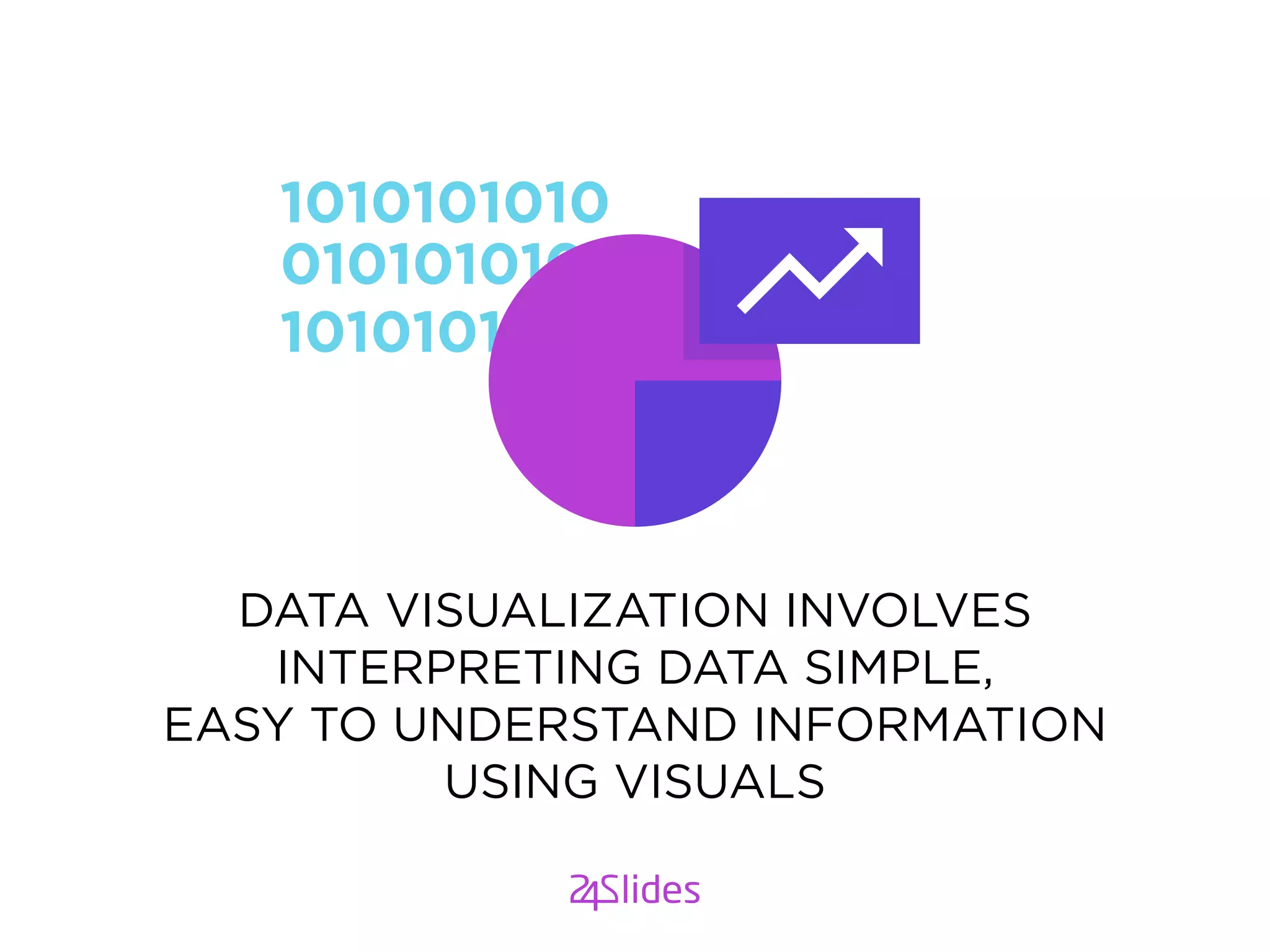
DATA VISUALIZATION INVOLVES
INTERPRETING DATA SIMPLE,
EASY TO UNDERSTAND INFORMATION
USING VISUALS
WHY DATA
VISUALIZATION IS
IMPORTANT?
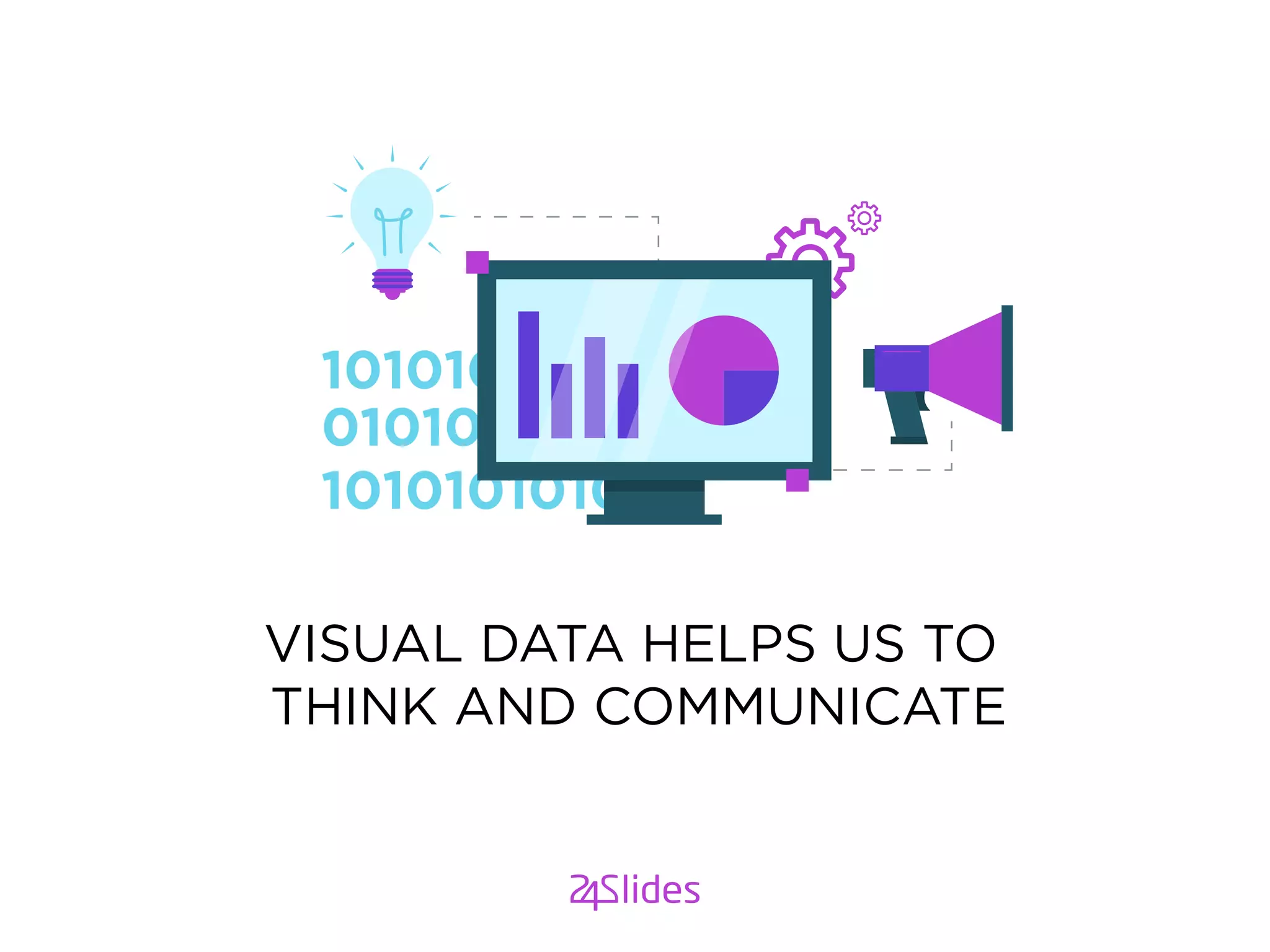
VISUAL DATA HELPS US TO
THINK AND COMMUNICATE
GOLDEN RULESGOLDEN RULES
OF CREATING A DATA
VISUALIZATION POWERPOINT
PRESENTATION
A PICTURE TELLS A STORY BETTER
THAN A THOUSAND WORDS COULD
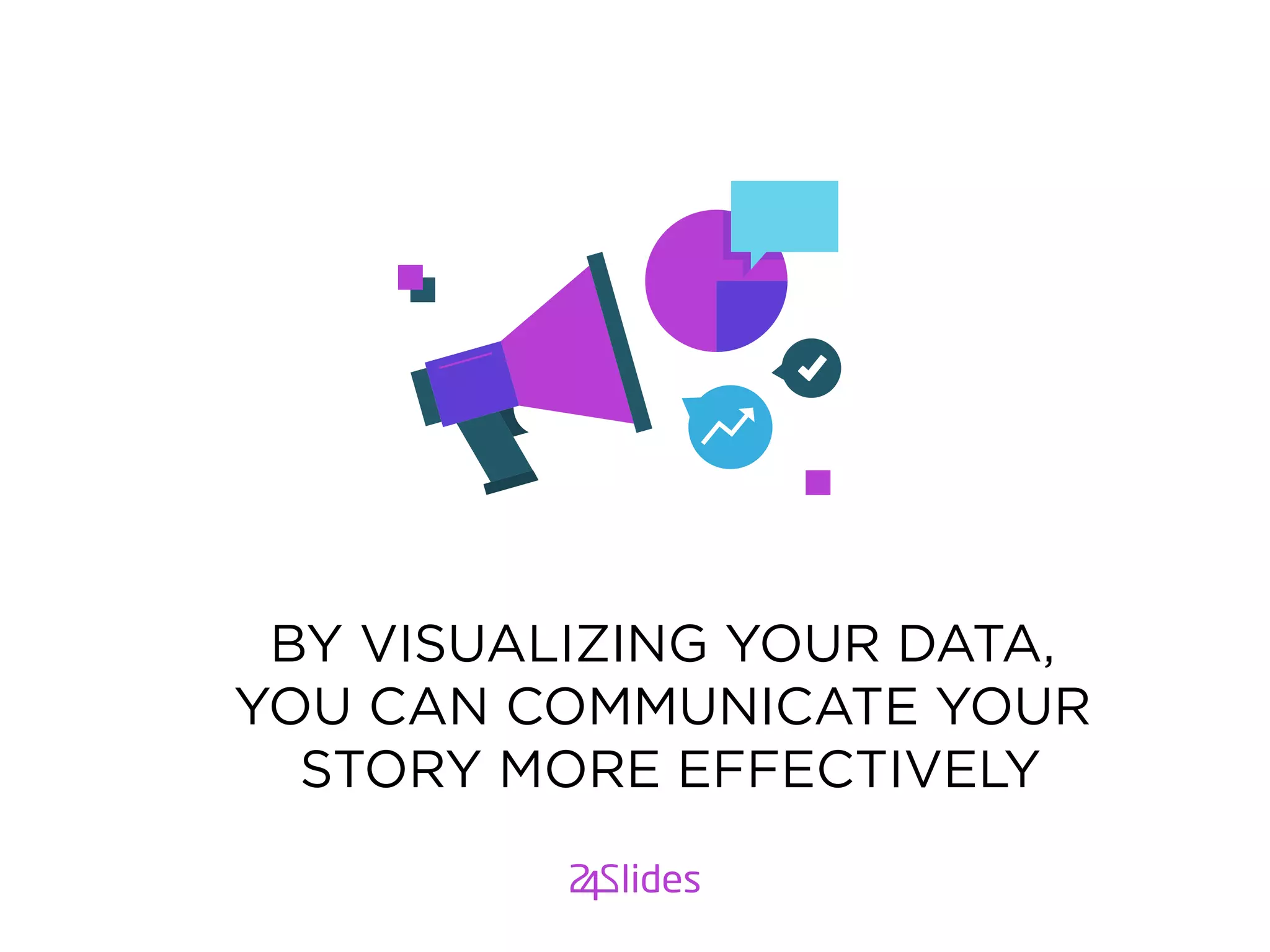
BY VISUALIZING YOUR DATA,
YOU CAN COMMUNICATE YOUR
STORY MORE EFFECTIVELY
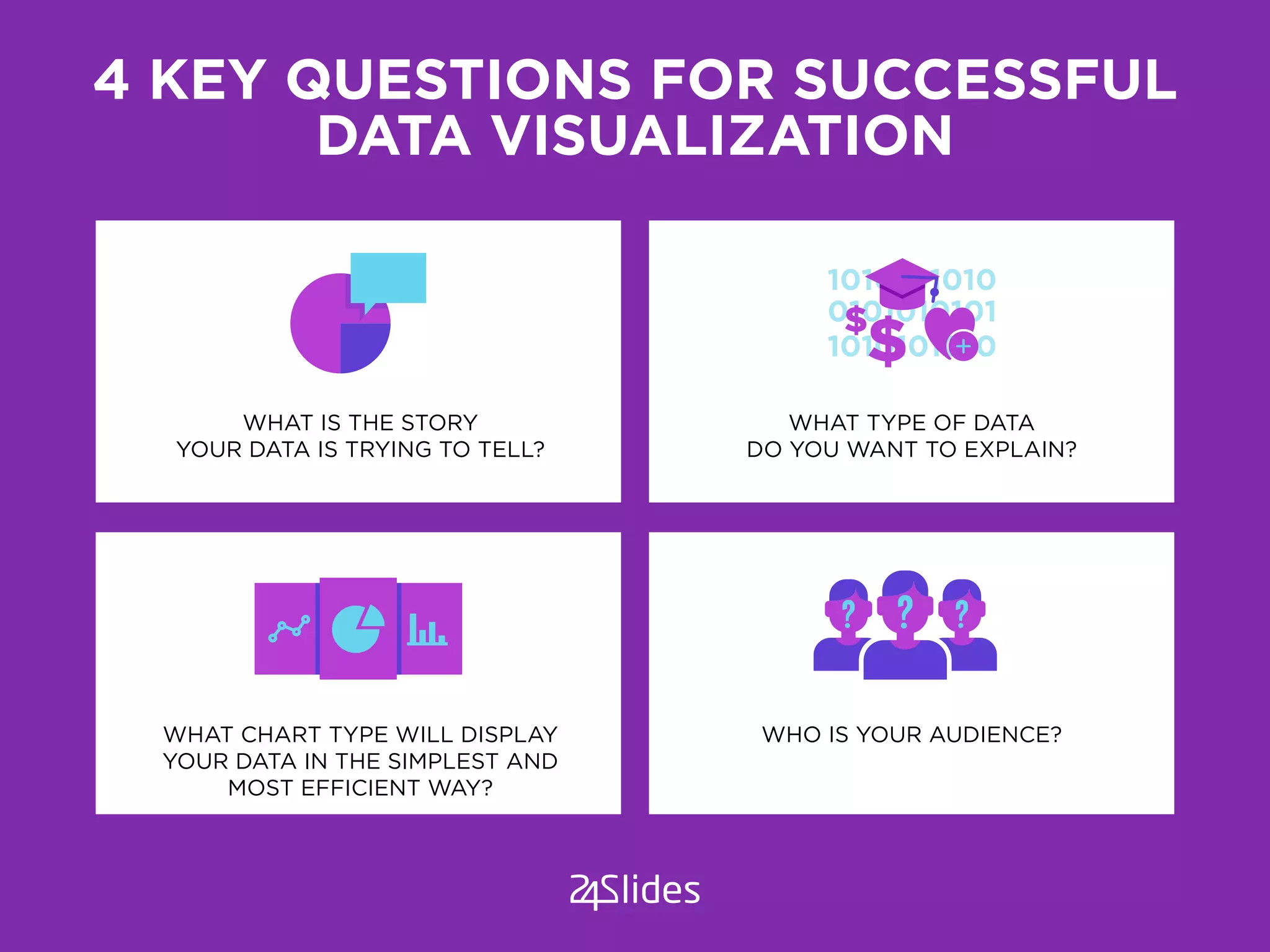
4 KEY QUESTIONS FOR SUCCESSFUL
DATA VISUALIZATION
WHAT IS THE STORY
YOUR DATA IS TRYING TO TELL?
WHAT CHART TYPE WILL DISPLAY
YOUR DATA IN THE SIMPLEST AND
MOST EFFICIENT WAY?
WHO IS YOUR AUDIENCE?
WHAT TYPE OF DATA
DO YOU WANT TO EXPLAIN?
WHAT IS YOUR STORY?
All data tells a story. Data visualization
makes the story easy to understand
Are sales up or down? Is the birthrate on the increase?
Are expenses under control?
WHAT TYPE OF DATA DO YOU
WANT TO EXPLAIN?
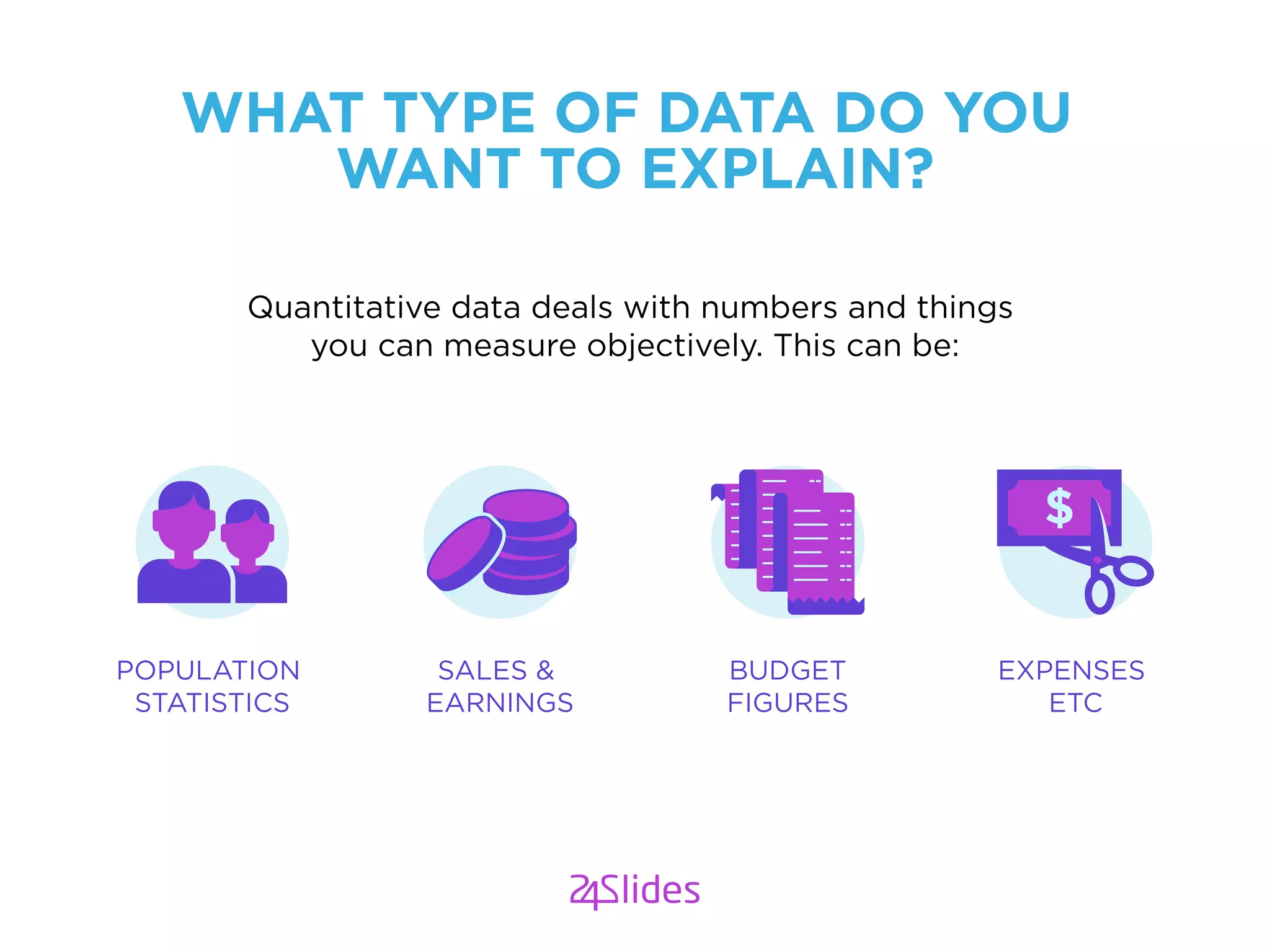
Quantitative data deals with numbers and things
you can measure objectively. This can be:
POPULATION
STATISTICS
SALES &
EARNINGS
BUDGET
FIGURES
EXPENSES
ETC
DATA TYPES
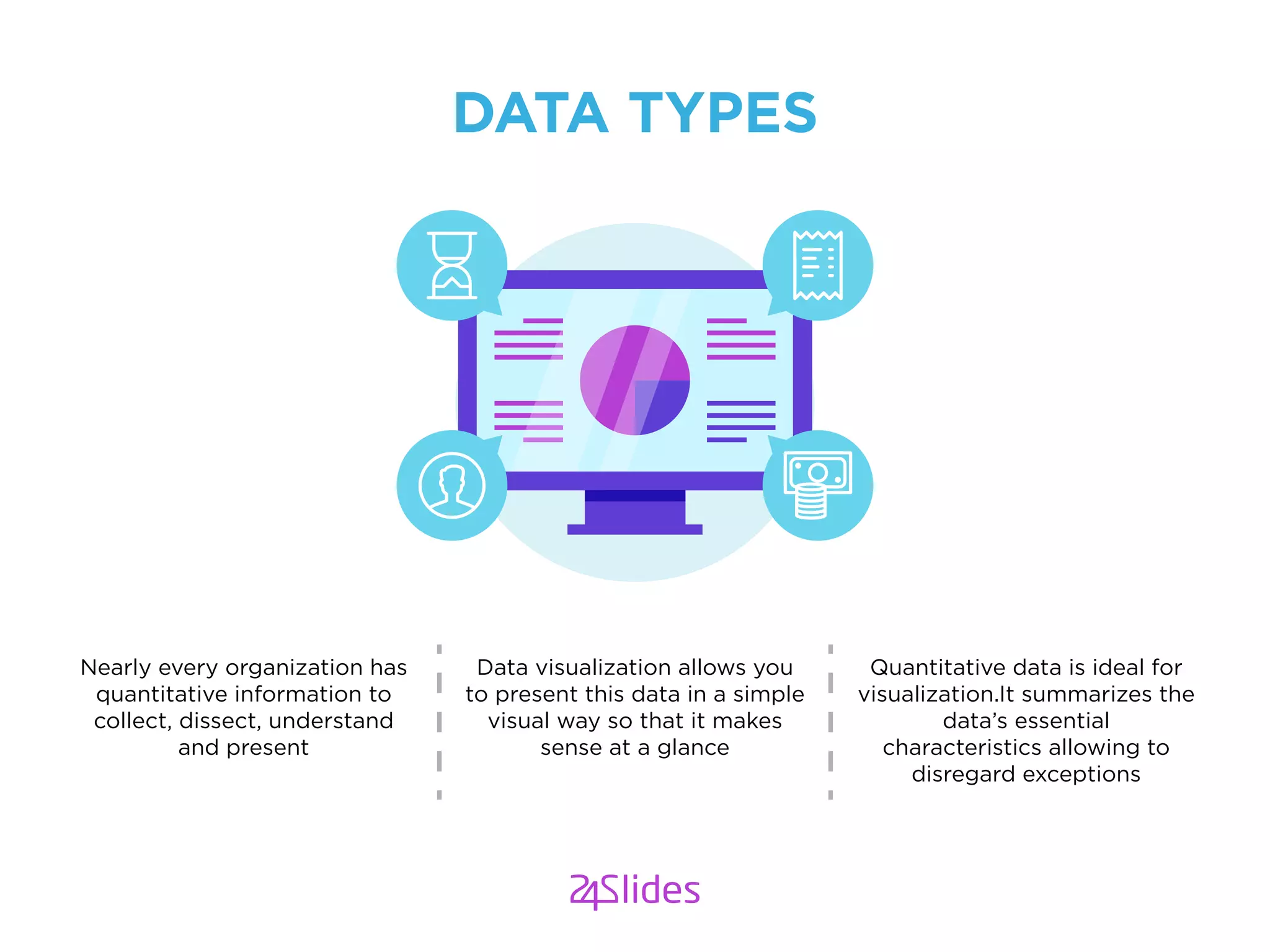
Nearly every organization has
quantitative information to
collect, dissect, understand
and present
Data visualization allows you
to present this data in a simple
visual way so that it makes
sense at a glance
Quantitative data is ideal for
visualization.It summarizes the
data’s essential
characteristics allowing to
disregard exceptions
WHO IS YOUR AUDIENCE?
Are you presenting to a board of directors,
healthcare professionals, prospective investors?
KNOW YOUR AUDIENCE
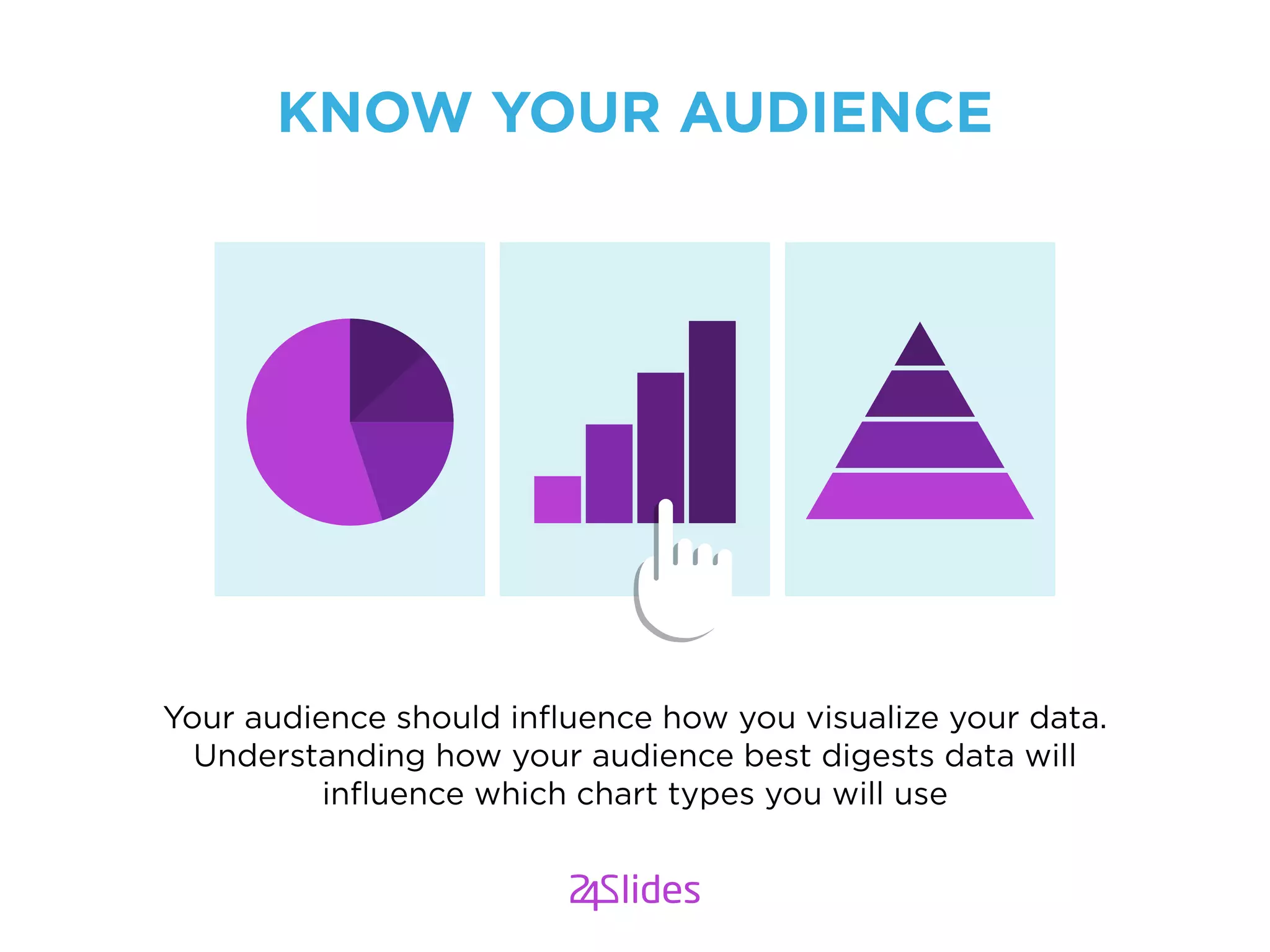
Your audience should influence how you visualize your data.
Understanding how your audience best digests data will
influence which chart types you will use
Get to the point.
As much as storytelling is an art, knowing what your audience need
to know from the numbers is critical. Choose the simplest and
clearest chart type which allows you to get straight to the point
KNOW YOUR AUDIENCE
CHOOSE THE VISUAL AID
THAT WILL SPEAK DIRECTLY
TO YOUR AUDIENCE
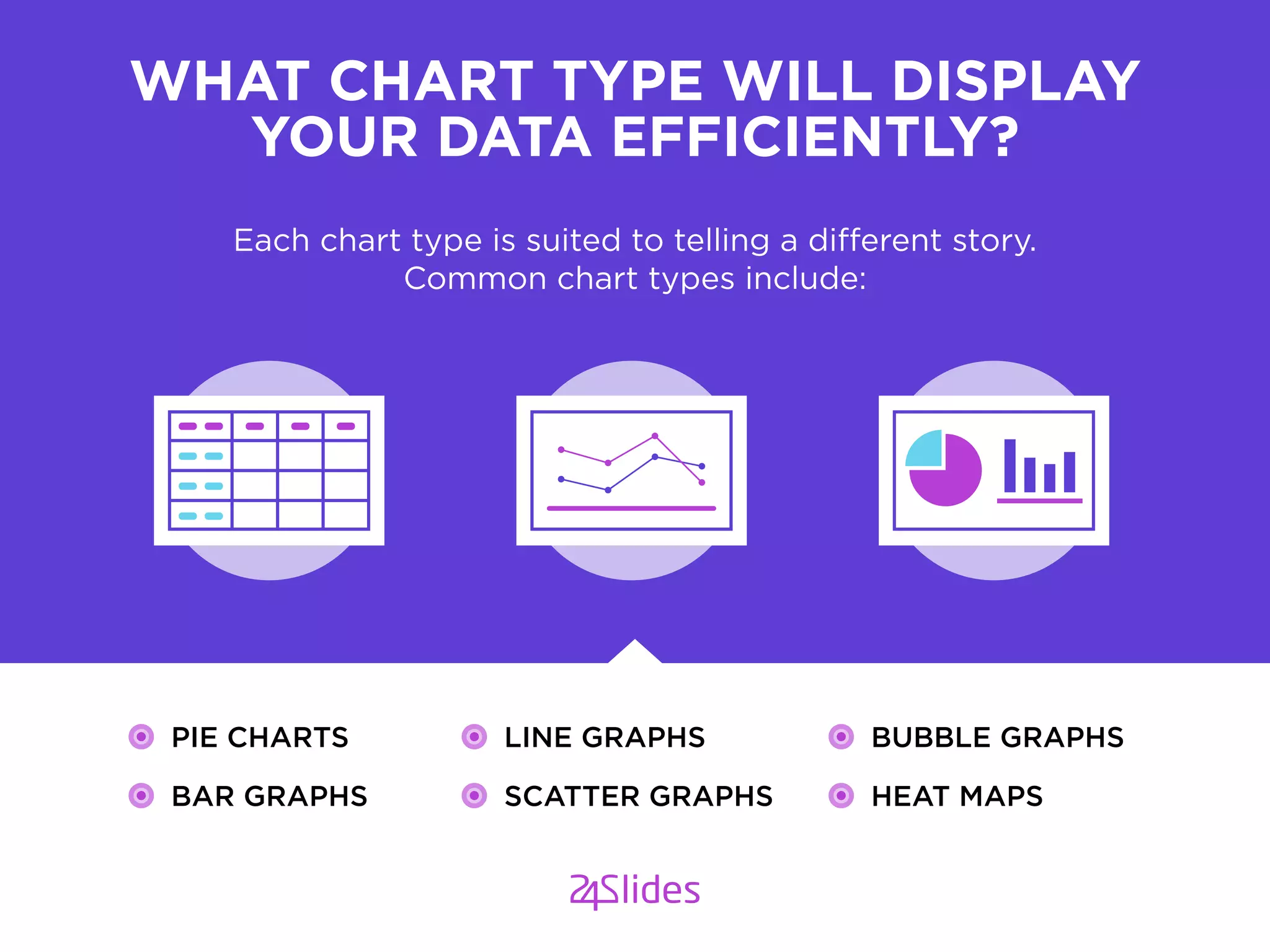
Each chart type is suited to telling a different story.
Common chart types include:
WHAT CHART TYPE WILL DISPLAY
YOUR DATA EFFICIENTLY?
PIE CHARTS
BAR GRAPHS
LINE GRAPHS
SCATTER GRAPHS
BUBBLE GRAPHS
HEAT MAPS
WHY VISUALIZE WITH GRAPHS
GRAPHS ALLOW YOU TO GET STRAIGHT TO THE POINT
A SIMPLE GRAPH CAN TELL A STORY OF A THOUSAND WORD
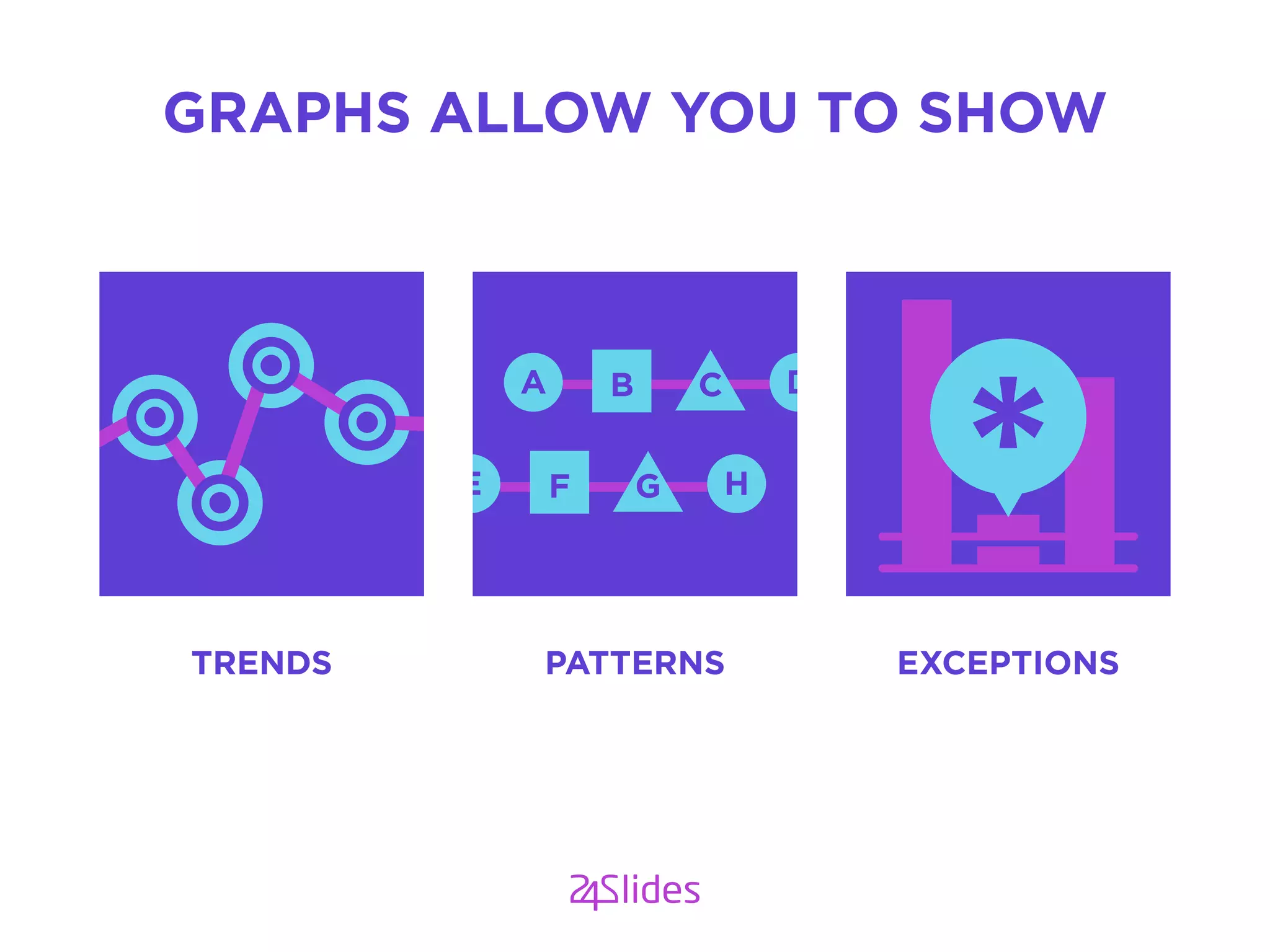
GRAPHS ALLOW YOU TO SHOW
TRENDS PATTERNS EXCEPTIONS
A DCB
E HGF
DATA VISUALIZATION
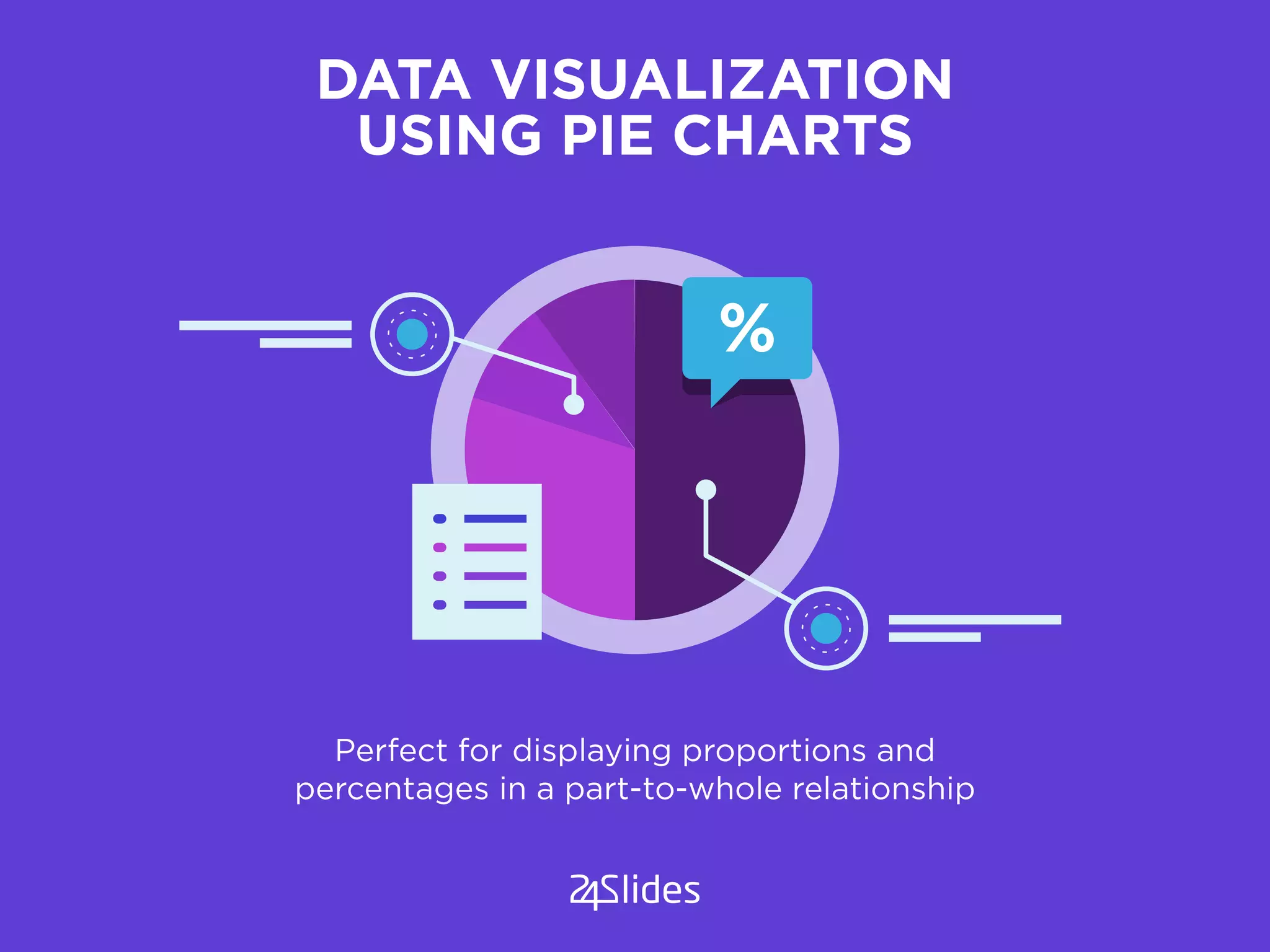
USING PIE CHARTS
Perfect for displaying proportions and
percentages in a part-to-whole relationship
%
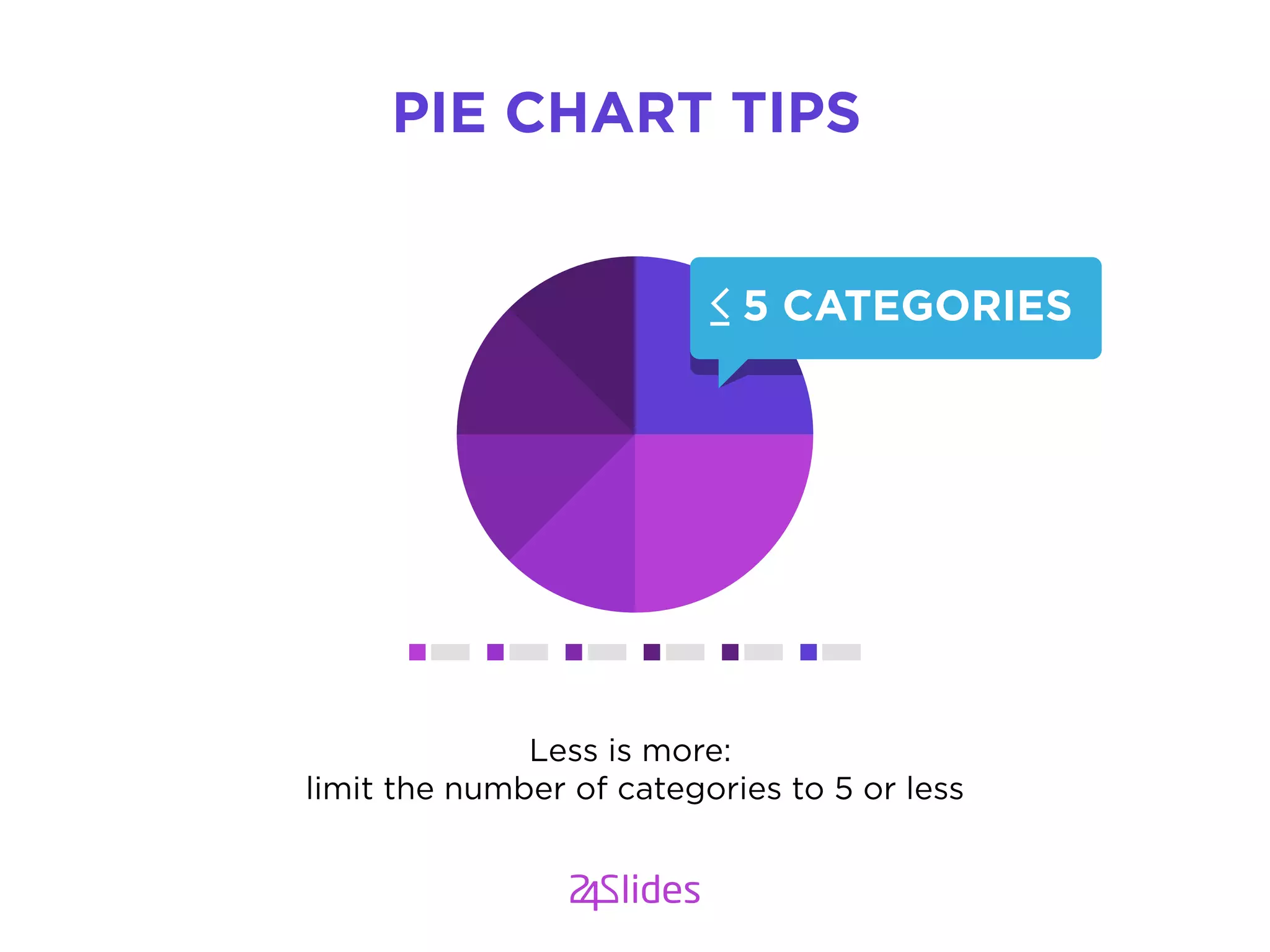
Less is more:
limit the number of categories to 5 or less
PIE CHART TIPS
5 CATEGORIES
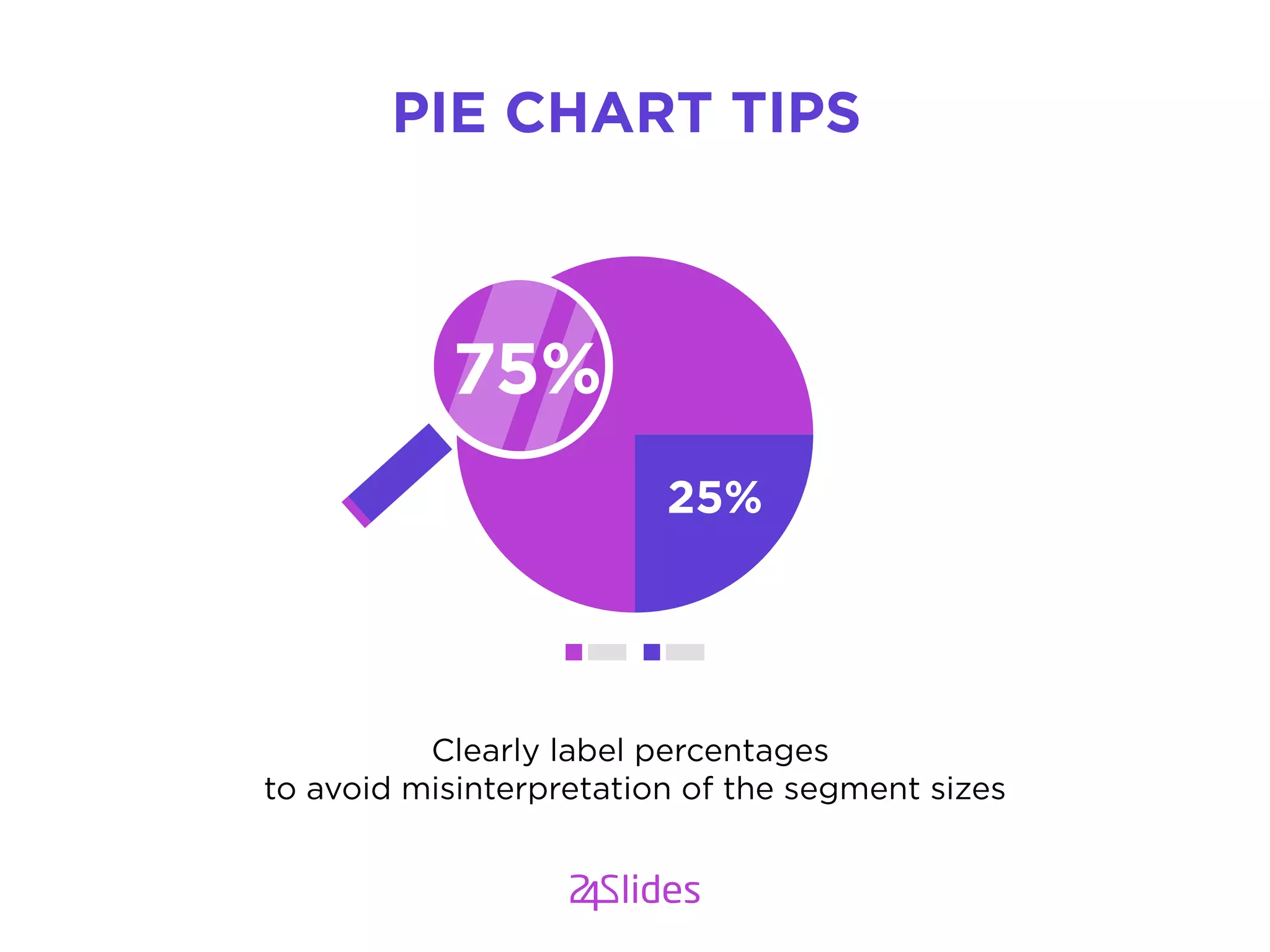
Clearly label percentages
to avoid misinterpretation of the segment sizes
PIE CHART TIPS
25%
75%
YES GOOD
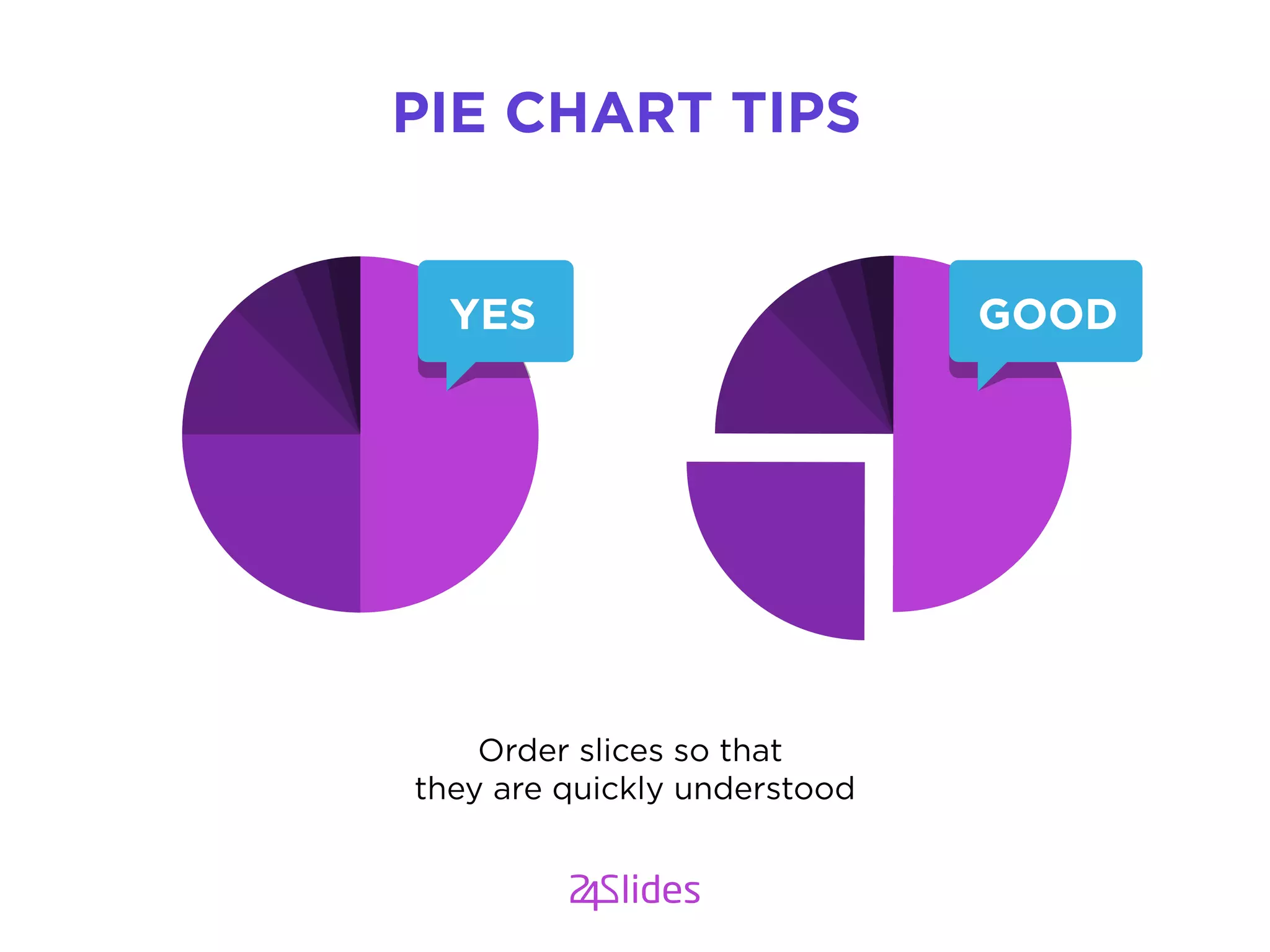
Order slices so that
they are quickly understood
PIE CHART TIPS
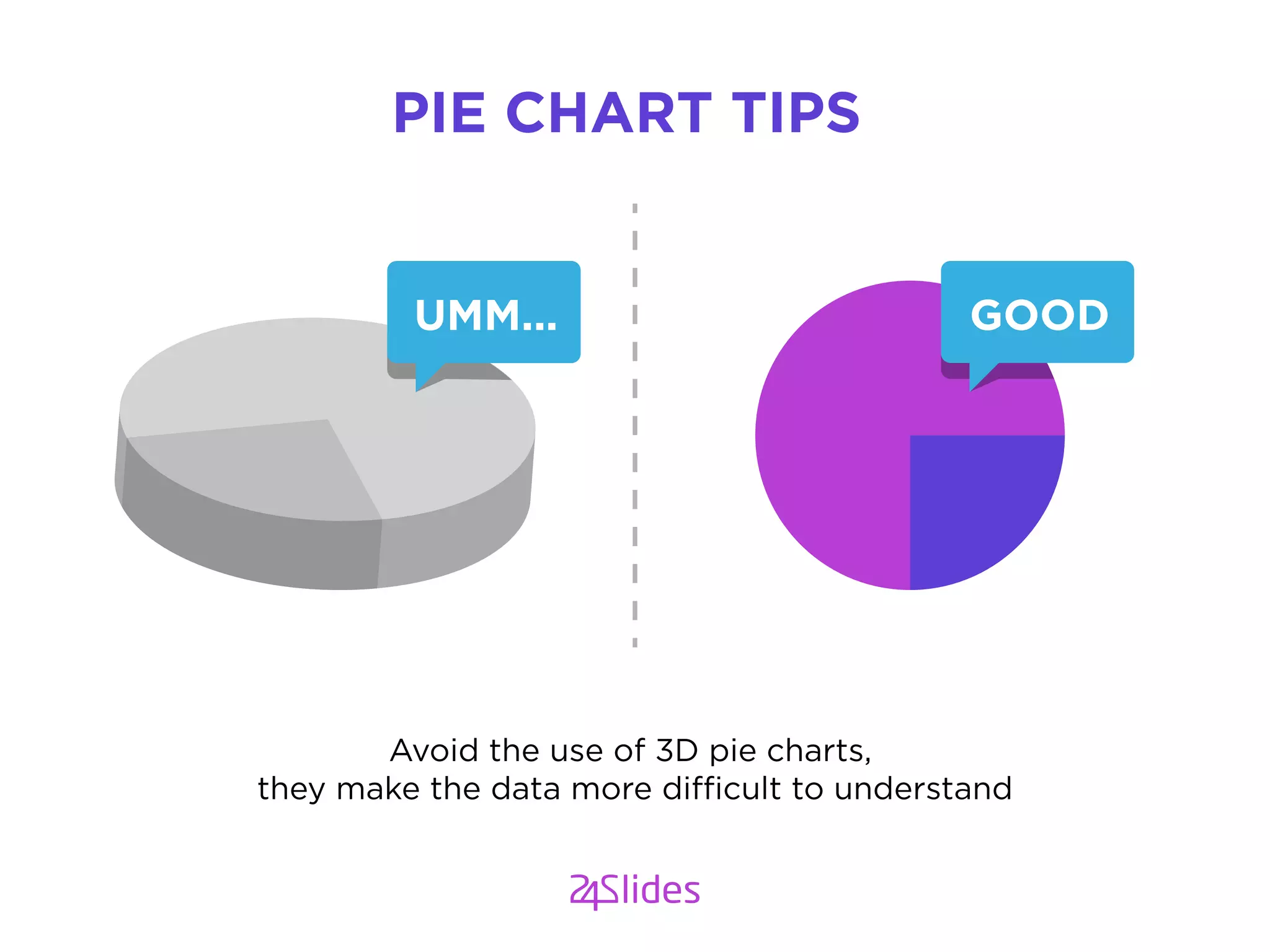
Avoid the use of 3D pie charts,
they make the data more difficult to understand
PIE CHART TIPS
GOODUMM...
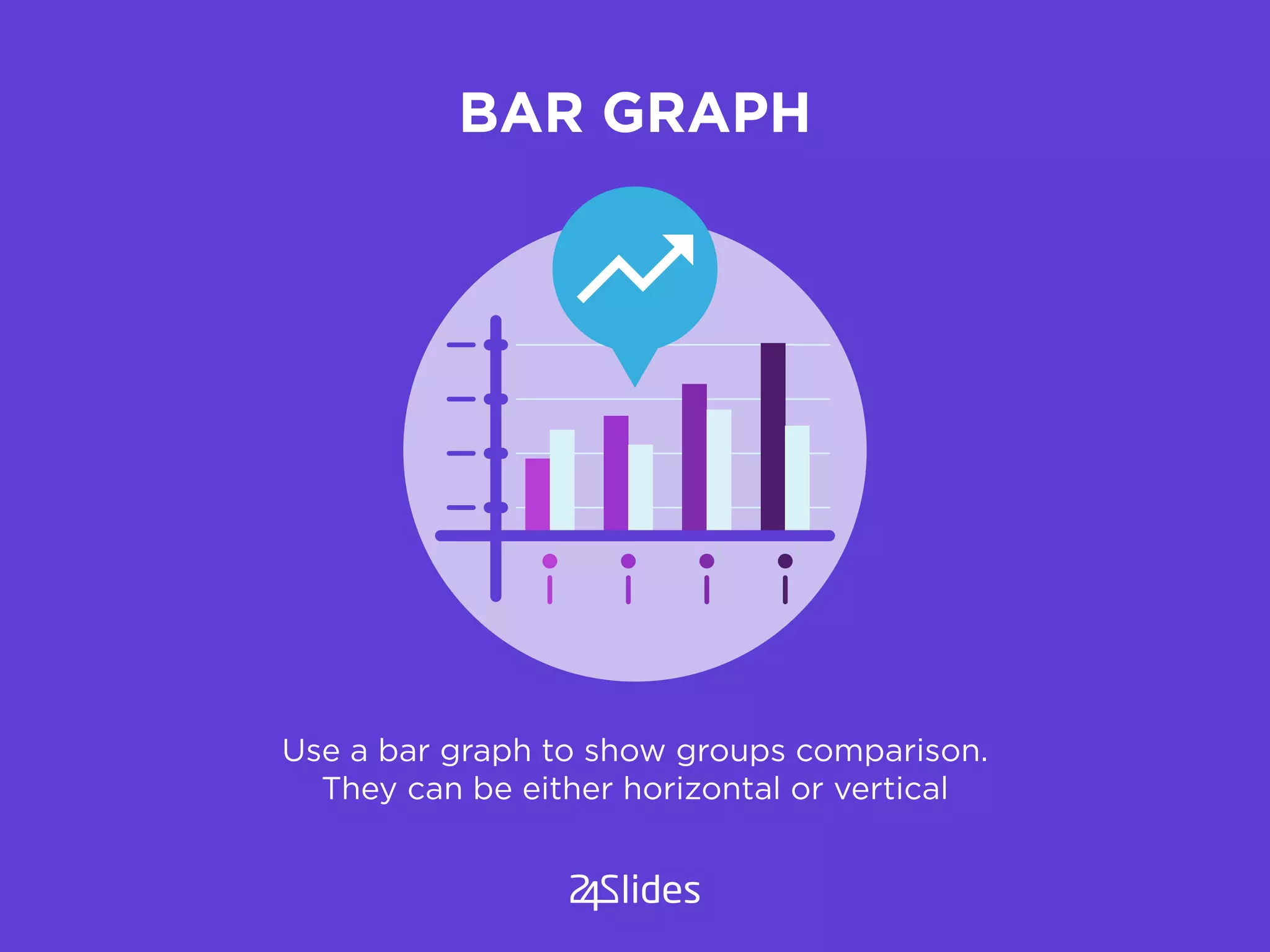
BAR GRAPH
Use a bar graph to show groups comparison.
They can be either horizontal or vertical
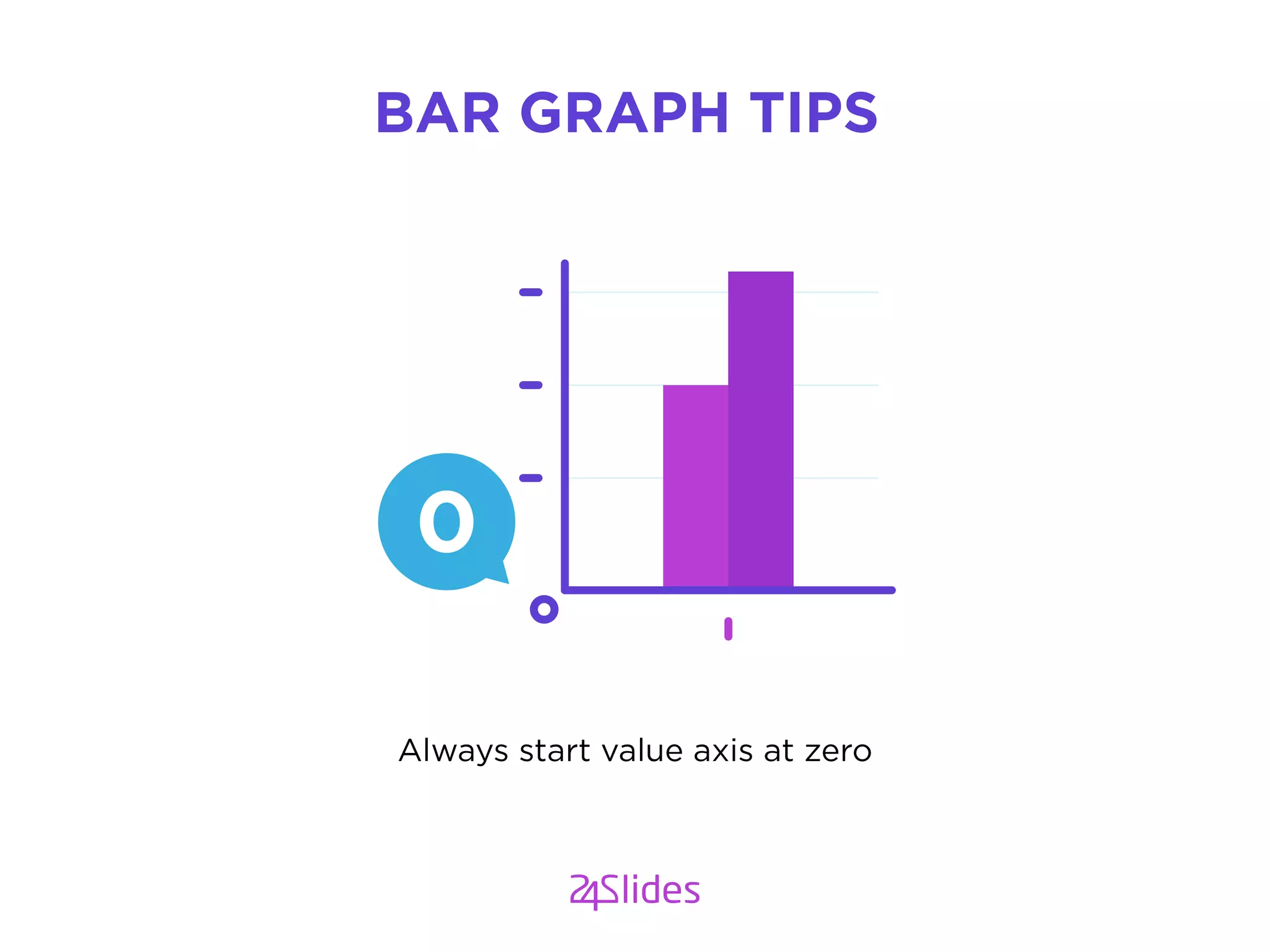
Always start value axis at zero
BAR GRAPH TIPS
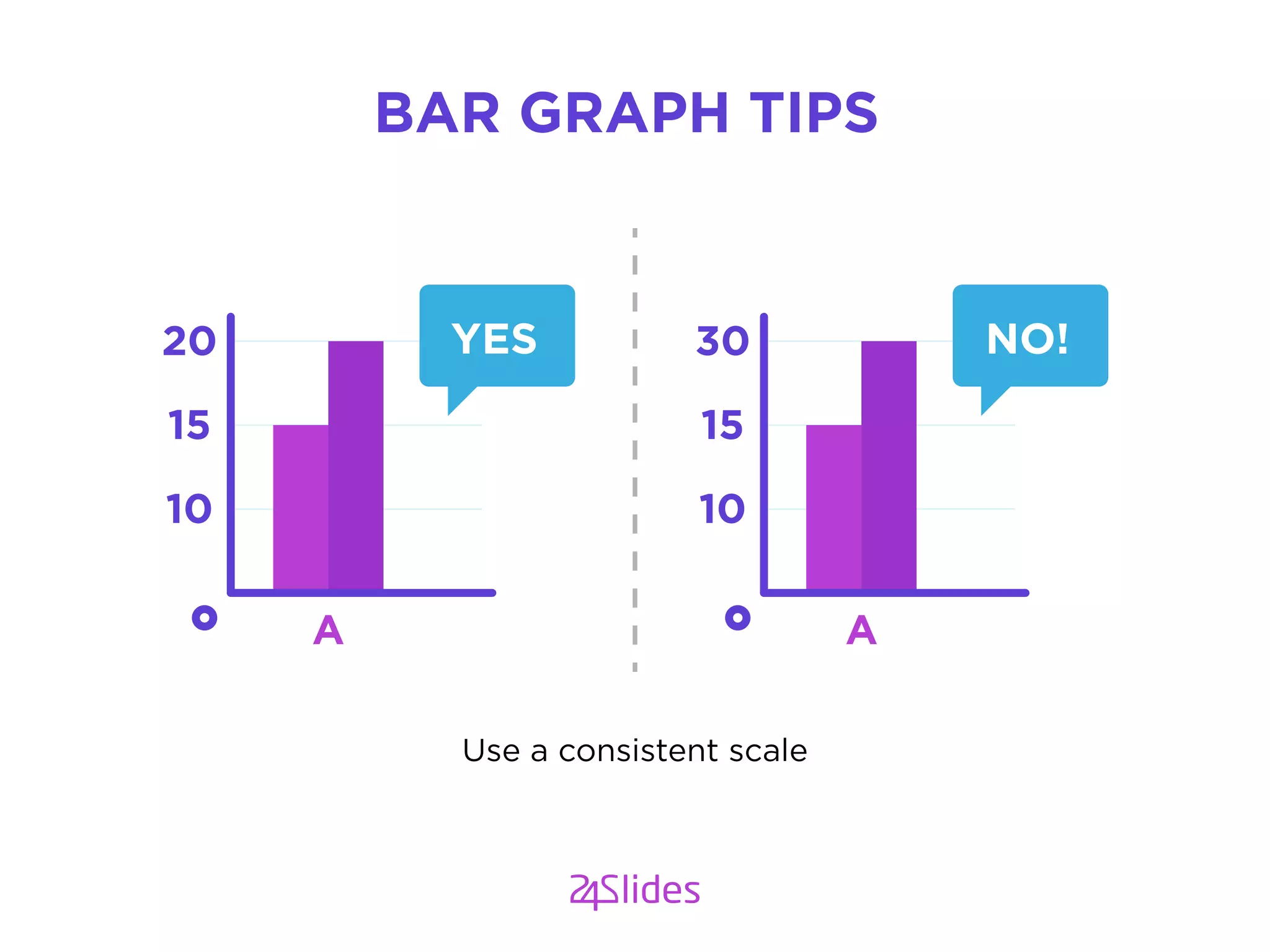
Use a consistent scale
BAR GRAPH TIPS
10
15
20
A
YES
10
15
30
A
NO!
LINE GRAPH
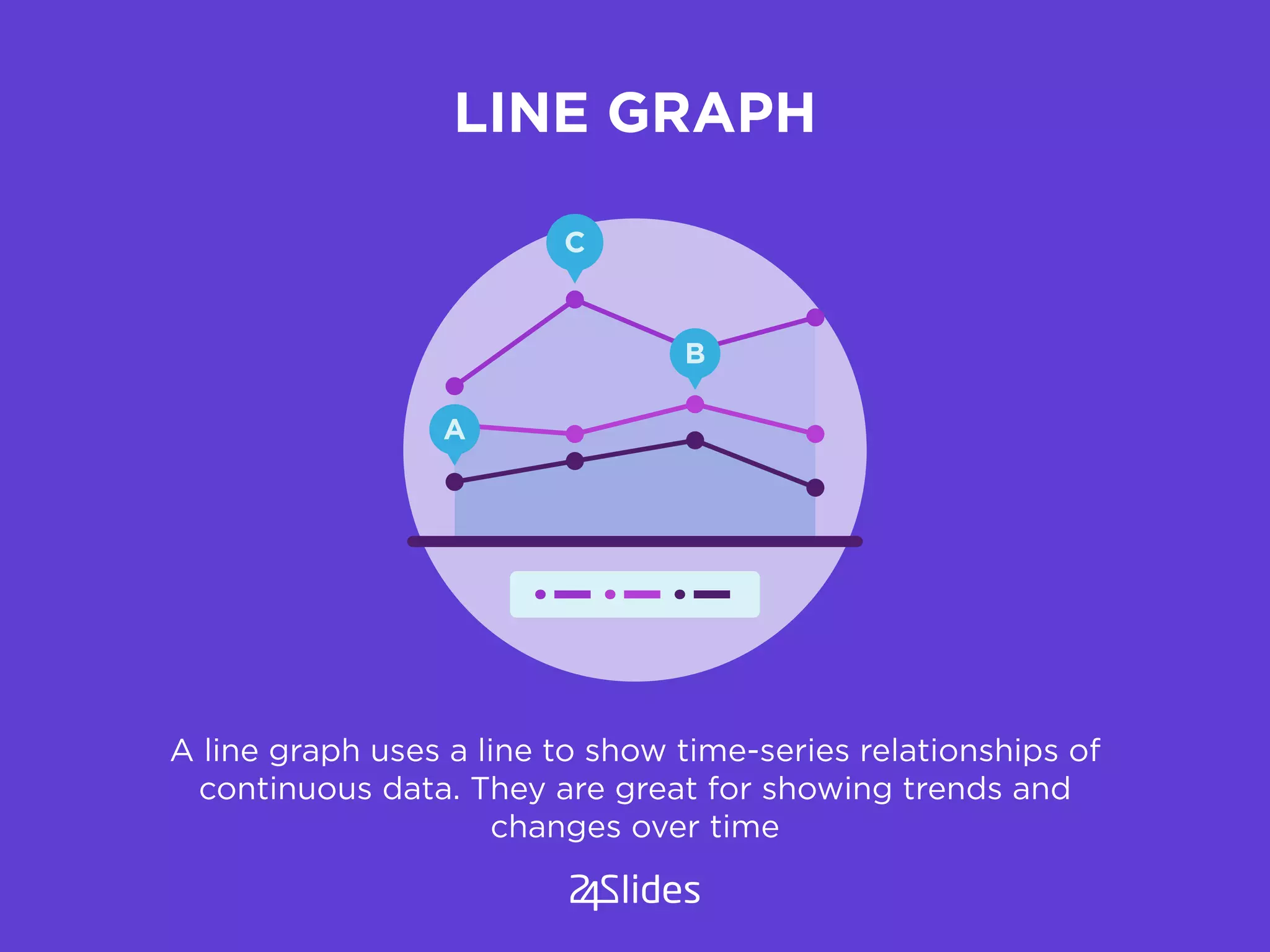
A line graph uses a line to show time-series relationships of
continuous data. They are great for showing trends and
changes over time
A
B
C
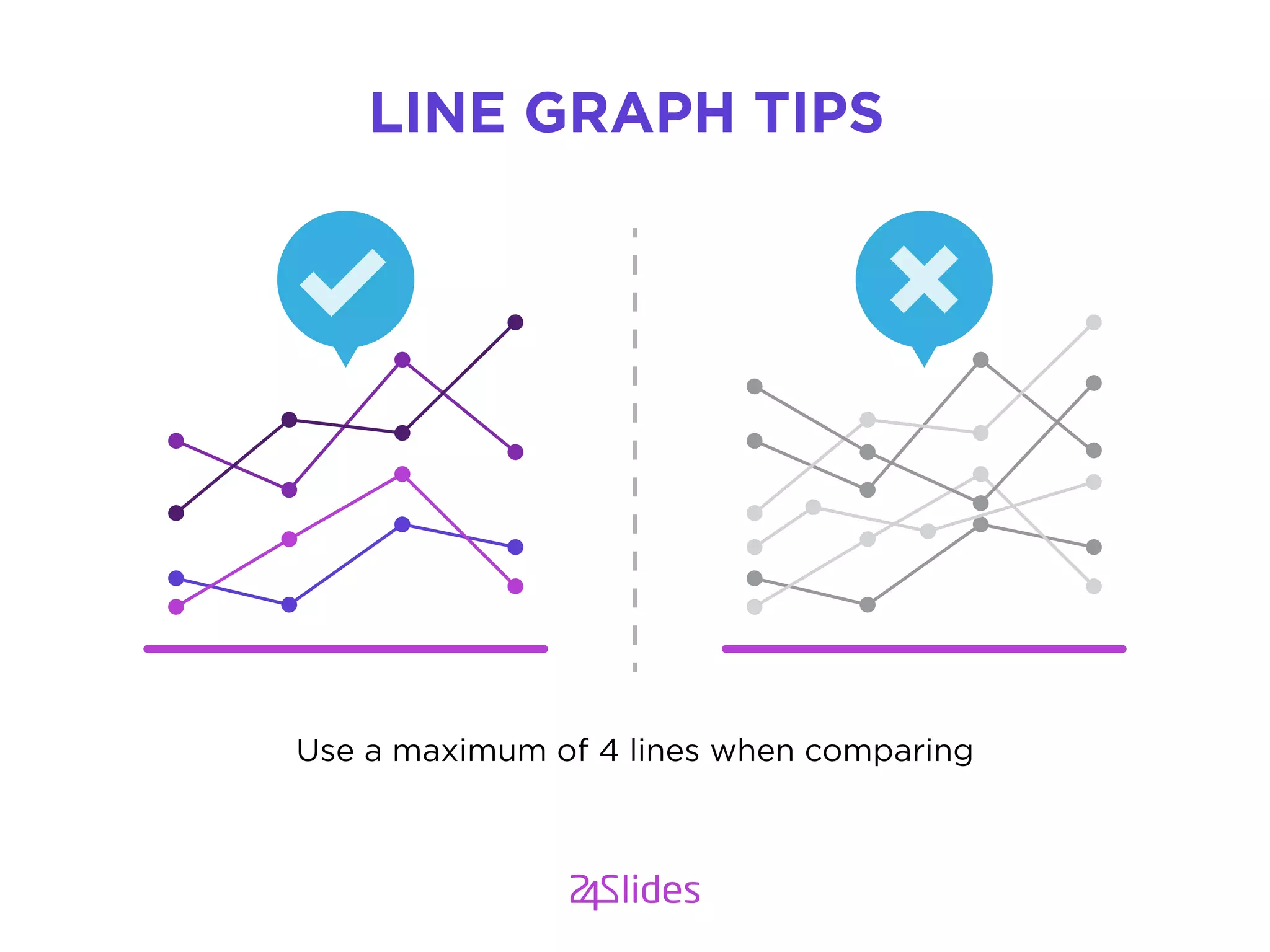
Use a maximum of 4 lines when comparing
LINE GRAPH TIPS
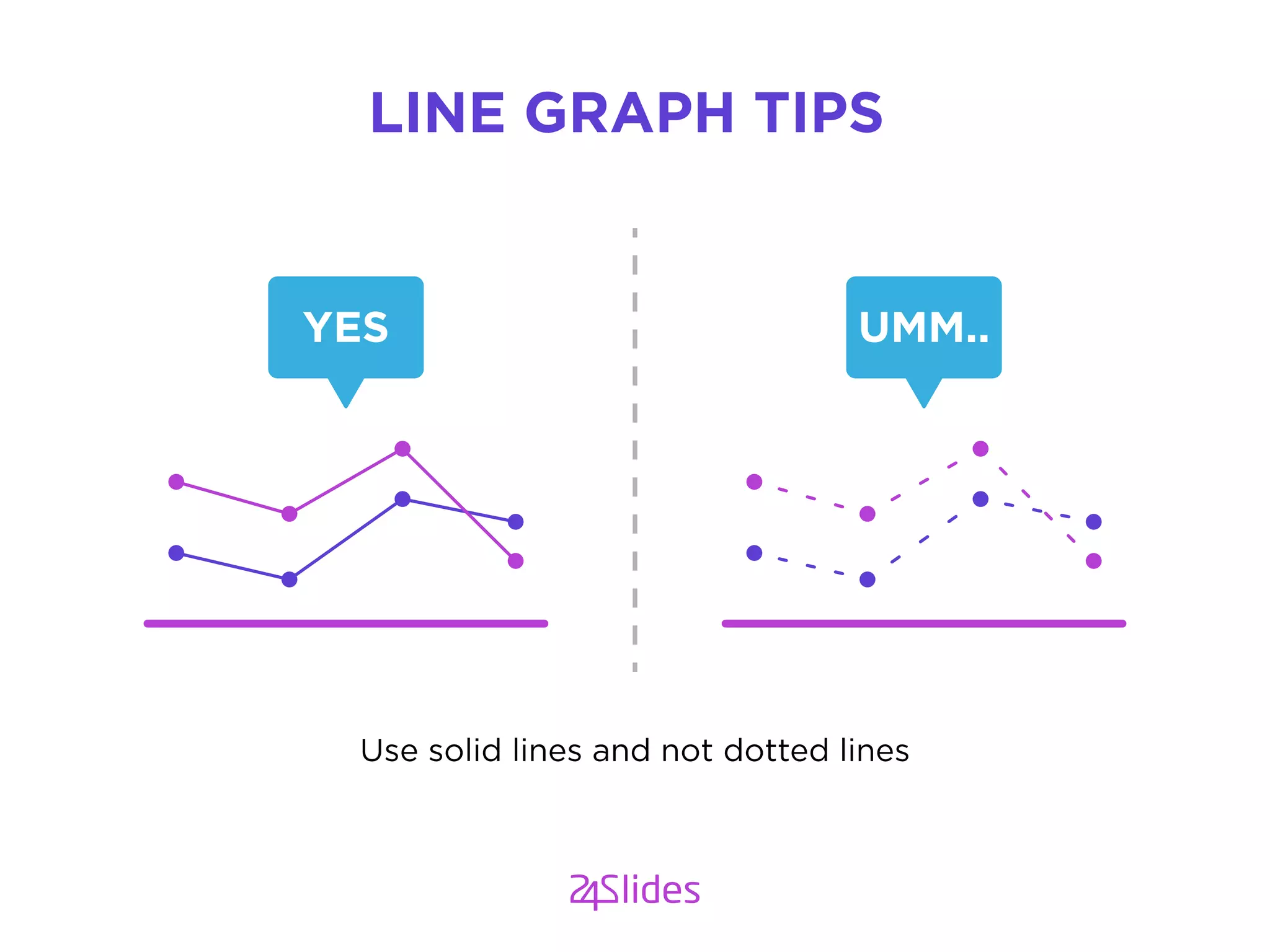
Use solid lines and not dotted lines
LINE GRAPH TIPS
YES UMM..
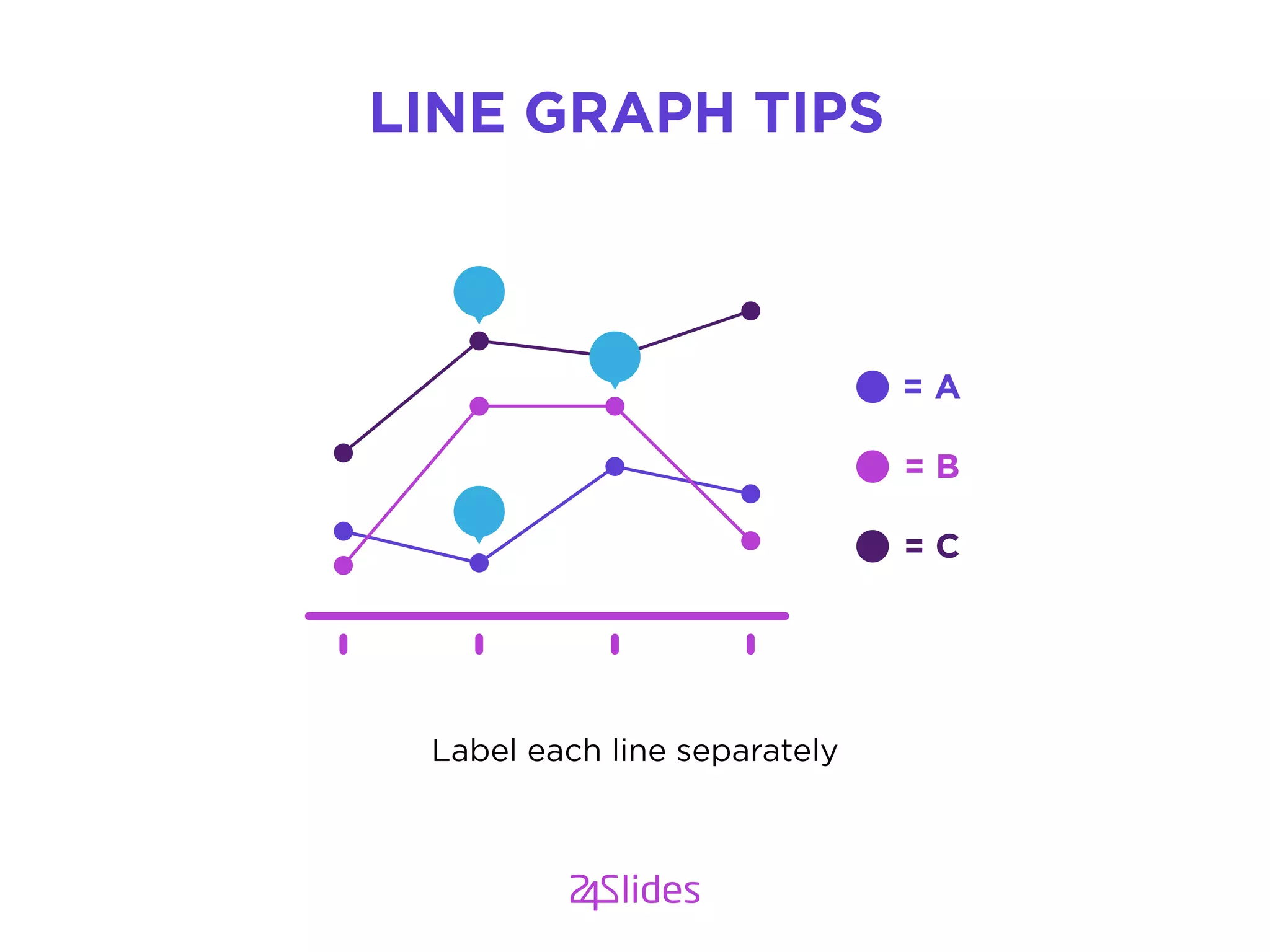
Label each line separately
LINE GRAPH TIPS
= A
= B
= C
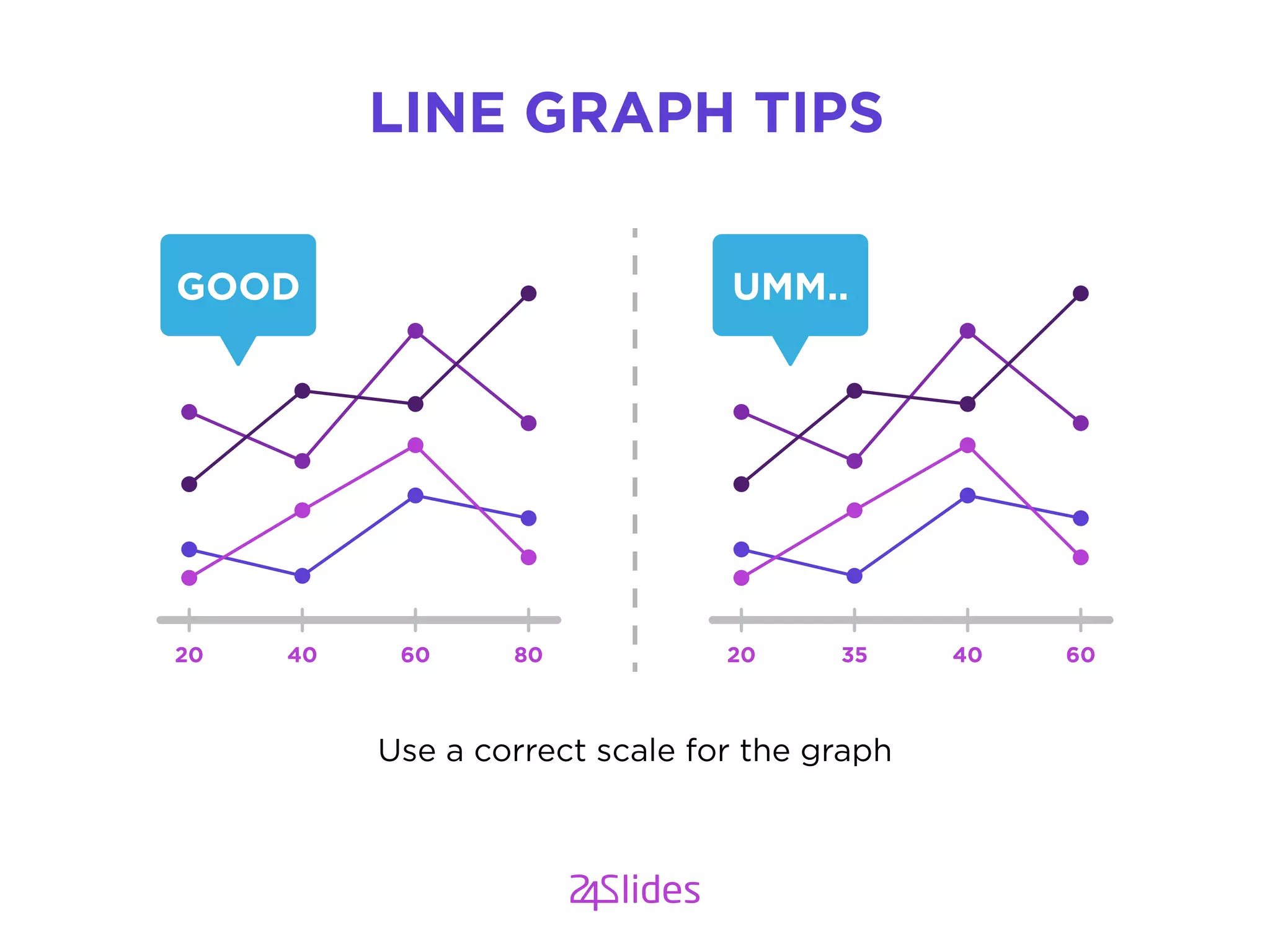
Use a correct scale for the graph
LINE GRAPH TIPS
GOOD
20 40 60 80
UMM..
20 35 40 60
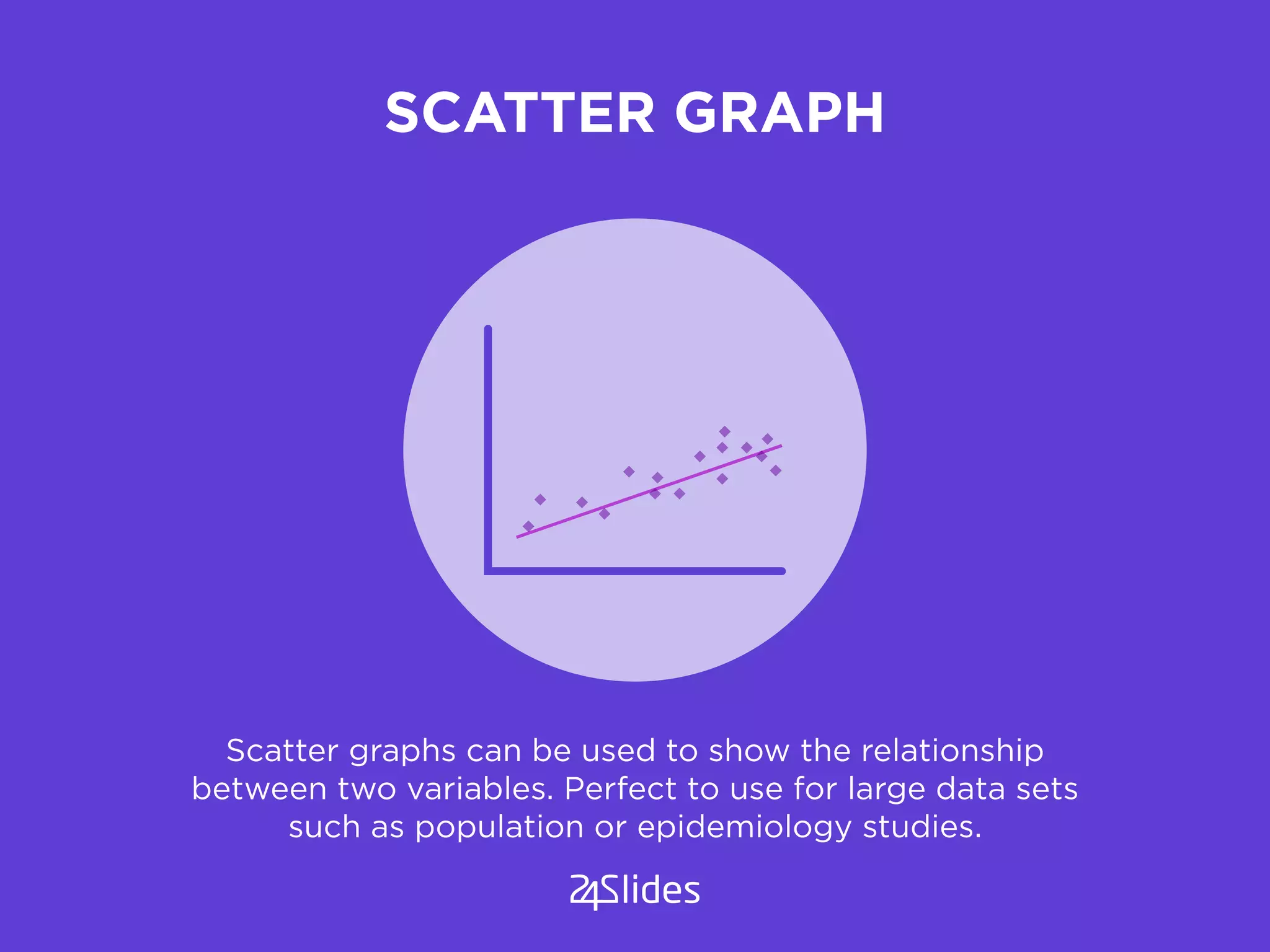
SCATTER GRAPH
Scatter graphs can be used to show the relationship
between two variables. Perfect to use for large data sets
such as population or epidemiology studies.
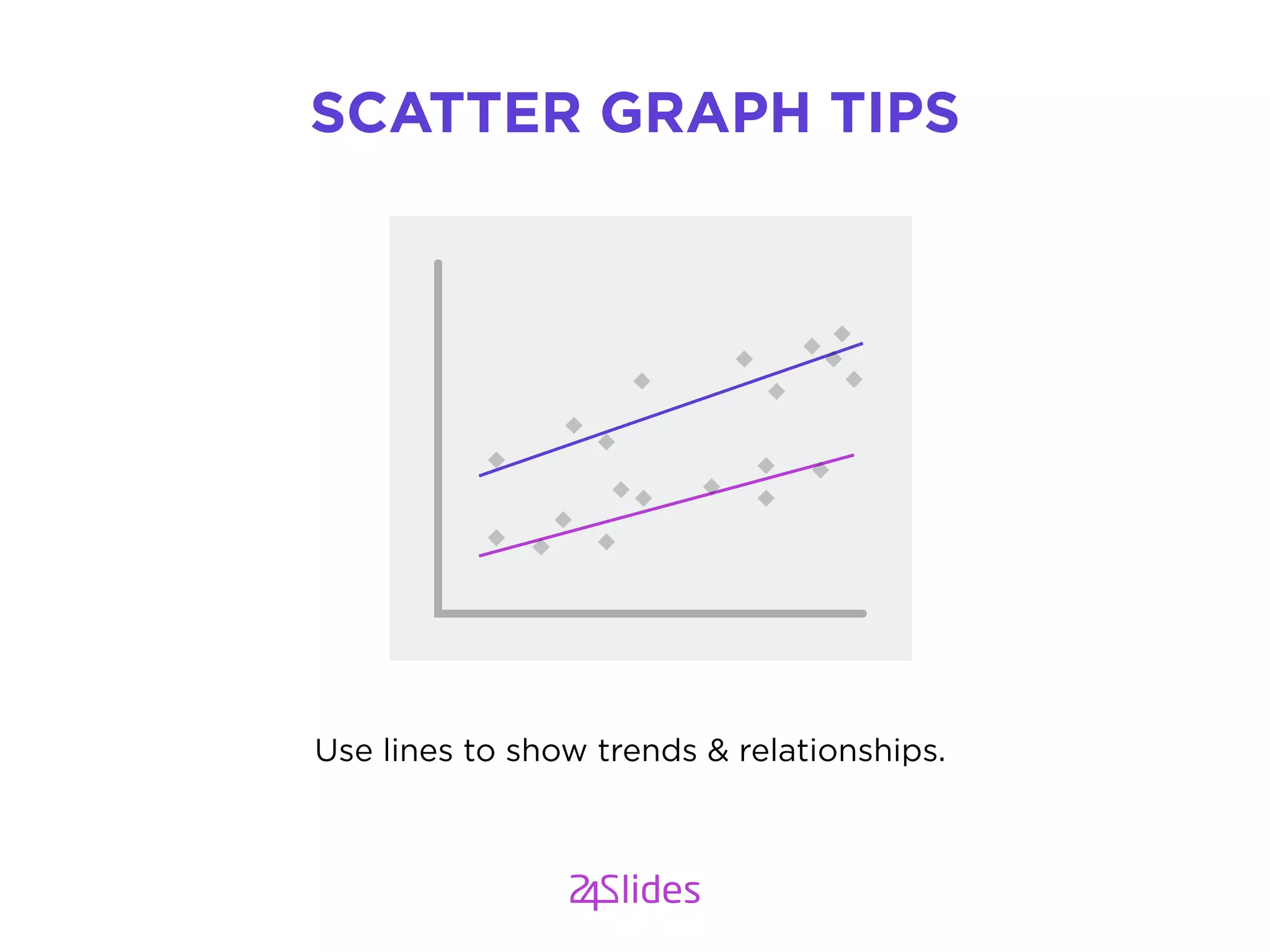
Use lines to show trends & relationships.
SCATTER GRAPH TIPS
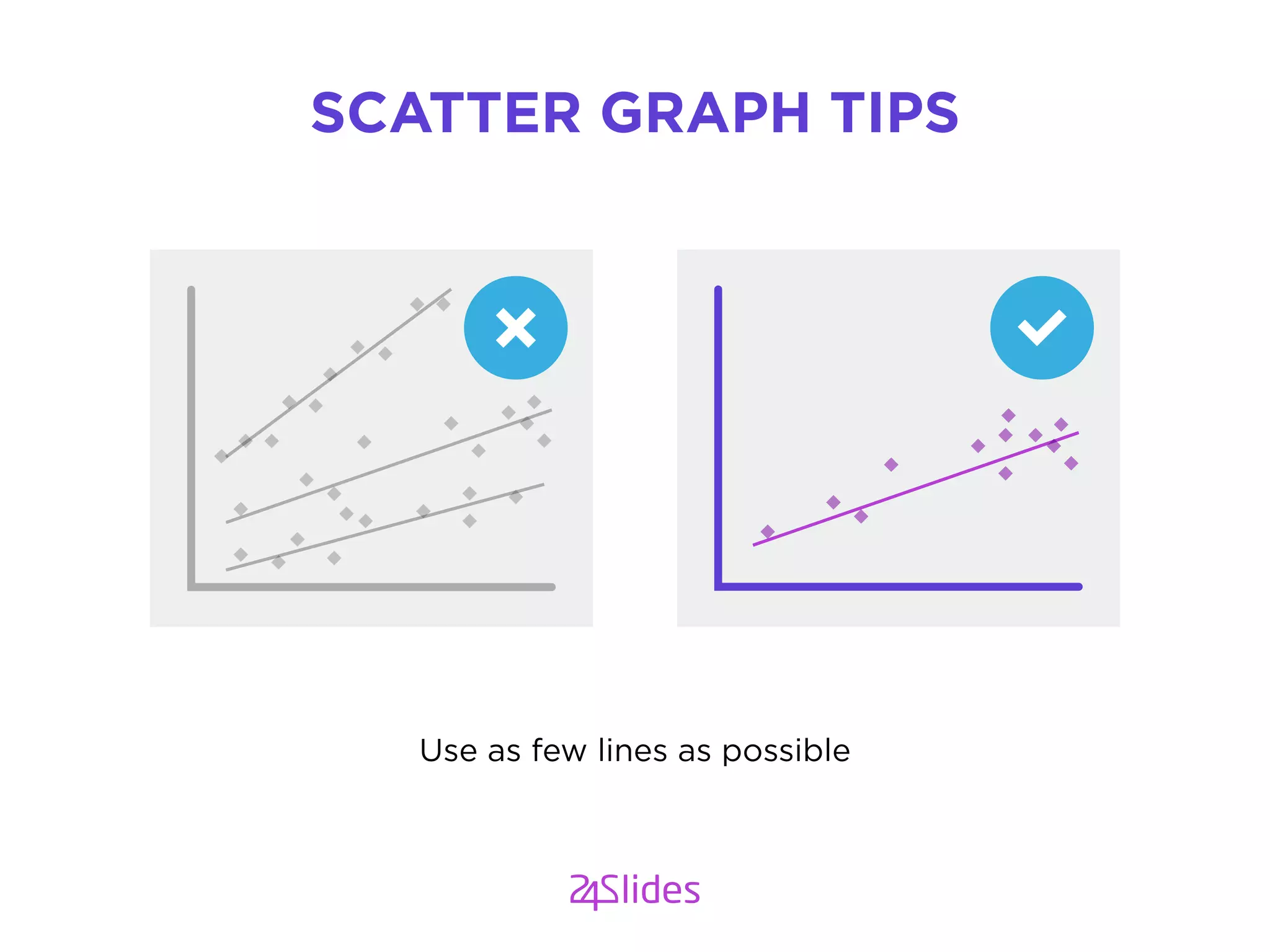
Use as few lines as possible
SCATTER GRAPH TIPS
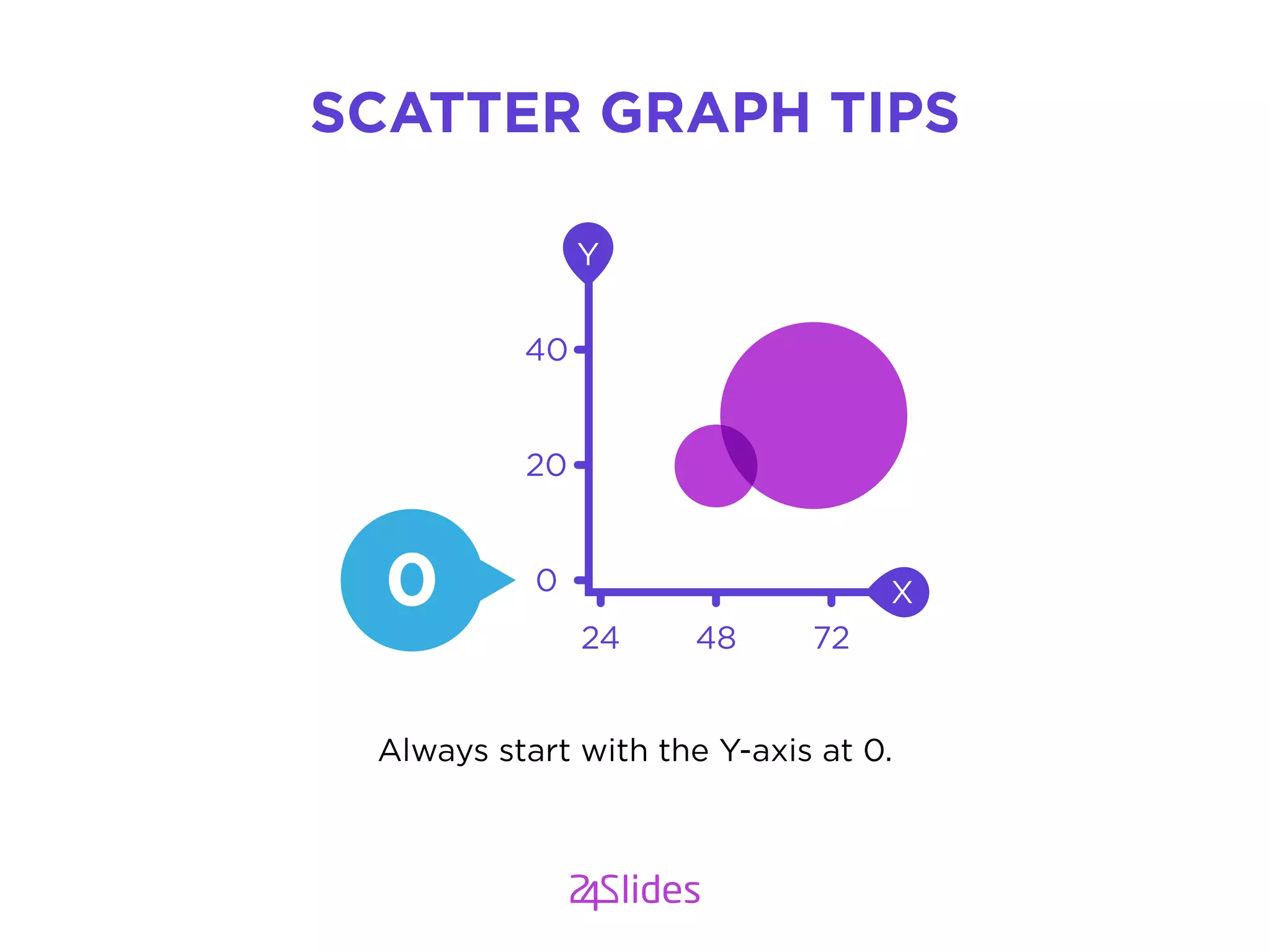
Always start with the Y-axis at 0.
SCATTER GRAPH TIPS
0
20
40
24 48 72
X
Y
0
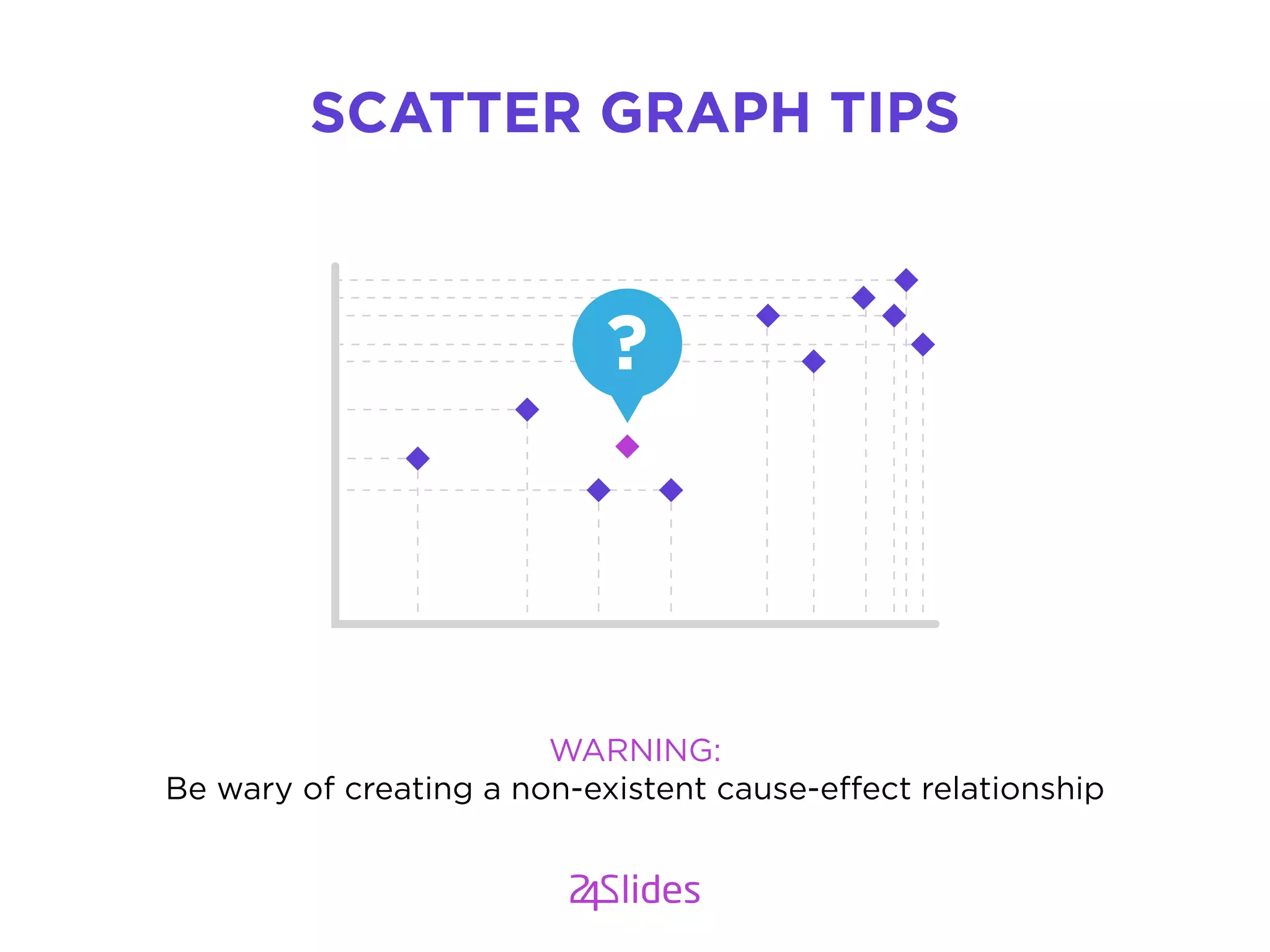
WARNING:
Be wary of creating a non-existent cause-effect relationship
SCATTER GRAPH TIPS
?
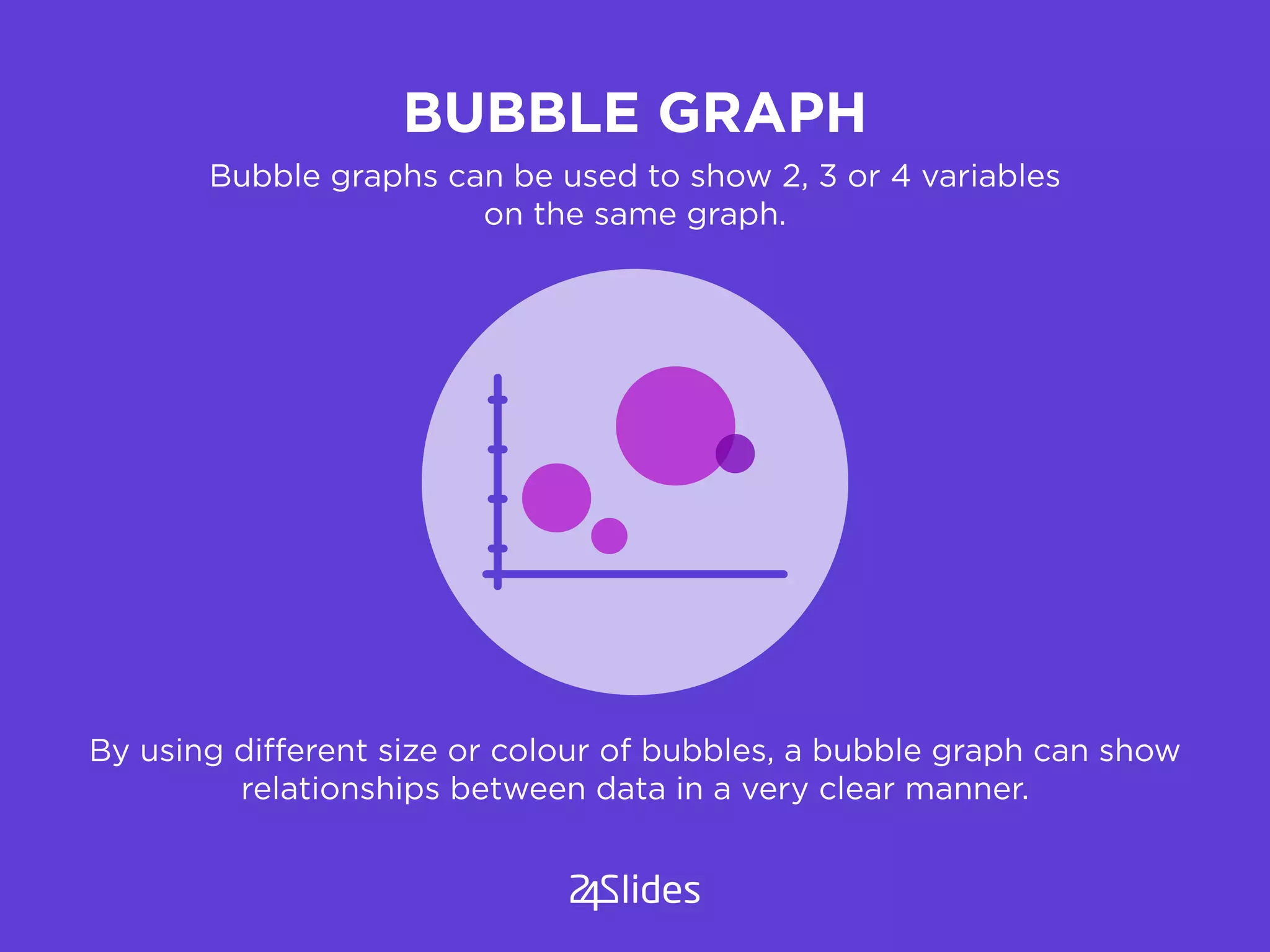
BUBBLE GRAPH
By using different size or colour of bubbles, a bubble graph can show
relationships between data in a very clear manner.
Bubble graphs can be used to show 2, 3 or 4 variables
on the same graph.
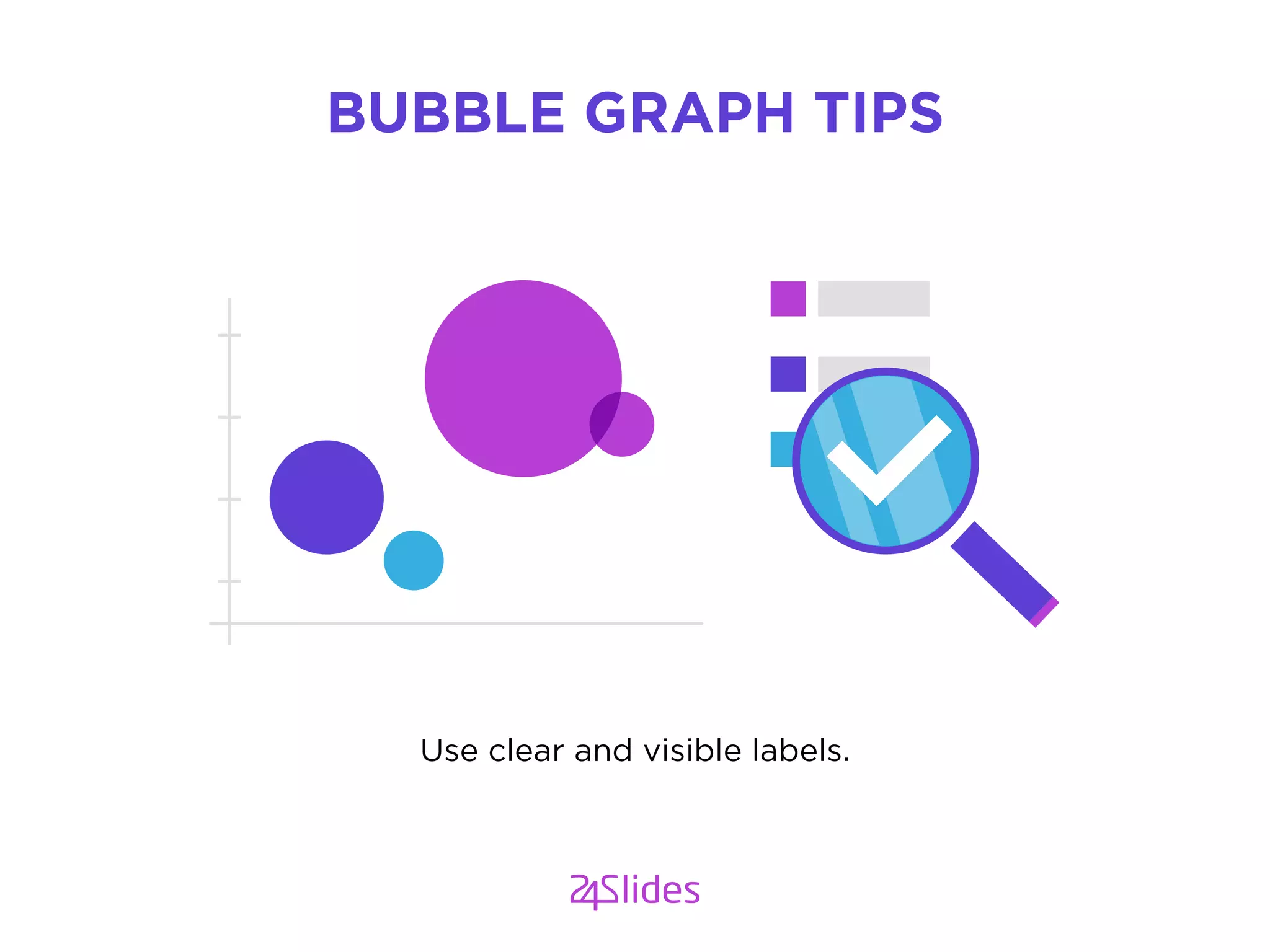
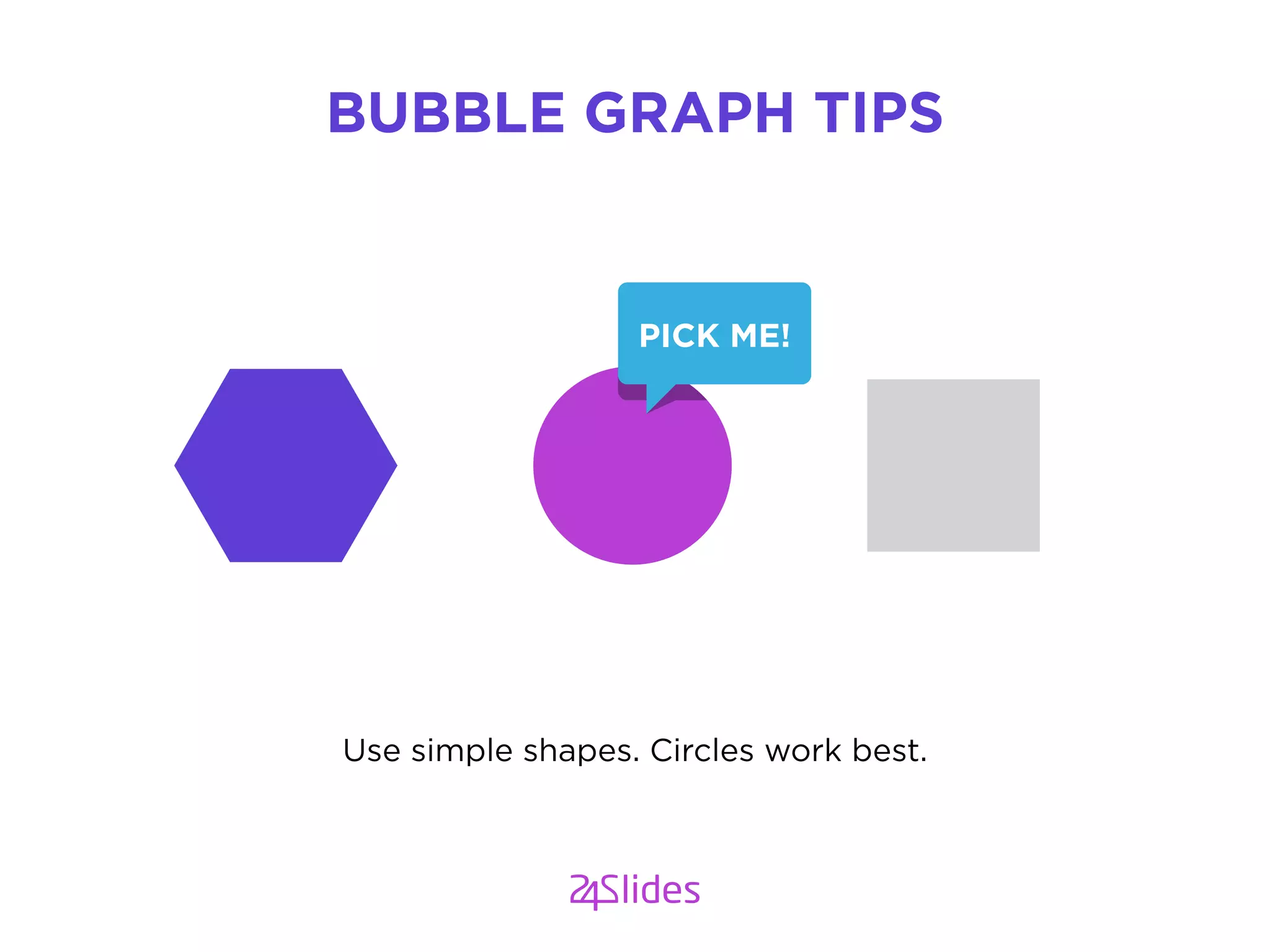
Use simple shapes. Circles work best.
BUBBLE GRAPH TIPS
PICK ME!
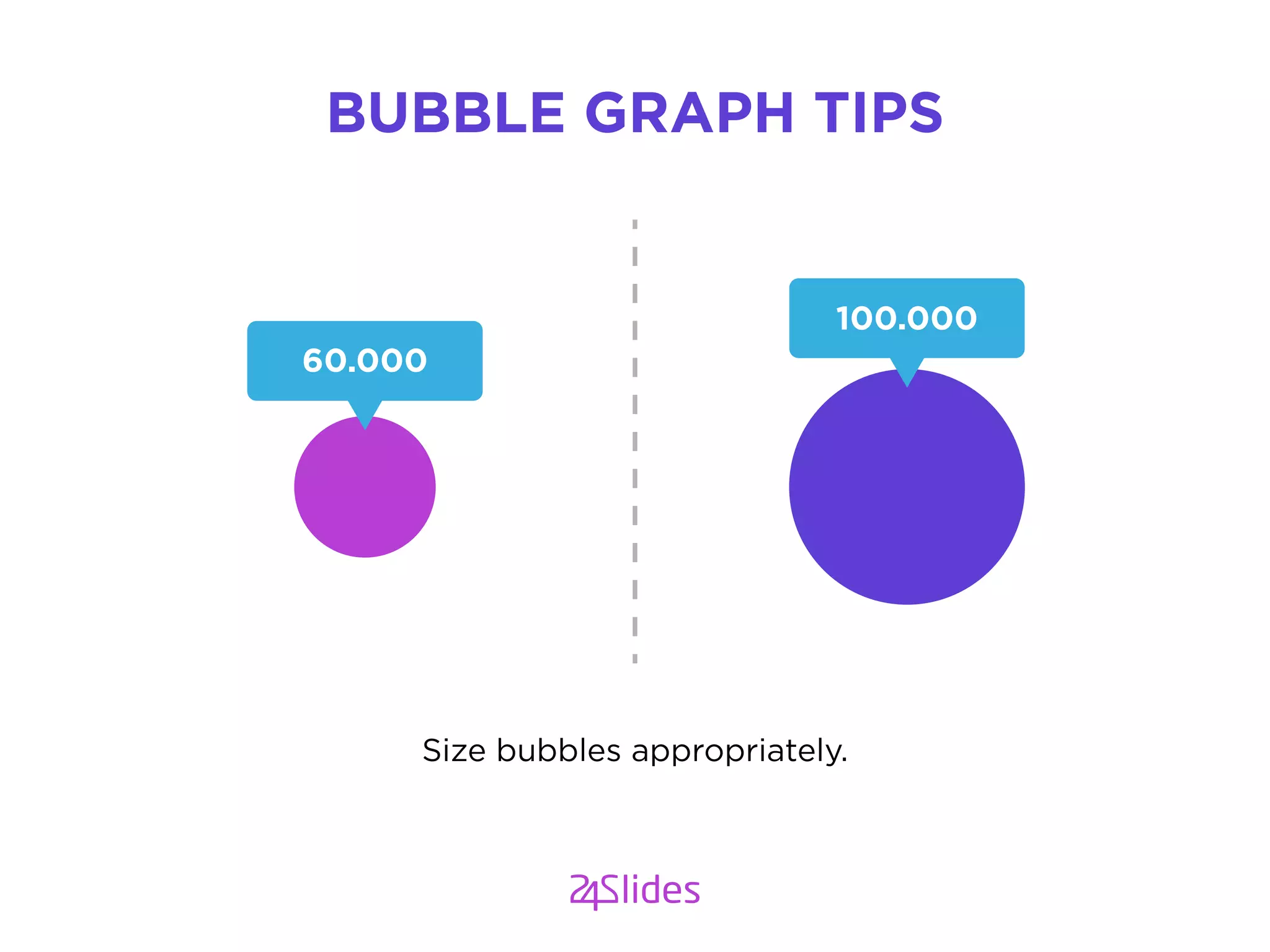
Size bubbles appropriately.
BUBBLE GRAPH TIPS
60.000
100.000
Use clear and visible labels.
BUBBLE GRAPH TIPS
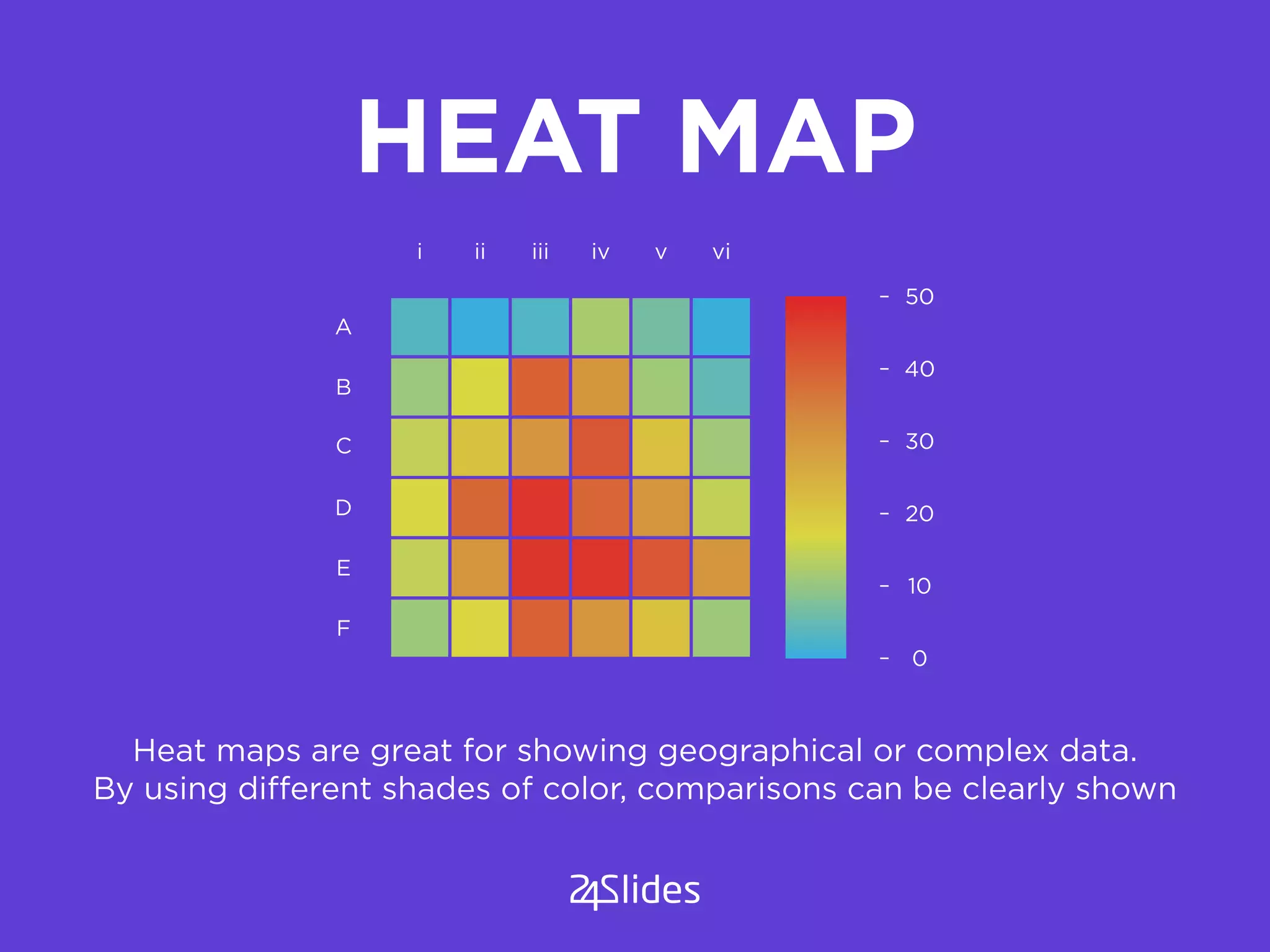
HEAT MAP
Heat maps are great for showing geographical or complex data.
By using different shades of color, comparisons can be clearly shown
0
A
i ii iii iv v vi
B
C
D
E
F
10
20
30
40
50
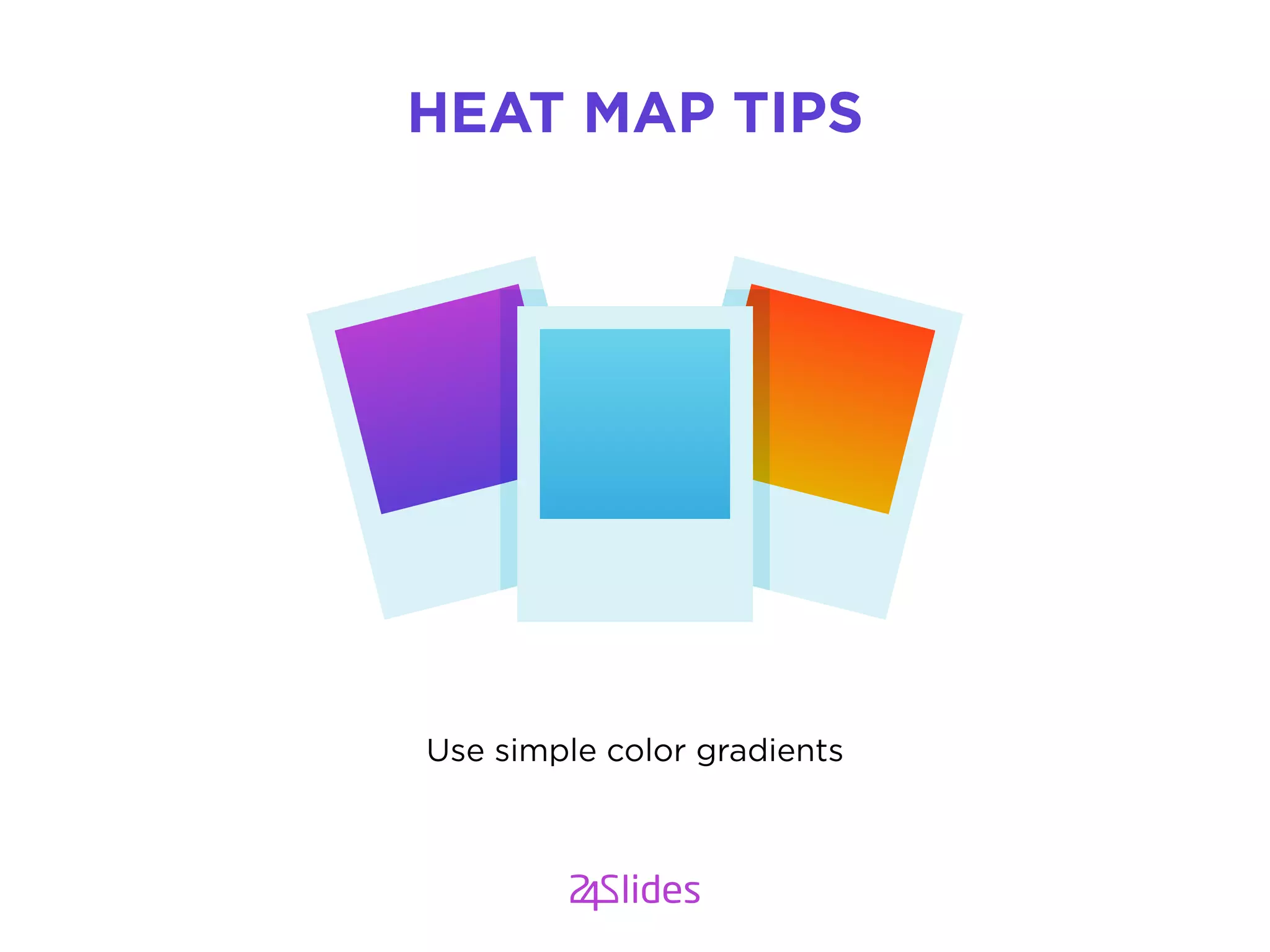
Use simple color gradients
HEAT MAP TIPS
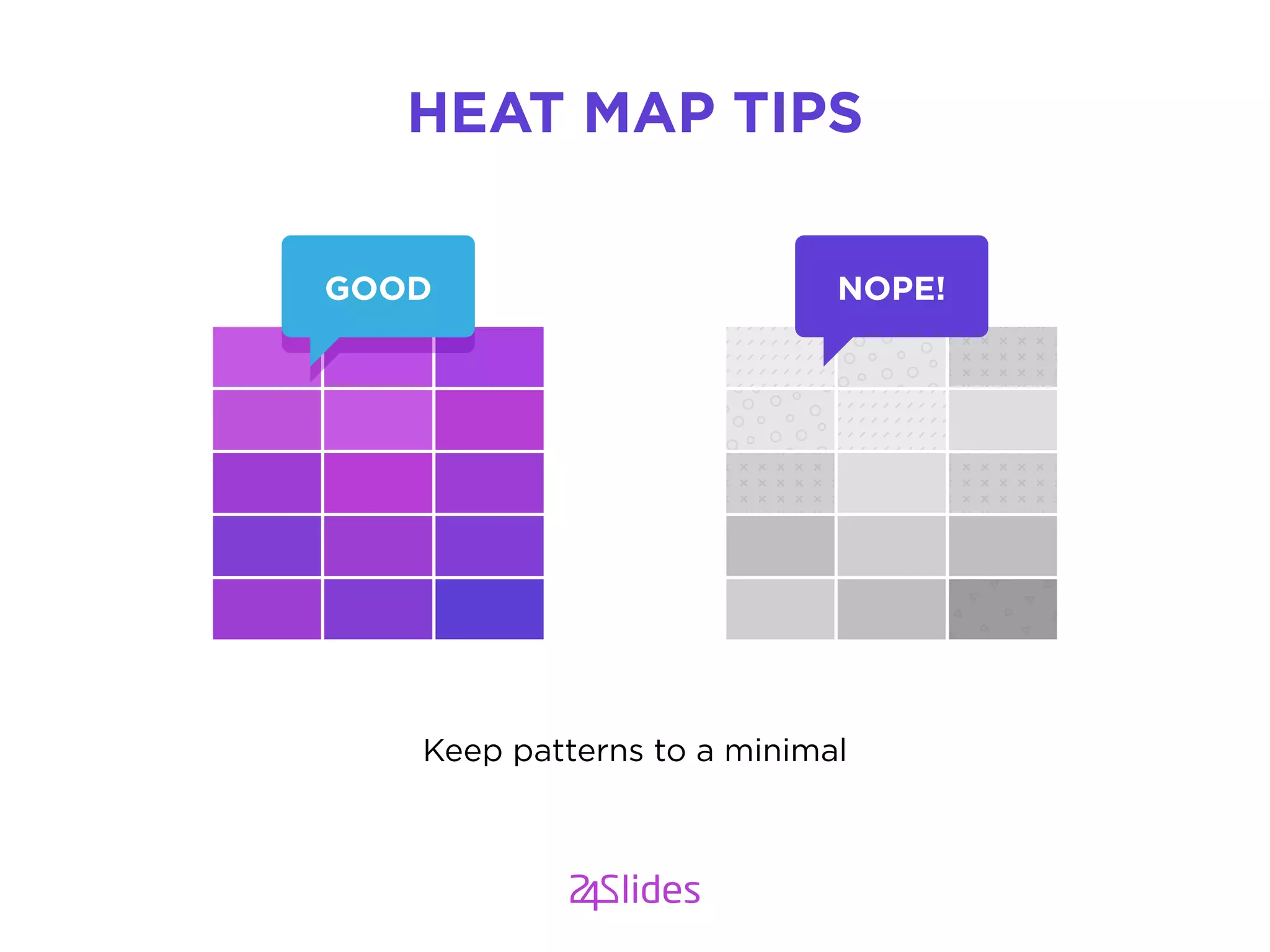
GOOD NOPE!
Keep patterns to a minimal
HEAT MAP TIPS
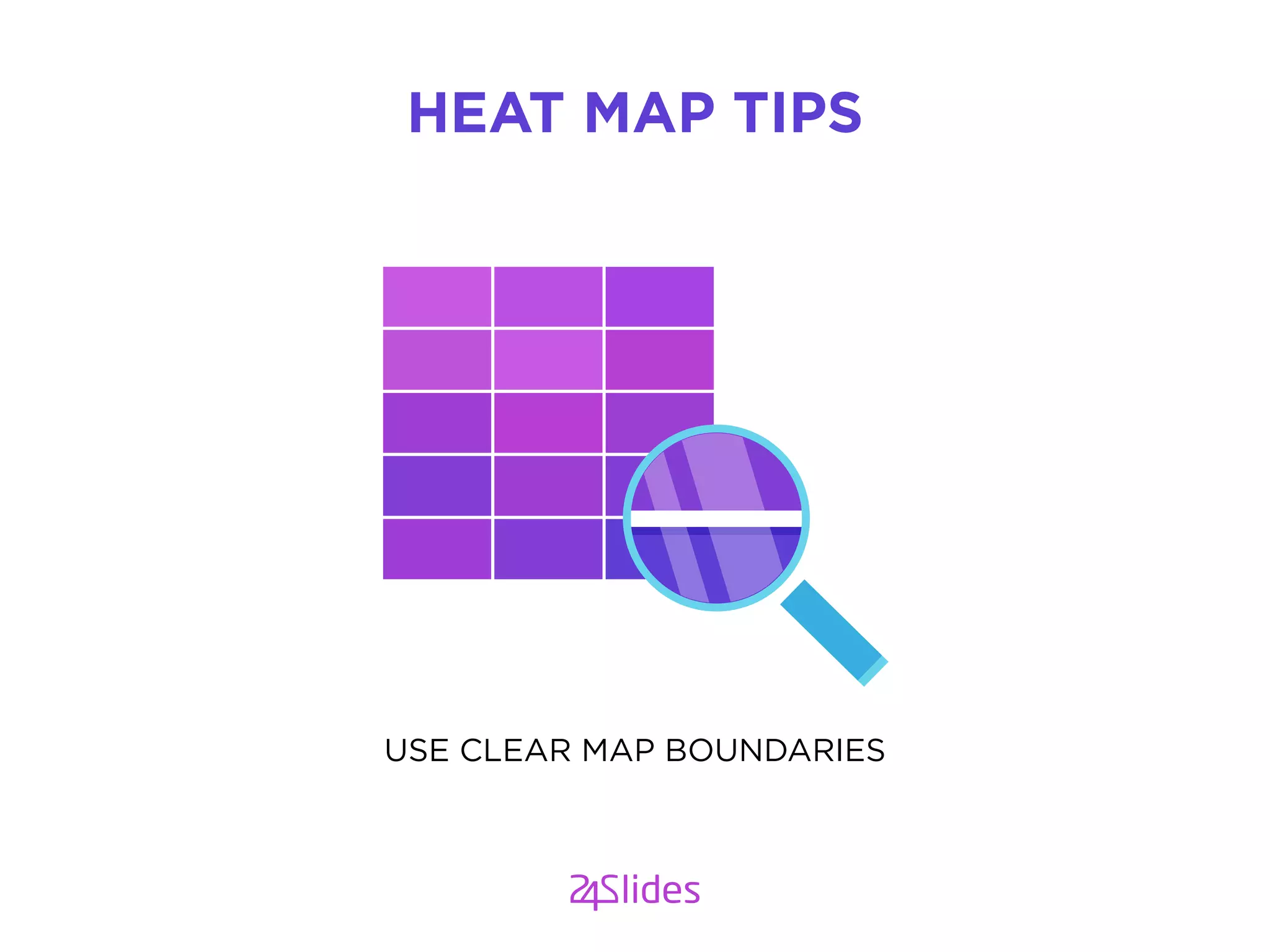
USE CLEAR MAP BOUNDARIES
HEAT MAP TIPS
WHAT YOU HAVE LEARNT
YOU SHOULD KNOW MORE
ABOUT DATA VISUALIZATION BY NOW
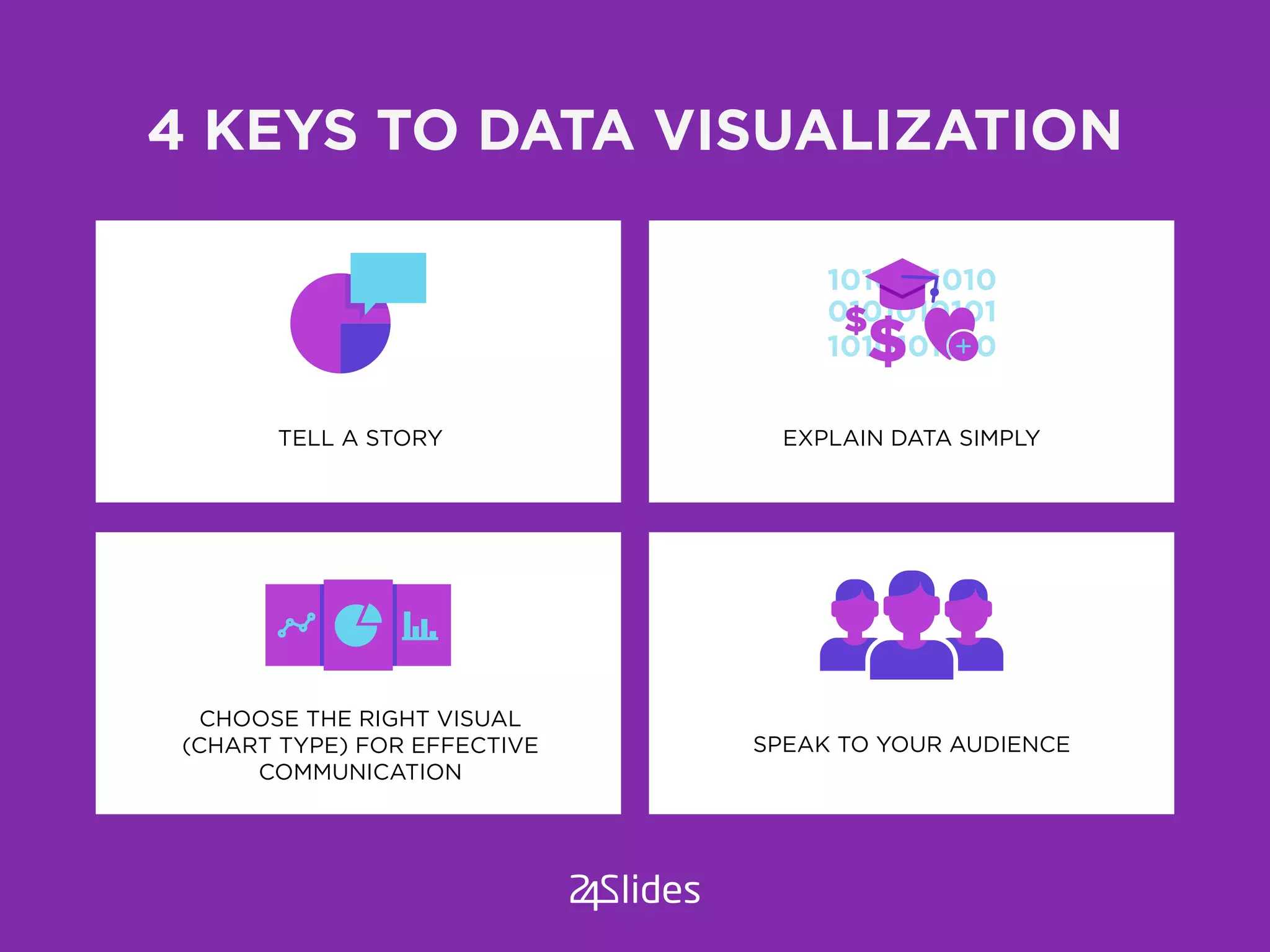
4 KEYS TO DATA VISUALIZATION
TELL A STORY
CHOOSE THE RIGHT VISUAL
(CHART TYPE) FOR EFFECTIVE
COMMUNICATION
SPEAK TO YOUR AUDIENCE
EXPLAIN DATA SIMPLY
%
VISUALIZE DATA TO TELL
A BETTER STORY FOR
YOUR AUDIENCE
VISUALIZE DATA TO TELL
A BETTER STORY FOR
YOUR AUDIENCE
Get 2 free slides Get a monthly subscribtion
Need help visualizing your big data?

How to Visualize Data Like a Pro

  • 1.
    90% A Powerpoint Presentationdesign by From www.24slides.com/blog
  • 2.
  • 3.
    DATA VISUALIZATION INVOLVES INTERPRETINGDATA SIMPLE, EASY TO UNDERSTAND INFORMATION USING VISUALS
  • 4.
  • 5.
    VISUAL DATA HELPSUS TO THINK AND COMMUNICATE
  • 6.
    GOLDEN RULESGOLDEN RULES OFCREATING A DATA VISUALIZATION POWERPOINT PRESENTATION
  • 7.
    A PICTURE TELLSA STORY BETTER THAN A THOUSAND WORDS COULD
  • 8.
    BY VISUALIZING YOURDATA, YOU CAN COMMUNICATE YOUR STORY MORE EFFECTIVELY
  • 9.
    4 KEY QUESTIONSFOR SUCCESSFUL DATA VISUALIZATION WHAT IS THE STORY YOUR DATA IS TRYING TO TELL? WHAT CHART TYPE WILL DISPLAY YOUR DATA IN THE SIMPLEST AND MOST EFFICIENT WAY? WHO IS YOUR AUDIENCE? WHAT TYPE OF DATA DO YOU WANT TO EXPLAIN?
  • 10.
    WHAT IS YOURSTORY? All data tells a story. Data visualization makes the story easy to understand Are sales up or down? Is the birthrate on the increase? Are expenses under control?
  • 11.
    WHAT TYPE OFDATA DO YOU WANT TO EXPLAIN? Quantitative data deals with numbers and things you can measure objectively. This can be: POPULATION STATISTICS SALES & EARNINGS BUDGET FIGURES EXPENSES ETC
  • 12.
    DATA TYPES Nearly everyorganization has quantitative information to collect, dissect, understand and present Data visualization allows you to present this data in a simple visual way so that it makes sense at a glance Quantitative data is ideal for visualization.It summarizes the data’s essential characteristics allowing to disregard exceptions
  • 13.
    WHO IS YOURAUDIENCE? Are you presenting to a board of directors, healthcare professionals, prospective investors?
  • 14.
    KNOW YOUR AUDIENCE Youraudience should influence how you visualize your data. Understanding how your audience best digests data will influence which chart types you will use
  • 15.
    Get to thepoint. As much as storytelling is an art, knowing what your audience need to know from the numbers is critical. Choose the simplest and clearest chart type which allows you to get straight to the point KNOW YOUR AUDIENCE
  • 16.
    CHOOSE THE VISUALAID THAT WILL SPEAK DIRECTLY TO YOUR AUDIENCE
  • 17.
    Each chart typeis suited to telling a different story. Common chart types include: WHAT CHART TYPE WILL DISPLAY YOUR DATA EFFICIENTLY? PIE CHARTS BAR GRAPHS LINE GRAPHS SCATTER GRAPHS BUBBLE GRAPHS HEAT MAPS
  • 18.
    WHY VISUALIZE WITHGRAPHS GRAPHS ALLOW YOU TO GET STRAIGHT TO THE POINT A SIMPLE GRAPH CAN TELL A STORY OF A THOUSAND WORD
  • 19.
    GRAPHS ALLOW YOUTO SHOW TRENDS PATTERNS EXCEPTIONS A DCB E HGF
  • 20.
    DATA VISUALIZATION USING PIECHARTS Perfect for displaying proportions and percentages in a part-to-whole relationship %
  • 21.
    Less is more: limitthe number of categories to 5 or less PIE CHART TIPS 5 CATEGORIES
  • 22.
    Clearly label percentages toavoid misinterpretation of the segment sizes PIE CHART TIPS 25% 75%
  • 23.
    YES GOOD Order slicesso that they are quickly understood PIE CHART TIPS
  • 24.
    Avoid the useof 3D pie charts, they make the data more difficult to understand PIE CHART TIPS GOODUMM...
  • 25.
    BAR GRAPH Use abar graph to show groups comparison. They can be either horizontal or vertical
  • 26.
    Always start valueaxis at zero BAR GRAPH TIPS
  • 27.
    Use a consistentscale BAR GRAPH TIPS 10 15 20 A YES 10 15 30 A NO!
  • 28.
    LINE GRAPH A linegraph uses a line to show time-series relationships of continuous data. They are great for showing trends and changes over time A B C
  • 29.
    Use a maximumof 4 lines when comparing LINE GRAPH TIPS
  • 30.
    Use solid linesand not dotted lines LINE GRAPH TIPS YES UMM..
  • 31.
    Label each lineseparately LINE GRAPH TIPS = A = B = C
  • 32.
    Use a correctscale for the graph LINE GRAPH TIPS GOOD 20 40 60 80 UMM.. 20 35 40 60
  • 33.
    SCATTER GRAPH Scatter graphscan be used to show the relationship between two variables. Perfect to use for large data sets such as population or epidemiology studies.
  • 34.
    Use lines toshow trends & relationships. SCATTER GRAPH TIPS
  • 35.
    Use as fewlines as possible SCATTER GRAPH TIPS
  • 36.
    Always start withthe Y-axis at 0. SCATTER GRAPH TIPS 0 20 40 24 48 72 X Y 0
  • 37.
    WARNING: Be wary ofcreating a non-existent cause-effect relationship SCATTER GRAPH TIPS ?
  • 38.
    BUBBLE GRAPH By usingdifferent size or colour of bubbles, a bubble graph can show relationships between data in a very clear manner. Bubble graphs can be used to show 2, 3 or 4 variables on the same graph.
  • 39.
    Use simple shapes.Circles work best. BUBBLE GRAPH TIPS PICK ME!
  • 40.
    Size bubbles appropriately. BUBBLEGRAPH TIPS 60.000 100.000
  • 41.
    Use clear andvisible labels. BUBBLE GRAPH TIPS
  • 42.
    HEAT MAP Heat mapsare great for showing geographical or complex data. By using different shades of color, comparisons can be clearly shown 0 A i ii iii iv v vi B C D E F 10 20 30 40 50
  • 43.
    Use simple colorgradients HEAT MAP TIPS
  • 44.
    GOOD NOPE! Keep patternsto a minimal HEAT MAP TIPS
  • 45.
    USE CLEAR MAPBOUNDARIES HEAT MAP TIPS
  • 46.
    WHAT YOU HAVELEARNT YOU SHOULD KNOW MORE ABOUT DATA VISUALIZATION BY NOW
  • 47.
    4 KEYS TODATA VISUALIZATION TELL A STORY CHOOSE THE RIGHT VISUAL (CHART TYPE) FOR EFFECTIVE COMMUNICATION SPEAK TO YOUR AUDIENCE EXPLAIN DATA SIMPLY
  • 48.
    % VISUALIZE DATA TOTELL A BETTER STORY FOR YOUR AUDIENCE VISUALIZE DATA TO TELL A BETTER STORY FOR YOUR AUDIENCE
  • 49.
    Get 2 freeslides Get a monthly subscribtion Need help visualizing your big data?