HOW TO DEPLOY NODE
without getting fired
@seanhess
seanhess.github.com
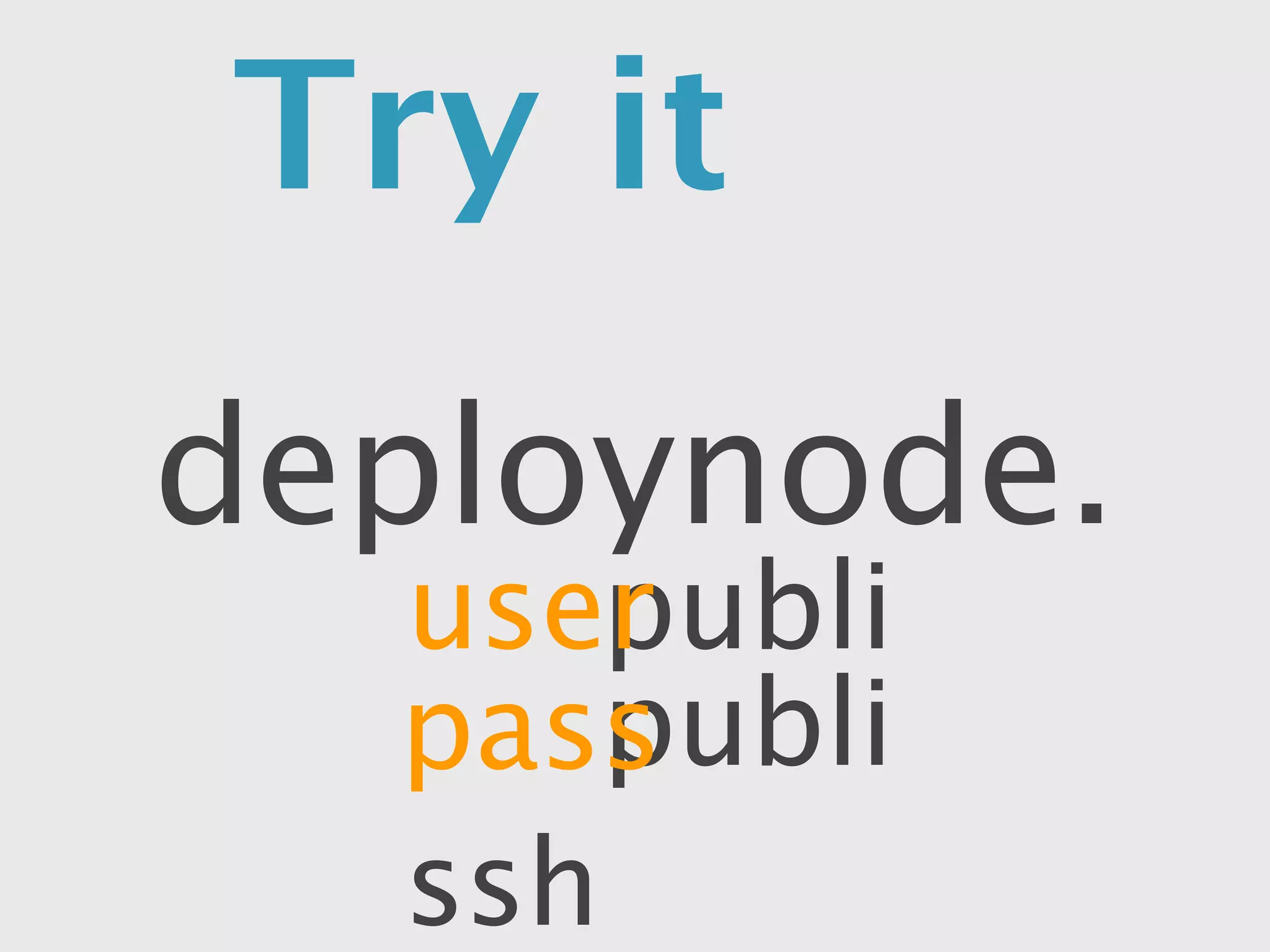
Try it yourself
      deploynode.tk
           user public
           pass public
ssh public@deploynode.tk
WHO
  ARE
YOU?
from FIRST STEPS
    to MISSTEPS
          toSCALE
Ratinatorly
who RATES the RATE-MEN?
SALARY is for chumps


100,000
shares of sweat-equity
you decide to try
Your First Node
“but my brother says
that .NET is the best
      language”
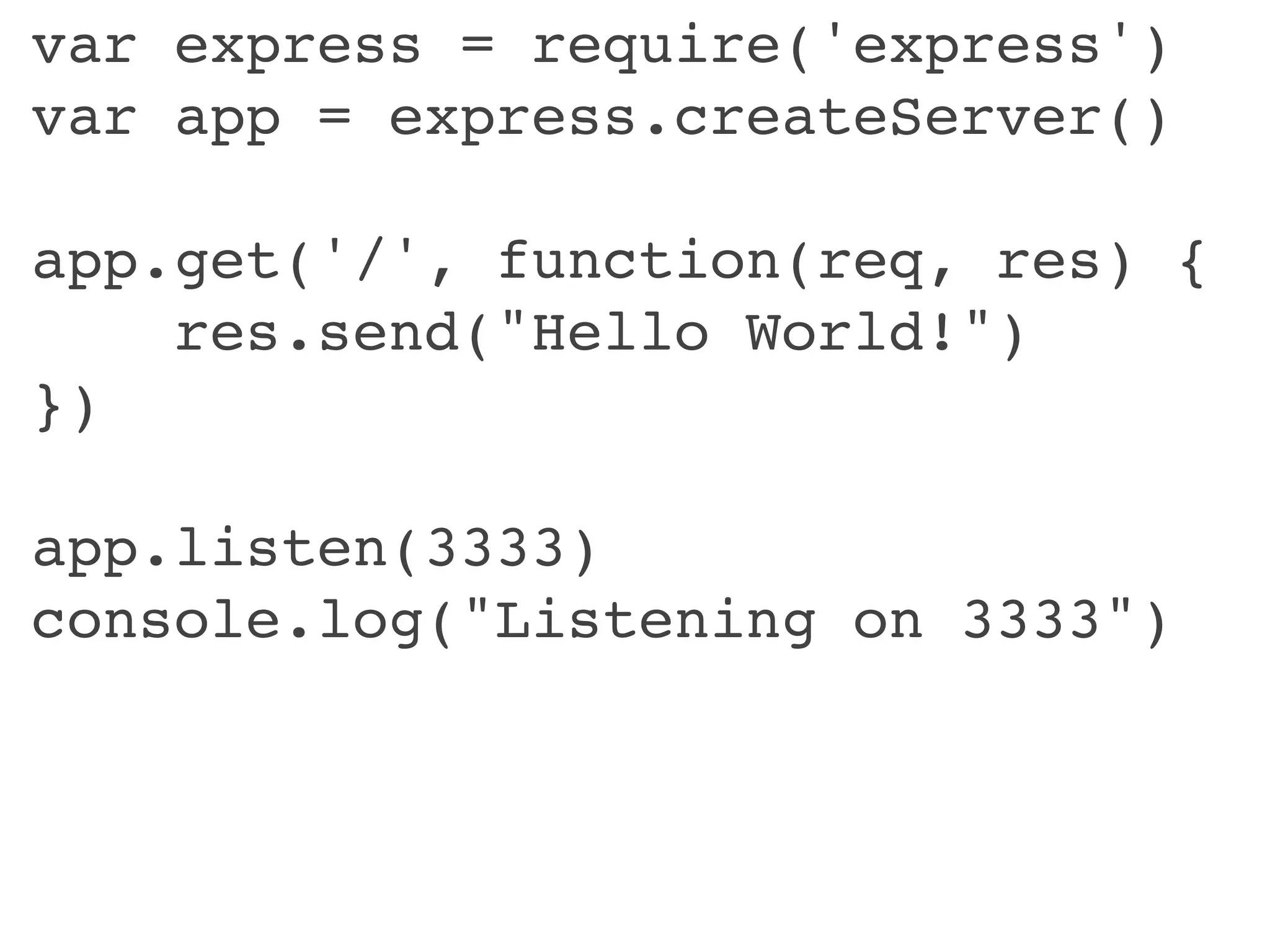
var express = require('express')
var app = express.createServer()

app.get('/', function(req, res) {
    res.send("Hello World!")
})

app.listen(3333)
console.log("Listening on 3333")
your app is a
LONG RUNNING
PROCESS
it handles all the requests
                  ...if it’s on
the PROTOTYPE
       ONLINE
 must be


“Sequoia is going to LOVE this”
SHARED HOSTING FAIL *


you need to run a
    PROGRAM
VPS         WIN!
  like a cheap
DEDICATED SERVER
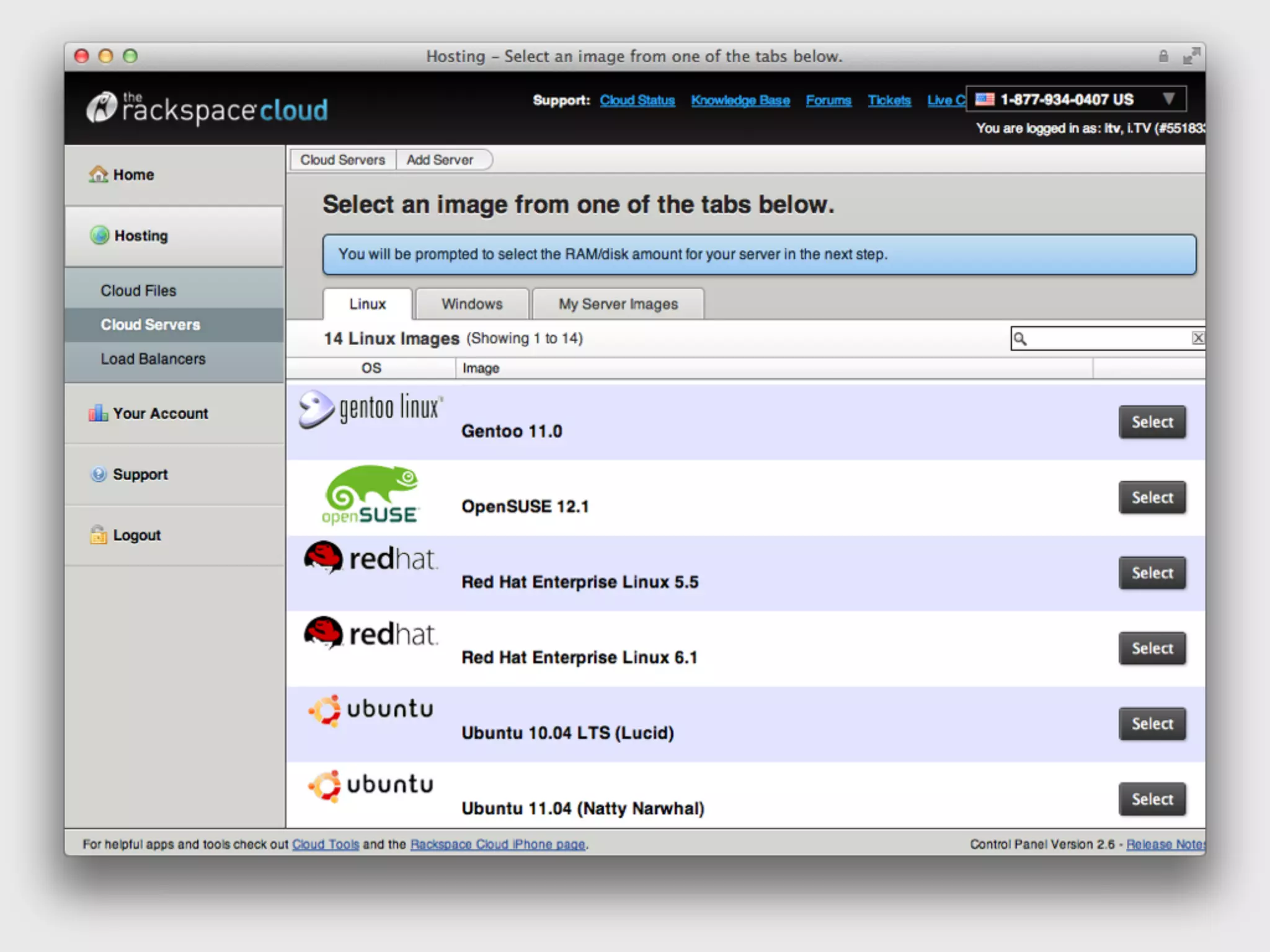
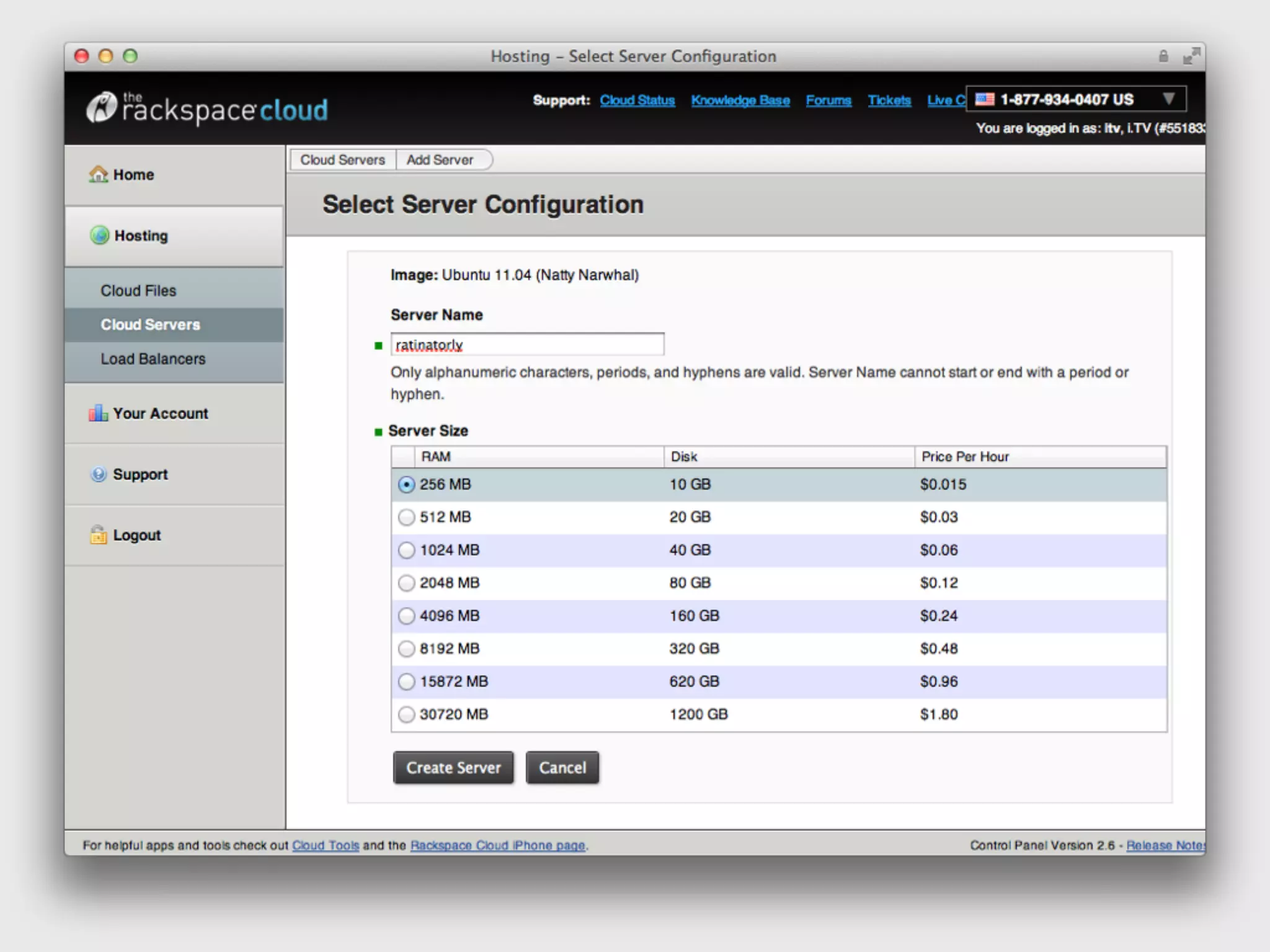
sudo make me a server
        okay...
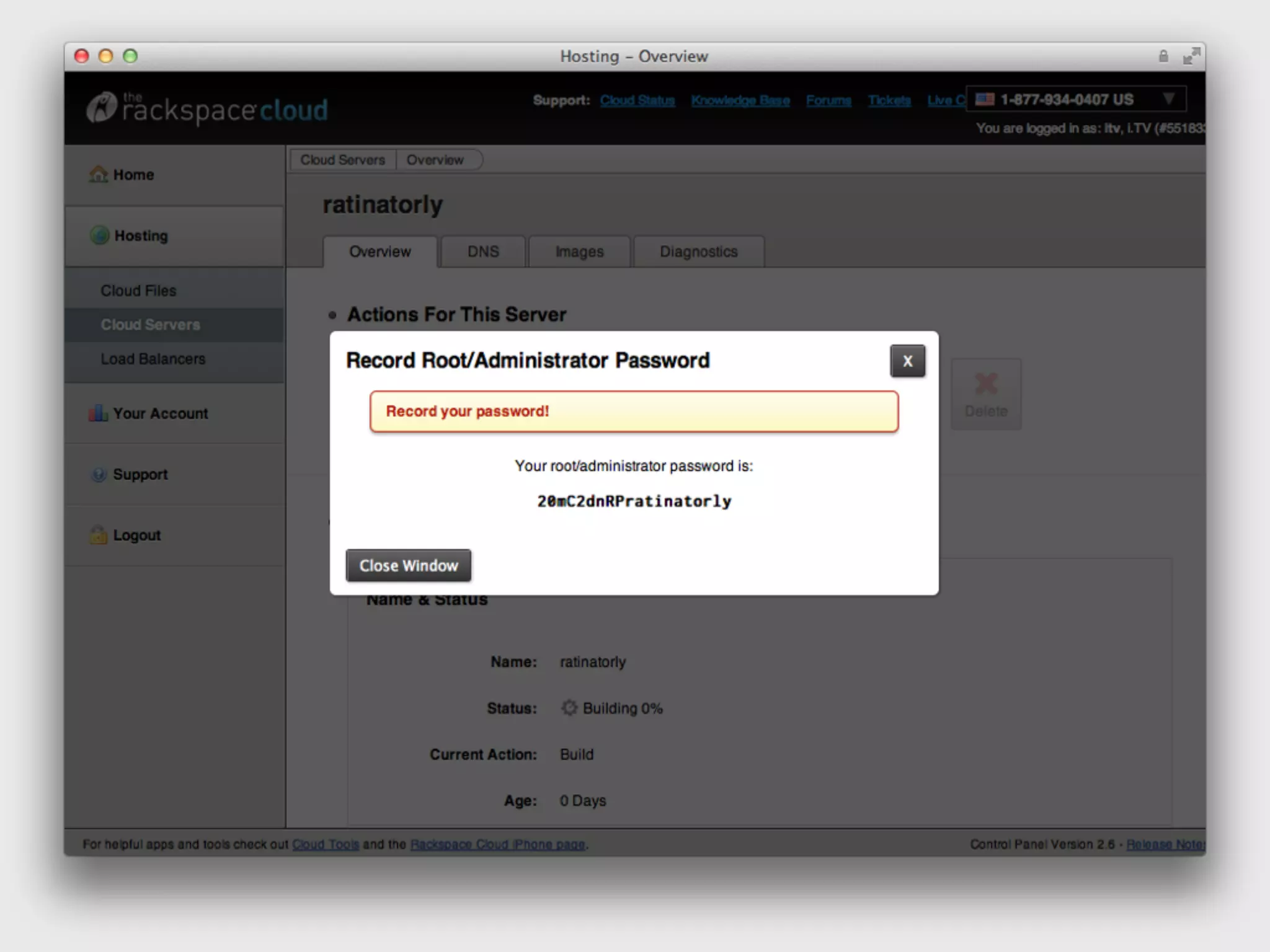
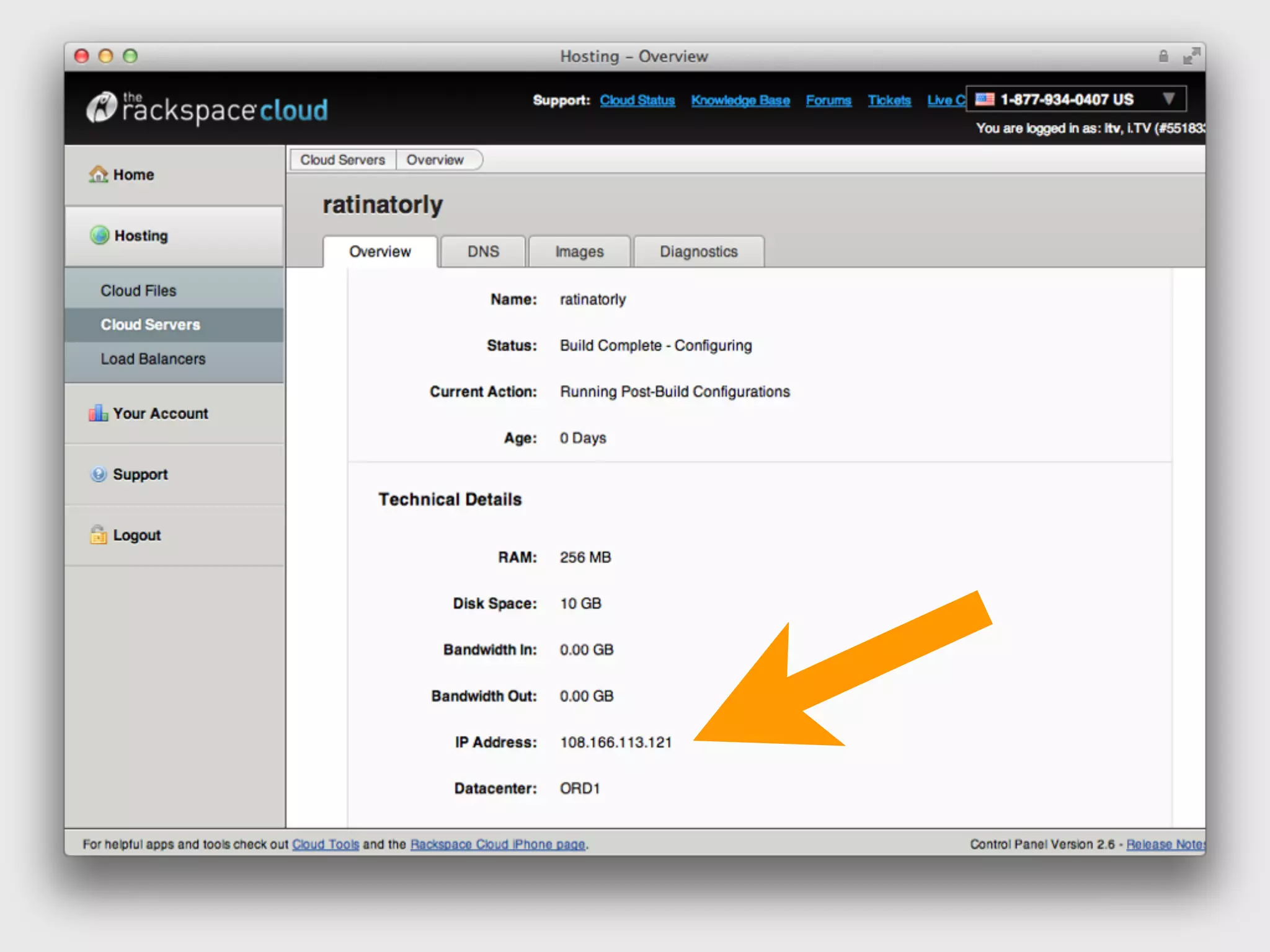
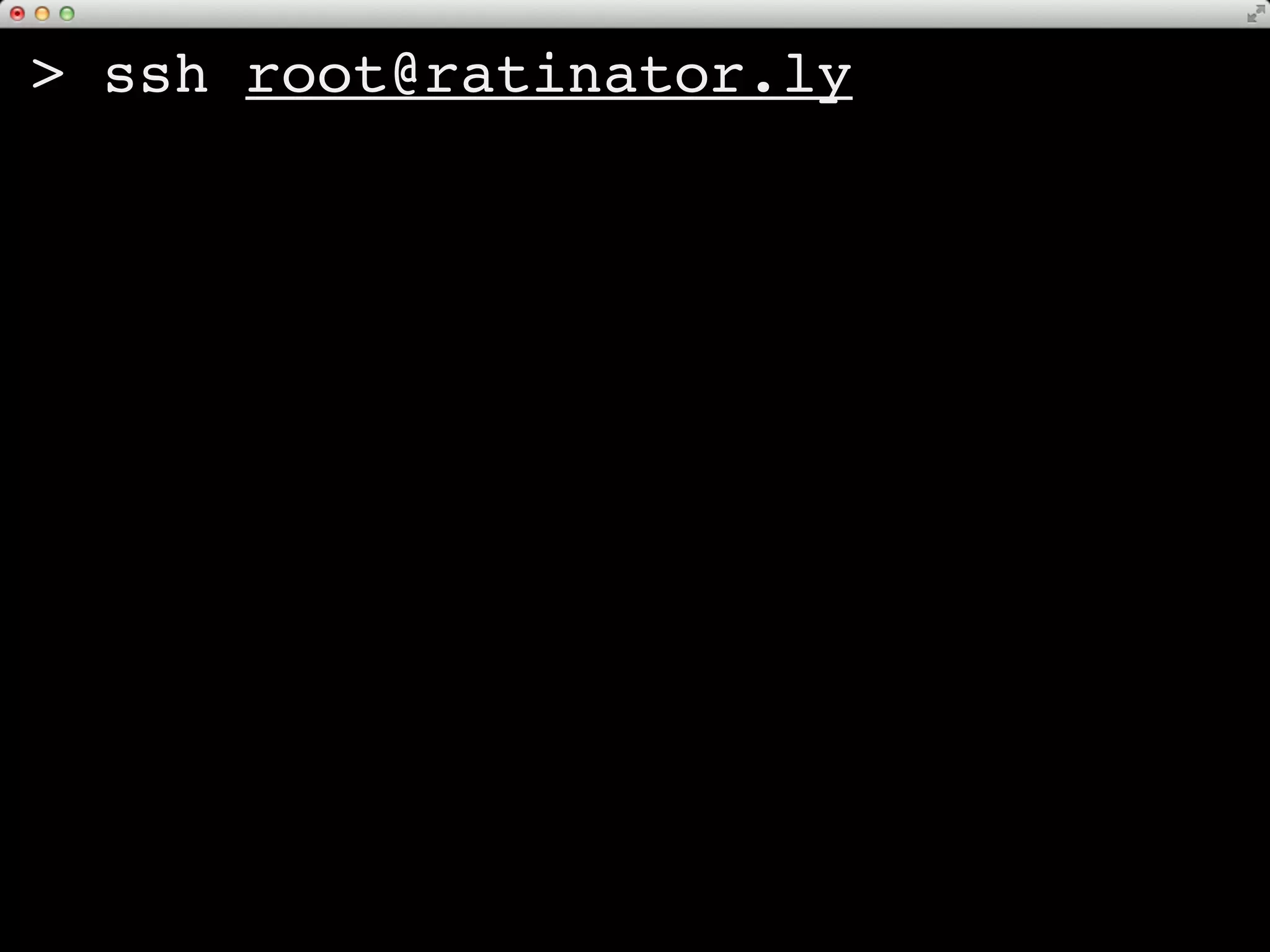
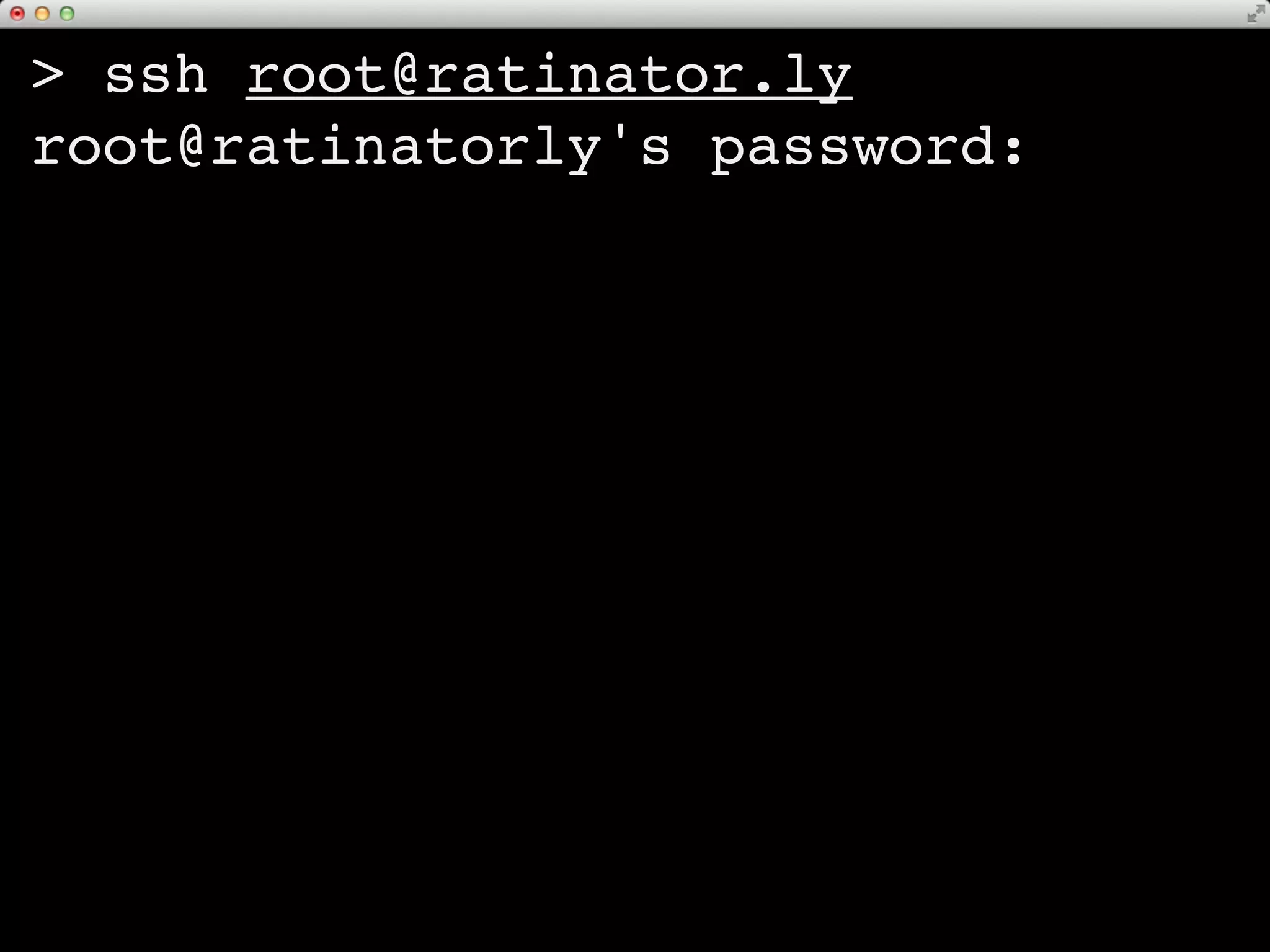
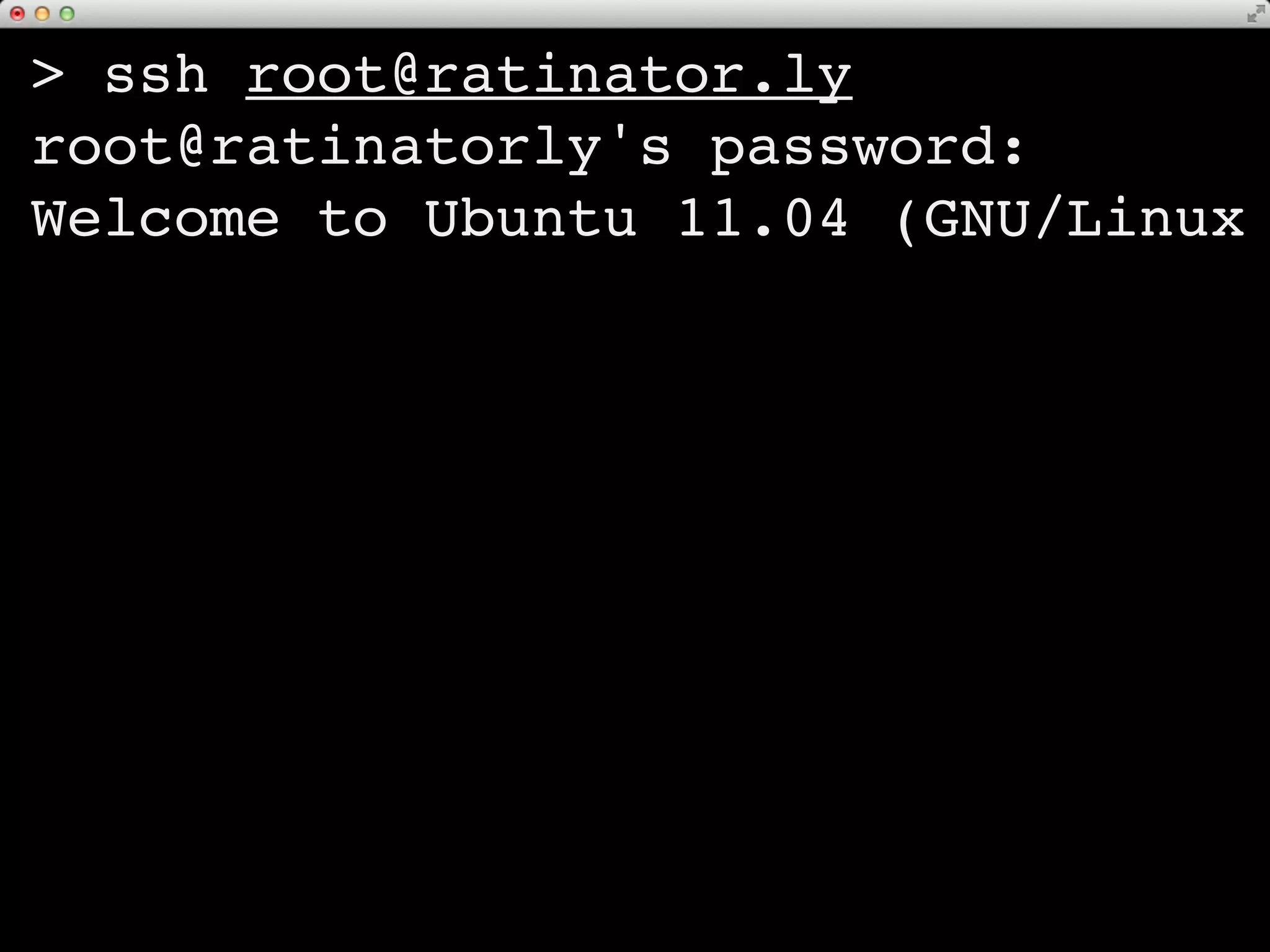
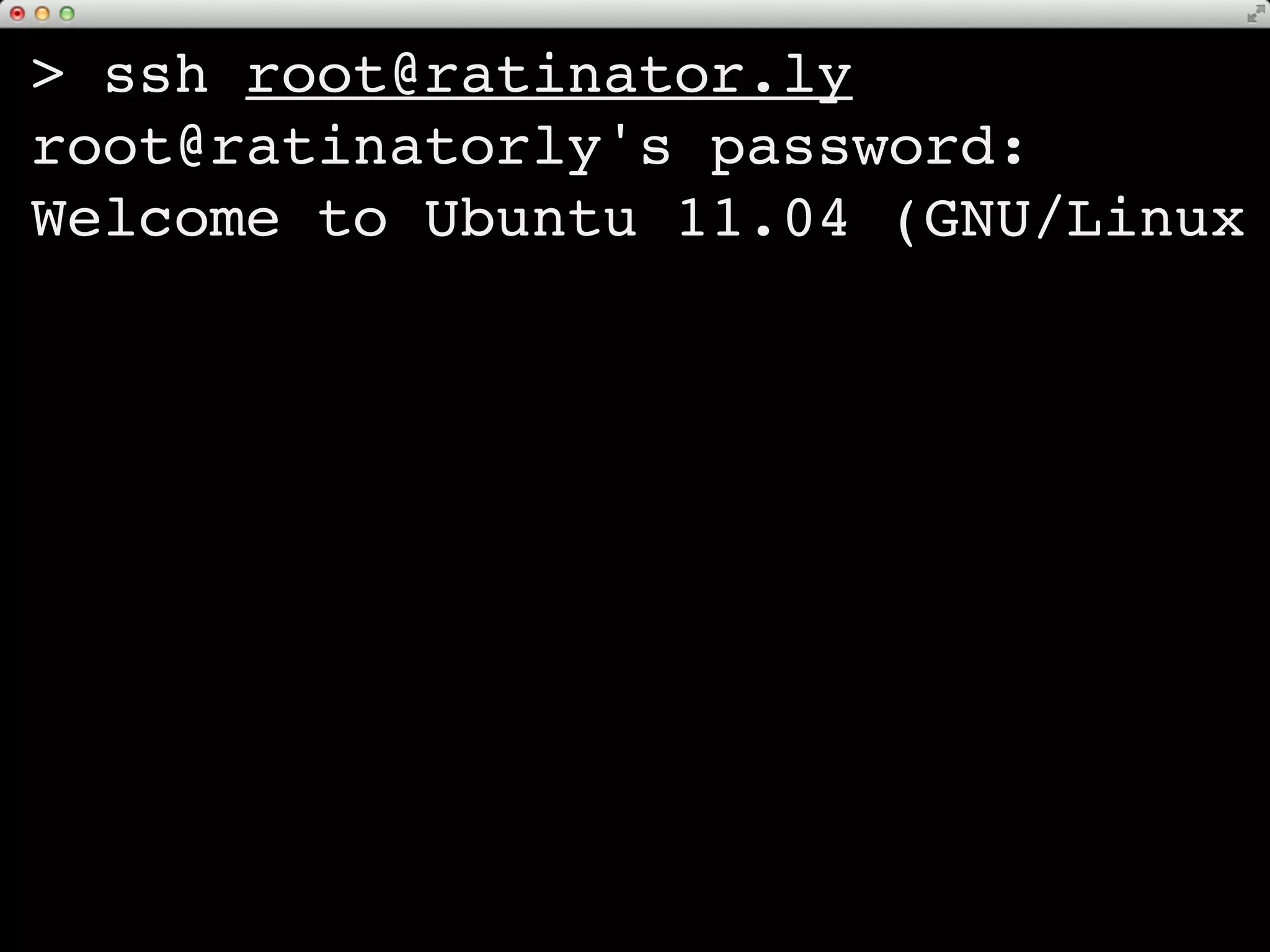
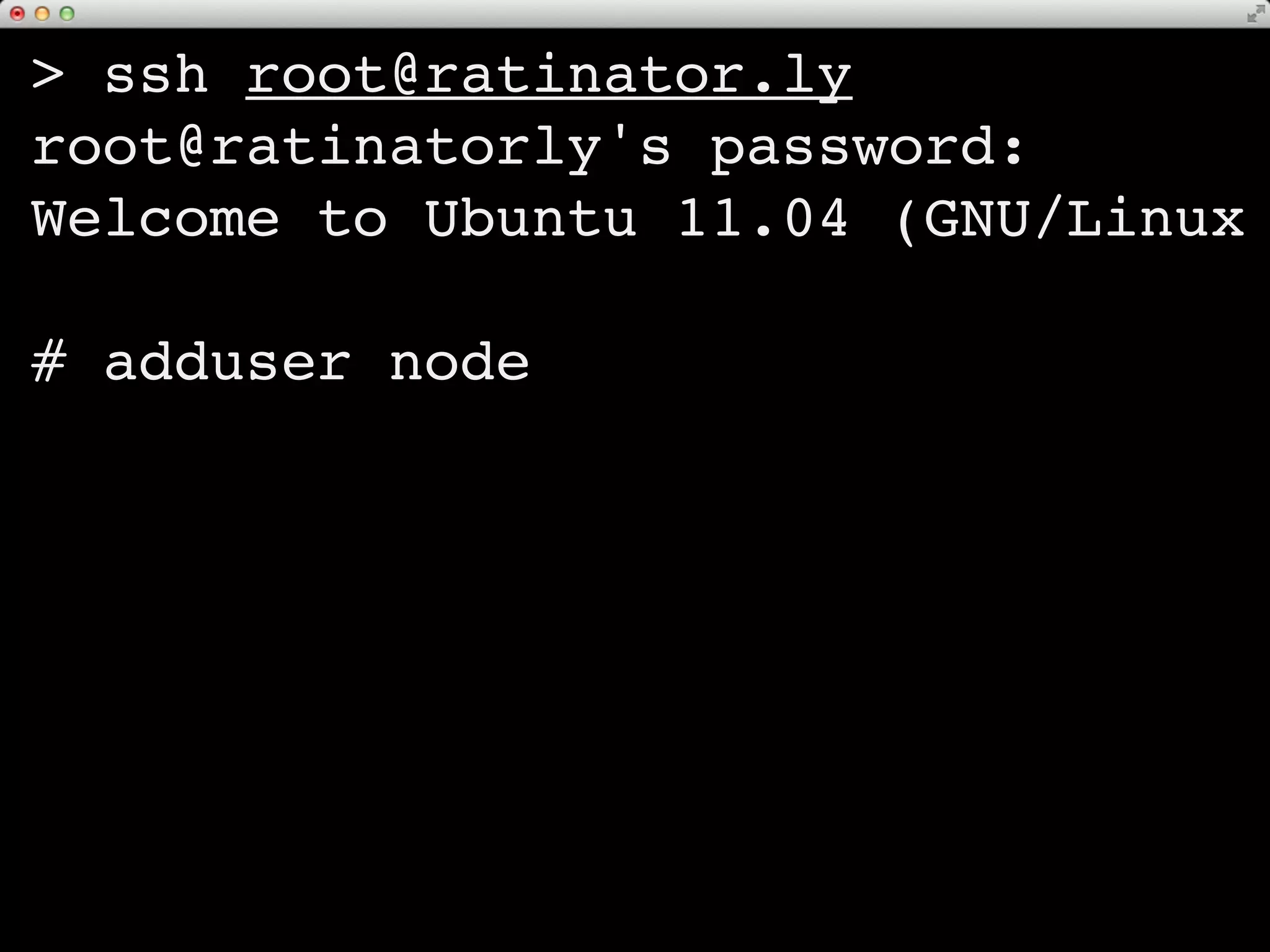
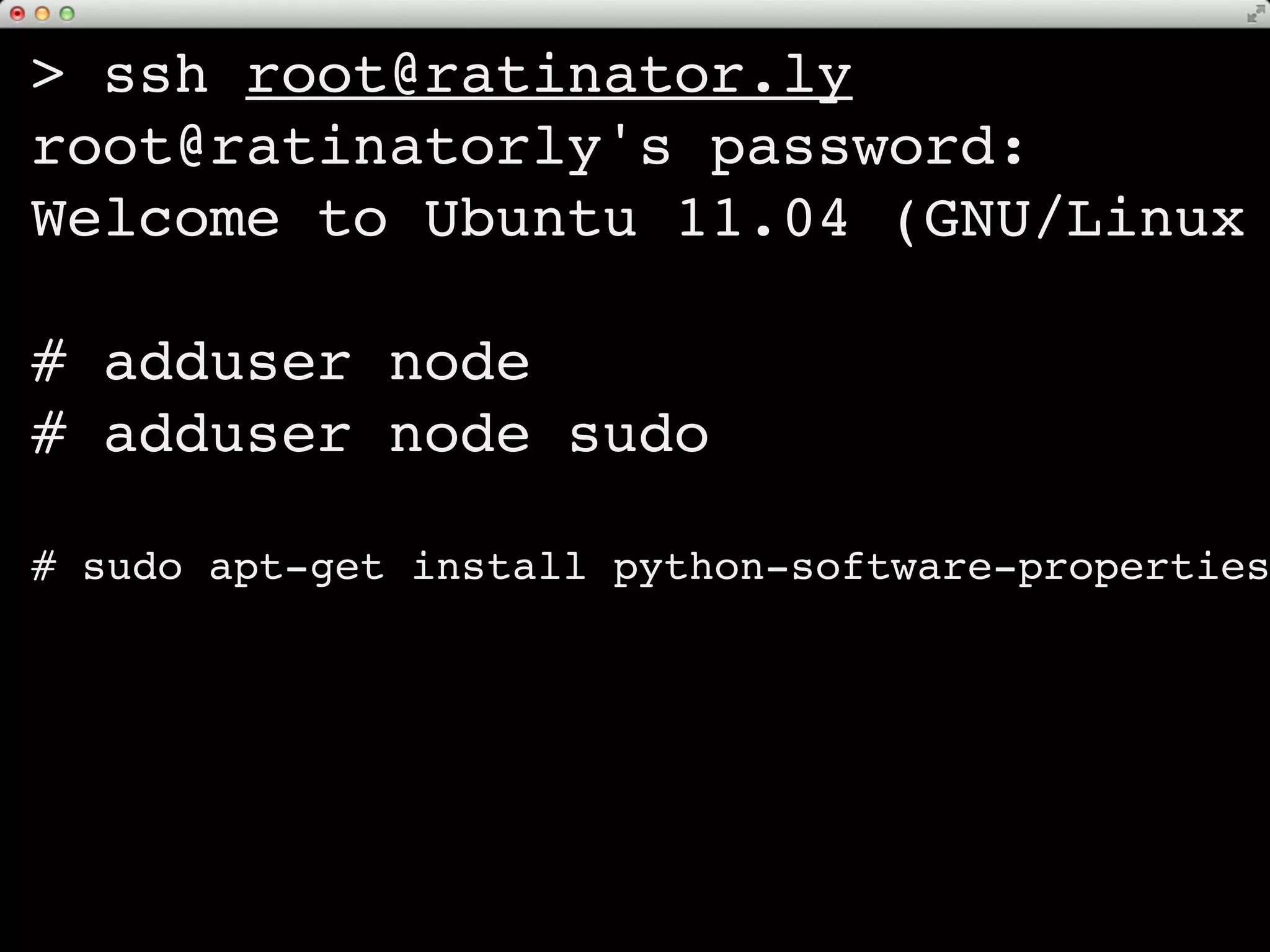
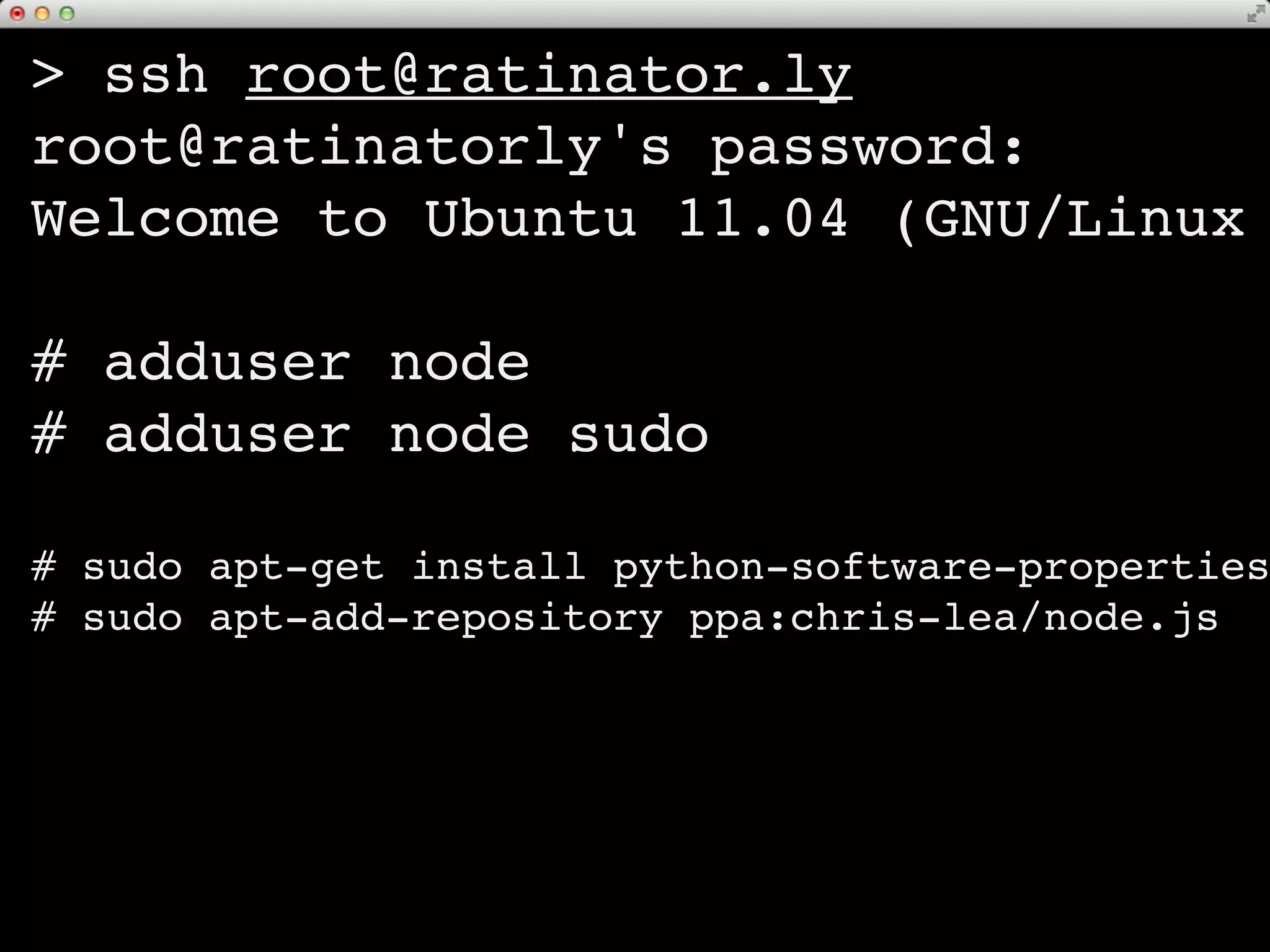
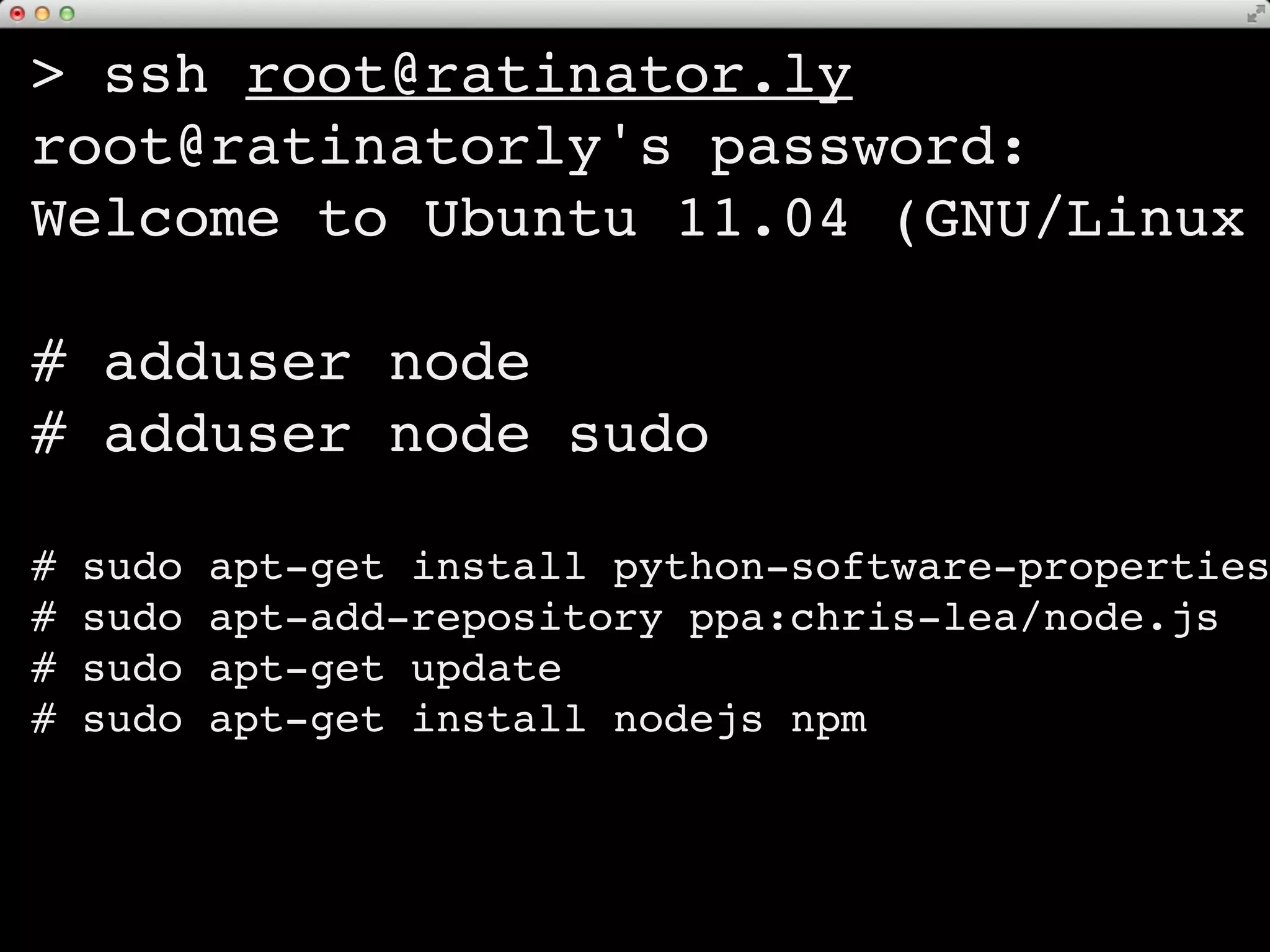
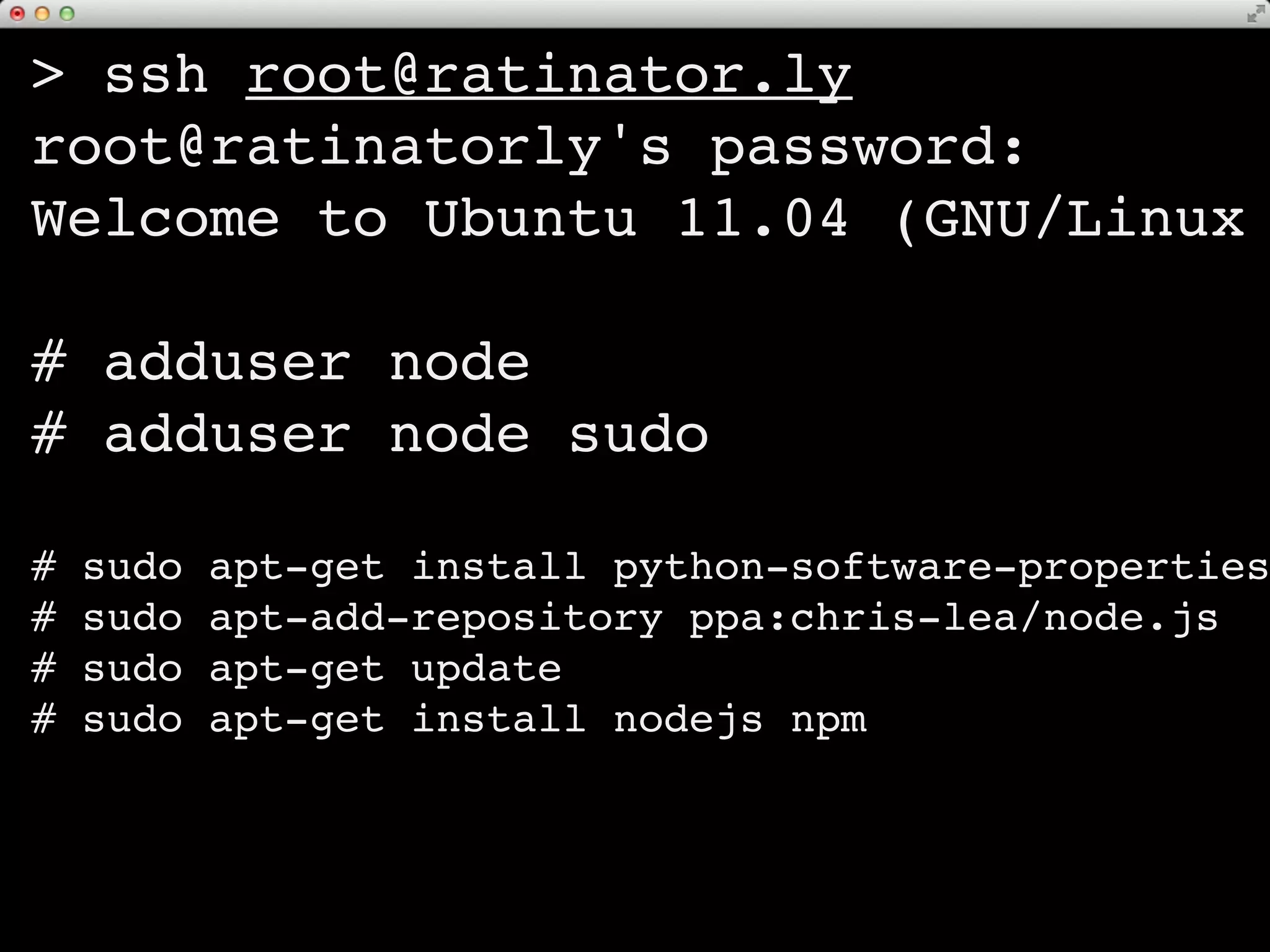
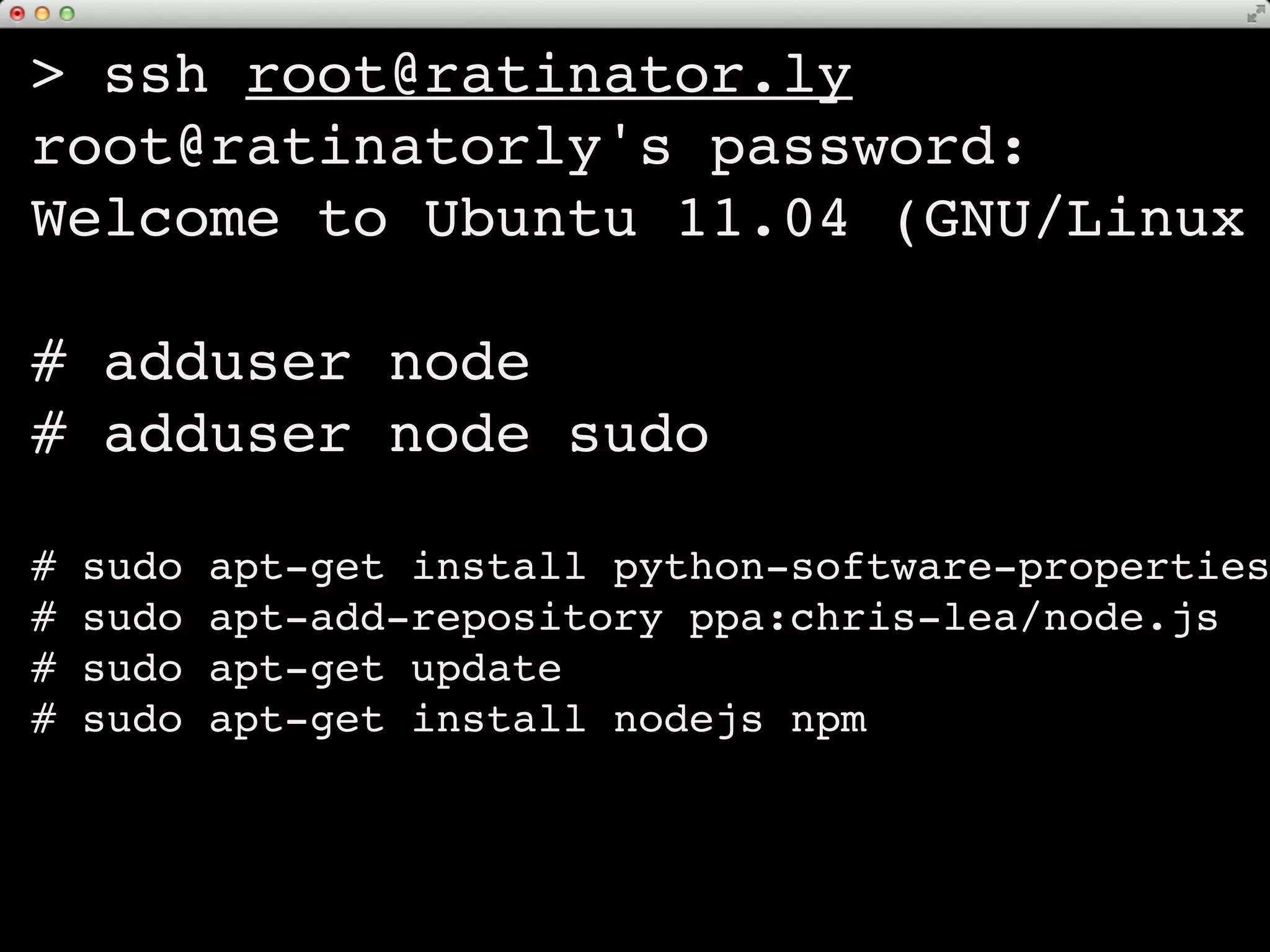
> ssh root@ratinator.ly
root@ratinatorly's password:
Welcome to Ubuntu 11.04 (GNU/Linux

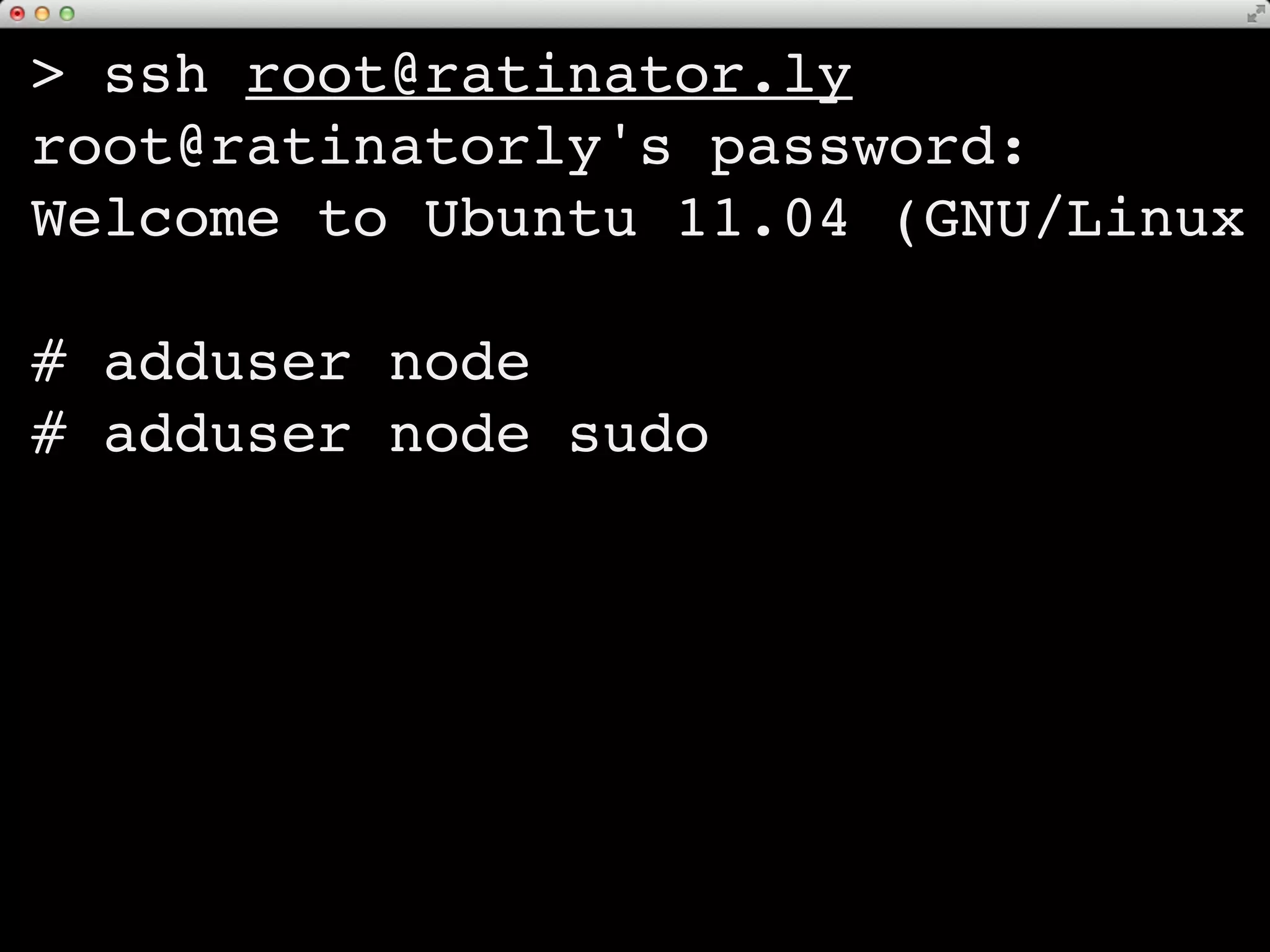
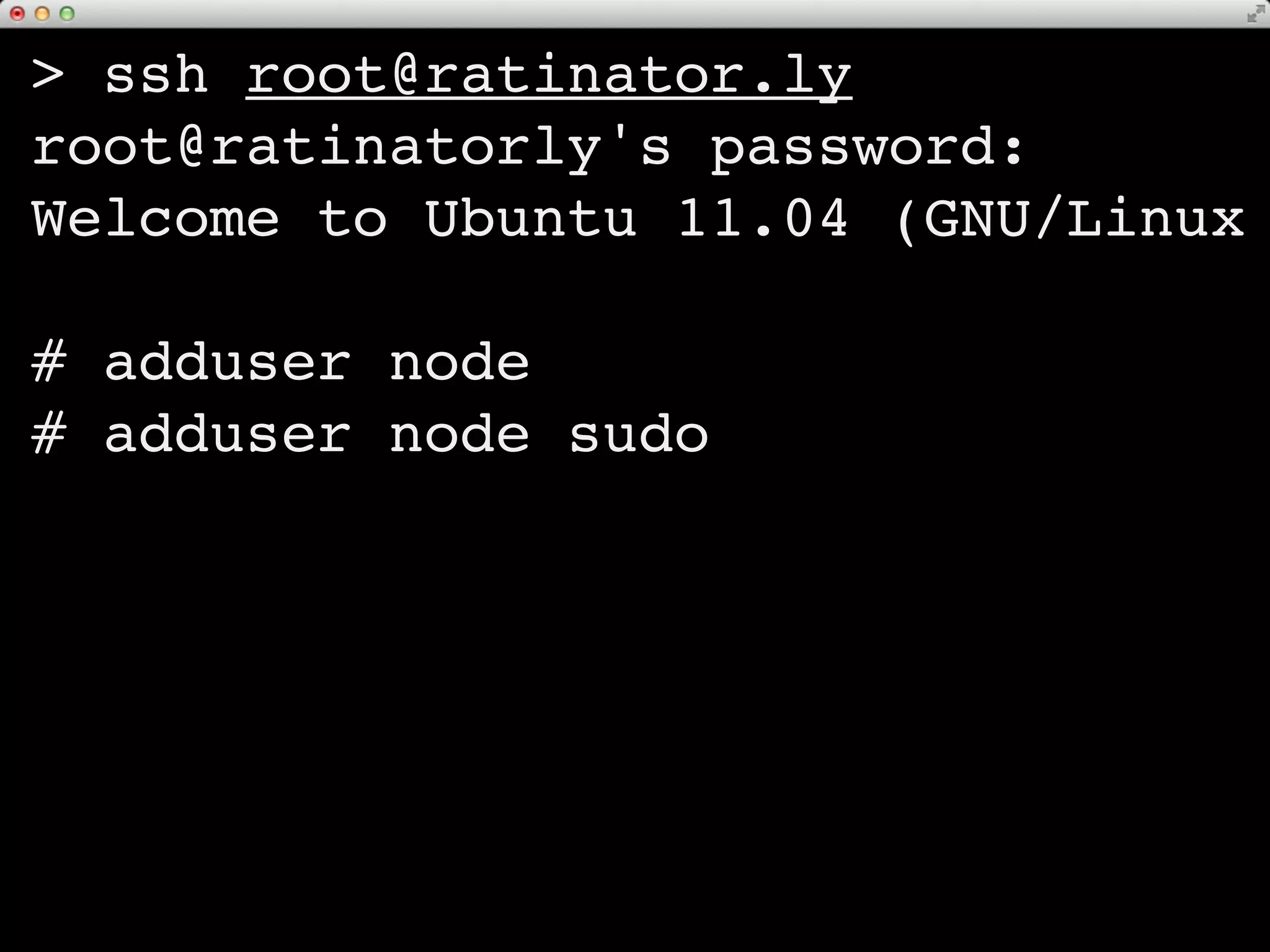
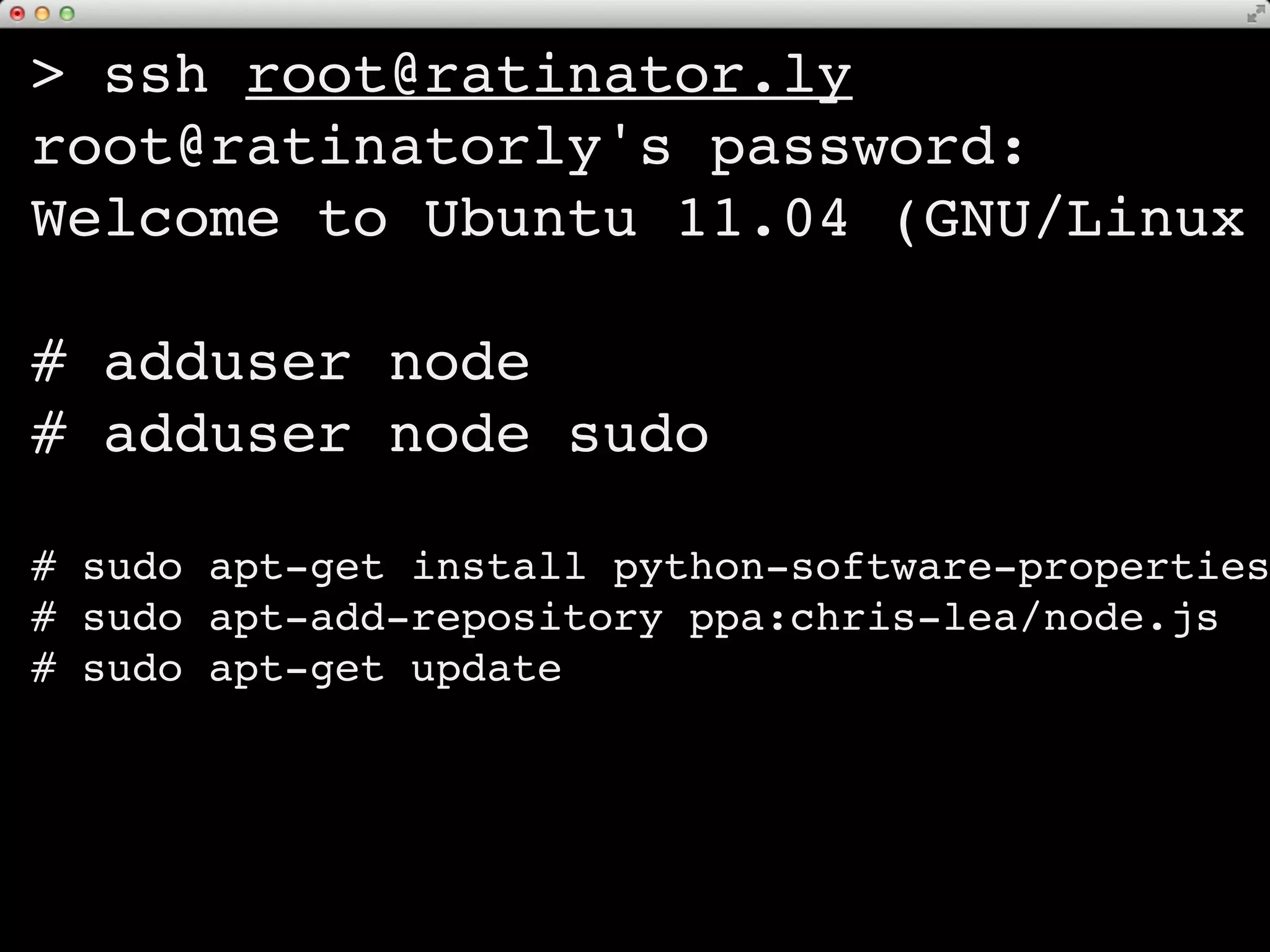
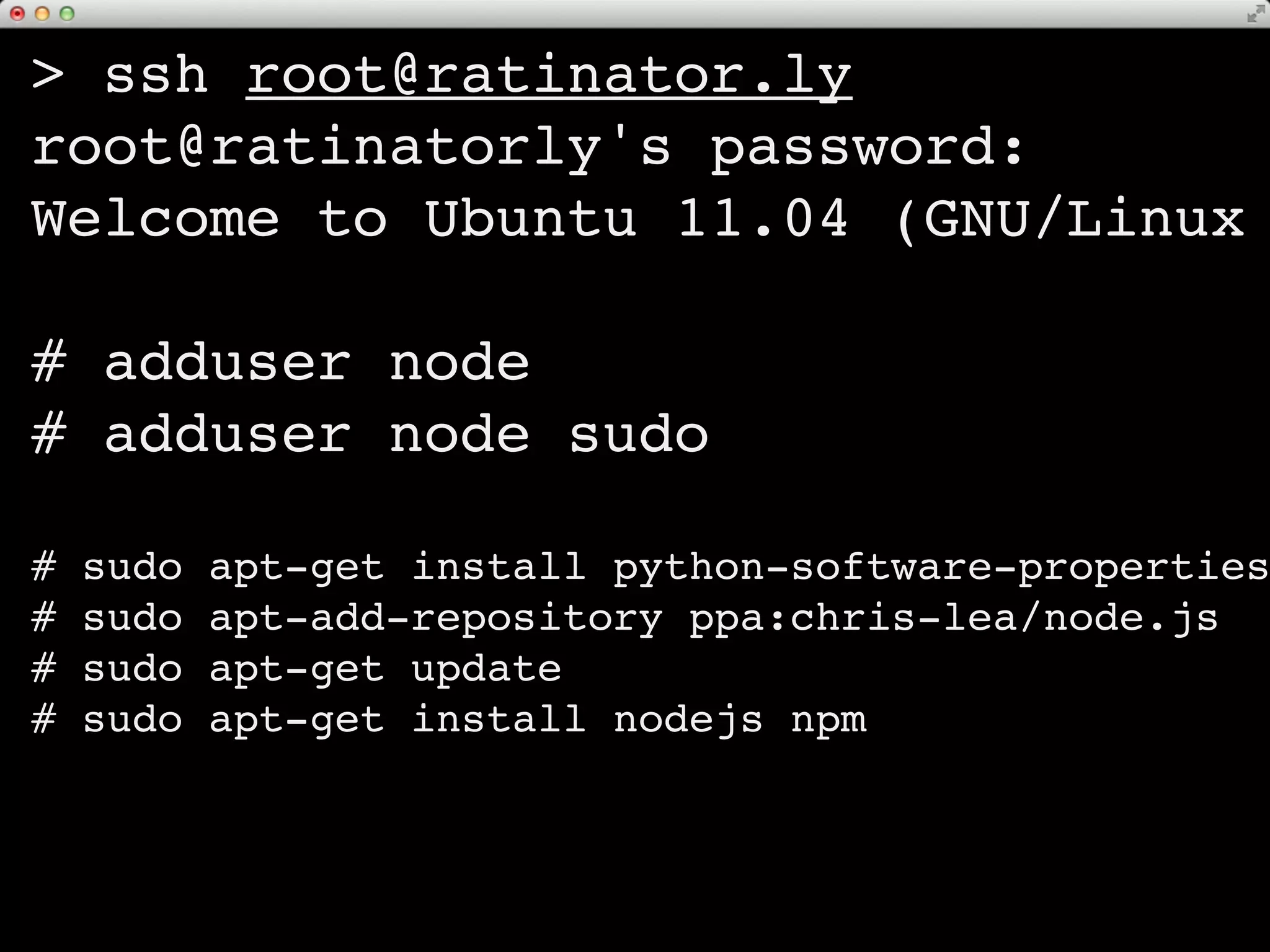
# adduser node
# adduser node sudo

#   sudo   apt-get install python-software-properties
#   sudo   apt-add-repository ppa:chris-lea/node.js
#   sudo   apt-get update
#   sudo   apt-get install nodejs npm
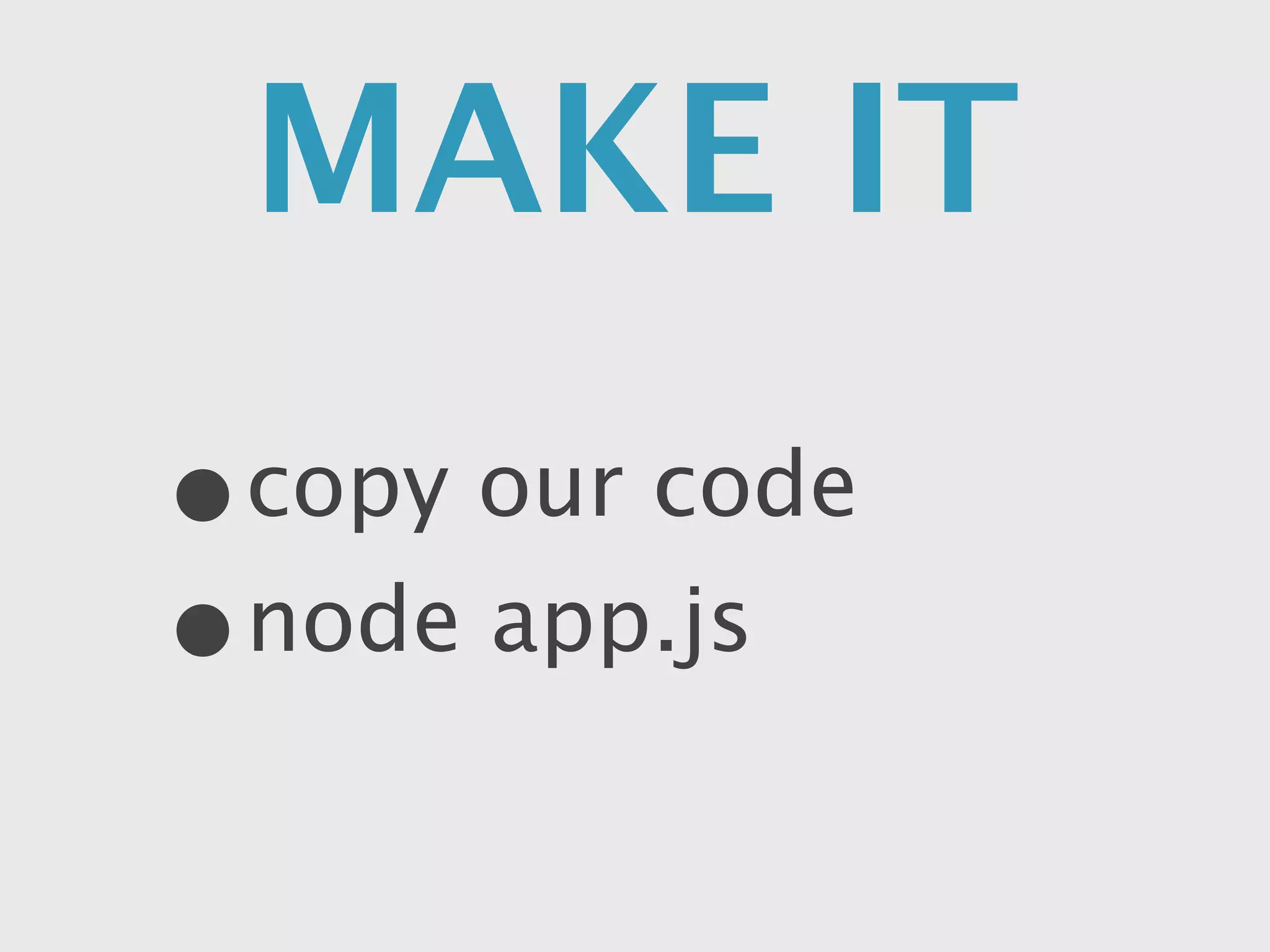
MAKE IT GO
•copy our code
• node app.js
DON’T CLOSE
   the
       LID!!
“I didn’t do anything... Check
         Energy Saver”
your
 app   BELONGS
         to your
   ssh session
LOG OUT     ==   DIE
SCREEN you
    keeps
  LOGGED IN
Undo! Rollback!
“I know enough HTML to be
       dangerous”
let’s add
VERSION CONTROL
      use GIT to deploy
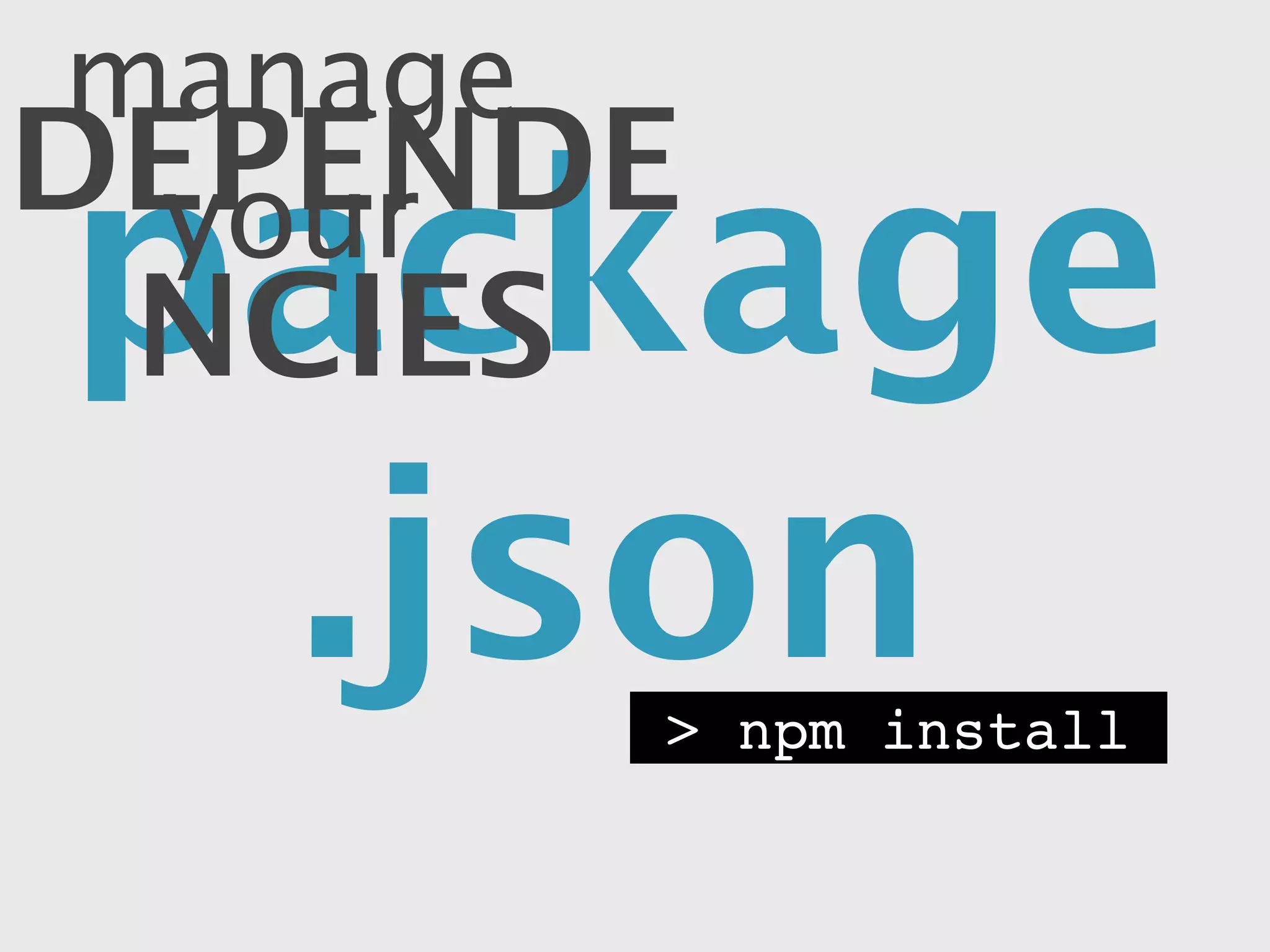
manage your
DEPENDENCIES
 package.json
               > npm install
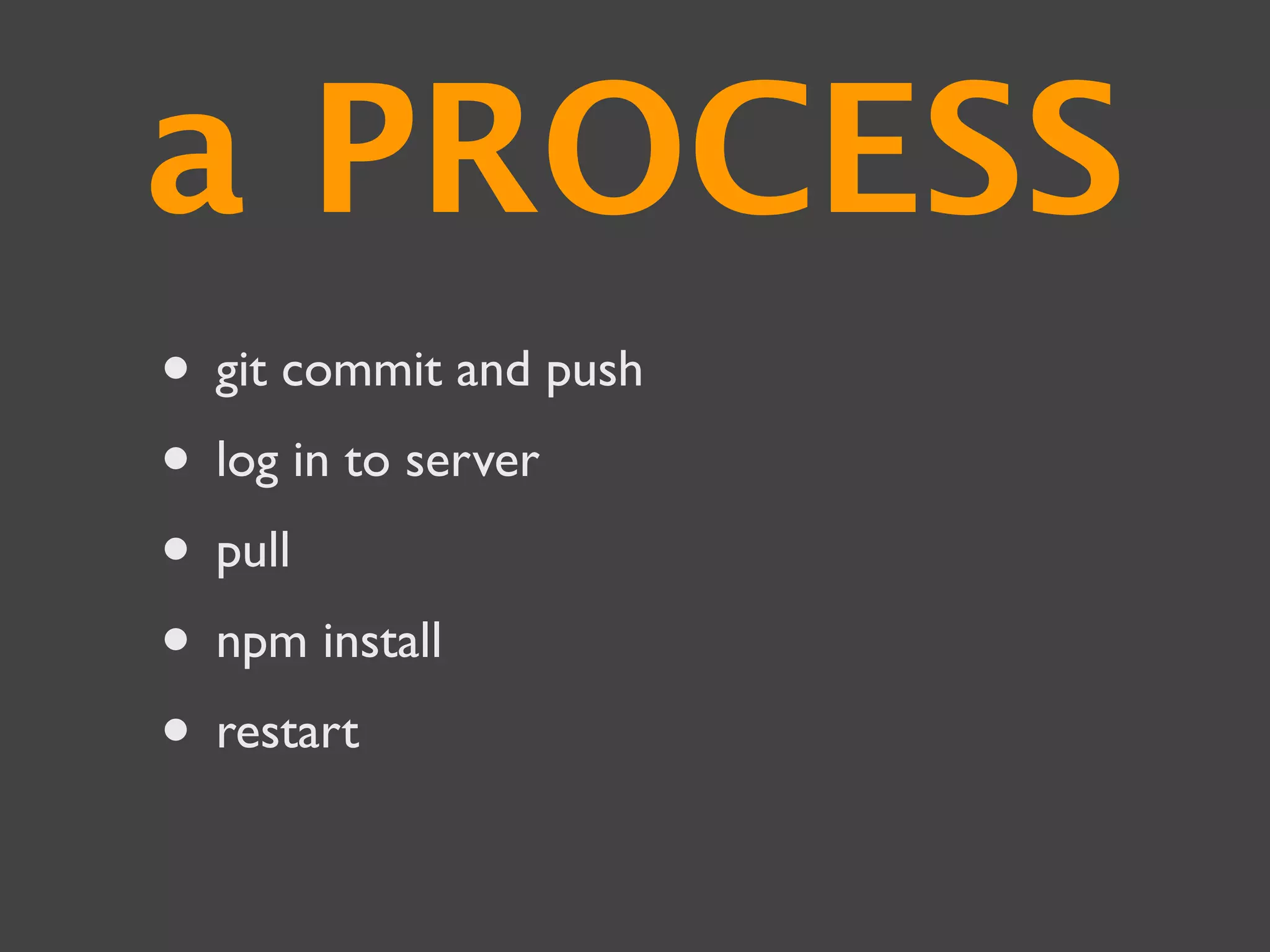
a PROCESS emerges
• git commit and push
• log in to server
• pull
• npm install
• restart
LAUNCH!
“I’ve got Techcrunch right where I
            want them”
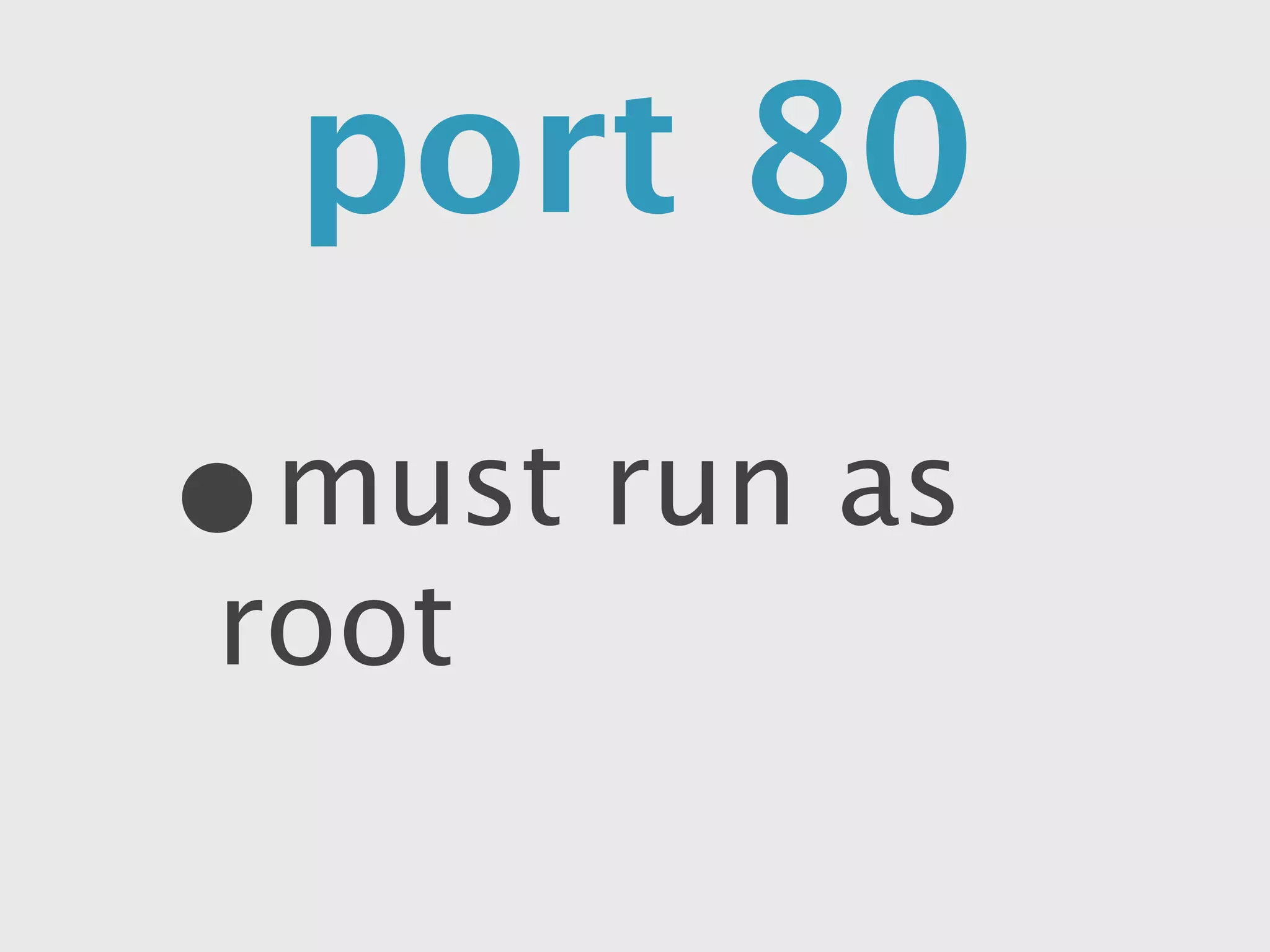
port 80

•   must run as root
This is where I stop trying
   to design my slides
It keeps DYING!
  “Maybe we should try
windows servers instead”
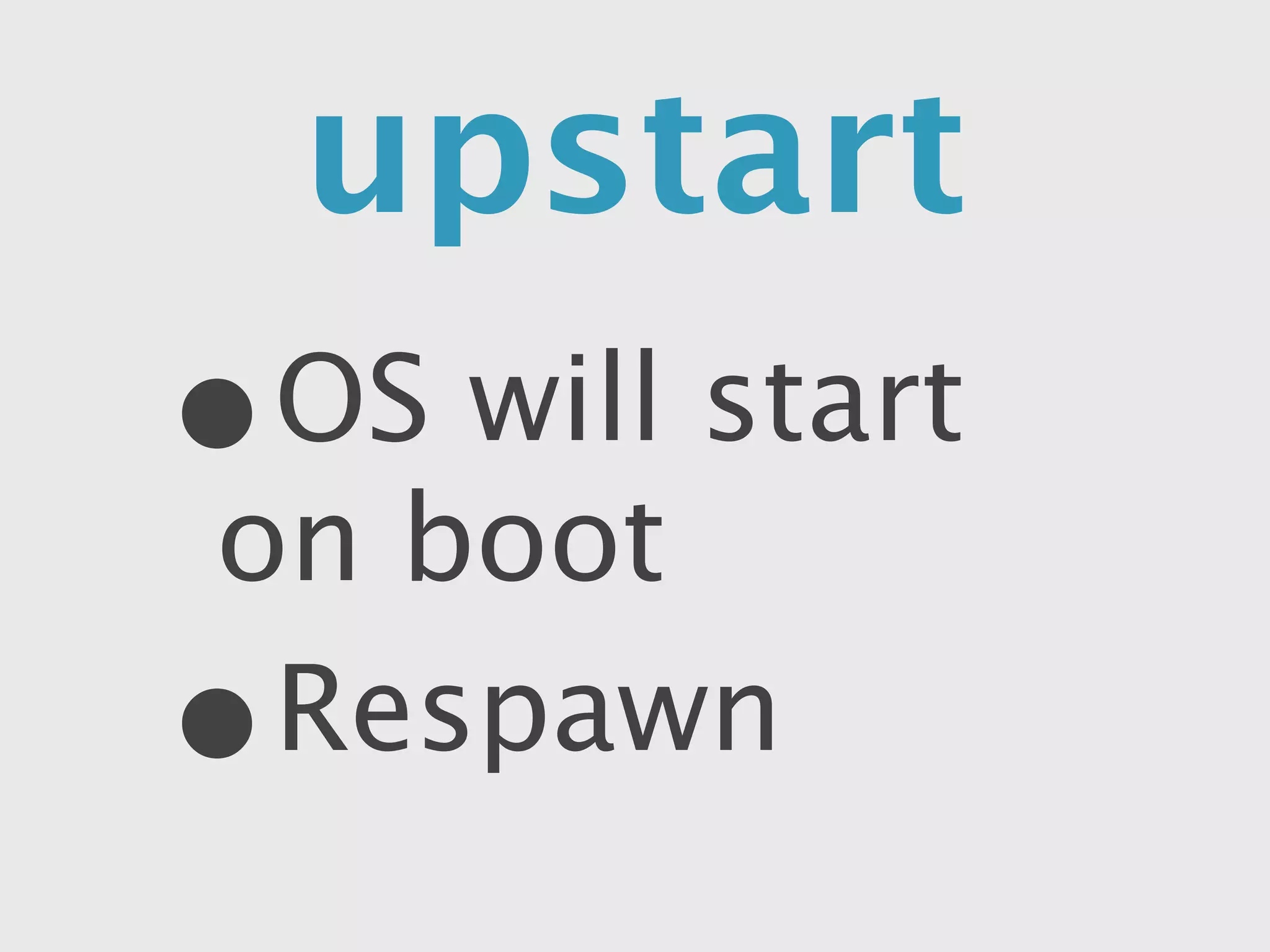
upstart
•   OS will start on boot
•   Respawn
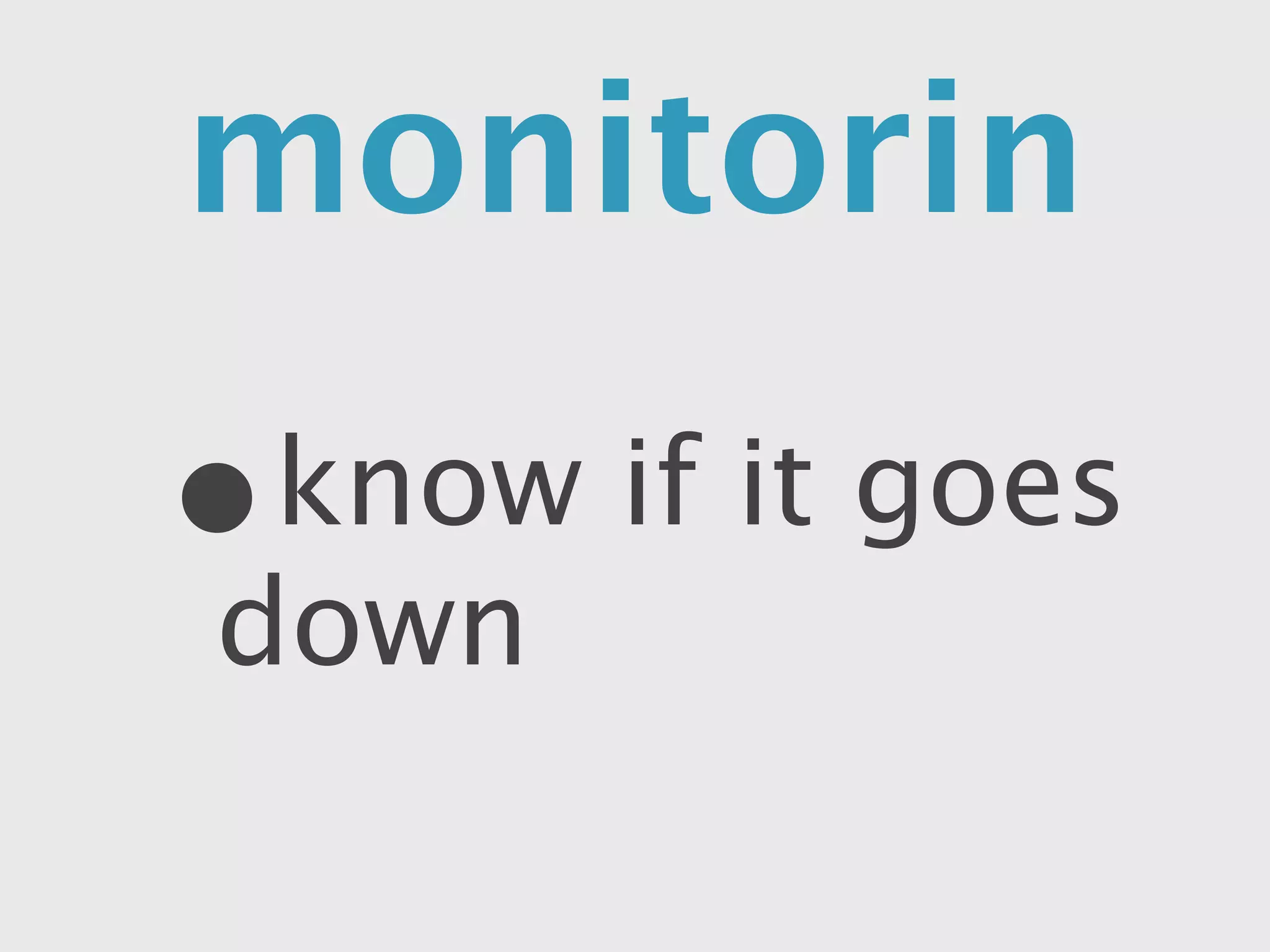
monitoring

•   know if it goes down
It works for me!
or, when the cracks first
     began to show...
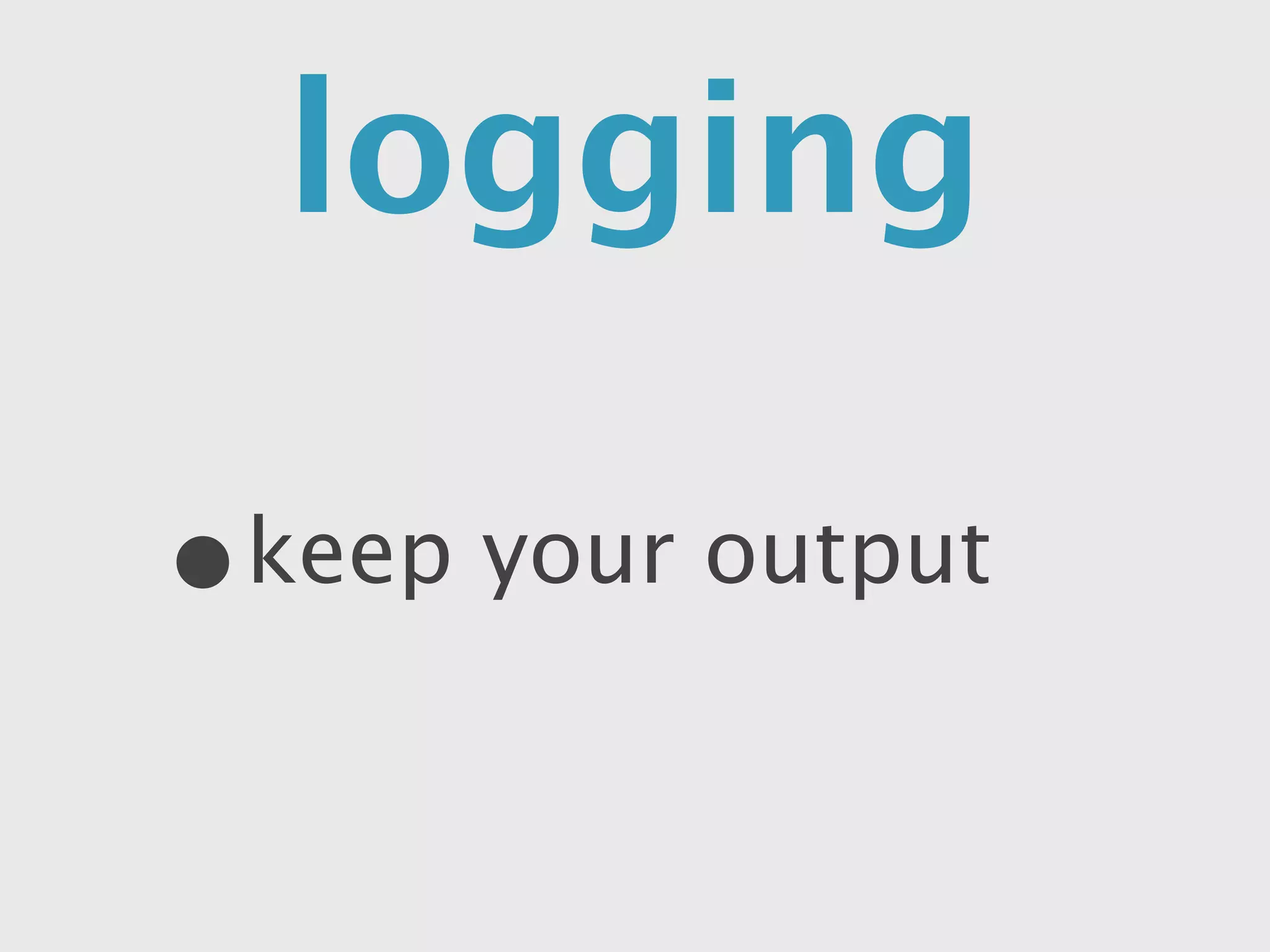
logging

•   keep your output
uncaughtException
process.on(“uncaughtException”,
  function(err) {

     console.log(err.message)
})
Don’t forget step 6!
“Will you put my changes
       up for me?”
complicated deploy

•   it can get easy to miss a step
automated
•   keep the knowledge in your code
    base
•   put extra stuff in package.json
    “install”
Too Slow!
“Let’s just throw more
    money at this"
Multiple Processes

•   cluster up to your cores
Varnish Cache
       •  avoid repeating work
       • set headers and go
sudo   apt-get install varnish
sudo   vim /etc/default/varnish       # port 80
sudo   vim /etc/varnish/default.vcl   # point to our app at port 3333
sudo   /etc/init.d/varnish start
Staging Box
cheat with Heroku

•   it’s easy, but can be expensive
Scale
“We should aim for... 100
     million users”
Multiple Servers
• more app servers
• varnish and db on separate box
• use node-control to deploy
• smart db = good for a long time
automate


                  rem
                     em
with


                      erb
 UPSTARTand GIT
or CHEATwith
   HEROKU
seanhess.github.com
         @seanhess
> npm install express
...
> ls
app.js        node_modules
> node app.js
Listening on 3333

How to deploy node to production

Editor's Notes

  • #2 quick intro to topic\n
  • #3 long-time consultant\nCofounder of i.TV\n
  • #4 make TV amazing. \ncool announcements\nused node in production for 2 years. STORY. We picked it because we thought it was cool.\n\n
  • #5 this is going to be a walk-through\ninterrupt me\n
  • #6 front-end developers?\ngotten a node app working on your computer?\ndeployed a node or ruby app to production by hand before?\n\n
  • #7 WALKTHROUGH. \nfollow a company. some of the steps are wrong, but we will explain why and show how to correct them.\nWe’re going to follow the story of a budding young entreprenuer\nBegin the story: local js meetup. talk on semicolons\n\n
  • #8 \n
  • #9 \n
  • #10 because you know and like javascript, and you heard it scales\nDOES have a big advantage: JS Skills\n
  • #11 All the real companies use .NET\nAfter a 3 hour meeting with your partner, you finally convince him to leave the decision to you and head out to learn. \n
  • #12 \n
  • #13 you don’t make a new one each time a requests. Only will work if it’s on and plugged in, ready to go. Listens on a socket. Different than PHP.\nIf we Control-C the program stops. \n
  • #14 \n
  • #15 * we’ll show off some cool stuff later\n
  • #16 nice thing is they are all the same, so you can jump between providers depending on cost\n
  • #17 domain name? (hosts file)\nSet up the server, and show how to log in. \nSwitch to VM?\n\n
  • #18 \n
  • #19 \n
  • #20 \n
  • #21 \n
  • #22 Add a non-root user\ninstall nodejs (source: google)\n
  • #23 Add a non-root user\ninstall nodejs (source: google)\n
  • #24 Add a non-root user\ninstall nodejs (source: google)\n
  • #25 Add a non-root user\ninstall nodejs (source: google)\n
  • #26 Add a non-root user\ninstall nodejs (source: google)\n
  • #27 Add a non-root user\ninstall nodejs (source: google)\n
  • #28 Add a non-root user\ninstall nodejs (source: google)\n
  • #29 Add a non-root user\ninstall nodejs (source: google)\n
  • #30 Add a non-root user\ninstall nodejs (source: google)\n
  • #31 Add a non-root user\ninstall nodejs (source: google)\n
  • #32 Add a non-root user\ninstall nodejs (source: google)\n
  • #33 Add a non-root user\ninstall nodejs (source: google)\n
  • #34 Add a non-root user\ninstall nodejs (source: google)\n
  • #35 Add a non-root user\ninstall nodejs (source: google)\n
  • #36 get it running online\n
  • #37 \n
  • #38 demo it!\neven if you run it in the background\n
  • #39 DEMO!\n
  • #40 The “boss” makes you tell him how to edit the app. He breaks it. \n
  • #41 Demo using git to deploy. (checkout, public)\ngit clone git://github.com/seanhess/ratinatorly.git\n
  • #42 intro to npm\nshow how to deploy without copying node_modules\nuse npm init\nexpress: \n
  • #43 \n
  • #44 \n
  • #45 \n
  • #46 tell the story\n
  • #47 \n
  • #48 DEMO init script\nDEMO deploying with init script\n
  • #49 montastic.com\n
  • #50 when it crashes\nuncaught exception\nlogs\n
  • #51 DEMO redirect with upstart\nDEMO track down the bug\nCan add fancy log analysis later\n
  • #52 DEMO: show the uncaughtException code\n
  • #53 \n
  • #54 \n
  • #55 DEMO: bash automated deploy\nNOPASSWD in sudoers (sudo visudo)\nsave fancier stuff for later when you have multiple servers (node-control, capistrano)\n
  • #56 \n
  • #57 DEMO: paste in the cluster code from the real one and check it closely\n\nvar os = require('os')\nvar cluster = require('cluster')\nif (cluster.isMaster) {\n\n for (var i = 0; i < os.cpus().length; i++) {\n cluster.fork()\n }\n}\nelse {\n app.listen(3333)\n console.log("Listening on 3333")\n}\n\n
  • #58 DEMO\nsudo apt-get install varnish\nsudo vim /etc/default/varnish\nsudo vim /etc/varnish/default.vcl\nsudo /etc/init.d/varnish start\n\n
  • #59 \n
  • #60 heroku create --stack cedar\ngit push heroku master\nchange the port! (check the logs)\n
  • #61 \n
  • #62 \n
  • #63 \n
  • #64 \n
  • #65 DEMO IT!\n
  • #66 DEMO IT!\n
  • #67 DEMO IT!\n
  • #68 DEMO IT!\n
  • #69 DEMO IT!\n
  • #70 DEMO IT!\n