Plugins
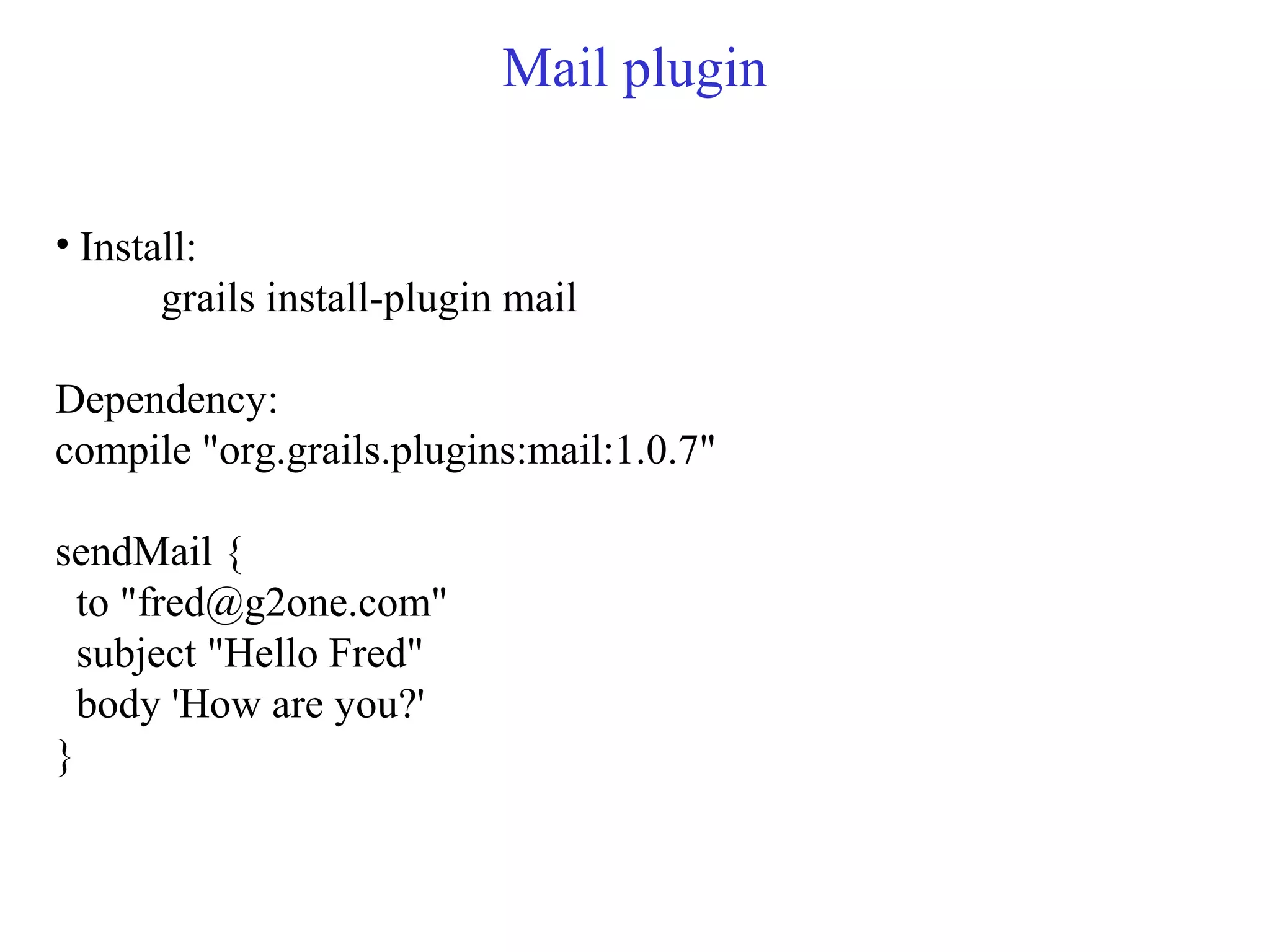
Mail plugin
• Install:
grails install-plugin mail
Dependency:
compile "org.grails.plugins:mail:1.0.7"
sendMail {
to "fred@g2one.com"
subject "Hello Fred"
body 'How are you?'
}
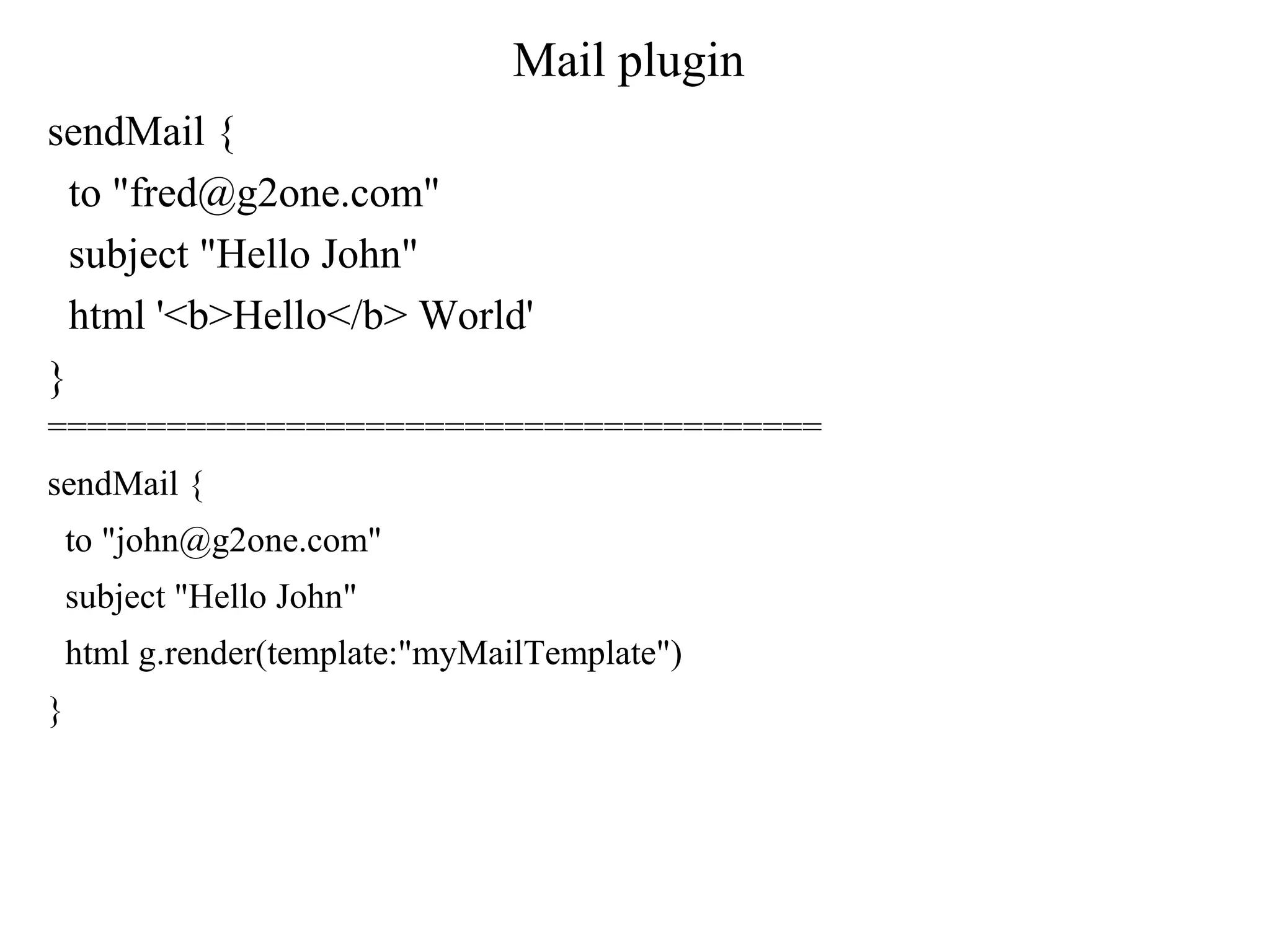
Mail plugin
sendMail {
to "fred@g2one.com"
subject "Hello John"
html '<b>Hello</b> World'
}
=======================================
sendMail {
to "john@g2one.com"
subject "Hello John"
html g.render(template:"myMailTemplate")
}
Mail plugin async
sendMail {
async true
to "john@g2one.com"
subject "Hello John"
html g.render(template:"myMailTemplate")
}
===========
sendMail {
multipart true
to issue.watchers.email.toArray()
subject "The issue you watch has been updated"
body "Hello Watcher!"
attachBytes "Some-File-Name.xml", "text/xml", contentOrder.getBytes("UTF-8")
//To get started quickly, try the following
//attachBytes './web-app/images/grails_logo.jpg','image/jpg', new File('./web-
app/images/grails_logo.jpg').readBytes()
Mail plugin
Configuration(grails-app/Config.groovy)
grails {
mail {
host = "smtp.gmail.com"
port = 465
username = "youracount@gmail.com"
password = "yourpassword"
props = ["mail.smtp.auth":"true",
"mail.smtp.socketFactory.port":"465",
"mail.smtp.socketFactory.class":"javax.net.ssl.SSLSocketFactory
",
"mail.smtp.socketFactory.fallback":"false"]
}
}
Mail plugin default
grails.mail.default.from=""
grails.mail.overrideAddress=""
grails.mail.poolSize=5
Quartz plugin
Quartz plugin allows your Grails application to schedule jobs to
be executed using a specified interval or cron expression.
Dependency:
compile "org.grails.plugins:quartz:1.0.2"
compile ':quartz:1.0.1' (build.config)
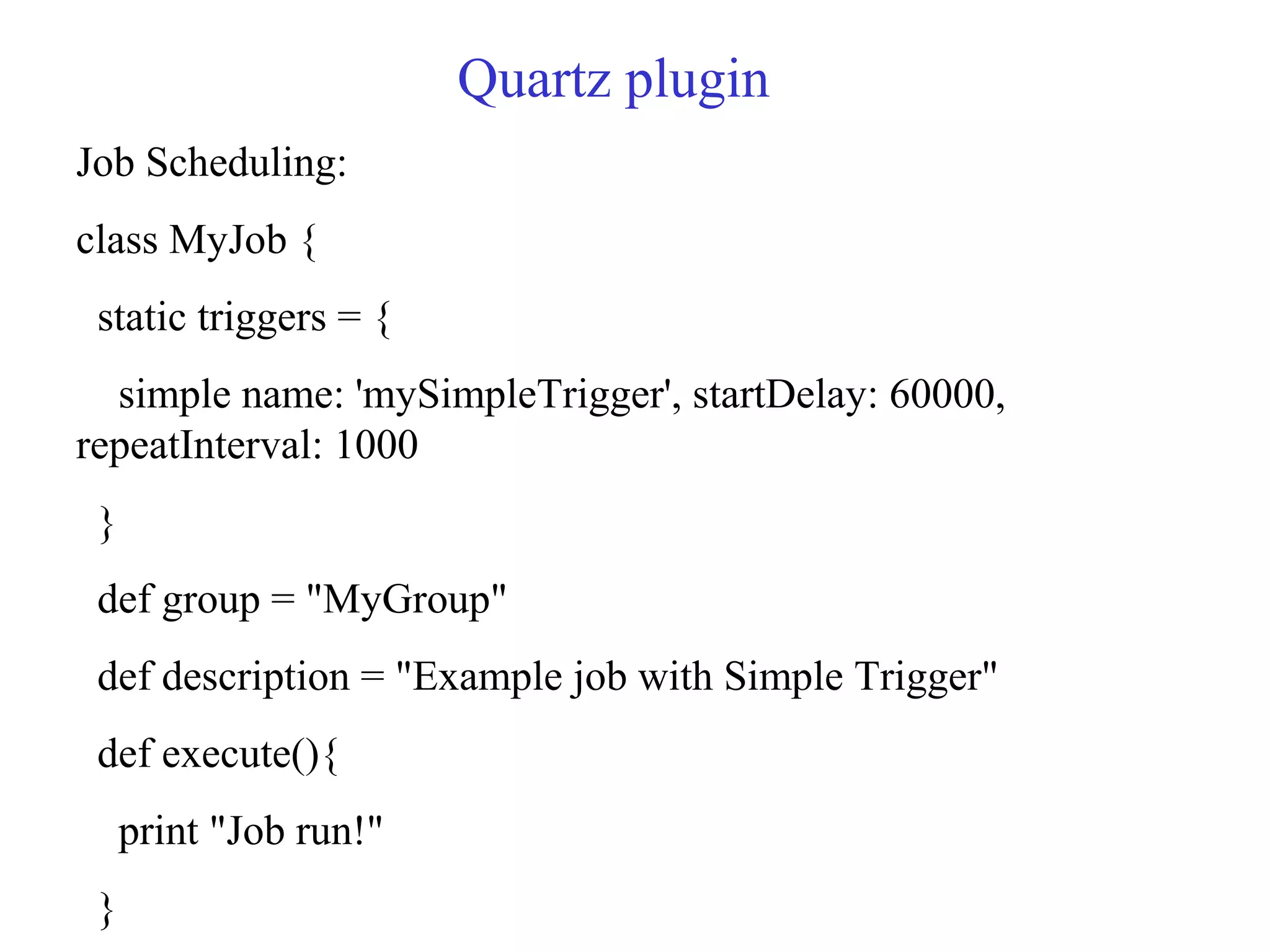
Quartz plugin
Job Scheduling:
class MyJob {
static triggers = {
simple name: 'mySimpleTrigger', startDelay: 60000,
repeatInterval: 1000
}
def group = "MyGroup"
def description = "Example job with Simple Trigger"
def execute(){
print "Job run!"
}
Quartz plugin cron
Cron expression:
cronExpression: "s m h D M W Y"
| | | | | | `- Year [optional]
| | | | | `- Day of Week, 1-7 or SUN-SAT, ?
| | | | `- Month, 1-12 or JAN-DEC
| | | `- Day of Month, 1-31, ?
| | `- Hour, 0-23
| `- Minute, 0-59
`- Second, 0-59
Quartz with cron
class MyJob {
static triggers = {
cron name: 'myTrigger', cronExpression: "0 0 6 * * ?"
}
def group = "MyGroup"
def description = "Example job with Cron Trigger"
def execute(){
print "Job run!"
}
}
Quartz configuration
quartz {
autoStartup = true
jdbcStore = false
}
environments {
test {
quartz {
autoStartup = false
}
}
}
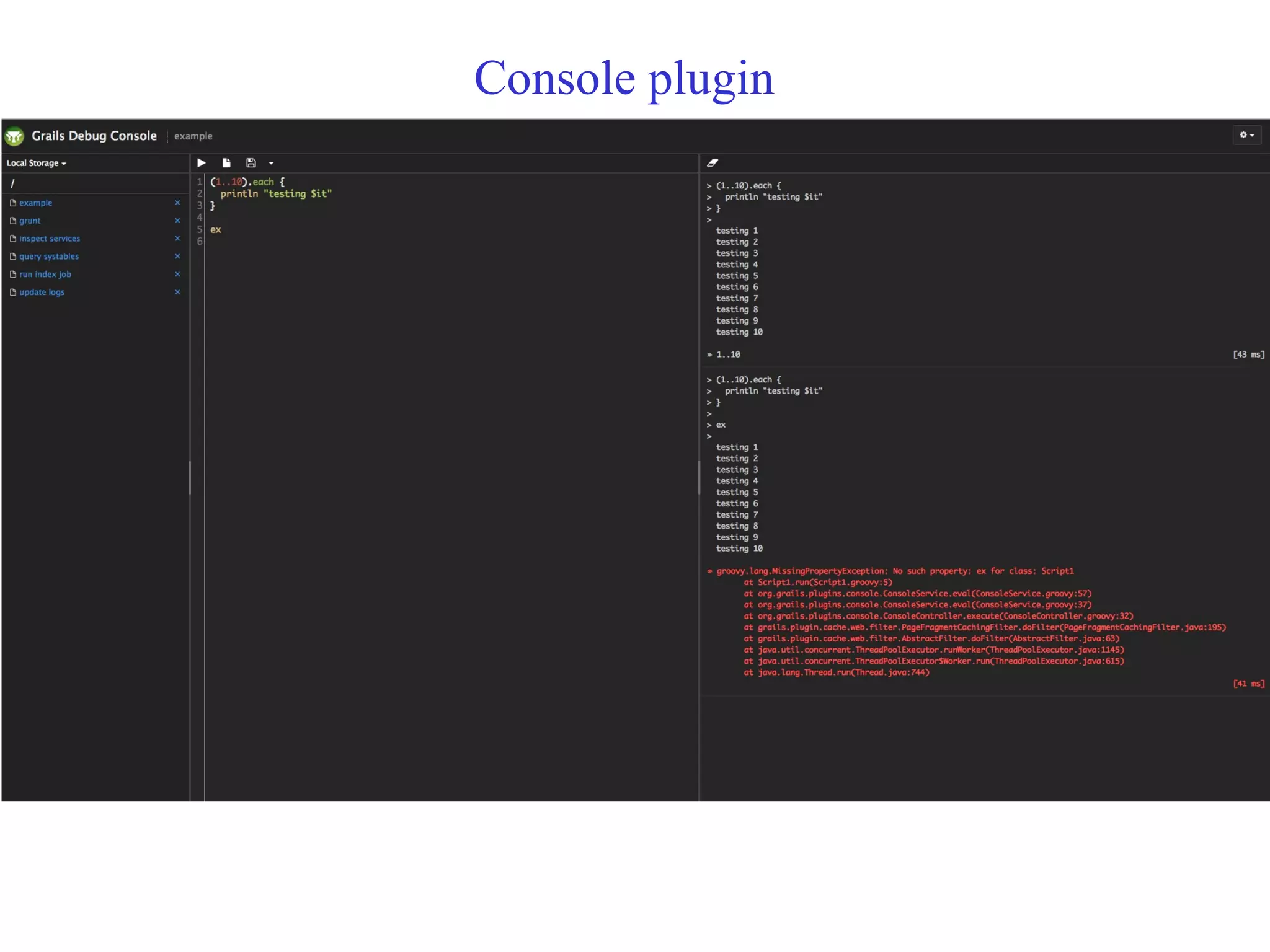
Console plugin
Console plugin provides a web-based Groovy console for
interactive runtime application management and debugging.
Dependency:
compile "org.grails.plugins:console:1.5.7"
plugins {
runtime ':console:1.5.7'
}
Local Storage uses HTML5 Web Storage. The files are serialized
and stored in the browser as a map under the key gconsole.files.
Remote Storage uses the filesystem of the server on which the
application is running.
Console plugin
Implicit variable:
ctx - the Spring ApplicationContext
grailsApplication - the GrailsApplication instance
config - the Grails configuration
request - the current HTTP request
session - the current HTTP session
out - the output PrintStream
restricting access to localhost Ips:
grails.plugin.springsecurity.controllerAnnotations.staticRules = [
"/console/**": ["hasRole('ROLE_ADMIN') &&
(hasIpAddress('127.0.0.1') || hasIpAddress('::1'))"],
"/plugins/console*/**": ["hasRole('ROLE_ADMIN') &&
(hasIpAddress('127.0.0.1') || hasIpAddress('::1'))"]
]
Console plugin
Console plugin command
Key Command
Ctrl-Enter / Cmd-Enter Execute
Ctrl-S / Cmd-S Save
EscClear output
Link:(For properties and their description)
https://github.com/sheehan/grails-
console/blob/master/README.md
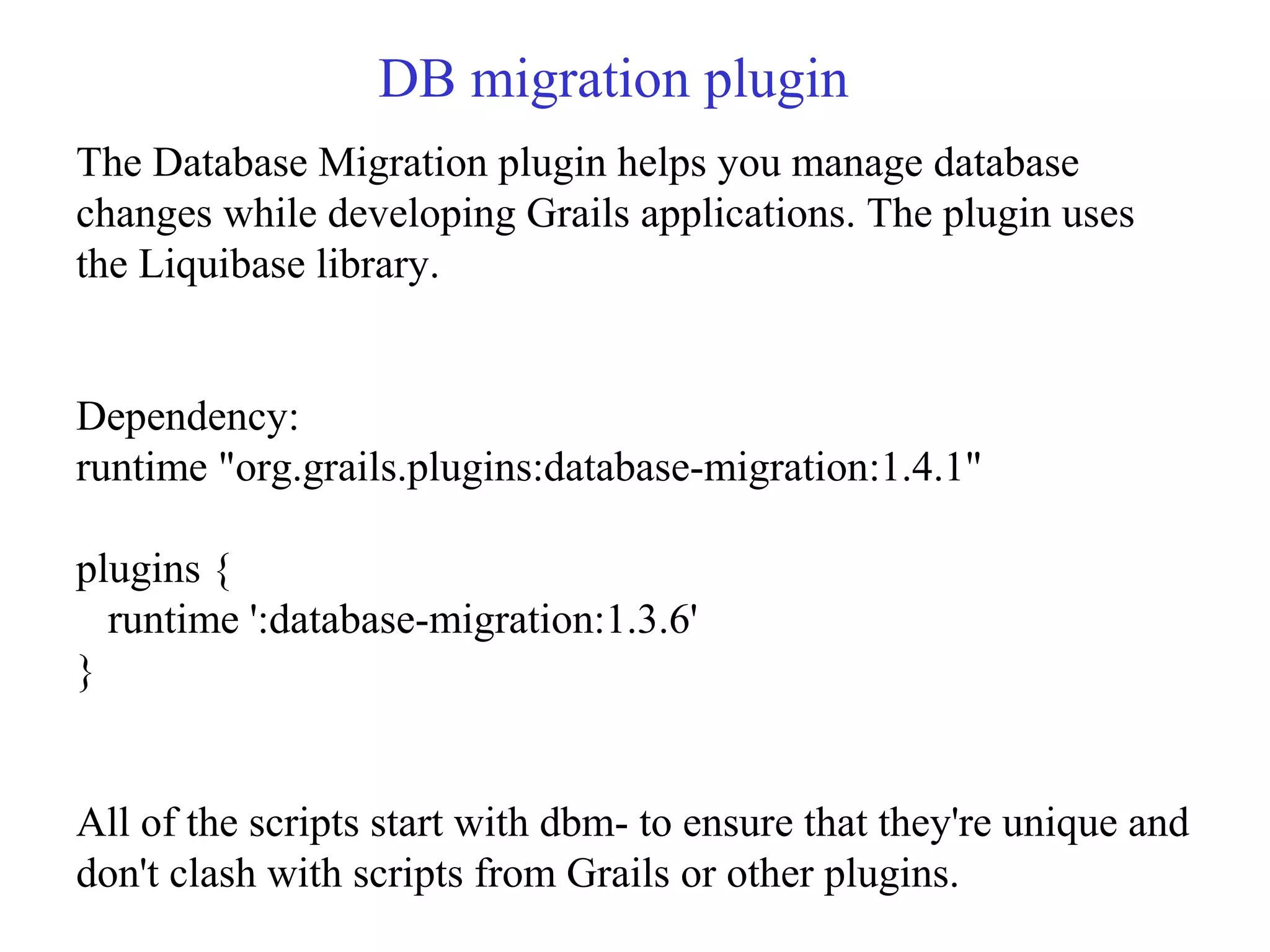
DB migration plugin
The Database Migration plugin helps you manage database
changes while developing Grails applications. The plugin uses
the Liquibase library.
Dependency:
runtime "org.grails.plugins:database-migration:1.4.1"
plugins {
runtime ':database-migration:1.3.6'
}
All of the scripts start with dbm- to ensure that they're unique and
don't clash with scripts from Grails or other plugins.
DB migration plugin
To generate changelog
• grails dbm-generate-gorm-changelog changelog.xml
To sync db with changelog
• grails dbm-changelog-sync
Database Migration plugin uses ./grails-app/migrations as the
default. So, you can either move your scripts or add this setting
to your grails-app/conf/Config.groovy file:
• grails.plugin.databasemigration.changelogLocation =
"whereEverYouWantLocatin"
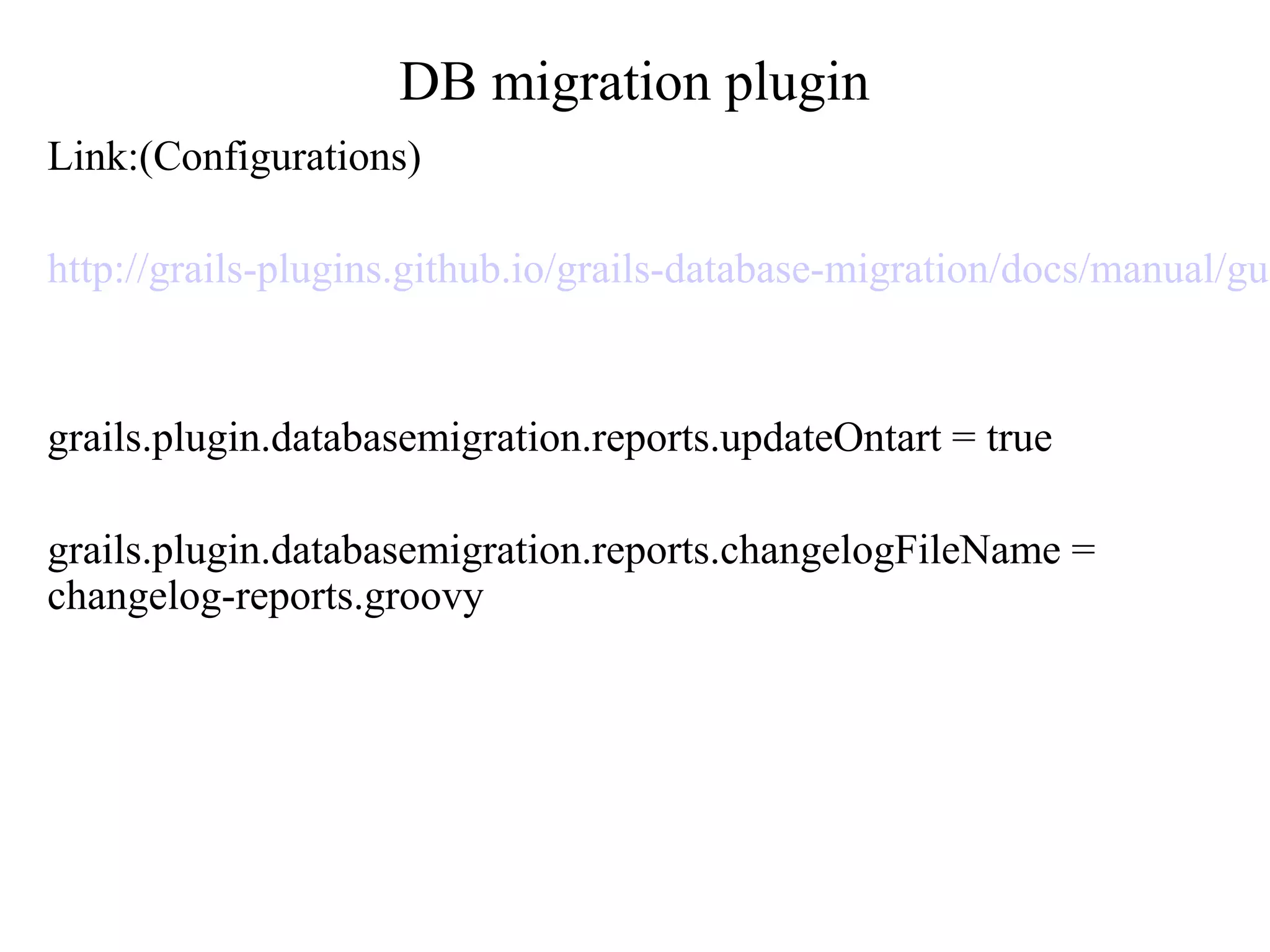
DB migration plugin
Link:(Configurations)
http://grails-plugins.github.io/grails-database-migration/docs/manual/gui
grails.plugin.databasemigration.reports.updateOntart = true
grails.plugin.databasemigration.reports.changelogFileName =
changelog-reports.groovy
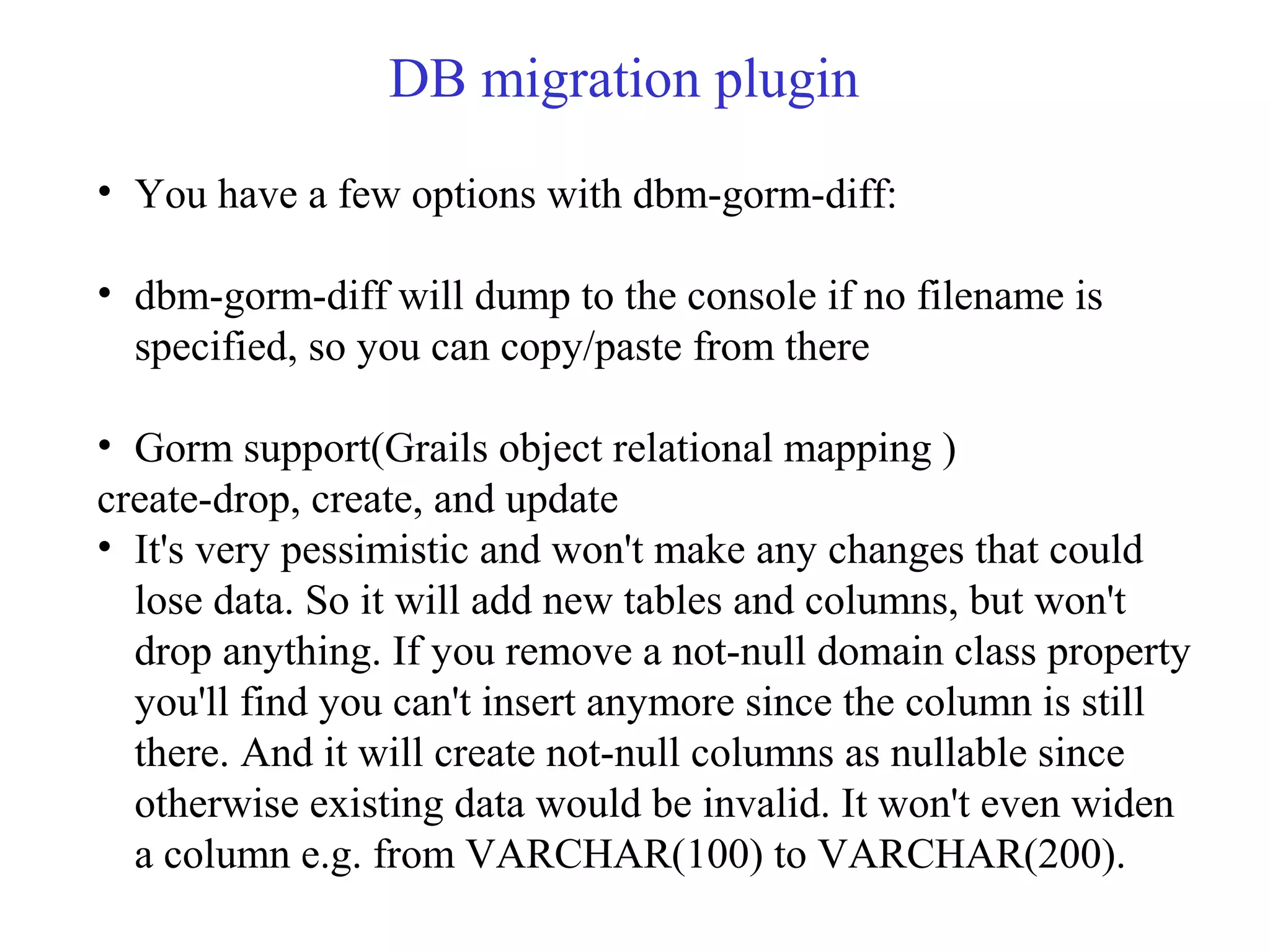
DB migration plugin
• You have a few options with dbm-gorm-diff:
• dbm-gorm-diff will dump to the console if no filename is
specified, so you can copy/paste from there
• Gorm support(Grails object relational mapping )
create-drop, create, and update
• It's very pessimistic and won't make any changes that could
lose data. So it will add new tables and columns, but won't
drop anything. If you remove a not-null domain class property
you'll find you can't insert anymore since the column is still
there. And it will create not-null columns as nullable since
otherwise existing data would be invalid. It won't even widen
a column e.g. from VARCHAR(100) to VARCHAR(200).
DB migration
Dbm-gorm-diff
This command provide a script that will compare your GORM
current domain model with a database that you specify, and the
result is a Liquibase changeset - dbm-gorm-diff. This is the same
changeset you would get if you exported your domain model to a
scratch database and diffed it with the other database, but it's
more convenient.
Thanks for listening...

Grails Plugins

  • 1.
  • 2.
    Mail plugin • Install: grailsinstall-plugin mail Dependency: compile "org.grails.plugins:mail:1.0.7" sendMail { to "fred@g2one.com" subject "Hello Fred" body 'How are you?' }
  • 3.
    Mail plugin sendMail { to"fred@g2one.com" subject "Hello John" html '<b>Hello</b> World' } ======================================= sendMail { to "john@g2one.com" subject "Hello John" html g.render(template:"myMailTemplate") }
  • 4.
    Mail plugin async sendMail{ async true to "john@g2one.com" subject "Hello John" html g.render(template:"myMailTemplate") } =========== sendMail { multipart true to issue.watchers.email.toArray() subject "The issue you watch has been updated" body "Hello Watcher!" attachBytes "Some-File-Name.xml", "text/xml", contentOrder.getBytes("UTF-8") //To get started quickly, try the following //attachBytes './web-app/images/grails_logo.jpg','image/jpg', new File('./web- app/images/grails_logo.jpg').readBytes()
  • 5.
    Mail plugin Configuration(grails-app/Config.groovy) grails { mail{ host = "smtp.gmail.com" port = 465 username = "youracount@gmail.com" password = "yourpassword" props = ["mail.smtp.auth":"true", "mail.smtp.socketFactory.port":"465", "mail.smtp.socketFactory.class":"javax.net.ssl.SSLSocketFactory ", "mail.smtp.socketFactory.fallback":"false"] } }
  • 6.
  • 7.
    Quartz plugin Quartz pluginallows your Grails application to schedule jobs to be executed using a specified interval or cron expression. Dependency: compile "org.grails.plugins:quartz:1.0.2" compile ':quartz:1.0.1' (build.config)
  • 8.
    Quartz plugin Job Scheduling: classMyJob { static triggers = { simple name: 'mySimpleTrigger', startDelay: 60000, repeatInterval: 1000 } def group = "MyGroup" def description = "Example job with Simple Trigger" def execute(){ print "Job run!" }
  • 9.
    Quartz plugin cron Cronexpression: cronExpression: "s m h D M W Y" | | | | | | `- Year [optional] | | | | | `- Day of Week, 1-7 or SUN-SAT, ? | | | | `- Month, 1-12 or JAN-DEC | | | `- Day of Month, 1-31, ? | | `- Hour, 0-23 | `- Minute, 0-59 `- Second, 0-59
  • 10.
    Quartz with cron classMyJob { static triggers = { cron name: 'myTrigger', cronExpression: "0 0 6 * * ?" } def group = "MyGroup" def description = "Example job with Cron Trigger" def execute(){ print "Job run!" } }
  • 11.
    Quartz configuration quartz { autoStartup= true jdbcStore = false } environments { test { quartz { autoStartup = false } } }
  • 12.
    Console plugin Console pluginprovides a web-based Groovy console for interactive runtime application management and debugging. Dependency: compile "org.grails.plugins:console:1.5.7" plugins { runtime ':console:1.5.7' } Local Storage uses HTML5 Web Storage. The files are serialized and stored in the browser as a map under the key gconsole.files. Remote Storage uses the filesystem of the server on which the application is running.
  • 13.
    Console plugin Implicit variable: ctx- the Spring ApplicationContext grailsApplication - the GrailsApplication instance config - the Grails configuration request - the current HTTP request session - the current HTTP session out - the output PrintStream restricting access to localhost Ips: grails.plugin.springsecurity.controllerAnnotations.staticRules = [ "/console/**": ["hasRole('ROLE_ADMIN') && (hasIpAddress('127.0.0.1') || hasIpAddress('::1'))"], "/plugins/console*/**": ["hasRole('ROLE_ADMIN') && (hasIpAddress('127.0.0.1') || hasIpAddress('::1'))"] ]
  • 14.
  • 15.
    Console plugin command KeyCommand Ctrl-Enter / Cmd-Enter Execute Ctrl-S / Cmd-S Save EscClear output Link:(For properties and their description) https://github.com/sheehan/grails- console/blob/master/README.md
  • 16.
    DB migration plugin TheDatabase Migration plugin helps you manage database changes while developing Grails applications. The plugin uses the Liquibase library. Dependency: runtime "org.grails.plugins:database-migration:1.4.1" plugins { runtime ':database-migration:1.3.6' } All of the scripts start with dbm- to ensure that they're unique and don't clash with scripts from Grails or other plugins.
  • 17.
    DB migration plugin Togenerate changelog • grails dbm-generate-gorm-changelog changelog.xml To sync db with changelog • grails dbm-changelog-sync Database Migration plugin uses ./grails-app/migrations as the default. So, you can either move your scripts or add this setting to your grails-app/conf/Config.groovy file: • grails.plugin.databasemigration.changelogLocation = "whereEverYouWantLocatin"
  • 18.
  • 19.
    DB migration plugin •You have a few options with dbm-gorm-diff: • dbm-gorm-diff will dump to the console if no filename is specified, so you can copy/paste from there • Gorm support(Grails object relational mapping ) create-drop, create, and update • It's very pessimistic and won't make any changes that could lose data. So it will add new tables and columns, but won't drop anything. If you remove a not-null domain class property you'll find you can't insert anymore since the column is still there. And it will create not-null columns as nullable since otherwise existing data would be invalid. It won't even widen a column e.g. from VARCHAR(100) to VARCHAR(200).
  • 20.
    DB migration Dbm-gorm-diff This commandprovide a script that will compare your GORM current domain model with a database that you specify, and the result is a Liquibase changeset - dbm-gorm-diff. This is the same changeset you would get if you exported your domain model to a scratch database and diffed it with the other database, but it's more convenient.
  • 21.