FILTER BRANCH
Pruning And Separating Git Repository History
@matthewmccull
matthew@github.com
github.com/training
matthewmccullough
The Command
Git Filter Branch
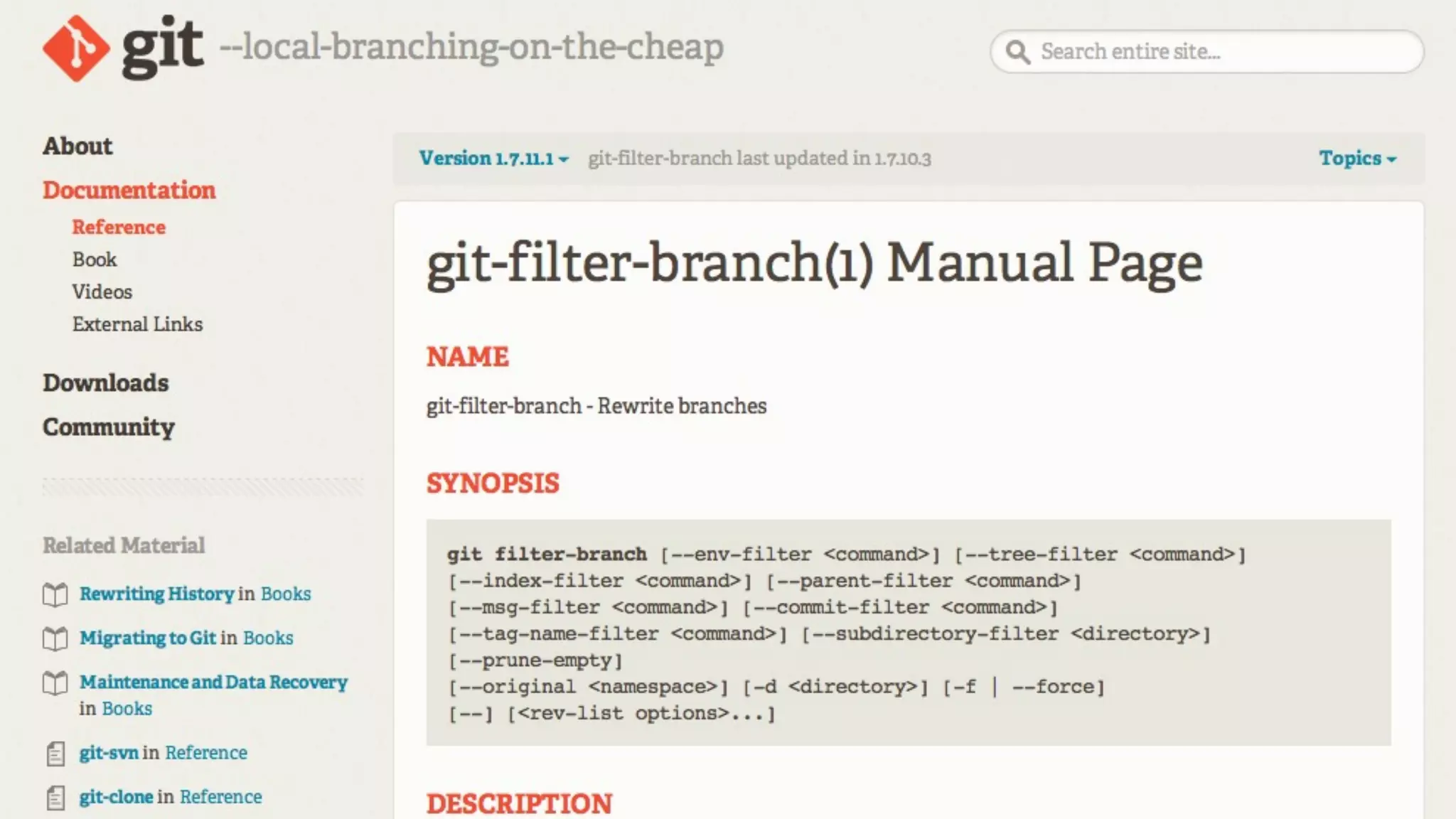
— Git Filter-Branch Man Page
Lets you rewrite git revision history by
rewriting the branches mentioned in the
<rev-list options>, applying custom
filters on each revision.
Those filters can modify each tree (e.g.
removing a file or running a perl rewrite
on all files) or information about each
commit.
Otherwise, all information (including
original commit times or merge
information) will be preserved.
Caution!
This re-creates new/different hashes
for all modified commits.
Caution!
This is effectively a new repository that
looks a lot like the old repository.
Modes
--env-filter
--tree-filter
--index-filter
--parent-filter
--msg-filter
--commit-filter
--tag-name-filter
--subdirectory-filter
Modes In Use
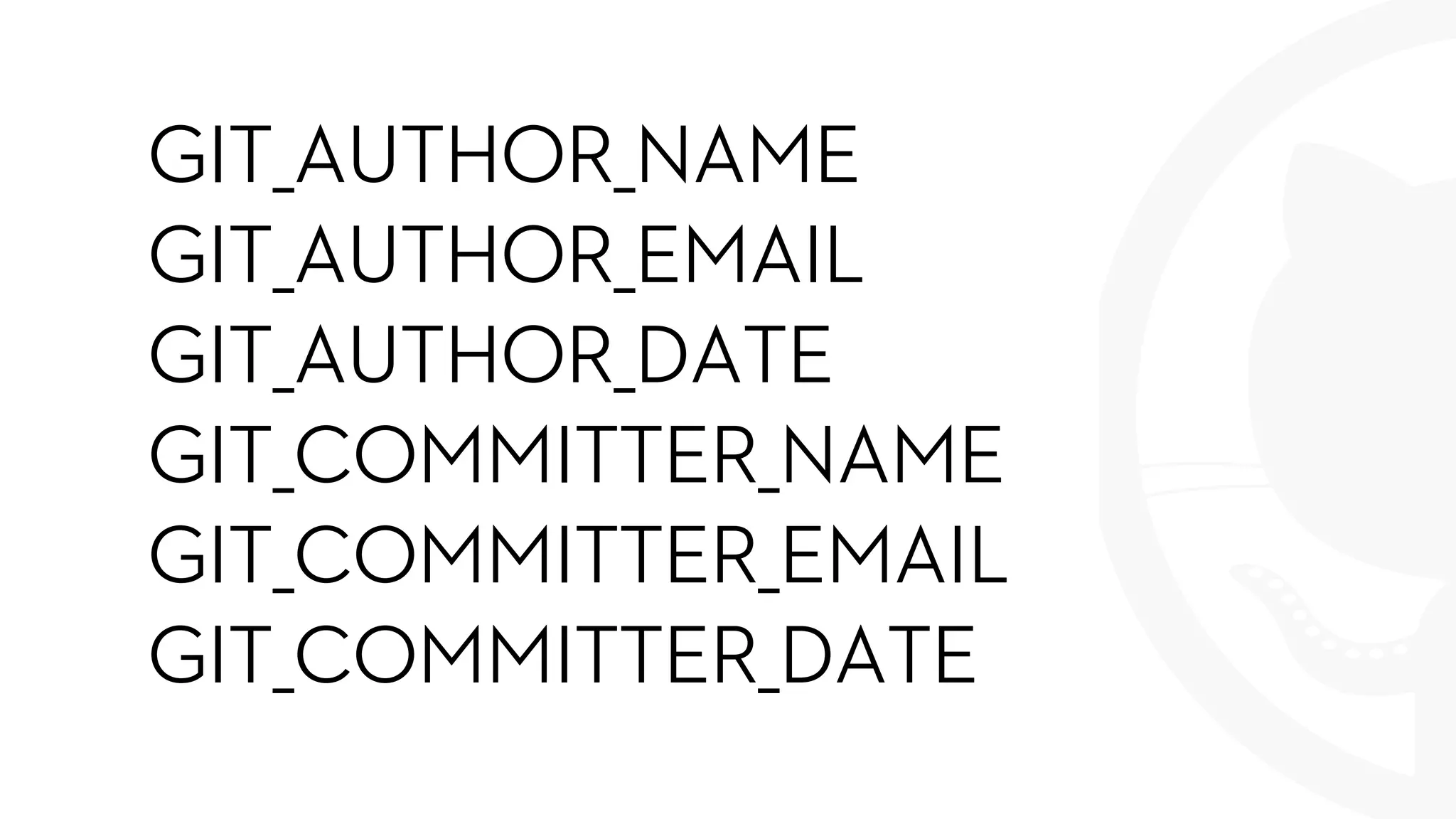
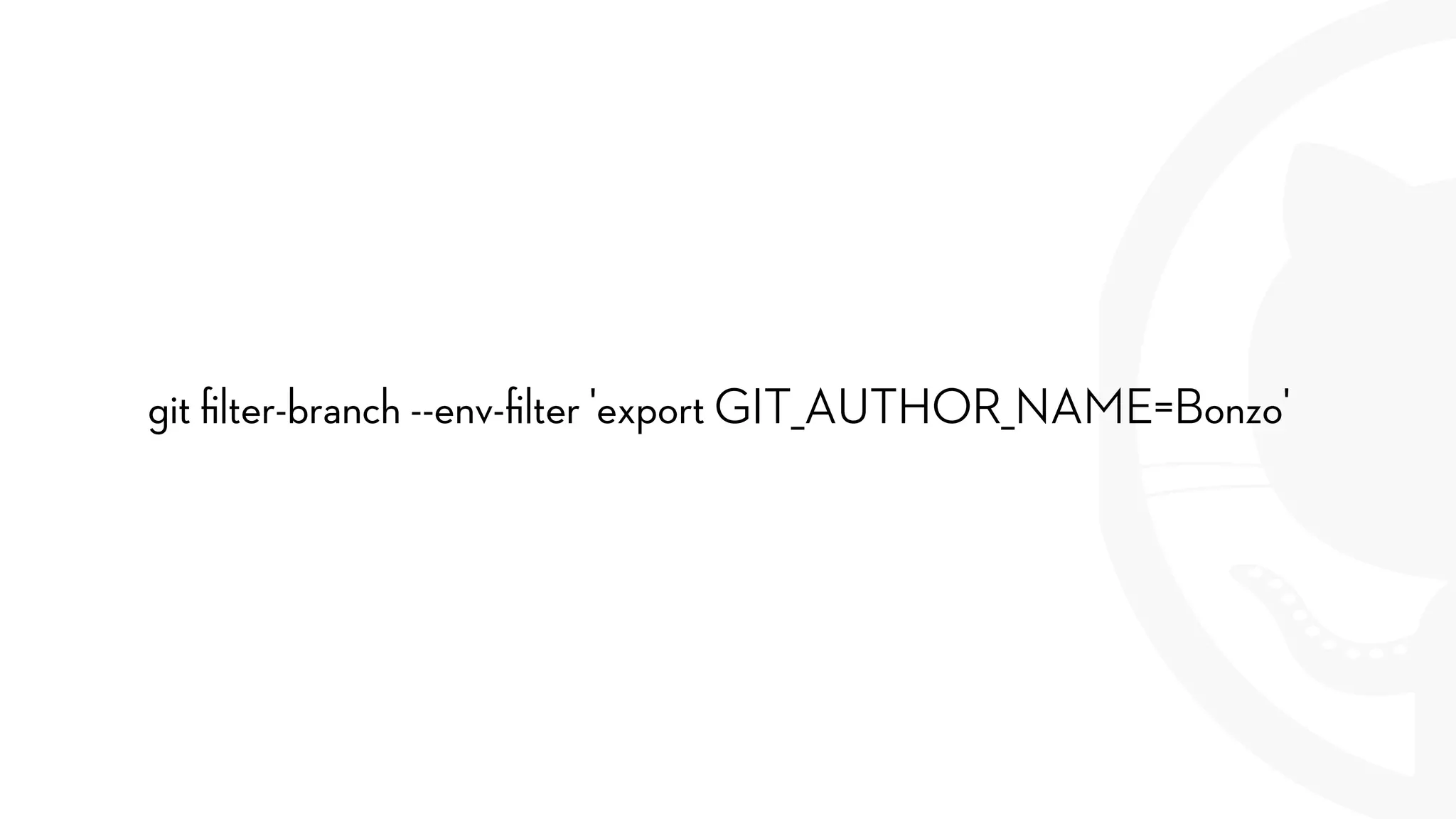
--env-filter
GIT_AUTHOR_NAME
GIT_AUTHOR_EMAIL
GIT_AUTHOR_DATE
GIT_COMMITTER_NAME
GIT_COMMITTER_EMAIL
GIT_COMMITTER_DATE
git filter-branch --env-filter 'export GIT_AUTHOR_NAME=Bonzo'
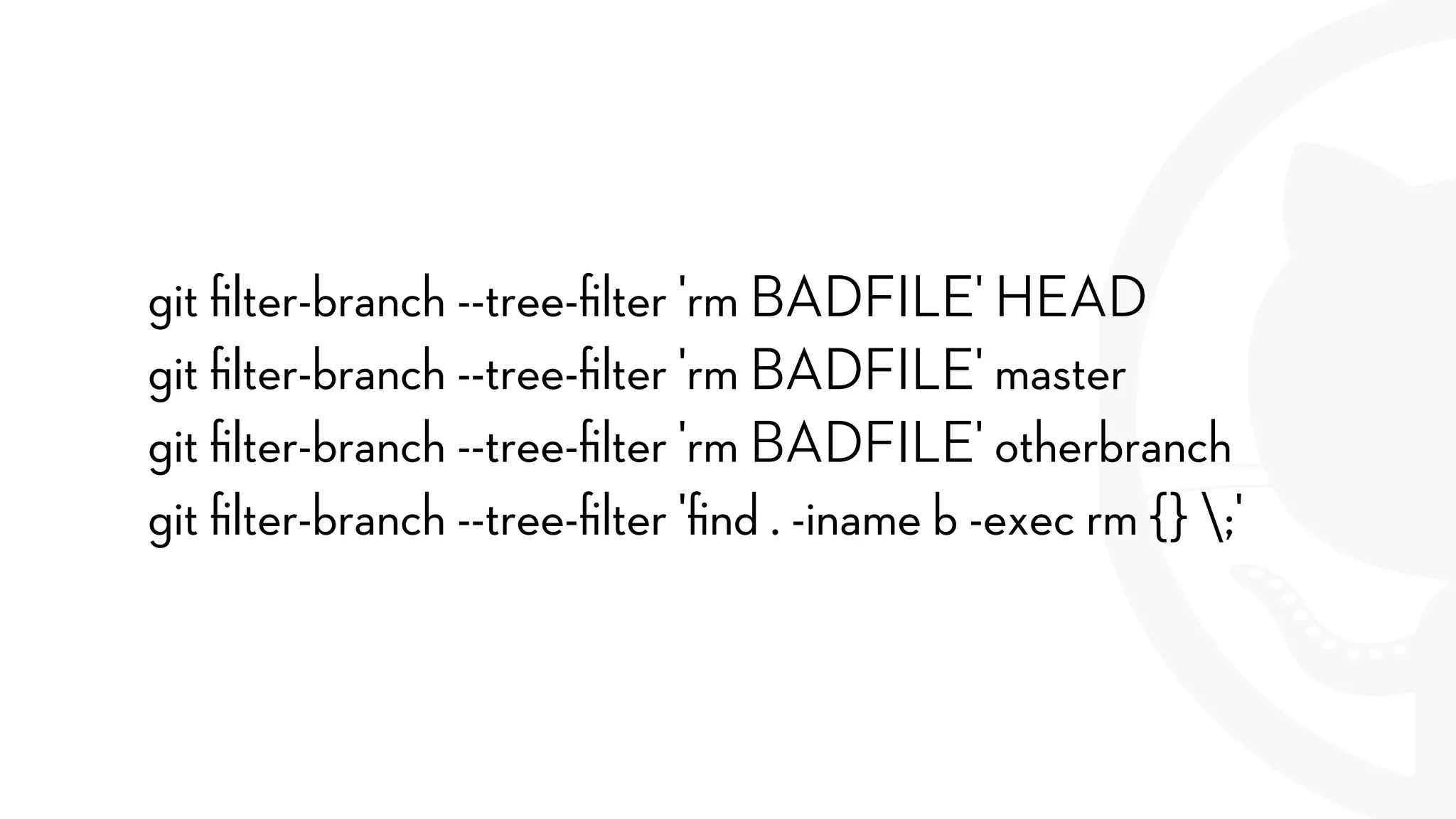
--tree-filter
git filter-branch --tree-filter 'rm BADFILE' HEAD
git filter-branch --tree-filter 'rm BADFILE' master
git filter-branch --tree-filter 'rm BADFILE' otherbranch
git filter-branch --tree-filter 'find . -iname b -exec rm {} ;'
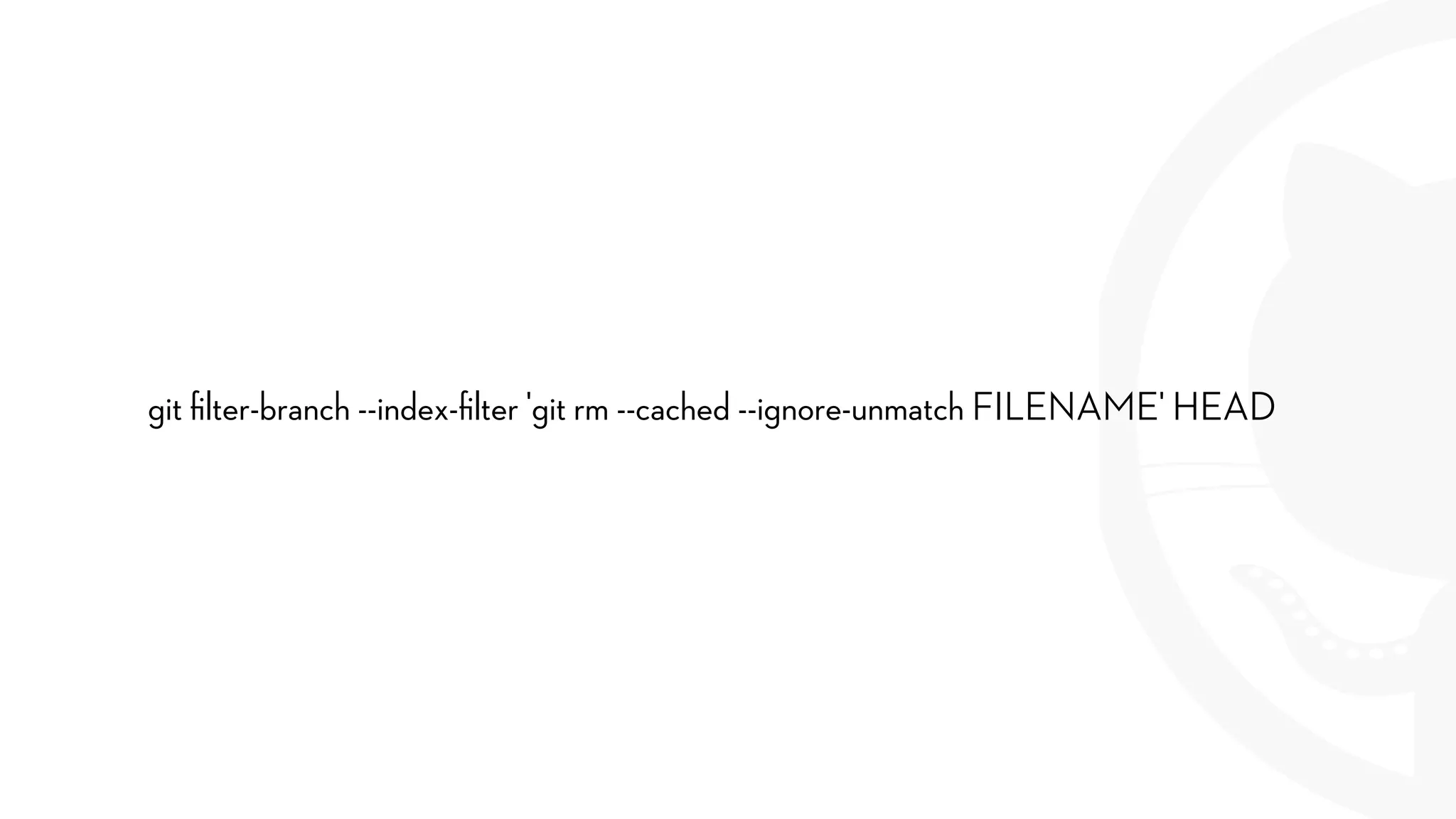
--index-filter
much faster for rm
git filter-branch --index-filter 'git rm --cached --ignore-unmatch FILENAME' HEAD
--parent-filter
Graft in a different parent
--msg-filter
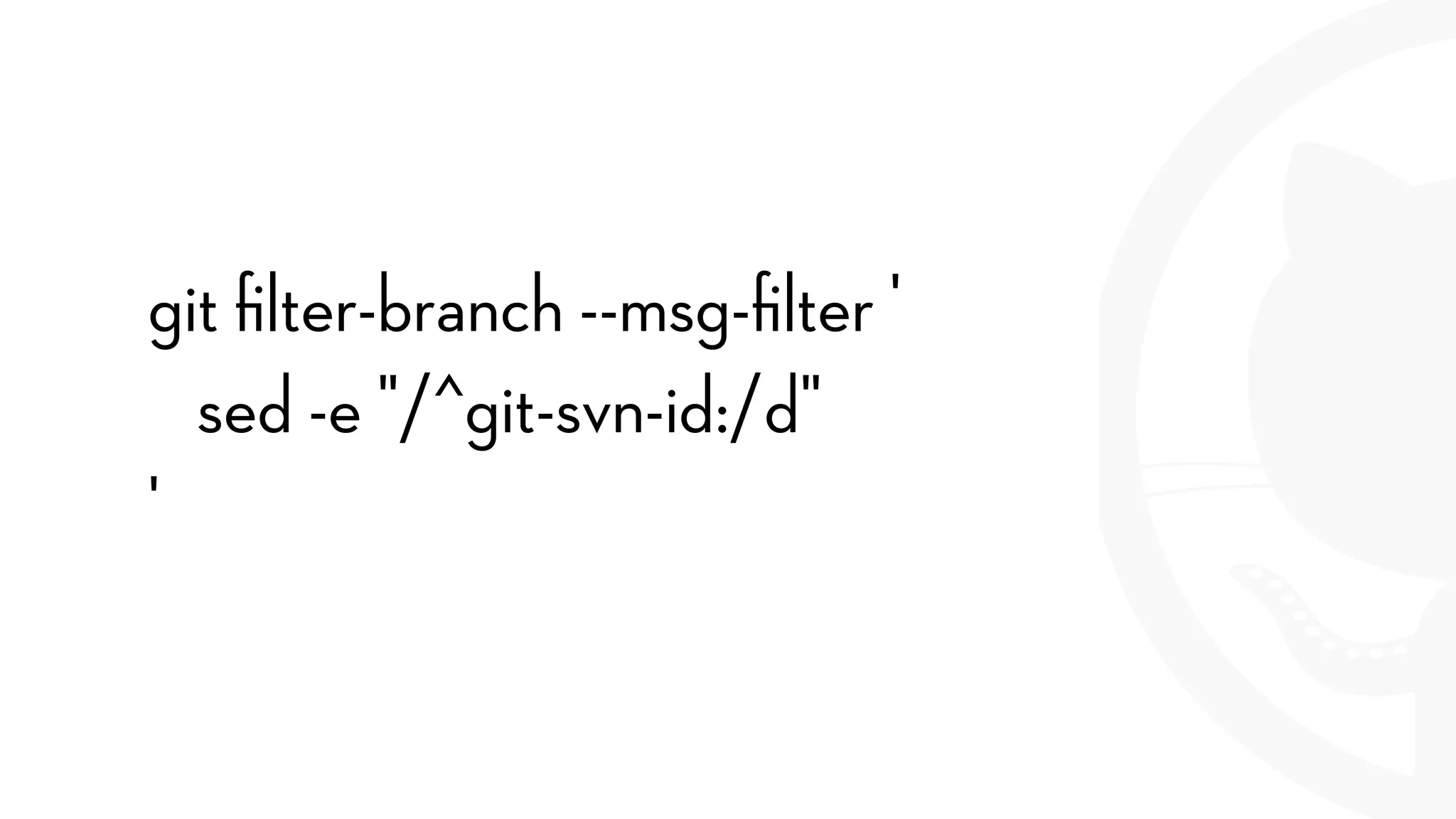
git filter-branch --msg-filter '
sed -e "/^git-svn-id:/d"
'
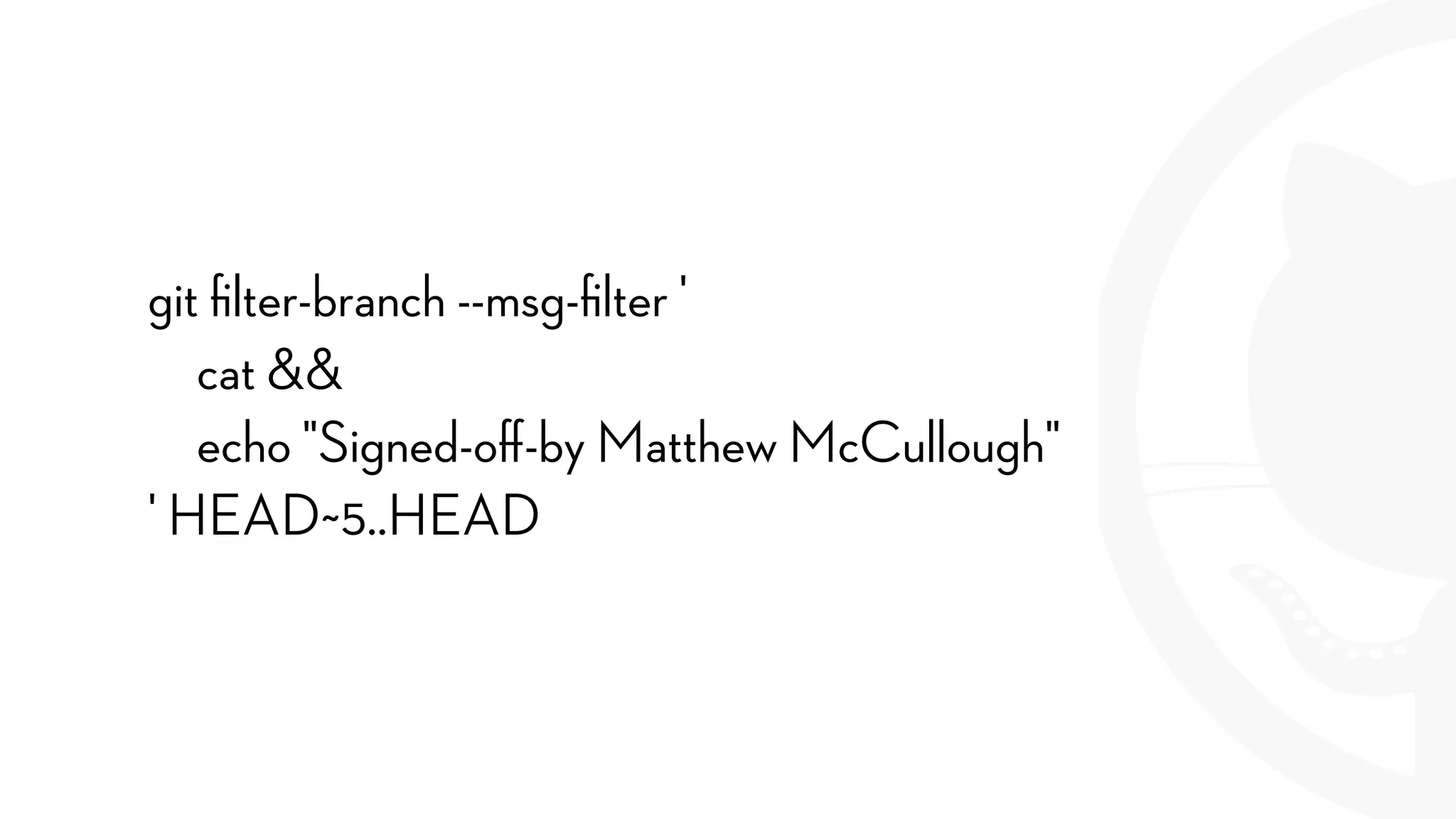
git filter-branch --msg-filter '
cat &&
echo "Signed-off-by Matthew McCullough"
' HEAD~5..HEAD
--commit-filter
Remove certain commits based on
commit contents
--tag-name-filter
Rename tags
--subdirectory-filter
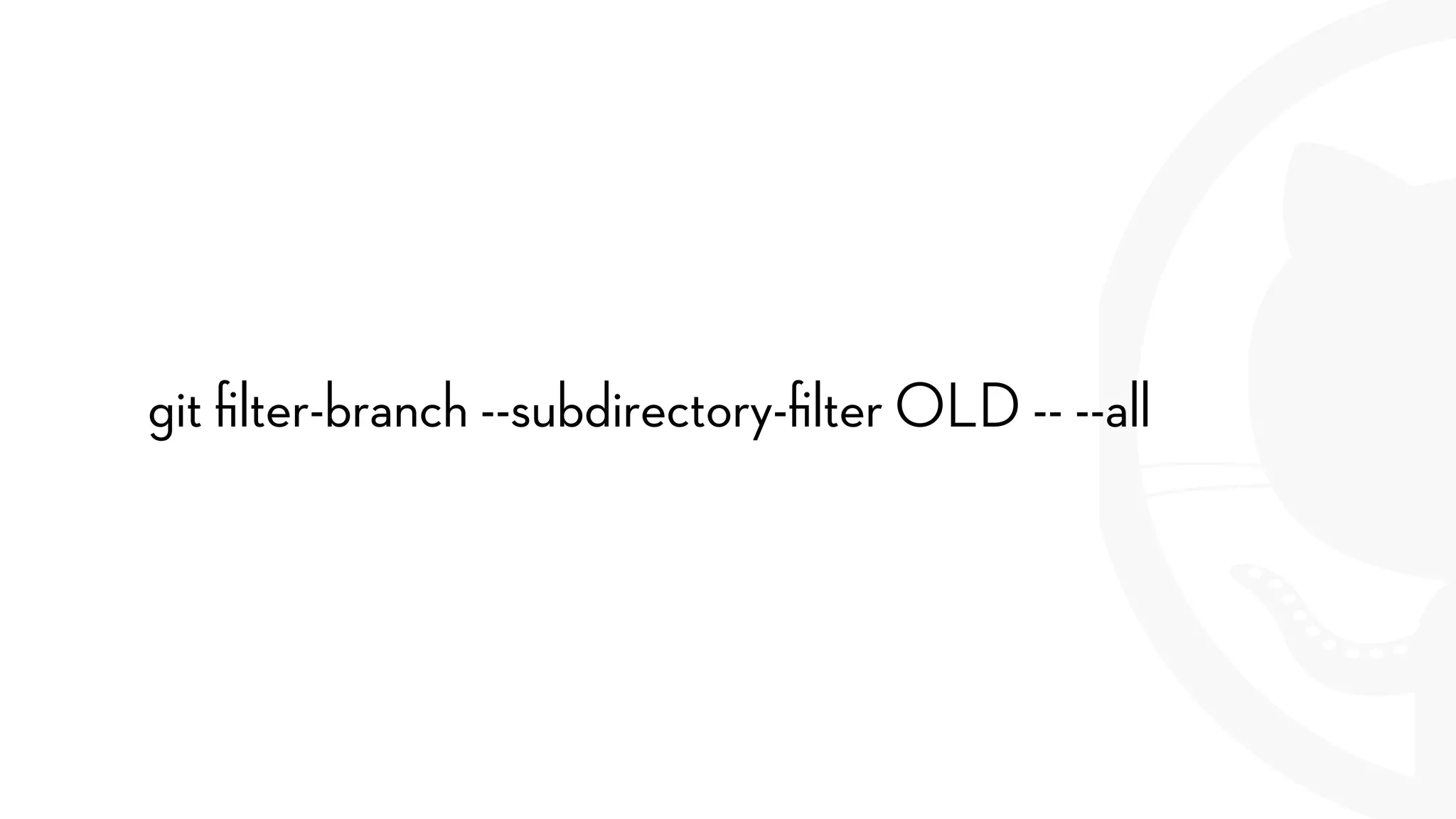
git filter-branch --subdirectory-filter OLD -- --all
Options
--all
--prune-empty
--original
-d
--force
Closing and Q&A
support@github.com
github.com/training/free
FILTER BRANCH
Pruning And Separating Git Repository History

Git's Filter Branch Command