



GIT NOTES & GITHUB
GIT NOTES & GITHUB
A Parallel Message Set
Notes
• Object pointing to a commit
• Supplemental to commit messages
• Namespaced for grouping of notes
• Object pointing to a commit
• Supplemental to commit messages
• Namespaced for grouping of notes
• Object pointing to a commit
• Supplemental to commit messages
• Namespaced for grouping of notes
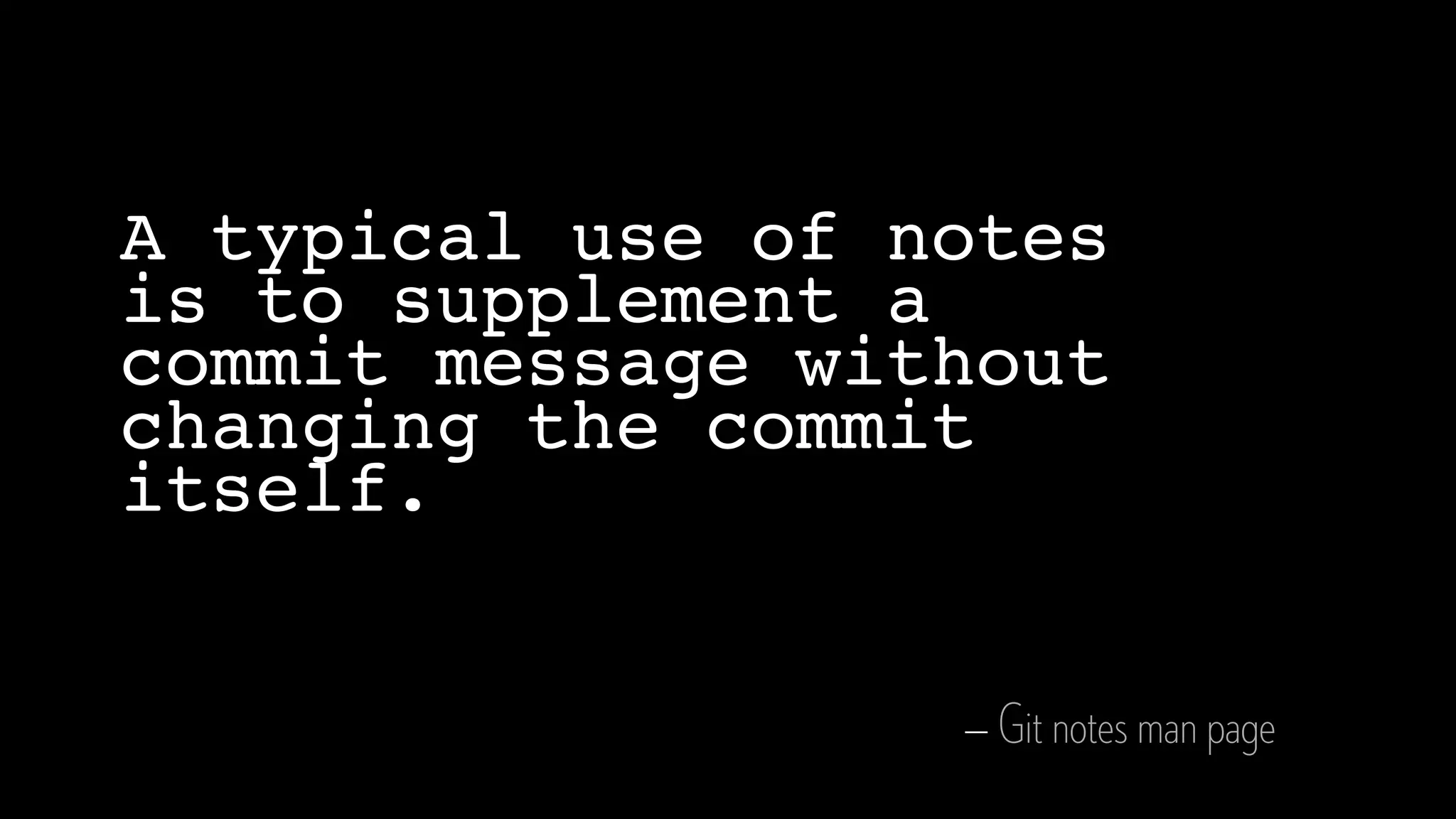
— Git notes man page
A typical use of notes
is to supplement a
commit message without
changing the commit
itself.
The Basics
GIT-NOTES(1) Git Manual GIT-NOTES(1)
NAME
git-notes - Add or inspect object notes
SYNOPSIS
git notes [list [<object>]]
git notes add [-f] [-F <file> | -m <msg> | (-c | -C) <object>] [<object>]
git notes copy [-f] ( --stdin | <from-object> <to-object> )
git notes append [-F <file> | -m <msg> | (-c | -C) <object>] [<object>]
git notes edit [<object>]
git notes show [<object>]
git notes merge [-v | -q] [-s <strategy> ] <notes_ref>
git notes merge --commit [-v | -q]
git notes merge --abort [-v | -q]
git notes remove [--ignore-missing] [--stdin] [<object>...]
git notes prune [-n | -v]
git notes get-ref
GIT-NOTES(1) Git Manual GIT-NOTES(1)
NAME
git-notes - Add or inspect object notes
SYNOPSIS
git notes [list [<object>]]
git notes add [-f] [-F <file> | -m <msg> | (-c | -C) <object>] [<object>]
git notes copy [-f] ( --stdin | <from-object> <to-object> )
git notes append [-F <file> | -m <msg> | (-c | -C) <object>] [<object>]
git notes edit [<object>]
git notes show [<object>]
git notes merge [-v | -q] [-s <strategy> ] <notes_ref>
git notes merge --commit [-v | -q]
git notes merge --abort [-v | -q]
git notes remove [--ignore-missing] [--stdin] [<object>...]
git notes prune [-n | -v]
git notes get-ref
Create a note
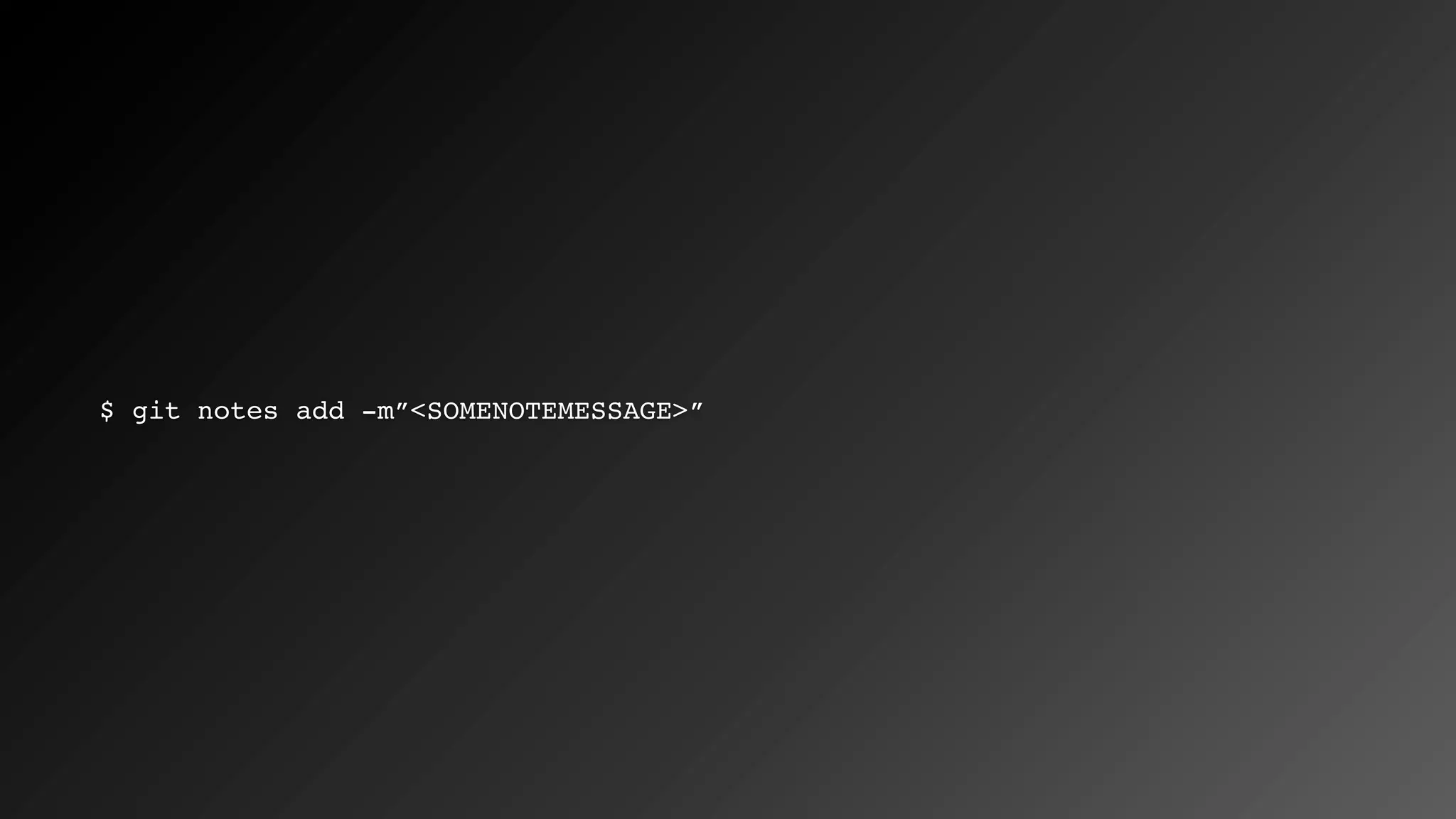
$ git notes add -m”<SOMENOTEMESSAGE>”
Video
Examine the directory structure
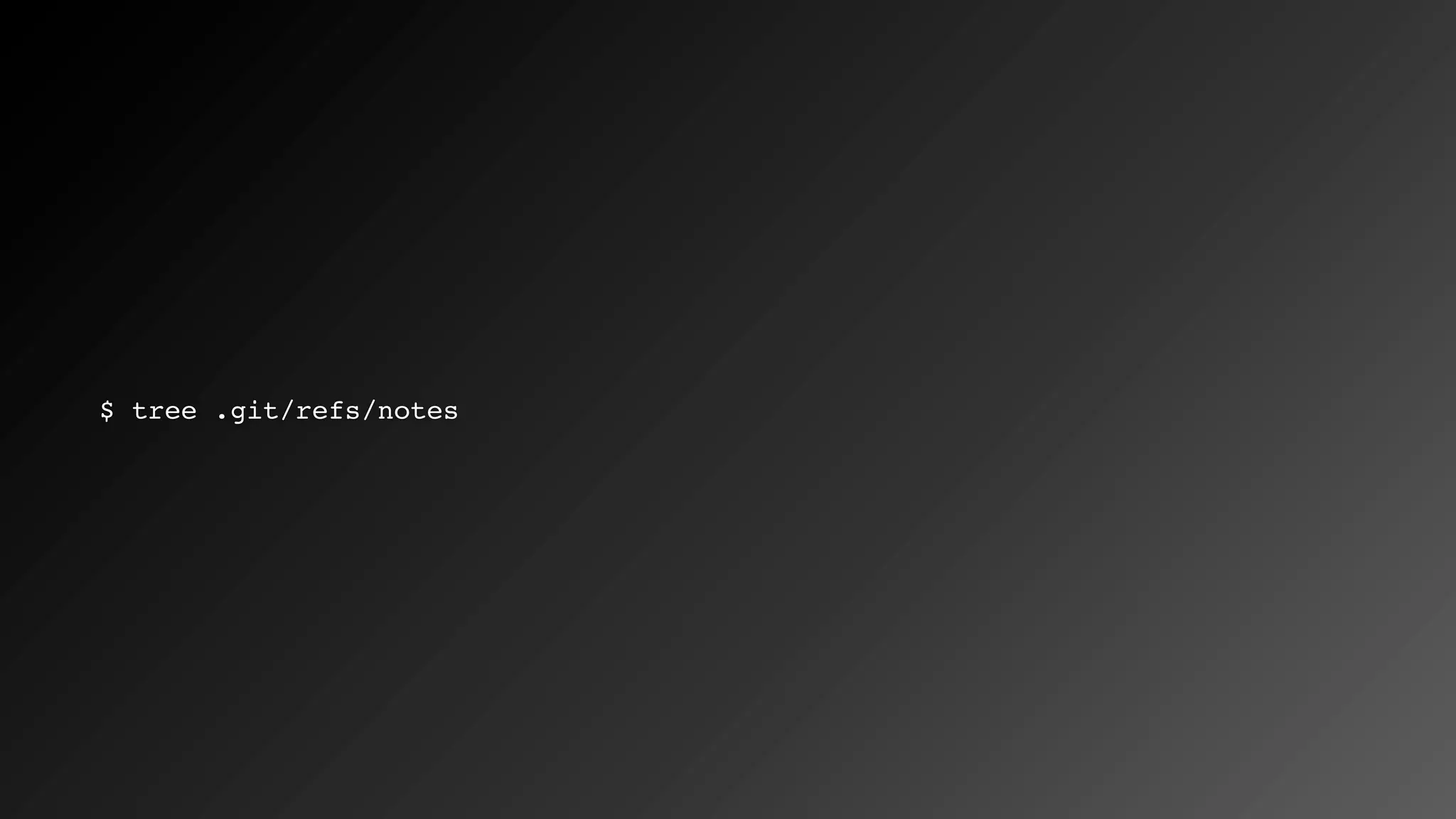
$ tree .git/refs/notes
Video
Displaying notes
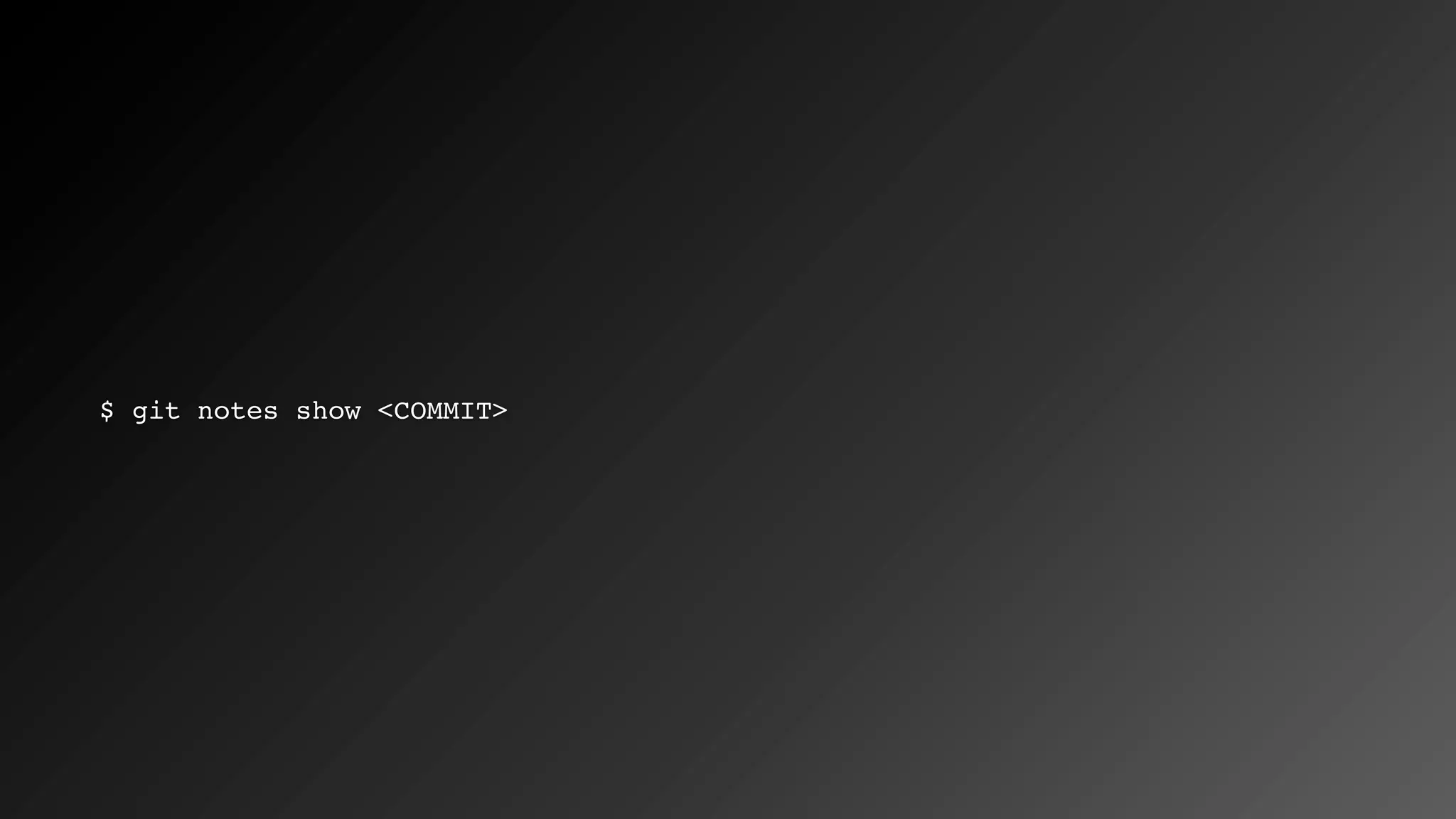
$ git notes show <COMMIT>
Video
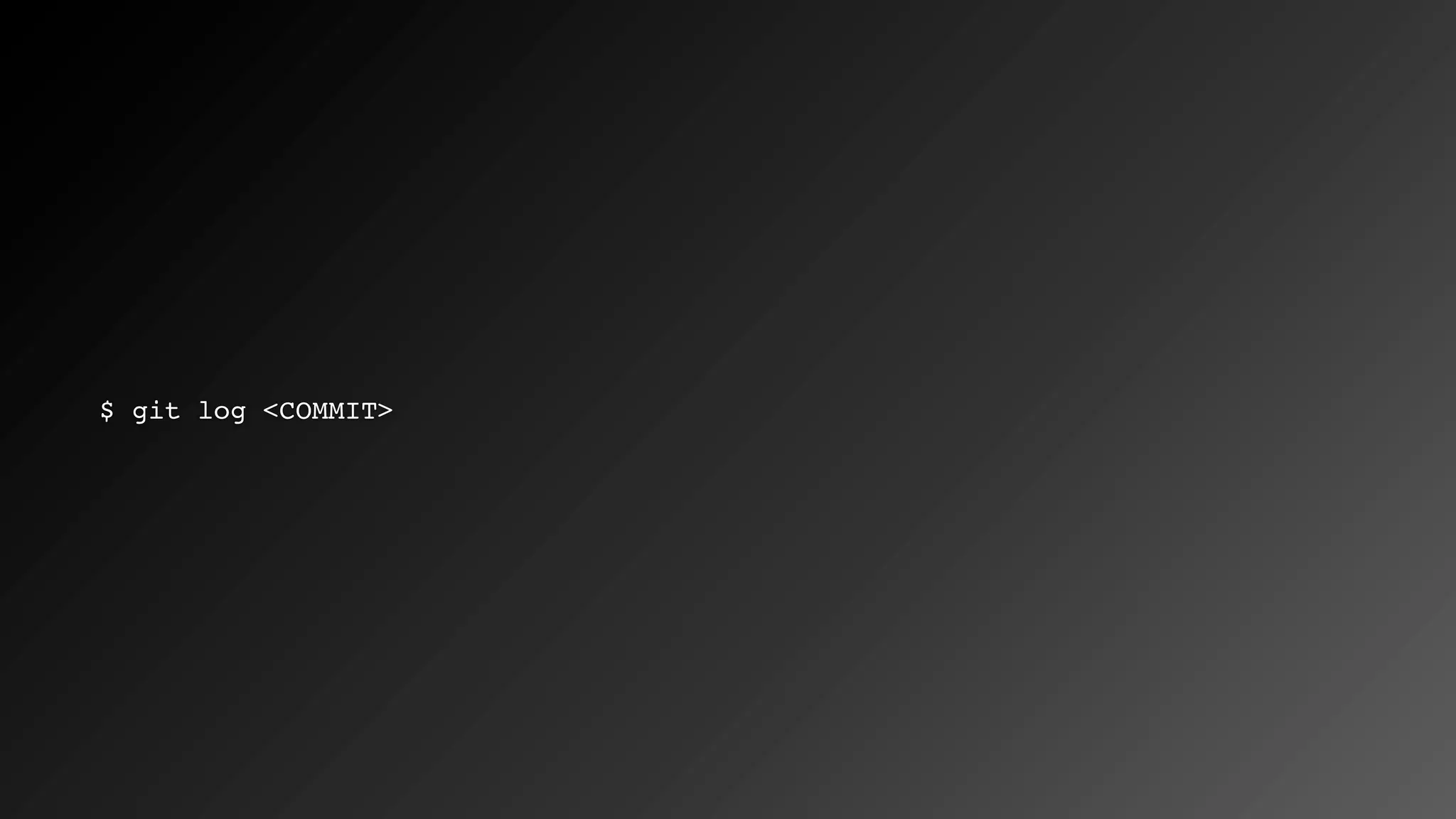
$ git log <COMMIT>
Video
Namespacing
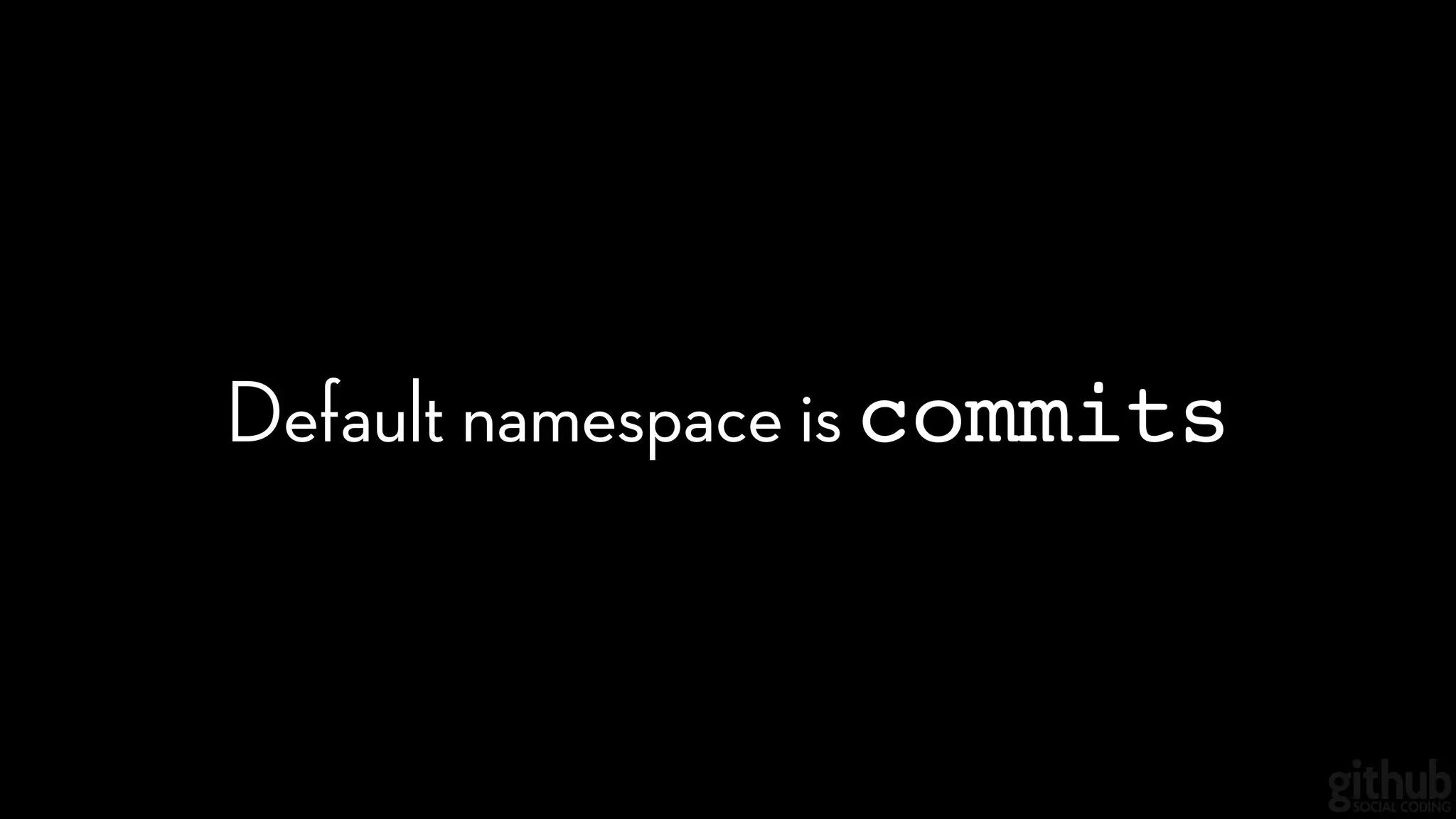
Default namespace is commits
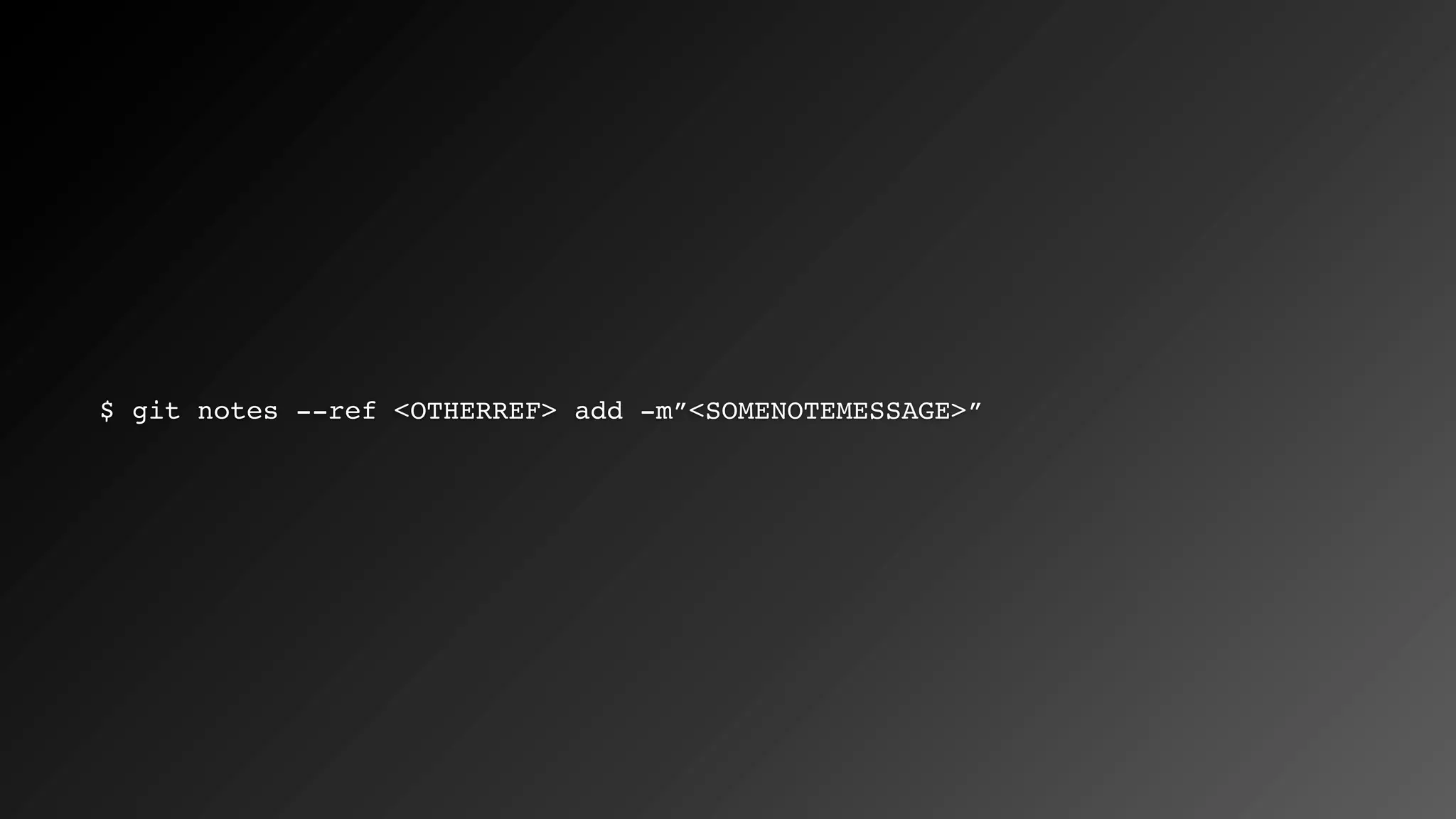
$ git notes --ref <OTHERREF> add -m”<SOMENOTEMESSAGE>”
Video
Viewing a different namespace
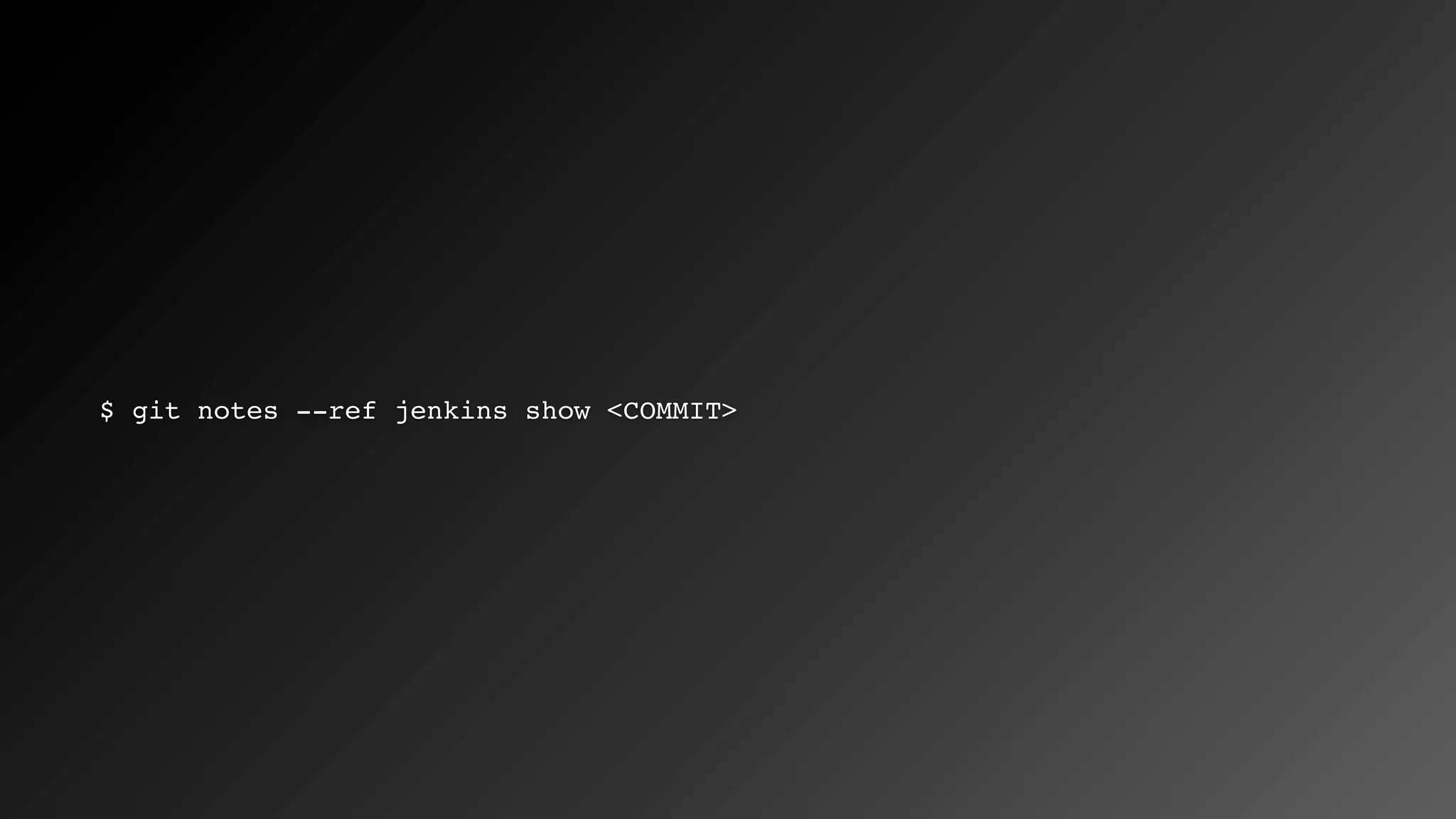
$ git notes --ref jenkins show <COMMIT>
Video
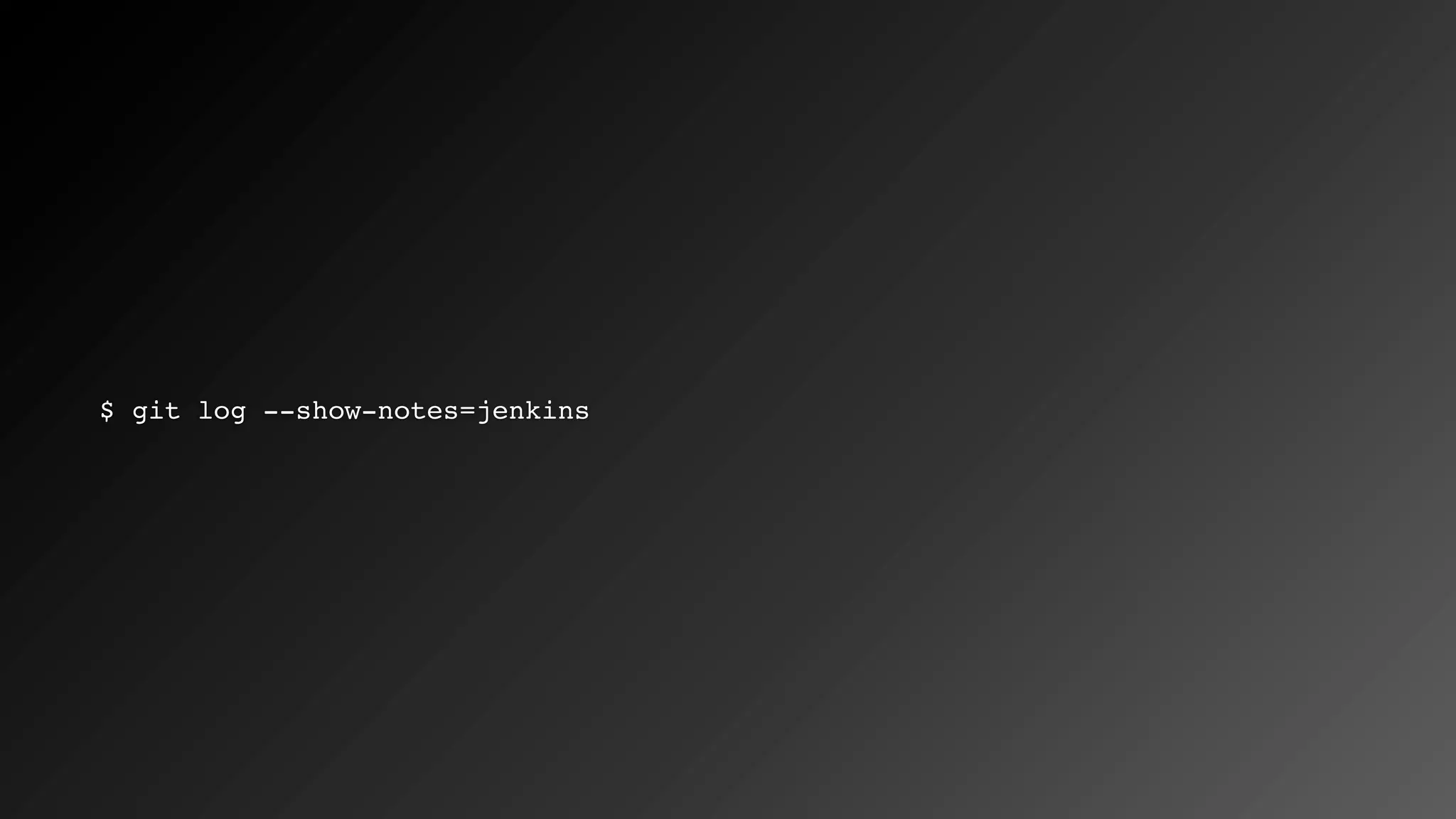
$ git log --show-notes=jenkins
Video
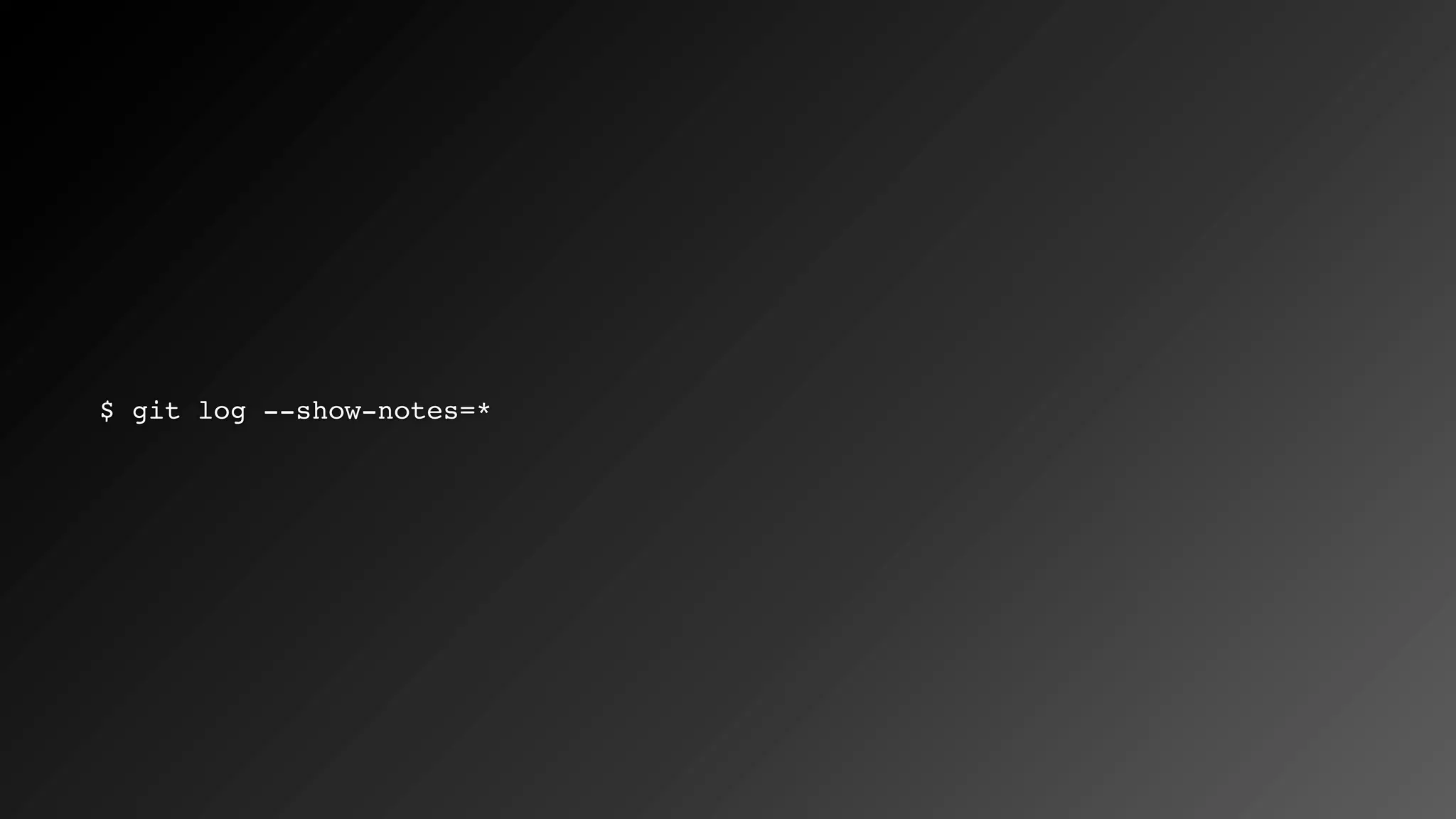
$ git log --show-notes=*
Video
Pushing
Notes don’t push by default
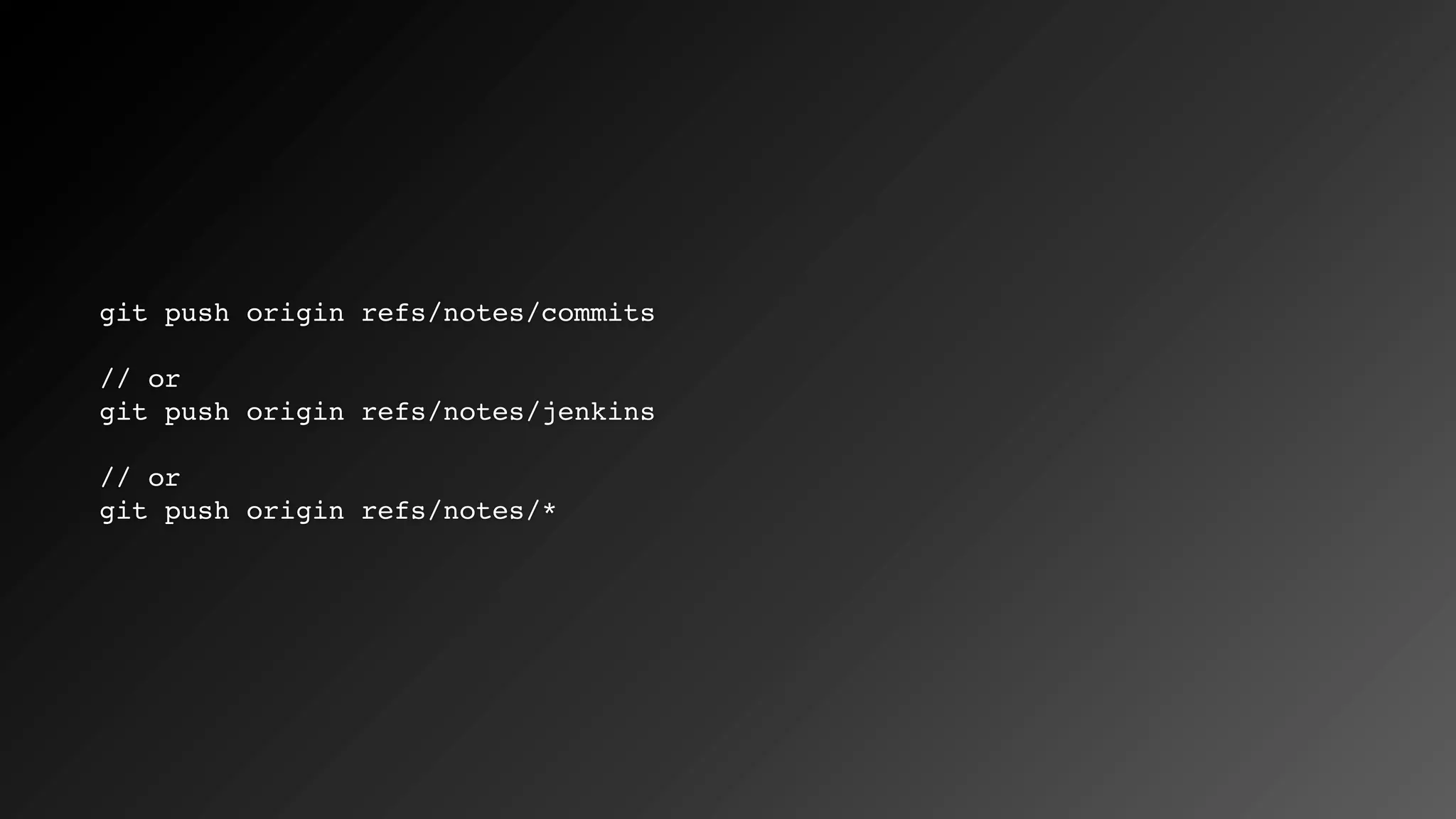
git push origin refs/notes/commits
// or
git push origin refs/notes/jenkins
// or
git push origin refs/notes/*
Video
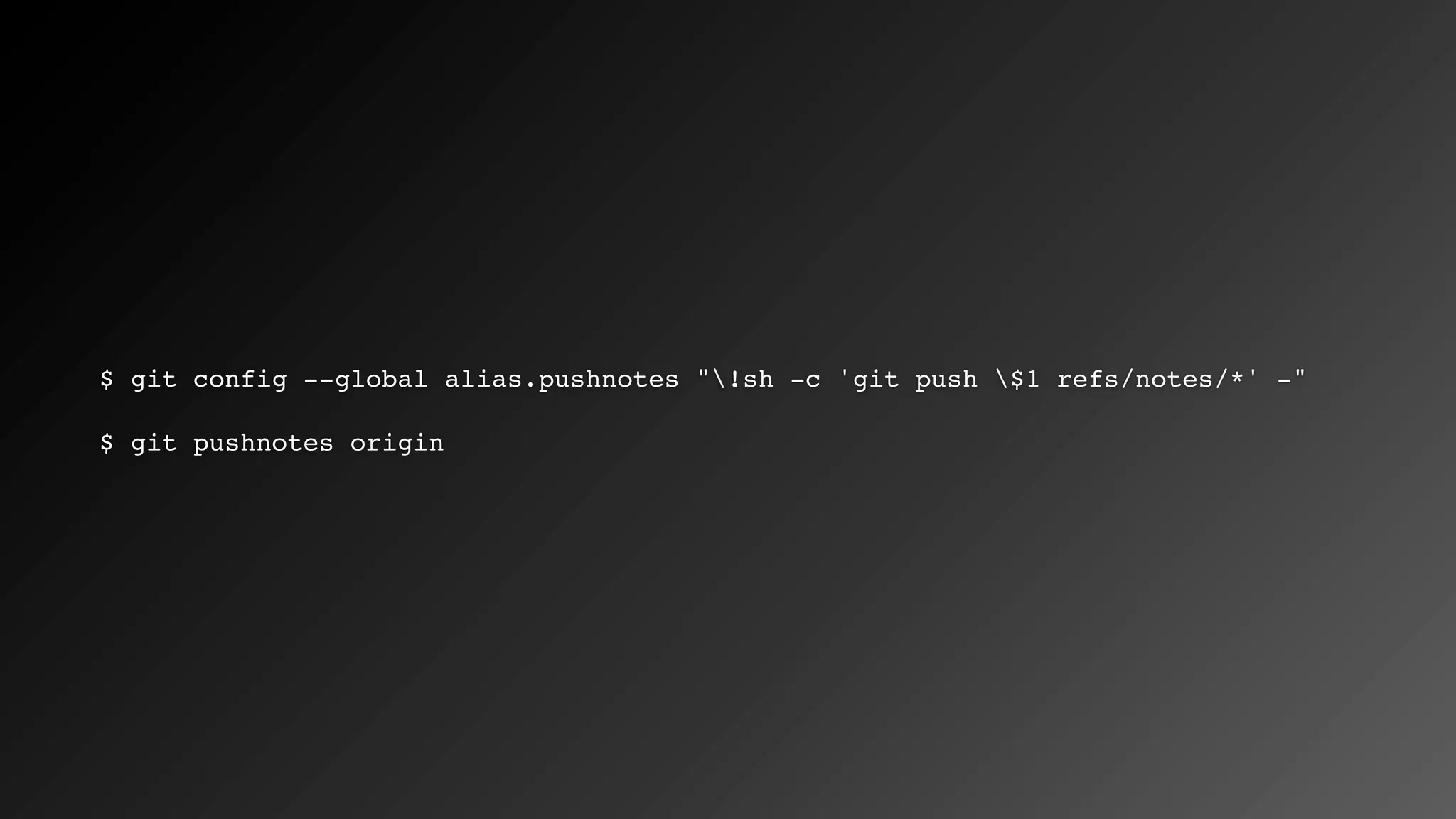
$ git config --global alias.pushnotes "!sh -c 'git push $1 refs/notes/*' -"
$ git pushnotes origin
Fetching
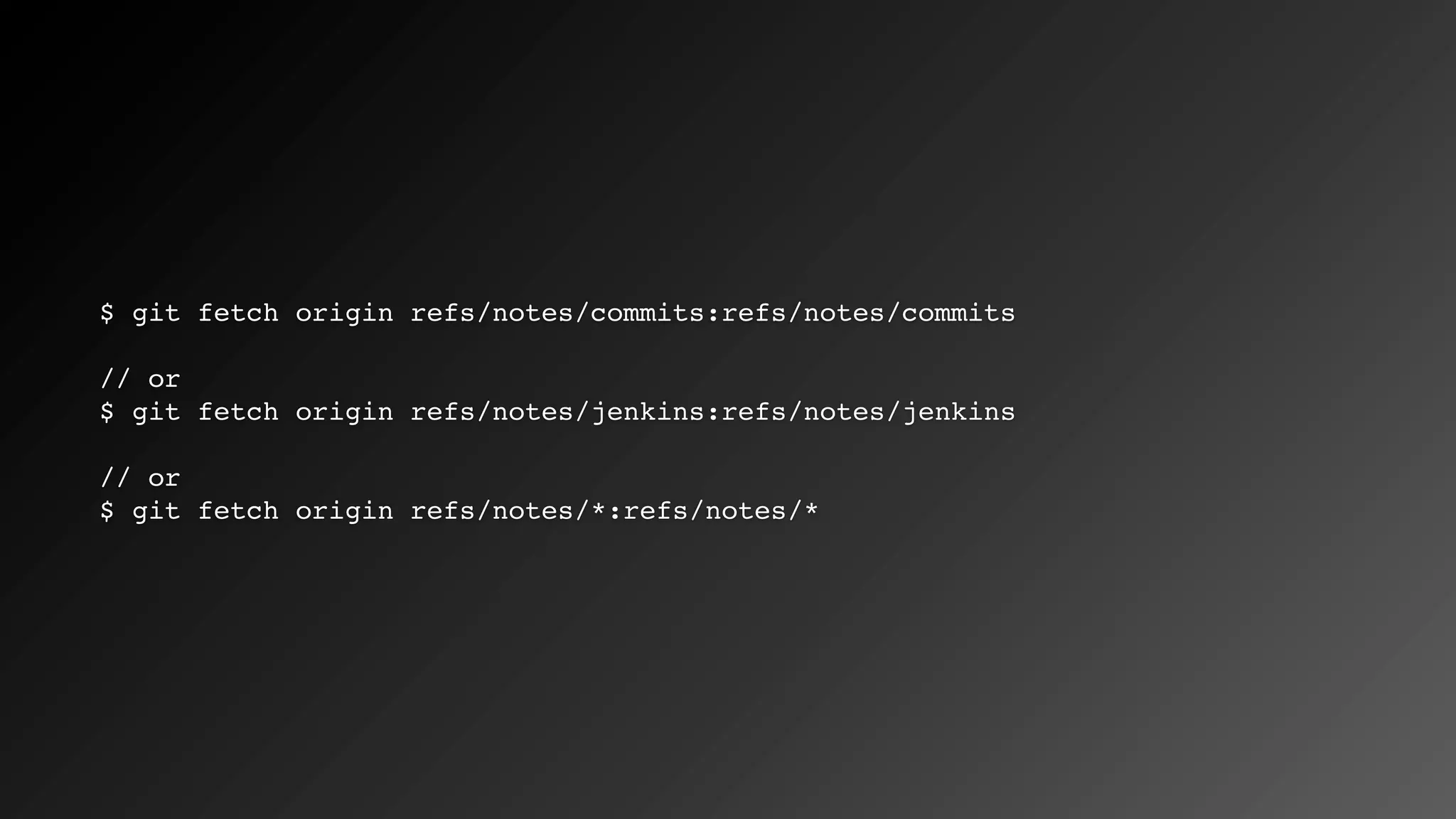
Notes don’t fetch by default
$ git fetch origin refs/notes/commits:refs/notes/commits
// or
$ git fetch origin refs/notes/jenkins:refs/notes/jenkins
// or
$ git fetch origin refs/notes/*:refs/notes/*
Video
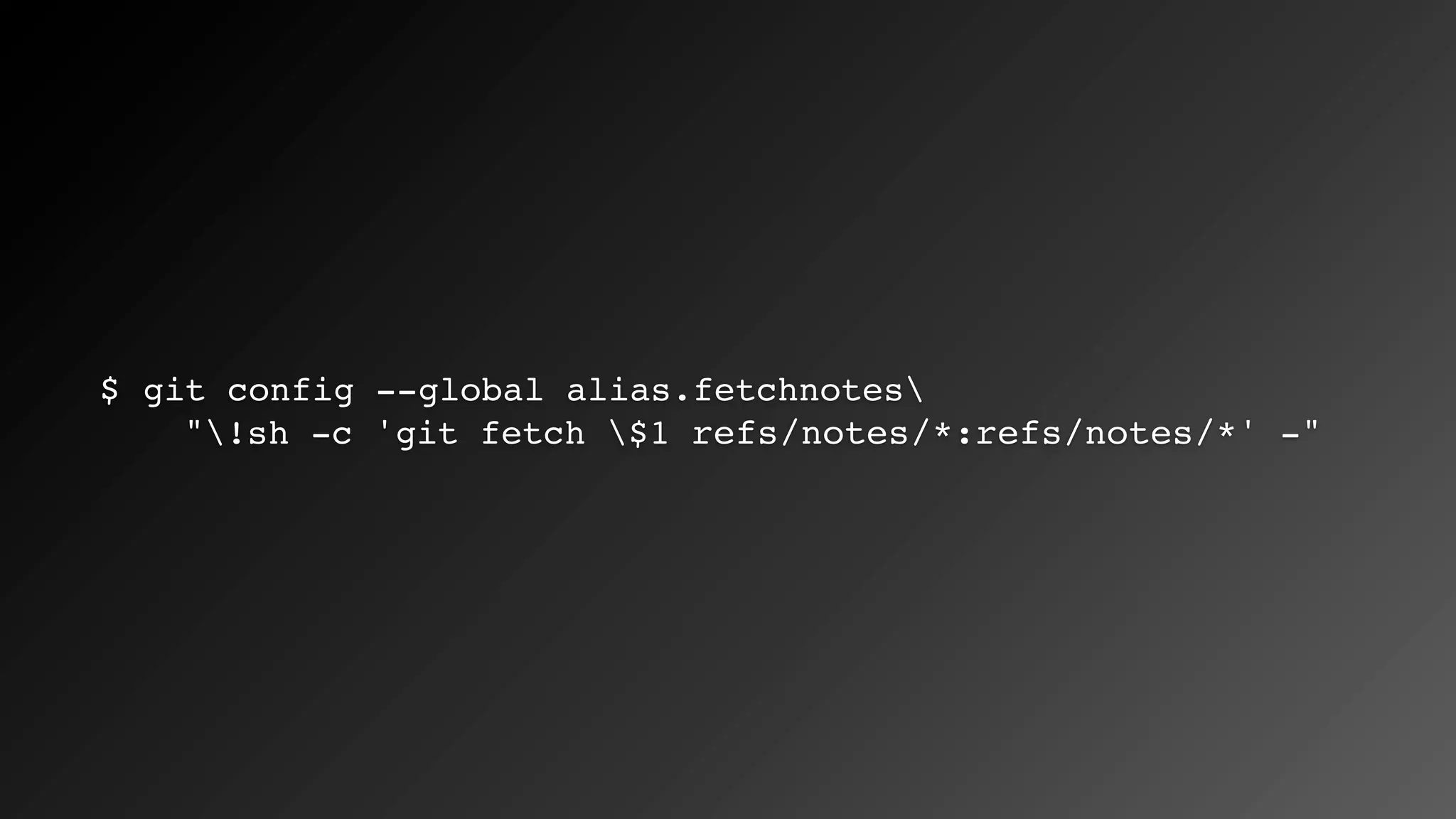
$ git config --global alias.fetchnotes
"!sh -c 'git fetch $1 refs/notes/*:refs/notes/*' -"
$ vim .git/config
...and edit
[remote ”origin”]
fetch = +refs/heads/*:refs/remotes/origin/*
...to be
[remote ”origin”]
fetch = +refs/heads/*:refs/remotes/origin/*
fetch = +refs/notes/*:refs/notes/*
GitHub
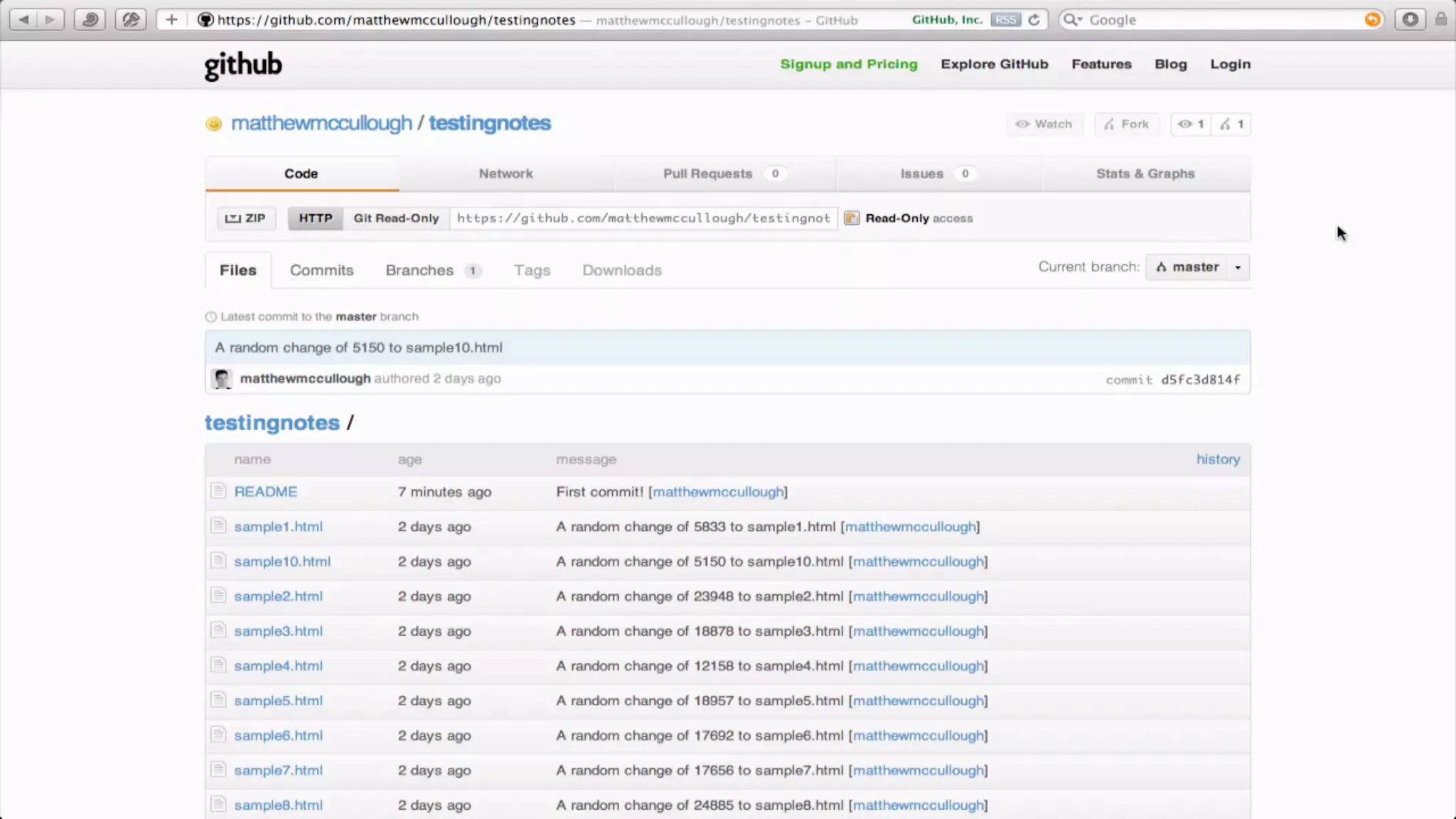
Notes are shown with commits
Video
More?
Notes can be appended
GIT-NOTES(1) Git Manual GIT-NOTES(1)
NAME
git-notes - Add or inspect object notes
SYNOPSIS
git notes [list [<object>]]
git notes add [-f] [-F <file> | -m <msg> | (-c | -C) <object>] [<object>]
git notes copy [-f] ( --stdin | <from-object> <to-object> )
git notes append [-F <file> | -m <msg> | (-c | -C) <object>] [<object>]
git notes edit [<object>]
git notes show [<object>]
git notes merge [-v | -q] [-s <strategy> ] <notes_ref>
git notes merge --commit [-v | -q]
git notes merge --abort [-v | -q]
git notes remove [--ignore-missing] [--stdin] [<object>...]
git notes prune [-n | -v]
git notes get-ref
GIT-NOTES(1) Git Manual GIT-NOTES(1)
NAME
git-notes - Add or inspect object notes
SYNOPSIS
git notes [list [<object>]]
git notes add [-f] [-F <file> | -m <msg> | (-c | -C) <object>] [<object>]
git notes copy [-f] ( --stdin | <from-object> <to-object> )
git notes append [-F <file> | -m <msg> | (-c | -C) <object>] [<object>]
git notes edit [<object>]
git notes show [<object>]
git notes merge [-v | -q] [-s <strategy> ] <notes_ref>
git notes merge --commit [-v | -q]
git notes merge --abort [-v | -q]
git notes remove [--ignore-missing] [--stdin] [<object>...]
git notes prune [-n | -v]
git notes get-ref
Notes can be merged
GIT-NOTES(1) Git Manual GIT-NOTES(1)
NAME
git-notes - Add or inspect object notes
SYNOPSIS
git notes [list [<object>]]
git notes add [-f] [-F <file> | -m <msg> | (-c | -C) <object>] [<object>]
git notes copy [-f] ( --stdin | <from-object> <to-object> )
git notes append [-F <file> | -m <msg> | (-c | -C) <object>] [<object>]
git notes edit [<object>]
git notes show [<object>]
git notes merge [-v | -q] [-s <strategy> ] <notes_ref>
git notes merge --commit [-v | -q]
git notes merge --abort [-v | -q]
git notes remove [--ignore-missing] [--stdin] [<object>...]
git notes prune [-n | -v]
git notes get-ref
GIT-NOTES(1) Git Manual GIT-NOTES(1)
NAME
git-notes - Add or inspect object notes
SYNOPSIS
git notes [list [<object>]]
git notes add [-f] [-F <file> | -m <msg> | (-c | -C) <object>] [<object>]
git notes copy [-f] ( --stdin | <from-object> <to-object> )
git notes append [-F <file> | -m <msg> | (-c | -C) <object>] [<object>]
git notes edit [<object>]
git notes show [<object>]
git notes merge [-v | -q] [-s <strategy> ] <notes_ref>
git notes merge --commit [-v | -q]
git notes merge --abort [-v | -q]
git notes remove [--ignore-missing] [--stdin] [<object>...]
git notes prune [-n | -v]
git notes get-ref
Notes can be removed
GIT-NOTES(1) Git Manual GIT-NOTES(1)
NAME
git-notes - Add or inspect object notes
SYNOPSIS
git notes [list [<object>]]
git notes add [-f] [-F <file> | -m <msg> | (-c | -C) <object>] [<object>]
git notes copy [-f] ( --stdin | <from-object> <to-object> )
git notes append [-F <file> | -m <msg> | (-c | -C) <object>] [<object>]
git notes edit [<object>]
git notes show [<object>]
git notes merge [-v | -q] [-s <strategy> ] <notes_ref>
git notes merge --commit [-v | -q]
git notes merge --abort [-v | -q]
git notes remove [--ignore-missing] [--stdin] [<object>...]
git notes prune [-n | -v]
git notes get-ref
GIT-NOTES(1) Git Manual GIT-NOTES(1)
NAME
git-notes - Add or inspect object notes
SYNOPSIS
git notes [list [<object>]]
git notes add [-f] [-F <file> | -m <msg> | (-c | -C) <object>] [<object>]
git notes copy [-f] ( --stdin | <from-object> <to-object> )
git notes append [-F <file> | -m <msg> | (-c | -C) <object>] [<object>]
git notes edit [<object>]
git notes show [<object>]
git notes merge [-v | -q] [-s <strategy> ] <notes_ref>
git notes merge --commit [-v | -q]
git notes merge --abort [-v | -q]
git notes remove [--ignore-missing] [--stdin] [<object>...]
git notes prune [-n | -v]
git notes get-ref
Resources
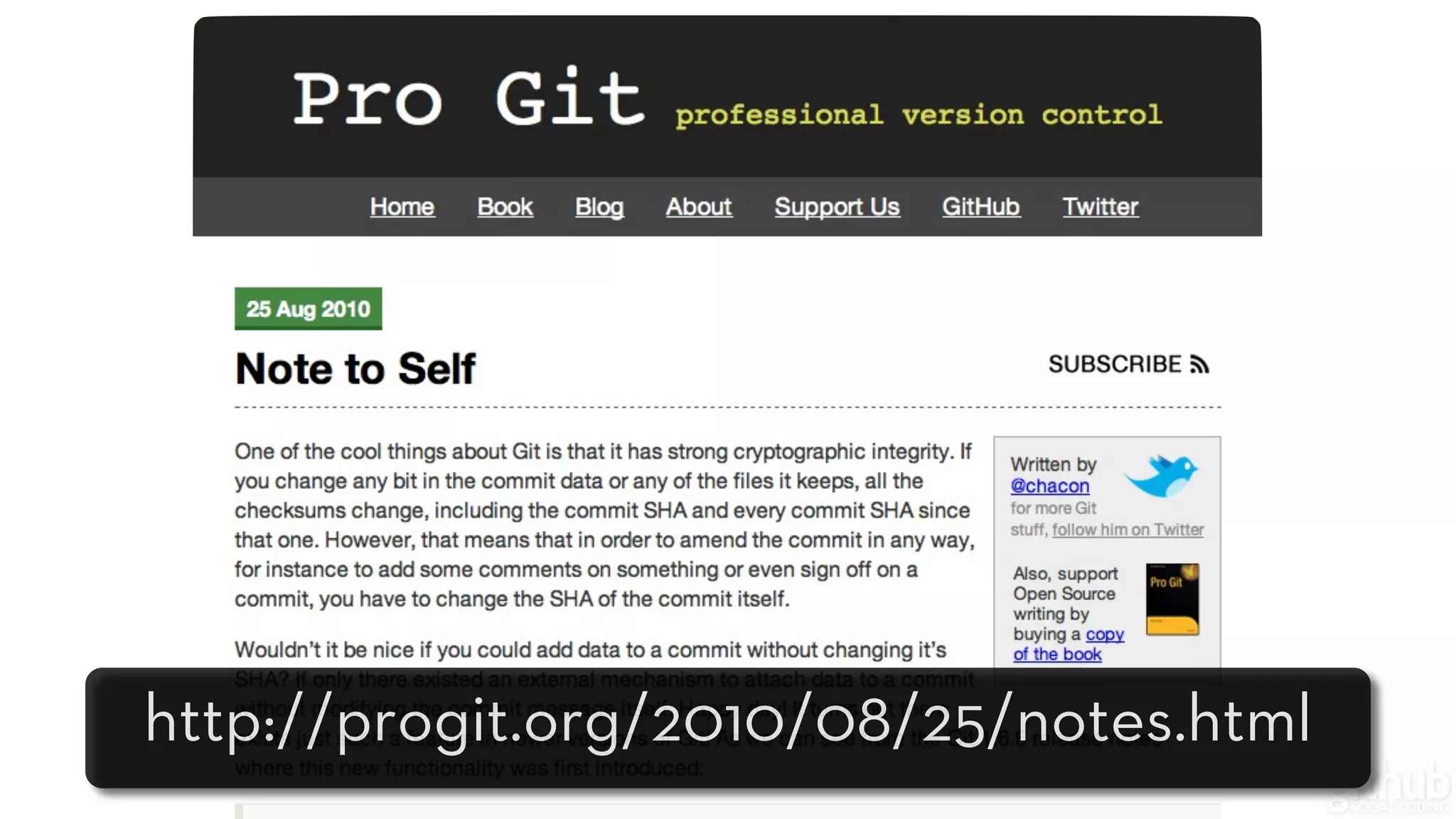
http://progit.org/2010/08/25/notes.html
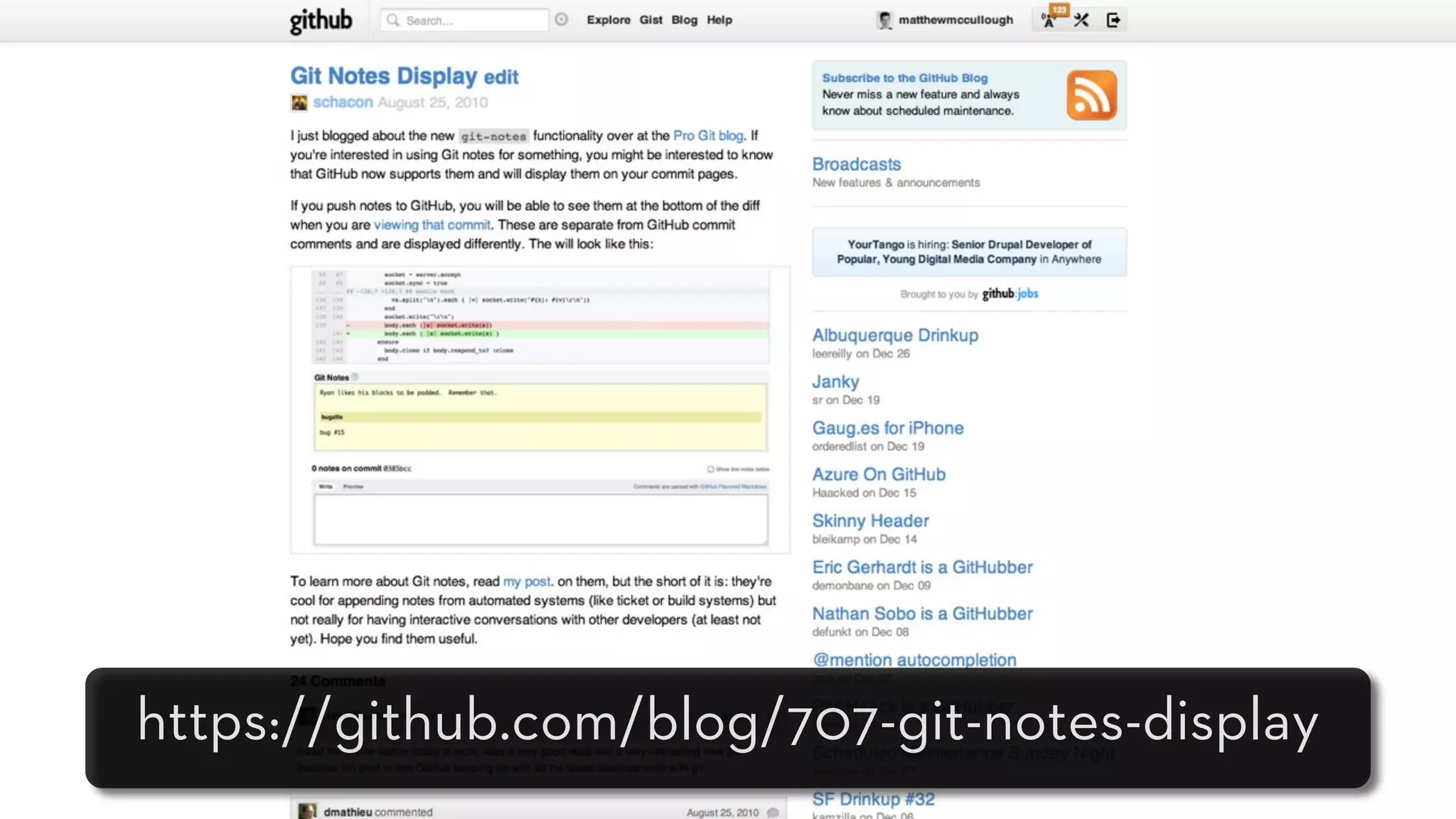
https://github.com/blog/707-git-notes-display
Useful?
GIT NOTES & GITHUB
A Parallel Message Set

Git Notes and GitHub

  • 1.
  • 2.
    GIT NOTES &GITHUB A Parallel Message Set
  • 3.
  • 5.
    • Object pointingto a commit • Supplemental to commit messages • Namespaced for grouping of notes
  • 6.
    • Object pointingto a commit • Supplemental to commit messages • Namespaced for grouping of notes
  • 7.
    • Object pointingto a commit • Supplemental to commit messages • Namespaced for grouping of notes
  • 9.
    — Git notesman page A typical use of notes is to supplement a commit message without changing the commit itself.
  • 10.
  • 11.
    GIT-NOTES(1) Git ManualGIT-NOTES(1) NAME git-notes - Add or inspect object notes SYNOPSIS git notes [list [<object>]] git notes add [-f] [-F <file> | -m <msg> | (-c | -C) <object>] [<object>] git notes copy [-f] ( --stdin | <from-object> <to-object> ) git notes append [-F <file> | -m <msg> | (-c | -C) <object>] [<object>] git notes edit [<object>] git notes show [<object>] git notes merge [-v | -q] [-s <strategy> ] <notes_ref> git notes merge --commit [-v | -q] git notes merge --abort [-v | -q] git notes remove [--ignore-missing] [--stdin] [<object>...] git notes prune [-n | -v] git notes get-ref
  • 12.
    GIT-NOTES(1) Git ManualGIT-NOTES(1) NAME git-notes - Add or inspect object notes SYNOPSIS git notes [list [<object>]] git notes add [-f] [-F <file> | -m <msg> | (-c | -C) <object>] [<object>] git notes copy [-f] ( --stdin | <from-object> <to-object> ) git notes append [-F <file> | -m <msg> | (-c | -C) <object>] [<object>] git notes edit [<object>] git notes show [<object>] git notes merge [-v | -q] [-s <strategy> ] <notes_ref> git notes merge --commit [-v | -q] git notes merge --abort [-v | -q] git notes remove [--ignore-missing] [--stdin] [<object>...] git notes prune [-n | -v] git notes get-ref
  • 13.
  • 14.
    $ git notesadd -m”<SOMENOTEMESSAGE>”
  • 15.
  • 16.
  • 17.
  • 18.
  • 19.
  • 20.
    $ git notesshow <COMMIT>
  • 21.
  • 22.
    $ git log<COMMIT>
  • 23.
  • 24.
  • 25.
  • 26.
    $ git notes--ref <OTHERREF> add -m”<SOMENOTEMESSAGE>”
  • 27.
  • 28.
  • 29.
    $ git notes--ref jenkins show <COMMIT>
  • 30.
  • 31.
    $ git log--show-notes=jenkins
  • 32.
  • 33.
    $ git log--show-notes=*
  • 34.
  • 35.
  • 36.
  • 37.
    git push originrefs/notes/commits // or git push origin refs/notes/jenkins // or git push origin refs/notes/*
  • 38.
  • 39.
    $ git config--global alias.pushnotes "!sh -c 'git push $1 refs/notes/*' -" $ git pushnotes origin
  • 40.
  • 41.
  • 42.
    $ git fetchorigin refs/notes/commits:refs/notes/commits // or $ git fetch origin refs/notes/jenkins:refs/notes/jenkins // or $ git fetch origin refs/notes/*:refs/notes/*
  • 43.
  • 44.
    $ git config--global alias.fetchnotes "!sh -c 'git fetch $1 refs/notes/*:refs/notes/*' -"
  • 45.
    $ vim .git/config ...andedit [remote ”origin”] fetch = +refs/heads/*:refs/remotes/origin/* ...to be [remote ”origin”] fetch = +refs/heads/*:refs/remotes/origin/* fetch = +refs/notes/*:refs/notes/*
  • 46.
  • 47.
    Notes are shownwith commits
  • 48.
  • 49.
  • 50.
    Notes can beappended
  • 51.
    GIT-NOTES(1) Git ManualGIT-NOTES(1) NAME git-notes - Add or inspect object notes SYNOPSIS git notes [list [<object>]] git notes add [-f] [-F <file> | -m <msg> | (-c | -C) <object>] [<object>] git notes copy [-f] ( --stdin | <from-object> <to-object> ) git notes append [-F <file> | -m <msg> | (-c | -C) <object>] [<object>] git notes edit [<object>] git notes show [<object>] git notes merge [-v | -q] [-s <strategy> ] <notes_ref> git notes merge --commit [-v | -q] git notes merge --abort [-v | -q] git notes remove [--ignore-missing] [--stdin] [<object>...] git notes prune [-n | -v] git notes get-ref
  • 52.
    GIT-NOTES(1) Git ManualGIT-NOTES(1) NAME git-notes - Add or inspect object notes SYNOPSIS git notes [list [<object>]] git notes add [-f] [-F <file> | -m <msg> | (-c | -C) <object>] [<object>] git notes copy [-f] ( --stdin | <from-object> <to-object> ) git notes append [-F <file> | -m <msg> | (-c | -C) <object>] [<object>] git notes edit [<object>] git notes show [<object>] git notes merge [-v | -q] [-s <strategy> ] <notes_ref> git notes merge --commit [-v | -q] git notes merge --abort [-v | -q] git notes remove [--ignore-missing] [--stdin] [<object>...] git notes prune [-n | -v] git notes get-ref
  • 54.
  • 55.
    GIT-NOTES(1) Git ManualGIT-NOTES(1) NAME git-notes - Add or inspect object notes SYNOPSIS git notes [list [<object>]] git notes add [-f] [-F <file> | -m <msg> | (-c | -C) <object>] [<object>] git notes copy [-f] ( --stdin | <from-object> <to-object> ) git notes append [-F <file> | -m <msg> | (-c | -C) <object>] [<object>] git notes edit [<object>] git notes show [<object>] git notes merge [-v | -q] [-s <strategy> ] <notes_ref> git notes merge --commit [-v | -q] git notes merge --abort [-v | -q] git notes remove [--ignore-missing] [--stdin] [<object>...] git notes prune [-n | -v] git notes get-ref
  • 56.
    GIT-NOTES(1) Git ManualGIT-NOTES(1) NAME git-notes - Add or inspect object notes SYNOPSIS git notes [list [<object>]] git notes add [-f] [-F <file> | -m <msg> | (-c | -C) <object>] [<object>] git notes copy [-f] ( --stdin | <from-object> <to-object> ) git notes append [-F <file> | -m <msg> | (-c | -C) <object>] [<object>] git notes edit [<object>] git notes show [<object>] git notes merge [-v | -q] [-s <strategy> ] <notes_ref> git notes merge --commit [-v | -q] git notes merge --abort [-v | -q] git notes remove [--ignore-missing] [--stdin] [<object>...] git notes prune [-n | -v] git notes get-ref
  • 58.
    Notes can beremoved
  • 59.
    GIT-NOTES(1) Git ManualGIT-NOTES(1) NAME git-notes - Add or inspect object notes SYNOPSIS git notes [list [<object>]] git notes add [-f] [-F <file> | -m <msg> | (-c | -C) <object>] [<object>] git notes copy [-f] ( --stdin | <from-object> <to-object> ) git notes append [-F <file> | -m <msg> | (-c | -C) <object>] [<object>] git notes edit [<object>] git notes show [<object>] git notes merge [-v | -q] [-s <strategy> ] <notes_ref> git notes merge --commit [-v | -q] git notes merge --abort [-v | -q] git notes remove [--ignore-missing] [--stdin] [<object>...] git notes prune [-n | -v] git notes get-ref
  • 60.
    GIT-NOTES(1) Git ManualGIT-NOTES(1) NAME git-notes - Add or inspect object notes SYNOPSIS git notes [list [<object>]] git notes add [-f] [-F <file> | -m <msg> | (-c | -C) <object>] [<object>] git notes copy [-f] ( --stdin | <from-object> <to-object> ) git notes append [-F <file> | -m <msg> | (-c | -C) <object>] [<object>] git notes edit [<object>] git notes show [<object>] git notes merge [-v | -q] [-s <strategy> ] <notes_ref> git notes merge --commit [-v | -q] git notes merge --abort [-v | -q] git notes remove [--ignore-missing] [--stdin] [<object>...] git notes prune [-n | -v] git notes get-ref
  • 61.
  • 62.
  • 63.
  • 64.
  • 66.
    GIT NOTES &GITHUB A Parallel Message Set