Getting Started with Workflows
Localytics Team
Aaron Sawitsky
Director, Product Marketing
Marc Tollin
Senior Product Manager
Agenda
● A Brief Recap of Workflows
● App Groups & Event Mapping
● Creating Your First Workflow
● Campaign Ideas
● What’s Next?
● Q&A
A Brief Recap of Workflows
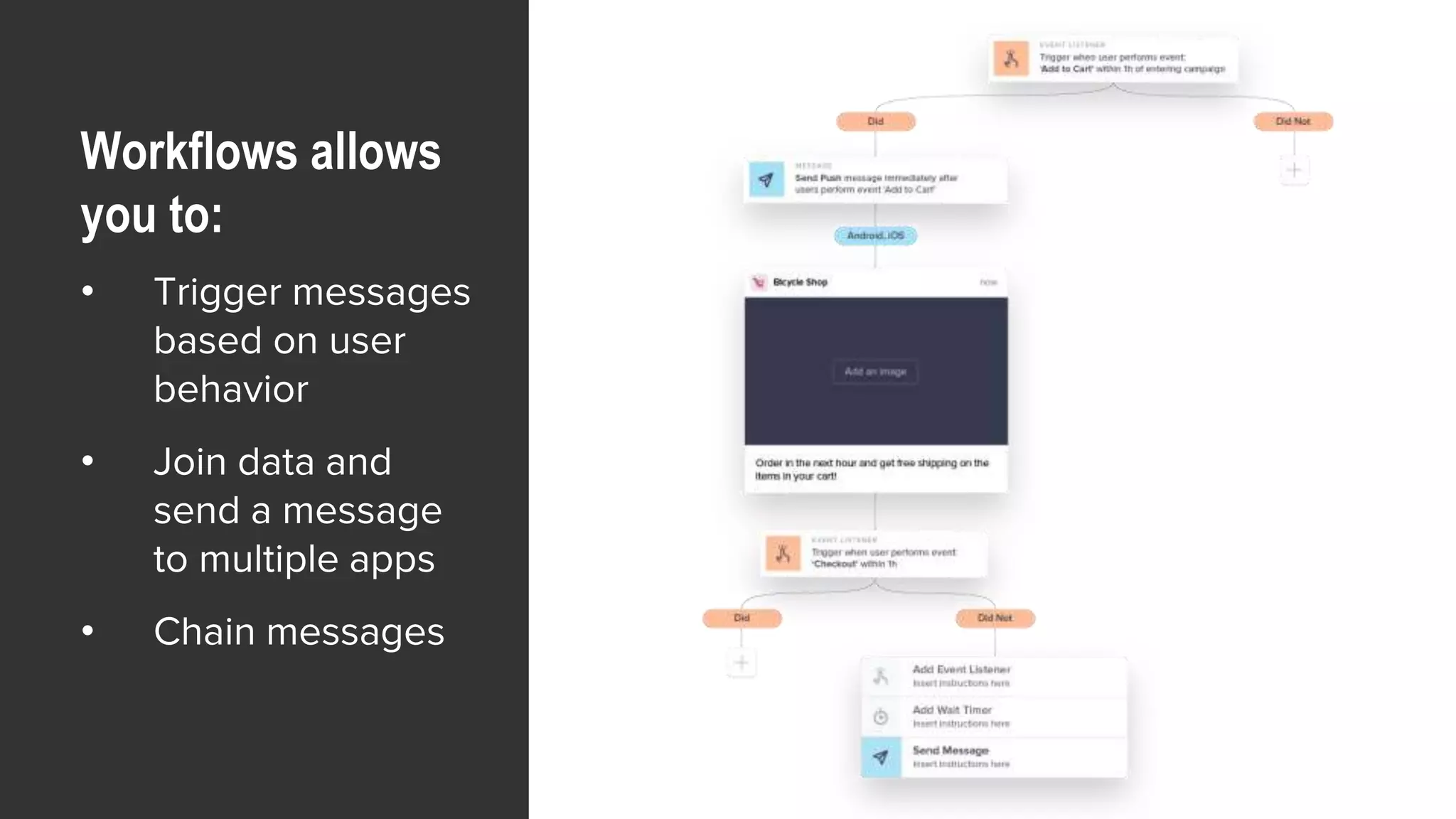
Workflows allows
you to:
• Trigger messages
based on user
behavior
• Join data and
send a message
to multiple apps
• Chain messages
Prerequisites
For Using
Workflows
● Your Localytics contract must include a subscription
for Enterprise Push or Enterprise Marketing
● Only users who have their org-level permissions set
to Admin or Creator can access App Group and Event
Mapping settings
● You must have Owner or Marketer app-level
permissions to build a Workflow
App Groups & Event Mapping
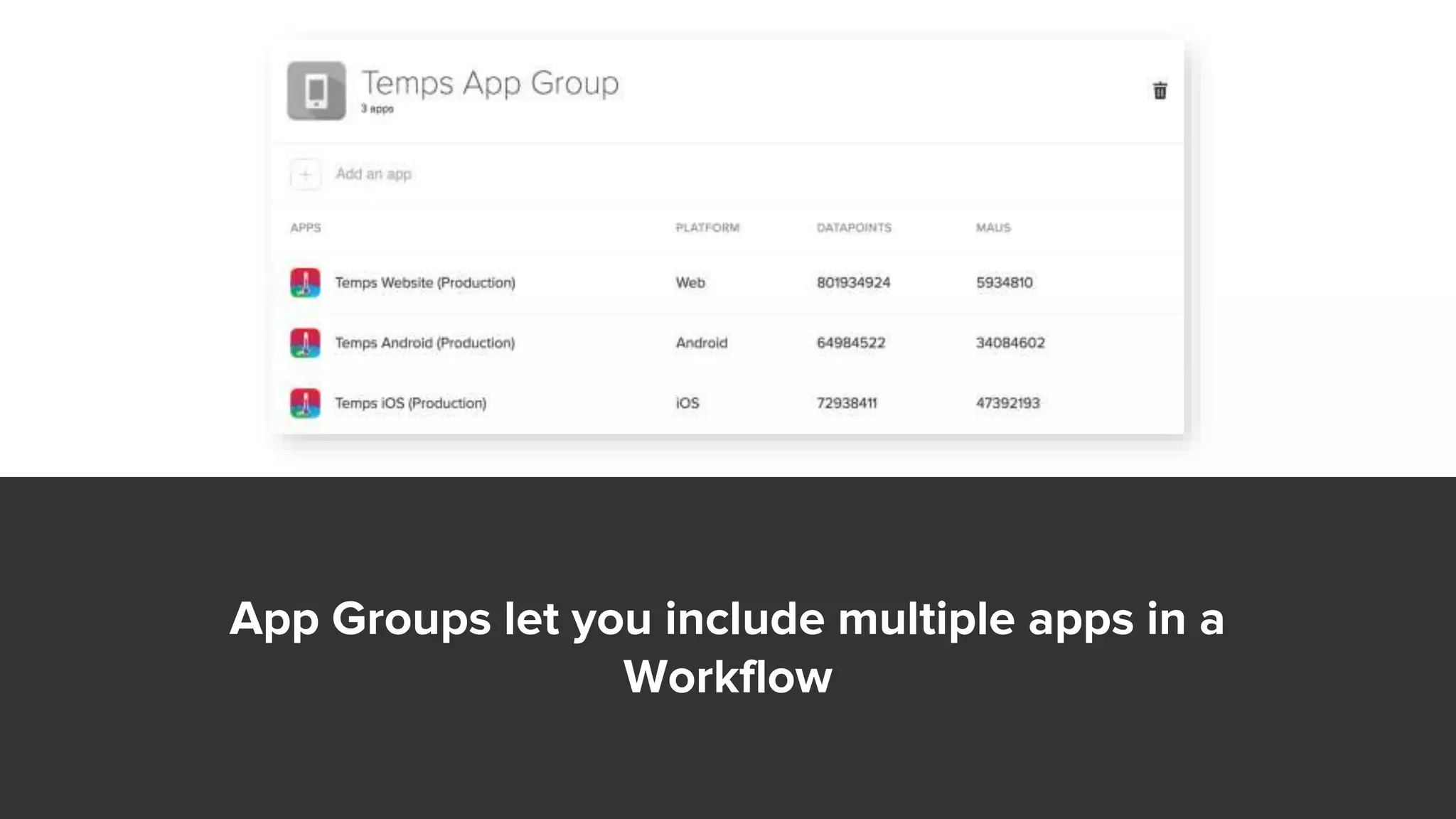
App Groups let you include multiple apps in a
Workflow
Event Mapping lets you tell Localytics which
events in your apps mean the same thing
Demonstration
Use Cases
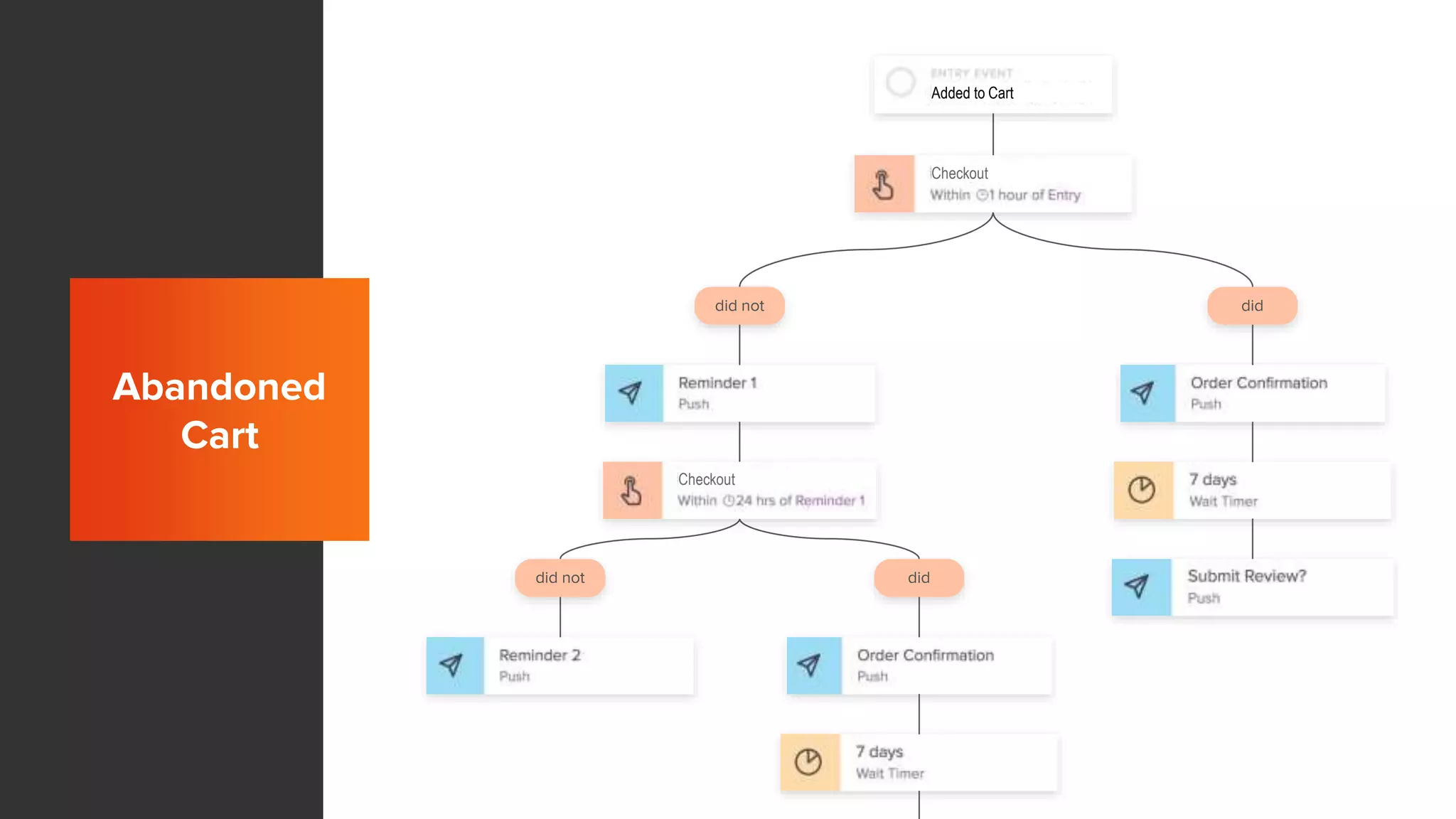
did not did
did not did
Abandoned
Cart
Added to Cart
Checkout
Checkout
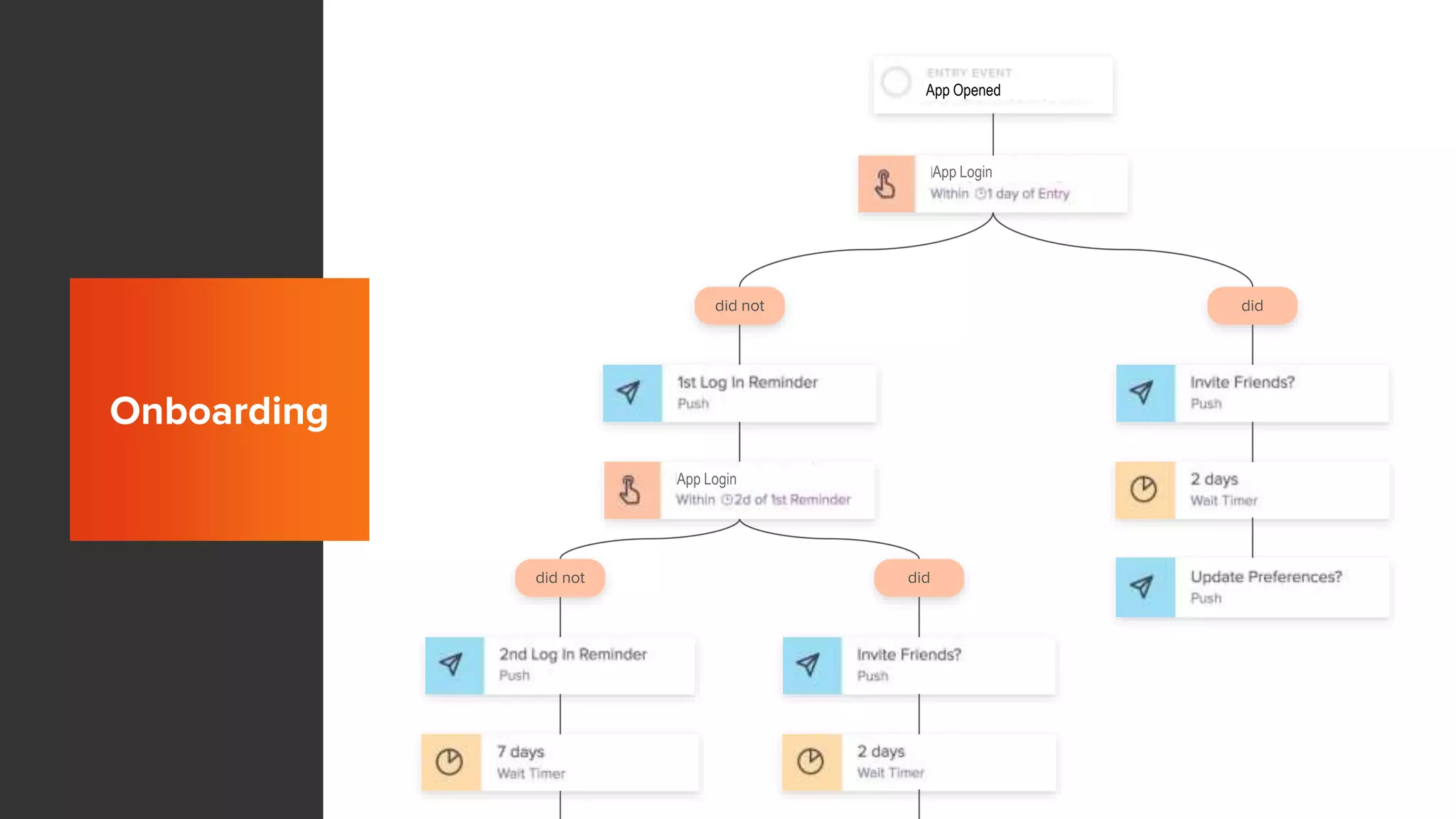
Onboarding
did not did
did not did
Onboarding
App Opened
App Login
App Login
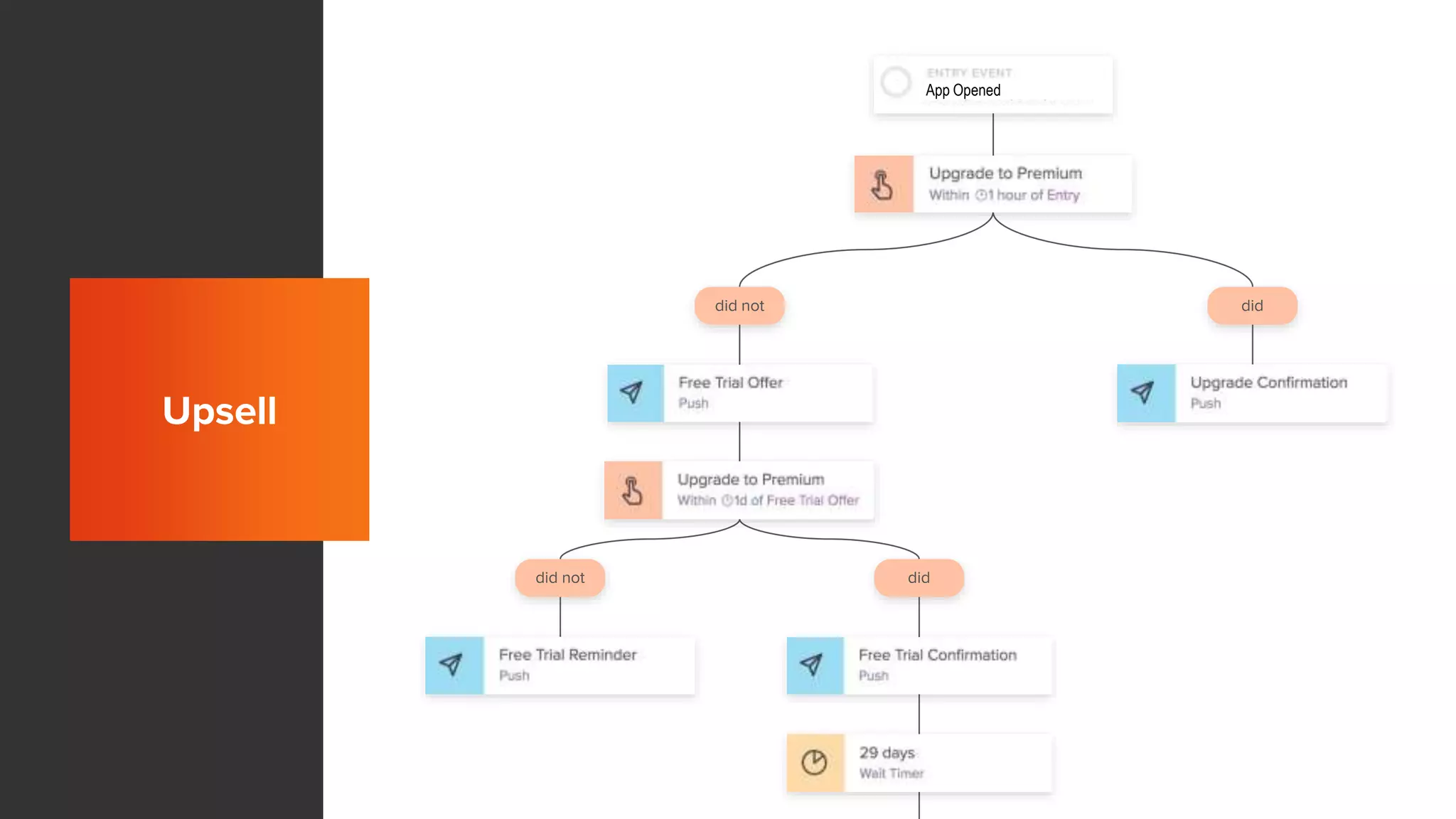
Onboarding
did not did
did not did
Upsell
App Opened
What’s Next?
Profiles in Entry Criteria
Campaign Performance Reporting
Support for Liquid Templating
In-App Messages
Questions?

Getting Started with Workflows