


GETTING STARTED
WITH DRUPAL 8
CODE
Environment Setup
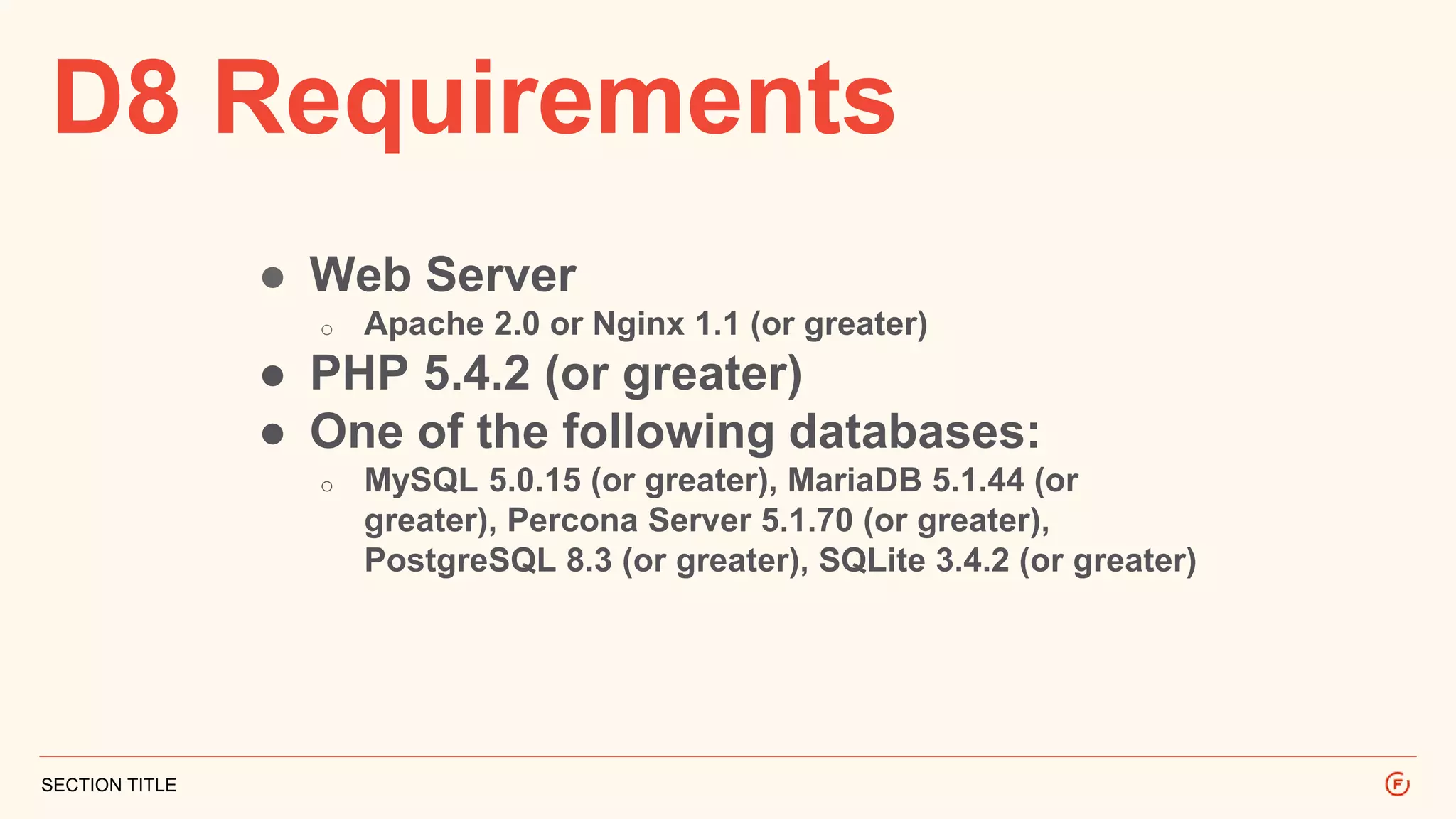
D8 Requirements
SECTION TITLE
● Web Server
o Apache 2.0 or Nginx 1.1 (or greater)
● PHP 5.4.2 (or greater)
● One of the following databases:
o MySQL 5.0.15 (or greater), MariaDB 5.1.44 (or
greater), Percona Server 5.1.70 (or greater),
PostgreSQL 8.3 (or greater), SQLite 3.4.2 (or greater)
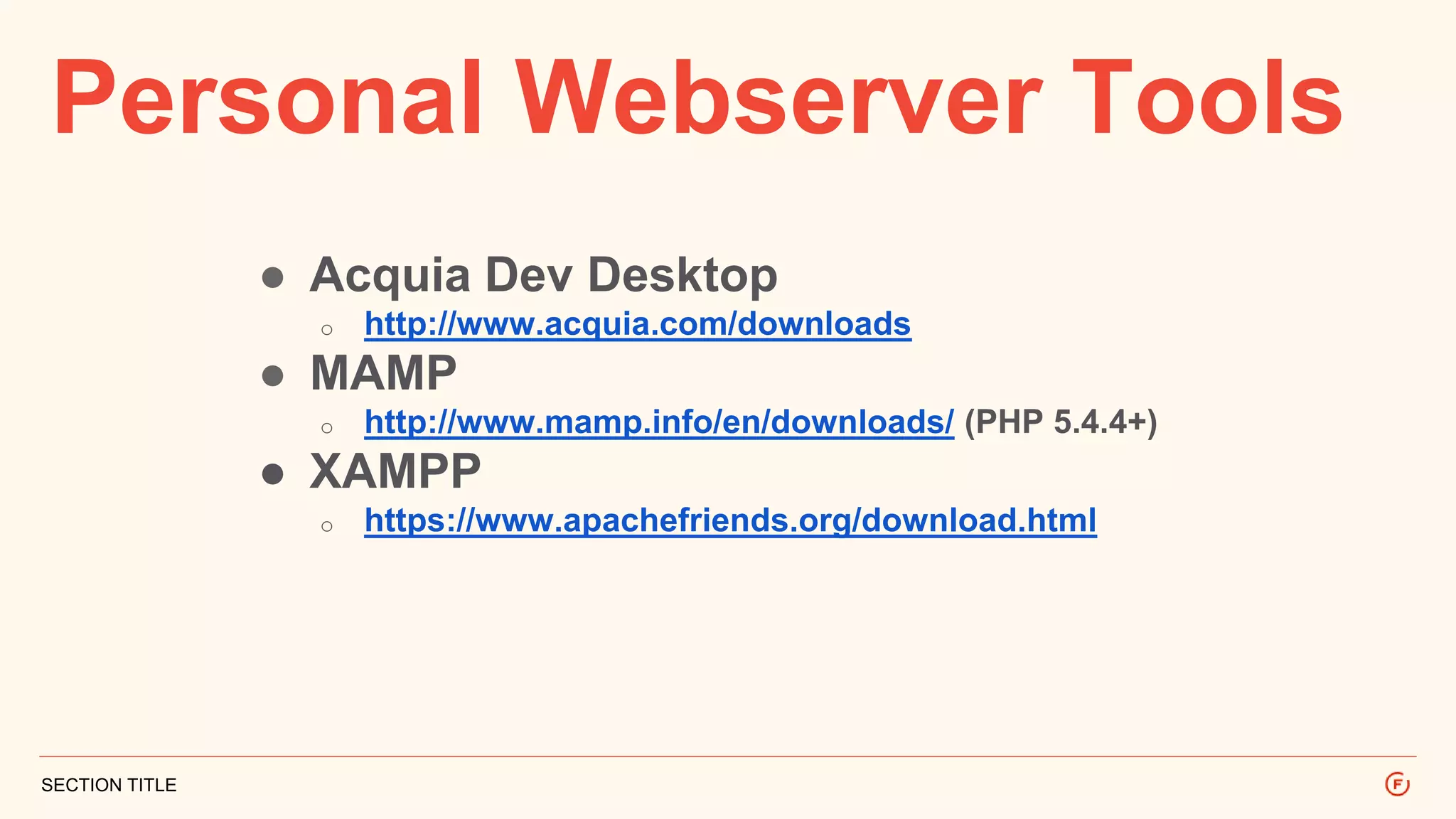
Personal Webserver Tools
SECTION TITLE
● Acquia Dev Desktop
o http://www.acquia.com/downloads
● MAMP
o http://www.mamp.info/en/downloads/ (PHP 5.4.4+)
● XAMPP
o https://www.apachefriends.org/download.html
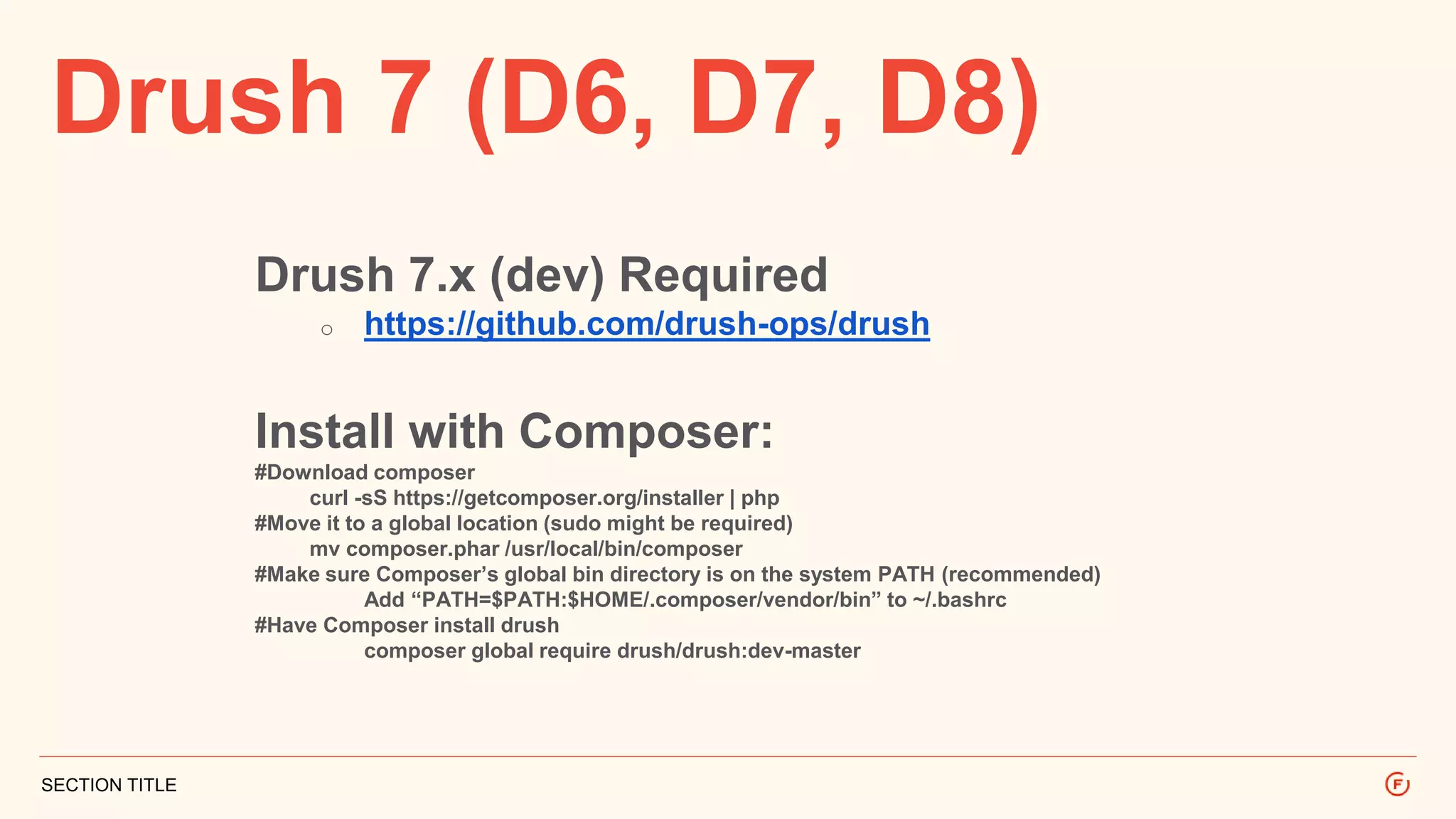
Drush 7 (D6, D7, D8)
SECTION TITLE
Drush 7.x (dev) Required
o https://github.com/drush-ops/drush
Install with Composer:
#Download composer
curl -sS https://getcomposer.org/installer | php
#Move it to a global location (sudo might be required)
mv composer.phar /usr/local/bin/composer
#Make sure Composer’s global bin directory is on the system PATH (recommended)
Add “PATH=$PATH:$HOME/.composer/vendor/bin” to ~/.bashrc
#Have Composer install drush
composer global require drush/drush:dev-master
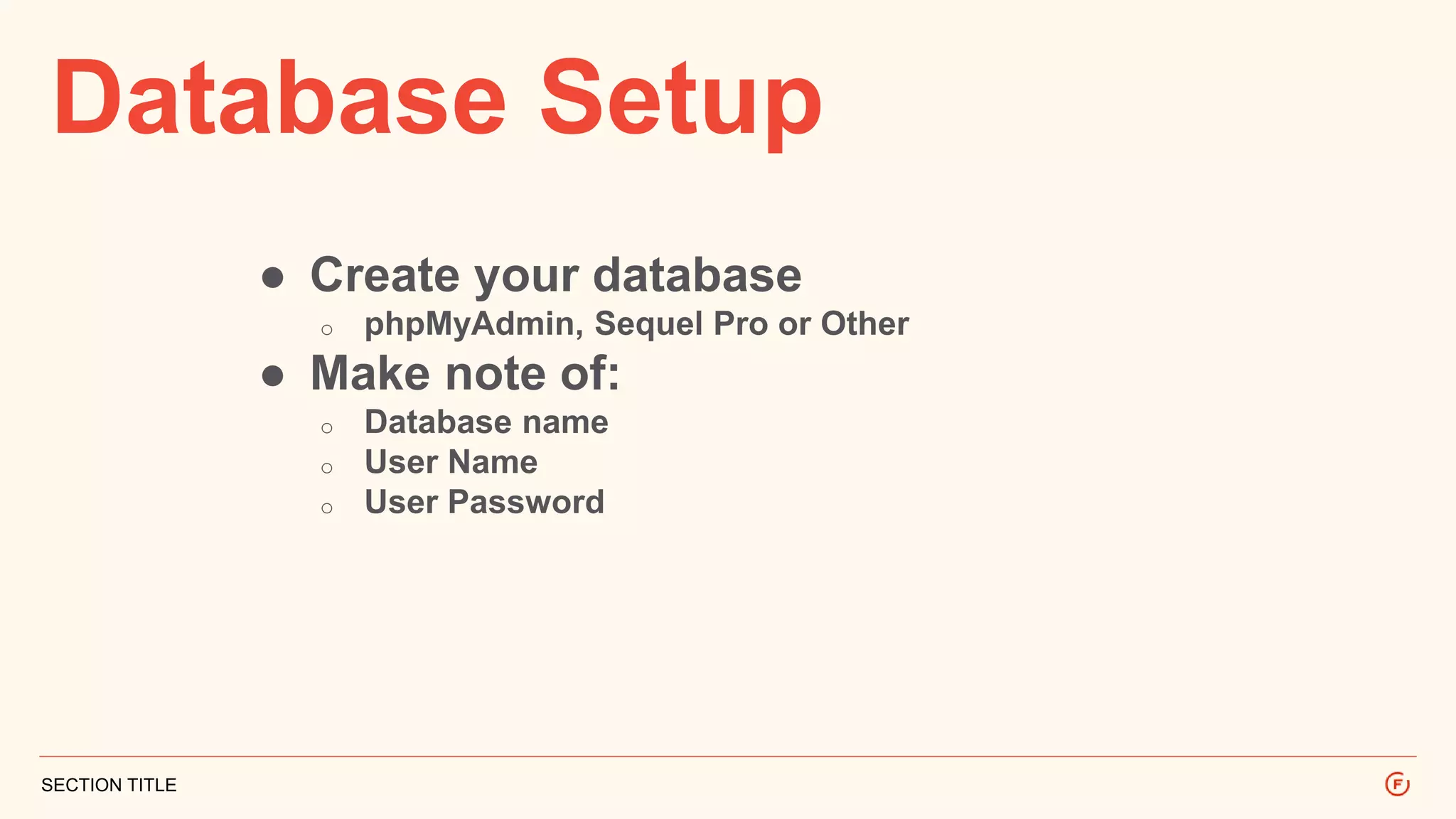
Database Setup
SECTION TITLE
● Create your database
o phpMyAdmin, Sequel Pro or Other
● Make note of:
o Database name
o User Name
o User Password
Site Install
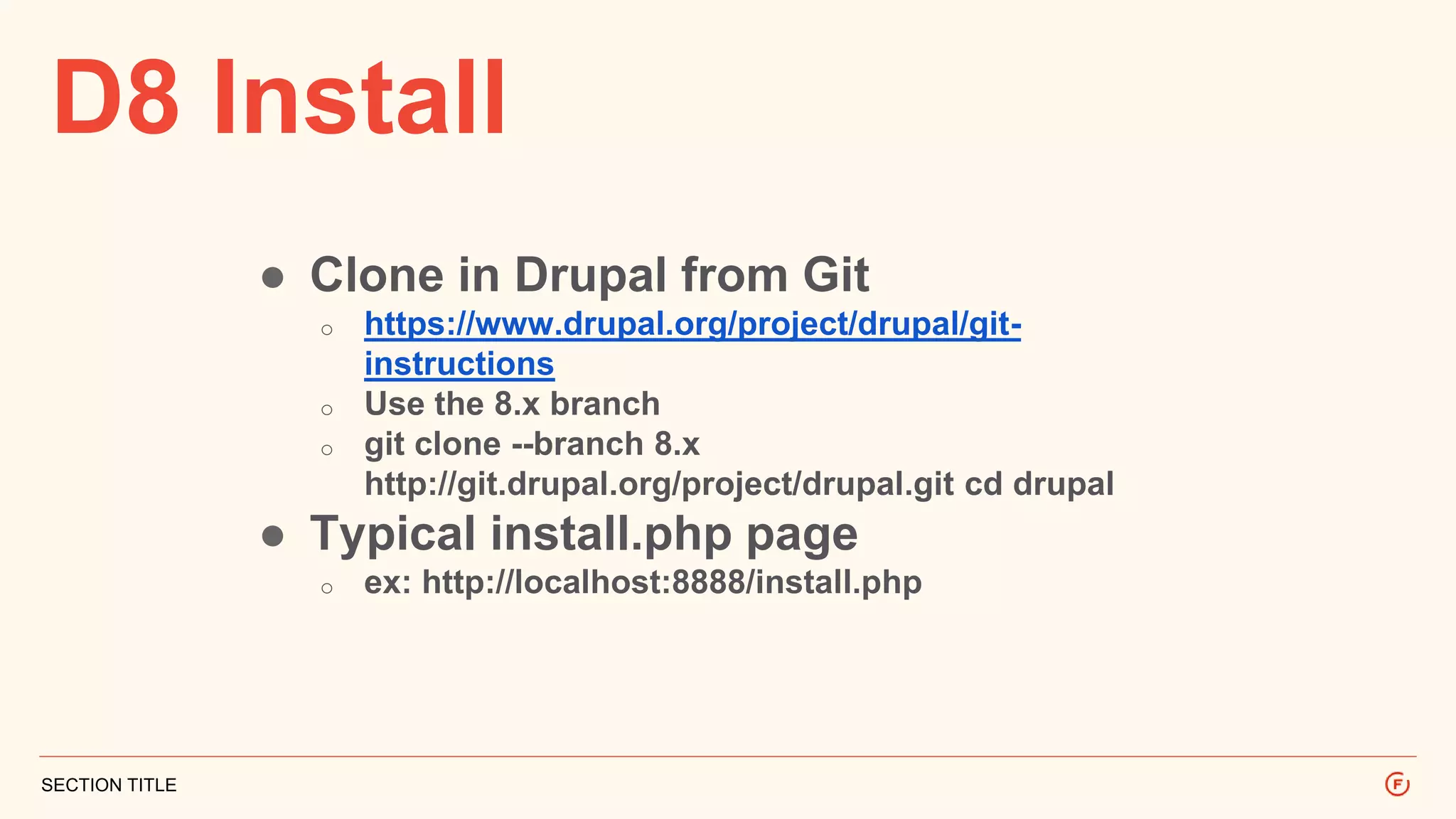
D8 Install
SECTION TITLE
● Clone in Drupal from Git
o https://www.drupal.org/project/drupal/git-
instructions
o Use the 8.x branch
o git clone --branch 8.x
http://git.drupal.org/project/drupal.git cd drupal
● Typical install.php page
o ex: http://localhost:8888/install.php
Fix Some Issues
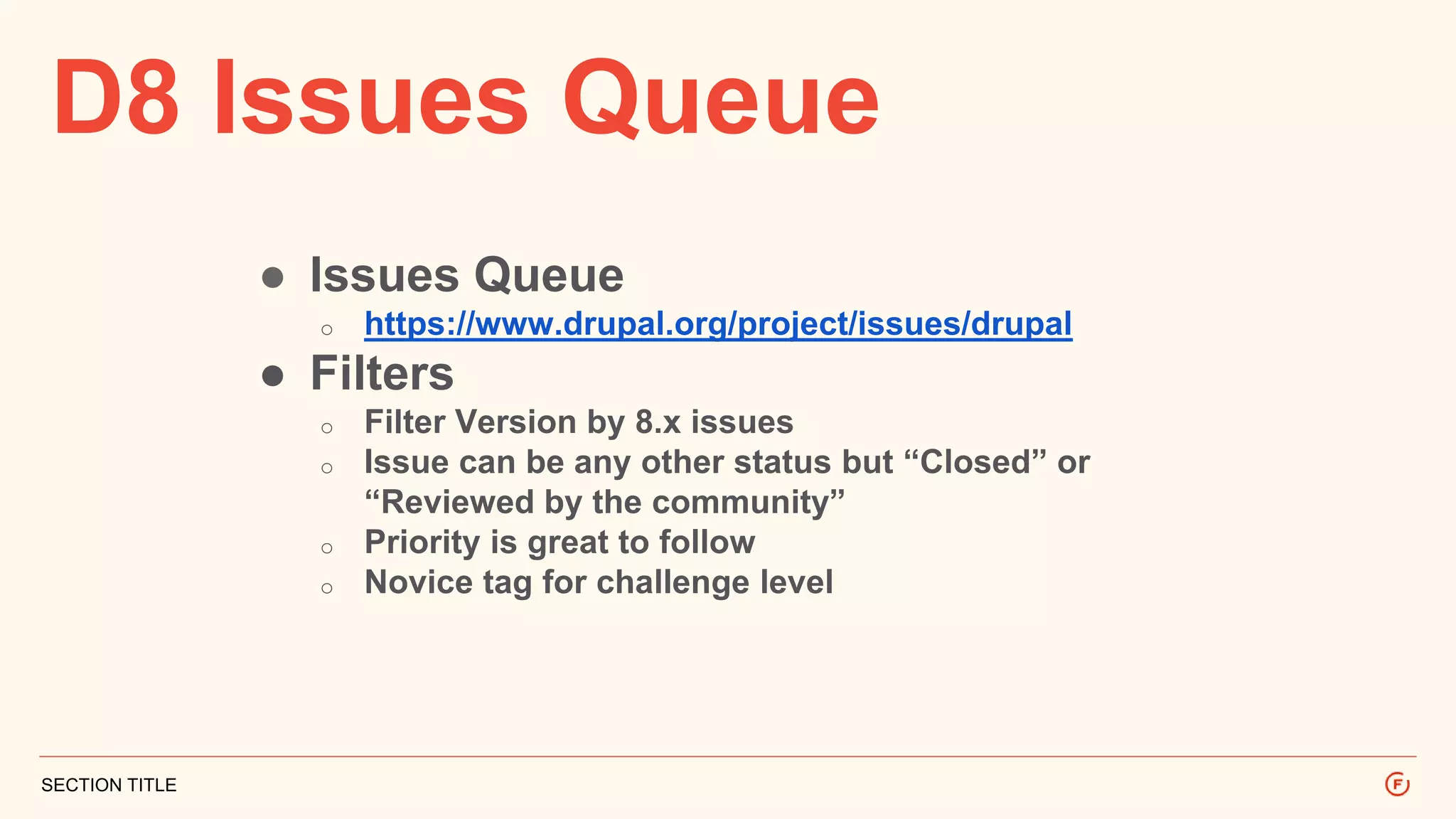
D8 Issues Queue
SECTION TITLE
● Issues Queue
o https://www.drupal.org/project/issues/drupal
● Filters
o Filter Version by 8.x issues
o Issue can be any other status but “Closed” or
“Reviewed by the community”
o Priority is great to follow
o Novice tag for challenge level
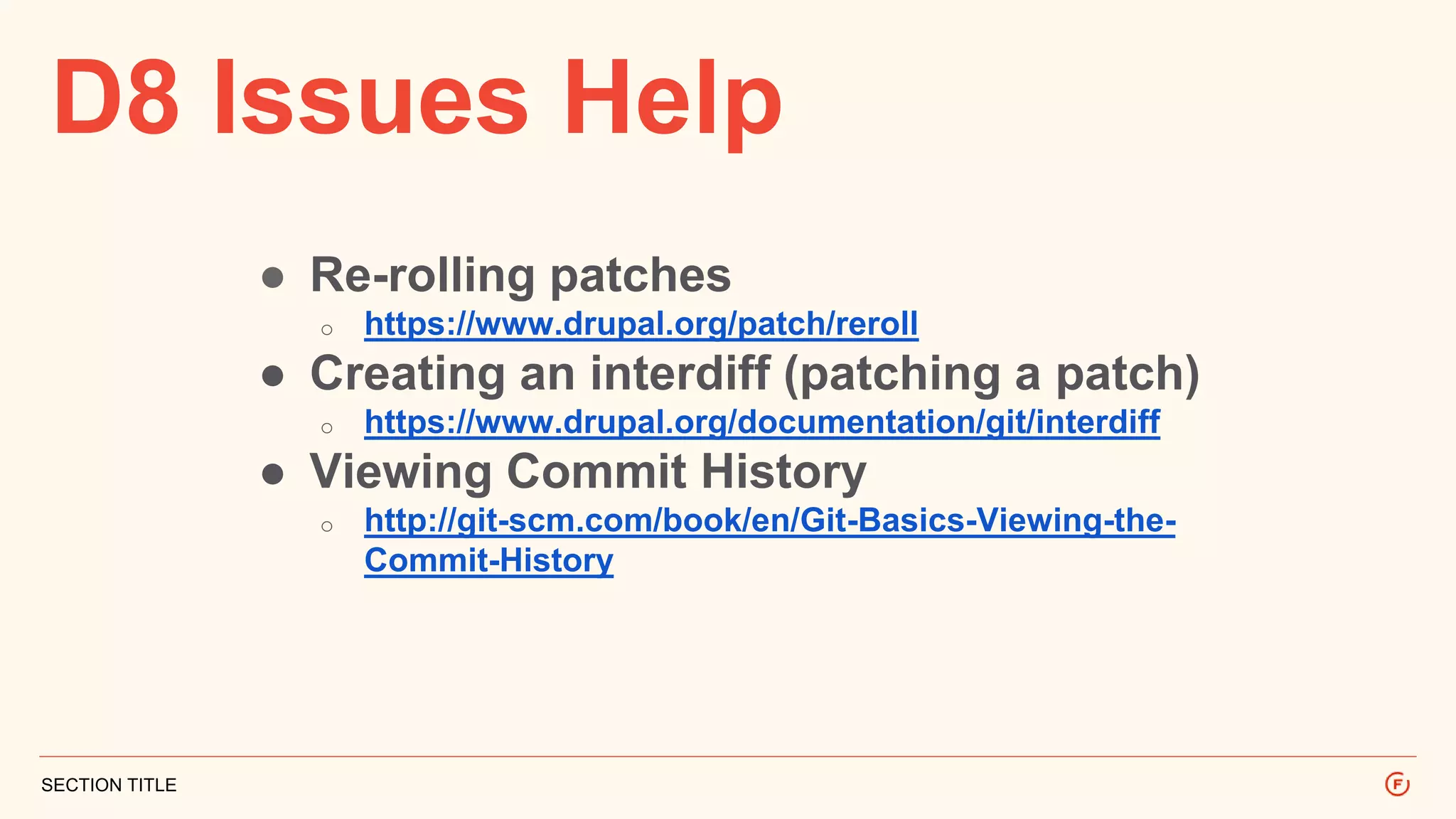
D8 Issues Help
SECTION TITLE
● Re-rolling patches
o https://www.drupal.org/patch/reroll
● Creating an interdiff (patching a patch)
o https://www.drupal.org/documentation/git/interdiff
● Viewing Commit History
o http://git-scm.com/book/en/Git-Basics-Viewing-the-
Commit-History
Configuration
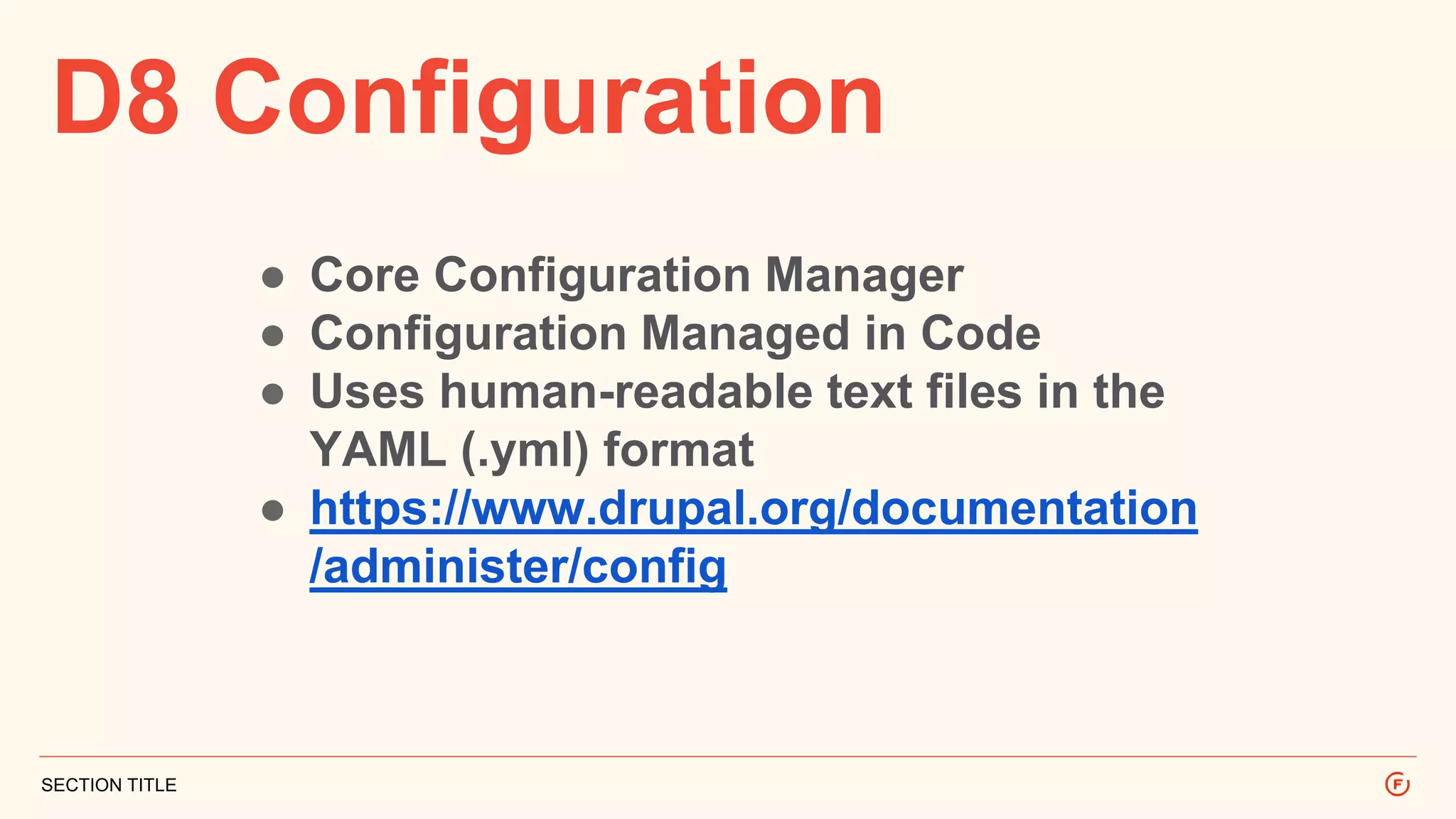
D8 Configuration
SECTION TITLE
● Core Configuration Manager
● Configuration Managed in Code
● Uses human-readable text files in the
YAML (.yml) format
● https://www.drupal.org/documentation
/administer/config
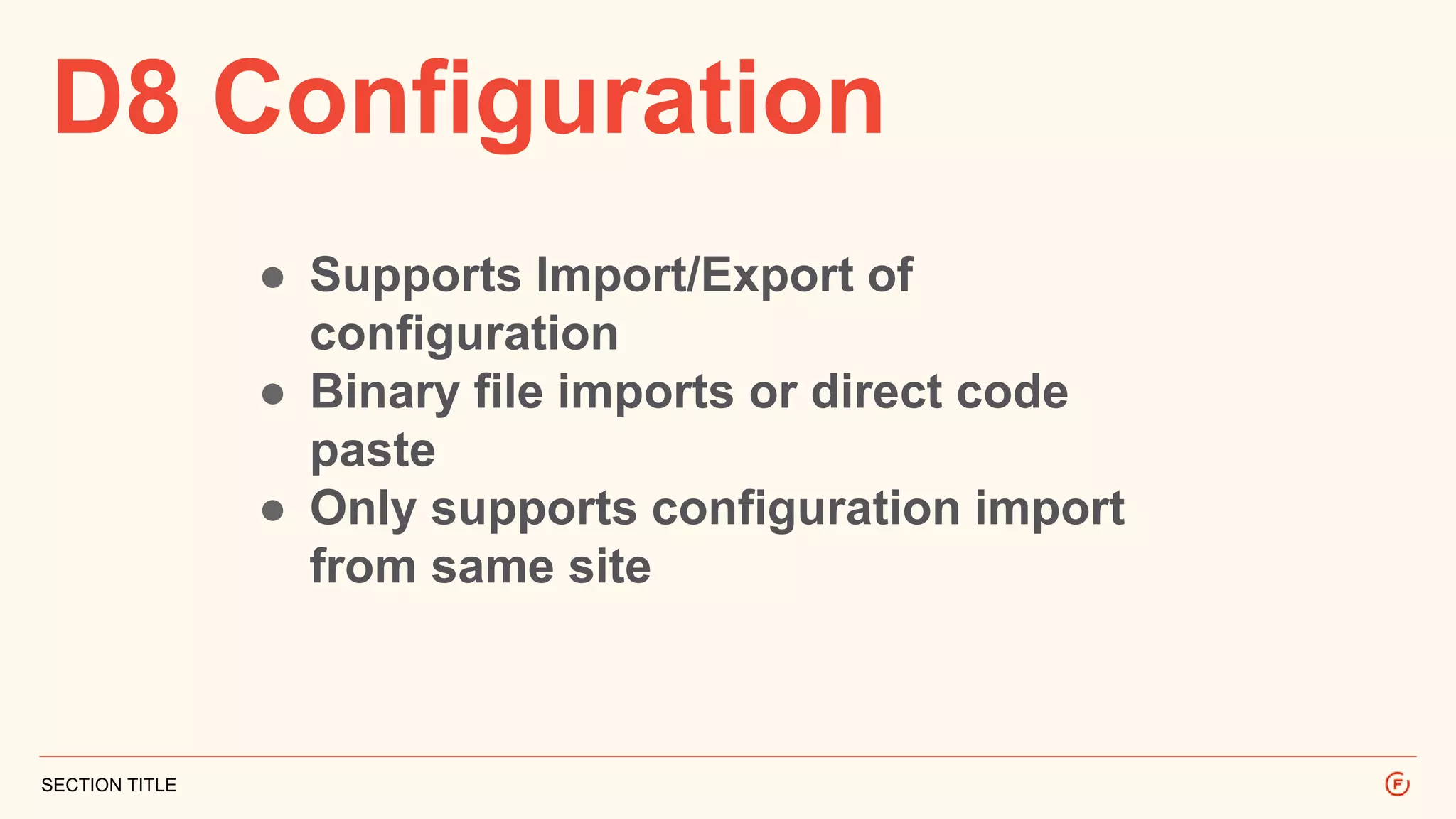
D8 Configuration
SECTION TITLE
● Supports Import/Export of
configuration
● Binary file imports or direct code
paste
● Only supports configuration import
from same site
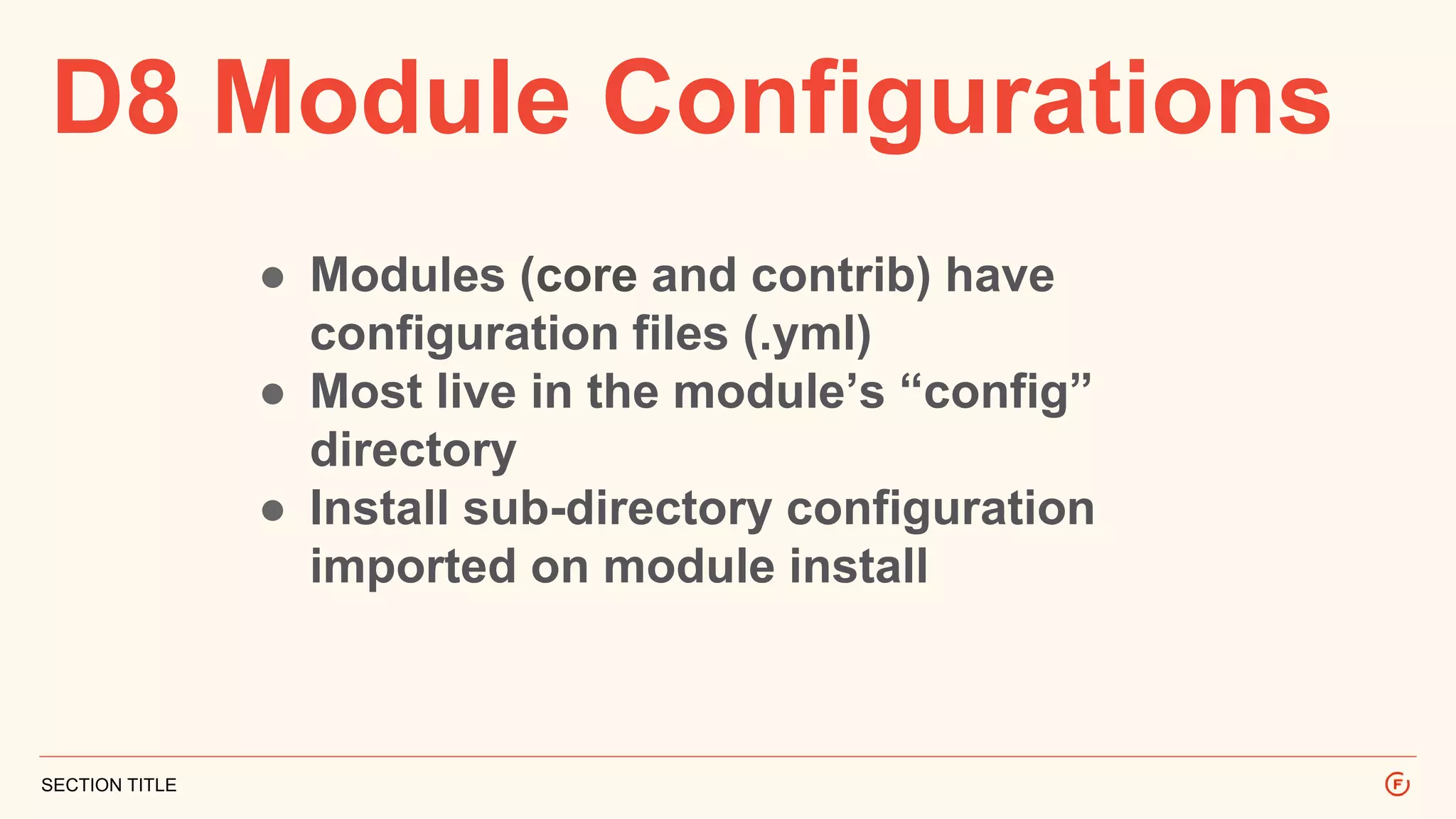
D8 Module Configurations
SECTION TITLE
● Modules (core and contrib) have
configuration files (.yml)
● Most live in the module’s “config”
directory
● Install sub-directory configuration
imported on module install
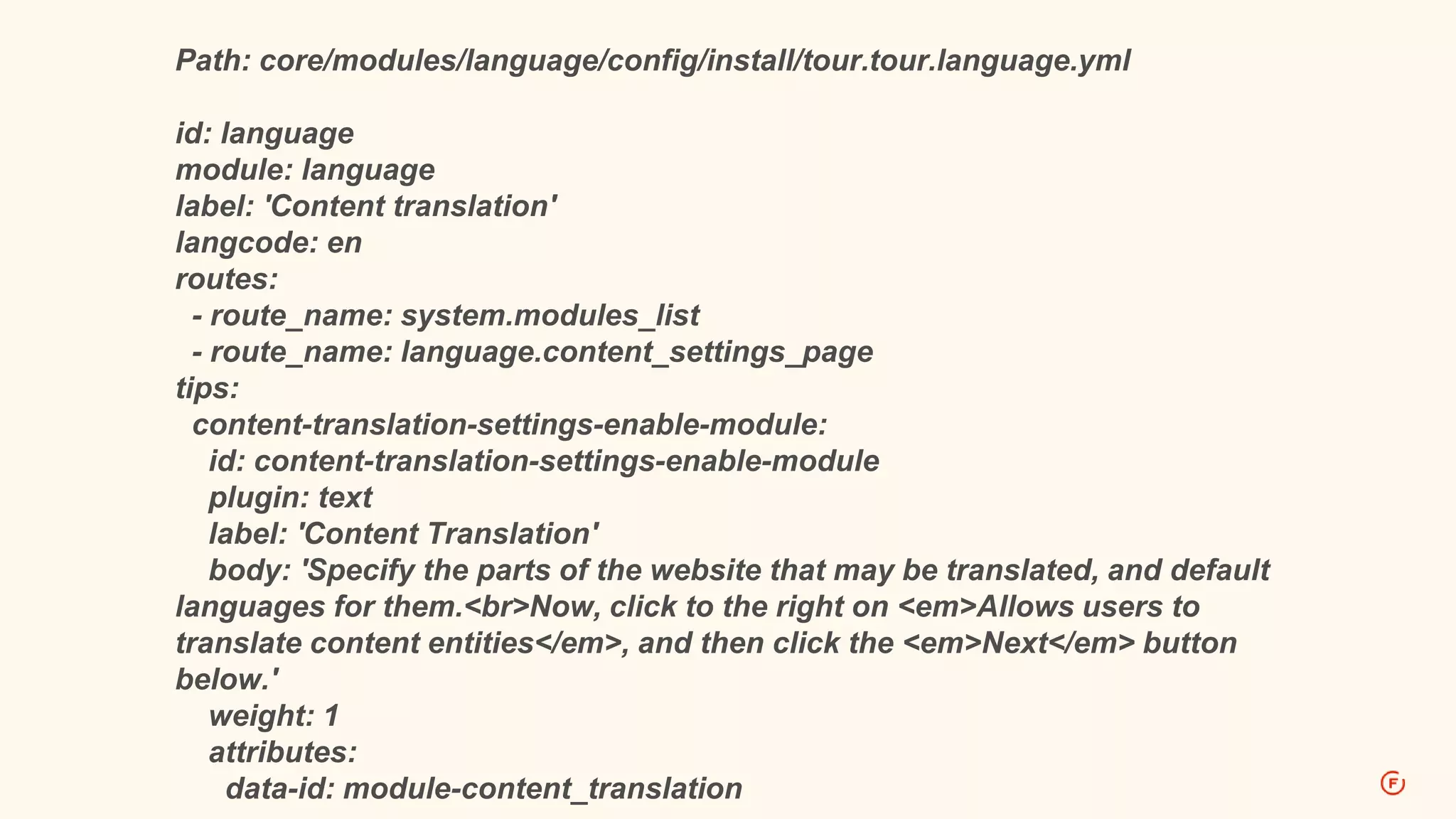
Path: core/modules/language/config/install/tour.tour.language.yml
id: language
module: language
label: 'Content translation'
langcode: en
routes:
- route_name: system.modules_list
- route_name: language.content_settings_page
tips:
content-translation-settings-enable-module:
id: content-translation-settings-enable-module
plugin: text
label: 'Content Translation'
body: 'Specify the parts of the website that may be translated, and default
languages for them.<br>Now, click to the right on <em>Allows users to
translate content entities</em>, and then click the <em>Next</em> button
below.'
weight: 1
attributes:
data-id: module-content_translation
THANK YOU!
Keenan Holloway
Senior Web Developer
kholloway@forumone.com
www.forumone.com

Getting started with drupal 8 code

  • 1.
  • 2.
  • 3.
    D8 Requirements SECTION TITLE ●Web Server o Apache 2.0 or Nginx 1.1 (or greater) ● PHP 5.4.2 (or greater) ● One of the following databases: o MySQL 5.0.15 (or greater), MariaDB 5.1.44 (or greater), Percona Server 5.1.70 (or greater), PostgreSQL 8.3 (or greater), SQLite 3.4.2 (or greater)
  • 4.
    Personal Webserver Tools SECTIONTITLE ● Acquia Dev Desktop o http://www.acquia.com/downloads ● MAMP o http://www.mamp.info/en/downloads/ (PHP 5.4.4+) ● XAMPP o https://www.apachefriends.org/download.html
  • 5.
    Drush 7 (D6,D7, D8) SECTION TITLE Drush 7.x (dev) Required o https://github.com/drush-ops/drush Install with Composer: #Download composer curl -sS https://getcomposer.org/installer | php #Move it to a global location (sudo might be required) mv composer.phar /usr/local/bin/composer #Make sure Composer’s global bin directory is on the system PATH (recommended) Add “PATH=$PATH:$HOME/.composer/vendor/bin” to ~/.bashrc #Have Composer install drush composer global require drush/drush:dev-master
  • 6.
    Database Setup SECTION TITLE ●Create your database o phpMyAdmin, Sequel Pro or Other ● Make note of: o Database name o User Name o User Password
  • 7.
  • 8.
    D8 Install SECTION TITLE ●Clone in Drupal from Git o https://www.drupal.org/project/drupal/git- instructions o Use the 8.x branch o git clone --branch 8.x http://git.drupal.org/project/drupal.git cd drupal ● Typical install.php page o ex: http://localhost:8888/install.php
  • 9.
  • 10.
    D8 Issues Queue SECTIONTITLE ● Issues Queue o https://www.drupal.org/project/issues/drupal ● Filters o Filter Version by 8.x issues o Issue can be any other status but “Closed” or “Reviewed by the community” o Priority is great to follow o Novice tag for challenge level
  • 11.
    D8 Issues Help SECTIONTITLE ● Re-rolling patches o https://www.drupal.org/patch/reroll ● Creating an interdiff (patching a patch) o https://www.drupal.org/documentation/git/interdiff ● Viewing Commit History o http://git-scm.com/book/en/Git-Basics-Viewing-the- Commit-History
  • 12.
  • 13.
    D8 Configuration SECTION TITLE ●Core Configuration Manager ● Configuration Managed in Code ● Uses human-readable text files in the YAML (.yml) format ● https://www.drupal.org/documentation /administer/config
  • 14.
    D8 Configuration SECTION TITLE ●Supports Import/Export of configuration ● Binary file imports or direct code paste ● Only supports configuration import from same site
  • 15.
    D8 Module Configurations SECTIONTITLE ● Modules (core and contrib) have configuration files (.yml) ● Most live in the module’s “config” directory ● Install sub-directory configuration imported on module install
  • 16.
    Path: core/modules/language/config/install/tour.tour.language.yml id: language module:language label: 'Content translation' langcode: en routes: - route_name: system.modules_list - route_name: language.content_settings_page tips: content-translation-settings-enable-module: id: content-translation-settings-enable-module plugin: text label: 'Content Translation' body: 'Specify the parts of the website that may be translated, and default languages for them.<br>Now, click to the right on <em>Allows users to translate content entities</em>, and then click the <em>Next</em> button below.' weight: 1 attributes: data-id: module-content_translation
  • 17.
    THANK YOU! Keenan Holloway SeniorWeb Developer kholloway@forumone.com www.forumone.com