MySQL
Installation
• LAMP or XAMPP
• MySQL Essential
WEBSITE
• (http://www.mysql.com/) –Provides latest
information
Theme
• Create a simple relational database in MySQL.
• Insert, update and delete data the tables.
• Create queries using basic and advanced SELECT
statements
• Perform join operations on relational tables
• Use aggregate functions in SQL
• Write subqueries
• Create views of the database
Starting MySQL
• Before starting into MySQL, you must obtain a
user ID and a password created by your database
administrator in order to log on to the MySQL
RDBMS.
• How you connect to the MySQL database
depends on how the MySQL software was
installed on your server
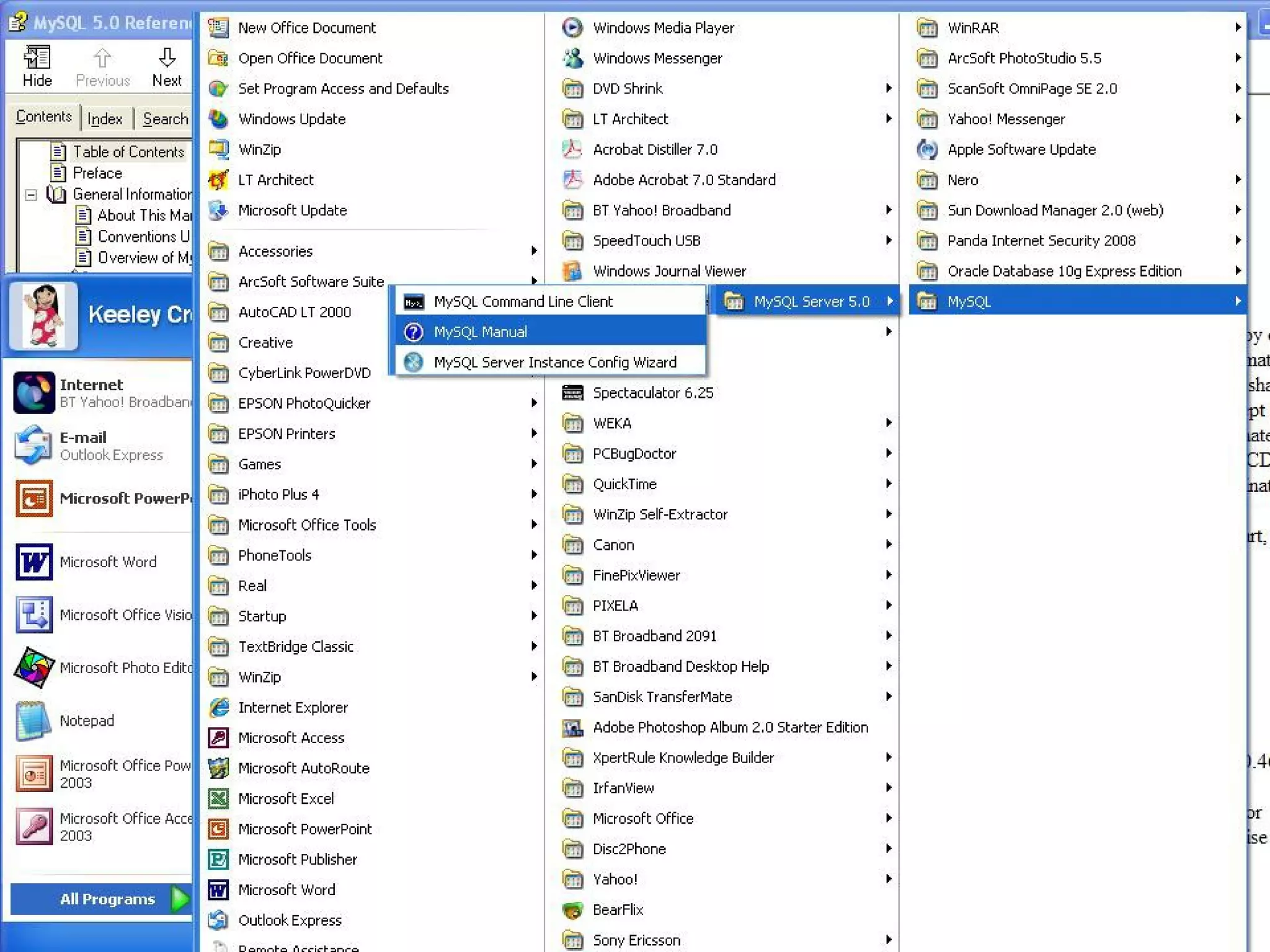
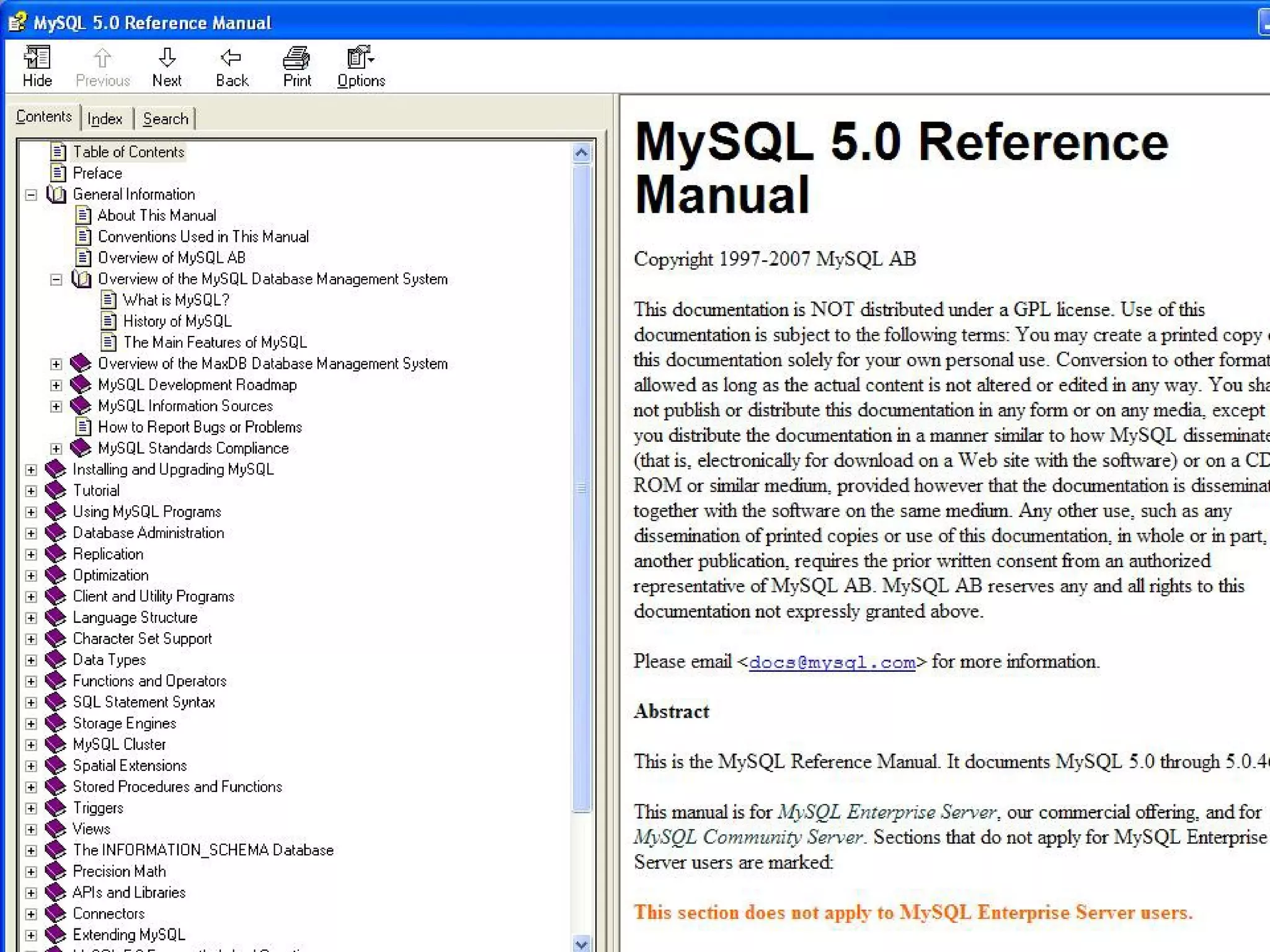
To start MySQL you would:
• 1. Select the Start button
• 2. Select All Programs and then MySQL
• 3. Select MySQL Server 5.0
• 4. Click on the MySQL Command line client
• 1. Goto search-> Type cmd -> choose the
appropriate location(where the user originally
save the mySQL package in the local hard disk)
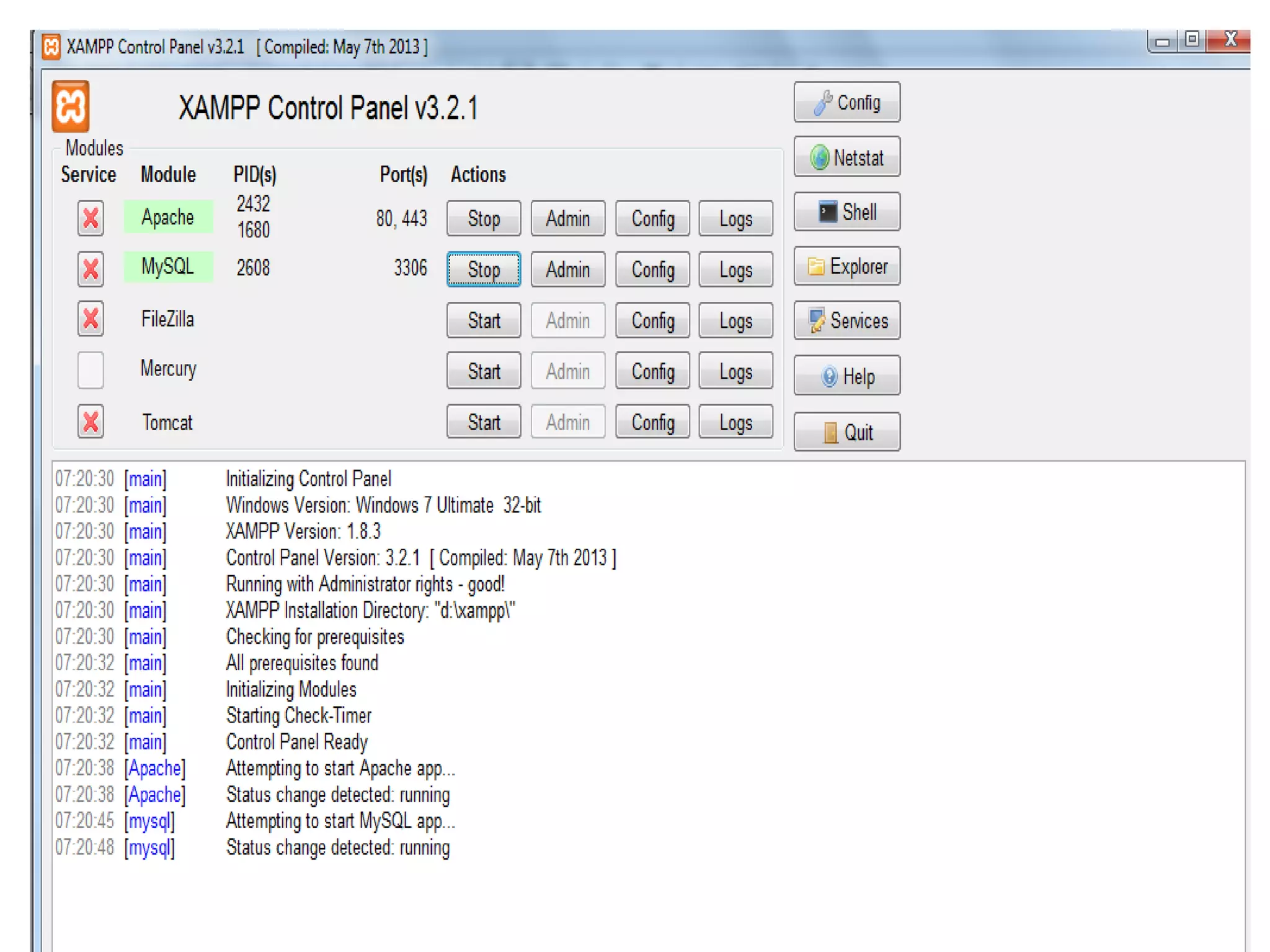
Important Notice
• Before login into the mySQL start the Apache and
mySQL service in the server(XAMPP)
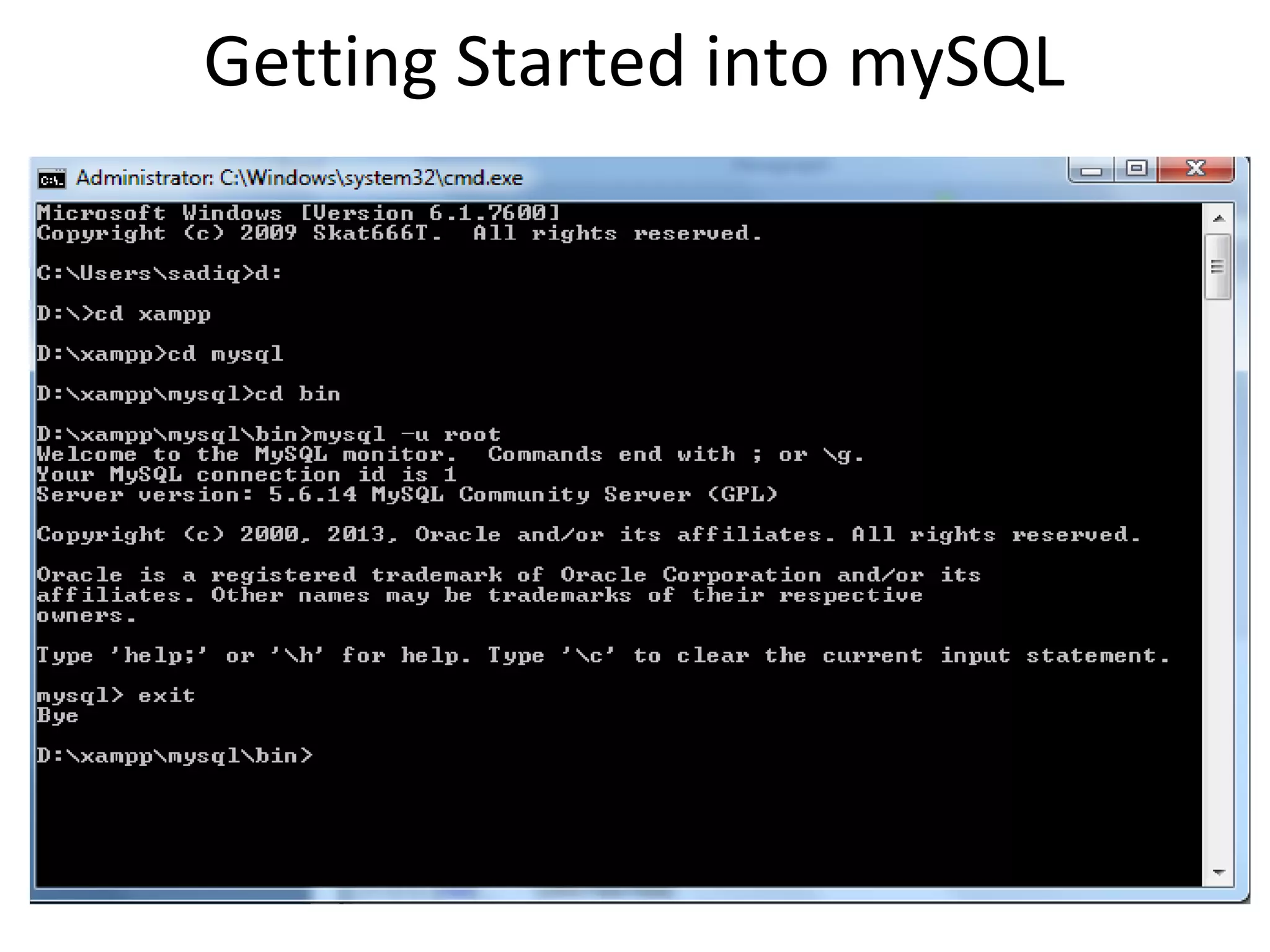
Getting Started into mySQL
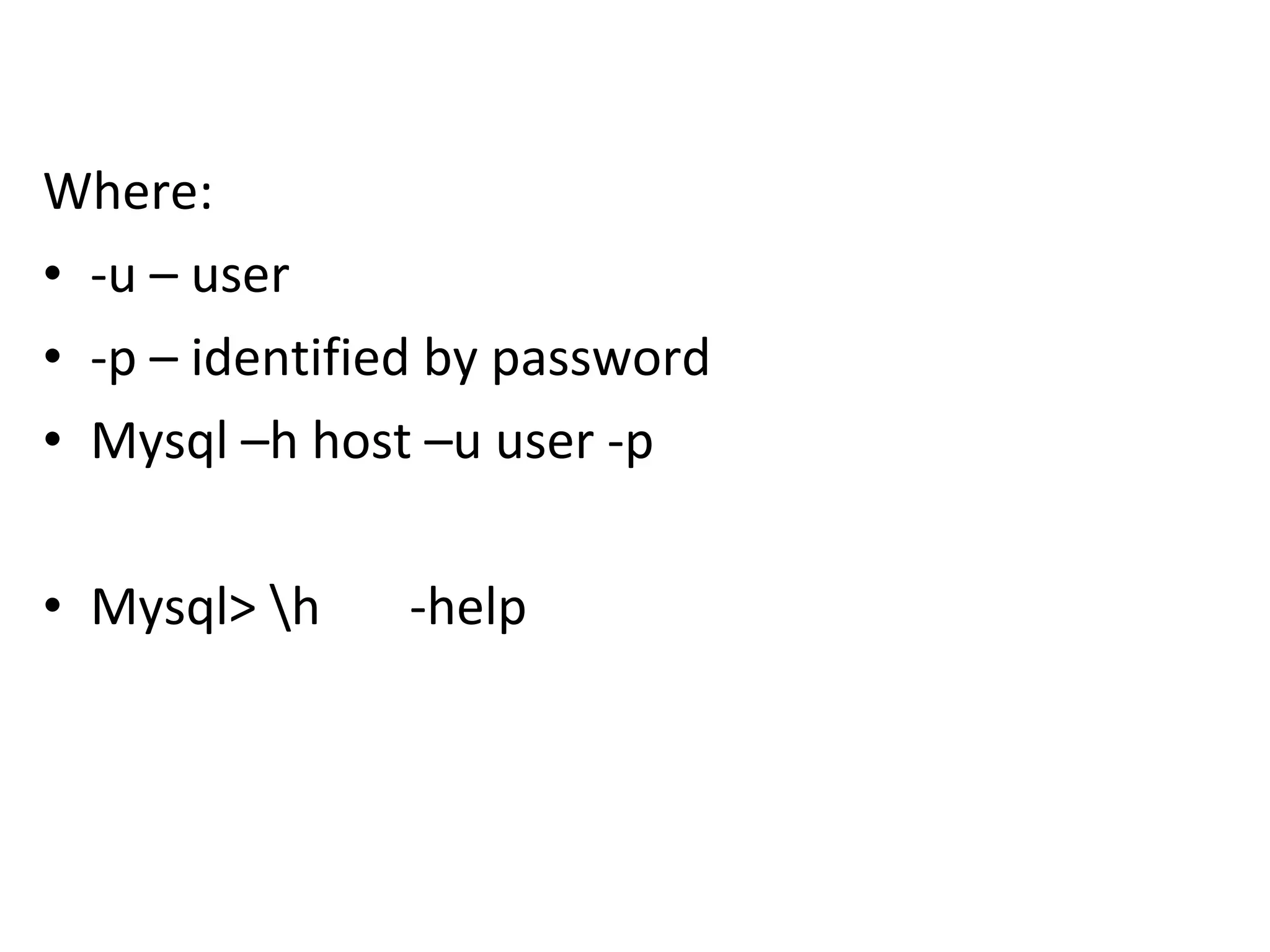
Where:
• -u – user
• -p – identified by password
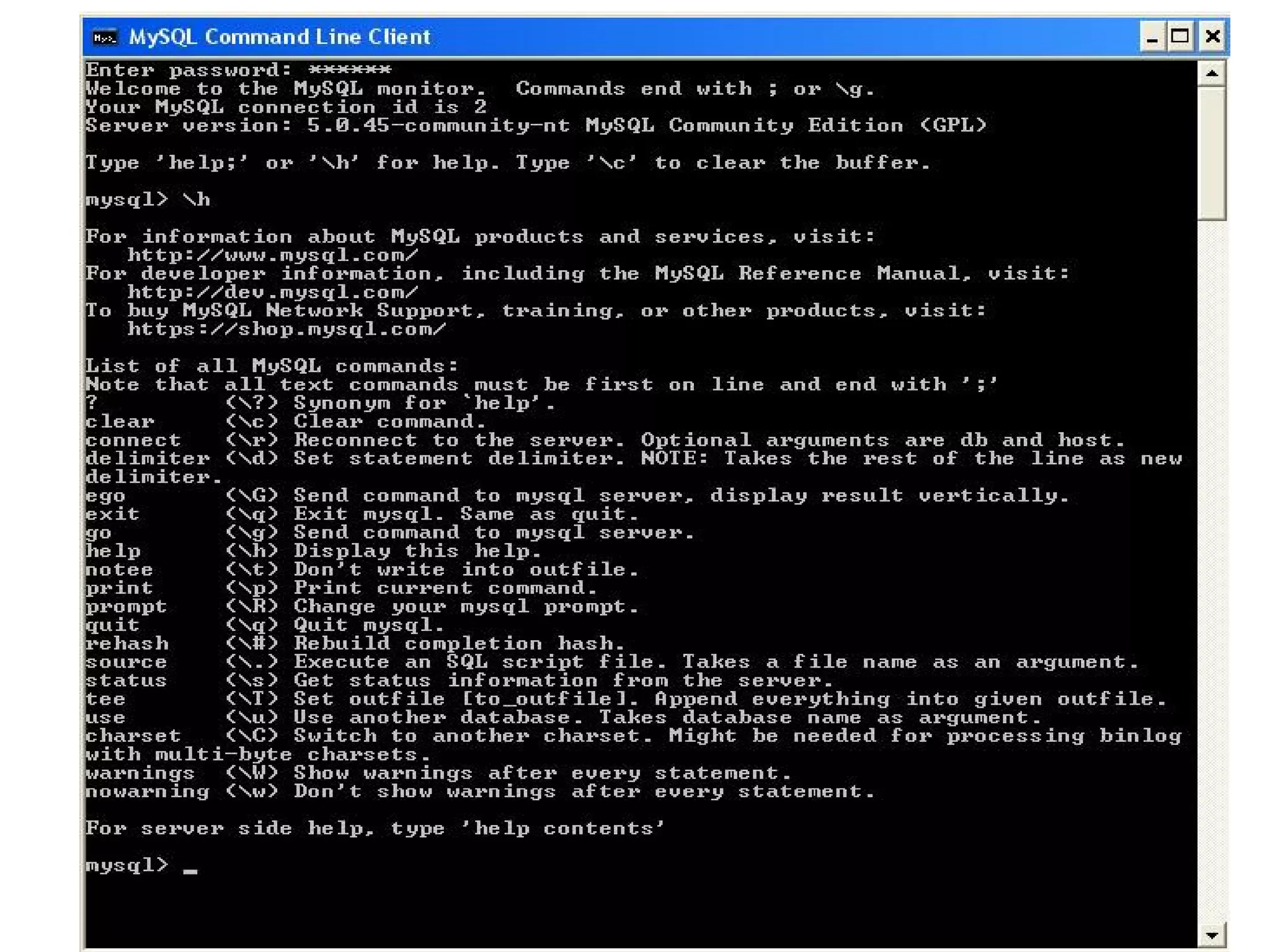
• Mysql –h host –u user -p
• Mysql> h -help
• sql> help contents - A full list of help topics available through the command line can be found
• Example
• mysql> help Data Definition;
• You asked for help about help category: "Data Definition"
• For more information, type 'help <item>', where <item> is one of the following
• topics:
• ALTER DATABASE
• ALTER EVENT
• ALTER FUNCTION
• ALTER PROCEDURE
• ALTER SERVER
• ALTER TABLE
• ALTER VIEW DROP PROCEDURE
• DROP SERVER
• DROP TABLE
• DROP TRIGGER
• DROP VIEW
• RENAME TABLE
• TRUNCATE TABLE
• mysql>
Quit
• Mysql> Quit
• (OR)
• Ctrl+D
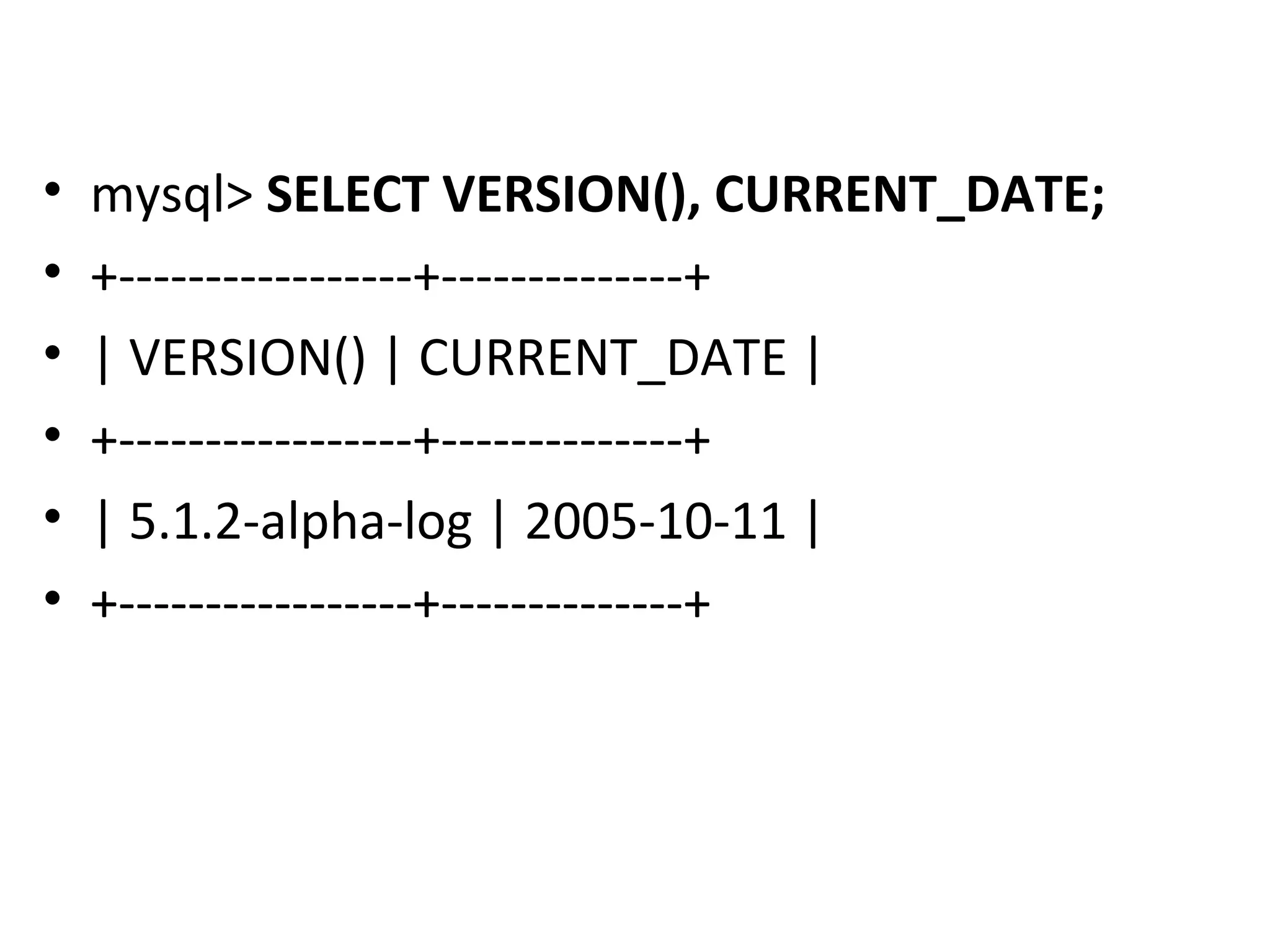
• mysql> SELECT VERSION(), CURRENT_DATE;
• +-----------------+--------------+
• | VERSION() | CURRENT_DATE |
• +-----------------+--------------+
• | 5.1.2-alpha-log | 2005-10-11 |
• +-----------------+--------------+
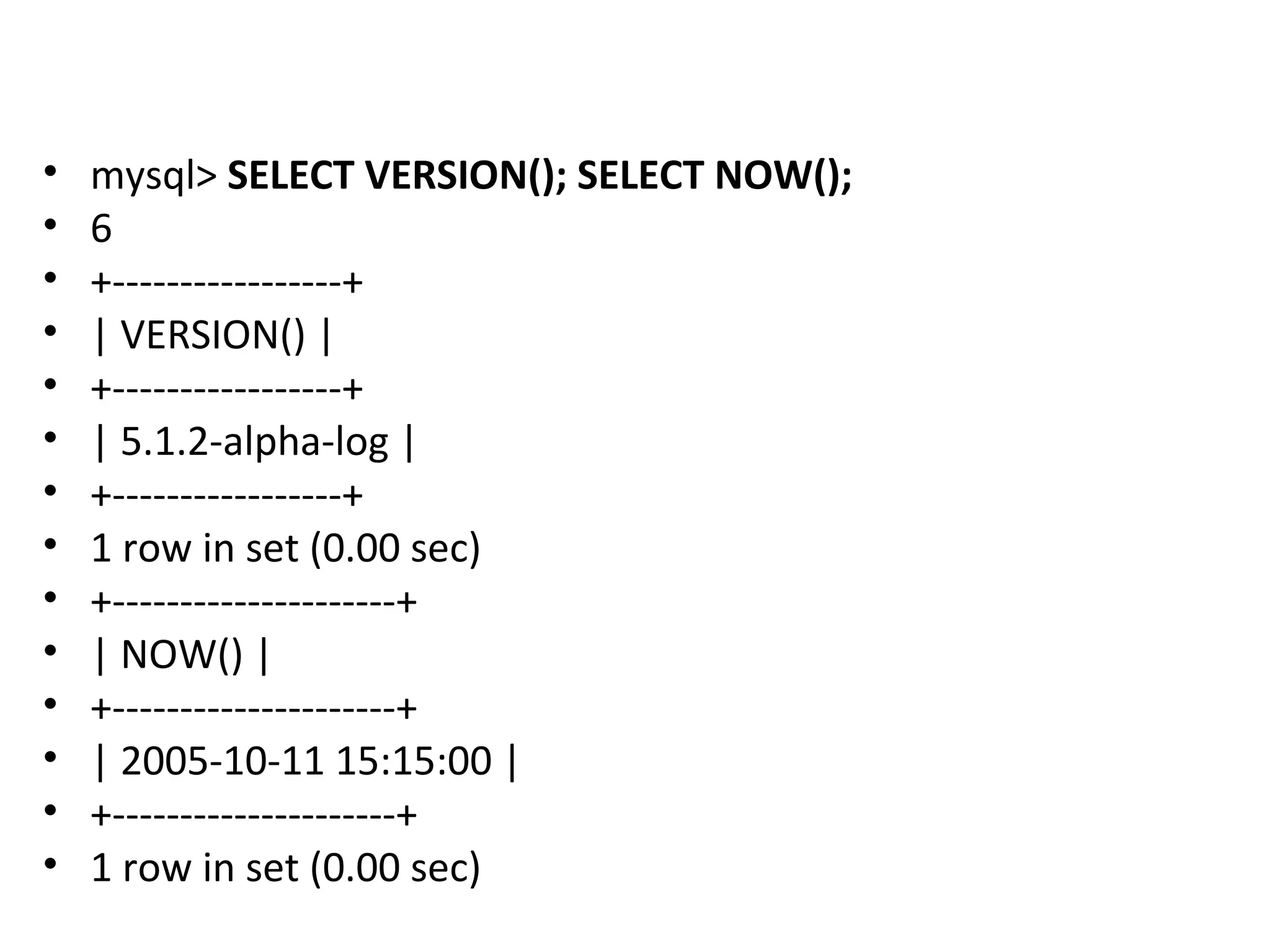
• mysql> SELECT VERSION(); SELECT NOW();
• 6
• +-----------------+
• | VERSION() |
• +-----------------+
• | 5.1.2-alpha-log |
• +-----------------+
• 1 row in set (0.00 sec)
• +---------------------+
• | NOW() |
• +---------------------+
• | 2005-10-11 15:15:00 |
• +---------------------+
• 1 row in set (0.00 sec)
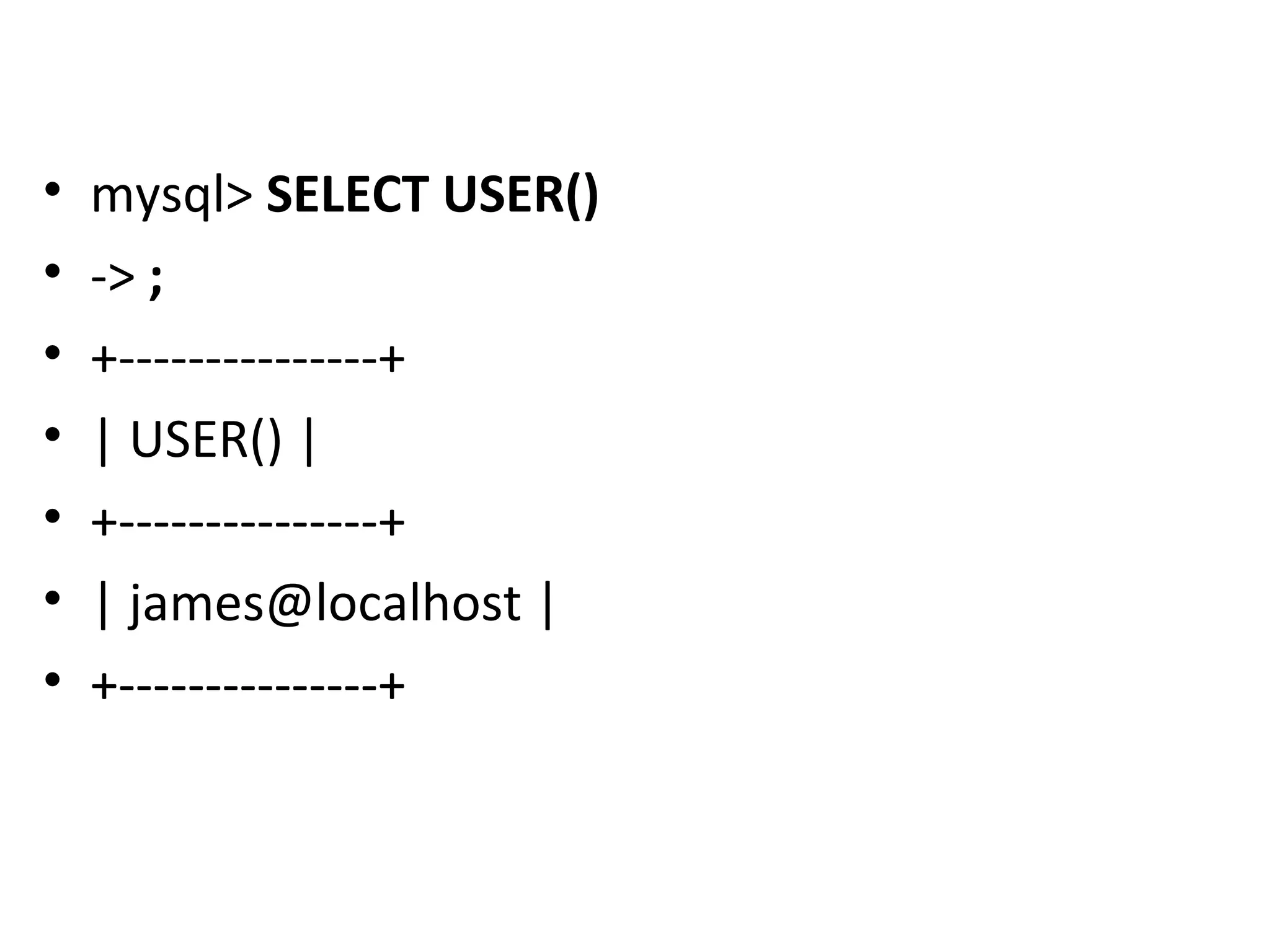
• mysql> SELECT USER()
• -> ;
• +---------------+
• | USER() |
• +---------------+
• | james@localhost |
• +---------------+
Getting started into mySQL

Getting started into mySQL

  • 1.
  • 2.
    Installation • LAMP orXAMPP • MySQL Essential
  • 3.
  • 4.
    Theme • Create asimple relational database in MySQL. • Insert, update and delete data the tables. • Create queries using basic and advanced SELECT statements • Perform join operations on relational tables • Use aggregate functions in SQL • Write subqueries • Create views of the database
  • 5.
    Starting MySQL • Beforestarting into MySQL, you must obtain a user ID and a password created by your database administrator in order to log on to the MySQL RDBMS. • How you connect to the MySQL database depends on how the MySQL software was installed on your server
  • 6.
    To start MySQLyou would: • 1. Select the Start button • 2. Select All Programs and then MySQL • 3. Select MySQL Server 5.0 • 4. Click on the MySQL Command line client • 1. Goto search-> Type cmd -> choose the appropriate location(where the user originally save the mySQL package in the local hard disk)
  • 9.
    Important Notice • Beforelogin into the mySQL start the Apache and mySQL service in the server(XAMPP)
  • 11.
  • 12.
    Where: • -u –user • -p – identified by password • Mysql –h host –u user -p • Mysql> h -help
  • 13.
    • sql> helpcontents - A full list of help topics available through the command line can be found • Example • mysql> help Data Definition; • You asked for help about help category: "Data Definition" • For more information, type 'help <item>', where <item> is one of the following • topics: • ALTER DATABASE • ALTER EVENT • ALTER FUNCTION • ALTER PROCEDURE • ALTER SERVER • ALTER TABLE • ALTER VIEW DROP PROCEDURE • DROP SERVER • DROP TABLE • DROP TRIGGER • DROP VIEW • RENAME TABLE • TRUNCATE TABLE • mysql>
  • 15.
    Quit • Mysql> Quit •(OR) • Ctrl+D
  • 16.
    • mysql> SELECTVERSION(), CURRENT_DATE; • +-----------------+--------------+ • | VERSION() | CURRENT_DATE | • +-----------------+--------------+ • | 5.1.2-alpha-log | 2005-10-11 | • +-----------------+--------------+
  • 17.
    • mysql> SELECTVERSION(); SELECT NOW(); • 6 • +-----------------+ • | VERSION() | • +-----------------+ • | 5.1.2-alpha-log | • +-----------------+ • 1 row in set (0.00 sec) • +---------------------+ • | NOW() | • +---------------------+ • | 2005-10-11 15:15:00 | • +---------------------+ • 1 row in set (0.00 sec)
  • 18.
    • mysql> SELECTUSER() • -> ; • +---------------+ • | USER() | • +---------------+ • | james@localhost | • +---------------+