Game Development with
Unity
David Gouveia
Virtual Campus Lda, Porto
Table of Contents
1. Introduction to Unity
2. Concepts and workflow
3. Live demo
INTRODUCTION TO UNITY
Part 1
What is Unity?
 Game engine – system designed to help
create video games
o Easier & Faster
 Visual editor – see changes in real-time
o Interactive & Rapid prototyping
 Component-based – functionality built out of
smaller pieces
o Modular & Extensible
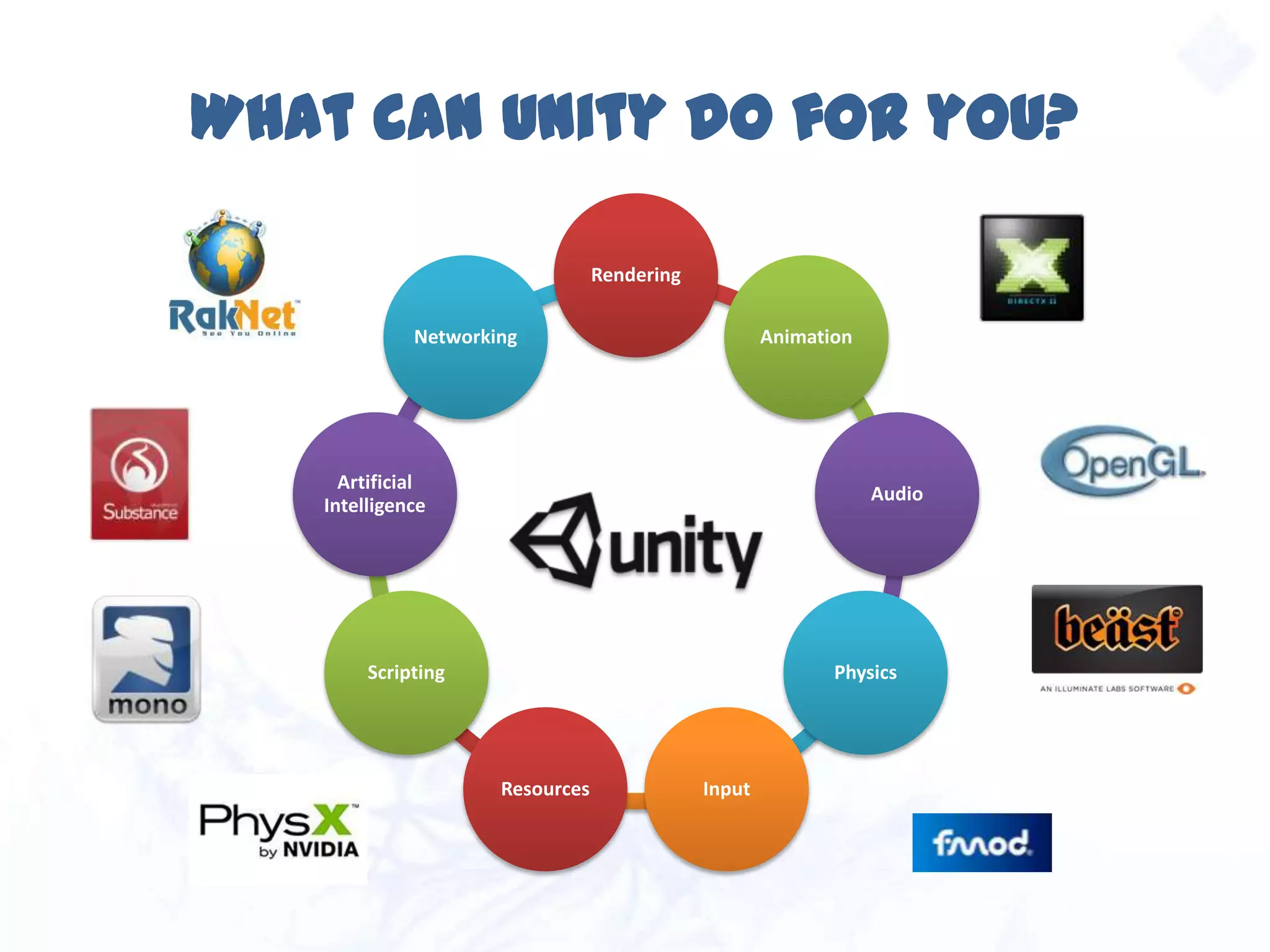
What can Unity do for you?
Rendering
Animation
Audio
Physics
InputResources
Scripting
Artificial
Intelligence
Networking
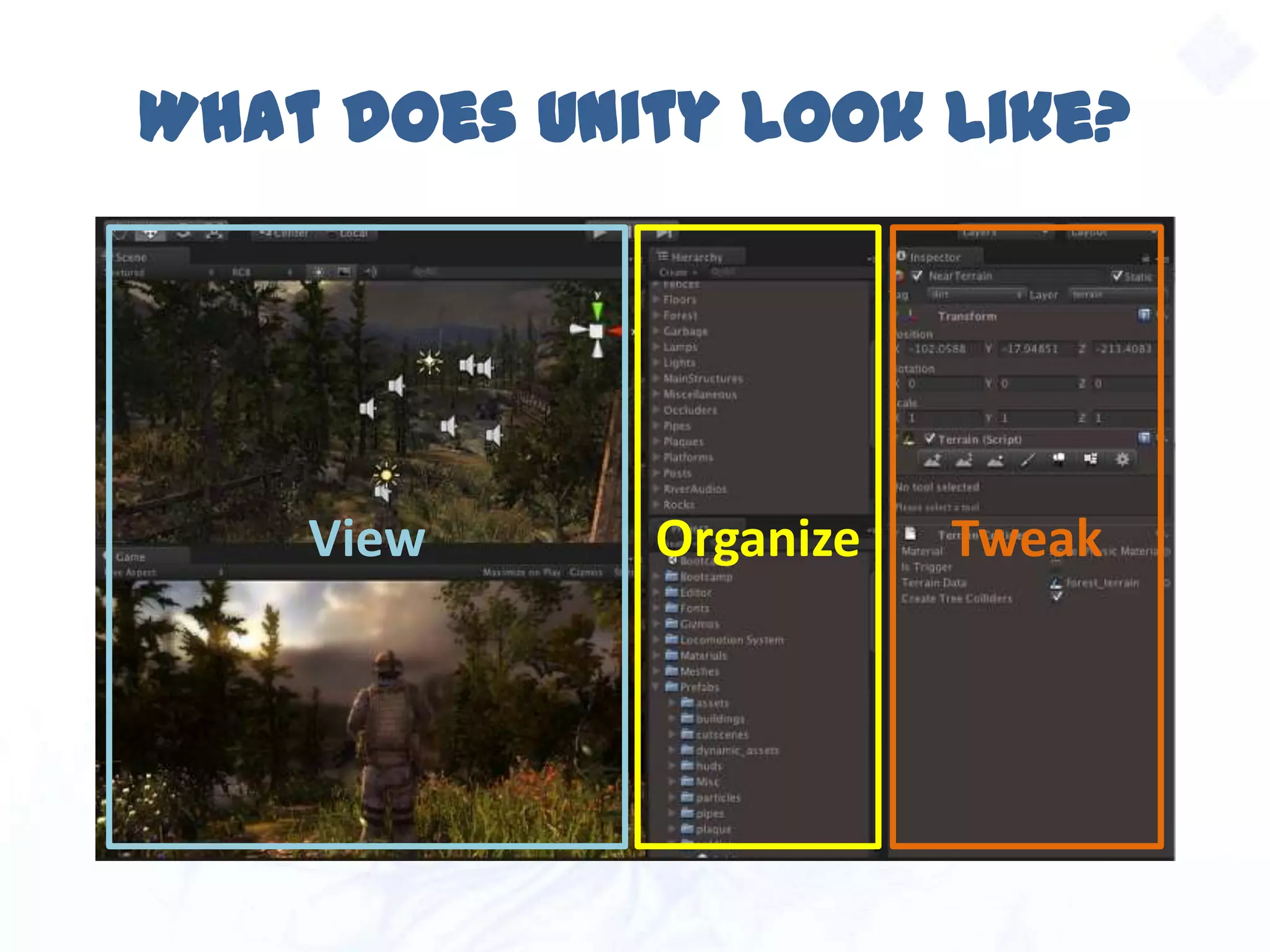
What does Unity look like?
View Organize Tweak
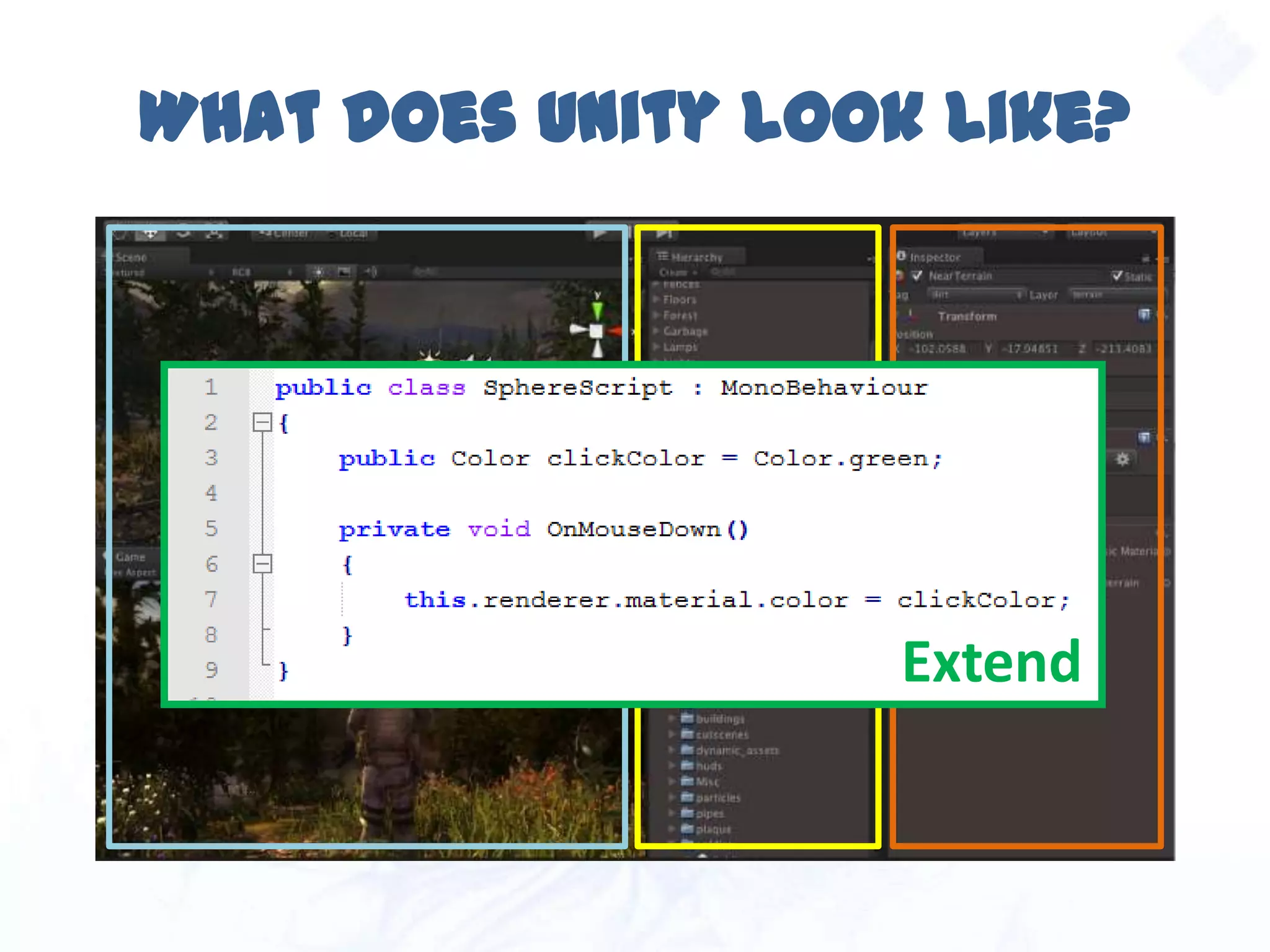
What does Unity look like?
View Organize Tweak
Extend
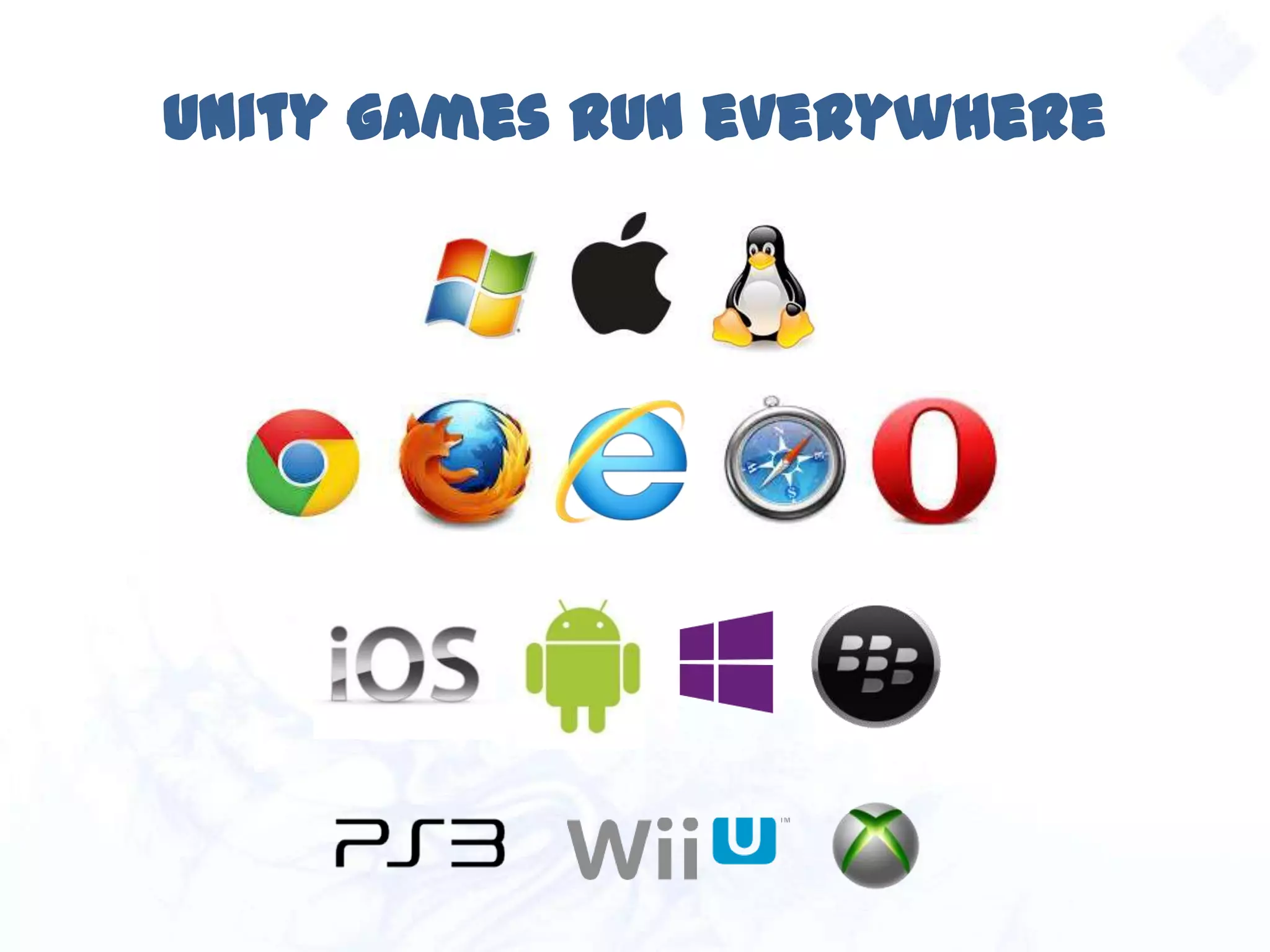
Unity games run everywhere
Unity understands you
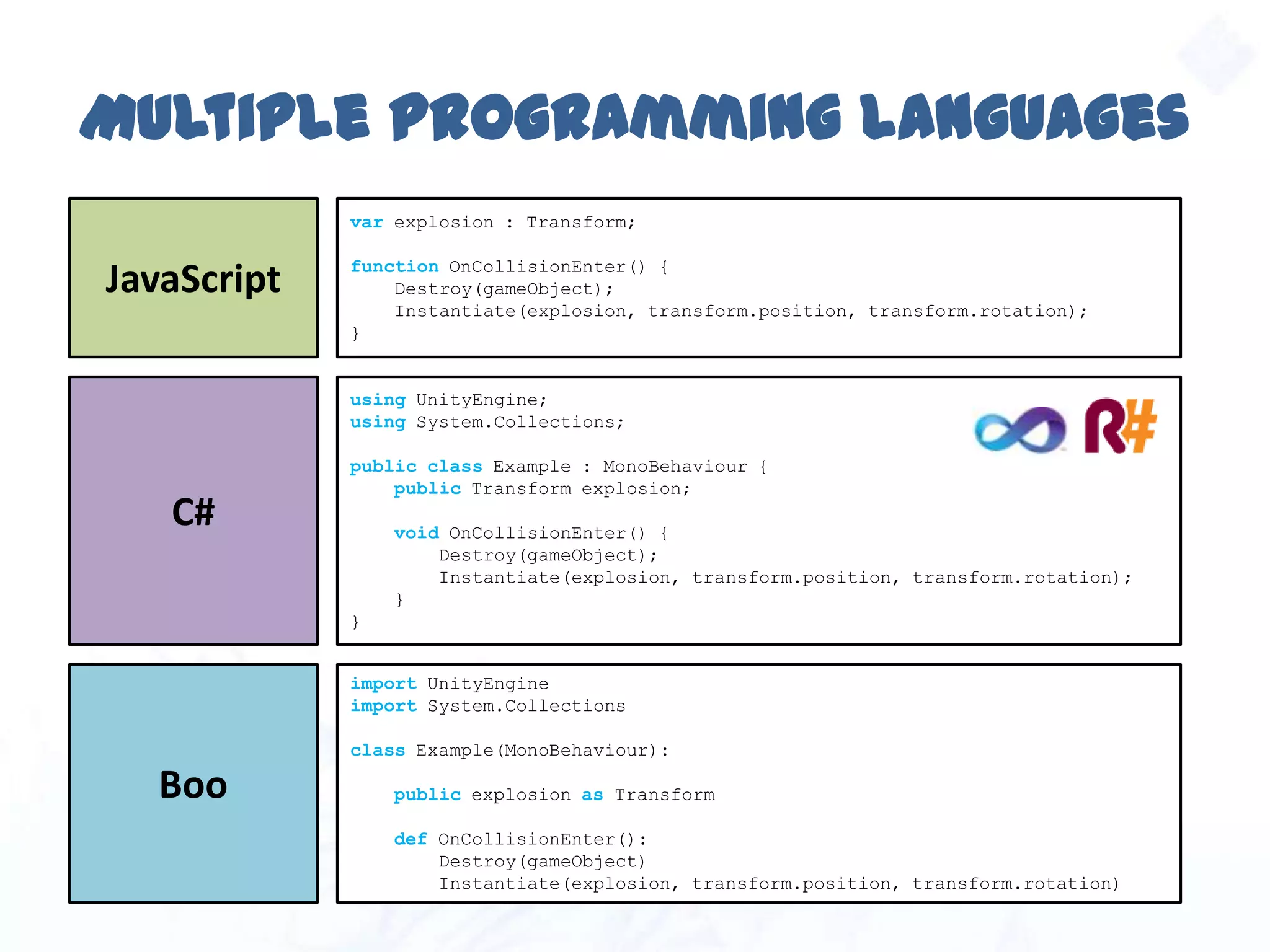
Multiple programming languages
var explosion : Transform;
function OnCollisionEnter() {
Destroy(gameObject);
Instantiate(explosion, transform.position, transform.rotation);
}
JavaScript
using UnityEngine;
using System.Collections;
public class Example : MonoBehaviour {
public Transform explosion;
void OnCollisionEnter() {
Destroy(gameObject);
Instantiate(explosion, transform.position, transform.rotation);
}
}
C#
import UnityEngine
import System.Collections
class Example(MonoBehaviour):
public explosion as Transform
def OnCollisionEnter():
Destroy(gameObject)
Instantiate(explosion, transform.position, transform.rotation)
Boo
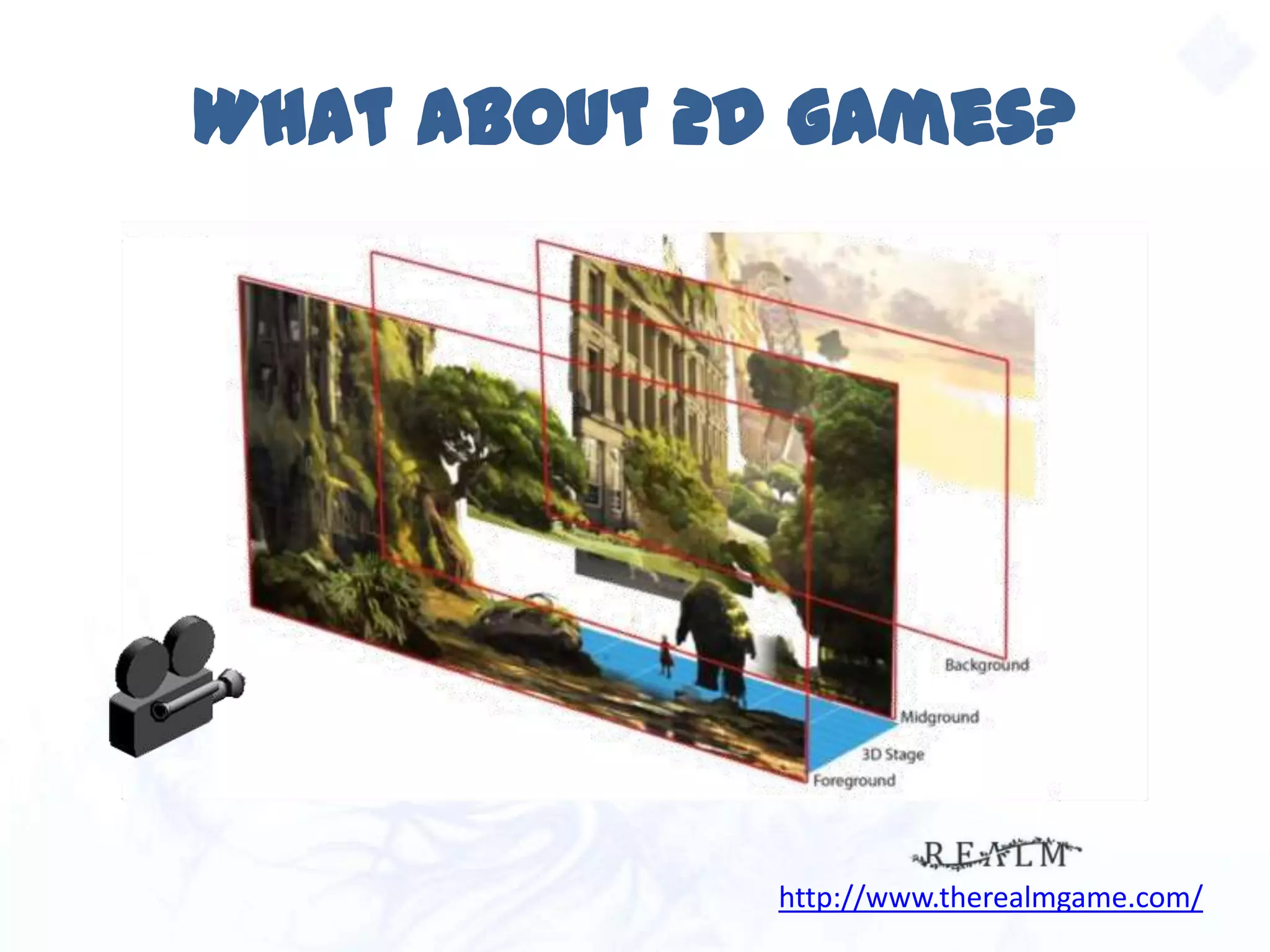
What about 2D games?
http://www.therealmgame.com/
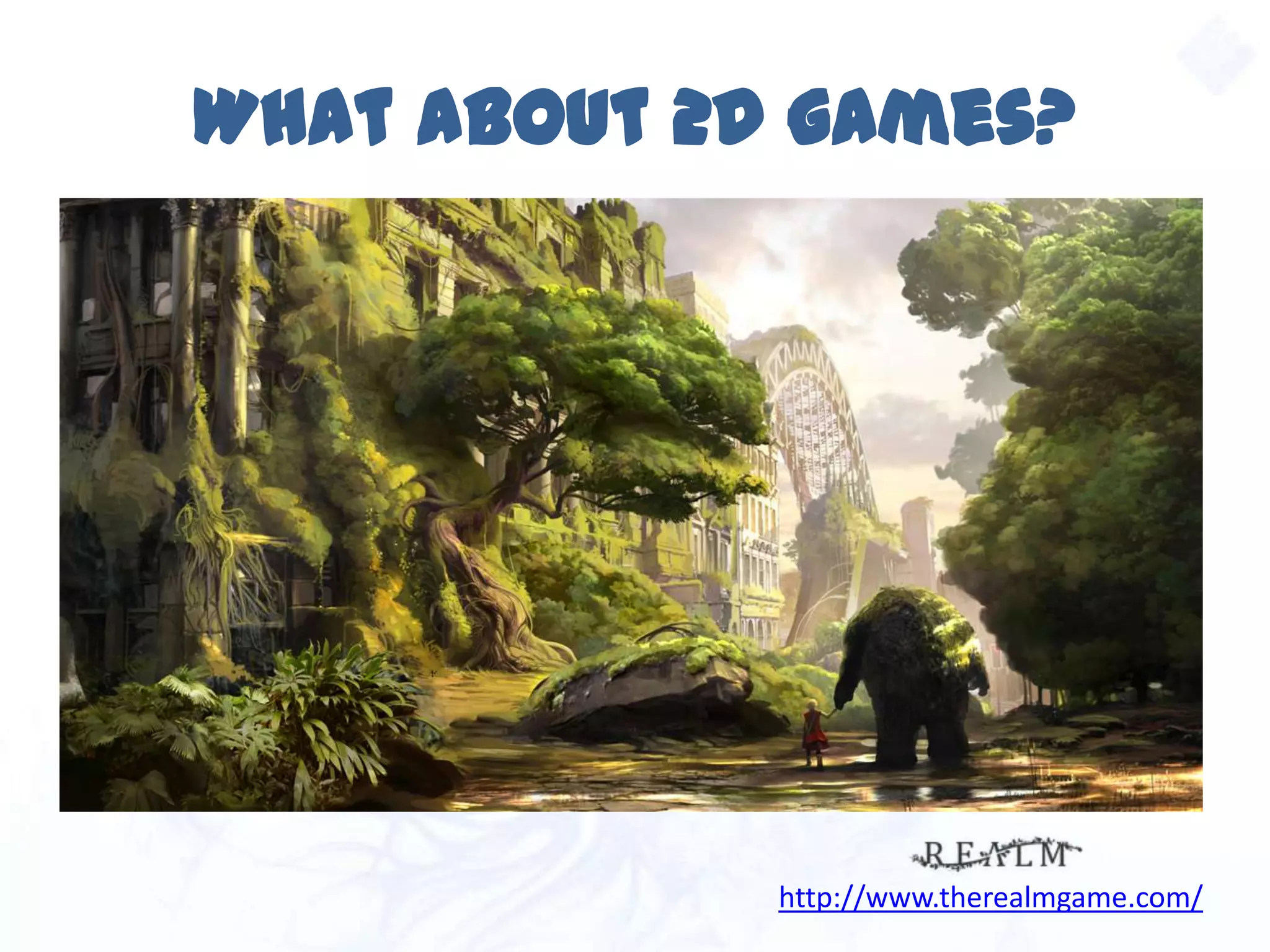
What about 2D games?
http://www.therealmgame.com/
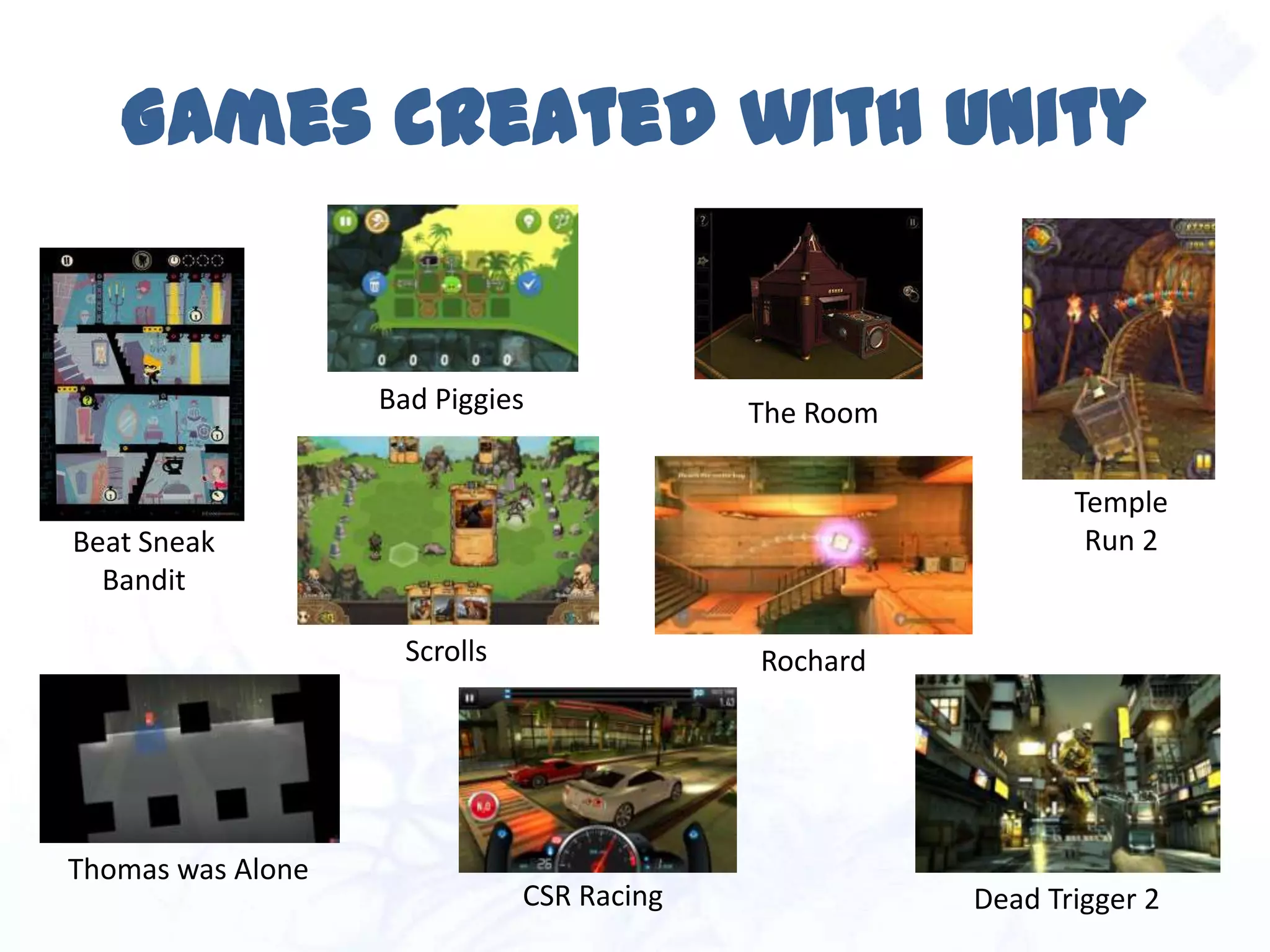
Games created with Unity
Bad Piggies
Thomas was Alone
Scrolls
Beat Sneak
Bandit
Temple
Run 2
The Room
Rochard
Dead Trigger 2CSR Racing
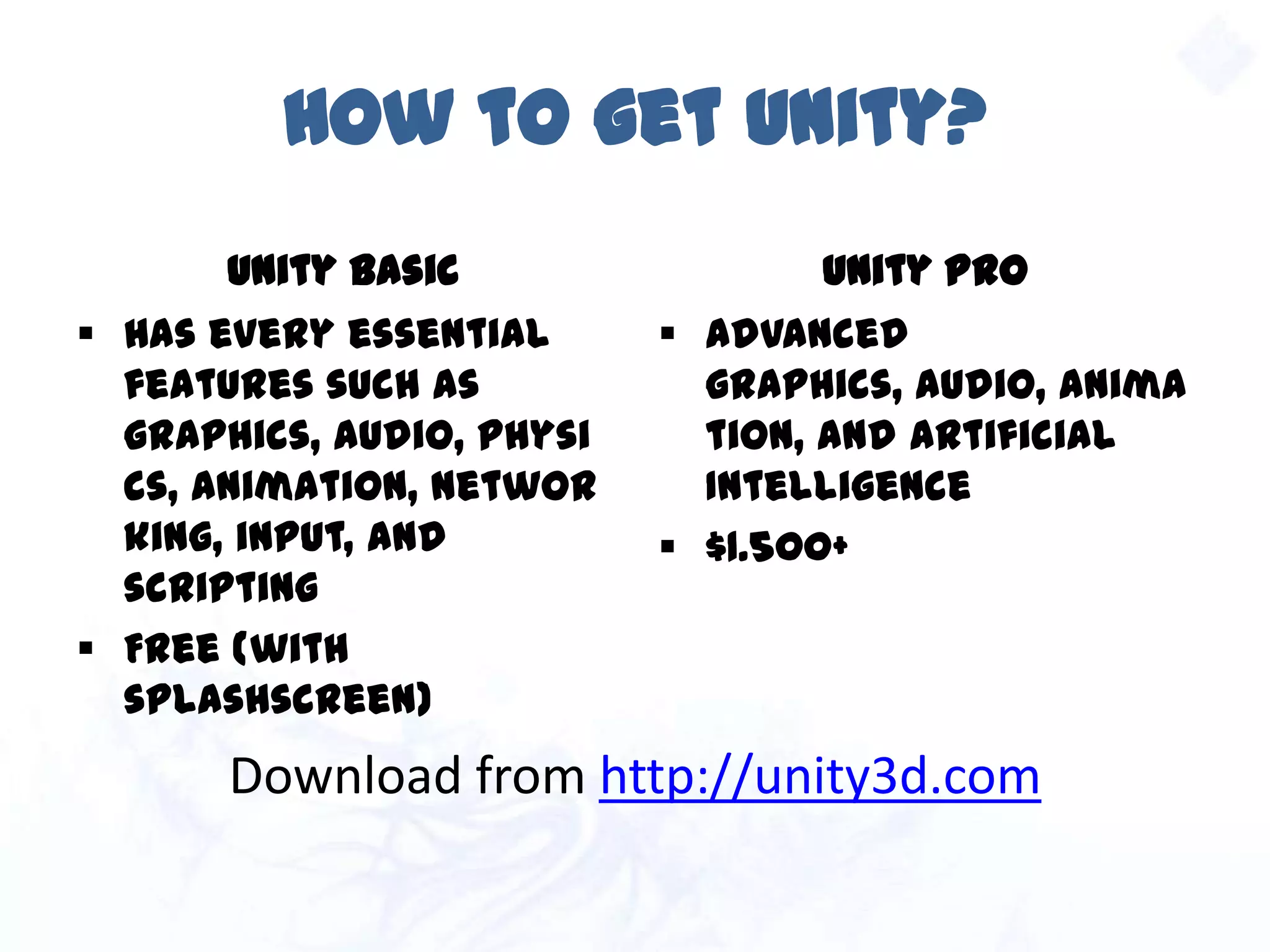
How to get Unity?
Unity Basic
 Has every essential
features such as
graphics, audio, physics,
animation, networking,
input, and scripting
 Free (with splashscreen)
Unity Pro
 Advanced graphics,
audio, animation, and
artificial Intelligence
 $1.500+
Download from http://unity3d.com
CONCEPTS AND
WORKFLOW
Part 2
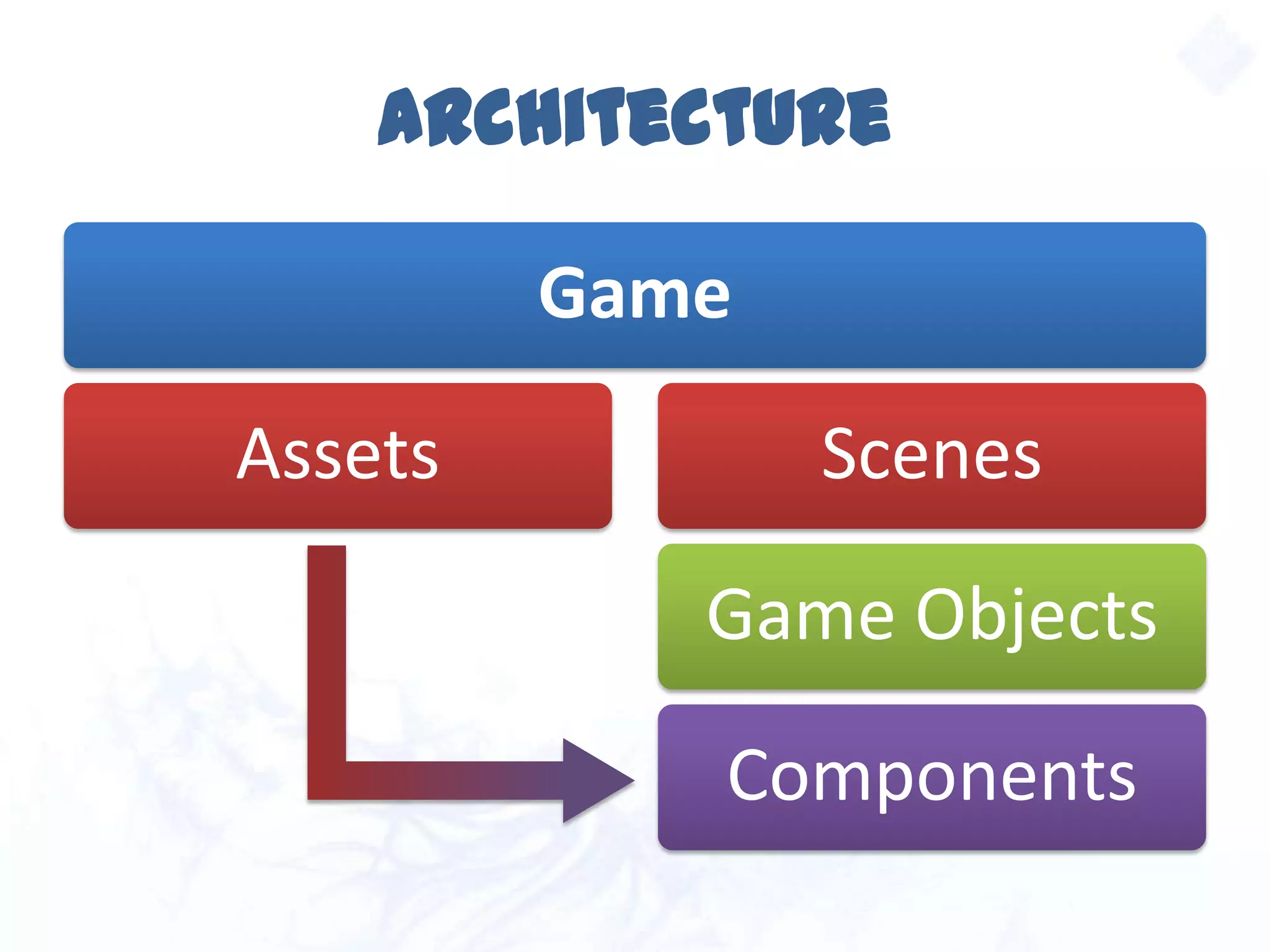
Architecture
Game
Assets Scenes
Game Objects
Components
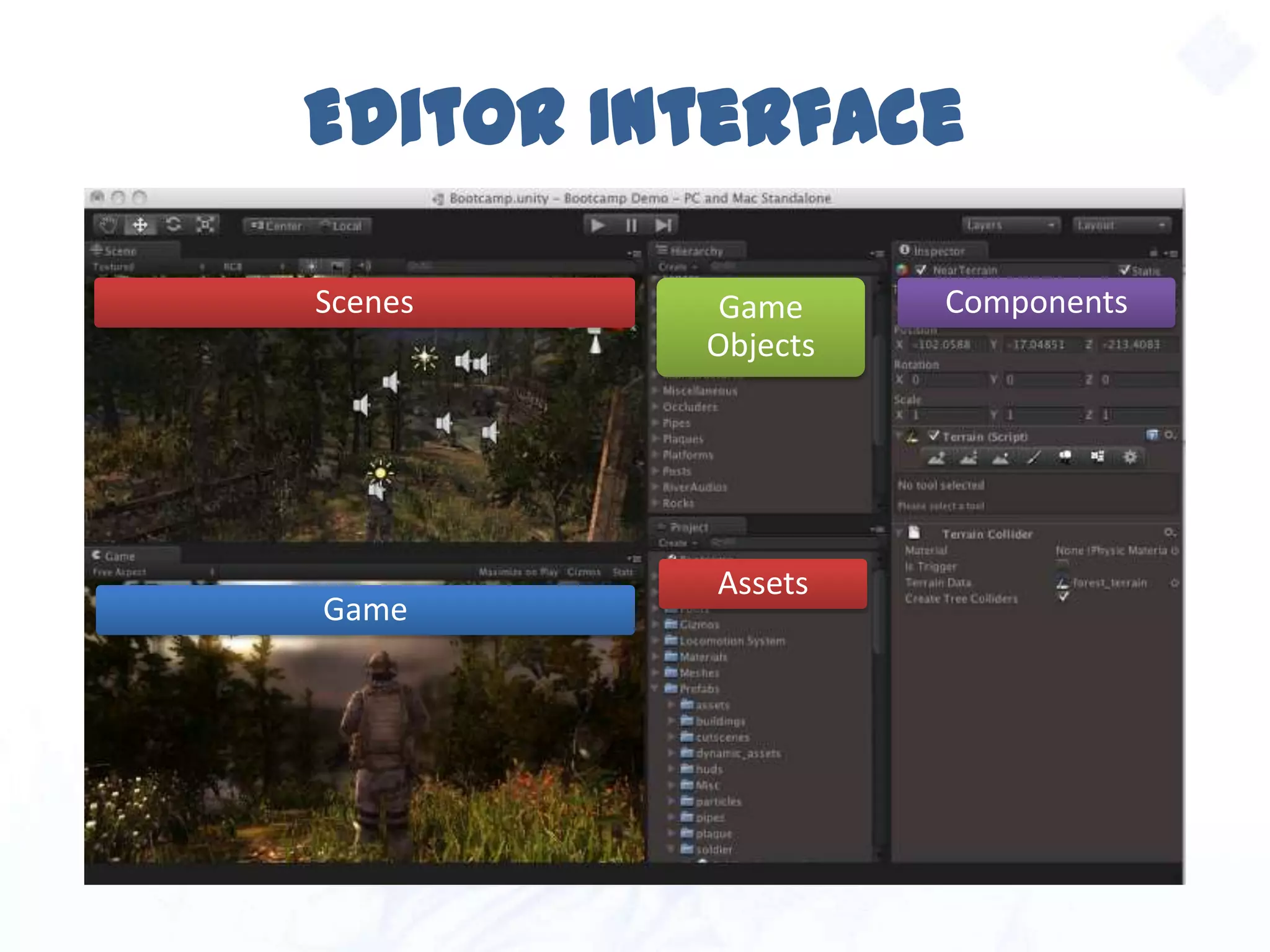
Editor Interface
Game
Assets
Scenes Game
Objects
Components
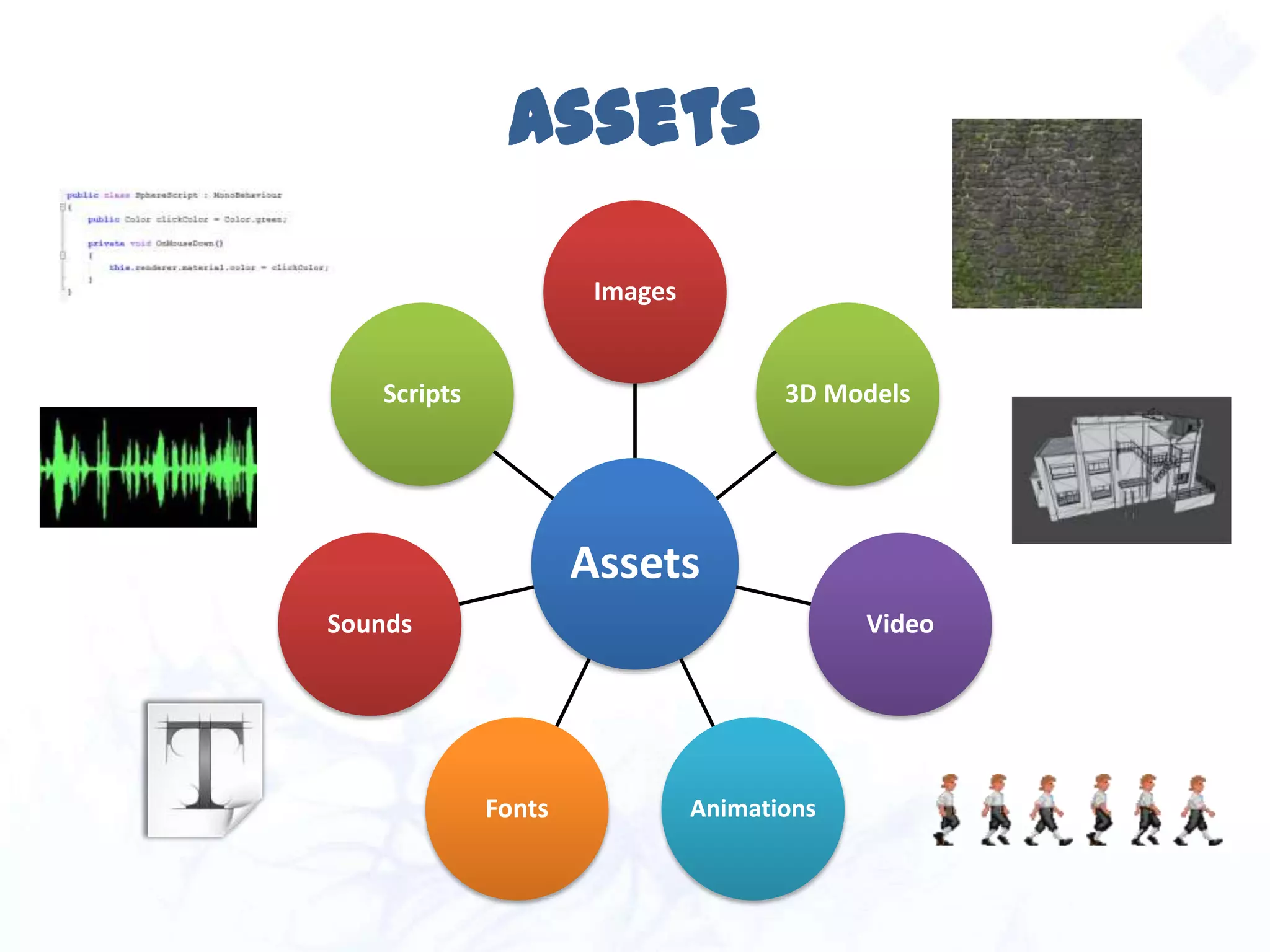
Assets
Assets
Images
3D Models
Video
AnimationsFonts
Sounds
Scripts
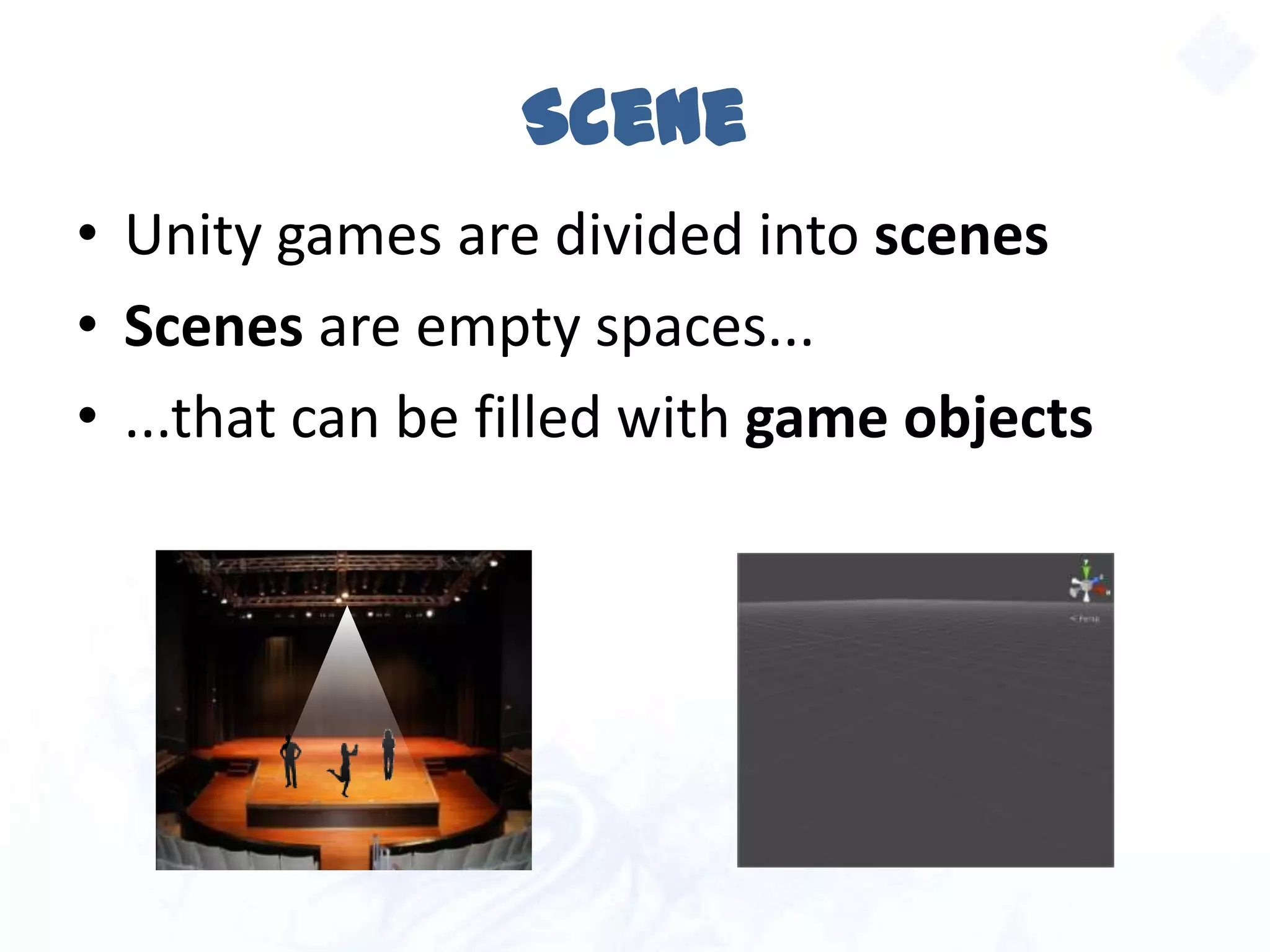
Scene
• Unity games are divided into scenes
• Scenes are empty spaces...
• ...that can be filled with game objects
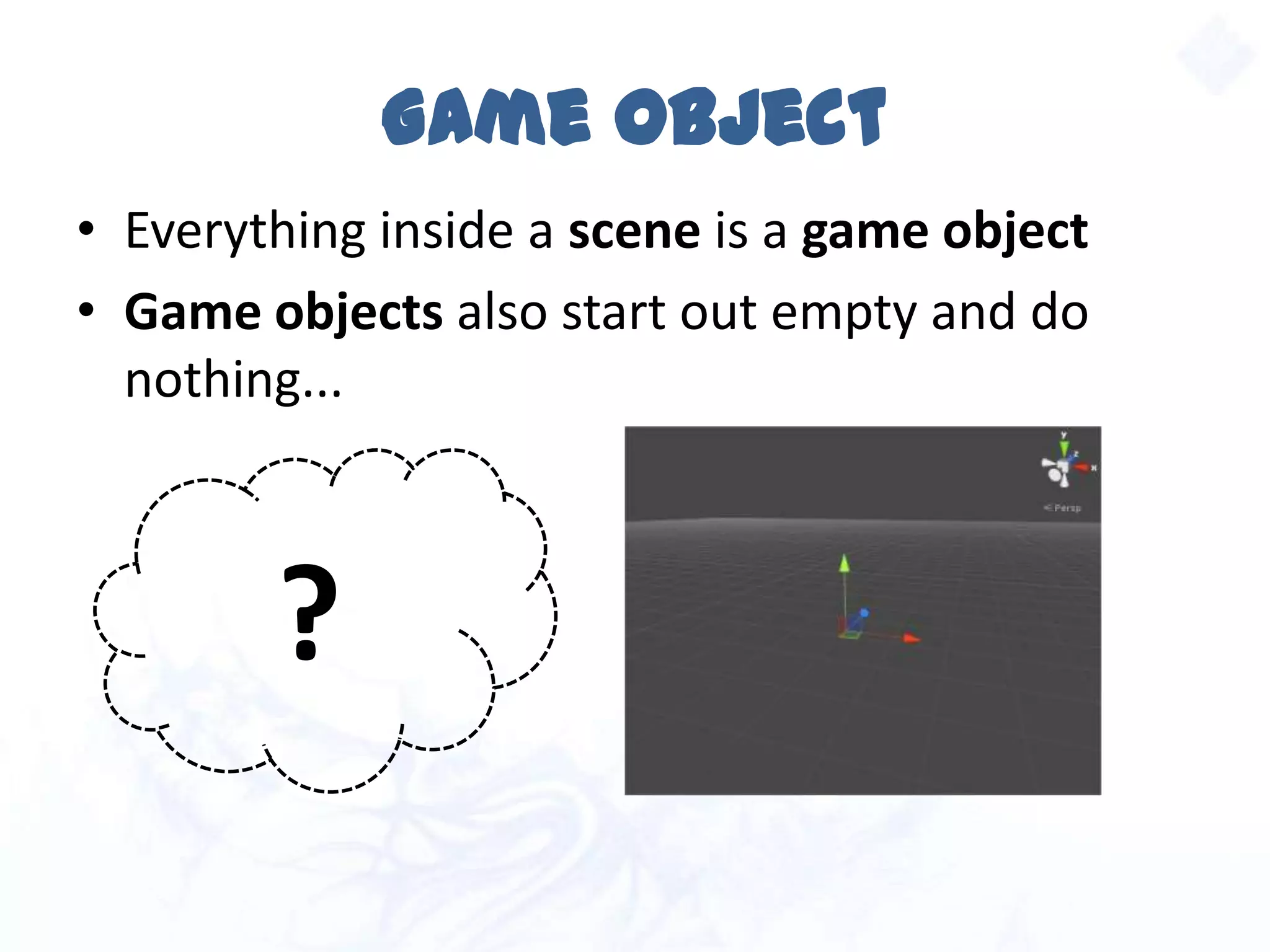
Game Object
• Everything inside a scene is a game object
• Game objects also start out empty and do
nothing...
?
Game Object
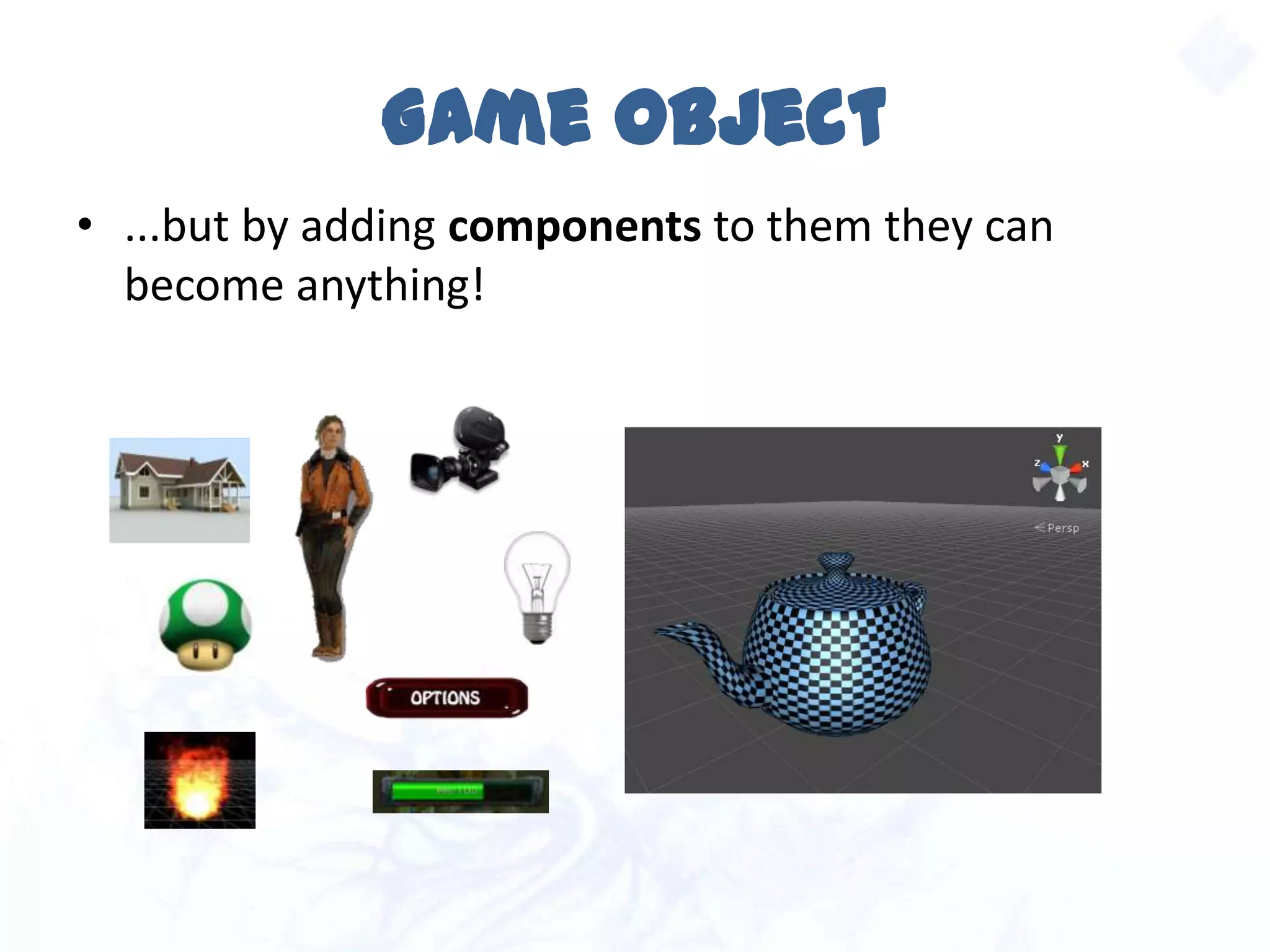
• ...but by adding components to them they can
become anything!
Component
 Each component adds a piece of
functionality to the game object
 The combination of all components
defines what the game object is
Let’s see some examples!
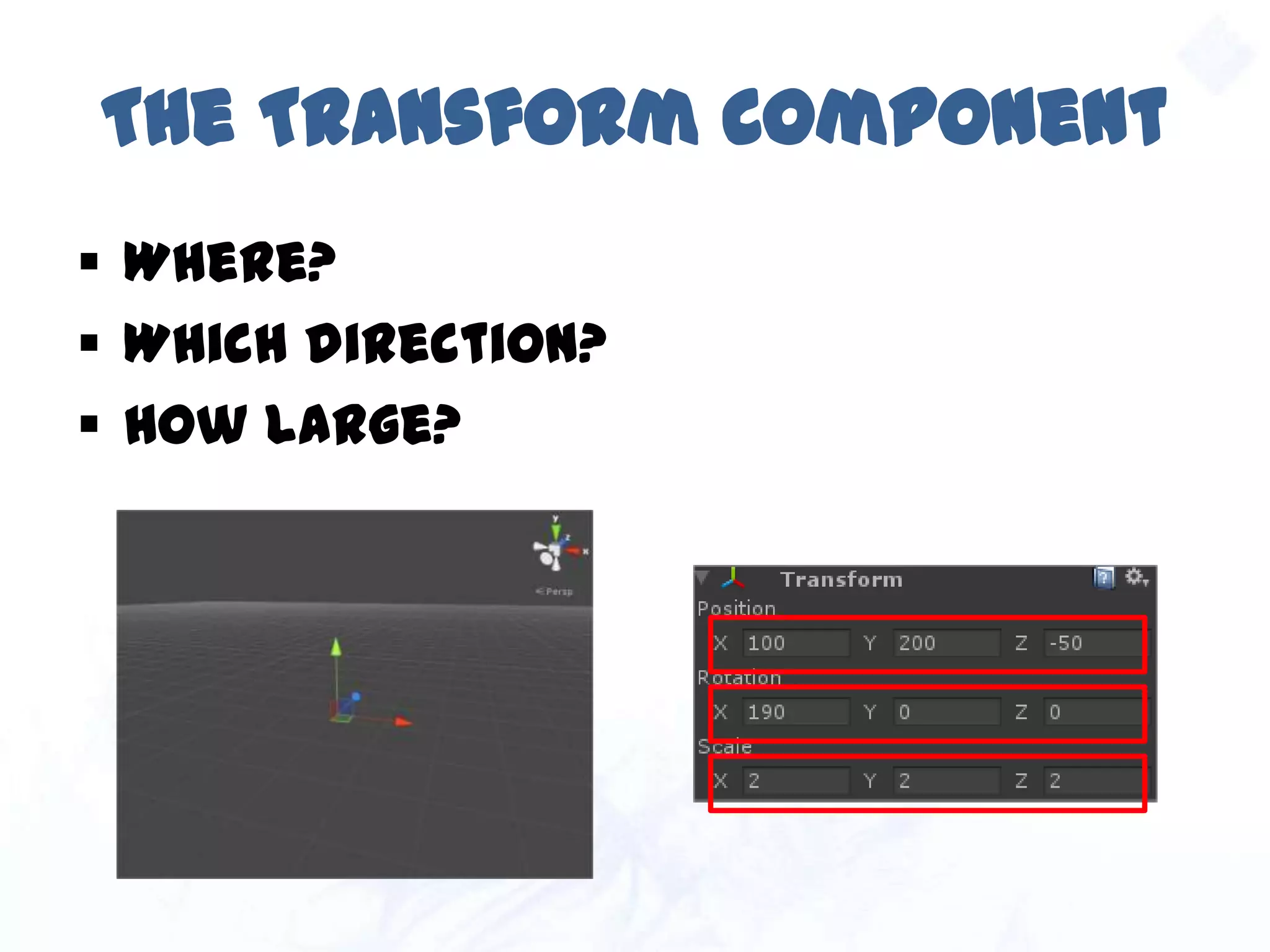
The Transform Component
 Where?
 Which direction?
 How large?
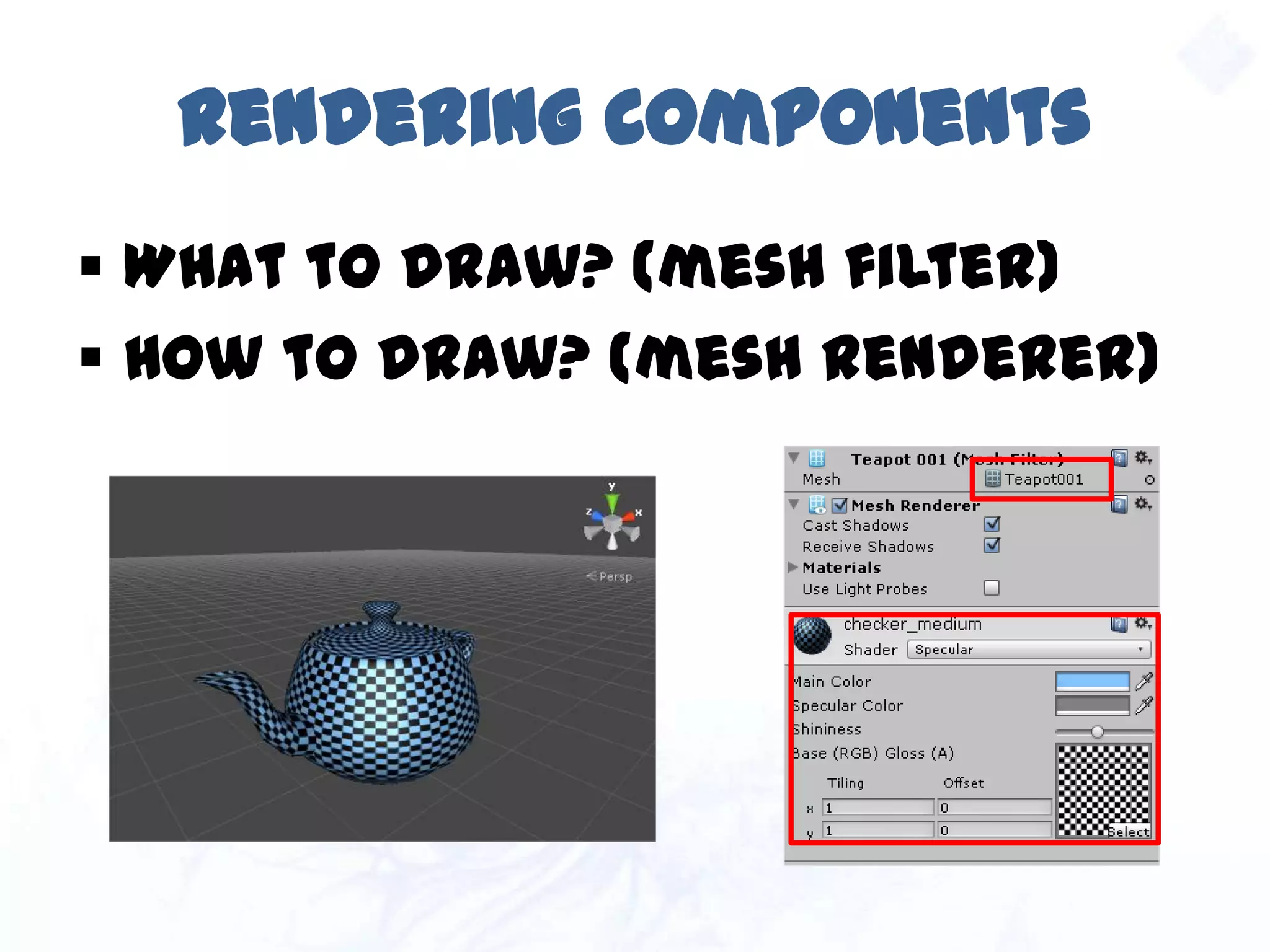
Rendering Components
 What to draw? (mesh filter)
 How to draw? (mesh renderer)
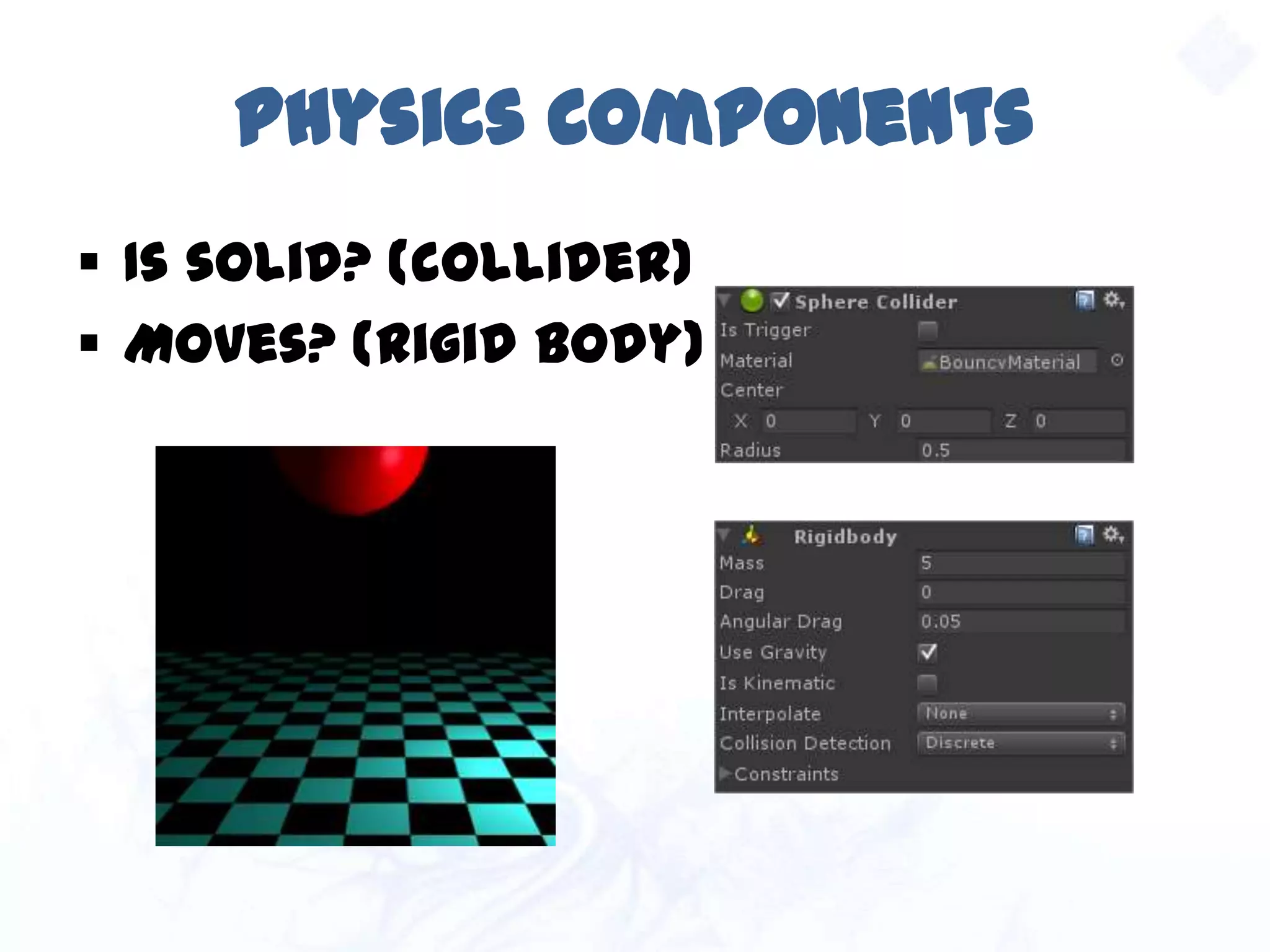
Physics Components
 Is solid? (collider)
 Moves? (rigid body)
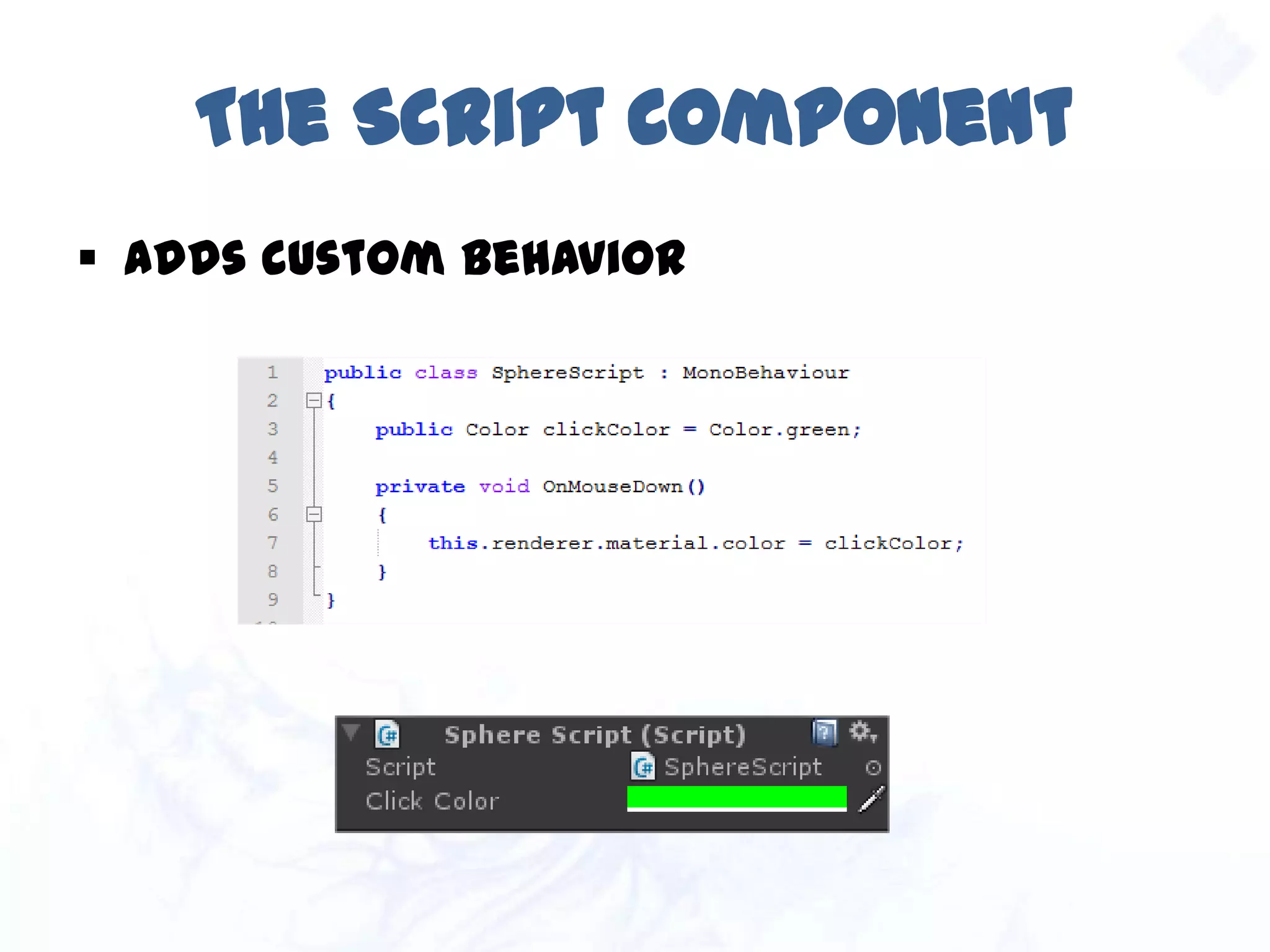
The Script Component
 Adds custom behavior
Other Components
 Light
 Camera
 Text mesh
 Audio listener & source
 Particle system
 Skybox
 …and many more.
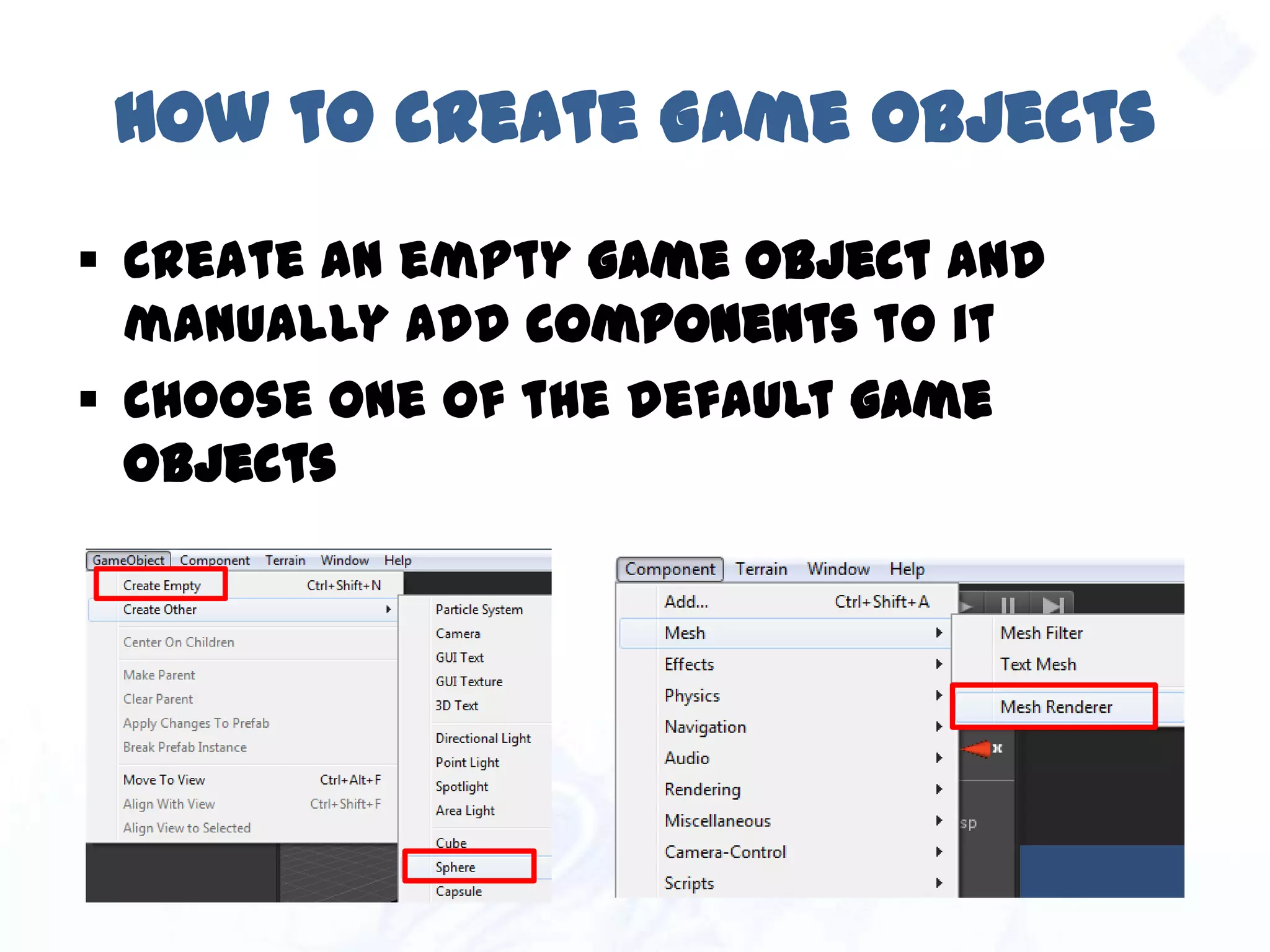
How to create Game Objects
 Create an empty game object and manually
add components to it
 Choose one of the default game objects
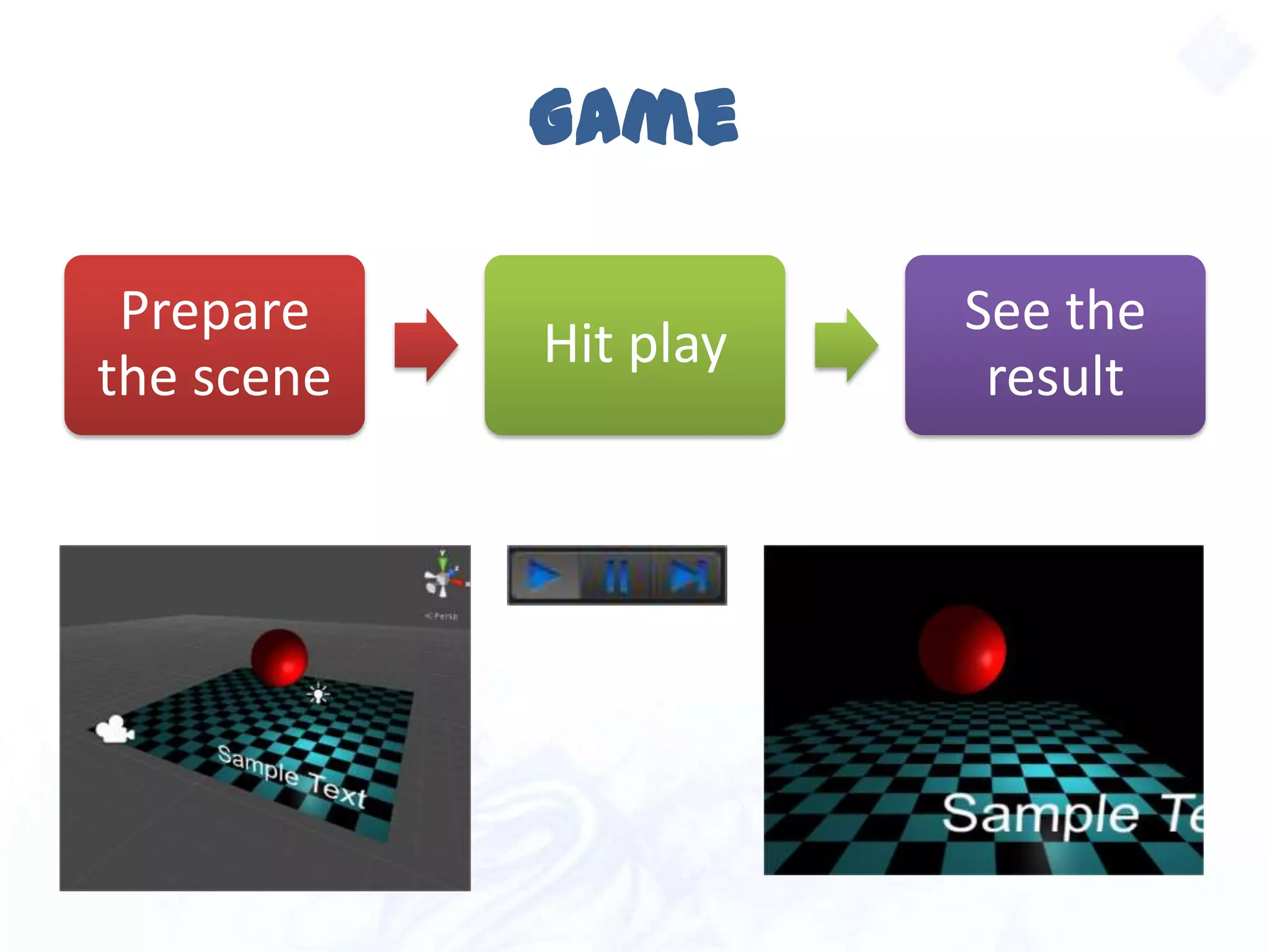
Game
Prepare
the scene
Hit play
See the
result
LIVE DEMO
Part 3

Game Development with Unity