

DOCUMENT AND ITS
ASSOCIATED OBJECTS
THE HTML DOM DOCUMENT OBJECT
document, Link, Area, Anchor, Image, Applet, Layer
HTML DOM NODES
 In the HTML DOM (Document Object Model), everything is a node:
 The document itself is a document node
 All HTML elements are element nodes
 All HTML attributes are attribute nodes
 Text inside HTML elements are text nodes
 Comments are comment nodes
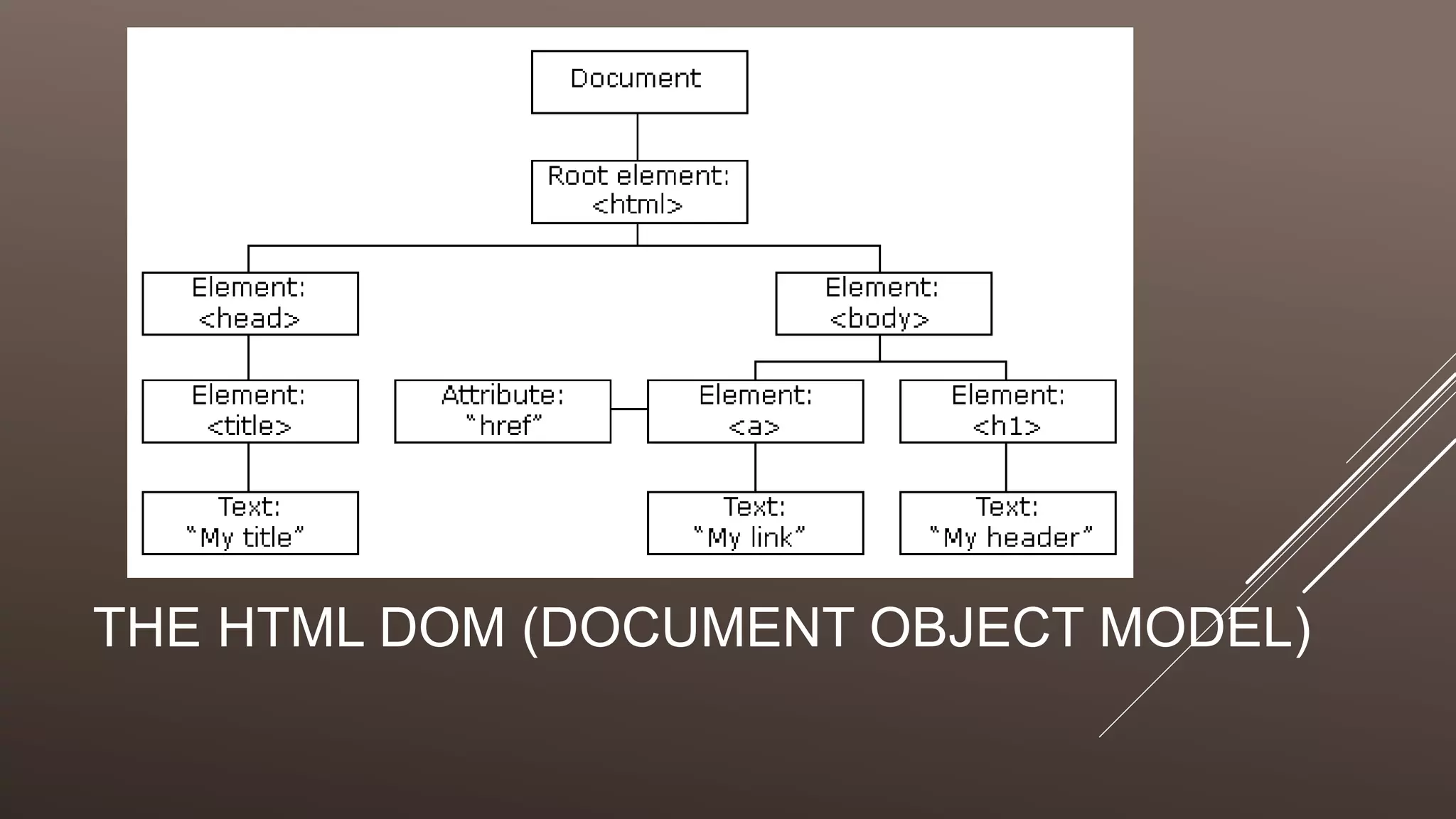
THE HTML DOM (DOCUMENT OBJECT MODEL)
THE DOCUMENT OBJECT
 When an HTML document is loaded into a web browser, it becomes a document object.
 The document object is the root node of the HTML document and the "owner" of all
other nodes:
(element nodes, text nodes, attribute nodes, and comment nodes).
 The document object provides properties and methods to access all node objects, from
within JavaScript.
 Tip: The document is a part of the Window object and can be accessed as
window.document.
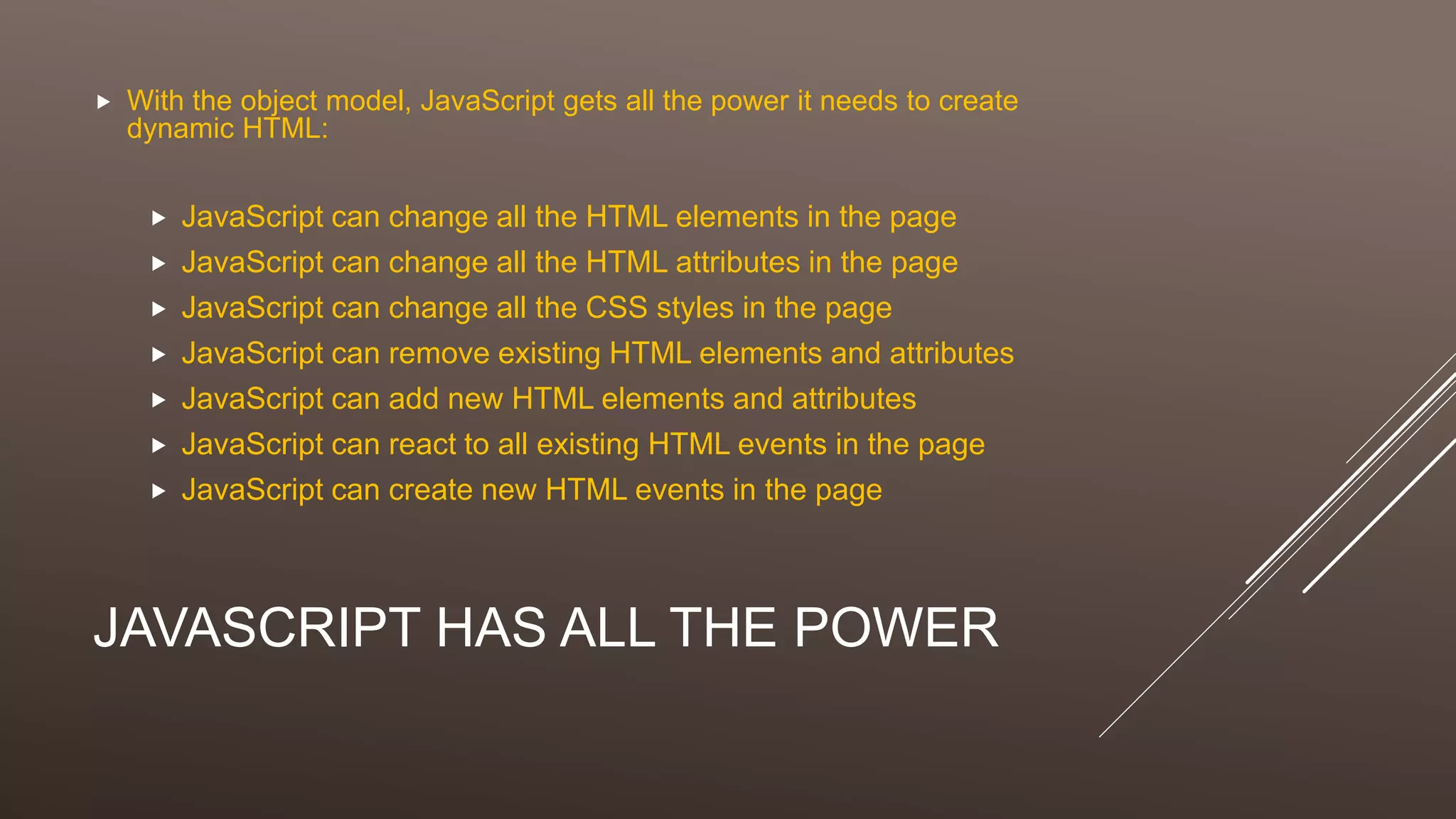
JAVASCRIPT HAS ALL THE POWER
 With the object model, JavaScript gets all the power it needs to create
dynamic HTML:
 JavaScript can change all the HTML elements in the page
 JavaScript can change all the HTML attributes in the page
 JavaScript can change all the CSS styles in the page
 JavaScript can remove existing HTML elements and attributes
 JavaScript can add new HTML elements and attributes
 JavaScript can react to all existing HTML events in the page
 JavaScript can create new HTML events in the page
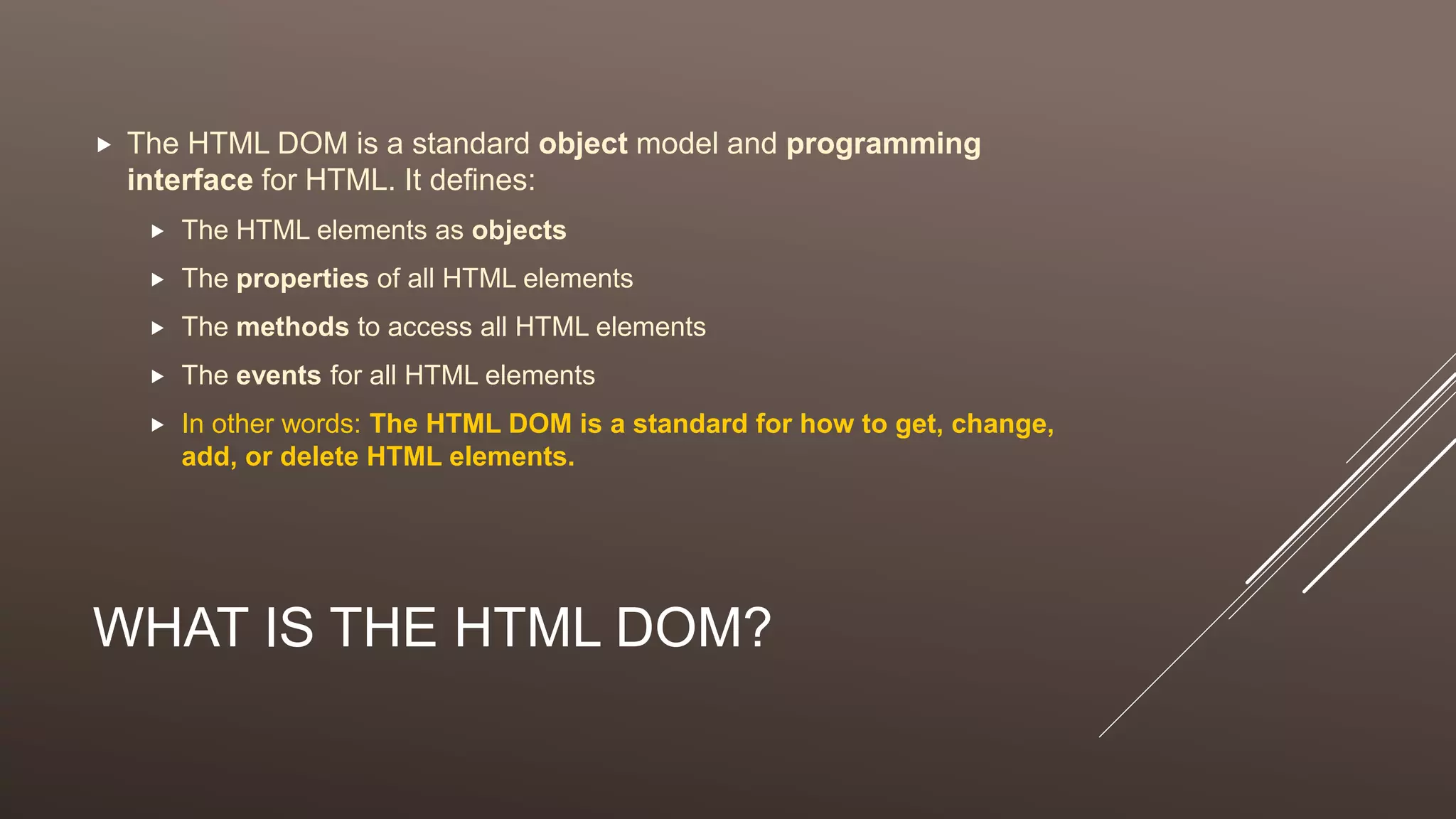
WHAT IS THE HTML DOM?
 The HTML DOM is a standard object model and programming
interface for HTML. It defines:
 The HTML elements as objects
 The properties of all HTML elements
 The methods to access all HTML elements
 The events for all HTML elements
 In other words: The HTML DOM is a standard for how to get, change,
add, or delete HTML elements.
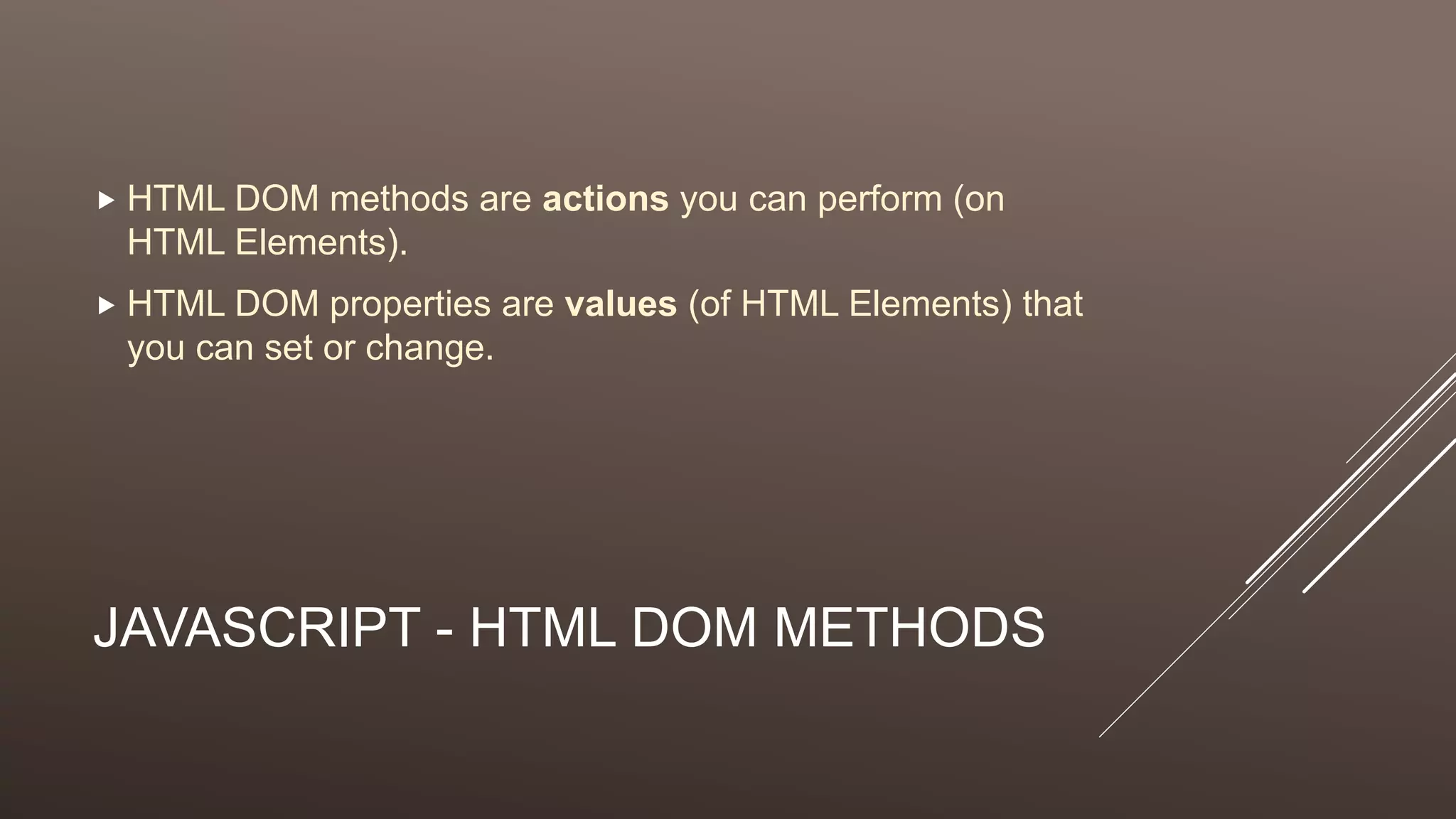
JAVASCRIPT - HTML DOM METHODS
 HTML DOM methods are actions you can perform (on
HTML Elements).
 HTML DOM properties are values (of HTML Elements) that
you can set or change.
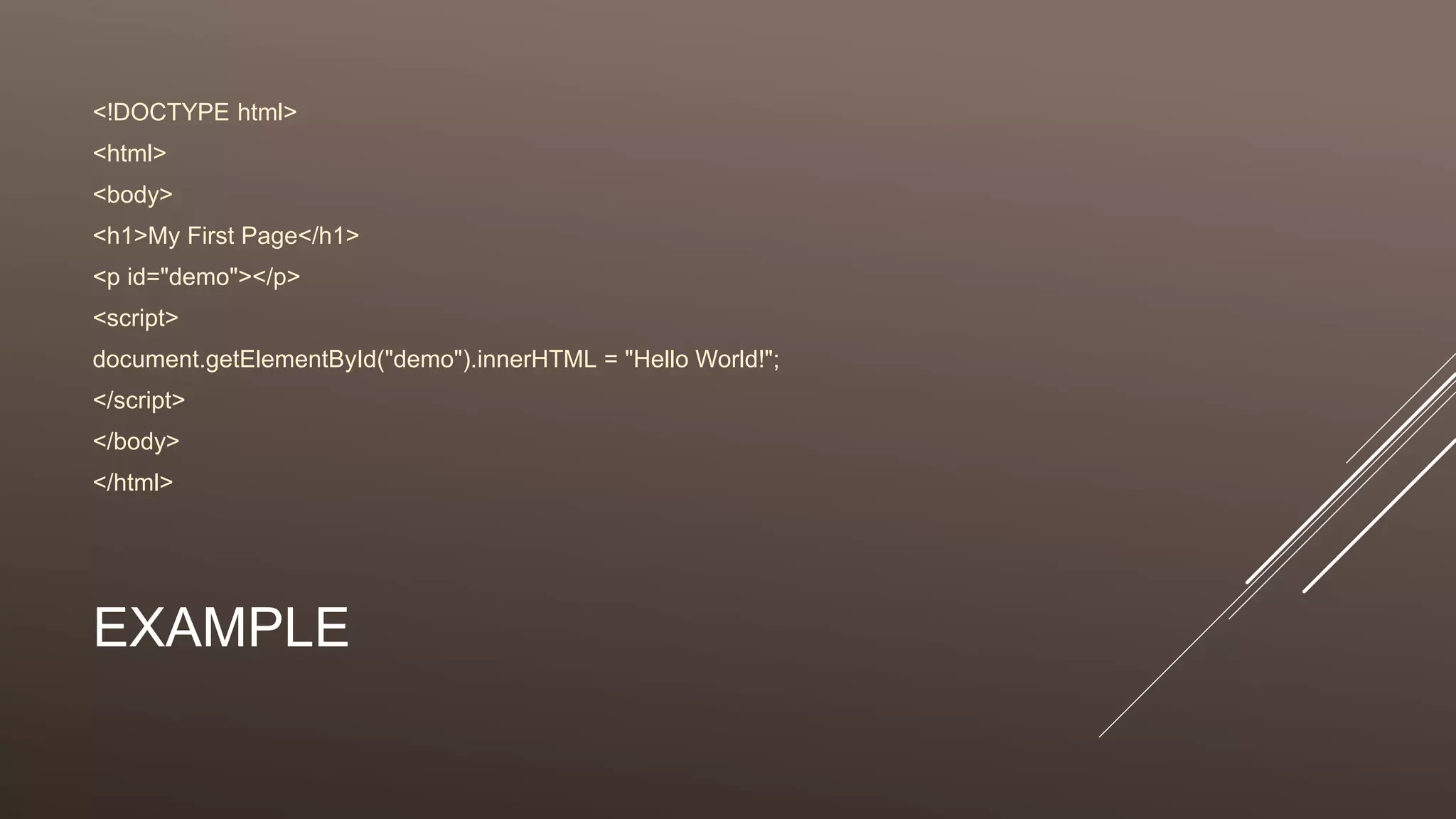
EXAMPLE
<!DOCTYPE html>
<html>
<body>
<h1>My First Page</h1>
<p id="demo"></p>
<script>
document.getElementById("demo").innerHTML = "Hello World!";
</script>
</body>
</html>
DOM METHODS & PROPERTIES
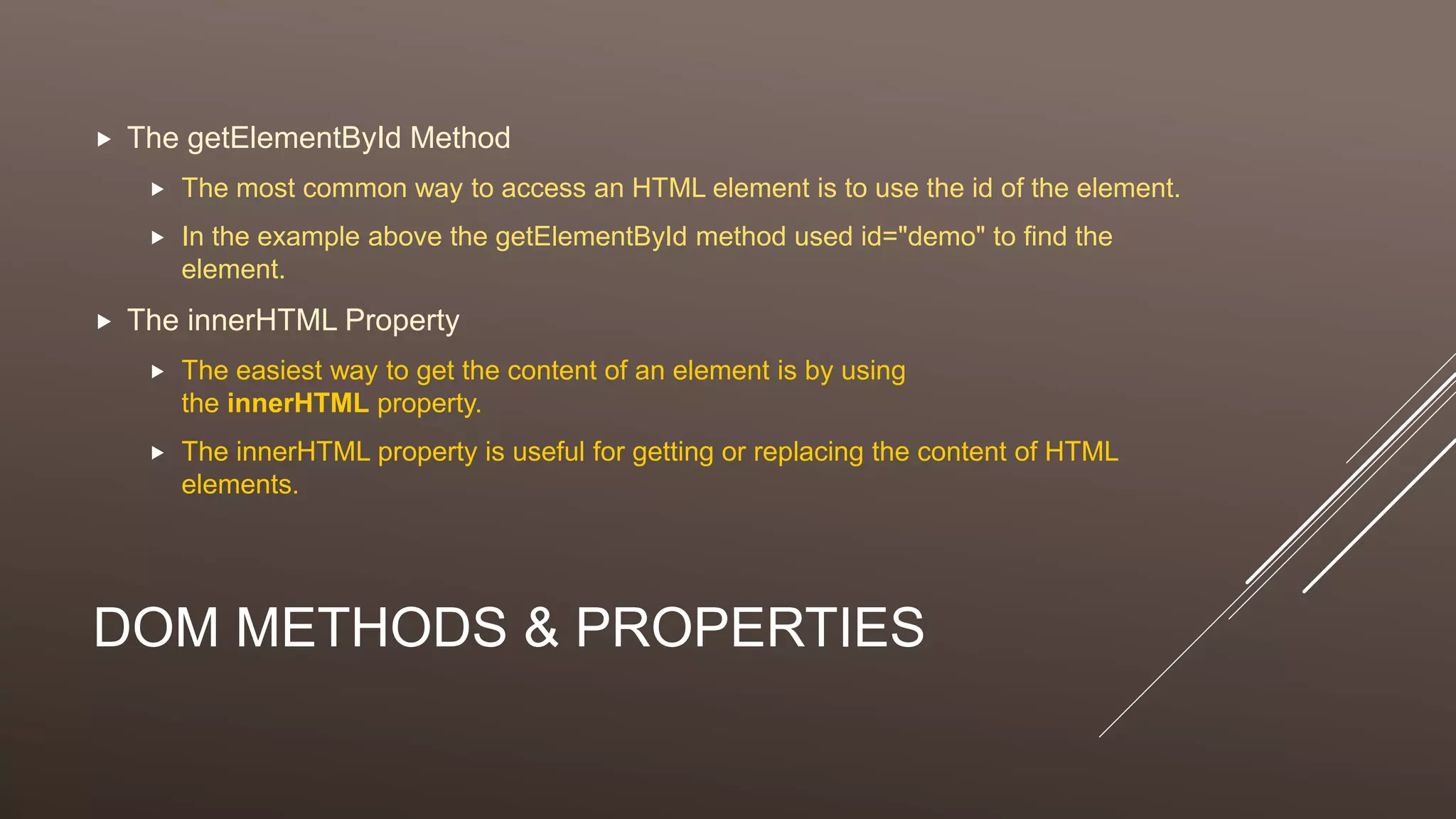
 The getElementById Method
 The most common way to access an HTML element is to use the id of the element.
 In the example above the getElementById method used id="demo" to find the
element.
 The innerHTML Property
 The easiest way to get the content of an element is by using
the innerHTML property.
 The innerHTML property is useful for getting or replacing the content of HTML
elements.
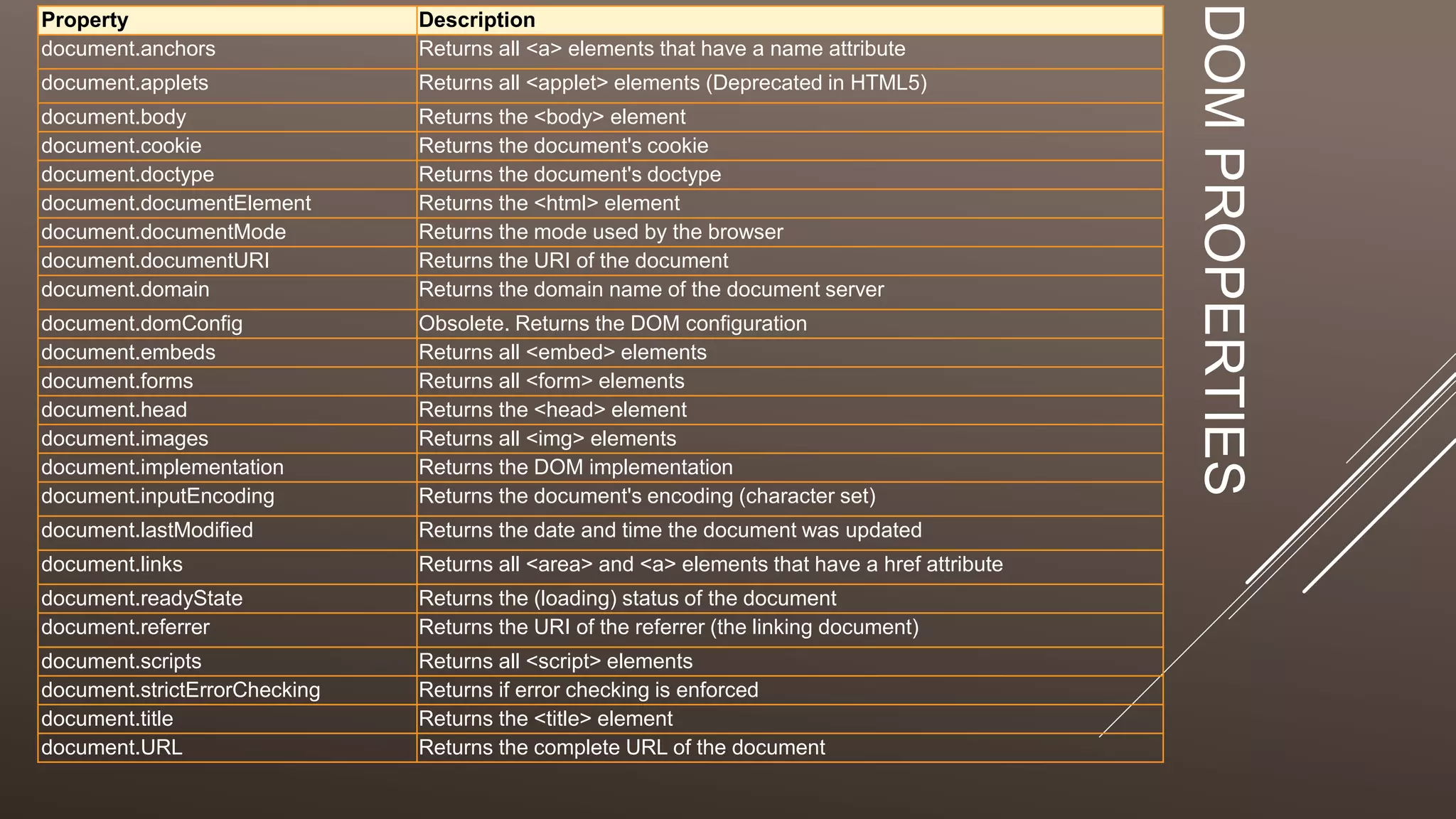
DOMPROPERTIES
Property Description
document.anchors Returns all <a> elements that have a name attribute
document.applets Returns all <applet> elements (Deprecated in HTML5)
document.body Returns the <body> element
document.cookie Returns the document's cookie
document.doctype Returns the document's doctype
document.documentElement Returns the <html> element
document.documentMode Returns the mode used by the browser
document.documentURI Returns the URI of the document
document.domain Returns the domain name of the document server
document.domConfig Obsolete. Returns the DOM configuration
document.embeds Returns all <embed> elements
document.forms Returns all <form> elements
document.head Returns the <head> element
document.images Returns all <img> elements
document.implementation Returns the DOM implementation
document.inputEncoding Returns the document's encoding (character set)
document.lastModified Returns the date and time the document was updated
document.links Returns all <area> and <a> elements that have a href attribute
document.readyState Returns the (loading) status of the document
document.referrer Returns the URI of the referrer (the linking document)
document.scripts Returns all <script> elements
document.strictErrorChecking Returns if error checking is enforced
document.title Returns the <title> element
document.URL Returns the complete URL of the document
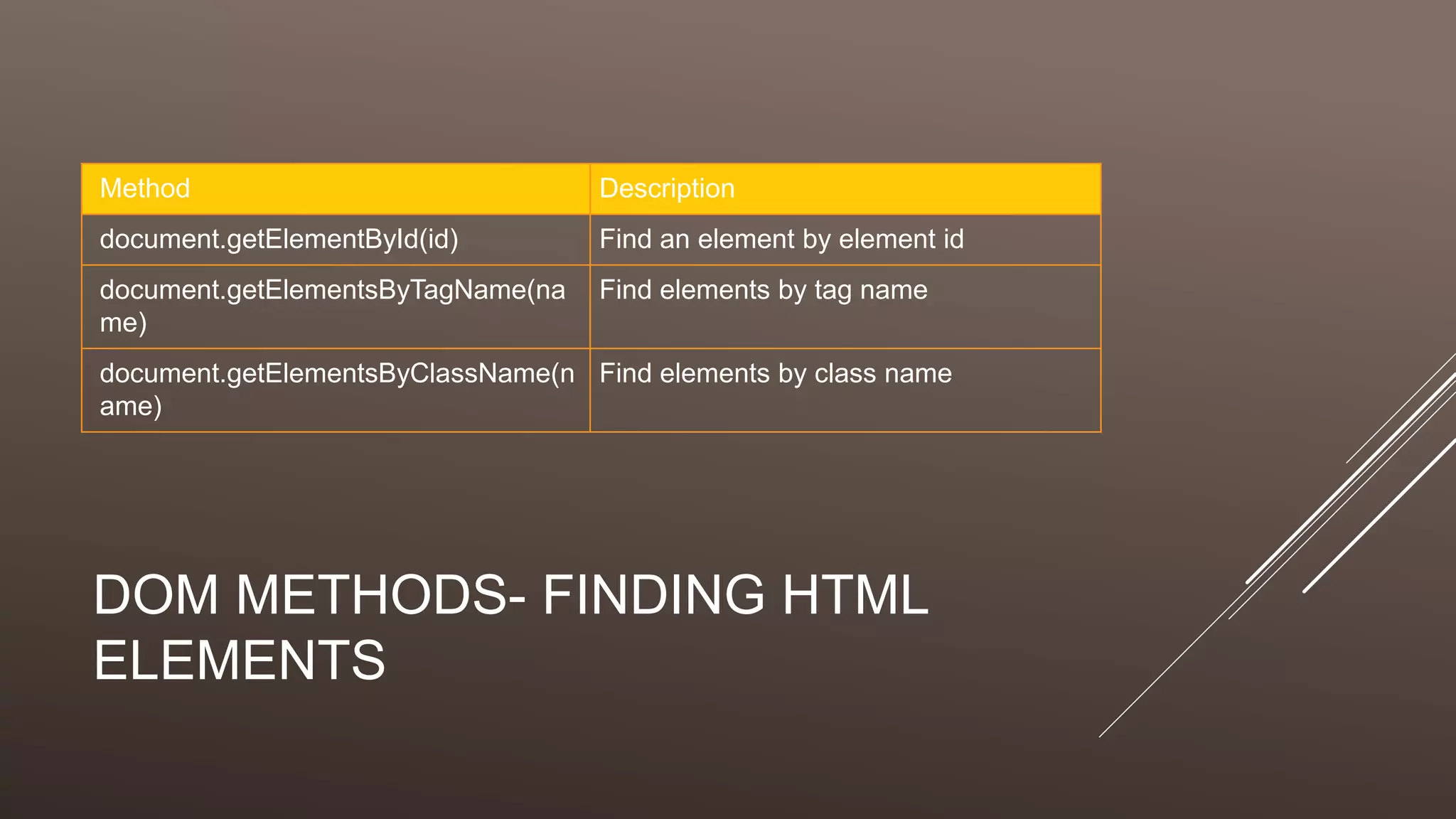
DOM METHODS- FINDING HTML
ELEMENTS
Method Description
document.getElementById(id) Find an element by element id
document.getElementsByTagName(na
me)
Find elements by tag name
document.getElementsByClassName(n
ame)
Find elements by class name
DOCUMENT.BODY
<!DOCTYPE html>
<html>
<body>
<p id="demo"></p>
<script>
alert(“Hi”);
</script>
</body>
</html>
DOCUMENT.BODY
<!DOCTYPE html>
<html>
<body>
<p id="demo"></p>
<script>
alert(document.body.innerHTML);
</script>
</body>
</html>
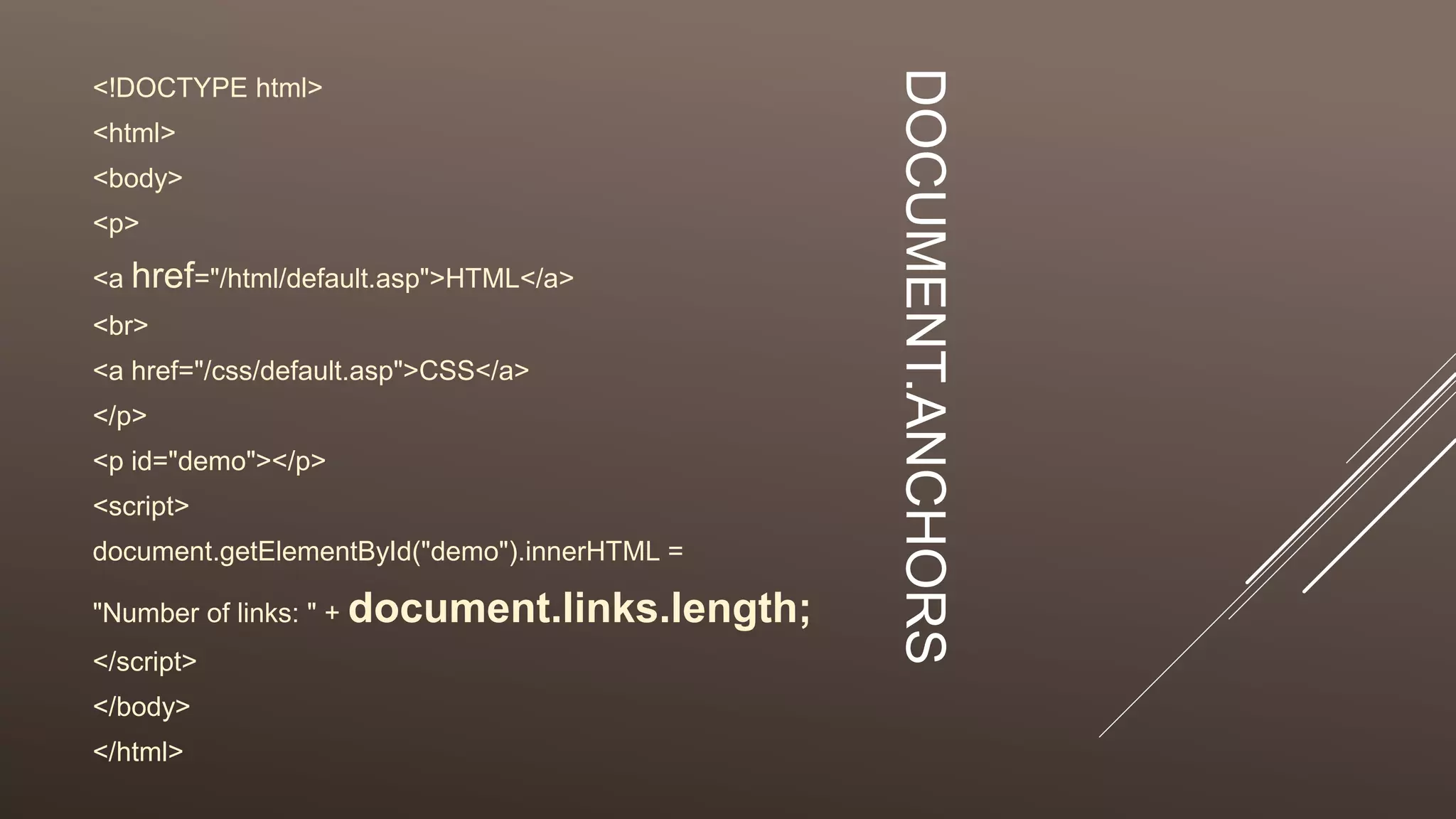
DOCUMENT.ANCHORS
<!DOCTYPE html>
<html>
<body>
<p>
<a href="/html/default.asp">HTML</a>
<br>
<a href="/css/default.asp">CSS</a>
</p>
<p id="demo"></p>
<script>
document.getElementById("demo").innerHTML =
"Number of links: " + document.links.length;
</script>
</body>
</html>
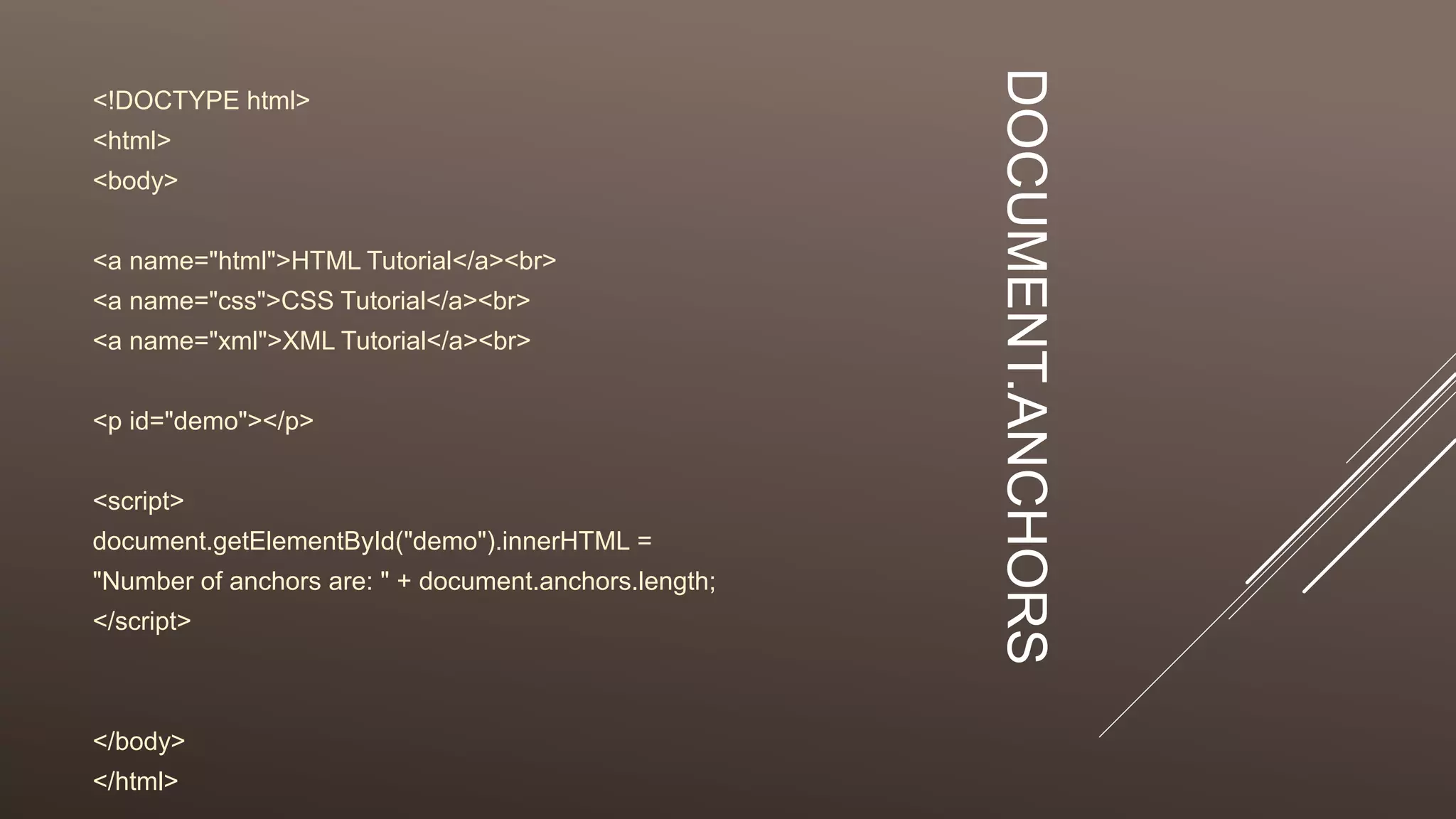
DOCUMENT.ANCHORS
<!DOCTYPE html>
<html>
<body>
<a name="html">HTML Tutorial</a><br>
<a name="css">CSS Tutorial</a><br>
<a name="xml">XML Tutorial</a><br>
<p id="demo"></p>
<script>
document.getElementById("demo").innerHTML =
"Number of anchors are: " + document.anchors.length;
</script>
</body>
</html>
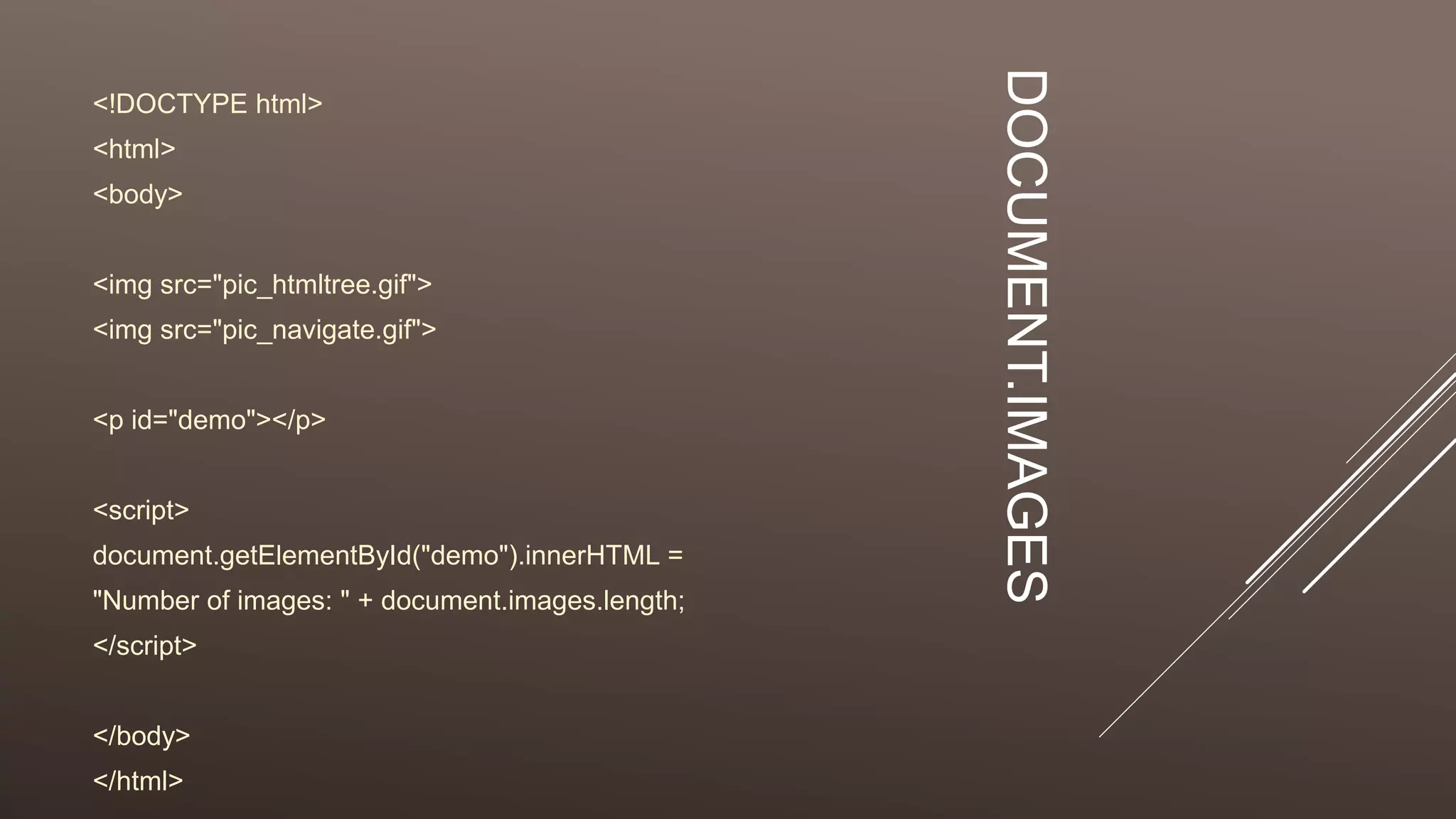
DOCUMENT.IMAGES
<!DOCTYPE html>
<html>
<body>
<img src="pic_htmltree.gif">
<img src="pic_navigate.gif">
<p id="demo"></p>
<script>
document.getElementById("demo").innerHTML =
"Number of images: " + document.images.length;
</script>
</body>
</html>

FYBSC IT Web Programming Unit III Document Object

  • 1.
    DOCUMENT AND ITS ASSOCIATEDOBJECTS THE HTML DOM DOCUMENT OBJECT document, Link, Area, Anchor, Image, Applet, Layer
  • 2.
    HTML DOM NODES In the HTML DOM (Document Object Model), everything is a node:  The document itself is a document node  All HTML elements are element nodes  All HTML attributes are attribute nodes  Text inside HTML elements are text nodes  Comments are comment nodes
  • 3.
    THE HTML DOM(DOCUMENT OBJECT MODEL)
  • 4.
    THE DOCUMENT OBJECT When an HTML document is loaded into a web browser, it becomes a document object.  The document object is the root node of the HTML document and the "owner" of all other nodes: (element nodes, text nodes, attribute nodes, and comment nodes).  The document object provides properties and methods to access all node objects, from within JavaScript.  Tip: The document is a part of the Window object and can be accessed as window.document.
  • 5.
    JAVASCRIPT HAS ALLTHE POWER  With the object model, JavaScript gets all the power it needs to create dynamic HTML:  JavaScript can change all the HTML elements in the page  JavaScript can change all the HTML attributes in the page  JavaScript can change all the CSS styles in the page  JavaScript can remove existing HTML elements and attributes  JavaScript can add new HTML elements and attributes  JavaScript can react to all existing HTML events in the page  JavaScript can create new HTML events in the page
  • 6.
    WHAT IS THEHTML DOM?  The HTML DOM is a standard object model and programming interface for HTML. It defines:  The HTML elements as objects  The properties of all HTML elements  The methods to access all HTML elements  The events for all HTML elements  In other words: The HTML DOM is a standard for how to get, change, add, or delete HTML elements.
  • 7.
    JAVASCRIPT - HTMLDOM METHODS  HTML DOM methods are actions you can perform (on HTML Elements).  HTML DOM properties are values (of HTML Elements) that you can set or change.
  • 8.
    EXAMPLE <!DOCTYPE html> <html> <body> <h1>My FirstPage</h1> <p id="demo"></p> <script> document.getElementById("demo").innerHTML = "Hello World!"; </script> </body> </html>
  • 9.
    DOM METHODS &PROPERTIES  The getElementById Method  The most common way to access an HTML element is to use the id of the element.  In the example above the getElementById method used id="demo" to find the element.  The innerHTML Property  The easiest way to get the content of an element is by using the innerHTML property.  The innerHTML property is useful for getting or replacing the content of HTML elements.
  • 10.
    DOMPROPERTIES Property Description document.anchors Returnsall <a> elements that have a name attribute document.applets Returns all <applet> elements (Deprecated in HTML5) document.body Returns the <body> element document.cookie Returns the document's cookie document.doctype Returns the document's doctype document.documentElement Returns the <html> element document.documentMode Returns the mode used by the browser document.documentURI Returns the URI of the document document.domain Returns the domain name of the document server document.domConfig Obsolete. Returns the DOM configuration document.embeds Returns all <embed> elements document.forms Returns all <form> elements document.head Returns the <head> element document.images Returns all <img> elements document.implementation Returns the DOM implementation document.inputEncoding Returns the document's encoding (character set) document.lastModified Returns the date and time the document was updated document.links Returns all <area> and <a> elements that have a href attribute document.readyState Returns the (loading) status of the document document.referrer Returns the URI of the referrer (the linking document) document.scripts Returns all <script> elements document.strictErrorChecking Returns if error checking is enforced document.title Returns the <title> element document.URL Returns the complete URL of the document
  • 11.
    DOM METHODS- FINDINGHTML ELEMENTS Method Description document.getElementById(id) Find an element by element id document.getElementsByTagName(na me) Find elements by tag name document.getElementsByClassName(n ame) Find elements by class name
  • 12.
  • 13.
  • 14.
    DOCUMENT.ANCHORS <!DOCTYPE html> <html> <body> <p> <a href="/html/default.asp">HTML</a> <br> <ahref="/css/default.asp">CSS</a> </p> <p id="demo"></p> <script> document.getElementById("demo").innerHTML = "Number of links: " + document.links.length; </script> </body> </html>
  • 15.
    DOCUMENT.ANCHORS <!DOCTYPE html> <html> <body> <a name="html">HTMLTutorial</a><br> <a name="css">CSS Tutorial</a><br> <a name="xml">XML Tutorial</a><br> <p id="demo"></p> <script> document.getElementById("demo").innerHTML = "Number of anchors are: " + document.anchors.length; </script> </body> </html>
  • 16.
    DOCUMENT.IMAGES <!DOCTYPE html> <html> <body> <img src="pic_htmltree.gif"> <imgsrc="pic_navigate.gif"> <p id="demo"></p> <script> document.getElementById("demo").innerHTML = "Number of images: " + document.images.length; </script> </body> </html>