Basics of Python
Introduction
Python Interpreter
Comments
Variables and Data Types[Numbers and Strings]
Operators
Data Structures- List, Tuple and Dictionary
Control Flow Statements
Functions
Files
Exception Handling
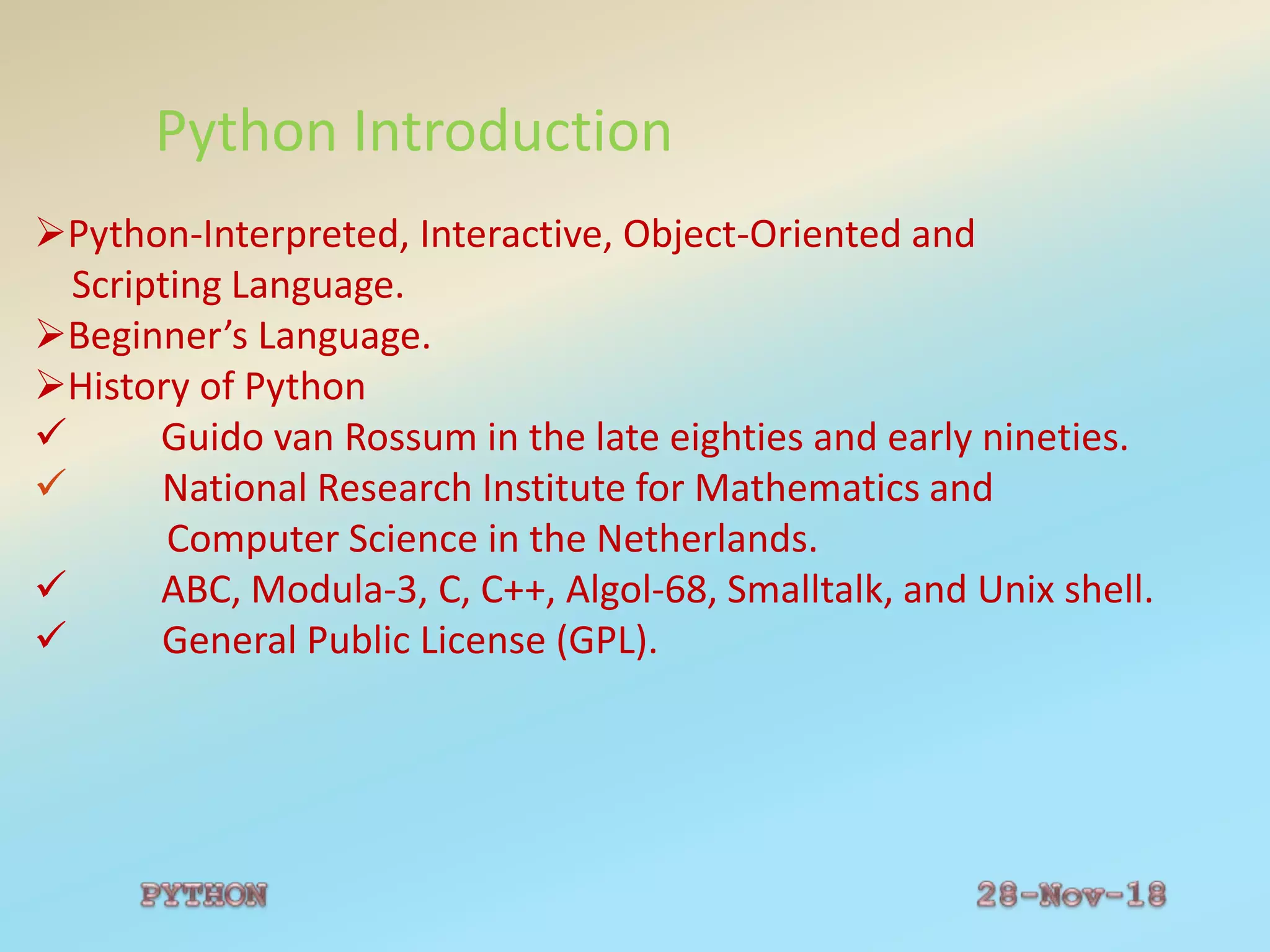
Python Introduction
Python-Interpreted, Interactive, Object-Oriented and
Scripting Language.
Beginner’s Language.
History of Python
 Guido van Rossum in the late eighties and early nineties.
 National Research Institute for Mathematics and
Computer Science in the Netherlands.
 ABC, Modula-3, C, C++, Algol-68, Smalltalk, and Unix shell.
 General Public License (GPL).
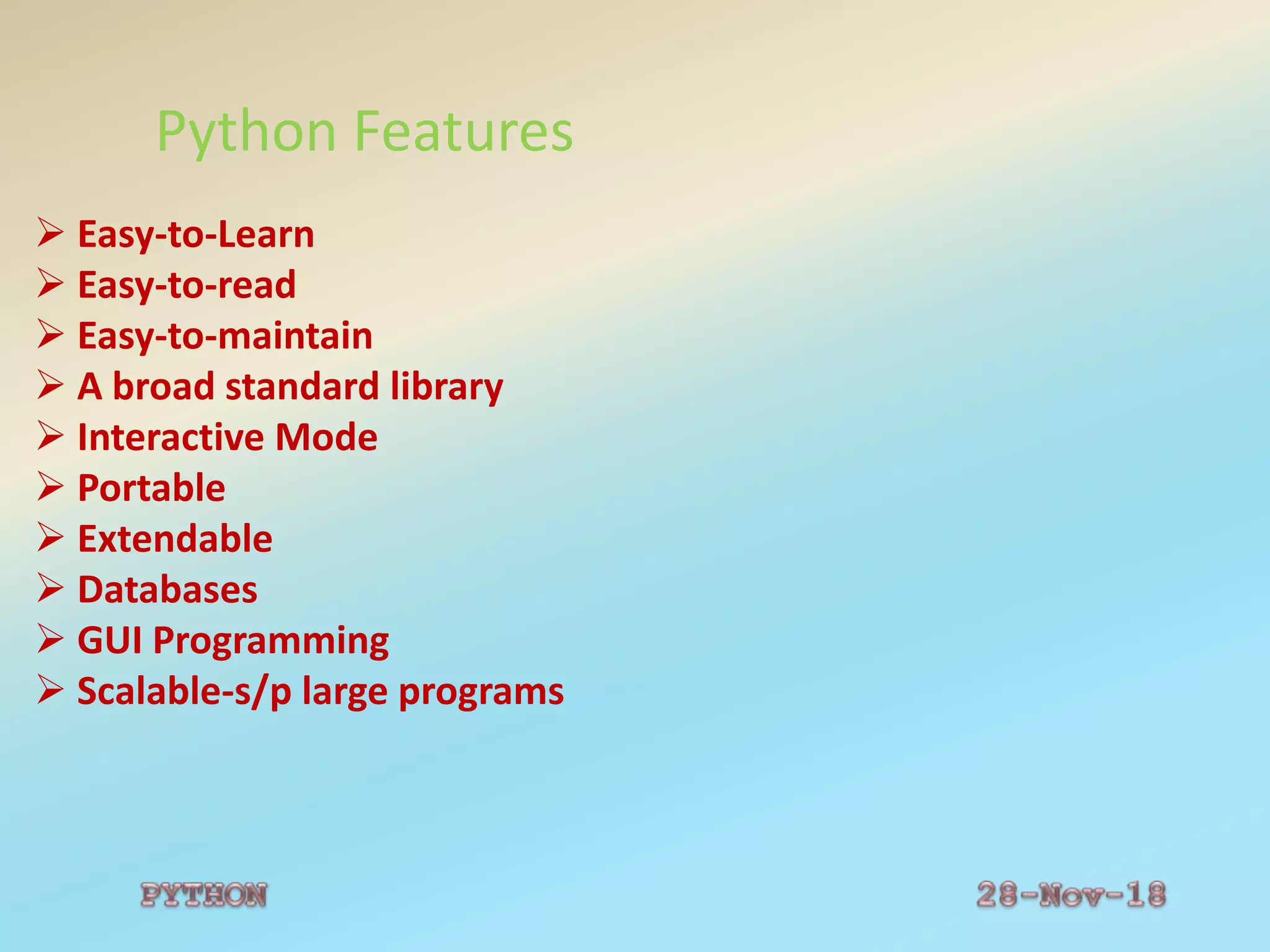
Python Features
 Easy-to-Learn
 Easy-to-read
 Easy-to-maintain
 A broad standard library
 Interactive Mode
 Portable
 Extendable
 Databases
 GUI Programming
 Scalable-s/p large programs
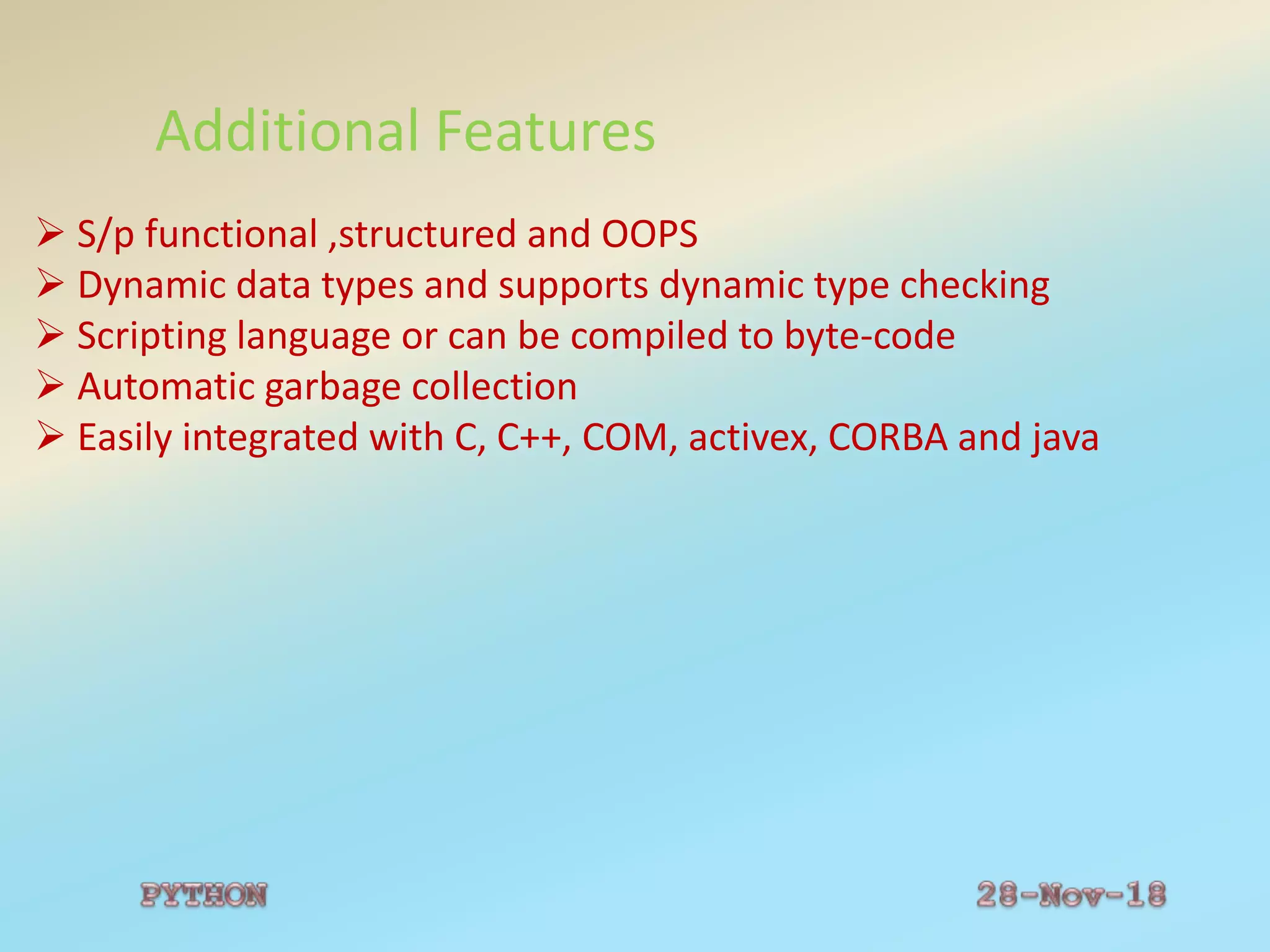
Additional Features
 S/p functional ,structured and OOPS
 Dynamic data types and supports dynamic type checking
 Scripting language or can be compiled to byte-code
 Automatic garbage collection
 Easily integrated with C, C++, COM, activex, CORBA and java
Python Interpreter
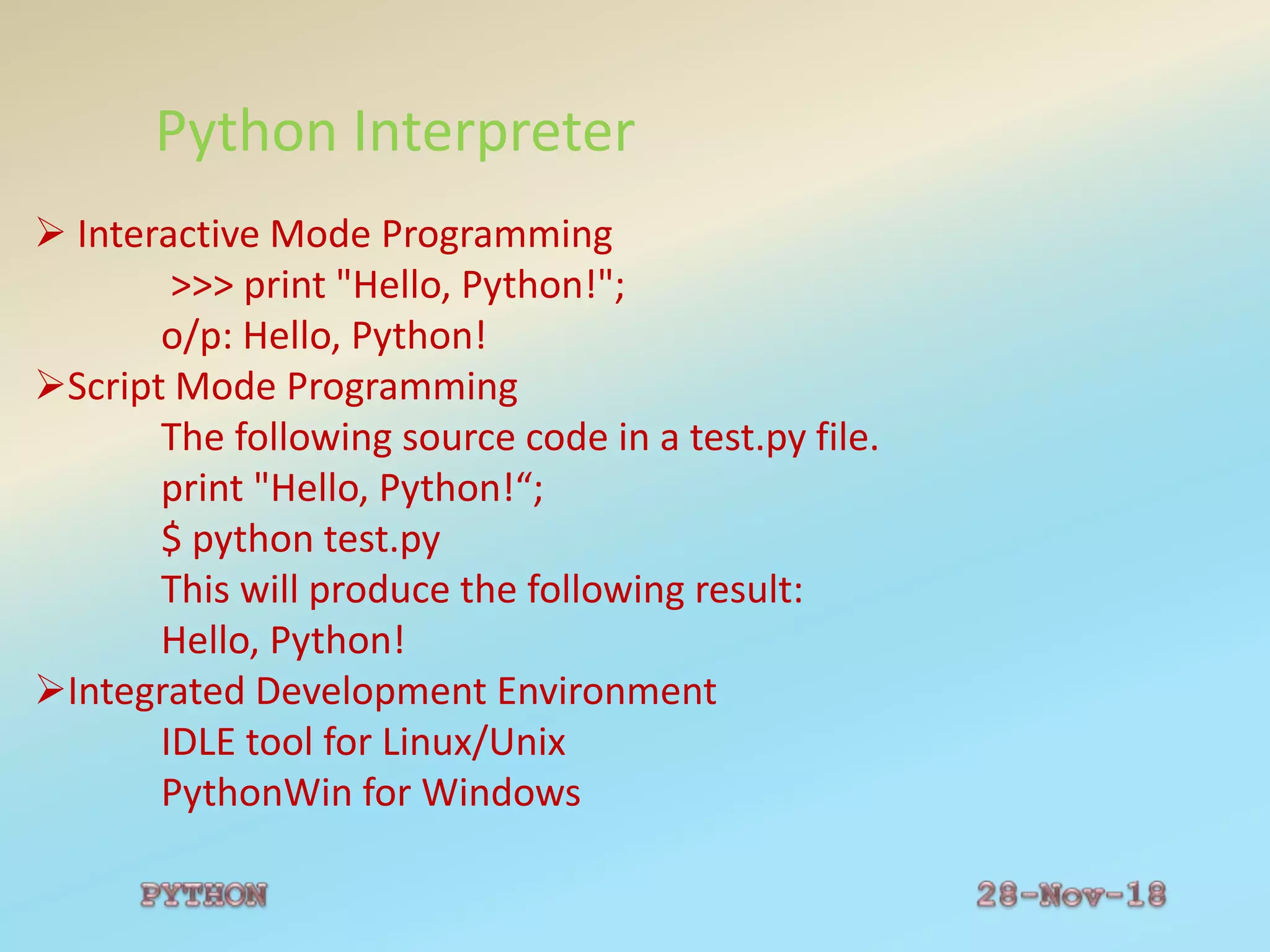
 Interactive Mode Programming
>>> print "Hello, Python!";
o/p: Hello, Python!
Script Mode Programming
The following source code in a test.py file.
print "Hello, Python!“;
$ python test.py
This will produce the following result:
Hello, Python!
Integrated Development Environment
IDLE tool for Linux/Unix
PythonWin for Windows
Python Comments
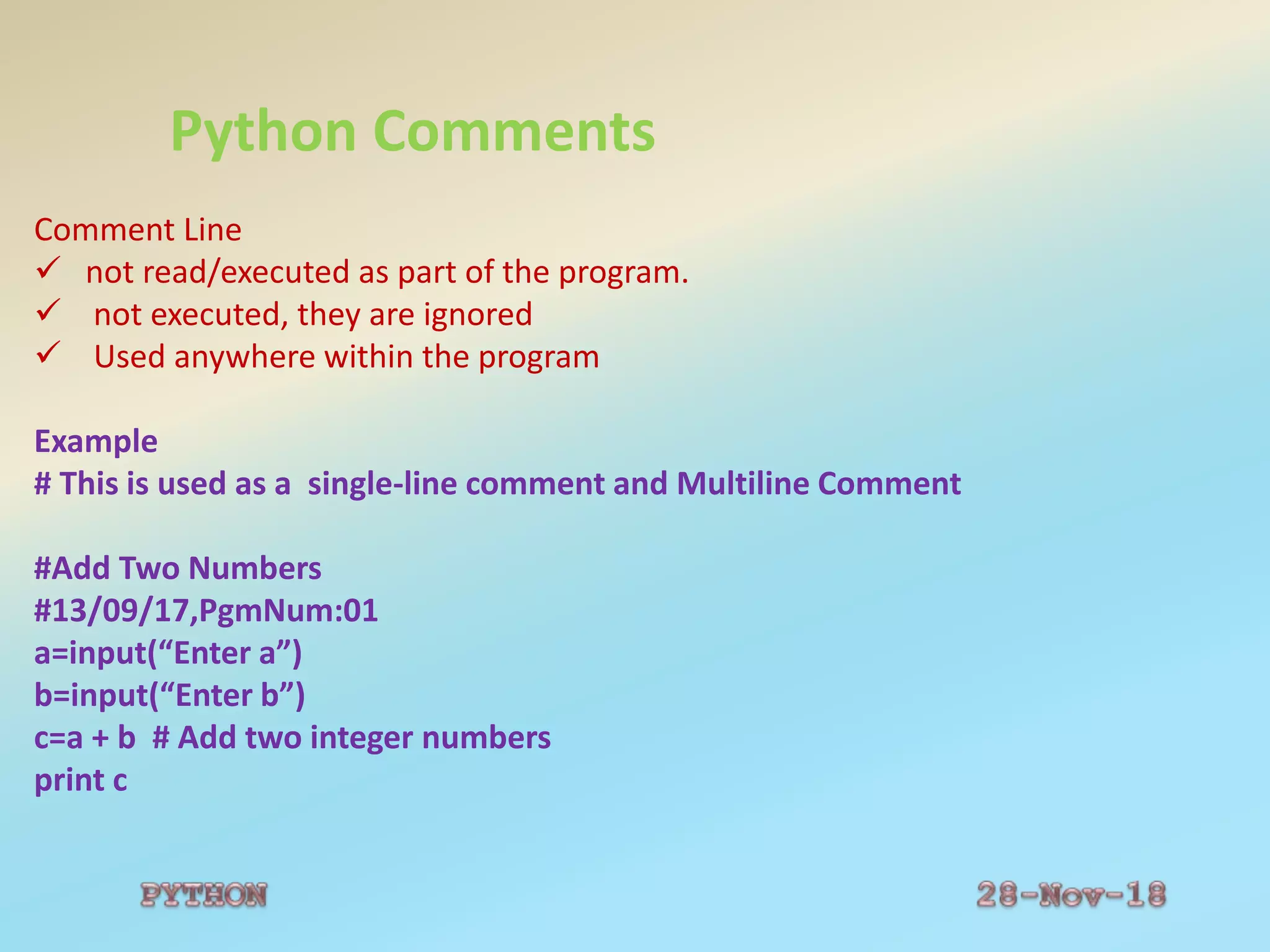
Comment Line
 not read/executed as part of the program.
 not executed, they are ignored
 Used anywhere within the program
Example
# This is used as a single-line comment and Multiline Comment
#Add Two Numbers
#13/09/17,PgmNum:01
a=input(“Enter a”)
b=input(“Enter b”)
c=a + b # Add two integer numbers
print c
Python Case Sensitivity
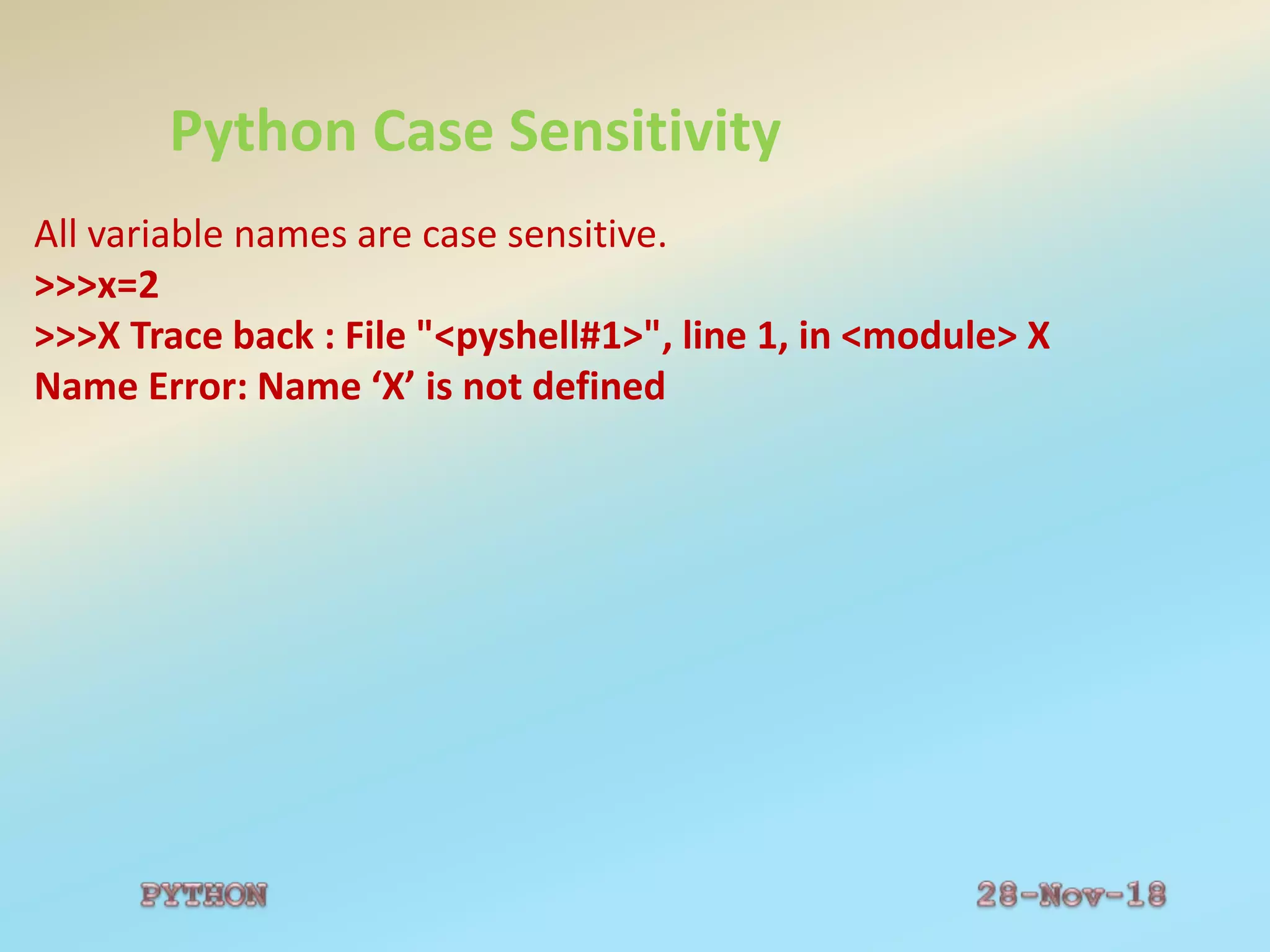
All variable names are case sensitive.
>>>x=2
>>>X Trace back : File "<pyshell#1>", line 1, in <module> X
Name Error: Name ‘X’ is not defined
Python Identifiers
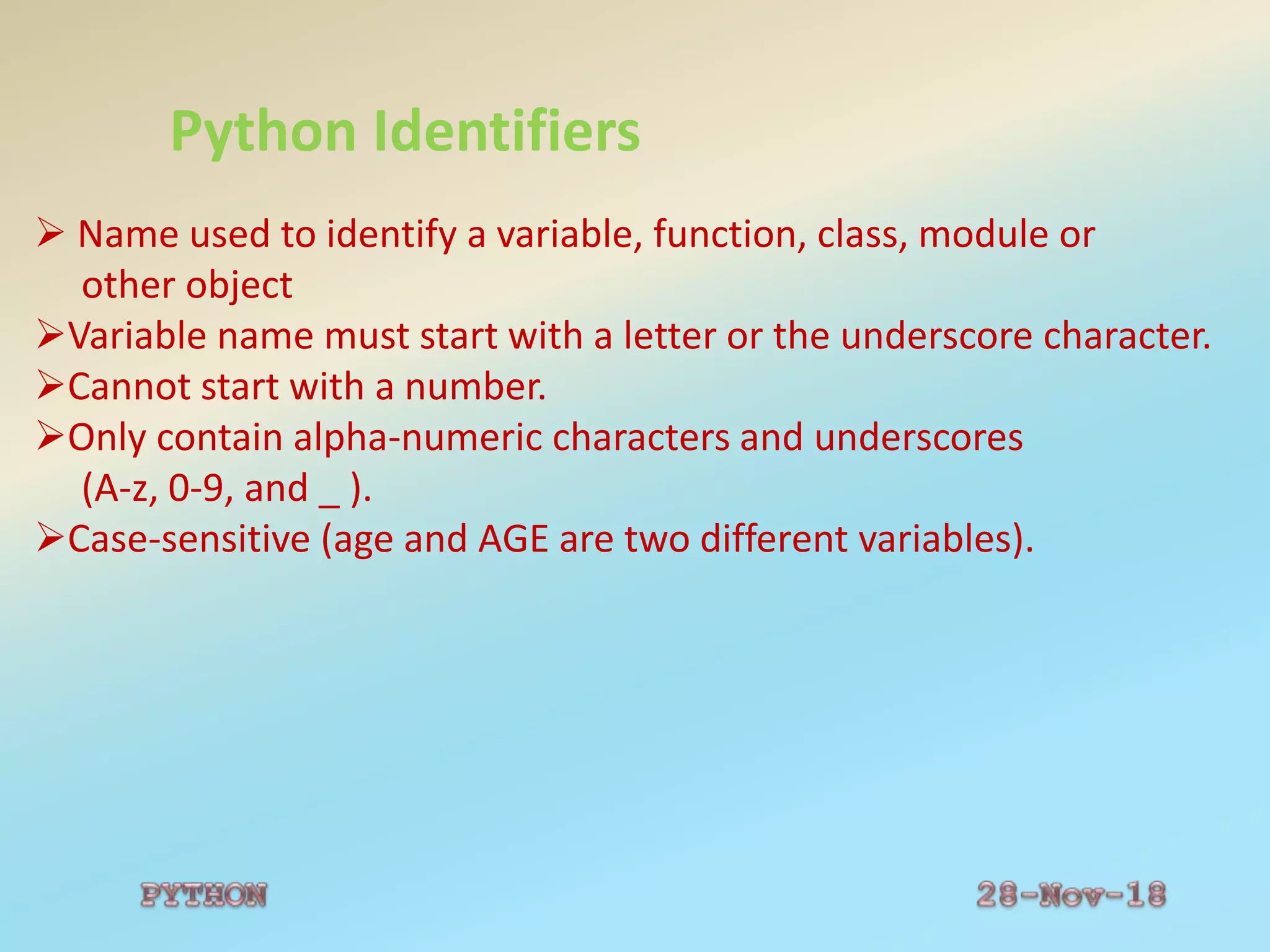
 Name used to identify a variable, function, class, module or
other object
Variable name must start with a letter or the underscore character.
Cannot start with a number.
Only contain alpha-numeric characters and underscores
(A-z, 0-9, and _ ).
Case-sensitive (age and AGE are two different variables).
Python Variables
 Variables can be used anywhere in the program.
The scope of a variable is the part of the program where the variable
can be referenced/used.
Python has two different variable scopes:
Local-Inside the function
Global-Outside the function
Python Variables
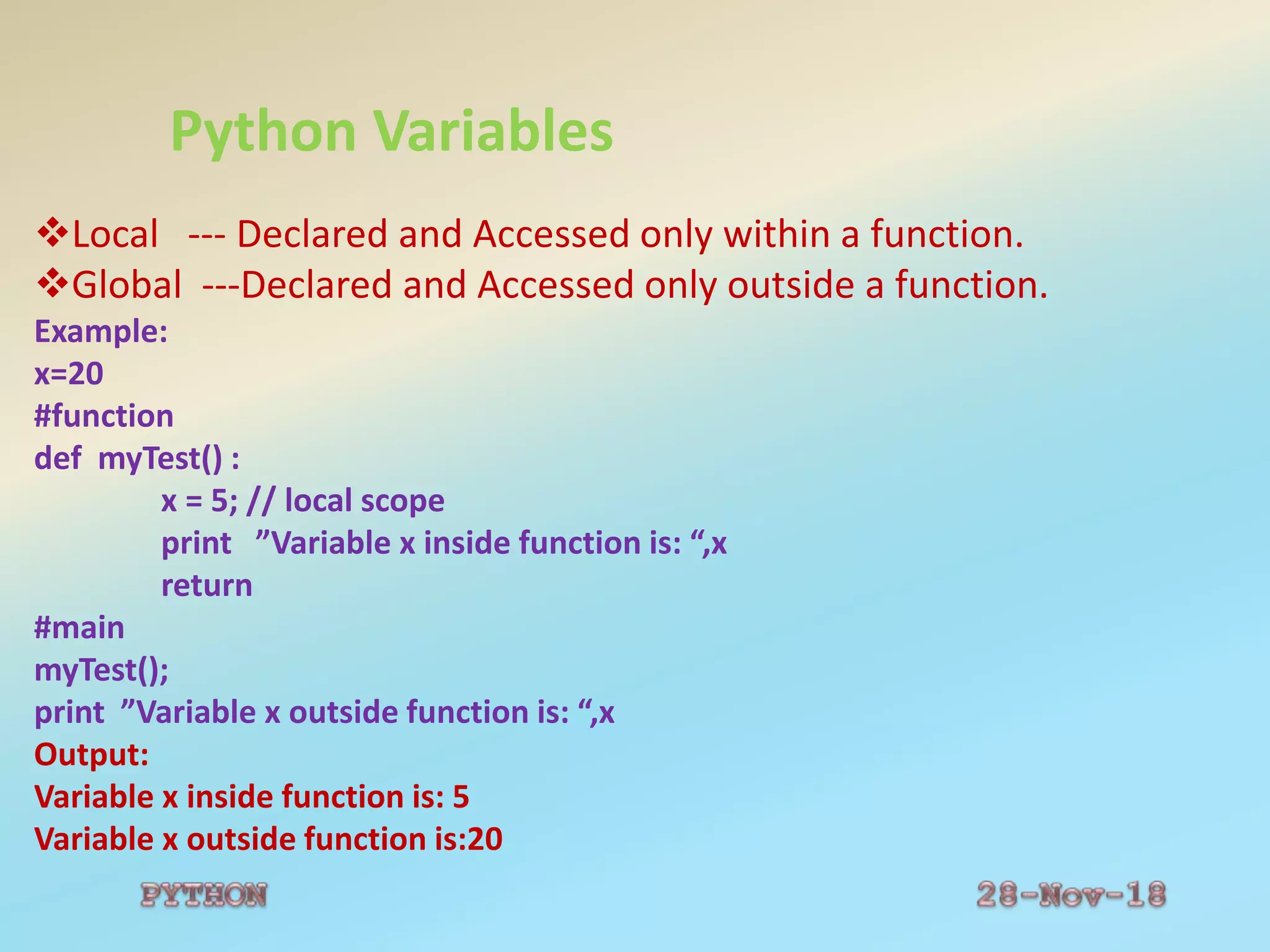
Local --- Declared and Accessed only within a function.
Global ---Declared and Accessed only outside a function.
Example:
x=20
#function
def myTest() :
x = 5; // local scope
print ”Variable x inside function is: “,x
return
#main
myTest();
print ”Variable x outside function is: “,x
Output:
Variable x inside function is: 5
Variable x outside function is:20
Python Quotation
Quotation in Python:
word = 'word‘
sentence = "This is a sentence.“
paragraph = """This is a paragraph. It is made up of multiple lines and
sentences."""
Python Multiline Statement
Multi-Line Statement:
total = item_one + 
item_two + 
item_three
Statements contained within the [], {} or () brackets do not need to use
the line continuation character.
For example:
days = ['Monday', 'Tuesday', 'Wednesday', 'Thursday', 'Friday']
Python Reserved Words
Reserved Words:
Not be used as constant or variable or any other identifier names.
Lowercase letters only.
Example:
And
exec
not
Assert
finally
Or
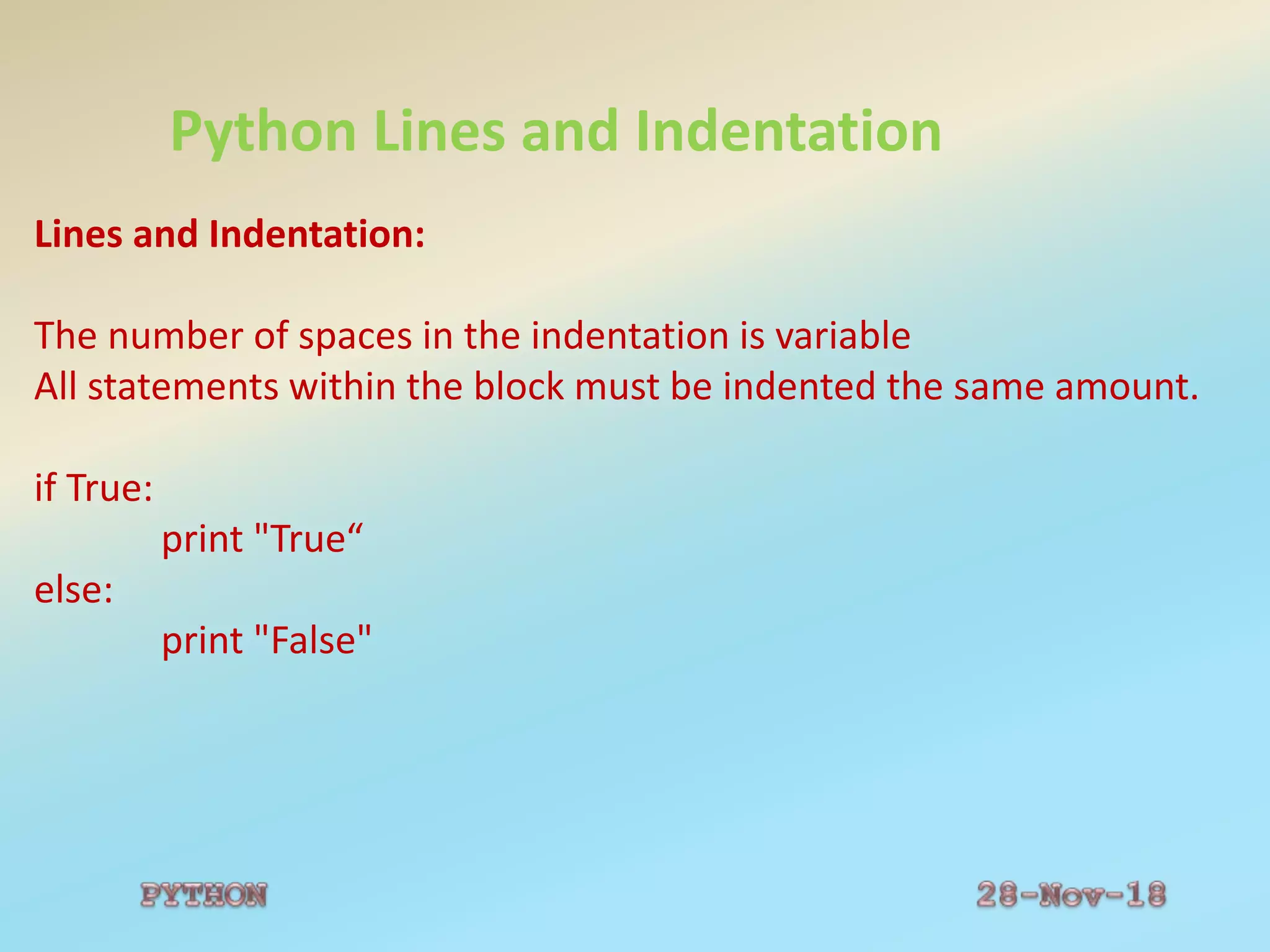
Python Lines and Indentation
Lines and Indentation:
The number of spaces in the indentation is variable
All statements within the block must be indented the same amount.
if True:
print "True“
else:
print "False"
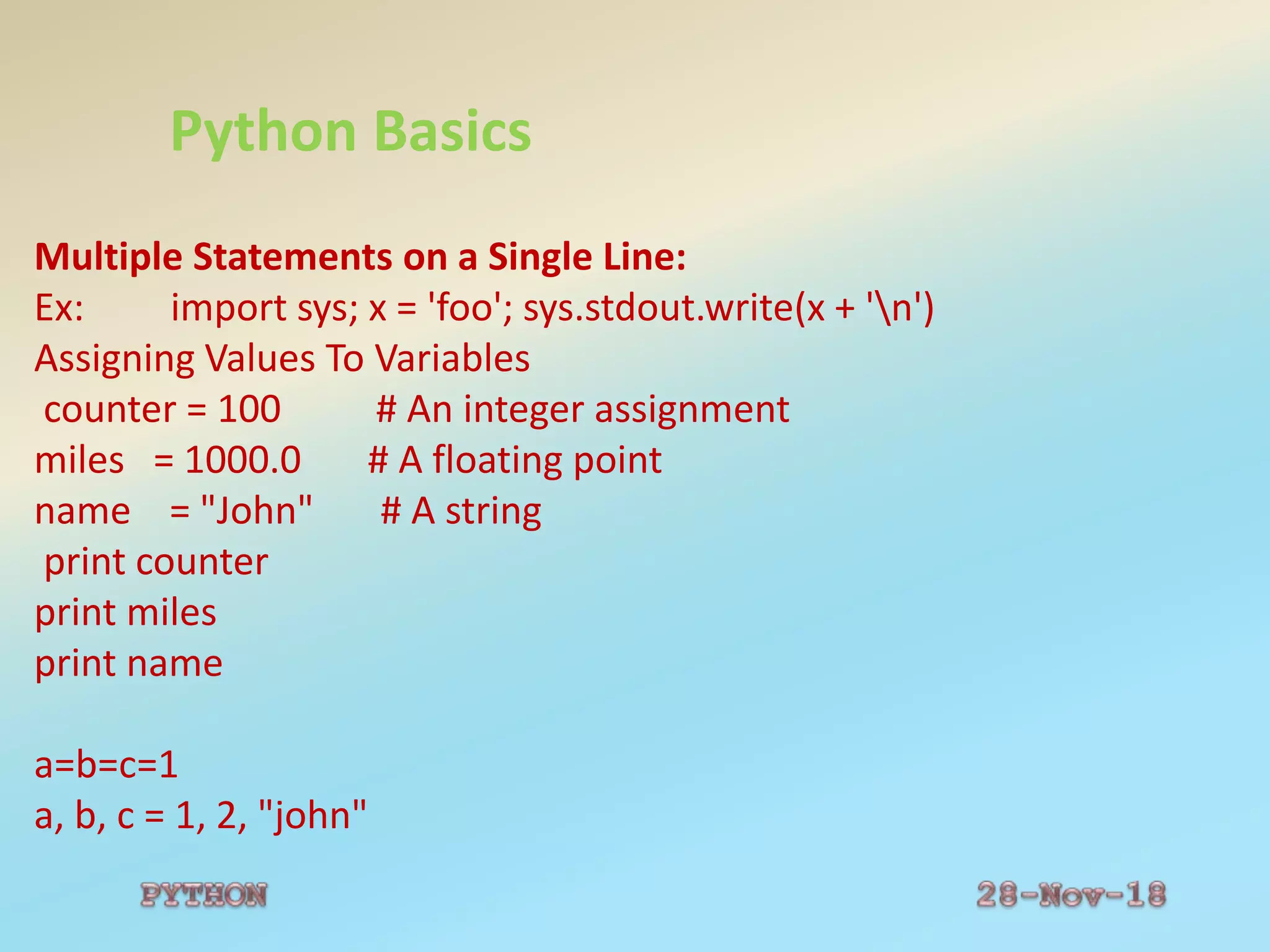
Python Basics
Multiple Statements on a Single Line:
Ex: import sys; x = 'foo'; sys.stdout.write(x + 'n')
Assigning Values To Variables
counter = 100 # An integer assignment
miles = 1000.0 # A floating point
name = "John" # A string
print counter
print miles
print name
a=b=c=1
a, b, c = 1, 2, "john"
Python Data Types
Python supports the following data types:
Data type-To identify the type of data
Number --- int, float, long and complex --- Ex: 13, 12.5, 2i+3j, 23456789L
String---- Sequence of characters within “”----Ex: “Welcome”
List --- Sequence of items within [] ---Ex: L1=[56,70,90]
Tuple --- Sequence of items within () ---Ex: T1=(56,70,90)
Dictionary --- Sequence of items within {} ---Ex: D1={ ‘name’: ’kavi’, ’age’:17}
Python Strings
Sequence of characters, like "Hello world!".
String Operations
Example
str = 'Hello World!'
print str # Prints complete string
print str[0] # Prints first character of the string
print str[2:5] # Prints characters starting from 3rd to 5th
print str[2:] # Prints string starting from 3rd character
print str * 2 # Prints string two times
print str + "TEST" # Prints concatenated string
This will produce the following result:
Hello World!
H
llo
llo World!
Hello World!Hello World!
Hello World!TEST
Python String Functions
#string module
s="Hello world"
print("upper:",s.upper())
print("Lower:",s.lower())
print("String:",s.split())
s1="welcome"
print("join:",s.join(s1))
print("Replace:",s.replace("Hello","Real"))
print("Final:",s.find("world"))
print("Count:",s.count("l"))
Output:
upper: HELLO WORLD
Lower: hellow world
String: ['Hellow', 'world']
Join: wHellow worldeHellow worldlHellow worldcHellow worldoHellow worldmHellow worlde
Replace: Realw world
Final: 7
Count: 3
Python Lists
Sequence of items within [] and Mutable data type.
List Operations
list = [ 'abcd', 786 , 2.23, 'john', 70.2 ]
tinylist = [123, 'john']
print list # Prints complete list
print list[0] # Prints first element of the list
print list[1:3] # Prints elements starting from 2nd till 3rd
print list[2:] # Prints elements starting from 3rd element
print tinylist * 2 # Prints list two times
print list + tinylist # Prints concatenated lists
This will produce the following result:
['abcd', 786, 2.23, 'john', 70.200000000000003]
abcd
[786, 2.23]
[2.23, 'john', 70.200000000000003]
[123, 'john', 123, 'john']
['abcd', 786, 2.23, 'john', 70.200000000000003, 123, 'john']
Python Tuple
Sequence of items within () and Immutable Data Type.
Tuple Operations
tuple = ( 'abcd', 786 , 2.23, 'john', 70.2 )
tinytuple = (123, 'john')
print tuple # Prints complete list
print tuple[0] # Prints first element of the list
print tuple[1:3] # Prints elements starting from 2nd till 3rd
print tuple[2:] # Prints elements starting from 3rd element
print tinytuple * 2 # Prints list two times
print tuple + tinytuple # Prints concatenated lists
This will produce the following result:
('abcd', 786, 2.23, 'john', 70.200000000000003)
abcd
(786, 2.23)
(2.23, 'john', 70.200000000000003)
(123, 'john', 123, 'john')
('abcd', 786, 2.23, 'john', 70.200000000000003, 123, 'john')
Python Dictionary
Sequence of items within {}.
Dictionary Operations
dict = {}
dict['one'] = "This is one"
dict[2] = "This is two"
tinydict = {'name': 'john','code':6734, 'dept': 'sales'}
print dict['one'] # Prints value for 'one' key
print dict[2] # Prints value for 2 key
print tinydict # Prints complete dictionary
print tinydict.keys() # Prints all the keys
print tinydict.values() # Prints all the values
This will produce the following result:
This is one
This is two
{'dept': 'sales', 'code': 6734, 'name': 'john'}
['dept', 'code', 'name']
['sales', 6734, 'john']
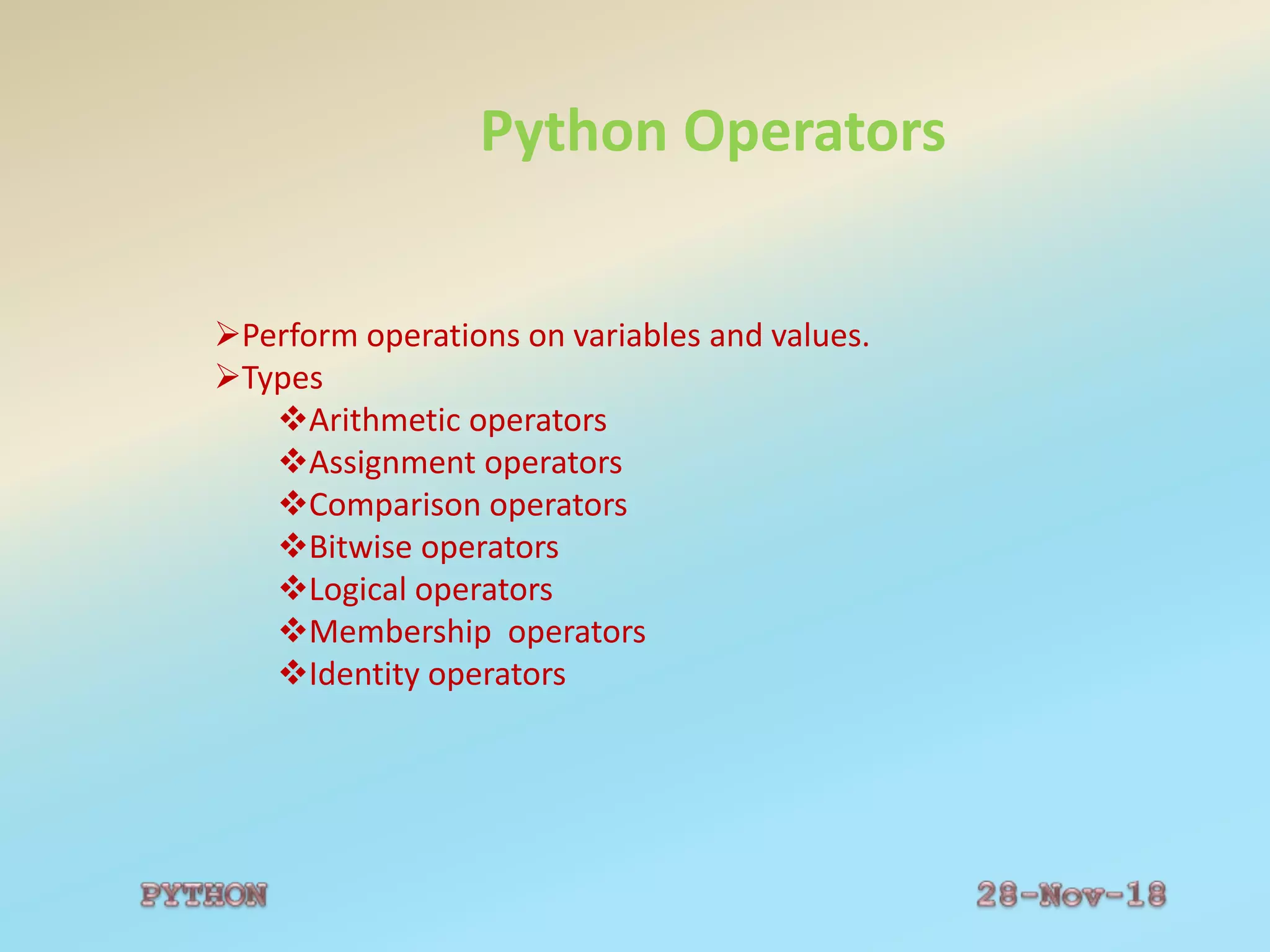
Python Operators
Perform operations on variables and values.
Types
Arithmetic operators
Assignment operators
Comparison operators
Bitwise operators
Logical operators
Membership operators
Identity operators
Python Operators
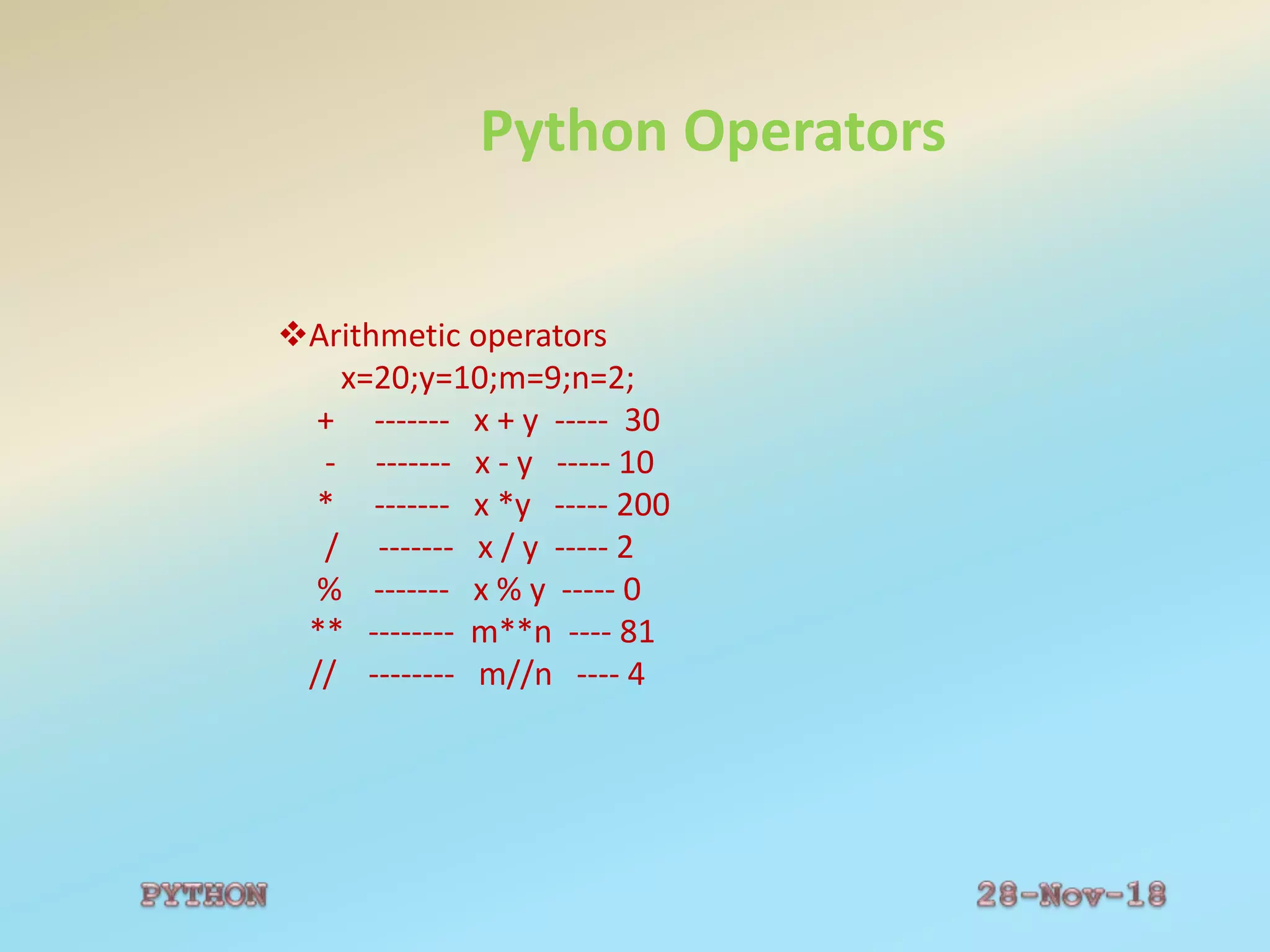
Arithmetic operators
x=20;y=10;m=9;n=2;
+ ------- x + y ----- 30
- ------- x - y ----- 10
* ------- x *y ----- 200
/ ------- x / y ----- 2
% ------- x % y ----- 0
** -------- m**n ---- 81
// -------- m//n ---- 4
Python Operators
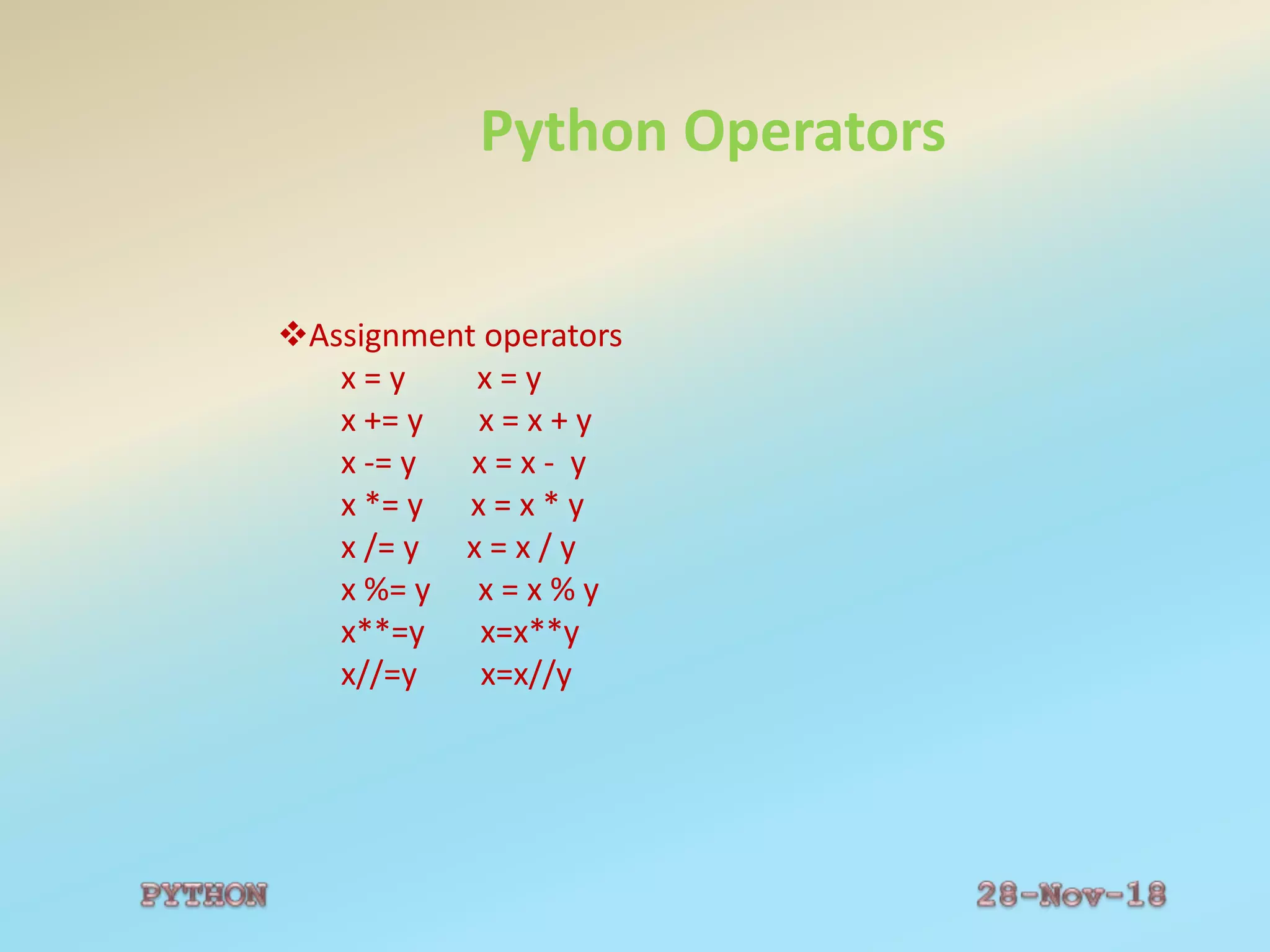
Assignment operators
x = y x = y
x += y x = x + y
x -= y x = x - y
x *= y x = x * y
x /= y x = x / y
x %= y x = x % y
x**=y x=x**y
x//=y x=x//y
Python Operators
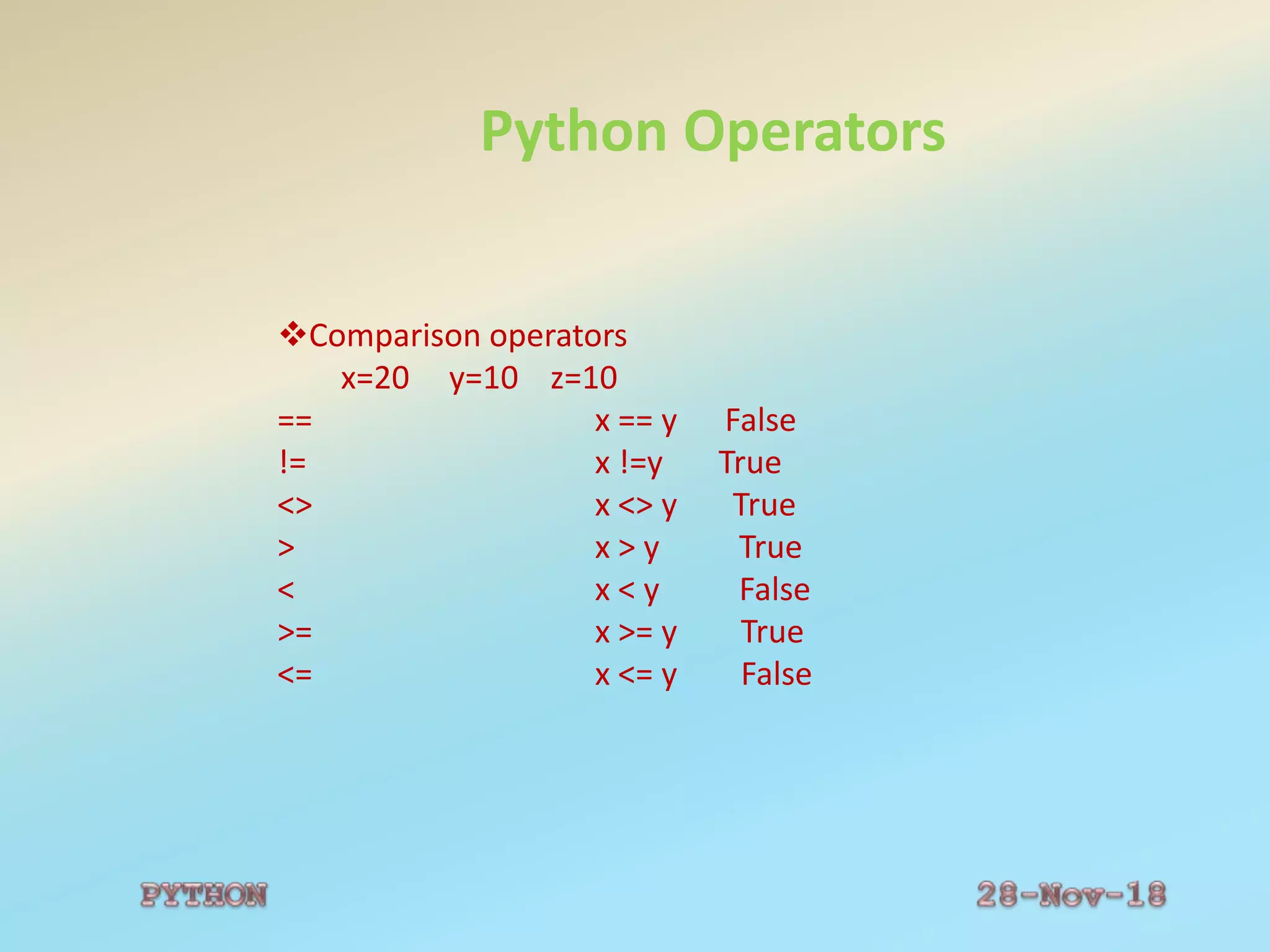
Comparison operators
x=20 y=10 z=10
== x == y False
!= x !=y True
<> x <> y True
> x > y True
< x < y False
>= x >= y True
<= x <= y False
Python Operators
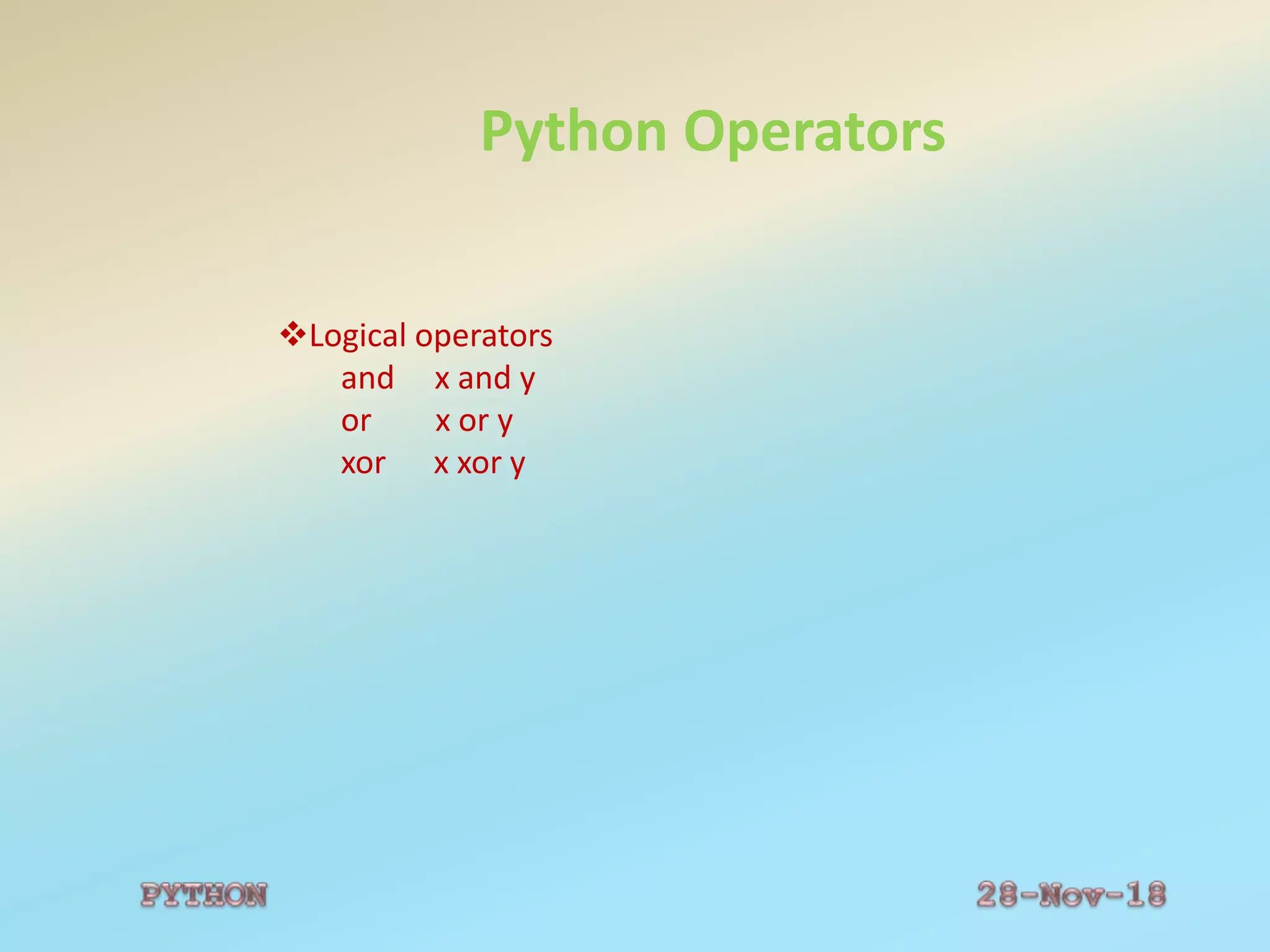
Logical operators
and x and y
or x or y
xor x xor y
Python Operators
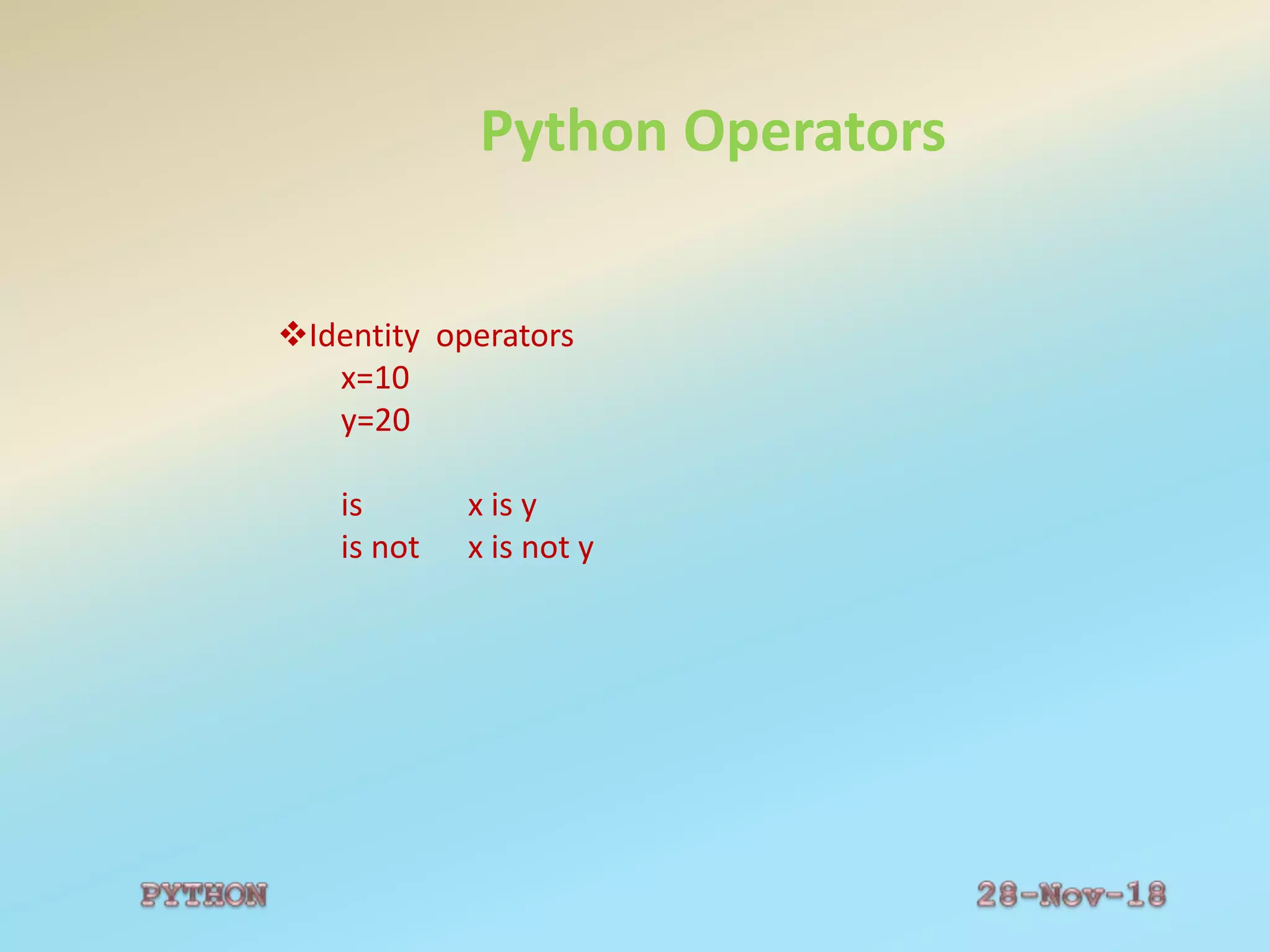
Identity operators
x=10
y=20
is x is y
is not x is not y
Python Operators
Membership operators
L1=[‘x’,’y’,’z’]
in x in L1
not in x not in L1
Python Operators
Logical operators
and x and y
or x or y
xor x xor y
Python Control Flow Statements
Pyhon Conditional Statements
•if statement - executes some code if one condition is
true
•if...else statement - executes some code if a condition is
true and another code if that condition is false
•if…elif....else statement - executes different codes for
more than two conditions
•nested …if– one if statement within another statement
Python Control Flow Statements
Python Conditional Statements
•if statement - executes some code if one condition is
true
Syntax
if condition:
code to be executed if condition is true;
Example
t = 15;
if t < 20:
print "Have a good day!"
Output:
Have a good day!
Python Control Flow Statements
•if...else statement
Syntax:
if condition:
code to be executed if condition is true;
else :
code to be executed if condition is false;
Example
t = 25
if t < 20:
Print "Have a good day!“
else:
print "Have a good night!"
Output:
Have a good night!
Python Control Flow Statements
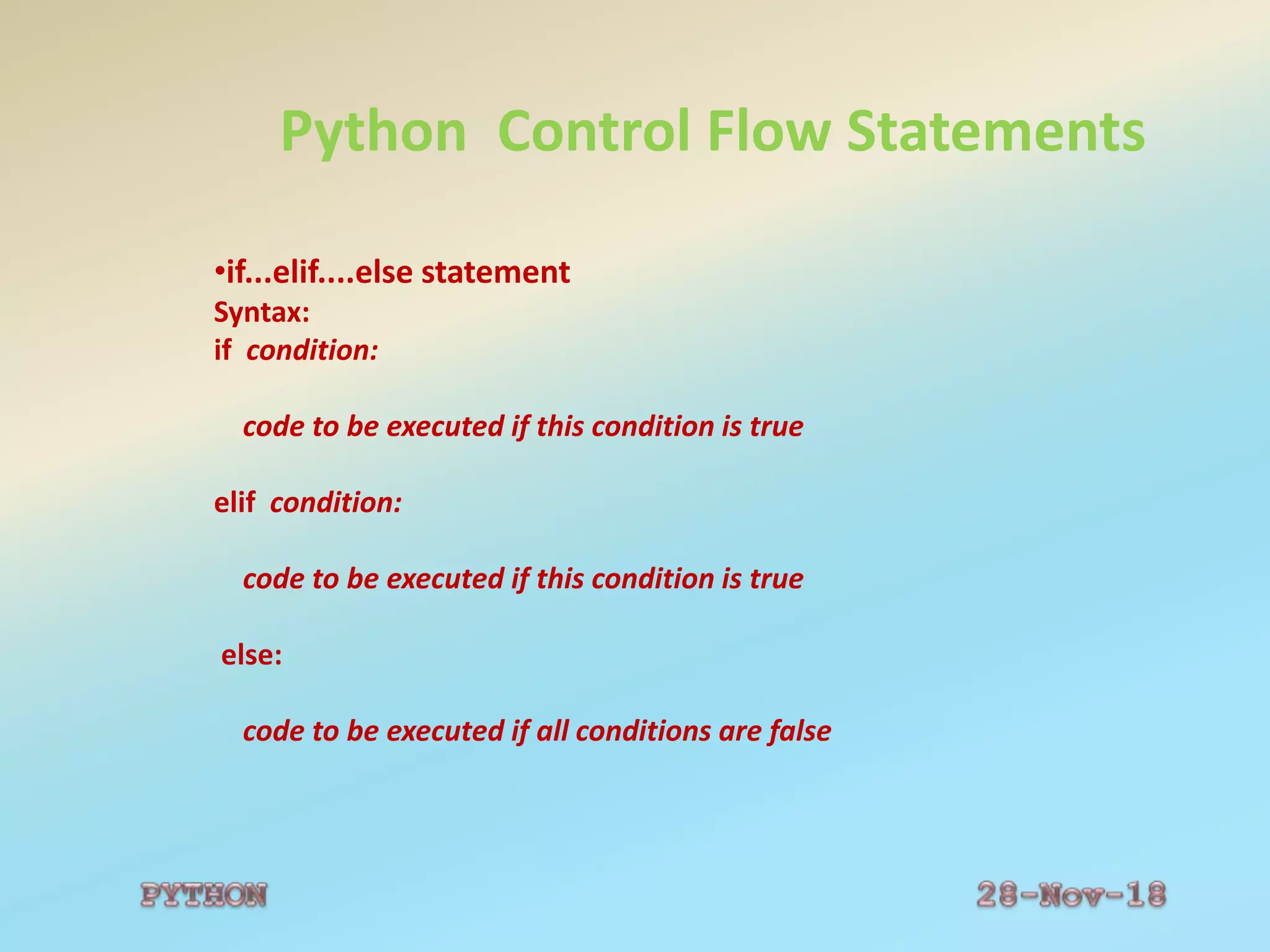
•if...elif....else statement
Syntax:
if condition:
code to be executed if this condition is true
elif condition:
code to be executed if this condition is true
else:
code to be executed if all conditions are false
Python Control Flow Statements
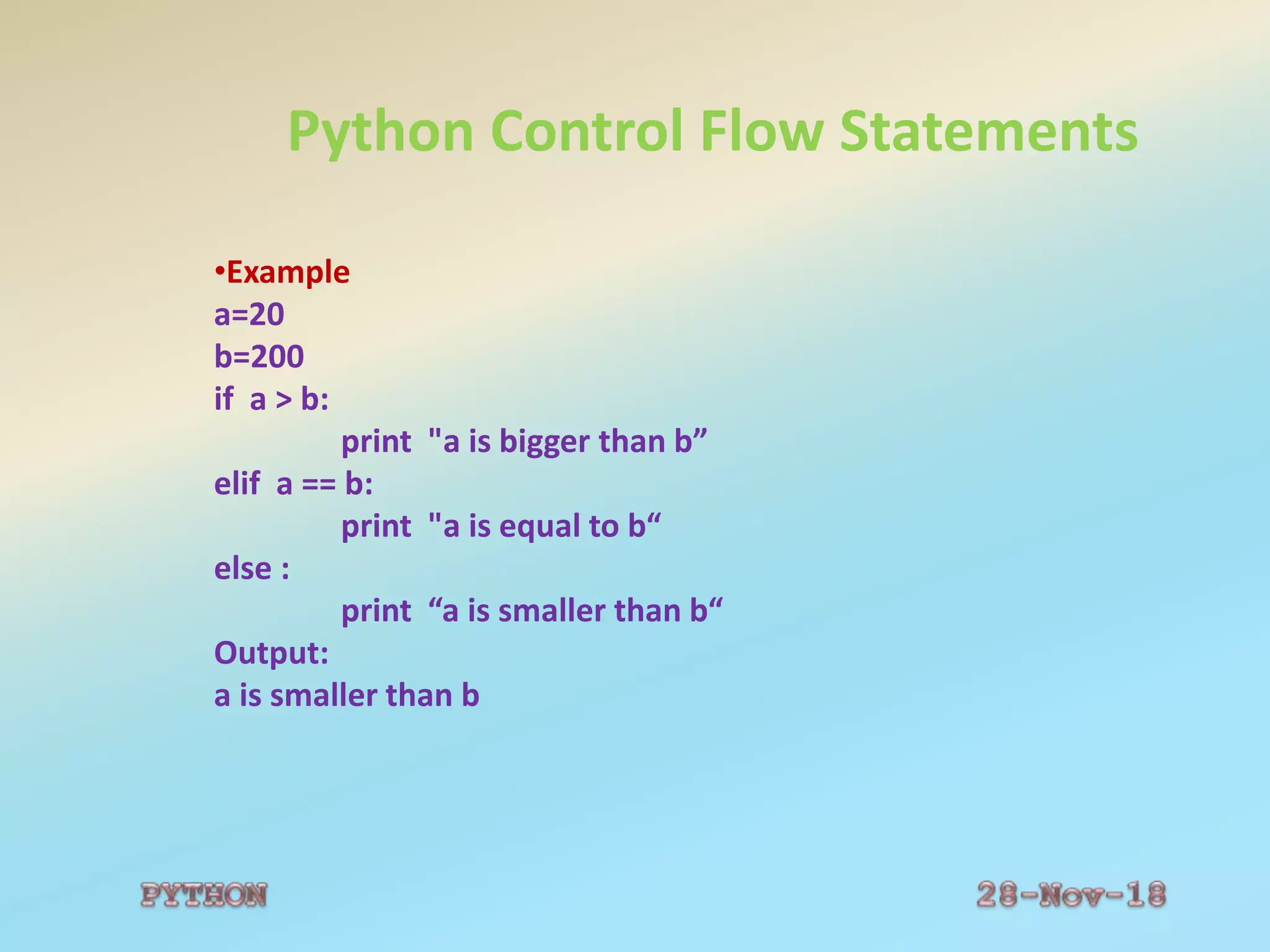
•Example
a=20
b=200
if a > b:
print "a is bigger than b”
elif a == b:
print "a is equal to b“
else :
print “a is smaller than b“
Output:
a is smaller than b
Python Control Flow Statements
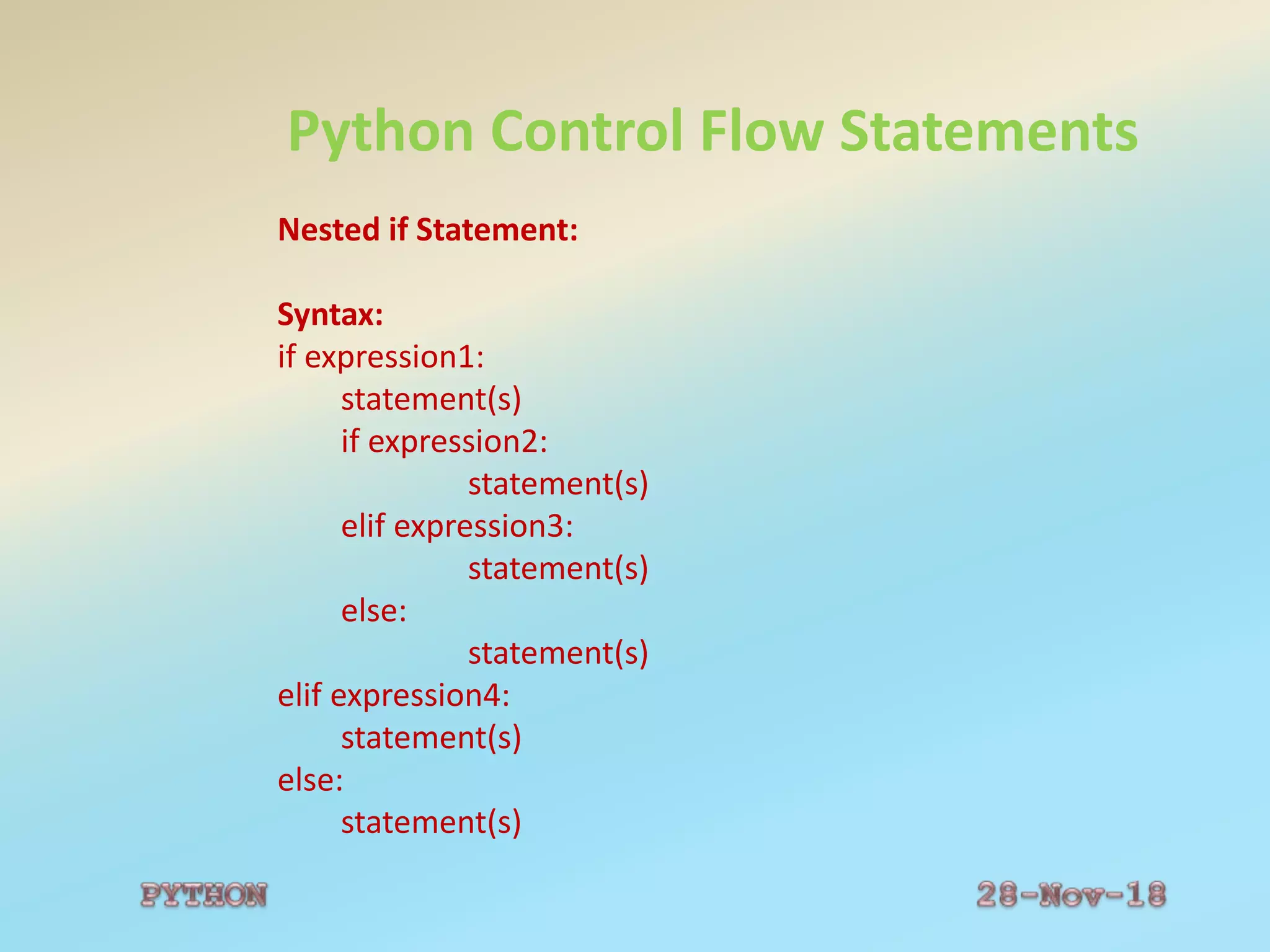
Nested if Statement:
Syntax:
if expression1:
statement(s)
if expression2:
statement(s)
elif expression3:
statement(s)
else:
statement(s)
elif expression4:
statement(s)
else:
statement(s)
Python Control Flow Statements
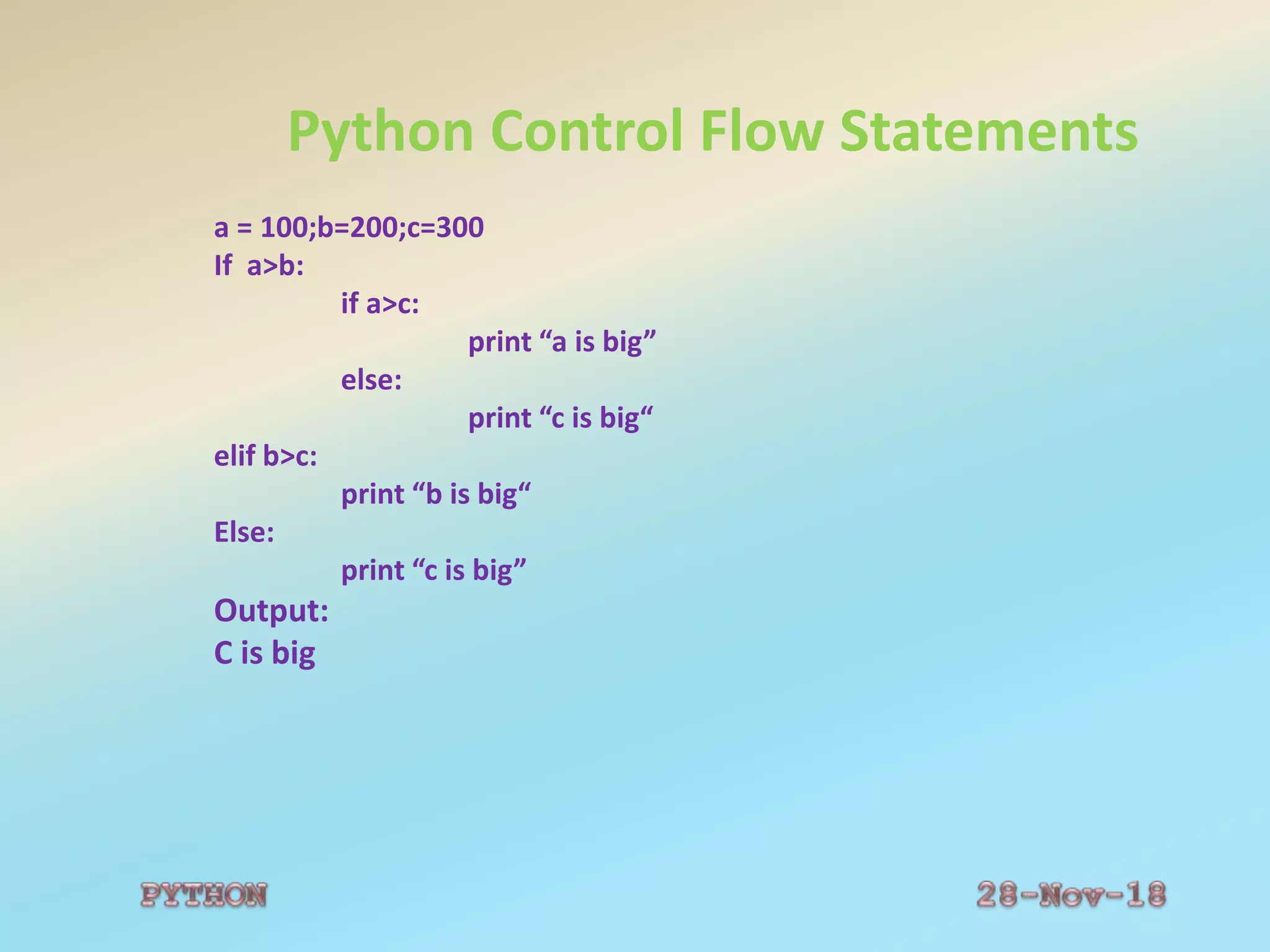
a = 100;b=200;c=300
If a>b:
if a>c:
print “a is big”
else:
print “c is big“
elif b>c:
print “b is big“
Else:
print “c is big”
Output:
C is big
Python Control Flow Statements
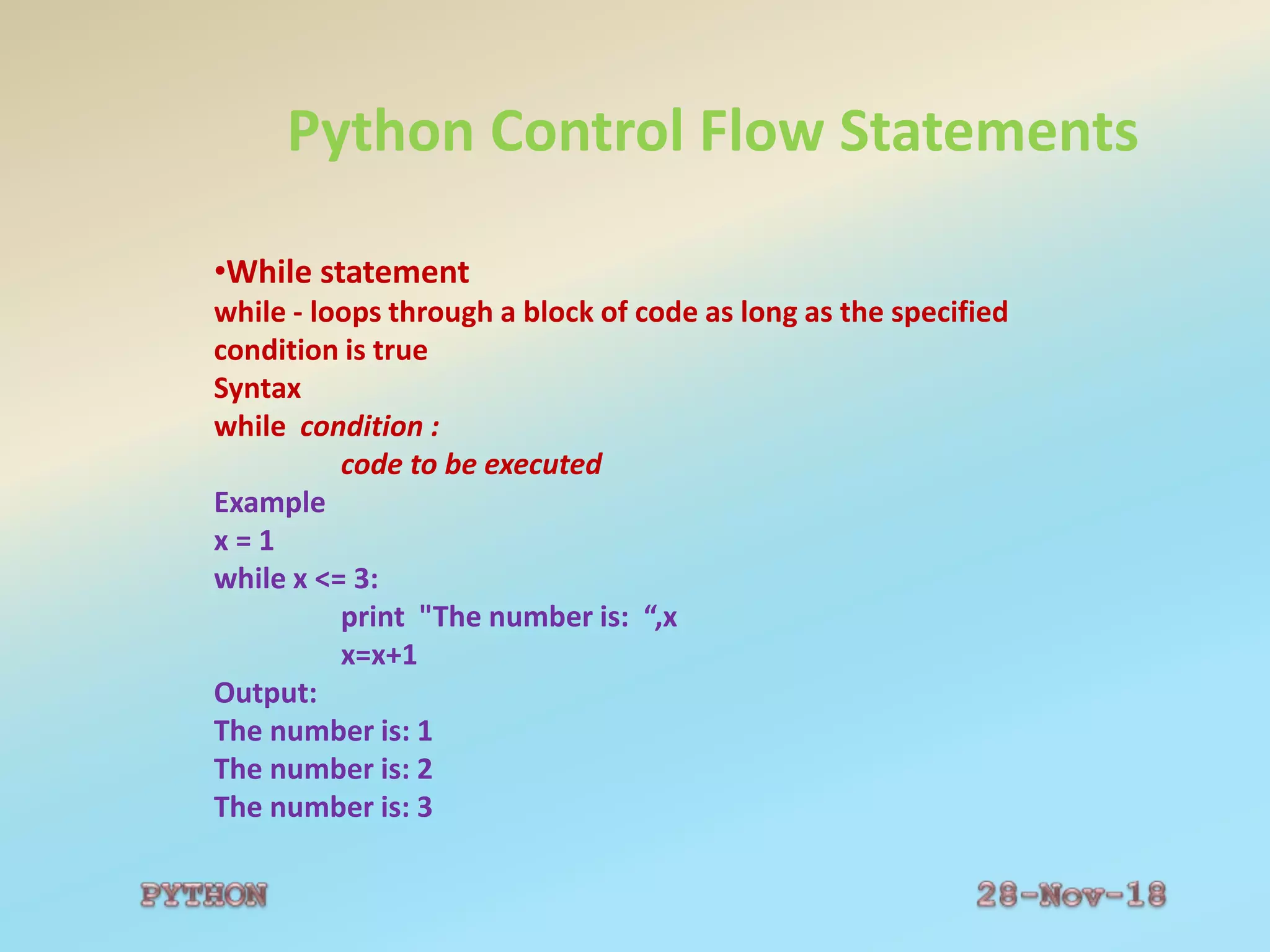
•While statement
while - loops through a block of code as long as the specified
condition is true
Syntax
while condition :
code to be executed
Example
x = 1
while x <= 3:
print "The number is: “,x
x=x+1
Output:
The number is: 1
The number is: 2
The number is: 3
Python Control Flow Statements
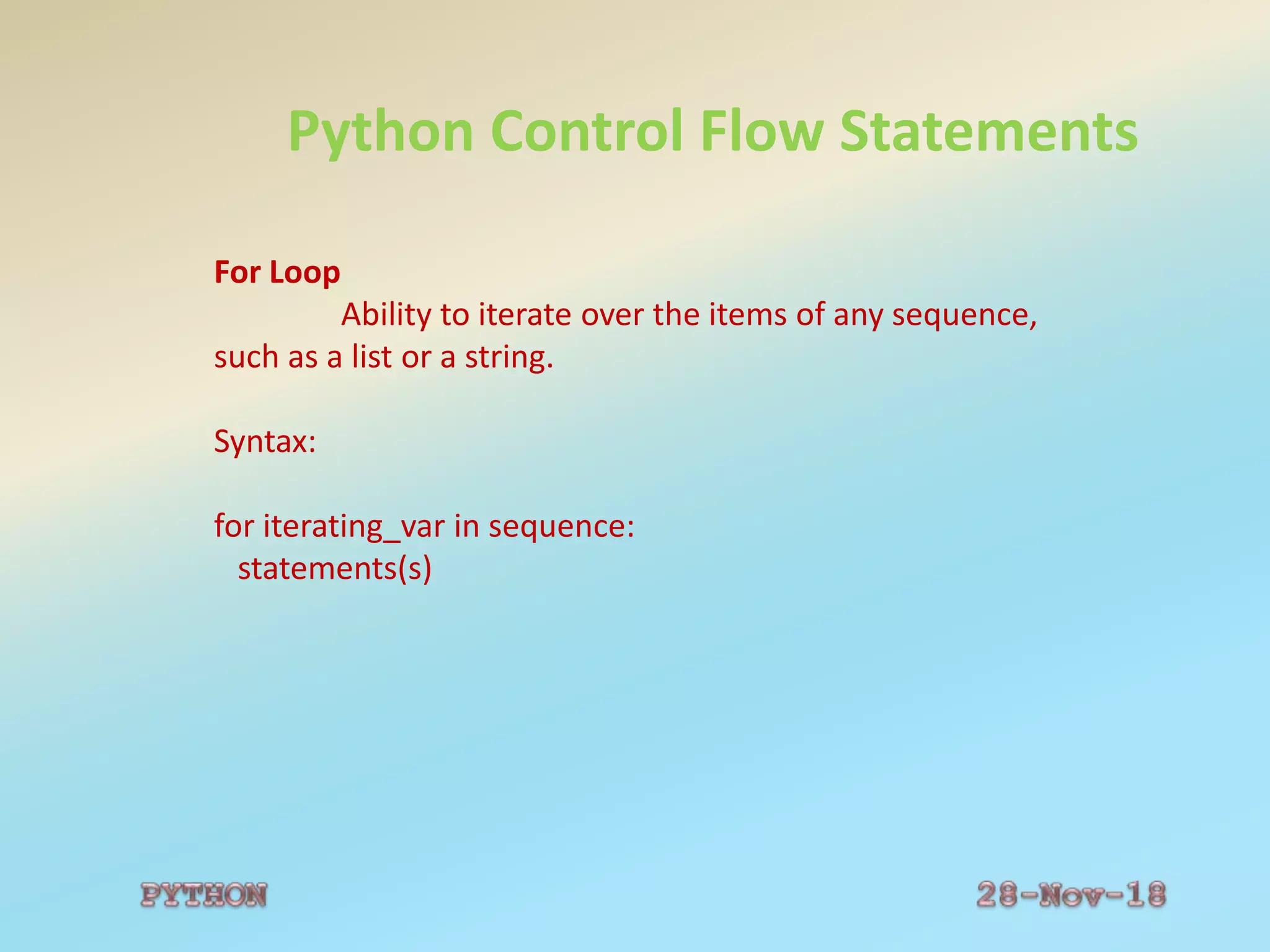
For Loop
Ability to iterate over the items of any sequence,
such as a list or a string.
Syntax:
for iterating_var in sequence:
statements(s)
Python Control Flow Statements
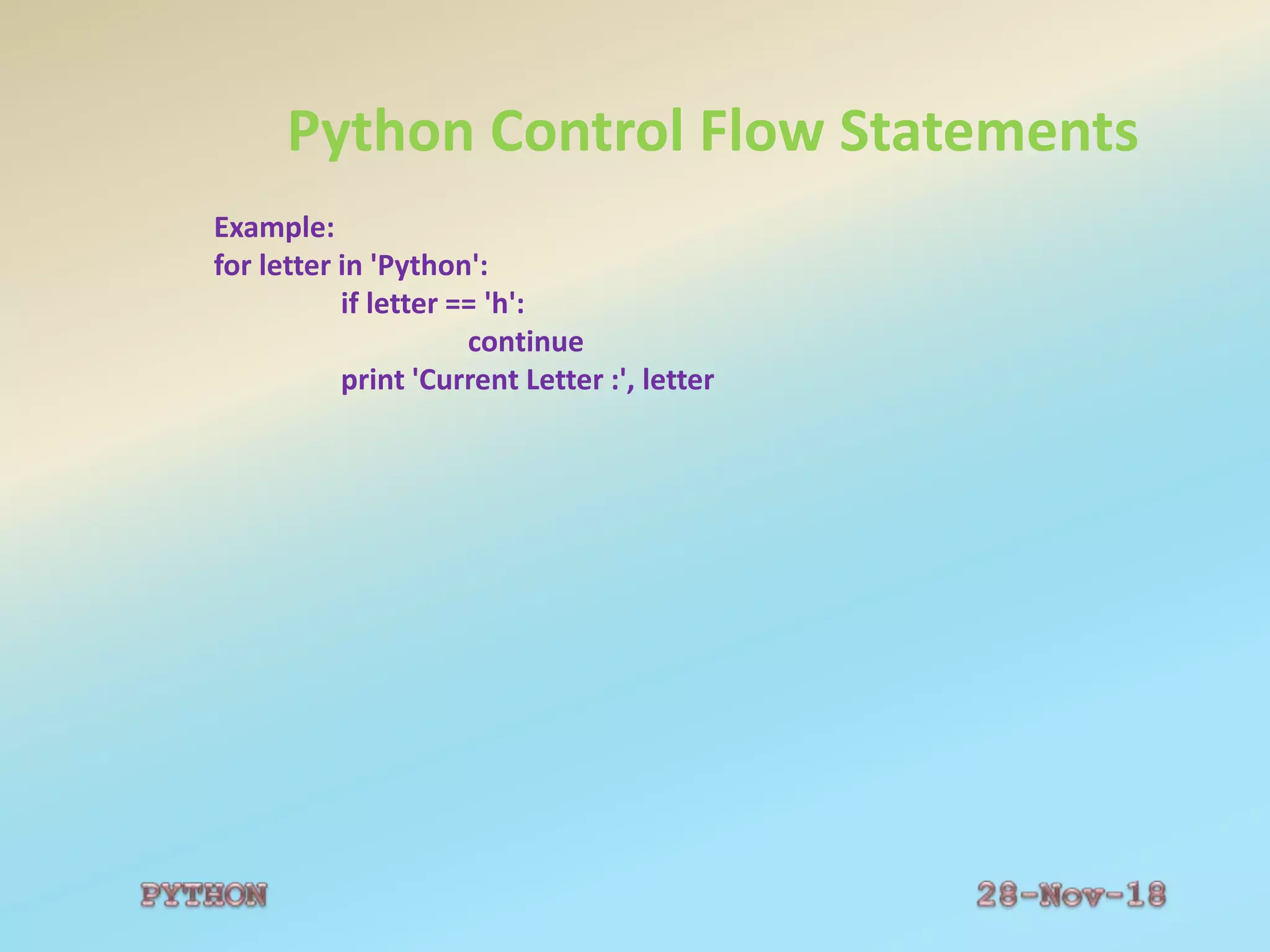
Example:
for letter in 'Python':
if letter == 'h':
continue
print 'Current Letter :', letter
Python Data Structures
1. List
2. Tuple
3. Dictionary
Python Data Structures
1. List
List Functions:
1. cmp(list1, list2)
Compares elements of both lists.
2. len(list)
Gives the total length of the list.
3.max(list)
Returns item from the list with max value.
4.min(list)
Returns item from the list with min value.
5.list(seq)
Converts a tuple into list.
Python Data Structures
List Methods:
1.list.append(obj)
Appends object obj to list
2.list.count(obj)
Returns count of how many times obj occurs in list
3.list.extend(seq)
Appends the contents of seq to list
4.list.index(obj)
Returns the lowest index in list that obj appears
5.list.insert(index, obj)
Inserts object obj into list at offset index
6.list.pop(obj=list[-1])
Removes and returns last object or obj from list
7.list.remove(obj)
Removes object obj from list
8.list.reverse()
Reverses objects of list in place
9.list.sort([func])
Sorts objects of list, use compare func if given
Python Data Structures
Tuple Functions:
1.cmp(tuple1, tuple2)
Compares elements of both tuples.
2.len(tuple)
Gives the total length of the tuple.
3.max(tuple)
Returns item from the tuple with max value.
4.min(tuple)
Returns item from the tuple with min value.
5.tuple(seq)
Converts a list into tuple.
Python Data Structures
Dictionary Functions:
1.cmp(dict1, dict2)
Compares elements of both dict.
2.len(dict)
Gives the total length of the dictionary. This would be equal to the
number of items in the dictionary.
3.str(dict)
Produces a printable string representation of a dictionary
4.type(variable)
Returns the type of the passed variable. If passed variable is dictionary,
then it would return a dictionary type.
Python Data Structures
Dictionary Methods:
1.dict.clear()
Removes all elements of dictionary dict
2.dict.copy()
Returns a shallow copy of dictionary dict
3.dict.fromkeys()
Create a new dictionary with keys from seq and values set to value.
4.dict.get(key, default=None)
For key key, returns value or default if key not in dictionary
5.dict.has_key(key)
Returns true if key in dictionary dict, false otherwise
6.dict.items()
Returns a list of dict's (key, value) tuple pairs
7.dict.keys()
Returns list of dictionary dict's keys
8.dict.setdefault(key, default=None)
Similar to get(), but will set dict[key]=default if key is not already in dict
9.dict.update(dict2)
Adds dictionary dict2's key-values pairs to dict
10.dict.values() Returns list of dictionary dict's values
Python Functions
Functions
•Block of statements that can be used repeatedly in a
program.Not execute immediately .
•Executed by a call to the function.
Syntax:
def functionName():
“function documentation string”
code to be executed
return(expression)
Python Functions
Functions
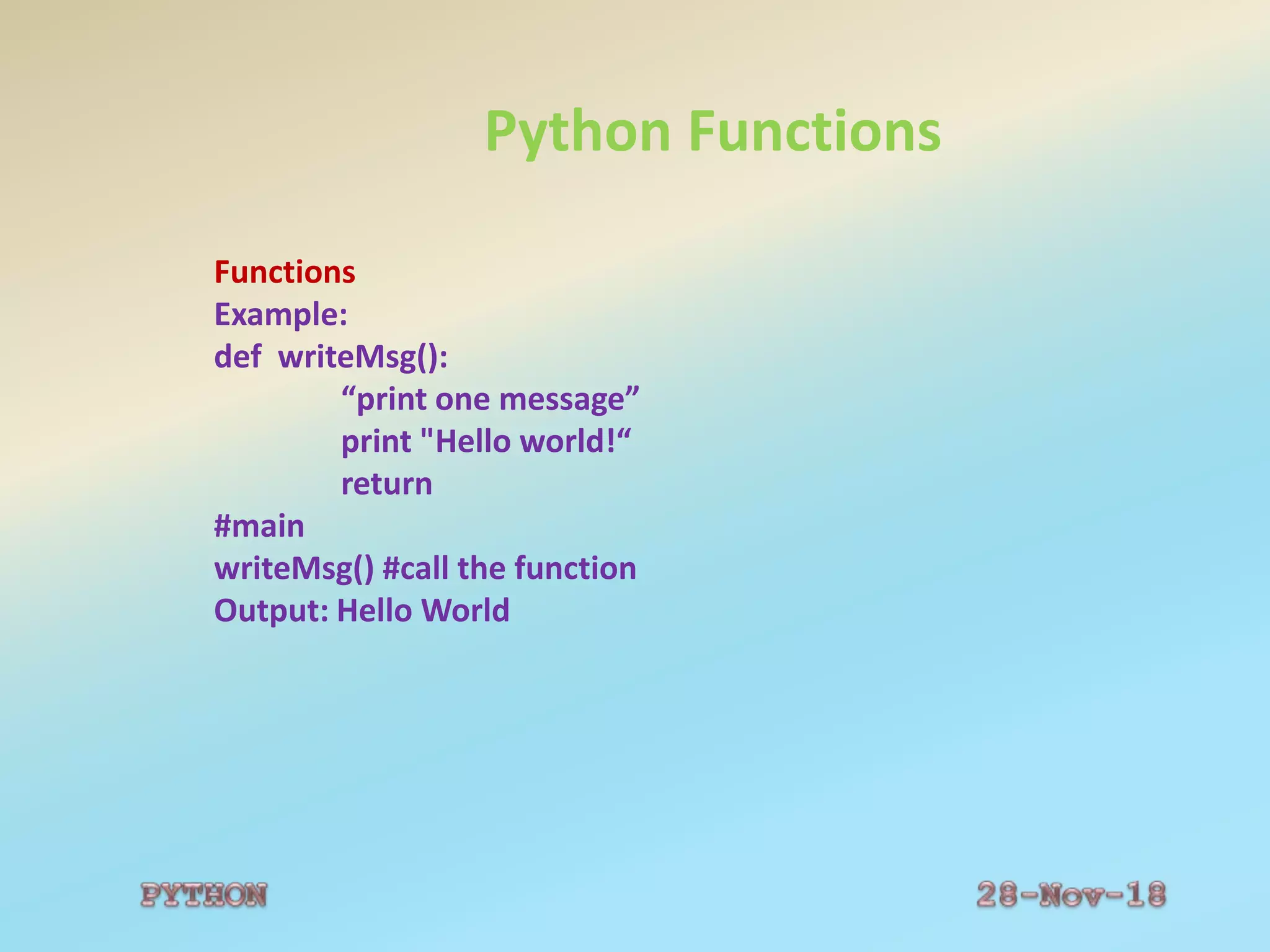
Example:
def writeMsg():
“print one message”
print "Hello world!“
return
#main
writeMsg() #call the function
Output: Hello World
Python Functions
Function Arguments:
•Required arguments
•Keyword arguments
•Default arguments
•Variable-length arguments
Python Functions
Function Arguments:
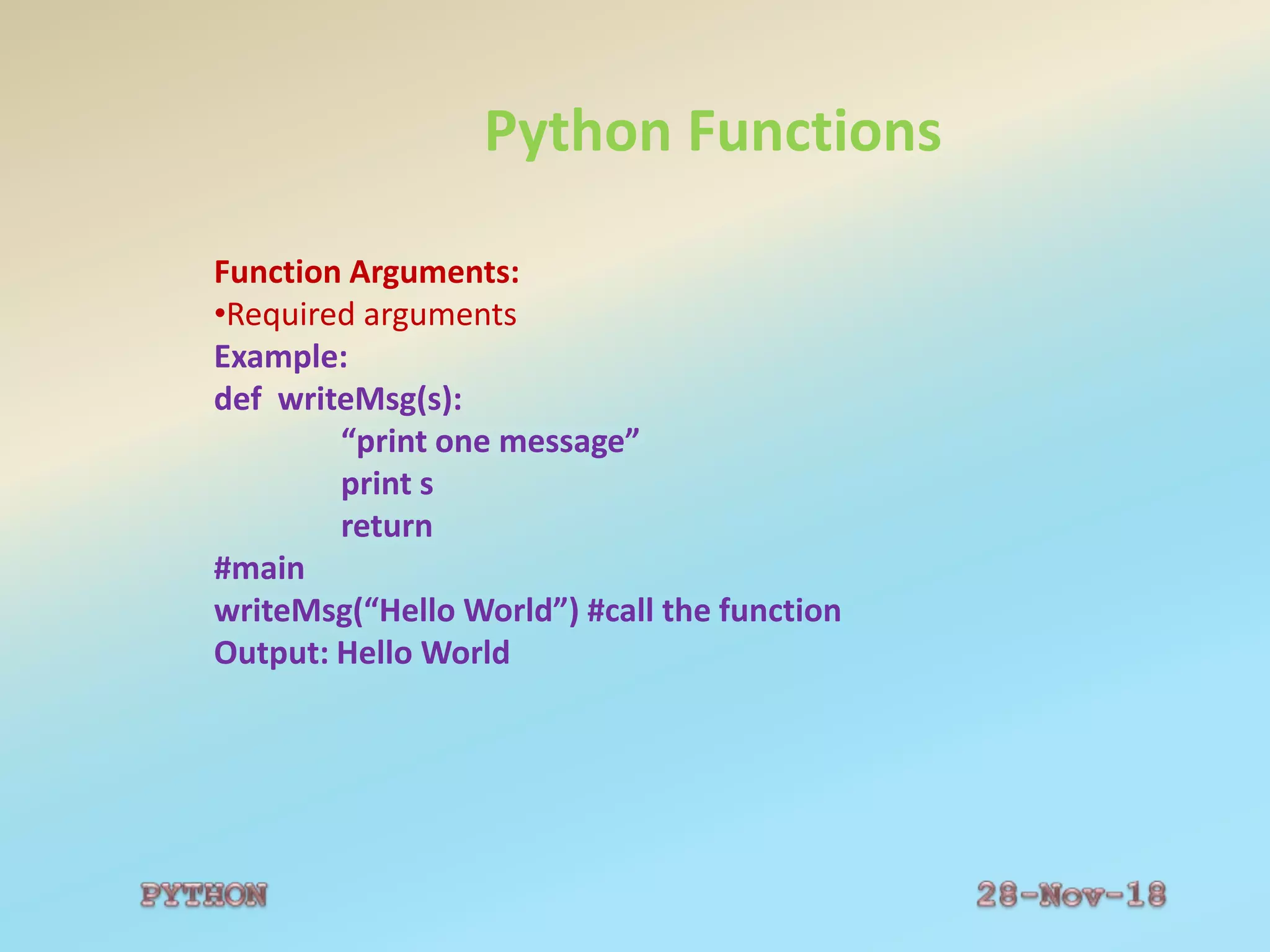
•Required arguments
Example:
def writeMsg(s):
“print one message”
print s
return
#main
writeMsg(“Hello World”) #call the function
Output: Hello World
Python Functions
Function Arguments:
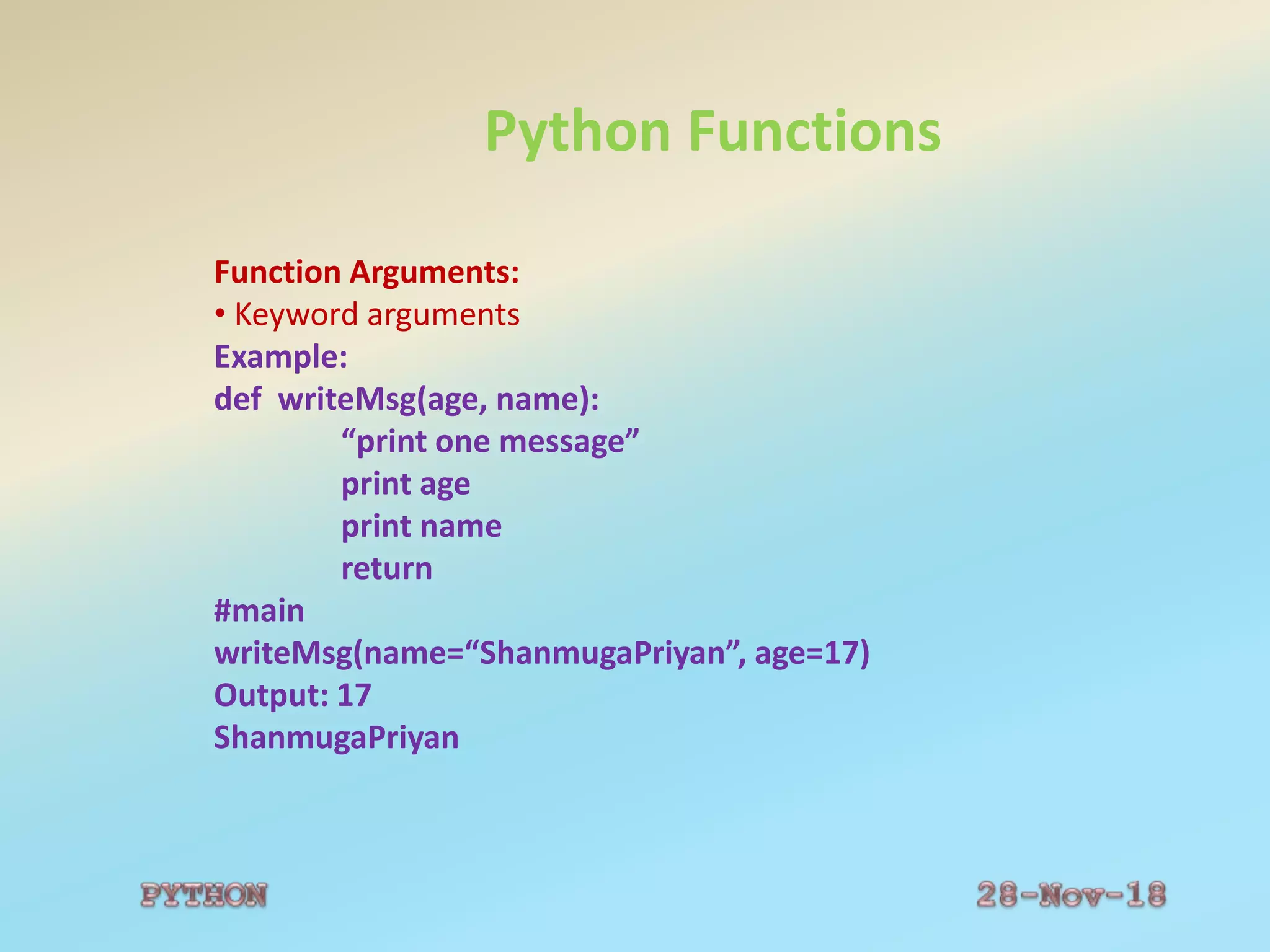
• Keyword arguments
Example:
def writeMsg(age, name):
“print one message”
print age
print name
return
#main
writeMsg(name=“ShanmugaPriyan”, age=17)
Output: 17
ShanmugaPriyan
Python Functions
Function Arguments:
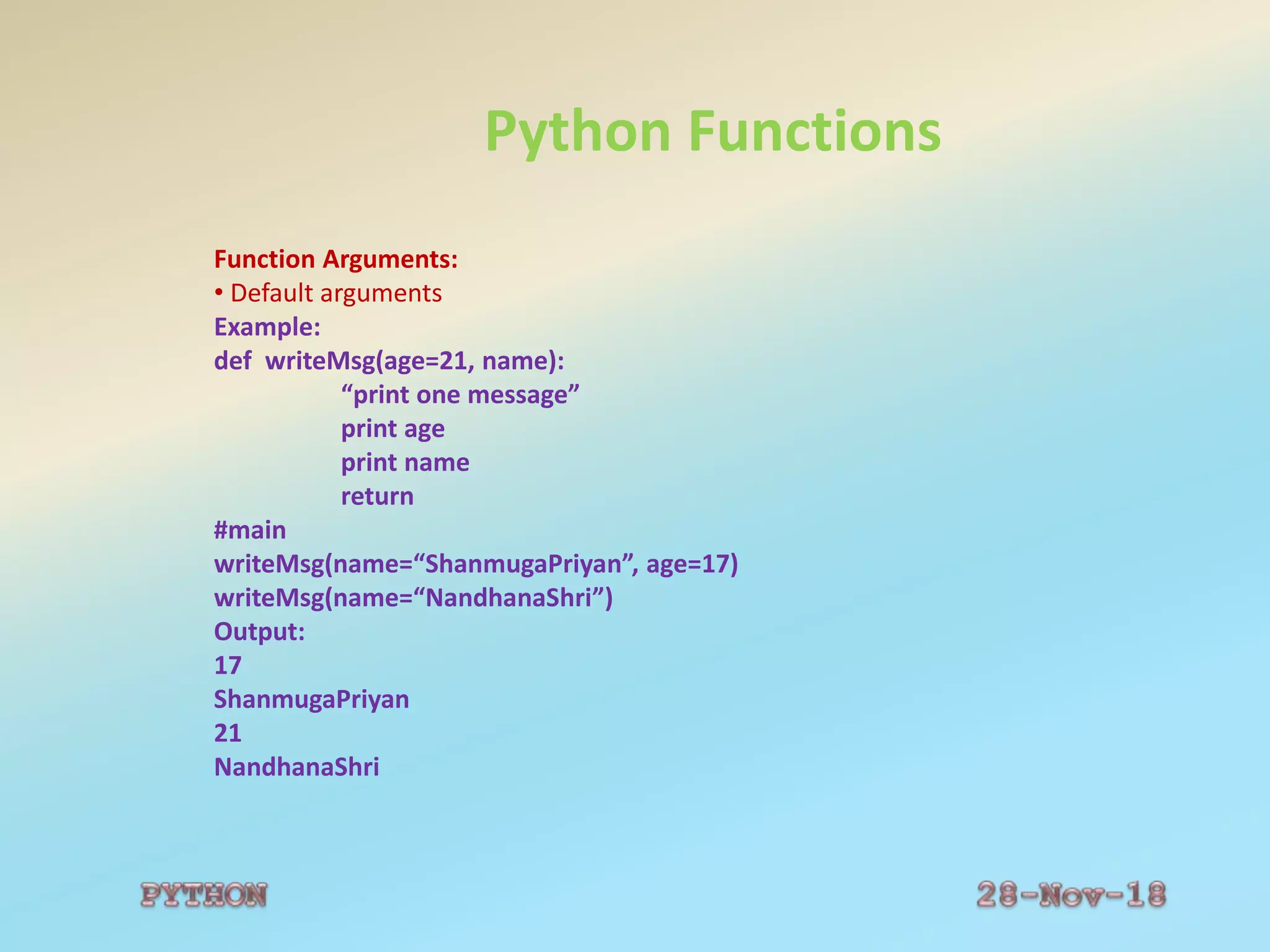
• Default arguments
Example:
def writeMsg(age=21, name):
“print one message”
print age
print name
return
#main
writeMsg(name=“ShanmugaPriyan”, age=17)
writeMsg(name=“NandhanaShri”)
Output:
17
ShanmugaPriyan
21
NandhanaShri
Python Functions
Function Arguments:
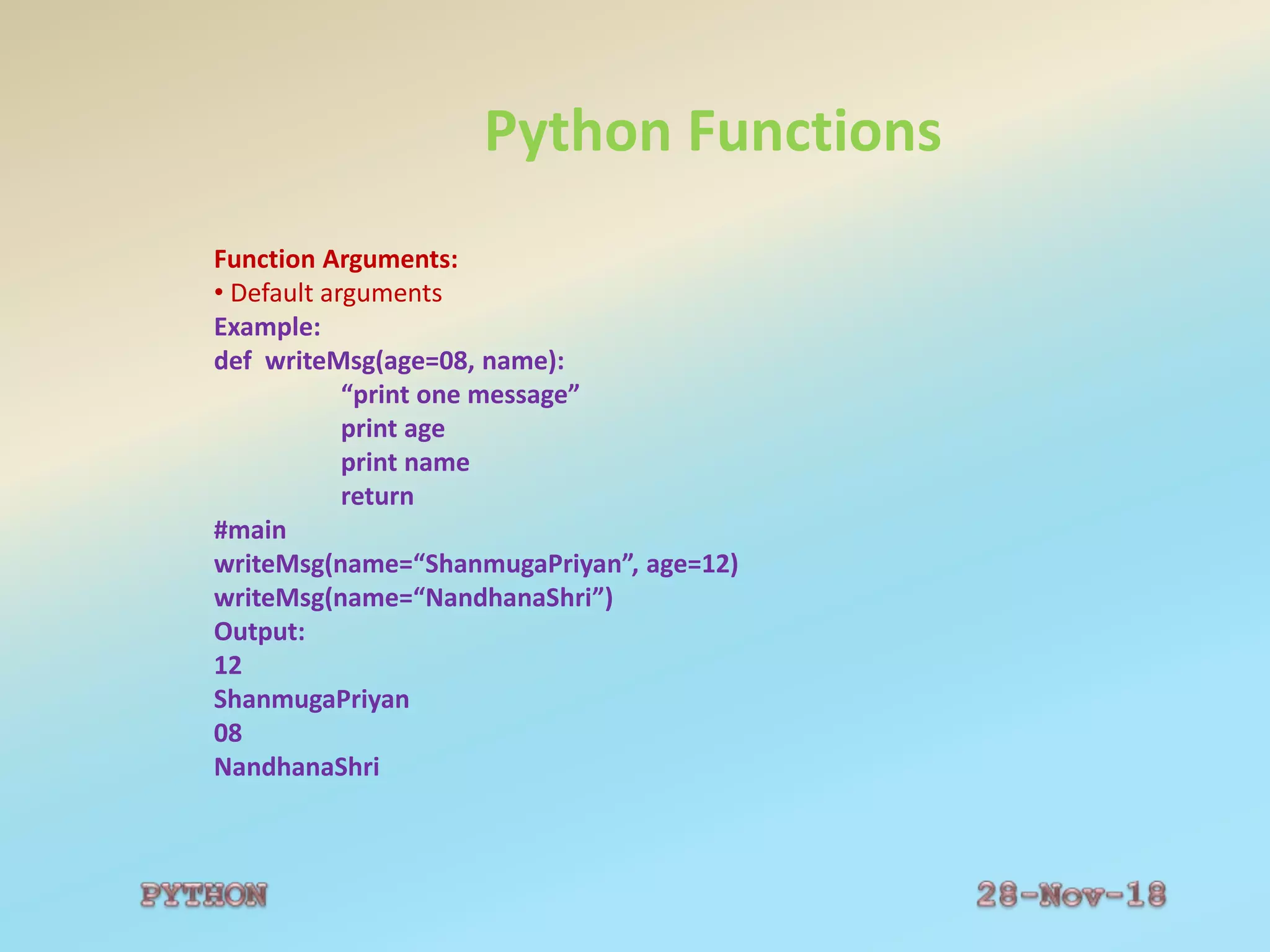
• Default arguments
Example:
def writeMsg(age=08, name):
“print one message”
print age
print name
return
#main
writeMsg(name=“ShanmugaPriyan”, age=12)
writeMsg(name=“NandhanaShri”)
Output:
12
ShanmugaPriyan
08
NandhanaShri
Python Functions
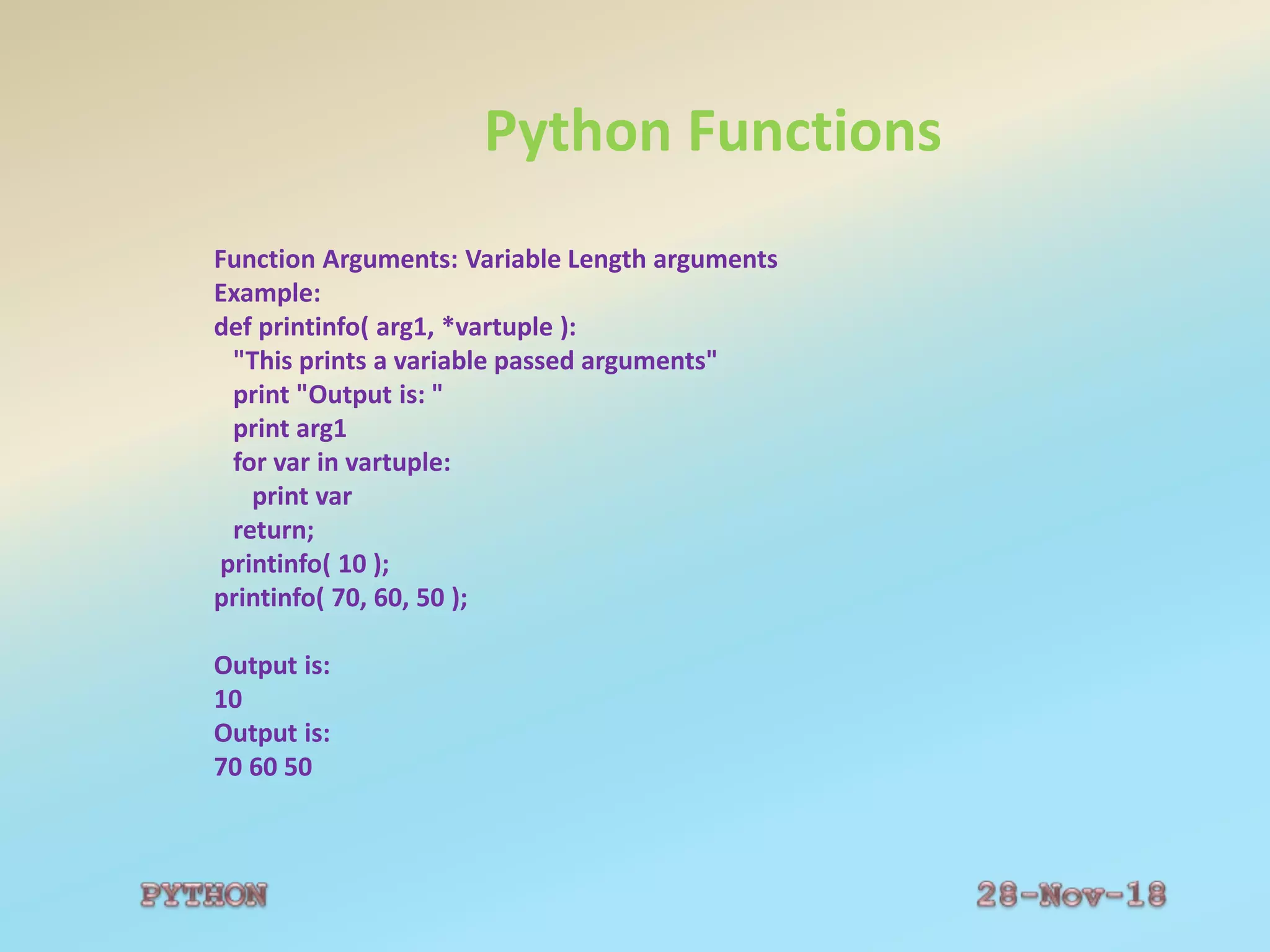
Function Arguments: Variable Length arguments
Example:
def printinfo( arg1, *vartuple ):
"This prints a variable passed arguments"
print "Output is: "
print arg1
for var in vartuple:
print var
return;
printinfo( 10 );
printinfo( 70, 60, 50 );
Output is:
10
Output is:
70 60 50
Python Functions
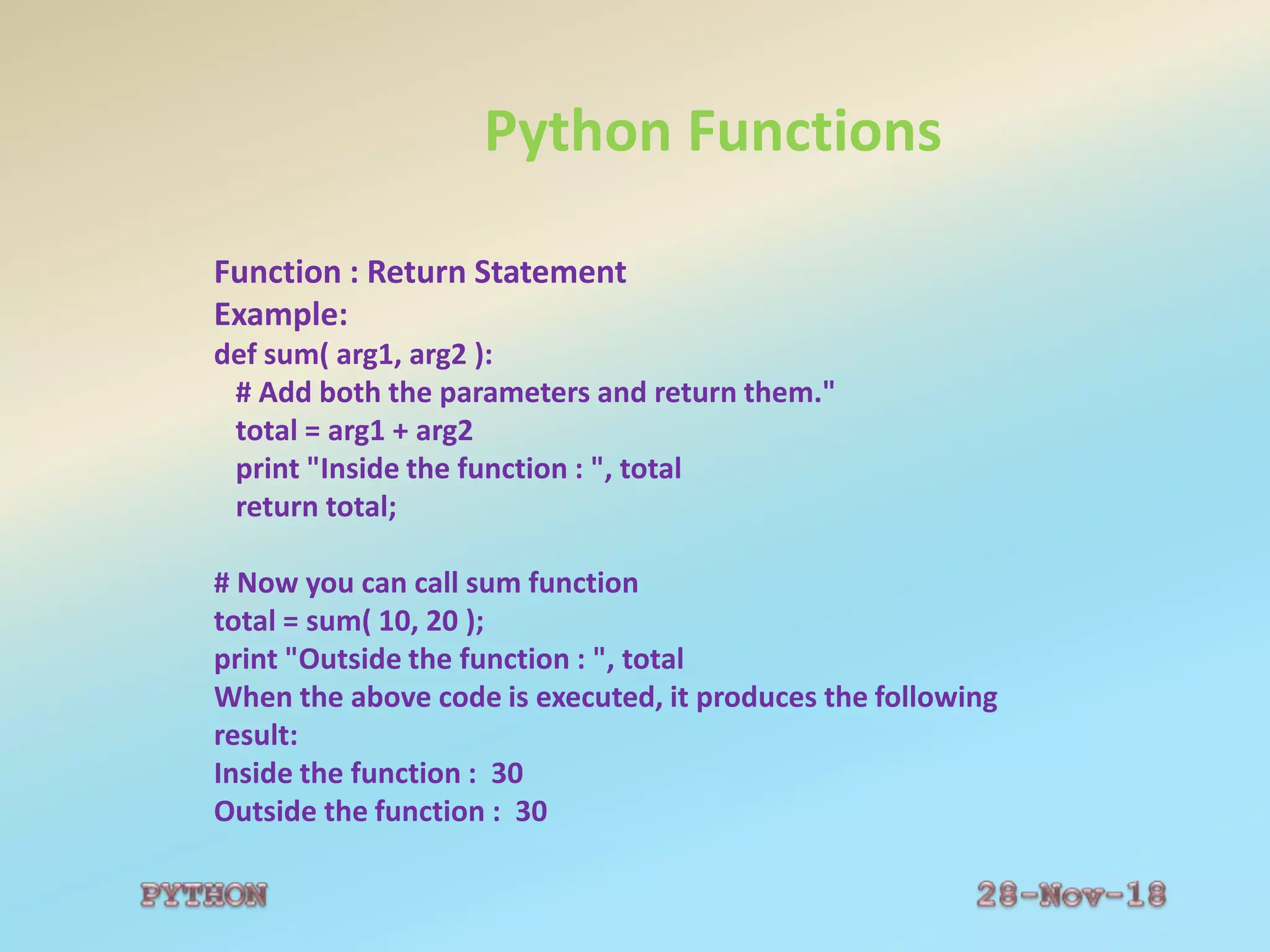
Function : Return Statement
Example:
def sum( arg1, arg2 ):
# Add both the parameters and return them."
total = arg1 + arg2
print "Inside the function : ", total
return total;
# Now you can call sum function
total = sum( 10, 20 );
print "Outside the function : ", total
When the above code is executed, it produces the following
result:
Inside the function : 30
Outside the function : 30
Python Files
 File:Collection of records
The open Function:
Syntax:
file object = open(file_name [, access_mode][, buffering])
file_name: Name of the file that you want to access.
access_mode: The mode in which the file has to be
opened, i.e., read, write, append, etc.
buffering: 0- no buffering will take place.
1- line buffering
>1- buffering action will be performed with the indicated
buffer size.
Negative- the buffer size is the system default
Python Files
 File Modes: r w a r+ w+ a+ rb wb ab rb+
wb+ ab+
Python Files
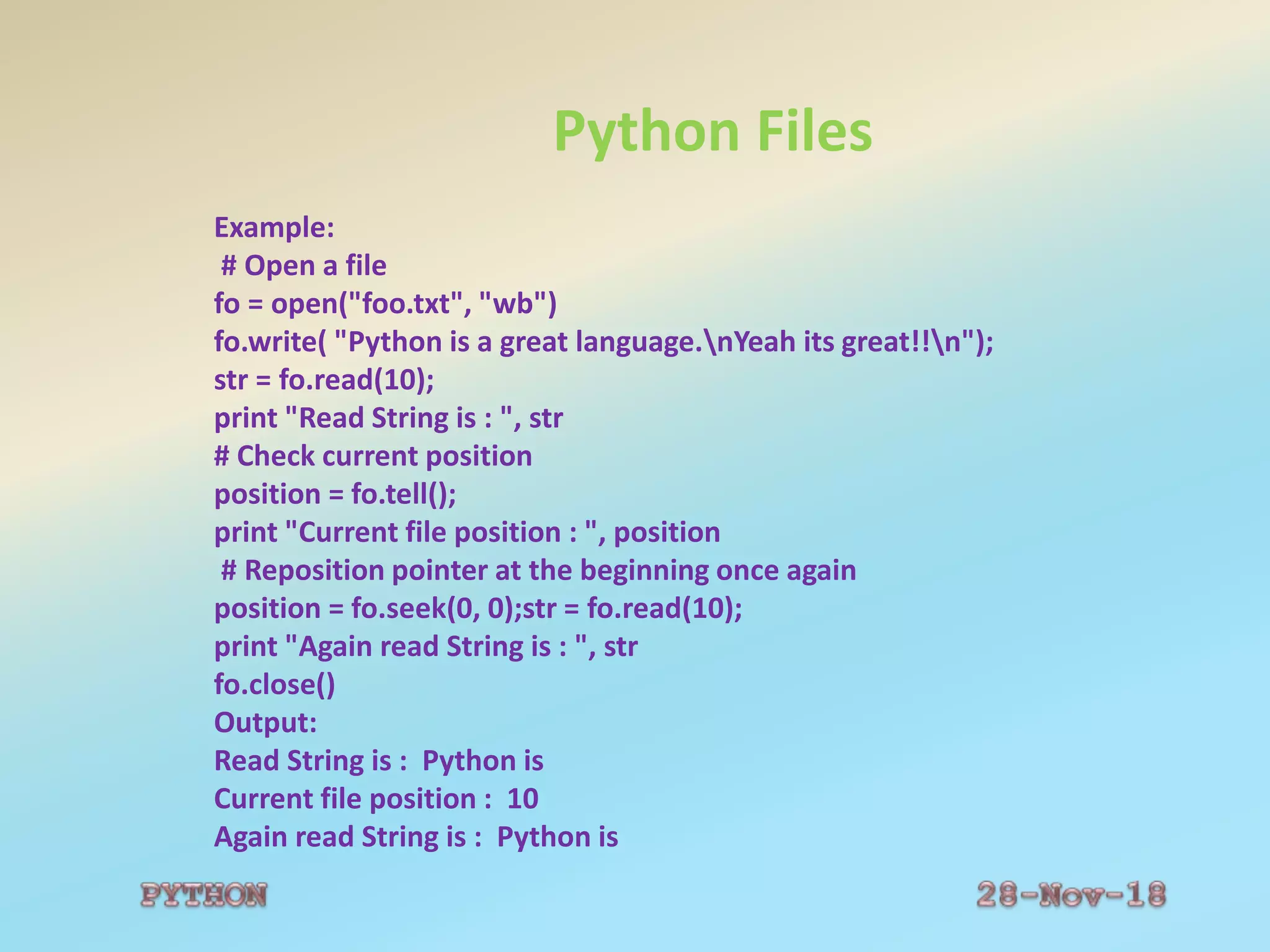
Example:
# Open a file
fo = open("foo.txt", "wb")
fo.write( "Python is a great language.nYeah its great!!n");
str = fo.read(10);
print "Read String is : ", str
# Check current position
position = fo.tell();
print "Current file position : ", position
# Reposition pointer at the beginning once again
position = fo.seek(0, 0);str = fo.read(10);
print "Again read String is : ", str
fo.close()
Output:
Read String is : Python is
Current file position : 10
Again read String is : Python is
Python Exception
Exception is an event
Occurs during the execution of a program
Disrupts the normal flow of the program's instructions.
An exception is a python object that represents an error.
Example:
Syntax:
Syntax of try....except...else blocks:
try:
You do your operations here;
except ExceptionI:
If there is ExceptionI, then execute this block.
except ExceptionII:
If there is ExceptionII, then execute this block.
else:
If there is no exception then execute this block.
Python Exception
Example:
try:
fh = open("testfile", "r")
fh.write("This is my test file for exception handling!!")
except IOError:
print "Error: can't find file or read data“
else:
print "Written content in the file successfully“
This will produce the following result:
Error: can't find file or read data
Python Exception
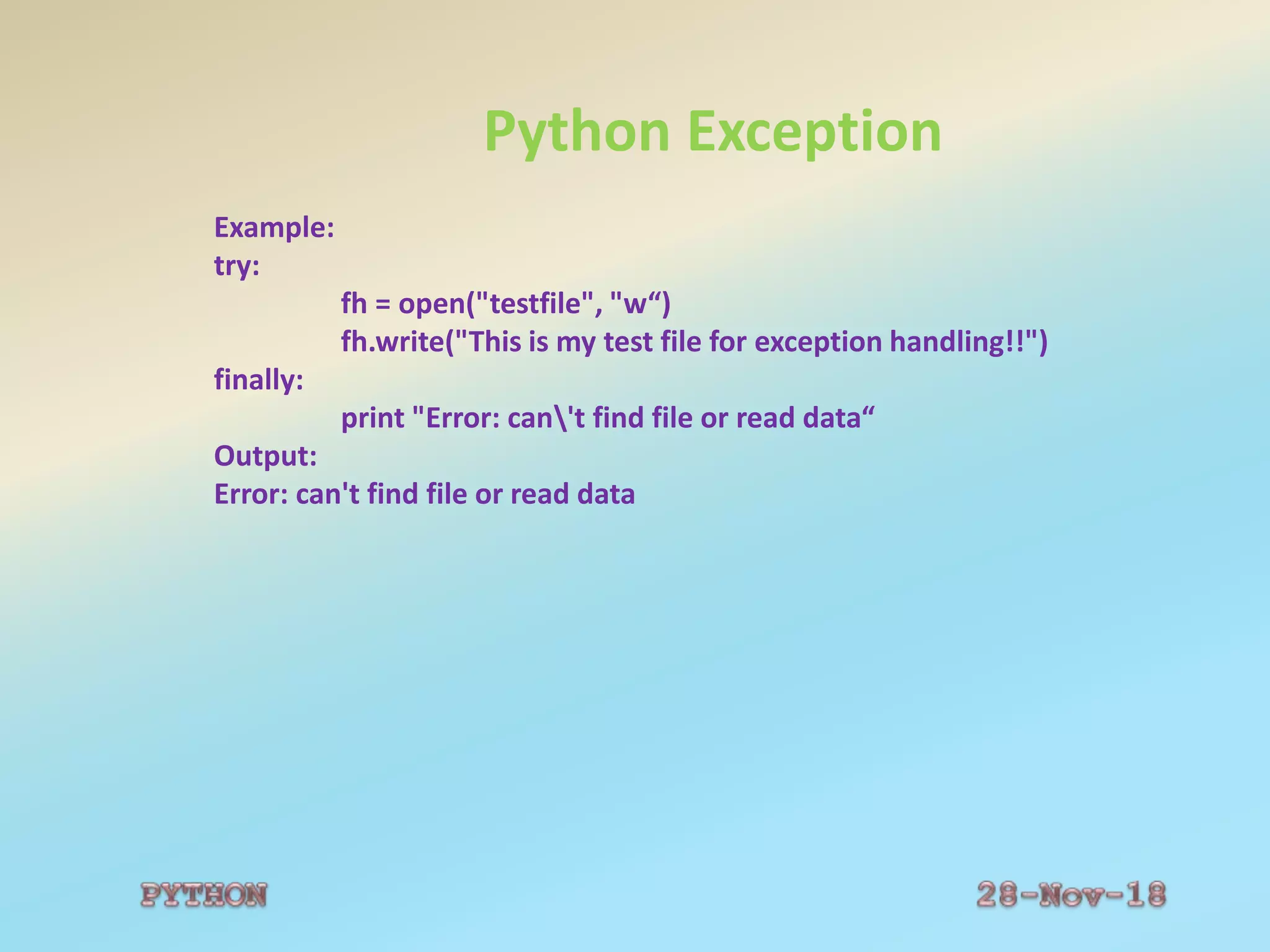
Example:
try:
fh = open("testfile", "w“)
fh.write("This is my test file for exception handling!!")
finally:
print "Error: can't find file or read data“
Output:
Error: can't find file or read data
Python Exception
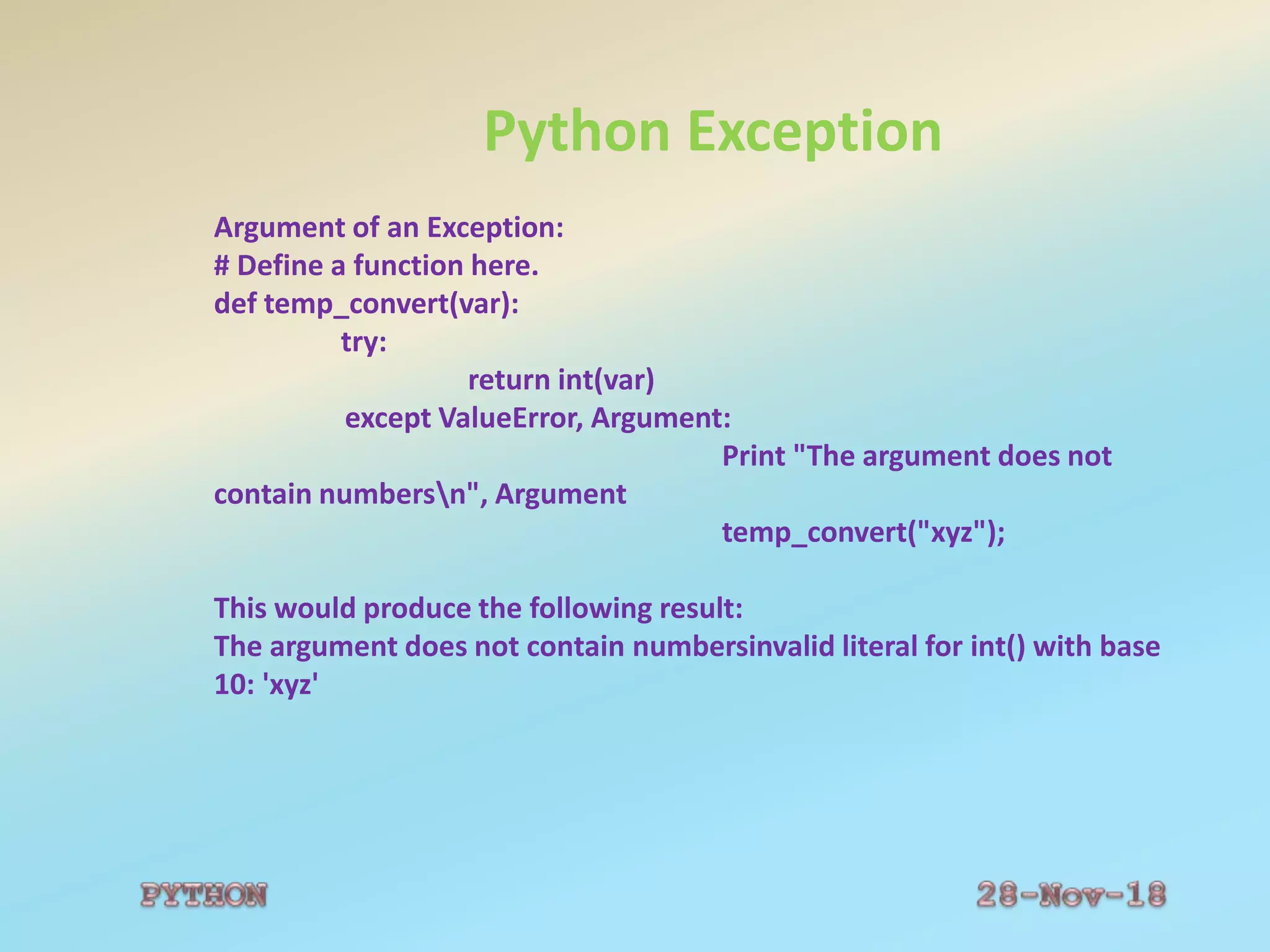
Argument of an Exception:
# Define a function here.
def temp_convert(var):
try:
return int(var)
except ValueError, Argument:
Print "The argument does not
contain numbersn", Argument
temp_convert("xyz");
This would produce the following result:
The argument does not contain numbersinvalid literal for int() with base
10: 'xyz'
Python Exception
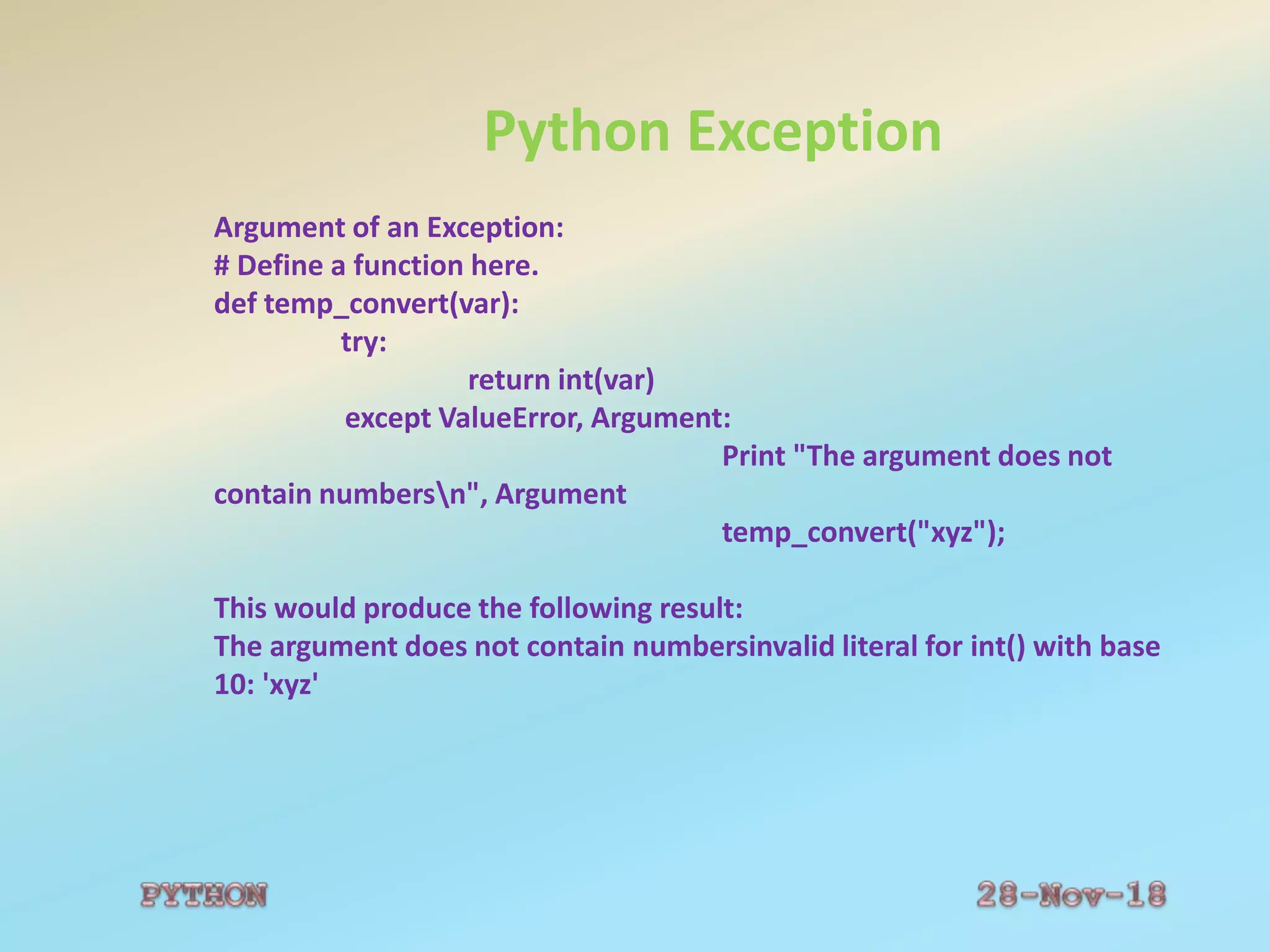
Argument of an Exception:
# Define a function here.
def temp_convert(var):
try:
return int(var)
except ValueError, Argument:
Print "The argument does not
contain numbersn", Argument
temp_convert("xyz");
This would produce the following result:
The argument does not contain numbersinvalid literal for int() with base
10: 'xyz'
 FUNDAMENTALS OF PYTHON LANGUAGE

FUNDAMENTALS OF PYTHON LANGUAGE

  • 3.
    Basics of Python Introduction PythonInterpreter Comments Variables and Data Types[Numbers and Strings] Operators Data Structures- List, Tuple and Dictionary Control Flow Statements Functions Files Exception Handling
  • 4.
    Python Introduction Python-Interpreted, Interactive,Object-Oriented and Scripting Language. Beginner’s Language. History of Python  Guido van Rossum in the late eighties and early nineties.  National Research Institute for Mathematics and Computer Science in the Netherlands.  ABC, Modula-3, C, C++, Algol-68, Smalltalk, and Unix shell.  General Public License (GPL).
  • 5.
    Python Features  Easy-to-Learn Easy-to-read  Easy-to-maintain  A broad standard library  Interactive Mode  Portable  Extendable  Databases  GUI Programming  Scalable-s/p large programs
  • 6.
    Additional Features  S/pfunctional ,structured and OOPS  Dynamic data types and supports dynamic type checking  Scripting language or can be compiled to byte-code  Automatic garbage collection  Easily integrated with C, C++, COM, activex, CORBA and java
  • 7.
    Python Interpreter  InteractiveMode Programming >>> print "Hello, Python!"; o/p: Hello, Python! Script Mode Programming The following source code in a test.py file. print "Hello, Python!“; $ python test.py This will produce the following result: Hello, Python! Integrated Development Environment IDLE tool for Linux/Unix PythonWin for Windows
  • 8.
    Python Comments Comment Line not read/executed as part of the program.  not executed, they are ignored  Used anywhere within the program Example # This is used as a single-line comment and Multiline Comment #Add Two Numbers #13/09/17,PgmNum:01 a=input(“Enter a”) b=input(“Enter b”) c=a + b # Add two integer numbers print c
  • 9.
    Python Case Sensitivity Allvariable names are case sensitive. >>>x=2 >>>X Trace back : File "<pyshell#1>", line 1, in <module> X Name Error: Name ‘X’ is not defined
  • 10.
    Python Identifiers  Nameused to identify a variable, function, class, module or other object Variable name must start with a letter or the underscore character. Cannot start with a number. Only contain alpha-numeric characters and underscores (A-z, 0-9, and _ ). Case-sensitive (age and AGE are two different variables).
  • 11.
    Python Variables  Variablescan be used anywhere in the program. The scope of a variable is the part of the program where the variable can be referenced/used. Python has two different variable scopes: Local-Inside the function Global-Outside the function
  • 12.
    Python Variables Local ---Declared and Accessed only within a function. Global ---Declared and Accessed only outside a function. Example: x=20 #function def myTest() : x = 5; // local scope print ”Variable x inside function is: “,x return #main myTest(); print ”Variable x outside function is: “,x Output: Variable x inside function is: 5 Variable x outside function is:20
  • 13.
    Python Quotation Quotation inPython: word = 'word‘ sentence = "This is a sentence.“ paragraph = """This is a paragraph. It is made up of multiple lines and sentences."""
  • 14.
    Python Multiline Statement Multi-LineStatement: total = item_one + item_two + item_three Statements contained within the [], {} or () brackets do not need to use the line continuation character. For example: days = ['Monday', 'Tuesday', 'Wednesday', 'Thursday', 'Friday']
  • 15.
    Python Reserved Words ReservedWords: Not be used as constant or variable or any other identifier names. Lowercase letters only. Example: And exec not Assert finally Or
  • 16.
    Python Lines andIndentation Lines and Indentation: The number of spaces in the indentation is variable All statements within the block must be indented the same amount. if True: print "True“ else: print "False"
  • 17.
    Python Basics Multiple Statementson a Single Line: Ex: import sys; x = 'foo'; sys.stdout.write(x + 'n') Assigning Values To Variables counter = 100 # An integer assignment miles = 1000.0 # A floating point name = "John" # A string print counter print miles print name a=b=c=1 a, b, c = 1, 2, "john"
  • 18.
    Python Data Types Pythonsupports the following data types: Data type-To identify the type of data Number --- int, float, long and complex --- Ex: 13, 12.5, 2i+3j, 23456789L String---- Sequence of characters within “”----Ex: “Welcome” List --- Sequence of items within [] ---Ex: L1=[56,70,90] Tuple --- Sequence of items within () ---Ex: T1=(56,70,90) Dictionary --- Sequence of items within {} ---Ex: D1={ ‘name’: ’kavi’, ’age’:17}
  • 19.
    Python Strings Sequence ofcharacters, like "Hello world!". String Operations Example str = 'Hello World!' print str # Prints complete string print str[0] # Prints first character of the string print str[2:5] # Prints characters starting from 3rd to 5th print str[2:] # Prints string starting from 3rd character print str * 2 # Prints string two times print str + "TEST" # Prints concatenated string This will produce the following result: Hello World! H llo llo World! Hello World!Hello World! Hello World!TEST
  • 20.
    Python String Functions #stringmodule s="Hello world" print("upper:",s.upper()) print("Lower:",s.lower()) print("String:",s.split()) s1="welcome" print("join:",s.join(s1)) print("Replace:",s.replace("Hello","Real")) print("Final:",s.find("world")) print("Count:",s.count("l")) Output: upper: HELLO WORLD Lower: hellow world String: ['Hellow', 'world'] Join: wHellow worldeHellow worldlHellow worldcHellow worldoHellow worldmHellow worlde Replace: Realw world Final: 7 Count: 3
  • 21.
    Python Lists Sequence ofitems within [] and Mutable data type. List Operations list = [ 'abcd', 786 , 2.23, 'john', 70.2 ] tinylist = [123, 'john'] print list # Prints complete list print list[0] # Prints first element of the list print list[1:3] # Prints elements starting from 2nd till 3rd print list[2:] # Prints elements starting from 3rd element print tinylist * 2 # Prints list two times print list + tinylist # Prints concatenated lists This will produce the following result: ['abcd', 786, 2.23, 'john', 70.200000000000003] abcd [786, 2.23] [2.23, 'john', 70.200000000000003] [123, 'john', 123, 'john'] ['abcd', 786, 2.23, 'john', 70.200000000000003, 123, 'john']
  • 22.
    Python Tuple Sequence ofitems within () and Immutable Data Type. Tuple Operations tuple = ( 'abcd', 786 , 2.23, 'john', 70.2 ) tinytuple = (123, 'john') print tuple # Prints complete list print tuple[0] # Prints first element of the list print tuple[1:3] # Prints elements starting from 2nd till 3rd print tuple[2:] # Prints elements starting from 3rd element print tinytuple * 2 # Prints list two times print tuple + tinytuple # Prints concatenated lists This will produce the following result: ('abcd', 786, 2.23, 'john', 70.200000000000003) abcd (786, 2.23) (2.23, 'john', 70.200000000000003) (123, 'john', 123, 'john') ('abcd', 786, 2.23, 'john', 70.200000000000003, 123, 'john')
  • 23.
    Python Dictionary Sequence ofitems within {}. Dictionary Operations dict = {} dict['one'] = "This is one" dict[2] = "This is two" tinydict = {'name': 'john','code':6734, 'dept': 'sales'} print dict['one'] # Prints value for 'one' key print dict[2] # Prints value for 2 key print tinydict # Prints complete dictionary print tinydict.keys() # Prints all the keys print tinydict.values() # Prints all the values This will produce the following result: This is one This is two {'dept': 'sales', 'code': 6734, 'name': 'john'} ['dept', 'code', 'name'] ['sales', 6734, 'john']
  • 24.
    Python Operators Perform operationson variables and values. Types Arithmetic operators Assignment operators Comparison operators Bitwise operators Logical operators Membership operators Identity operators
  • 25.
    Python Operators Arithmetic operators x=20;y=10;m=9;n=2; +------- x + y ----- 30 - ------- x - y ----- 10 * ------- x *y ----- 200 / ------- x / y ----- 2 % ------- x % y ----- 0 ** -------- m**n ---- 81 // -------- m//n ---- 4
  • 26.
    Python Operators Assignment operators x= y x = y x += y x = x + y x -= y x = x - y x *= y x = x * y x /= y x = x / y x %= y x = x % y x**=y x=x**y x//=y x=x//y
  • 27.
    Python Operators Comparison operators x=20y=10 z=10 == x == y False != x !=y True <> x <> y True > x > y True < x < y False >= x >= y True <= x <= y False
  • 28.
    Python Operators Logical operators andx and y or x or y xor x xor y
  • 29.
  • 30.
  • 31.
    Python Operators Logical operators andx and y or x or y xor x xor y
  • 32.
    Python Control FlowStatements Pyhon Conditional Statements •if statement - executes some code if one condition is true •if...else statement - executes some code if a condition is true and another code if that condition is false •if…elif....else statement - executes different codes for more than two conditions •nested …if– one if statement within another statement
  • 33.
    Python Control FlowStatements Python Conditional Statements •if statement - executes some code if one condition is true Syntax if condition: code to be executed if condition is true; Example t = 15; if t < 20: print "Have a good day!" Output: Have a good day!
  • 34.
    Python Control FlowStatements •if...else statement Syntax: if condition: code to be executed if condition is true; else : code to be executed if condition is false; Example t = 25 if t < 20: Print "Have a good day!“ else: print "Have a good night!" Output: Have a good night!
  • 35.
    Python Control FlowStatements •if...elif....else statement Syntax: if condition: code to be executed if this condition is true elif condition: code to be executed if this condition is true else: code to be executed if all conditions are false
  • 36.
    Python Control FlowStatements •Example a=20 b=200 if a > b: print "a is bigger than b” elif a == b: print "a is equal to b“ else : print “a is smaller than b“ Output: a is smaller than b
  • 37.
    Python Control FlowStatements Nested if Statement: Syntax: if expression1: statement(s) if expression2: statement(s) elif expression3: statement(s) else: statement(s) elif expression4: statement(s) else: statement(s)
  • 38.
    Python Control FlowStatements a = 100;b=200;c=300 If a>b: if a>c: print “a is big” else: print “c is big“ elif b>c: print “b is big“ Else: print “c is big” Output: C is big
  • 39.
    Python Control FlowStatements •While statement while - loops through a block of code as long as the specified condition is true Syntax while condition : code to be executed Example x = 1 while x <= 3: print "The number is: “,x x=x+1 Output: The number is: 1 The number is: 2 The number is: 3
  • 40.
    Python Control FlowStatements For Loop Ability to iterate over the items of any sequence, such as a list or a string. Syntax: for iterating_var in sequence: statements(s)
  • 41.
    Python Control FlowStatements Example: for letter in 'Python': if letter == 'h': continue print 'Current Letter :', letter
  • 42.
    Python Data Structures 1.List 2. Tuple 3. Dictionary
  • 43.
    Python Data Structures 1.List List Functions: 1. cmp(list1, list2) Compares elements of both lists. 2. len(list) Gives the total length of the list. 3.max(list) Returns item from the list with max value. 4.min(list) Returns item from the list with min value. 5.list(seq) Converts a tuple into list.
  • 44.
    Python Data Structures ListMethods: 1.list.append(obj) Appends object obj to list 2.list.count(obj) Returns count of how many times obj occurs in list 3.list.extend(seq) Appends the contents of seq to list 4.list.index(obj) Returns the lowest index in list that obj appears 5.list.insert(index, obj) Inserts object obj into list at offset index 6.list.pop(obj=list[-1]) Removes and returns last object or obj from list 7.list.remove(obj) Removes object obj from list 8.list.reverse() Reverses objects of list in place 9.list.sort([func]) Sorts objects of list, use compare func if given
  • 45.
    Python Data Structures TupleFunctions: 1.cmp(tuple1, tuple2) Compares elements of both tuples. 2.len(tuple) Gives the total length of the tuple. 3.max(tuple) Returns item from the tuple with max value. 4.min(tuple) Returns item from the tuple with min value. 5.tuple(seq) Converts a list into tuple.
  • 46.
    Python Data Structures DictionaryFunctions: 1.cmp(dict1, dict2) Compares elements of both dict. 2.len(dict) Gives the total length of the dictionary. This would be equal to the number of items in the dictionary. 3.str(dict) Produces a printable string representation of a dictionary 4.type(variable) Returns the type of the passed variable. If passed variable is dictionary, then it would return a dictionary type.
  • 47.
    Python Data Structures DictionaryMethods: 1.dict.clear() Removes all elements of dictionary dict 2.dict.copy() Returns a shallow copy of dictionary dict 3.dict.fromkeys() Create a new dictionary with keys from seq and values set to value. 4.dict.get(key, default=None) For key key, returns value or default if key not in dictionary 5.dict.has_key(key) Returns true if key in dictionary dict, false otherwise 6.dict.items() Returns a list of dict's (key, value) tuple pairs 7.dict.keys() Returns list of dictionary dict's keys 8.dict.setdefault(key, default=None) Similar to get(), but will set dict[key]=default if key is not already in dict 9.dict.update(dict2) Adds dictionary dict2's key-values pairs to dict 10.dict.values() Returns list of dictionary dict's values
  • 48.
    Python Functions Functions •Block ofstatements that can be used repeatedly in a program.Not execute immediately . •Executed by a call to the function. Syntax: def functionName(): “function documentation string” code to be executed return(expression)
  • 49.
    Python Functions Functions Example: def writeMsg(): “printone message” print "Hello world!“ return #main writeMsg() #call the function Output: Hello World
  • 50.
    Python Functions Function Arguments: •Requiredarguments •Keyword arguments •Default arguments •Variable-length arguments
  • 51.
    Python Functions Function Arguments: •Requiredarguments Example: def writeMsg(s): “print one message” print s return #main writeMsg(“Hello World”) #call the function Output: Hello World
  • 52.
    Python Functions Function Arguments: •Keyword arguments Example: def writeMsg(age, name): “print one message” print age print name return #main writeMsg(name=“ShanmugaPriyan”, age=17) Output: 17 ShanmugaPriyan
  • 53.
    Python Functions Function Arguments: •Default arguments Example: def writeMsg(age=21, name): “print one message” print age print name return #main writeMsg(name=“ShanmugaPriyan”, age=17) writeMsg(name=“NandhanaShri”) Output: 17 ShanmugaPriyan 21 NandhanaShri
  • 54.
    Python Functions Function Arguments: •Default arguments Example: def writeMsg(age=08, name): “print one message” print age print name return #main writeMsg(name=“ShanmugaPriyan”, age=12) writeMsg(name=“NandhanaShri”) Output: 12 ShanmugaPriyan 08 NandhanaShri
  • 55.
    Python Functions Function Arguments:Variable Length arguments Example: def printinfo( arg1, *vartuple ): "This prints a variable passed arguments" print "Output is: " print arg1 for var in vartuple: print var return; printinfo( 10 ); printinfo( 70, 60, 50 ); Output is: 10 Output is: 70 60 50
  • 56.
    Python Functions Function :Return Statement Example: def sum( arg1, arg2 ): # Add both the parameters and return them." total = arg1 + arg2 print "Inside the function : ", total return total; # Now you can call sum function total = sum( 10, 20 ); print "Outside the function : ", total When the above code is executed, it produces the following result: Inside the function : 30 Outside the function : 30
  • 57.
    Python Files  File:Collectionof records The open Function: Syntax: file object = open(file_name [, access_mode][, buffering]) file_name: Name of the file that you want to access. access_mode: The mode in which the file has to be opened, i.e., read, write, append, etc. buffering: 0- no buffering will take place. 1- line buffering >1- buffering action will be performed with the indicated buffer size. Negative- the buffer size is the system default
  • 58.
    Python Files  FileModes: r w a r+ w+ a+ rb wb ab rb+ wb+ ab+
  • 59.
    Python Files Example: # Opena file fo = open("foo.txt", "wb") fo.write( "Python is a great language.nYeah its great!!n"); str = fo.read(10); print "Read String is : ", str # Check current position position = fo.tell(); print "Current file position : ", position # Reposition pointer at the beginning once again position = fo.seek(0, 0);str = fo.read(10); print "Again read String is : ", str fo.close() Output: Read String is : Python is Current file position : 10 Again read String is : Python is
  • 60.
    Python Exception Exception isan event Occurs during the execution of a program Disrupts the normal flow of the program's instructions. An exception is a python object that represents an error. Example: Syntax: Syntax of try....except...else blocks: try: You do your operations here; except ExceptionI: If there is ExceptionI, then execute this block. except ExceptionII: If there is ExceptionII, then execute this block. else: If there is no exception then execute this block.
  • 61.
    Python Exception Example: try: fh =open("testfile", "r") fh.write("This is my test file for exception handling!!") except IOError: print "Error: can't find file or read data“ else: print "Written content in the file successfully“ This will produce the following result: Error: can't find file or read data
  • 62.
    Python Exception Example: try: fh =open("testfile", "w“) fh.write("This is my test file for exception handling!!") finally: print "Error: can't find file or read data“ Output: Error: can't find file or read data
  • 63.
    Python Exception Argument ofan Exception: # Define a function here. def temp_convert(var): try: return int(var) except ValueError, Argument: Print "The argument does not contain numbersn", Argument temp_convert("xyz"); This would produce the following result: The argument does not contain numbersinvalid literal for int() with base 10: 'xyz'
  • 64.
    Python Exception Argument ofan Exception: # Define a function here. def temp_convert(var): try: return int(var) except ValueError, Argument: Print "The argument does not contain numbersn", Argument temp_convert("xyz"); This would produce the following result: The argument does not contain numbersinvalid literal for int() with base 10: 'xyz'