Warsaw, 6 December, 2010


Front end for back end developers

                          Wojciech Bednarski
                         http://linkedin.com/in/bednarski
                          http://twitter.com/wbednarski


                                                            1
Browsers


           2
•   WorldWideWeb browser 1991

•   Created by Tim Berners-Lee

•   Ran on NeXSTEP OS

•   Renamed to Nexus


                                 3
•   Mosaic 1993

•   Netscape 1994

•   Internet Explorer 1995

•   Opera 1996

•   Mozilla 1998


                             4
•   The end of the First Browsers War, IE domination 2002


                                                            5
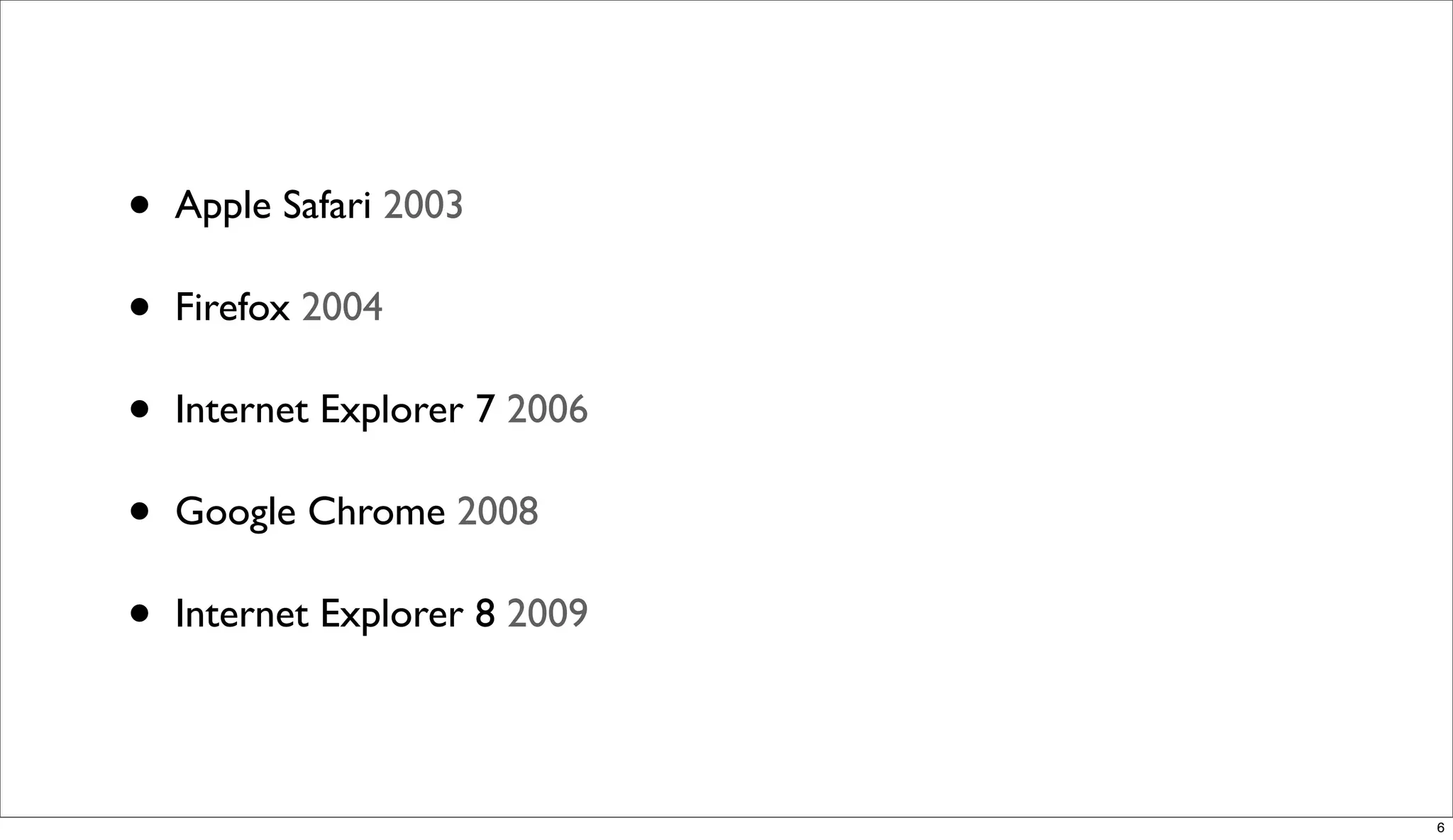
•   Apple Safari 2003

•   Firefox 2004

•   Internet Explorer 7 2006

•   Google Chrome 2008

•   Internet Explorer 8 2009


                               6
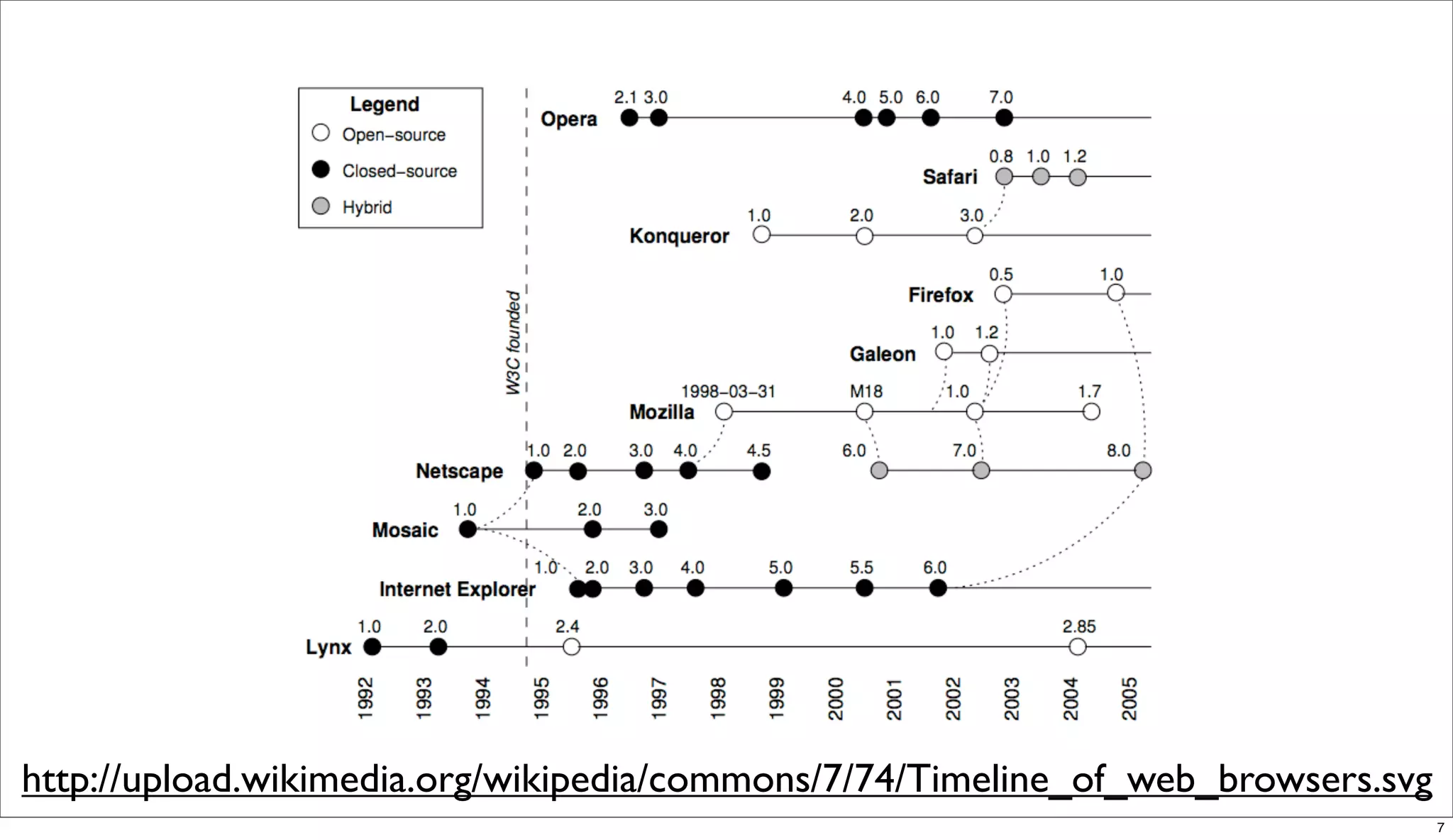
http://upload.wikimedia.org/wikipedia/commons/7/74/Timeline_of_web_browsers.svg
                                                                                  7
Web Browsers

•   Google Chrome

•   Mozilla Firefox

•   Safari

•   Opera

•   Internet Explorer


                                       8
Mobile Browsers

•   Safari

•   Android Browser

•   BlackBerry Browser

•   Opera Mobile


                                     9
Browsers engines

•   Trident is developed by Microsoft (Windows)

•   Tasman was developed by Microsoft (Macintosh)

•   Gecko is developed by the Mozilla Foundation

•   KHTML is developed by the KDE project

•   WebKit is a fork of KHTML by Apple Inc.


                                                    10
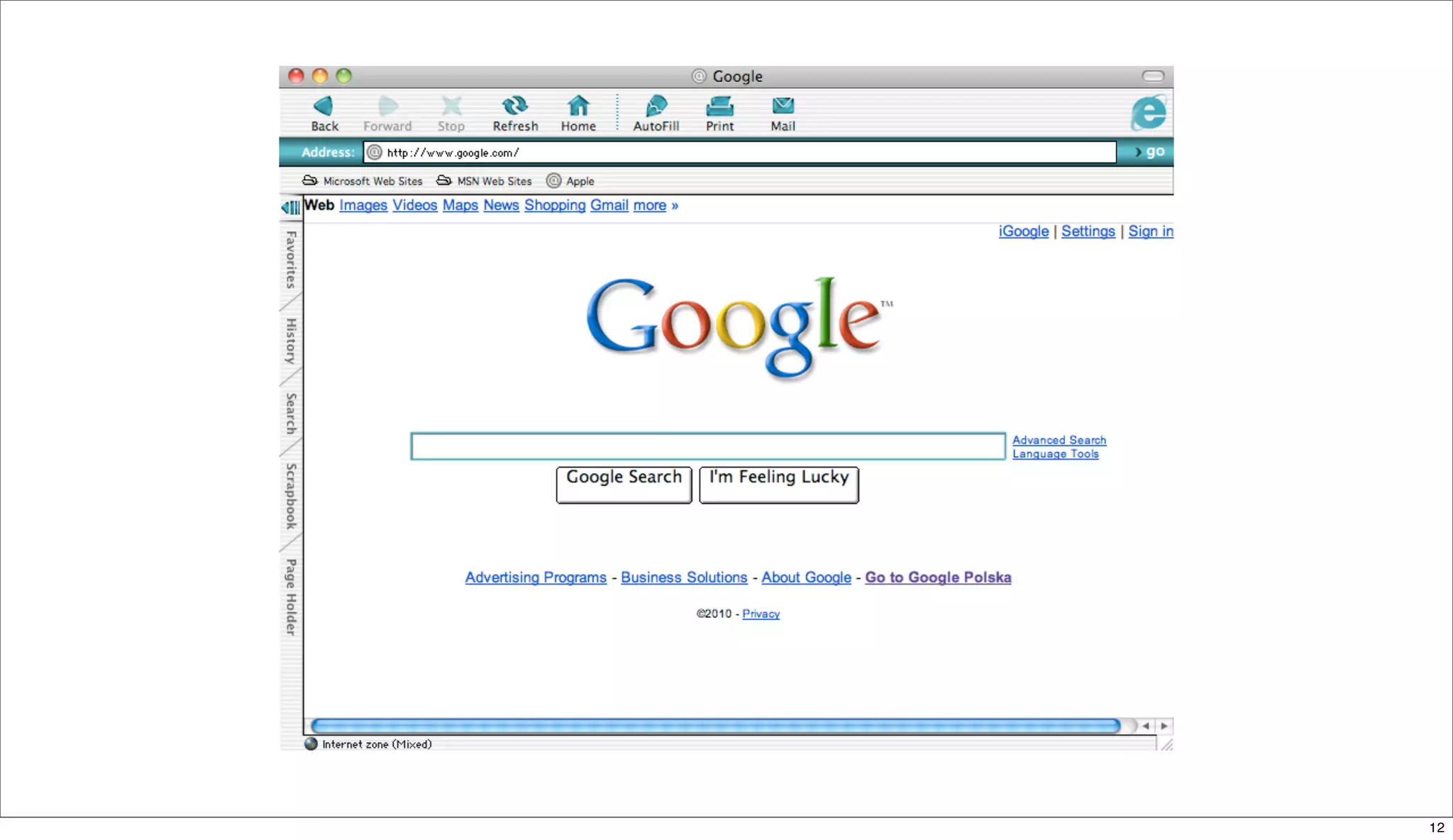
Internet Explorer:Mac


                        11
12
IE:Mac - The Innovation
•   Support for annotative glosses to         •   An option to change the browser color,
    Japanese kanji and Chinese characters         to match the colors of the iMac G3. The
                                                  first builds had a choice of 9 colors, but
•   Scrapbook feature lets the user archive       later builds had 15.
    any page in its current state.
                                              •   Print Preview functionality allowing for
•   Auction Manager feature automatically         adjustment of the font-size from within
                                                  the preview pane.
    tracks eBay auctions.

•   Robust PNG support (version 5.0)          •   Page Holder sidebar functionality
                                                  allowing users to hold a page in the
                                                  sidebar


                                                                                              13
Behind the scene


                   14
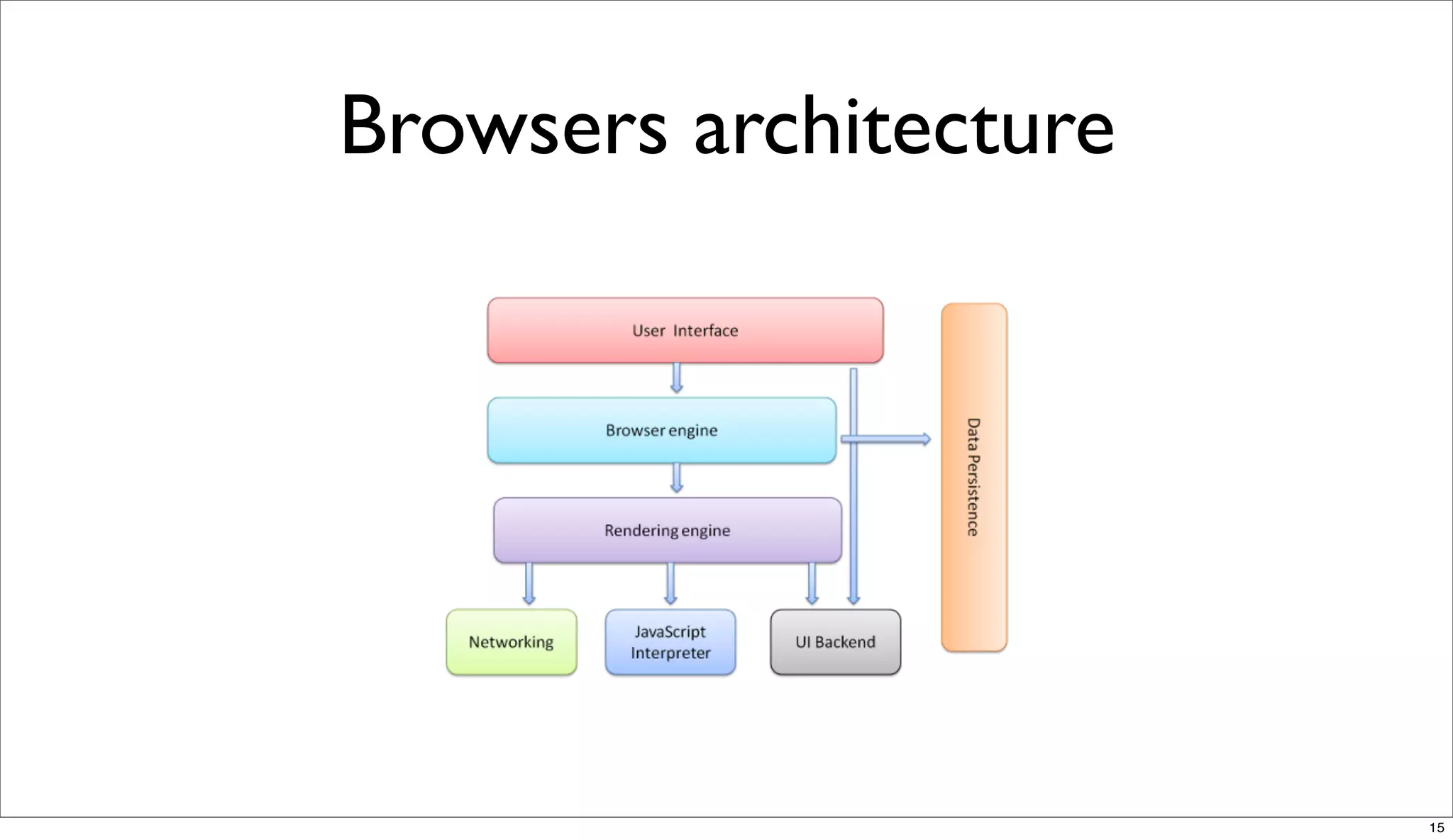
Browsers architecture


                        15
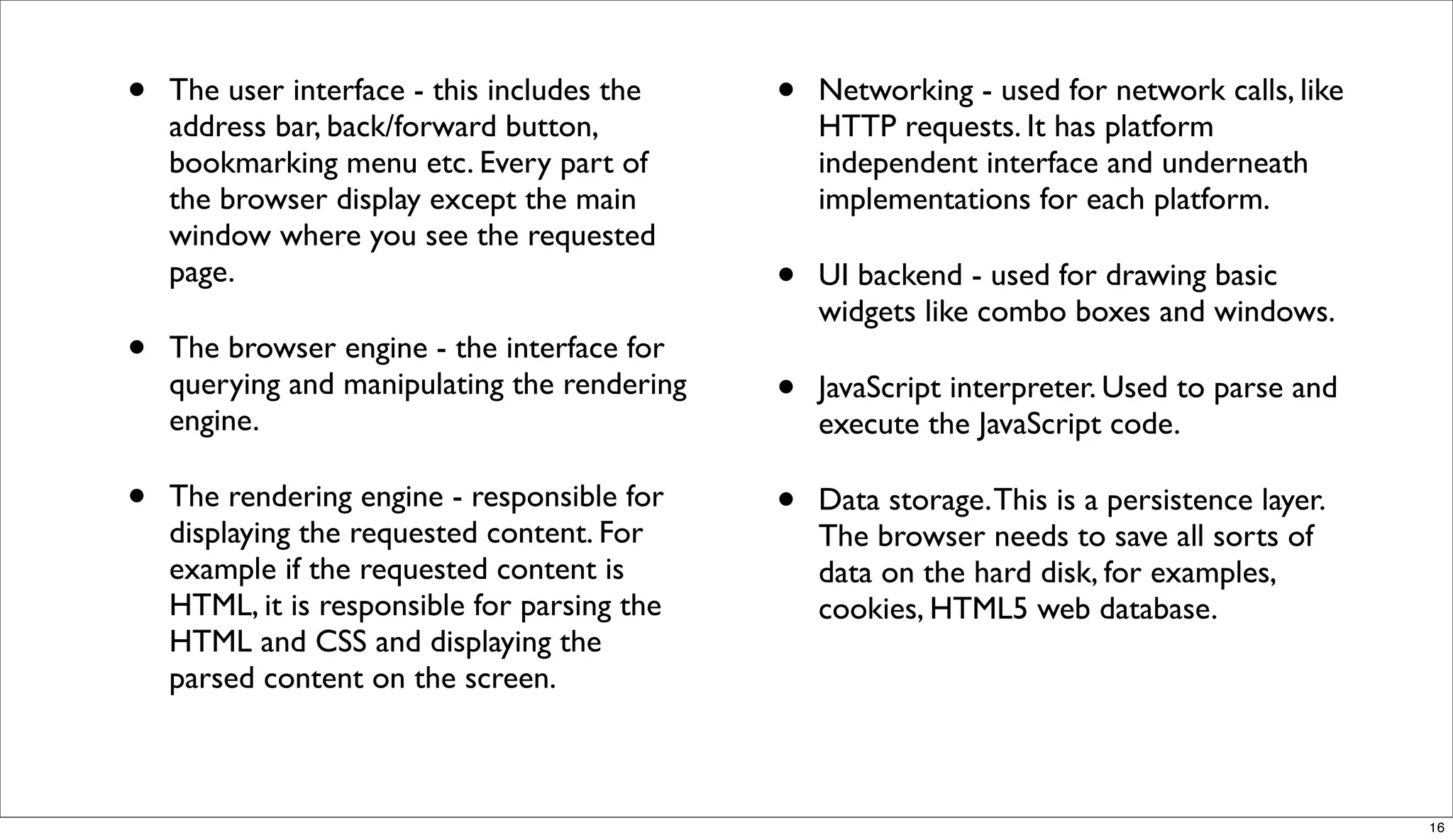
•   The user interface - this includes the    •   Networking - used for network calls, like
    address bar, back/forward button,             HTTP requests. It has platform
    bookmarking menu etc. Every part of           independent interface and underneath
    the browser display except the main           implementations for each platform.
    window where you see the requested
    page.                                     •   UI backend - used for drawing basic
                                                  widgets like combo boxes and windows.
•   The browser engine - the interface for
    querying and manipulating the rendering
    engine.
                                              •   JavaScript interpreter. Used to parse and
                                                  execute the JavaScript code.

•   The rendering engine - responsible for    •   Data storage. This is a persistence layer.
    displaying the requested content. For         The browser needs to save all sorts of
    example if the requested content is           data on the hard disk, for examples,
    HTML, it is responsible for parsing the       cookies, HTML5 web database.
    HTML and CSS and displaying the
    parsed content on the screen.


                                                                                               16
Parsing HTML
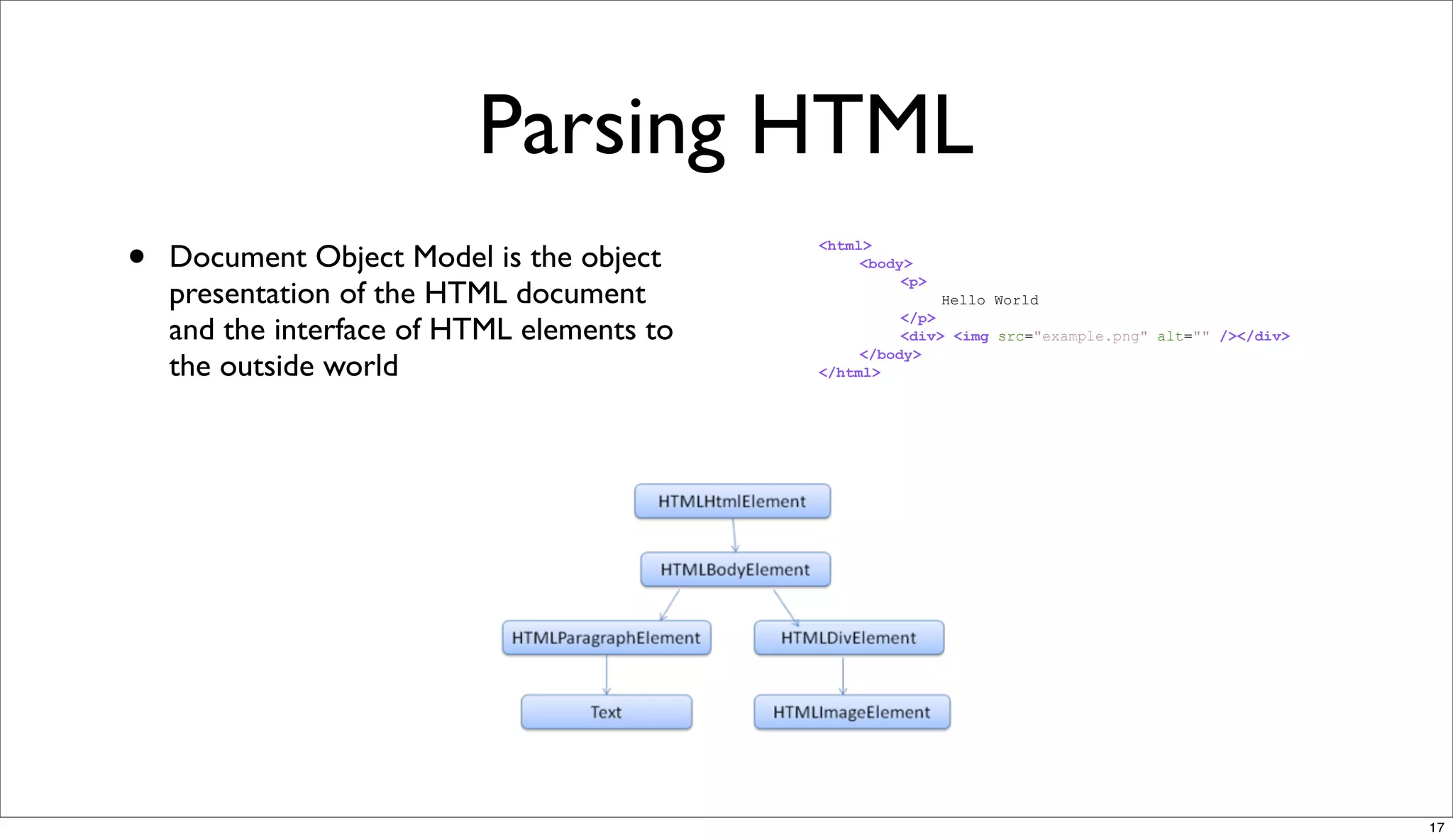
•   Document Object Model is the object
                                            <html>
                                                 <body>
                                                      <p>
    presentation of the HTML document                       Hello World
                                                      </p>
    and the interface of HTML elements to             <div> <img src="example.png" alt="" /></div>
                                                 </body>
    the outside world                       </html>


                                                                                                     17
CSS parsing
•   http://www.w3.org/TR/CSS2/
    grammar.html


                                          18
JavaScript parsing

•   The model of the web is synchronous. Authors expect scripts to be
    parsed and executed immediately when the parser reaches a <script>
    tag. The parsing of the document halts until the script was executed. If
    the script is external then the resource must be first fetched from the
    network - this is also done synchronously, the parsing halts until the
    resource is fetched. This was the model for many years and is also
    specified in HTML 4 and 5 specifications.

•   http://www.whatbrowser.org/en/more/


                                                                               19
Browsers error tolerance


•   You never get an "Invalid Syntax" error on an page served as text/
    html. Browsers fix an invalid content and go on.


                                                                         20
HTML


       21
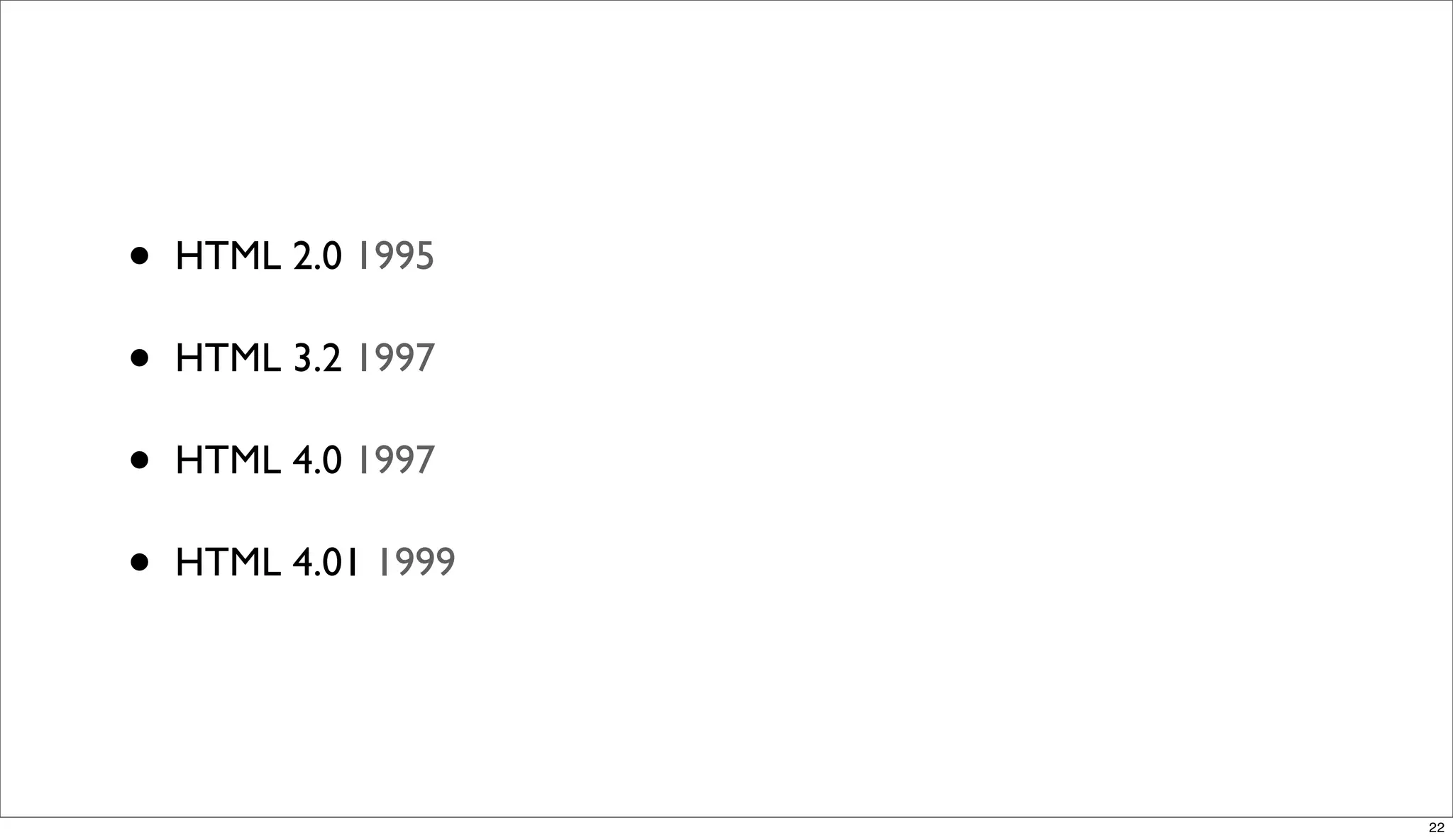
•   HTML 2.0 1995

•   HTML 3.2 1997

•   HTML 4.0 1997

•   HTML 4.01 1999


                     22
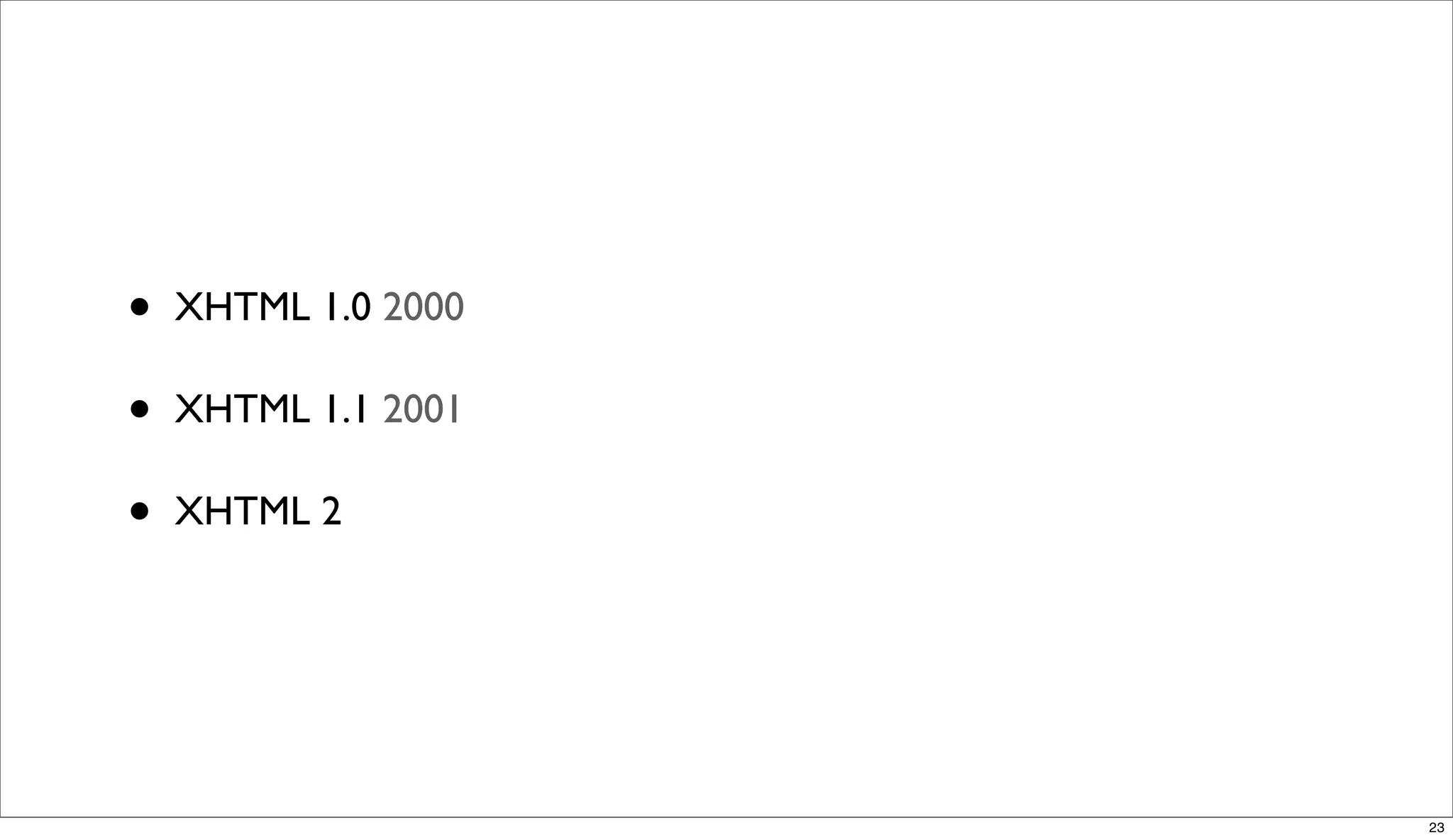
•   XHTML 1.0 2000

•   XHTML 1.1 2001

•   XHTML 2


                     23
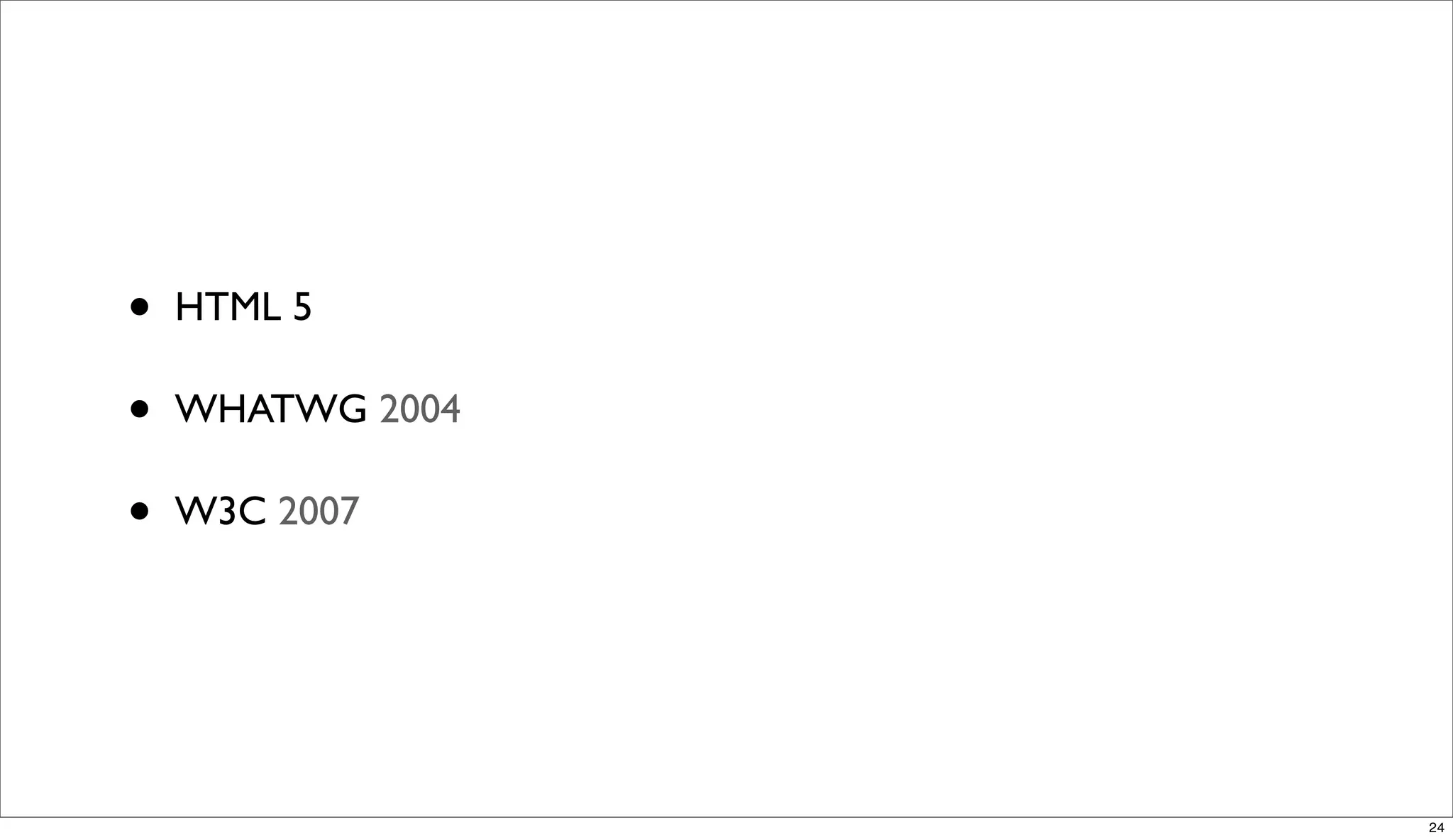
•   HTML 5

•   WHATWG 2004

•   W3C 2007


                  24
HTML 5
Simple solutions are preferred to complex ones, when possible.


                                                                 25
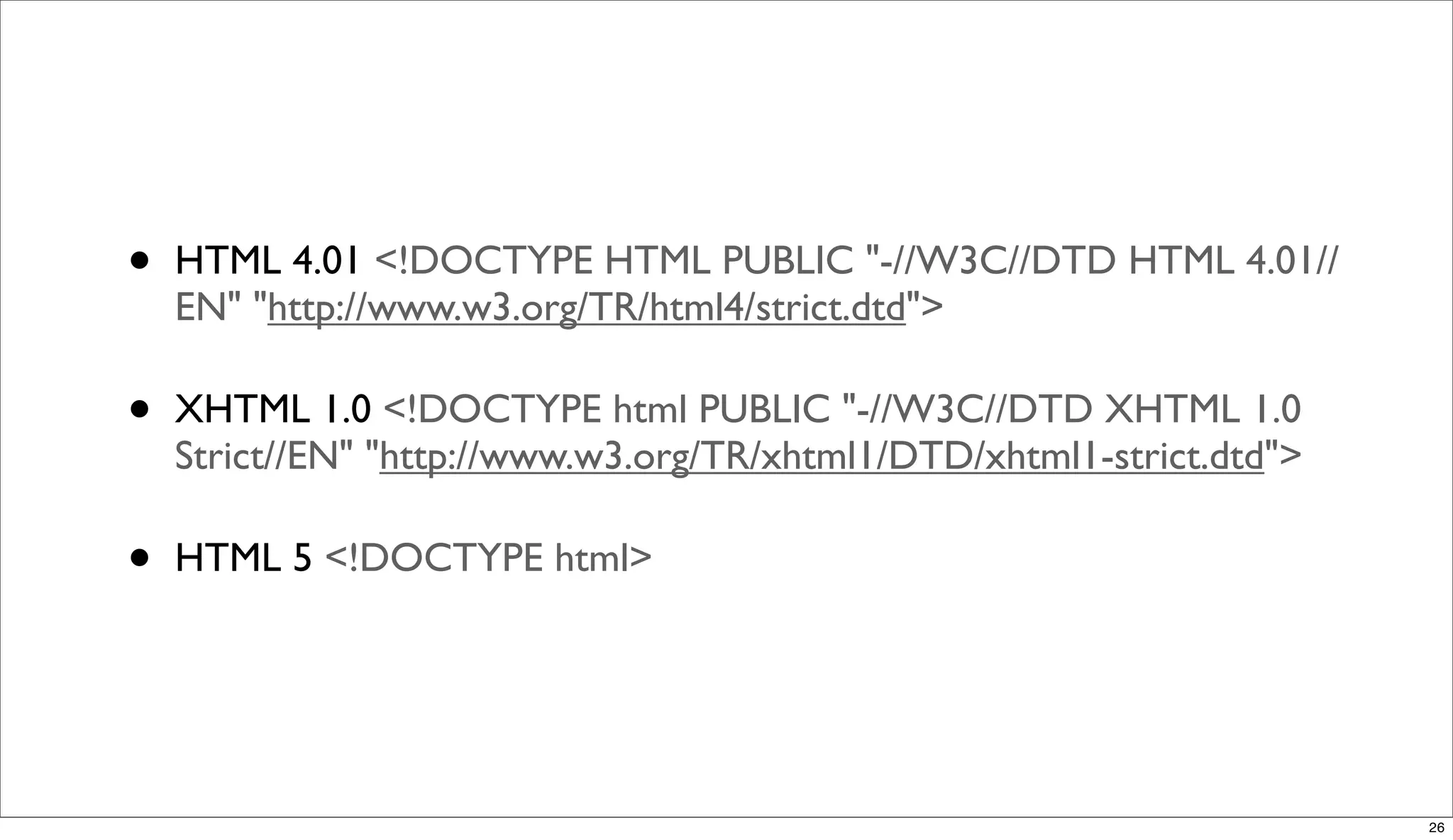
•   HTML 4.01 <!DOCTYPE HTML PUBLIC "-//W3C//DTD HTML 4.01//
    EN" "http://www.w3.org/TR/html4/strict.dtd">

•   XHTML 1.0 <!DOCTYPE html PUBLIC "-//W3C//DTD XHTML 1.0
    Strict//EN" "http://www.w3.org/TR/xhtml1/DTD/xhtml1-strict.dtd">

•   HTML 5 <!DOCTYPE html>


                                                                       26
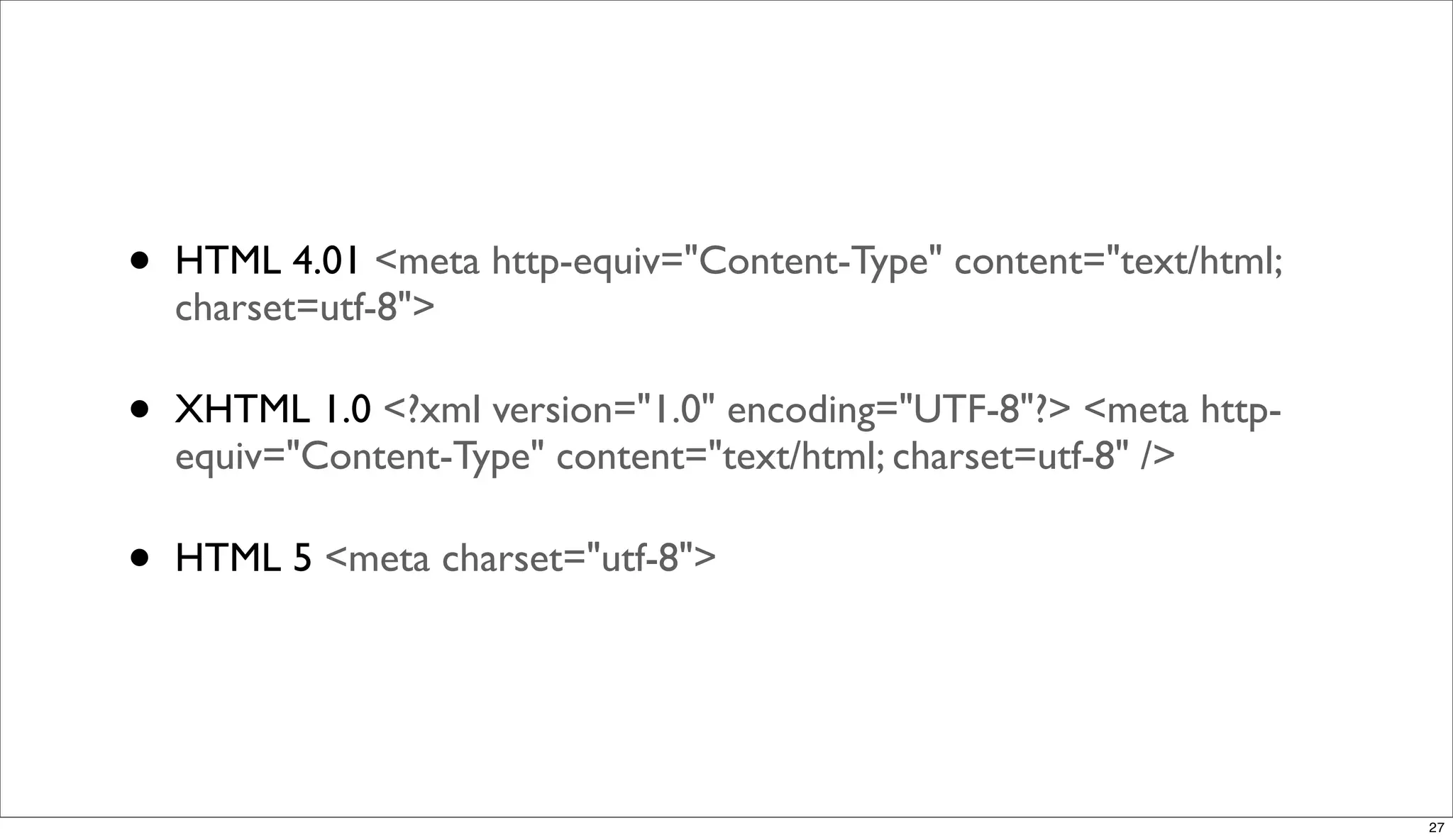
•   HTML 4.01 <meta http-equiv="Content-Type" content="text/html;
    charset=utf-8">

•   XHTML 1.0 <?xml version="1.0" encoding="UTF-8"?> <meta http-
    equiv="Content-Type" content="text/html; charset=utf-8" />

•   HTML 5 <meta charset="utf-8">


                                                                    27
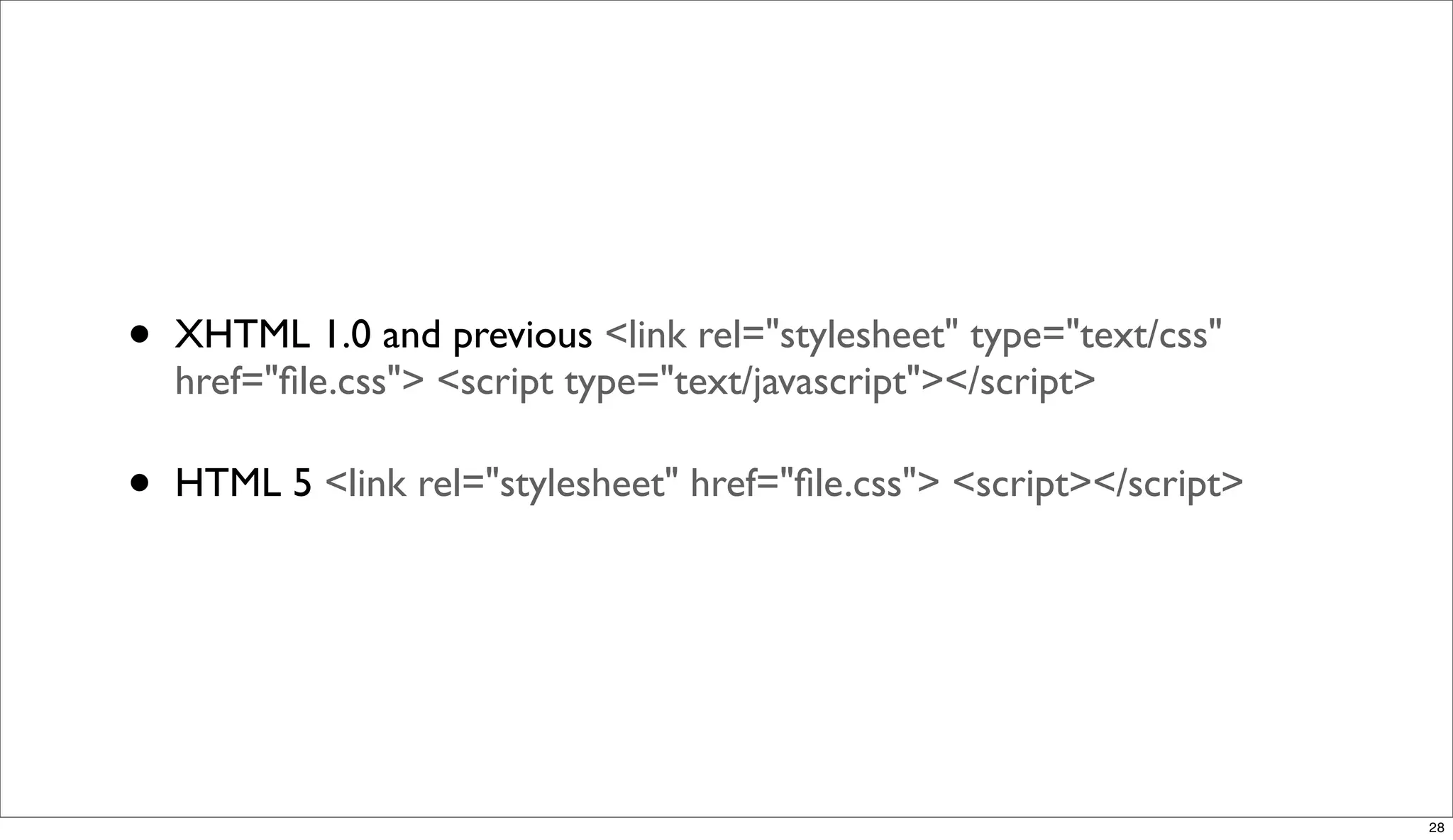
•   XHTML 1.0 and previous <link rel="stylesheet" type="text/css"
    href="file.css"> <script type="text/javascript"></script>

•   HTML 5 <link rel="stylesheet" href="file.css"> <script></script>


                                                                      28
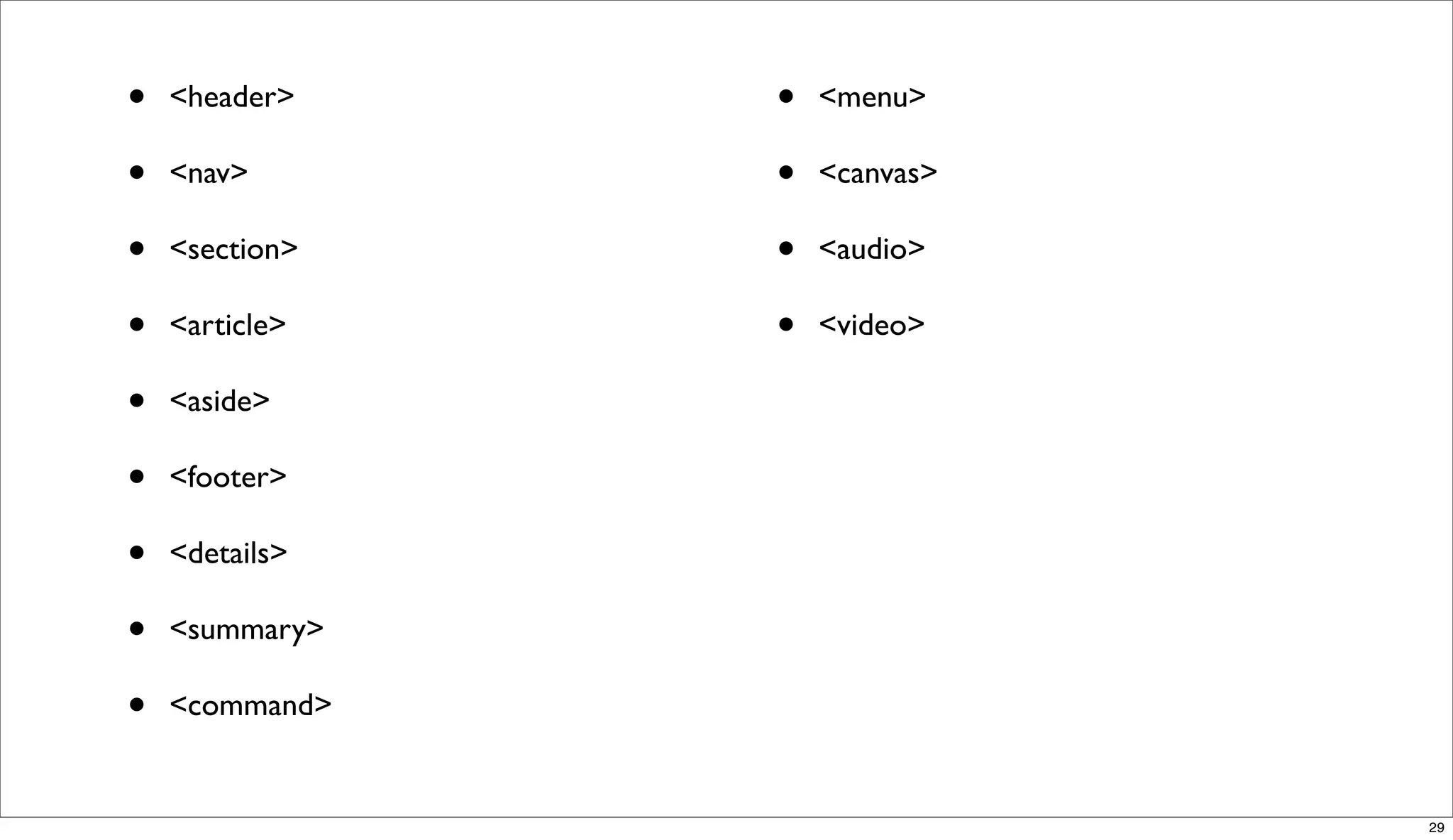
•   <header>    •   <menu>

•   <nav>       •   <canvas>

•   <section>   •   <audio>

•   <article>   •   <video>

•   <aside>

•   <footer>

•   <details>

•   <summary>

•   <command>


                               29
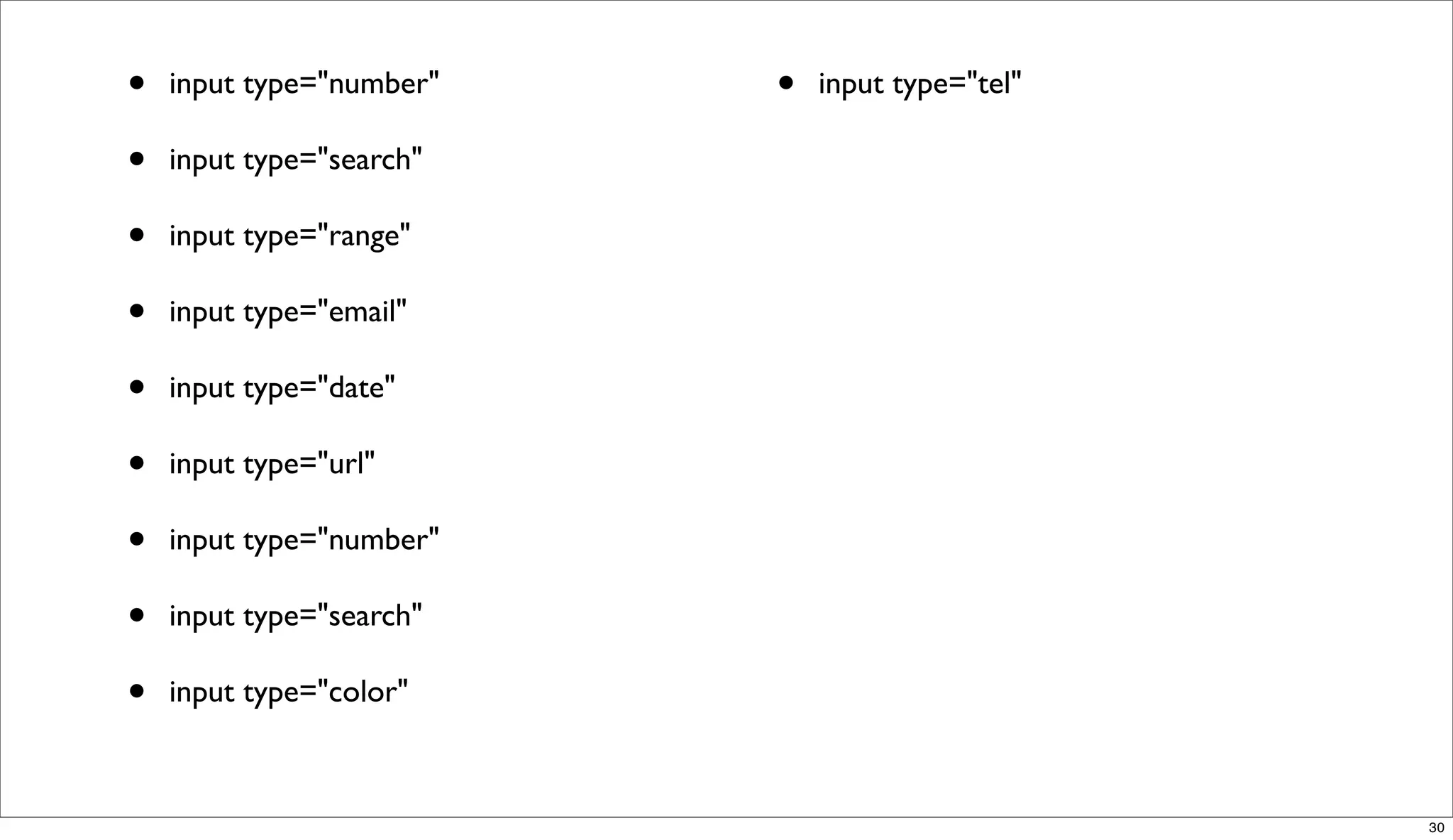
•   input type="number"   •   input type="tel"

•   input type="search"

•   input type="range"

•   input type="email"

•   input type="date"

•   input type="url"

•   input type="number"

•   input type="search"

•   input type="color"


                                                 30
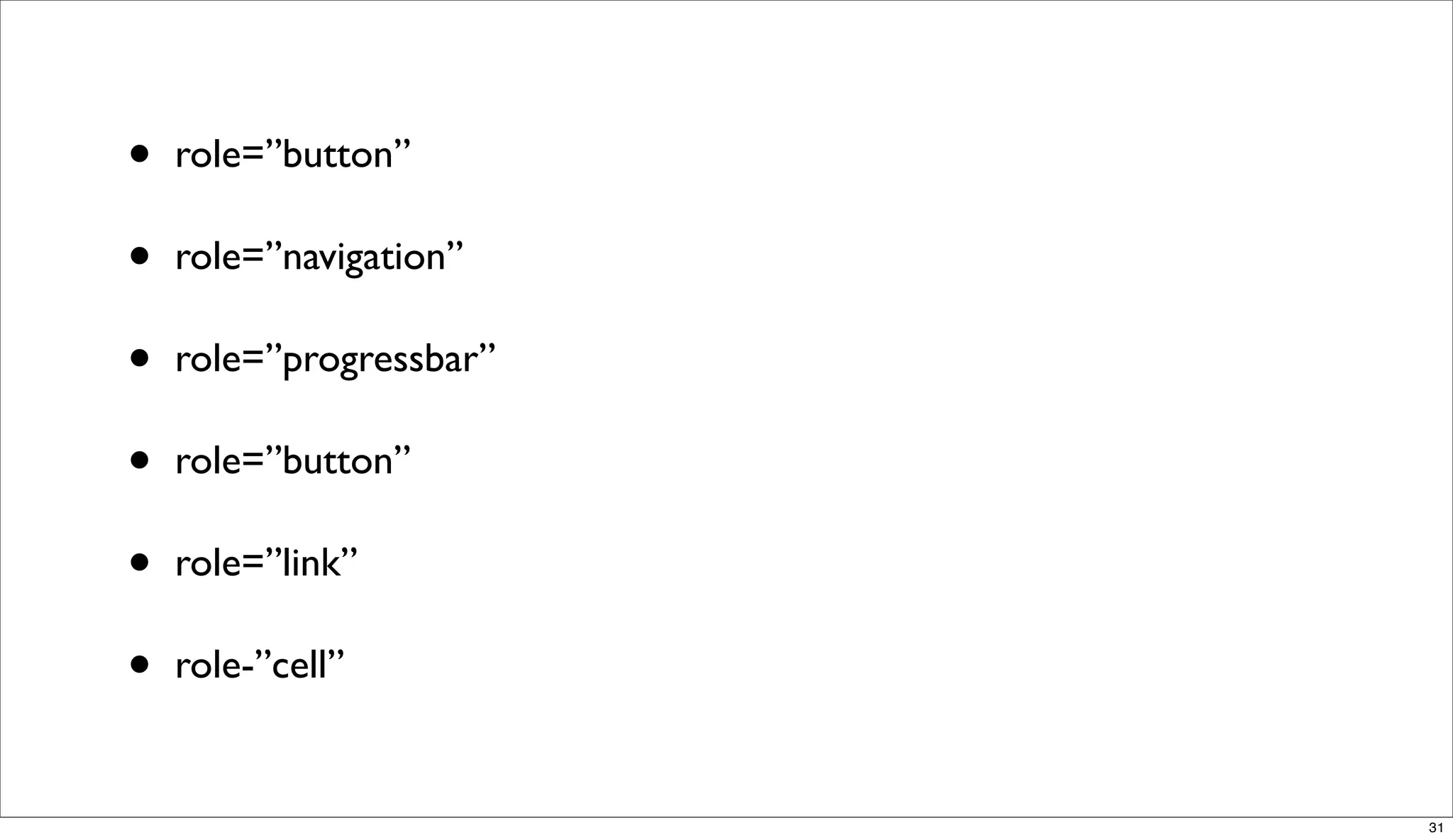
•   role=”button”

•   role=”navigation”

•   role=”progressbar”

•   role=”button”

•   role=”link”

•   role-”cell”


                         31
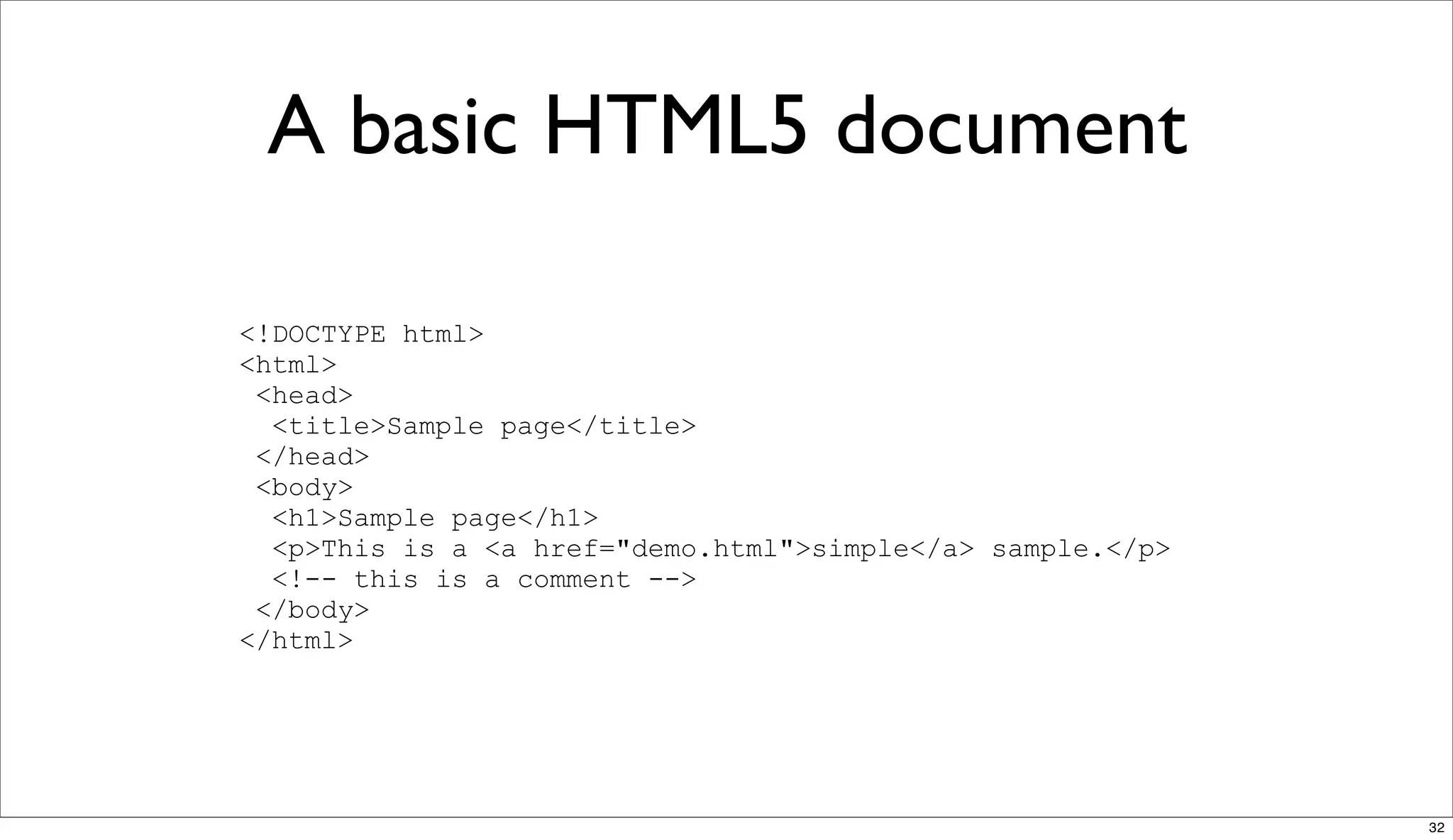
A basic HTML5 document

<!DOCTYPE html>
<html>
 <head>
  <title>Sample page</title>
 </head>
 <body>
  <h1>Sample page</h1>
  <p>This is a <a href="demo.html">simple</a> sample.</p>
  <!-- this is a comment -->
 </body>
</html>


                                                            32
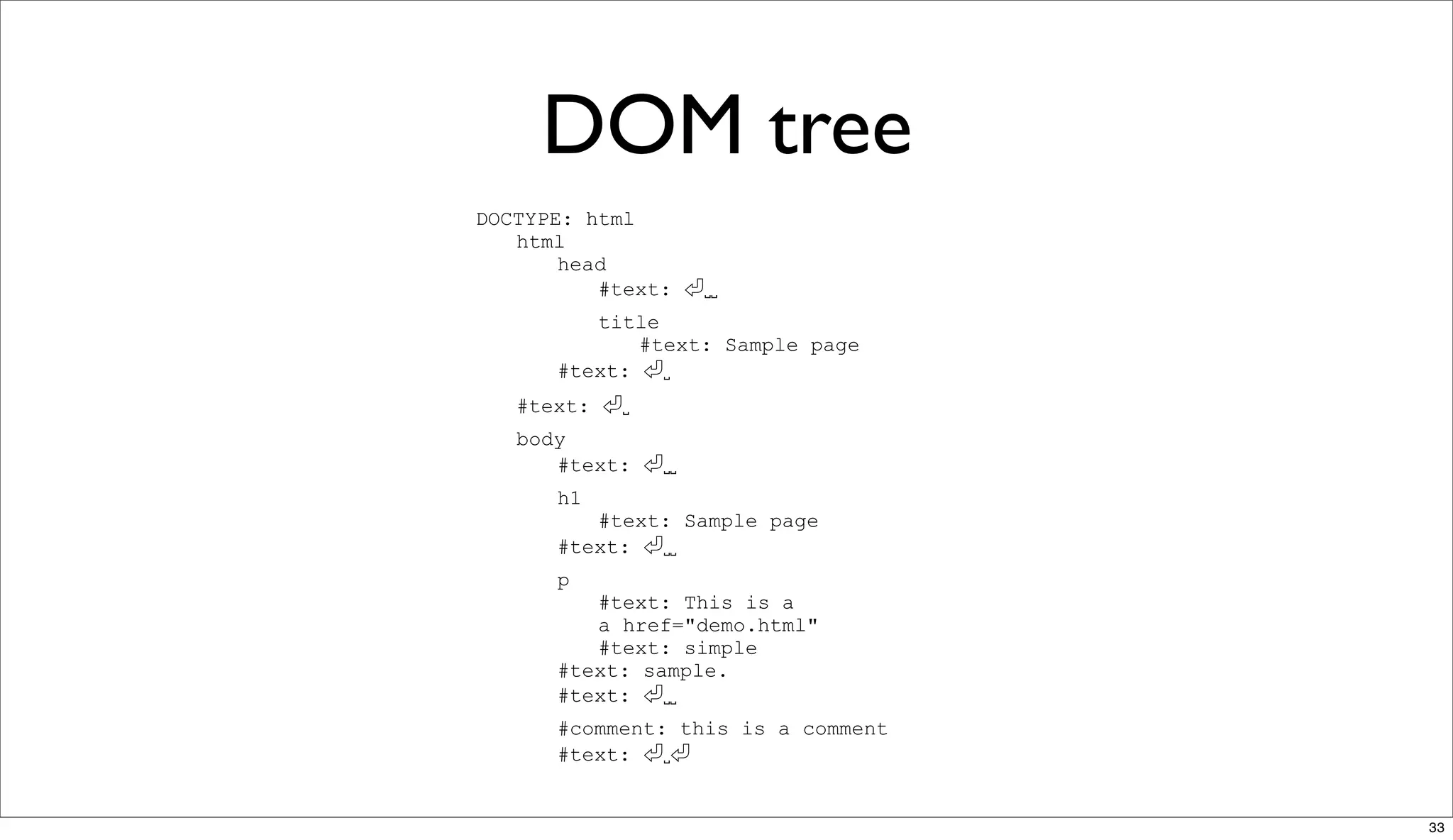
DOM tree
DOCTYPE: html
   html
       head
          #text:     ␣␣
         title
             #text: Sample page
      #text:   ␣
   #text:   ␣
   body
      #text:    ␣␣
      h1
         #text: Sample page
      #text:  ␣␣
      p
         #text: This is a
         a href="demo.html"
         #text: simple
      #text: sample.
      #text:   ␣␣
      #comment: this is a comment
      #text:   ␣


                                    33
Demo!


•   http://slides.html5rocks.com/#slide24


                                            34
Future read


•   http://diveintohtml5.org/

•   http://www.whatwg.org/specs/web-apps/current-work/


                                                         35
CSS


      36
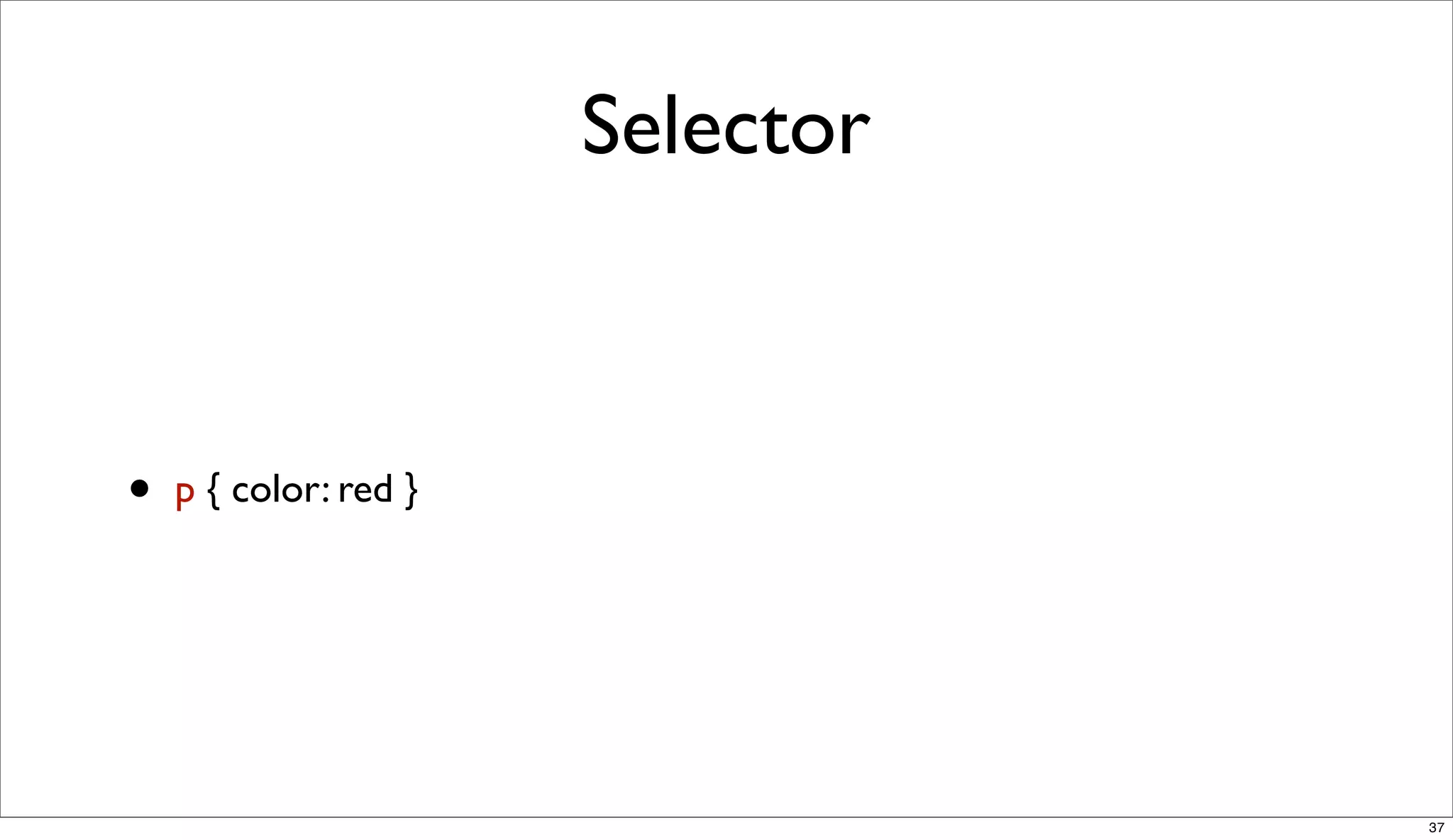
Selector


•   p { color: red }


                                  37
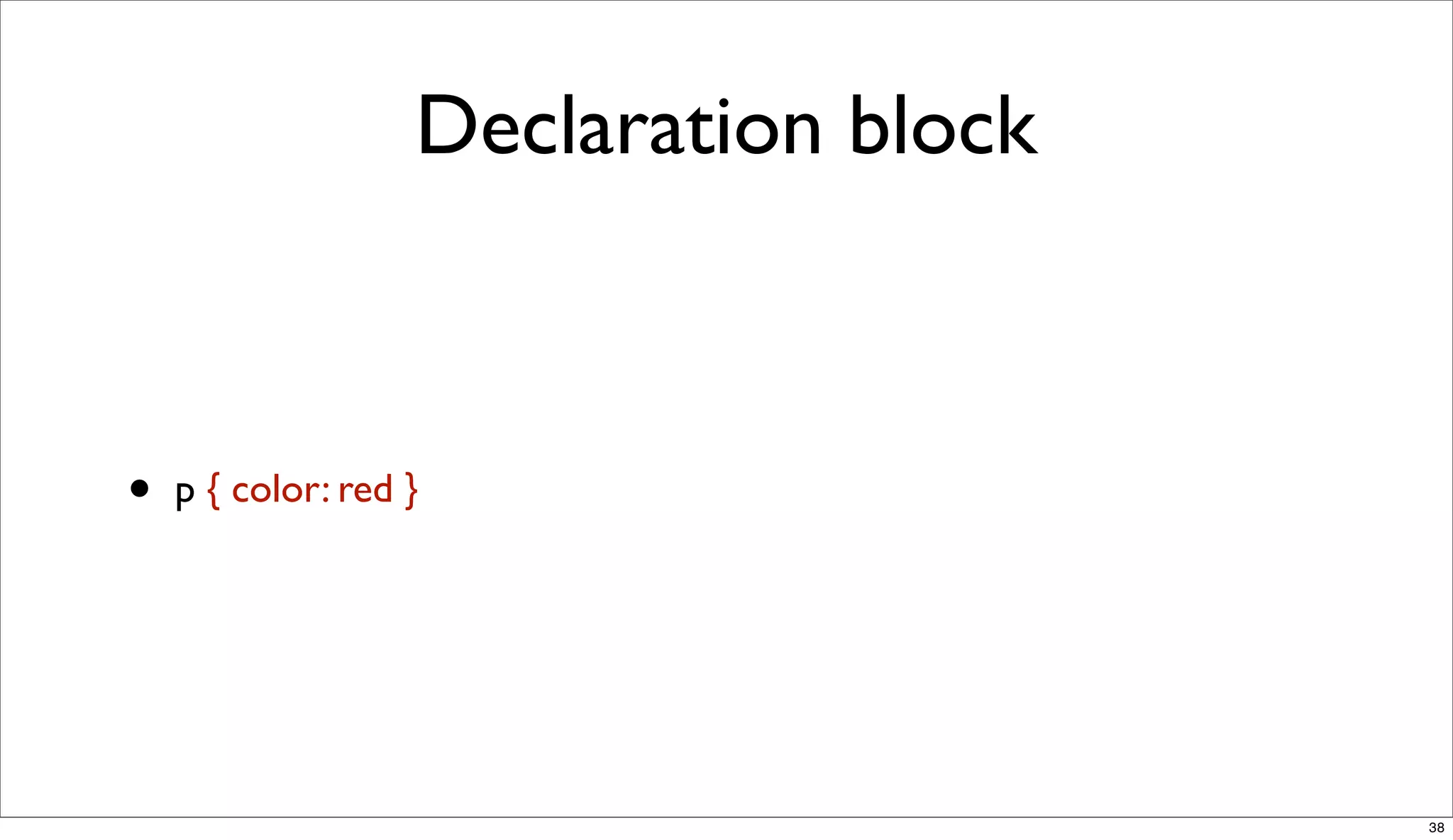
Declaration block


•   p { color: red }


                                       38
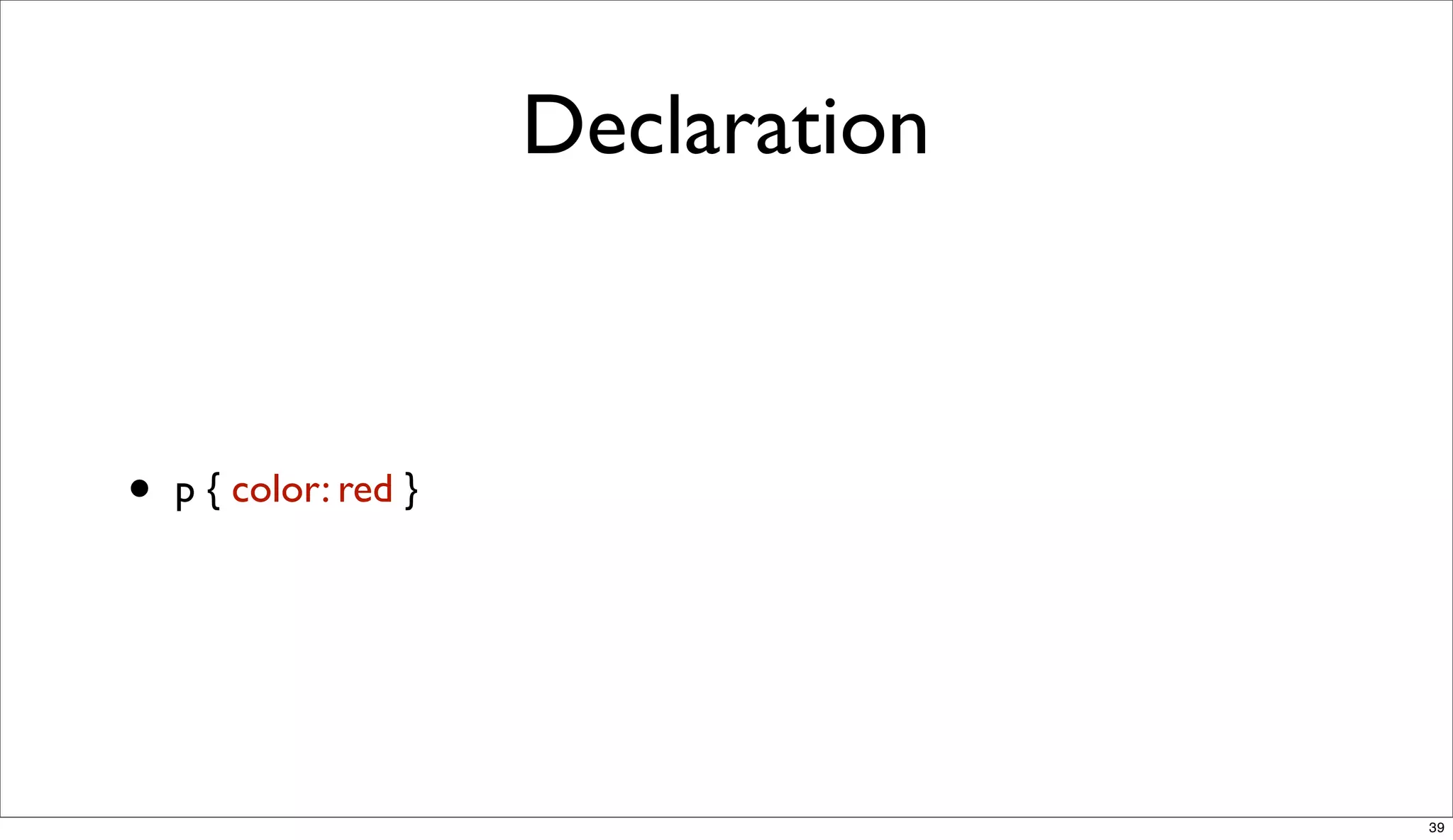
Declaration


•   p { color: red }


                                     39
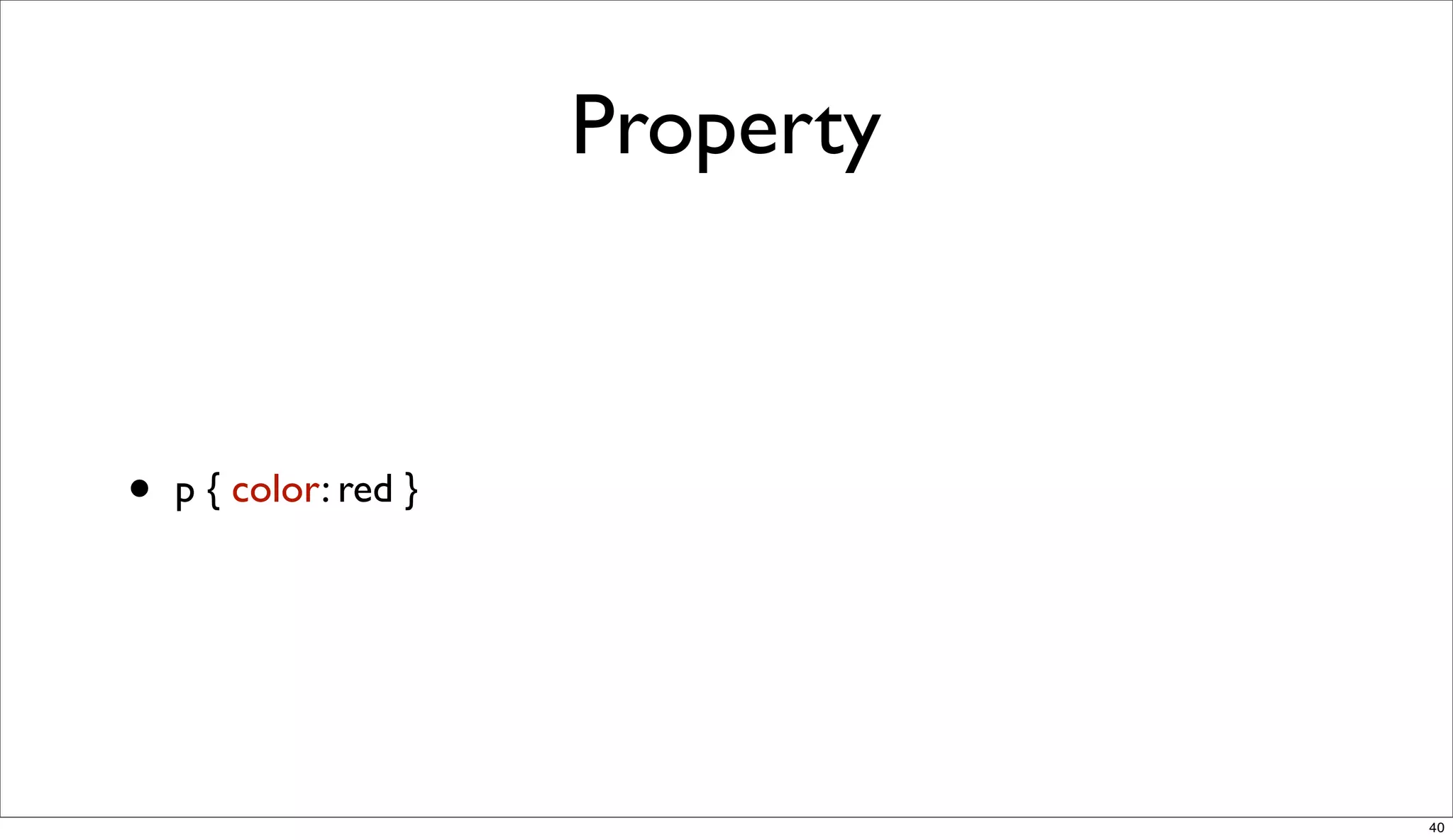
Property


•   p { color: red }


                                  40
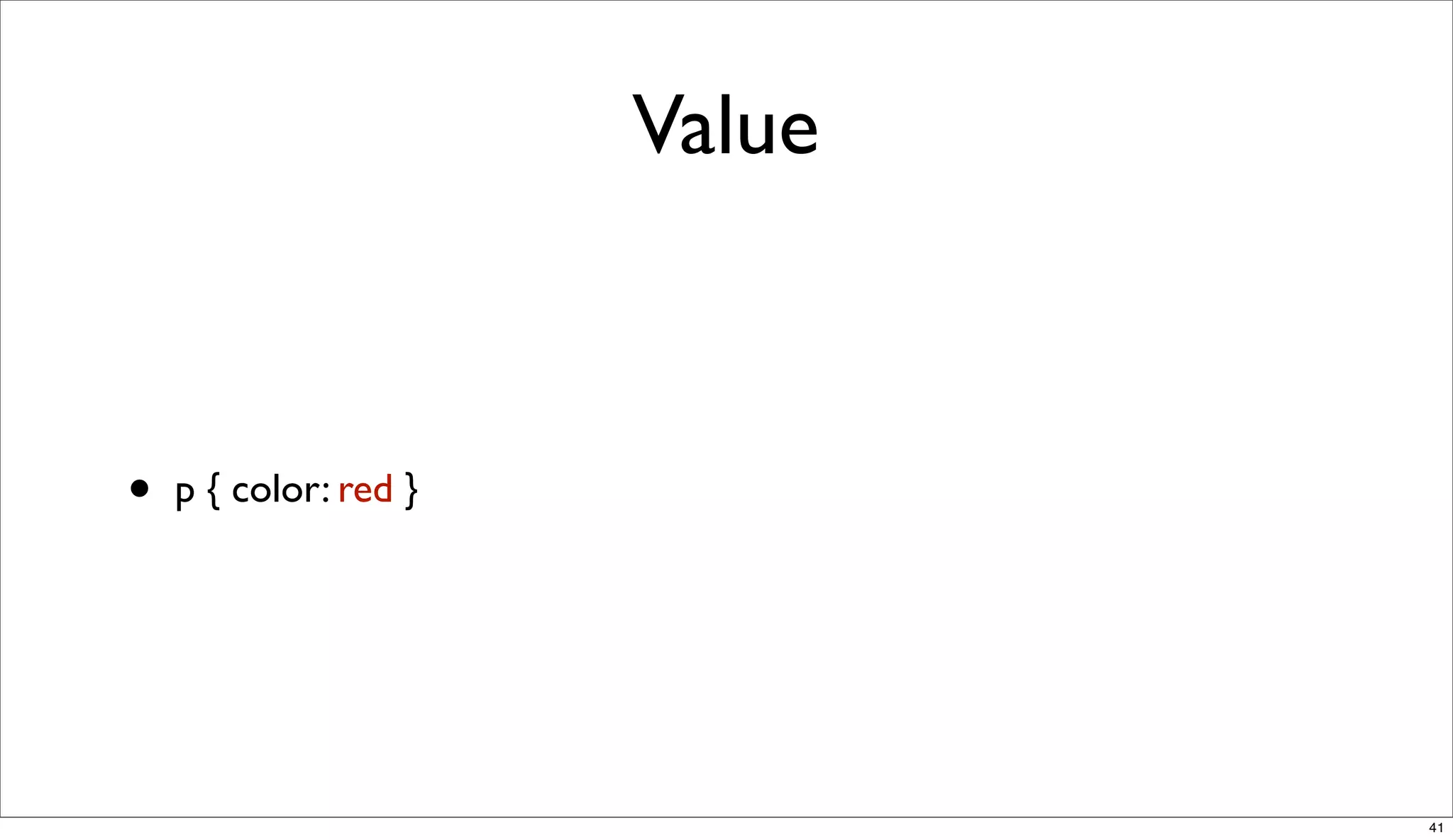
Value


•   p { color: red }


                               41
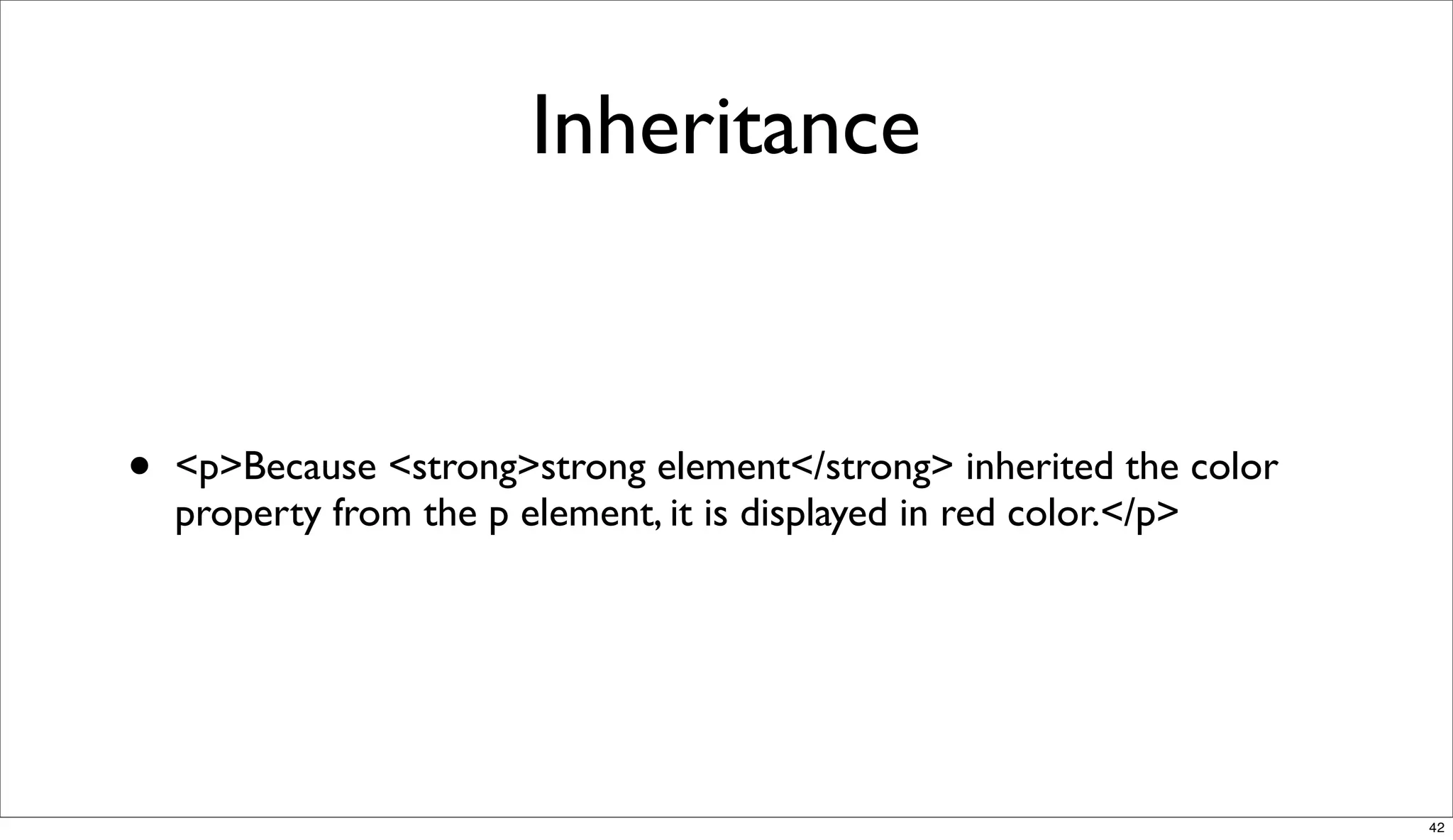
Inheritance


•   <p>Because <strong>strong element</strong> inherited the color
    property from the p element, it is displayed in red color.</p>


                                                                     42
Not all properties are inherited


                                   43
Demo!


•   http://slides.html5rocks.com/#slide39


                                            44
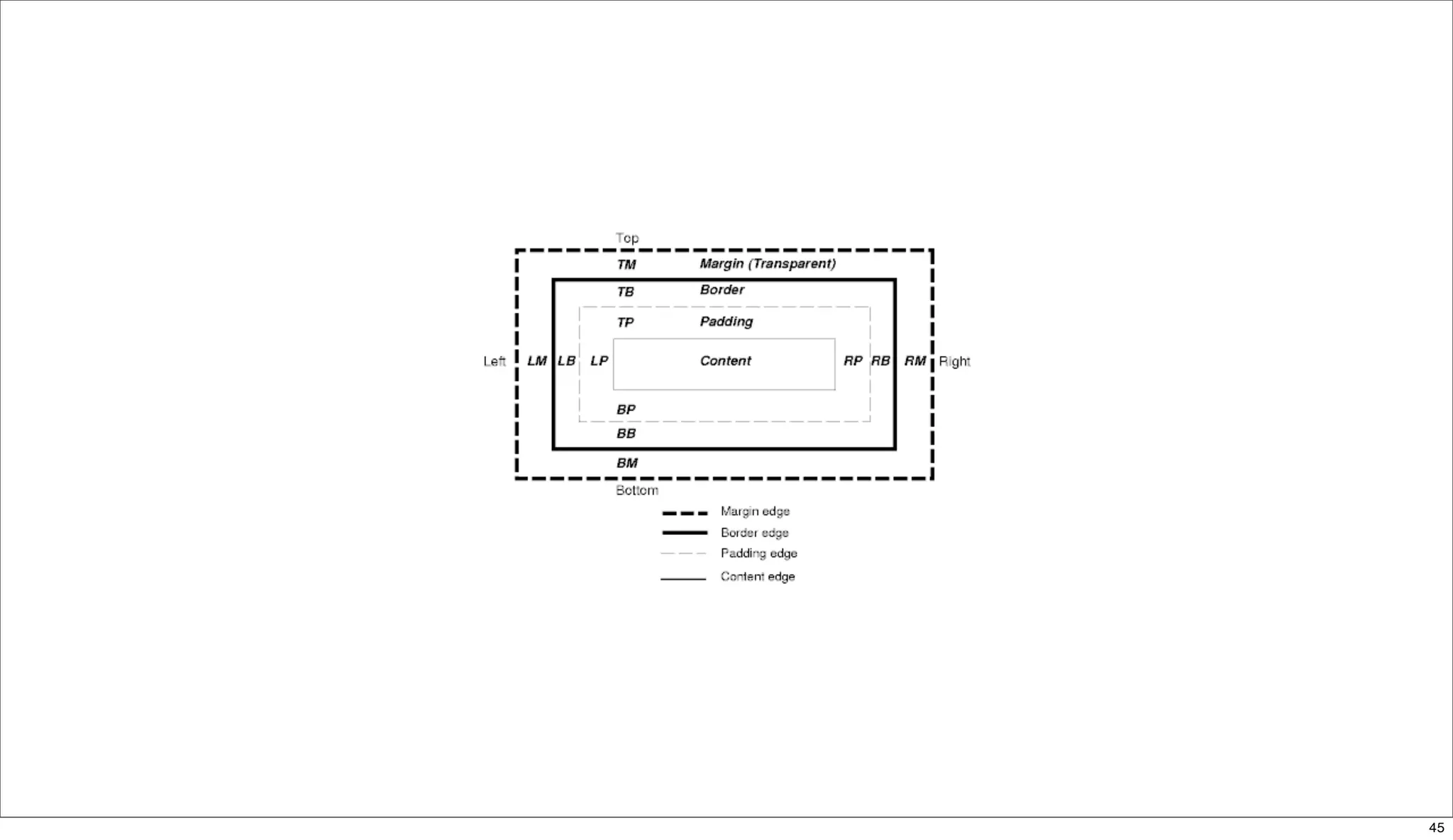
45
JavaScript


             46
JavaScript


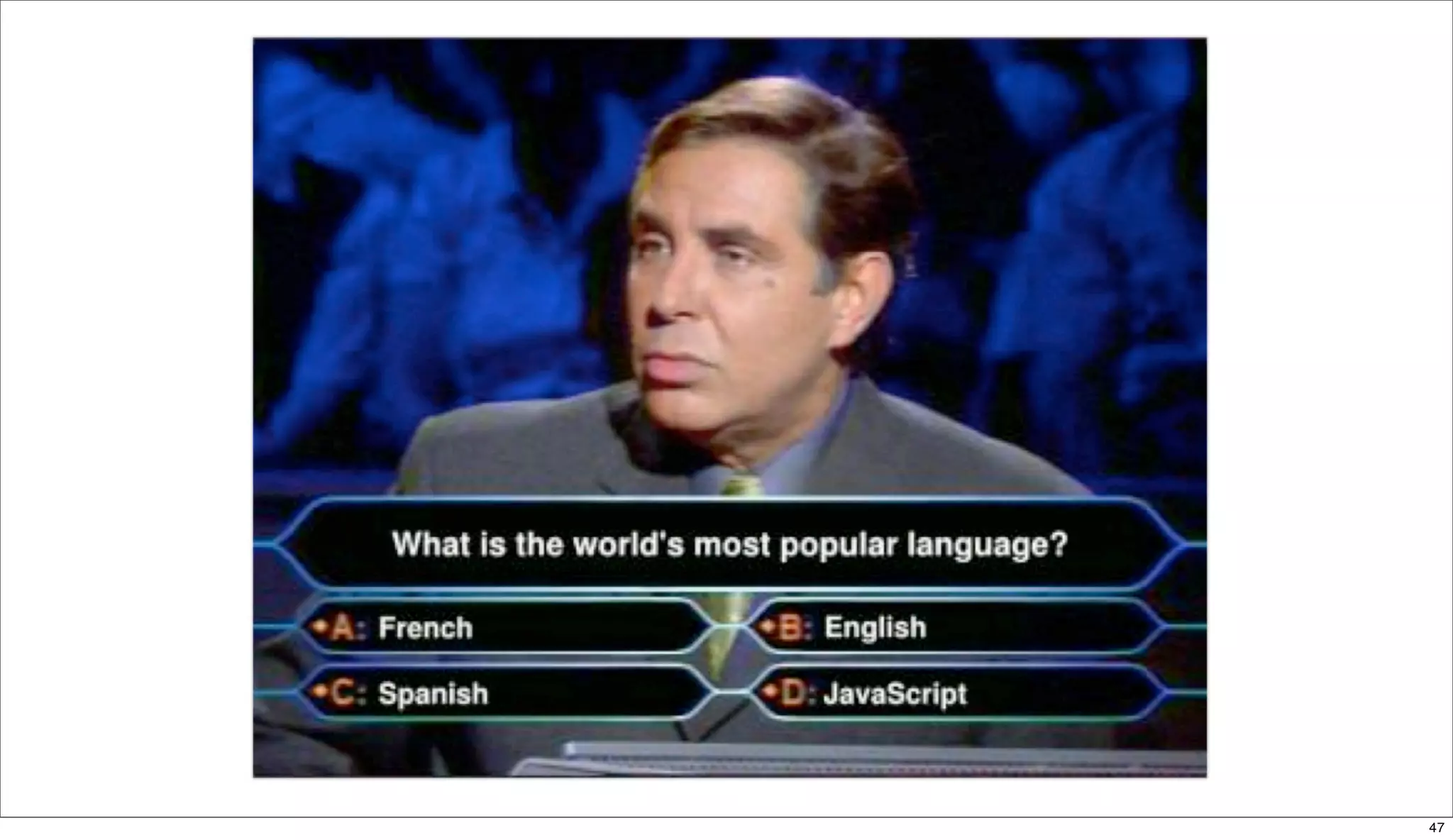
             47
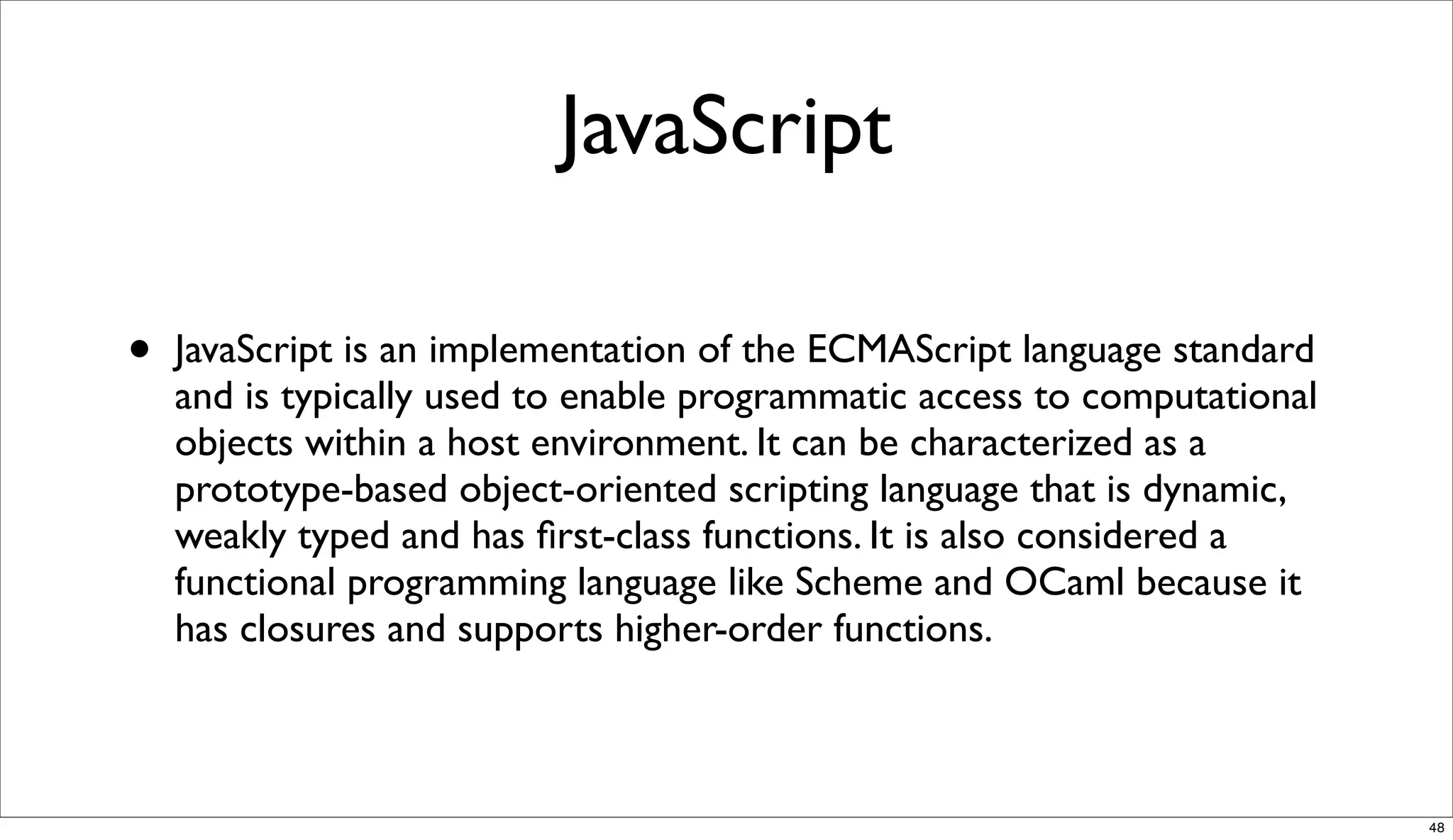
JavaScript

•   JavaScript is an implementation of the ECMAScript language standard
    and is typically used to enable programmatic access to computational
    objects within a host environment. It can be characterized as a
    prototype-based object-oriented scripting language that is dynamic,
    weakly typed and has first-class functions. It is also considered a
    functional programming language like Scheme and OCaml because it
    has closures and supports higher-order functions.


                                                                           48
Doug Crockford


•   "JavaScript doesn't suck.You're just doing it wrong."


                                                            49
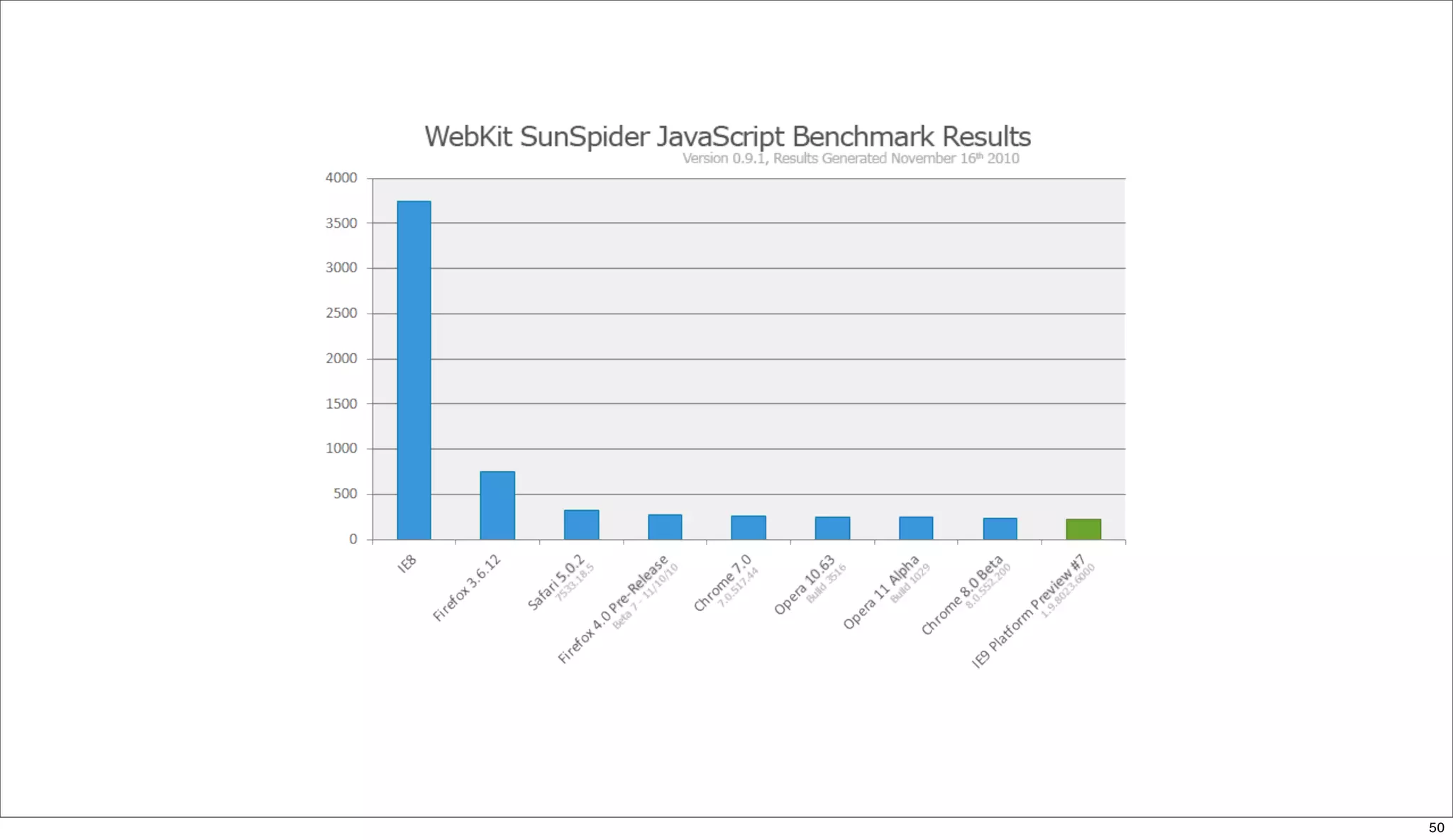
50
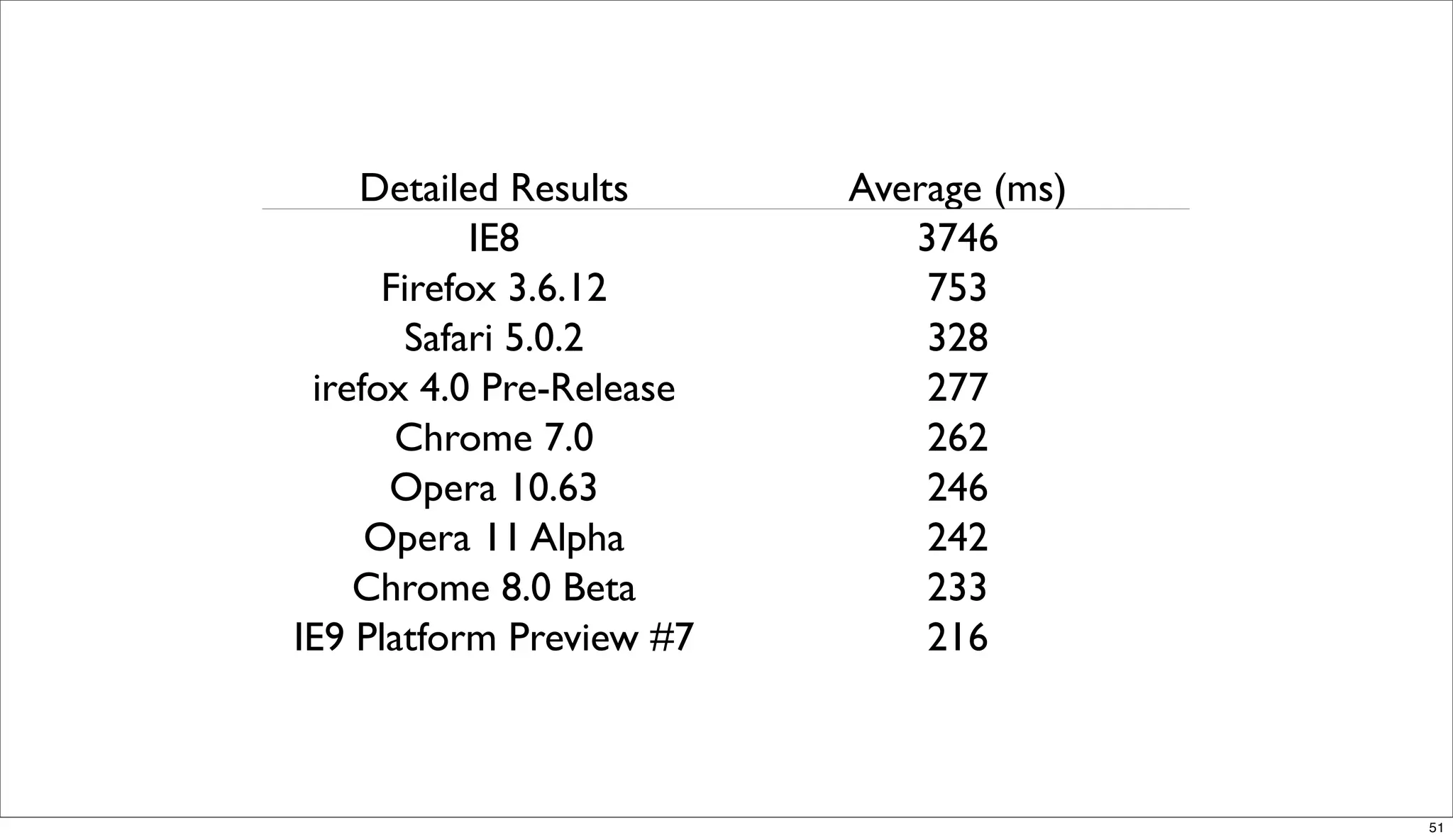
Detailed Results      Average (ms)
            IE8              3746
      Firefox 3.6.12          753
       Safari 5.0.2           328
 irefox 4.0 Pre-Release       277
          Beta7
       Chrome 7.0             262
      Opera 10.63             246
     Opera 11 Alpha           242
    Chrome 8.0 Beta           233
IE9 Platform Preview #7       216


                                         51
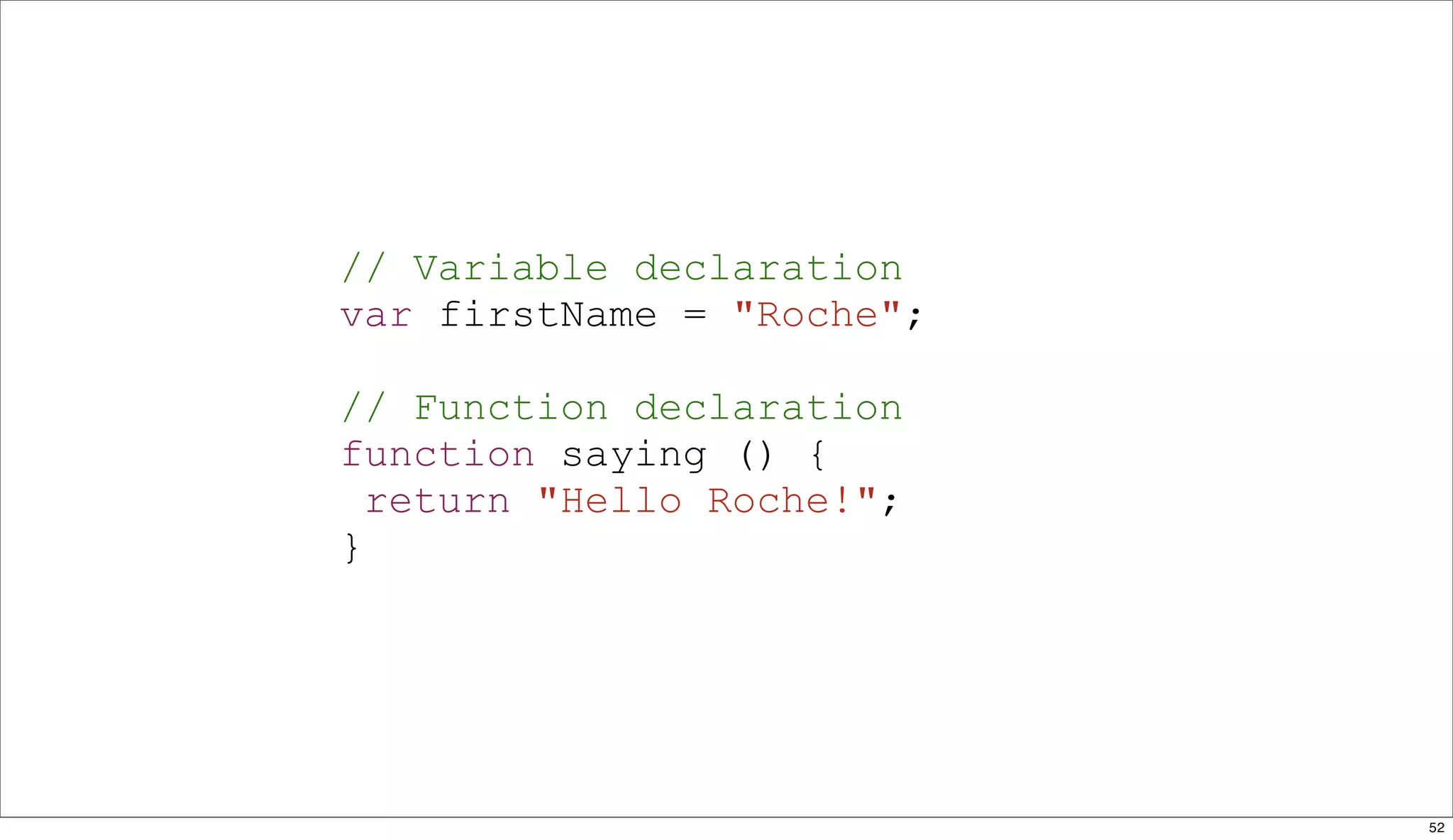
// Variable declaration
var firstName = "Roche";

// Function declaration
function saying () {
  return "Hello Roche!";
}


                           52
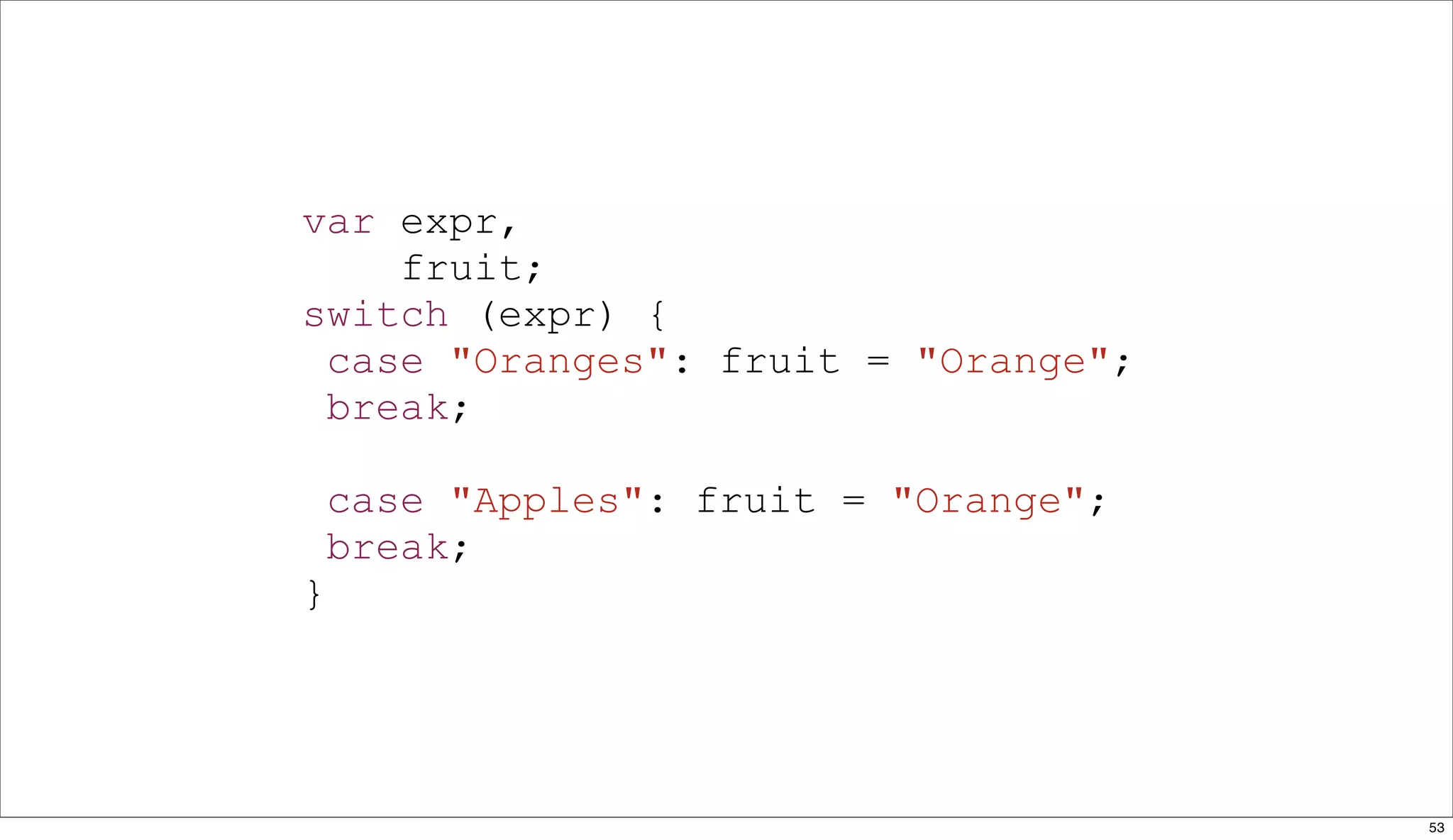
var expr,
    fruit;
switch (expr) {
 case "Oranges": fruit = "Orange";
 break;

    case "Apples": fruit = "Orange";
    break;
}


                                       53
/ Object literal
var apple = {
 firstName : "Apple"
};

// Array literal
var fruits = ["Apple", "Orange"];


                                    54
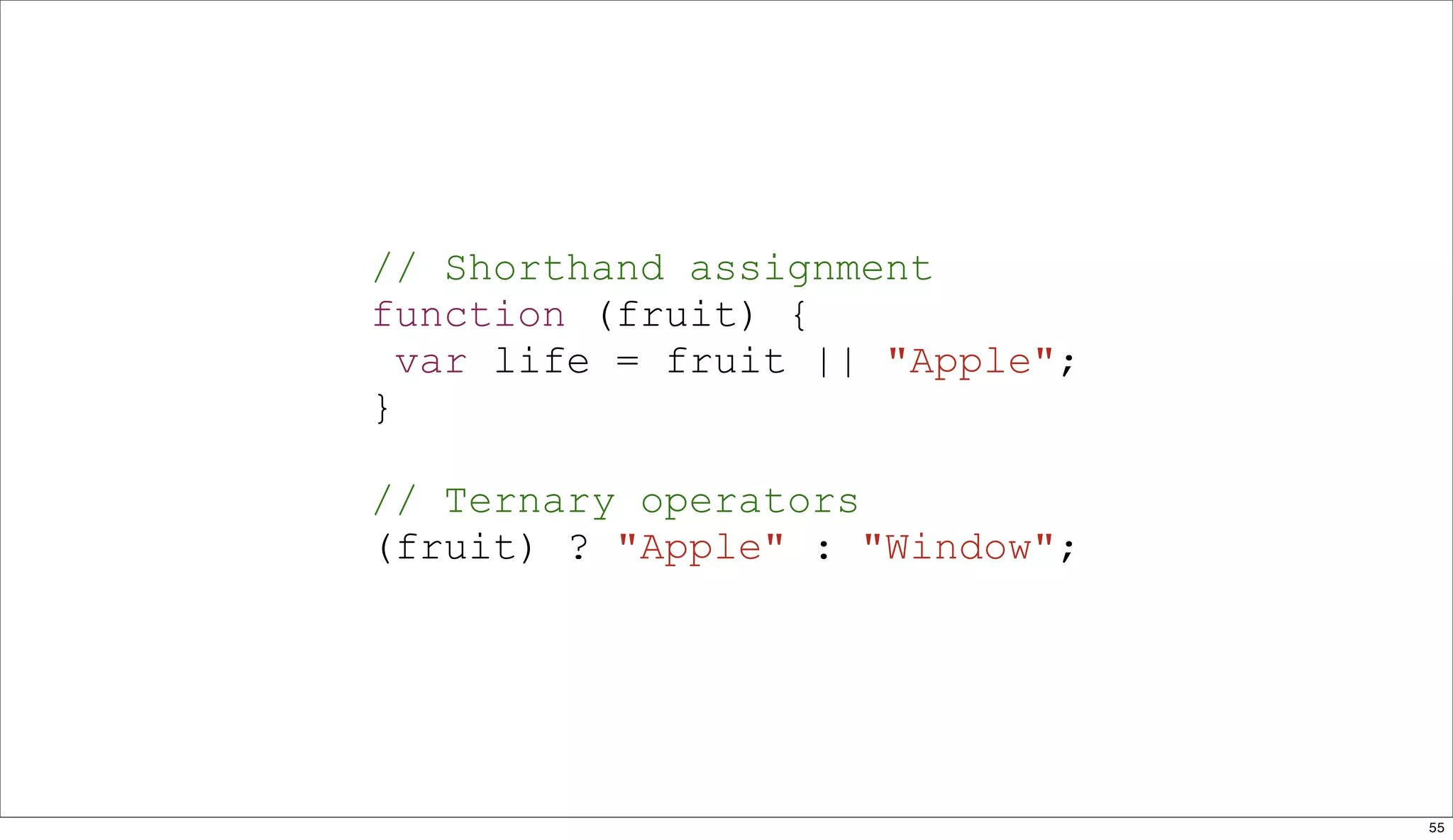
// Shorthand assignment
function (fruit) {
  var life = fruit || "Apple";
}

// Ternary operators
(fruit) ? "Apple" : "Window";


                                 55
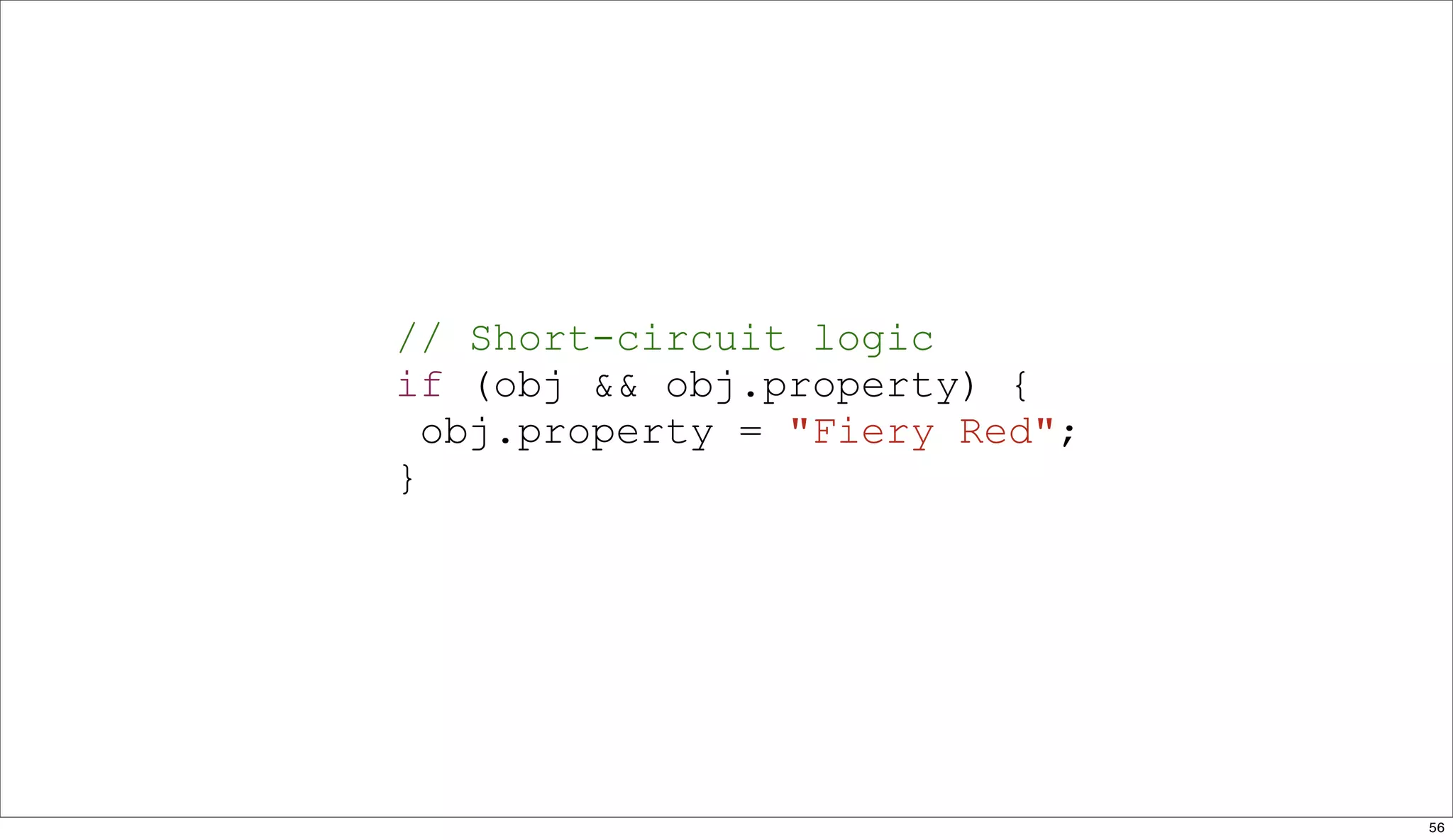
// Short-circuit logic
if (obj && obj.property) {
  obj.property = "Fiery Red";
}


                                56
•   string

•   number

•   boolean

•   null

•   undefined

•   object


               57
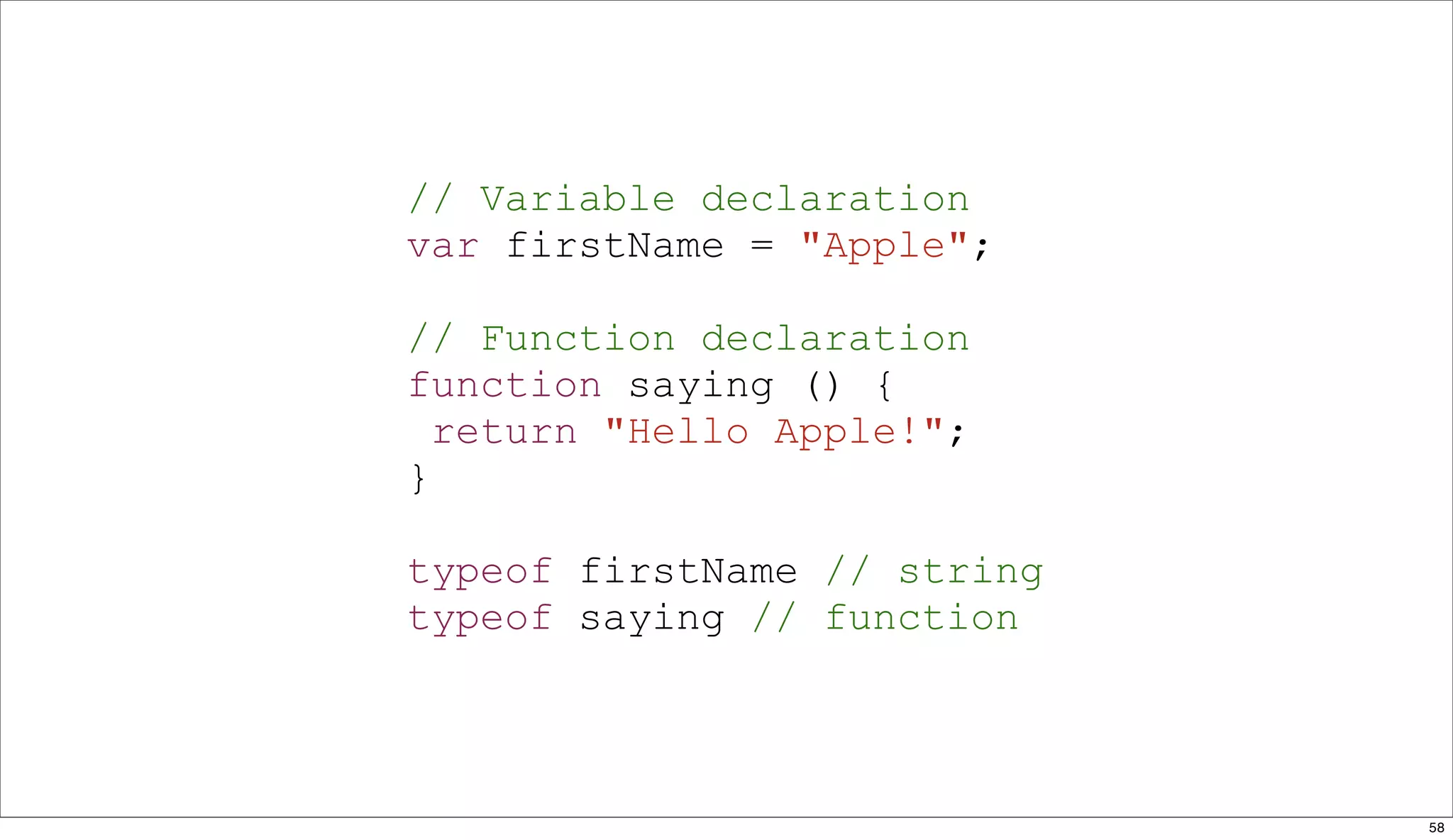
// Variable declaration
var firstName = "Apple";

// Function declaration
function saying () {
  return "Hello Apple!";
}

typeof firstName // string
typeof saying // function


                             58
// Object declaration
var apple = {
 firstName : "Apple"
};

// Array declaration
var fruits = ["Apple", "Orange"];

typeof apple // object
typeof fruits // object


                                    59
// Object declaration
var apple = {
 firstName : "Apple"
};

// Array declaration
var fruits = ["Apple", "Orange"];

apple instanceof Array // false
fruits instanceof Array // true


                                    60
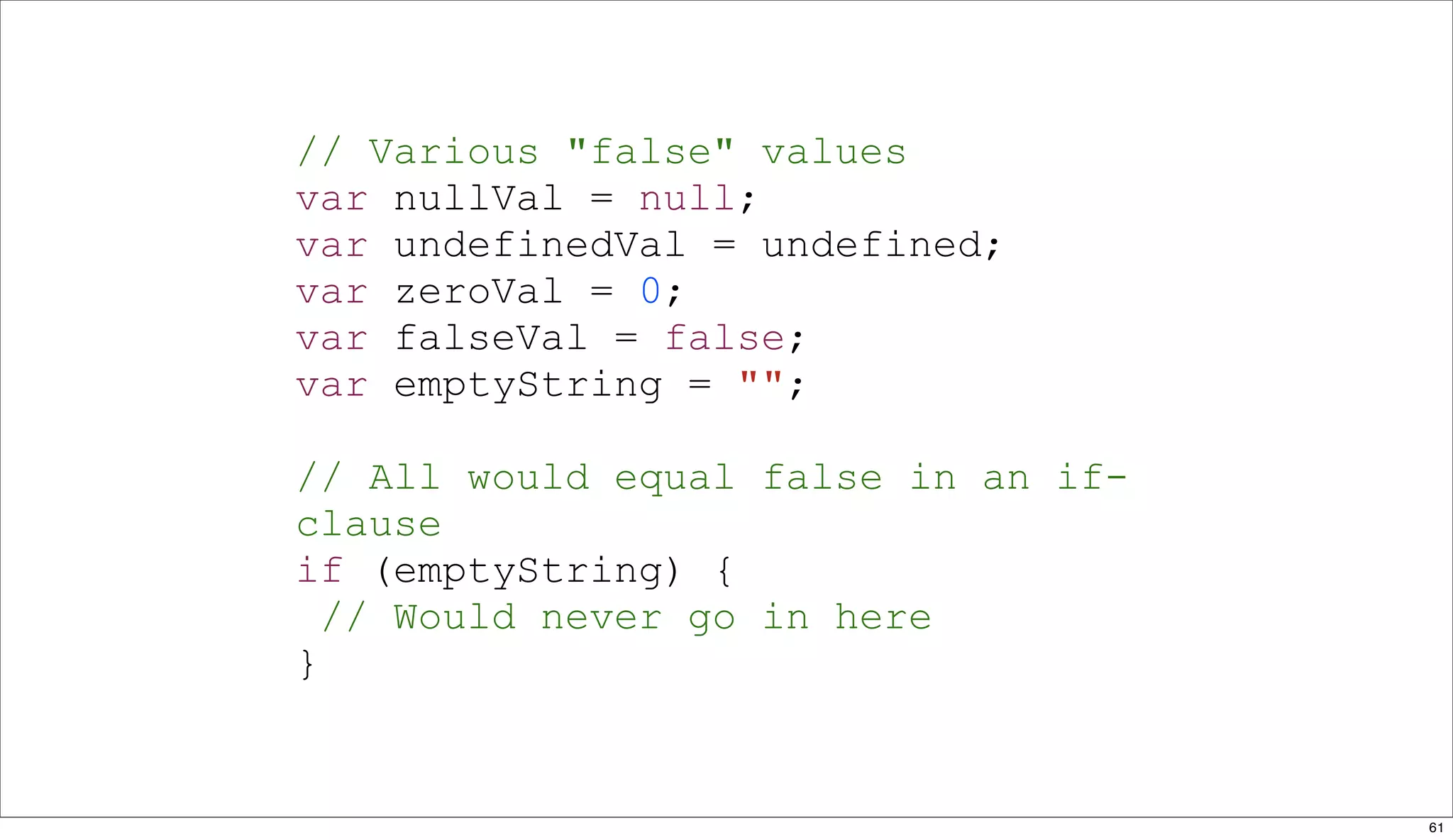
// Various "false" values
var nullVal = null;
var undefinedVal = undefined;
var zeroVal = 0;
var falseVal = false;
var emptyString = "";

// All would equal false in an if-
clause
if (emptyString) {
  // Would never go in here
}


                                     61
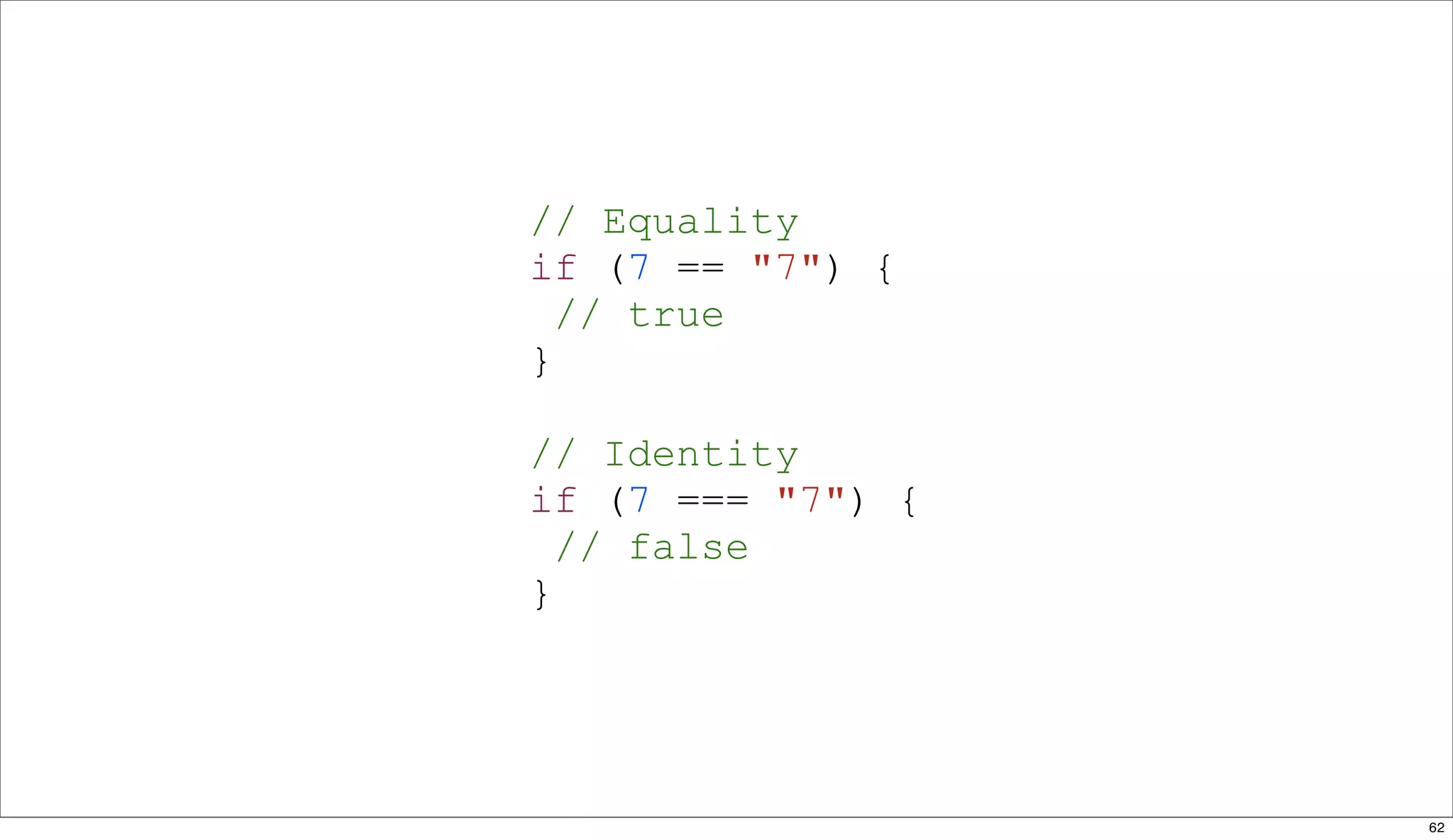
// Equality
if (7 == "7") {
  // true
}

// Identity
if (7 === "7") {
  // false
}


                   62
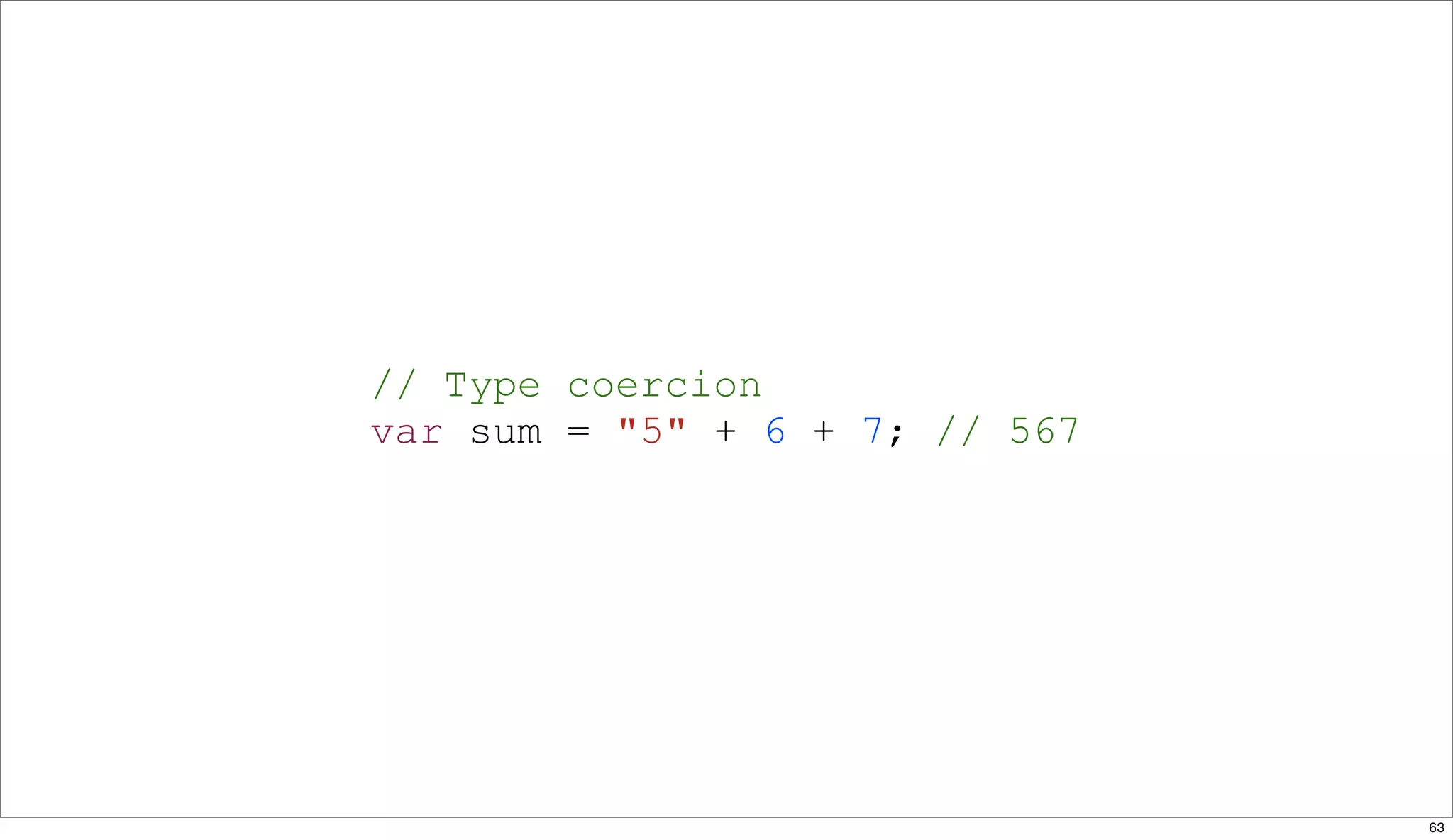
// Type coercion
var sum = "5" + 6 + 7; // 567


                                63
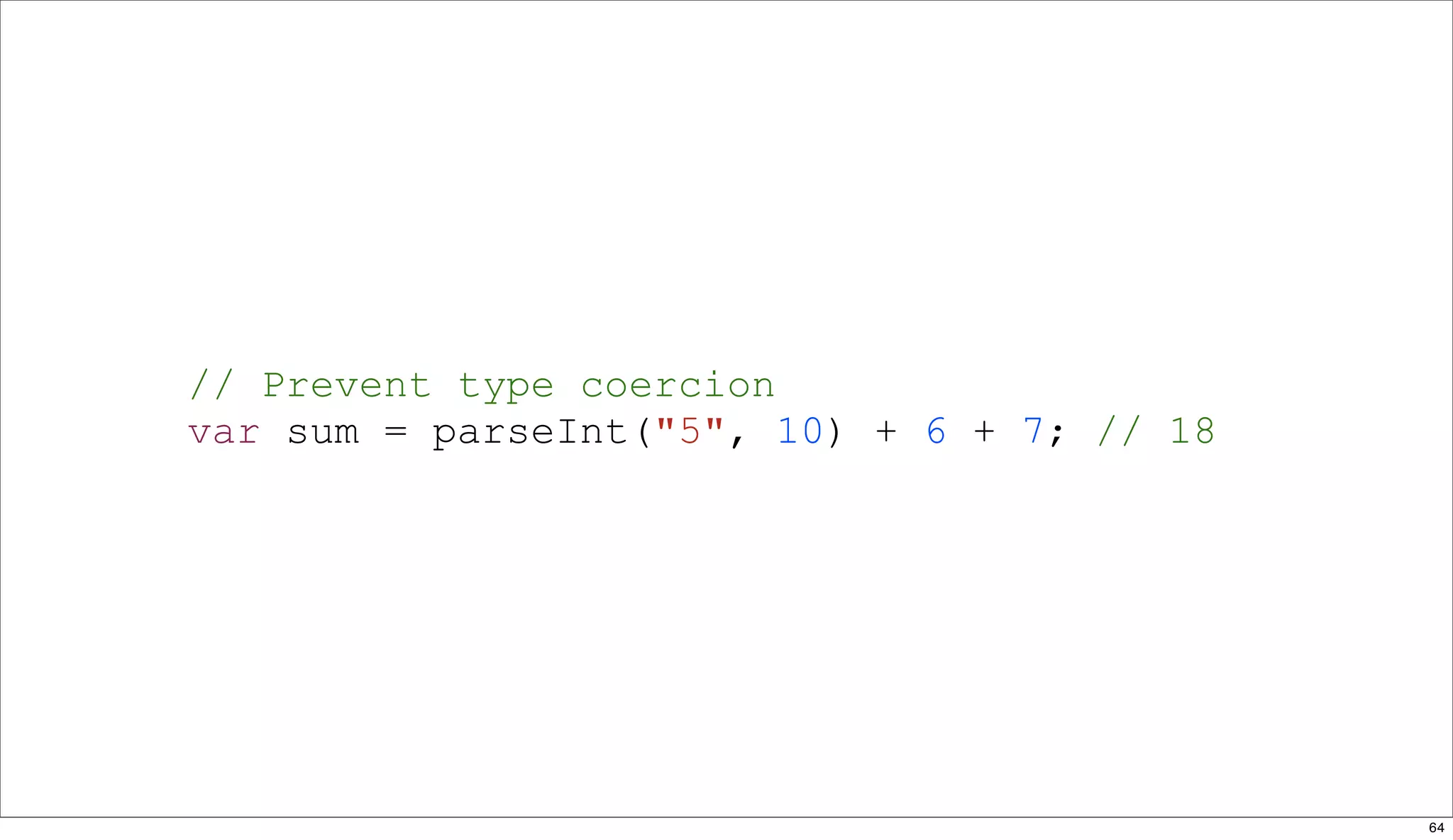
// Prevent type coercion
var sum = parseInt("5", 10) + 6 + 7; // 18


                                             64
// Using the arguments collection
function fruits () {
  var allFruits = [];
  for (var i=0, il=arguments.length; i<il; i++) {
    allFruits.push(arguments[i]); return allFruits.join(" & ");
  }
}

// Apple and Orange
fruits("Apple", "Orange");

// Apple
friends("Apple");


                                                              65
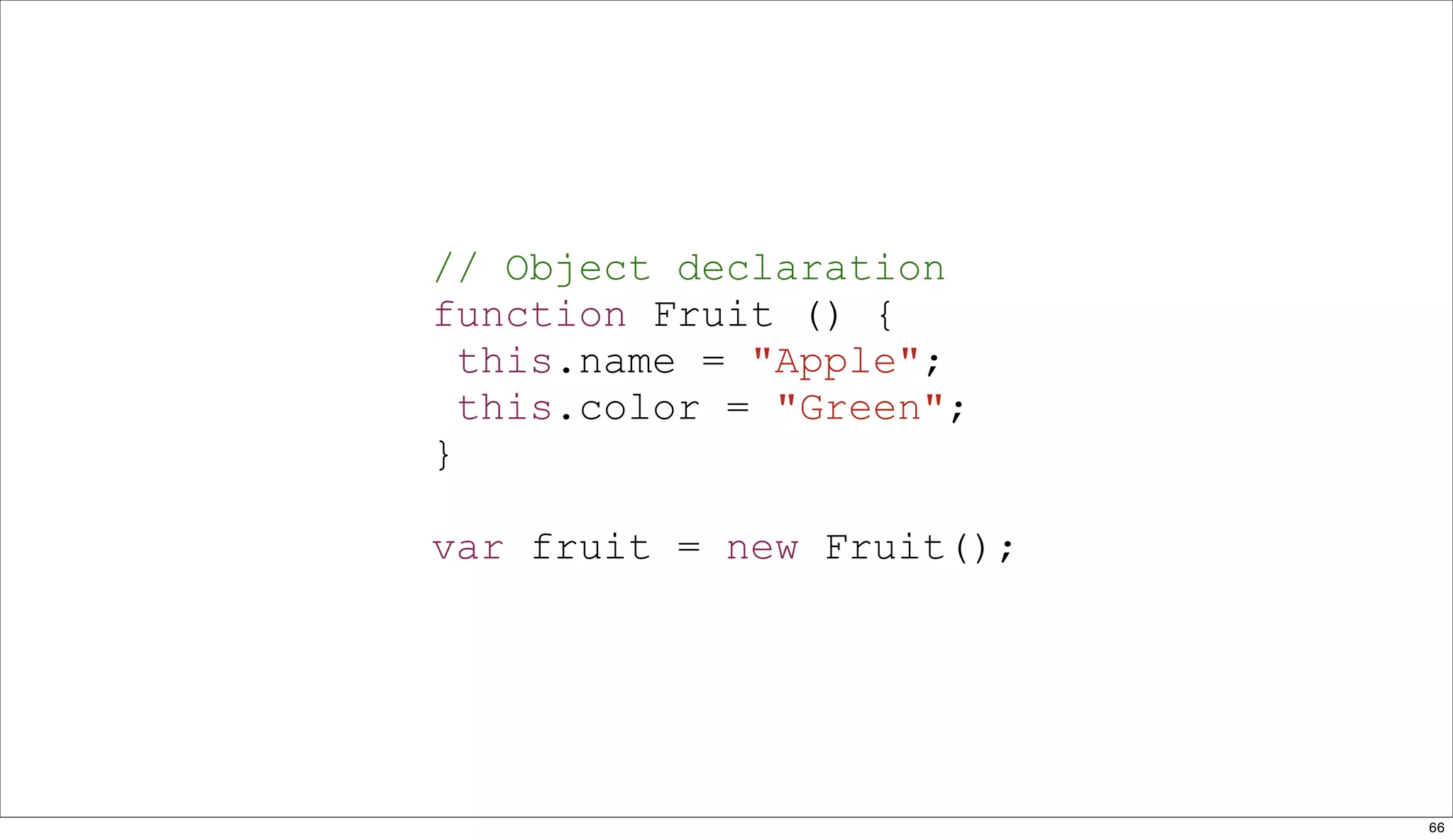
// Object declaration
function Fruit () {
  this.name = "Apple";
  this.color = "Green";
}

var fruit = new Fruit();


                           66
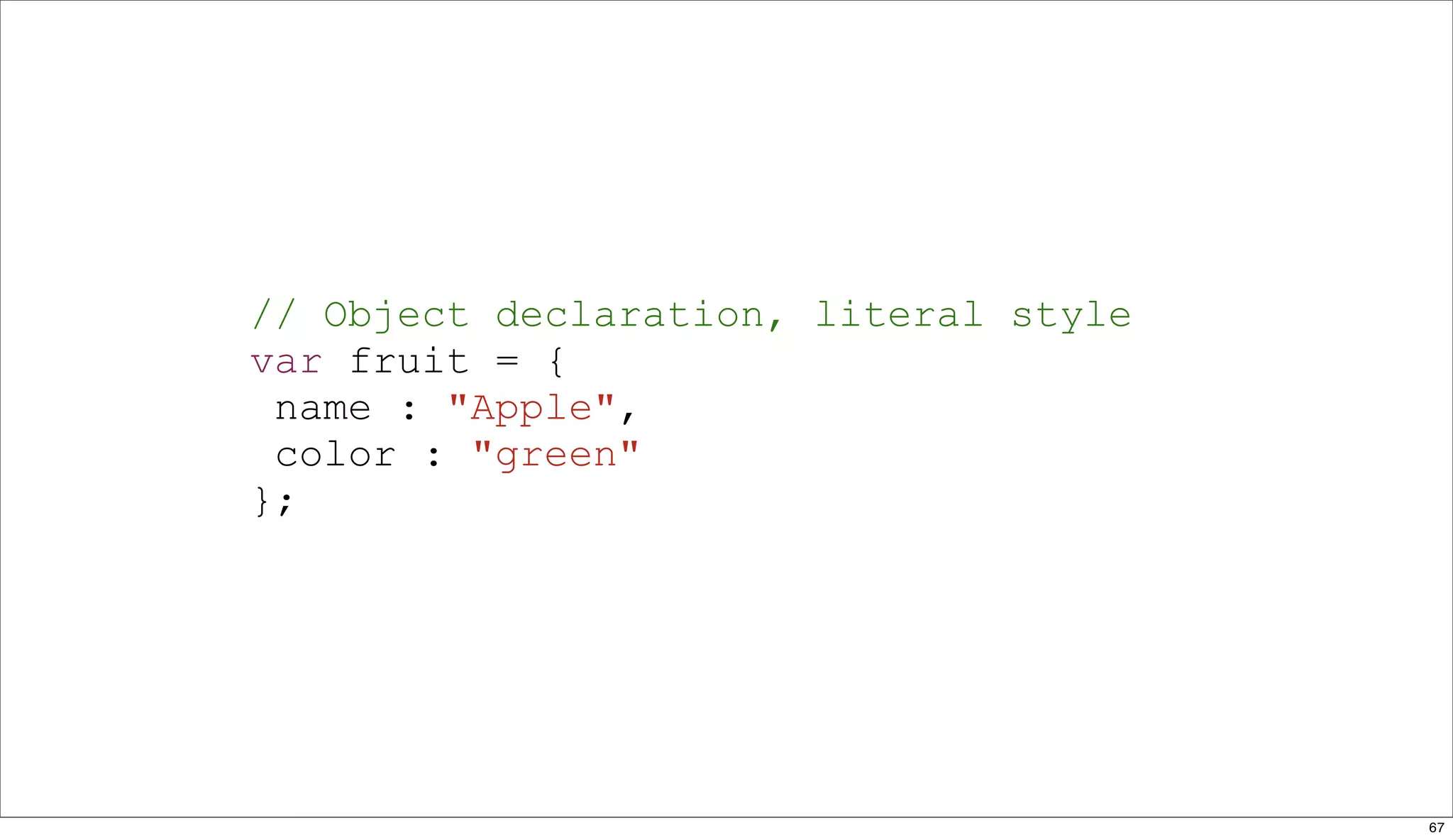
// Object declaration, literal style
var fruit = {
 name : "Apple",
 color : "green"
};


                                       67
// Iterating over properties
for (var item in fruit) {
  console.log(item + ": " + fruit[item]);
}


                                            68
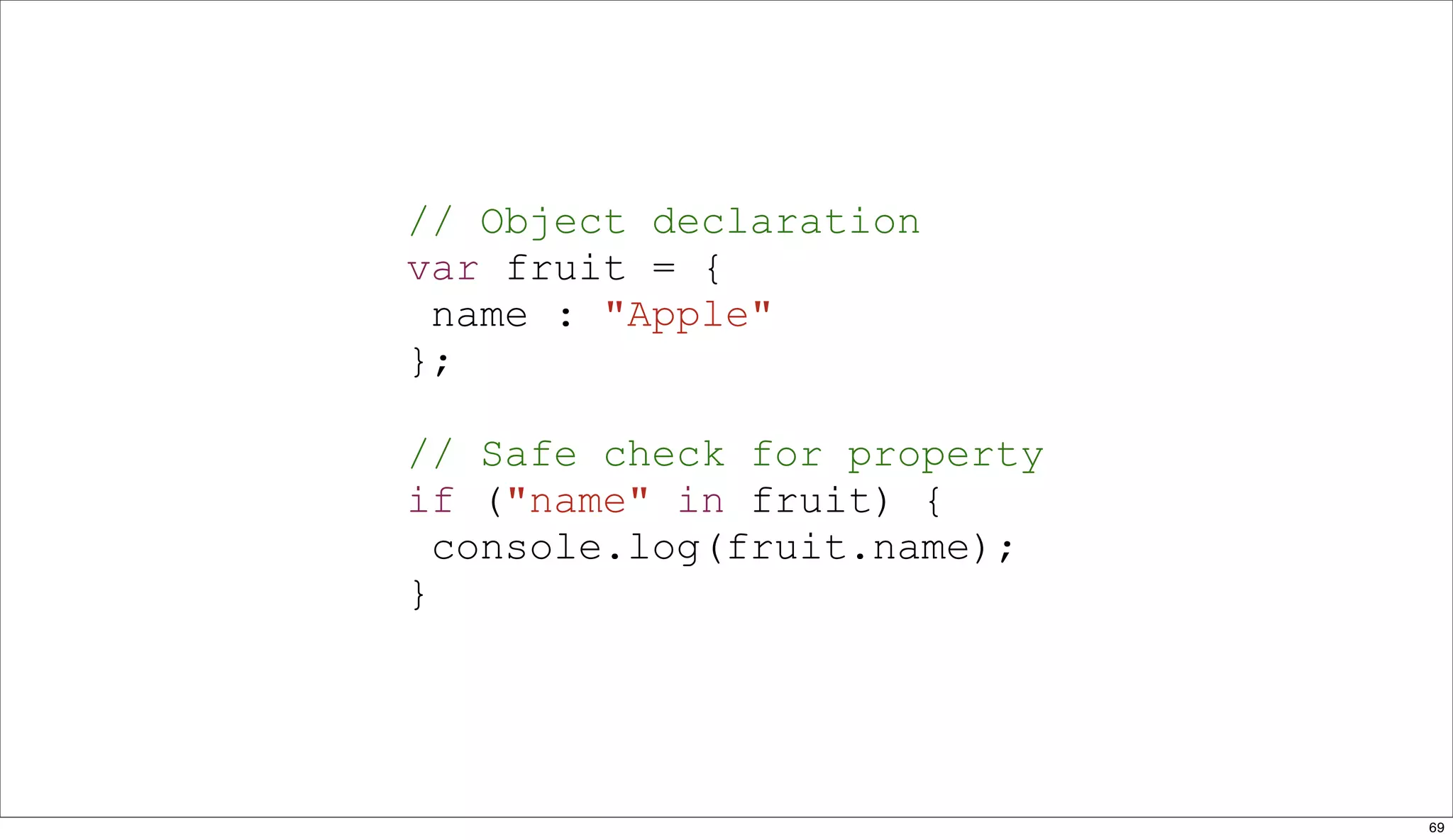
// Object declaration
var fruit = {
 name : "Apple"
};

// Safe check for property
if ("name" in fruit) {
  console.log(fruit.name);
}


                             69
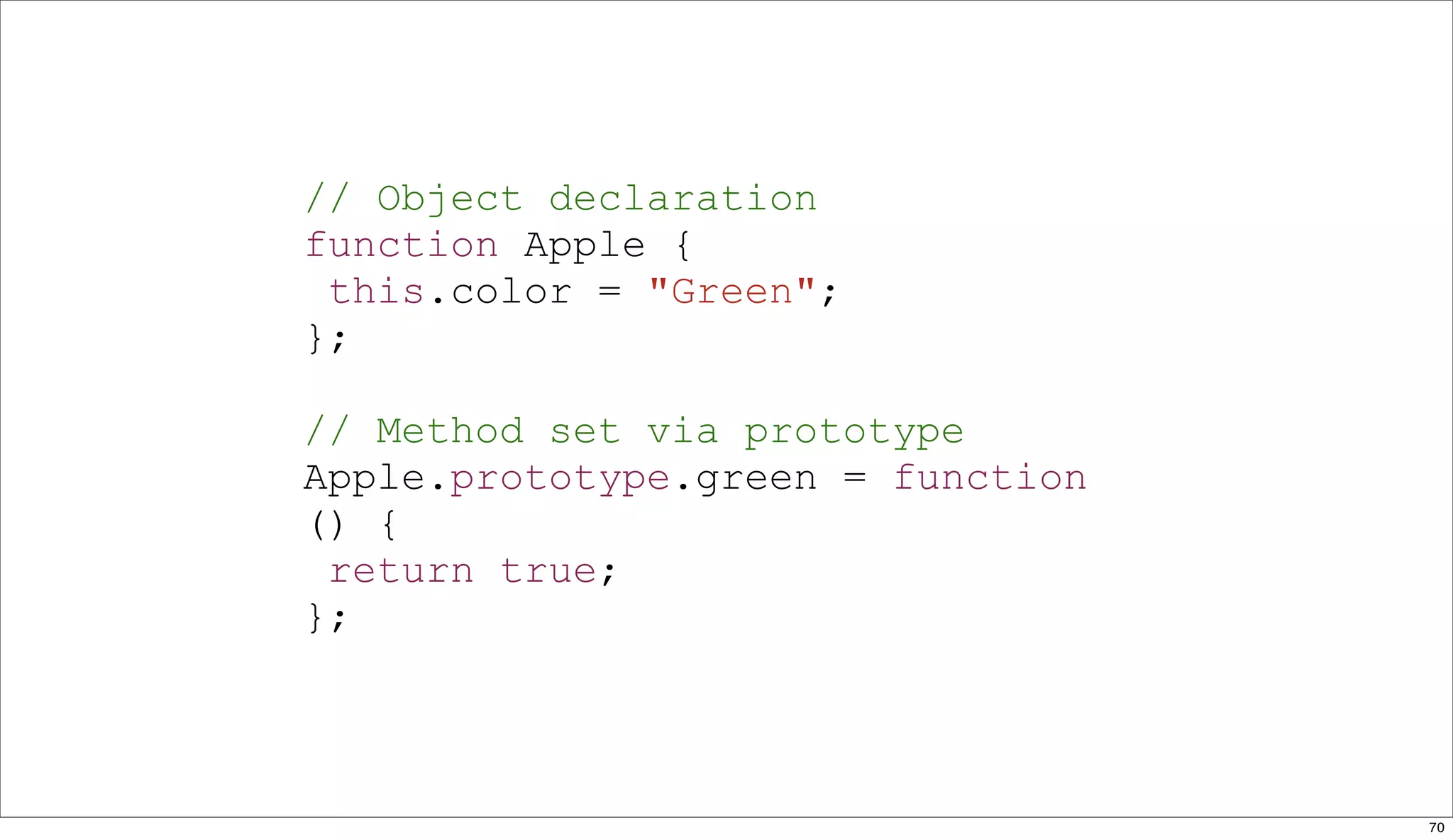
// Object declaration
function Apple {
 this.color = "Green";
};

// Method set via prototype
Apple.prototype.green = function
() {
 return true;
};


                                   70
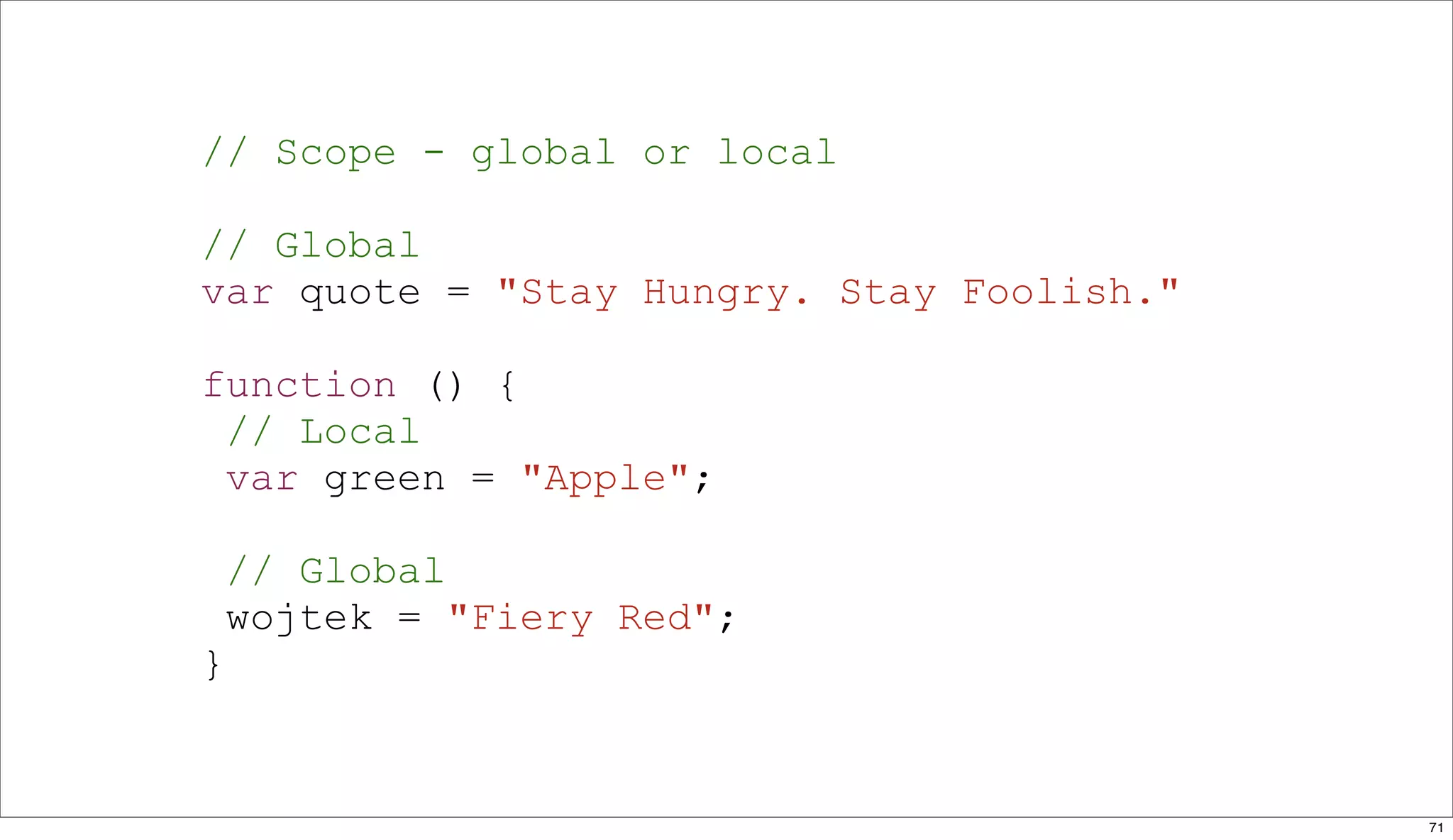
// Scope - global or local

// Global
var quote = "Stay Hungry. Stay Foolish."

function () {
 // Local
 var green = "Apple";

    // Global
    wojtek = "Fiery Red";
}


                                           71
Tools


        72
Firebug


          73
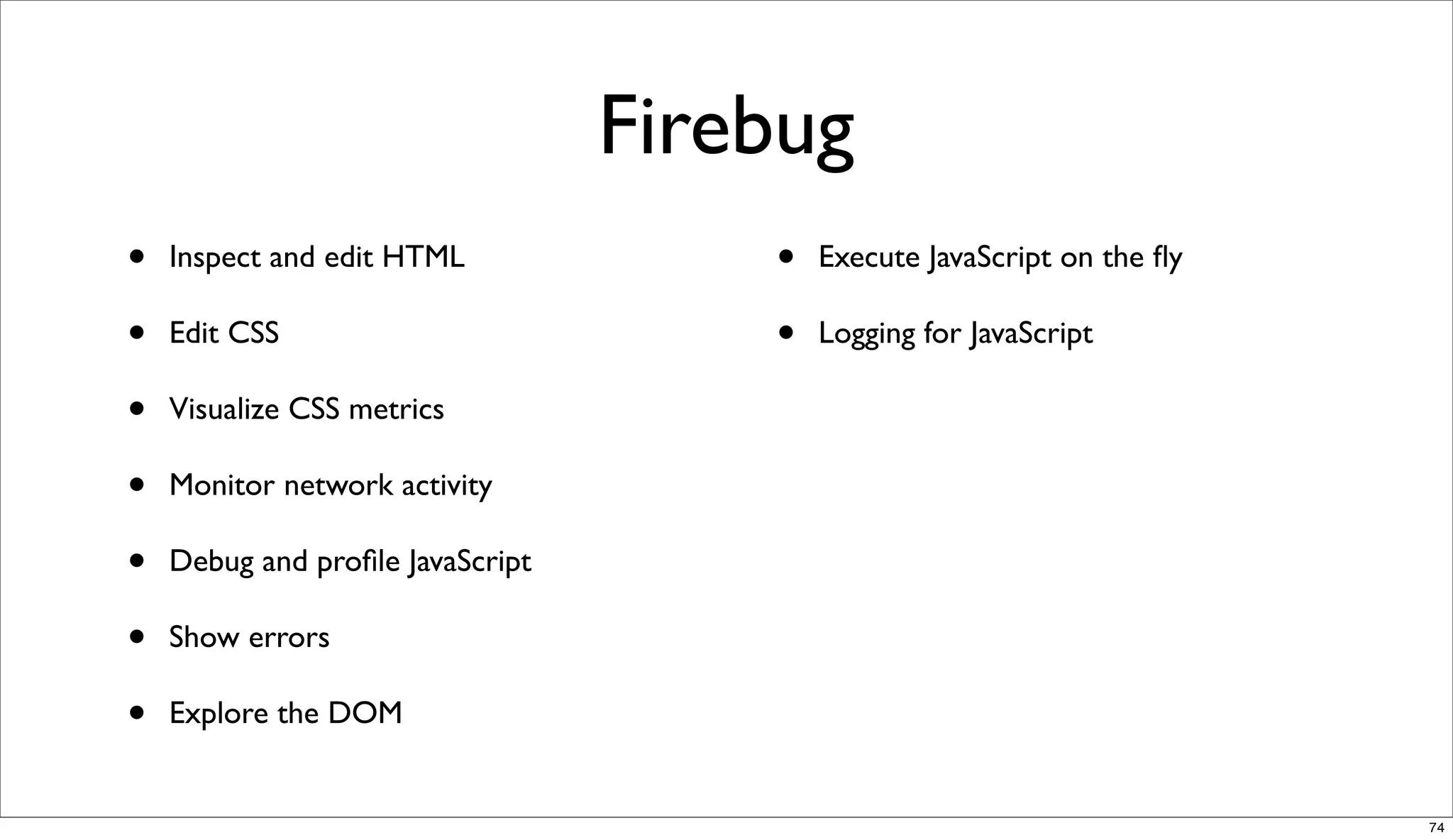
Firebug
•   Inspect and edit HTML             •   Execute JavaScript on the fly

•   Edit CSS                          •   Logging for JavaScript

•   Visualize CSS metrics

•   Monitor network activity

•   Debug and profile JavaScript

•   Show errors

•   Explore the DOM


                                                                         74
YSlow


        75
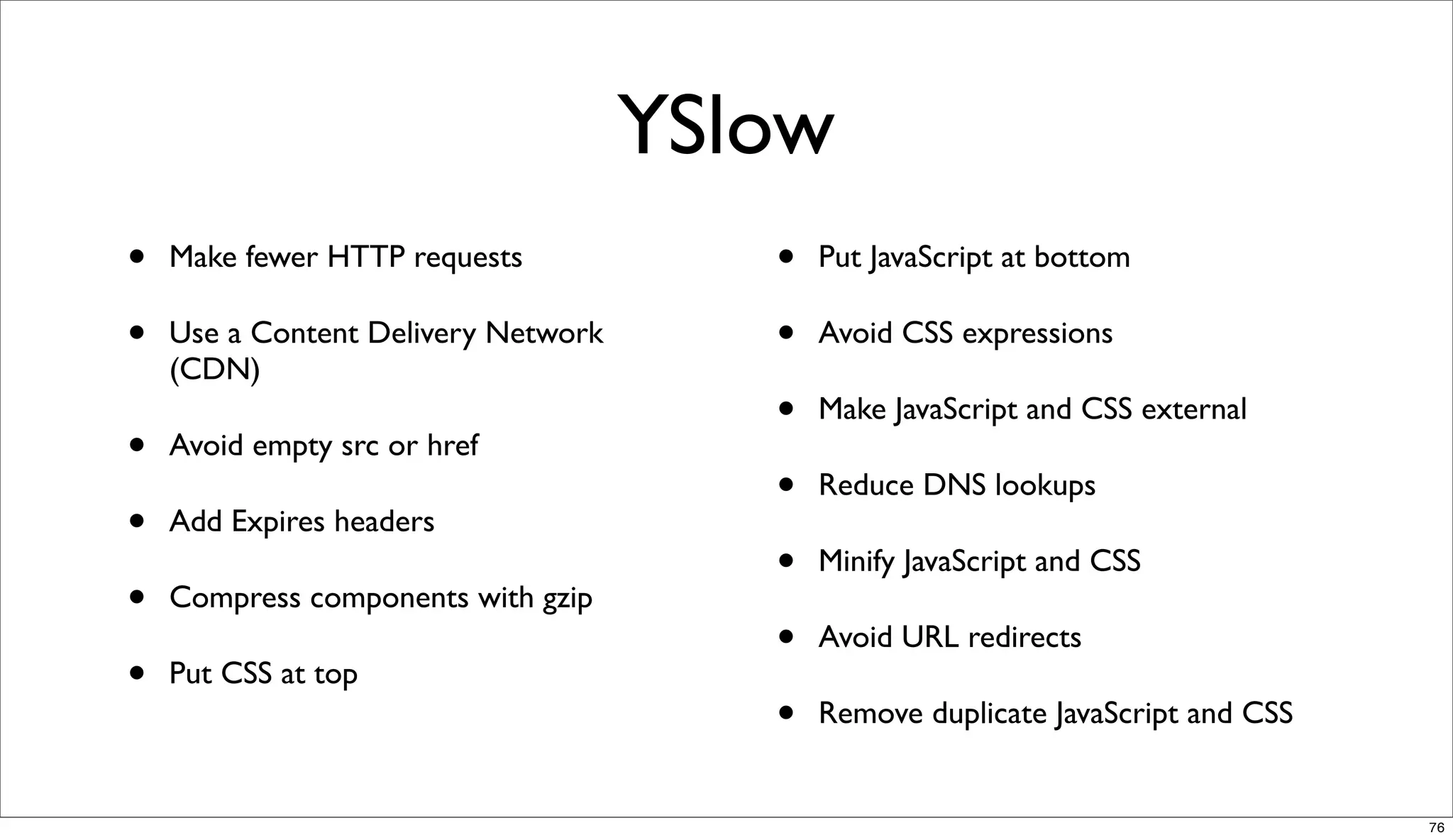
YSlow
•   Make fewer HTTP requests            •   Put JavaScript at bottom

•   Use a Content Delivery Network      •   Avoid CSS expressions
    (CDN)
                                        •   Make JavaScript and CSS external
•   Avoid empty src or href
                                        •   Reduce DNS lookups
•   Add Expires headers
                                        •   Minify JavaScript and CSS
•   Compress components with gzip
                                        •   Avoid URL redirects
•   Put CSS at top
                                        •   Remove duplicate JavaScript and CSS


                                                                                  76
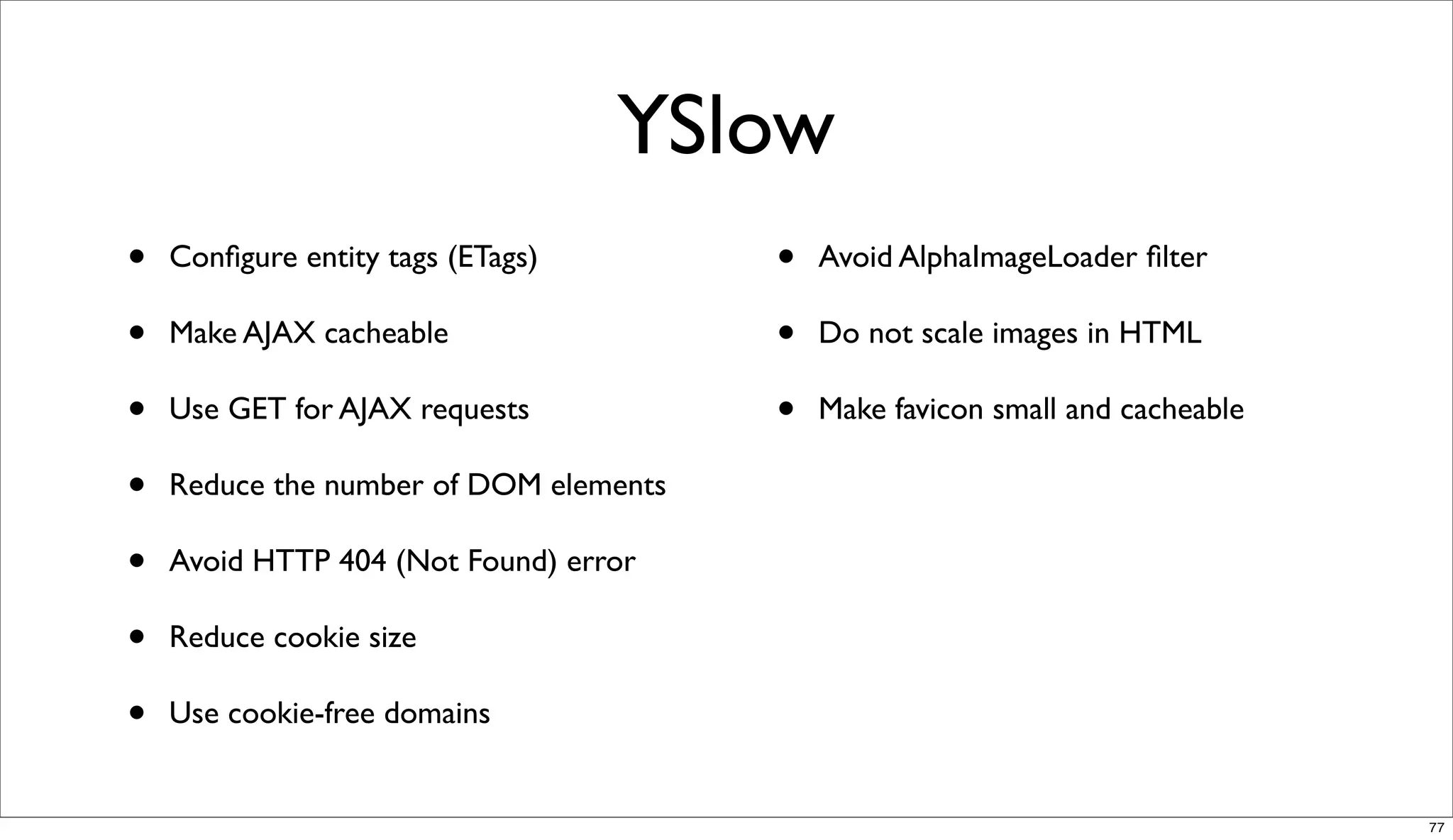
YSlow
•   Configure entity tags (ETags)        •   Avoid AlphaImageLoader filter

•   Make AJAX cacheable                 •   Do not scale images in HTML
•   Use GET for AJAX requests           •   Make favicon small and cacheable

•   Reduce the number of DOM elements

•   Avoid HTTP 404 (Not Found) error

•   Reduce cookie size

•   Use cookie-free domains


                                                                               77
Page Speed by Google


                       78
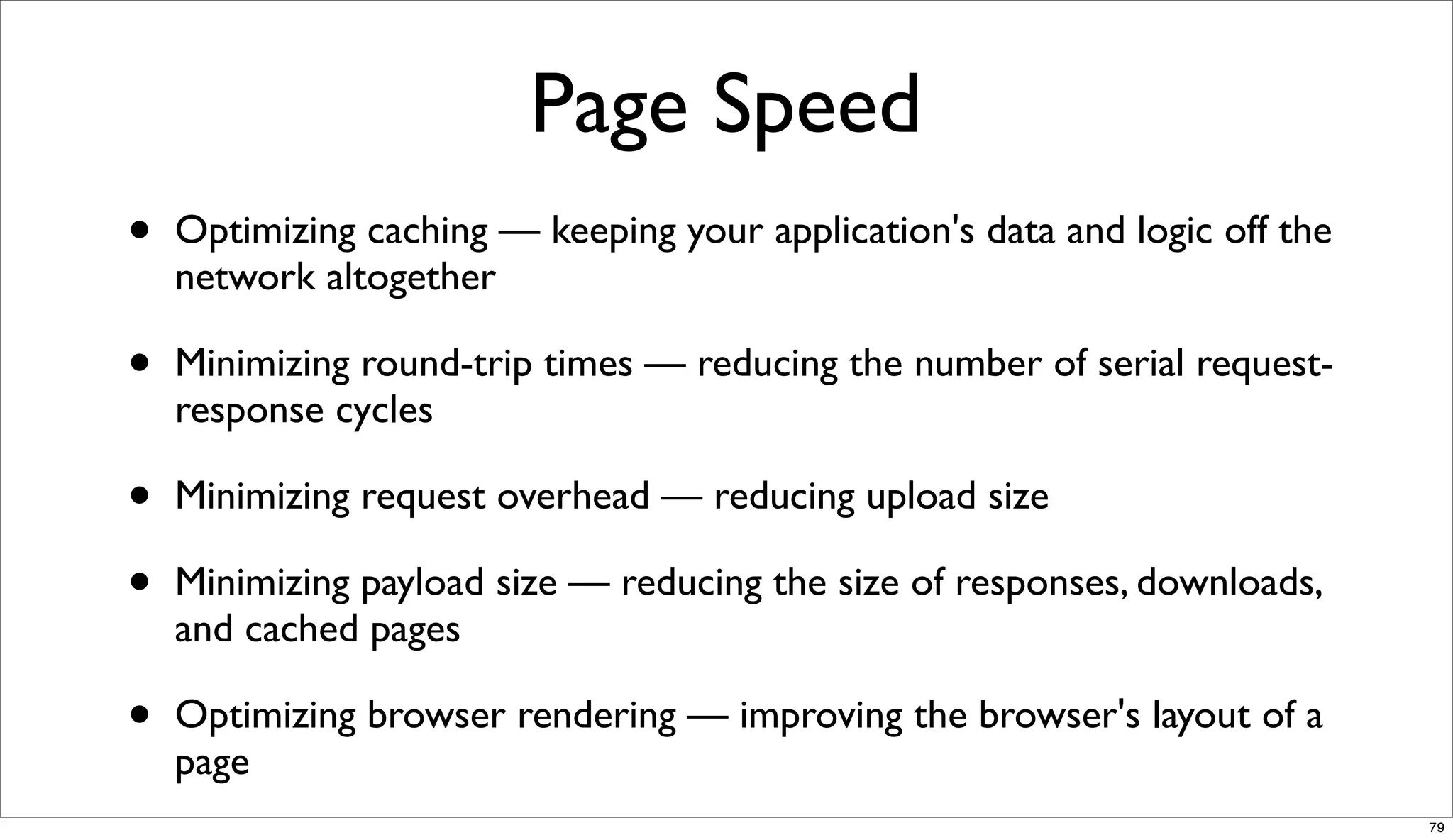
Page Speed
•   Optimizing caching — keeping your application's data and logic off the
    network altogether

•   Minimizing round-trip times — reducing the number of serial request-
    response cycles

•   Minimizing request overhead — reducing upload size

•   Minimizing payload size — reducing the size of responses, downloads,
    and cached pages

•   Optimizing browser rendering — improving the browser's layout of a
    page
                                                                             79
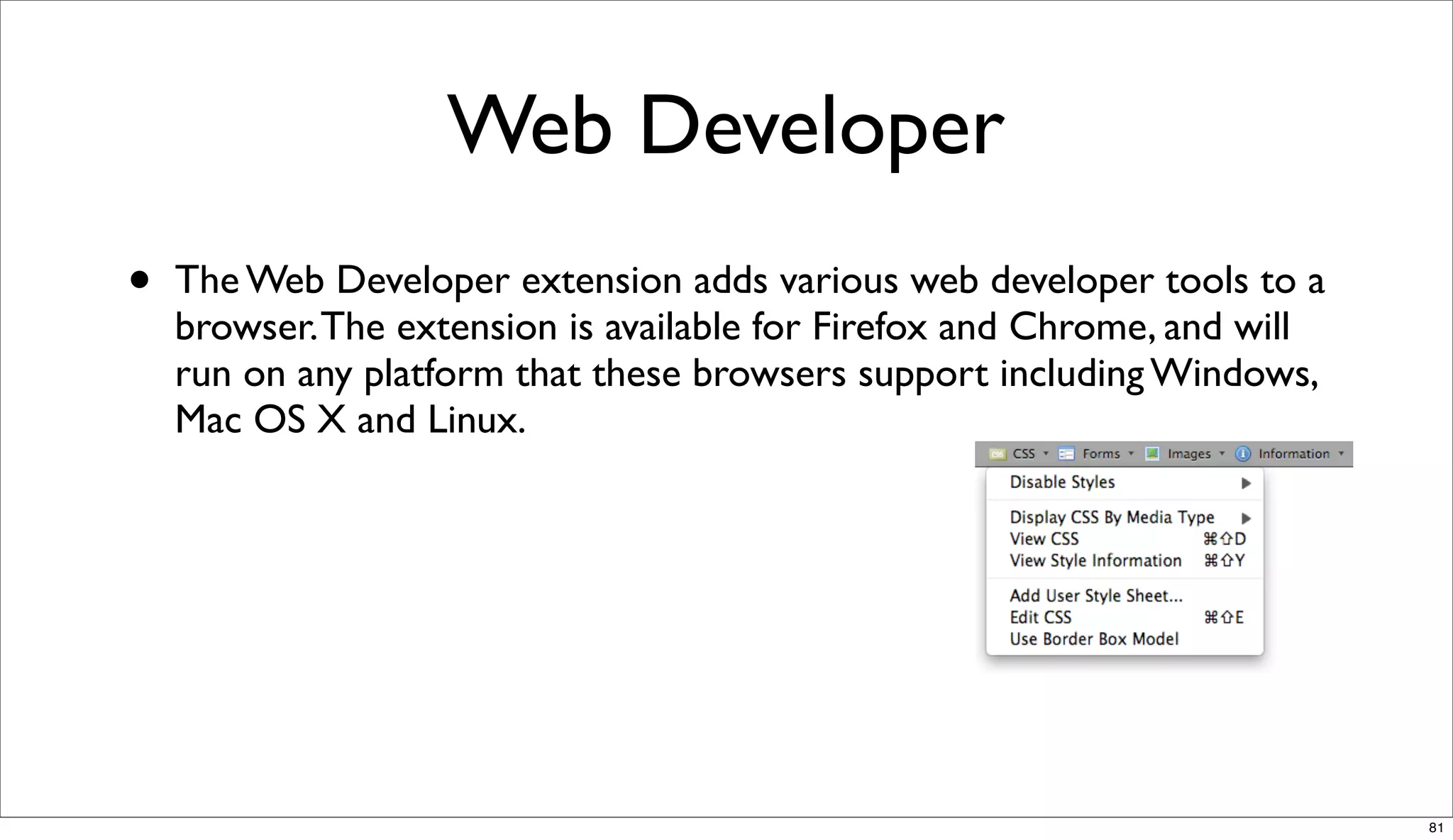
Web Developer


                80
Web Developer
•   The Web Developer extension adds various web developer tools to a
    browser. The extension is available for Firefox and Chrome, and will
    run on any platform that these browsers support including Windows,
    Mac OS X and Linux.


                                                                           81
Validators


•   http://validator.w3.org/

•   http://jigsaw.w3.org/css-validator/

•   http://www.jslint.com/


                                            82
Performance


              83
Performance


•   Psychology - effect of waiting - make people happy

•   Optimization


                                                         84
Minimize HTTP Requests


•   80% of the end-user response time is spent on the front-end. Most of
    this time is tied up in downloading all the components in the page:
    images, stylesheets, scripts, Flash, etc. Reducing the number of
    components in turn reduces the number of HTTP requests required
    to render the page. This is the key to faster pages.


                                                                           85
Use a Content Delivery Network


•   Deploying your content across multiple, geographically dispersed
    servers will make your pages load faster from the user's perspective.


                                                                            86
Add an Expires or a Cache-
             Control Header

•   For static components: implement "Never expire" policy by setting far
    future Expires header

•   For dynamic components: use an appropriate Cache-Control header
    to help the browser with conditional requests


                                                                            87
Gzip Components


•   The time it takes to transfer an HTTP request and response across
    the network can be significantly reduced by decisions made by front-
    end engineers.


                                                                          88
Put StyleSheets at the Top


•   Putting stylesheets in the HEAD allows the page to render
    progressively.


                                                                89
Put JavaScript at the Bottom


•   The problem caused by scripts is that they block parallel downloads.
    The HTTP/1.1 specification suggests that browsers download no
    more than two components in parallel per hostname.


                                                                           90
Avoid CSS Expressions


•   CSS expressions are a powerful (and dangerous) way to set CSS
    properties dynamically.


                                                                    91
Make JavaScript and CSS External


•   Using external files in the real world generally produces faster pages
    because the JavaScript and CSS files are cached by the browser.
    JavaScript and CSS that are inlined in HTML documents get
    downloaded every time the HTML document is requested.


                                                                            92
Reduce DNS Lookups


•   DNS has a cost. It typically takes 20-120 milliseconds for DNS to
    lookup the IP address for a given hostname.


                                                                        93
Avoid Redirects


•   It hurts performance to include the same JavaScript file twice in one
    page.


                                                                           94
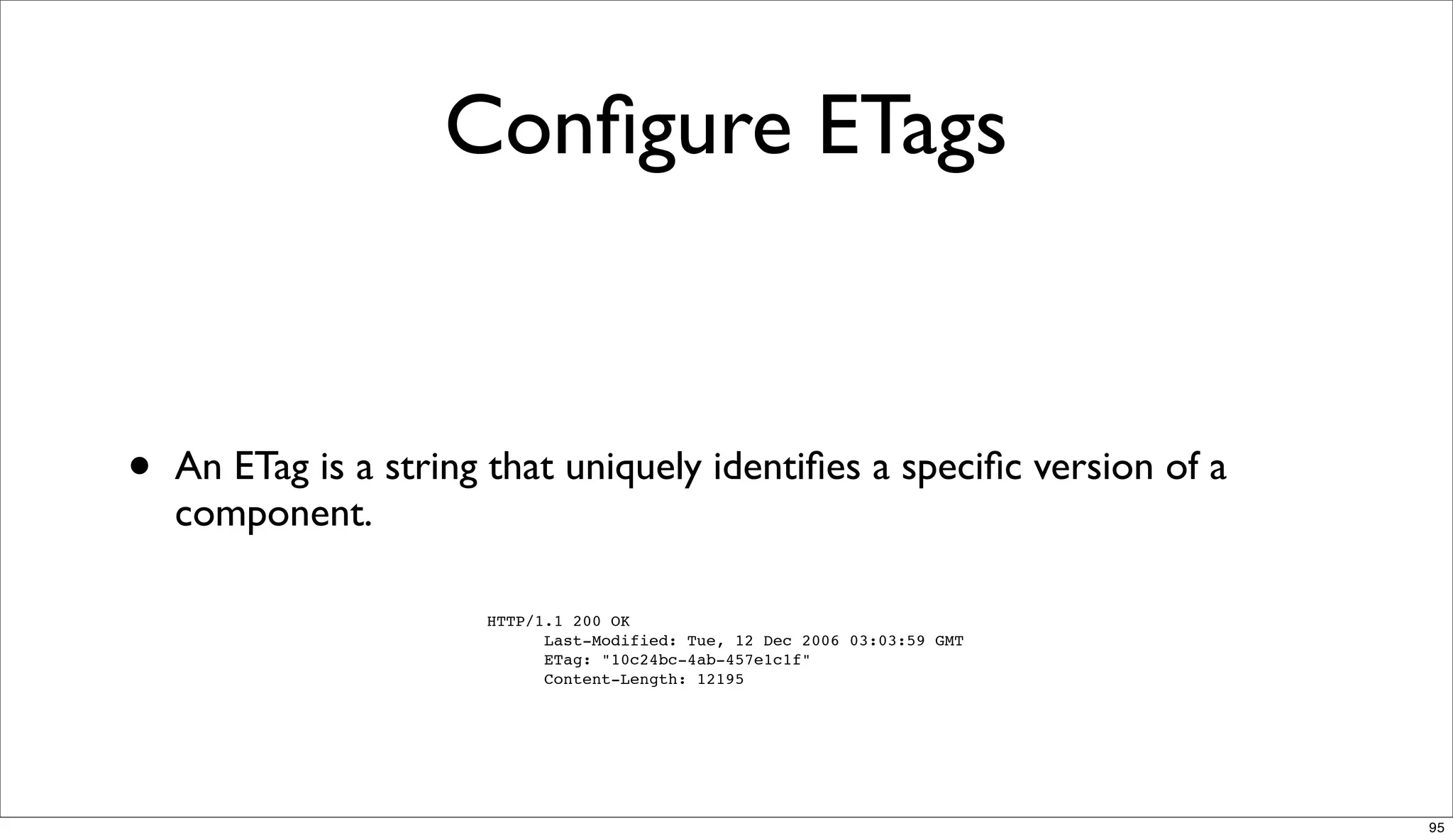
Configure ETags


•   An ETag is a string that uniquely identifies a specific version of a
    component.

                       HTTP/1.1 200 OK
                             Last-Modified: Tue, 12 Dec 2006 03:03:59 GMT
                             ETag: "10c24bc-4ab-457e1c1f"
                             Content-Length: 12195


                                                                            95
Make AJAX Cacheable

•   When users request a page, it can take anywhere from 200 to 500ms
    for the backend server to stitch together the HTML page. During this
    time, the browser is idle as it waits for the data to arrive. In PHP you
    have the function flush(). It allows you to send your partially ready
    HTML response to the browser so that the browser can start fetching
    components while your backend is busy with the rest of the HTML
    page.


                                                                               96
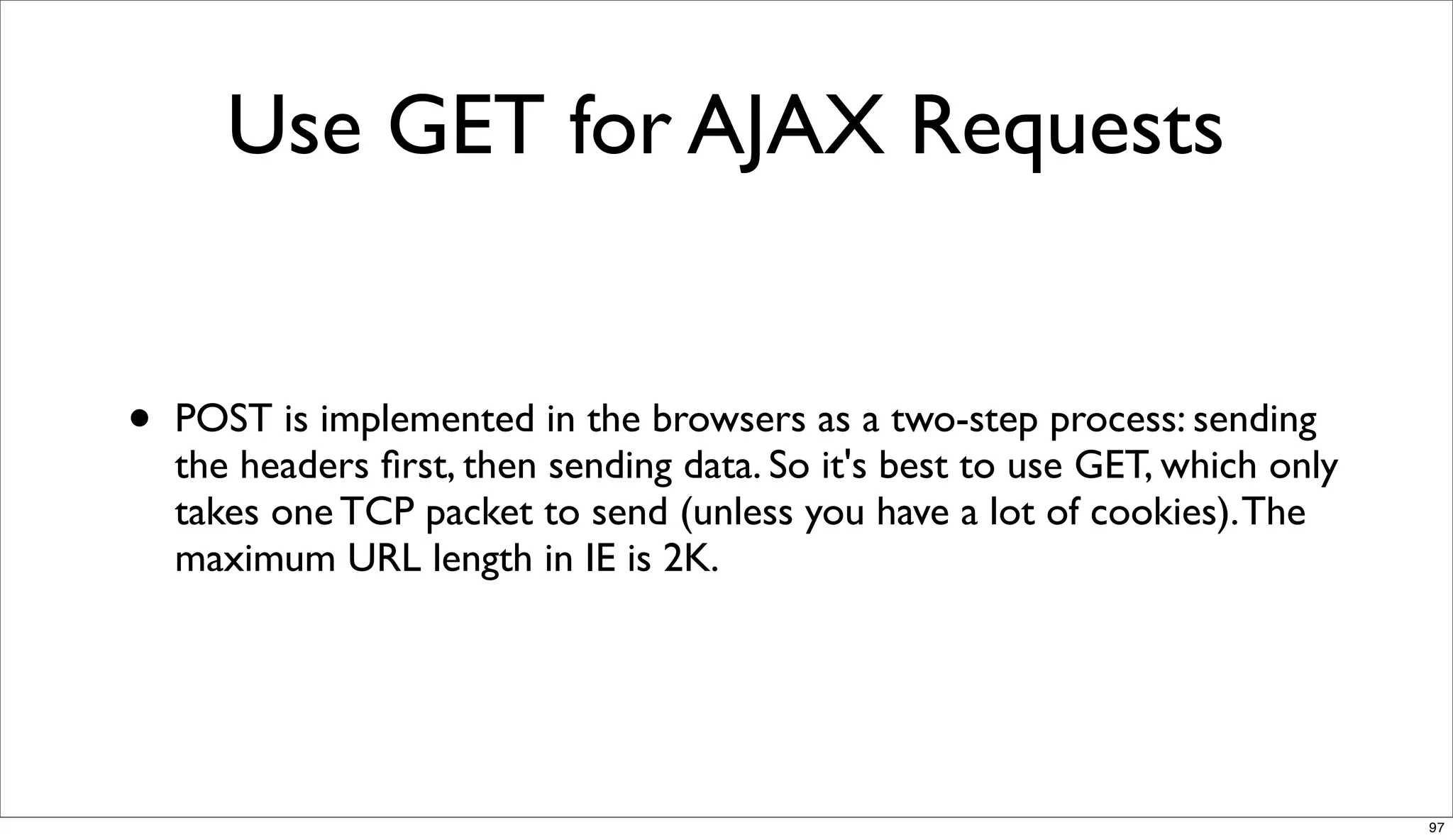
Use GET for AJAX Requests


•   POST is implemented in the browsers as a two-step process: sending
    the headers first, then sending data. So it's best to use GET, which only
    takes one TCP packet to send (unless you have a lot of cookies). The
    maximum URL length in IE is 2K.


                                                                               97
Reduce the Number of DOM
         Elements


                           98
No 404s


          99
Reduce Cookie Size


                     100
Use Cookie-Free Domains for
       Components


                              101
Avoid Filters


                102
Do Not Scale Images in HTML


                              103
Make favicon.ico Small and
       Cacheable


                             104
Usability


            105
Web standards checklist


•   http://www.maxdesign.com.au/articles/checklist/


                                                      106
Workshop -> Now!


                   107
References
•   HTML5: http://www.whatwg.org/specs/
    web-apps/current-work/

•   CSS3: http://www.css3.info/modules/

•   JavaScript: https://developer.mozilla.org/
    en/JavaScript/Reference


                                                 108
Resources
•   http://taligarsiel.com/Projects/
    howbrowserswork1.htm

•   http://www.w3.org/TR/CSS2/
    grammar.html

•   http://fronteers.nl/congres/2010/
    sessions/javascript-like-a-box-of-
    chocolates-robert-nyman

•   http://developer.yahoo.com/yslow/help/

•   http://www.wikipedia.org/


                                               109

Front end for back end developers

  • 1.
    Warsaw, 6 December,2010 Front end for back end developers Wojciech Bednarski http://linkedin.com/in/bednarski http://twitter.com/wbednarski 1
  • 2.
  • 3.
    WorldWideWeb browser 1991 • Created by Tim Berners-Lee • Ran on NeXSTEP OS • Renamed to Nexus 3
  • 4.
    Mosaic 1993 • Netscape 1994 • Internet Explorer 1995 • Opera 1996 • Mozilla 1998 4
  • 5.
    The end of the First Browsers War, IE domination 2002 5
  • 6.
    Apple Safari 2003 • Firefox 2004 • Internet Explorer 7 2006 • Google Chrome 2008 • Internet Explorer 8 2009 6
  • 7.
  • 8.
    Web Browsers • Google Chrome • Mozilla Firefox • Safari • Opera • Internet Explorer 8
  • 9.
    Mobile Browsers • Safari • Android Browser • BlackBerry Browser • Opera Mobile 9
  • 10.
    Browsers engines • Trident is developed by Microsoft (Windows) • Tasman was developed by Microsoft (Macintosh) • Gecko is developed by the Mozilla Foundation • KHTML is developed by the KDE project • WebKit is a fork of KHTML by Apple Inc. 10
  • 11.
  • 12.
  • 13.
    IE:Mac - TheInnovation • Support for annotative glosses to • An option to change the browser color, Japanese kanji and Chinese characters to match the colors of the iMac G3. The first builds had a choice of 9 colors, but • Scrapbook feature lets the user archive later builds had 15. any page in its current state. • Print Preview functionality allowing for • Auction Manager feature automatically adjustment of the font-size from within the preview pane. tracks eBay auctions. • Robust PNG support (version 5.0) • Page Holder sidebar functionality allowing users to hold a page in the sidebar 13
  • 14.
  • 15.
  • 16.
    The user interface - this includes the • Networking - used for network calls, like address bar, back/forward button, HTTP requests. It has platform bookmarking menu etc. Every part of independent interface and underneath the browser display except the main implementations for each platform. window where you see the requested page. • UI backend - used for drawing basic widgets like combo boxes and windows. • The browser engine - the interface for querying and manipulating the rendering engine. • JavaScript interpreter. Used to parse and execute the JavaScript code. • The rendering engine - responsible for • Data storage. This is a persistence layer. displaying the requested content. For The browser needs to save all sorts of example if the requested content is data on the hard disk, for examples, HTML, it is responsible for parsing the cookies, HTML5 web database. HTML and CSS and displaying the parsed content on the screen. 16
  • 17.
    Parsing HTML • Document Object Model is the object <html> <body> <p> presentation of the HTML document Hello World </p> and the interface of HTML elements to <div> <img src="example.png" alt="" /></div> </body> the outside world </html> 17
  • 18.
    CSS parsing • http://www.w3.org/TR/CSS2/ grammar.html 18
  • 19.
    JavaScript parsing • The model of the web is synchronous. Authors expect scripts to be parsed and executed immediately when the parser reaches a <script> tag. The parsing of the document halts until the script was executed. If the script is external then the resource must be first fetched from the network - this is also done synchronously, the parsing halts until the resource is fetched. This was the model for many years and is also specified in HTML 4 and 5 specifications. • http://www.whatbrowser.org/en/more/ 19
  • 20.
    Browsers error tolerance • You never get an "Invalid Syntax" error on an page served as text/ html. Browsers fix an invalid content and go on. 20
  • 21.
  • 22.
    HTML 2.0 1995 • HTML 3.2 1997 • HTML 4.0 1997 • HTML 4.01 1999 22
  • 23.
    XHTML 1.0 2000 • XHTML 1.1 2001 • XHTML 2 23
  • 24.
    HTML 5 • WHATWG 2004 • W3C 2007 24
  • 25.
    HTML 5 Simple solutionsare preferred to complex ones, when possible. 25
  • 26.
    HTML 4.01 <!DOCTYPE HTML PUBLIC "-//W3C//DTD HTML 4.01// EN" "http://www.w3.org/TR/html4/strict.dtd"> • XHTML 1.0 <!DOCTYPE html PUBLIC "-//W3C//DTD XHTML 1.0 Strict//EN" "http://www.w3.org/TR/xhtml1/DTD/xhtml1-strict.dtd"> • HTML 5 <!DOCTYPE html> 26
  • 27.
    HTML 4.01 <meta http-equiv="Content-Type" content="text/html; charset=utf-8"> • XHTML 1.0 <?xml version="1.0" encoding="UTF-8"?> <meta http- equiv="Content-Type" content="text/html; charset=utf-8" /> • HTML 5 <meta charset="utf-8"> 27
  • 28.
    XHTML 1.0 and previous <link rel="stylesheet" type="text/css" href="file.css"> <script type="text/javascript"></script> • HTML 5 <link rel="stylesheet" href="file.css"> <script></script> 28
  • 29.
    <header> • <menu> • <nav> • <canvas> • <section> • <audio> • <article> • <video> • <aside> • <footer> • <details> • <summary> • <command> 29
  • 30.
    input type="number" • input type="tel" • input type="search" • input type="range" • input type="email" • input type="date" • input type="url" • input type="number" • input type="search" • input type="color" 30
  • 31.
    role=”button” • role=”navigation” • role=”progressbar” • role=”button” • role=”link” • role-”cell” 31
  • 32.
    A basic HTML5document <!DOCTYPE html> <html> <head> <title>Sample page</title> </head> <body> <h1>Sample page</h1> <p>This is a <a href="demo.html">simple</a> sample.</p> <!-- this is a comment --> </body> </html> 32
  • 33.
    DOM tree DOCTYPE: html html head #text: ␣␣ title #text: Sample page #text: ␣ #text: ␣ body #text: ␣␣ h1 #text: Sample page #text: ␣␣ p #text: This is a a href="demo.html" #text: simple #text: sample. #text: ␣␣ #comment: this is a comment #text: ␣ 33
  • 34.
    Demo! • http://slides.html5rocks.com/#slide24 34
  • 35.
    Future read • http://diveintohtml5.org/ • http://www.whatwg.org/specs/web-apps/current-work/ 35
  • 36.
    CSS 36
  • 37.
    Selector • p { color: red } 37
  • 38.
    Declaration block • p { color: red } 38
  • 39.
    Declaration • p { color: red } 39
  • 40.
    Property • p { color: red } 40
  • 41.
    Value • p { color: red } 41
  • 42.
    Inheritance • <p>Because <strong>strong element</strong> inherited the color property from the p element, it is displayed in red color.</p> 42
  • 43.
    Not all propertiesare inherited 43
  • 44.
    Demo! • http://slides.html5rocks.com/#slide39 44
  • 45.
  • 46.
  • 47.
  • 48.
    JavaScript • JavaScript is an implementation of the ECMAScript language standard and is typically used to enable programmatic access to computational objects within a host environment. It can be characterized as a prototype-based object-oriented scripting language that is dynamic, weakly typed and has first-class functions. It is also considered a functional programming language like Scheme and OCaml because it has closures and supports higher-order functions. 48
  • 49.
    Doug Crockford • "JavaScript doesn't suck.You're just doing it wrong." 49
  • 50.
  • 51.
    Detailed Results Average (ms) IE8 3746 Firefox 3.6.12 753 Safari 5.0.2 328 irefox 4.0 Pre-Release 277 Beta7 Chrome 7.0 262 Opera 10.63 246 Opera 11 Alpha 242 Chrome 8.0 Beta 233 IE9 Platform Preview #7 216 51
  • 52.
    // Variable declaration varfirstName = "Roche"; // Function declaration function saying () { return "Hello Roche!"; } 52
  • 53.
    var expr, fruit; switch (expr) { case "Oranges": fruit = "Orange"; break; case "Apples": fruit = "Orange"; break; } 53
  • 54.
    / Object literal varapple = { firstName : "Apple" }; // Array literal var fruits = ["Apple", "Orange"]; 54
  • 55.
    // Shorthand assignment function(fruit) { var life = fruit || "Apple"; } // Ternary operators (fruit) ? "Apple" : "Window"; 55
  • 56.
    // Short-circuit logic if(obj && obj.property) { obj.property = "Fiery Red"; } 56
  • 57.
    string • number • boolean • null • undefined • object 57
  • 58.
    // Variable declaration varfirstName = "Apple"; // Function declaration function saying () { return "Hello Apple!"; } typeof firstName // string typeof saying // function 58
  • 59.
    // Object declaration varapple = { firstName : "Apple" }; // Array declaration var fruits = ["Apple", "Orange"]; typeof apple // object typeof fruits // object 59
  • 60.
    // Object declaration varapple = { firstName : "Apple" }; // Array declaration var fruits = ["Apple", "Orange"]; apple instanceof Array // false fruits instanceof Array // true 60
  • 61.
    // Various "false"values var nullVal = null; var undefinedVal = undefined; var zeroVal = 0; var falseVal = false; var emptyString = ""; // All would equal false in an if- clause if (emptyString) { // Would never go in here } 61

  • 62.
    // Equality if (7== "7") { // true } // Identity if (7 === "7") { // false } 62
  • 63.
    // Type coercion varsum = "5" + 6 + 7; // 567 63
  • 64.
    // Prevent typecoercion var sum = parseInt("5", 10) + 6 + 7; // 18 64
  • 65.
    // Using thearguments collection function fruits () { var allFruits = []; for (var i=0, il=arguments.length; i<il; i++) { allFruits.push(arguments[i]); return allFruits.join(" & "); } } // Apple and Orange fruits("Apple", "Orange"); // Apple friends("Apple"); 65
  • 66.
    // Object declaration functionFruit () { this.name = "Apple"; this.color = "Green"; } var fruit = new Fruit(); 66
  • 67.
    // Object declaration,literal style var fruit = { name : "Apple", color : "green" }; 67
  • 68.
    // Iterating overproperties for (var item in fruit) { console.log(item + ": " + fruit[item]); } 68
  • 69.
    // Object declaration varfruit = { name : "Apple" }; // Safe check for property if ("name" in fruit) { console.log(fruit.name); } 69
  • 70.
    // Object declaration functionApple { this.color = "Green"; }; // Method set via prototype Apple.prototype.green = function () { return true; }; 70
  • 71.
    // Scope -global or local // Global var quote = "Stay Hungry. Stay Foolish." function () { // Local var green = "Apple"; // Global wojtek = "Fiery Red"; } 71
  • 72.
  • 73.
  • 74.
    Firebug • Inspect and edit HTML • Execute JavaScript on the fly • Edit CSS • Logging for JavaScript • Visualize CSS metrics • Monitor network activity • Debug and profile JavaScript • Show errors • Explore the DOM 74
  • 75.
  • 76.
    YSlow • Make fewer HTTP requests • Put JavaScript at bottom • Use a Content Delivery Network • Avoid CSS expressions (CDN) • Make JavaScript and CSS external • Avoid empty src or href • Reduce DNS lookups • Add Expires headers • Minify JavaScript and CSS • Compress components with gzip • Avoid URL redirects • Put CSS at top • Remove duplicate JavaScript and CSS 76
  • 77.
    YSlow • Configure entity tags (ETags) • Avoid AlphaImageLoader filter • Make AJAX cacheable • Do not scale images in HTML • Use GET for AJAX requests • Make favicon small and cacheable • Reduce the number of DOM elements • Avoid HTTP 404 (Not Found) error • Reduce cookie size • Use cookie-free domains 77
  • 78.
    Page Speed byGoogle 78
  • 79.
    Page Speed • Optimizing caching — keeping your application's data and logic off the network altogether • Minimizing round-trip times — reducing the number of serial request- response cycles • Minimizing request overhead — reducing upload size • Minimizing payload size — reducing the size of responses, downloads, and cached pages • Optimizing browser rendering — improving the browser's layout of a page 79
  • 80.
  • 81.
    Web Developer • The Web Developer extension adds various web developer tools to a browser. The extension is available for Firefox and Chrome, and will run on any platform that these browsers support including Windows, Mac OS X and Linux. 81
  • 82.
    Validators • http://validator.w3.org/ • http://jigsaw.w3.org/css-validator/ • http://www.jslint.com/ 82
  • 83.
  • 84.
    Performance • Psychology - effect of waiting - make people happy • Optimization 84
  • 85.
    Minimize HTTP Requests • 80% of the end-user response time is spent on the front-end. Most of this time is tied up in downloading all the components in the page: images, stylesheets, scripts, Flash, etc. Reducing the number of components in turn reduces the number of HTTP requests required to render the page. This is the key to faster pages. 85
  • 86.
    Use a ContentDelivery Network • Deploying your content across multiple, geographically dispersed servers will make your pages load faster from the user's perspective. 86
  • 87.
    Add an Expiresor a Cache- Control Header • For static components: implement "Never expire" policy by setting far future Expires header • For dynamic components: use an appropriate Cache-Control header to help the browser with conditional requests 87
  • 88.
    Gzip Components • The time it takes to transfer an HTTP request and response across the network can be significantly reduced by decisions made by front- end engineers. 88
  • 89.
    Put StyleSheets atthe Top • Putting stylesheets in the HEAD allows the page to render progressively. 89
  • 90.
    Put JavaScript atthe Bottom • The problem caused by scripts is that they block parallel downloads. The HTTP/1.1 specification suggests that browsers download no more than two components in parallel per hostname. 90
  • 91.
    Avoid CSS Expressions • CSS expressions are a powerful (and dangerous) way to set CSS properties dynamically. 91
  • 92.
    Make JavaScript andCSS External • Using external files in the real world generally produces faster pages because the JavaScript and CSS files are cached by the browser. JavaScript and CSS that are inlined in HTML documents get downloaded every time the HTML document is requested. 92
  • 93.
    Reduce DNS Lookups • DNS has a cost. It typically takes 20-120 milliseconds for DNS to lookup the IP address for a given hostname. 93
  • 94.
    Avoid Redirects • It hurts performance to include the same JavaScript file twice in one page. 94
  • 95.
    Configure ETags • An ETag is a string that uniquely identifies a specific version of a component. HTTP/1.1 200 OK Last-Modified: Tue, 12 Dec 2006 03:03:59 GMT ETag: "10c24bc-4ab-457e1c1f" Content-Length: 12195 95
  • 96.
    Make AJAX Cacheable • When users request a page, it can take anywhere from 200 to 500ms for the backend server to stitch together the HTML page. During this time, the browser is idle as it waits for the data to arrive. In PHP you have the function flush(). It allows you to send your partially ready HTML response to the browser so that the browser can start fetching components while your backend is busy with the rest of the HTML page. 96
  • 97.
    Use GET forAJAX Requests • POST is implemented in the browsers as a two-step process: sending the headers first, then sending data. So it's best to use GET, which only takes one TCP packet to send (unless you have a lot of cookies). The maximum URL length in IE is 2K. 97
  • 98.
    Reduce the Numberof DOM Elements 98
  • 99.
  • 100.
  • 101.
    Use Cookie-Free Domainsfor Components 101
  • 102.
  • 103.
    Do Not ScaleImages in HTML 103
  • 104.
    Make favicon.ico Smalland Cacheable 104
  • 105.
  • 106.
    Web standards checklist • http://www.maxdesign.com.au/articles/checklist/ 106
  • 107.
  • 108.
    References • HTML5: http://www.whatwg.org/specs/ web-apps/current-work/ • CSS3: http://www.css3.info/modules/ • JavaScript: https://developer.mozilla.org/ en/JavaScript/Reference 108
  • 109.
    Resources • http://taligarsiel.com/Projects/ howbrowserswork1.htm • http://www.w3.org/TR/CSS2/ grammar.html • http://fronteers.nl/congres/2010/ sessions/javascript-like-a-box-of- chocolates-robert-nyman • http://developer.yahoo.com/yslow/help/ • http://www.wikipedia.org/ 109