WIX1002
Fundamentals of Programming
Chapter 7
File Input and Output
Contents
 Introduction
 Writing to Text File
 Reading from Text File
 File Class
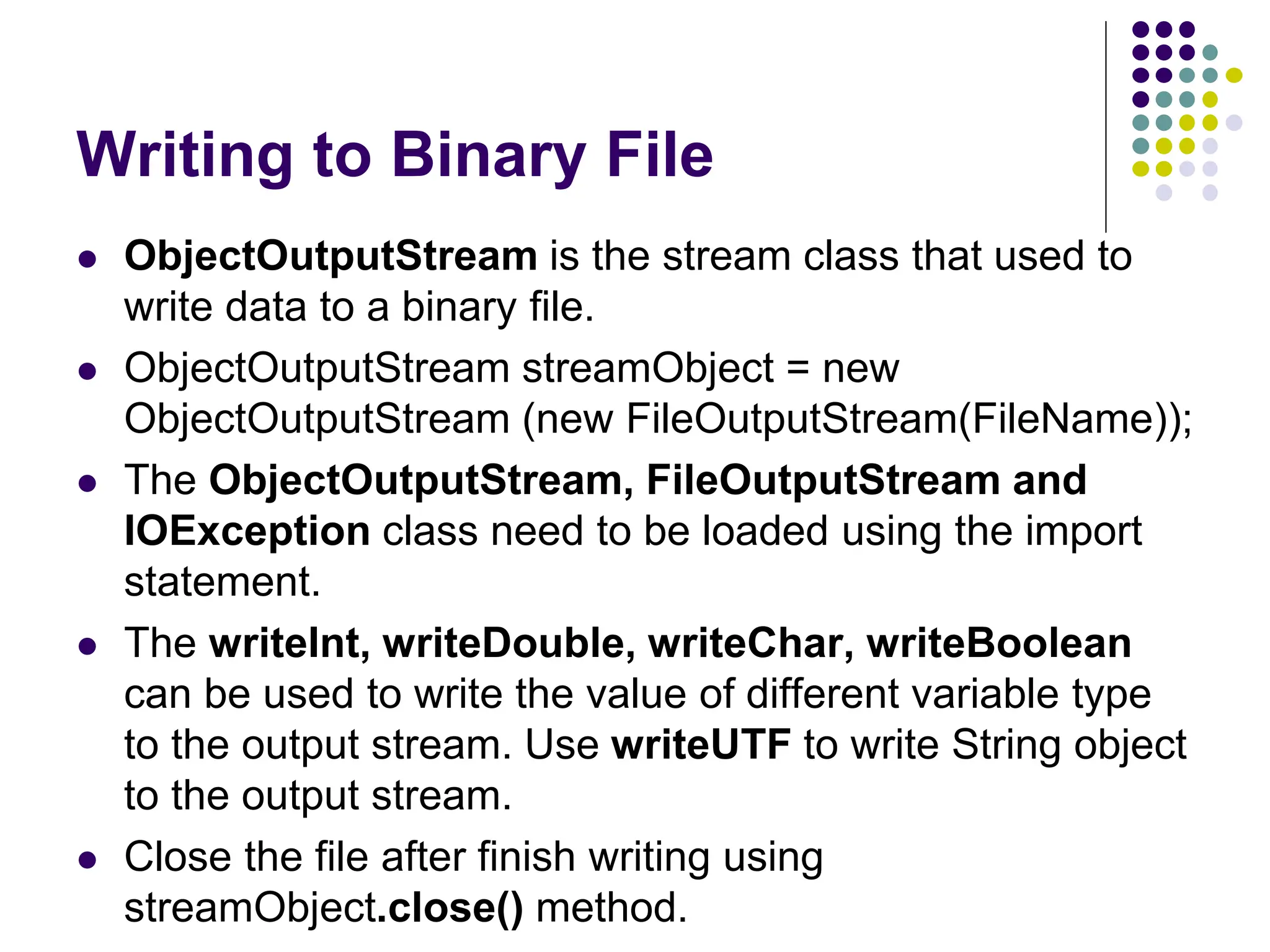
 Writing to Binary File
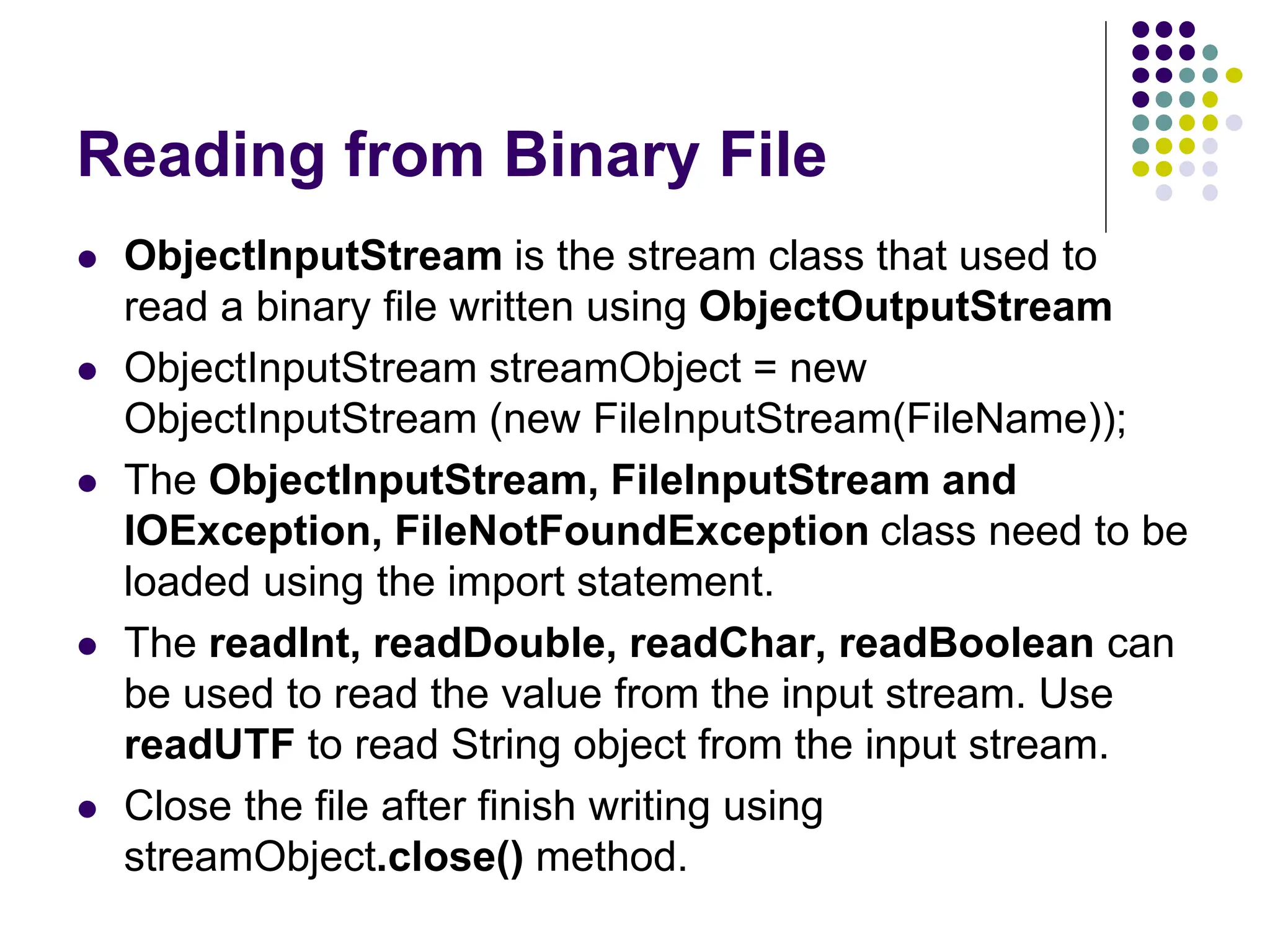
 Reading from Binary File
Introduction
 Files are used for permanent storage of large amounts
of data
 Text file is file that contains sequence of characters. It
is sometimes called ASCII files because the data are
encoded using ASCII coding.
 Binary file stores data in binary format. The data are
stored in the sequence of bytes.
 A stream is a flow of data. If the data flows into the
program, the stream is input stream. If the data flows
out of the program, the stream is output stream.
Writing to Text File
 PrintWriter class is used to write data to a text file.
 PrintWriter streamObject = new PrintWriter(new
FileOutputStream(FileName));
 Close the file after finish writing using
streamObject.close() method.
 The PrintWriter, FileOutputStream and IOException
class need to be loaded using the import statement.
Writing to Text File
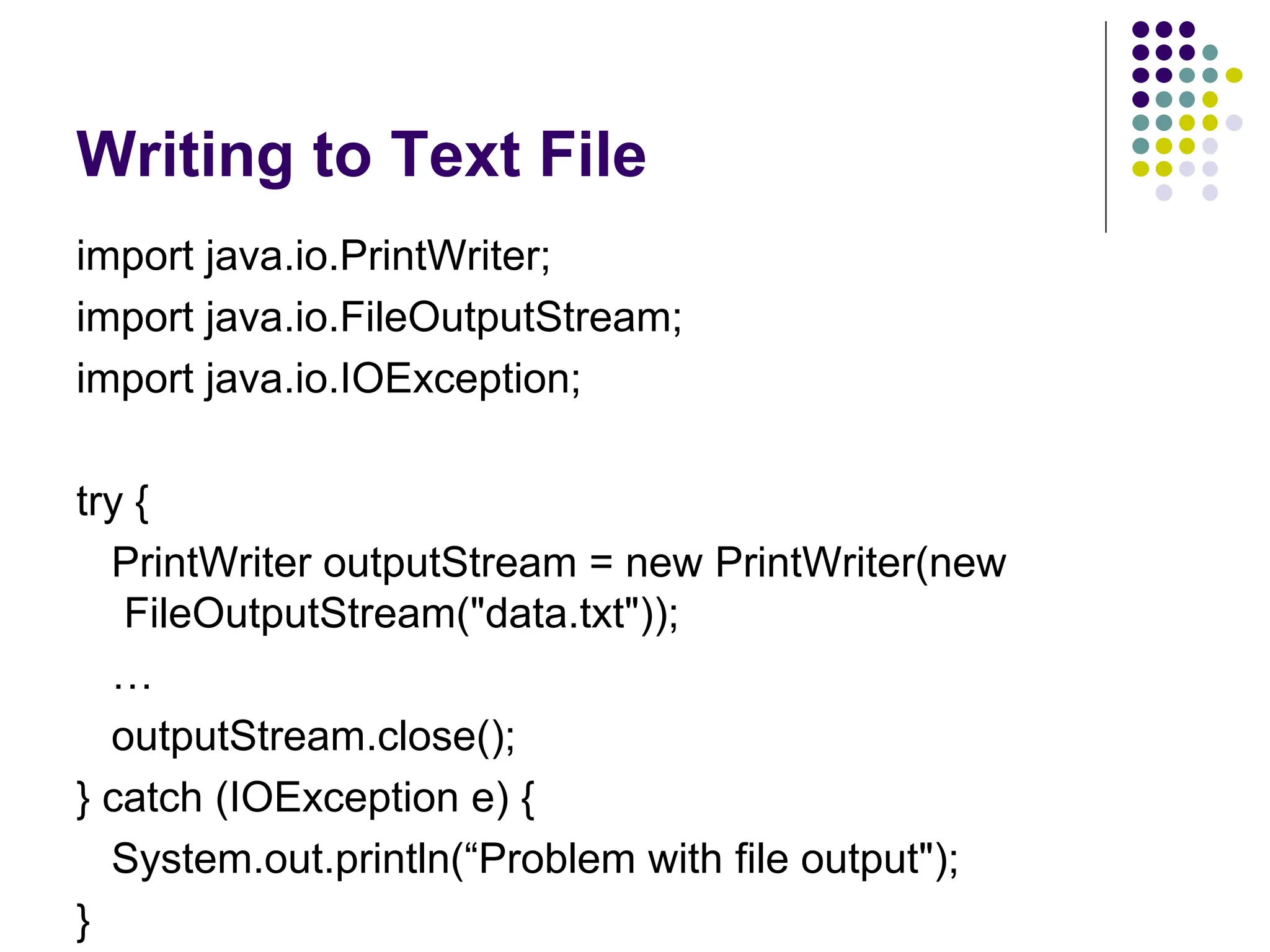
import java.io.PrintWriter;
import java.io.FileOutputStream;
import java.io.IOException;
try {
PrintWriter outputStream = new PrintWriter(new
FileOutputStream("data.txt"));
…
outputStream.close();
} catch (IOException e) {
System.out.println(“Problem with file output");
}
Writing to Text File
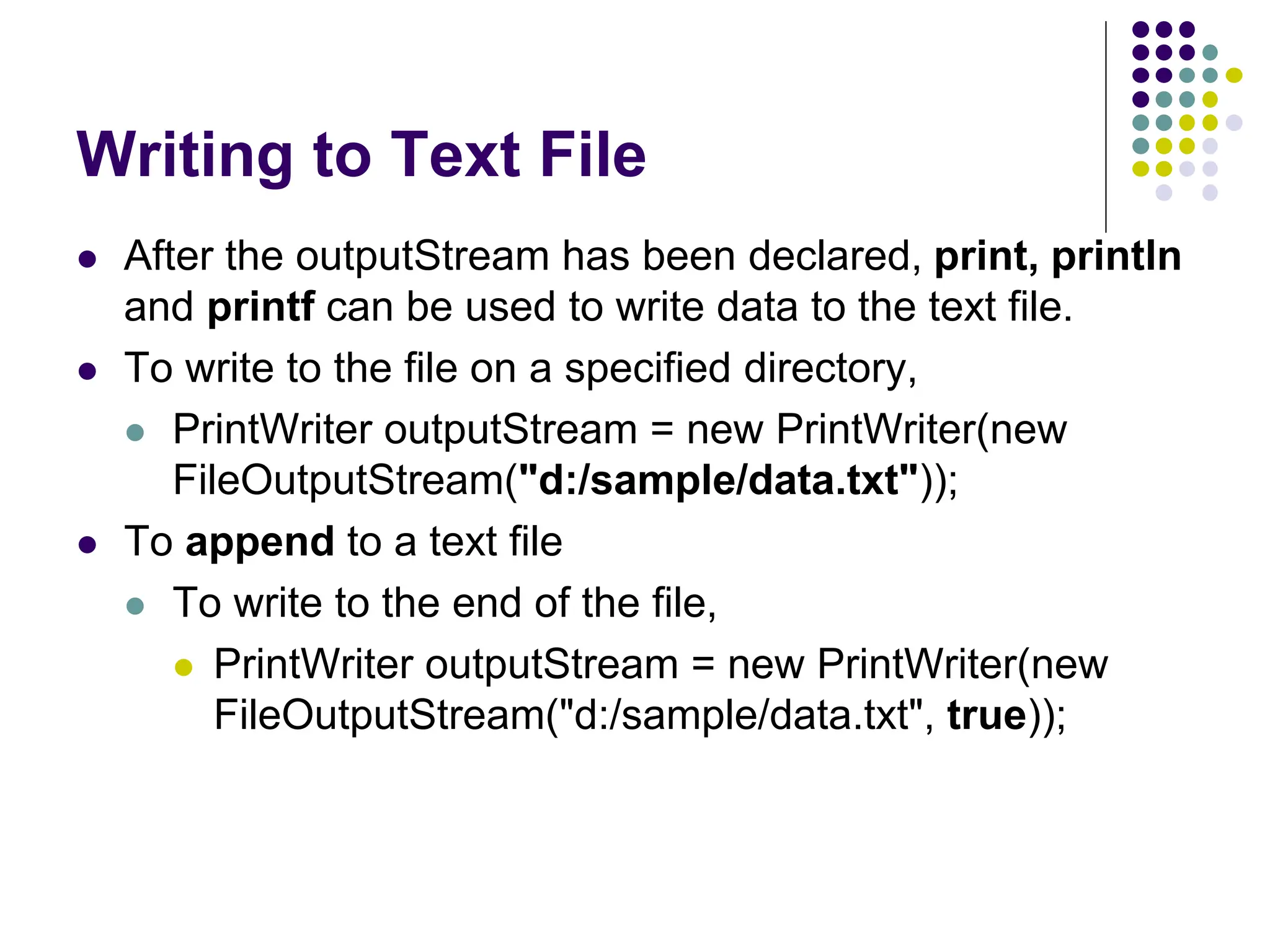
 After the outputStream has been declared, print, println
and printf can be used to write data to the text file.
 To write to the file on a specified directory,
 PrintWriter outputStream = new PrintWriter(new
FileOutputStream("d:/sample/data.txt"));
 To append to a text file
 To write to the end of the file,
 PrintWriter outputStream = new PrintWriter(new
FileOutputStream("d:/sample/data.txt", true));
Exercise
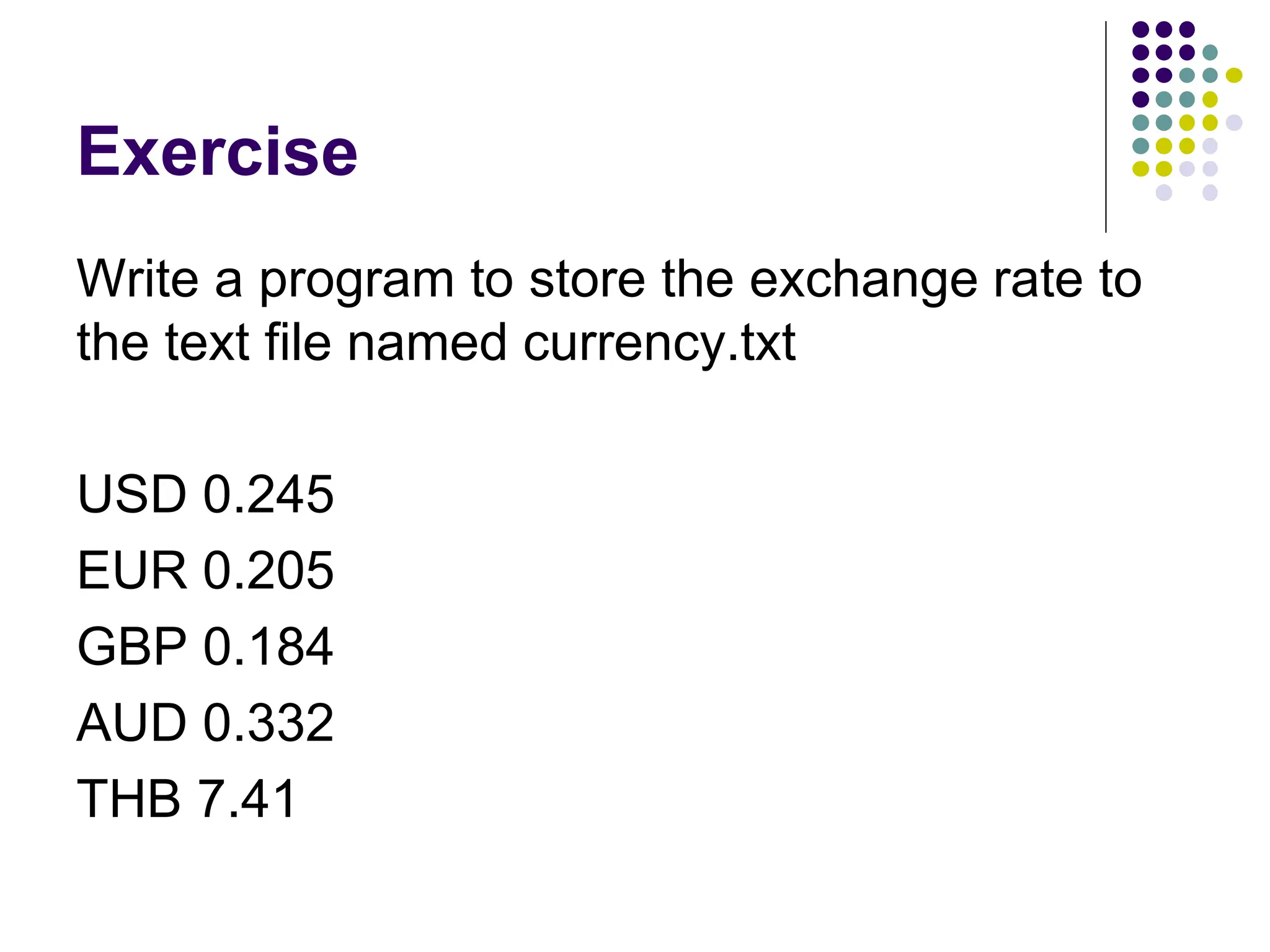
Write a program to store the exchange rate to
the text file named currency.txt
USD 0.245
EUR 0.205
GBP 0.184
AUD 0.332
THB 7.41
Reading from Text File
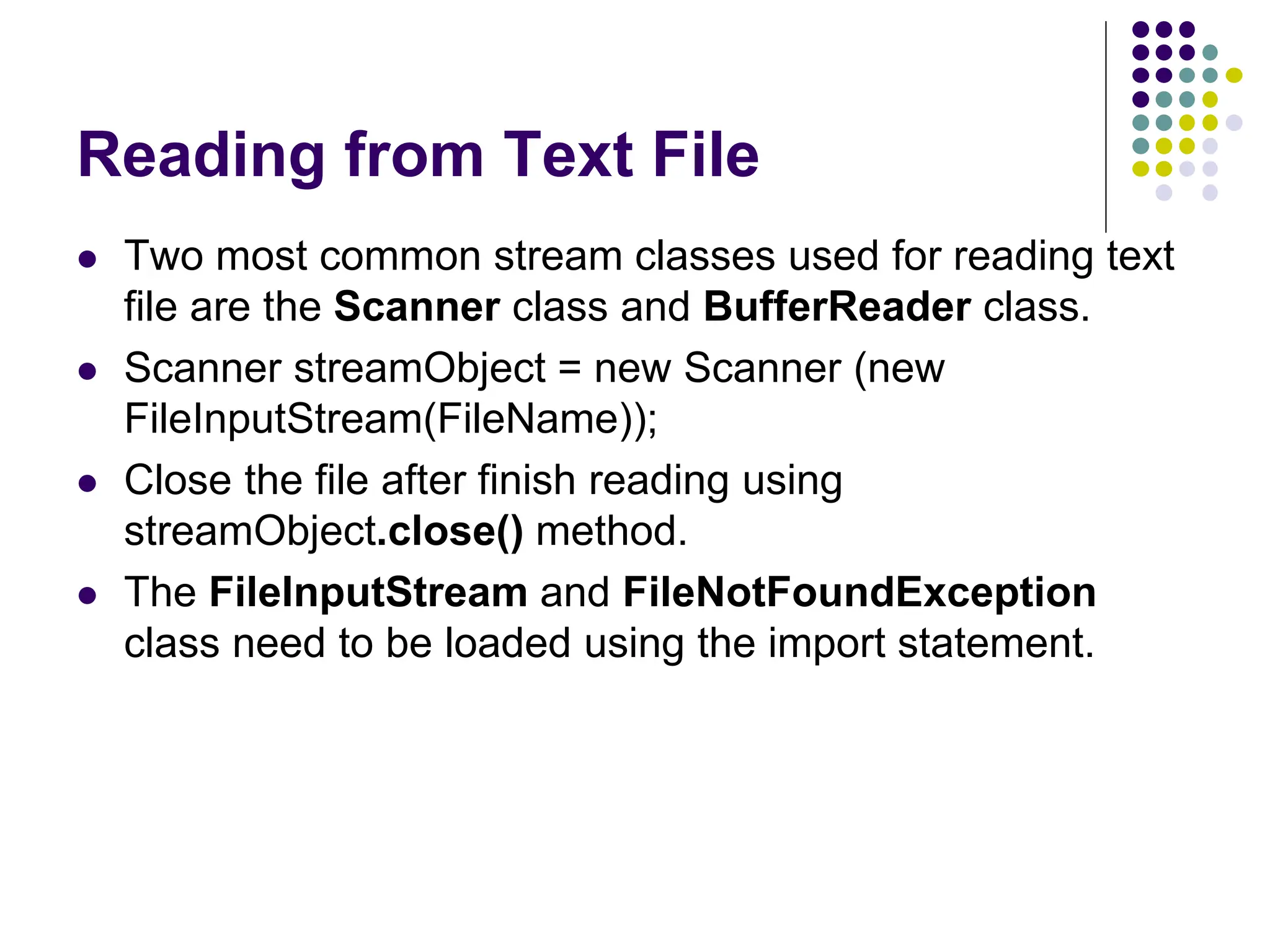
 Two most common stream classes used for reading text
file are the Scanner class and BufferReader class.
 Scanner streamObject = new Scanner (new
FileInputStream(FileName));
 Close the file after finish reading using
streamObject.close() method.
 The FileInputStream and FileNotFoundException
class need to be loaded using the import statement.
Reading from Text File
import java.util.Scanner;
import java.io.FileInputStream;
import java.io.FileNotFoundException;
try {
Scanner inputStream = new Scanner(new
FileInputStream("data.txt"));
…
inputStream.close();
} catch (FileNotFoundException e) {
System.out.println("File was not found");
}
Reading from Text File
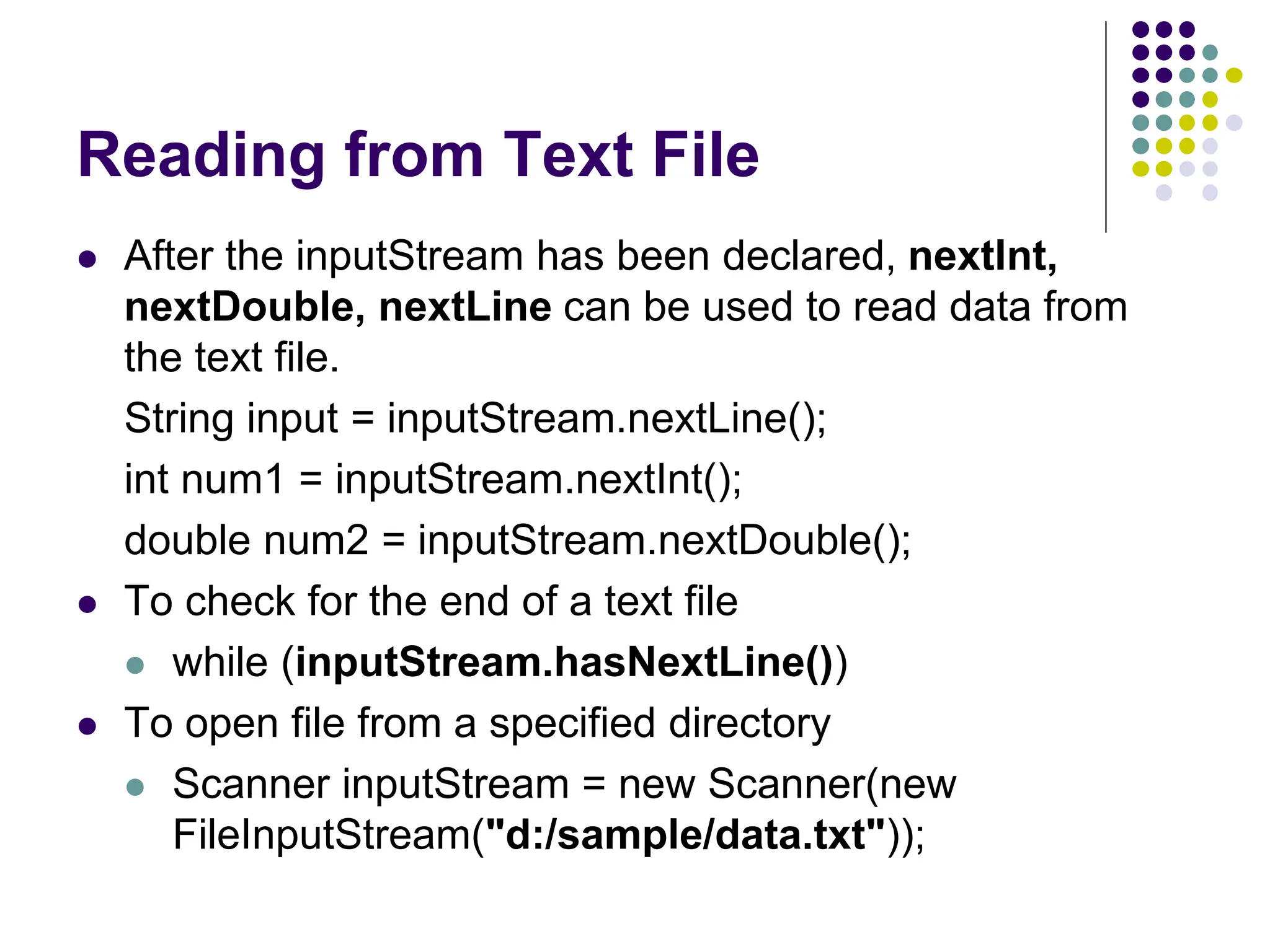
 After the inputStream has been declared, nextInt,
nextDouble, nextLine can be used to read data from
the text file.
String input = inputStream.nextLine();
int num1 = inputStream.nextInt();
double num2 = inputStream.nextDouble();
 To check for the end of a text file
 while (inputStream.hasNextLine())
 To open file from a specified directory
 Scanner inputStream = new Scanner(new
FileInputStream("d:/sample/data.txt"));
Reading from Text File
 BufferedReader class is another class that can read text
from the text file.
 BufferedReader inputStream = new BufferedReader(
new FileReader(FileName));
 Close the file after finish reading using
streamObject.close() method.
 The BufferedReader, FileReader and
FileNotFoundException, IOException class need to be
loaded using the import statement.
Reading from Text File
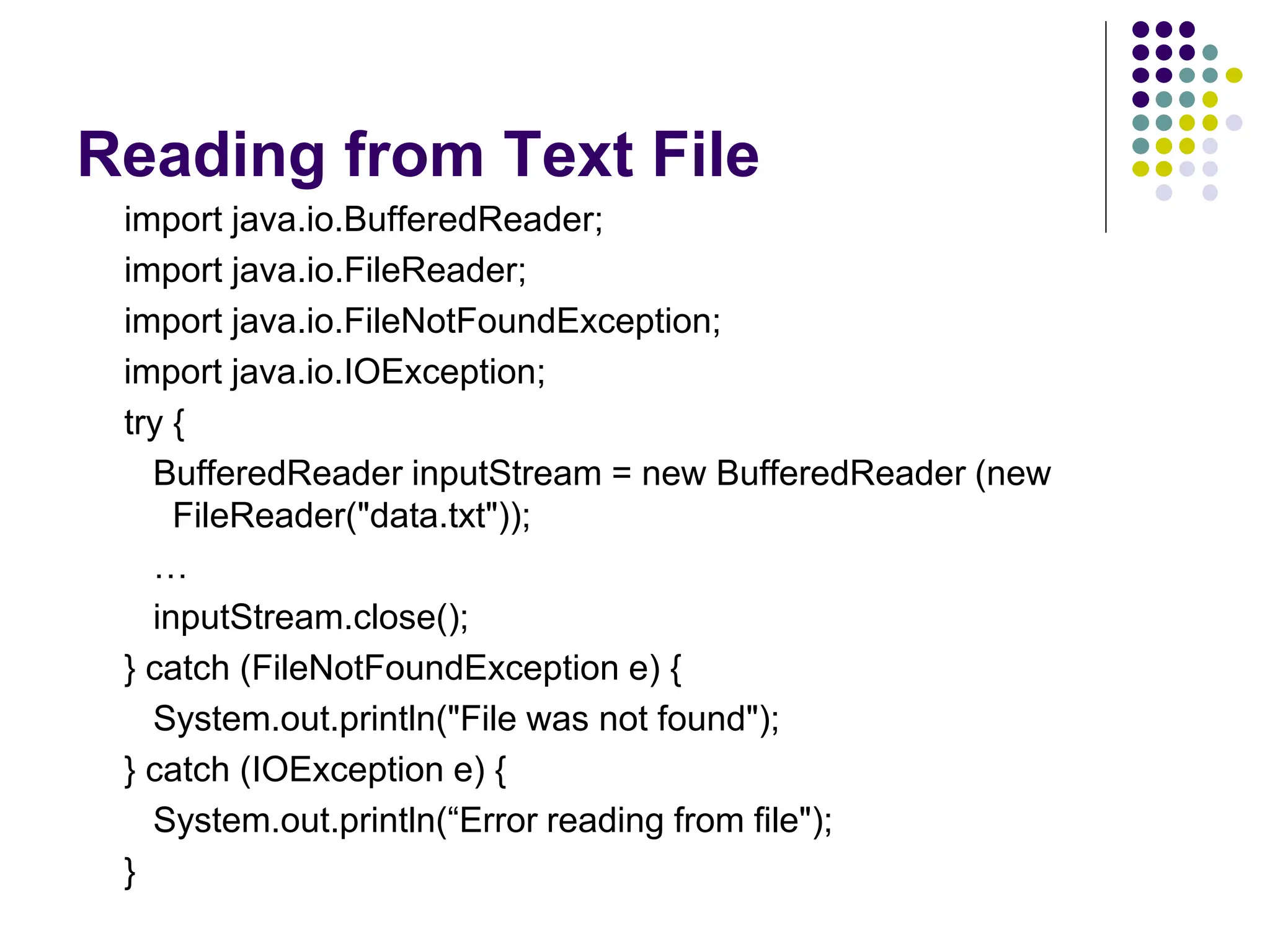
import java.io.BufferedReader;
import java.io.FileReader;
import java.io.FileNotFoundException;
import java.io.IOException;
try {
BufferedReader inputStream = new BufferedReader (new
FileReader("data.txt"));
…
inputStream.close();
} catch (FileNotFoundException e) {
System.out.println("File was not found");
} catch (IOException e) {
System.out.println(“Error reading from file");
}
Reading from Text File
 After the inputStream has been declared, read and
readLine can be used to read data from the text file.
String input = inputStream.readLine();
 To check for the end of a text file
 while ( (input=inputStream.readLine()) != null)
 To open file from a specified directory
 BufferedReader inputStream = new BufferedReader(
new FileReader("d:/sample/data.txt"));
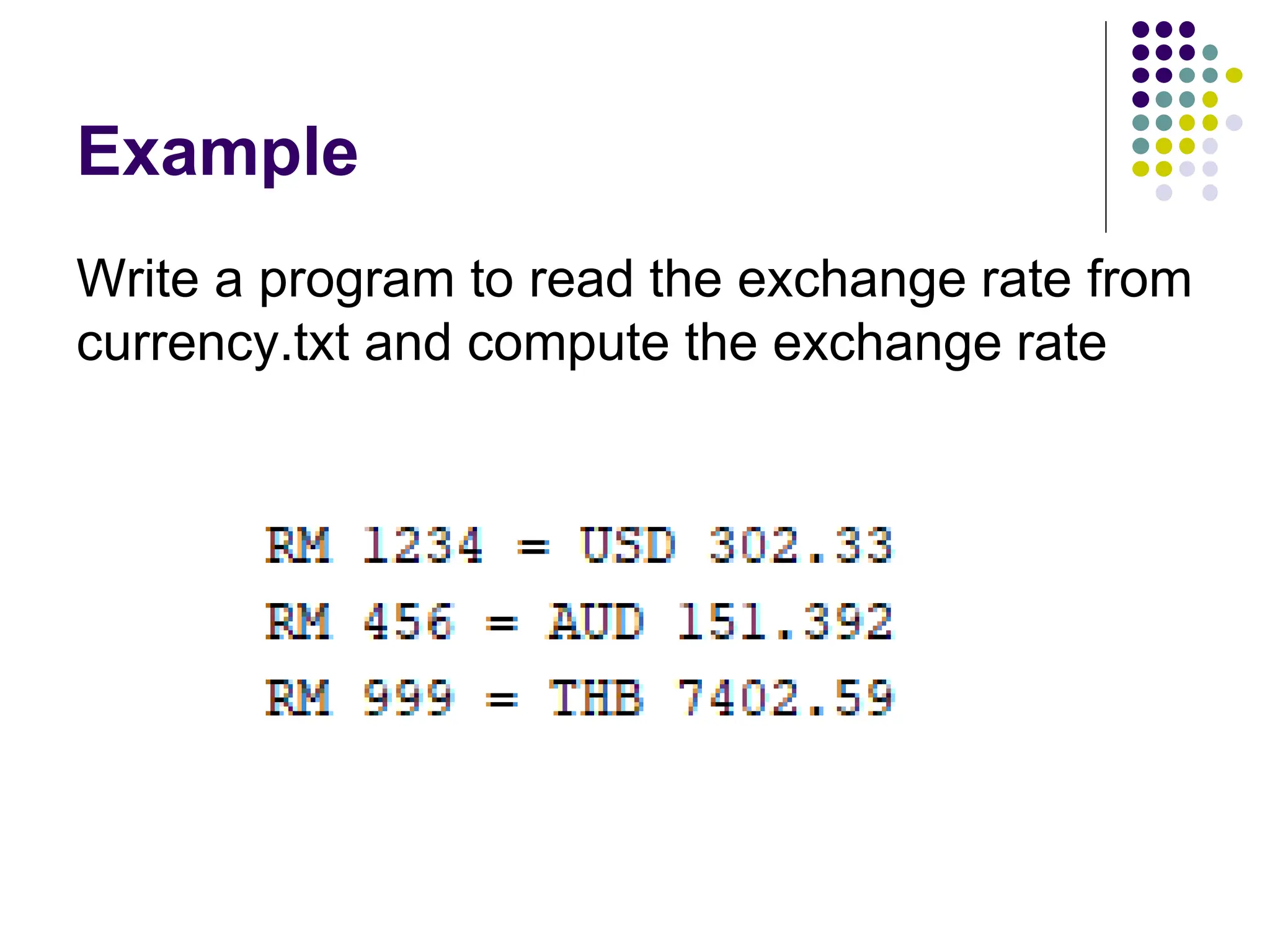
Example
Write a program to read the exchange rate from
currency.txt and compute the exchange rate
File Class
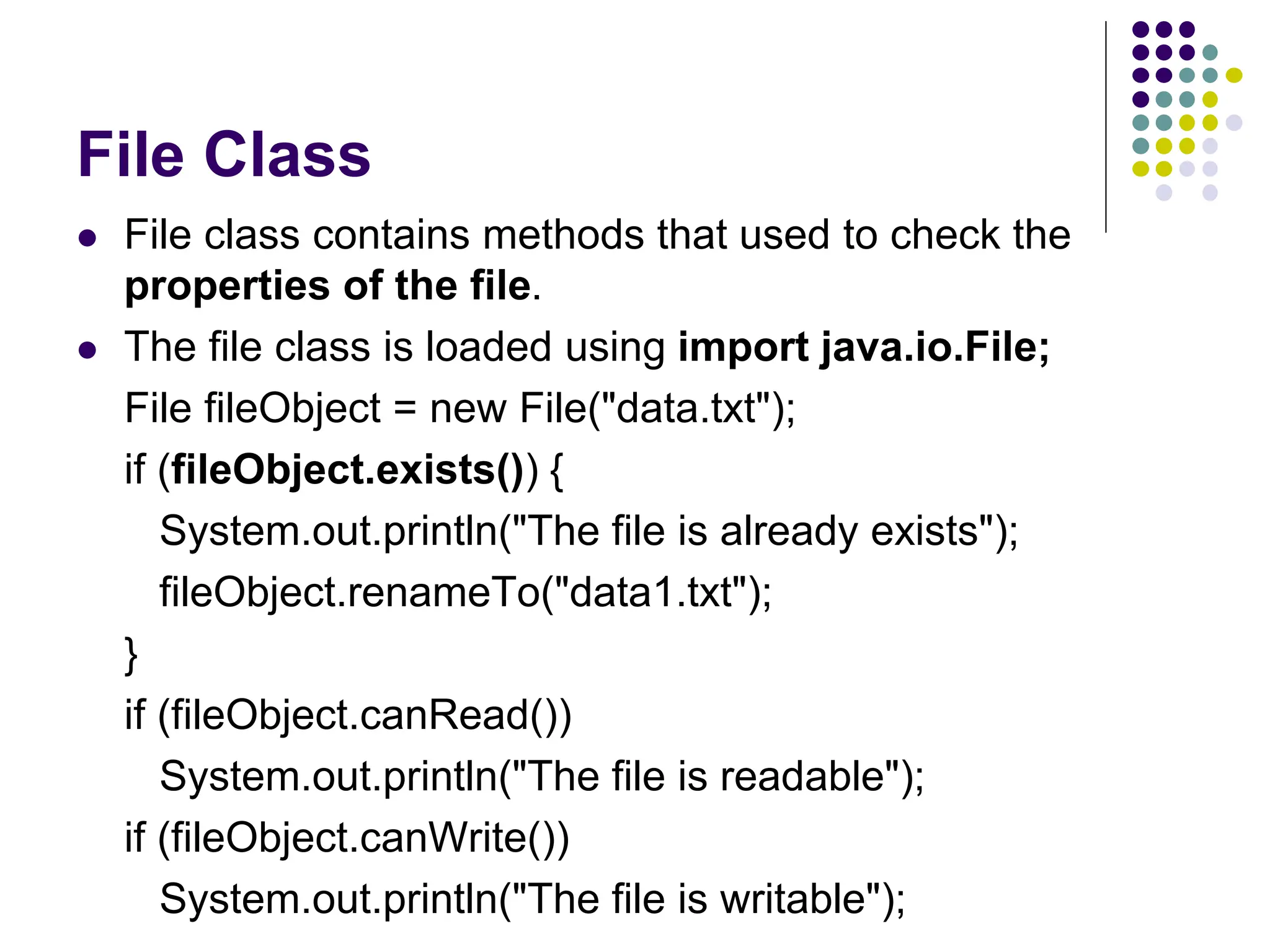
 File class contains methods that used to check the
properties of the file.
 The file class is loaded using import java.io.File;
File fileObject = new File("data.txt");
if (fileObject.exists()) {
System.out.println("The file is already exists");
fileObject.renameTo("data1.txt");
}
if (fileObject.canRead())
System.out.println("The file is readable");
if (fileObject.canWrite())
System.out.println("The file is writable");
Writing to Binary File
 ObjectOutputStream is the stream class that used to
write data to a binary file.
 ObjectOutputStream streamObject = new
ObjectOutputStream (new FileOutputStream(FileName));
 The ObjectOutputStream, FileOutputStream and
IOException class need to be loaded using the import
statement.
 The writeInt, writeDouble, writeChar, writeBoolean
can be used to write the value of different variable type
to the output stream. Use writeUTF to write String object
to the output stream.
 Close the file after finish writing using
streamObject.close() method.
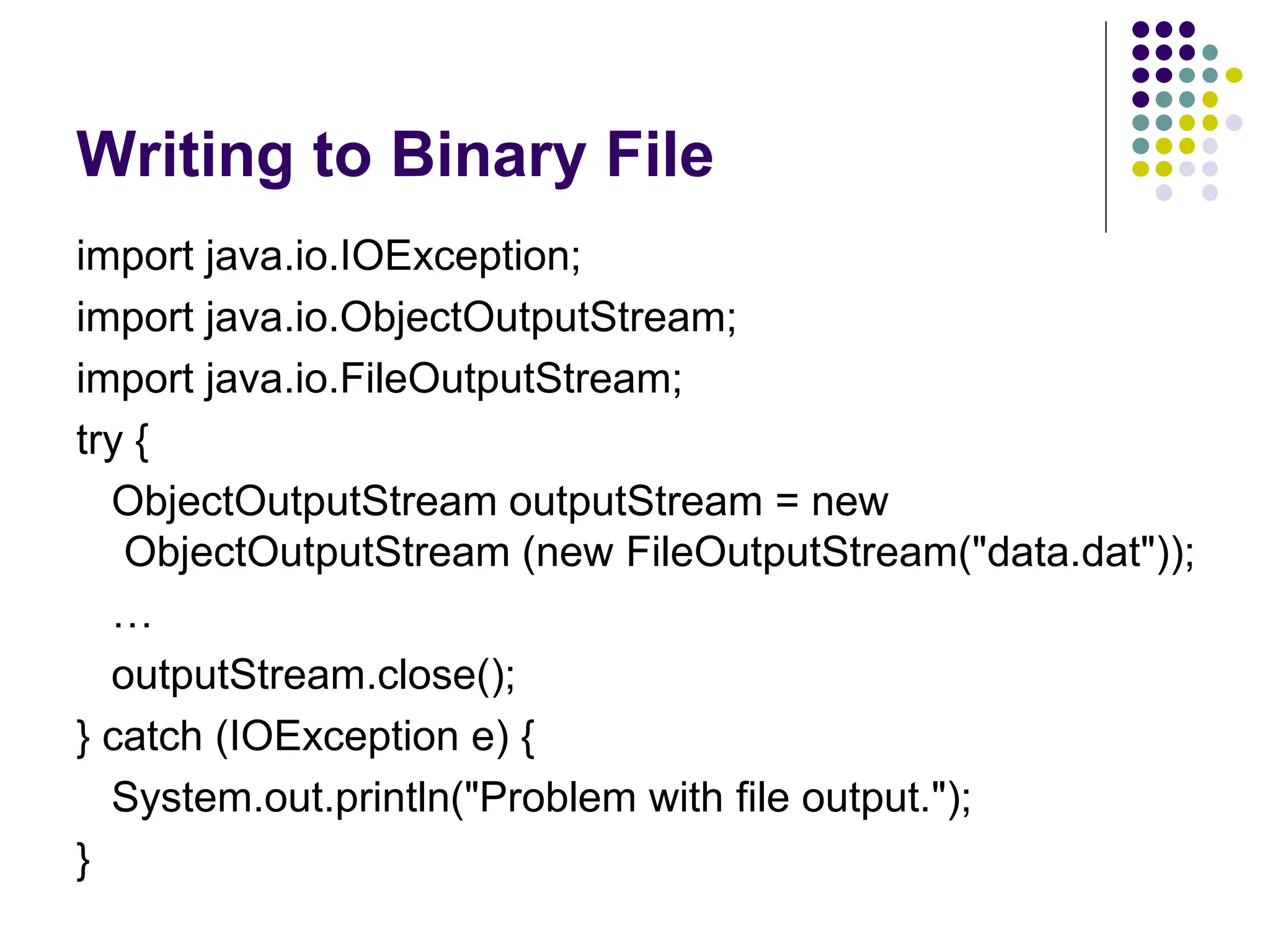
Writing to Binary File
import java.io.IOException;
import java.io.ObjectOutputStream;
import java.io.FileOutputStream;
try {
ObjectOutputStream outputStream = new
ObjectOutputStream (new FileOutputStream("data.dat"));
…
outputStream.close();
} catch (IOException e) {
System.out.println("Problem with file output.");
}
Reading from Binary File
 ObjectInputStream is the stream class that used to
read a binary file written using ObjectOutputStream
 ObjectInputStream streamObject = new
ObjectInputStream (new FileInputStream(FileName));
 The ObjectInputStream, FileInputStream and
IOException, FileNotFoundException class need to be
loaded using the import statement.
 The readInt, readDouble, readChar, readBoolean can
be used to read the value from the input stream. Use
readUTF to read String object from the input stream.
 Close the file after finish writing using
streamObject.close() method.
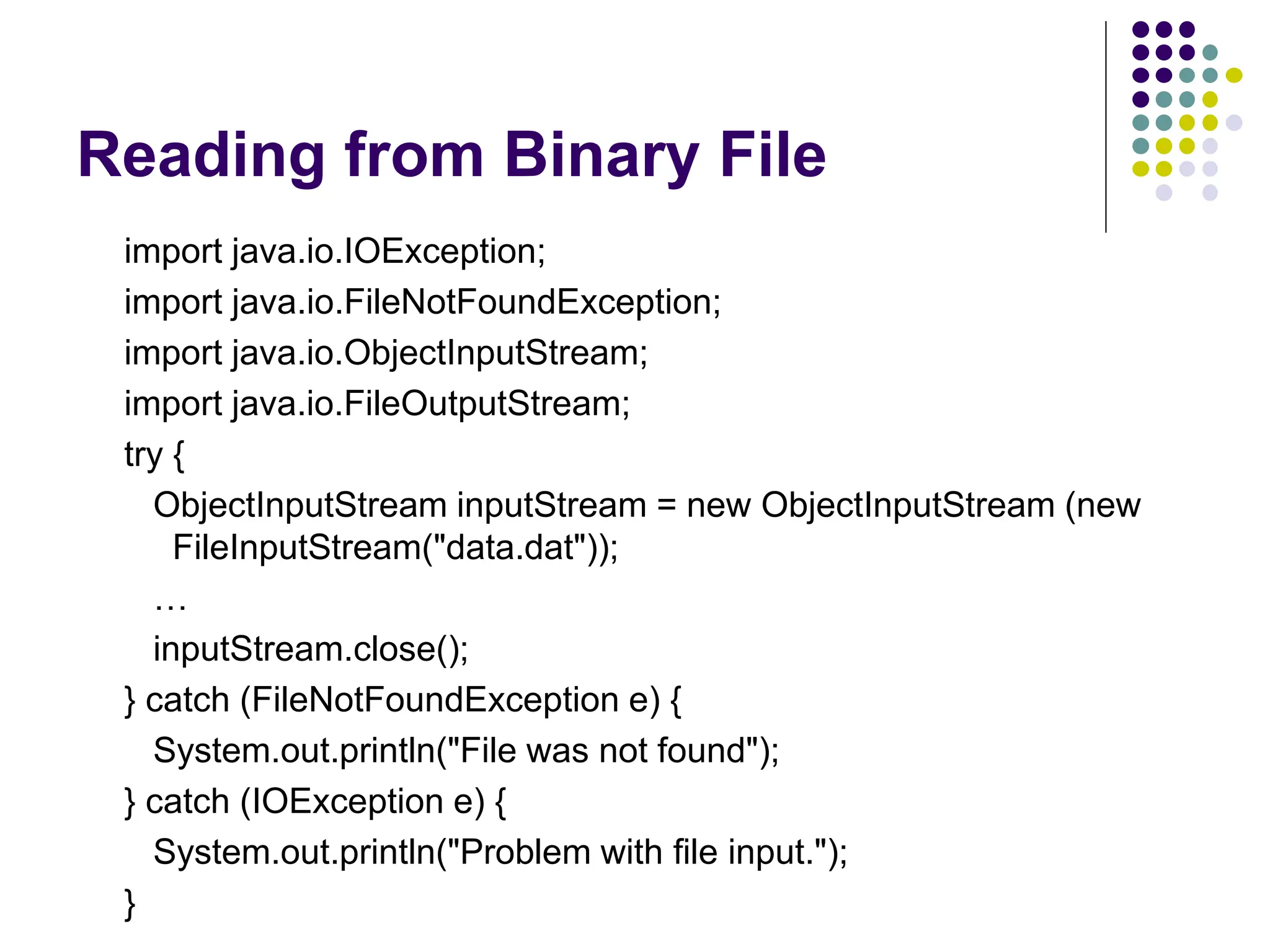
Reading from Binary File
import java.io.IOException;
import java.io.FileNotFoundException;
import java.io.ObjectInputStream;
import java.io.FileOutputStream;
try {
ObjectInputStream inputStream = new ObjectInputStream (new
FileInputStream("data.dat"));
…
inputStream.close();
} catch (FileNotFoundException e) {
System.out.println("File was not found");
} catch (IOException e) {
System.out.println("Problem with file input.");
}
Reading from Binary File
 To check for the end of a text file
 Use EOFException
try {
while(true) {
number = inputStream.readInt();
}
} catch (EOFException e) { }
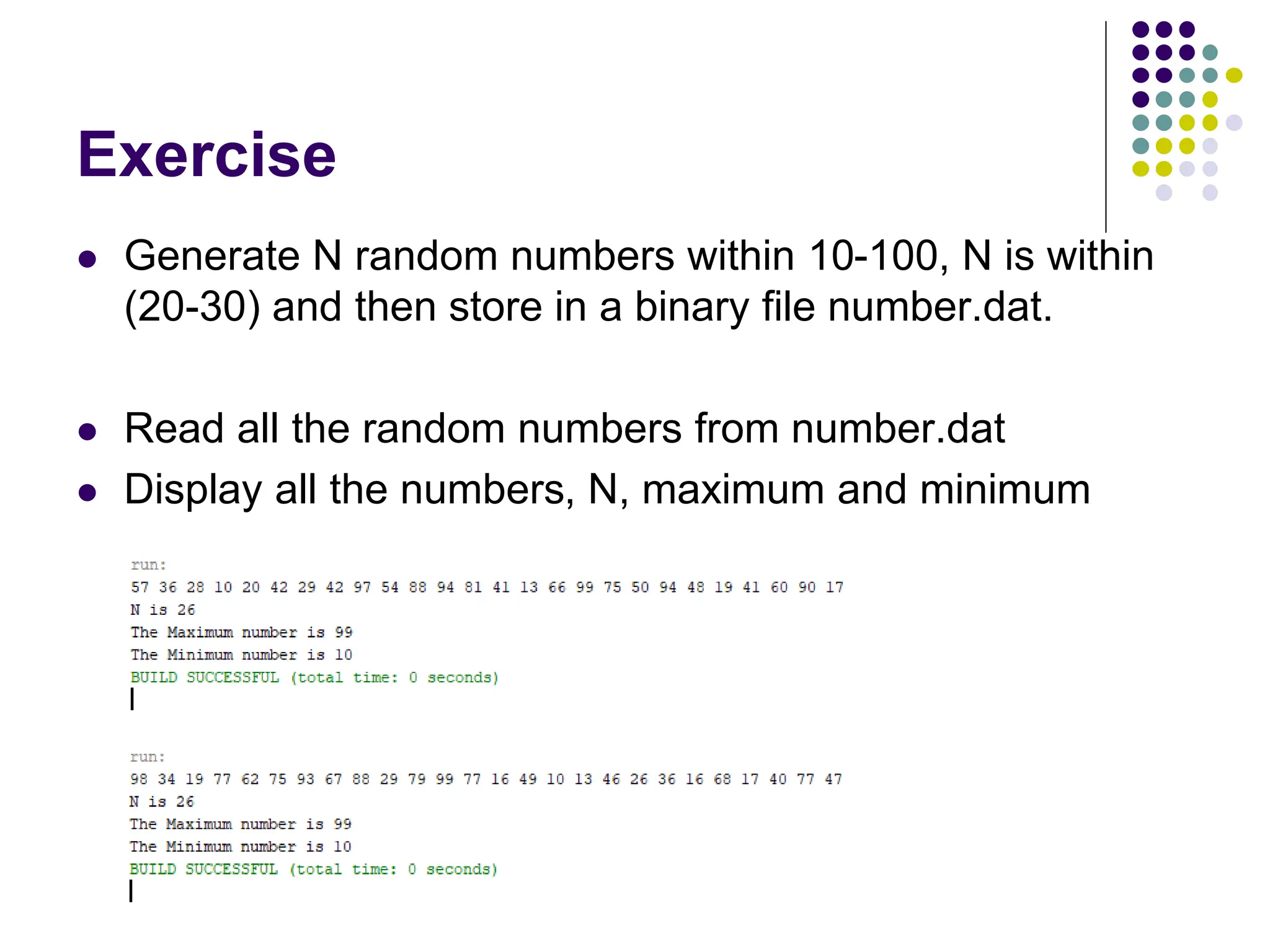
Exercise
 Generate N random numbers within 10-100, N is within
(20-30) and then store in a binary file number.dat.
 Read all the random numbers from number.dat
 Display all the numbers, N, maximum and minimum
File Input and Output in Java Programing language

File Input and Output in Java Programing language

  • 1.
  • 2.
    Contents  Introduction  Writingto Text File  Reading from Text File  File Class  Writing to Binary File  Reading from Binary File
  • 3.
    Introduction  Files areused for permanent storage of large amounts of data  Text file is file that contains sequence of characters. It is sometimes called ASCII files because the data are encoded using ASCII coding.  Binary file stores data in binary format. The data are stored in the sequence of bytes.  A stream is a flow of data. If the data flows into the program, the stream is input stream. If the data flows out of the program, the stream is output stream.
  • 4.
    Writing to TextFile  PrintWriter class is used to write data to a text file.  PrintWriter streamObject = new PrintWriter(new FileOutputStream(FileName));  Close the file after finish writing using streamObject.close() method.  The PrintWriter, FileOutputStream and IOException class need to be loaded using the import statement.
  • 5.
    Writing to TextFile import java.io.PrintWriter; import java.io.FileOutputStream; import java.io.IOException; try { PrintWriter outputStream = new PrintWriter(new FileOutputStream("data.txt")); … outputStream.close(); } catch (IOException e) { System.out.println(“Problem with file output"); }
  • 6.
    Writing to TextFile  After the outputStream has been declared, print, println and printf can be used to write data to the text file.  To write to the file on a specified directory,  PrintWriter outputStream = new PrintWriter(new FileOutputStream("d:/sample/data.txt"));  To append to a text file  To write to the end of the file,  PrintWriter outputStream = new PrintWriter(new FileOutputStream("d:/sample/data.txt", true));
  • 7.
    Exercise Write a programto store the exchange rate to the text file named currency.txt USD 0.245 EUR 0.205 GBP 0.184 AUD 0.332 THB 7.41
  • 8.
    Reading from TextFile  Two most common stream classes used for reading text file are the Scanner class and BufferReader class.  Scanner streamObject = new Scanner (new FileInputStream(FileName));  Close the file after finish reading using streamObject.close() method.  The FileInputStream and FileNotFoundException class need to be loaded using the import statement.
  • 9.
    Reading from TextFile import java.util.Scanner; import java.io.FileInputStream; import java.io.FileNotFoundException; try { Scanner inputStream = new Scanner(new FileInputStream("data.txt")); … inputStream.close(); } catch (FileNotFoundException e) { System.out.println("File was not found"); }
  • 10.
    Reading from TextFile  After the inputStream has been declared, nextInt, nextDouble, nextLine can be used to read data from the text file. String input = inputStream.nextLine(); int num1 = inputStream.nextInt(); double num2 = inputStream.nextDouble();  To check for the end of a text file  while (inputStream.hasNextLine())  To open file from a specified directory  Scanner inputStream = new Scanner(new FileInputStream("d:/sample/data.txt"));
  • 11.
    Reading from TextFile  BufferedReader class is another class that can read text from the text file.  BufferedReader inputStream = new BufferedReader( new FileReader(FileName));  Close the file after finish reading using streamObject.close() method.  The BufferedReader, FileReader and FileNotFoundException, IOException class need to be loaded using the import statement.
  • 12.
    Reading from TextFile import java.io.BufferedReader; import java.io.FileReader; import java.io.FileNotFoundException; import java.io.IOException; try { BufferedReader inputStream = new BufferedReader (new FileReader("data.txt")); … inputStream.close(); } catch (FileNotFoundException e) { System.out.println("File was not found"); } catch (IOException e) { System.out.println(“Error reading from file"); }
  • 13.
    Reading from TextFile  After the inputStream has been declared, read and readLine can be used to read data from the text file. String input = inputStream.readLine();  To check for the end of a text file  while ( (input=inputStream.readLine()) != null)  To open file from a specified directory  BufferedReader inputStream = new BufferedReader( new FileReader("d:/sample/data.txt"));
  • 14.
    Example Write a programto read the exchange rate from currency.txt and compute the exchange rate
  • 15.
    File Class  Fileclass contains methods that used to check the properties of the file.  The file class is loaded using import java.io.File; File fileObject = new File("data.txt"); if (fileObject.exists()) { System.out.println("The file is already exists"); fileObject.renameTo("data1.txt"); } if (fileObject.canRead()) System.out.println("The file is readable"); if (fileObject.canWrite()) System.out.println("The file is writable");
  • 16.
    Writing to BinaryFile  ObjectOutputStream is the stream class that used to write data to a binary file.  ObjectOutputStream streamObject = new ObjectOutputStream (new FileOutputStream(FileName));  The ObjectOutputStream, FileOutputStream and IOException class need to be loaded using the import statement.  The writeInt, writeDouble, writeChar, writeBoolean can be used to write the value of different variable type to the output stream. Use writeUTF to write String object to the output stream.  Close the file after finish writing using streamObject.close() method.
  • 17.
    Writing to BinaryFile import java.io.IOException; import java.io.ObjectOutputStream; import java.io.FileOutputStream; try { ObjectOutputStream outputStream = new ObjectOutputStream (new FileOutputStream("data.dat")); … outputStream.close(); } catch (IOException e) { System.out.println("Problem with file output."); }
  • 18.
    Reading from BinaryFile  ObjectInputStream is the stream class that used to read a binary file written using ObjectOutputStream  ObjectInputStream streamObject = new ObjectInputStream (new FileInputStream(FileName));  The ObjectInputStream, FileInputStream and IOException, FileNotFoundException class need to be loaded using the import statement.  The readInt, readDouble, readChar, readBoolean can be used to read the value from the input stream. Use readUTF to read String object from the input stream.  Close the file after finish writing using streamObject.close() method.
  • 19.
    Reading from BinaryFile import java.io.IOException; import java.io.FileNotFoundException; import java.io.ObjectInputStream; import java.io.FileOutputStream; try { ObjectInputStream inputStream = new ObjectInputStream (new FileInputStream("data.dat")); … inputStream.close(); } catch (FileNotFoundException e) { System.out.println("File was not found"); } catch (IOException e) { System.out.println("Problem with file input."); }
  • 20.
    Reading from BinaryFile  To check for the end of a text file  Use EOFException try { while(true) { number = inputStream.readInt(); } } catch (EOFException e) { }
  • 21.
    Exercise  Generate Nrandom numbers within 10-100, N is within (20-30) and then store in a binary file number.dat.  Read all the random numbers from number.dat  Display all the numbers, N, maximum and minimum