Javascript Introduction Vu Viet Phuong - Portal Team
Help to approach Javascript easier Objective Prepare to work with eXo javascript framework
Characteristic of Javascript language Subject OOP with Javascript Javascript and DOM Ajax Javascript performance
Characteristic of Javascript language
What is Javascript ? Netscape initially introduced the language under the name LiveScript in an early beta release of Navigator 2.0 in 1995   Some characteristics  :  - Script language - Interpreted - Changing rapidly and Cross-platform support is not consistent JavaScript is the most popular scripting language on the internet
What can We do with it ?   Provide interactive content on your Web pages ( embeded in HTML page using <script> tag )   Much of its power is derived from both the built-in and document objects provided by the browser Control Document Appearance and Content  : document.write(), DOM... Control the Browser  : window.alert(); window.open(); window.close()... Interact with the User  : ability to define &quot;event handlers&quot;
What Javascript can’t do Javascript are confined to browser-related and HTML-related tasks ->  it does not have features that would be required for  standalone  languages Some lack of features :  Graphics capabilities Reading or writing of files Multithreading , except whatever comes implicitly from the web browser's internal use of threads
Quick introduction of basic programming JavaScript is similar to so many other languages:  Arithmetic and logical operators are part of the language Flow-control constructs such as if, while, and switch Example  : - Arithmetic Operators :  + - * / %   The addition operator (+) has a different behavior when operating on strings as opposed to numbers  - Comparison Operators :  > < >= <= != == ===  alert(“10”  ==  10)  //display  true alert(“10”  ===  10) //display  false -  typeof  operator : alert( typeof  “some string”); //display  string http://www.techotopia.com/index.php/JavaScript_Operators
Quick introduction of basic programming Flow control : (if-else, switch) if (expression)  statement;  else statement; Loops :  (while, do-while, for) Loop control  (break and continue) Object-Related Statements: with  Statement :  a shorthand notation when referencing objects w ith(document) {write(“Hello World”);} for…in  : used to loop through an object’s properties for (pros in document) {document.write(pros);} http://en.wikipedia.org/wiki/JavaScript_syntax
Quick introduction of basic programming Script Execution Order :  interpreted line by line as it is found in the page Case Sensitivity  : JavaScript is case-sensitive: keywords, operators.... Statement Delimiters  : Semicolons and Returns Declare Variables :  -  var  keyword - implicit declaration
Data type   Data Type :  - Primitive  data types: number, string, boolean, undefined, null -  Composite  types: objects, arrays, and functions   Dynamic Typing :  T ype is inferred from the variable’s content var test = “10”;  //It's a string test = 10;  //It's a number now
Data type Automatic Type Conversion :  M ost powerful features of JavaScript, as well as the most dangerous for the sloppy programmer window.alert(“10” - 3);  ->  result : 7 Force the conversion  using methods like  toString()  or  parseInt()   DynamicTyping.html
Functions   Function creation syntax  :   function Add(x, y)  { var sum = x + y; return sum; } var test = new Function(“alert('test')”); var test = function() {alert('test')};   How to deal with arguments  :   length  property  arguments [] property FunctionCreation.html
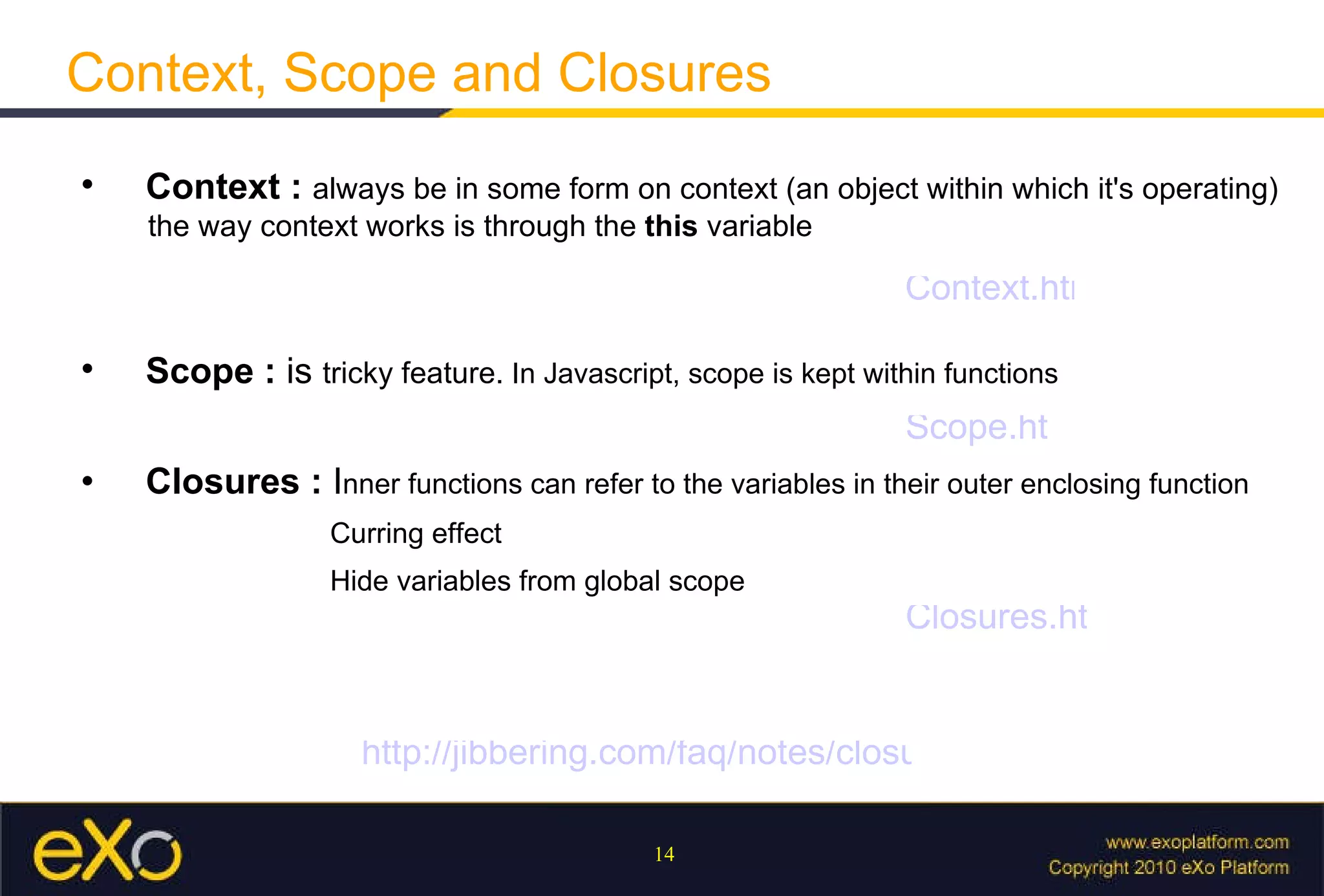
Context, Scope and Closures   Context  :  always be in some form on context (an object within which it's operating)   the way context works is through the  this  variable   Closures  :  I nner functions can refer to the variables in their outer enclosing function    Curring effect   Hide variables from global scope    Scope  :  is  tricky feature.  In Javascript, scope is kept within functions Context.html Scope.html Closures.html http://jibbering.com/faq/notes/closures/
Object-Oriented Programming with JavaScript
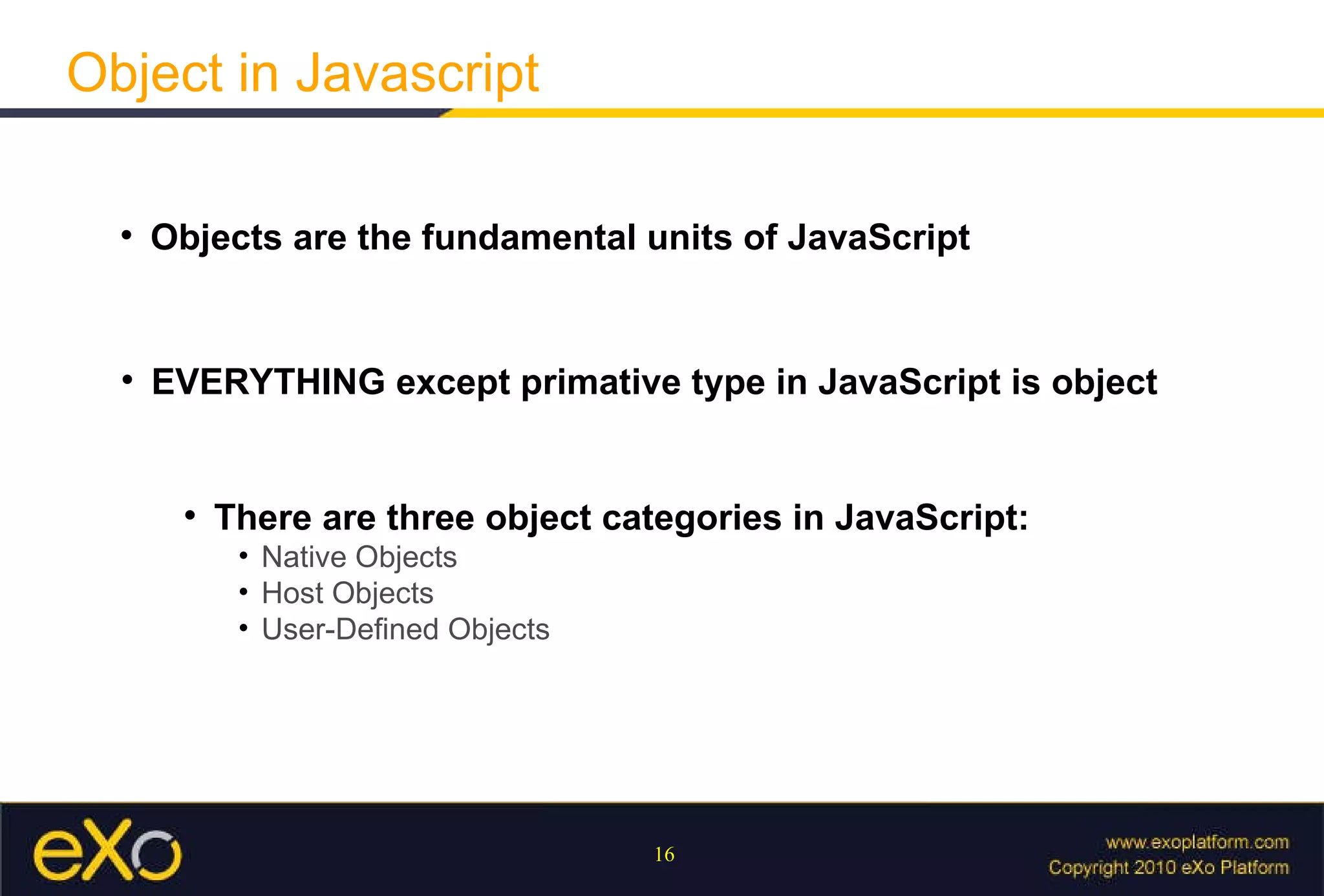
Object in Javascript Objects are the fundamental units of JavaScript EVERYTHING except primative type in JavaScript is object There are three object categories in JavaScript:   Native Objects Host Objects User-Defined Objects
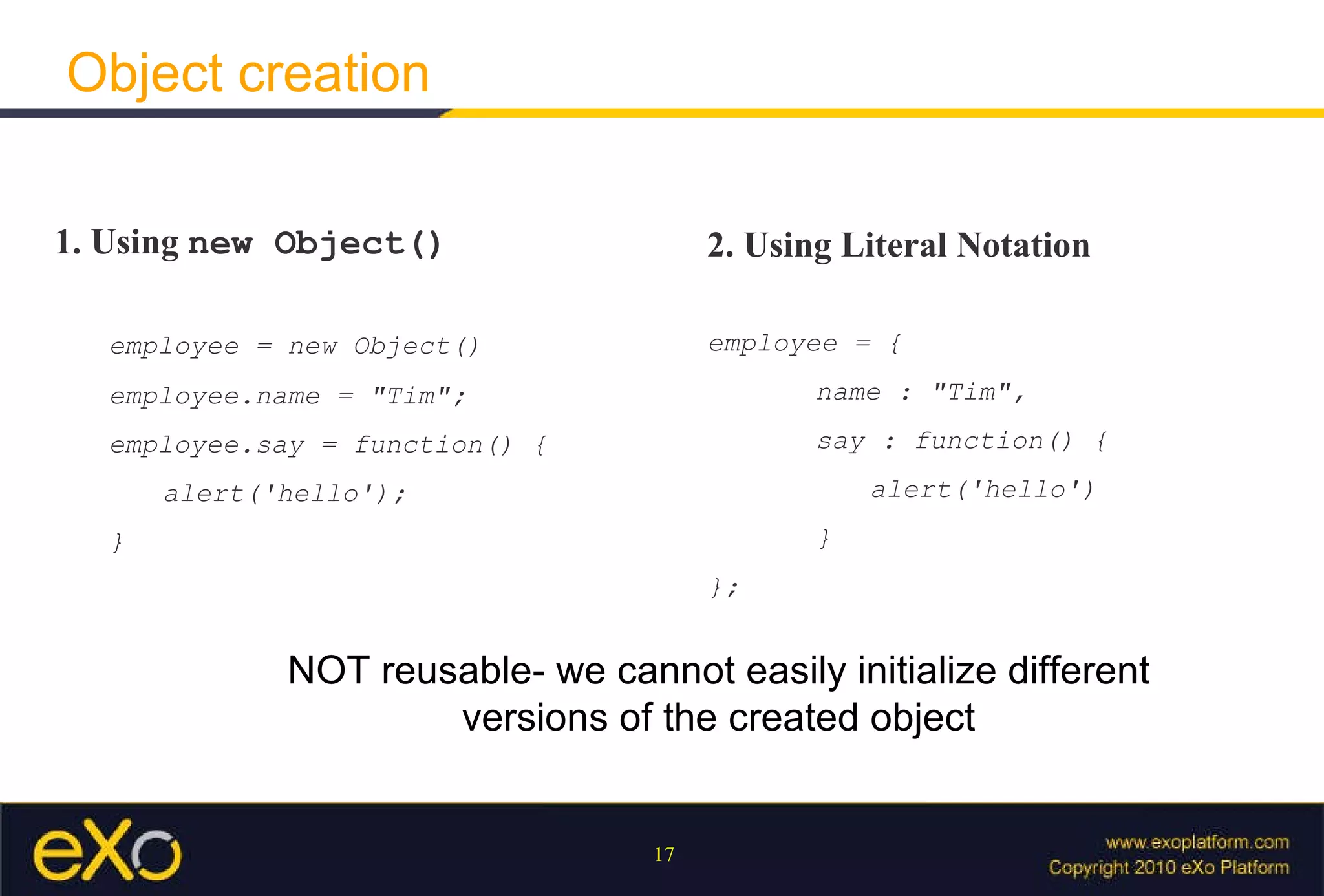
Object creation 1. Using  new Object() employee = new Object() employee.name = &quot;Tim&quot;; employee.say = function() { alert('hello'); } 2. Using Literal Notation employee = { name : &quot;Tim&quot;, say : function() { alert('hello') } }; NOT reusable- we cannot easily initialize different versions of the created object
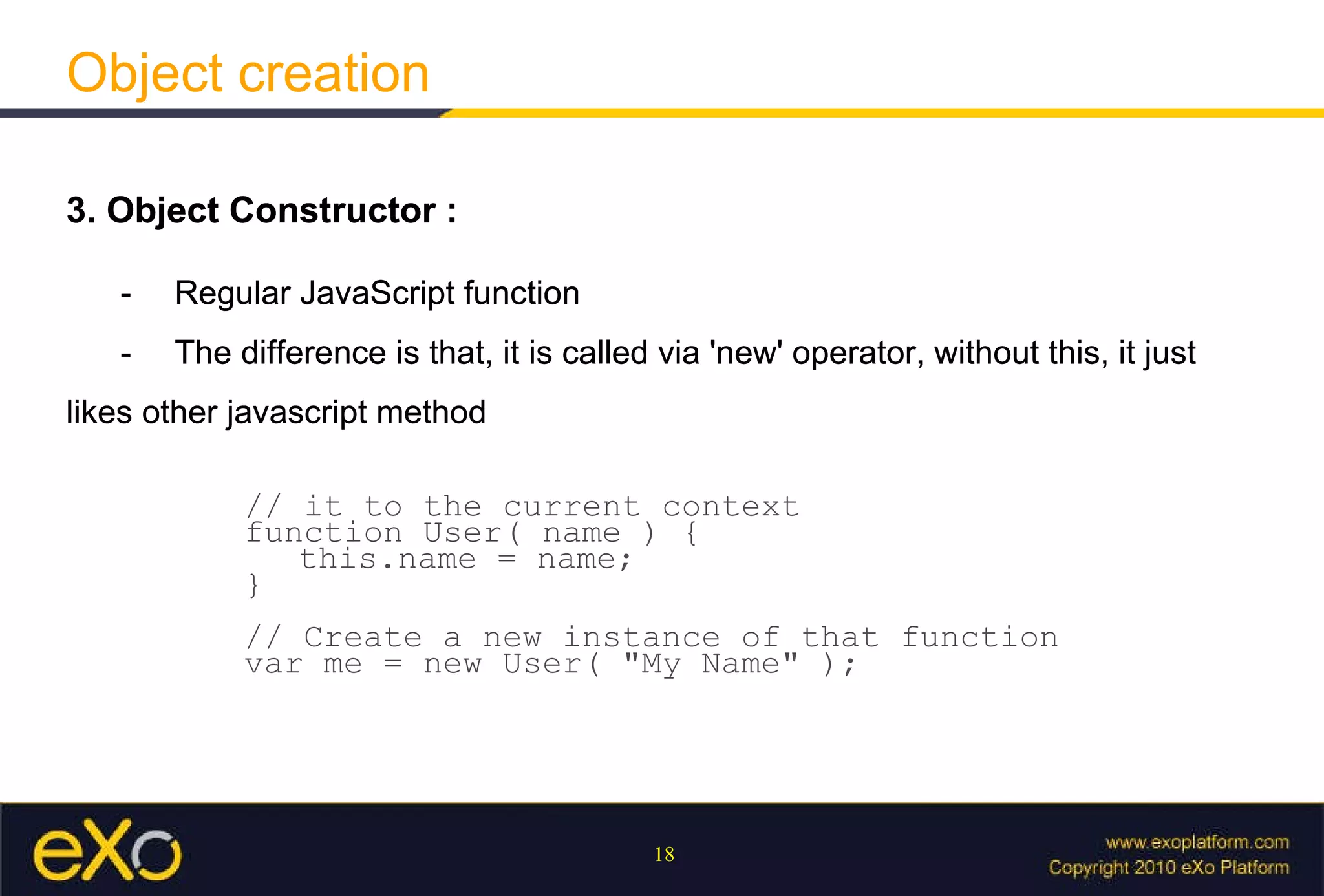
Object creation 3. Object Constructor : - Regular JavaScript function - The difference is that, it is called via 'new' operator, without this, it just likes other javascript method // it to the current context  function User( name ) {  this.name = name;  }  // Create a new instance of that function var me = new User( &quot;My Name&quot; ); 3. Object Constructor : - Regular JavaScript function - The difference is that, it is called via 'new' operator, without this, it just likes other javascript method
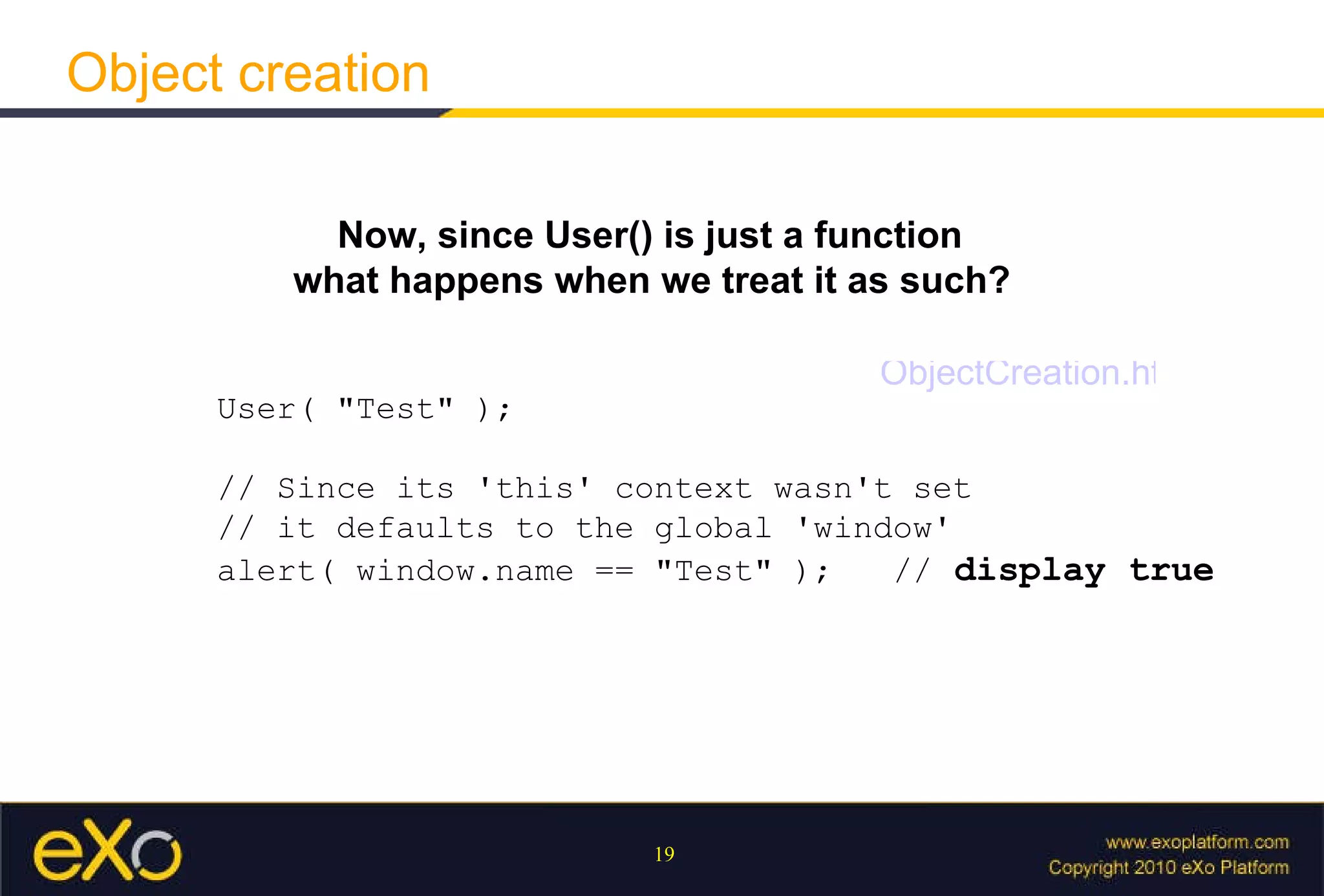
Object creation Now, since User() is just a function what happens when we treat it as such?   User( &quot;Test&quot; );  // Since its 'this' context wasn't set  // it defaults to the global 'window'  alert( window.name == &quot;Test&quot; );  //  display true ObjectCreation.html
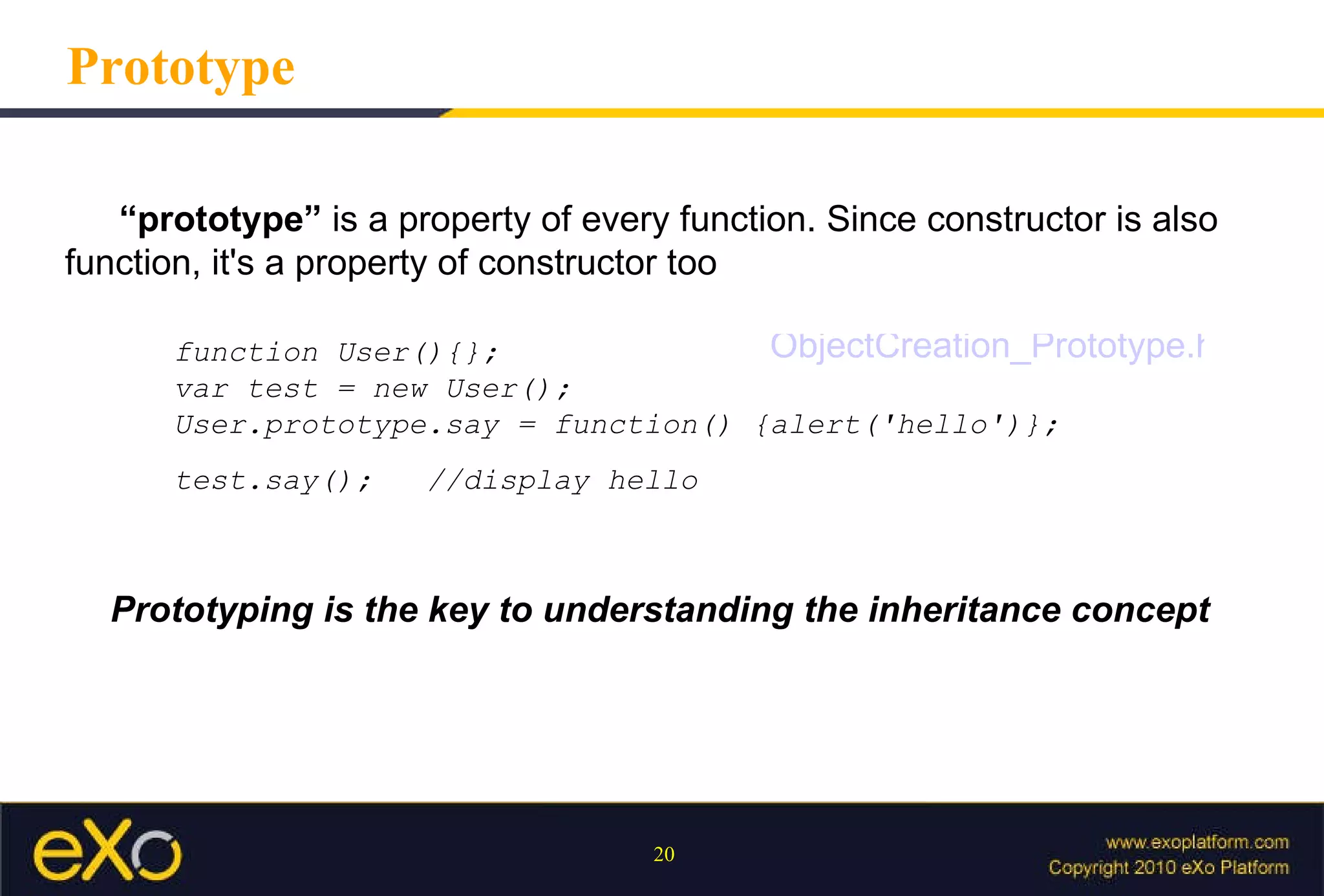
Prototype Prototyping is the key to understanding the inheritance concept “ prototype”  is a property of every function. Since constructor is also function, it's a property of constructor too  function User(){};  var test = new User(); User.prototype.say = function() {alert('hello')}; test.say();  //display hello ObjectCreation_Prototype.html
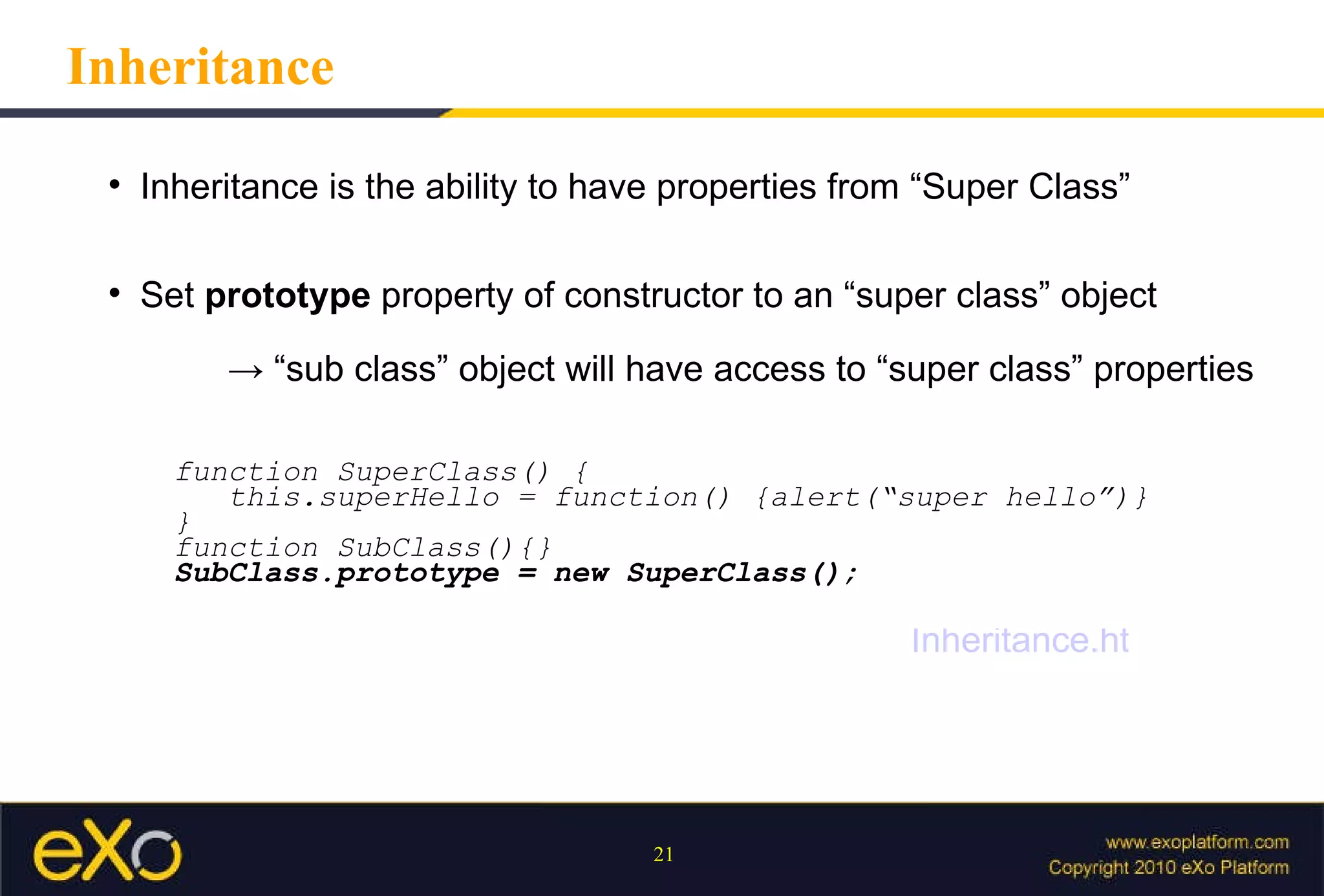
Inheritance Inheritance is the ability to have properties from “Super Class” Set  prototype  property of constructor to an “super class” object -> “ sub class” object will have access to “super class” properties function SuperClass() { this.superHello = function() {alert(“super hello”)} } function SubClass(){} SubClass.prototype = new SuperClass(); Inheritance.html
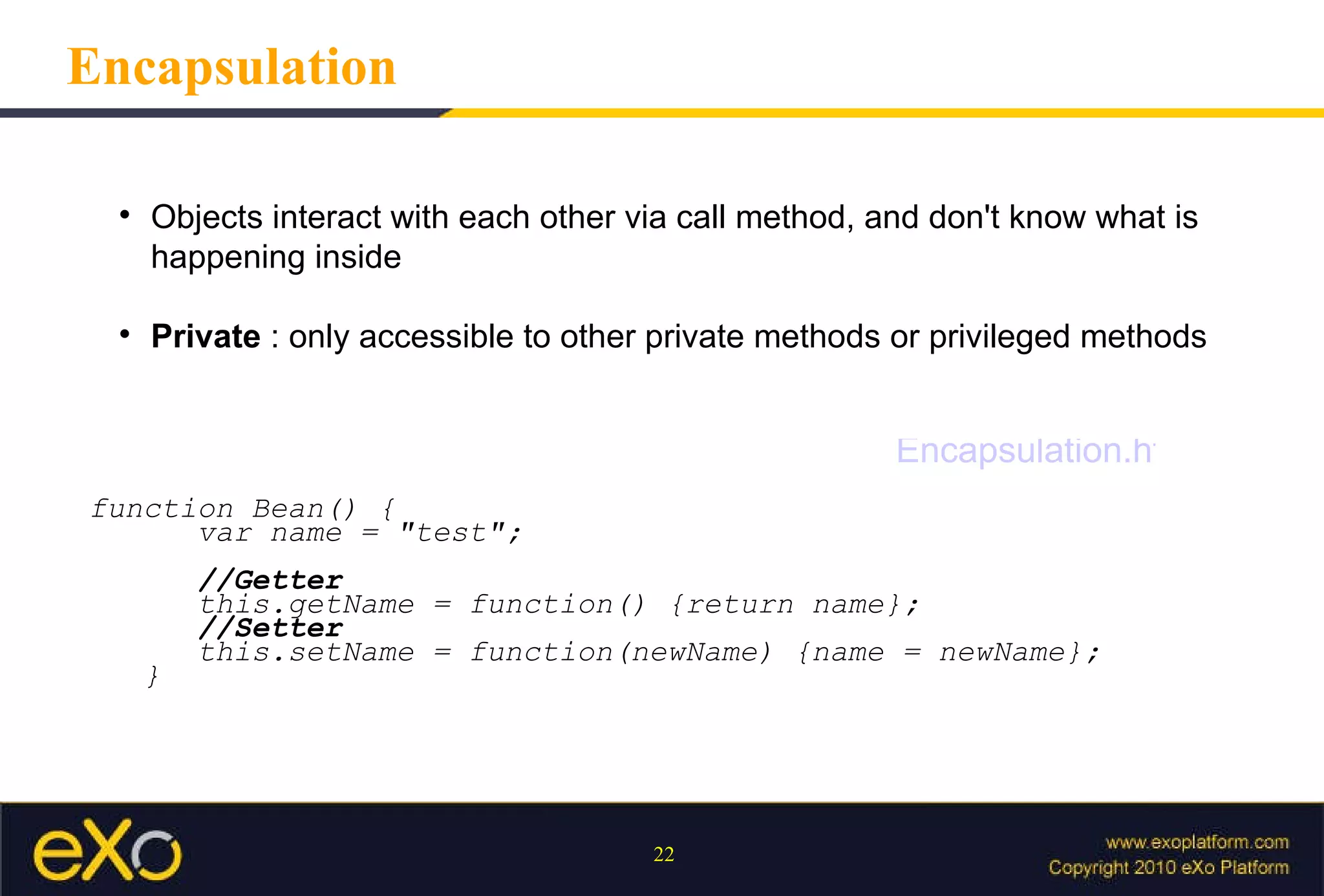
Encapsulation Objects interact with each other via call method, and don't know what is happening inside Private  : only accessible to other private methods or privileged methods function Bean() { var name = &quot;test&quot;; //Getter this.getName = function() {return name}; //Setter this.setName = function(newName) {name = newName}; } Encapsulation.html
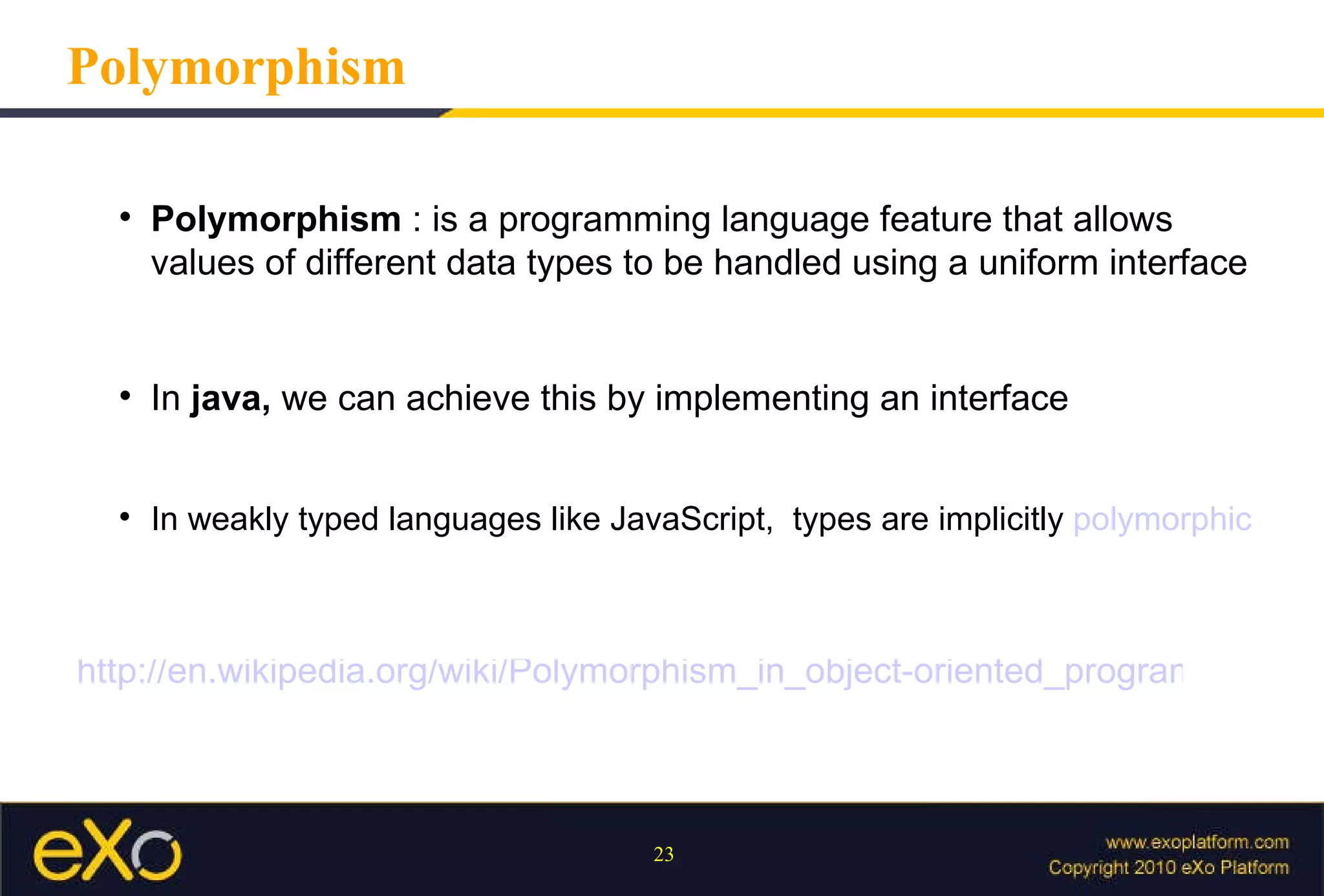
Polymorphism Polymorphism  : is a programming language feature that allows values of different data types to be handled using a uniform interface In  java,  we can achieve this by implementing an interface In weakly typed languages like JavaScript,  types are implicitly  polymorphic http://en.wikipedia.org/wiki/Polymorphism_in_object-oriented_programming
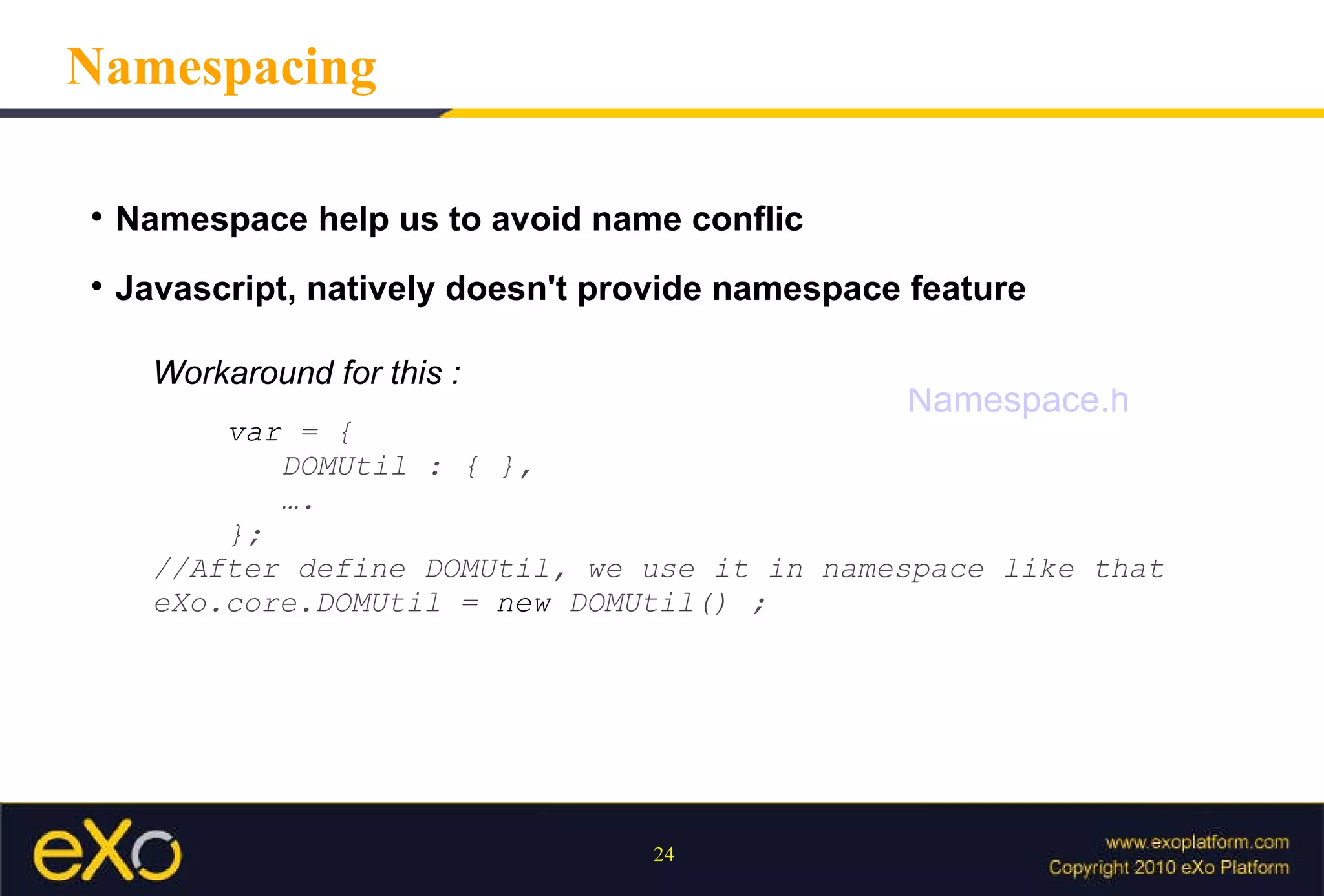
Namespace help us to avoid name conflic Javascript, natively doesn't provide namespace feature Namespacing Workaround for this : var   =   {   DOMUtil   :   {   },   … . }; //After define DOMUtil, we use it in namespace like that eXo.core.DOMUtil   =   new   DOMUtil()   ; Namespace.html
Javascript and DOM
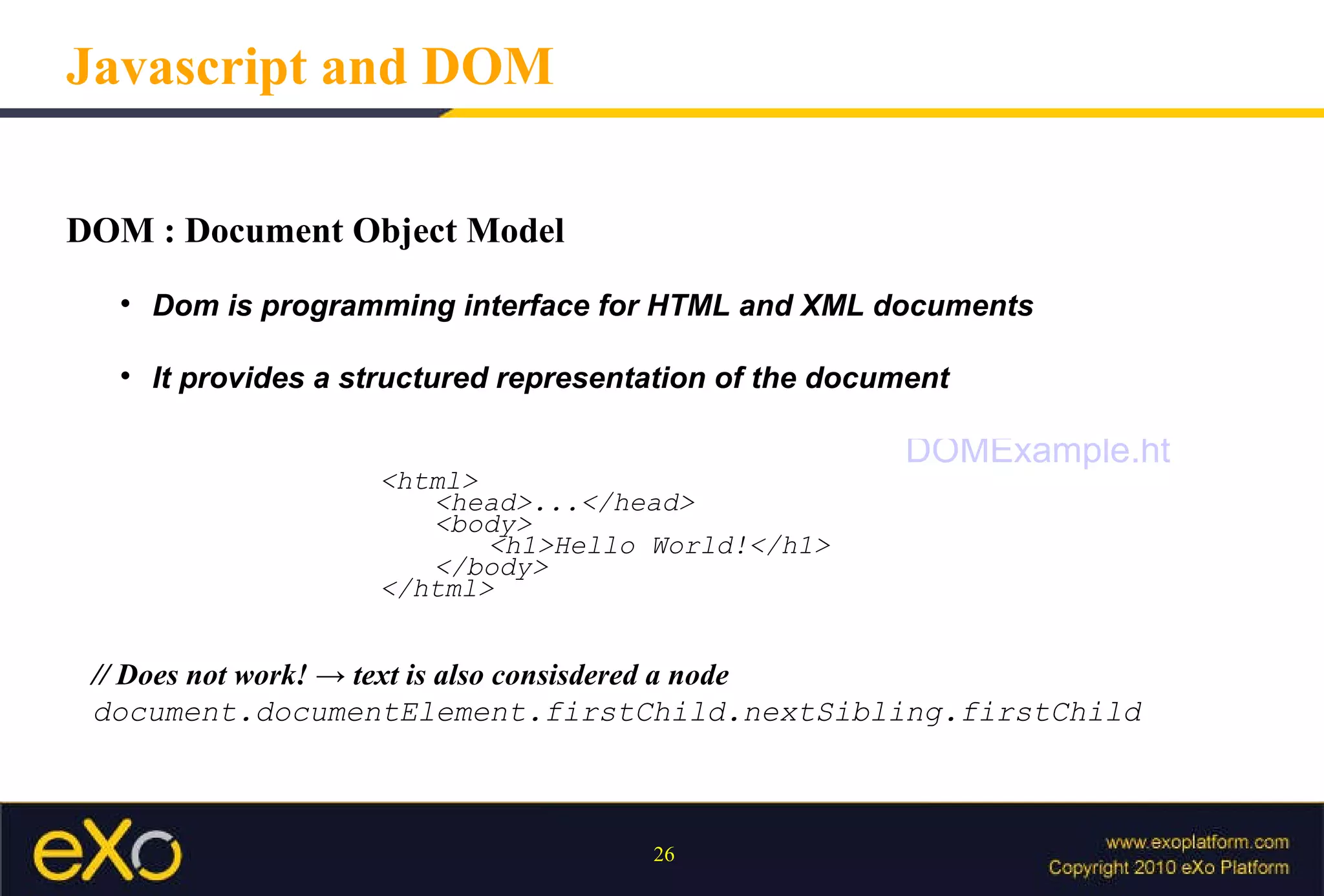
DOM : Document Object Model  Dom is programming interface for HTML and XML documents It provides a structured representation of the document Javascript and DOM <html> <head>...</head> <body> <h1>Hello World!</h1> </body> </html> // Does not work! -> text is also consisdered a node  document.documentElement.firstChild.nextSibling.firstChild DOMExample.html
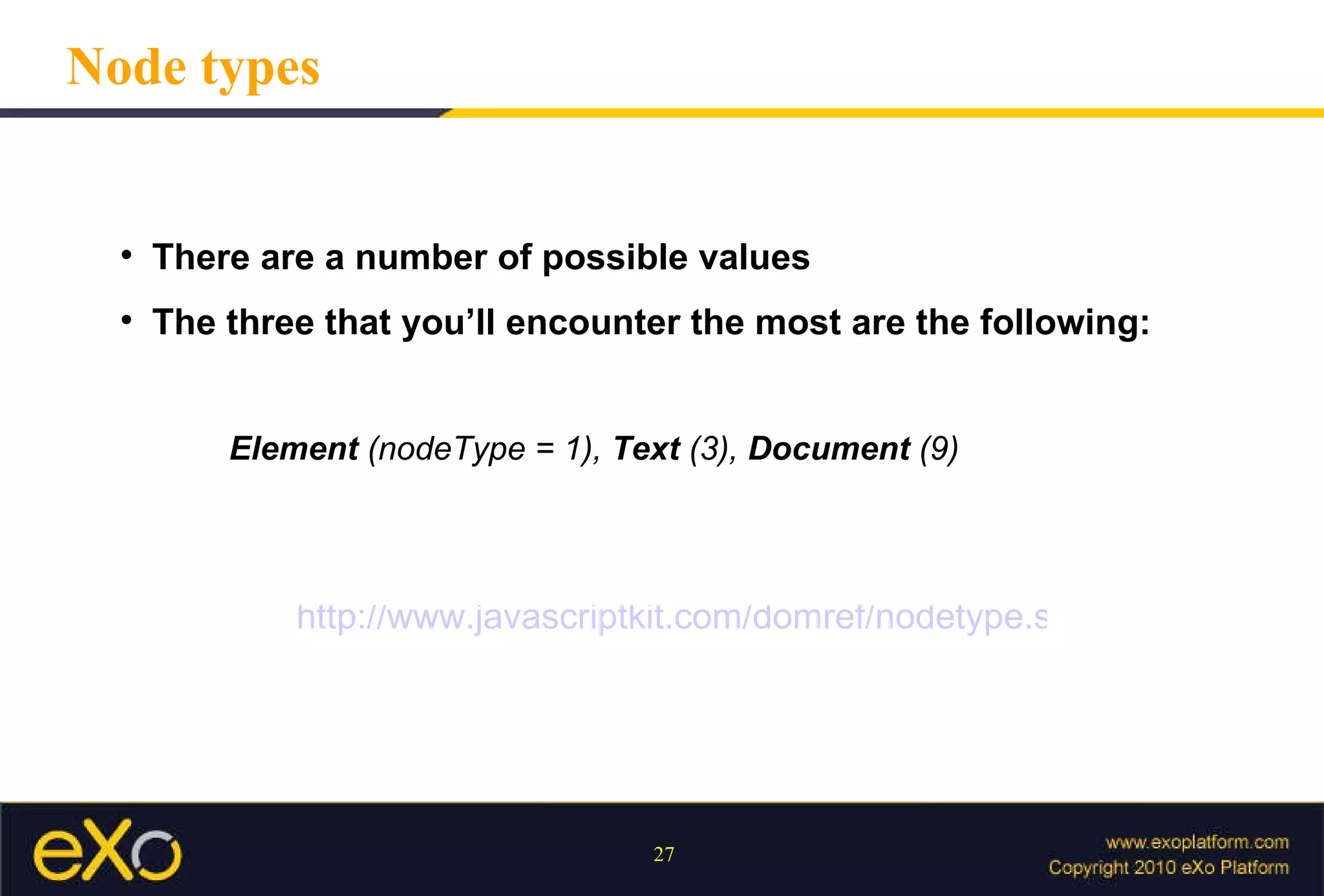
There are a number of possible values  The three that you’ll encounter the most are the following:  Element  (nodeType = 1),  Text  (3),  Document  (9) Node types http://www.javascriptkit.com/domref/nodetype.shtml
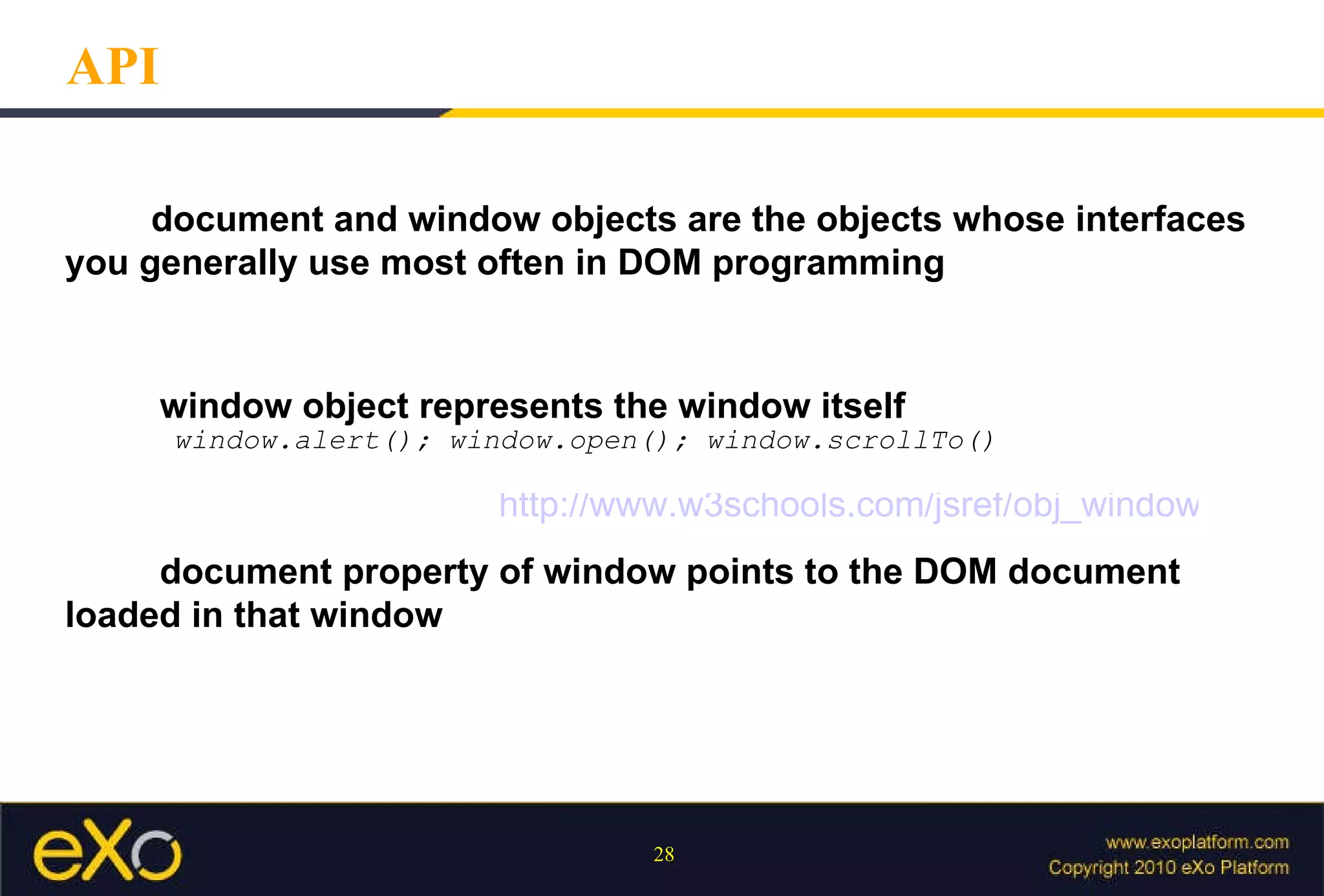
API document and window objects are the objects whose interfaces  you generally use most often in DOM programming   window object represents the window itself window.alert(); window.open(); window.scrollTo()   document property of window points to the DOM document  loaded in that window http://www.w3schools.com/jsref/obj_window.asp
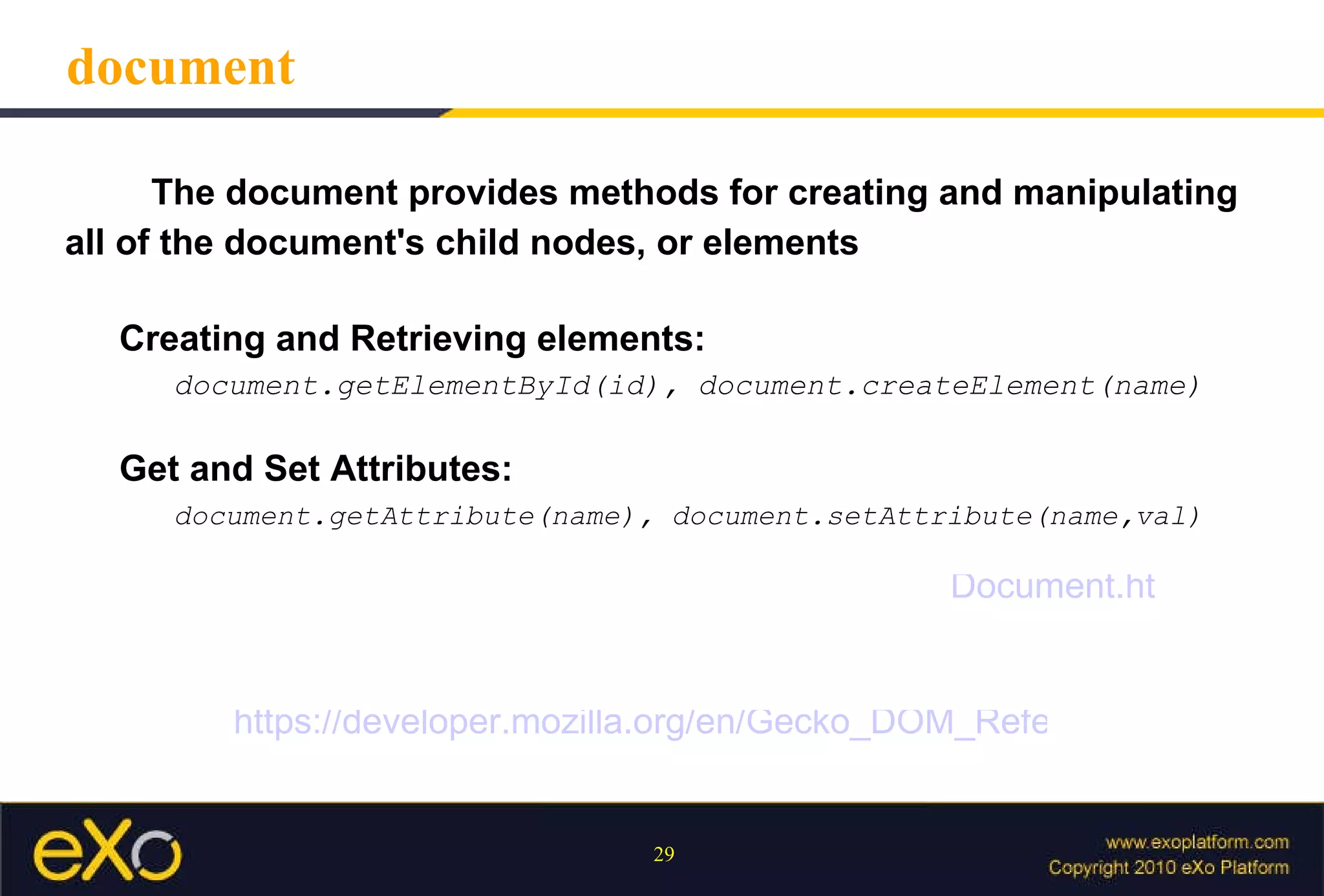
document The document provides methods for creating and manipulating all of the document's child nodes, or elements Creating and Retrieving elements:   document.getElementById(id), document.createElement(name) Get and Set Attributes: document.getAttribute(name), document.setAttribute(name,val) https://developer.mozilla.org/en/Gecko_DOM_Reference Document.html
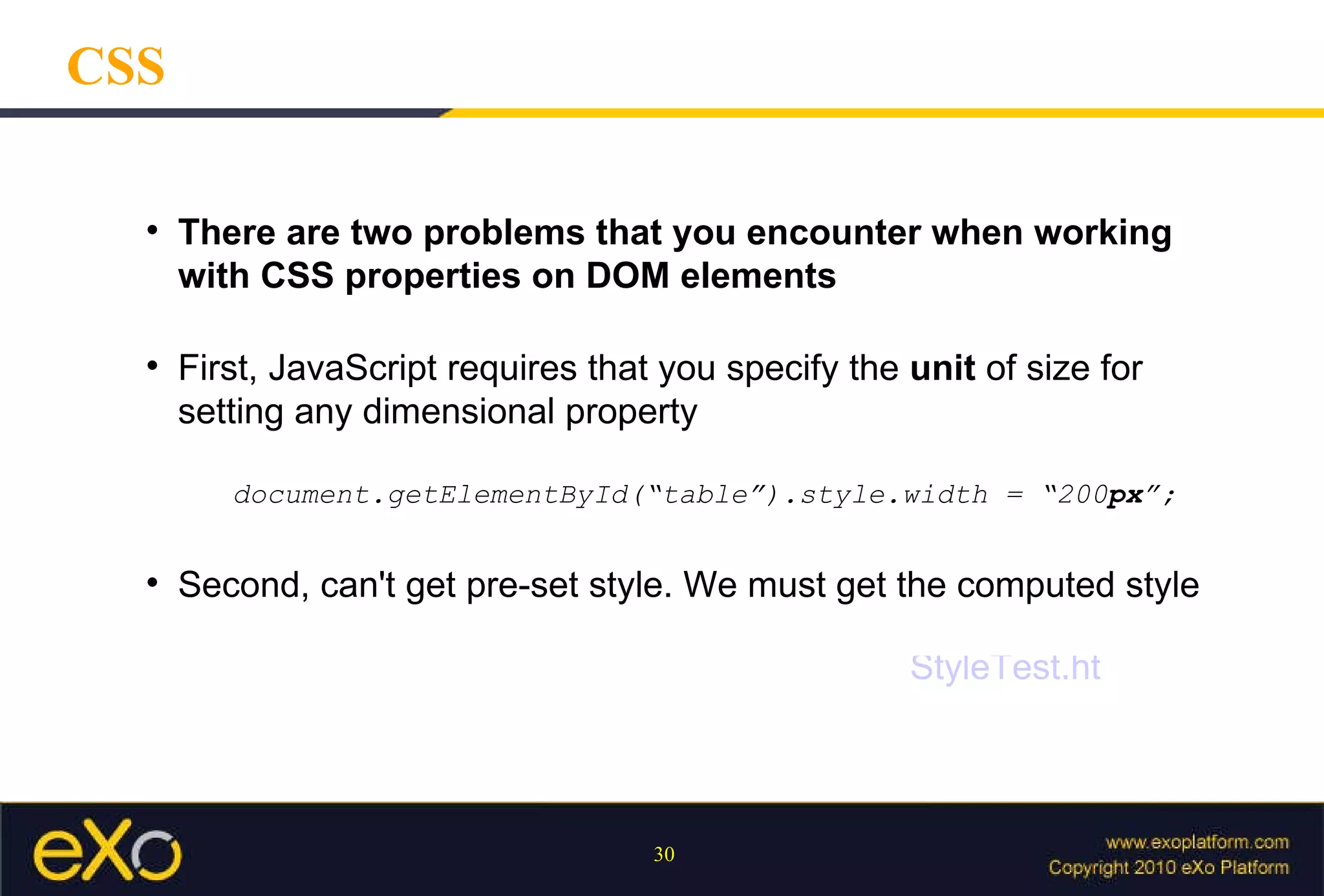
CSS There are two problems that you encounter when working with CSS properties on DOM elements Second, can't get pre-set style. We must get the computed style First, JavaScript requires that you specify the  unit  of size for setting any dimensional property document.getElementById(“table”).style.width = “200 px ”; StyleTest.html
DOM Event Events are actions on DOM that can be detected by JavaScript Every element on a web page has certain events which can trigger JavaScript functions Examples of events: -  A mouse click -  A web page or an image loading -  Mousing over a hot spot on the web page
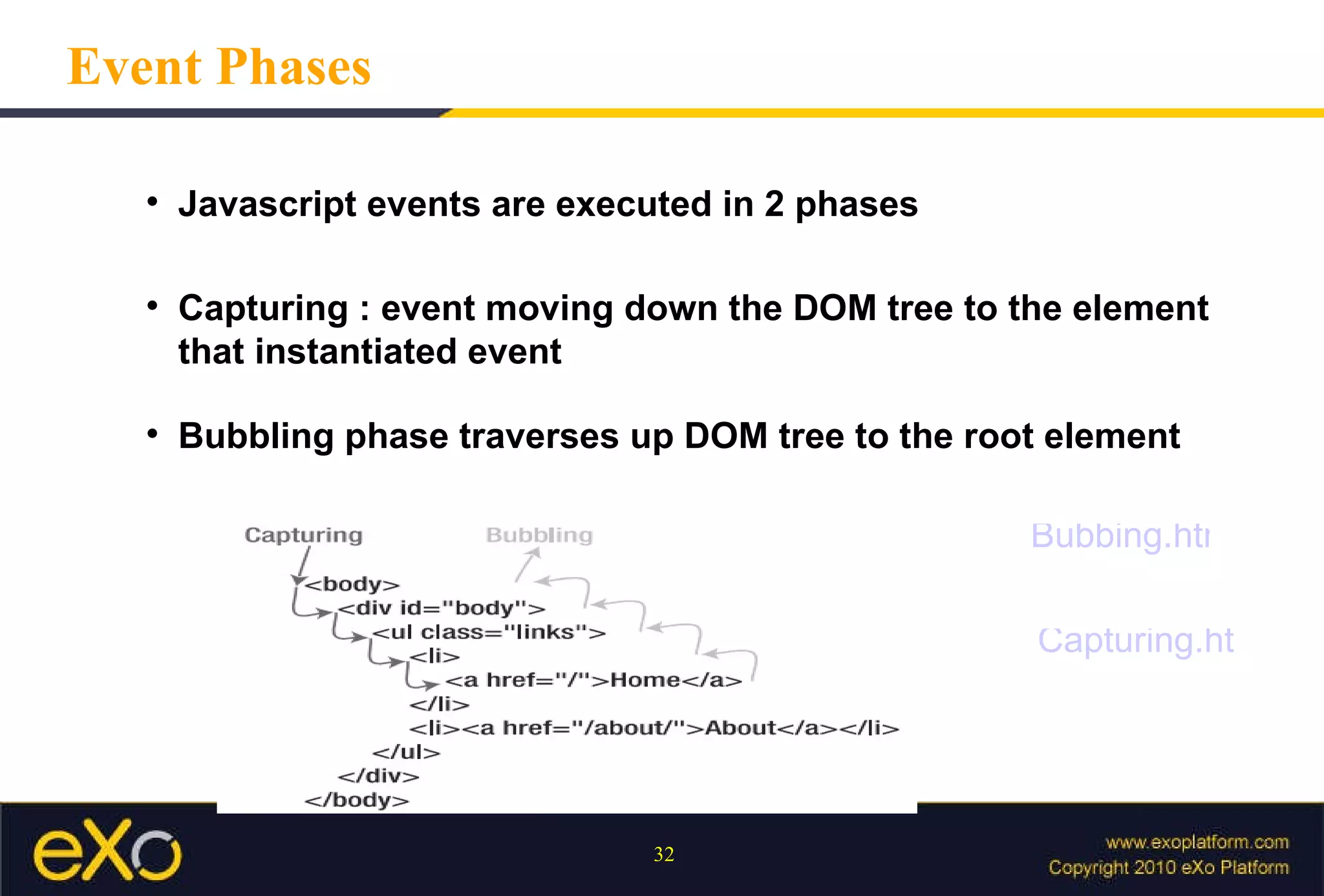
Event Phases Javascript events are executed in 2 phases  Capturing : event moving down the DOM tree to the element that instantiated event Bubbling phase traverses up DOM tree to the root element Bubbing.html Capturing.html
Event object Contains contextual information about the current event IE’s implementation is  different  from the W3C’s specification function eventHandler(evt) { var e = window.event || evt; ... } Default behaviour :  Browser has some default actions that will always occur click <a> element -> redirect to other page press key on textbox -> display chars on textbox
Control event Overriding the Browser’s Default Action : if ( e && e.preventDefault ) e. preventDefault (); else  //IE window.event. returnValue  = false; Stop bubbling :  if ( e && e.stopPropagation ) e. stopPropagation (); else window.event. cancelBubble  = true; OverrideDefaultAction.html StopBubbling.html
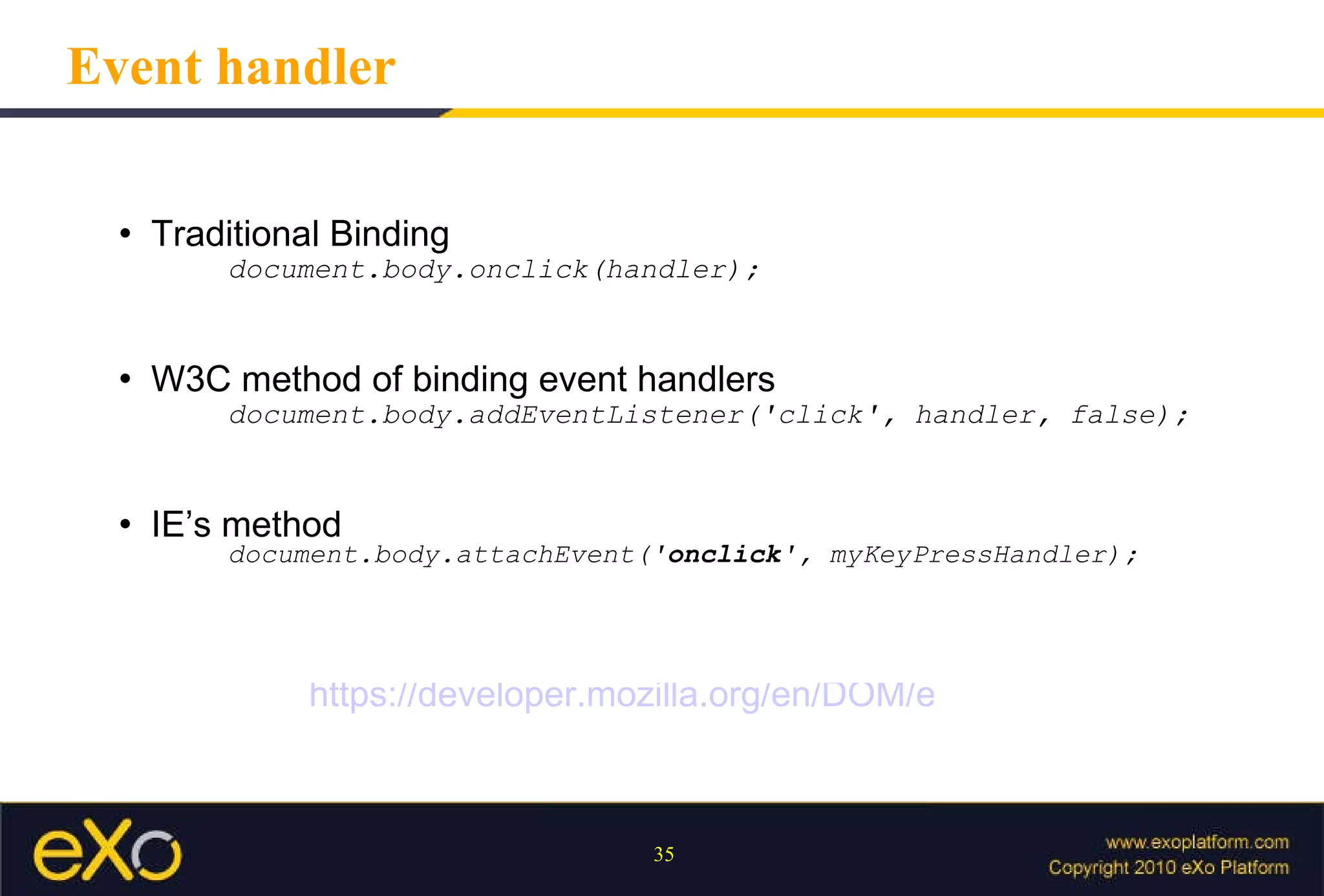
Event handler Traditional Binding document.body.onclick(handler); W3C method of binding event handlers document.body.addEventListener('click', handler, false); IE’s method document.body.attachEvent(' onclick ', myKeyPressHandler); https://developer.mozilla.org/en/DOM/event
Ajax
Definition Ajax (Asynchronous JavaScript and XML) AJAX uses a combination of :  DOM   XMLHttpRequest   XML  is sometimes used as the format for transferring data between the server and client, although any format will work
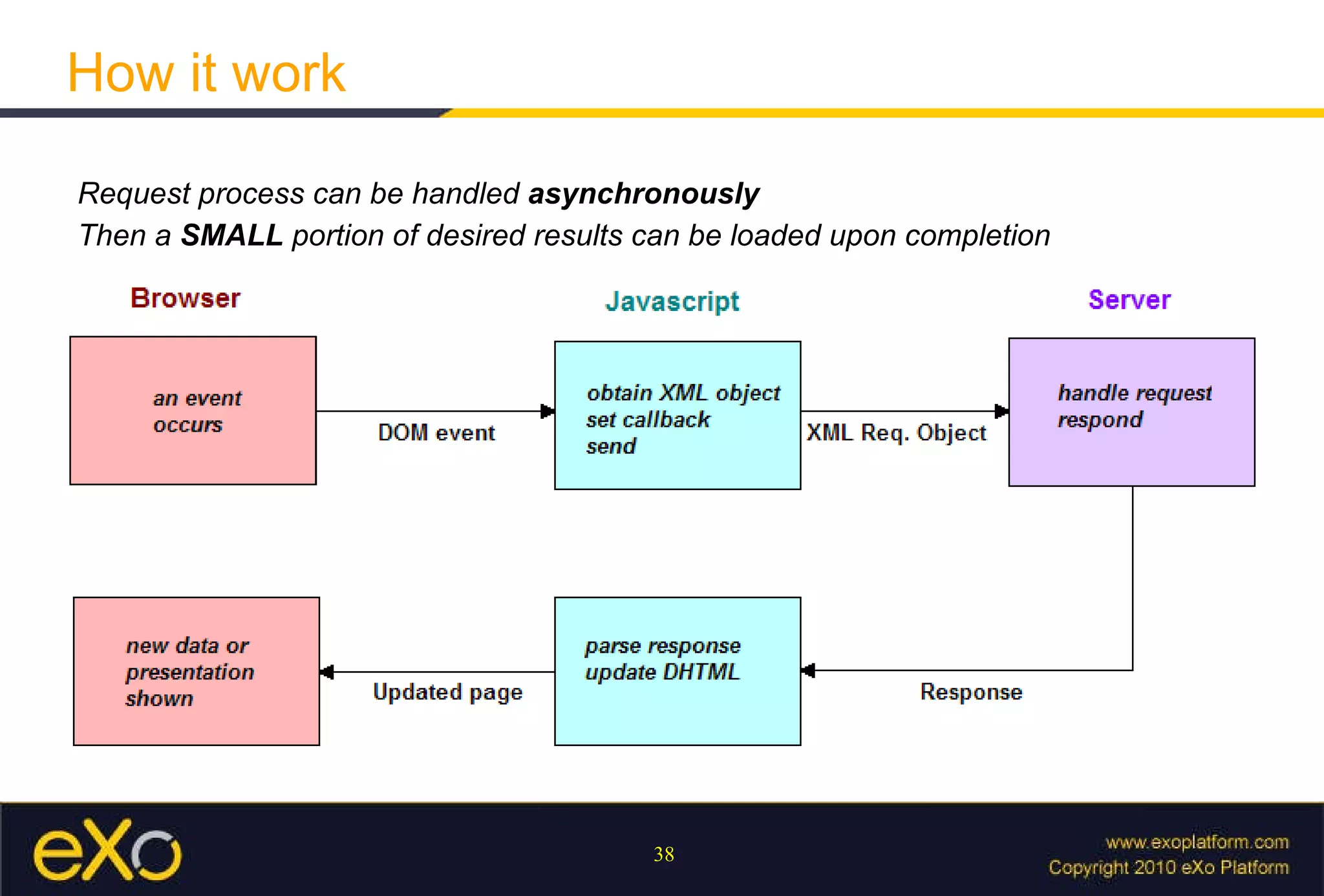
How it work Request process can be handled  asynchronously Then a  SMALL  portion of desired results can be loaded upon completion
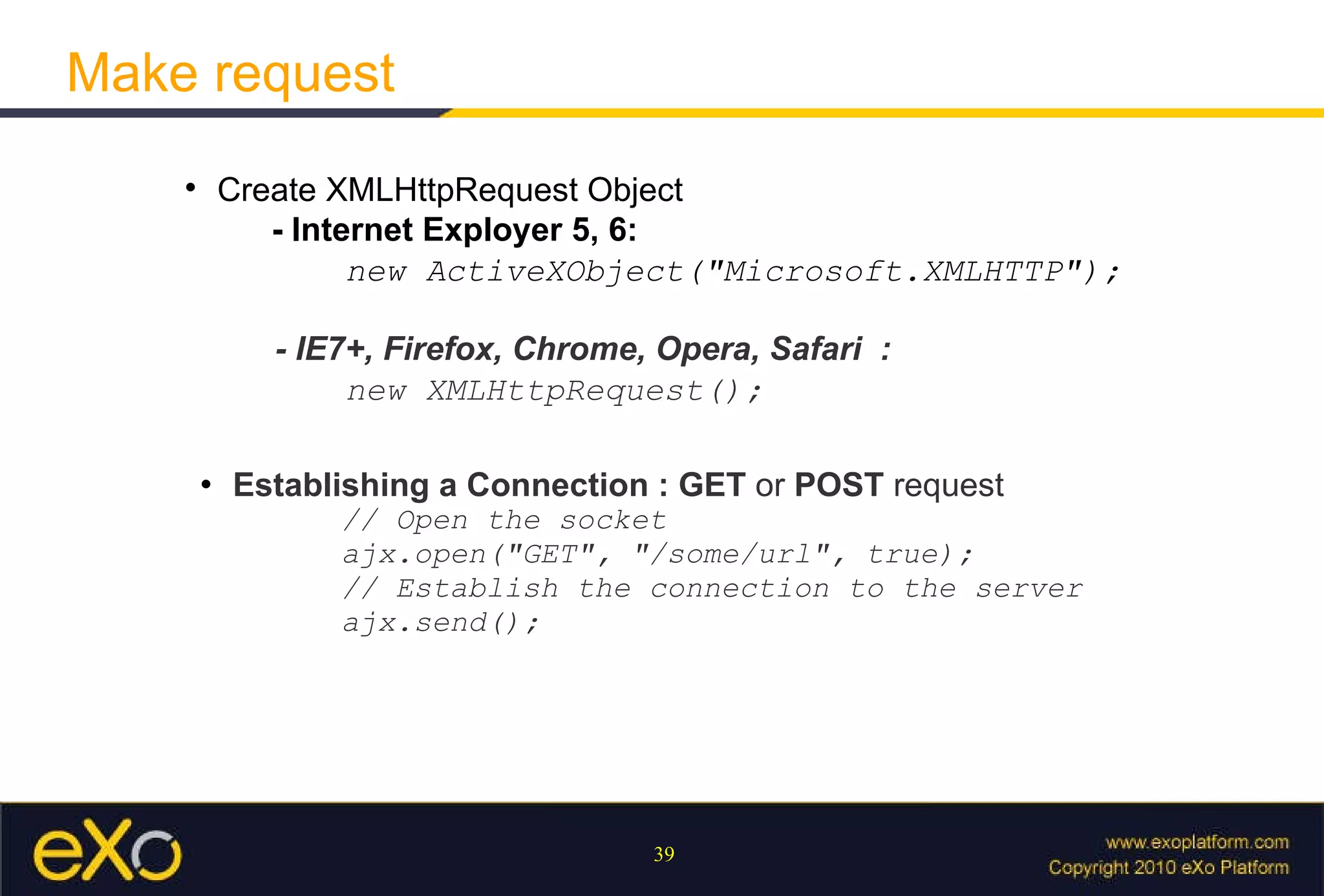
Make request Create XMLHttpRequest Object - Internet Exployer 5, 6:     new ActiveXObject(&quot;Microsoft.XMLHTTP&quot;); - IE7+, Firefox, Chrome, Opera, Safari  :   new XMLHttpRequest(); Establishing a Connection : GET  or  POST  request // Open the socket  ajx.open(&quot;GET&quot;, &quot;/some/url&quot;, true);  // Establish the connection to the server  ajx.send();
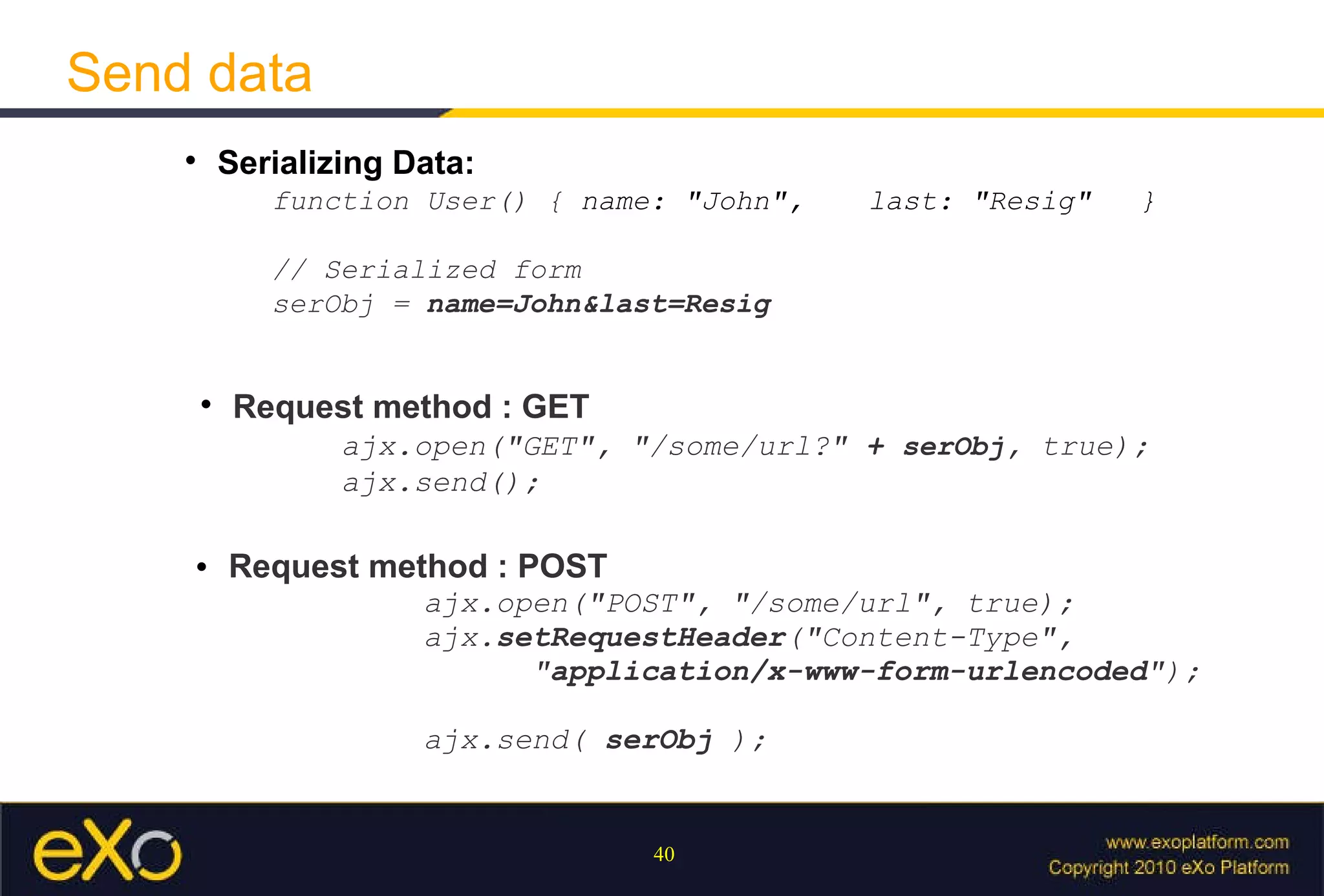
Send data Serializing Data:  function User() {  name: &quot;John&quot;,  last: &quot;Resig&quot; }  // Serialized form  serObj =  name=John&last=Resig Request method : GET   ajx.open(&quot;GET&quot;, &quot;/some/url?&quot;  +  serObj , true);  ajx.send(); Request method : POST   ajx.open(&quot;POST&quot;, &quot;/some/url&quot;, true); ajx. setRequestHeader ( &quot;Content-Type&quot;,  &quot; application/x-www-form-urlencoded &quot;); ajx.send(  serObj  );
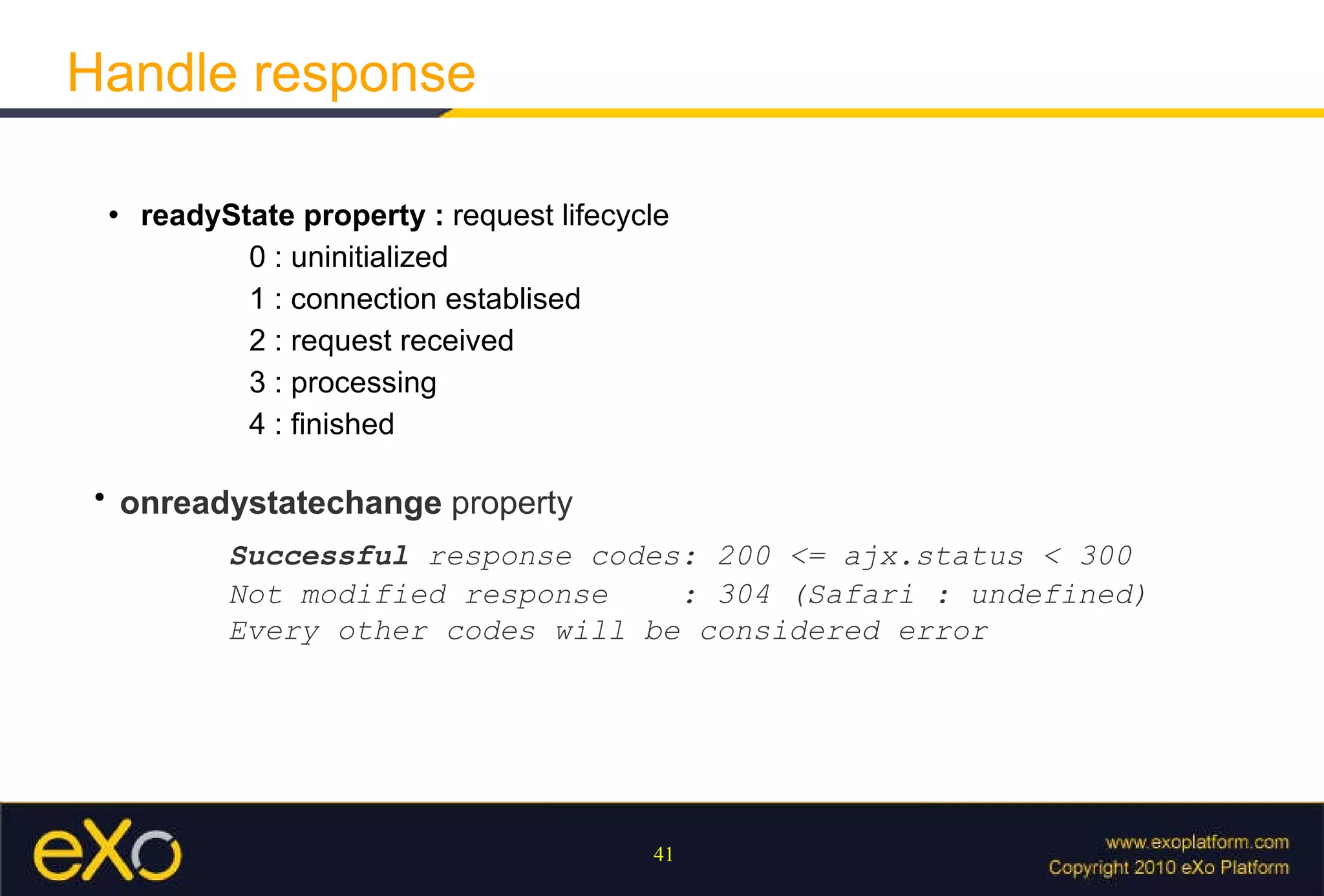
Handle response readyState property :  request lifecycle 0 : uninitialized 1 : connection establised 2 : request received 3 : processing 4 : finished   onreadystatechange  property     Successful  response codes: 200 <= ajx.status < 300 Not modified response  : 304 (Safari : undefined) Every other codes will be considered error
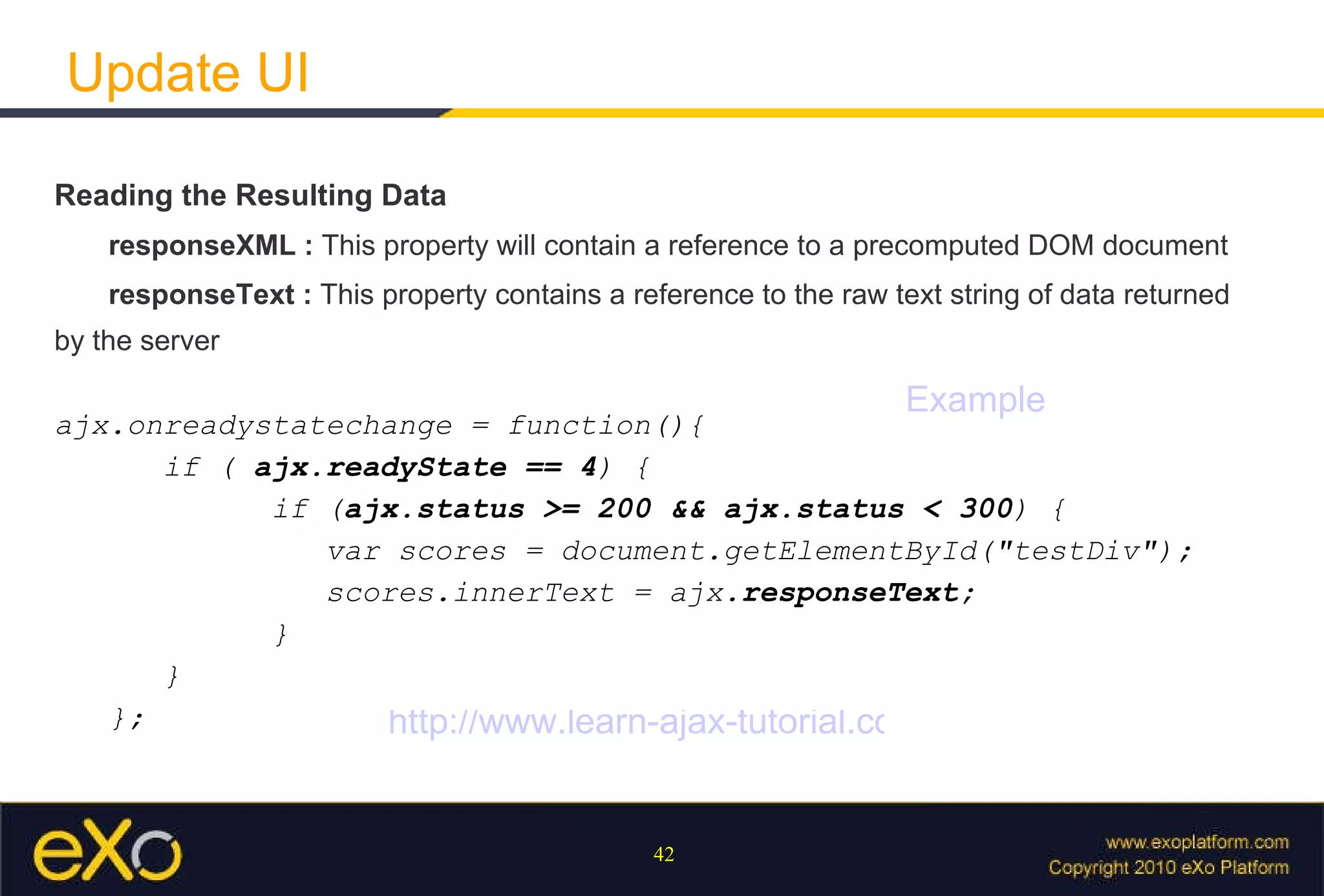
Update UI Reading the Resulting Data responseXML :  This property will contain a reference to a precomputed DOM document responseText :  This property contains a reference to the raw text string of data returned by the server ajx.onreadystatechange = function(){  if (  ajx.readyState == 4 ) {  if ( ajx.status >= 200 && ajx.status < 300 ) { var scores = document.getElementById(&quot;testDiv&quot;);  scores.innerText = ajx. responseText ; } }  }; Example http://www.learn-ajax-tutorial.com/
Javascript Performance
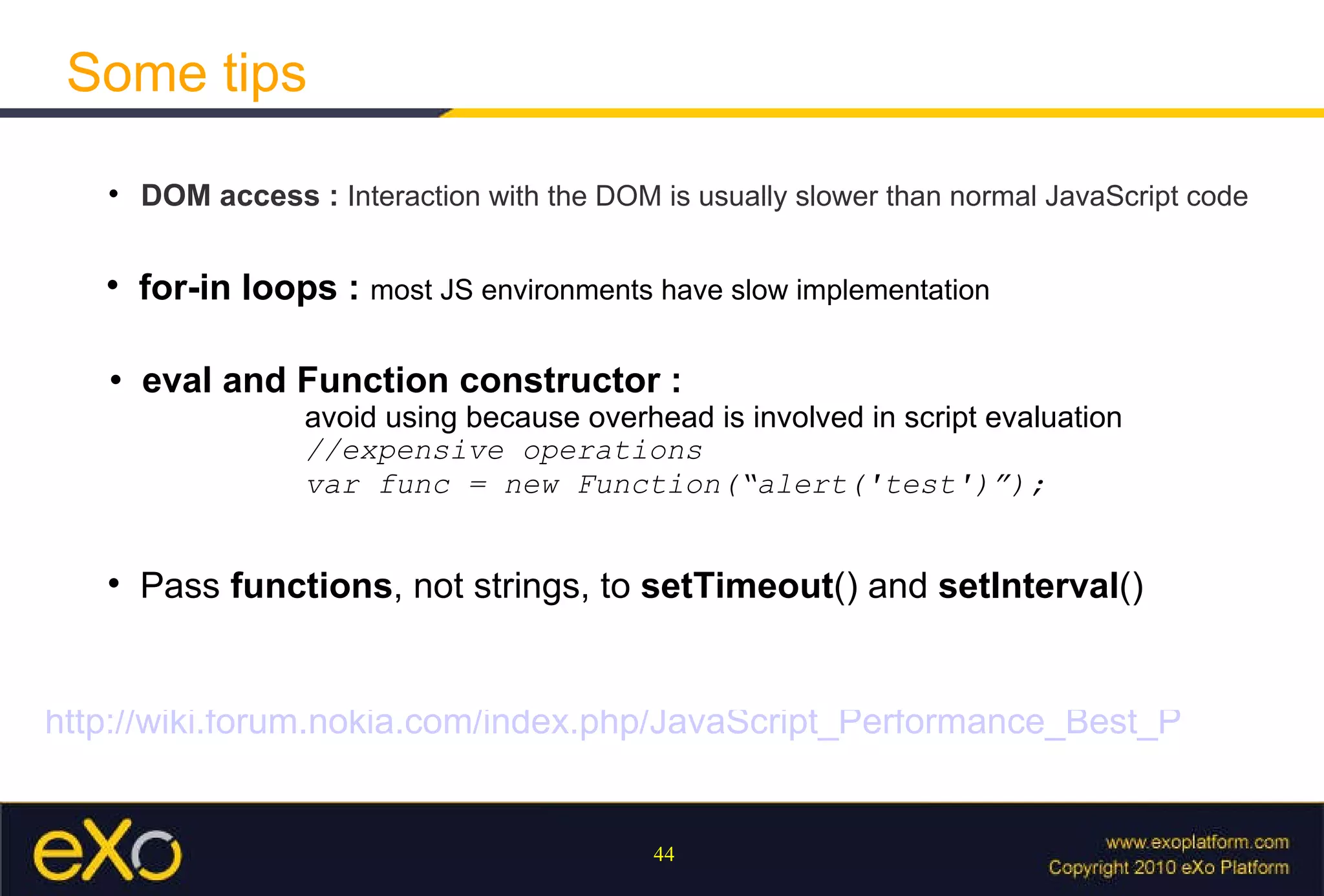
Some tips DOM access :  Interaction with the DOM is usually slower than normal JavaScript code   for-in loops :  most JS environments have slow implementation eval and Function constructor :  avoid using because overhead is involved in script evaluation //expensive operations var func = new Function(“alert('test')”); Pass  functions , not strings, to  setTimeout () and  setInterval ()  http://wiki.forum.nokia.com/index.php/JavaScript_Performance_Best_Practices

eXo SEA - JavaScript Introduction Training

  • 1.
    Javascript Introduction VuViet Phuong - Portal Team
  • 2.
    Help to approachJavascript easier Objective Prepare to work with eXo javascript framework
  • 3.
    Characteristic of Javascriptlanguage Subject OOP with Javascript Javascript and DOM Ajax Javascript performance
  • 4.
  • 5.
    What is Javascript? Netscape initially introduced the language under the name LiveScript in an early beta release of Navigator 2.0 in 1995 Some characteristics : - Script language - Interpreted - Changing rapidly and Cross-platform support is not consistent JavaScript is the most popular scripting language on the internet
  • 6.
    What can Wedo with it ? Provide interactive content on your Web pages ( embeded in HTML page using <script> tag ) Much of its power is derived from both the built-in and document objects provided by the browser Control Document Appearance and Content : document.write(), DOM... Control the Browser : window.alert(); window.open(); window.close()... Interact with the User : ability to define &quot;event handlers&quot;
  • 7.
    What Javascript can’tdo Javascript are confined to browser-related and HTML-related tasks -> it does not have features that would be required for standalone languages Some lack of features : Graphics capabilities Reading or writing of files Multithreading , except whatever comes implicitly from the web browser's internal use of threads
  • 8.
    Quick introduction ofbasic programming JavaScript is similar to so many other languages: Arithmetic and logical operators are part of the language Flow-control constructs such as if, while, and switch Example : - Arithmetic Operators : + - * / % The addition operator (+) has a different behavior when operating on strings as opposed to numbers - Comparison Operators : > < >= <= != == === alert(“10” == 10) //display true alert(“10” === 10) //display false - typeof operator : alert( typeof “some string”); //display string http://www.techotopia.com/index.php/JavaScript_Operators
  • 9.
    Quick introduction ofbasic programming Flow control : (if-else, switch) if (expression) statement; else statement; Loops : (while, do-while, for) Loop control (break and continue) Object-Related Statements: with Statement : a shorthand notation when referencing objects w ith(document) {write(“Hello World”);} for…in : used to loop through an object’s properties for (pros in document) {document.write(pros);} http://en.wikipedia.org/wiki/JavaScript_syntax
  • 10.
    Quick introduction ofbasic programming Script Execution Order : interpreted line by line as it is found in the page Case Sensitivity : JavaScript is case-sensitive: keywords, operators.... Statement Delimiters : Semicolons and Returns Declare Variables : - var keyword - implicit declaration
  • 11.
    Data type Data Type : - Primitive data types: number, string, boolean, undefined, null - Composite types: objects, arrays, and functions Dynamic Typing : T ype is inferred from the variable’s content var test = “10”; //It's a string test = 10; //It's a number now
  • 12.
    Data type AutomaticType Conversion : M ost powerful features of JavaScript, as well as the most dangerous for the sloppy programmer window.alert(“10” - 3); -> result : 7 Force the conversion using methods like toString() or parseInt() DynamicTyping.html
  • 13.
    Functions Function creation syntax : function Add(x, y) { var sum = x + y; return sum; } var test = new Function(“alert('test')”); var test = function() {alert('test')}; How to deal with arguments : length property arguments [] property FunctionCreation.html
  • 14.
    Context, Scope andClosures Context : always be in some form on context (an object within which it's operating) the way context works is through the this variable Closures : I nner functions can refer to the variables in their outer enclosing function Curring effect Hide variables from global scope Scope : is tricky feature. In Javascript, scope is kept within functions Context.html Scope.html Closures.html http://jibbering.com/faq/notes/closures/
  • 15.
  • 16.
    Object in JavascriptObjects are the fundamental units of JavaScript EVERYTHING except primative type in JavaScript is object There are three object categories in JavaScript: Native Objects Host Objects User-Defined Objects
  • 17.
    Object creation 1.Using new Object() employee = new Object() employee.name = &quot;Tim&quot;; employee.say = function() { alert('hello'); } 2. Using Literal Notation employee = { name : &quot;Tim&quot;, say : function() { alert('hello') } }; NOT reusable- we cannot easily initialize different versions of the created object
  • 18.
    Object creation 3.Object Constructor : - Regular JavaScript function - The difference is that, it is called via 'new' operator, without this, it just likes other javascript method // it to the current context function User( name ) { this.name = name; } // Create a new instance of that function var me = new User( &quot;My Name&quot; ); 3. Object Constructor : - Regular JavaScript function - The difference is that, it is called via 'new' operator, without this, it just likes other javascript method
  • 19.
    Object creation Now,since User() is just a function what happens when we treat it as such? User( &quot;Test&quot; ); // Since its 'this' context wasn't set // it defaults to the global 'window' alert( window.name == &quot;Test&quot; ); // display true ObjectCreation.html
  • 20.
    Prototype Prototyping isthe key to understanding the inheritance concept “ prototype” is a property of every function. Since constructor is also function, it's a property of constructor too function User(){}; var test = new User(); User.prototype.say = function() {alert('hello')}; test.say(); //display hello ObjectCreation_Prototype.html
  • 21.
    Inheritance Inheritance isthe ability to have properties from “Super Class” Set prototype property of constructor to an “super class” object -> “ sub class” object will have access to “super class” properties function SuperClass() { this.superHello = function() {alert(“super hello”)} } function SubClass(){} SubClass.prototype = new SuperClass(); Inheritance.html
  • 22.
    Encapsulation Objects interactwith each other via call method, and don't know what is happening inside Private : only accessible to other private methods or privileged methods function Bean() { var name = &quot;test&quot;; //Getter this.getName = function() {return name}; //Setter this.setName = function(newName) {name = newName}; } Encapsulation.html
  • 23.
    Polymorphism Polymorphism : is a programming language feature that allows values of different data types to be handled using a uniform interface In java, we can achieve this by implementing an interface In weakly typed languages like JavaScript, types are implicitly polymorphic http://en.wikipedia.org/wiki/Polymorphism_in_object-oriented_programming
  • 24.
    Namespace help usto avoid name conflic Javascript, natively doesn't provide namespace feature Namespacing Workaround for this : var = { DOMUtil : { }, … . }; //After define DOMUtil, we use it in namespace like that eXo.core.DOMUtil = new DOMUtil() ; Namespace.html
  • 25.
  • 26.
    DOM : DocumentObject Model Dom is programming interface for HTML and XML documents It provides a structured representation of the document Javascript and DOM <html> <head>...</head> <body> <h1>Hello World!</h1> </body> </html> // Does not work! -> text is also consisdered a node document.documentElement.firstChild.nextSibling.firstChild DOMExample.html
  • 27.
    There are anumber of possible values The three that you’ll encounter the most are the following: Element (nodeType = 1), Text (3), Document (9) Node types http://www.javascriptkit.com/domref/nodetype.shtml
  • 28.
    API document andwindow objects are the objects whose interfaces you generally use most often in DOM programming window object represents the window itself window.alert(); window.open(); window.scrollTo() document property of window points to the DOM document loaded in that window http://www.w3schools.com/jsref/obj_window.asp
  • 29.
    document The documentprovides methods for creating and manipulating all of the document's child nodes, or elements Creating and Retrieving elements: document.getElementById(id), document.createElement(name) Get and Set Attributes: document.getAttribute(name), document.setAttribute(name,val) https://developer.mozilla.org/en/Gecko_DOM_Reference Document.html
  • 30.
    CSS There aretwo problems that you encounter when working with CSS properties on DOM elements Second, can't get pre-set style. We must get the computed style First, JavaScript requires that you specify the unit of size for setting any dimensional property document.getElementById(“table”).style.width = “200 px ”; StyleTest.html
  • 31.
    DOM Event Eventsare actions on DOM that can be detected by JavaScript Every element on a web page has certain events which can trigger JavaScript functions Examples of events: - A mouse click - A web page or an image loading - Mousing over a hot spot on the web page
  • 32.
    Event Phases Javascriptevents are executed in 2 phases Capturing : event moving down the DOM tree to the element that instantiated event Bubbling phase traverses up DOM tree to the root element Bubbing.html Capturing.html
  • 33.
    Event object Containscontextual information about the current event IE’s implementation is different from the W3C’s specification function eventHandler(evt) { var e = window.event || evt; ... } Default behaviour : Browser has some default actions that will always occur click <a> element -> redirect to other page press key on textbox -> display chars on textbox
  • 34.
    Control event Overridingthe Browser’s Default Action : if ( e && e.preventDefault ) e. preventDefault (); else //IE window.event. returnValue = false; Stop bubbling : if ( e && e.stopPropagation ) e. stopPropagation (); else window.event. cancelBubble = true; OverrideDefaultAction.html StopBubbling.html
  • 35.
    Event handler TraditionalBinding document.body.onclick(handler); W3C method of binding event handlers document.body.addEventListener('click', handler, false); IE’s method document.body.attachEvent(' onclick ', myKeyPressHandler); https://developer.mozilla.org/en/DOM/event
  • 36.
  • 37.
    Definition Ajax (AsynchronousJavaScript and XML) AJAX uses a combination of : DOM XMLHttpRequest XML is sometimes used as the format for transferring data between the server and client, although any format will work
  • 38.
    How it workRequest process can be handled asynchronously Then a SMALL portion of desired results can be loaded upon completion
  • 39.
    Make request CreateXMLHttpRequest Object - Internet Exployer 5, 6: new ActiveXObject(&quot;Microsoft.XMLHTTP&quot;); - IE7+, Firefox, Chrome, Opera, Safari : new XMLHttpRequest(); Establishing a Connection : GET or POST request // Open the socket ajx.open(&quot;GET&quot;, &quot;/some/url&quot;, true); // Establish the connection to the server ajx.send();
  • 40.
    Send data SerializingData: function User() { name: &quot;John&quot;, last: &quot;Resig&quot; } // Serialized form serObj = name=John&last=Resig Request method : GET ajx.open(&quot;GET&quot;, &quot;/some/url?&quot; + serObj , true); ajx.send(); Request method : POST ajx.open(&quot;POST&quot;, &quot;/some/url&quot;, true); ajx. setRequestHeader ( &quot;Content-Type&quot;, &quot; application/x-www-form-urlencoded &quot;); ajx.send( serObj );
  • 41.
    Handle response readyStateproperty : request lifecycle 0 : uninitialized 1 : connection establised 2 : request received 3 : processing 4 : finished onreadystatechange property Successful response codes: 200 <= ajx.status < 300 Not modified response : 304 (Safari : undefined) Every other codes will be considered error
  • 42.
    Update UI Readingthe Resulting Data responseXML : This property will contain a reference to a precomputed DOM document responseText : This property contains a reference to the raw text string of data returned by the server ajx.onreadystatechange = function(){ if ( ajx.readyState == 4 ) { if ( ajx.status >= 200 && ajx.status < 300 ) { var scores = document.getElementById(&quot;testDiv&quot;); scores.innerText = ajx. responseText ; } } }; Example http://www.learn-ajax-tutorial.com/
  • 43.
  • 44.
    Some tips DOMaccess : Interaction with the DOM is usually slower than normal JavaScript code for-in loops : most JS environments have slow implementation eval and Function constructor : avoid using because overhead is involved in script evaluation //expensive operations var func = new Function(“alert('test')”); Pass functions , not strings, to setTimeout () and setInterval () http://wiki.forum.nokia.com/index.php/JavaScript_Performance_Best_Practices