Exception Handling
Chapter 10
Example Bullet Point Slide
• An exception is an abnormal condition that
arises in a code sequence at run time.
• In other words, an exception is a run-time
error
• A Java exception is an object that
describes an exceptional (that is, error)
condition that has occurred in a piece of
code.
• When an exceptional condition arises, an
object representing that exception is
created and thrown in the method that
caused the error.
• That method may choose to handle the
exception itself, or pass it on. Either way,
at some point, the exception is caught and
processed
• Exceptions can be generated by the Java
run-time system, or they can be manually
generated by your code.
• Exceptions thrown by Java relate to
fundamental errors that violate the rules of
the Java language or the constraints of the
Java execution environment.
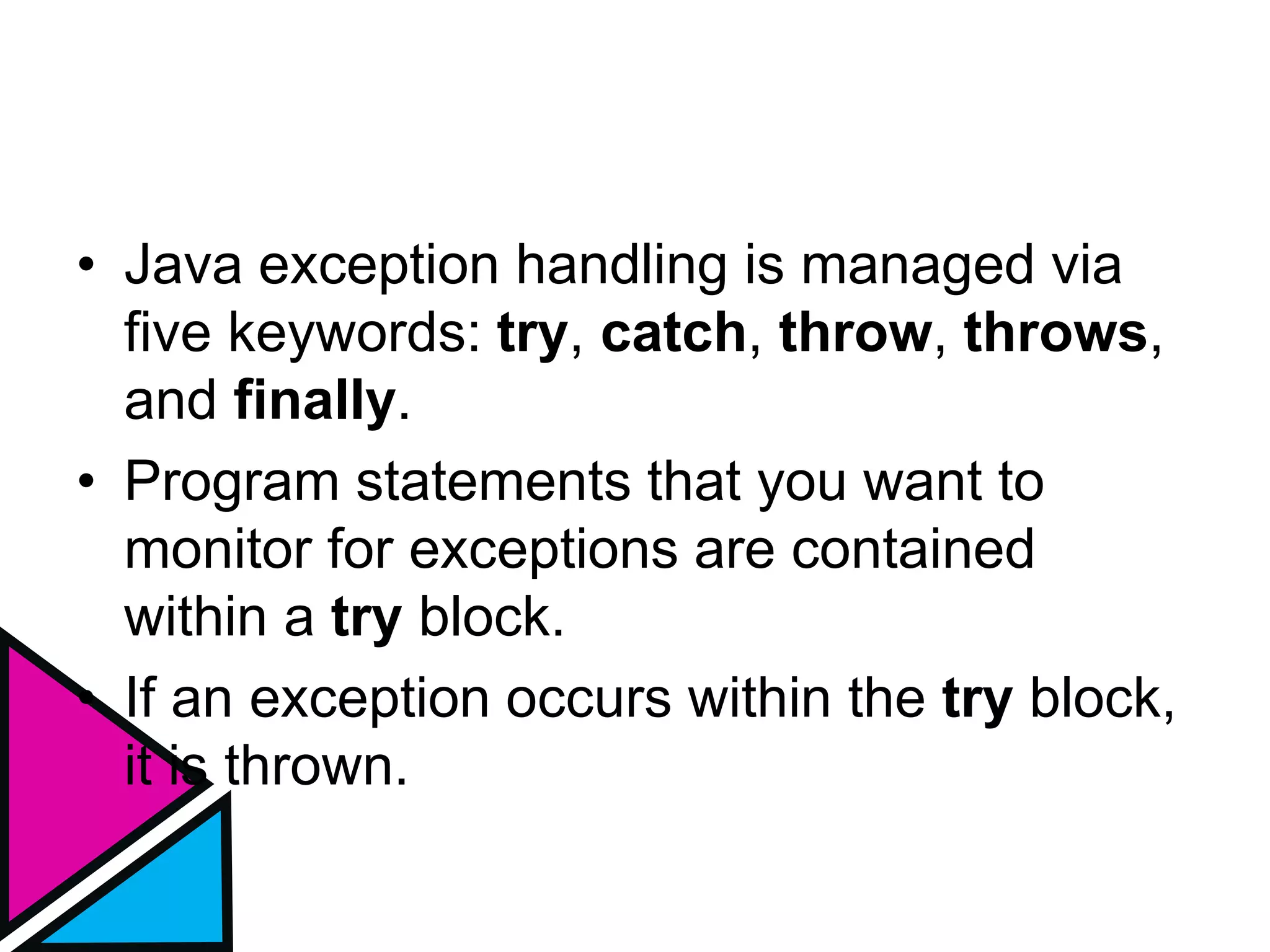
• Java exception handling is managed via
five keywords: try, catch, throw, throws,
and finally.
• Program statements that you want to
monitor for exceptions are contained
within a try block.
• If an exception occurs within the try block,
it is thrown.
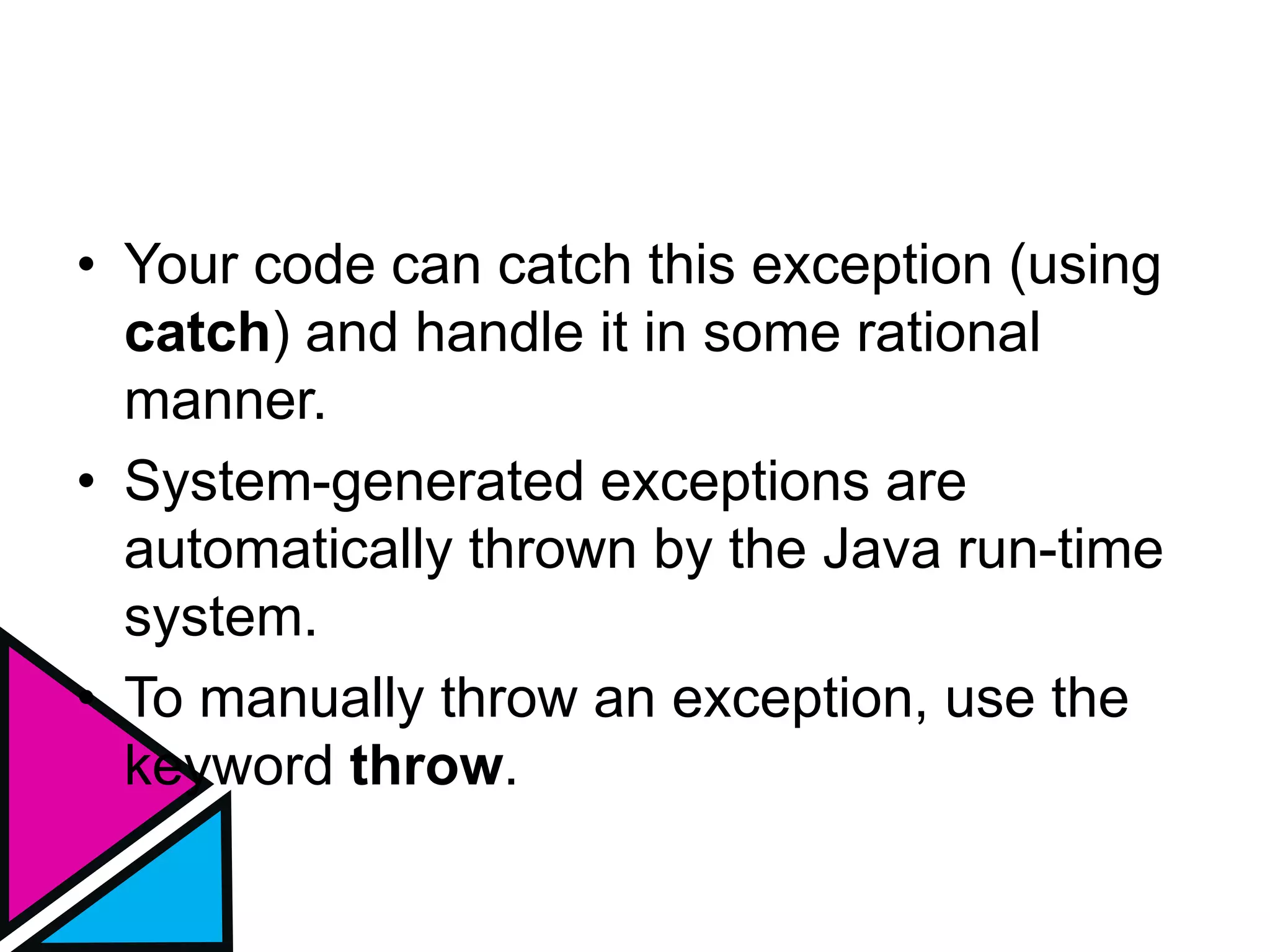
• Your code can catch this exception (using
catch) and handle it in some rational
manner.
• System-generated exceptions are
automatically thrown by the Java run-time
system.
• To manually throw an exception, use the
keyword throw.
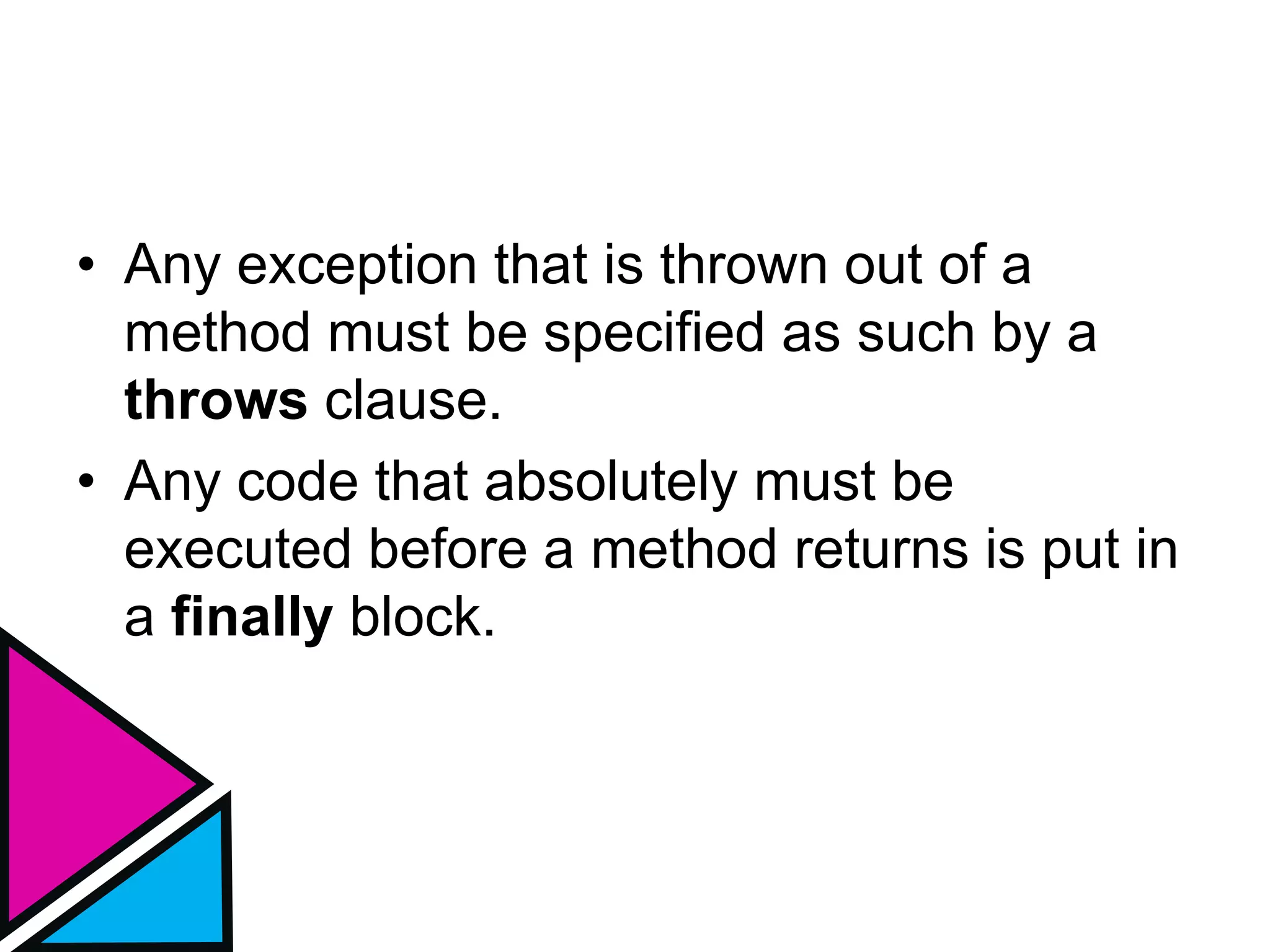
• Any exception that is thrown out of a
method must be specified as such by a
throws clause.
• Any code that absolutely must be
executed before a method returns is put in
a finally block.
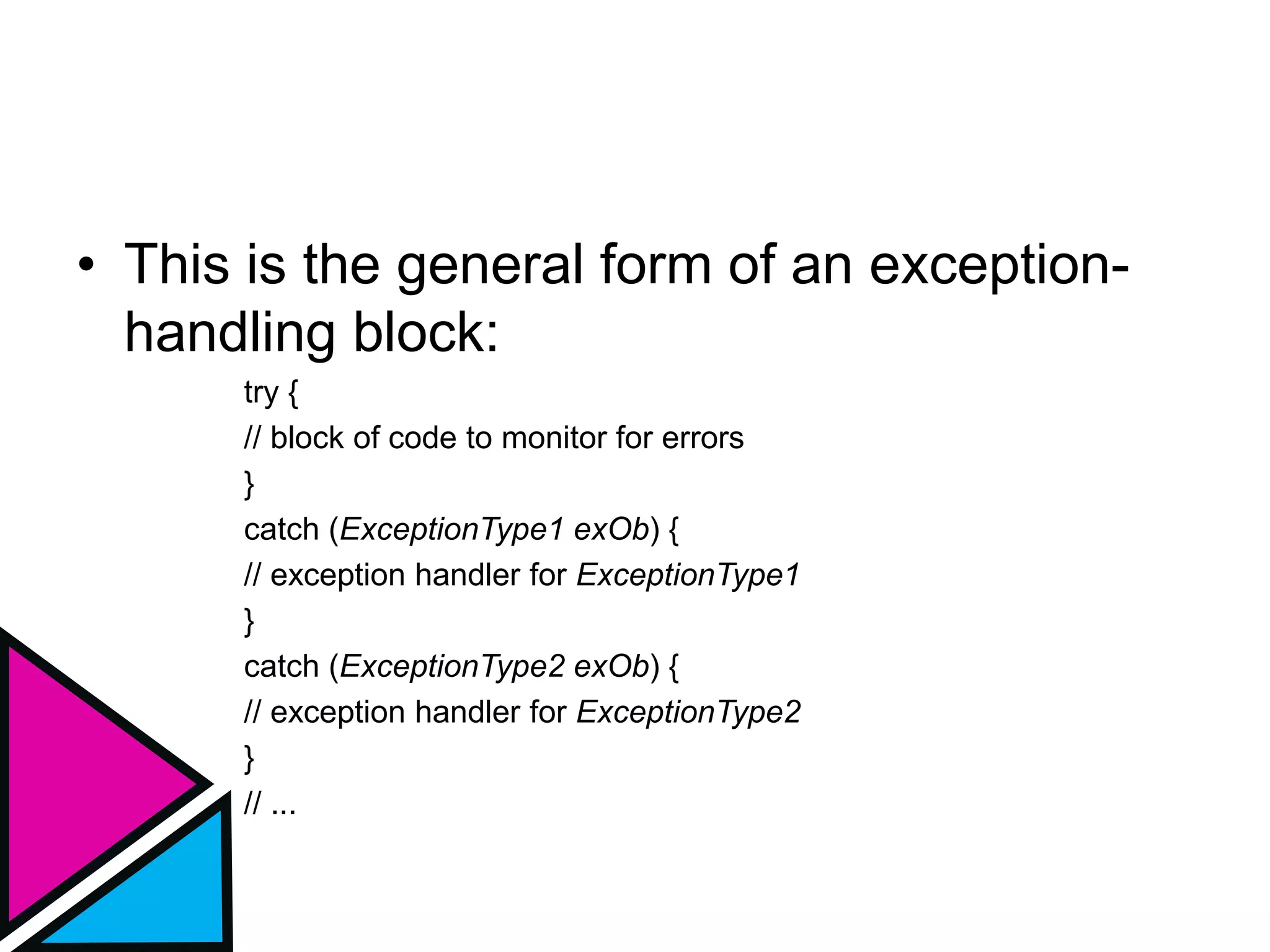
• This is the general form of an exception-
handling block:
try {
// block of code to monitor for errors
}
catch (ExceptionType1 exOb) {
// exception handler for ExceptionType1
}
catch (ExceptionType2 exOb) {
// exception handler for ExceptionType2
}
// ...
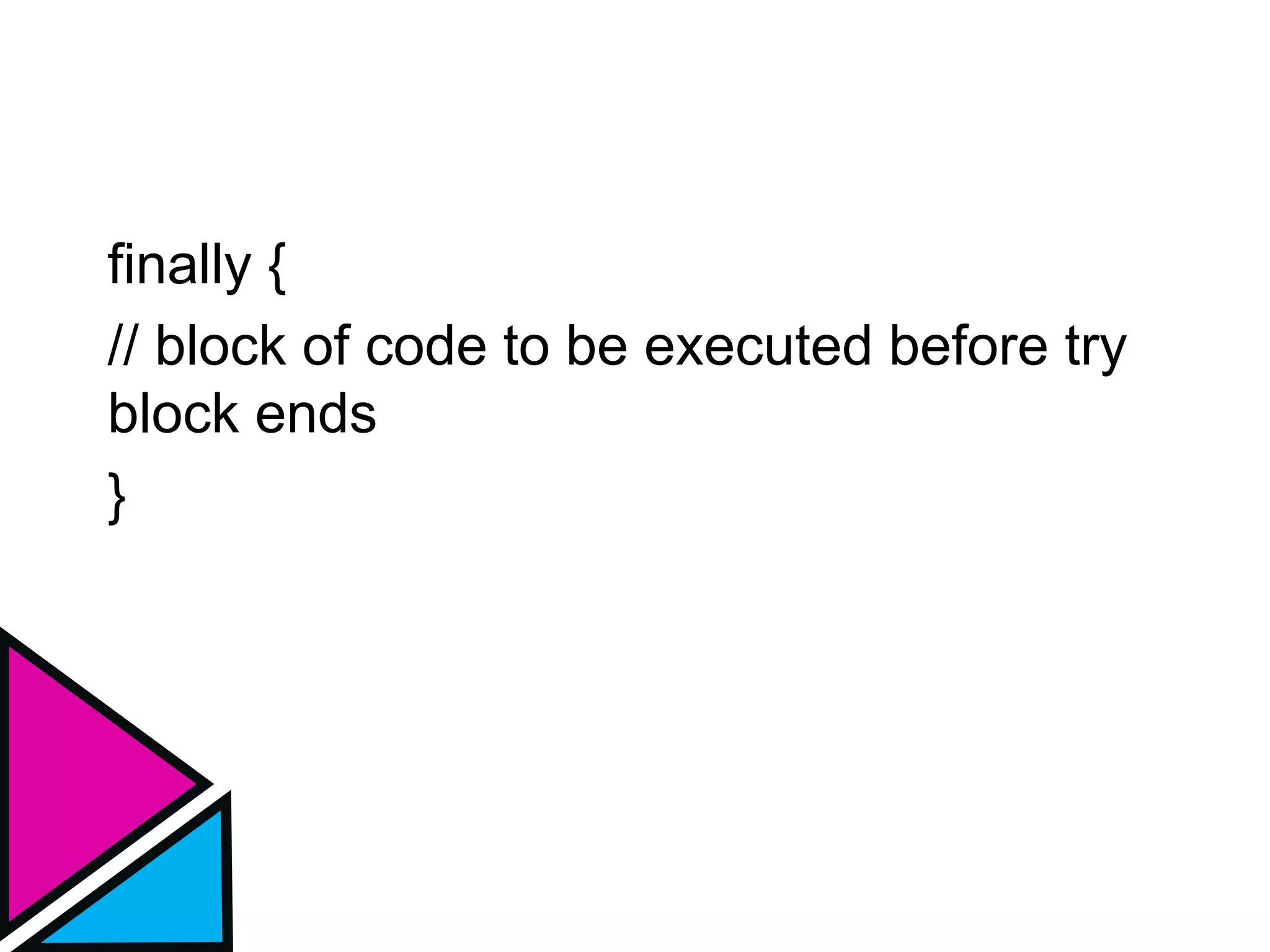
finally {
// block of code to be executed before try
block ends
}
Uncaught Exception
class Exc0 {
public static void main(String args[]) {
int d = 0;
int a = 42 / d;
}
}
Uncaught Exception
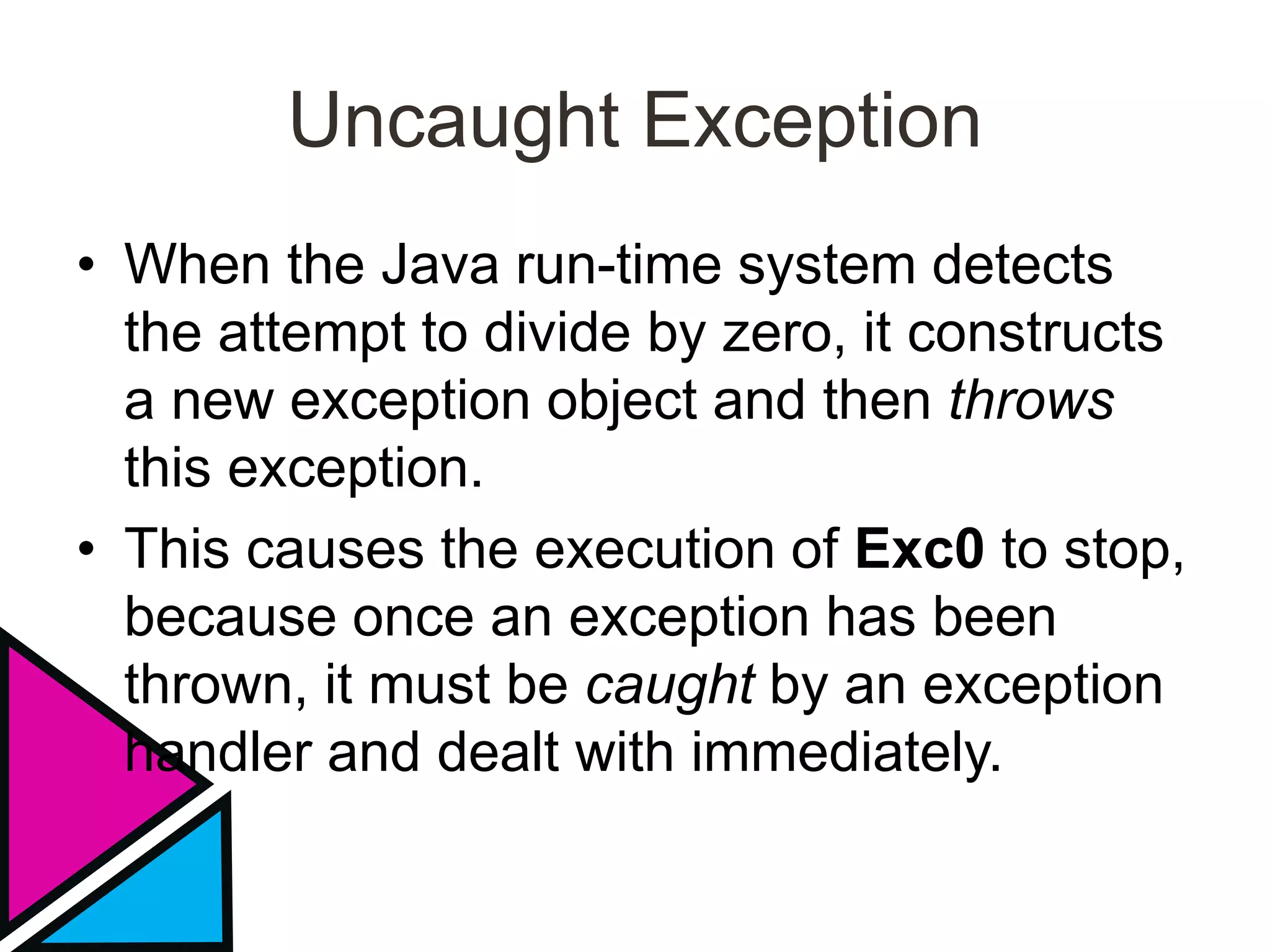
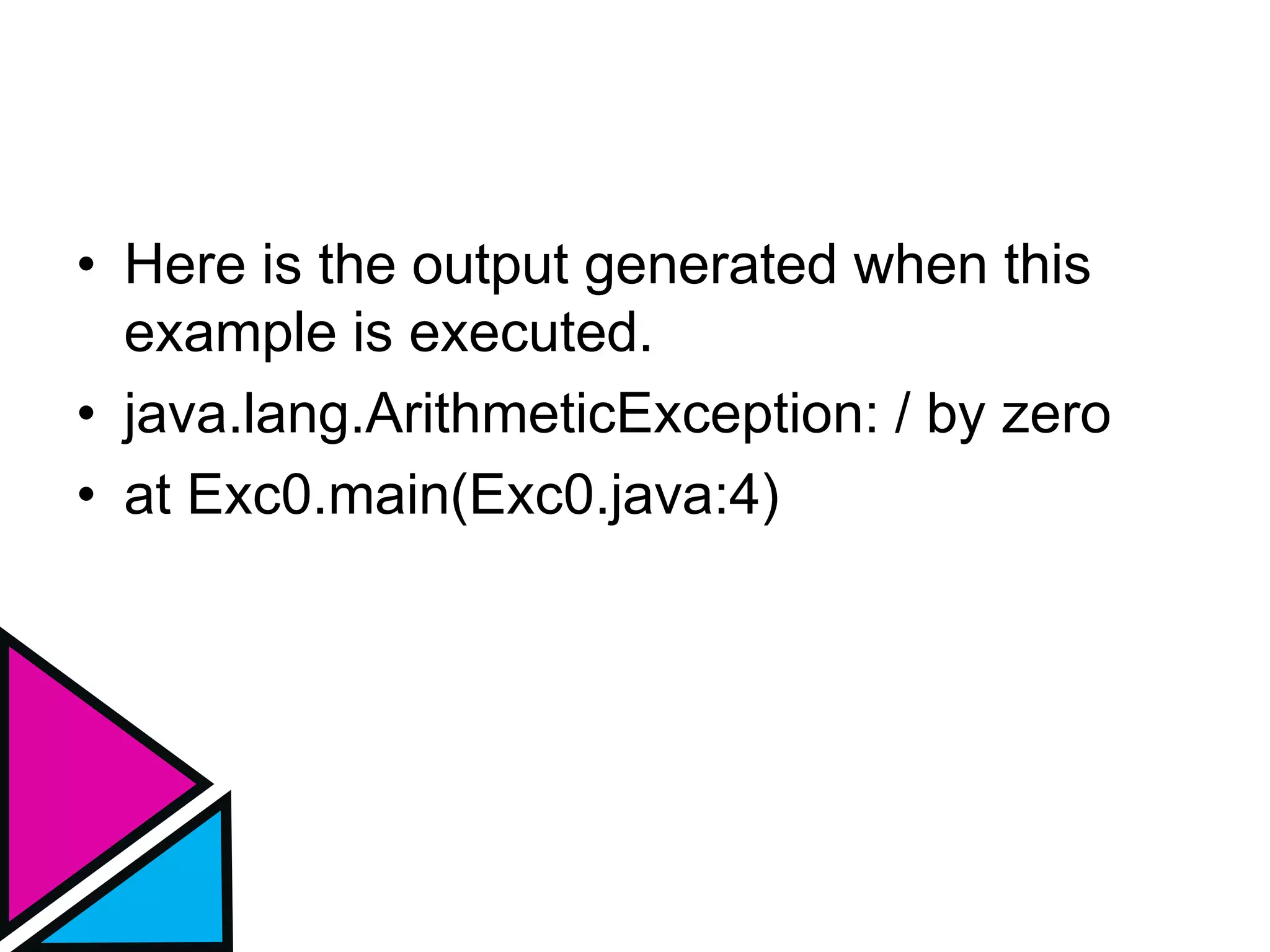
• When the Java run-time system detects
the attempt to divide by zero, it constructs
a new exception object and then throws
this exception.
• This causes the execution of Exc0 to stop,
because once an exception has been
thrown, it must be caught by an exception
handler and dealt with immediately.
Uncaught Exception
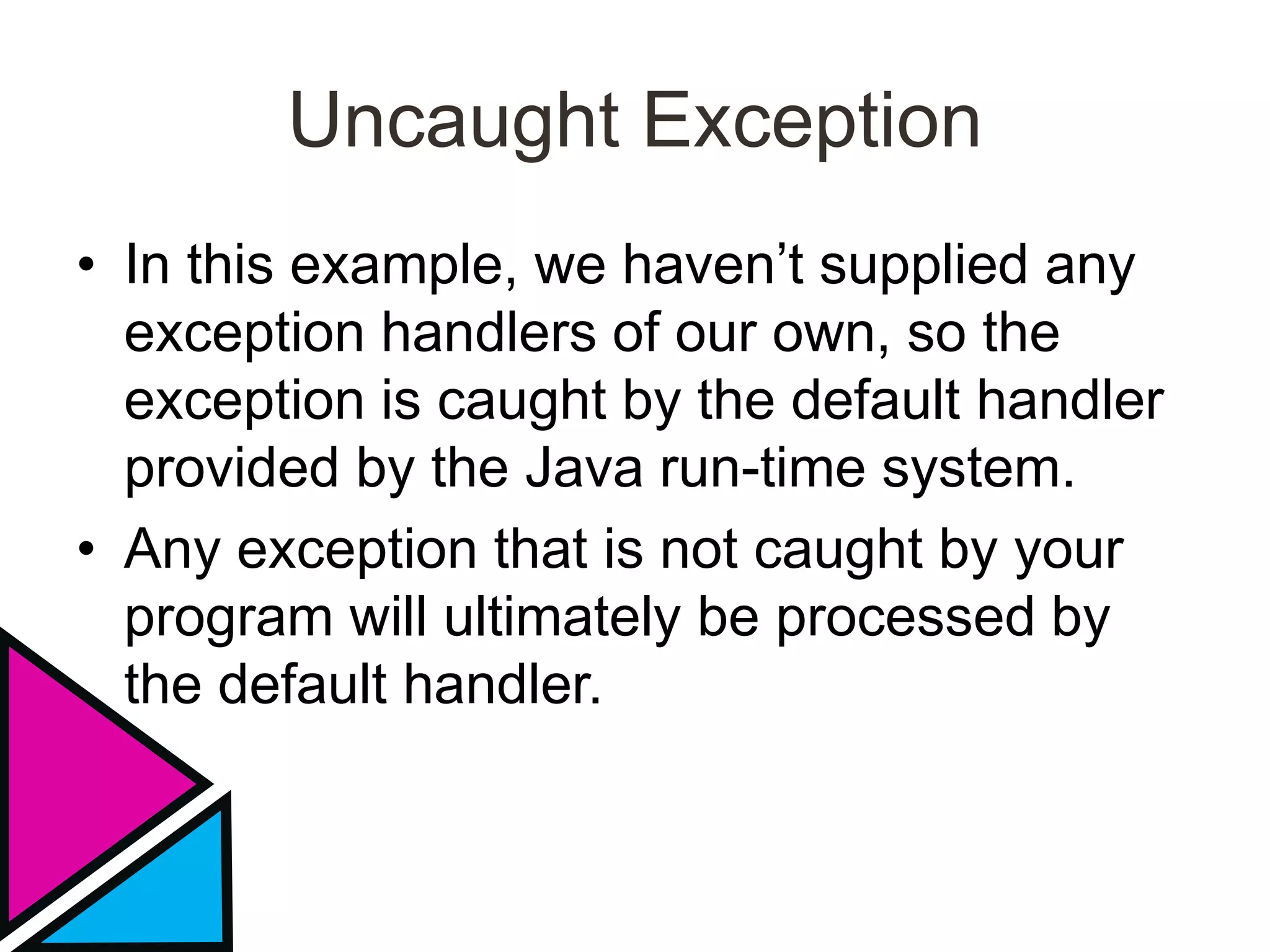
• In this example, we haven’t supplied any
exception handlers of our own, so the
exception is caught by the default handler
provided by the Java run-time system.
• Any exception that is not caught by your
program will ultimately be processed by
the default handler.
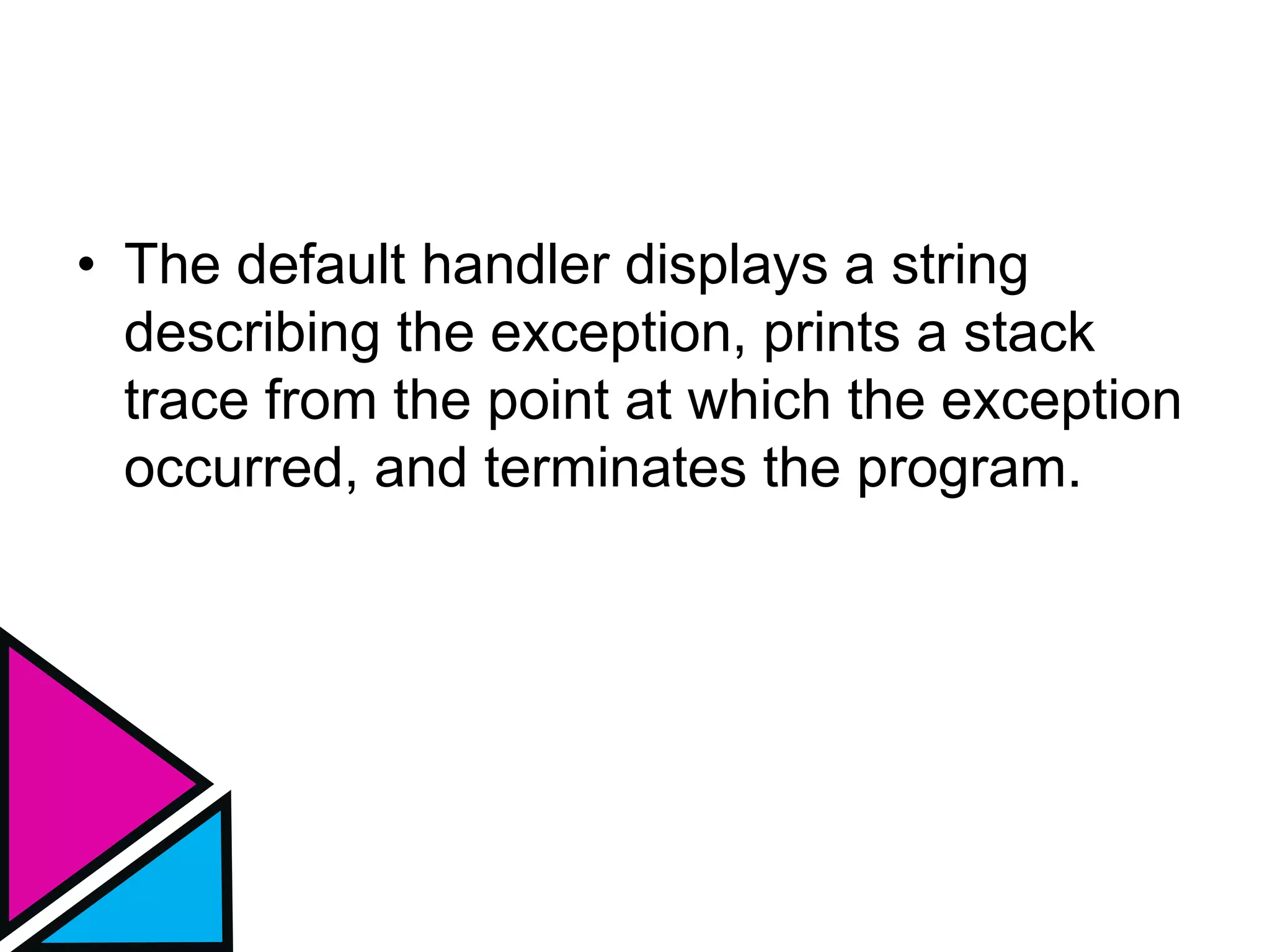
• The default handler displays a string
describing the exception, prints a stack
trace from the point at which the exception
occurred, and terminates the program.
• Here is the output generated when this
example is executed.
• java.lang.ArithmeticException: / by zero
• at Exc0.main(Exc0.java:4)
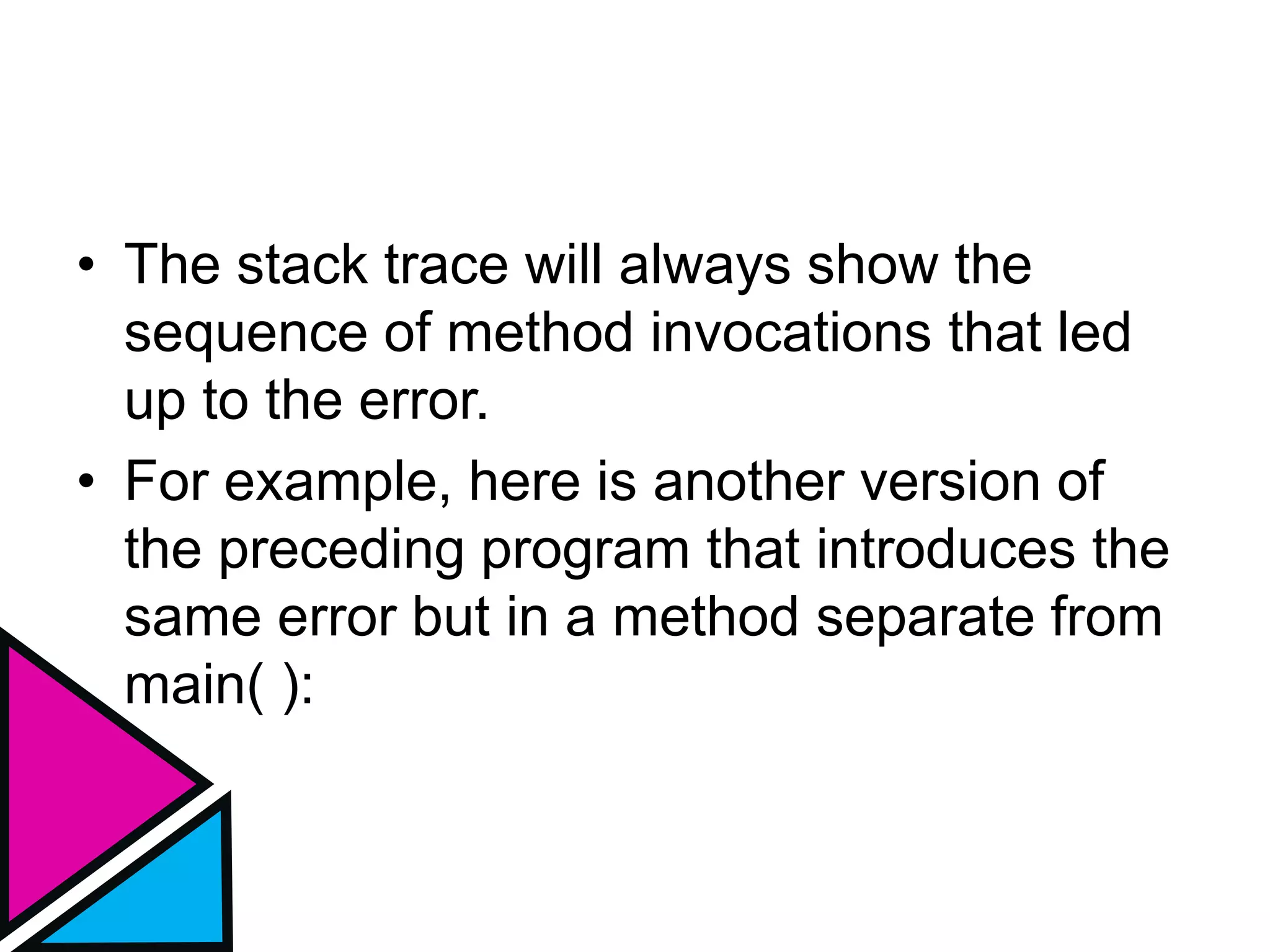
• The stack trace will always show the
sequence of method invocations that led
up to the error.
• For example, here is another version of
the preceding program that introduces the
same error but in a method separate from
main( ):
class Exc1 {
static void subroutine() {
int d = 0;
int a = 10 / d;
}
public static void main(String args[]) {
Exc1.subroutine();
}
}
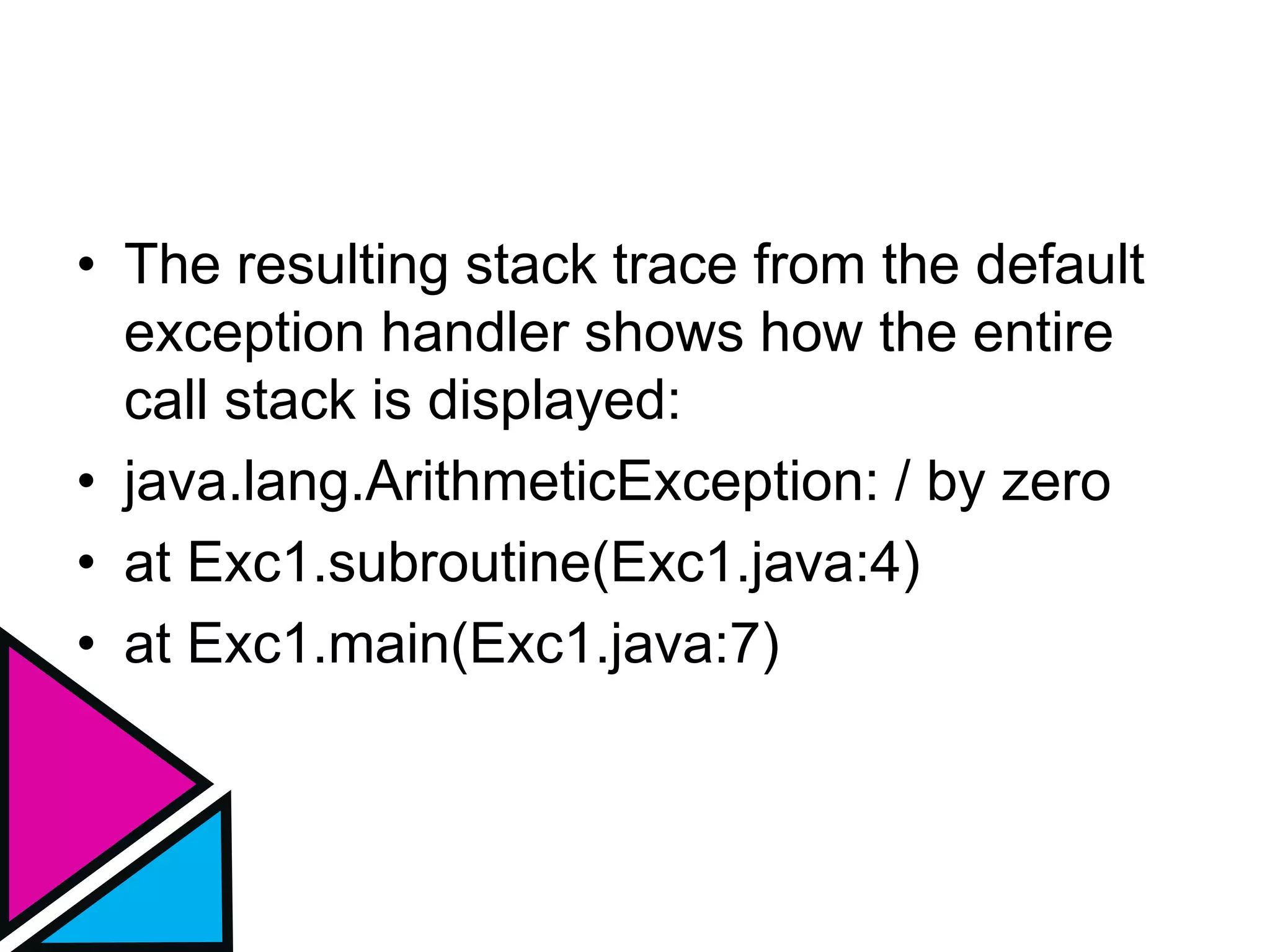
• The resulting stack trace from the default
exception handler shows how the entire
call stack is displayed:
• java.lang.ArithmeticException: / by zero
• at Exc1.subroutine(Exc1.java:4)
• at Exc1.main(Exc1.java:7)
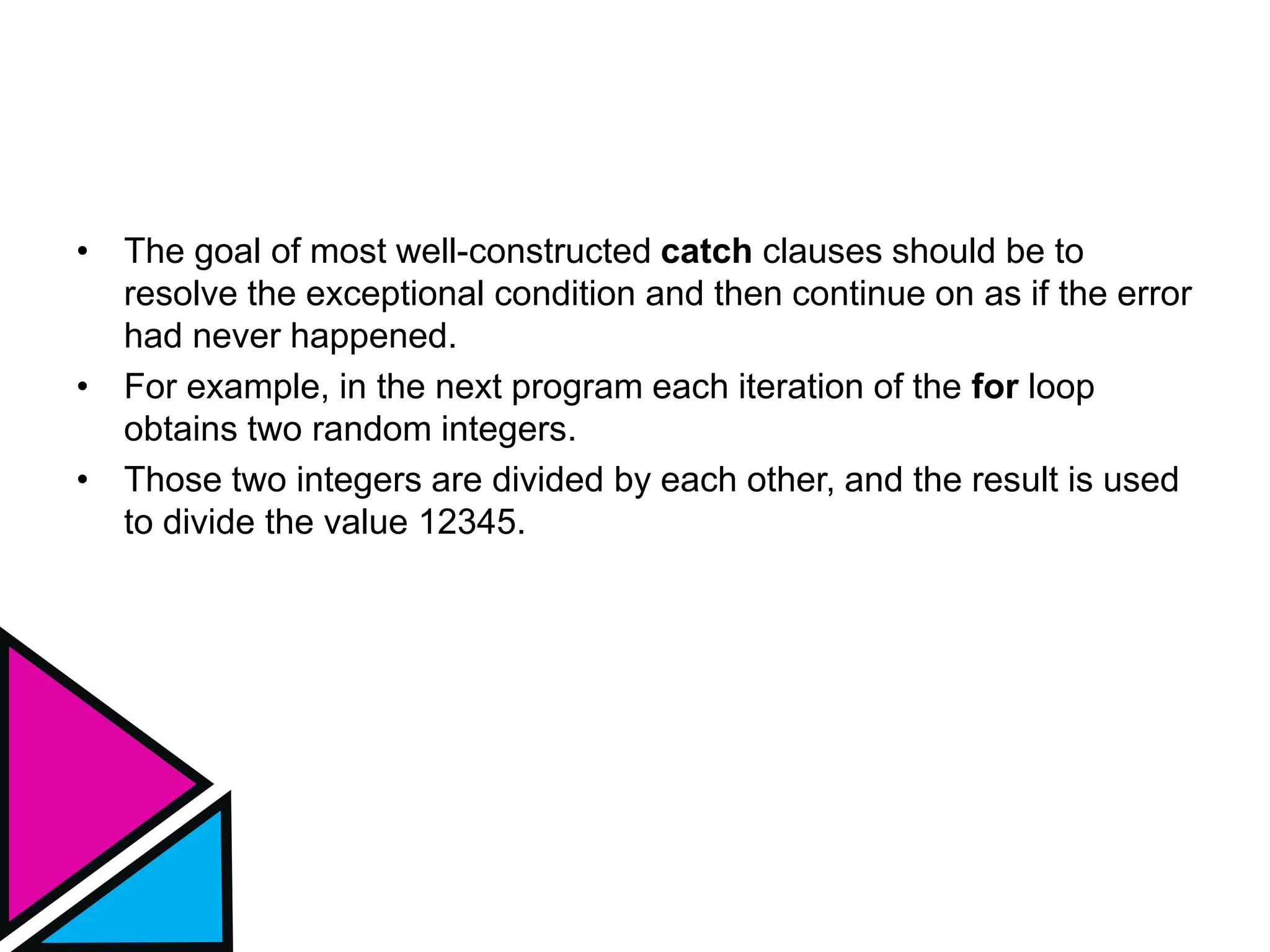
• The goal of most well-constructed catch clauses should be to
resolve the exceptional condition and then continue on as if the error
had never happened.
• For example, in the next program each iteration of the for loop
obtains two random integers.
• Those two integers are divided by each other, and the result is used
to divide the value 12345.
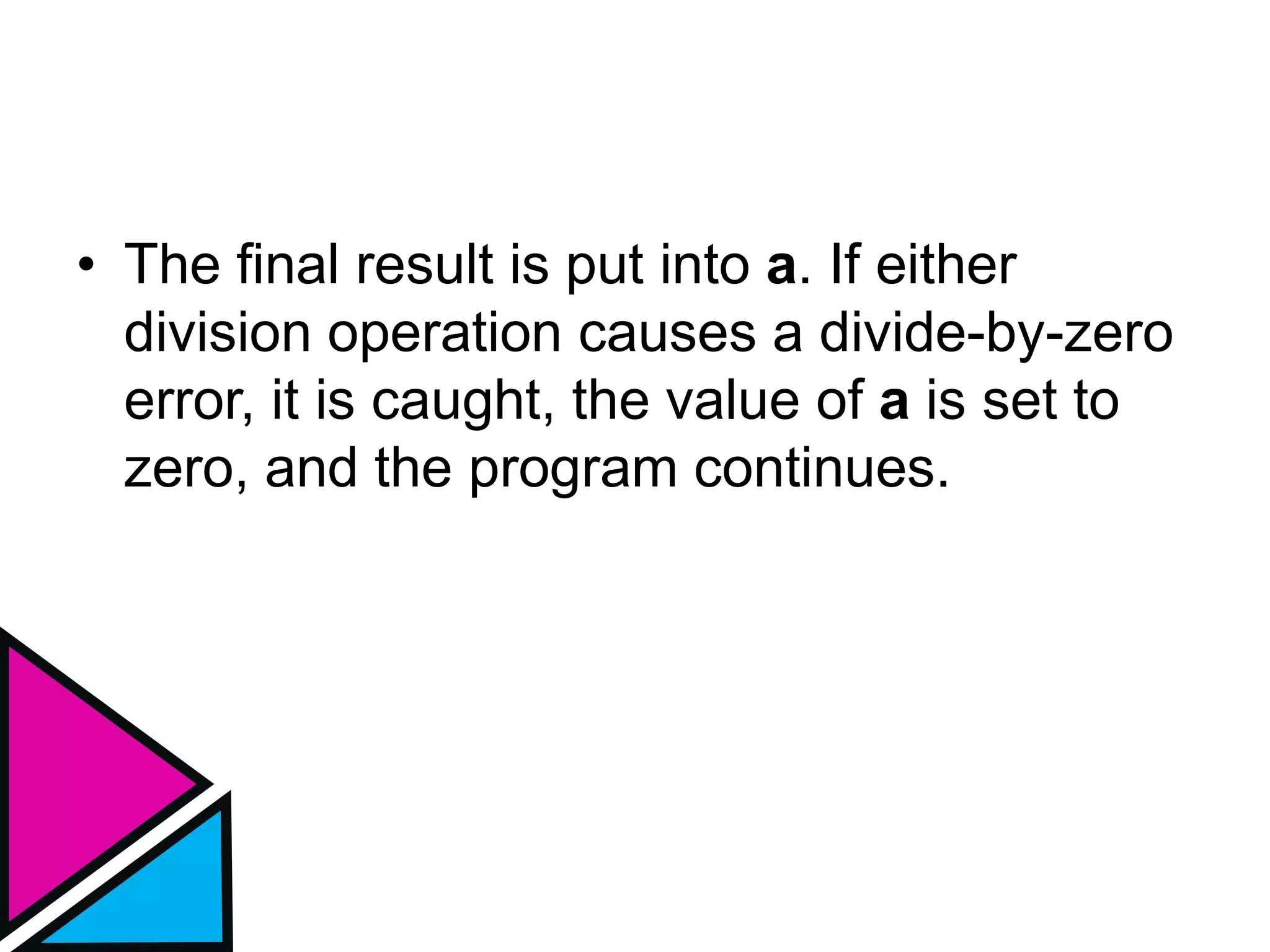
• The final result is put into a. If either
division operation causes a divide-by-zero
error, it is caught, the value of a is set to
zero, and the program continues.
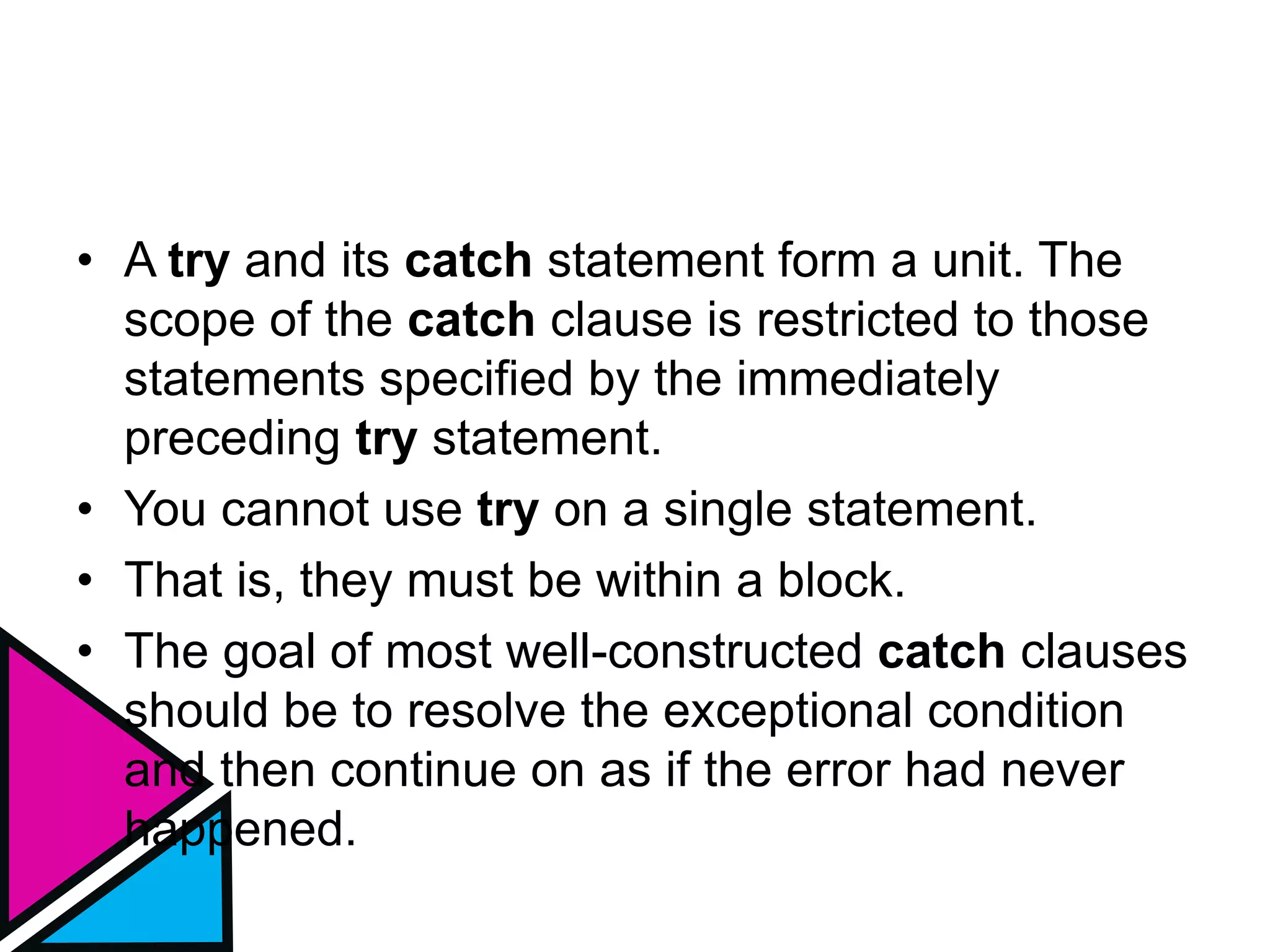
• A try and its catch statement form a unit. The
scope of the catch clause is restricted to those
statements specified by the immediately
preceding try statement.
• You cannot use try on a single statement.
• That is, they must be within a block.
• The goal of most well-constructed catch clauses
should be to resolve the exceptional condition
and then continue on as if the error had never
happened.
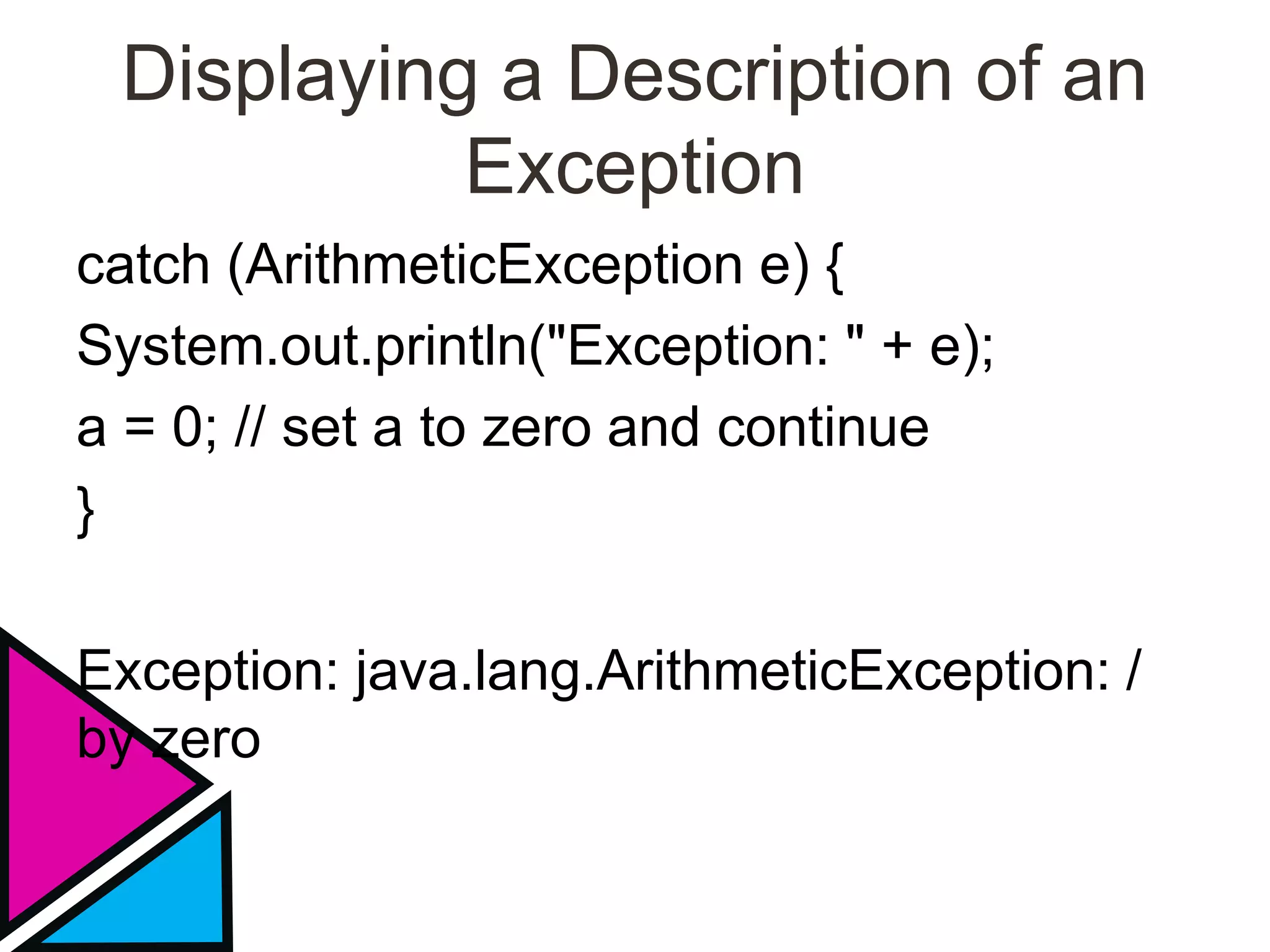
Displaying a Description of an
Exception
catch (ArithmeticException e) {
System.out.println("Exception: " + e);
a = 0; // set a to zero and continue
}
Exception: java.lang.ArithmeticException: /
by zero
Multiple catch Clauses
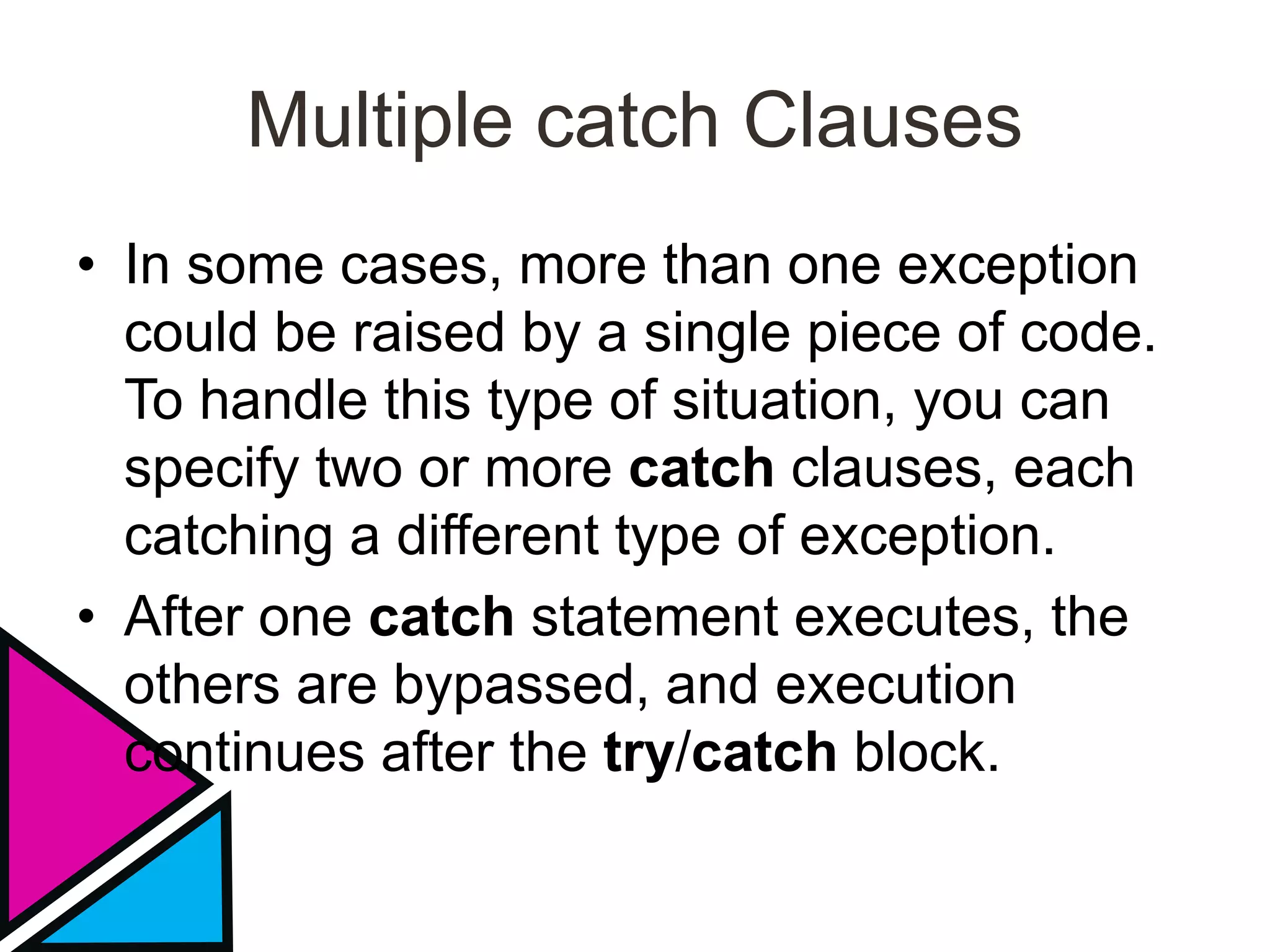
• In some cases, more than one exception
could be raised by a single piece of code.
To handle this type of situation, you can
specify two or more catch clauses, each
catching a different type of exception.
• After one catch statement executes, the
others are bypassed, and execution
continues after the try/catch block.
Multiple Catch Statement
• When you use multiple catch statements,
it is important to remember that exception
subclasses must come before any of their
superclasses.
• This is because a catch statement that
uses a superclass will catch exceptions of
that type plus any of its subclasses.
• Thus, a subclass would never be reached
if it came after its superclass.
• Further, in Java, unreachable code is an
error.
• Since ArithmeticException is a subclass
of Exception, the first catch statement will
handle all Exception-based errors,
including ArithmeticException.
• To fix the problem, reverse the order of the
catch statements.
Nested try Statements
• The try statement can be nested. That is,
a try statement can be inside the block of
another try. Each time a try statement is
entered, the context of that exception is
pushed on the stack.
• If an inner try statement does not have a
catch handler for a particular exception,
the stack is unwound and the next try
statement’s catch handlers are inspected
for a match.
• If no catch statement matches, then the
Java run-time system will handle the
exception.
• Nesting of try statements can occur in less
obvious ways when method calls are
involved. For example, you can enclose a
call to a method within a try block.
• Inside that method is another try
statement. In this case, the try within the
method is still nested inside the outer try
block, which calls the method.
throw
• So far, you have only been catching
exceptions that are thrown by the Java
run-time system. However, it is possible
for your program to throw an exception
explicitly, using the throw statement.
– throw ThrowableInstance;
• Here, ThrowableInstance must be an
object of type Throwable or a subclass of
Throwable.
• Simple types, such as int or char, as well
as non-Throwable classes, such as
String and Object, cannot be used as
exceptions.
throw
• The flow of execution stops immediately
after the throw statement; any subsequent
statements are not executed.
throws
• If a method is capable of causing an
exception that it does not handle, it must
specify this behavior so that callers of the
method can guard themselves against that
exception.
• You do this by including a throws clause
in the method’s declaration. A throws
clause lists the types of exceptions that a
method might throw.
throws
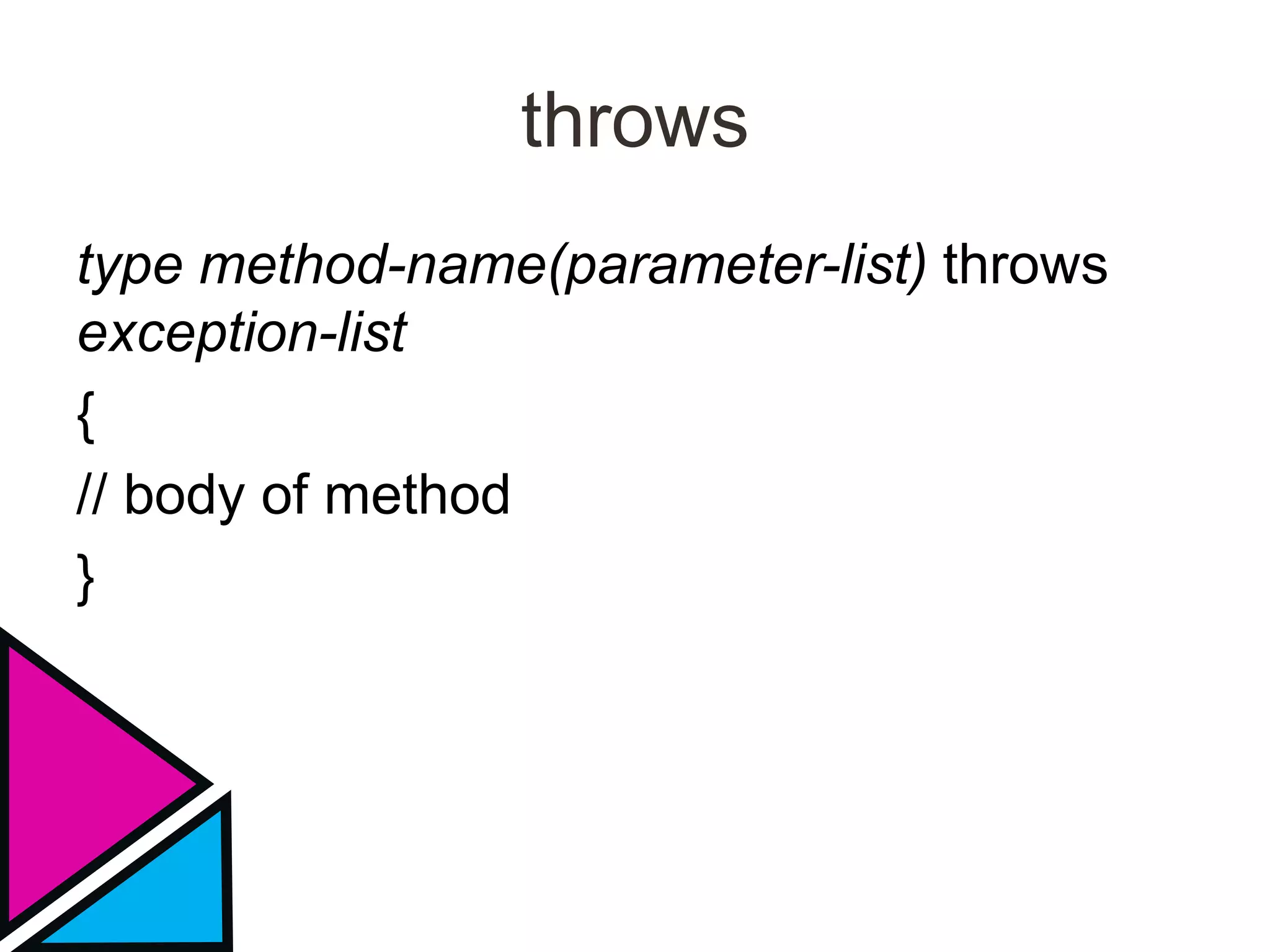
type method-name(parameter-list) throws
exception-list
{
// body of method
}
// This program contains an error and will not compile.
class ThrowsDemo {
static void throwOne() {
System.out.println("Inside throwOne.");
throw new IllegalAccessException("demo");
}
public static void main(String args[]) {
throwOne();
}
}
finally
• When exceptions are thrown, execution in
a method takes a rather abrupt, nonlinear
path that alters the normal flow through
the method.
• finally creates a block of code that will be
executed after a try/catch block has
• completed and before the code following
the try/catch block.
• The finally block will execute whether or
not an exception is thrown.
• Any time a method is about to return to the
caller from inside a try/catch block, via an
uncaught exception or an explicit return
statement, the finally clause is also
executed just before the method returns.
• This can be useful for closing file handles
and freeing up any other resources that
might have been allocated at the
beginning of a method with the intent of
disposing of them before returning.
Colour scheme
Background
Text &
Lines
Shadows
Title
Text
Fills Accent
Accent &
Hyperlink
Followed
Hyperlink
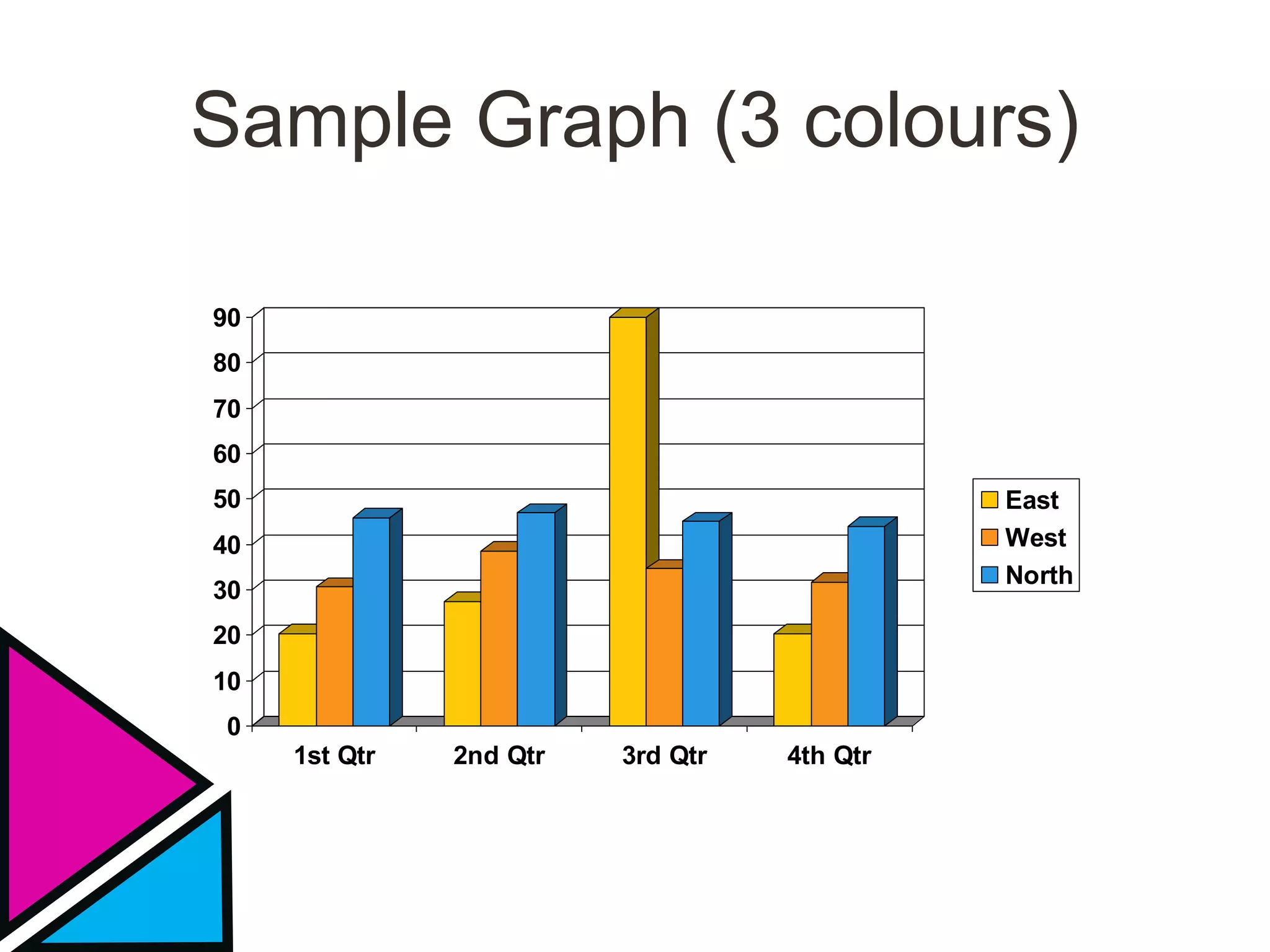
Sample Graph (3 colours)
0
10
20
30
40
50
60
70
80
90
1st Qtr 2nd Qtr 3rd Qtr 4th Qtr
East
West
North
Picture slide
• Bullet 1
• Bullet 2
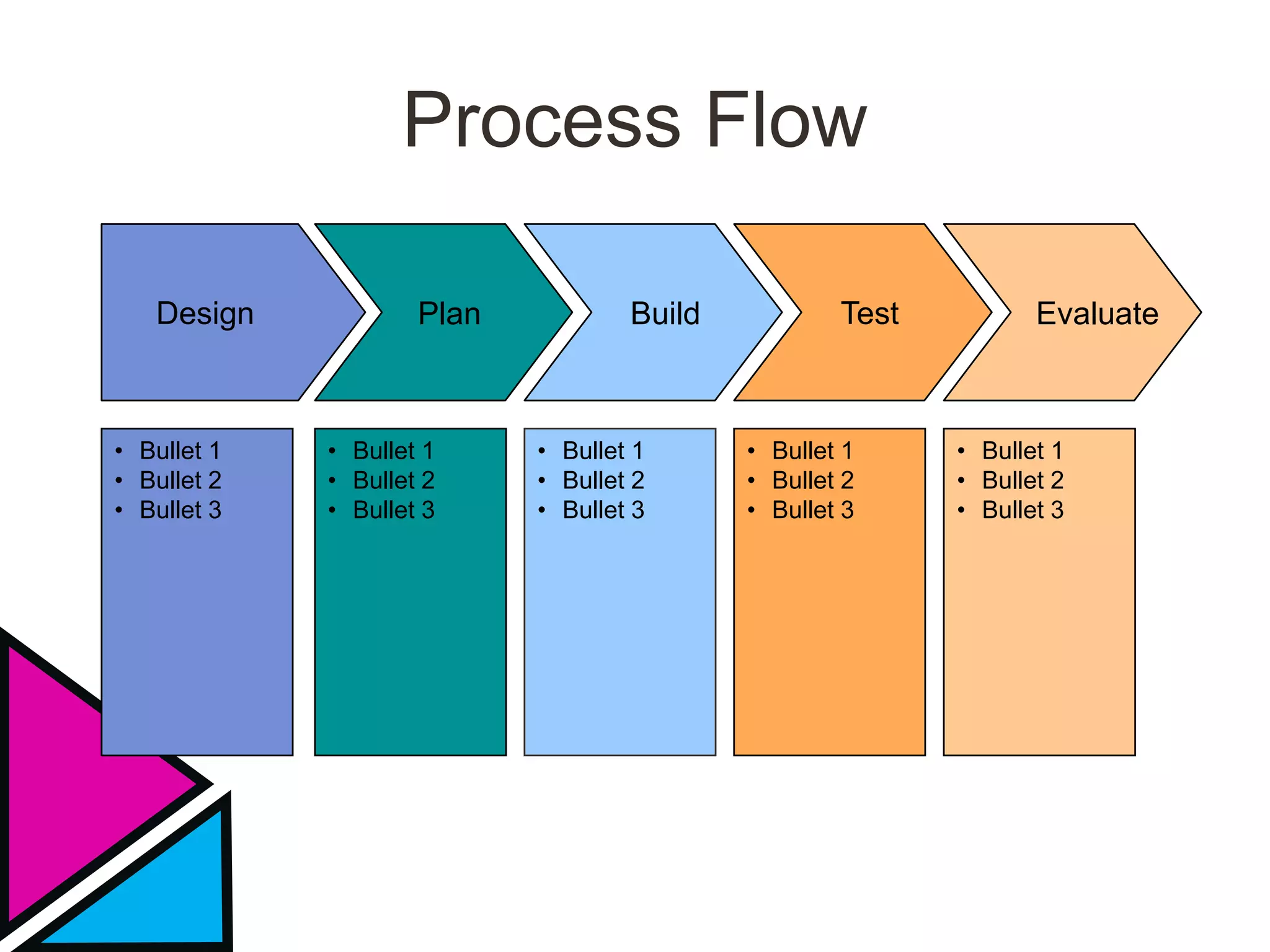
Process Flow
• Bullet 1
• Bullet 2
• Bullet 3
• Bullet 1
• Bullet 2
• Bullet 3
• Bullet 1
• Bullet 2
• Bullet 3
• Bullet 1
• Bullet 2
• Bullet 3
• Bullet 1
• Bullet 2
• Bullet 3
PlanDesign Build Test Evaluate
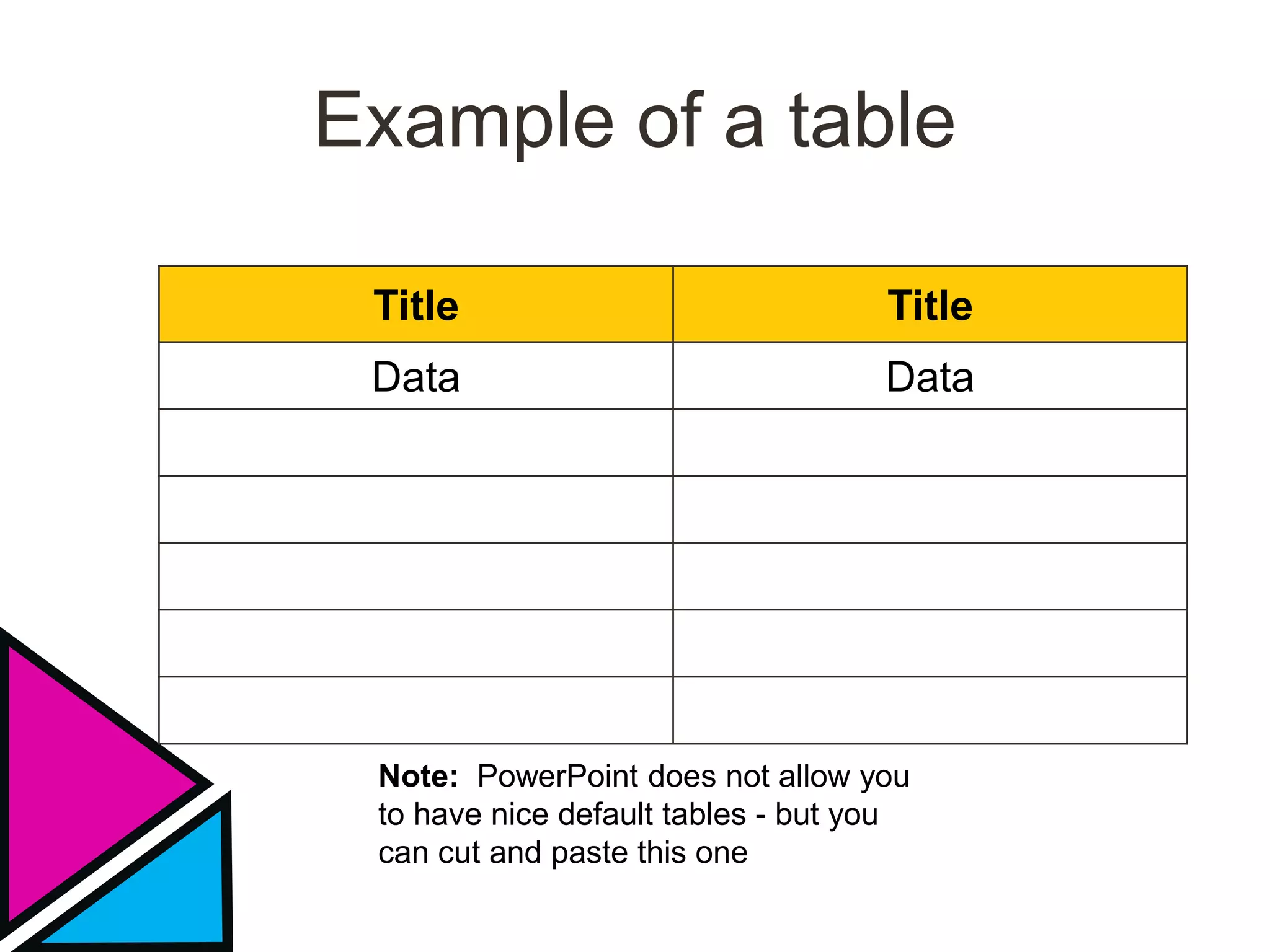
Example of a table
Title Title
Data Data
Note: PowerPoint does not allow you
to have nice default tables - but you
can cut and paste this one
Examples of default styles
• Text and lines are like this
• Hyperlinks like this
• Visited hyperlinks like this
Table
Text box
Text box
With shadow
Use of templates
You are free to use these templates for your personal
and business presentations.
Do
 Use these templates for your
presentations
 Display your presentation on a web
site provided that it is not for the
purpose of downloading the template.
 If you like these templates, we would
always appreciate a link back to our
website. Many thanks.
Don’t
 Resell or distribute these templates
 Put these templates on a website for
download. This includes uploading
them onto file sharing networks like
Slideshare, Myspace, Facebook, bit
torrent etc
 Pass off any of our created content as
your own work
You can find many more free PowerPoint templates
on the Presentation Magazine website
www.presentationmagazine.com
We have put a lot of work into developing all these templates and retain the copyright
in them. You can use them freely providing that you do not redistribute or sell them.
Exception handling in java

Exception handling in java

  • 1.
  • 2.
    Example Bullet PointSlide • An exception is an abnormal condition that arises in a code sequence at run time. • In other words, an exception is a run-time error • A Java exception is an object that describes an exceptional (that is, error) condition that has occurred in a piece of code.
  • 3.
    • When anexceptional condition arises, an object representing that exception is created and thrown in the method that caused the error. • That method may choose to handle the exception itself, or pass it on. Either way, at some point, the exception is caught and processed
  • 4.
    • Exceptions canbe generated by the Java run-time system, or they can be manually generated by your code. • Exceptions thrown by Java relate to fundamental errors that violate the rules of the Java language or the constraints of the Java execution environment.
  • 5.
    • Java exceptionhandling is managed via five keywords: try, catch, throw, throws, and finally. • Program statements that you want to monitor for exceptions are contained within a try block. • If an exception occurs within the try block, it is thrown.
  • 6.
    • Your codecan catch this exception (using catch) and handle it in some rational manner. • System-generated exceptions are automatically thrown by the Java run-time system. • To manually throw an exception, use the keyword throw.
  • 7.
    • Any exceptionthat is thrown out of a method must be specified as such by a throws clause. • Any code that absolutely must be executed before a method returns is put in a finally block.
  • 8.
    • This isthe general form of an exception- handling block: try { // block of code to monitor for errors } catch (ExceptionType1 exOb) { // exception handler for ExceptionType1 } catch (ExceptionType2 exOb) { // exception handler for ExceptionType2 } // ...
  • 9.
    finally { // blockof code to be executed before try block ends }
  • 10.
    Uncaught Exception class Exc0{ public static void main(String args[]) { int d = 0; int a = 42 / d; } }
  • 11.
    Uncaught Exception • Whenthe Java run-time system detects the attempt to divide by zero, it constructs a new exception object and then throws this exception. • This causes the execution of Exc0 to stop, because once an exception has been thrown, it must be caught by an exception handler and dealt with immediately.
  • 12.
    Uncaught Exception • Inthis example, we haven’t supplied any exception handlers of our own, so the exception is caught by the default handler provided by the Java run-time system. • Any exception that is not caught by your program will ultimately be processed by the default handler.
  • 13.
    • The defaulthandler displays a string describing the exception, prints a stack trace from the point at which the exception occurred, and terminates the program.
  • 14.
    • Here isthe output generated when this example is executed. • java.lang.ArithmeticException: / by zero • at Exc0.main(Exc0.java:4)
  • 15.
    • The stacktrace will always show the sequence of method invocations that led up to the error. • For example, here is another version of the preceding program that introduces the same error but in a method separate from main( ):
  • 16.
    class Exc1 { staticvoid subroutine() { int d = 0; int a = 10 / d; } public static void main(String args[]) { Exc1.subroutine(); } }
  • 17.
    • The resultingstack trace from the default exception handler shows how the entire call stack is displayed: • java.lang.ArithmeticException: / by zero • at Exc1.subroutine(Exc1.java:4) • at Exc1.main(Exc1.java:7)
  • 18.
    • The goalof most well-constructed catch clauses should be to resolve the exceptional condition and then continue on as if the error had never happened. • For example, in the next program each iteration of the for loop obtains two random integers. • Those two integers are divided by each other, and the result is used to divide the value 12345.
  • 19.
    • The finalresult is put into a. If either division operation causes a divide-by-zero error, it is caught, the value of a is set to zero, and the program continues.
  • 20.
    • A tryand its catch statement form a unit. The scope of the catch clause is restricted to those statements specified by the immediately preceding try statement. • You cannot use try on a single statement. • That is, they must be within a block. • The goal of most well-constructed catch clauses should be to resolve the exceptional condition and then continue on as if the error had never happened.
  • 21.
    Displaying a Descriptionof an Exception catch (ArithmeticException e) { System.out.println("Exception: " + e); a = 0; // set a to zero and continue } Exception: java.lang.ArithmeticException: / by zero
  • 22.
    Multiple catch Clauses •In some cases, more than one exception could be raised by a single piece of code. To handle this type of situation, you can specify two or more catch clauses, each catching a different type of exception. • After one catch statement executes, the others are bypassed, and execution continues after the try/catch block.
  • 23.
    Multiple Catch Statement •When you use multiple catch statements, it is important to remember that exception subclasses must come before any of their superclasses. • This is because a catch statement that uses a superclass will catch exceptions of that type plus any of its subclasses.
  • 24.
    • Thus, asubclass would never be reached if it came after its superclass. • Further, in Java, unreachable code is an error. • Since ArithmeticException is a subclass of Exception, the first catch statement will handle all Exception-based errors, including ArithmeticException.
  • 25.
    • To fixthe problem, reverse the order of the catch statements.
  • 26.
    Nested try Statements •The try statement can be nested. That is, a try statement can be inside the block of another try. Each time a try statement is entered, the context of that exception is pushed on the stack. • If an inner try statement does not have a catch handler for a particular exception, the stack is unwound and the next try statement’s catch handlers are inspected for a match.
  • 27.
    • If nocatch statement matches, then the Java run-time system will handle the exception. • Nesting of try statements can occur in less obvious ways when method calls are involved. For example, you can enclose a call to a method within a try block.
  • 28.
    • Inside thatmethod is another try statement. In this case, the try within the method is still nested inside the outer try block, which calls the method.
  • 29.
    throw • So far,you have only been catching exceptions that are thrown by the Java run-time system. However, it is possible for your program to throw an exception explicitly, using the throw statement. – throw ThrowableInstance;
  • 30.
    • Here, ThrowableInstancemust be an object of type Throwable or a subclass of Throwable. • Simple types, such as int or char, as well as non-Throwable classes, such as String and Object, cannot be used as exceptions.
  • 31.
    throw • The flowof execution stops immediately after the throw statement; any subsequent statements are not executed.
  • 32.
    throws • If amethod is capable of causing an exception that it does not handle, it must specify this behavior so that callers of the method can guard themselves against that exception. • You do this by including a throws clause in the method’s declaration. A throws clause lists the types of exceptions that a method might throw.
  • 33.
  • 34.
    // This programcontains an error and will not compile. class ThrowsDemo { static void throwOne() { System.out.println("Inside throwOne."); throw new IllegalAccessException("demo"); } public static void main(String args[]) { throwOne(); } }
  • 35.
    finally • When exceptionsare thrown, execution in a method takes a rather abrupt, nonlinear path that alters the normal flow through the method. • finally creates a block of code that will be executed after a try/catch block has • completed and before the code following the try/catch block.
  • 36.
    • The finallyblock will execute whether or not an exception is thrown. • Any time a method is about to return to the caller from inside a try/catch block, via an uncaught exception or an explicit return statement, the finally clause is also executed just before the method returns.
  • 37.
    • This canbe useful for closing file handles and freeing up any other resources that might have been allocated at the beginning of a method with the intent of disposing of them before returning.
  • 38.
    Colour scheme Background Text & Lines Shadows Title Text FillsAccent Accent & Hyperlink Followed Hyperlink
  • 39.
    Sample Graph (3colours) 0 10 20 30 40 50 60 70 80 90 1st Qtr 2nd Qtr 3rd Qtr 4th Qtr East West North
  • 40.
  • 41.
    Process Flow • Bullet1 • Bullet 2 • Bullet 3 • Bullet 1 • Bullet 2 • Bullet 3 • Bullet 1 • Bullet 2 • Bullet 3 • Bullet 1 • Bullet 2 • Bullet 3 • Bullet 1 • Bullet 2 • Bullet 3 PlanDesign Build Test Evaluate
  • 42.
    Example of atable Title Title Data Data Note: PowerPoint does not allow you to have nice default tables - but you can cut and paste this one
  • 43.
    Examples of defaultstyles • Text and lines are like this • Hyperlinks like this • Visited hyperlinks like this Table Text box Text box With shadow
  • 44.
    Use of templates Youare free to use these templates for your personal and business presentations. Do  Use these templates for your presentations  Display your presentation on a web site provided that it is not for the purpose of downloading the template.  If you like these templates, we would always appreciate a link back to our website. Many thanks. Don’t  Resell or distribute these templates  Put these templates on a website for download. This includes uploading them onto file sharing networks like Slideshare, Myspace, Facebook, bit torrent etc  Pass off any of our created content as your own work You can find many more free PowerPoint templates on the Presentation Magazine website www.presentationmagazine.com We have put a lot of work into developing all these templates and retain the copyright in them. You can use them freely providing that you do not redistribute or sell them.