•Error occurred in execution time


 •Abnormal termination of program


 • Wrong execution result


11/19/2012     Presented by: Neelesh Shukla   1
Is it a best practice to handle every
                 error?
  No, it is not best practice to handle every error. It
    degrades the performance.
  You should use Error Handling in any of following
    situation otherwise try to avoid it.
 1.     If you can able to recover error in the catch block
 2.     To write clean-up code that must execute even if
      an exception occur
 3.     To record the exception in event log or sending
      email.
11/19/2012       Presented by: Neelesh Shukla                 2
Exception Handling
         There are three ways to handle exceptions/errors in
                                           ASP.NET

           1) Try-Catch block.              This is also called Structured
                                             Exception Handling (SEH).

           2) Error Events.                 They are page level or application
                                             level error events.

           3) Custom Error Page. This is used for any unhandled
                                  error.
    11/19/2012          Presented by: Neelesh Shukla                          3
1) What is try Block?
  Try Block consist of code that might generate error.


  Try Block must be associated with one or more catch
     block or by finally block.

  Try Block need not necessarily have a catch Block
     associated with it but in that case it must have a finally
     Block associate with it.


11/19/2012        Presented by: Neelesh Shukla                    4
What is catch Block?
  Catch Block is used to recover from error generated in
   try Block.
  In case of multiple catch Block, only the first matching
   catch Block is executed.
  When you write multiple catch block you need to
   arrange them from specific exception type to more
   generic type.
  When no matching catch block are able to handle
   exception, the default behavior of web page is to
   terminate the processing of the web page.

11/19/2012      Presented by: Neelesh Shukla                  5
What is finally Block?
 Finally Block contains the code that always executes, whether
    or not any exception occurs.
   When to use finally Block? - You should use finally block to
    write cleanup code. i.e. you can write code to close files,
    database connections, etc.
   Only One finally block is associated with try block.
   Finally block must appear after all the catch block.
    If there is a transfer control statement such as goto, break or
    continue in either try or catch block the transfer happens
    only after the code in the finally block is executed.
    If you use transfer control statement in finally block, you will
    receive compile time error.
11/19/2012          Presented by: Neelesh Shukla                    6
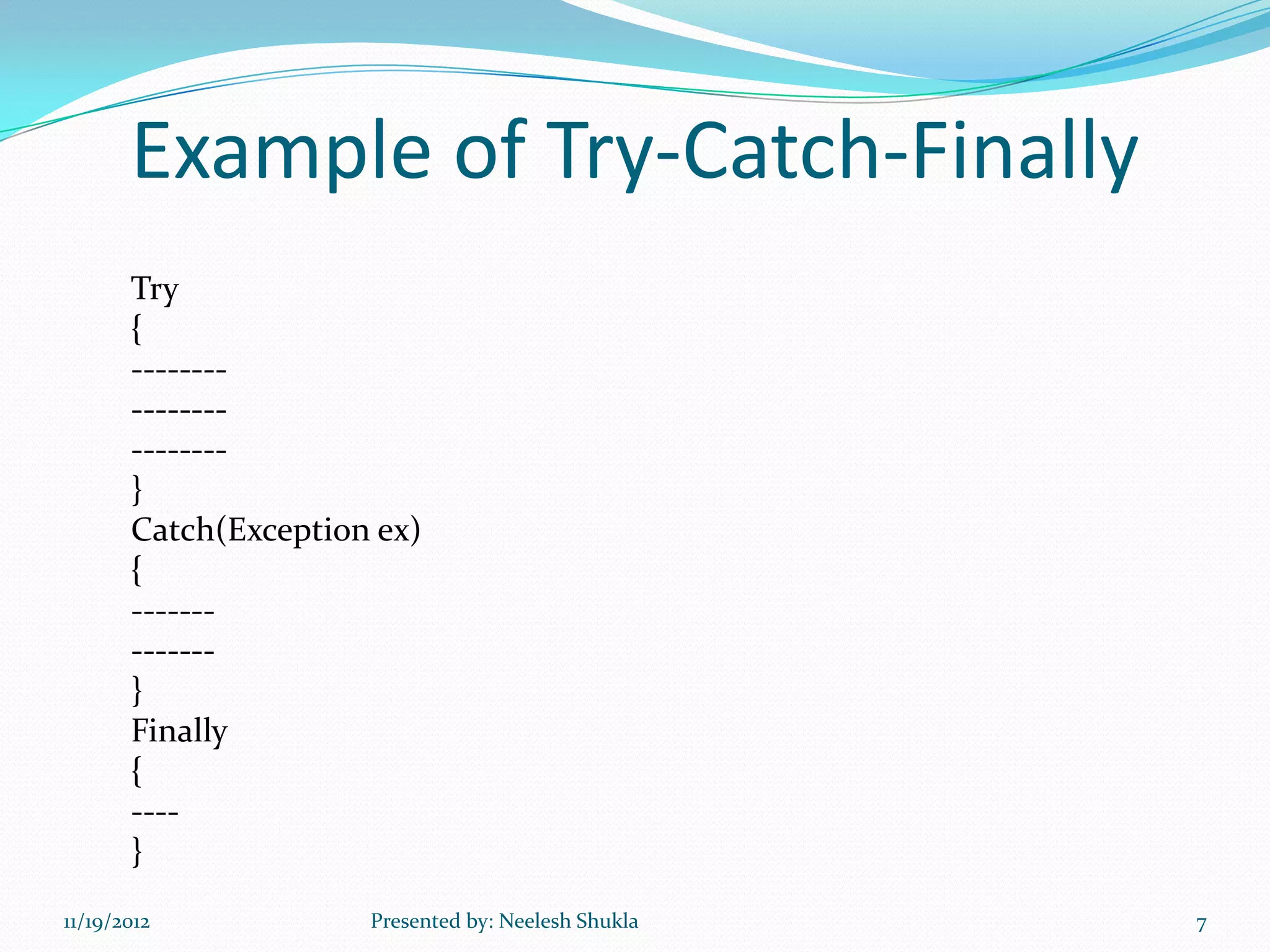
Example of Try-Catch-Finally
       Try
       {
       --------
       --------
       --------
       }
       Catch(Exception ex)
       {
       -------
       -------
       }
       Finally
       {
       ----
       }
11/19/2012            Presented by: Neelesh Shukla   7
System-Defined Exception
  DivideByZero Exception
  NullReference Exception
  IndexOutOfRange Exception
  ArrayTypeMismatch Exception
  Arithmetic Exception
  Exception etc.


11/19/2012        Presented by: Neelesh Shukla   8
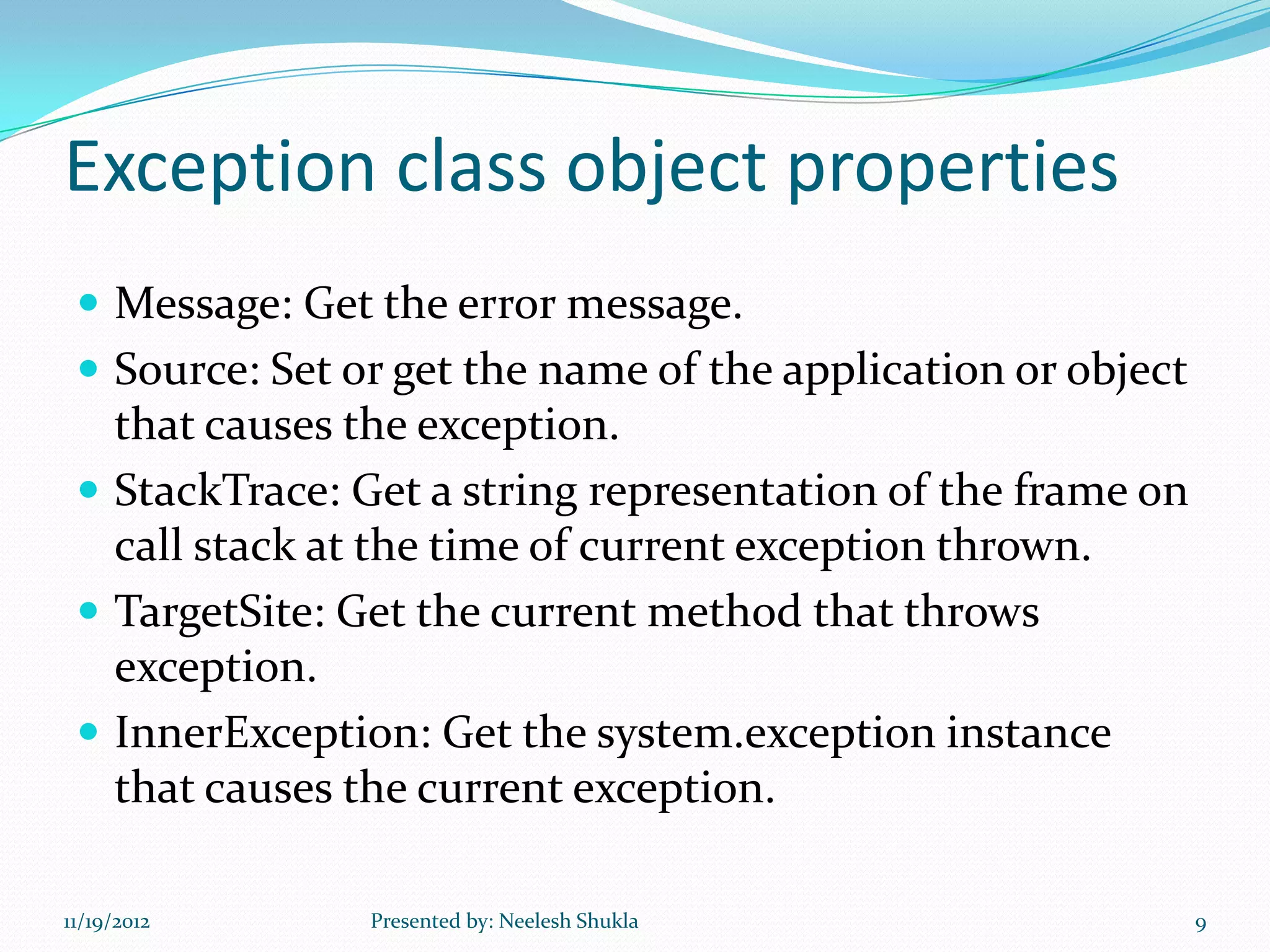
Exception class object properties
  Message: Get the error message.
  Source: Set or get the name of the application or object
   that causes the exception.
  StackTrace: Get a string representation of the frame on
   call stack at the time of current exception thrown.
  TargetSite: Get the current method that throws
   exception.
  InnerException: Get the system.exception instance
   that causes the current exception.

11/19/2012      Presented by: Neelesh Shukla                  9
In general, you will not be able to plan for,
catch and recover from every possible
exception that could occur within a page.
ASP.NET helps by offering two techniques to
handle page-level errors :

  Error Events
  Custom Error Page.


11/19/2012        Presented by: Neelesh Shukla   10
2)Error Events
 They are page level or application level error events:-
  Page_Error()
  Application_Error()


11/19/2012        Presented by: Neelesh Shukla             11
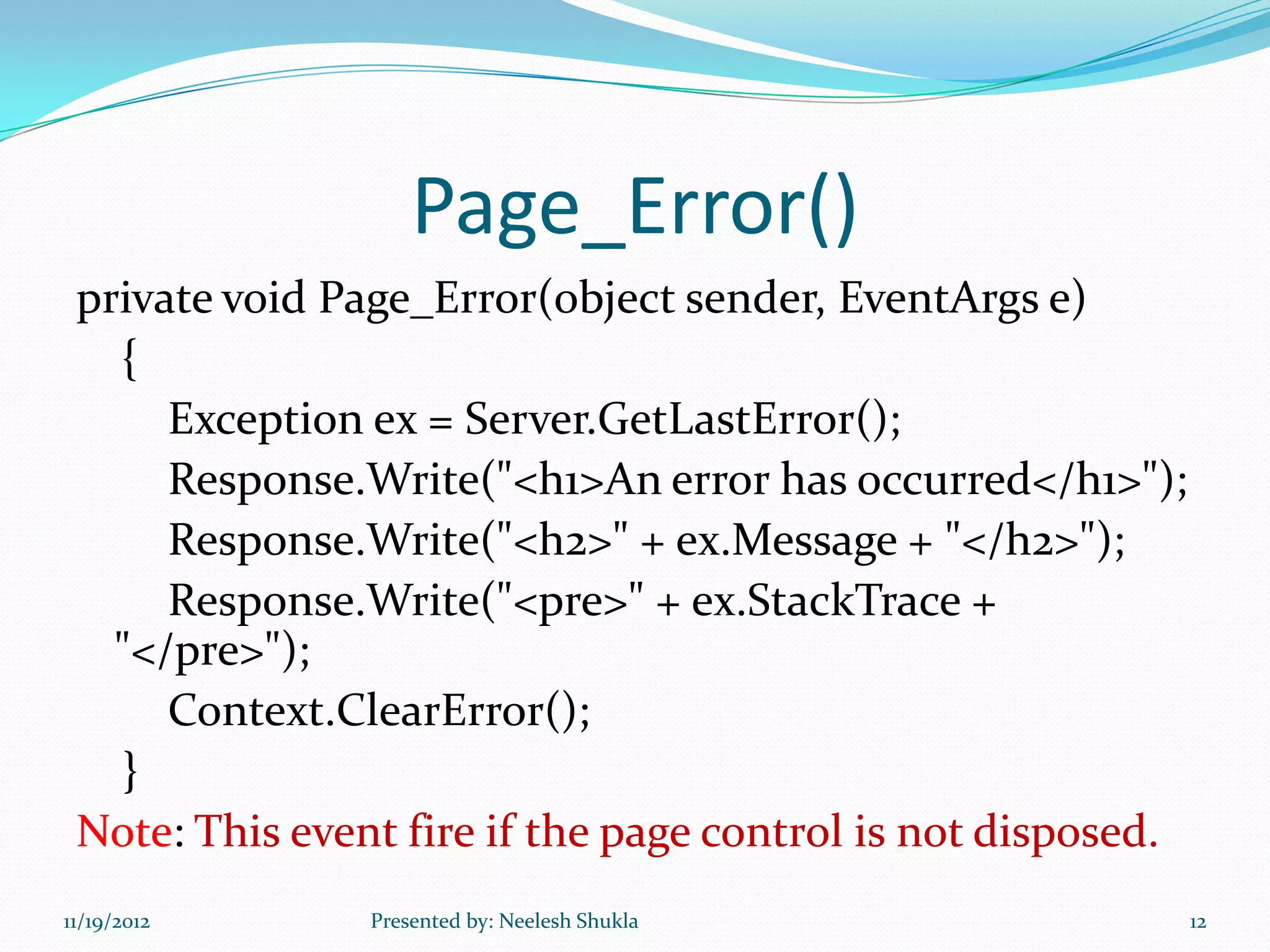
Page_Error()
 private void Page_Error(object sender, EventArgs e)
   {
      Exception ex = Server.GetLastError();
      Response.Write("<h1>An error has occurred</h1>");
      Response.Write("<h2>" + ex.Message + "</h2>");
      Response.Write("<pre>" + ex.StackTrace +
   "</pre>");
      Context.ClearError();
   }
 Note: This event fire if the page control is not disposed.
11/19/2012      Presented by: Neelesh Shukla                  12
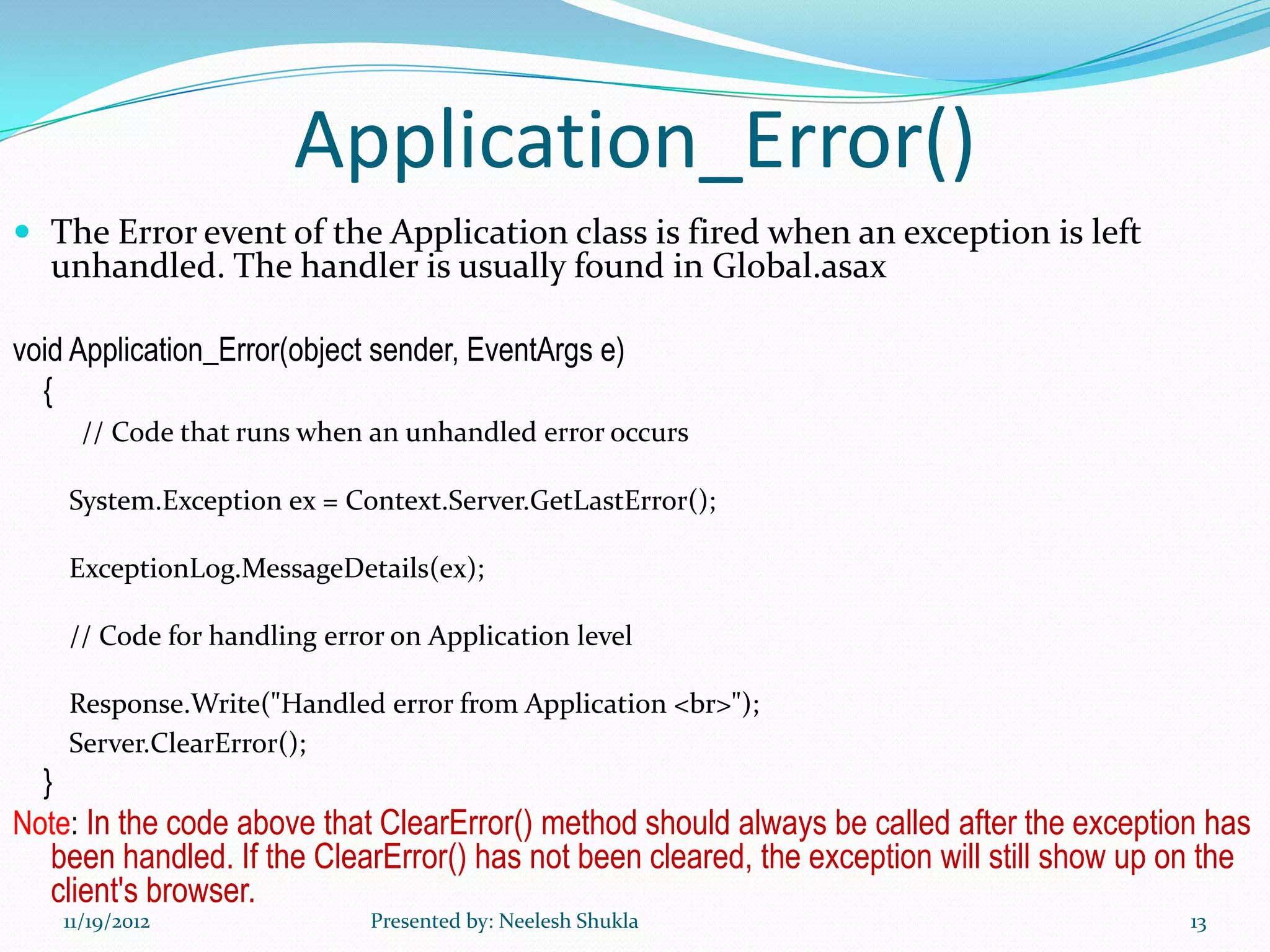
Application_Error()
 The Error event of the Application class is fired when an exception is left
   unhandled. The handler is usually found in Global.asax

void Application_Error(object sender, EventArgs e)
  {
      // Code that runs when an unhandled error occurs

    System.Exception ex = Context.Server.GetLastError();

    ExceptionLog.MessageDetails(ex);

    // Code for handling error on Application level

    Response.Write("Handled error from Application <br>");
    Server.ClearError();
  }
Note: In the code above that ClearError() method should always be called after the exception has
   been handled. If the ClearError() has not been cleared, the exception will still show up on the
   client's browser.
    11/19/2012               Presented by: Neelesh Shukla                                     13
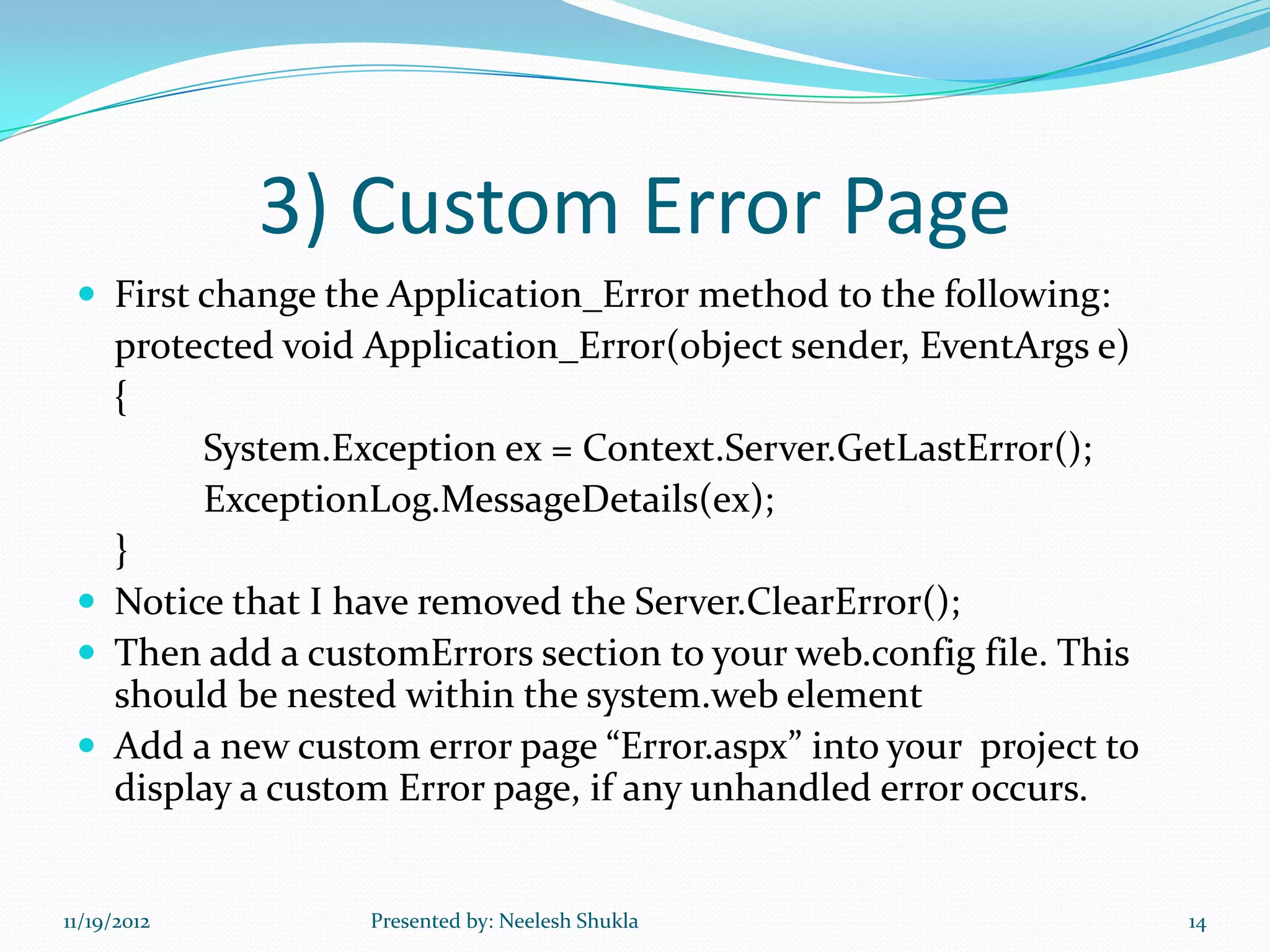
3) Custom Error Page
  First change the Application_Error method to the following:
   protected void Application_Error(object sender, EventArgs e)
   {
        System.Exception ex = Context.Server.GetLastError();
        ExceptionLog.MessageDetails(ex);
   }
  Notice that I have removed the Server.ClearError();
  Then add a customErrors section to your web.config file. This
   should be nested within the system.web element
  Add a new custom error page “Error.aspx” into your project to
   display a custom Error page, if any unhandled error occurs.


11/19/2012        Presented by: Neelesh Shukla                     14
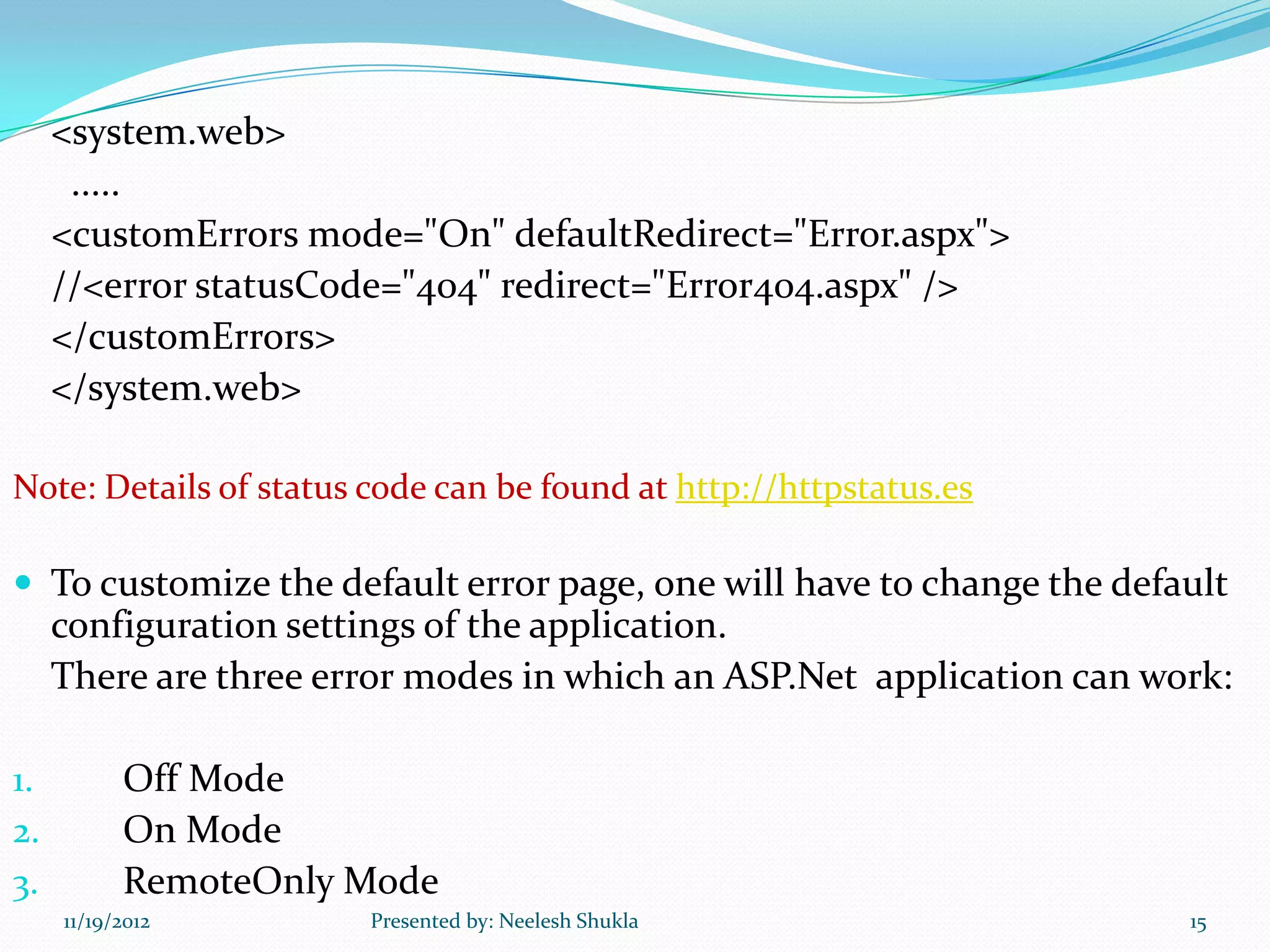
<system.web>
      .....
     <customErrors mode="On" defaultRedirect="Error.aspx">
     //<error statusCode="404" redirect="Error404.aspx" />
     </customErrors>
     </system.web>

Note: Details of status code can be found at http://httpstatus.es

 To customize the default error page, one will have to change the default
     configuration settings of the application.
     There are three error modes in which an ASP.Net application can work:

1.         Off Mode
2.         On Mode
3.         RemoteOnly Mode
     11/19/2012         Presented by: Neelesh Shukla                   15
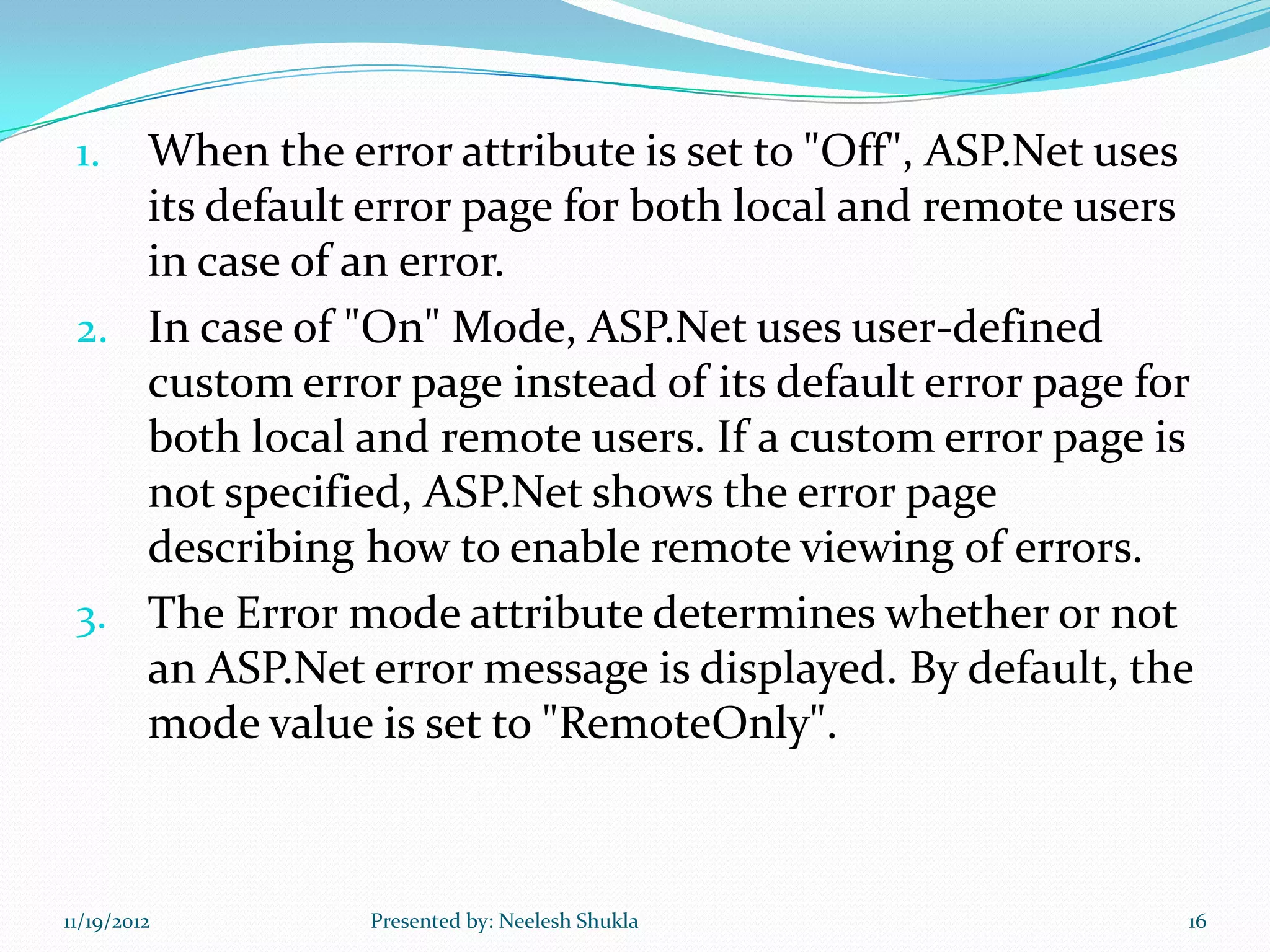
1. When the error attribute is set to "Off", ASP.Net uses
    its default error page for both local and remote users
    in case of an error.
 2. In case of "On" Mode, ASP.Net uses user-defined
    custom error page instead of its default error page for
    both local and remote users. If a custom error page is
    not specified, ASP.Net shows the error page
    describing how to enable remote viewing of errors.
 3. The Error mode attribute determines whether or not
    an ASP.Net error message is displayed. By default, the
    mode value is set to "RemoteOnly".


11/19/2012      Presented by: Neelesh Shukla              16
11/19/2012   Presented by: Neelesh Shukla   17

Exception handling in asp.net

  • 1.
    •Error occurred inexecution time •Abnormal termination of program • Wrong execution result 11/19/2012 Presented by: Neelesh Shukla 1
  • 2.
    Is it abest practice to handle every error?  No, it is not best practice to handle every error. It degrades the performance.  You should use Error Handling in any of following situation otherwise try to avoid it. 1. If you can able to recover error in the catch block 2. To write clean-up code that must execute even if an exception occur 3. To record the exception in event log or sending email. 11/19/2012 Presented by: Neelesh Shukla 2
  • 3.
    Exception Handling  There are three ways to handle exceptions/errors in ASP.NET  1) Try-Catch block. This is also called Structured Exception Handling (SEH).  2) Error Events. They are page level or application level error events.  3) Custom Error Page. This is used for any unhandled error. 11/19/2012 Presented by: Neelesh Shukla 3
  • 4.
    1) What istry Block?  Try Block consist of code that might generate error.  Try Block must be associated with one or more catch block or by finally block.  Try Block need not necessarily have a catch Block associated with it but in that case it must have a finally Block associate with it. 11/19/2012 Presented by: Neelesh Shukla 4
  • 5.
    What is catchBlock?  Catch Block is used to recover from error generated in try Block.  In case of multiple catch Block, only the first matching catch Block is executed.  When you write multiple catch block you need to arrange them from specific exception type to more generic type.  When no matching catch block are able to handle exception, the default behavior of web page is to terminate the processing of the web page. 11/19/2012 Presented by: Neelesh Shukla 5
  • 6.
    What is finallyBlock?  Finally Block contains the code that always executes, whether or not any exception occurs.  When to use finally Block? - You should use finally block to write cleanup code. i.e. you can write code to close files, database connections, etc.  Only One finally block is associated with try block.  Finally block must appear after all the catch block.  If there is a transfer control statement such as goto, break or continue in either try or catch block the transfer happens only after the code in the finally block is executed.  If you use transfer control statement in finally block, you will receive compile time error. 11/19/2012 Presented by: Neelesh Shukla 6
  • 7.
    Example of Try-Catch-Finally Try { -------- -------- -------- } Catch(Exception ex) { ------- ------- } Finally { ---- } 11/19/2012 Presented by: Neelesh Shukla 7
  • 8.
    System-Defined Exception DivideByZero Exception  NullReference Exception  IndexOutOfRange Exception  ArrayTypeMismatch Exception  Arithmetic Exception  Exception etc. 11/19/2012 Presented by: Neelesh Shukla 8
  • 9.
    Exception class objectproperties  Message: Get the error message.  Source: Set or get the name of the application or object that causes the exception.  StackTrace: Get a string representation of the frame on call stack at the time of current exception thrown.  TargetSite: Get the current method that throws exception.  InnerException: Get the system.exception instance that causes the current exception. 11/19/2012 Presented by: Neelesh Shukla 9
  • 10.
    In general, youwill not be able to plan for, catch and recover from every possible exception that could occur within a page. ASP.NET helps by offering two techniques to handle page-level errors :  Error Events  Custom Error Page. 11/19/2012 Presented by: Neelesh Shukla 10
  • 11.
    2)Error Events Theyare page level or application level error events:-  Page_Error()  Application_Error() 11/19/2012 Presented by: Neelesh Shukla 11
  • 12.
    Page_Error() private voidPage_Error(object sender, EventArgs e) { Exception ex = Server.GetLastError(); Response.Write("<h1>An error has occurred</h1>"); Response.Write("<h2>" + ex.Message + "</h2>"); Response.Write("<pre>" + ex.StackTrace + "</pre>"); Context.ClearError(); } Note: This event fire if the page control is not disposed. 11/19/2012 Presented by: Neelesh Shukla 12
  • 13.
    Application_Error()  The Errorevent of the Application class is fired when an exception is left unhandled. The handler is usually found in Global.asax void Application_Error(object sender, EventArgs e) { // Code that runs when an unhandled error occurs System.Exception ex = Context.Server.GetLastError(); ExceptionLog.MessageDetails(ex); // Code for handling error on Application level Response.Write("Handled error from Application <br>"); Server.ClearError(); } Note: In the code above that ClearError() method should always be called after the exception has been handled. If the ClearError() has not been cleared, the exception will still show up on the client's browser. 11/19/2012 Presented by: Neelesh Shukla 13
  • 14.
    3) Custom ErrorPage  First change the Application_Error method to the following: protected void Application_Error(object sender, EventArgs e) { System.Exception ex = Context.Server.GetLastError(); ExceptionLog.MessageDetails(ex); }  Notice that I have removed the Server.ClearError();  Then add a customErrors section to your web.config file. This should be nested within the system.web element  Add a new custom error page “Error.aspx” into your project to display a custom Error page, if any unhandled error occurs. 11/19/2012 Presented by: Neelesh Shukla 14
  • 15.
    <system.web> ..... <customErrors mode="On" defaultRedirect="Error.aspx"> //<error statusCode="404" redirect="Error404.aspx" /> </customErrors> </system.web> Note: Details of status code can be found at http://httpstatus.es  To customize the default error page, one will have to change the default configuration settings of the application. There are three error modes in which an ASP.Net application can work: 1. Off Mode 2. On Mode 3. RemoteOnly Mode 11/19/2012 Presented by: Neelesh Shukla 15
  • 16.
    1. When theerror attribute is set to "Off", ASP.Net uses its default error page for both local and remote users in case of an error. 2. In case of "On" Mode, ASP.Net uses user-defined custom error page instead of its default error page for both local and remote users. If a custom error page is not specified, ASP.Net shows the error page describing how to enable remote viewing of errors. 3. The Error mode attribute determines whether or not an ASP.Net error message is displayed. By default, the mode value is set to "RemoteOnly". 11/19/2012 Presented by: Neelesh Shukla 16
  • 17.
    11/19/2012 Presented by: Neelesh Shukla 17