

ERROR HANDLING IN
COCOA
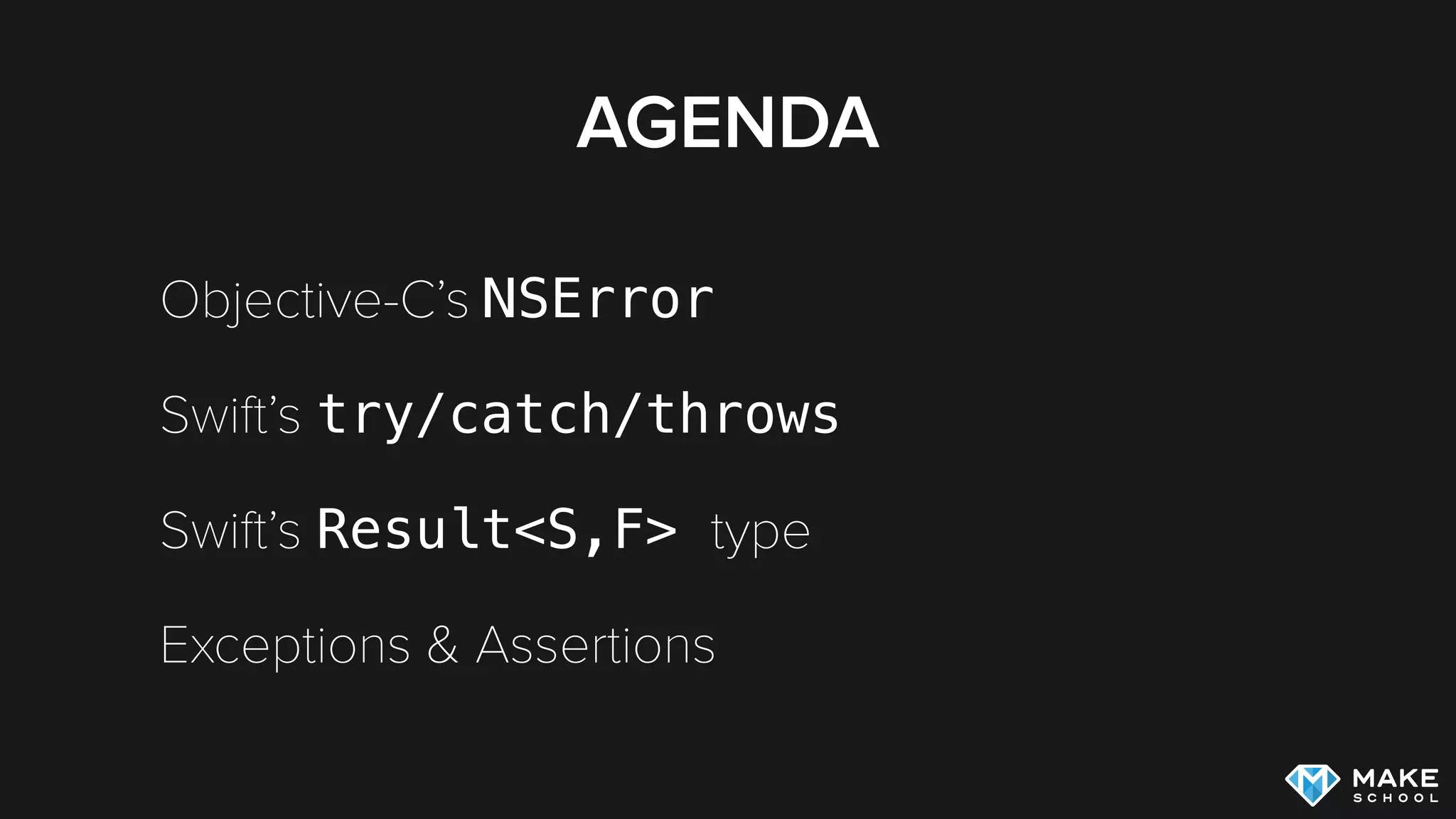
AGENDA
Objective-C’s NSError
Swift’s try/catch/throws
Swift’s Result<S,F> type
Exceptions & Assertions
OBJECTIVE-C ERROR
HANDLING
NSERROR IN OBJECTIVE-C
NSError *error = nil;
NSString *string = [NSString stringWithContentsOfFile:@"test.txt"
encoding:NSUTF8StringEncoding error:&error];
if (!string) {
NSLog(@"File could not be read!");
}
if (error) {
NSLog(@"%@", error.localizedDescription);
}
NSERROR IN OBJECTIVE-C
Return value is most relevant for checking
whether an operation was successful or not [1]
Methods can return errors, but still successfully
return a value
[1] Apple Error Handling Documentation
NSERROR IN OBJECTIVE-C…

…IN THE SAD REAL WORLD
NSString *string = [NSString stringWithContentsOfFile:@"test.txt"
encoding:NSUTF8StringEncoding error:nil];
SWIFT ERROR HANDLING
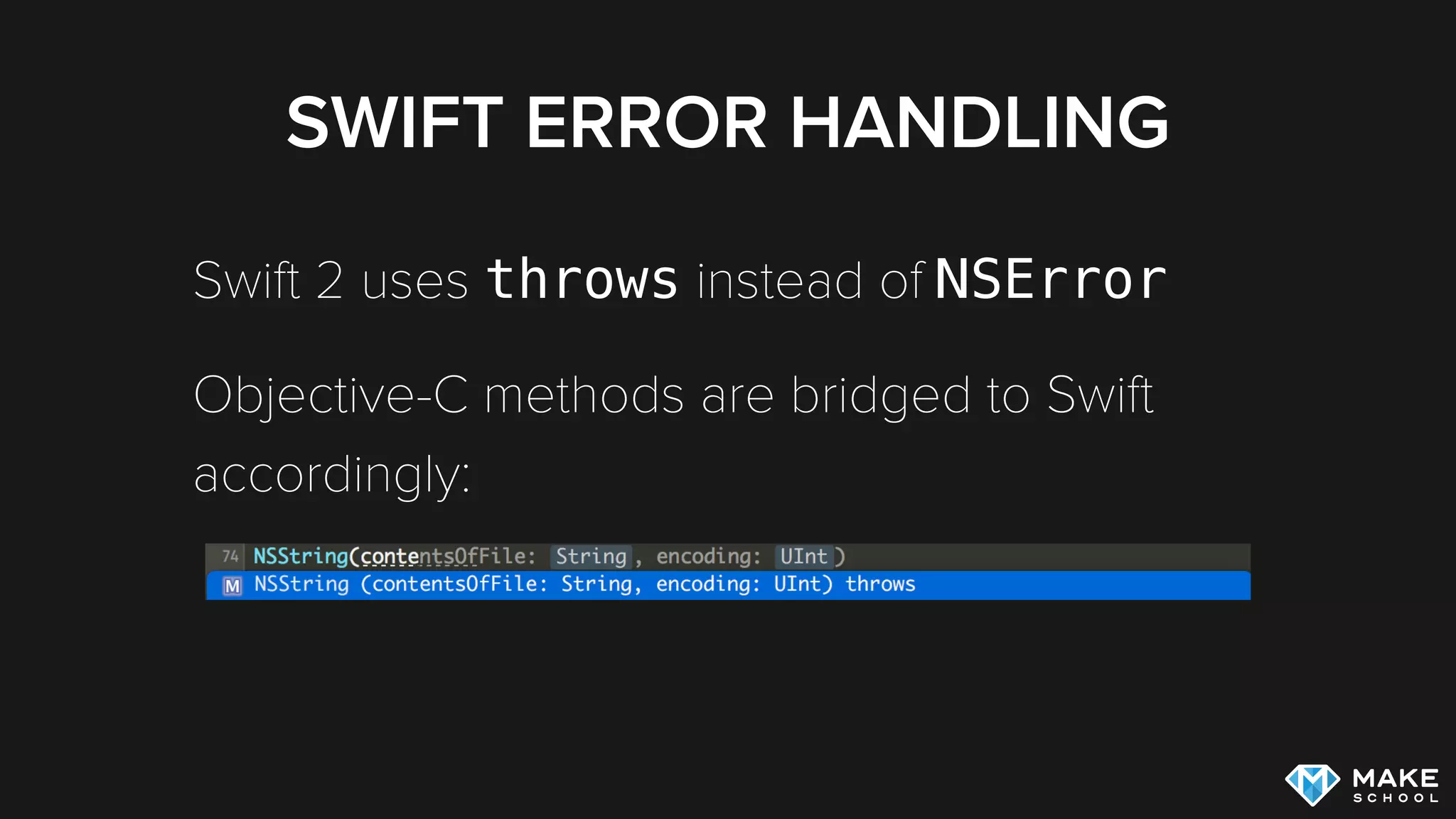
Swift 2 uses throws instead of NSError
Objective-C methods are bridged to Swift
accordingly:
CALLING THROWING
FUNCTIONS
You need to choose one of these 3 approaches:
handle the error with a do/catch block
Use forced-try: try!
propagate the error further up the call stack by
declaring calling function as throws
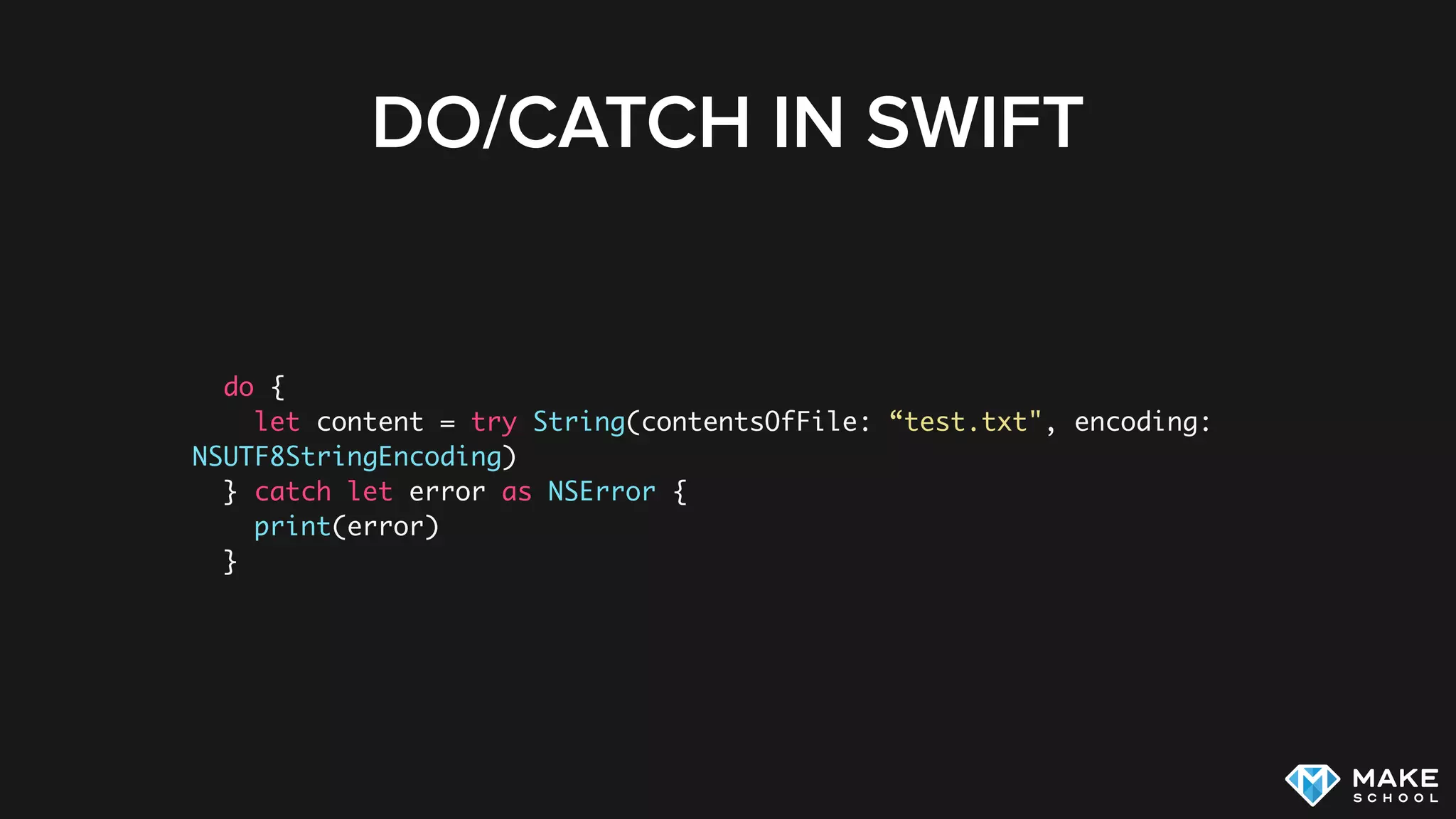
DO/CATCH IN SWIFT
do {
let content = try String(contentsOfFile: “test.txt", encoding:
NSUTF8StringEncoding)
} catch let error as NSError {
print(error)
}
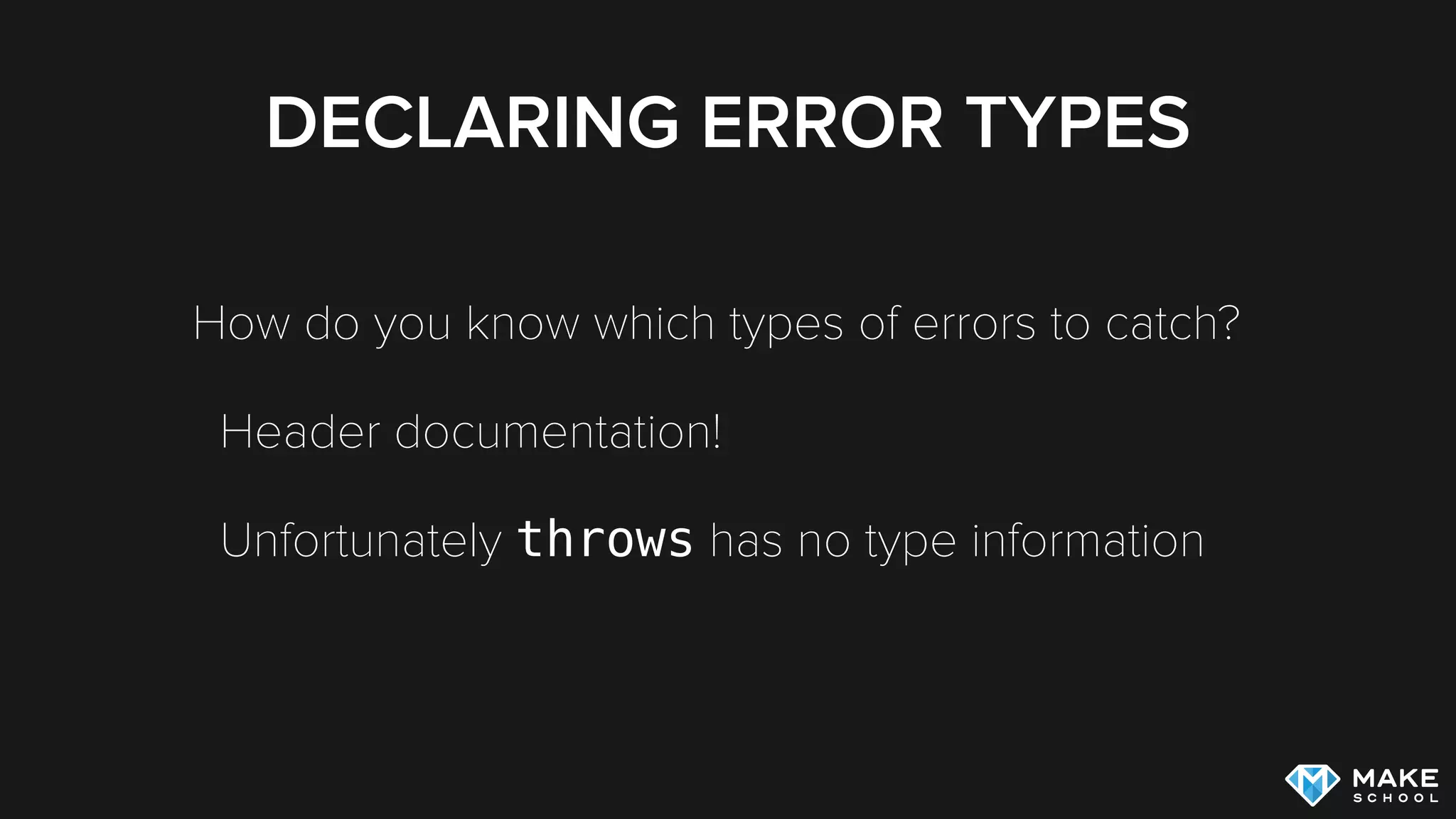
DECLARING ERROR TYPES
How do you know which types of errors to catch?
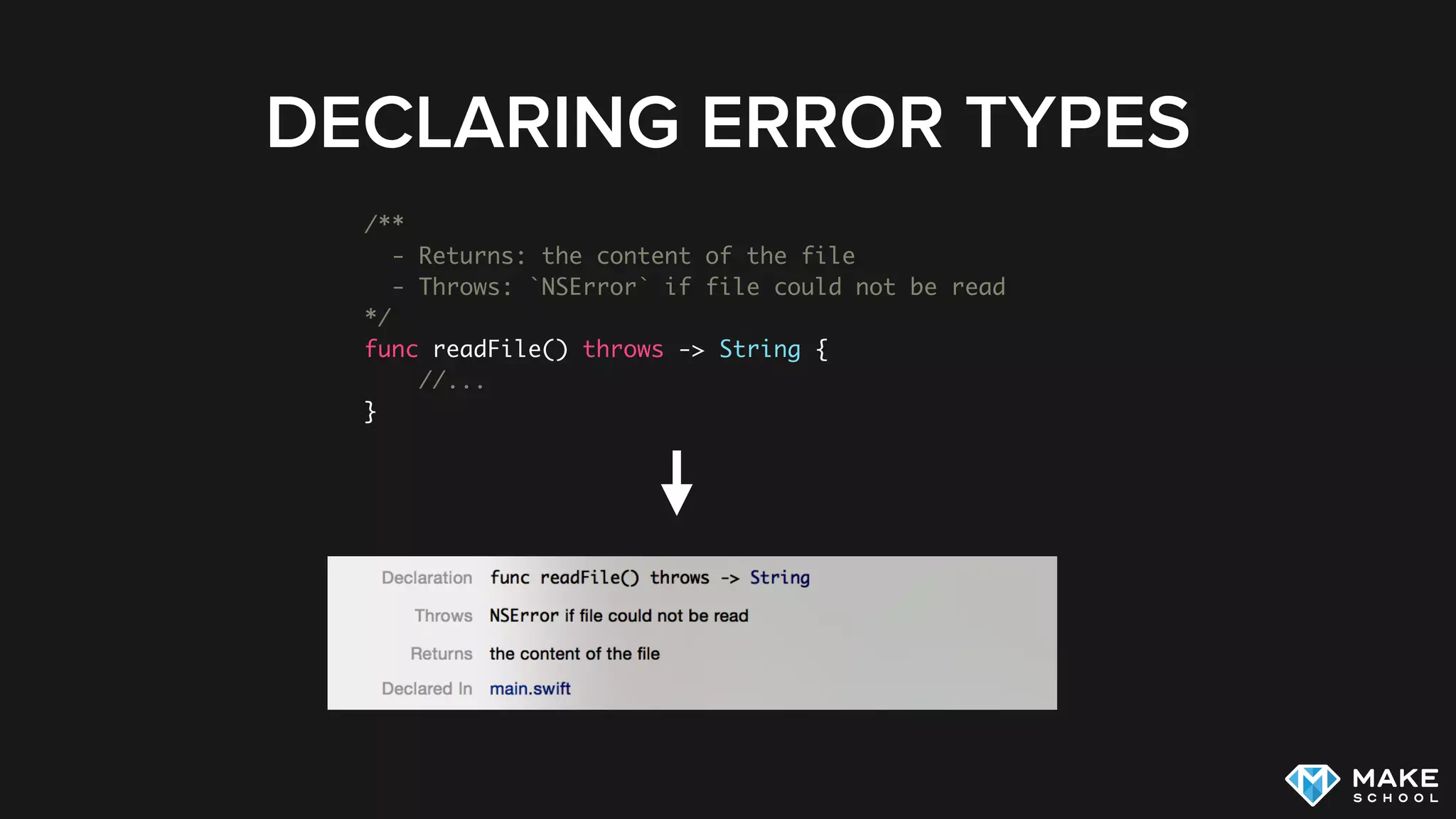
Header documentation!
Unfortunately throws has no type information
DECLARING ERROR TYPES
/**
- Returns: the content of the file
- Throws: `NSError` if file could not be read
*/
func readFile() throws -> String {
//...
}
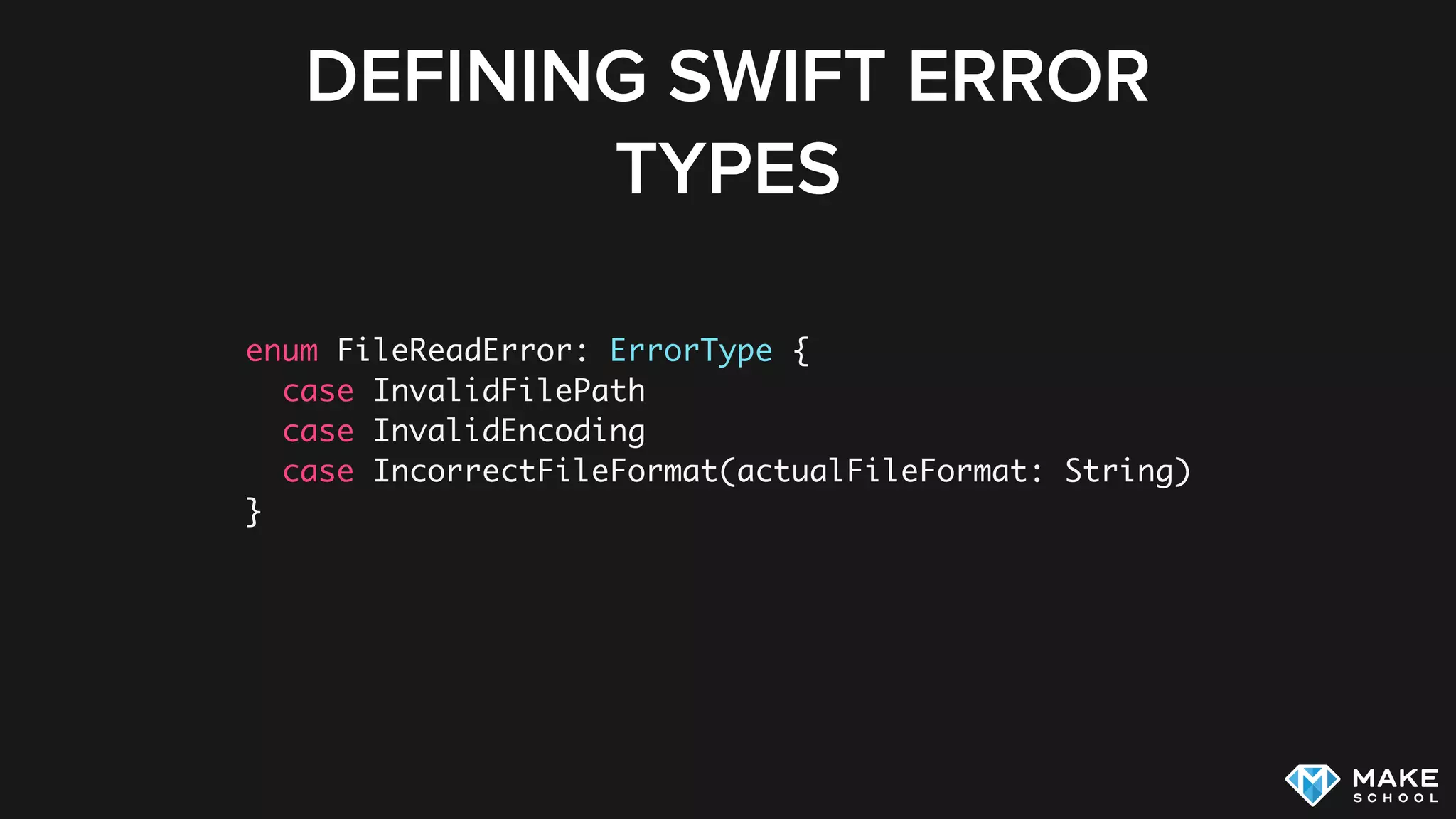
DEFINING SWIFT ERROR
TYPES
enum FileReadError: ErrorType {
case InvalidFilePath
case InvalidEncoding
case IncorrectFileFormat(actualFileFormat: String)
}
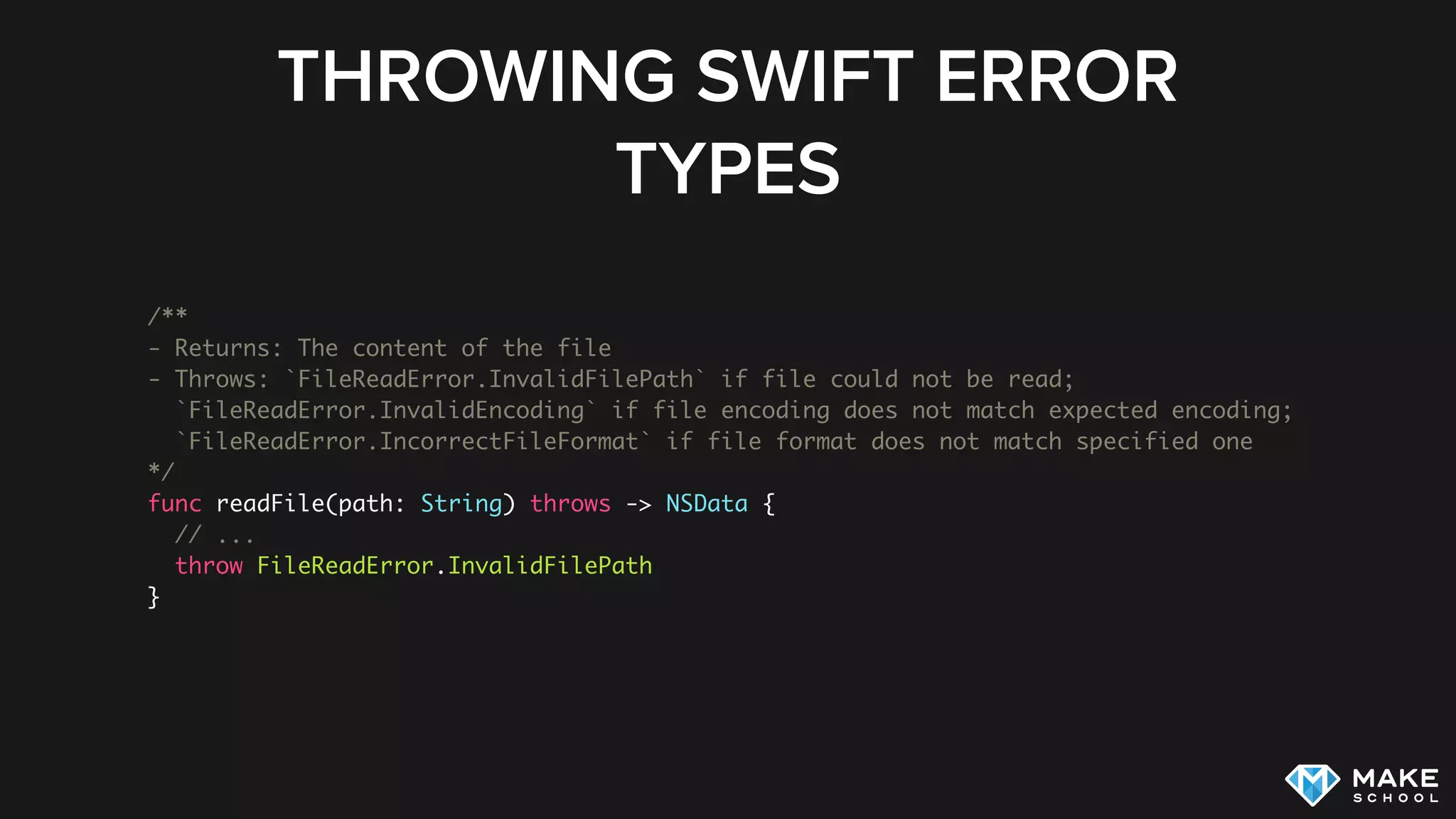
THROWING SWIFT ERROR
TYPES
/**
- Returns: The content of the file
- Throws: `FileReadError.InvalidFilePath` if file could not be read;
`FileReadError.InvalidEncoding` if file encoding does not match expected encoding;
`FileReadError.IncorrectFileFormat` if file format does not match specified one
*/
func readFile(path: String) throws -> NSData {
// ...
throw FileReadError.InvalidFilePath
}
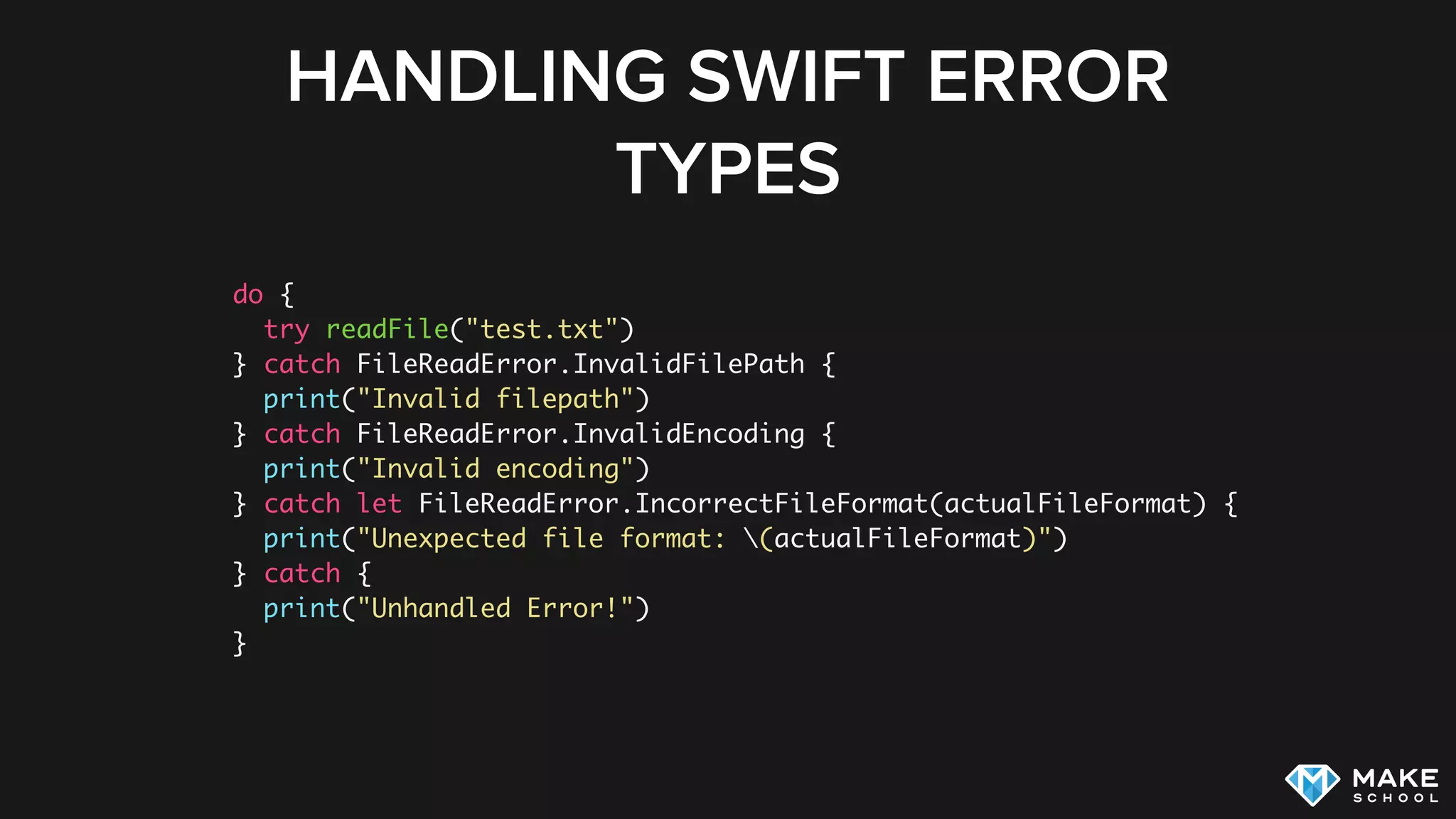
HANDLING SWIFT ERROR
TYPES
do {
try readFile("test.txt")
} catch FileReadError.InvalidFilePath {
print("Invalid filepath")
} catch FileReadError.InvalidEncoding {
print("Invalid encoding")
} catch let FileReadError.IncorrectFileFormat(actualFileFormat) {
print("Unexpected file format: (actualFileFormat)")
} catch {
print("Unhandled Error!")
}
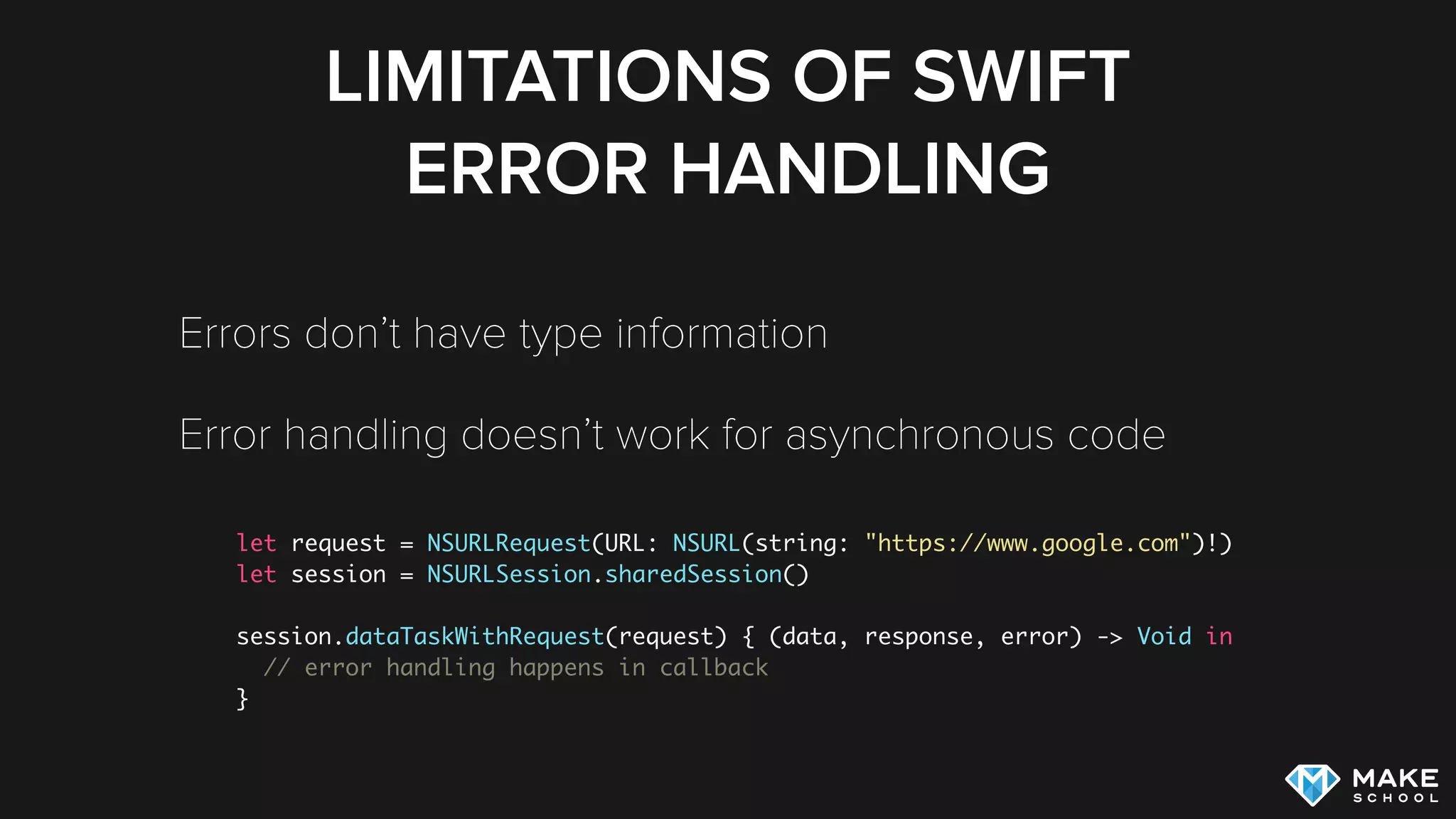
LIMITATIONS OF SWIFT
ERROR HANDLING
Errors don’t have type information
Error handling doesn’t work for asynchronous code
let request = NSURLRequest(URL: NSURL(string: "https://www.google.com")!)
let session = NSURLSession.sharedSession()
session.dataTaskWithRequest(request) { (data, response, error) -> Void in
// error handling happens in callback
}
RESULT TYPE
Result type can represent value or error depending on
result of operation. Popular Open Source
implementation: [2]
Can be used for synchronous and asynchronous code
func search(searchString: String) -> Result<Predictions, SearchError>
[2] https://github.com/antitypical/Result
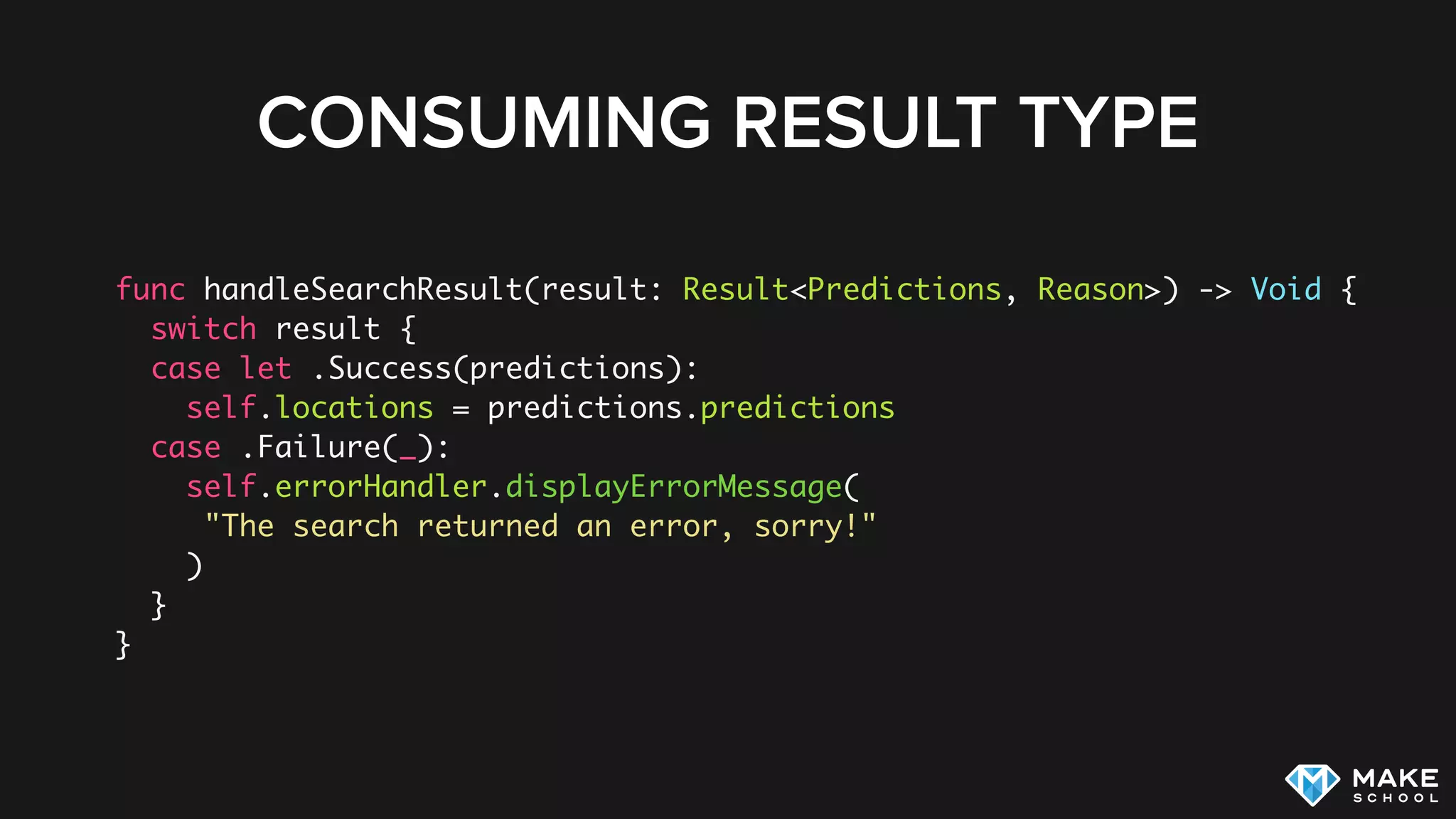
CONSUMING RESULT TYPE
func handleSearchResult(result: Result<Predictions, Reason>) -> Void {
switch result {
case let .Success(predictions):
self.locations = predictions.predictions
case .Failure(_):
self.errorHandler.displayErrorMessage(
"The search returned an error, sorry!"
)
}
}
PRODUCING RESULT TYPE
func fetchAllTrips(callback: Result<[JSONTrip], Reason> -> Void) {
// in case of success
var trips: [JSONTrip] = [/*...*/]
callback(.Success(trips))
// in case of error
var reason: Reason = .NoData
callback(.Failure(reason))
}
ASSERTIONS AND
EXCEPTIONS
EXCEPTIONS
Objective-C provides exceptions, Swift does not
Objective-C exceptions should not be caught, they are
not intended for error handling [1]
Exceptions are used to crash the app to make you
aware of a programming error
[1] Apple Error Handling Documentation
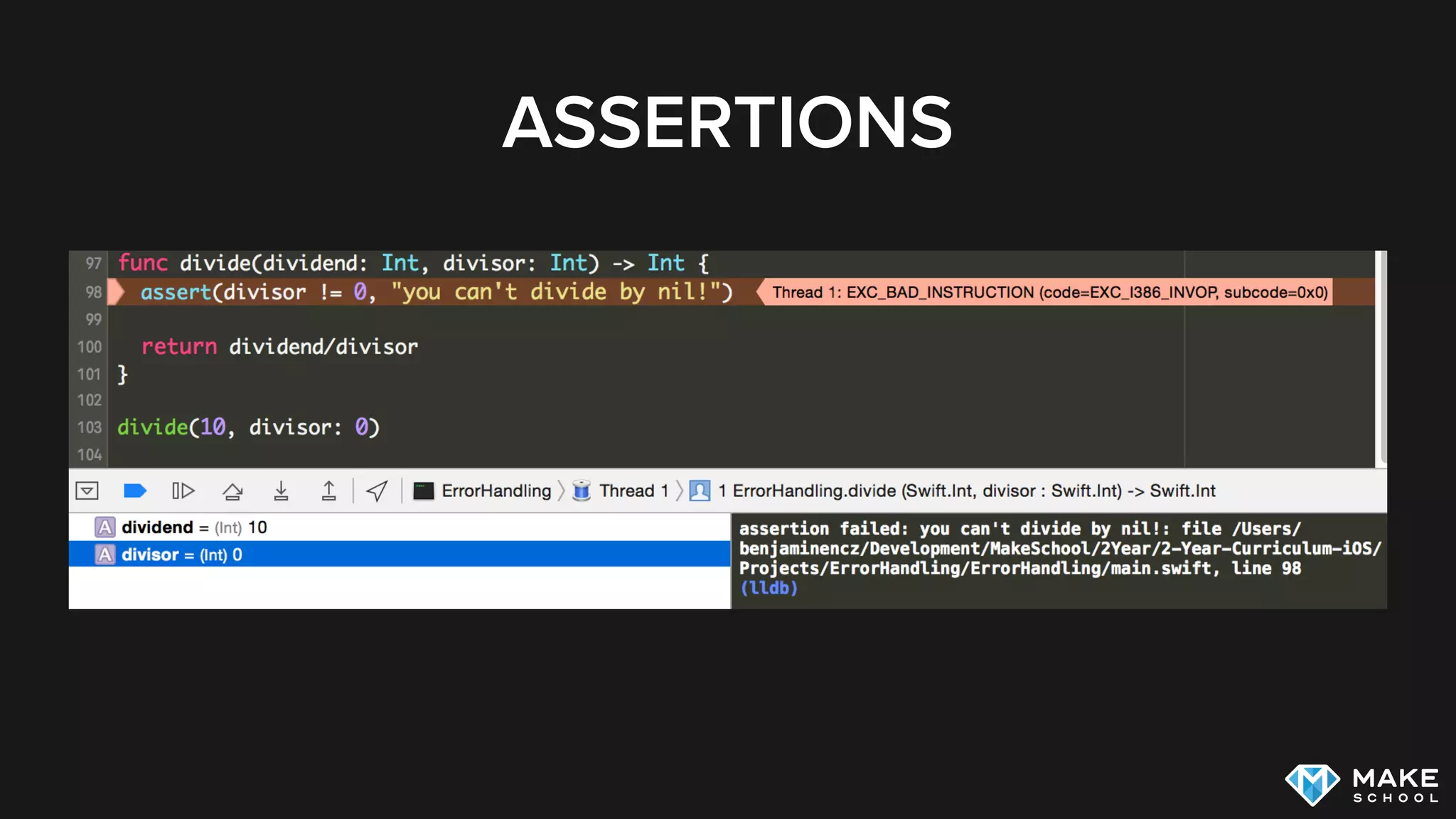
ASSERTIONS
Are used to state and verify assumptions
Typically only used at debug time
Objective-C: NSAssert…
Swift: assert, assertionFailure, 

fatalError,… [3]
[3] Swift asserts the missing manual
ASSERTIONS
SUMMARY
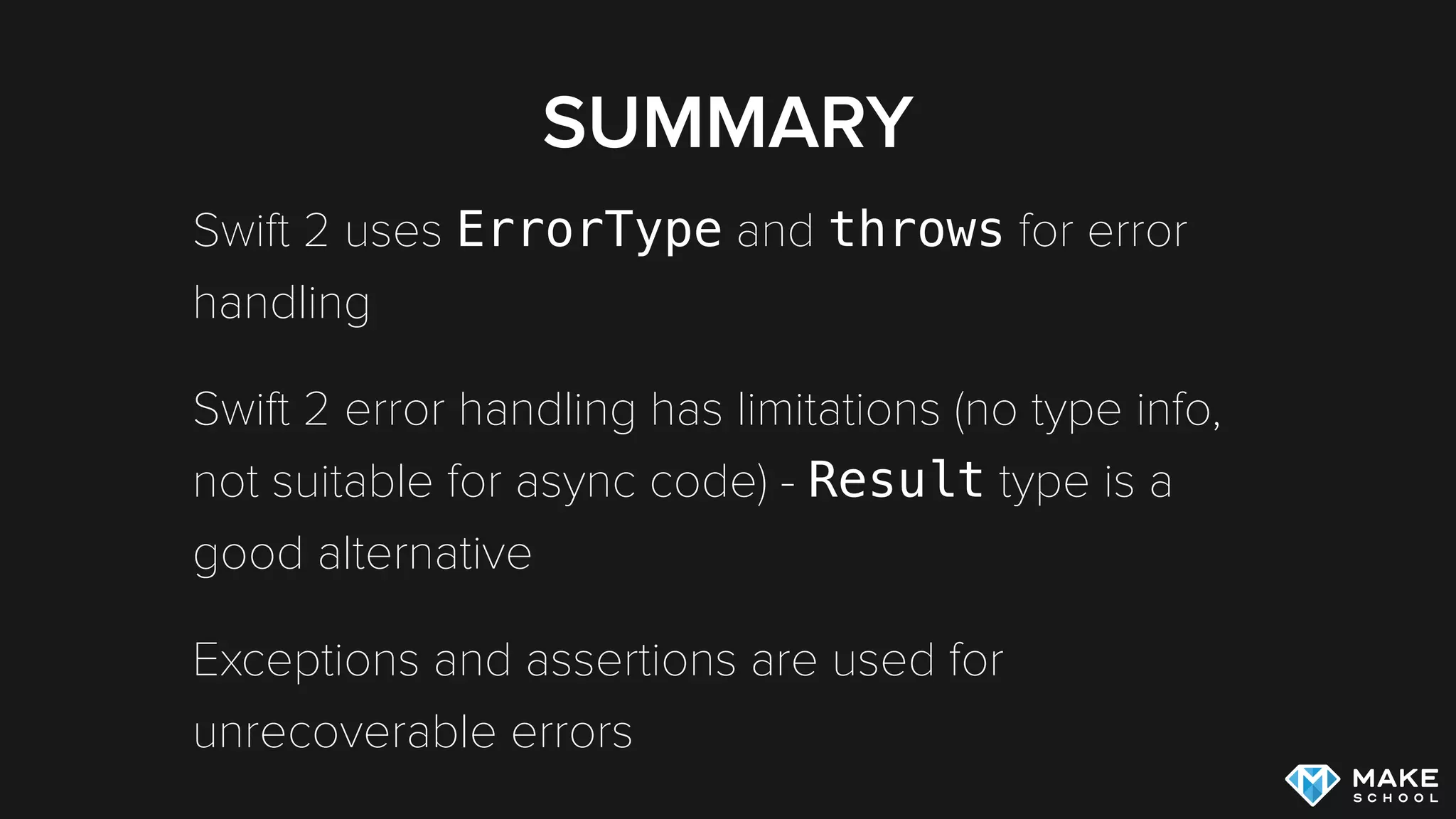
SUMMARY
Swift 2 uses ErrorType and throws for error
handling
Swift 2 error handling has limitations (no type info,
not suitable for async code) - Result type is a
good alternative
Exceptions and assertions are used for
unrecoverable errors
ADDITIONAL RESOURCES
WWDC 106: What’s new in Swift
Javi Soto: Swift Sync and Async Error
Handling
Benjamin Encz: Swift Error Handling and
Objective-C Interop in Depth

Error Handling in Swift

  • 2.
  • 3.
  • 4.
  • 5.
    NSERROR IN OBJECTIVE-C NSError*error = nil; NSString *string = [NSString stringWithContentsOfFile:@"test.txt" encoding:NSUTF8StringEncoding error:&error]; if (!string) { NSLog(@"File could not be read!"); } if (error) { NSLog(@"%@", error.localizedDescription); }
  • 6.
    NSERROR IN OBJECTIVE-C Returnvalue is most relevant for checking whether an operation was successful or not [1] Methods can return errors, but still successfully return a value [1] Apple Error Handling Documentation
  • 7.
    NSERROR IN OBJECTIVE-C…
 …INTHE SAD REAL WORLD NSString *string = [NSString stringWithContentsOfFile:@"test.txt" encoding:NSUTF8StringEncoding error:nil];
  • 8.
  • 9.
    SWIFT ERROR HANDLING Swift2 uses throws instead of NSError Objective-C methods are bridged to Swift accordingly:
  • 10.
    CALLING THROWING FUNCTIONS You needto choose one of these 3 approaches: handle the error with a do/catch block Use forced-try: try! propagate the error further up the call stack by declaring calling function as throws
  • 11.
    DO/CATCH IN SWIFT do{ let content = try String(contentsOfFile: “test.txt", encoding: NSUTF8StringEncoding) } catch let error as NSError { print(error) }
  • 12.
    DECLARING ERROR TYPES Howdo you know which types of errors to catch? Header documentation! Unfortunately throws has no type information
  • 13.
    DECLARING ERROR TYPES /** -Returns: the content of the file - Throws: `NSError` if file could not be read */ func readFile() throws -> String { //... }
  • 14.
    DEFINING SWIFT ERROR TYPES enumFileReadError: ErrorType { case InvalidFilePath case InvalidEncoding case IncorrectFileFormat(actualFileFormat: String) }
  • 15.
    THROWING SWIFT ERROR TYPES /** -Returns: The content of the file - Throws: `FileReadError.InvalidFilePath` if file could not be read; `FileReadError.InvalidEncoding` if file encoding does not match expected encoding; `FileReadError.IncorrectFileFormat` if file format does not match specified one */ func readFile(path: String) throws -> NSData { // ... throw FileReadError.InvalidFilePath }
  • 16.
    HANDLING SWIFT ERROR TYPES do{ try readFile("test.txt") } catch FileReadError.InvalidFilePath { print("Invalid filepath") } catch FileReadError.InvalidEncoding { print("Invalid encoding") } catch let FileReadError.IncorrectFileFormat(actualFileFormat) { print("Unexpected file format: (actualFileFormat)") } catch { print("Unhandled Error!") }
  • 17.
    LIMITATIONS OF SWIFT ERRORHANDLING Errors don’t have type information Error handling doesn’t work for asynchronous code let request = NSURLRequest(URL: NSURL(string: "https://www.google.com")!) let session = NSURLSession.sharedSession() session.dataTaskWithRequest(request) { (data, response, error) -> Void in // error handling happens in callback }
  • 18.
    RESULT TYPE Result typecan represent value or error depending on result of operation. Popular Open Source implementation: [2] Can be used for synchronous and asynchronous code func search(searchString: String) -> Result<Predictions, SearchError> [2] https://github.com/antitypical/Result
  • 19.
    CONSUMING RESULT TYPE funchandleSearchResult(result: Result<Predictions, Reason>) -> Void { switch result { case let .Success(predictions): self.locations = predictions.predictions case .Failure(_): self.errorHandler.displayErrorMessage( "The search returned an error, sorry!" ) } }
  • 20.
    PRODUCING RESULT TYPE funcfetchAllTrips(callback: Result<[JSONTrip], Reason> -> Void) { // in case of success var trips: [JSONTrip] = [/*...*/] callback(.Success(trips)) // in case of error var reason: Reason = .NoData callback(.Failure(reason)) }
  • 21.
  • 22.
    EXCEPTIONS Objective-C provides exceptions,Swift does not Objective-C exceptions should not be caught, they are not intended for error handling [1] Exceptions are used to crash the app to make you aware of a programming error [1] Apple Error Handling Documentation
  • 23.
    ASSERTIONS Are used tostate and verify assumptions Typically only used at debug time Objective-C: NSAssert… Swift: assert, assertionFailure, 
 fatalError,… [3] [3] Swift asserts the missing manual
  • 24.
  • 25.
  • 26.
    SUMMARY Swift 2 usesErrorType and throws for error handling Swift 2 error handling has limitations (no type info, not suitable for async code) - Result type is a good alternative Exceptions and assertions are used for unrecoverable errors
  • 27.
  • 28.
    ADDITIONAL RESOURCES WWDC 106:What’s new in Swift Javi Soto: Swift Sync and Async Error Handling Benjamin Encz: Swift Error Handling and Objective-C Interop in Depth