Effective Presentations Skills
Definitions
Presentation
“Something set forth to an audience for the
attention of the mind “
Effective
“…producing a desired result”
Source: http://www.merriam-webster.com
Types of presentation
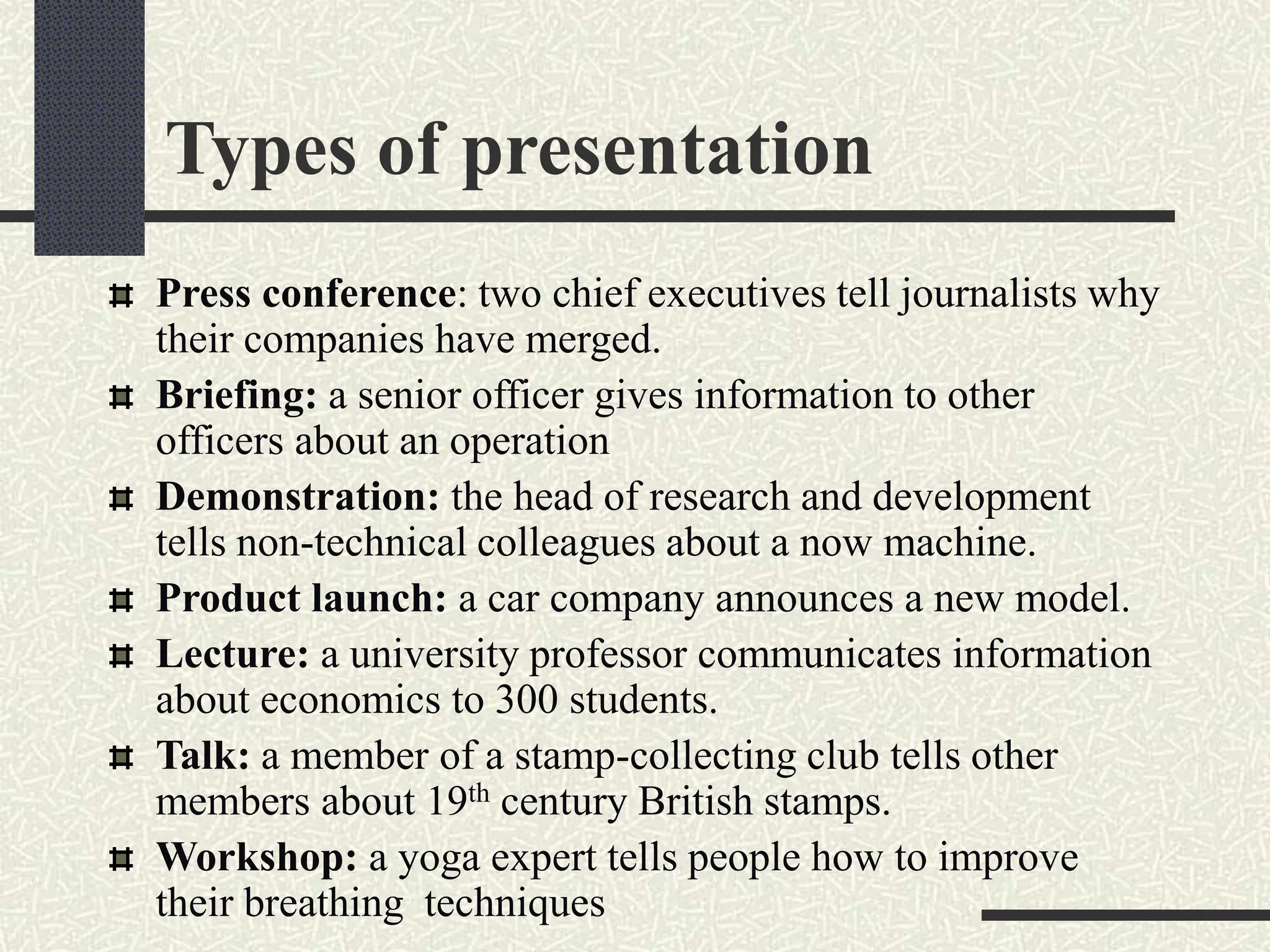
Press conference: two chief executives tell journalists why
their companies have merged.
Briefing: a senior officer gives information to other
officers about an operation
Demonstration: the head of research and development
tells non-technical colleagues about a now machine.
Product launch: a car company announces a new model.
Lecture: a university professor communicates information
about economics to 300 students.
Talk: a member of a stamp-collecting club tells other
members about 19th century British stamps.
Workshop: a yoga expert tells people how to improve
their breathing techniques
“Great speakers aren’t born, they
are trained.”
Presenting is a Skill…
Developed through experience
and training.
The presenter
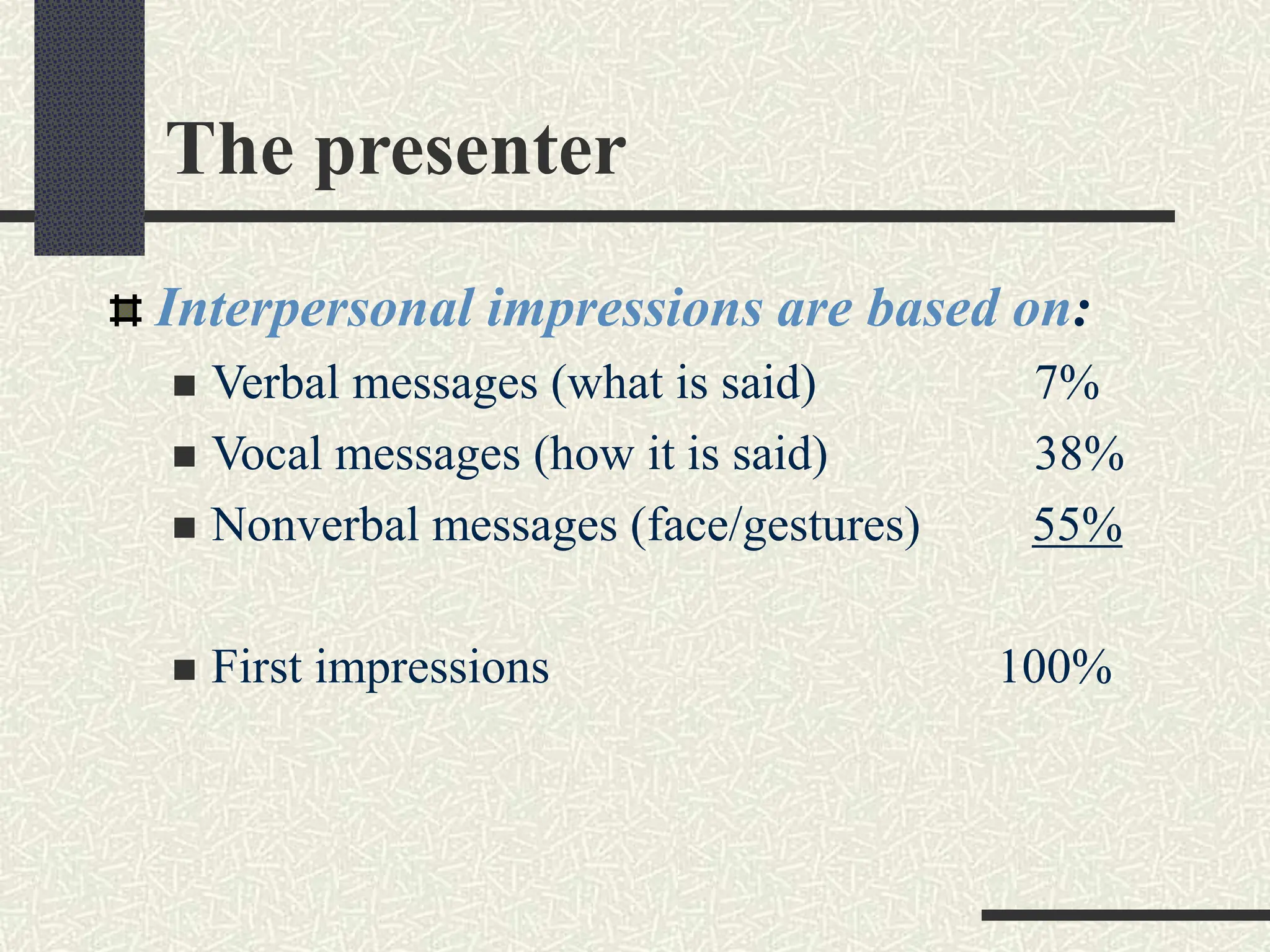
Interpersonal impressions are based on:
 Verbal messages (what is said) 7%
 Vocal messages (how it is said) 38%
 Nonverbal messages (face/gestures) 55%
 First impressions 100%
Presentation strategy
DON’T dive right into the content of
your presentation!
That’s like saying
READY……… FIRE!
Without taking AIM first!
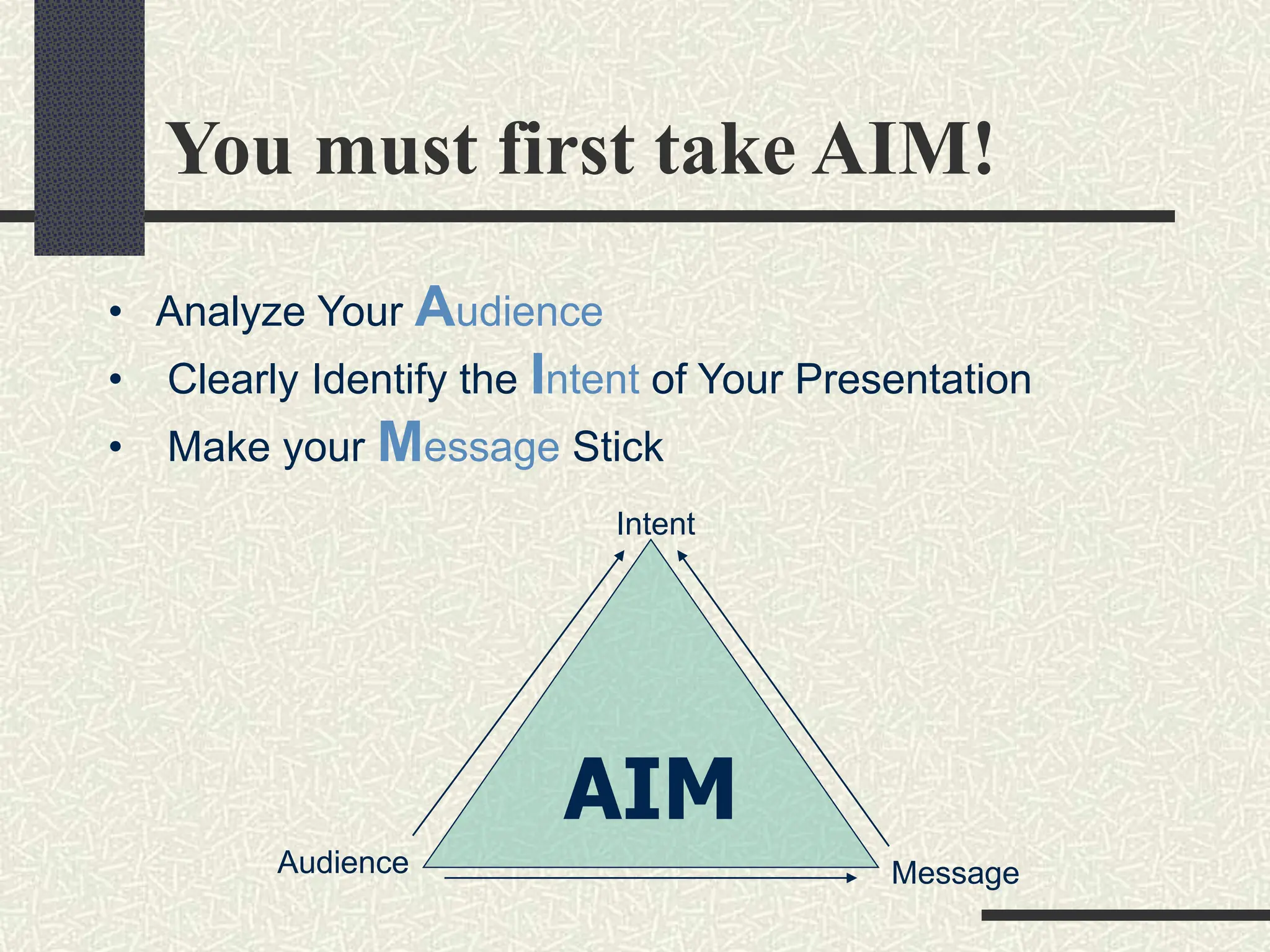
You must first take AIM!
• Analyze Your Audience
• Clearly Identify the Intent of Your Presentation
• Make your Message Stick
AIM
Message
Audience
Intent
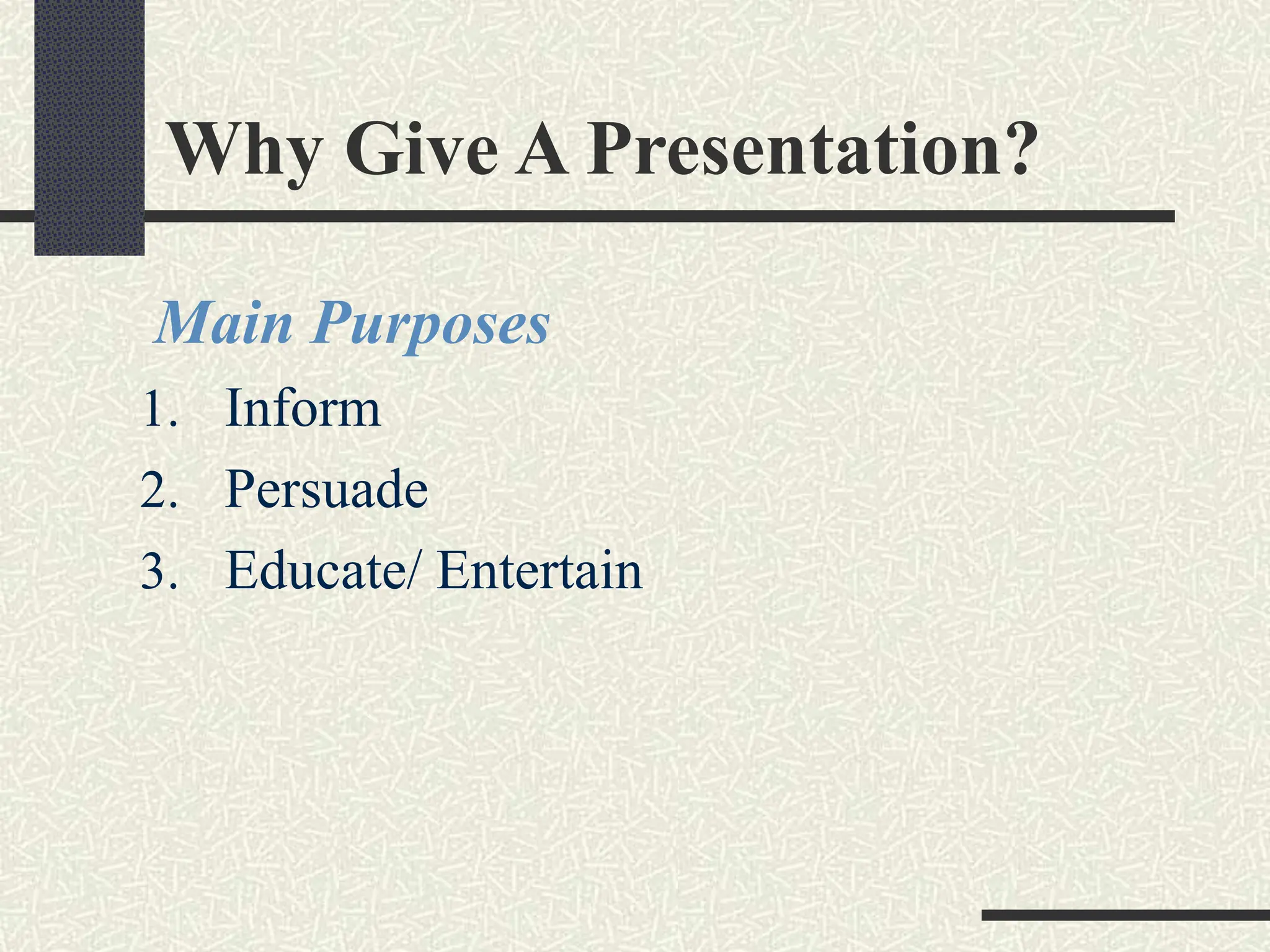
Why Give A Presentation?
Main Purposes
1. Inform
2. Persuade
3. Educate/ Entertain
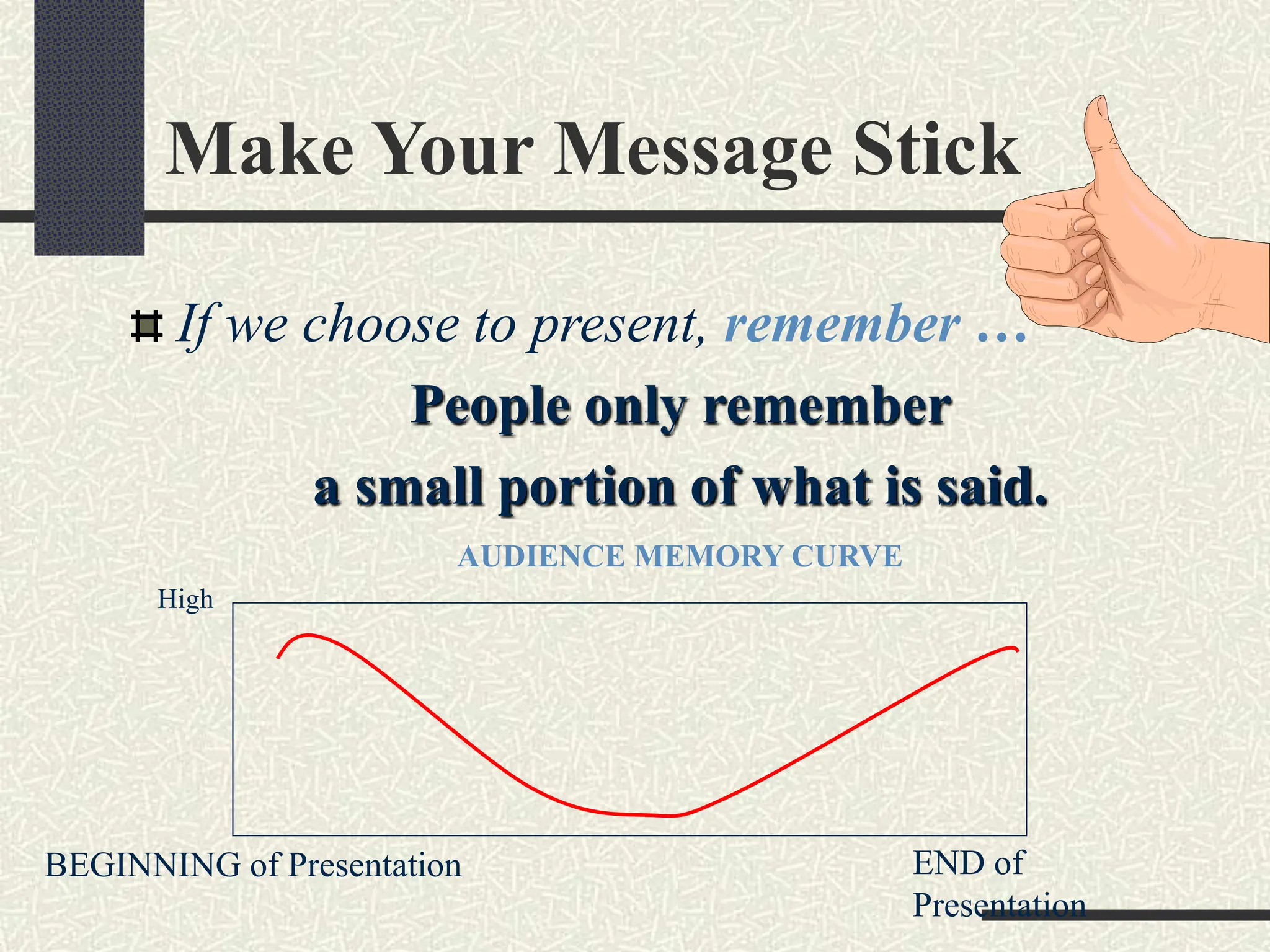
Make Your Message Stick
If we choose to present, remember …
People only remember
a small portion of what is said.
AUDIENCE MEMORY CURVE
High
BEGINNING of Presentation END of
Presentation
Make Your Message Stick
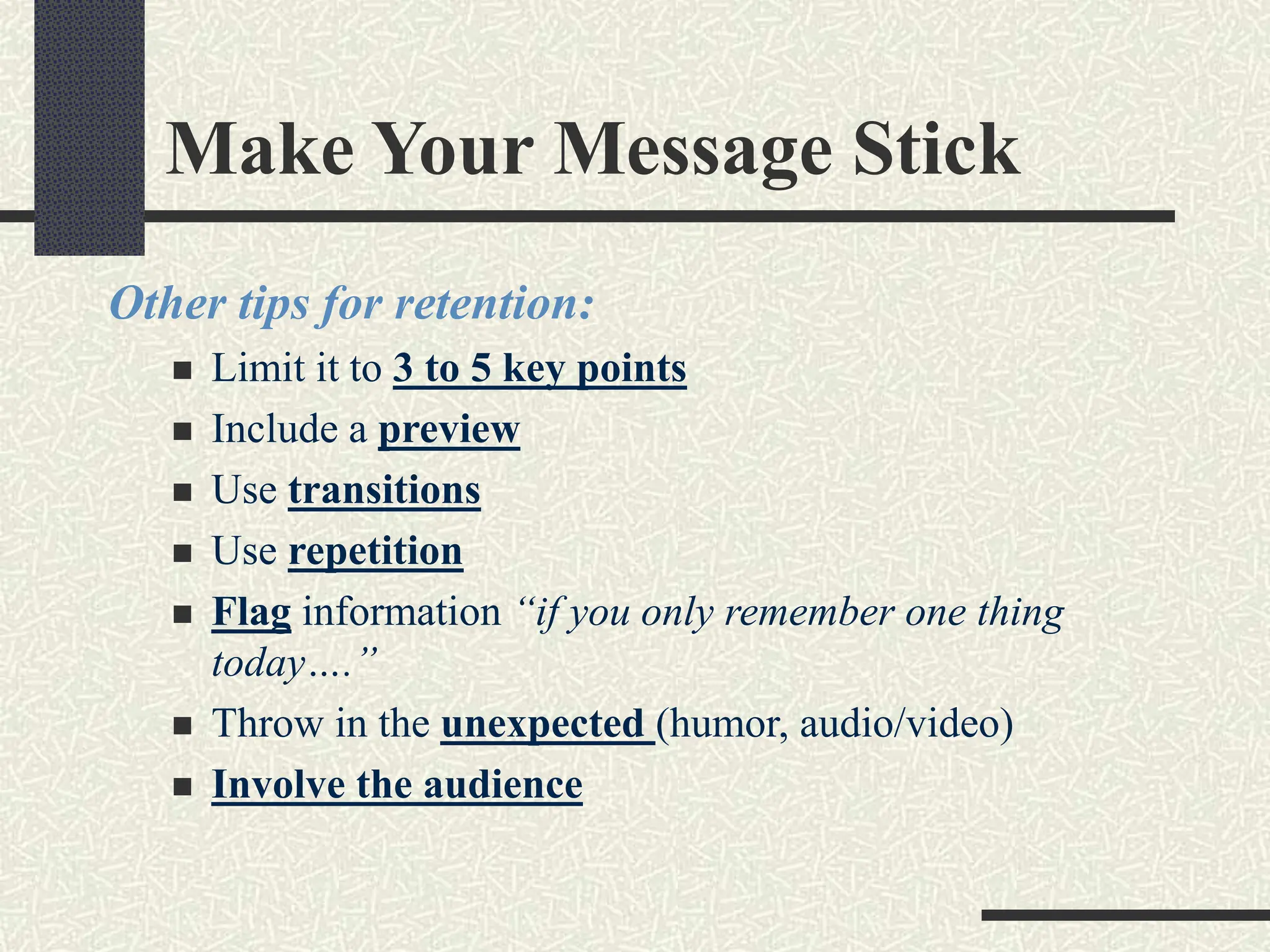
Other tips for retention:
 Limit it to 3 to 5 key points
 Include a preview
 Use transitions
 Use repetition
 Flag information “if you only remember one thing
today….”
 Throw in the unexpected (humor, audio/video)
 Involve the audience
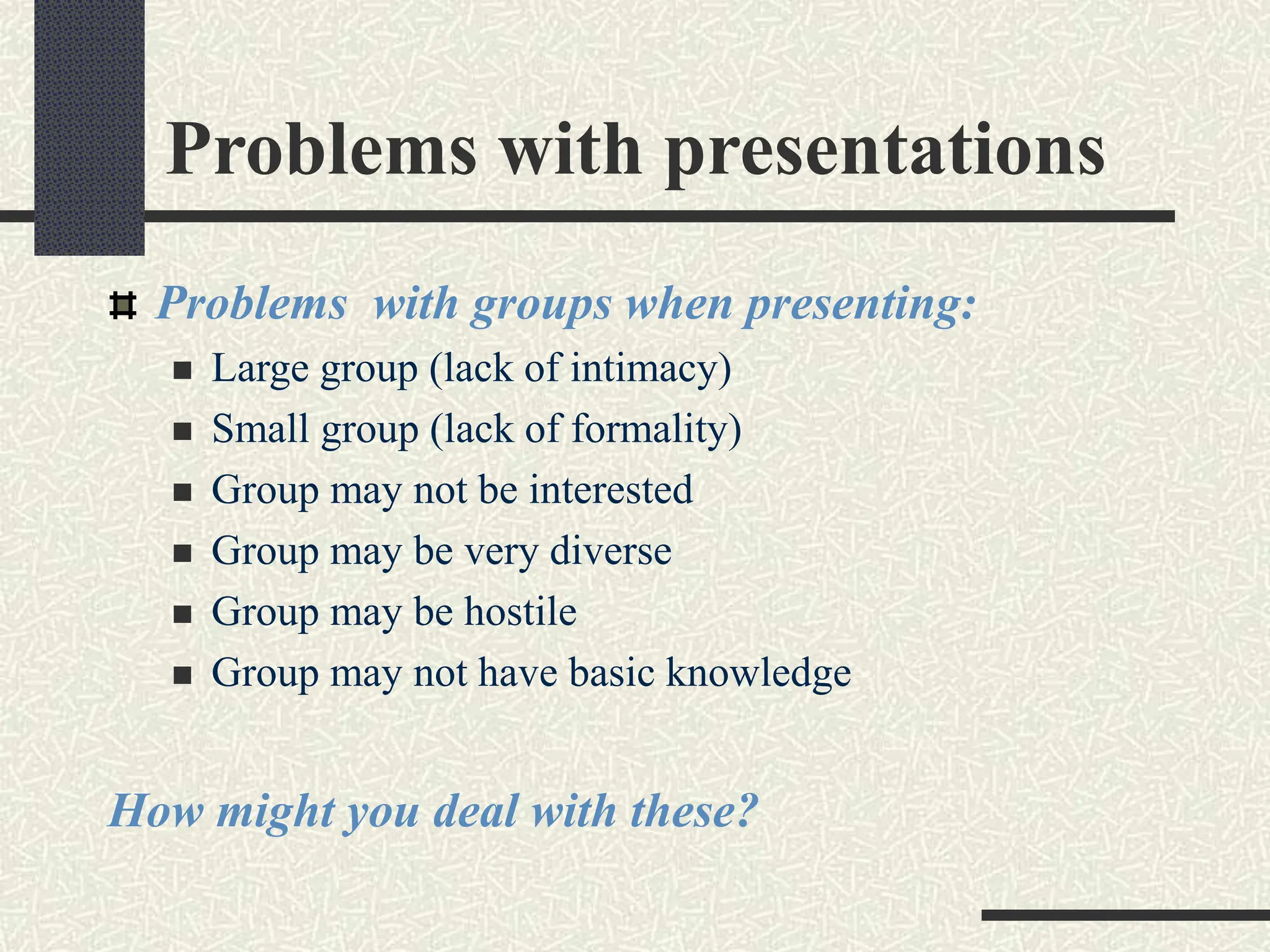
Problems with presentations
Problems with groups when presenting:
 Large group (lack of intimacy)
 Small group (lack of formality)
 Group may not be interested
 Group may be very diverse
 Group may be hostile
 Group may not have basic knowledge
How might you deal with these?
Effective Presentations
Are when…
Anxiety is under control
Audience Centered
Accomplishes Objective
Fun For Audience
Fun For You
Conducted Within Time Frame
Organizing Your Presentation
Organizational Patterns
Topical
Chronological
Problem/Solution
Cause/Effect
More Planning
Organization
 Determine Main Points (2-5)
 Evidence
 Transitions
 Prepare Outline
Presentation Outline
Keyword Reminders
Conversational Flow
Flexibility
More Responsive to Audience
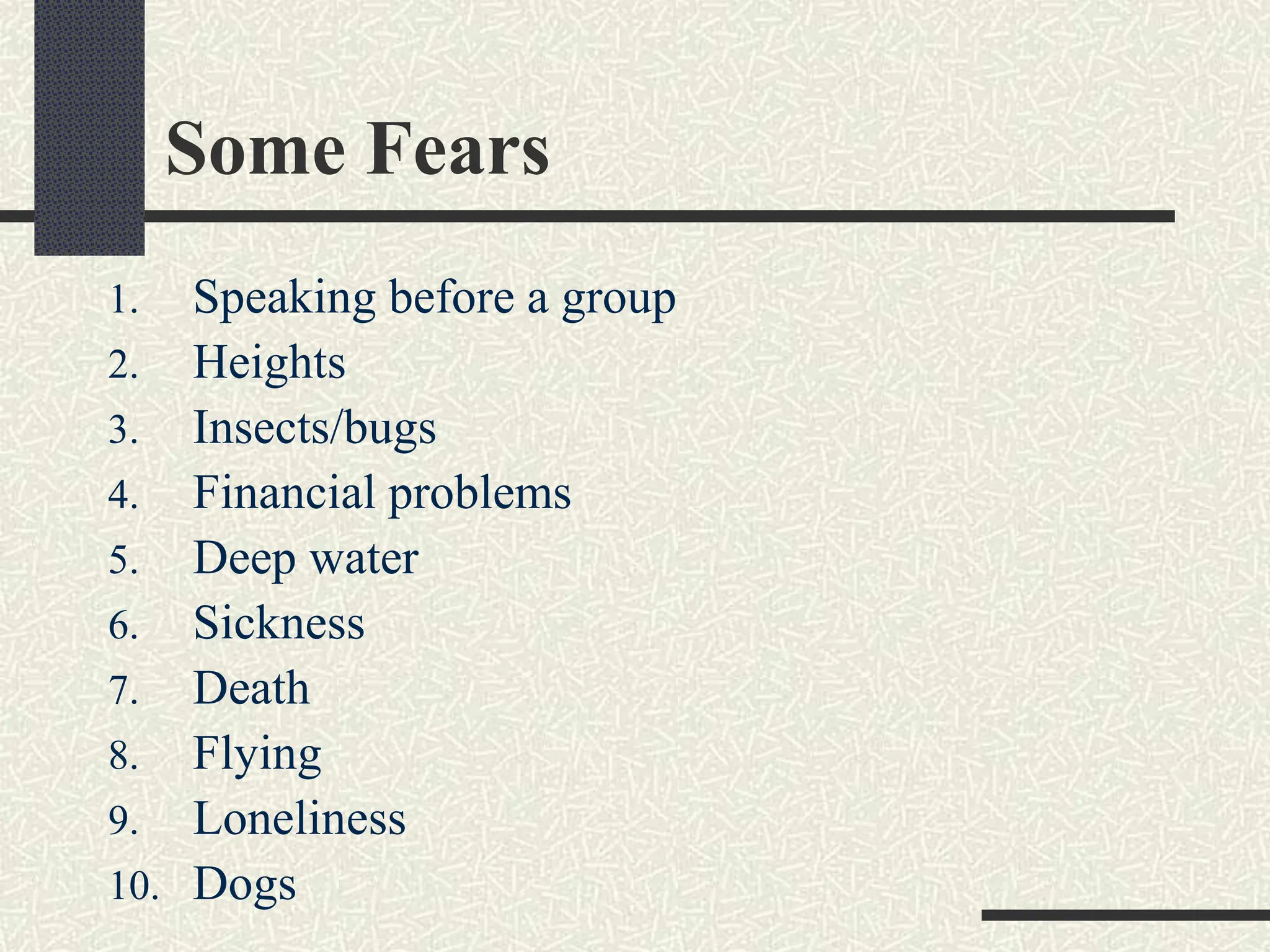
Ten Worst Fears
Some Fears
1. Speaking before a group
2. Heights
3. Insects/bugs
4. Financial problems
5. Deep water
6. Sickness
7. Death
8. Flying
9. Loneliness
10. Dogs
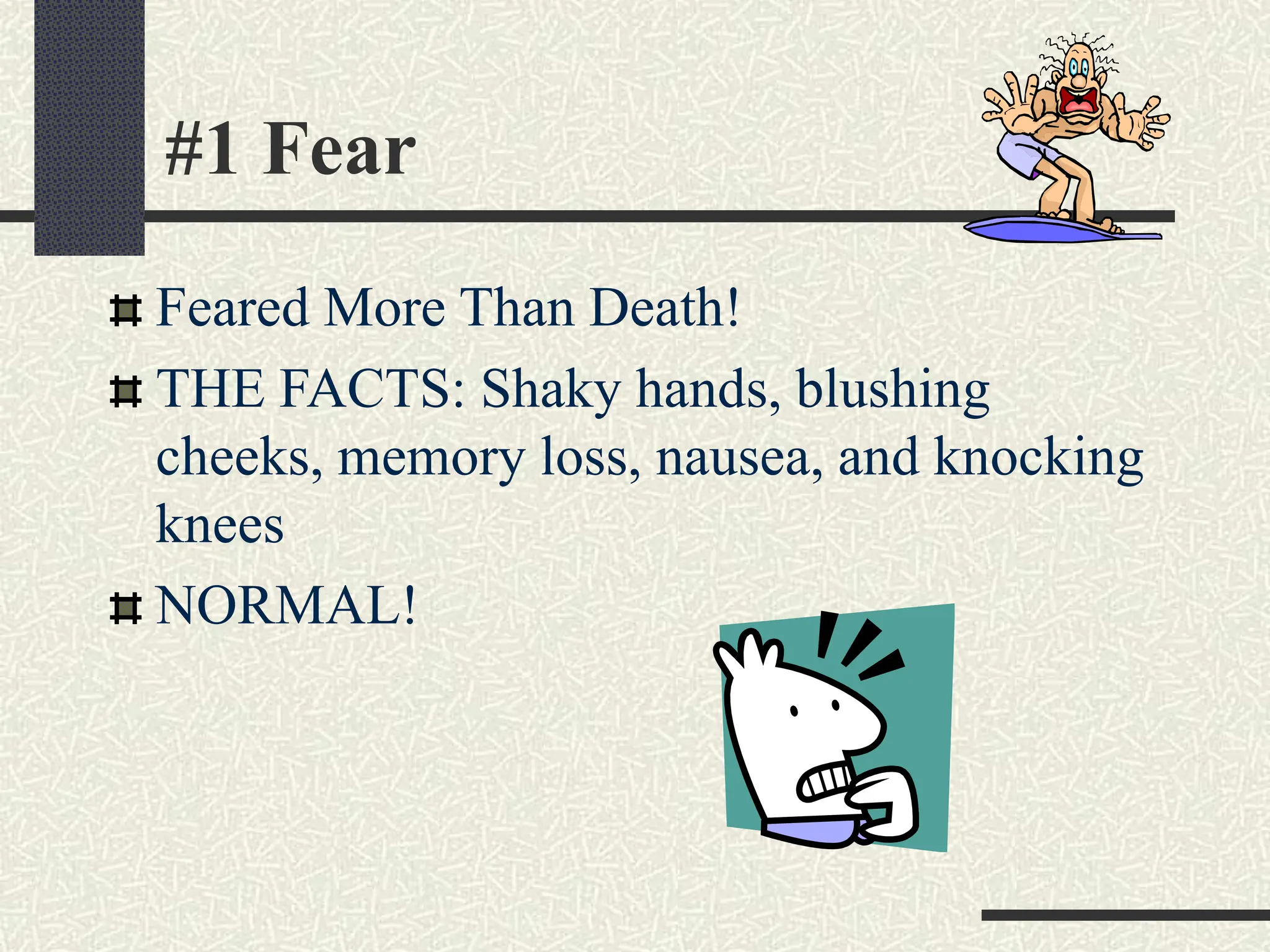
#1 Fear
Feared More Than Death!
THE FACTS: Shaky hands, blushing
cheeks, memory loss, nausea, and knocking
knees
NORMAL!
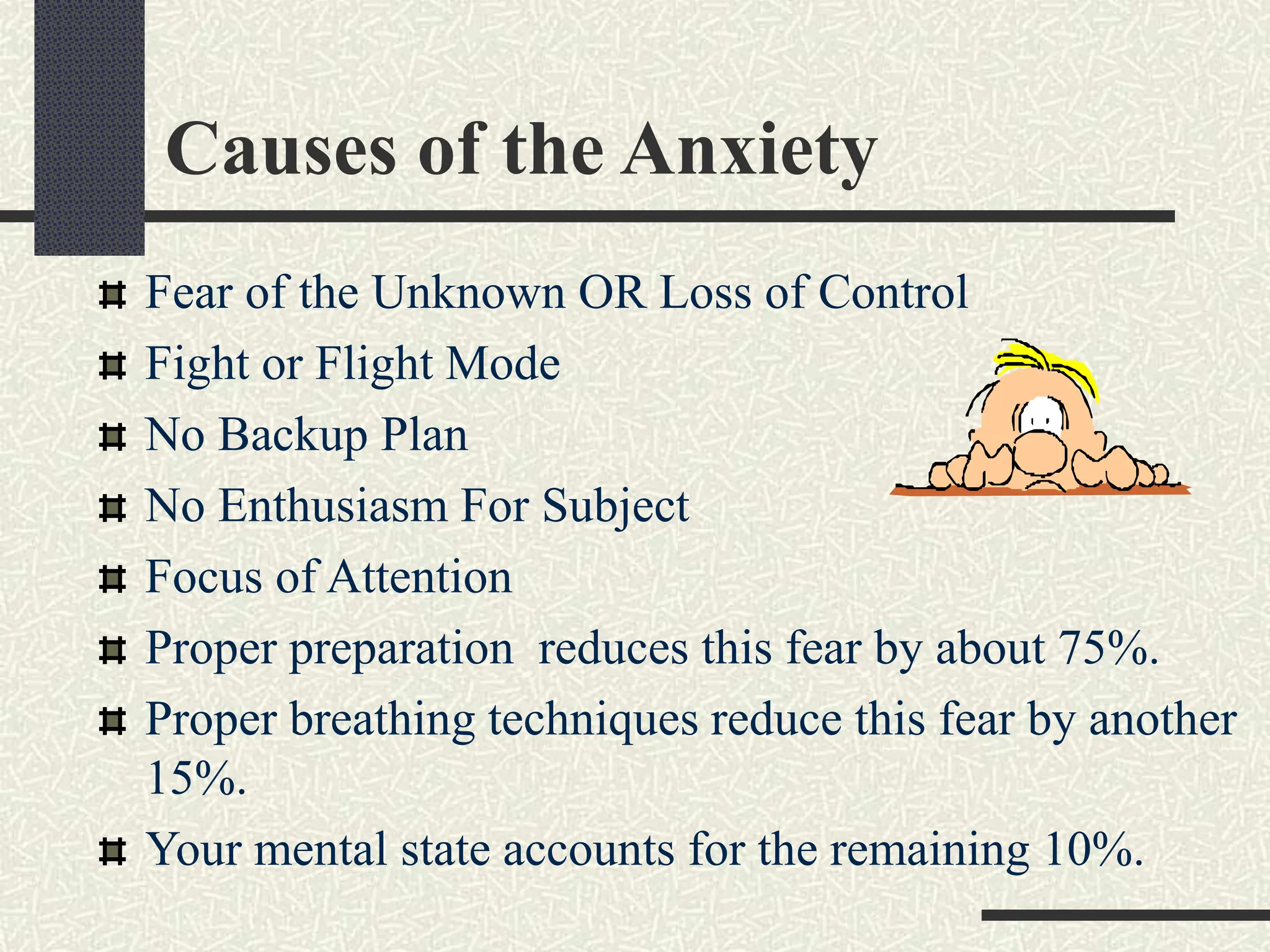
Causes of the Anxiety
Fear of the Unknown OR Loss of Control
Fight or Flight Mode
No Backup Plan
No Enthusiasm For Subject
Focus of Attention
Proper preparation reduces this fear by about 75%.
Proper breathing techniques reduce this fear by another
15%.
Your mental state accounts for the remaining 10%.
Hiding Nervousness
It is possible to hide nervousness!
Don’t let the shaking show!
 Make a fist; hold the lectern
 Speak loudly
 Take a deep breath
Look at a friendly face
Planning Your Presentation
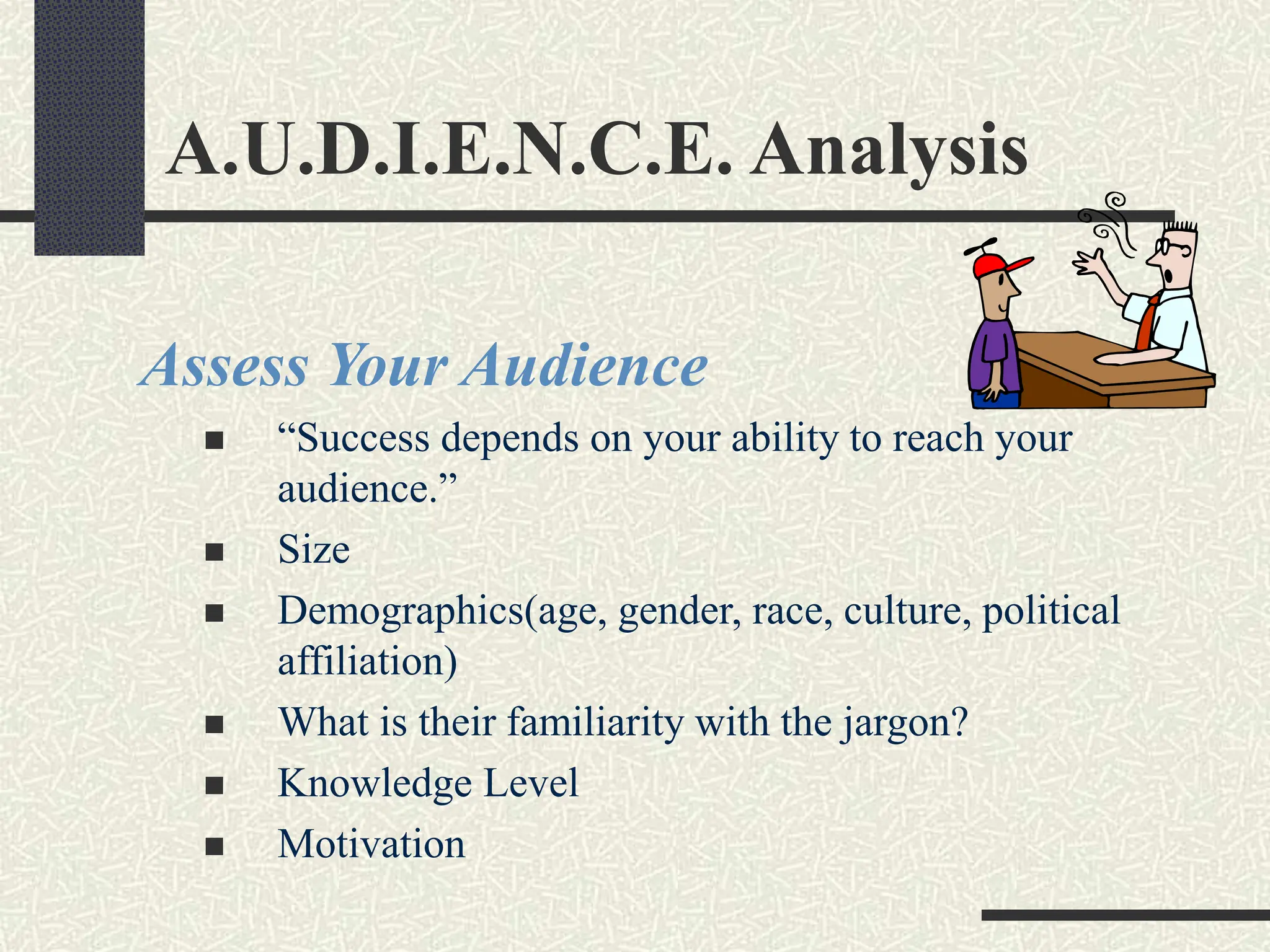
A.U.D.I.E.N.C.E. Analysis
Assess Your Audience
 “Success depends on your ability to reach your
audience.”
 Size
 Demographics(age, gender, race, culture, political
affiliation)
 What is their familiarity with the jargon?
 Knowledge Level
 Motivation
Planning the Venue
Plan Space
 Number of Seats
 Seating Arrangement
 Audio/Visual Equipment
 Distracters
 Develop Plan B: be ready for disaster recovery
What Day and Time?
 Any Day!
 Morning
The Presentation Sequence
Build Rapport…
… relation marked by harmony or affinity
 Audience members who trust you and feel that you care
Start Before You Begin
 Mingle; Learn Names
 Opportunity to reinforce or correct audience assessment
 Good First Impression
People Listen To People They Like
Opening Your Presentation
Introduce Yourself – Why Should They Listen
Get Attention, Build More Rapport, Introduce
Topic
 Humor
 Short Story
 Starling Statistic
 Make Audience Think
 Invite Participation
Get Audience Response
Completing the Opening
Clearly Defining Topic
If Informative…
 Clear parameters for content within time
If Persuasive…
 What’s the problem
 Who cares
 What’s the solution
Overview
Presenting Main Points
Main Point-Transition
Supporting Evidence
Examples
Feedback & Questions From Audience
Attention to, and Focus on, Audience
(Listening)
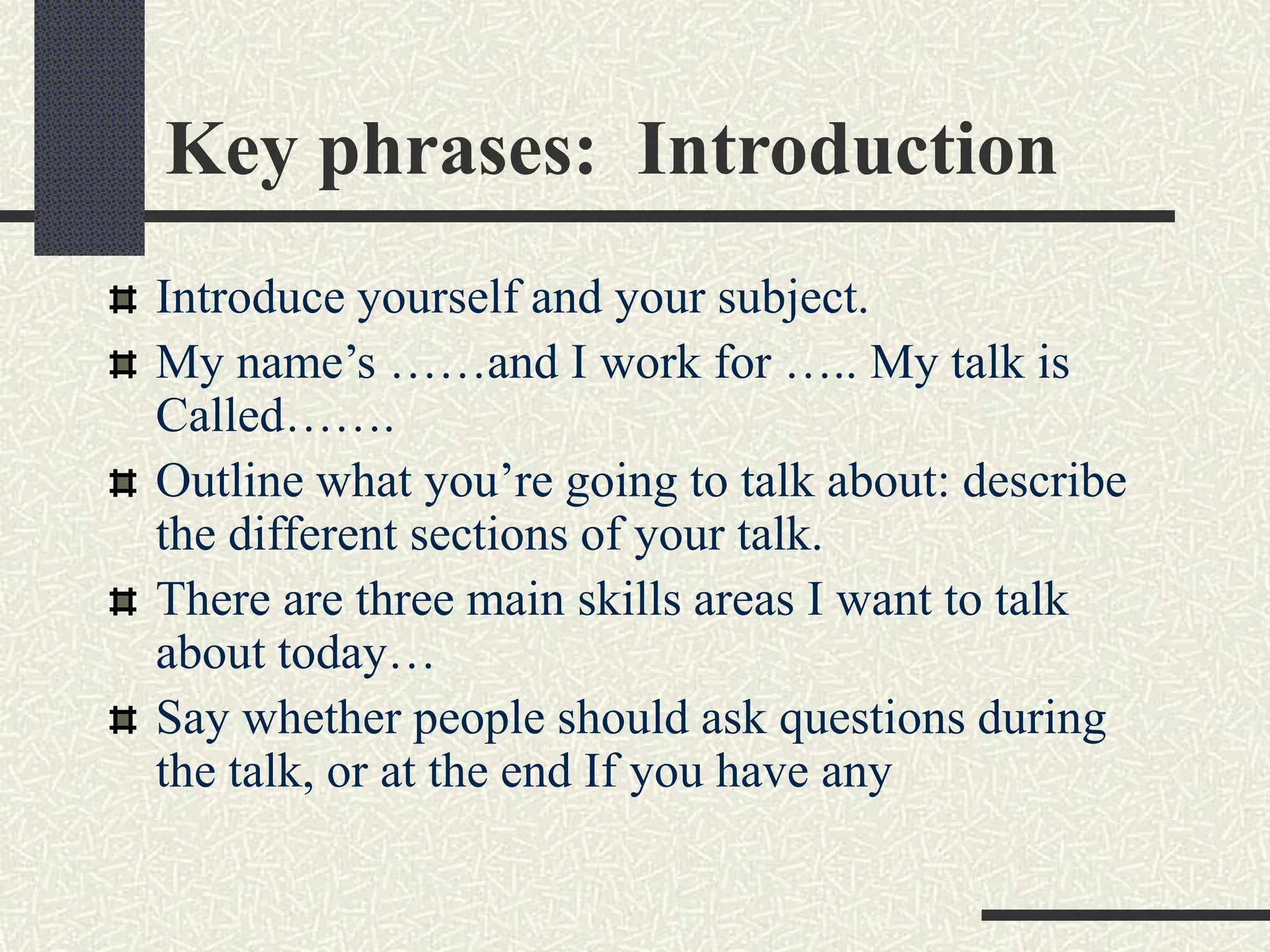
Key phrases: Introduction
Introduce yourself and your subject.
My name’s ……and I work for ….. My talk is
Called…….
Outline what you’re going to talk about: describe
the different sections of your talk.
There are three main skills areas I want to talk
about today…
Say whether people should ask questions during
the talk, or at the end If you have any
Language Checklist ( Introduction)
Greeting
Good Morning…
Hello Everyone….
Subject
I’m going to speak about
The theme of my presentation is…
I’d like to give you an overview of…
Language Checklist ( Introduction)
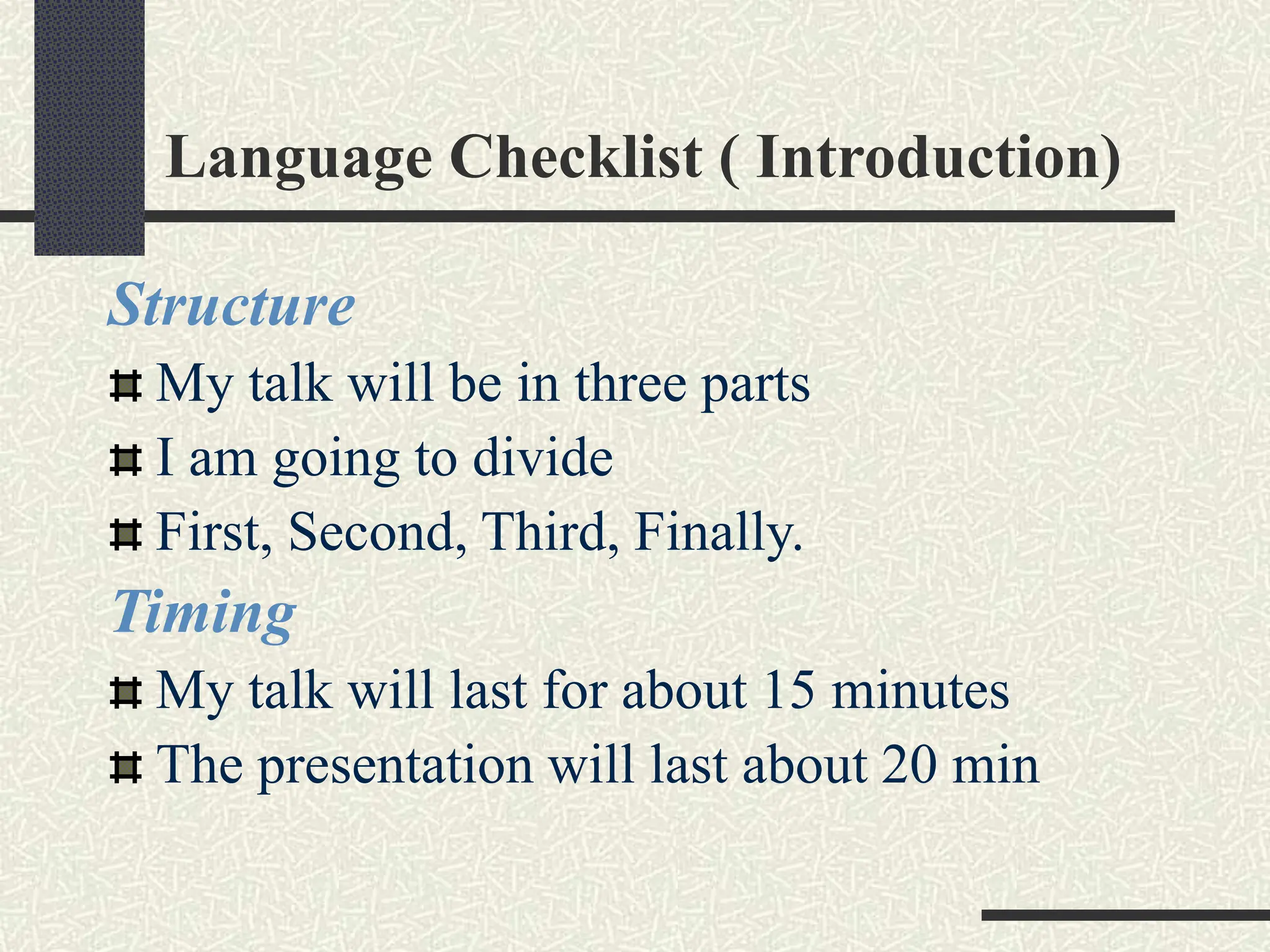
Structure
My talk will be in three parts
I am going to divide
First, Second, Third, Finally.
Timing
My talk will last for about 15 minutes
The presentation will last about 20 min
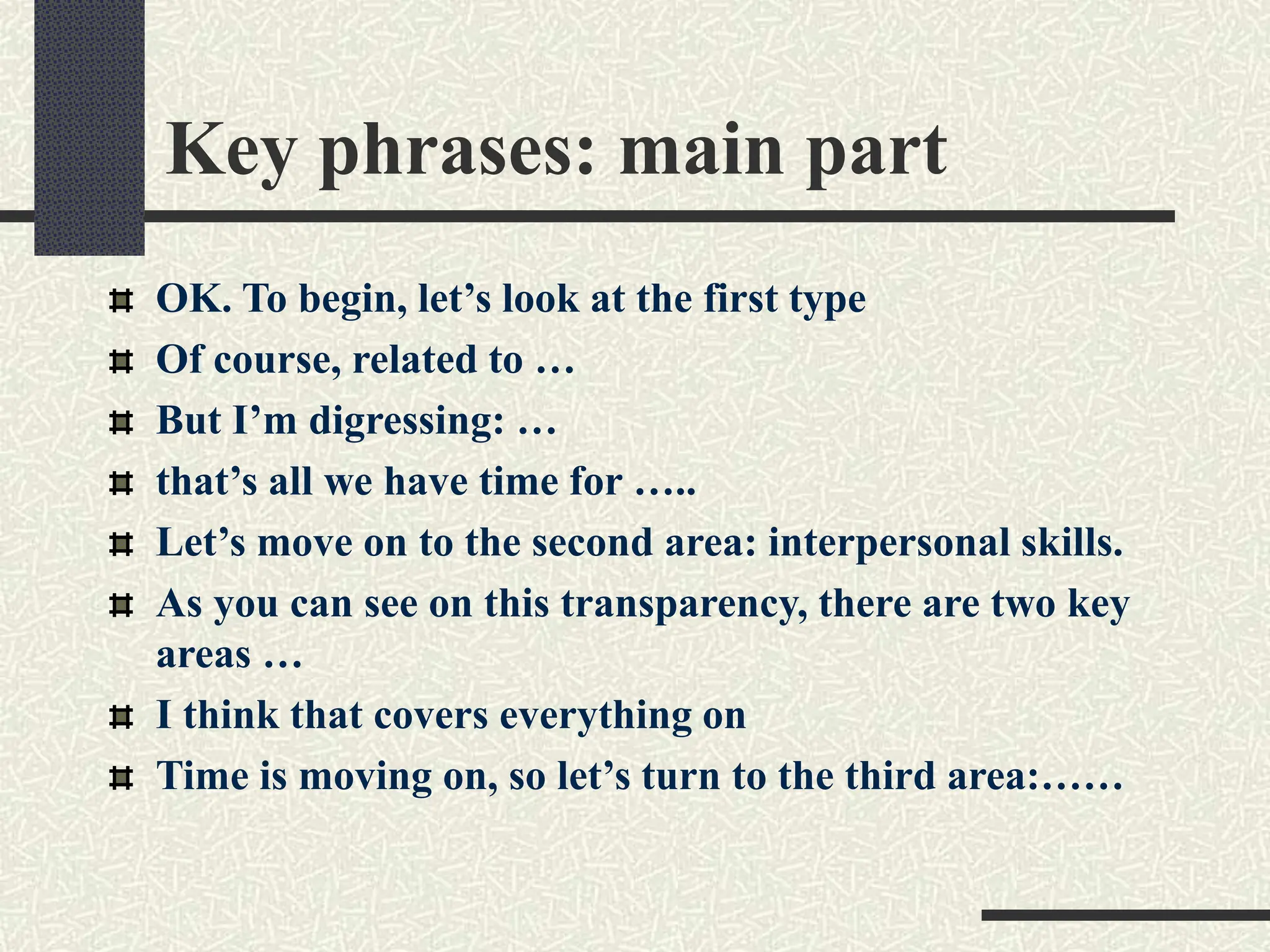
Key phrases: main part
OK. To begin, let’s look at the first type
Of course, related to …
But I’m digressing: …
that’s all we have time for …..
Let’s move on to the second area: interpersonal skills.
As you can see on this transparency, there are two key
areas …
I think that covers everything on
Time is moving on, so let’s turn to the third area:……
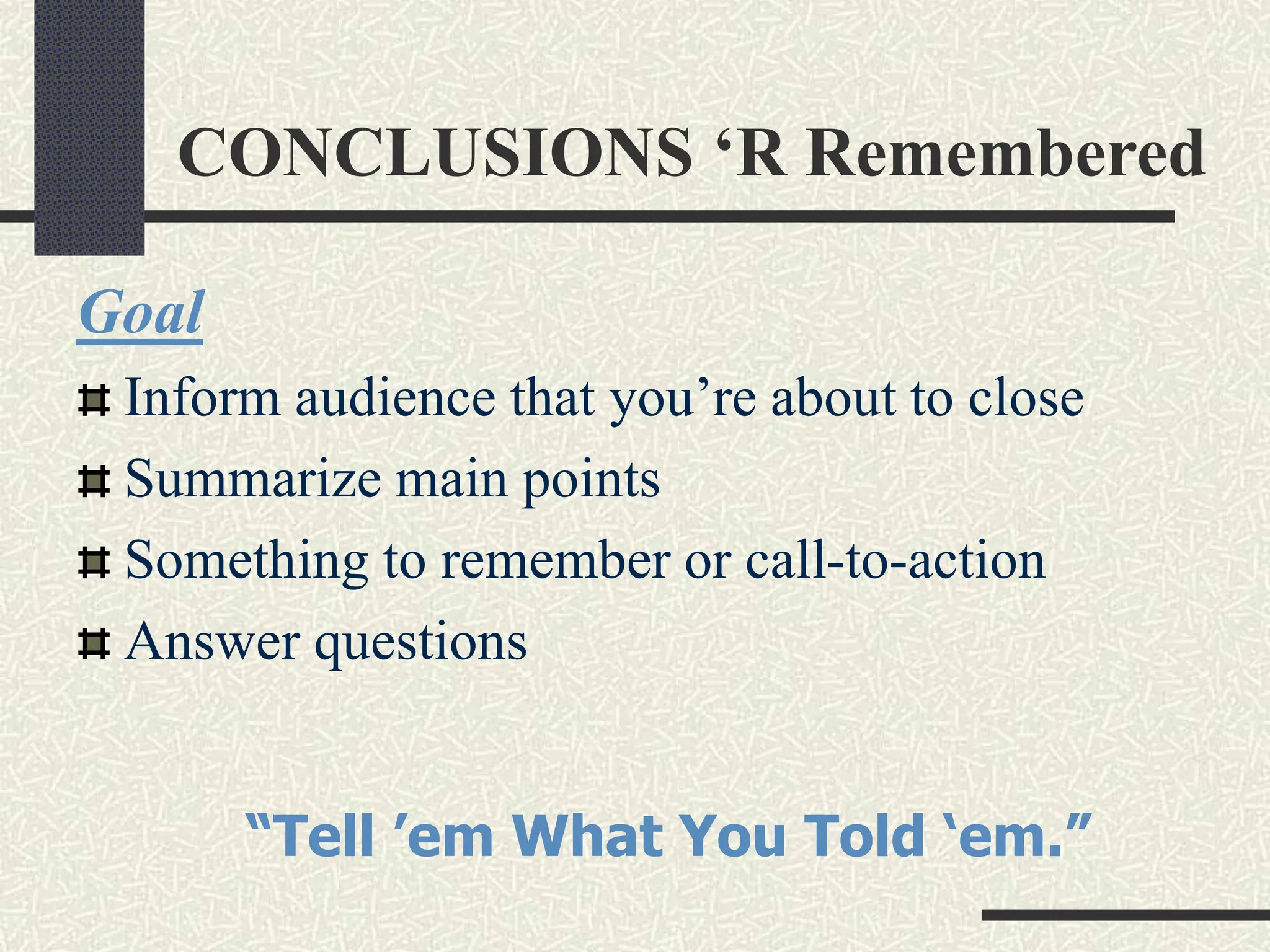
CONCLUSIONS ‘R Remembered
Goal
Inform audience that you’re about to close
Summarize main points
Something to remember or call-to-action
Answer questions
“Tell ’em What You Told ‘em.”
Language Checklist ( End )
Ending the main body of the presentation
Right, That ends my talk…
That’s all I want to say for now…
Beginning the summary/ or conclusion
I’d like to end by emphasizing the main ..
Concluding
There are two conclusions
I think we have to….
Language Checklist ( End )
Inviting questions and/ or introducing discussion
That concludes my talk. ( Thanks for listening)..
Now I’d like to invite your comments
Now we half half an hour for questions and
discussions
Questions
Paraphrase questions
so that other people hear the question
to check you understand the questions
to stall while you think about an answer
If you don’t know the answer, say so.
Offer to find out.
Ask the audience.
Useful phrases:Questions
That’s confidential. I’m afraid I’m not at liberty to tell
you….
That’s not really my field. But I can put you in touch
with someone in my organization who is working…..
Well, I think that goes beyond the scope of today’s
presentation. Today I wanted to concentrate on……
I’m afraid we’ve run out of time. But if you’d like to
come and discuss that with me now, I’ll try and give
you and answer….
I think that’s a good place to stop. Thank you….
Presentation Style
Voice
Presentation Style
Vocal Techniques
 Loudness
 Pitch
 Rate
 Pause
Deviations From the Norm for Emphasis
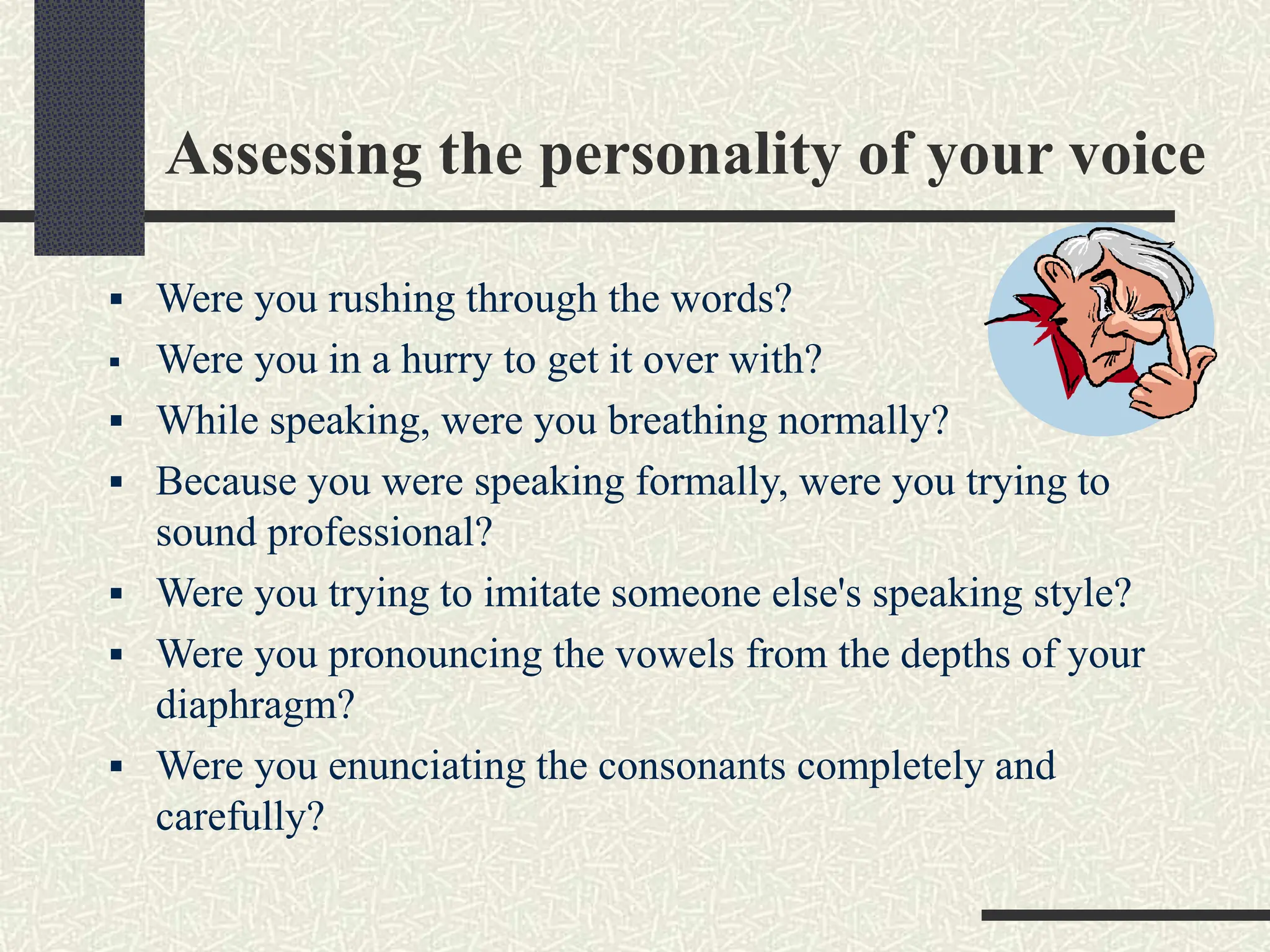
Assessing the personality of your voice
 Were you rushing through the words?
 Were you in a hurry to get it over with?
 While speaking, were you breathing normally?
 Because you were speaking formally, were you trying to
sound professional?
 Were you trying to imitate someone else's speaking style?
 Were you pronouncing the vowels from the depths of your
diaphragm?
 Were you enunciating the consonants completely and
carefully?
Vocal Warm Up
Warm up your voice
Good speech takes muscle
Tips for keeping your voice clear….
 Get a good night’s sleep & get up early
 Take a hot shower
 AVOID milk
 Drink warm liquids (but avoid caffeine)
 Hum
 Breathe deeply
 Drink tap water (not cold!)
Body Language
Key Elements of Body Language
Eye Communication
Facial Expressions
Gestures
Posture
Movement
Dress and Appearance
Eye Communication
The most important tool for personal impact
Look forward at audience (trust)
 Don’t shift eyeballs; don’t look in corner.
 Don’t look too much at computer screen or your notes.
Look at people’s faces (not eyes)
 3-6 seconds per person.
 Shift randomly.
 Nod, smile, use facial expression.
Visual Skills – Hands
Gesture complements talk
 Should come naturally, without thinking
 Make sure they match!
Need to exaggerate a little
 Especially with large audience
Don’t fidget or put in pocket
Videotape whole talk & watch
Presentation Style ( Non- Verbal)
Body Language
 Eye Contact, Gestures, Posture
Use of Space
 Can Everyone See You?
 Movement
Clean-cut, pleasant dress
Firmly planted feet,
square with shoulders
Facial Expressions
Energy and Openness for effectiveness
What are your habits?
Is your face –
 Open and Smiling?
 Neutral?
 Serious and Intense?
 Smiles have muscles
Personality factor - Connecting at the emotional
level
Tips About Facial Expressions
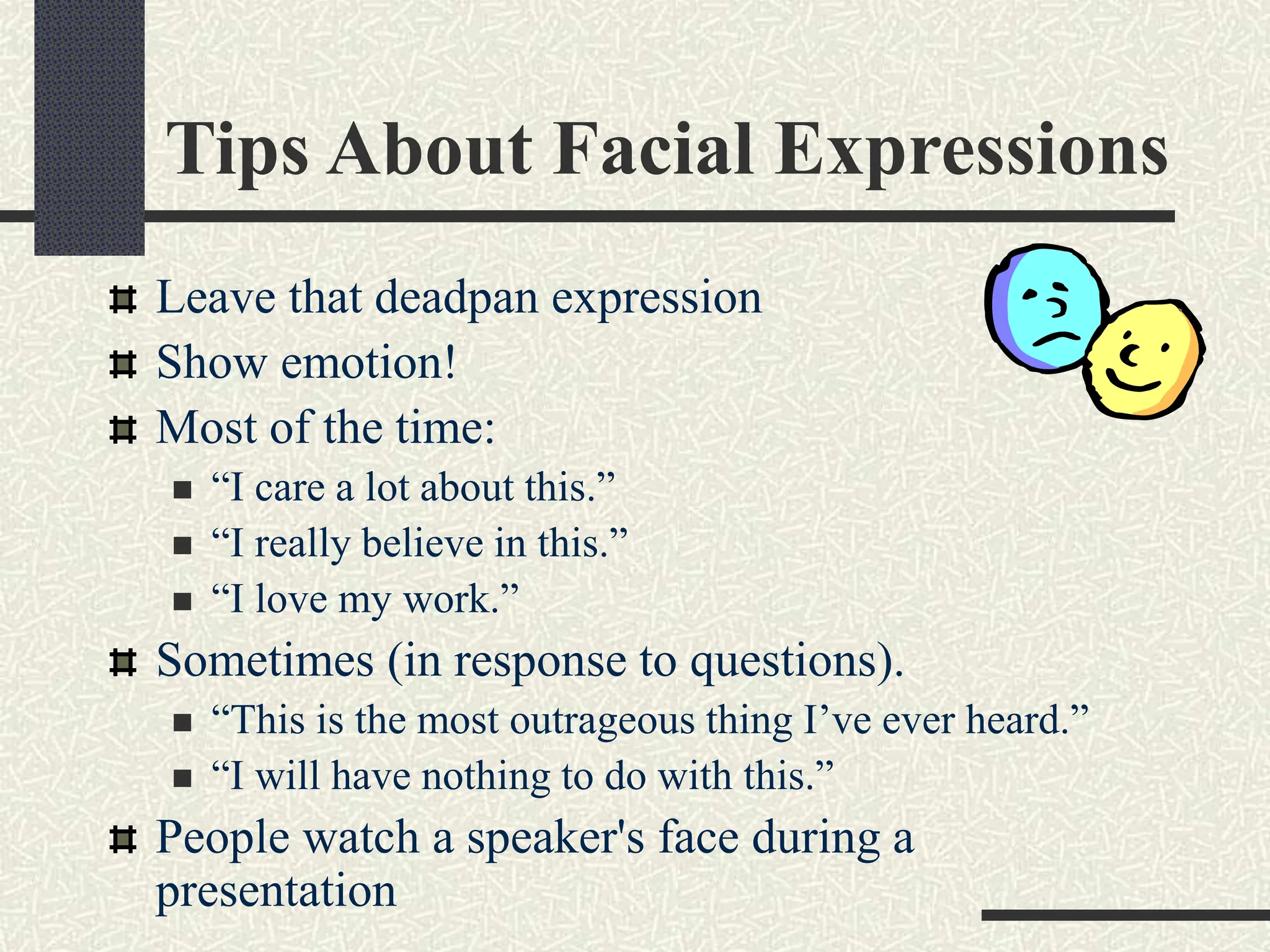
Leave that deadpan expression
Show emotion!
Most of the time:
 “I care a lot about this.”
 “I really believe in this.”
 “I love my work.”
Sometimes (in response to questions).
 “This is the most outrageous thing I’ve ever heard.”
 “I will have nothing to do with this.”
People watch a speaker's face during a
presentation
Gestures ,Postures, Movements
Find your nervous gestures
Open and closed gestures
The Hands
Stand tall and stand erect
Watch your lower body
The ‘ready’ position – keep your energy forward
Walk away from the wall
Do the two-step
Move to add energy
Common Problems
Verbal fillers
 “Um”, “uh”, “like”
 Any unrelated word or phrase
Swaying, rocking, and pacing
Hands in pockets
Lip smacking
Fidgeting
Failure to be audience-centered
Some More Tips
1. Smile
2. Breathe
3. Water
4. Notes
5. Finish On Or Under Time
6. Don’t go overtime. Ever.
Creating Effective Visual Aids
Top 10 most predictable
presentation mistakes
Electrifying Color Choices:
Zoom, Zoom - The Animation Wizard:
W-A-Y Too Many Slides:
Design Templates Are Great -- When Used
Correctly:
Poor Font Choices :
Top 10 most predictable
presentation mistakes
Photos and Graphs Should Only Illustrate
Key Points:
The Audience Came to See YOU -- Not
Your Slides:
T. M. I. ~ Too Much Information:
Hardware Malfunctions:
You Don't Know Your Topic!
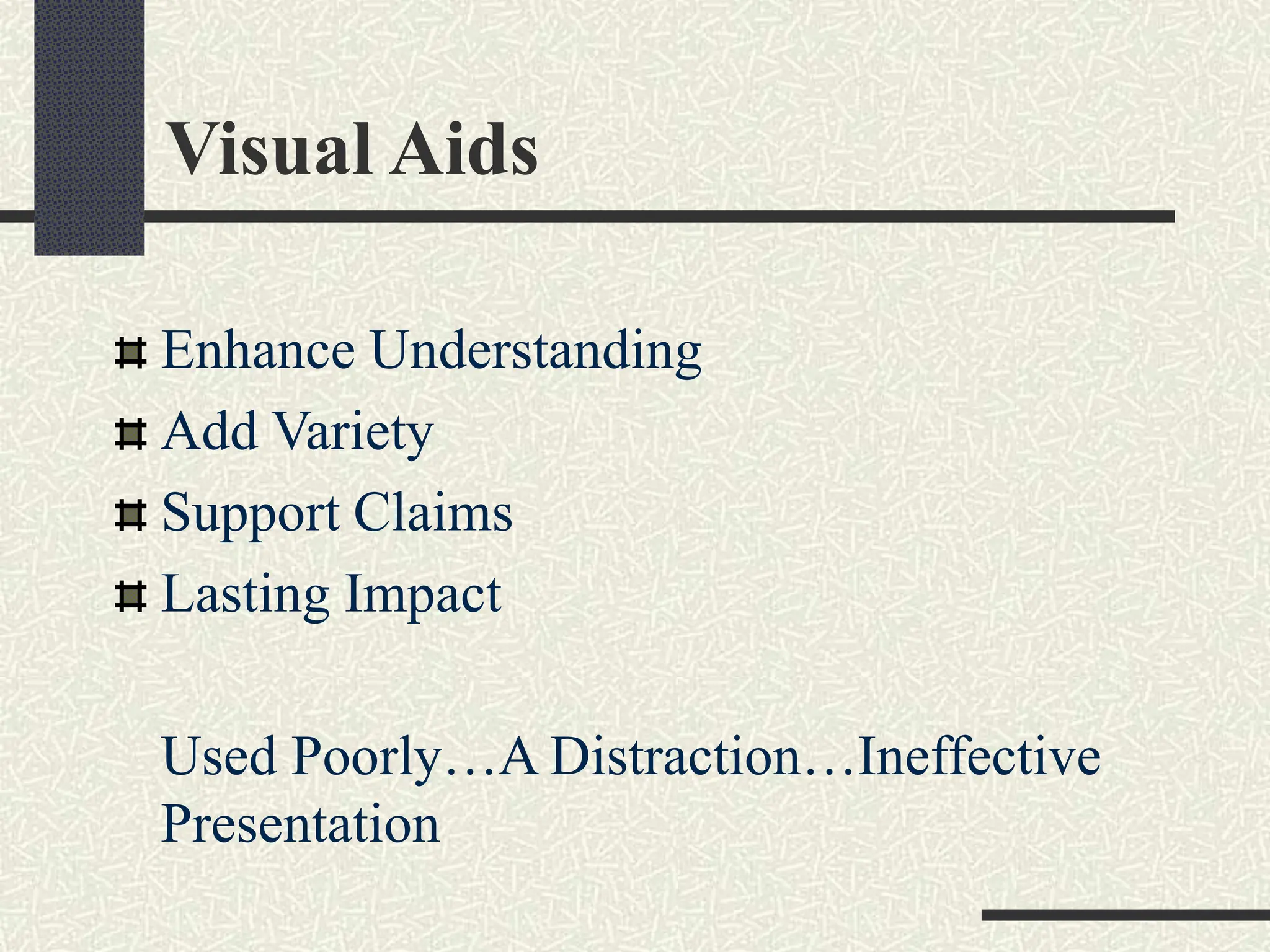
Visual Aids
Enhance Understanding
Add Variety
Support Claims
Lasting Impact
Used Poorly…A Distraction…Ineffective
Presentation
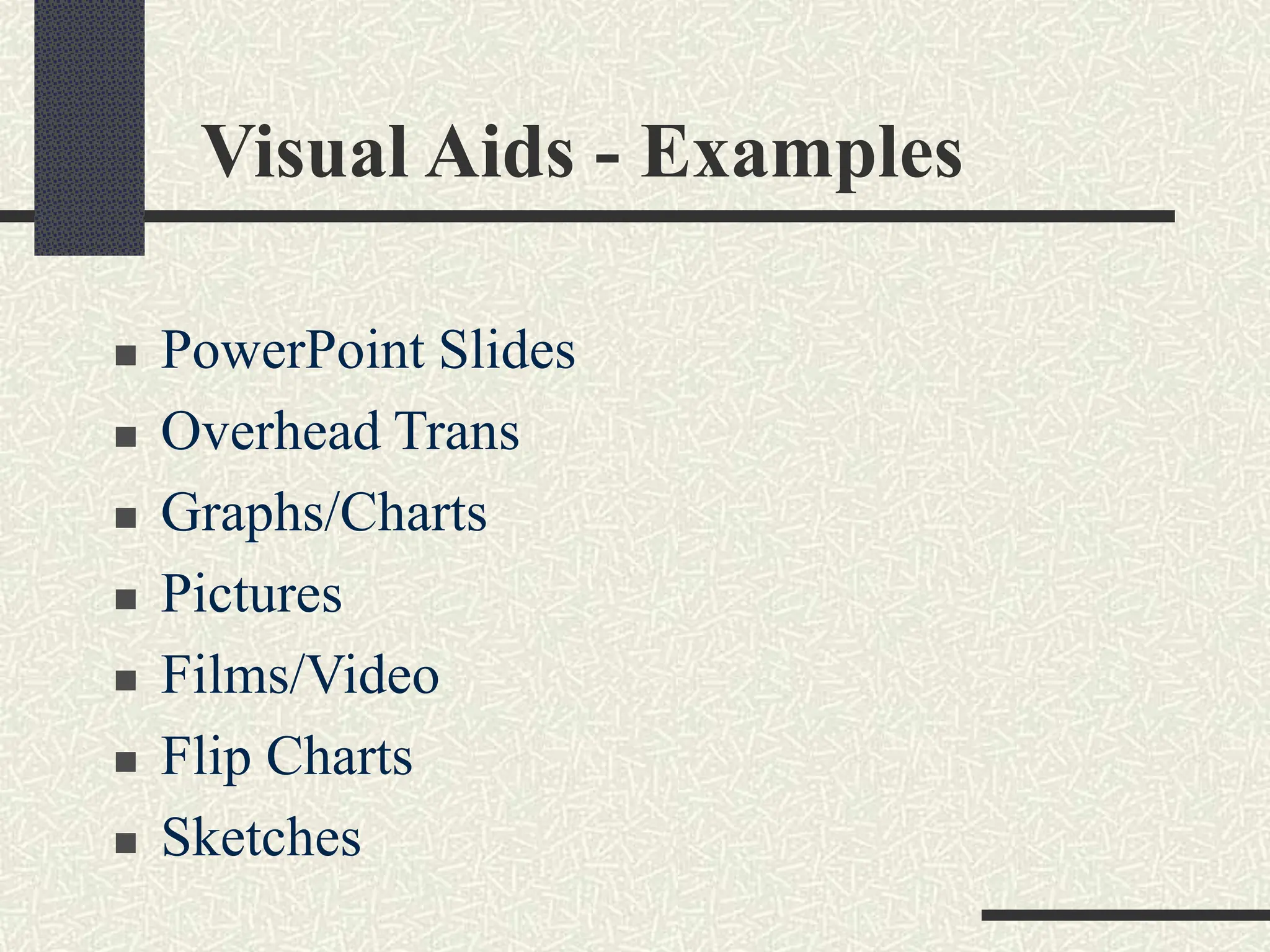
Visual Aids - Examples
 PowerPoint Slides
 Overhead Trans
 Graphs/Charts
 Pictures
 Films/Video
 Flip Charts
 Sketches
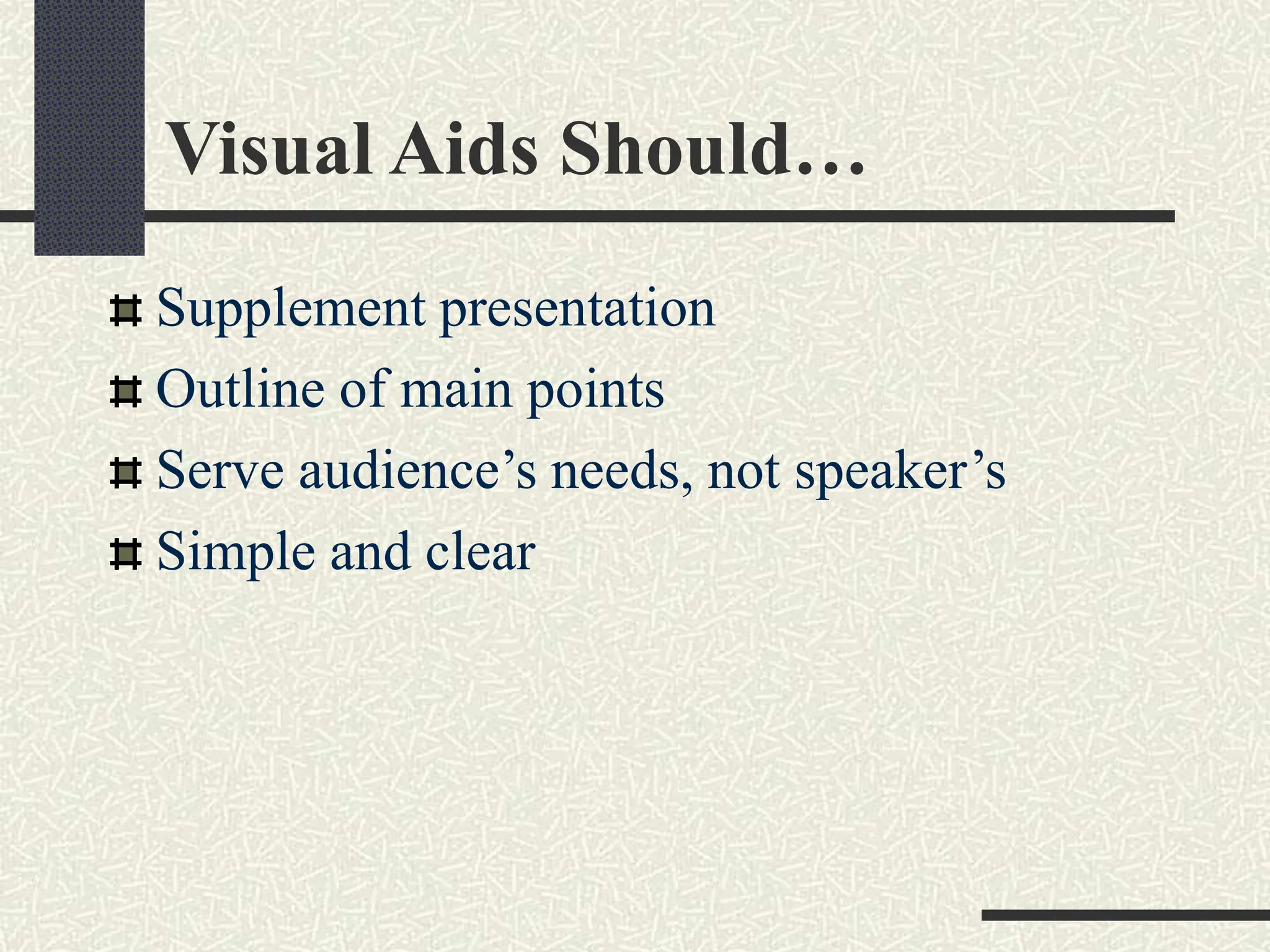
Visual Aids Should…
Supplement presentation
Outline of main points
Serve audience’s needs, not speaker’s
Simple and clear
Purpose of Using Visual Aids
Visual aids:
Support your ideas
Improve audience comprehension
Add variety
Gives the audience a break from listening
Illustrates complex ideas or concepts
Helpful in reinforcing ideas
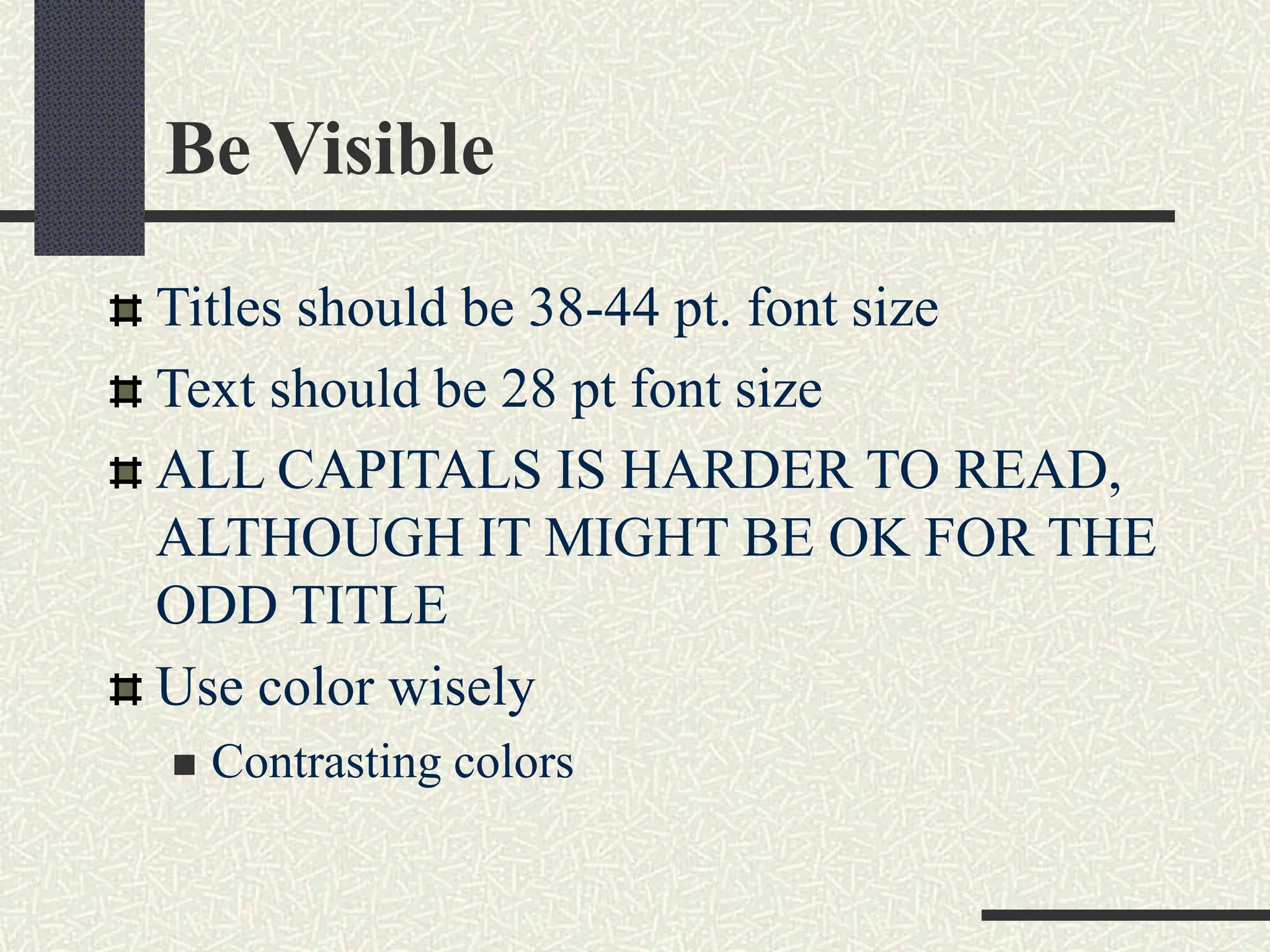
Be Visible
Titles should be 38-44 pt. font size
Text should be 28 pt font size
ALL CAPITALS IS HARDER TO READ,
ALTHOUGH IT MIGHT BE OK FOR THE
ODD TITLE
Use color wisely
 Contrasting colors
Thank You

Effective_PresentationsSkills_final.pptx

  • 1.
  • 2.
    Definitions Presentation “Something set forthto an audience for the attention of the mind “ Effective “…producing a desired result” Source: http://www.merriam-webster.com
  • 3.
    Types of presentation Pressconference: two chief executives tell journalists why their companies have merged. Briefing: a senior officer gives information to other officers about an operation Demonstration: the head of research and development tells non-technical colleagues about a now machine. Product launch: a car company announces a new model. Lecture: a university professor communicates information about economics to 300 students. Talk: a member of a stamp-collecting club tells other members about 19th century British stamps. Workshop: a yoga expert tells people how to improve their breathing techniques
  • 4.
    “Great speakers aren’tborn, they are trained.” Presenting is a Skill… Developed through experience and training.
  • 5.
    The presenter Interpersonal impressionsare based on:  Verbal messages (what is said) 7%  Vocal messages (how it is said) 38%  Nonverbal messages (face/gestures) 55%  First impressions 100%
  • 6.
    Presentation strategy DON’T diveright into the content of your presentation! That’s like saying READY……… FIRE! Without taking AIM first!
  • 7.
    You must firsttake AIM! • Analyze Your Audience • Clearly Identify the Intent of Your Presentation • Make your Message Stick AIM Message Audience Intent
  • 8.
    Why Give APresentation? Main Purposes 1. Inform 2. Persuade 3. Educate/ Entertain
  • 9.
    Make Your MessageStick If we choose to present, remember … People only remember a small portion of what is said. AUDIENCE MEMORY CURVE High BEGINNING of Presentation END of Presentation
  • 10.
    Make Your MessageStick Other tips for retention:  Limit it to 3 to 5 key points  Include a preview  Use transitions  Use repetition  Flag information “if you only remember one thing today….”  Throw in the unexpected (humor, audio/video)  Involve the audience
  • 11.
    Problems with presentations Problemswith groups when presenting:  Large group (lack of intimacy)  Small group (lack of formality)  Group may not be interested  Group may be very diverse  Group may be hostile  Group may not have basic knowledge How might you deal with these?
  • 12.
    Effective Presentations Are when… Anxietyis under control Audience Centered Accomplishes Objective Fun For Audience Fun For You Conducted Within Time Frame
  • 13.
    Organizing Your Presentation OrganizationalPatterns Topical Chronological Problem/Solution Cause/Effect
  • 14.
    More Planning Organization  DetermineMain Points (2-5)  Evidence  Transitions  Prepare Outline
  • 15.
    Presentation Outline Keyword Reminders ConversationalFlow Flexibility More Responsive to Audience
  • 16.
  • 17.
    Some Fears 1. Speakingbefore a group 2. Heights 3. Insects/bugs 4. Financial problems 5. Deep water 6. Sickness 7. Death 8. Flying 9. Loneliness 10. Dogs
  • 18.
    #1 Fear Feared MoreThan Death! THE FACTS: Shaky hands, blushing cheeks, memory loss, nausea, and knocking knees NORMAL!
  • 19.
    Causes of theAnxiety Fear of the Unknown OR Loss of Control Fight or Flight Mode No Backup Plan No Enthusiasm For Subject Focus of Attention Proper preparation reduces this fear by about 75%. Proper breathing techniques reduce this fear by another 15%. Your mental state accounts for the remaining 10%.
  • 20.
    Hiding Nervousness It ispossible to hide nervousness! Don’t let the shaking show!  Make a fist; hold the lectern  Speak loudly  Take a deep breath Look at a friendly face
  • 21.
  • 22.
    A.U.D.I.E.N.C.E. Analysis Assess YourAudience  “Success depends on your ability to reach your audience.”  Size  Demographics(age, gender, race, culture, political affiliation)  What is their familiarity with the jargon?  Knowledge Level  Motivation
  • 23.
    Planning the Venue PlanSpace  Number of Seats  Seating Arrangement  Audio/Visual Equipment  Distracters  Develop Plan B: be ready for disaster recovery What Day and Time?  Any Day!  Morning
  • 24.
  • 25.
    Build Rapport… … relationmarked by harmony or affinity  Audience members who trust you and feel that you care Start Before You Begin  Mingle; Learn Names  Opportunity to reinforce or correct audience assessment  Good First Impression People Listen To People They Like
  • 26.
    Opening Your Presentation IntroduceYourself – Why Should They Listen Get Attention, Build More Rapport, Introduce Topic  Humor  Short Story  Starling Statistic  Make Audience Think  Invite Participation Get Audience Response
  • 27.
    Completing the Opening ClearlyDefining Topic If Informative…  Clear parameters for content within time If Persuasive…  What’s the problem  Who cares  What’s the solution Overview
  • 28.
    Presenting Main Points MainPoint-Transition Supporting Evidence Examples Feedback & Questions From Audience Attention to, and Focus on, Audience (Listening)
  • 29.
    Key phrases: Introduction Introduceyourself and your subject. My name’s ……and I work for ….. My talk is Called……. Outline what you’re going to talk about: describe the different sections of your talk. There are three main skills areas I want to talk about today… Say whether people should ask questions during the talk, or at the end If you have any
  • 30.
    Language Checklist (Introduction) Greeting Good Morning… Hello Everyone…. Subject I’m going to speak about The theme of my presentation is… I’d like to give you an overview of…
  • 31.
    Language Checklist (Introduction) Structure My talk will be in three parts I am going to divide First, Second, Third, Finally. Timing My talk will last for about 15 minutes The presentation will last about 20 min
  • 32.
    Key phrases: mainpart OK. To begin, let’s look at the first type Of course, related to … But I’m digressing: … that’s all we have time for ….. Let’s move on to the second area: interpersonal skills. As you can see on this transparency, there are two key areas … I think that covers everything on Time is moving on, so let’s turn to the third area:……
  • 33.
    CONCLUSIONS ‘R Remembered Goal Informaudience that you’re about to close Summarize main points Something to remember or call-to-action Answer questions “Tell ’em What You Told ‘em.”
  • 34.
    Language Checklist (End ) Ending the main body of the presentation Right, That ends my talk… That’s all I want to say for now… Beginning the summary/ or conclusion I’d like to end by emphasizing the main .. Concluding There are two conclusions I think we have to….
  • 35.
    Language Checklist (End ) Inviting questions and/ or introducing discussion That concludes my talk. ( Thanks for listening).. Now I’d like to invite your comments Now we half half an hour for questions and discussions
  • 36.
    Questions Paraphrase questions so thatother people hear the question to check you understand the questions to stall while you think about an answer If you don’t know the answer, say so. Offer to find out. Ask the audience.
  • 37.
    Useful phrases:Questions That’s confidential.I’m afraid I’m not at liberty to tell you…. That’s not really my field. But I can put you in touch with someone in my organization who is working….. Well, I think that goes beyond the scope of today’s presentation. Today I wanted to concentrate on…… I’m afraid we’ve run out of time. But if you’d like to come and discuss that with me now, I’ll try and give you and answer…. I think that’s a good place to stop. Thank you….
  • 38.
  • 39.
    Presentation Style Vocal Techniques Loudness  Pitch  Rate  Pause Deviations From the Norm for Emphasis
  • 40.
    Assessing the personalityof your voice  Were you rushing through the words?  Were you in a hurry to get it over with?  While speaking, were you breathing normally?  Because you were speaking formally, were you trying to sound professional?  Were you trying to imitate someone else's speaking style?  Were you pronouncing the vowels from the depths of your diaphragm?  Were you enunciating the consonants completely and carefully?
  • 41.
    Vocal Warm Up Warmup your voice Good speech takes muscle Tips for keeping your voice clear….  Get a good night’s sleep & get up early  Take a hot shower  AVOID milk  Drink warm liquids (but avoid caffeine)  Hum  Breathe deeply  Drink tap water (not cold!)
  • 42.
  • 43.
    Key Elements ofBody Language Eye Communication Facial Expressions Gestures Posture Movement Dress and Appearance
  • 44.
    Eye Communication The mostimportant tool for personal impact Look forward at audience (trust)  Don’t shift eyeballs; don’t look in corner.  Don’t look too much at computer screen or your notes. Look at people’s faces (not eyes)  3-6 seconds per person.  Shift randomly.  Nod, smile, use facial expression.
  • 45.
    Visual Skills –Hands Gesture complements talk  Should come naturally, without thinking  Make sure they match! Need to exaggerate a little  Especially with large audience Don’t fidget or put in pocket Videotape whole talk & watch
  • 46.
    Presentation Style (Non- Verbal) Body Language  Eye Contact, Gestures, Posture Use of Space  Can Everyone See You?  Movement Clean-cut, pleasant dress Firmly planted feet, square with shoulders
  • 47.
    Facial Expressions Energy andOpenness for effectiveness What are your habits? Is your face –  Open and Smiling?  Neutral?  Serious and Intense?  Smiles have muscles Personality factor - Connecting at the emotional level
  • 48.
    Tips About FacialExpressions Leave that deadpan expression Show emotion! Most of the time:  “I care a lot about this.”  “I really believe in this.”  “I love my work.” Sometimes (in response to questions).  “This is the most outrageous thing I’ve ever heard.”  “I will have nothing to do with this.” People watch a speaker's face during a presentation
  • 49.
    Gestures ,Postures, Movements Findyour nervous gestures Open and closed gestures The Hands Stand tall and stand erect Watch your lower body The ‘ready’ position – keep your energy forward Walk away from the wall Do the two-step Move to add energy
  • 50.
    Common Problems Verbal fillers “Um”, “uh”, “like”  Any unrelated word or phrase Swaying, rocking, and pacing Hands in pockets Lip smacking Fidgeting Failure to be audience-centered
  • 51.
    Some More Tips 1.Smile 2. Breathe 3. Water 4. Notes 5. Finish On Or Under Time 6. Don’t go overtime. Ever.
  • 52.
  • 53.
    Top 10 mostpredictable presentation mistakes Electrifying Color Choices: Zoom, Zoom - The Animation Wizard: W-A-Y Too Many Slides: Design Templates Are Great -- When Used Correctly: Poor Font Choices :
  • 54.
    Top 10 mostpredictable presentation mistakes Photos and Graphs Should Only Illustrate Key Points: The Audience Came to See YOU -- Not Your Slides: T. M. I. ~ Too Much Information: Hardware Malfunctions: You Don't Know Your Topic!
  • 55.
    Visual Aids Enhance Understanding AddVariety Support Claims Lasting Impact Used Poorly…A Distraction…Ineffective Presentation
  • 56.
    Visual Aids -Examples  PowerPoint Slides  Overhead Trans  Graphs/Charts  Pictures  Films/Video  Flip Charts  Sketches
  • 57.
    Visual Aids Should… Supplementpresentation Outline of main points Serve audience’s needs, not speaker’s Simple and clear
  • 58.
    Purpose of UsingVisual Aids Visual aids: Support your ideas Improve audience comprehension Add variety Gives the audience a break from listening Illustrates complex ideas or concepts Helpful in reinforcing ideas
  • 59.
    Be Visible Titles shouldbe 38-44 pt. font size Text should be 28 pt font size ALL CAPITALS IS HARDER TO READ, ALTHOUGH IT MIGHT BE OK FOR THE ODD TITLE Use color wisely  Contrasting colors
  • 60.