DOM(DOCUMENT OBJECT
MODEL)
PRESENTED BY: NABIN JAMKATEL
INTRODUCTION
• JavaScript arranges objects in a Document Object Model or
DOM.
• The DOM defines the logical structure of objects and the way
an object is accessed and manipulated.
• The document object model can be thought of as a hierarchy
moving from the most general object to the most specific.
• The HTML DOM defines a standard set of objects for HTML,
and a standard way to access and manipulate HTML
documents
• All HTML elements, along with their containing text
and attributes, can be accessed through the DOM.
• The contents can be modified or deleted, and new
elements can be created.
• The HTML DOM is platform and language
independent
DOCUMENT OBJECT MODEL
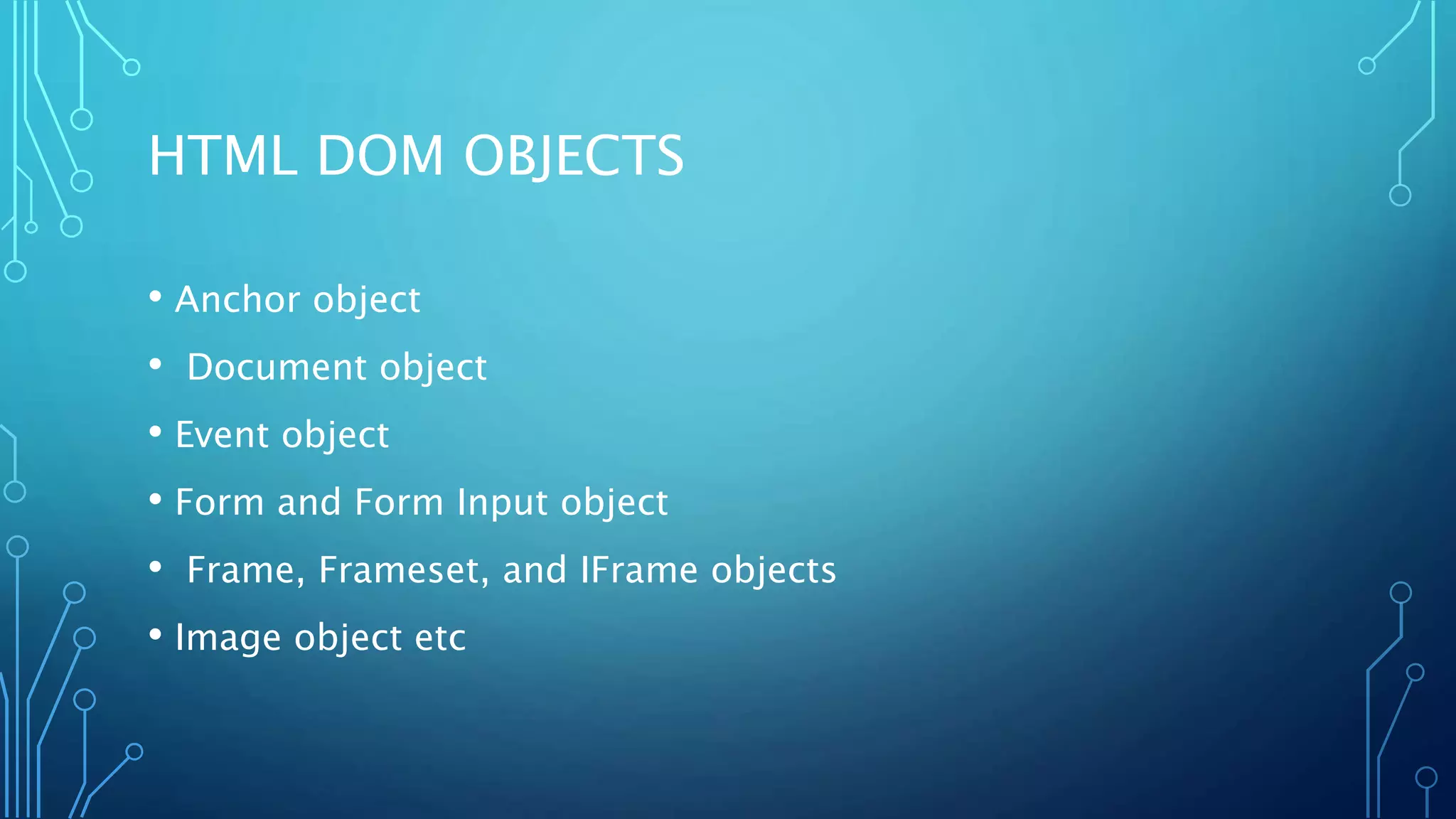
HTML DOM OBJECTS
• Anchor object
• Document object
• Event object
• Form and Form Input object
• Frame, Frameset, and IFrame objects
• Image object etc
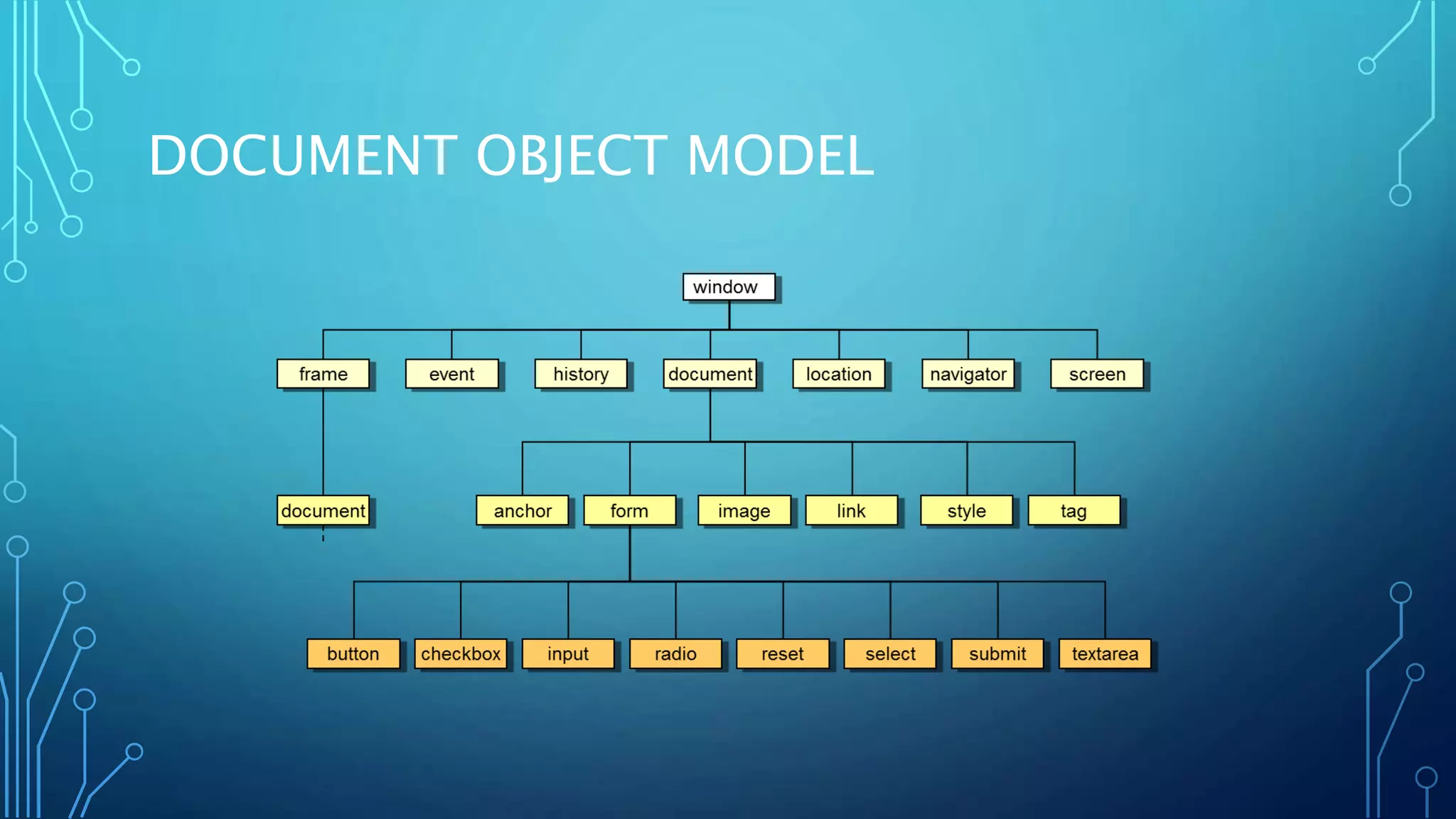
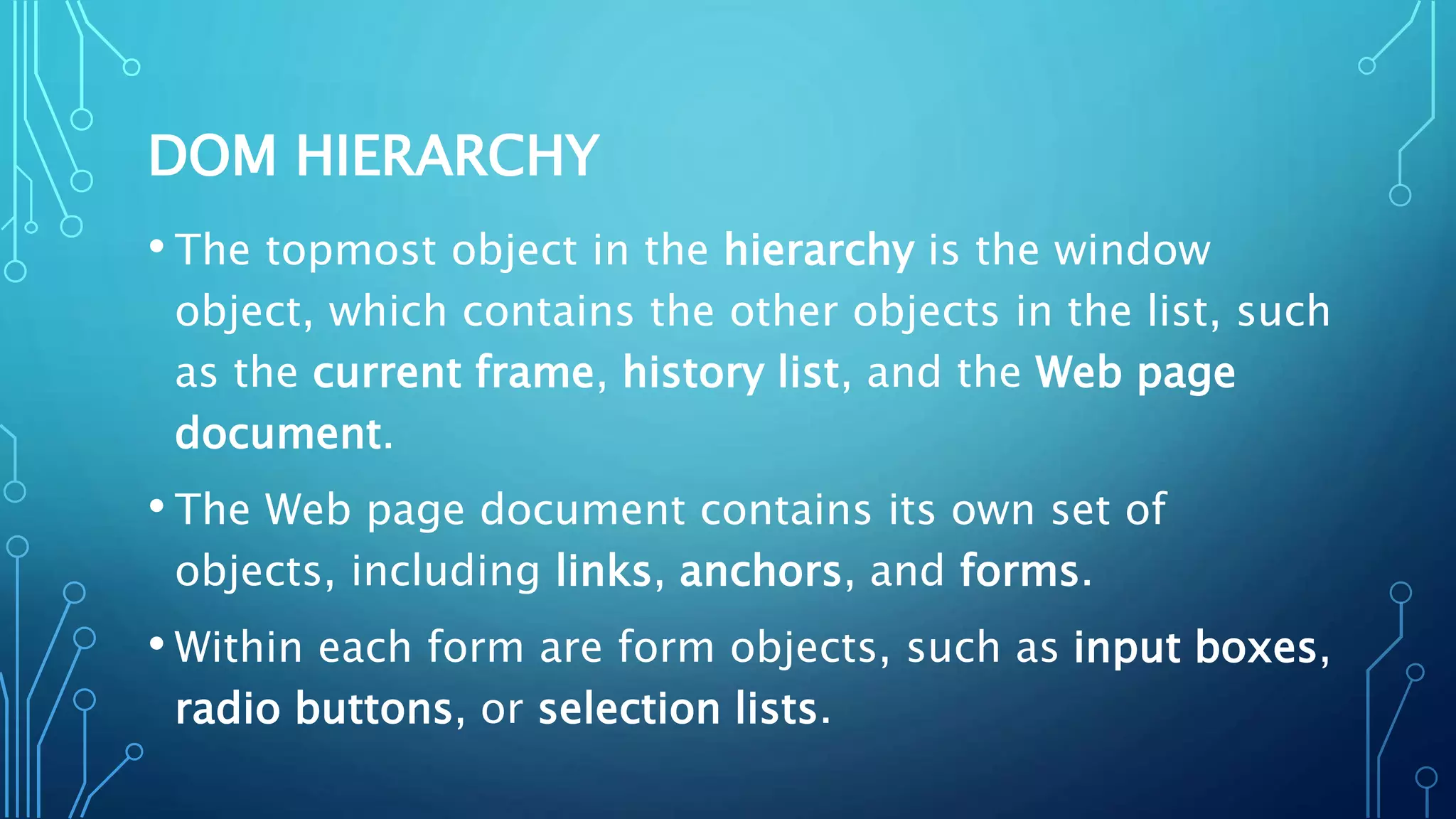
DOM HIERARCHY
• The topmost object in the hierarchy is the window
object, which contains the other objects in the list, such
as the current frame, history list, and the Web page
document.
• The Web page document contains its own set of
objects, including links, anchors, and forms.
• Within each form are form objects, such as input boxes,
radio buttons, or selection lists.
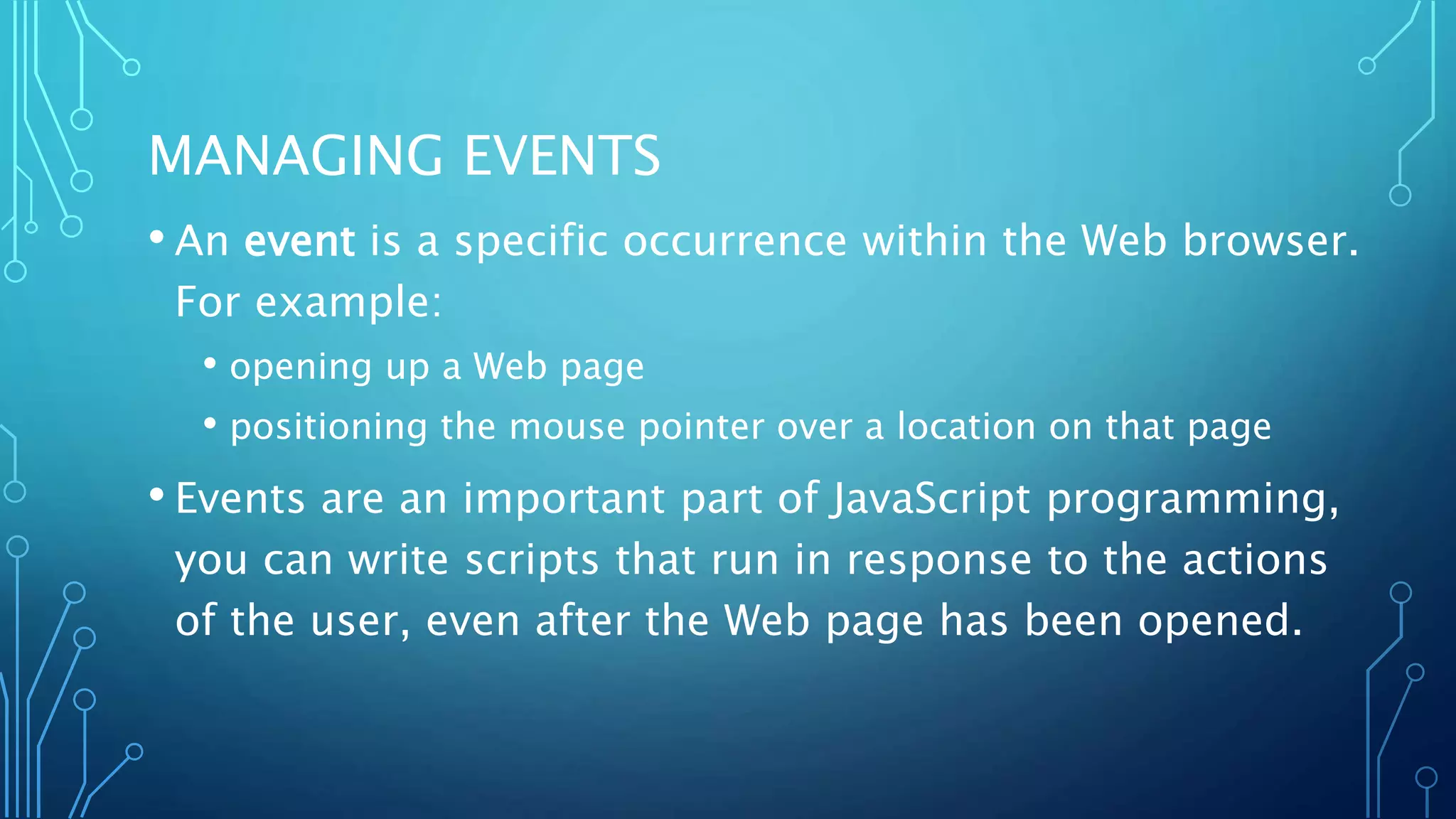
MANAGING EVENTS
• An event is a specific occurrence within the Web browser.
For example:
• opening up a Web page
• positioning the mouse pointer over a location on that page
• Events are an important part of JavaScript programming,
you can write scripts that run in response to the actions
of the user, even after the Web page has been opened.
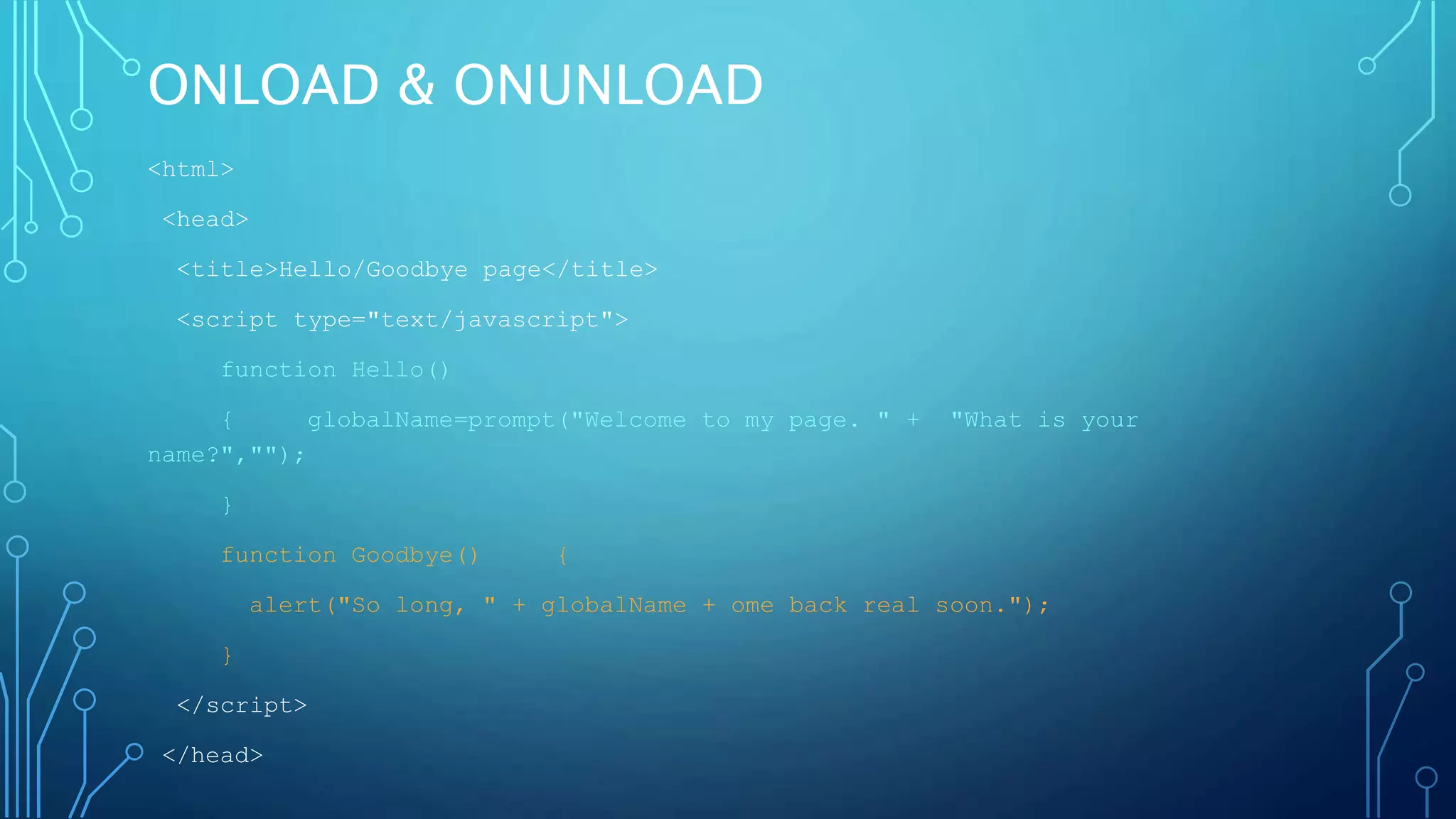
ONLOAD & ONUNLOAD
<html>
<head>
<title>Hello/Goodbye page</title>
<script type="text/javascript">
function Hello()
{ globalName=prompt("Welcome to my page. " + "What is your
name?","");
}
function Goodbye() {
alert("So long, " + globalName + ome back real soon.");
}
</script>
</head>
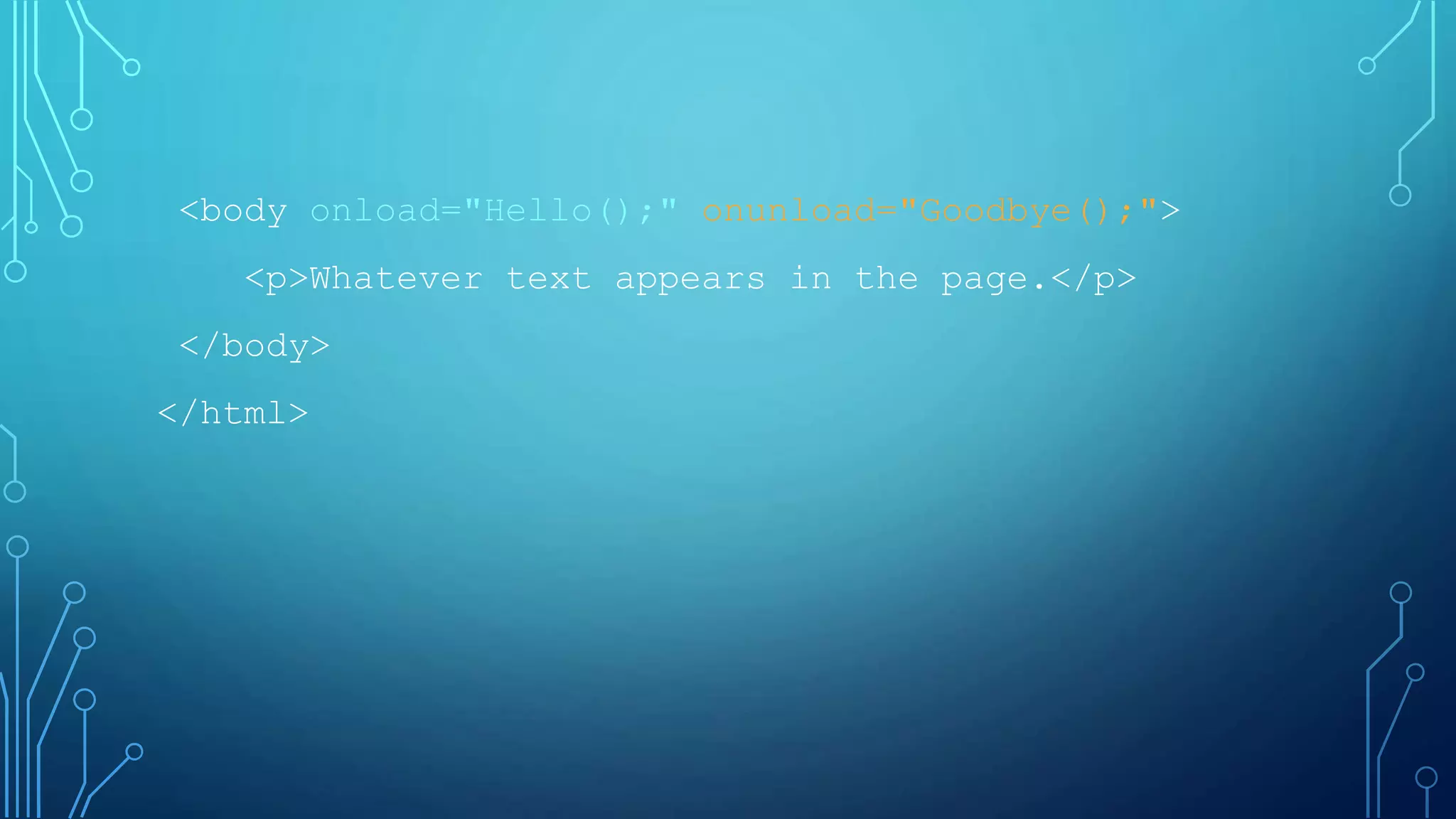
<body onload="Hello();" onunload="Goodbye();">
<p>Whatever text appears in the page.</p>
</body>
</html>
USING THE ONCLICK EVENT HANDLER
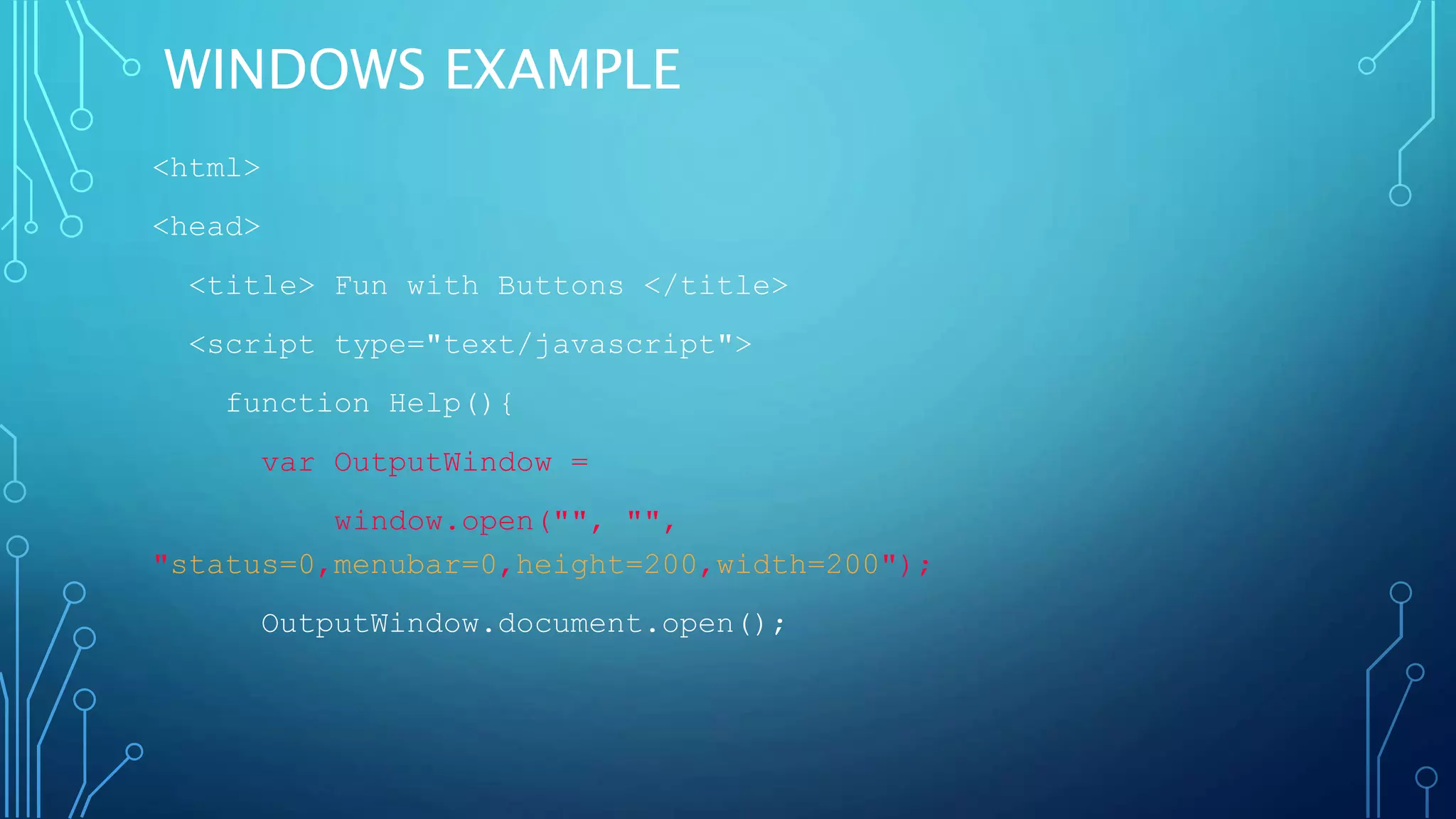
WINDOWS EXAMPLE
<html>
<head>
<title> Fun with Buttons </title>
<script type="text/javascript">
function Help(){
var OutputWindow =
window.open("", "",
"status=0,menubar=0,height=200,width=200");
OutputWindow.document.open();
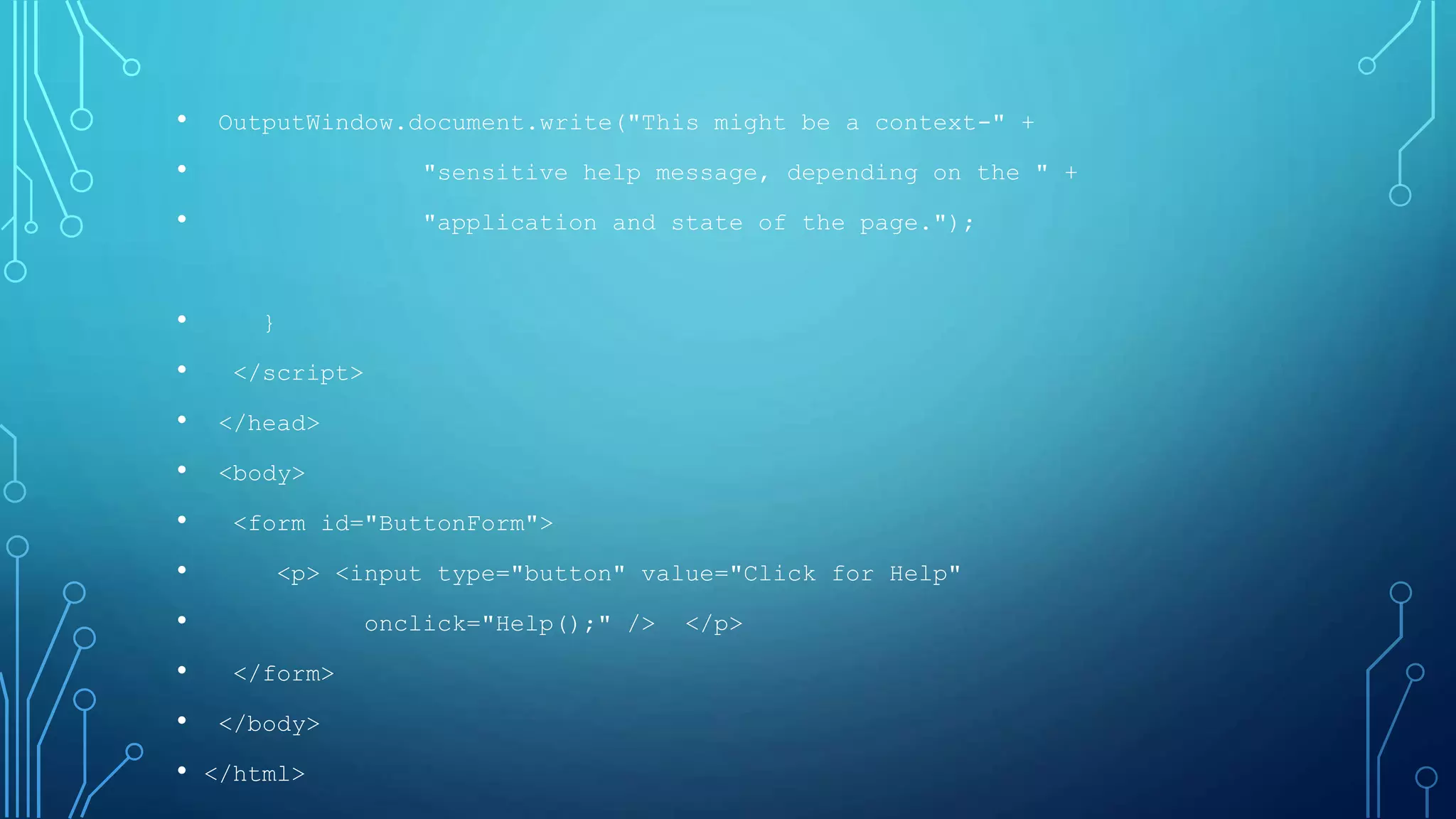
• OutputWindow.document.write("This might be a context-" +
• "sensitive help message, depending on the " +
• "application and state of the page.");
• }
• </script>
• </head>
• <body>
• <form id="ButtonForm">
• <p> <input type="button" value="Click for Help"
• onclick="Help();" /> </p>
• </form>
• </body>
• </html>
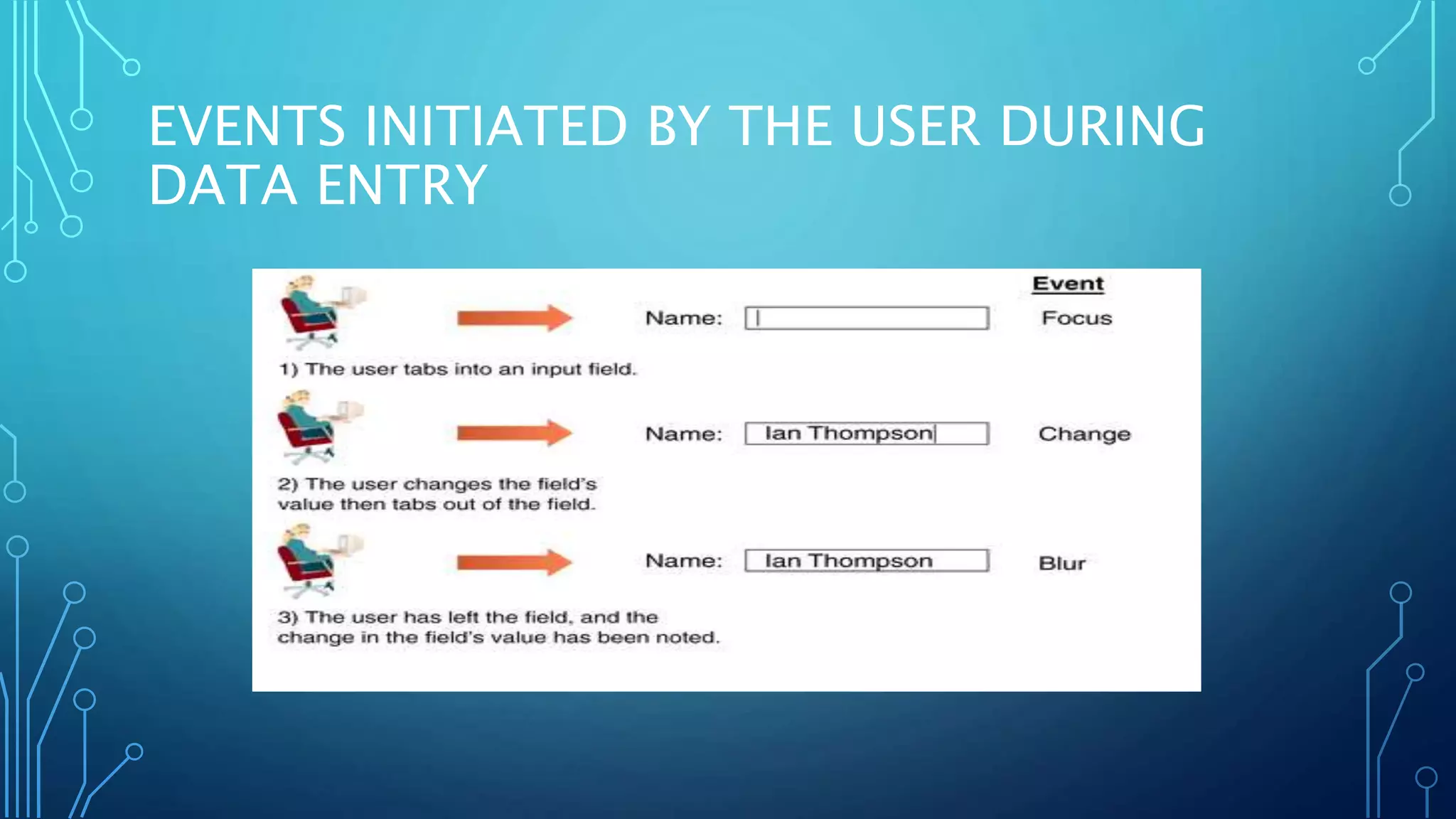
EVENTS INITIATED BY THE USER DURING
DATA ENTRY
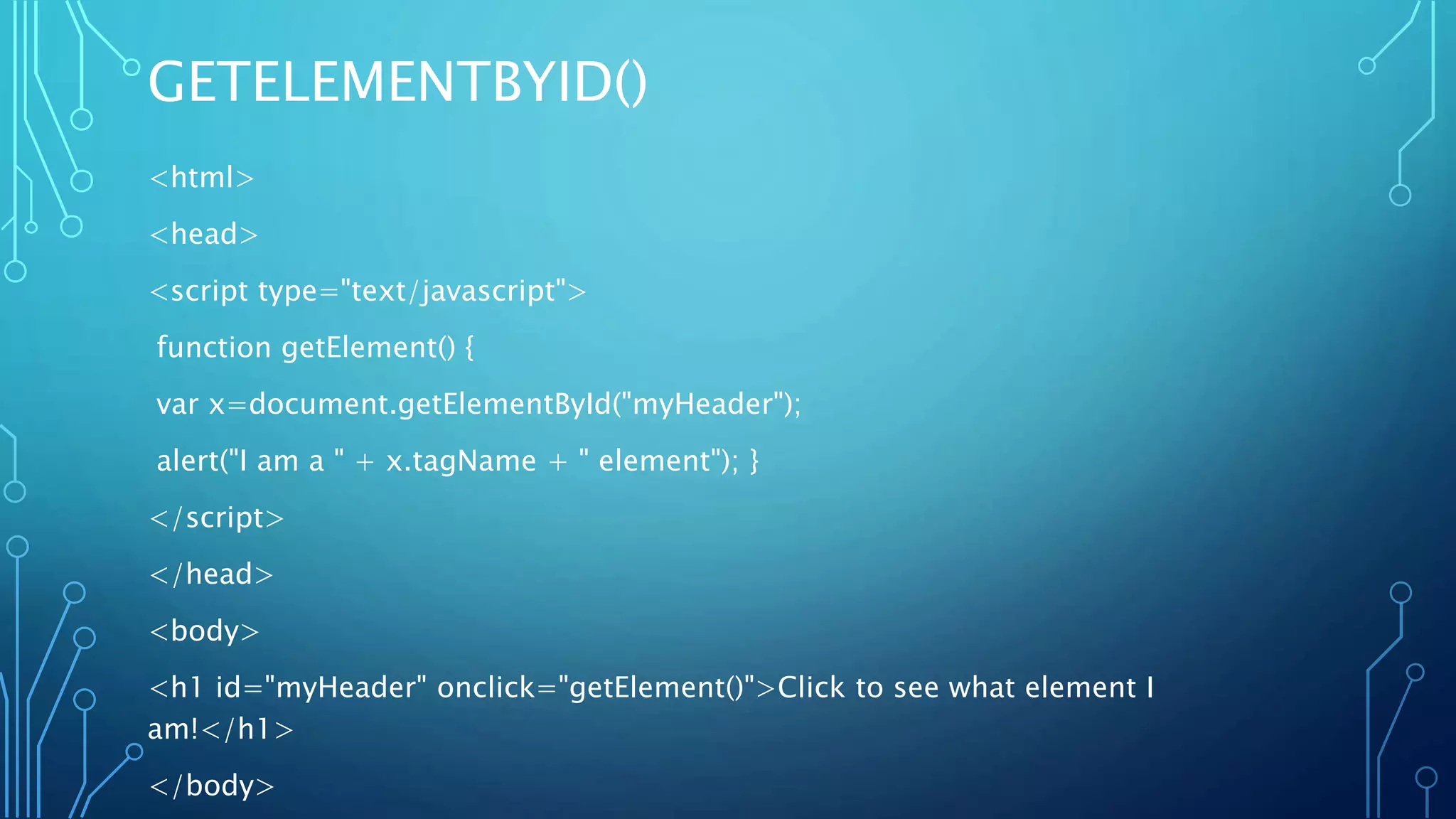
GETELEMENTBYID()
<html>
<head>
<script type="text/javascript">
function getElement() {
var x=document.getElementById("myHeader");
alert("I am a " + x.tagName + " element"); }
</script>
</head>
<body>
<h1 id="myHeader" onclick="getElement()">Click to see what element I
am!</h1>
</body>
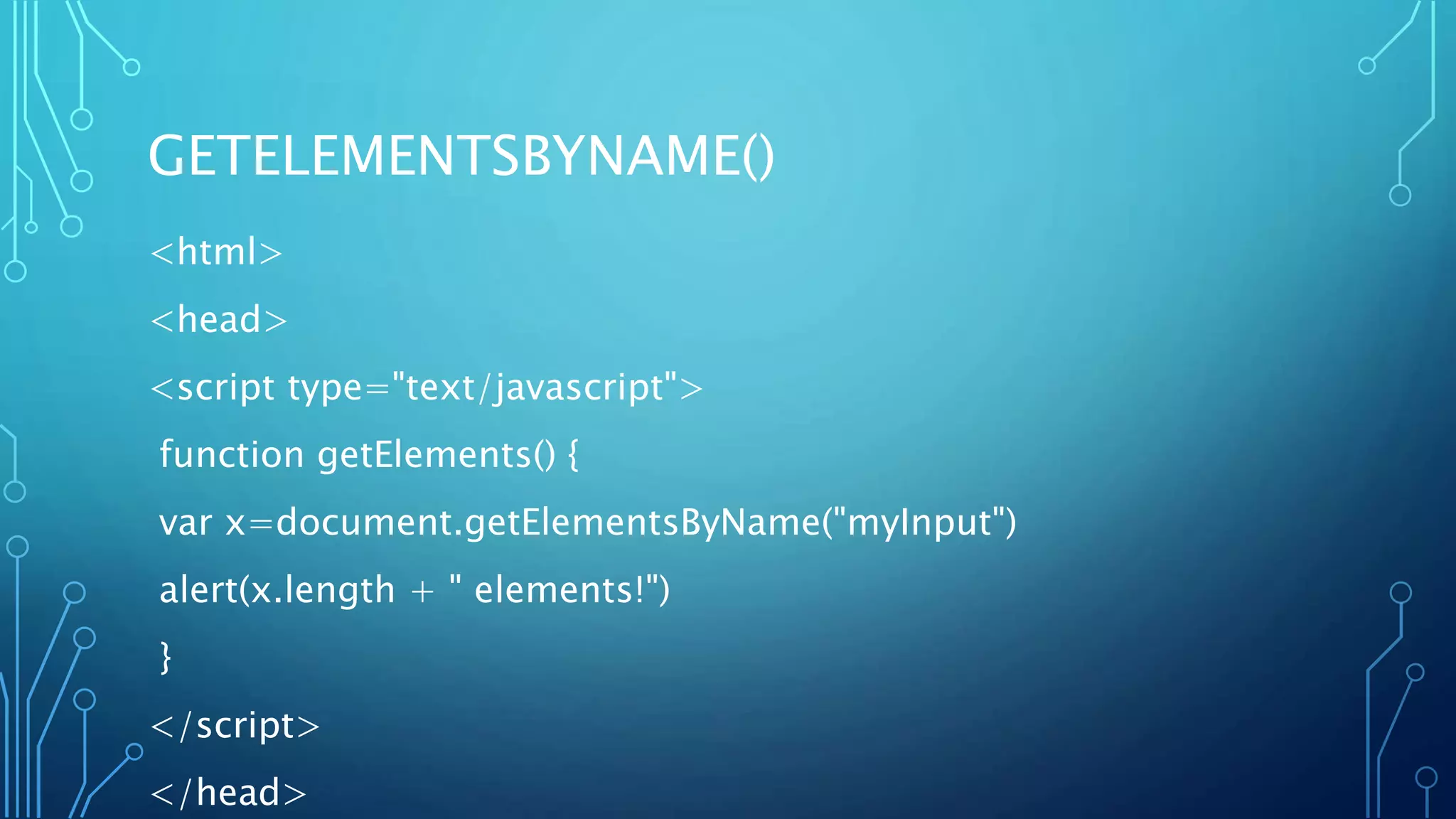
GETELEMENTSBYNAME()
<html>
<head>
<script type="text/javascript">
function getElements() {
var x=document.getElementsByName("myInput")
alert(x.length + " elements!")
}
</script>
</head>
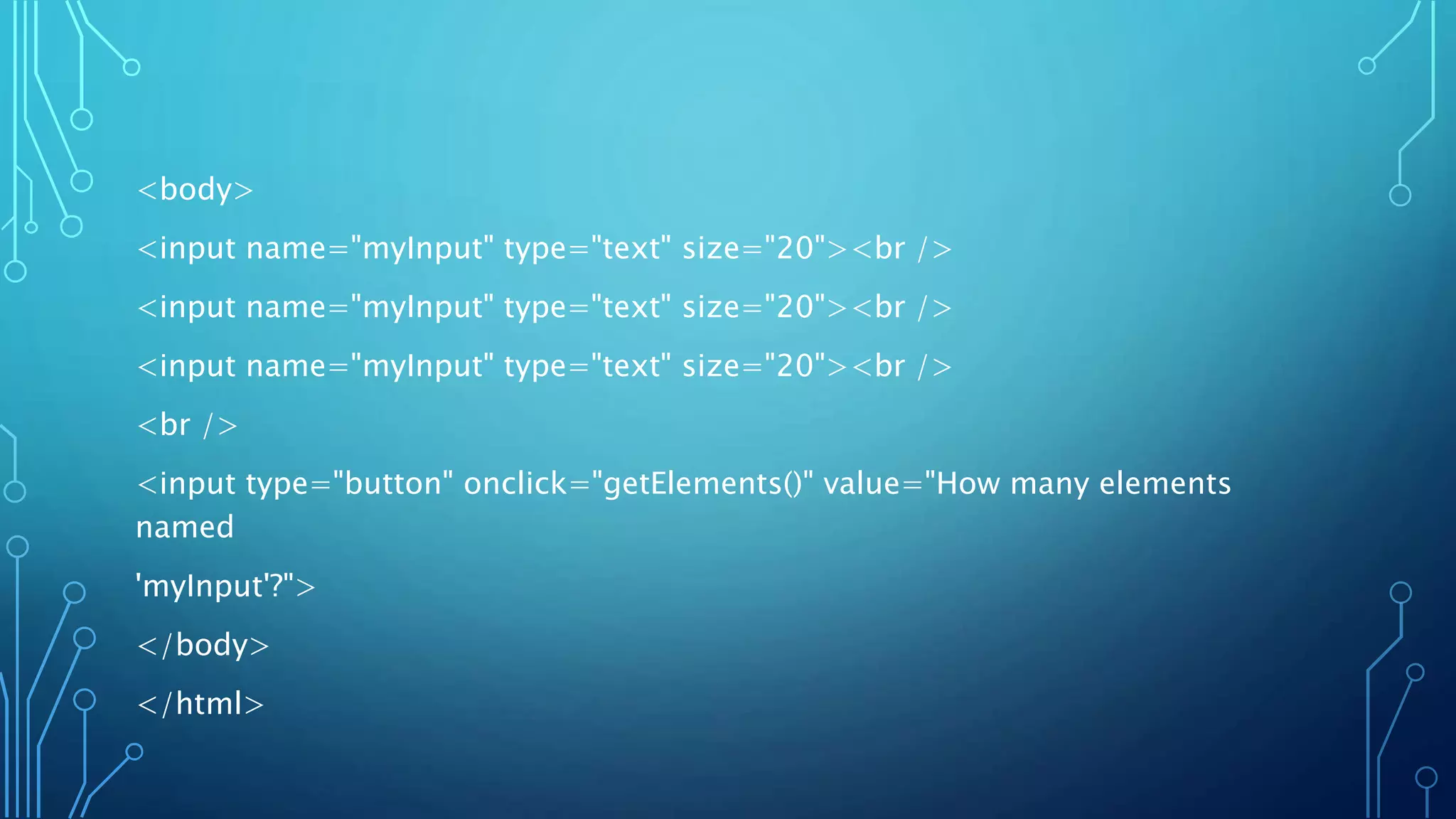
<body>
<input name="myInput" type="text" size="20"><br />
<br />
<input type="button" onclick="getElements()" value="How many elements
named
'myInput'?">
</body>
</html>
RETURN THE INNERHTML OF THE FIRST ANCHOR
IN A DOCUMENT
<html>
<body>
<a name="first">First anchor</a><br />
<a name="second">Second anchor</a><br />
<a name="third">Third anchor</a><br />
<br />
InnerHTML of the first anchor in this document:
<script type="text/javascript">
document.write(document.anchors[0].innerHTML)
</script>
</body>
</html>
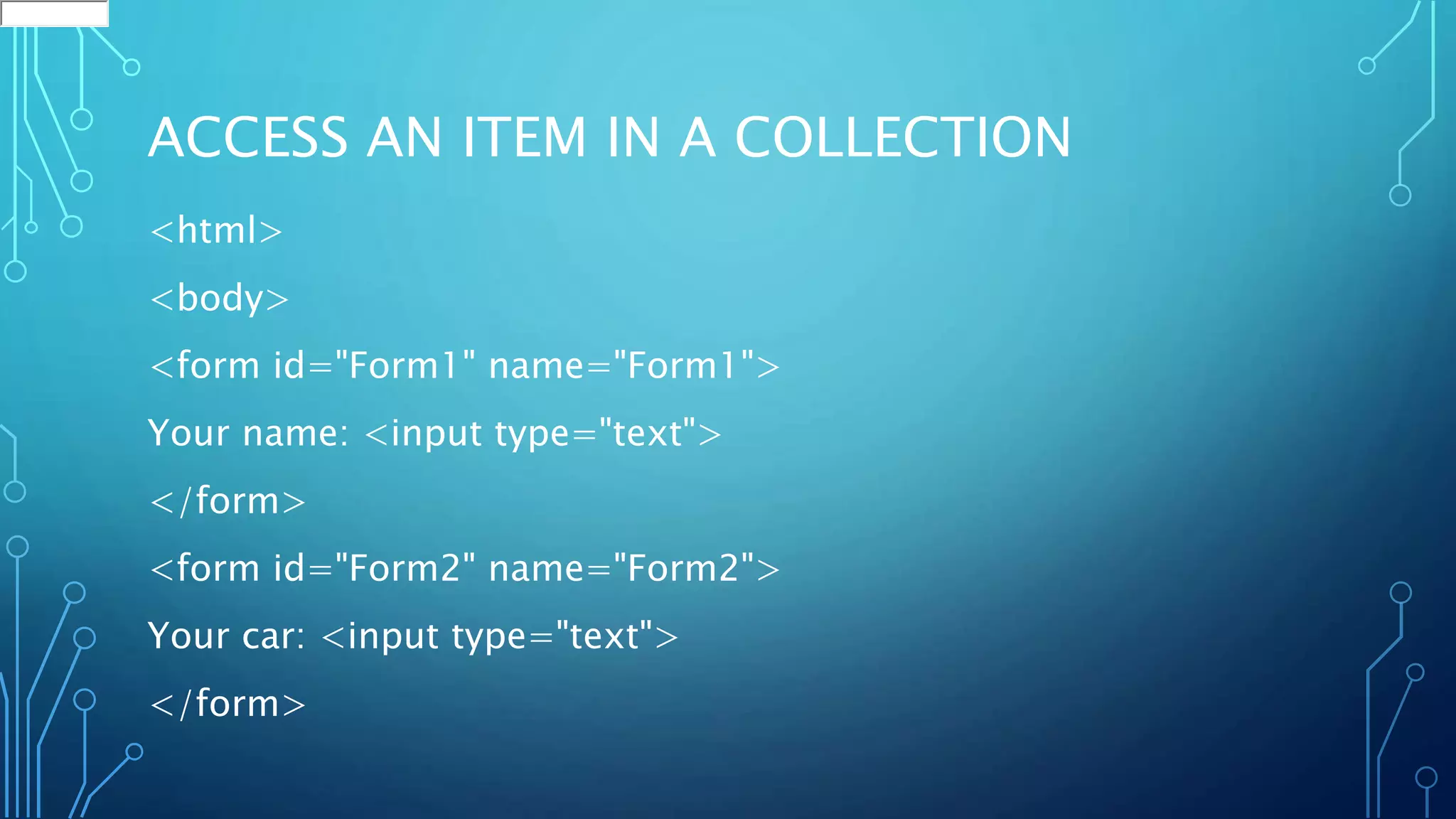
ACCESS AN ITEM IN A COLLECTION
<html>
<body>
<form id="Form1" name="Form1">
Your name: <input type="text">
</form>
<form id="Form2" name="Form2">
Your car: <input type="text">
</form>
<p>
To access an item in a collection you can either use the number or the name
of the item:
</p>
<script type="text/javascript">
document.write("<p>The first form's name is: " + document.forms[0].name +
"</p>")
document.write("<p>The first form's name is: " +
document.getElementById("Form1").name
+ "</p>")
</script>
</body>
SERVER-SIDE AND CLIENT-SIDE VALIDATION

Dom(document object model)

  • 1.
  • 2.
    INTRODUCTION • JavaScript arrangesobjects in a Document Object Model or DOM. • The DOM defines the logical structure of objects and the way an object is accessed and manipulated. • The document object model can be thought of as a hierarchy moving from the most general object to the most specific. • The HTML DOM defines a standard set of objects for HTML, and a standard way to access and manipulate HTML documents
  • 3.
    • All HTMLelements, along with their containing text and attributes, can be accessed through the DOM. • The contents can be modified or deleted, and new elements can be created. • The HTML DOM is platform and language independent
  • 4.
  • 5.
    HTML DOM OBJECTS •Anchor object • Document object • Event object • Form and Form Input object • Frame, Frameset, and IFrame objects • Image object etc
  • 6.
    DOM HIERARCHY • Thetopmost object in the hierarchy is the window object, which contains the other objects in the list, such as the current frame, history list, and the Web page document. • The Web page document contains its own set of objects, including links, anchors, and forms. • Within each form are form objects, such as input boxes, radio buttons, or selection lists.
  • 7.
    MANAGING EVENTS • Anevent is a specific occurrence within the Web browser. For example: • opening up a Web page • positioning the mouse pointer over a location on that page • Events are an important part of JavaScript programming, you can write scripts that run in response to the actions of the user, even after the Web page has been opened.
  • 8.
    ONLOAD & ONUNLOAD <html> <head> <title>Hello/Goodbyepage</title> <script type="text/javascript"> function Hello() { globalName=prompt("Welcome to my page. " + "What is your name?",""); } function Goodbye() { alert("So long, " + globalName + ome back real soon."); } </script> </head>
  • 9.
    <body onload="Hello();" onunload="Goodbye();"> <p>Whatevertext appears in the page.</p> </body> </html>
  • 10.
    USING THE ONCLICKEVENT HANDLER
  • 11.
    WINDOWS EXAMPLE <html> <head> <title> Funwith Buttons </title> <script type="text/javascript"> function Help(){ var OutputWindow = window.open("", "", "status=0,menubar=0,height=200,width=200"); OutputWindow.document.open();
  • 12.
    • OutputWindow.document.write("This mightbe a context-" + • "sensitive help message, depending on the " + • "application and state of the page."); • } • </script> • </head> • <body> • <form id="ButtonForm"> • <p> <input type="button" value="Click for Help" • onclick="Help();" /> </p> • </form> • </body> • </html>
  • 13.
    EVENTS INITIATED BYTHE USER DURING DATA ENTRY
  • 14.
    GETELEMENTBYID() <html> <head> <script type="text/javascript"> function getElement(){ var x=document.getElementById("myHeader"); alert("I am a " + x.tagName + " element"); } </script> </head> <body> <h1 id="myHeader" onclick="getElement()">Click to see what element I am!</h1> </body>
  • 15.
    GETELEMENTSBYNAME() <html> <head> <script type="text/javascript"> function getElements(){ var x=document.getElementsByName("myInput") alert(x.length + " elements!") } </script> </head>
  • 16.
    <body> <input name="myInput" type="text"size="20"><br /> <input name="myInput" type="text" size="20"><br /> <input name="myInput" type="text" size="20"><br /> <br /> <input type="button" onclick="getElements()" value="How many elements named 'myInput'?"> </body> </html>
  • 17.
    RETURN THE INNERHTMLOF THE FIRST ANCHOR IN A DOCUMENT <html> <body> <a name="first">First anchor</a><br /> <a name="second">Second anchor</a><br /> <a name="third">Third anchor</a><br /> <br /> InnerHTML of the first anchor in this document: <script type="text/javascript"> document.write(document.anchors[0].innerHTML) </script> </body> </html>
  • 18.
    ACCESS AN ITEMIN A COLLECTION <html> <body> <form id="Form1" name="Form1"> Your name: <input type="text"> </form> <form id="Form2" name="Form2"> Your car: <input type="text"> </form>
  • 19.
    <p> To access anitem in a collection you can either use the number or the name of the item: </p> <script type="text/javascript"> document.write("<p>The first form's name is: " + document.forms[0].name + "</p>") document.write("<p>The first form's name is: " + document.getElementById("Form1").name + "</p>") </script> </body>
  • 20.