dockersh 
Tomas 
Doran 
@bobtfish 
2014-­‐10-­‐14
2
Shared (personal) bounce host 
• Multiple users 
• Persistent ssh sessions 
• ‘Playground’ 
• Fair split of resources? 
• Isolation? Security? 
3
VMs are expensive 
• 12 tmux sessions 
vs 
• 12 Virtual machines 
4
Containers are cheap 
• Container as lightweight VM 
• One persistent container per user 
• /home/myuser from host 
• /etc/passwd from host 
• Let the user supply own container? 
• sshd per container = 1 port per user 
5
Containers are cheap 
• Container as lightweight VM 
• One persistent container per user 
• /home/myuser from host 
• /etc/passwd from host 
• Let the user supply own container? 
• sshd per container = 1 port per user 
6
Containers are cheap 
• One persistent container per user 
• Even let the user supply the container 
• sshd per container = 1 port per user 
• Container as lightweight VM? 
• Need to edit ~/.ssh/config 
7
Can we do better? 
8
nsenter 
• Exec a process in an existing namespace 
• Debug running containers as root 
9
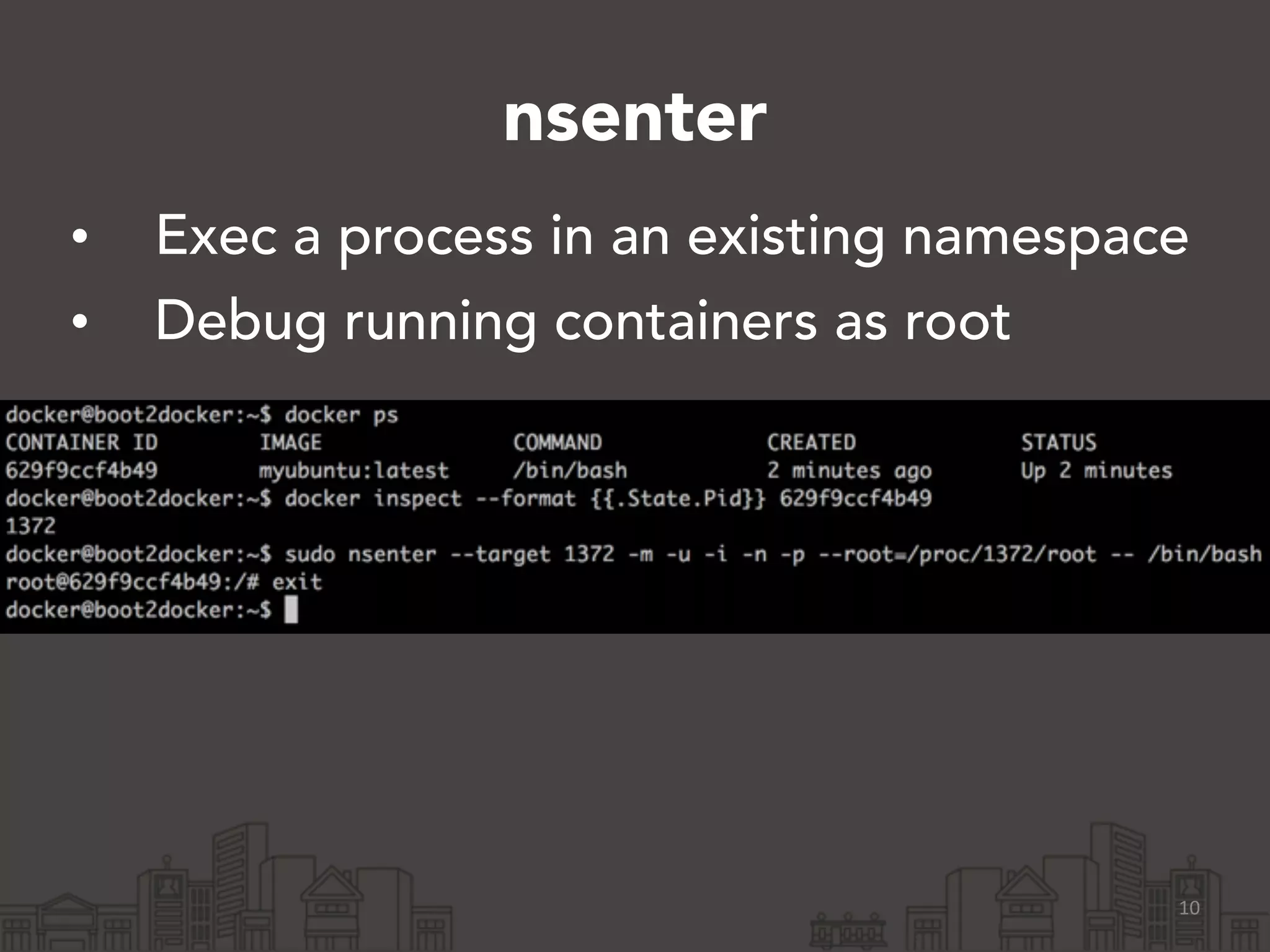
nsenter 
• Exec a process in an existing namespace 
• Debug running containers as root 
10
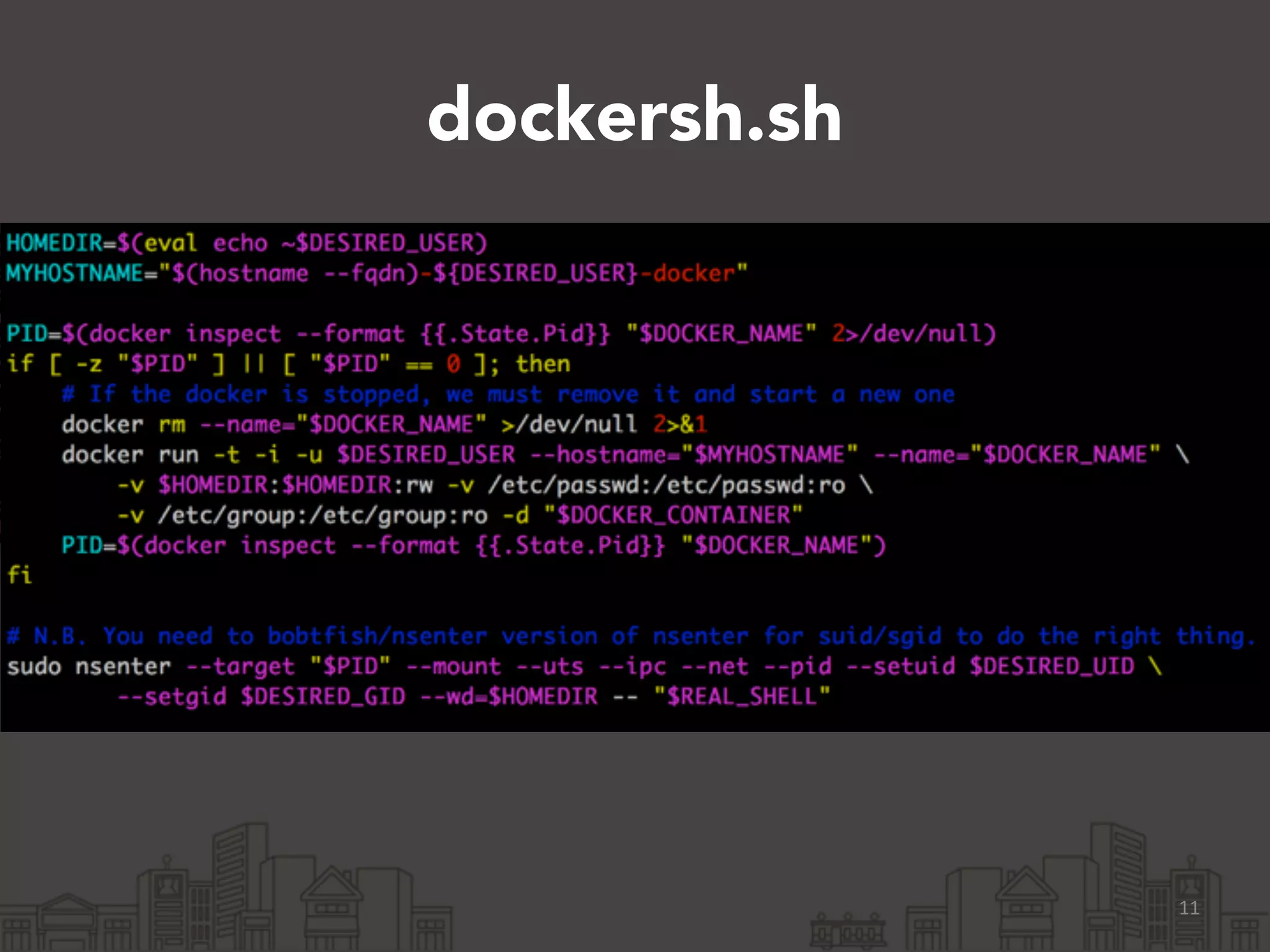
dockersh.sh 
11
12
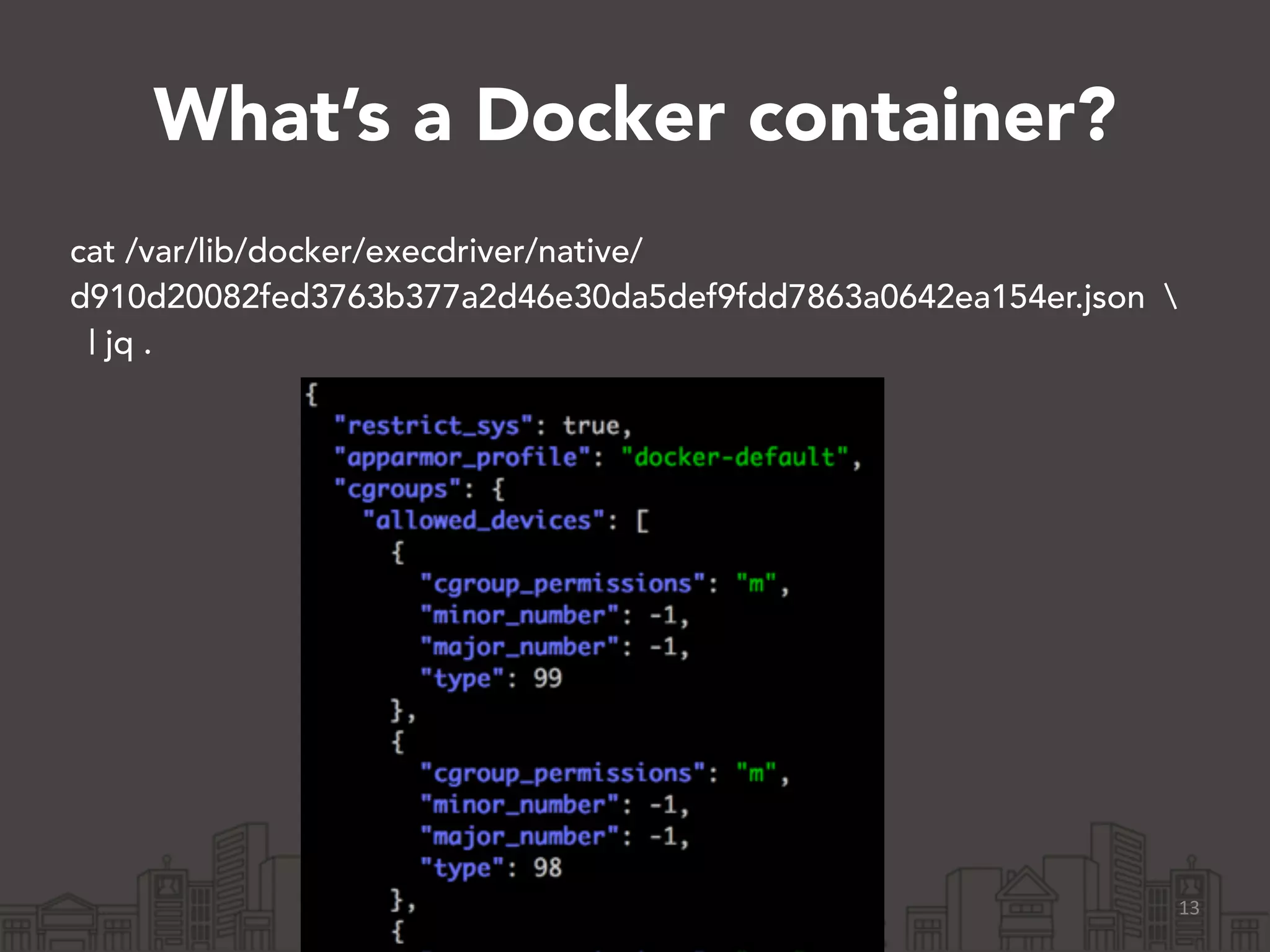
What’s a Docker container? 
cat /var/lib/docker/execdriver/native/ 
d910d20082fed3763b377a2d46e30da5def9fdd7863a0642ea154er.json  
| jq . 
13
14
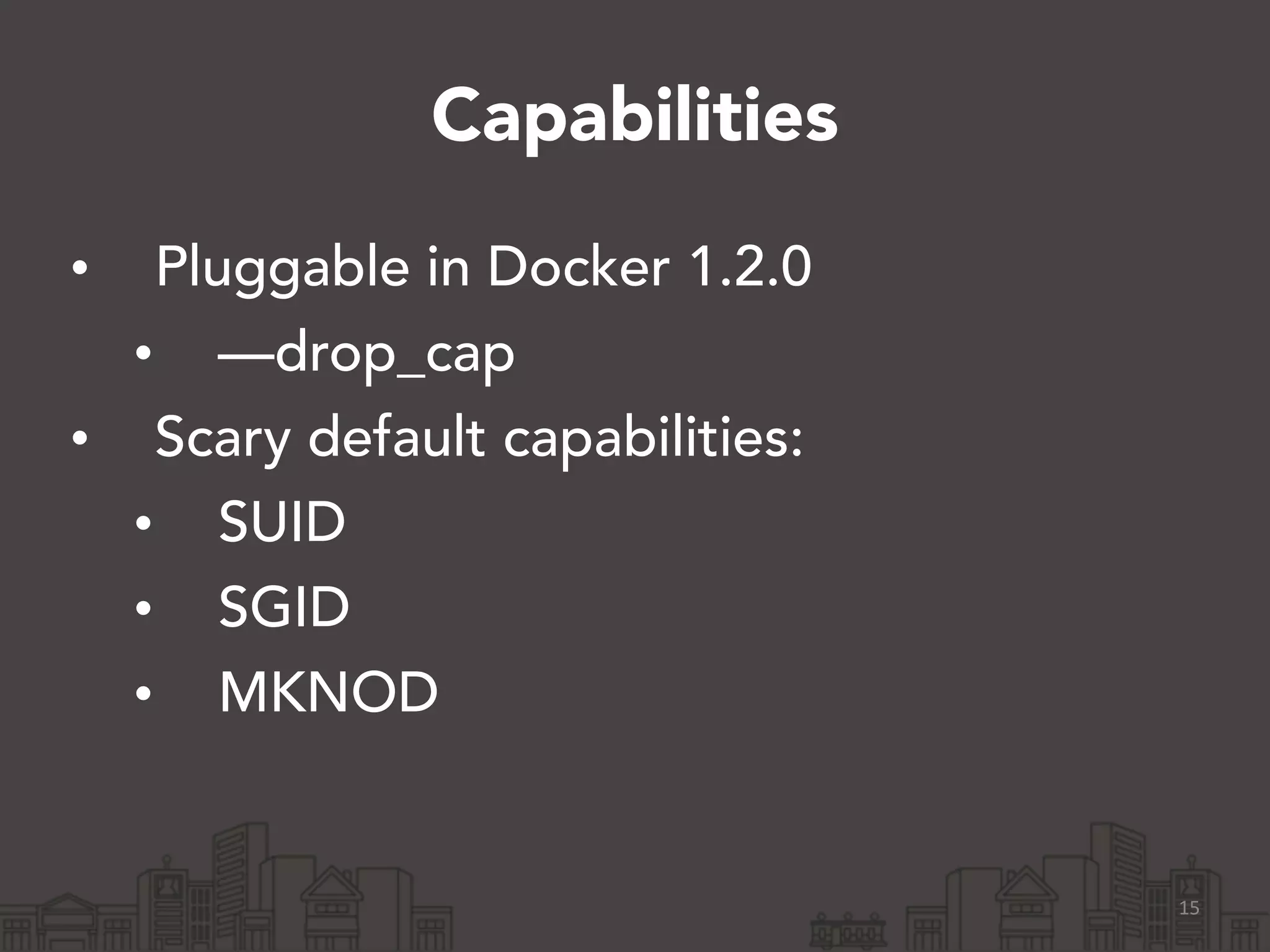
Capabilities 
• Pluggable in Docker 1.2.0 
• —drop_cap 
• Scary default capabilities: 
• SUID 
• SGID 
• MKNOD 
15
cgroups 
• Memory groups 
• CPU groups 
• IO groups 
16
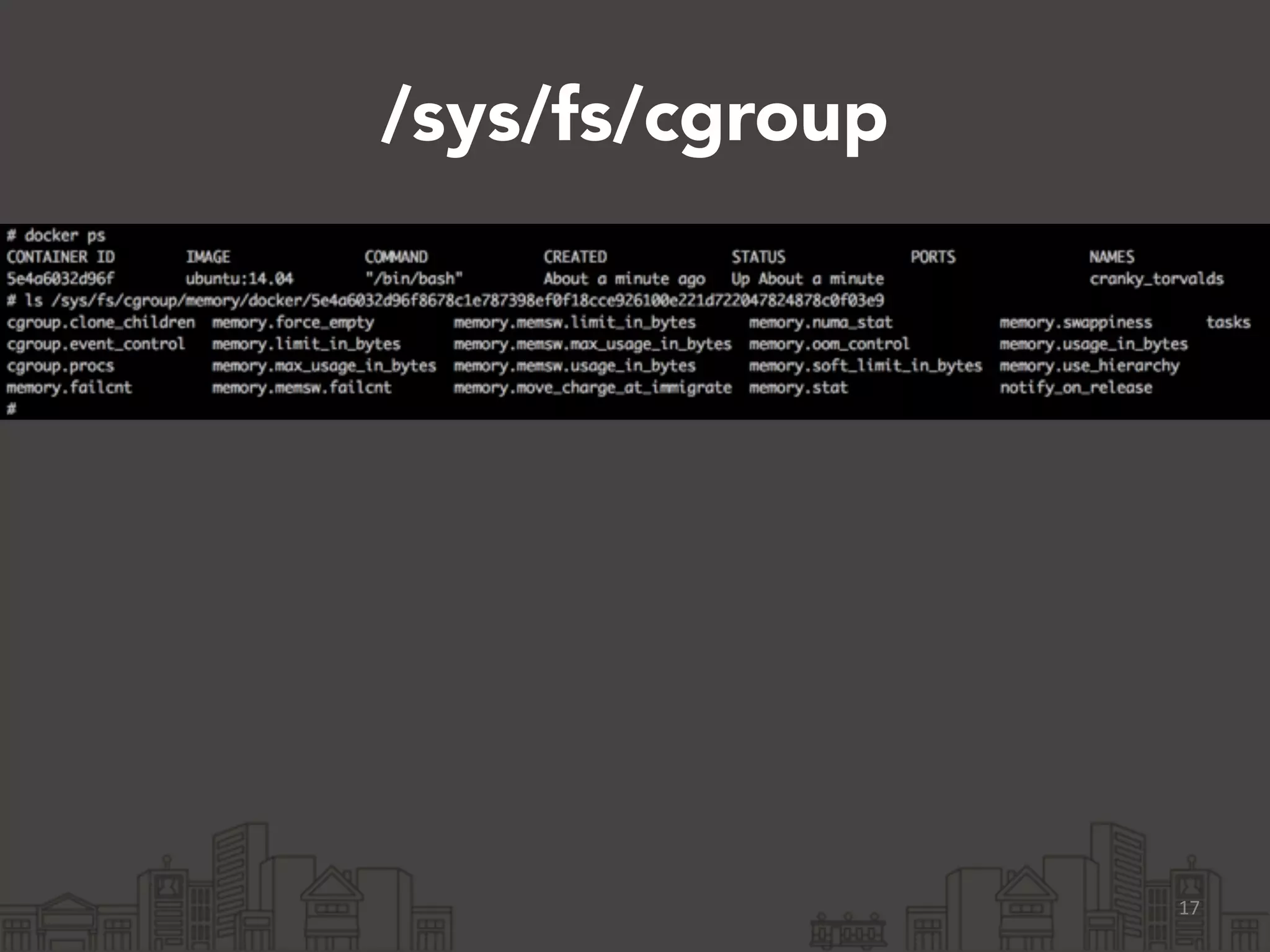
/sys/fs/cgroup 
17
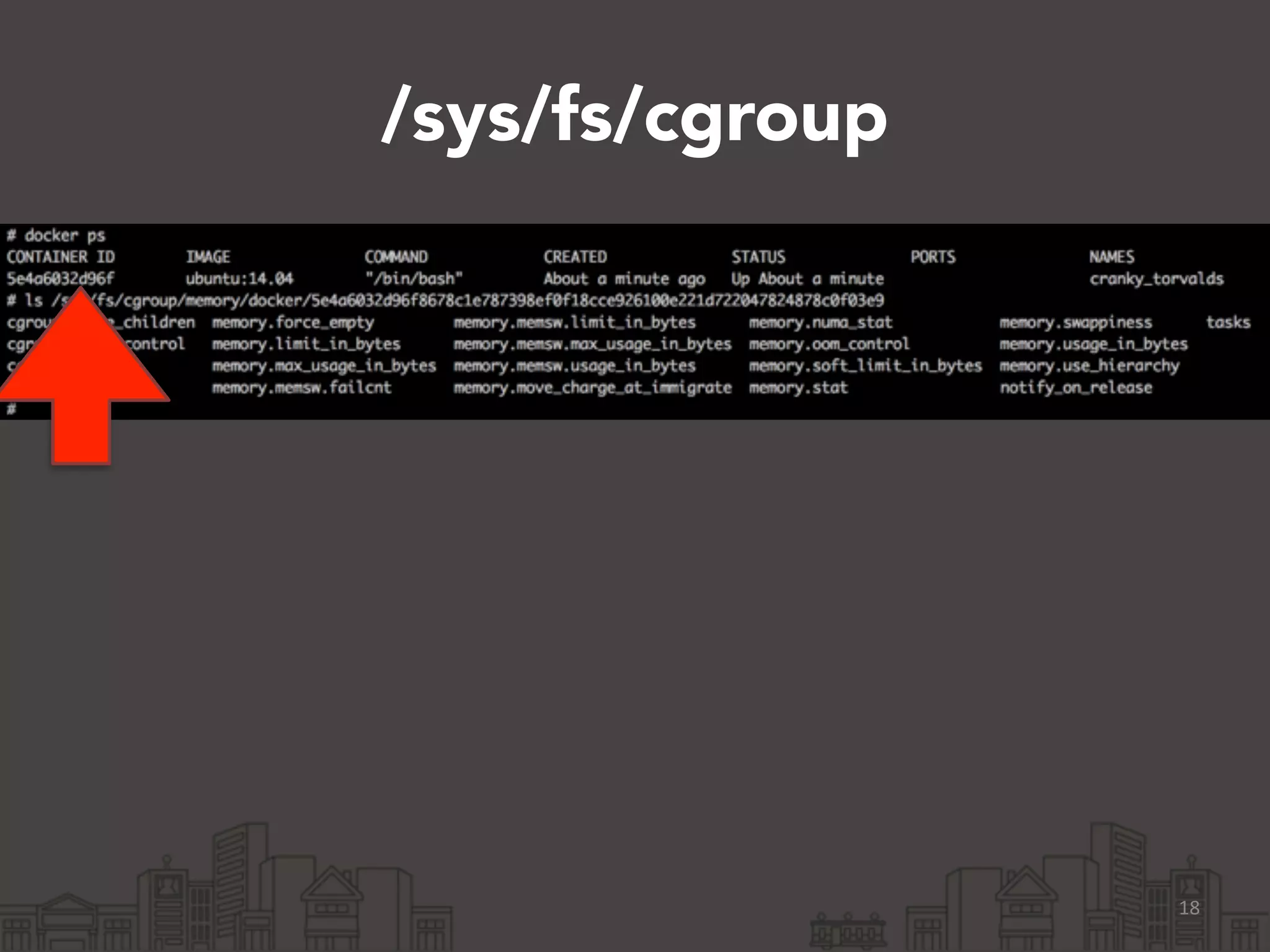
/sys/fs/cgroup 
18
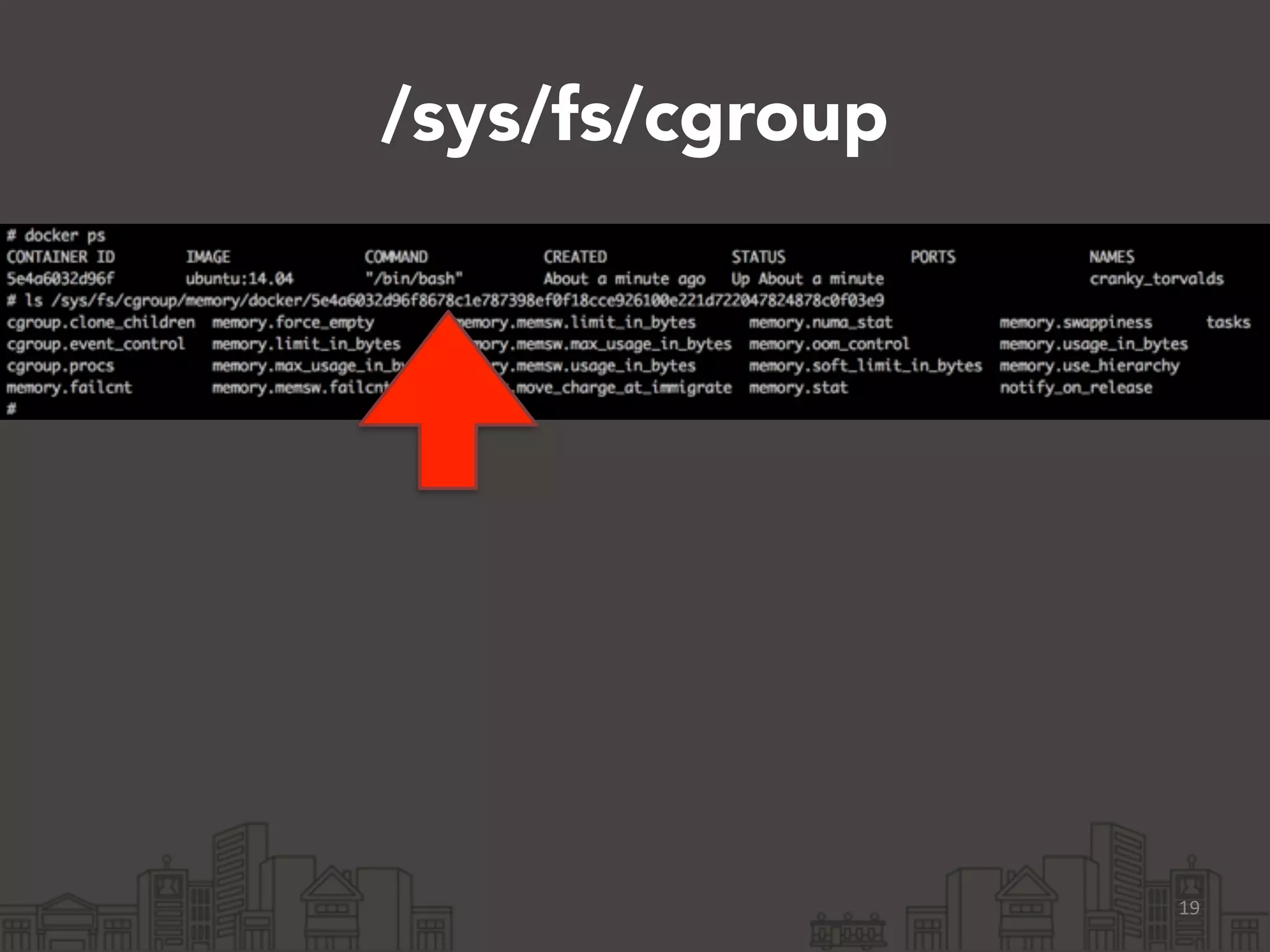
/sys/fs/cgroup 
19
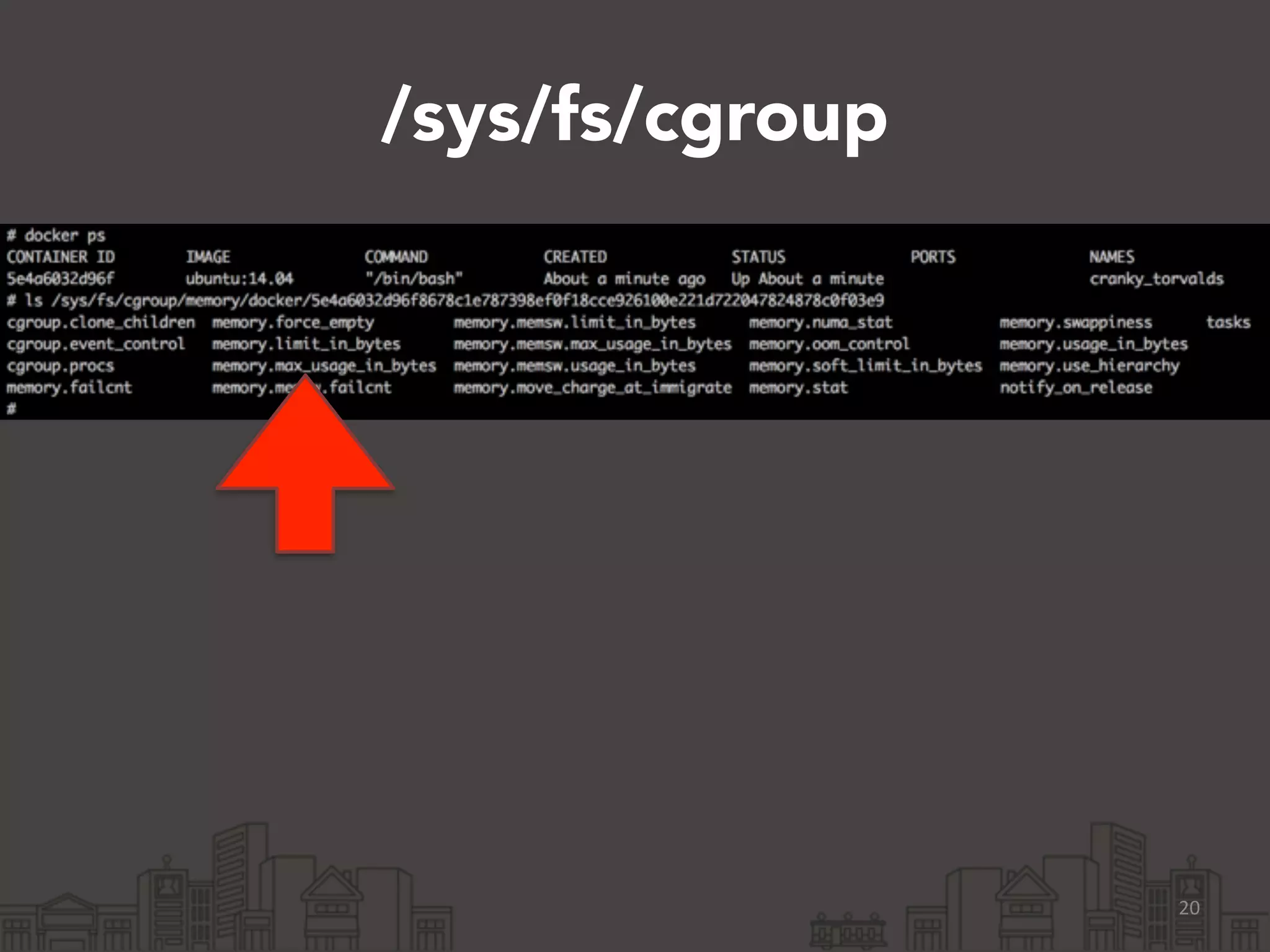
/sys/fs/cgroup 
20
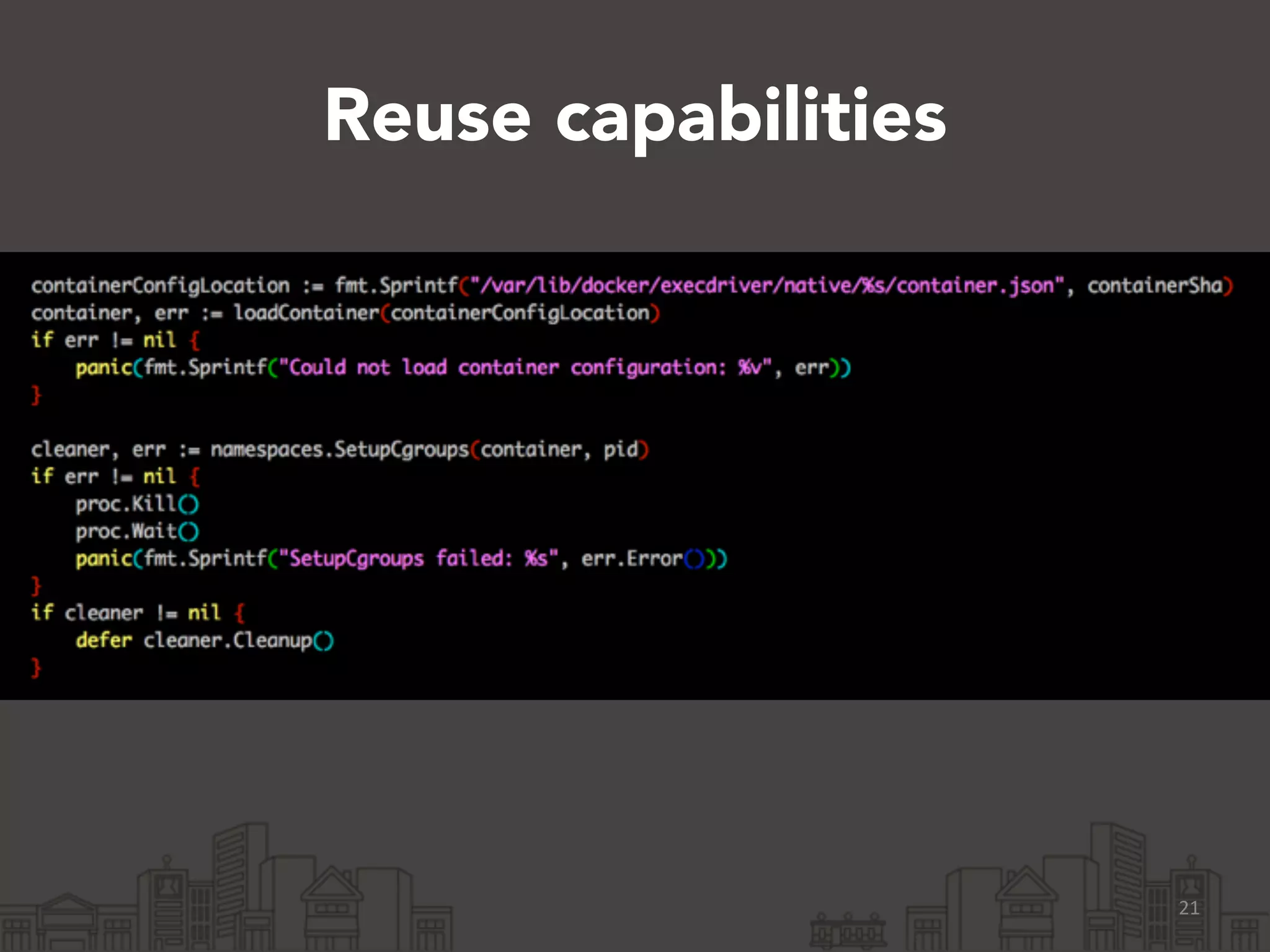
Reuse capabilities 
21
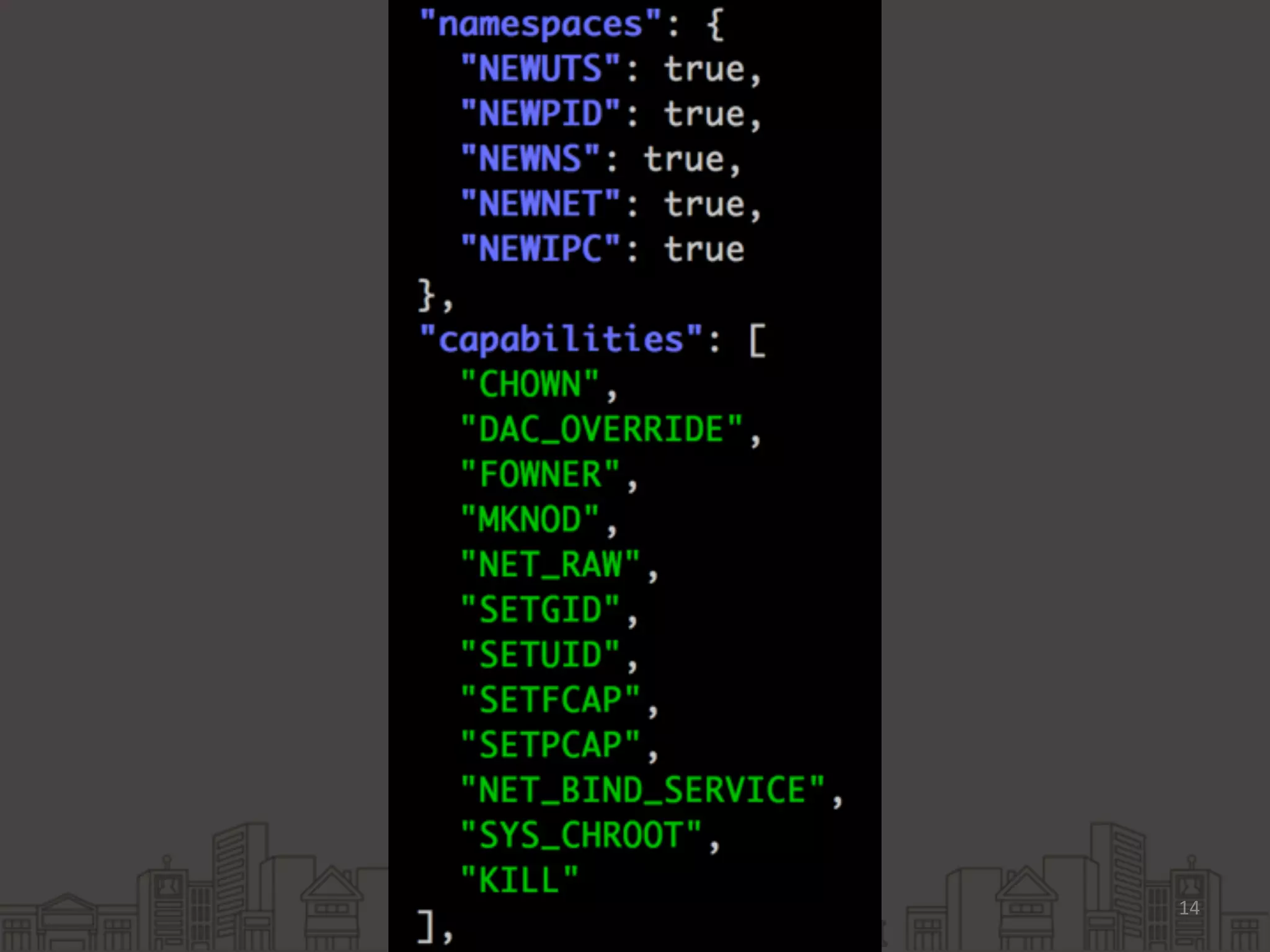
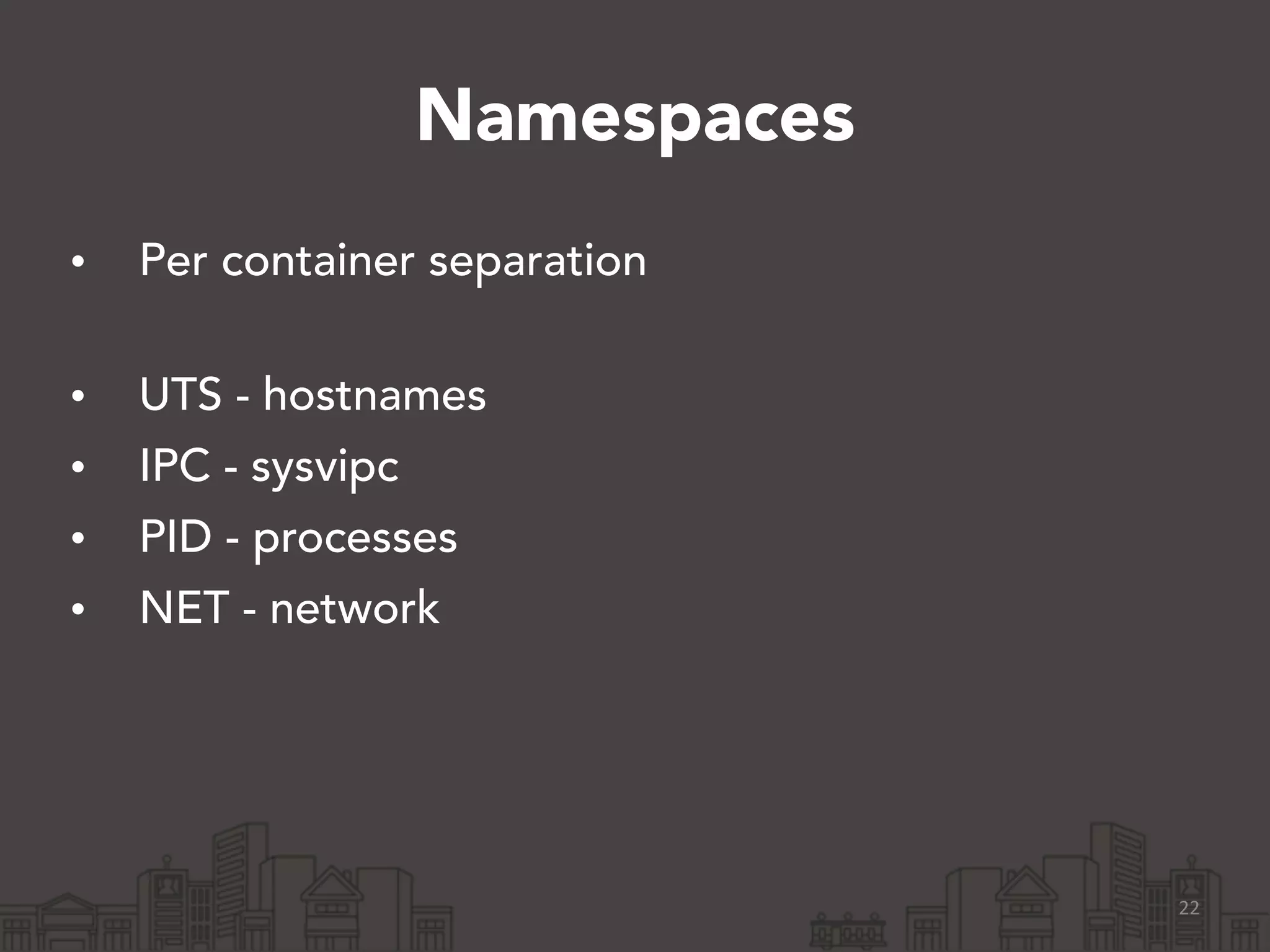
Namespaces 
• Per container separation 
• UTS - hostnames 
• IPC - sysvipc 
• PID - processes 
• NET - network 
22
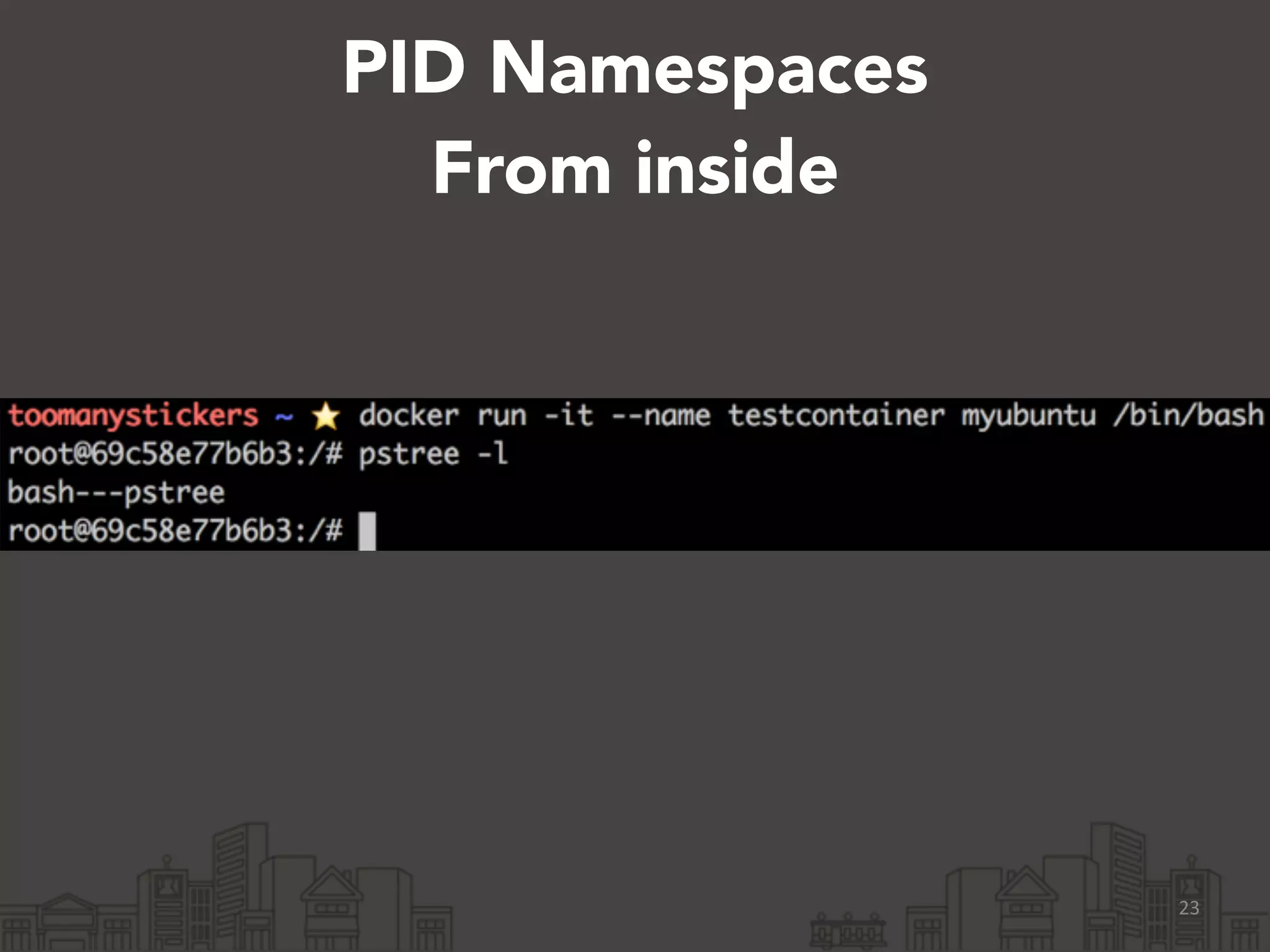
PID Namespaces 
From inside 
23
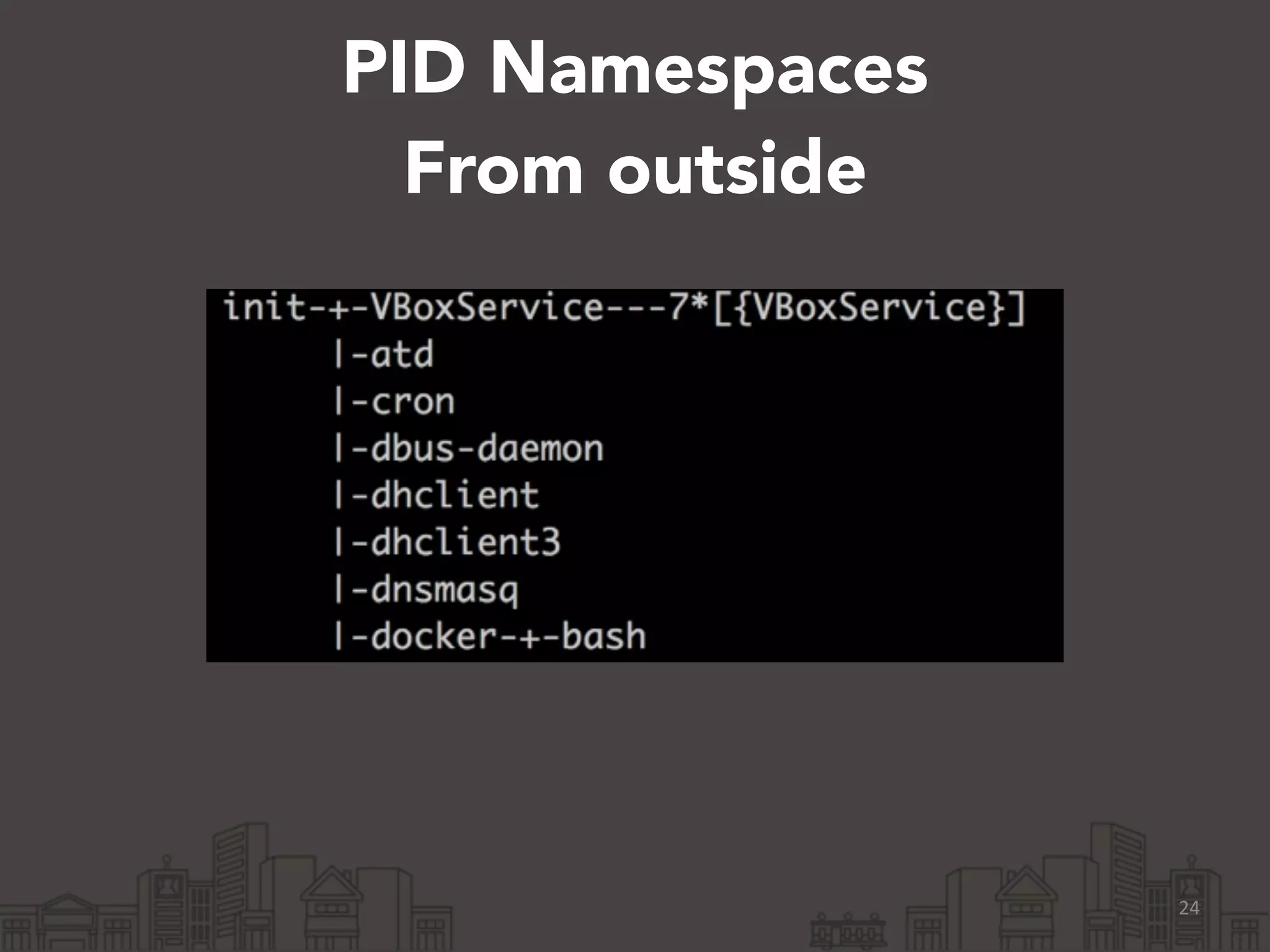
PID Namespaces 
From outside 
24
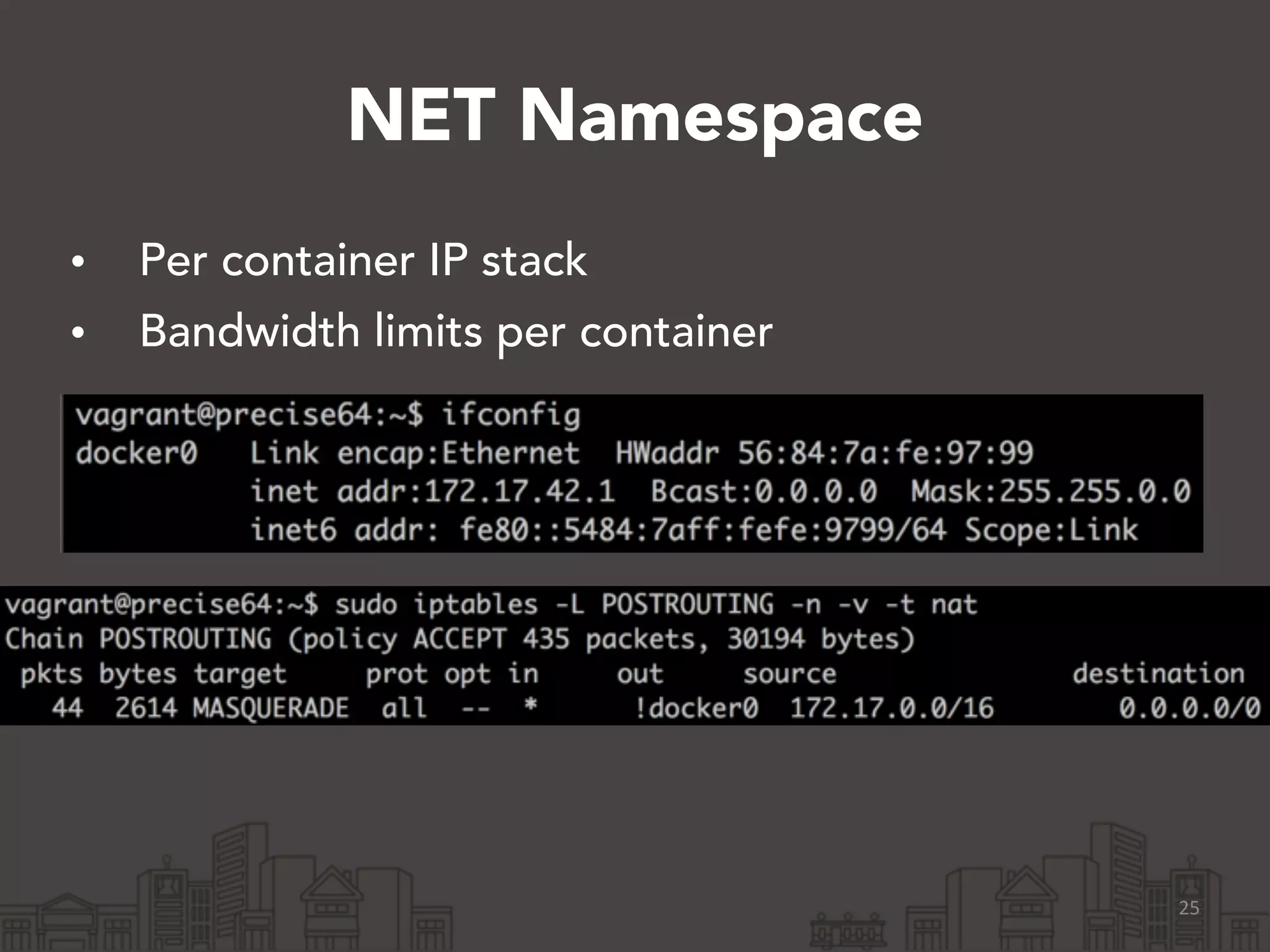
NET Namespace 
• Per container IP stack 
• Bandwidth limits per container 
25
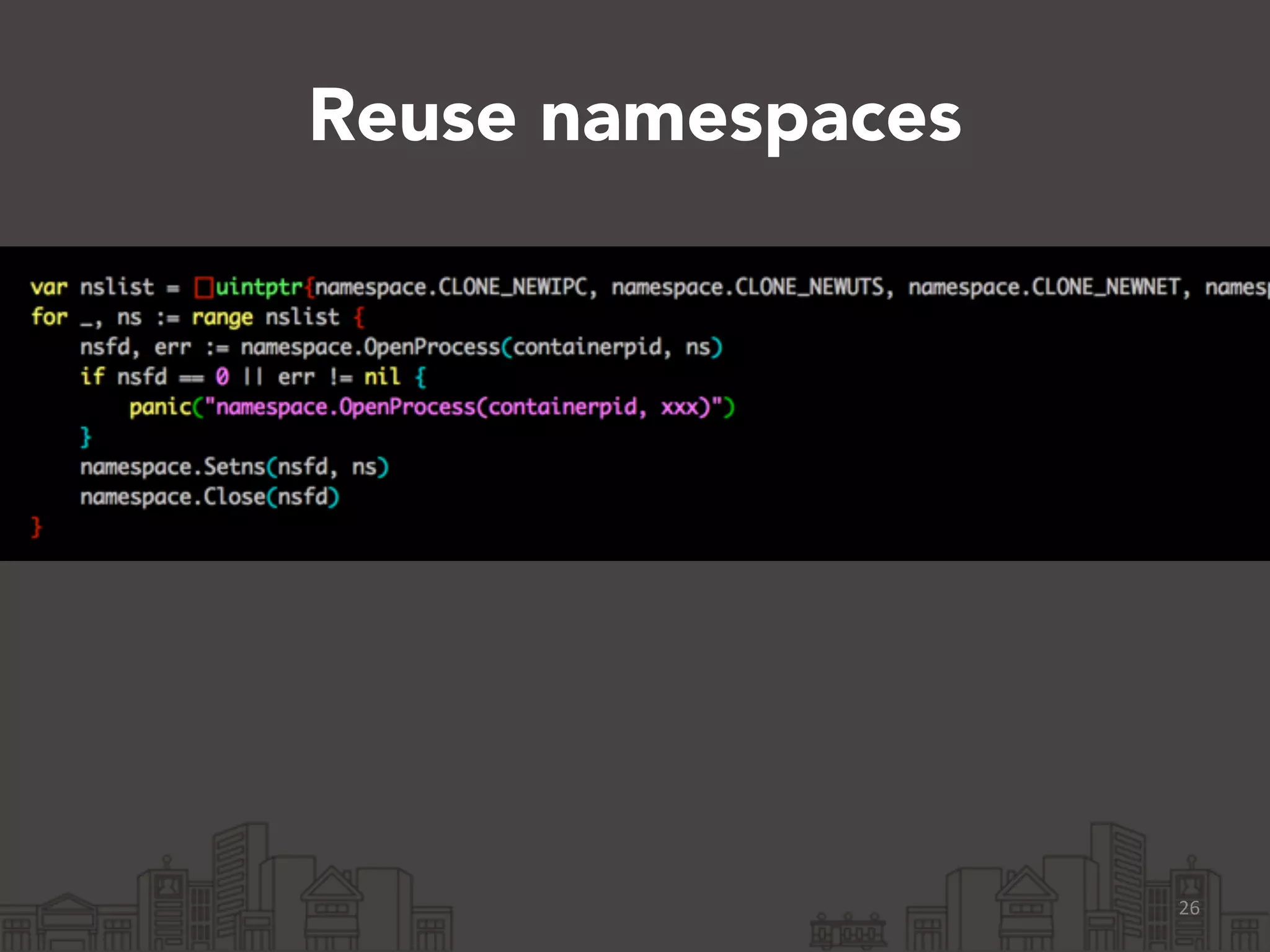
Reuse namespaces 
26
Todo 
• Ptys 
• scp 
• Better agent forwarding 
27
Thanks! 
• We’re hiring! 
http://www.yelp.co.uk/careers?jvi=ogVTXfwL 
• https://github.com/Yelp/dockersh 
• http://engineeringblog.yelp.com/2014/08/ 
hack209-dockersh.html 
28

Dockersh and a brief intro to the docker internals