DIY Java Profiling
Roman Elizarov / Роман Елизаров
Devexperts / Эксперт-Система
elizarov at devexperts dot com
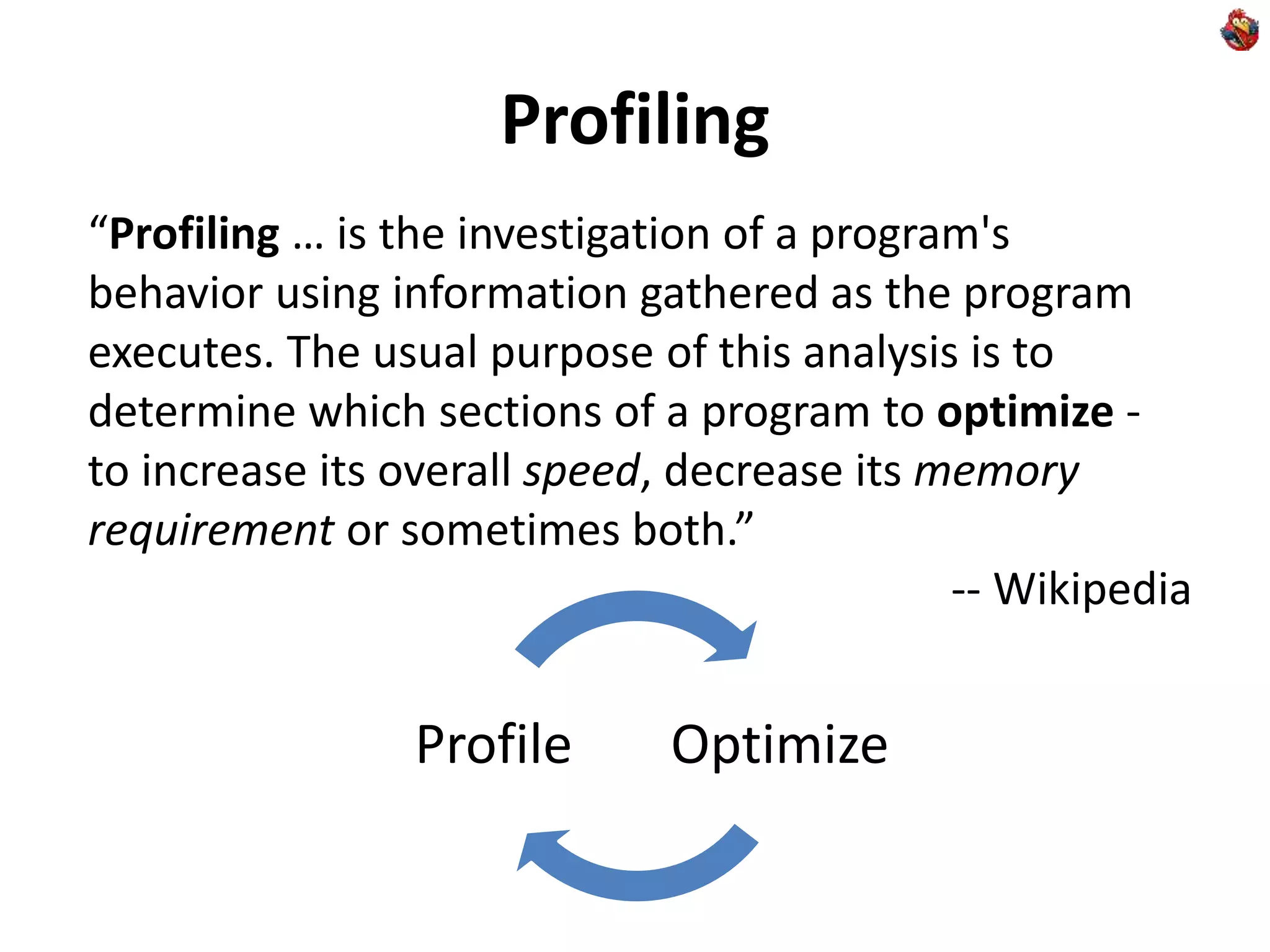
Profiling
“Profiling … is the investigation of a program's
behavior using information gathered as the program
executes. The usual purpose of this analysis is to
determine which sections of a program to optimize -
to increase its overall speed, decrease its memory
requirement or sometimes both.”
-- Wikipedia
OptimizeProfile
Why Do-It-Yourself?
What are the problems with tools?
• When you cannot run 3rd party code in
production/live environment
• Reliability concerns
• Compliance concerns
• Tools are often opaque (even if open source)
• In their performance effect
• In their means of operation
• Tools have their learning curve
• While DIY is Fun!
Yes, we work for financial industry
Learning curve?
Learning a tool:
• Pays off if you use it often
• Pays off if it gets you results faster/better
• It is good to know modern tools to avoid NIH syndrome
DIY for knowledge reuse:
• Apply your existing knowledge
• Expand and deepen your existing knowledge
• Know your day-to-day tools (like Java VM) better
Why Java?
Top language since 2001 (TIOBE)
Great for enterprise applications
• Write front & back in the same language
• share code and libraries between them
• Run everywhere
• Windows, Mac OS (typical for front)
• Linux, Solaris (typical for back)
Managed language – makes it easy to profile
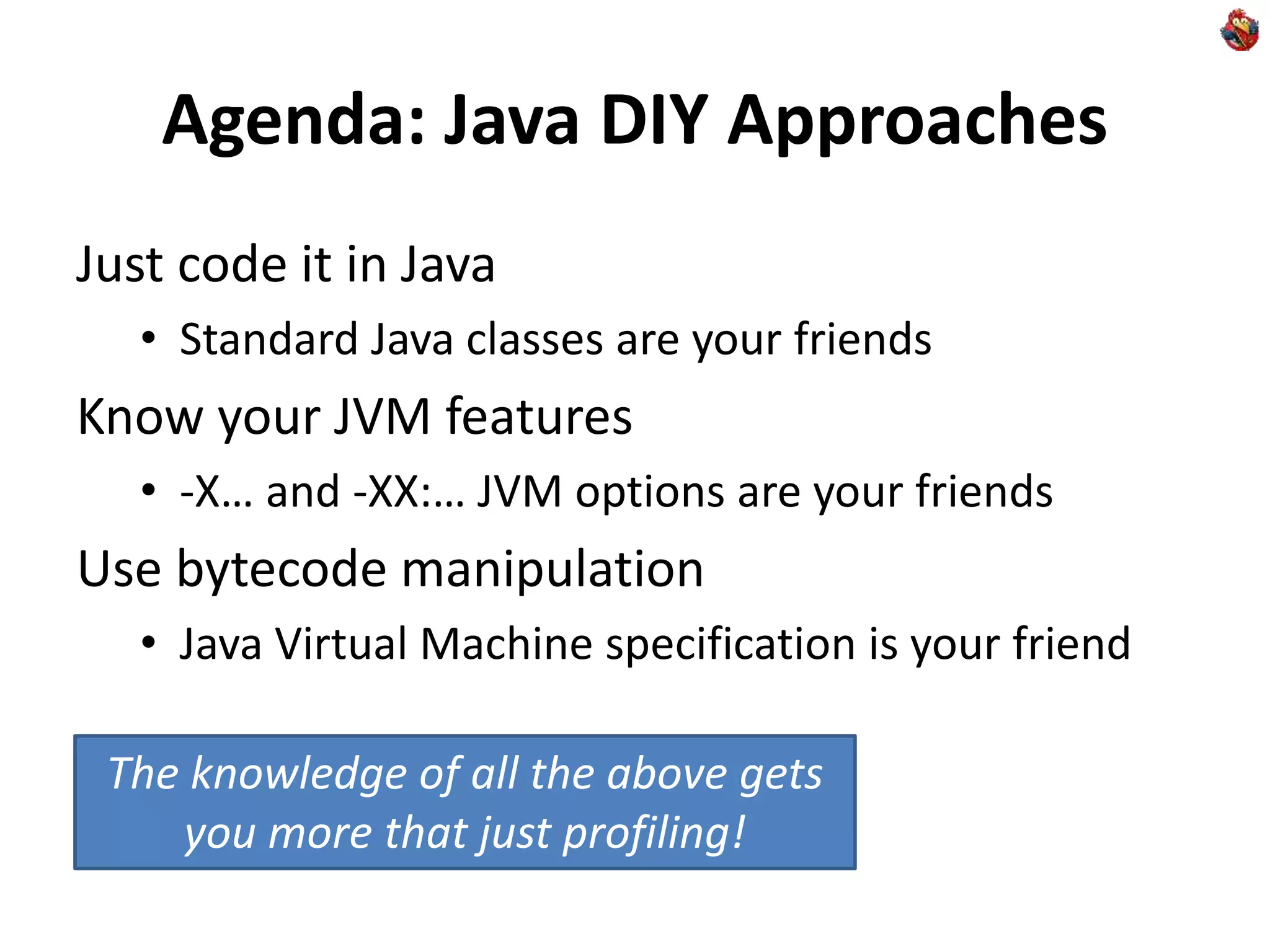
Agenda: Java DIY Approaches
Just code it in Java
• Standard Java classes are your friends
Know your JVM features
• -X… and -XX:… JVM options are your friends
Use bytecode manipulation
• Java Virtual Machine specification is your friend
The knowledge of all the above gets
you more that just profiling!
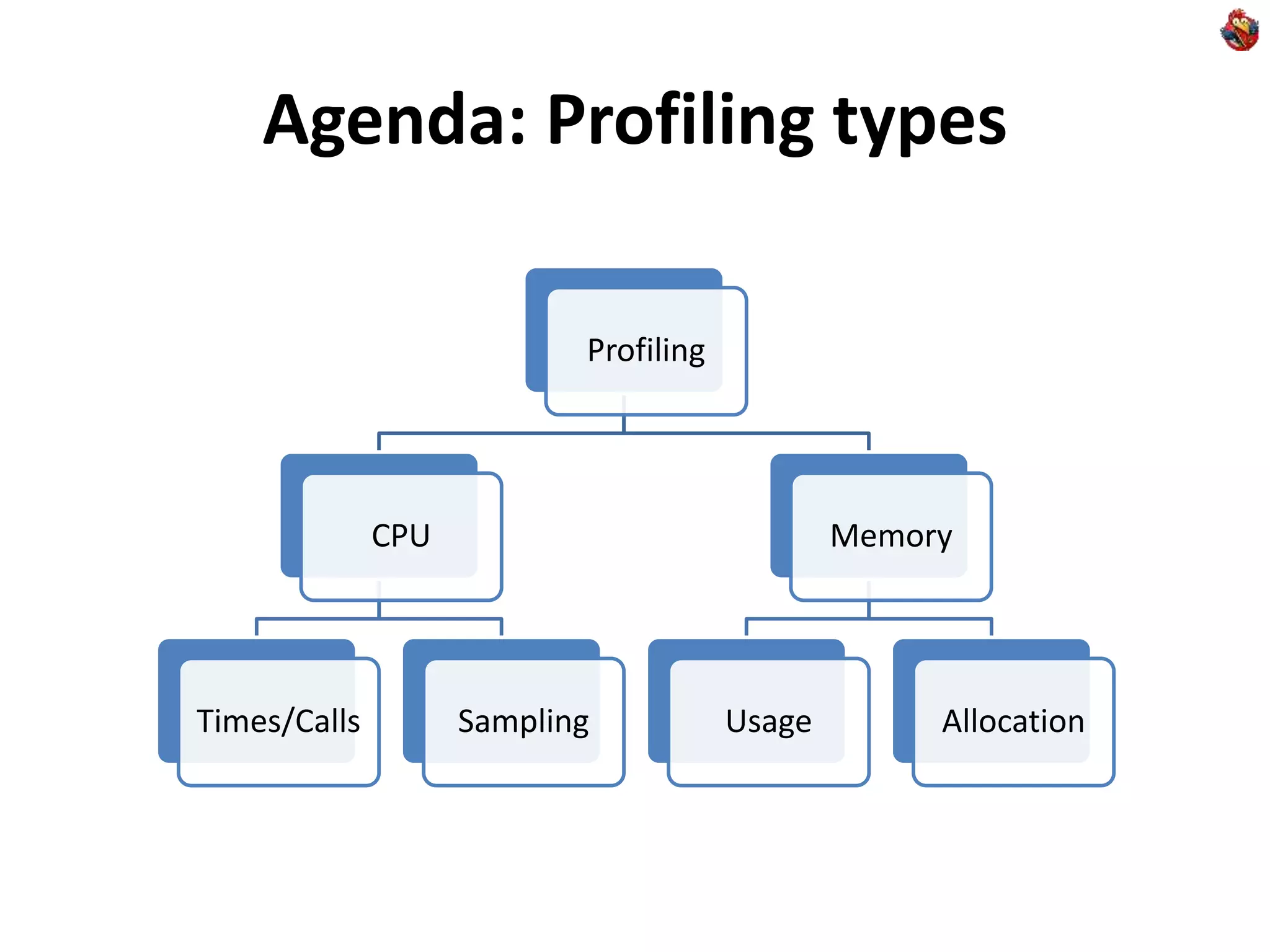
Agenda: Profiling types
Profiling
CPU
Times/Calls Sampling
Memory
Usage Allocation
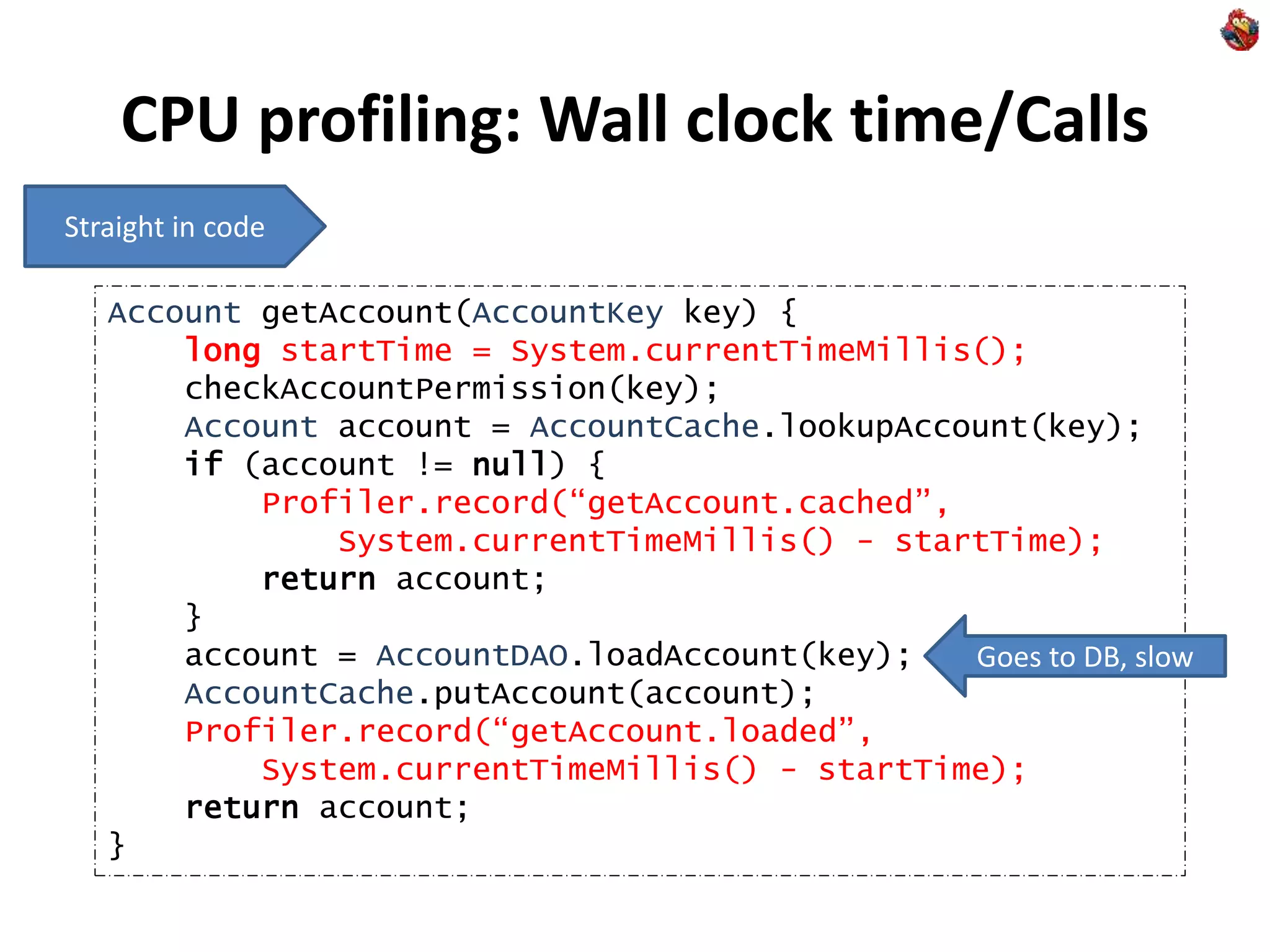
CPU profiling: Wall clock time/Calls
Account getAccount(AccountKey key) {
long startTime = System.currentTimeMillis();
checkAccountPermission(key);
Account account = AccountCache.lookupAccount(key);
if (account != null) {
Profiler.record(“getAccount.cached”,
System.currentTimeMillis() - startTime);
return account;
}
account = AccountDAO.loadAccount(key);
AccountCache.putAccount(account);
Profiler.record(“getAccount.loaded”,
System.currentTimeMillis() - startTime);
return account;
}
Straight in code
Goes to DB, slow
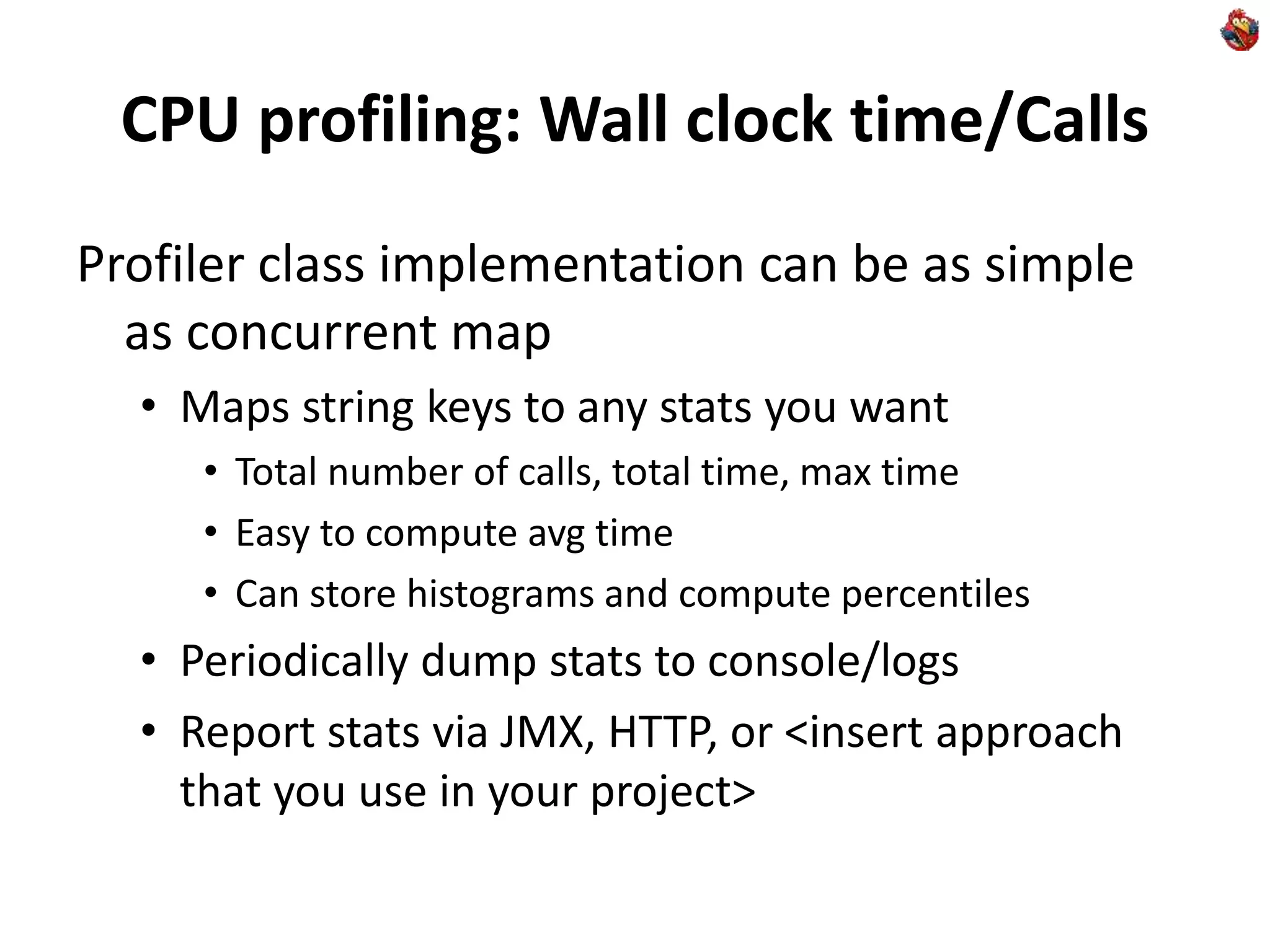
CPU profiling: Wall clock time/Calls
Profiler class implementation can be as simple
as concurrent map
• Maps string keys to any stats you want
• Total number of calls, total time, max time
• Easy to compute avg time
• Can store histograms and compute percentiles
• Periodically dump stats to console/logs
• Report stats via JMX, HTTP, or <insert approach
that you use in your project>
CPU profiling: Wall clock time/Calls
When to use
• Relatively “big” business methods
• Where number of invocations per second are under
1000s and time per invocation is measured in ms.
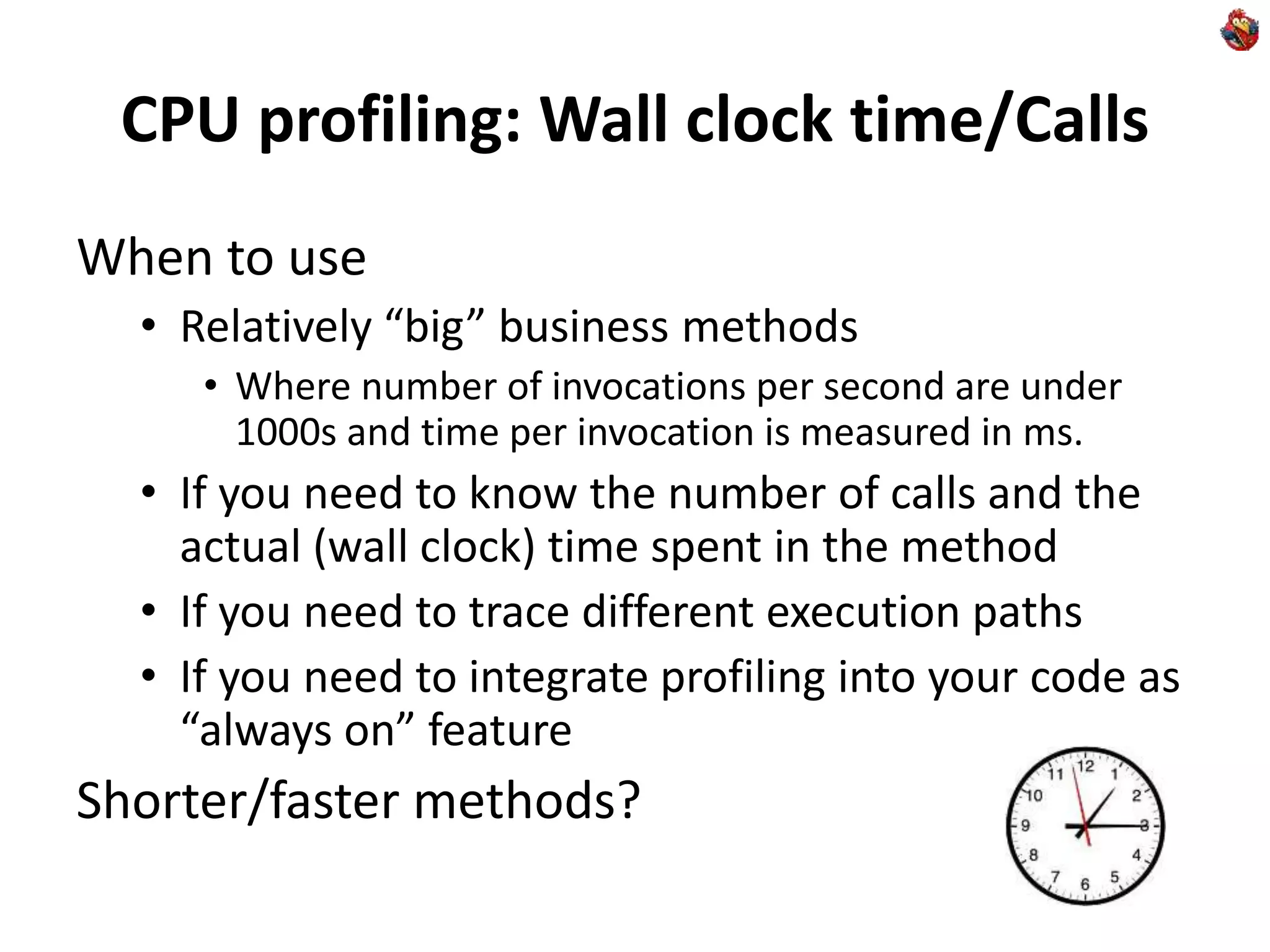
• If you need to know the number of calls and the
actual (wall clock) time spent in the method
• If you need to trace different execution paths
• If you need to integrate profiling into your code as
“always on” feature
Shorter/faster methods?
CPU Profiling: Short/Fast Calls
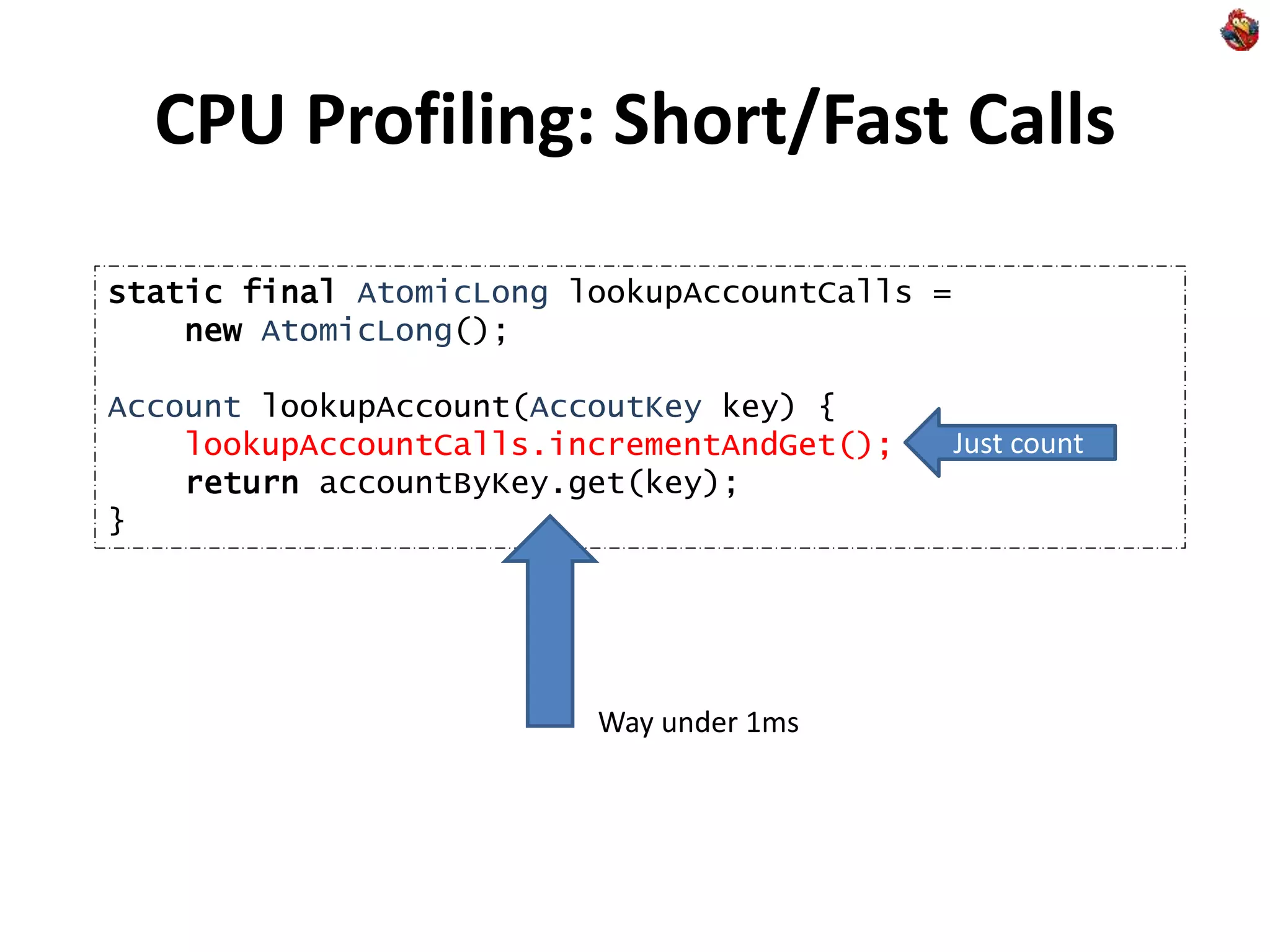
static final AtomicLong lookupAccountCalls =
new AtomicLong();
Account lookupAccount(AccoutKey key) {
lookupAccountCalls.incrementAndGet();
return accountByKey.get(key);
}
Just count
Way under 1ms
CPU Profiling: Short/Fast Calls
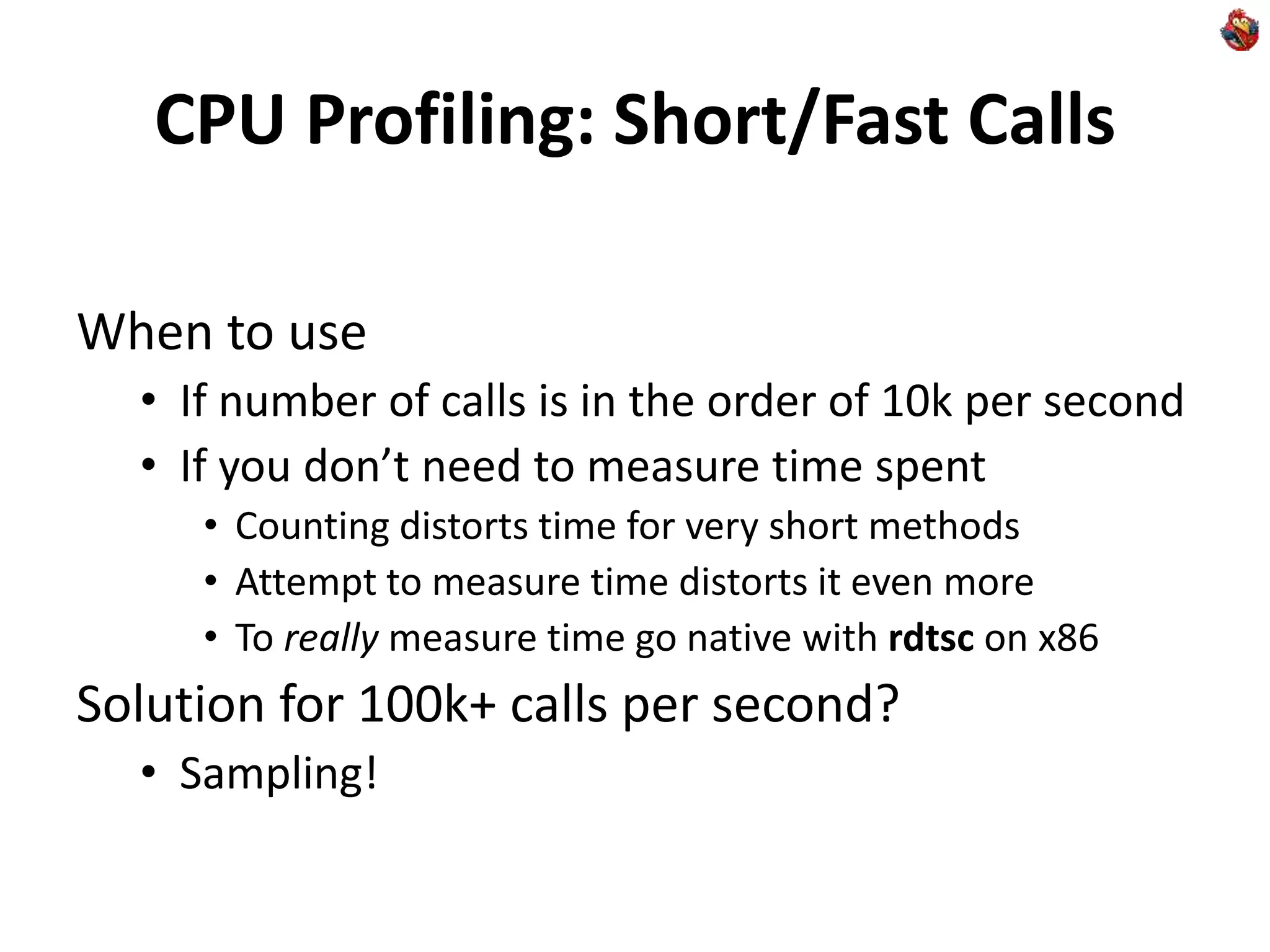
When to use
• If number of calls is in the order of 10k per second
• If you don’t need to measure time spent
• Counting distorts time for very short methods
• Attempt to measure time distorts it even more
• To really measure time go native with rdtsc on x86
Solution for 100k+ calls per second?
• Sampling!
CPU Profiling: Sampling
JVM has ability to produce “thread dump”
• Press Ctrl+Break in Windows console
• “kill -3 <pid>” on Linux/Solaris
If program spends most of its time on one line:
double[][] multiply(double[][] a, double [][] b) {
int n = a.length, r = a[0].length, m = b[0].length;
double[][] c = new double[n][m];
for (int i = 0; i < n; i++)
for (int j = 0; j < m; j++)
for (int k = 0; k < r; k++)
c[i][j] += a[i][k] * b[k][j];
return c;
}
Hotspot
CPU Profiling: Sampling
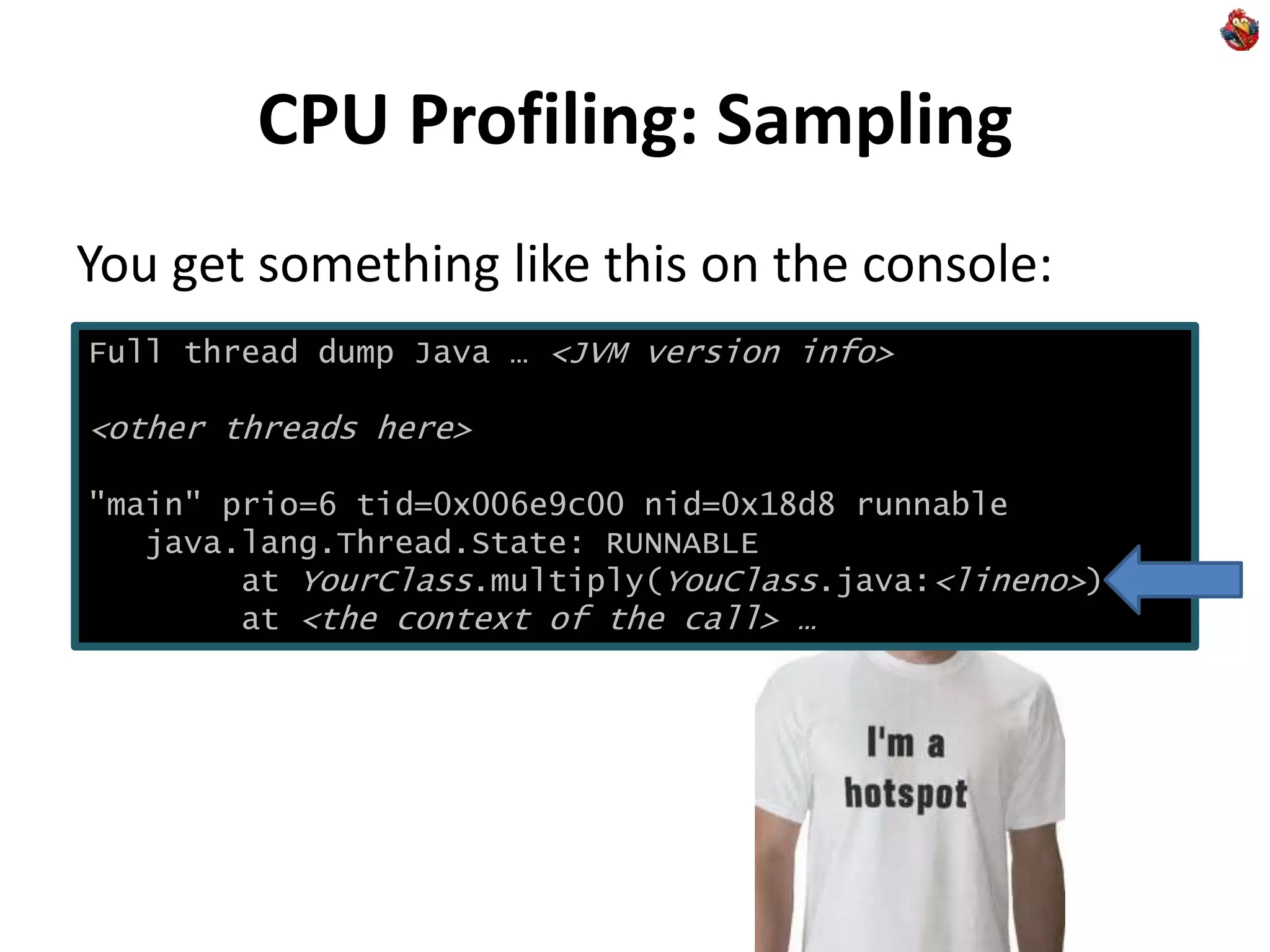
You get something like this on the console:
Full thread dump Java … <JVM version info>
<other threads here>
"main" prio=6 tid=0x006e9c00 nid=0x18d8 runnable
java.lang.Thread.State: RUNNABLE
at YourClass.multiply(YouClass.java:<lineno>)
at <the context of the call> …
CPU Profiling: Sampling
Hotspot – is where the most of CPU is spent
Next time you need to find hotspot
• Don’t reach for profiling tools
• Just try a single thread dump first
• Multiple thread dumps will help you verify it
You can use “jstack <pid>”
• Gets more detailed info about native methods
with “-m” option on Solaris
CPU Profiling: More thread dumps
More ideas
• Redirect output to a file
• Use a script to do “kill -3” every 3 seconds
• Minimal impact on system stability (TD is well tested)
• Write a simple code to parse resulting file
• Count a number of occurrences of certain methods
• Analyze traces to get better data than any 3rd party tool
– Figure what methods block going to DB or Network
– Figure what methods block synchronizations
– Figure out what you need to know
CPU Profiling: Integration
You can get “thread dump” programmatically:
• See Thread.getAllStackTraces
• Or Thread.getStackTrace
– If you’re interested in a particular one, like Swing EDT
• Great and lean way to integrate “always on”
profiling into end-user Java application or server
CPU Profiling: Caveats
Thread dumps stop JVM at “safe point”
• You get a point of the nearest safepoint
• Not necessarily the hotspot itself
The work-around: Native Profiling
• Works via undocumented “async threadump”
• Hard to get from inside of Java (need native code)
• That’s where you’d rather use tool like Intel VTune,
AMD CodeAnalyst, Oracle Solaris Studio Performance
Analyzer
Memory usage profiling
Use “jmap –histo <pid>”
• Use “jps” to find pids of your java processes
• You get something like this:
num #instances #bytes class name
----------------------------------------------
1: 772 115768 [C
2: 8 72664 [I
3: 77 39576 [B
4: 575 13800 java.lang.String
… <etc>
char[], top consumer
Total number of bytes consumed
Memory usage profiling caveats
You get all objects in heap
• Including garbage
• Can make a big difference
• Use “jmap -histo:live <pid>”
• Will do GC before collecting histogram
– Slow, the process will be suspended
• Will work only on live process (as GC needs safepoint)
You don’t know where allocation was made
• On fast & DIY solution to this problem later
More useful JVM options
-XX:+PrintClassHistogram
• on Ctrl-Break or “kill -3” gets “jmap -histo”
-XX:+HeapDumpOnOutOfMemoryError
• Produces dump in hprof format
• You can use tools offline on the resulting file
• No need to integrate 3rd party tools into live JVM
• But still get many of the benefits of modern tools
• Other ways to get HeapDump:
• Use “jmap –dump:<options> <pid>”
• Use HotSpotDiagnostic MBean
– Right from Java via JMX
Memory allocation profiling
You will not see “new MyClass” as a hotspot
• But it will eat your CPU time
• Because time will be spent collecting garbage
Figure out how much you spend in GC
• Use the following options
• -verbose:gc or -XX:+PrintGC or -XX:+PrintGCDetails
• -XX:+PrintGCTimeStamps
• Worry if you spend a lot
Memory allocation profiling
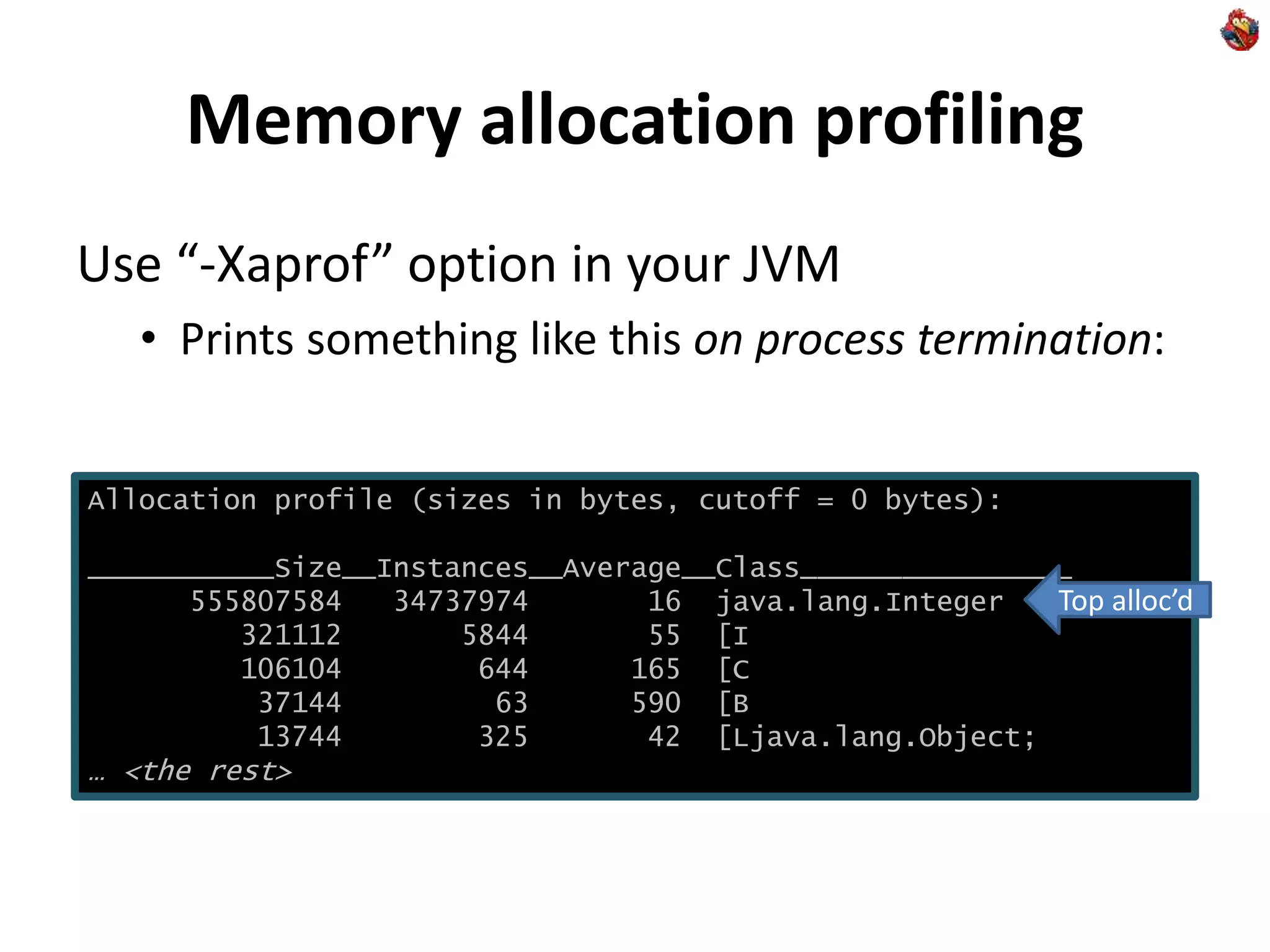
Use “-Xaprof” option in your JVM
• Prints something like this on process termination:
Allocation profile (sizes in bytes, cutoff = 0 bytes):
___________Size__Instances__Average__Class________________
555807584 34737974 16 java.lang.Integer
321112 5844 55 [I
106104 644 165 [C
37144 63 590 [B
13744 325 42 [Ljava.lang.Object;
… <the rest>
Top alloc’d
Memory allocation profile
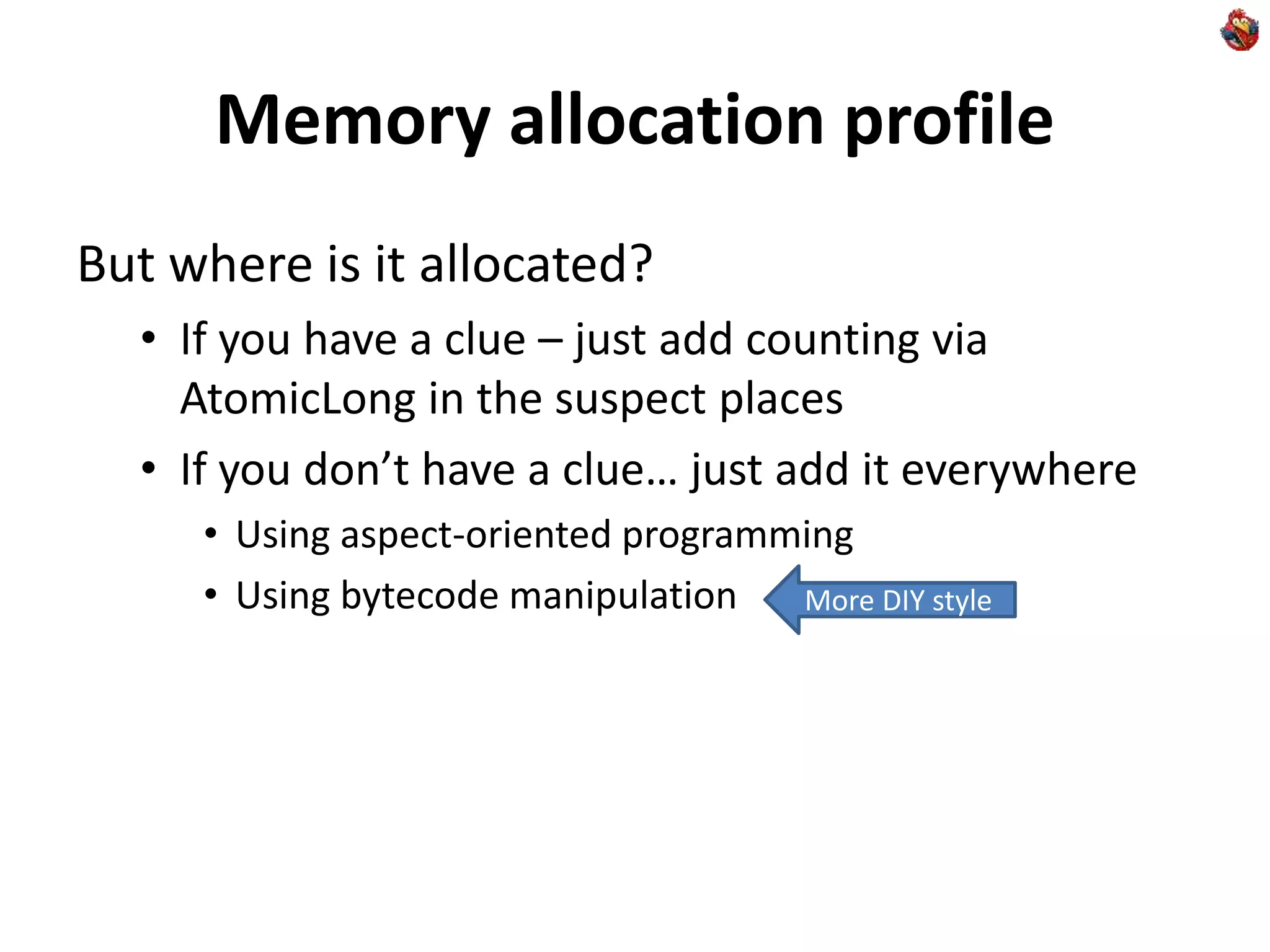
But where is it allocated?
• If you have a clue – just add counting via
AtomicLong in the suspect places
• If you don’t have a clue… just add it everywhere
• Using aspect-oriented programming
• Using bytecode manipulation More DIY style
Bytecode manipulation
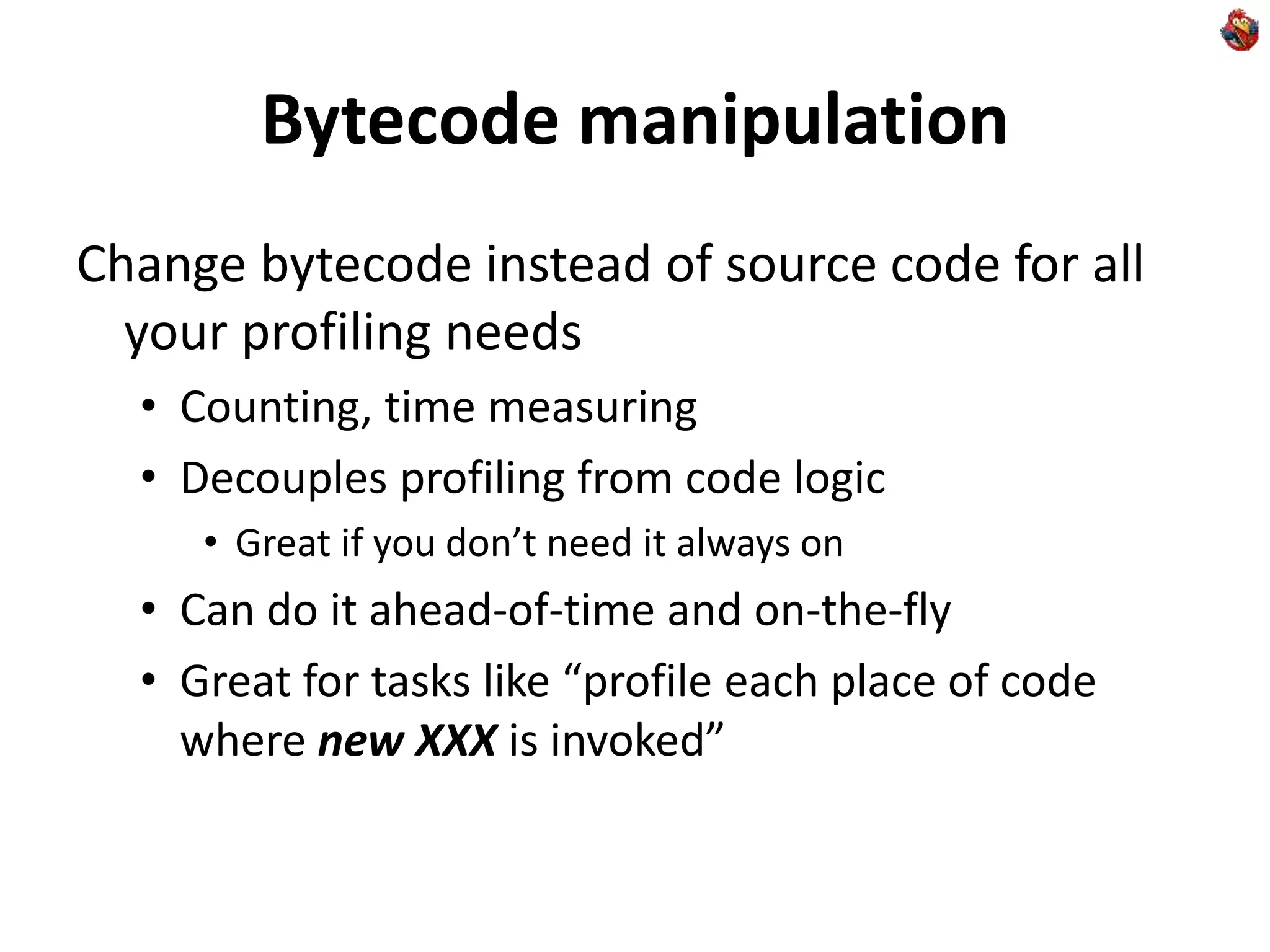
Change bytecode instead of source code for all
your profiling needs
• Counting, time measuring
• Decouples profiling from code logic
• Great if you don’t need it always on
• Can do it ahead-of-time and on-the-fly
• Great for tasks like “profile each place of code
where new XXX is invoked”
Bytecode manipulation
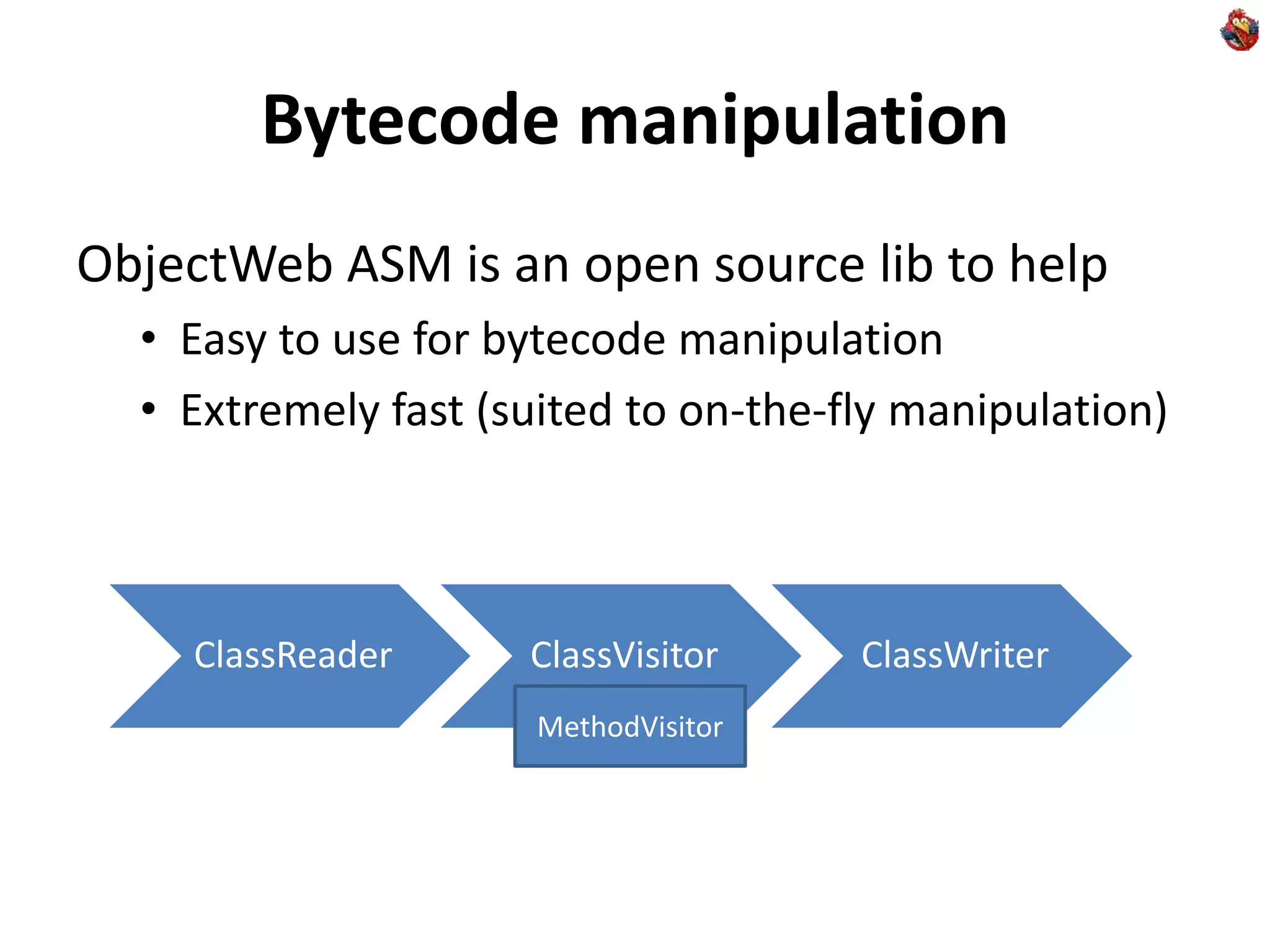
ObjectWeb ASM is an open source lib to help
• Easy to use for bytecode manipulation
• Extremely fast (suited to on-the-fly manipulation)
ClassReader ClassVisitor ClassWriter
MethodVisitor
Bytecode manipulation with ASM
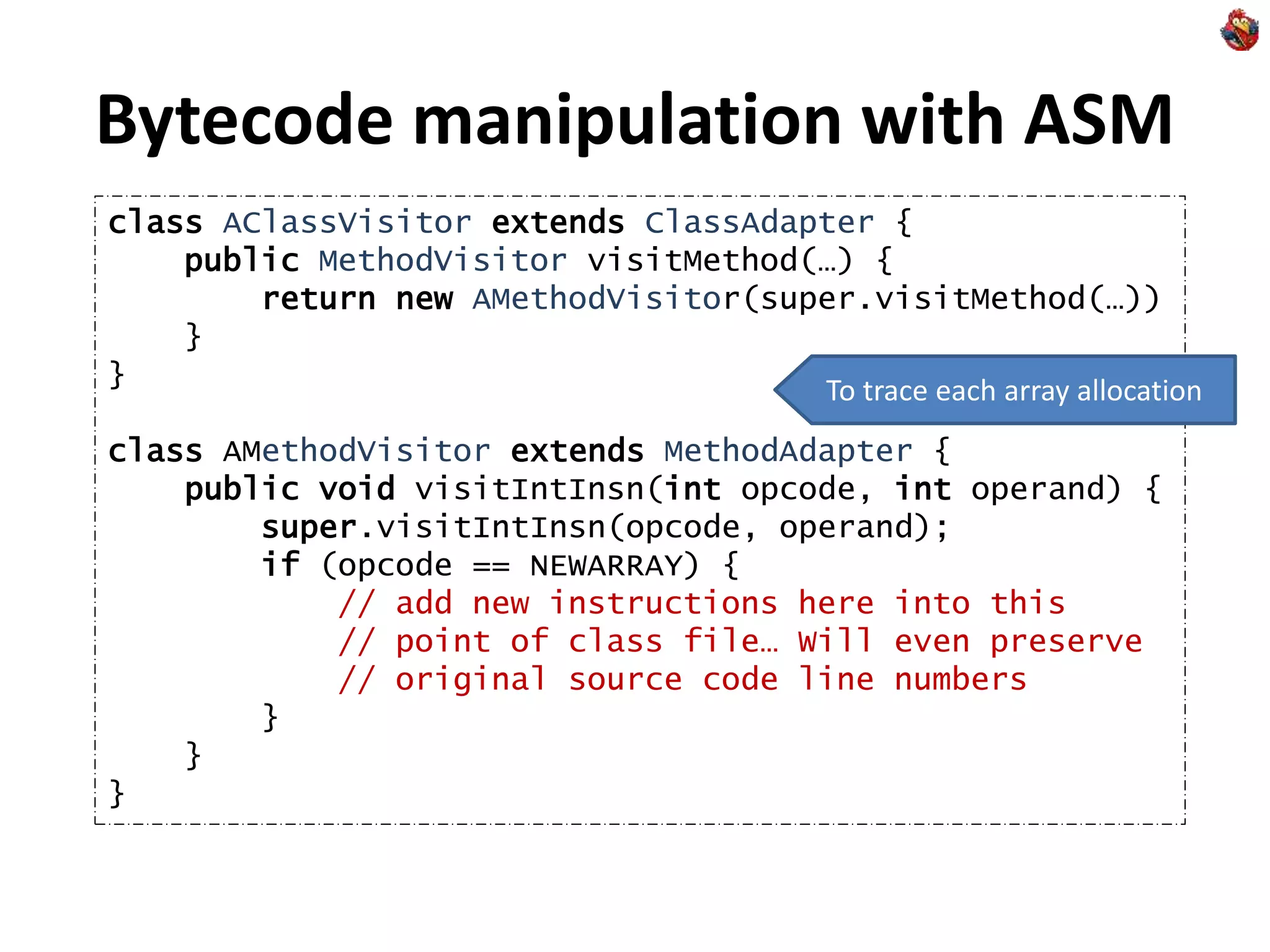
class AClassVisitor extends ClassAdapter {
public MethodVisitor visitMethod(…) {
return new AMethodVisitor(super.visitMethod(…))
}
}
class AMethodVisitor extends MethodAdapter {
public void visitIntInsn(int opcode, int operand) {
super.visitIntInsn(opcode, operand);
if (opcode == NEWARRAY) {
// add new instructions here into this
// point of class file… Will even preserve
// original source code line numbers
}
}
}
To trace each array allocation
On-the-fly bytecode manipulation
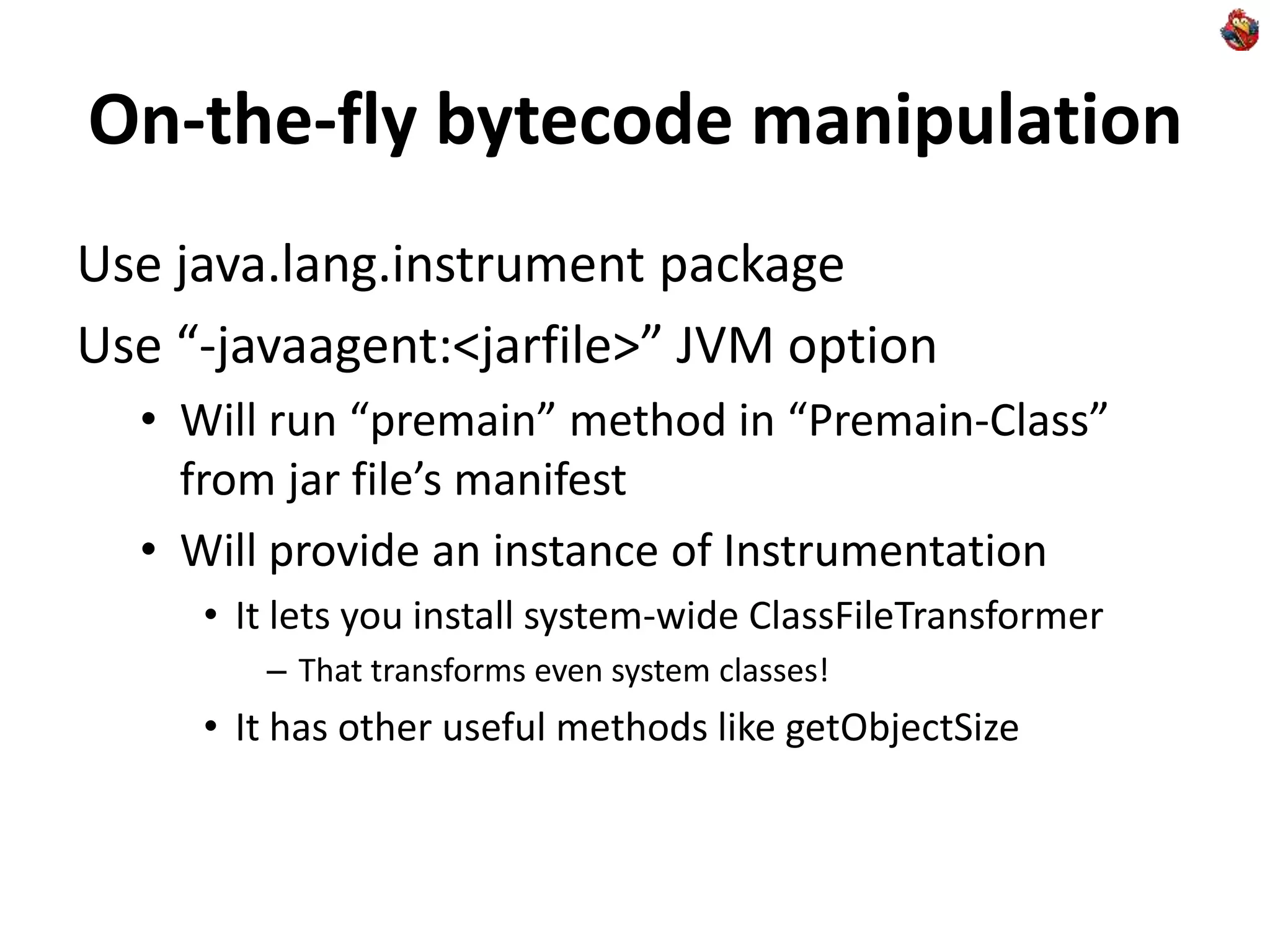
Use java.lang.instrument package
Use “-javaagent:<jarfile>” JVM option
• Will run “premain” method in “Premain-Class”
from jar file’s manifest
• Will provide an instance of Instrumentation
• It lets you install system-wide ClassFileTransformer
– That transforms even system classes!
• It has other useful methods like getObjectSize
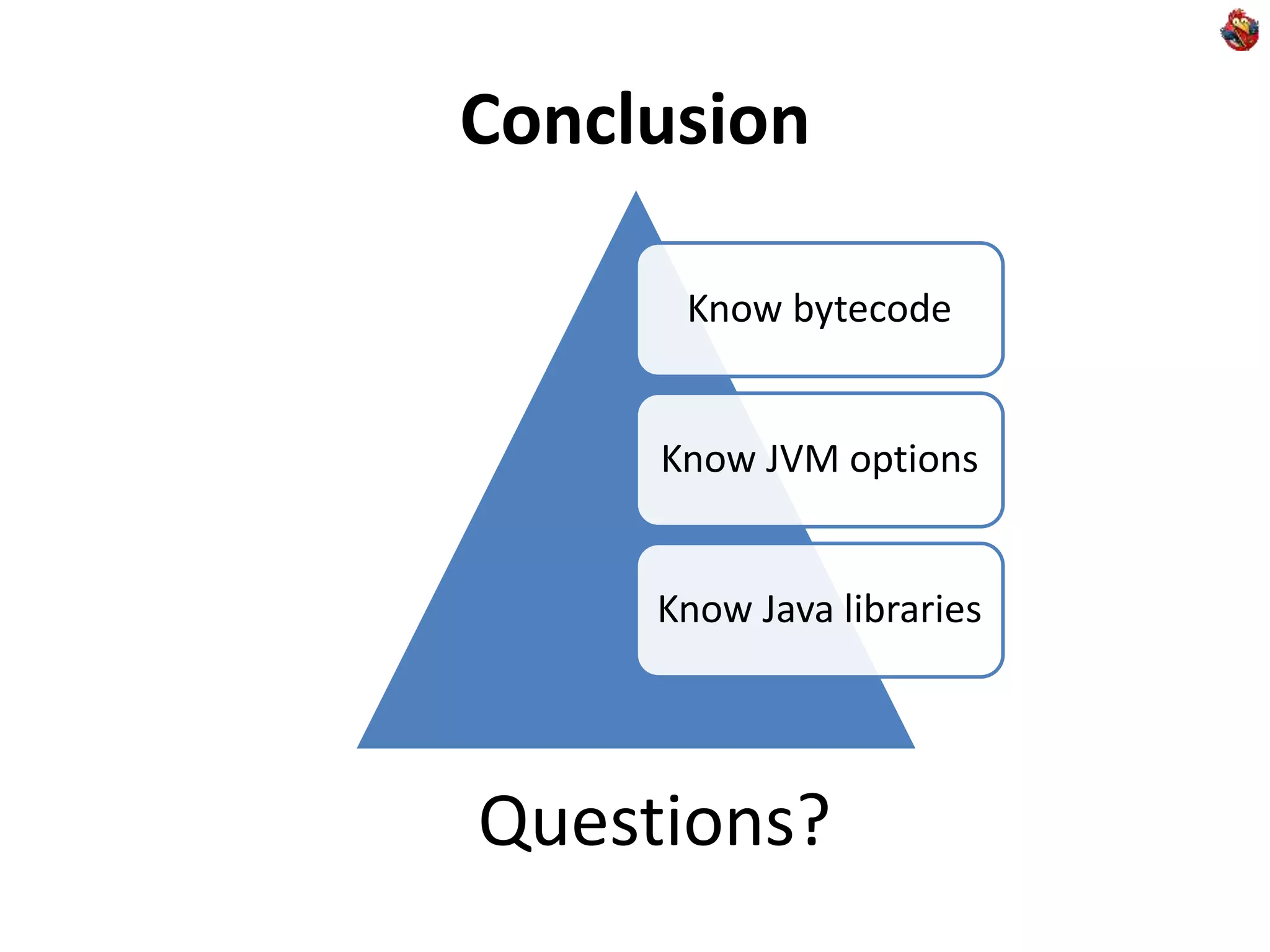
Conclusion
Questions?
Know bytecode
Know JVM options
Know Java libraries

DIY Java Profiling

  • 1.
    DIY Java Profiling RomanElizarov / Роман Елизаров Devexperts / Эксперт-Система elizarov at devexperts dot com
  • 2.
    Profiling “Profiling … isthe investigation of a program's behavior using information gathered as the program executes. The usual purpose of this analysis is to determine which sections of a program to optimize - to increase its overall speed, decrease its memory requirement or sometimes both.” -- Wikipedia OptimizeProfile
  • 3.
    Why Do-It-Yourself? What arethe problems with tools? • When you cannot run 3rd party code in production/live environment • Reliability concerns • Compliance concerns • Tools are often opaque (even if open source) • In their performance effect • In their means of operation • Tools have their learning curve • While DIY is Fun! Yes, we work for financial industry
  • 4.
    Learning curve? Learning atool: • Pays off if you use it often • Pays off if it gets you results faster/better • It is good to know modern tools to avoid NIH syndrome DIY for knowledge reuse: • Apply your existing knowledge • Expand and deepen your existing knowledge • Know your day-to-day tools (like Java VM) better
  • 5.
    Why Java? Top languagesince 2001 (TIOBE) Great for enterprise applications • Write front & back in the same language • share code and libraries between them • Run everywhere • Windows, Mac OS (typical for front) • Linux, Solaris (typical for back) Managed language – makes it easy to profile
  • 6.
    Agenda: Java DIYApproaches Just code it in Java • Standard Java classes are your friends Know your JVM features • -X… and -XX:… JVM options are your friends Use bytecode manipulation • Java Virtual Machine specification is your friend The knowledge of all the above gets you more that just profiling!
  • 7.
    Agenda: Profiling types Profiling CPU Times/CallsSampling Memory Usage Allocation
  • 8.
    CPU profiling: Wallclock time/Calls Account getAccount(AccountKey key) { long startTime = System.currentTimeMillis(); checkAccountPermission(key); Account account = AccountCache.lookupAccount(key); if (account != null) { Profiler.record(“getAccount.cached”, System.currentTimeMillis() - startTime); return account; } account = AccountDAO.loadAccount(key); AccountCache.putAccount(account); Profiler.record(“getAccount.loaded”, System.currentTimeMillis() - startTime); return account; } Straight in code Goes to DB, slow
  • 9.
    CPU profiling: Wallclock time/Calls Profiler class implementation can be as simple as concurrent map • Maps string keys to any stats you want • Total number of calls, total time, max time • Easy to compute avg time • Can store histograms and compute percentiles • Periodically dump stats to console/logs • Report stats via JMX, HTTP, or <insert approach that you use in your project>
  • 10.
    CPU profiling: Wallclock time/Calls When to use • Relatively “big” business methods • Where number of invocations per second are under 1000s and time per invocation is measured in ms. • If you need to know the number of calls and the actual (wall clock) time spent in the method • If you need to trace different execution paths • If you need to integrate profiling into your code as “always on” feature Shorter/faster methods?
  • 11.
    CPU Profiling: Short/FastCalls static final AtomicLong lookupAccountCalls = new AtomicLong(); Account lookupAccount(AccoutKey key) { lookupAccountCalls.incrementAndGet(); return accountByKey.get(key); } Just count Way under 1ms
  • 12.
    CPU Profiling: Short/FastCalls When to use • If number of calls is in the order of 10k per second • If you don’t need to measure time spent • Counting distorts time for very short methods • Attempt to measure time distorts it even more • To really measure time go native with rdtsc on x86 Solution for 100k+ calls per second? • Sampling!
  • 13.
    CPU Profiling: Sampling JVMhas ability to produce “thread dump” • Press Ctrl+Break in Windows console • “kill -3 <pid>” on Linux/Solaris If program spends most of its time on one line: double[][] multiply(double[][] a, double [][] b) { int n = a.length, r = a[0].length, m = b[0].length; double[][] c = new double[n][m]; for (int i = 0; i < n; i++) for (int j = 0; j < m; j++) for (int k = 0; k < r; k++) c[i][j] += a[i][k] * b[k][j]; return c; } Hotspot
  • 14.
    CPU Profiling: Sampling Youget something like this on the console: Full thread dump Java … <JVM version info> <other threads here> "main" prio=6 tid=0x006e9c00 nid=0x18d8 runnable java.lang.Thread.State: RUNNABLE at YourClass.multiply(YouClass.java:<lineno>) at <the context of the call> …
  • 15.
    CPU Profiling: Sampling Hotspot– is where the most of CPU is spent Next time you need to find hotspot • Don’t reach for profiling tools • Just try a single thread dump first • Multiple thread dumps will help you verify it You can use “jstack <pid>” • Gets more detailed info about native methods with “-m” option on Solaris
  • 16.
    CPU Profiling: Morethread dumps More ideas • Redirect output to a file • Use a script to do “kill -3” every 3 seconds • Minimal impact on system stability (TD is well tested) • Write a simple code to parse resulting file • Count a number of occurrences of certain methods • Analyze traces to get better data than any 3rd party tool – Figure what methods block going to DB or Network – Figure what methods block synchronizations – Figure out what you need to know
  • 17.
    CPU Profiling: Integration Youcan get “thread dump” programmatically: • See Thread.getAllStackTraces • Or Thread.getStackTrace – If you’re interested in a particular one, like Swing EDT • Great and lean way to integrate “always on” profiling into end-user Java application or server
  • 18.
    CPU Profiling: Caveats Threaddumps stop JVM at “safe point” • You get a point of the nearest safepoint • Not necessarily the hotspot itself The work-around: Native Profiling • Works via undocumented “async threadump” • Hard to get from inside of Java (need native code) • That’s where you’d rather use tool like Intel VTune, AMD CodeAnalyst, Oracle Solaris Studio Performance Analyzer
  • 19.
    Memory usage profiling Use“jmap –histo <pid>” • Use “jps” to find pids of your java processes • You get something like this: num #instances #bytes class name ---------------------------------------------- 1: 772 115768 [C 2: 8 72664 [I 3: 77 39576 [B 4: 575 13800 java.lang.String … <etc> char[], top consumer Total number of bytes consumed
  • 20.
    Memory usage profilingcaveats You get all objects in heap • Including garbage • Can make a big difference • Use “jmap -histo:live <pid>” • Will do GC before collecting histogram – Slow, the process will be suspended • Will work only on live process (as GC needs safepoint) You don’t know where allocation was made • On fast & DIY solution to this problem later
  • 21.
    More useful JVMoptions -XX:+PrintClassHistogram • on Ctrl-Break or “kill -3” gets “jmap -histo” -XX:+HeapDumpOnOutOfMemoryError • Produces dump in hprof format • You can use tools offline on the resulting file • No need to integrate 3rd party tools into live JVM • But still get many of the benefits of modern tools • Other ways to get HeapDump: • Use “jmap –dump:<options> <pid>” • Use HotSpotDiagnostic MBean – Right from Java via JMX
  • 22.
    Memory allocation profiling Youwill not see “new MyClass” as a hotspot • But it will eat your CPU time • Because time will be spent collecting garbage Figure out how much you spend in GC • Use the following options • -verbose:gc or -XX:+PrintGC or -XX:+PrintGCDetails • -XX:+PrintGCTimeStamps • Worry if you spend a lot
  • 23.
    Memory allocation profiling Use“-Xaprof” option in your JVM • Prints something like this on process termination: Allocation profile (sizes in bytes, cutoff = 0 bytes): ___________Size__Instances__Average__Class________________ 555807584 34737974 16 java.lang.Integer 321112 5844 55 [I 106104 644 165 [C 37144 63 590 [B 13744 325 42 [Ljava.lang.Object; … <the rest> Top alloc’d
  • 24.
    Memory allocation profile Butwhere is it allocated? • If you have a clue – just add counting via AtomicLong in the suspect places • If you don’t have a clue… just add it everywhere • Using aspect-oriented programming • Using bytecode manipulation More DIY style
  • 25.
    Bytecode manipulation Change bytecodeinstead of source code for all your profiling needs • Counting, time measuring • Decouples profiling from code logic • Great if you don’t need it always on • Can do it ahead-of-time and on-the-fly • Great for tasks like “profile each place of code where new XXX is invoked”
  • 26.
    Bytecode manipulation ObjectWeb ASMis an open source lib to help • Easy to use for bytecode manipulation • Extremely fast (suited to on-the-fly manipulation) ClassReader ClassVisitor ClassWriter MethodVisitor
  • 27.
    Bytecode manipulation withASM class AClassVisitor extends ClassAdapter { public MethodVisitor visitMethod(…) { return new AMethodVisitor(super.visitMethod(…)) } } class AMethodVisitor extends MethodAdapter { public void visitIntInsn(int opcode, int operand) { super.visitIntInsn(opcode, operand); if (opcode == NEWARRAY) { // add new instructions here into this // point of class file… Will even preserve // original source code line numbers } } } To trace each array allocation
  • 28.
    On-the-fly bytecode manipulation Usejava.lang.instrument package Use “-javaagent:<jarfile>” JVM option • Will run “premain” method in “Premain-Class” from jar file’s manifest • Will provide an instance of Instrumentation • It lets you install system-wide ClassFileTransformer – That transforms even system classes! • It has other useful methods like getObjectSize
  • 29.