Interplanetary File System
with Python
What we will be talking about
● What is IPFS?
● How is it different from Databases and Torrents?
● Installing in your system and running a peer
● Connecting to IPFS via Python
● Uploading to IPFS using Python
● Fetching from IPFS via Python
● Where to use IPFS?
Pre-requisites
● Knowledge of how internet communication works (Esp. protocols like
HTTP).
● Knowledge of what a database is.
● Knowledge of basic data structures.
● Basics of Python (Functions, Importing libraries).
What is IPFS?
● It is a file storage system of sorts
● Instead of a central database, all the nodes participating are a server for
data storage
● Data is requested using the cryptographic hash of that data instead of IP
address
● This means that if two same files are uploaded, they will have the same
hash, thus no duplication
● Each node/server/peer (same thing!) has an ID, we will call it peerID
How does IPFS store data?
● When you add any content on IPFS network, the data is split into chunks of
256Kb
● These chunks are then distributed to various nodes on network which have
there hash closest to peerId
● Now suppose there are 3 peers with the peer IDs 40a, 10ab. 603c
● So suppose a 768 KB data is stored on the IPFS network
● Now the data is broken into 3 chunks of 256kb and the hash of each chunk
is calculated
How does IPFS store data?
● Now suppose there are 3 peers with the peer IDs 40a, 10ab. 603c
● Suppose the 3 hashes of the files are 42ab, 9bc, 600abc
● These three chunks are then sent to the peer with the ID closest lexically to
the hash of the respective chunk
● Then the address is updated in the Distributed hash table
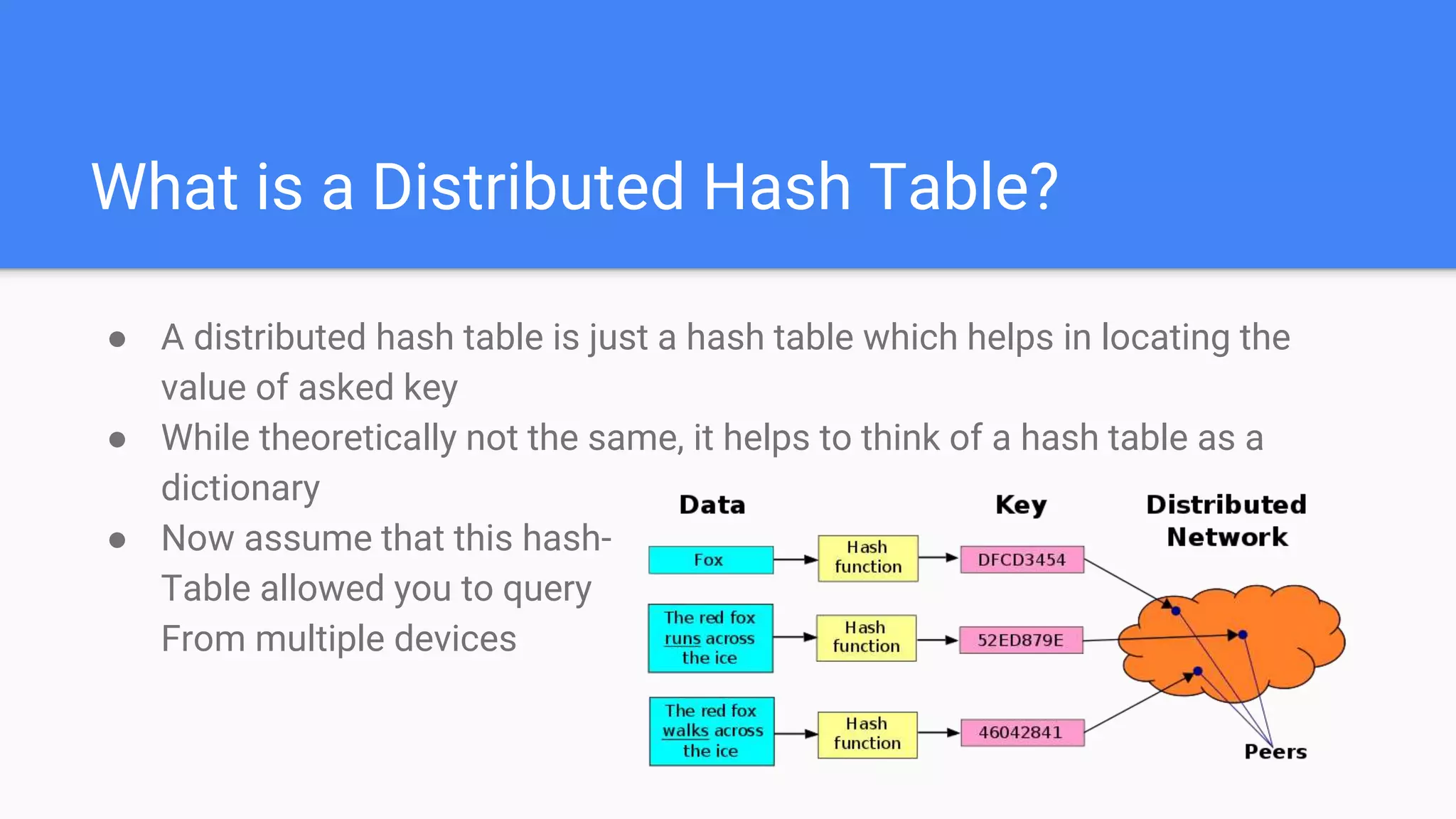
What is a Distributed Hash Table?
● A distributed hash table is just a hash table which helps in locating the
value of asked key
● While theoretically not the same, it helps to think of a hash table as a
dictionary
● Now assume that this hash-
Table allowed you to query
From multiple devices
So how does one
retrieve data on
IPFS?
● So to fetch data, you request it by
typing: “/ipfs/<hash of data>” on a
node running IPFS
● It will fetch the data and display it in
your web browser using browser’s
protocol (HTTP)
● You can also fetch it using a gateway
(Let’s talk about it later!)
Let’s start coding!
Download and Start IPFS client
● There are two major implementations of IPFS: Go and JavaScript, We will
use Go since it has more peers
● To download IPFS for your system, visit https://docs.ipfs.io/install/
● Now you can use Command Line IPFS or GUI IPFS client, doesn’t matter
since under the hood, they basically run the same thing
● Now start the client
● While you’re on it, Google IPFS companion for your browser, and install it
as a browser extension
Install the Python modules
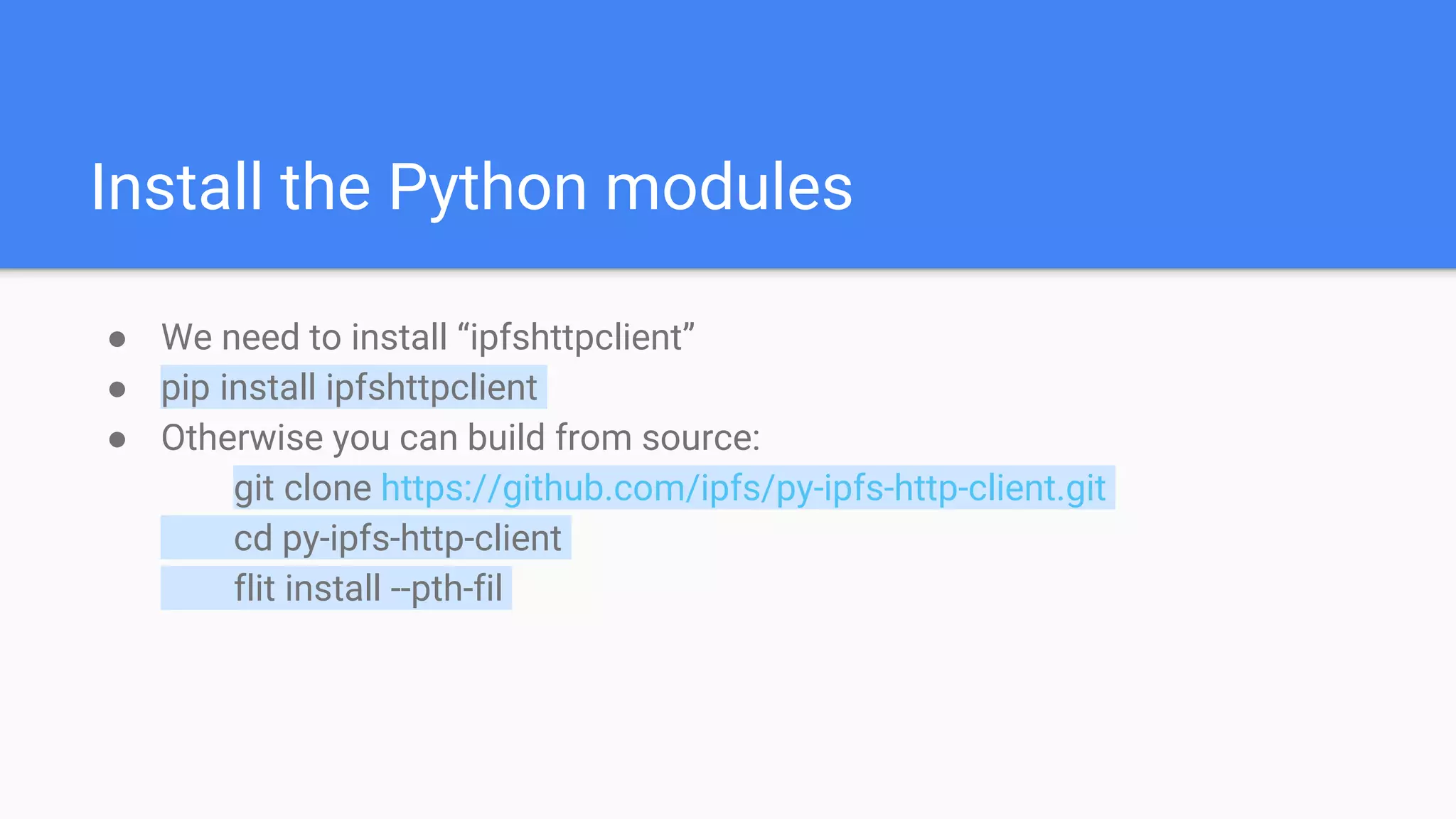
● We need to install “ipfshttpclient”
● pip install ipfshttpclient
● Otherwise you can build from source:
git clone https://github.com/ipfs/py-ipfs-http-client.git
cd py-ipfs-http-client
flit install --pth-fil
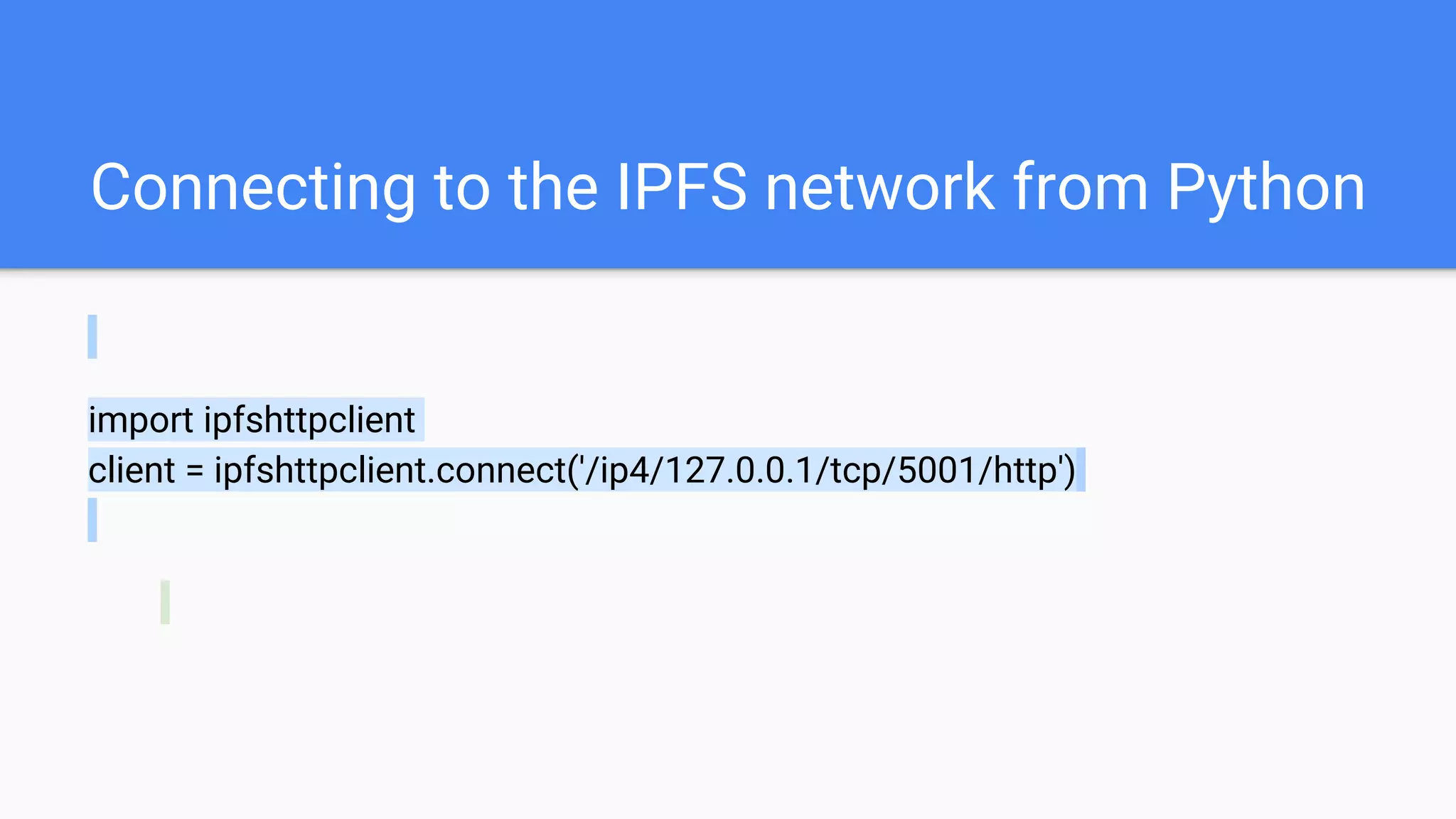
Connecting to the IPFS network from Python
import ipfshttpclient
client = ipfshttpclient.connect('/ip4/127.0.0.1/tcp/5001/http')
Uploading to IPFS using Python
● First, let’s make a file, I will call it “test.txt”
● Then, let’s connect to IPFS like we did last time
● import ipfshttpclient
client = ipfshttpclient.connect('/ip4/127.0.0.1/tcp/5001/http')
res = client.add('test.txt')
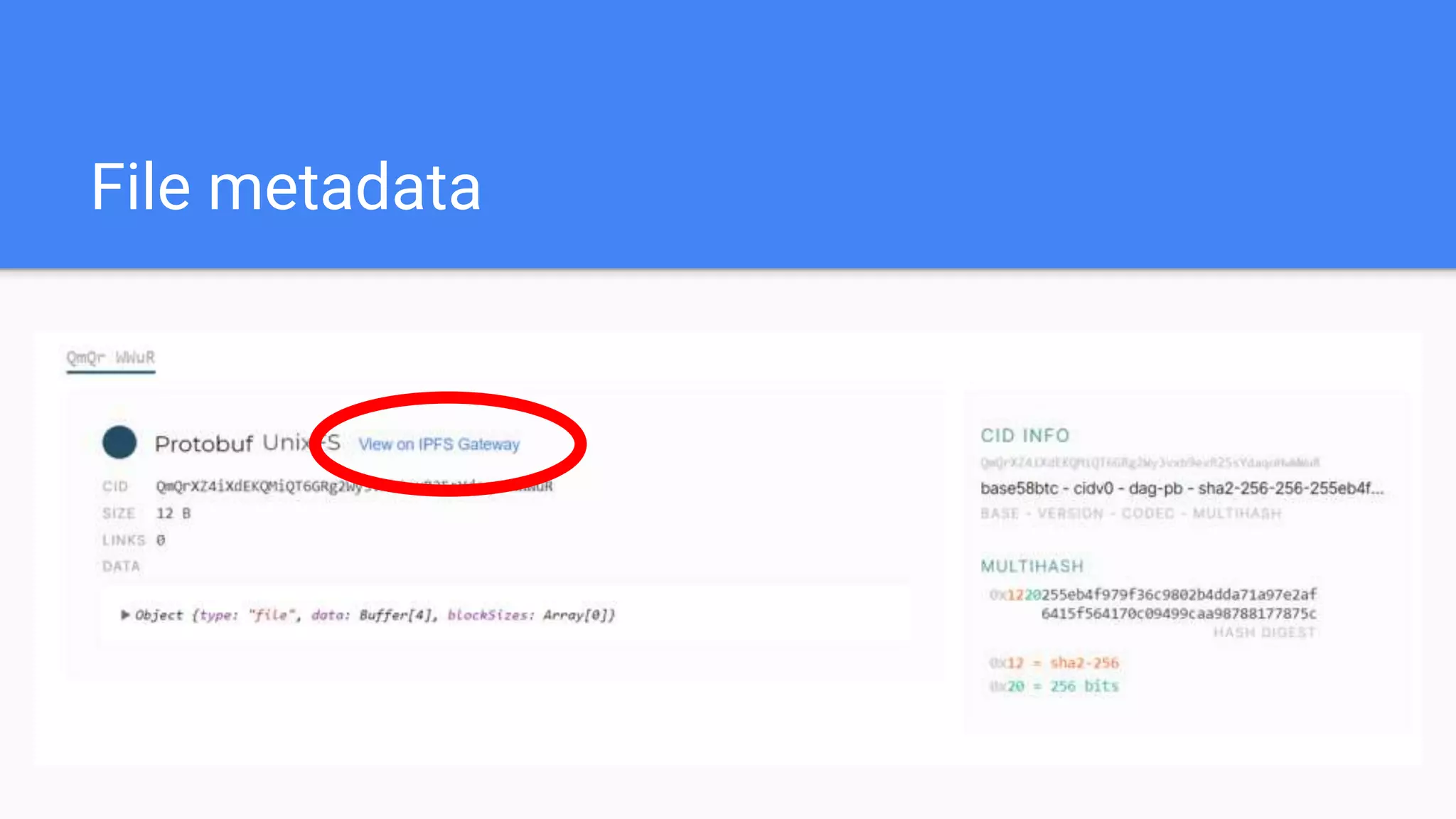
● Now we can do print(res) to print the metadata of the uploaded file
Uploading to IPFS using Python
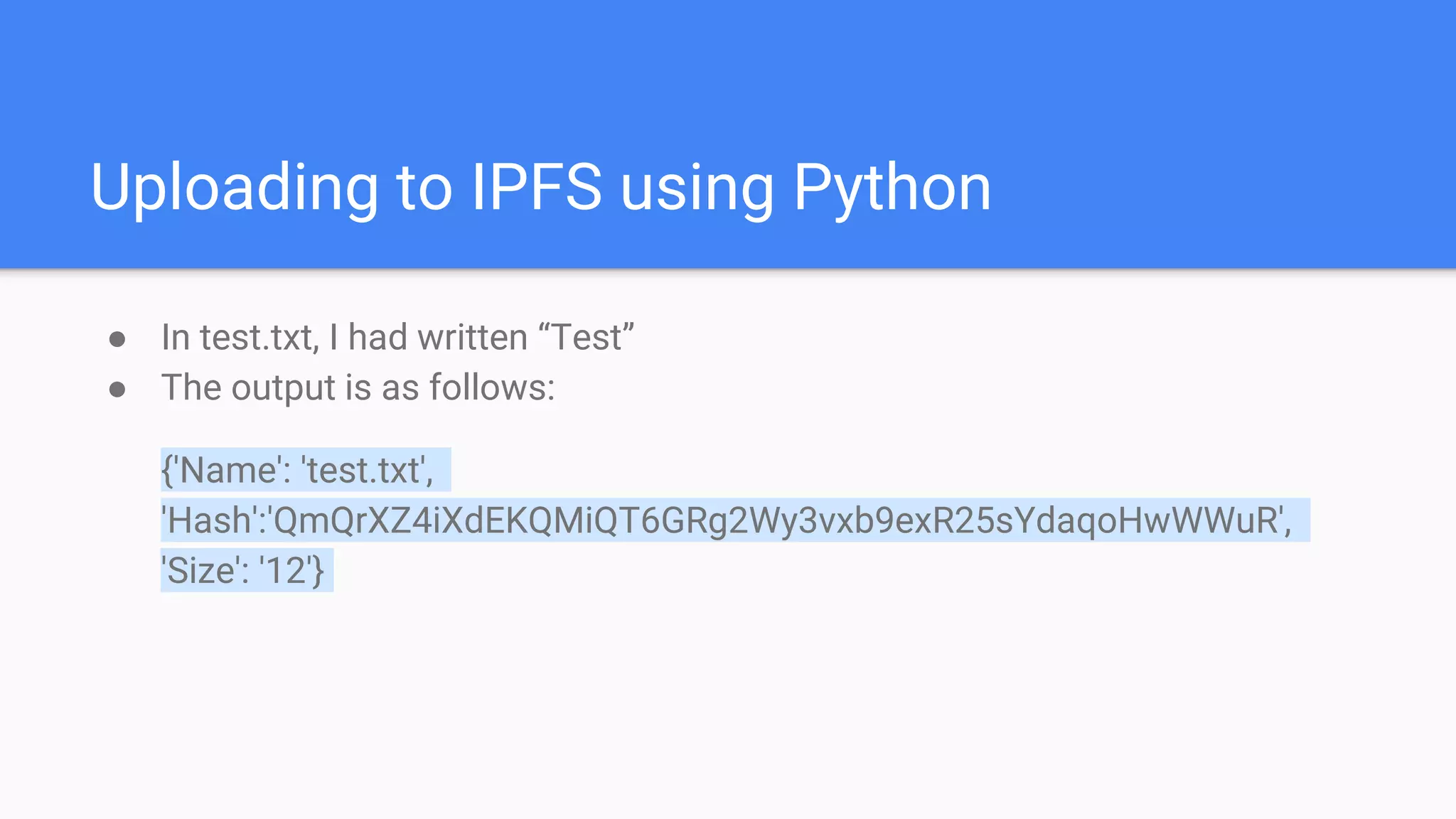
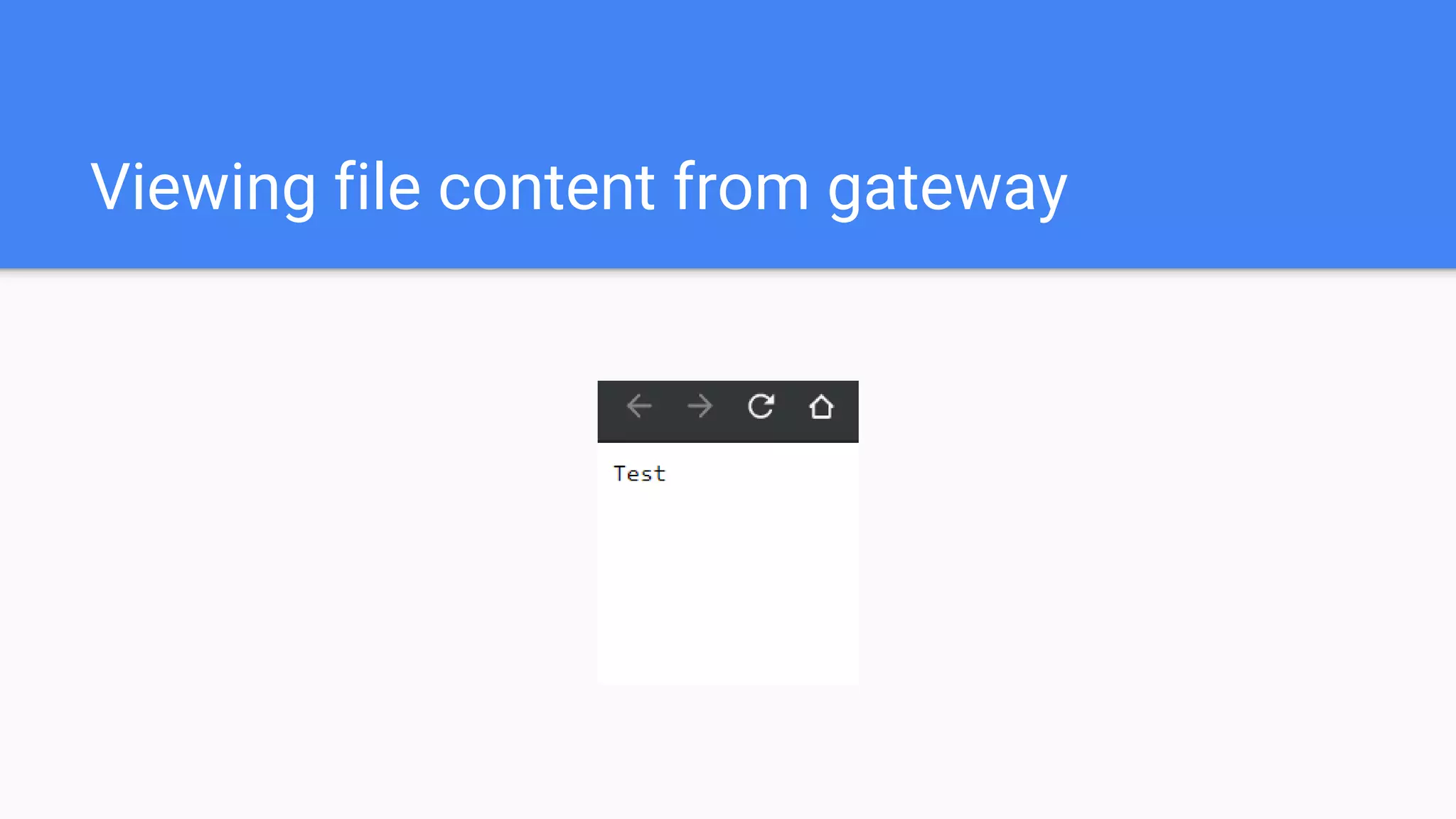
● In test.txt, I had written “Test”
● The output is as follows:
{'Name': 'test.txt',
'Hash':'QmQrXZ4iXdEKQMiQT6GRg2Wy3vxb9exR25sYdaqoHwWWuR',
'Size': '12'}
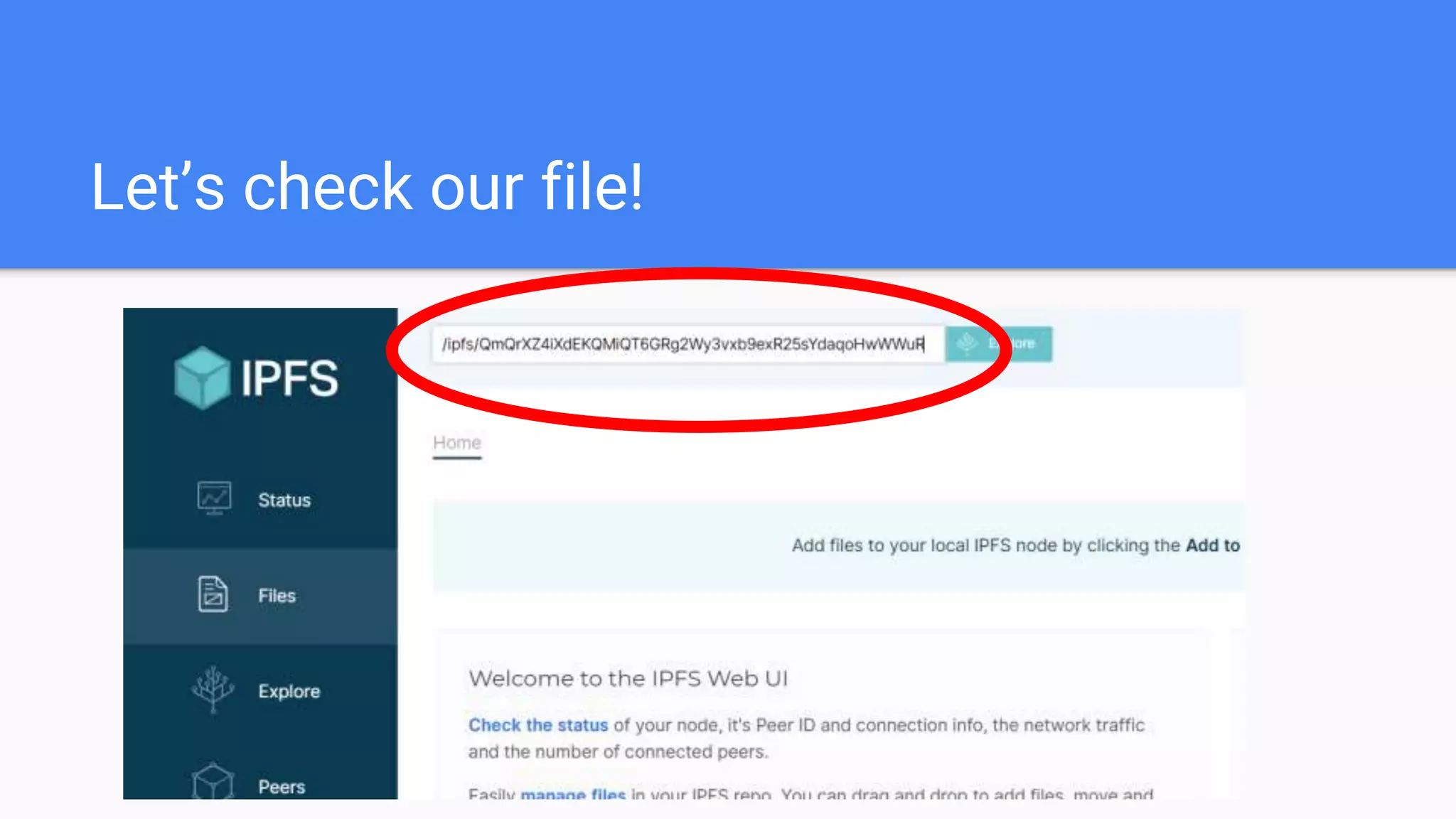
Let’s check our file!
File metadata
Viewing file content from gateway
IPFS Public Gateways
● You use someone else’s system to access IPFS nodes
● A few good, reliable gateways are:
https://www.eternum.io/
https://ipfs.infura.io/
https://cloudflare-ipfs.com/
https://ipfs.infura.io
Fetching files from IPFS
getfile = client.cat(<CONTENT_ID>)
print(getfile.decode('utf-8'))
IPFS Use - cases
● For distributed storage in Blockchain application
● For non-tampered web services
● Better content delivery networks
And other exciting things!
Thanks!
I am everywhere as Abhinavmir,
thanks for tuning in!

Distributed Storage with IPFS and Python!

  • 1.
  • 3.
    What we willbe talking about ● What is IPFS? ● How is it different from Databases and Torrents? ● Installing in your system and running a peer ● Connecting to IPFS via Python ● Uploading to IPFS using Python ● Fetching from IPFS via Python ● Where to use IPFS?
  • 4.
    Pre-requisites ● Knowledge ofhow internet communication works (Esp. protocols like HTTP). ● Knowledge of what a database is. ● Knowledge of basic data structures. ● Basics of Python (Functions, Importing libraries).
  • 5.
    What is IPFS? ●It is a file storage system of sorts ● Instead of a central database, all the nodes participating are a server for data storage ● Data is requested using the cryptographic hash of that data instead of IP address ● This means that if two same files are uploaded, they will have the same hash, thus no duplication ● Each node/server/peer (same thing!) has an ID, we will call it peerID
  • 6.
    How does IPFSstore data? ● When you add any content on IPFS network, the data is split into chunks of 256Kb ● These chunks are then distributed to various nodes on network which have there hash closest to peerId ● Now suppose there are 3 peers with the peer IDs 40a, 10ab. 603c ● So suppose a 768 KB data is stored on the IPFS network ● Now the data is broken into 3 chunks of 256kb and the hash of each chunk is calculated
  • 7.
    How does IPFSstore data? ● Now suppose there are 3 peers with the peer IDs 40a, 10ab. 603c ● Suppose the 3 hashes of the files are 42ab, 9bc, 600abc ● These three chunks are then sent to the peer with the ID closest lexically to the hash of the respective chunk ● Then the address is updated in the Distributed hash table
  • 8.
    What is aDistributed Hash Table? ● A distributed hash table is just a hash table which helps in locating the value of asked key ● While theoretically not the same, it helps to think of a hash table as a dictionary ● Now assume that this hash- Table allowed you to query From multiple devices
  • 9.
    So how doesone retrieve data on IPFS? ● So to fetch data, you request it by typing: “/ipfs/<hash of data>” on a node running IPFS ● It will fetch the data and display it in your web browser using browser’s protocol (HTTP) ● You can also fetch it using a gateway (Let’s talk about it later!)
  • 10.
  • 11.
    Download and StartIPFS client ● There are two major implementations of IPFS: Go and JavaScript, We will use Go since it has more peers ● To download IPFS for your system, visit https://docs.ipfs.io/install/ ● Now you can use Command Line IPFS or GUI IPFS client, doesn’t matter since under the hood, they basically run the same thing ● Now start the client ● While you’re on it, Google IPFS companion for your browser, and install it as a browser extension
  • 12.
    Install the Pythonmodules ● We need to install “ipfshttpclient” ● pip install ipfshttpclient ● Otherwise you can build from source: git clone https://github.com/ipfs/py-ipfs-http-client.git cd py-ipfs-http-client flit install --pth-fil
  • 13.
    Connecting to theIPFS network from Python import ipfshttpclient client = ipfshttpclient.connect('/ip4/127.0.0.1/tcp/5001/http')
  • 14.
    Uploading to IPFSusing Python ● First, let’s make a file, I will call it “test.txt” ● Then, let’s connect to IPFS like we did last time ● import ipfshttpclient client = ipfshttpclient.connect('/ip4/127.0.0.1/tcp/5001/http') res = client.add('test.txt') ● Now we can do print(res) to print the metadata of the uploaded file
  • 15.
    Uploading to IPFSusing Python ● In test.txt, I had written “Test” ● The output is as follows: {'Name': 'test.txt', 'Hash':'QmQrXZ4iXdEKQMiQT6GRg2Wy3vxb9exR25sYdaqoHwWWuR', 'Size': '12'}
  • 16.
  • 17.
  • 18.
  • 19.
    IPFS Public Gateways ●You use someone else’s system to access IPFS nodes ● A few good, reliable gateways are: https://www.eternum.io/ https://ipfs.infura.io/ https://cloudflare-ipfs.com/ https://ipfs.infura.io
  • 20.
    Fetching files fromIPFS getfile = client.cat(<CONTENT_ID>) print(getfile.decode('utf-8'))
  • 21.
    IPFS Use -cases ● For distributed storage in Blockchain application ● For non-tampered web services ● Better content delivery networks And other exciting things!
  • 22.
    Thanks! I am everywhereas Abhinavmir, thanks for tuning in!