Developing Components and Extensions for Ext JS2011 Mats Bryntse
About mepresenter = {name:”Mats Bryntse”,     	from:”Helsingborg, Sweden”,usingExtSince:2007,website : ”www.bryntum.com”,,    	twitter: ”@bryntum”};
Before we start...Let’s do a raise of hands
How many has heard of:jQuery?
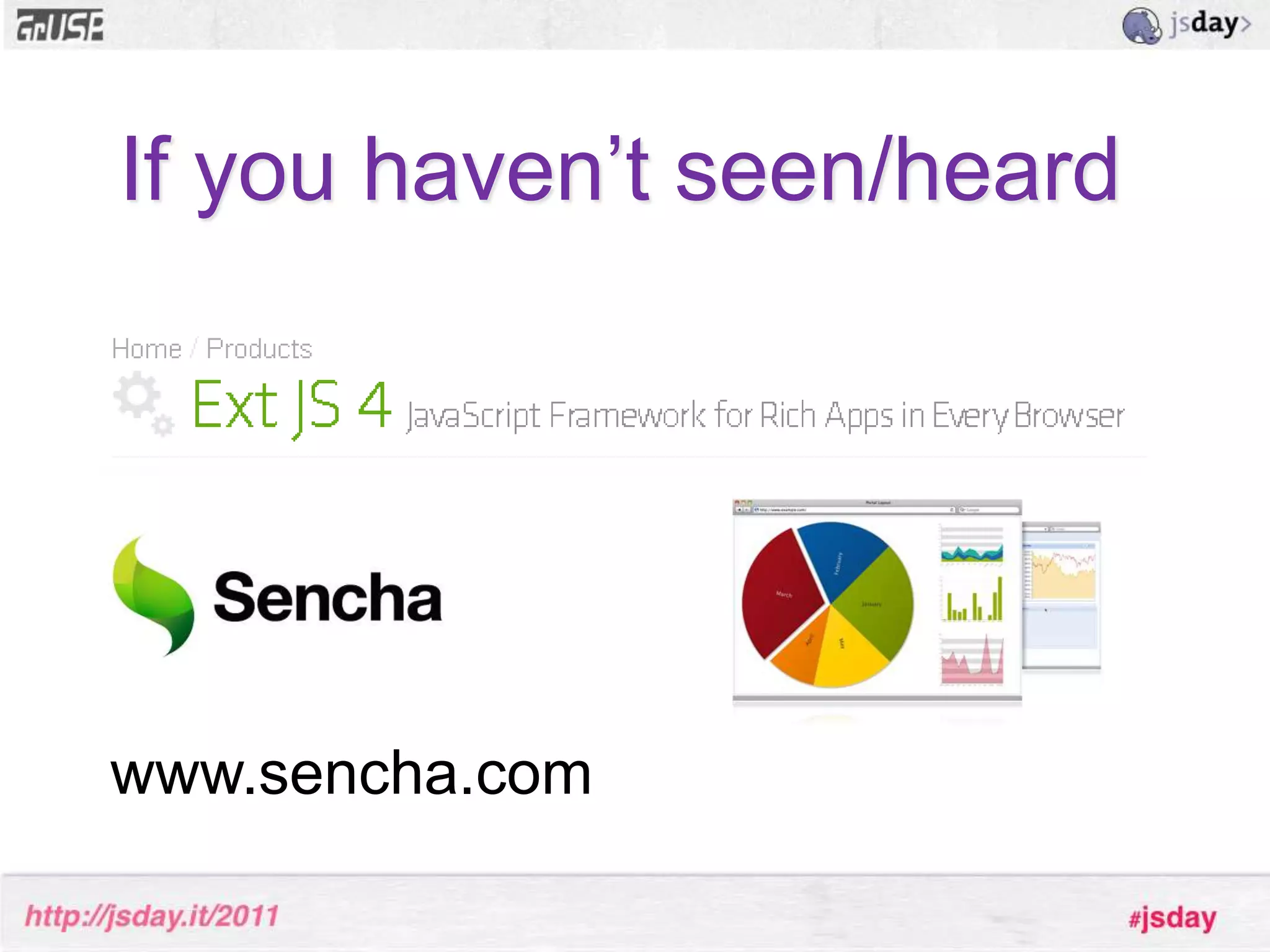
Ext JS?If you haven’t seen/heardwww.sencha.com
How I met Ext JSStumbled upon Ext 2007 at SEMC
Mission: Internal portal application
Data-heavy application
Lots of data input, forms etc.
Lots of tables to display
Had to run on the best, most awesome browser in the worldCan you guess which one?
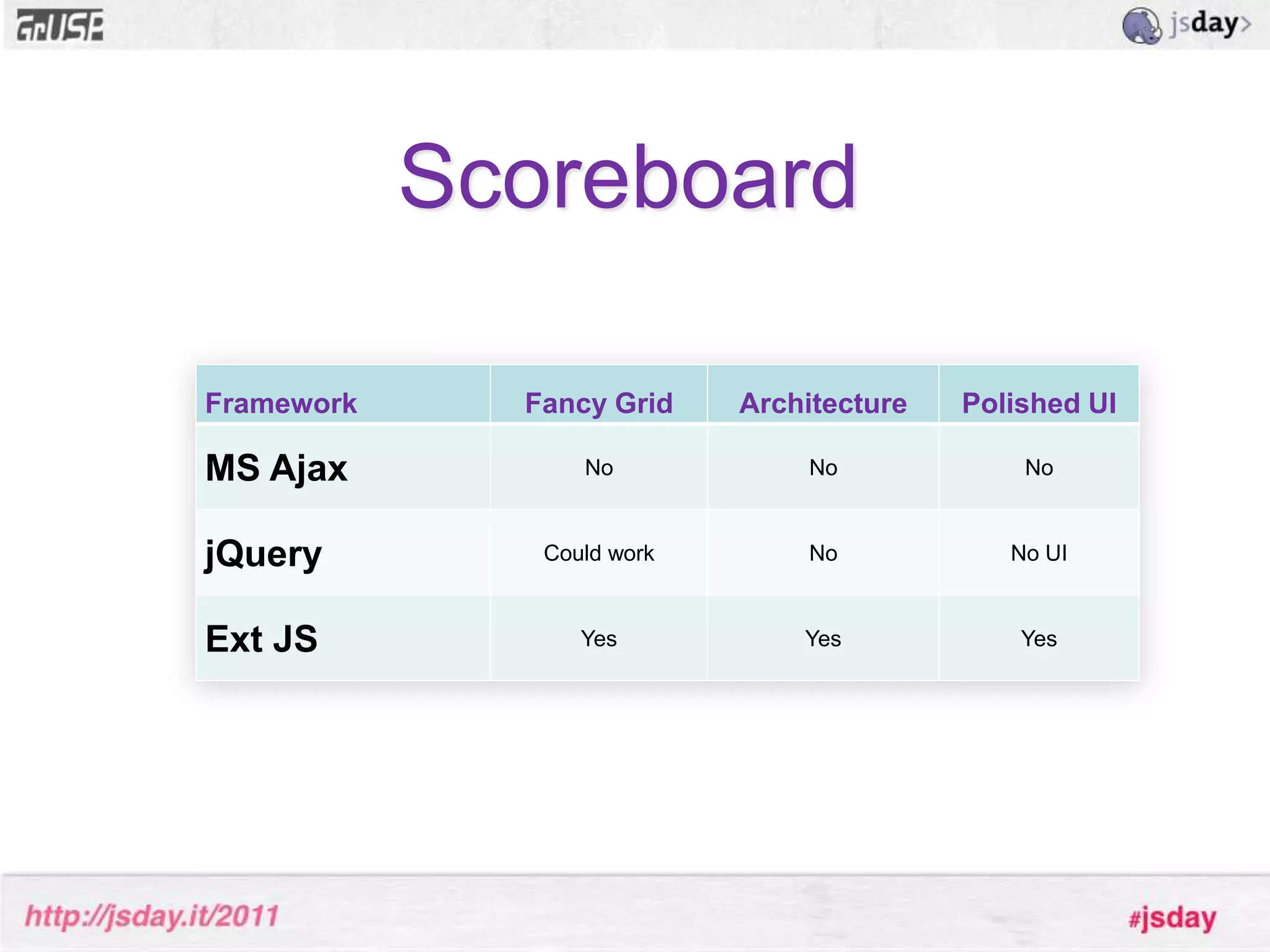
RequirementsSolid grid – Lots of data lists
Architechture – data stores, widgets
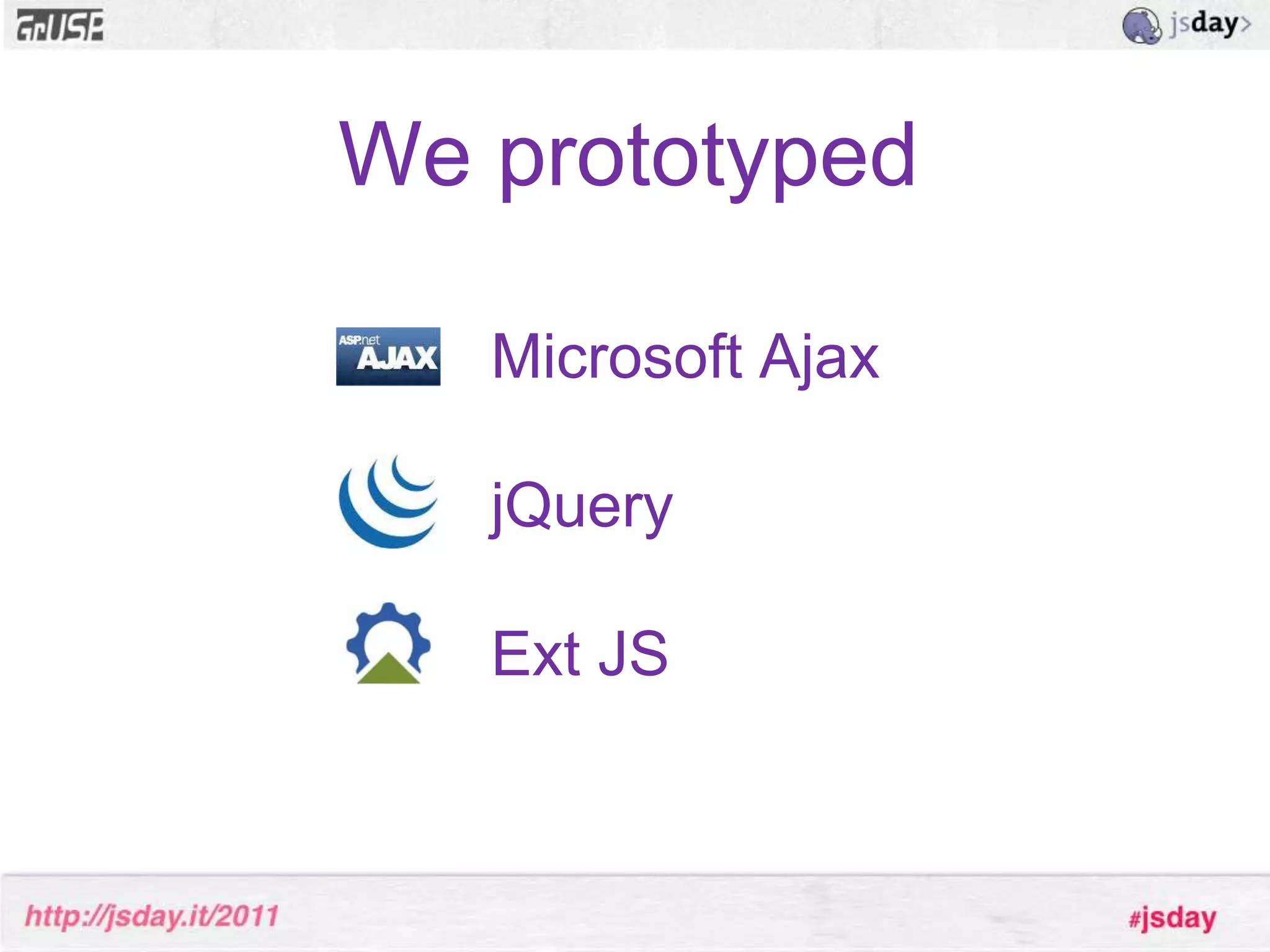
Polished UI without requiring deep HTMLor CSS knowledge.We prototypedMicrosoft AjaxjQueryExt JS
Scoreboard
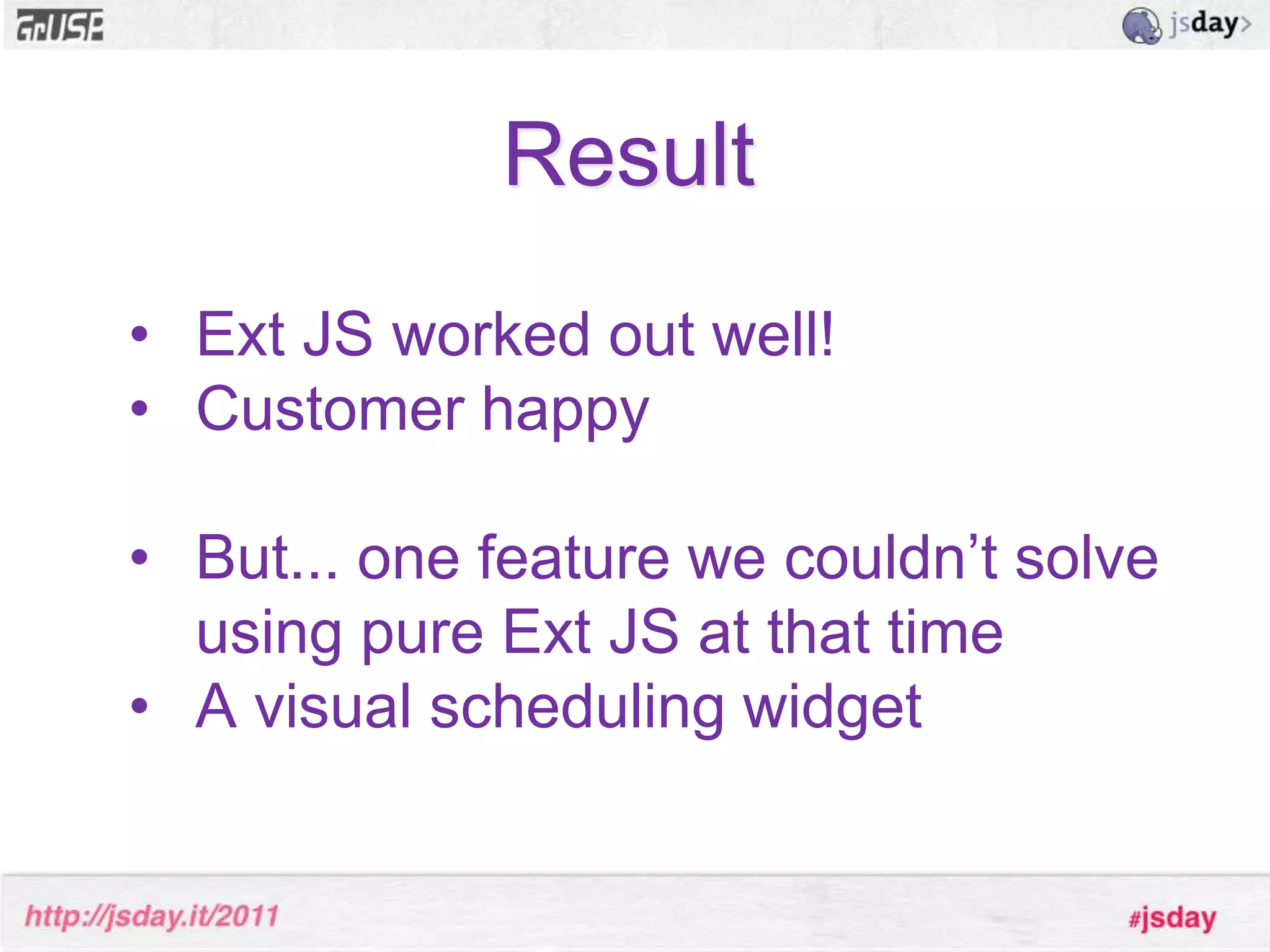
ResultExt JS worked out well!
Customer happy
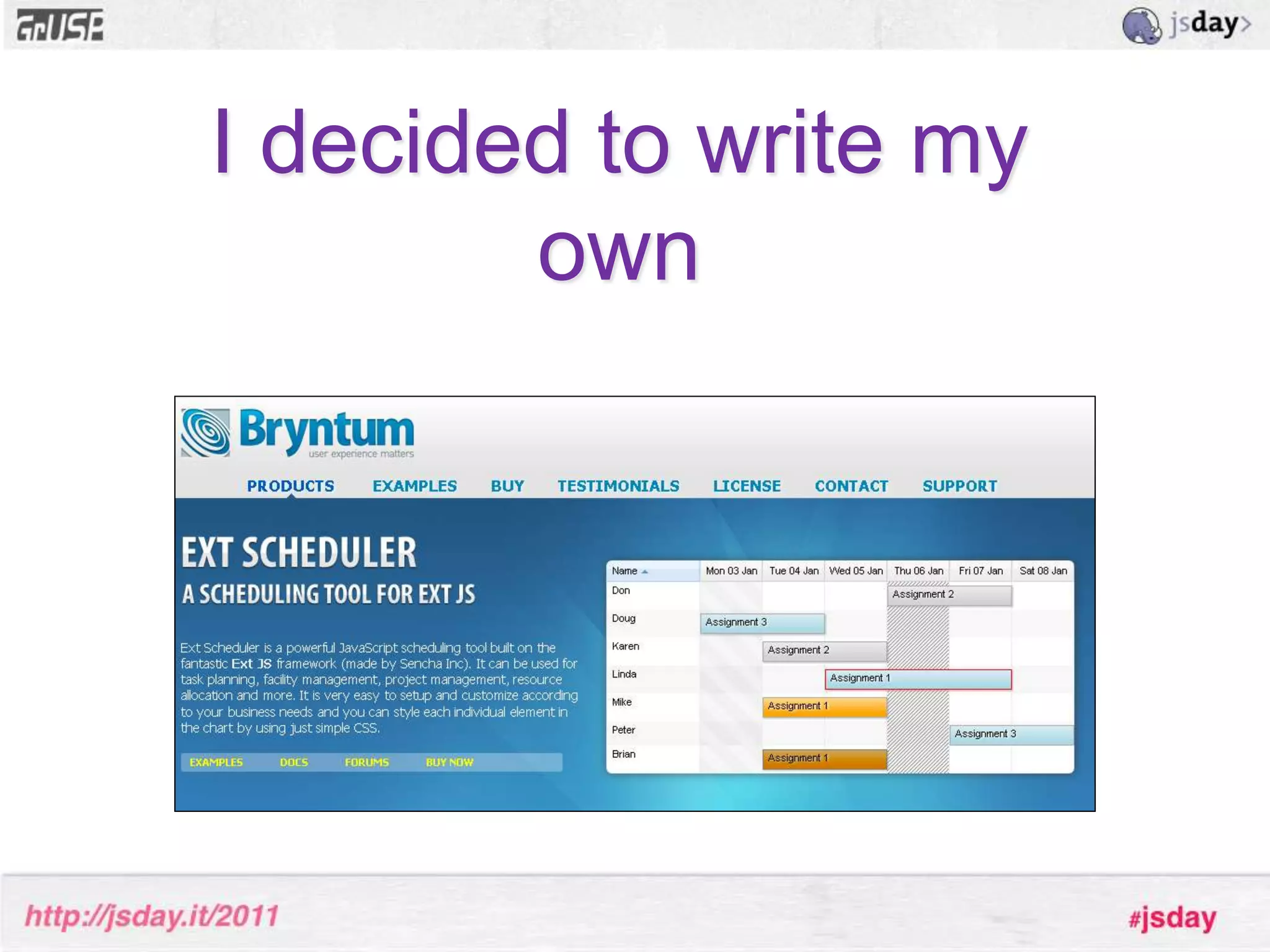
But... one feature we couldn’t solve using pure Ext JS at that time
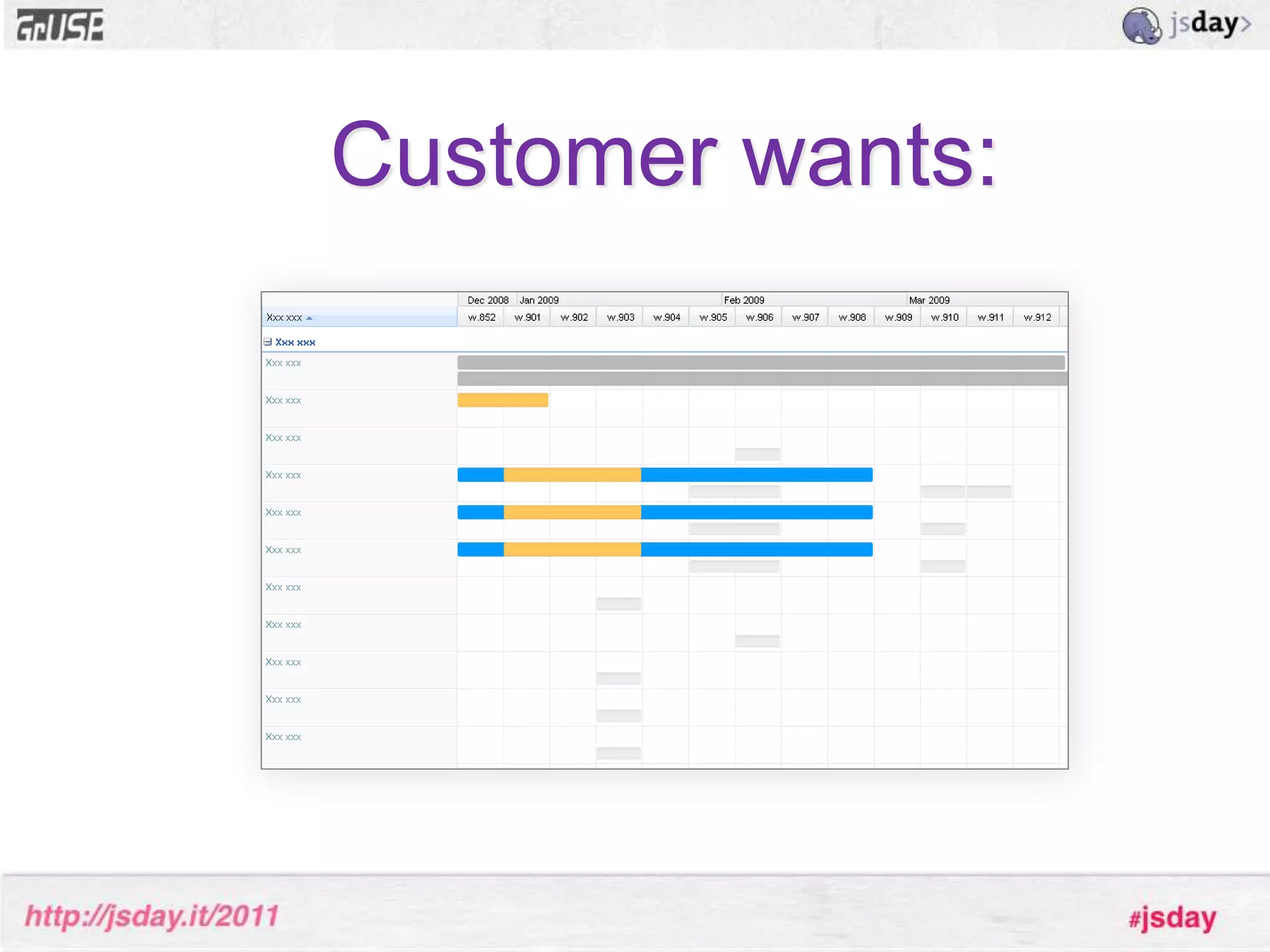
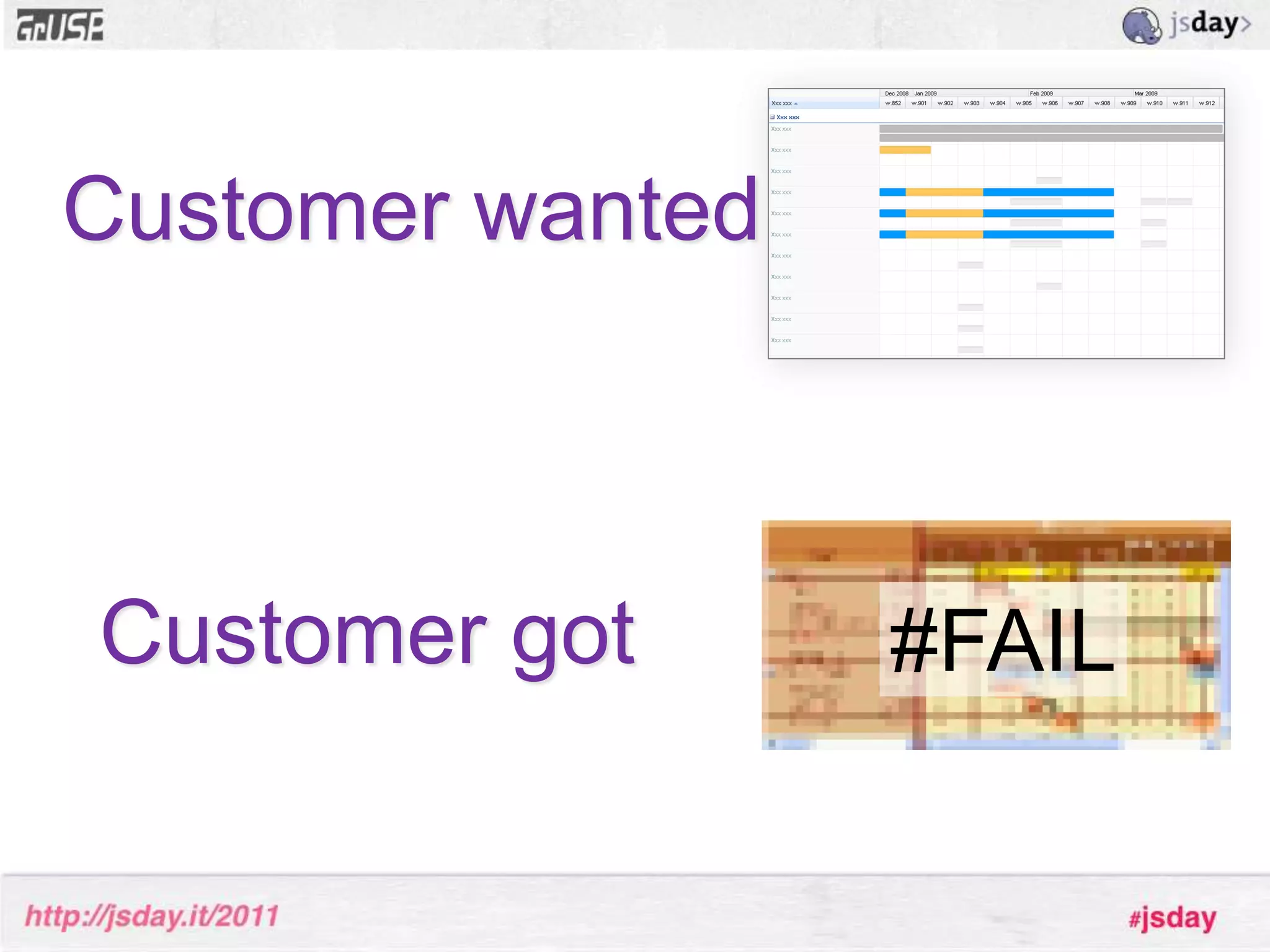
A visual scheduling widgetCustomer wants:
Search beganFound a few flash ones, not allowed to use
No JavaScript based ones, hardly any web based either
But after serious Googling research we did find something...”WidgetX”Image blurred to protect you
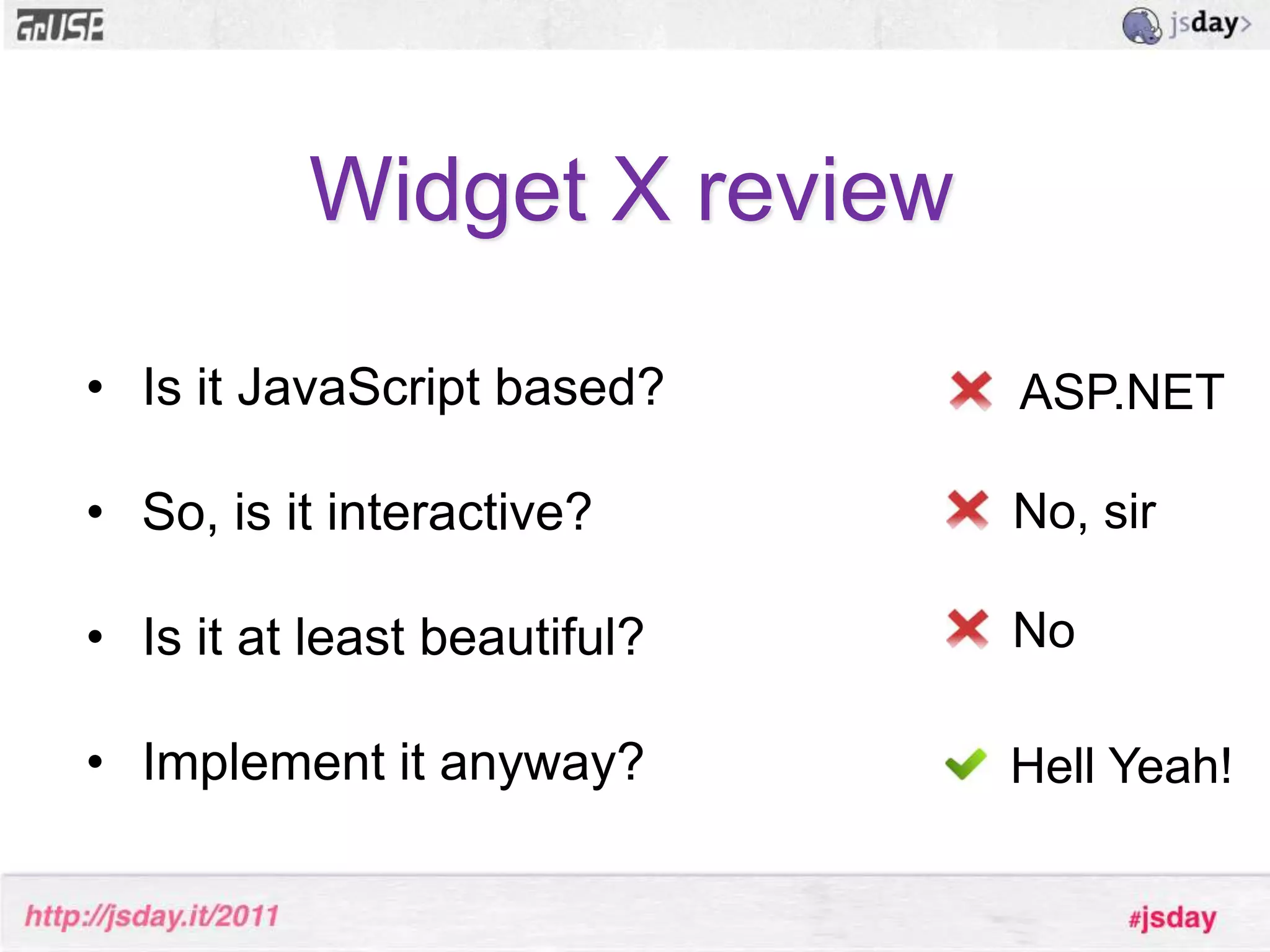
Widget X reviewIs it JavaScript based?
So, is it interactive?
Is it at least beautiful?
Implement it anyway?ASP.NETNo, sirNoHell Yeah!
Customer wantedCustomer got#FAIL
Fast forward to 2009>>
I decided to write my own
ConclusionWriting Ext JS components is a lot of fun (and addictive)
So where do I start?WTF??
Visit www.sencha.comGetExt JS SDKsencha.com/learn
Ext JS Terminology & ConceptsExt Component
Ext Container
Extension
Plugin
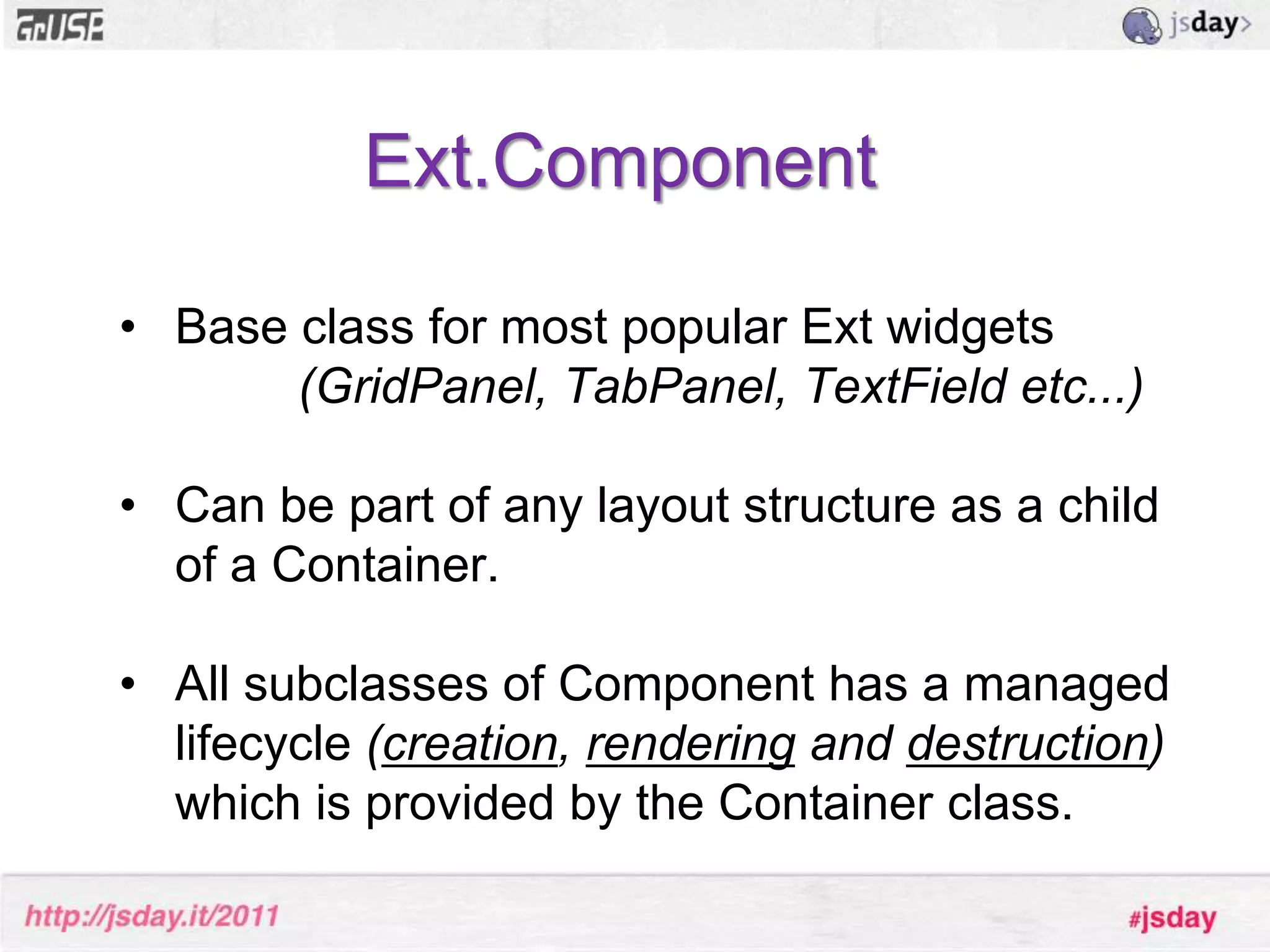
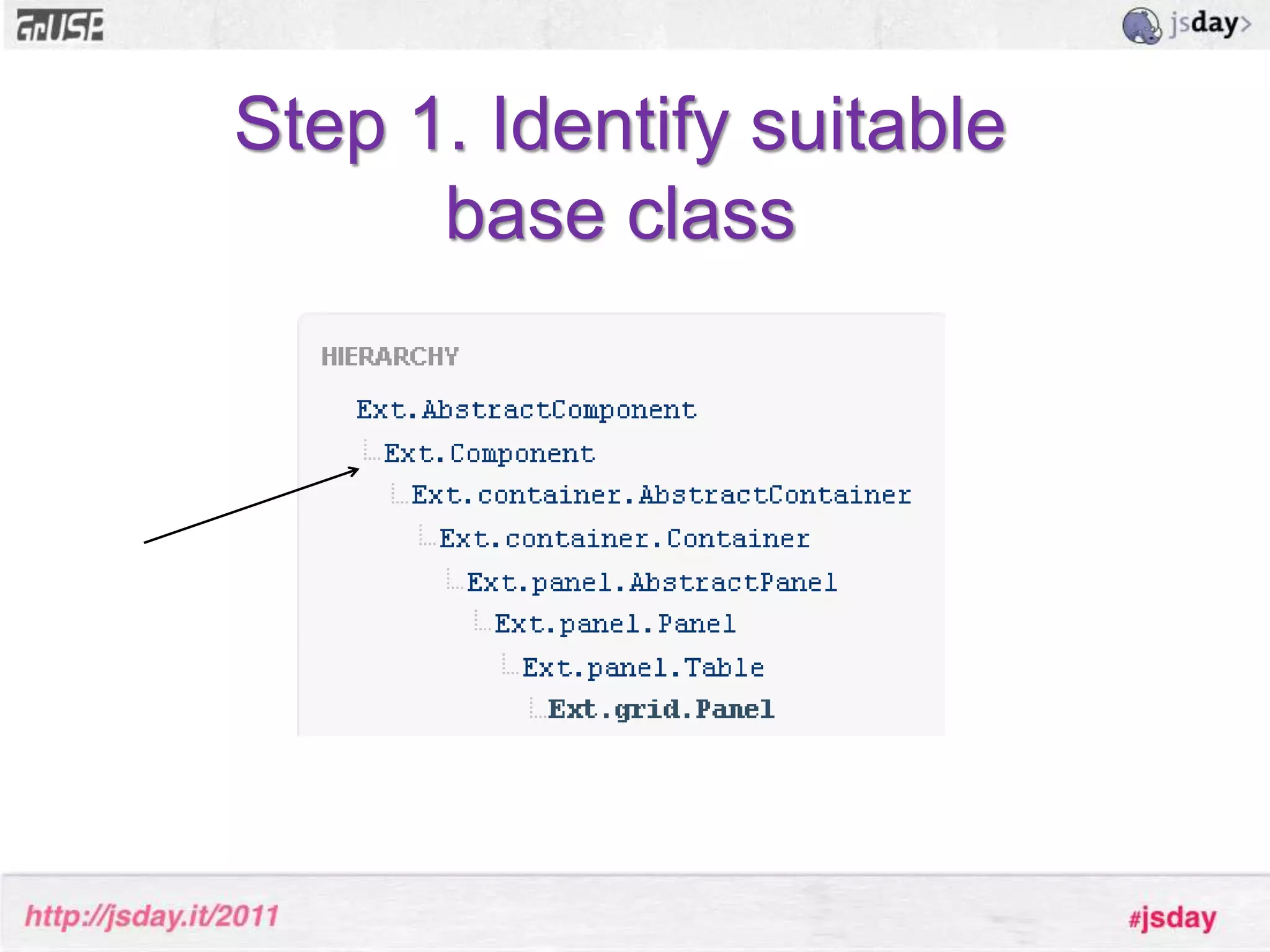
MixinExt.ComponentBase class for most popular Ext widgets (GridPanel, TabPanel, TextField etc...)Can be part of any layout structure as a child of a Container.
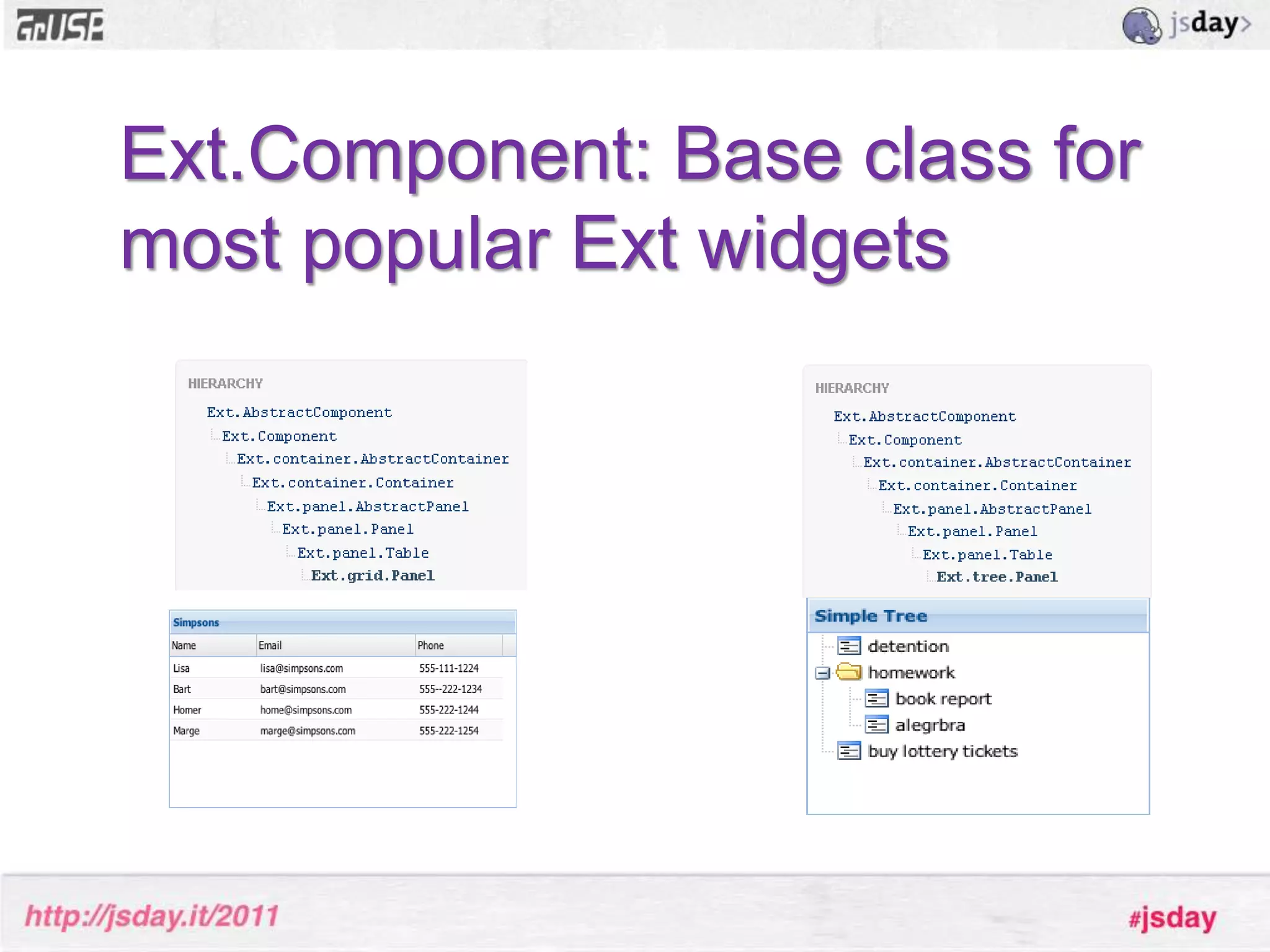
All subclasses of Component has a managed lifecycle (creation, rendering and destruction)which is provided by the Container class. Ext.Component: Base class for most popular Ext widgets
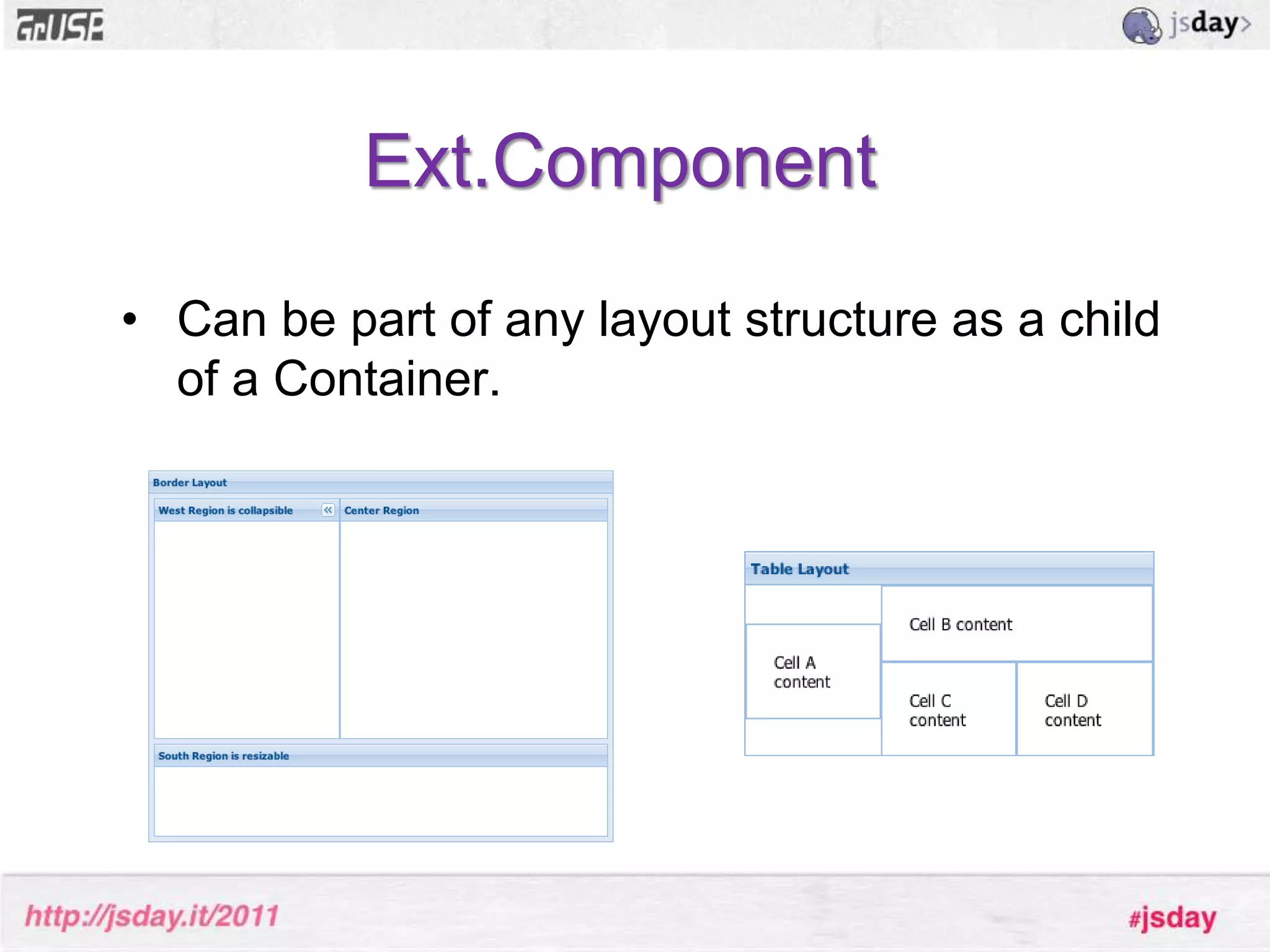
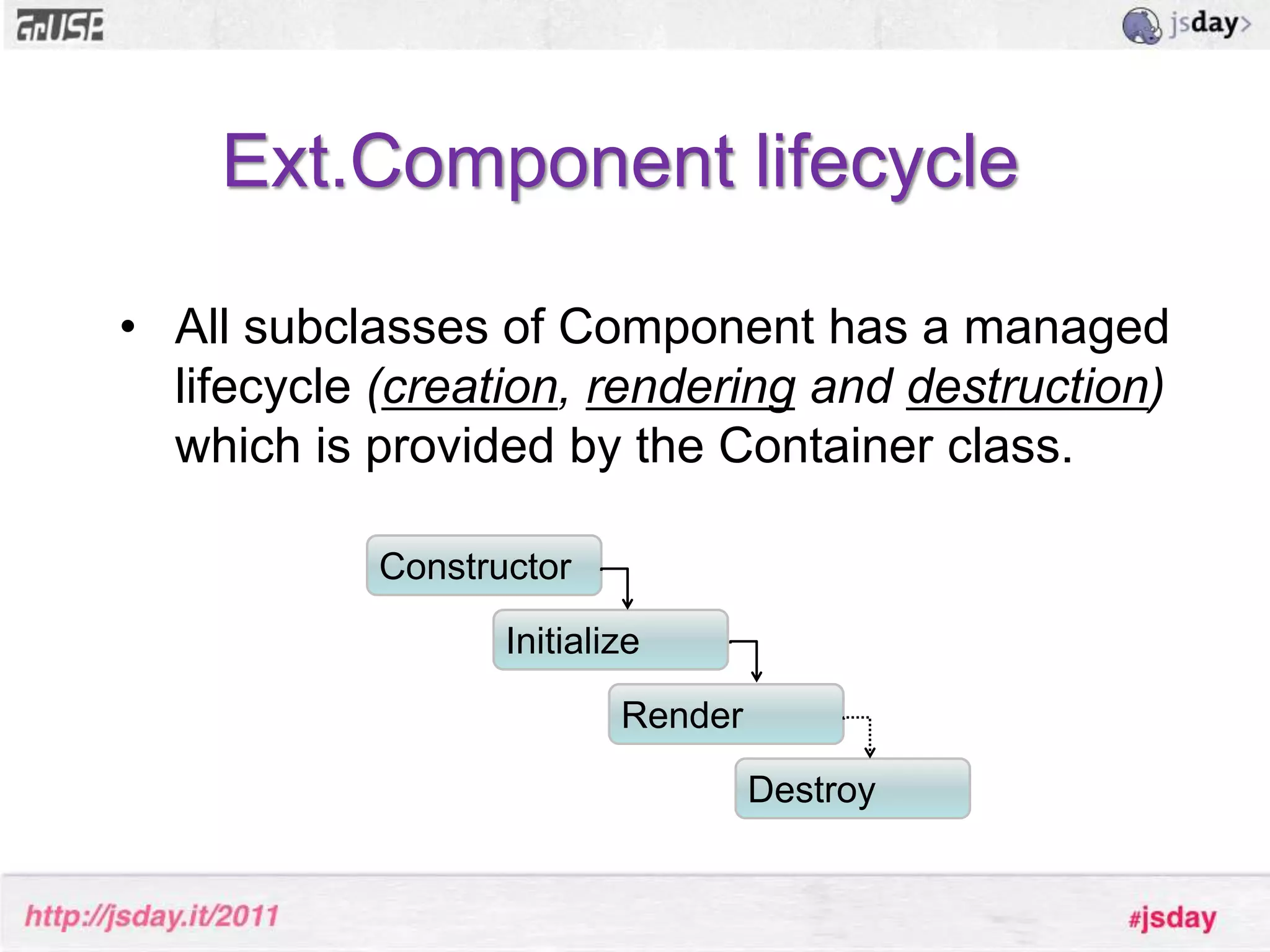
Ext.ComponentCan be part of any layout structure as a child of a Container.Ext.Component lifecycleAll subclasses of Component has a managed lifecycle (creation, rendering and destruction)which is provided by the Container class. ConstructorInitializeRenderDestroy
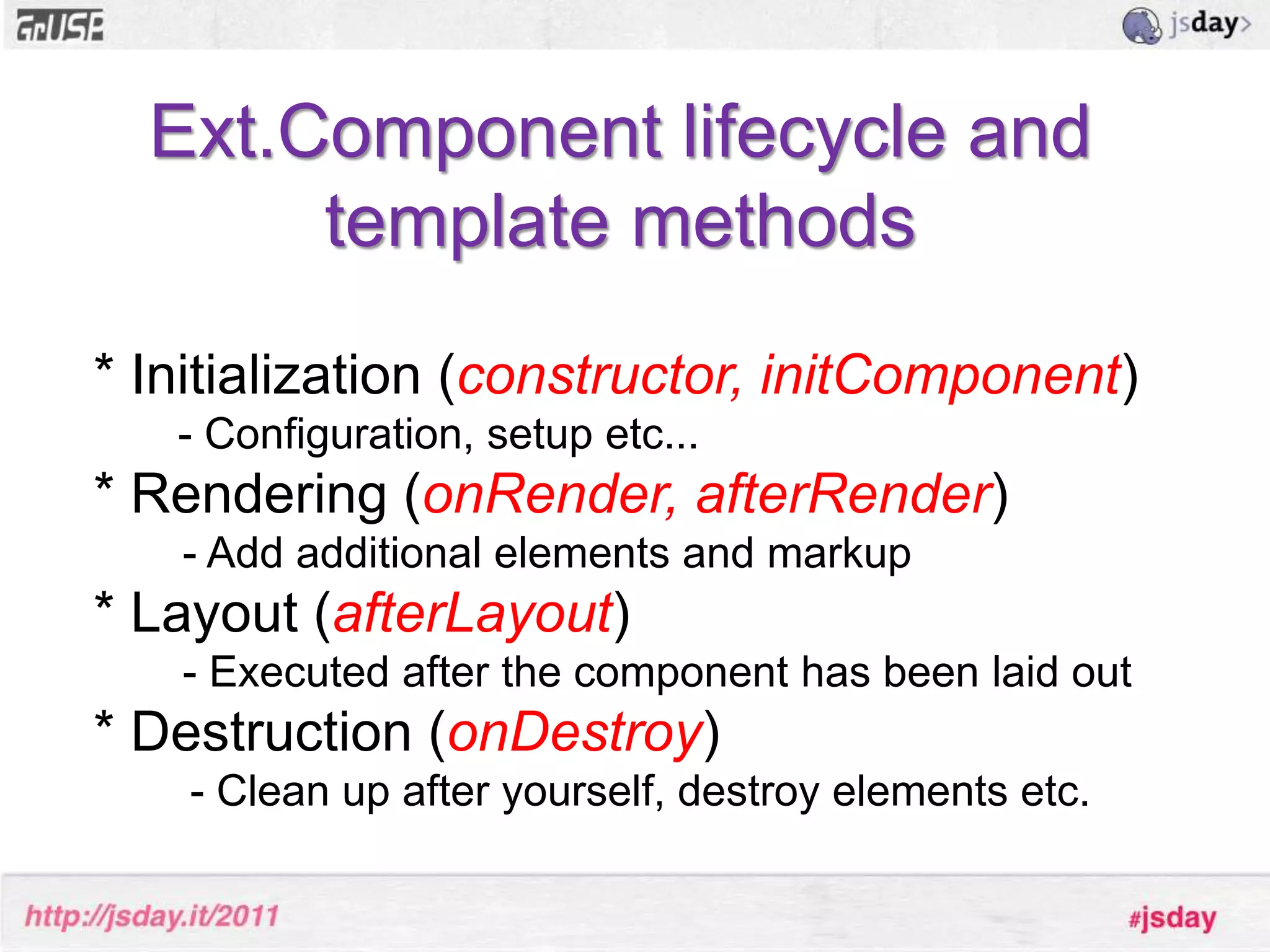
Ext.Component lifecycle and template methods* Initialization (constructor, initComponent)       - Configuration, setup etc...* Rendering (onRender, afterRender)	- Add additional elements and markup* Layout (afterLayout)	- Executed after the component has been laid out* Destruction (onDestroy)        - Clean up after yourself, destroy elements etc.
Ext.ContainerBase class for any Component that needs to contain other Components.
Handles the basic behavior of containing items: adding, inserting and removingitems.
The most commonly used Container classes are Panel, Window and TabPanel.What is an Ext JS extension??
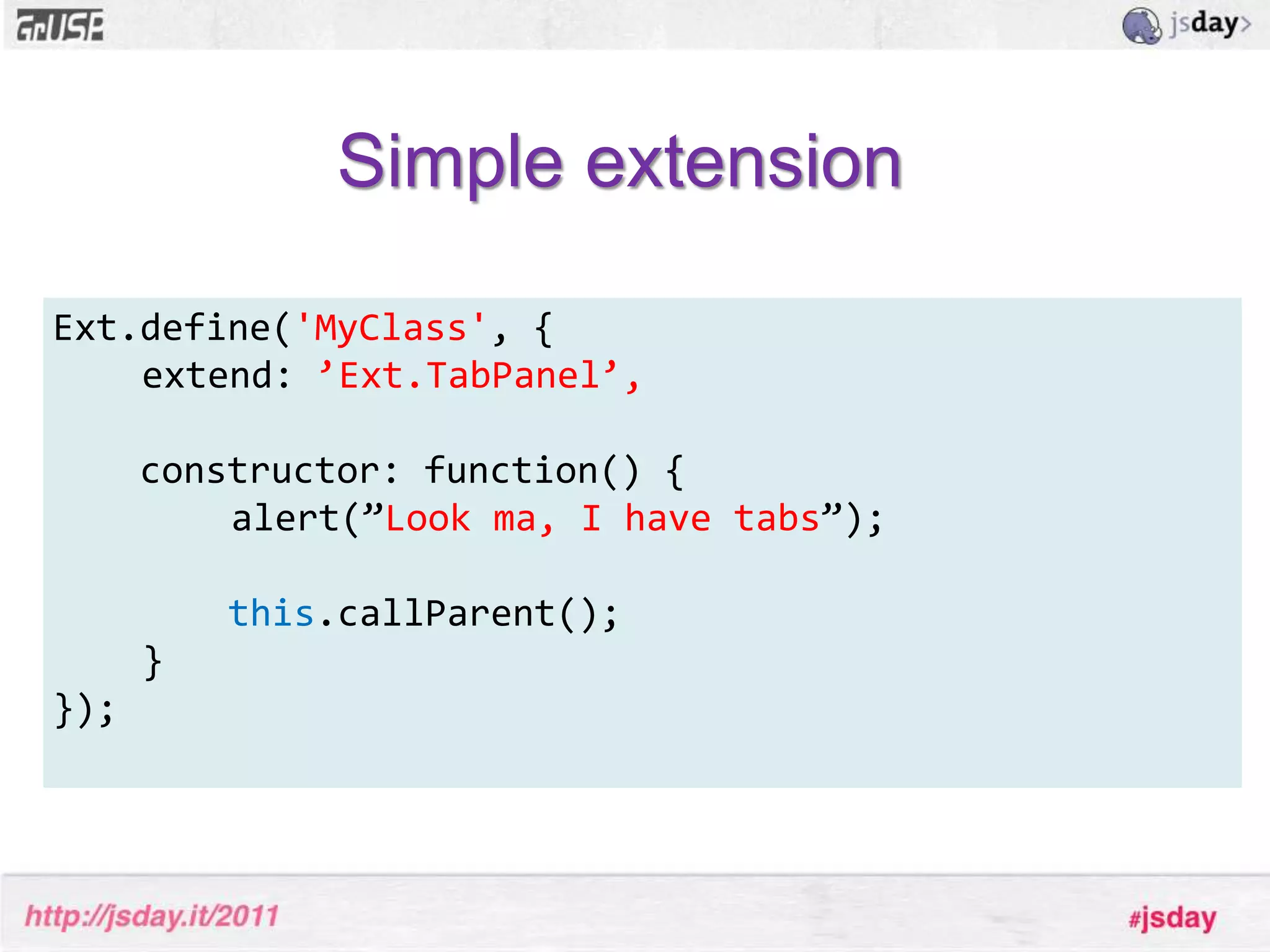
Ext JS extensionSubclassing an Ext JS ”class”
Doesn’t have to be UI-related
Reusable throughout your appSimple extensionExt.define('MyClass', {	extend: ’Ext.TabPanel’,constructor: function() {		alert(”Look ma, I have tabs”);this.callParent();	}}); 
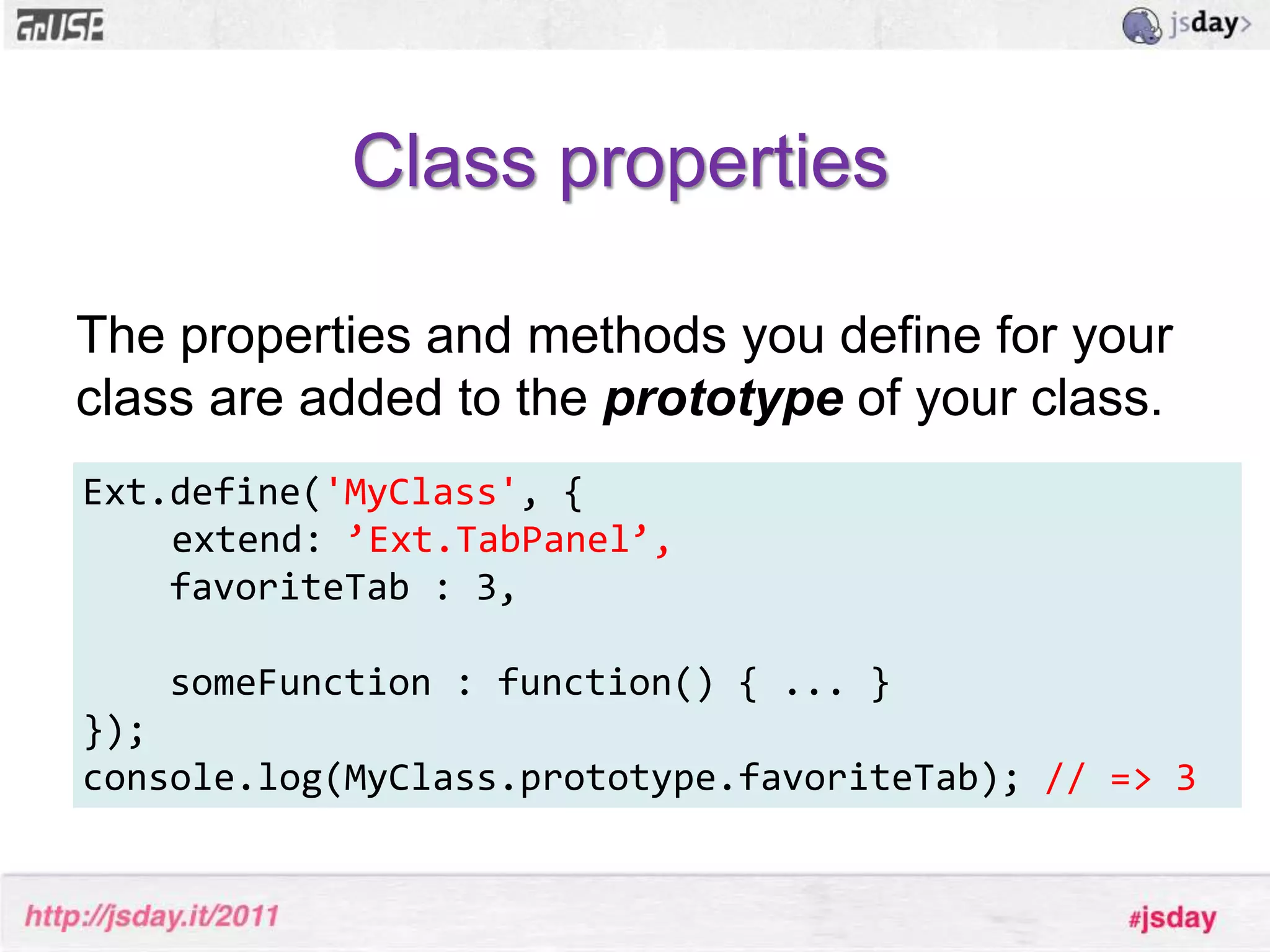
Class propertiesThe properties and methods you define for your class are added to the prototype of your class.Ext.define('MyClass', {	extend: ’Ext.TabPanel’,    favoriteTab : 3,   someFunction : function() { ... }});console.log(MyClass.prototype.favoriteTab); // => 3
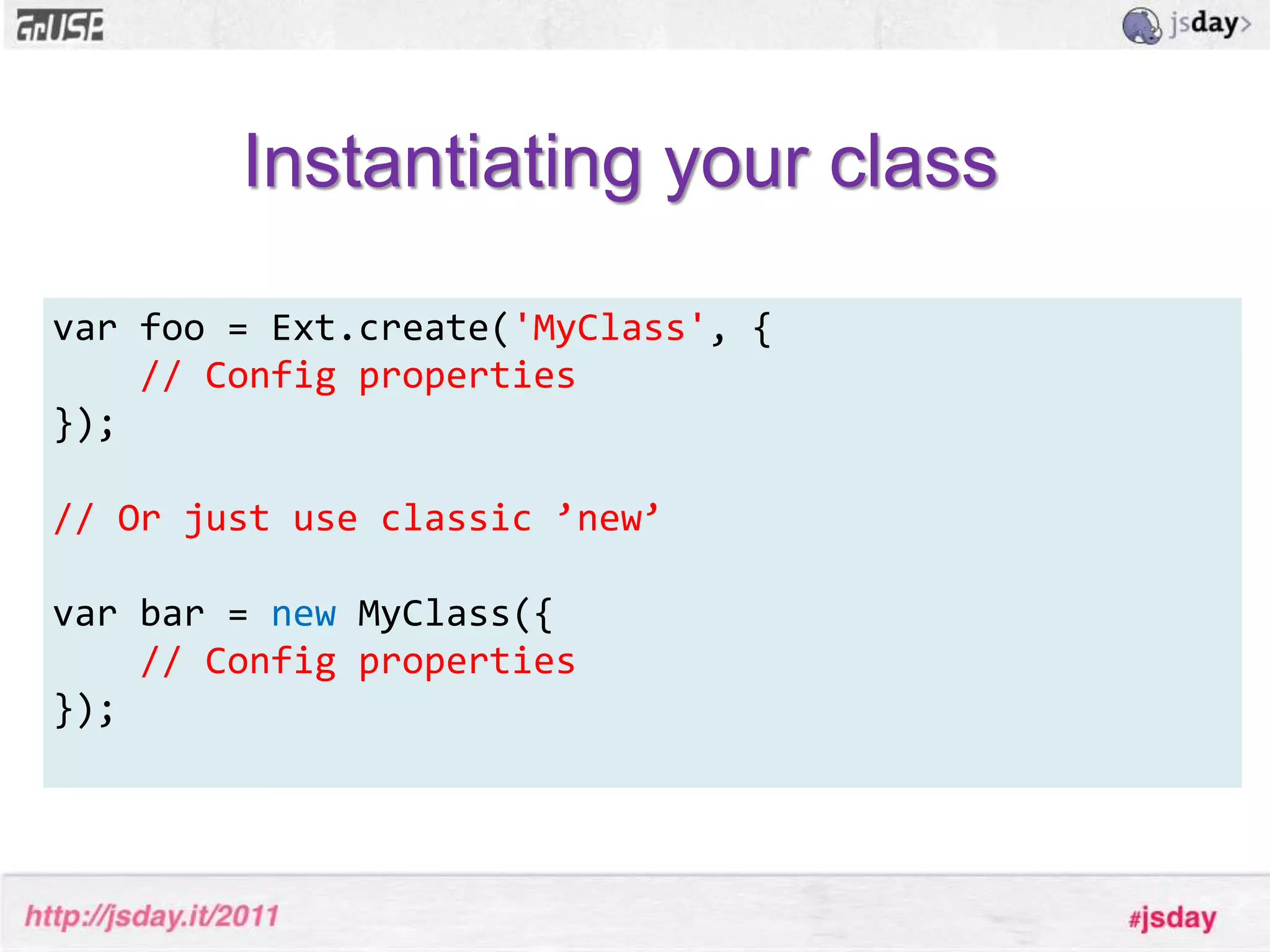
Instantiating your classvar foo = Ext.create('MyClass', {// Config properties}); // Or just use classic ’new’var bar = new MyClass({// Config properties});
Mixins
MixinsBrand new concept when it comes to Ext JS 4. A mixin is just a set of functions (and sometimes properties) that are merged into a class.
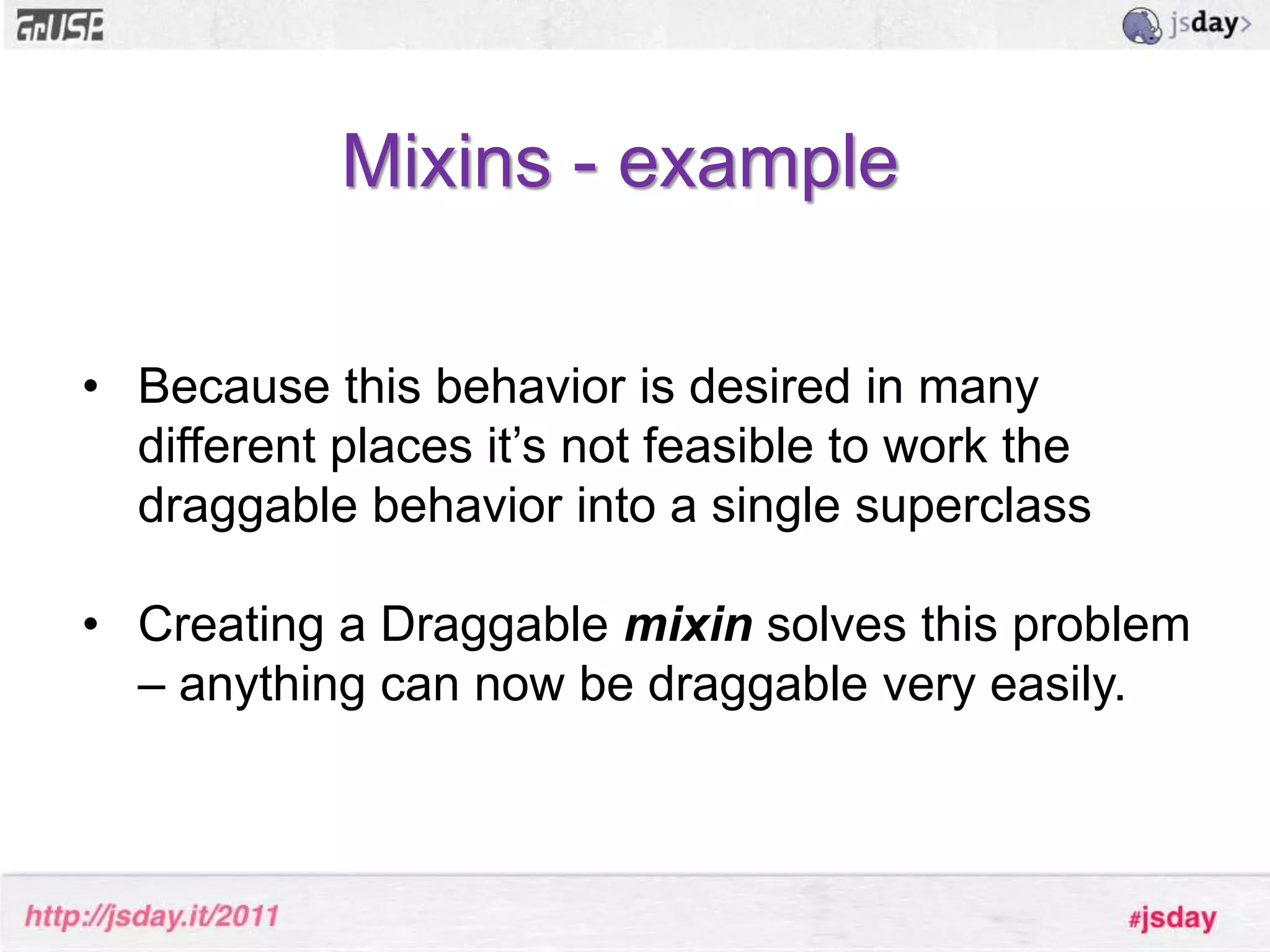
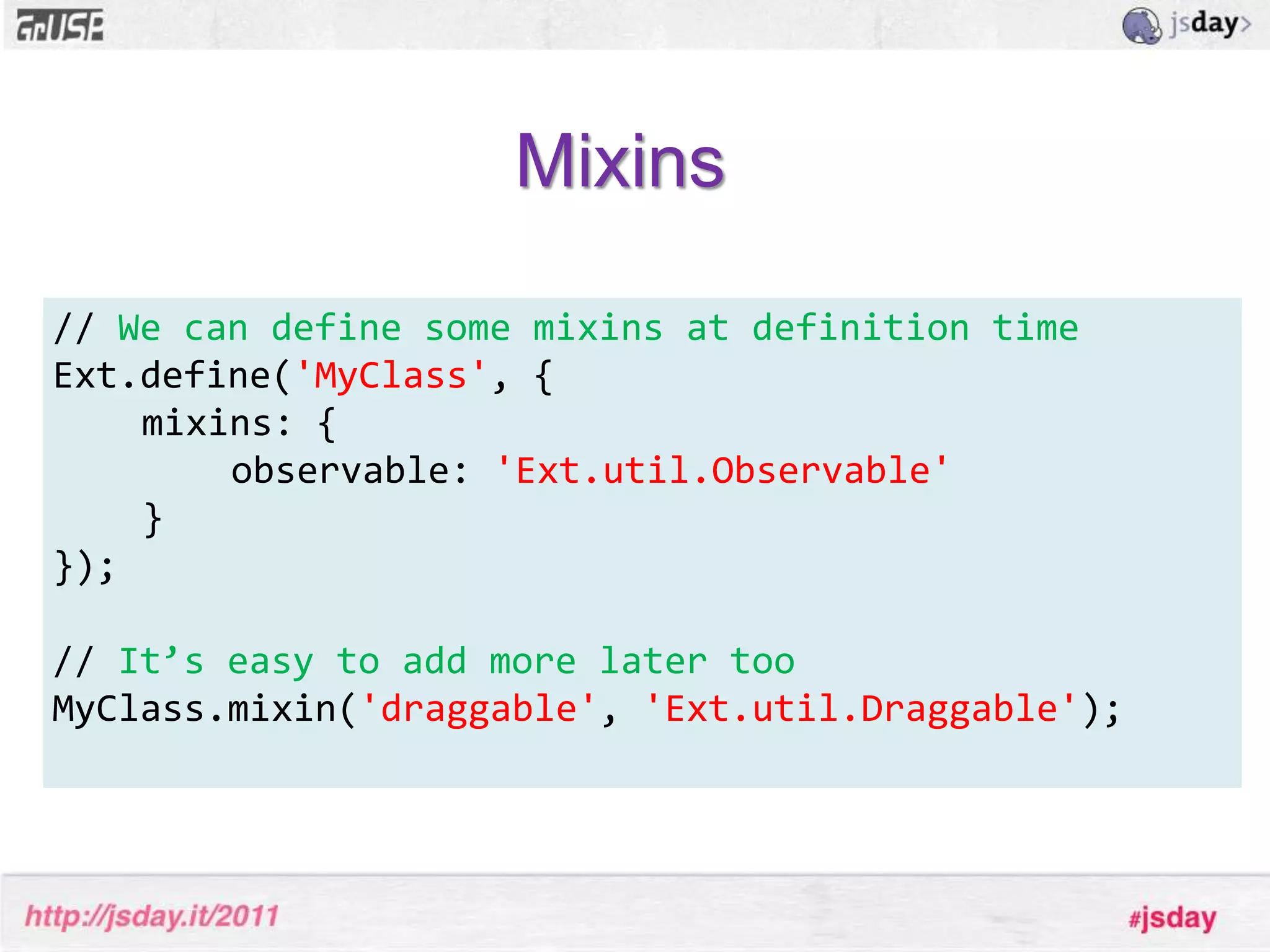
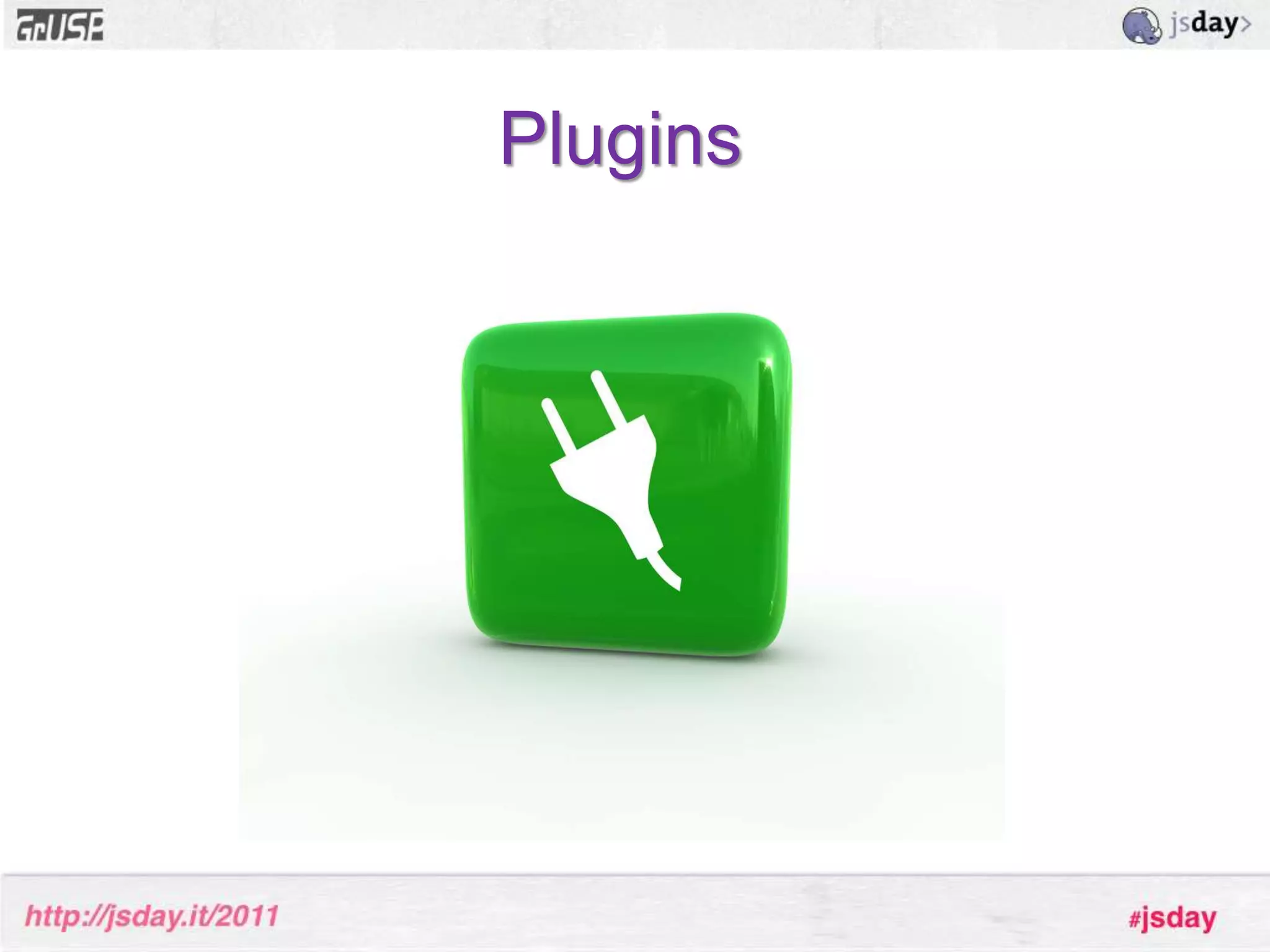
Mixins are really useful when a class needs to inherit multiple traits but can’t do so easily using a traditional single inheritance mechanismMixins - exampleExt.Windowis a draggable component, as are Sliders, Grid headers, and many others Mixins - exampleBecause this behavior is desired in many different places it’s not feasible to work the draggable behavior into a single superclass
Creating a Draggablemixin solves this problem – anything can now be draggable very easily.Mixins// We can define some mixins at definition timeExt.define('MyClass', {	mixins: {		observable: 'Ext.util.Observable'	}}); // It’s easy to add more later tooMyClass.mixin('draggable', 'Ext.util.Draggable');
Plugins
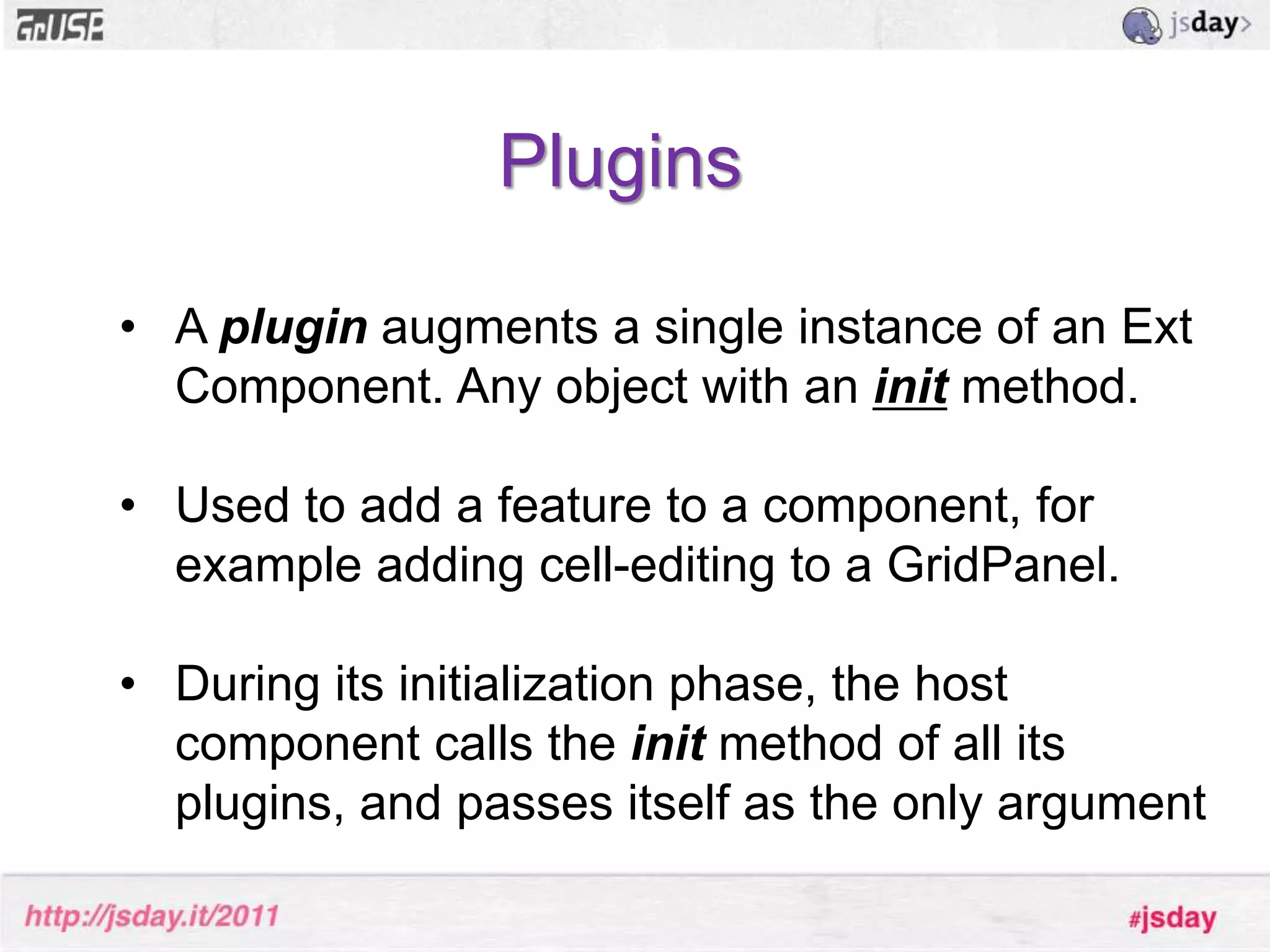
PluginsA plugin augments a single instance of an Ext Component. Any object with an initmethod.
Used to add a feature to a component, for example adding cell-editing to a GridPanel.
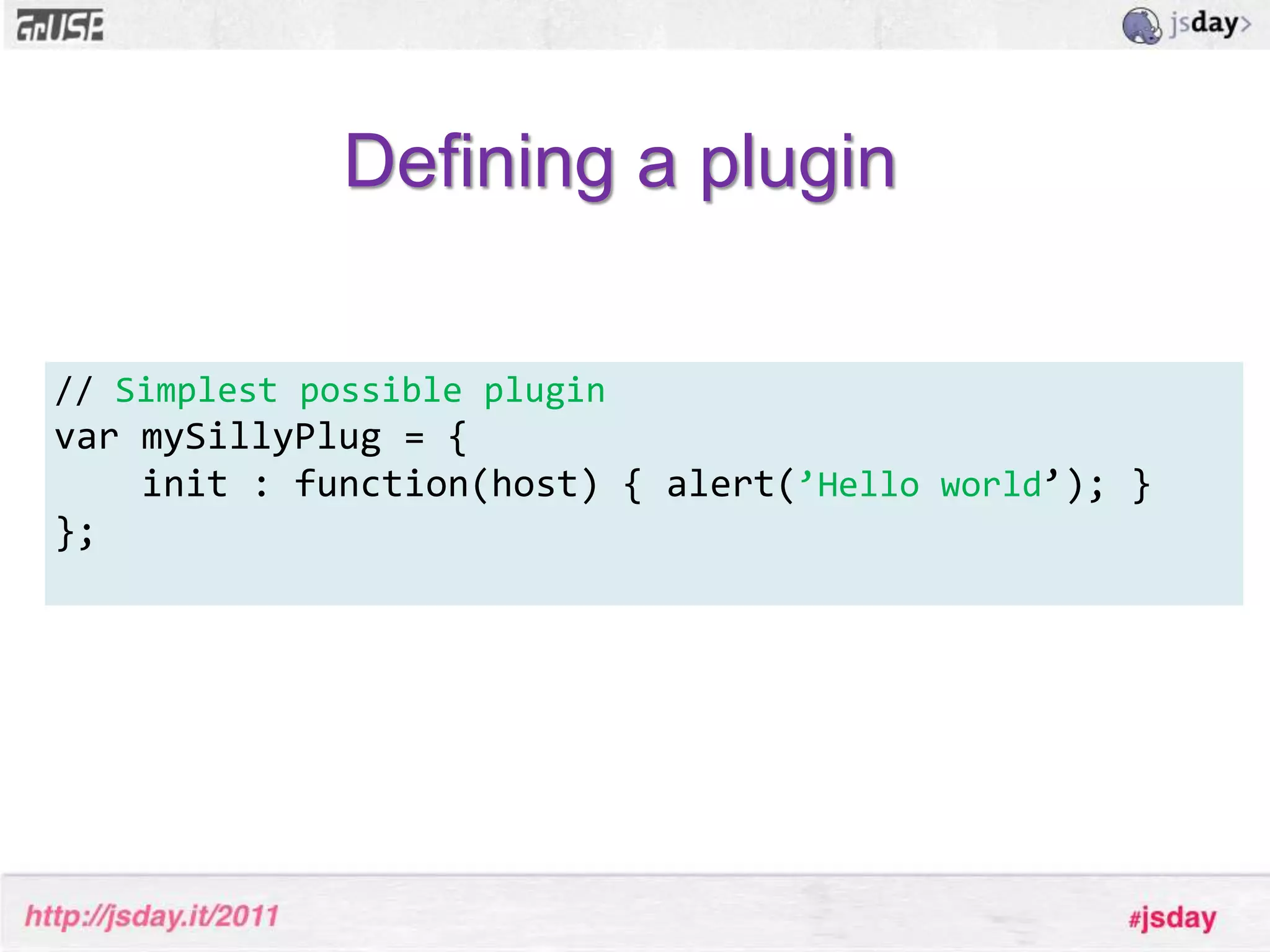
During its initialization phase, the host component calls the init method of all its plugins, and passes itself as the only argumentDefining a plugin// Simplest possible pluginvar mySillyPlug = {    init : function(host) { alert(’Hello world’); }}; 
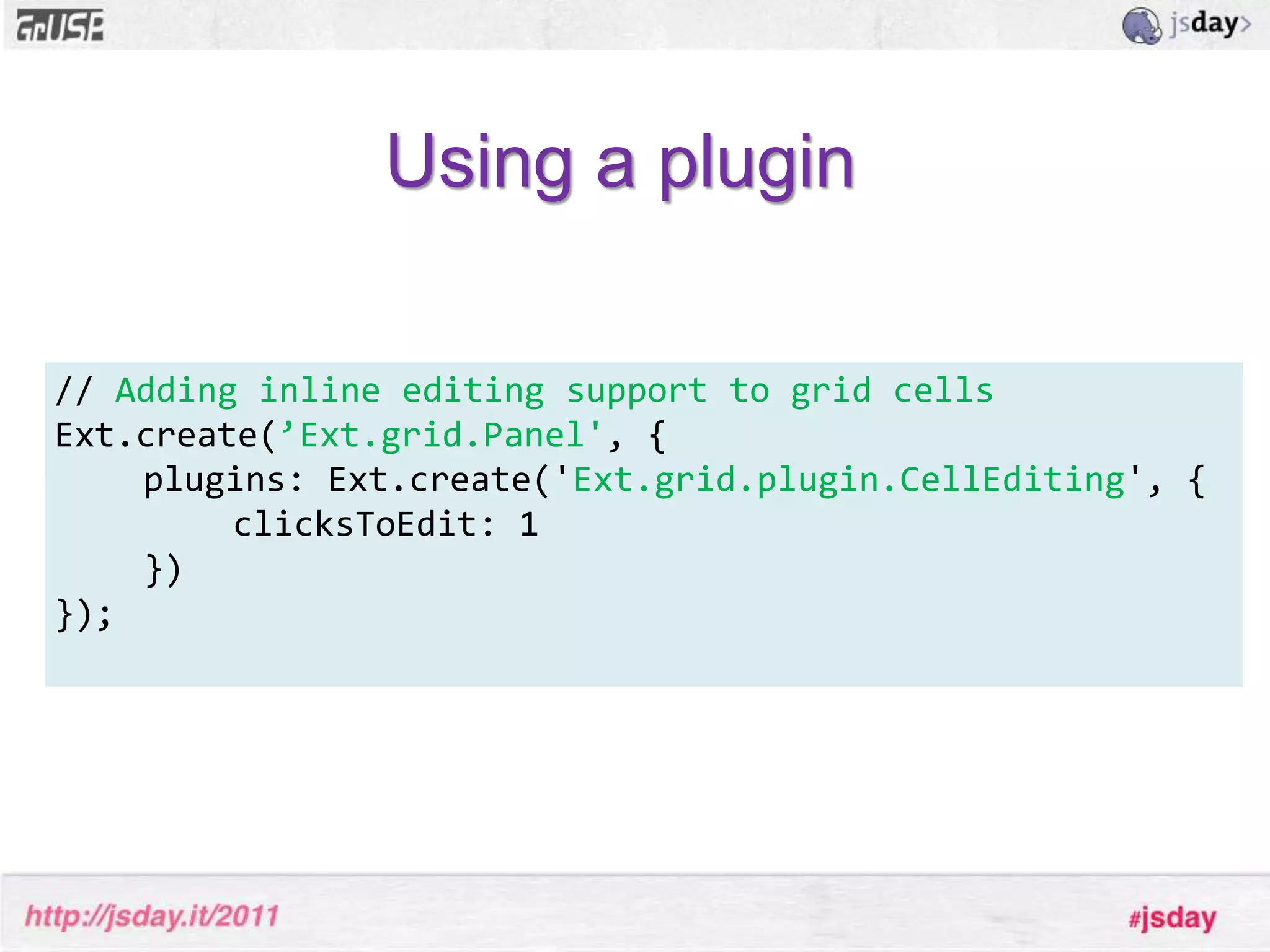
Using a plugin// Adding inline editing support to grid cellsExt.create(’Ext.grid.Panel',{	plugins: Ext.create('Ext.grid.plugin.CellEditing', {   		clicksToEdit: 1 })}); 
Let’s create a simple extension!
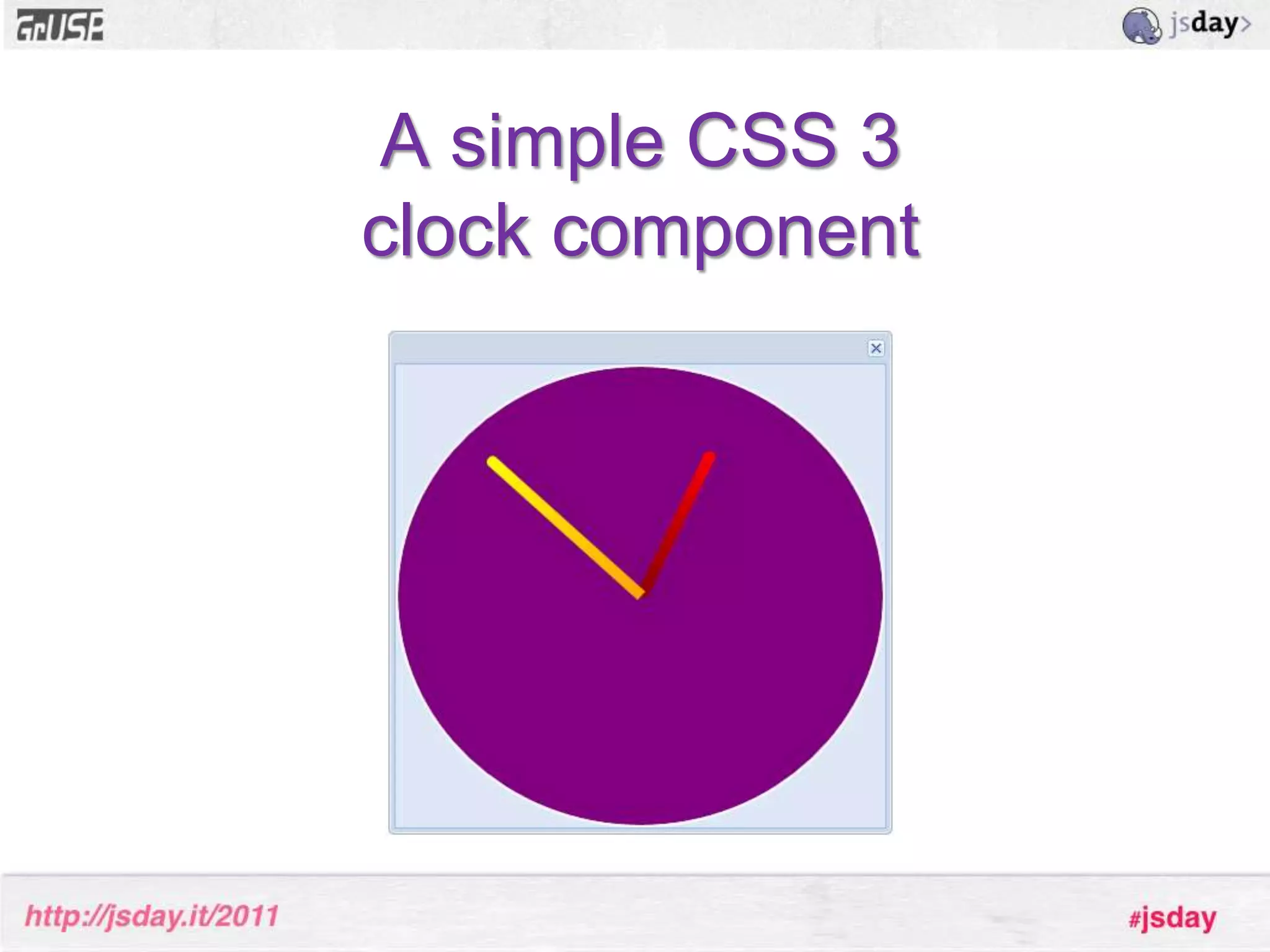
A simple CSS 3 clock component
Step 1. Identify suitable base class
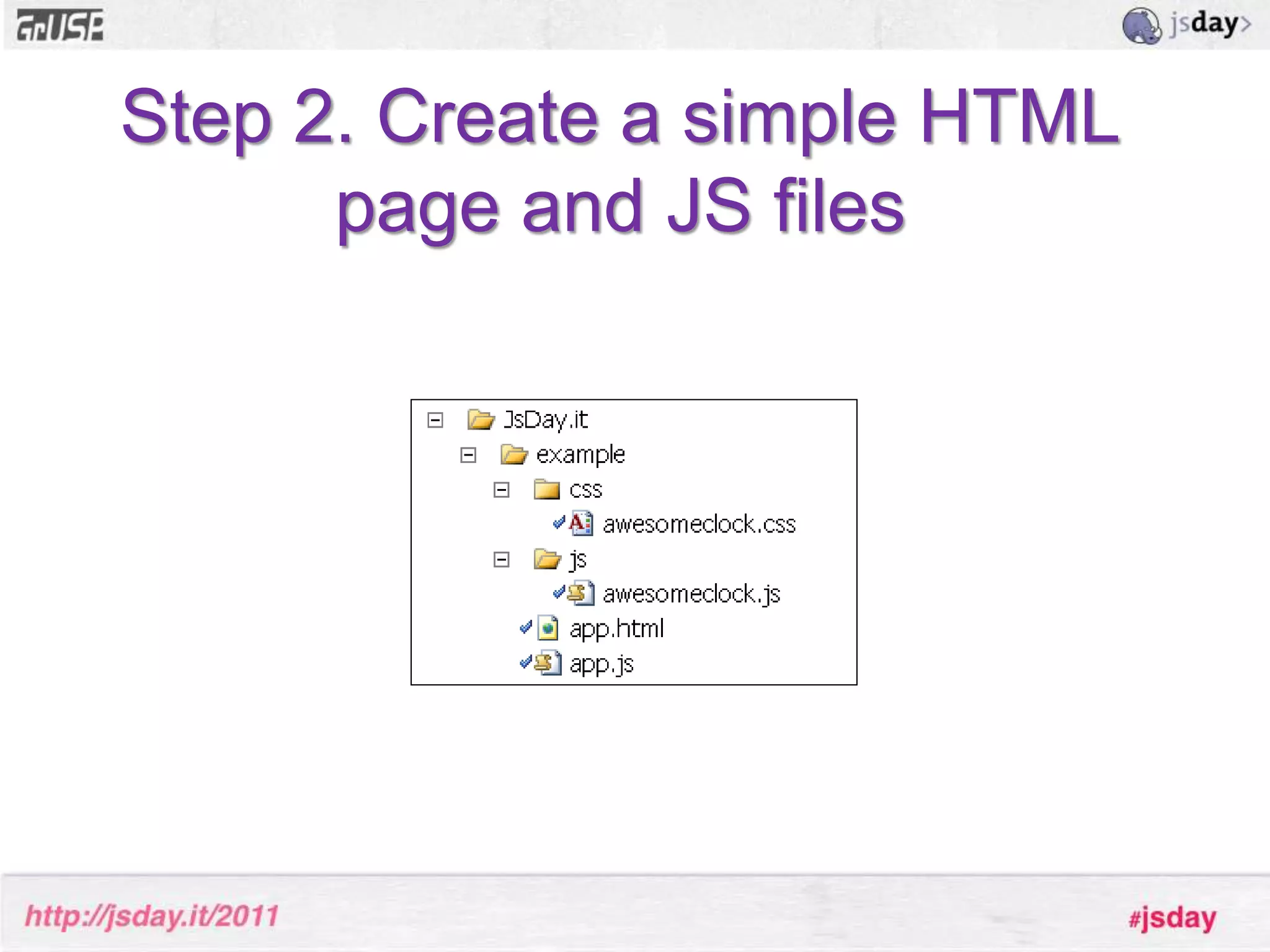
Step 2. Create a simple HTML page and JS files
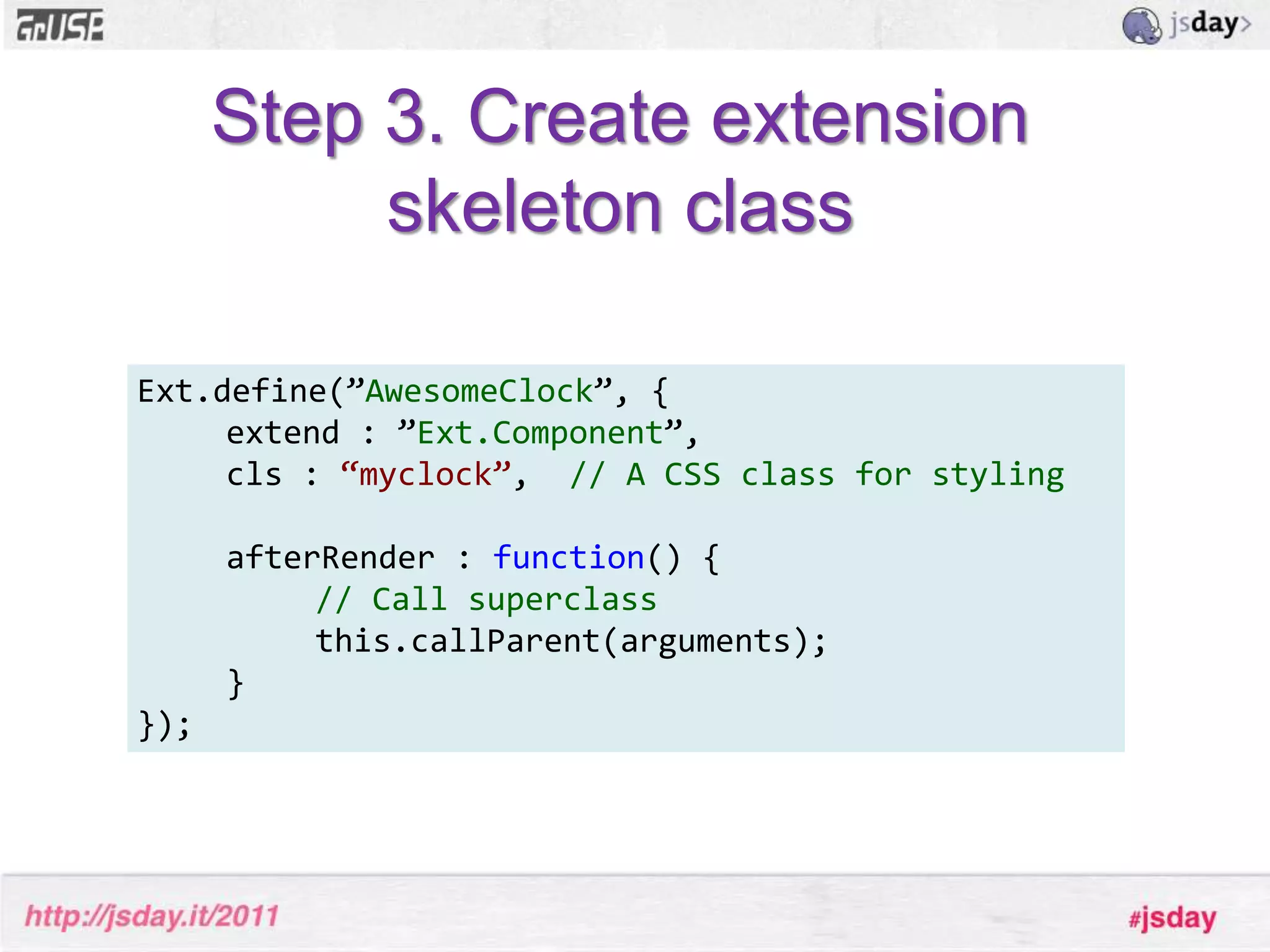
Step 3. Create extension skeleton classExt.define(”AwesomeClock”, {extend : ”Ext.Component”,cls: “myclock”,  // A CSS class for styling	afterRender : function() {// Call superclassthis.callParent(arguments);}});
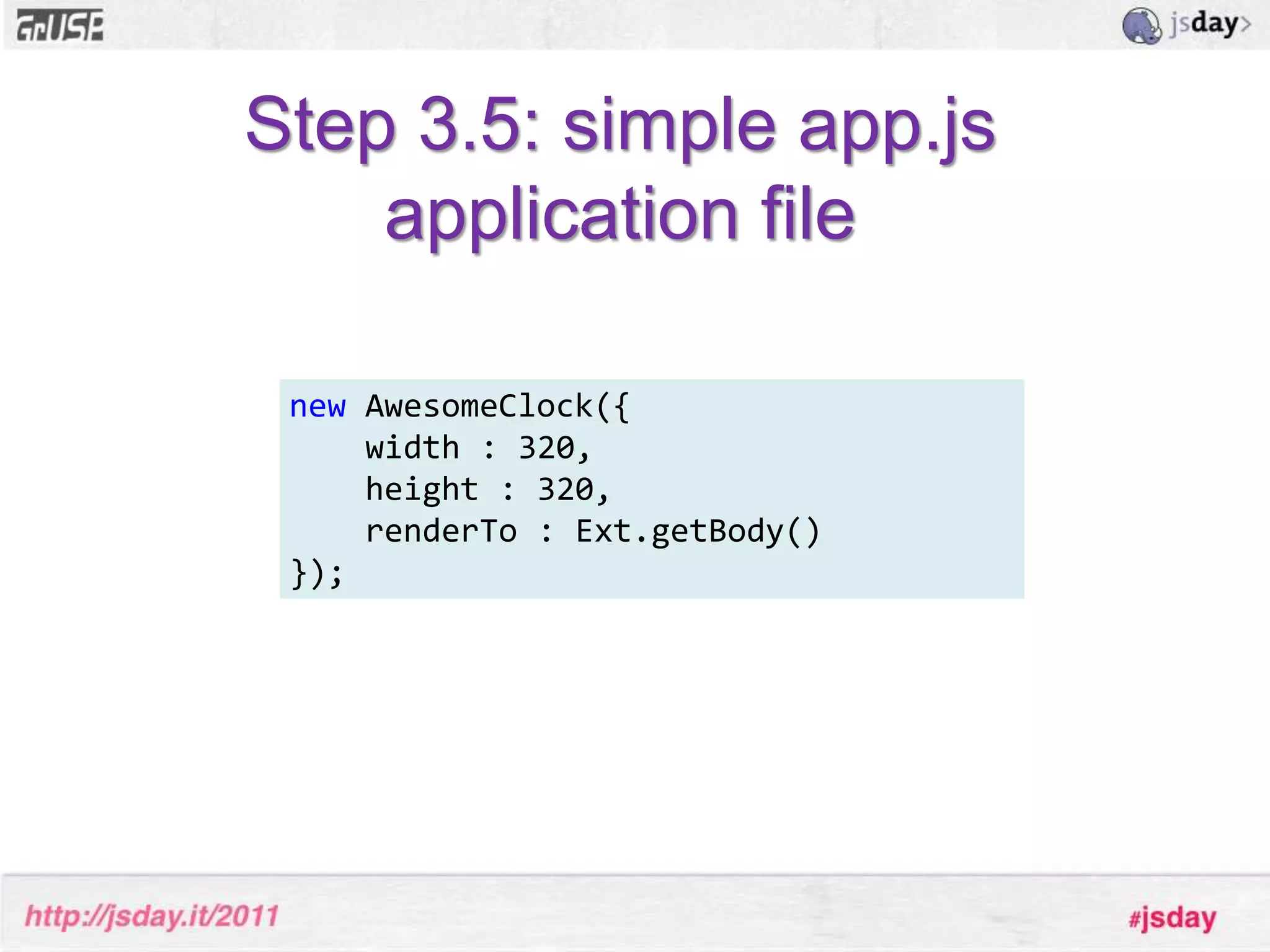
Step 3.5: simple app.jsapplication filenewAwesomeClock({    width : 320,    height : 320,    renderTo : Ext.getBody()});
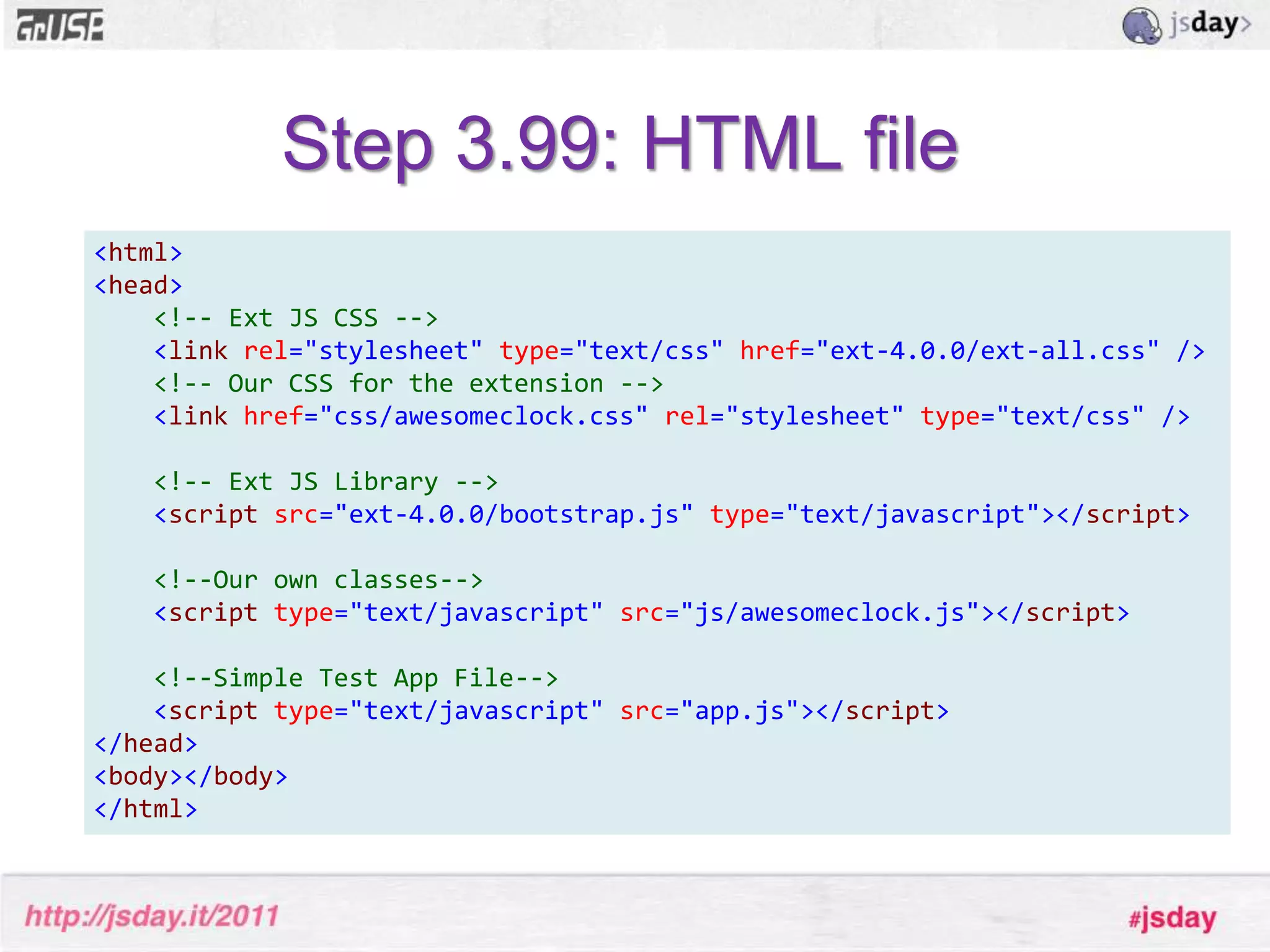
Step 3.99: HTML file<html><head><!-- Ext JS CSS --><linkrel="stylesheet"type="text/css"href="ext-4.0.0/ext-all.css"/><!-- Our CSS for the extension --><linkhref="css/awesomeclock.css"rel="stylesheet"type="text/css"/><!-- Ext JS Library --><scriptsrc="ext-4.0.0/bootstrap.js"type="text/javascript"></script><!--Our own classes--><scripttype="text/javascript"src="js/awesomeclock.js"></script><!--Simple Test App File--><scripttype="text/javascript"src="app.js"></script></head><body></body></html>
Step 4. Does it run?
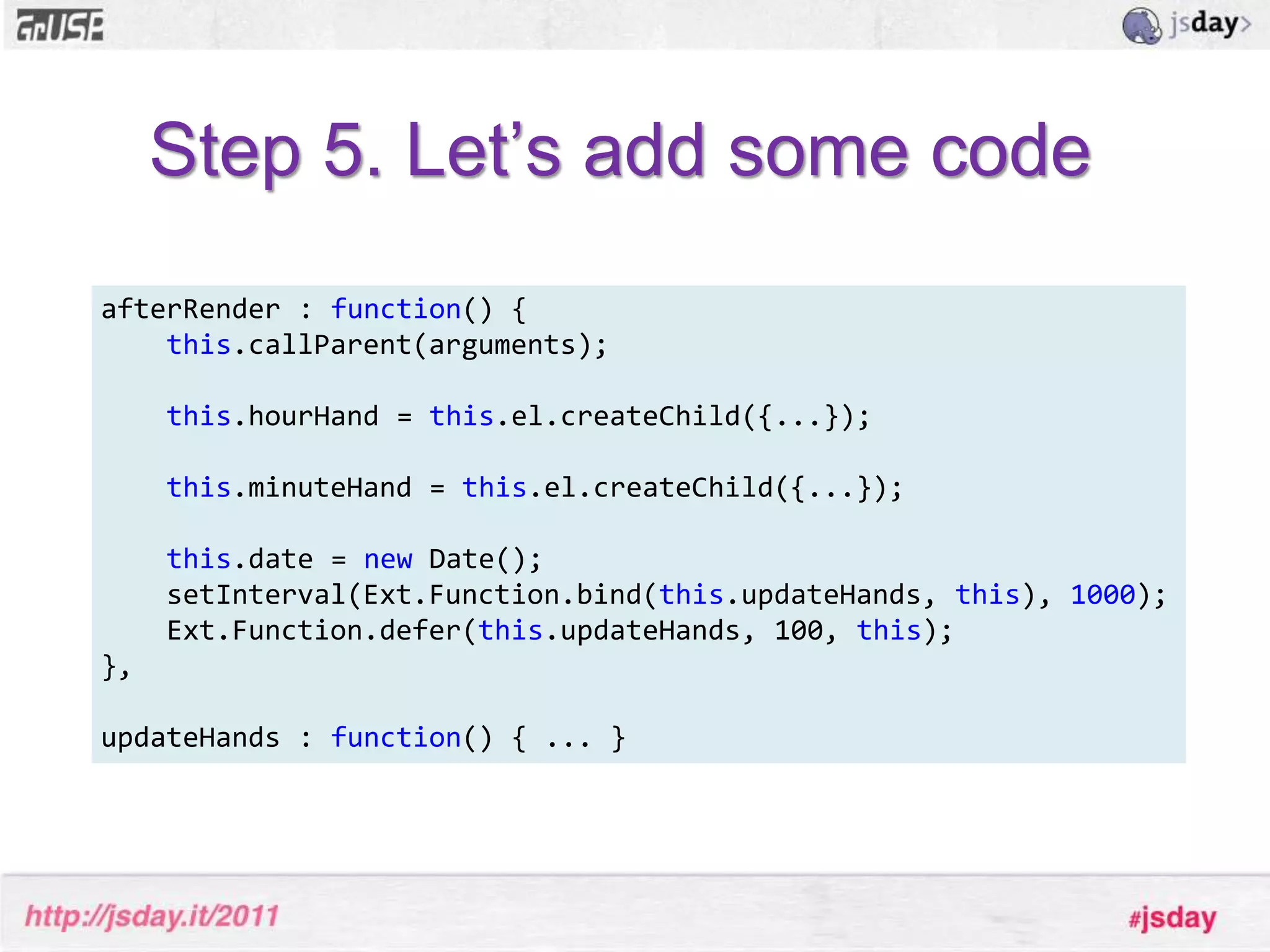
Step 5. Let’s add some codeafterRender : function() {this.callParent(arguments);this.hourHand = this.el.createChild({...});this.minuteHand = this.el.createChild({...});this.date = new Date();setInterval(Ext.Function.bind(this.updateHands, this), 1000);Ext.Function.defer(this.updateHands, 100, this);},updateHands : function() { ... }
Step 6. Does it still run?
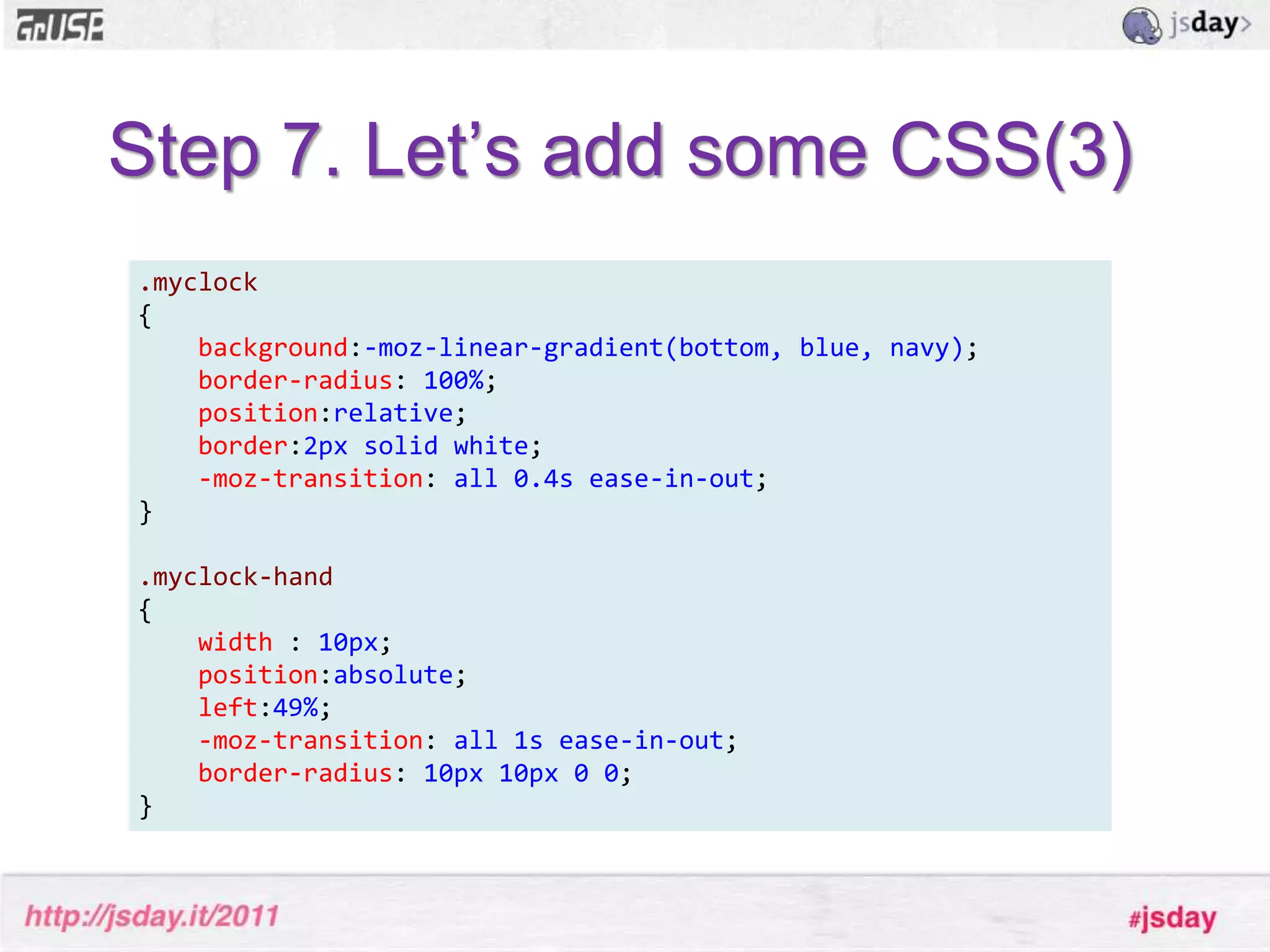
Step 7. Let’s add some CSS(3).myclock{background:-moz-linear-gradient(bottom, blue, navy);border-radius: 100%;position:relative;border:2pxsolidwhite;-moz-transition: all0.4sease-in-out;}.myclock-hand{width : 10px;position:absolute;left:49%;-moz-transition: all1sease-in-out;border-radius: 10px10px00;}

Developing components and extensions for ext js

  • 1.
    Developing Components andExtensions for Ext JS2011 Mats Bryntse
  • 2.
    About mepresenter ={name:”Mats Bryntse”, from:”Helsingborg, Sweden”,usingExtSince:2007,website : ”www.bryntum.com”,, twitter: ”@bryntum”};
  • 3.
    Before we start...Let’sdo a raise of hands
  • 4.
    How many hasheard of:jQuery?
  • 5.
    Ext JS?If youhaven’t seen/heardwww.sencha.com
  • 6.
    How I metExt JSStumbled upon Ext 2007 at SEMC
  • 7.
  • 8.
  • 9.
    Lots of datainput, forms etc.
  • 10.
    Lots of tablesto display
  • 11.
    Had to runon the best, most awesome browser in the worldCan you guess which one?
  • 12.
    RequirementsSolid grid –Lots of data lists
  • 13.
    Architechture – datastores, widgets
  • 14.
    Polished UI withoutrequiring deep HTMLor CSS knowledge.We prototypedMicrosoft AjaxjQueryExt JS
  • 15.
  • 16.
  • 17.
  • 18.
    But... one featurewe couldn’t solve using pure Ext JS at that time
  • 19.
    A visual schedulingwidgetCustomer wants:
  • 20.
    Search beganFound afew flash ones, not allowed to use
  • 21.
    No JavaScript basedones, hardly any web based either
  • 22.
    But after seriousGoogling research we did find something...”WidgetX”Image blurred to protect you
  • 23.
    Widget X reviewIsit JavaScript based?
  • 24.
    So, is itinteractive?
  • 25.
    Is it atleast beautiful?
  • 26.
  • 27.
  • 28.
  • 29.
    I decided towrite my own
  • 30.
    ConclusionWriting Ext JScomponents is a lot of fun (and addictive)
  • 31.
    So where doI start?WTF??
  • 32.
  • 33.
    Ext JS Terminology& ConceptsExt Component
  • 34.
  • 35.
  • 36.
  • 37.
    MixinExt.ComponentBase class formost popular Ext widgets (GridPanel, TabPanel, TextField etc...)Can be part of any layout structure as a child of a Container.
  • 38.
    All subclasses ofComponent has a managed lifecycle (creation, rendering and destruction)which is provided by the Container class. Ext.Component: Base class for most popular Ext widgets
  • 39.
    Ext.ComponentCan be partof any layout structure as a child of a Container.Ext.Component lifecycleAll subclasses of Component has a managed lifecycle (creation, rendering and destruction)which is provided by the Container class. ConstructorInitializeRenderDestroy
  • 40.
    Ext.Component lifecycle andtemplate methods* Initialization (constructor, initComponent) - Configuration, setup etc...* Rendering (onRender, afterRender) - Add additional elements and markup* Layout (afterLayout) - Executed after the component has been laid out* Destruction (onDestroy) - Clean up after yourself, destroy elements etc.
  • 41.
    Ext.ContainerBase class forany Component that needs to contain other Components.
  • 42.
    Handles the basicbehavior of containing items: adding, inserting and removingitems.
  • 43.
    The most commonlyused Container classes are Panel, Window and TabPanel.What is an Ext JS extension??
  • 44.
    Ext JS extensionSubclassingan Ext JS ”class”
  • 45.
    Doesn’t have tobe UI-related
  • 46.
    Reusable throughout yourappSimple extensionExt.define('MyClass', { extend: ’Ext.TabPanel’,constructor: function() { alert(”Look ma, I have tabs”);this.callParent(); }}); 
  • 47.
    Class propertiesThe propertiesand methods you define for your class are added to the prototype of your class.Ext.define('MyClass', { extend: ’Ext.TabPanel’, favoriteTab : 3, someFunction : function() { ... }});console.log(MyClass.prototype.favoriteTab); // => 3
  • 48.
    Instantiating your classvarfoo = Ext.create('MyClass', {// Config properties}); // Or just use classic ’new’var bar = new MyClass({// Config properties});
  • 49.
  • 50.
    MixinsBrand new conceptwhen it comes to Ext JS 4. A mixin is just a set of functions (and sometimes properties) that are merged into a class.
  • 51.
    Mixins are reallyuseful when a class needs to inherit multiple traits but can’t do so easily using a traditional single inheritance mechanismMixins - exampleExt.Windowis a draggable component, as are Sliders, Grid headers, and many others Mixins - exampleBecause this behavior is desired in many different places it’s not feasible to work the draggable behavior into a single superclass
  • 52.
    Creating a Draggablemixinsolves this problem – anything can now be draggable very easily.Mixins// We can define some mixins at definition timeExt.define('MyClass', { mixins: { observable: 'Ext.util.Observable' }}); // It’s easy to add more later tooMyClass.mixin('draggable', 'Ext.util.Draggable');
  • 53.
  • 54.
    PluginsA plugin augmentsa single instance of an Ext Component. Any object with an initmethod.
  • 55.
    Used to adda feature to a component, for example adding cell-editing to a GridPanel.
  • 56.
    During its initializationphase, the host component calls the init method of all its plugins, and passes itself as the only argumentDefining a plugin// Simplest possible pluginvar mySillyPlug = { init : function(host) { alert(’Hello world’); }}; 
  • 57.
    Using a plugin//Adding inline editing support to grid cellsExt.create(’Ext.grid.Panel',{ plugins: Ext.create('Ext.grid.plugin.CellEditing', { clicksToEdit: 1 })}); 
  • 58.
    Let’s create asimple extension!
  • 59.
    A simple CSS3 clock component
  • 60.
    Step 1. Identifysuitable base class
  • 61.
    Step 2. Createa simple HTML page and JS files
  • 62.
    Step 3. Createextension skeleton classExt.define(”AwesomeClock”, {extend : ”Ext.Component”,cls: “myclock”, // A CSS class for styling afterRender : function() {// Call superclassthis.callParent(arguments);}});
  • 63.
    Step 3.5: simpleapp.jsapplication filenewAwesomeClock({ width : 320, height : 320, renderTo : Ext.getBody()});
  • 64.
    Step 3.99: HTMLfile<html><head><!-- Ext JS CSS --><linkrel="stylesheet"type="text/css"href="ext-4.0.0/ext-all.css"/><!-- Our CSS for the extension --><linkhref="css/awesomeclock.css"rel="stylesheet"type="text/css"/><!-- Ext JS Library --><scriptsrc="ext-4.0.0/bootstrap.js"type="text/javascript"></script><!--Our own classes--><scripttype="text/javascript"src="js/awesomeclock.js"></script><!--Simple Test App File--><scripttype="text/javascript"src="app.js"></script></head><body></body></html>
  • 65.
  • 66.
    Step 5. Let’sadd some codeafterRender : function() {this.callParent(arguments);this.hourHand = this.el.createChild({...});this.minuteHand = this.el.createChild({...});this.date = new Date();setInterval(Ext.Function.bind(this.updateHands, this), 1000);Ext.Function.defer(this.updateHands, 100, this);},updateHands : function() { ... }
  • 67.
    Step 6. Doesit still run?
  • 68.
    Step 7. Let’sadd some CSS(3).myclock{background:-moz-linear-gradient(bottom, blue, navy);border-radius: 100%;position:relative;border:2pxsolidwhite;-moz-transition: all0.4sease-in-out;}.myclock-hand{width : 10px;position:absolute;left:49%;-moz-transition: all1sease-in-out;border-radius: 10px10px00;}
  • 69.
    Step 8. Arewe done?
  • 70.
    Now another developerBob can use this extension...As a child item in one of his Ext panels
  • 71.
    He can alsoextend our extension to add his own custom features
  • 72.
    He can createplugins to add functionalitySo what does Bob want to do?
  • 73.
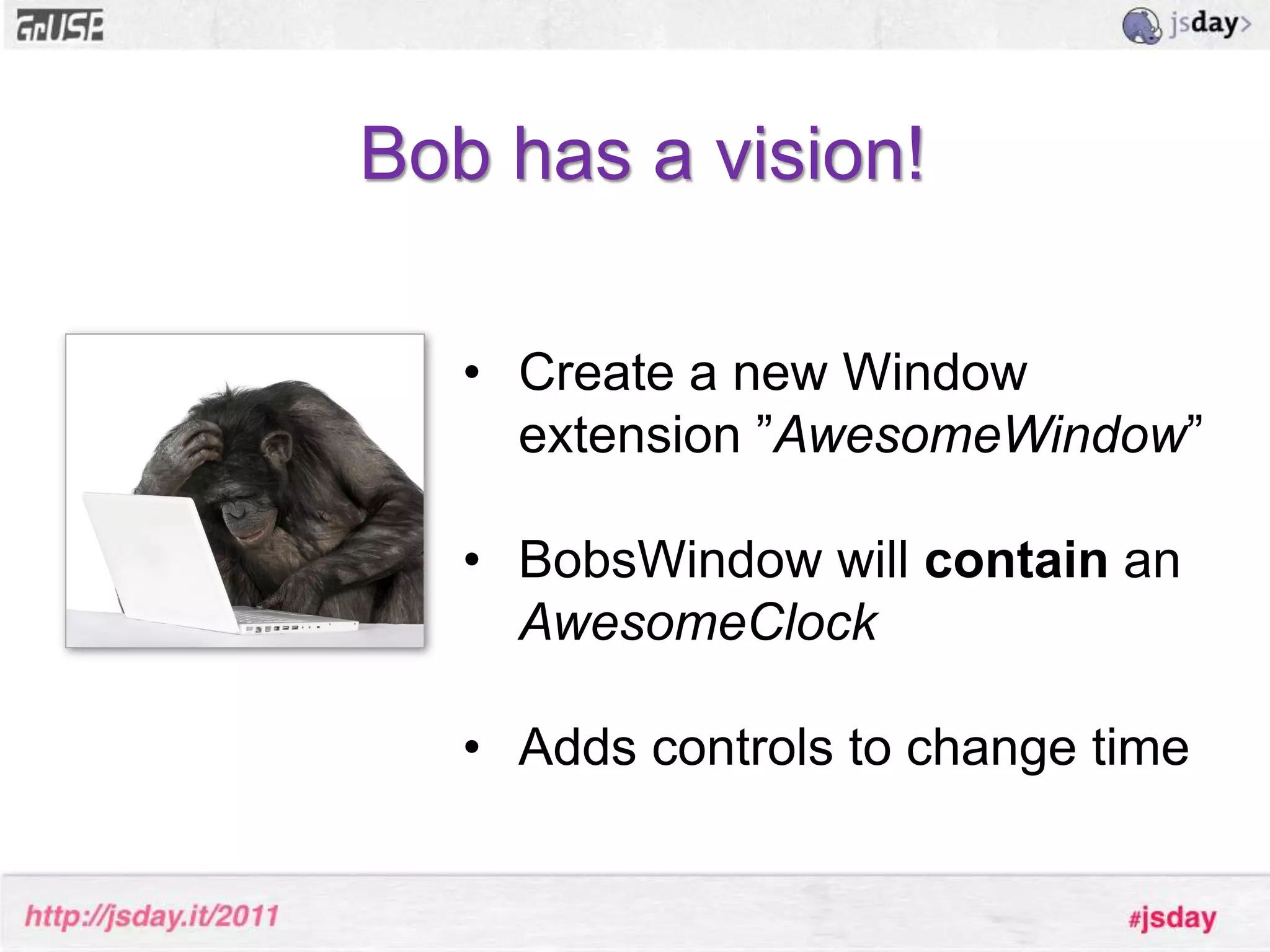
    Bob has avision!Create a new Window extension ”AwesomeWindow”
  • 74.
  • 75.
    Adds controls tochange timeLet’s make Bob happy!
  • 76.
  • 77.
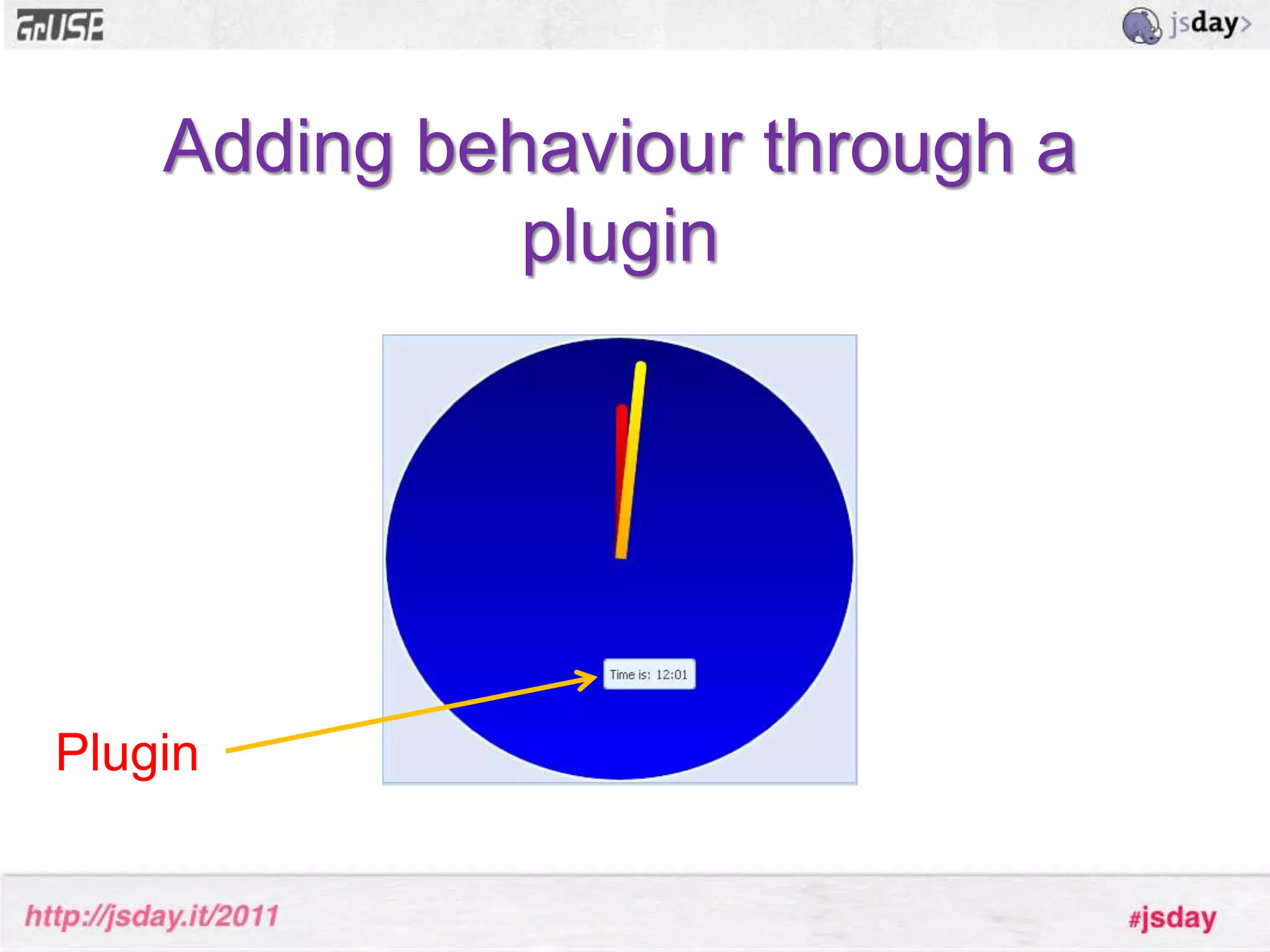
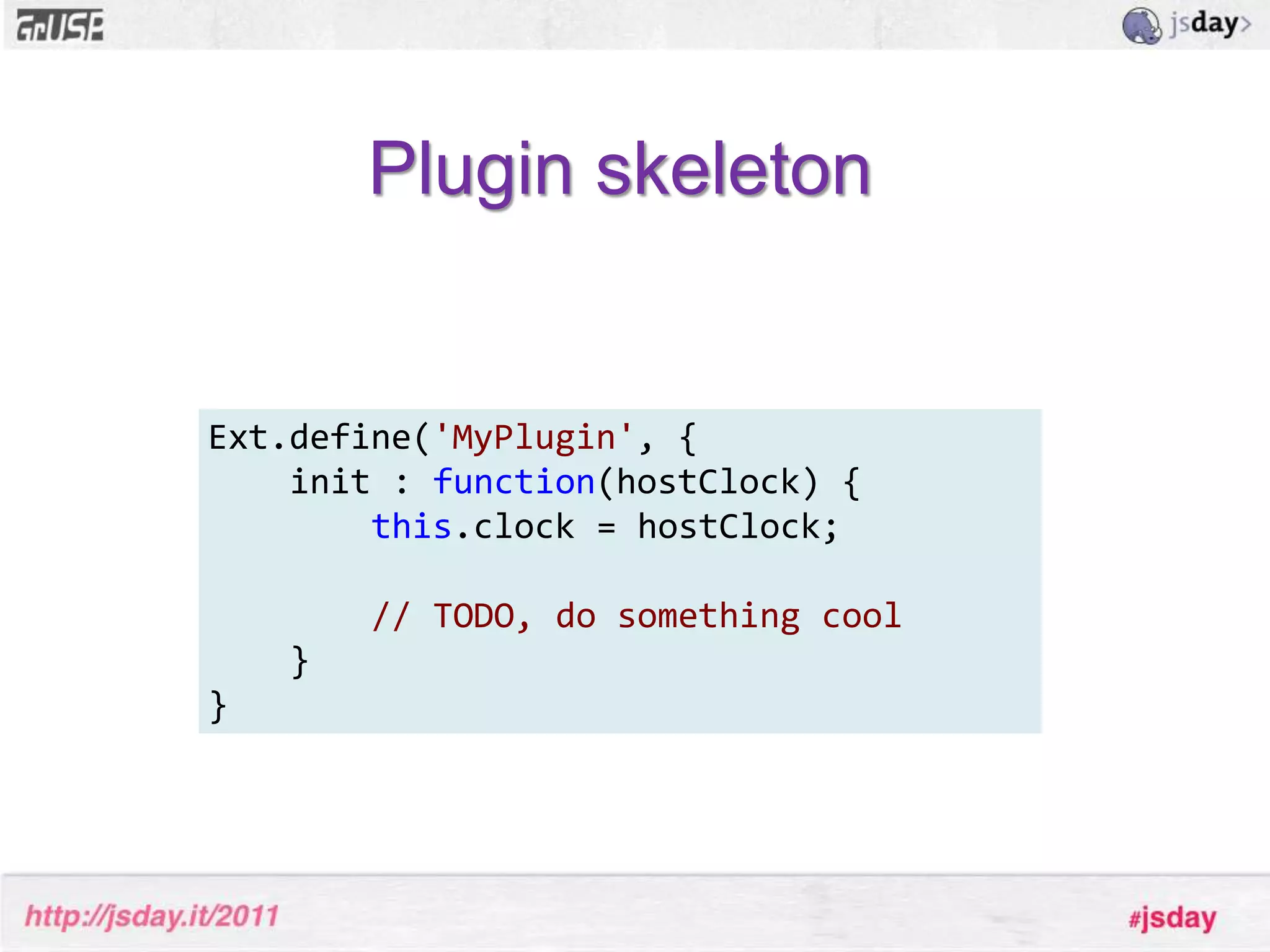
    Plugin skeletonExt.define('MyPlugin', {init: function(hostClock) {this.clock = hostClock;// TODO, do something cool } }
  • 78.
  • 79.
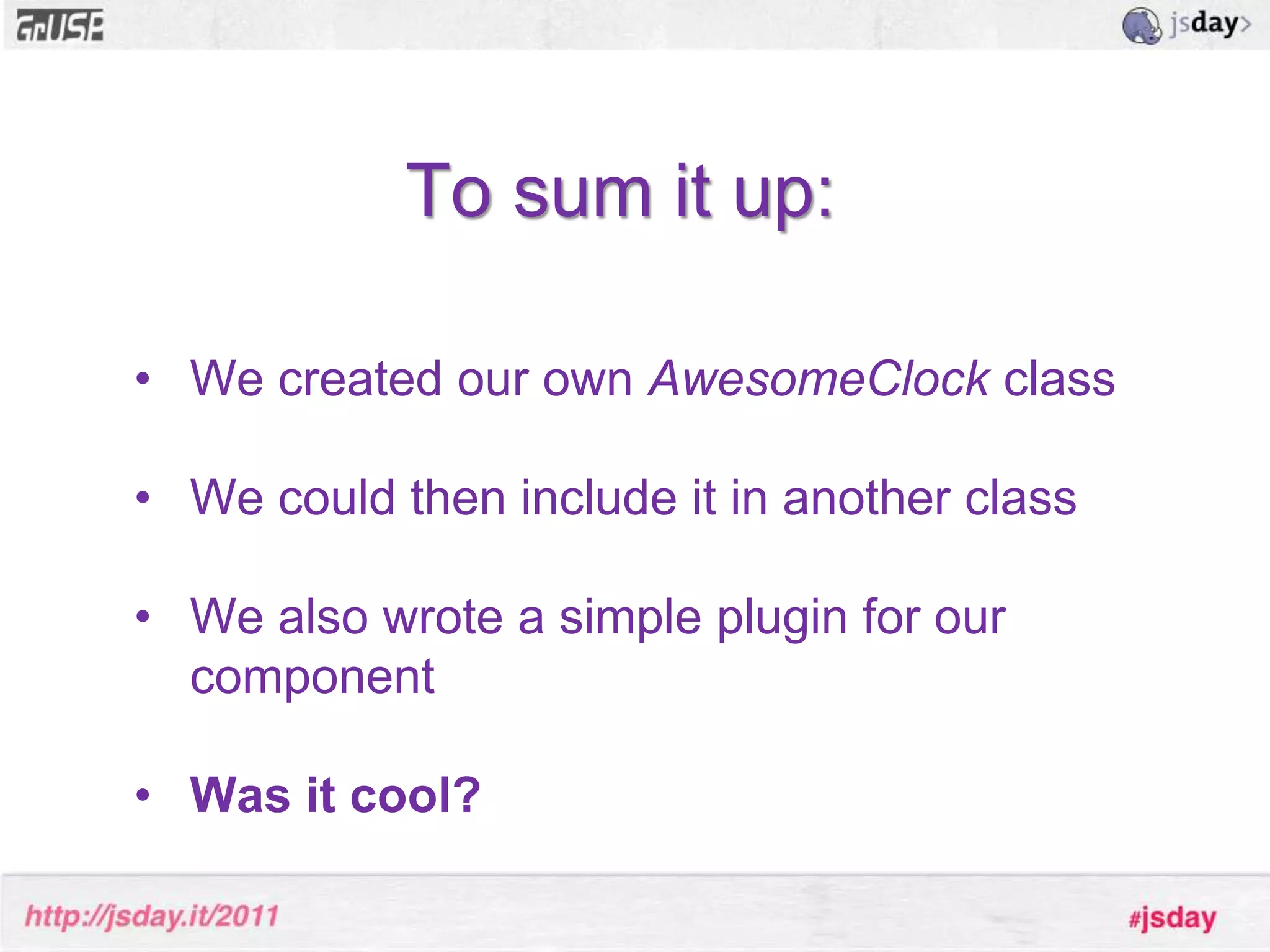
    To sum itup:We created our own AwesomeClock class
  • 80.
    We could theninclude it in another class
  • 81.
    We also wrotea simple plugin for our component
  • 82.
    Was it cool?No- your example sucks, and it’s really boring too btw. #fail
  • 83.
    We built avery ”low level” extension
  • 84.
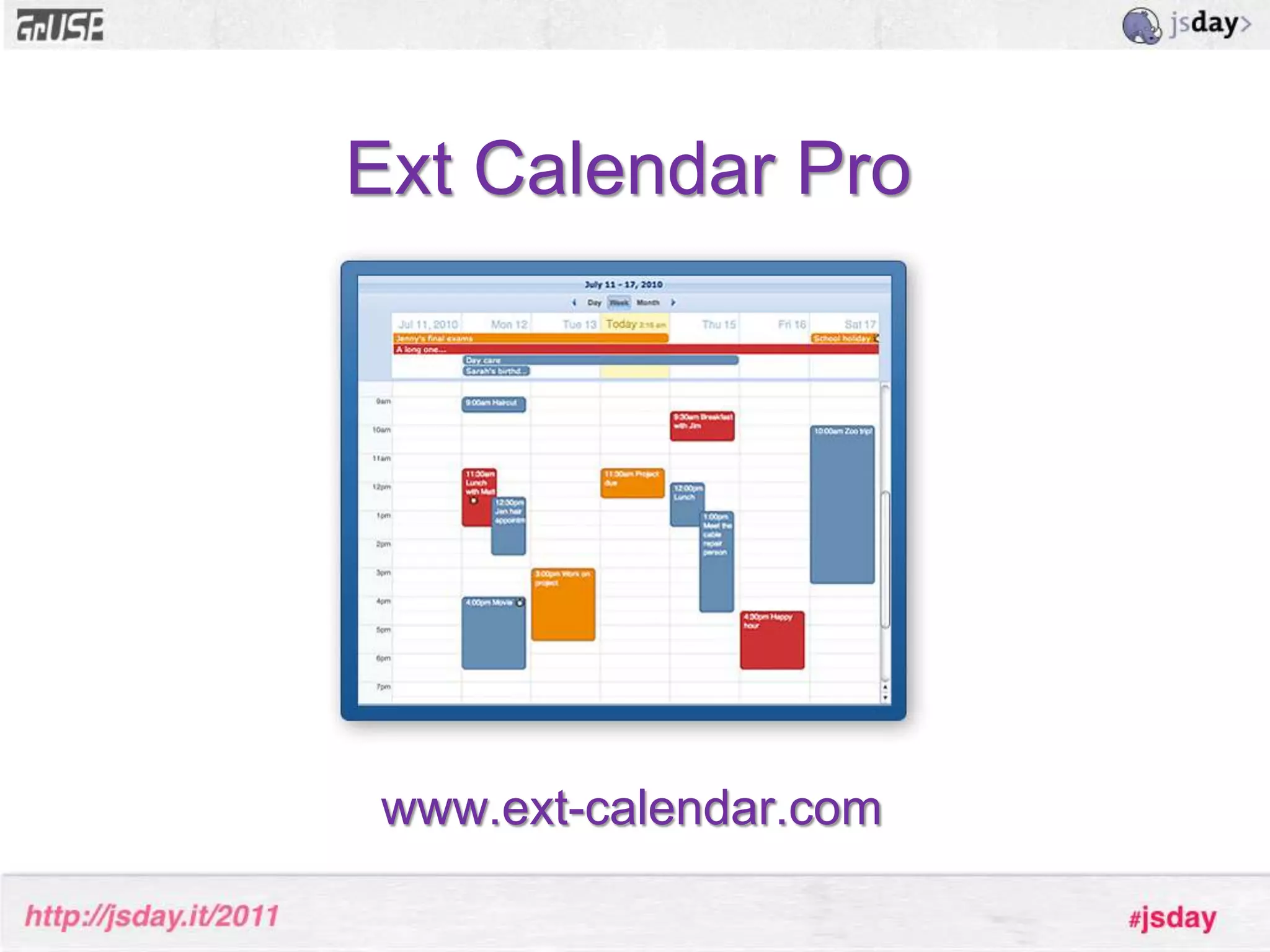
    Let’s see afew advanced extensions built with Ext JSExt Calendar Prowww.ext-calendar.com
  • 85.
  • 86.
    This is thenice thing about the Sencha products: if I can think of it I can build it
  • 87.