Download as ODP, PPTX
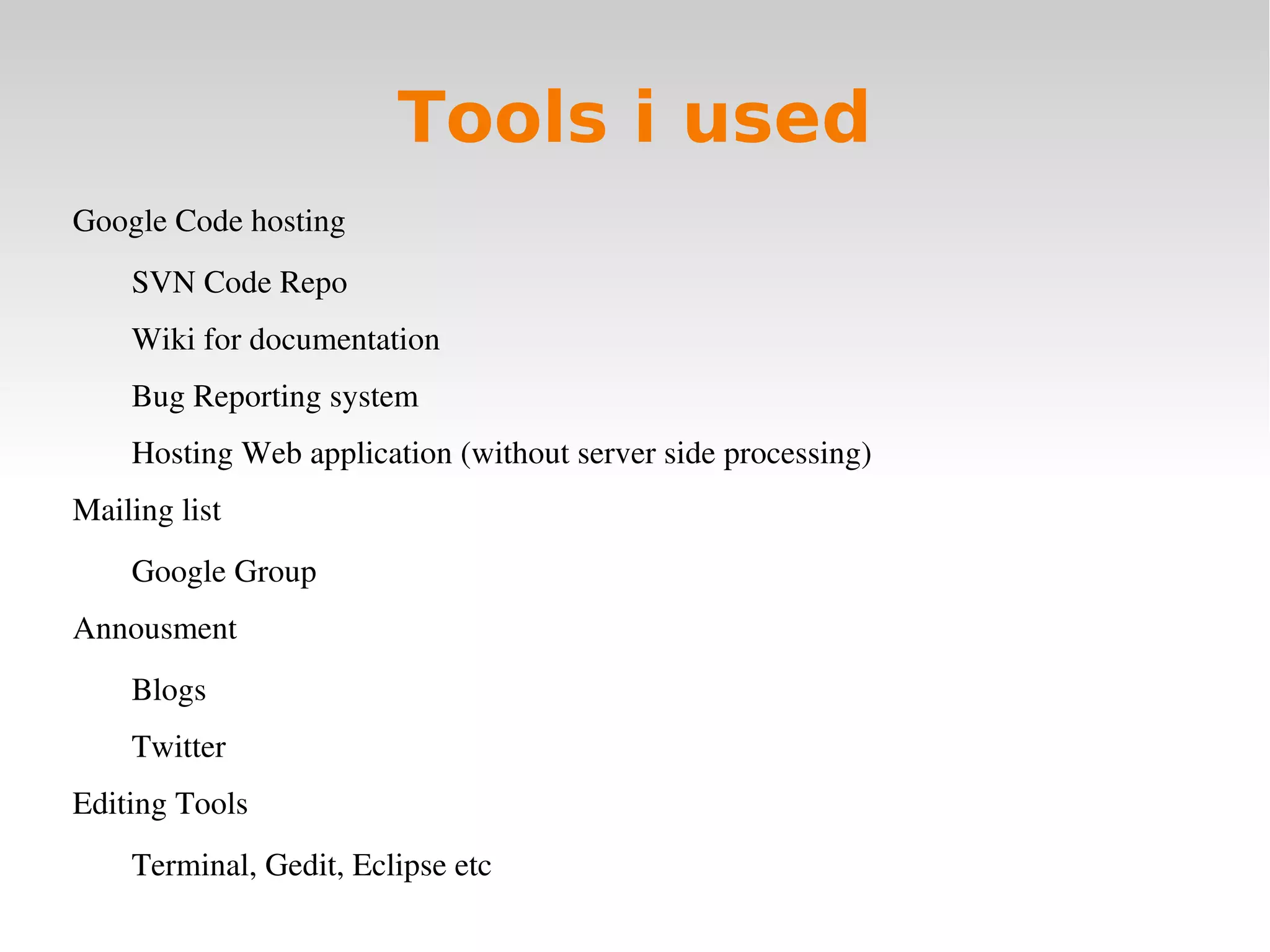
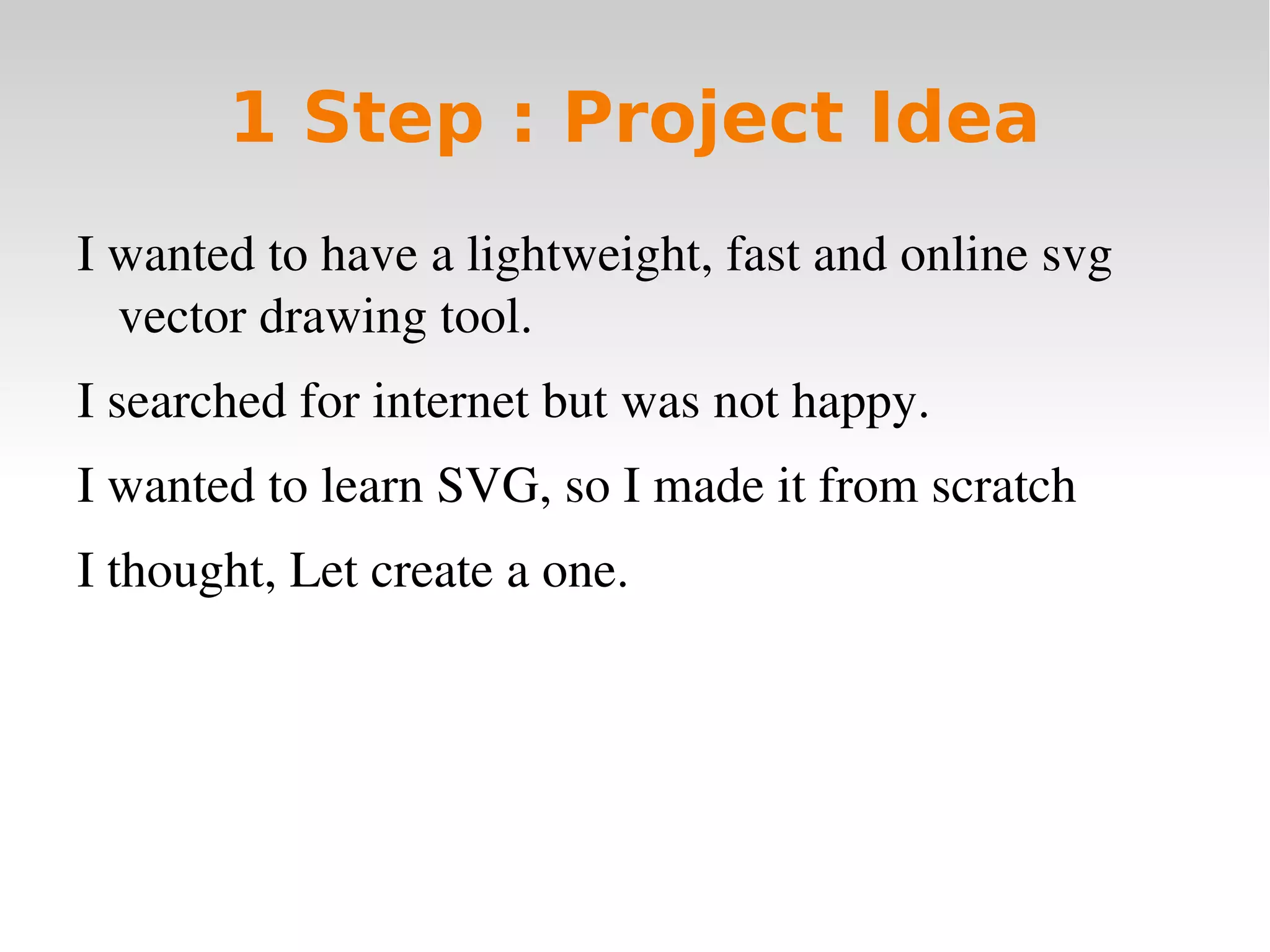
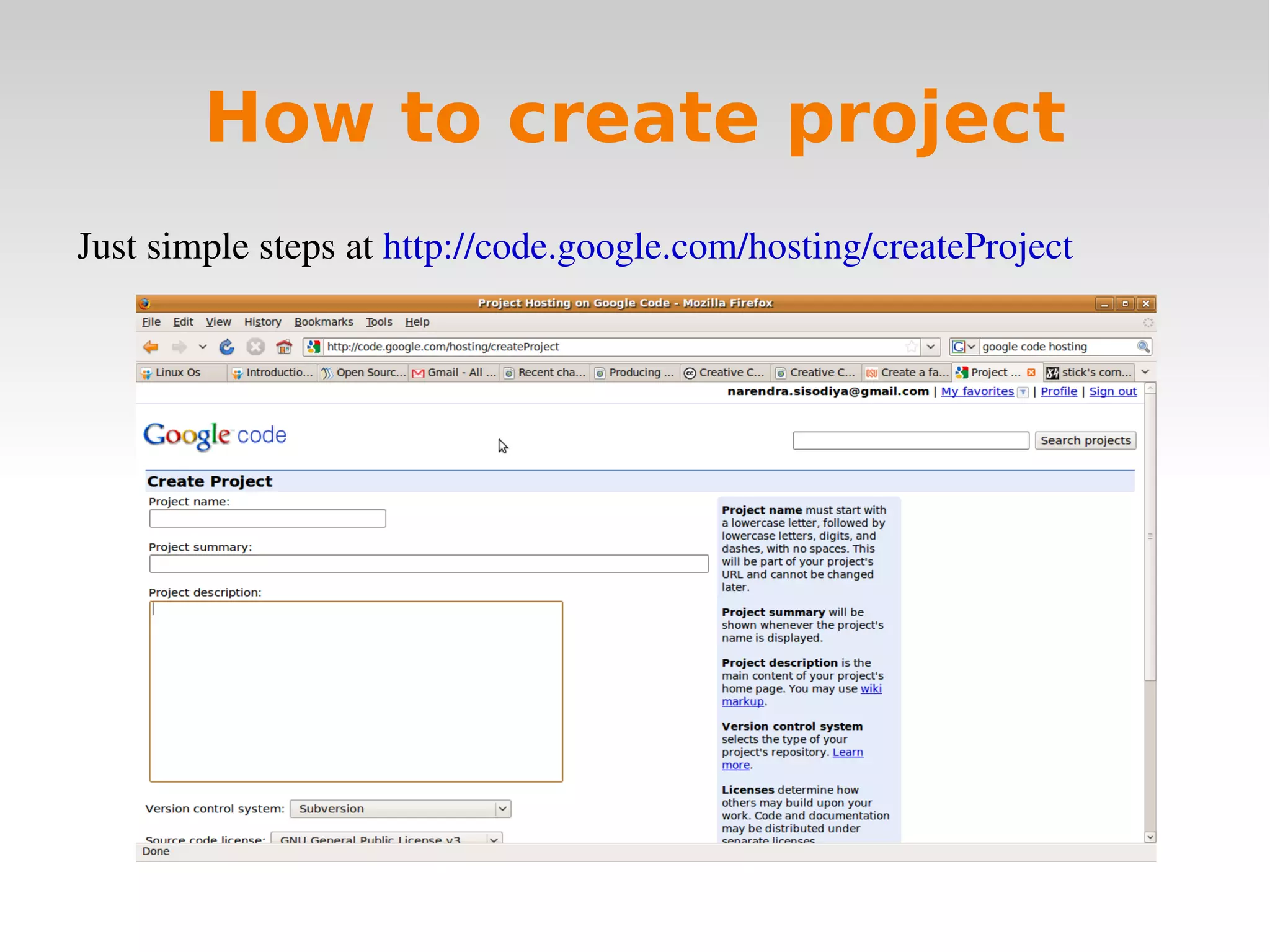

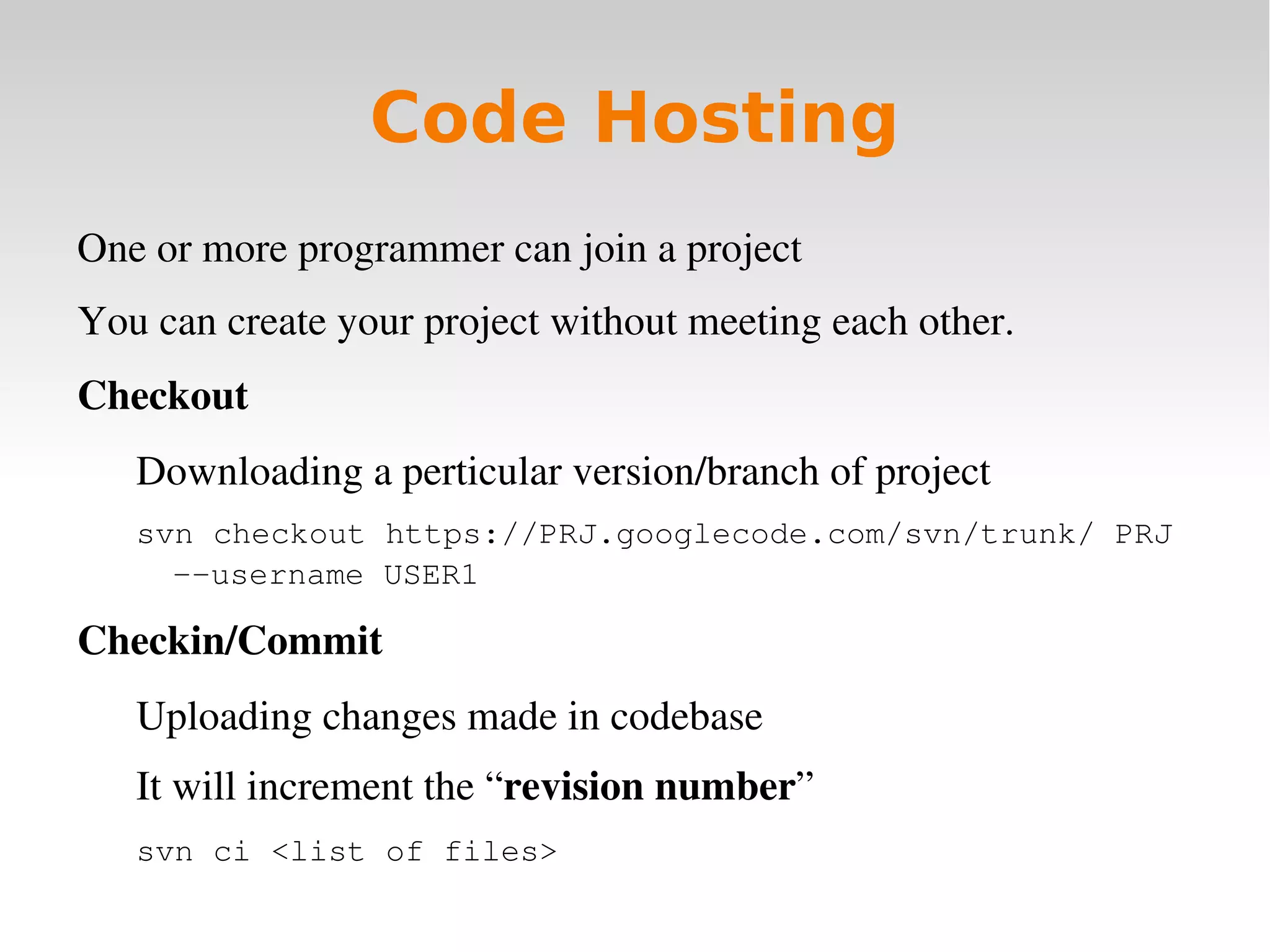
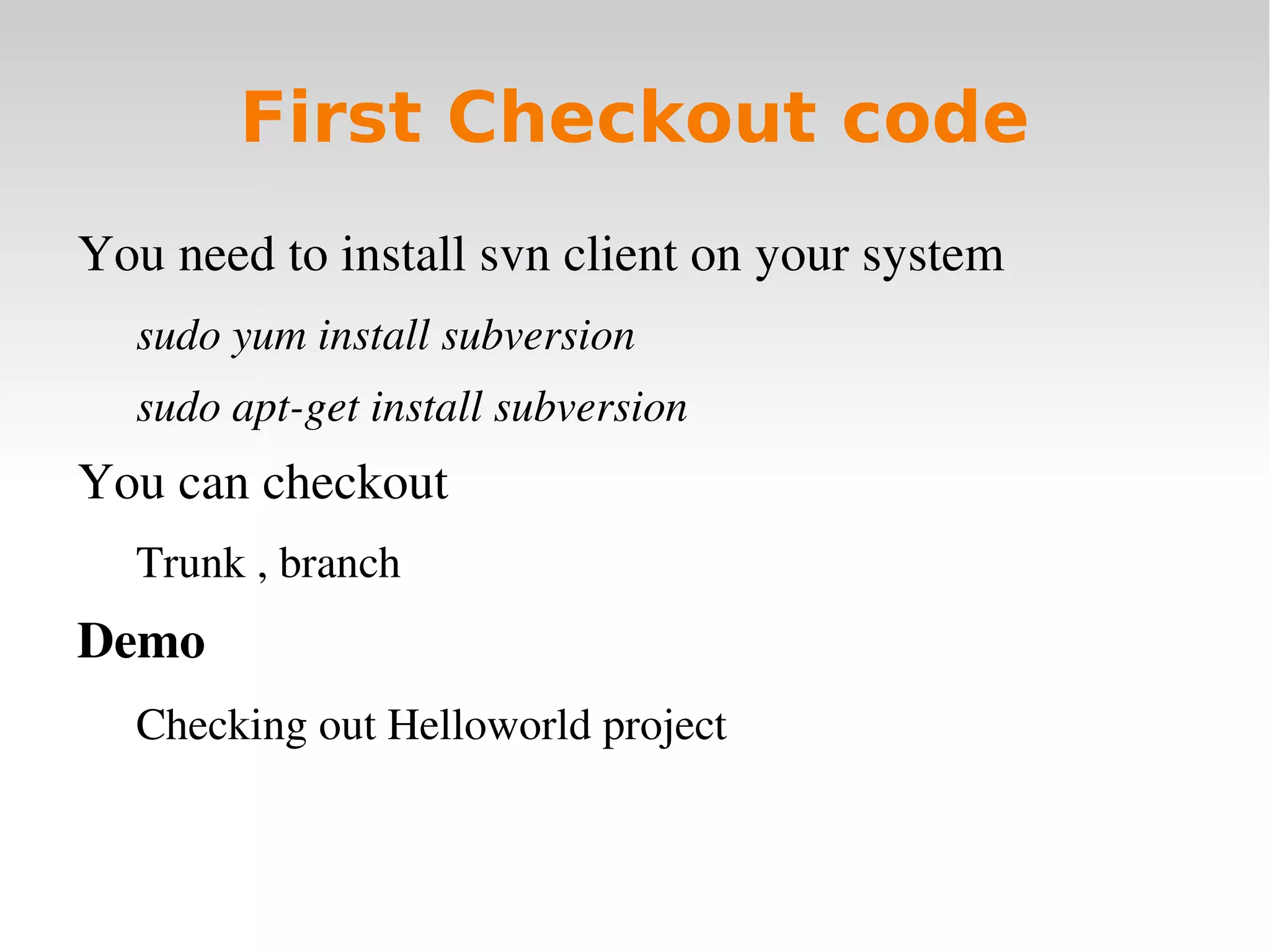
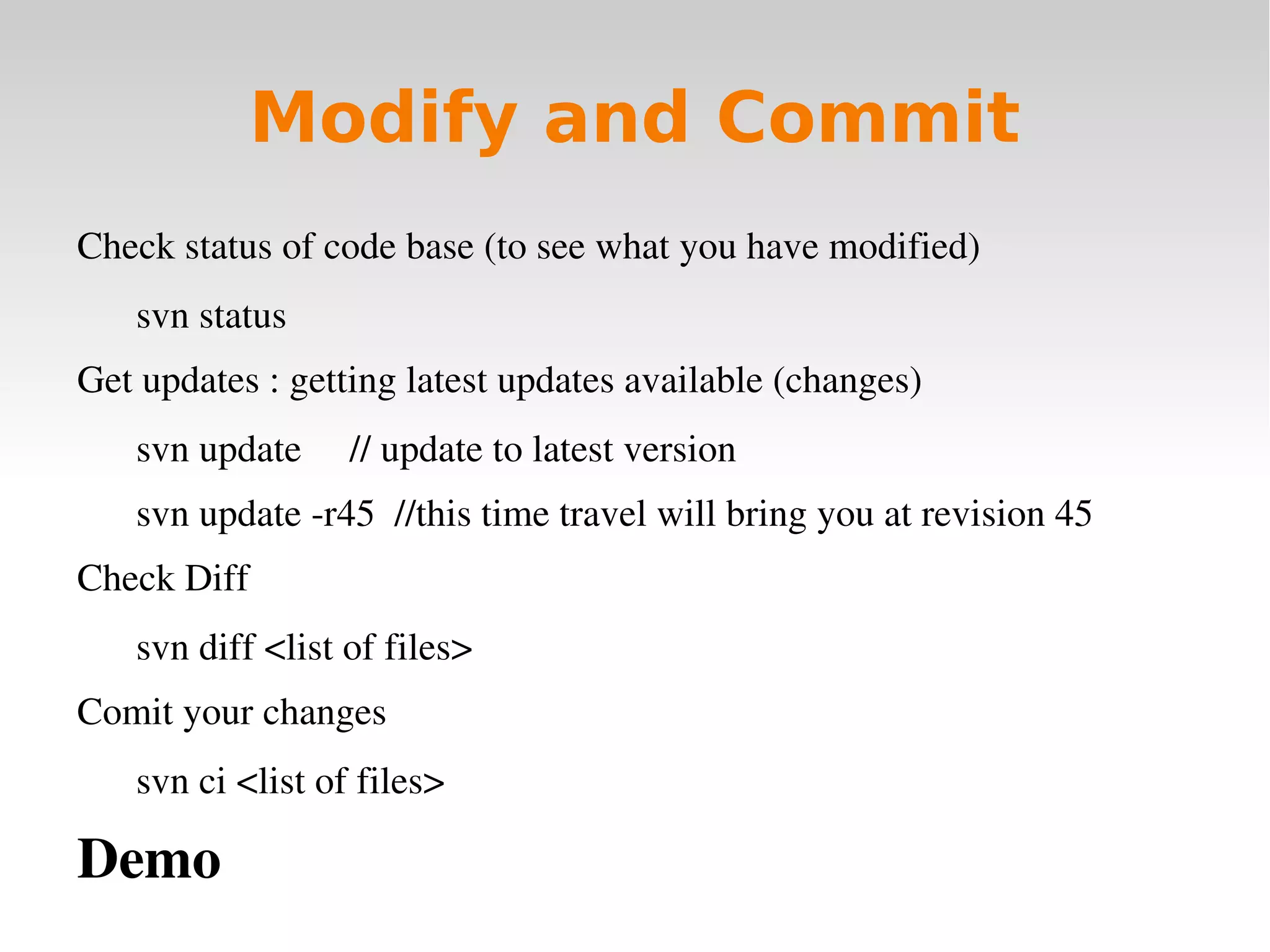
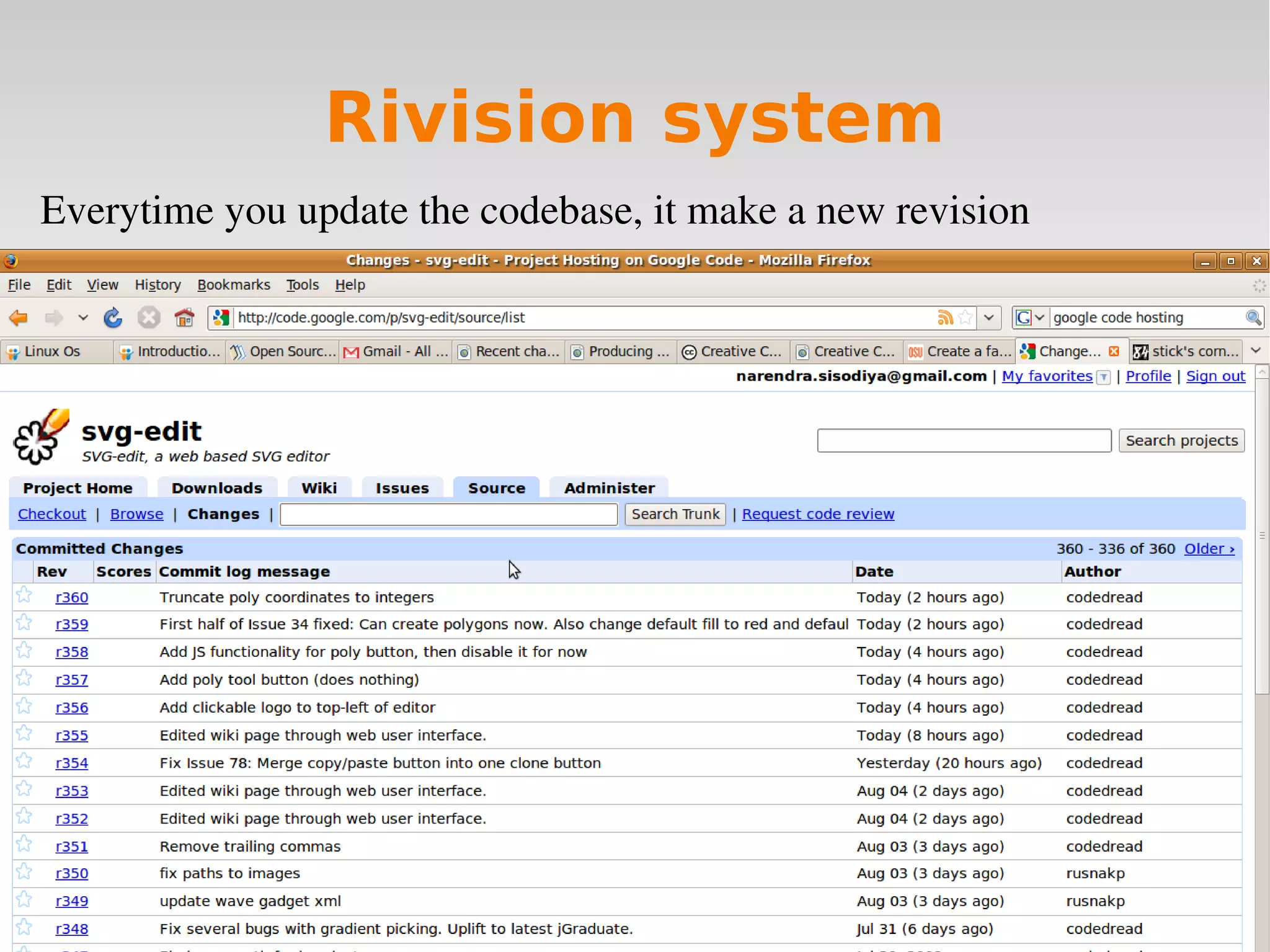
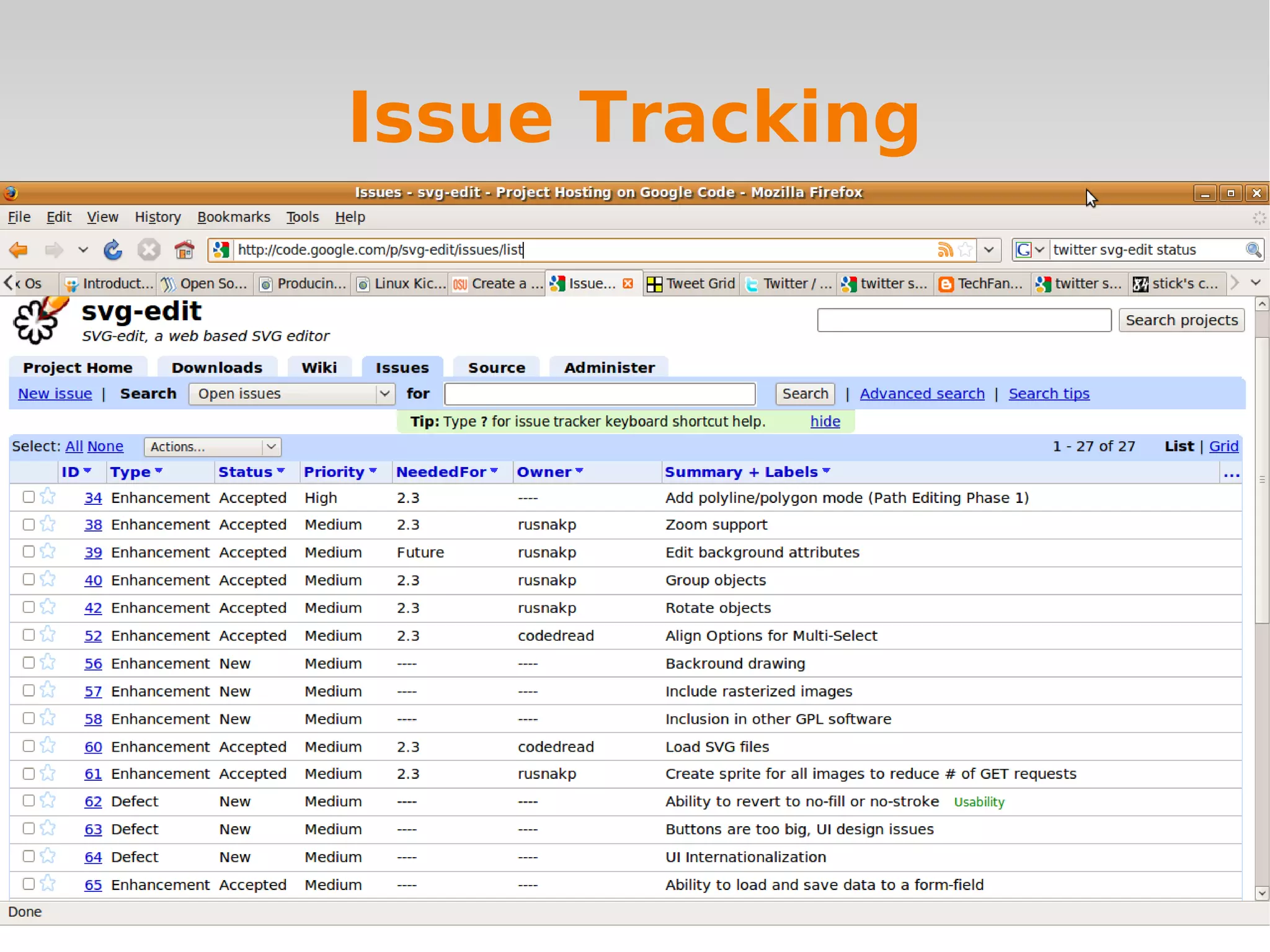

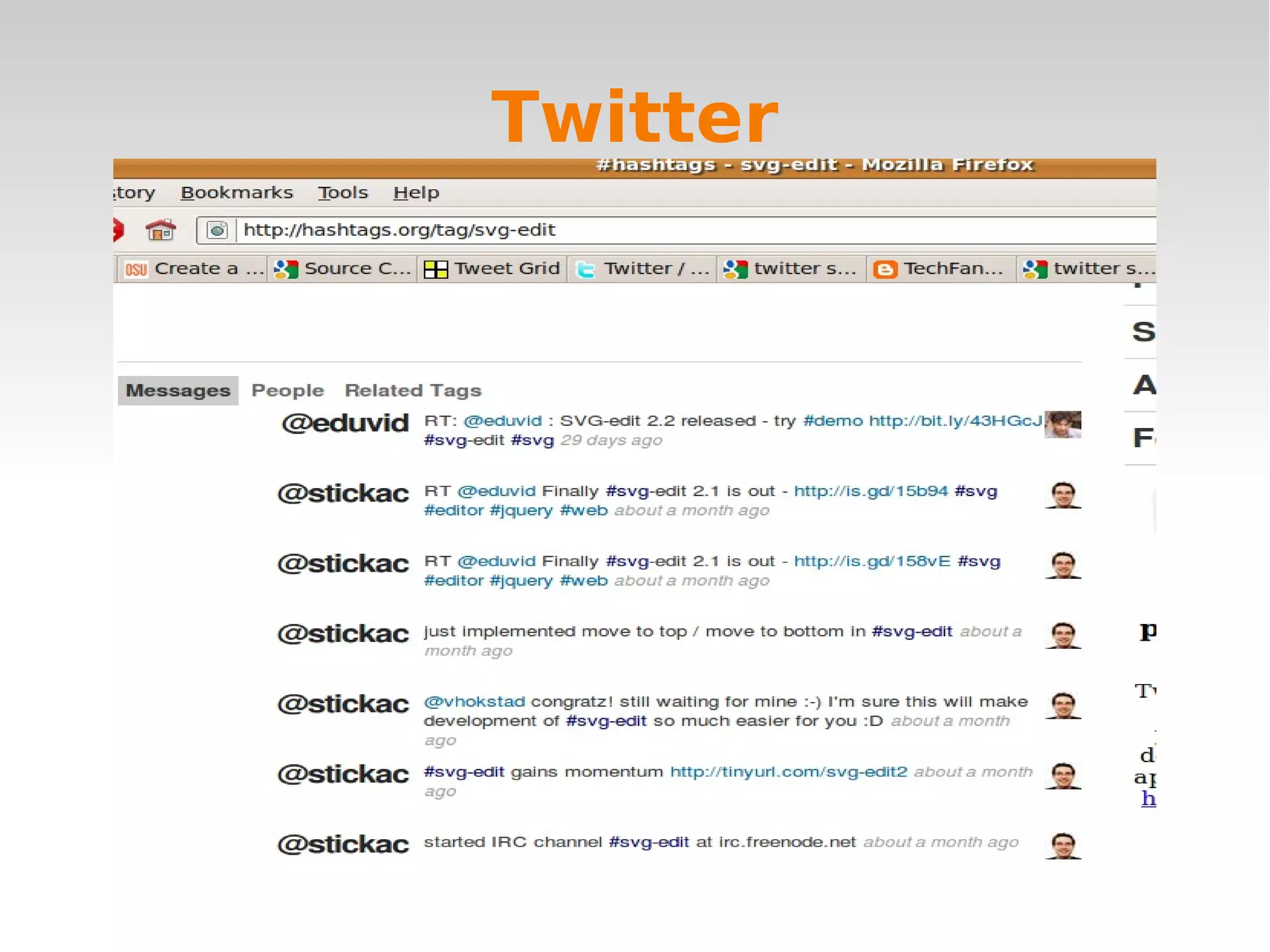
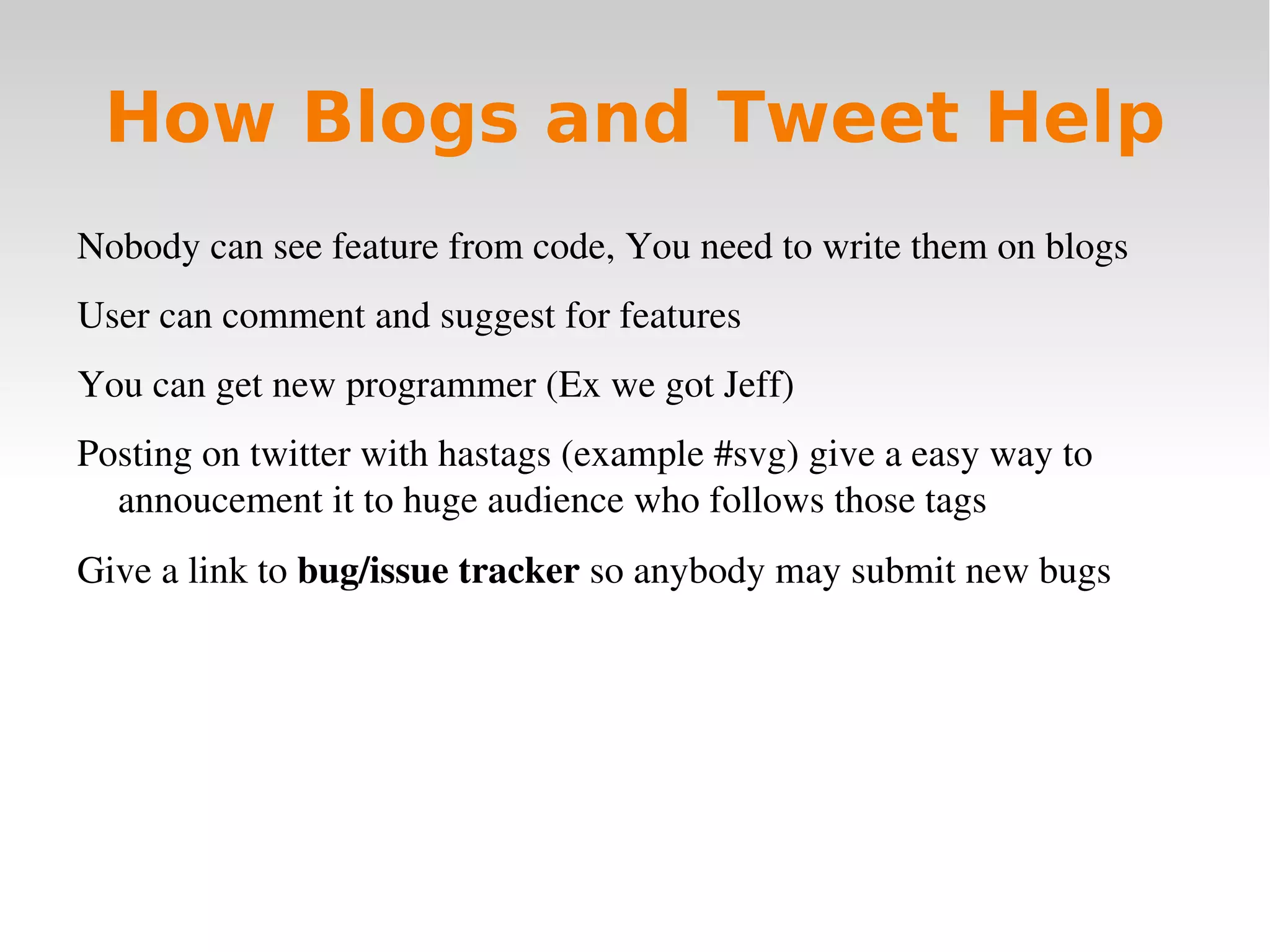
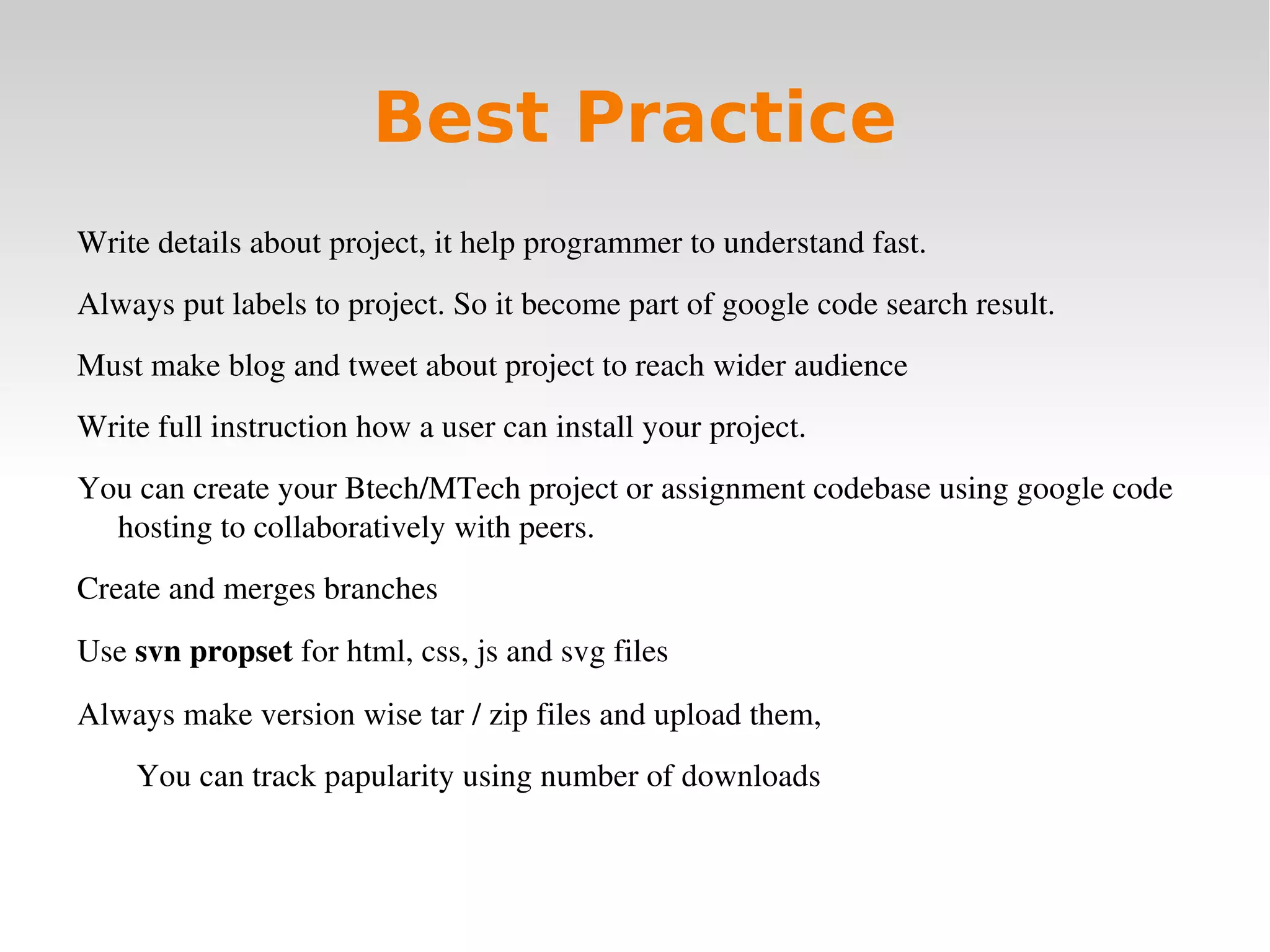
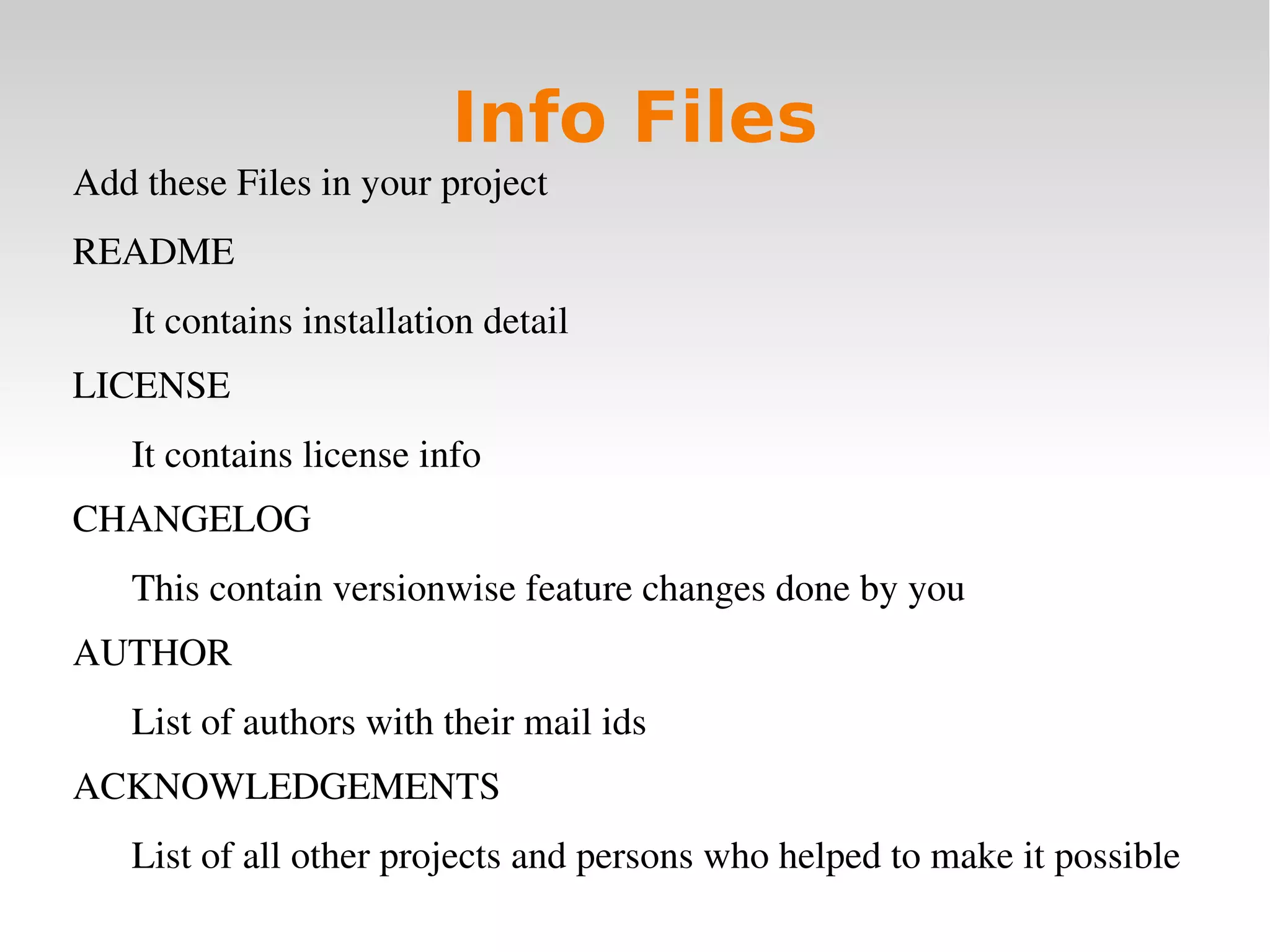
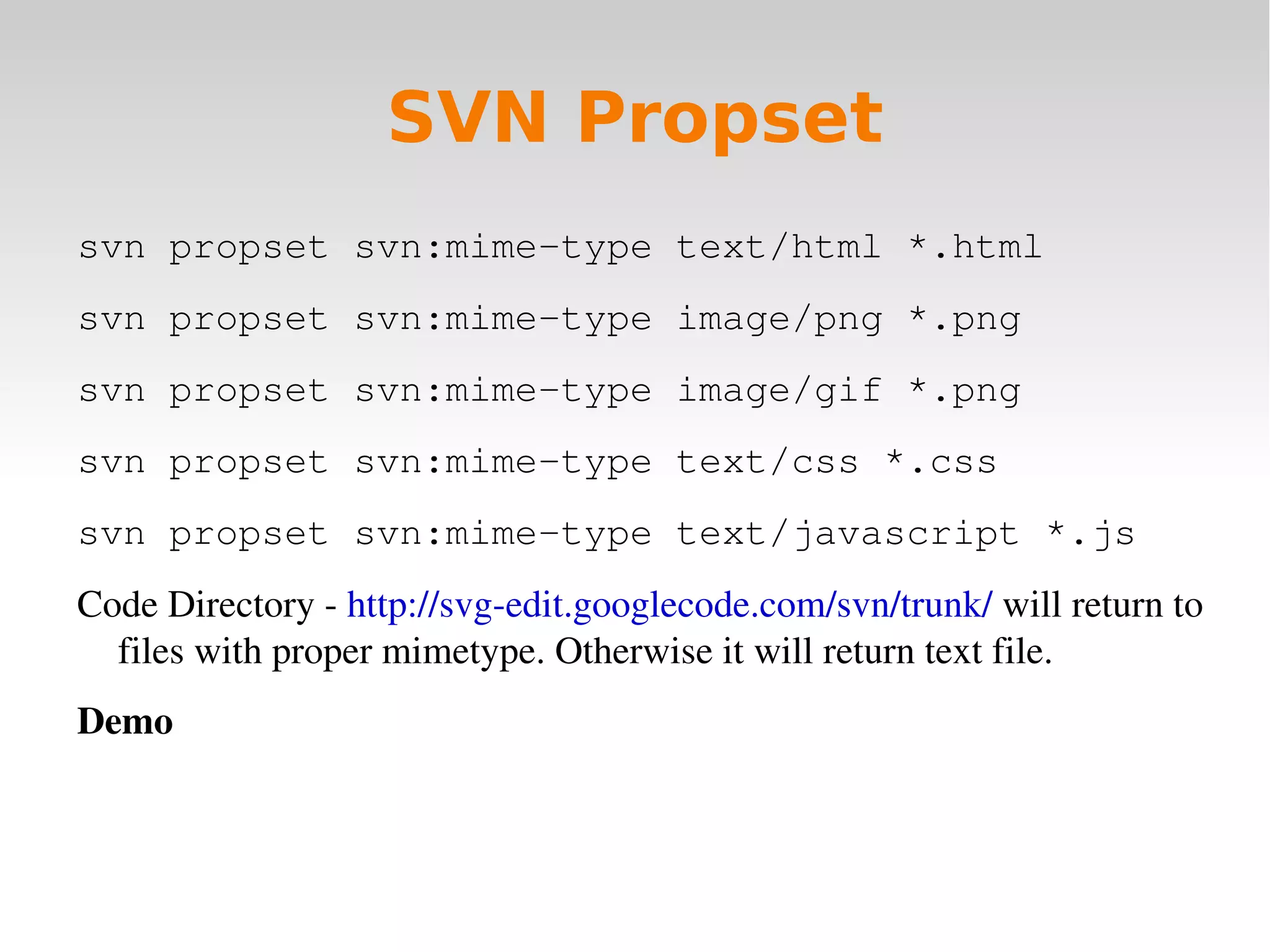
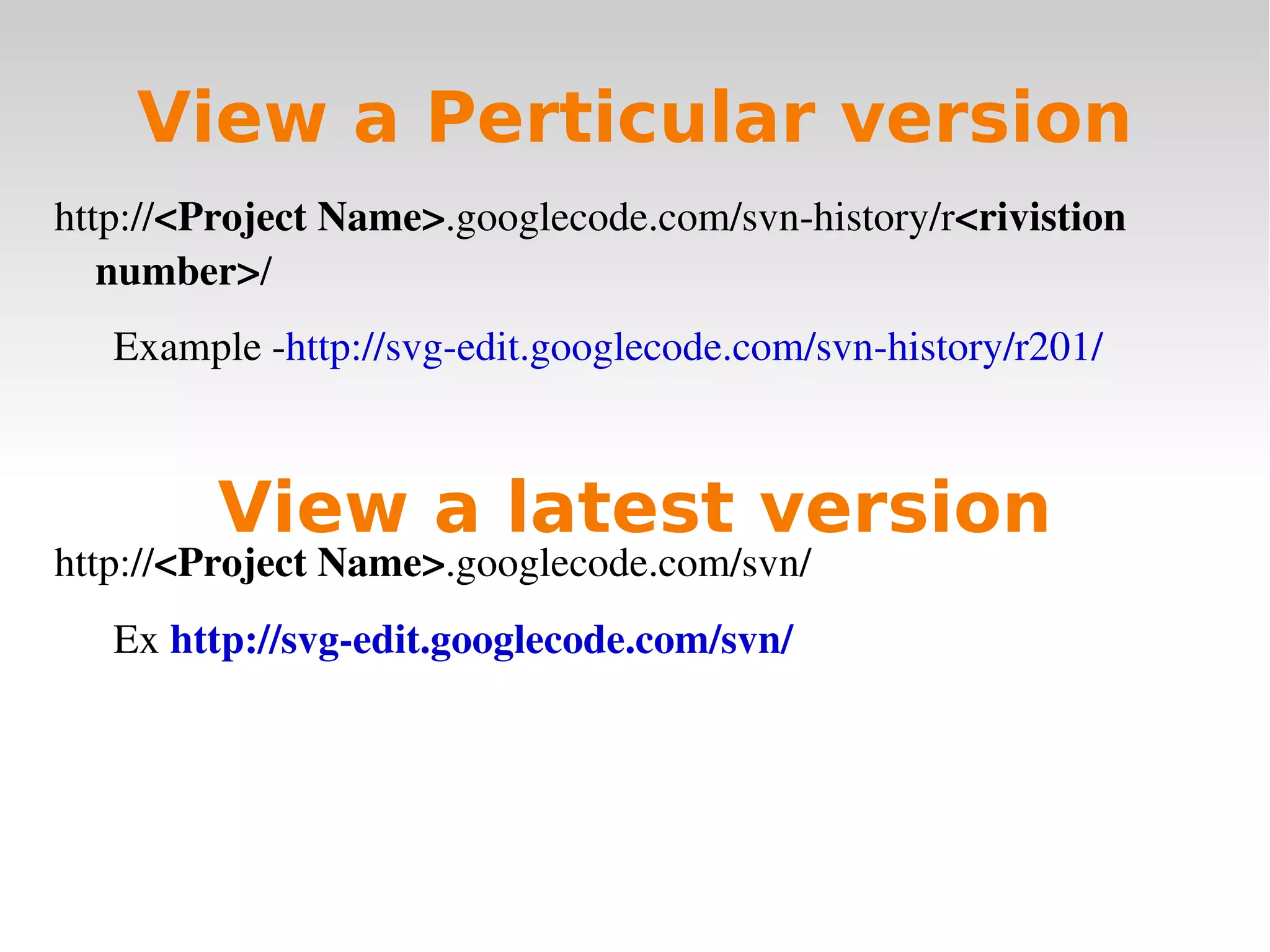

The document discusses how to develop an open source project using Google Code hosting, including how to create a project, check code in and out of version control, use issue tracking, blogs, and Twitter to engage others. It provides best practices like writing documentation, using labels, and making releases to engage more developers and track popularity. The example used is the development of an SVG vector drawing tool called SVG-Edit that was created and hosted on Google Code.


![[Mas 500] Software Development Strategies](https://cdn.slidesharecdn.com/ss_thumbnails/mas-500-2-software-stategies-131113120840-phpapp01-thumbnail.jpg?width=640&height=640&fit=bounds)


![Coded Agents – with UiPath SDK + LangGraph [Virtual Hands-on Workshop]](https://cdn.slidesharecdn.com/ss_thumbnails/codedagentsdeck-251215155422-5497c599-thumbnail.jpg?width=640&height=640&fit=bounds)


