Design Patterns for
   Tablets and
  Smartphones
 Michael Galpin, Bump Technologies
About me
• Apps!

 • Bump

 • eBay Mobile

• Book!

 • Android in Practice

   • Chapter 15
Agenda
     • Key Concepts

         • App Structure

         • Fragments

     • Goodies

         • Action Bar

         • Loaders

         • Eye Candy
So you built an app...
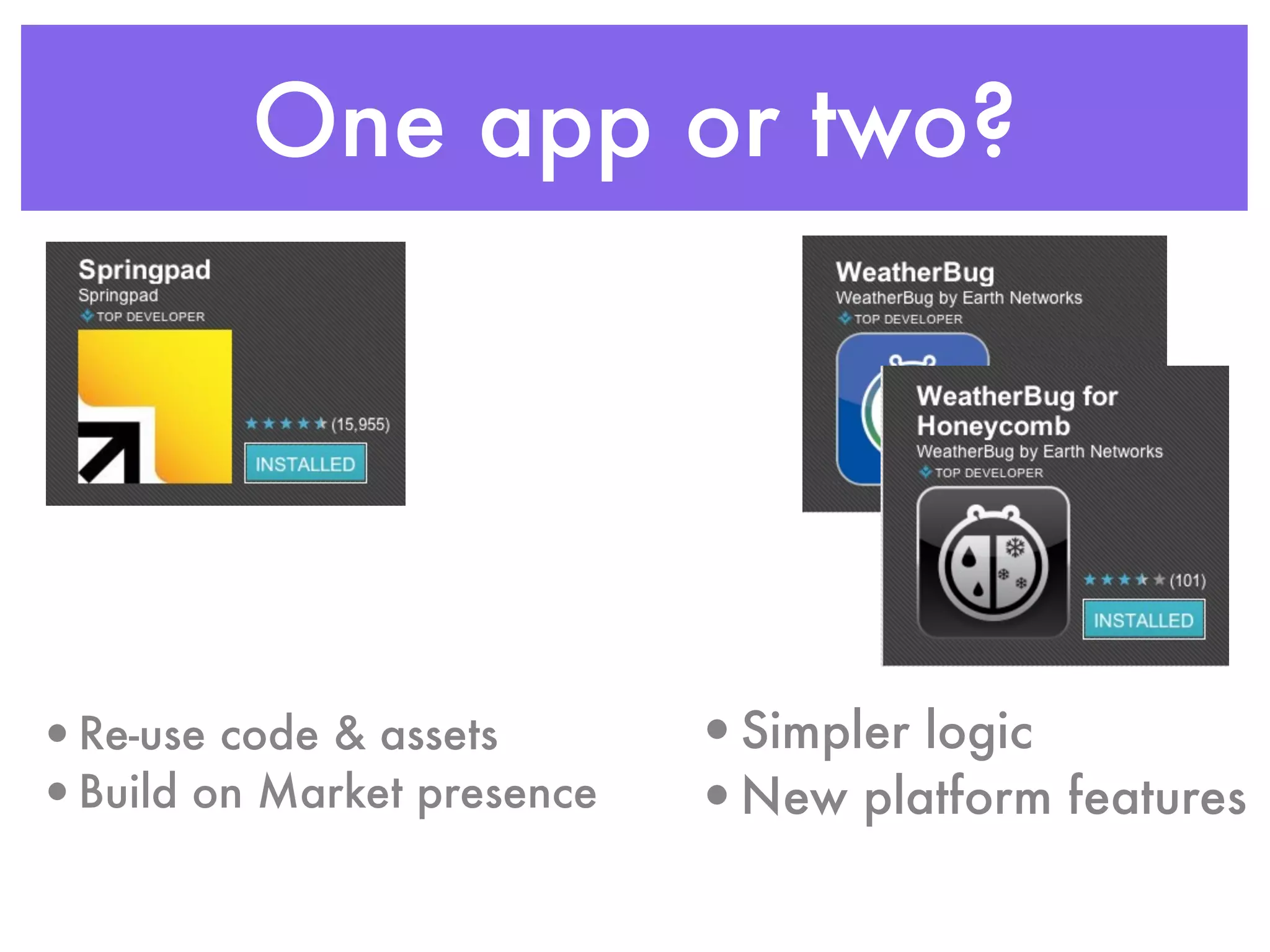
One app or two?


•Re-use code & assets       •Simpler logic
•Build on Market presence   •New platform features
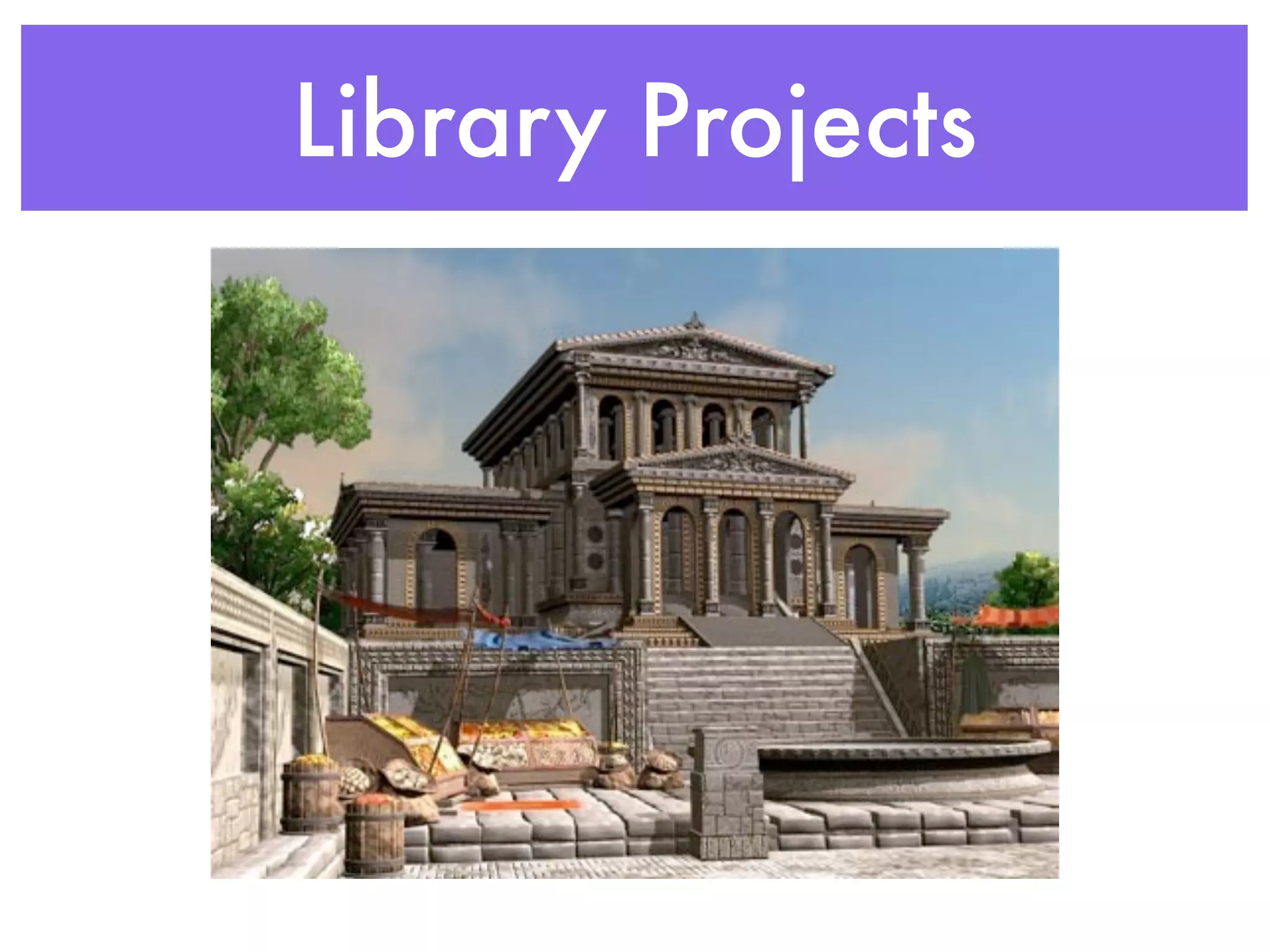
Library Projects
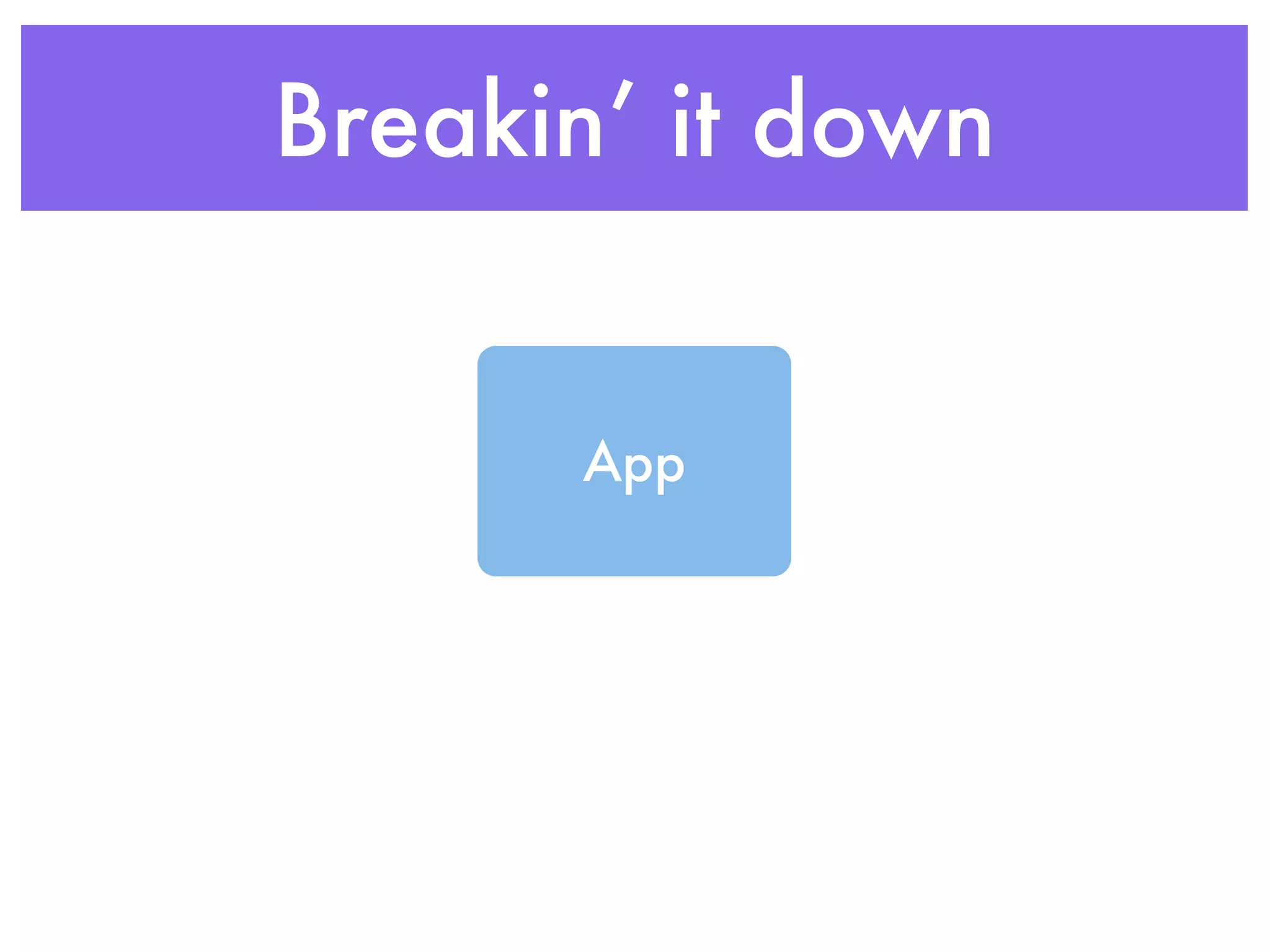
Breakin’ it down


      App
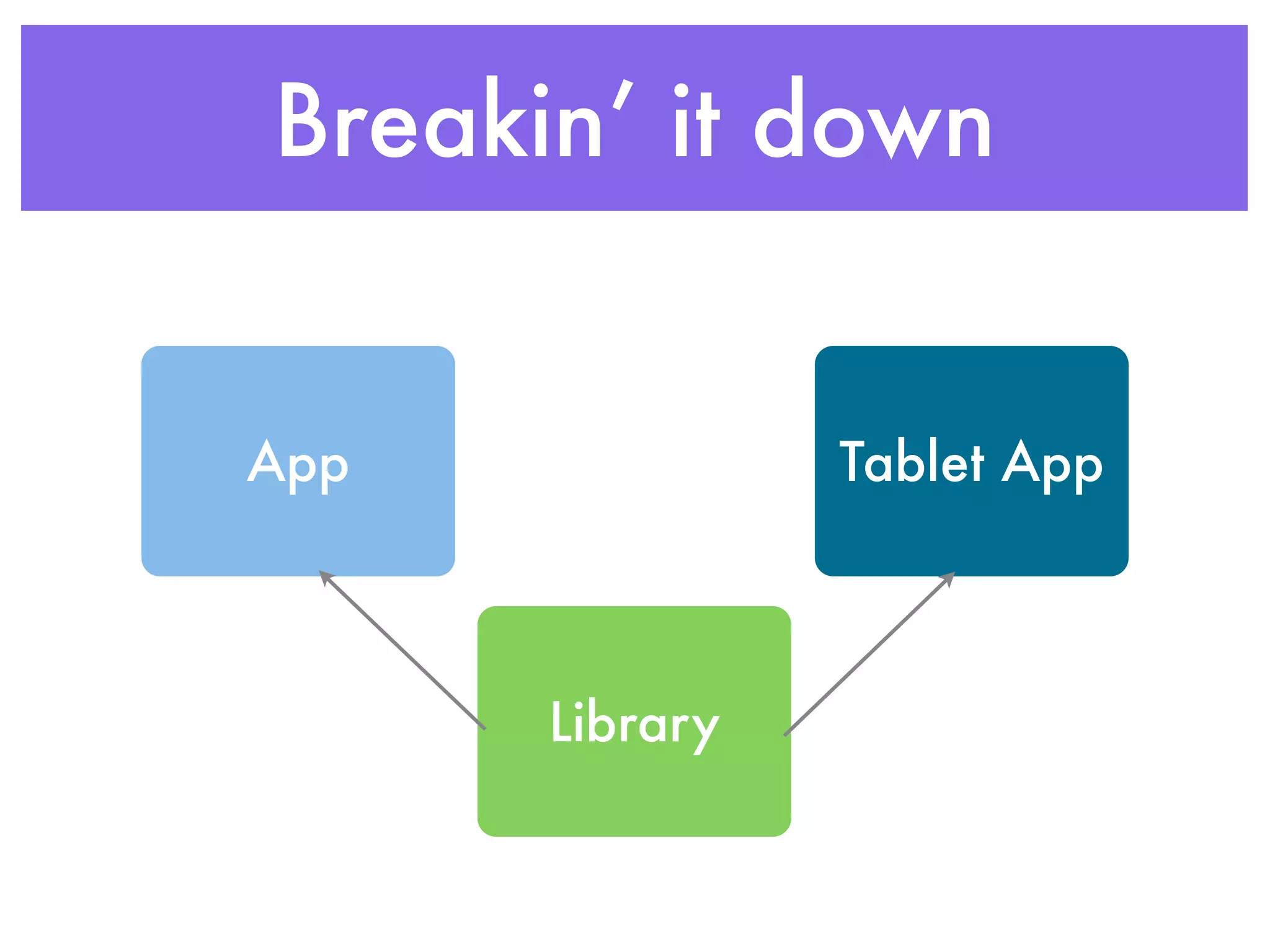
Breakin’ it down


App             Tablet App


      Library
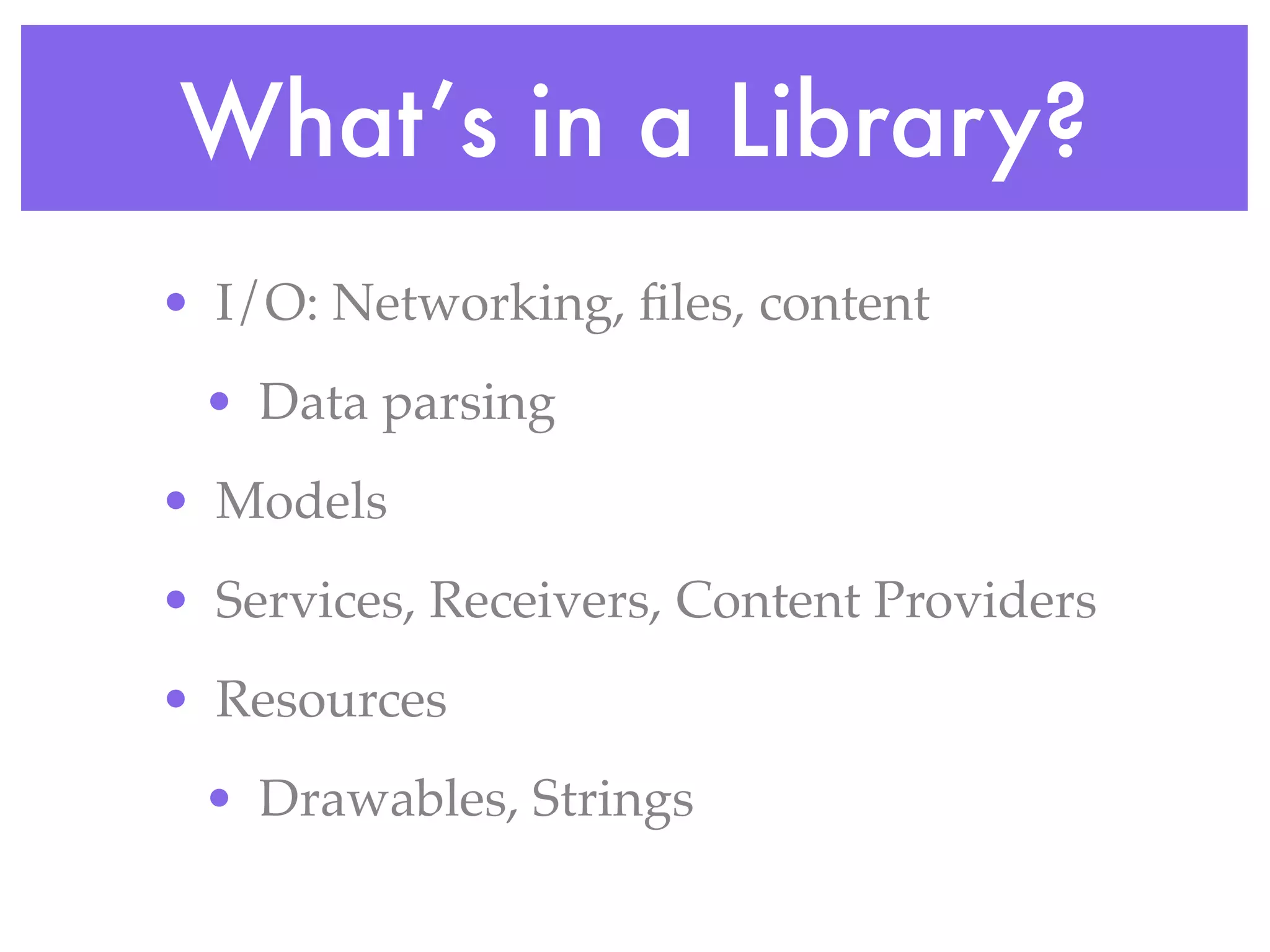
What’s in a Library?
• I/O: Networking, files, content
 • Data parsing
• Models
• Services, Receivers, Content Providers
• Resources
 • Drawables, Strings
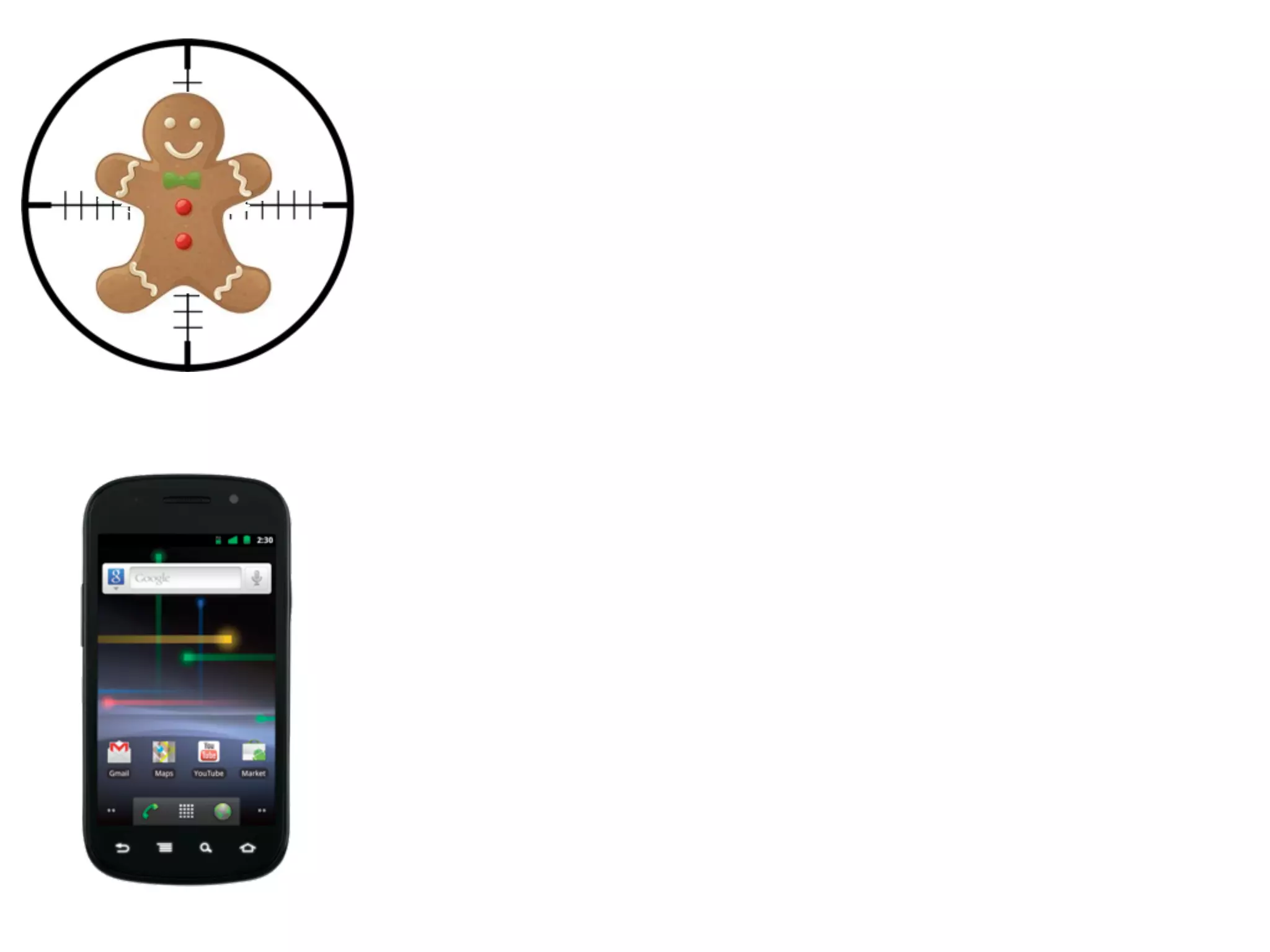
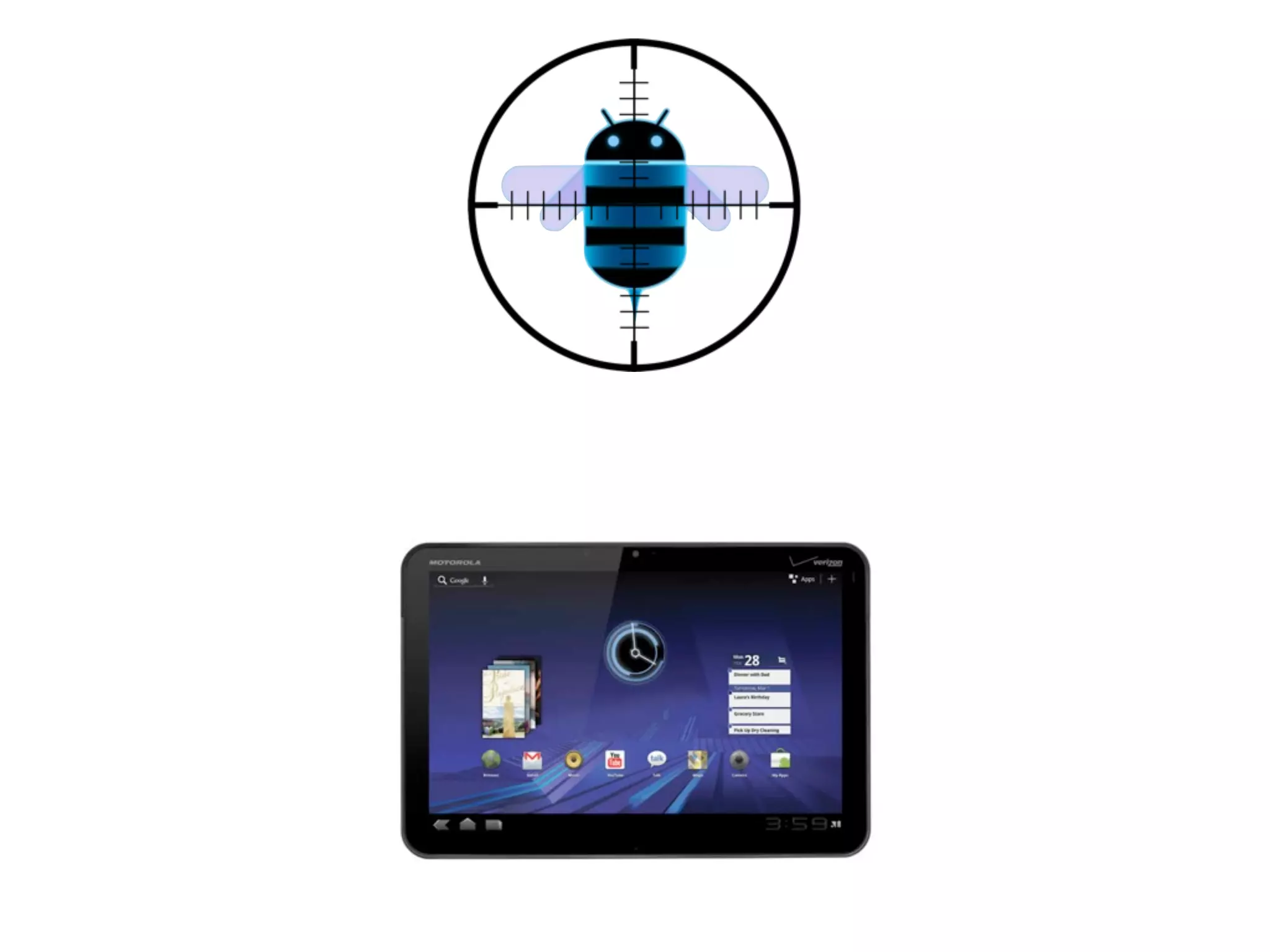
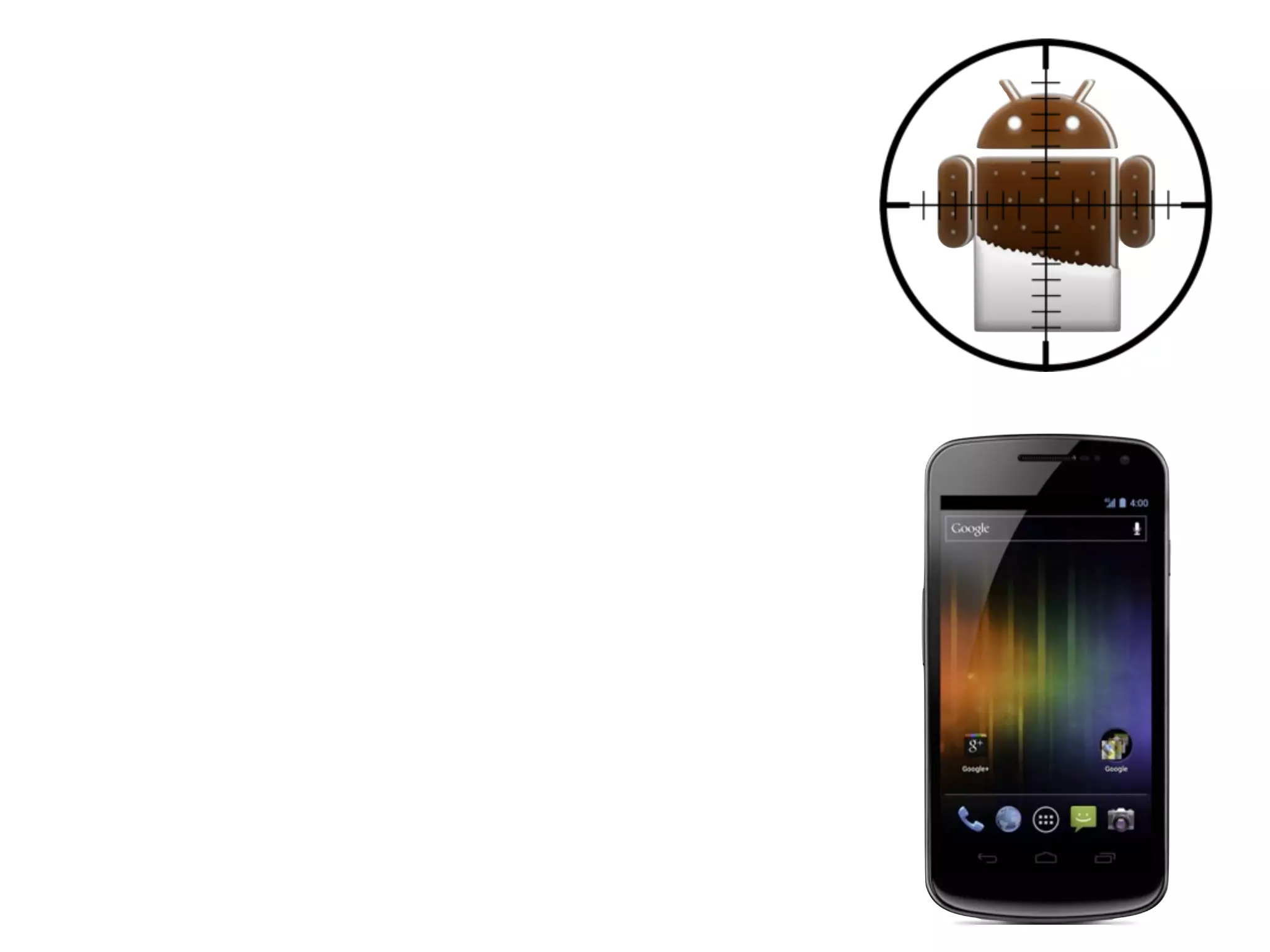
Moving Targets
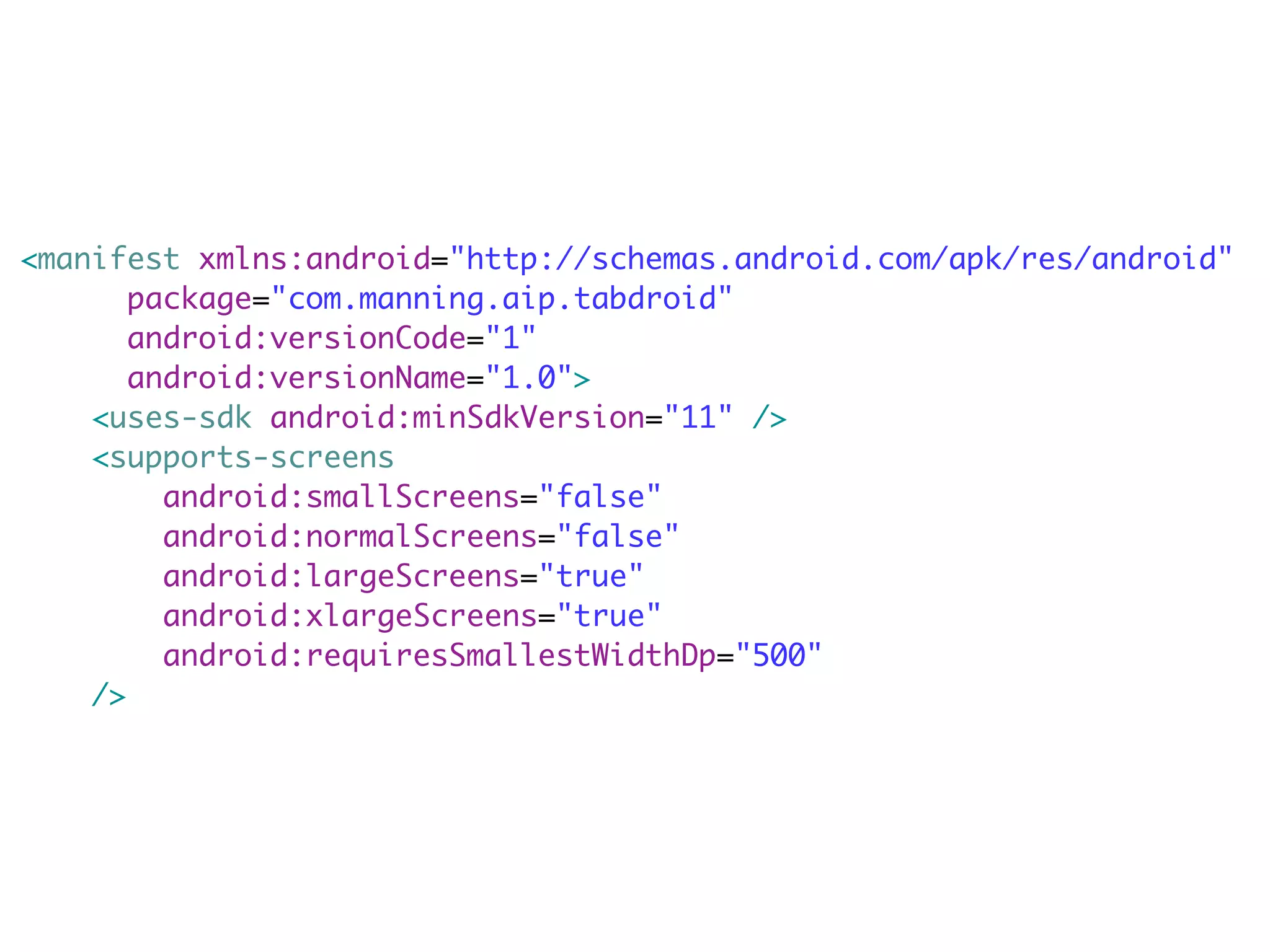
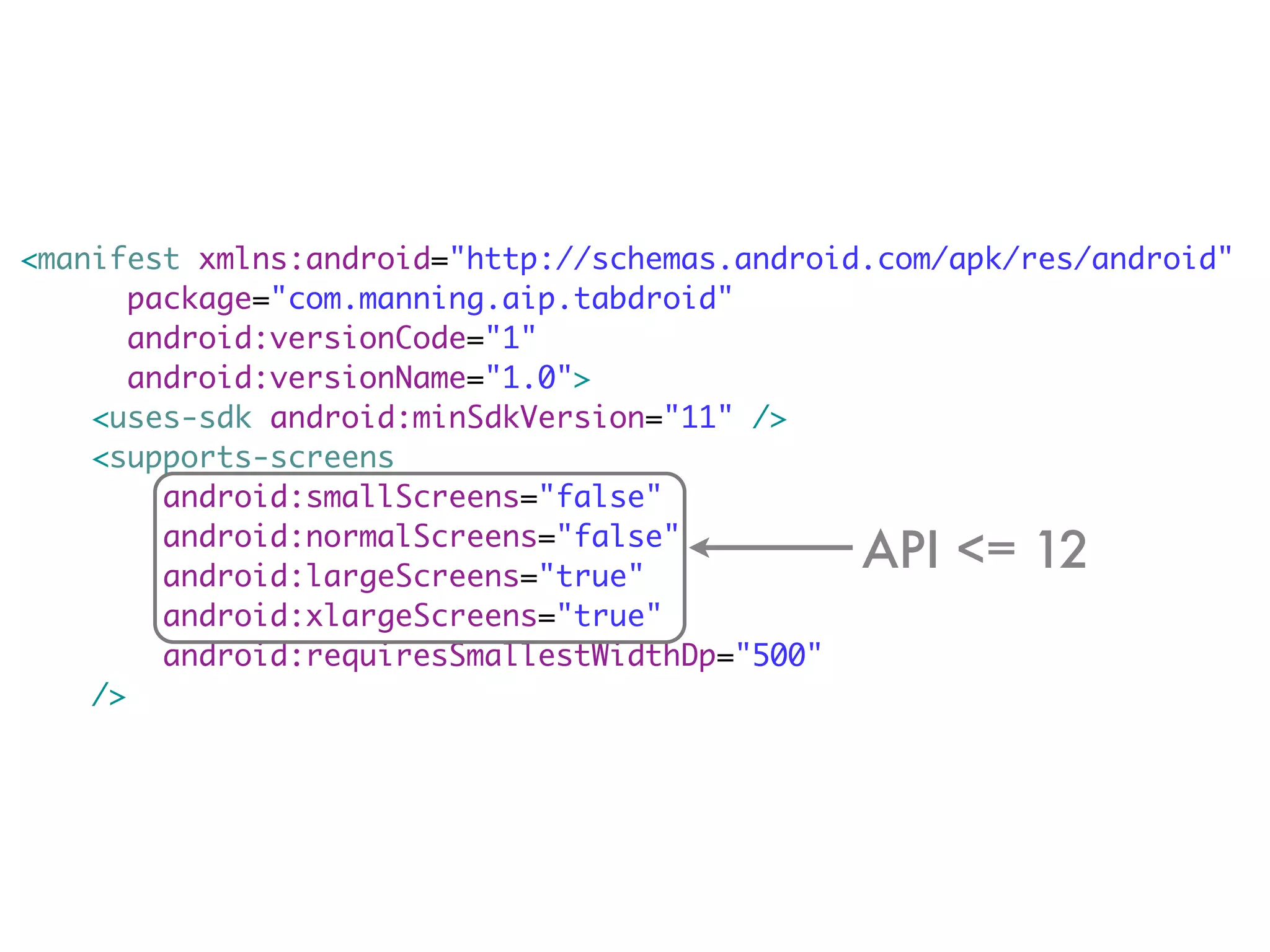
<manifest xmlns:android="http://schemas.android.com/apk/res/android"
       package="com.manning.aip.tabdroid"
       android:versionCode="1"
       android:versionName="1.0">
    <uses-sdk android:minSdkVersion="11" />
    <supports-screens
         android:smallScreens="false"
         android:normalScreens="false"
         android:largeScreens="true"
         android:xlargeScreens="true"
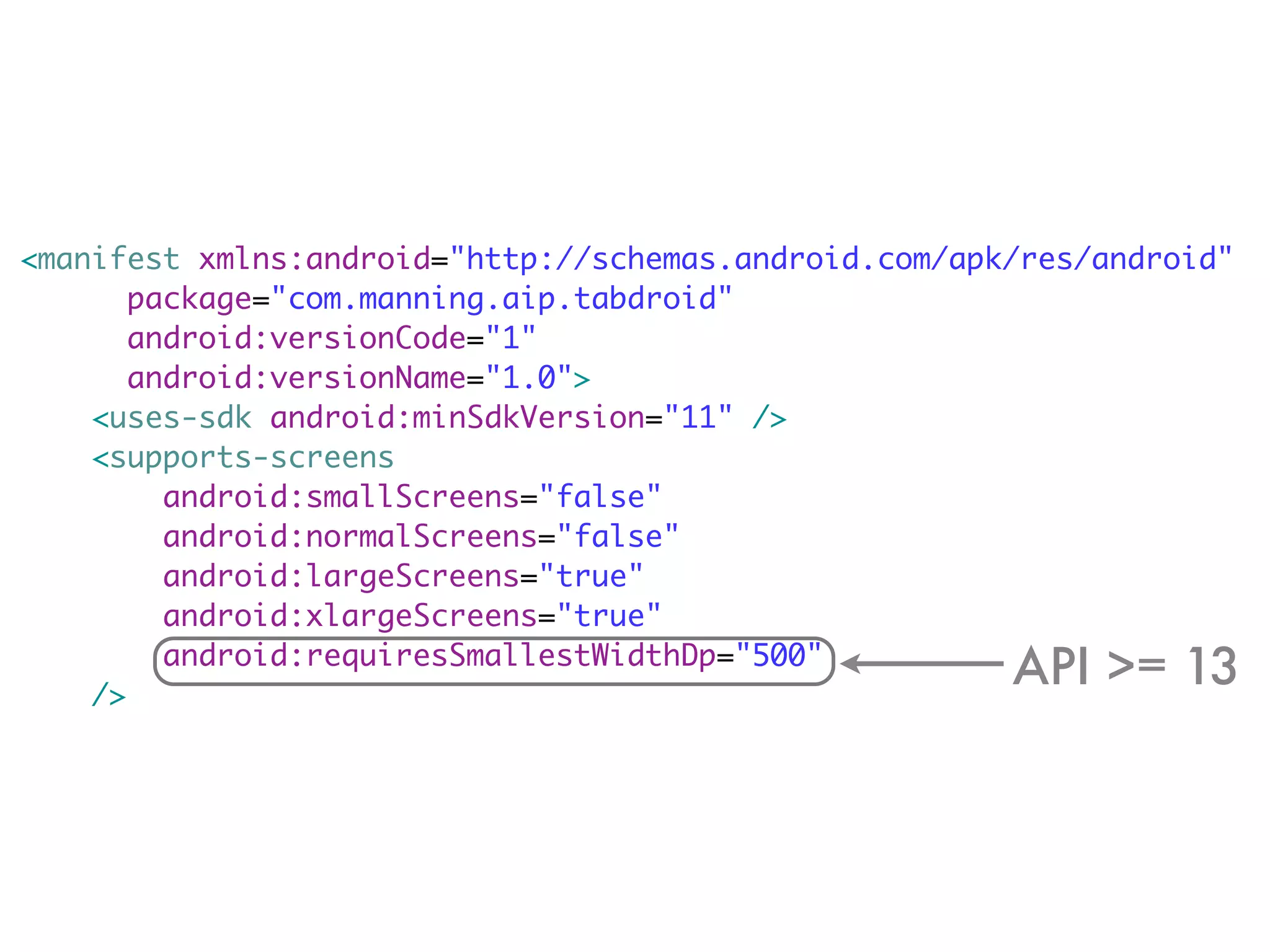
         android:requiresSmallestWidthDp="500"
    />
<manifest xmlns:android="http://schemas.android.com/apk/res/android"
       package="com.manning.aip.tabdroid"
       android:versionCode="1"
       android:versionName="1.0">
    <uses-sdk android:minSdkVersion="11" />
    <supports-screens
         android:smallScreens="false"
         android:normalScreens="false"
         android:largeScreens="true"
                                               API <= 12
         android:xlargeScreens="true"
         android:requiresSmallestWidthDp="500"
    />
<manifest xmlns:android="http://schemas.android.com/apk/res/android"
       package="com.manning.aip.tabdroid"
       android:versionCode="1"
       android:versionName="1.0">
    <uses-sdk android:minSdkVersion="11" />
    <supports-screens
         android:smallScreens="false"
         android:normalScreens="false"
         android:largeScreens="true"
         android:xlargeScreens="true"

    />
         android:requiresSmallestWidthDp="500"
                                                       API >= 13
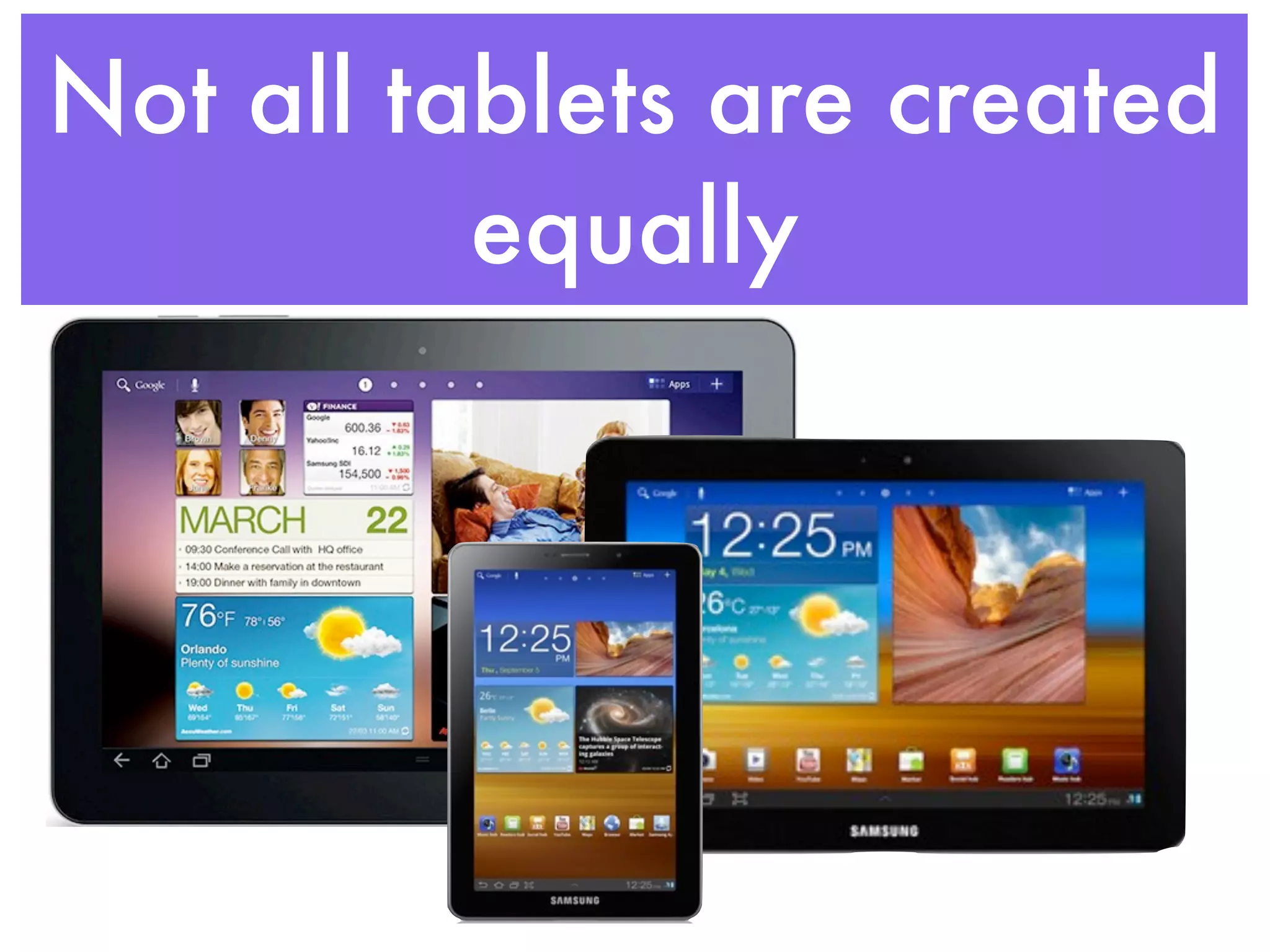
Not all tablets are created
          equally
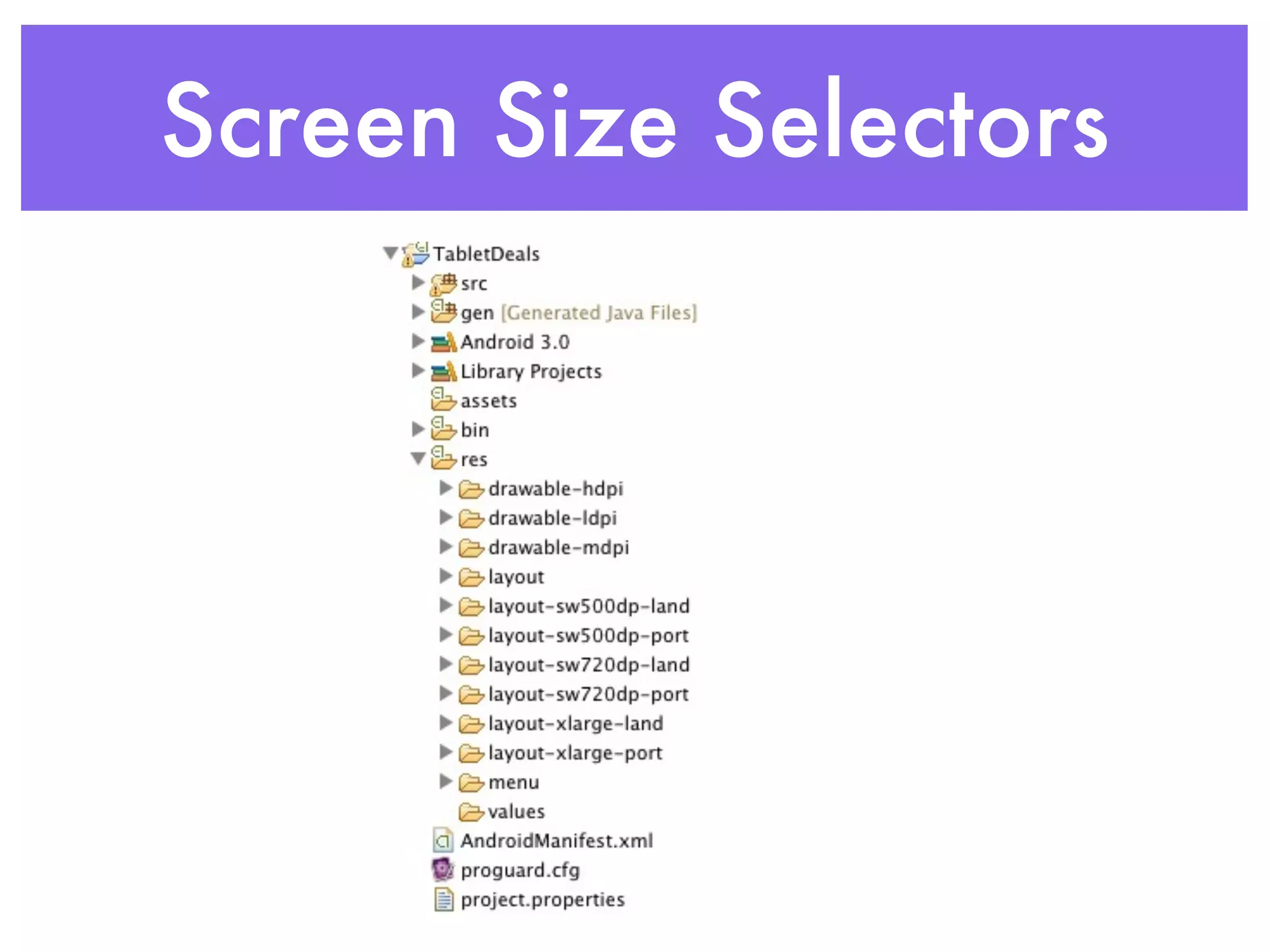
Screen Size Selectors
Have your cake and eat it
          too
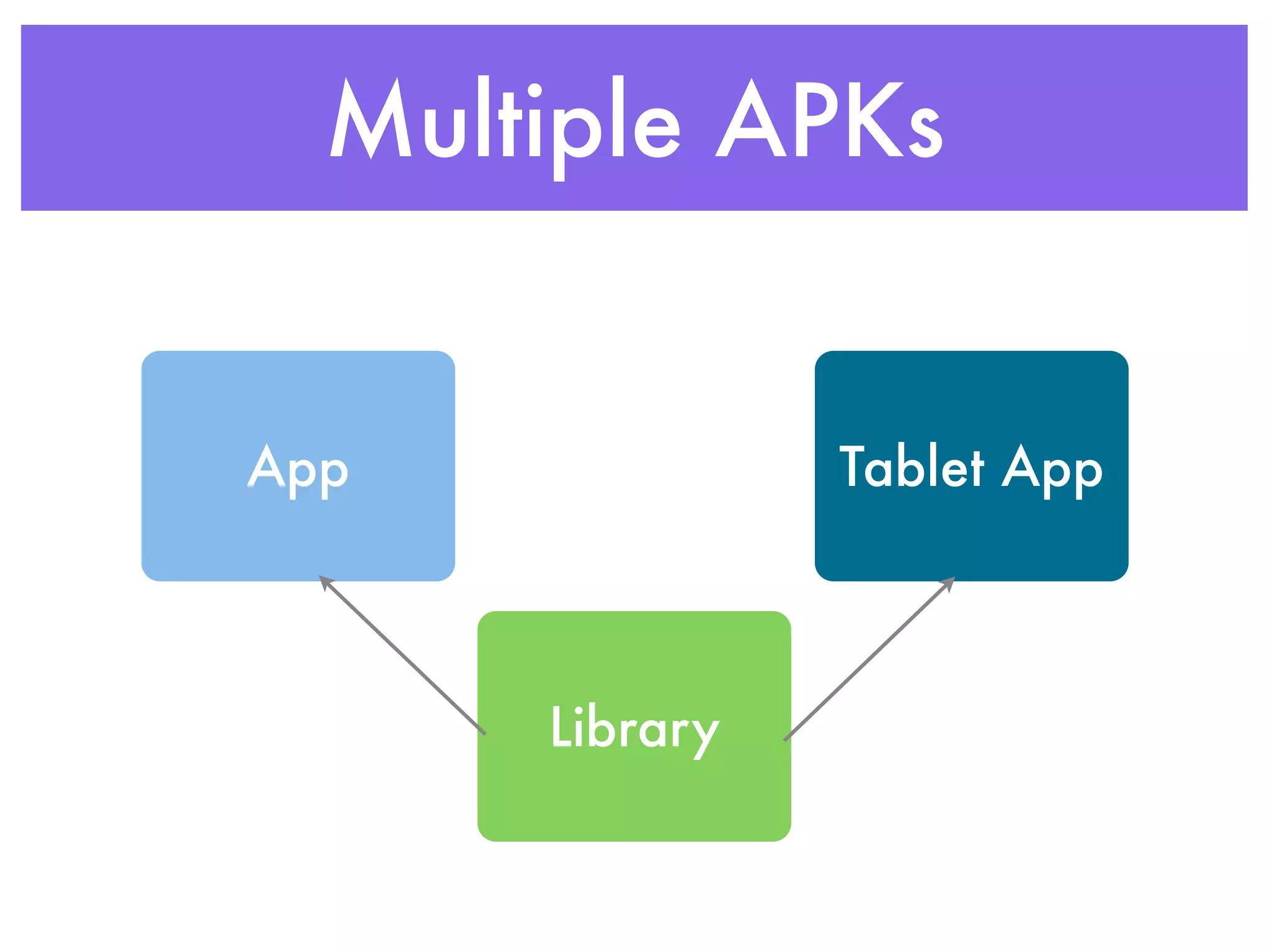
Multiple APKs


App             Tablet App


      Library
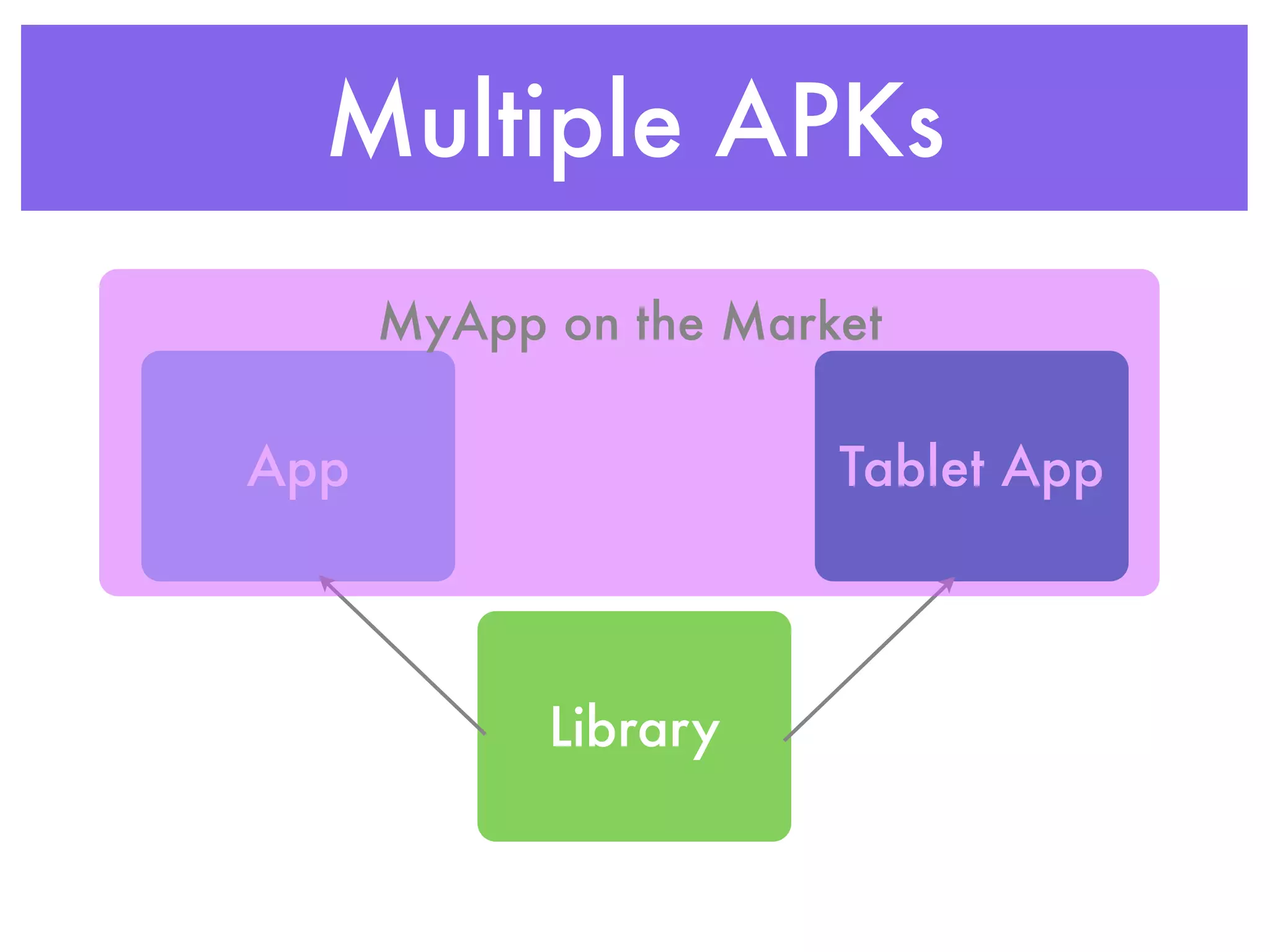
Multiple APKs
      MyApp on the Market

App                    Tablet App


            Library
Fragments
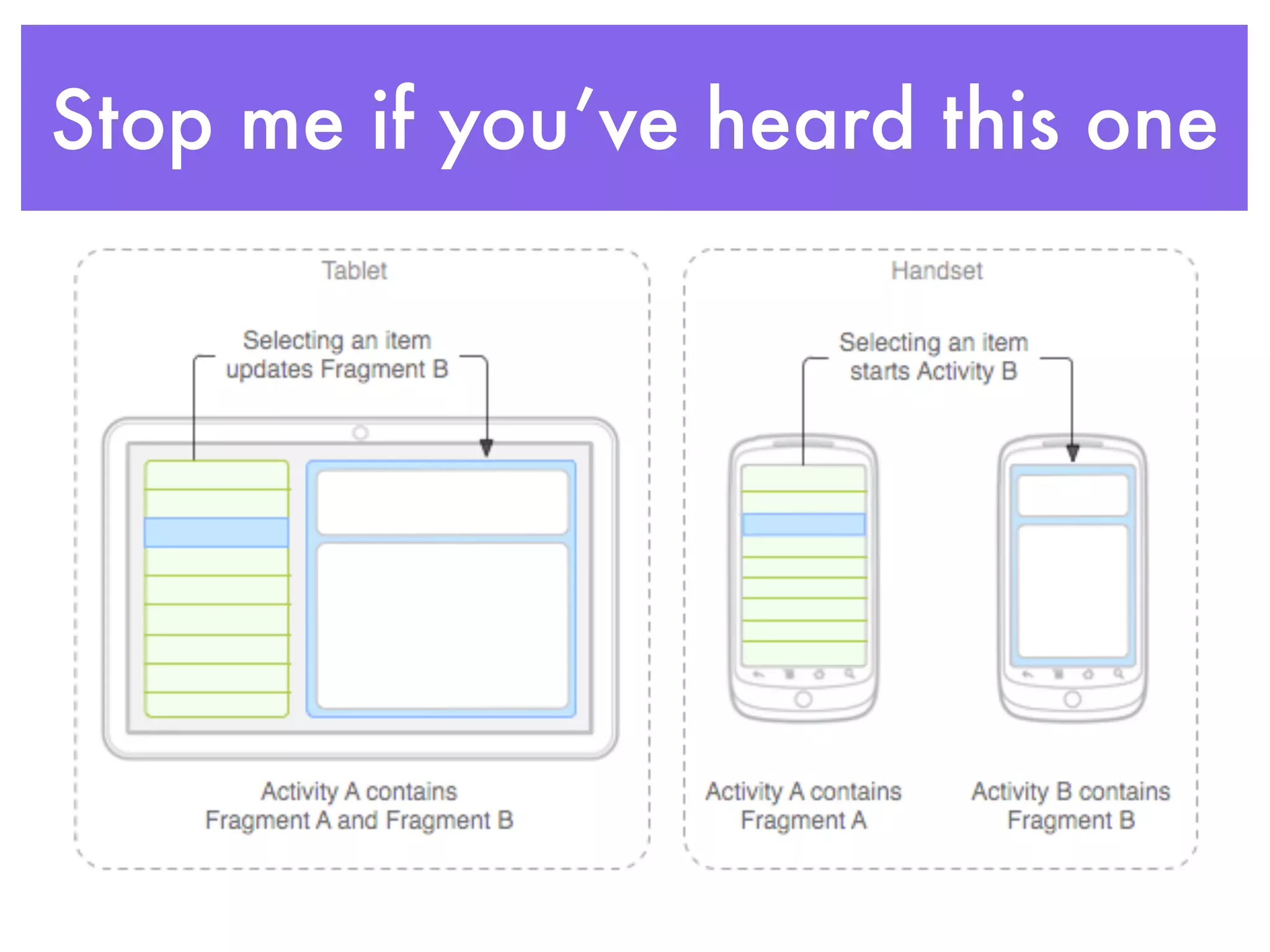
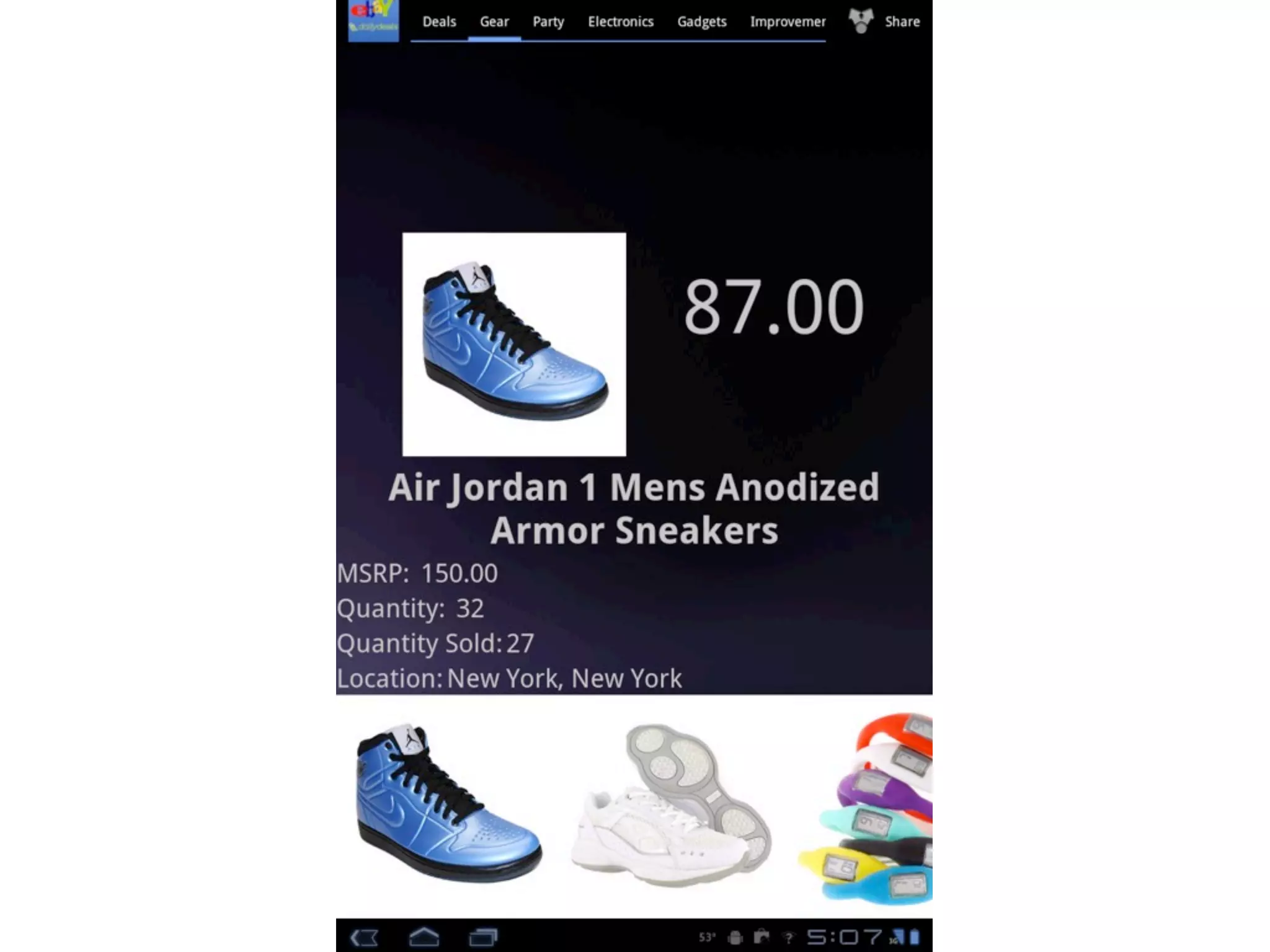
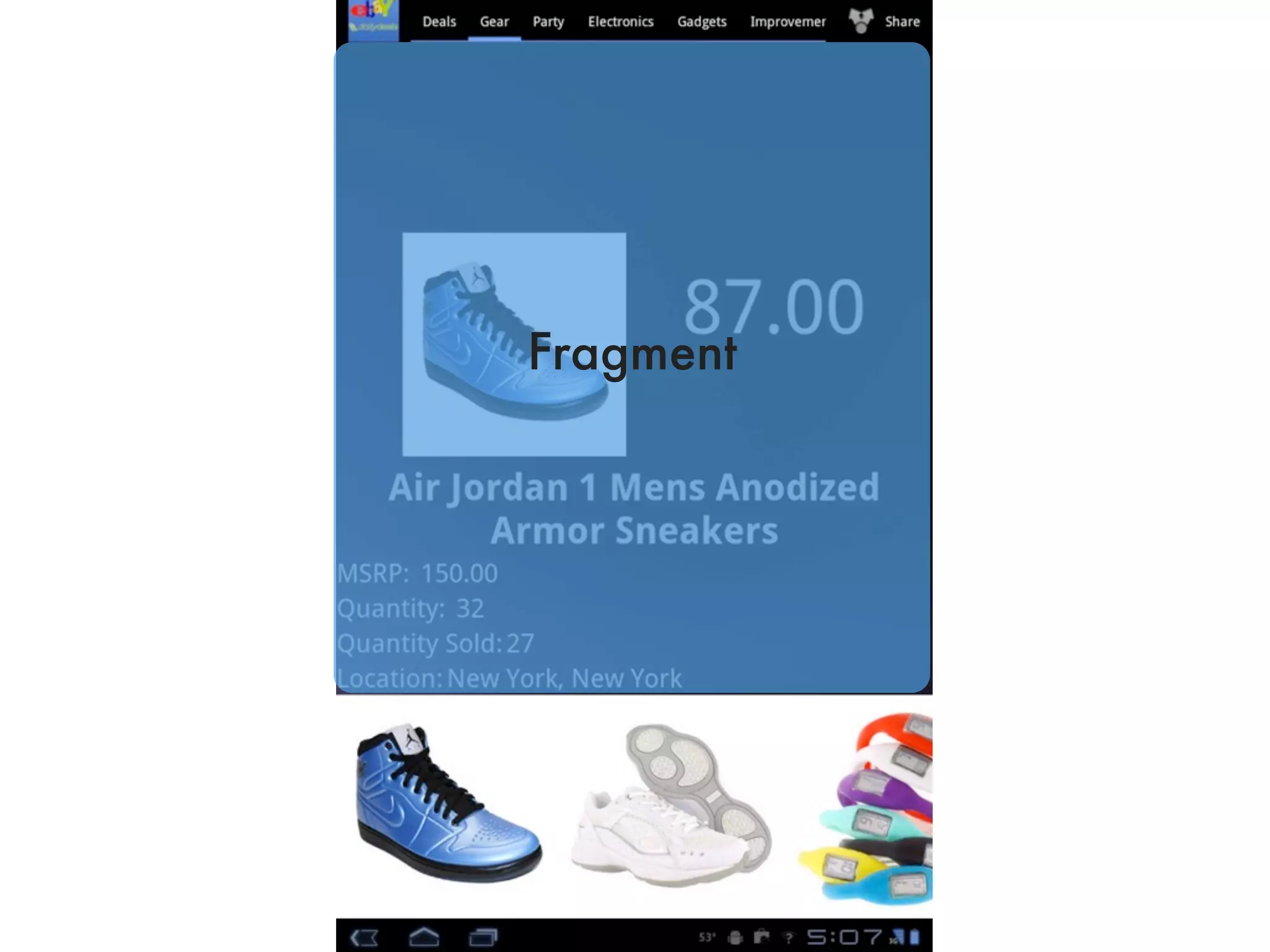
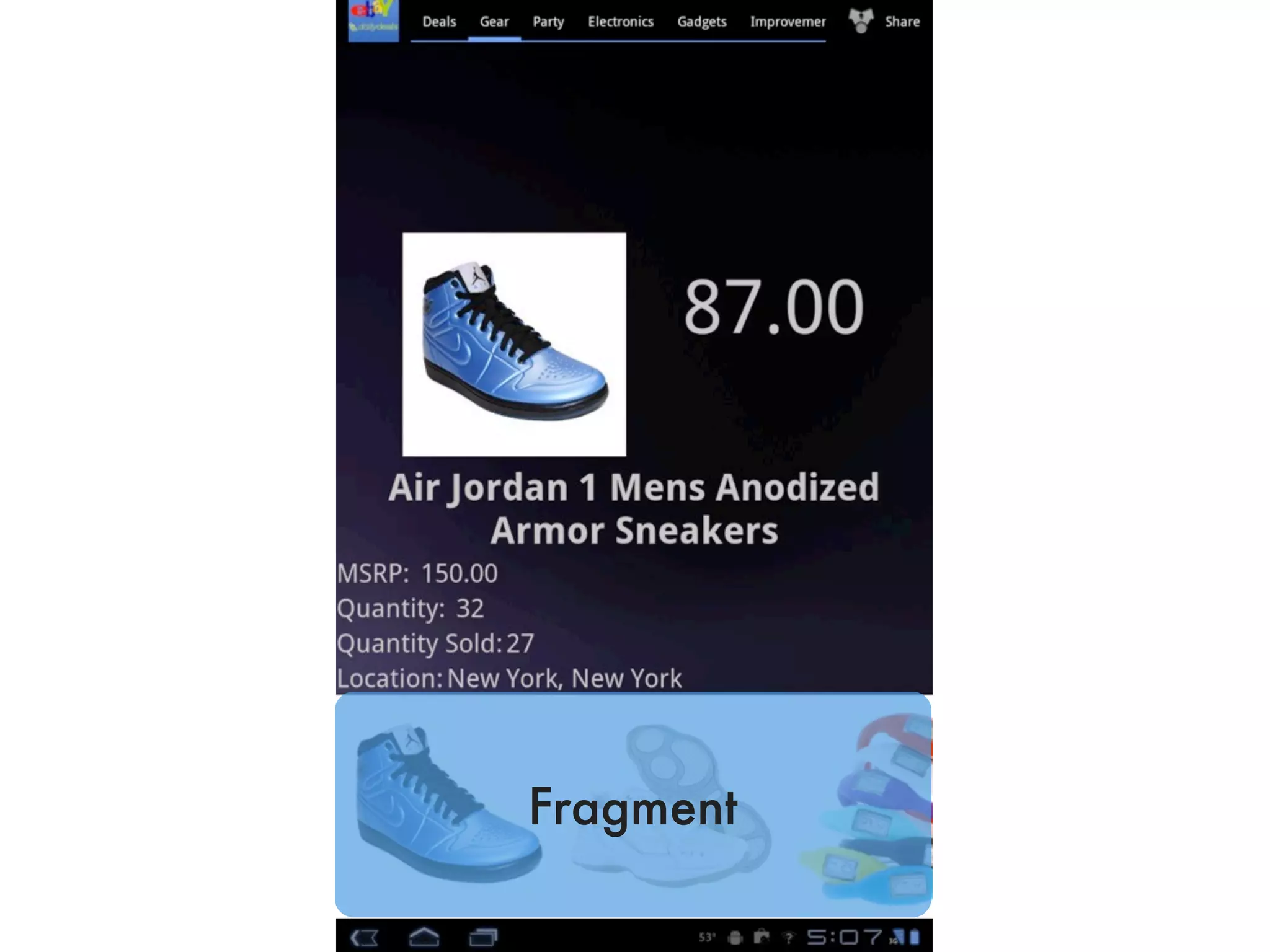
Stop me if you’ve heard this one
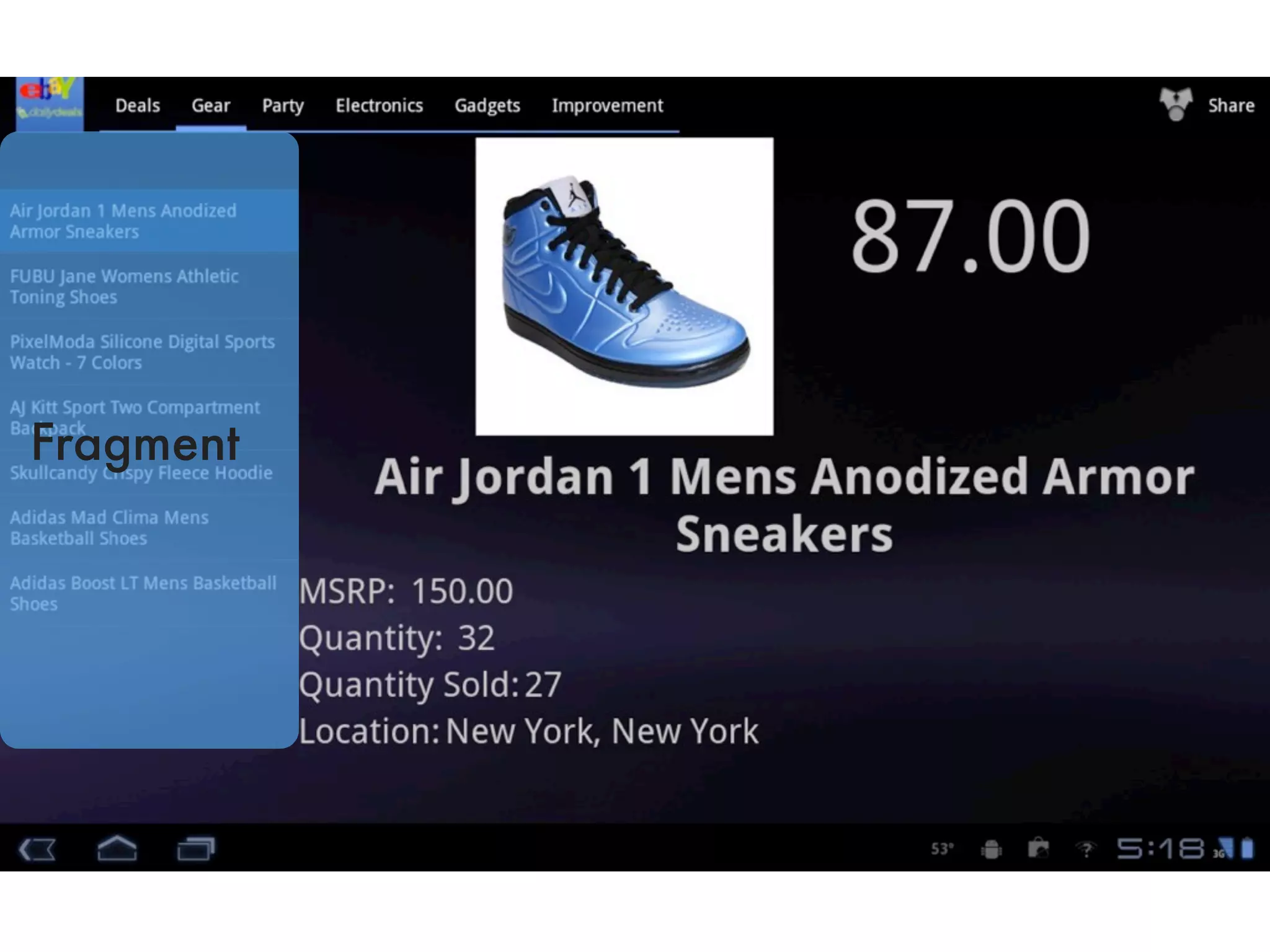
Fragment
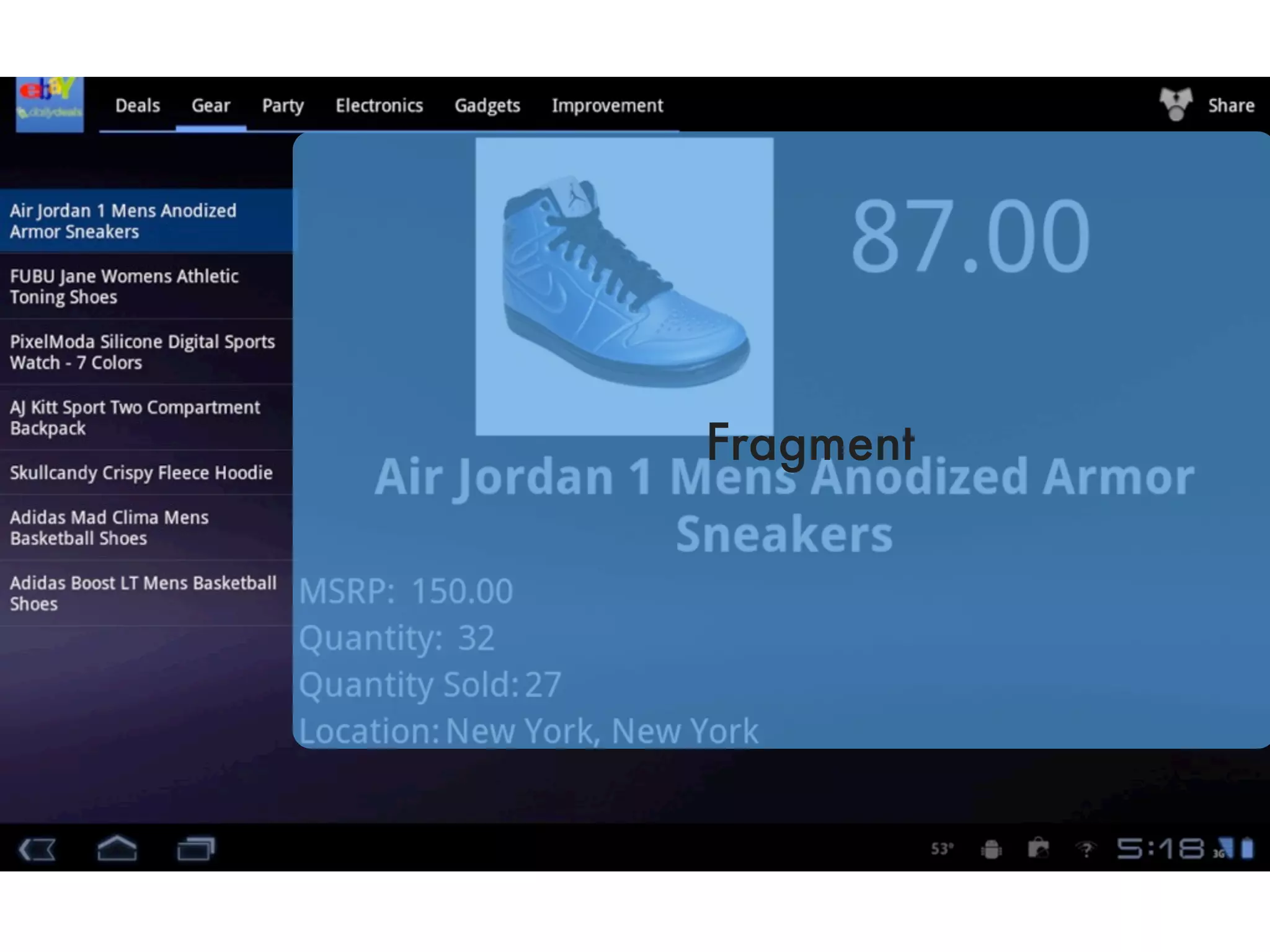
Fragment
Fragment
Fragment
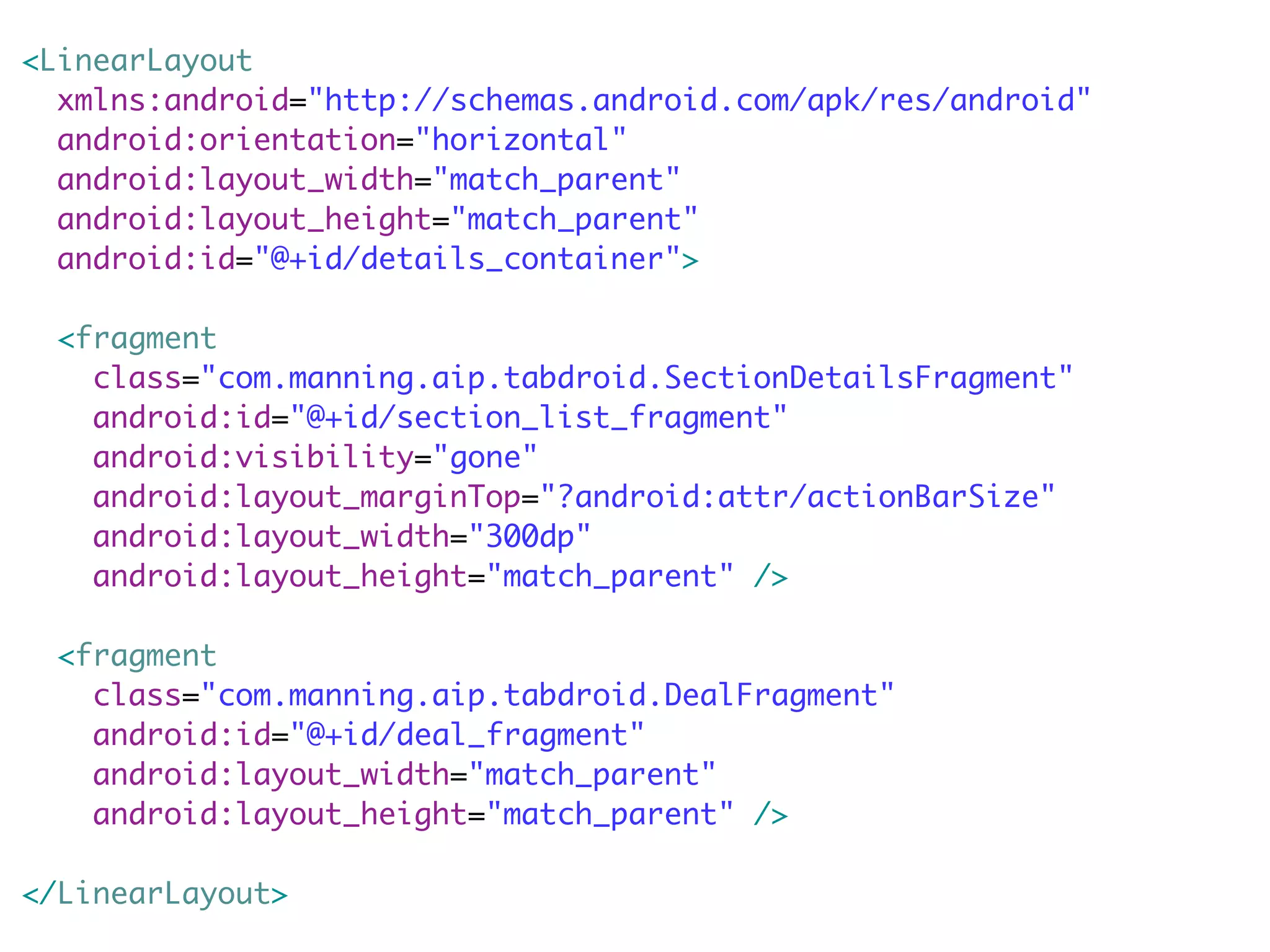
<LinearLayout
  xmlns:android="http://schemas.android.com/apk/res/android"
  android:orientation="horizontal"
  android:layout_width="match_parent"
  android:layout_height="match_parent"
  android:id="@+id/details_container">

  <fragment
    class="com.manning.aip.tabdroid.SectionDetailsFragment"
    android:id="@+id/section_list_fragment"
    android:visibility="gone"
    android:layout_marginTop="?android:attr/actionBarSize"
    android:layout_width="300dp"
    android:layout_height="match_parent" />

  <fragment
    class="com.manning.aip.tabdroid.DealFragment"
    android:id="@+id/deal_fragment"
    android:layout_width="match_parent"
    android:layout_height="match_parent" />

</LinearLayout>
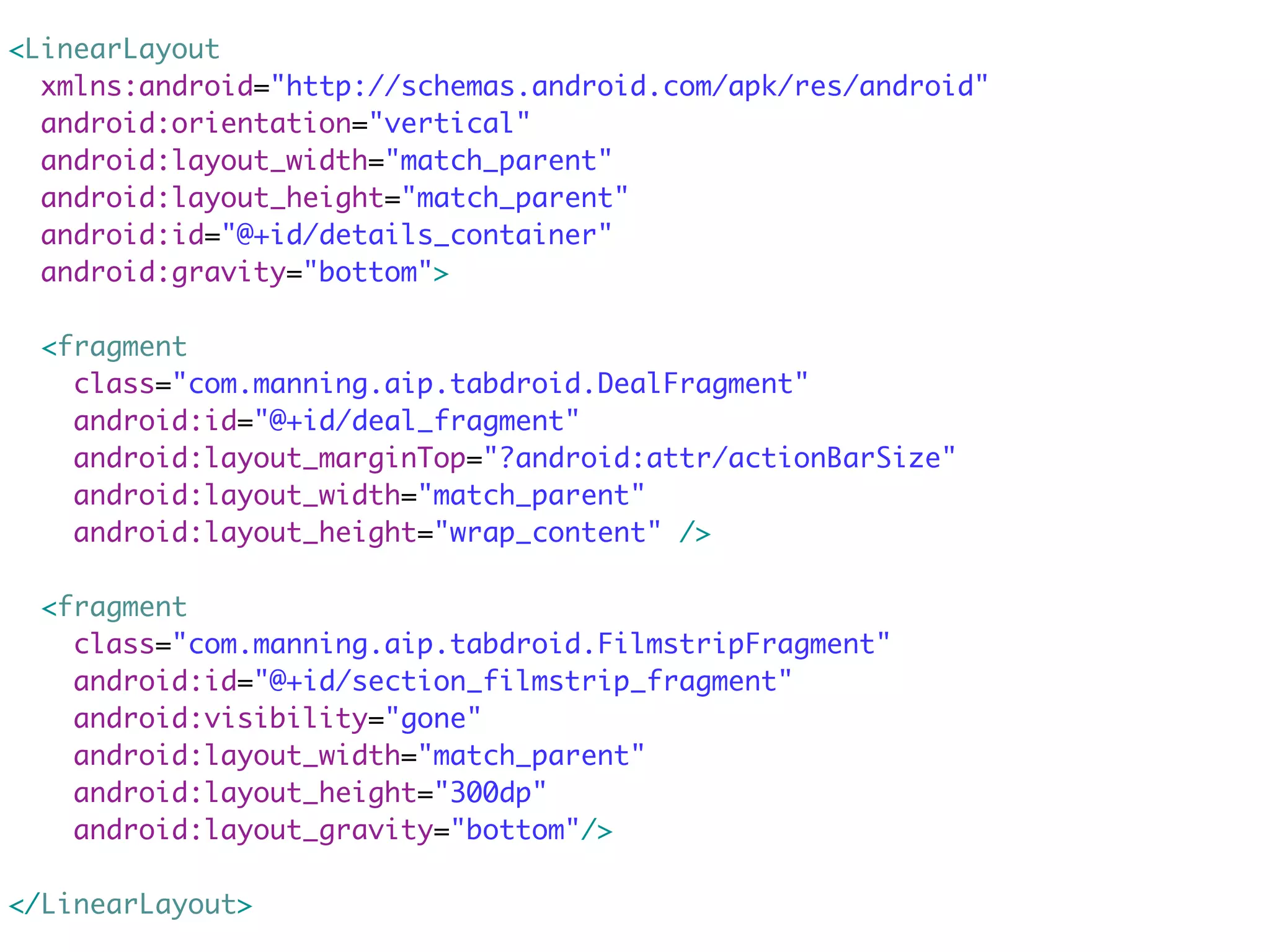
<LinearLayout
  xmlns:android="http://schemas.android.com/apk/res/android"
  android:orientation="vertical"
  android:layout_width="match_parent"
  android:layout_height="match_parent"
  android:id="@+id/details_container"
  android:gravity="bottom">

  <fragment
    class="com.manning.aip.tabdroid.DealFragment"
    android:id="@+id/deal_fragment"
    android:layout_marginTop="?android:attr/actionBarSize"
    android:layout_width="match_parent"
    android:layout_height="wrap_content" />

  <fragment
    class="com.manning.aip.tabdroid.FilmstripFragment"
    android:id="@+id/section_filmstrip_fragment"
    android:visibility="gone"
    android:layout_width="match_parent"
    android:layout_height="300dp"
    android:layout_gravity="bottom"/>

</LinearLayout>
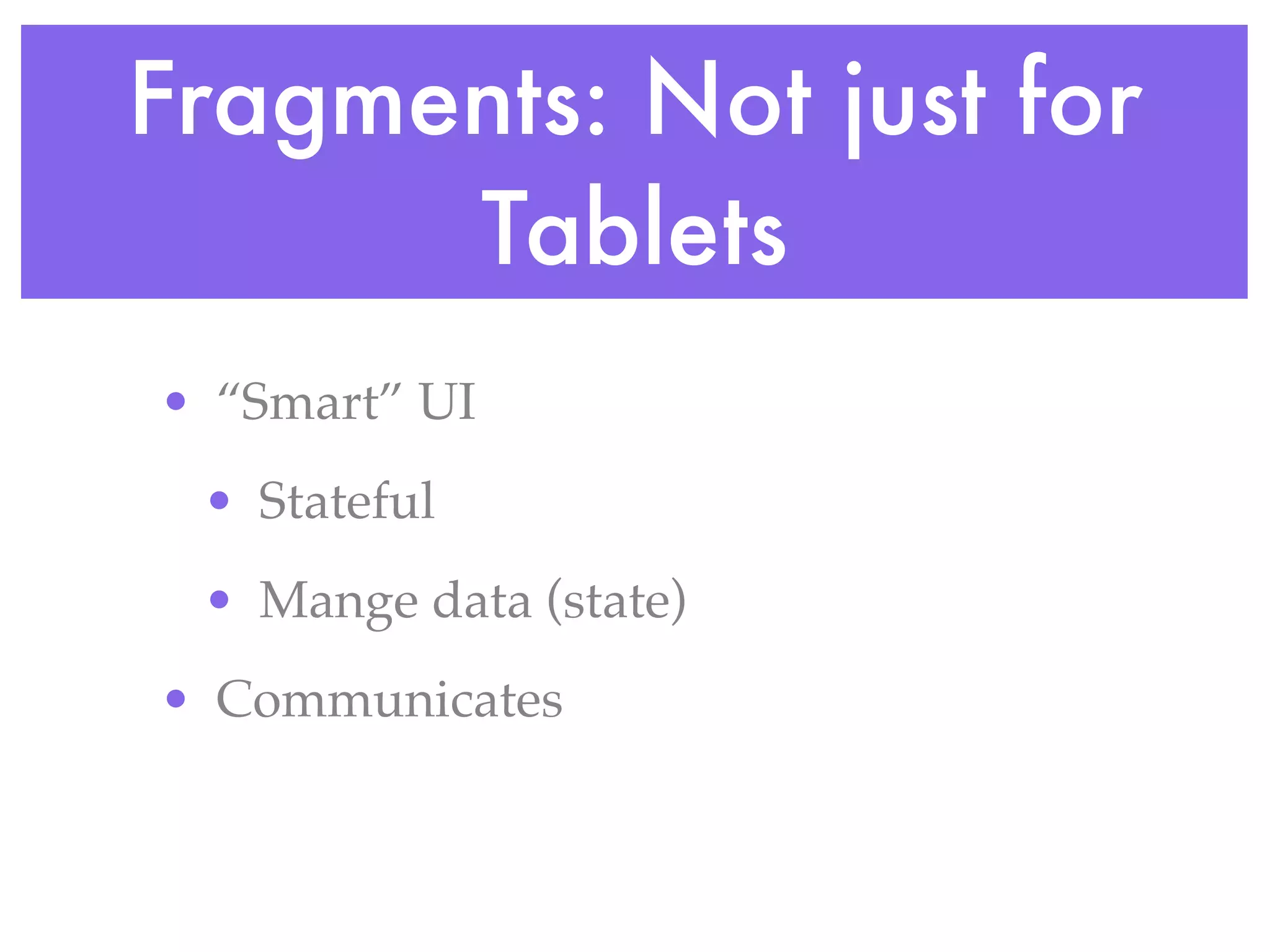
Fragments: Not just for
      Tablets
• “Smart” UI
 • Stateful
 • Mange data (state)
• Communicates
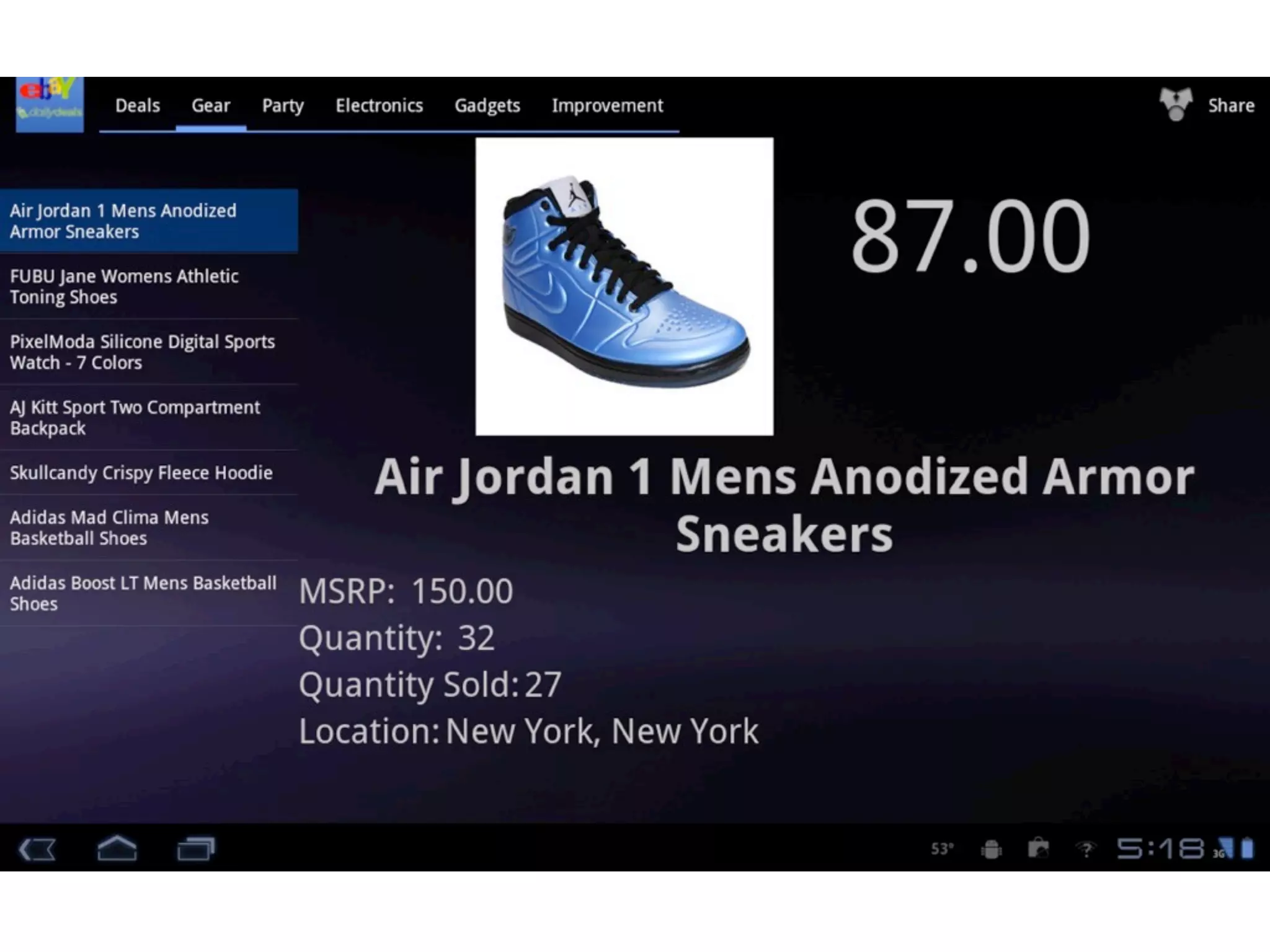
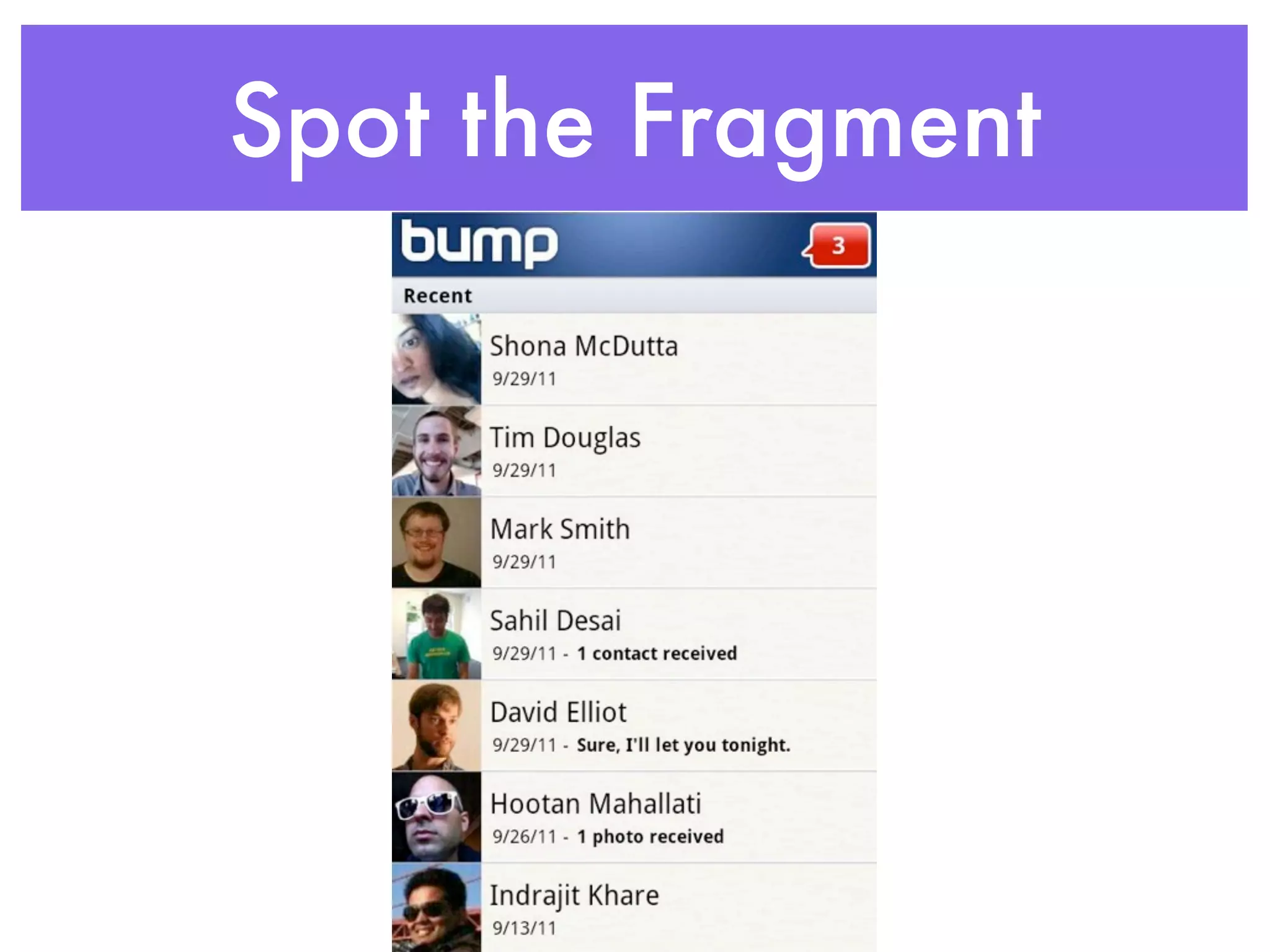
Spot the Fragment
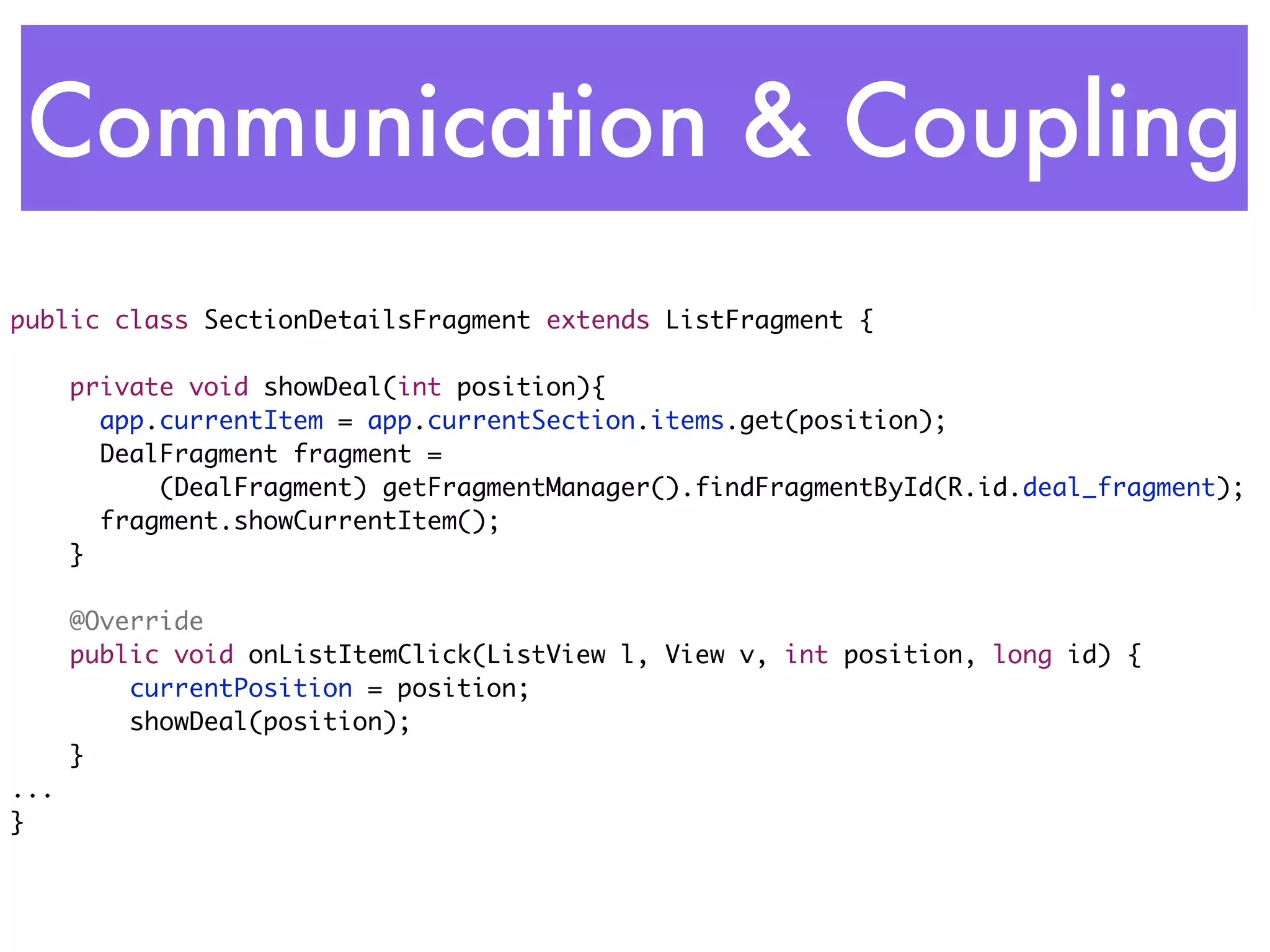
Communication & Coupling
public class SectionDetailsFragment extends ListFragment {	

      private void showDeal(int position){
      	 app.currentItem = app.currentSection.items.get(position);
      	 DealFragment fragment =
            (DealFragment) getFragmentManager().findFragmentById(R.id.deal_fragment);
      	 fragment.showCurrentItem();
      }

      @Override
      public void onListItemClick(ListView l, View v, int position, long id) {
          currentPosition = position;
          showDeal(position);
      }
...
}
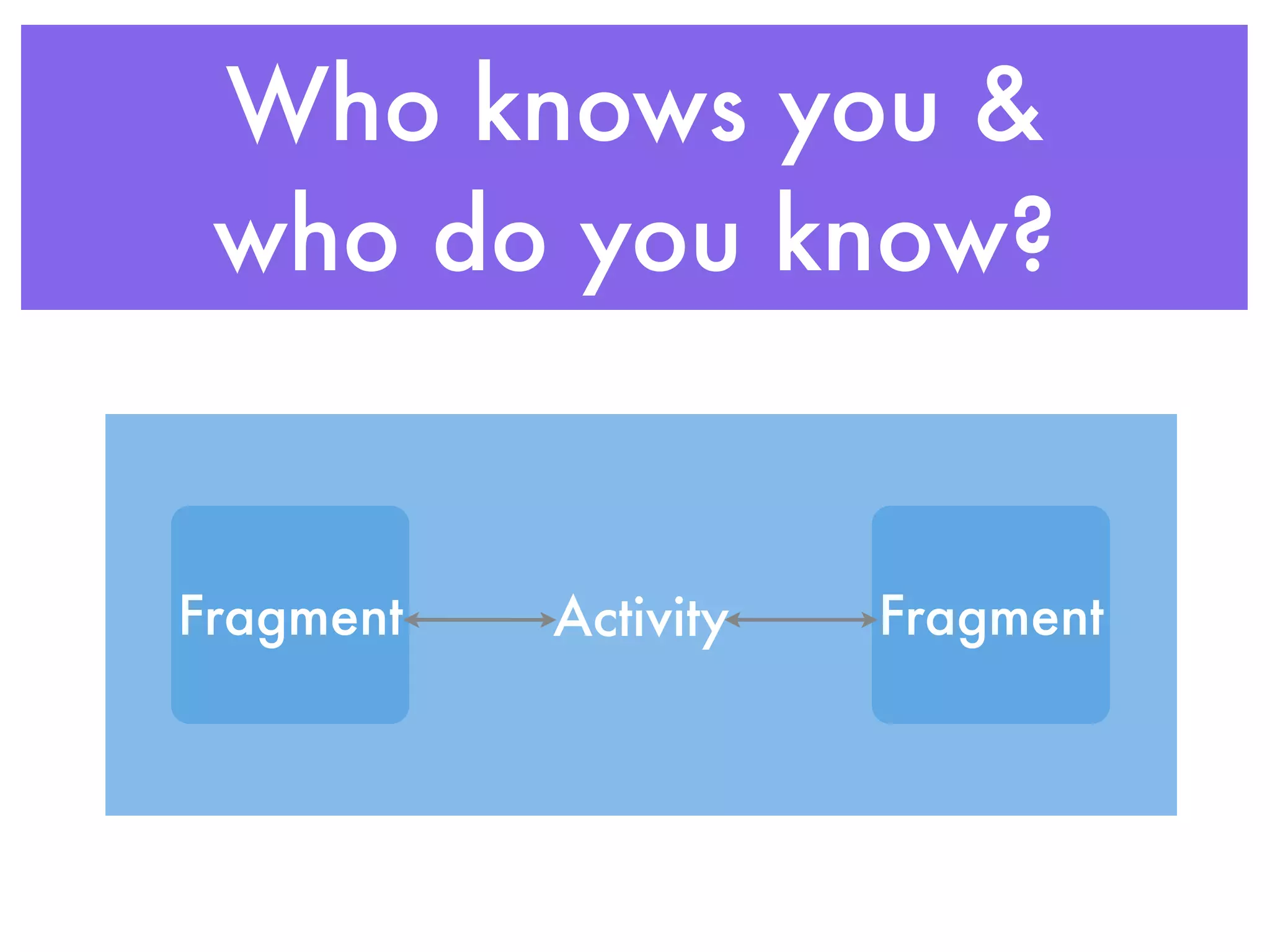
Who knows you &
 who do you know?


Fragment   Activity   Fragment
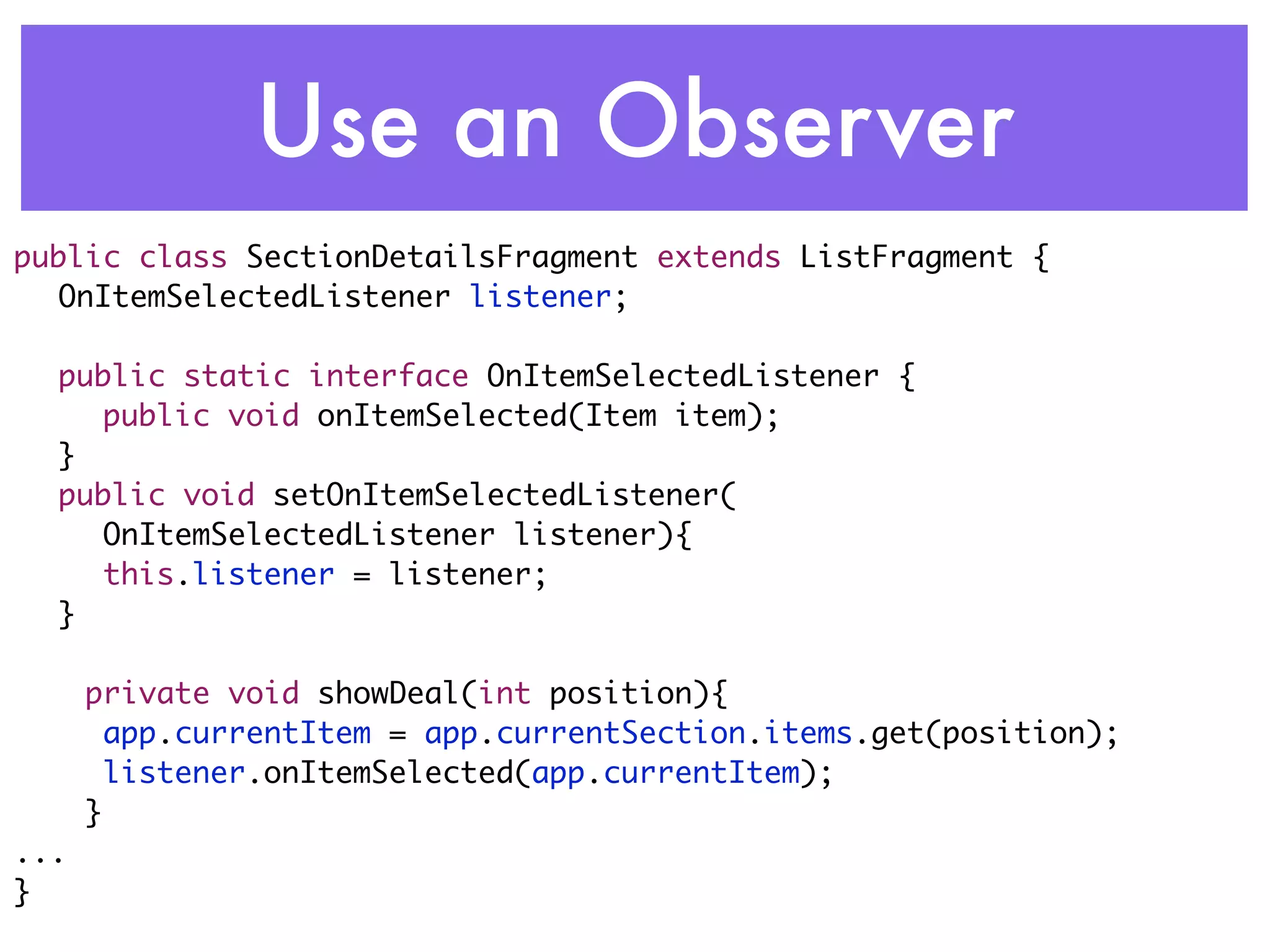
Use an Observer
public class SectionDetailsFragment extends ListFragment {
	 OnItemSelectedListener listener;
	
	 public static interface OnItemSelectedListener {
	 	 public void onItemSelected(Item item);
	 }
	 public void setOnItemSelectedListener(
     OnItemSelectedListener listener){
	 	 this.listener = listener;
	 }

      private void showDeal(int position){
      	app.currentItem = app.currentSection.items.get(position);
      	listener.onItemSelected(app.currentItem);
      }
...
}
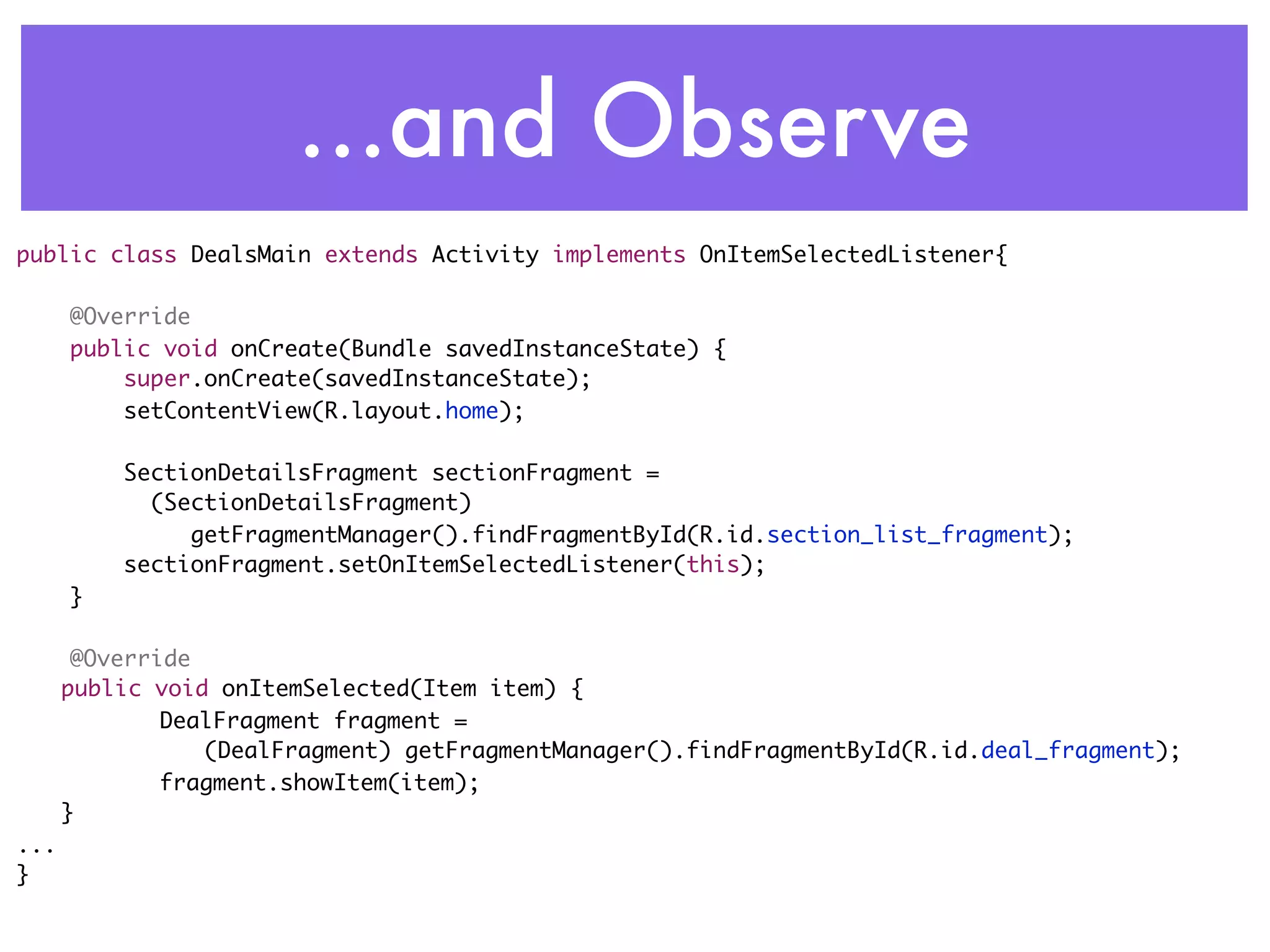
...and Observe
public class DealsMain extends Activity implements OnItemSelectedListener{

      @Override
      public void onCreate(Bundle savedInstanceState) {
          super.onCreate(savedInstanceState);
          setContentView(R.layout.home);

          SectionDetailsFragment sectionFragment =
          	 (SectionDetailsFragment)
               getFragmentManager().findFragmentById(R.id.section_list_fragment);
          sectionFragment.setOnItemSelectedListener(this);
      }

       @Override
	     public void onItemSelected(Item item) {
       	      DealFragment fragment =
                 (DealFragment) getFragmentManager().findFragmentById(R.id.deal_fragment);
       	      fragment.showItem(item);
	     }
...
}
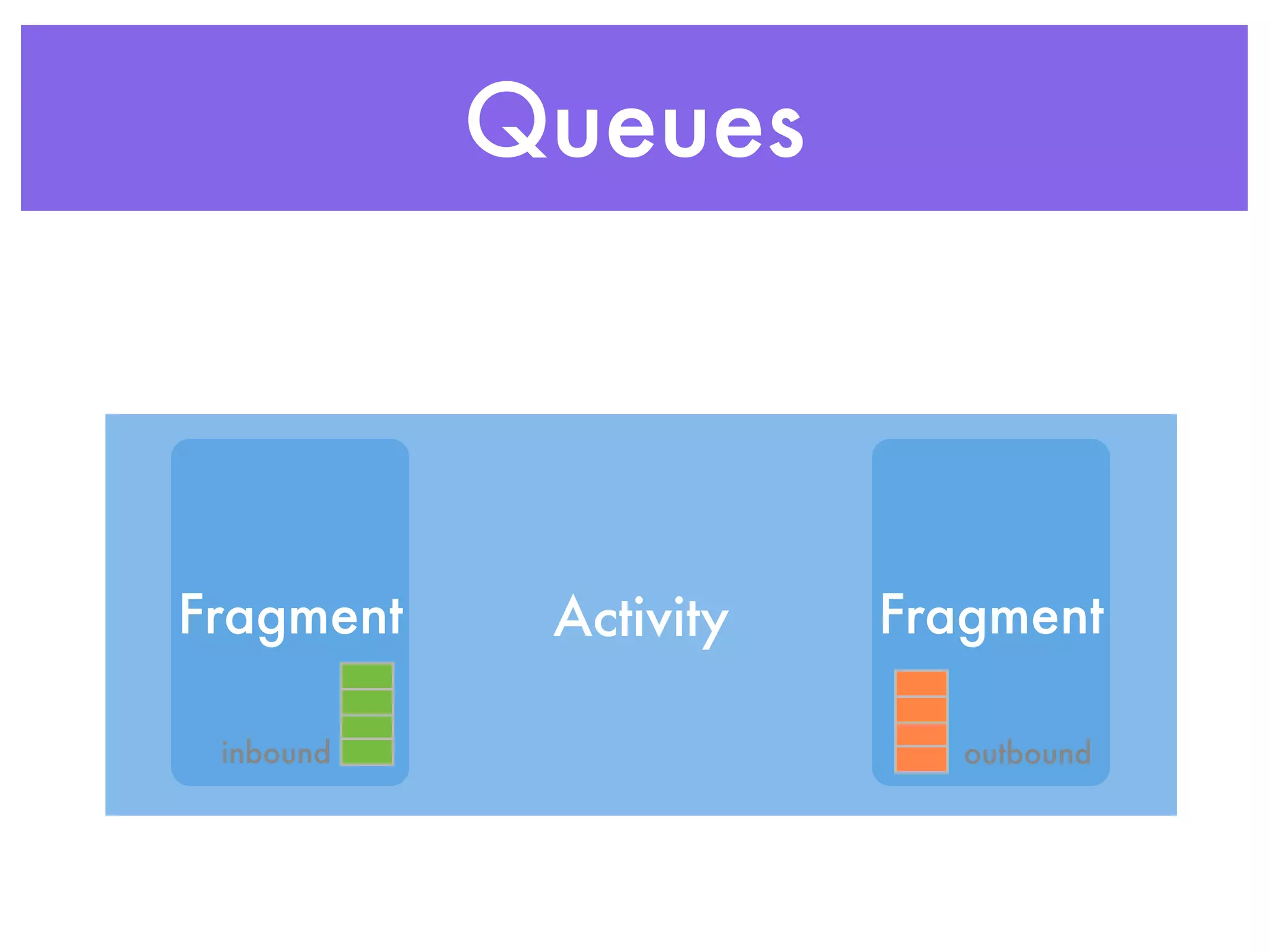
Queues


Fragment    Activity   Fragment

 inbound                  outbound
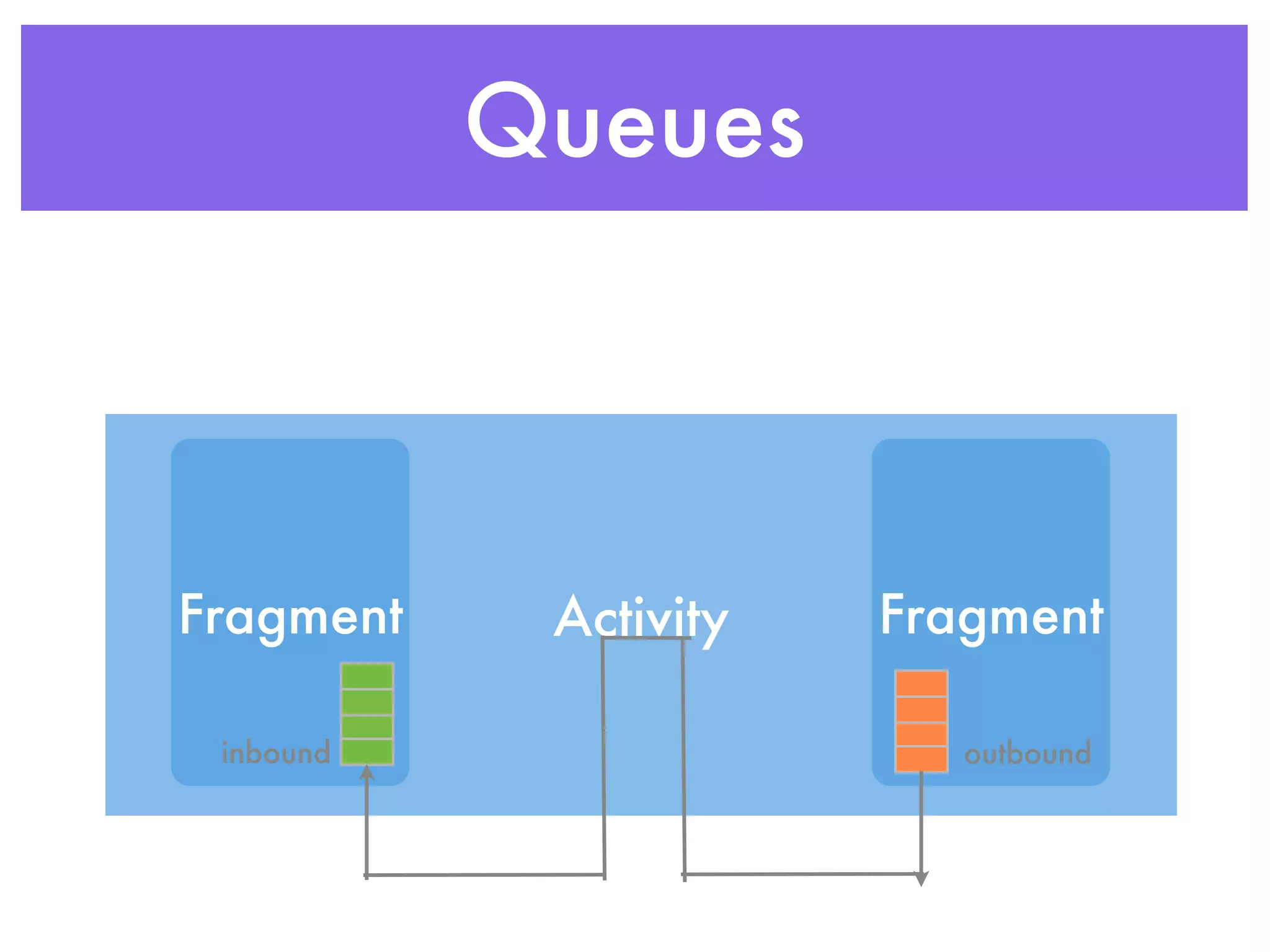
Queues


Fragment    Activity   Fragment

 inbound                  outbound
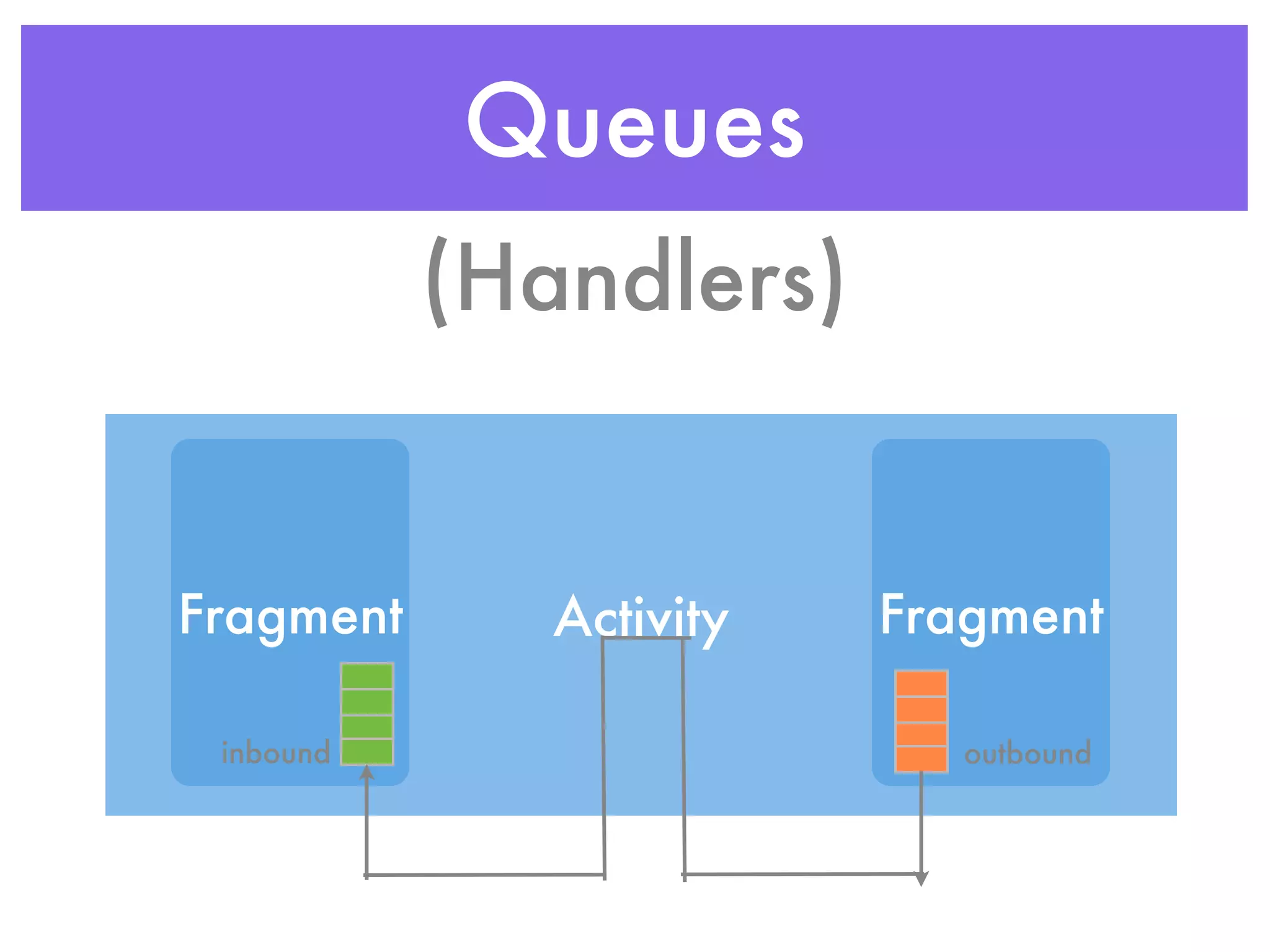
Queues
           (Handlers)


Fragment      Activity   Fragment

 inbound                    outbound
But I have to
  support
Android 2.1
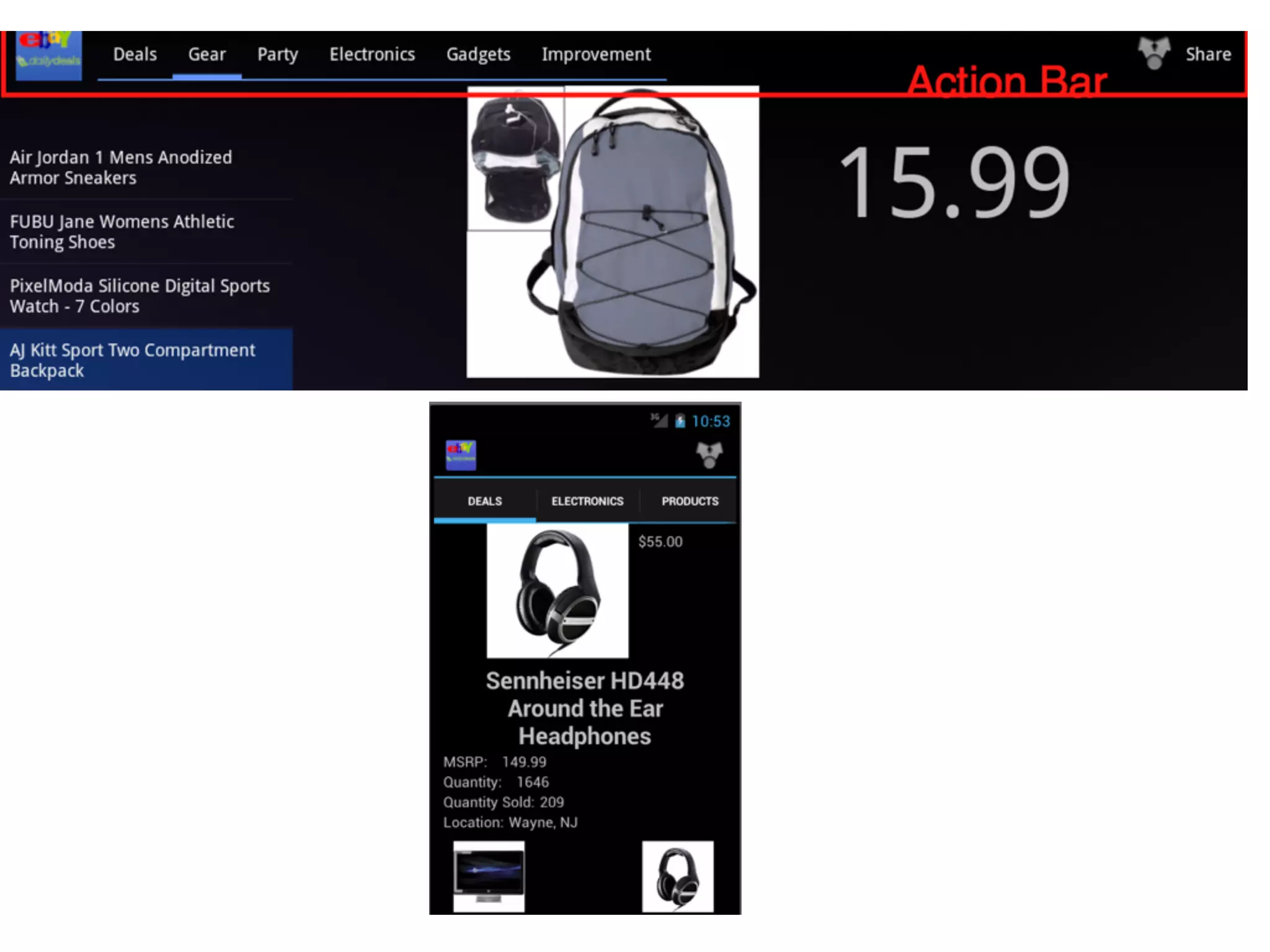
The Action Bar
ActionBar Essentials

• Replaces Menu
• Can be top & bottom in ICS
• Not available in Compatibility Package
 • Helper for menus -> ActionBar
Loaders
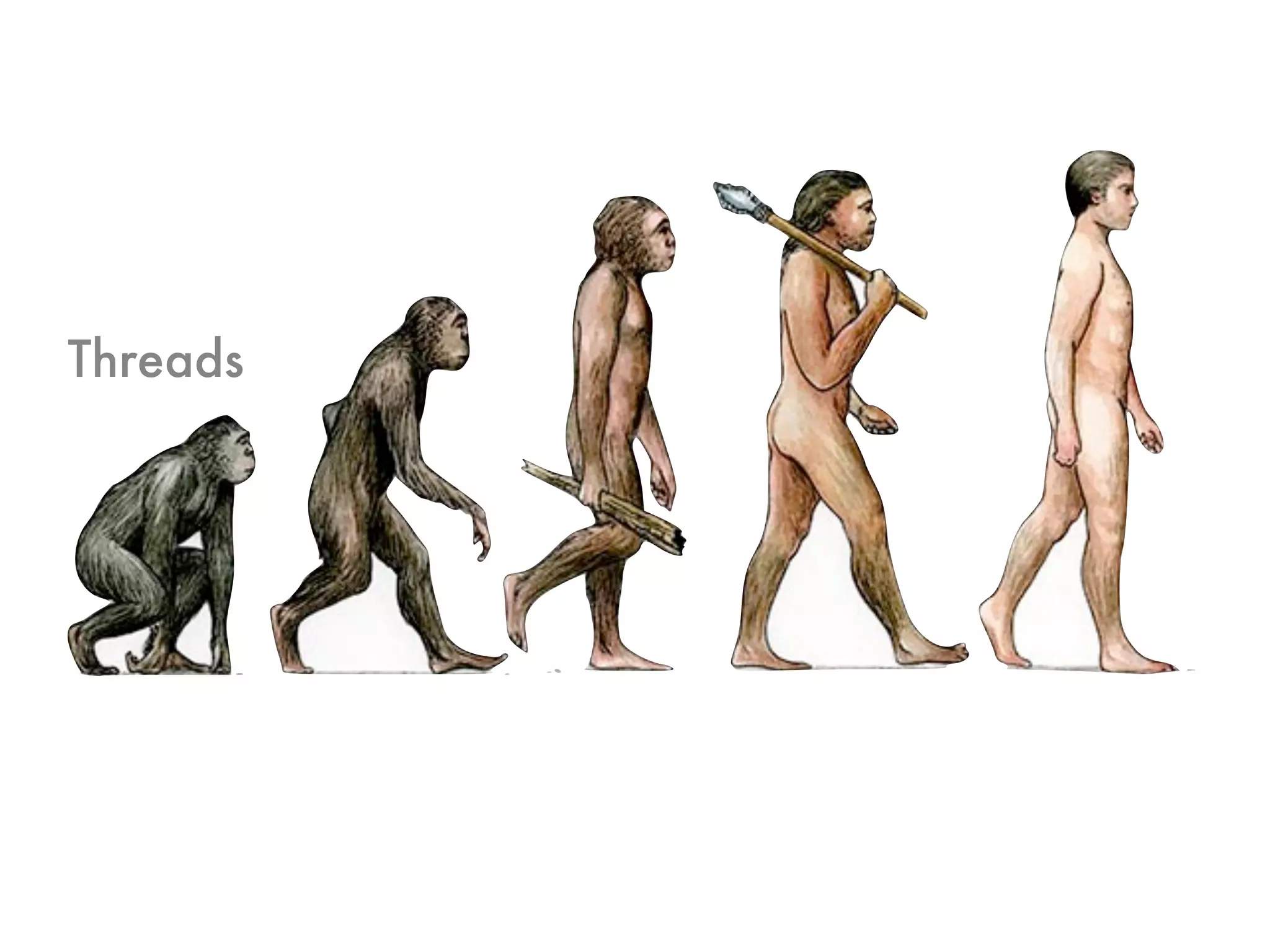
Threads
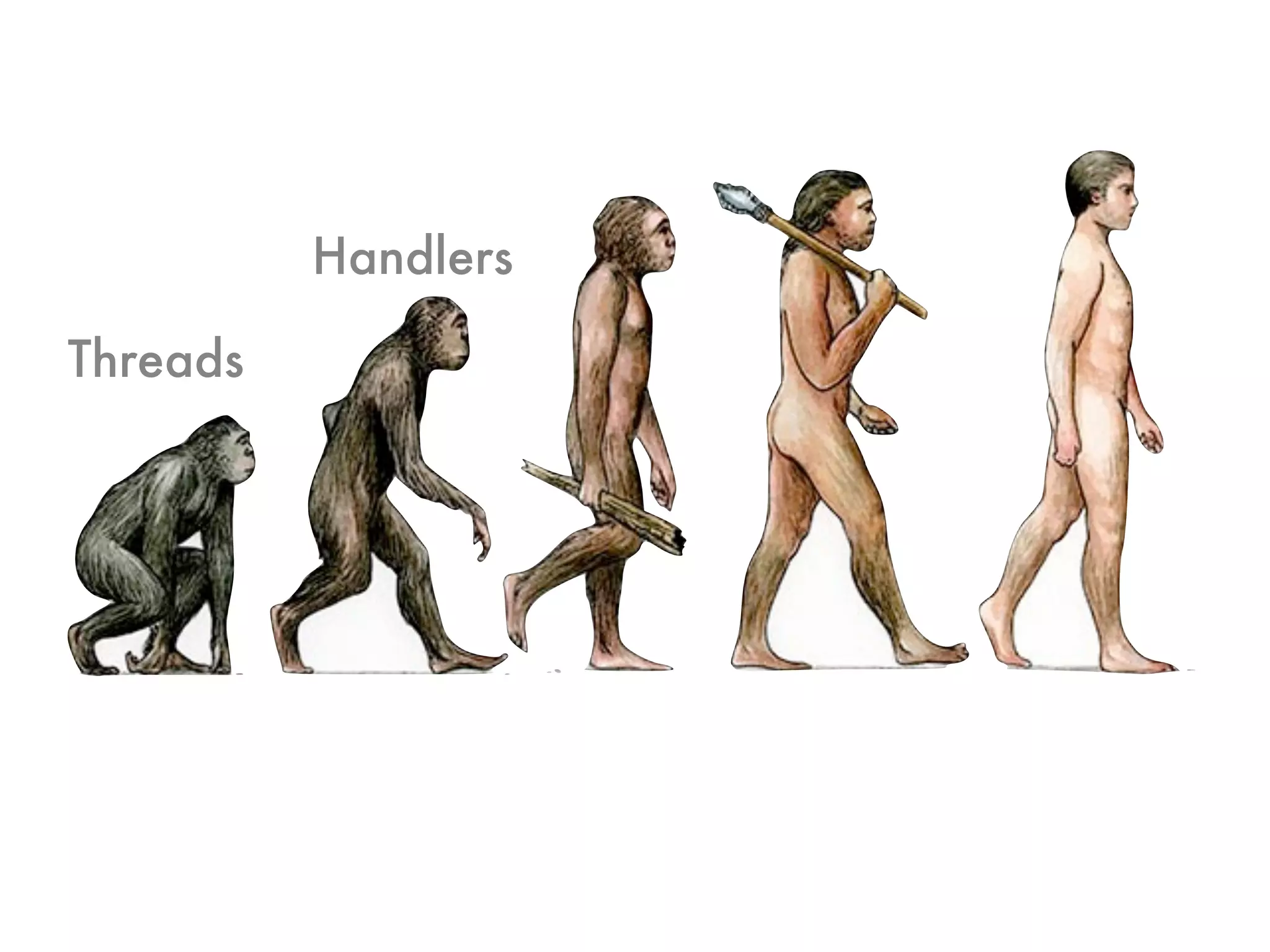
Handlers

Threads
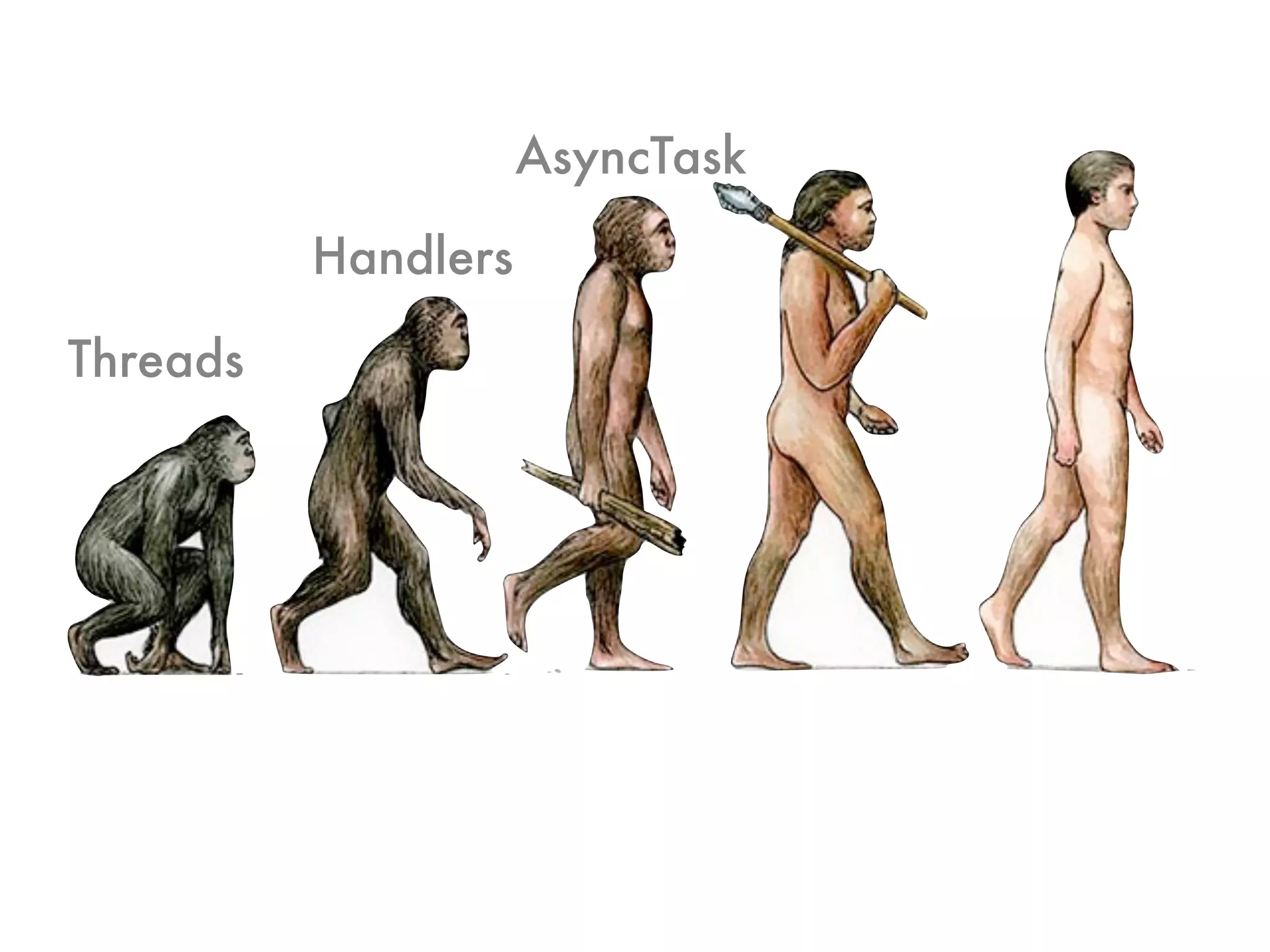
AsyncTask

          Handlers

Threads
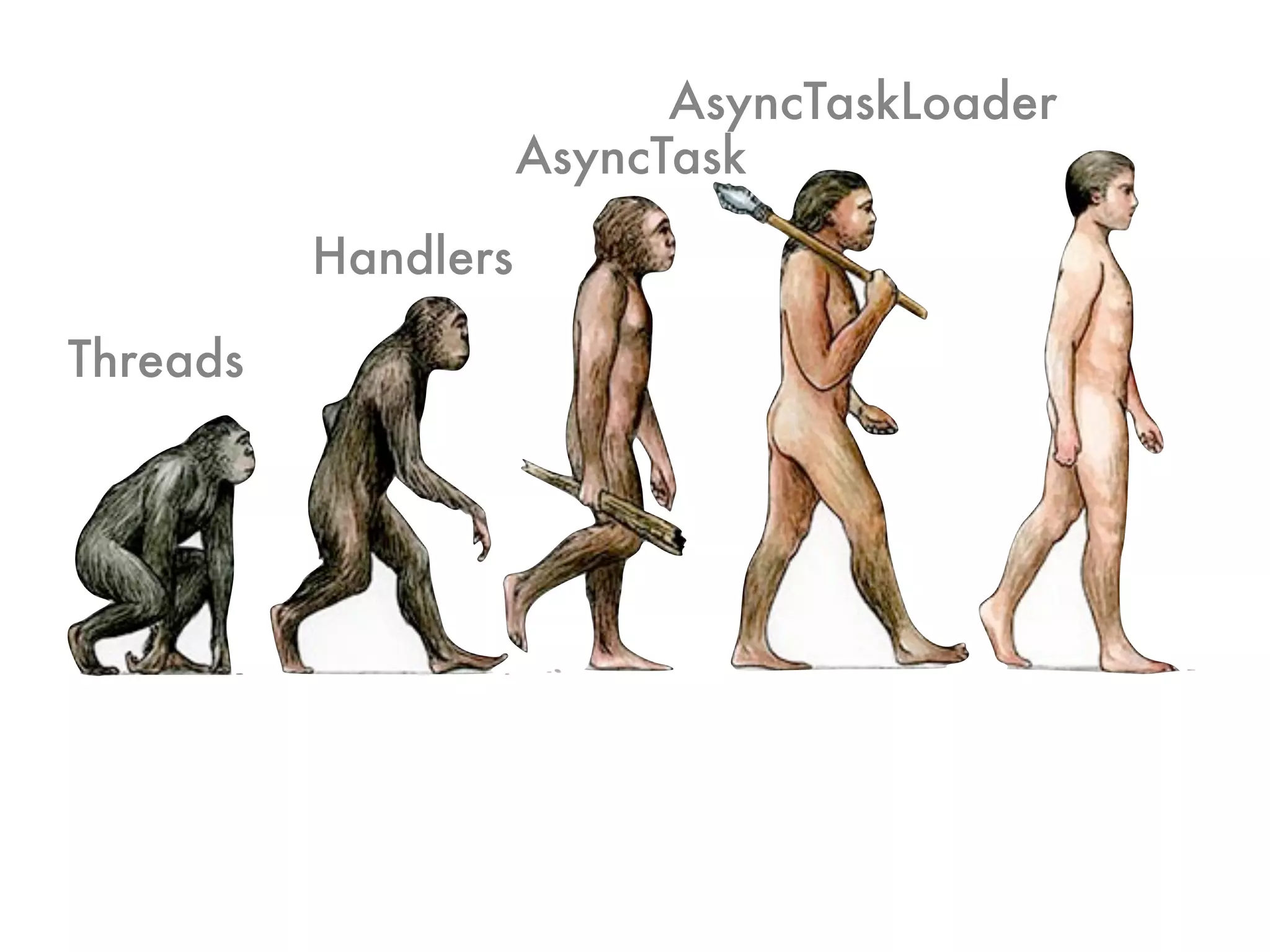
AsyncTaskLoader
                     AsyncTask

          Handlers

Threads
Why do I need Loaders?

 • Encapsulates
  • Loading of data
  • Caching of data
  • Updates to data
 • Cursors and Async
Eye Candy
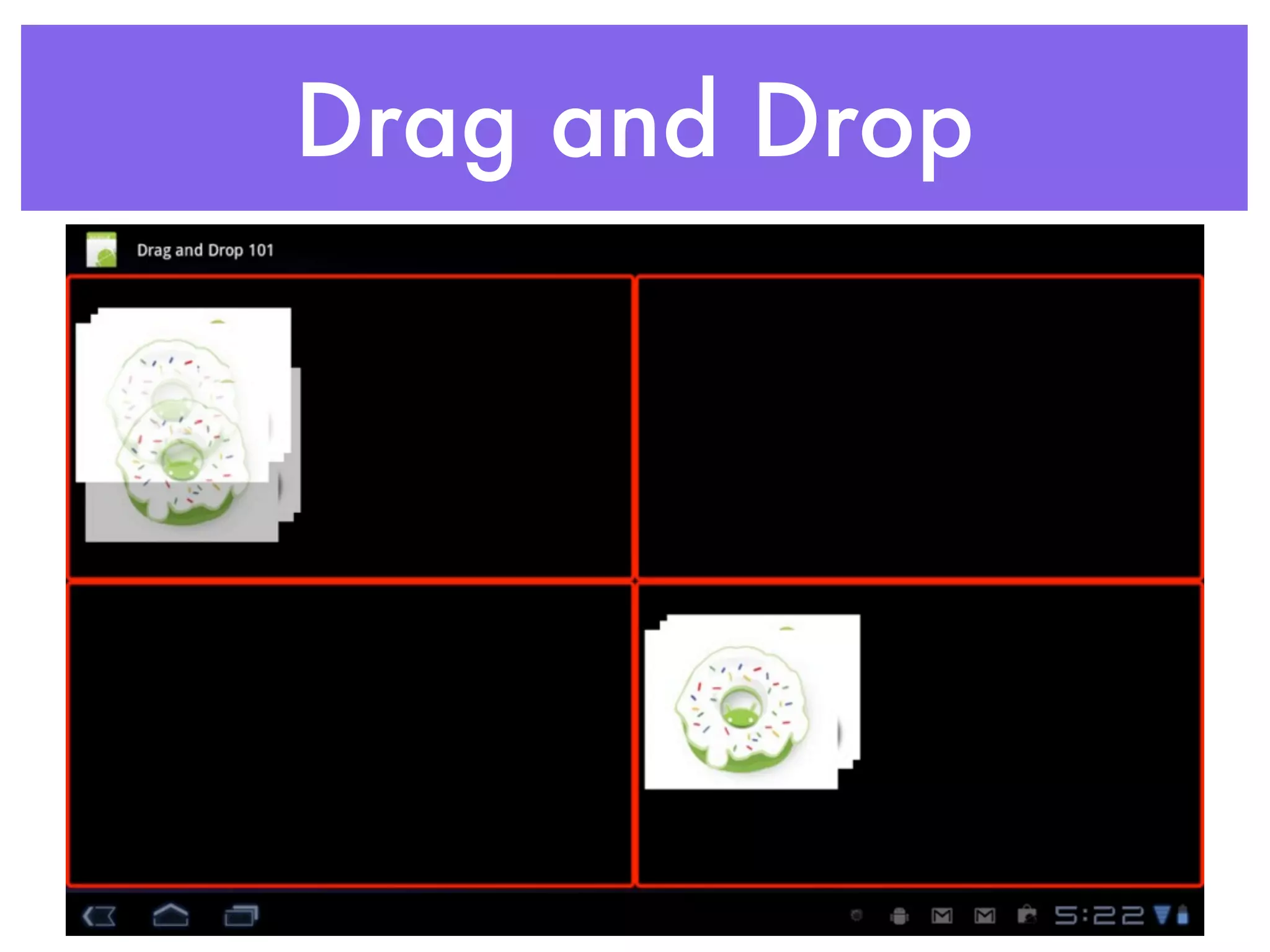
Drag and Drop
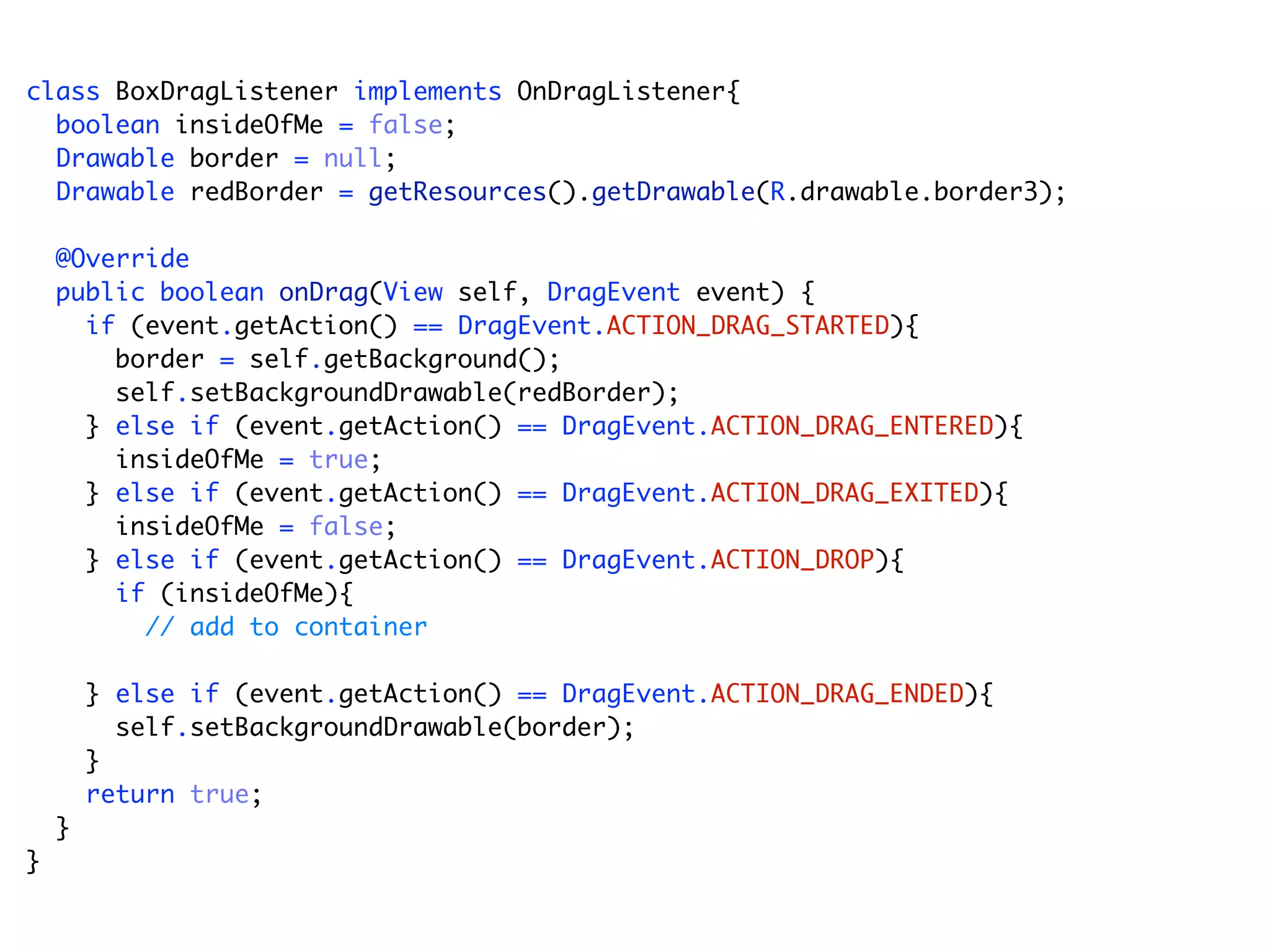
class BoxDragListener implements OnDragListener{
  boolean insideOfMe = false;
  Drawable border = null;
  Drawable redBorder = getResources().getDrawable(R.drawable.border3);

    @Override
    public boolean onDrag(View self, DragEvent event) {
      if (event.getAction() == DragEvent.ACTION_DRAG_STARTED){
        border = self.getBackground();
        self.setBackgroundDrawable(redBorder);
      } else if (event.getAction() == DragEvent.ACTION_DRAG_ENTERED){
        insideOfMe = true;
      } else if (event.getAction() == DragEvent.ACTION_DRAG_EXITED){
        insideOfMe = false;
      } else if (event.getAction() == DragEvent.ACTION_DROP){
        if (insideOfMe){
          // add to container

        } else if (event.getAction() == DragEvent.ACTION_DRAG_ENDED){
          self.setBackgroundDrawable(border);
        }
        return true;
    }
}
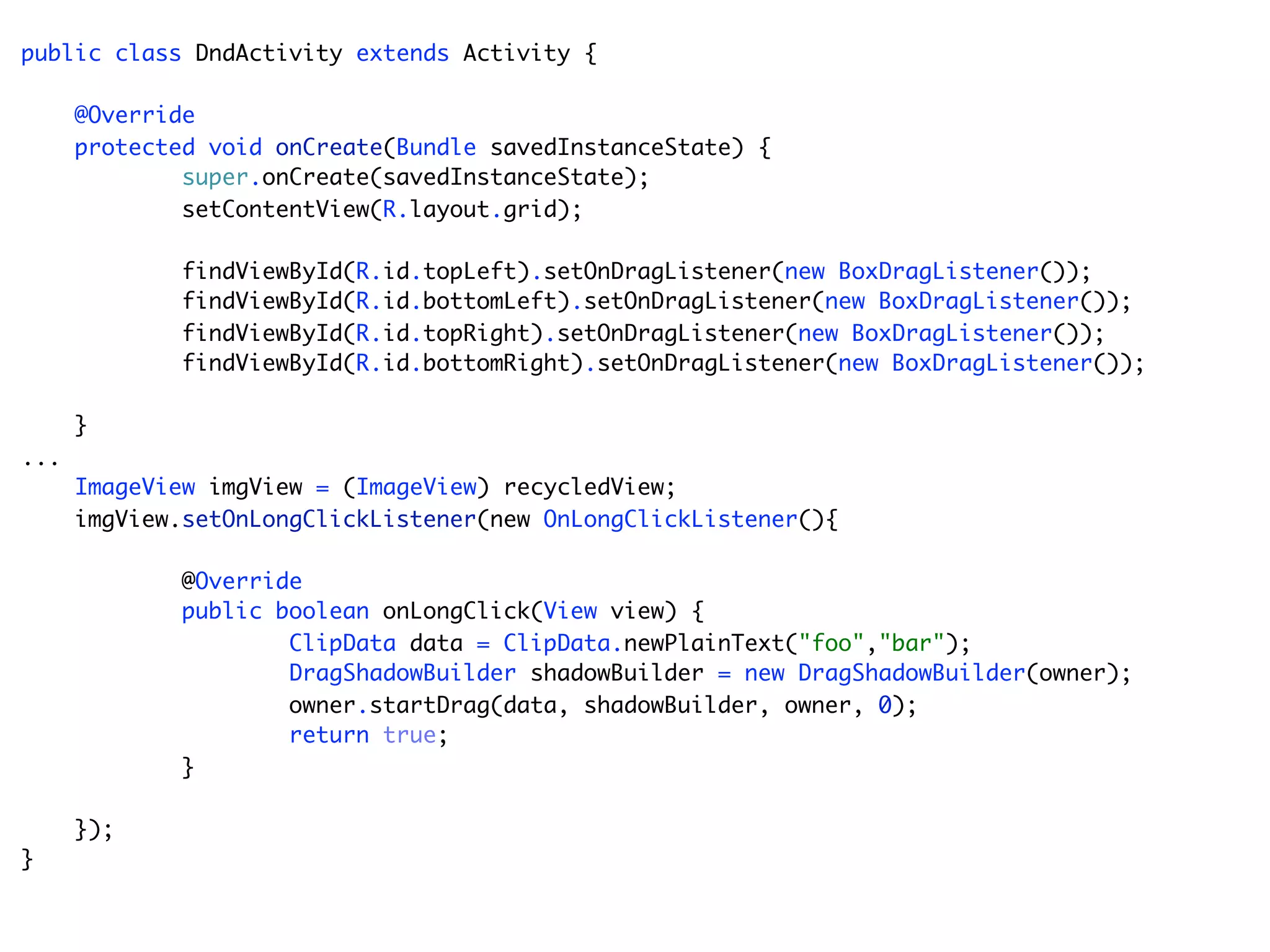
public class DndActivity extends Activity {

      @Override
      protected void onCreate(Bundle savedInstanceState) {
              super.onCreate(savedInstanceState);
              setContentView(R.layout.grid);

             findViewById(R.id.topLeft).setOnDragListener(new BoxDragListener());
             findViewById(R.id.bottomLeft).setOnDragListener(new BoxDragListener());
             findViewById(R.id.topRight).setOnDragListener(new BoxDragListener());
             findViewById(R.id.bottomRight).setOnDragListener(new BoxDragListener());

      }
...
      ImageView imgView = (ImageView) recycledView;
      imgView.setOnLongClickListener(new OnLongClickListener(){

             @Override
             public boolean onLongClick(View view) {
                     ClipData data = ClipData.newPlainText("foo","bar");
                     DragShadowBuilder shadowBuilder = new DragShadowBuilder(owner);
                     owner.startDrag(data, shadowBuilder, owner, 0);
                     return true;
             }

      });
}
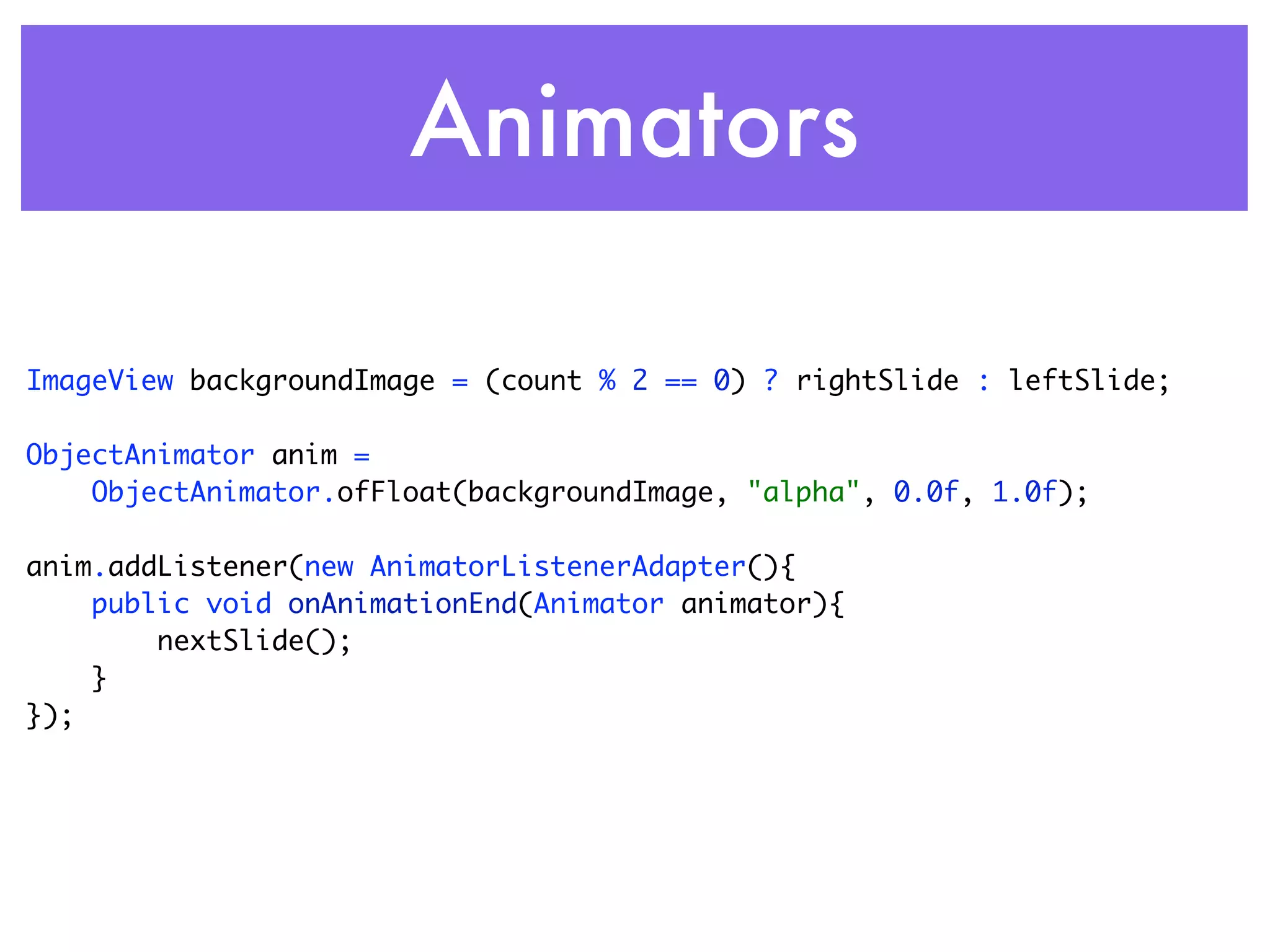
Animators

ImageView backgroundImage = (count % 2 == 0) ? rightSlide : leftSlide;

ObjectAnimator anim =
    ObjectAnimator.ofFloat(backgroundImage, "alpha", 0.0f, 1.0f);

anim.addListener(new AnimatorListenerAdapter(){
    public void onAnimationEnd(Animator animator){
        nextSlide();
    }
});
Design Patterns for Tablets and Smartphones

Design Patterns for Tablets and Smartphones

  • 1.
    Design Patterns for Tablets and Smartphones Michael Galpin, Bump Technologies
  • 2.
    About me • Apps! • Bump • eBay Mobile • Book! • Android in Practice • Chapter 15
  • 3.
    Agenda • Key Concepts • App Structure • Fragments • Goodies • Action Bar • Loaders • Eye Candy
  • 4.
    So you builtan app...
  • 5.
    One app ortwo? •Re-use code & assets •Simpler logic •Build on Market presence •New platform features
  • 6.
  • 7.
  • 8.
    Breakin’ it down App Tablet App Library
  • 9.
    What’s in aLibrary? • I/O: Networking, files, content • Data parsing • Models • Services, Receivers, Content Providers • Resources • Drawables, Strings
  • 10.
  • 14.
    <manifest xmlns:android="http://schemas.android.com/apk/res/android" package="com.manning.aip.tabdroid" android:versionCode="1" android:versionName="1.0"> <uses-sdk android:minSdkVersion="11" /> <supports-screens android:smallScreens="false" android:normalScreens="false" android:largeScreens="true" android:xlargeScreens="true" android:requiresSmallestWidthDp="500" />
  • 15.
    <manifest xmlns:android="http://schemas.android.com/apk/res/android" package="com.manning.aip.tabdroid" android:versionCode="1" android:versionName="1.0"> <uses-sdk android:minSdkVersion="11" /> <supports-screens android:smallScreens="false" android:normalScreens="false" android:largeScreens="true" API <= 12 android:xlargeScreens="true" android:requiresSmallestWidthDp="500" />
  • 16.
    <manifest xmlns:android="http://schemas.android.com/apk/res/android" package="com.manning.aip.tabdroid" android:versionCode="1" android:versionName="1.0"> <uses-sdk android:minSdkVersion="11" /> <supports-screens android:smallScreens="false" android:normalScreens="false" android:largeScreens="true" android:xlargeScreens="true" /> android:requiresSmallestWidthDp="500" API >= 13
  • 17.
    Not all tabletsare created equally
  • 18.
  • 20.
    Have your cakeand eat it too
  • 21.
    Multiple APKs App Tablet App Library
  • 22.
    Multiple APKs MyApp on the Market App Tablet App Library
  • 24.
  • 25.
    Stop me ifyou’ve heard this one
  • 27.
  • 28.
  • 30.
  • 31.
  • 32.
    <LinearLayout xmlns:android="http://schemas.android.com/apk/res/android" android:orientation="horizontal" android:layout_width="match_parent" android:layout_height="match_parent" android:id="@+id/details_container"> <fragment class="com.manning.aip.tabdroid.SectionDetailsFragment" android:id="@+id/section_list_fragment" android:visibility="gone" android:layout_marginTop="?android:attr/actionBarSize" android:layout_width="300dp" android:layout_height="match_parent" /> <fragment class="com.manning.aip.tabdroid.DealFragment" android:id="@+id/deal_fragment" android:layout_width="match_parent" android:layout_height="match_parent" /> </LinearLayout>
  • 33.
    <LinearLayout xmlns:android="http://schemas.android.com/apk/res/android" android:orientation="vertical" android:layout_width="match_parent" android:layout_height="match_parent" android:id="@+id/details_container" android:gravity="bottom"> <fragment class="com.manning.aip.tabdroid.DealFragment" android:id="@+id/deal_fragment" android:layout_marginTop="?android:attr/actionBarSize" android:layout_width="match_parent" android:layout_height="wrap_content" /> <fragment class="com.manning.aip.tabdroid.FilmstripFragment" android:id="@+id/section_filmstrip_fragment" android:visibility="gone" android:layout_width="match_parent" android:layout_height="300dp" android:layout_gravity="bottom"/> </LinearLayout>
  • 35.
    Fragments: Not justfor Tablets • “Smart” UI • Stateful • Mange data (state) • Communicates
  • 36.
  • 37.
    Communication & Coupling publicclass SectionDetailsFragment extends ListFragment { private void showDeal(int position){ app.currentItem = app.currentSection.items.get(position); DealFragment fragment = (DealFragment) getFragmentManager().findFragmentById(R.id.deal_fragment); fragment.showCurrentItem(); } @Override public void onListItemClick(ListView l, View v, int position, long id) { currentPosition = position; showDeal(position); } ... }
  • 38.
    Who knows you& who do you know? Fragment Activity Fragment
  • 39.
    Use an Observer publicclass SectionDetailsFragment extends ListFragment { OnItemSelectedListener listener; public static interface OnItemSelectedListener { public void onItemSelected(Item item); } public void setOnItemSelectedListener( OnItemSelectedListener listener){ this.listener = listener; } private void showDeal(int position){ app.currentItem = app.currentSection.items.get(position); listener.onItemSelected(app.currentItem); } ... }
  • 40.
    ...and Observe public classDealsMain extends Activity implements OnItemSelectedListener{ @Override public void onCreate(Bundle savedInstanceState) { super.onCreate(savedInstanceState); setContentView(R.layout.home); SectionDetailsFragment sectionFragment = (SectionDetailsFragment) getFragmentManager().findFragmentById(R.id.section_list_fragment); sectionFragment.setOnItemSelectedListener(this); } @Override public void onItemSelected(Item item) { DealFragment fragment = (DealFragment) getFragmentManager().findFragmentById(R.id.deal_fragment); fragment.showItem(item); } ... }
  • 41.
    Queues Fragment Activity Fragment inbound outbound
  • 42.
    Queues Fragment Activity Fragment inbound outbound
  • 43.
    Queues (Handlers) Fragment Activity Fragment inbound outbound
  • 44.
    But I haveto support Android 2.1
  • 48.
  • 52.
    ActionBar Essentials • ReplacesMenu • Can be top & bottom in ICS • Not available in Compatibility Package • Helper for menus -> ActionBar
  • 53.
  • 55.
  • 56.
  • 57.
    AsyncTask Handlers Threads
  • 58.
    AsyncTaskLoader AsyncTask Handlers Threads
  • 59.
    Why do Ineed Loaders? • Encapsulates • Loading of data • Caching of data • Updates to data • Cursors and Async
  • 60.
  • 61.
  • 62.
    class BoxDragListener implementsOnDragListener{ boolean insideOfMe = false; Drawable border = null; Drawable redBorder = getResources().getDrawable(R.drawable.border3); @Override public boolean onDrag(View self, DragEvent event) { if (event.getAction() == DragEvent.ACTION_DRAG_STARTED){ border = self.getBackground(); self.setBackgroundDrawable(redBorder); } else if (event.getAction() == DragEvent.ACTION_DRAG_ENTERED){ insideOfMe = true; } else if (event.getAction() == DragEvent.ACTION_DRAG_EXITED){ insideOfMe = false; } else if (event.getAction() == DragEvent.ACTION_DROP){ if (insideOfMe){ // add to container } else if (event.getAction() == DragEvent.ACTION_DRAG_ENDED){ self.setBackgroundDrawable(border); } return true; } }
  • 63.
    public class DndActivityextends Activity { @Override protected void onCreate(Bundle savedInstanceState) { super.onCreate(savedInstanceState); setContentView(R.layout.grid); findViewById(R.id.topLeft).setOnDragListener(new BoxDragListener()); findViewById(R.id.bottomLeft).setOnDragListener(new BoxDragListener()); findViewById(R.id.topRight).setOnDragListener(new BoxDragListener()); findViewById(R.id.bottomRight).setOnDragListener(new BoxDragListener()); } ... ImageView imgView = (ImageView) recycledView; imgView.setOnLongClickListener(new OnLongClickListener(){ @Override public boolean onLongClick(View view) { ClipData data = ClipData.newPlainText("foo","bar"); DragShadowBuilder shadowBuilder = new DragShadowBuilder(owner); owner.startDrag(data, shadowBuilder, owner, 0); return true; } }); }
  • 64.
    Animators ImageView backgroundImage =(count % 2 == 0) ? rightSlide : leftSlide; ObjectAnimator anim = ObjectAnimator.ofFloat(backgroundImage, "alpha", 0.0f, 1.0f); anim.addListener(new AnimatorListenerAdapter(){ public void onAnimationEnd(Animator animator){ nextSlide(); } });