Deploy your app to Kubernetes in 3 steps
WHY GKE?
Google Container Engine is a powerful cluster manager and orchestration
system for running your Docker containers built on Kubernetes.
WHY CODEFRESH?
We’ve setup a deep integration with Google Container
Engine that enables to create streamlined deployment to
Kubernetes as part of a CI/CD pipeline.
WHAT WILL YOU DO?
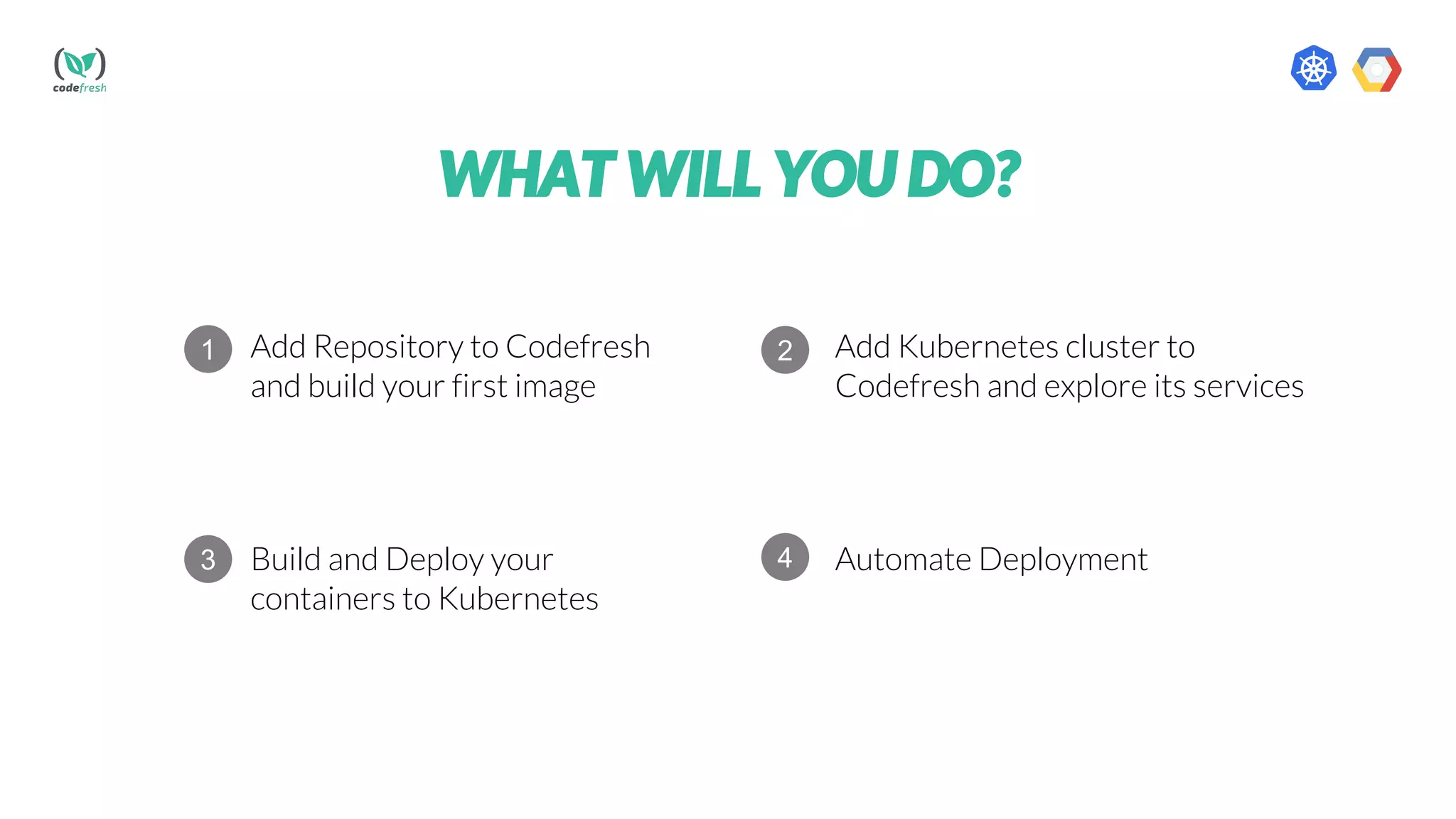
Add Repository to Codefresh
and build your first image
Add Kubernetes cluster to
Codefresh and explore its services
Build and Deploy your
containers to Kubernetes
Automate Deployment
1 2
3 4
Get started with
Codefresh and build a
docker image
WHAT WILL YOU NEED?
Create Kubernetes
cluster on Google
cloud platform
1 2
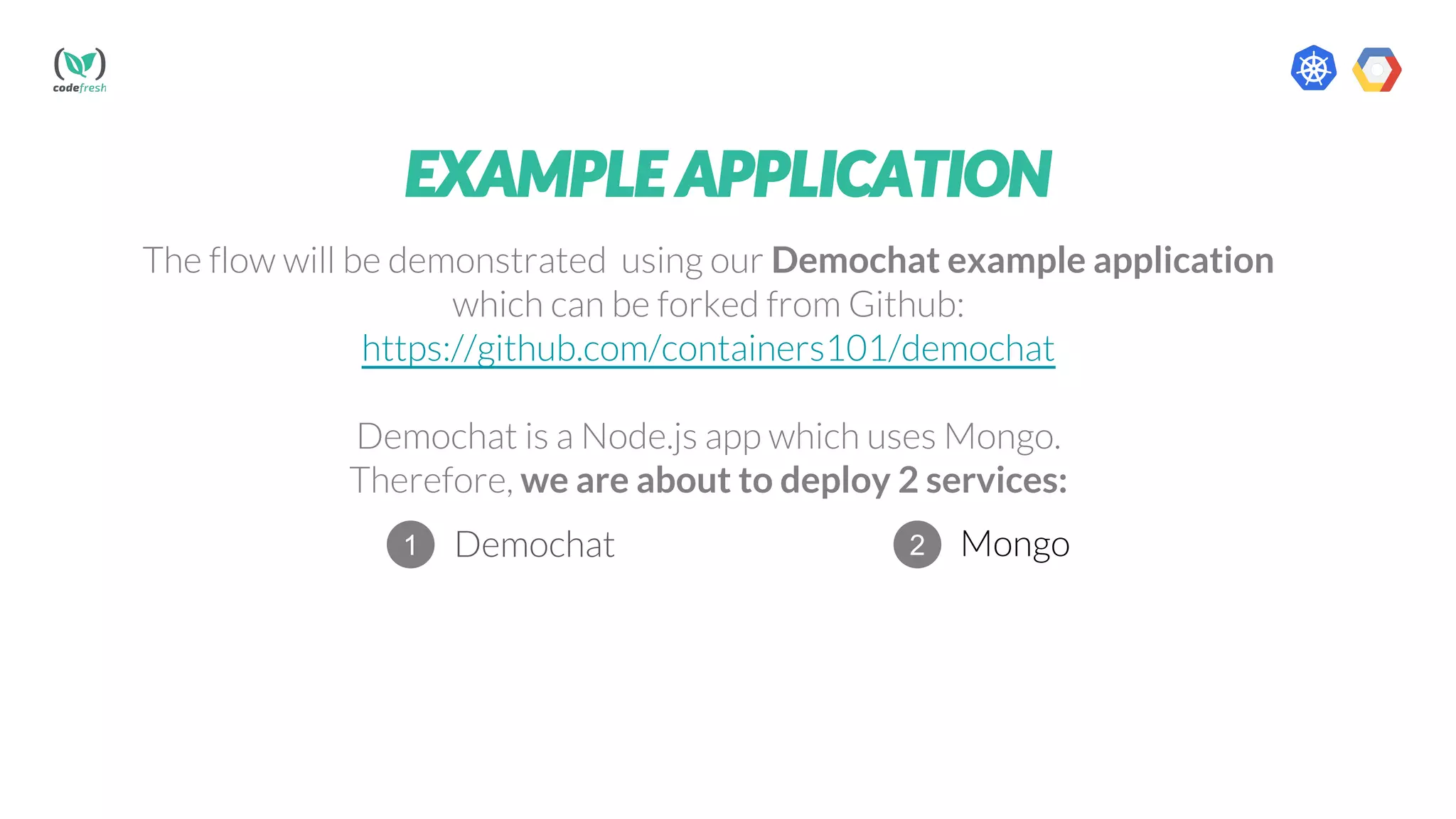
EXAMPLE APPLICATION
The flow will be demonstrated using our Demochat example application
which can be forked from Github:
https://github.com/containers101/demochat
Demochat is a Node.js app which uses Mongo.
Therefore, we are about to deploy 2 services:
Demochat Mongo1 2
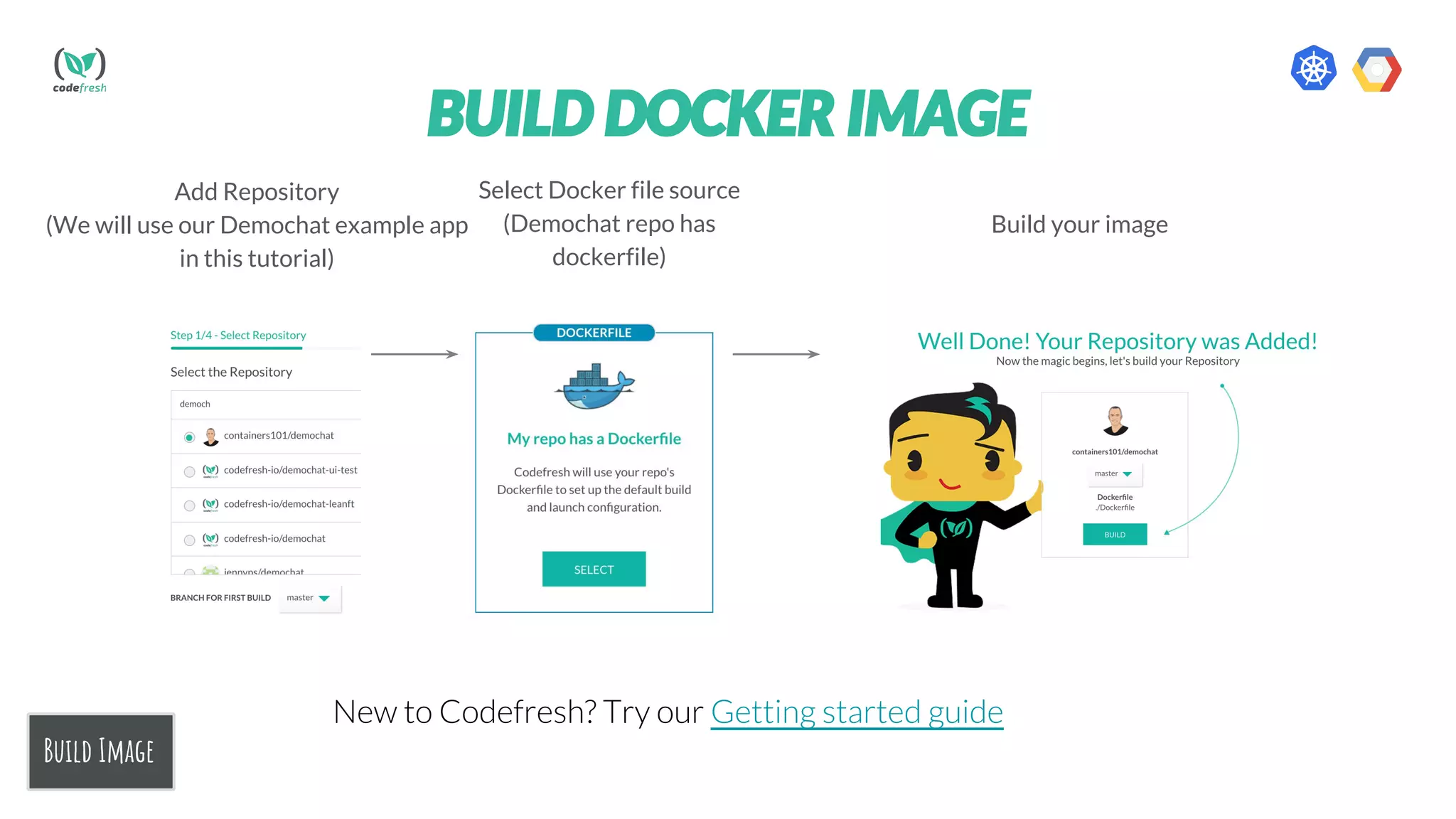
Add Repository
(We will use our Demochat example app
in this tutorial)
Select Docker file source
(Demochat repo has
dockerfile)
Build your image
Build Image
BUILD DOCKER IMAGE
New to Codefresh? Try our Getting started guide
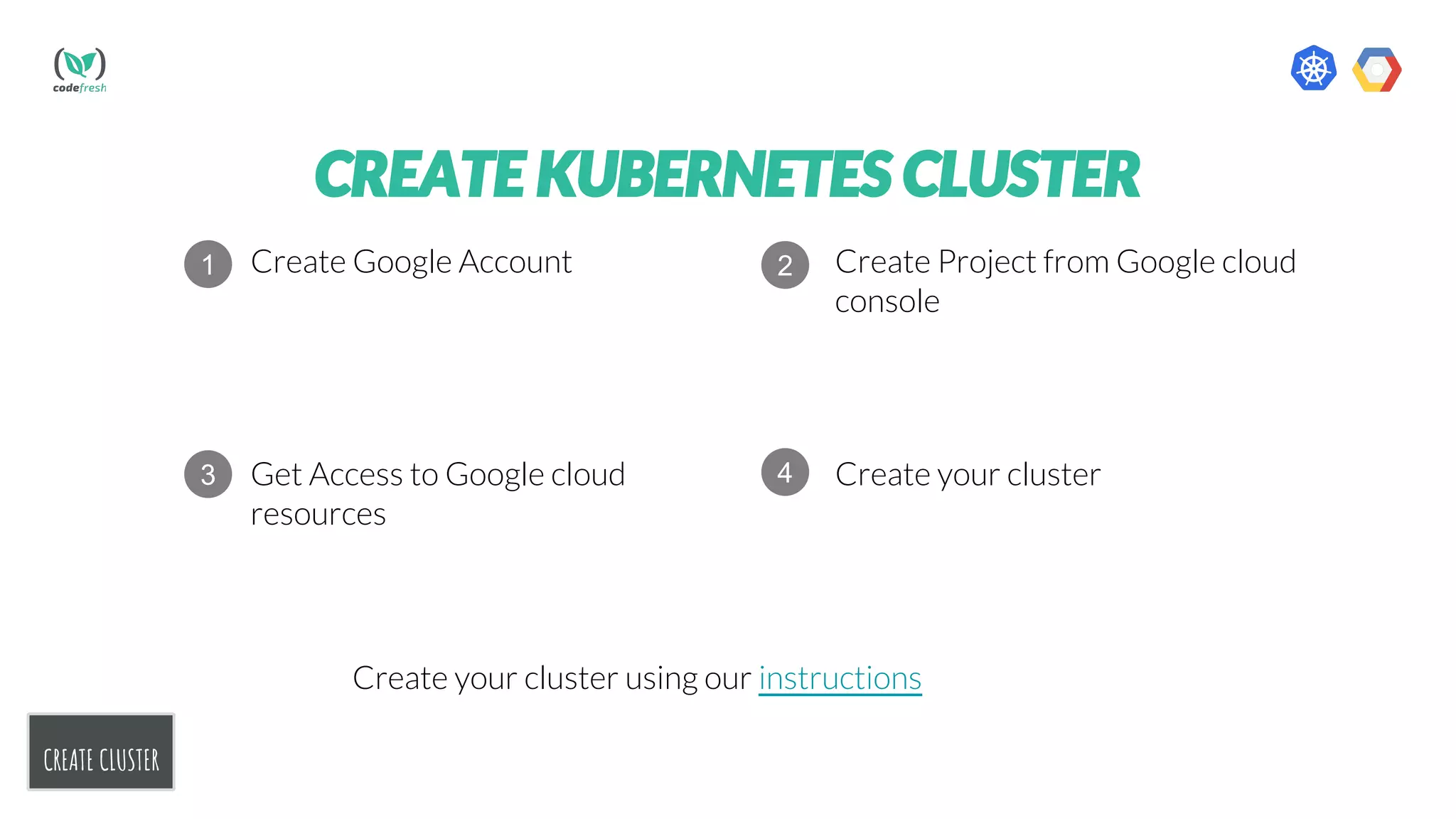
CREATE CLUSTER
CREATE KUBERNETES CLUSTER
Create Google Account Create Project from Google cloud
console
Get Access to Google cloud
resources
Create your cluster
1 2
3 4
Create your cluster using our instructions
CONGRATS
You are ready to go!
STEP 1
Add cluster
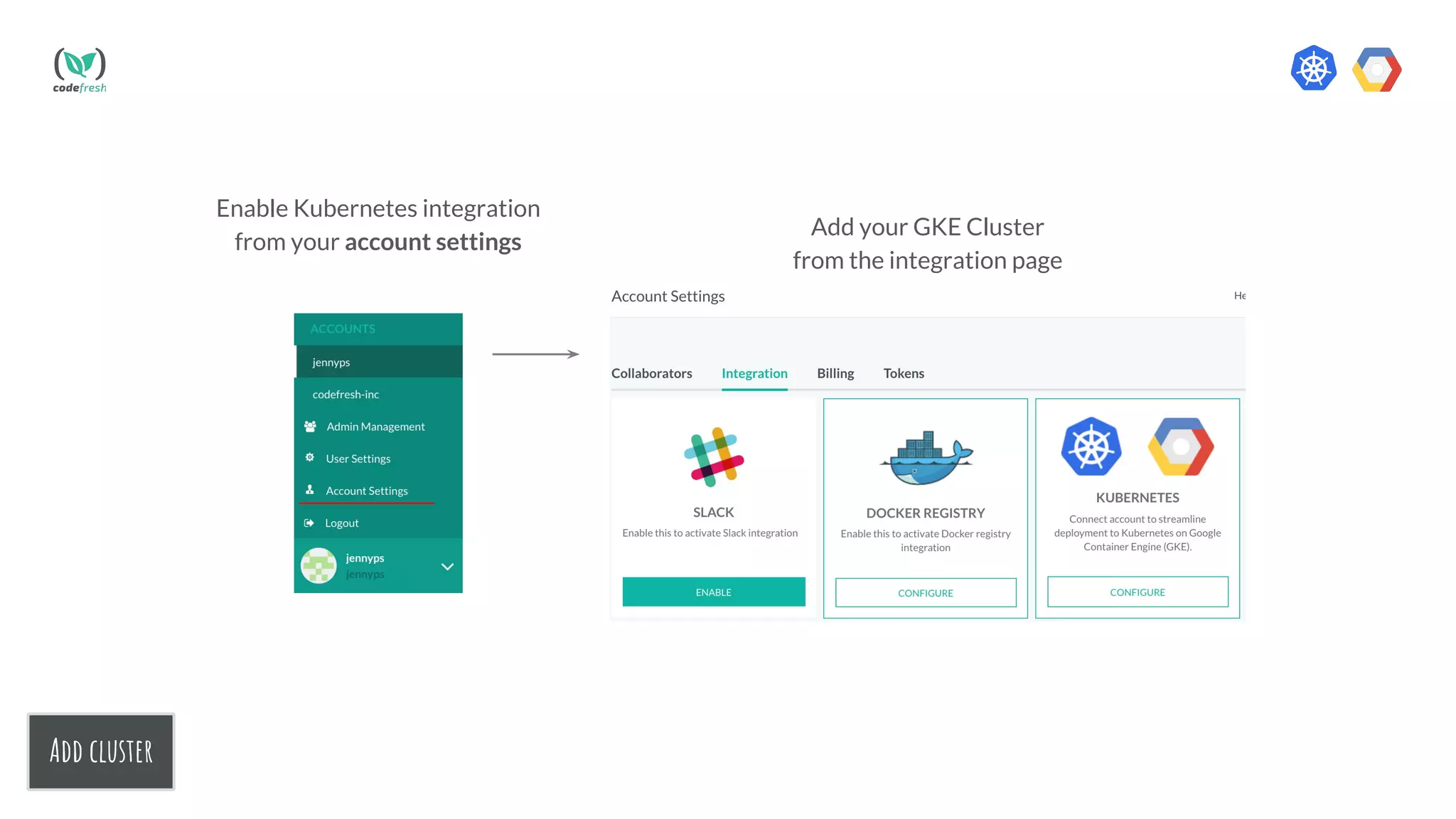
Enable Kubernetes integration
from your account settings
Add your GKE Cluster
from the integration page
Add cluster
STEP 2
DEPLOY
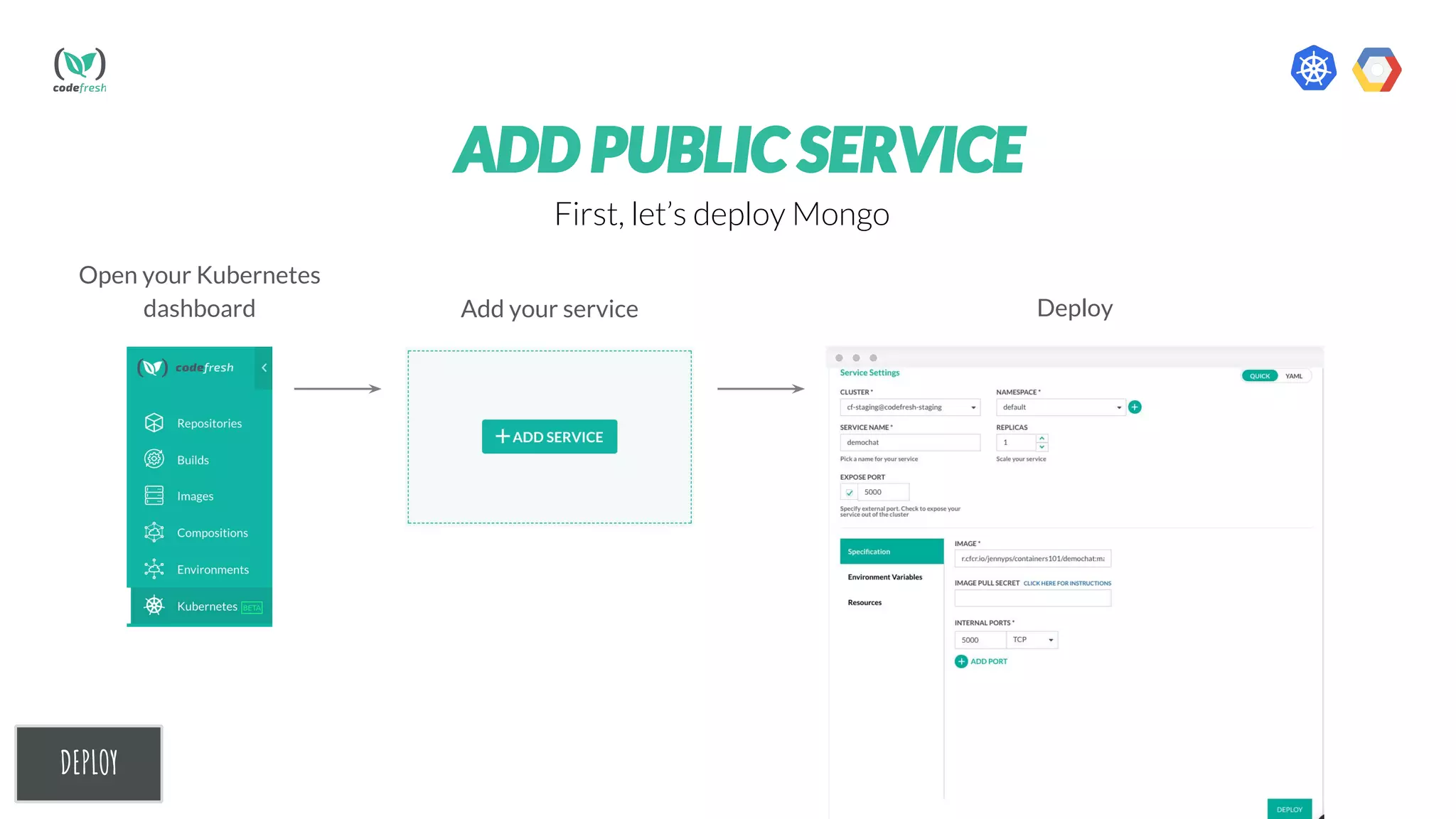
Open your Kubernetes
dashboard Add your service
DEPLOY
Deploy
ADD PUBLIC SERVICE
First, let’s deploy Mongo
DEPLOY
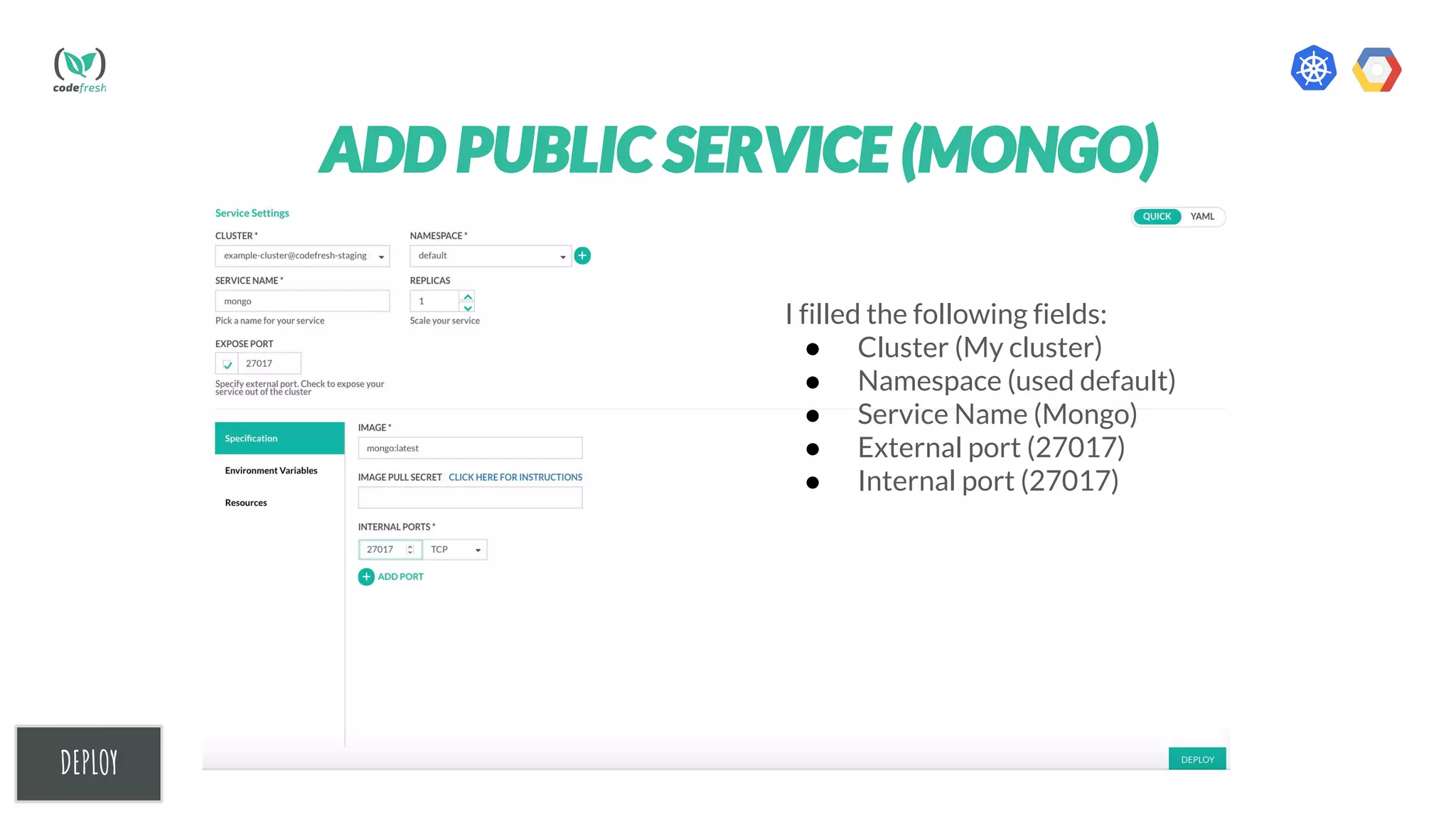
ADD PUBLIC SERVICE (MONGO)
I filled the following fields:
● Cluster (My cluster)
● Namespace (used default)
● Service Name (Mongo)
● External port (27017)
● Internal port (27017)
DEPLOY
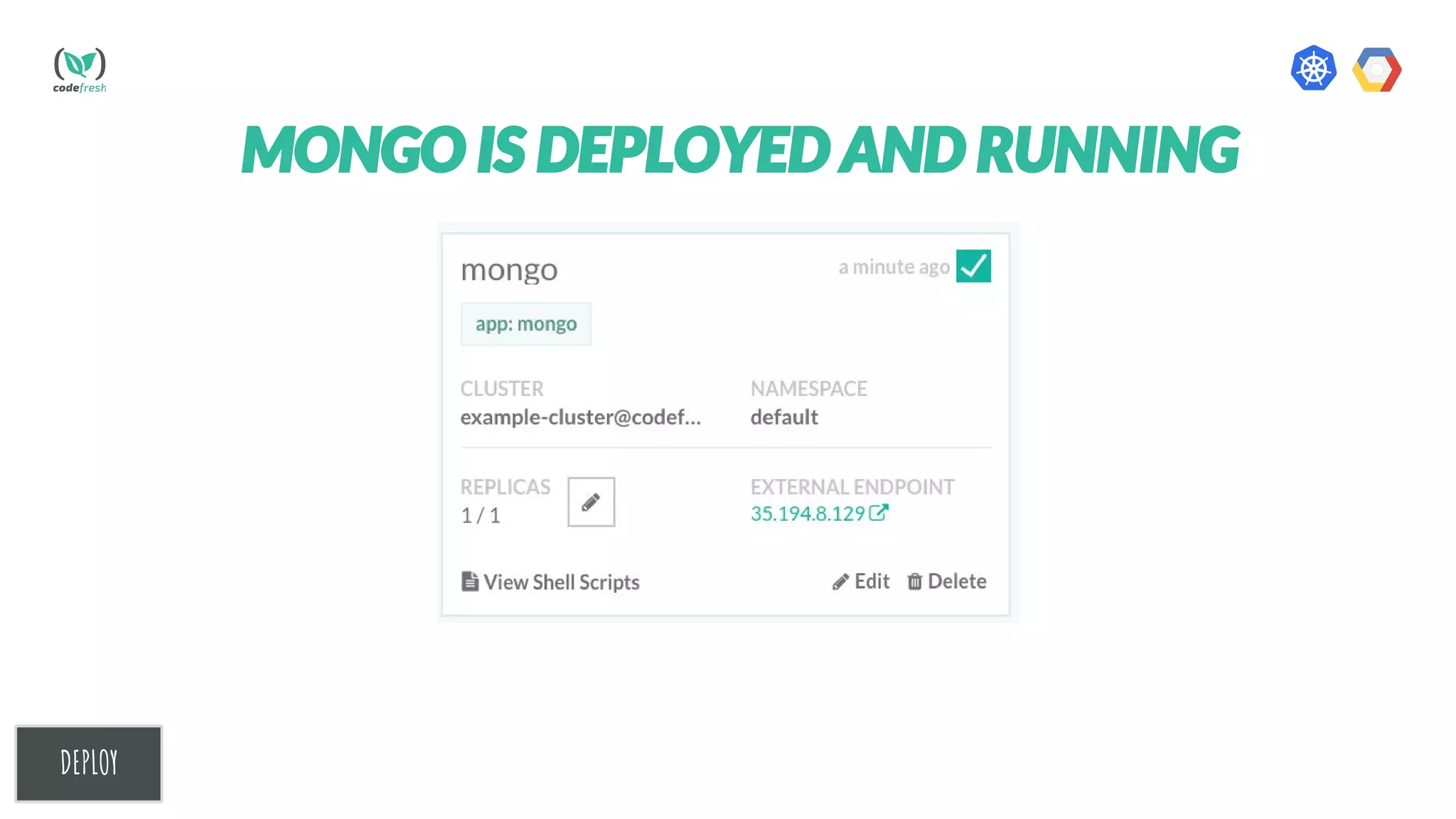
MONGO IS DEPLOYED AND RUNNING
DEPLOY
ADD PRIVATE SERVICE
Now, Let’s deploy our freshly built Demochat image.
We will do the same steps as in the public image with one addition - we
will add Image pull secret.
Learn how to create image pull secret here
DEPLOY
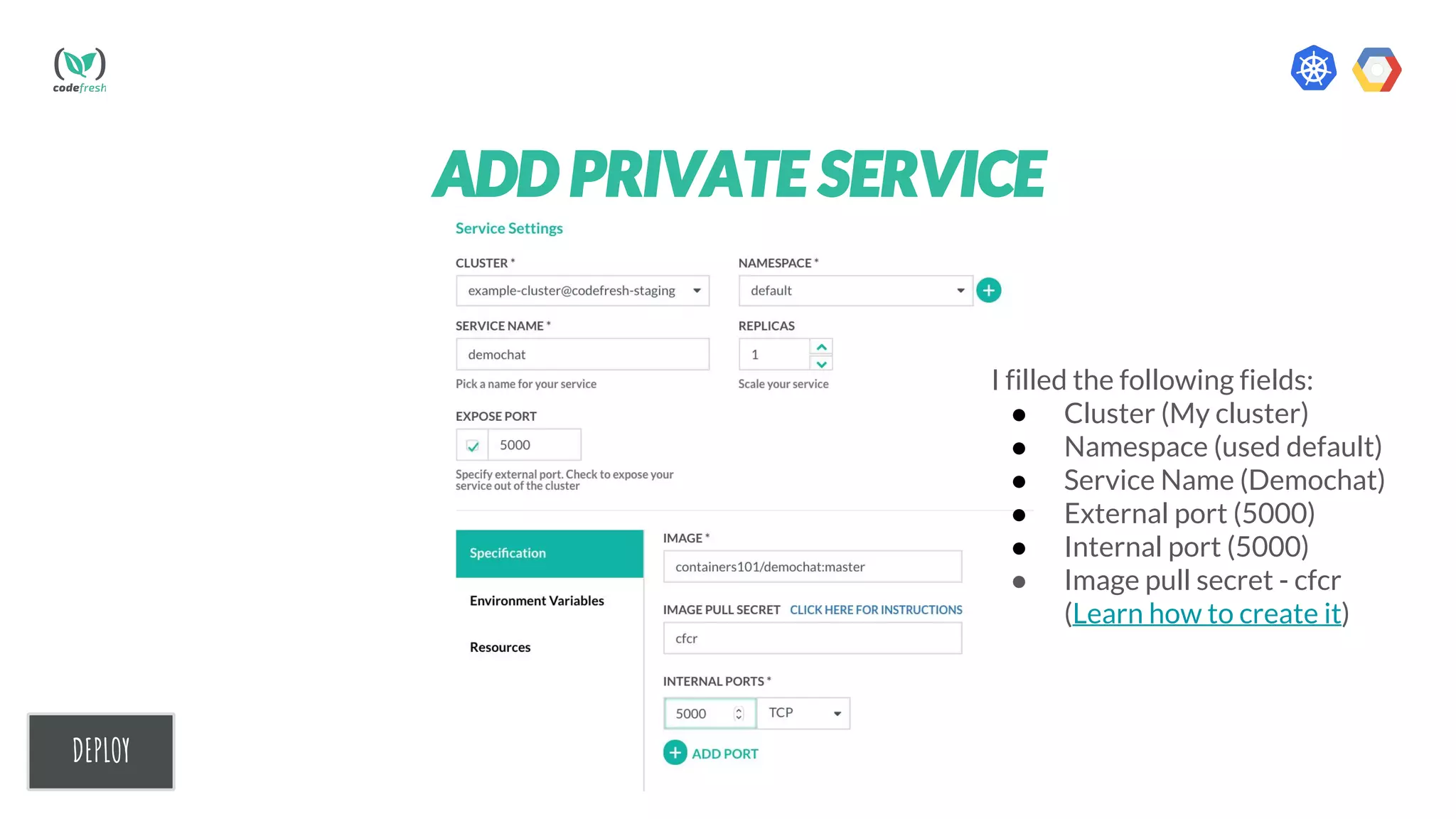
ADD PRIVATE SERVICE
I filled the following fields:
● Cluster (My cluster)
● Namespace (used default)
● Service Name (Demochat)
● External port (5000)
● Internal port (5000)
● Image pull secret - cfcr
(Learn how to create it)
DEPLOY
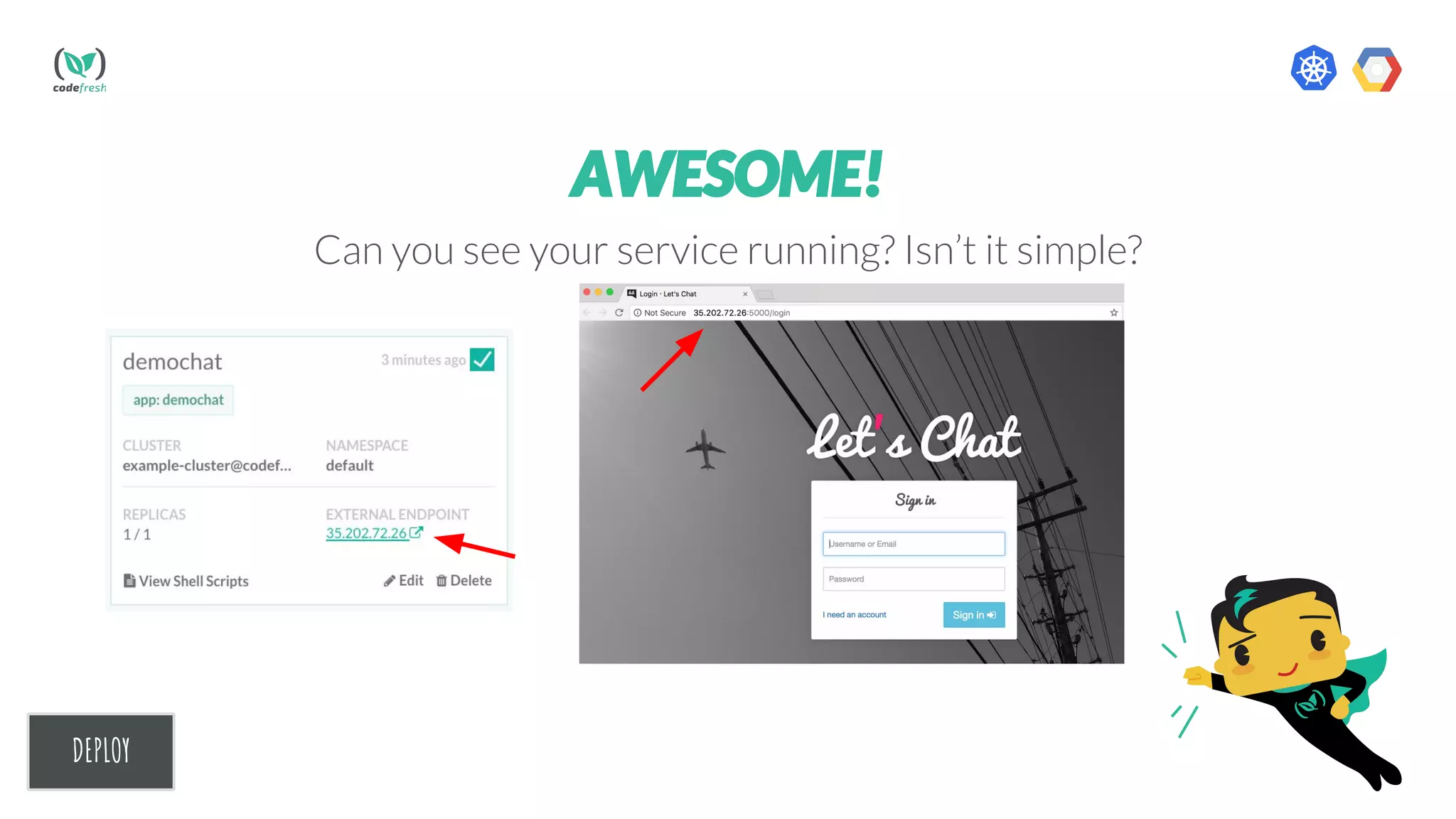
AWESOME!
Can you see your service running? Isn’t it simple?
STEP 3
automate
Automate
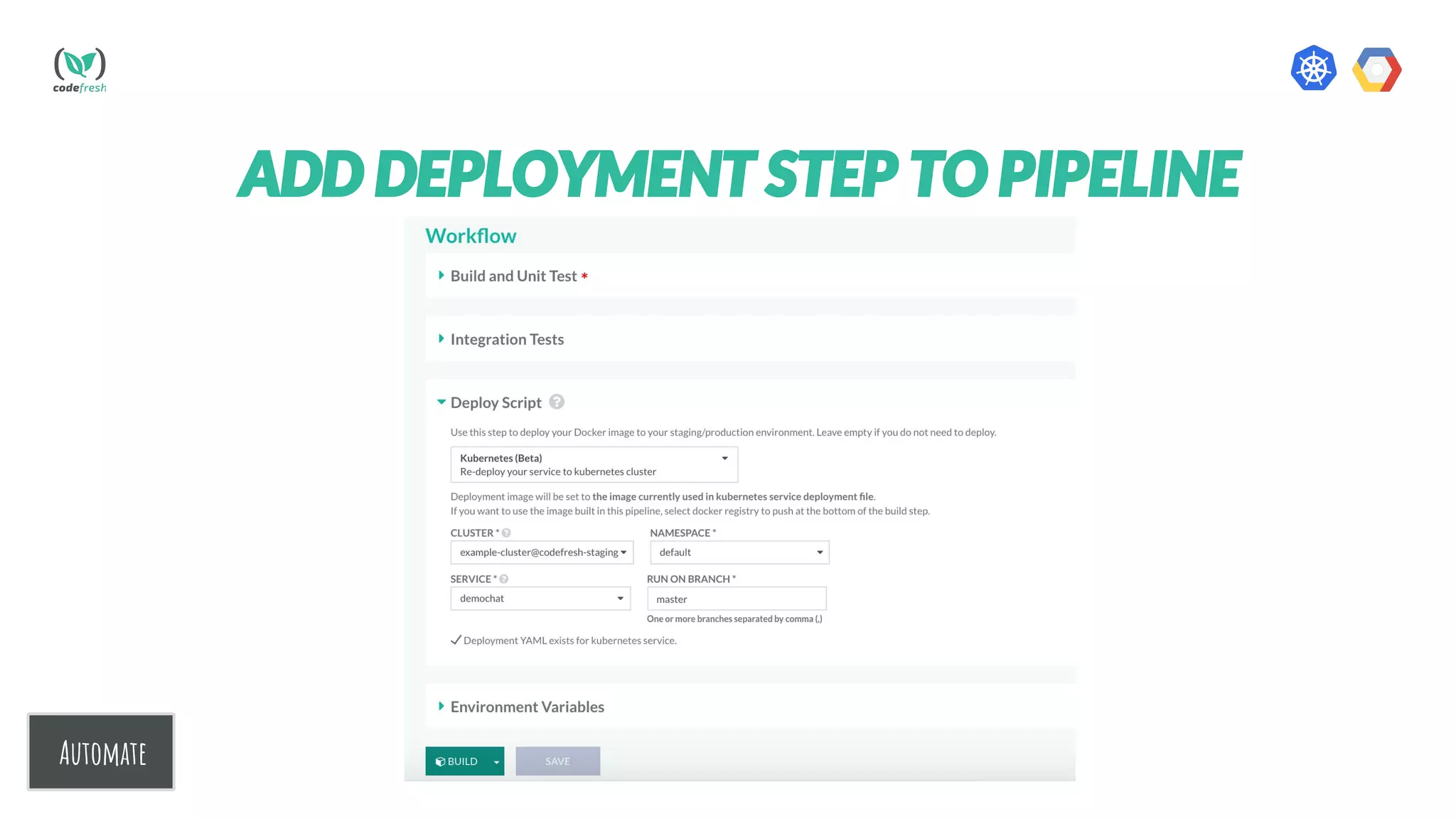
ADD DEPLOYMENT STEP TO PIPELINE
.
Automate
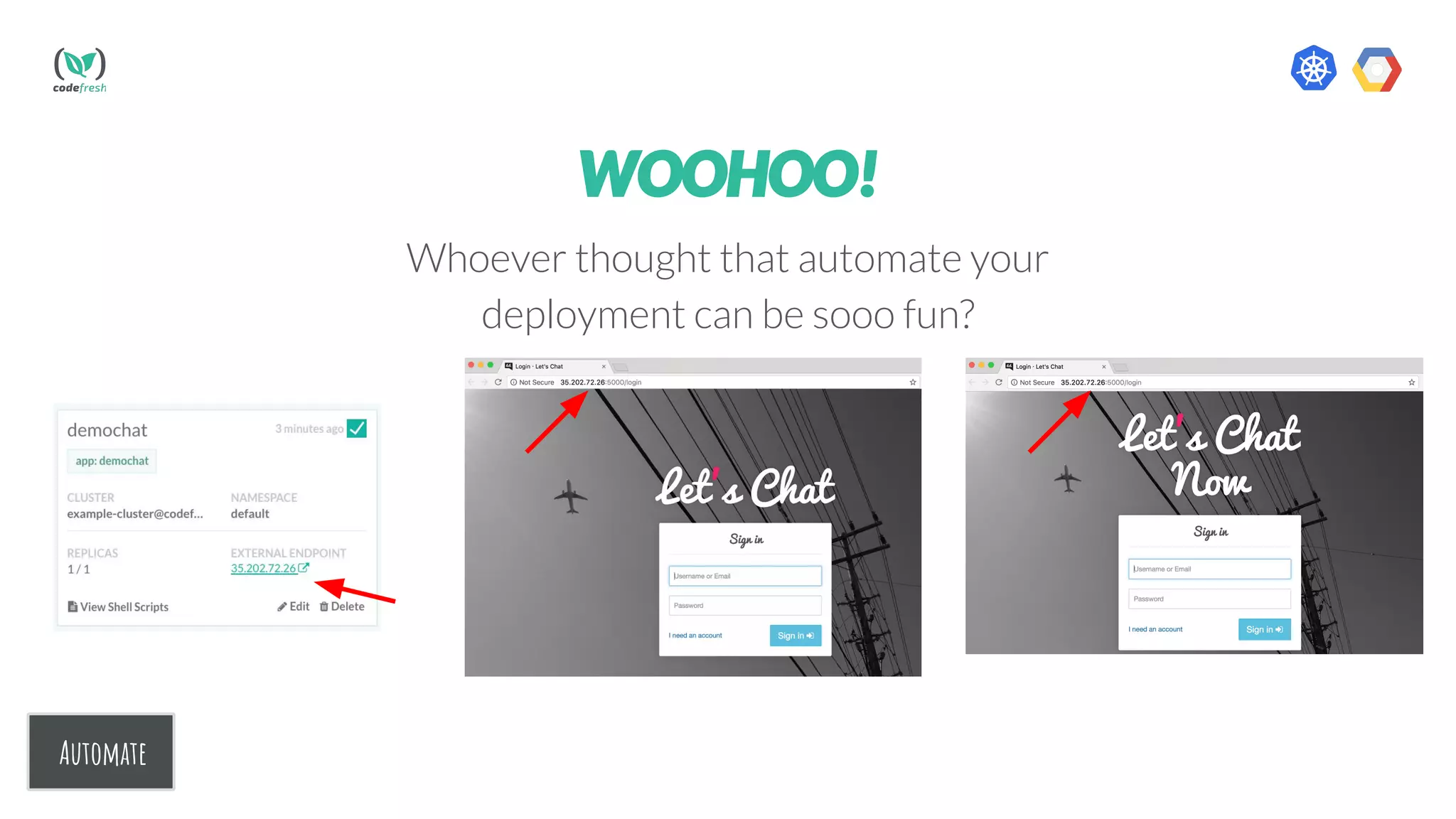
WOOHOO!
Whoever thought that automate your
deployment can be sooo fun?
NOW YOU CAN
Build and Deploy your
containers to Kubernetes
Automate Deployment1 2
CONGRATULATIONS!
This Certificate of
Kubernetes Deployment
is presented to:
YOUR-NAME
By Superfresh
Deploy With Codefresh to Kubernetes in 3 steps

Deploy With Codefresh to Kubernetes in 3 steps