
Debugging Tools
in Web Browsers

         Presented by Sarah Dutkiewicz
          sarah@cletechconsulting.com
         Cleveland Tech Consulting, LLC
Agenda

   Problems that need debugging
   Using browsers and their (mostly) built-in tools to solve the problems
   Other tools for cross-browser testing
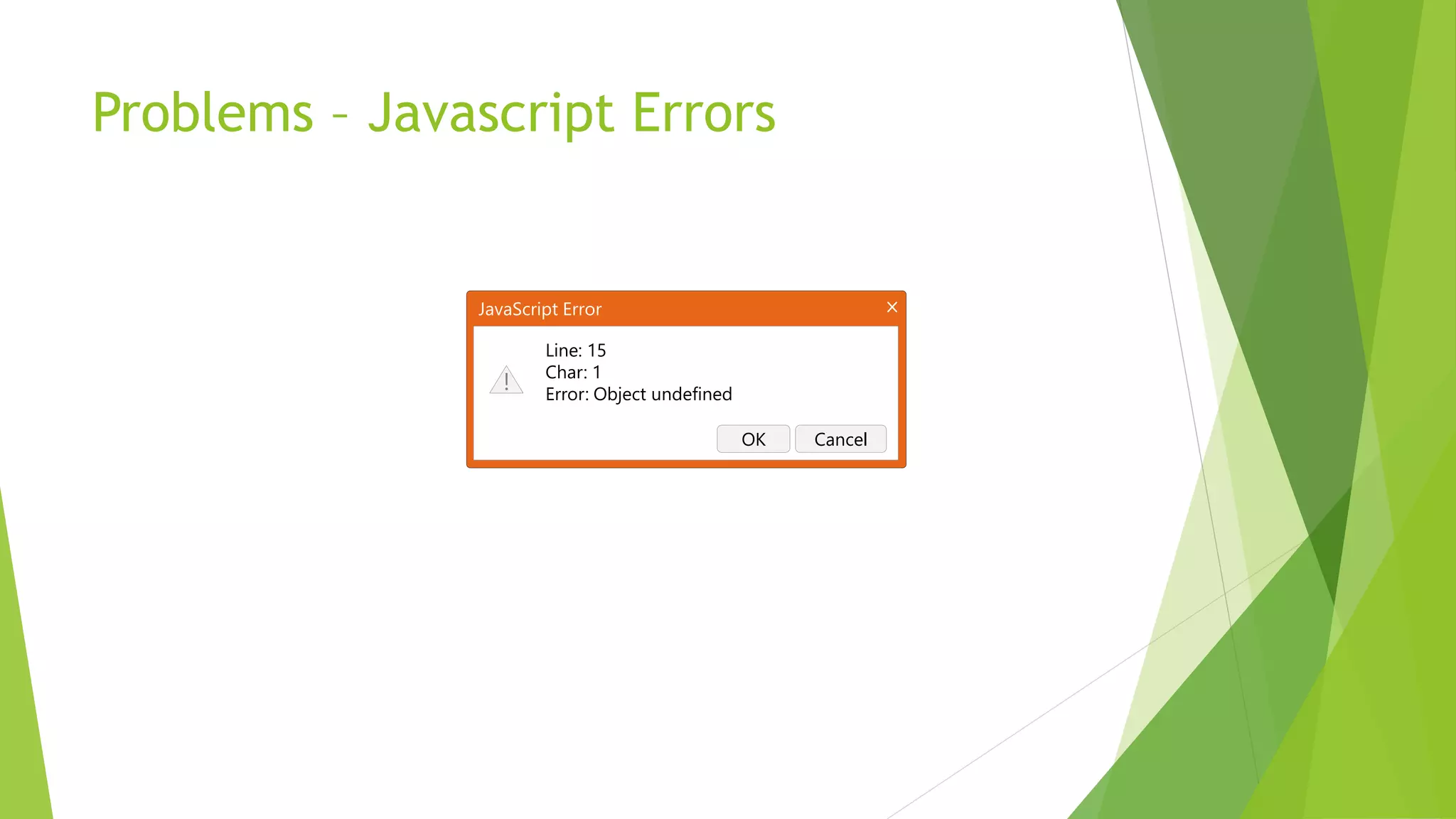
Problems – Javascript Errors


               JavaScript Error

                       Line: 15
                       Char: 1
                  !    Error: Object undefined

                                                 OK   Cancel
Problems – Resource Loading
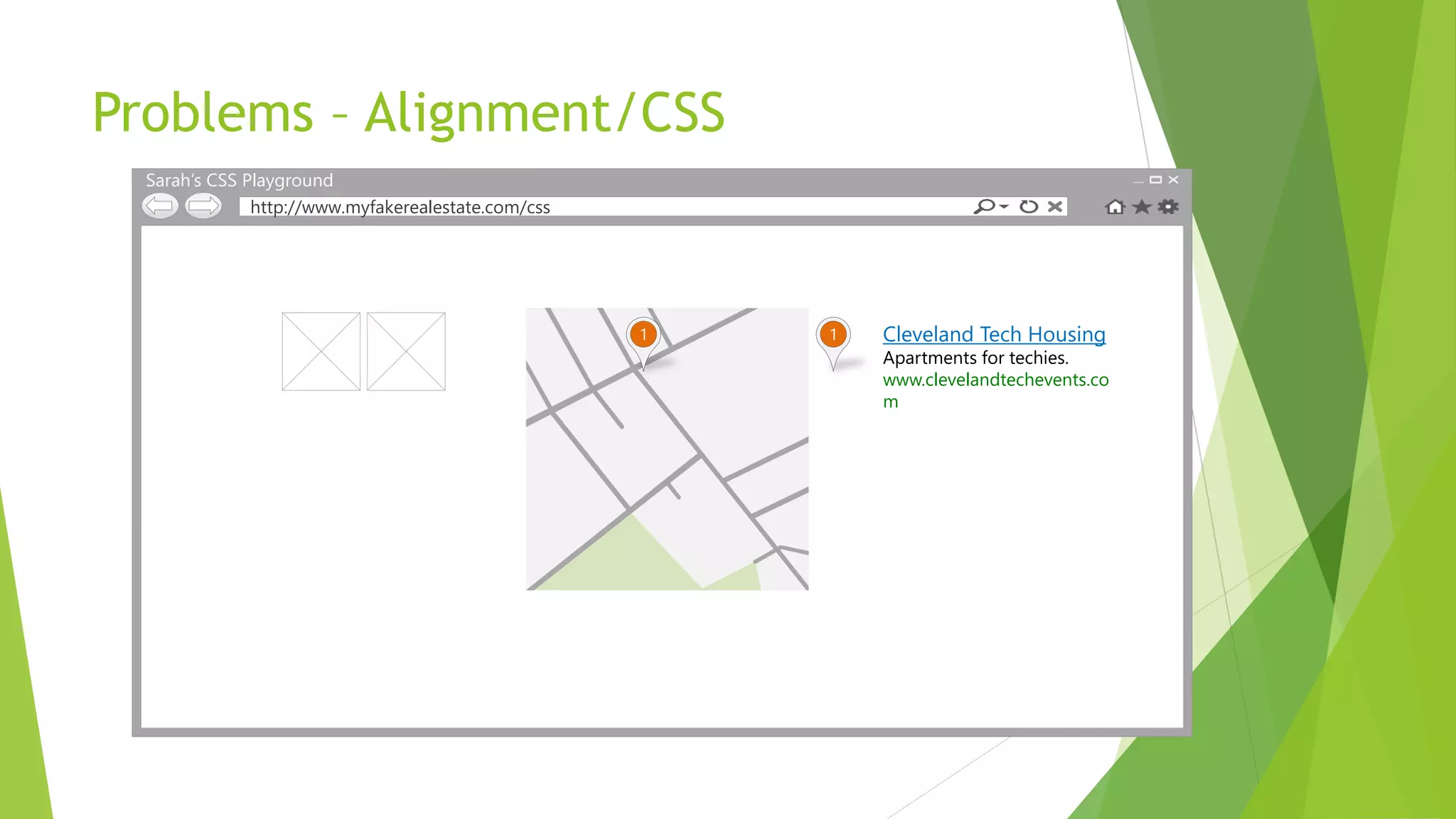
Problems – Alignment/CSS
  Sarah’s CSS Playground
               http://www.myfakerealestate.com/css


                                                     1   1   Cleveland Tech Housing
                                                             Apartments for techies.
                                                             www.clevelandtechevents.co
                                                             m
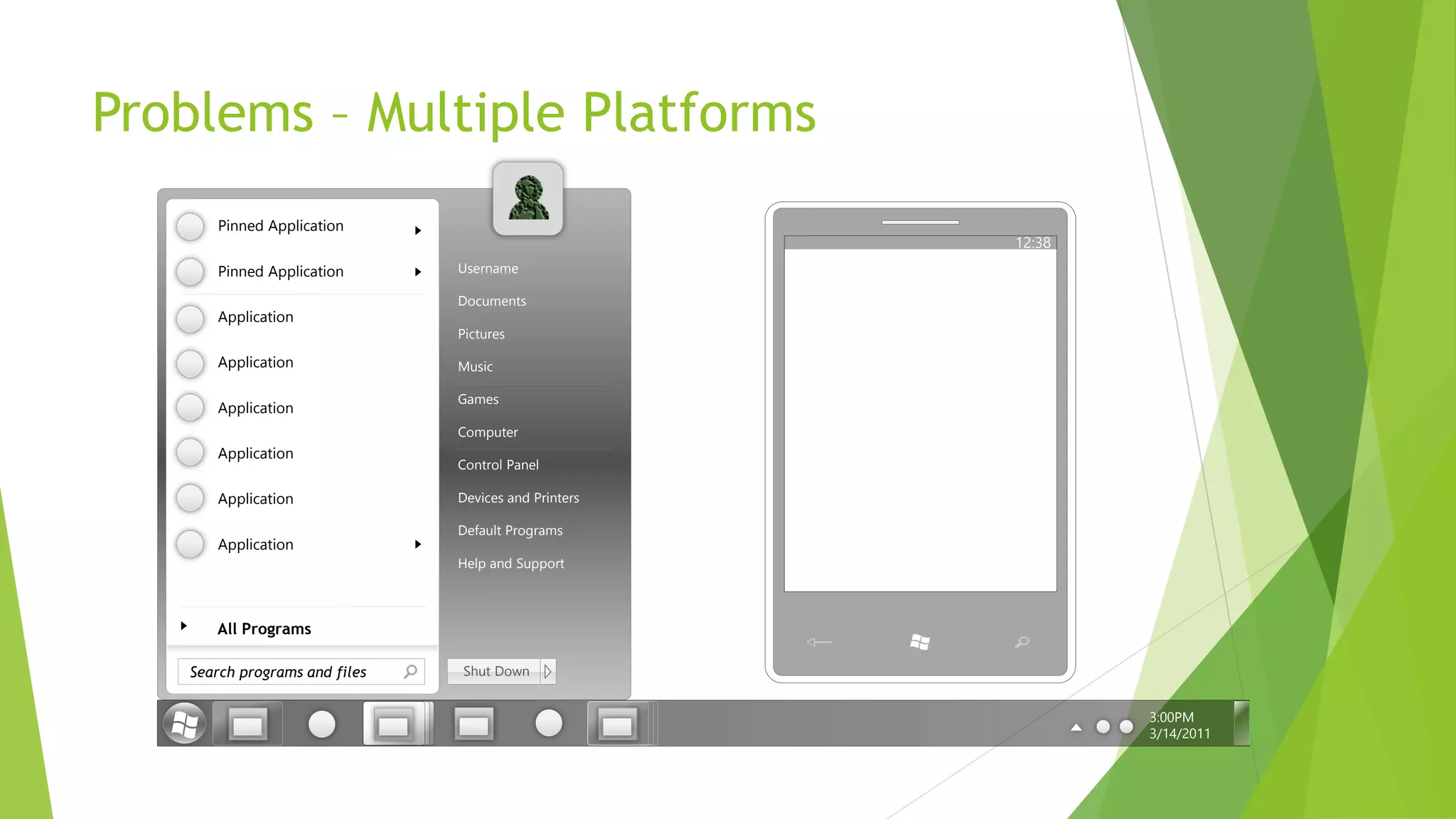
Problems – Multiple Platforms
      Pinned Application
                                                      12:38
      Pinned Application       Username

                               Documents
      Application
                               Pictures

      Application              Music

                               Games
      Application
                               Computer
      Application
                               Control Panel

      Application              Devices and Printers

                               Default Programs
      Application
                               Help and Support


      All Programs

   Search programs and files   Shut Down


                                                              3:00PM
                                                              3/14/2011
Browser Tools
to the Rescue!
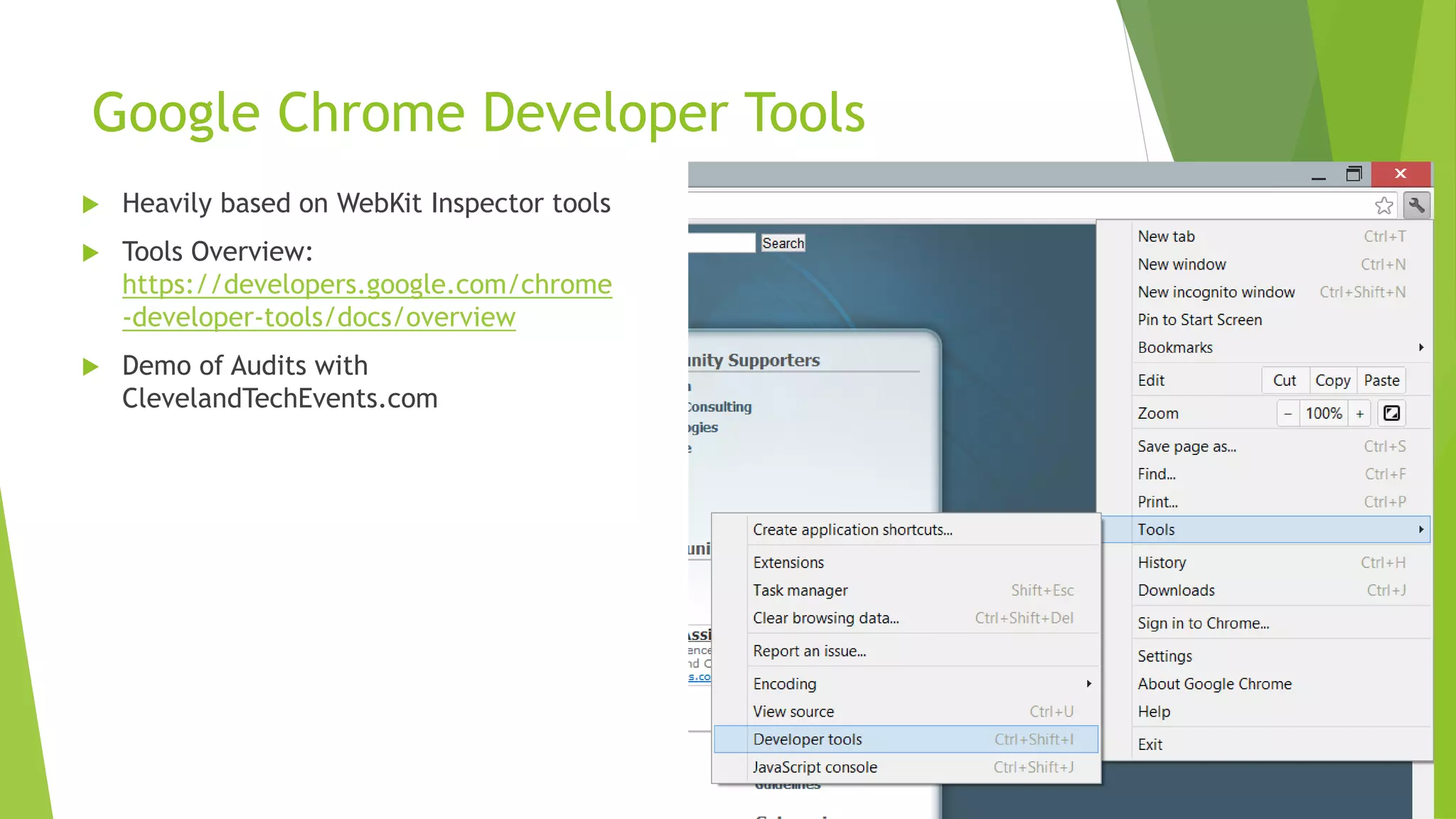
Google Chrome Developer Tools
   Heavily based on WebKit Inspector tools
   Tools Overview:
    https://developers.google.com/chrome
    -developer-tools/docs/overview
   Demo of Audits with
    ClevelandTechEvents.com
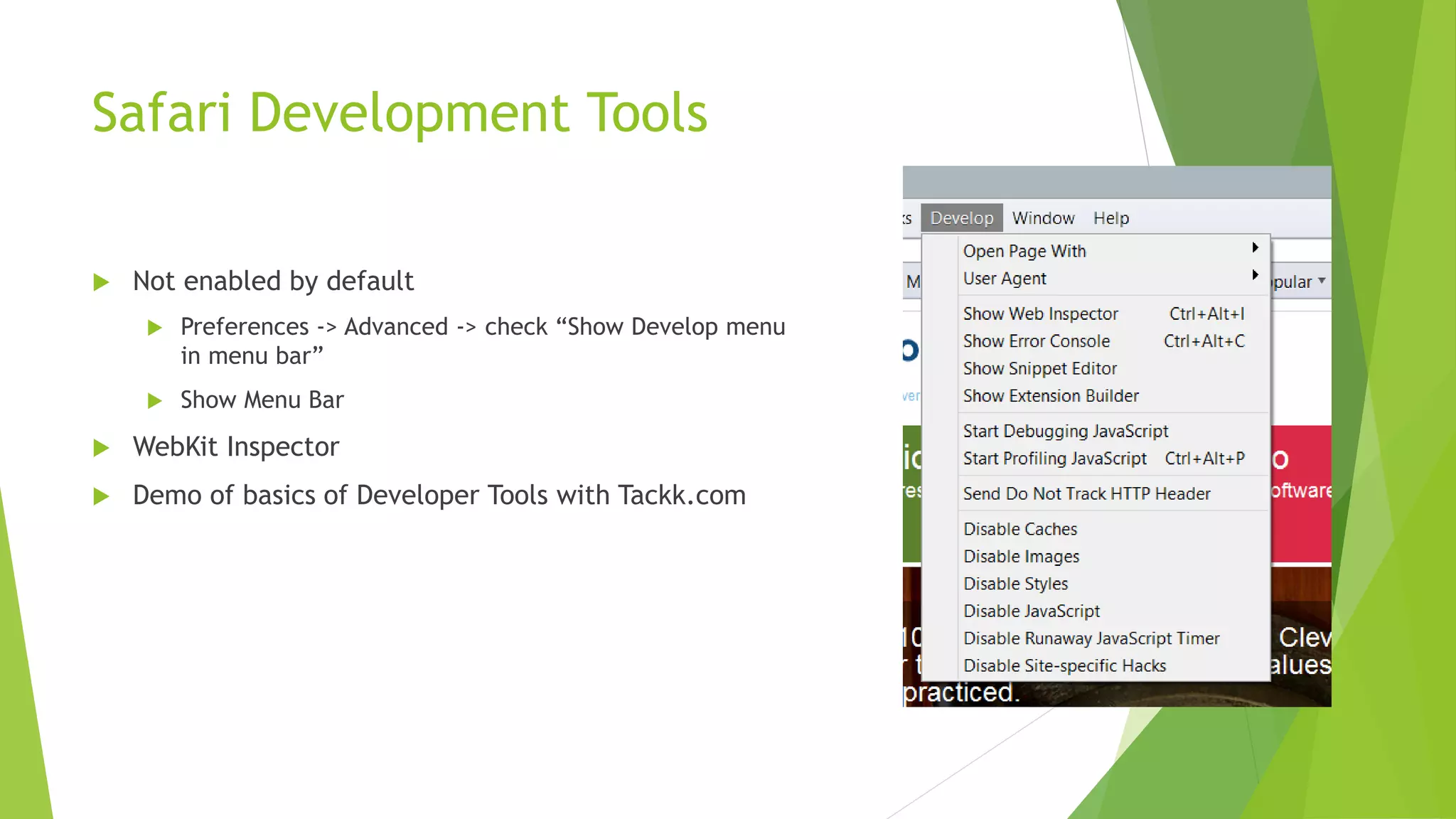
Safari Development Tools

   Not enabled by default
        Preferences -> Advanced -> check “Show Develop menu
         in menu bar”
        Show Menu Bar
   WebKit Inspector
   Demo of basics of Developer Tools with Tackk.com
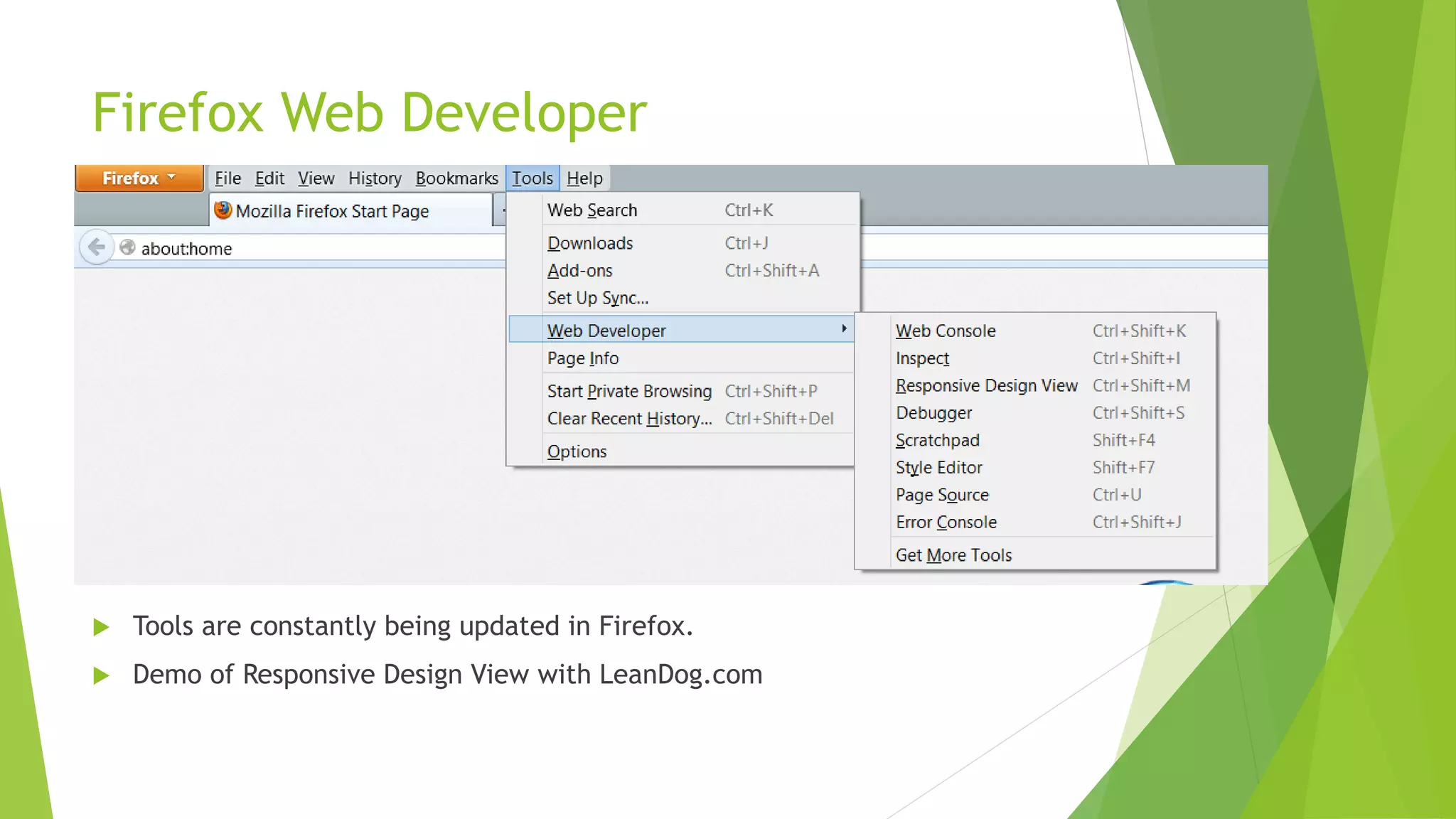
Firefox Web Developer


   Tools are constantly being updated in Firefox.
   Demo of Responsive Design View with LeanDog.com
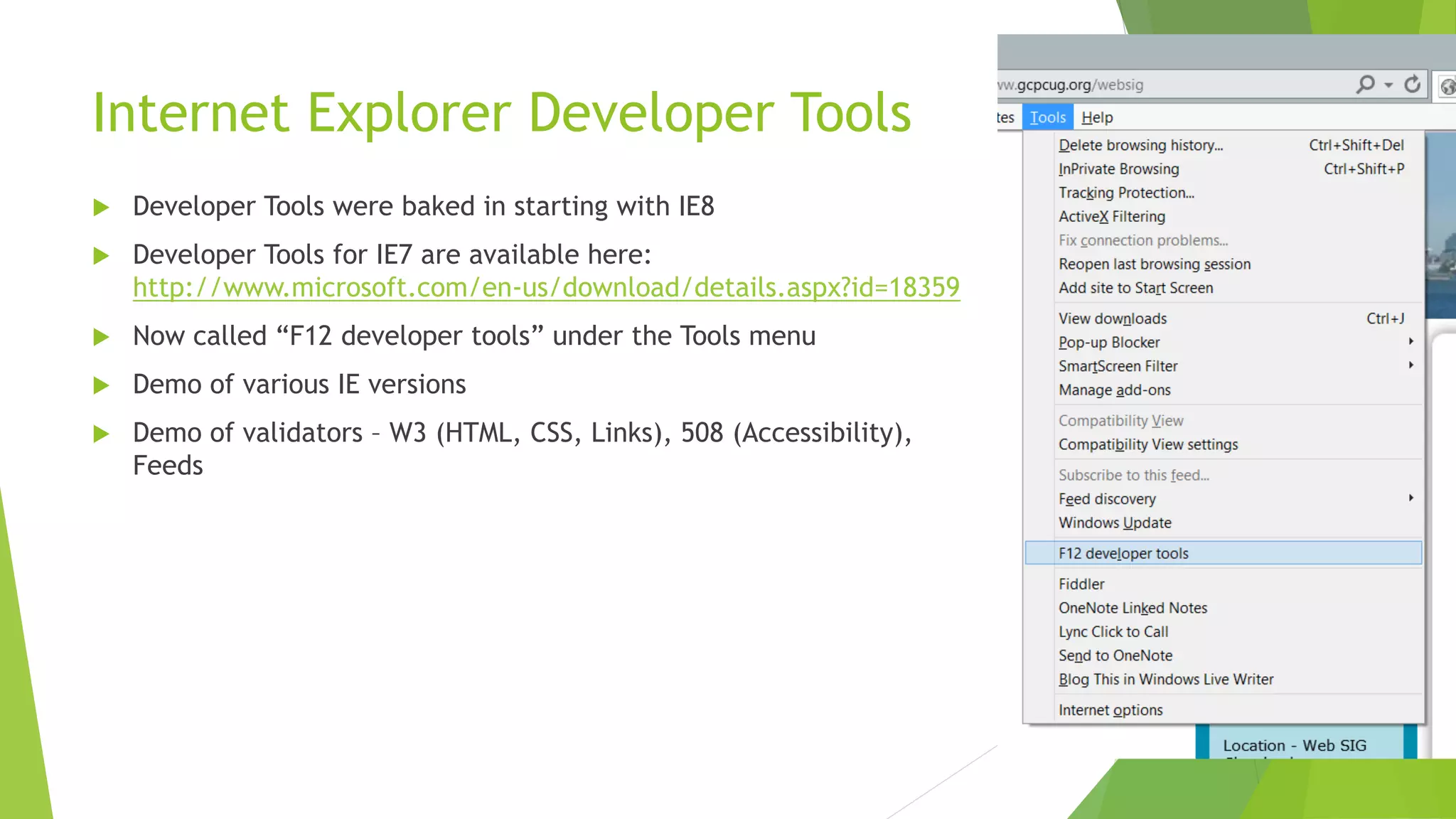
Internet Explorer Developer Tools
   Developer Tools were baked in starting with IE8
   Developer Tools for IE7 are available here:
    http://www.microsoft.com/en-us/download/details.aspx?id=18359
   Now called “F12 developer tools” under the Tools menu
   Demo of various IE versions
   Demo of validators – W3 (HTML, CSS, Links), 508 (Accessibility),
    Feeds
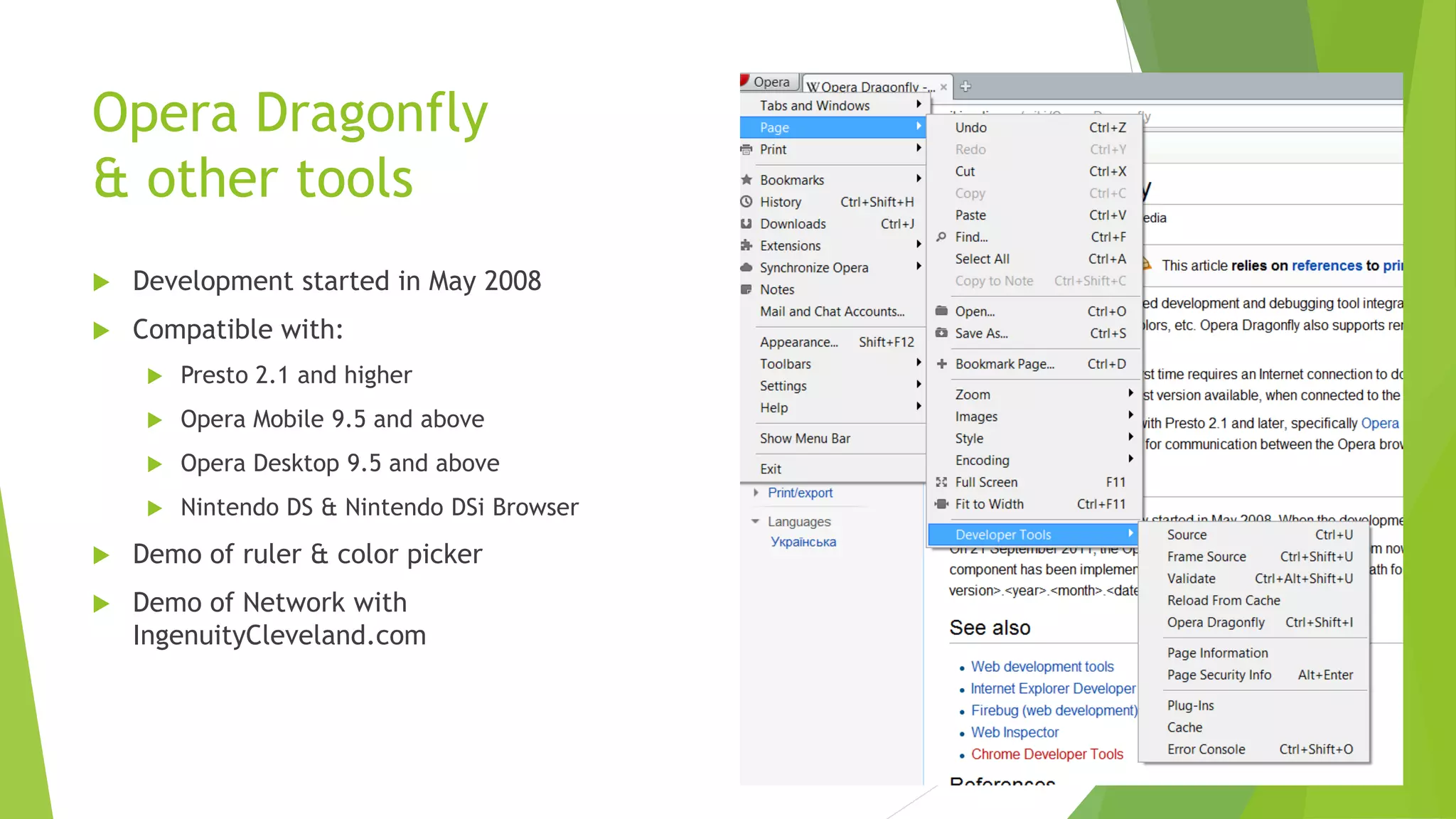
Opera Dragonfly
& other tools
   Development started in May 2008
   Compatible with:
        Presto 2.1 and higher
        Opera Mobile 9.5 and above
        Opera Desktop 9.5 and above
        Nintendo DS & Nintendo DSi Browser
   Demo of ruler & color picker
   Demo of Network with
    IngenuityCleveland.com
Testing Cross-Browser Compatibility on
the Web
   BrowserShots: http://browsershots.org/
        Supports the following browsers:
             Google Chrome
             Dillo
             Elinks
             Epiphany
             Mozilla Firefox
             Galeon
             And more…
Testing Cross-Browser Compatibility on
the Web
   Spoon – Browser Sandbox: http://spoon.net/Browsers/
        Supports the following browsers:
             Google Chrome (17-21)
             Opera (9-12, Mobile 11, Mini 6)
             Safari (3-5)
             IE (6-9)
             Firefox (11-15, Mobile 2 & 5)
Other Web Developer Tools –
Add-Ons & Extensions
   Firefox Add-Ons
        Firebug
        Web Developer
        Colorzilla
        MeasureIt
        Page Speed
        IE Tab 2
        SEO Doctor
   Chrome Extensions
        Colorzilla
        Firebug Lite
        Code Cola – CSS editing
        CoffeeConsole – for CoffeeScript

Debugging tools in web browsers

  • 1.
    Debugging Tools in WebBrowsers Presented by Sarah Dutkiewicz sarah@cletechconsulting.com Cleveland Tech Consulting, LLC
  • 2.
    Agenda  Problems that need debugging  Using browsers and their (mostly) built-in tools to solve the problems  Other tools for cross-browser testing
  • 3.
    Problems – JavascriptErrors JavaScript Error Line: 15 Char: 1 ! Error: Object undefined OK Cancel
  • 4.
  • 5.
    Problems – Alignment/CSS Sarah’s CSS Playground http://www.myfakerealestate.com/css 1 1 Cleveland Tech Housing Apartments for techies. www.clevelandtechevents.co m
  • 6.
    Problems – MultiplePlatforms Pinned Application 12:38 Pinned Application Username Documents Application Pictures Application Music Games Application Computer Application Control Panel Application Devices and Printers Default Programs Application Help and Support All Programs Search programs and files Shut Down 3:00PM 3/14/2011
  • 7.
  • 8.
    Google Chrome DeveloperTools  Heavily based on WebKit Inspector tools  Tools Overview: https://developers.google.com/chrome -developer-tools/docs/overview  Demo of Audits with ClevelandTechEvents.com
  • 9.
    Safari Development Tools  Not enabled by default  Preferences -> Advanced -> check “Show Develop menu in menu bar”  Show Menu Bar  WebKit Inspector  Demo of basics of Developer Tools with Tackk.com
  • 10.
    Firefox Web Developer  Tools are constantly being updated in Firefox.  Demo of Responsive Design View with LeanDog.com
  • 11.
    Internet Explorer DeveloperTools  Developer Tools were baked in starting with IE8  Developer Tools for IE7 are available here: http://www.microsoft.com/en-us/download/details.aspx?id=18359  Now called “F12 developer tools” under the Tools menu  Demo of various IE versions  Demo of validators – W3 (HTML, CSS, Links), 508 (Accessibility), Feeds
  • 12.
    Opera Dragonfly & othertools  Development started in May 2008  Compatible with:  Presto 2.1 and higher  Opera Mobile 9.5 and above  Opera Desktop 9.5 and above  Nintendo DS & Nintendo DSi Browser  Demo of ruler & color picker  Demo of Network with IngenuityCleveland.com
  • 13.
    Testing Cross-Browser Compatibilityon the Web  BrowserShots: http://browsershots.org/  Supports the following browsers:  Google Chrome  Dillo  Elinks  Epiphany  Mozilla Firefox  Galeon  And more…
  • 14.
    Testing Cross-Browser Compatibilityon the Web  Spoon – Browser Sandbox: http://spoon.net/Browsers/  Supports the following browsers:  Google Chrome (17-21)  Opera (9-12, Mobile 11, Mini 6)  Safari (3-5)  IE (6-9)  Firefox (11-15, Mobile 2 & 5)
  • 15.
    Other Web DeveloperTools – Add-Ons & Extensions  Firefox Add-Ons  Firebug  Web Developer  Colorzilla  MeasureIt  Page Speed  IE Tab 2  SEO Doctor  Chrome Extensions  Colorzilla  Firebug Lite  Code Cola – CSS editing  CoffeeConsole – for CoffeeScript