


Debugging JavaScript
Client side scripting
Outline
1. Debugging tools
a. Built-ins and beyond, but mostly built-ins

2. Fishbone diagram
3. Debugging workshop
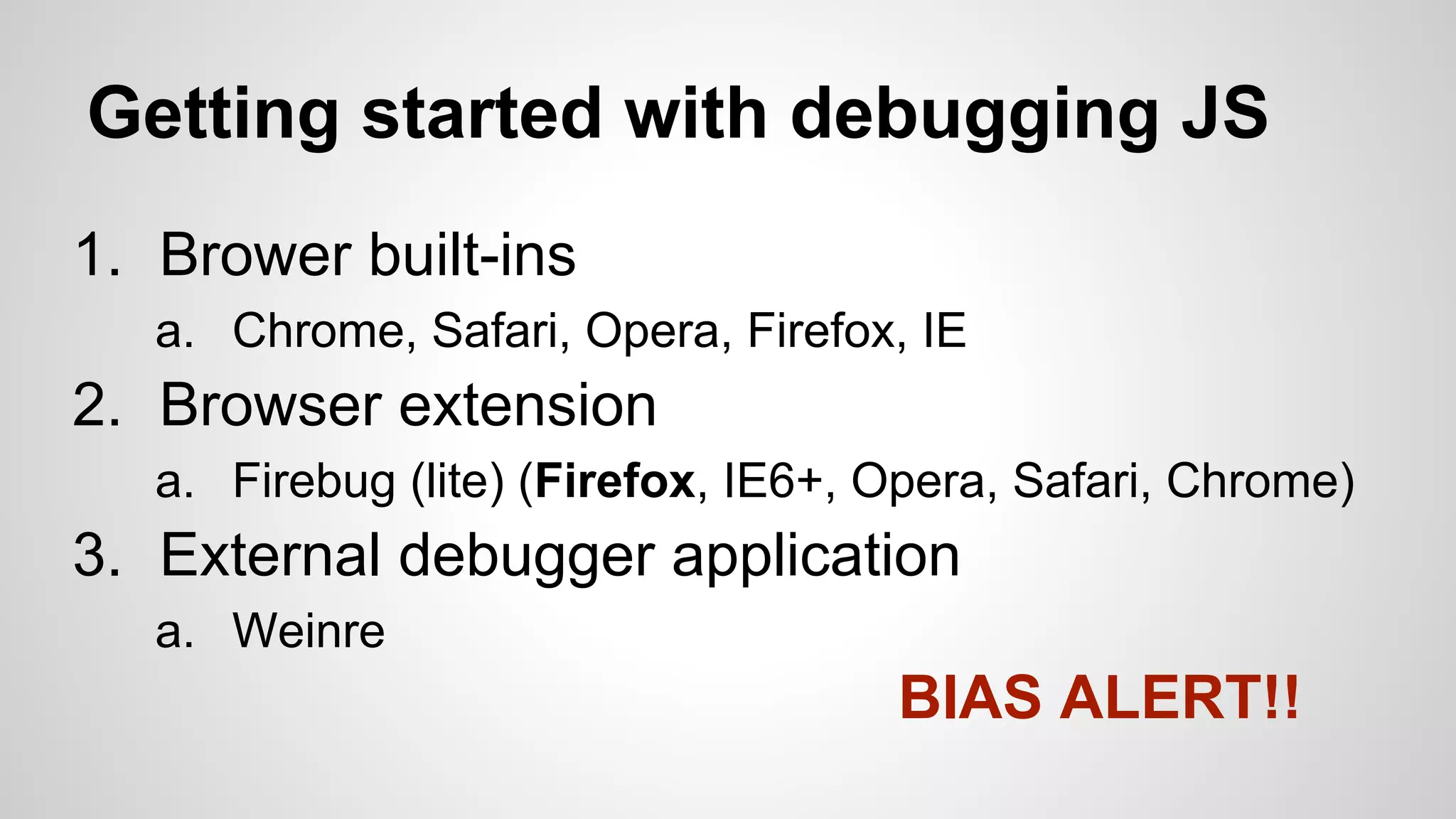
Getting started with debugging JS
1. Brower built-ins
a. Chrome, Safari, Opera, Firefox, IE

2. Browser extension
a. Firebug (lite) (Firefox, IE6+, Opera, Safari, Chrome)

3. External debugger application
a. Weinre

BIAS ALERT!!
The code we’ll be using
● index.html
○ Gluing it all together

● script.js
○ Declaration of our DebuggerExamples object

● style.css
○ Nothing stylish :-)
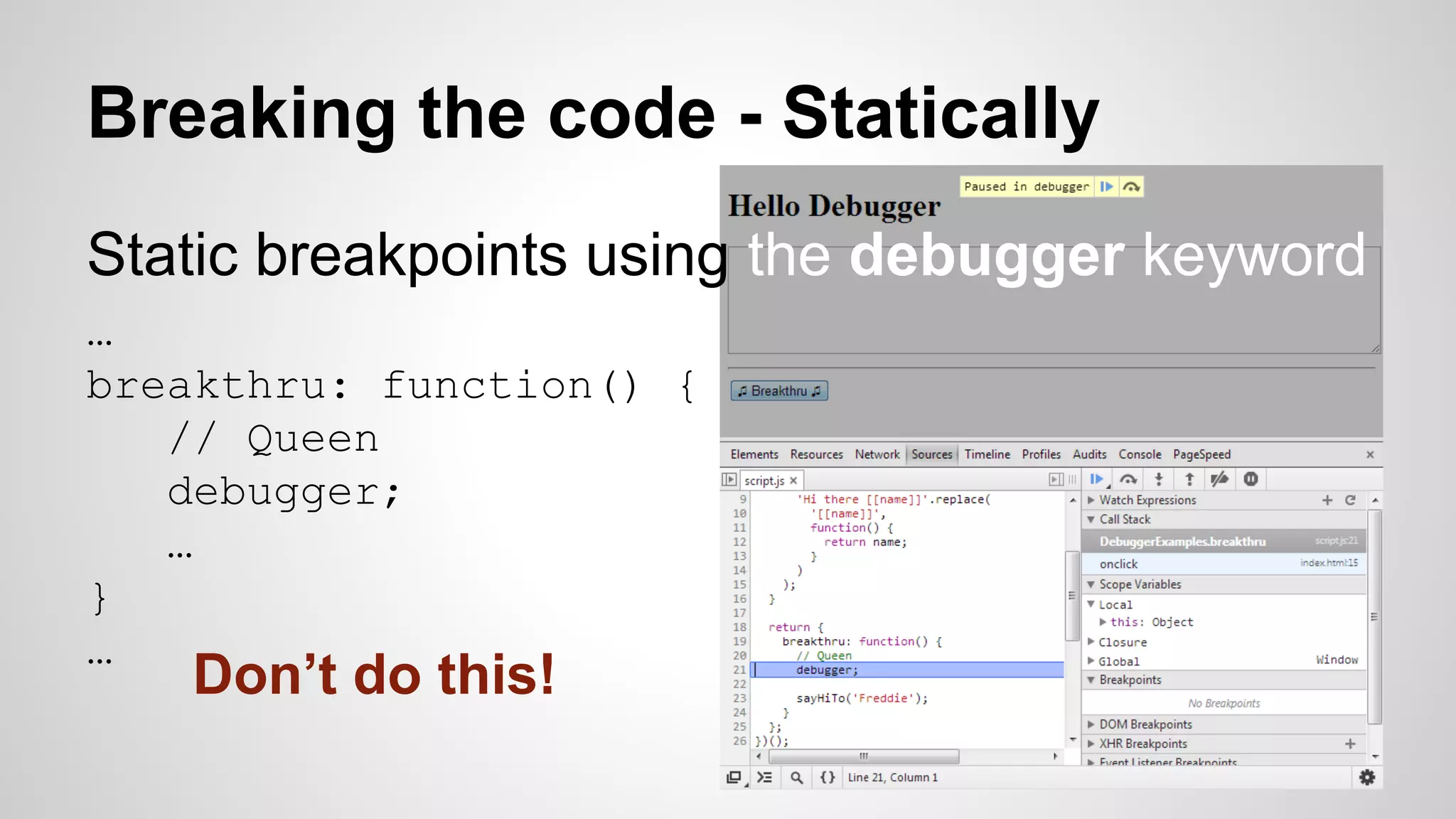
Breaking the code - Statically
Static breakpoints using the debugger keyword
…
breakthru: function() {
// Queen
debugger;
…
}
…

Don’t do this!
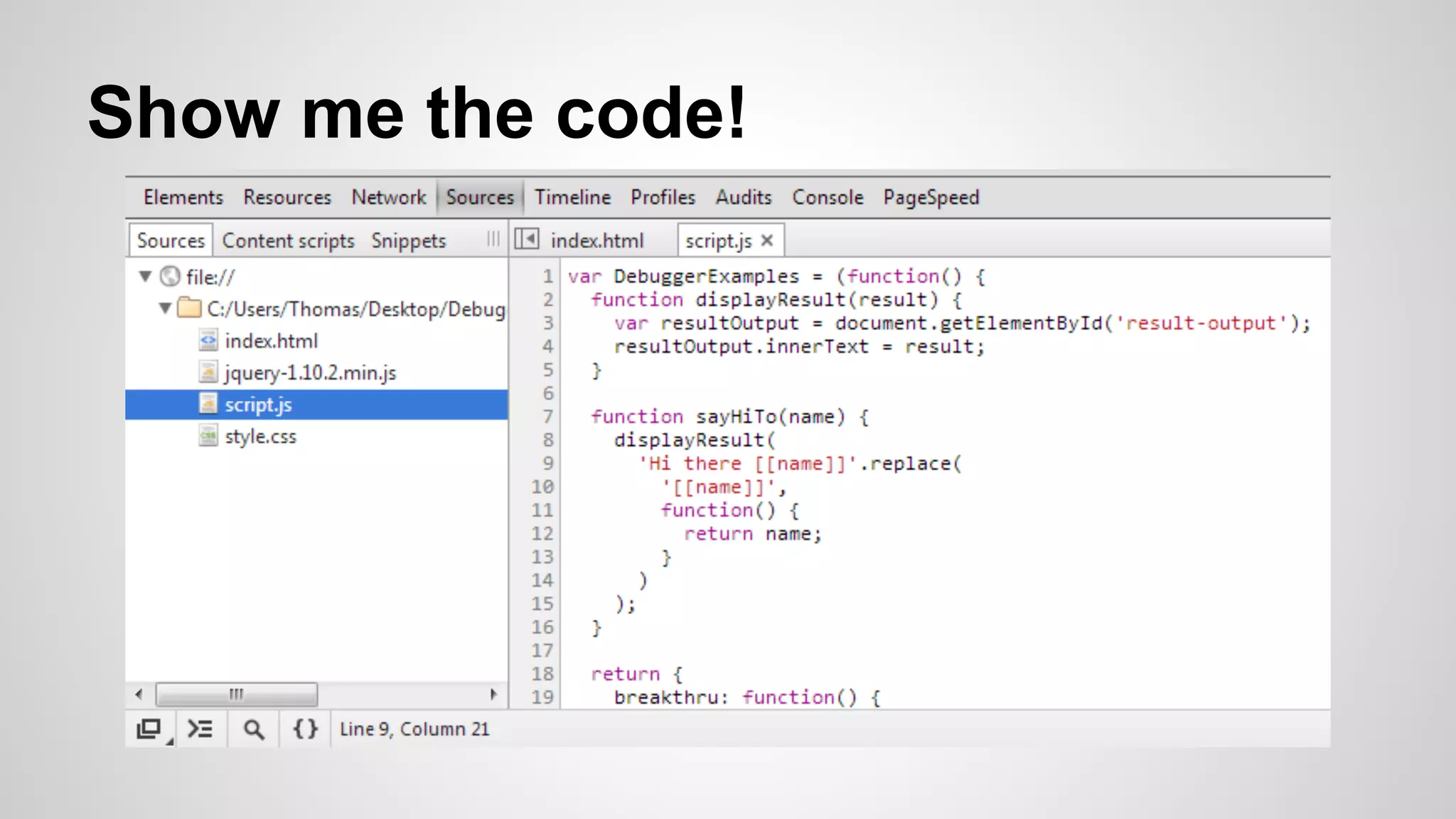
Show me the code!
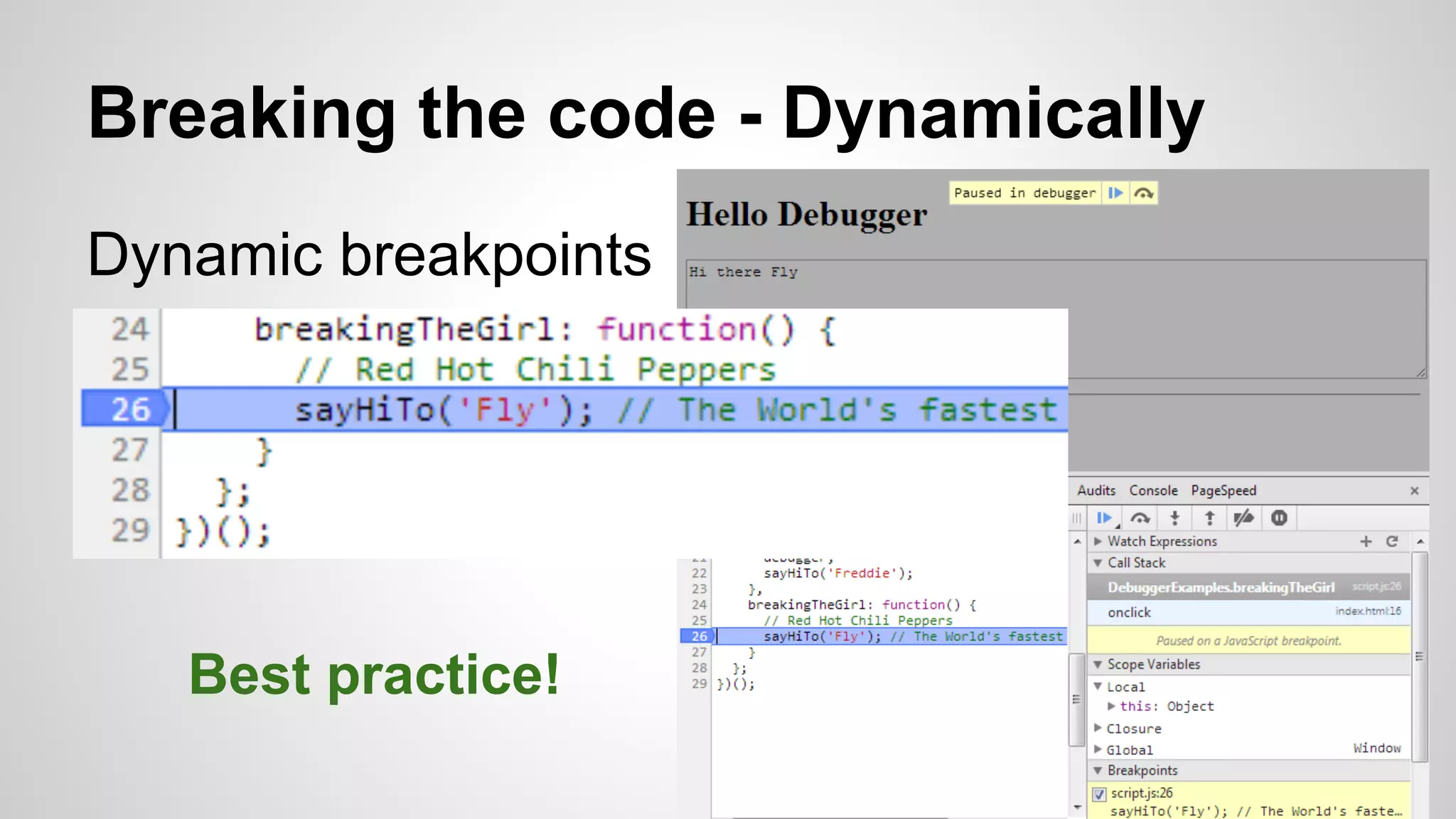
Breaking the code - Dynamically
Dynamic breakpoints

Best practice!
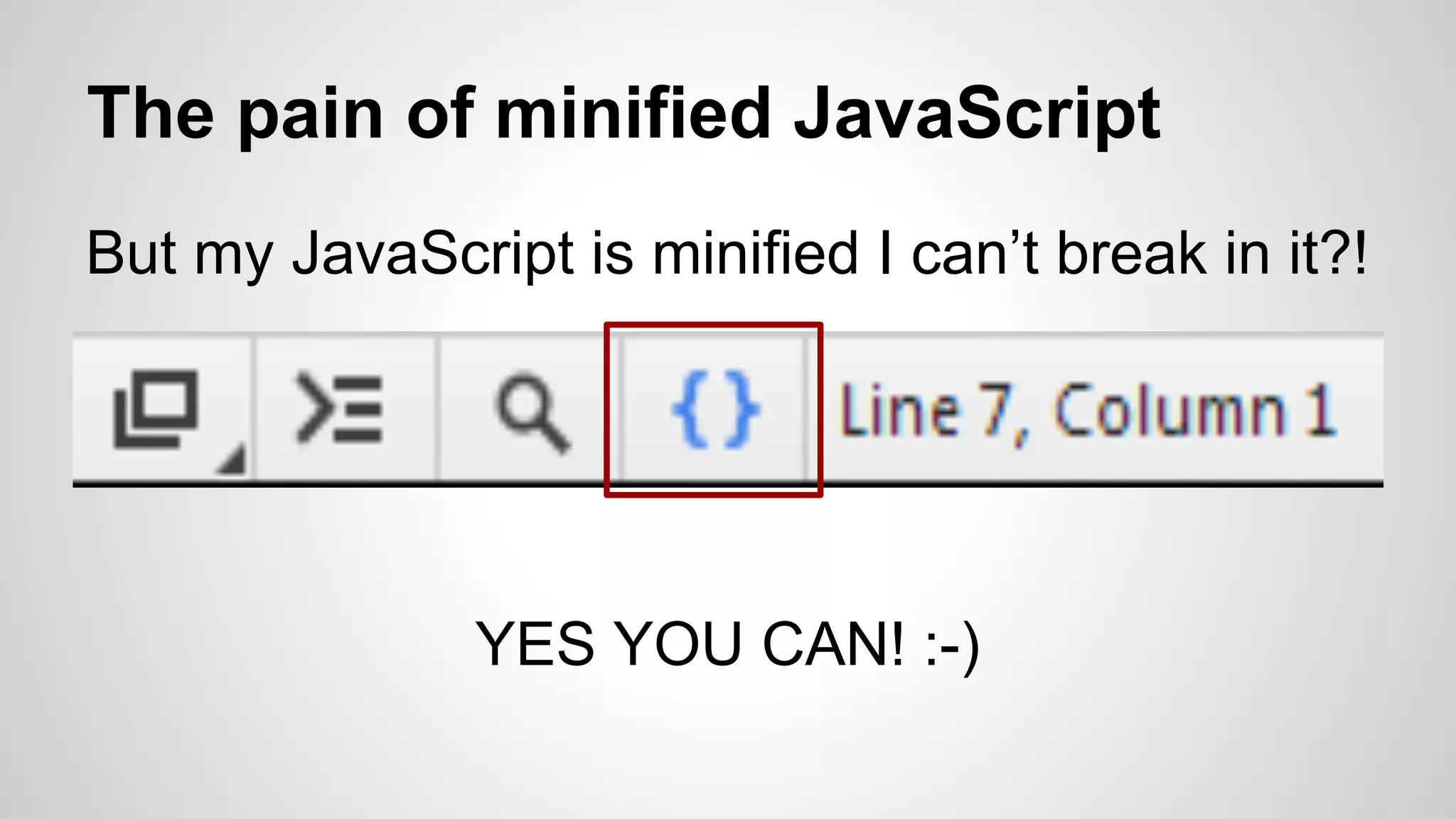
The pain of minified JavaScript
But my JavaScript is minified I can’t break in it?!

YES YOU CAN! :-)
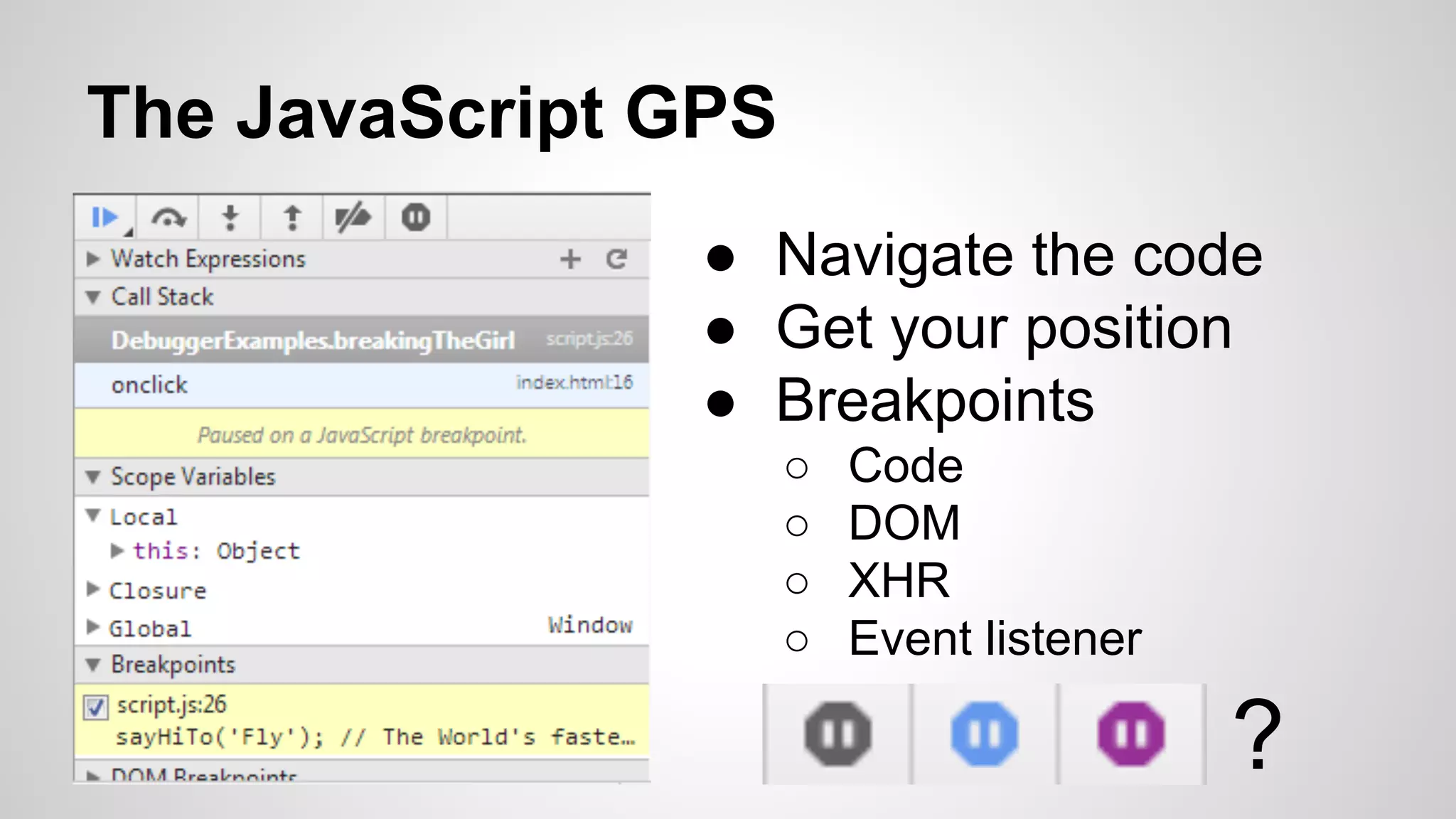
The JavaScript GPS
● Navigate the code
● Get your position
● Breakpoints
○
○
○
○

Code
DOM
XHR
Event listener

?
The console.log command
● console.log('Most developers know this')
● console.log('And even ', this)
● console.log('What %s this %d?', 'about', 1)
● What is the output?!
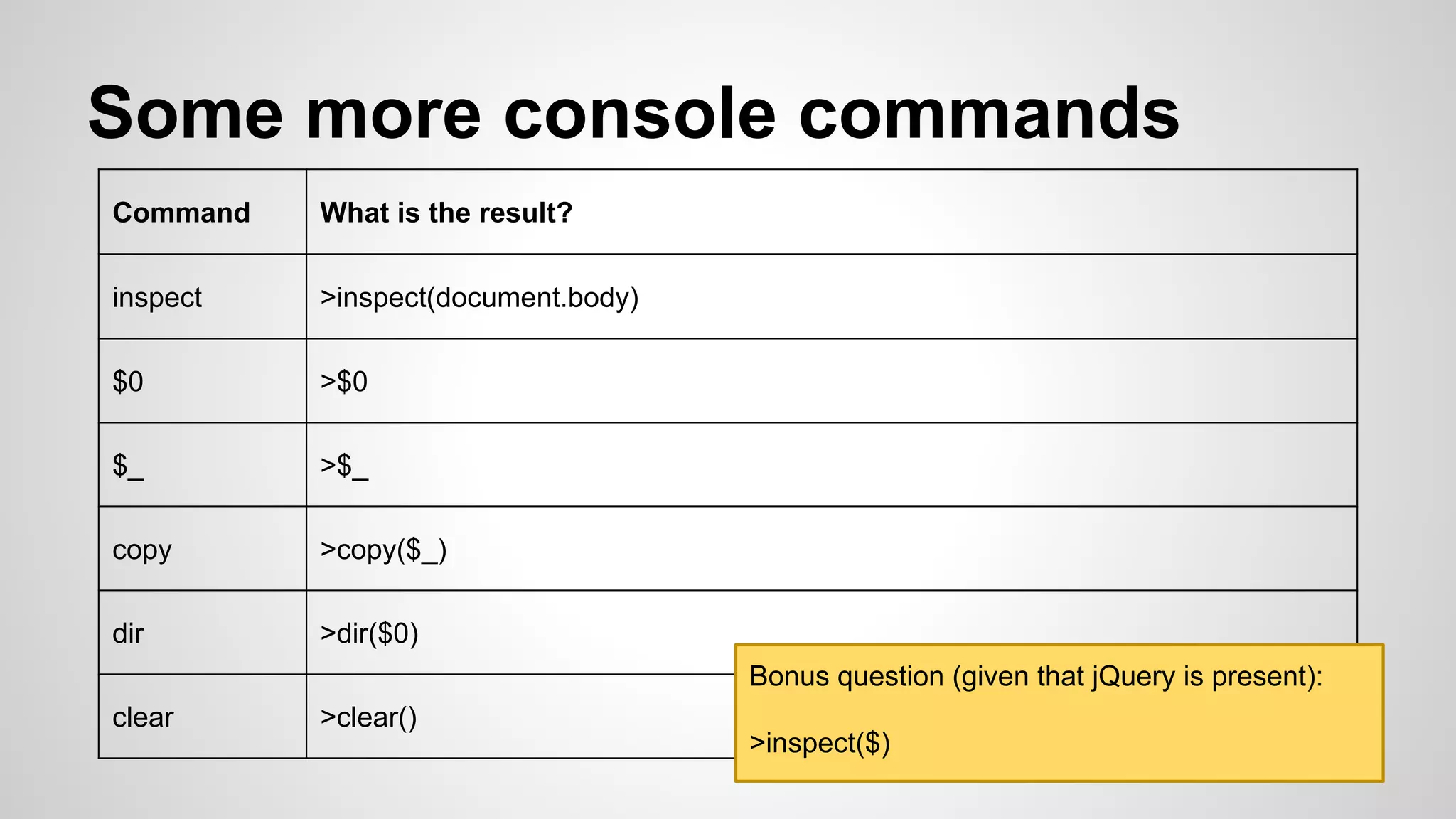
Some more console commands
Command

What is the result?

inspect

>inspect(document.body)

$0

>$0

$_

>$_

copy

>copy($_)

dir

>dir($0)
Bonus question (given that jQuery is present):

clear

>clear()

>inspect($)
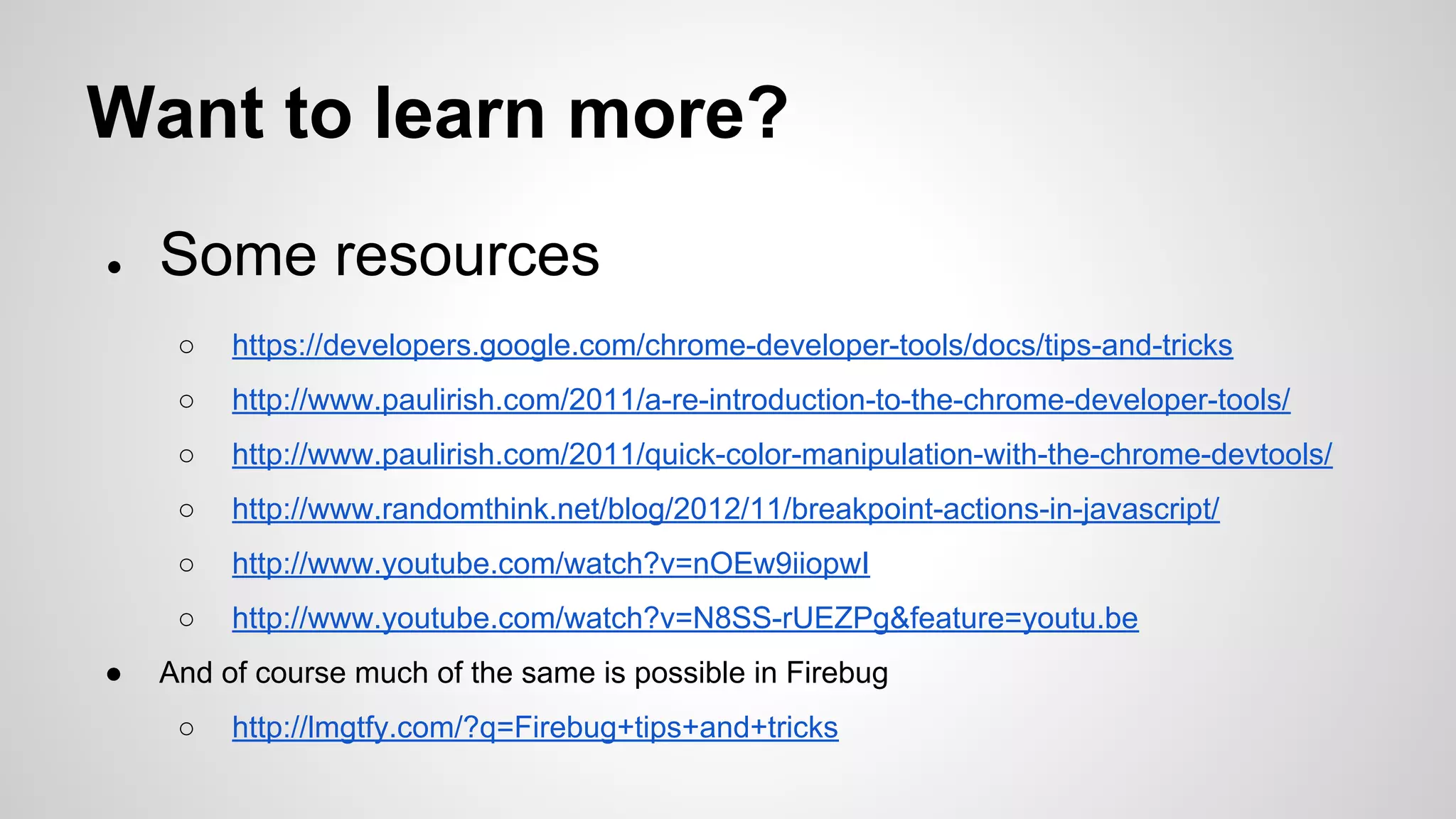
Want to learn more?
●

Some resources
○
○

http://www.paulirish.com/2011/a-re-introduction-to-the-chrome-developer-tools/

○

http://www.paulirish.com/2011/quick-color-manipulation-with-the-chrome-devtools/

○

http://www.randomthink.net/blog/2012/11/breakpoint-actions-in-javascript/

○

http://www.youtube.com/watch?v=nOEw9iiopwI

○
●

https://developers.google.com/chrome-developer-tools/docs/tips-and-tricks

http://www.youtube.com/watch?v=N8SS-rUEZPg&feature=youtu.be

And of course much of the same is possible in Firebug
○

http://lmgtfy.com/?q=Firebug+tips+and+tricks
Fishbone diagram
● Other name: Ishikawa diagram.
● Used for cause and effect analysis.
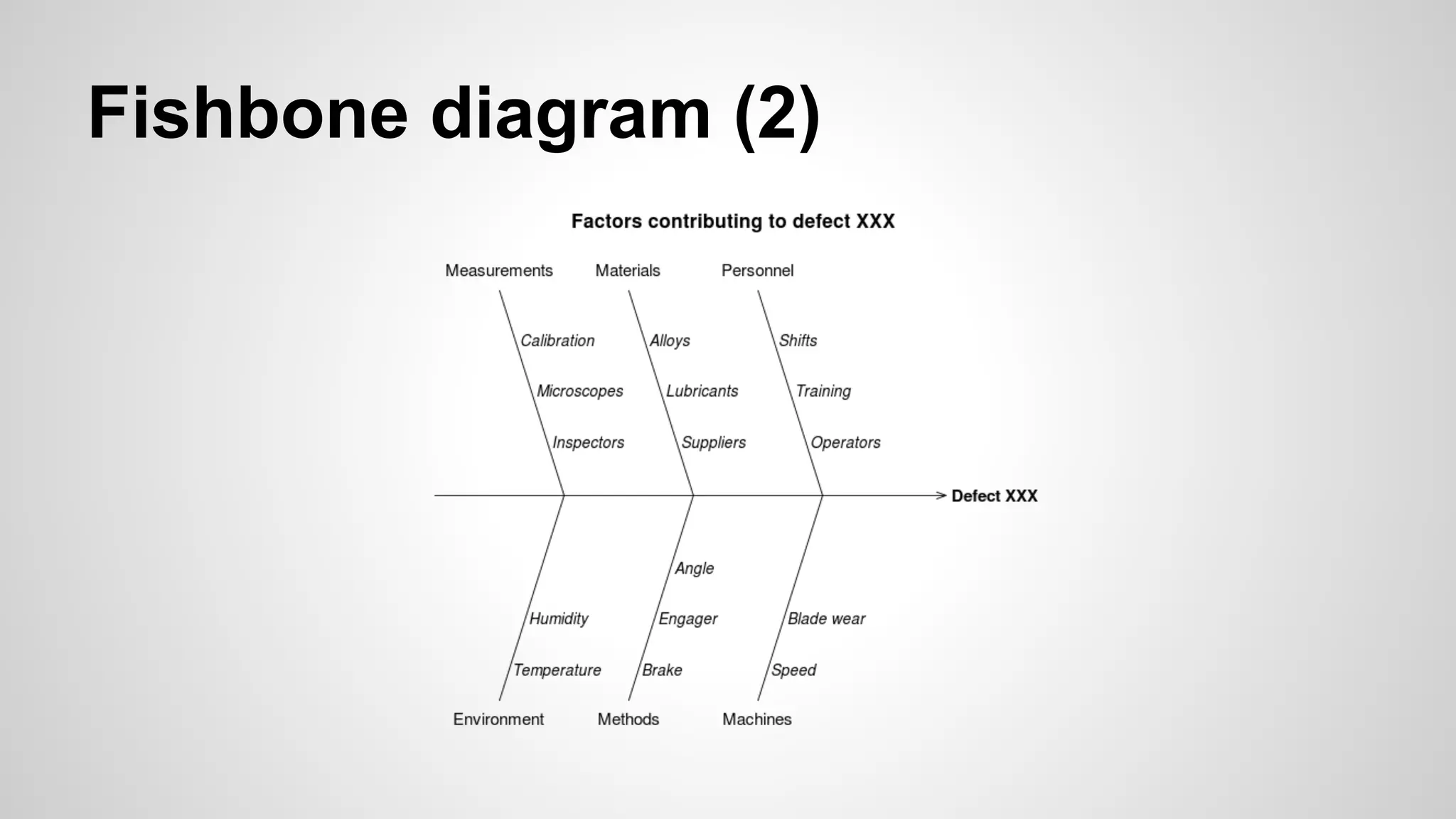
Fishbone diagram (2)
Fishbone diagram (3)
1.
2.
3.
4.

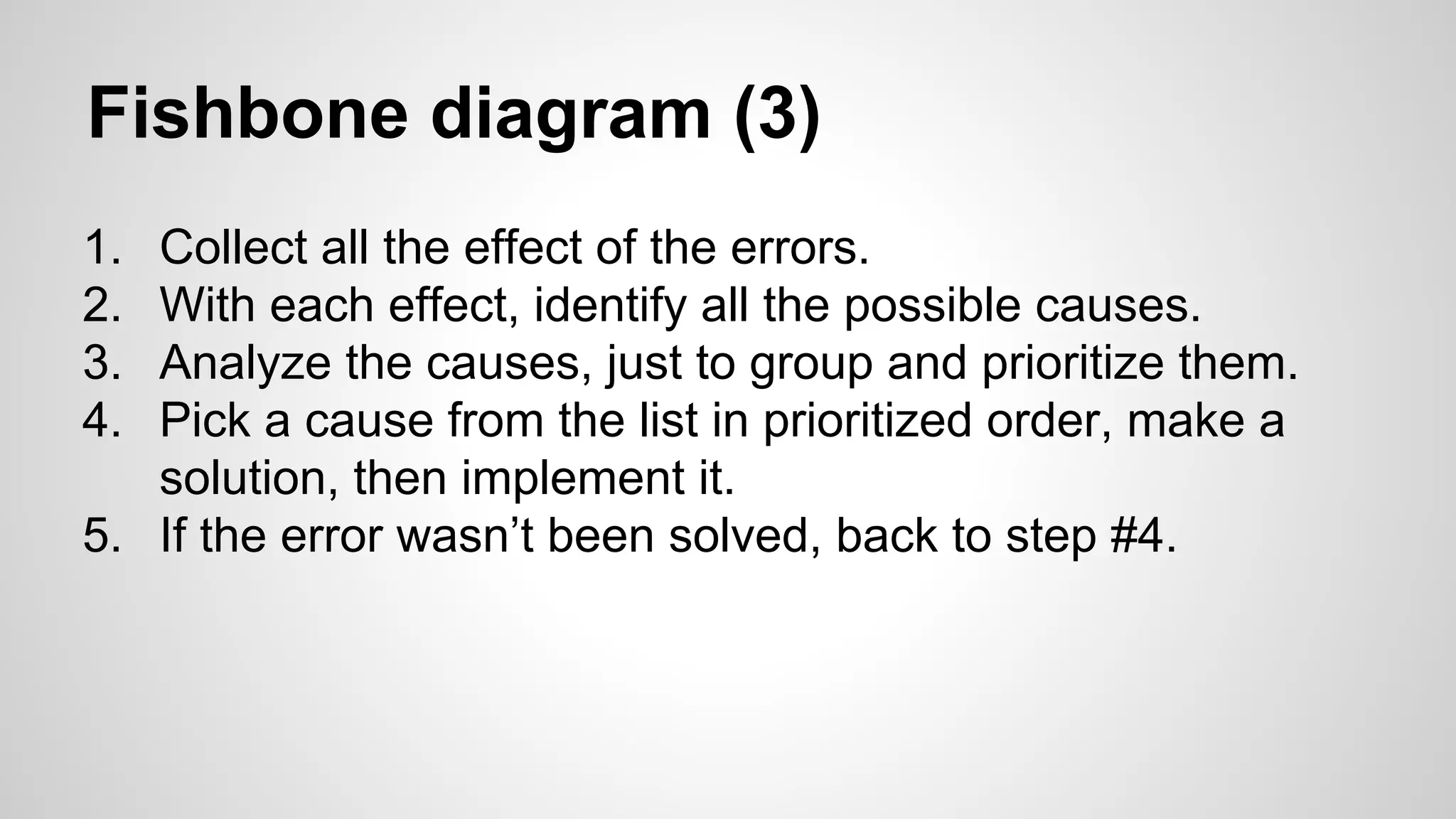
Collect all the effect of the errors.
With each effect, identify all the possible causes.
Analyze the causes, just to group and prioritize them.
Pick a cause from the list in prioritized order, make a
solution, then implement it.
5. If the error wasn’t been solved, back to step #4.
Pros for using the process?
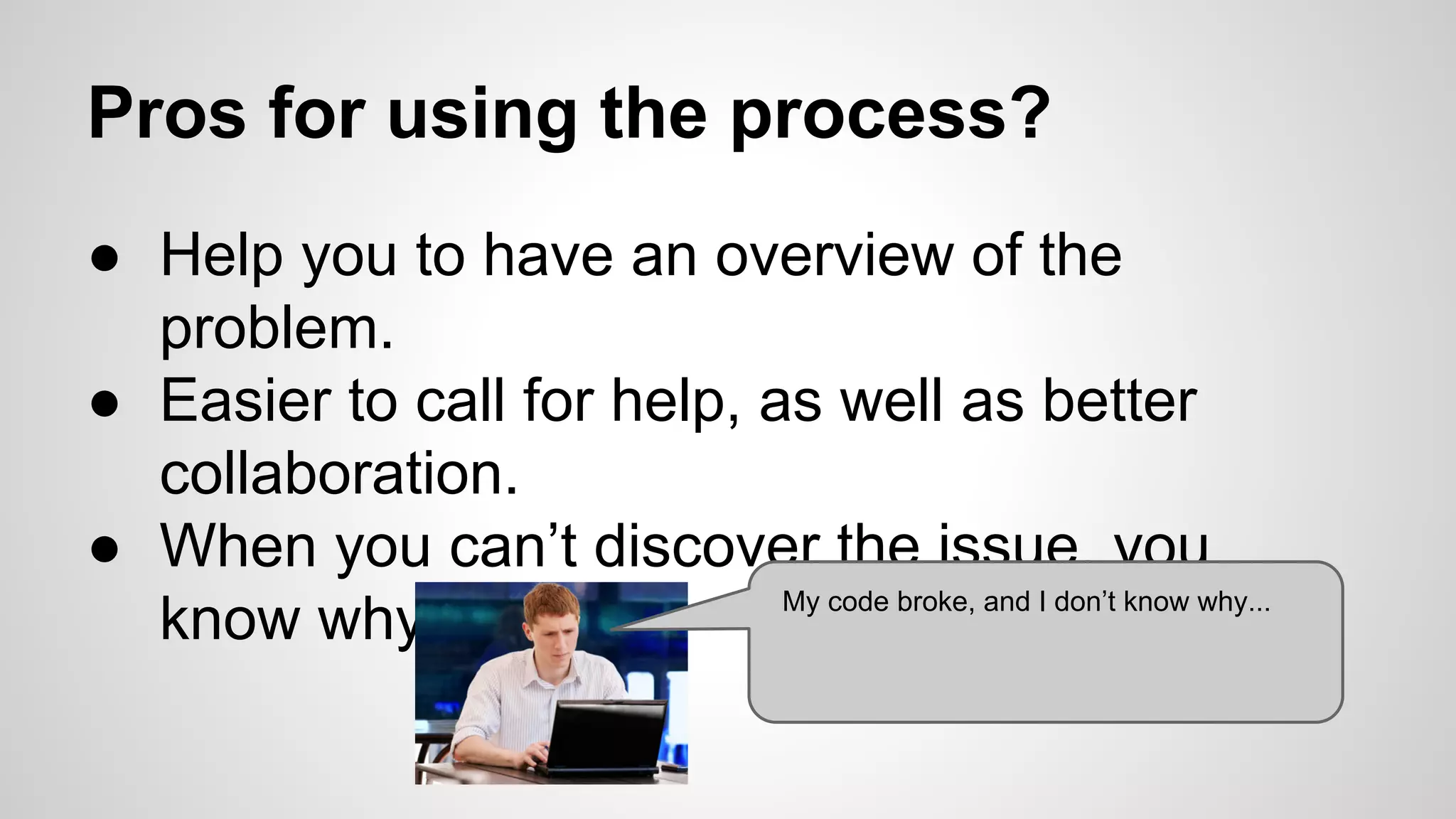
● Help you to have an overview of the
problem.
● Easier to call for help, as well as better
collaboration.
● When you can’t discover the issue, you
My code broke, and I don’t know why...
know why.
Cons
Take times….
Questions?
Workshop
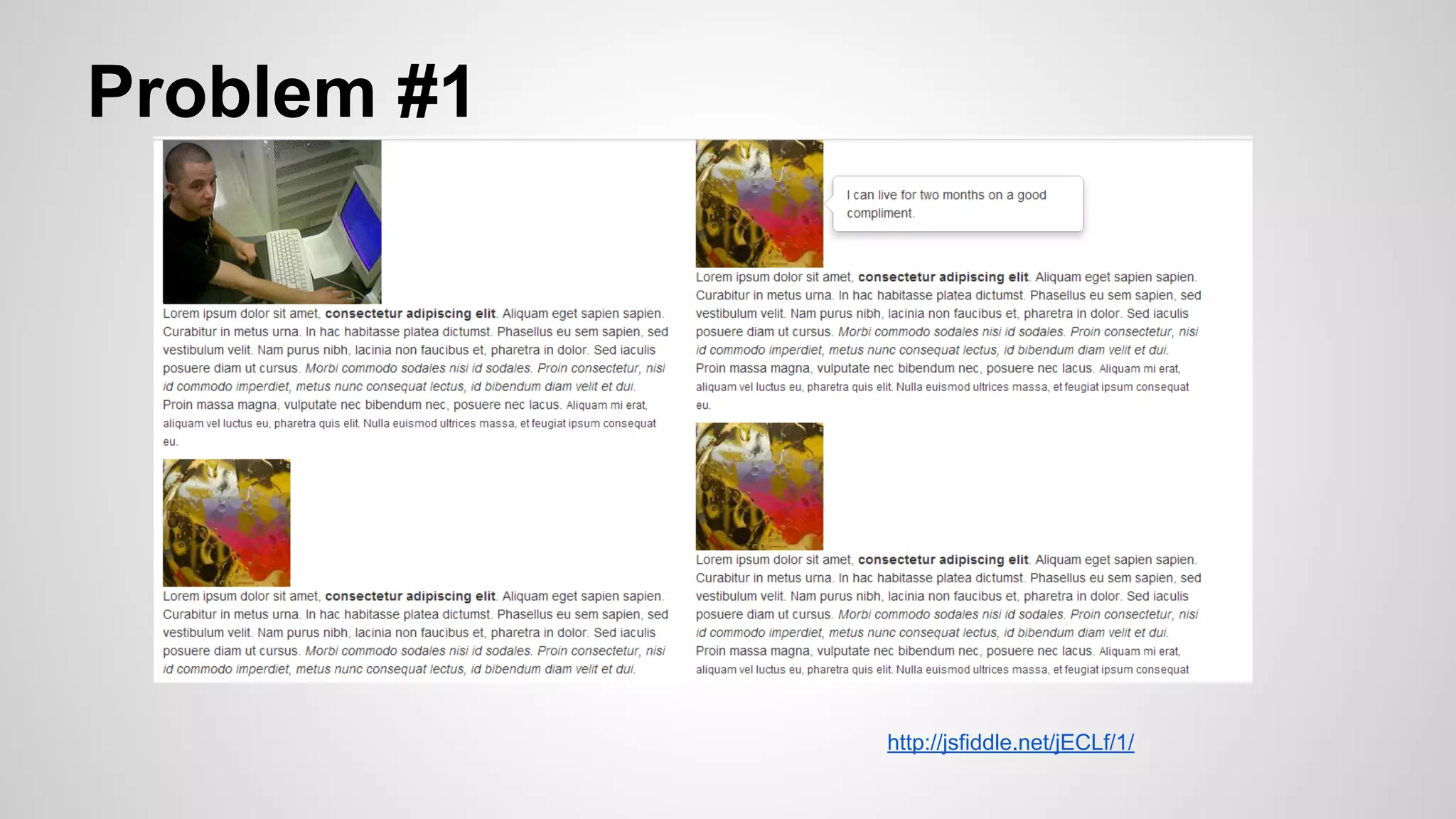
Problem #1

http://jsfiddle.net/jECLf/1/
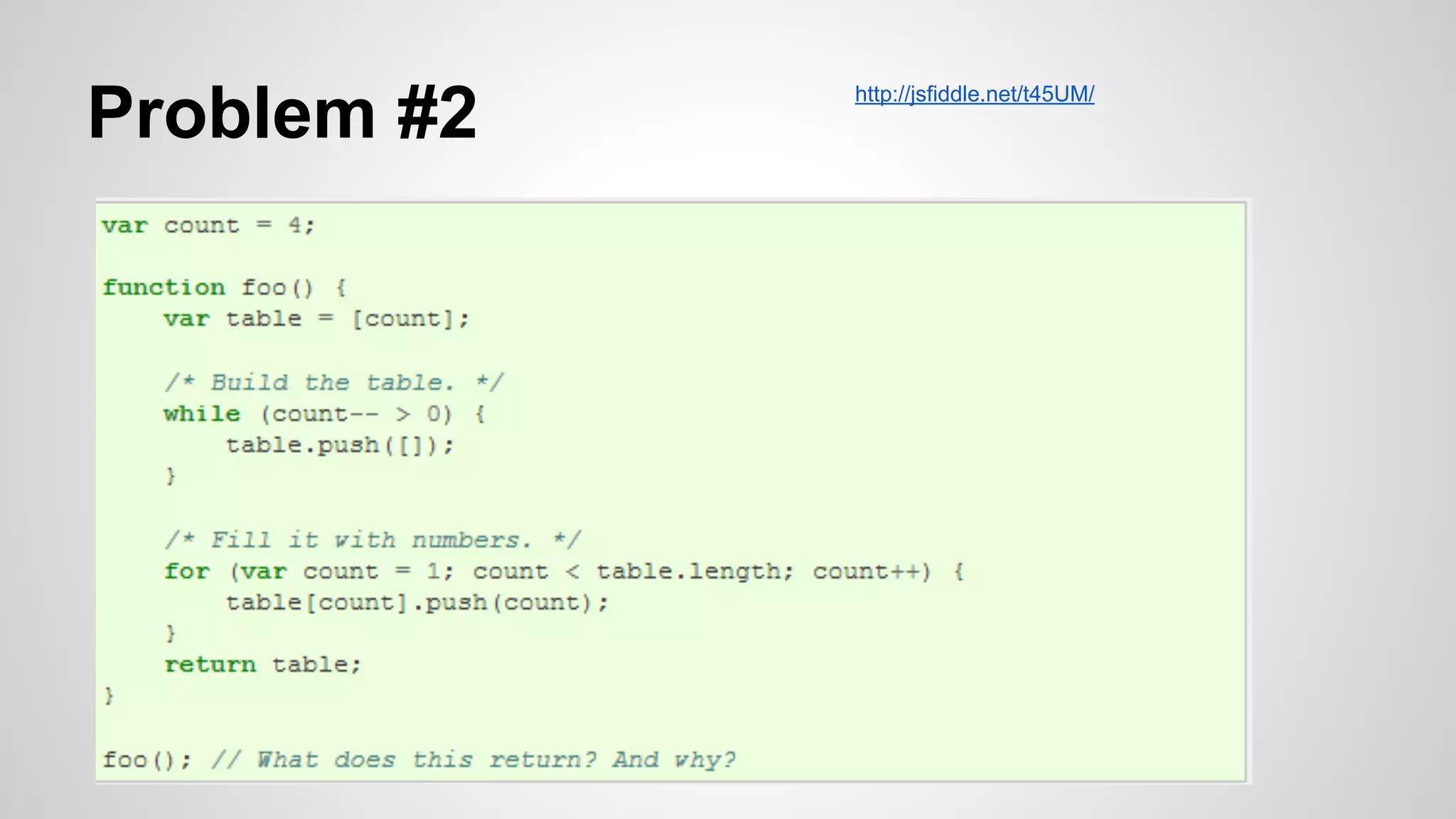
Problem #2

http://jsfiddle.net/t45UM/
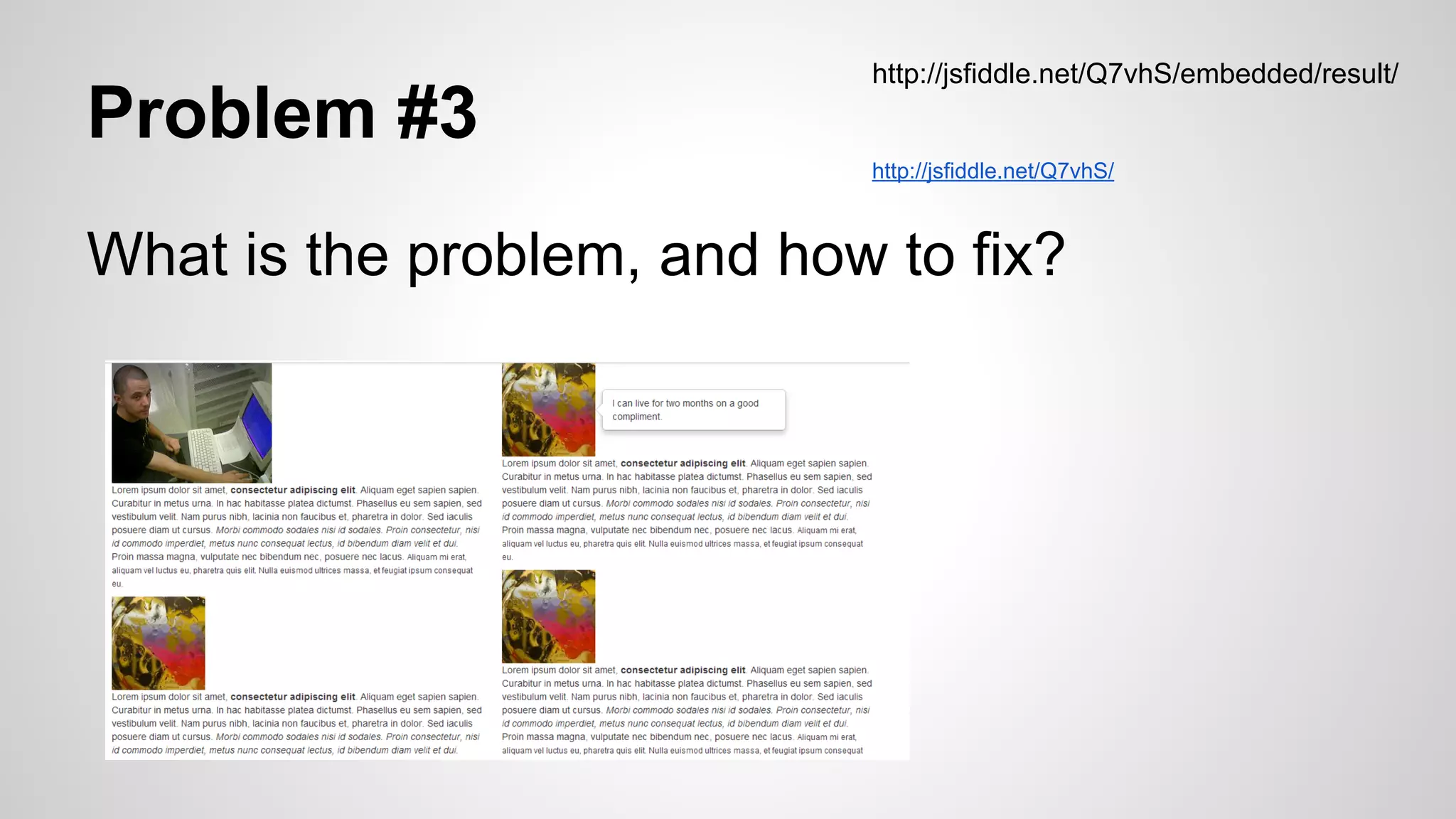
Problem #3

http://jsfiddle.net/Q7vhS/embedded/result/

http://jsfiddle.net/Q7vhS/

What is the problem, and how to fix?
Problem #4
var elements = [1,2,3,4,5,6,7,8,9];

I want to create a grid with 3 elements
in each row. This code relies on
jQuery, but there is something wrong,

$(elements).each(function(i, e) {

can you spot it?

var row;
if (i % 3 == 0) {
row = $('<div>').appendTo('body');
}
$('<span>' + e + '</span>').appendTo(row);
});
References
●

http://tobyho.com/2011/11/16/7-common-js-mistakes-or-confusions/

●

http://tobyho.com/2011/11/09/life-without-compiler/

●

http://tobyho.com/2011/11/11/js-object-inheritance/

●

http://net.tutsplus.com/tutorials/javascript-ajax/the-10-javascript-mistakes-youre-making/

●

http://nullprogram.com/blog/2012/11/19/

●

http://www.elijahmanor.com/2011/08/7-chrome-tips-developers-designers-may.html
Presentation made for “Javascript
Ho Chi Minh City” meetup group
You
●
●
●

can find us at:
http://meetup.com/JavaScript-Ho-Chi-Minh-City/
https://www.facebook.com/JavaScriptHCMC
https://plus.google.
com/communities/116105314977285194967
Thank you

Debugging JavaScript (by Thomas Bindzus, Founder, Vinagility & Thanh Loc Vo, CTO, Epsilon Mobile )