Database Performance
Handling:A Comprehensive
Guide
In today's data-driven world, ensuring optimal database performance
is crucial for businesses of all sizes. This presentation explores
strategies for handling database performance, from understanding key
metrics to implementing advanced optimization techniques.
by Mohammed Fazuluddin
Understanding Database Performance
Metrics
Response Time
Measures the time it takes
for a database query to be
executed and return
results.
Throughput
Represents the number of
requests a database can
process per unit of time.
Resource
Utilization
Monitors the use of
resources like CPU,
memory, and disk space
by the database.
Error Rate
Indicates the frequency of
errors or exceptions
encountered during
database operations.
Identifying Common
Performance Issues
Slow Queries
Inefficiently written queries
that take an excessive
amount of time to execute.
Table Scans
When the database has to
scan entire tables to find the
requested data, leading to
slow performance.
Data Skew
Uneven distribution of data in
a database, causing certain
parts to be overloaded and
slow down performance.
Lock Contention
Multiple users or processes
trying to access and modify
the same data
simultaneously, leading to
delays.
Optimizing SQL Queries
Query Rewriting
Rewriting queries to use
more efficient join methods
or filter conditions.
Index Usage
Using indexes to speed up
data retrieval for frequently
accessed data.
Data Type
Considerations
Choosing appropriate data
types for columns can
significantly impact query
performance.
Query Caching
Caching frequently
executed queries to avoid
repeated processing.
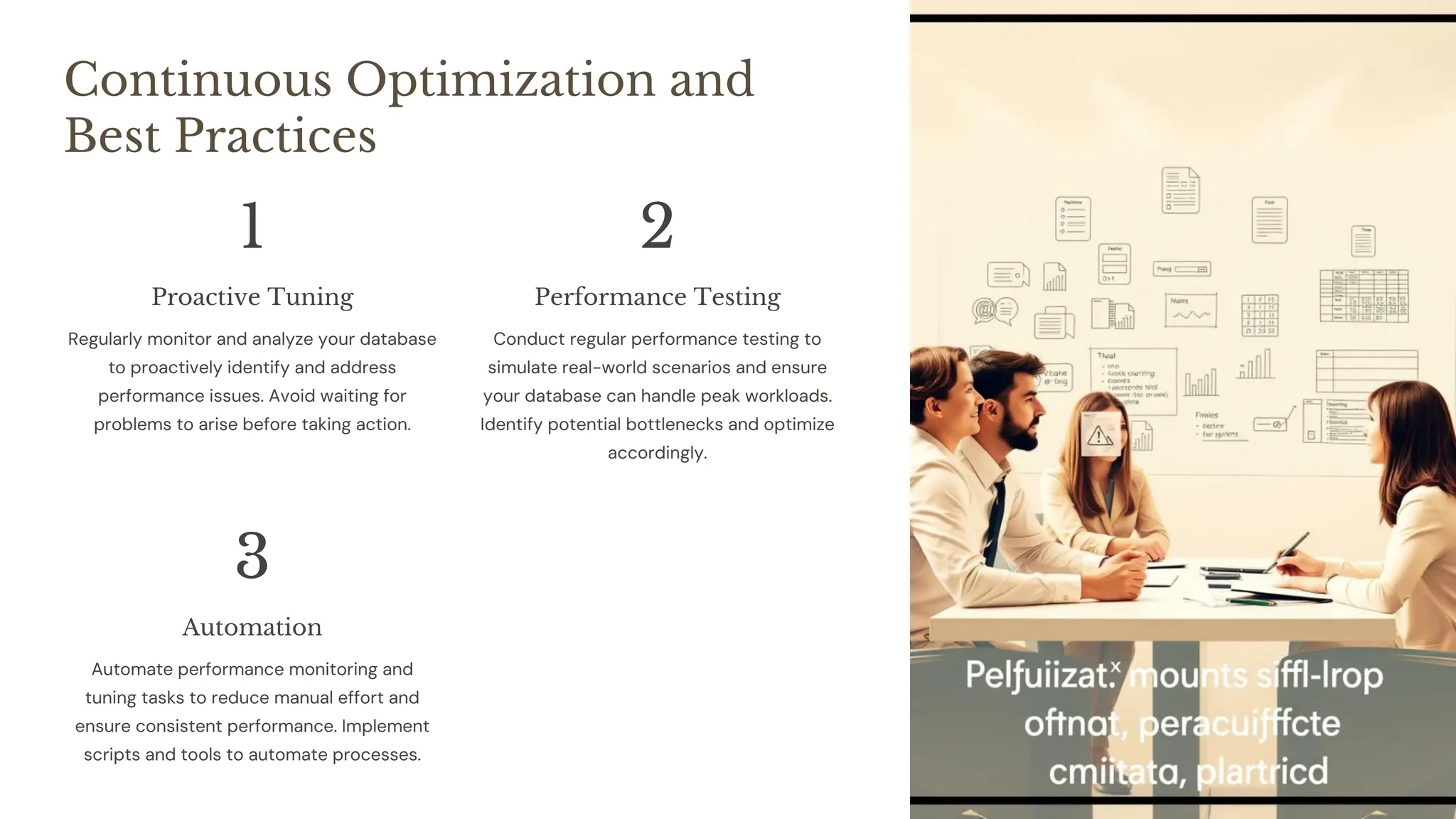
Continuous Optimization and
Best Practices
1
Proactive Tuning
Regularly monitor and analyze your database
to proactively identify and address
performance issues. Avoid waiting for
problems to arise before taking action.
2
Performance Testing
Conduct regular performance testing to
simulate real-world scenarios and ensure
your database can handle peak workloads.
Identify potential bottlenecks and optimize
accordingly.
3
Automation
Automate performance monitoring and
tuning tasks to reduce manual effort and
ensure consistent performance. Implement
scripts and tools to automate processes.
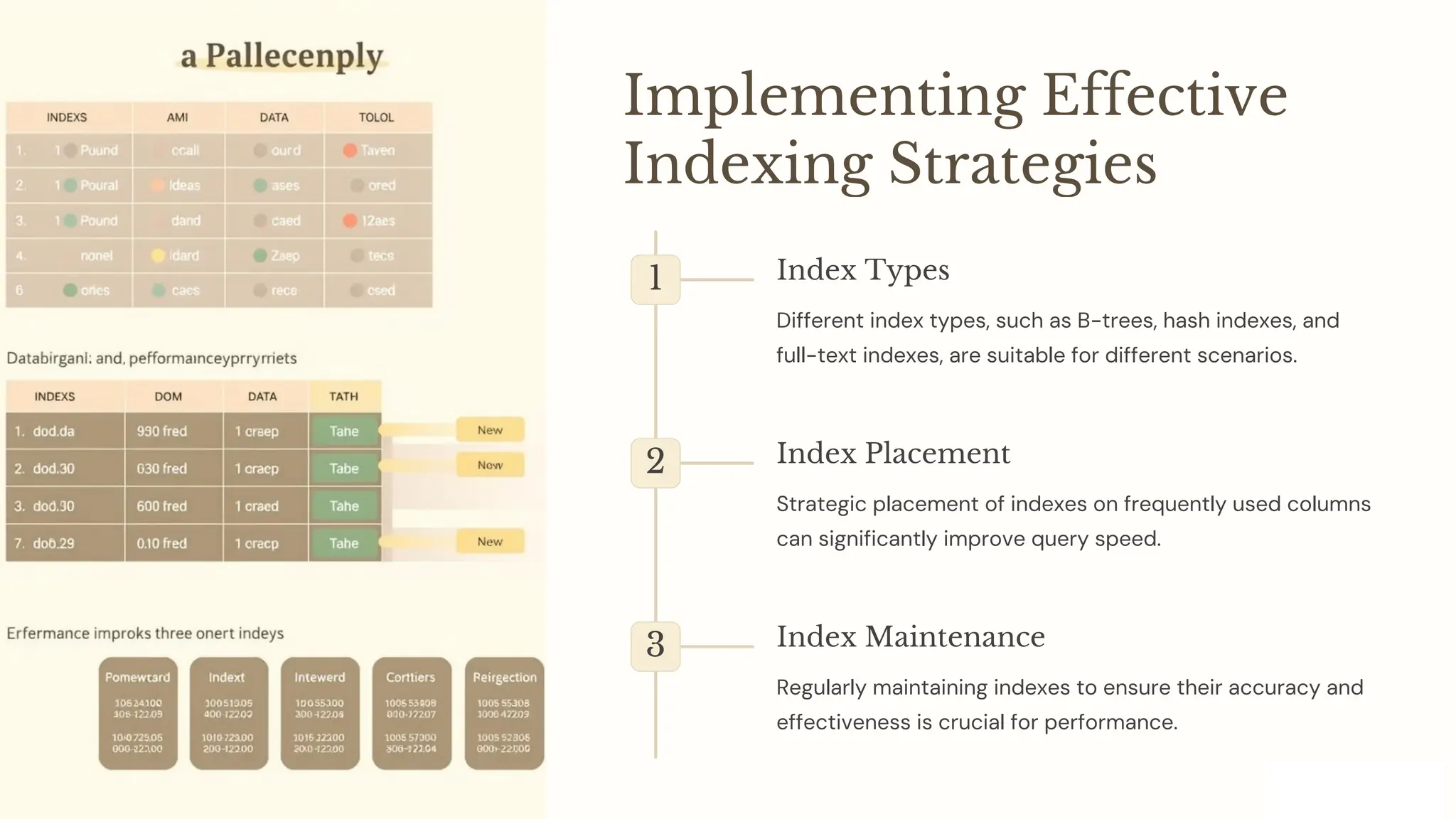
Implementing Effective
Indexing Strategies
1 Index Types
Different index types, such as B-trees, hash indexes, and
full-text indexes, are suitable for different scenarios.
2 Index Placement
Strategic placement of indexes on frequently used columns
can significantly improve query speed.
3 Index Maintenance
Regularly maintaining indexes to ensure their accuracy and
effectiveness is crucial for performance.
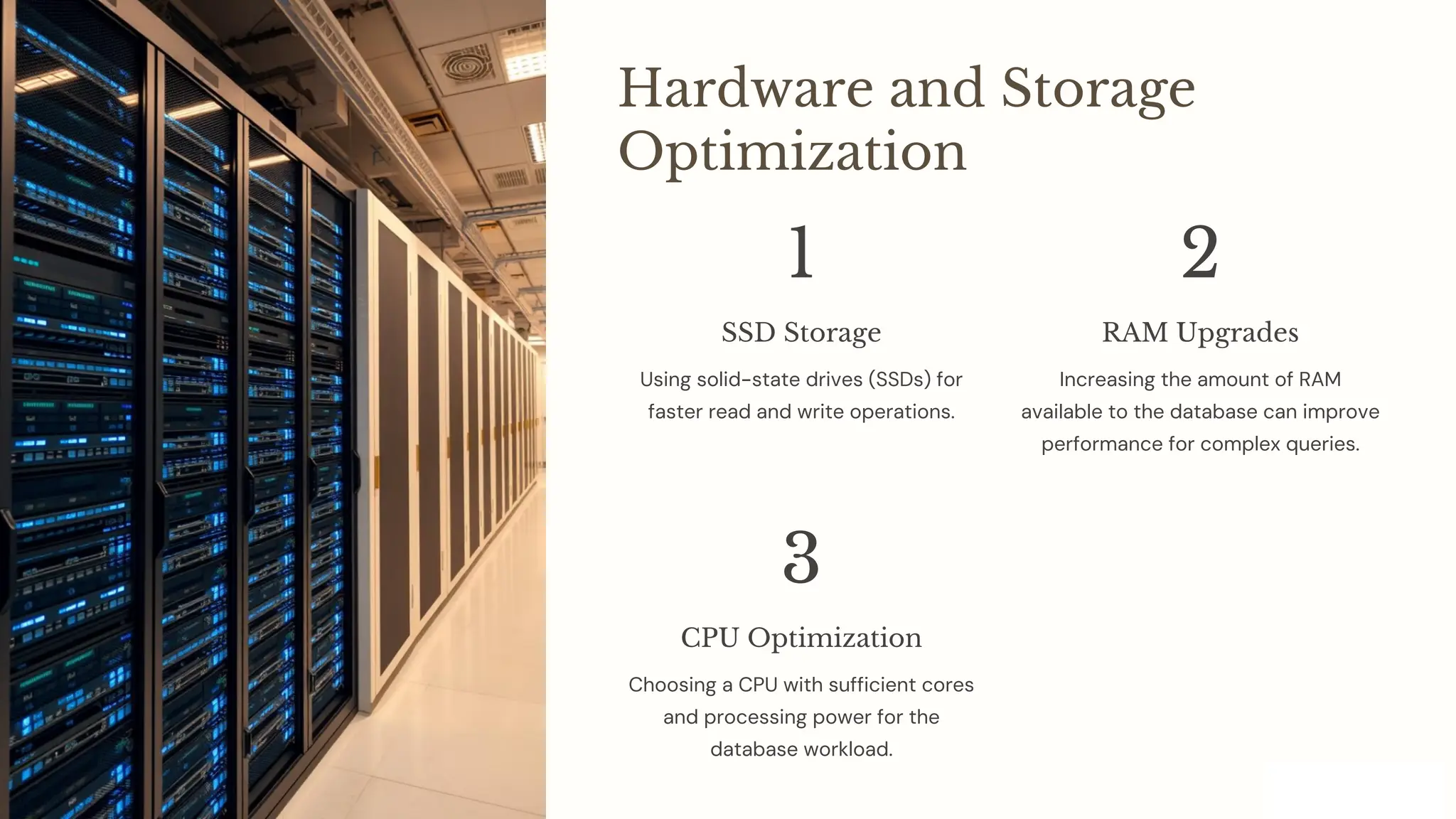
Hardware and Storage
Optimization
1
SSD Storage
Using solid-state drives (SSDs) for
faster read and write operations.
2
RAM Upgrades
Increasing the amount of RAM
available to the database can improve
performance for complex queries.
3
CPU Optimization
Choosing a CPU with sufficient cores
and processing power for the
database workload.
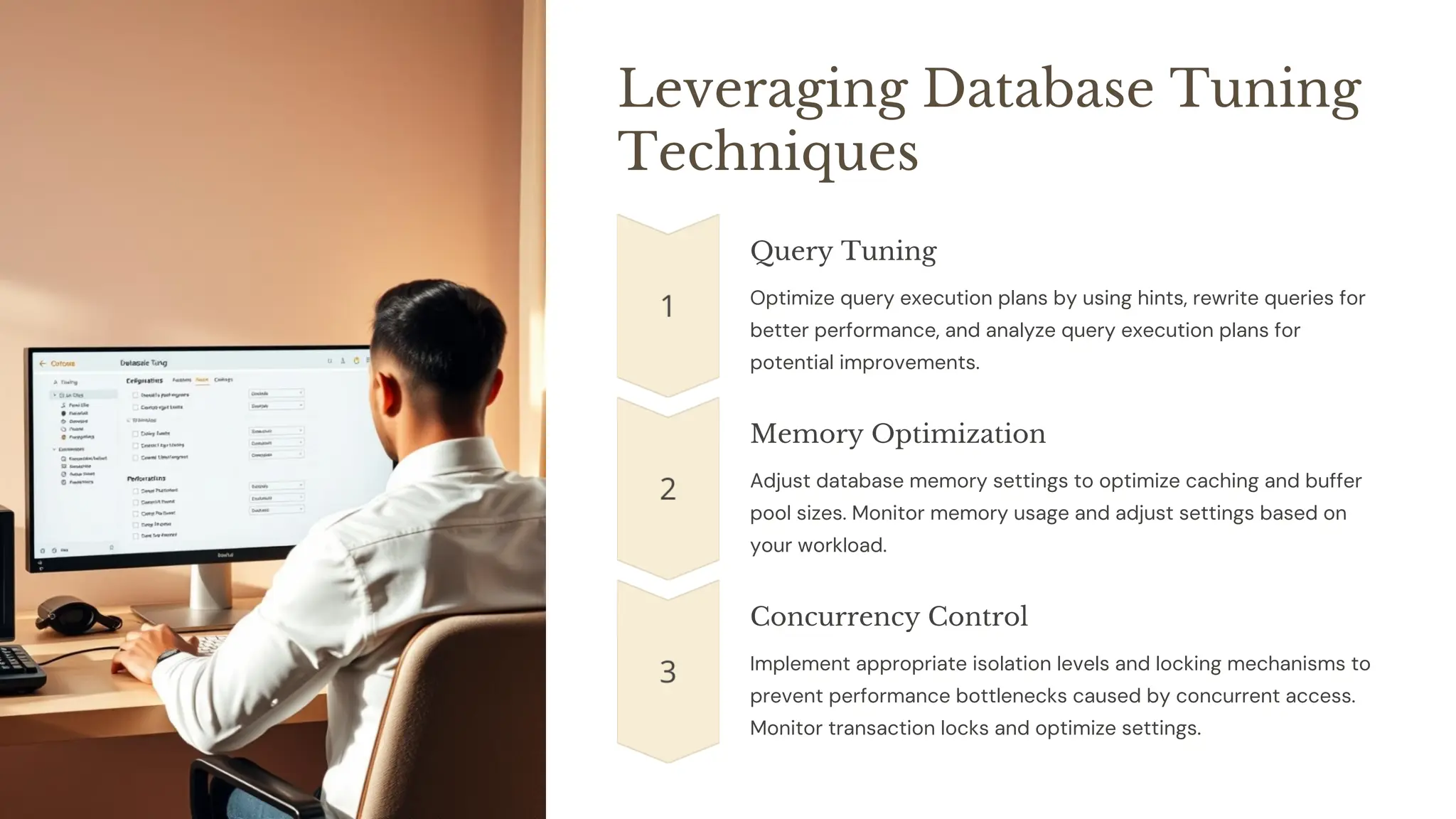
Leveraging Database Tuning
Techniques
Query Tuning
Optimize query execution plans by using hints, rewrite queries for
better performance, and analyze query execution plans for
potential improvements.
Memory Optimization
Adjust database memory settings to optimize caching and buffer
pool sizes. Monitor memory usage and adjust settings based on
your workload.
Concurrency Control
Implement appropriate isolation levels and locking mechanisms to
prevent performance bottlenecks caused by concurrent access.
Monitor transaction locks and optimize settings.
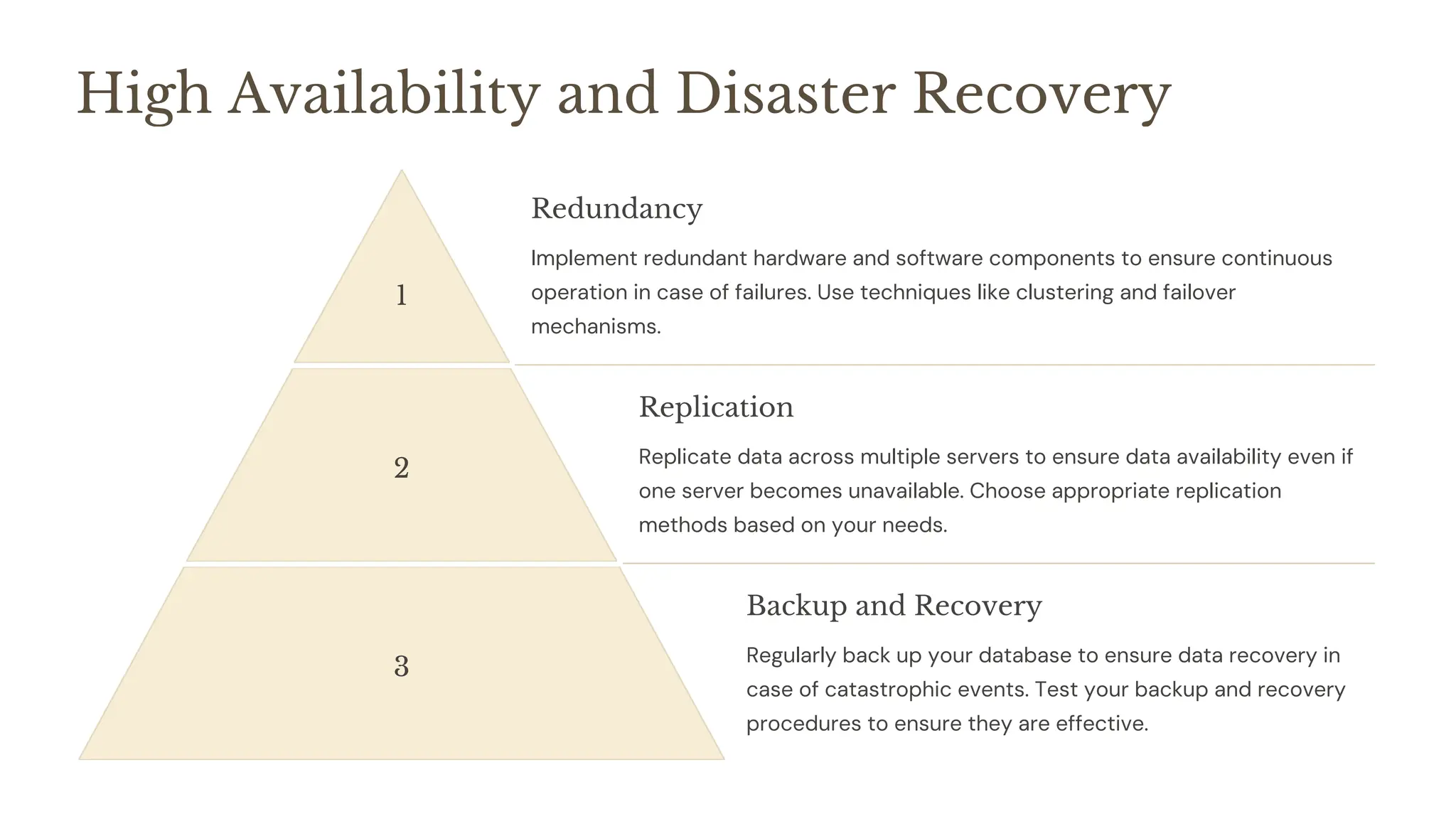
High Availability and Disaster Recovery
1
Redundancy
Implement redundant hardware and software components to ensure continuous
operation in case of failures. Use techniques like clustering and failover
mechanisms.
2
Replication
Replicate data across multiple servers to ensure data availability even if
one server becomes unavailable. Choose appropriate replication
methods based on your needs.
3
Backup and Recovery
Regularly back up your database to ensure data recovery in
case of catastrophic events. Test your backup and recovery
procedures to ensure they are effective.
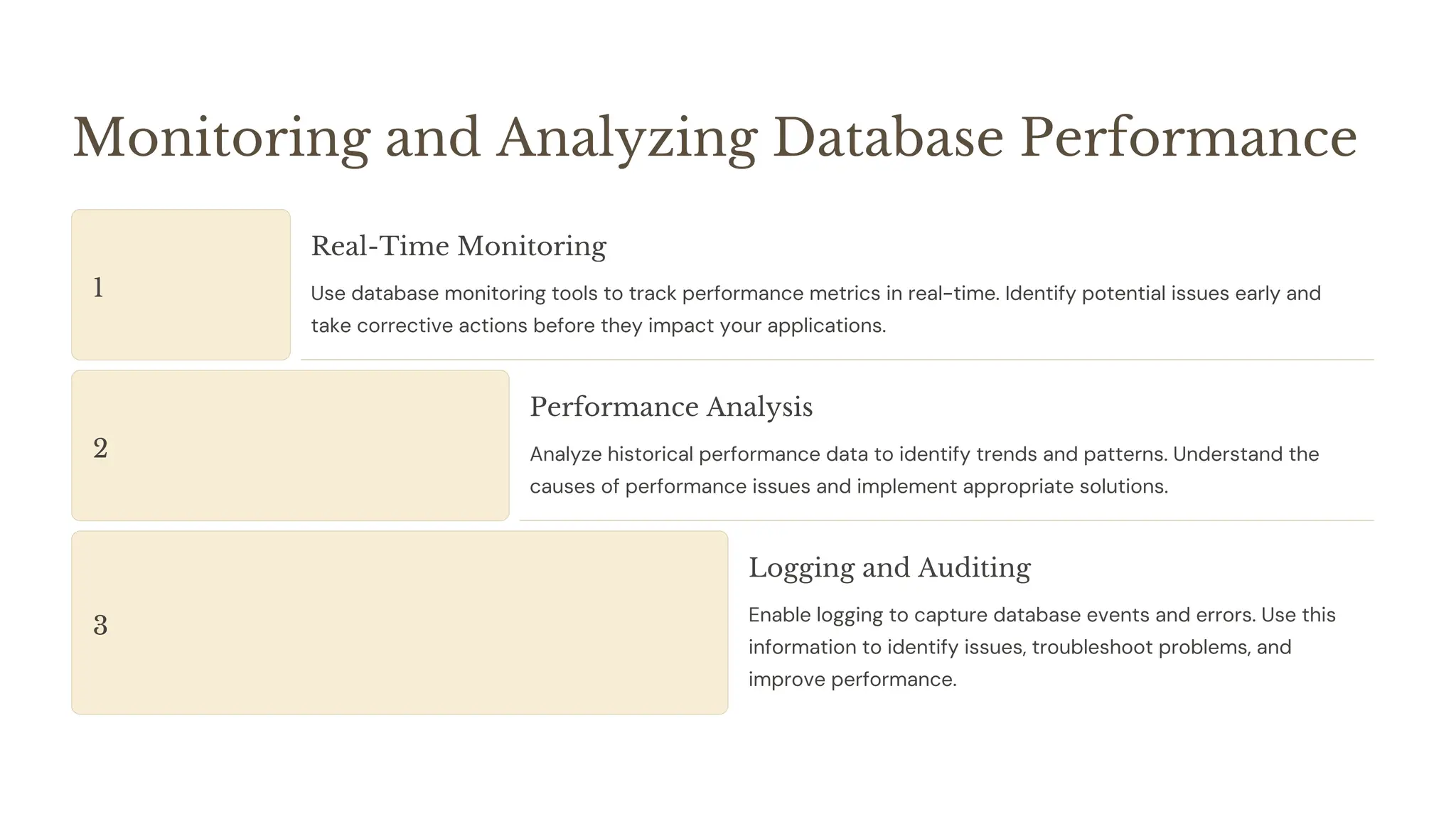
Monitoring and Analyzing Database Performance
1
Real-Time Monitoring
Use database monitoring tools to track performance metrics in real-time. Identify potential issues early and
take corrective actions before they impact your applications.
2
Performance Analysis
Analyze historical performance data to identify trends and patterns. Understand the
causes of performance issues and implement appropriate solutions.
3
Logging and Auditing
Enable logging to capture database events and errors. Use this
information to identify issues, troubleshoot problems, and
improve performance.
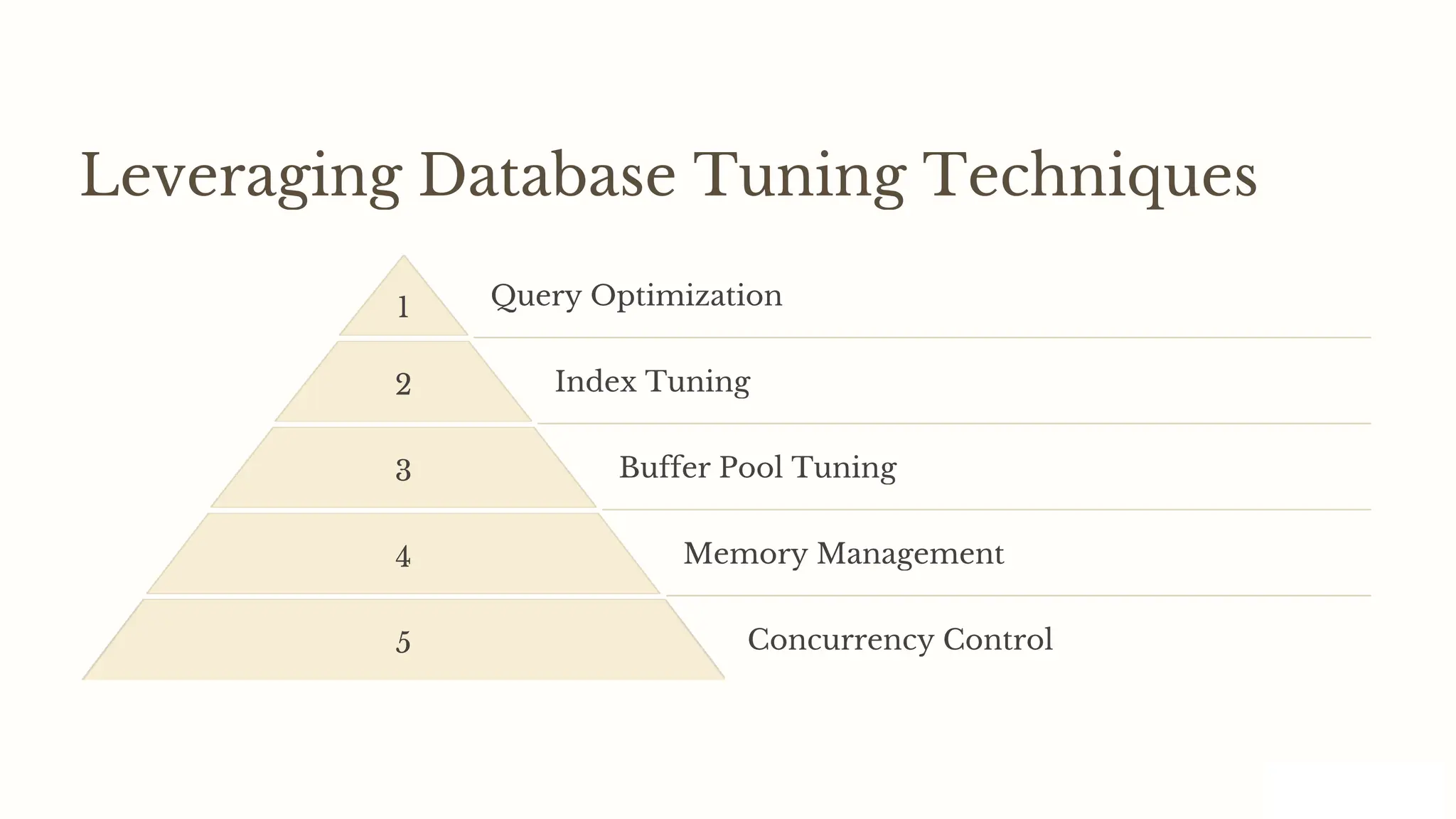
Leveraging Database Tuning Techniques
1 Query Optimization
2 Index Tuning
3 Buffer Pool Tuning
4 Memory Management
5 Concurrency Control
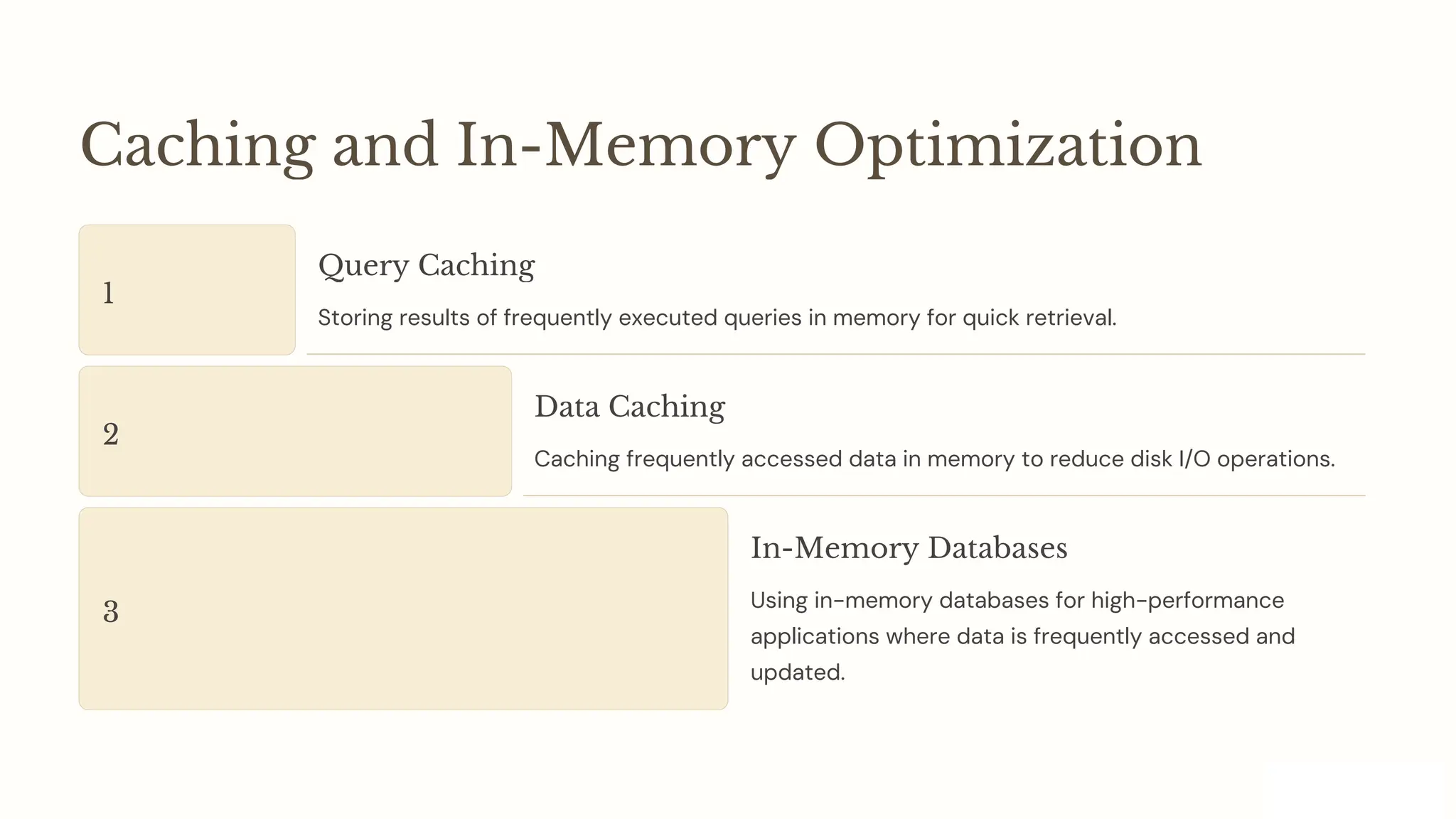
Caching and In-Memory Optimization
1
Query Caching
Storing results of frequently executed queries in memory for quick retrieval.
2
Data Caching
Caching frequently accessed data in memory to reduce disk I/O operations.
3
In-Memory Databases
Using in-memory databases for high-performance
applications where data is frequently accessed and
updated.
Database Partitioning and Sharding
Partitioning
Dividing a large database into smaller, more manageable
partitions for improved query performance.
Sharding
Distributing data across multiple servers or nodes for
horizontal scaling.
Database Performance Handling : A comprehensive guide

Database Performance Handling : A comprehensive guide

  • 1.
    Database Performance Handling:A Comprehensive Guide Intoday's data-driven world, ensuring optimal database performance is crucial for businesses of all sizes. This presentation explores strategies for handling database performance, from understanding key metrics to implementing advanced optimization techniques. by Mohammed Fazuluddin
  • 2.
    Understanding Database Performance Metrics ResponseTime Measures the time it takes for a database query to be executed and return results. Throughput Represents the number of requests a database can process per unit of time. Resource Utilization Monitors the use of resources like CPU, memory, and disk space by the database. Error Rate Indicates the frequency of errors or exceptions encountered during database operations.
  • 3.
    Identifying Common Performance Issues SlowQueries Inefficiently written queries that take an excessive amount of time to execute. Table Scans When the database has to scan entire tables to find the requested data, leading to slow performance. Data Skew Uneven distribution of data in a database, causing certain parts to be overloaded and slow down performance. Lock Contention Multiple users or processes trying to access and modify the same data simultaneously, leading to delays.
  • 4.
    Optimizing SQL Queries QueryRewriting Rewriting queries to use more efficient join methods or filter conditions. Index Usage Using indexes to speed up data retrieval for frequently accessed data. Data Type Considerations Choosing appropriate data types for columns can significantly impact query performance. Query Caching Caching frequently executed queries to avoid repeated processing.
  • 5.
    Continuous Optimization and BestPractices 1 Proactive Tuning Regularly monitor and analyze your database to proactively identify and address performance issues. Avoid waiting for problems to arise before taking action. 2 Performance Testing Conduct regular performance testing to simulate real-world scenarios and ensure your database can handle peak workloads. Identify potential bottlenecks and optimize accordingly. 3 Automation Automate performance monitoring and tuning tasks to reduce manual effort and ensure consistent performance. Implement scripts and tools to automate processes.
  • 6.
    Implementing Effective Indexing Strategies 1Index Types Different index types, such as B-trees, hash indexes, and full-text indexes, are suitable for different scenarios. 2 Index Placement Strategic placement of indexes on frequently used columns can significantly improve query speed. 3 Index Maintenance Regularly maintaining indexes to ensure their accuracy and effectiveness is crucial for performance.
  • 7.
    Hardware and Storage Optimization 1 SSDStorage Using solid-state drives (SSDs) for faster read and write operations. 2 RAM Upgrades Increasing the amount of RAM available to the database can improve performance for complex queries. 3 CPU Optimization Choosing a CPU with sufficient cores and processing power for the database workload.
  • 8.
    Leveraging Database Tuning Techniques QueryTuning Optimize query execution plans by using hints, rewrite queries for better performance, and analyze query execution plans for potential improvements. Memory Optimization Adjust database memory settings to optimize caching and buffer pool sizes. Monitor memory usage and adjust settings based on your workload. Concurrency Control Implement appropriate isolation levels and locking mechanisms to prevent performance bottlenecks caused by concurrent access. Monitor transaction locks and optimize settings.
  • 9.
    High Availability andDisaster Recovery 1 Redundancy Implement redundant hardware and software components to ensure continuous operation in case of failures. Use techniques like clustering and failover mechanisms. 2 Replication Replicate data across multiple servers to ensure data availability even if one server becomes unavailable. Choose appropriate replication methods based on your needs. 3 Backup and Recovery Regularly back up your database to ensure data recovery in case of catastrophic events. Test your backup and recovery procedures to ensure they are effective.
  • 10.
    Monitoring and AnalyzingDatabase Performance 1 Real-Time Monitoring Use database monitoring tools to track performance metrics in real-time. Identify potential issues early and take corrective actions before they impact your applications. 2 Performance Analysis Analyze historical performance data to identify trends and patterns. Understand the causes of performance issues and implement appropriate solutions. 3 Logging and Auditing Enable logging to capture database events and errors. Use this information to identify issues, troubleshoot problems, and improve performance.
  • 11.
    Leveraging Database TuningTechniques 1 Query Optimization 2 Index Tuning 3 Buffer Pool Tuning 4 Memory Management 5 Concurrency Control
  • 12.
    Caching and In-MemoryOptimization 1 Query Caching Storing results of frequently executed queries in memory for quick retrieval. 2 Data Caching Caching frequently accessed data in memory to reduce disk I/O operations. 3 In-Memory Databases Using in-memory databases for high-performance applications where data is frequently accessed and updated.
  • 13.
    Database Partitioning andSharding Partitioning Dividing a large database into smaller, more manageable partitions for improved query performance. Sharding Distributing data across multiple servers or nodes for horizontal scaling.