Core Java
For Beginner in Automation Testing
Sujit Pathak
1. Why Java?
2. How to start Java
3. Java – an Introduction
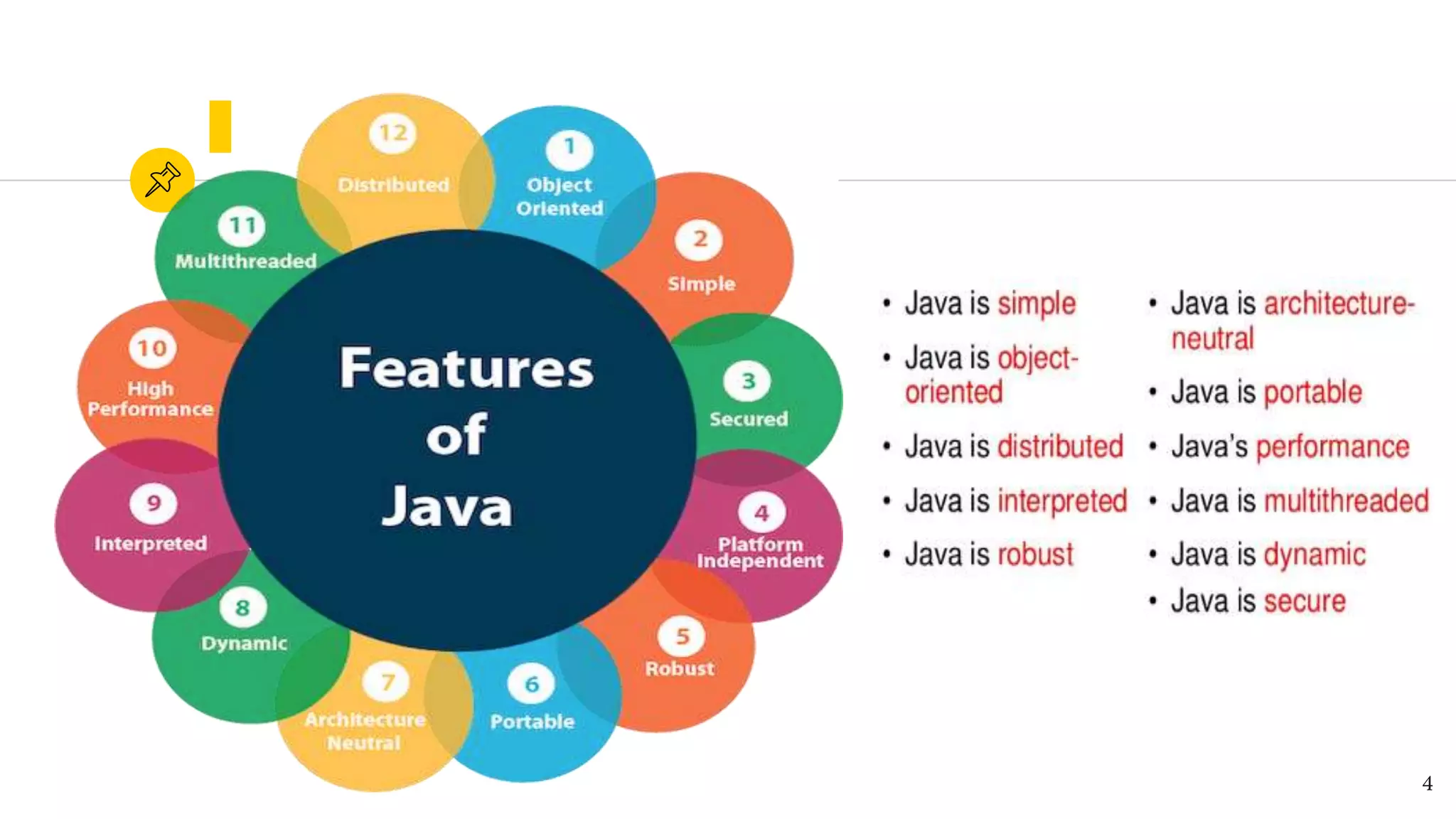
4. Features of Java
5. Architecture of Java – JRE, JVM, JDK
6. What is OOPs
7. 4 Pillars of Java
8. Class and Object
Agenda
2
Why Java ?1
3
4
Let’s Begin Java
◉ Install Java – JDK on your machine.
◉ Download any IDE to write the code
○ Eclipse
○ NetBeans
○ InteliJ Idea
○ Notepad++
○ Visual Studio
5
Java – An Introduction
◉ Java is a programming language and computing platform first released
by Sun Microsystems in 1995.
◉ There are lots of applications and websites that will not work unless you
have Java installed, and more are created every day.
◉ Java is fast, secure, and reliable. From laptops to datacenters, game
consoles to scientific supercomputers, cell phones to the Internet.
◉ Java is everywhere!
6
Architecture Concept
◉ JVM (Java Virtual Machine) is an abstract machine that enables your computer to run a
Java program.
◉ When you run the Java program, Java compiler first compiles your Java code to
bytecode. Then, the JVM translates bytecode into native machine code (set of
instructions that a computer's CPU executes directly).
◉ JVM is responsible for executing the java program line by line hence it is also known as
interpreter.
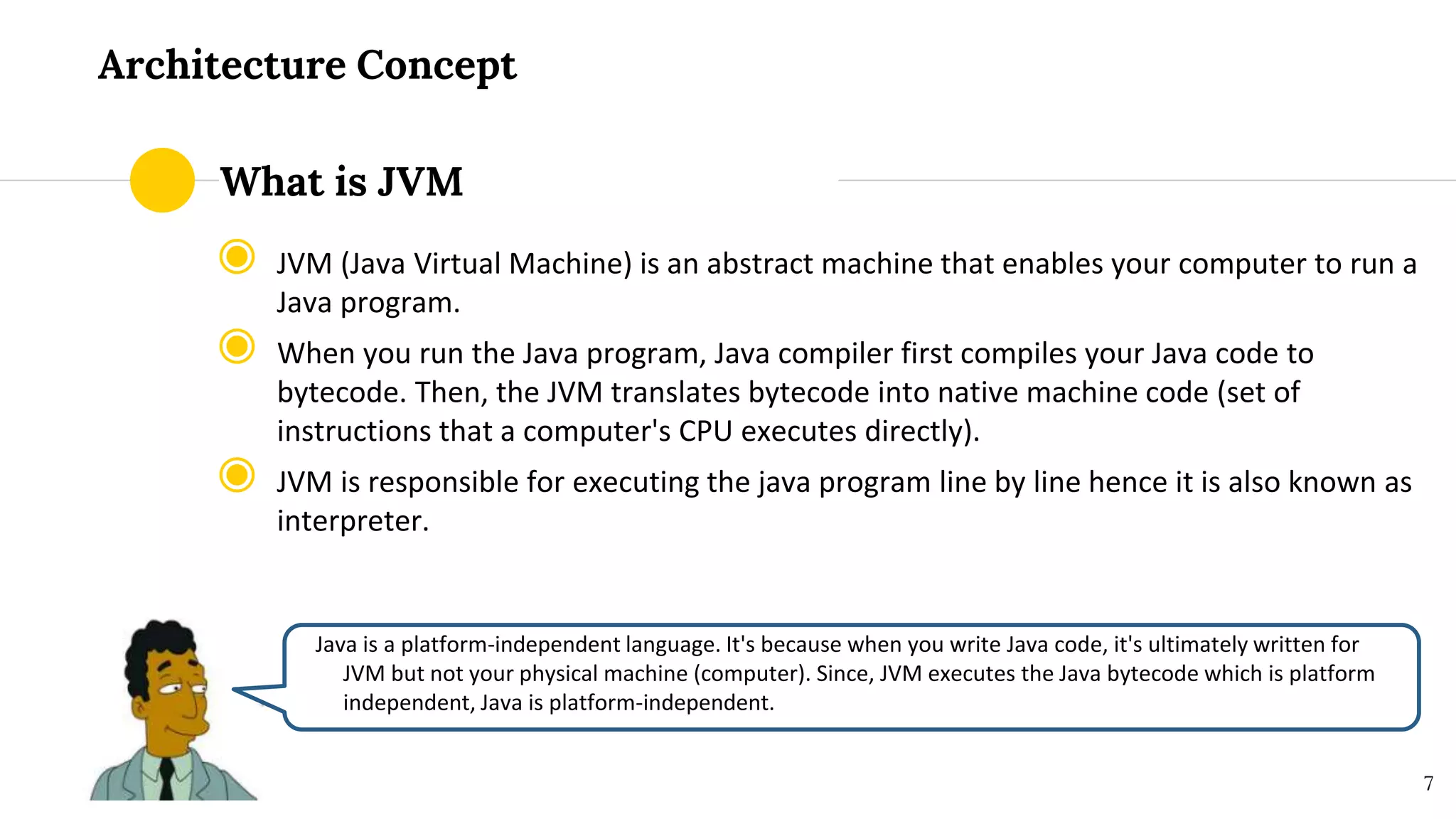
Java is a platform-independent language. It's because when you write Java code, it's ultimately written for
JVM but not your physical machine (computer). Since, JVM ​executes the Java bytecode which is platform
independent, Java is platform-independent.
7
What is JVM
What is JRE?
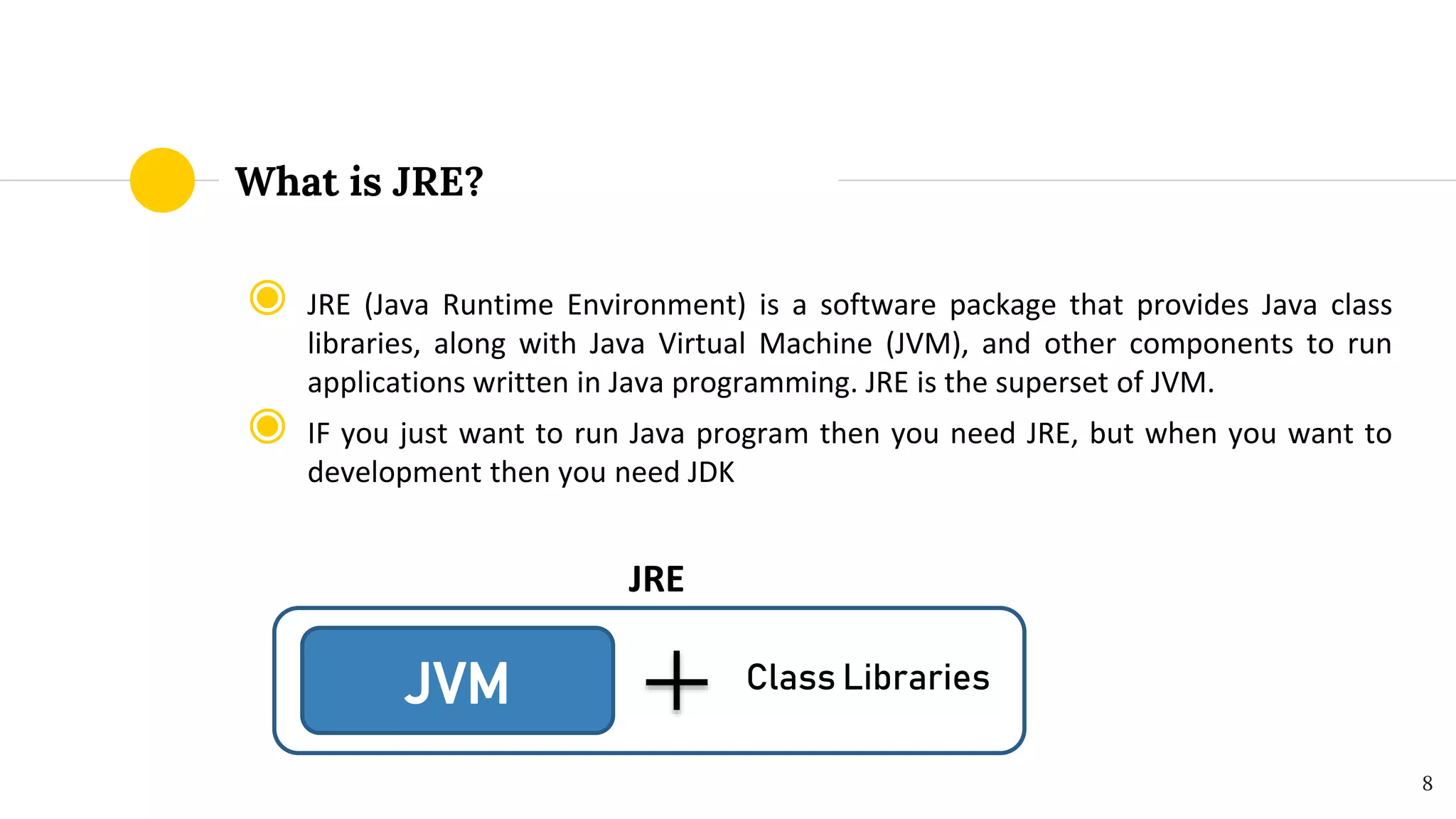
◉ JRE (Java Runtime Environment) is a software package that provides Java class
libraries, along with Java Virtual Machine (JVM), and other components to run
applications written in Java programming. JRE is the superset of JVM.
◉ IF you just want to run Java program then you need JRE, but when you want to
development then you need JDK
JRE
8
JVM Class Libraries
What is JDK?
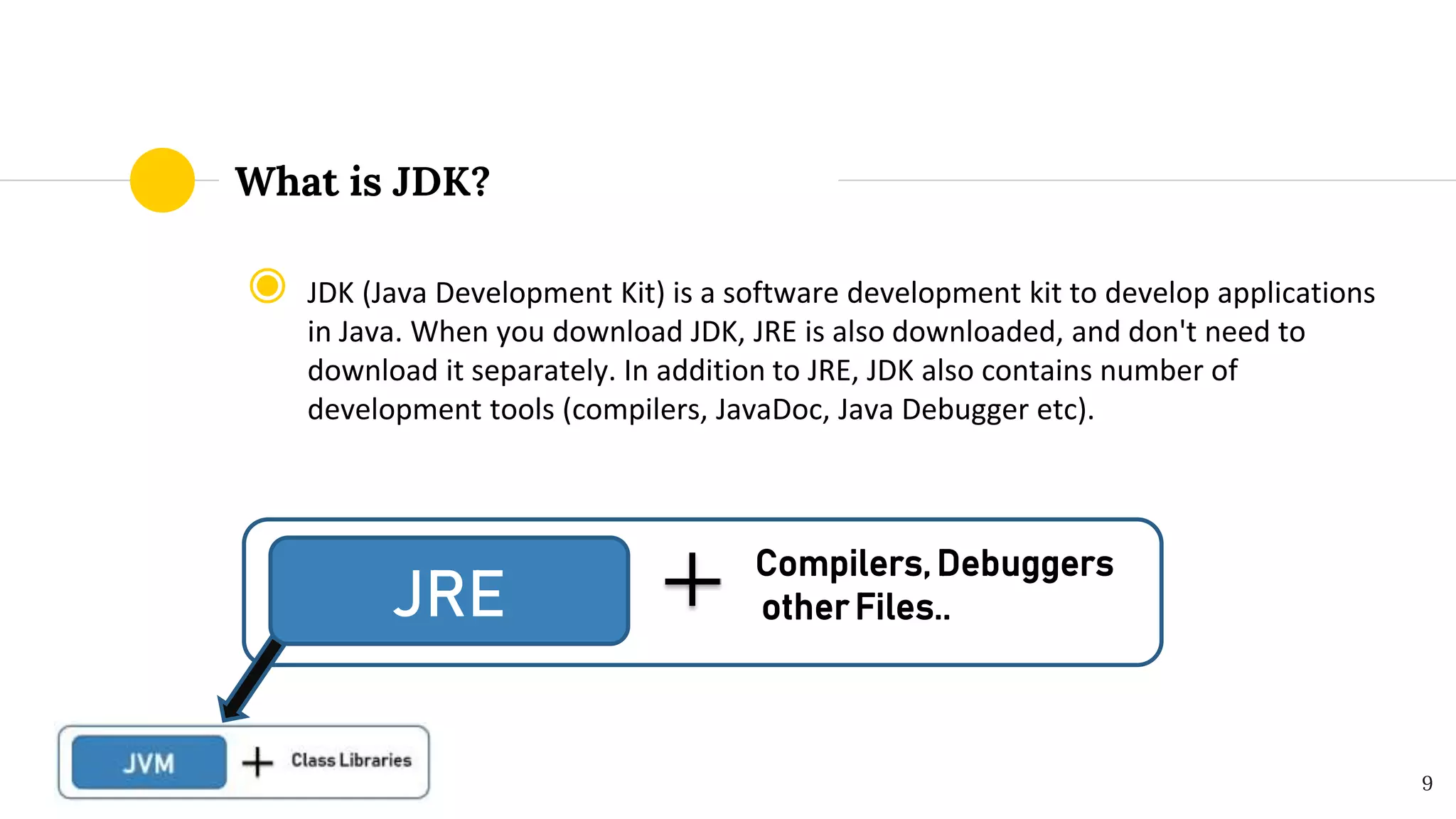
◉ JDK (Java Development Kit) is a software development kit to develop applications
in Java. When you download JDK, JRE is also downloaded, and don't need to
download it separately. In addition to JRE, JDK also contains number of
development tools (compilers, JavaDoc, Java Debugger etc).
9
JRE
Compilers, Debuggers
other Files..
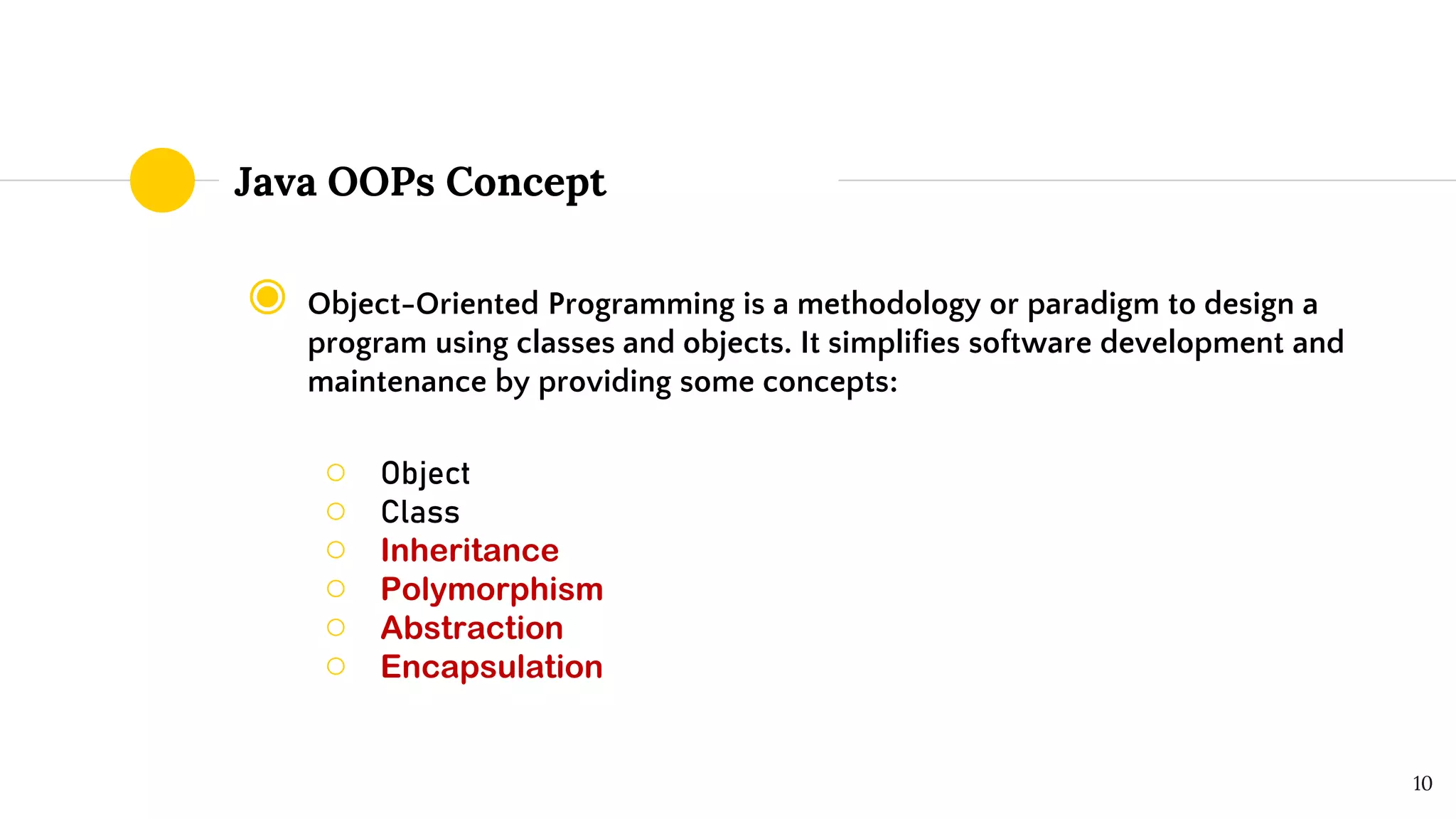
Java OOPs Concept
◉ Object-Oriented Programming is a methodology or paradigm to design a
program using classes and objects. It simplifies software development and
maintenance by providing some concepts:
○ Object
○ Class
○ Inheritance
○ Polymorphism
○ Abstraction
○ Encapsulation
10
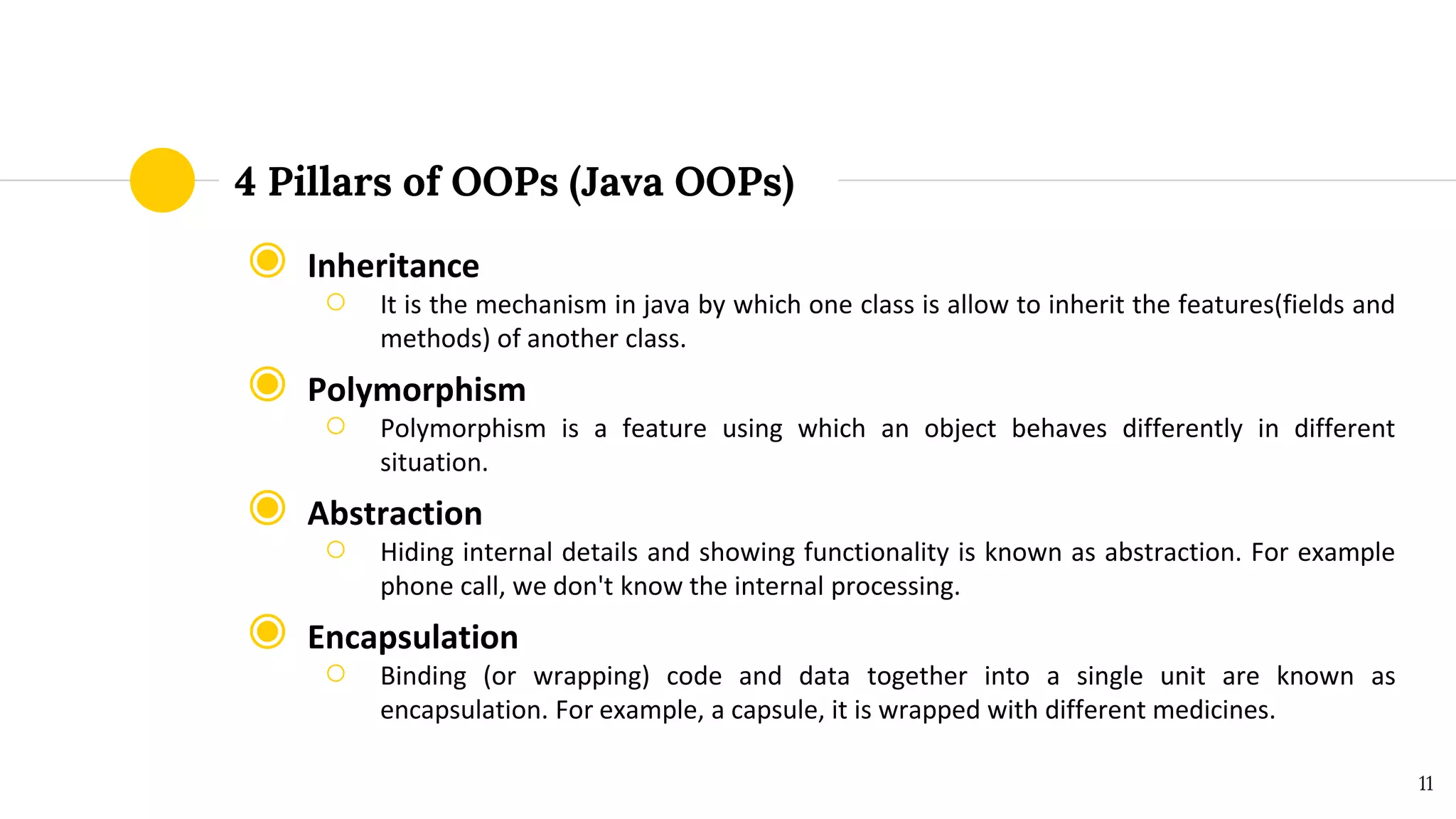
4 Pillars of OOPs (Java OOPs)
◉ Inheritance
○ It is the mechanism in java by which one class is allow to inherit the features(fields and
methods) of another class.
◉ Polymorphism
○ Polymorphism is a feature using which an object behaves differently in different
situation.
◉ Abstraction
○ Hiding internal details and showing functionality is known as abstraction. For example
phone call, we don't know the internal processing.
◉ Encapsulation
○ Binding (or wrapping) code and data together into a single unit are known as
encapsulation. For example, a capsule, it is wrapped with different medicines.
11
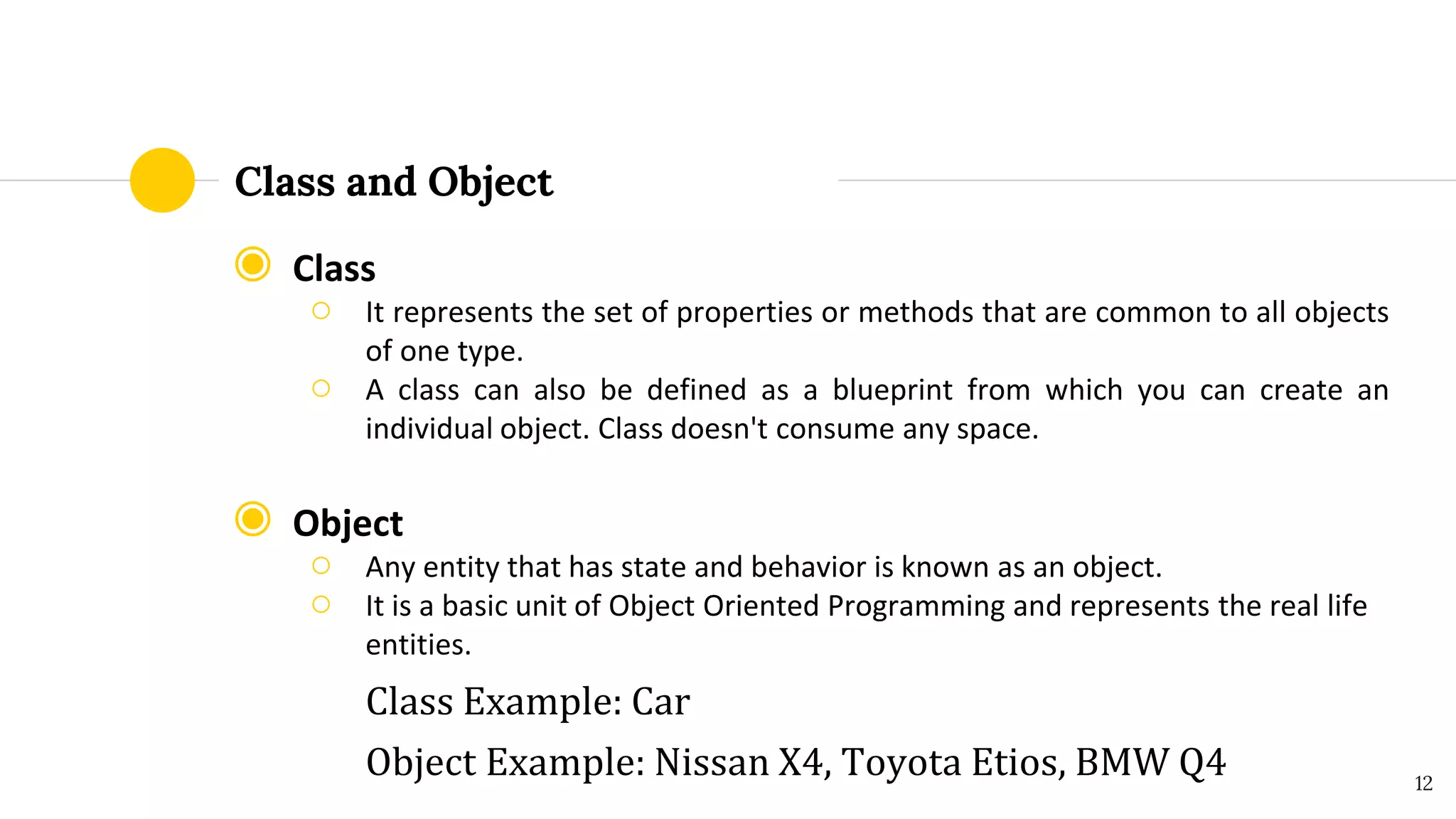
Class and Object
◉ Class
○ It represents the set of properties or methods that are common to all objects
of one type.
○ A class can also be defined as a blueprint from which you can create an
individual object. Class doesn't consume any space.
◉ Object
○ Any entity that has state and behavior is known as an object.
○ It is a basic unit of Object Oriented Programming and represents the real life
entities.
Class Example: Car
Object Example: Nissan X4, Toyota Etios, BMW Q4 12
Discussion Time
Let’s discuss on the presentation topic
13
Youtube.com/QAZone
https://www.facebook.com/QAZone-108453317157290/
https://qa-zone.blogspot.com/
Thanks!
14

Core Java Basics

  • 1.
    Core Java For Beginnerin Automation Testing Sujit Pathak
  • 2.
    1. Why Java? 2.How to start Java 3. Java – an Introduction 4. Features of Java 5. Architecture of Java – JRE, JVM, JDK 6. What is OOPs 7. 4 Pillars of Java 8. Class and Object Agenda 2
  • 3.
  • 4.
  • 5.
    Let’s Begin Java ◉Install Java – JDK on your machine. ◉ Download any IDE to write the code ○ Eclipse ○ NetBeans ○ InteliJ Idea ○ Notepad++ ○ Visual Studio 5
  • 6.
    Java – AnIntroduction ◉ Java is a programming language and computing platform first released by Sun Microsystems in 1995. ◉ There are lots of applications and websites that will not work unless you have Java installed, and more are created every day. ◉ Java is fast, secure, and reliable. From laptops to datacenters, game consoles to scientific supercomputers, cell phones to the Internet. ◉ Java is everywhere! 6
  • 7.
    Architecture Concept ◉ JVM(Java Virtual Machine) is an abstract machine that enables your computer to run a Java program. ◉ When you run the Java program, Java compiler first compiles your Java code to bytecode. Then, the JVM translates bytecode into native machine code (set of instructions that a computer's CPU executes directly). ◉ JVM is responsible for executing the java program line by line hence it is also known as interpreter. Java is a platform-independent language. It's because when you write Java code, it's ultimately written for JVM but not your physical machine (computer). Since, JVM ​executes the Java bytecode which is platform independent, Java is platform-independent. 7 What is JVM
  • 8.
    What is JRE? ◉JRE (Java Runtime Environment) is a software package that provides Java class libraries, along with Java Virtual Machine (JVM), and other components to run applications written in Java programming. JRE is the superset of JVM. ◉ IF you just want to run Java program then you need JRE, but when you want to development then you need JDK JRE 8 JVM Class Libraries
  • 9.
    What is JDK? ◉JDK (Java Development Kit) is a software development kit to develop applications in Java. When you download JDK, JRE is also downloaded, and don't need to download it separately. In addition to JRE, JDK also contains number of development tools (compilers, JavaDoc, Java Debugger etc). 9 JRE Compilers, Debuggers other Files..
  • 10.
    Java OOPs Concept ◉Object-Oriented Programming is a methodology or paradigm to design a program using classes and objects. It simplifies software development and maintenance by providing some concepts: ○ Object ○ Class ○ Inheritance ○ Polymorphism ○ Abstraction ○ Encapsulation 10
  • 11.
    4 Pillars ofOOPs (Java OOPs) ◉ Inheritance ○ It is the mechanism in java by which one class is allow to inherit the features(fields and methods) of another class. ◉ Polymorphism ○ Polymorphism is a feature using which an object behaves differently in different situation. ◉ Abstraction ○ Hiding internal details and showing functionality is known as abstraction. For example phone call, we don't know the internal processing. ◉ Encapsulation ○ Binding (or wrapping) code and data together into a single unit are known as encapsulation. For example, a capsule, it is wrapped with different medicines. 11
  • 12.
    Class and Object ◉Class ○ It represents the set of properties or methods that are common to all objects of one type. ○ A class can also be defined as a blueprint from which you can create an individual object. Class doesn't consume any space. ◉ Object ○ Any entity that has state and behavior is known as an object. ○ It is a basic unit of Object Oriented Programming and represents the real life entities. Class Example: Car Object Example: Nissan X4, Toyota Etios, BMW Q4 12
  • 13.
    Discussion Time Let’s discusson the presentation topic 13
  • 14.