Running tests in
Continuous Integration
—
Sergey Pak
Jetbrains
Test Automation
—
Why?
Test Automation
—
1) Save resources
Test Automation
—
1) Save resources
2) Faster feedback
Test Automation
—
1) Save resources
2) Faster feedback
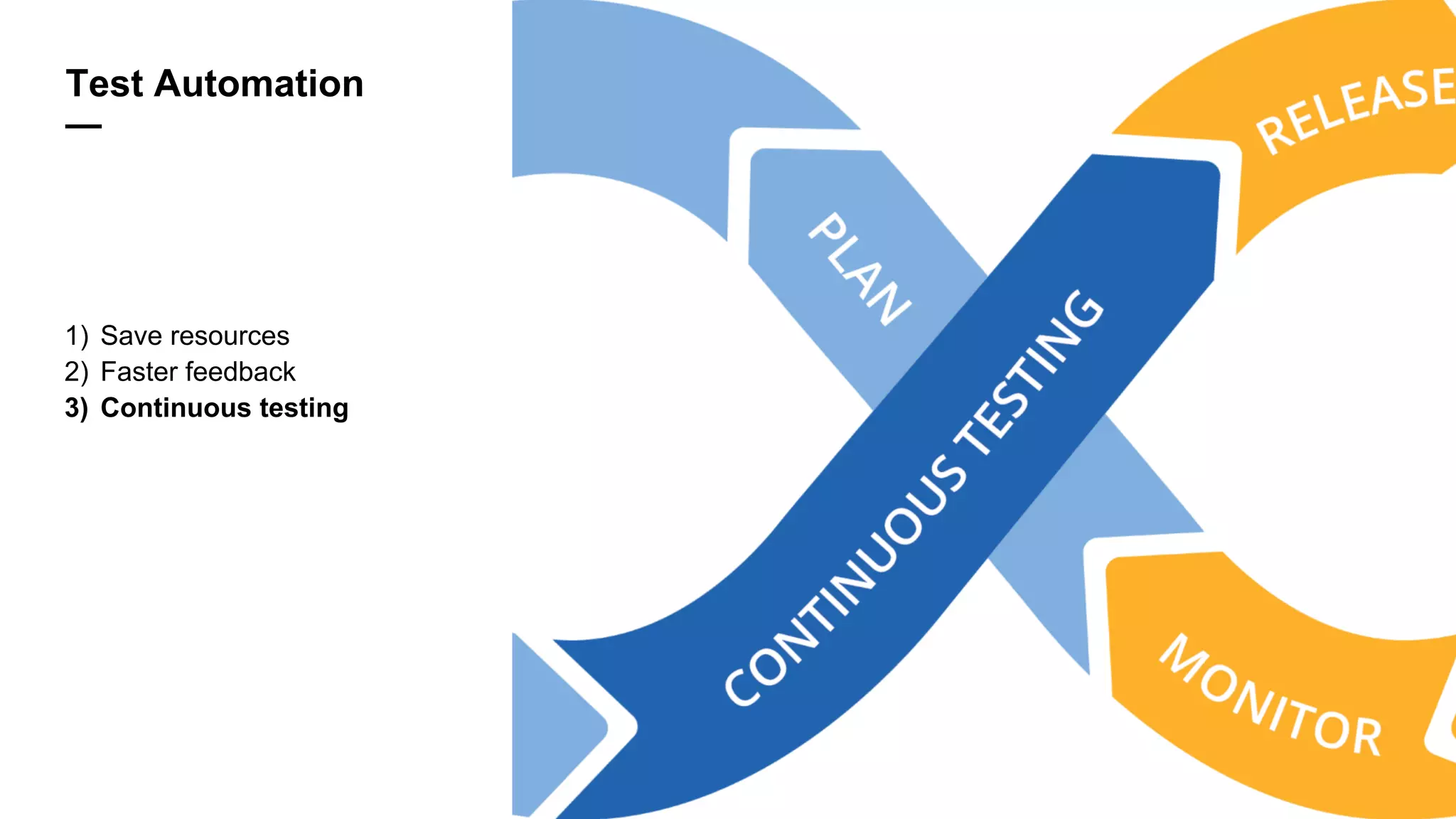
3) Continuous testing
Continuous Testing
—
1) No manual test execution
Continuous Testing
—
1) No manual test execution
2) Tests in VCS
Continuous Testing
—
1) No manual test execution
2) Tests in VCS
3) Automated tests are a part of the application code
Basic Scenario
—
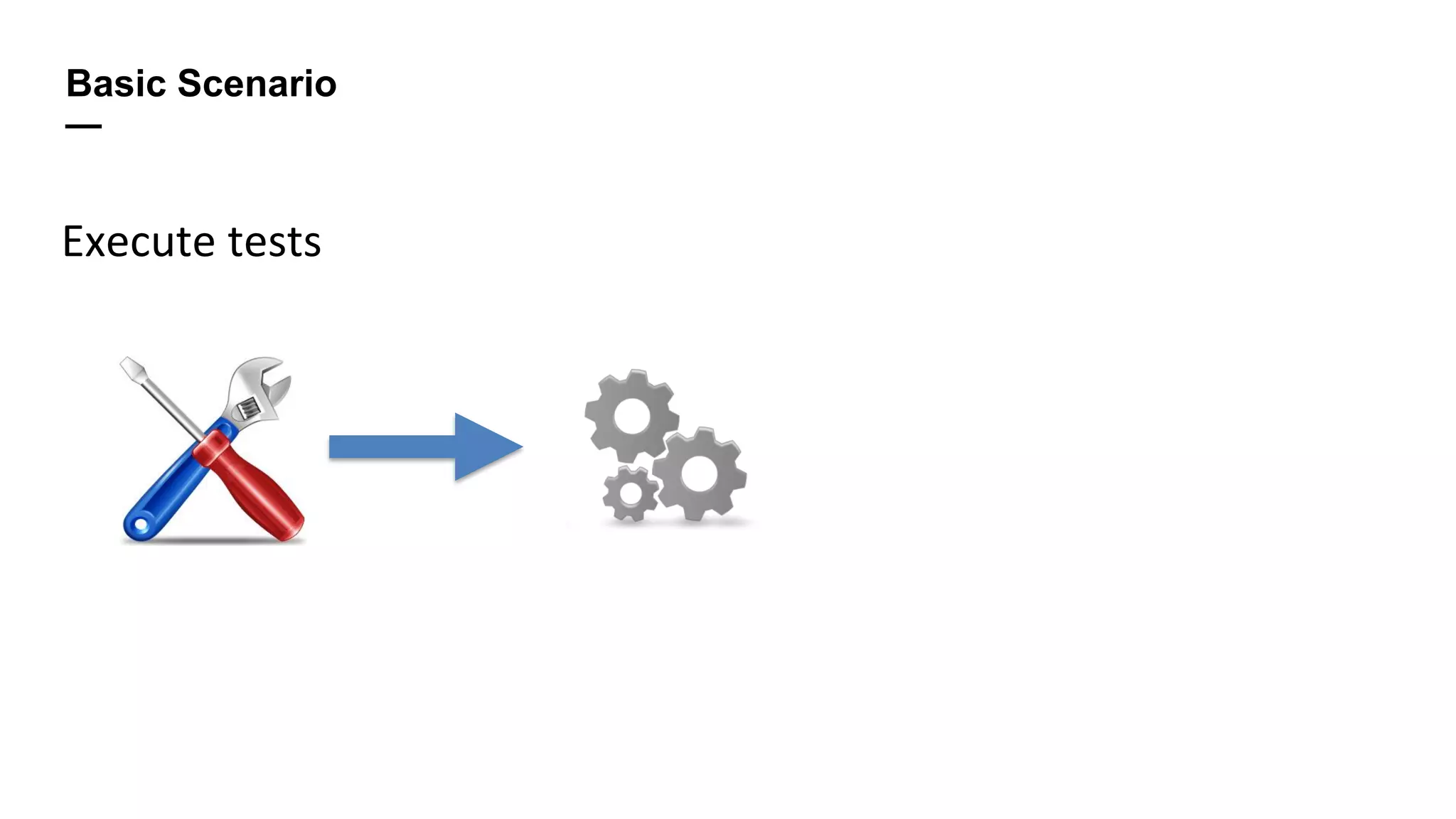
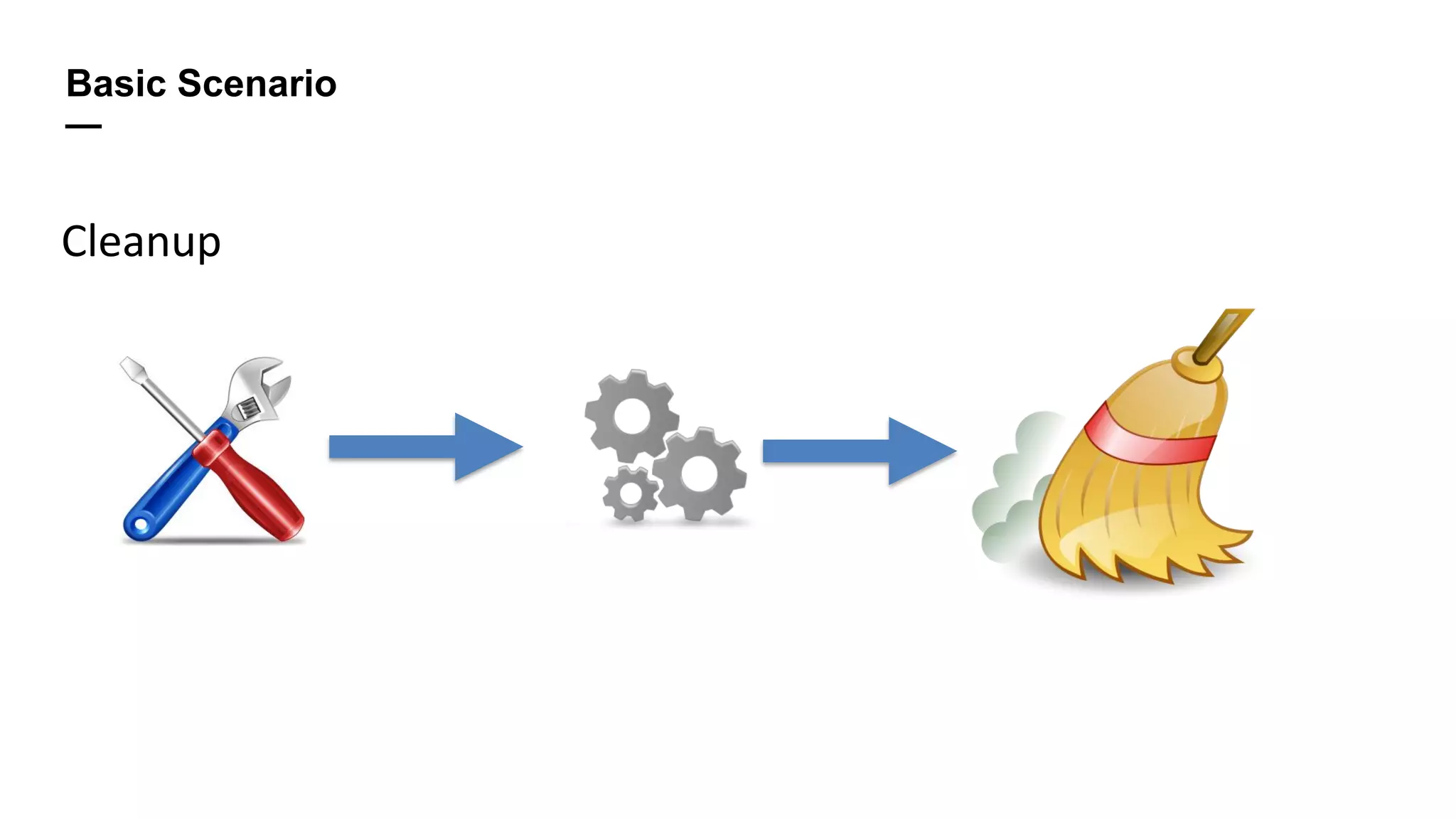
Prepare environment
Basic Scenario
—
Execute tests
Basic Scenario
—
Cleanup
Prepare environment
—
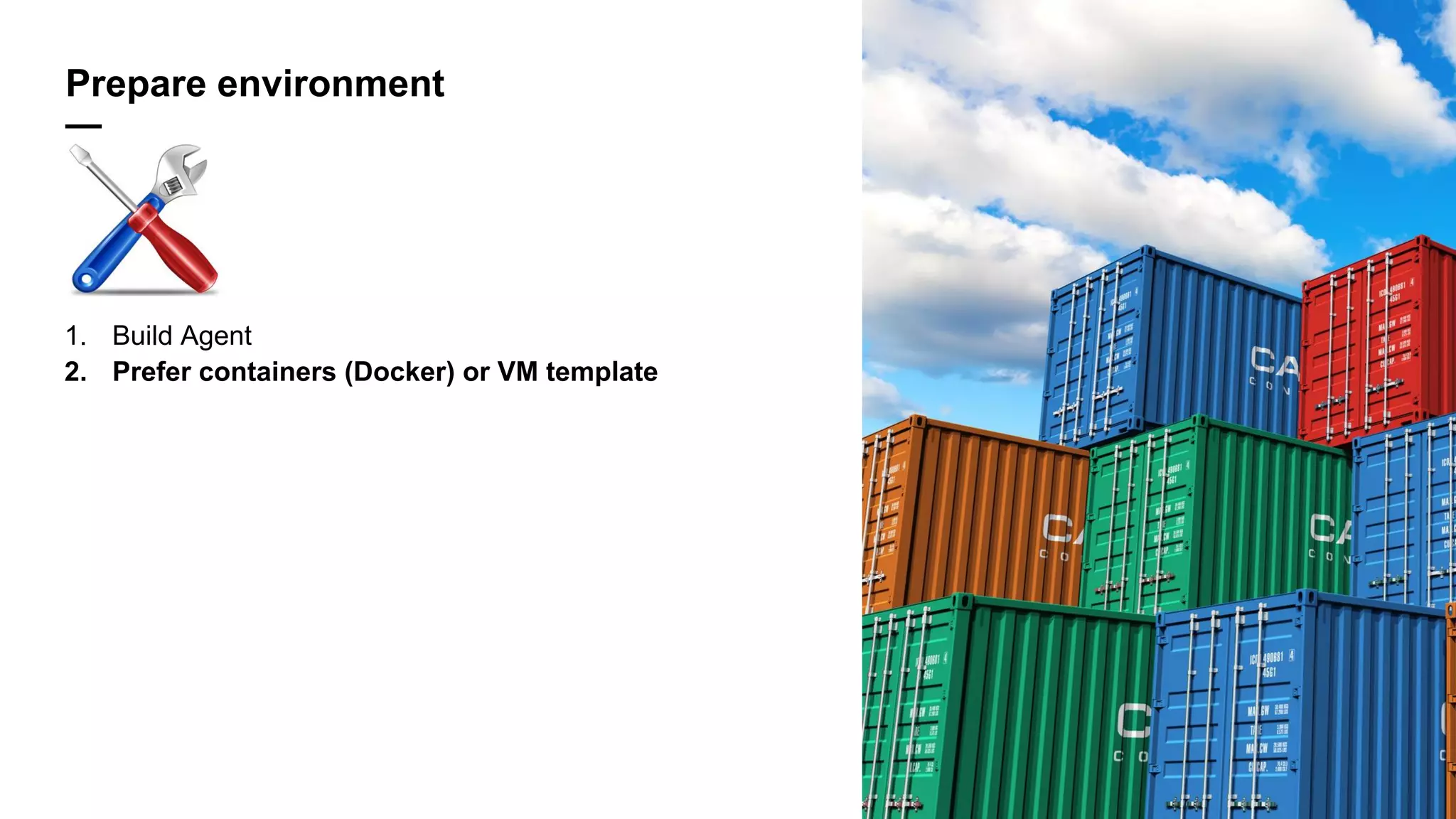
1. Build Agent
Prepare environment
—
1. Build Agent
2. Prefer containers (Docker) or VM template
Prepare environment
—
1. Build Agent
2. Prefer containers (Docker) or VM template
3. Configure environment before build
Prepare environment
—
1. Build Agent
2. Prefer containers (Docker) or VM template
3. Configure environment before build
4. Privileges for BuildAgent
1. Prefer roles for VM
Clean-up environment
—
1. Write in build directory
Clean-up environment
—
1. Write in build directory
2. Cleanup created files, rollback modifications
1. Prefer VCS functionality
2. Swabra
Clean-up environment
—
1. Write in build directory
2. Cleanup created files, rollback modifications
1. Prefer VCS functionality
2. Swabra
3. Kill created processes (Swabra)
Clean-up environment
—
1. Write in build directory
2. Cleanup created files, rollback modifications
1. Prefer VCS functionality
2. Swabra
3. Kill created processes (Swabra)
4. Investigation takes time
Tests Execution
—
• Frameworks (Selenium) -> Utility (Maven, MS Build)
• Tools (Testcomplete) -> Plugin/script
1. Both can be run in CI
Tests Execution
—
• Frameworks (Selenium) -> Utility (Maven, MS Build)
• Tools (Testcomplete) -> Plugin/script
1. Both can be run in CI
2. Store tests in XML
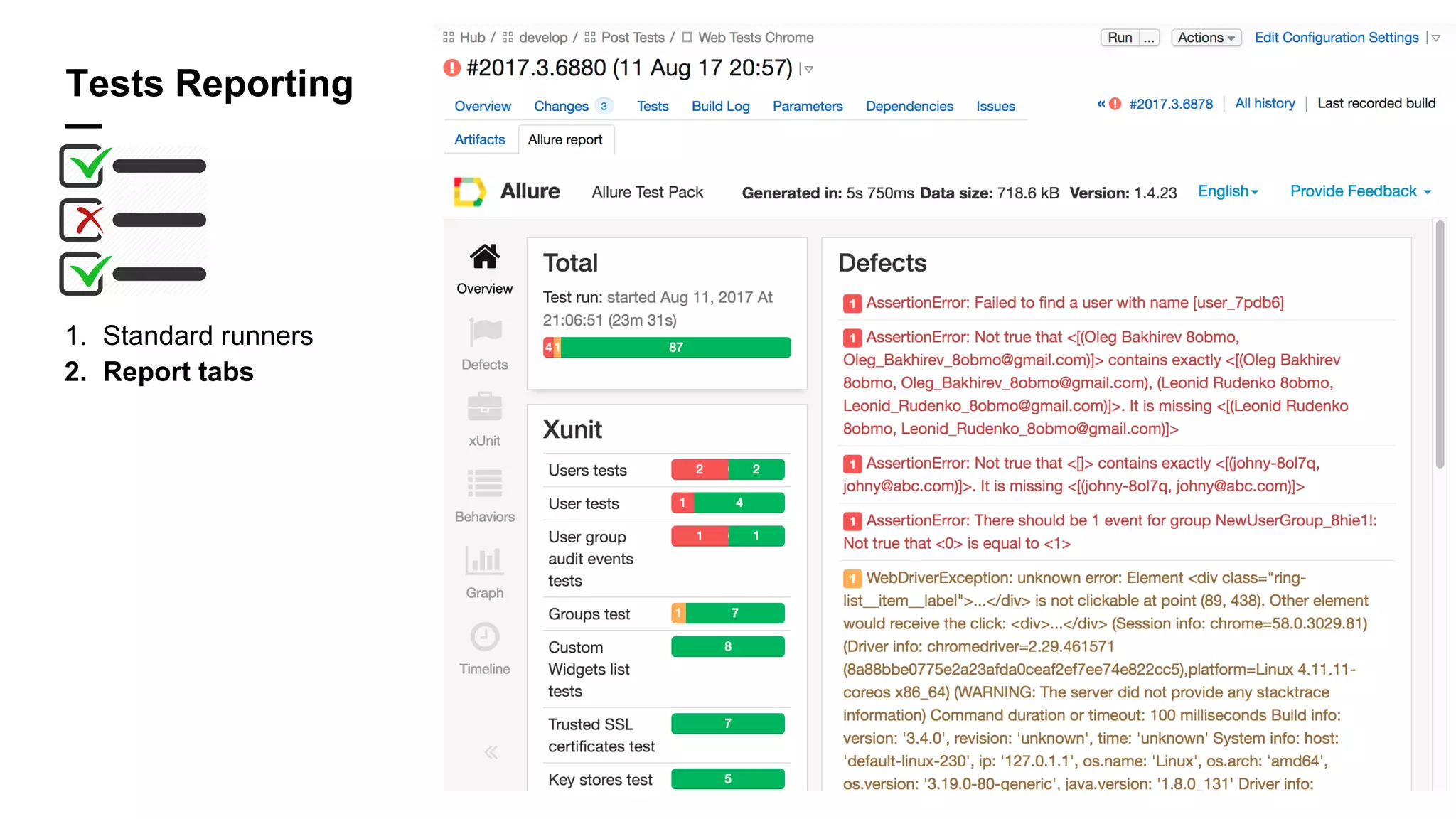
Tests Reporting
—
1. Standard runners
Tests Reporting
—
1. Standard runners
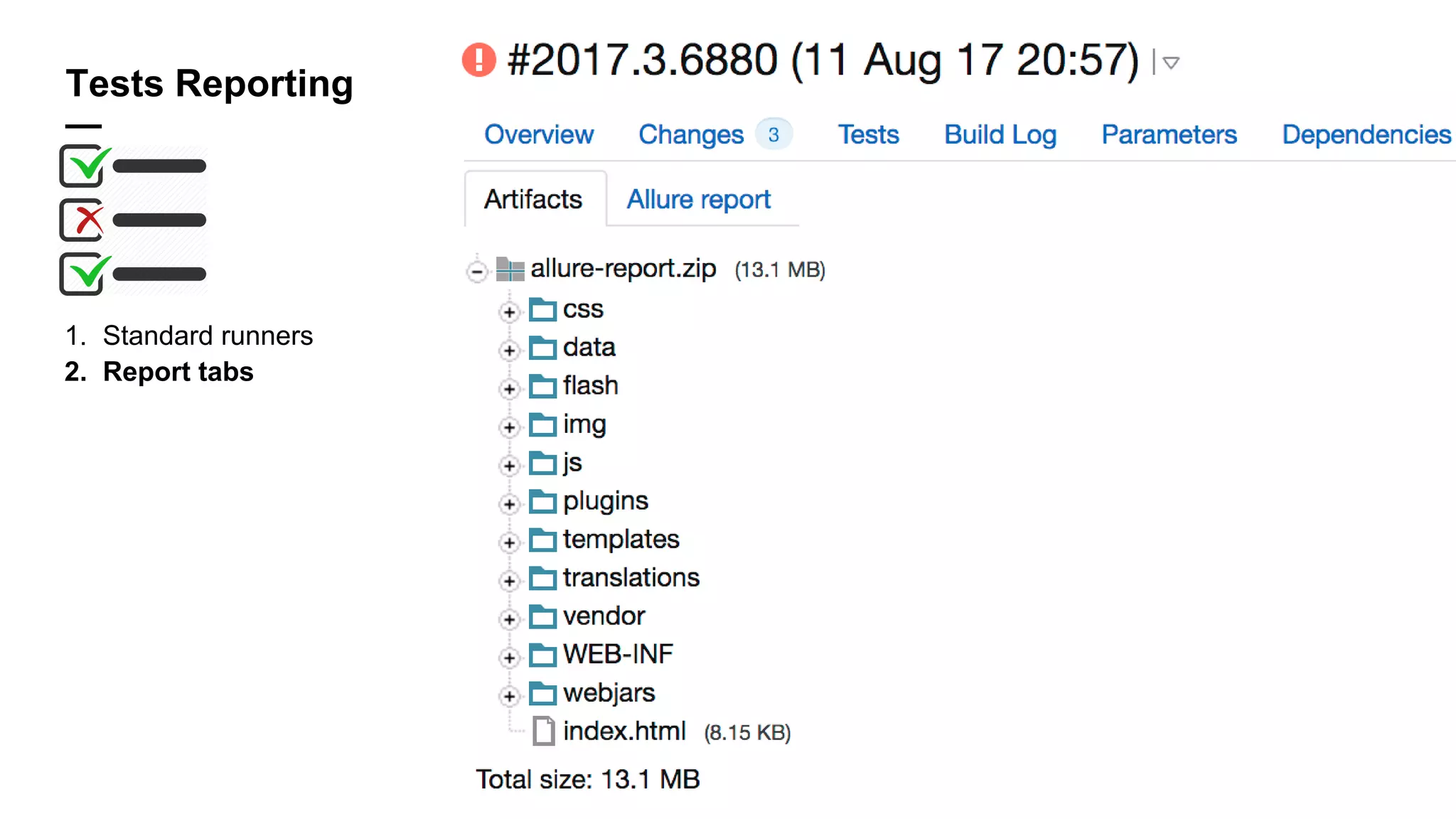
2. Report tabs
Tests Reporting
—
1. Standard runners
2. Report tabs
Tests Reporting
—
1. Standard runners
2. Report tabs
3. Custom format:
1. Transformation + Report
consumer (XML Report
Processing)
2. Service messages
echo "##teamcity[testStarted name=‘test.MyTest']"
echo "##teamcity[testStdOut name='test.MyTest' out='My Test output']"
echo "##teamcity[testFinished name='test.MyTest' duration='150']"
echo "##teamcity[testStarted name='test.MyFailedTest']"
echo "##teamcity[testFailed name='test.MyFailedTest' message=‘test failure'
details='MyFailedTest has failed']"
echo "##teamcity[testFinished name='test.MyFailedTest' duration='150']"
Run tests. Reuse code
—
1. Parameterization
2. Templates
3. Agent requirements
1. No gold agents*
* Except performance tests
Run tests. Reuse code
—
1. Parameterization
2. Templates
3. Agent requirements
1. No gold agents*
Demo
* Except performance tests
Performance tests
—
1. Gold agent + Gold build
Performance tests
—
1. Gold agent + Gold build
2. Failure condition by time
1. Specify exact test names/wildcard
Performance tests
—
1. Gold agent + Gold build
2. Failure condition by time
1. Specify exact test names
3. Statistics (per build/test/etc.) over the time
Performance tests
—
1. Gold agent + Gold build
2. Failure condition by time
1. Specify exact test names
3. Statistics (per build/test/etc.) over the time
Demo
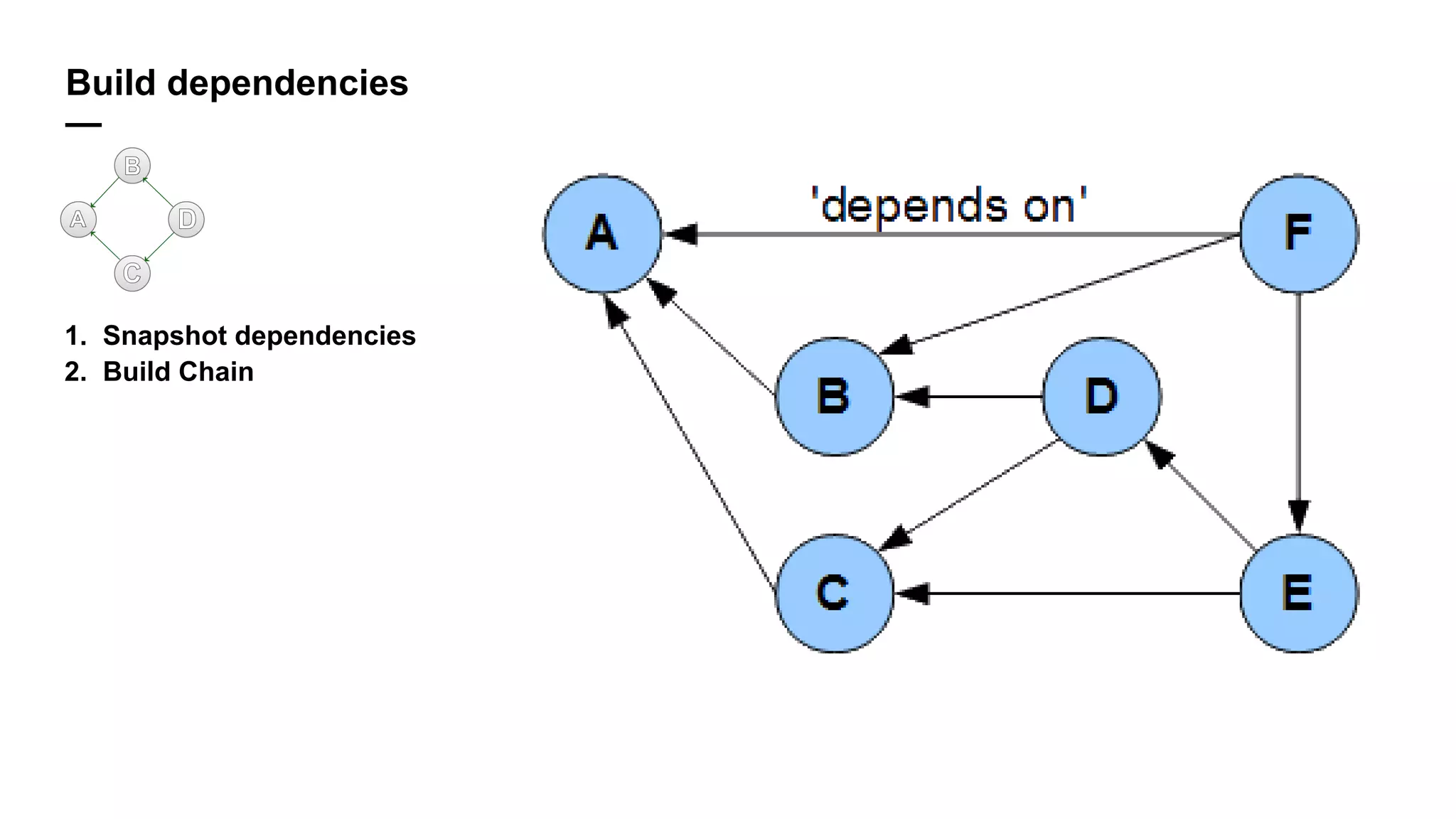
Build dependencies
—
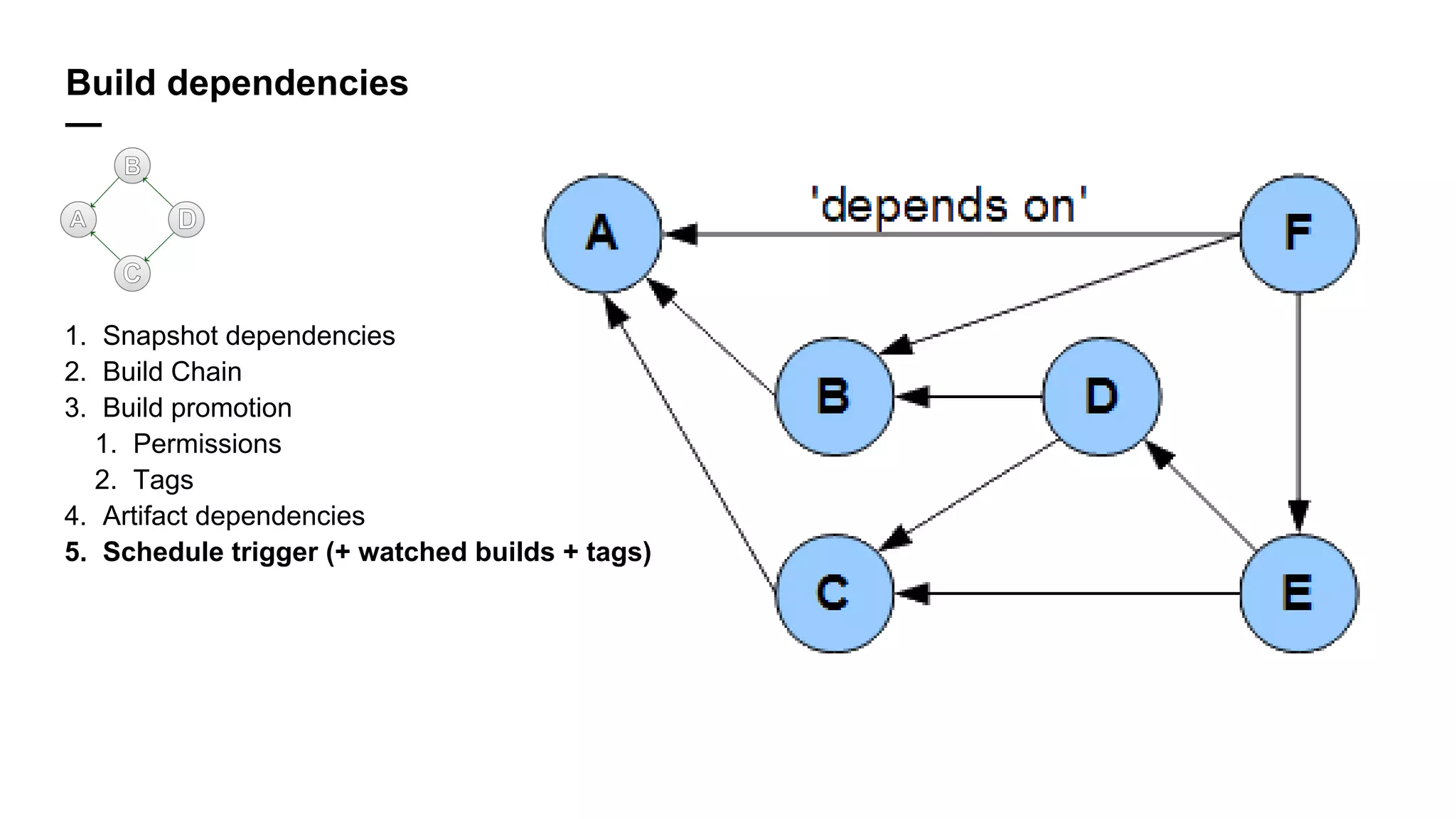
1. Snapshot dependencies
2. Build Chain
Build dependencies
—
1. Snapshot dependencies
2. Build Chain
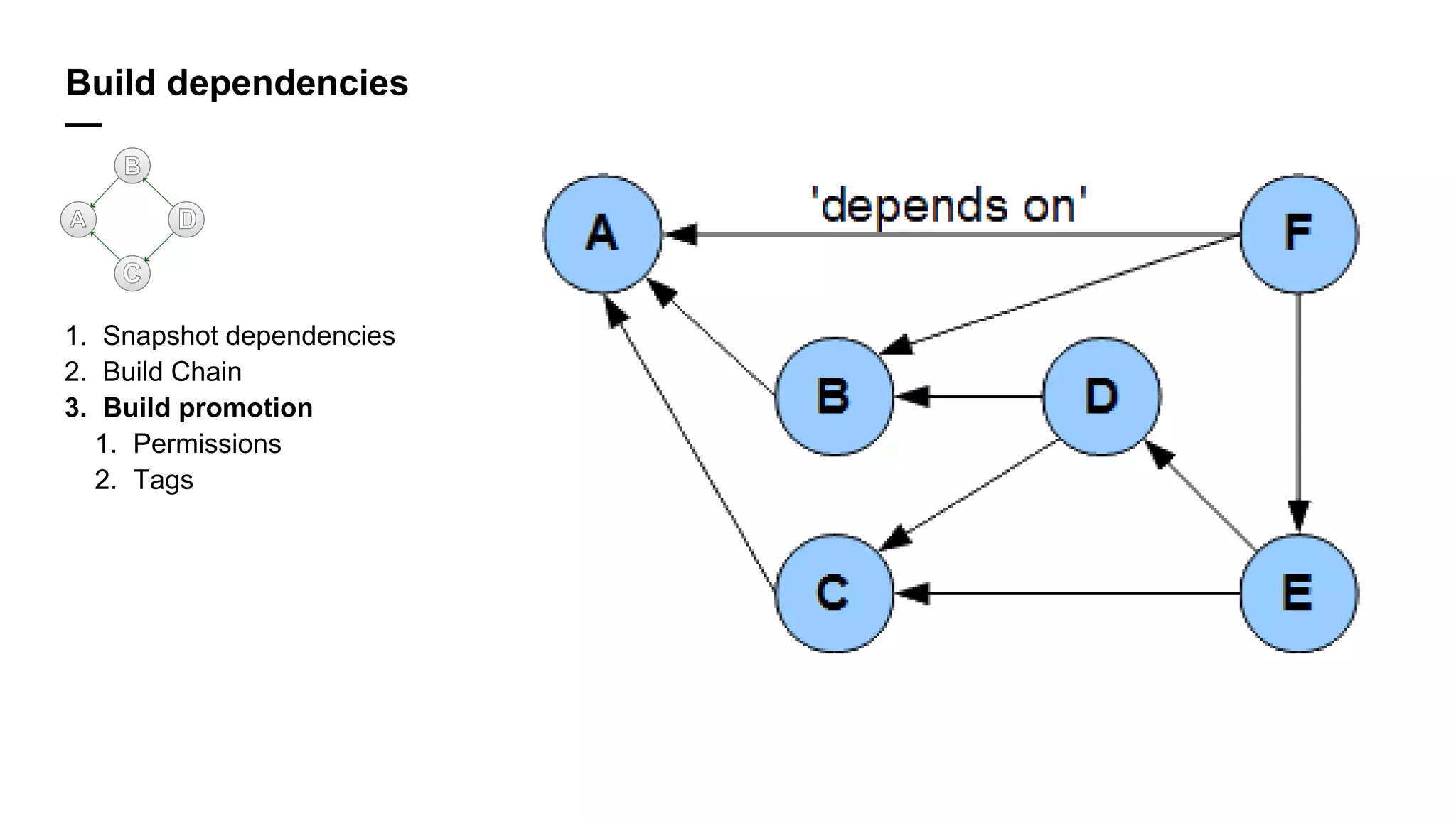
3. Build promotion
1. Permissions
2. Tags
Build dependencies
—
1. Snapshot dependencies
2. Build Chain
3. Build promotion
1. Permissions
2. Tags
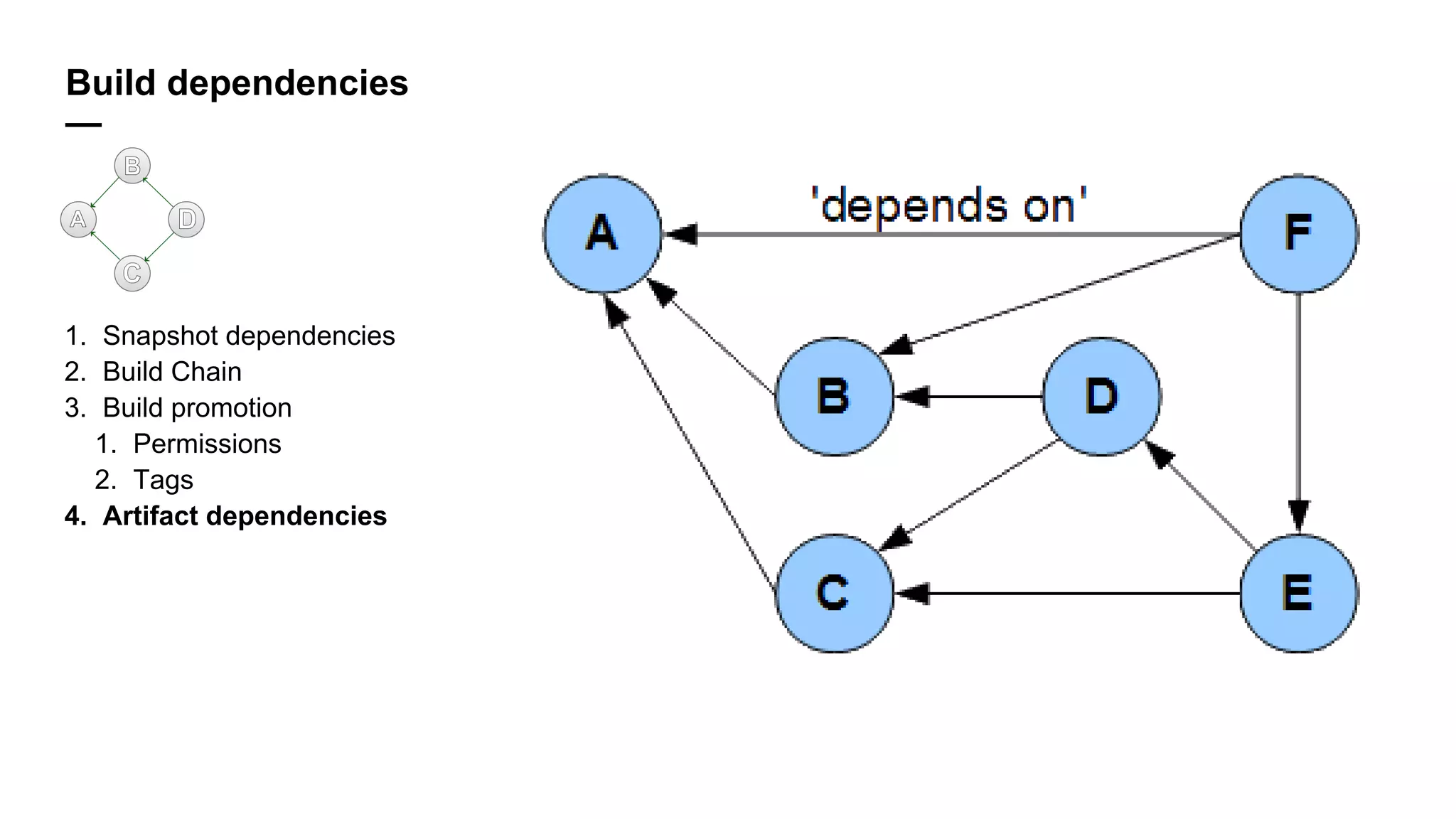
4. Artifact dependencies
Build dependencies
—
1. Snapshot dependencies
2. Build Chain
3. Build promotion
1. Permissions
2. Tags
4. Artifact dependencies
5. Schedule trigger (+ watched builds + tags)
Build dependencies
—
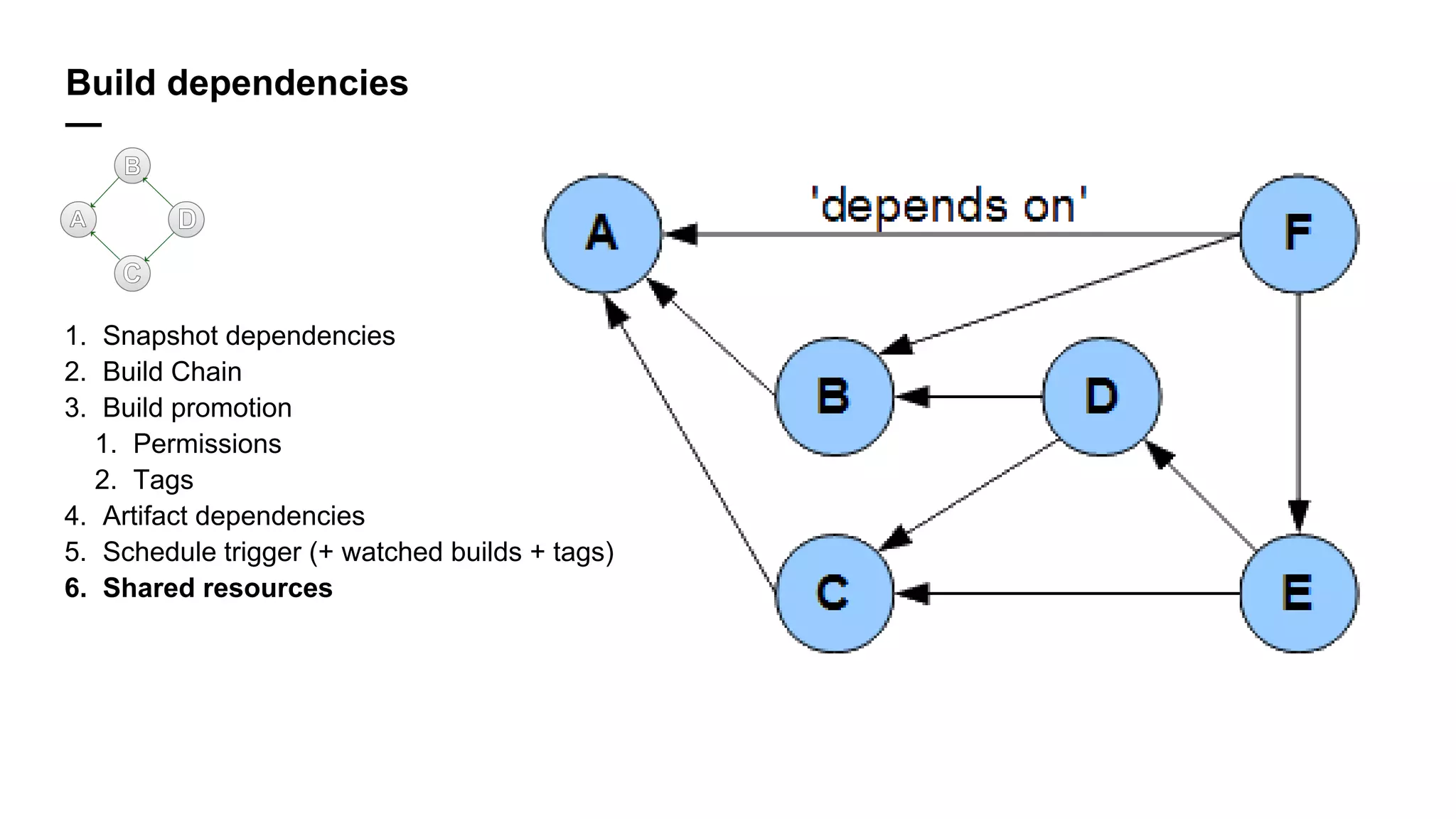
1. Snapshot dependencies
2. Build Chain
3. Build promotion
1. Permissions
2. Tags
4. Artifact dependencies
5. Schedule trigger (+ watched builds + tags)
6. Shared resources
Test Results
—
1. Composite build (2017.2)
Test Results
—
1. Composite build (2017.2)
2. Report tabs
Test Results
—
1. Composite build (2017.2)
2. Report tabs
3. Test history
Test Results
—
1. Composite build (2017.2)
2. Report tabs
3. Test history
4. Flacky tests
Test Results
—
1. Composite build (2017.2)
2. Report tabs
3. Test history
4. Flacky tests
5. Investigations
jetbrains.com
Thank you
for your attention
—

Запускаем тесты в Continuous Integration - Сергей Пак (JetBrains)