COMPUTER PROGRAMMING
LANGUAGE
Instructor: Sofia V. Arquero
JAVA
TOPICS:
• Overview of Java
• Java Environment
• Data Types
• Variables
• Declaration of Data types and Variable
• Input output
• Single array
JAVA
• Java is a high programming language and computing platform
first released by Sun Microsystems in 1991-1995.
• Sun Microsystems developed the language in 1995 based on
the syntax of C and C++. Today, Java is part of Oracle
Corporation (Developer)
• Java can be used to create complete applications that may
run on a single computer or be distributed among servers and
clients in a network and web applications
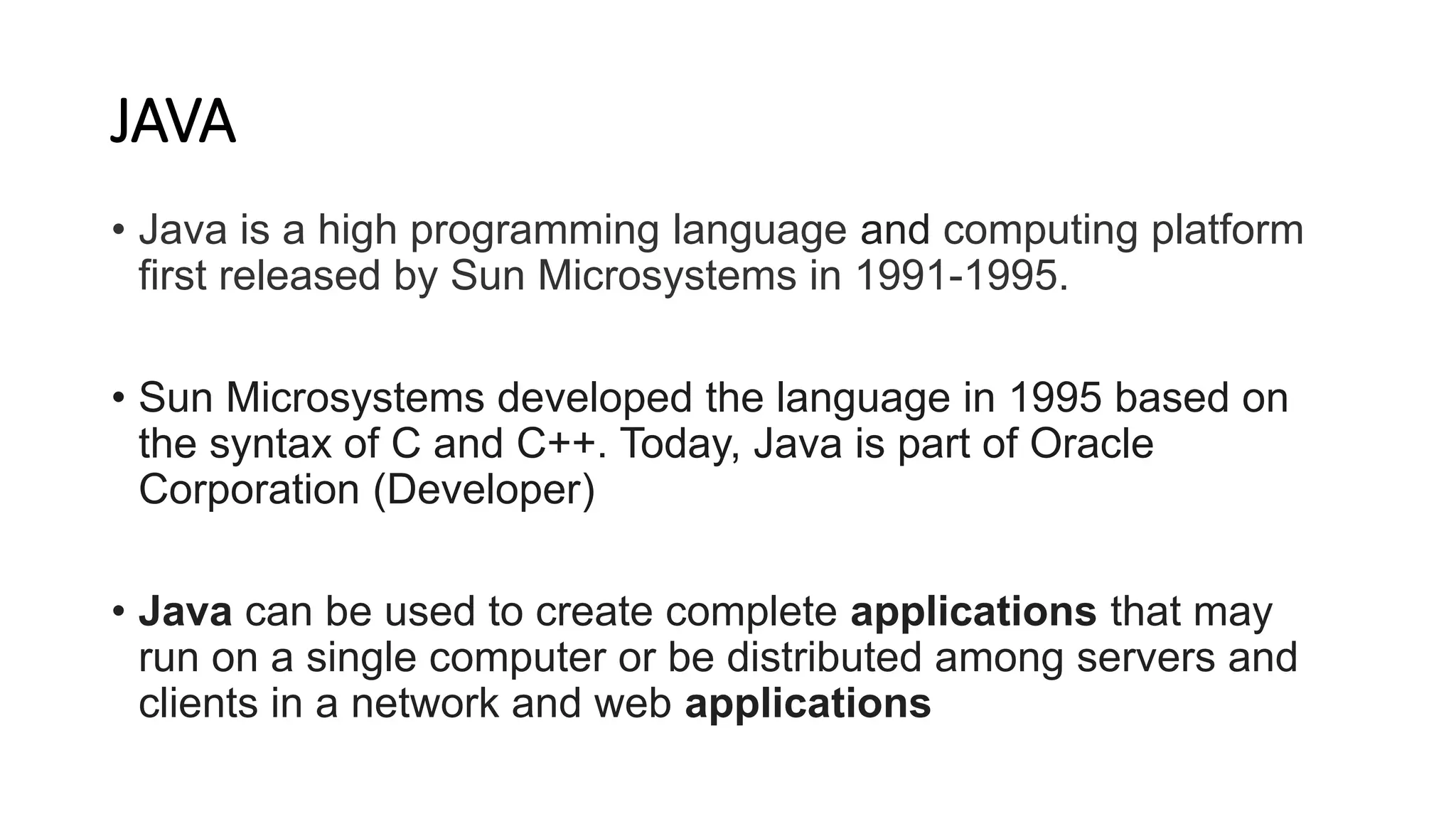
The small team of sun microsystem
engineers called Green Team
• 1) James Gosling, Mike Sheridan, and
Patrick Naughton initiated
the Java language project in June 1991.
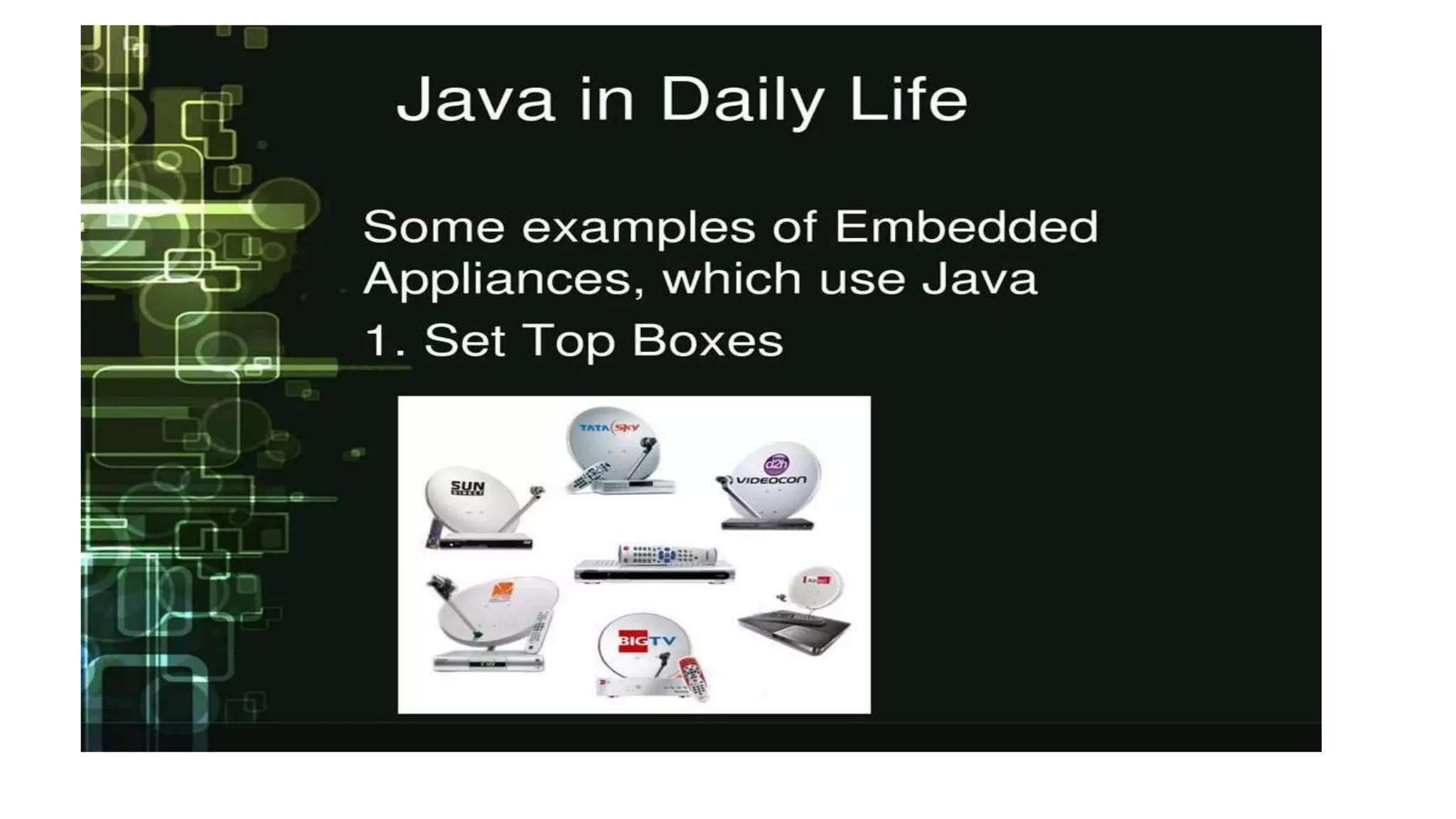
• 2) Initially designed for small, embedded
systems in electronic appliances like set-
top boxes.
• 3. Developed a programming language
called oak in 1995 was renamed to JAVA
• The logo of Java Cup and Saucer comes
from the Java Coffee
Electronic set-top boxes
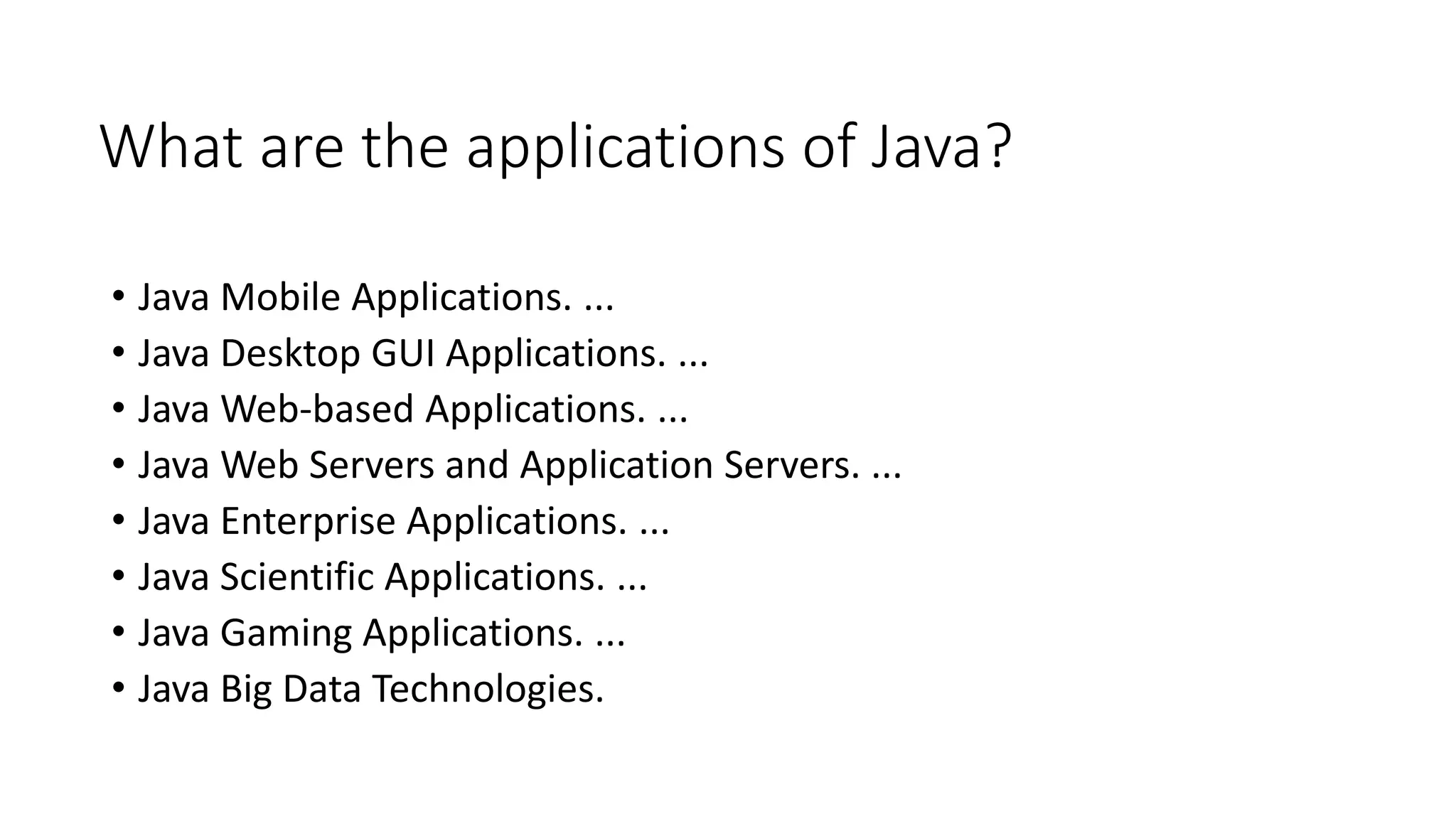
What are the applications of Java?
• Java Mobile Applications. ...
• Java Desktop GUI Applications. ...
• Java Web-based Applications. ...
• Java Web Servers and Application Servers. ...
• Java Enterprise Applications. ...
• Java Scientific Applications. ...
• Java Gaming Applications. ...
• Java Big Data Technologies.
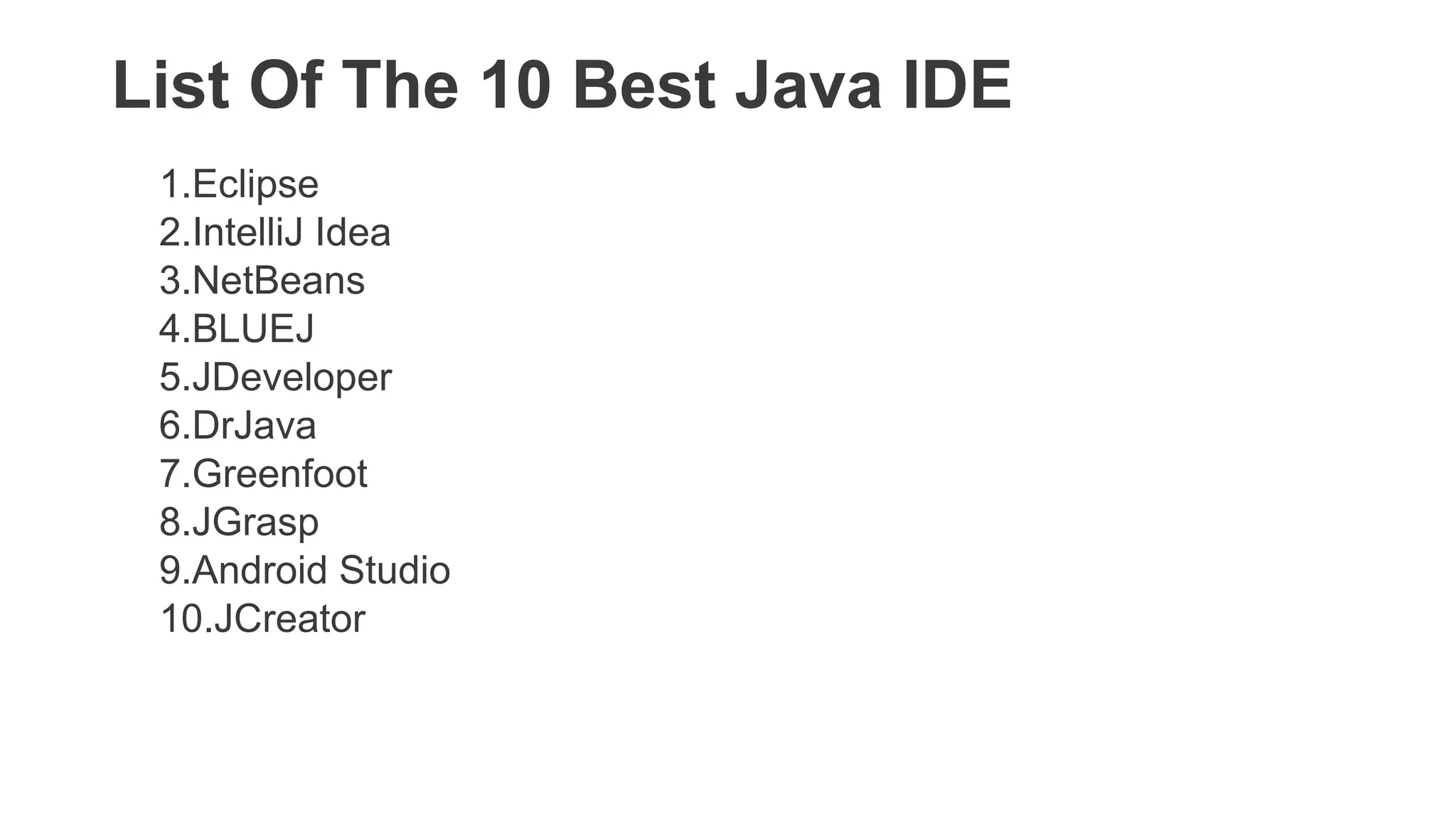
List Of The 10 Best Java IDE
1.Eclipse
2.IntelliJ Idea
3.NetBeans
4.BLUEJ
5.JDeveloper
6.DrJava
7.Greenfoot
8.JGrasp
9.Android Studio
10.JCreator
JAVA
ENVIRONMENT
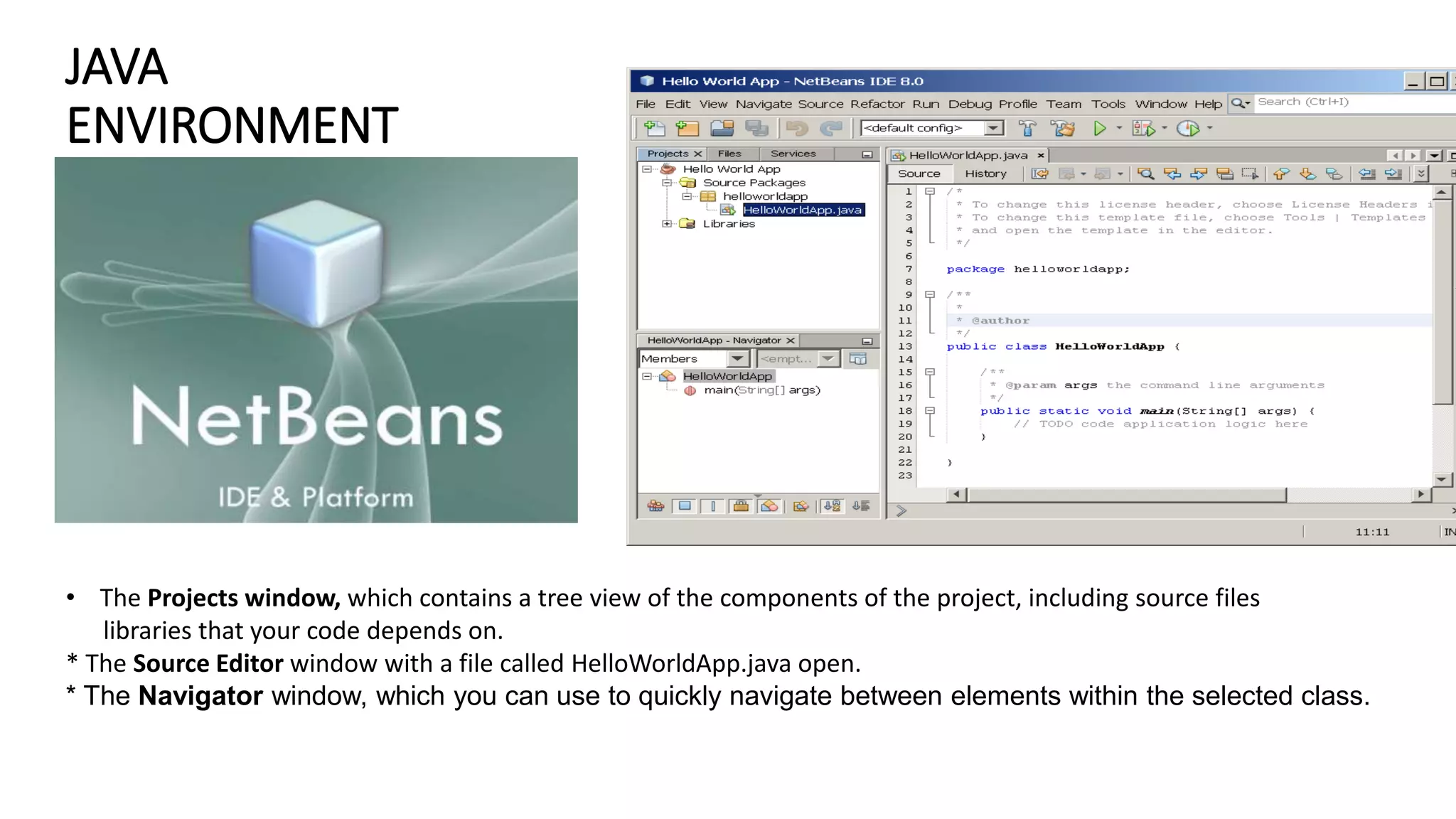
• The Projects window, which contains a tree view of the components of the project, including source files
libraries that your code depends on.
* The Source Editor window with a file called HelloWorldApp.java open.
* The Navigator window, which you can use to quickly navigate between elements within the selected class.
DATA TYPES
Data types specify the different
sizes and values that can be
stored in the variable.
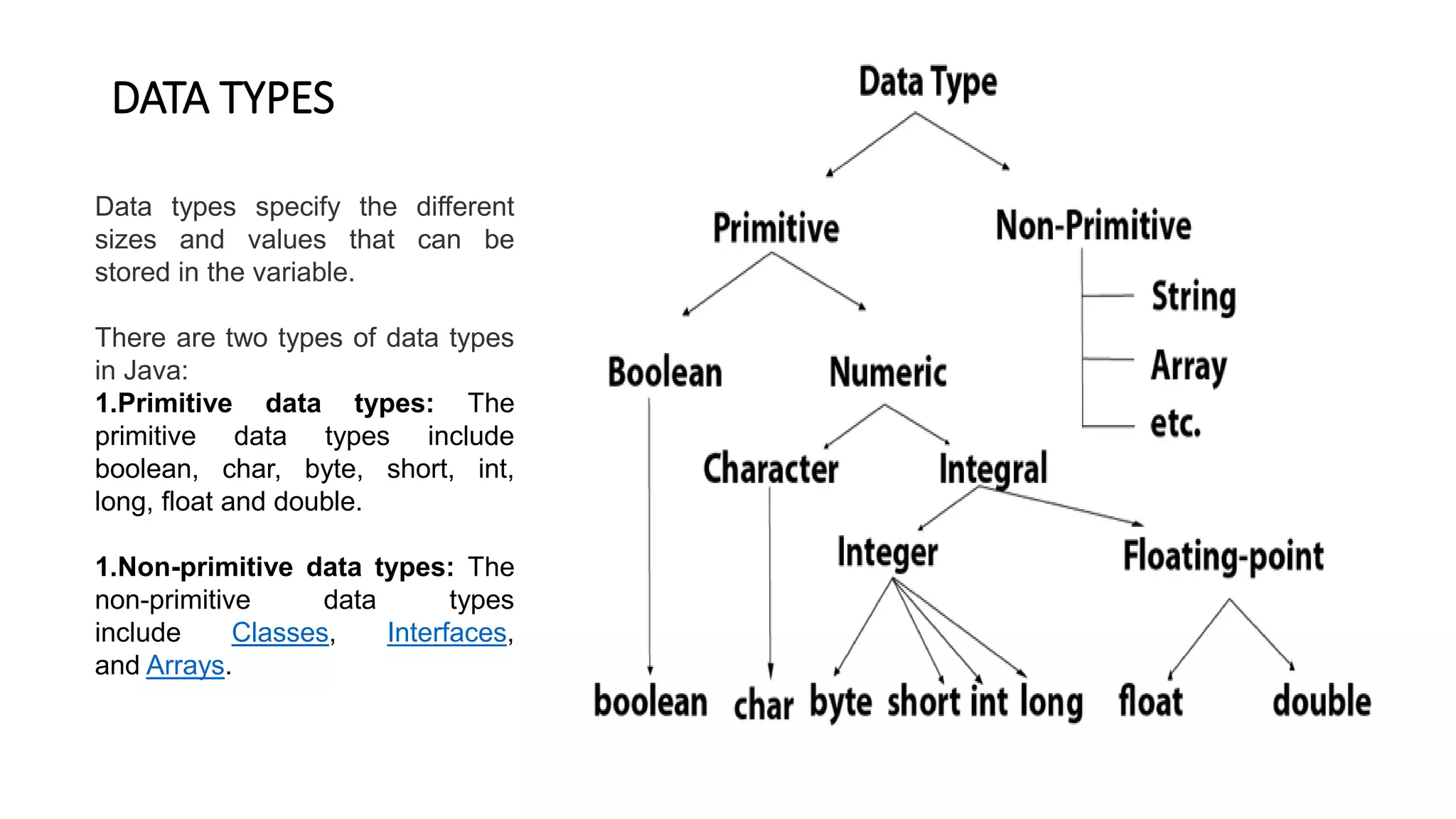
There are two types of data types
in Java:
1.Primitive data types: The
primitive data types include
boolean, char, byte, short, int,
long, float and double.
1.Non-primitive data types: The
non-primitive data types
include Classes, Interfaces,
and Arrays.
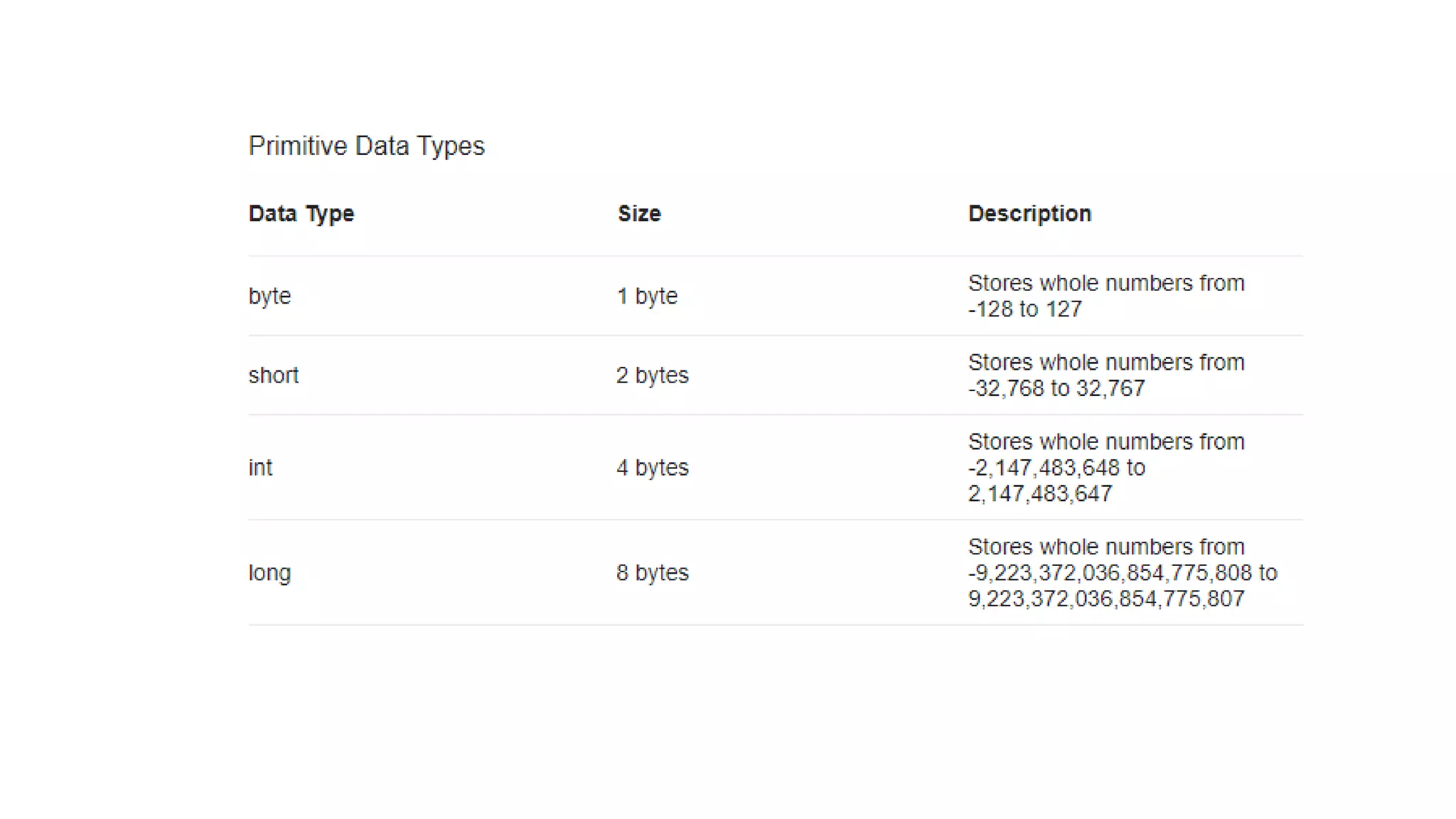
There are 8 types of primitive data types:
• boolean data type
• byte data type
• char data type
• short data type
• int data type
• long data type
• float data type
• double data type
• A byte is 8 bits because that's the definition of a byte
• Character sets used today in the US are generally 8-bit sets
with 256 different characters,
• Each character is stored using eight bits of information, giving
a total number of 256 different characters (2**8 = 256).
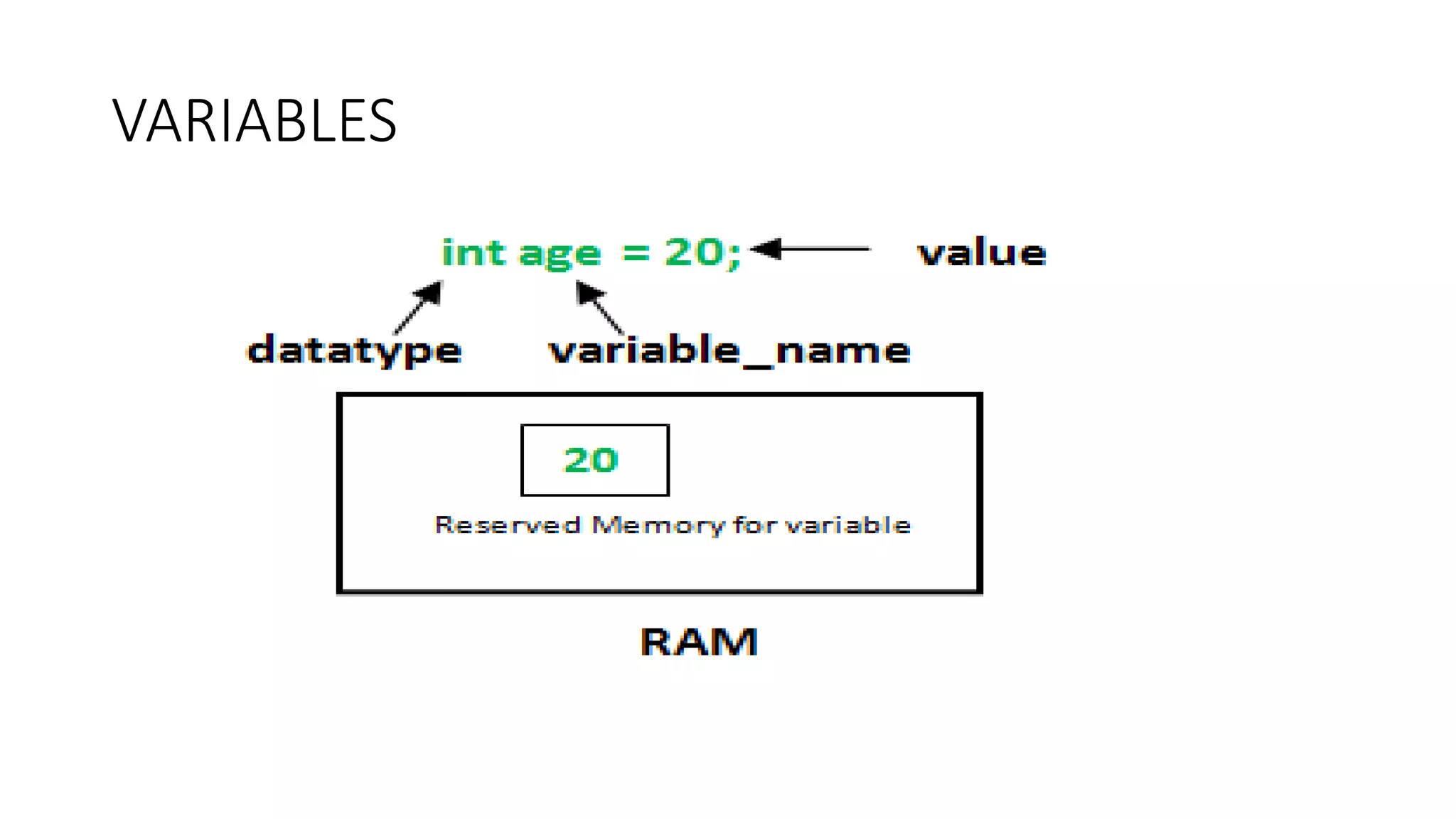
VARIABLES
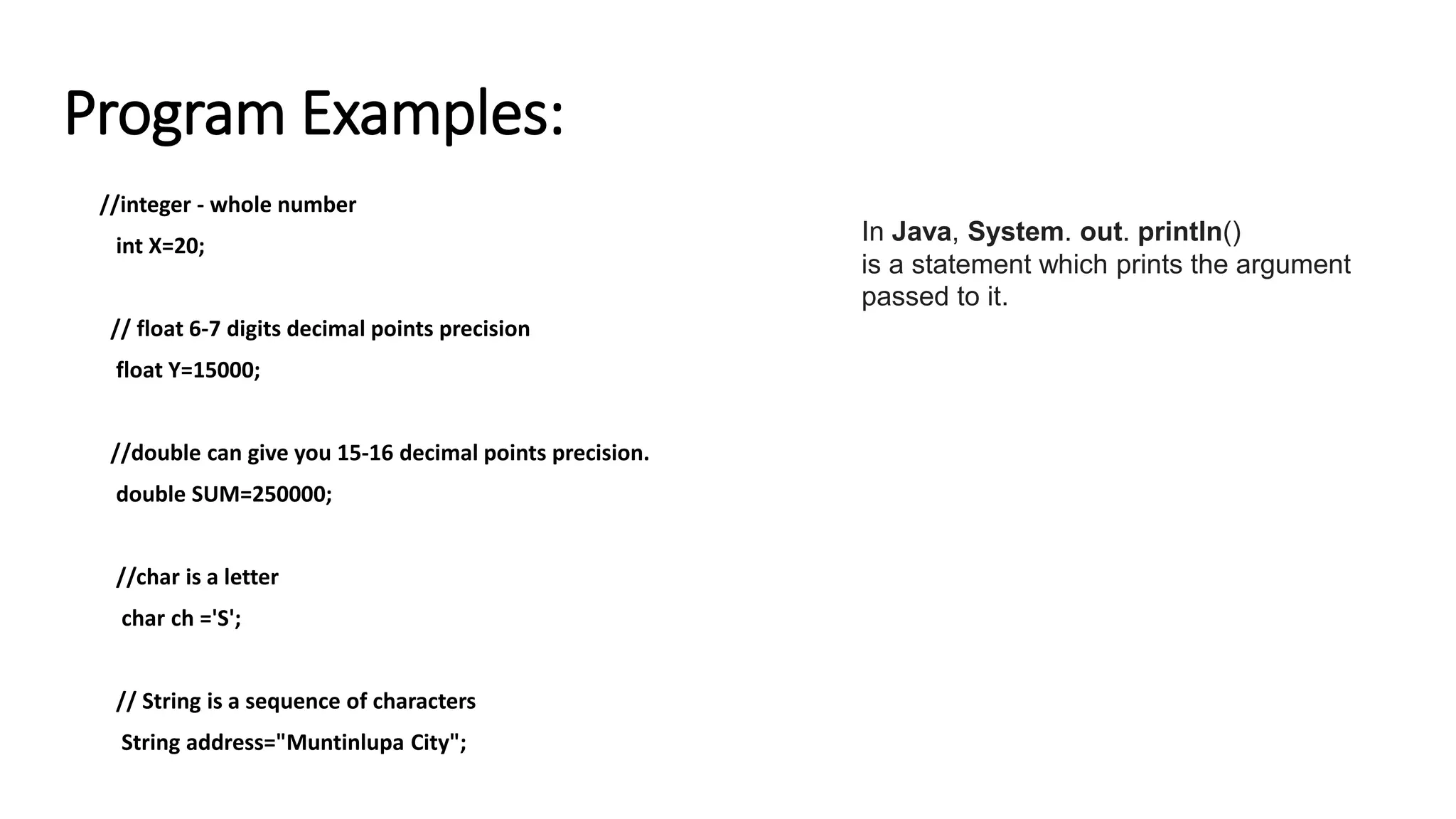
Program Examples:
//integer - whole number
int X=20;
// float 6-7 digits decimal points precision
float Y=15000;
//double can give you 15-16 decimal points precision.
double SUM=250000;
//char is a letter
char ch ='S';
// String is a sequence of characters
String address="Muntinlupa City";
In Java, System. out. println()
is a statement which prints the argument
passed to it.
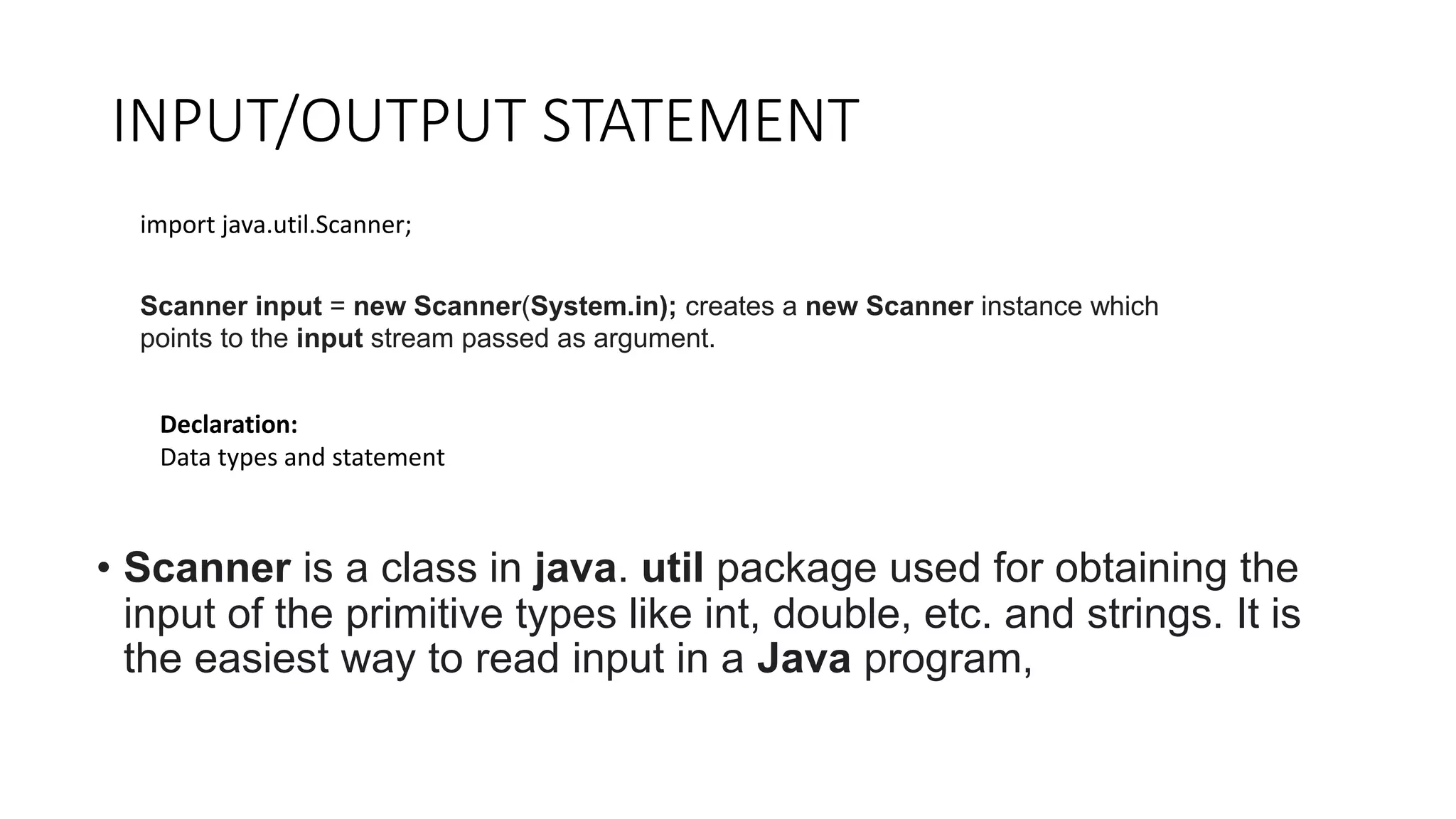
INPUT/OUTPUT STATEMENT
• Scanner is a class in java. util package used for obtaining the
input of the primitive types like int, double, etc. and strings. It is
the easiest way to read input in a Java program,
import java.util.Scanner;
Scanner input = new Scanner(System.in); creates a new Scanner instance which
points to the input stream passed as argument.
Declaration:
Data types and statement
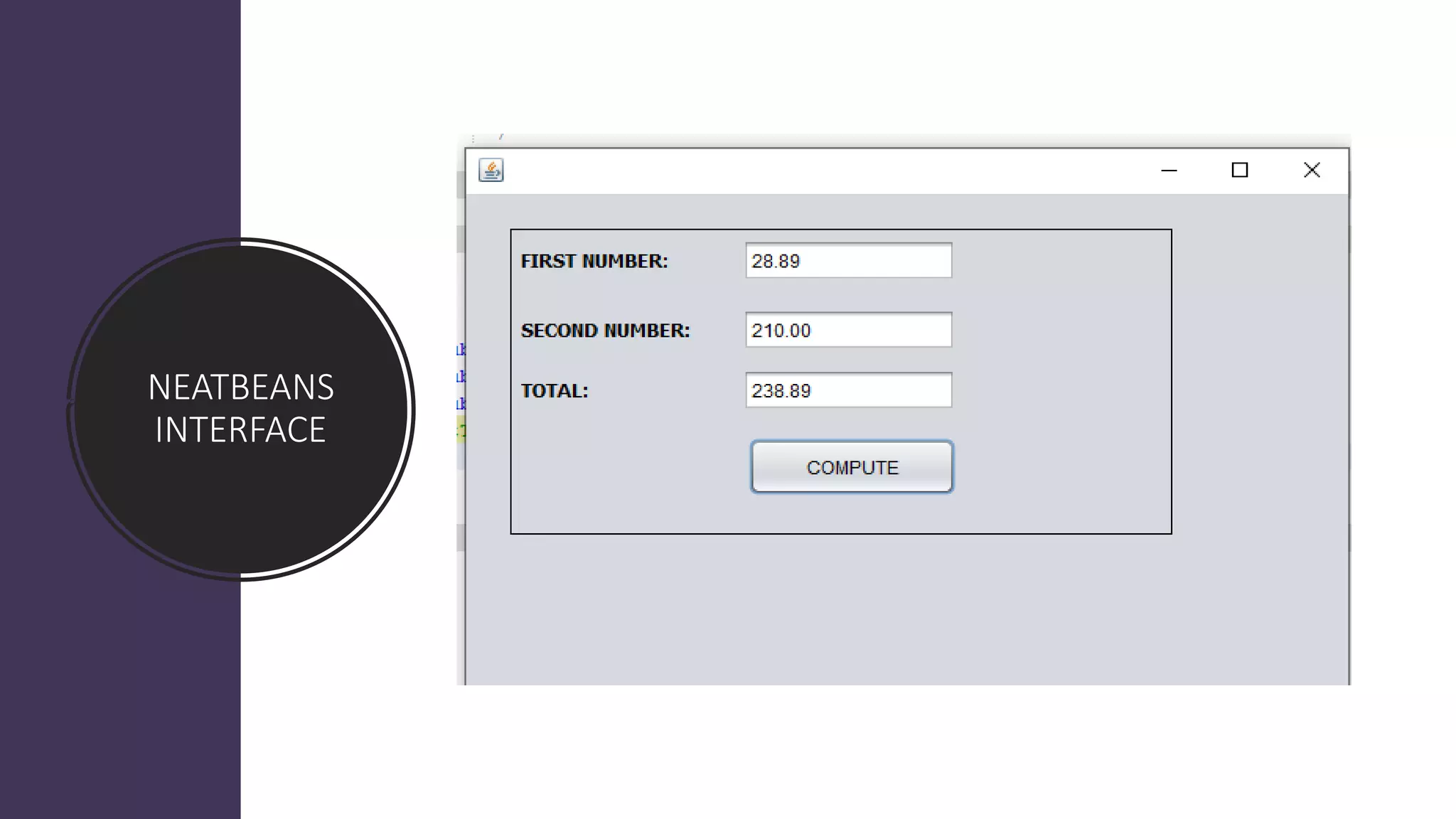
NEATBEANS
INTERFACE
Solving a Programming Problem. ...
• Read the problem at least three times (or however many
makes you feel comfortable)
• Analyze and understand the problem
• Use and declare data types
• Use variables related to the problem
• Do some statement
• Process and Computation
ACTIVITY:
1. Write a JAVA program to grades of five subject and calculate the
total average.
Array
• Arrays are used to store multiple values in a single
variable, instead of declaring separate variables for
each value.
• To declare an array, define the variable type
with square brackets:
String[] cars;
• We have now declared a variable that holds an array of strings.
• To insert values to it, we can use an array literal - place the values in a
comma-separated list, inside curly braces:
• String[] cars = {"Volvo", "BMW", "Ford", "Mazda"};
• To create an array of integers, you could write:
• int[] myNum = {10, 20, 30, 40};
• Access the Elements of an Array
• You access an array element by referring to the index number.
• This statement accesses the value of the first element in cars:
• Example
• String[] cars = {"Volvo", "BMW", "Ford", "Mazda"};
• System.out.println(cars[0]);
• // Outputs Volvo
String[] cars = {"Volvo", "BMW", "Ford", "Mazda"};
System.out.println(cars[0]);
System.out.println(cars[1]);
System.out.println(cars[2]);
System.out.println(cars[3]);
int[] myNum = {10, 20, 30, 40};
System.out.println(myNum[0]);
System.out.println(myNum[1]);
System.out.println(myNum[2]);
System.out.println(myNum[3]);
ARRAY ACTIVITY:
ARRAY
1. Write a Java program to sum values of an array.
• int A = 20;
• int B=30;
•
• int banana=100;
• int grapes=300;
• int orange = 400;
• int sum=0;
•
•
• System.out.println("The value of A is" + A);
• System.out.println("The value of B is" + A);
• String address = "muntinlyoa";
•
• System.out.println("address is" + address);
• System.out.println("address is" + grapes);
• System.out.println("address is" + orange);
• System.out.println("address is" + banana);
• sum=(grapes+orange+banana);
• System.out.println(sum);
•
•
• String[] cars = {"Volvo", "BMW", "Ford", "Mazda"};
• System.out.println(cars[0]);
• System.out.println(cars[1]);
• System.out.println(cars[2]);
• System.out.println(cars[3]);

COMPUTER PROGRAMMING LANGUAGE.pptx

  • 1.
  • 2.
    TOPICS: • Overview ofJava • Java Environment • Data Types • Variables • Declaration of Data types and Variable • Input output • Single array
  • 3.
    JAVA • Java isa high programming language and computing platform first released by Sun Microsystems in 1991-1995. • Sun Microsystems developed the language in 1995 based on the syntax of C and C++. Today, Java is part of Oracle Corporation (Developer) • Java can be used to create complete applications that may run on a single computer or be distributed among servers and clients in a network and web applications
  • 4.
    The small teamof sun microsystem engineers called Green Team • 1) James Gosling, Mike Sheridan, and Patrick Naughton initiated the Java language project in June 1991. • 2) Initially designed for small, embedded systems in electronic appliances like set- top boxes. • 3. Developed a programming language called oak in 1995 was renamed to JAVA • The logo of Java Cup and Saucer comes from the Java Coffee
  • 5.
  • 11.
    What are theapplications of Java? • Java Mobile Applications. ... • Java Desktop GUI Applications. ... • Java Web-based Applications. ... • Java Web Servers and Application Servers. ... • Java Enterprise Applications. ... • Java Scientific Applications. ... • Java Gaming Applications. ... • Java Big Data Technologies.
  • 12.
    List Of The10 Best Java IDE 1.Eclipse 2.IntelliJ Idea 3.NetBeans 4.BLUEJ 5.JDeveloper 6.DrJava 7.Greenfoot 8.JGrasp 9.Android Studio 10.JCreator
  • 13.
    JAVA ENVIRONMENT • The Projectswindow, which contains a tree view of the components of the project, including source files libraries that your code depends on. * The Source Editor window with a file called HelloWorldApp.java open. * The Navigator window, which you can use to quickly navigate between elements within the selected class.
  • 14.
    DATA TYPES Data typesspecify the different sizes and values that can be stored in the variable. There are two types of data types in Java: 1.Primitive data types: The primitive data types include boolean, char, byte, short, int, long, float and double. 1.Non-primitive data types: The non-primitive data types include Classes, Interfaces, and Arrays.
  • 16.
    There are 8types of primitive data types: • boolean data type • byte data type • char data type • short data type • int data type • long data type • float data type • double data type
  • 17.
    • A byteis 8 bits because that's the definition of a byte • Character sets used today in the US are generally 8-bit sets with 256 different characters, • Each character is stored using eight bits of information, giving a total number of 256 different characters (2**8 = 256).
  • 18.
  • 19.
    Program Examples: //integer -whole number int X=20; // float 6-7 digits decimal points precision float Y=15000; //double can give you 15-16 decimal points precision. double SUM=250000; //char is a letter char ch ='S'; // String is a sequence of characters String address="Muntinlupa City"; In Java, System. out. println() is a statement which prints the argument passed to it.
  • 20.
    INPUT/OUTPUT STATEMENT • Scanneris a class in java. util package used for obtaining the input of the primitive types like int, double, etc. and strings. It is the easiest way to read input in a Java program, import java.util.Scanner; Scanner input = new Scanner(System.in); creates a new Scanner instance which points to the input stream passed as argument. Declaration: Data types and statement
  • 21.
  • 22.
    Solving a ProgrammingProblem. ... • Read the problem at least three times (or however many makes you feel comfortable) • Analyze and understand the problem • Use and declare data types • Use variables related to the problem • Do some statement • Process and Computation
  • 23.
    ACTIVITY: 1. Write aJAVA program to grades of five subject and calculate the total average.
  • 24.
    Array • Arrays areused to store multiple values in a single variable, instead of declaring separate variables for each value. • To declare an array, define the variable type with square brackets:
  • 25.
    String[] cars; • Wehave now declared a variable that holds an array of strings. • To insert values to it, we can use an array literal - place the values in a comma-separated list, inside curly braces: • String[] cars = {"Volvo", "BMW", "Ford", "Mazda"}; • To create an array of integers, you could write: • int[] myNum = {10, 20, 30, 40};
  • 26.
    • Access theElements of an Array • You access an array element by referring to the index number. • This statement accesses the value of the first element in cars: • Example • String[] cars = {"Volvo", "BMW", "Ford", "Mazda"}; • System.out.println(cars[0]); • // Outputs Volvo
  • 27.
    String[] cars ={"Volvo", "BMW", "Ford", "Mazda"}; System.out.println(cars[0]); System.out.println(cars[1]); System.out.println(cars[2]); System.out.println(cars[3]); int[] myNum = {10, 20, 30, 40}; System.out.println(myNum[0]); System.out.println(myNum[1]); System.out.println(myNum[2]); System.out.println(myNum[3]);
  • 28.
    ARRAY ACTIVITY: ARRAY 1. Writea Java program to sum values of an array.
  • 29.
    • int A= 20; • int B=30; • • int banana=100; • int grapes=300; • int orange = 400; • int sum=0; • • • System.out.println("The value of A is" + A); • System.out.println("The value of B is" + A); • String address = "muntinlyoa"; • • System.out.println("address is" + address); • System.out.println("address is" + grapes); • System.out.println("address is" + orange); • System.out.println("address is" + banana); • sum=(grapes+orange+banana); • System.out.println(sum); • • • String[] cars = {"Volvo", "BMW", "Ford", "Mazda"}; • System.out.println(cars[0]); • System.out.println(cars[1]); • System.out.println(cars[2]); • System.out.println(cars[3]);