BY ME
CODE COVERAGE ANALYSIS IN
TESTING
CODE COVERAGE ANALYSIS
 Code coverage analysis can be done in
two ways:
1. Block based code coverage analysis.
2. Line based code coverage analysis.
BLOCK BASED CODE
COVERAGE ANALYSIS
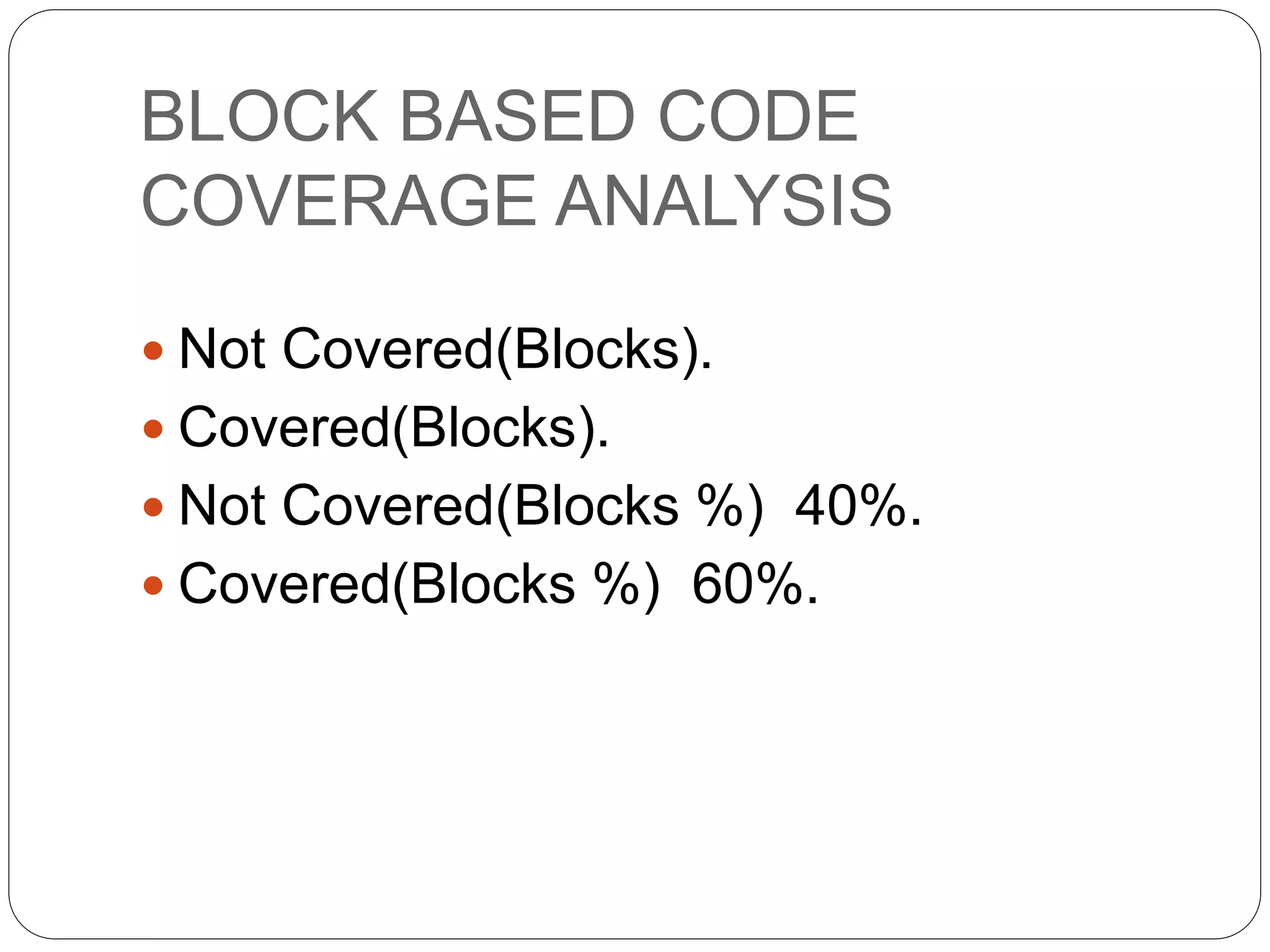
 Not Covered(Blocks).
 Covered(Blocks).
 Not Covered(Blocks %) 40%.
 Covered(Blocks %) 60%.
LINE BASED CODE
COVERAGE ANALYSIS
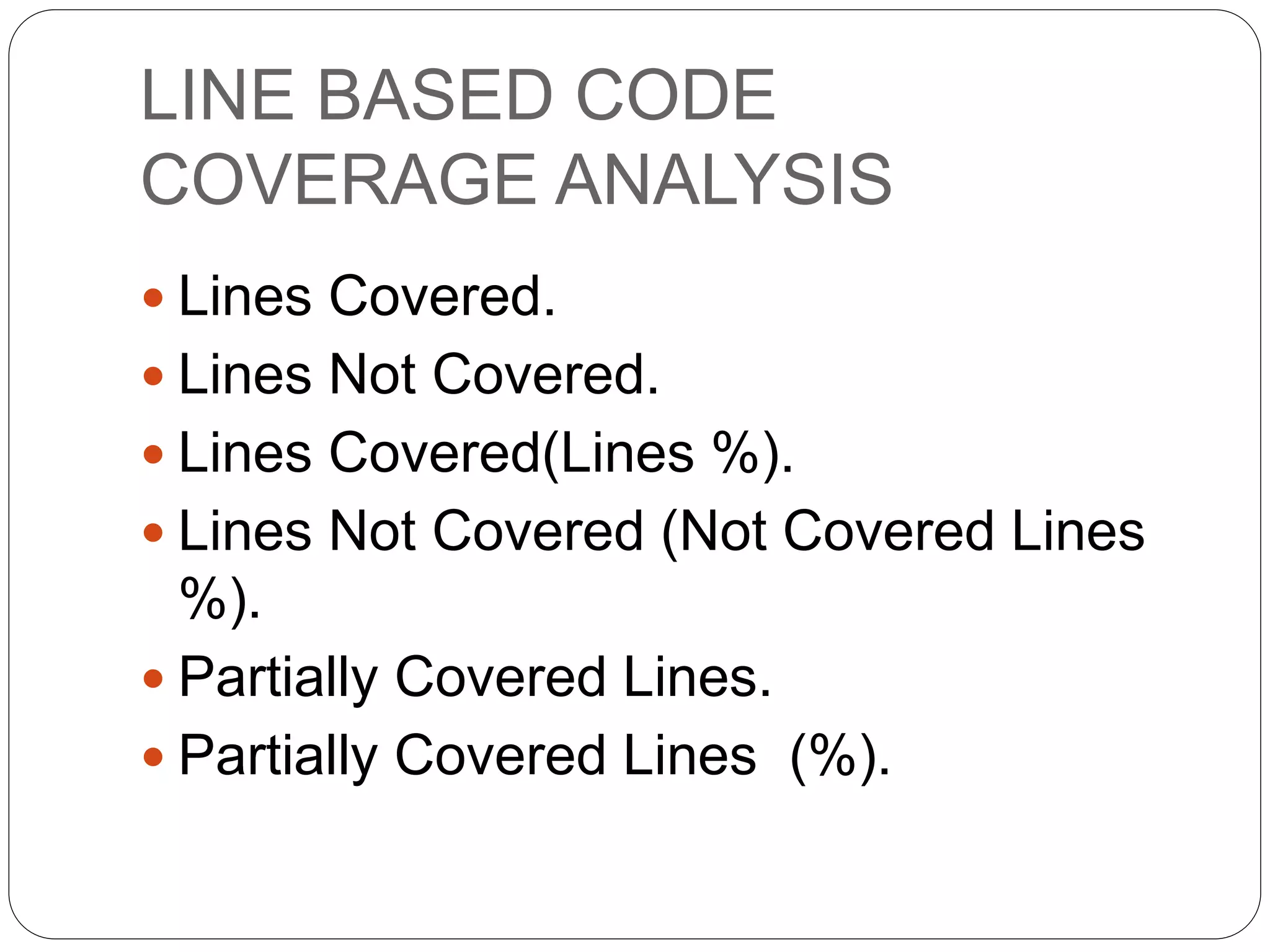
 Lines Covered.
 Lines Not Covered.
 Lines Covered(Lines %).
 Lines Not Covered (Not Covered Lines
%).
 Partially Covered Lines.
 Partially Covered Lines (%).
LINES OF TEST METHOD
 After executing the test method, to
check which lines of test method are
fully covered, partially covered, Not at all
covered, we need to click on "Show
Code Coverage Coloring" in the code
coverage analysis window.
LINES OF TEST METHOD
1. The lines which are completely
covered will be displayed with light
blue color.
2. the partially covered lines are
displayed with beige color.
3. The lines that are not at all covered are
displayed with dark red color.
CODE COVERAGE ANALYSIS
WINDOW
 By default the code coverage analysis
window displays only block based code
coverage analysis details, but in order to
get even line base code coverage
analysis details, you need to right click
on one of the column names and select
"Add/Remove columns" and select or
deselect the options as you need.
THANK YOU

Code coverage analysis in testing

  • 1.
    BY ME CODE COVERAGEANALYSIS IN TESTING
  • 2.
    CODE COVERAGE ANALYSIS Code coverage analysis can be done in two ways: 1. Block based code coverage analysis. 2. Line based code coverage analysis.
  • 3.
    BLOCK BASED CODE COVERAGEANALYSIS  Not Covered(Blocks).  Covered(Blocks).  Not Covered(Blocks %) 40%.  Covered(Blocks %) 60%.
  • 4.
    LINE BASED CODE COVERAGEANALYSIS  Lines Covered.  Lines Not Covered.  Lines Covered(Lines %).  Lines Not Covered (Not Covered Lines %).  Partially Covered Lines.  Partially Covered Lines (%).
  • 5.
    LINES OF TESTMETHOD  After executing the test method, to check which lines of test method are fully covered, partially covered, Not at all covered, we need to click on "Show Code Coverage Coloring" in the code coverage analysis window.
  • 6.
    LINES OF TESTMETHOD 1. The lines which are completely covered will be displayed with light blue color. 2. the partially covered lines are displayed with beige color. 3. The lines that are not at all covered are displayed with dark red color.
  • 7.
    CODE COVERAGE ANALYSIS WINDOW By default the code coverage analysis window displays only block based code coverage analysis details, but in order to get even line base code coverage analysis details, you need to right click on one of the column names and select "Add/Remove columns" and select or deselect the options as you need.
  • 8.