Cocos2D
Cocos2d
• Open Source 2D Game Framework
 • Built upon the OpenGL API’s
 • 2D Game, Graphic, Interactive
    Application Programs
• Sep. 2008 - 0.3.0 version released
• Used in thousands of apps
• Active developer community
Cocos2d

• Multi-platform game engine
• iOS, Mac OS X, Android ported
• Cocos2d-x multi-platform port written in
  C++
iOS game engines
            (non-commercial)
   Sparrow                       Cocos2d
(open source)                  (open source)


oolong engine                     Galaxy
(MIT License)                   (New BSD
                                 License)
iOS game engines
            (commercial)

Unreal                          Game salad
Dev Kit


                                  Unity
 SIO2


             And much more...
iOS game engines
• http://maniacdev.com/2011/01/open-source-
  and-commercial-ios-game-engine-listings-
  updated/
• http://maniacdev.com/2009/09/the-
  commercial-iphone-game-engine-
  comparison-3d-and-2d/
Cocos2d games


Tap Pet Hotel: #1 Free   Zombie Farm: #6 Free


  Tap Zoo: #2 Free          iStunt 2: #6 Free
Cocos2d games


  Air Penguin: #1 Paid    ZombieSmash: #1 Paid


Fishing Frenzy: #7 Paid     Trainyard: #2 Paid
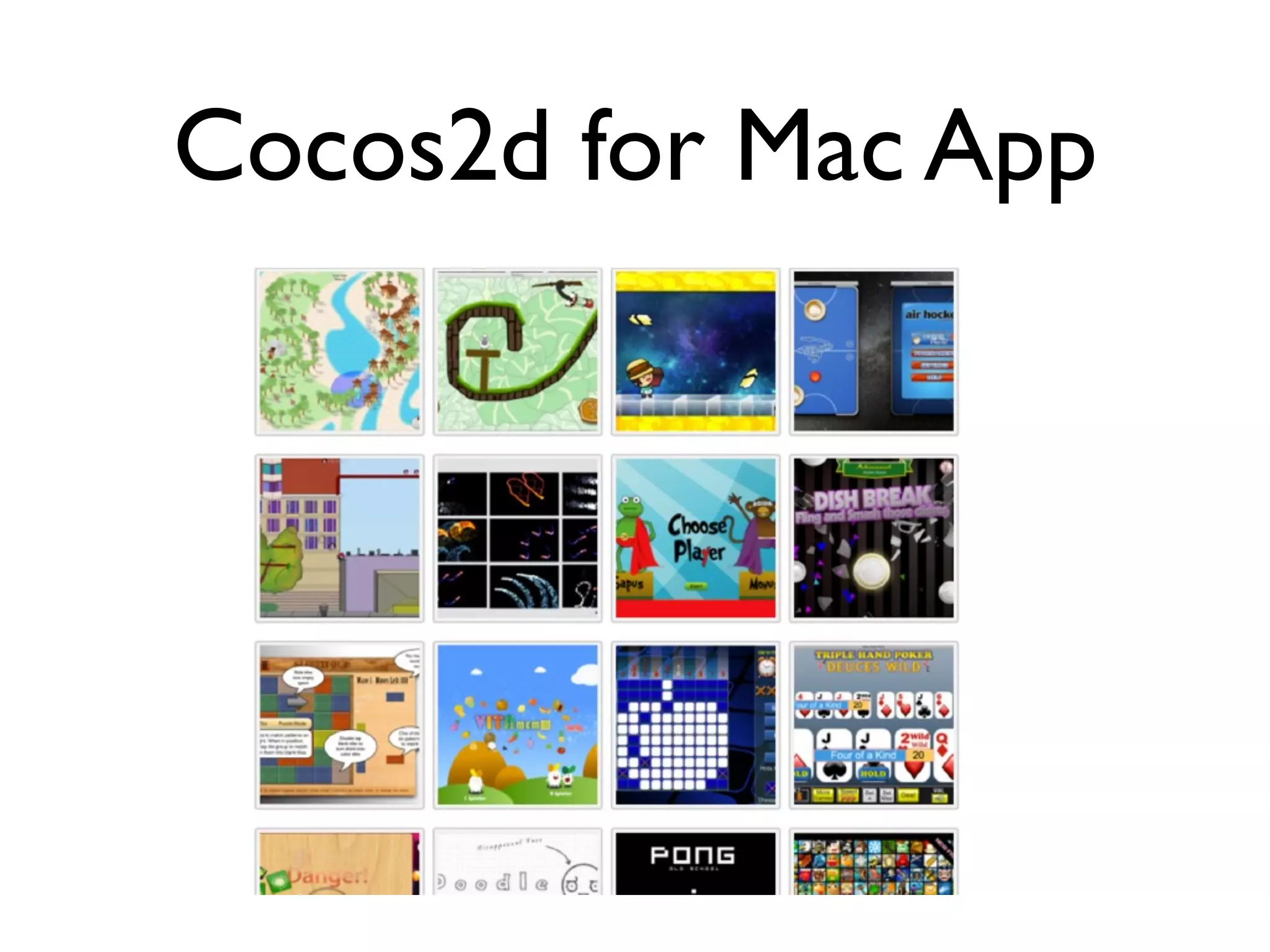
Cocos2d for Mac App
Cocos2d vs OpenGL
• You can make a high level game using openGL
• You will need an animation of sprits, menus
  for the game, actions for game objects, sound
  effects, and much more...
• Cocos2d supports a wrapper class of
  OpenGL
• Also sound control class, menu class, sprites...
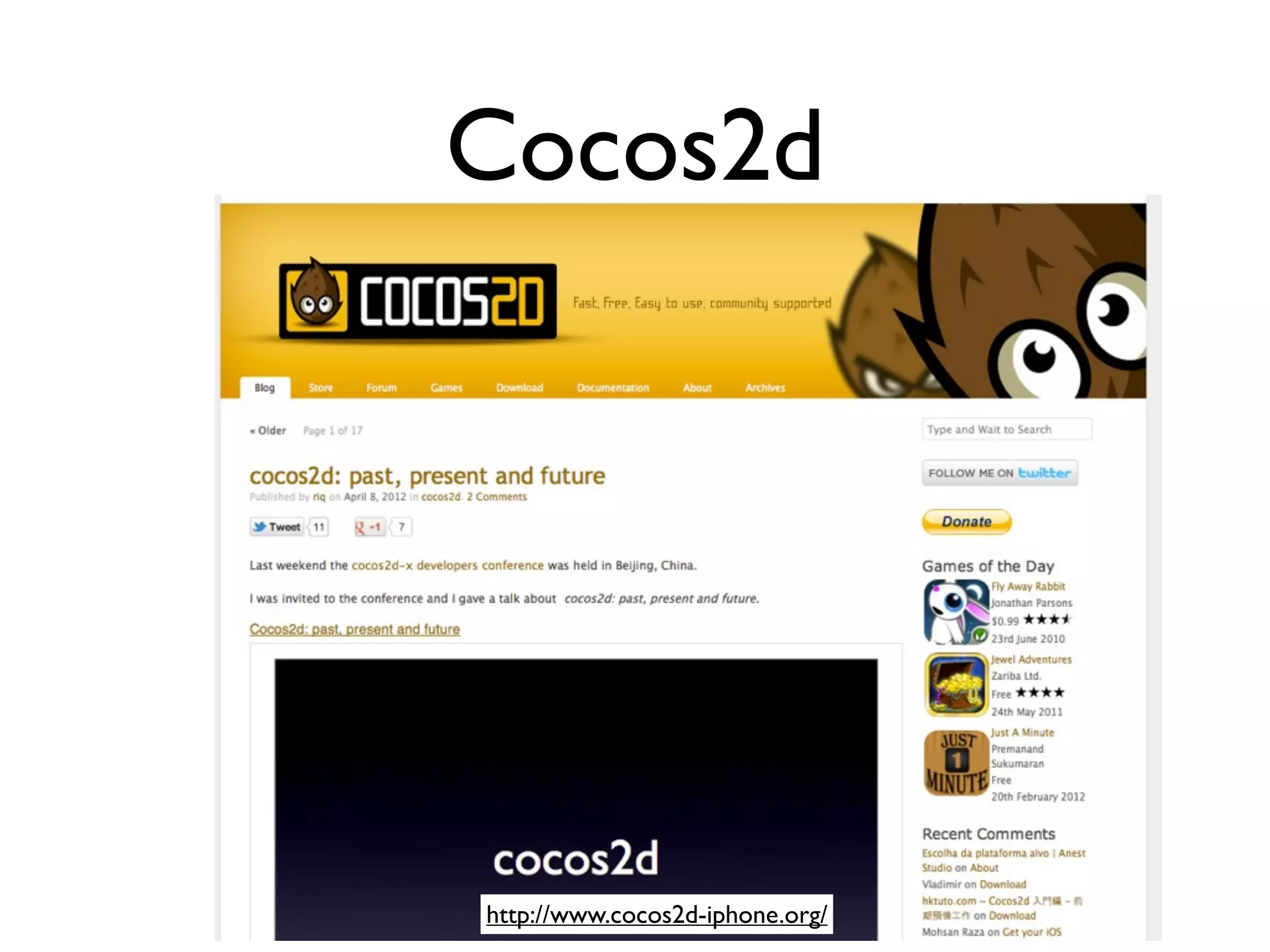
Cocos2d


http://www.cocos2d-iphone.org/
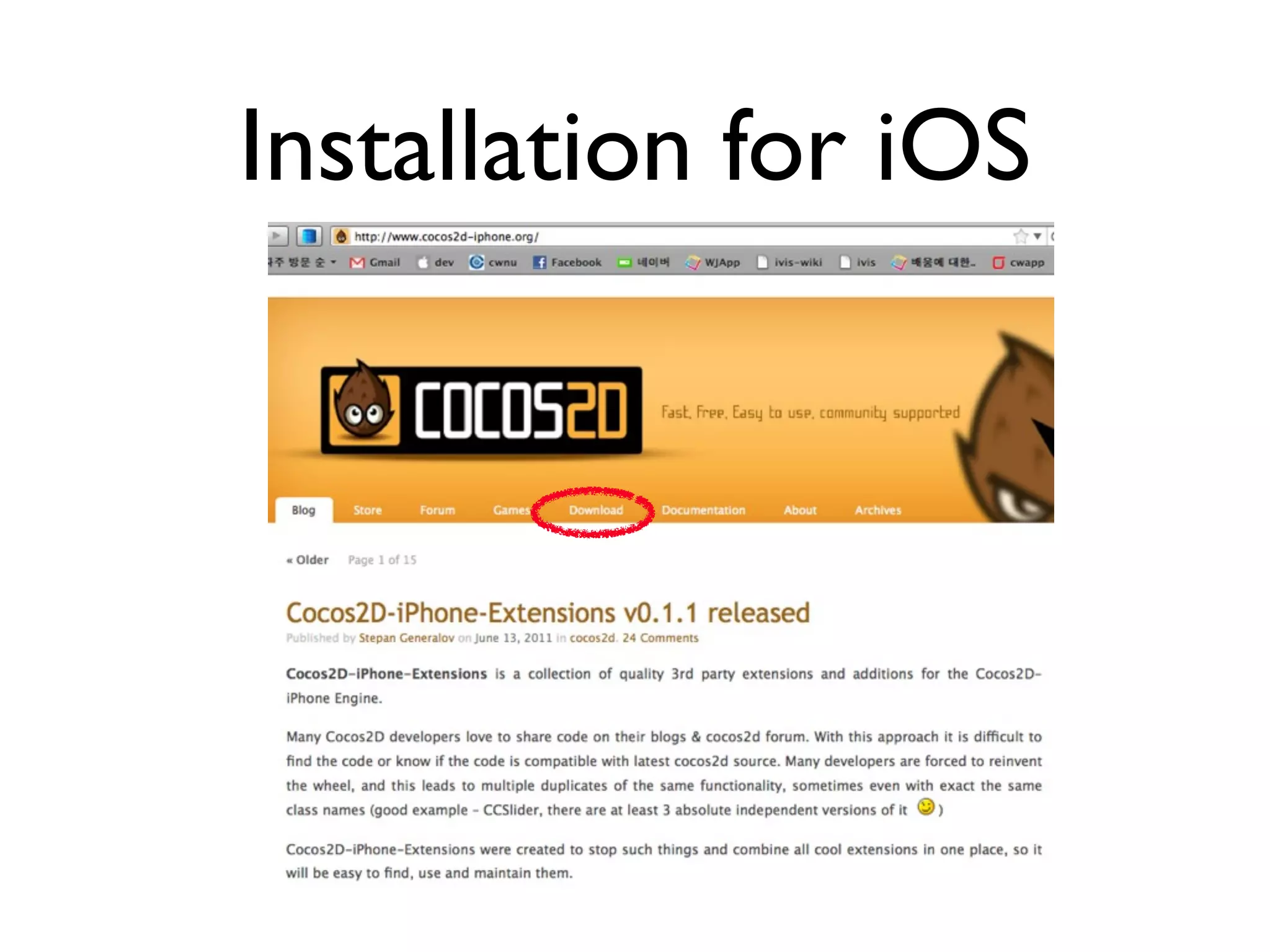
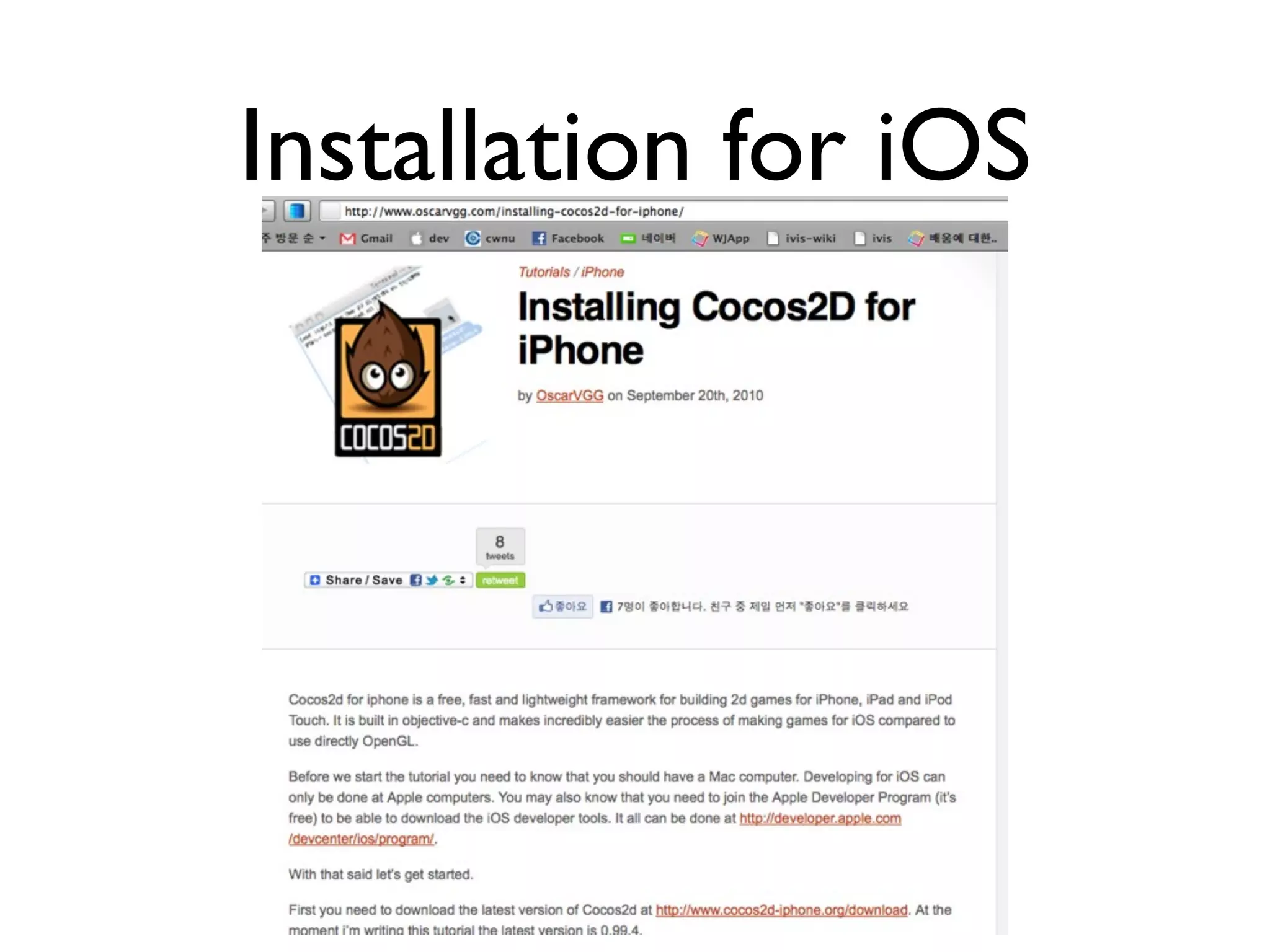
Installation for iOS
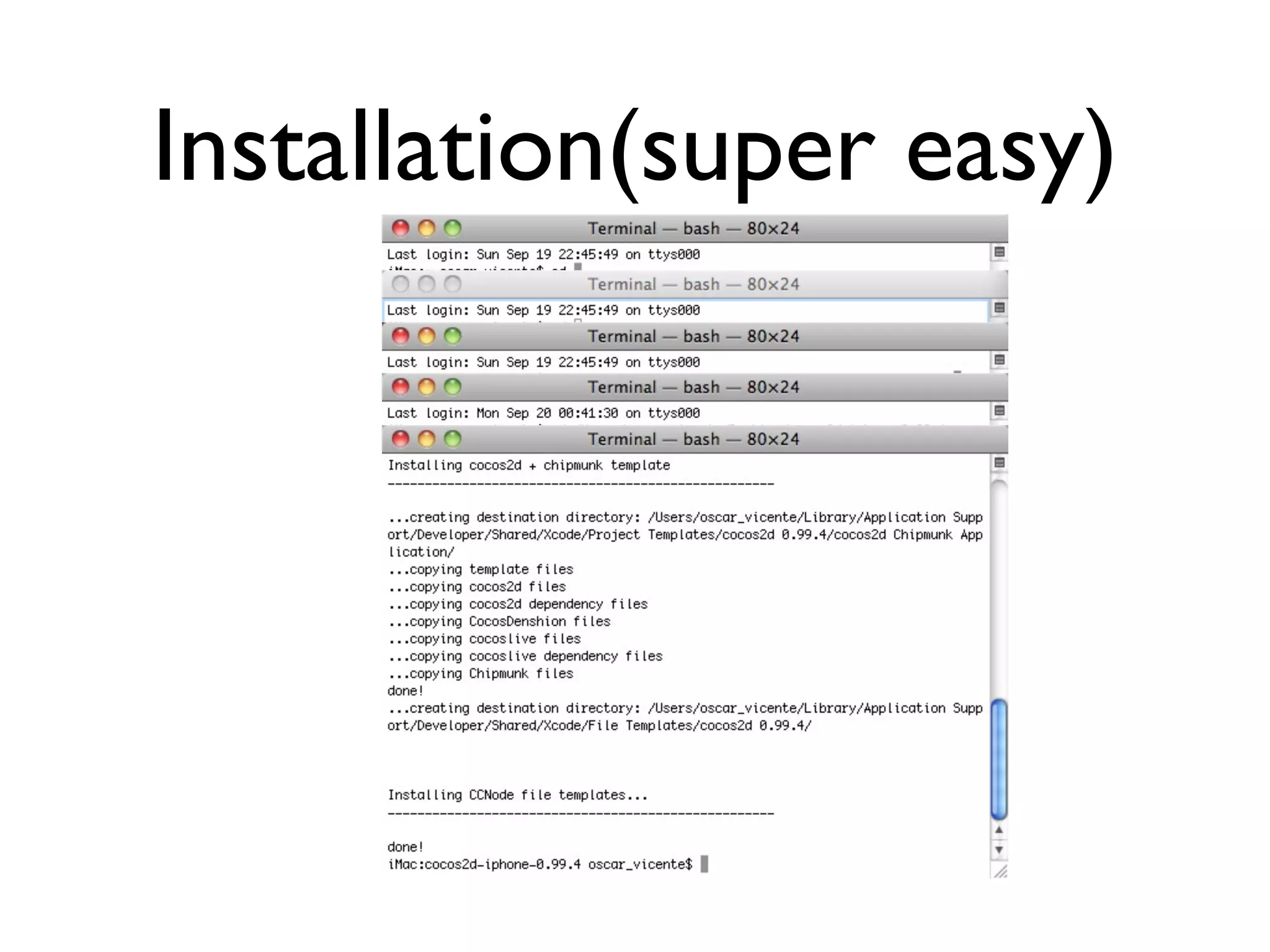
Installation(super easy)
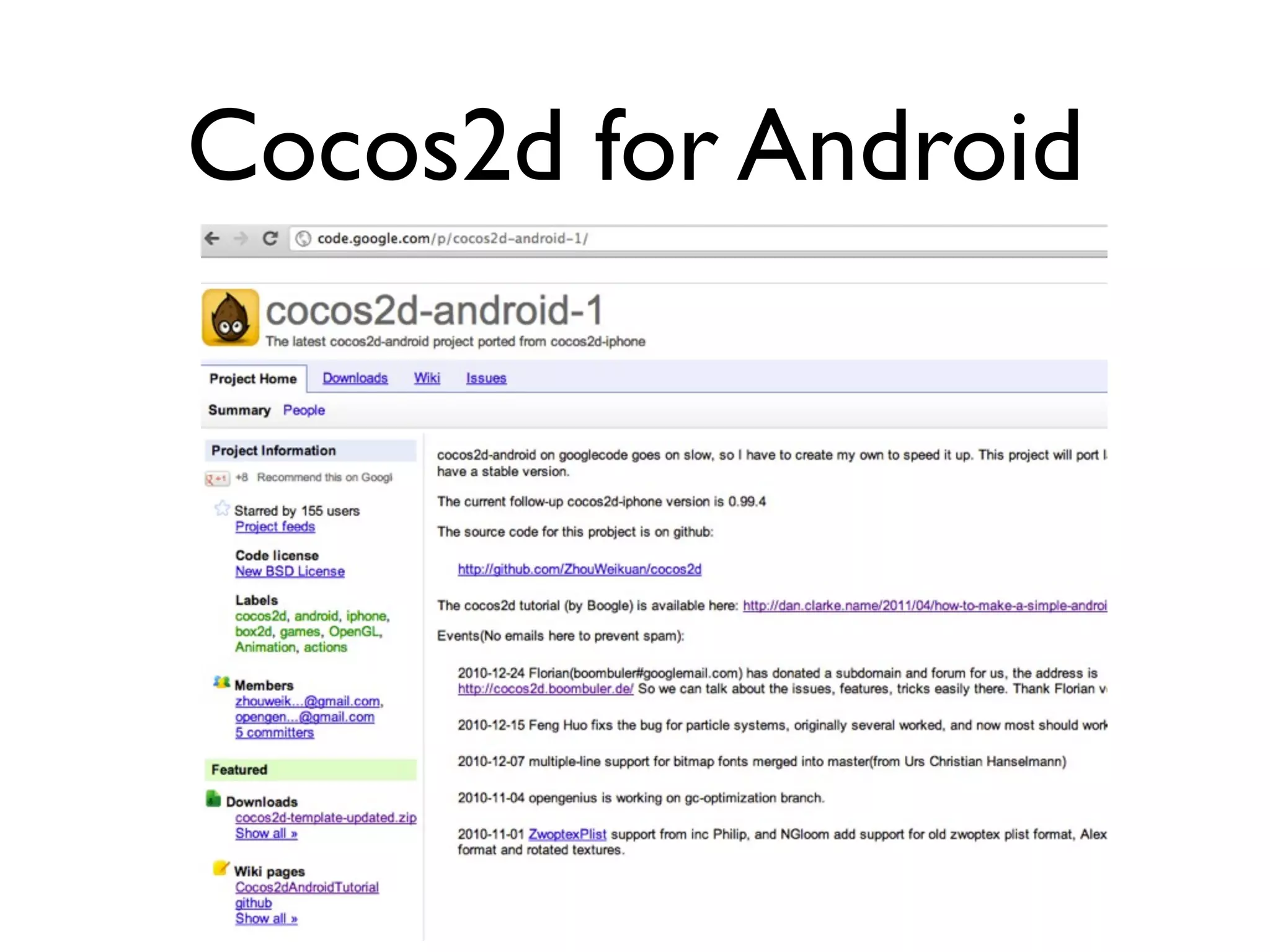
Cocos2d for Android
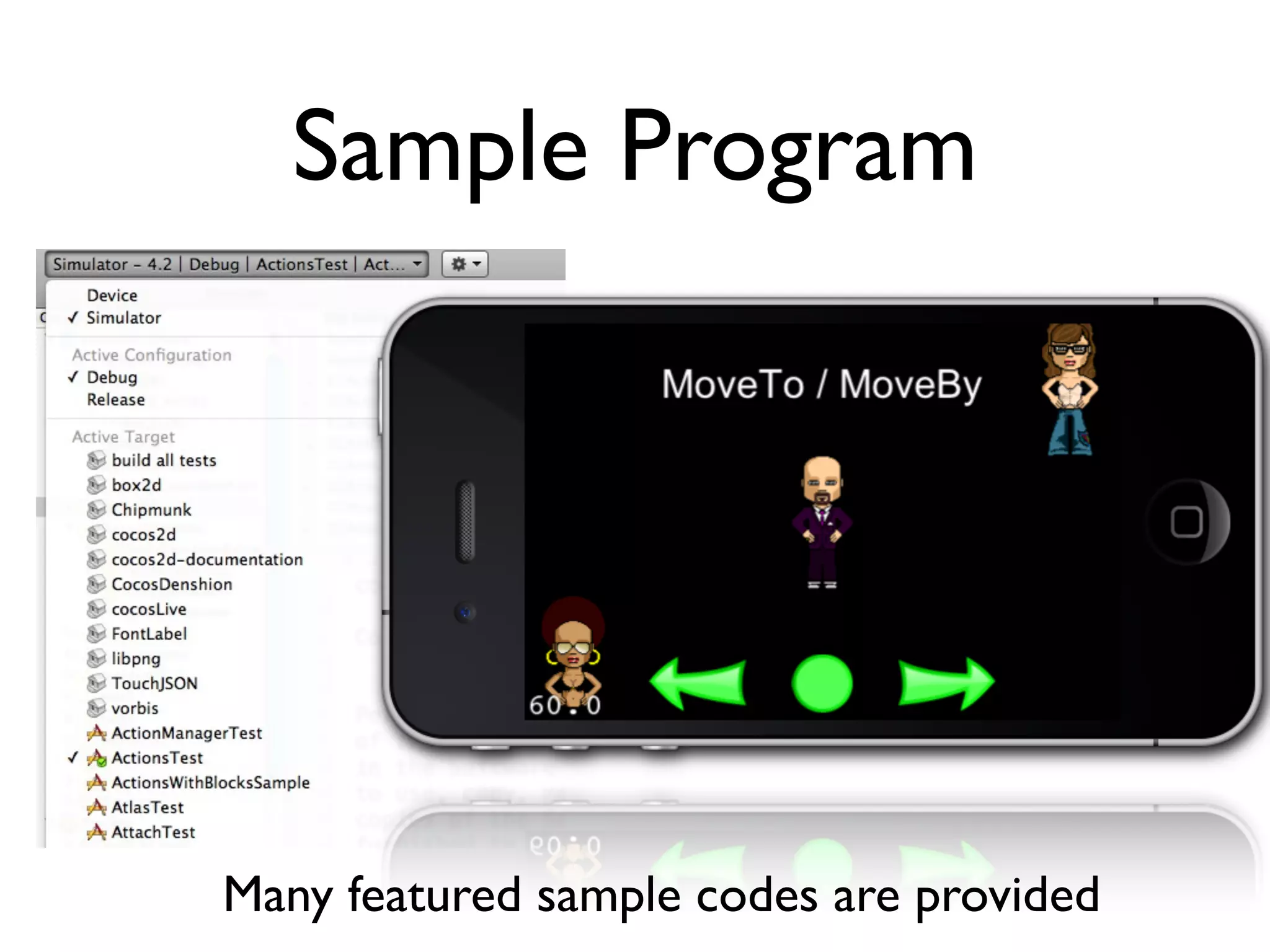
Sample Program


Many featured sample codes are provided
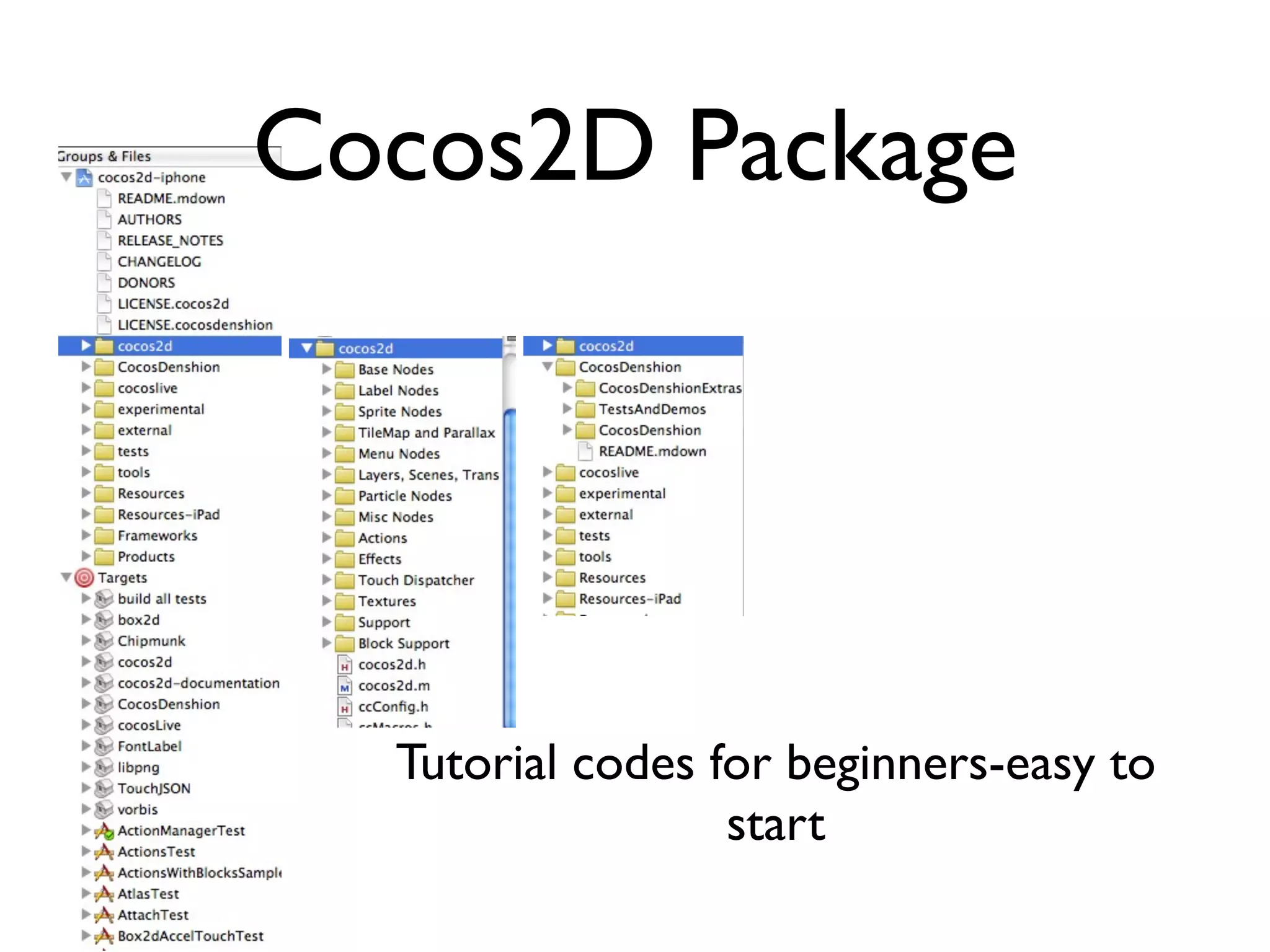
Cocos2D Package


  Tutorial codes for beginners-easy to
                  start
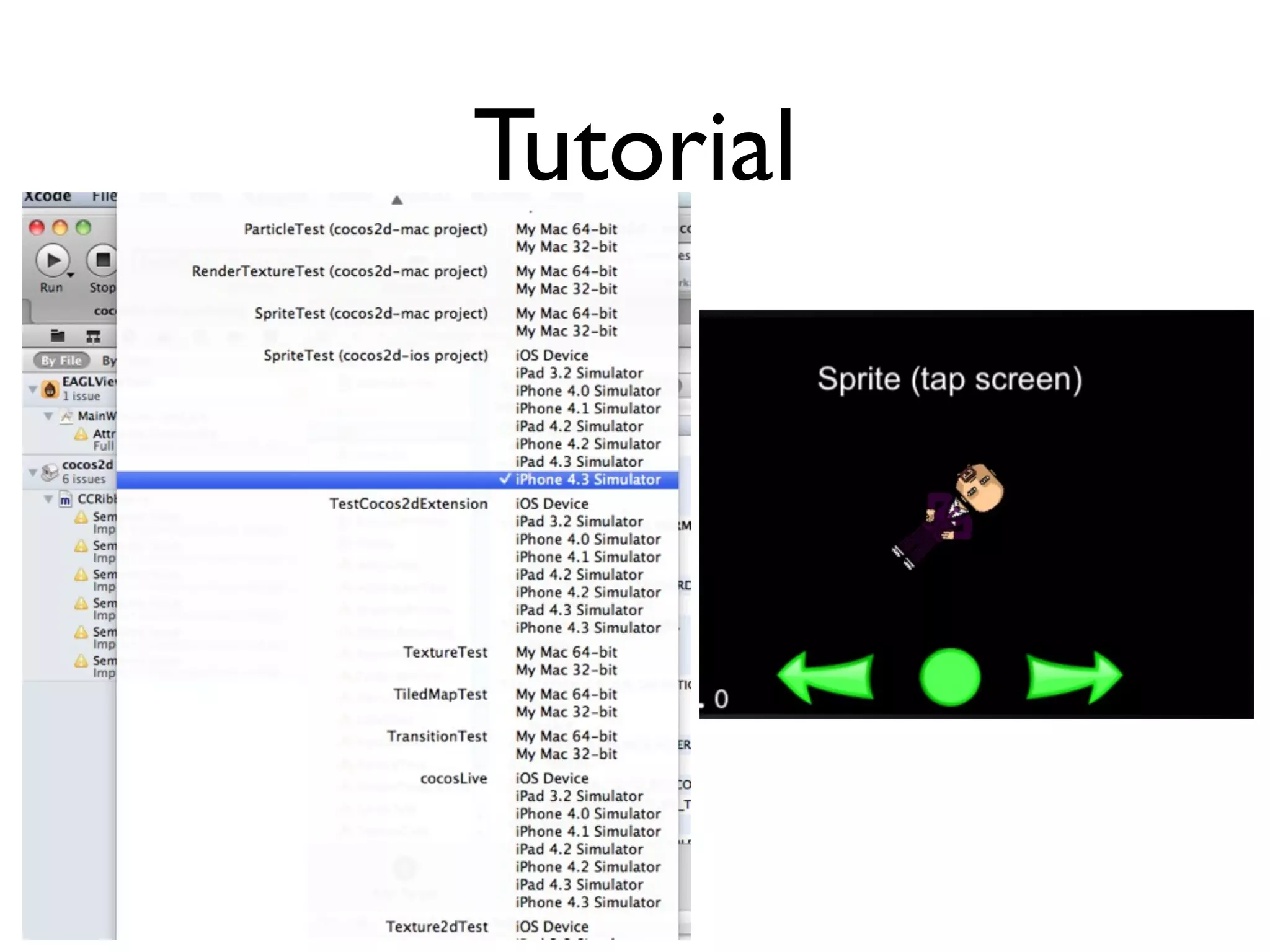
Tutorial
Demo
Cocos2D for iPhone
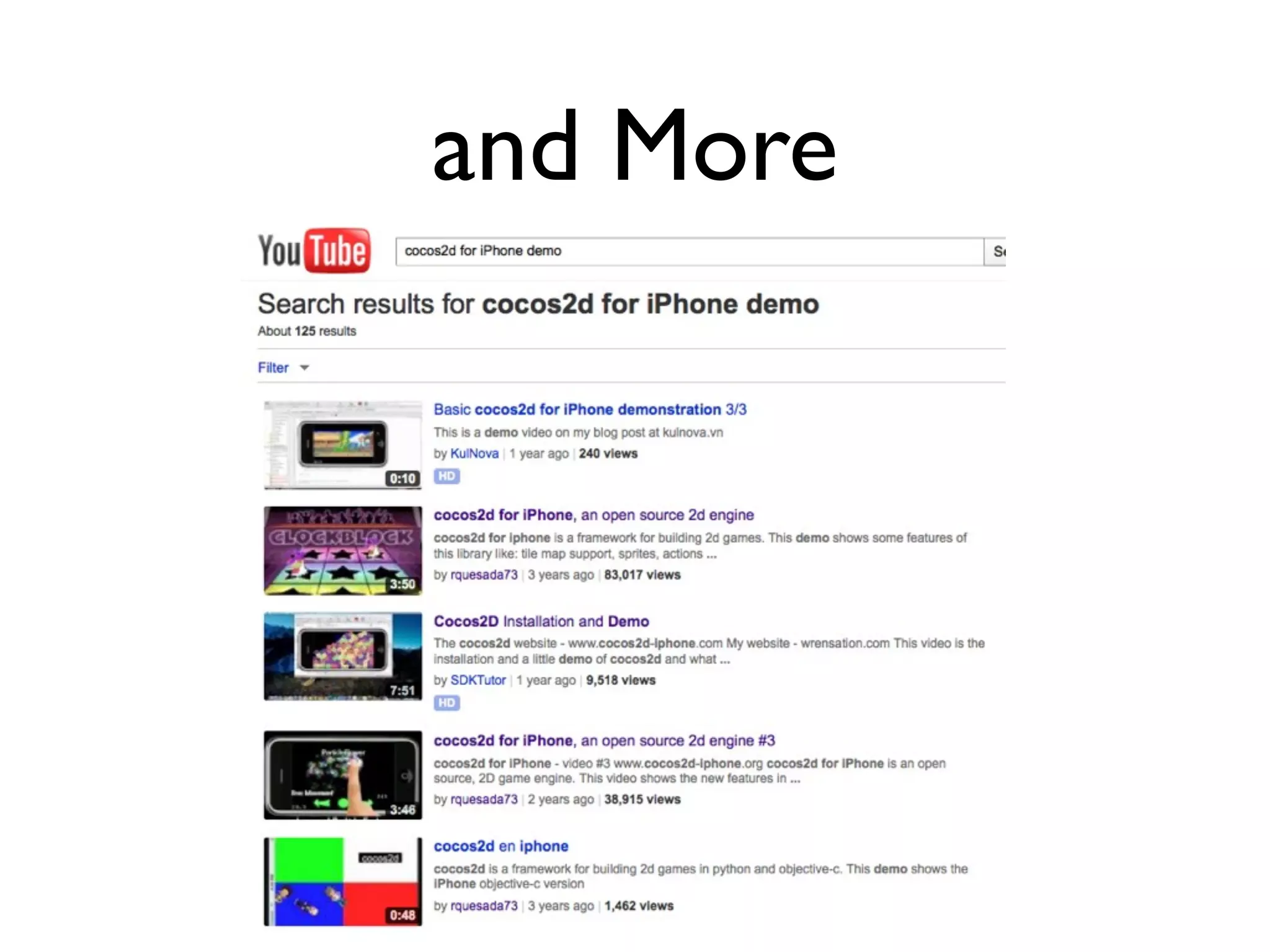
and More
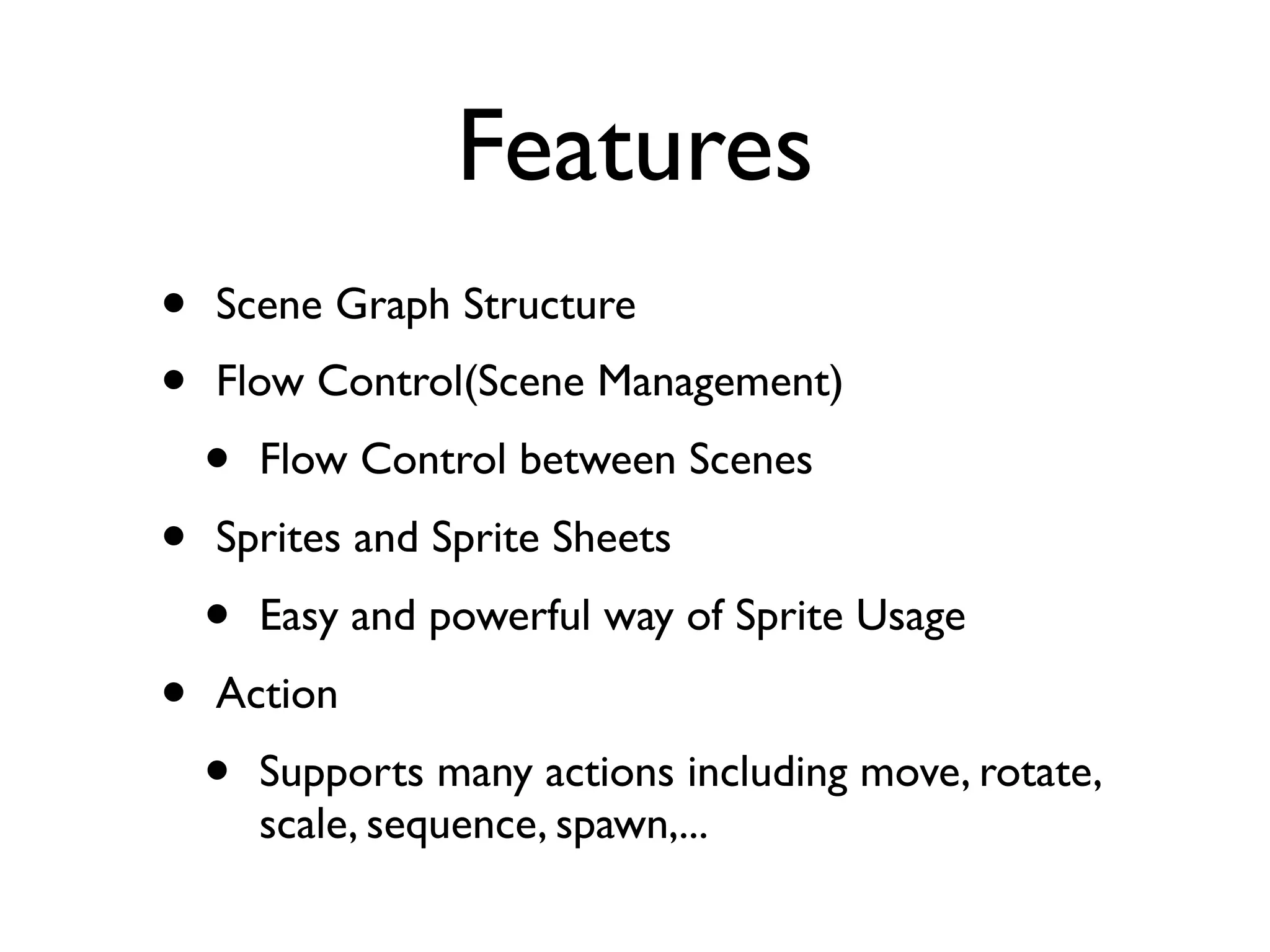
Features
•   Scene Graph Structure
•   Flow Control(Scene Management)
    •   Flow Control between Scenes
•   Sprites and Sprite Sheets
    •   Easy and powerful way of Sprite Usage
•   Action
    •   Supports many actions including move, rotate,
        scale, sequence, spawn,...
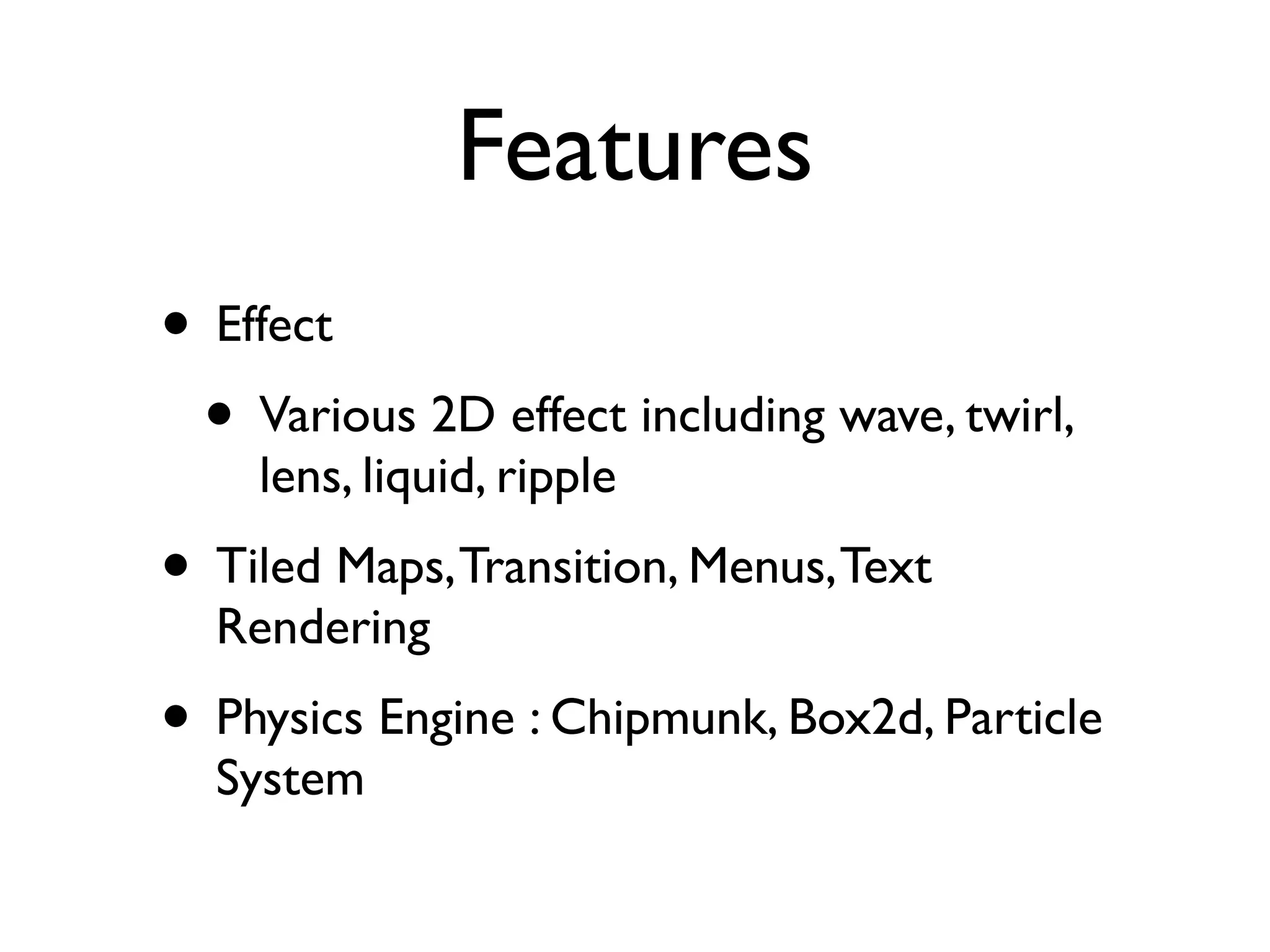
Features
• Effect
 • Various 2D effect including wave, twirl,
    lens, liquid, ripple
• Tiled Maps, Transition, Menus, Text
  Rendering
• Physics Engine : Chipmunk, Box2d, Particle
  System
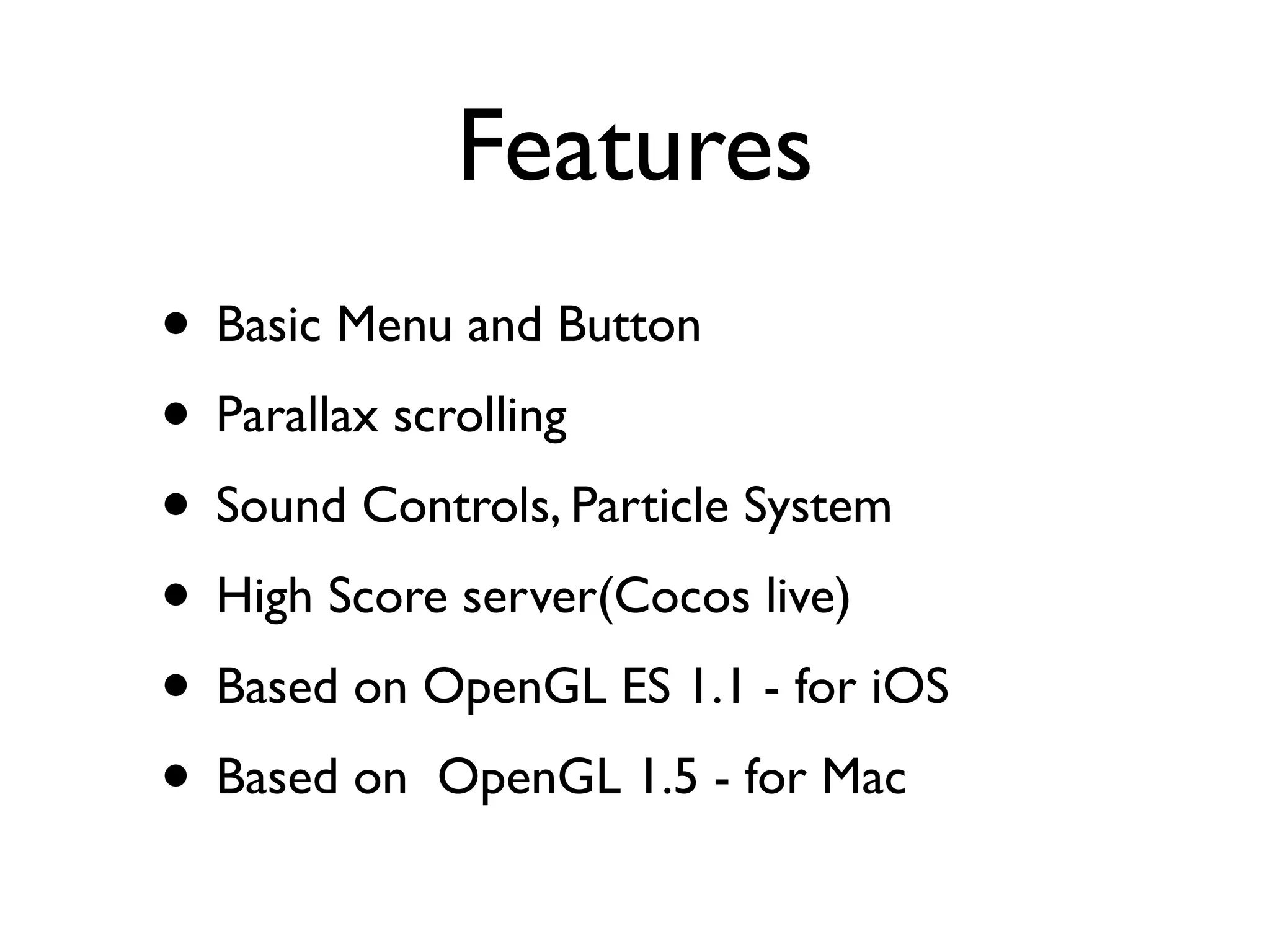
Features
• Basic Menu and Button
• Parallax scrolling
• Sound Controls, Particle System
• High Score server(Cocos live)
• Based on OpenGL ES 1.1 - for iOS
• Based on OpenGL 1.5 - for Mac
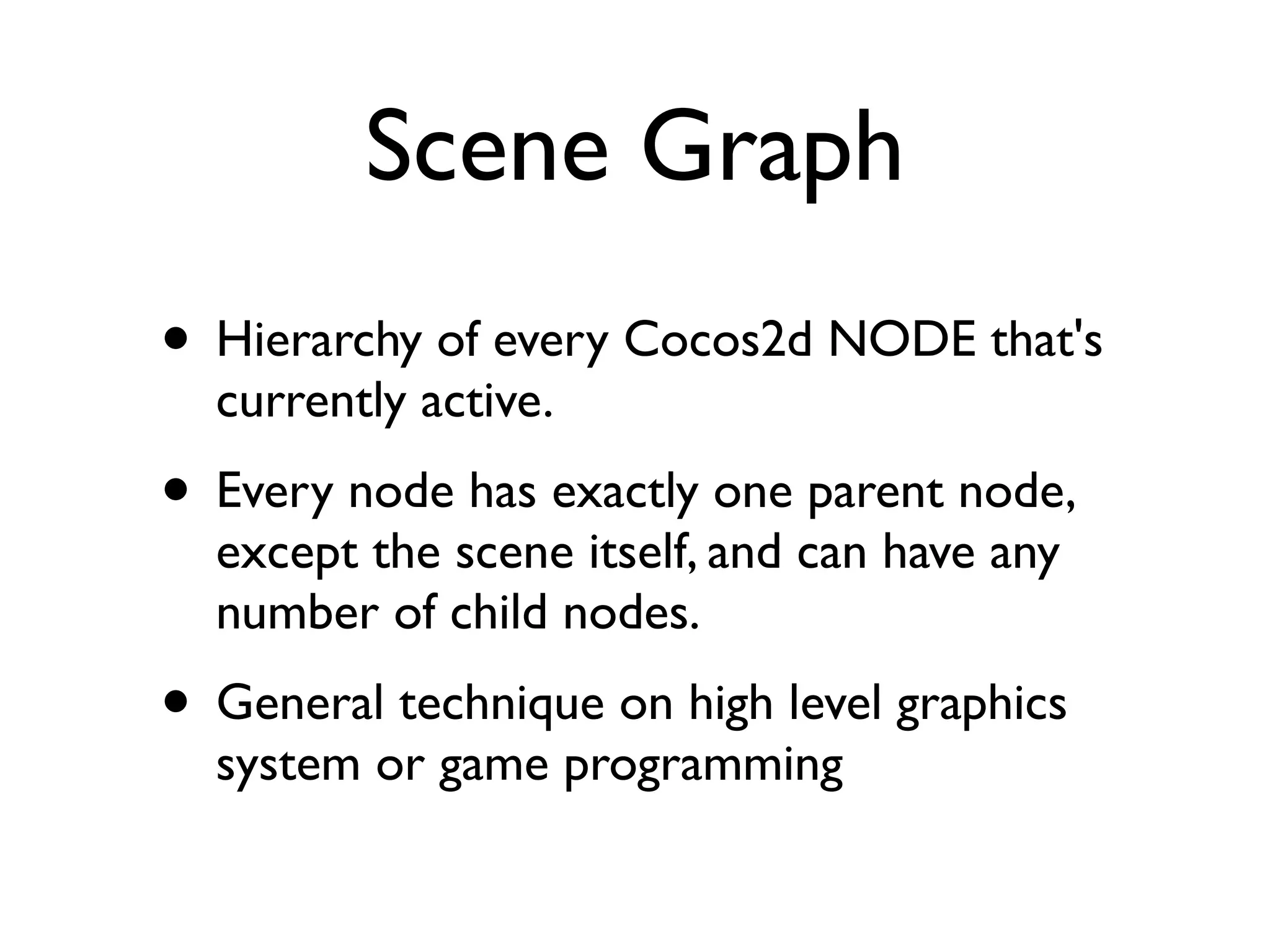
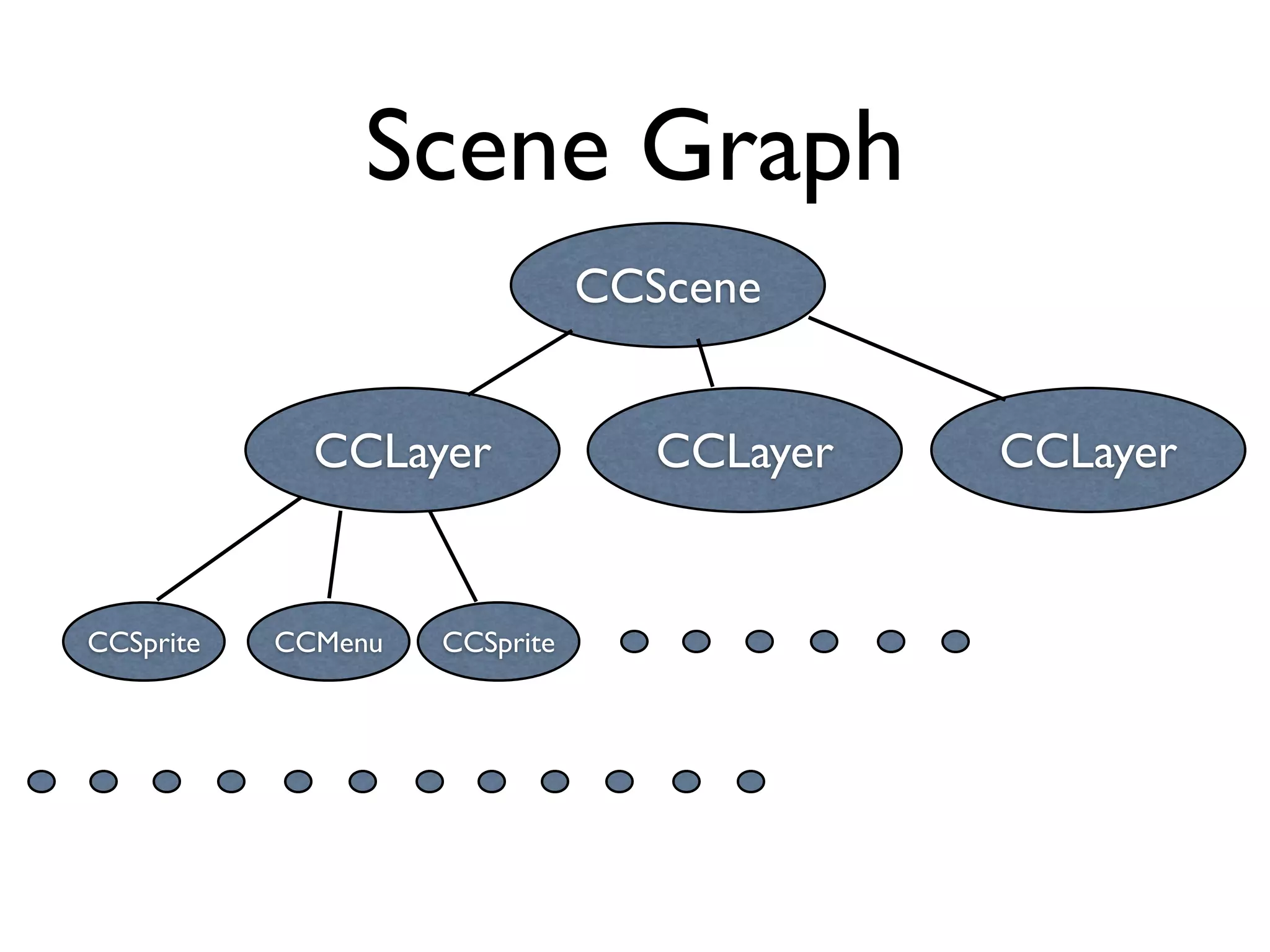
Scene Graph
• Hierarchy of every Cocos2d NODE that's
  currently active.
• Every node has exactly one parent node,
  except the scene itself, and can have any
  number of child nodes.
• General technique on high level graphics
  system or game programming
Scene Graph
                               CCScene


             CCLayer              CCLayer   CCLayer


CCSprite   CCMenu   CCSprite
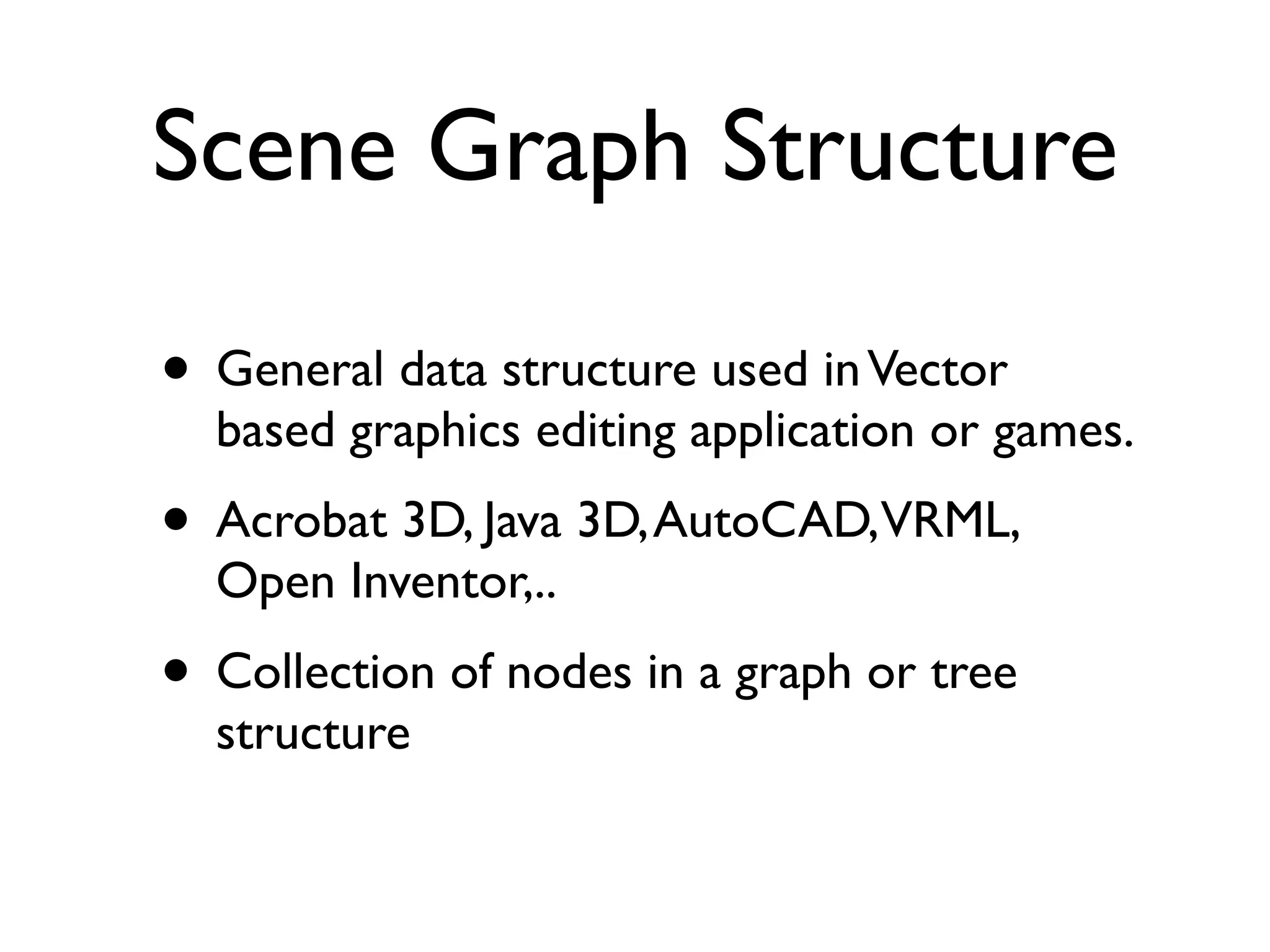
Scene Graph Structure

• General data structure used in Vector
  based graphics editing application or games.
• Acrobat 3D, Java 3D, AutoCAD,VRML,
  Open Inventor,..
• Collection of nodes in a graph or tree
  structure
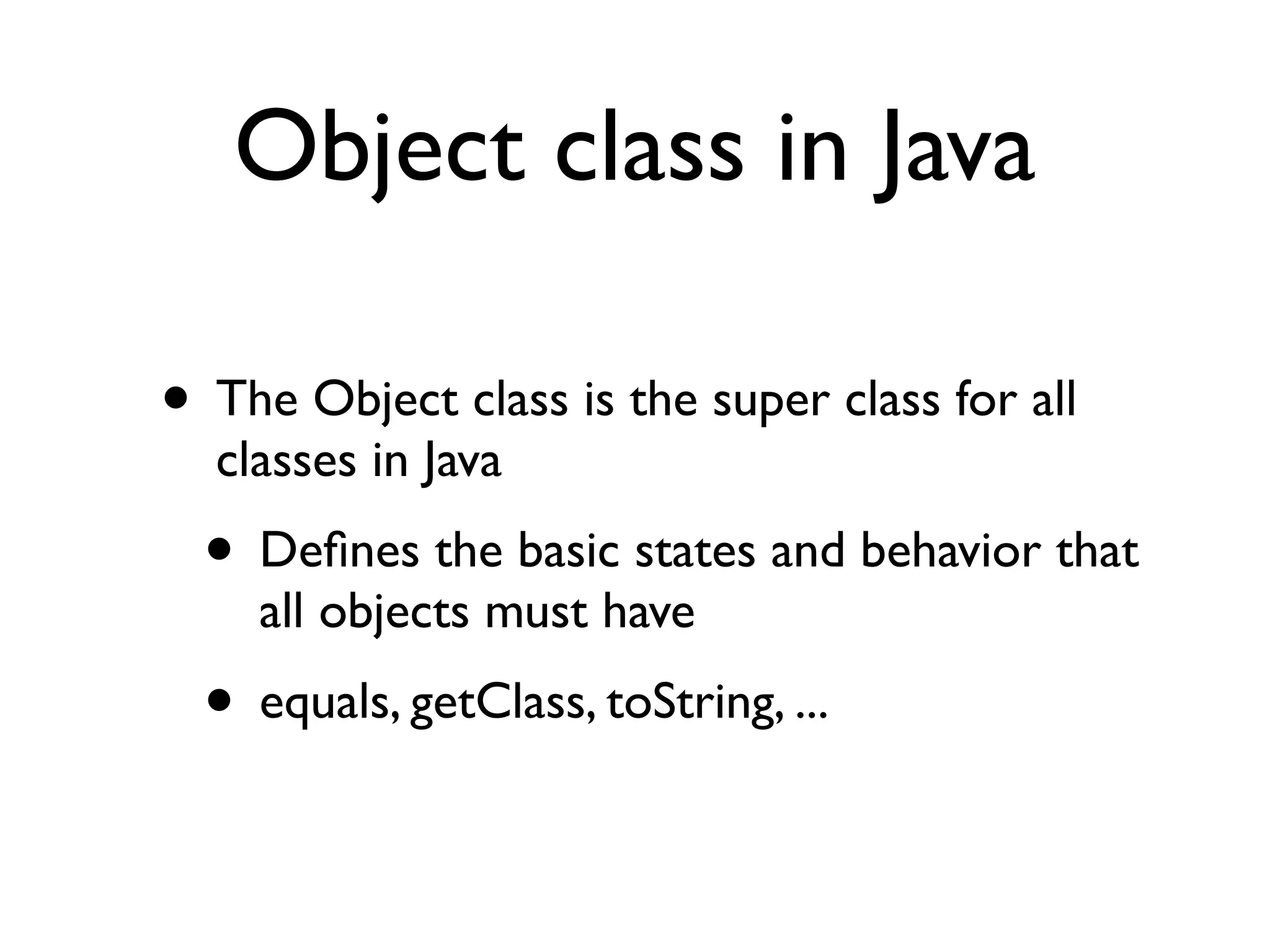
Object class in Java

• The Object class is the super class for all
  classes in Java
  • Defines the basic states and behavior that
    all objects must have
  • equals, getClass, toString, ...
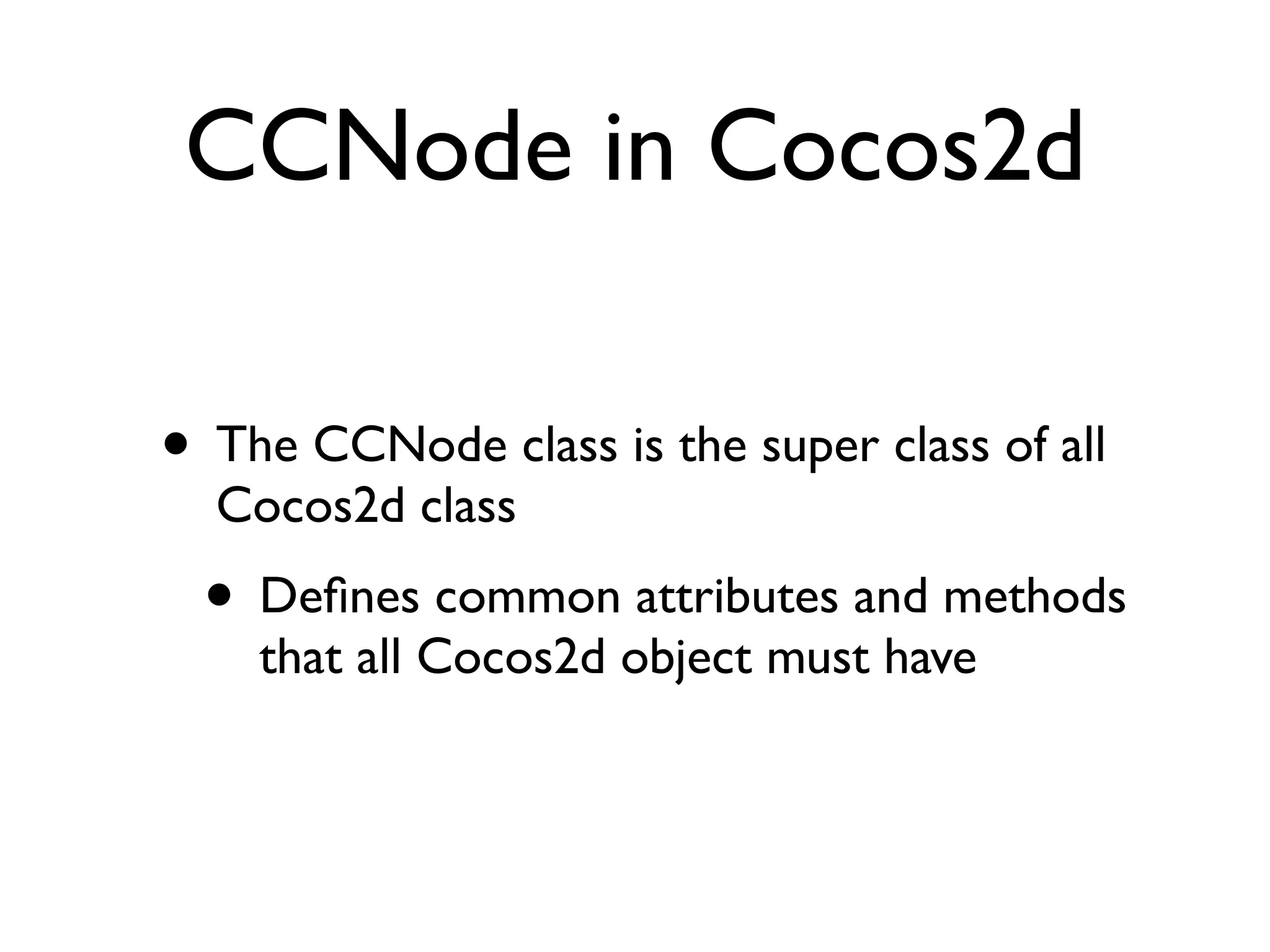
CCNode in Cocos2d

• The CCNode class is the super class of all
  Cocos2d class
  • Defines common attributes and methods
    that all Cocos2d object must have
CCNode Class
• Most important Cocos2D class, most
  object in Cocos2d inherits from CCNode
• CCScene, CCLayer, CCSprite, CCMenu
  classes are children of CCNode class
• Can include another CCNode object.
• Can schedule periodic callbacks
• Can run all actions
CCNode Class
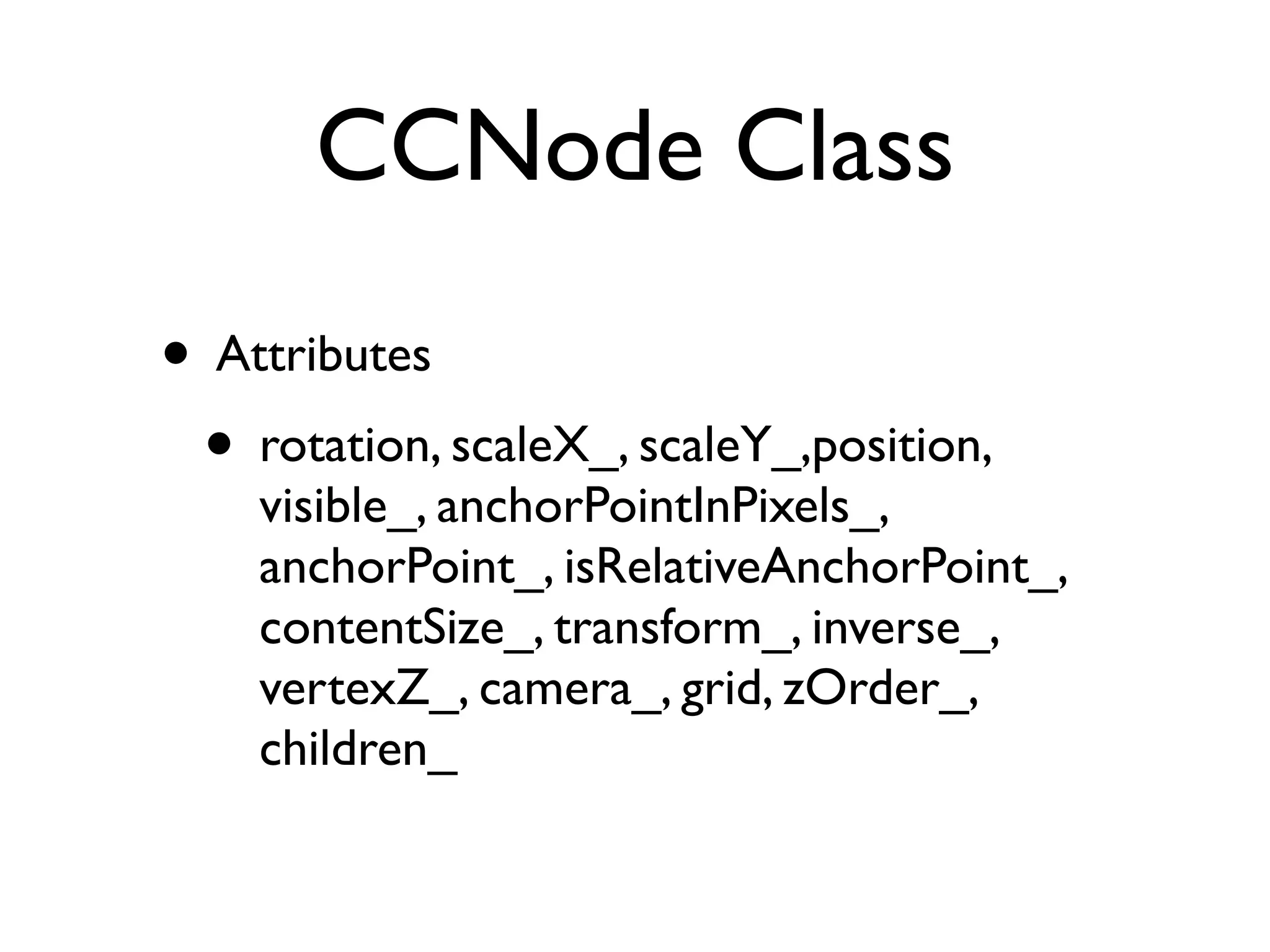
• Attributes
 • rotation, scaleX_, scaleY_,position,
    visible_, anchorPointInPixels_,
    anchorPoint_, isRelativeAnchorPoint_,
    contentSize_, transform_, inverse_,
    vertexZ_, camera_, grid, zOrder_,
    children_
CCNode: Attributes
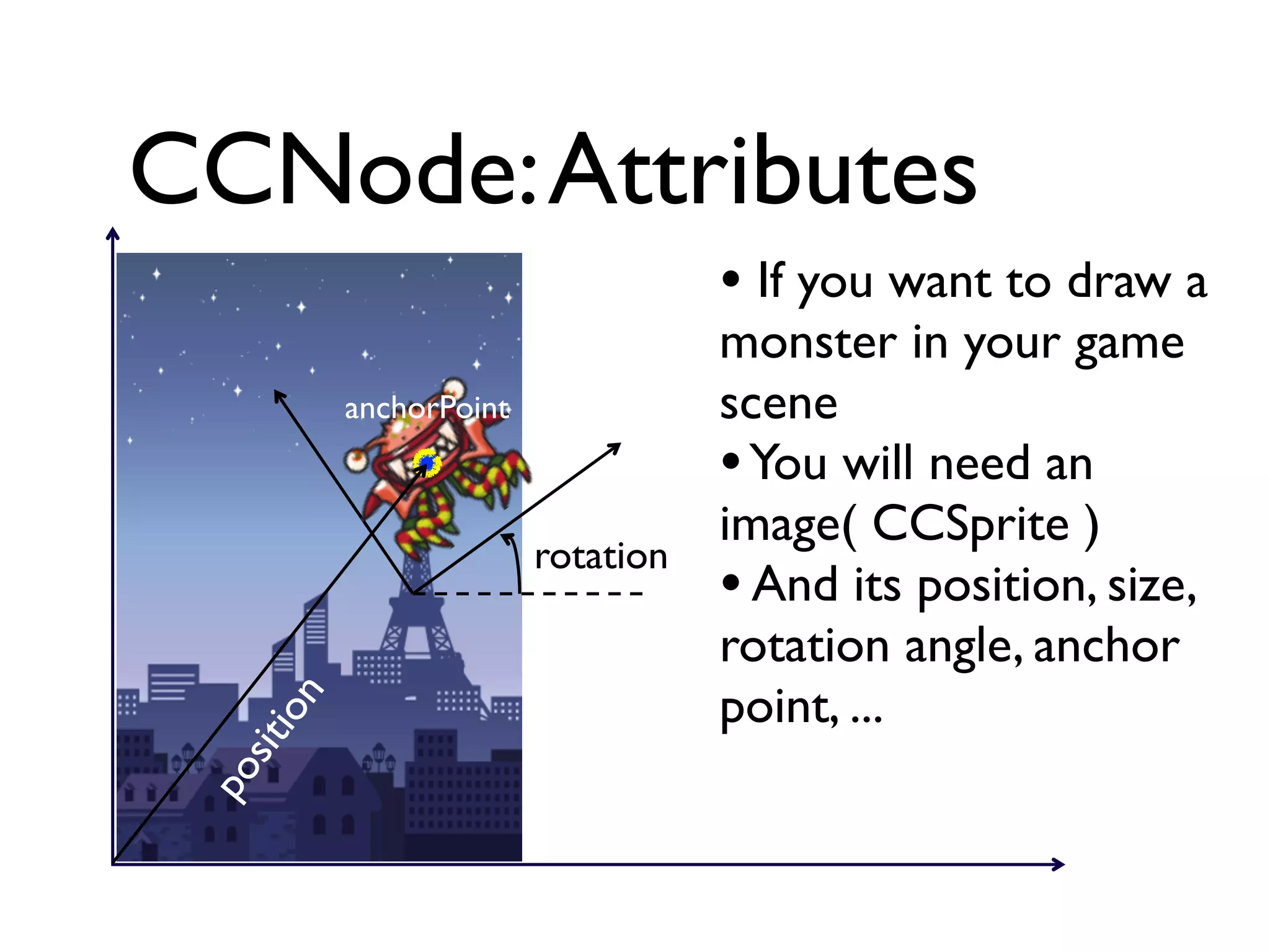
                                      • If you want to draw a
                                      monster in your game
             anchorPoint              scene
                                      • You will need an
                                      image( CCSprite )
                           rotation
                                      • And its position, size,
                                      rotation angle, anchor
                                      point, ...
       ion
   sit
 po
CCDirector Class
• Cocos2D Class has name space starting
  with CCxxx.
• Director(CCDirector)
 • Management object for game control
    thru scene
 • OpenGL ES environment setting
 • Running the game loop
CCScene Class
• Scene
 • A game is composed of multiple screens
 • Each scene compose each screen on
    game
 • Scene is composed of multiple
    layers(hierarchical structure)
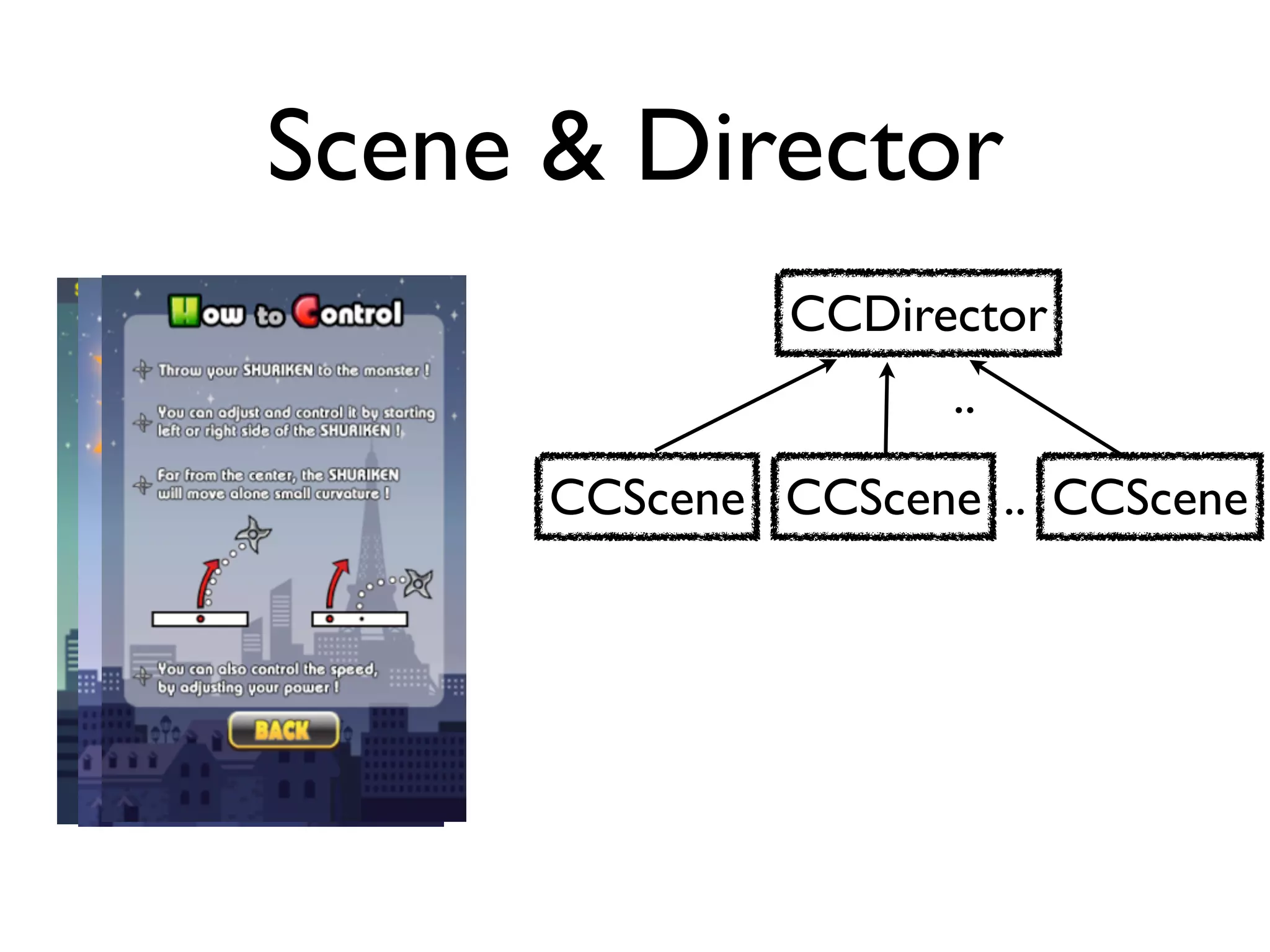
Scene & Director
              CCDirector
                     ..
      CCScene CCScene .. CCScene
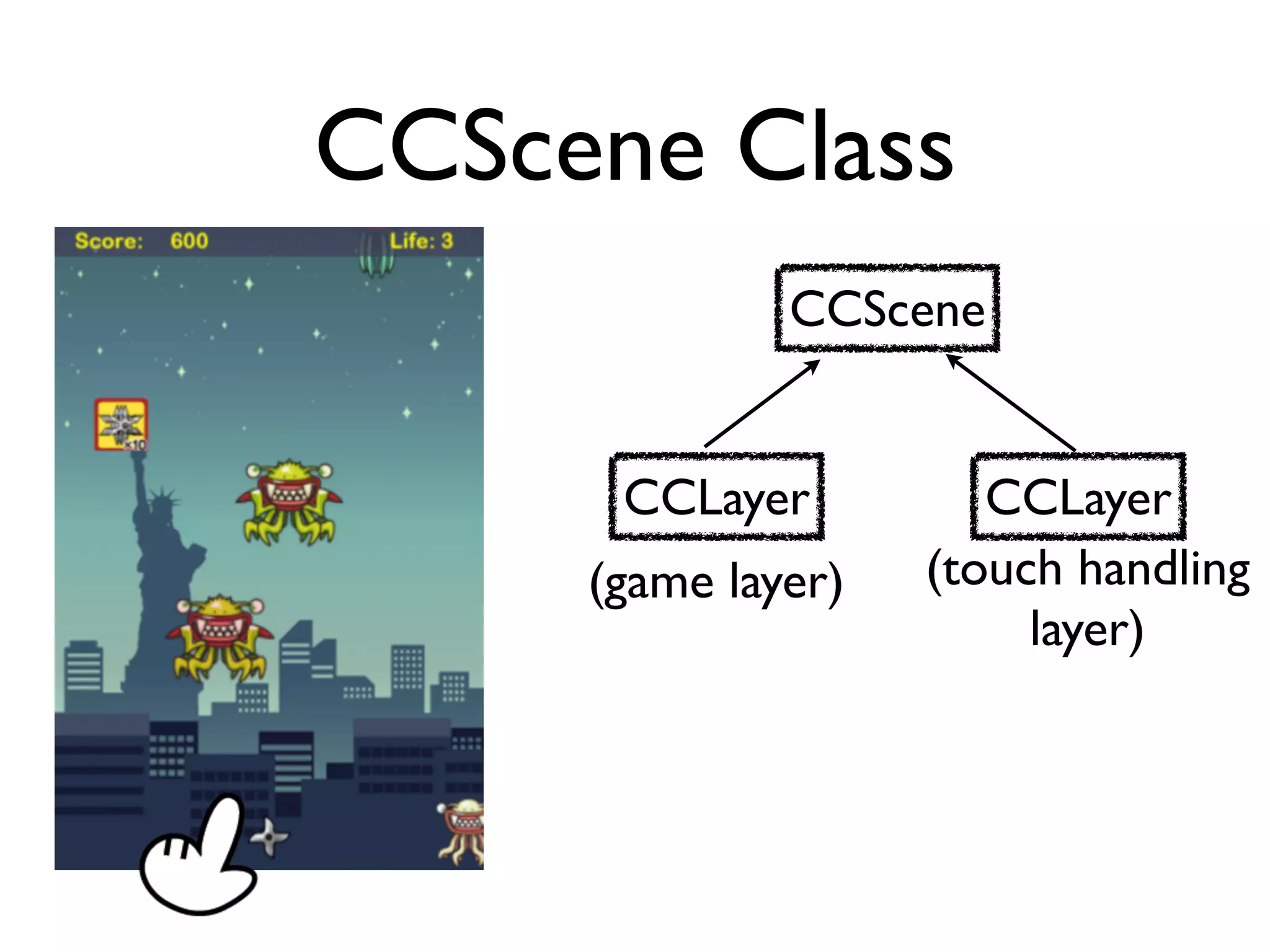
CCScene Class
              CCScene


      CCLayer          CCLayer
     (game layer)   (touch handling
                         layer)
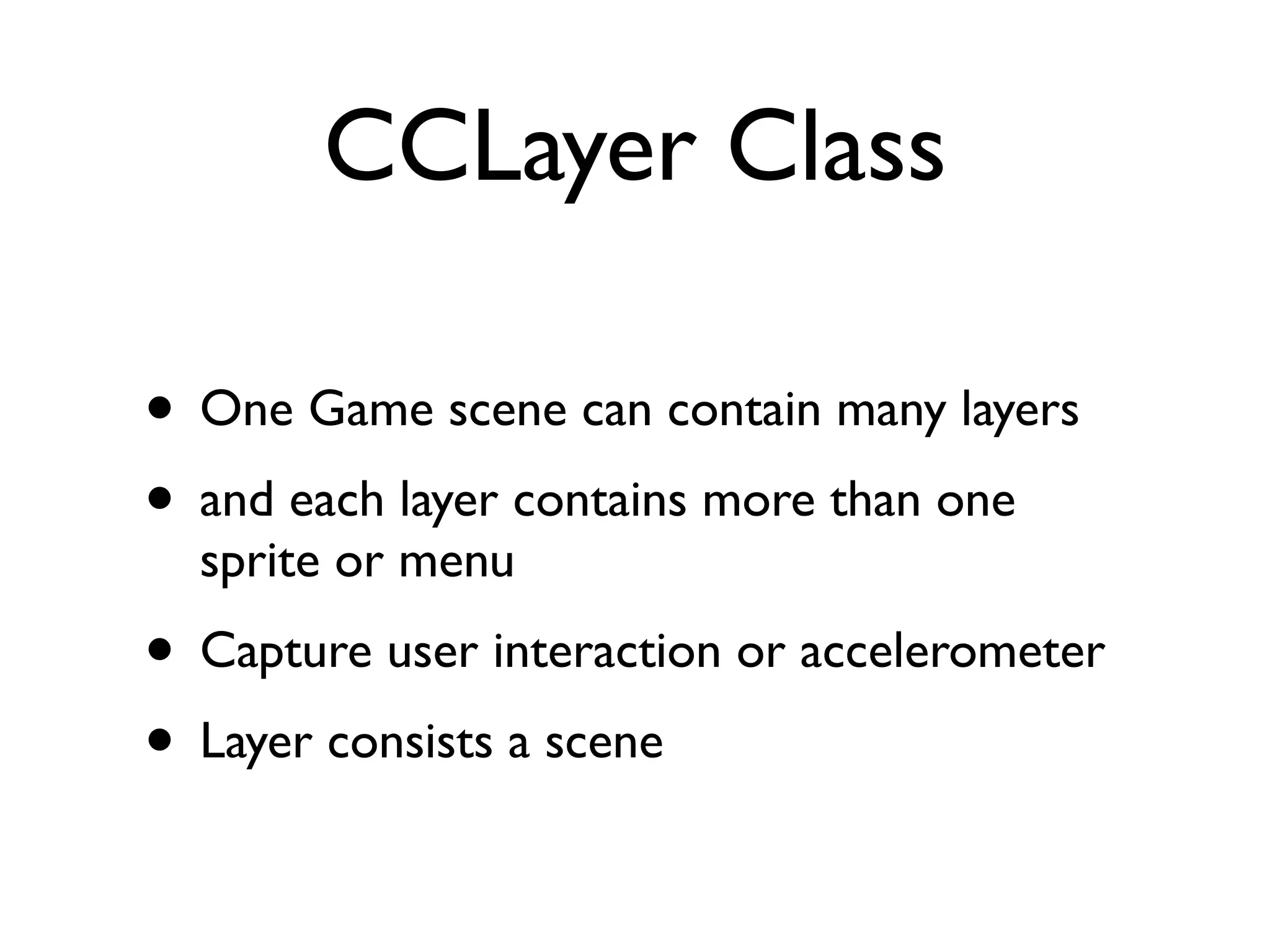
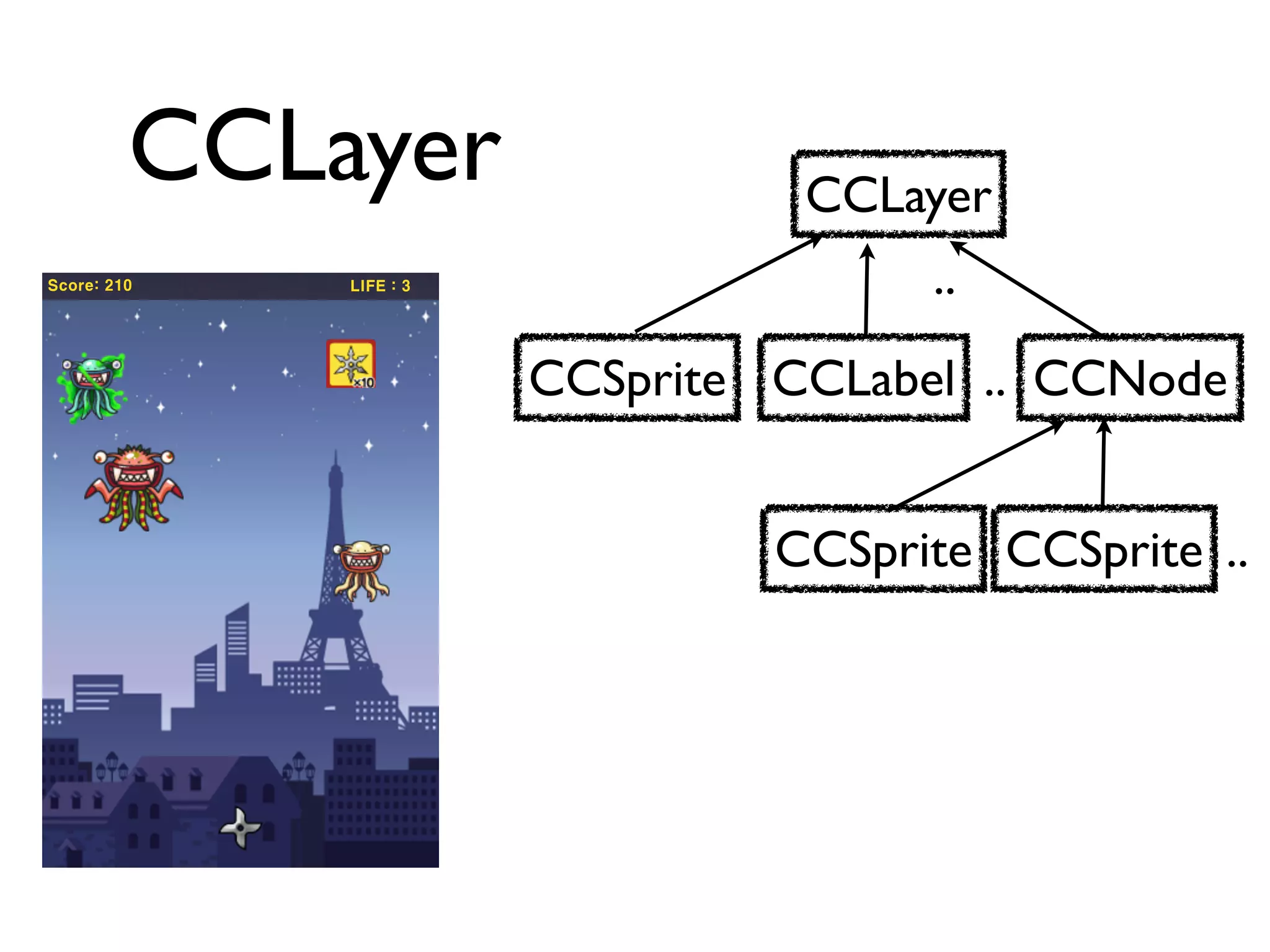
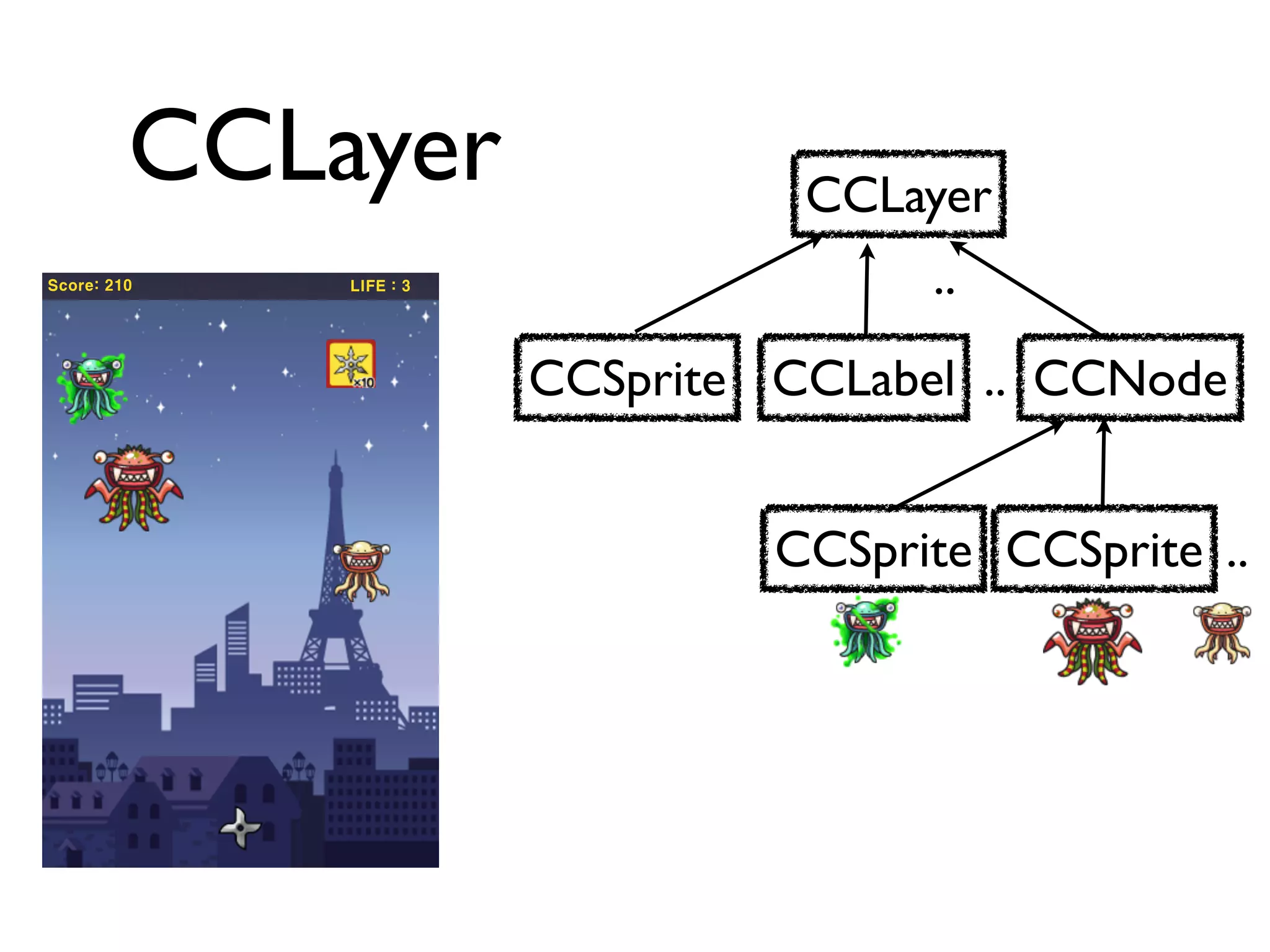
CCLayer Class

• One Game scene can contain many layers
• and each layer contains more than one
  sprite or menu
• Capture user interaction or accelerometer
• Layer consists a scene
CCLayer                  CCLayer
Score: 210   LIFE : 3                  ..
                        CCSprite CCLabel .. CCNode


                                 CCSprite CCSprite ..
CCLayer                  CCLayer
Score: 210   LIFE : 3                  ..
                        CCSprite CCLabel .. CCNode


                                 CCSprite CCSprite ..
CCLayer
• CCLayer can handle events
 • isTouchEnabled_
 • isAccelerometerEnabled_

• Game controller
• Manage game entities
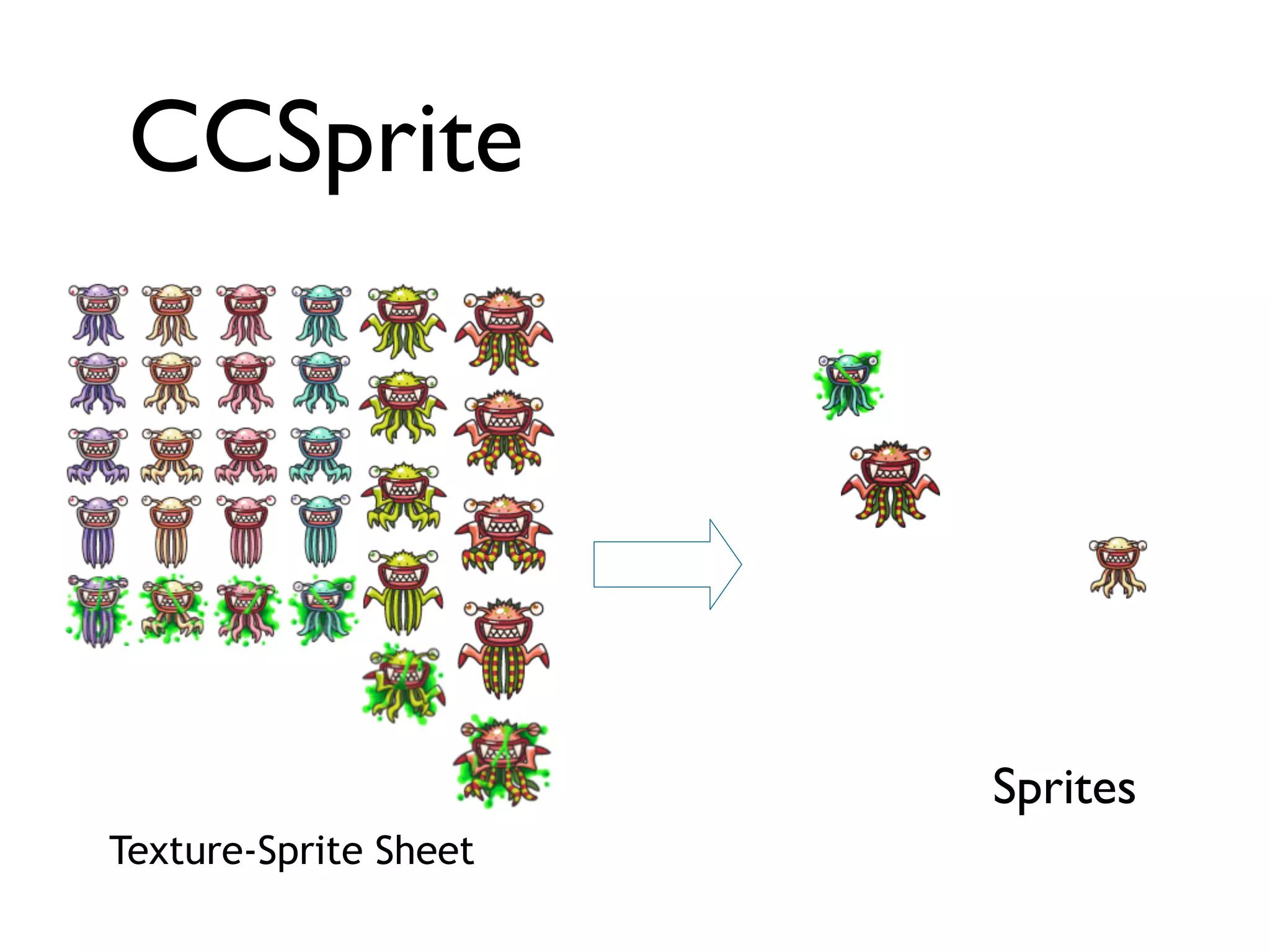
Sprite Object

• Image files are loaded into OpenGL ES
  Textures in a format that the GPU can
  understand
• Sprites can move within a scene or a layer
• Sprites may be animated, by cycling through
  a number of different images
CCSprite


                       Sprites
Texture-Sprite Sheet
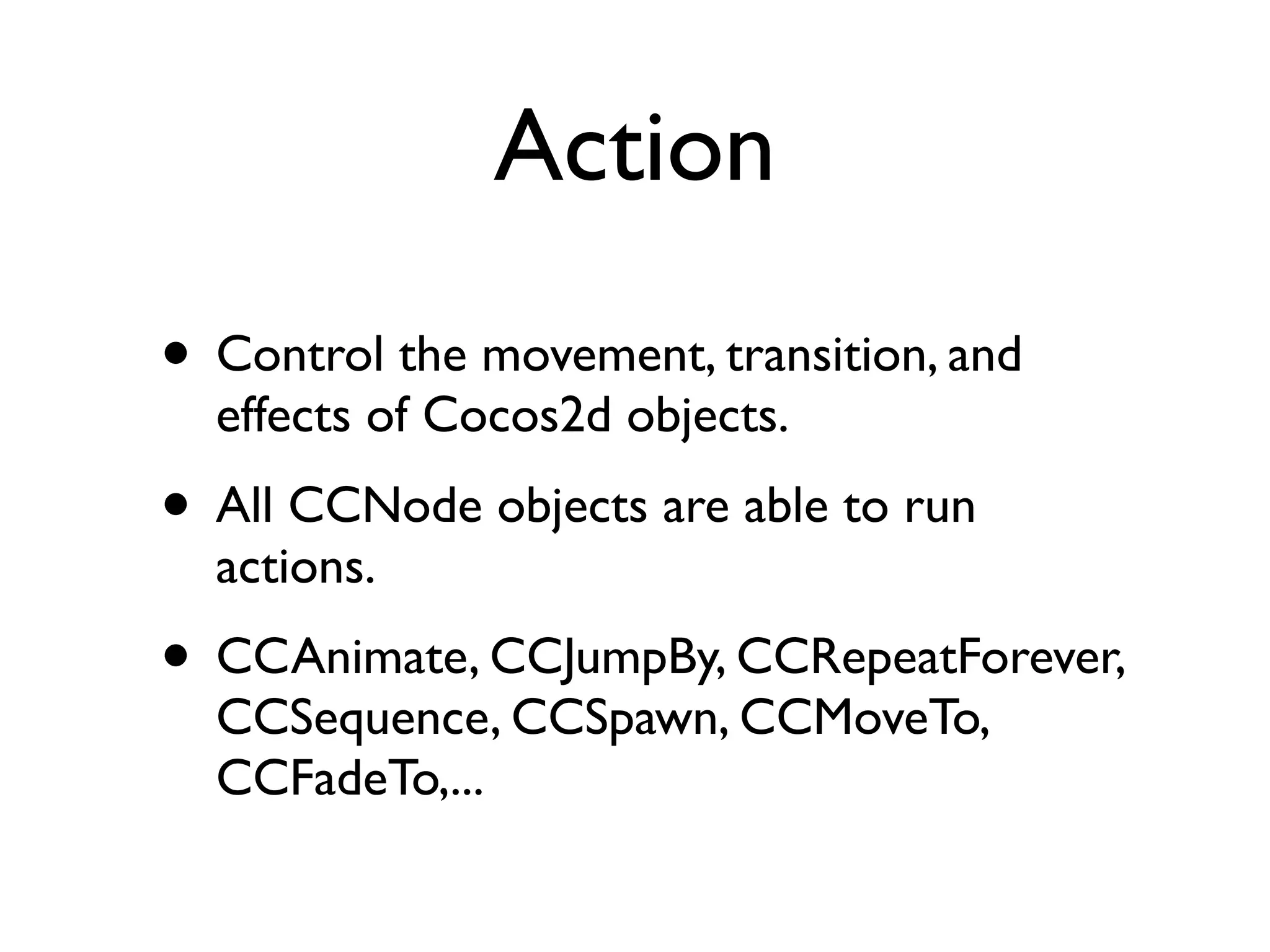
Action
• Control the movement, transition, and
  effects of Cocos2d objects.
• All CCNode objects are able to run
  actions.
• CCAnimate, CCJumpBy, CCRepeatForever,
  CCSequence, CCSpawn, CCMoveTo,
  CCFadeTo,...
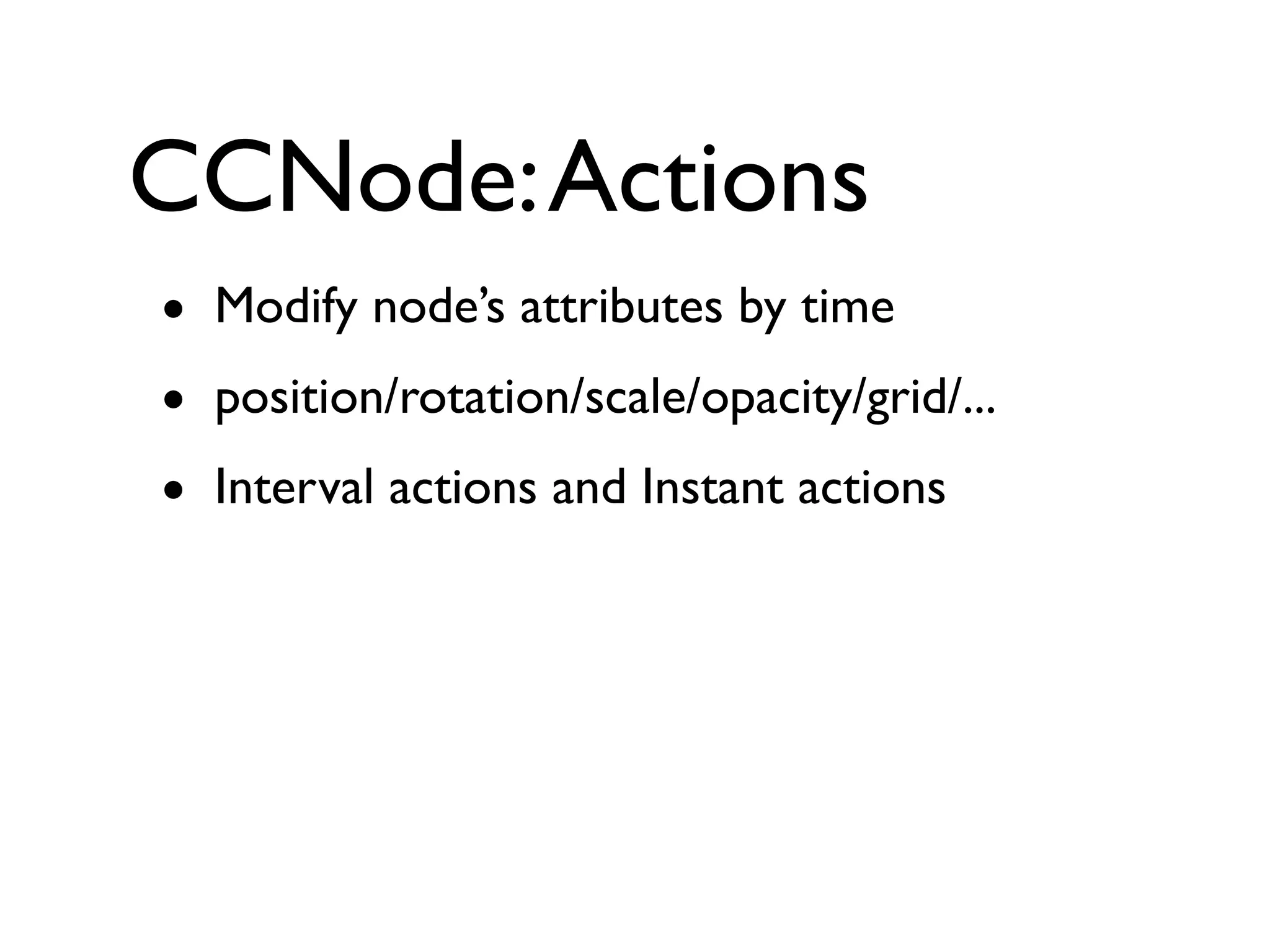
CCNode: Actions
• Modify node’s attributes by time
• position/rotation/scale/opacity/grid/...
• Interval actions and Instant actions
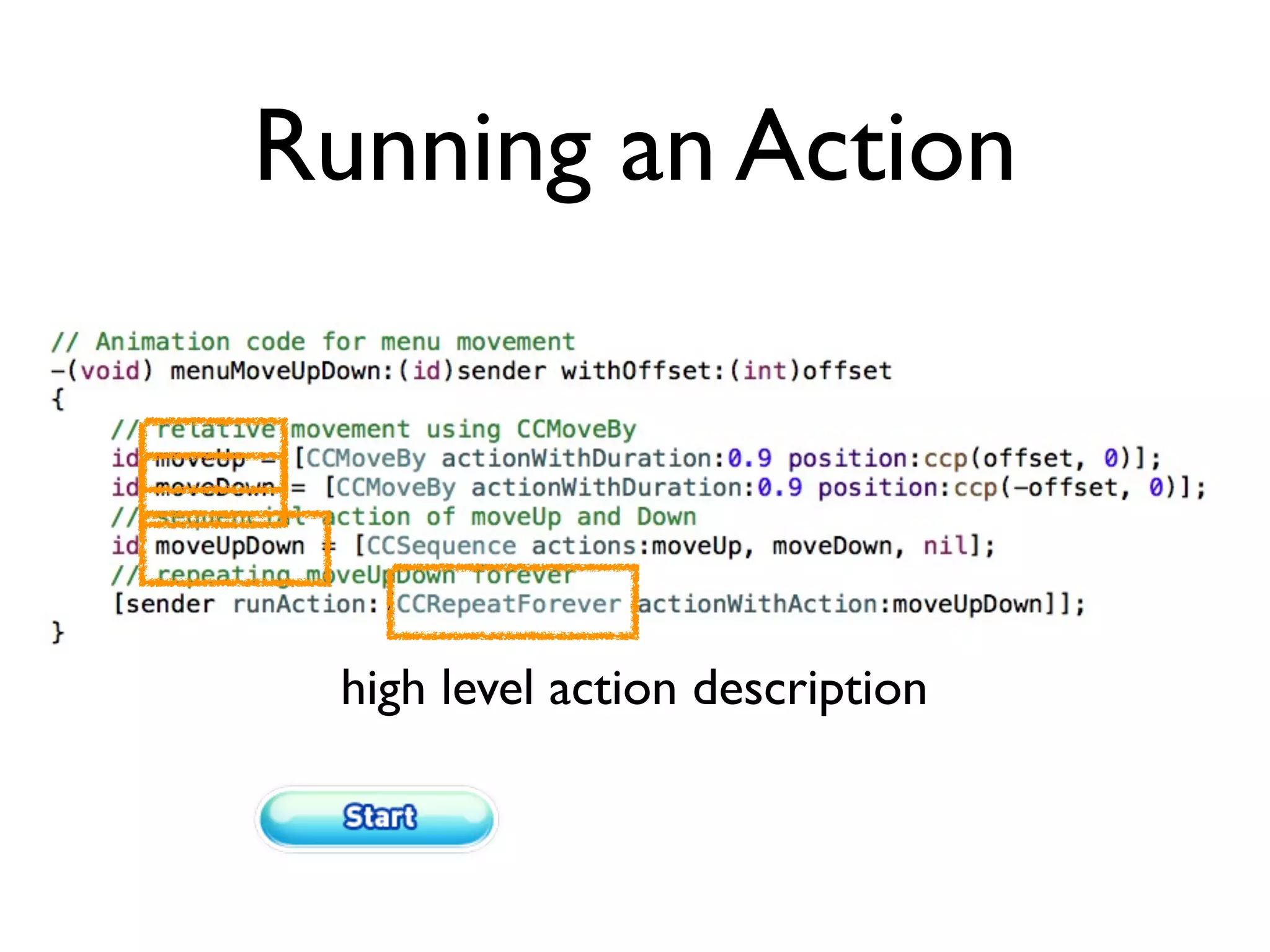
Running an Action


 high level action description
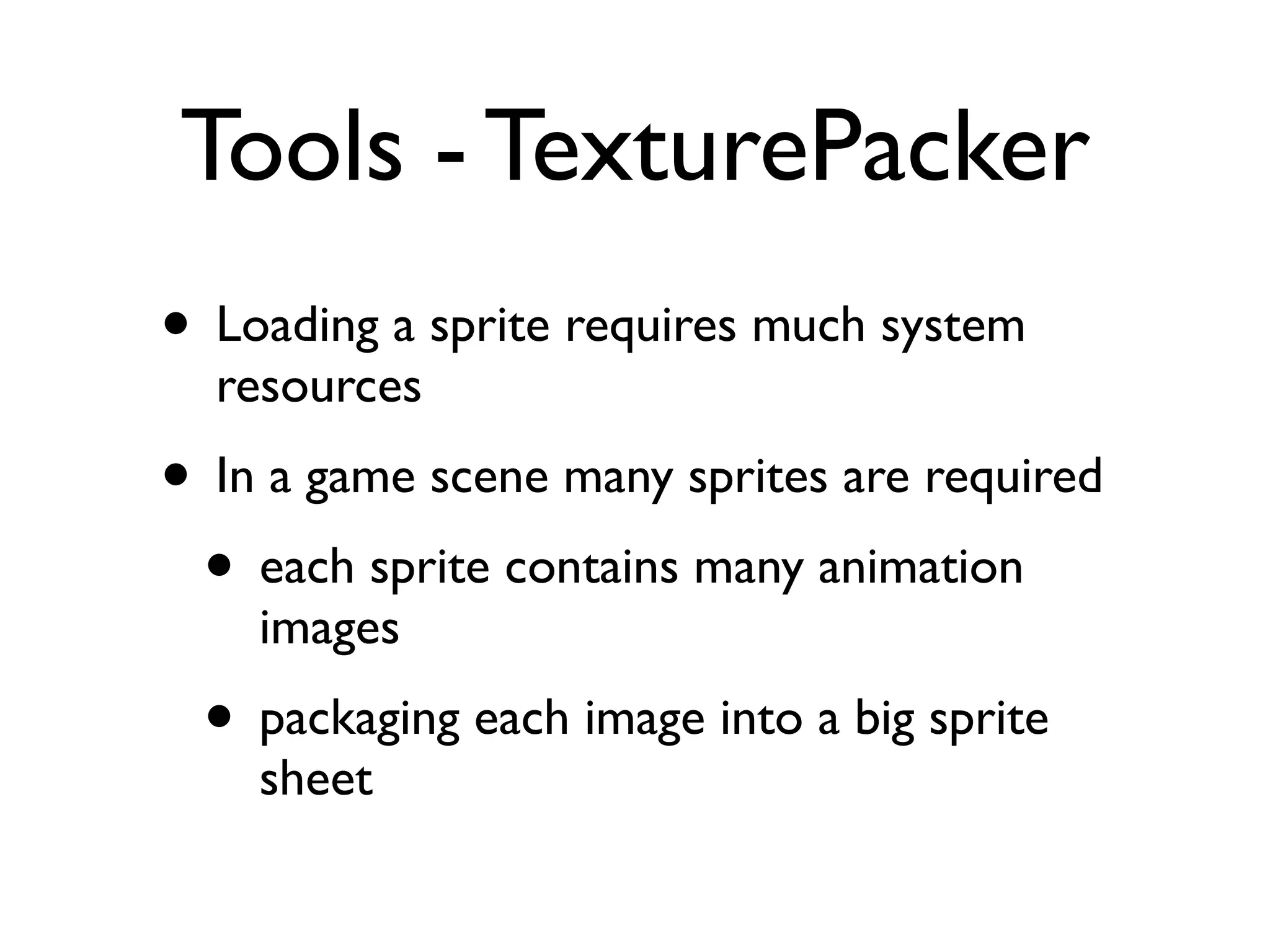
Tools - TexturePacker
• Loading a sprite requires much system
  resources
• In a game scene many sprites are required
 • each sprite contains many animation
    images
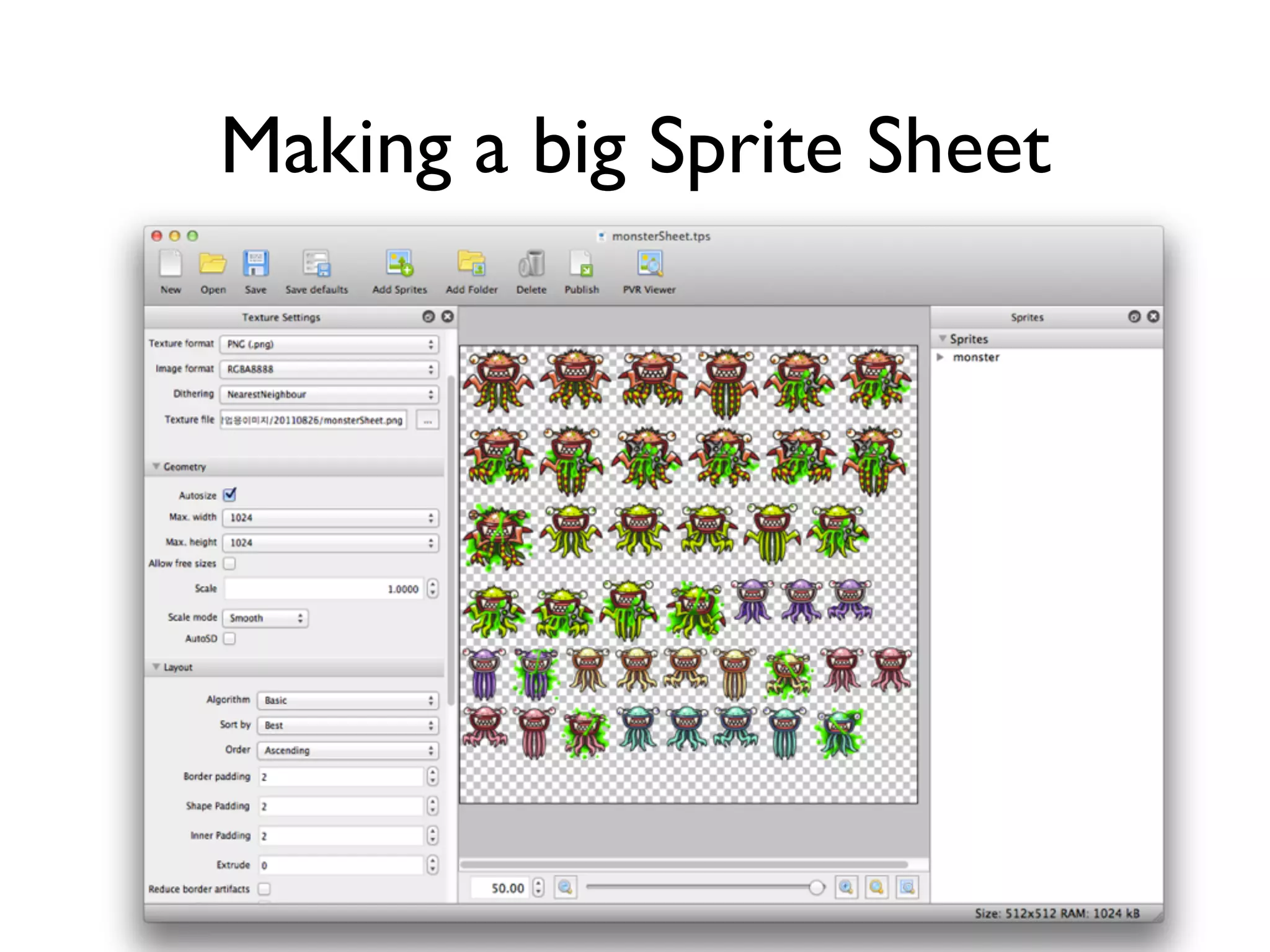
 • packaging each image into a big sprite
    sheet
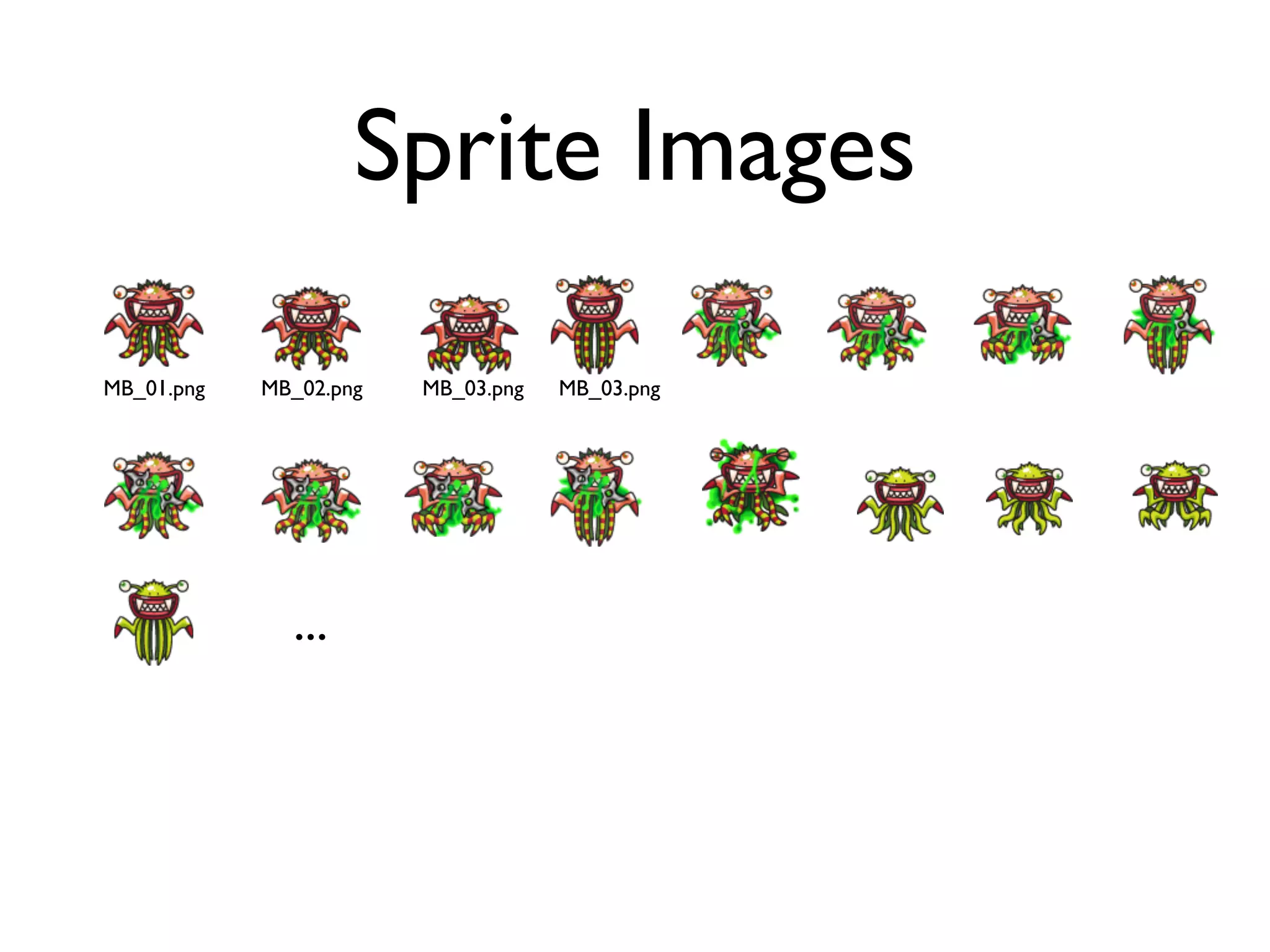
Sprite Images

MB_01.png   MB_02.png   MB_03.png   MB_03.png


              ...
Making a big Sprite Sheet
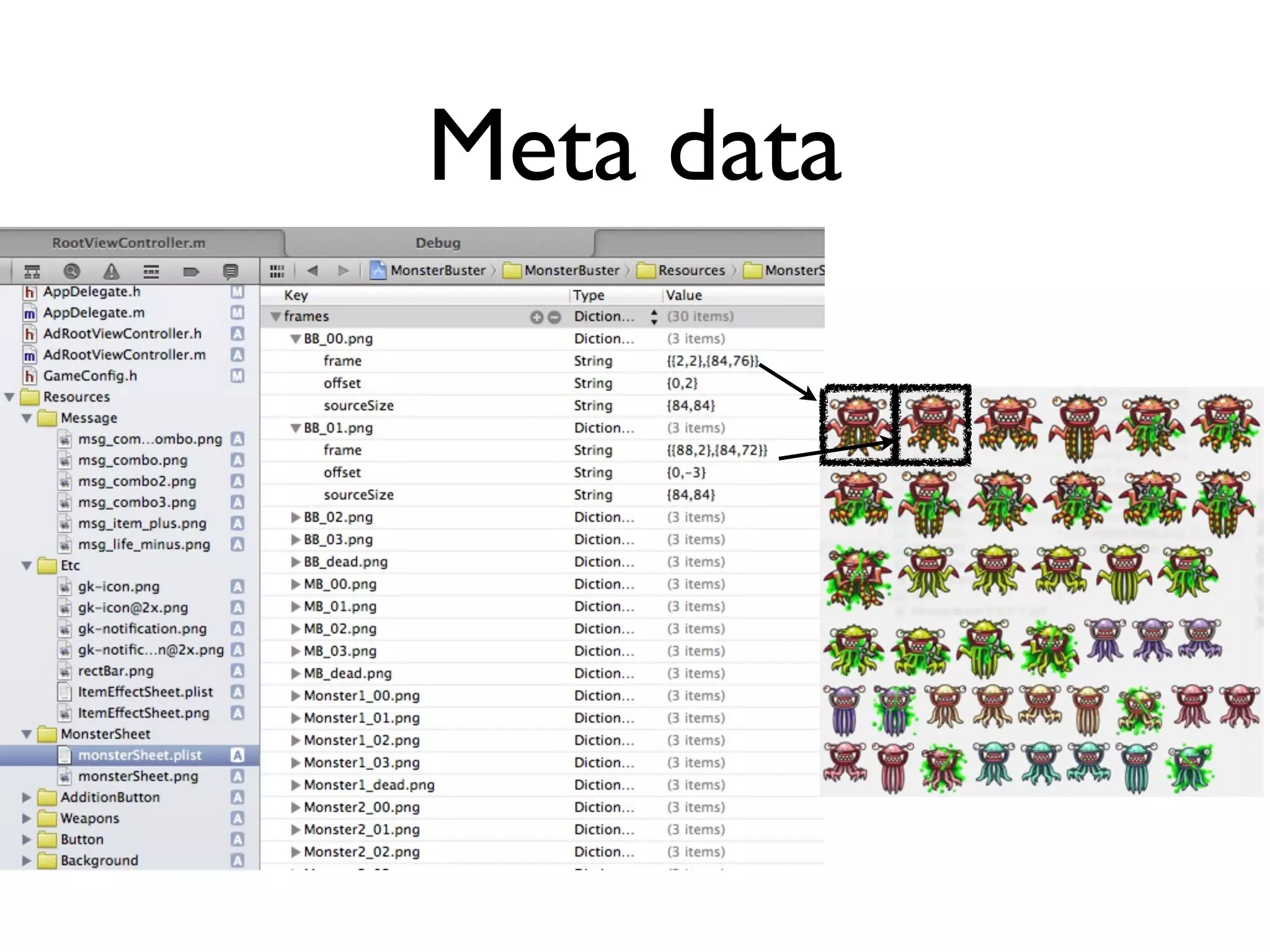
Meta data
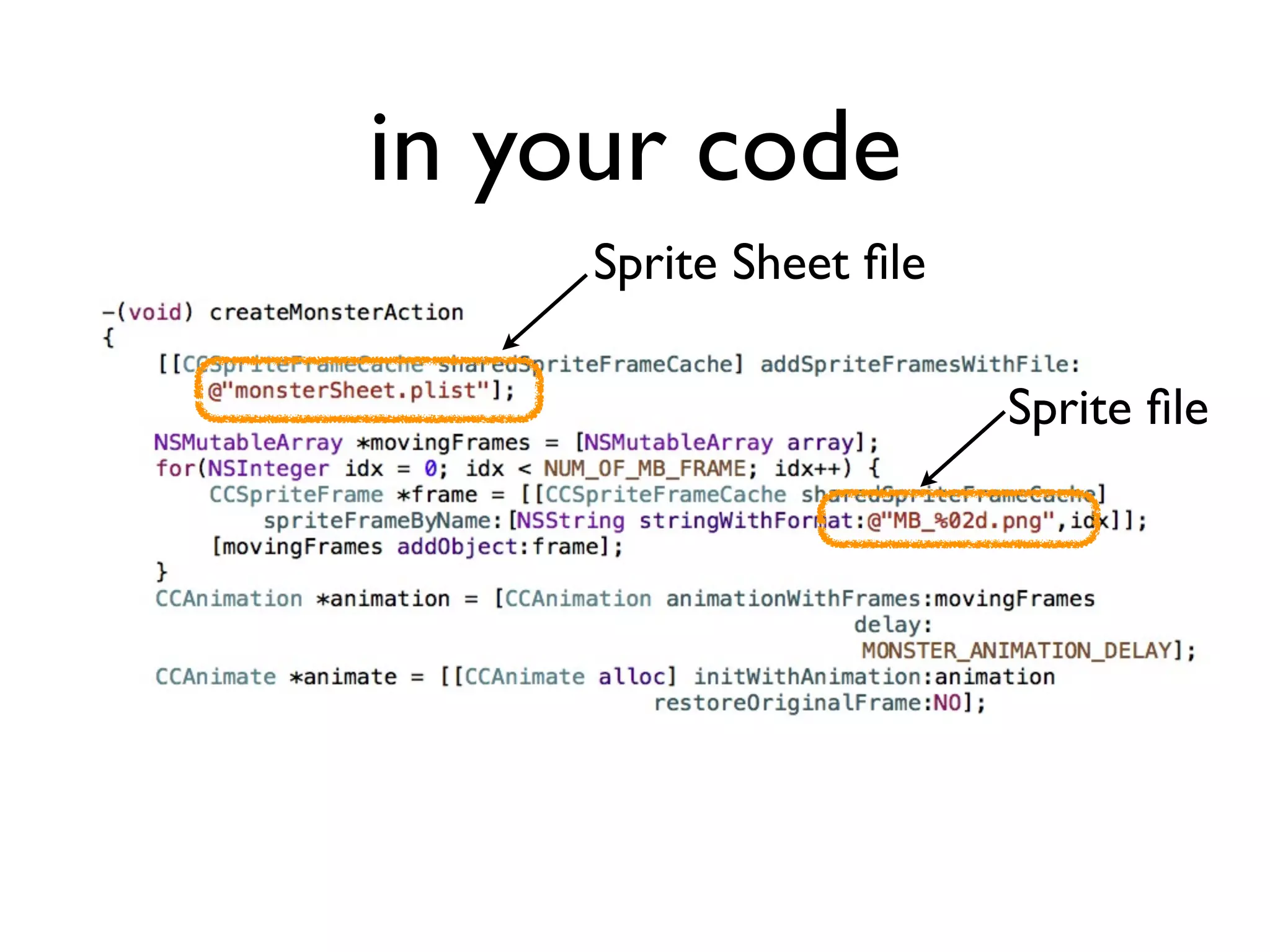
in your code
     Sprite Sheet file

                        Sprite file
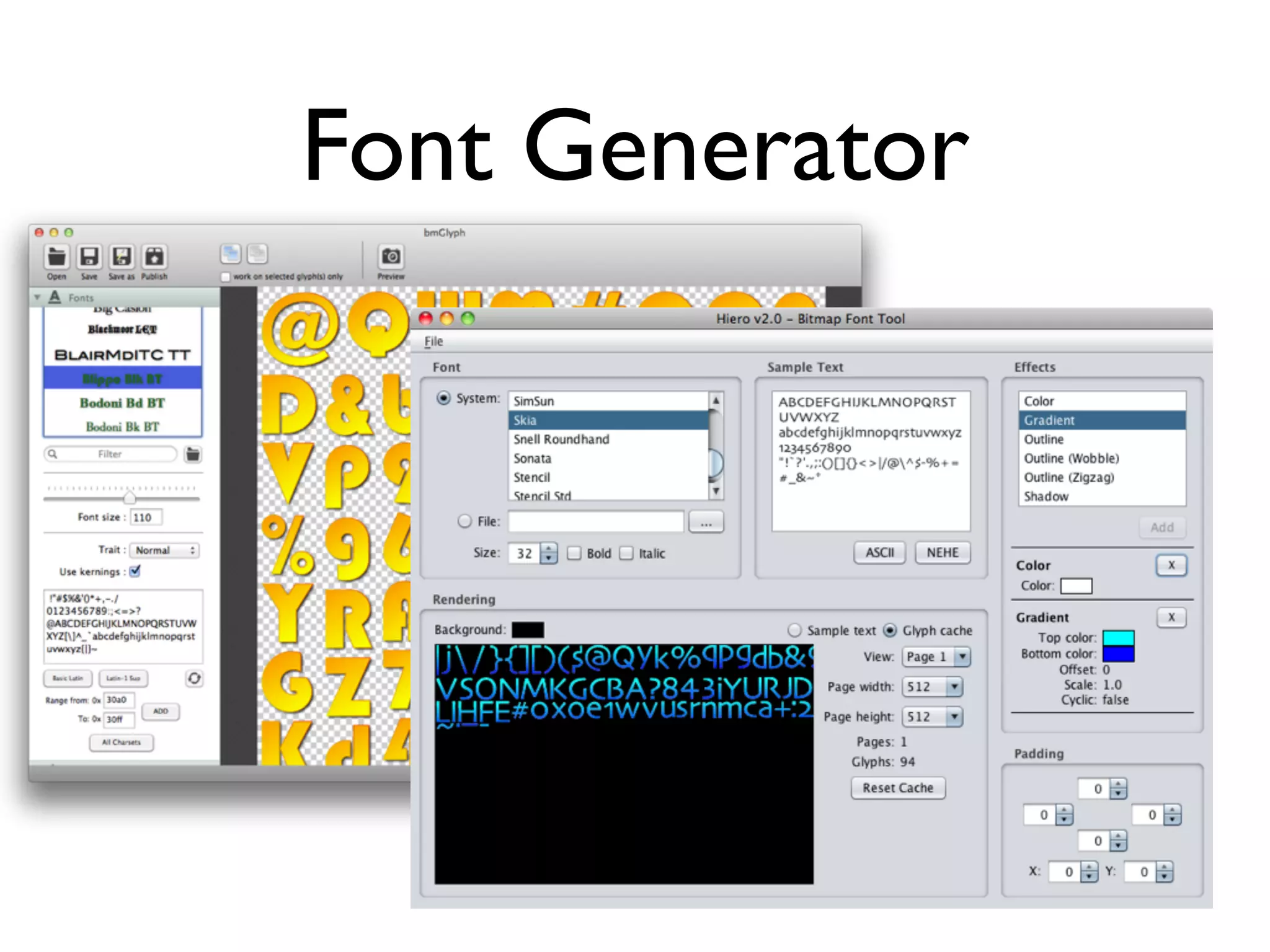
Tools-Font Generator

• Many game developers want in-house
  bitmap font
 • Game scene needs an special font effect
    and customized fonts
Font Generator
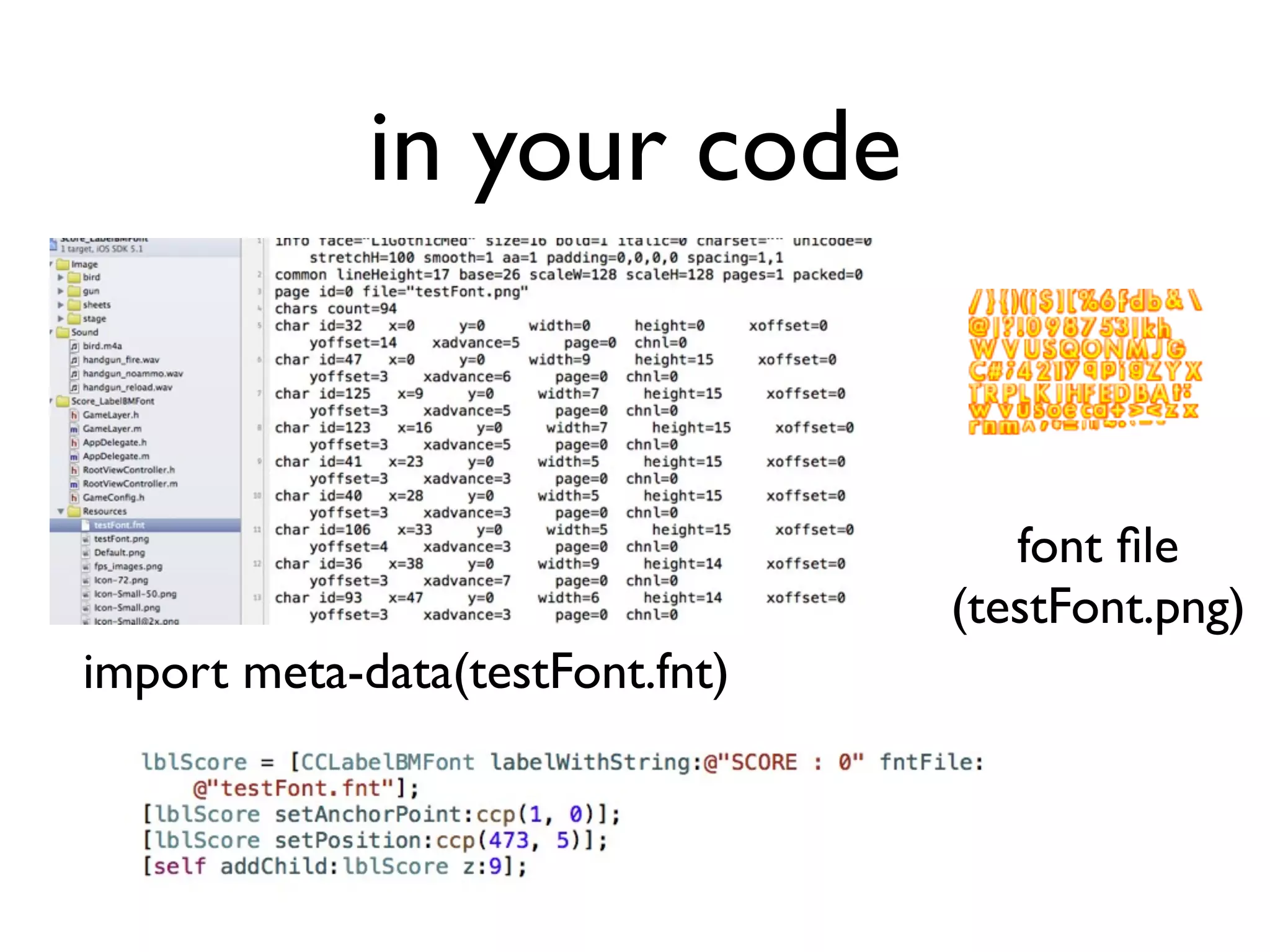
in your code


                                    font file
                                 (testFont.png)
import meta-data(testFont.fnt)
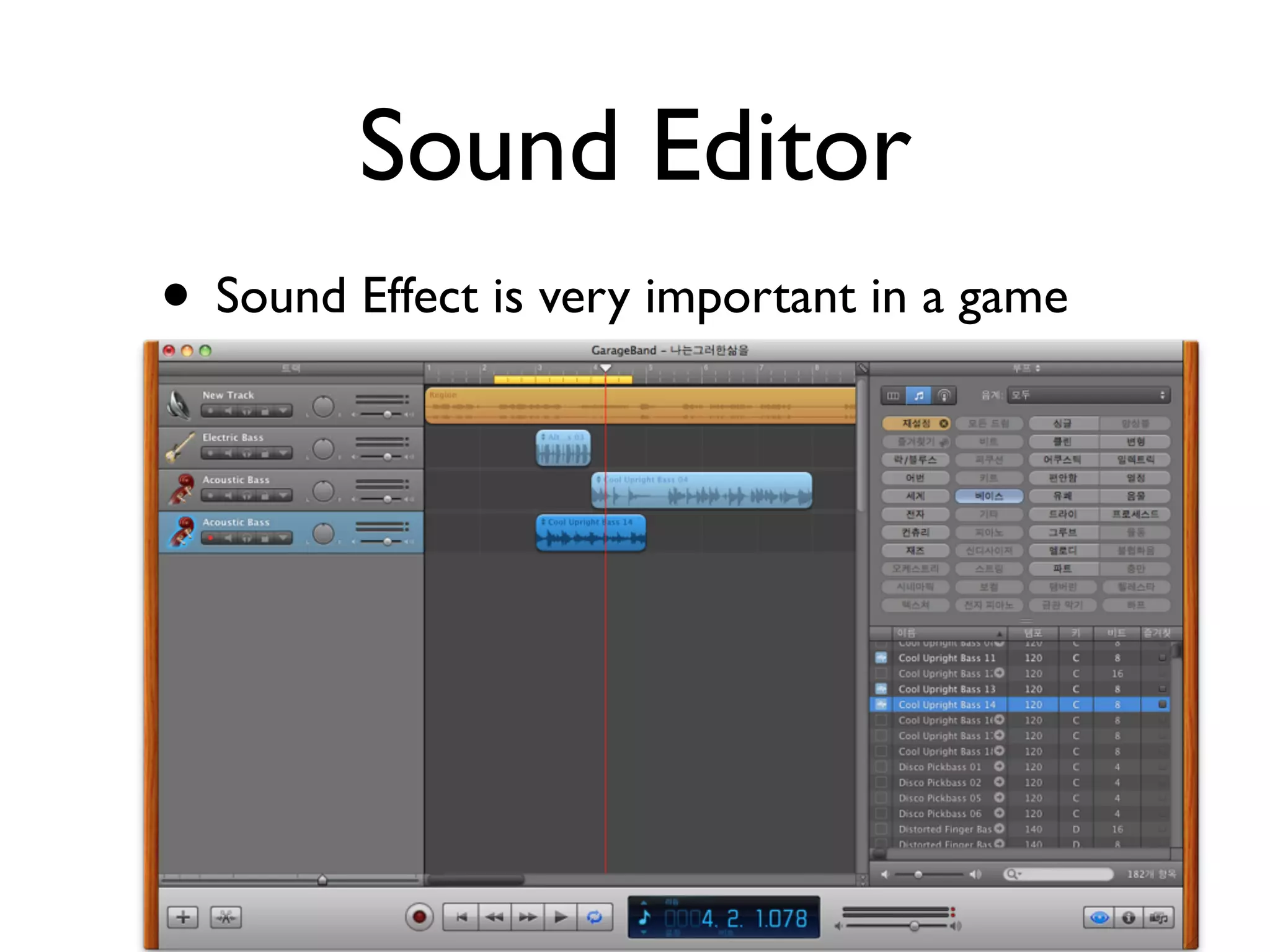
Sound Editor
• Sound Effect is very important in a game
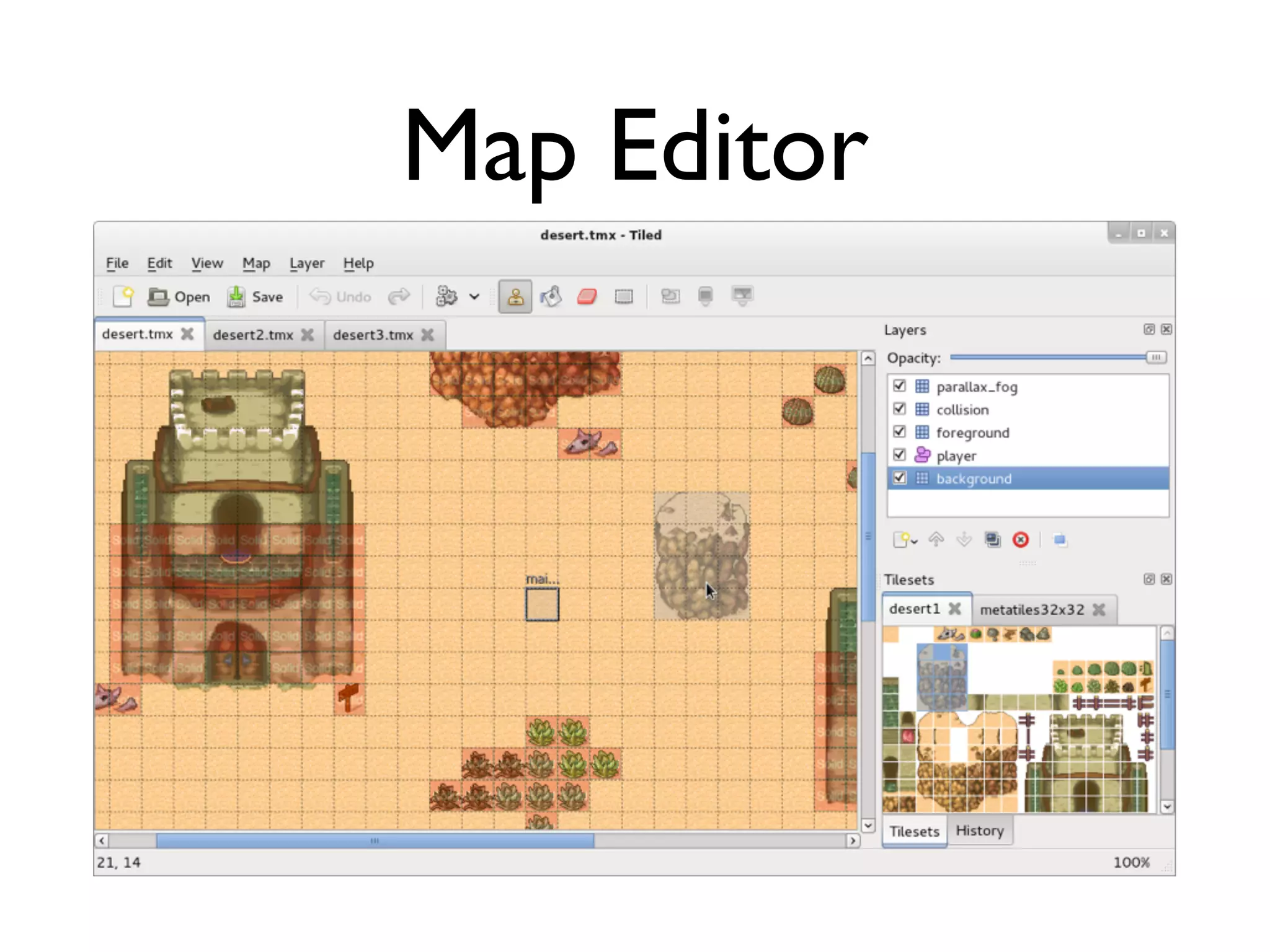
Map Editor
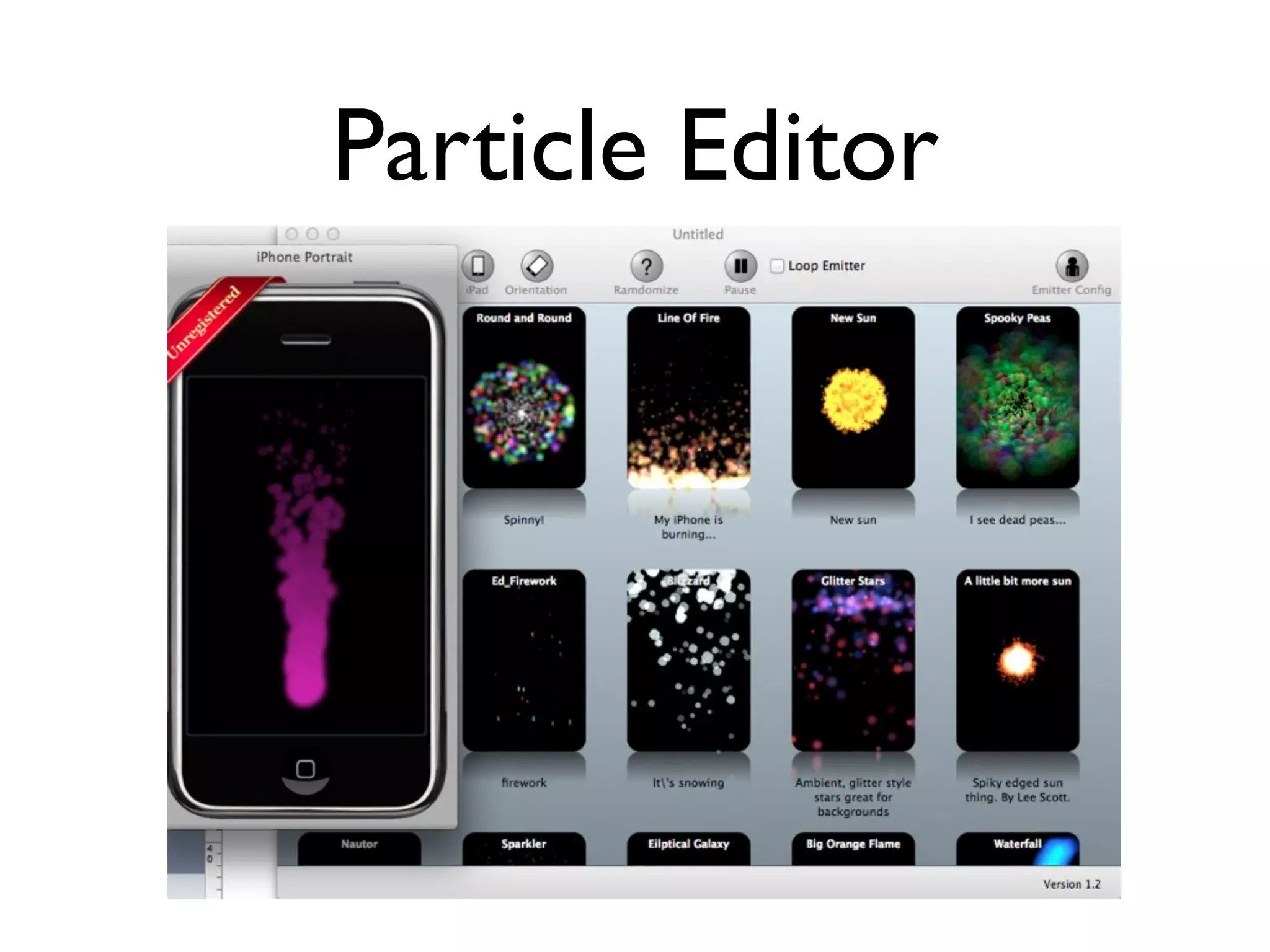
Particle Editor
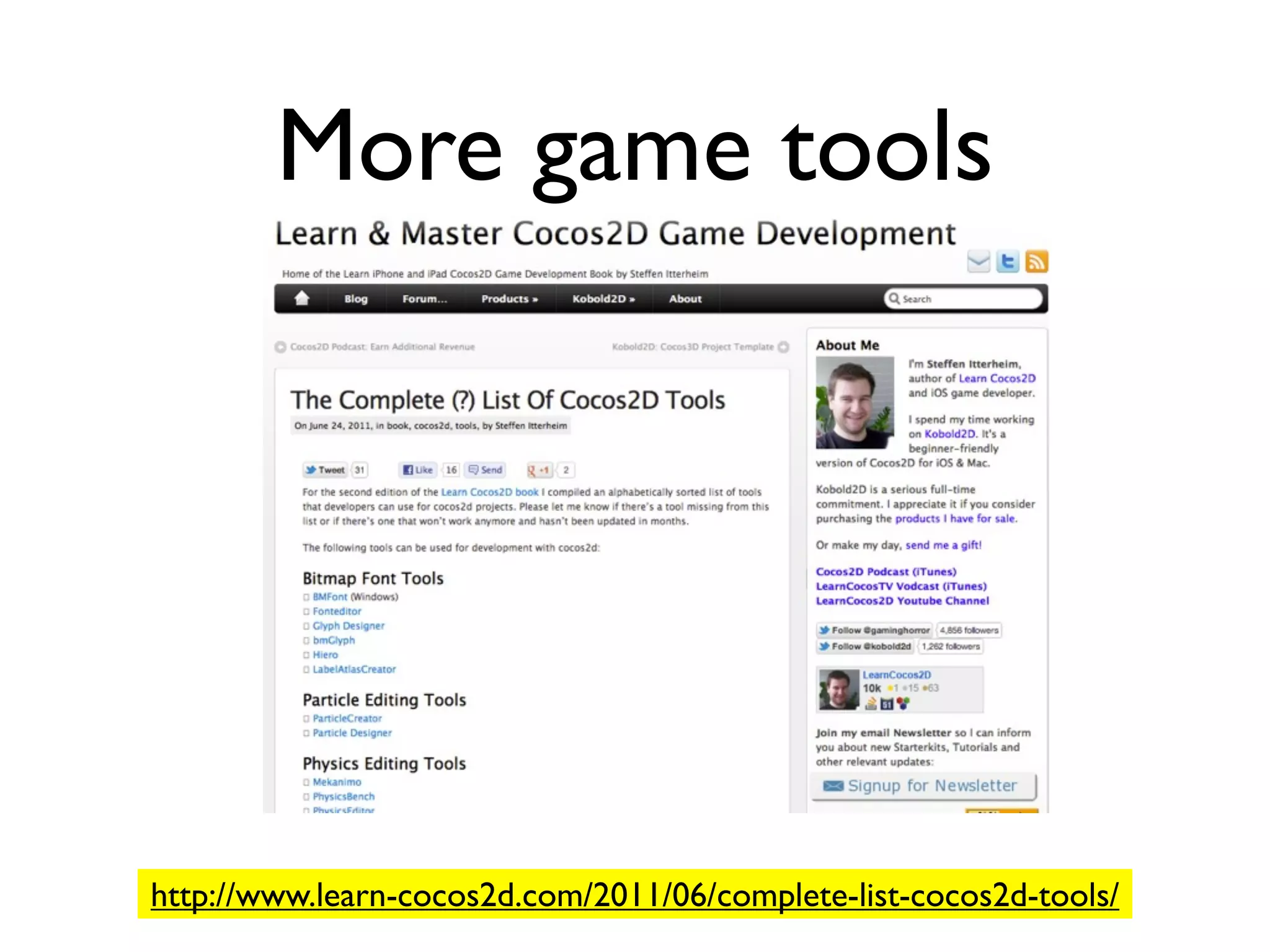
More game tools


http://www.learn-cocos2d.com/2011/06/complete-list-cocos2d-tools/
Game Tools
• Many 3rd party game tools for Cocos2d
  are available
 • Enrich your game effect
 • Minimize your programming efforts
 • More efficient way of memory
    management
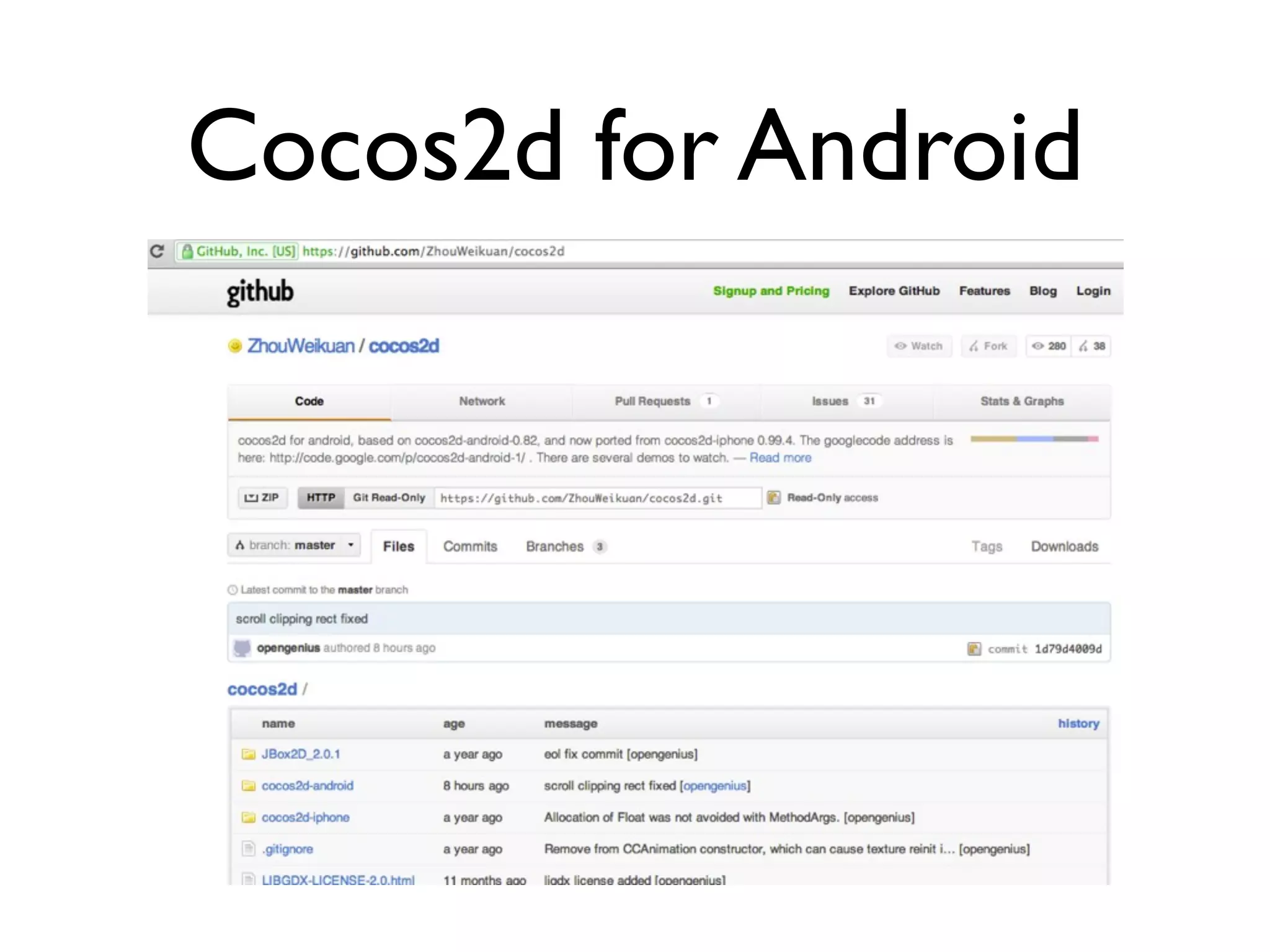
Cocos2d for Android
Download


• Unzip downloaded file
 • “ZhouWeikuan-cocos2d-1d79d40” folder
   will be generated.
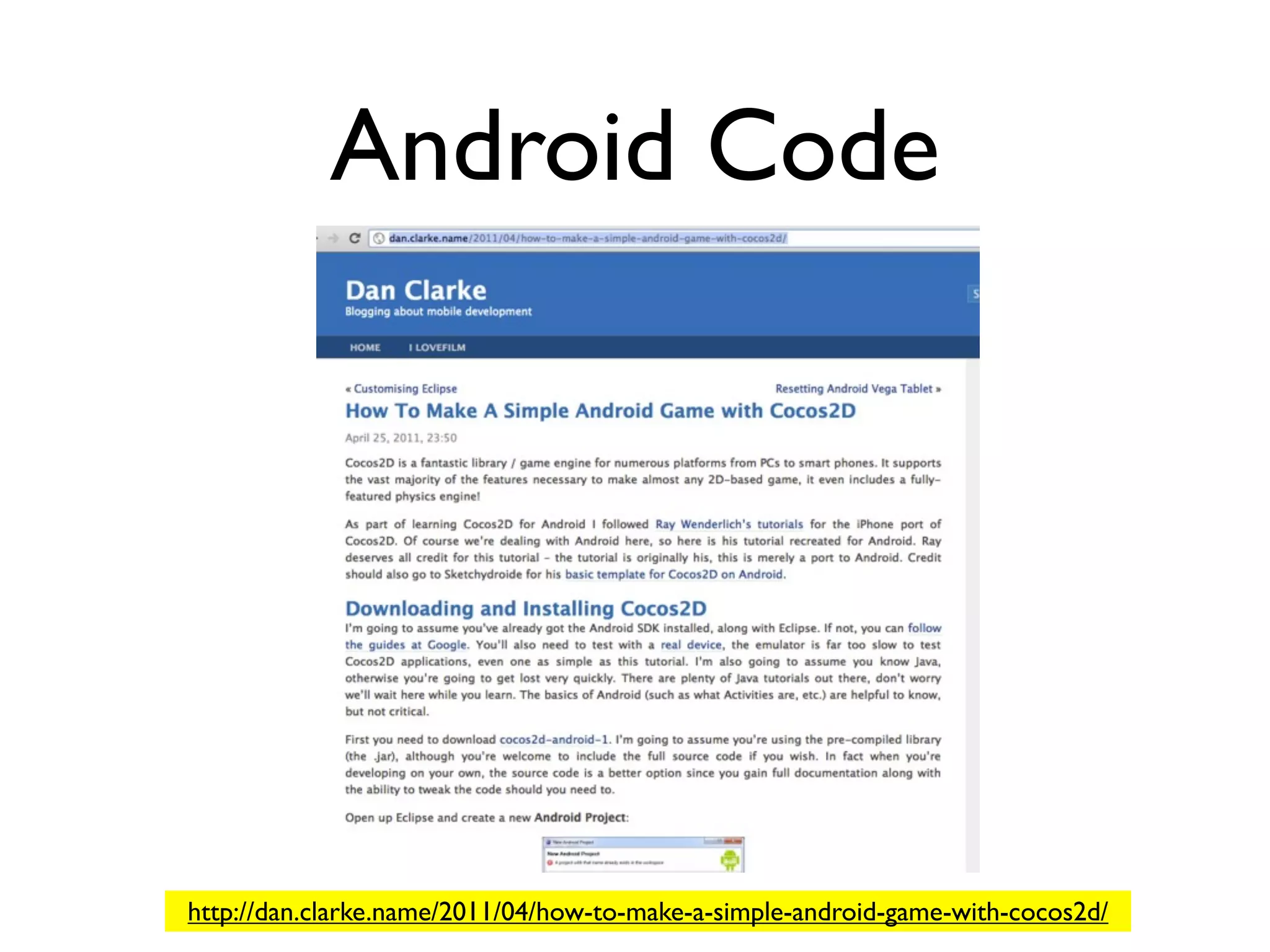
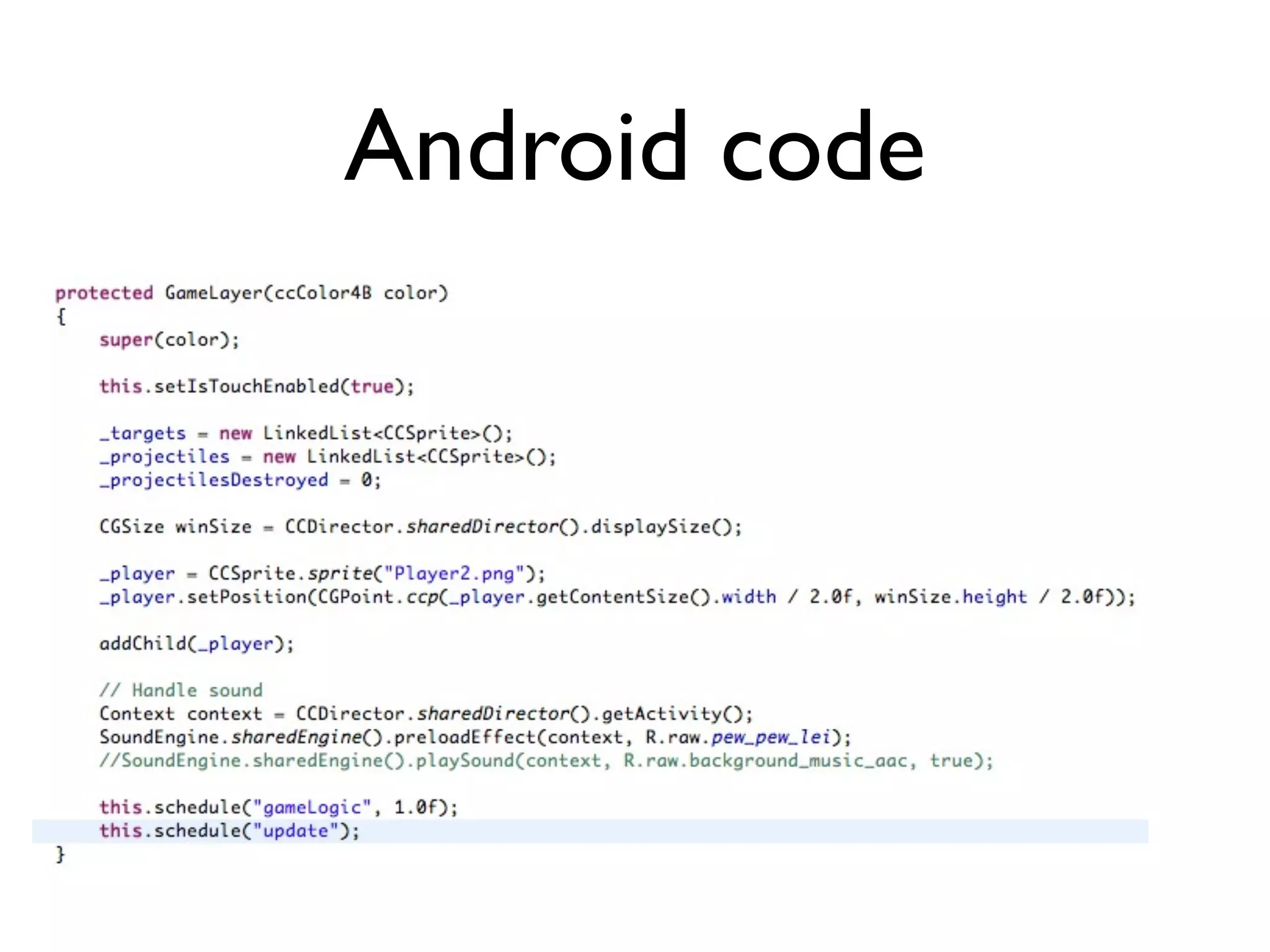
Android Code


http://dan.clarke.name/2011/04/how-to-make-a-simple-android-game-with-cocos2d/
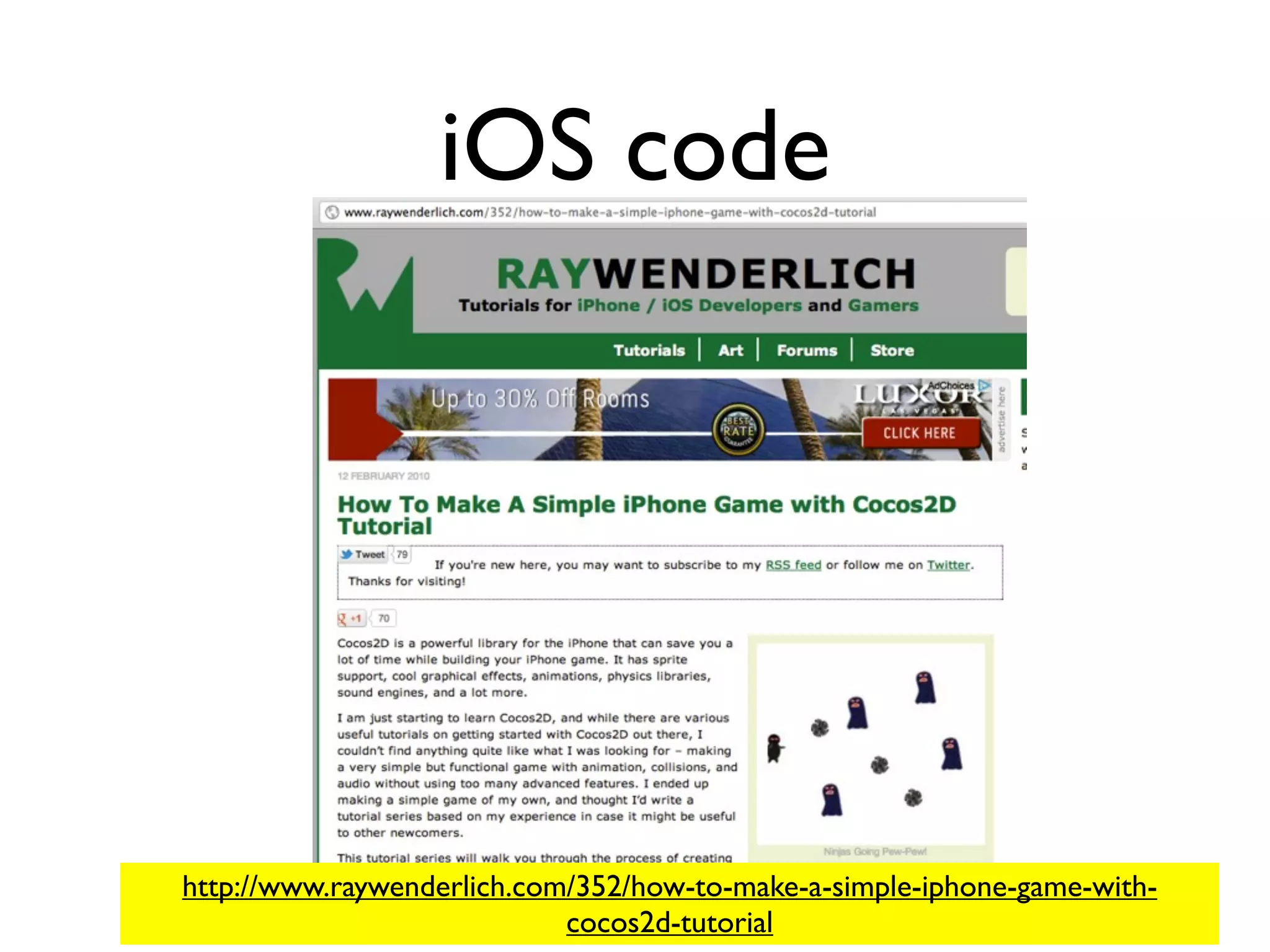
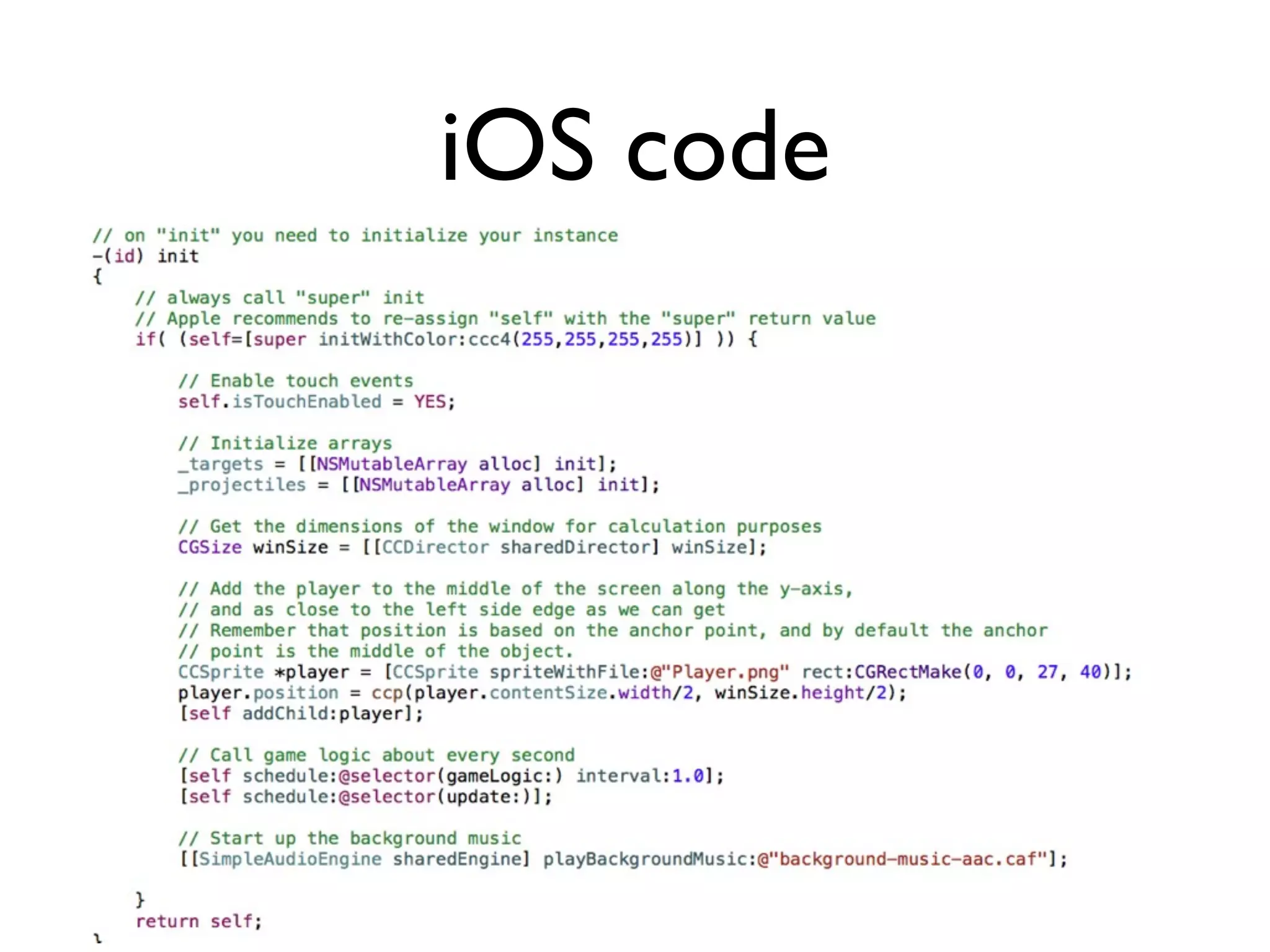
iOS code


http://www.raywenderlich.com/352/how-to-make-a-simple-iphone-game-with-
                            cocos2d-tutorial
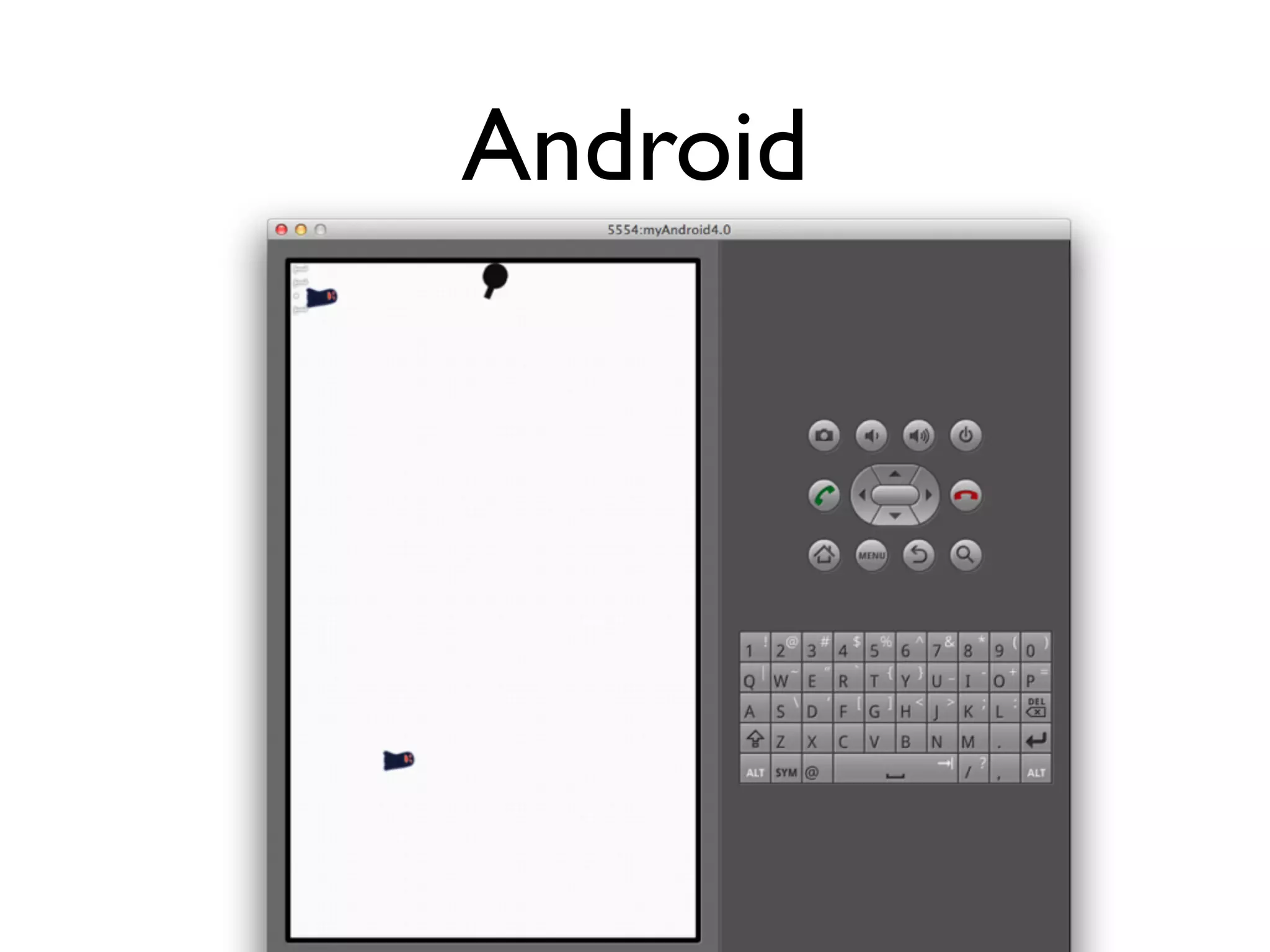
Android
Android code
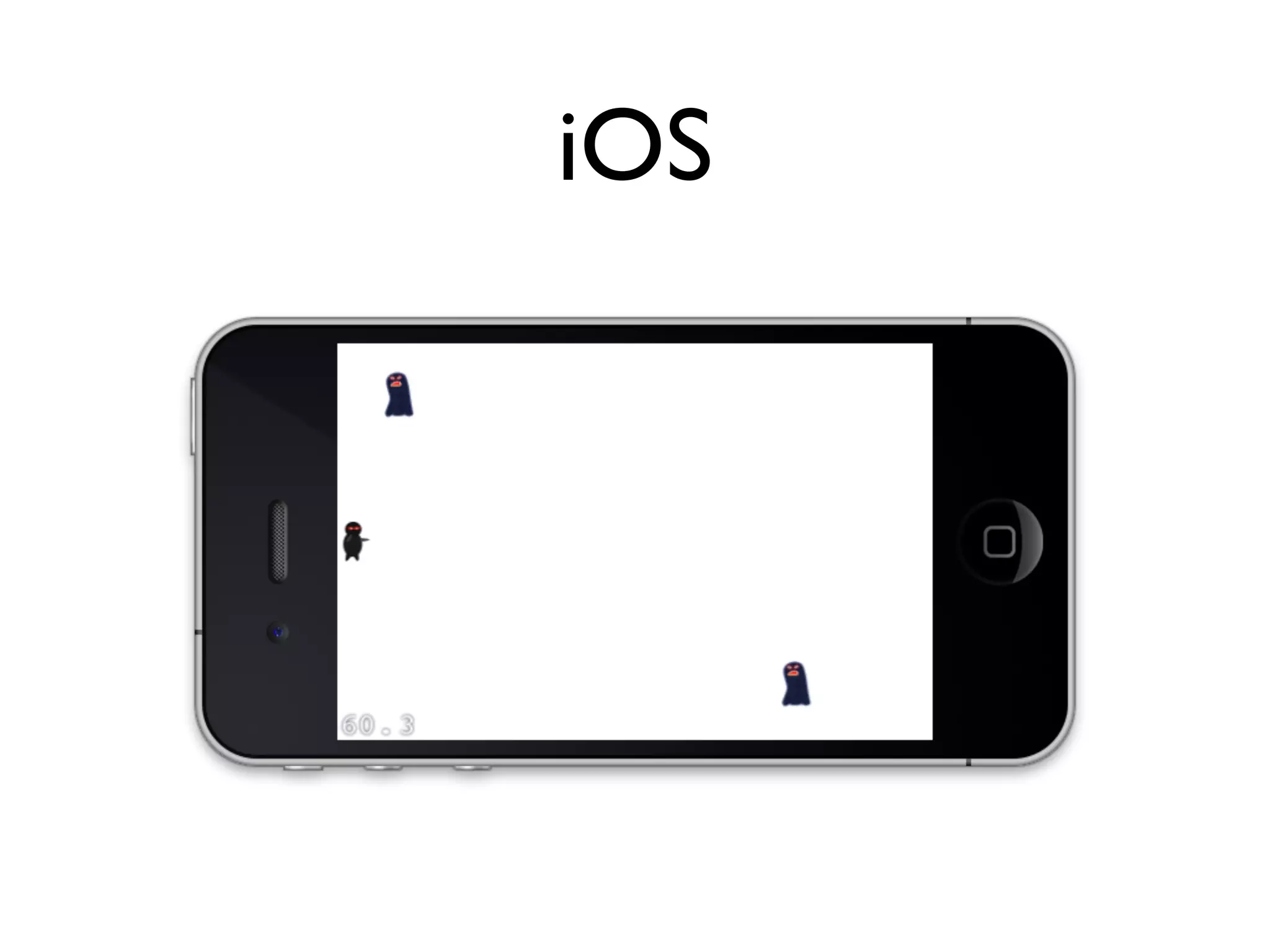
iOS
iOS code
Demo
Q &A

Cocos2d game programming 2