Presentation
                  on
             Major Project

Submitted by:
Mohit Singh
Roll no: 104507
M.Tech 2nd Year
Student Oriented Cloud Computing
                and
    Android Based Application
                for
  lean mobile computing Systems
Objective
    The main objective of the project is to develop a Cloud
     Computing Application for Java program creation,
     compilation and execution on lean mobile computing
     systems like smart phones, ipads and netbooks.
    Setup a server and deploy the application on the cloud to
     test it across the range of lean mobile computing systems.
    Develop an Android based application for Java program
     development and using a cloud computing facility to
     execute the developed Java programs.
    Develop Android based application for students.
Motivation behind Project
        The next generation of open operating systems
 won’t be on desktops or mainframes but on the small
 mobile devices we carry every day. The openness of
 these new environments will lead to new applications and
 markets and will enable greater integration.
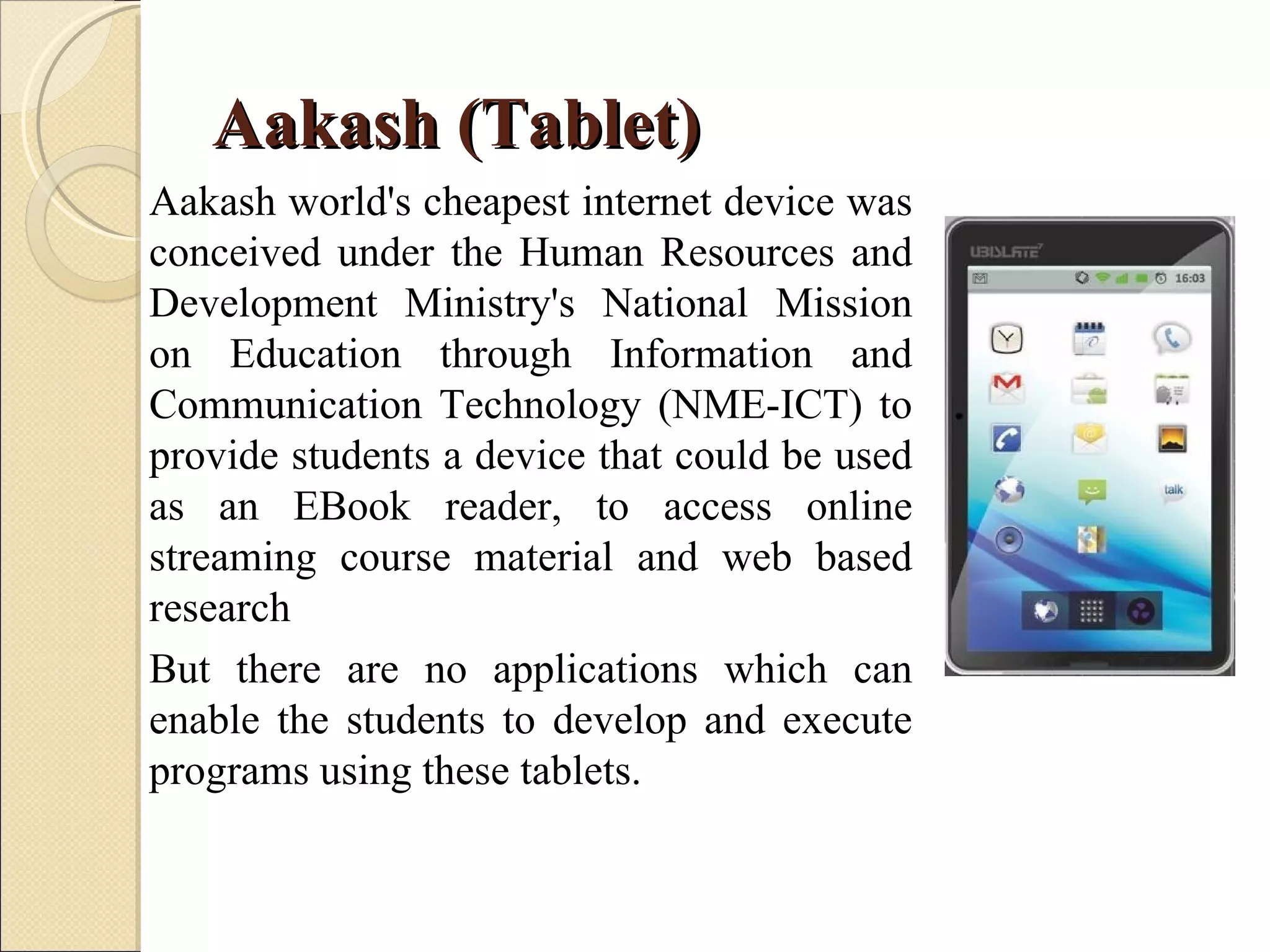
Aakash (Tablet)
Aakash world's cheapest internet device was
conceived under the Human Resources and
Development Ministry's National Mission
on Education through Information and
Communication Technology (NME-ICT) to
provide students a device that could be used
as an EBook reader, to access online
streaming course material and web based
research
But there are no applications which can
enable the students to develop and execute
programs using these tablets.
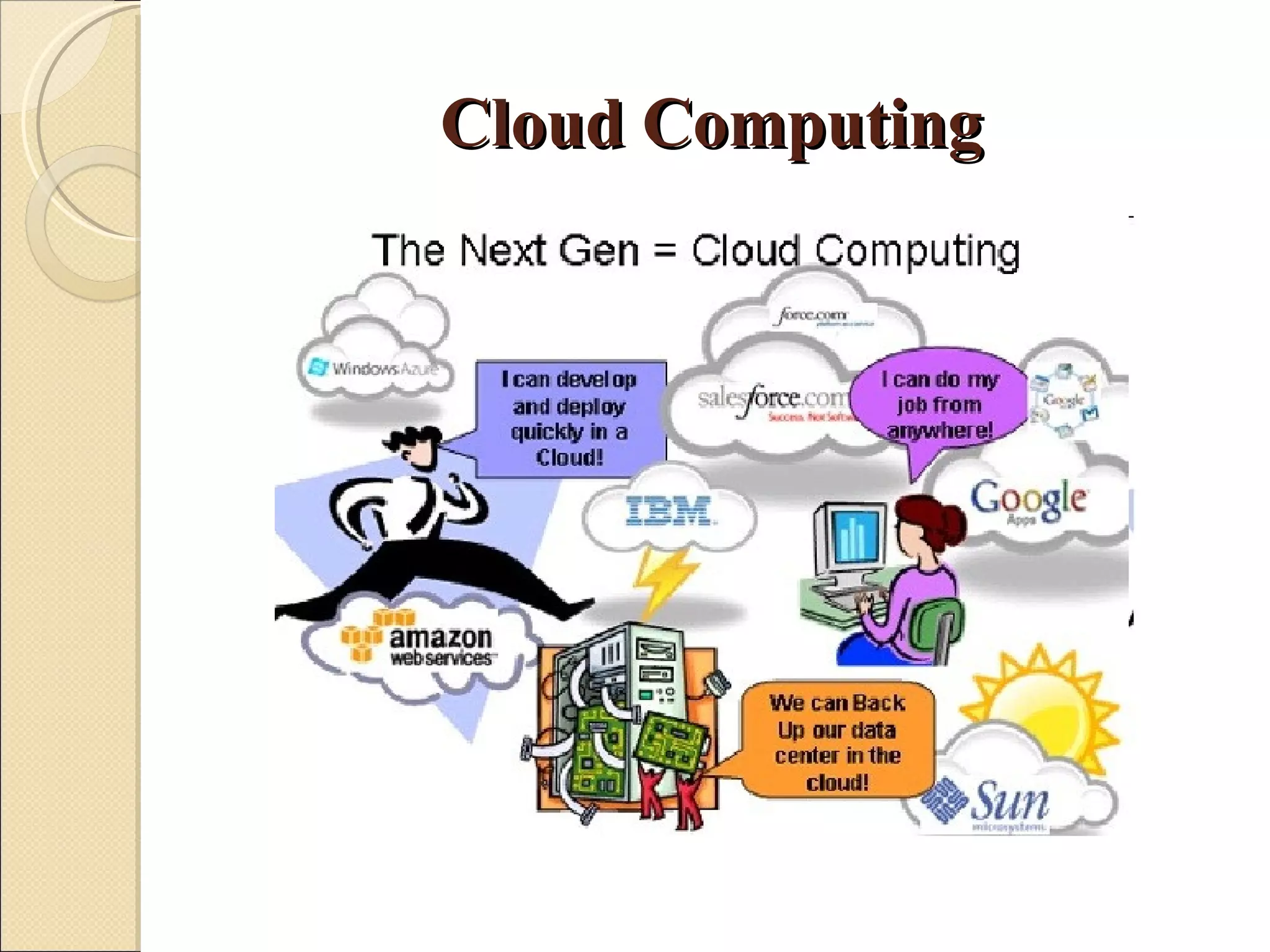
Cloud Computing
…
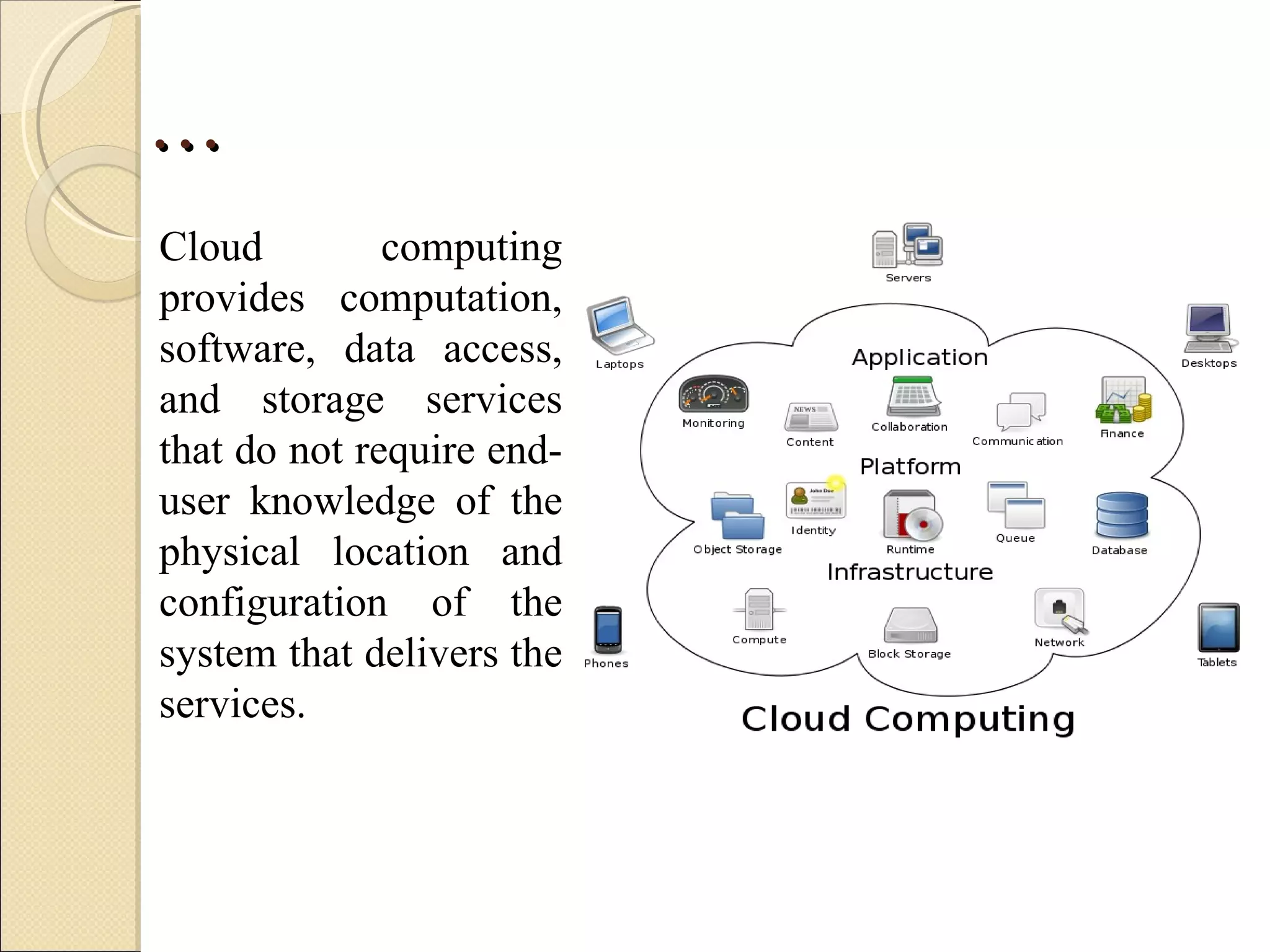
Cloud         computing
provides computation,
software, data access,
and storage services
that do not require end-
user knowledge of the
physical location and
configuration of the
system that delivers the
services.
…
   Cloud Computing is a general term used to describe a new
    class of network based computing that takes place over the
    Internet, basically a step on from Utility.
   In other words, this is a collection/group of integrated and
    networked hardware, software and Internet infrastructure
    (called a platform).
   Using the Internet for communication and transport provides
    hardware, software and networking services to clients.
   These platforms hide the complexity and details of the
    underlying infrastructure from users and applications by
    providing very simple graphical interface or API (Applications
    Programming Interface).
…
   In addition, the platform provides on demand services, that
    are always on, anywhere, anytime and any place.
   Pay for use and as needed, elastic (scale up and down in
    capacity and functionalities).
   The hardware and software services are available to the
    general public, enterprises, corporations and businesses
    markets.
Cloud Summary
   Cloud computing is an umbrella term used to refer to Internet
    based development and services.
   A number of characteristics define cloud data, applications
    services and infrastructure:
    ◦ Remotely hosted: Services or data are hosted on remote
      infrastructure.
    ◦ Ubiquitous: Services or data are available from anywhere.
    ◦ Commodified: The result is a utility computing model similar to
      traditional that of traditional utilities, like gas and electricity - you
      pay for what you would want!
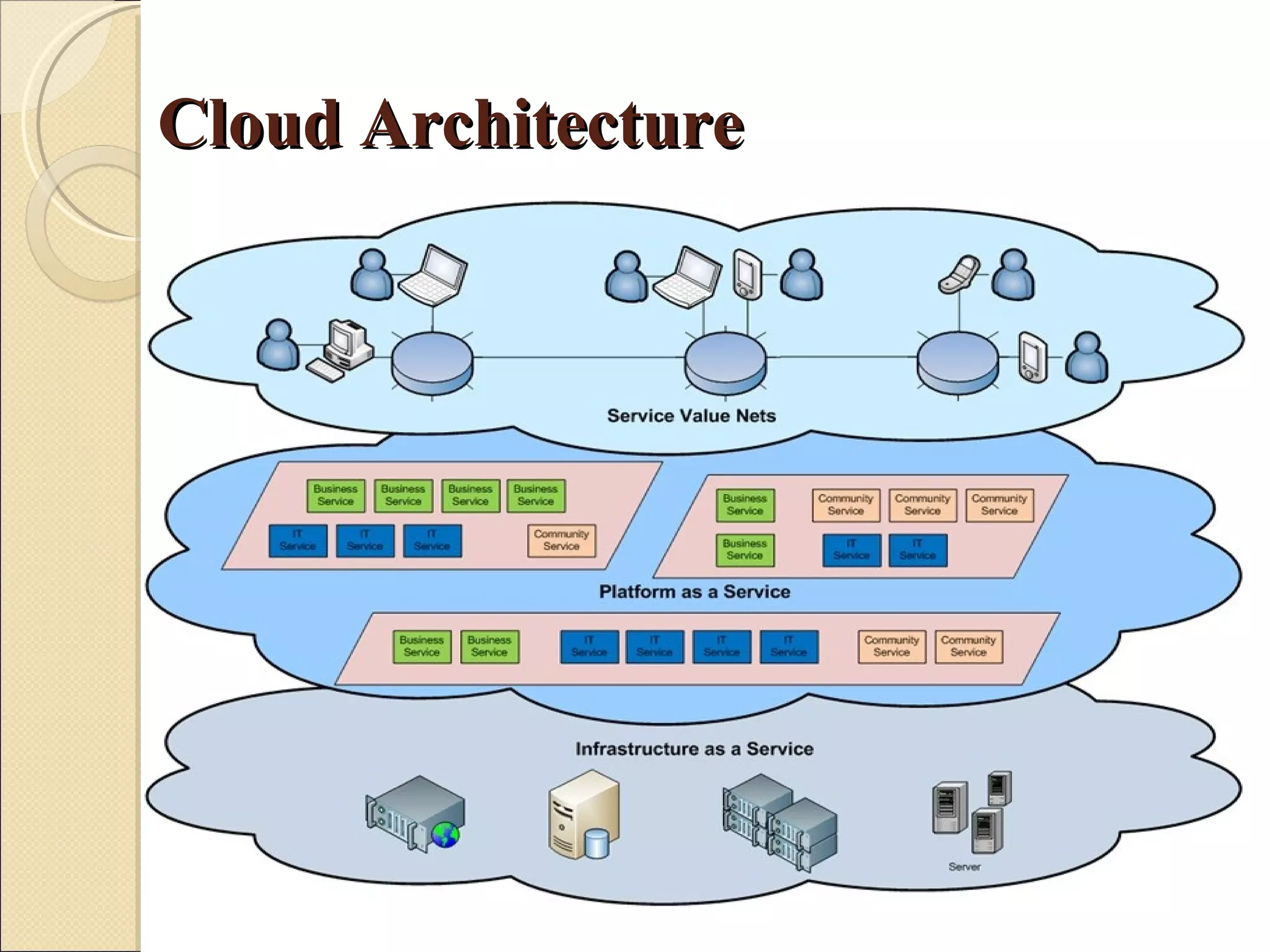
Cloud Architecture
Software as a service (SaaS)
   Software as a service , sometimes referred to as "on-demand
    software," is a software delivery model in which software and
    its associated data are hosted centrally (typically in the
    (Internet) cloud) and are typically accessed by users using a
    thin client, normally using a web browser over the Internet.
   SaaS has become a common delivery model for most business
    applications, including accounting, collaboration, customer
    relationship management (CRM), enterprise resource planning
    (ERP), invoicing, human resource management (HRM),
    content management (CM) and service desk management.

Platform as a service (PaaS)
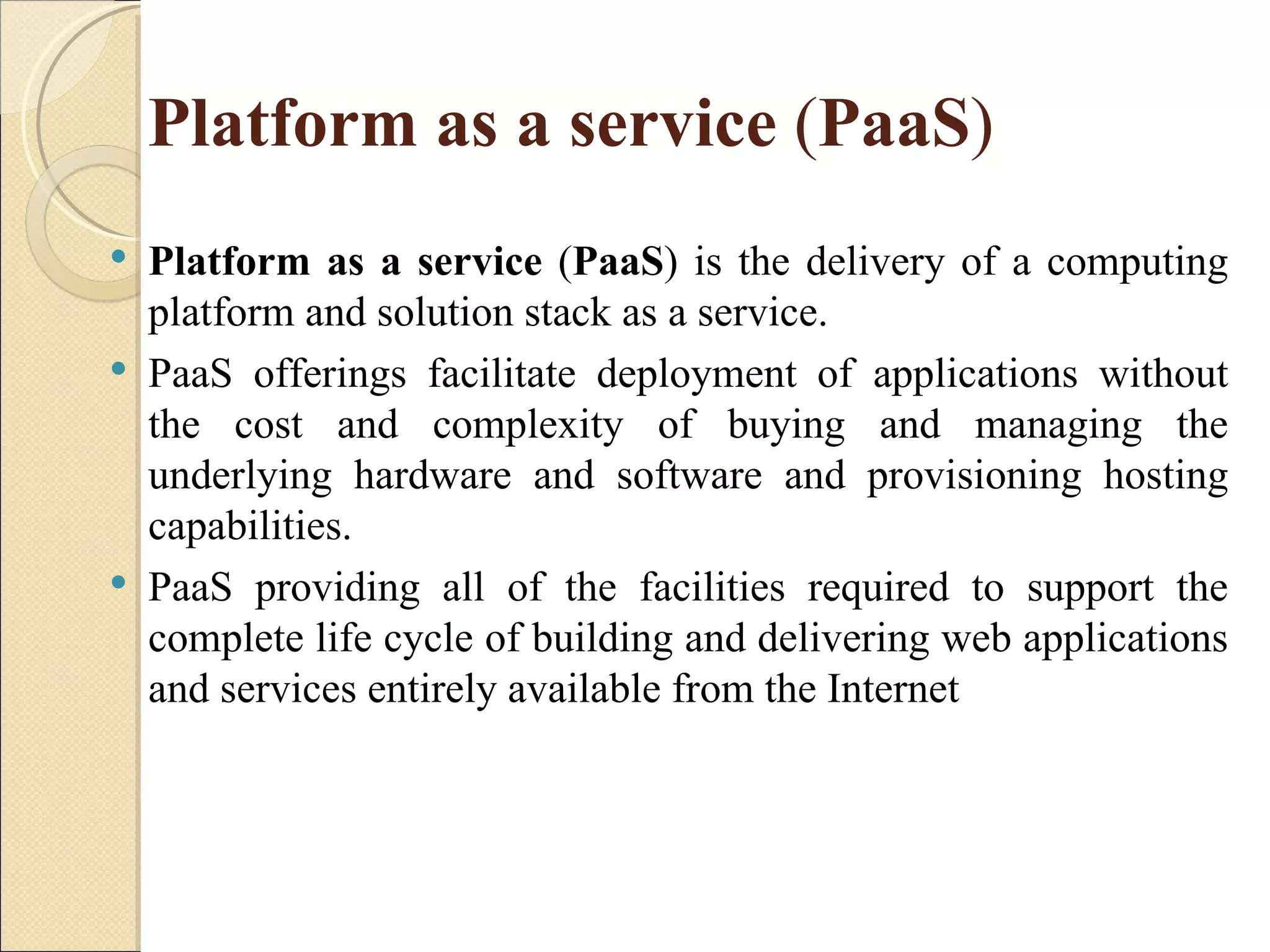
   Platform as a service (PaaS) is the delivery of a computing
    platform and solution stack as a service.
   PaaS offerings facilitate deployment of applications without
    the cost and complexity of buying and managing the
    underlying hardware and software and provisioning hosting
    capabilities.
   PaaS providing all of the facilities required to support the
    complete life cycle of building and delivering web applications
    and services entirely available from the Internet
Infrastructure as a service" (IaaS)
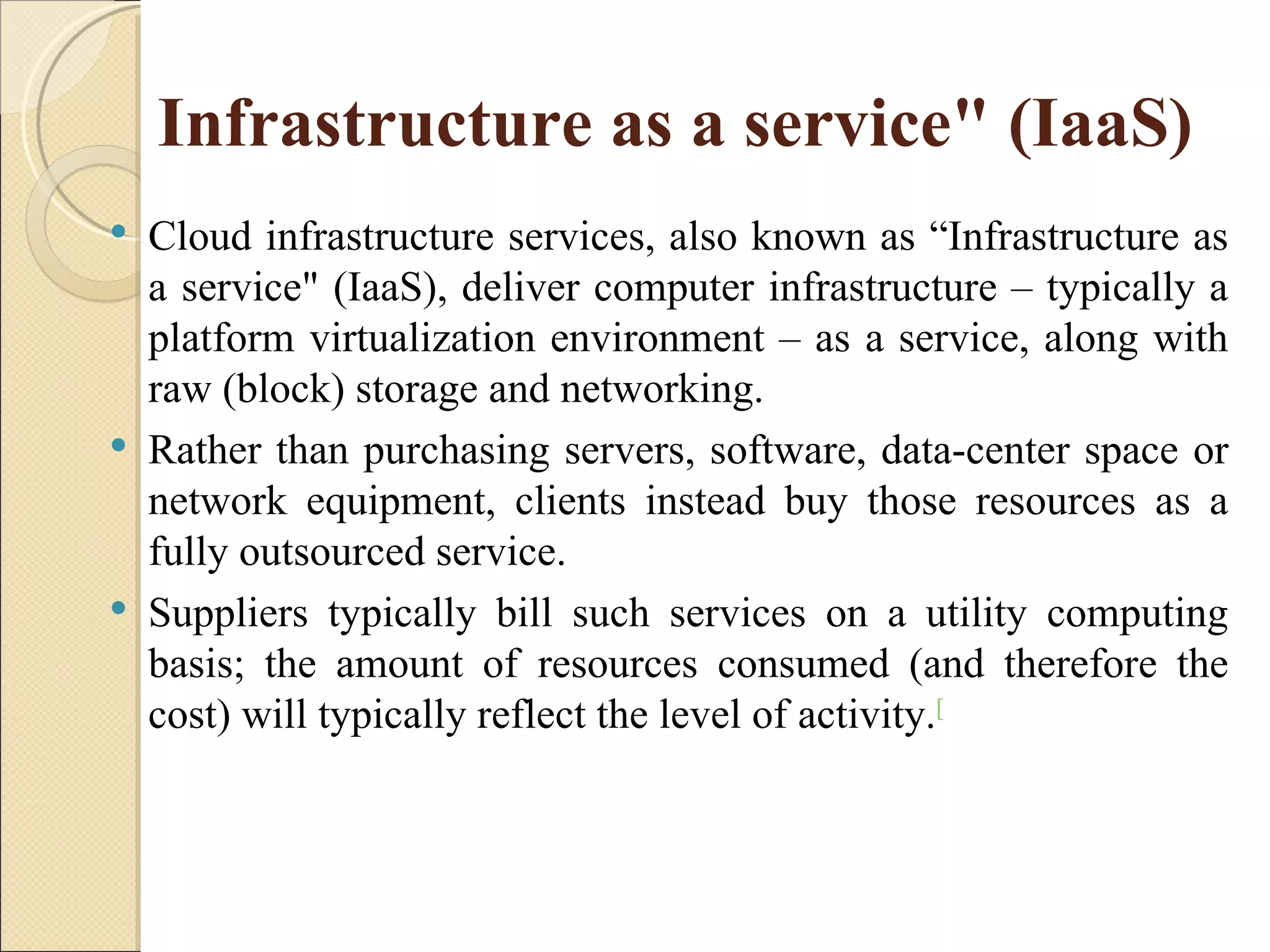
   Cloud infrastructure services, also known as “Infrastructure as
    a service" (IaaS), deliver computer infrastructure – typically a
    platform virtualization environment – as a service, along with
    raw (block) storage and networking.
   Rather than purchasing servers, software, data-center space or
    network equipment, clients instead buy those resources as a
    fully outsourced service.
   Suppliers typically bill such services on a utility computing
    basis; the amount of resources consumed (and therefore the
    cost) will typically reflect the level of activity.[
Cloud Storage
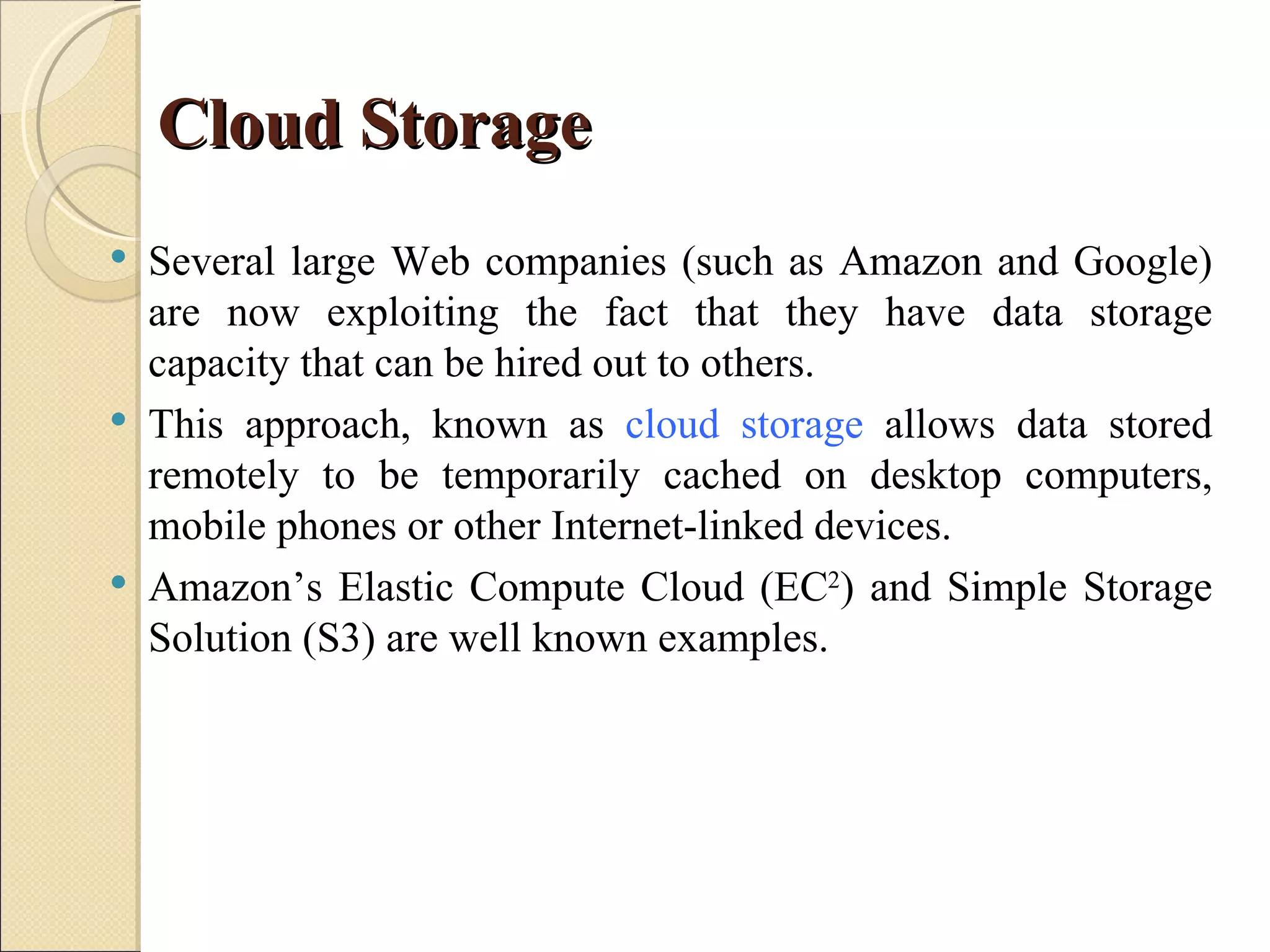
   Several large Web companies (such as Amazon and Google)
    are now exploiting the fact that they have data storage
    capacity that can be hired out to others.
   This approach, known as cloud storage allows data stored
    remotely to be temporarily cached on desktop computers,
    mobile phones or other Internet-linked devices.
   Amazon’s Elastic Compute Cloud (EC2) and Simple Storage
    Solution (S3) are well known examples.
Advantages of Cloud Computing
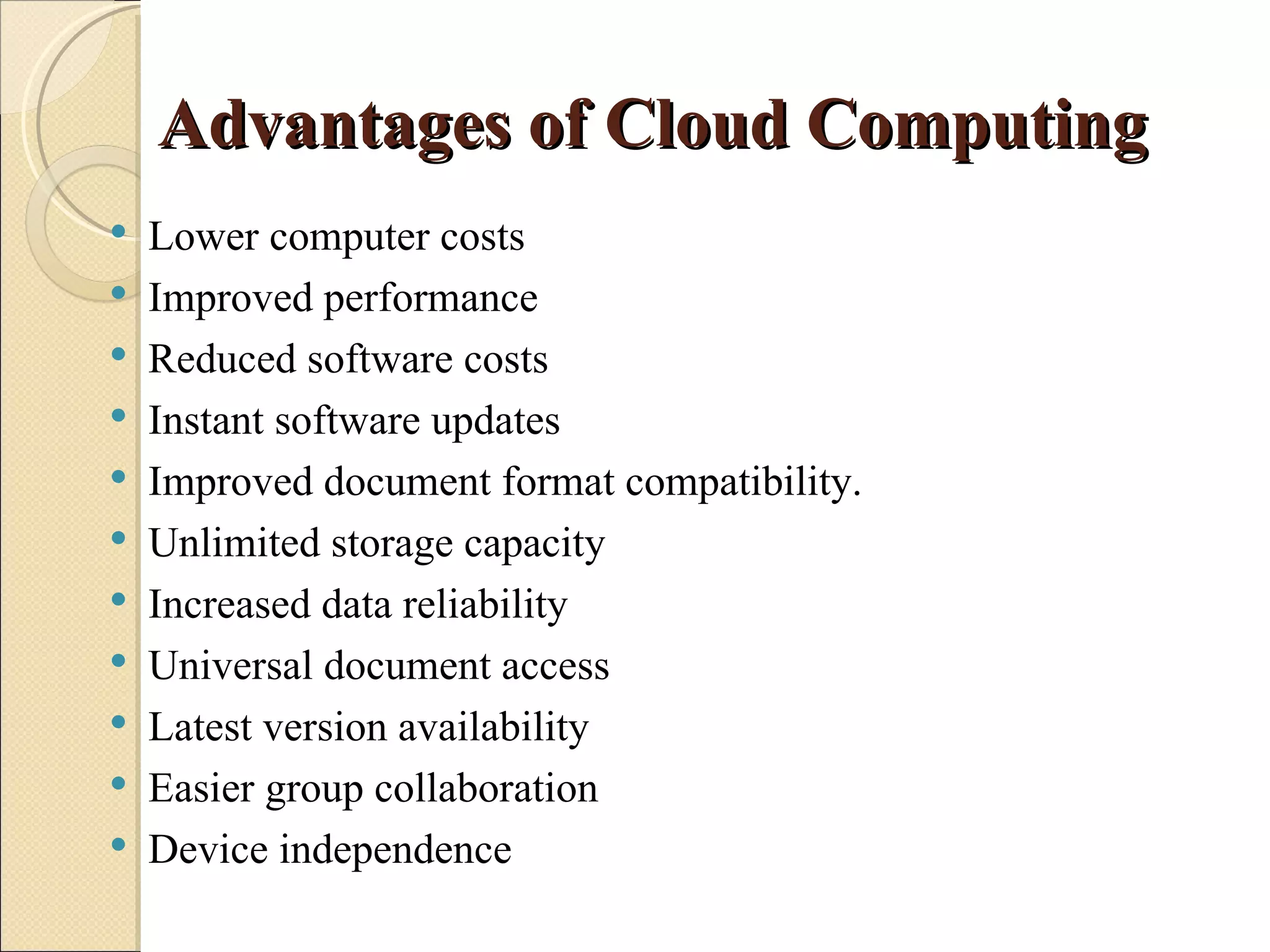
   Lower computer costs
   Improved performance
   Reduced software costs
   Instant software updates
   Improved document format compatibility.
   Unlimited storage capacity
   Increased data reliability
   Universal document access
   Latest version availability
   Easier group collaboration
   Device independence
Disadvantages of Cloud Computing
   Requires a constant Internet connection
   Does not work well with low-speed connections
   Can be slow
   Features might be limited
   Stored data might not be secure
   Stored data can be lost
   HPC Systems
   General Concerns
Android


  Android is a software
  stack for mobile
  devices that includes
  an operating system,
  middleware and key
  applications.
About Android and its features
   Android is an operating system based on Linux with a Java
    programming interface.
    It provides tools, e.g. a compiler, debugger and a device
    emulator as well as its own Java Virtual machine (Dalvik
    Virtual Machine - DVM).
   Android is created by the Open Handset Alliance which is
    lead by Google.
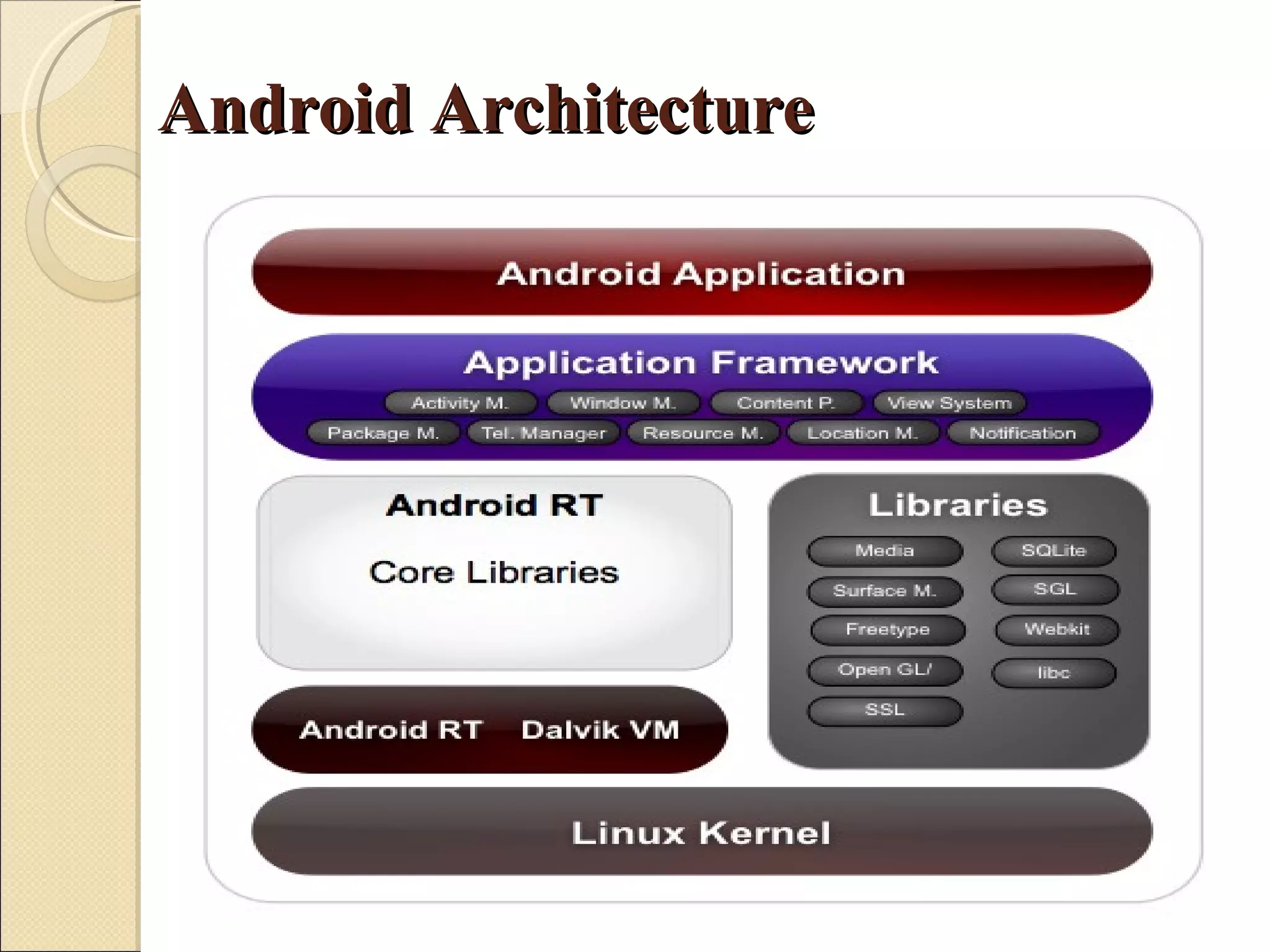
     Android uses a special virtual machine, e.g. the Dalvik
    Virtual Machine. Dalvik uses special bytecode. Therefore
    you cannot run standard Java bytecode on Android.
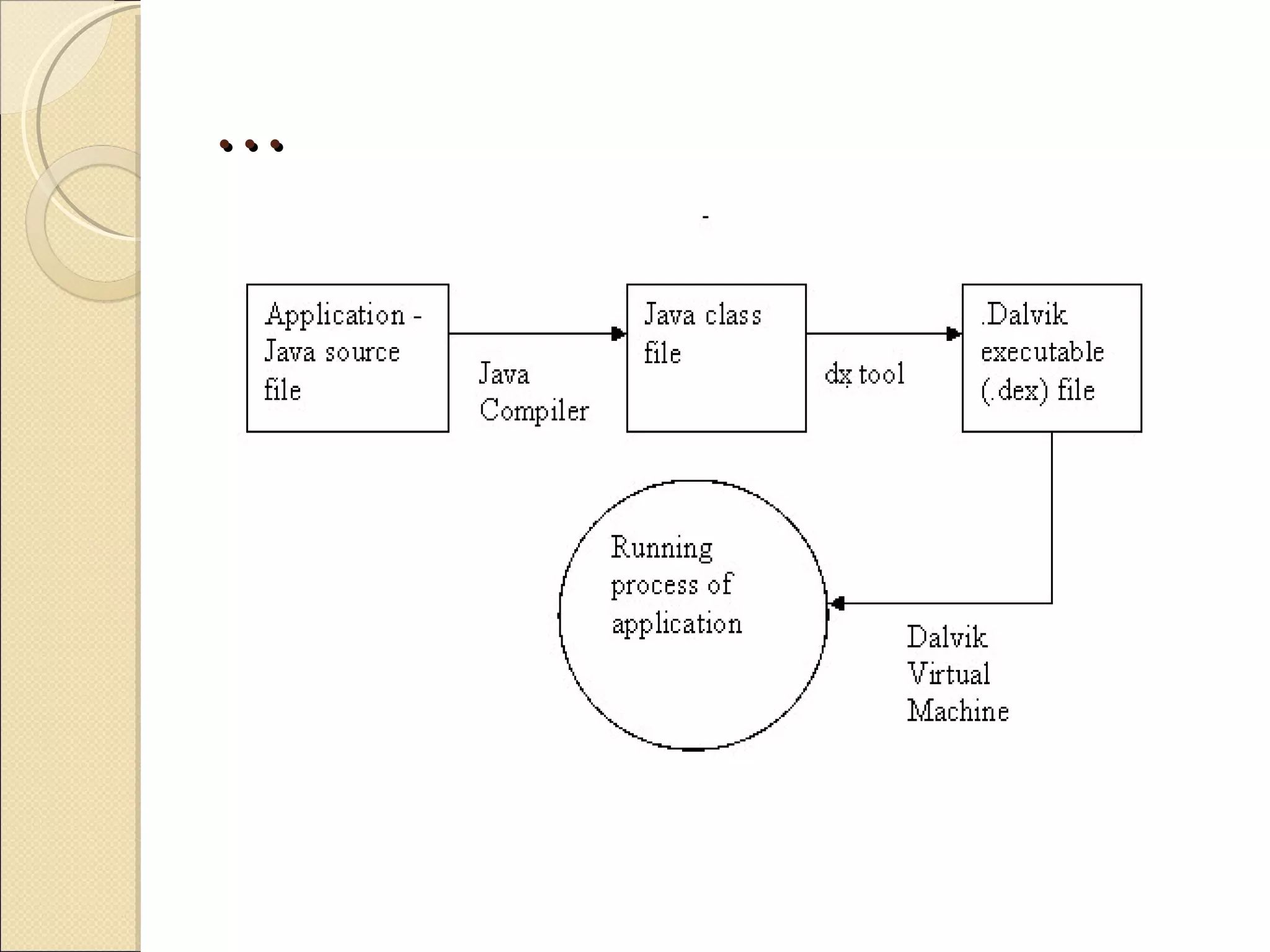
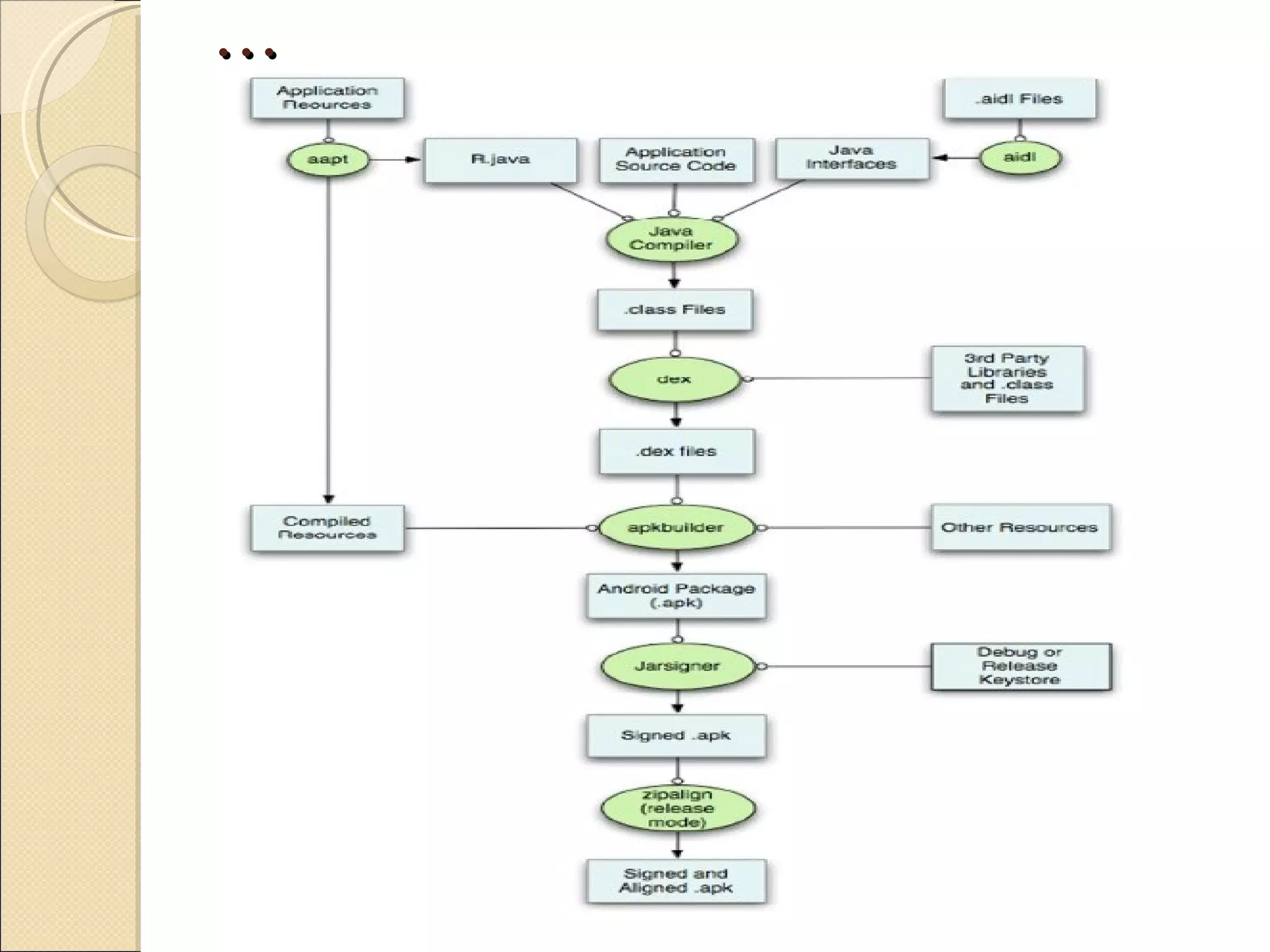
   Android provides a tool "dx" which allows converting Java
    Class files into "dex" (Dalvik Executable) files.
…
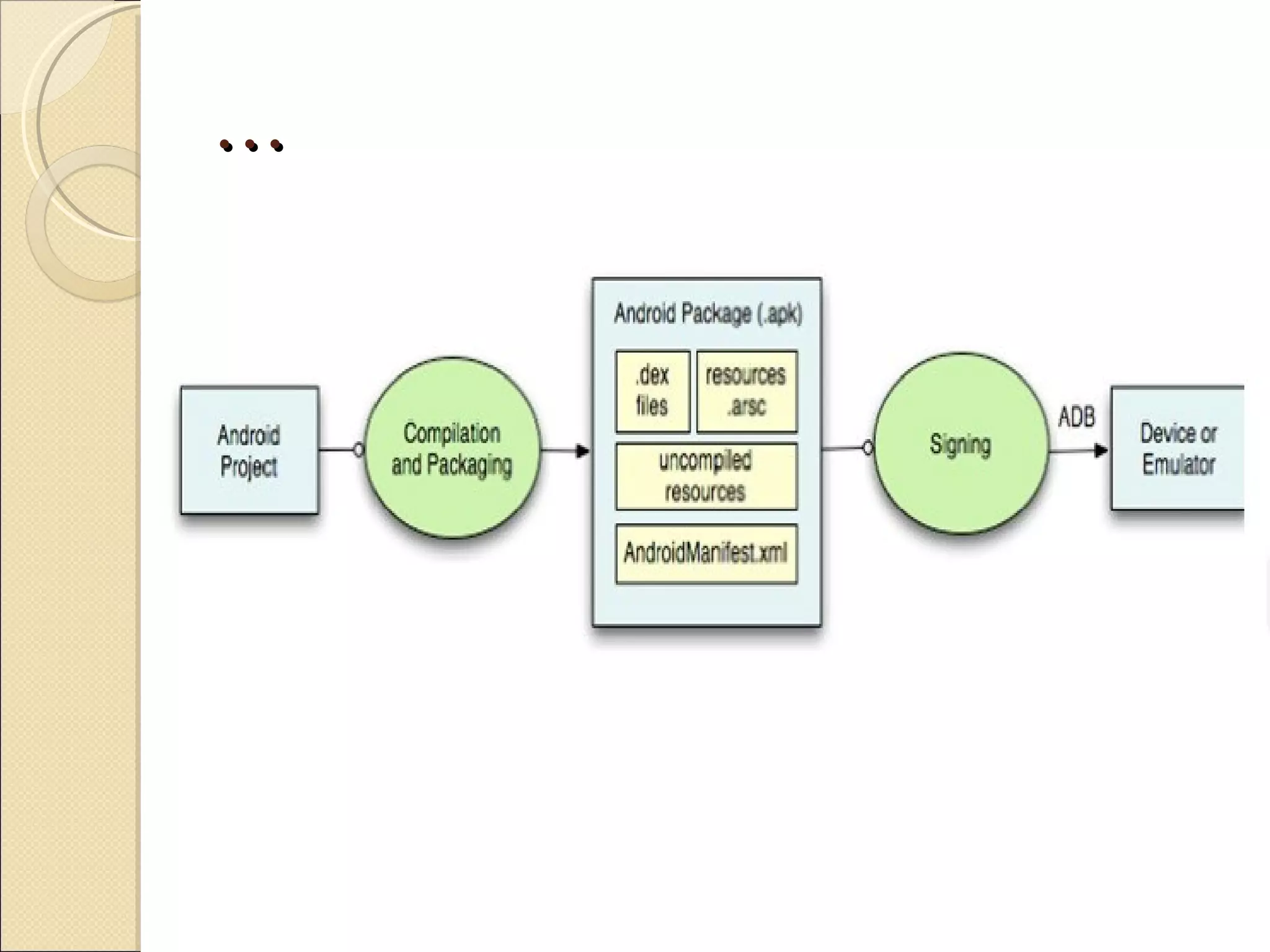
   Android applications are packed into an .apk (Android
    Package) file by the program "aapt" (Android Asset
    Packaging Tool) To simplify development Google
    provides the Android Development Tools (ADT) for
    Eclipse.
   The ADT performs automatically the conversion from
    class to dex files and creates the apk during deployment.
…
   Android supports 2-D and 3-D graphics using the
    OpenGL libraries and supports data storage in a
    SQLite database.
   Every Android applications runs in its own process and
    under its own userid which is generated automatically
    by the Android system during deployment.
   Therefore the application is isolated from other
    running applications and a misbehaving application
    cannot easily harm other Android applications.
Features


   Open
   Breaking down Boundaries
   All applications are equal
   Fast & Easy development
Android Framework and Tools


          Android Tools include SDK, ADT for eclipse
   integration support and an emulator.

        Let’s discuss them one by one in brief:
Introduction to Android SDK and ADT
    for Eclipse
 The Android SDK archive initially contains only the basic SDK tools. It
  does not contain an Android platform or any third-party libraries. In fact, it
  doesn't even have all the tools you need to develop an application.
 In order to start developing applications, you must install the Platform-tools
  and at least one version of the Android platform, using the SDK Manager.
  Platform-tools contains build tools that are periodically updated to support
  new features in the Android platform (which is why they are separate from
  basic SDK tools), including adb, dexdump, and others.
 To install Platform-tools, Android platforms and other add-ons, you must
  have an Internet connection, so if you plan to use the SDK while offline,
  please make sure to download the necessary components while online. To
  start the SDK Manager, please execute the program "SDK Manager.exe".
  From the command-line you can also directly trigger an update by
  Executing:
         toolsAndroid.bat update sdk
Dalvik Virtual Machine
 The Dalvik virtual machine is simple Java interpreter machine,
  completely optimized for Android platform and which is developed
  to run on low-end memory mobile devices.
 One of the prominent aspects in Dalvik is its capability to run along
  an application compilation enhancing the runtime performance of
  the applications.
 Dalvik is not exactly, a Java machine, because Dalvik could not read
  Java code, but consists its own byte code called “dex” and so the
  executable files compacted using Dalvik holds the file type name
  '.dex'.
 Google states that the credit for Androids successful development
  goes to Dalvik VM, because this type of virtual machine, delivers a
  good performance over various stages of an application runtime
  environment, conserving more battery-power during long run of an
  application.
…
Android Architecture
Building Android Application
…
Components of Android Application

   Activity
   Views
   Services
   Content Provider
   Intents
   Broadcast Receiver
…
…
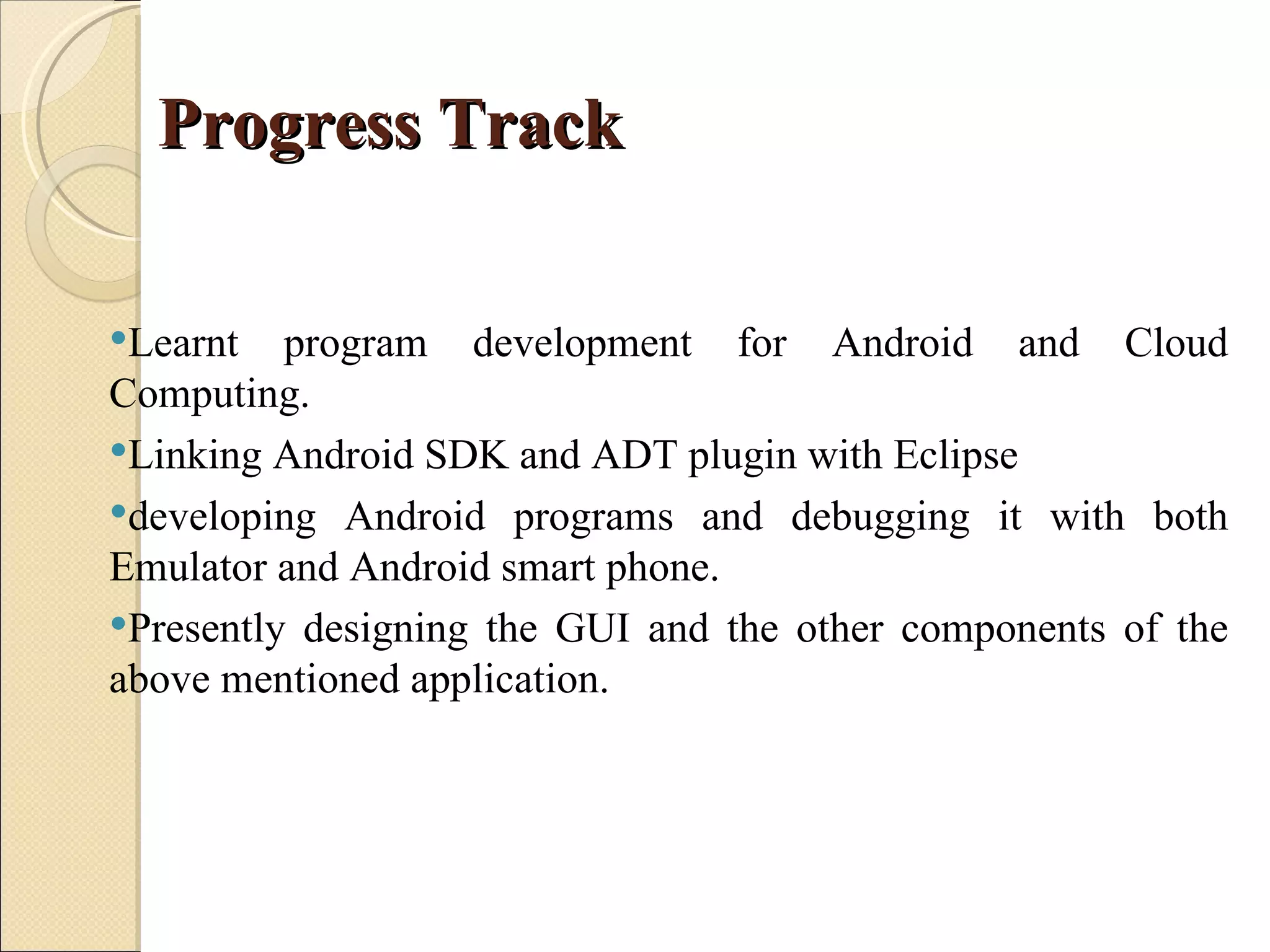
Progress Track

Learnt   program development for Android and Cloud
Computing.
Linking Android SDK and ADT plugin with Eclipse
developing Android programs and debugging it with both
Emulator and Android smart phone.
Presently designing the GUI and the other components of the
above mentioned application.
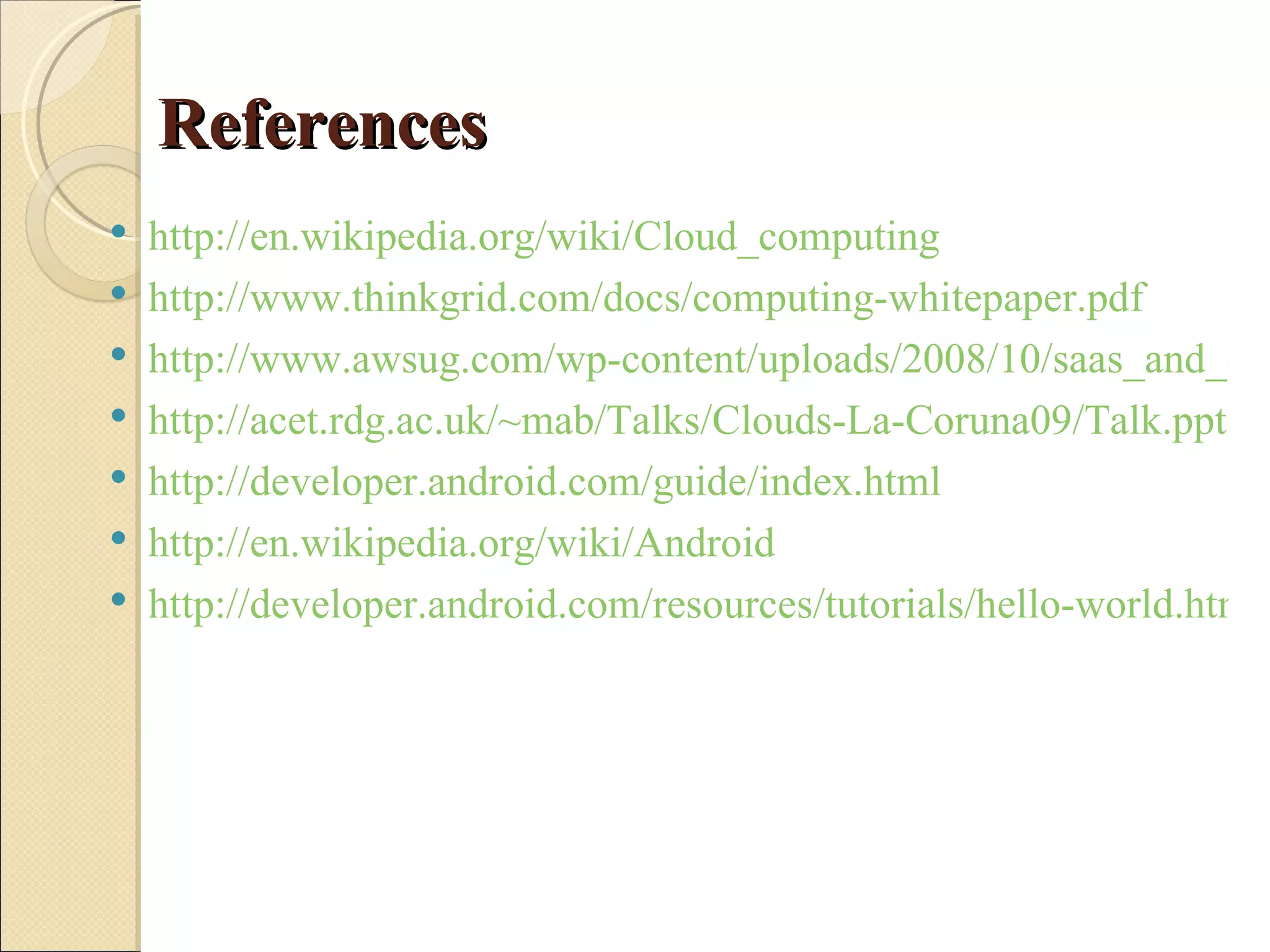
References
   http://en.wikipedia.org/wiki/Cloud_computing
   http://www.thinkgrid.com/docs/computing-whitepaper.pdf
   http://www.awsug.com/wp-content/uploads/2008/10/saas_and_clo
   http://acet.rdg.ac.uk/~mab/Talks/Clouds-La-Coruna09/Talk.ppt
   http://developer.android.com/guide/index.html
   http://en.wikipedia.org/wiki/Android
   http://developer.android.com/resources/tutorials/hello-world.html
cloud computing and android

cloud computing and android

  • 1.
    Presentation on Major Project Submitted by: Mohit Singh Roll no: 104507 M.Tech 2nd Year
  • 2.
    Student Oriented CloudComputing and Android Based Application for lean mobile computing Systems
  • 3.
    Objective  The main objective of the project is to develop a Cloud Computing Application for Java program creation, compilation and execution on lean mobile computing systems like smart phones, ipads and netbooks.  Setup a server and deploy the application on the cloud to test it across the range of lean mobile computing systems.  Develop an Android based application for Java program development and using a cloud computing facility to execute the developed Java programs.  Develop Android based application for students.
  • 4.
    Motivation behind Project The next generation of open operating systems won’t be on desktops or mainframes but on the small mobile devices we carry every day. The openness of these new environments will lead to new applications and markets and will enable greater integration.
  • 5.
    Aakash (Tablet) Aakash world'scheapest internet device was conceived under the Human Resources and Development Ministry's National Mission on Education through Information and Communication Technology (NME-ICT) to provide students a device that could be used as an EBook reader, to access online streaming course material and web based research But there are no applications which can enable the students to develop and execute programs using these tablets.
  • 6.
  • 7.
    … Cloud computing provides computation, software, data access, and storage services that do not require end- user knowledge of the physical location and configuration of the system that delivers the services.
  • 8.
    …  Cloud Computing is a general term used to describe a new class of network based computing that takes place over the Internet, basically a step on from Utility.  In other words, this is a collection/group of integrated and networked hardware, software and Internet infrastructure (called a platform).  Using the Internet for communication and transport provides hardware, software and networking services to clients.  These platforms hide the complexity and details of the underlying infrastructure from users and applications by providing very simple graphical interface or API (Applications Programming Interface).
  • 9.
    …  In addition, the platform provides on demand services, that are always on, anywhere, anytime and any place.  Pay for use and as needed, elastic (scale up and down in capacity and functionalities).  The hardware and software services are available to the general public, enterprises, corporations and businesses markets.
  • 10.
    Cloud Summary  Cloud computing is an umbrella term used to refer to Internet based development and services.  A number of characteristics define cloud data, applications services and infrastructure: ◦ Remotely hosted: Services or data are hosted on remote infrastructure. ◦ Ubiquitous: Services or data are available from anywhere. ◦ Commodified: The result is a utility computing model similar to traditional that of traditional utilities, like gas and electricity - you pay for what you would want!
  • 11.
  • 12.
    Software as aservice (SaaS)  Software as a service , sometimes referred to as "on-demand software," is a software delivery model in which software and its associated data are hosted centrally (typically in the (Internet) cloud) and are typically accessed by users using a thin client, normally using a web browser over the Internet.  SaaS has become a common delivery model for most business applications, including accounting, collaboration, customer relationship management (CRM), enterprise resource planning (ERP), invoicing, human resource management (HRM), content management (CM) and service desk management.
  • 13.
    Platform as aservice (PaaS)  Platform as a service (PaaS) is the delivery of a computing platform and solution stack as a service.  PaaS offerings facilitate deployment of applications without the cost and complexity of buying and managing the underlying hardware and software and provisioning hosting capabilities.  PaaS providing all of the facilities required to support the complete life cycle of building and delivering web applications and services entirely available from the Internet
  • 14.
    Infrastructure as aservice" (IaaS)  Cloud infrastructure services, also known as “Infrastructure as a service" (IaaS), deliver computer infrastructure – typically a platform virtualization environment – as a service, along with raw (block) storage and networking.  Rather than purchasing servers, software, data-center space or network equipment, clients instead buy those resources as a fully outsourced service.  Suppliers typically bill such services on a utility computing basis; the amount of resources consumed (and therefore the cost) will typically reflect the level of activity.[
  • 15.
    Cloud Storage  Several large Web companies (such as Amazon and Google) are now exploiting the fact that they have data storage capacity that can be hired out to others.  This approach, known as cloud storage allows data stored remotely to be temporarily cached on desktop computers, mobile phones or other Internet-linked devices.  Amazon’s Elastic Compute Cloud (EC2) and Simple Storage Solution (S3) are well known examples.
  • 16.
    Advantages of CloudComputing  Lower computer costs  Improved performance  Reduced software costs  Instant software updates  Improved document format compatibility.  Unlimited storage capacity  Increased data reliability  Universal document access  Latest version availability  Easier group collaboration  Device independence
  • 17.
    Disadvantages of CloudComputing  Requires a constant Internet connection  Does not work well with low-speed connections  Can be slow  Features might be limited  Stored data might not be secure  Stored data can be lost  HPC Systems  General Concerns
  • 18.
    Android Androidis a software stack for mobile devices that includes an operating system, middleware and key applications.
  • 19.
    About Android andits features  Android is an operating system based on Linux with a Java programming interface.  It provides tools, e.g. a compiler, debugger and a device emulator as well as its own Java Virtual machine (Dalvik Virtual Machine - DVM).  Android is created by the Open Handset Alliance which is lead by Google.  Android uses a special virtual machine, e.g. the Dalvik Virtual Machine. Dalvik uses special bytecode. Therefore you cannot run standard Java bytecode on Android.  Android provides a tool "dx" which allows converting Java Class files into "dex" (Dalvik Executable) files.
  • 20.
    …  Android applications are packed into an .apk (Android Package) file by the program "aapt" (Android Asset Packaging Tool) To simplify development Google provides the Android Development Tools (ADT) for Eclipse.  The ADT performs automatically the conversion from class to dex files and creates the apk during deployment.
  • 21.
    …  Android supports 2-D and 3-D graphics using the OpenGL libraries and supports data storage in a SQLite database.  Every Android applications runs in its own process and under its own userid which is generated automatically by the Android system during deployment.  Therefore the application is isolated from other running applications and a misbehaving application cannot easily harm other Android applications.
  • 22.
    Features  Open  Breaking down Boundaries  All applications are equal  Fast & Easy development
  • 23.
    Android Framework andTools Android Tools include SDK, ADT for eclipse integration support and an emulator. Let’s discuss them one by one in brief:
  • 24.
    Introduction to AndroidSDK and ADT for Eclipse  The Android SDK archive initially contains only the basic SDK tools. It does not contain an Android platform or any third-party libraries. In fact, it doesn't even have all the tools you need to develop an application.  In order to start developing applications, you must install the Platform-tools and at least one version of the Android platform, using the SDK Manager. Platform-tools contains build tools that are periodically updated to support new features in the Android platform (which is why they are separate from basic SDK tools), including adb, dexdump, and others.  To install Platform-tools, Android platforms and other add-ons, you must have an Internet connection, so if you plan to use the SDK while offline, please make sure to download the necessary components while online. To start the SDK Manager, please execute the program "SDK Manager.exe". From the command-line you can also directly trigger an update by Executing: toolsAndroid.bat update sdk
  • 25.
    Dalvik Virtual Machine The Dalvik virtual machine is simple Java interpreter machine, completely optimized for Android platform and which is developed to run on low-end memory mobile devices.  One of the prominent aspects in Dalvik is its capability to run along an application compilation enhancing the runtime performance of the applications.  Dalvik is not exactly, a Java machine, because Dalvik could not read Java code, but consists its own byte code called “dex” and so the executable files compacted using Dalvik holds the file type name '.dex'.  Google states that the credit for Androids successful development goes to Dalvik VM, because this type of virtual machine, delivers a good performance over various stages of an application runtime environment, conserving more battery-power during long run of an application.
  • 26.
  • 27.
  • 28.
  • 29.
  • 30.
    Components of AndroidApplication  Activity  Views  Services  Content Provider  Intents  Broadcast Receiver
  • 31.
  • 32.
  • 33.
    Progress Track Learnt program development for Android and Cloud Computing. Linking Android SDK and ADT plugin with Eclipse developing Android programs and debugging it with both Emulator and Android smart phone. Presently designing the GUI and the other components of the above mentioned application.
  • 34.
    References  http://en.wikipedia.org/wiki/Cloud_computing  http://www.thinkgrid.com/docs/computing-whitepaper.pdf  http://www.awsug.com/wp-content/uploads/2008/10/saas_and_clo  http://acet.rdg.ac.uk/~mab/Talks/Clouds-La-Coruna09/Talk.ppt  http://developer.android.com/guide/index.html  http://en.wikipedia.org/wiki/Android  http://developer.android.com/resources/tutorials/hello-world.html