Unity 3D game IDE
1
 Unity is a multi-platform, integrated IDE for scripting
games, and working with 3D virtual worlds
 Including:
 Game engine
▪ 3D objects / lighting / physics / animation / scripting
 Accompanying script editor
▪ MonoDevelop (win/mac) << RECOMMENDED TO USE
▪ Unitron (Mac) / UniSciTE (Windows) << DEFAULT
▪ Can also use Visual Studio (Windows)
 3D terrain editor
 3D object animation manager
 GUI system
 Executable exporter many platforms:
native application / web player / iPhone / Android / Wii
2
3
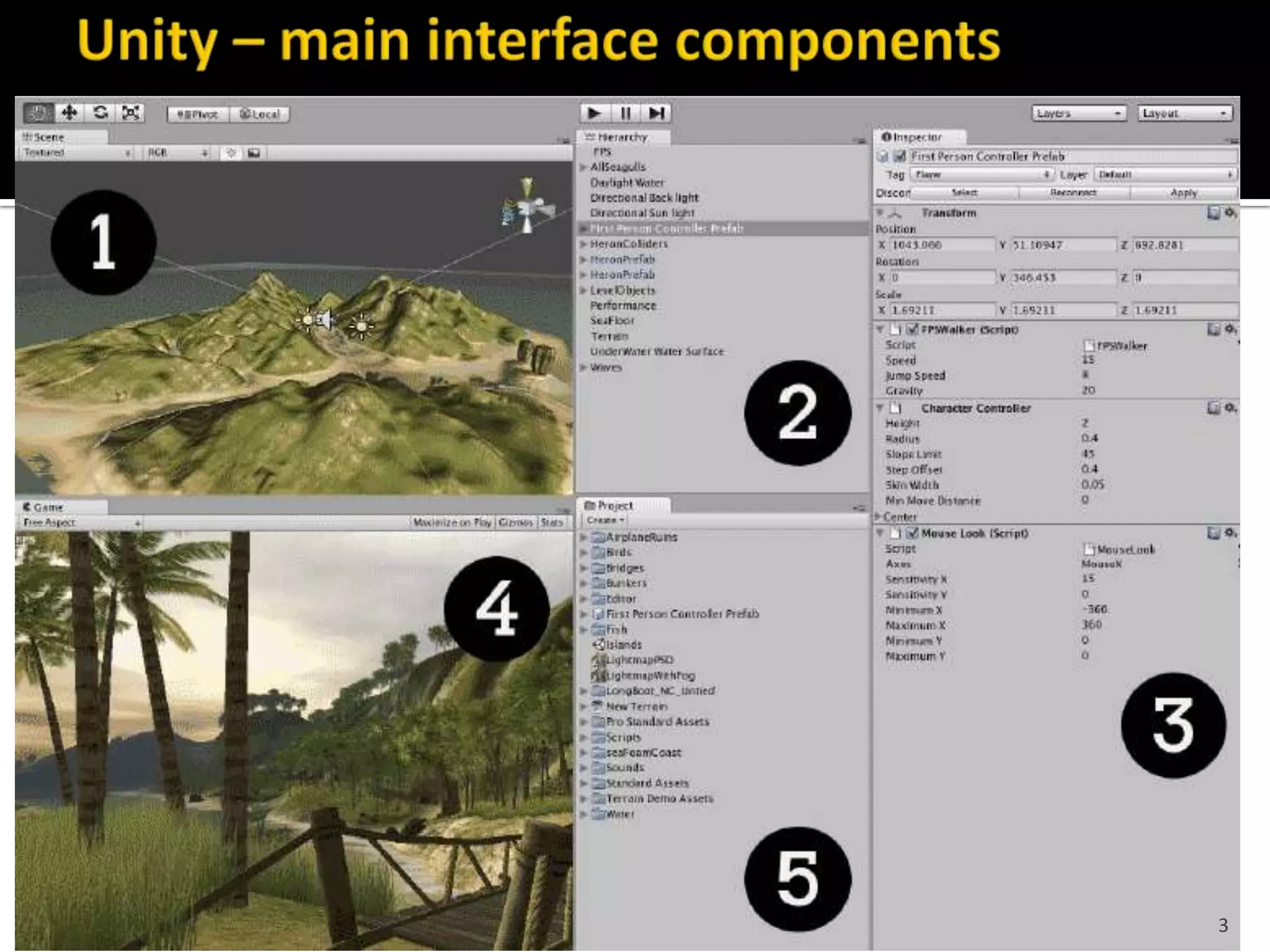
1 – Scene Scene = Hierarchy = same, just diff. views
 Editable (design-time) 3D game objects in the current scene
2 – Hierarchy
 Text list of game objects and sub-objects in the current scene
3 – Inspector
 Properties for currently selected
4 – Game
 Preview how game will look when exectuting
5 – Project
 Contents of Project ‘assets’ folder (i.e. files in that folder)
– library of scripts, digital media files, and scenes
4
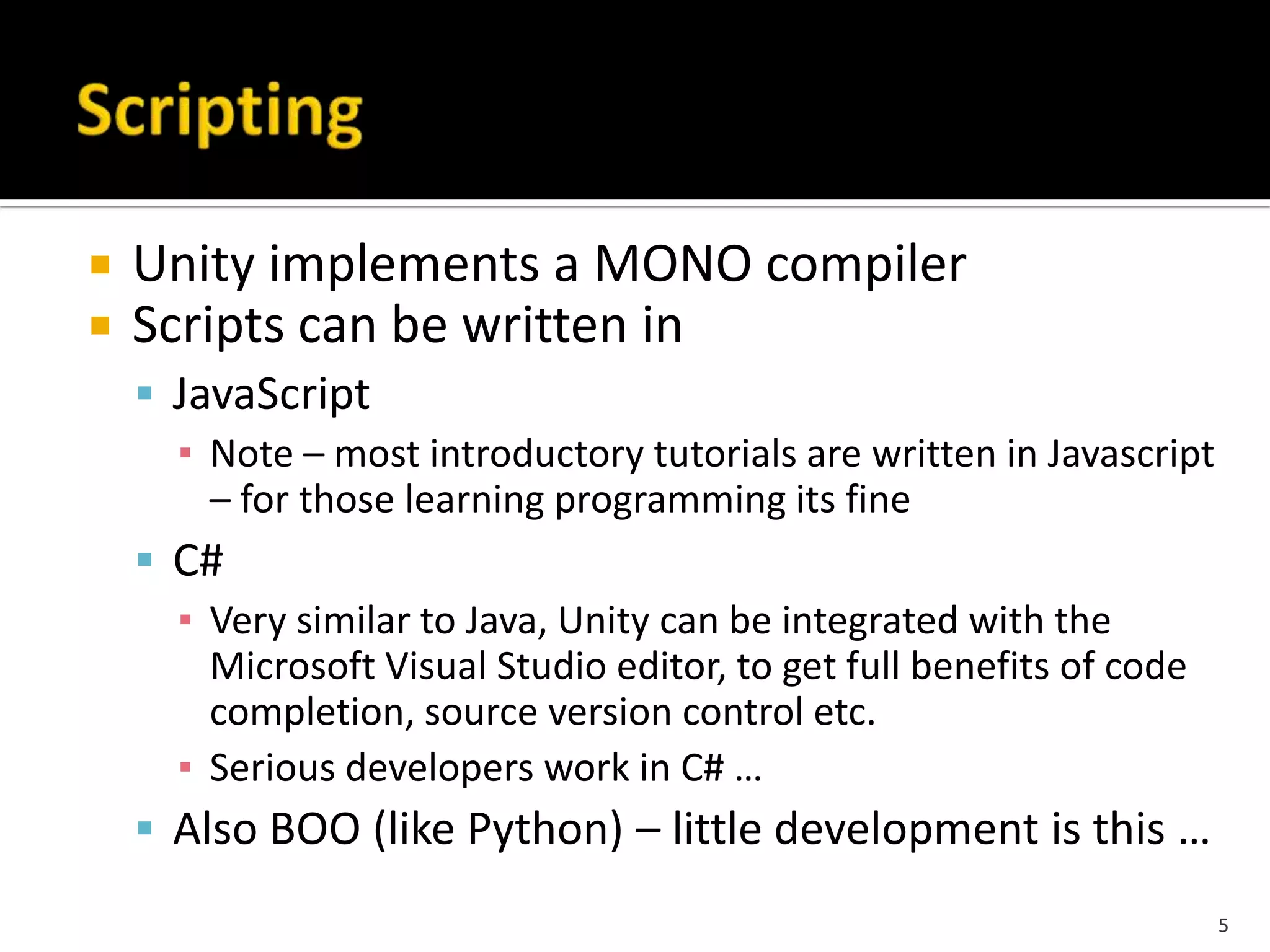
 Unity implements a MONO compiler
 Scripts can be written in
 JavaScript
▪ Note – most introductory tutorials are written in Javascript
– for those learning programming its fine
 C#
▪ Very similar to Java, Unity can be integrated with the
Microsoft Visual Studio editor, to get full benefits of code
completion, source version control etc.
▪ Serious developers work in C# …
 Also BOO (like Python) – little development is this …
5
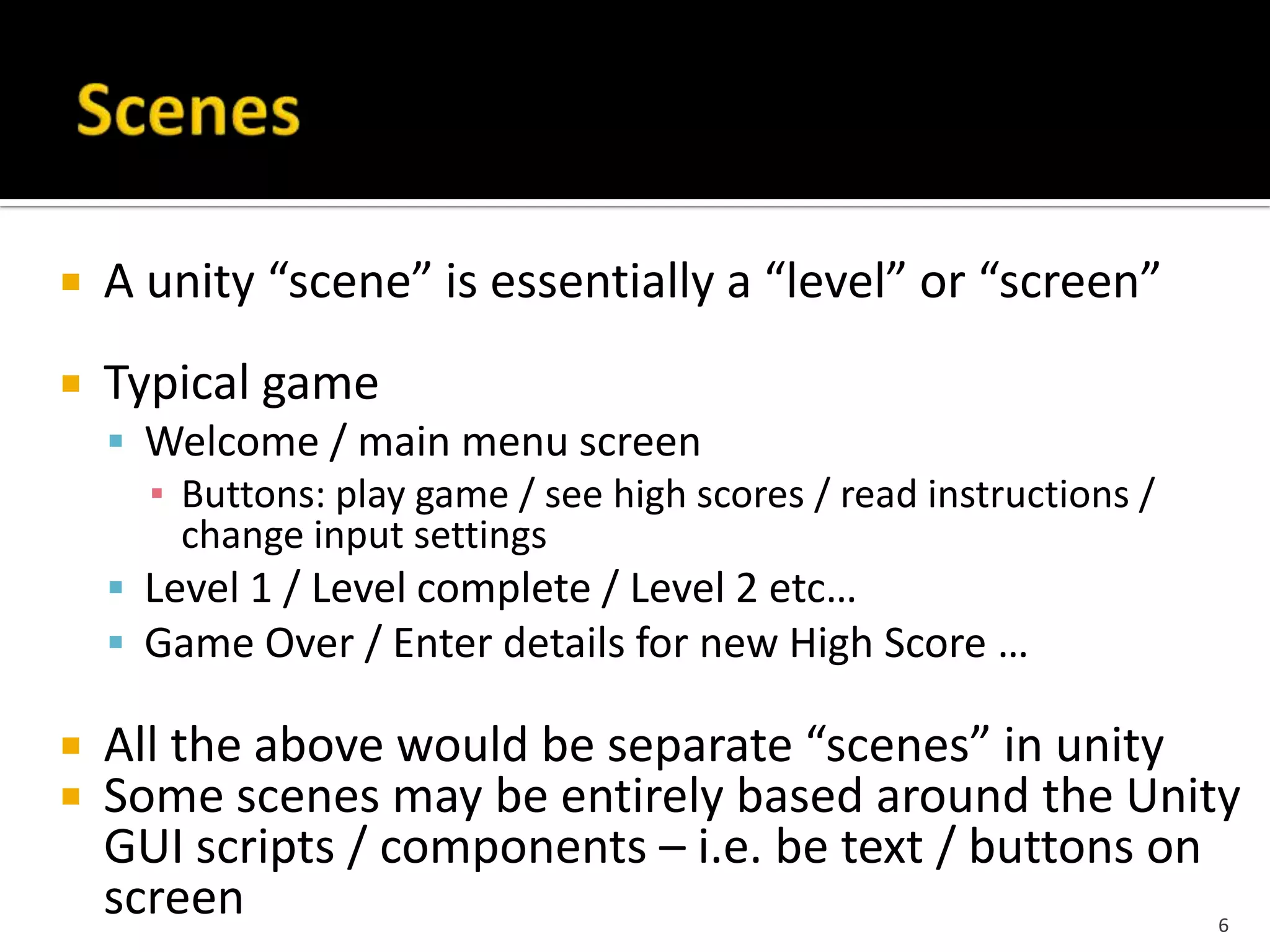
 A unity “scene” is essentially a “level” or “screen”
 Typical game
 Welcome / main menu screen
▪ Buttons: play game / see high scores / read instructions /
change input settings
 Level 1 / Level complete / Level 2 etc…
 Game Over / Enter details for new High Score …
 All the above would be separate “scenes” in unity
 Some scenes may be entirely based around the Unity
GUI scripts / components – i.e. be text / buttons on
screen 6
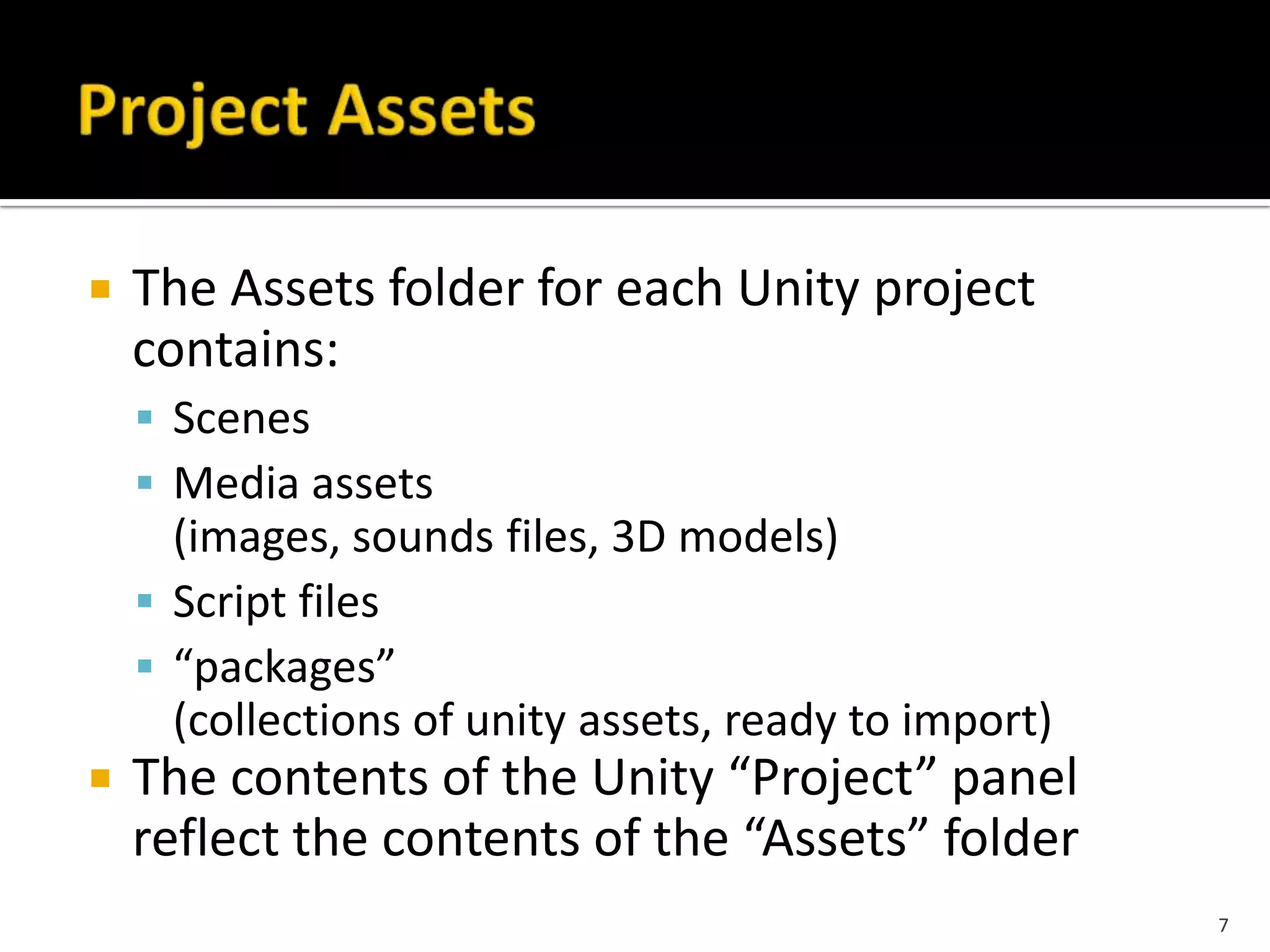
 The Assets folder for each Unity project
contains:
 Scenes
 Media assets
(images, sounds files, 3D models)
 Script files
 “packages”
(collections of unity assets, ready to import)
 The contents of the Unity “Project” panel
reflect the contents of the “Assets” folder
7
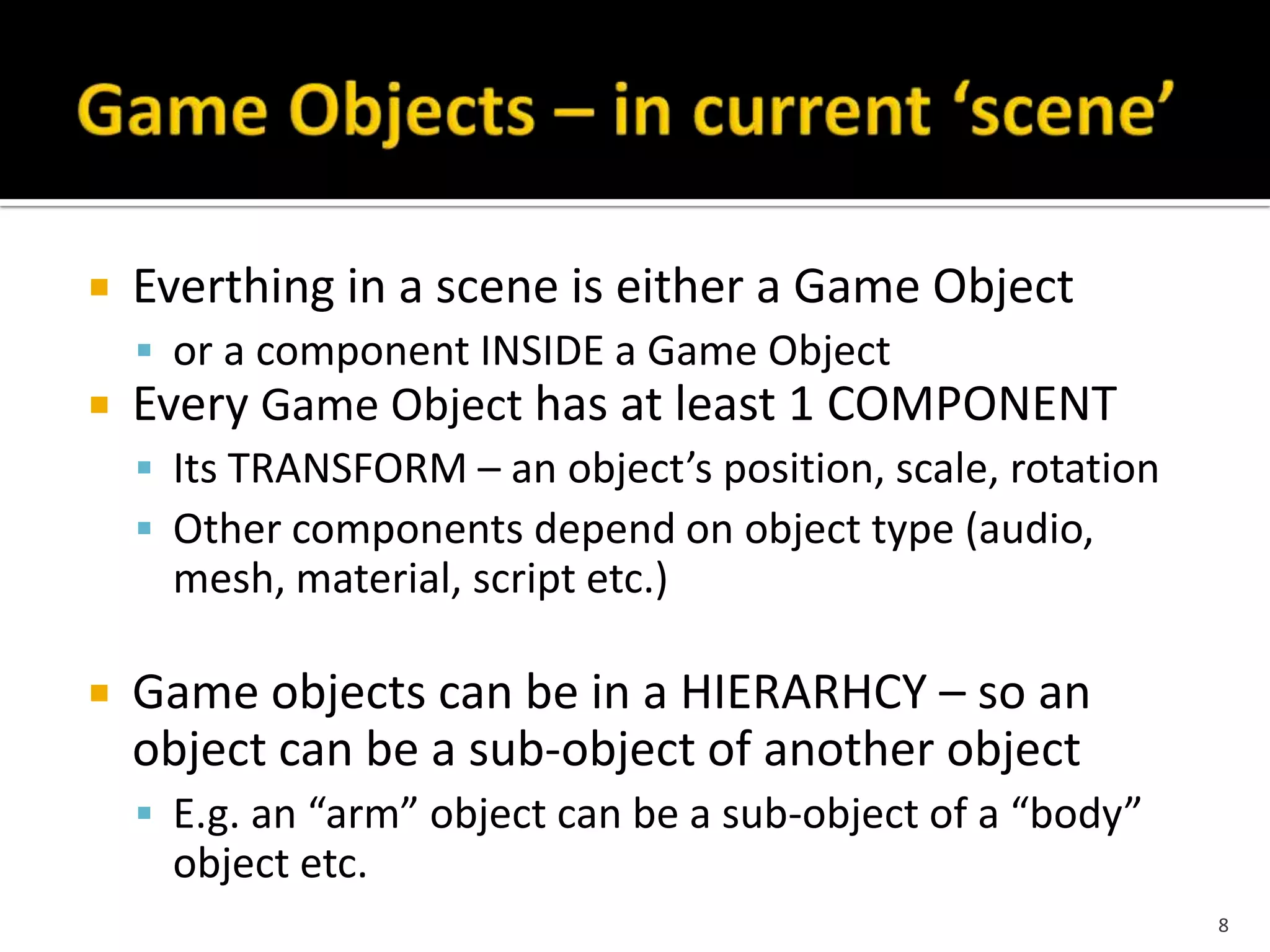
 Everthing in a scene is either a Game Object
 or a component INSIDE a Game Object
 Every Game Object has at least 1 COMPONENT
 Its TRANSFORM – an object’s position, scale, rotation
 Other components depend on object type (audio,
mesh, material, script etc.)
 Game objects can be in a HIERARHCY – so an
object can be a sub-object of another object
 E.g. an “arm” object can be a sub-object of a “body”
object etc.
8
 Since object-oriented (although this is partially hidden
when scripting in JavaScript) instances can be
INSTANTIATED at run time
 Unity uses the term PREFAB for a pre-fabricated object
template (i.e. a class combining 3D objects and scripts)
 At DESIGN TIME (in editor) a prefab can be dragged
from Project window into the Scene window and
added the scene’s hierarchy of game objects
 The object can then be edited (i.e. customised from the
prefab default settings) if desired
 At RUN TIME a script can cause a new object instance
to be created (instantiated) at a given location / with a
given transform set of properties
9
• Unity is powerful, complete game
development system
• Create 3D objects / scenes in Unity
– Or import objects created in 3D modelling
packages
• Use scripting to control animations / scene
changes etc.
• Export to stand alone game, or web page
component, or mobile app
10

Unity 3D

  • 1.
  • 2.
     Unity isa multi-platform, integrated IDE for scripting games, and working with 3D virtual worlds  Including:  Game engine ▪ 3D objects / lighting / physics / animation / scripting  Accompanying script editor ▪ MonoDevelop (win/mac) << RECOMMENDED TO USE ▪ Unitron (Mac) / UniSciTE (Windows) << DEFAULT ▪ Can also use Visual Studio (Windows)  3D terrain editor  3D object animation manager  GUI system  Executable exporter many platforms: native application / web player / iPhone / Android / Wii 2
  • 3.
  • 4.
    1 – SceneScene = Hierarchy = same, just diff. views  Editable (design-time) 3D game objects in the current scene 2 – Hierarchy  Text list of game objects and sub-objects in the current scene 3 – Inspector  Properties for currently selected 4 – Game  Preview how game will look when exectuting 5 – Project  Contents of Project ‘assets’ folder (i.e. files in that folder) – library of scripts, digital media files, and scenes 4
  • 5.
     Unity implementsa MONO compiler  Scripts can be written in  JavaScript ▪ Note – most introductory tutorials are written in Javascript – for those learning programming its fine  C# ▪ Very similar to Java, Unity can be integrated with the Microsoft Visual Studio editor, to get full benefits of code completion, source version control etc. ▪ Serious developers work in C# …  Also BOO (like Python) – little development is this … 5
  • 6.
     A unity“scene” is essentially a “level” or “screen”  Typical game  Welcome / main menu screen ▪ Buttons: play game / see high scores / read instructions / change input settings  Level 1 / Level complete / Level 2 etc…  Game Over / Enter details for new High Score …  All the above would be separate “scenes” in unity  Some scenes may be entirely based around the Unity GUI scripts / components – i.e. be text / buttons on screen 6
  • 7.
     The Assetsfolder for each Unity project contains:  Scenes  Media assets (images, sounds files, 3D models)  Script files  “packages” (collections of unity assets, ready to import)  The contents of the Unity “Project” panel reflect the contents of the “Assets” folder 7
  • 8.
     Everthing ina scene is either a Game Object  or a component INSIDE a Game Object  Every Game Object has at least 1 COMPONENT  Its TRANSFORM – an object’s position, scale, rotation  Other components depend on object type (audio, mesh, material, script etc.)  Game objects can be in a HIERARHCY – so an object can be a sub-object of another object  E.g. an “arm” object can be a sub-object of a “body” object etc. 8
  • 9.
     Since object-oriented(although this is partially hidden when scripting in JavaScript) instances can be INSTANTIATED at run time  Unity uses the term PREFAB for a pre-fabricated object template (i.e. a class combining 3D objects and scripts)  At DESIGN TIME (in editor) a prefab can be dragged from Project window into the Scene window and added the scene’s hierarchy of game objects  The object can then be edited (i.e. customised from the prefab default settings) if desired  At RUN TIME a script can cause a new object instance to be created (instantiated) at a given location / with a given transform set of properties 9
  • 10.
    • Unity ispowerful, complete game development system • Create 3D objects / scenes in Unity – Or import objects created in 3D modelling packages • Use scripting to control animations / scene changes etc. • Export to stand alone game, or web page component, or mobile app 10