OAuth & OpenID Connect in Action
Chuck Mortimore
VP, Product Management
Salesforce Identity
@cmort
a quick demo client
the world’s simplest client
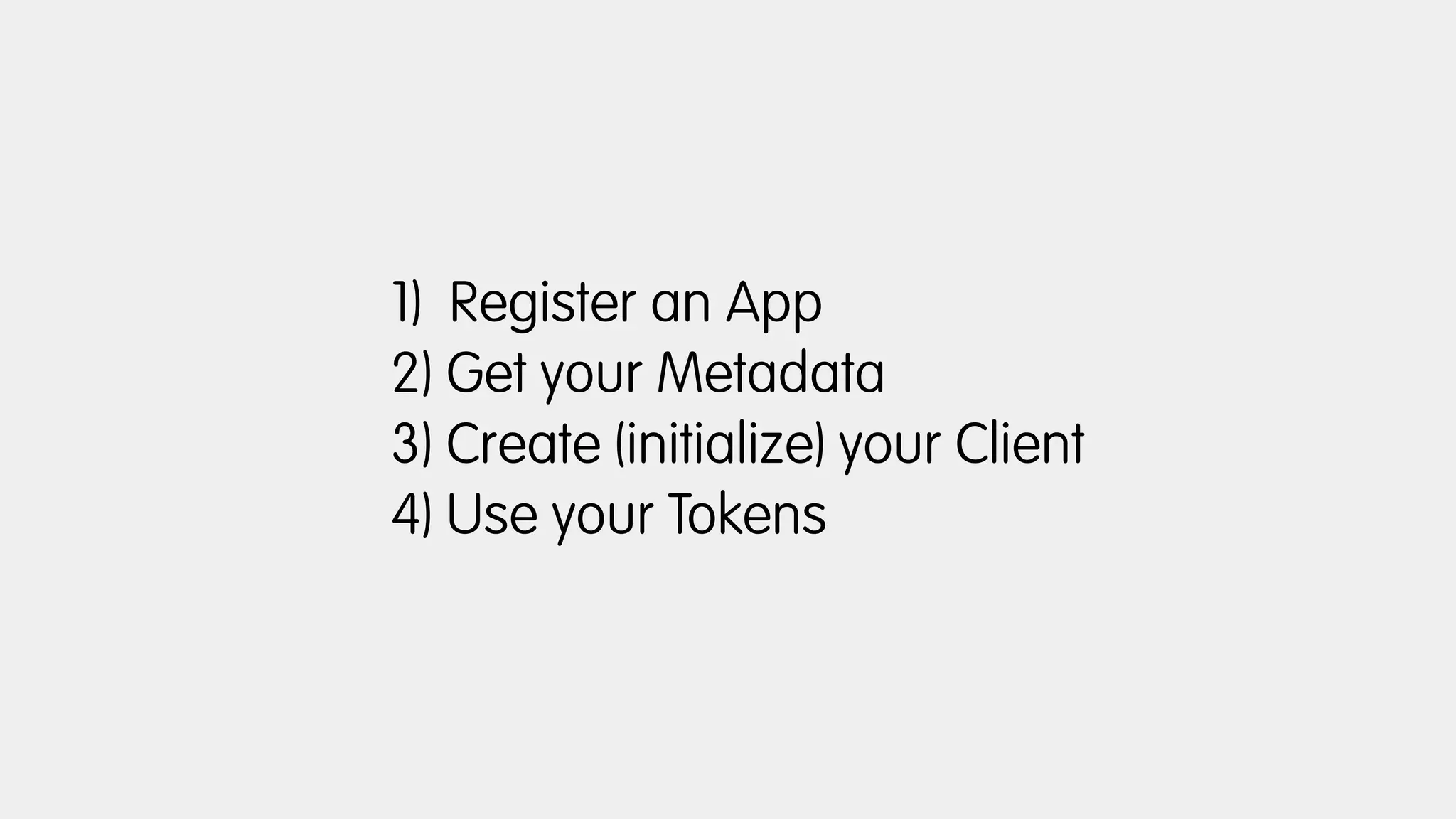
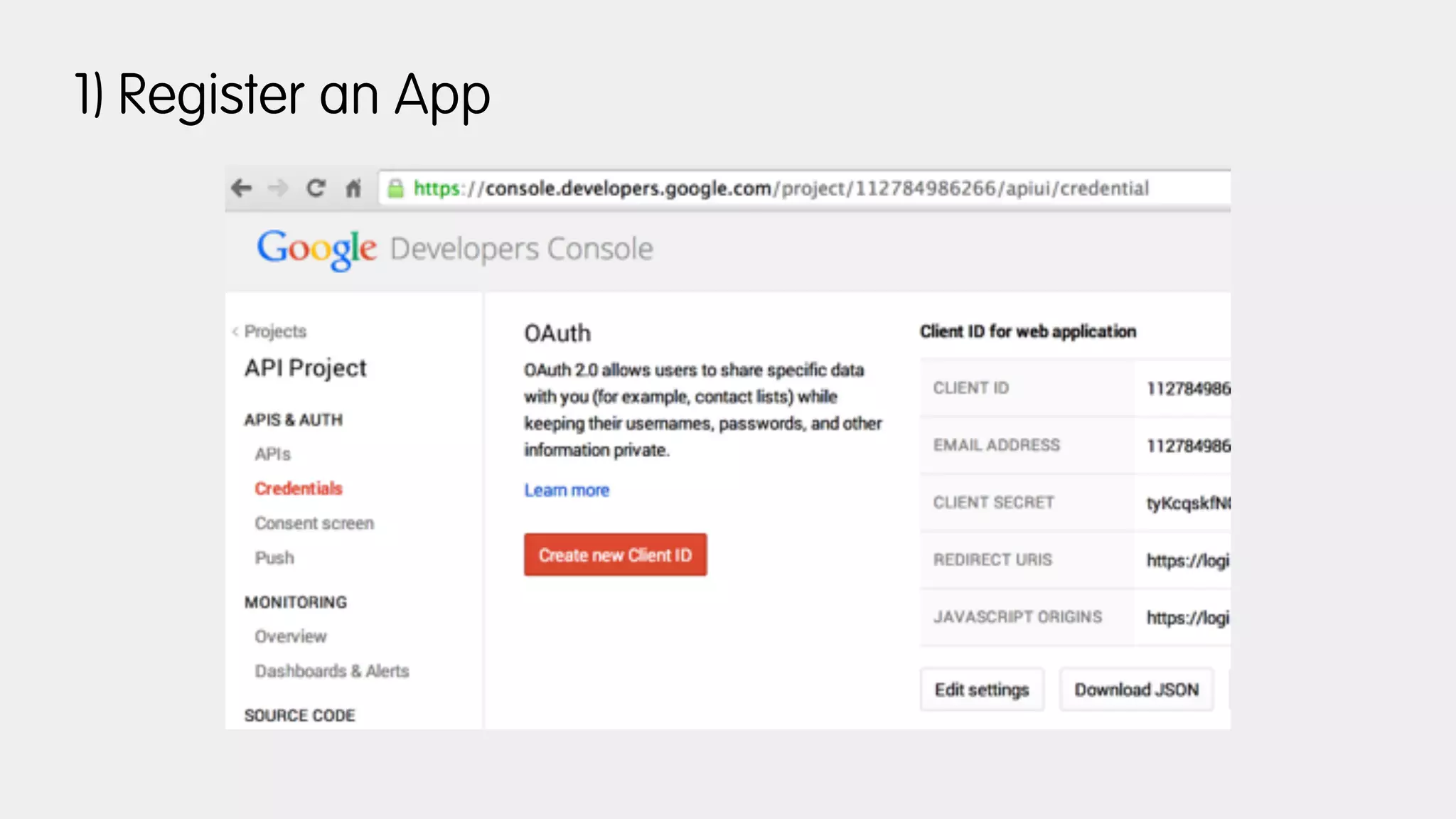
1) Register an App
2) Get your Metadata
3) Create (initialize) your Client
4) Use your Tokens
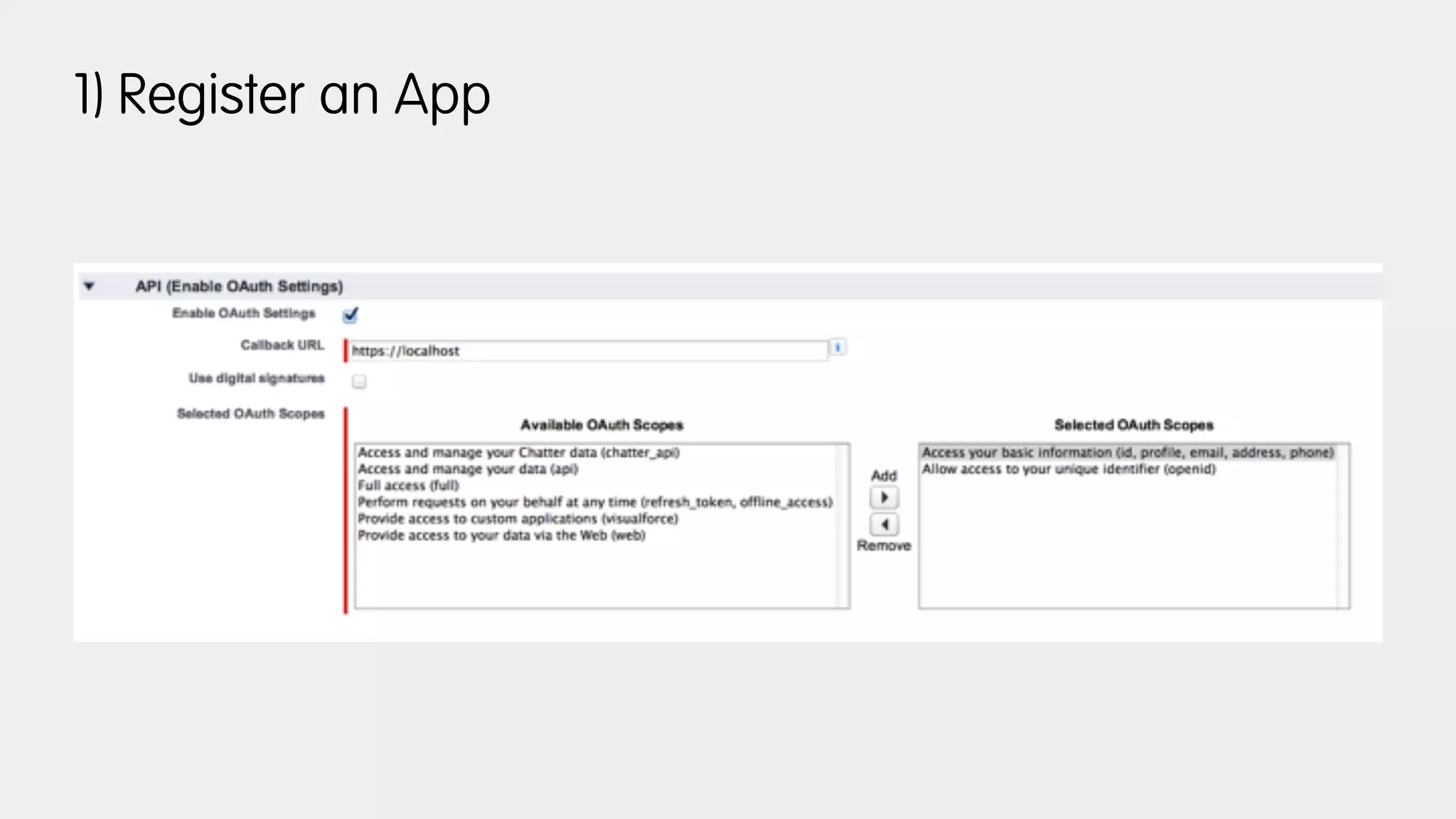
1) Register an App
2) Get your Metadata
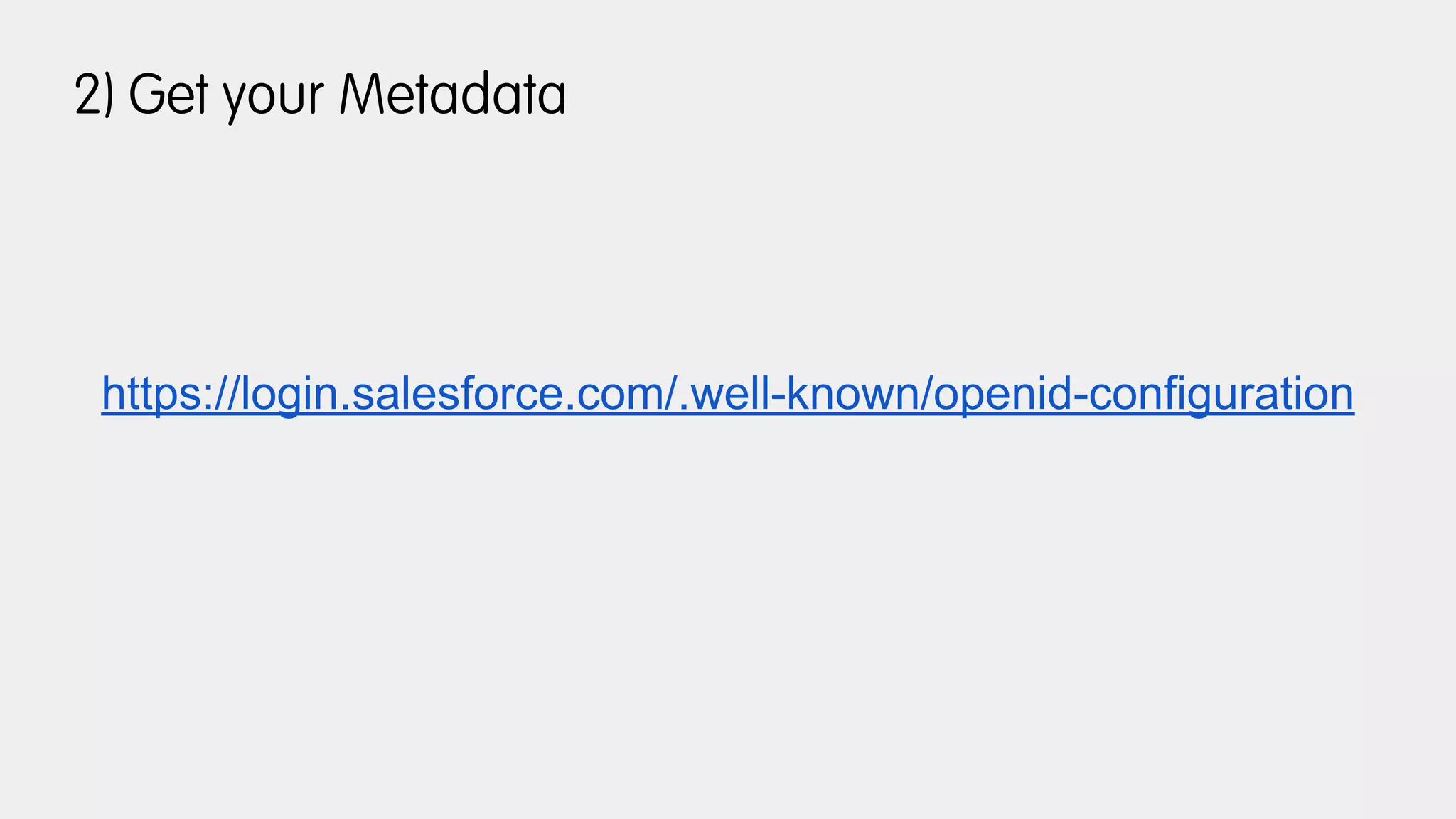
https://login.salesforce.com/.well-known/openid-configuration
2) Get your Metadata
{
"issuer": "https://login.salesforce.com",
"authorization_endpoint": "https://login.salesforce.com/services/oauth2/authorize",
"token_endpoint": "https://login.salesforce.com/services/oauth2/token",
"revocation_endpoint": "https://login.salesforce.com/services/oauth2/revoke",
"userinfo_endpoint": "https://login.salesforce.com/services/oauth2/userinfo",
"jwks_uri": "https://login.salesforce.com/id/keys",
"scopes_supported": ["id", "api", "web", "full", "chatter_api", "visualforce", "refresh_token", "openid"],
"response_types_supported": ["code", "token", "token id_token"],
"subject_types_supported": ["public"],
"id_token_signing_alg_values_supported": ["RS256"],
"display_values_supported": ["page", "popup", "touch"],
"token_endpoint_auth_methods_supported": ["client_secret_post", "private_key_jwt"]
}
3) Create your Client
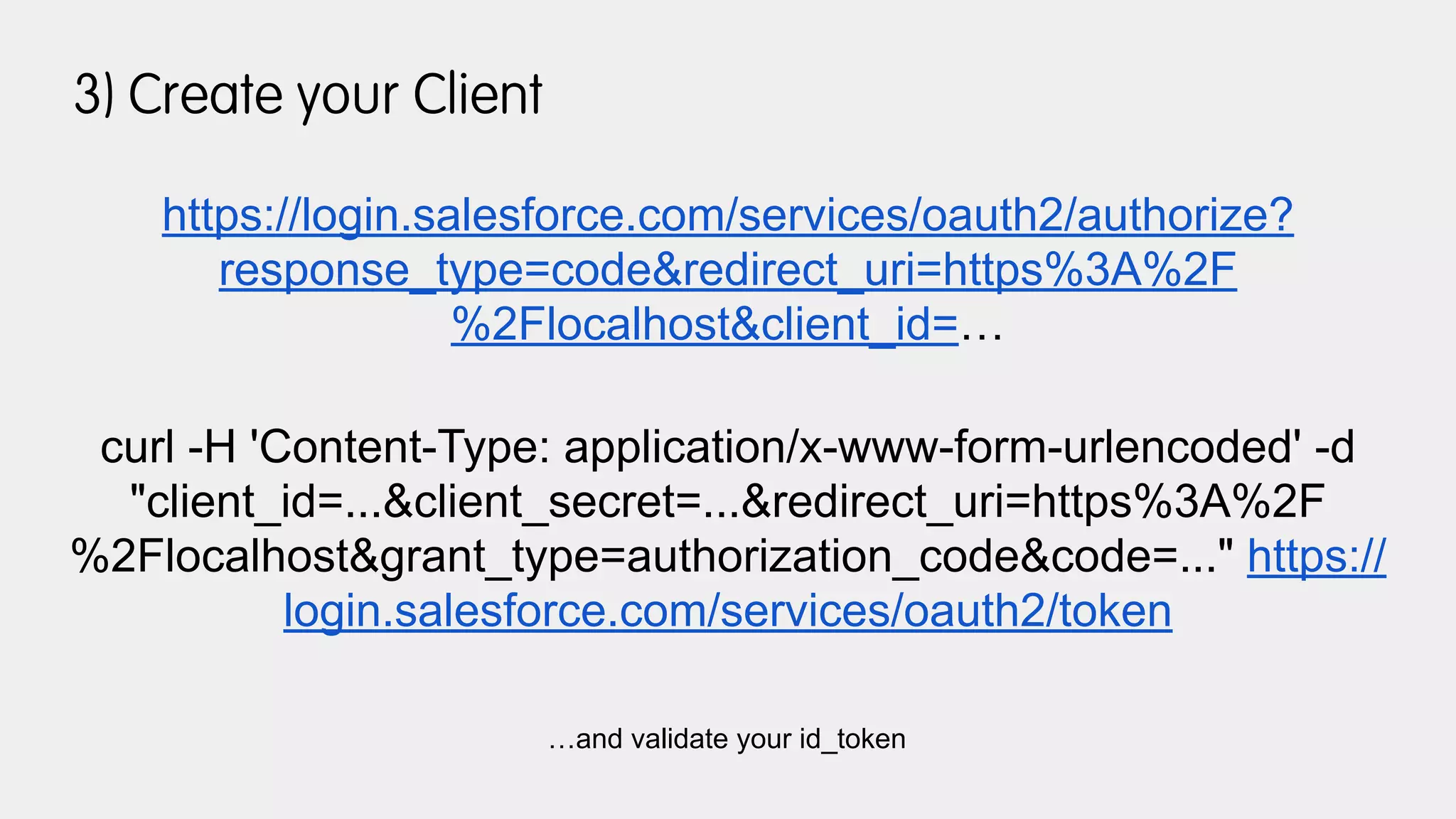
https://login.salesforce.com/services/oauth2/authorize?
response_type=code&redirect_uri=https%3A%2F
%2Flocalhost&client_id=…
curl -H 'Content-Type: application/x-www-form-urlencoded' -d
"client_id=...&client_secret=...&redirect_uri=https%3A%2F
%2Flocalhost&grant_type=authorization_code&code=..." https://
login.salesforce.com/services/oauth2/token
…and validate your id_token
4) Use your access_token
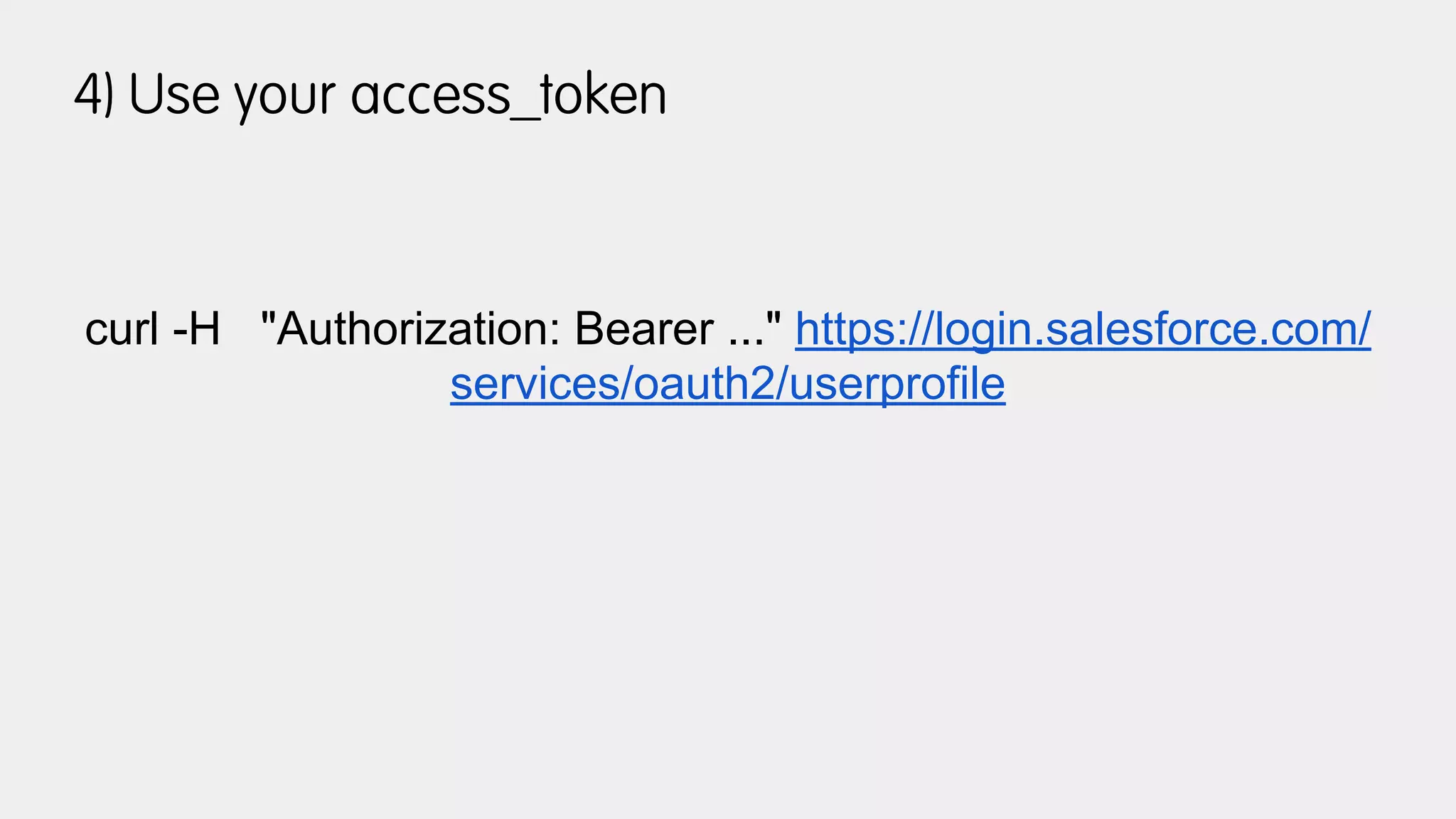
curl -H "Authorization: Bearer ..." https://login.salesforce.com/
services/oauth2/userprofile
so what can we do with
all this plumbing?
social sign-on
1) Register an App
2) Get your Metadata
https://accounts.google.com/.well-known/openid-configuration
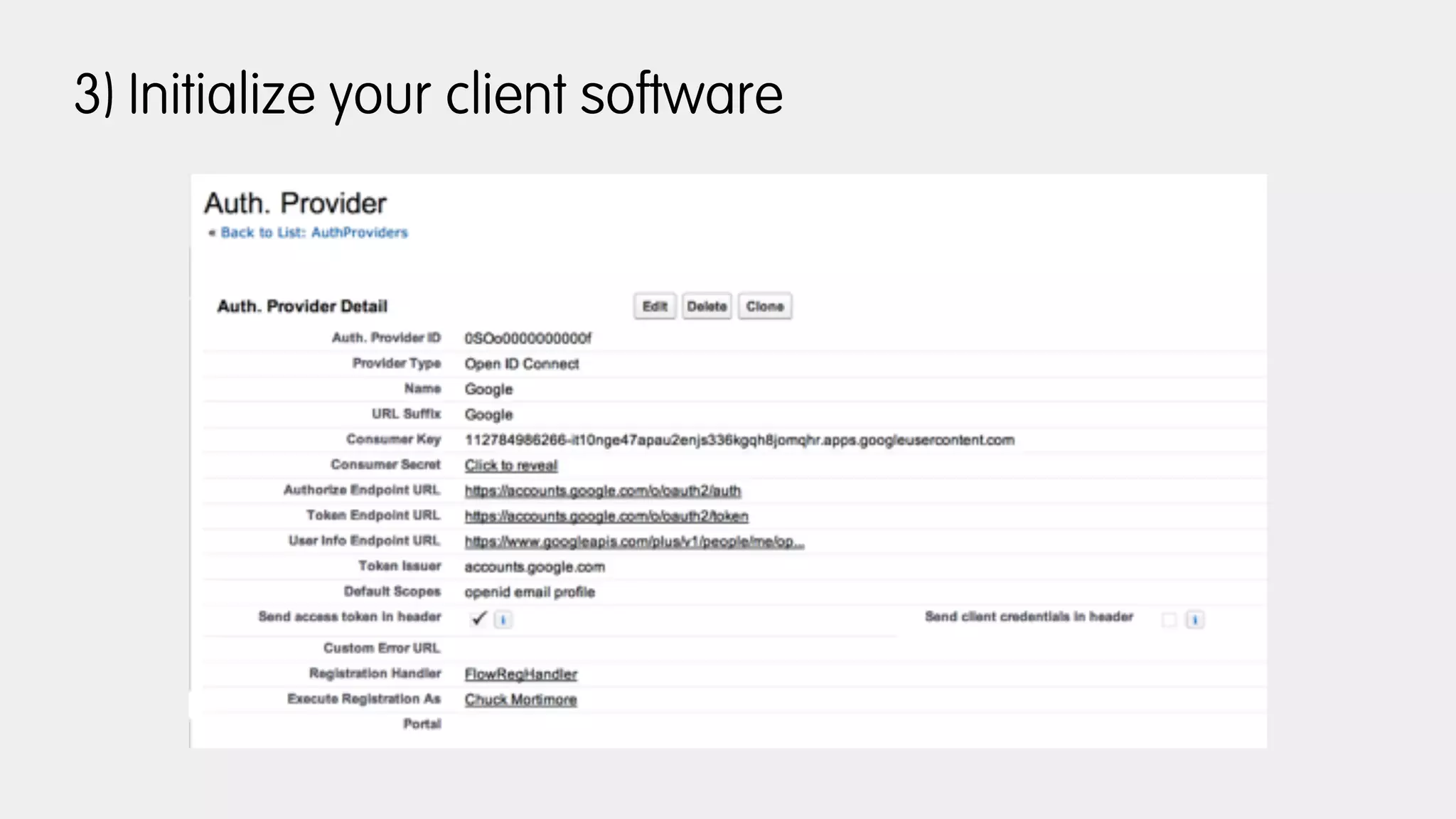
3) Initialize your client software
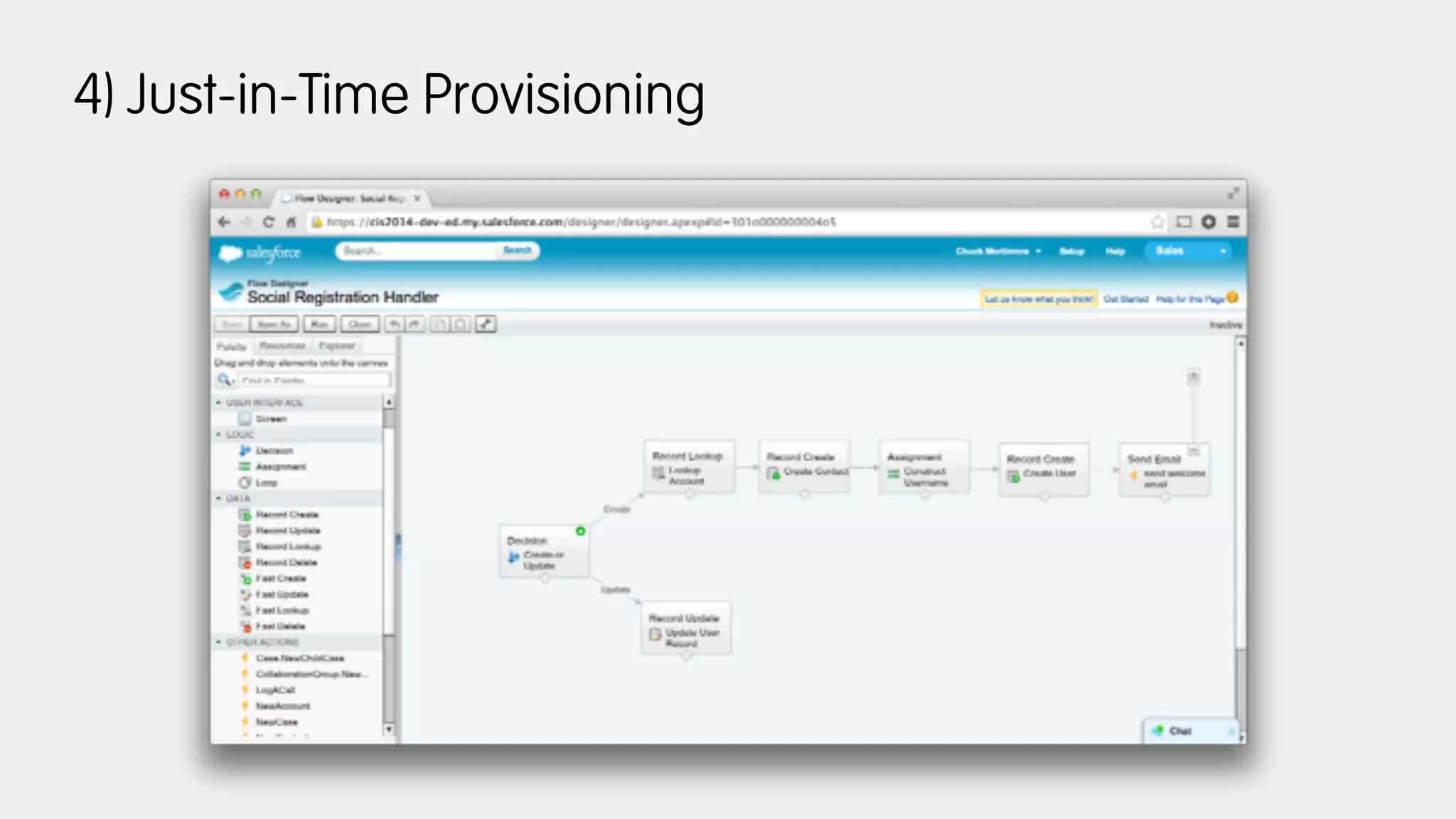
4) Just-in-Time Provisioning
faster, simpler, better federation
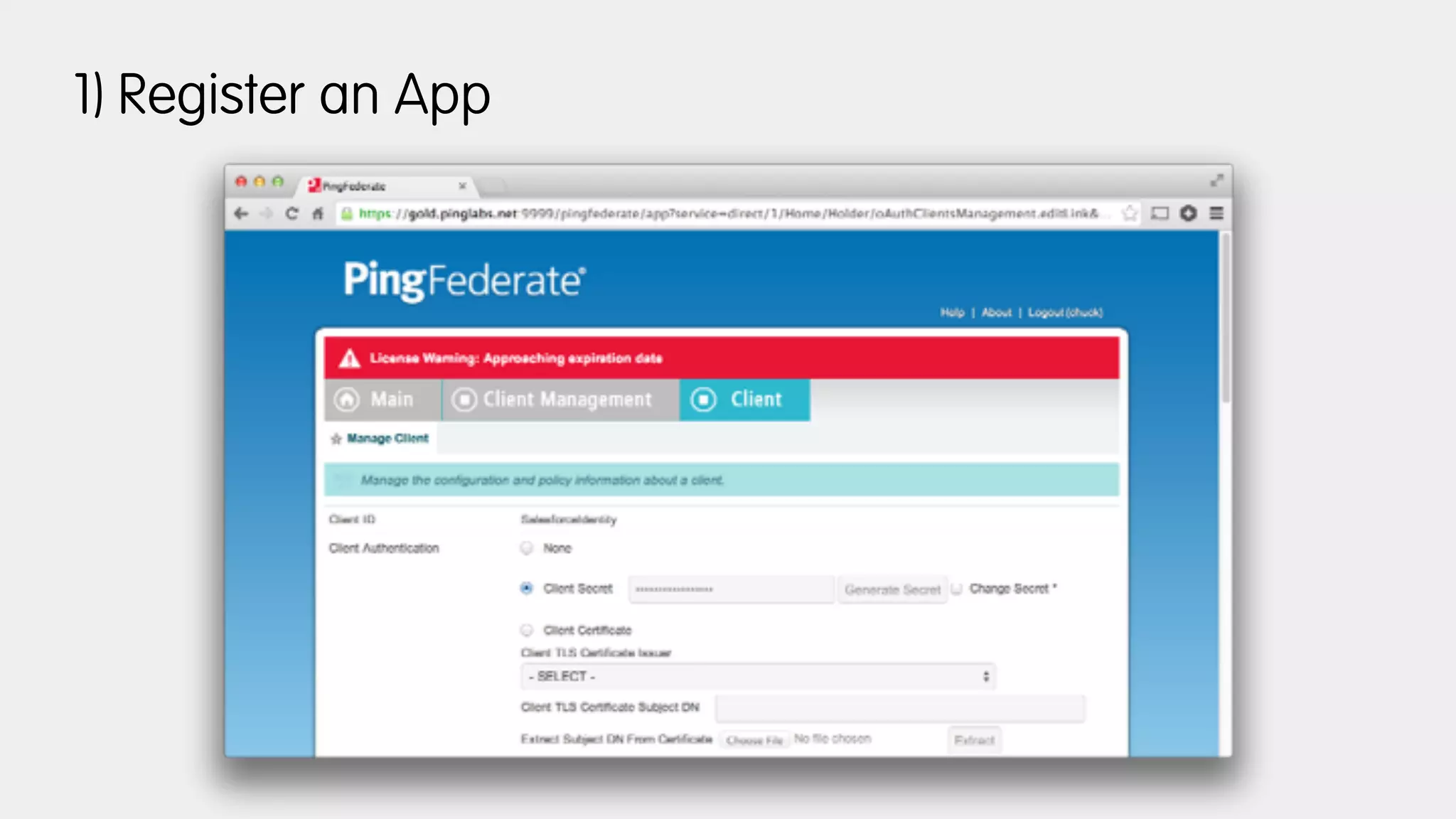
1) Register an App
2) Get your Metadata
https://gold.pinglabs.net:9031/.well-known/openid-configuration
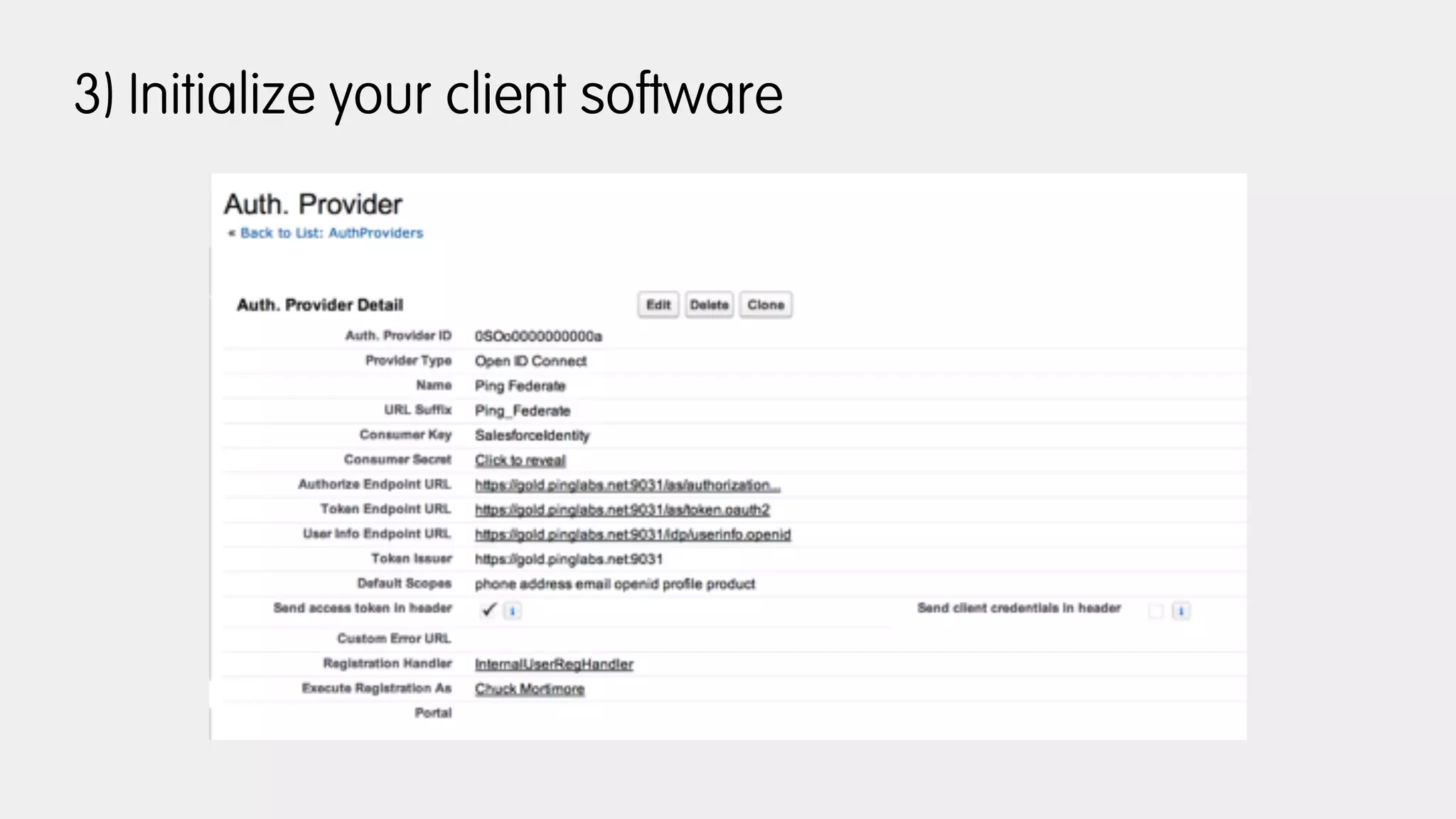
3) Initialize your client software
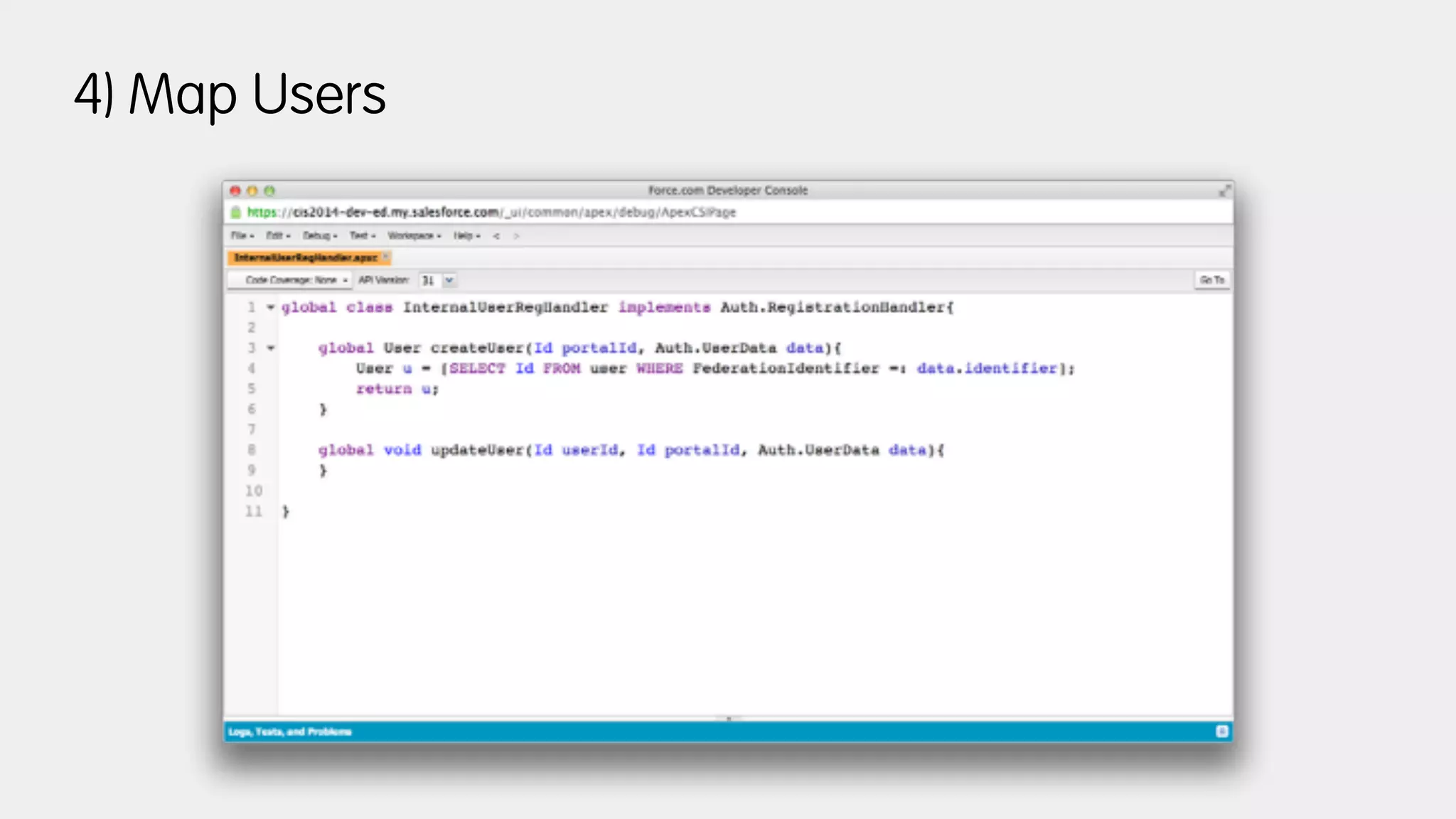
4) Map Users
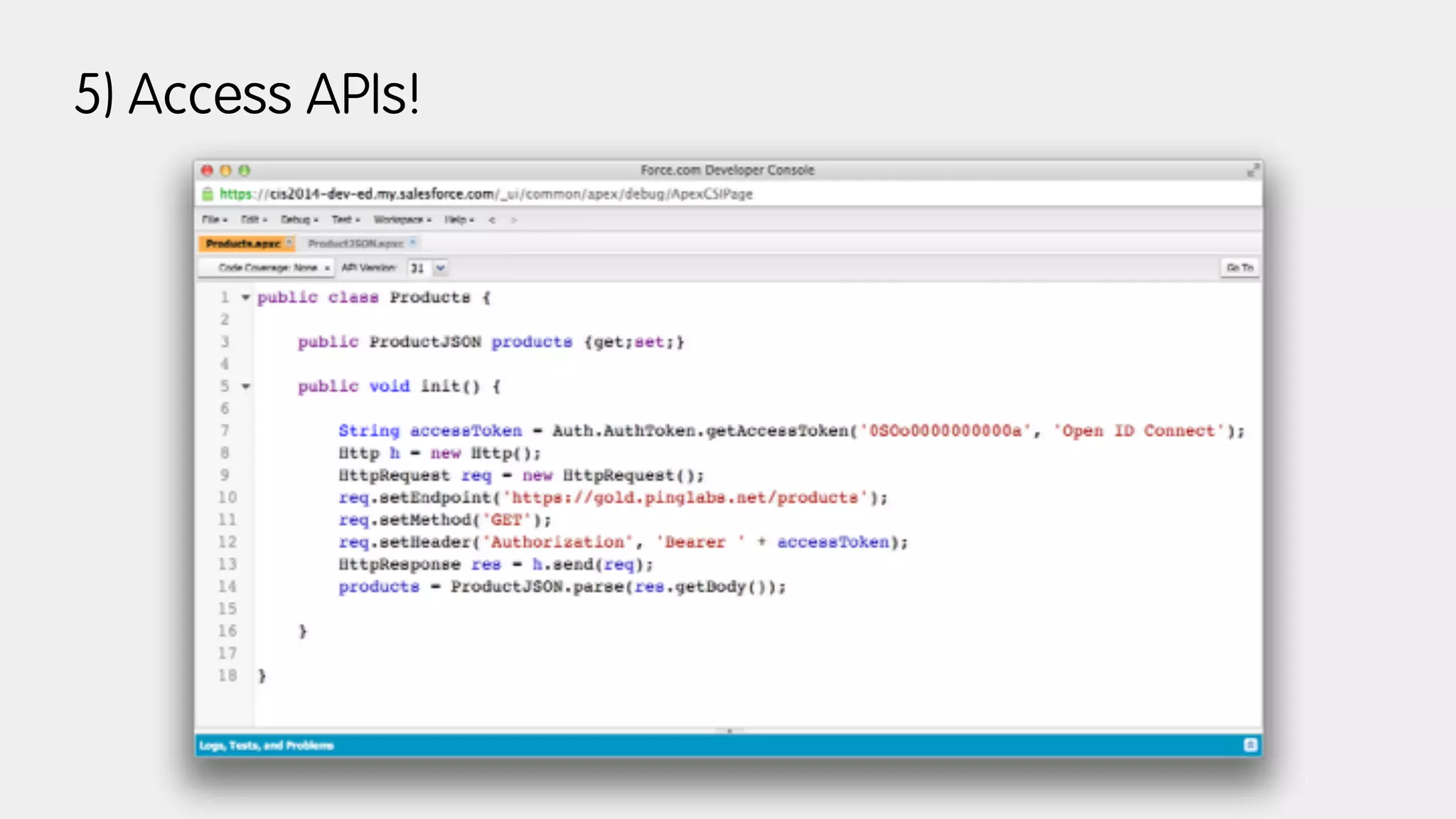
5) Access APIs!
enterprise mobile apps
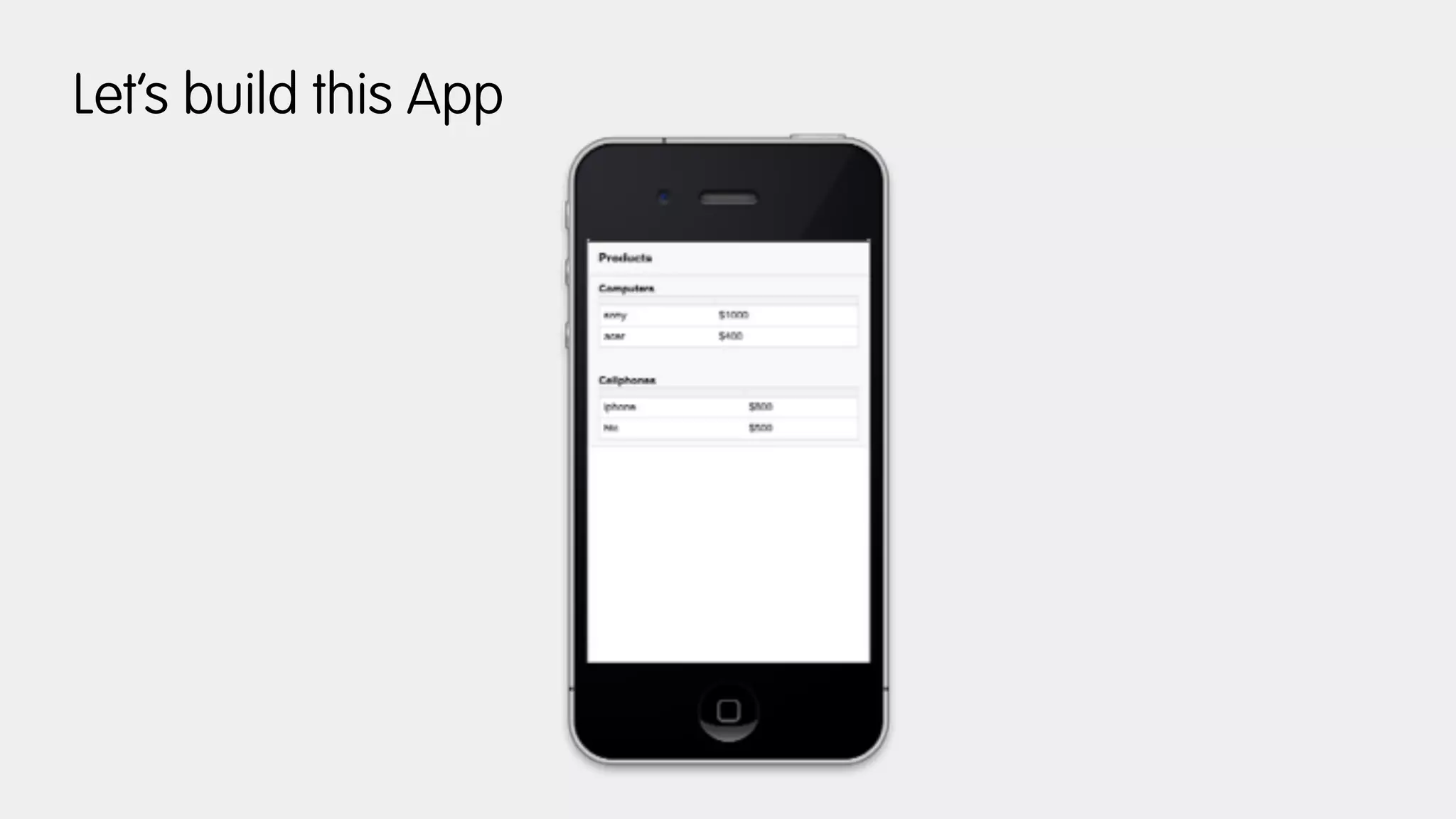
Let’s build this App
Refresh Tokens provide “SSO”
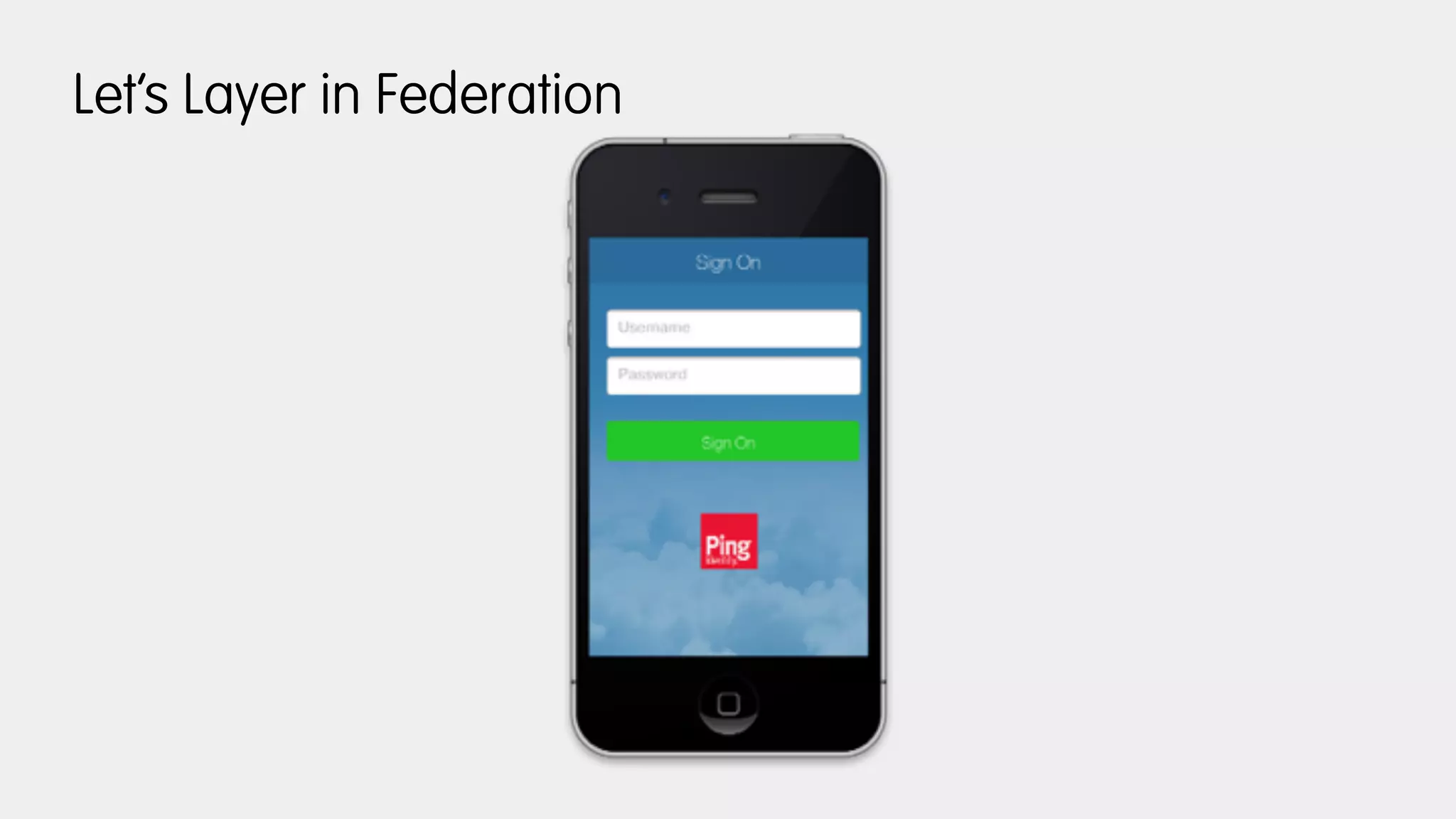
Let’s Layer in Federation
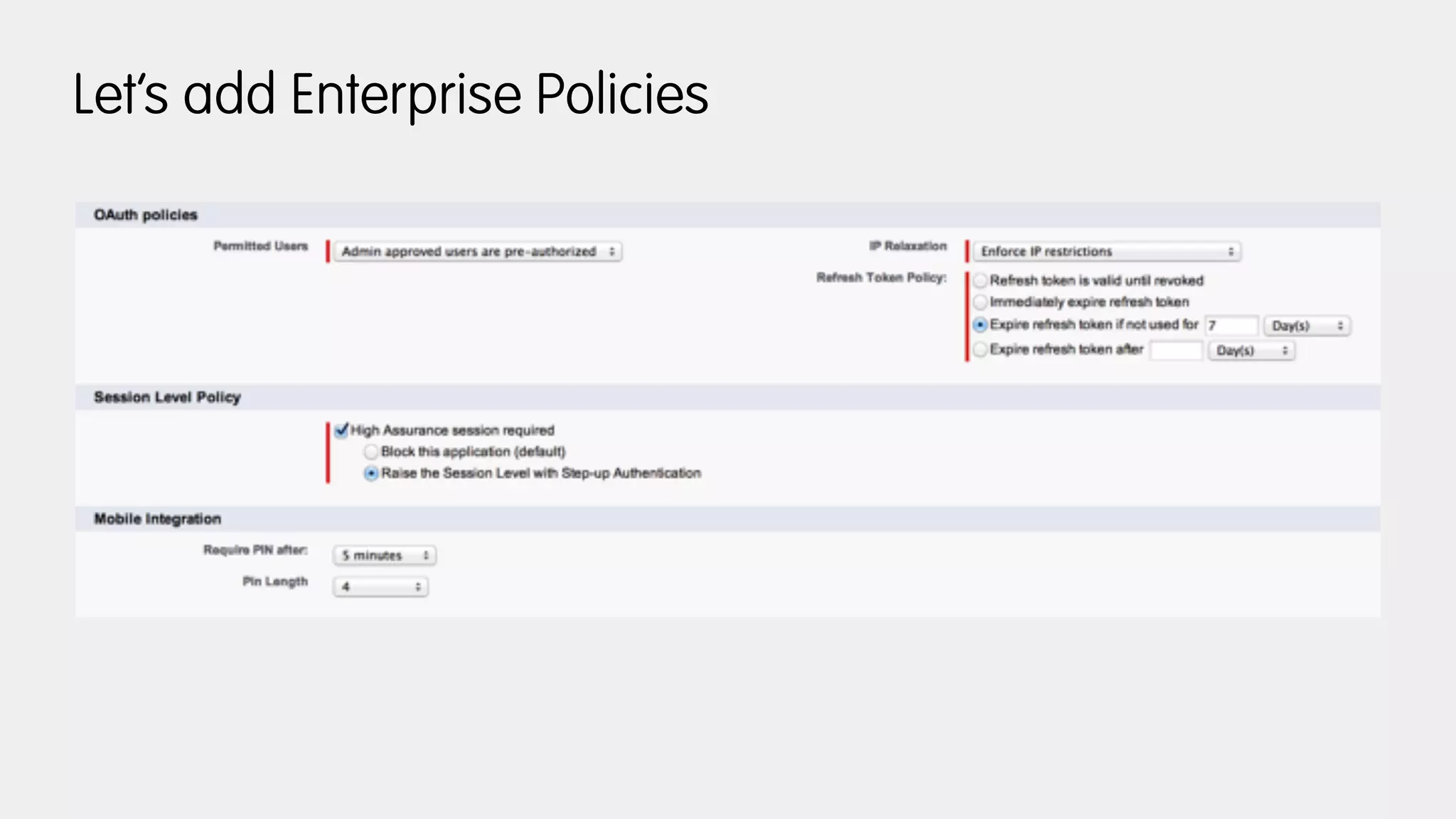
Let’s add Enterprise Policies
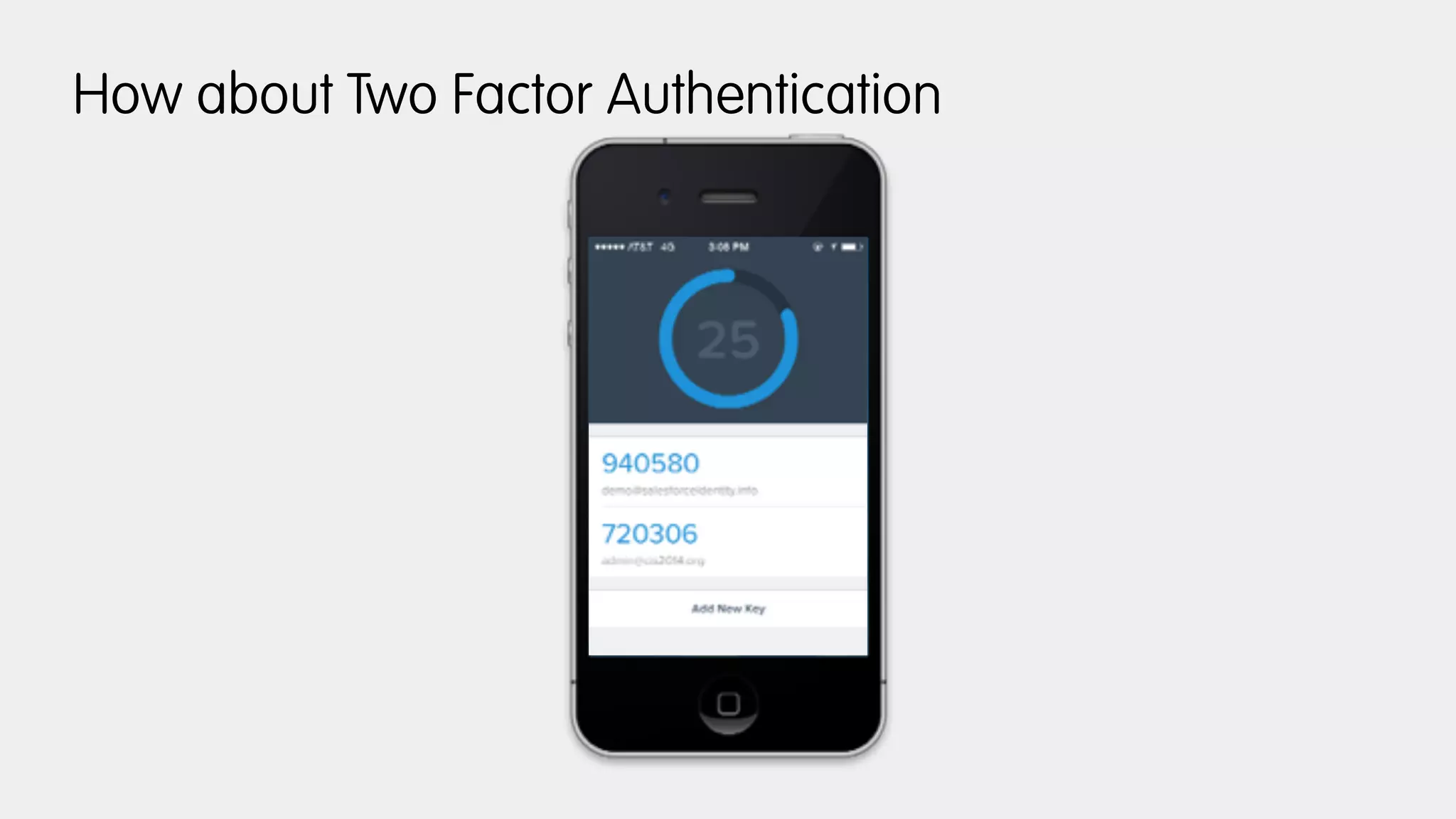
How about Two Factor Authentication
Bonus: Custom Claims
CIS14: OAuth and OpenID Connect in Action

CIS14: OAuth and OpenID Connect in Action

  • 1.
    OAuth & OpenIDConnect in Action Chuck Mortimore VP, Product Management Salesforce Identity @cmort
  • 2.
  • 4.
  • 5.
    1) Register anApp 2) Get your Metadata 3) Create (initialize) your Client 4) Use your Tokens
  • 6.
  • 7.
    2) Get yourMetadata https://login.salesforce.com/.well-known/openid-configuration
  • 8.
    2) Get yourMetadata { "issuer": "https://login.salesforce.com", "authorization_endpoint": "https://login.salesforce.com/services/oauth2/authorize", "token_endpoint": "https://login.salesforce.com/services/oauth2/token", "revocation_endpoint": "https://login.salesforce.com/services/oauth2/revoke", "userinfo_endpoint": "https://login.salesforce.com/services/oauth2/userinfo", "jwks_uri": "https://login.salesforce.com/id/keys", "scopes_supported": ["id", "api", "web", "full", "chatter_api", "visualforce", "refresh_token", "openid"], "response_types_supported": ["code", "token", "token id_token"], "subject_types_supported": ["public"], "id_token_signing_alg_values_supported": ["RS256"], "display_values_supported": ["page", "popup", "touch"], "token_endpoint_auth_methods_supported": ["client_secret_post", "private_key_jwt"] }
  • 9.
    3) Create yourClient https://login.salesforce.com/services/oauth2/authorize? response_type=code&redirect_uri=https%3A%2F %2Flocalhost&client_id=… curl -H 'Content-Type: application/x-www-form-urlencoded' -d "client_id=...&client_secret=...&redirect_uri=https%3A%2F %2Flocalhost&grant_type=authorization_code&code=..." https:// login.salesforce.com/services/oauth2/token …and validate your id_token
  • 10.
    4) Use youraccess_token curl -H "Authorization: Bearer ..." https://login.salesforce.com/ services/oauth2/userprofile
  • 12.
    so what canwe do with all this plumbing?
  • 13.
  • 14.
  • 15.
    2) Get yourMetadata https://accounts.google.com/.well-known/openid-configuration
  • 16.
    3) Initialize yourclient software
  • 17.
  • 18.
  • 19.
  • 20.
    2) Get yourMetadata https://gold.pinglabs.net:9031/.well-known/openid-configuration
  • 21.
    3) Initialize yourclient software
  • 22.
  • 23.
  • 24.
  • 25.
  • 26.
  • 27.
    Let’s Layer inFederation
  • 28.
  • 29.
    How about TwoFactor Authentication
  • 30.