09/23/2024
Prepared by Sudi.M
Java Script
Internet Programming
Chapter Three
1
09/23/2024
Prepared by Sudi.M
JavaScript
2
 The growth of WWW is resulted in demand for dynamic
and interactive web sites.
 Java script is a scripting language produced by Netscape for
use within HTMLWeb pages.
 JavaScript is loosely based on Java and it is built into all the
major modern browsers.
 JavaScript is a lightweight, interpreted programming
language.
 It is the most popular scripting language on the internet.
 JavaScript is case-sensitive!
09/23/2024
Prepared by Sudi.M
JavaScript…
3
 JavaScript is used
 to improve user interface
 to create pop-up window and alerts
 to Interact with the user
 to create dynamic pages
 to validate forms
 to detect browsers (reacting to user actions on
Browser)
 to create cookies, and much more.
09/23/2024
Prepared by Sudi.M
JavaScript…
4
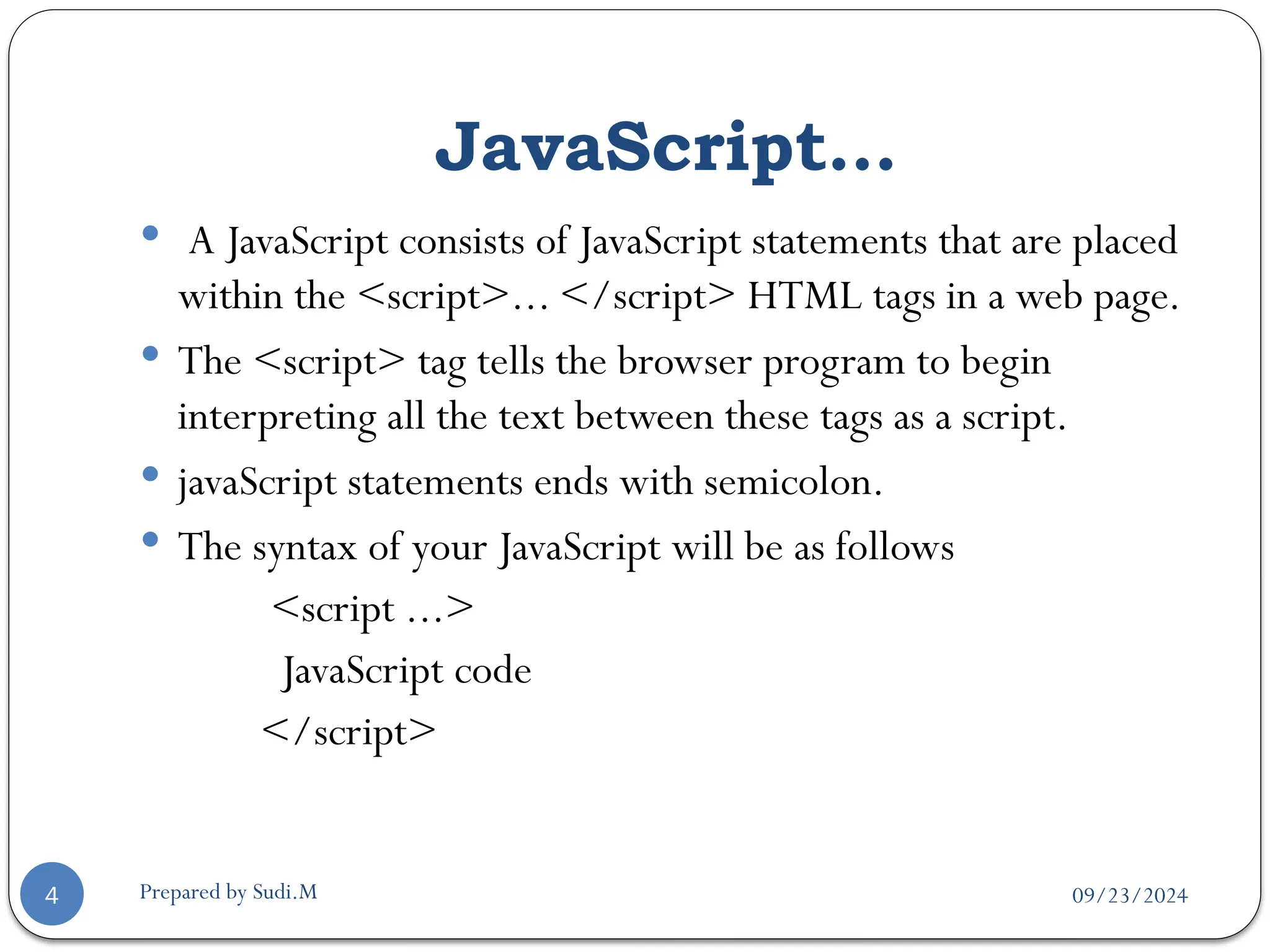
 A JavaScript consists of JavaScript statements that are placed
within the <script>... </script> HTML tags in a web page.
 The <script> tag tells the browser program to begin
interpreting all the text between these tags as a script.
 javaScript statements ends with semicolon.
 The syntax of your JavaScript will be as follows
<script ...>
JavaScript code
</script>
09/23/2024
Prepared by Sudi.M
JavaScript…
5
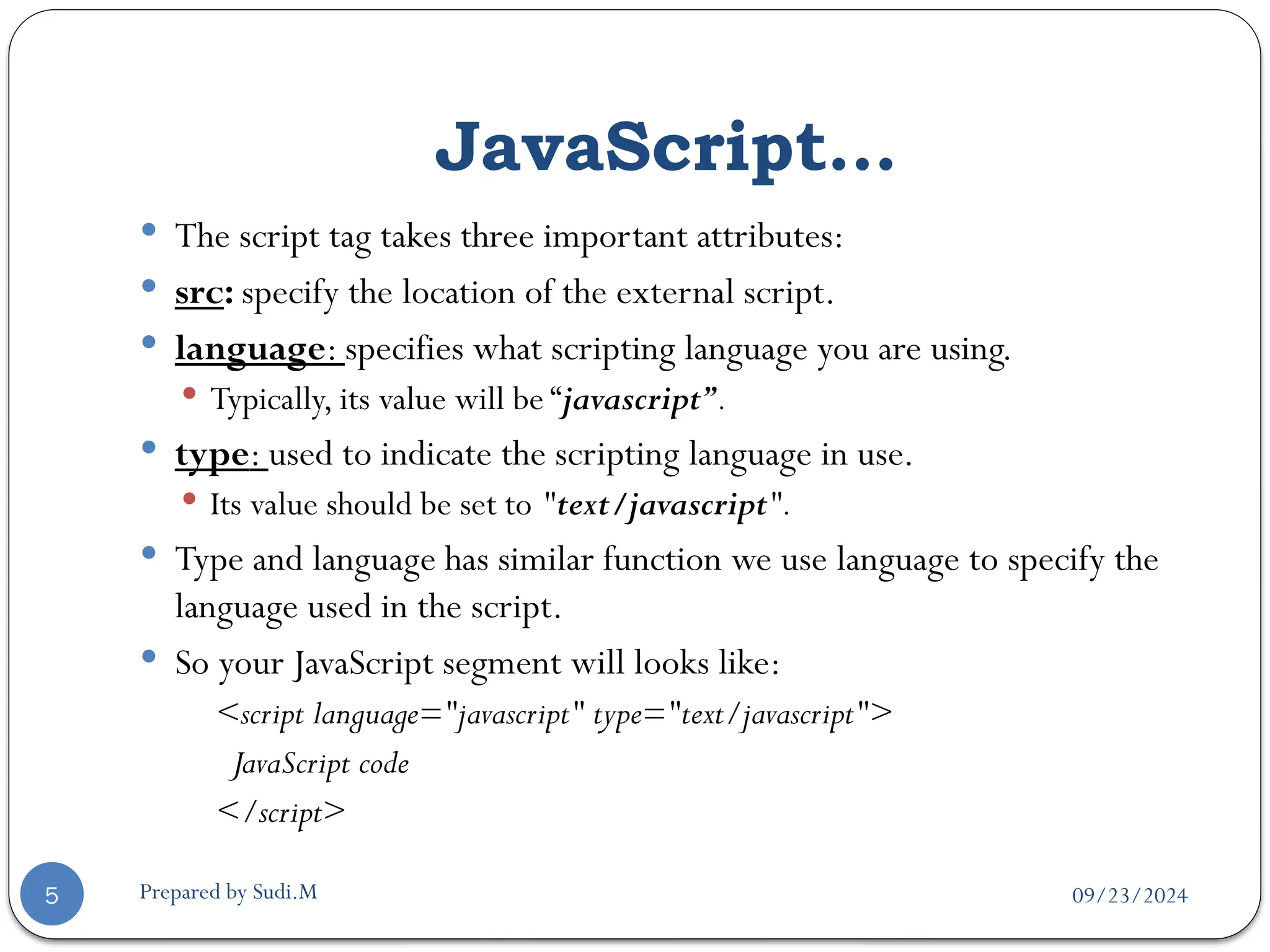
 The script tag takes three important attributes:
 src: specify the location of the external script.
 language: specifies what scripting language you are using.
 Typically, its value will be “javascript”.
 type: used to indicate the scripting language in use.
 Its value should be set to "text/javascript".
 Type and language has similar function we use language to specify the
language used in the script.
 So your JavaScript segment will looks like:
<script language="javascript" type="text/javascript">
JavaScript code
</script>
09/23/2024
Prepared by Sudi.M
Placing JavaScript in an HTML file
6
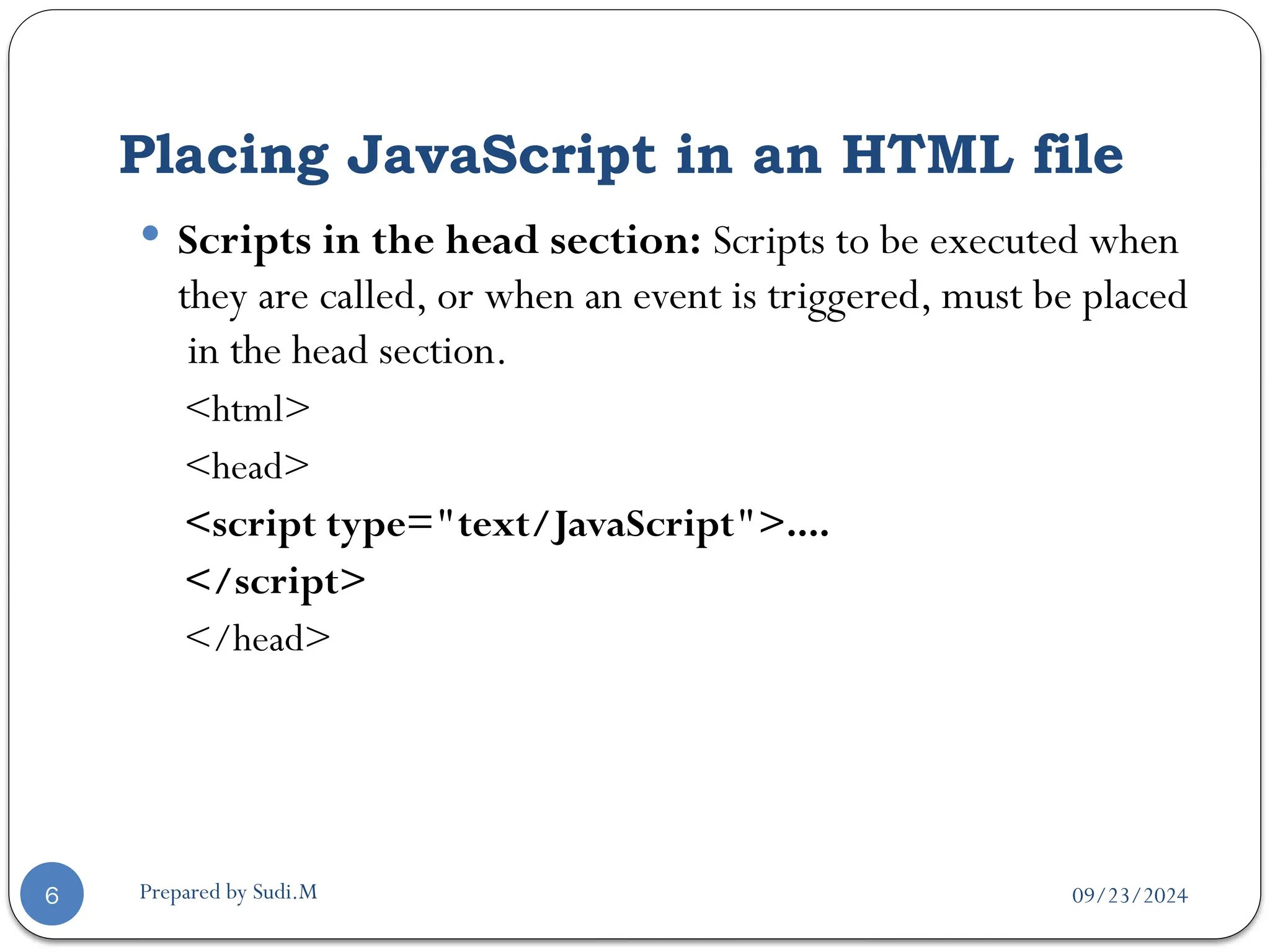
 Scripts in the head section: Scripts to be executed when
they are called, or when an event is triggered, must be placed
in the head section.
<html>
<head>
<script type="text/JavaScript">....
</script>
</head>
09/23/2024
Prepared by Sudi.M
Placing JavaScript in an HTML file
7
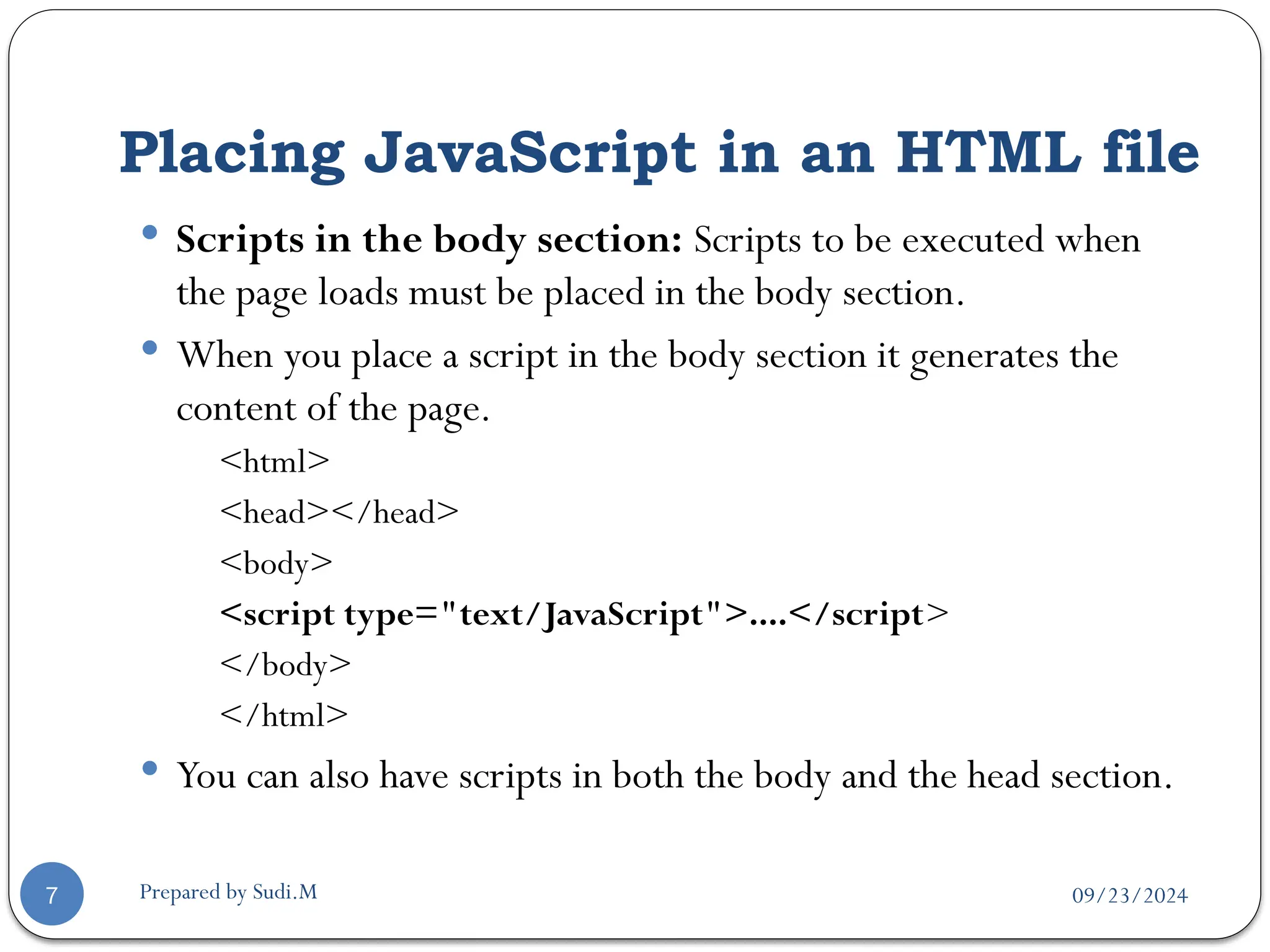
 Scripts in the body section: Scripts to be executed when
the page loads must be placed in the body section.
 When you place a script in the body section it generates the
content of the page.
<html>
<head></head>
<body>
<script type="text/JavaScript">....</script>
</body>
</html>
 You can also have scripts in both the body and the head section.
09/23/2024
Prepared by Sudi.M
Using an External JavaScript
8
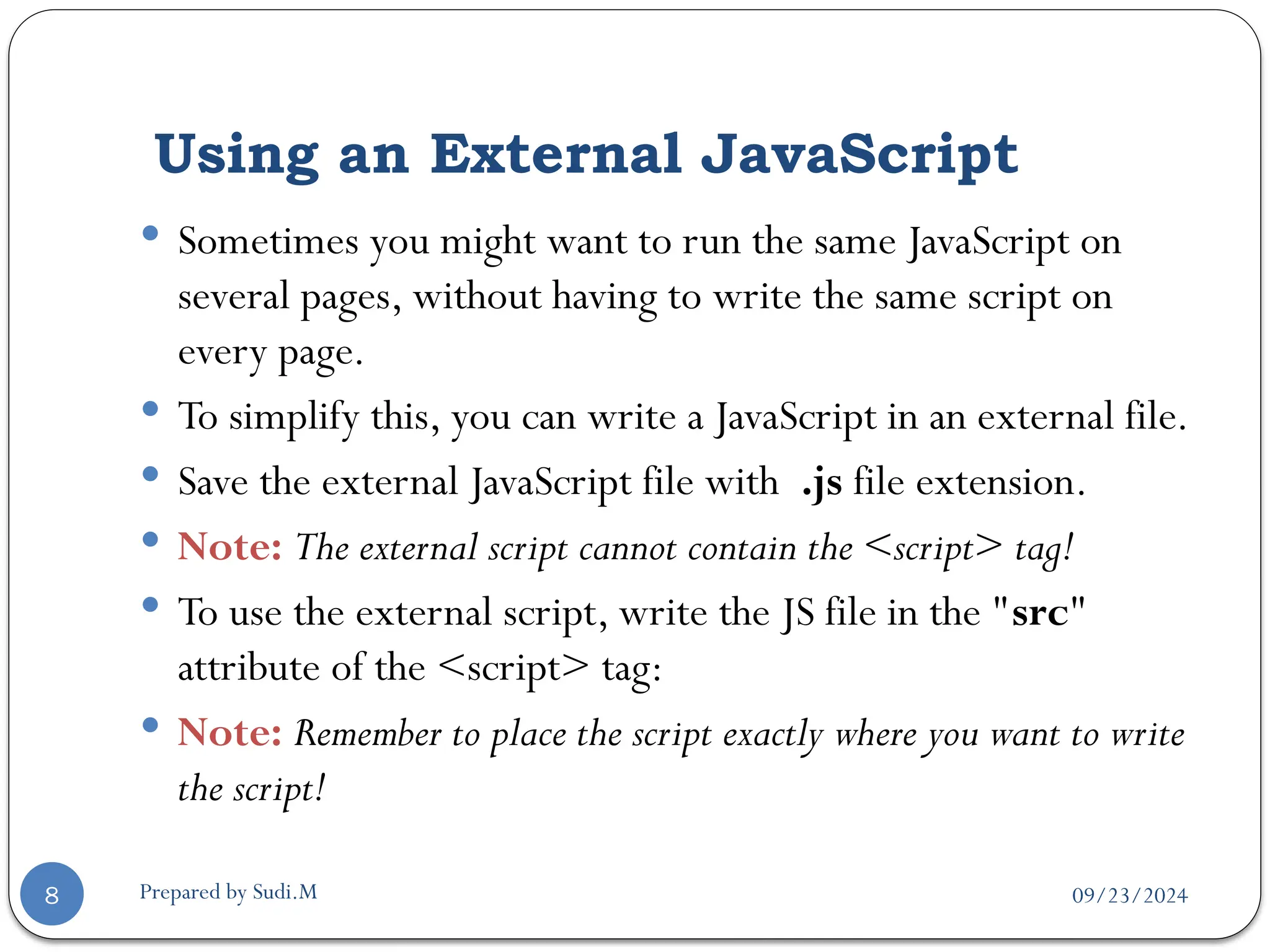
 Sometimes you might want to run the same JavaScript on
several pages, without having to write the same script on
every page.
 To simplify this, you can write a JavaScript in an external file.
 Save the external JavaScript file with .js file extension.
 Note: The external script cannot contain the <script> tag!
 To use the external script, write the JS file in the "src"
attribute of the <script> tag:
 Note: Remember to place the script exactly where you want to write
the script!
09/23/2024
Prepared by Sudi.M
A Simple Script
9
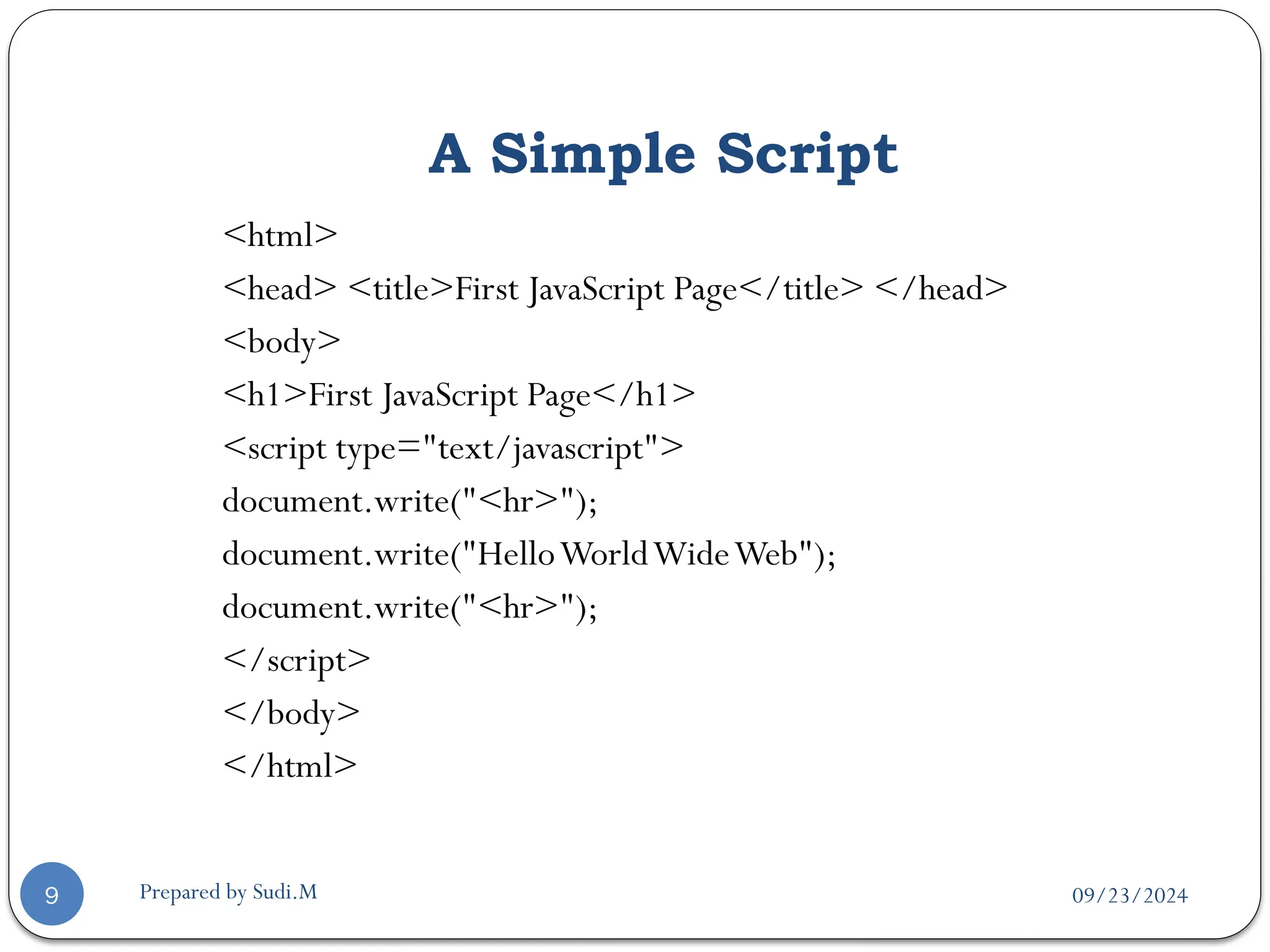
<html>
<head> <title>First JavaScript Page</title> </head>
<body>
<h1>First JavaScript Page</h1>
<script type="text/javascript">
document.write("<hr>");
document.write("HelloWorldWideWeb");
document.write("<hr>");
</script>
</body>
</html>
09/23/2024
Prepared by Sudi.M
Comment
10
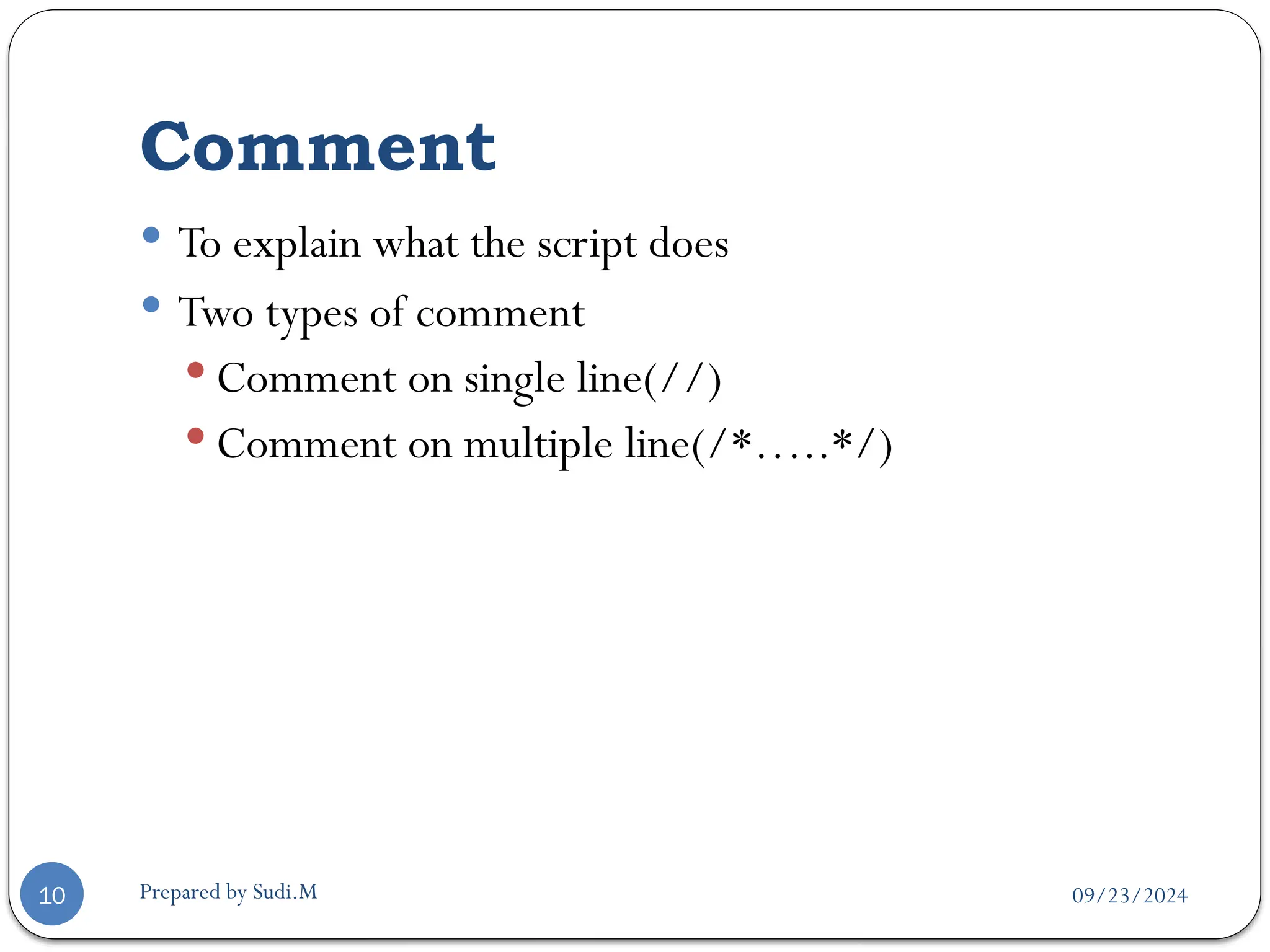
 To explain what the script does
 Two types of comment
 Comment on single line(//)
 Comment on multiple line(/*…..*/)
09/23/2024
Prepared by Sudi.M
Using the alert() Method
11
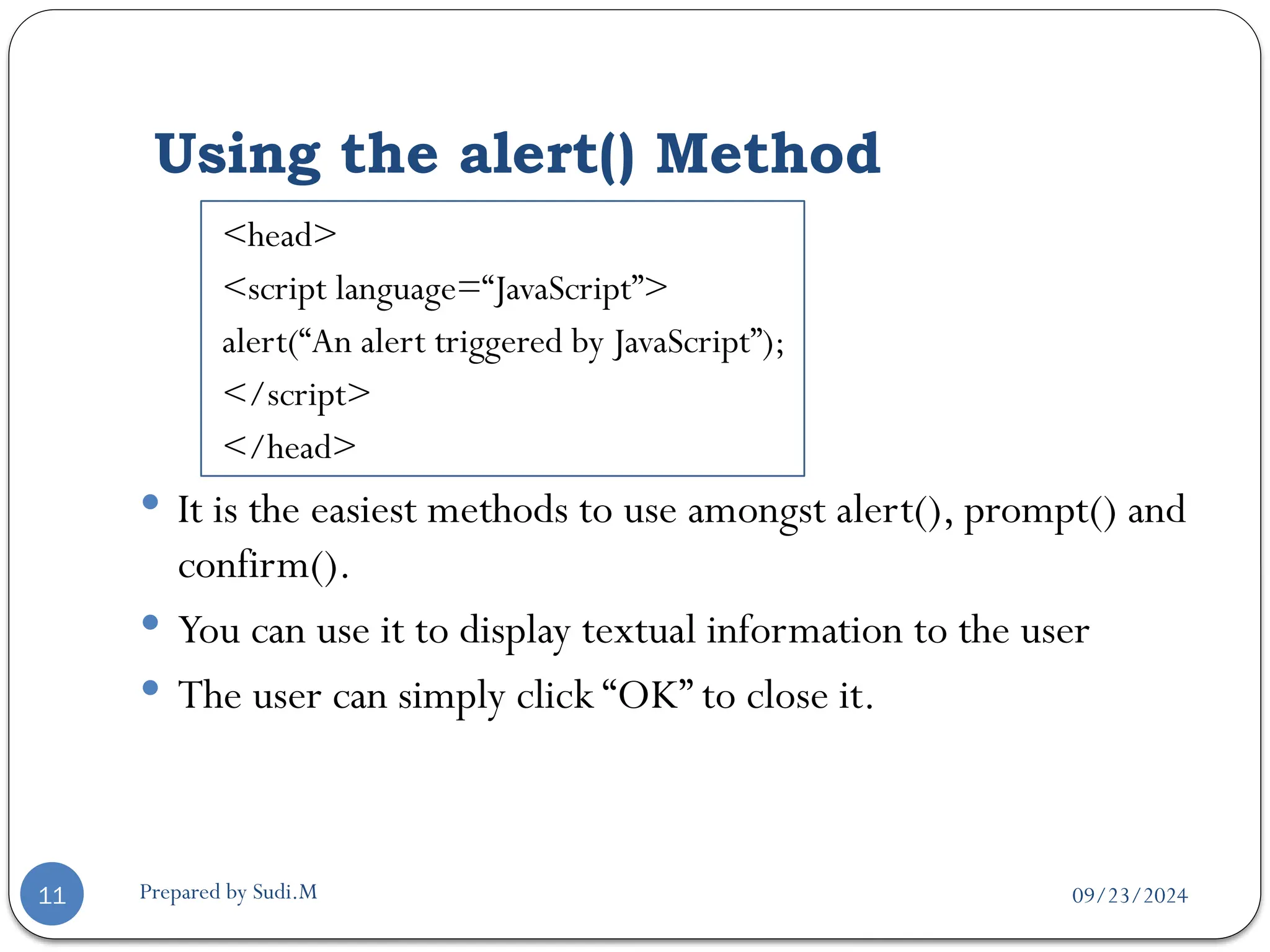
<head>
<script language=“JavaScript”>
alert(“An alert triggered by JavaScript”);
</script>
</head>
 It is the easiest methods to use amongst alert(), prompt() and
confirm().
 You can use it to display textual information to the user
 The user can simply click “OK” to close it.
09/23/2024
Prepared by Sudi.M
Using the confirm() Method
12
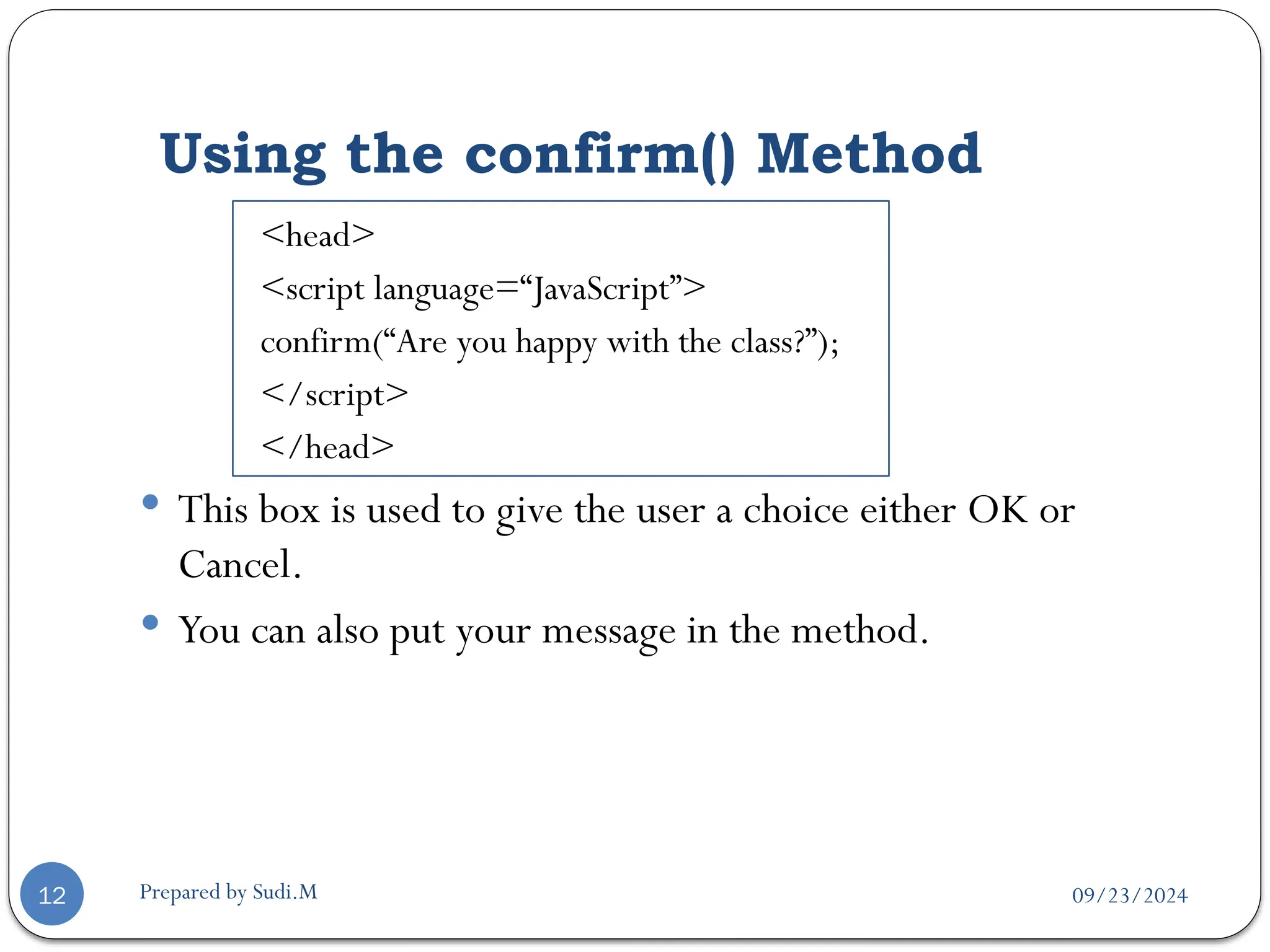
<head>
<script language=“JavaScript”>
confirm(“Are you happy with the class?”);
</script>
</head>
 This box is used to give the user a choice either OK or
Cancel.
 You can also put your message in the method.
09/23/2024
Prepared by Sudi.M
Using the alert() Method
13
<head>
<script language=“JavaScript”>
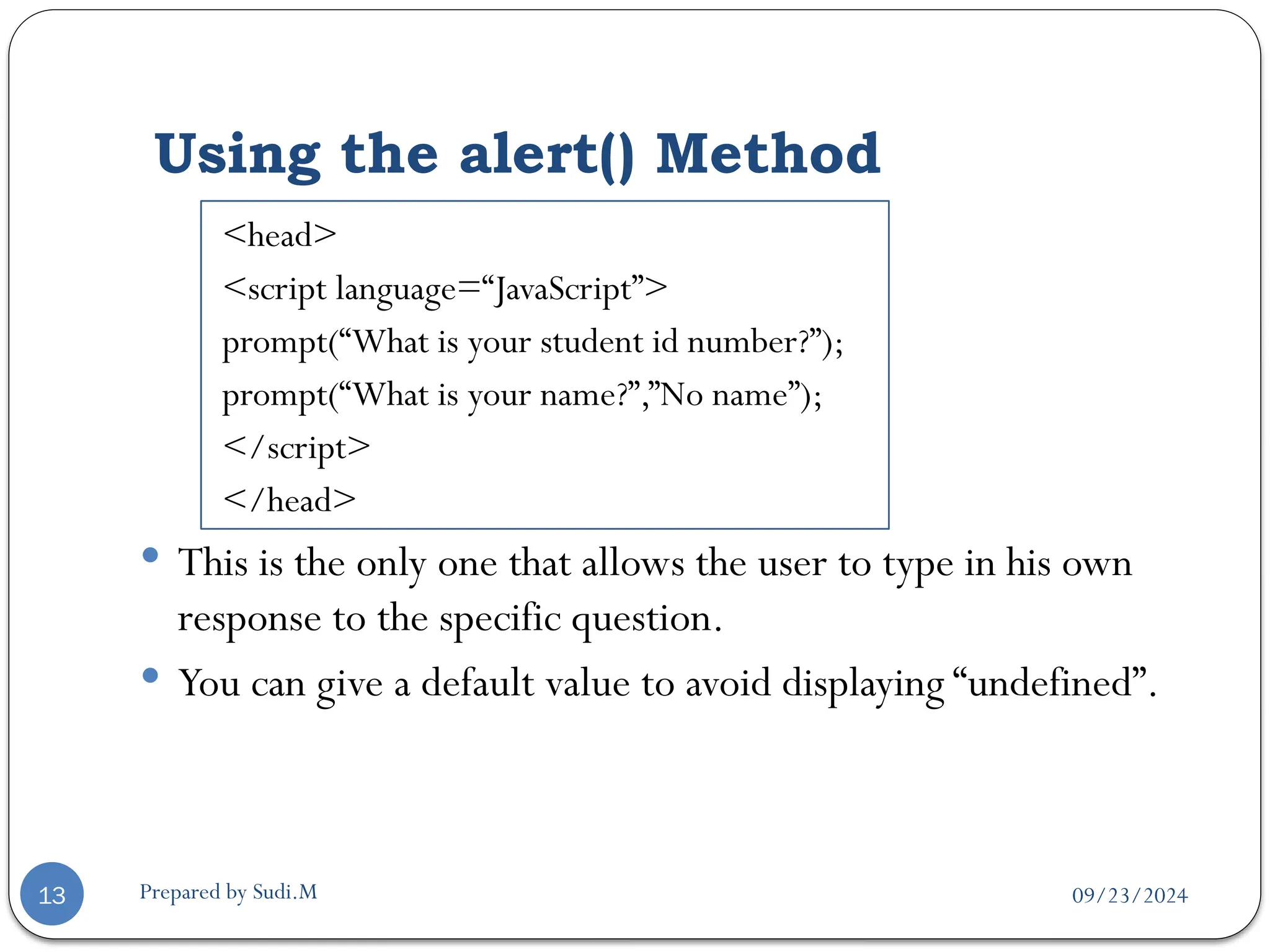
prompt(“What is your student id number?”);
prompt(“What is your name?”,”No name”);
</script>
</head>
 This is the only one that allows the user to type in his own
response to the specific question.
 You can give a default value to avoid displaying “undefined”.
09/23/2024
Prepared by Sudi.M
Three methods
14
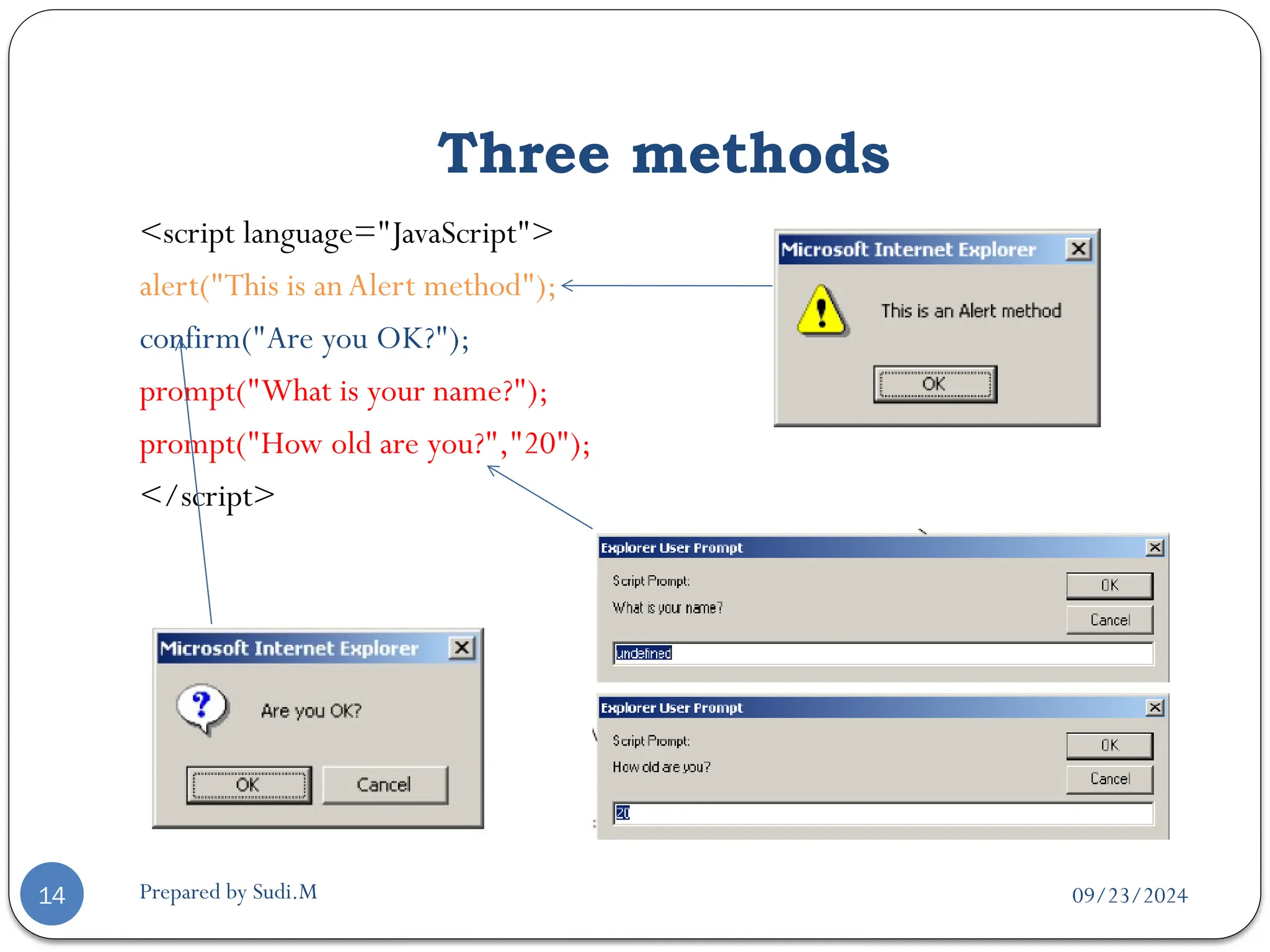
<script language="JavaScript">
alert("This is anAlert method");
confirm("Are you OK?");
prompt("What is your name?");
prompt("How old are you?","20");
</script>
09/23/2024
Prepared by Sudi.M
JavaScript Variables
15
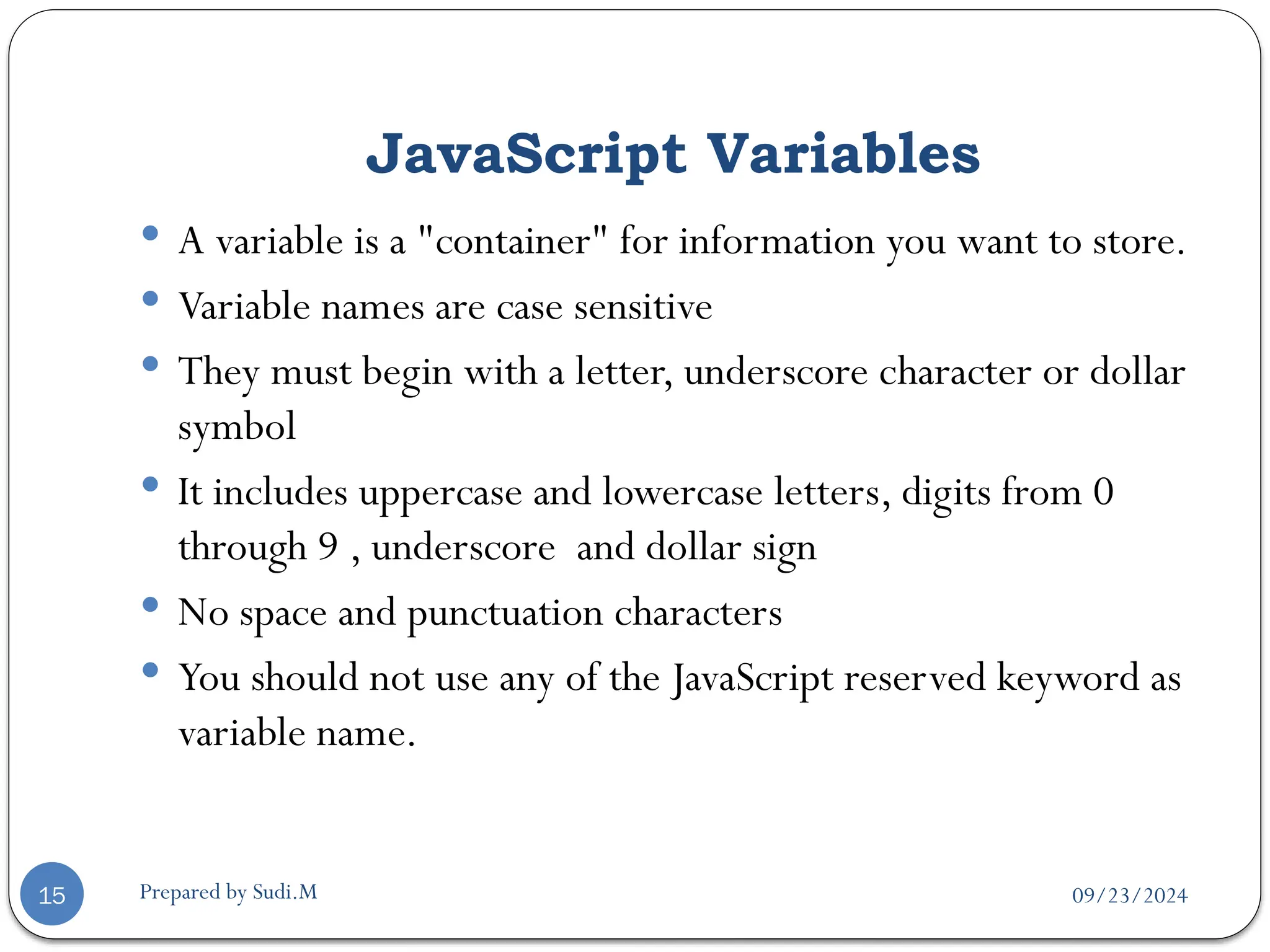
 A variable is a "container" for information you want to store.
 Variable names are case sensitive
 They must begin with a letter, underscore character or dollar
symbol
 It includes uppercase and lowercase letters, digits from 0
through 9 , underscore and dollar sign
 No space and punctuation characters
 You should not use any of the JavaScript reserved keyword as
variable name.
09/23/2024
Prepared by Sudi.M
JavaScript Variables…
16
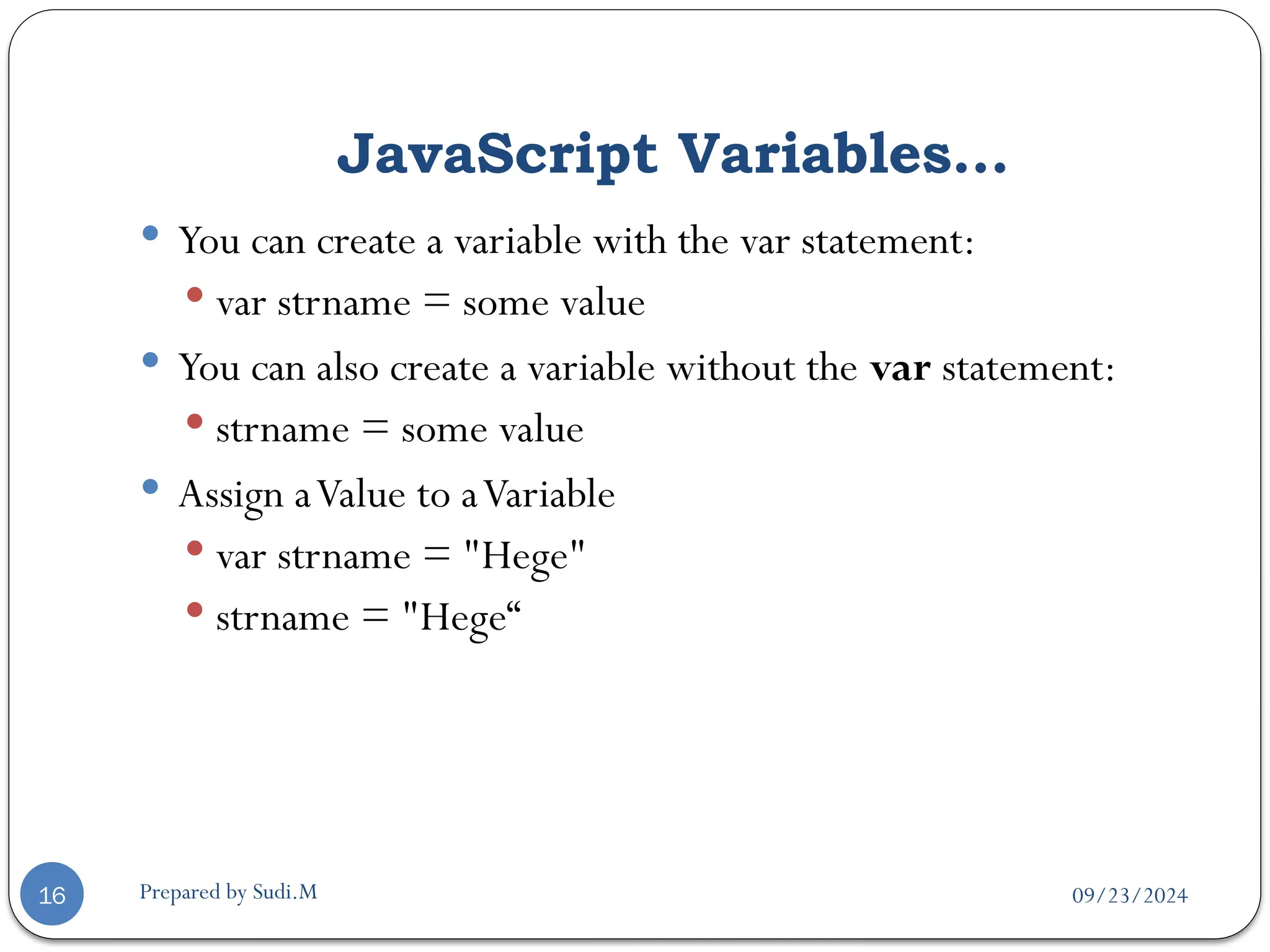
 You can create a variable with the var statement:
 var strname = some value
 You can also create a variable without the var statement:
 strname = some value
 Assign aValue to aVariable
 var strname = "Hege"
 strname = "Hege“
09/23/2024
Prepared by Sudi.M
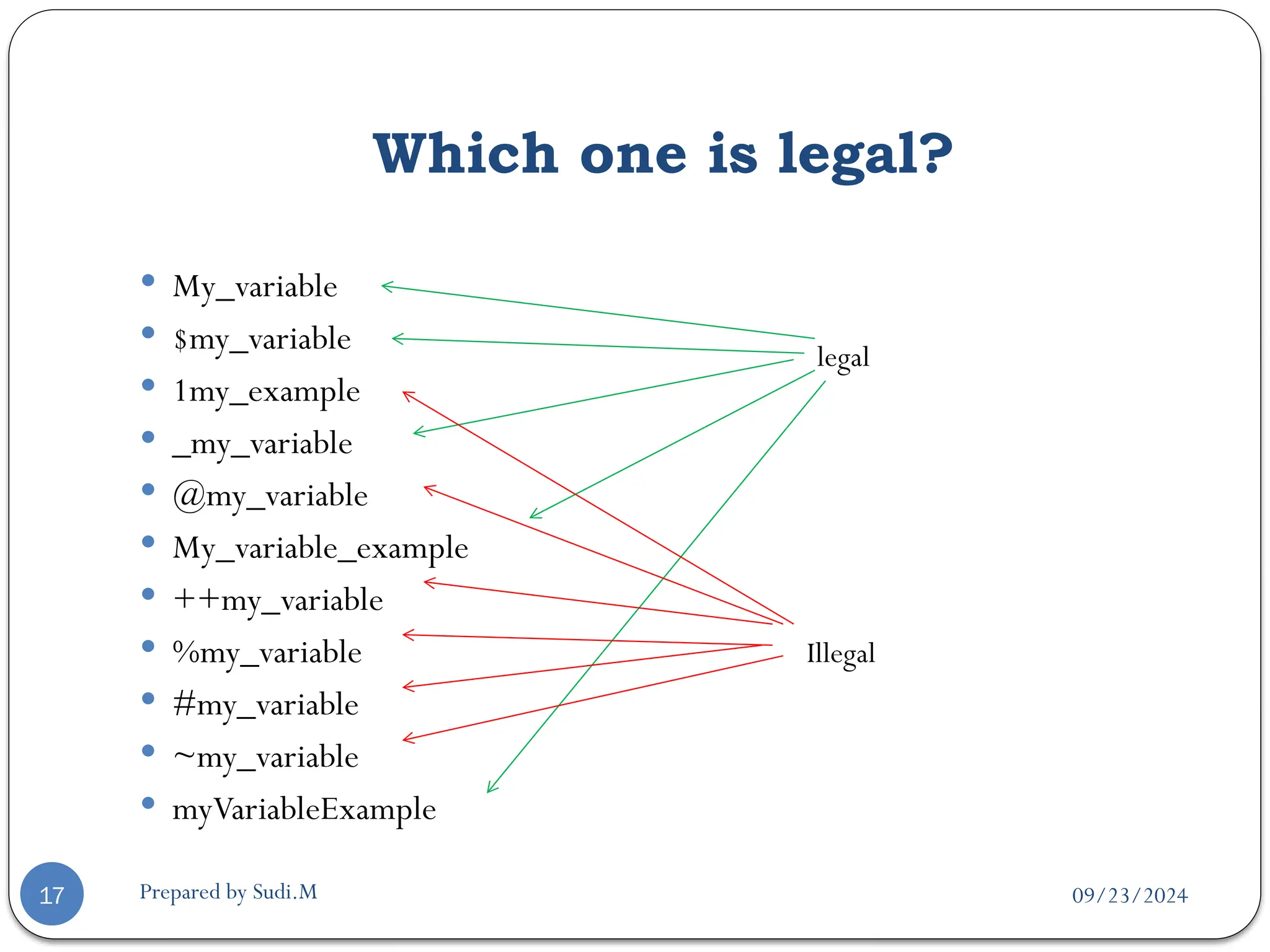
Which one is legal?
17
 My_variable
 $my_variable
 1my_example
 _my_variable
 @my_variable
 My_variable_example
 ++my_variable
 %my_variable
 #my_variable
 ~my_variable
 myVariableExample
legal
Illegal
09/23/2024
Prepared by Sudi.M
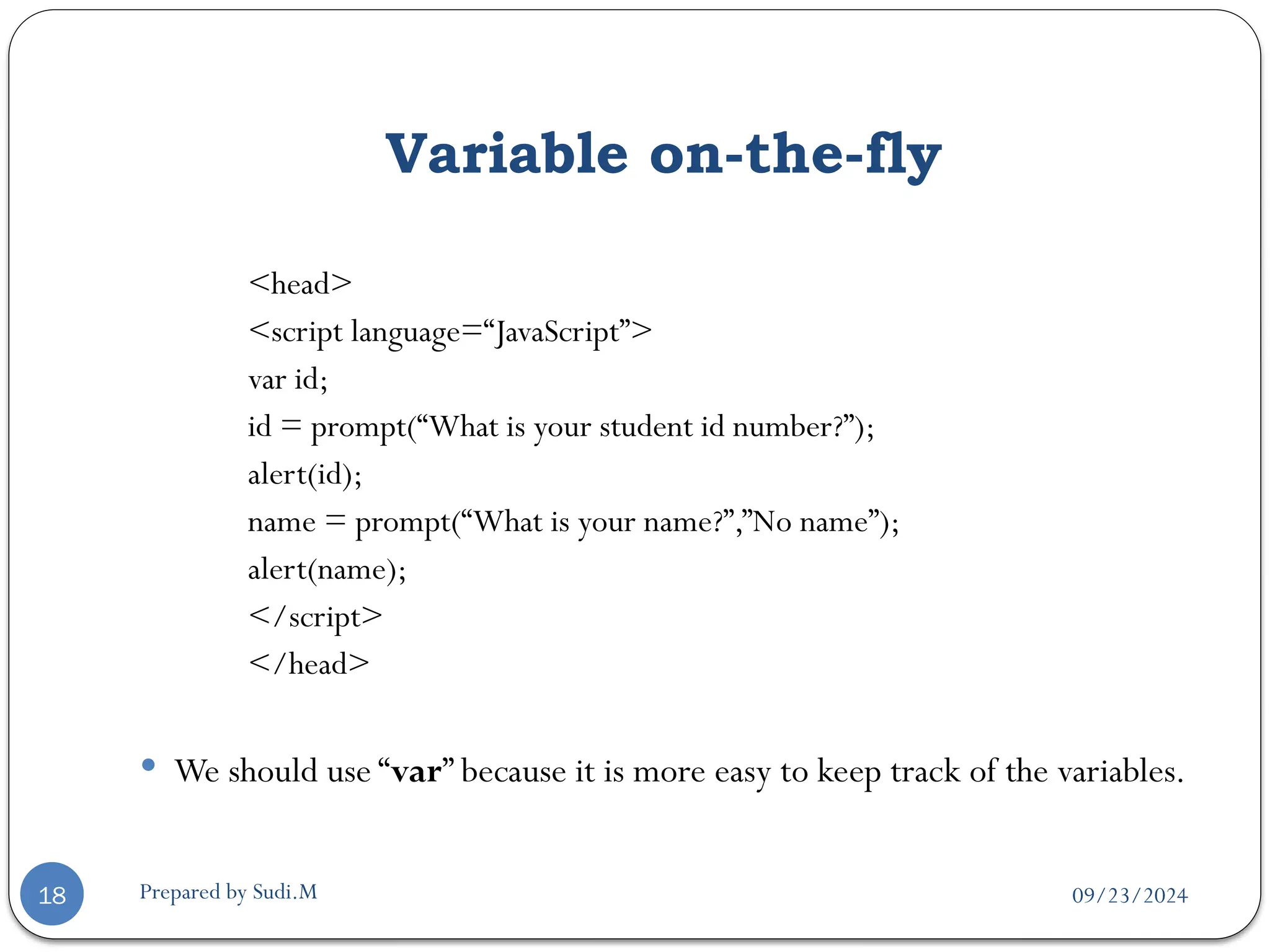
Variable on-the-fly
18
<head>
<script language=“JavaScript”>
var id;
id = prompt(“What is your student id number?”);
alert(id);
name = prompt(“What is your name?”,”No name”);
alert(name);
</script>
</head>
 We should use “var” because it is more easy to keep track of the variables.
09/23/2024
Prepared by Sudi.M
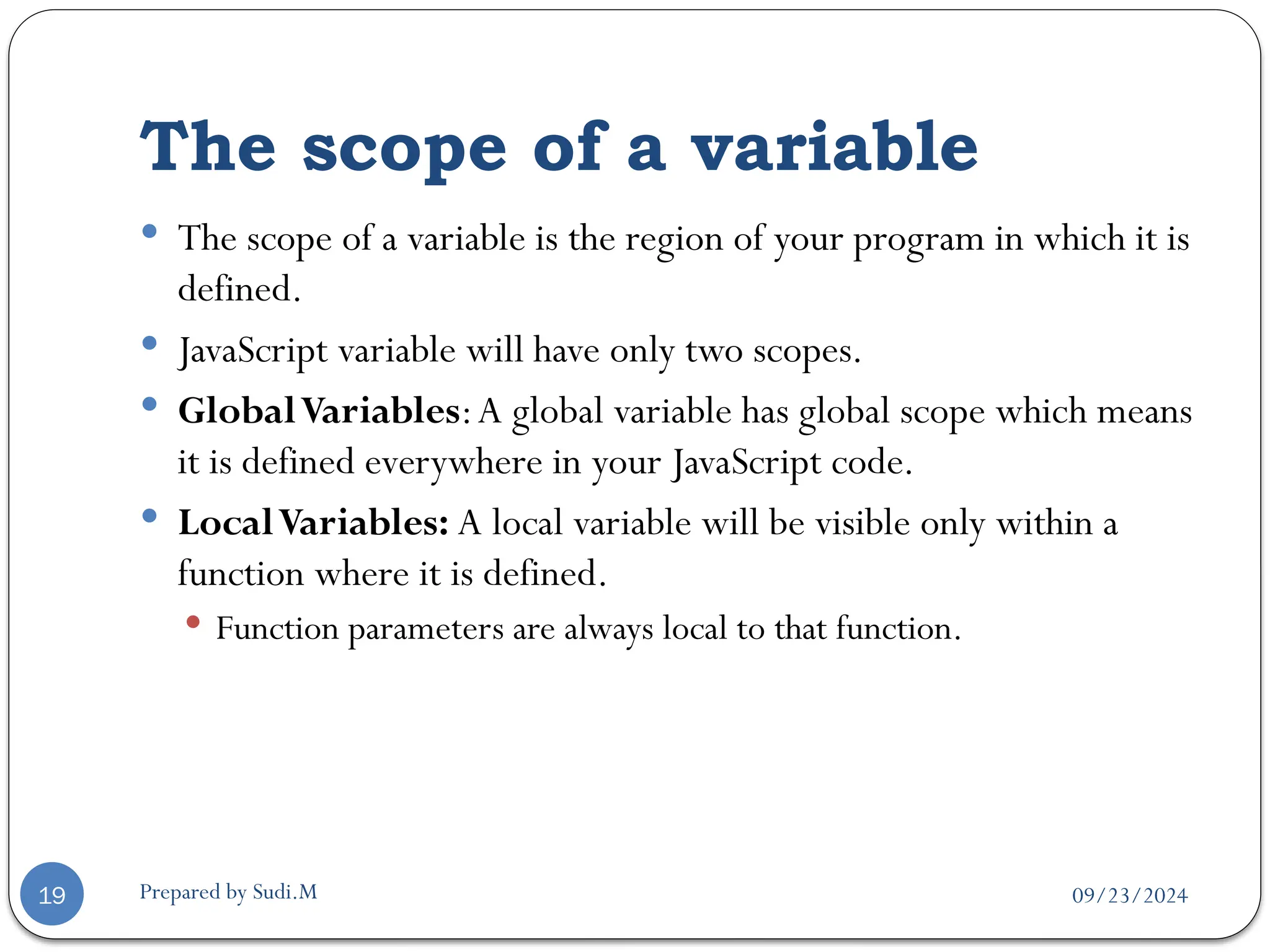
The scope of a variable
19
 The scope of a variable is the region of your program in which it is
defined.
 JavaScript variable will have only two scopes.
 GlobalVariables:A global variable has global scope which means
it is defined everywhere in your JavaScript code.
 LocalVariables: A local variable will be visible only within a
function where it is defined.
 Function parameters are always local to that function.
09/23/2024
Prepared by Sudi.M
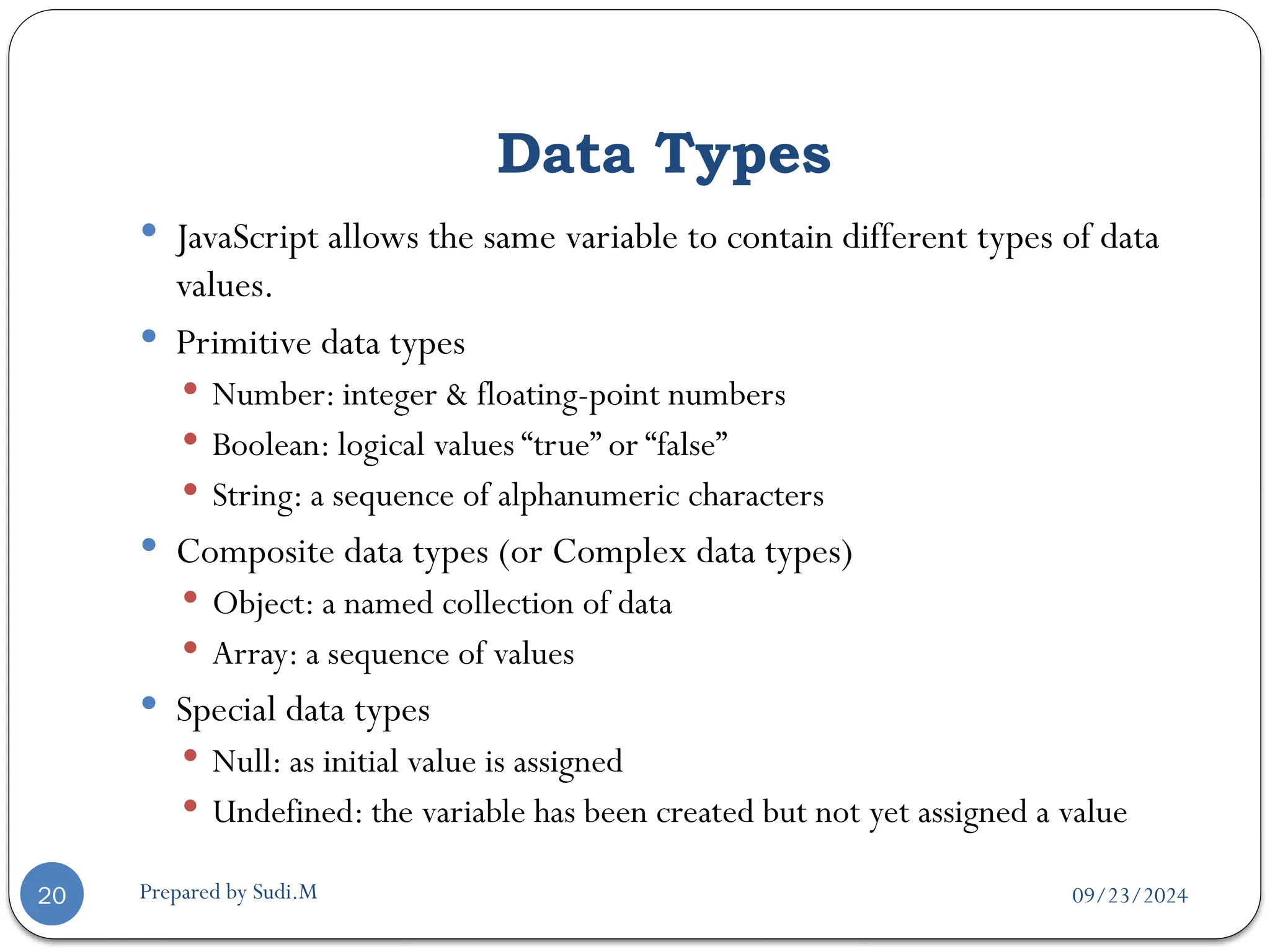
Data Types
20
 JavaScript allows the same variable to contain different types of data
values.
 Primitive data types
 Number: integer & floating-point numbers
 Boolean: logical values “true” or “false”
 String: a sequence of alphanumeric characters
 Composite data types (or Complex data types)
 Object: a named collection of data
 Array: a sequence of values
 Special data types
 Null: as initial value is assigned
 Undefined: the variable has been created but not yet assigned a value
09/23/2024
Prepared by Sudi.M
Numeric Data Types
21
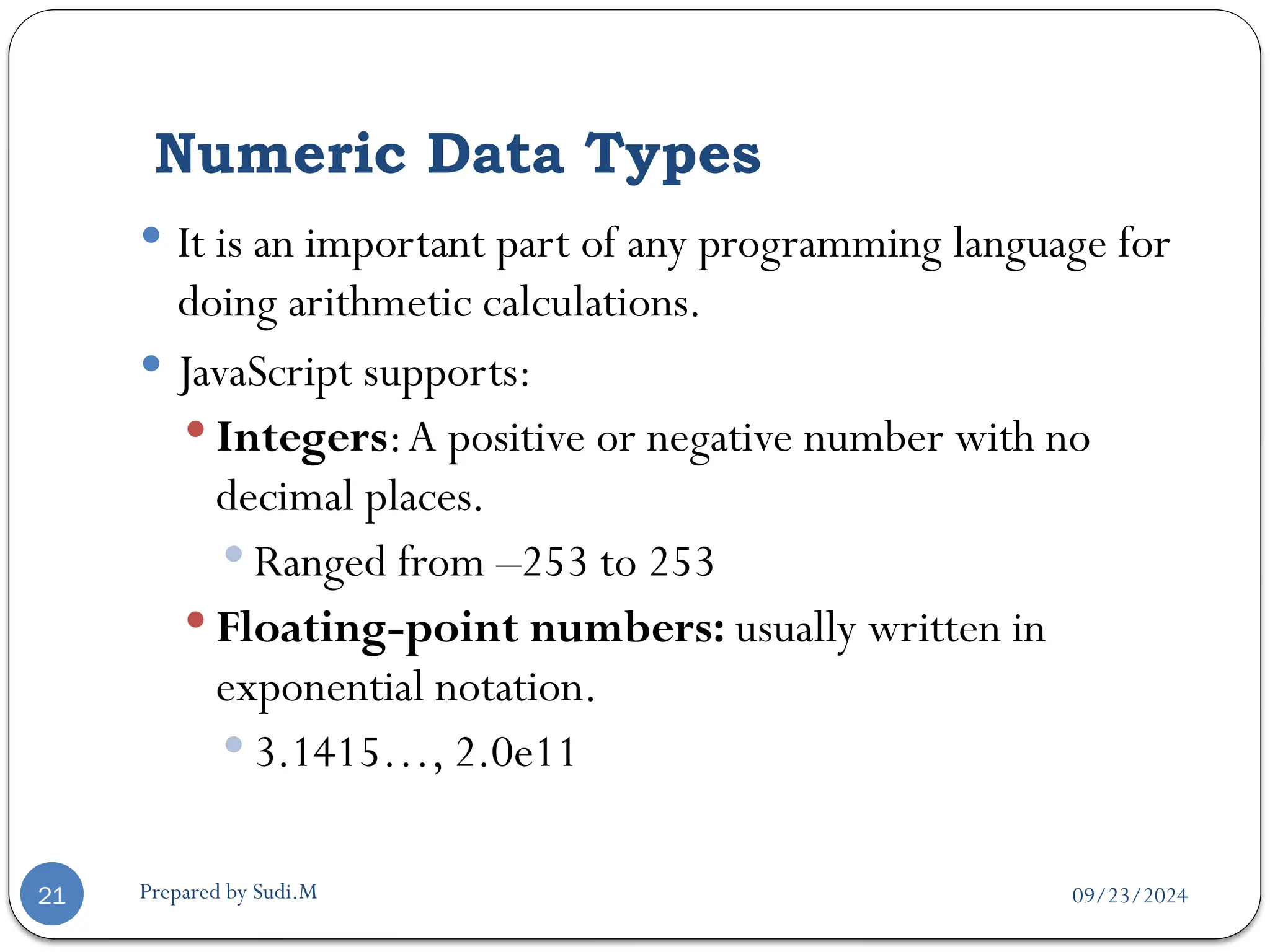
 It is an important part of any programming language for
doing arithmetic calculations.
 JavaScript supports:
 Integers:A positive or negative number with no
decimal places.
 Ranged from –253 to 253
 Floating-point numbers: usually written in
exponential notation.
 3.1415…, 2.0e11
09/23/2024
Prepared by Sudi.M
Integer and Floating-point number example
22
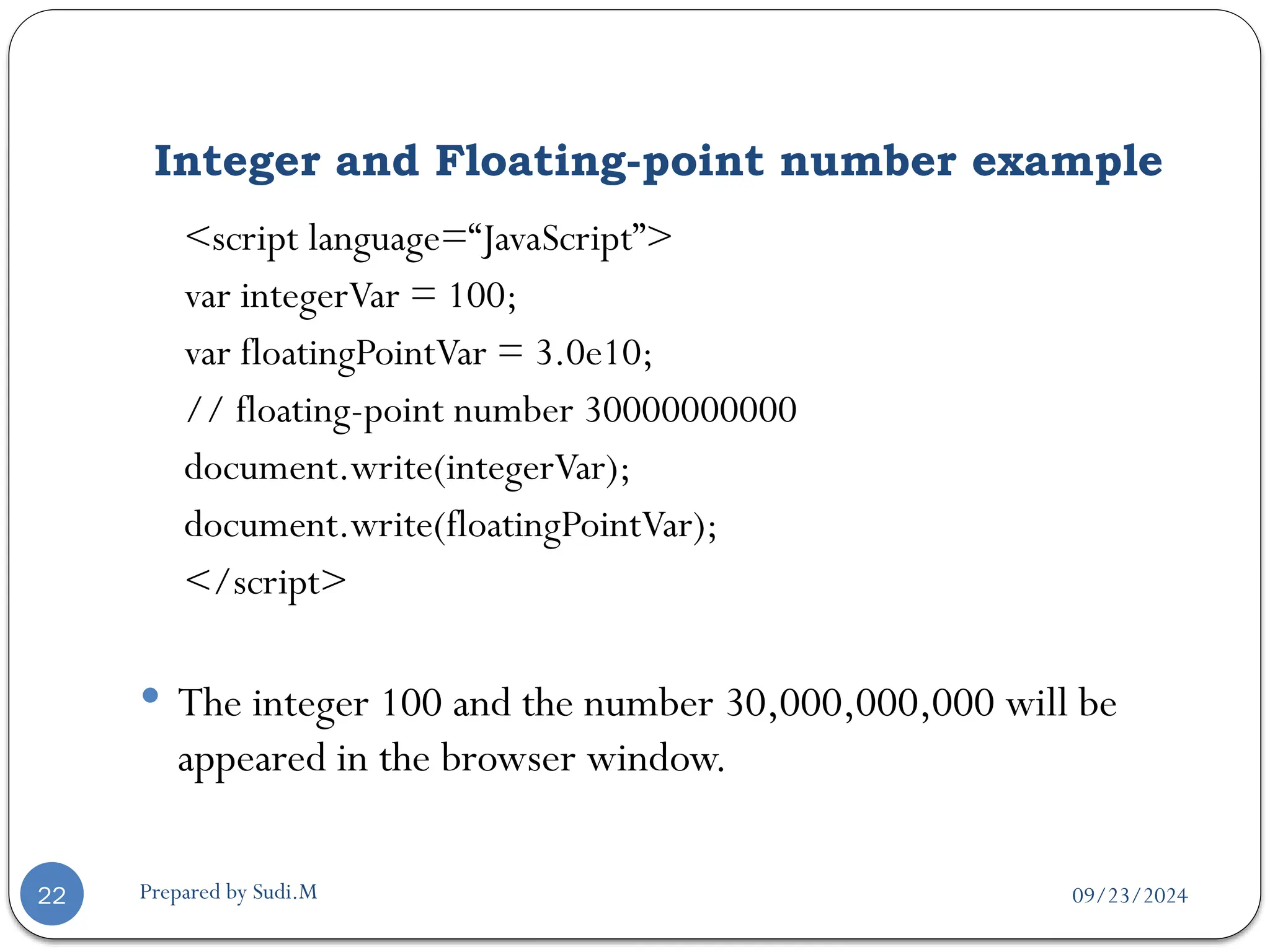
<script language=“JavaScript”>
var integerVar = 100;
var floatingPointVar = 3.0e10;
// floating-point number 30000000000
document.write(integerVar);
document.write(floatingPointVar);
</script>
 The integer 100 and the number 30,000,000,000 will be
appeared in the browser window.
09/23/2024
Prepared by Sudi.M
Boolean Values
23
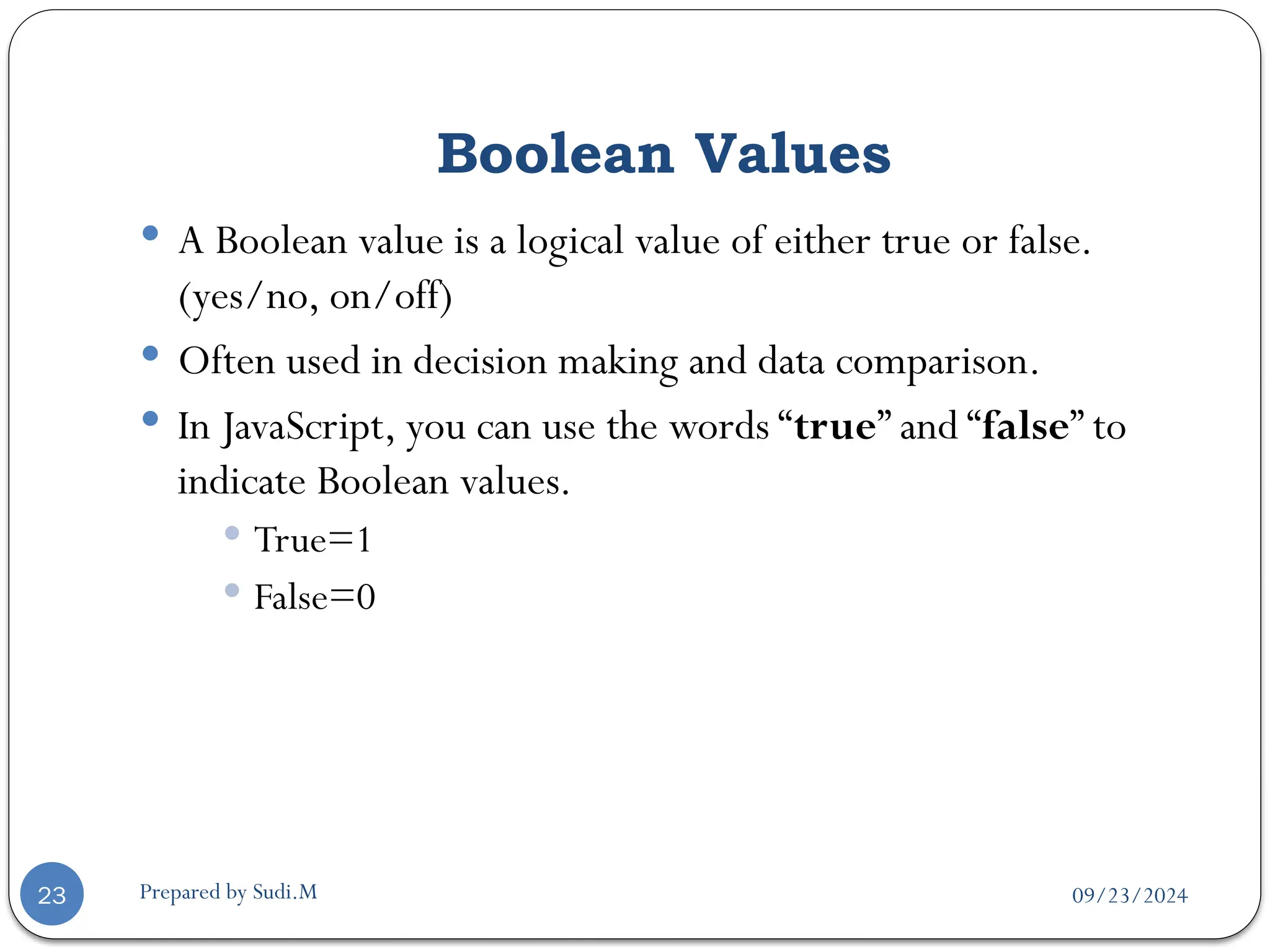
 A Boolean value is a logical value of either true or false.
(yes/no, on/off)
 Often used in decision making and data comparison.
 In JavaScript, you can use the words “true” and “false” to
indicate Boolean values.
 True=1
 False=0
09/23/2024
Prepared by Sudi.M
Boolean value example
24
<head>
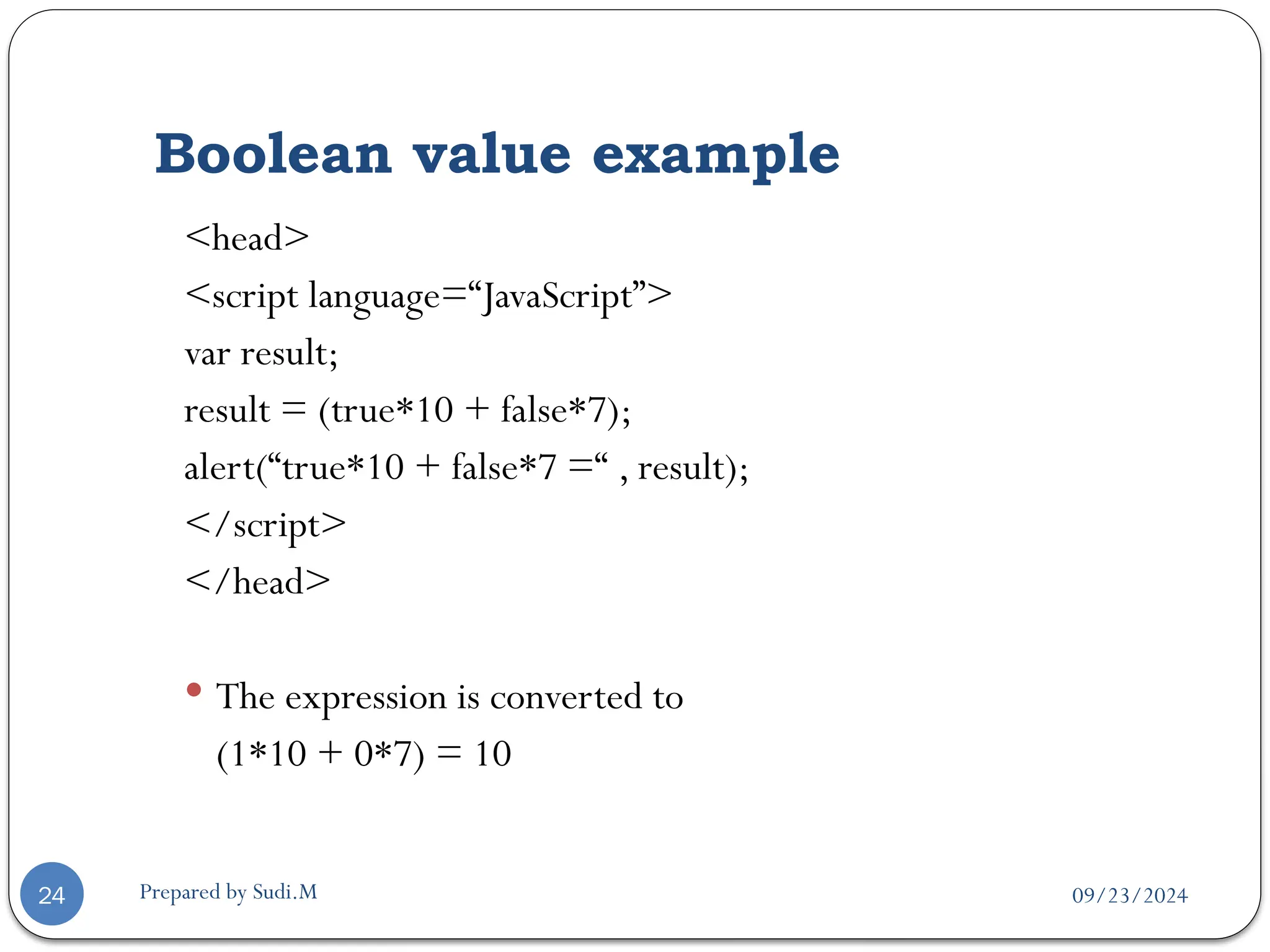
<script language=“JavaScript”>
var result;
result = (true*10 + false*7);
alert(“true*10 + false*7 =“ , result);
</script>
</head>
 The expression is converted to
(1*10 + 0*7) = 10
09/23/2024
Prepared by Sudi.M
Strings
25
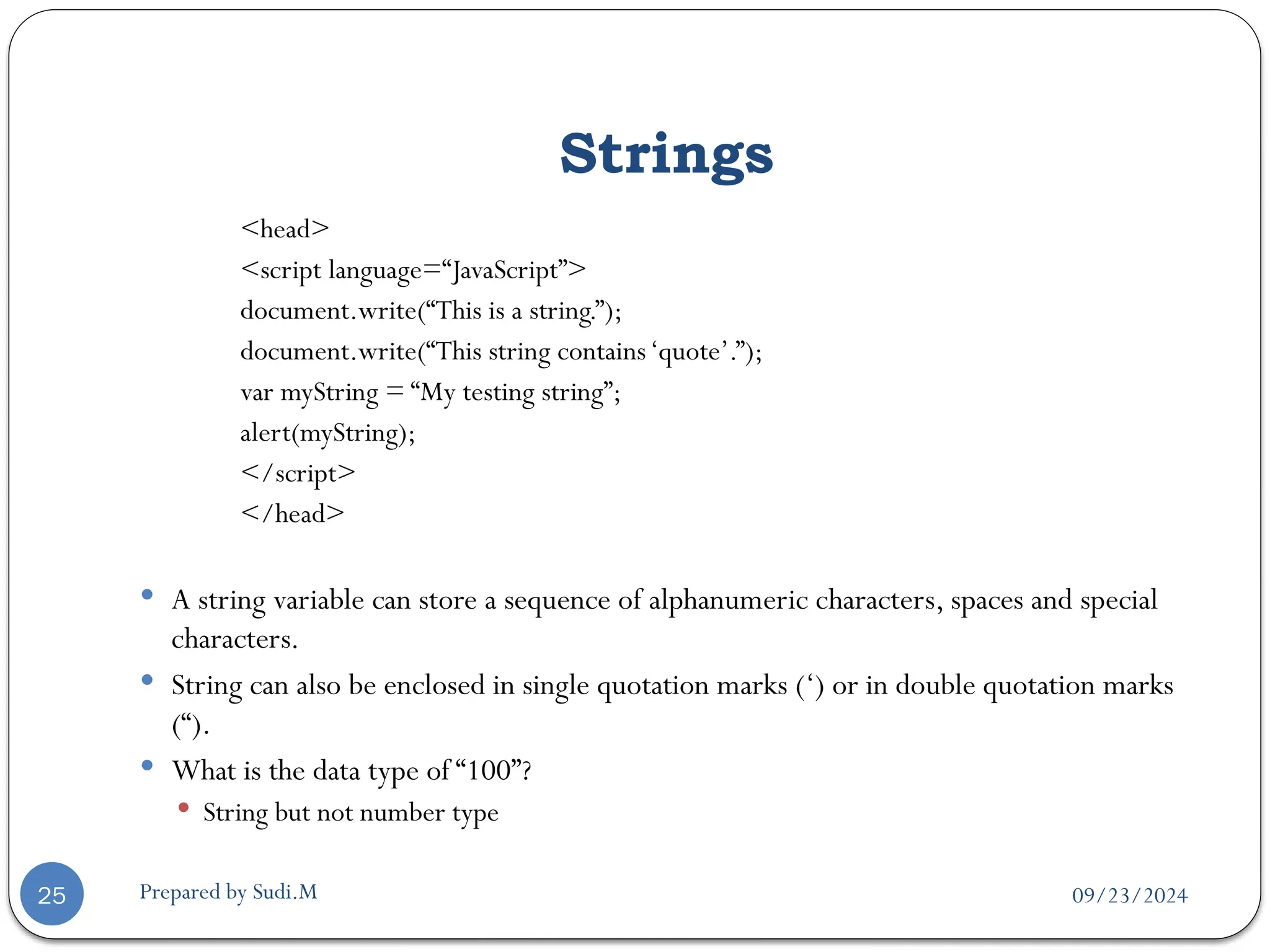
<head>
<script language=“JavaScript”>
document.write(“This is a string.”);
document.write(“This string contains‘quote’.”);
var myString = “My testing string”;
alert(myString);
</script>
</head>
 A string variable can store a sequence of alphanumeric characters, spaces and special
characters.
 String can also be enclosed in single quotation marks (‘) or in double quotation marks
(“).
 What is the data type of “100”?
 String but not number type
09/23/2024
Prepared by Sudi.M
type of operator
26
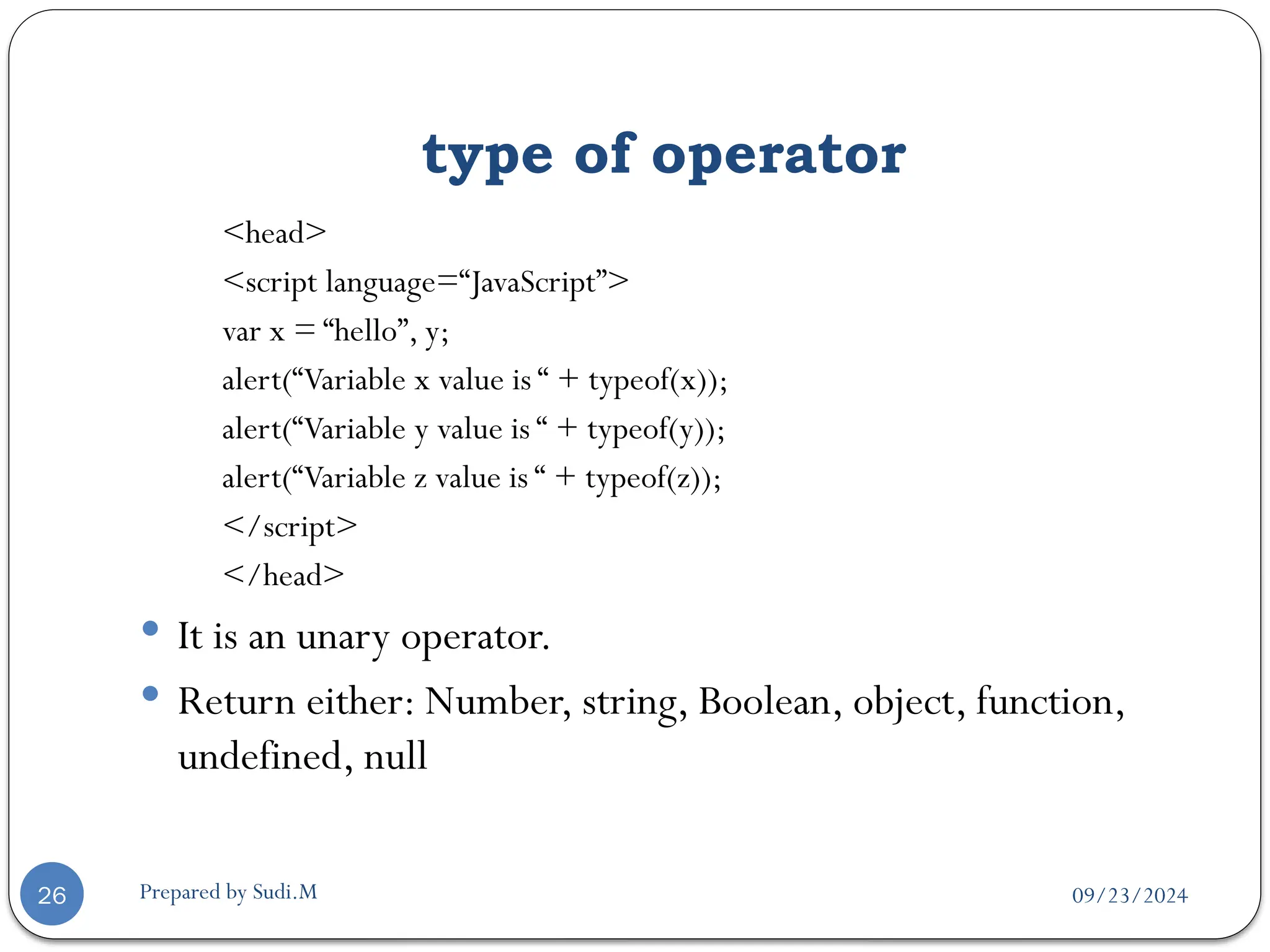
<head>
<script language=“JavaScript”>
var x = “hello”, y;
alert(“Variable x value is “ + typeof(x));
alert(“Variable y value is “ + typeof(y));
alert(“Variable z value is “ + typeof(z));
</script>
</head>
 It is an unary operator.
 Return either: Number, string, Boolean, object, function,
undefined, null
09/23/2024
Prepared by Sudi.M
What is an Object?
27
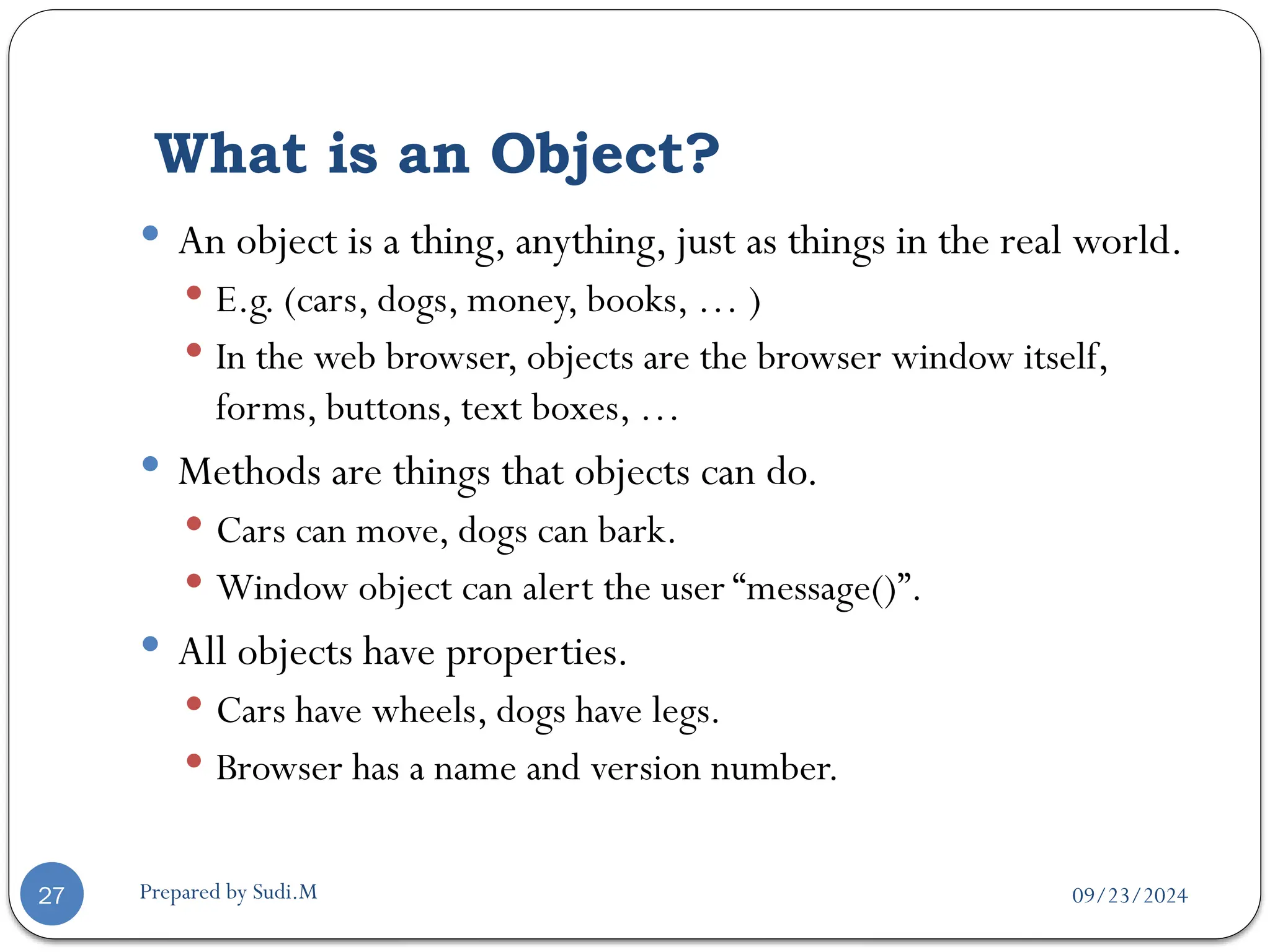
 An object is a thing, anything, just as things in the real world.
 E.g. (cars, dogs, money, books, … )
 In the web browser, objects are the browser window itself,
forms, buttons, text boxes, …
 Methods are things that objects can do.
 Cars can move, dogs can bark.
 Window object can alert the user “message()”.
 All objects have properties.
 Cars have wheels, dogs have legs.
 Browser has a name and version number.
09/23/2024
Prepared by Sudi.M
Array
28
 An Array contains a set of data represented by a single
variable name.
 Arrays in JavaScript are represented by the Array Object,
we need to “new Array()” to construct this object.
 The first element of the array is “Array[0]” until the last one
Array[n-1].
 E.g. myArray = new Array(5)
 We have myArray[0,1,2,3,4].
09/23/2024
Prepared by Sudi.M
Array Example
29
<script language=“JavaScript”>
Car = newArray(3);
Car[0] = “Ford”;
Car[1] = “Toyota”;
Car[2] = “Honda”;
document.write(Car[0] + “<br>”);
document.write(Car[1] + “<br>”);
document.write(Car[2] + “<br>”);
</script>
 You can also declare arrays with variable length.
 arrayName = newArray();
09/23/2024
Prepared by Sudi.M
Null & Undefined
30
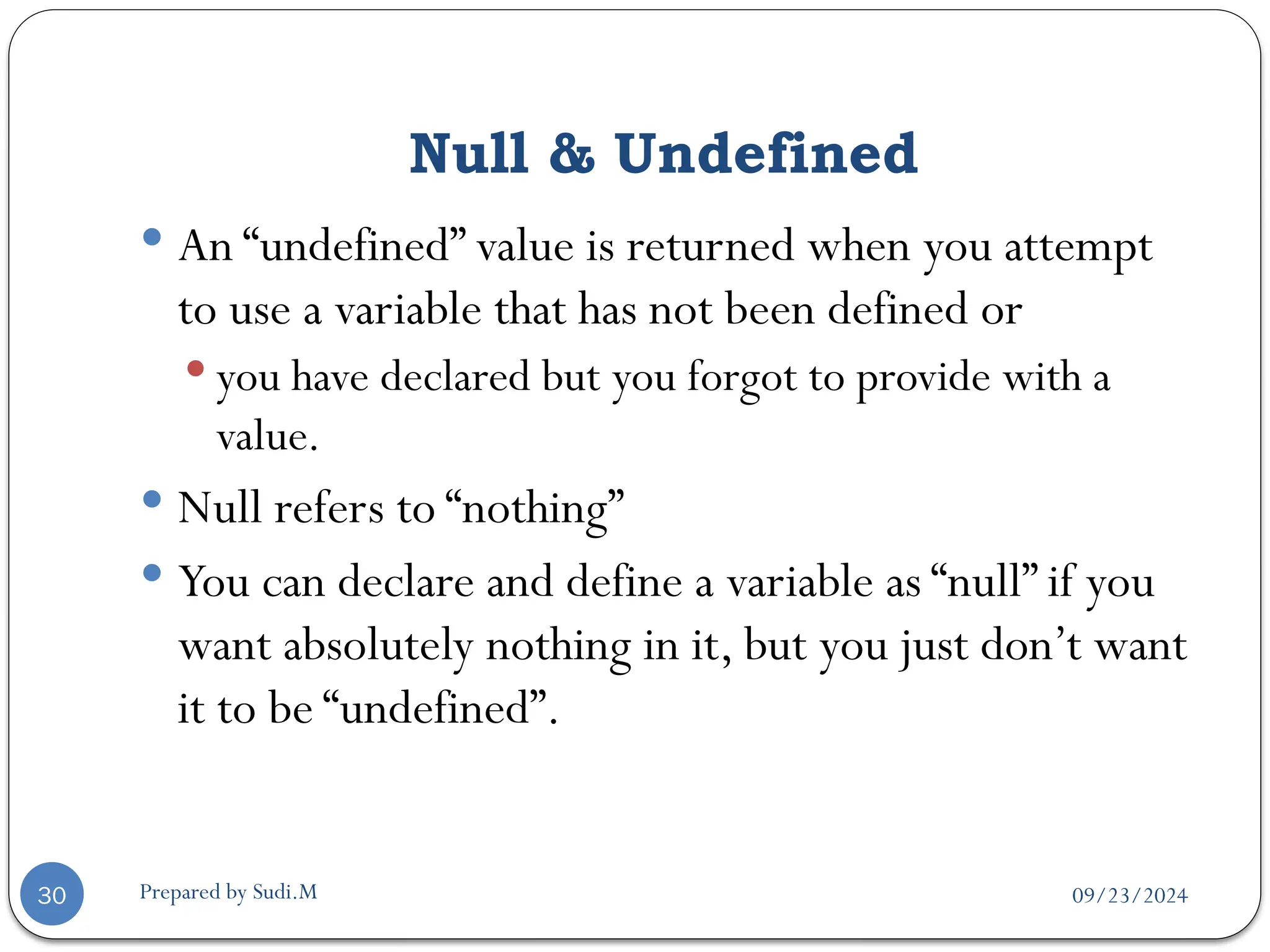
 An “undefined” value is returned when you attempt
to use a variable that has not been defined or
 you have declared but you forgot to provide with a
value.
 Null refers to “nothing”
 You can declare and define a variable as “null” if you
want absolutely nothing in it, but you just don’t want
it to be “undefined”.
09/23/2024
Prepared by Sudi.M
Null & Undefined example
31
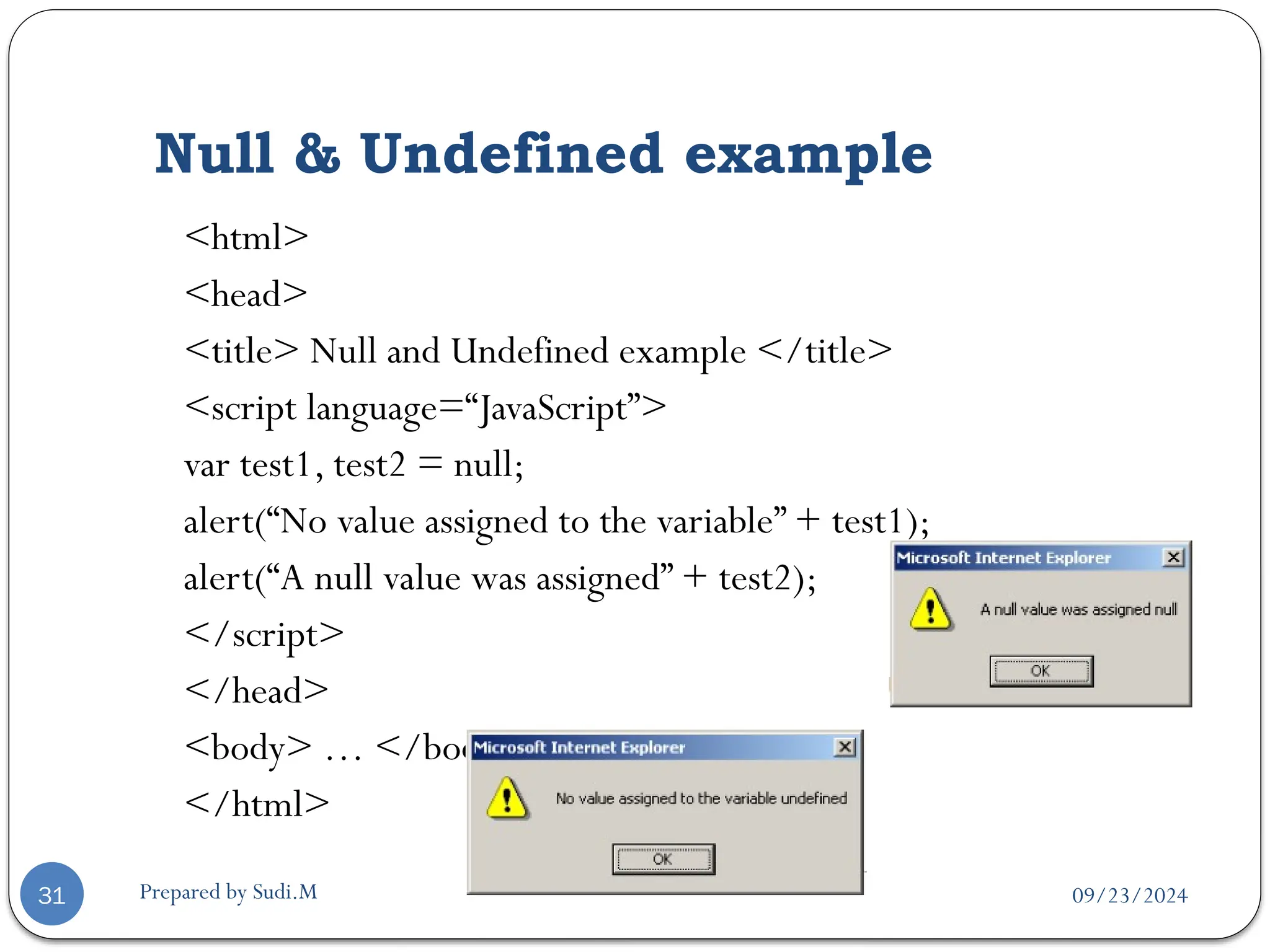
<html>
<head>
<title> Null and Undefined example </title>
<script language=“JavaScript”>
var test1, test2 = null;
alert(“No value assigned to the variable” + test1);
alert(“A null value was assigned” + test2);
</script>
</head>
<body> … </body>
</html>
09/23/2024
Prepared by Sudi.M
Expressions
32
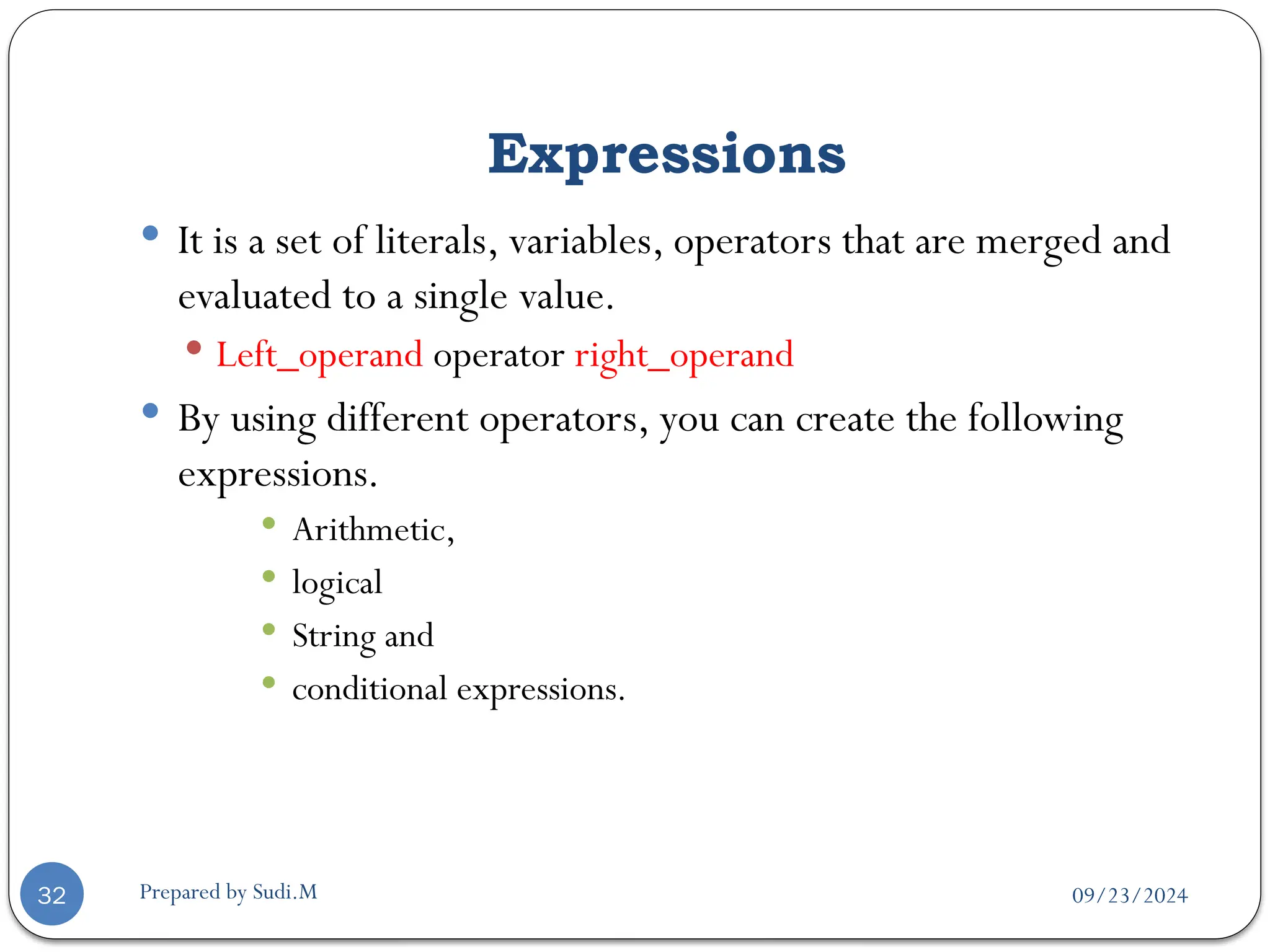
 It is a set of literals, variables, operators that are merged and
evaluated to a single value.
 Left_operand operator right_operand
 By using different operators, you can create the following
expressions.
 Arithmetic,
 logical
 String and
 conditional expressions.
09/23/2024
Prepared by Sudi.M
Operators
33
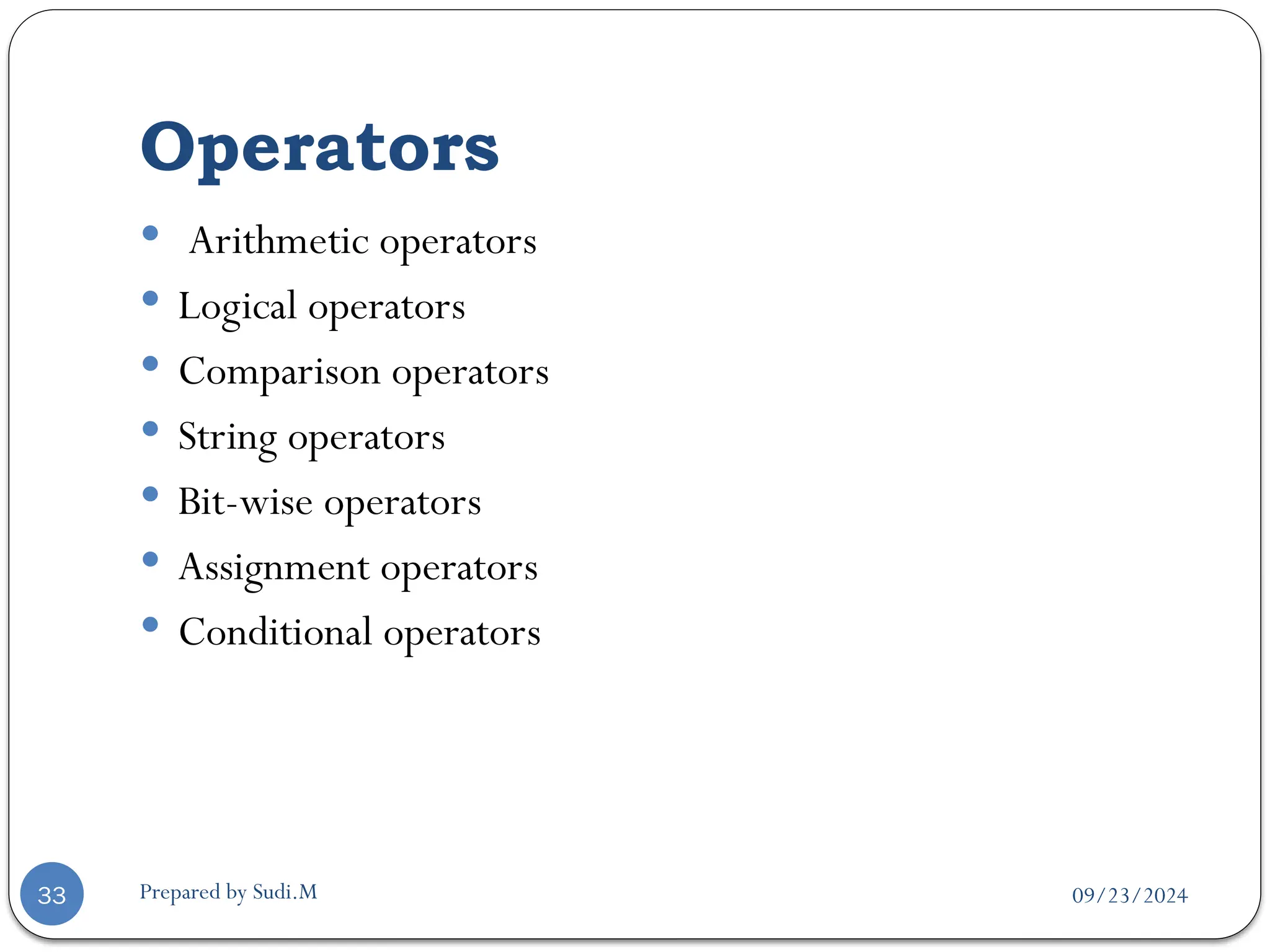
 Arithmetic operators
 Logical operators
 Comparison operators
 String operators
 Bit-wise operators
 Assignment operators
 Conditional operators
09/23/2024
Prepared by Sudi.M
Arithmetic operators
34
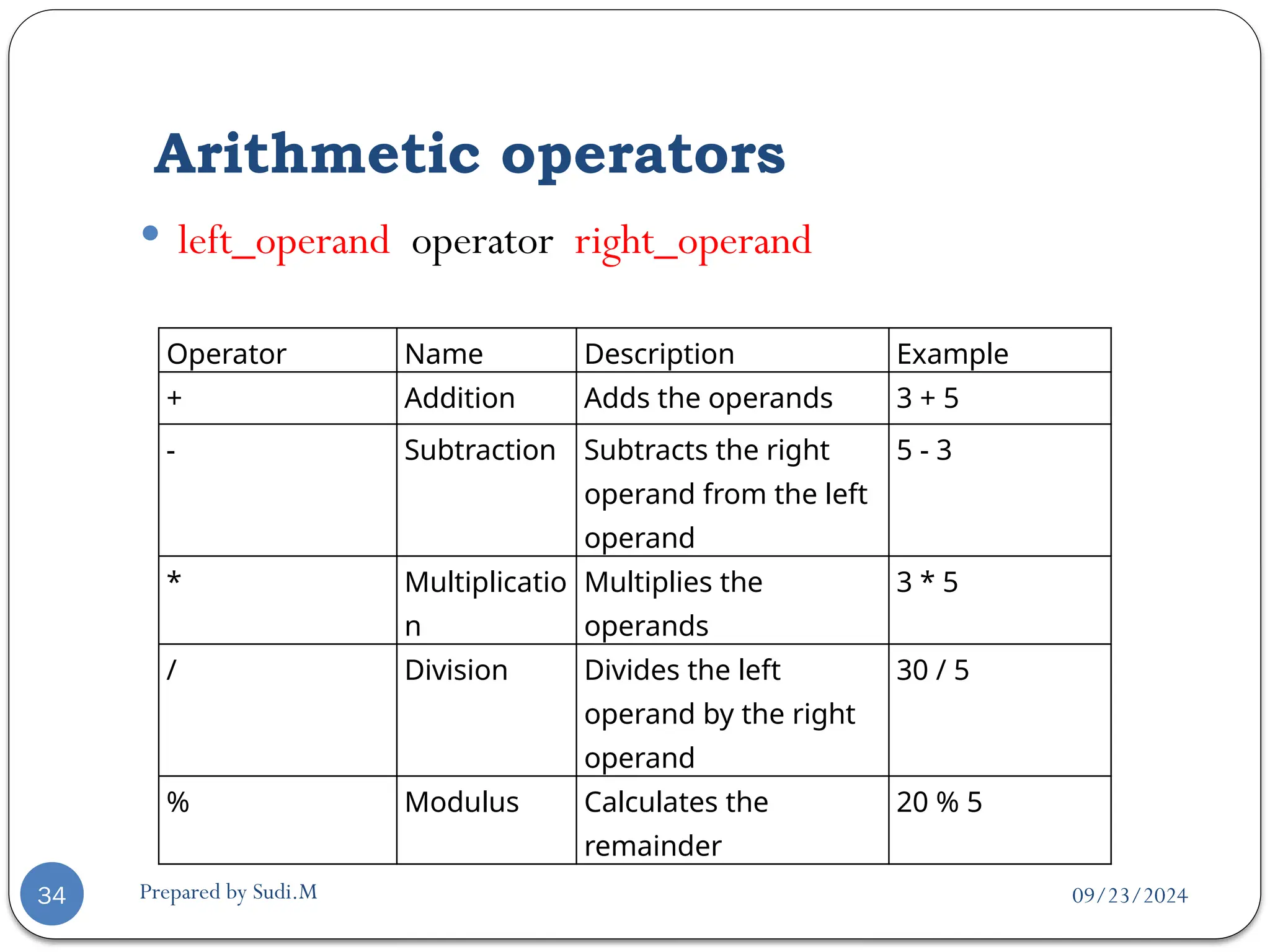
 left_operand operator right_operand
Operator Name Description Example
+ Addition Adds the operands 3 + 5
- Subtraction Subtracts the right
operand from the left
operand
5 - 3
* Multiplicatio
n
Multiplies the
operands
3 * 5
/ Division Divides the left
operand by the right
operand
30 / 5
% Modulus Calculates the
remainder
20 % 5
09/23/2024
Prepared by Sudi.M
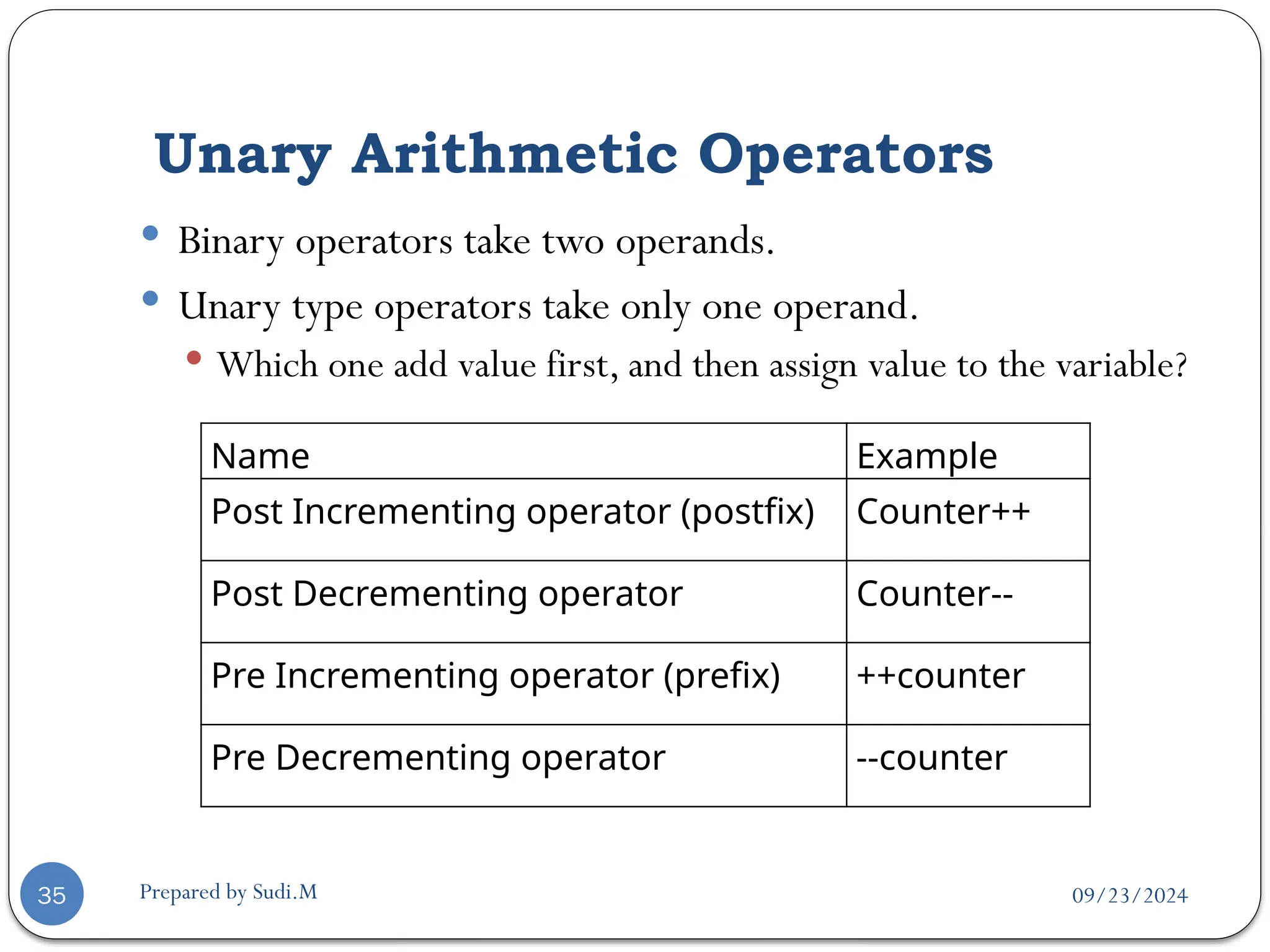
Unary Arithmetic Operators
35
 Binary operators take two operands.
 Unary type operators take only one operand.
 Which one add value first, and then assign value to the variable?
Name Example
Post Incrementing operator (postfix) Counter++
Post Decrementing operator Counter--
Pre Incrementing operator (prefix) ++counter
Pre Decrementing operator --counter
09/23/2024
Prepared by Sudi.M
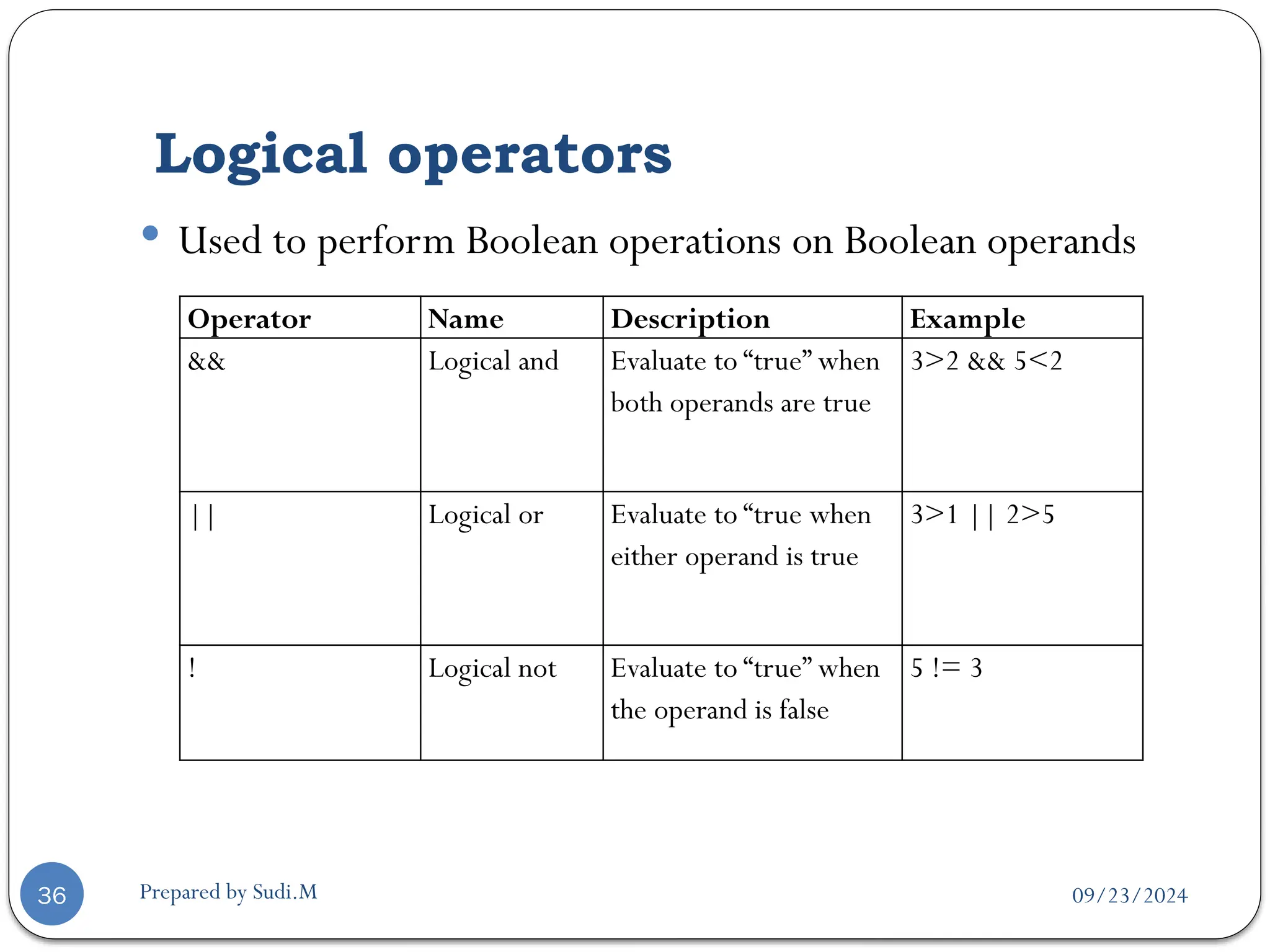
Logical operators
36
 Used to perform Boolean operations on Boolean operands
Operator Name Description Example
&& Logical and Evaluate to “true” when
both operands are true
3>2 && 5<2
|| Logical or Evaluate to “true when
either operand is true
3>1 || 2>5
! Logical not Evaluate to “true” when
the operand is false
5 != 3
09/23/2024
Prepared by Sudi.M
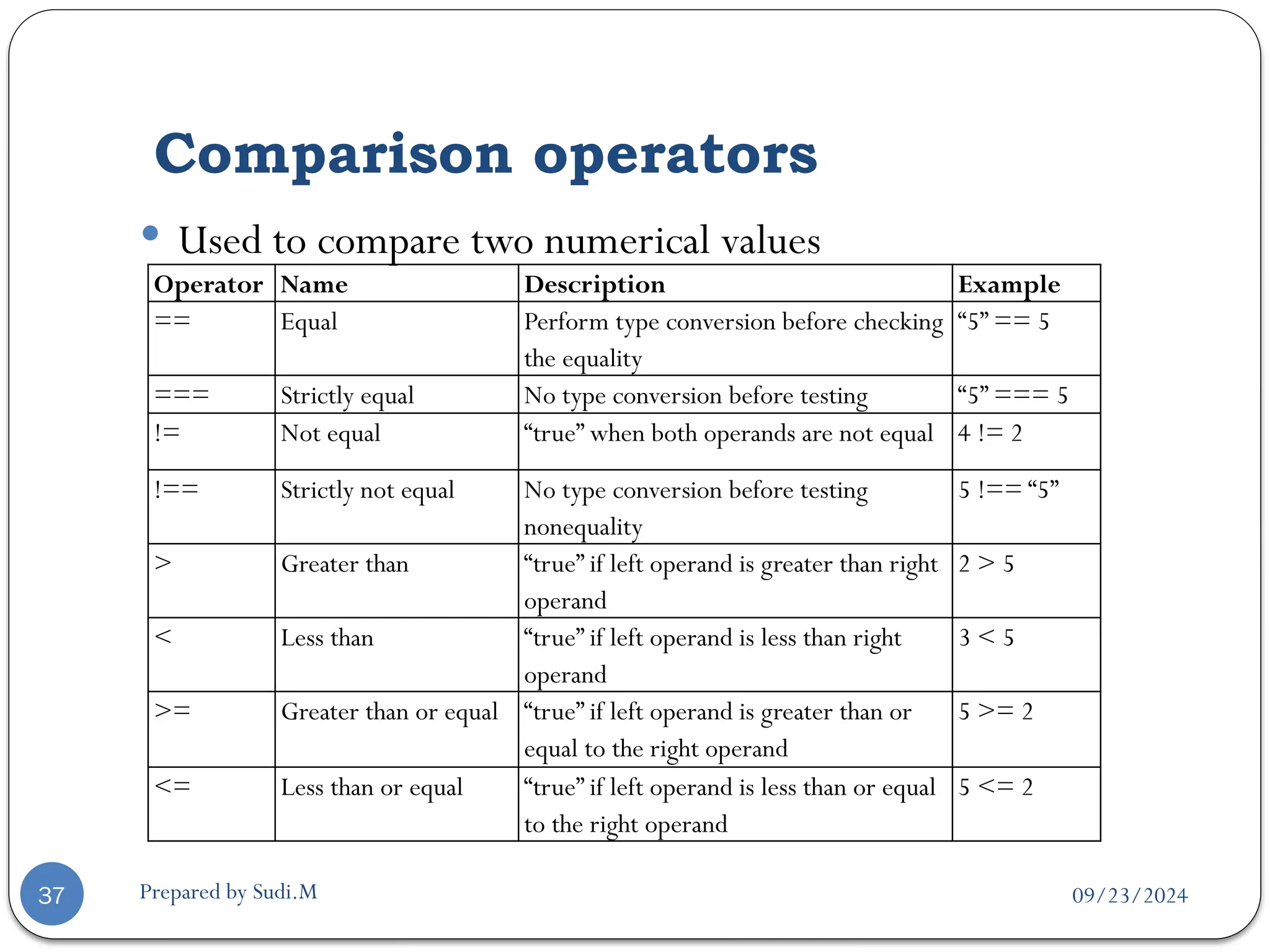
Comparison operators
37
 Used to compare two numerical values
Operator Name Description Example
== Equal Perform type conversion before checking
the equality
“5” == 5
=== Strictly equal No type conversion before testing “5” === 5
!= Not equal “true” when both operands are not equal 4 != 2
!== Strictly not equal No type conversion before testing
nonequality
5 !== “5”
> Greater than “true” if left operand is greater than right
operand
2 > 5
< Less than “true” if left operand is less than right
operand
3 < 5
>= Greater than or equal “true” if left operand is greater than or
equal to the right operand
5 >= 2
<= Less than or equal “true” if left operand is less than or equal
to the right operand
5 <= 2
09/23/2024
Prepared by Sudi.M
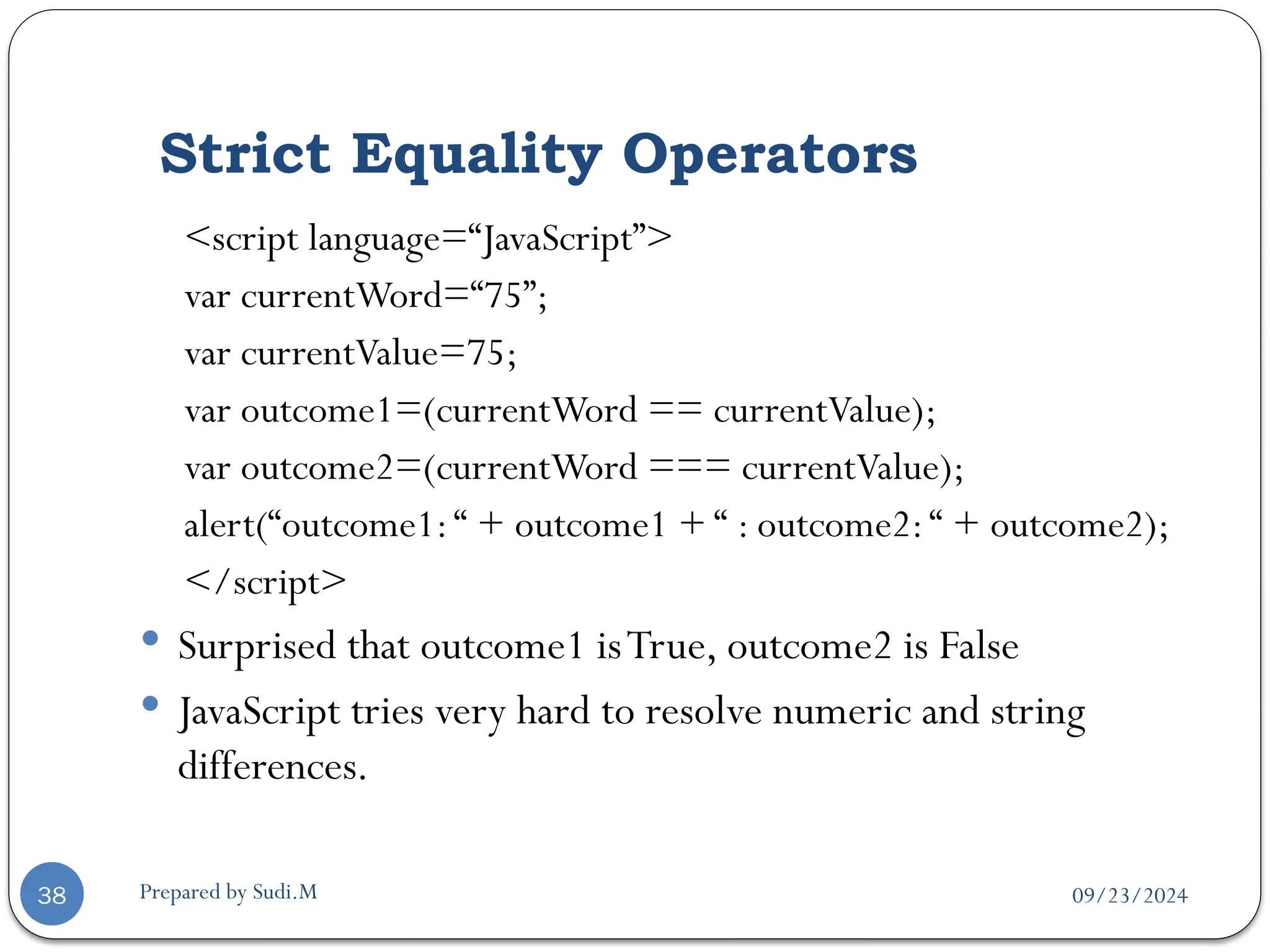
Strict Equality Operators
38
<script language=“JavaScript”>
var currentWord=“75”;
var currentValue=75;
var outcome1=(currentWord == currentValue);
var outcome2=(currentWord === currentValue);
alert(“outcome1:“ + outcome1 + “ : outcome2:“ + outcome2);
</script>
 Surprised that outcome1 isTrue, outcome2 is False
 JavaScript tries very hard to resolve numeric and string
differences.
09/23/2024
Prepared by Sudi.M
String operator
39
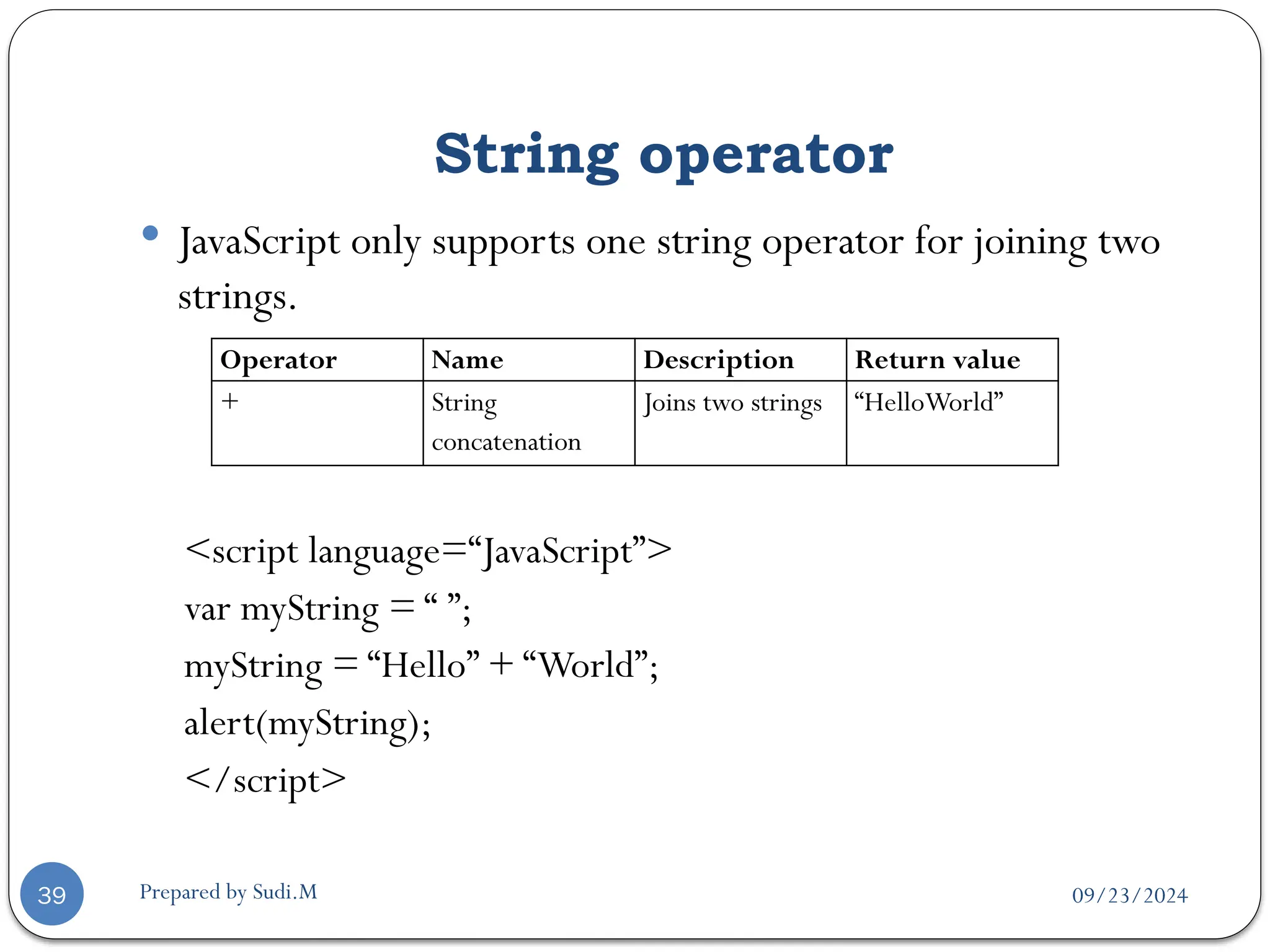
 JavaScript only supports one string operator for joining two
strings.
<script language=“JavaScript”>
var myString = “ ”;
myString = “Hello” + “World”;
alert(myString);
</script>
Operator Name Description Return value
+ String
concatenation
Joins two strings “HelloWorld”
09/23/2024
Prepared by Sudi.M
Bit Manipulation operators
40
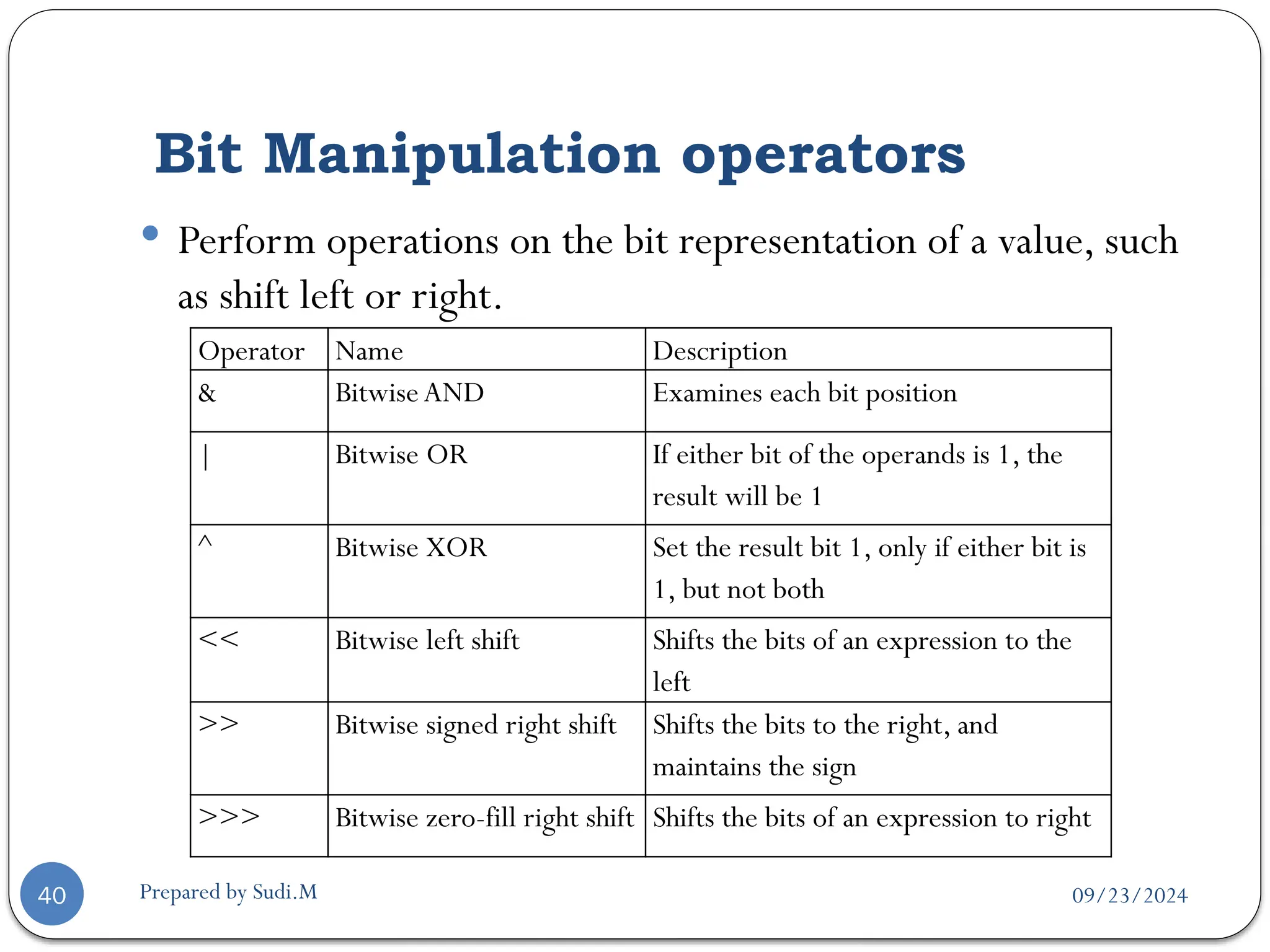
 Perform operations on the bit representation of a value, such
as shift left or right.
Operator Name Description
& BitwiseAND Examines each bit position
| Bitwise OR If either bit of the operands is 1, the
result will be 1
^ Bitwise XOR Set the result bit 1, only if either bit is
1, but not both
<< Bitwise left shift Shifts the bits of an expression to the
left
>> Bitwise signed right shift Shifts the bits to the right, and
maintains the sign
>>> Bitwise zero-fill right shift Shifts the bits of an expression to right
09/23/2024
Prepared by Sudi.M
Assignment operators
41
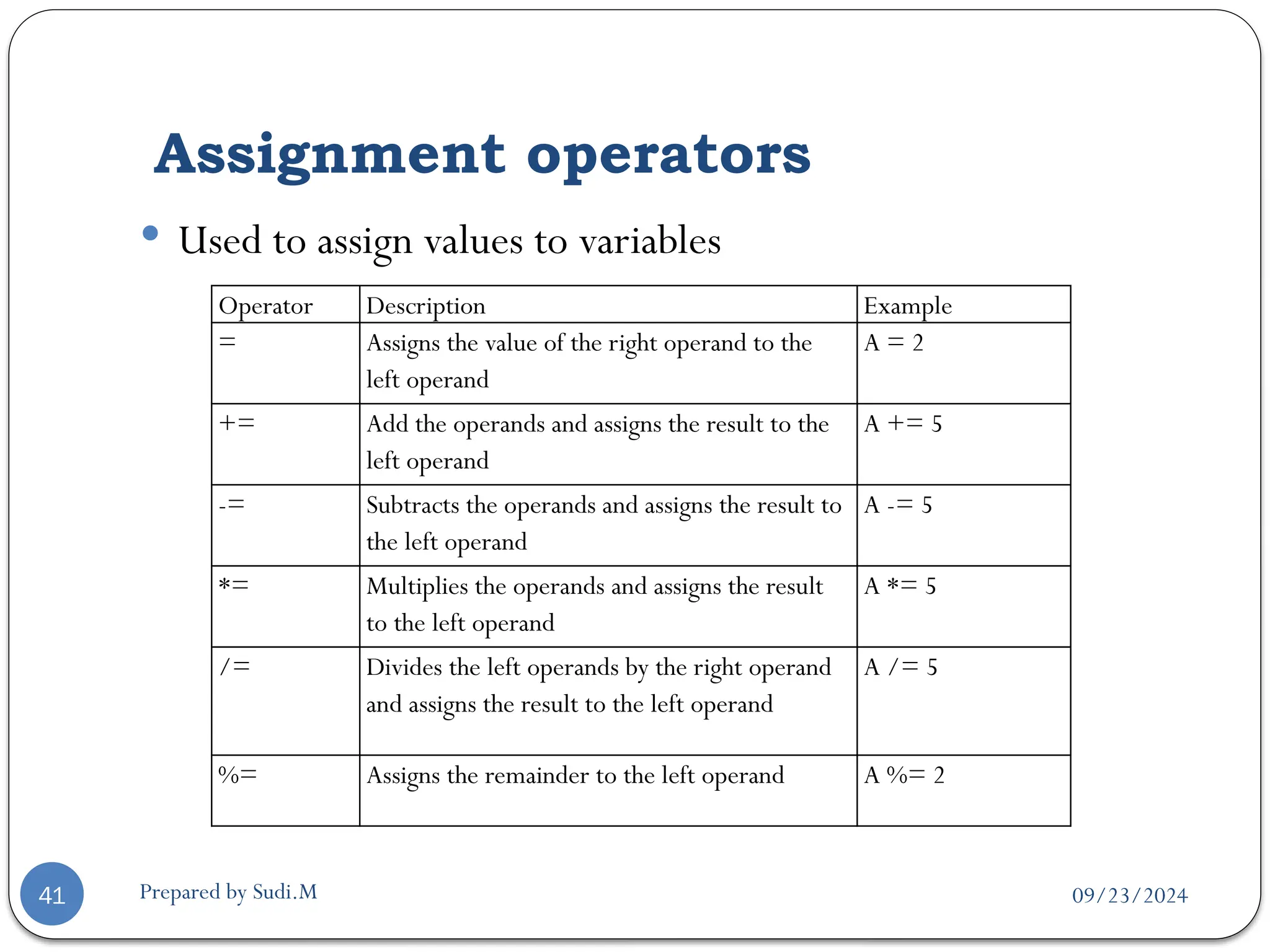
 Used to assign values to variables
Operator Description Example
= Assigns the value of the right operand to the
left operand
A = 2
+= Add the operands and assigns the result to the
left operand
A += 5
-= Subtracts the operands and assigns the result to
the left operand
A -= 5
*= Multiplies the operands and assigns the result
to the left operand
A *= 5
/= Divides the left operands by the right operand
and assigns the result to the left operand
A /= 5
%= Assigns the remainder to the left operand A %= 2
09/23/2024
Prepared by Sudi.M
The most common problem
42
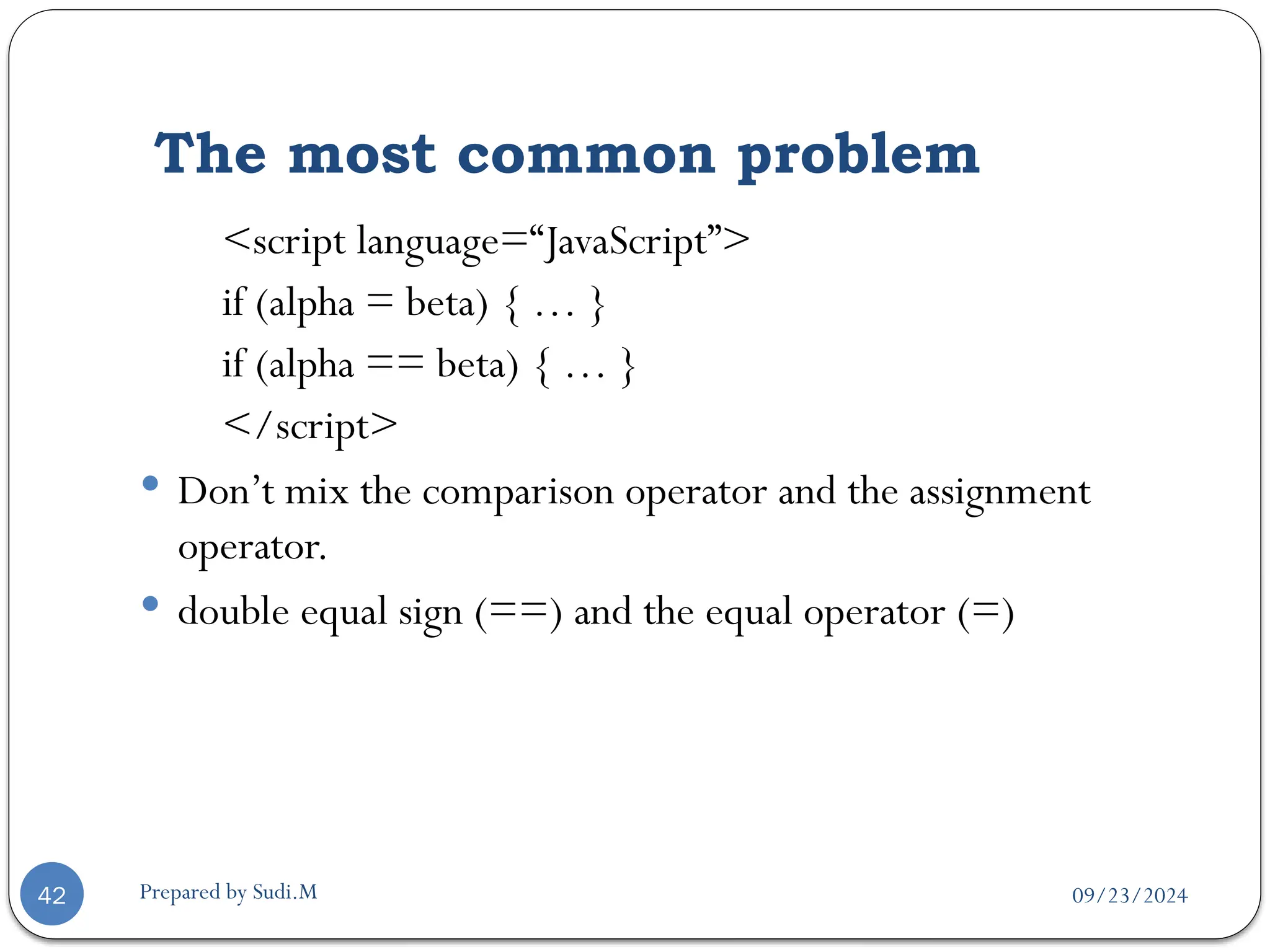
<script language=“JavaScript”>
if (alpha = beta) { … }
if (alpha == beta) { … }
</script>
 Don’t mix the comparison operator and the assignment
operator.
 double equal sign (==) and the equal operator (=)
09/23/2024
Prepared by Sudi.M
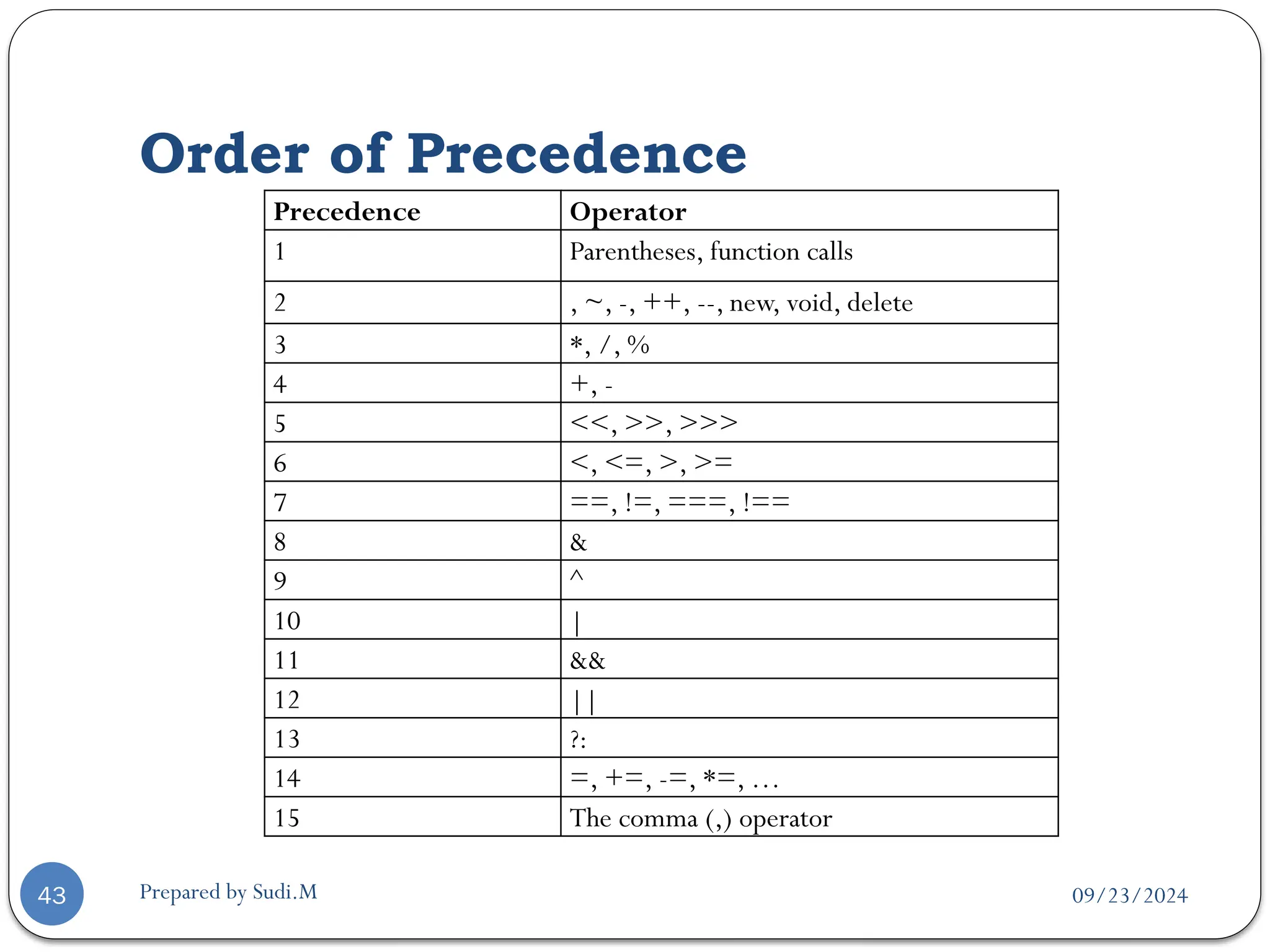
Order of Precedence
43
Precedence Operator
1 Parentheses, function calls
2 , ~, -, ++, --, new, void, delete
3 *, /, %
4 +, -
5 <<, >>, >>>
6 <, <=, >, >=
7 ==, !=, ===, !==
8 &
9 ^
10 |
11 &&
12 ||
13 ?:
14 =, +=, -=, *=, …
15 The comma (,) operator
09/23/2024
Prepared by Sudi.M
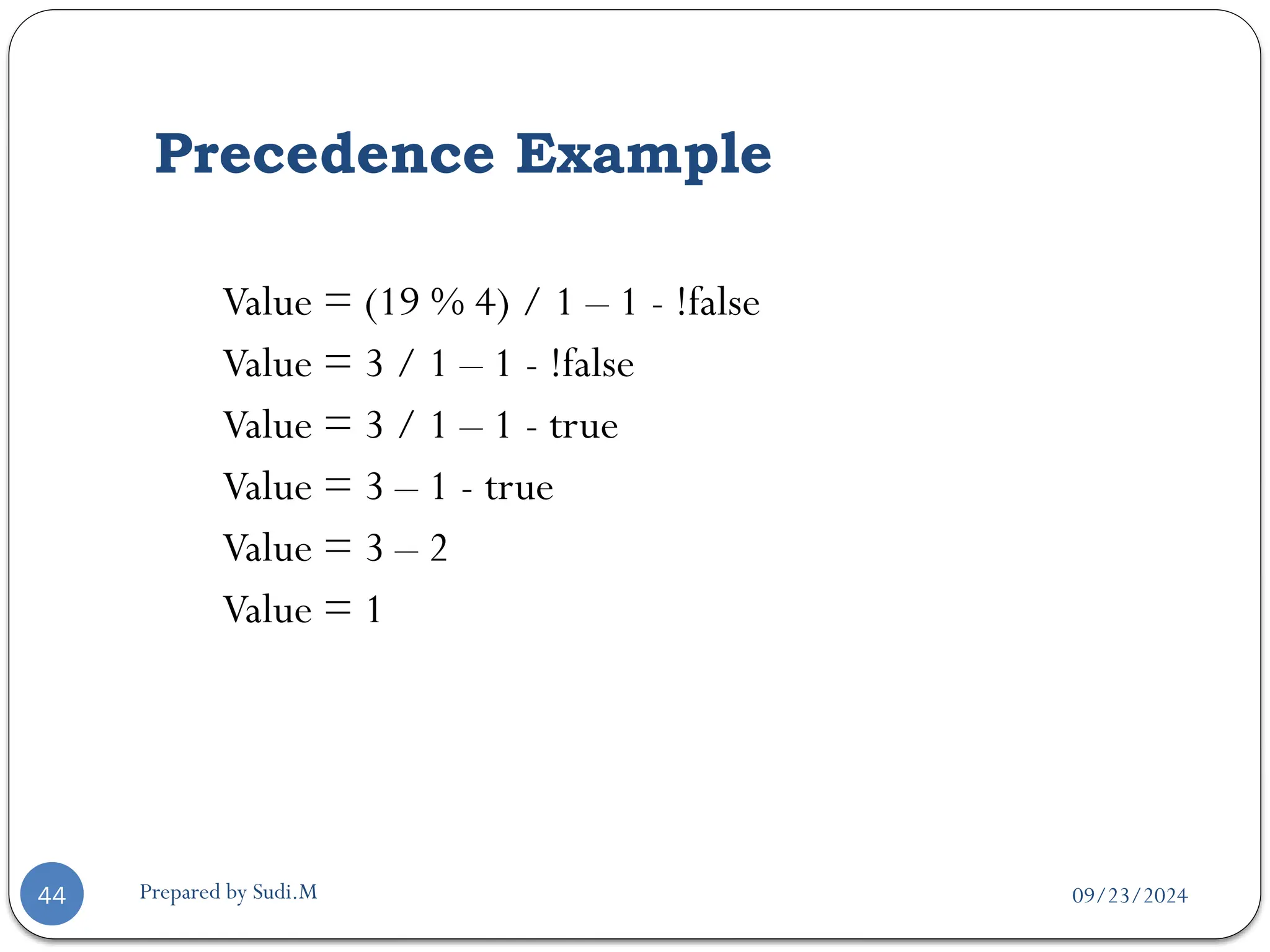
Precedence Example
44
Value = (19 % 4) / 1 – 1 - !false
Value = 3 / 1 – 1 - !false
Value = 3 / 1 – 1 - true
Value = 3 – 1 - true
Value = 3 – 2
Value = 1
09/23/2024
Prepared by Sudi.M
45
 Example of variable, data types
<html><head><title> Billing System ofWeb Shoppe </title></head><body>
<h1 align="center"> Billing System ofWeb Shoppe </h1>
<script language="JavaScript">
firstCustomer = new Array();
billDetails = new Array(firstCustomer);
var custName, custDob, custAddress, custCity, custPhone;
var custAmount, custAmountPaid, custBalAmount;
custName=prompt("Enter the first customer's name:", "");
custDob=prompt("Enter the first customer's date of birth:", "");
custAddress=prompt("Enter the first customer's address:", "");
custPhone=prompt("Enter the first customer's phone number:", "");
custAmount=prompt("Enter the total bill amount of the first customer:", "");
custAmountPaid=prompt("Enter the amount paid by the first customer:", "");
custBalAmount = custAmount - custAmountPaid;
firstCustomer[0]=custName;
firstCustomer[1]=custDob;
firstCustomer[2]=custAddress;
firstCustomer[3]=custPhone;
firstCustomer[4]=custBalAmount;
document.write("<B>" + "You have entered the following details for first customer:" + "<BR>");
document.write("Name: " + billDetails[0][0] + "<BR>");
document.write("Date of Birth: " + billDetails[0][1] + "<BR>");
document.write("Address: " + billDetails[0][2] + "<BR>");
document.write("Phone: " + billDetails[0][3] + "<BR>");
(custBalAmount == 0) ? document.write("Amount Outstanding: " + custBalAmount):document.write("No
amount due")
</script></body></html>
09/23/2024
Prepared by Sudi.M
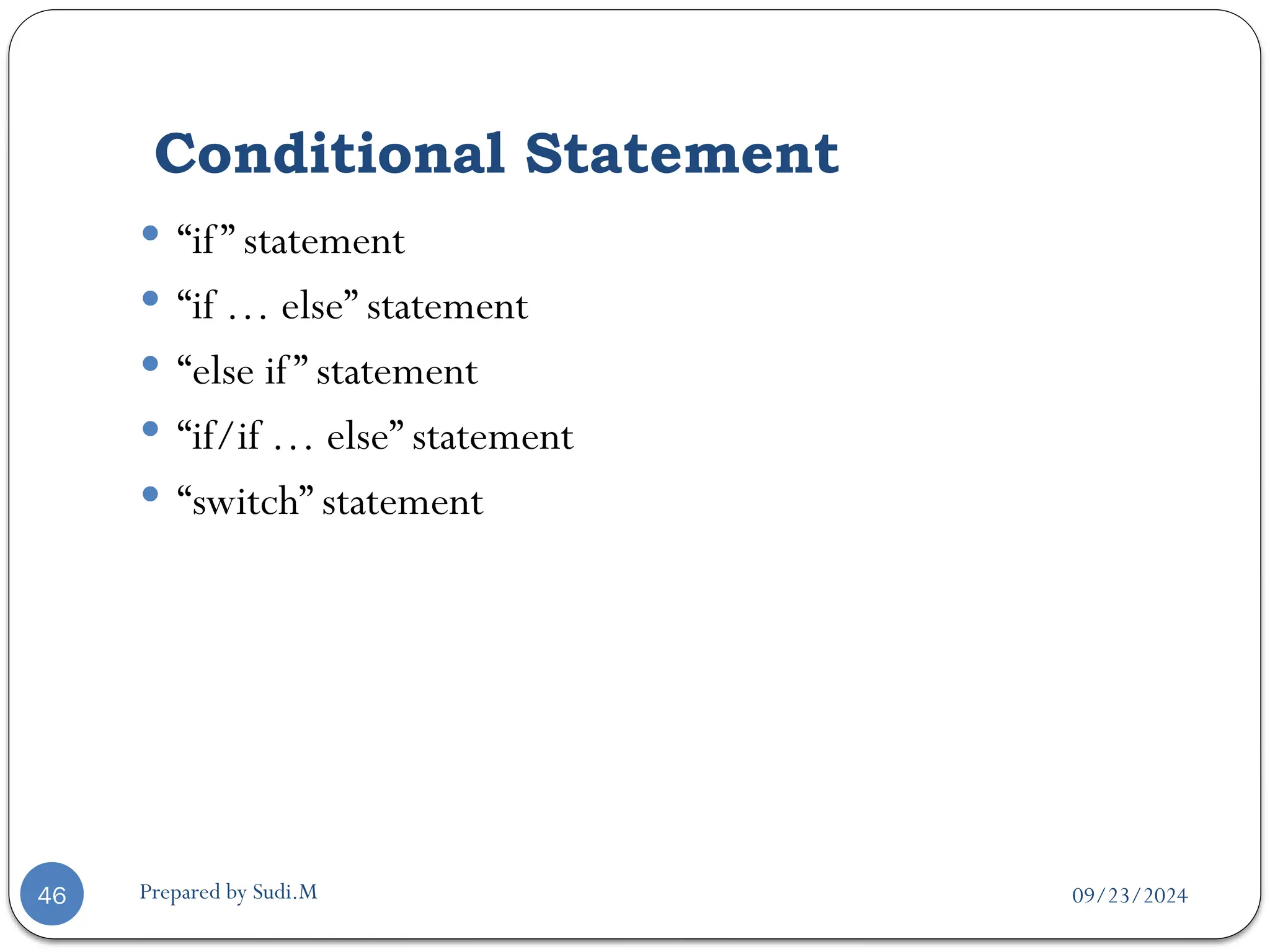
Conditional Statement
46
 “if” statement
 “if … else” statement
 “else if” statement
 “if/if … else” statement
 “switch” statement
09/23/2024
Prepared by Sudi.M
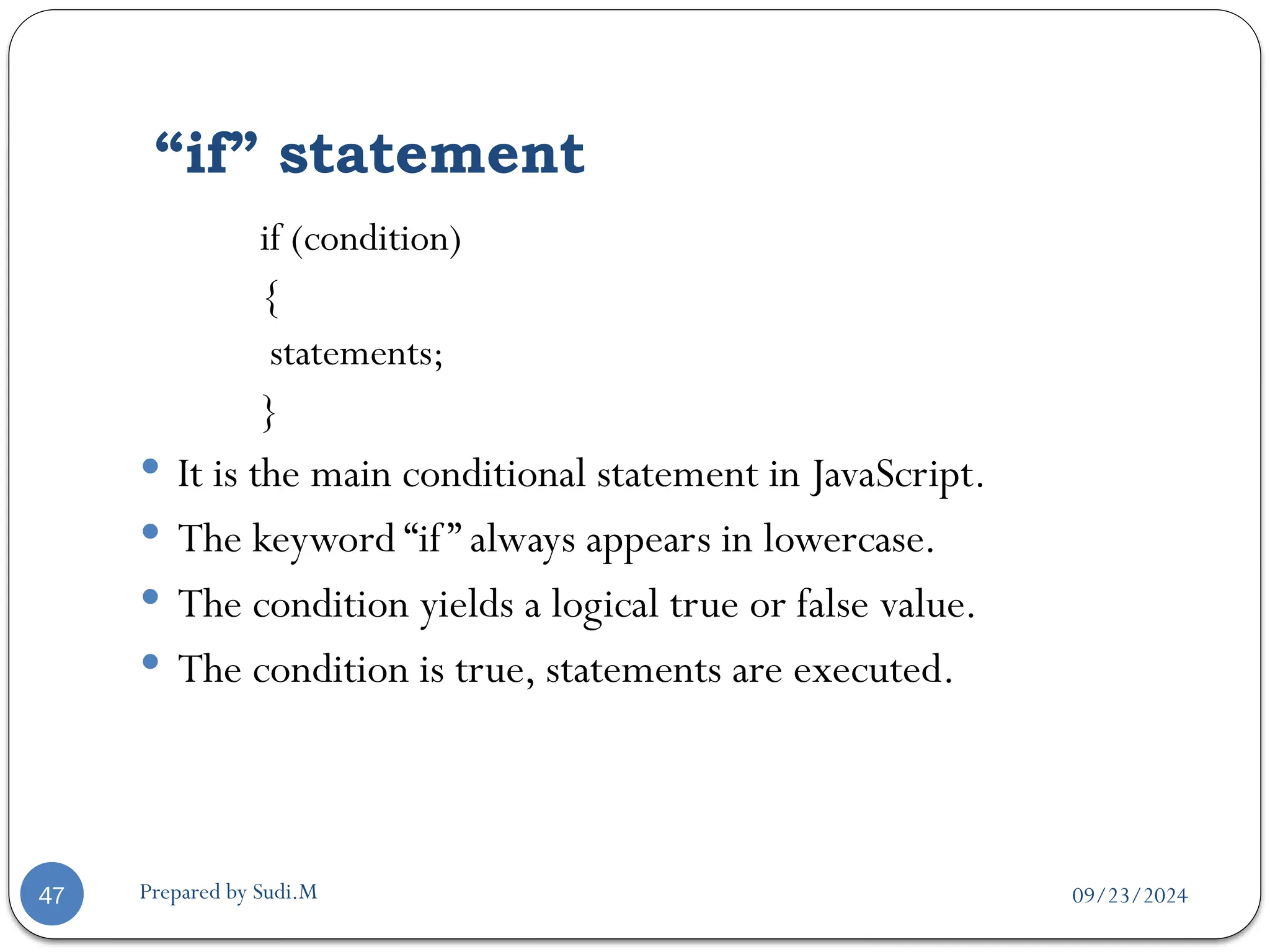
“if” statement
47
if (condition)
{
statements;
}
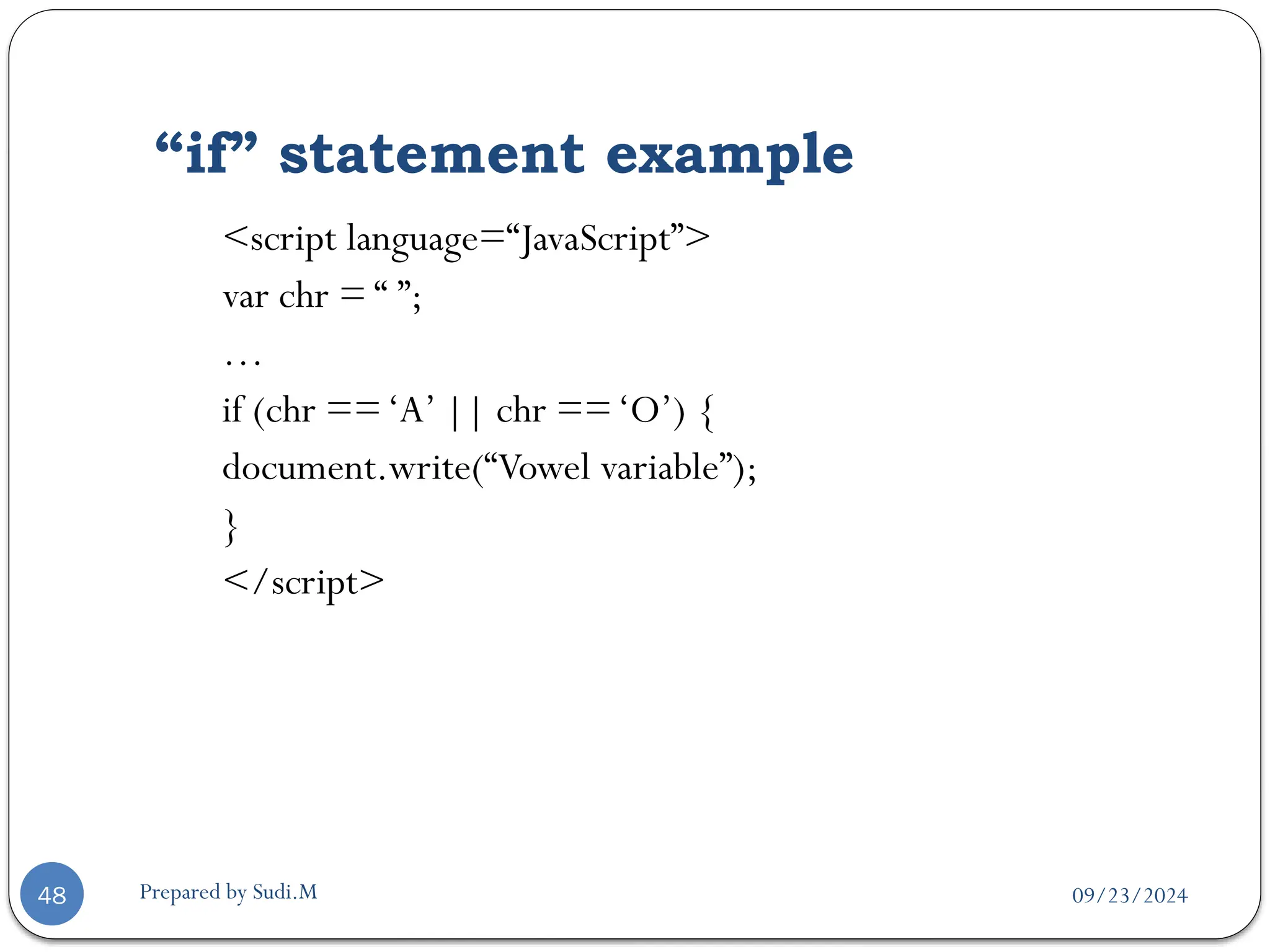
 It is the main conditional statement in JavaScript.
 The keyword “if” always appears in lowercase.
 The condition yields a logical true or false value.
 The condition is true, statements are executed.
09/23/2024
Prepared by Sudi.M
“if” statement example
48
<script language=“JavaScript”>
var chr = “ ”;
…
if (chr ==‘A’ || chr ==‘O’) {
document.write(“Vowel variable”);
}
</script>
09/23/2024
Prepared by Sudi.M
“if … else” statement
49
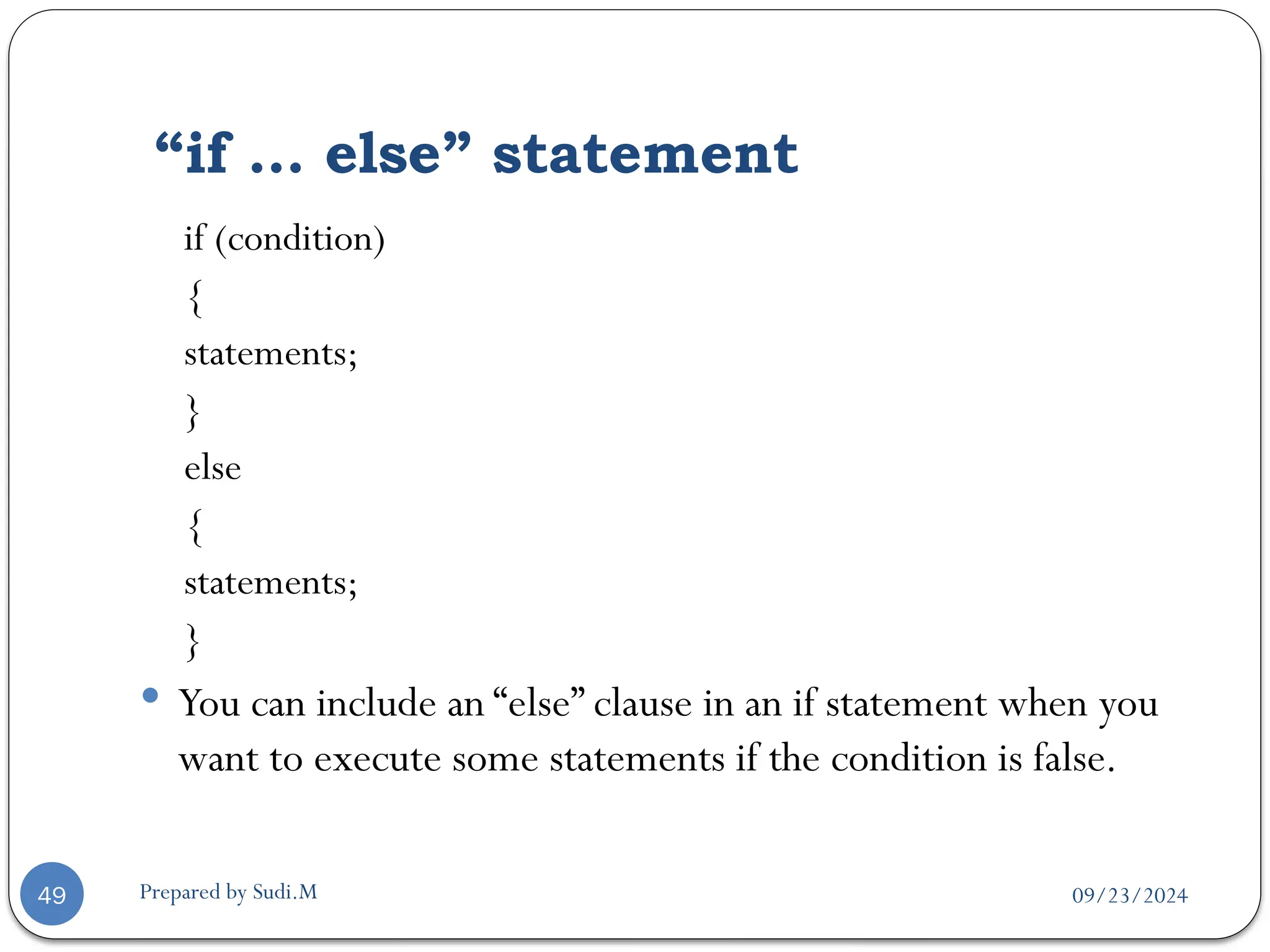
if (condition)
{
statements;
}
else
{
statements;
}
 You can include an “else” clause in an if statement when you
want to execute some statements if the condition is false.
09/23/2024
Prepared by Sudi.M
Ternary Shortcut (concise)
50
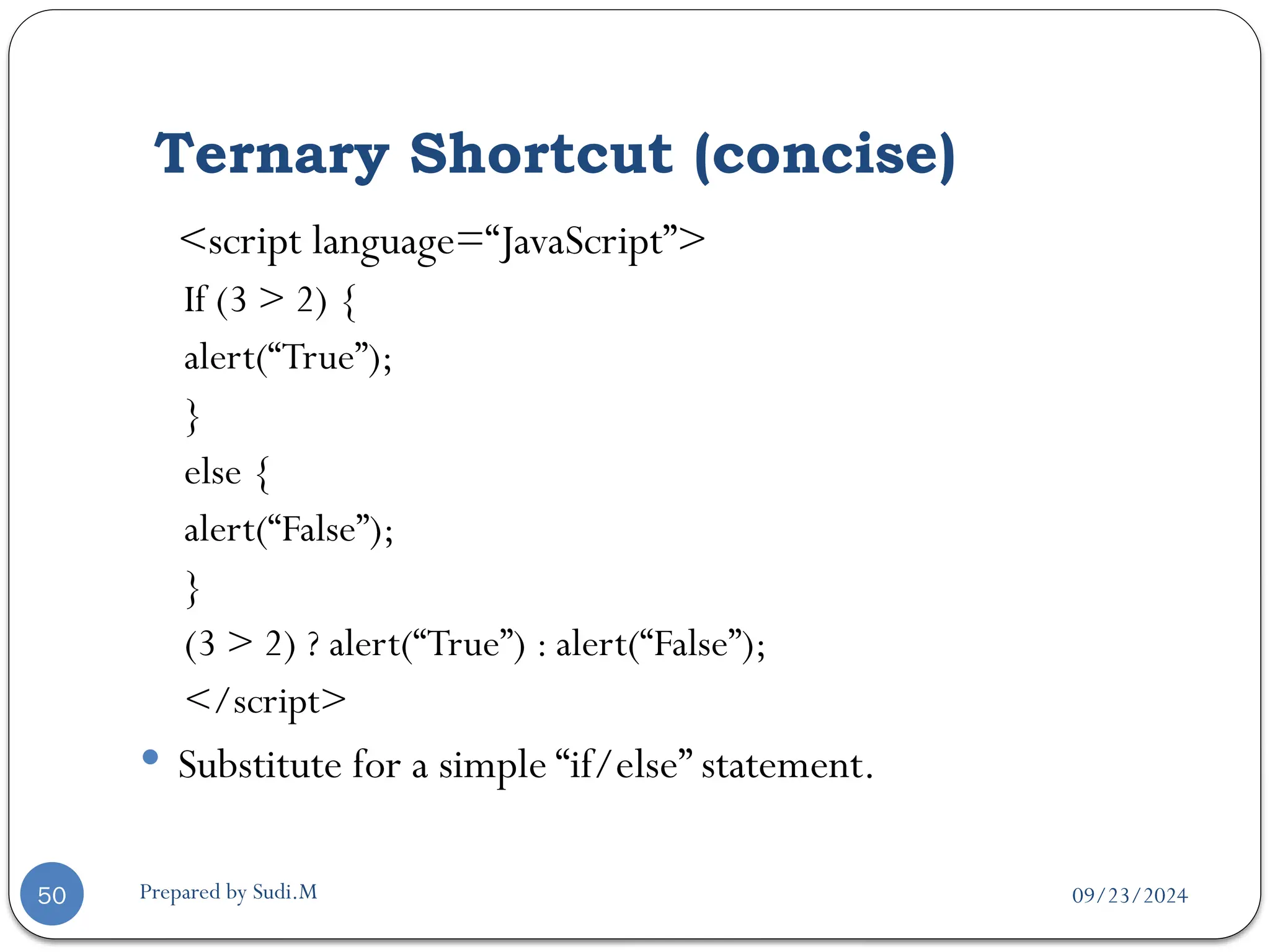
<script language=“JavaScript”>
If (3 > 2) {
alert(“True”);
}
else {
alert(“False”);
}
(3 > 2) ? alert(“True”) : alert(“False”);
</script>
 Substitute for a simple “if/else” statement.
09/23/2024
Prepared by Sudi.M
“else if” statement
51
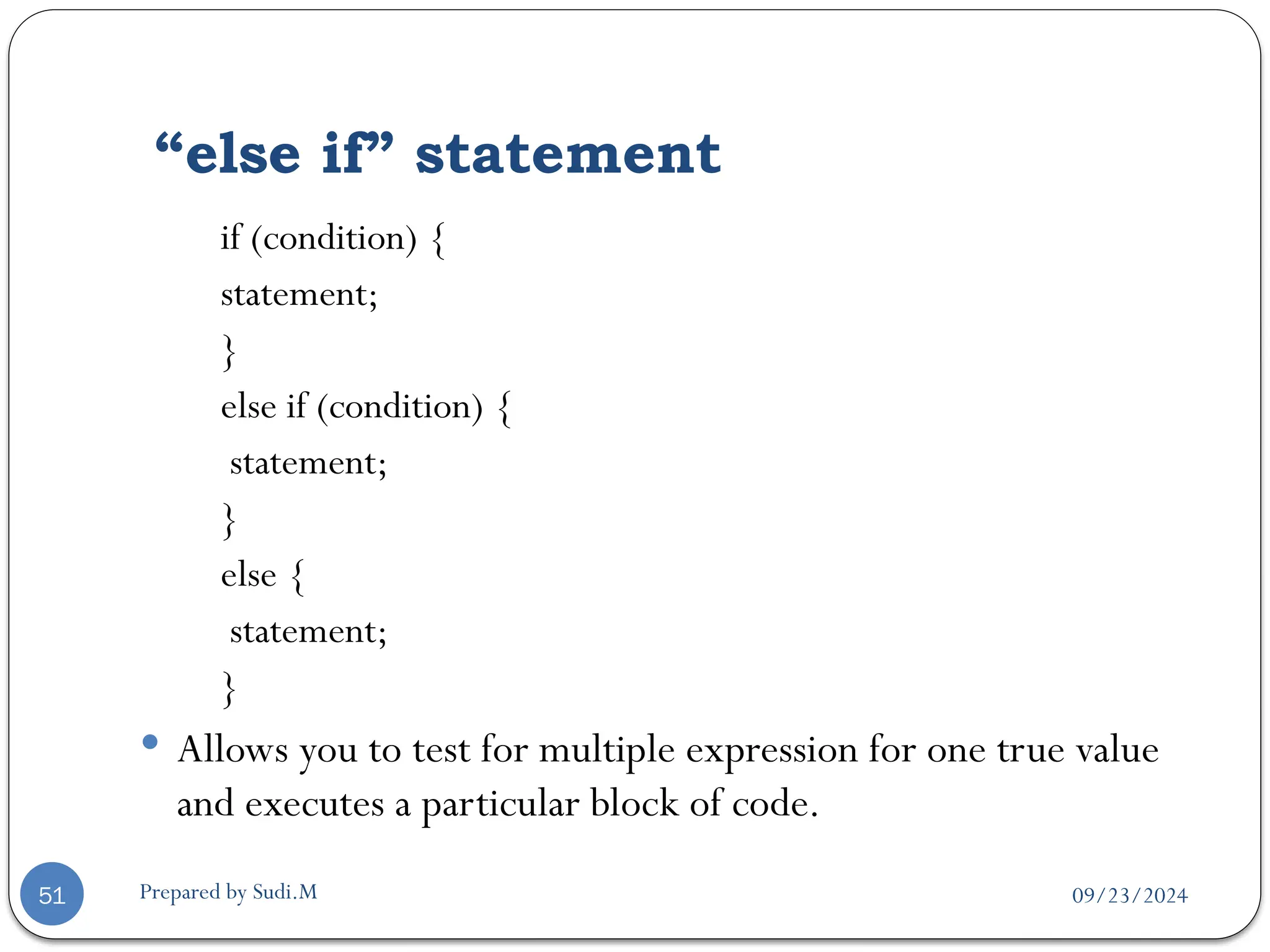
if (condition) {
statement;
}
else if (condition) {
statement;
}
else {
statement;
}
 Allows you to test for multiple expression for one true value
and executes a particular block of code.
09/23/2024
Prepared by Sudi.M
“if/if…else” statement example
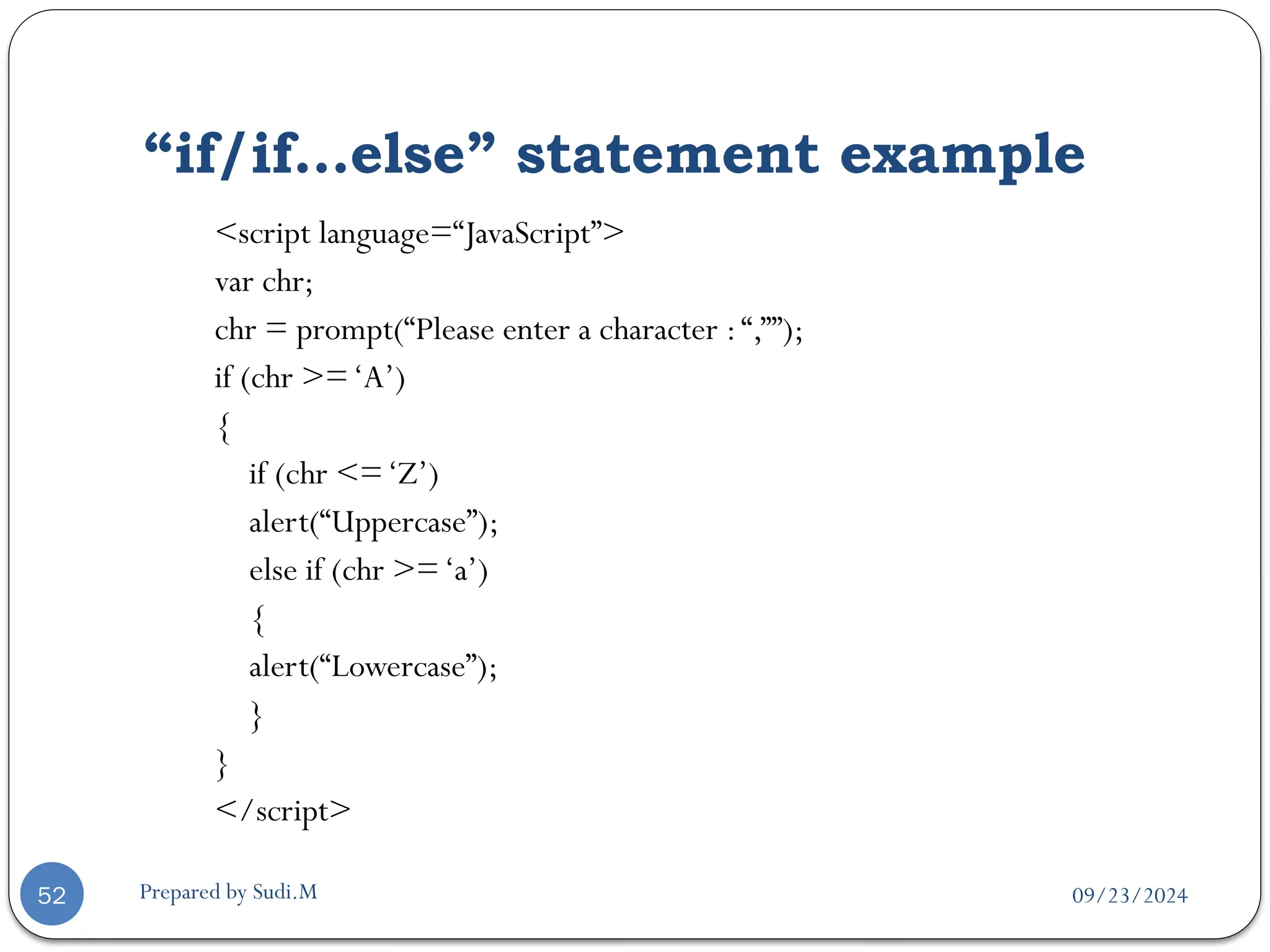
52
<script language=“JavaScript”>
var chr;
chr = prompt(“Please enter a character :“,””);
if (chr >=‘A’)
{
if (chr <=‘Z’)
alert(“Uppercase”);
else if (chr >=‘a’)
{
alert(“Lowercase”);
}
}
</script>
09/23/2024
Prepared by Sudi.M
“switch” statement
53
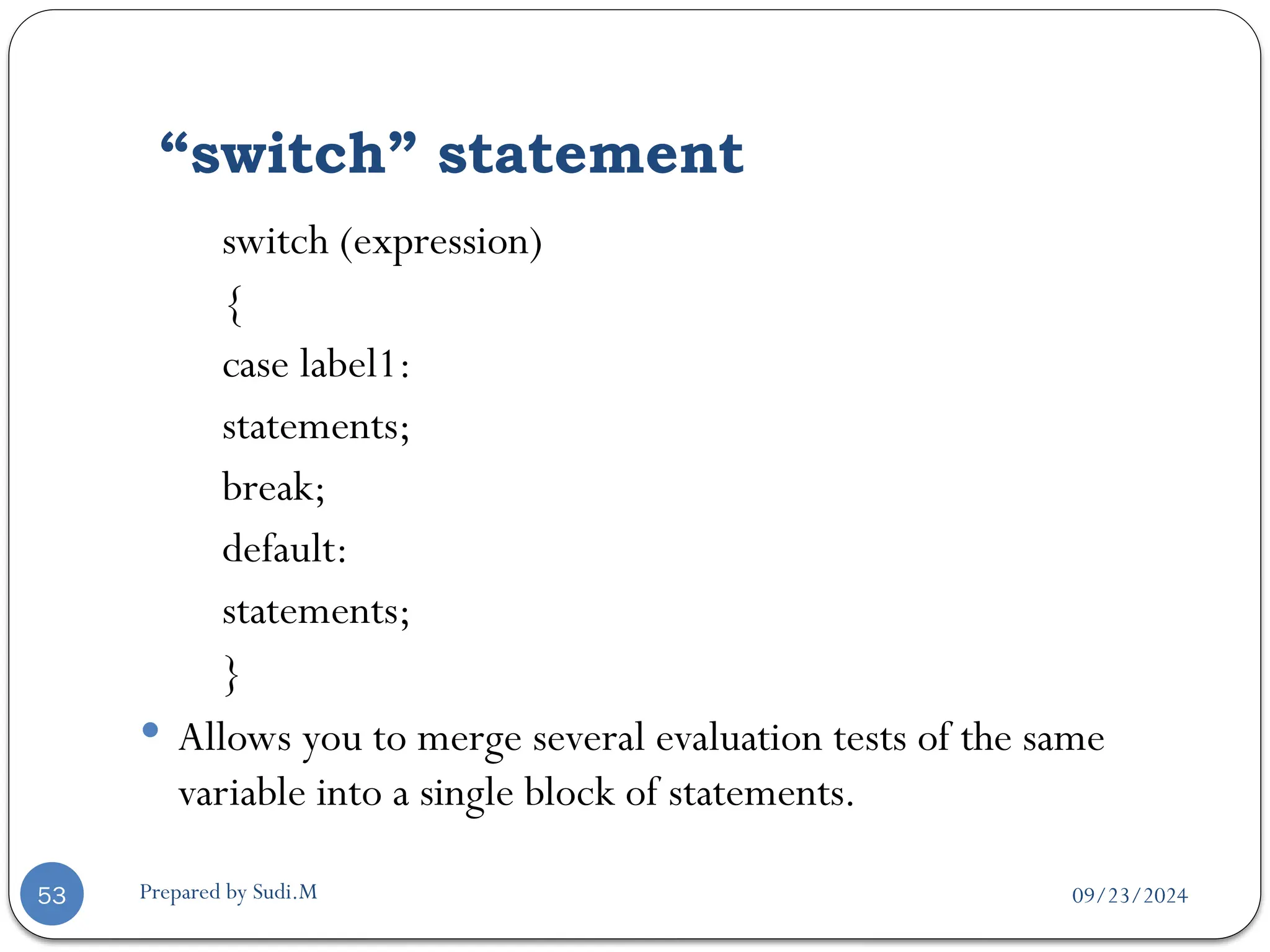
switch (expression)
{
case label1:
statements;
break;
default:
statements;
}
 Allows you to merge several evaluation tests of the same
variable into a single block of statements.
09/23/2024
Prepared by Sudi.M
“switch” statement example
54
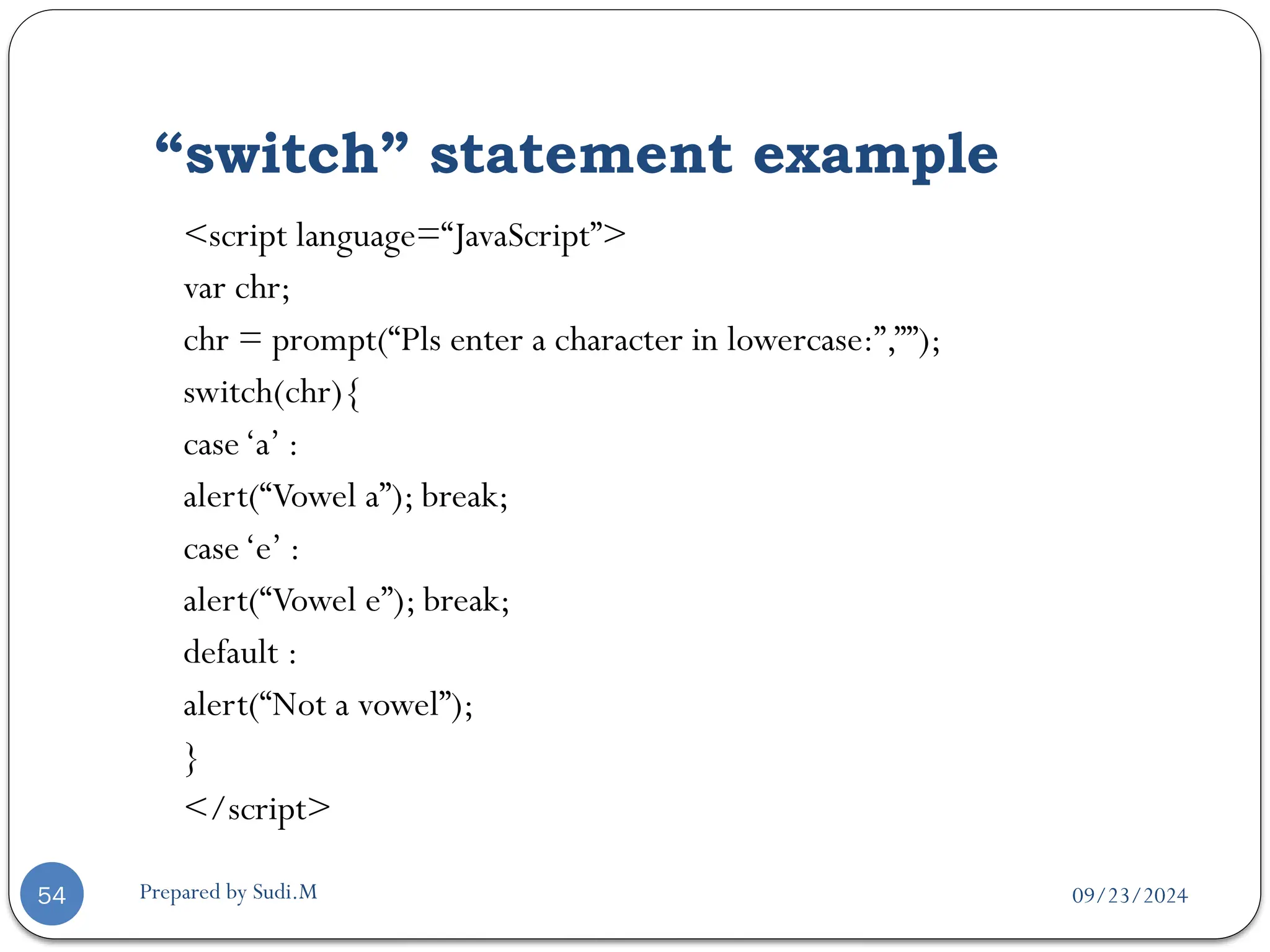
<script language=“JavaScript”>
var chr;
chr = prompt(“Pls enter a character in lowercase:”,””);
switch(chr){
case‘a’ :
alert(“Vowel a”); break;
case‘e’ :
alert(“Vowel e”); break;
default :
alert(“Not a vowel”);
}
</script>
09/23/2024
Prepared by Sudi.M
Looping Statement
55
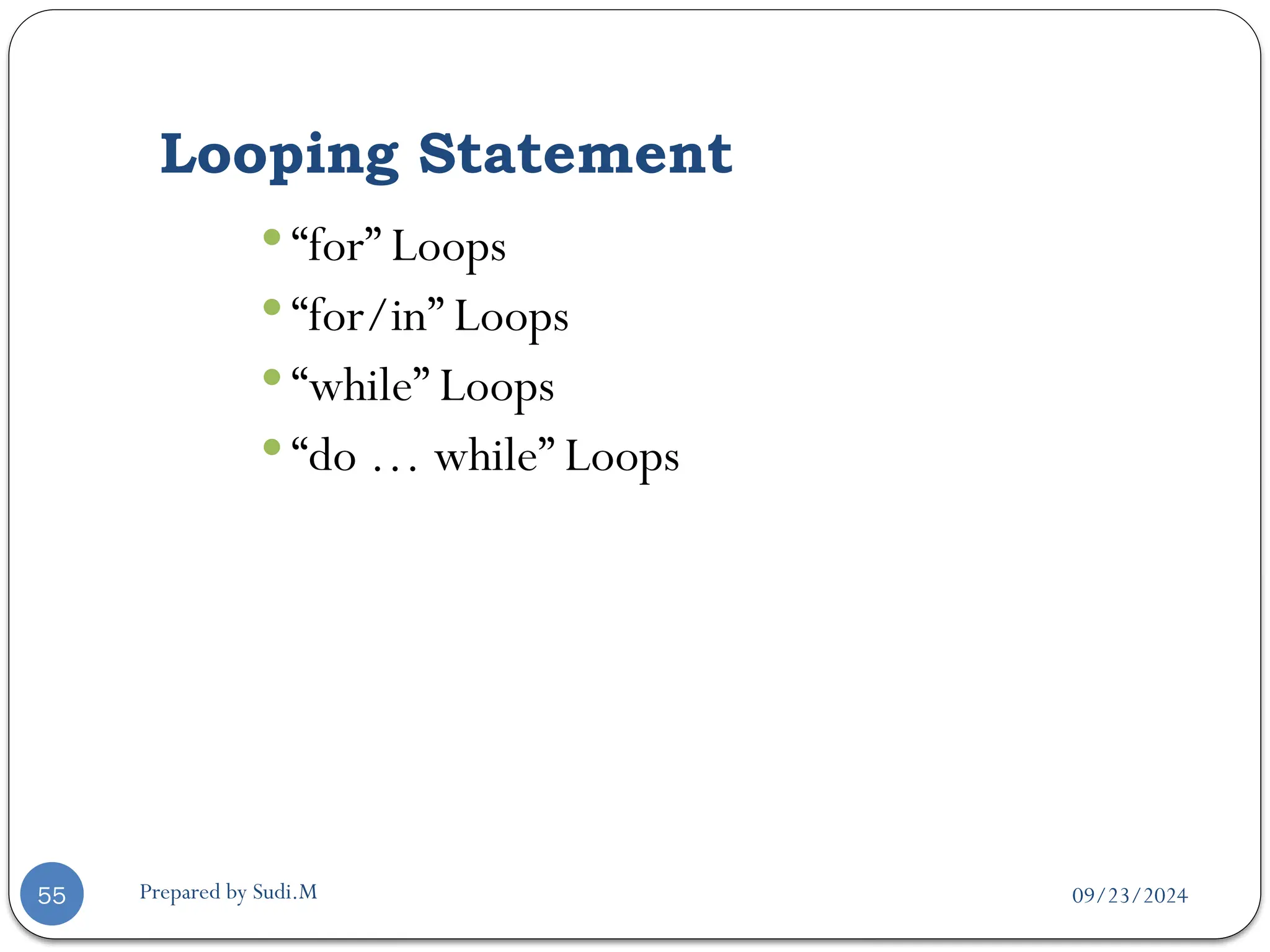
 “for” Loops
 “for/in” Loops
 “while” Loops
 “do … while” Loops
09/23/2024
Prepared by Sudi.M
“for” statement
56
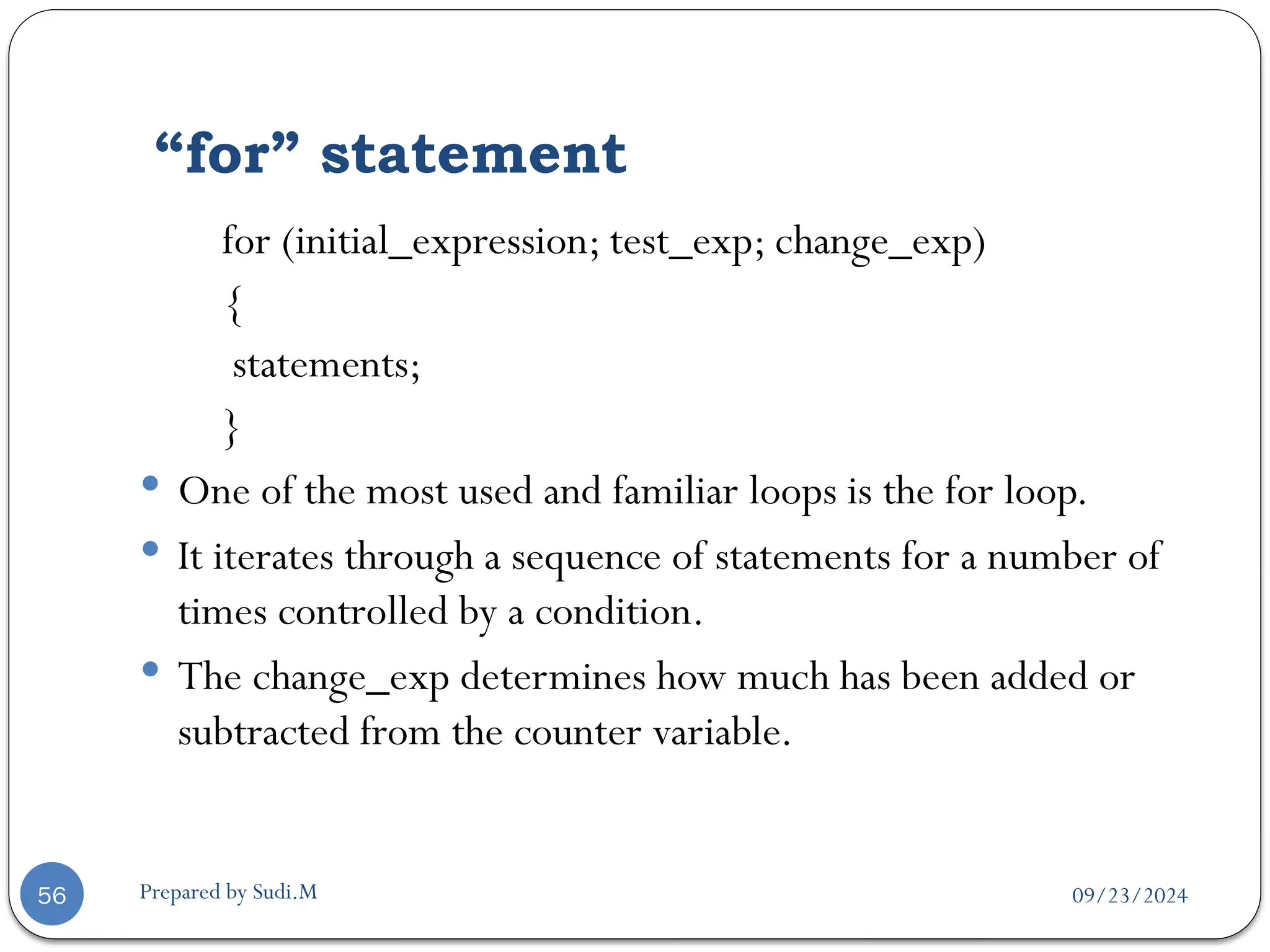
for (initial_expression; test_exp; change_exp)
{
statements;
}
 One of the most used and familiar loops is the for loop.
 It iterates through a sequence of statements for a number of
times controlled by a condition.
 The change_exp determines how much has been added or
subtracted from the counter variable.
09/23/2024
Prepared by Sudi.M
“for” statement example
57
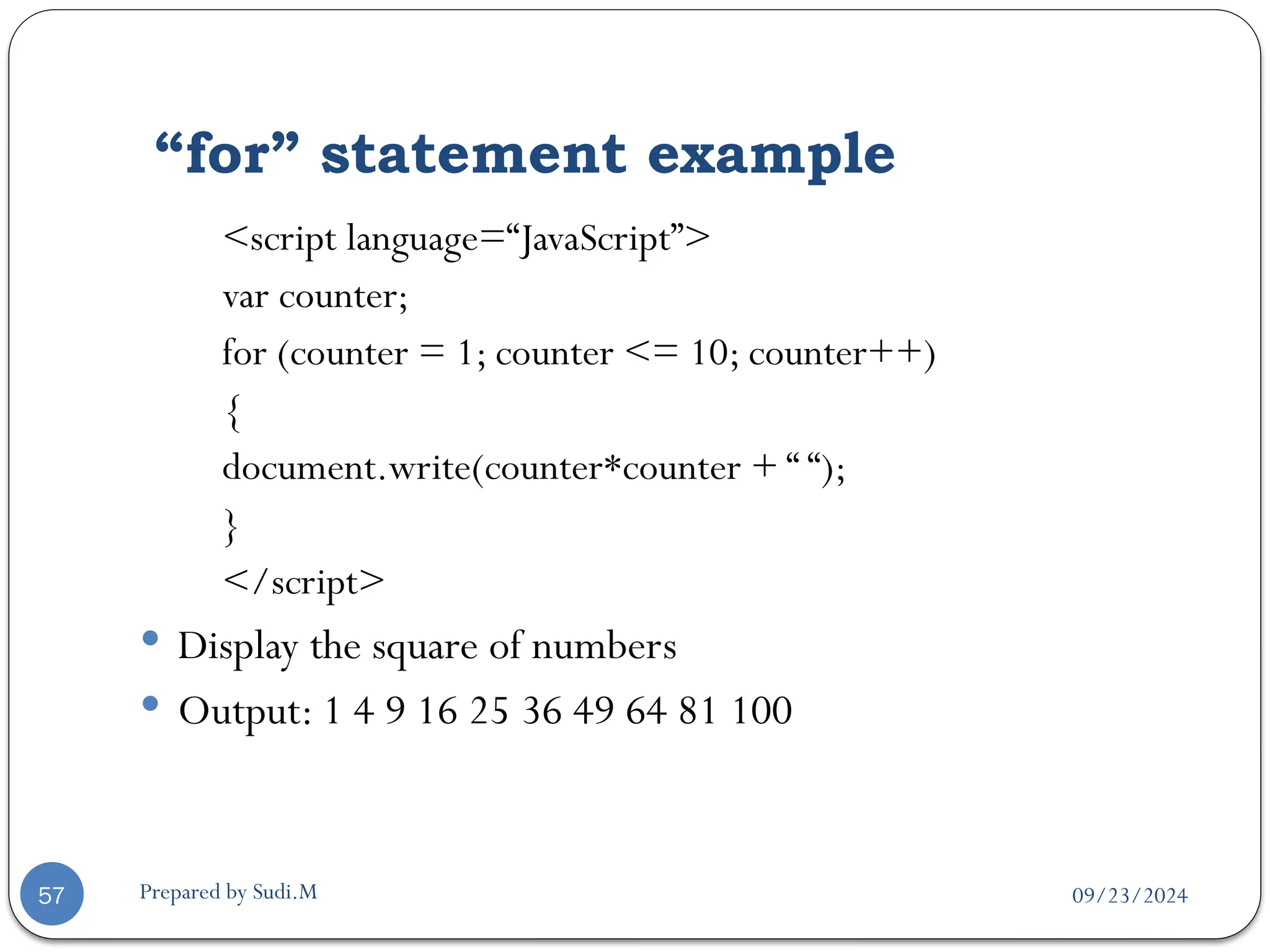
<script language=“JavaScript”>
var counter;
for (counter = 1; counter <= 10; counter++)
{
document.write(counter*counter + “ “);
}
</script>
 Display the square of numbers
 Output: 1 4 9 16 25 36 49 64 81 100
09/23/2024
Prepared by Sudi.M
“for/in” statement
58
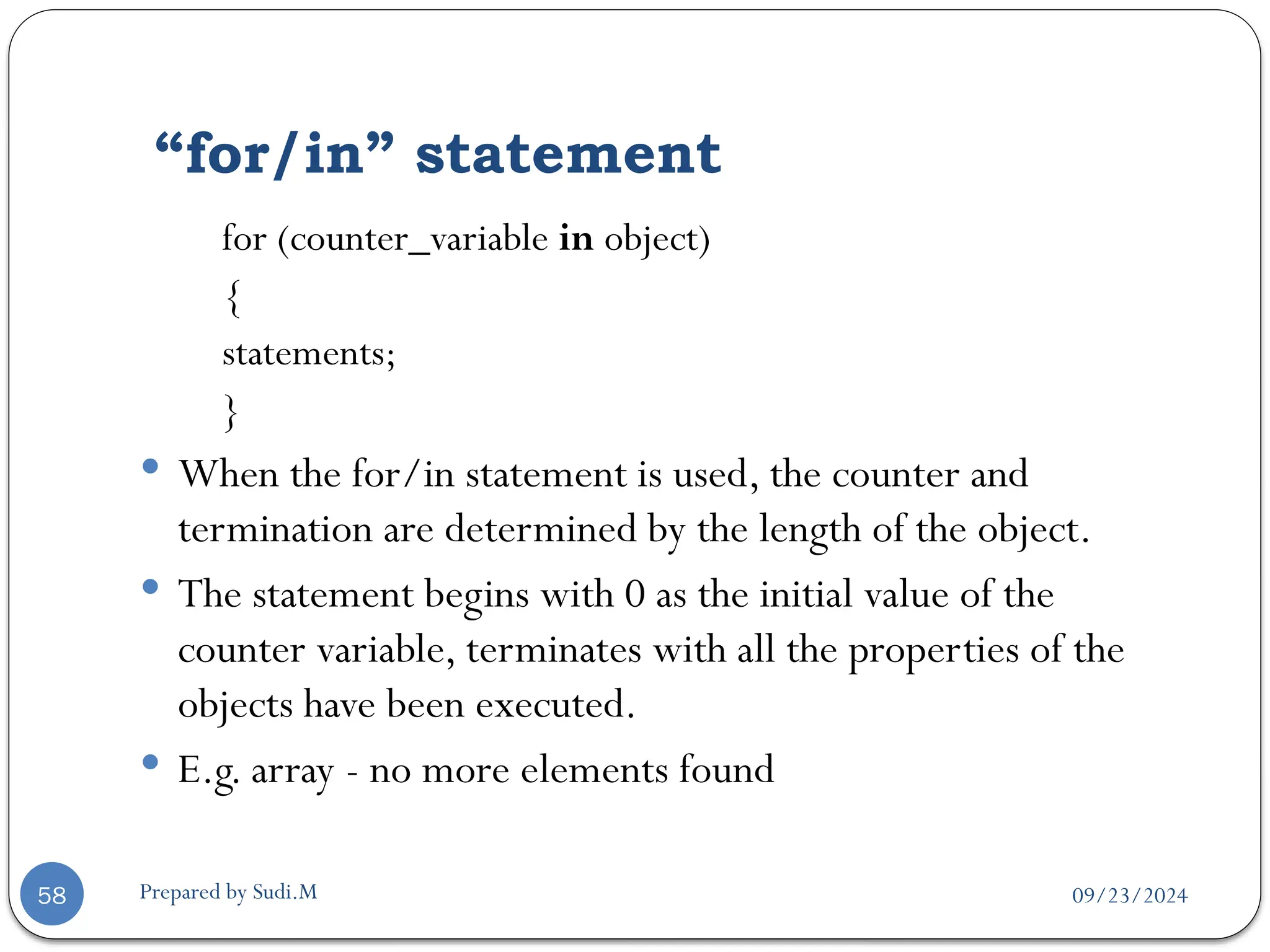
for (counter_variable in object)
{
statements;
}
 When the for/in statement is used, the counter and
termination are determined by the length of the object.
 The statement begins with 0 as the initial value of the
counter variable, terminates with all the properties of the
objects have been executed.
 E.g. array - no more elements found
09/23/2024
Prepared by Sudi.M
“for/in” statement example
59
<script language=“JavaScript”>
var book;
var booklist = new Array(“Chinese”,“English”,“Jap”);
for (var counter in booklist) {
book += booklist[counter] + “ “;
}
alert(book);
</script>
09/23/2024
Prepared by Sudi.M
“while” statement
60
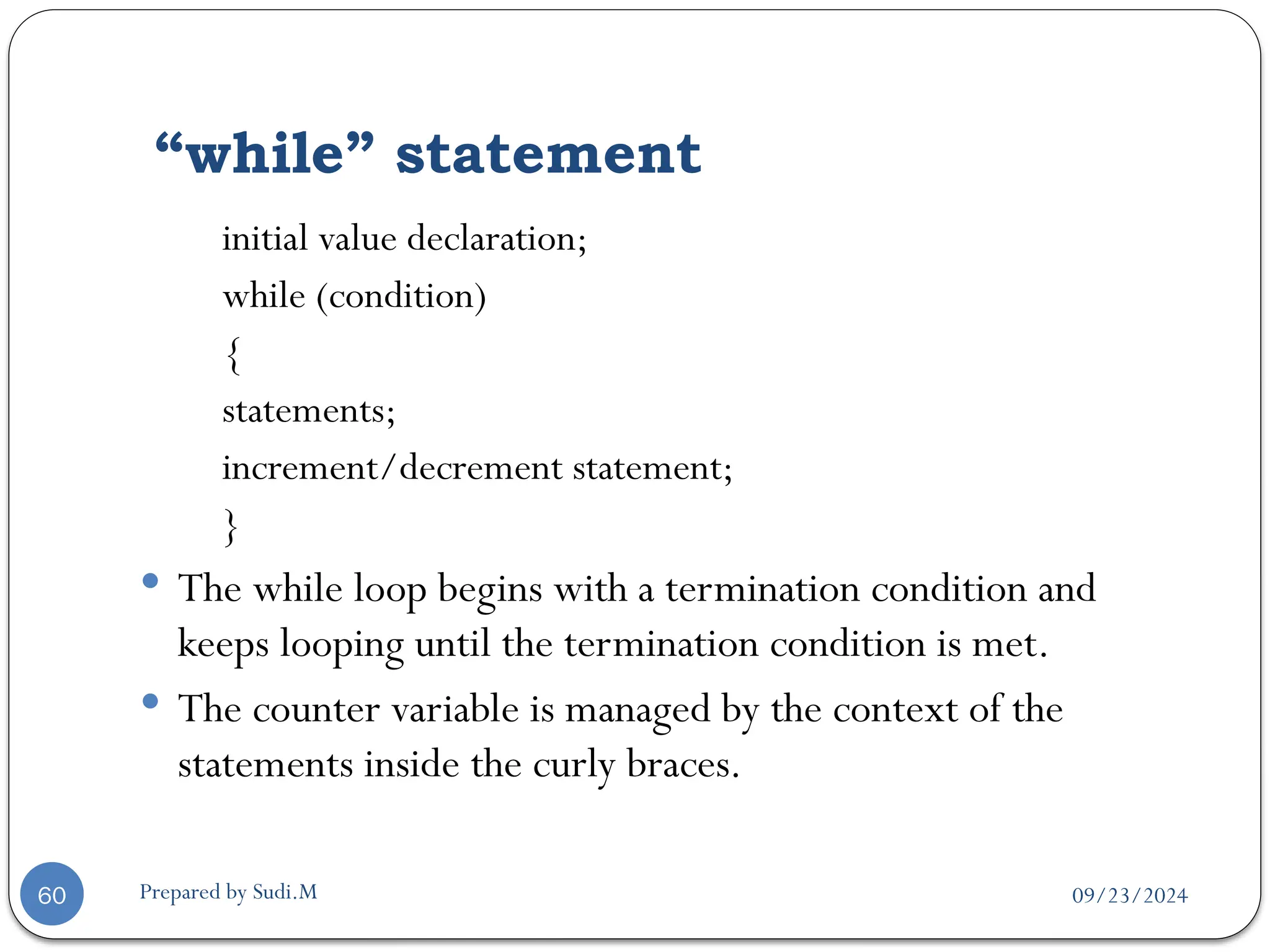
initial value declaration;
while (condition)
{
statements;
increment/decrement statement;
}
 The while loop begins with a termination condition and
keeps looping until the termination condition is met.
 The counter variable is managed by the context of the
statements inside the curly braces.
09/23/2024
Prepared by Sudi.M
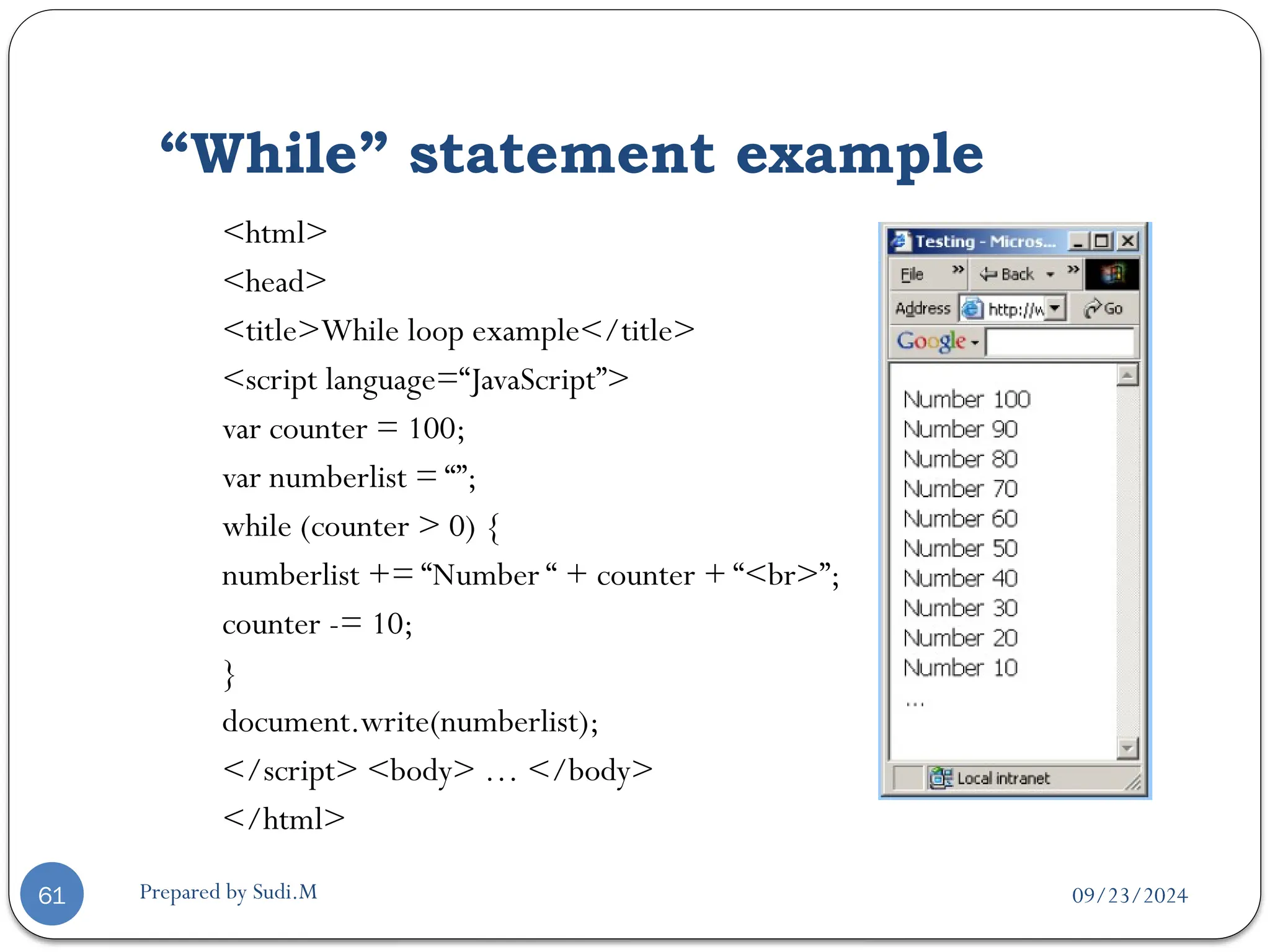
“While” statement example
61
<html>
<head>
<title>While loop example</title>
<script language=“JavaScript”>
var counter = 100;
var numberlist = “”;
while (counter > 0) {
numberlist += “Number “ + counter + “<br>”;
counter -= 10;
}
document.write(numberlist);
</script> <body> … </body>
</html>
09/23/2024
“do … while” statement
Prepared by Sudi.M
62
do
{
statements;
counter increment/decrement;
}
while (termination condition)
 The do/while loop always executes statements in the loop in
the first iteration of the loop.
 The termination condition is placed at the bottom of the
loop.

Chapter 3 INTRODUCTION TO JAVASCRIPT S.pptx

  • 1.
    09/23/2024 Prepared by Sudi.M JavaScript Internet Programming Chapter Three 1
  • 2.
    09/23/2024 Prepared by Sudi.M JavaScript 2 The growth of WWW is resulted in demand for dynamic and interactive web sites.  Java script is a scripting language produced by Netscape for use within HTMLWeb pages.  JavaScript is loosely based on Java and it is built into all the major modern browsers.  JavaScript is a lightweight, interpreted programming language.  It is the most popular scripting language on the internet.  JavaScript is case-sensitive!
  • 3.
    09/23/2024 Prepared by Sudi.M JavaScript… 3 JavaScript is used  to improve user interface  to create pop-up window and alerts  to Interact with the user  to create dynamic pages  to validate forms  to detect browsers (reacting to user actions on Browser)  to create cookies, and much more.
  • 4.
    09/23/2024 Prepared by Sudi.M JavaScript… 4 A JavaScript consists of JavaScript statements that are placed within the <script>... </script> HTML tags in a web page.  The <script> tag tells the browser program to begin interpreting all the text between these tags as a script.  javaScript statements ends with semicolon.  The syntax of your JavaScript will be as follows <script ...> JavaScript code </script>
  • 5.
    09/23/2024 Prepared by Sudi.M JavaScript… 5 The script tag takes three important attributes:  src: specify the location of the external script.  language: specifies what scripting language you are using.  Typically, its value will be “javascript”.  type: used to indicate the scripting language in use.  Its value should be set to "text/javascript".  Type and language has similar function we use language to specify the language used in the script.  So your JavaScript segment will looks like: <script language="javascript" type="text/javascript"> JavaScript code </script>
  • 6.
    09/23/2024 Prepared by Sudi.M PlacingJavaScript in an HTML file 6  Scripts in the head section: Scripts to be executed when they are called, or when an event is triggered, must be placed in the head section. <html> <head> <script type="text/JavaScript">.... </script> </head>
  • 7.
    09/23/2024 Prepared by Sudi.M PlacingJavaScript in an HTML file 7  Scripts in the body section: Scripts to be executed when the page loads must be placed in the body section.  When you place a script in the body section it generates the content of the page. <html> <head></head> <body> <script type="text/JavaScript">....</script> </body> </html>  You can also have scripts in both the body and the head section.
  • 8.
    09/23/2024 Prepared by Sudi.M Usingan External JavaScript 8  Sometimes you might want to run the same JavaScript on several pages, without having to write the same script on every page.  To simplify this, you can write a JavaScript in an external file.  Save the external JavaScript file with .js file extension.  Note: The external script cannot contain the <script> tag!  To use the external script, write the JS file in the "src" attribute of the <script> tag:  Note: Remember to place the script exactly where you want to write the script!
  • 9.
    09/23/2024 Prepared by Sudi.M ASimple Script 9 <html> <head> <title>First JavaScript Page</title> </head> <body> <h1>First JavaScript Page</h1> <script type="text/javascript"> document.write("<hr>"); document.write("HelloWorldWideWeb"); document.write("<hr>"); </script> </body> </html>
  • 10.
    09/23/2024 Prepared by Sudi.M Comment 10 To explain what the script does  Two types of comment  Comment on single line(//)  Comment on multiple line(/*…..*/)
  • 11.
    09/23/2024 Prepared by Sudi.M Usingthe alert() Method 11 <head> <script language=“JavaScript”> alert(“An alert triggered by JavaScript”); </script> </head>  It is the easiest methods to use amongst alert(), prompt() and confirm().  You can use it to display textual information to the user  The user can simply click “OK” to close it.
  • 12.
    09/23/2024 Prepared by Sudi.M Usingthe confirm() Method 12 <head> <script language=“JavaScript”> confirm(“Are you happy with the class?”); </script> </head>  This box is used to give the user a choice either OK or Cancel.  You can also put your message in the method.
  • 13.
    09/23/2024 Prepared by Sudi.M Usingthe alert() Method 13 <head> <script language=“JavaScript”> prompt(“What is your student id number?”); prompt(“What is your name?”,”No name”); </script> </head>  This is the only one that allows the user to type in his own response to the specific question.  You can give a default value to avoid displaying “undefined”.
  • 14.
    09/23/2024 Prepared by Sudi.M Threemethods 14 <script language="JavaScript"> alert("This is anAlert method"); confirm("Are you OK?"); prompt("What is your name?"); prompt("How old are you?","20"); </script>
  • 15.
    09/23/2024 Prepared by Sudi.M JavaScriptVariables 15  A variable is a "container" for information you want to store.  Variable names are case sensitive  They must begin with a letter, underscore character or dollar symbol  It includes uppercase and lowercase letters, digits from 0 through 9 , underscore and dollar sign  No space and punctuation characters  You should not use any of the JavaScript reserved keyword as variable name.
  • 16.
    09/23/2024 Prepared by Sudi.M JavaScriptVariables… 16  You can create a variable with the var statement:  var strname = some value  You can also create a variable without the var statement:  strname = some value  Assign aValue to aVariable  var strname = "Hege"  strname = "Hege“
  • 17.
    09/23/2024 Prepared by Sudi.M Whichone is legal? 17  My_variable  $my_variable  1my_example  _my_variable  @my_variable  My_variable_example  ++my_variable  %my_variable  #my_variable  ~my_variable  myVariableExample legal Illegal
  • 18.
    09/23/2024 Prepared by Sudi.M Variableon-the-fly 18 <head> <script language=“JavaScript”> var id; id = prompt(“What is your student id number?”); alert(id); name = prompt(“What is your name?”,”No name”); alert(name); </script> </head>  We should use “var” because it is more easy to keep track of the variables.
  • 19.
    09/23/2024 Prepared by Sudi.M Thescope of a variable 19  The scope of a variable is the region of your program in which it is defined.  JavaScript variable will have only two scopes.  GlobalVariables:A global variable has global scope which means it is defined everywhere in your JavaScript code.  LocalVariables: A local variable will be visible only within a function where it is defined.  Function parameters are always local to that function.
  • 20.
    09/23/2024 Prepared by Sudi.M DataTypes 20  JavaScript allows the same variable to contain different types of data values.  Primitive data types  Number: integer & floating-point numbers  Boolean: logical values “true” or “false”  String: a sequence of alphanumeric characters  Composite data types (or Complex data types)  Object: a named collection of data  Array: a sequence of values  Special data types  Null: as initial value is assigned  Undefined: the variable has been created but not yet assigned a value
  • 21.
    09/23/2024 Prepared by Sudi.M NumericData Types 21  It is an important part of any programming language for doing arithmetic calculations.  JavaScript supports:  Integers:A positive or negative number with no decimal places.  Ranged from –253 to 253  Floating-point numbers: usually written in exponential notation.  3.1415…, 2.0e11
  • 22.
    09/23/2024 Prepared by Sudi.M Integerand Floating-point number example 22 <script language=“JavaScript”> var integerVar = 100; var floatingPointVar = 3.0e10; // floating-point number 30000000000 document.write(integerVar); document.write(floatingPointVar); </script>  The integer 100 and the number 30,000,000,000 will be appeared in the browser window.
  • 23.
    09/23/2024 Prepared by Sudi.M BooleanValues 23  A Boolean value is a logical value of either true or false. (yes/no, on/off)  Often used in decision making and data comparison.  In JavaScript, you can use the words “true” and “false” to indicate Boolean values.  True=1  False=0
  • 24.
    09/23/2024 Prepared by Sudi.M Booleanvalue example 24 <head> <script language=“JavaScript”> var result; result = (true*10 + false*7); alert(“true*10 + false*7 =“ , result); </script> </head>  The expression is converted to (1*10 + 0*7) = 10
  • 25.
    09/23/2024 Prepared by Sudi.M Strings 25 <head> <scriptlanguage=“JavaScript”> document.write(“This is a string.”); document.write(“This string contains‘quote’.”); var myString = “My testing string”; alert(myString); </script> </head>  A string variable can store a sequence of alphanumeric characters, spaces and special characters.  String can also be enclosed in single quotation marks (‘) or in double quotation marks (“).  What is the data type of “100”?  String but not number type
  • 26.
    09/23/2024 Prepared by Sudi.M typeof operator 26 <head> <script language=“JavaScript”> var x = “hello”, y; alert(“Variable x value is “ + typeof(x)); alert(“Variable y value is “ + typeof(y)); alert(“Variable z value is “ + typeof(z)); </script> </head>  It is an unary operator.  Return either: Number, string, Boolean, object, function, undefined, null
  • 27.
    09/23/2024 Prepared by Sudi.M Whatis an Object? 27  An object is a thing, anything, just as things in the real world.  E.g. (cars, dogs, money, books, … )  In the web browser, objects are the browser window itself, forms, buttons, text boxes, …  Methods are things that objects can do.  Cars can move, dogs can bark.  Window object can alert the user “message()”.  All objects have properties.  Cars have wheels, dogs have legs.  Browser has a name and version number.
  • 28.
    09/23/2024 Prepared by Sudi.M Array 28 An Array contains a set of data represented by a single variable name.  Arrays in JavaScript are represented by the Array Object, we need to “new Array()” to construct this object.  The first element of the array is “Array[0]” until the last one Array[n-1].  E.g. myArray = new Array(5)  We have myArray[0,1,2,3,4].
  • 29.
    09/23/2024 Prepared by Sudi.M ArrayExample 29 <script language=“JavaScript”> Car = newArray(3); Car[0] = “Ford”; Car[1] = “Toyota”; Car[2] = “Honda”; document.write(Car[0] + “<br>”); document.write(Car[1] + “<br>”); document.write(Car[2] + “<br>”); </script>  You can also declare arrays with variable length.  arrayName = newArray();
  • 30.
    09/23/2024 Prepared by Sudi.M Null& Undefined 30  An “undefined” value is returned when you attempt to use a variable that has not been defined or  you have declared but you forgot to provide with a value.  Null refers to “nothing”  You can declare and define a variable as “null” if you want absolutely nothing in it, but you just don’t want it to be “undefined”.
  • 31.
    09/23/2024 Prepared by Sudi.M Null& Undefined example 31 <html> <head> <title> Null and Undefined example </title> <script language=“JavaScript”> var test1, test2 = null; alert(“No value assigned to the variable” + test1); alert(“A null value was assigned” + test2); </script> </head> <body> … </body> </html>
  • 32.
    09/23/2024 Prepared by Sudi.M Expressions 32 It is a set of literals, variables, operators that are merged and evaluated to a single value.  Left_operand operator right_operand  By using different operators, you can create the following expressions.  Arithmetic,  logical  String and  conditional expressions.
  • 33.
    09/23/2024 Prepared by Sudi.M Operators 33 Arithmetic operators  Logical operators  Comparison operators  String operators  Bit-wise operators  Assignment operators  Conditional operators
  • 34.
    09/23/2024 Prepared by Sudi.M Arithmeticoperators 34  left_operand operator right_operand Operator Name Description Example + Addition Adds the operands 3 + 5 - Subtraction Subtracts the right operand from the left operand 5 - 3 * Multiplicatio n Multiplies the operands 3 * 5 / Division Divides the left operand by the right operand 30 / 5 % Modulus Calculates the remainder 20 % 5
  • 35.
    09/23/2024 Prepared by Sudi.M UnaryArithmetic Operators 35  Binary operators take two operands.  Unary type operators take only one operand.  Which one add value first, and then assign value to the variable? Name Example Post Incrementing operator (postfix) Counter++ Post Decrementing operator Counter-- Pre Incrementing operator (prefix) ++counter Pre Decrementing operator --counter
  • 36.
    09/23/2024 Prepared by Sudi.M Logicaloperators 36  Used to perform Boolean operations on Boolean operands Operator Name Description Example && Logical and Evaluate to “true” when both operands are true 3>2 && 5<2 || Logical or Evaluate to “true when either operand is true 3>1 || 2>5 ! Logical not Evaluate to “true” when the operand is false 5 != 3
  • 37.
    09/23/2024 Prepared by Sudi.M Comparisonoperators 37  Used to compare two numerical values Operator Name Description Example == Equal Perform type conversion before checking the equality “5” == 5 === Strictly equal No type conversion before testing “5” === 5 != Not equal “true” when both operands are not equal 4 != 2 !== Strictly not equal No type conversion before testing nonequality 5 !== “5” > Greater than “true” if left operand is greater than right operand 2 > 5 < Less than “true” if left operand is less than right operand 3 < 5 >= Greater than or equal “true” if left operand is greater than or equal to the right operand 5 >= 2 <= Less than or equal “true” if left operand is less than or equal to the right operand 5 <= 2
  • 38.
    09/23/2024 Prepared by Sudi.M StrictEquality Operators 38 <script language=“JavaScript”> var currentWord=“75”; var currentValue=75; var outcome1=(currentWord == currentValue); var outcome2=(currentWord === currentValue); alert(“outcome1:“ + outcome1 + “ : outcome2:“ + outcome2); </script>  Surprised that outcome1 isTrue, outcome2 is False  JavaScript tries very hard to resolve numeric and string differences.
  • 39.
    09/23/2024 Prepared by Sudi.M Stringoperator 39  JavaScript only supports one string operator for joining two strings. <script language=“JavaScript”> var myString = “ ”; myString = “Hello” + “World”; alert(myString); </script> Operator Name Description Return value + String concatenation Joins two strings “HelloWorld”
  • 40.
    09/23/2024 Prepared by Sudi.M BitManipulation operators 40  Perform operations on the bit representation of a value, such as shift left or right. Operator Name Description & BitwiseAND Examines each bit position | Bitwise OR If either bit of the operands is 1, the result will be 1 ^ Bitwise XOR Set the result bit 1, only if either bit is 1, but not both << Bitwise left shift Shifts the bits of an expression to the left >> Bitwise signed right shift Shifts the bits to the right, and maintains the sign >>> Bitwise zero-fill right shift Shifts the bits of an expression to right
  • 41.
    09/23/2024 Prepared by Sudi.M Assignmentoperators 41  Used to assign values to variables Operator Description Example = Assigns the value of the right operand to the left operand A = 2 += Add the operands and assigns the result to the left operand A += 5 -= Subtracts the operands and assigns the result to the left operand A -= 5 *= Multiplies the operands and assigns the result to the left operand A *= 5 /= Divides the left operands by the right operand and assigns the result to the left operand A /= 5 %= Assigns the remainder to the left operand A %= 2
  • 42.
    09/23/2024 Prepared by Sudi.M Themost common problem 42 <script language=“JavaScript”> if (alpha = beta) { … } if (alpha == beta) { … } </script>  Don’t mix the comparison operator and the assignment operator.  double equal sign (==) and the equal operator (=)
  • 43.
    09/23/2024 Prepared by Sudi.M Orderof Precedence 43 Precedence Operator 1 Parentheses, function calls 2 , ~, -, ++, --, new, void, delete 3 *, /, % 4 +, - 5 <<, >>, >>> 6 <, <=, >, >= 7 ==, !=, ===, !== 8 & 9 ^ 10 | 11 && 12 || 13 ?: 14 =, +=, -=, *=, … 15 The comma (,) operator
  • 44.
    09/23/2024 Prepared by Sudi.M PrecedenceExample 44 Value = (19 % 4) / 1 – 1 - !false Value = 3 / 1 – 1 - !false Value = 3 / 1 – 1 - true Value = 3 – 1 - true Value = 3 – 2 Value = 1
  • 45.
    09/23/2024 Prepared by Sudi.M 45 Example of variable, data types <html><head><title> Billing System ofWeb Shoppe </title></head><body> <h1 align="center"> Billing System ofWeb Shoppe </h1> <script language="JavaScript"> firstCustomer = new Array(); billDetails = new Array(firstCustomer); var custName, custDob, custAddress, custCity, custPhone; var custAmount, custAmountPaid, custBalAmount; custName=prompt("Enter the first customer's name:", ""); custDob=prompt("Enter the first customer's date of birth:", ""); custAddress=prompt("Enter the first customer's address:", ""); custPhone=prompt("Enter the first customer's phone number:", ""); custAmount=prompt("Enter the total bill amount of the first customer:", ""); custAmountPaid=prompt("Enter the amount paid by the first customer:", ""); custBalAmount = custAmount - custAmountPaid; firstCustomer[0]=custName; firstCustomer[1]=custDob; firstCustomer[2]=custAddress; firstCustomer[3]=custPhone; firstCustomer[4]=custBalAmount; document.write("<B>" + "You have entered the following details for first customer:" + "<BR>"); document.write("Name: " + billDetails[0][0] + "<BR>"); document.write("Date of Birth: " + billDetails[0][1] + "<BR>"); document.write("Address: " + billDetails[0][2] + "<BR>"); document.write("Phone: " + billDetails[0][3] + "<BR>"); (custBalAmount == 0) ? document.write("Amount Outstanding: " + custBalAmount):document.write("No amount due") </script></body></html>
  • 46.
    09/23/2024 Prepared by Sudi.M ConditionalStatement 46  “if” statement  “if … else” statement  “else if” statement  “if/if … else” statement  “switch” statement
  • 47.
    09/23/2024 Prepared by Sudi.M “if”statement 47 if (condition) { statements; }  It is the main conditional statement in JavaScript.  The keyword “if” always appears in lowercase.  The condition yields a logical true or false value.  The condition is true, statements are executed.
  • 48.
    09/23/2024 Prepared by Sudi.M “if”statement example 48 <script language=“JavaScript”> var chr = “ ”; … if (chr ==‘A’ || chr ==‘O’) { document.write(“Vowel variable”); } </script>
  • 49.
    09/23/2024 Prepared by Sudi.M “if… else” statement 49 if (condition) { statements; } else { statements; }  You can include an “else” clause in an if statement when you want to execute some statements if the condition is false.
  • 50.
    09/23/2024 Prepared by Sudi.M TernaryShortcut (concise) 50 <script language=“JavaScript”> If (3 > 2) { alert(“True”); } else { alert(“False”); } (3 > 2) ? alert(“True”) : alert(“False”); </script>  Substitute for a simple “if/else” statement.
  • 51.
    09/23/2024 Prepared by Sudi.M “elseif” statement 51 if (condition) { statement; } else if (condition) { statement; } else { statement; }  Allows you to test for multiple expression for one true value and executes a particular block of code.
  • 52.
    09/23/2024 Prepared by Sudi.M “if/if…else”statement example 52 <script language=“JavaScript”> var chr; chr = prompt(“Please enter a character :“,””); if (chr >=‘A’) { if (chr <=‘Z’) alert(“Uppercase”); else if (chr >=‘a’) { alert(“Lowercase”); } } </script>
  • 53.
    09/23/2024 Prepared by Sudi.M “switch”statement 53 switch (expression) { case label1: statements; break; default: statements; }  Allows you to merge several evaluation tests of the same variable into a single block of statements.
  • 54.
    09/23/2024 Prepared by Sudi.M “switch”statement example 54 <script language=“JavaScript”> var chr; chr = prompt(“Pls enter a character in lowercase:”,””); switch(chr){ case‘a’ : alert(“Vowel a”); break; case‘e’ : alert(“Vowel e”); break; default : alert(“Not a vowel”); } </script>
  • 55.
    09/23/2024 Prepared by Sudi.M LoopingStatement 55  “for” Loops  “for/in” Loops  “while” Loops  “do … while” Loops
  • 56.
    09/23/2024 Prepared by Sudi.M “for”statement 56 for (initial_expression; test_exp; change_exp) { statements; }  One of the most used and familiar loops is the for loop.  It iterates through a sequence of statements for a number of times controlled by a condition.  The change_exp determines how much has been added or subtracted from the counter variable.
  • 57.
    09/23/2024 Prepared by Sudi.M “for”statement example 57 <script language=“JavaScript”> var counter; for (counter = 1; counter <= 10; counter++) { document.write(counter*counter + “ “); } </script>  Display the square of numbers  Output: 1 4 9 16 25 36 49 64 81 100
  • 58.
    09/23/2024 Prepared by Sudi.M “for/in”statement 58 for (counter_variable in object) { statements; }  When the for/in statement is used, the counter and termination are determined by the length of the object.  The statement begins with 0 as the initial value of the counter variable, terminates with all the properties of the objects have been executed.  E.g. array - no more elements found
  • 59.
    09/23/2024 Prepared by Sudi.M “for/in”statement example 59 <script language=“JavaScript”> var book; var booklist = new Array(“Chinese”,“English”,“Jap”); for (var counter in booklist) { book += booklist[counter] + “ “; } alert(book); </script>
  • 60.
    09/23/2024 Prepared by Sudi.M “while”statement 60 initial value declaration; while (condition) { statements; increment/decrement statement; }  The while loop begins with a termination condition and keeps looping until the termination condition is met.  The counter variable is managed by the context of the statements inside the curly braces.
  • 61.
    09/23/2024 Prepared by Sudi.M “While”statement example 61 <html> <head> <title>While loop example</title> <script language=“JavaScript”> var counter = 100; var numberlist = “”; while (counter > 0) { numberlist += “Number “ + counter + “<br>”; counter -= 10; } document.write(numberlist); </script> <body> … </body> </html>
  • 62.
    09/23/2024 “do … while”statement Prepared by Sudi.M 62 do { statements; counter increment/decrement; } while (termination condition)  The do/while loop always executes statements in the loop in the first iteration of the loop.  The termination condition is placed at the bottom of the loop.