Chapter 2: Input & Output Devices Computers Are Your Future, Bill Daley
Learning Outcomes Identify the various types of input and output devices Explain the purpose of special keys and list the most frequently used pointing devices List the types of monitors and the characteristics that determine a monitor’s quality  Identify the various types of printers Identify the devices used to get sound, video, and images into the computer
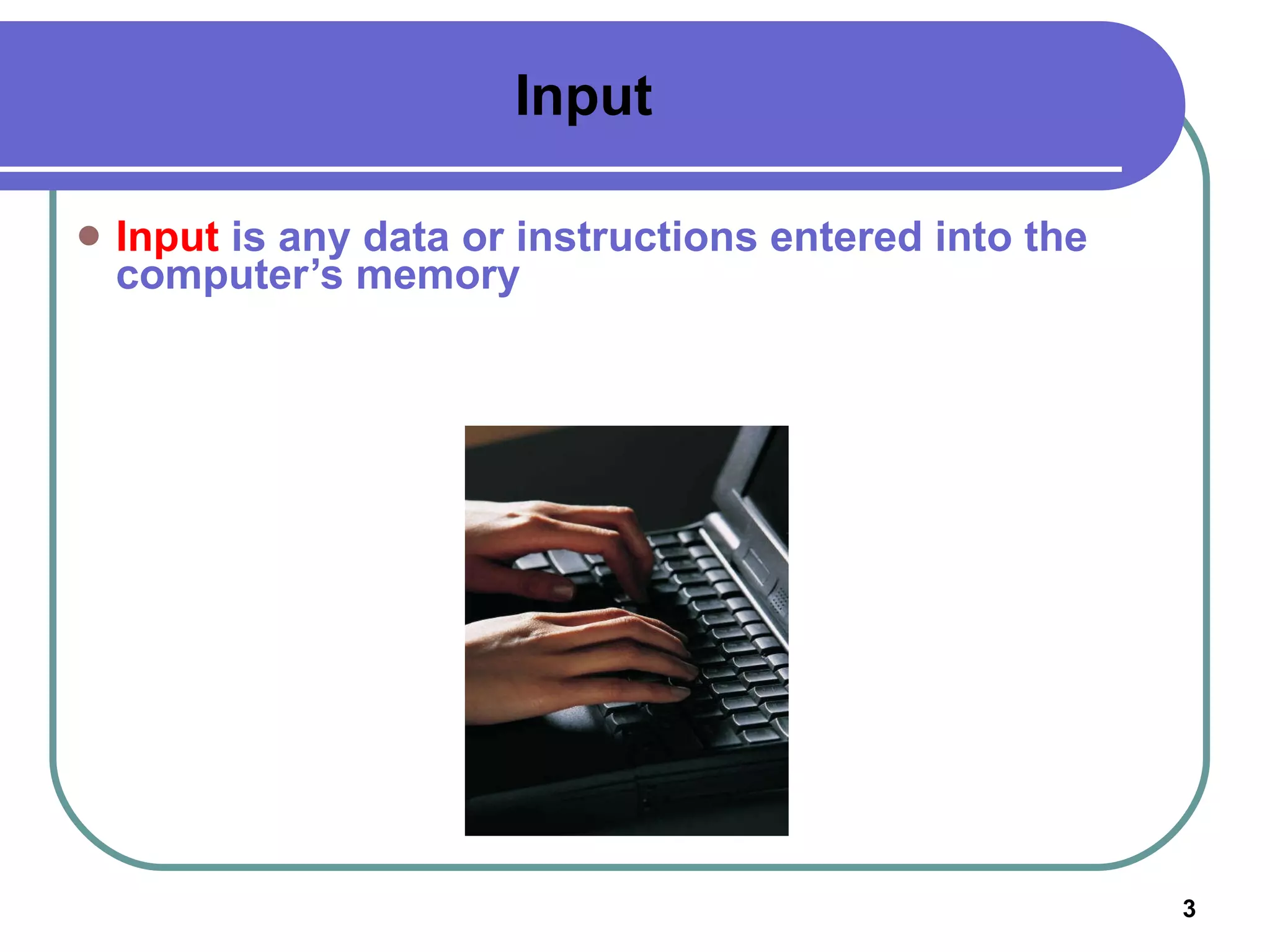
Input Input  is any data or instructions entered into the computer’s memory
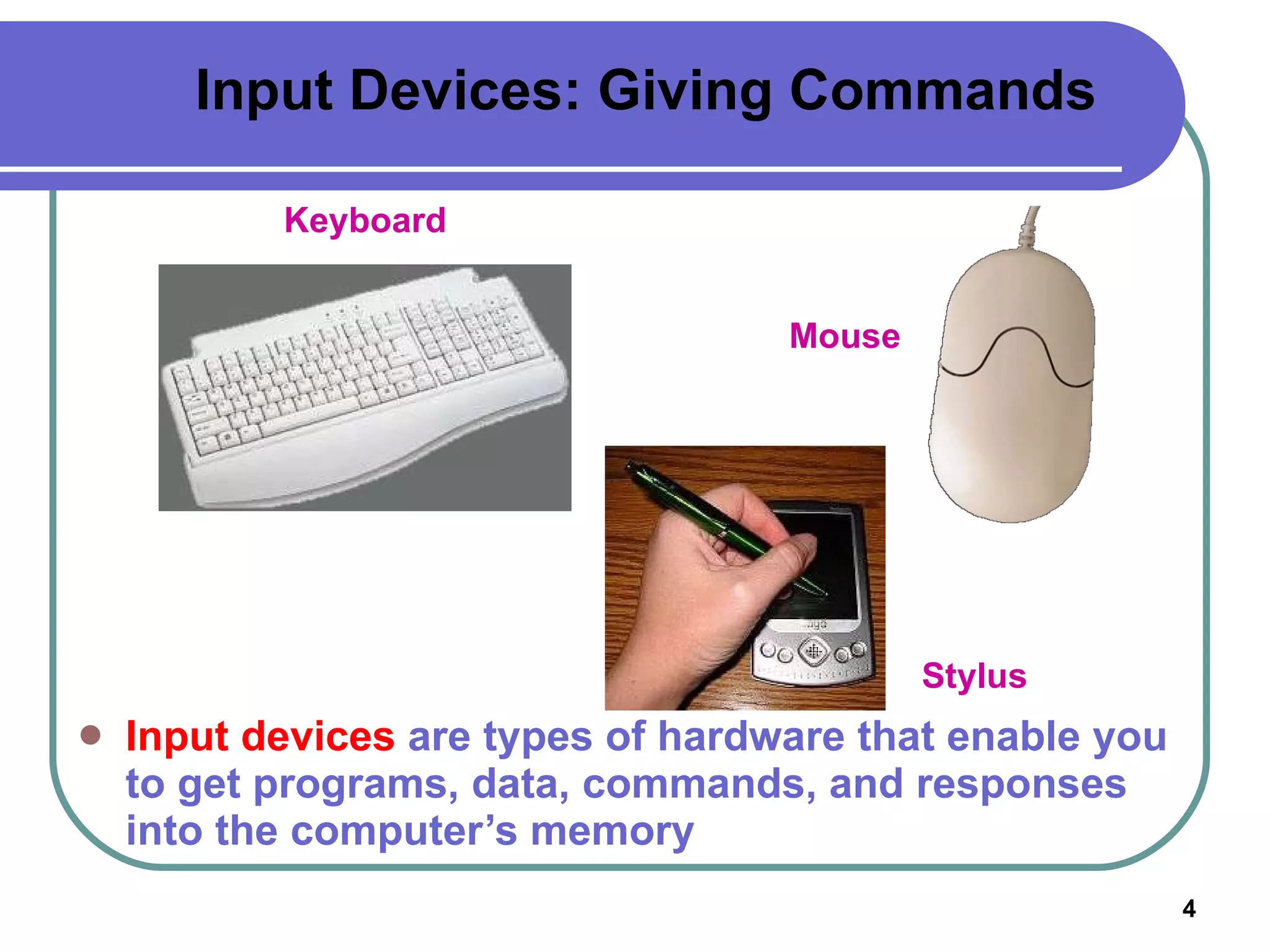
Input Devices: Giving Commands Input devices  are types of hardware that enable you to get programs, data, commands, and responses into the computer’s memory Keyboard Mouse Stylus
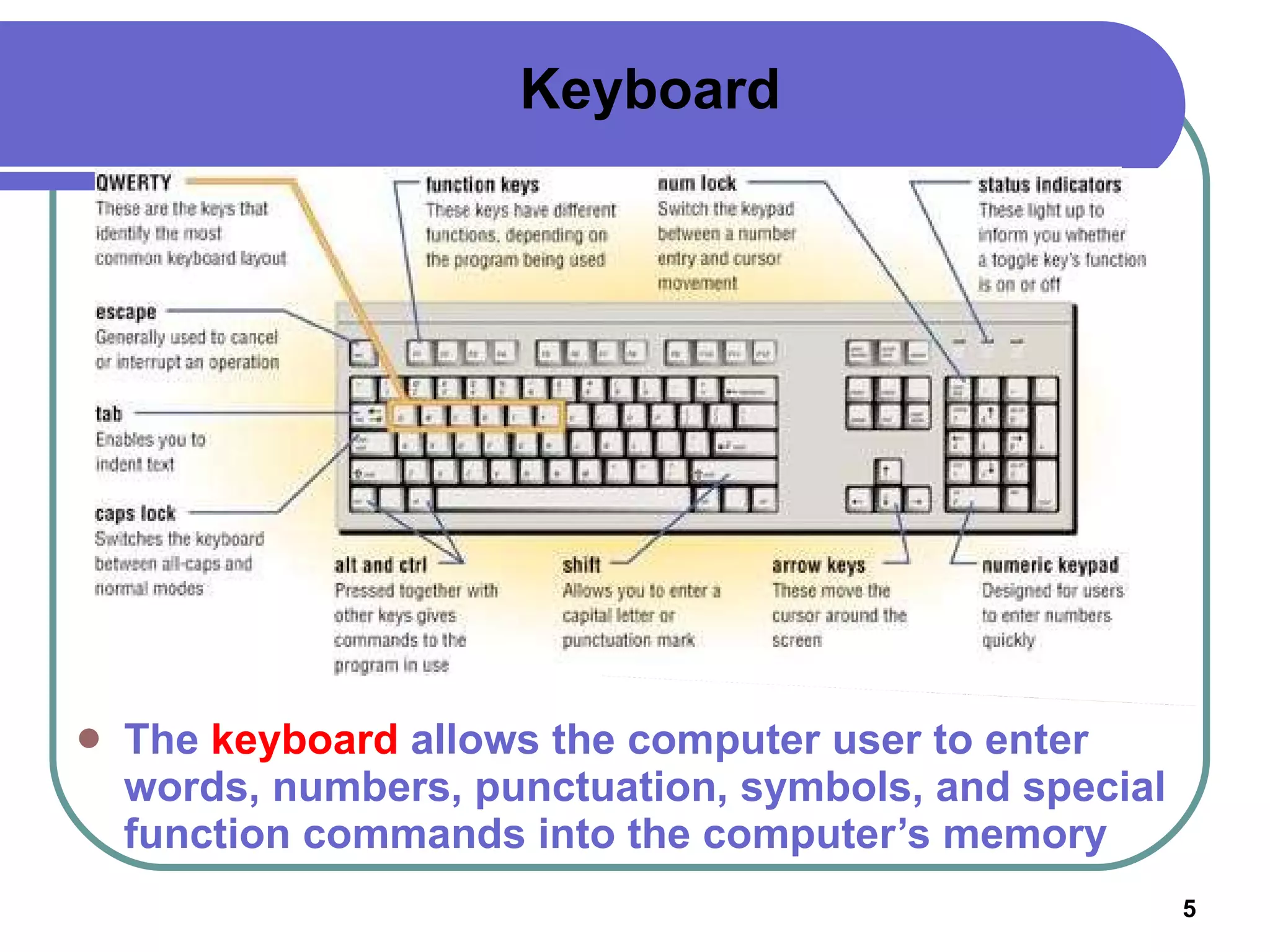
Keyboard The  keyboard  allows the computer user to enter words, numbers, punctuation, symbols, and special function commands into the computer’s memory
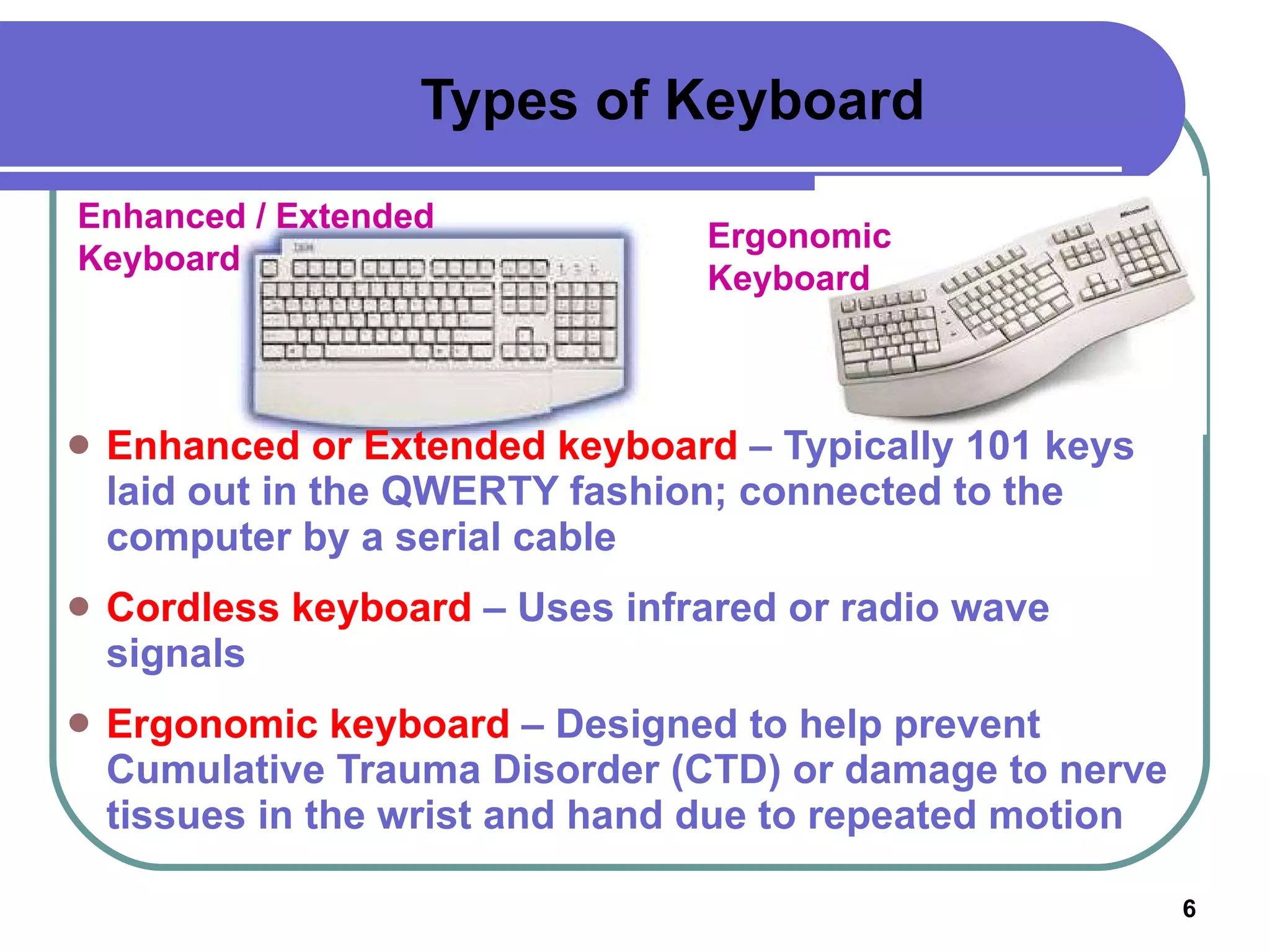
Types of Keyboard Enhanced or Extended keyboard  – Typically 101 keys laid out in the QWERTY fashion; connected to the computer by a serial cable Cordless keyboard  – Uses infrared or radio wave signals Ergonomic keyboard  – Designed to help prevent Cumulative Trauma Disorder (CTD) or damage to nerve tissues in the wrist and hand due to repeated motion Enhanced / Extended Keyboard Ergonomic Keyboard
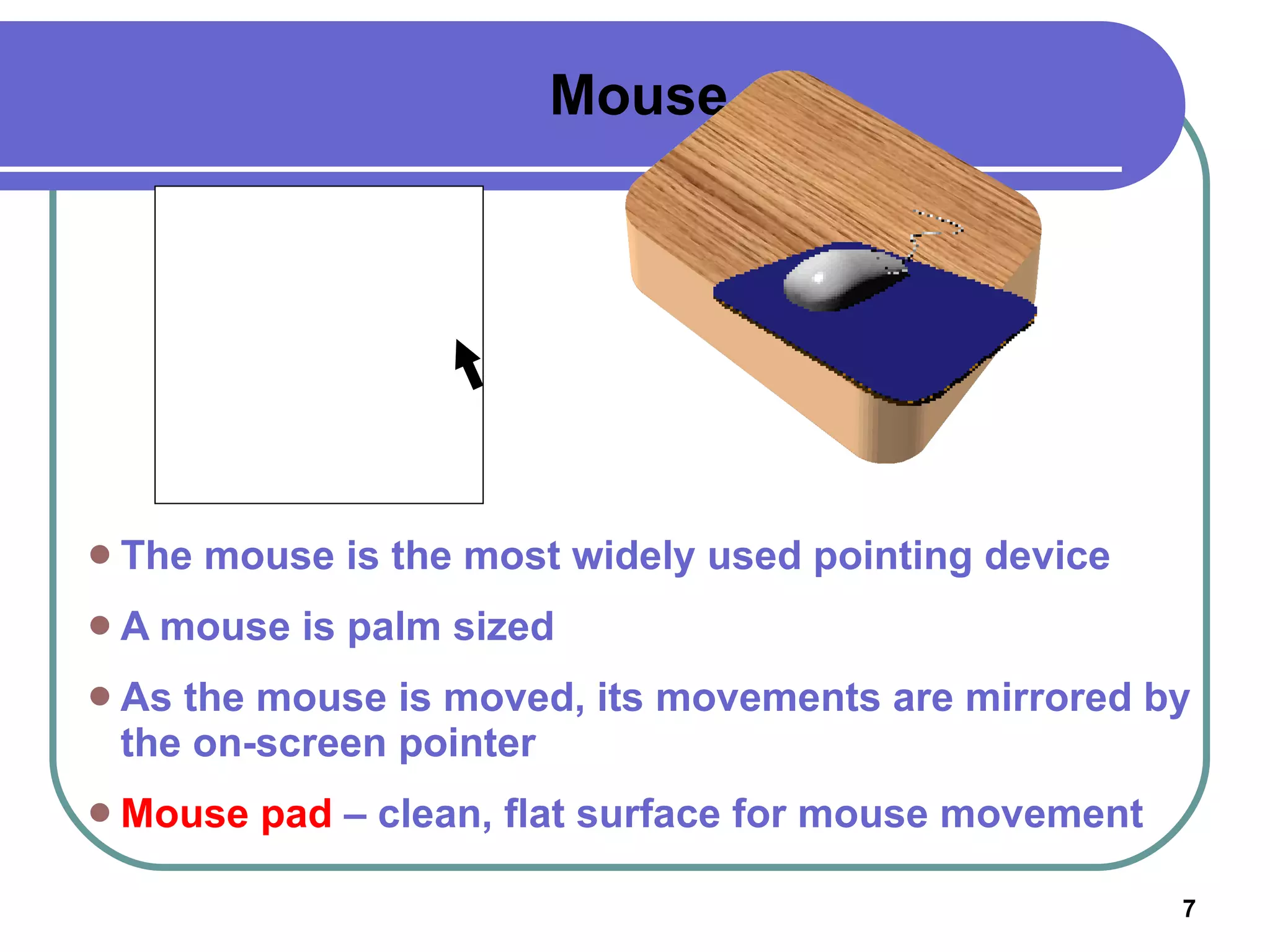
Mouse The mouse is the most widely used pointing device A mouse is palm sized As the mouse is moved, its movements are mirrored by the on-screen pointer Mouse pad  – clean, flat surface for mouse movement
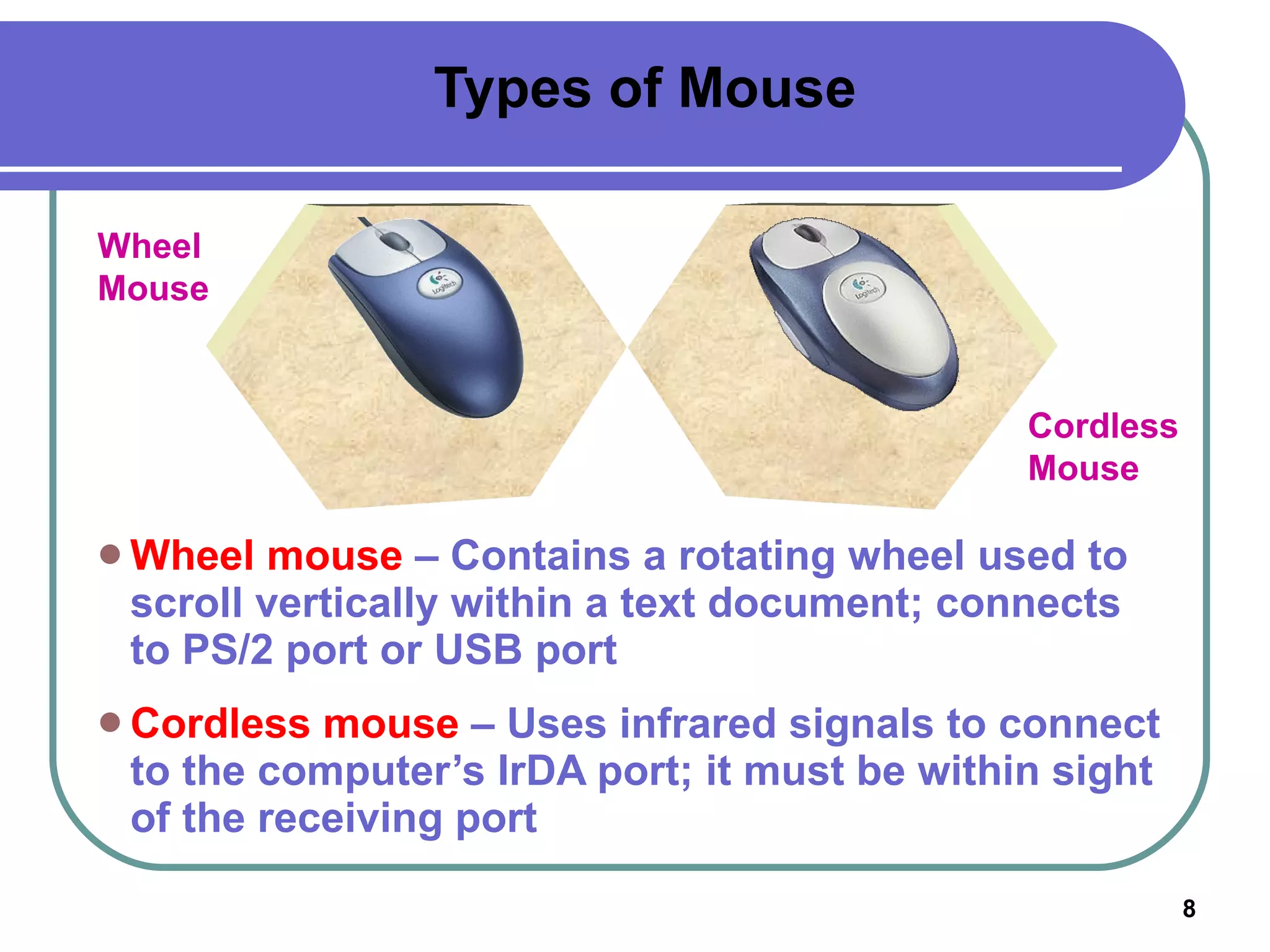
Types of Mouse Wheel mouse  – Contains a rotating wheel used to scroll vertically within a text document; connects to PS/2 port or USB port Cordless mouse  – Uses infrared signals to connect to the computer’s IrDA port; it must be within sight of the receiving port Wheel Mouse Cordless Mouse
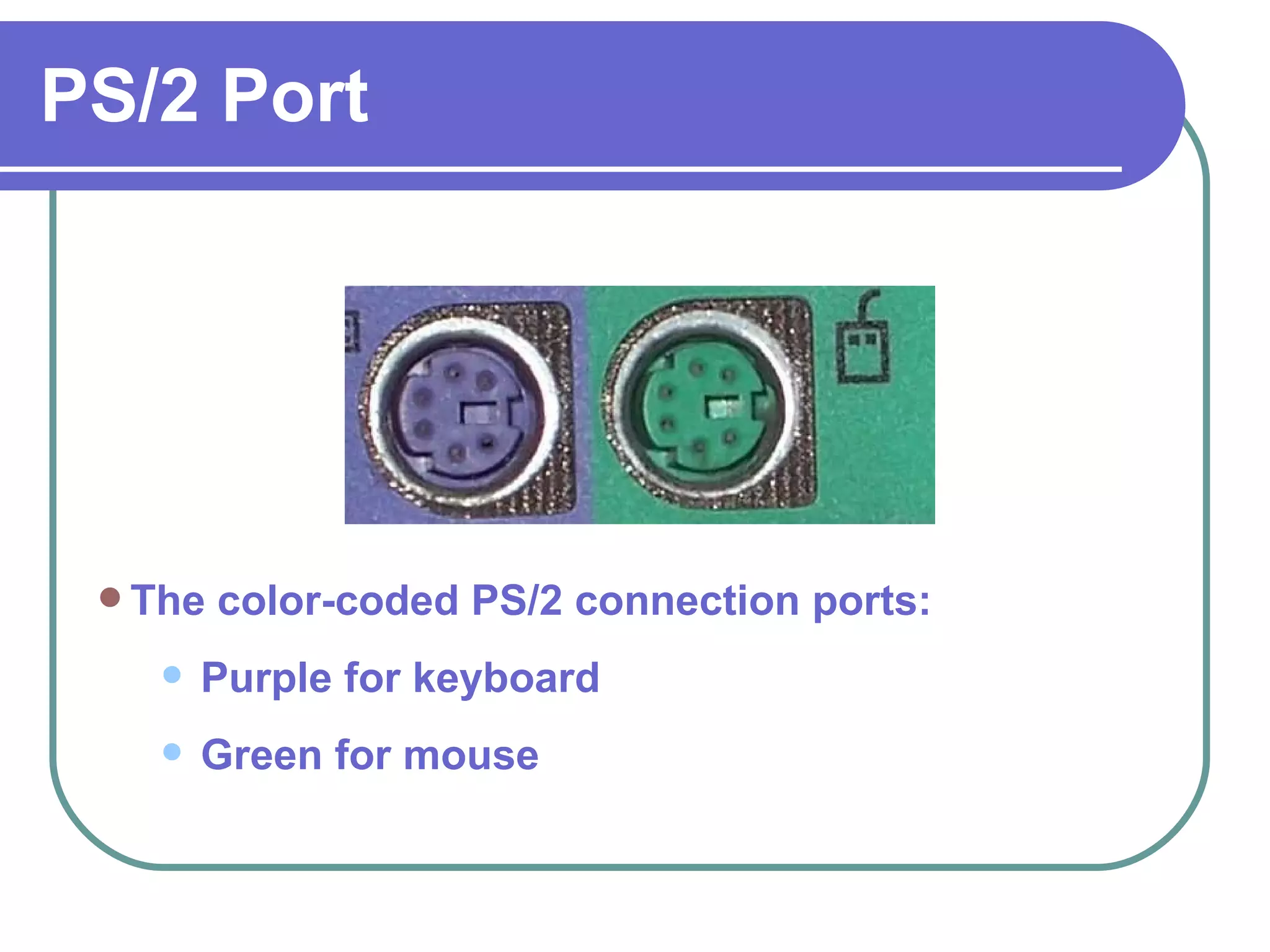
PS/2 Port The color-coded PS/2 connection ports: Purple for keyboard  Green for mouse
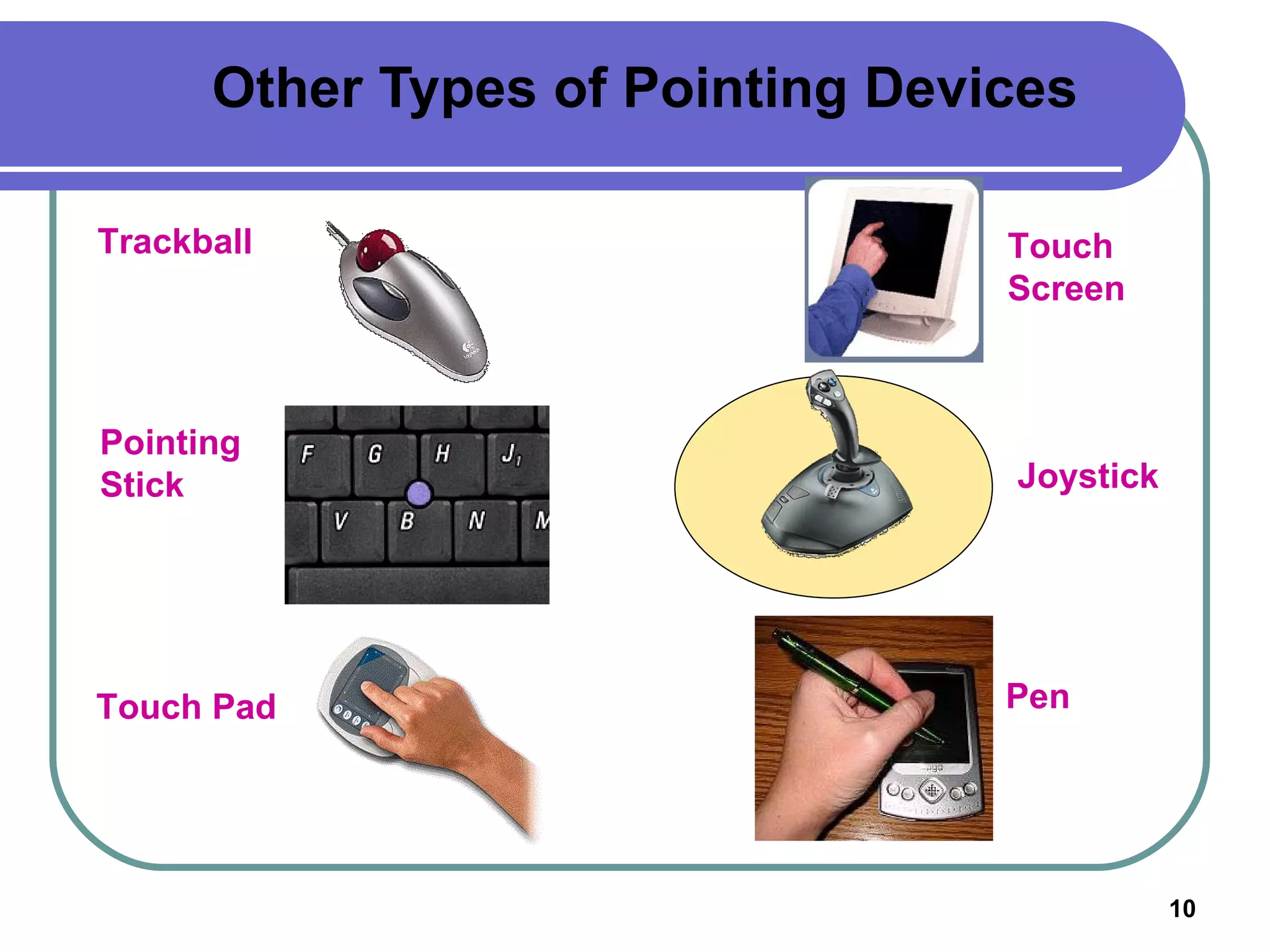
Other Types of Pointing Devices Joystick Touch Pad Touch Screen Trackball Pointing Stick Pen
How a Mouse Works Mouse buttons enable the user to initiate actions Clicking (left-, right-, or double-clicking)  allows the user to select an item on the screen or open  a program or dialog box Click and drag  – Holding down the left mouse button and moving the mouse enables the user to move objects on the screen
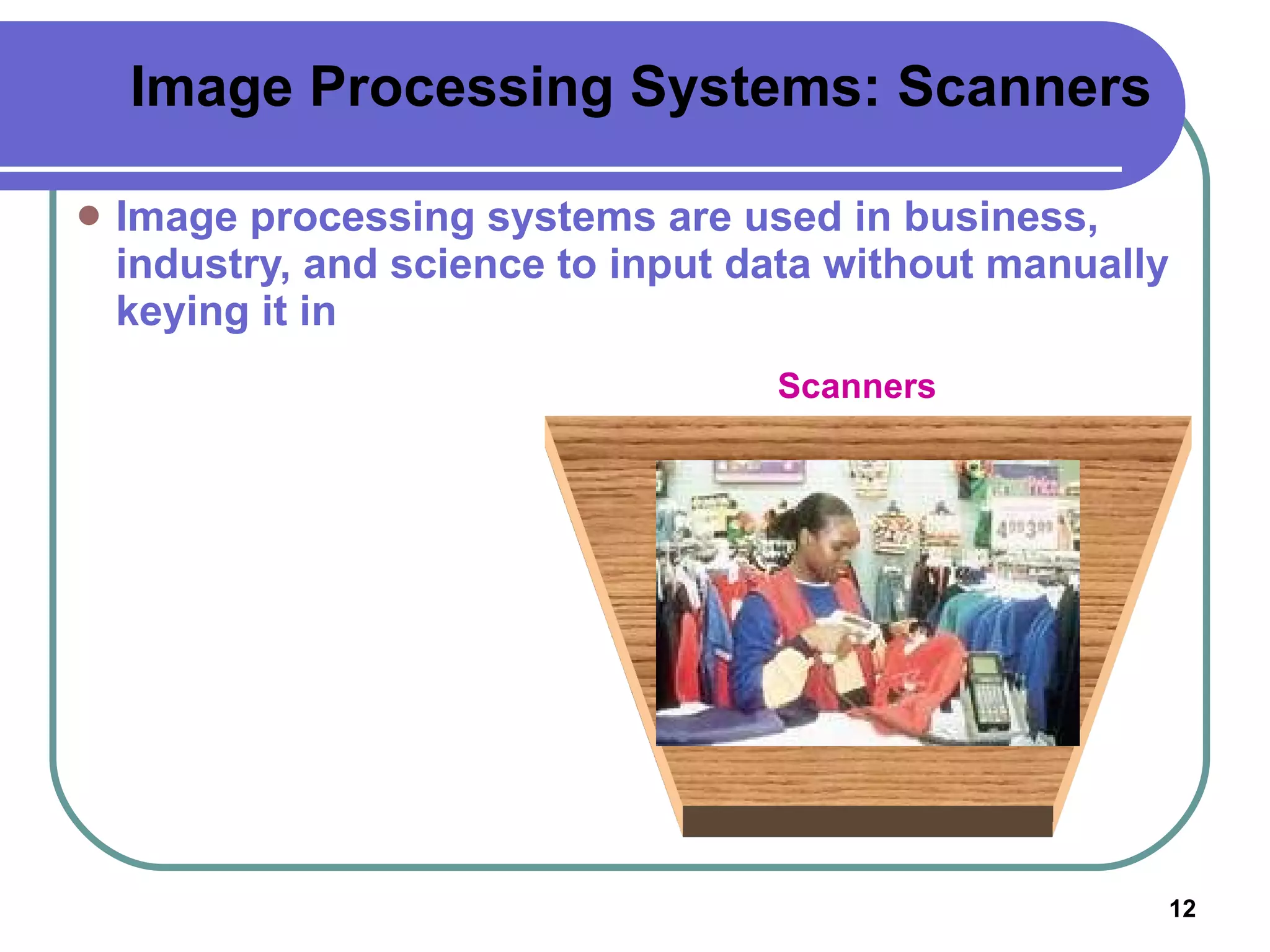
Image Processing Systems: Scanners Image processing systems are used in business, industry, and science to input data without manually keying it in Scanners
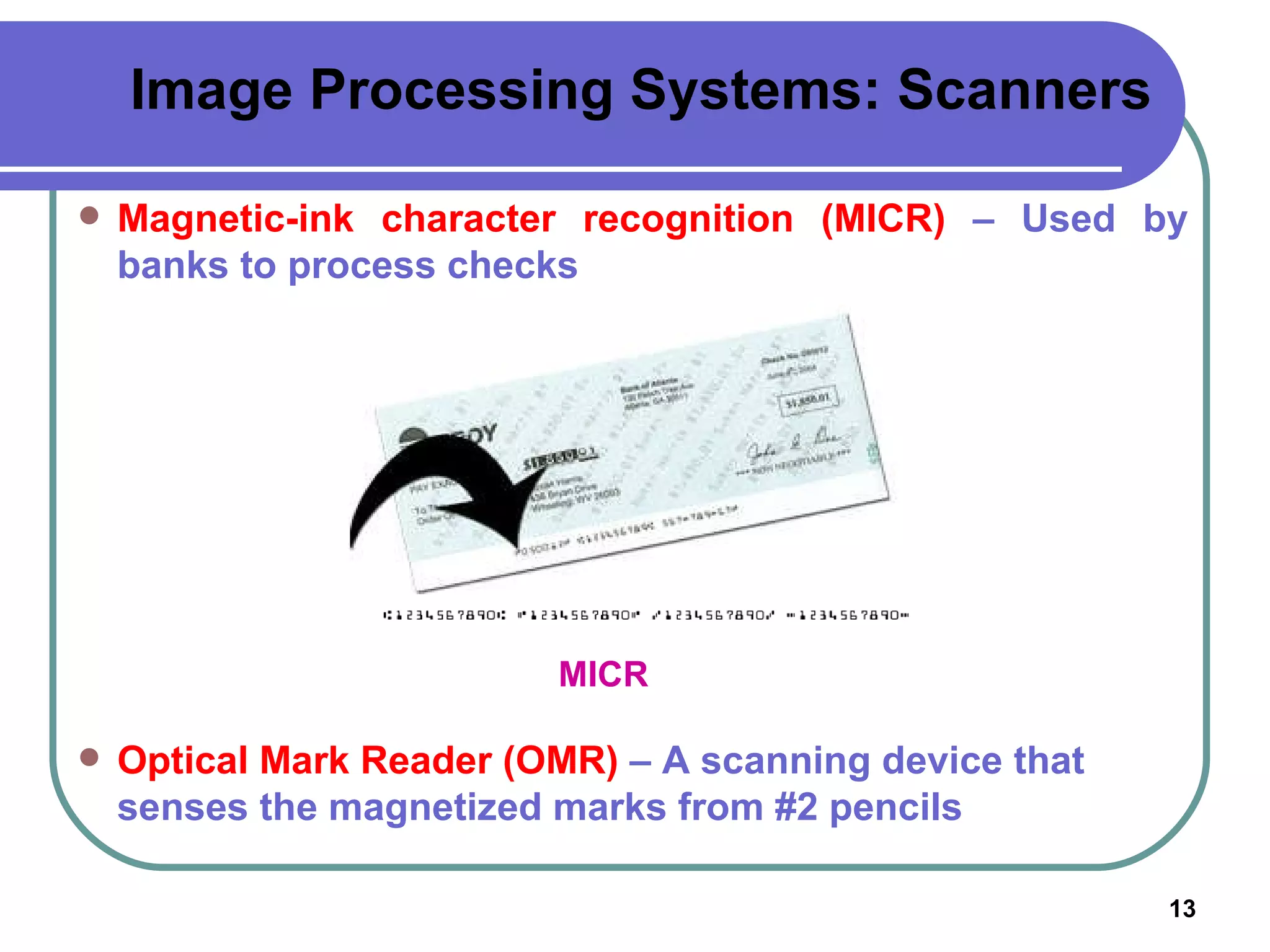
MICR Image Processing Systems: Scanners Magnetic-ink character recognition (MICR)  – Used by banks to process checks Optical Mark Reader (OMR)  – A scanning device that senses the magnetized marks from #2 pencils
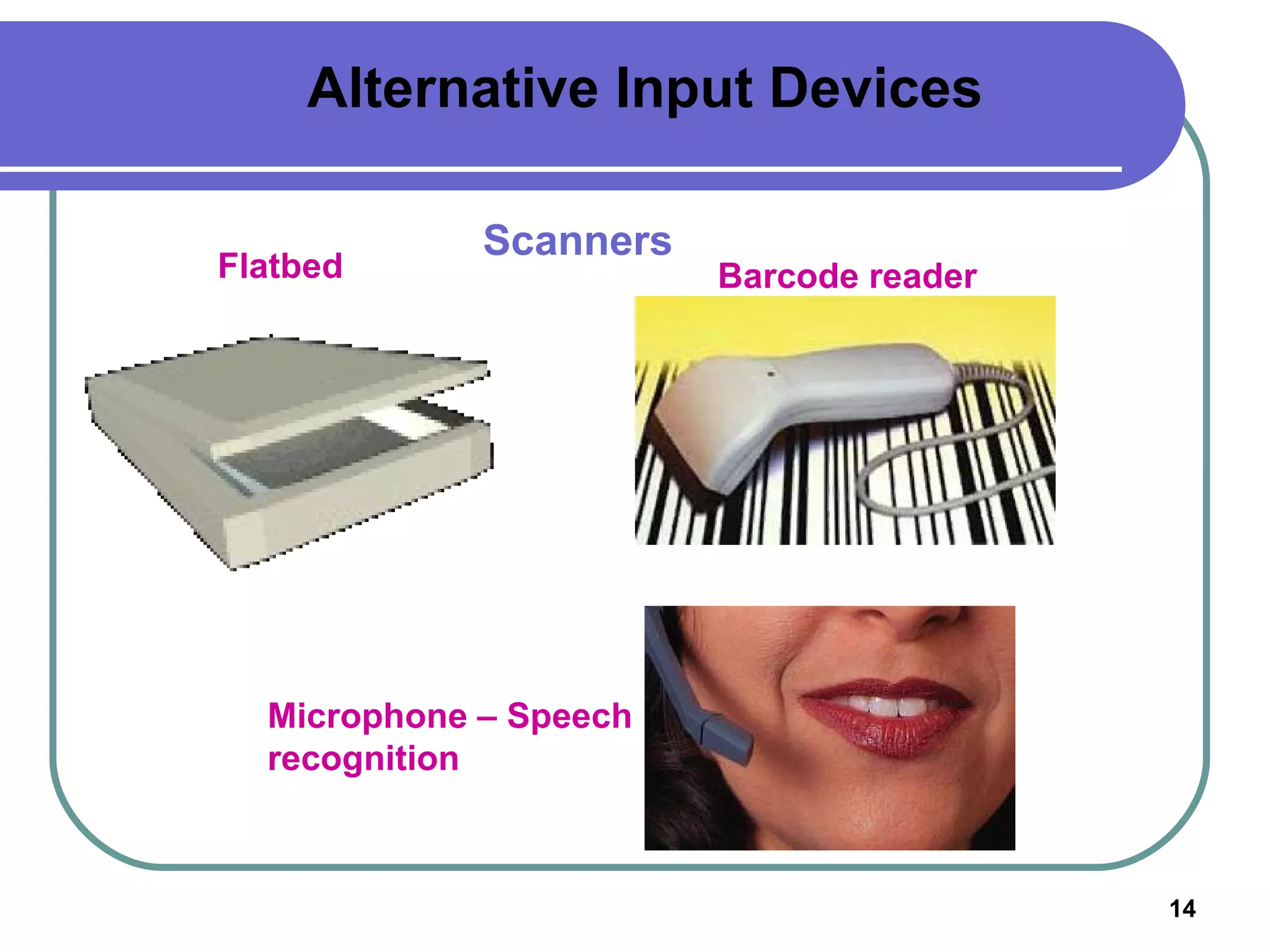
Alternative Input Devices Scanners Flatbed Barcode reader Microphone – Speech recognition
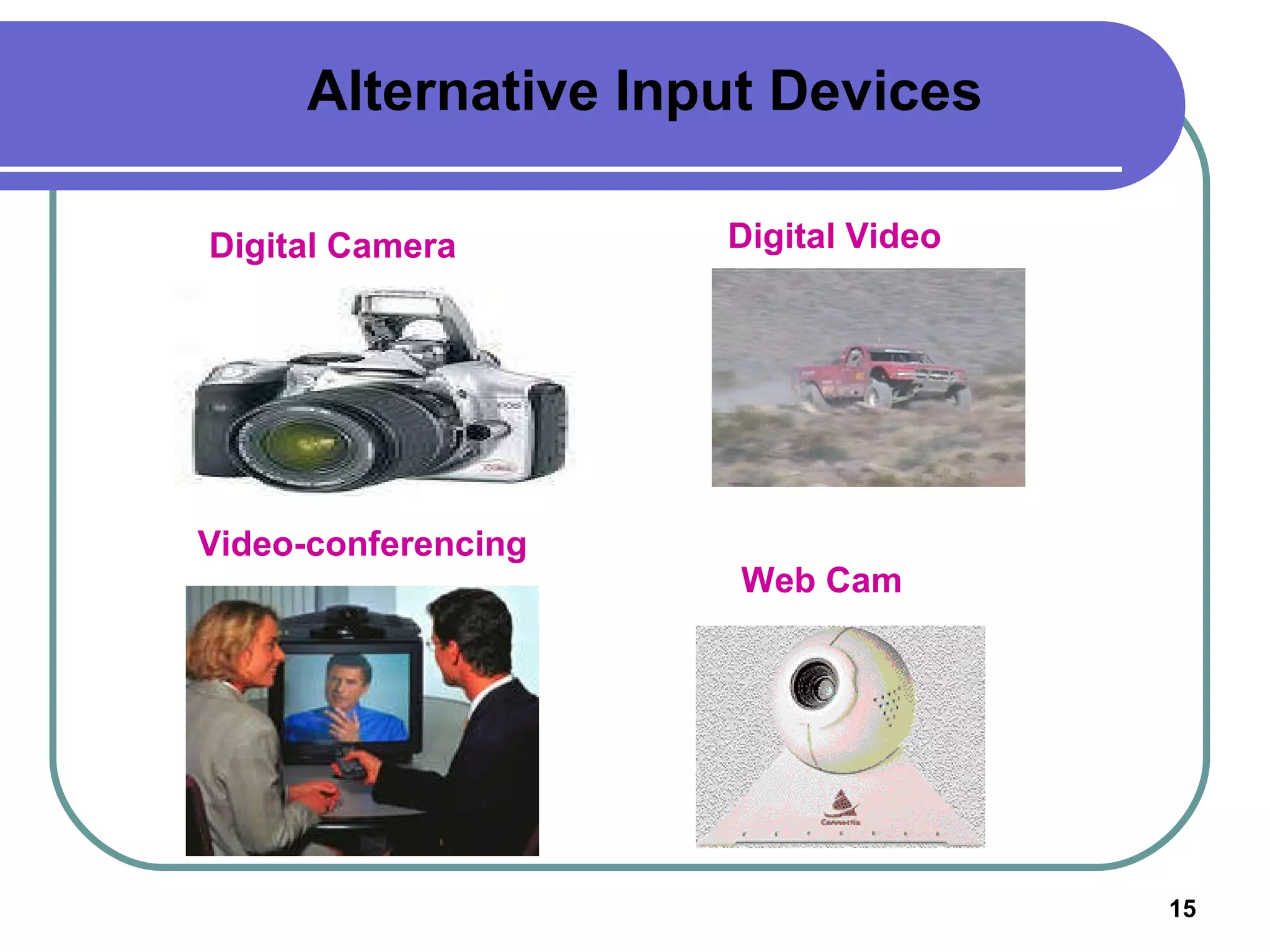
Digital Camera Digital Video Video-conferencing Web Cam Alternative Input Devices
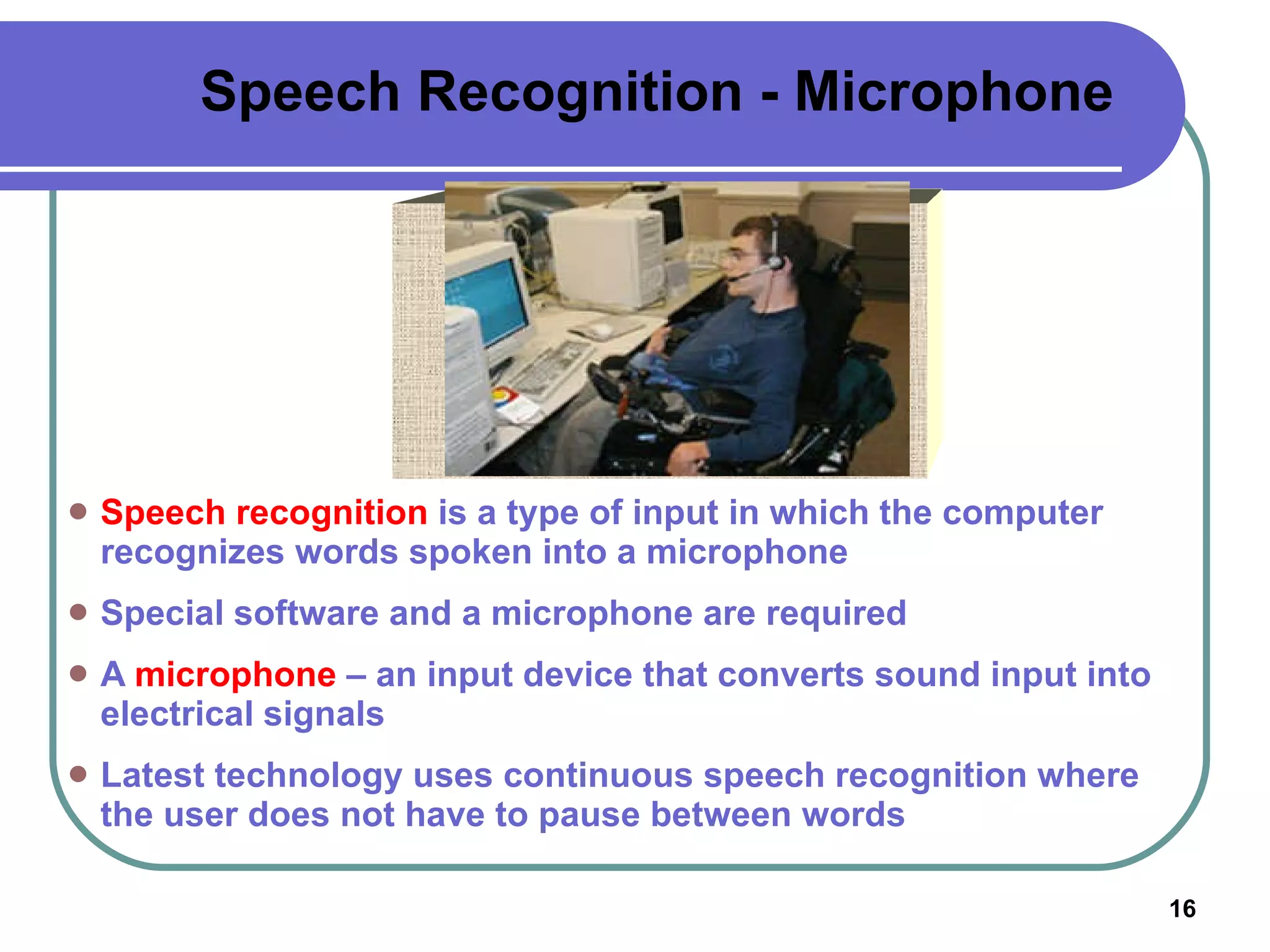
Speech Recognition - Microphone Speech recognition  is a type of input in which the computer recognizes words spoken into a microphone Special software and a microphone are required A  microphone  – an input device that converts sound input into electrical signals Latest technology uses continuous speech recognition where the user does not have to pause between words
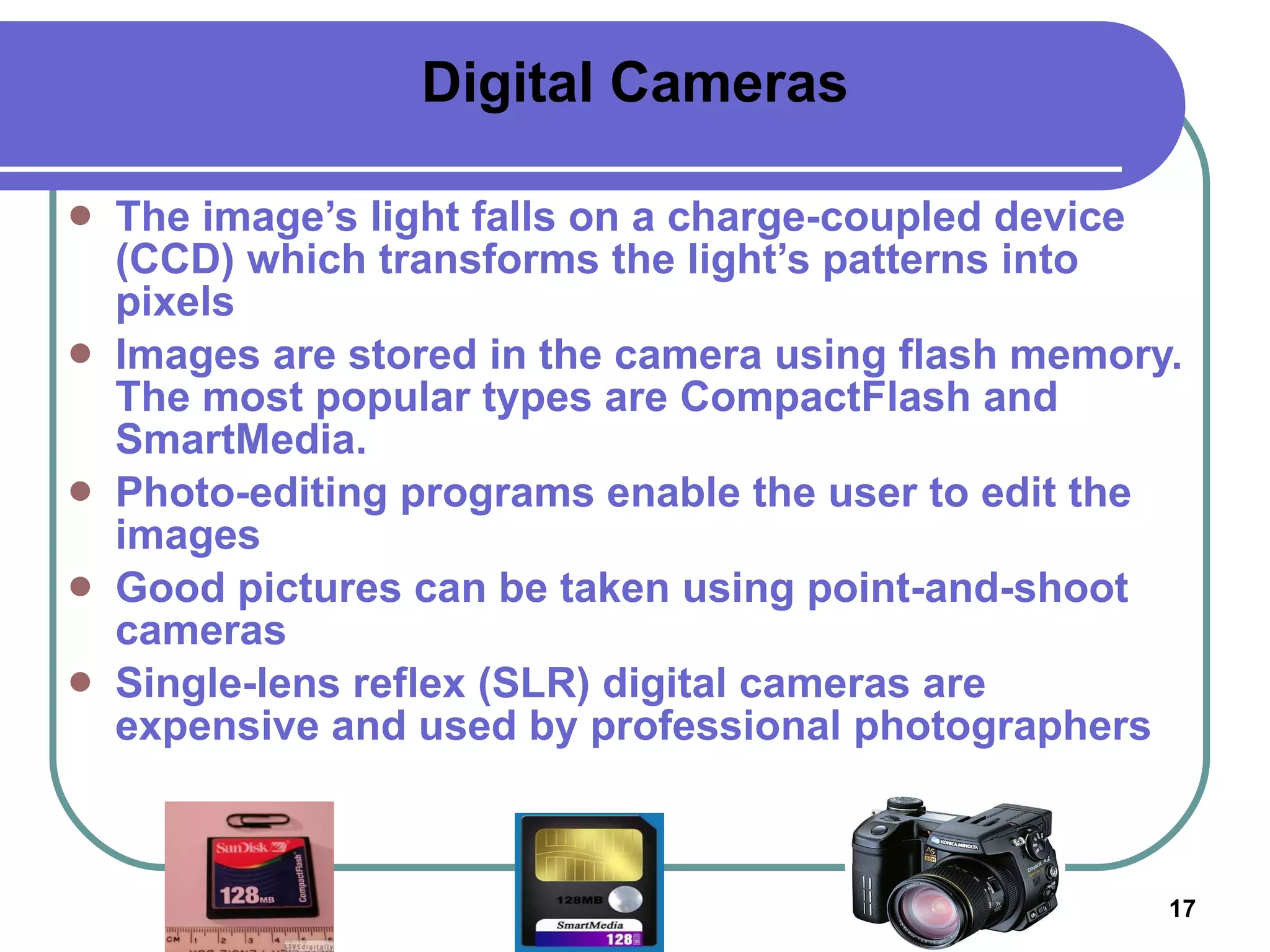
Digital Cameras The image’s light falls on a charge-coupled device (CCD) which transforms the light’s patterns into pixels Images are stored in the camera using flash memory. The most popular types are CompactFlash and SmartMedia. Photo-editing programs enable the user to edit the images Good pictures can be taken using point-and-shoot cameras Single-lens reflex (SLR) digital cameras are expensive and used by professional photographers
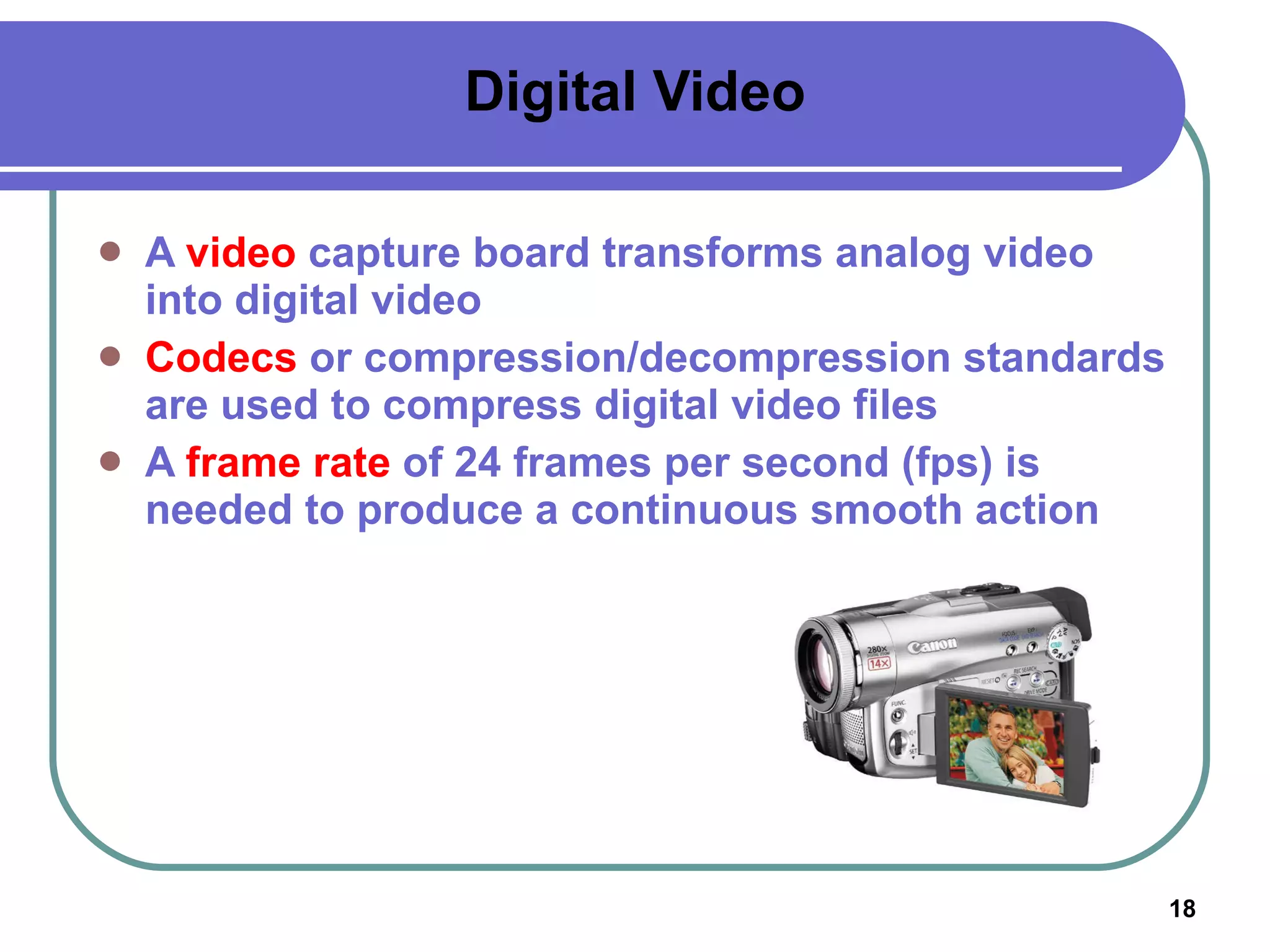
Digital Video A  video  capture board transforms analog video into digital video Codecs  or compression/decompression standards are used to compress digital video files A  frame rate  of 24 frames per second (fps) is needed to produce a continuous smooth action
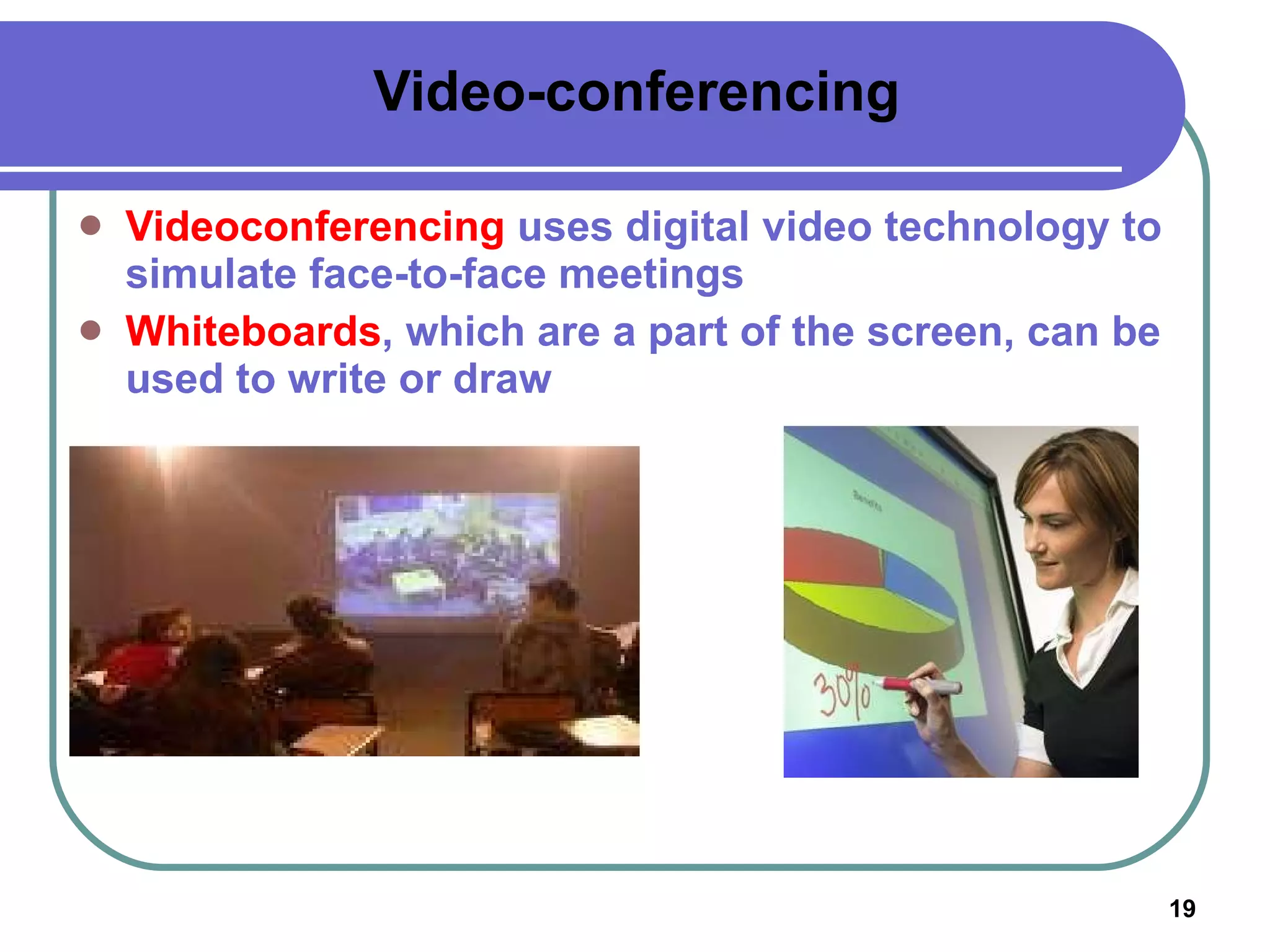
Video-conferencing Videoconferencing  uses digital video technology to simulate face-to-face meetings Whiteboards , which are a part of the screen, can be used to write or draw
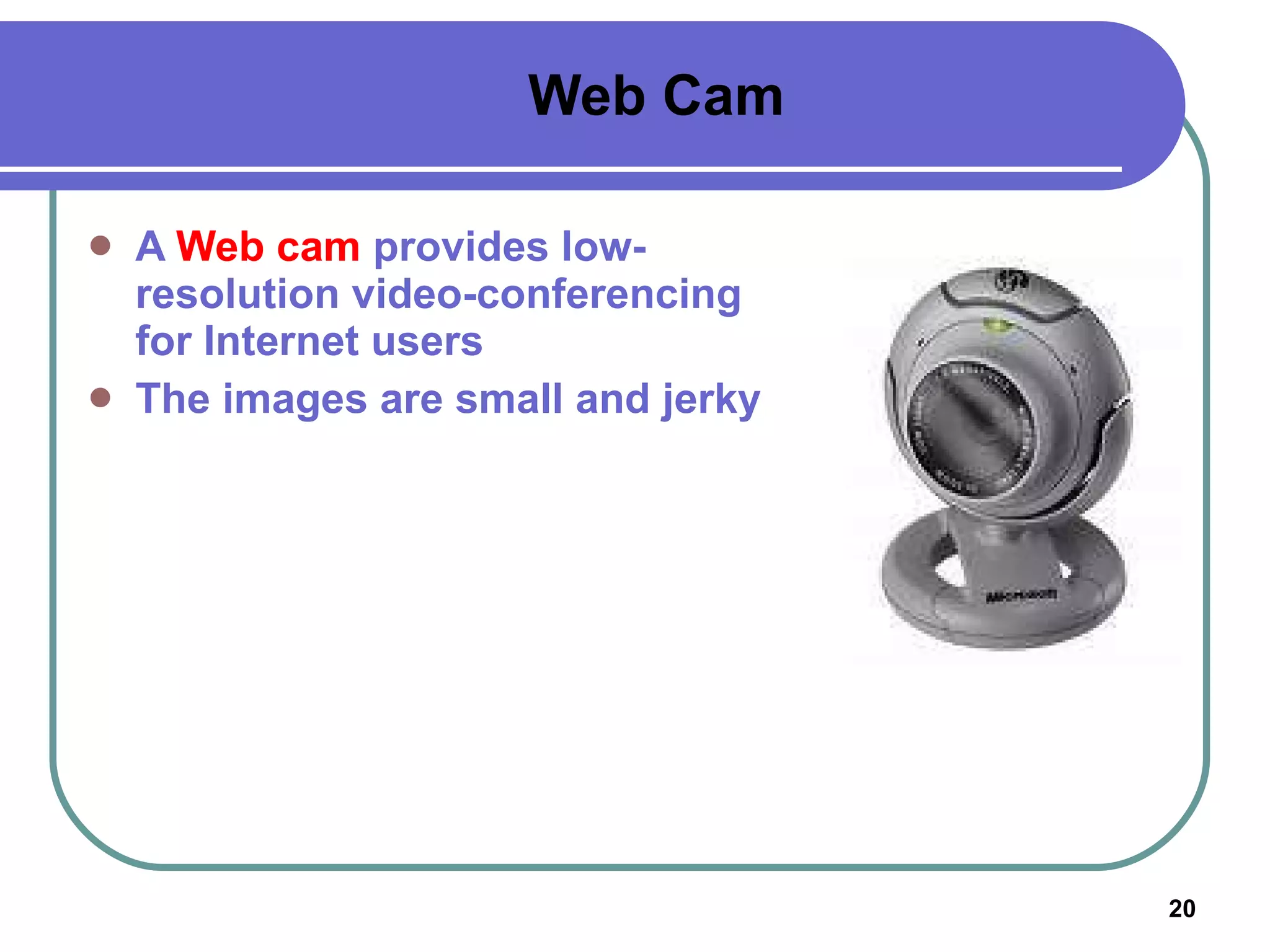
Web Cam A  Web cam  provides low-resolution video-conferencing for Internet users The images are small and jerky
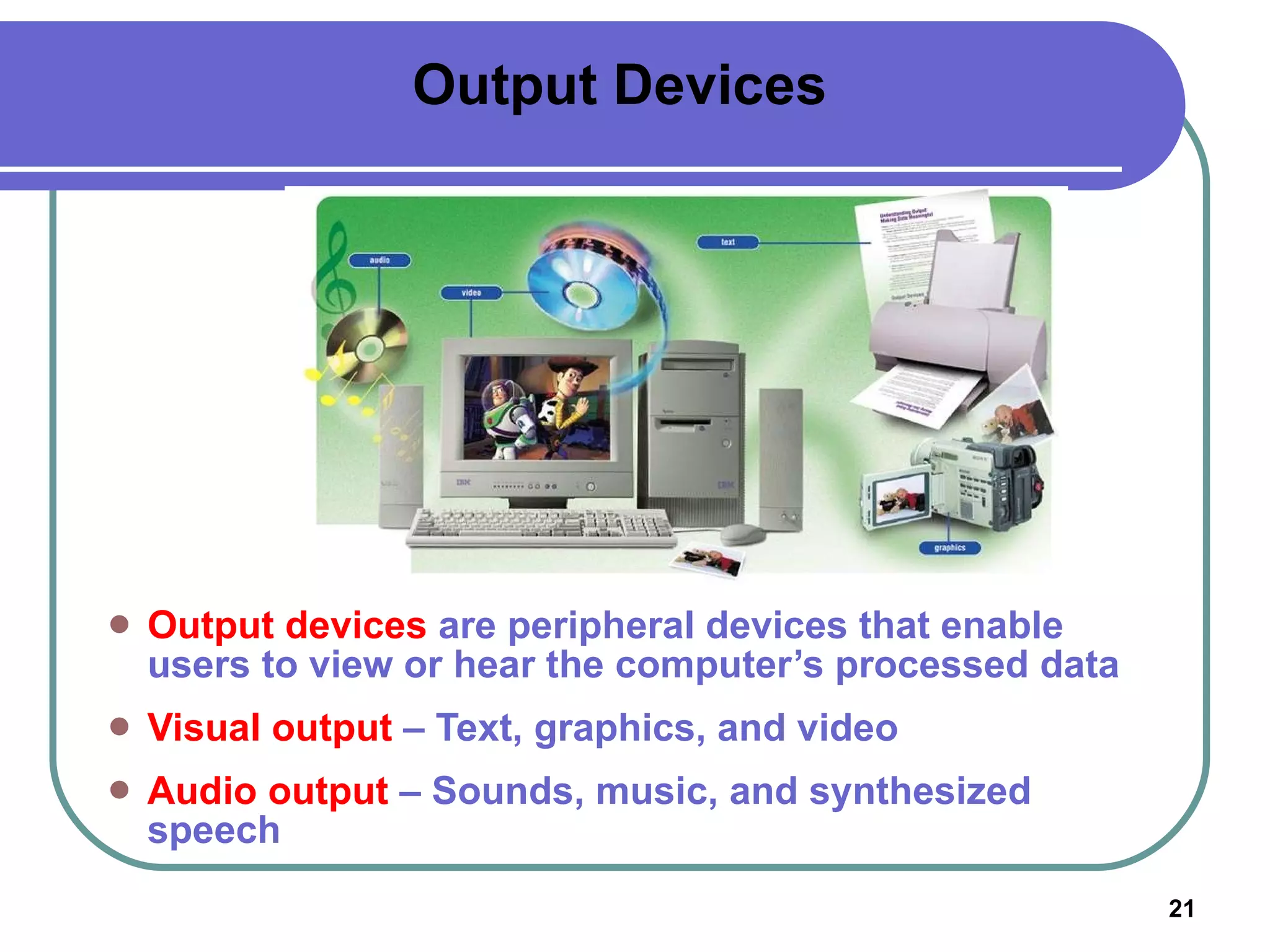
Output Devices Output devices  are peripheral devices that enable users to view or hear the computer’s processed data Visual output  – Text, graphics, and video Audio output  – Sounds, music, and synthesized speech
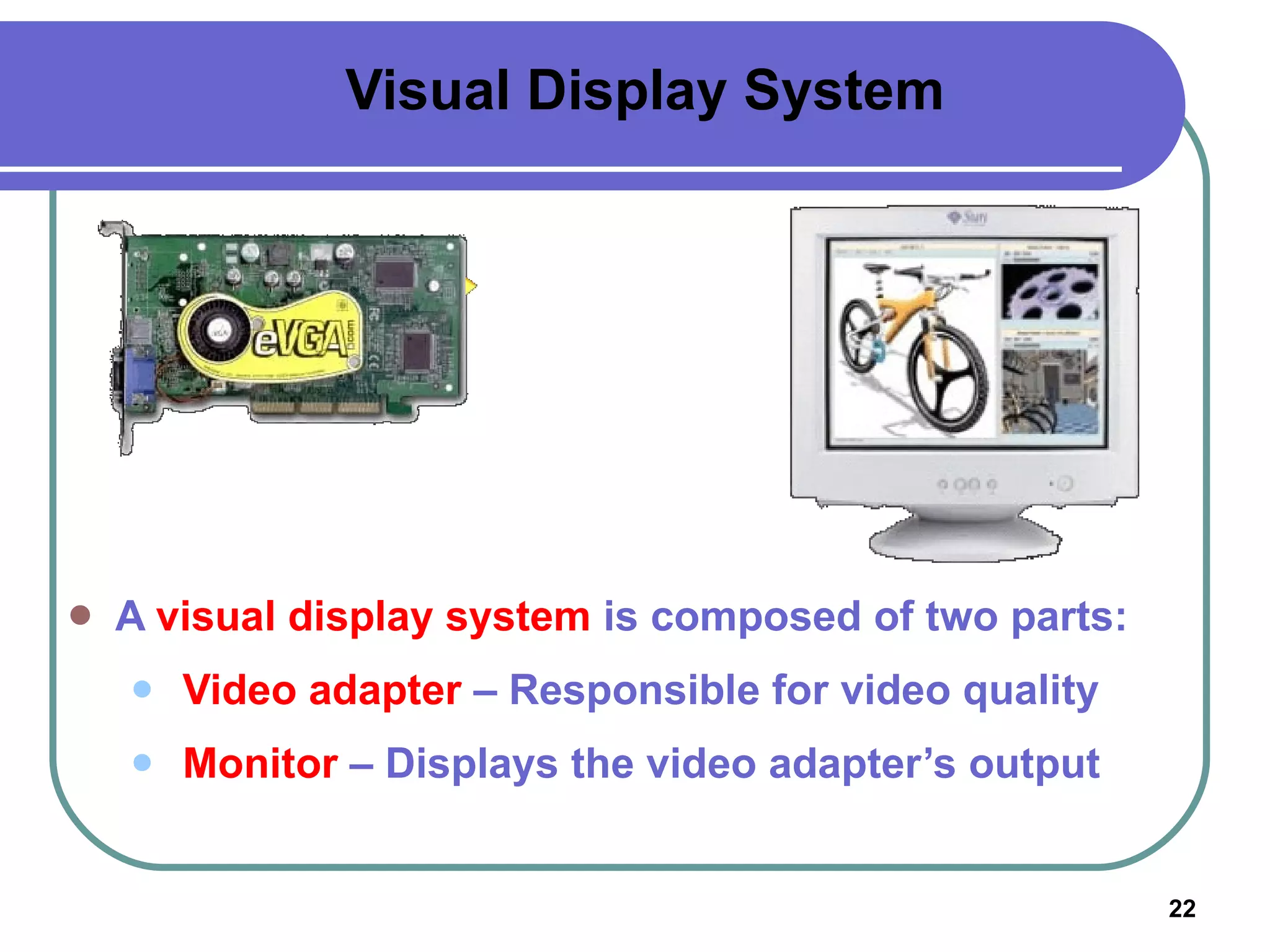
Visual Display System A  visual display system  is composed of two parts: Video adapter  – Responsible for video quality Monitor  – Displays the video adapter’s output
Video Adapter A  video adapter  is also called  display adapter ,  video card , or  graphics card It plugs into an expansion slot on the motherboard It contains memory called video RAM (VRAM) It is designed to work with digital or analog monitors It converts digital signals to analog It determines a monitor’s maximum resolution (VGA/Super VGA) It determines a monitor’s refresh rate 3D graphics adapter  – Enables 3-dimensional images Multi-display video adapter – Permits a connection of two monitors at a time
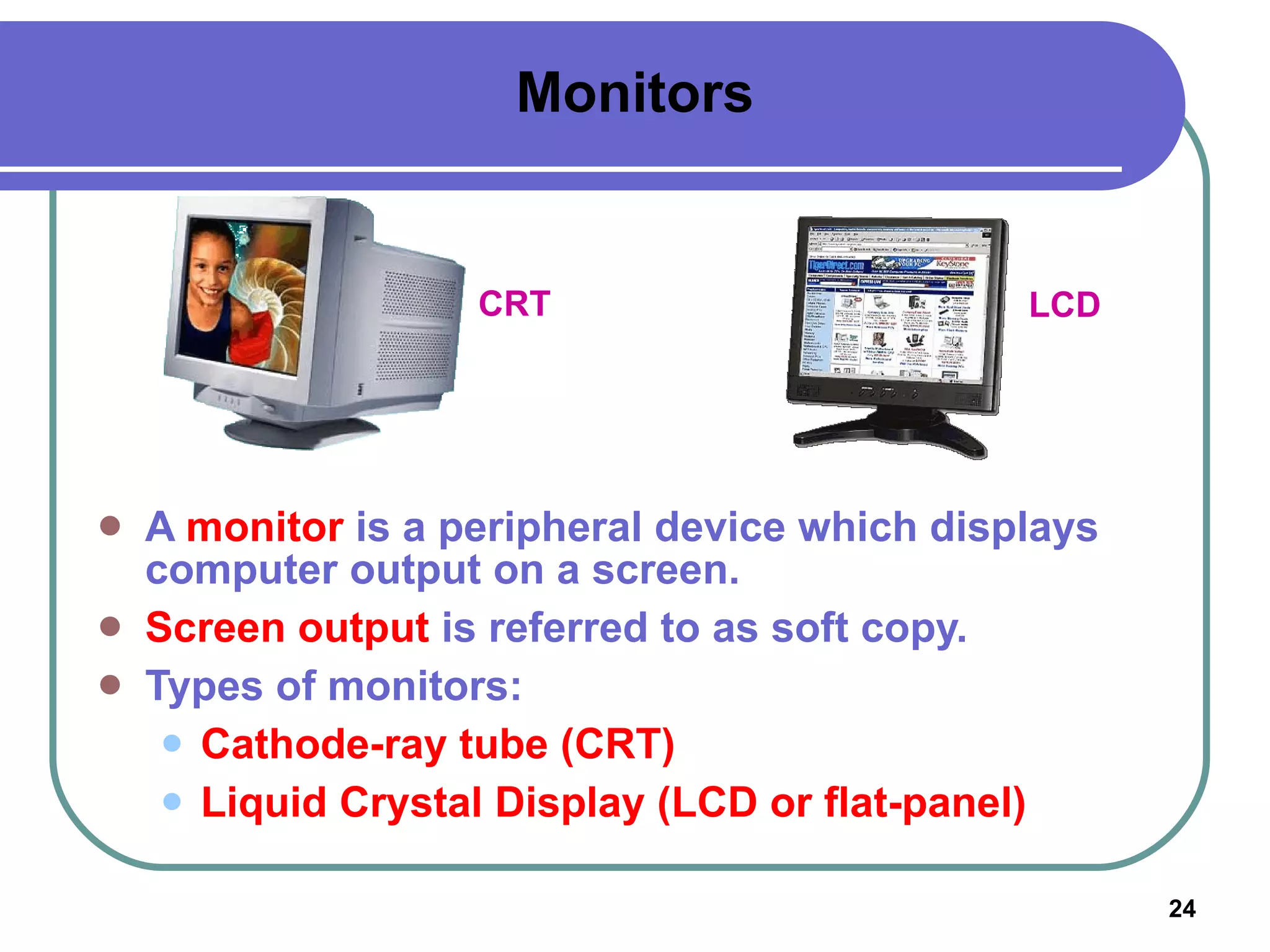
Monitors A  monitor  is a peripheral device which displays computer output on a screen. Screen output  is referred to as soft copy. Types of monitors: Cathode-ray tube (CRT) Liquid Crystal Display (LCD or flat-panel) CRT LCD
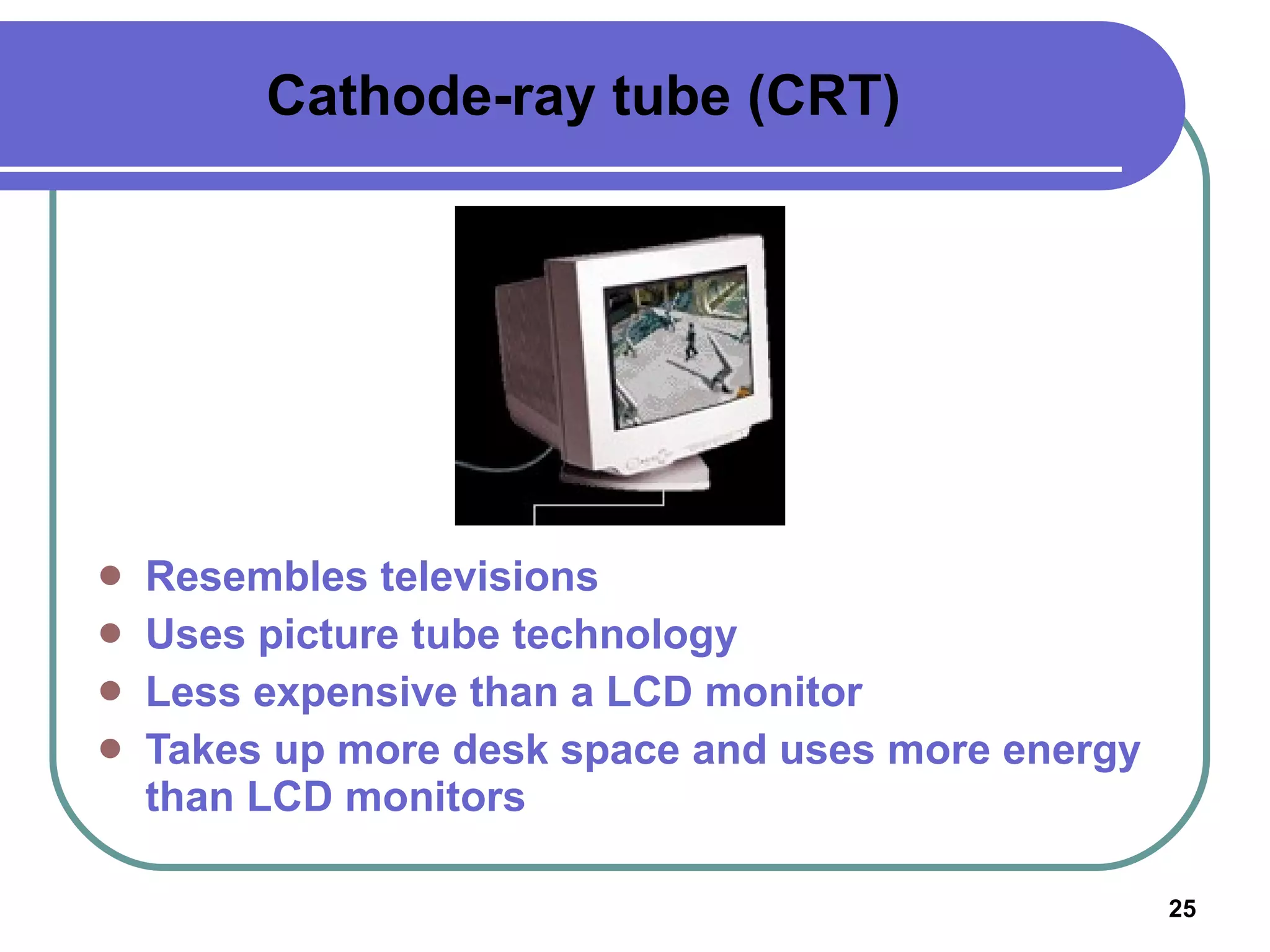
Cathode-ray tube (CRT) Resembles televisions  Uses picture tube technology Less expensive than a LCD monitor Takes up more desk space and uses more energy than LCD monitors
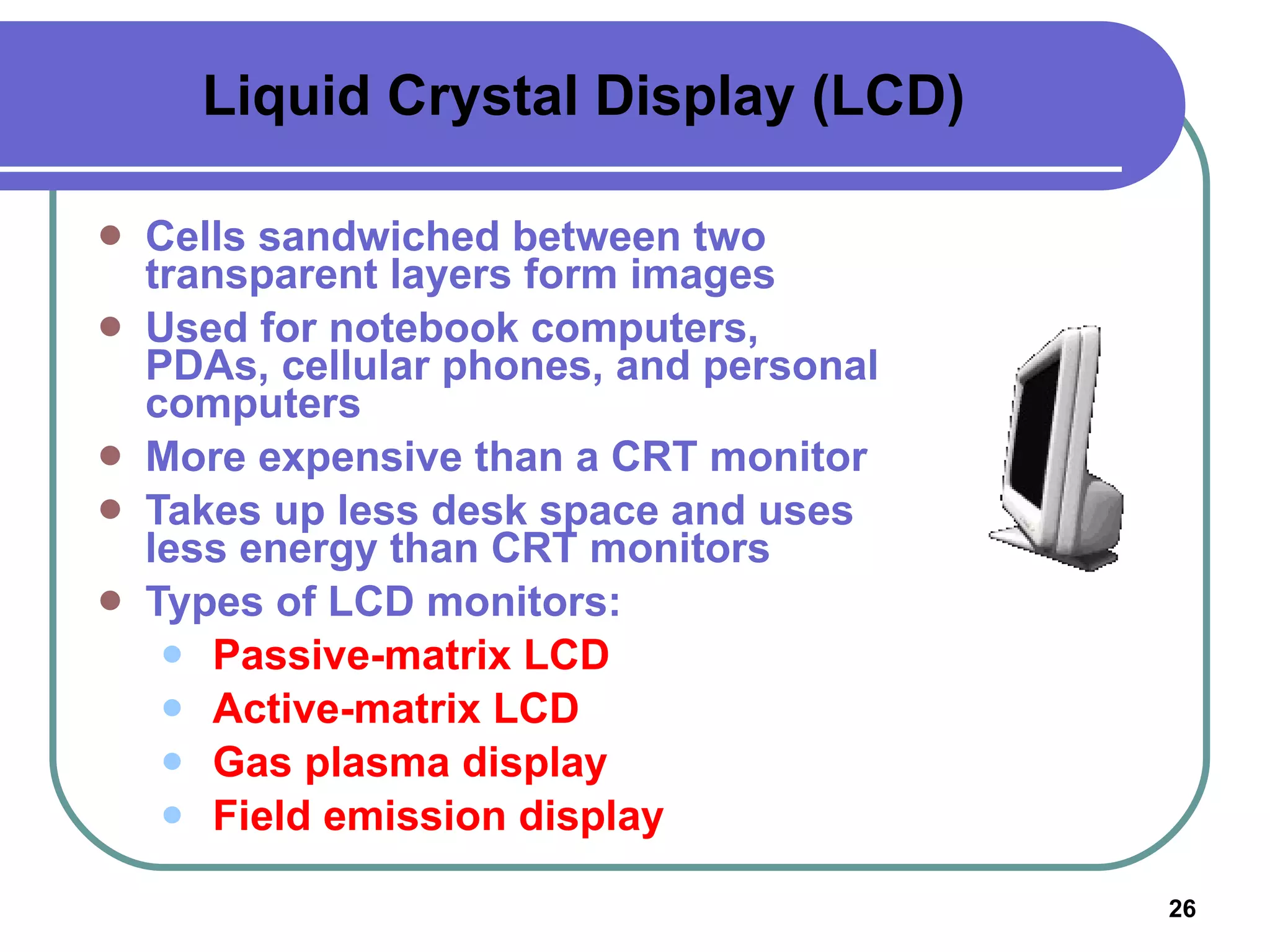
Liquid Crystal Display (LCD) Cells sandwiched between two transparent layers form images Used for notebook computers, PDAs, cellular phones, and personal computers More expensive than a CRT monitor Takes up less desk space and uses less energy than CRT monitors Types of LCD monitors: Passive-matrix LCD Active-matrix LCD Gas plasma display Field emission display
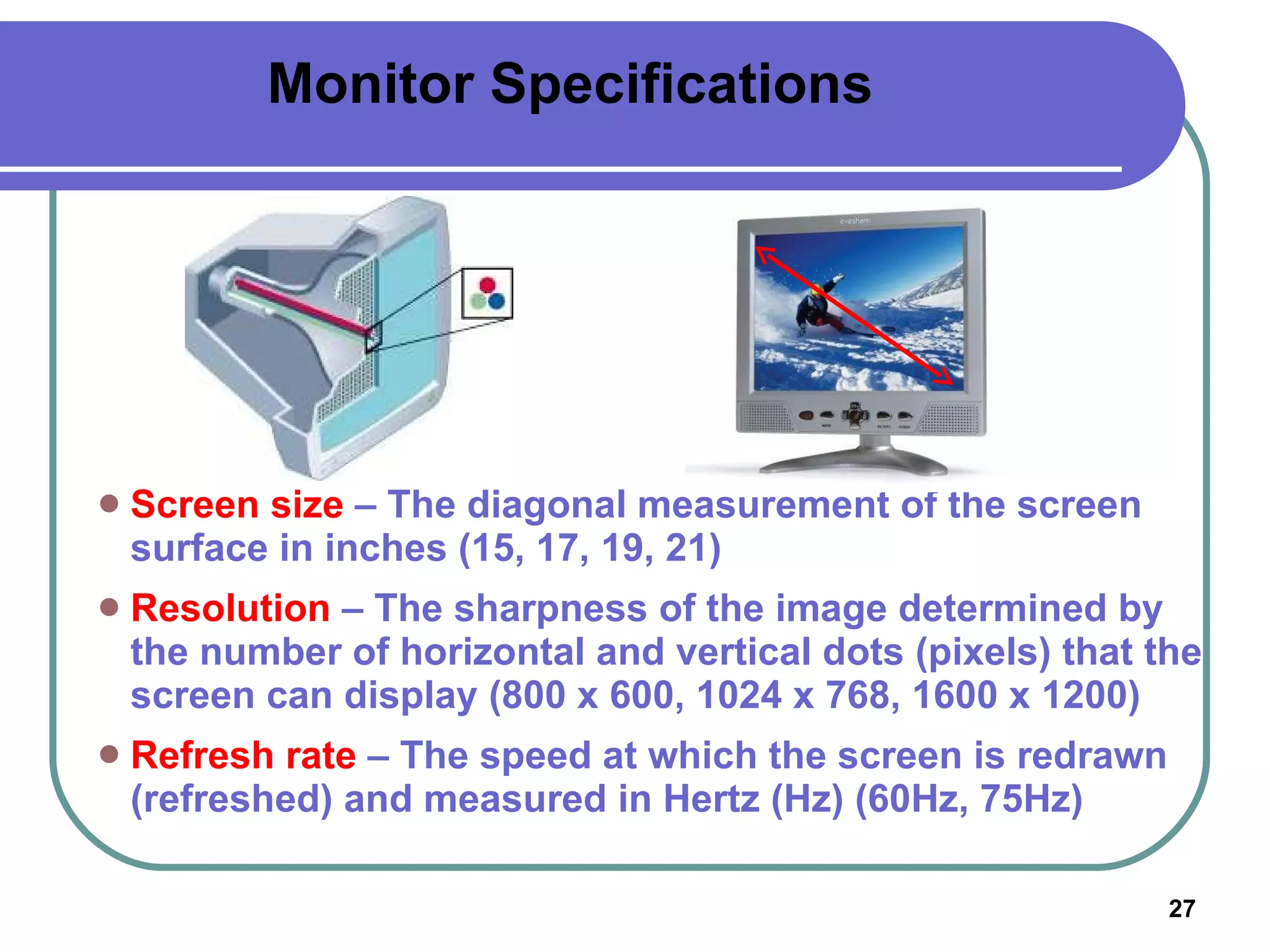
Monitor Specifications Screen size  – The diagonal measurement of the screen surface in inches (15, 17, 19, 21) Resolution  – The sharpness of the image determined by the number of horizontal and vertical dots (pixels) that the screen can display (800 x 600, 1024 x 768, 1600 x 1200) Refresh rate  – The speed at which the screen is redrawn (refreshed) and measured in Hertz (Hz) (60Hz, 75Hz)
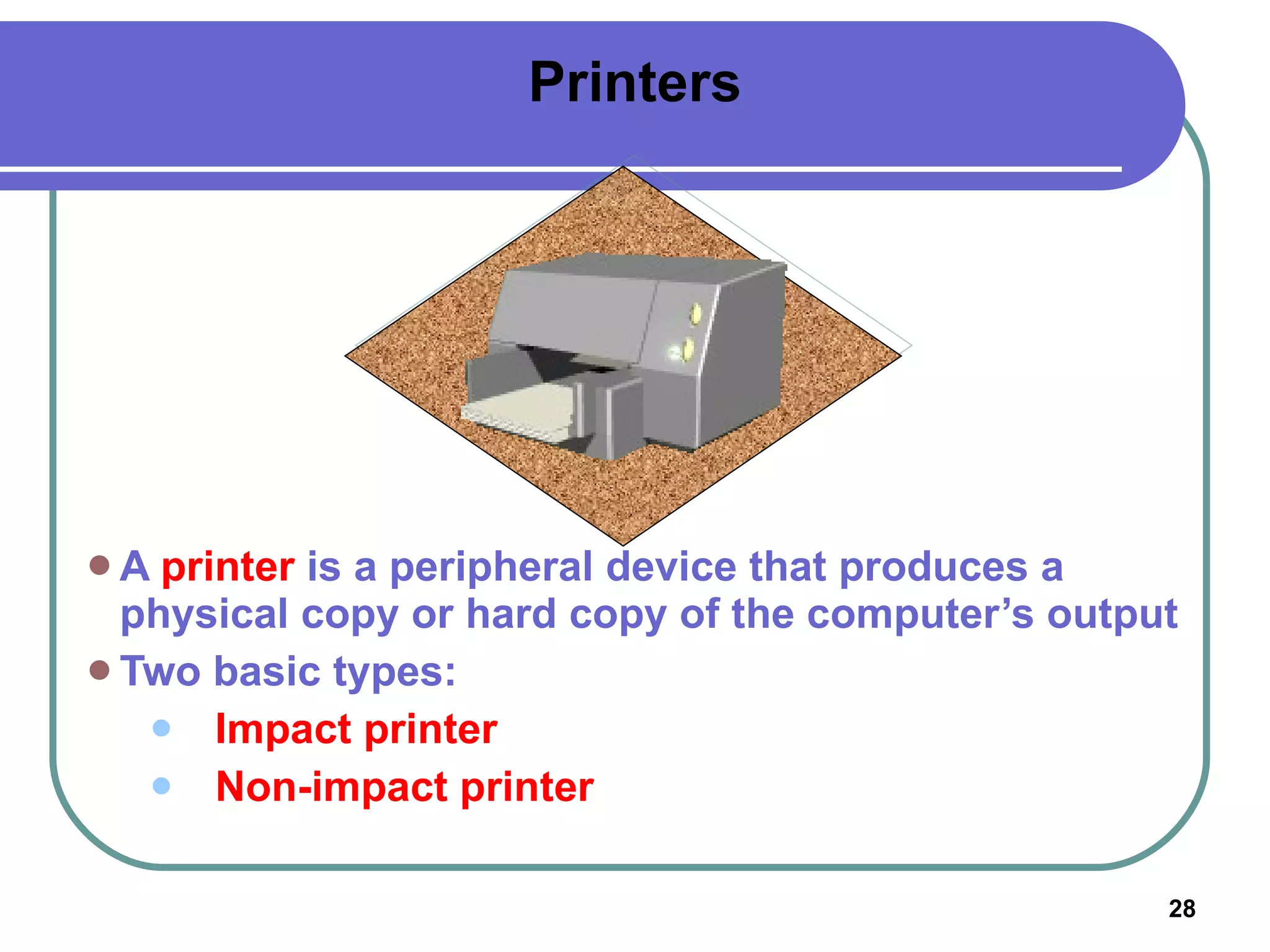
Printers A  printer  is a peripheral device that produces a physical copy or hard copy of the computer’s output Two basic types: Impact printer Non-impact printer
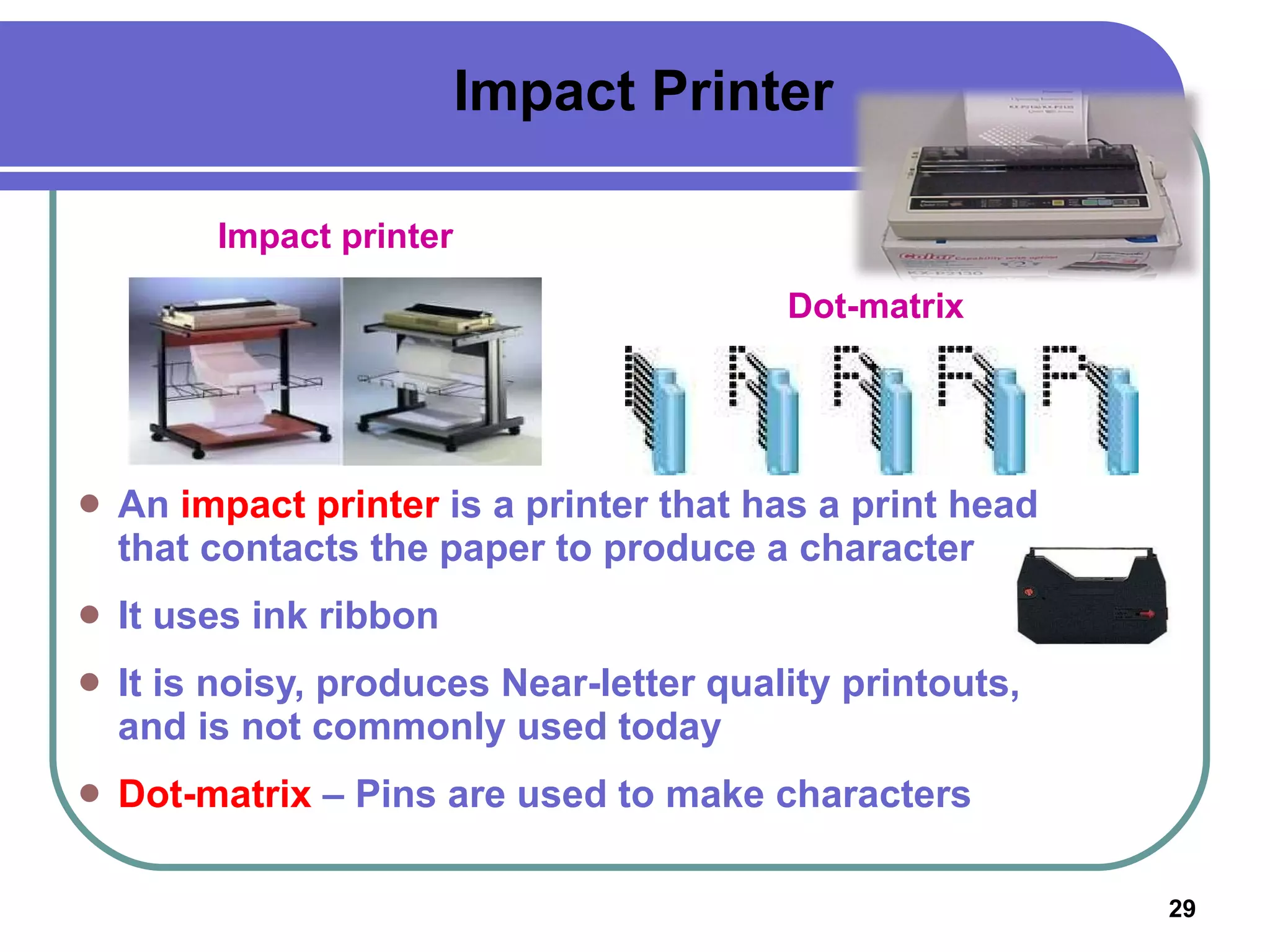
Impact Printer An  impact printer  is a printer that has a print head that contacts the paper to produce a character It uses ink ribbon It is noisy, produces Near-letter quality printouts, and is not commonly used today Dot-matrix  – Pins are used to make characters Impact printer Dot-matrix
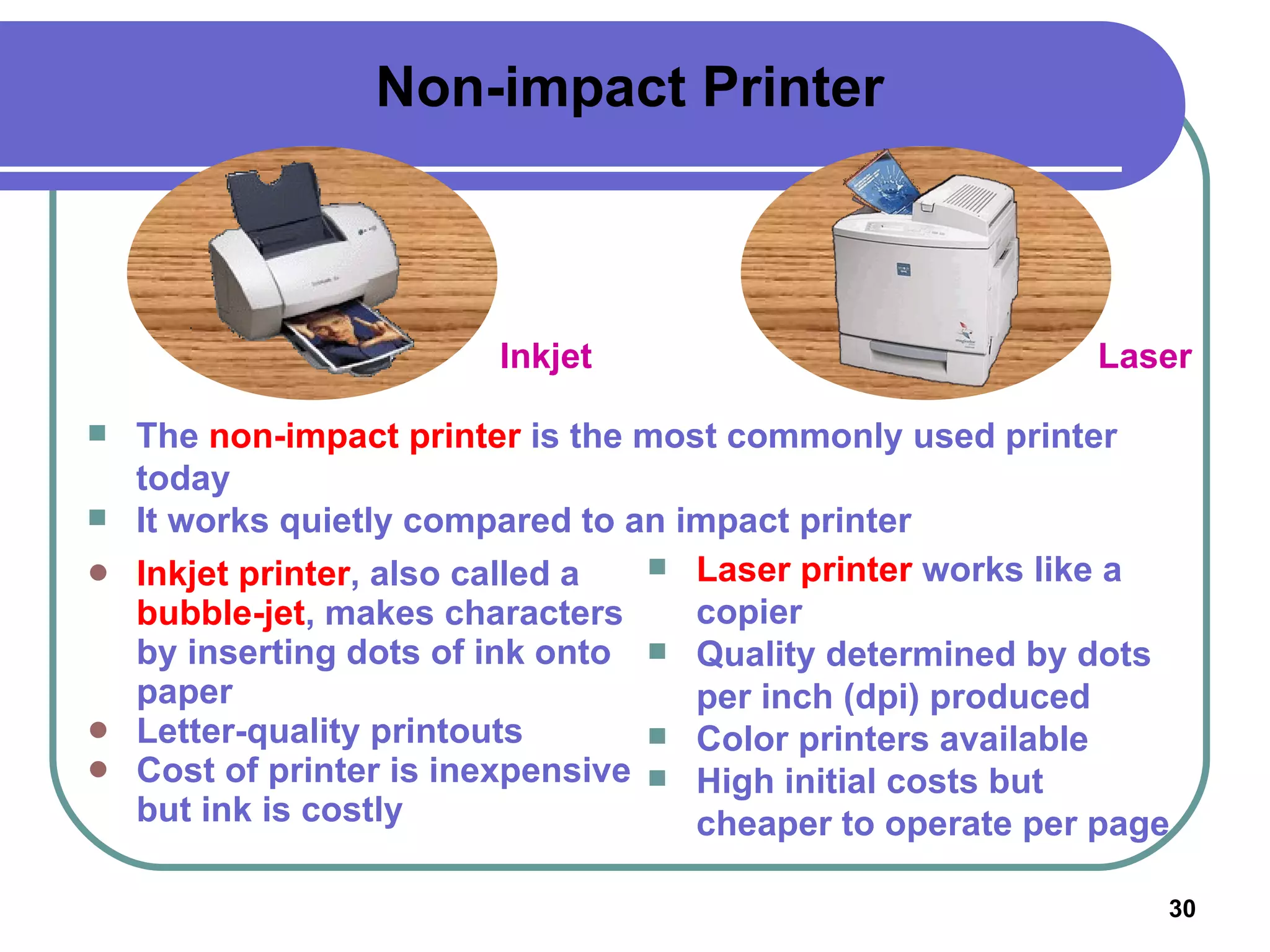
Non-impact Printer Inkjet printer , also called a  bubble-jet , makes characters by inserting dots of ink onto paper Letter-quality printouts Cost of printer is inexpensive but ink is costly Inkjet Laser The  non-impact printer  is the most commonly used printer today It works quietly compared to an impact printer Laser printer  works like a copier Quality determined by dots per inch (dpi) produced Color printers available High initial costs but cheaper to operate per page
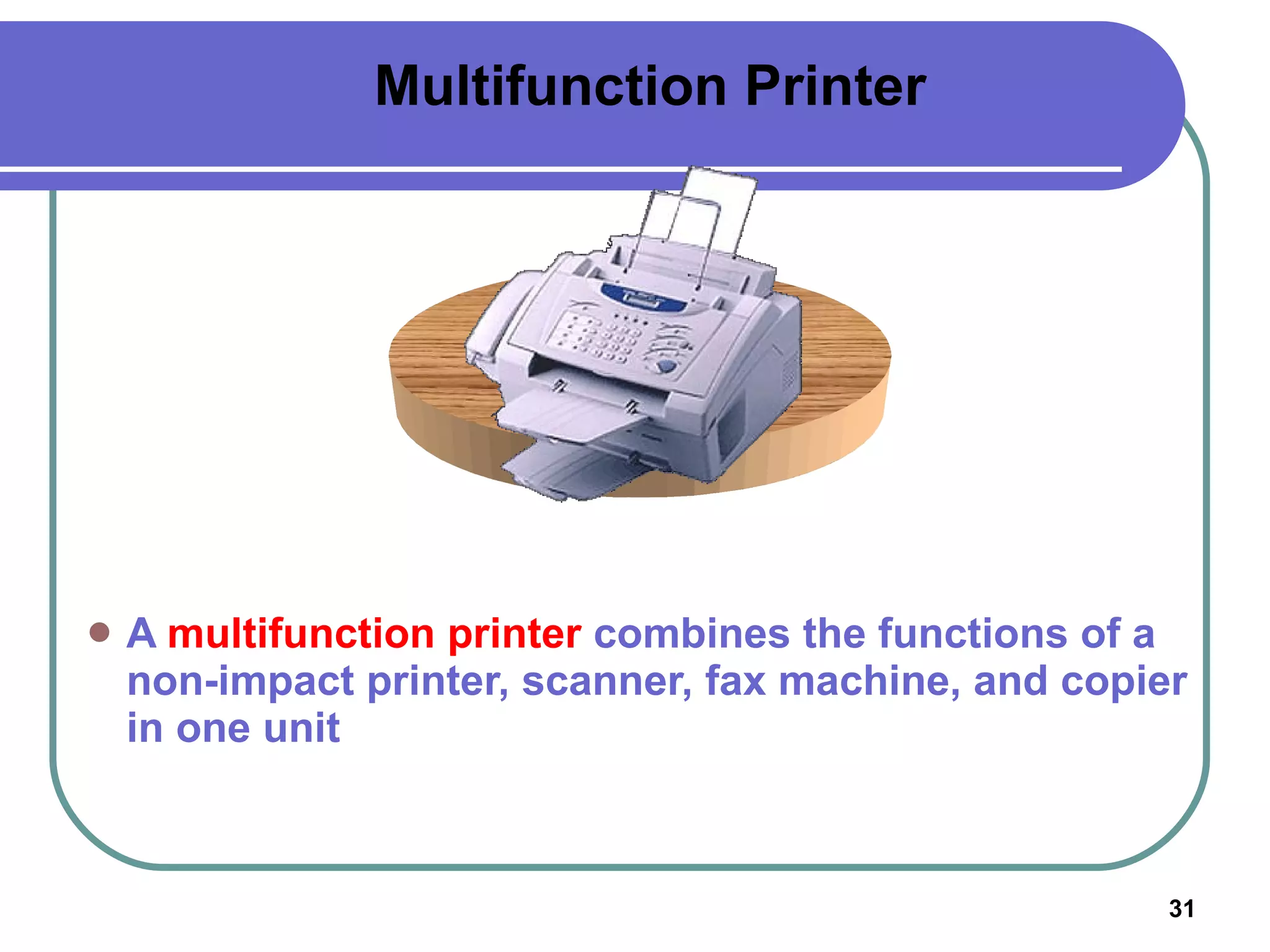
Multifunction Printer A  multifunction printer  combines the functions of a non-impact printer, scanner, fax machine, and copier in one unit
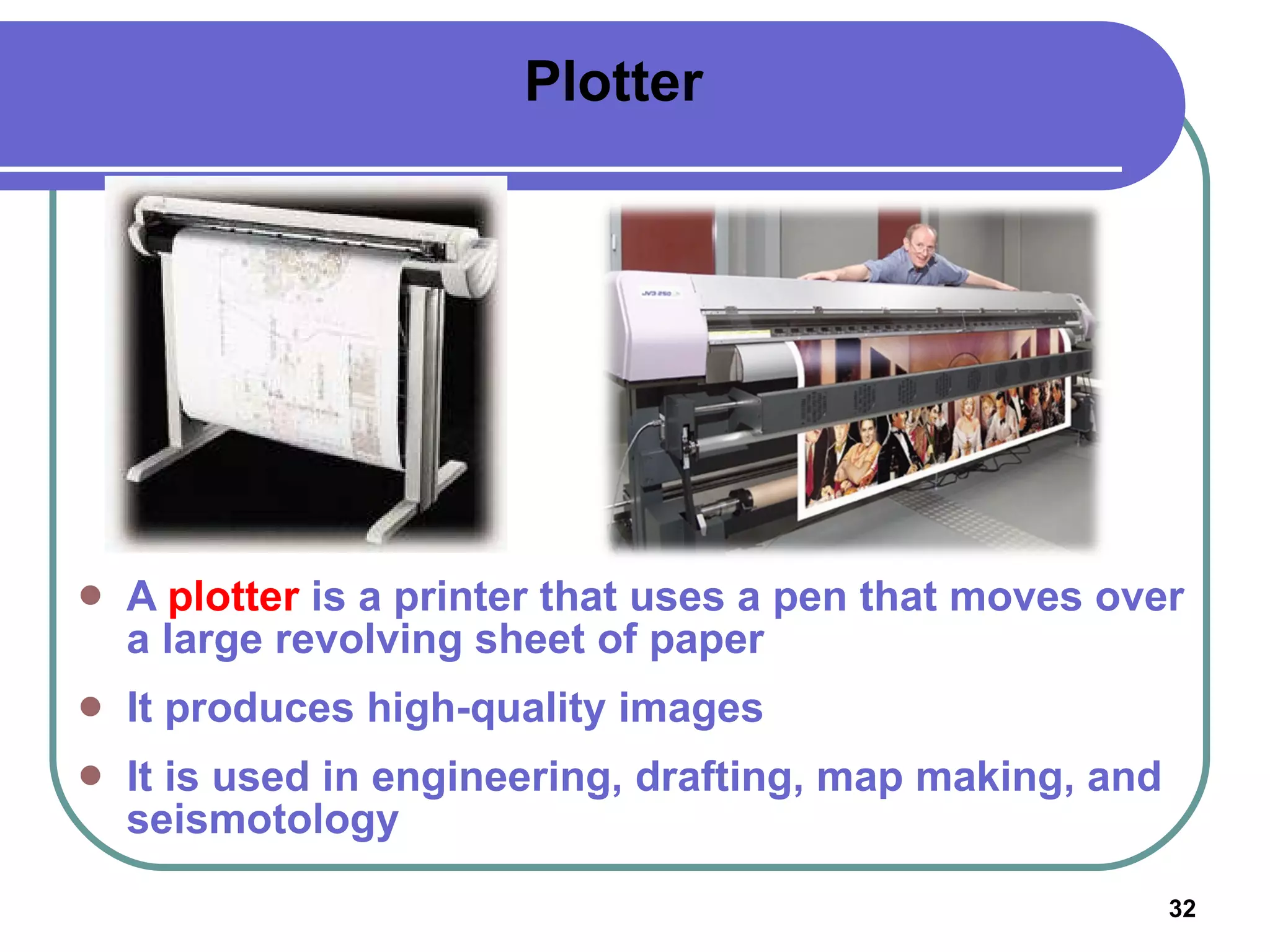
Plotter A  plotter  is a printer that uses a pen that moves over a large revolving sheet of paper It produces high-quality images It is used in engineering, drafting, map making, and seismotology
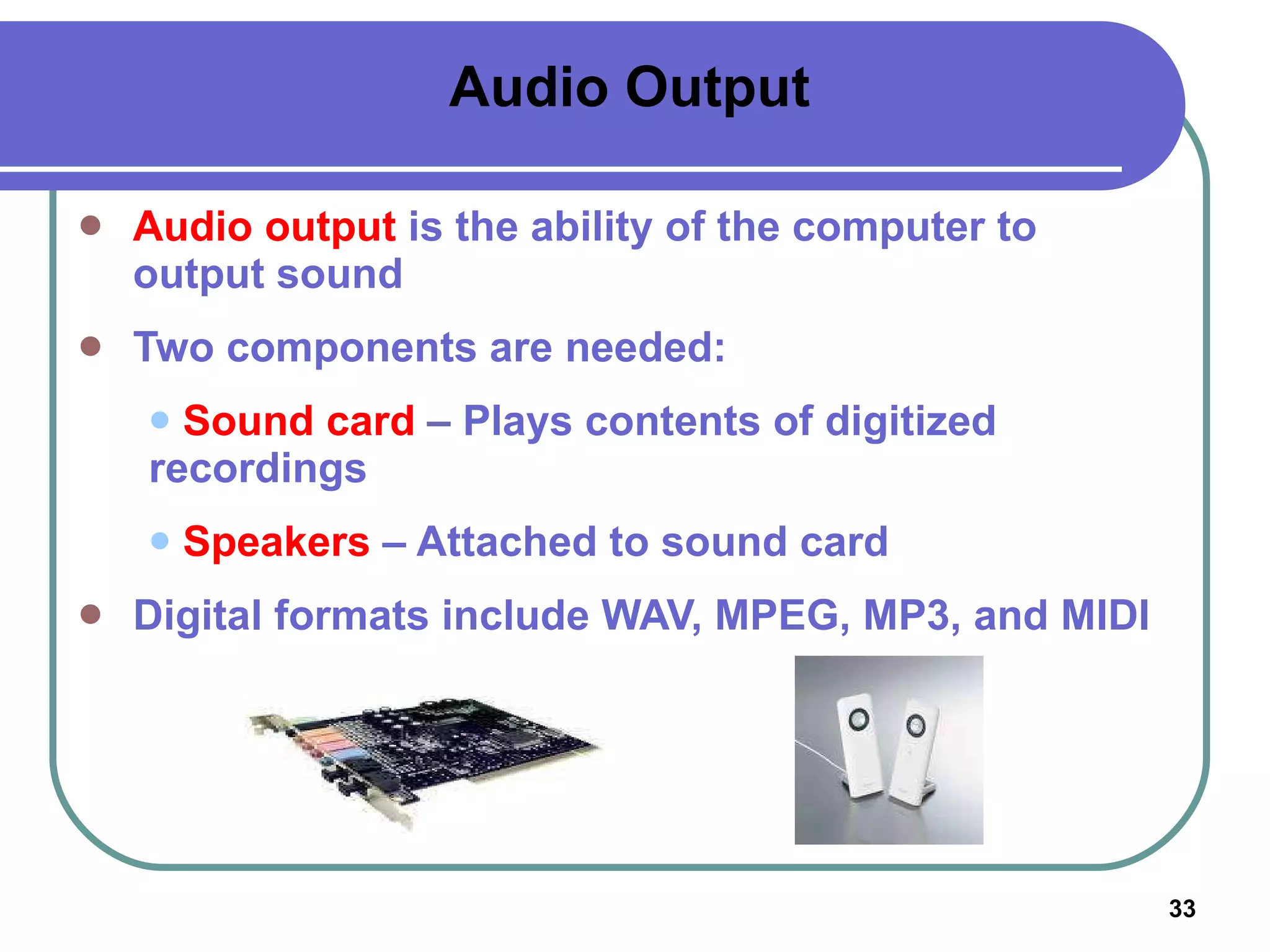
Audio Output Audio output  is the ability of the computer to output sound Two components are needed: Sound card  – Plays contents of digitized  recordings Speakers  – Attached to sound card Digital formats include WAV, MPEG, MP3, and MIDI
Summary Input is the software, data, and information that is entered into the computer’s memory Input devices such as the keyboard, mouse, and trackball enable the user to enter data A pointing device enables the user to control movements of an on-screen pointer Speech recognition software enables the user to enter data into a computer by speaking into a microphone Monitors enable the user to view the computer’s processed data; the output is known as soft copy
Summary The two types of monitors are the CRT and the LCD A monitor’s quality is measured by screen size, resolution, and refresh rate Printers produce permanent versions (hard copies) of the computer’s output The two basic types of printers are the inkjet and laser

Chapter 3 input and output devices

  • 1.
    Chapter 2: Input& Output Devices Computers Are Your Future, Bill Daley
  • 2.
    Learning Outcomes Identifythe various types of input and output devices Explain the purpose of special keys and list the most frequently used pointing devices List the types of monitors and the characteristics that determine a monitor’s quality Identify the various types of printers Identify the devices used to get sound, video, and images into the computer
  • 3.
    Input Input is any data or instructions entered into the computer’s memory
  • 4.
    Input Devices: GivingCommands Input devices are types of hardware that enable you to get programs, data, commands, and responses into the computer’s memory Keyboard Mouse Stylus
  • 5.
    Keyboard The keyboard allows the computer user to enter words, numbers, punctuation, symbols, and special function commands into the computer’s memory
  • 6.
    Types of KeyboardEnhanced or Extended keyboard – Typically 101 keys laid out in the QWERTY fashion; connected to the computer by a serial cable Cordless keyboard – Uses infrared or radio wave signals Ergonomic keyboard – Designed to help prevent Cumulative Trauma Disorder (CTD) or damage to nerve tissues in the wrist and hand due to repeated motion Enhanced / Extended Keyboard Ergonomic Keyboard
  • 7.
    Mouse The mouseis the most widely used pointing device A mouse is palm sized As the mouse is moved, its movements are mirrored by the on-screen pointer Mouse pad – clean, flat surface for mouse movement
  • 8.
    Types of MouseWheel mouse – Contains a rotating wheel used to scroll vertically within a text document; connects to PS/2 port or USB port Cordless mouse – Uses infrared signals to connect to the computer’s IrDA port; it must be within sight of the receiving port Wheel Mouse Cordless Mouse
  • 9.
    PS/2 Port Thecolor-coded PS/2 connection ports: Purple for keyboard Green for mouse
  • 10.
    Other Types ofPointing Devices Joystick Touch Pad Touch Screen Trackball Pointing Stick Pen
  • 11.
    How a MouseWorks Mouse buttons enable the user to initiate actions Clicking (left-, right-, or double-clicking) allows the user to select an item on the screen or open a program or dialog box Click and drag – Holding down the left mouse button and moving the mouse enables the user to move objects on the screen
  • 12.
    Image Processing Systems:Scanners Image processing systems are used in business, industry, and science to input data without manually keying it in Scanners
  • 13.
    MICR Image ProcessingSystems: Scanners Magnetic-ink character recognition (MICR) – Used by banks to process checks Optical Mark Reader (OMR) – A scanning device that senses the magnetized marks from #2 pencils
  • 14.
    Alternative Input DevicesScanners Flatbed Barcode reader Microphone – Speech recognition
  • 15.
    Digital Camera DigitalVideo Video-conferencing Web Cam Alternative Input Devices
  • 16.
    Speech Recognition -Microphone Speech recognition is a type of input in which the computer recognizes words spoken into a microphone Special software and a microphone are required A microphone – an input device that converts sound input into electrical signals Latest technology uses continuous speech recognition where the user does not have to pause between words
  • 17.
    Digital Cameras Theimage’s light falls on a charge-coupled device (CCD) which transforms the light’s patterns into pixels Images are stored in the camera using flash memory. The most popular types are CompactFlash and SmartMedia. Photo-editing programs enable the user to edit the images Good pictures can be taken using point-and-shoot cameras Single-lens reflex (SLR) digital cameras are expensive and used by professional photographers
  • 18.
    Digital Video A video capture board transforms analog video into digital video Codecs or compression/decompression standards are used to compress digital video files A frame rate of 24 frames per second (fps) is needed to produce a continuous smooth action
  • 19.
    Video-conferencing Videoconferencing uses digital video technology to simulate face-to-face meetings Whiteboards , which are a part of the screen, can be used to write or draw
  • 20.
    Web Cam A Web cam provides low-resolution video-conferencing for Internet users The images are small and jerky
  • 21.
    Output Devices Outputdevices are peripheral devices that enable users to view or hear the computer’s processed data Visual output – Text, graphics, and video Audio output – Sounds, music, and synthesized speech
  • 22.
    Visual Display SystemA visual display system is composed of two parts: Video adapter – Responsible for video quality Monitor – Displays the video adapter’s output
  • 23.
    Video Adapter A video adapter is also called display adapter , video card , or graphics card It plugs into an expansion slot on the motherboard It contains memory called video RAM (VRAM) It is designed to work with digital or analog monitors It converts digital signals to analog It determines a monitor’s maximum resolution (VGA/Super VGA) It determines a monitor’s refresh rate 3D graphics adapter – Enables 3-dimensional images Multi-display video adapter – Permits a connection of two monitors at a time
  • 24.
    Monitors A monitor is a peripheral device which displays computer output on a screen. Screen output is referred to as soft copy. Types of monitors: Cathode-ray tube (CRT) Liquid Crystal Display (LCD or flat-panel) CRT LCD
  • 25.
    Cathode-ray tube (CRT)Resembles televisions Uses picture tube technology Less expensive than a LCD monitor Takes up more desk space and uses more energy than LCD monitors
  • 26.
    Liquid Crystal Display(LCD) Cells sandwiched between two transparent layers form images Used for notebook computers, PDAs, cellular phones, and personal computers More expensive than a CRT monitor Takes up less desk space and uses less energy than CRT monitors Types of LCD monitors: Passive-matrix LCD Active-matrix LCD Gas plasma display Field emission display
  • 27.
    Monitor Specifications Screensize – The diagonal measurement of the screen surface in inches (15, 17, 19, 21) Resolution – The sharpness of the image determined by the number of horizontal and vertical dots (pixels) that the screen can display (800 x 600, 1024 x 768, 1600 x 1200) Refresh rate – The speed at which the screen is redrawn (refreshed) and measured in Hertz (Hz) (60Hz, 75Hz)
  • 28.
    Printers A printer is a peripheral device that produces a physical copy or hard copy of the computer’s output Two basic types: Impact printer Non-impact printer
  • 29.
    Impact Printer An impact printer is a printer that has a print head that contacts the paper to produce a character It uses ink ribbon It is noisy, produces Near-letter quality printouts, and is not commonly used today Dot-matrix – Pins are used to make characters Impact printer Dot-matrix
  • 30.
    Non-impact Printer Inkjetprinter , also called a bubble-jet , makes characters by inserting dots of ink onto paper Letter-quality printouts Cost of printer is inexpensive but ink is costly Inkjet Laser The non-impact printer is the most commonly used printer today It works quietly compared to an impact printer Laser printer works like a copier Quality determined by dots per inch (dpi) produced Color printers available High initial costs but cheaper to operate per page
  • 31.
    Multifunction Printer A multifunction printer combines the functions of a non-impact printer, scanner, fax machine, and copier in one unit
  • 32.
    Plotter A plotter is a printer that uses a pen that moves over a large revolving sheet of paper It produces high-quality images It is used in engineering, drafting, map making, and seismotology
  • 33.
    Audio Output Audiooutput is the ability of the computer to output sound Two components are needed: Sound card – Plays contents of digitized recordings Speakers – Attached to sound card Digital formats include WAV, MPEG, MP3, and MIDI
  • 34.
    Summary Input isthe software, data, and information that is entered into the computer’s memory Input devices such as the keyboard, mouse, and trackball enable the user to enter data A pointing device enables the user to control movements of an on-screen pointer Speech recognition software enables the user to enter data into a computer by speaking into a microphone Monitors enable the user to view the computer’s processed data; the output is known as soft copy
  • 35.
    Summary The twotypes of monitors are the CRT and the LCD A monitor’s quality is measured by screen size, resolution, and refresh rate Printers produce permanent versions (hard copies) of the computer’s output The two basic types of printers are the inkjet and laser