11/12/2009Fundamentals of Programming by RMG1Chapter 1Introduction
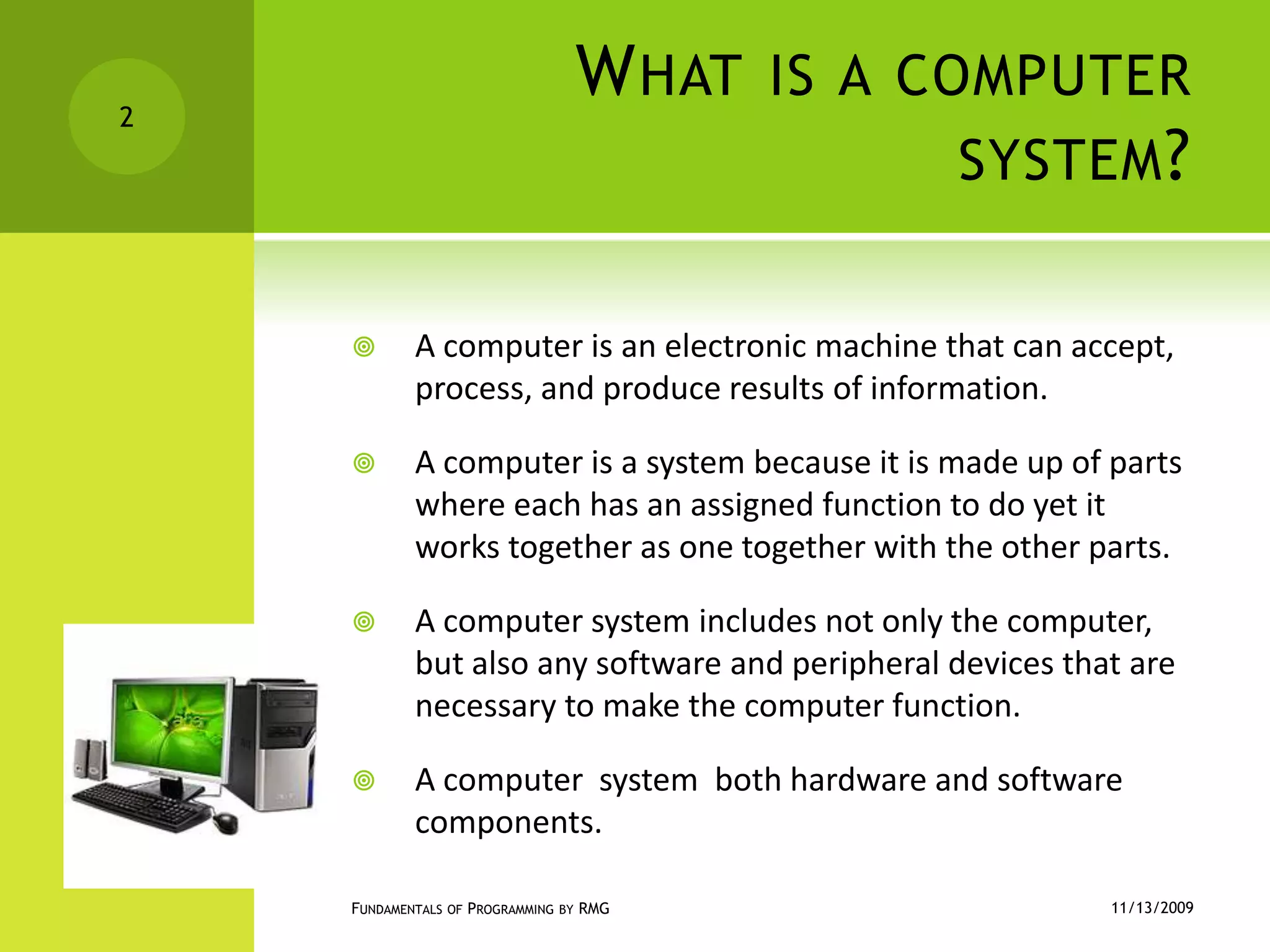
What is a computer system?A computer is an electronic machine that can accept, process, and produce results of information.A computer is a system because it is made up of parts where each has an assigned function to do yet it works together as one together with the other parts.A computer system includes not only the computer, but also any software and peripheral devices that are necessary to make the computer function.A computer  system  both hardware and software components.11/12/2009Fundamentals of Programming by RMG2
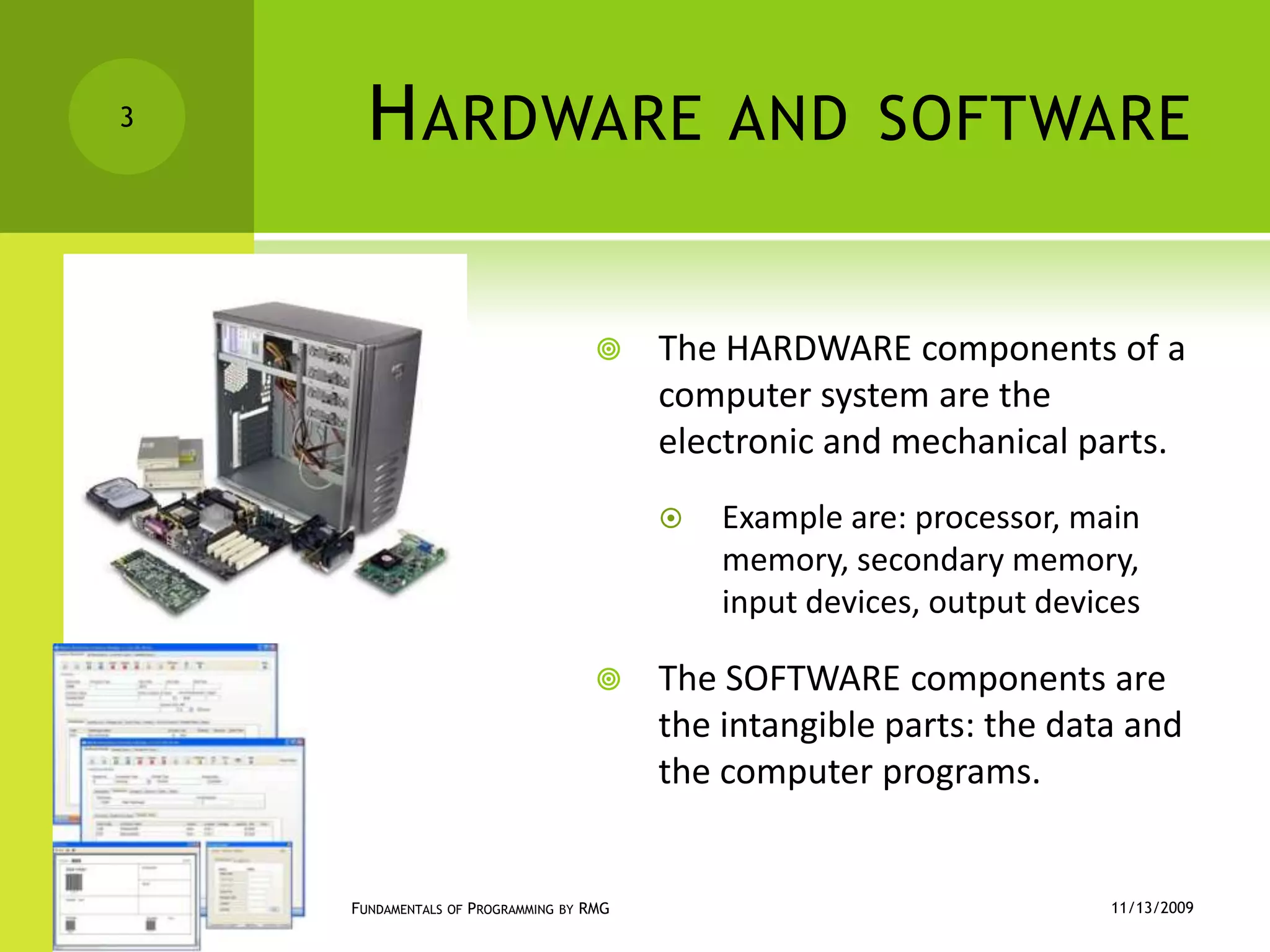
Hardware and softwareThe HARDWARE components of a computer system are the electronic and mechanical parts.Example are: processor, main memory, secondary memory, input devices, output devicesThe SOFTWARE components are the intangible parts: the data and the computer programs.11/12/2009Fundamentals of Programming by RMG3
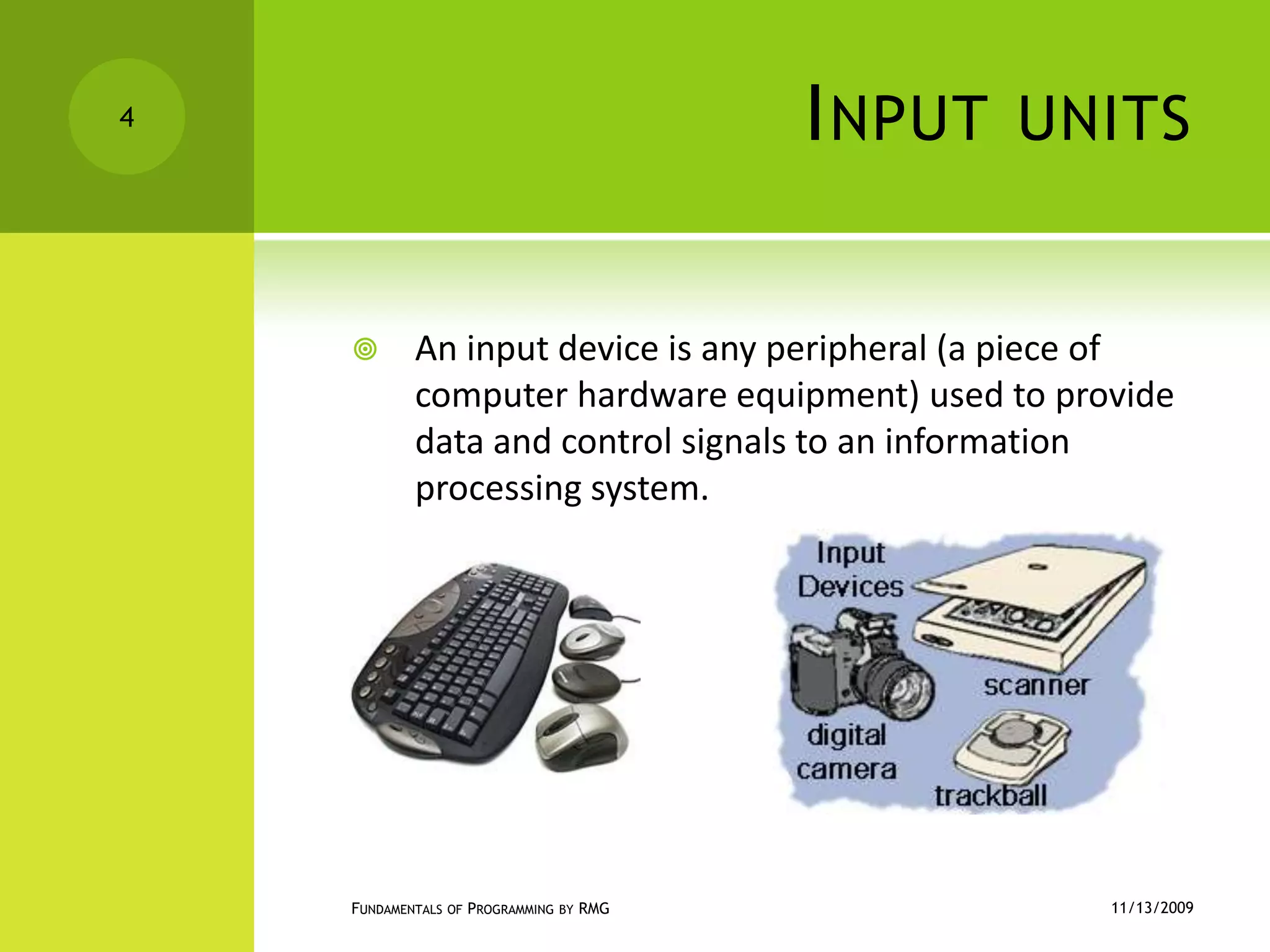
Input unitsAn input device is any peripheral (a piece of computer hardware equipment) used to provide data and control signals to an information processing system.11/12/2009Fundamentals of Programming by RMG4
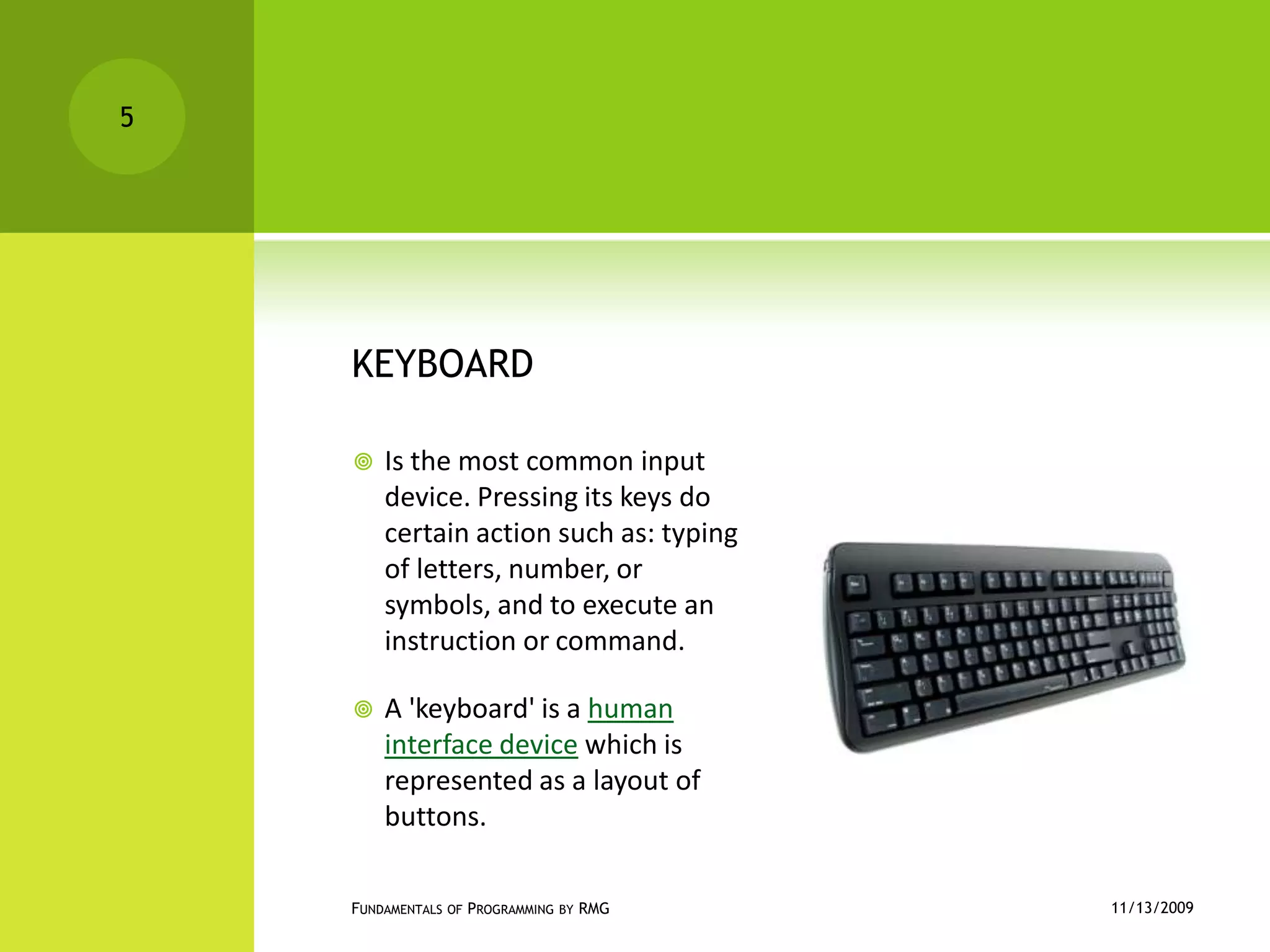
KEYBOARDIs the most common input device. Pressing its keys do certain action such as: typing of letters, number, or symbols, and to execute an instruction or command.A 'keyboard' is a human interface device which is represented as a layout of buttons.11/12/2009Fundamentals of Programming by RMG5
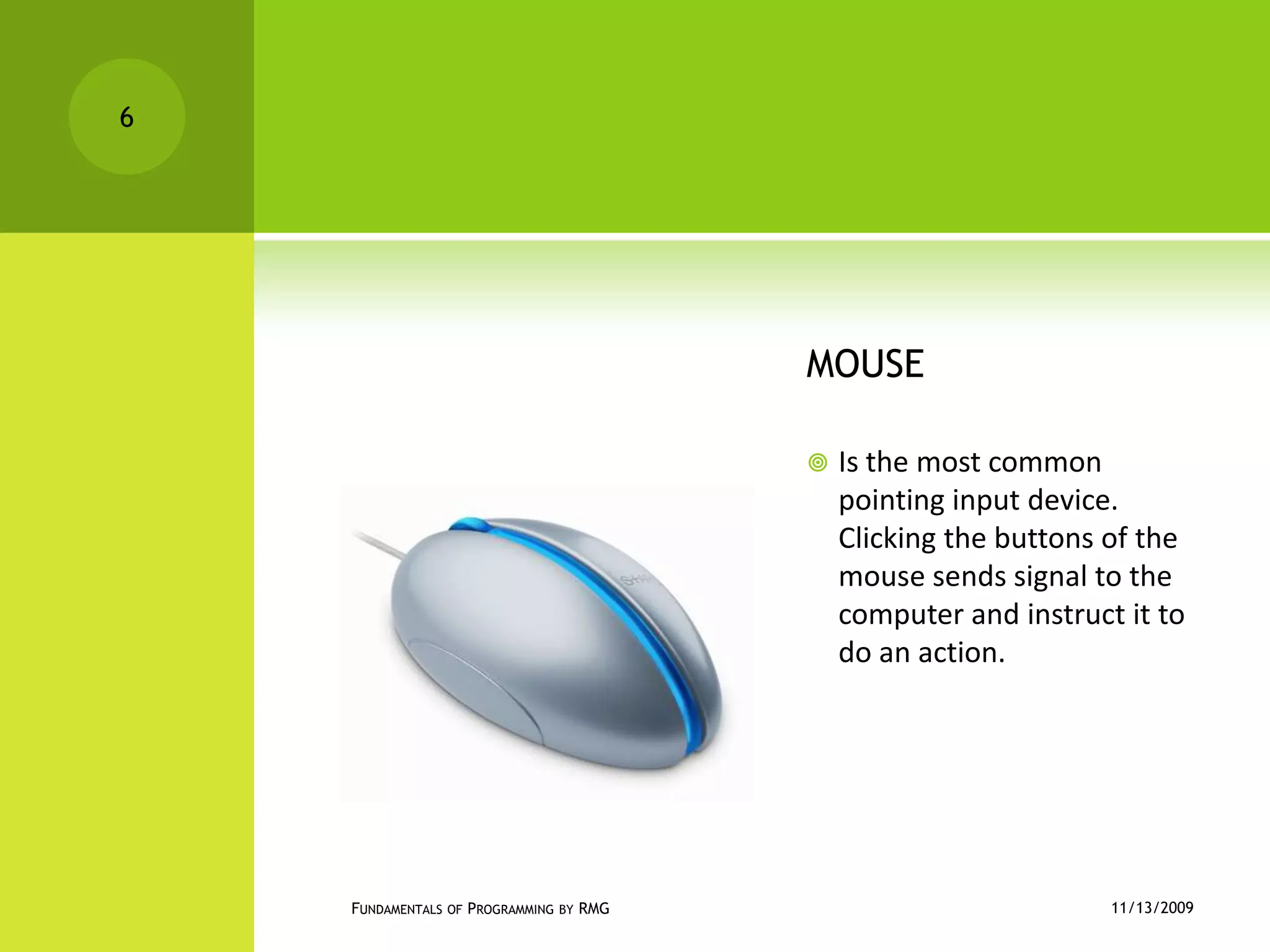
MOUSEIs the most common pointing input device. Clicking the buttons of the mouse sends signal to the computer and instruct it to do an action.11/12/2009Fundamentals of Programming by RMG6
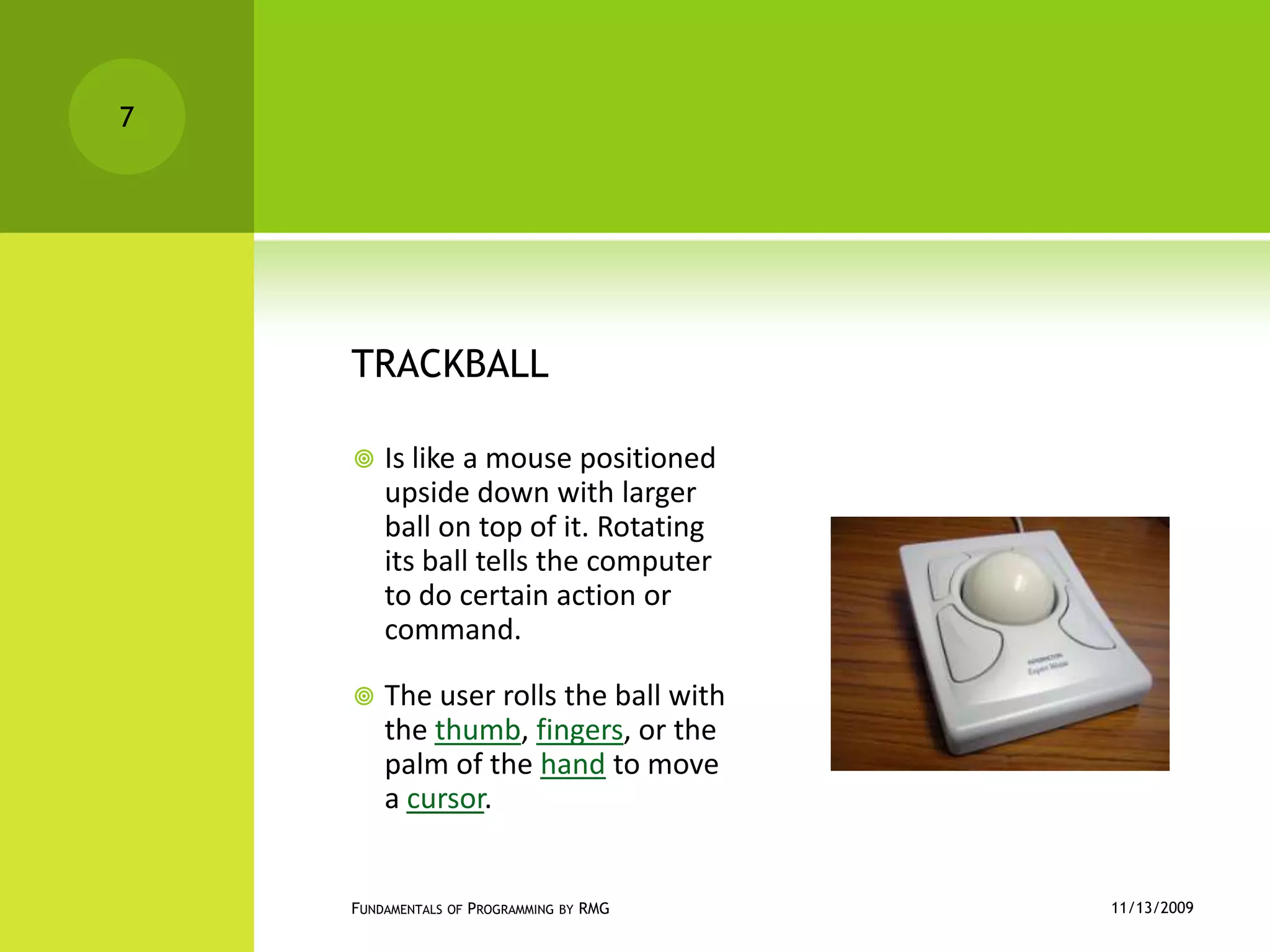
TRACKBALLIs like a mouse positioned upside down with larger ball on top of it. Rotating its ball tells the computer to do certain action or command.The user rolls the ball with the thumb, fingers, or the palm of the hand to move a cursor.11/12/2009Fundamentals of Programming by RMG7
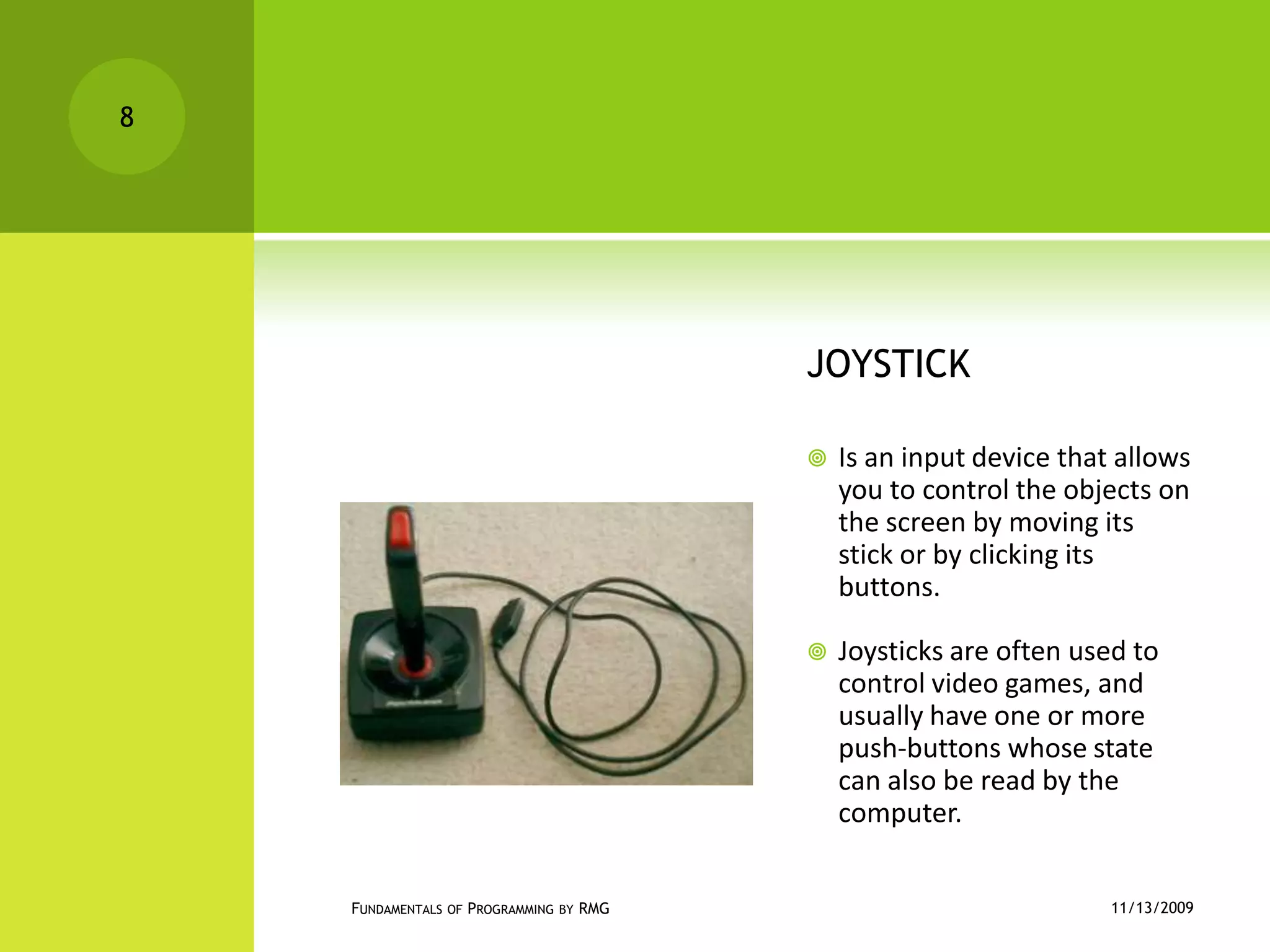
JOYSTICKIs an input device that allows you to control the objects on the screen by moving its stick or by clicking its buttons.Joysticks are often used to control video games, and usually have one or more push-buttons whose state can also be read by the computer.11/12/2009Fundamentals of Programming by RMG8
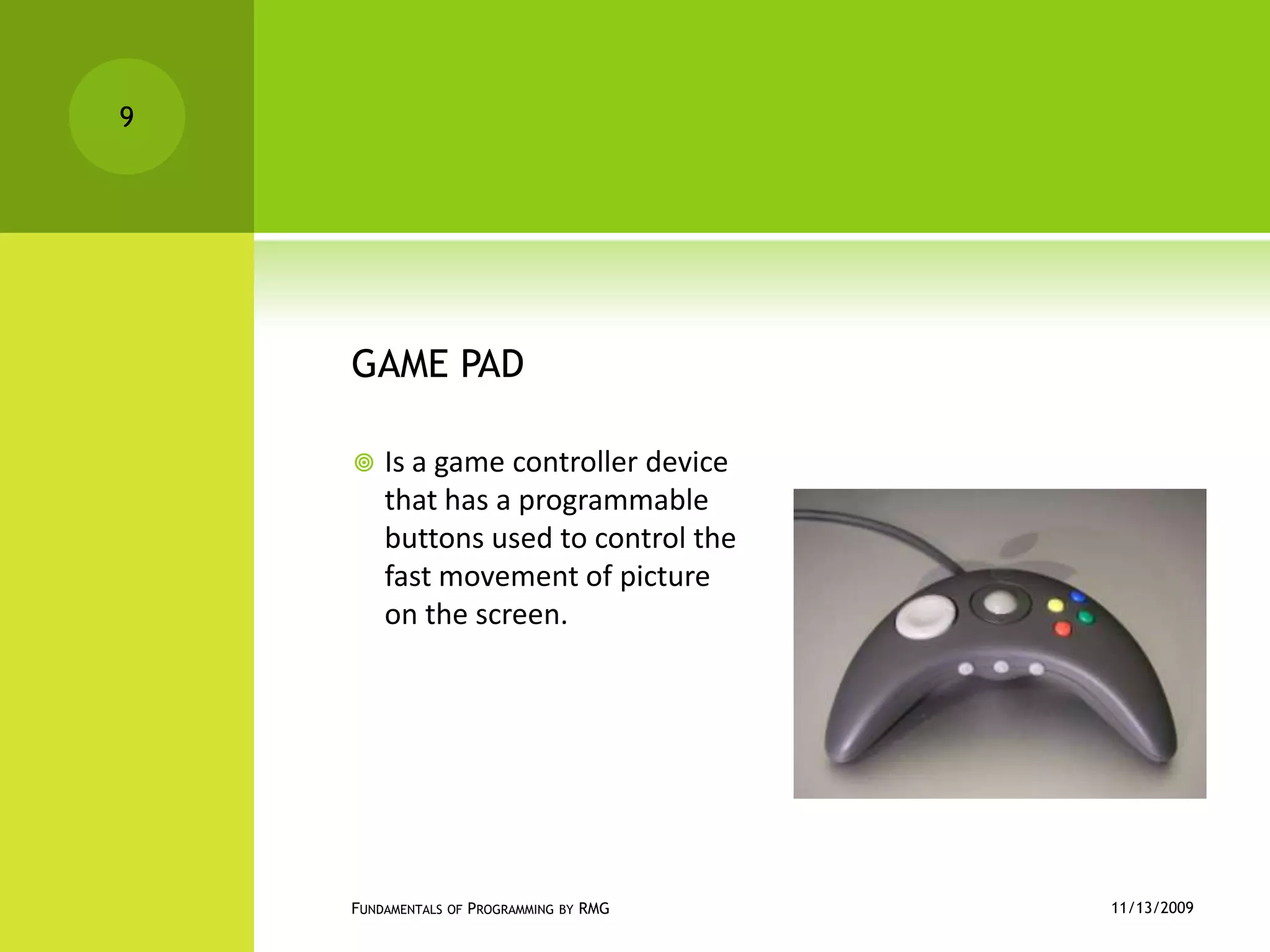
GAME PADIs a game controller device that has a programmable buttons used to control the  fast movement of picture on the screen.11/12/2009Fundamentals of Programming by RMG9
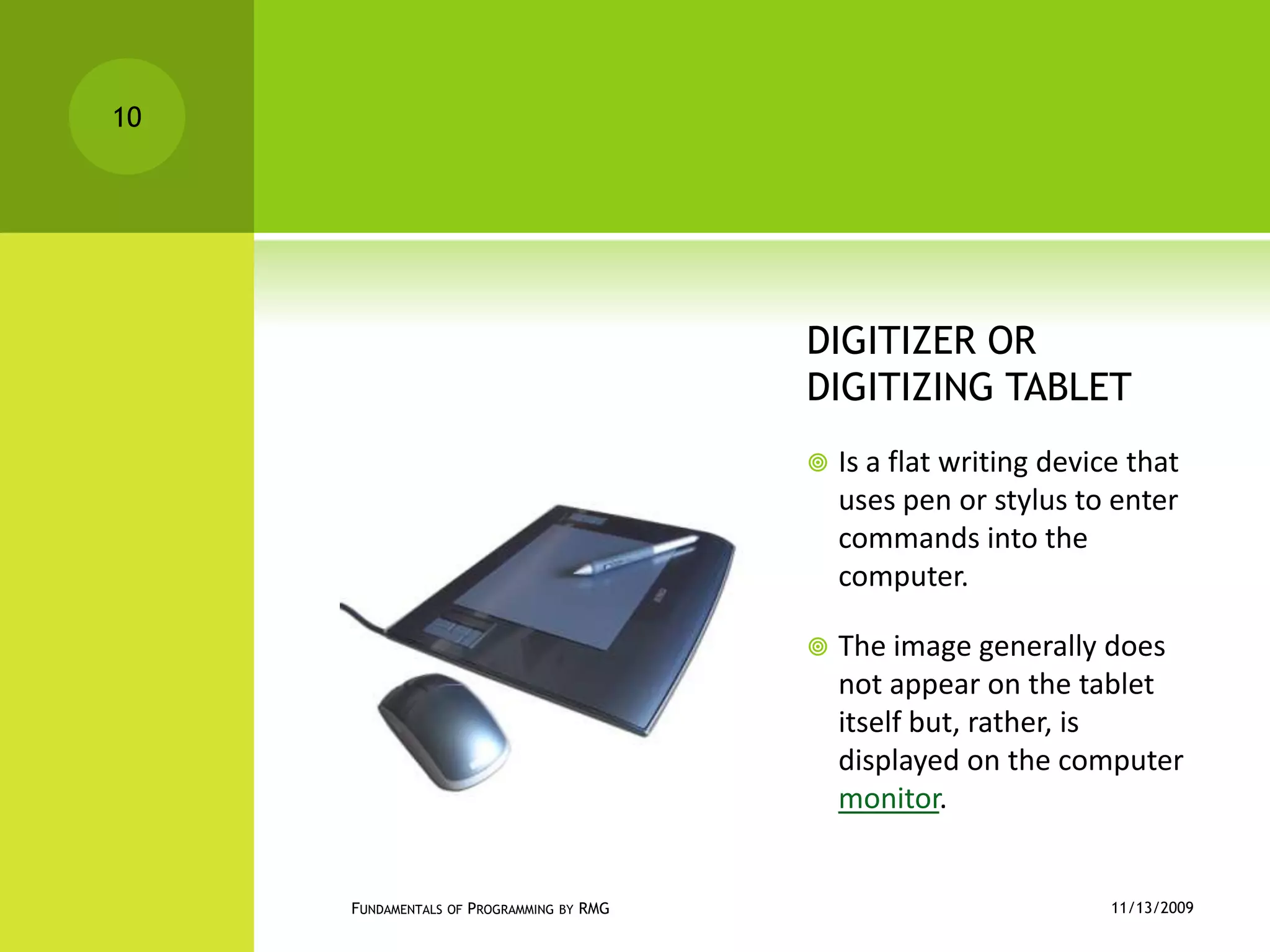
DIGITIZER OR DIGITIZING TABLETIs a flat writing device that uses pen or stylus to enter commands into the computer.The image generally does not appear on the tablet itself but, rather, is displayed on the computer monitor.11/12/2009Fundamentals of Programming by RMG10
MICROPHONEIs an input voice modulator device.11/12/2009Fundamentals of Programming by RMG11
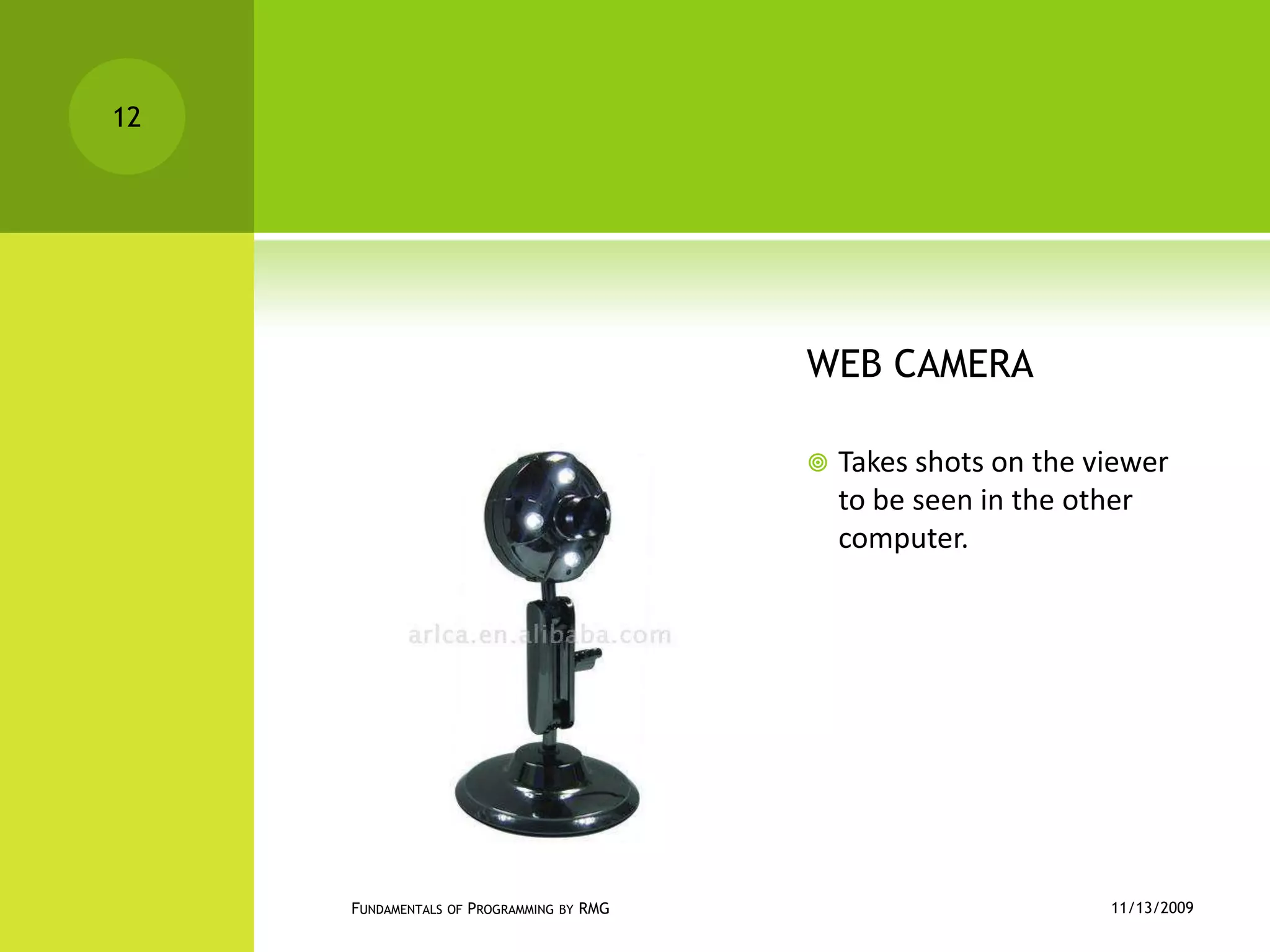
WEB CAMERATakes shots on the viewer to be seen in the other computer.11/12/2009Fundamentals of Programming by RMG12
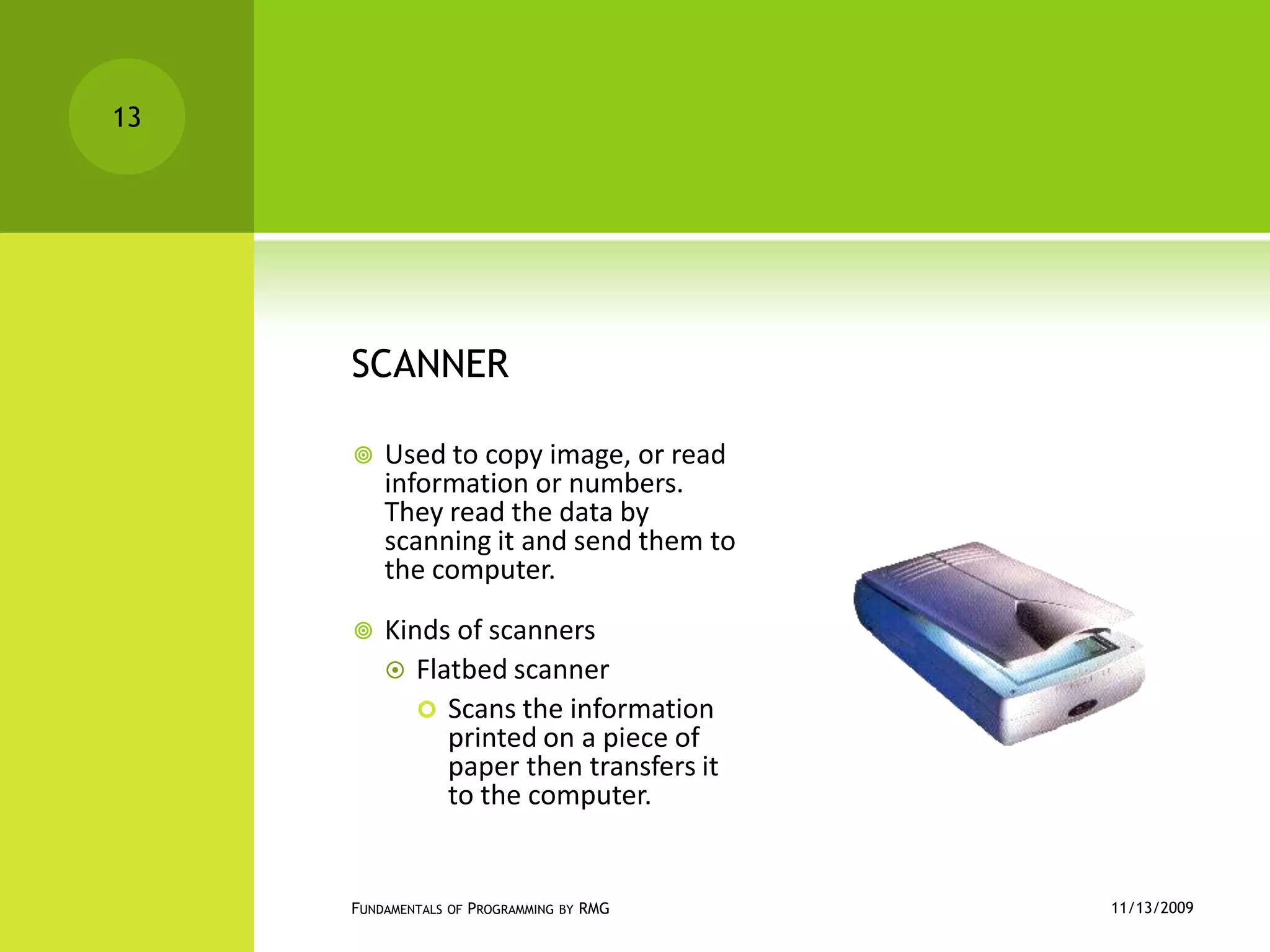
SCANNERUsed to copy image, or read information or numbers. They read the data by scanning it and send them to the computer.Kinds of scannersFlatbed scannerScans the information printed on a piece of paper then transfers it to the computer.11/12/2009Fundamentals of Programming by RMG13
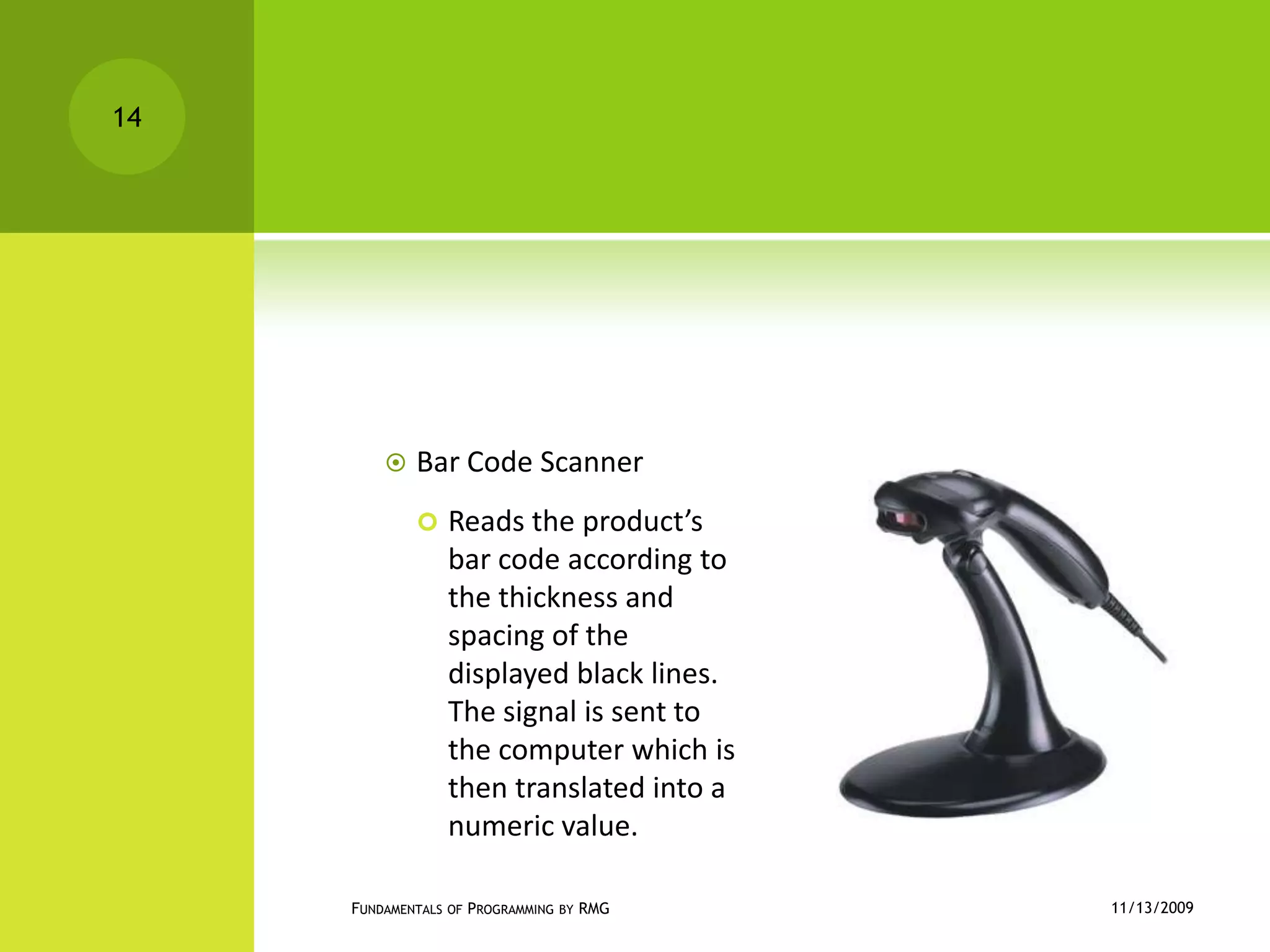
Bar Code ScannerReads the product’s bar code according to the thickness and spacing of the displayed black lines. The signal is sent to the computer which is then translated into a numeric value.11/12/2009Fundamentals of Programming by RMG14
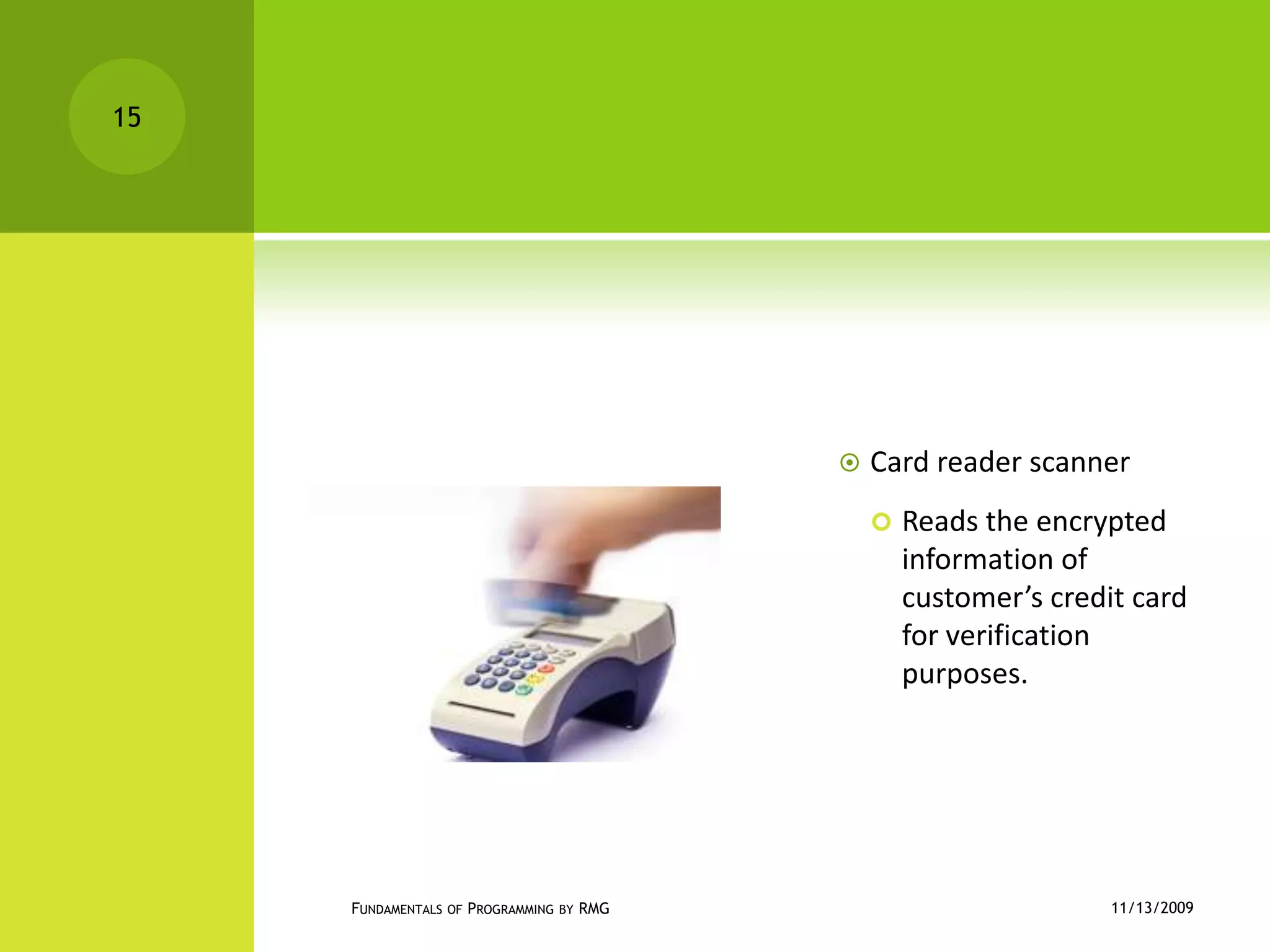
Card reader scannerReads the encrypted information of customer’s credit card for verification purposes.11/12/2009Fundamentals of Programming by RMG15
Activity 1.1Group yourselves into 2 and select at least 3 input devices and define the importance of each devices to the computer system. Explain it to the class for 10 minutes.11/12/2009Fundamentals of Programming by RMG16
Assignment 1.1Give at least 5 OUTPUT UNITS and define each.Place in a ½ crosswise of yellow paper.To be submitted next meeting ( Nov. 12, 2009)11/12/2009Fundamentals of Programming by RMG17
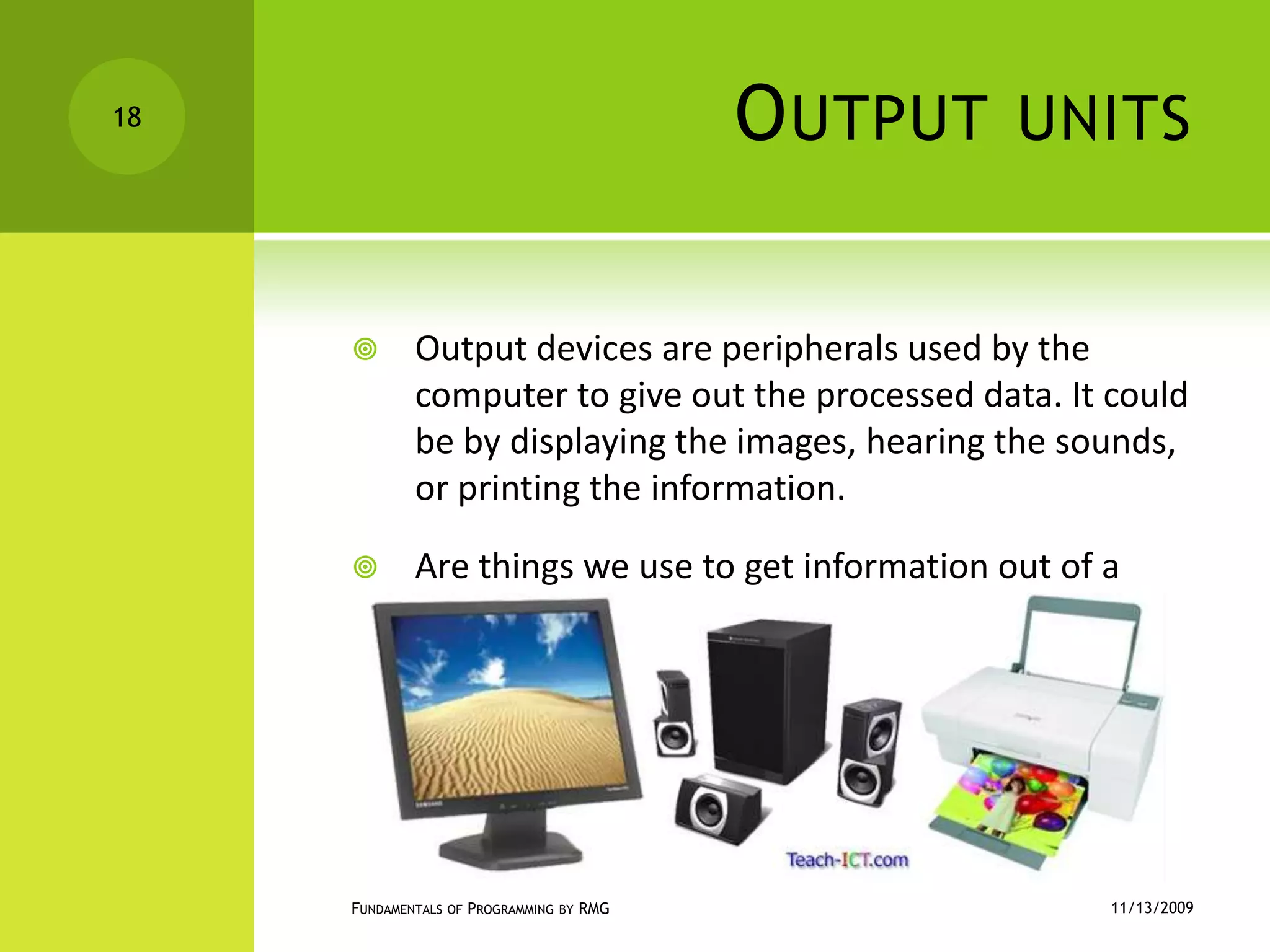
Output unitsOutput devices are peripherals used by the computer to give out the processed data. It could be by displaying the images, hearing the sounds, or printing the information.Are things we use to get information out of a computer.11/12/2009Fundamentals of Programming by RMG18
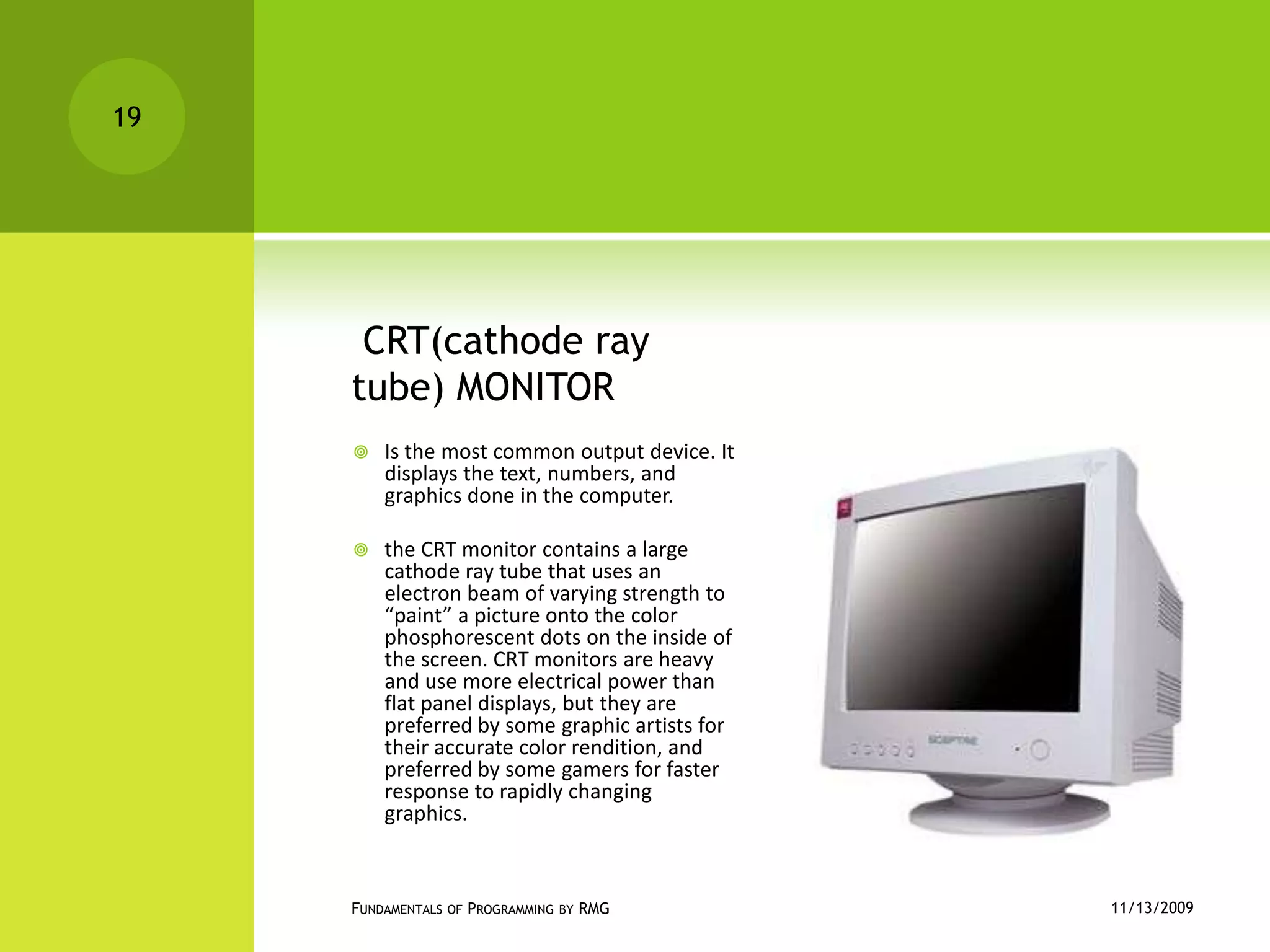
 CRT(cathode ray tube) MONITORIs the most common output device. It displays the text, numbers, and graphics done in the computer.the CRT monitor contains a large cathode ray tube that uses an electron beam of varying strength to “paint” a picture onto the color phosphorescent dots on the inside of the screen. CRT monitors are heavy and use more electrical power than flat panel displays, but they are preferred by some graphic artists for their accurate color rendition, and preferred by some gamers for faster response to rapidly changing graphics.11/12/2009Fundamentals of Programming by RMG19
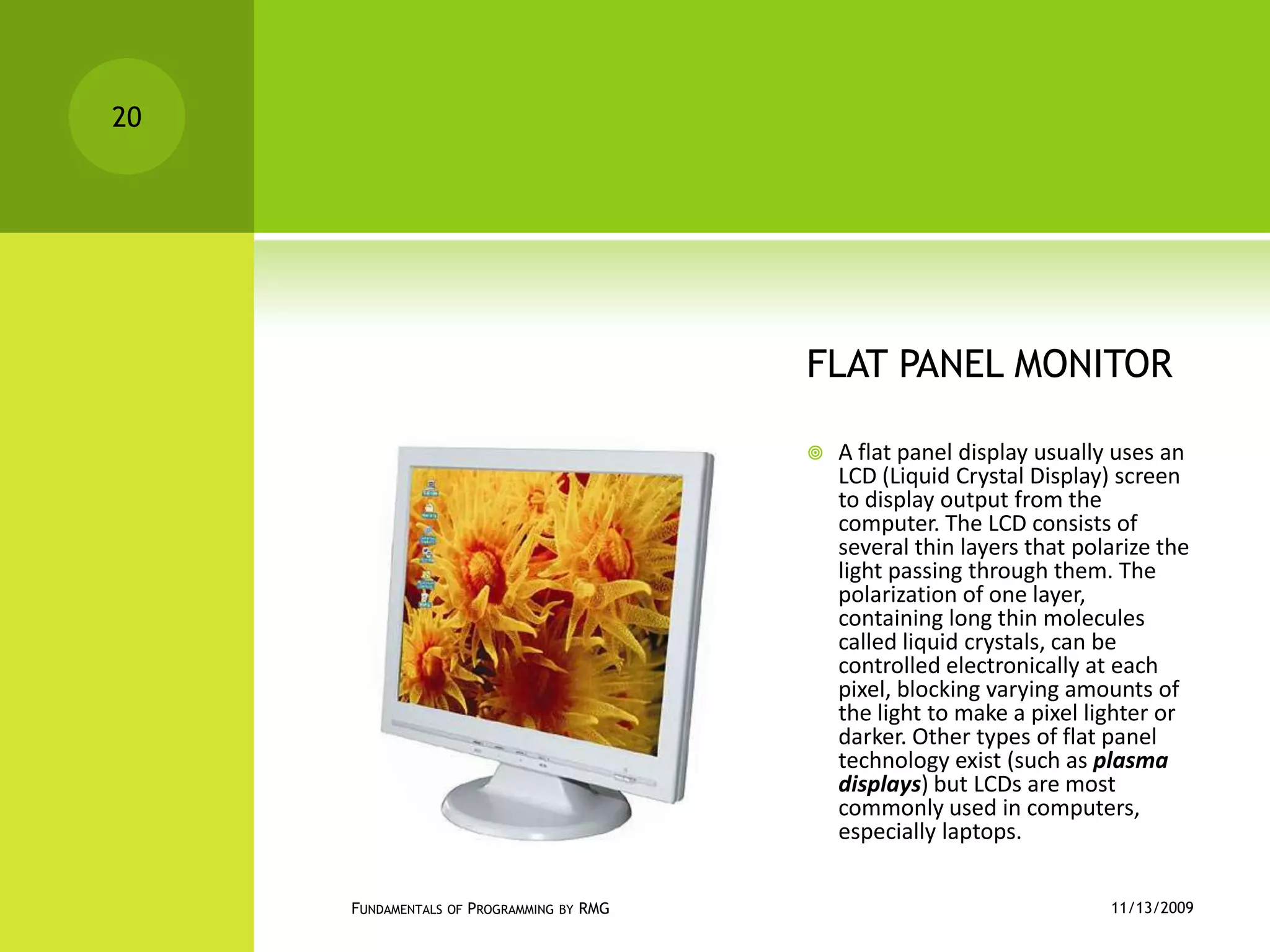
FLAT PANEL MONITORA flat panel display usually uses an LCD (Liquid Crystal Display) screen to display output from the computer. The LCD consists of several thin layers that polarize the light passing through them. The polarization of one layer, containing long thin molecules called liquid crystals, can be controlled electronically at each pixel, blocking varying amounts of the light to make a pixel lighter or darker. Other types of flat panel technology exist (such as plasma displays) but LCDs are most commonly used in computers, especially laptops.11/12/2009Fundamentals of Programming by RMG20
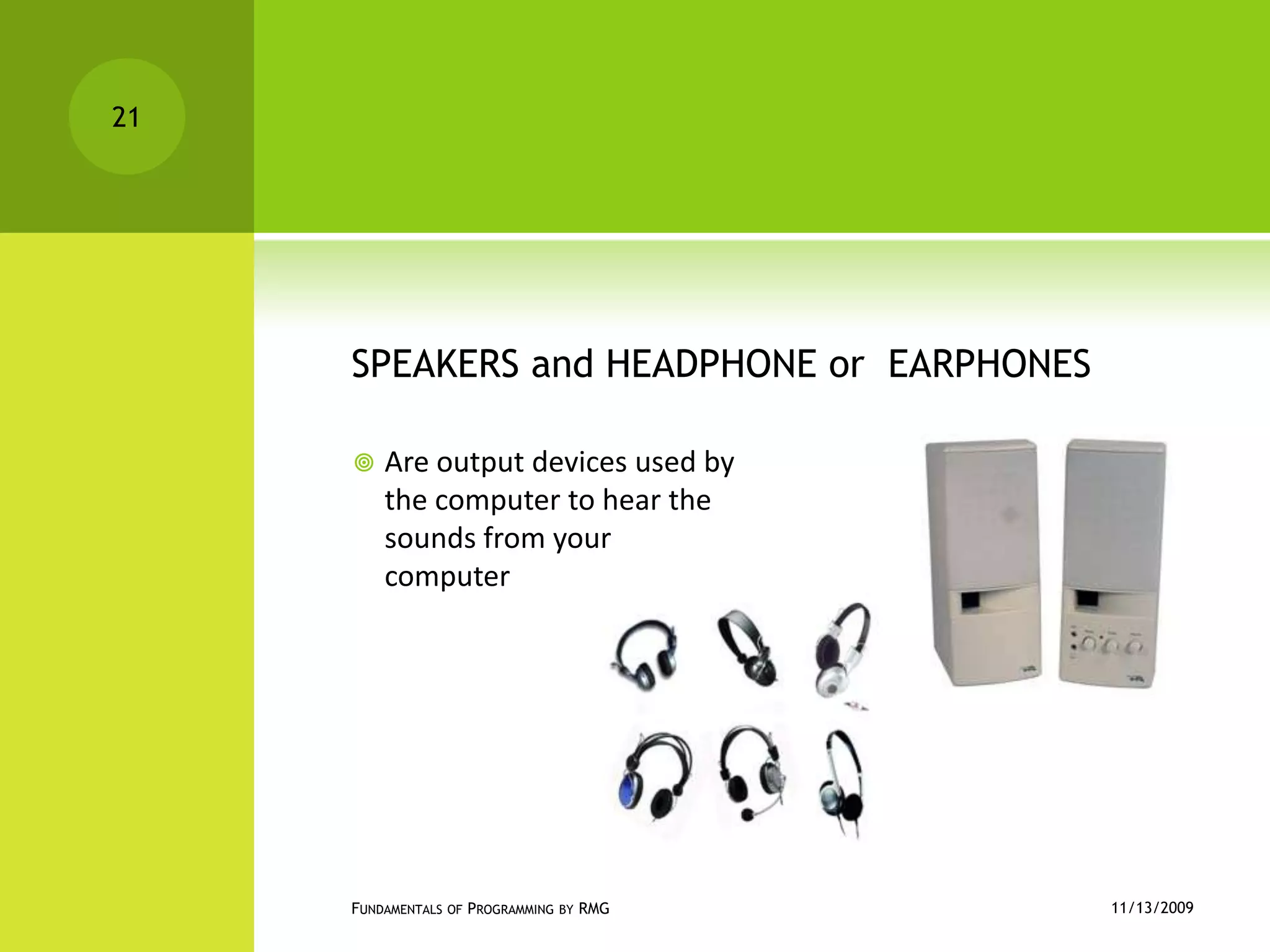
SPEAKERS and HEADPHONE or  EARPHONESAre output devices used by the computer to hear the sounds from your computer11/12/2009Fundamentals of Programming by RMG21
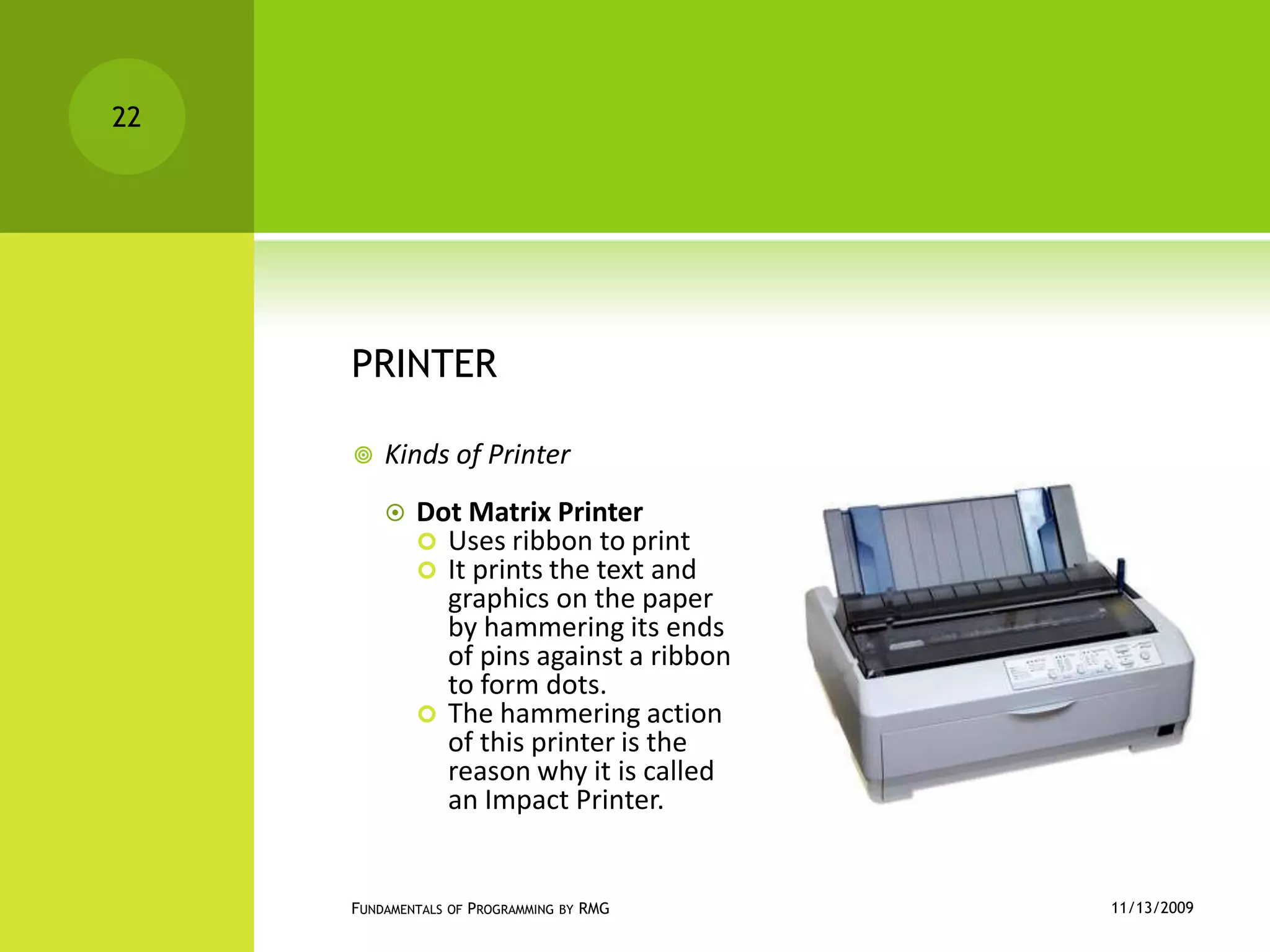
PRINTERKinds of PrinterDot Matrix Printer Uses ribbon to printIt prints the text and graphics on the paper by hammering its ends of pins against a ribbon to form dots.The hammering action of this printer is the reason why it is called an Impact Printer.11/12/2009Fundamentals of Programming by RMG22
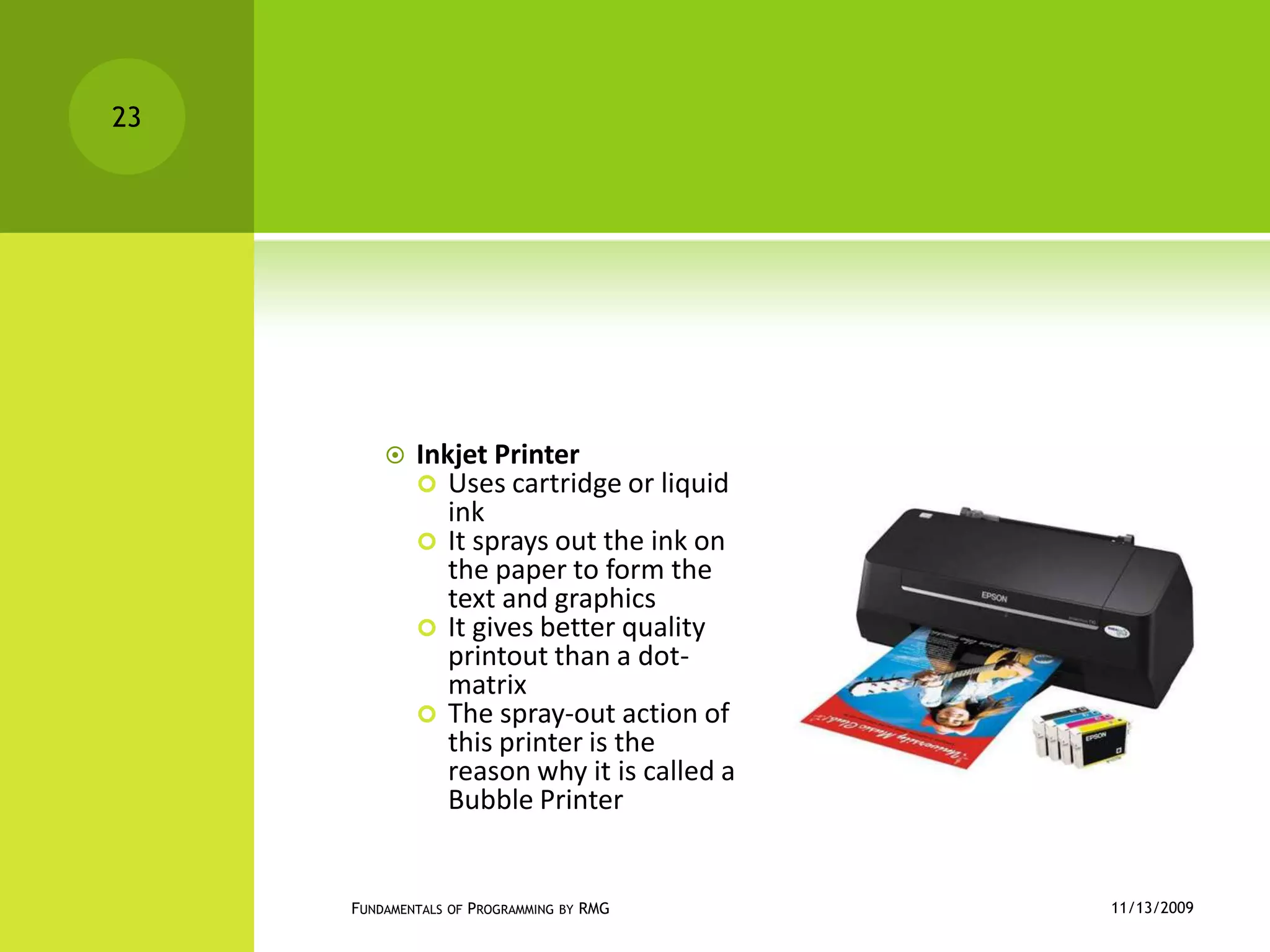
Inkjet PrinterUses cartridge or liquid inkIt sprays out the ink on the paper to form the text and graphicsIt gives better quality printout than a dot-matrixThe spray-out action of this printer is the reason why it is called a Bubble Printer11/12/2009Fundamentals of Programming by RMG23
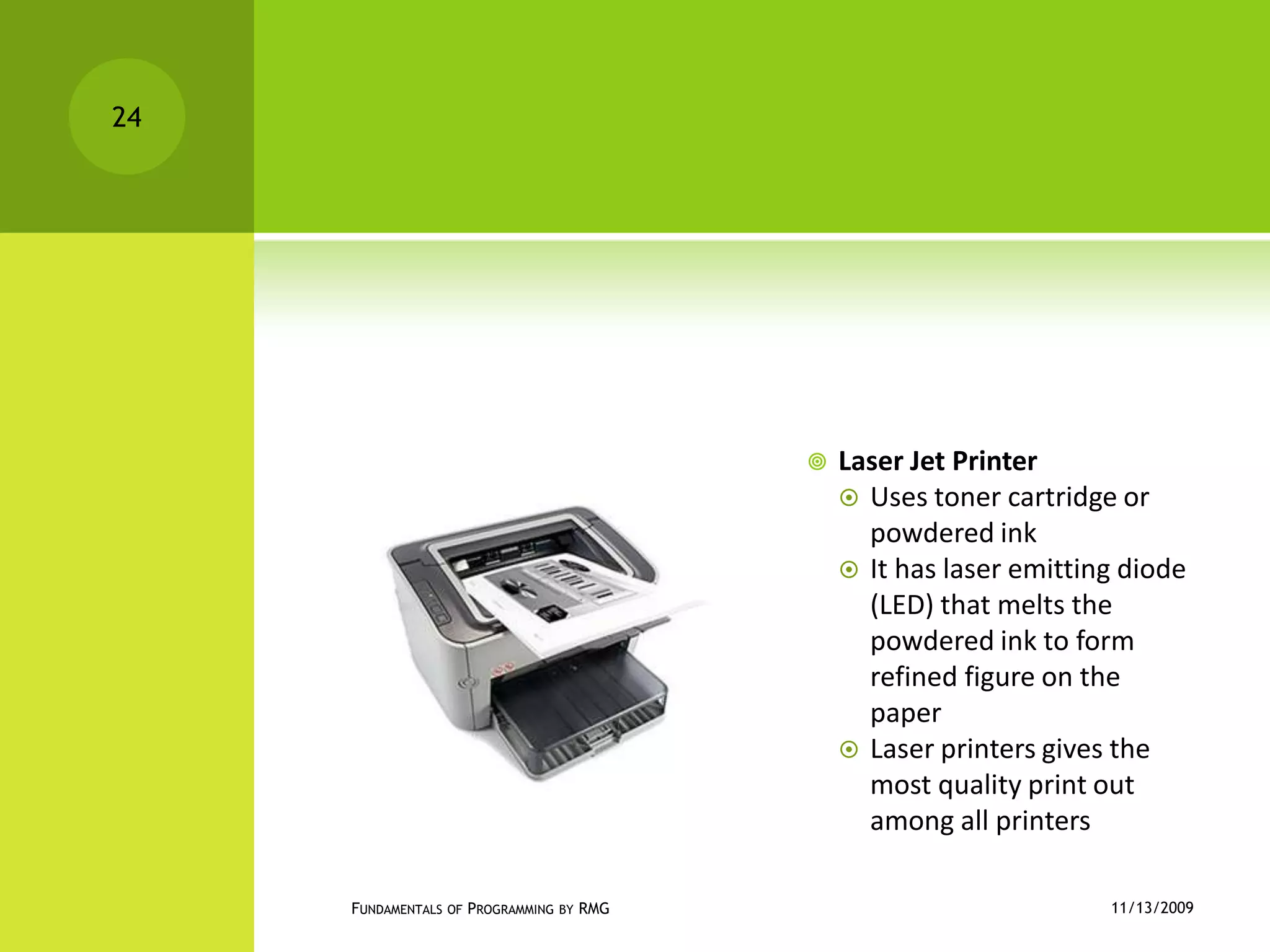
Laser Jet PrinterUses toner cartridge or powdered inkIt has laser emitting diode  (LED) that melts the powdered ink to form refined figure on the paperLaser printers gives the most quality print out among all printers11/12/2009Fundamentals of Programming by RMG24
Input/output devicesAre peripheral devices that do double function. It can be used as an input and as well as an output device. 11/12/2009Fundamentals of Programming by RMG25
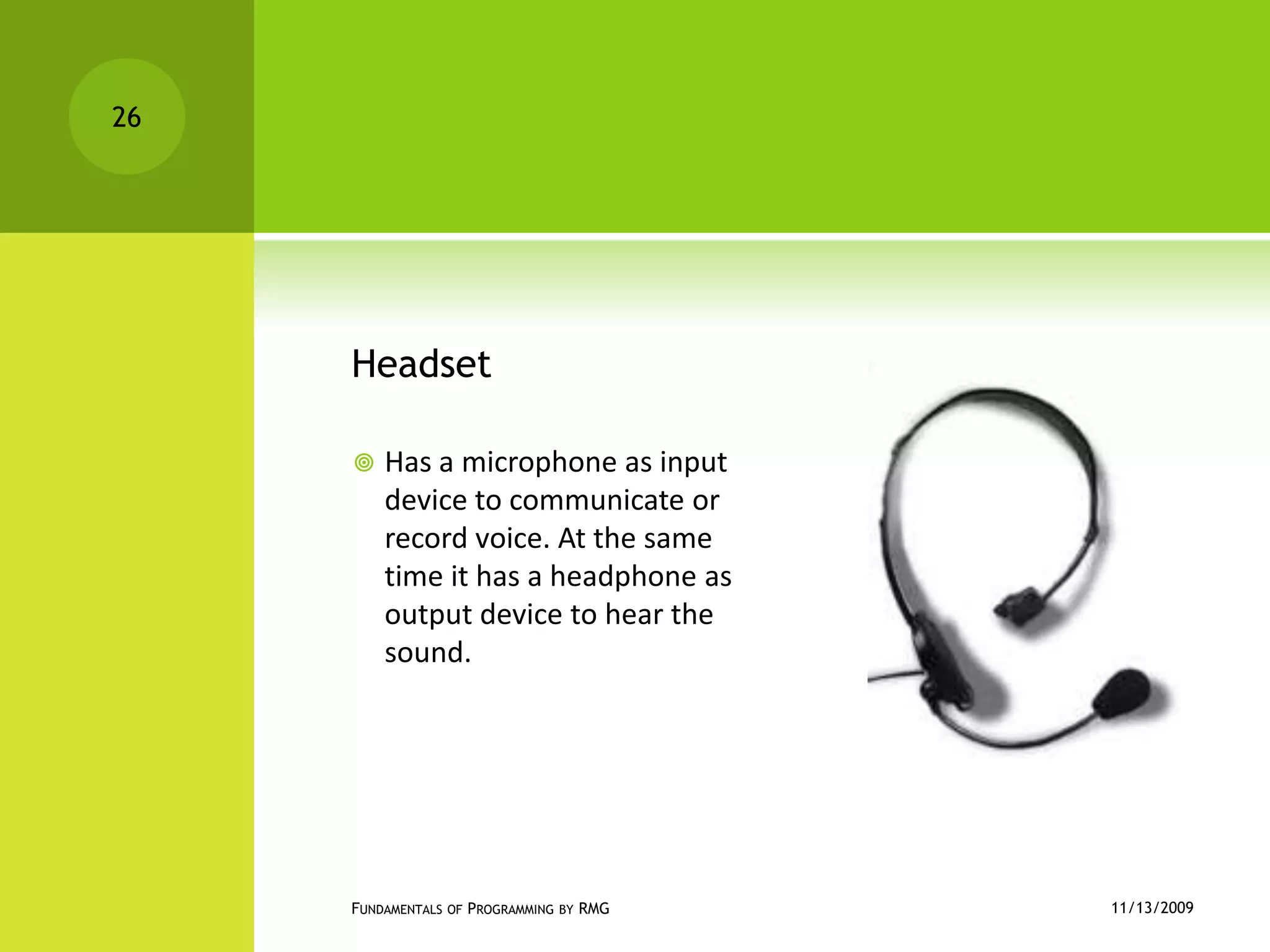
HeadsetHas a microphone as input device to communicate or record voice. At the same time it has a headphone as output device to hear the sound.11/12/2009Fundamentals of Programming by RMG26
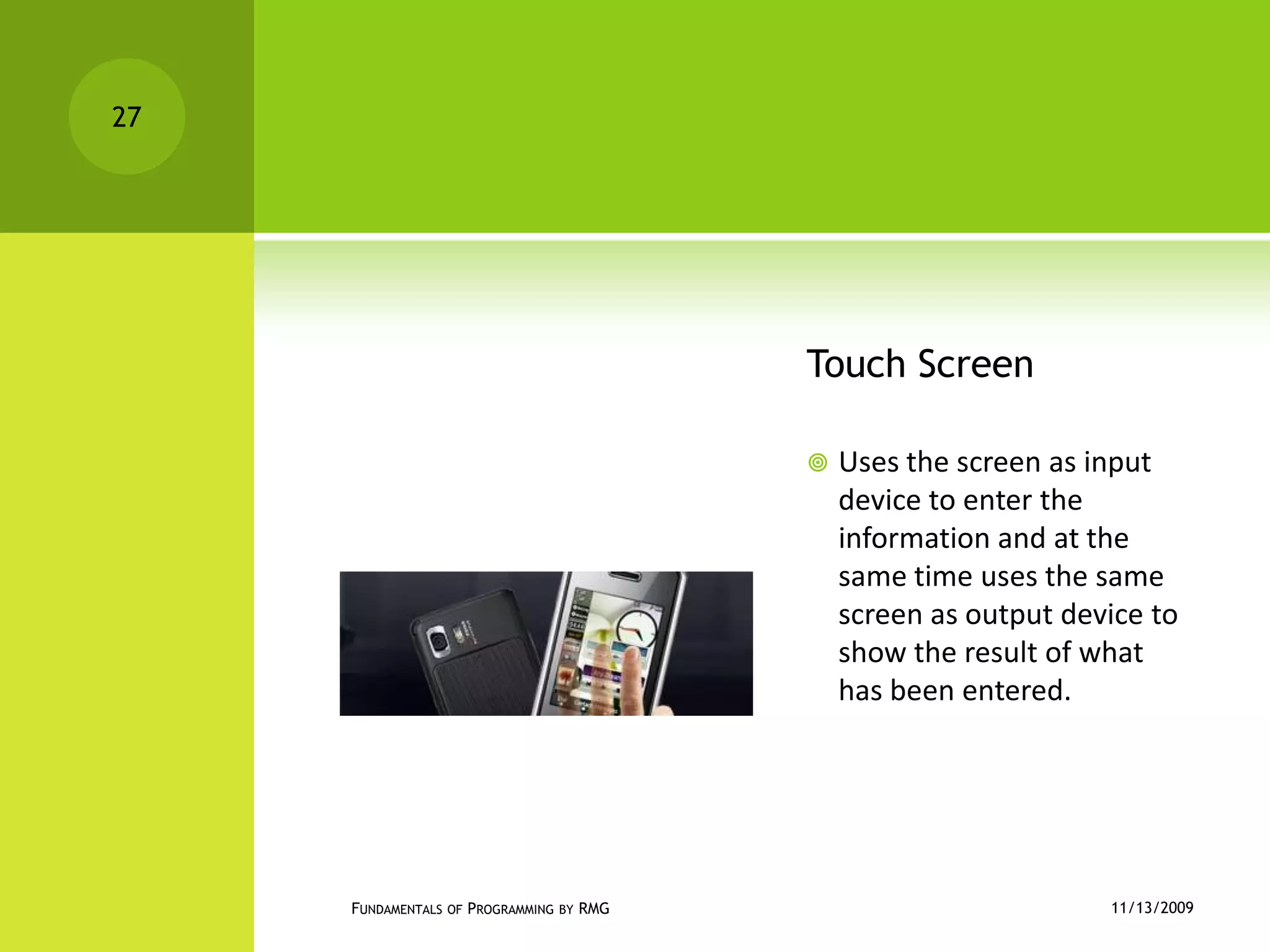
Touch ScreenUses the screen as input device to enter the information and at the same time uses the same screen as output device to show the result of what has been entered.11/12/2009Fundamentals of Programming by RMG27
MemoryThe memory of a microcomputer is where programs and data are stored when they are currently in active use. We will cover different kinds of memory your microcomputer contains:RAMROMCMOS11/12/2009Fundamentals of Programming by RMG28
RAM (Random Access Memory)RAM is the main memory space of your computer. The term RAM means Random Access Memory, and it comes from the early days of computers when mainframes had two types of memory: Random access, in which any bit of memory could be addressed at any moment; and Sequential memory (such as data stored on tape) where bits could only be accessed in a certain order. All of the memory in your computer is random access, so don’t worry about sequential memory.The RAM is the workspace of your computer. If your computer has more RAM, it can open more and larger programs and documents simultaneously. It’s like you having a large worktable to spread work papers out on instead of a tiny desk. The documents you are currently editing (and the programs your computer is using to let you do it) are stored in the RAM.11/12/2009Fundamentals of Programming by RMG29
ROM (Read-Only MemoryMicrocomputers also have some ROM (Read Only Memory) on the motherboard. ROM does not need power to remember its contents, so this is where a computer stores the programs that are needed to start up (boot up) the computer system. (The instructions can’t be stored in RAM, since RAM loses its contents when the computer is off; and they can’t be kept on the hard disk, since just reading data from a hard disk requires programs.) When the computer is first turned on, the program stored in the ROM is feed to the processor. This initial program checks to see that everything is in order and looks for storage devices on which it can locate a copy of the operating system; it then loads the first part of the OS into RAM, then hands control over to that program to finish the boot process.11/12/2009Fundamentals of Programming by RMG30
CMOS      The “CMOS memory” of a computer is a small amount of “semi-permanent” storage where changeable data can be stored that needs to remain available while the computer is turned off. A small battery on the motherboard keeps the CMOS ‘alive’ when power is off.The CMOS memory (called PRAM, or “Parameter RAM” on the Macintosh) can store such information such as what hard drive or copy of the OS you want to boot from, what are your default monitor settings, etc. The BIOS picks up this information and uses it during boot up. The CMOS memory can also hold the time and date so that your computer remembers this even when power its has been off. If your computer can’t remember the proper time, or can’t remember system settings when it’s off, the small battery may need to be replaced. 11/12/2009Fundamentals of Programming by RMG31
ProcessorsThe microprocessor is the component of the personal computer that does the actual processing of data. A microprocessor is a central processing unit (CPU) that fits on one microchip. It is the “brain” of the computer, but that is a rather pretentious term since it it really just a very complex switching circuit that executes simple instructions very rapidly. The microprocessor integrated circuit package holds a silicon chip that contains millions of transistors and other components fabricated into the silicon. Because the transistors on the chip are very tiny, even a small zap of high voltage current (such as from static electricity) can destroy a chip. This is why all large-scale integrated circuits must be handled in ways that minimize the possibility of static electric discharge.11/12/2009Fundamentals of Programming by RMG32
Activity 1.2Group yourselves into 3 and choose one of the following to be discussed in the class. Give your own idea about the topic:Output unitand input/output devicesMemoryProcessor11/12/2009Fundamentals of Programming by RMG33
Assignment 1.2What are the components of the CPU?Send your answer to my email add: nascir_27@yahoo.com before the end of the day (Nov. 17, 2009)The best assignment will be uploaded to our website. Use powerpoint for you assignment.Tips: Include some pictures to make your assignment much informative.11/12/2009Fundamentals of Programming by RMG34
References/sourcesComputer Concepts by Ma. Minerva J. Gorreswww.webopedia.comhttp://chortle.ccsu.eduhttp://en.wikipedia.orghttp://www.la.unm.edu11/12/2009Fundamentals of Programming by RMG35

Chapter 1: Intro to Funds of Programming

  • 1.
    11/12/2009Fundamentals of Programmingby RMG1Chapter 1Introduction
  • 2.
    What is acomputer system?A computer is an electronic machine that can accept, process, and produce results of information.A computer is a system because it is made up of parts where each has an assigned function to do yet it works together as one together with the other parts.A computer system includes not only the computer, but also any software and peripheral devices that are necessary to make the computer function.A computer system both hardware and software components.11/12/2009Fundamentals of Programming by RMG2
  • 3.
    Hardware and softwareTheHARDWARE components of a computer system are the electronic and mechanical parts.Example are: processor, main memory, secondary memory, input devices, output devicesThe SOFTWARE components are the intangible parts: the data and the computer programs.11/12/2009Fundamentals of Programming by RMG3
  • 4.
    Input unitsAn inputdevice is any peripheral (a piece of computer hardware equipment) used to provide data and control signals to an information processing system.11/12/2009Fundamentals of Programming by RMG4
  • 5.
    KEYBOARDIs the mostcommon input device. Pressing its keys do certain action such as: typing of letters, number, or symbols, and to execute an instruction or command.A 'keyboard' is a human interface device which is represented as a layout of buttons.11/12/2009Fundamentals of Programming by RMG5
  • 6.
    MOUSEIs the mostcommon pointing input device. Clicking the buttons of the mouse sends signal to the computer and instruct it to do an action.11/12/2009Fundamentals of Programming by RMG6
  • 7.
    TRACKBALLIs like amouse positioned upside down with larger ball on top of it. Rotating its ball tells the computer to do certain action or command.The user rolls the ball with the thumb, fingers, or the palm of the hand to move a cursor.11/12/2009Fundamentals of Programming by RMG7
  • 8.
    JOYSTICKIs an inputdevice that allows you to control the objects on the screen by moving its stick or by clicking its buttons.Joysticks are often used to control video games, and usually have one or more push-buttons whose state can also be read by the computer.11/12/2009Fundamentals of Programming by RMG8
  • 9.
    GAME PADIs agame controller device that has a programmable buttons used to control the fast movement of picture on the screen.11/12/2009Fundamentals of Programming by RMG9
  • 10.
    DIGITIZER OR DIGITIZINGTABLETIs a flat writing device that uses pen or stylus to enter commands into the computer.The image generally does not appear on the tablet itself but, rather, is displayed on the computer monitor.11/12/2009Fundamentals of Programming by RMG10
  • 11.
    MICROPHONEIs an inputvoice modulator device.11/12/2009Fundamentals of Programming by RMG11
  • 12.
    WEB CAMERATakes shotson the viewer to be seen in the other computer.11/12/2009Fundamentals of Programming by RMG12
  • 13.
    SCANNERUsed to copyimage, or read information or numbers. They read the data by scanning it and send them to the computer.Kinds of scannersFlatbed scannerScans the information printed on a piece of paper then transfers it to the computer.11/12/2009Fundamentals of Programming by RMG13
  • 14.
    Bar Code ScannerReadsthe product’s bar code according to the thickness and spacing of the displayed black lines. The signal is sent to the computer which is then translated into a numeric value.11/12/2009Fundamentals of Programming by RMG14
  • 15.
    Card reader scannerReadsthe encrypted information of customer’s credit card for verification purposes.11/12/2009Fundamentals of Programming by RMG15
  • 16.
    Activity 1.1Group yourselvesinto 2 and select at least 3 input devices and define the importance of each devices to the computer system. Explain it to the class for 10 minutes.11/12/2009Fundamentals of Programming by RMG16
  • 17.
    Assignment 1.1Give atleast 5 OUTPUT UNITS and define each.Place in a ½ crosswise of yellow paper.To be submitted next meeting ( Nov. 12, 2009)11/12/2009Fundamentals of Programming by RMG17
  • 18.
    Output unitsOutput devicesare peripherals used by the computer to give out the processed data. It could be by displaying the images, hearing the sounds, or printing the information.Are things we use to get information out of a computer.11/12/2009Fundamentals of Programming by RMG18
  • 19.
    CRT(cathode raytube) MONITORIs the most common output device. It displays the text, numbers, and graphics done in the computer.the CRT monitor contains a large cathode ray tube that uses an electron beam of varying strength to “paint” a picture onto the color phosphorescent dots on the inside of the screen. CRT monitors are heavy and use more electrical power than flat panel displays, but they are preferred by some graphic artists for their accurate color rendition, and preferred by some gamers for faster response to rapidly changing graphics.11/12/2009Fundamentals of Programming by RMG19
  • 20.
    FLAT PANEL MONITORAflat panel display usually uses an LCD (Liquid Crystal Display) screen to display output from the computer. The LCD consists of several thin layers that polarize the light passing through them. The polarization of one layer, containing long thin molecules called liquid crystals, can be controlled electronically at each pixel, blocking varying amounts of the light to make a pixel lighter or darker. Other types of flat panel technology exist (such as plasma displays) but LCDs are most commonly used in computers, especially laptops.11/12/2009Fundamentals of Programming by RMG20
  • 21.
    SPEAKERS and HEADPHONEor EARPHONESAre output devices used by the computer to hear the sounds from your computer11/12/2009Fundamentals of Programming by RMG21
  • 22.
    PRINTERKinds of PrinterDotMatrix Printer Uses ribbon to printIt prints the text and graphics on the paper by hammering its ends of pins against a ribbon to form dots.The hammering action of this printer is the reason why it is called an Impact Printer.11/12/2009Fundamentals of Programming by RMG22
  • 23.
    Inkjet PrinterUses cartridgeor liquid inkIt sprays out the ink on the paper to form the text and graphicsIt gives better quality printout than a dot-matrixThe spray-out action of this printer is the reason why it is called a Bubble Printer11/12/2009Fundamentals of Programming by RMG23
  • 24.
    Laser Jet PrinterUsestoner cartridge or powdered inkIt has laser emitting diode (LED) that melts the powdered ink to form refined figure on the paperLaser printers gives the most quality print out among all printers11/12/2009Fundamentals of Programming by RMG24
  • 25.
    Input/output devicesAre peripheraldevices that do double function. It can be used as an input and as well as an output device. 11/12/2009Fundamentals of Programming by RMG25
  • 26.
    HeadsetHas a microphoneas input device to communicate or record voice. At the same time it has a headphone as output device to hear the sound.11/12/2009Fundamentals of Programming by RMG26
  • 27.
    Touch ScreenUses thescreen as input device to enter the information and at the same time uses the same screen as output device to show the result of what has been entered.11/12/2009Fundamentals of Programming by RMG27
  • 28.
    MemoryThe memory ofa microcomputer is where programs and data are stored when they are currently in active use. We will cover different kinds of memory your microcomputer contains:RAMROMCMOS11/12/2009Fundamentals of Programming by RMG28
  • 29.
    RAM (Random AccessMemory)RAM is the main memory space of your computer. The term RAM means Random Access Memory, and it comes from the early days of computers when mainframes had two types of memory: Random access, in which any bit of memory could be addressed at any moment; and Sequential memory (such as data stored on tape) where bits could only be accessed in a certain order. All of the memory in your computer is random access, so don’t worry about sequential memory.The RAM is the workspace of your computer. If your computer has more RAM, it can open more and larger programs and documents simultaneously. It’s like you having a large worktable to spread work papers out on instead of a tiny desk. The documents you are currently editing (and the programs your computer is using to let you do it) are stored in the RAM.11/12/2009Fundamentals of Programming by RMG29
  • 30.
    ROM (Read-Only MemoryMicrocomputersalso have some ROM (Read Only Memory) on the motherboard. ROM does not need power to remember its contents, so this is where a computer stores the programs that are needed to start up (boot up) the computer system. (The instructions can’t be stored in RAM, since RAM loses its contents when the computer is off; and they can’t be kept on the hard disk, since just reading data from a hard disk requires programs.) When the computer is first turned on, the program stored in the ROM is feed to the processor. This initial program checks to see that everything is in order and looks for storage devices on which it can locate a copy of the operating system; it then loads the first part of the OS into RAM, then hands control over to that program to finish the boot process.11/12/2009Fundamentals of Programming by RMG30
  • 31.
    CMOS     The “CMOS memory” of a computer is a small amount of “semi-permanent” storage where changeable data can be stored that needs to remain available while the computer is turned off. A small battery on the motherboard keeps the CMOS ‘alive’ when power is off.The CMOS memory (called PRAM, or “Parameter RAM” on the Macintosh) can store such information such as what hard drive or copy of the OS you want to boot from, what are your default monitor settings, etc. The BIOS picks up this information and uses it during boot up. The CMOS memory can also hold the time and date so that your computer remembers this even when power its has been off. If your computer can’t remember the proper time, or can’t remember system settings when it’s off, the small battery may need to be replaced. 11/12/2009Fundamentals of Programming by RMG31
  • 32.
    ProcessorsThe microprocessor isthe component of the personal computer that does the actual processing of data. A microprocessor is a central processing unit (CPU) that fits on one microchip. It is the “brain” of the computer, but that is a rather pretentious term since it it really just a very complex switching circuit that executes simple instructions very rapidly. The microprocessor integrated circuit package holds a silicon chip that contains millions of transistors and other components fabricated into the silicon. Because the transistors on the chip are very tiny, even a small zap of high voltage current (such as from static electricity) can destroy a chip. This is why all large-scale integrated circuits must be handled in ways that minimize the possibility of static electric discharge.11/12/2009Fundamentals of Programming by RMG32
  • 33.
    Activity 1.2Group yourselvesinto 3 and choose one of the following to be discussed in the class. Give your own idea about the topic:Output unitand input/output devicesMemoryProcessor11/12/2009Fundamentals of Programming by RMG33
  • 34.
    Assignment 1.2What arethe components of the CPU?Send your answer to my email add: nascir_27@yahoo.com before the end of the day (Nov. 17, 2009)The best assignment will be uploaded to our website. Use powerpoint for you assignment.Tips: Include some pictures to make your assignment much informative.11/12/2009Fundamentals of Programming by RMG34
  • 35.
    References/sourcesComputer Concepts byMa. Minerva J. Gorreswww.webopedia.comhttp://chortle.ccsu.eduhttp://en.wikipedia.orghttp://www.la.unm.edu11/12/2009Fundamentals of Programming by RMG35