INFT 305: Web Engineering and
Application
Department of Computer Science and Informatics
January, 2023
Lecturer
Dr. Peter Nimbe
What is
JavaScript?
2
1
Introduction
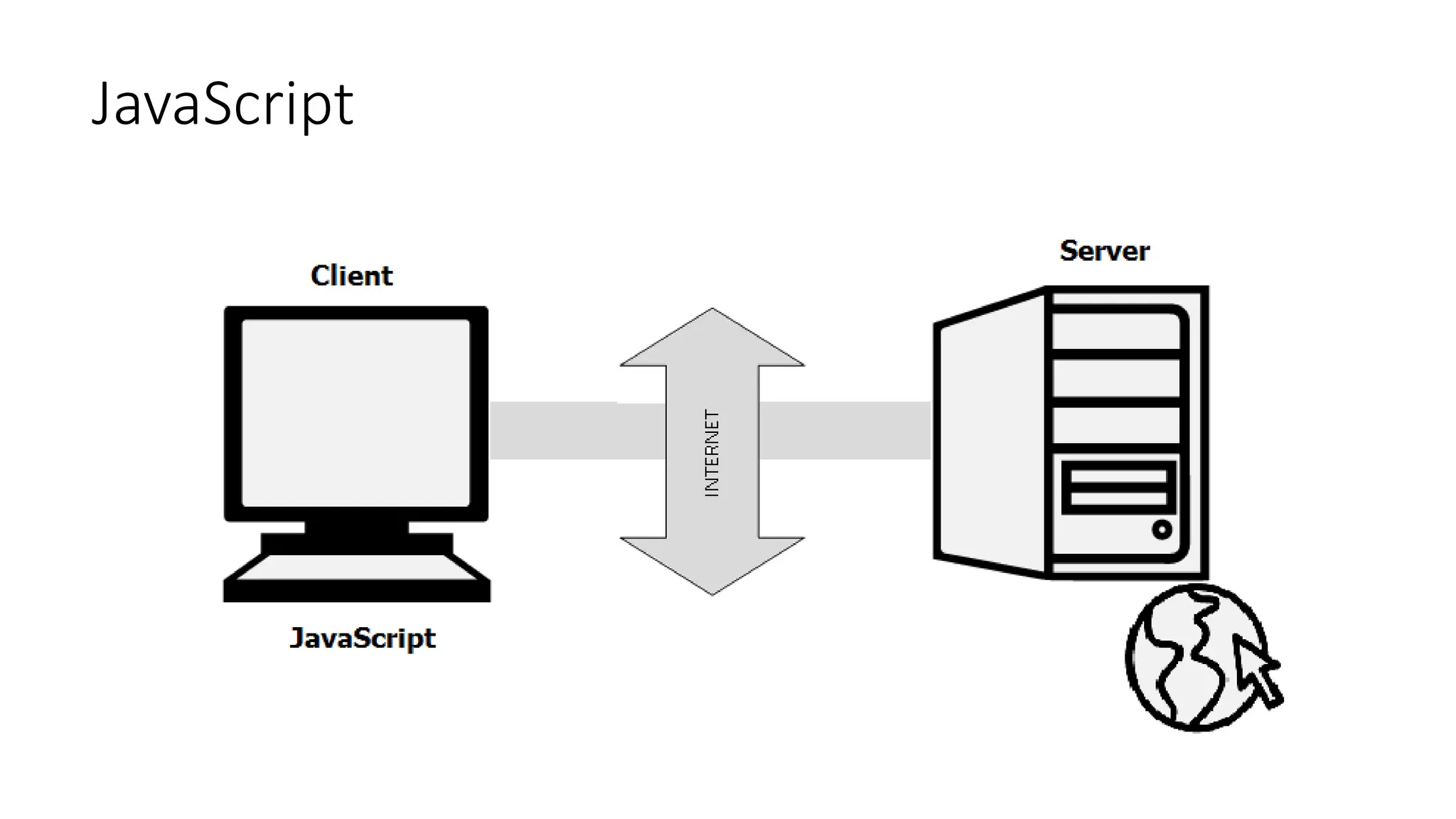
• JavaScript is an open-source and most popular client-side scripting
language supported by all browsers.
• JavaScript is mainly used for enhancing the interaction of the
webpage with users by making it more lively and interactive.
• It is also used for game development and mobile application
development.
JavaScript
JavaScript History
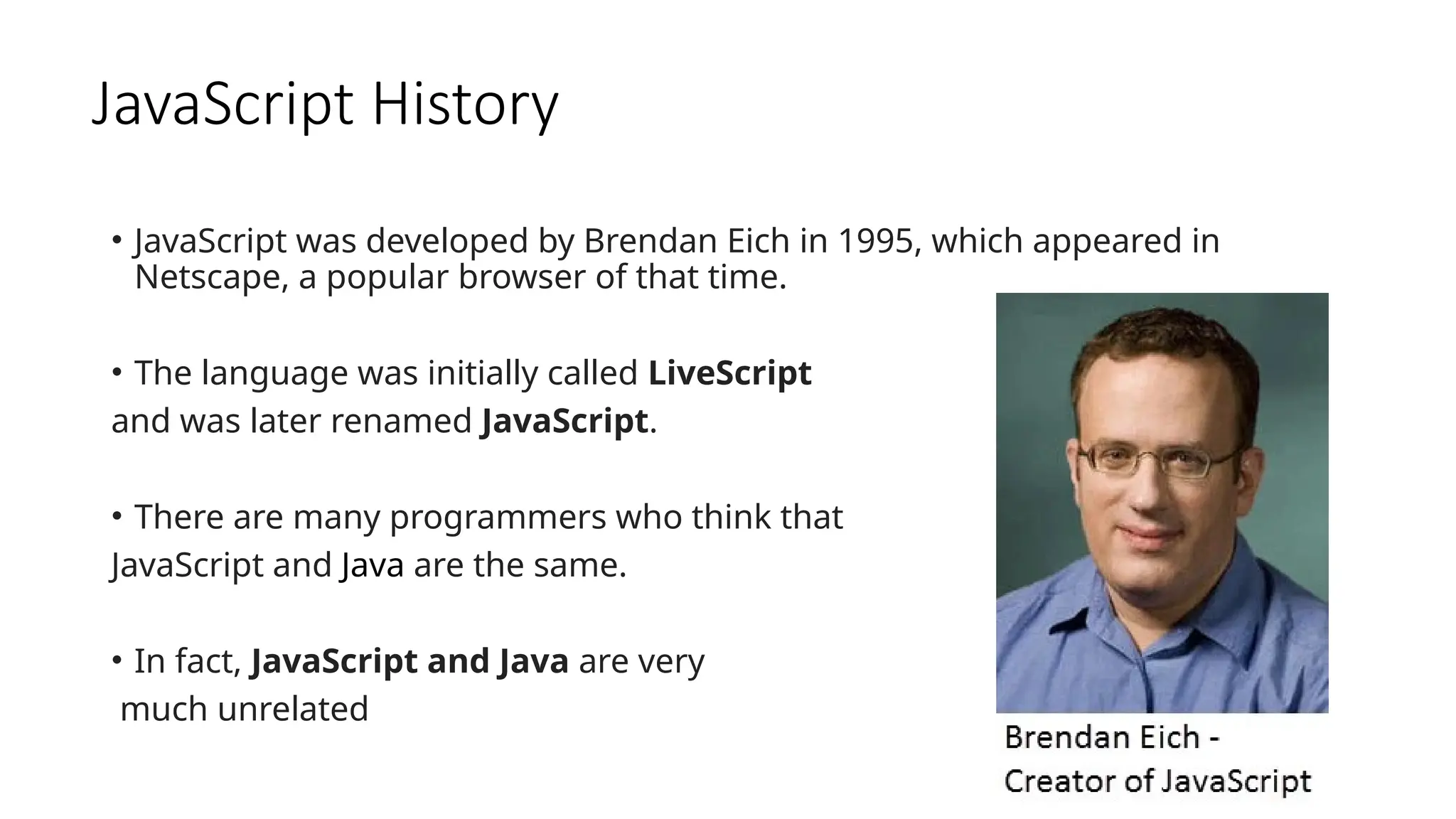
• JavaScript was developed by Brendan Eich in 1995, which appeared in
Netscape, a popular browser of that time.
• The language was initially called LiveScript
and was later renamed JavaScript.
• There are many programmers who think that
JavaScript and Java are the same.
• In fact, JavaScript and Java are very
much unrelated
JavaScript History
• Java is a very complex programming language whereas
JavaScript is only a scripting language.
• The syntax of JavaScript is mostly influenced by the
programming language C.
How to run JavaScript?
• Being a scripting language, JavaScript cannot run on its own.
• In fact, the browser is responsible for running JavaScript code.
• When a user requests an HTML page with JavaScript in it, the script is sent to
the browser and it is up to the browser to execute it.
• The main advantage of JavaScript is that all modern web browsers
support JavaScript.
• So, you do not have to worry about whether your site visitor uses Internet
Explorer, Google Chrome, Firefox or any other browser. JavaScript will be
supported.
• Also, JavaScript runs on any operating system including Windows, Linux or
Mac. Thus, JavaScript overcomes the main disadvantages of VBScript (Now
deprecated) which is limited to just IE and Windows.
Tools You Need
• To start with, you need a text editor to write your code and a
browser to display the web pages you develop.
• You can use a text editor of your choice including Notepad++,
Visual Studio Code, Sublime Text, Atom or any other text editor
you are comfortable with.
• You can use any web browser including Google Chrome, Firefox,
Microsoft Edge, Internet Explorer etc.
A Simple JavaScript Program
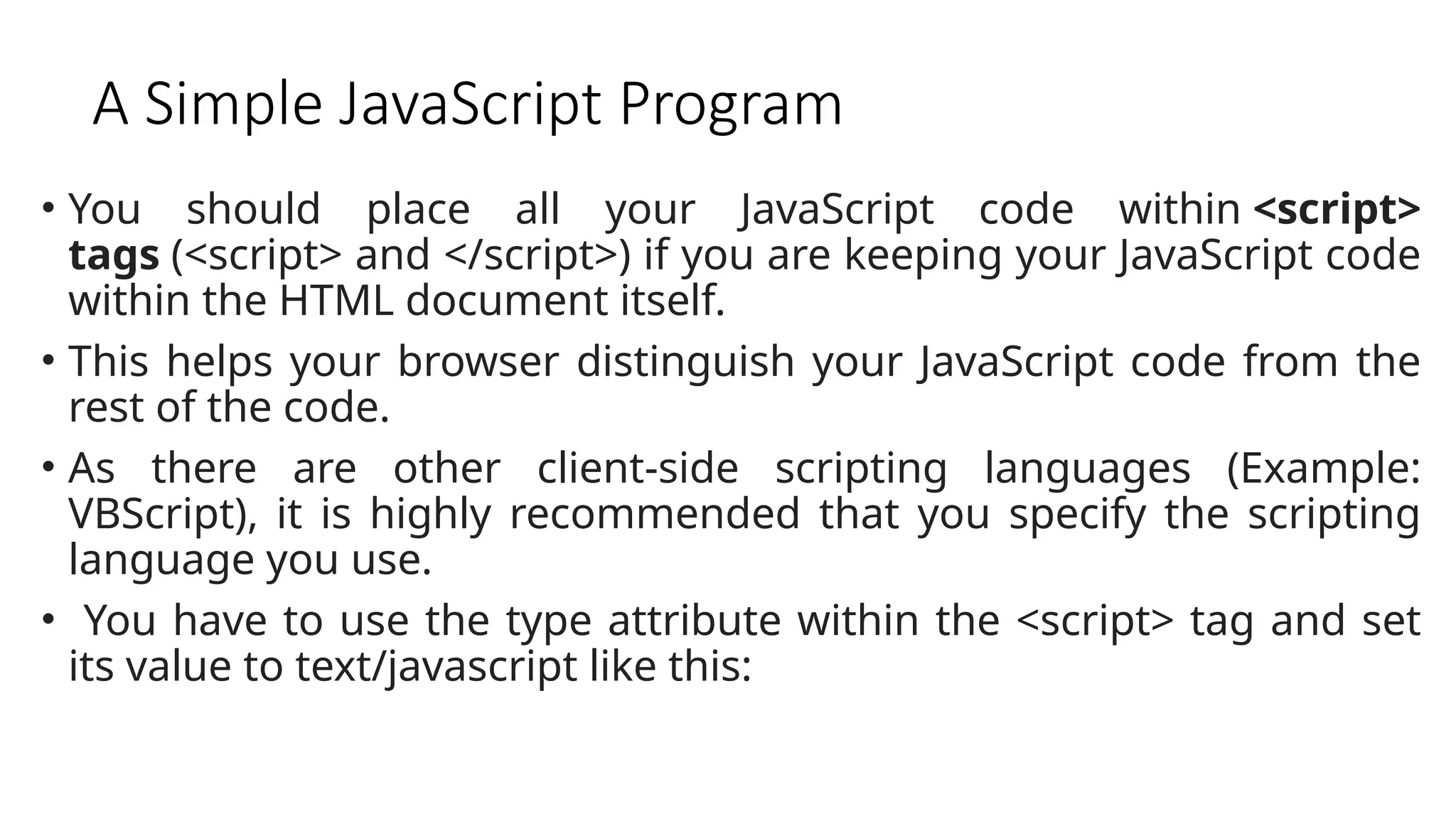
• You should place all your JavaScript code within <script>
tags (<script> and </script>) if you are keeping your JavaScript code
within the HTML document itself.
• This helps your browser distinguish your JavaScript code from the
rest of the code.
• As there are other client-side scripting languages (Example:
VBScript), it is highly recommended that you specify the scripting
language you use.
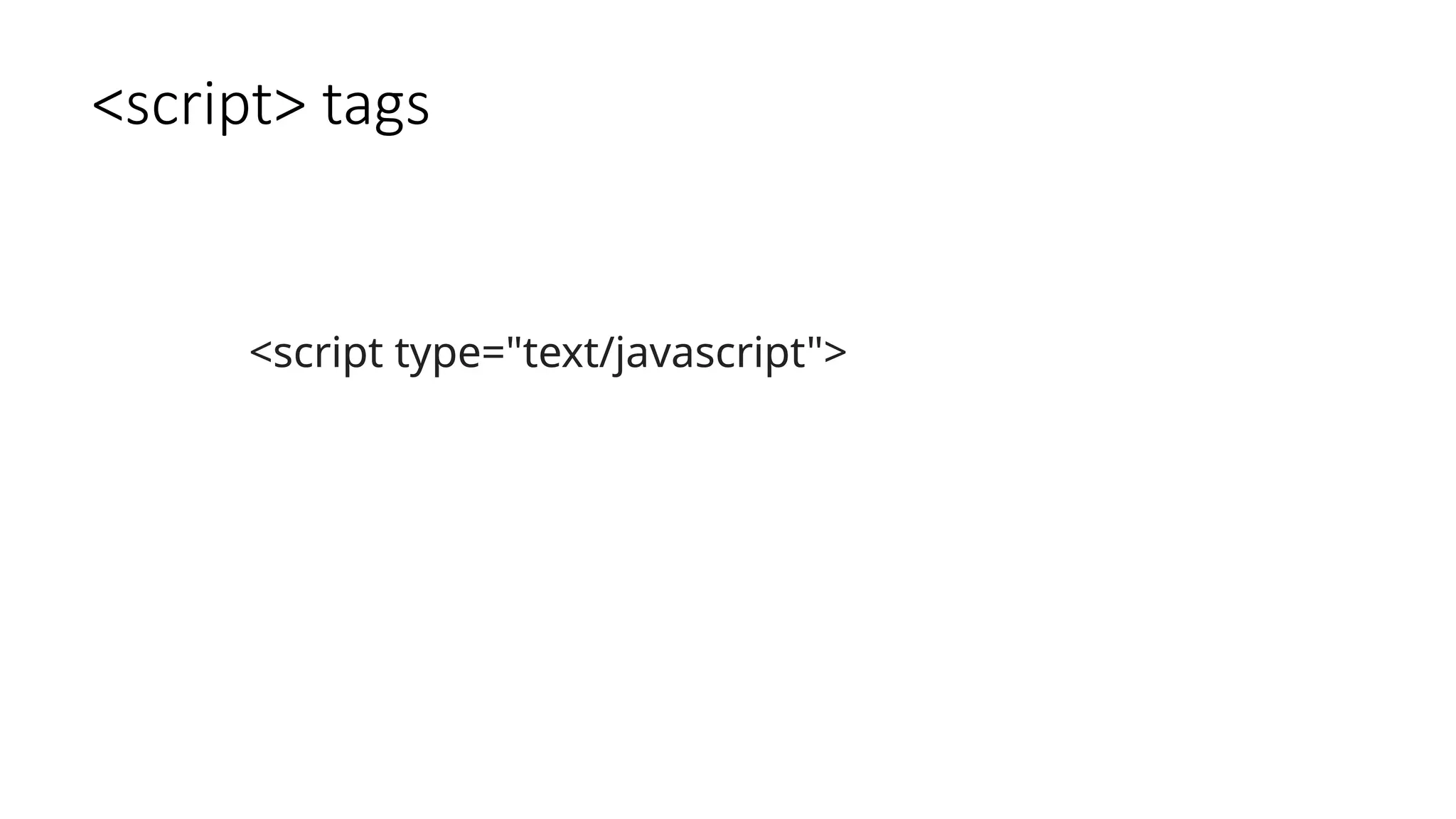
• You have to use the type attribute within the <script> tag and set
its value to text/javascript like this:
<script> tags
<script type="text/javascript">
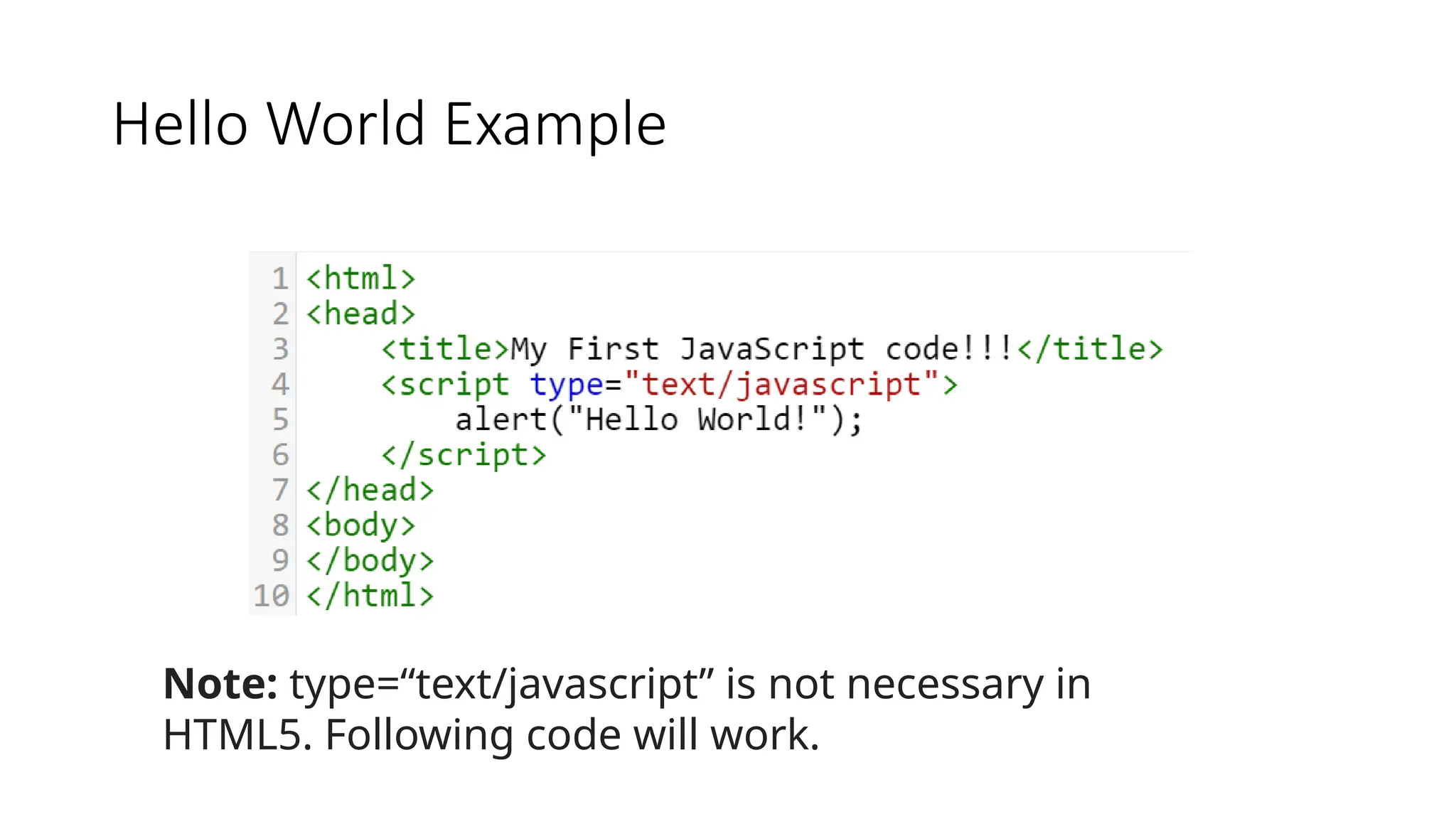
Hello World Example
Note: type=“text/javascript” is not necessary in
HTML5. Following code will work.
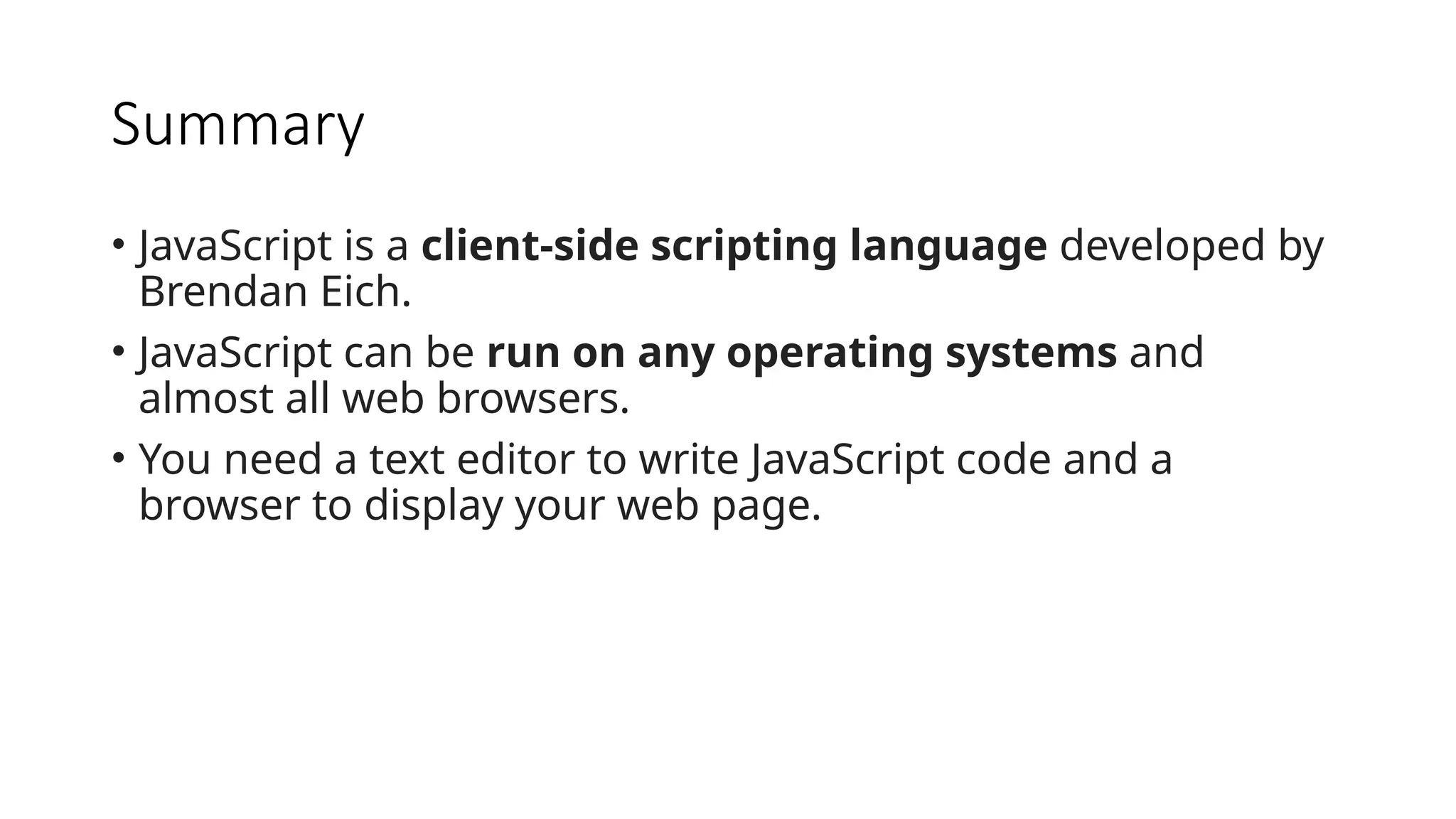
Summary
• JavaScript is a client-side scripting language developed by
Brendan Eich.
• JavaScript can be run on any operating systems and
almost all web browsers.
• You need a text editor to write JavaScript code and a
browser to display your web page.

chap01 - Introduction to JavaScript first.pptx

  • 1.
    INFT 305: WebEngineering and Application Department of Computer Science and Informatics January, 2023 Lecturer Dr. Peter Nimbe
  • 2.
  • 3.
    Introduction • JavaScript isan open-source and most popular client-side scripting language supported by all browsers. • JavaScript is mainly used for enhancing the interaction of the webpage with users by making it more lively and interactive. • It is also used for game development and mobile application development.
  • 4.
  • 5.
    JavaScript History • JavaScriptwas developed by Brendan Eich in 1995, which appeared in Netscape, a popular browser of that time. • The language was initially called LiveScript and was later renamed JavaScript. • There are many programmers who think that JavaScript and Java are the same. • In fact, JavaScript and Java are very much unrelated
  • 6.
    JavaScript History • Javais a very complex programming language whereas JavaScript is only a scripting language. • The syntax of JavaScript is mostly influenced by the programming language C.
  • 7.
    How to runJavaScript? • Being a scripting language, JavaScript cannot run on its own. • In fact, the browser is responsible for running JavaScript code. • When a user requests an HTML page with JavaScript in it, the script is sent to the browser and it is up to the browser to execute it. • The main advantage of JavaScript is that all modern web browsers support JavaScript. • So, you do not have to worry about whether your site visitor uses Internet Explorer, Google Chrome, Firefox or any other browser. JavaScript will be supported. • Also, JavaScript runs on any operating system including Windows, Linux or Mac. Thus, JavaScript overcomes the main disadvantages of VBScript (Now deprecated) which is limited to just IE and Windows.
  • 8.
    Tools You Need •To start with, you need a text editor to write your code and a browser to display the web pages you develop. • You can use a text editor of your choice including Notepad++, Visual Studio Code, Sublime Text, Atom or any other text editor you are comfortable with. • You can use any web browser including Google Chrome, Firefox, Microsoft Edge, Internet Explorer etc.
  • 9.
    A Simple JavaScriptProgram • You should place all your JavaScript code within <script> tags (<script> and </script>) if you are keeping your JavaScript code within the HTML document itself. • This helps your browser distinguish your JavaScript code from the rest of the code. • As there are other client-side scripting languages (Example: VBScript), it is highly recommended that you specify the scripting language you use. • You have to use the type attribute within the <script> tag and set its value to text/javascript like this:
  • 10.
  • 11.
    Hello World Example Note:type=“text/javascript” is not necessary in HTML5. Following code will work.
  • 12.
    Summary • JavaScript isa client-side scripting language developed by Brendan Eich. • JavaScript can be run on any operating systems and almost all web browsers. • You need a text editor to write JavaScript code and a browser to display your web page.