More Related Content

PPTX

PPTX
Functions and Modules.pptx 
PPTX

PPT
Python Dictionaries and Sets 
PPTX
USER DEFINE FUNCTIONS IN PYTHON 
PDF

PDF
Functions and modules in python 
ODP
What's hot

PPTX

PPTX

PPTX

PDF

PDF

PPT
Inter threadcommunication.38 
PPTX

PDF
Mocking in Java with Mockito 
PDF
Java methods or Subroutines or Functions 
PPTX

ODT
Testing in-python-and-pytest-framework 
PPT
Polymorphism in c++ ppt (Powerpoint) | Polymorphism in c++ with example ppt |... 
PPTX

PPTX

PDF
Python-02| Input, Output & Import 
PPTX
Pointers,virtual functions and polymorphism cpp 
PDF

PPTX
Constructor and Types of Constructors 
PDF
In-depth analysis of Kotlin Flows 
PPTX
Similar to ch05-Functions in python programming.ppt

PPT

PPTX
unit 4 error handling in python programming 
PPTX
function in python programming - all important concept 
PDF
3-Python Functions.pdf in simple......... 
PPTX

PDF
ProgFund_Lecture_4_Functions_and_Modules-1.pdf 
PDF

PDF
Functions in Python.pdfnsjiwshkwijjahuwjwjw 
PPTX
04. WORKING WITH FUNCTIONS-2 (1).pptx 
PPTX
Lecture 5 Functions all about business categories 
PPTX
2_3 Functions 5d.pptx2_3 Functions 5d.pptx 
PPTX
Functions_and_Modules_python_programming.pptx 
PDF
04. WORKING WITH PYTHON FUNCTIONS-2.pdf 
PPTX
Mastering Python lesson 4_functions_parameters_arguments 
PDF
functionfunctionfunctionfunctionfunction12.pdf 
PDF

PDF
Userdefined functions brief explaination.pdf 
PDF

PDF

PDF
4_FUNCTIONS_introduction_basics_program.pdf Recently uploaded

PDF
Unit-III pdf (Basic listening Skill, Effective Writing Communication & Writin... 
PPTX
The Art Pastor's Guide to the Liturgical Calendar 
PPTX
Role of the Uninstall Hook in Odoo 18 Module Cleanup 
PDF
Prescription Writing- Elements, Parts, and Exercises 
PDF
Blue / Green: Troop Leading Procedure (TLP) Overview.pdf 
PDF
The Tale of Melon City poem ppt by Sahasra 
PPTX
Vitamins and mineral deficiency , signs and symptoms associated with exercise 
PPTX
Limpitlaw "Licensing: From Mindset to Milestones" 
PDF
BỘ TEST KIỂM TRA CUỐI HỌC KÌ 1 - TIẾNG ANH 6-7-8-9 GLOBAL SUCCESS - PHIÊN BẢN... 
PPTX
MACSYMA introduction,working,application 
PDF
Projecte de la porta de la classe de primer A: Mar i cel. 
PPTX
SOCIAL SYSTEM.......................pptx 
PDF
Orchard Floor Managment.pdf Orchard Floor Management 
PPTX
15 December 2025 Education for human flourishing Michael Stevenson .pptx 
PPTX
Hypothesis. its definition and typrs pptx 
PPTX
Campfens "The Data Qualify Challenge: Publishers, institutions, and funders r... 
PDF
FAMILY ASSESSMENT FORMAT - CHN practical 
PDF
Handwritten notes of Toxicity 1. Genotoxicity 2 Carcinogenicity 3 Teratogenic... 
PPTX
ELEMENTS OF COMMUNICATION (UNIT 2) .pptx 
PPTX
What is the Post load hook in Odoo 18 ch05-Functions in python programming.ppt
- 1.
- 2.
Copyright © 2018Pearson Education, Ltd.
Topics
• Introduction to Functions
• Defining and Calling a Void Function
• Designing a Program to Use Functions
• Local Variables
• Passing Arguments to Functions
• Global Variables and Global Constants
• Turtle Graphics: Modularizing Code with
Functions
- 3.
Copyright © 2018Pearson Education, Ltd.
Topics (cont’d.)
• Introduction to Value-Returning
Functions: Generating Random
Numbers
• Writing Your Own Value-Returning
Functions
• The math Module
• Storing Functions in Modules
- 4.
Copyright © 2018Pearson Education, Ltd.
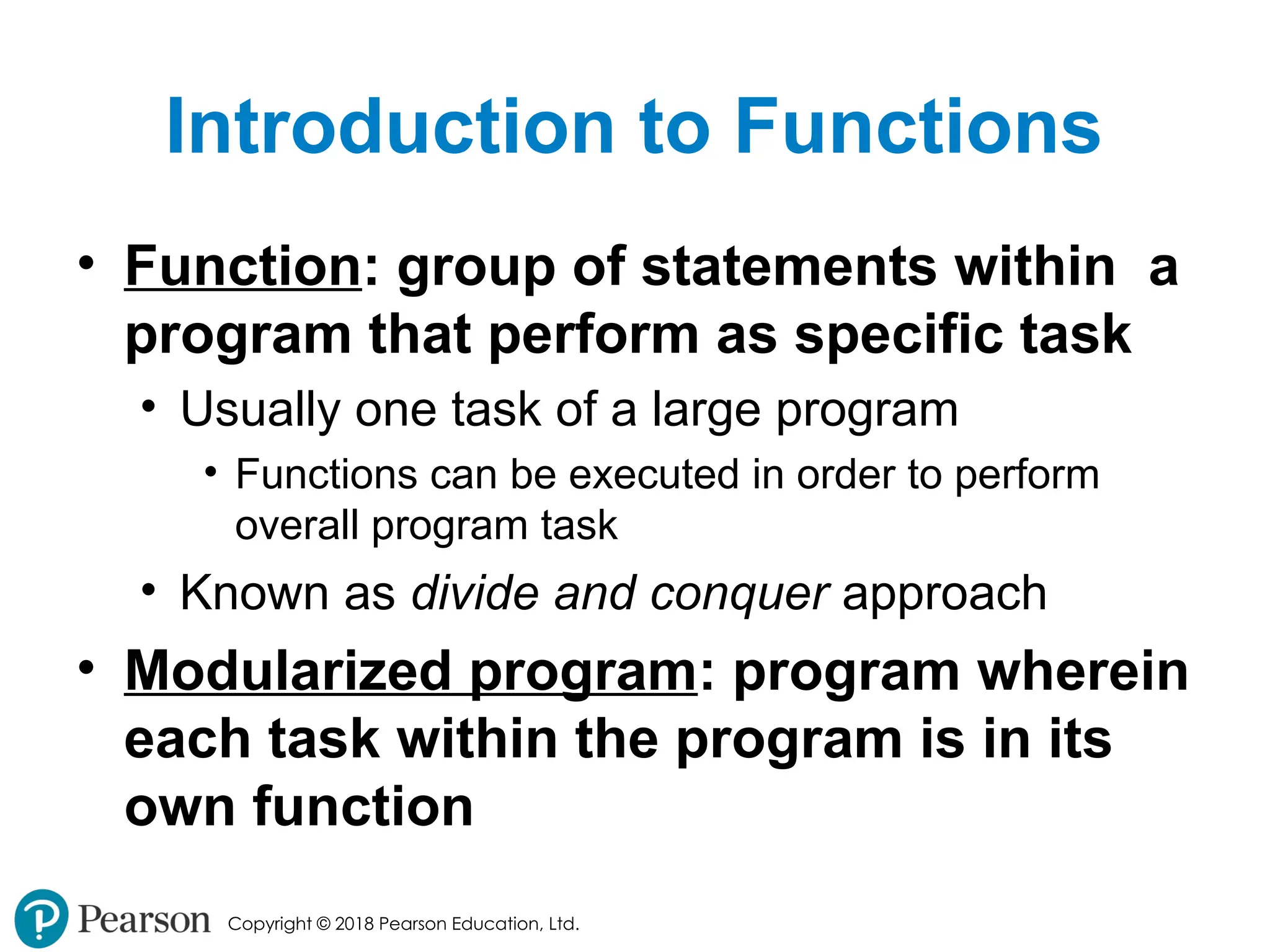
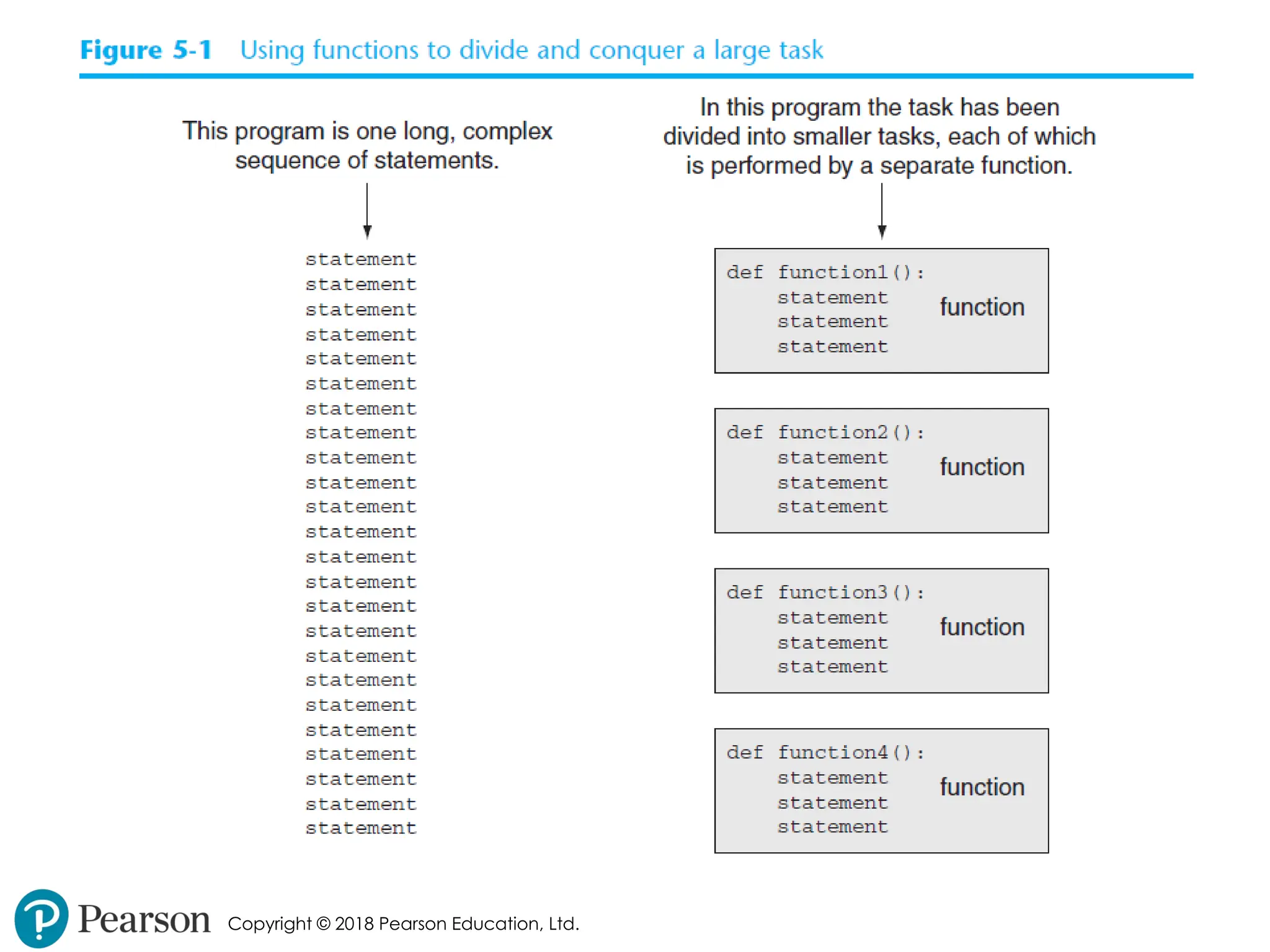
Introduction to Functions
• Function: group of statements within a
program that perform as specific task
• Usually one task of a large program
• Functions can be executed in order to perform
overall program task
• Known as divide and conquer approach
• Modularized program: program wherein
each task within the program is in its
own function
- 5.
- 6.
Copyright © 2018Pearson Education, Ltd.
Benefits of Modularizing a
Program with Functions
• The benefits of using functions include:
• Simpler code
• Code reuse
• write the code once and call it multiple times
• Better testing and debugging
• Can test and debug each function individually
• Faster development
• Easier facilitation of teamwork
• Different team members can write different functions
- 7.
Copyright © 2018Pearson Education, Ltd.
Void Functions and Value-
Returning Functions
• A void function:
• Simply executes the statements it contains
and then terminates.
• A value-returning function:
• Executes the statements it contains, and then
it returns a value back to the statement that
called it.
• The input, int, and float functions are
examples of value-returning functions.
- 8.
Copyright © 2018Pearson Education, Ltd.
Defining and Calling a
Function
• Functions are given names
• Function naming rules:
• Cannot use key words as a function name
• Cannot contain spaces
• First character must be a letter or underscore
• All other characters must be a letter, number or
underscore
• Uppercase and lowercase characters are distinct
- 9.
Copyright © 2018Pearson Education, Ltd.
Defining and Calling a
Function (cont’d.)
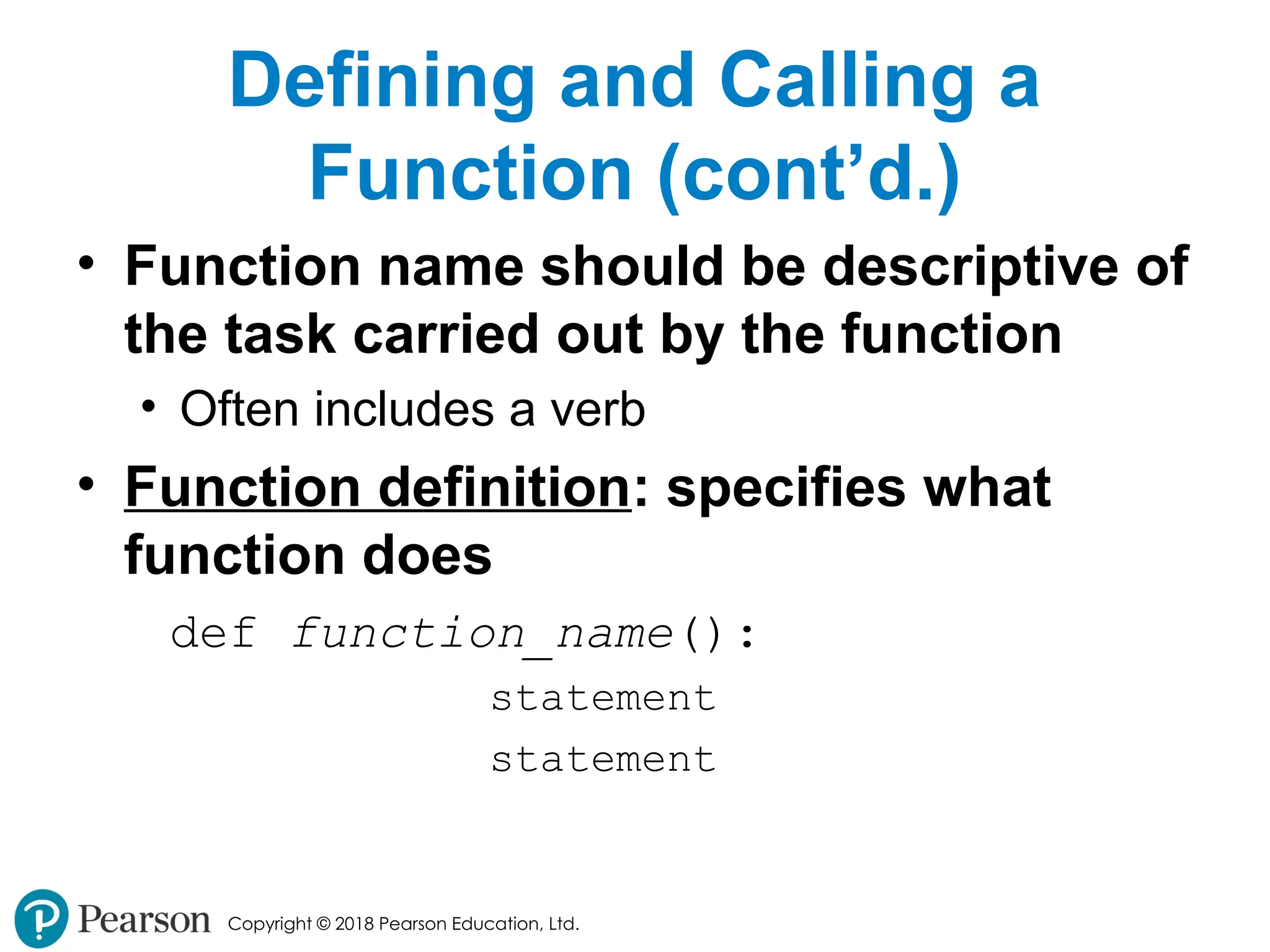
• Function name should be descriptive of
the task carried out by the function
• Often includes a verb
• Function definition: specifies what
function does
def function_name():
statement
statement
- 10.
Copyright © 2018Pearson Education, Ltd.
Defining and Calling a
Function (cont’d.)
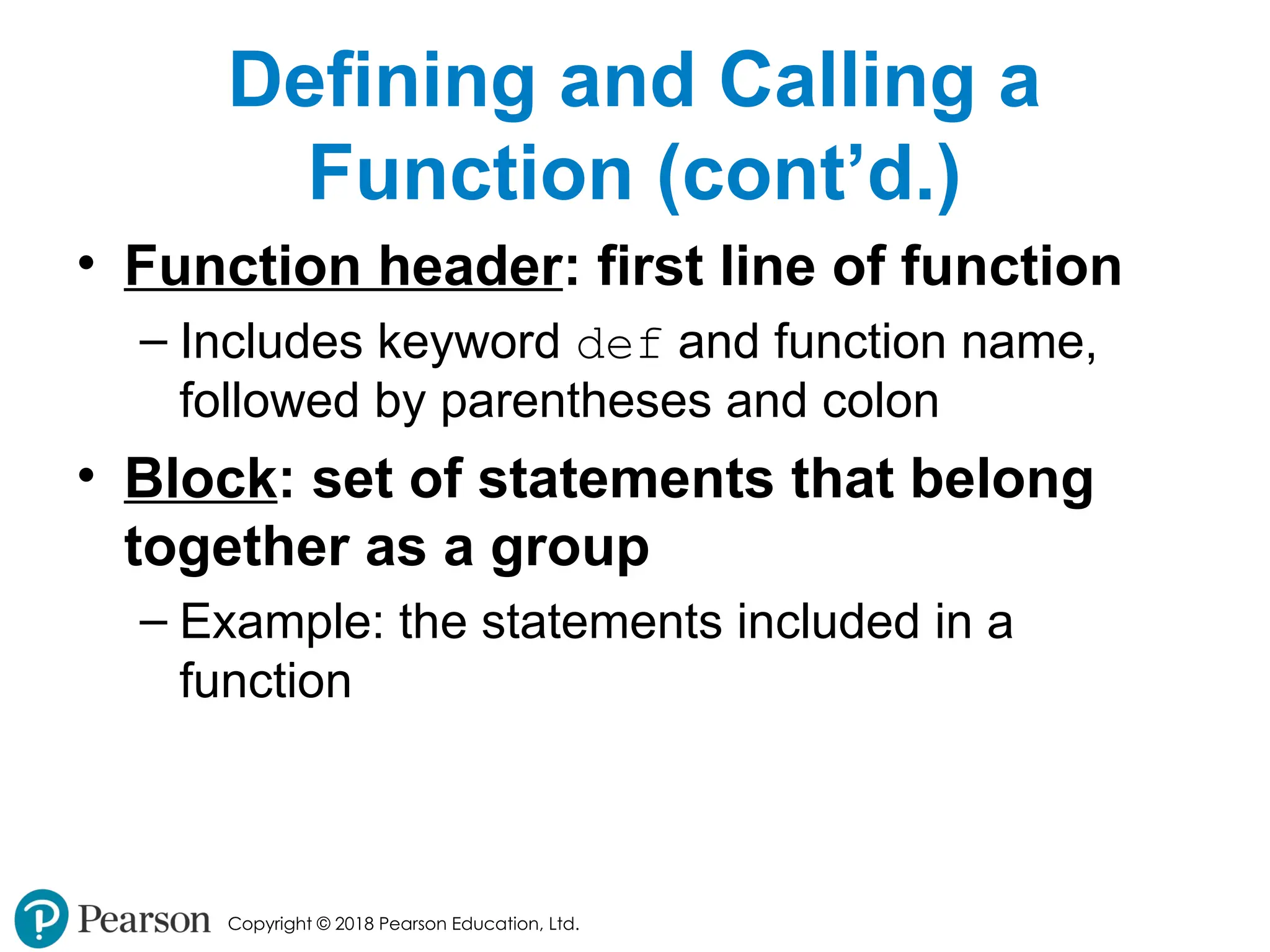
• Function header: first line of function
– Includes keyword def and function name,
followed by parentheses and colon
• Block: set of statements that belong
together as a group
– Example: the statements included in a
function
- 11.
Copyright © 2018Pearson Education, Ltd.
Defining and Calling a
Function (cont’d.)
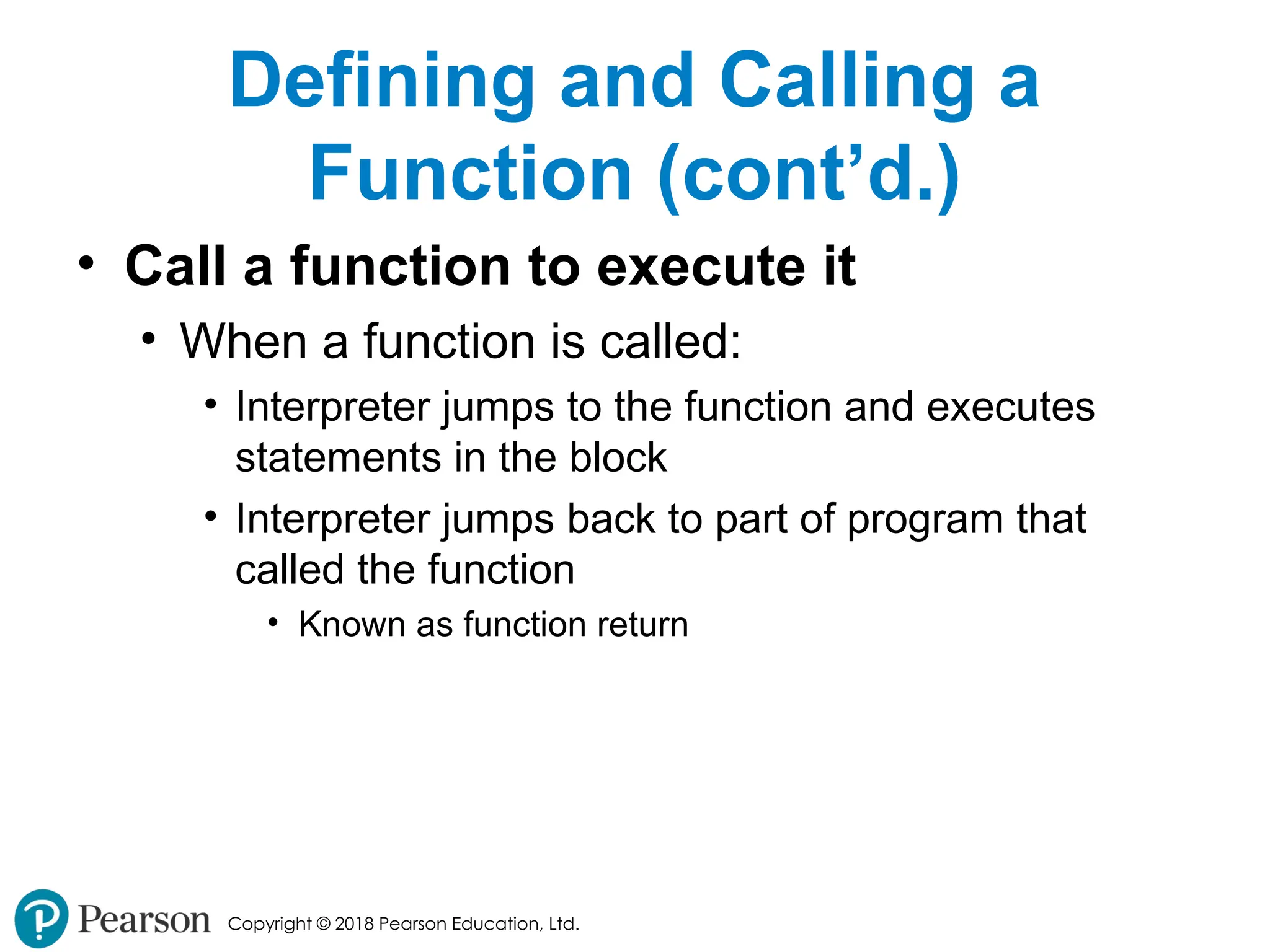
• Call a function to execute it
• When a function is called:
• Interpreter jumps to the function and executes
statements in the block
• Interpreter jumps back to part of program that
called the function
• Known as function return
- 12.
Copyright © 2018Pearson Education, Ltd.
Defining and Calling a
Function (cont’d.)
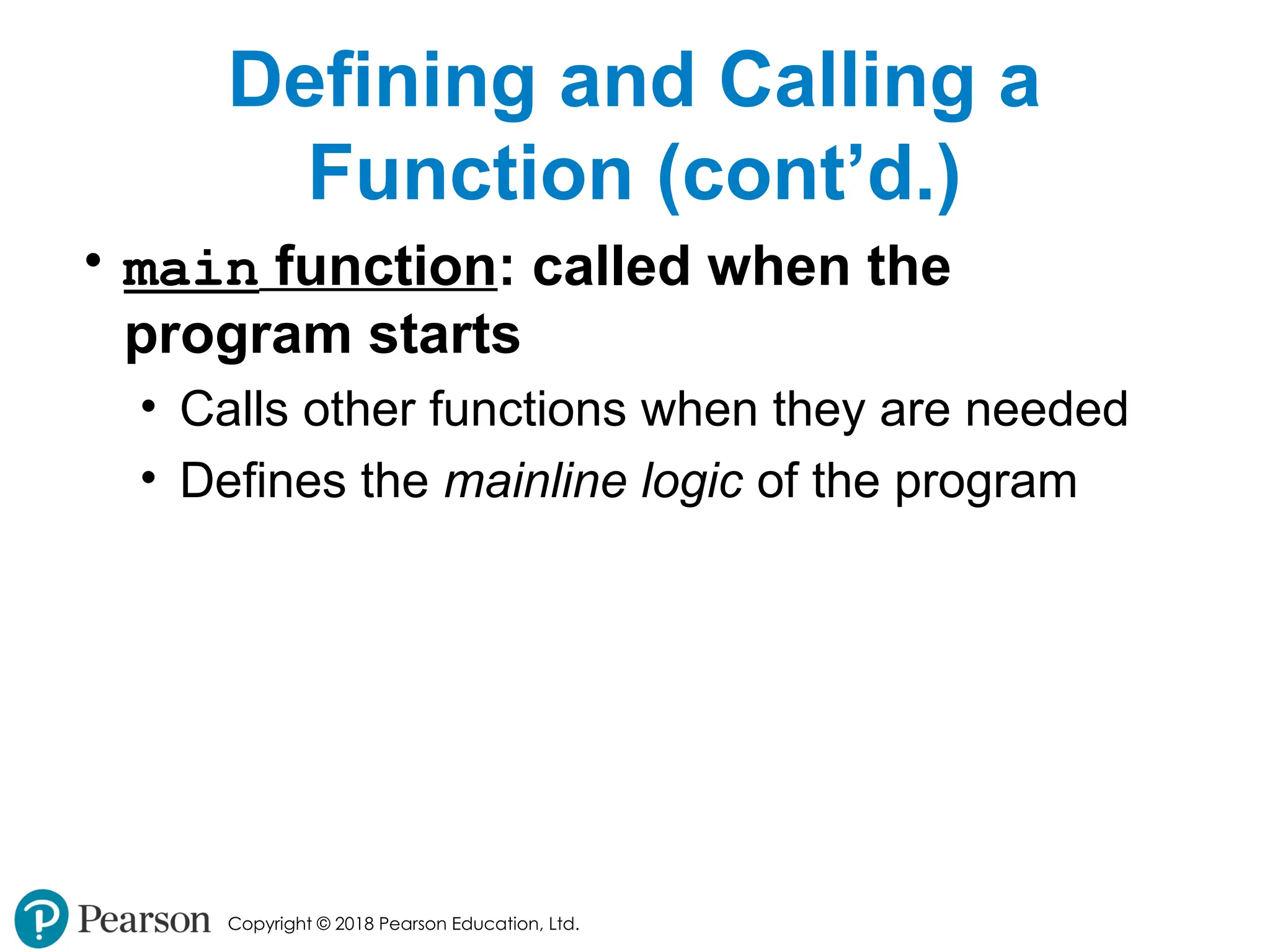
• main function: called when the
program starts
• Calls other functions when they are needed
• Defines the mainline logic of the program
- 13.
Copyright © 2018Pearson Education, Ltd.
Indentation in Python
• Each block must be indented
• Lines in block must begin with the same
number of spaces
• Use tabs or spaces to indent lines in a block, but
not both as this can confuse the Python interpreter
• IDLE automatically indents the lines in a block
• Blank lines that appear in a block are ignored
- 14.
Copyright © 2018Pearson Education, Ltd.
Designing a Program to Use
Functions
• In a flowchart, function call shown as
rectangle with vertical bars at each side
• Function name written in the symbol
• Typically draw separate flow chart for each function in
the program
• End terminal symbol usually reads Return
• Top-down design: technique for breaking
algorithm into functions
- 15.
Copyright © 2018Pearson Education, Ltd.
Designing a Program to Use
Functions (cont’d.)
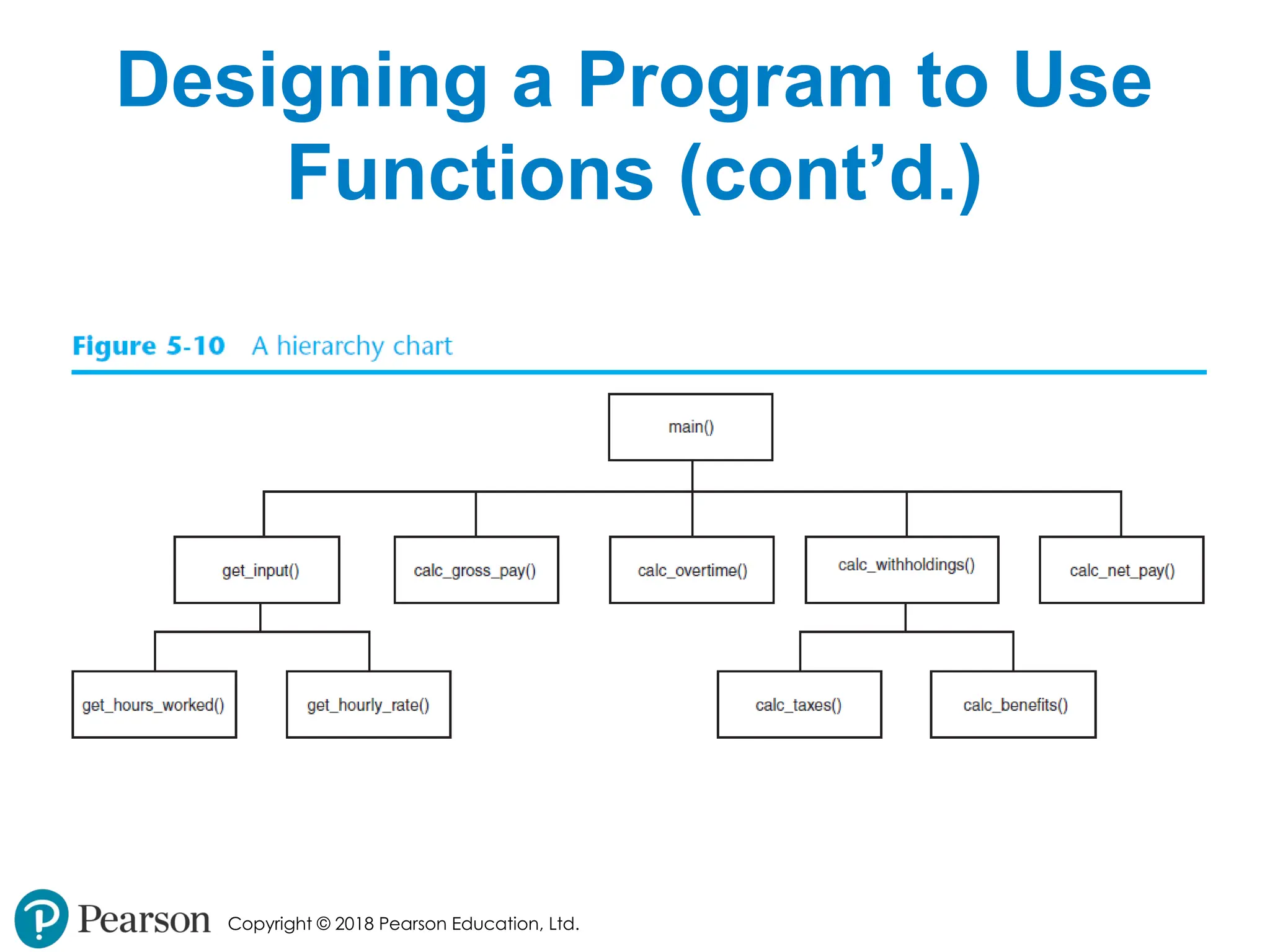
• Hierarchy chart: depicts relationship
between functions
• AKA structure chart
• Box for each function in the program, Lines
connecting boxes illustrate the functions called
by each function
• Does not show steps taken inside a function
• Use input function to have program
wait for user to press enter
- 16.
Copyright © 2018Pearson Education, Ltd.
Designing a Program to Use
Functions (cont’d.)
- 17.
Copyright © 2018Pearson Education, Ltd.
Local Variables
• Local variable: variable that is assigned
a value inside a function
• Belongs to the function in which it was created
• Only statements inside that function can access it,
error will occur if another function tries to access the
variable
• Scope: the part of a program in which a
variable may be accessed
• For local variable: function in which created
- 18.
Copyright © 2018Pearson Education, Ltd.
Local Variables (cont’d.)
• Local variable cannot be accessed by
statements inside its function which
precede its creation
• Different functions may have local
variables with the same name
• Each function does not see the other
function’s local variables, so no confusion
- 19.
Copyright © 2018Pearson Education, Ltd.
Passing Arguments to
Functions
• Argument: piece of data that is sent
into a function
• Function can use argument in calculations
• When calling the function, the argument is
placed in parentheses following the function
name
- 20.
Copyright © 2018Pearson Education, Ltd.
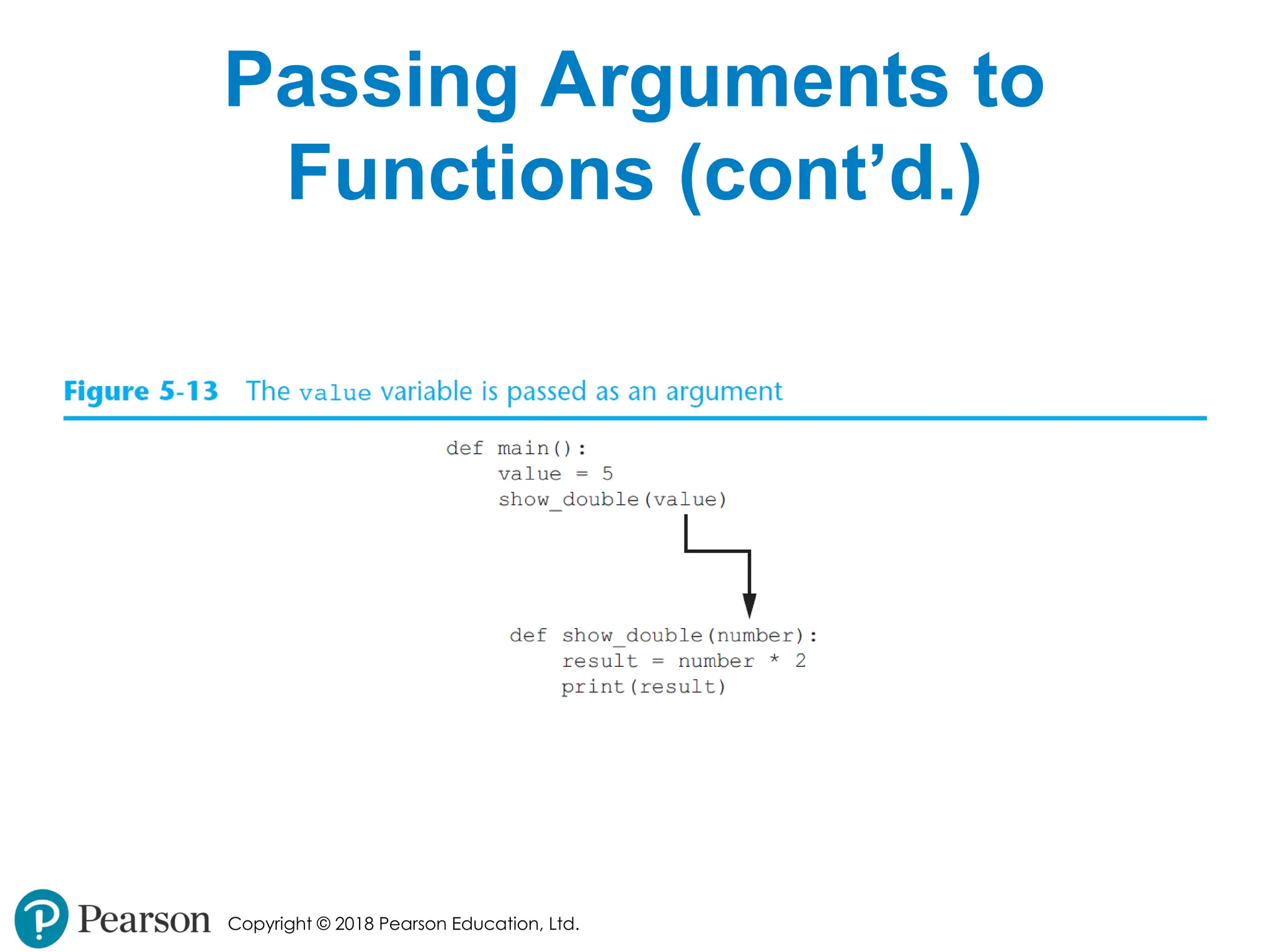
Passing Arguments to
Functions (cont’d.)
- 21.
Copyright © 2018Pearson Education, Ltd.
Passing Arguments to
Functions (cont’d.)
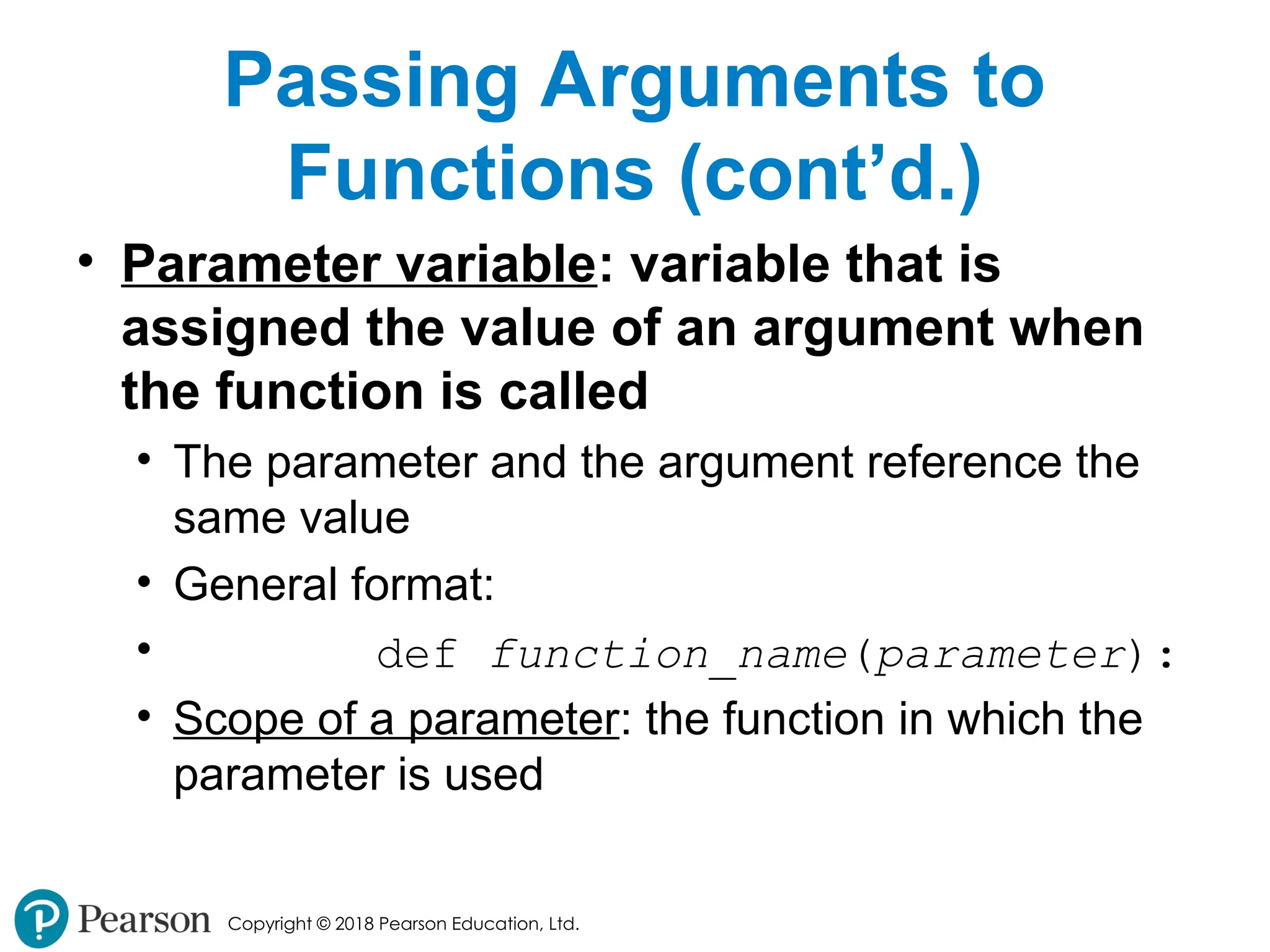
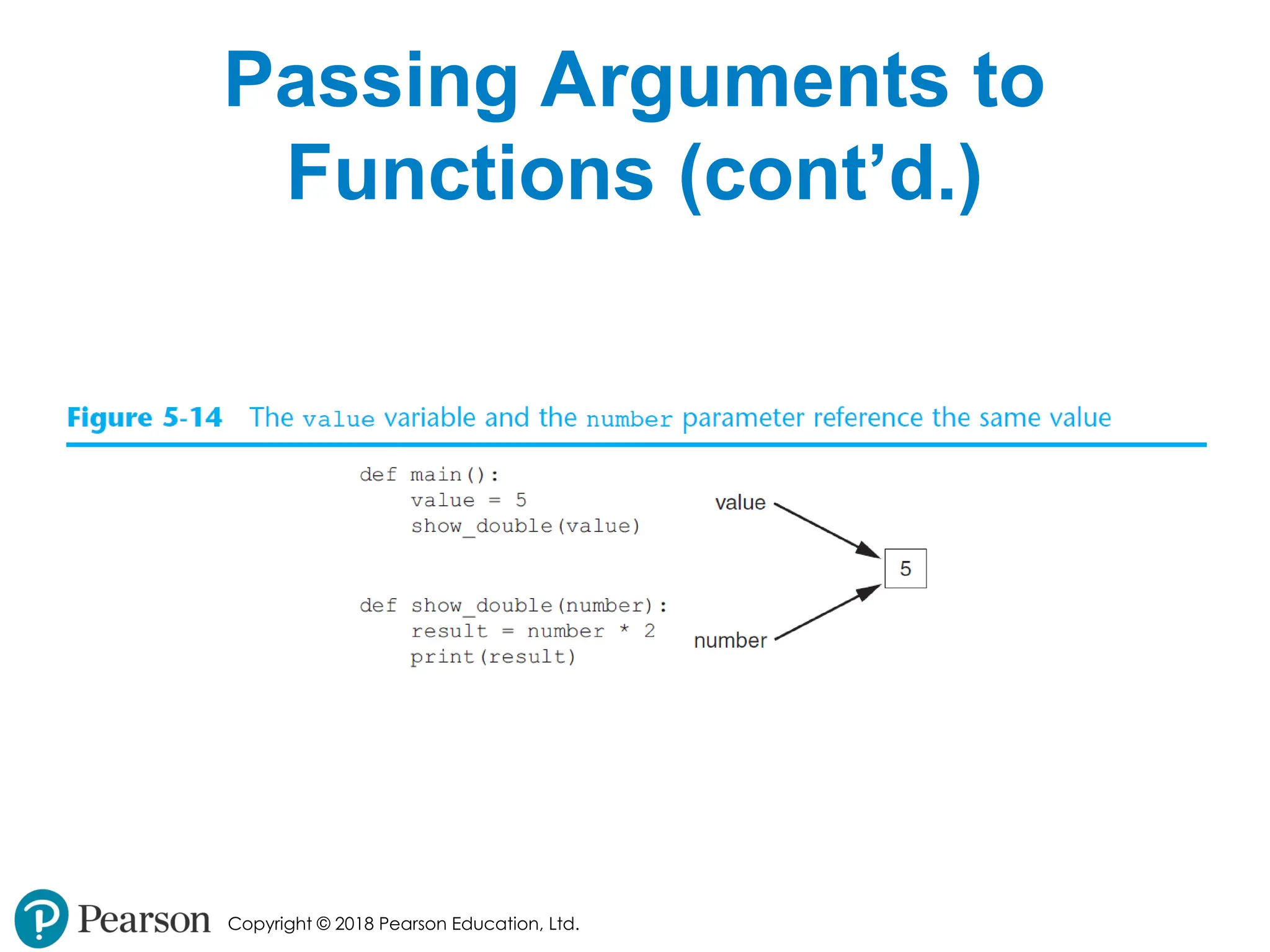
• Parameter variable: variable that is
assigned the value of an argument when
the function is called
• The parameter and the argument reference the
same value
• General format:
• def function_name(parameter):
• Scope of a parameter: the function in which the
parameter is used
- 22.
Copyright © 2018Pearson Education, Ltd.
Passing Arguments to
Functions (cont’d.)
- 23.
Copyright © 2018Pearson Education, Ltd.
Passing Multiple Arguments
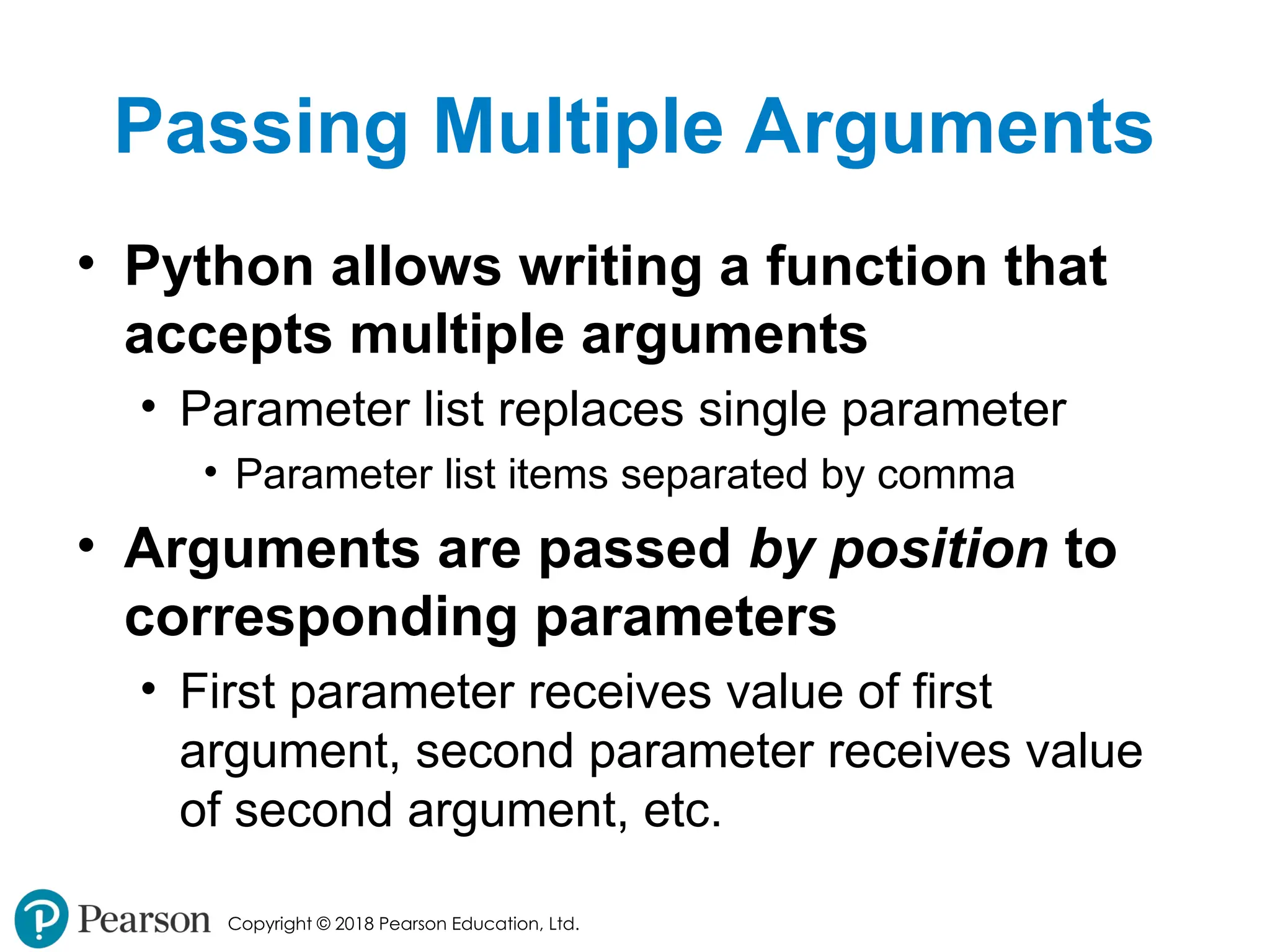
• Python allows writing a function that
accepts multiple arguments
• Parameter list replaces single parameter
• Parameter list items separated by comma
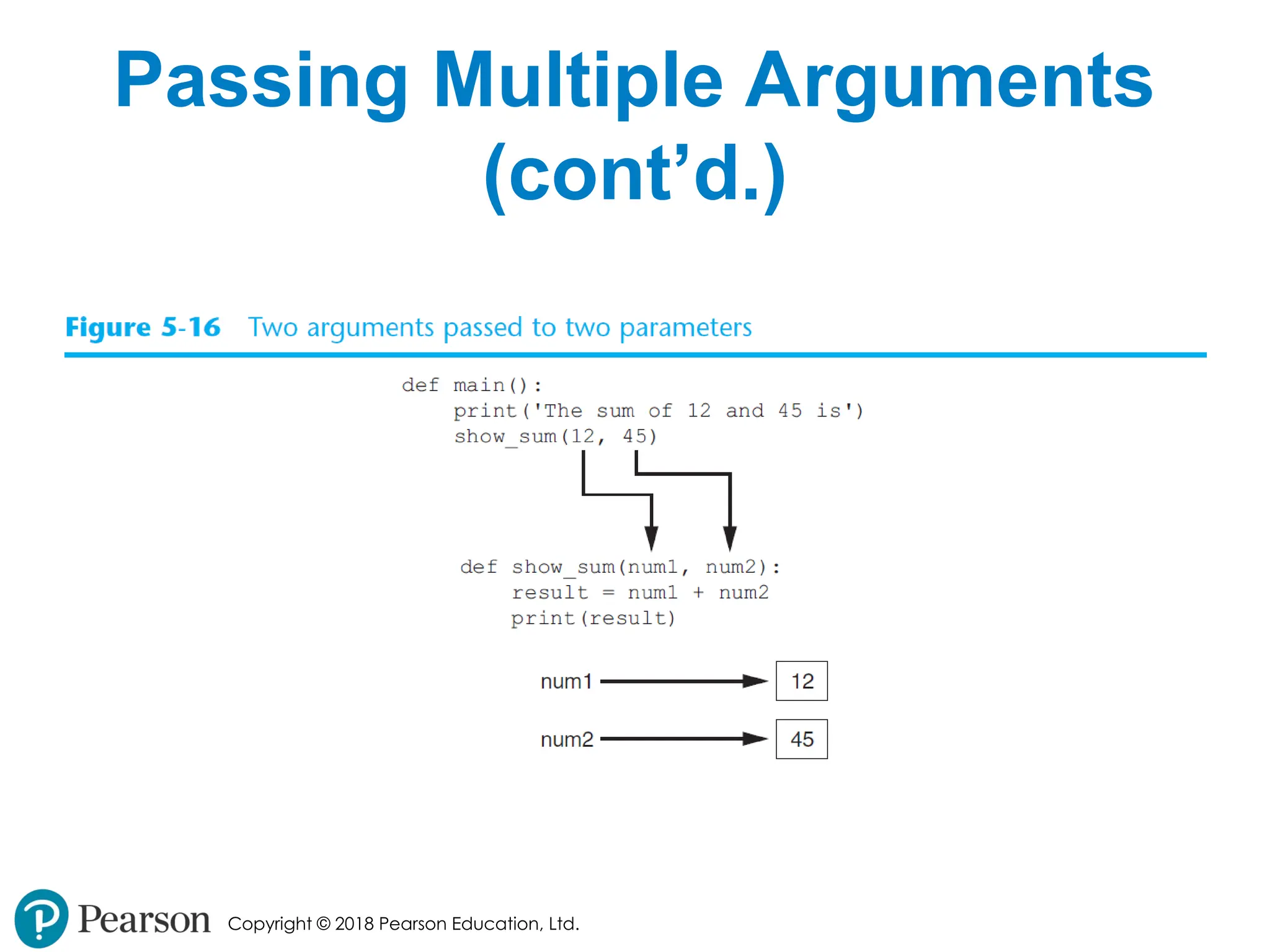
• Arguments are passed by position to
corresponding parameters
• First parameter receives value of first
argument, second parameter receives value
of second argument, etc.
- 24.
- 25.
Copyright © 2018Pearson Education, Ltd.
Making Changes to
Parameters
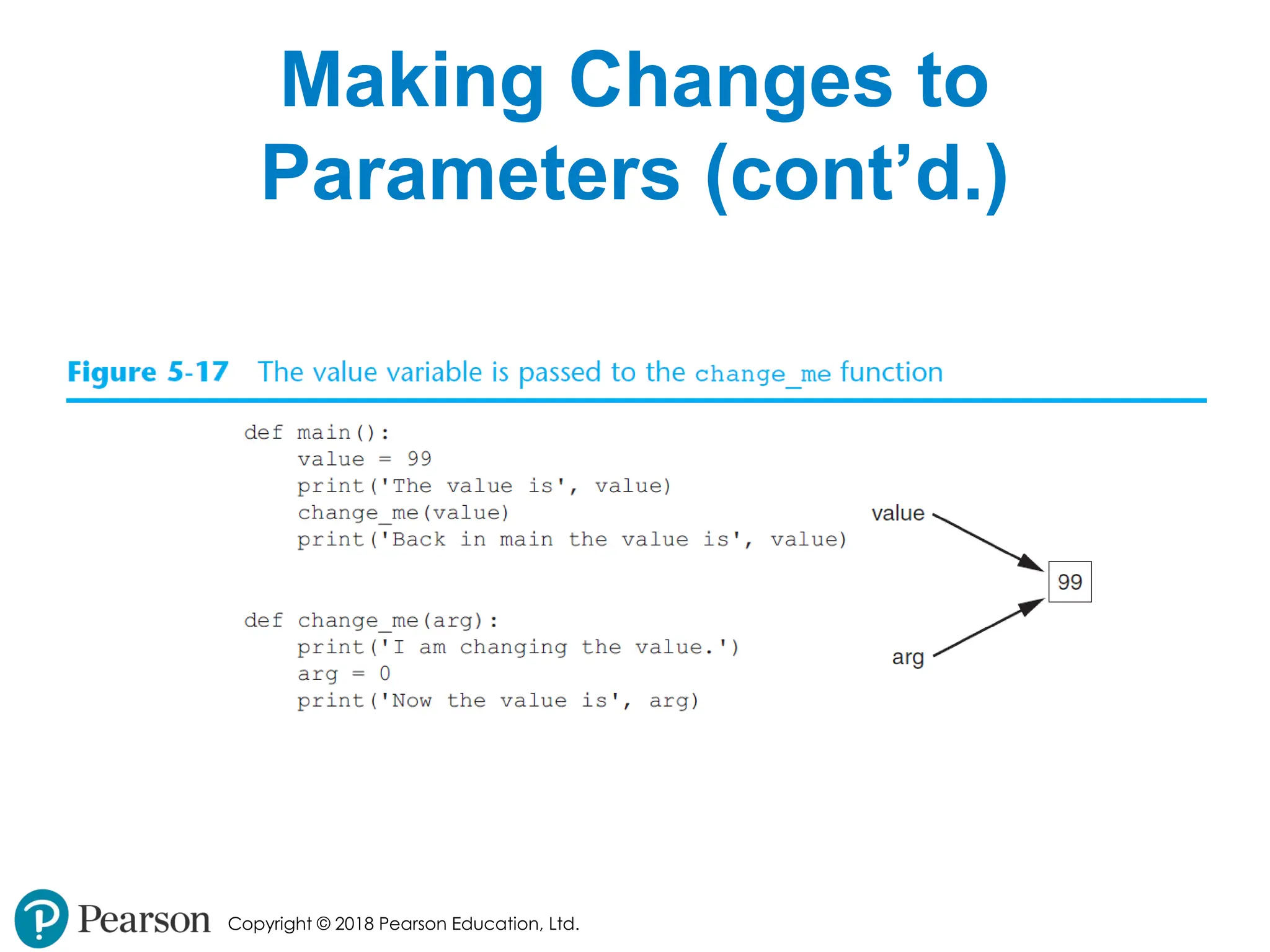
• Changes made to a parameter value
within the function do not affect the
argument
• Known as pass by value
• Provides a way for unidirectional
communication between one function and
another function
• Calling function can communicate with called
function
- 26.
- 27.
Copyright © 2018Pearson Education, Ltd.
Making Changes to
Parameters (cont’d.)
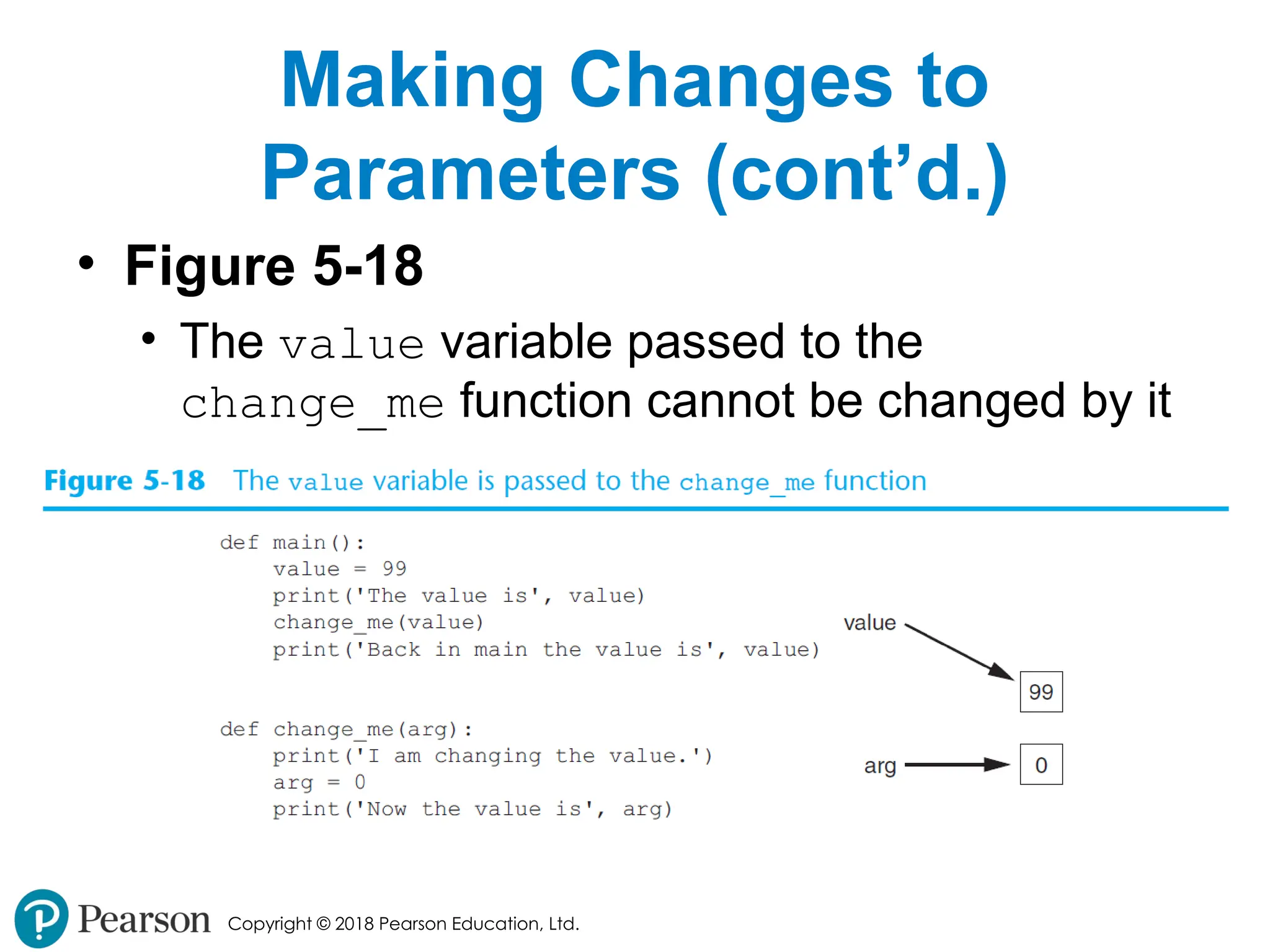
• Figure 5-18
• The value variable passed to the
change_me function cannot be changed by it
- 28.
Copyright © 2018Pearson Education, Ltd.
Keyword Arguments
• Keyword argument: argument that
specifies which parameter the value
should be passed to
• Position when calling function is irrelevant
• General Format:
• function_name(parameter=value)
• Possible to mix keyword and positional
arguments when calling a function
• Positional arguments must appear first
- 29.
Copyright © 2018Pearson Education, Ltd.
Global Variables and Global
Constants
• Global variable: created by assignment
statement written outside all the
functions
• Can be accessed by any statement in the
program file, including from within a function
• If a function needs to assign a value to the
global variable, the global variable must be
redeclared within the function
• General format: global variable_name
- 30.
Copyright © 2018Pearson Education, Ltd.
Global Variables and Global
Constants (cont’d.)
• Reasons to avoid using global variables:
• Global variables making debugging difficult
• Many locations in the code could be causing a
wrong variable value
• Functions that use global variables are usually
dependent on those variables
• Makes function hard to transfer to another program
• Global variables make a program hard to
understand
- 31.
Copyright © 2018Pearson Education, Ltd.
Global Constants
• Global constant: global name that
references a value that cannot be
changed
• Permissible to use global constants in a
program
• To simulate global constant in Python, create
global variable and do not re-declare it within
functions
- 32.
Copyright © 2018Pearson Education, Ltd.
Introduction to Value-Returning
Functions: Generating Random
Numbers
• void function: group of statements
within a program for performing a
specific task
• Call function when you need to perform the
task
• Value-returning function: similar to
void function, returns a value
• Value returned to part of program that called
the function when function finishes executing
- 33.
Copyright © 2018Pearson Education, Ltd.
Standard Library Functions
and the import Statement
• Standard library: library of pre-written
functions that comes with Python
• Library functions perform tasks that
programmers commonly need
• Example: print, input, range
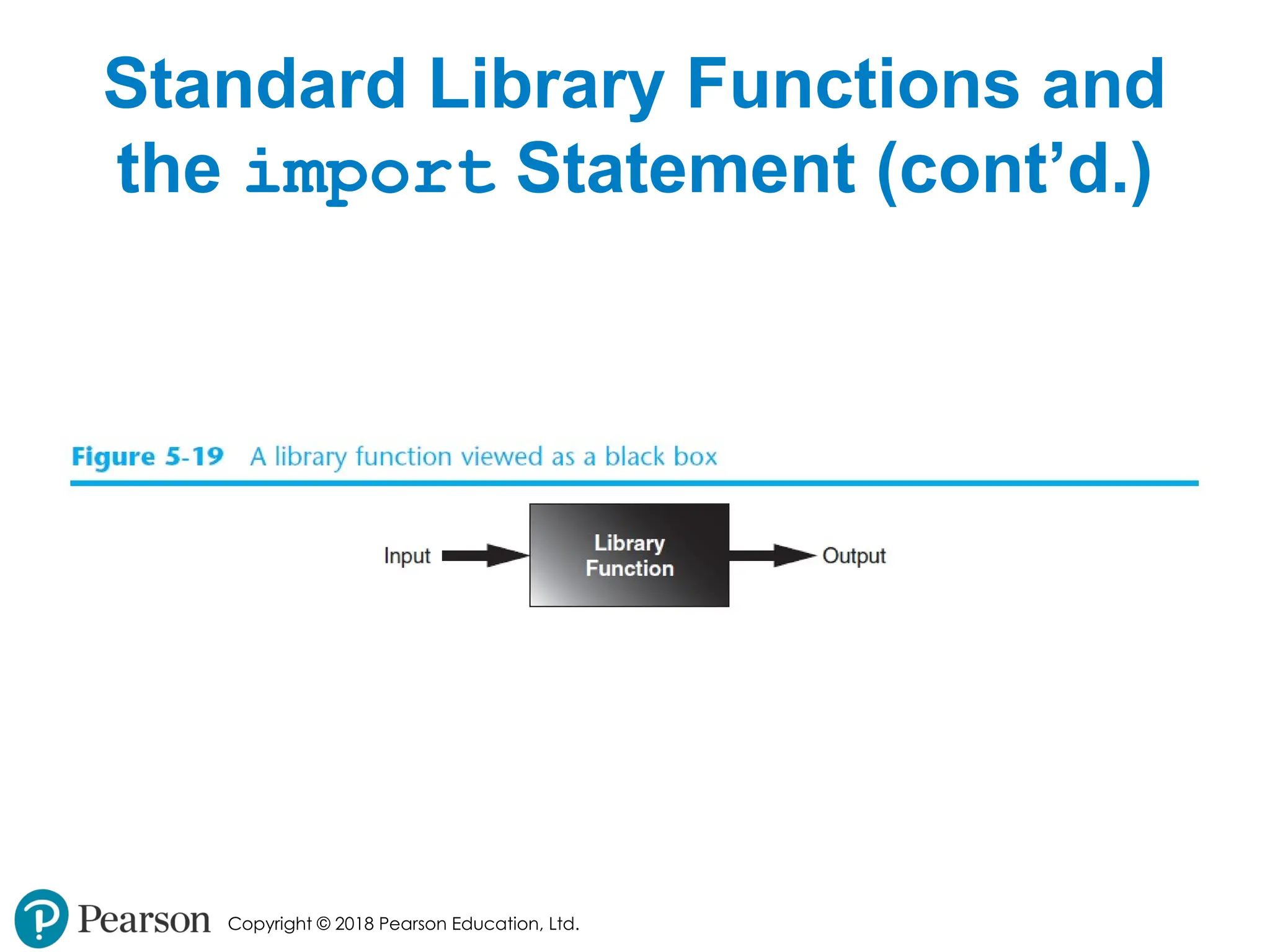
• Viewed by programmers as a “black box”
• Some library functions built into
Python interpreter
• To use, just call the function
- 34.
Copyright © 2018Pearson Education, Ltd.
Standard Library Functions and
the import Statement (cont’d.)
• Modules: files that stores functions of the
standard library
• Help organize library functions not built into the
interpreter
• Copied to computer when you install Python
• To call a function stored in a module, need to
write an import statement
• Written at the top of the program
• Format: import module_name
- 35.
Copyright © 2018Pearson Education, Ltd.
Standard Library Functions and
the import Statement (cont’d.)
- 36.
Copyright © 2018Pearson Education, Ltd.
Generating Random Numbers
• Random number are useful in a lot of
programming tasks
• random module: includes library
functions for working with random
numbers
• Dot notation: notation for calling a
function belonging to a module
• Format: module_name.function_name()
- 37.
Copyright © 2018Pearson Education, Ltd.
Generating Random Numbers
(cont’d.)
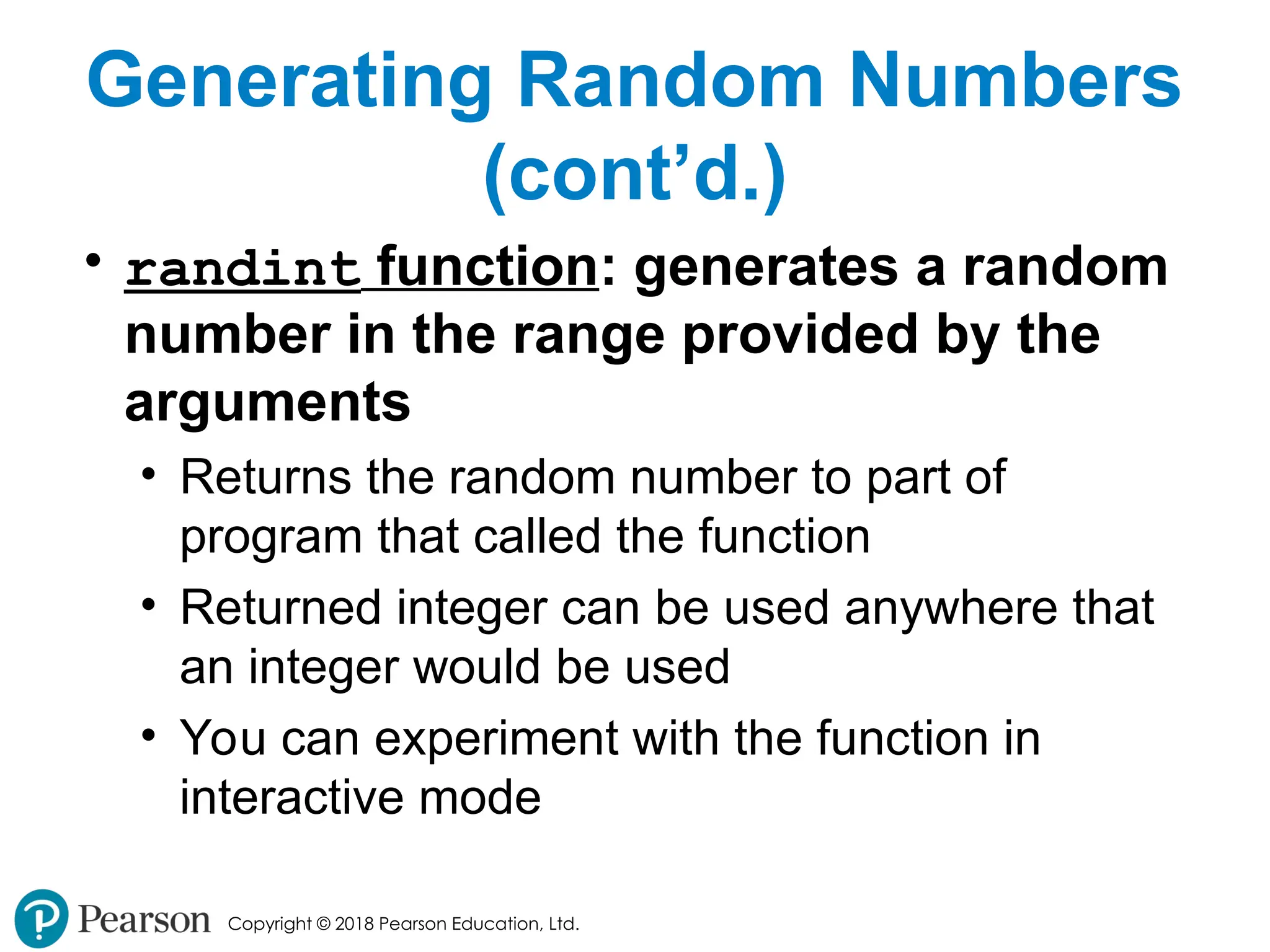
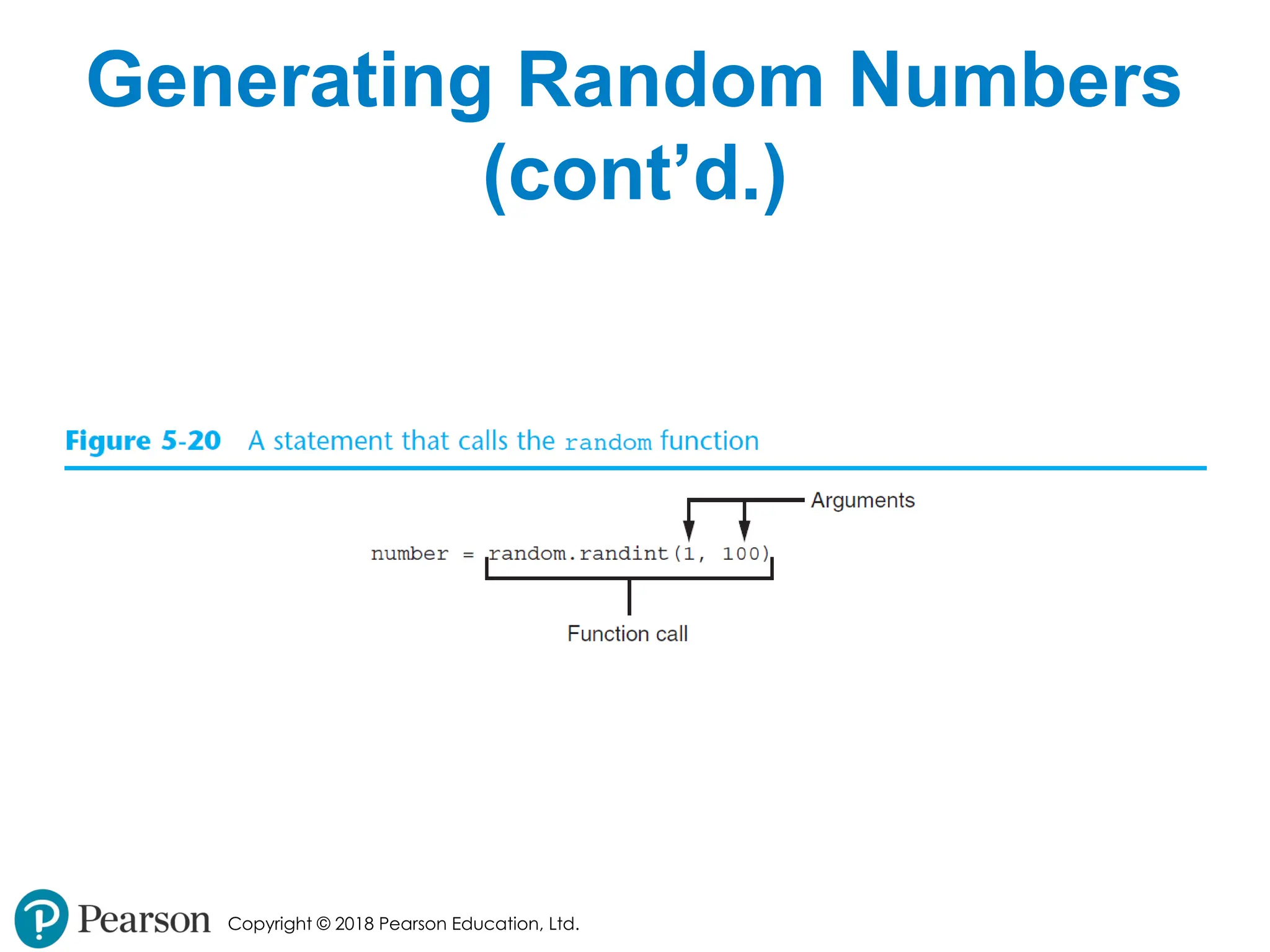
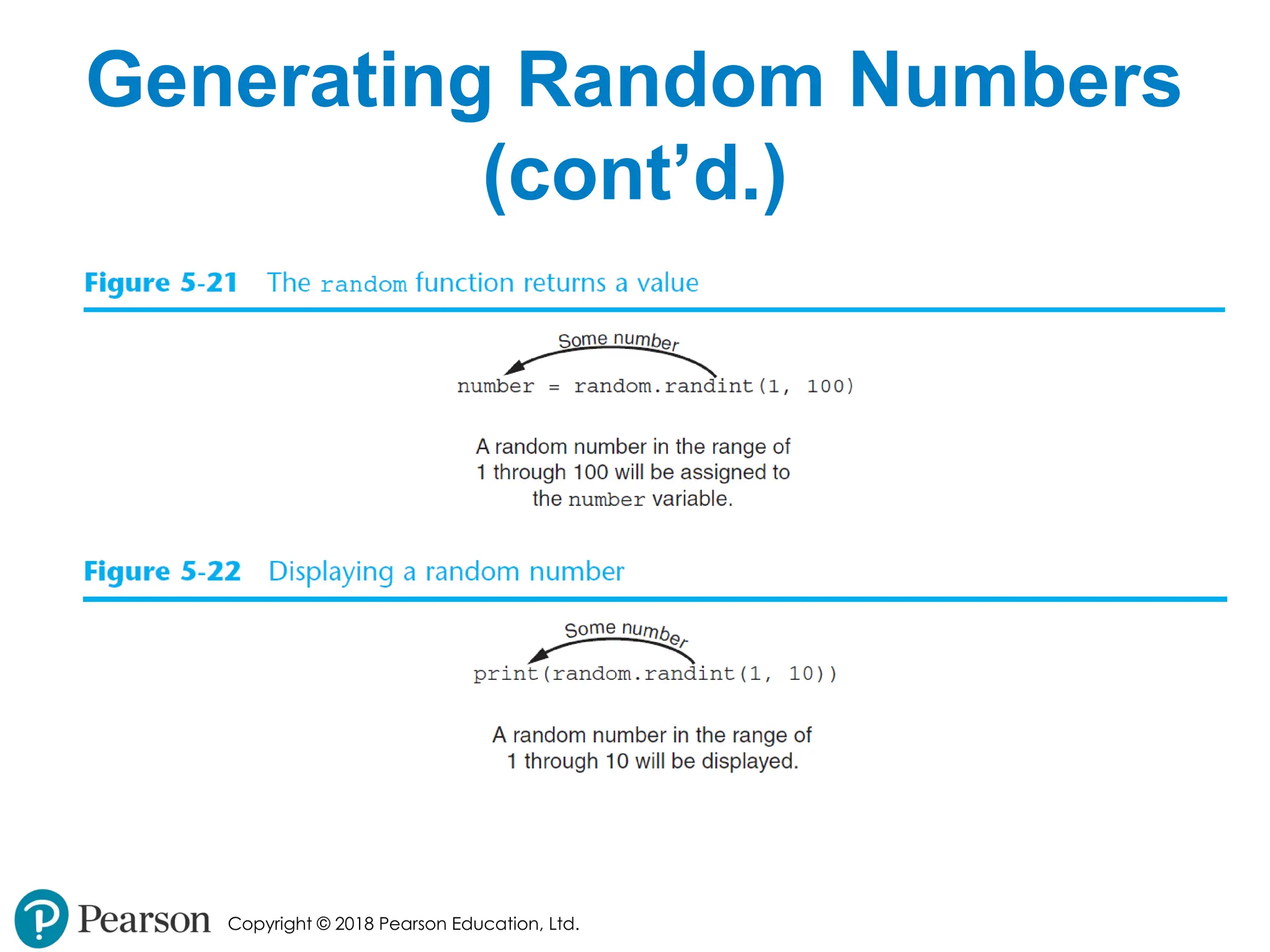
• randint function: generates a random
number in the range provided by the
arguments
• Returns the random number to part of
program that called the function
• Returned integer can be used anywhere that
an integer would be used
• You can experiment with the function in
interactive mode
- 38.
- 39.
- 40.
Copyright © 2018Pearson Education, Ltd.
Generating Random Numbers
(cont’d.)
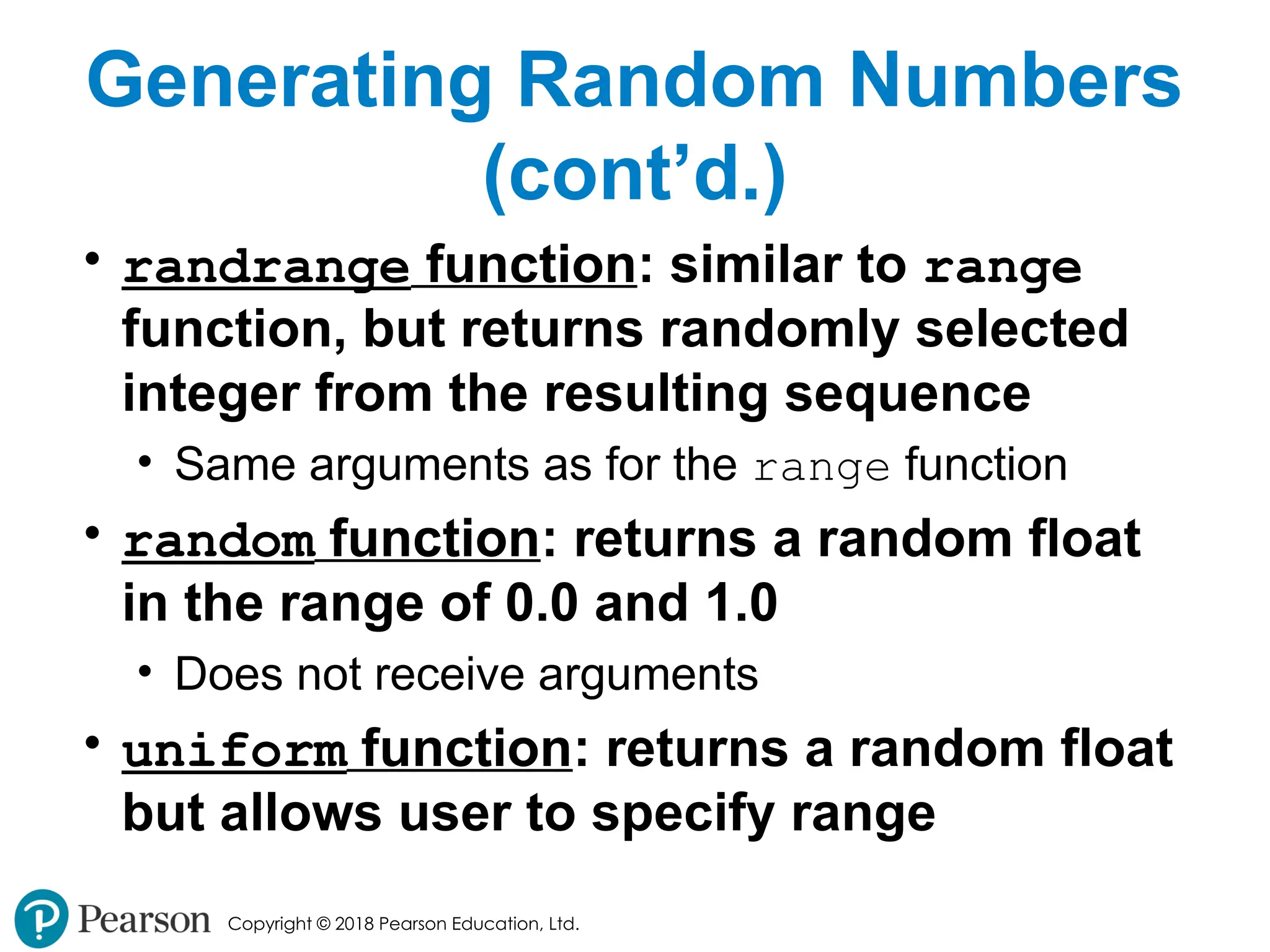
• randrange function: similar to range
function, but returns randomly selected
integer from the resulting sequence
• Same arguments as for the range function
• random function: returns a random float
in the range of 0.0 and 1.0
• Does not receive arguments
• uniform function: returns a random float
but allows user to specify range
- 41.
Copyright © 2018Pearson Education, Ltd.
Random Number Seeds
• Random number created by functions in
random module are actually pseudo-
random numbers
• Seed value: initializes the formula that
generates random numbers
• Need to use different seeds in order to get
different series of random numbers
• By default uses system time for seed
• Can use random.seed() function to specify desired
seed value
- 42.
Copyright © 2018Pearson Education, Ltd.
Writing Your Own Value-
Returning Functions
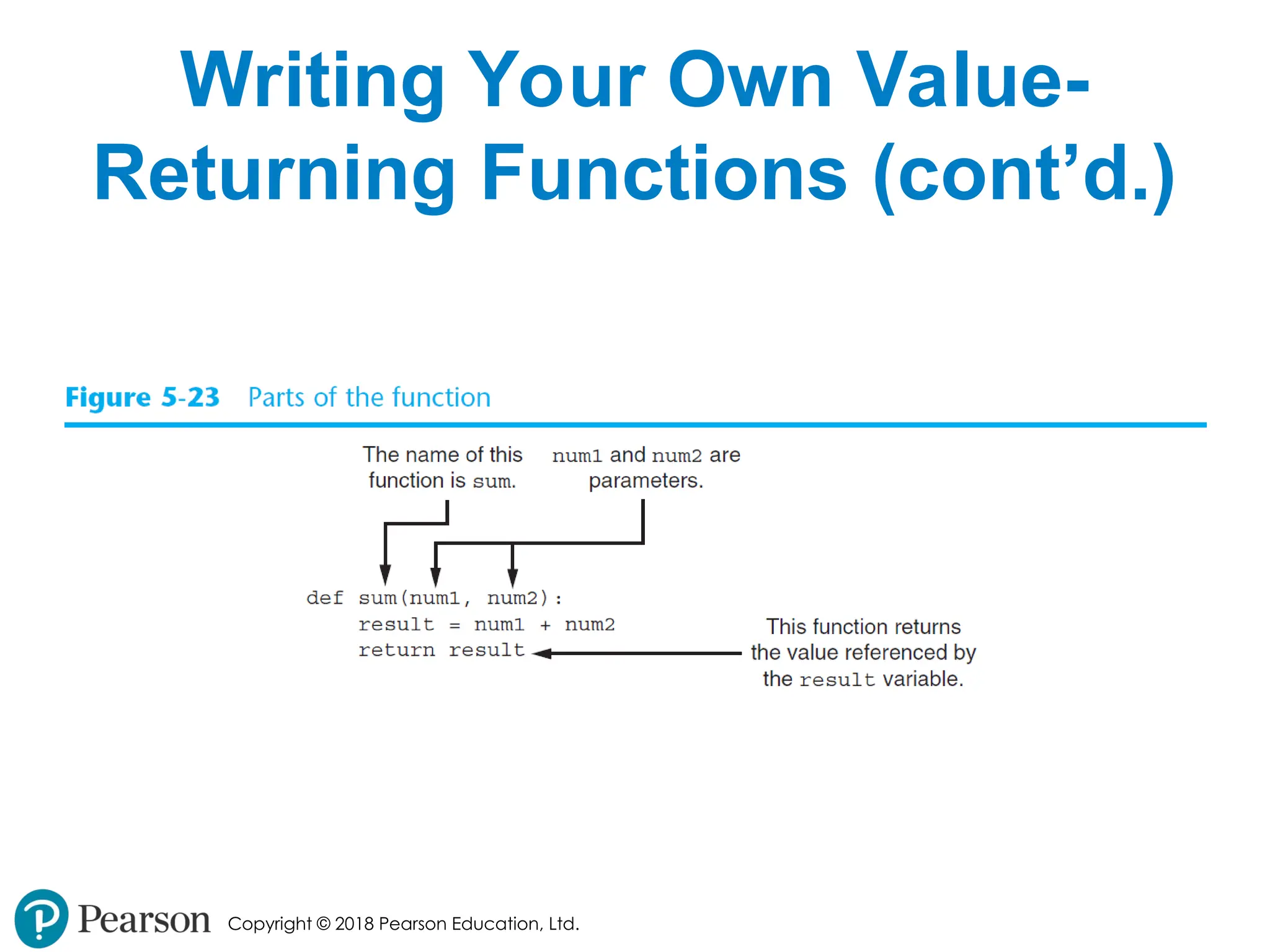
• To write a value-returning function, you
write a simple function and add one or
more return statements
• Format: return expression
• The value for expression will be returned to the
part of the program that called the function
• The expression in the return statement can be
a complex expression, such as a sum of two
variables or the result of another value- returning
function
- 43.
Copyright © 2018Pearson Education, Ltd.
Writing Your Own Value-
Returning Functions (cont’d.)
- 44.
Copyright © 2018Pearson Education, Ltd.
How to Use Value-Returning
Functions
• Value-returning function can be useful in
specific situations
• Example: have function prompt user for input and
return the user’s input
• Simplify mathematical expressions
• Complex calculations that need to be repeated
throughout the program
• Use the returned value
• Assign it to a variable or use as an argument in
another function
- 45.
Copyright © 2018Pearson Education, Ltd.
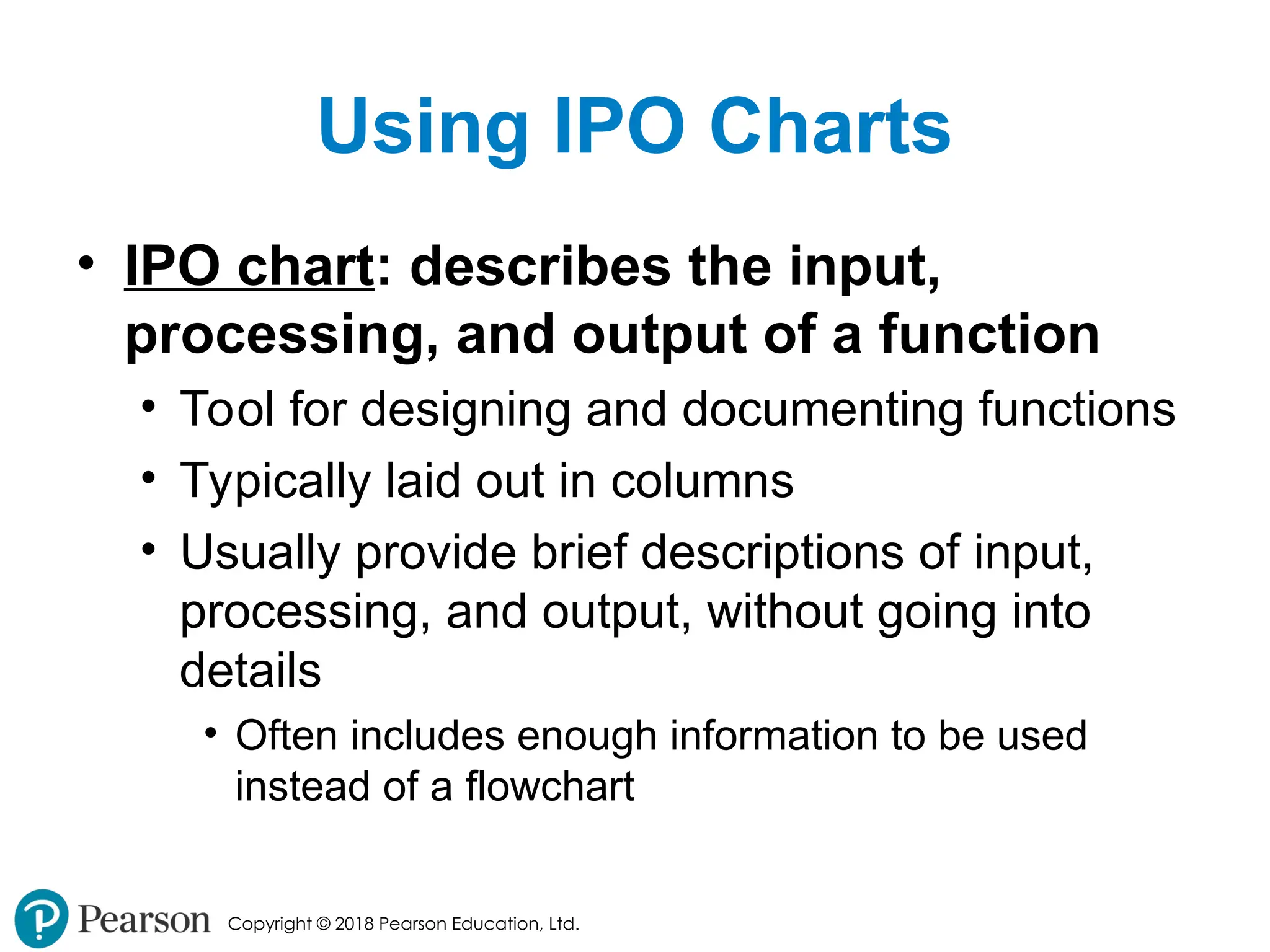
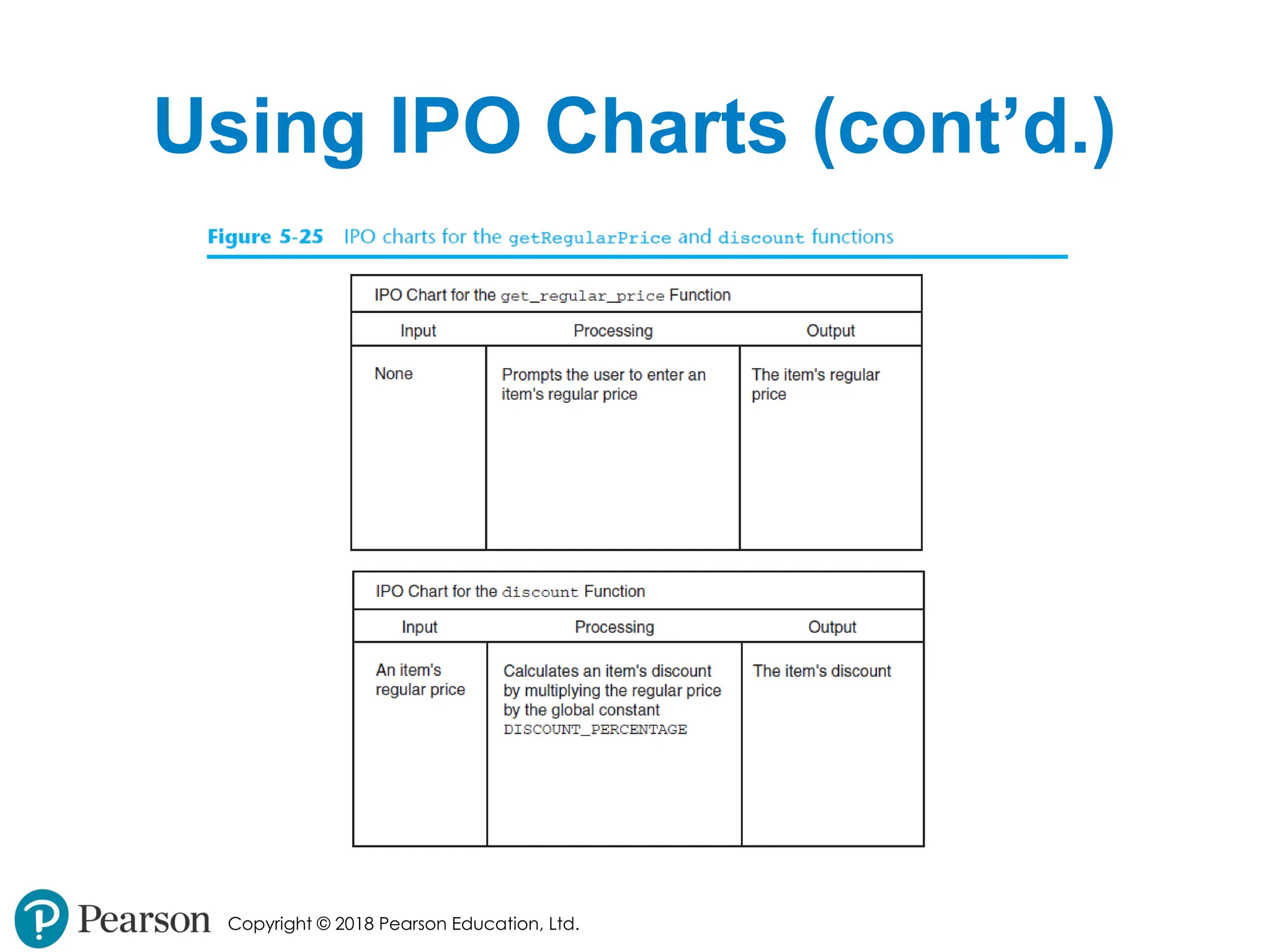
Using IPO Charts
• IPO chart: describes the input,
processing, and output of a function
• Tool for designing and documenting functions
• Typically laid out in columns
• Usually provide brief descriptions of input,
processing, and output, without going into
details
• Often includes enough information to be used
instead of a flowchart
- 46.
- 47.
Copyright © 2018Pearson Education, Ltd.
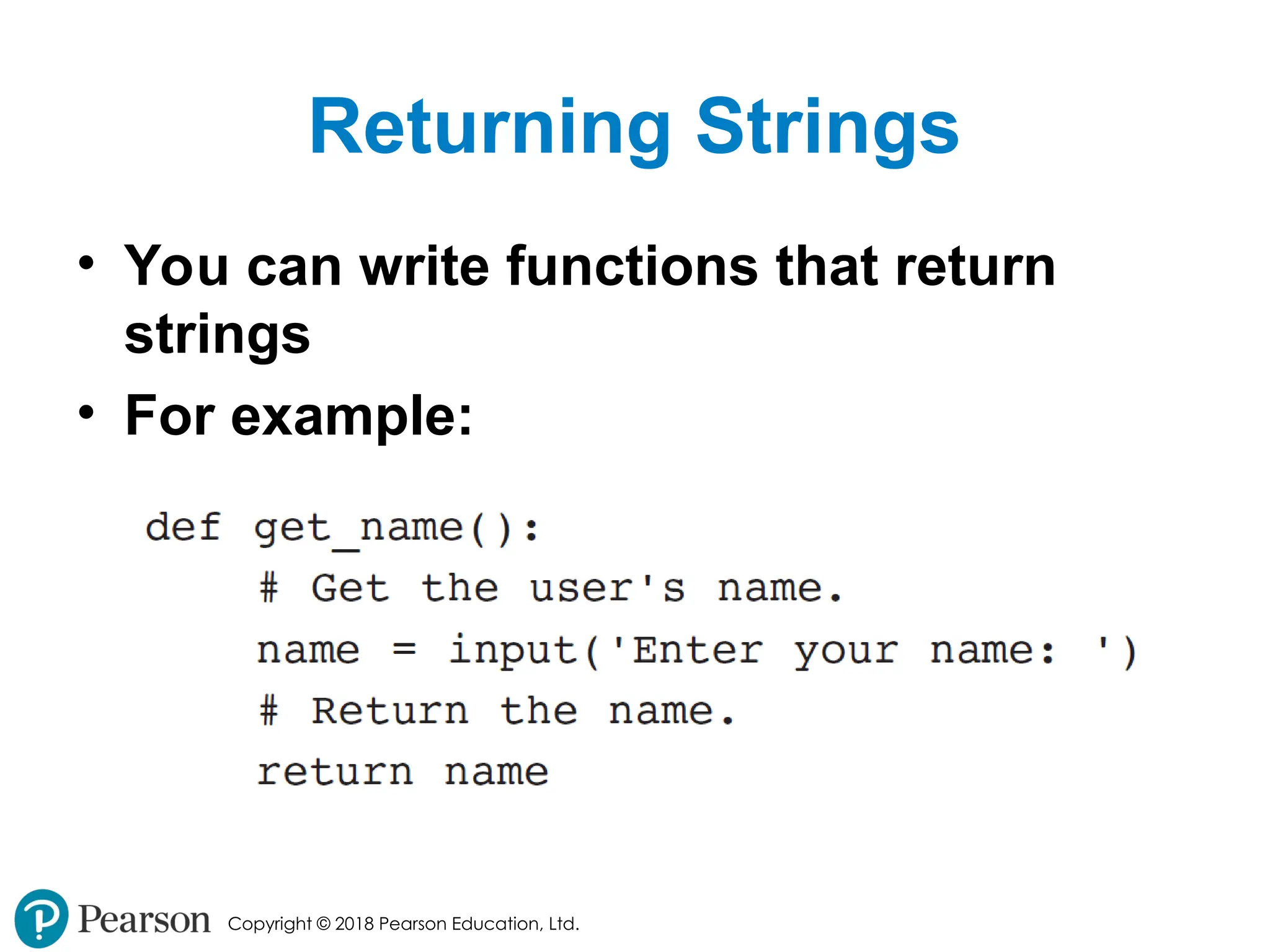
Returning Strings
• You can write functions that return
strings
• For example:
- 48.
Copyright © 2018Pearson Education, Ltd.
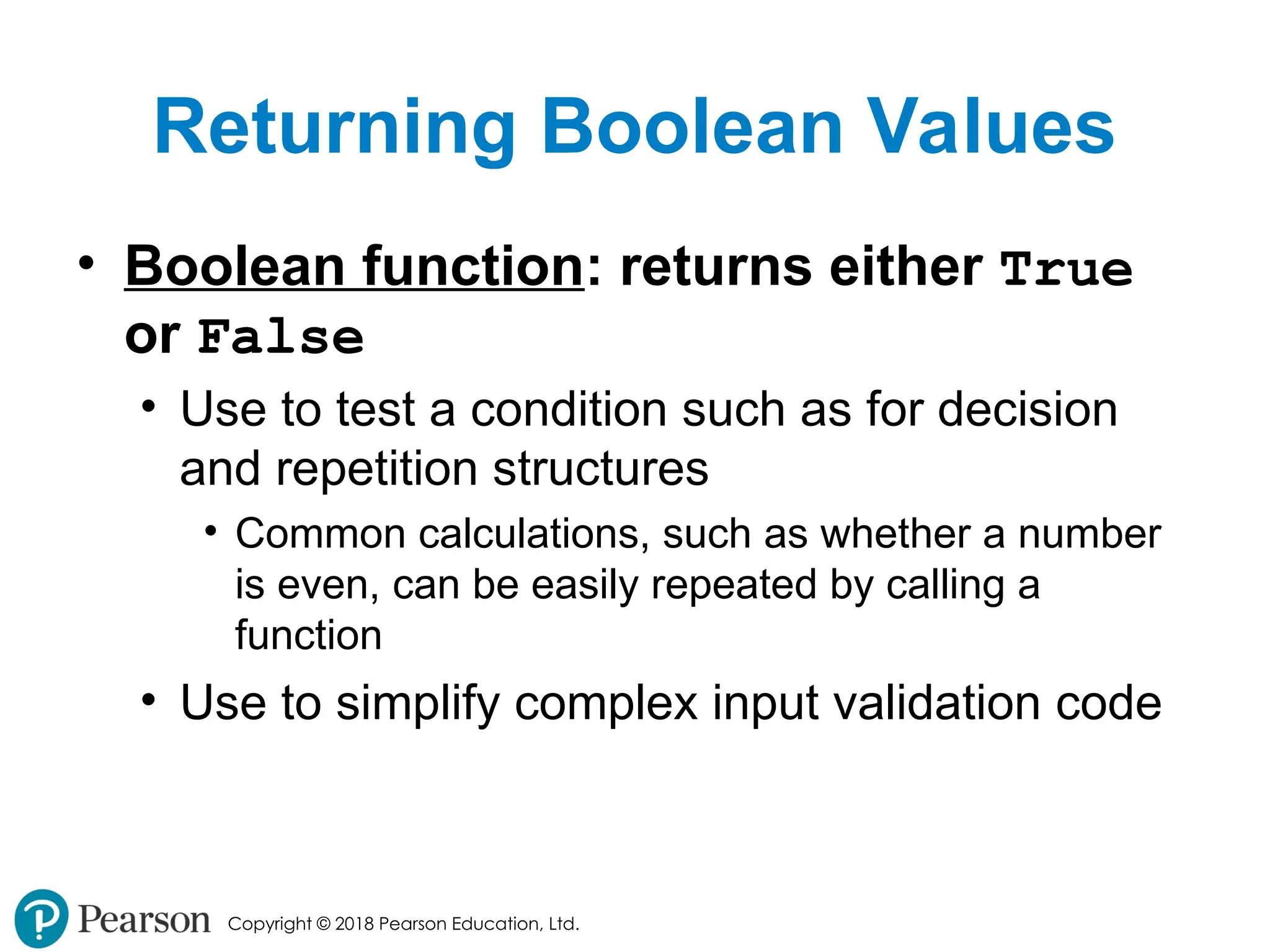
Returning Boolean Values
• Boolean function: returns either True
or False
• Use to test a condition such as for decision
and repetition structures
• Common calculations, such as whether a number
is even, can be easily repeated by calling a
function
• Use to simplify complex input validation code
- 49.
Copyright © 2018Pearson Education, Ltd.
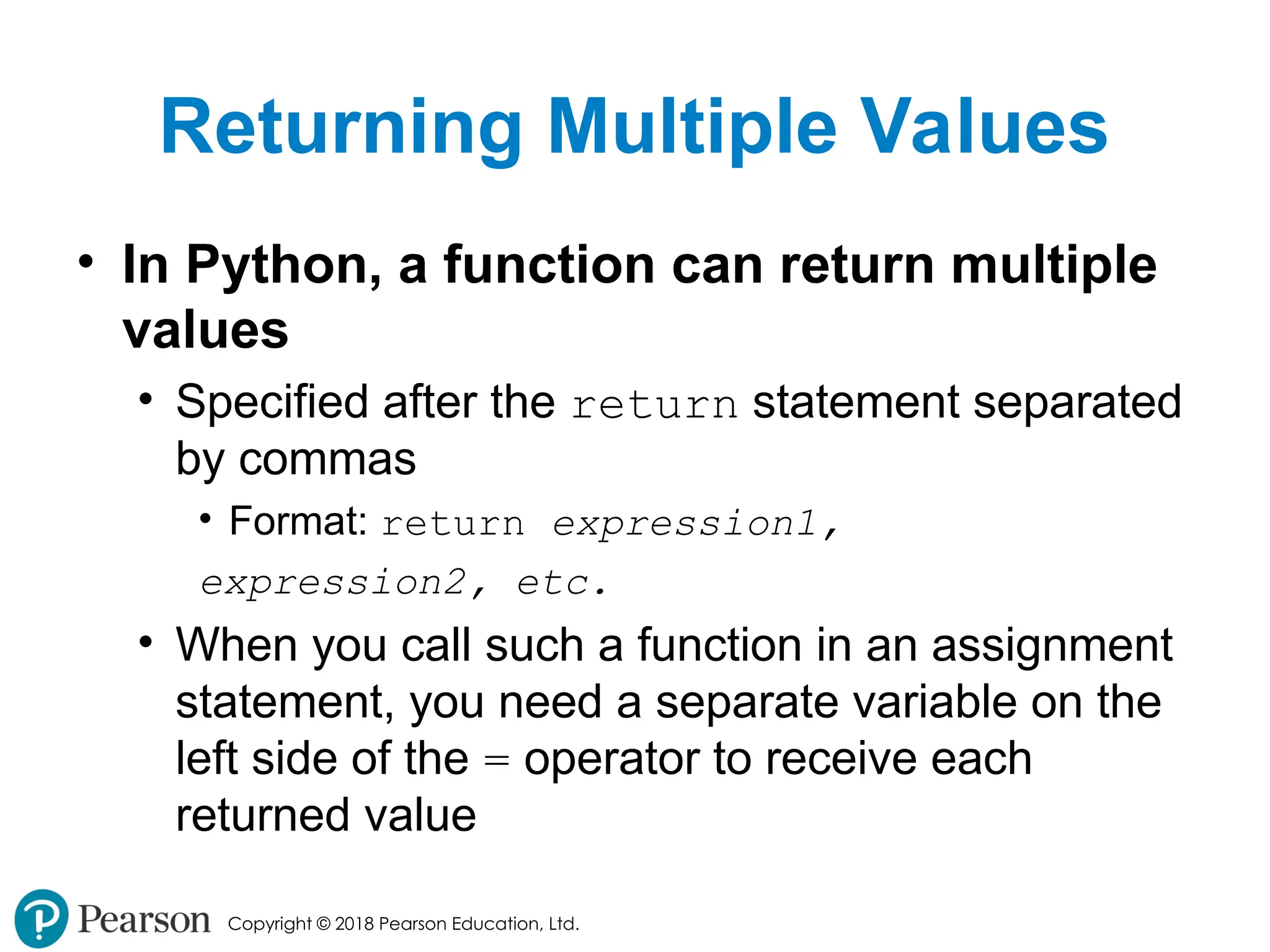
Returning Multiple Values
• In Python, a function can return multiple
values
• Specified after the return statement separated
by commas
• Format: return expression1,
expression2, etc.
• When you call such a function in an assignment
statement, you need a separate variable on the
left side of the = operator to receive each
returned value
- 50.
Copyright © 2018Pearson Education, Ltd.
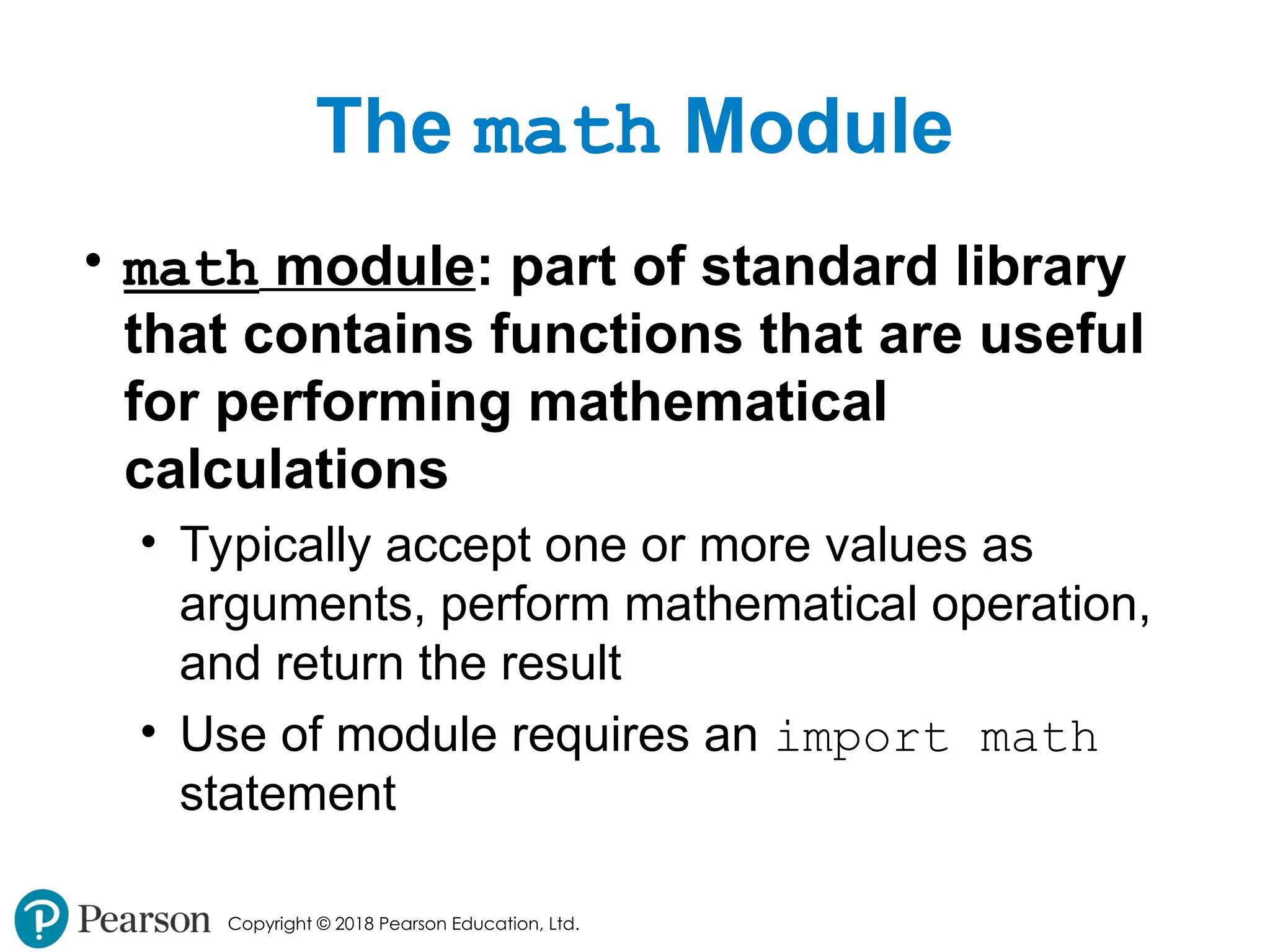
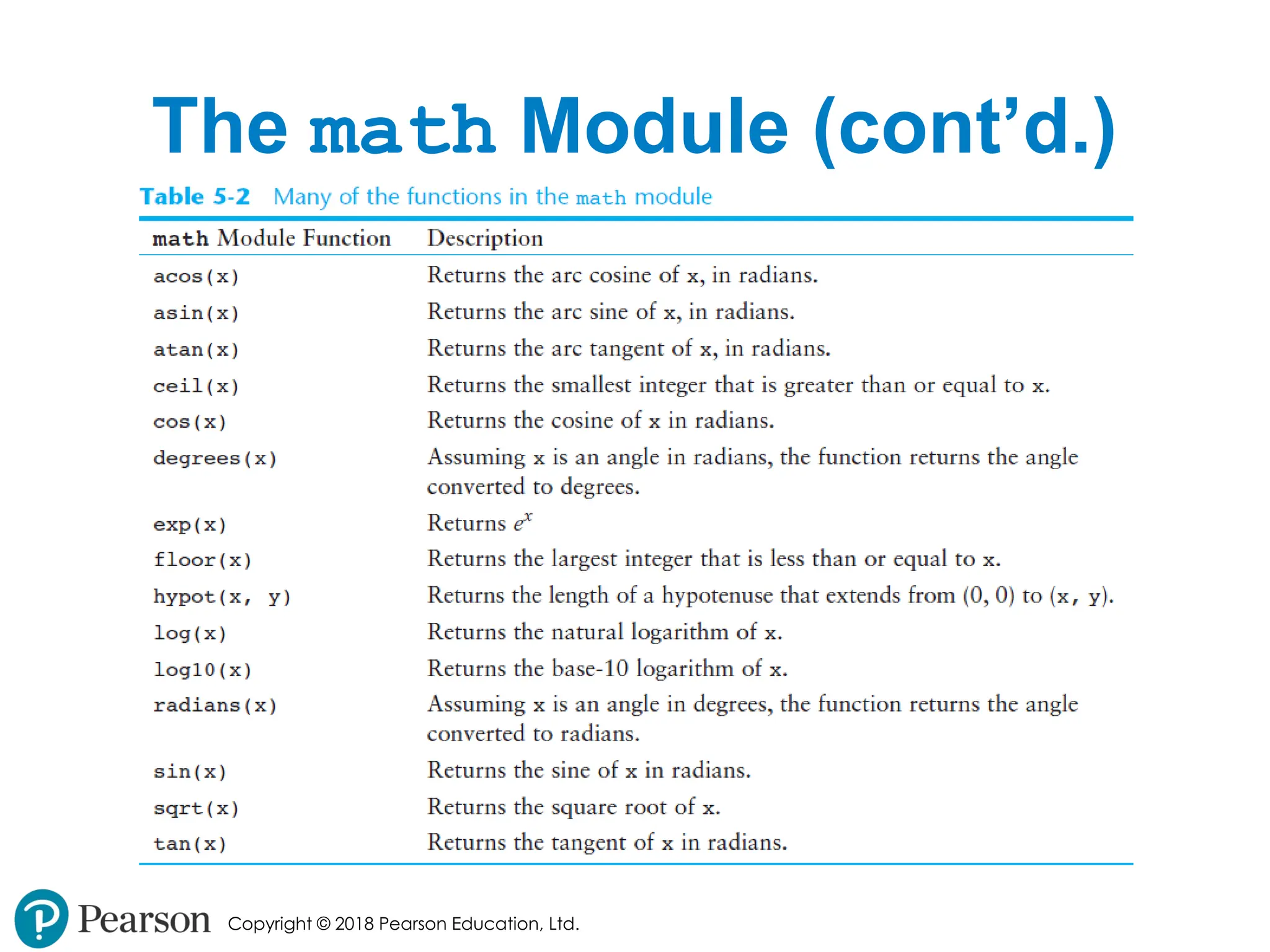
The math Module
• math module: part of standard library
that contains functions that are useful
for performing mathematical
calculations
• Typically accept one or more values as
arguments, perform mathematical operation,
and return the result
• Use of module requires an import math
statement
- 51.
- 52.
Copyright © 2018Pearson Education, Ltd.
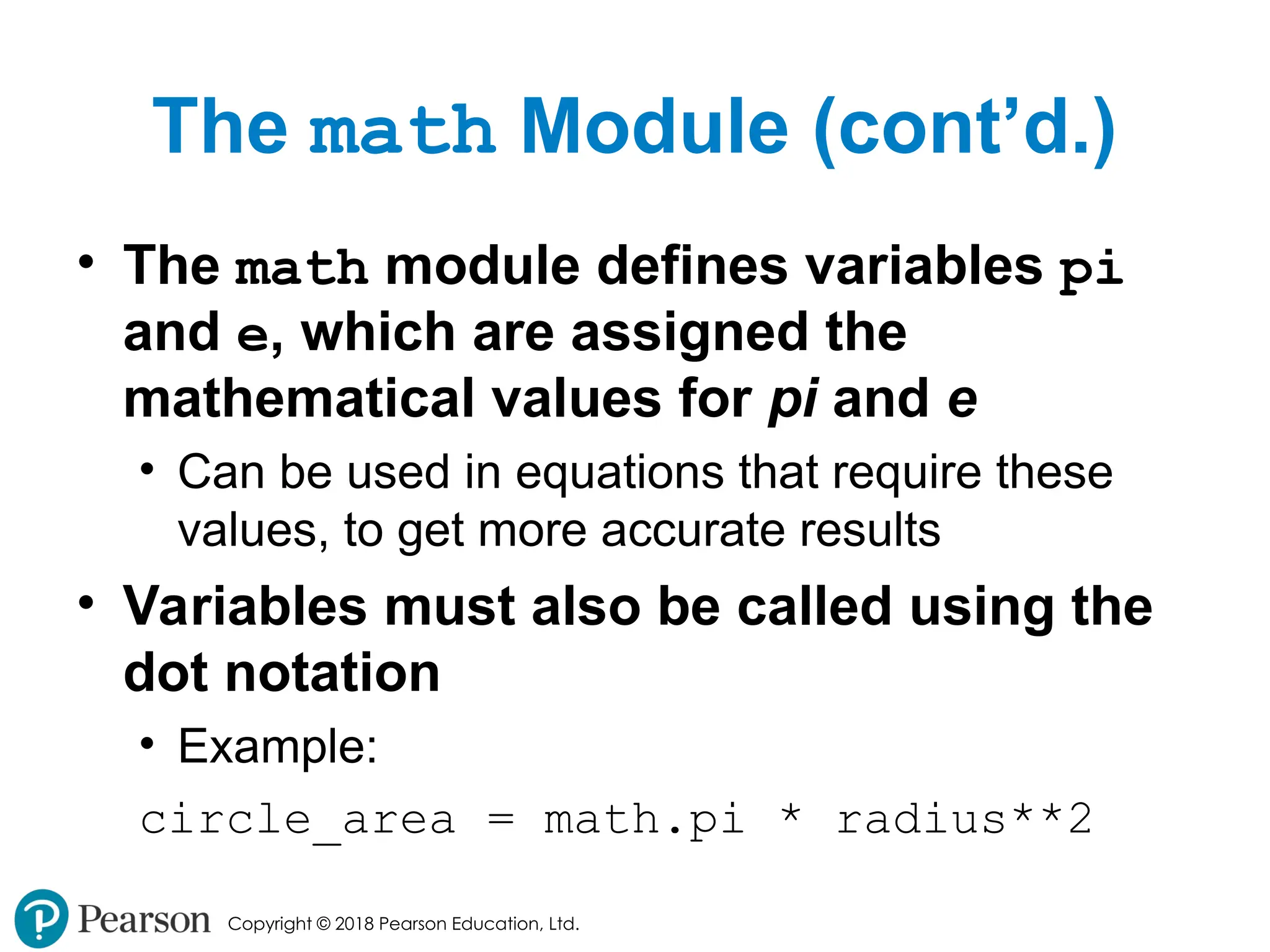
The math Module (cont’d.)
• The math module defines variables pi
and e, which are assigned the
mathematical values for pi and e
• Can be used in equations that require these
values, to get more accurate results
• Variables must also be called using the
dot notation
• Example:
circle_area = math.pi * radius**2
- 53.
Copyright © 2018Pearson Education, Ltd.
Storing Functions in Modules
• In large, complex programs, it is important
to keep code organized
• Modularization: grouping related functions
in modules
• Makes program easier to understand, test, and
maintain
• Make it easier to reuse code for multiple different
programs
• Import the module containing the required function to
each program that needs it
- 54.
Copyright © 2018Pearson Education, Ltd.
Storing Functions in Modules
(cont’d.)
• Module is a file that contains Python
code
• Contains function definition but does not
contain calls to the functions
• Importing programs will call the functions
• Rules for module names:
• File name should end in .py
• Cannot be the same as a Python keyword
• Import module using import statement
- 55.
Copyright © 2018Pearson Education, Ltd.
Menu Driven Programs
• Menu-driven program: displays a list of
operations on the screen, allowing user
to select the desired operation
• List of operations displayed on the screen is
called a menu
• Program uses a decision structure to
determine the selected menu option and
required operation
• Typically repeats until the user quits
- 56.
Copyright © 2018Pearson Education, Ltd.
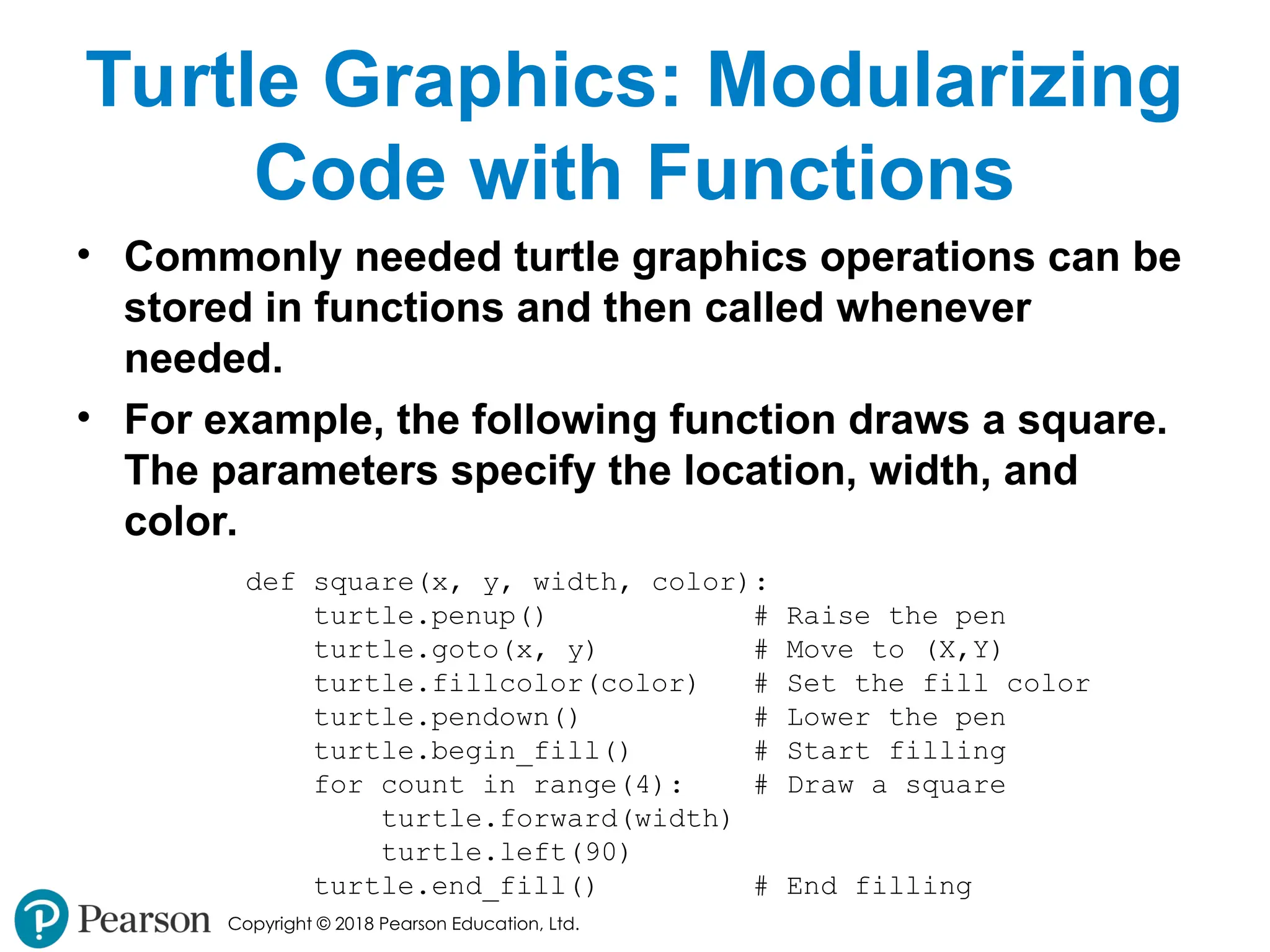
Turtle Graphics: Modularizing
Code with Functions
• Commonly needed turtle graphics operations can be
stored in functions and then called whenever
needed.
• For example, the following function draws a square.
The parameters specify the location, width, and
color.
def square(x, y, width, color):
turtle.penup() # Raise the pen
turtle.goto(x, y) # Move to (X,Y)
turtle.fillcolor(color) # Set the fill color
turtle.pendown() # Lower the pen
turtle.begin_fill() # Start filling
for count in range(4): # Draw a square
turtle.forward(width)
turtle.left(90)
turtle.end_fill() # End filling
- 57.
Copyright © 2018Pearson Education, Ltd.
Turtle Graphics: Modularizing
Code with Functions
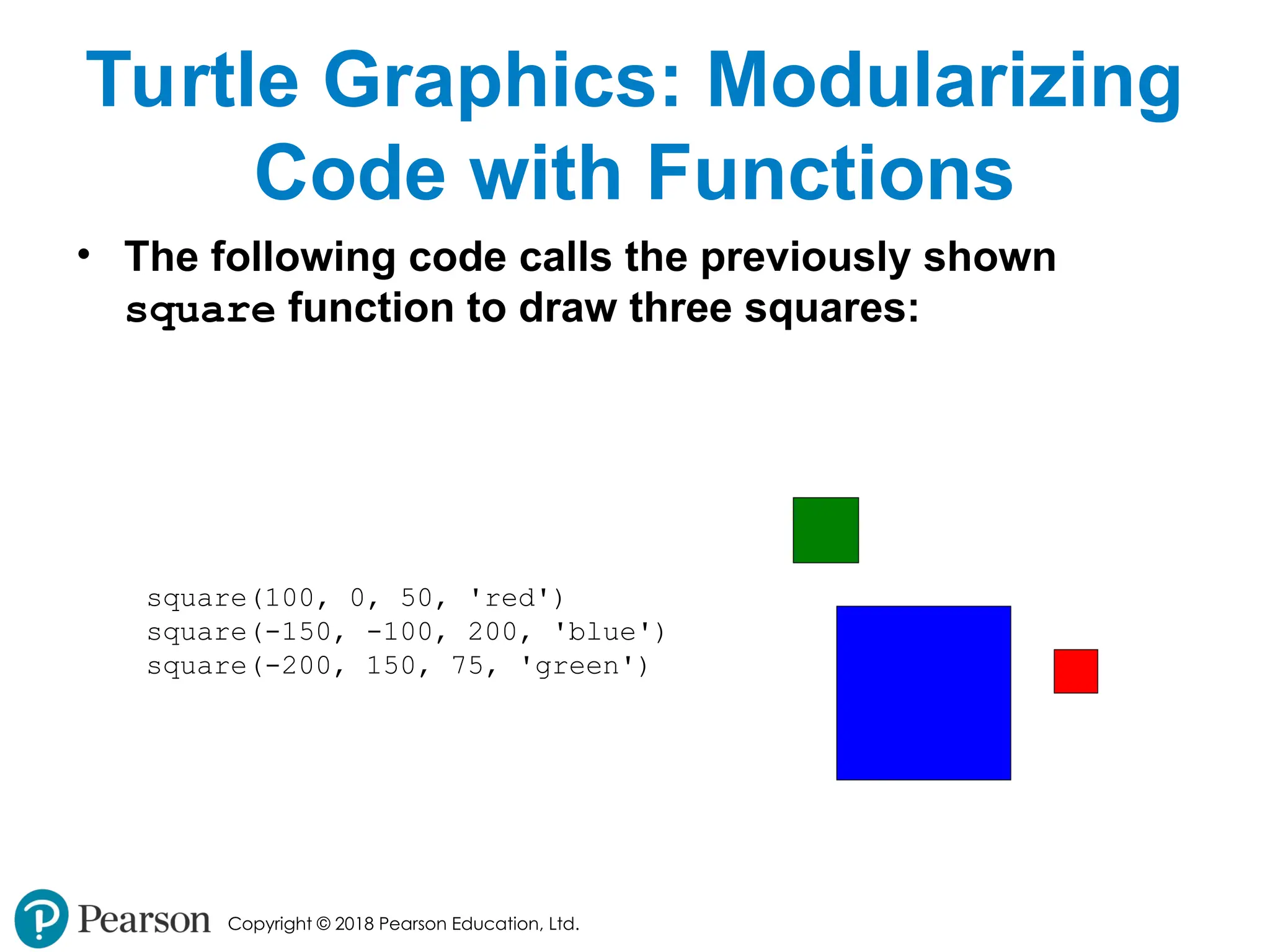
• The following code calls the previously shown
square function to draw three squares:
square(100, 0, 50, 'red')
square(-150, -100, 200, 'blue')
square(-200, 150, 75, 'green')
- 58.
Copyright © 2018Pearson Education, Ltd.
Turtle Graphics: Modularizing
Code with Functions
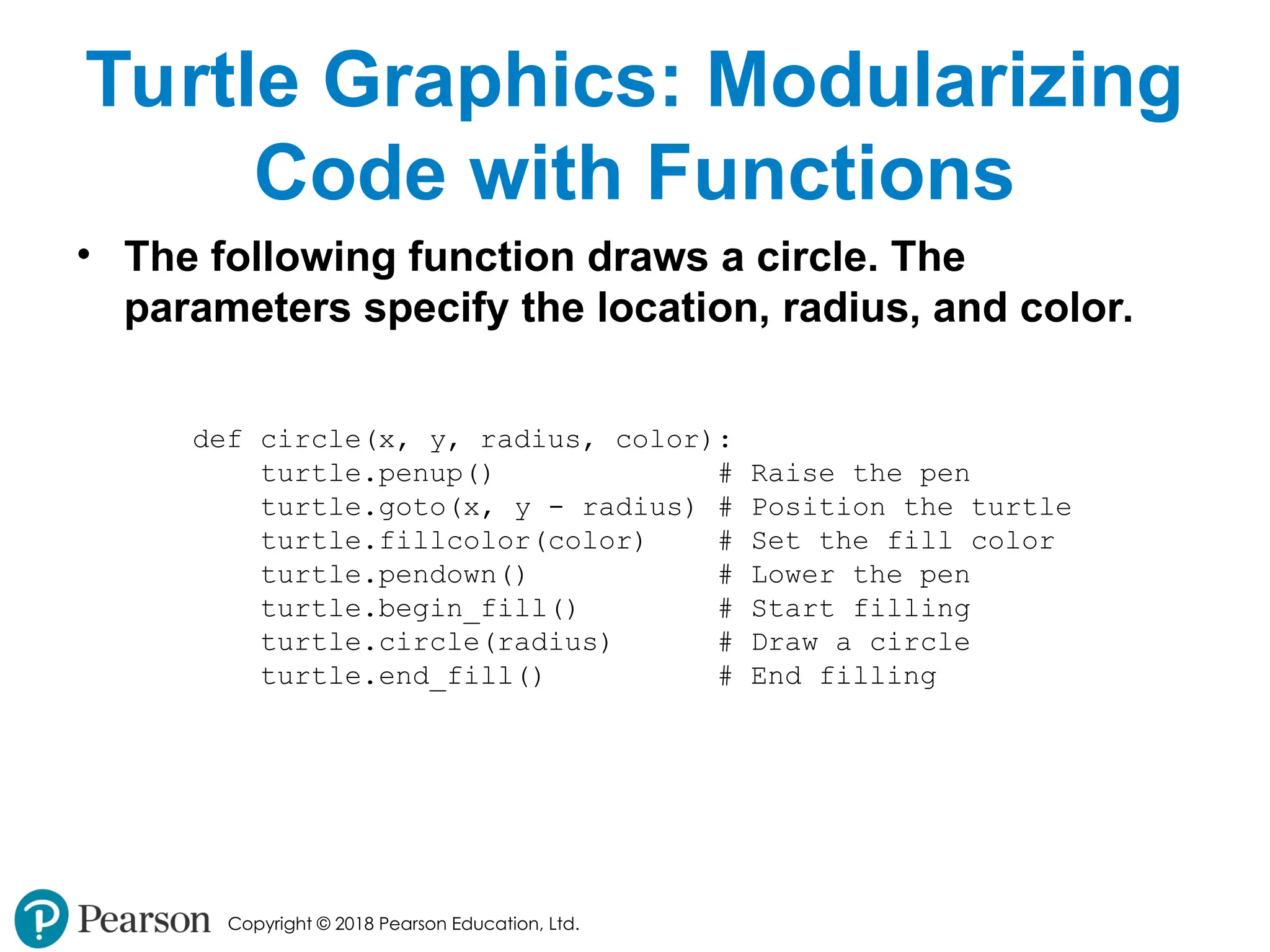
• The following function draws a circle. The
parameters specify the location, radius, and color.
def circle(x, y, radius, color):
turtle.penup() # Raise the pen
turtle.goto(x, y - radius) # Position the turtle
turtle.fillcolor(color) # Set the fill color
turtle.pendown() # Lower the pen
turtle.begin_fill() # Start filling
turtle.circle(radius) # Draw a circle
turtle.end_fill() # End filling
- 59.
Copyright © 2018Pearson Education, Ltd.
Turtle Graphics: Modularizing
Code with Functions
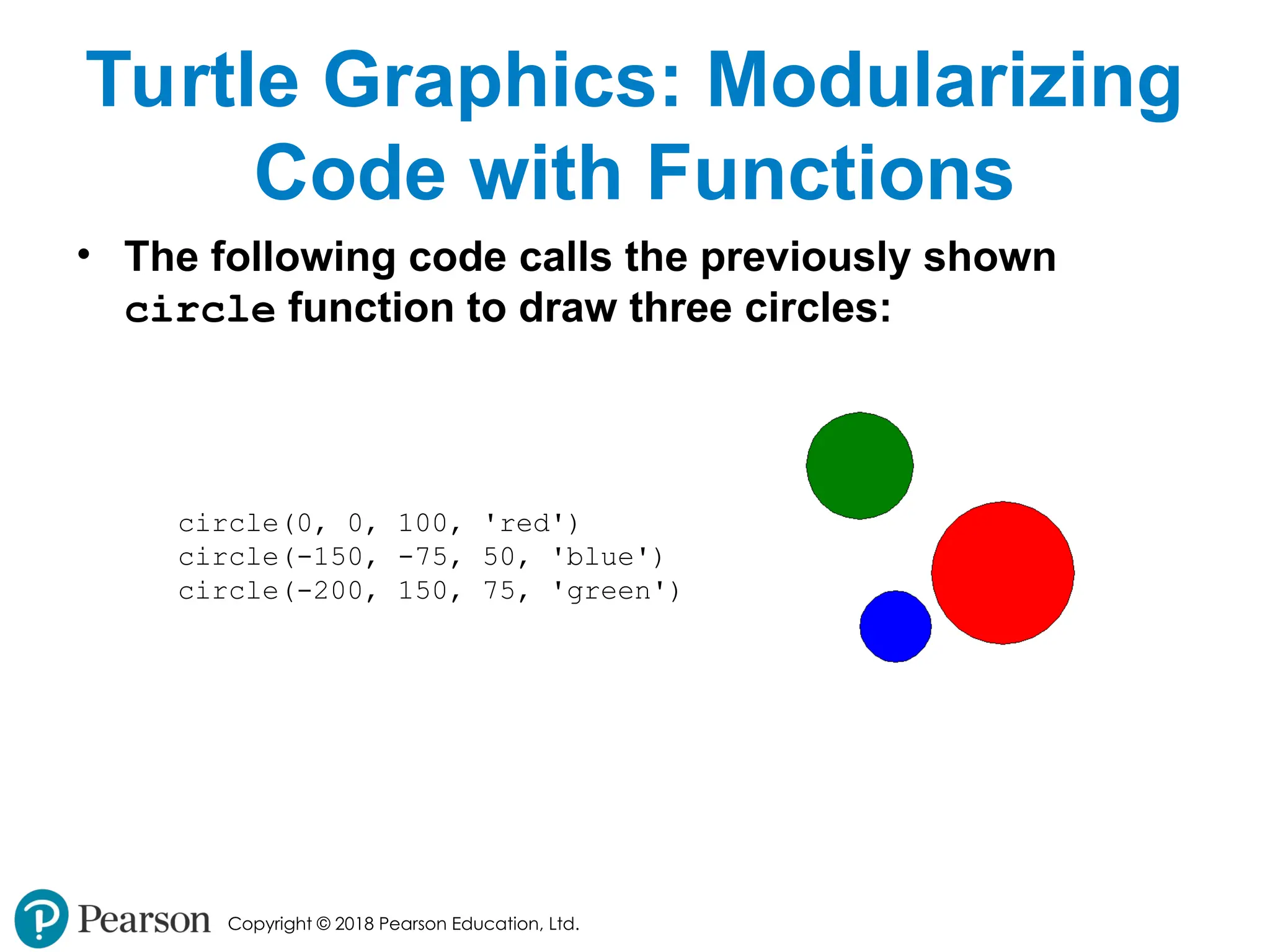
• The following code calls the previously shown
circle function to draw three circles:
circle(0, 0, 100, 'red')
circle(-150, -75, 50, 'blue')
circle(-200, 150, 75, 'green')
- 60.
Copyright © 2018Pearson Education, Ltd.
Turtle Graphics: Modularizing
Code with Functions
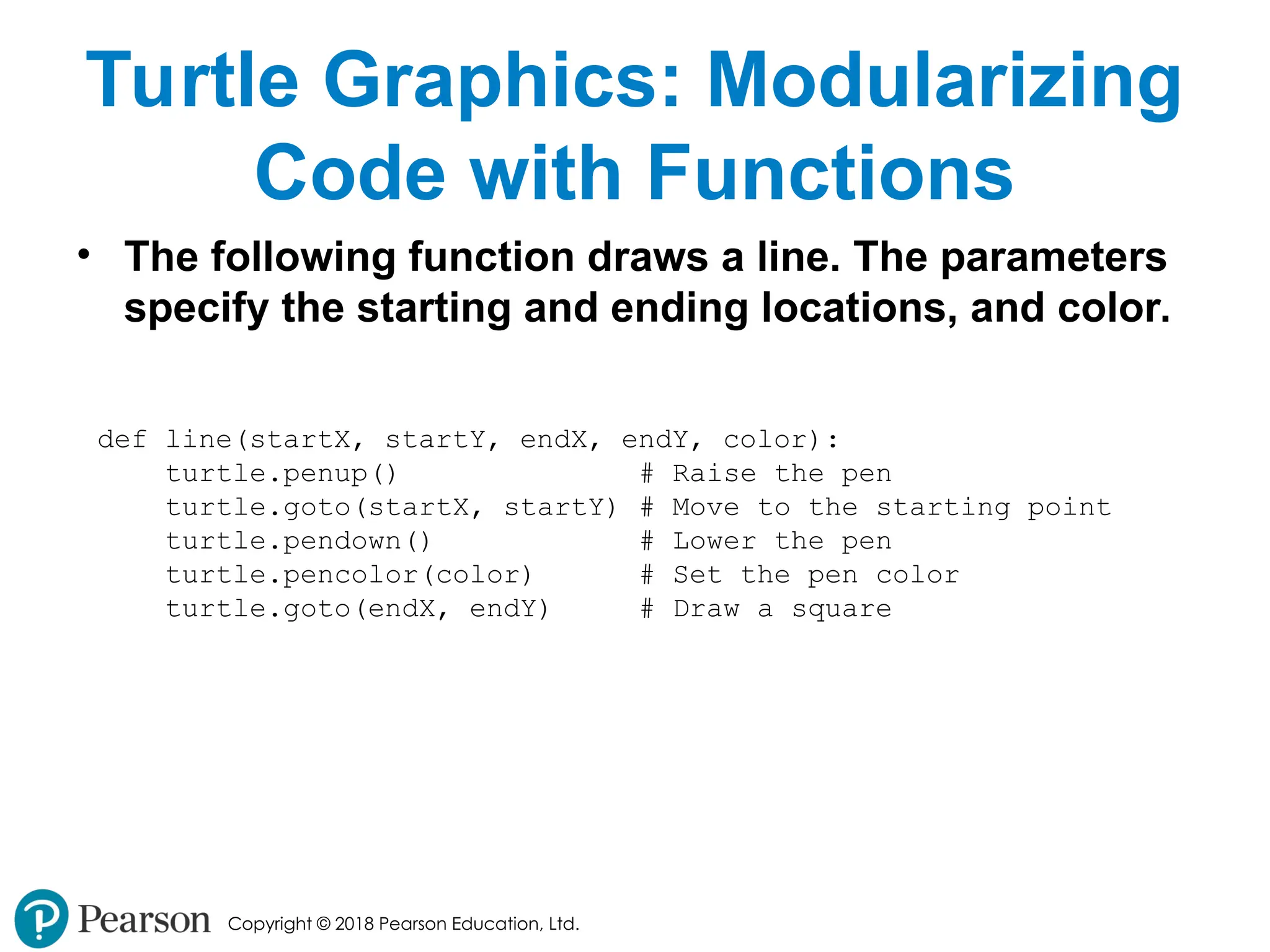
• The following function draws a line. The parameters
specify the starting and ending locations, and color.
def line(startX, startY, endX, endY, color):
turtle.penup() # Raise the pen
turtle.goto(startX, startY) # Move to the starting point
turtle.pendown() # Lower the pen
turtle.pencolor(color) # Set the pen color
turtle.goto(endX, endY) # Draw a square
- 61.
Copyright © 2018Pearson Education, Ltd.
Turtle Graphics: Modularizing
Code with Functions
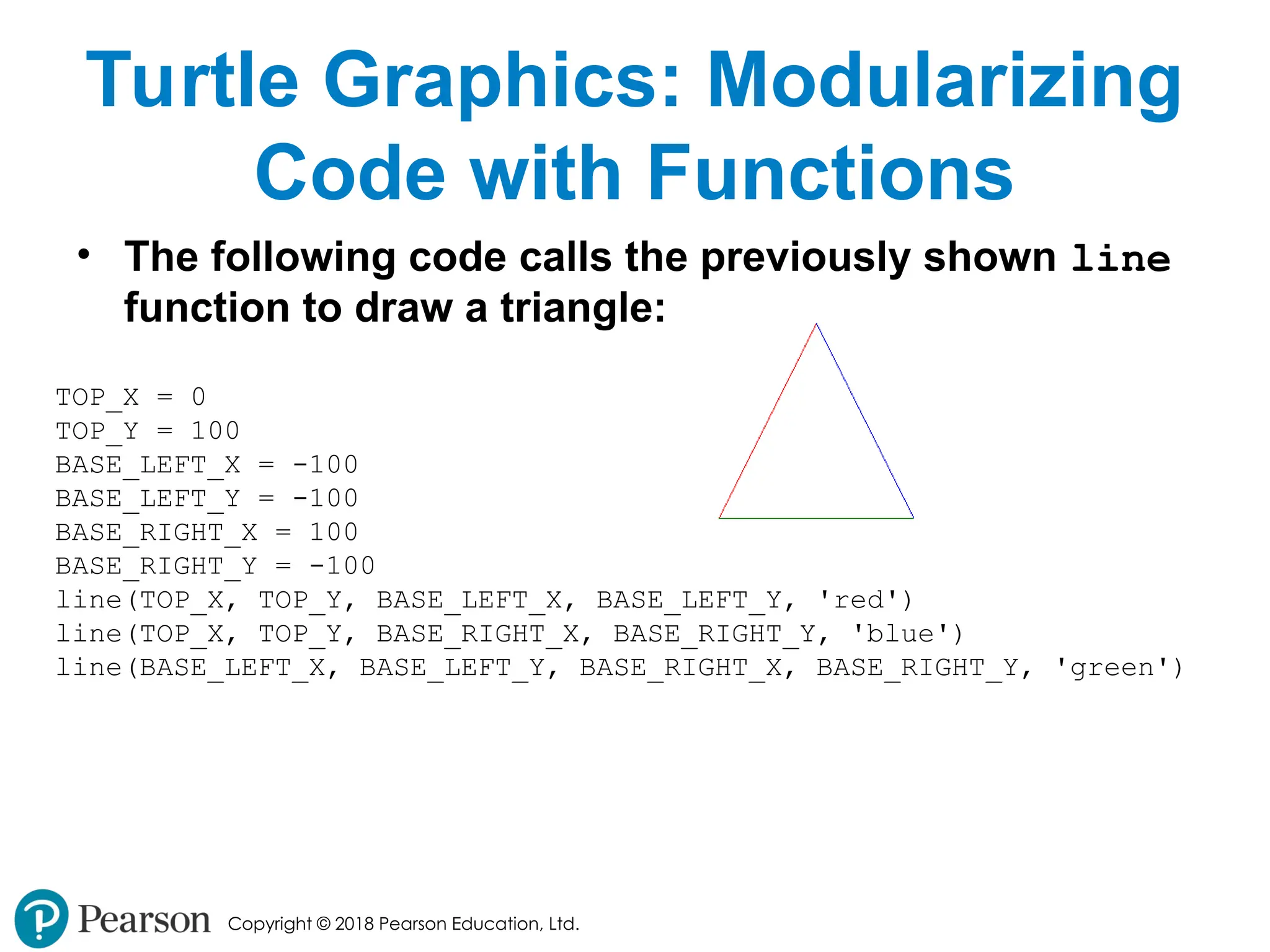
• The following code calls the previously shown line
function to draw a triangle:
TOP_X = 0
TOP_Y = 100
BASE_LEFT_X = -100
BASE_LEFT_Y = -100
BASE_RIGHT_X = 100
BASE_RIGHT_Y = -100
line(TOP_X, TOP_Y, BASE_LEFT_X, BASE_LEFT_Y, 'red')
line(TOP_X, TOP_Y, BASE_RIGHT_X, BASE_RIGHT_Y, 'blue')
line(BASE_LEFT_X, BASE_LEFT_Y, BASE_RIGHT_X, BASE_RIGHT_Y, 'green')
- 62.
Copyright © 2018Pearson Education, Ltd.
Summary
• This chapter covered:
• The advantages of using functions
• The syntax for defining and calling a function
• Methods for designing a program to use functions
• Use of local variables and their scope
• Syntax and limitations of passing arguments to
functions
• Global variables, global constants, and their
advantages and disadvantages
- 63.
Copyright © 2018Pearson Education, Ltd.
Summary (cont’d.)
• Value-returning functions, including:
• Writing value-returning functions
• Using value-returning functions
• Functions returning multiple values
• Using library functions and the import
statement
• Modules, including:
• The random and math modules
• Grouping your own functions in modules
• Modularizing Turtle Graphics Code