Introduction
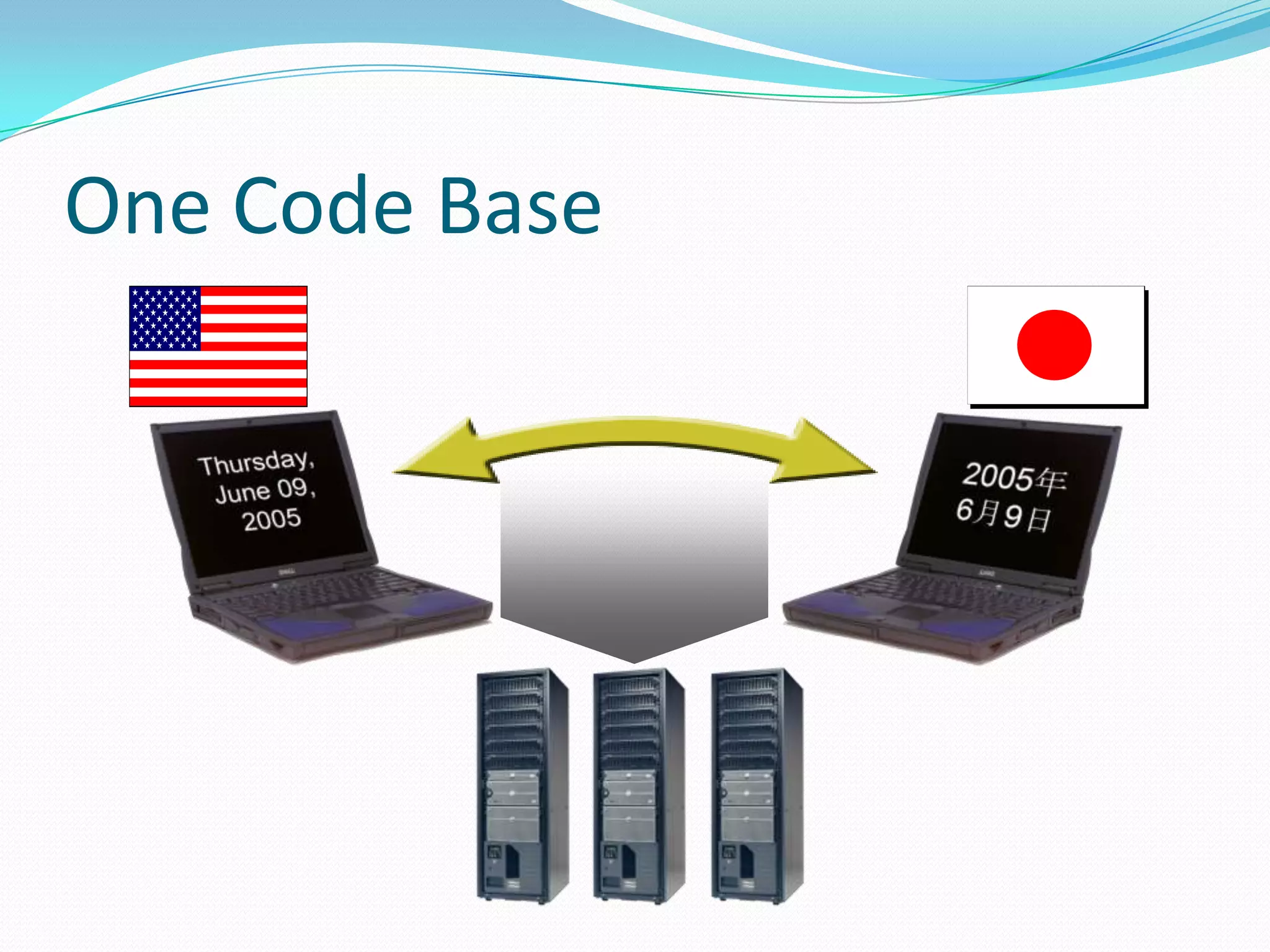
 Globalization is about internationalizing applications:
  the application supports number and date formats
  depending on the culture.
 Localization is about translating applications for
  specific cultures.
Globalization (Internationalization)
     Its is a process of creating an application that
      supports localized user interfaces.


Localization = translation
    It is the process of translating the applications
      into different languages.
 If you plan on distributing your application to an
  international audience, there are a number of things you'll
  need to keep in mind during the design and development
  phases. Even if you don't have such plans, a small effort up
  front can make things considerably easier should your
  plans change in future versions of your application.
  Services built into the .NET Framework make it easy to
  develop a single application that can adapt to different
  locales using managed development with Visual Basic or
  Visual C#.
 Visual Studio .NET was designed from the start to make
  developing for an international audience easy by taking
  advantage of services built into the .NET Framework. The
  following topics will help introduce you to the
  internationalization features built into Visual Studio .NET.
One Code Base
Cultures and Regions
 The world is divided into multiple cultures and regions, and applications have to be
aware of these cultural and regional differences. A culture is a set of preferences based
on a user’s language and cultural habits.
 Some examples are en-AU, en-CA, en-GB, and en-US for the English language in
   Australia,
 Canada, United Kingdom, and the United States.


 While one region has multiple languages, one language can be spoken in different
  regions; for example, Spanish is spoken in Mexico, Spain, Guatemala, Argentina, and
  Peru, to name but a few.
 The most important class in the System.Globalization
  namespace is the class CultureInfo.

 CultureInfo represents a culture and defines calendars,
  formatting of numbers and dates, and sorting strings that
  are used with the culture.

 The class RegionInfo represents regional settings (such
  as the currency) and shows if the region is using the
  metric system. In the same region, you can use multiple
  languages.
 One example is the region of Spain with its Basque (eu-
  ES), Catalan (ca-ES), Spanish (es-ES), Galician (gl-ES)
  cultures.
Types of Culture
  Invarient
  Neutral
  Specific
Invariant Culture
 Should be used for storing data in a culture
  independent way
 Should not be used for User Interface elements
 Has no country/region

Eg:
CultureInfo ci = CultureInfo.InvariantCulture
Neutral Culture
 Associated with a language not with country/region
 Can be used for UI related options
 Cannot be used for retrieving information such as
  date/time formatting
 Specified using <languagecode2> format:
   Arabic – “ar”
   Exceptions – zh-CHT, zh-CH
Eg.
using System.Globalization;
…
CultureInfo ci = new CultureInfo(“fr”);
Specific Culture
 Associated with Language and a Country/Region
    fr  Neutral Culture
    fr-FR  Specific Culture
 Provides additional information about the date, time,
  currency and number formatting options
 Can be used wherever a Neutral culture is used, the
  opposite is not true

Eg.
using System.Globalization;
…
CultureInfo ci = new CultureInfo(“fr-FR”);
Formatting and Parsing
 Formatting
    Standard formatting characters
    Custom formatting characters
 Parsing
    Configurable with styles
    TryParse – no conversion exceptions
    ParseExact for date/time values

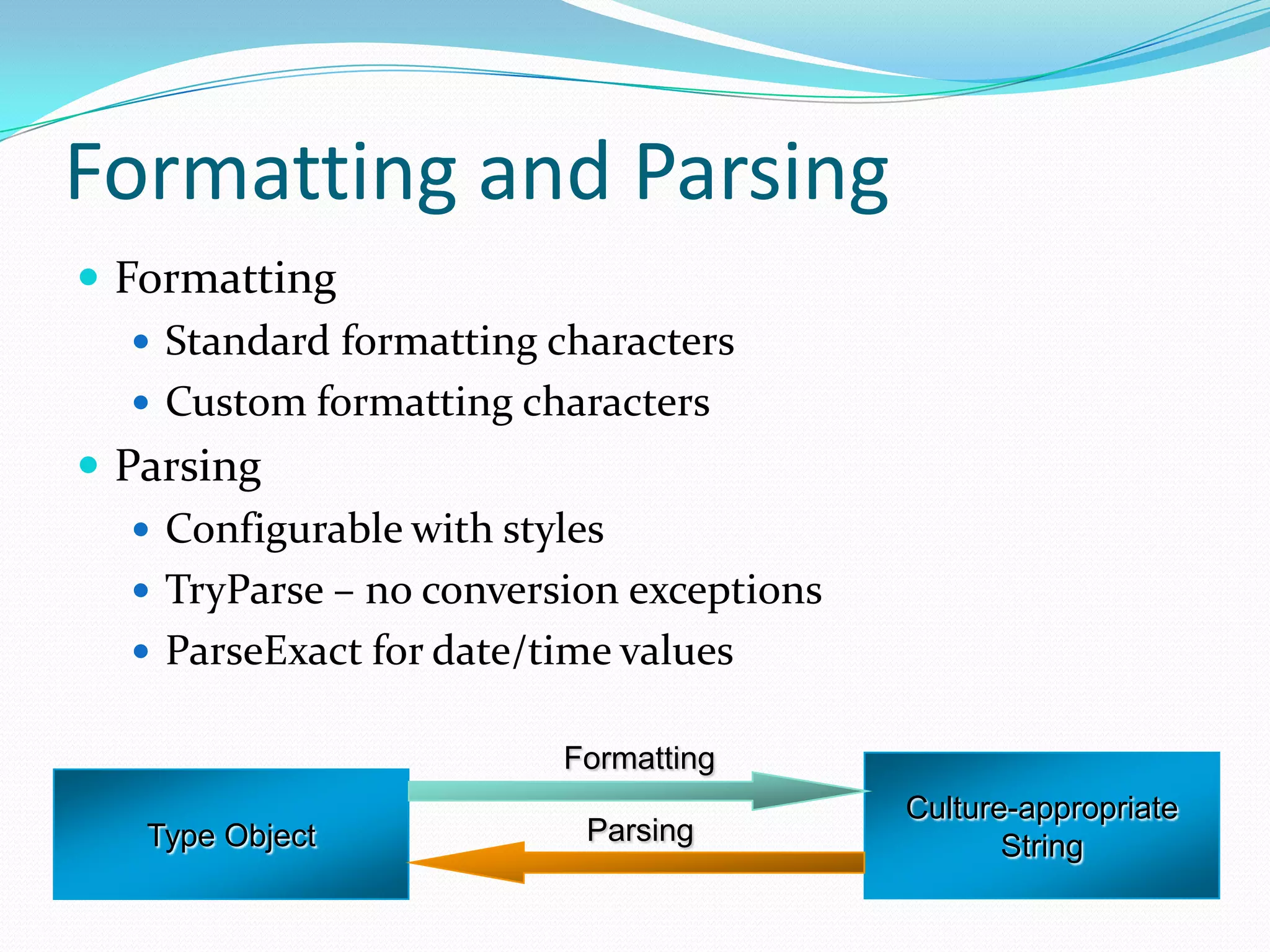
                          Formatting
                                           Culture-appropriate
   Type Object             Parsing                String
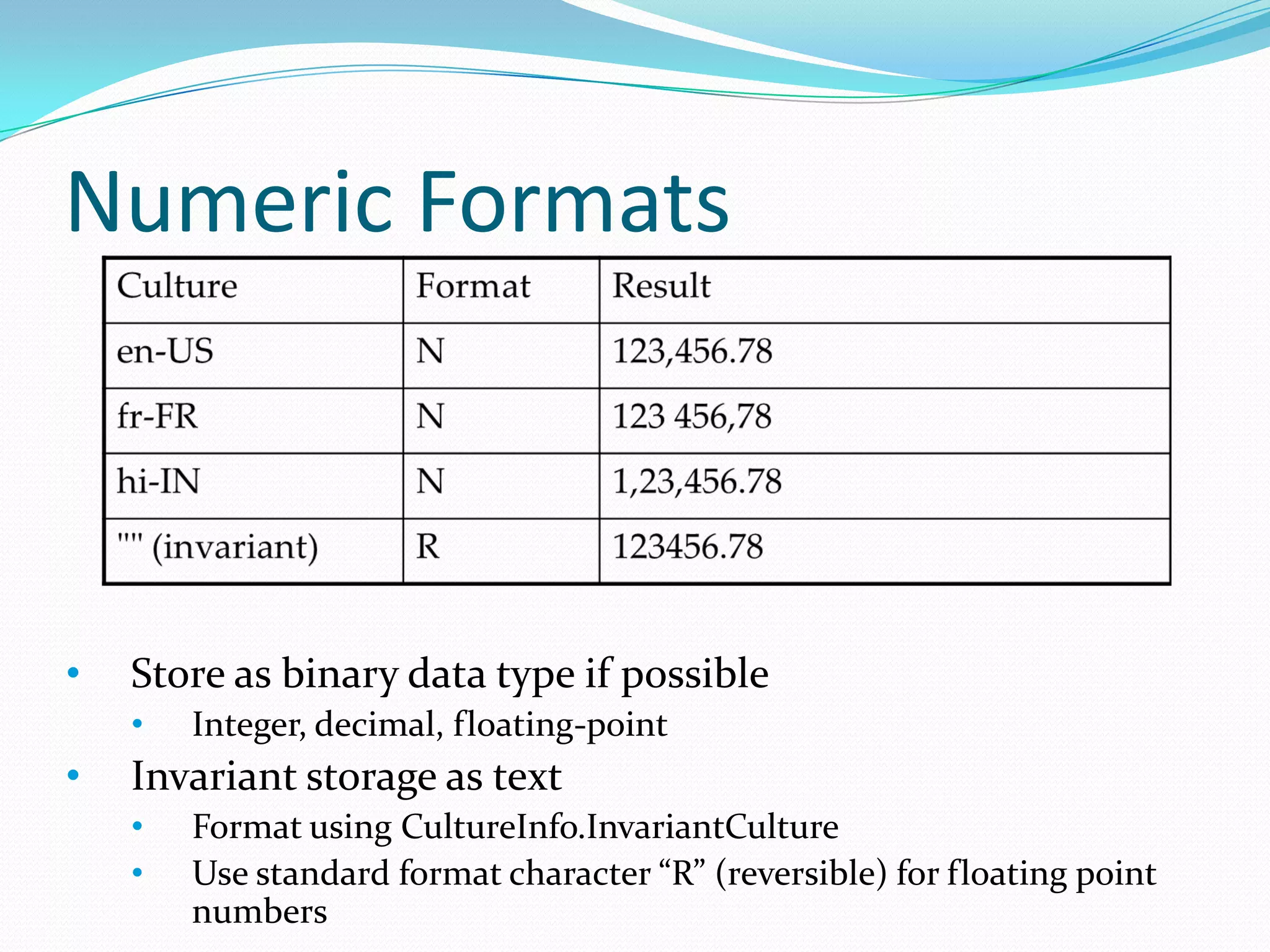
Numeric Formats


•   Store as binary data type if possible
    •   Integer, decimal, floating-point
•   Invariant storage as text
    •   Format using CultureInfo.InvariantCulture
    •   Use standard format character “R” (reversible) for floating point
        numbers
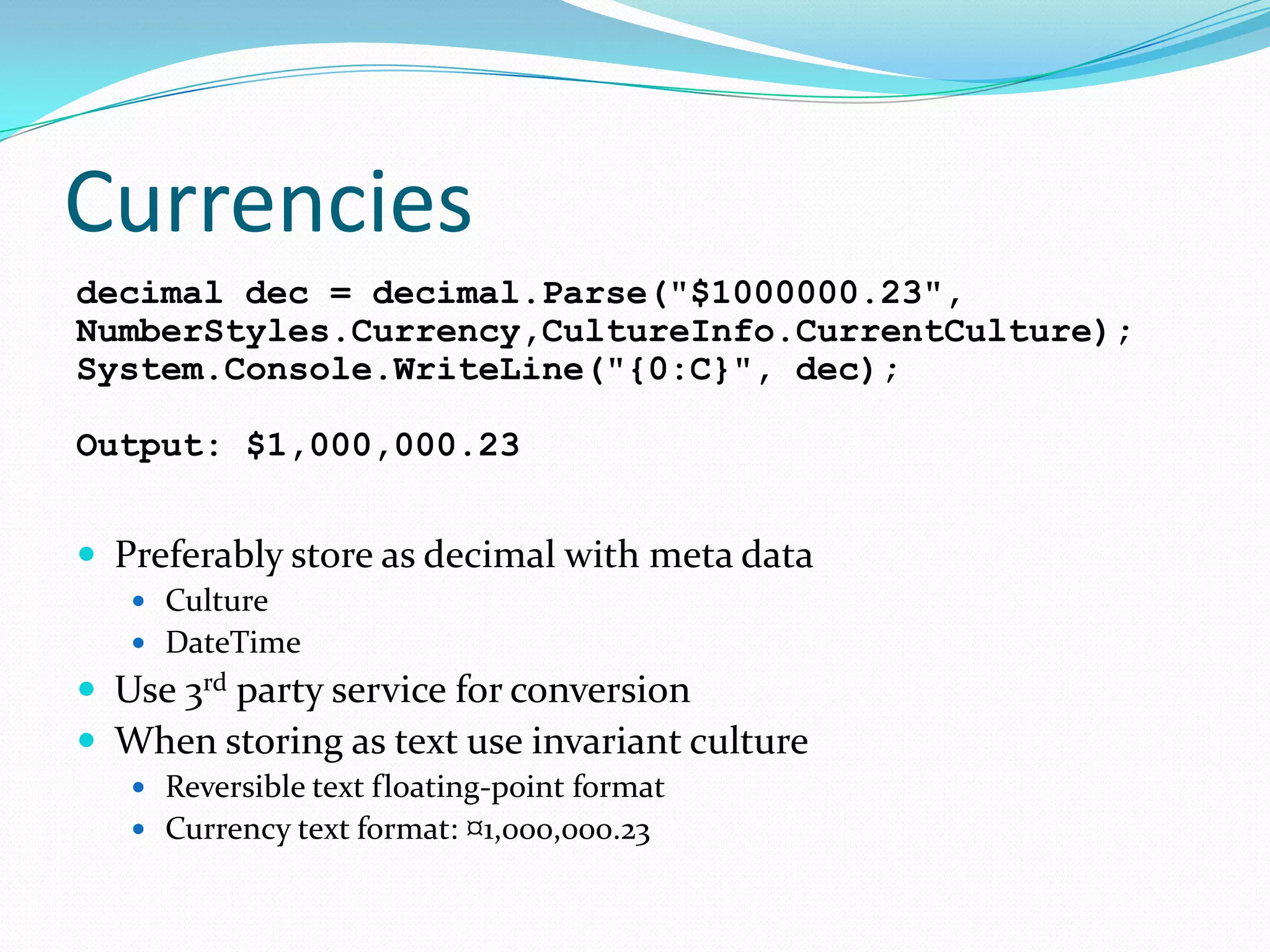
Currencies
decimal dec = decimal.Parse("$1000000.23",
NumberStyles.Currency,CultureInfo.CurrentCulture);
System.Console.WriteLine("{0:C}", dec);

Output: $1,000,000.23


 Preferably store as decimal with meta data
    Culture
    DateTime
 Use 3rd party service
                      for conversion
 When storing as text use invariant culture
    Reversible text floating-point format
    Currency text format: ¤1,000,000.23
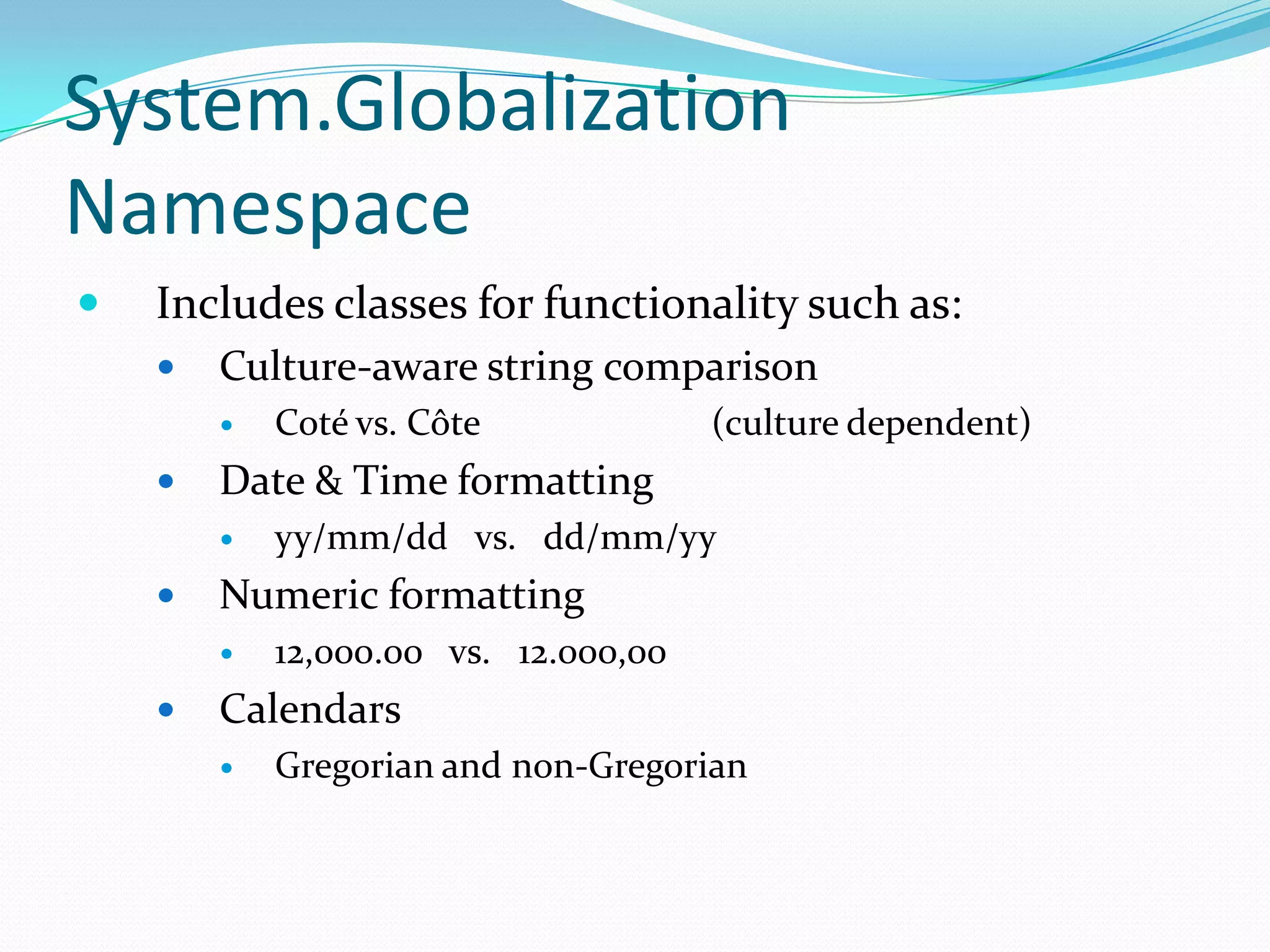
System.Globalization
Namespace
   Includes classes for functionality such as:
       Culture-aware string comparison
           Coté vs. Côte             (culture dependent)
       Date & Time formatting
           yy/mm/dd vs. dd/mm/yy
       Numeric formatting
           12,000.00 vs. 12.000,00
       Calendars
           Gregorian and non-Gregorian
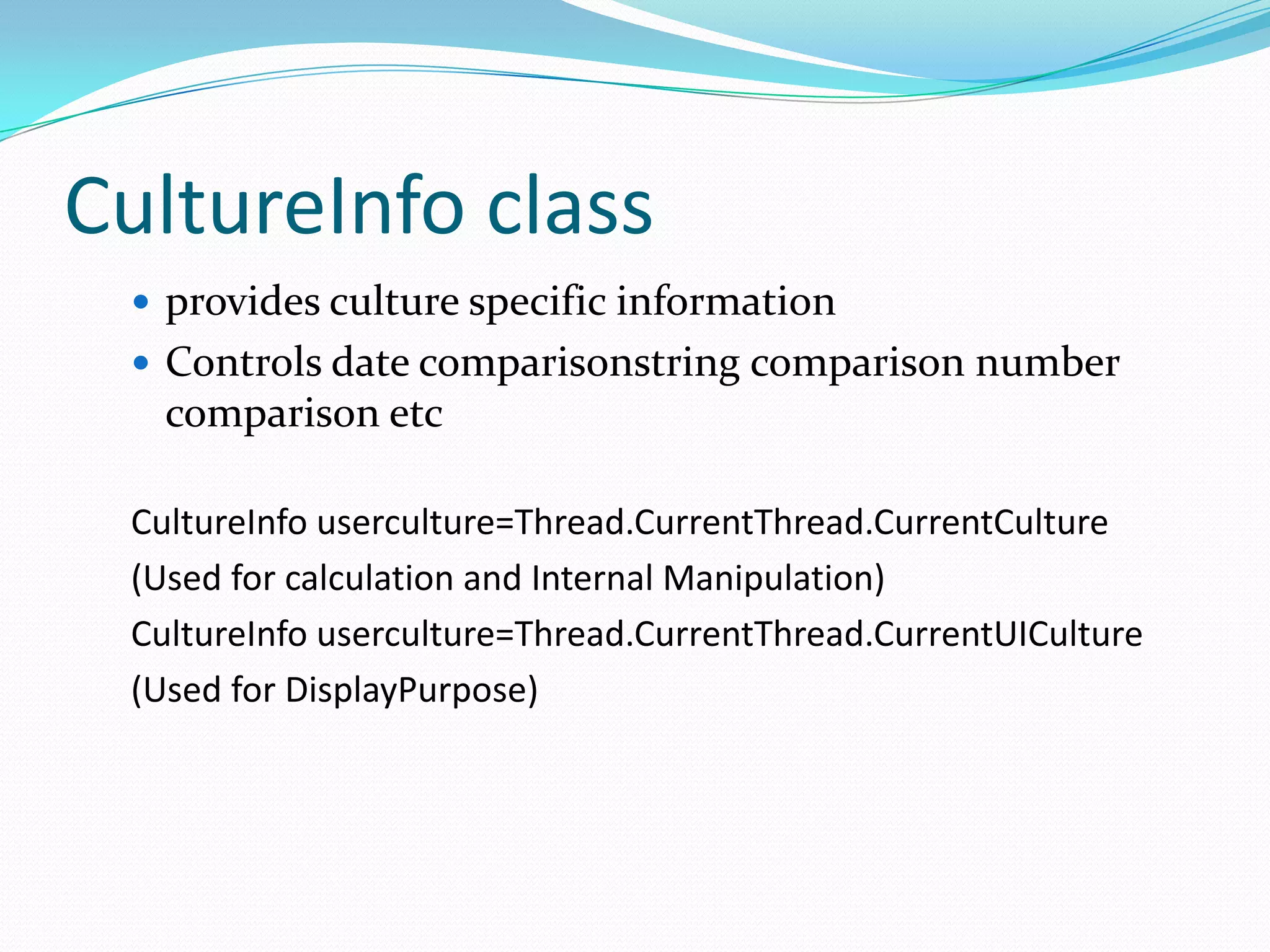
CultureInfo class
  provides culture specific information
  Controls date comparisonstring comparison number
   comparison etc

 CultureInfo userculture=Thread.CurrentThread.CurrentCulture
 (Used for calculation and Internal Manipulation)
 CultureInfo userculture=Thread.CurrentThread.CurrentUICulture
 (Used for DisplayPurpose)
CurrentCulture Thread
       Date and number formatting
       String comparison and casing
       It determines the results of culture dependant functions.
       You can define the CurrentCulture object with specific
        cultures and not with neutral cultures.
CurrentUICulture Thread
       It determines which resources are loaded by the Resource
        Manager if you have provided resources in multiple
        languages.
        Because this controls only which language is used you can
         define CurrentUICulture with either neutral or specific
         cultures.
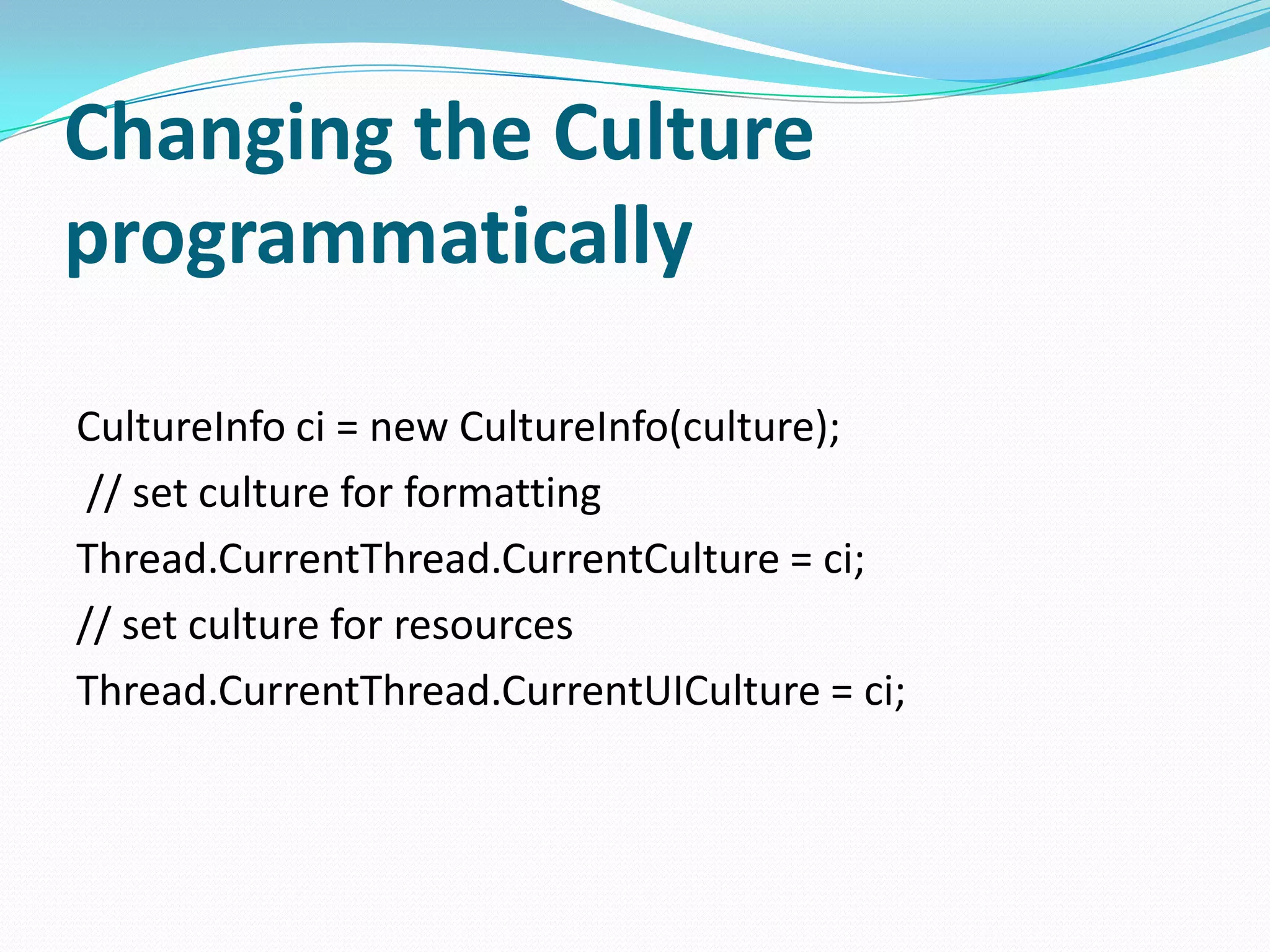
Changing the Culture
programmatically

CultureInfo ci = new CultureInfo(culture);
 // set culture for formatting
Thread.CurrentThread.CurrentCulture = ci;
// set culture for resources
Thread.CurrentThread.CurrentUICulture = ci;
Implementing localization
 When the Localizable property is set to true, the
  resource file resX is generated form the form.
  BookOfTheDay.resX
 change the Language property of the form and the
  properties of some form elements, a new resource file
  is generated for the specified language.
  BookOfTheDayForm.de.resX
Culture-aware Classes
   Any API which takes a culture, or an
    IFormatProvider
   Culture-sensitive by default
   Examples:
       System.Globalization.CompareInfo
       System.Globalization.StringInfo
       System.Globalization.Calendar
       System.Resources
       System.DateTime
       System.String
 Calendar Classes
   Includes support for:
      Gregorian Calendar

      Hebrew Calendar

      Hijiri Calendar

      Japanese Calendar

      Julian Calendar

      Korean Calendar

      Taiwan Calendar

      Thai Buddhist Calendar

   Base Calendar class from which custom calendars can be
    derived
 DateTime
   Provides methods that enable culture-sensitive
    operations on a DateTime.
   Use the DateTimeFormatInfo Class to format and
    display a DateTime based on culture.
 DateTimeFormatInfo
   Defines how DateTime values are formatted and
    displayed, depending on the culture.
 CompareInfo
    Provides a set of methods that can be used to perfomr
     culture-sensitive string comparisons
    The CultureInfo class has a CompareInfo property that is
     an instance of the CompareInfo class
    The String.Compare method uses the information in the
     CultureInfo.CompareInfo property to compare strings
 NumberFormatInfo
    Defines how currency, decimal separator and other
     numeric symbols are formatted and displayed based on
     culture.

C#: Globalization and localization

  • 2.
    Introduction  Globalization isabout internationalizing applications: the application supports number and date formats depending on the culture.  Localization is about translating applications for specific cultures.
  • 3.
    Globalization (Internationalization)  Its is a process of creating an application that supports localized user interfaces. Localization = translation  It is the process of translating the applications into different languages.
  • 4.
     If youplan on distributing your application to an international audience, there are a number of things you'll need to keep in mind during the design and development phases. Even if you don't have such plans, a small effort up front can make things considerably easier should your plans change in future versions of your application. Services built into the .NET Framework make it easy to develop a single application that can adapt to different locales using managed development with Visual Basic or Visual C#.  Visual Studio .NET was designed from the start to make developing for an international audience easy by taking advantage of services built into the .NET Framework. The following topics will help introduce you to the internationalization features built into Visual Studio .NET.
  • 5.
  • 6.
    Cultures and Regions The world is divided into multiple cultures and regions, and applications have to be aware of these cultural and regional differences. A culture is a set of preferences based on a user’s language and cultural habits.  Some examples are en-AU, en-CA, en-GB, and en-US for the English language in Australia,  Canada, United Kingdom, and the United States.  While one region has multiple languages, one language can be spoken in different regions; for example, Spanish is spoken in Mexico, Spain, Guatemala, Argentina, and Peru, to name but a few.
  • 7.
     The mostimportant class in the System.Globalization namespace is the class CultureInfo.  CultureInfo represents a culture and defines calendars, formatting of numbers and dates, and sorting strings that are used with the culture.  The class RegionInfo represents regional settings (such as the currency) and shows if the region is using the metric system. In the same region, you can use multiple languages.  One example is the region of Spain with its Basque (eu- ES), Catalan (ca-ES), Spanish (es-ES), Galician (gl-ES) cultures.
  • 8.
    Types of Culture  Invarient  Neutral  Specific
  • 9.
    Invariant Culture  Shouldbe used for storing data in a culture independent way  Should not be used for User Interface elements  Has no country/region Eg: CultureInfo ci = CultureInfo.InvariantCulture
  • 10.
    Neutral Culture  Associatedwith a language not with country/region  Can be used for UI related options  Cannot be used for retrieving information such as date/time formatting  Specified using <languagecode2> format:  Arabic – “ar”  Exceptions – zh-CHT, zh-CH Eg. using System.Globalization; … CultureInfo ci = new CultureInfo(“fr”);
  • 11.
    Specific Culture  Associatedwith Language and a Country/Region  fr  Neutral Culture  fr-FR  Specific Culture  Provides additional information about the date, time, currency and number formatting options  Can be used wherever a Neutral culture is used, the opposite is not true Eg. using System.Globalization; … CultureInfo ci = new CultureInfo(“fr-FR”);
  • 12.
    Formatting and Parsing Formatting  Standard formatting characters  Custom formatting characters  Parsing  Configurable with styles  TryParse – no conversion exceptions  ParseExact for date/time values Formatting Culture-appropriate Type Object Parsing String
  • 13.
    Numeric Formats • Store as binary data type if possible • Integer, decimal, floating-point • Invariant storage as text • Format using CultureInfo.InvariantCulture • Use standard format character “R” (reversible) for floating point numbers
  • 14.
    Currencies decimal dec =decimal.Parse("$1000000.23", NumberStyles.Currency,CultureInfo.CurrentCulture); System.Console.WriteLine("{0:C}", dec); Output: $1,000,000.23  Preferably store as decimal with meta data  Culture  DateTime  Use 3rd party service for conversion  When storing as text use invariant culture  Reversible text floating-point format  Currency text format: ¤1,000,000.23
  • 15.
    System.Globalization Namespace  Includes classes for functionality such as:  Culture-aware string comparison  Coté vs. Côte (culture dependent)  Date & Time formatting  yy/mm/dd vs. dd/mm/yy  Numeric formatting  12,000.00 vs. 12.000,00  Calendars  Gregorian and non-Gregorian
  • 16.
    CultureInfo class provides culture specific information  Controls date comparisonstring comparison number comparison etc CultureInfo userculture=Thread.CurrentThread.CurrentCulture (Used for calculation and Internal Manipulation) CultureInfo userculture=Thread.CurrentThread.CurrentUICulture (Used for DisplayPurpose)
  • 17.
    CurrentCulture Thread  Date and number formatting  String comparison and casing  It determines the results of culture dependant functions.  You can define the CurrentCulture object with specific cultures and not with neutral cultures.
  • 18.
    CurrentUICulture Thread  It determines which resources are loaded by the Resource Manager if you have provided resources in multiple languages.  Because this controls only which language is used you can define CurrentUICulture with either neutral or specific cultures.
  • 19.
    Changing the Culture programmatically CultureInfoci = new CultureInfo(culture); // set culture for formatting Thread.CurrentThread.CurrentCulture = ci; // set culture for resources Thread.CurrentThread.CurrentUICulture = ci;
  • 20.
    Implementing localization  Whenthe Localizable property is set to true, the resource file resX is generated form the form. BookOfTheDay.resX  change the Language property of the form and the properties of some form elements, a new resource file is generated for the specified language. BookOfTheDayForm.de.resX
  • 21.
    Culture-aware Classes  Any API which takes a culture, or an IFormatProvider  Culture-sensitive by default  Examples:  System.Globalization.CompareInfo  System.Globalization.StringInfo  System.Globalization.Calendar  System.Resources  System.DateTime  System.String
  • 22.
     Calendar Classes  Includes support for:  Gregorian Calendar  Hebrew Calendar  Hijiri Calendar  Japanese Calendar  Julian Calendar  Korean Calendar  Taiwan Calendar  Thai Buddhist Calendar  Base Calendar class from which custom calendars can be derived
  • 23.
     DateTime  Provides methods that enable culture-sensitive operations on a DateTime.  Use the DateTimeFormatInfo Class to format and display a DateTime based on culture.  DateTimeFormatInfo  Defines how DateTime values are formatted and displayed, depending on the culture.
  • 24.
     CompareInfo  Provides a set of methods that can be used to perfomr culture-sensitive string comparisons  The CultureInfo class has a CompareInfo property that is an instance of the CompareInfo class  The String.Compare method uses the information in the CultureInfo.CompareInfo property to compare strings  NumberFormatInfo  Defines how currency, decimal separator and other numeric symbols are formatted and displayed based on culture.