Team Emertxe
BusyBox
Contents
BusyBox
Contents
● Introduction
● Building
– Configuration
– Compilation
● Installation
Introduction
BusyBox
Introduction
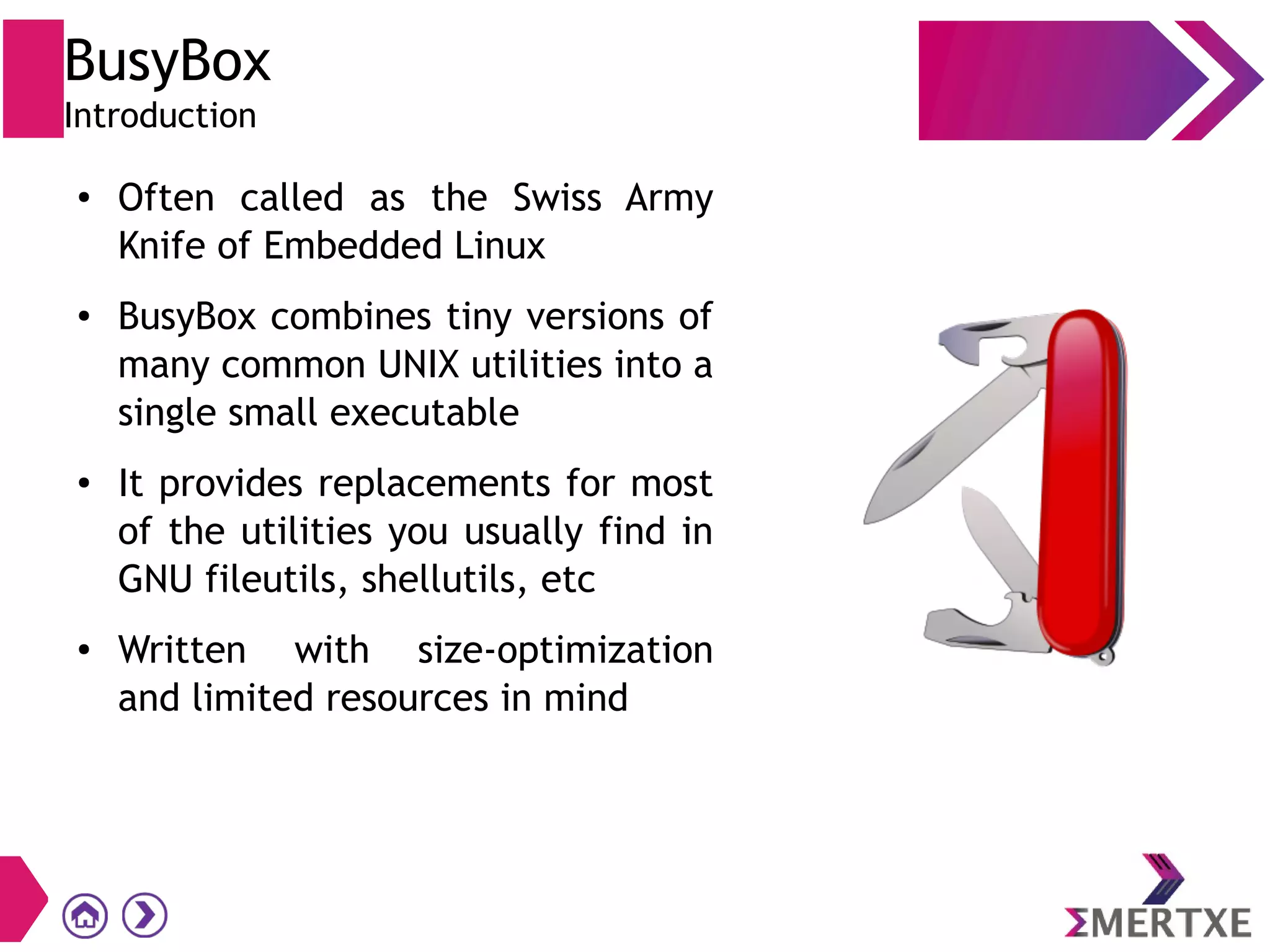
● Often called as the Swiss Army
Knife of Embedded Linux
● BusyBox combines tiny versions of
many common UNIX utilities into a
single small executable
● It provides replacements for most
of the utilities you usually find in
GNU fileutils, shellutils, etc
● Written with size-optimization
and limited resources in mind
BusyBox
Introduction
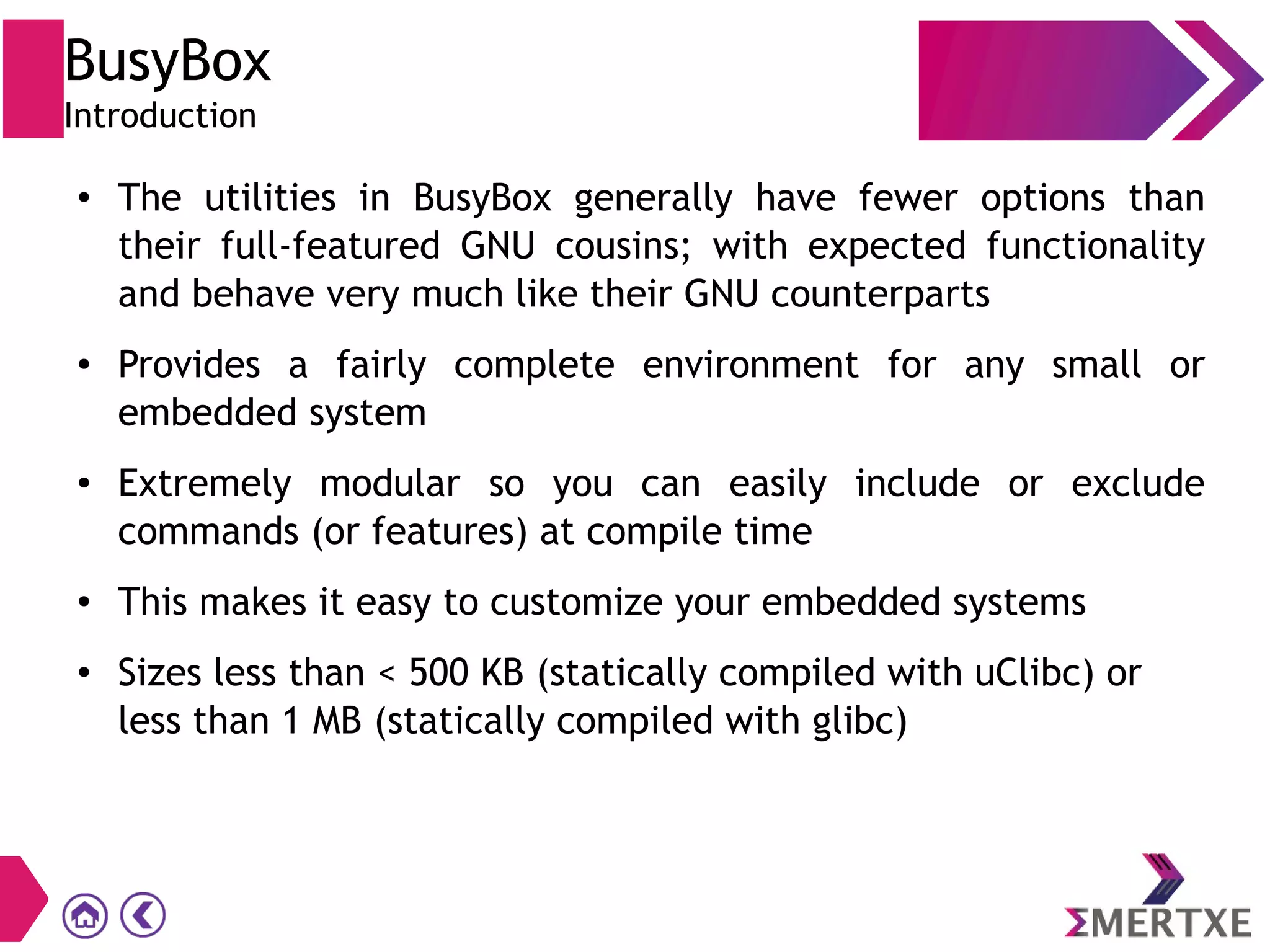
● The utilities in BusyBox generally have fewer options than
their full-featured GNU cousins; with expected functionality
and behave very much like their GNU counterparts
● Provides a fairly complete environment for any small or
embedded system
● Extremely modular so you can easily include or exclude
commands (or features) at compile time
● This makes it easy to customize your embedded systems
● Sizes less than < 500 KB (statically compiled with uClibc) or
less than 1 MB (statically compiled with glibc)
BusyBox
Building
BusyBox
Building - Configuration
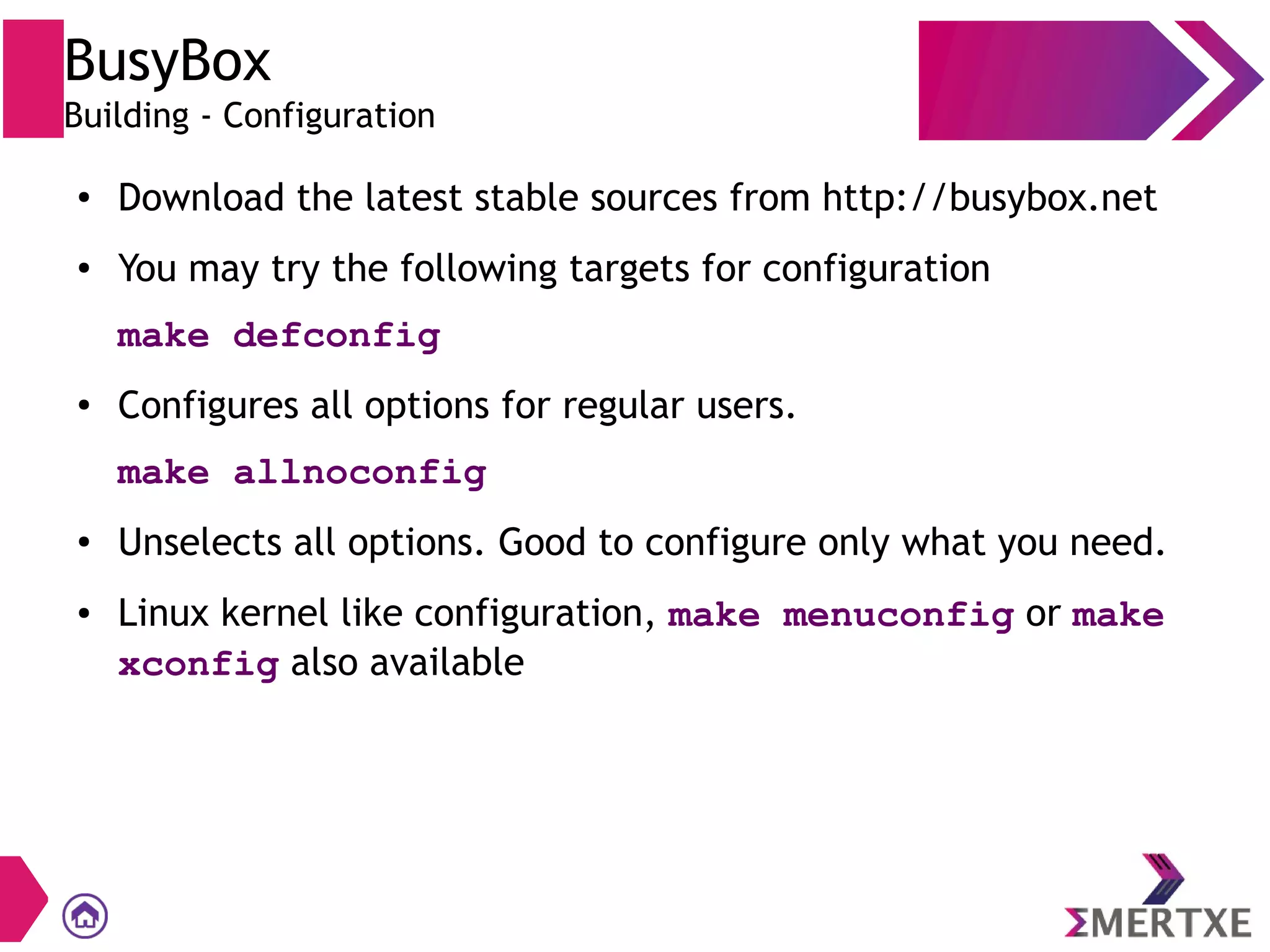
● Download the latest stable sources from http://busybox.net
● You may try the following targets for configuration
make defconfig
● Configures all options for regular users.
make allnoconfig
● Unselects all options. Good to configure only what you need.
● Linux kernel like configuration, make menuconfig or make
xconfig also available
BusyBox
Building - Compilation
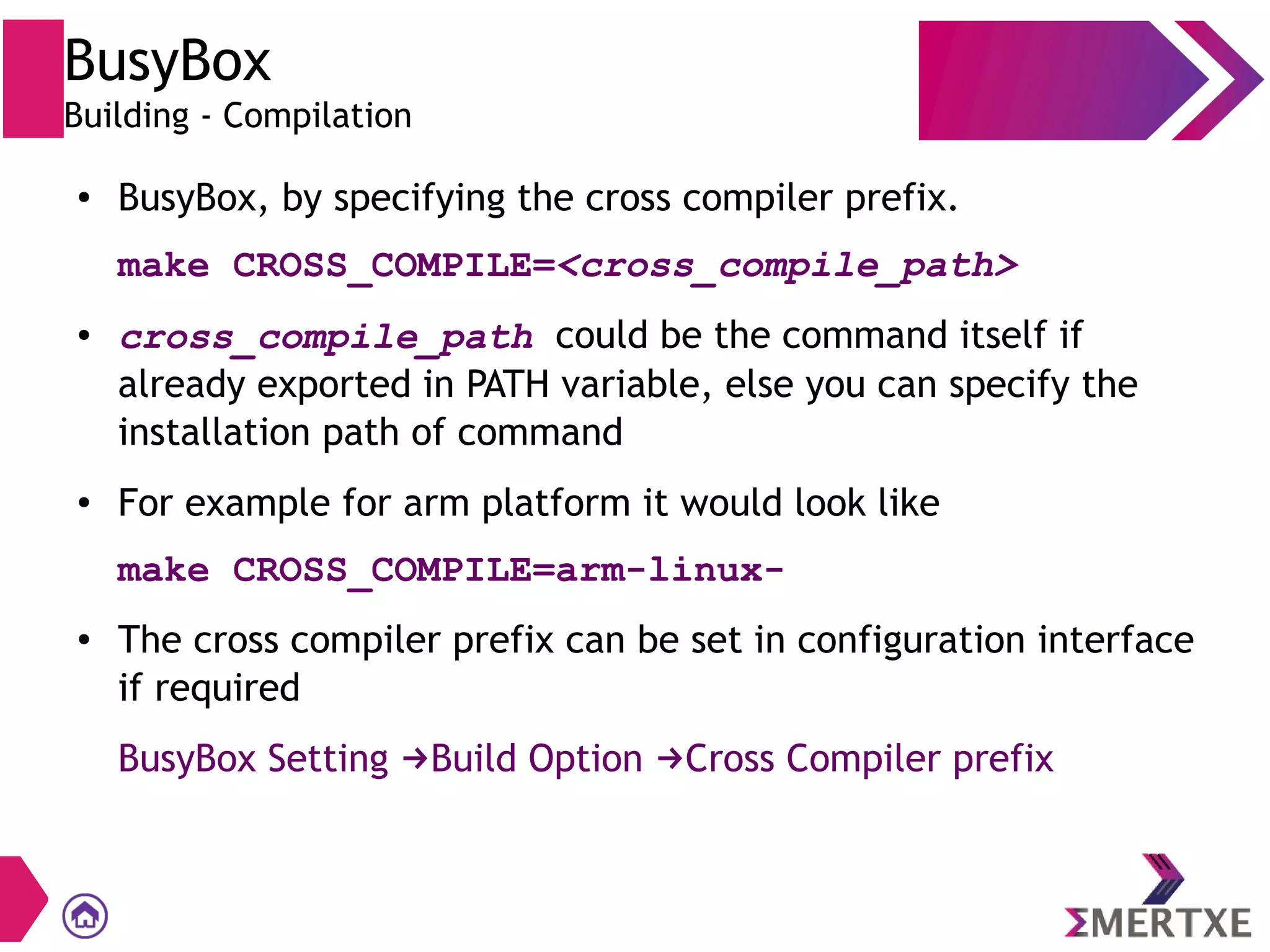
● BusyBox, by specifying the cross compiler prefix.
make CROSS_COMPILE=<cross_compile_path>
● cross_compile_path could be the command itself if
already exported in PATH variable, else you can specify the
installation path of command
● For example for arm platform it would look like
make CROSS_COMPILE=arm-linux-
● The cross compiler prefix can be set in configuration interface
if required
BusyBox Setting Build Option Cross Compiler prefix→ →
BusyBox
Installation
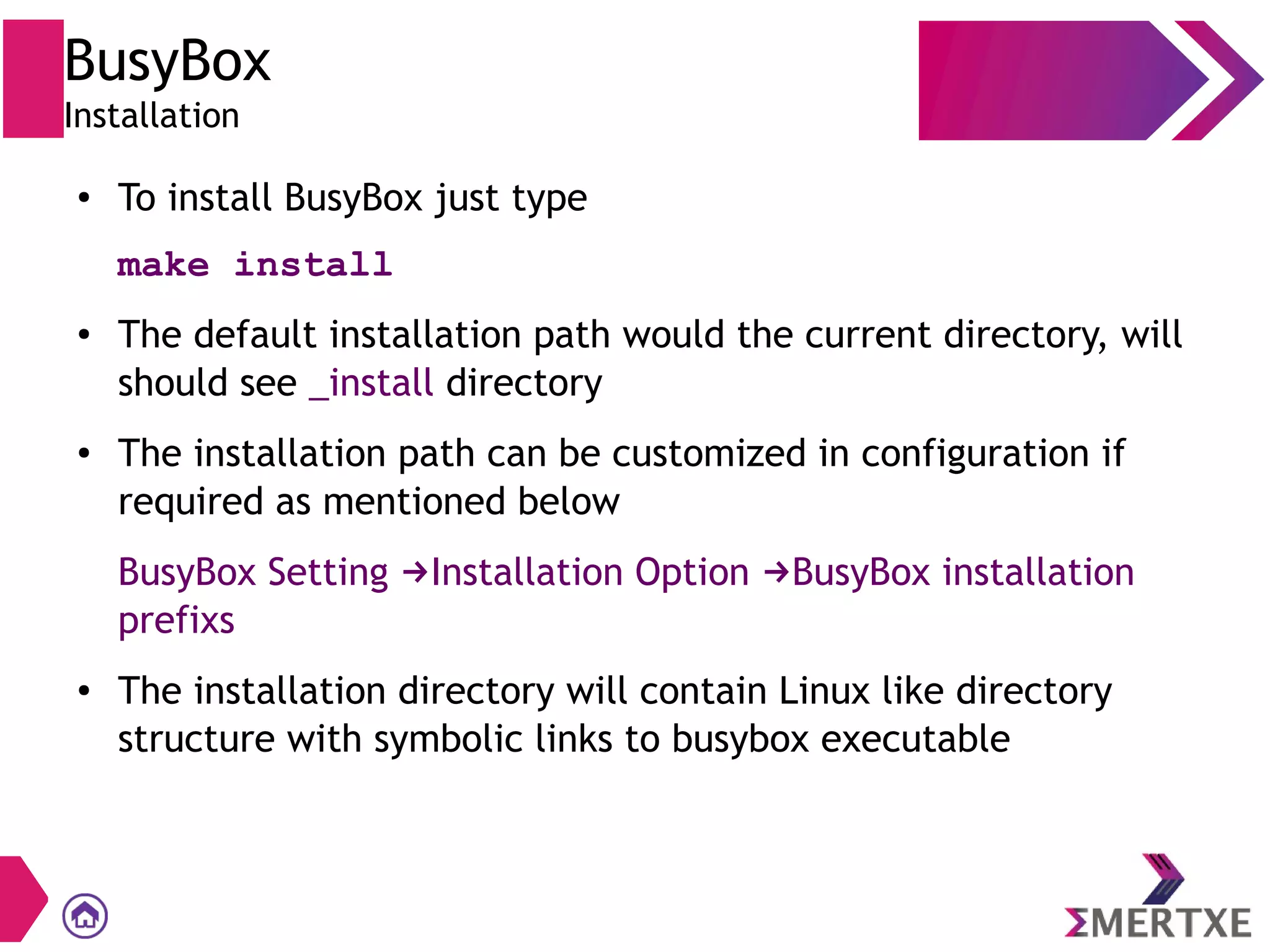
● To install BusyBox just type
make install
● The default installation path would the current directory, will
should see _install directory
● The installation path can be customized in configuration if
required as mentioned below
BusyBox Setting Installation Option BusyBox installation→ →
prefixs
● The installation directory will contain Linux like directory
structure with symbolic links to busybox executable
Thank You

BusyBox for Embedded Linux

  • 1.
  • 2.
  • 3.
    BusyBox Contents ● Introduction ● Building –Configuration – Compilation ● Installation
  • 4.
  • 5.
    BusyBox Introduction ● Often calledas the Swiss Army Knife of Embedded Linux ● BusyBox combines tiny versions of many common UNIX utilities into a single small executable ● It provides replacements for most of the utilities you usually find in GNU fileutils, shellutils, etc ● Written with size-optimization and limited resources in mind
  • 6.
    BusyBox Introduction ● The utilitiesin BusyBox generally have fewer options than their full-featured GNU cousins; with expected functionality and behave very much like their GNU counterparts ● Provides a fairly complete environment for any small or embedded system ● Extremely modular so you can easily include or exclude commands (or features) at compile time ● This makes it easy to customize your embedded systems ● Sizes less than < 500 KB (statically compiled with uClibc) or less than 1 MB (statically compiled with glibc)
  • 7.
  • 8.
    BusyBox Building - Configuration ●Download the latest stable sources from http://busybox.net ● You may try the following targets for configuration make defconfig ● Configures all options for regular users. make allnoconfig ● Unselects all options. Good to configure only what you need. ● Linux kernel like configuration, make menuconfig or make xconfig also available
  • 9.
    BusyBox Building - Compilation ●BusyBox, by specifying the cross compiler prefix. make CROSS_COMPILE=<cross_compile_path> ● cross_compile_path could be the command itself if already exported in PATH variable, else you can specify the installation path of command ● For example for arm platform it would look like make CROSS_COMPILE=arm-linux- ● The cross compiler prefix can be set in configuration interface if required BusyBox Setting Build Option Cross Compiler prefix→ →
  • 10.
    BusyBox Installation ● To installBusyBox just type make install ● The default installation path would the current directory, will should see _install directory ● The installation path can be customized in configuration if required as mentioned below BusyBox Setting Installation Option BusyBox installation→ → prefixs ● The installation directory will contain Linux like directory structure with symbolic links to busybox executable
  • 11.