16 October 2014 
Build APIs in Node.js & Swagger 
2.0 with Apigee-127 
Jeff West / Marsh Gardiner
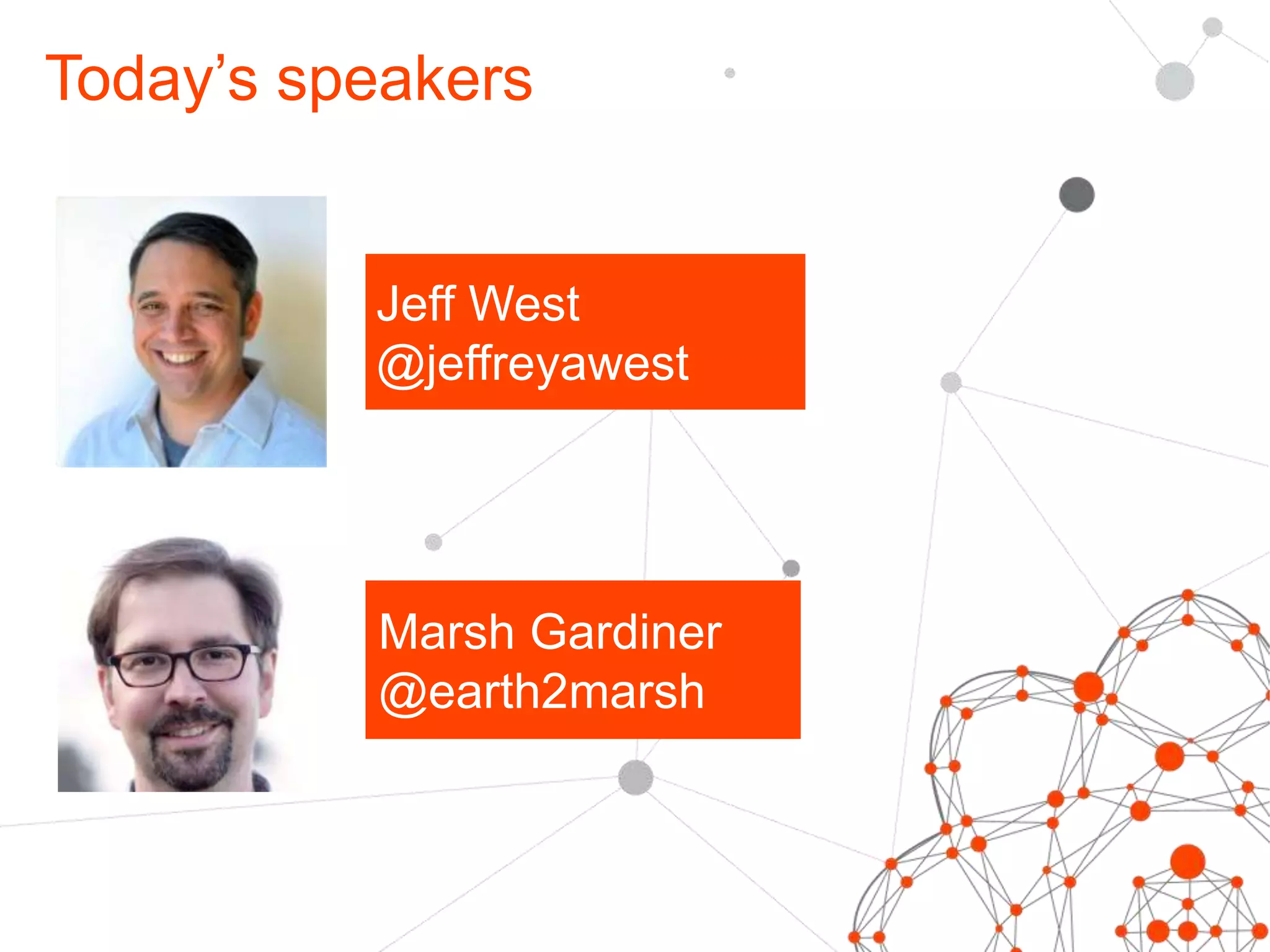
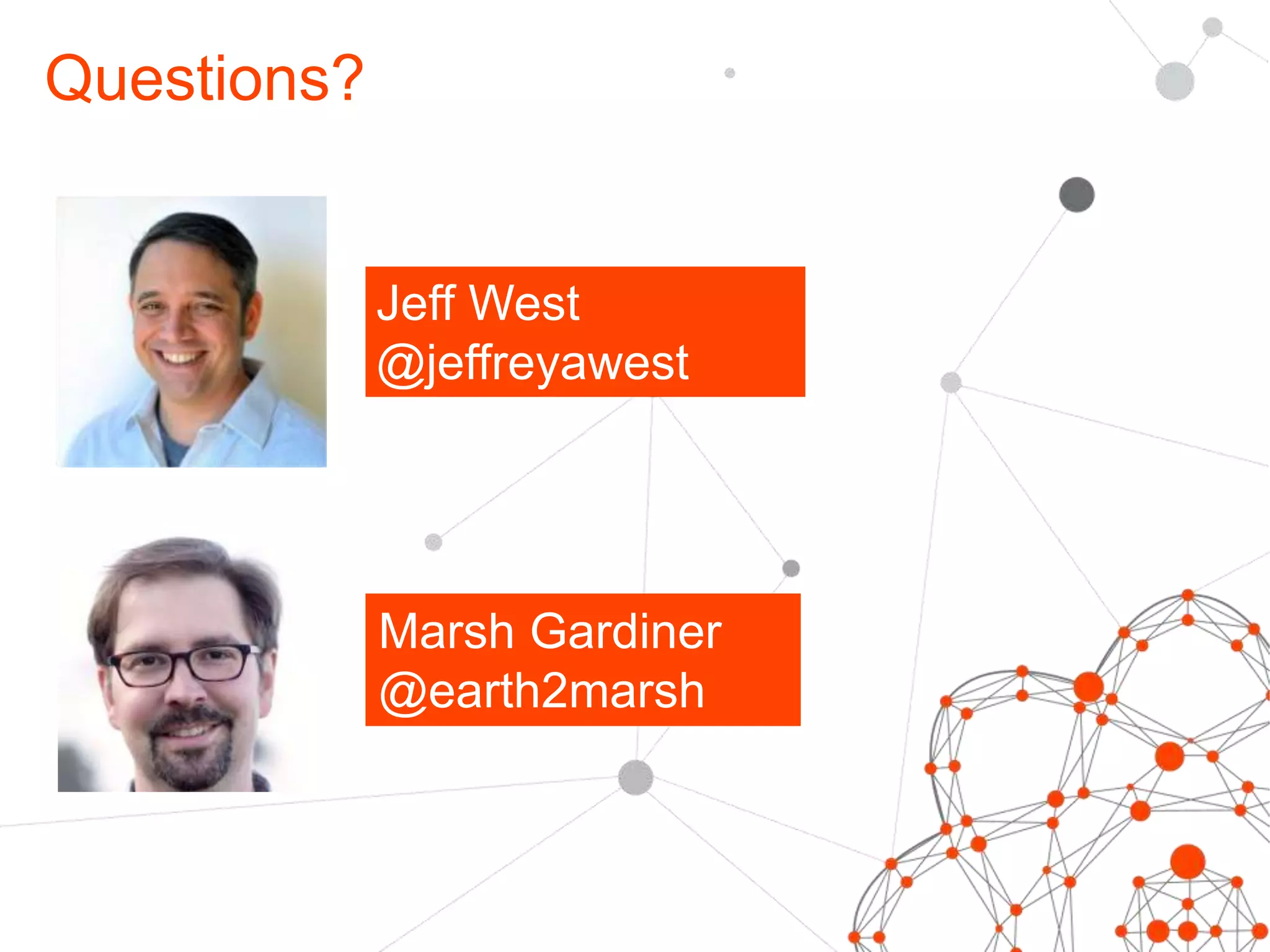
Today’s speakers 
Jeff West 
@jeffreyawest 
Marsh Gardiner 
@earth2marsh
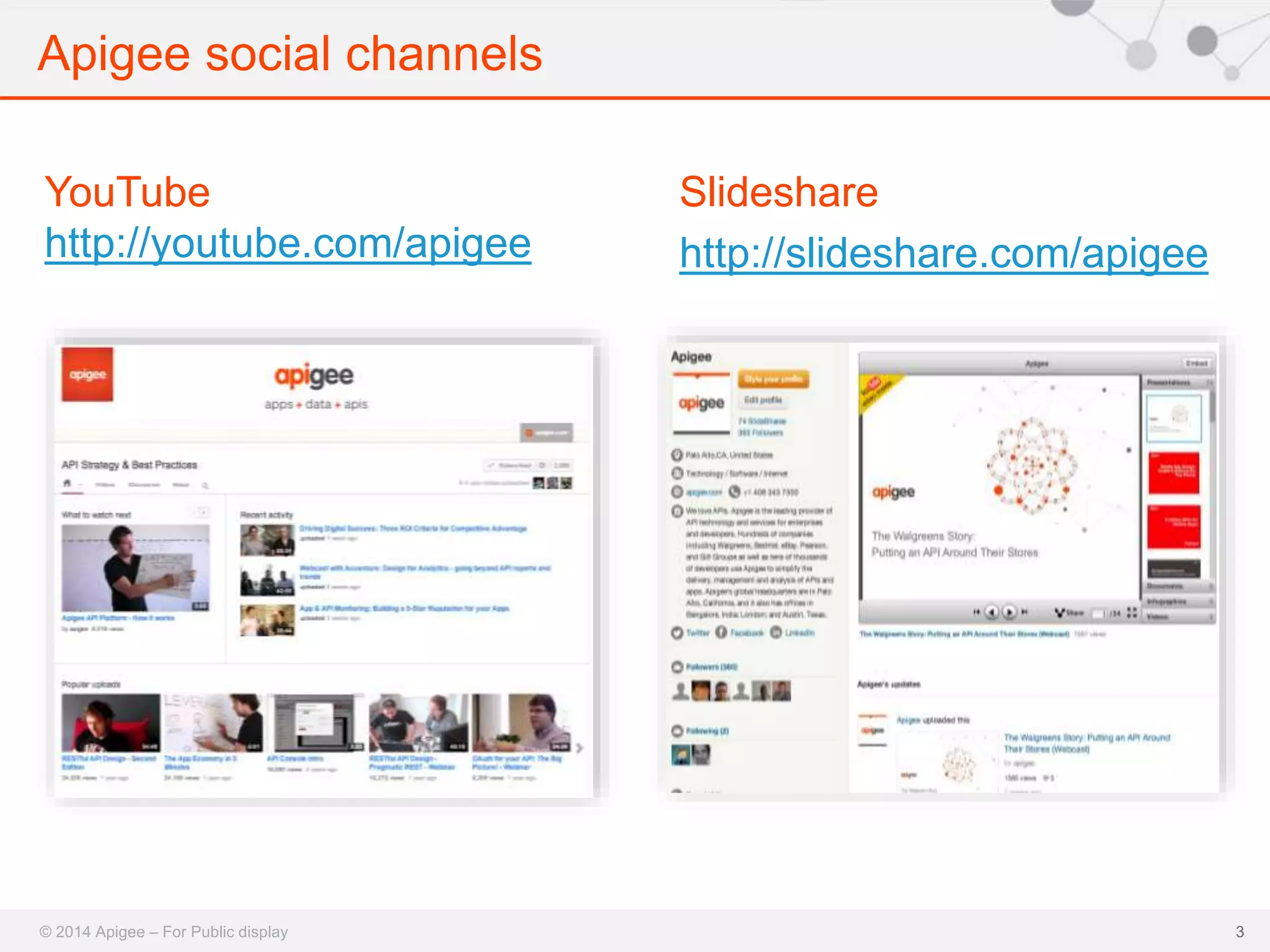
Apigee social channels 
© 2014 Apigee – For Public display 
3 
YouTube 
http://youtube.com/apigee 
Slideshare 
http://slideshare.com/apigee
Agenda 
• JavaScript & APIs 
• Apigee and Swagger 2.0 
• Apigee-127 Overview 
• Apigee-127 Demo 
• Q&A 
© 2014 Apigee – For Public display
Who is this webcast for 
© 2014 Apigee – For Public display 
5 
• API Developers & Designers building new APIs 
• Node.js Developers interested in APIs – from n00b to expert 
• API Developers & Designers Interested in using/learning 
about Swagger 2.0
JavaScript & APIs 
6
JavaScript For APIs 
• On Apigee: 
– 67% of developers use JavaScript 
– 30% of developers use Node.js 
© 2014 Apigee – For Public display
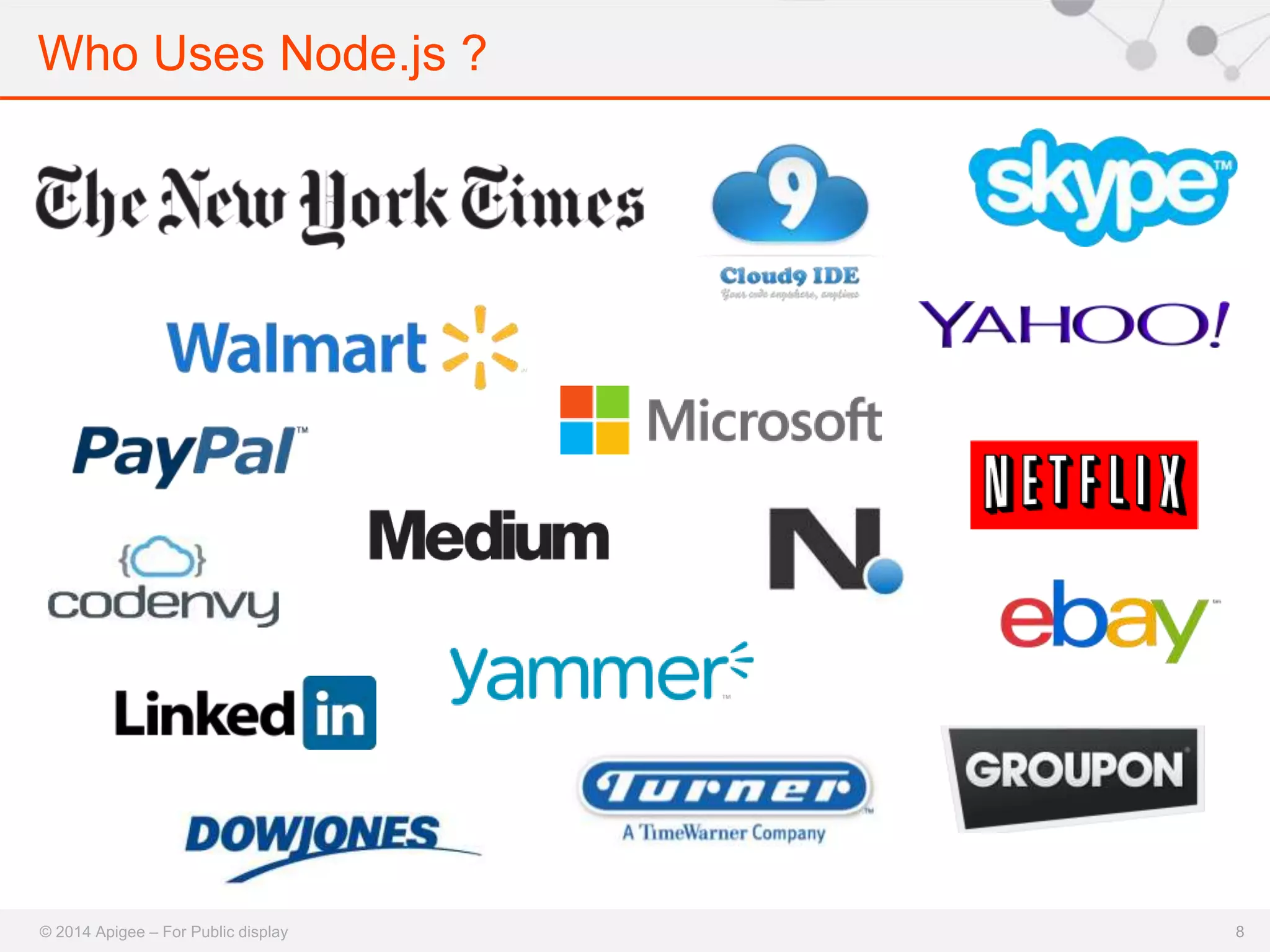
Who Uses Node.js ? 
© 2014 Apigee – For Public display 8
Swagger & Apigee 
9
The Swagger Ecosystem 
• 10,000+ production instances 
• 2,000+ downloads/day of Java version 
• 10,000+ developers using 
• Thousands of devs contributing 
• 500+ people in the Working Group 
© 2014 Apigee – For Public display
Swagger 2.0 
• JSON and YAML formats 
– Enable top-down and bottom-up workflows 
• Code & documentation generation 
– Programming language agnostic 
• Vendor extensions 
• Cross-industry participation 
– Apigee, Getty Images, Intuit, Kaplan, 
LivingSocial, McKesson, Microsoft, 
Morningstar, PayPal, and many more 
© 2014 Apigee – For Public display
12
Apigee-127 Overview 
13
14 
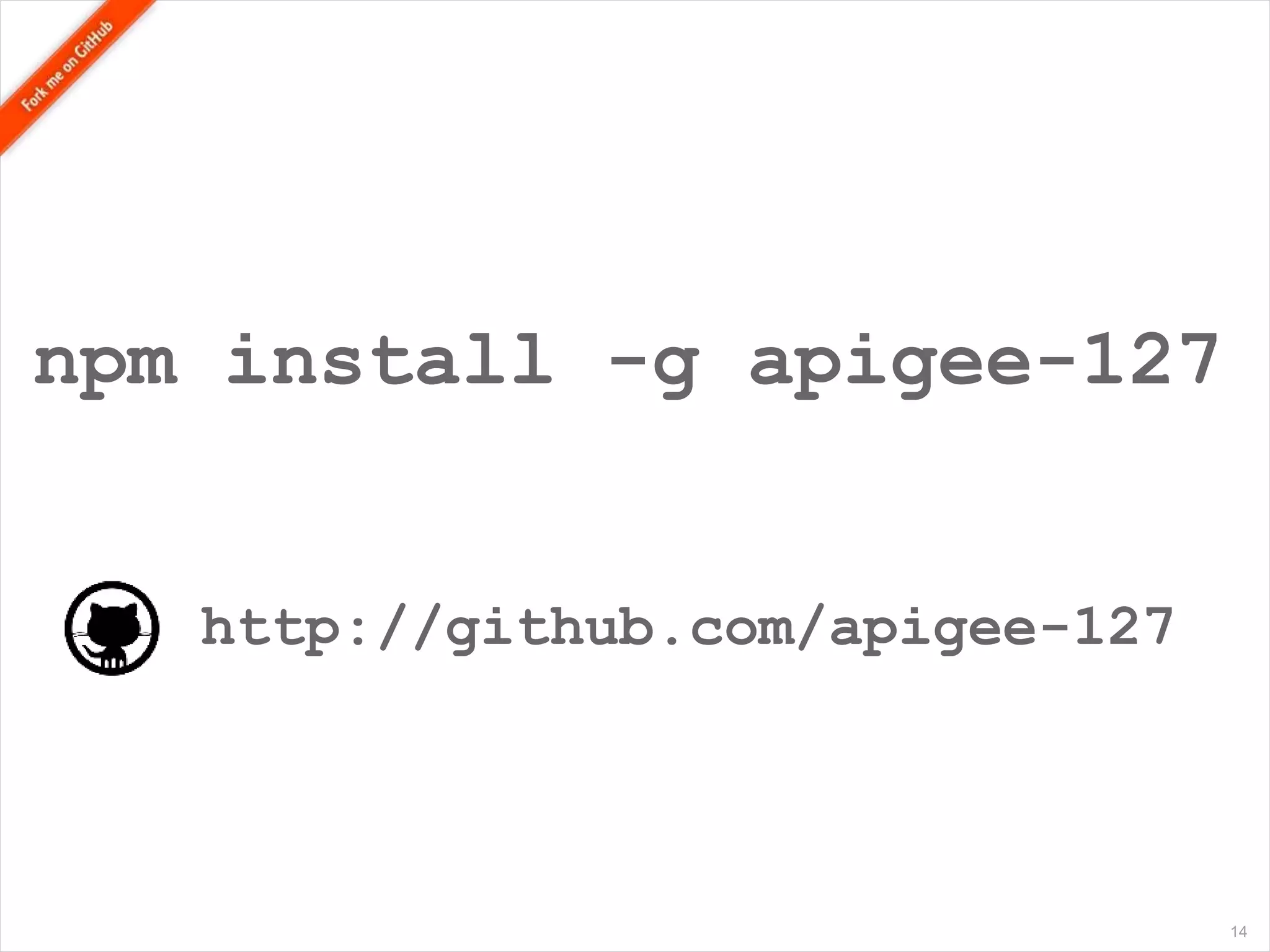
npm install -g apigee-127 
http://github.com/apigee-127
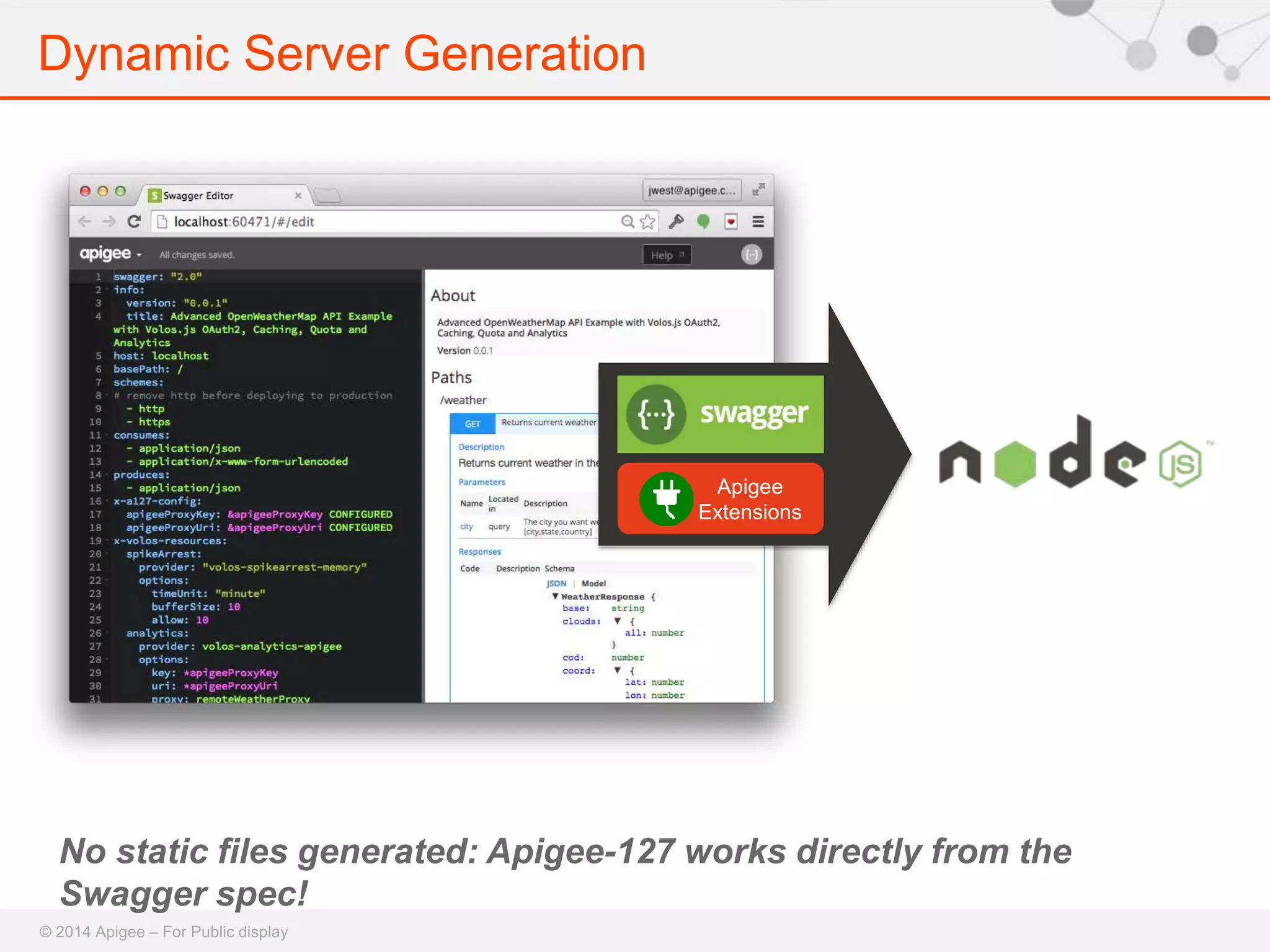
Dynamic Server Generation 
No static files generated: Apigee-127 works directly from the 
Swagger spec! 
© 2014 Apigee – For Public display 
Apigee 
Extensions
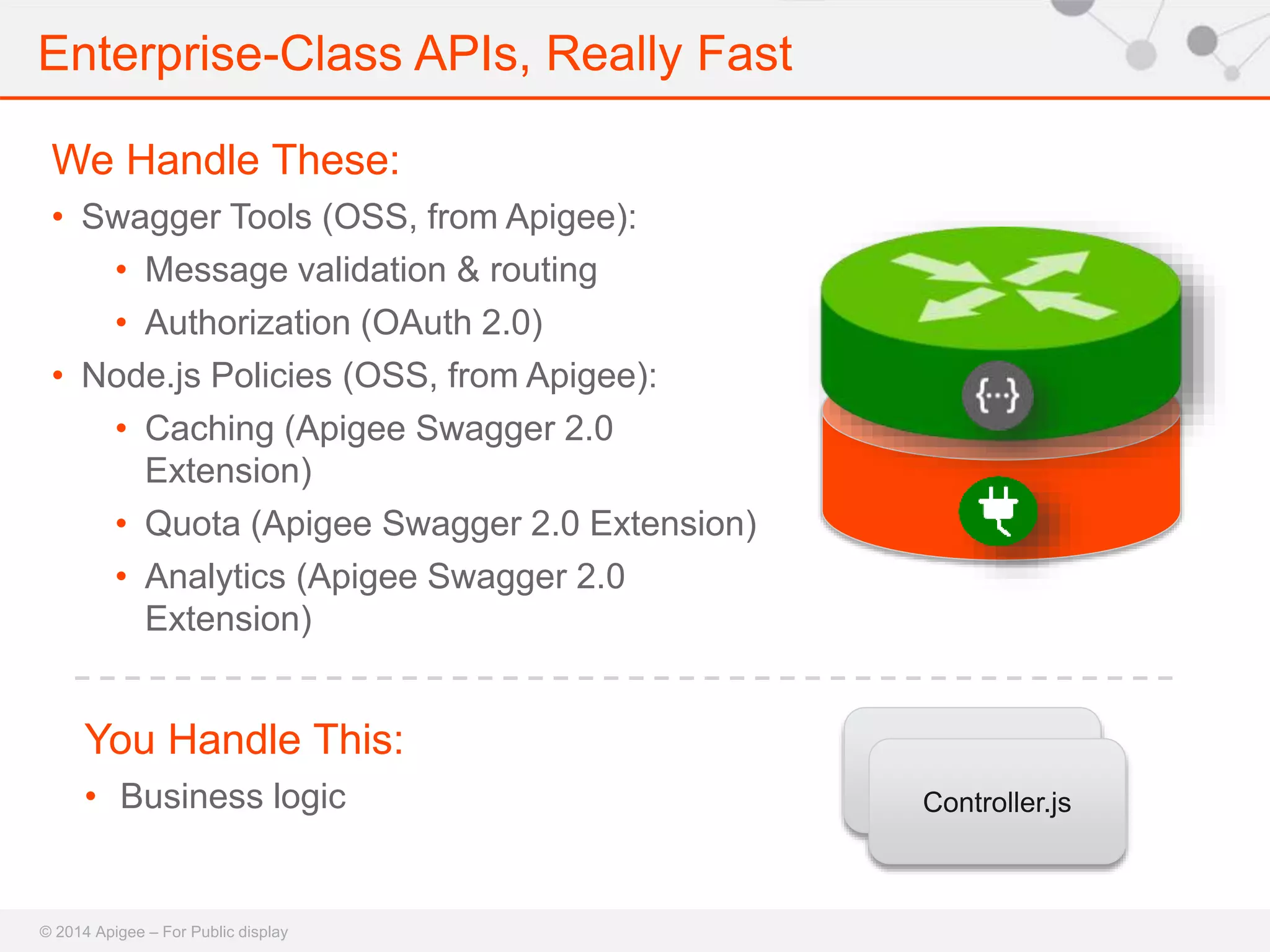
Enterprise-Class APIs, Really Fast 
We Handle These: 
• Swagger Tools (OSS, from Apigee): 
• Message validation & routing 
• Authorization (OAuth 2.0) 
• Node.js Policies (OSS, from Apigee): 
• Caching (Apigee Swagger 2.0 
Extension) 
• Quota (Apigee Swagger 2.0 Extension) 
• Analytics (Apigee Swagger 2.0 
Extension) 
You Handle This: 
• Business logic 
© 2014 Apigee – For Public display 
Controller 
Controller.js
Apigee-127 Development Environment 
© 2014 Apigee – For Public display 
17 
• Swagger Editor: 
https://github.com/wordnik/swagger-editor 
• Swagger Tools: 
https://github.com/apigee- 
127/swagger-tools 
• Volos.js: https://github.com/apigee- 
127/volos/ 
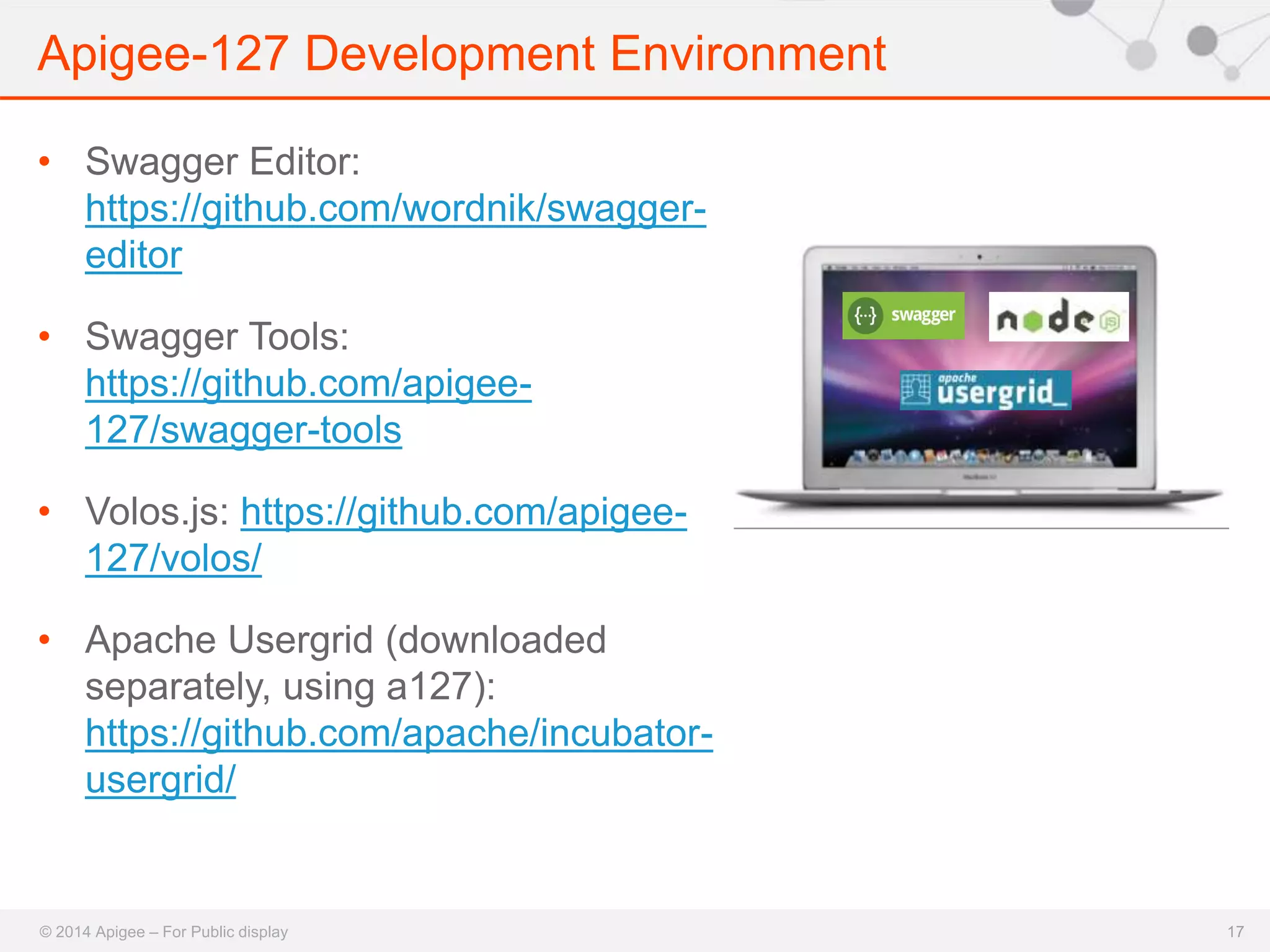
• Apache Usergrid (downloaded 
separately, using a127): 
https://github.com/apache/incubator-usergrid/
Apigee-127 Demo 
18
Open Source, Extensible API Services 
• Node.js solution for developing and deploying production-level 
APIs 
• npm install volos-{service}-{provider} 
• Services: 
– Caching 
– OAuth 2.0 
– Quota 
– Analytics 
– Vault 
© 2014 Apigee – For Public display 
• Providers: 
– Memory 
– Redis 
– Apigee (on Apigee or Remote)
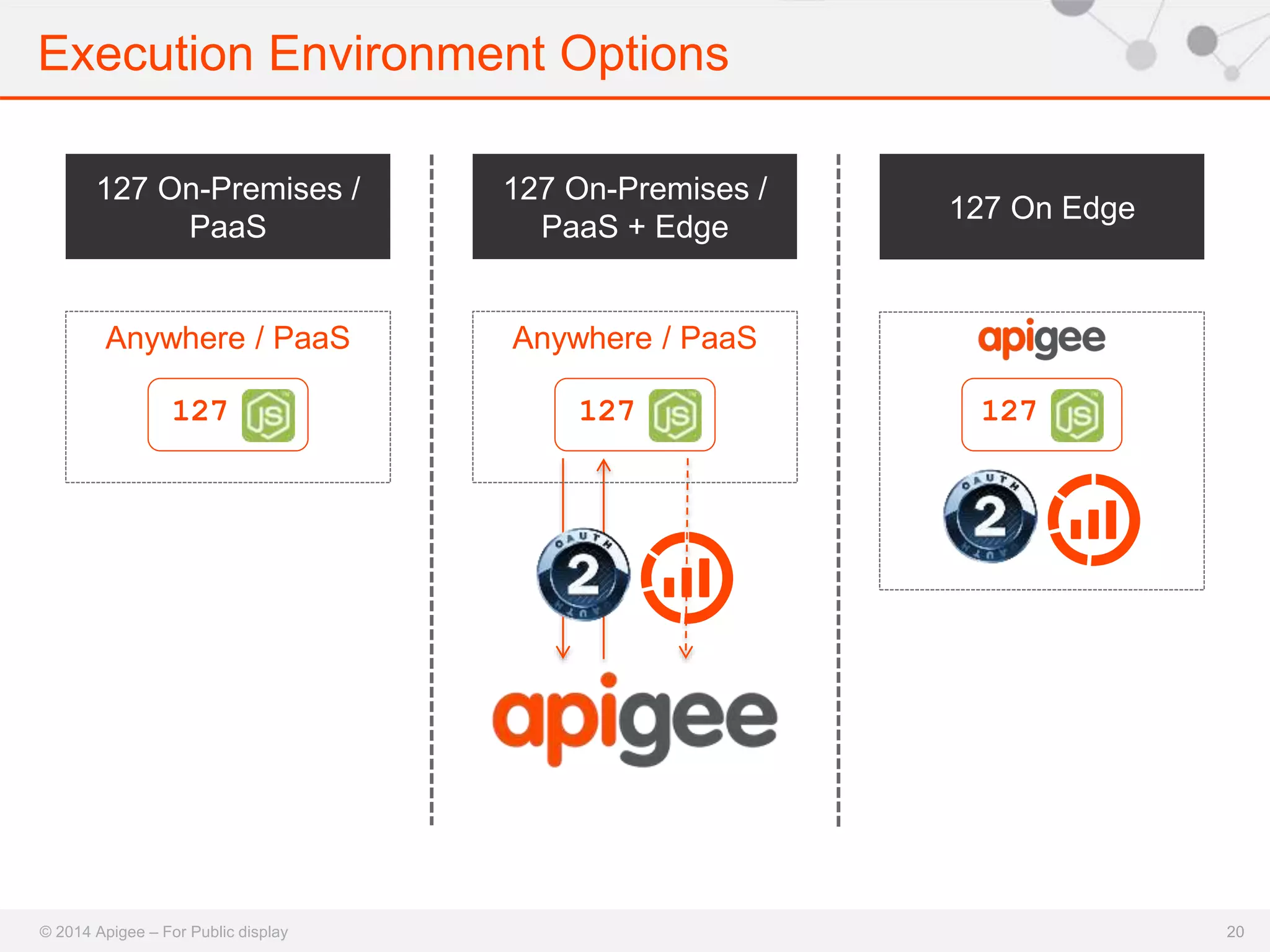
Execution Environment Options 
127 On-Premises / 
PaaS 
Anywhere / PaaS 
127 On Edge 
127 
127 On-Premises / 
PaaS + Edge 
Anywhere / PaaS 
127 127 
© 2014 Apigee – For Public display 20
Execution Environment Options 
© 2014 Apigee – For Public display 
21 
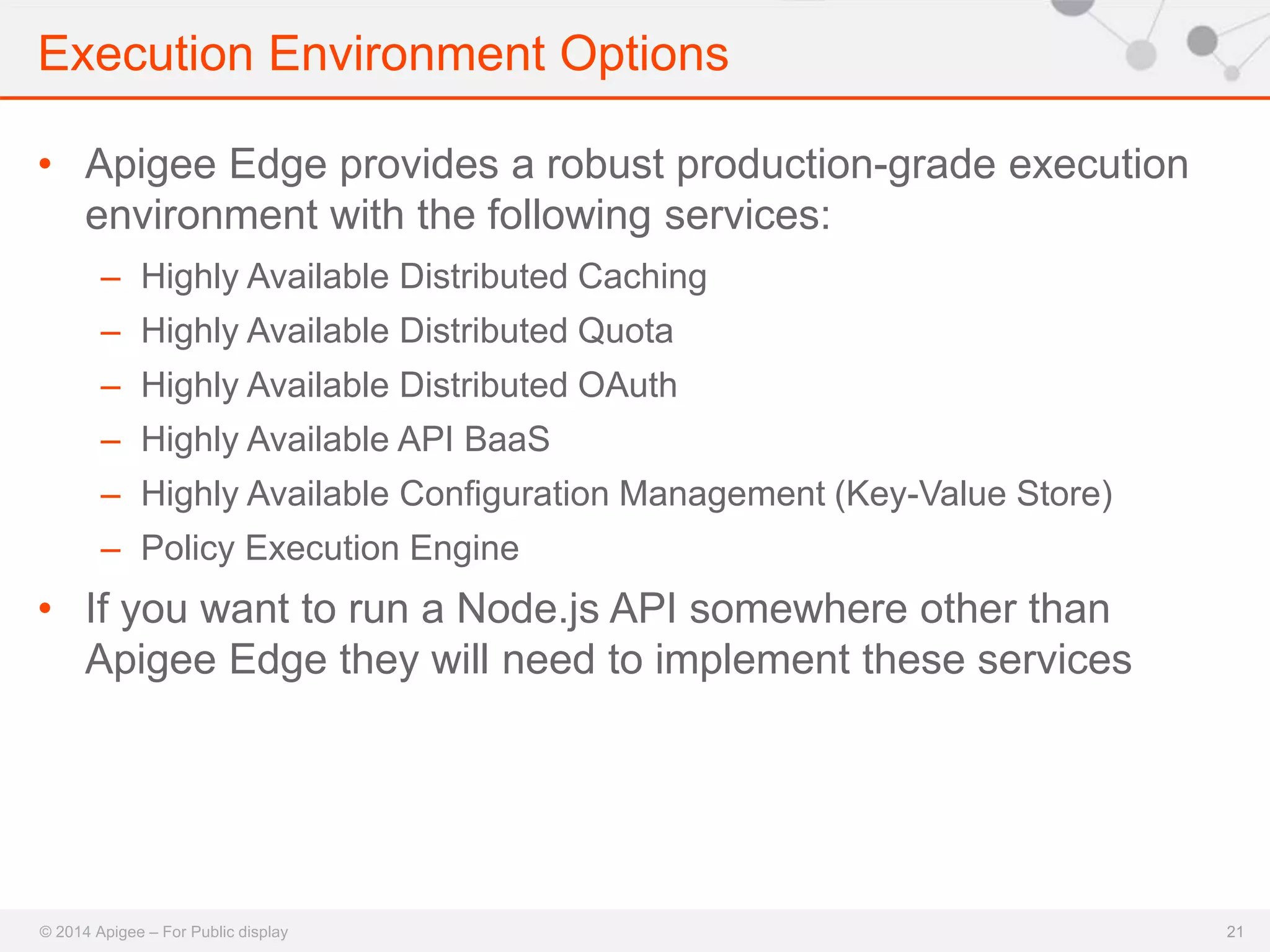
• Apigee Edge provides a robust production-grade execution 
environment with the following services: 
– Highly Available Distributed Caching 
– Highly Available Distributed Quota 
– Highly Available Distributed OAuth 
– Highly Available API BaaS 
– Highly Available Configuration Management (Key-Value Store) 
– Policy Execution Engine 
• If you want to run a Node.js API somewhere other than 
Apigee Edge they will need to implement these services
Upcoming FREE Training Sessions 
© 2014 Apigee – For Public display 
22 
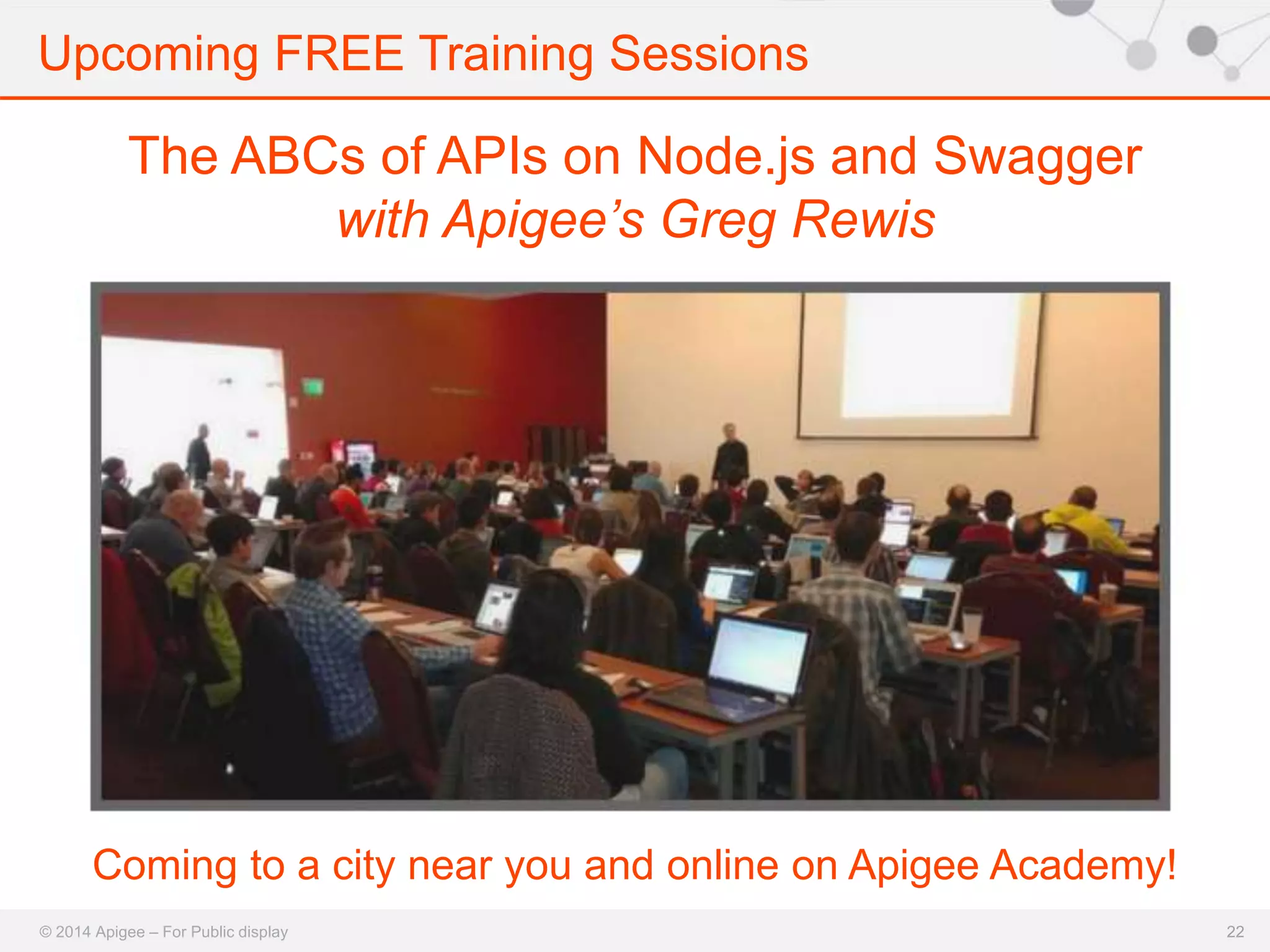
The ABCs of APIs on Node.js and Swagger 
with Apigee’s Greg Rewis 
Coming to a city near you and online on Apigee Academy!
Apigee-127 Resources 
© 2014 Apigee – For Public display 
23 
• Wiki: https://github.com/apigee-127/a127- 
documentation/wiki 
• Help: https://github.com/apigee-127/a127- 
documentation/wiki/help 
• Sign up for announcements with the a127 Google Group: 
https://groups.google.com/forum/#!forum/a127 
• Community Support: http://community.apigee.com
Apigee Community Site 
© 2014 Apigee – For Public display 
24 
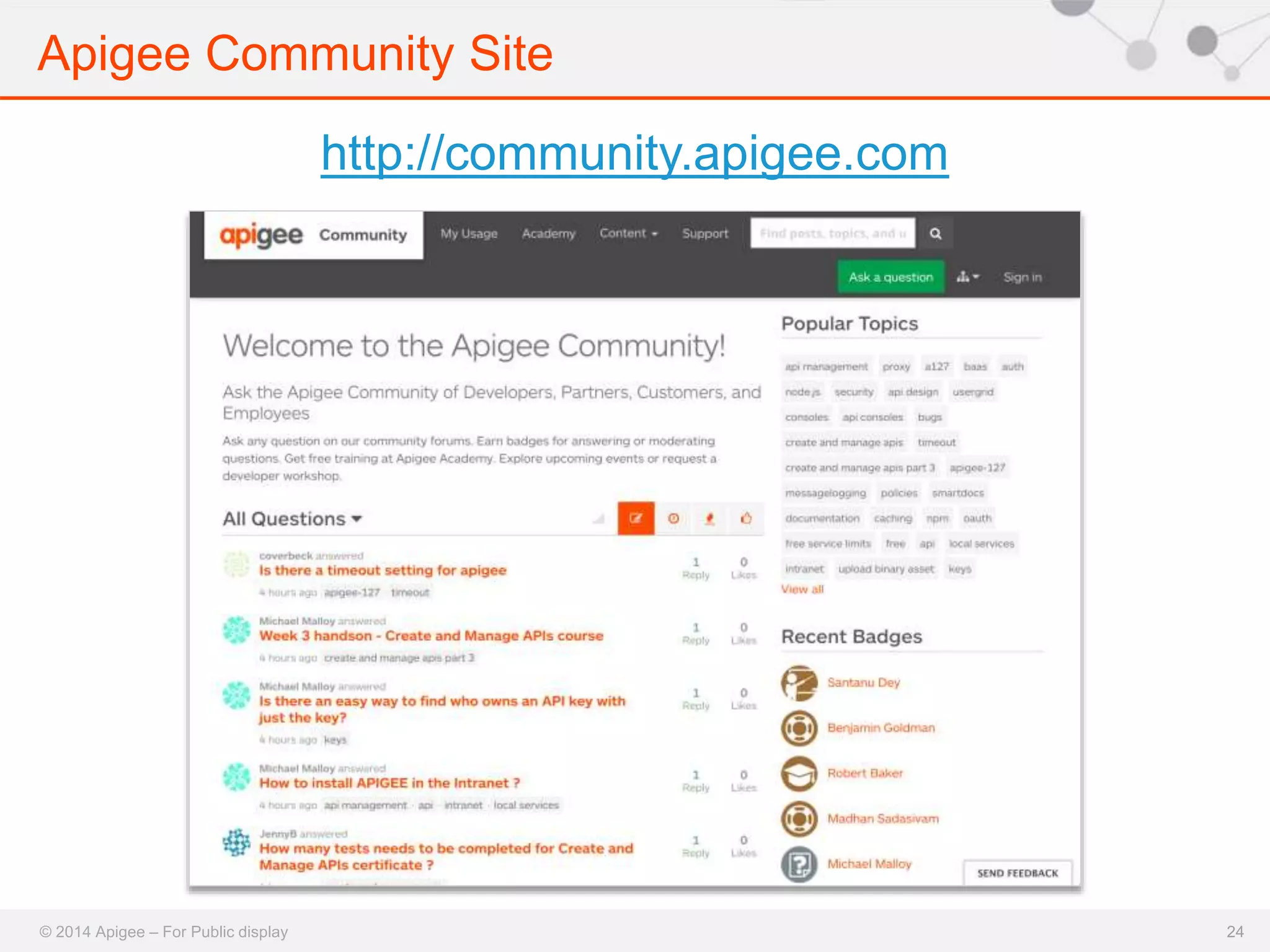
http://community.apigee.com
Questions? 
Jeff West 
@jeffreyawest 
Marsh Gardiner 
@earth2marsh
Thank you 
© 2014 Apigee – For Public display

Build APIs in Node.js and Swagger 2.0 with Apigee-127

  • 1.
    16 October 2014 Build APIs in Node.js & Swagger 2.0 with Apigee-127 Jeff West / Marsh Gardiner
  • 2.
    Today’s speakers JeffWest @jeffreyawest Marsh Gardiner @earth2marsh
  • 3.
    Apigee social channels © 2014 Apigee – For Public display 3 YouTube http://youtube.com/apigee Slideshare http://slideshare.com/apigee
  • 4.
    Agenda • JavaScript& APIs • Apigee and Swagger 2.0 • Apigee-127 Overview • Apigee-127 Demo • Q&A © 2014 Apigee – For Public display
  • 5.
    Who is thiswebcast for © 2014 Apigee – For Public display 5 • API Developers & Designers building new APIs • Node.js Developers interested in APIs – from n00b to expert • API Developers & Designers Interested in using/learning about Swagger 2.0
  • 6.
  • 7.
    JavaScript For APIs • On Apigee: – 67% of developers use JavaScript – 30% of developers use Node.js © 2014 Apigee – For Public display
  • 8.
    Who Uses Node.js? © 2014 Apigee – For Public display 8
  • 9.
  • 10.
    The Swagger Ecosystem • 10,000+ production instances • 2,000+ downloads/day of Java version • 10,000+ developers using • Thousands of devs contributing • 500+ people in the Working Group © 2014 Apigee – For Public display
  • 11.
    Swagger 2.0 •JSON and YAML formats – Enable top-down and bottom-up workflows • Code & documentation generation – Programming language agnostic • Vendor extensions • Cross-industry participation – Apigee, Getty Images, Intuit, Kaplan, LivingSocial, McKesson, Microsoft, Morningstar, PayPal, and many more © 2014 Apigee – For Public display
  • 12.
  • 13.
  • 14.
    14 npm install-g apigee-127 http://github.com/apigee-127
  • 15.
    Dynamic Server Generation No static files generated: Apigee-127 works directly from the Swagger spec! © 2014 Apigee – For Public display Apigee Extensions
  • 16.
    Enterprise-Class APIs, ReallyFast We Handle These: • Swagger Tools (OSS, from Apigee): • Message validation & routing • Authorization (OAuth 2.0) • Node.js Policies (OSS, from Apigee): • Caching (Apigee Swagger 2.0 Extension) • Quota (Apigee Swagger 2.0 Extension) • Analytics (Apigee Swagger 2.0 Extension) You Handle This: • Business logic © 2014 Apigee – For Public display Controller Controller.js
  • 17.
    Apigee-127 Development Environment © 2014 Apigee – For Public display 17 • Swagger Editor: https://github.com/wordnik/swagger-editor • Swagger Tools: https://github.com/apigee- 127/swagger-tools • Volos.js: https://github.com/apigee- 127/volos/ • Apache Usergrid (downloaded separately, using a127): https://github.com/apache/incubator-usergrid/
  • 18.
  • 19.
    Open Source, ExtensibleAPI Services • Node.js solution for developing and deploying production-level APIs • npm install volos-{service}-{provider} • Services: – Caching – OAuth 2.0 – Quota – Analytics – Vault © 2014 Apigee – For Public display • Providers: – Memory – Redis – Apigee (on Apigee or Remote)
  • 20.
    Execution Environment Options 127 On-Premises / PaaS Anywhere / PaaS 127 On Edge 127 127 On-Premises / PaaS + Edge Anywhere / PaaS 127 127 © 2014 Apigee – For Public display 20
  • 21.
    Execution Environment Options © 2014 Apigee – For Public display 21 • Apigee Edge provides a robust production-grade execution environment with the following services: – Highly Available Distributed Caching – Highly Available Distributed Quota – Highly Available Distributed OAuth – Highly Available API BaaS – Highly Available Configuration Management (Key-Value Store) – Policy Execution Engine • If you want to run a Node.js API somewhere other than Apigee Edge they will need to implement these services
  • 22.
    Upcoming FREE TrainingSessions © 2014 Apigee – For Public display 22 The ABCs of APIs on Node.js and Swagger with Apigee’s Greg Rewis Coming to a city near you and online on Apigee Academy!
  • 23.
    Apigee-127 Resources ©2014 Apigee – For Public display 23 • Wiki: https://github.com/apigee-127/a127- documentation/wiki • Help: https://github.com/apigee-127/a127- documentation/wiki/help • Sign up for announcements with the a127 Google Group: https://groups.google.com/forum/#!forum/a127 • Community Support: http://community.apigee.com
  • 24.
    Apigee Community Site © 2014 Apigee – For Public display 24 http://community.apigee.com
  • 25.
    Questions? Jeff West @jeffreyawest Marsh Gardiner @earth2marsh
  • 26.
    Thank you ©2014 Apigee – For Public display

Editor's Notes

  • #8 A study of our platform and found that a majority of developers use JavaScript in their APIs. Sometimes for simple logic and sometimes for full API implementation in Node.js. JavaScript is a great language for APIs. Web developers use JavaScript every day to deliver great experiences through their apps. With JavaScript for APIs, developers can use the same language to build the APIs they need to enable those experiences - side-by-side with the applications themselves – without switching languages.
  • #11 At Apigee we’re all-in on the swagger specification for API modeling. Swagger supports both YAML and JSON formats and enables you to generate both server and client code as well as documentation. Vendor extensions have been added to 2.0 as well. This allows you to take advantage of value-added services from vendors like Apigee using metadata - and without writing a single line of vendor specific code. The Swagger 2.0 working group is lead by Tony Tam at Wordnik and includes representatives from software vendors like Apigee, Microsoft and Symantec. It also includes companies who build and consume APIs such as Mckesson, Morningstar and Kaplan. This is very important to note – this is not just a group of vendors or worse just one vendor coming up with ideas about how this should be done. We have representation from end-customers of APIs and system integrators in addition to vendors.
  • #12 At Apigee we’re all-in on the swagger specification for API modeling. Swagger supports both YAML and JSON formats and enables you to generate both server and client code as well as documentation. Vendor extensions have been added to 2.0 as well. This allows you to take advantage of value-added services from vendors like Apigee using metadata - and without writing a single line of vendor specific code. The Swagger 2.0 working group is lead by Tony Tam at Wordnik and includes representatives from software vendors like Apigee, Microsoft and Symantec. It also includes companies who build and consume APIs such as Mckesson, Morningstar and Kaplan. This is very important to note – this is not just a group of vendors or worse just one vendor coming up with ideas about how this should be done. We have representation from end-customers of APIs and system integrators in addition to vendors.
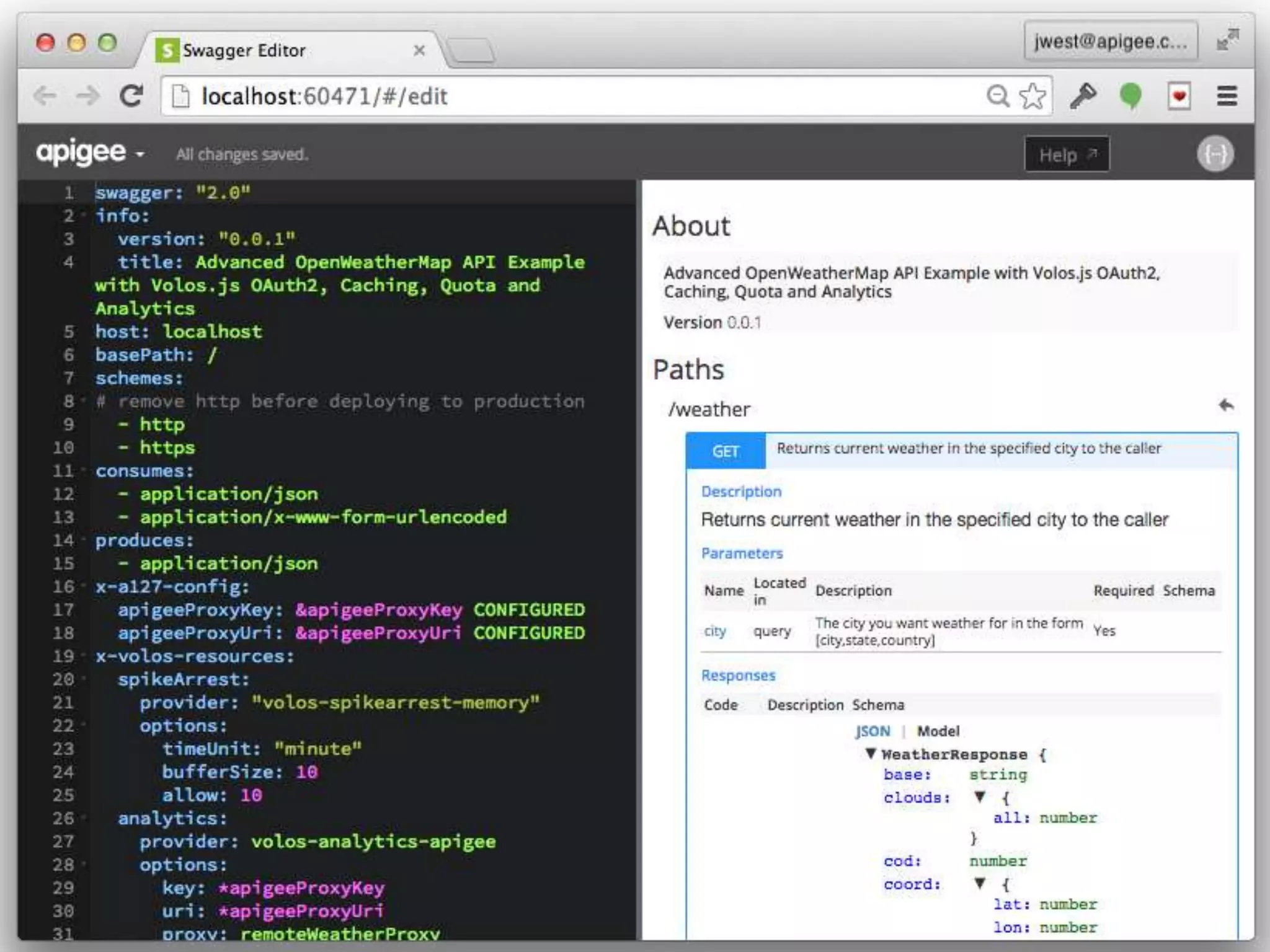
  • #13 The focal point of Apigee 127 is the swagger editor. Apigee built and contributed the swagger editor to the open source community and we are really proud of it. . It provides a great authoring experience for building API specs. On the left-hand side, you have YAML and on the right side you have a preview of what your documentation could look like with the swagger UI. With the swagger editor you define the metadata associated with your API such as your resource paths, operations, parameters and request and response models. This metadata can be used to generate servers and clients in many different programming languages in addition to documentation. As an Apigee customer, you can take models like this and generate rich, interactive documentation called smartdocs that really shows off your API.
  • #15 Apigee 127 is available now and can be installed using NPM. We’ve been building it in the open on GitHub for a few months and we’re in great shape to start having developers use it. We are using GitHub issues for tracking problems, so if you have problems you have a channel to get help. The – G option is necessary to put the a127 cli on your path. This tool enables you to create projects and manage their lifecycle, including deploying them to Apigee.
  • #16 Apigee 127 provides tooling to take this model and generate a node application which uses the metadata to perform typical API functions like message validation, caching, quota, authorization. The metadata in the Swagger spec drives the behavior of the server! It’s really awesome.
  • #17 With the Apigee 127 programming model the only code that you need to write is the business logic to support the operations you want to expose an API. We address all of the standard functions associated with an API. We accomplish this using the swagger tools that we provided to the community as well as the Volos JS libraries and extensions to the swagger specification. This gives you a great starting point for building new APIs. However, you can also plug in your existing Node code and still take advantage of this approach. If you are worried about vendor lock-in you have nothing to fear, just because you use our extensions to the specification doesn’t mean you’re locked into apigee.
  • #18  As the name implies Apigee127 provides a development environment that it can be completely run on a developer’s laptop. On the right you can see the different models that we have contributed to make this possible. In addition to the tools for building APIs we also provide a really great experience with Apache Usergrid which is the open-source version of Apigee’s Backend as a Service on your laptop. http://www.ptisd.org/users/0001/Clipart/macbook-800wi.jpg
  • #20 Volos gives API developers a service provider framework they can use to wire services into their APIs like Caching, Quota and OAuth. It’s also designed in a way that is completely extensible. For instance, if you wanted to use memcached for caching you can write a simple module that integrates with the Volos framework. When you develop APIs using Volos, you can do things locally like in-memory caching or redis-backed quota management – and when you deploy them to Apigee you can leverage the Apigee’s distributed caching and distributed quota with little or no code changes. This is a really powerful tool that we have in our arsenal and you’ll be hearing a lot more about it.