Build and deploy an ASP.NET
application
Dave Voyles
Dvoyles@Microsoft.com
Agenda
1) MVC overview
2) Exploring a new MVC Application
3) EF Code First and Scaffolding
4) Deploying to Microsoft Azure
Agenda
1) Release Recap
2) One ASP.NET
3) What’s new in ASP.NET
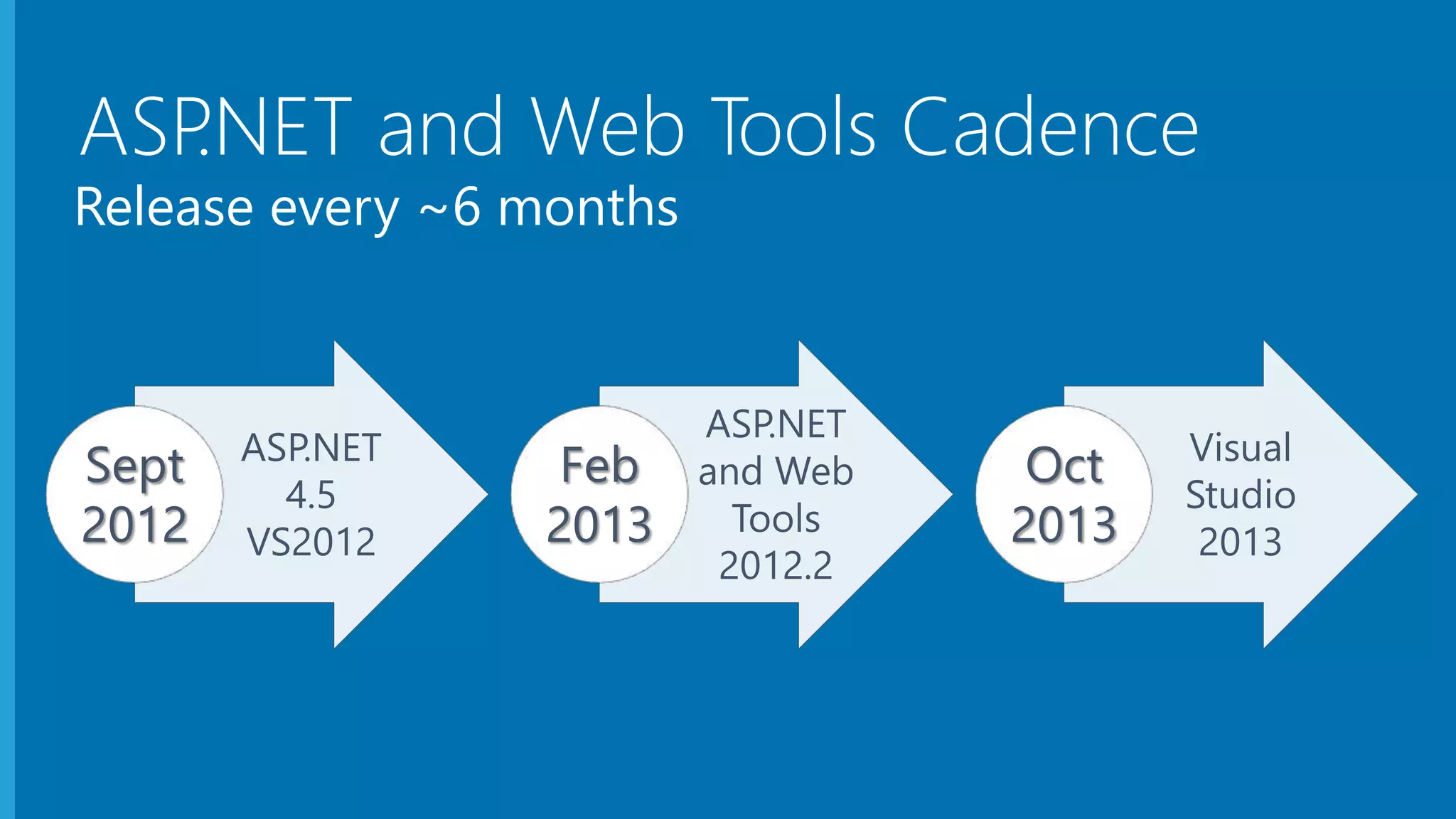
Release every ~6 months
ASP.NET
4.5
VS2012
Sept
2012
ASP.NET
and Web
Tools
2012.2
Feb
2013
Visual
Studio
2013
Oct
2013
ASP.NET and Web Tools Cadence
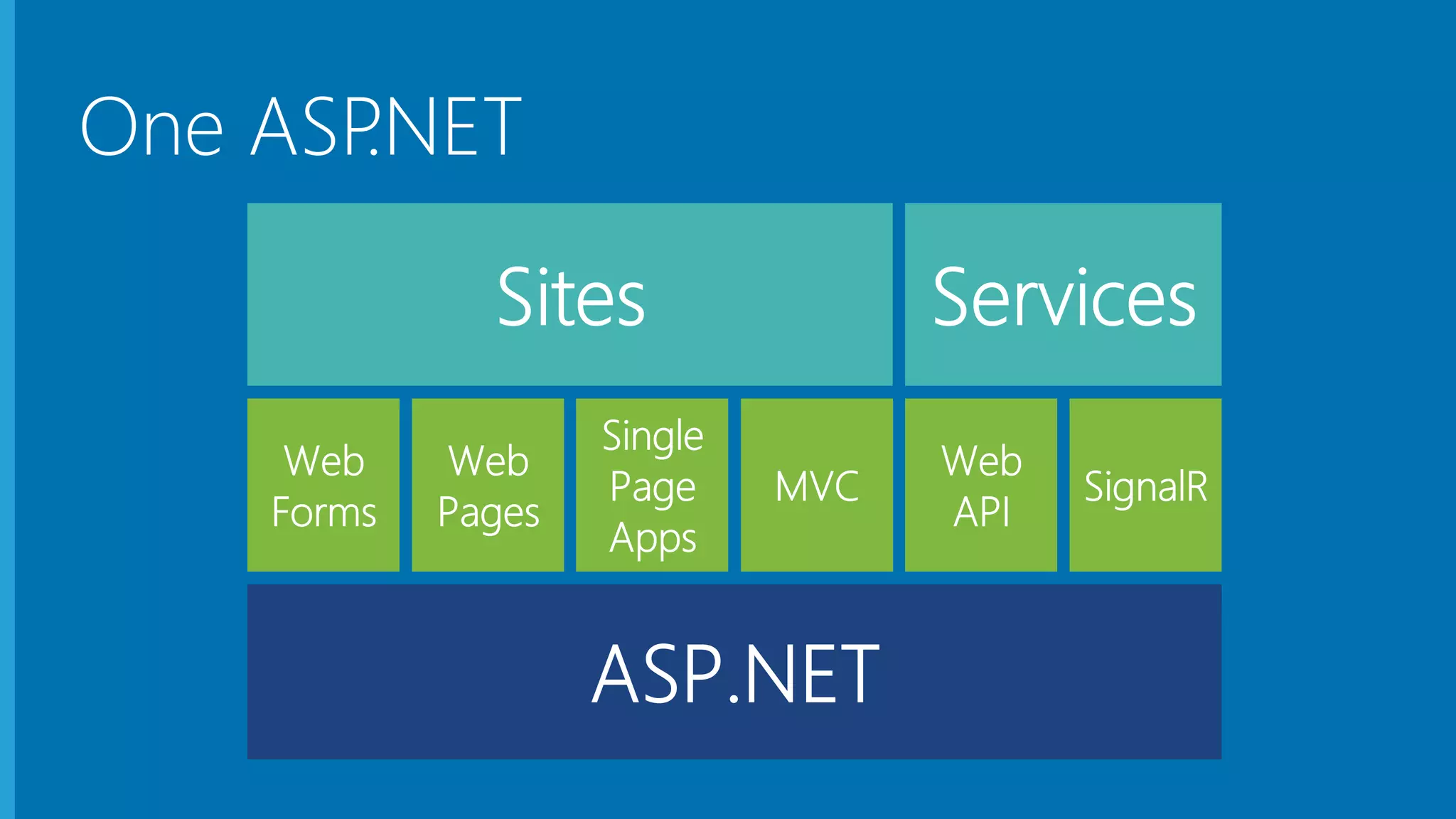
One ASP.NET
MVC Overview
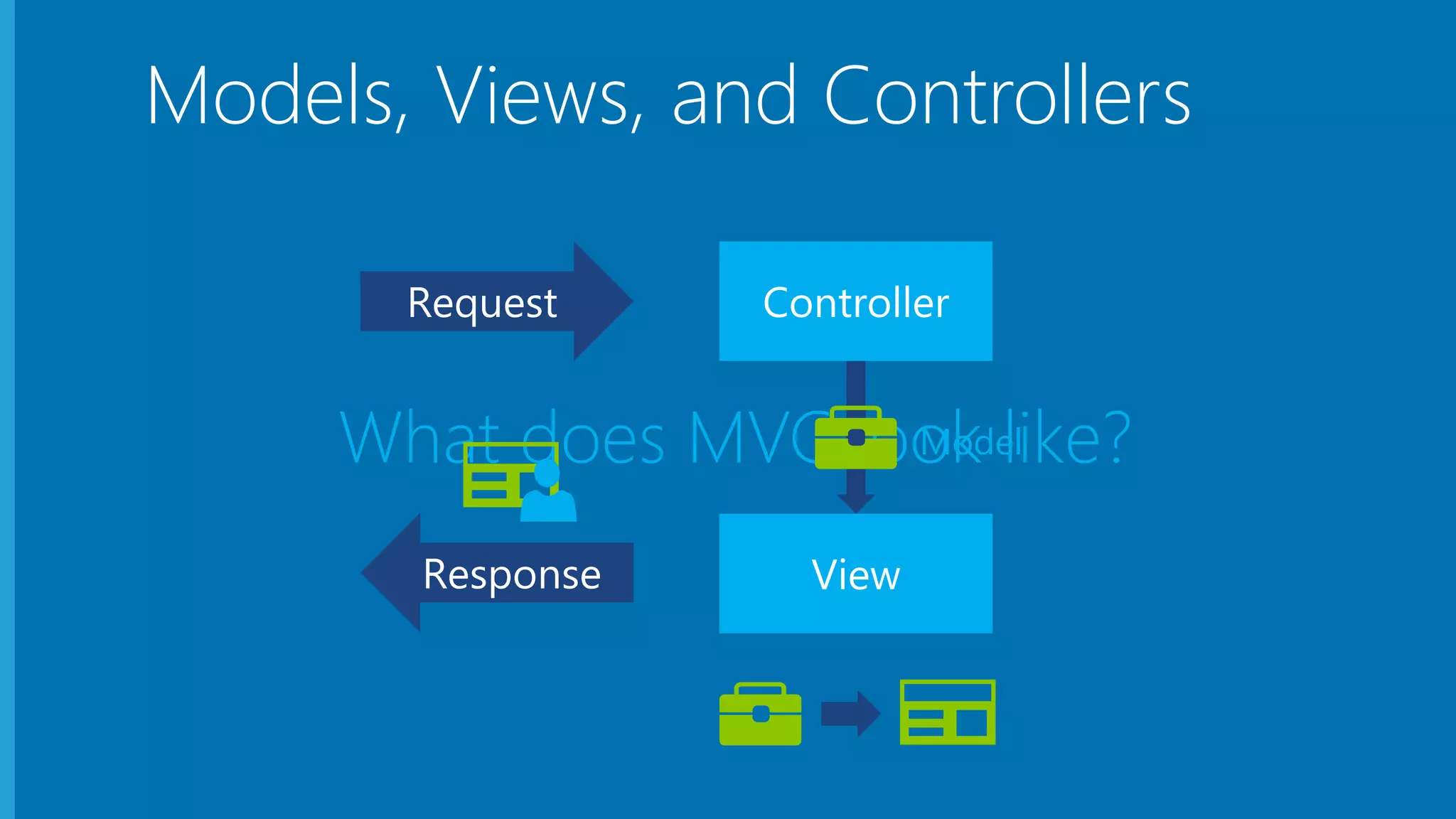
Models, Views, and Controllers
Model
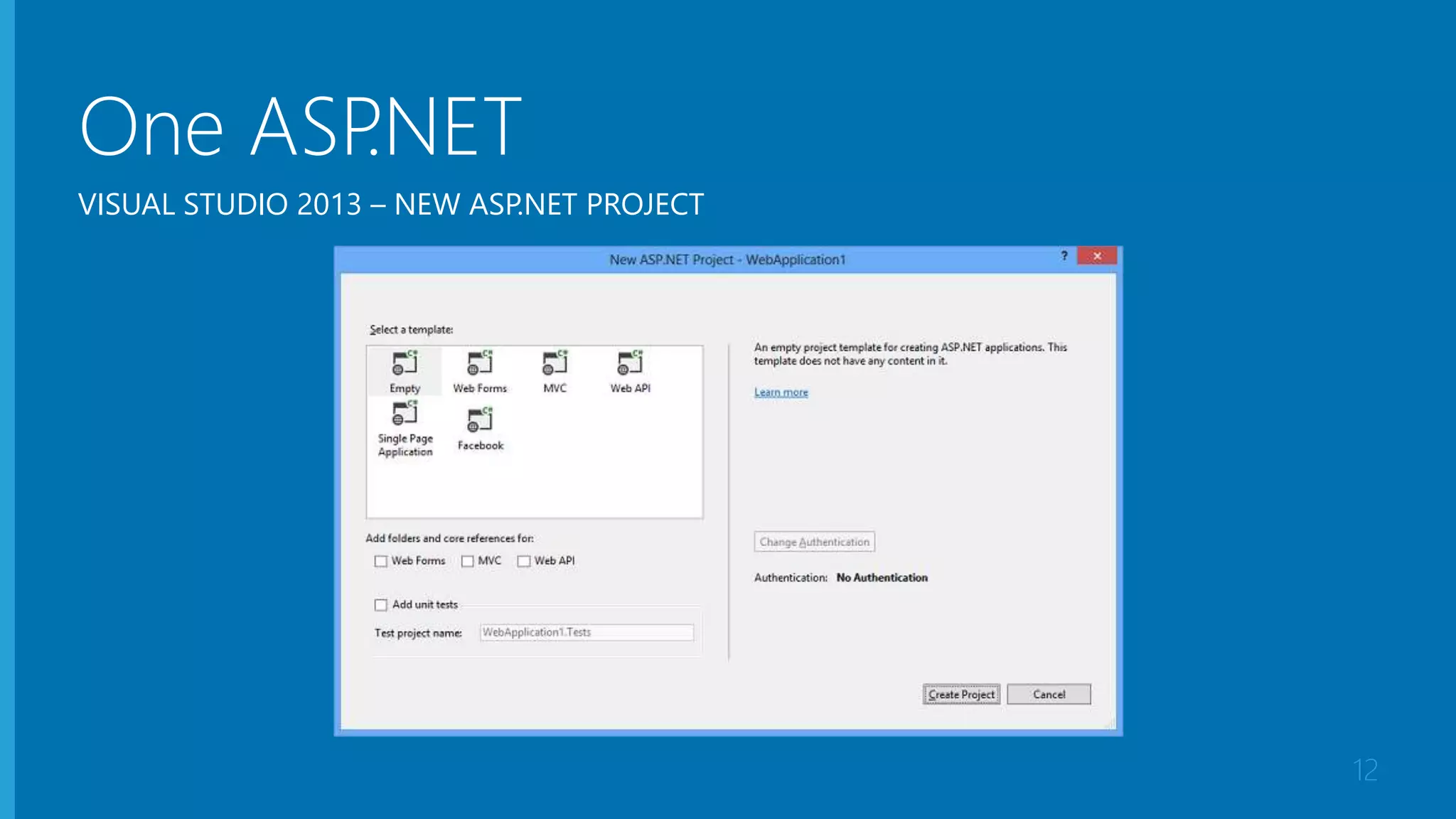
One ASP.NET
12
VISUAL STUDIO 2013 – NEW ASP.NET PROJECT
New ASP.NET
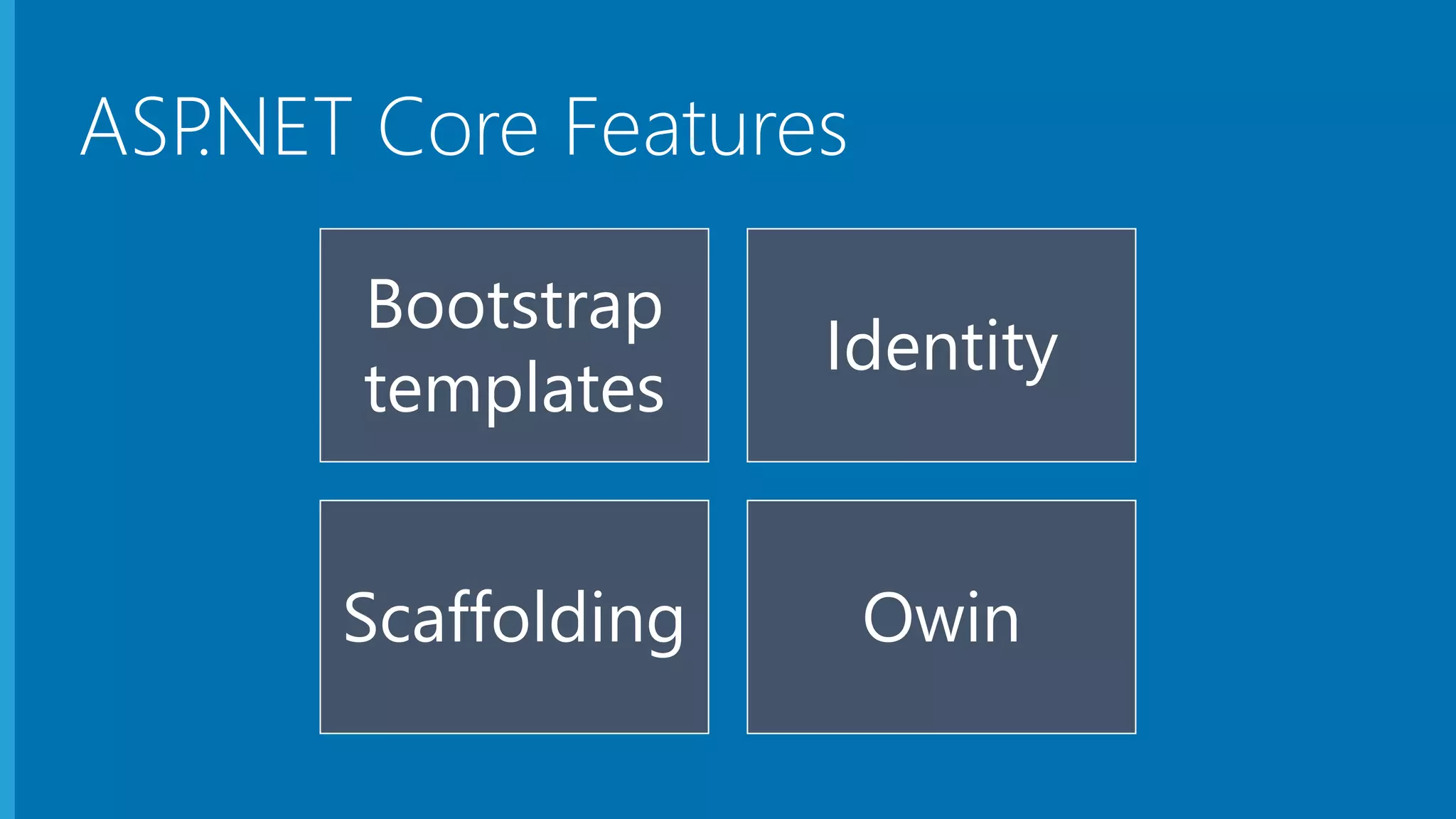
Core Features
Bootstrap
templates
Identity
Scaffolding Owin
ASP.NET Core Features
Demo
Creating a new ASP.NET MVC application
Demo
Modeling the Geek Quiz
Demo
Deploying to Microsoft Azure Web Sites
Build and deploy an ASP.NET applicaton

Build and deploy an ASP.NET applicaton

Editor's Notes

  • #2 Description We'll start out by explaining the One ASP.NET experience in Visual Studio 2013, showing how to create hybrid web applications. Next, we'll introduce new features for web developers in Visual Studio 2013 and Web Essentials, explaining how Visual Studio is the best editor for HTML, CSS and JavaScript as well as your back end code. We'll also look at some new features across the ASP.NET platform including new Bootstrap templates, the new scaffolding system, and the new membership and identity system.
  • #10 Students will learn more about Entity Framework and data access in Module 2. Students will learn more about the ASP.NET Routing Engine in Module 7.
  • #14 DEMO-One-ASP-NET ## Overview ## In this demo you will walk through the process of creating a new site using the new One ASP.NET tooling in Visual Sudio. You will start with a Web Forms application, create a simple model "Person" and use the new tooling to scaffold an MVC and a Web Api controller for it. ### Goals ### In this demo, you will see how to: 1. Create a new site using the new One ASP.NET tooling 2. Create a simple model "Person" 3. Scaffold an MVC controller for Person 4. Scaffold a Web API controller for Person
  • #16 This slide introduces these features at a high level. The demo for these features is included in the next section.
  • #22 This slide introduces these features at a high level. The demo for these features is included in the next section.