© Integrated Computer Solutions, Inc. All Rights Reserved
Best Practices in Qt
Quick/QML Part 2
Justin Noel
Senior Consulting Engineer
ICS, Inc.
© Integrated Computer Solutions, Inc. All Rights Reserved
Agenda
• Creating New Items
• State and Transitions
• Dynamic Creation of Items
© Integrated Computer Solutions, Inc. All Rights Reserved
Creating New Items
© Integrated Computer Solutions, Inc. All Rights Reserved
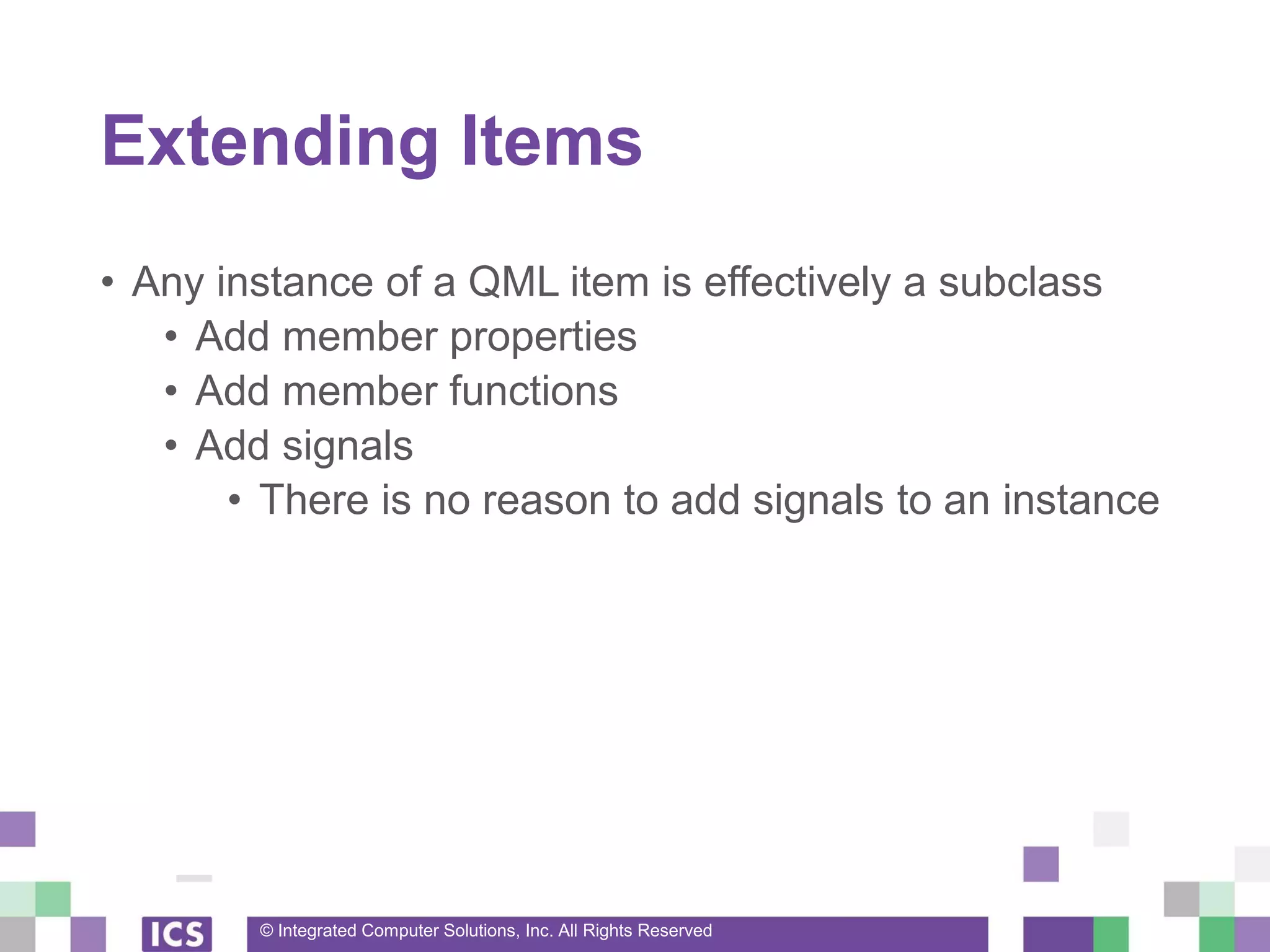
Extending Items
• Any instance of a QML item is effectively a subclass
• Add member properties
• Add member functions
• Add signals
• There is no reason to add signals to an instance
© Integrated Computer Solutions, Inc. All Rights Reserved
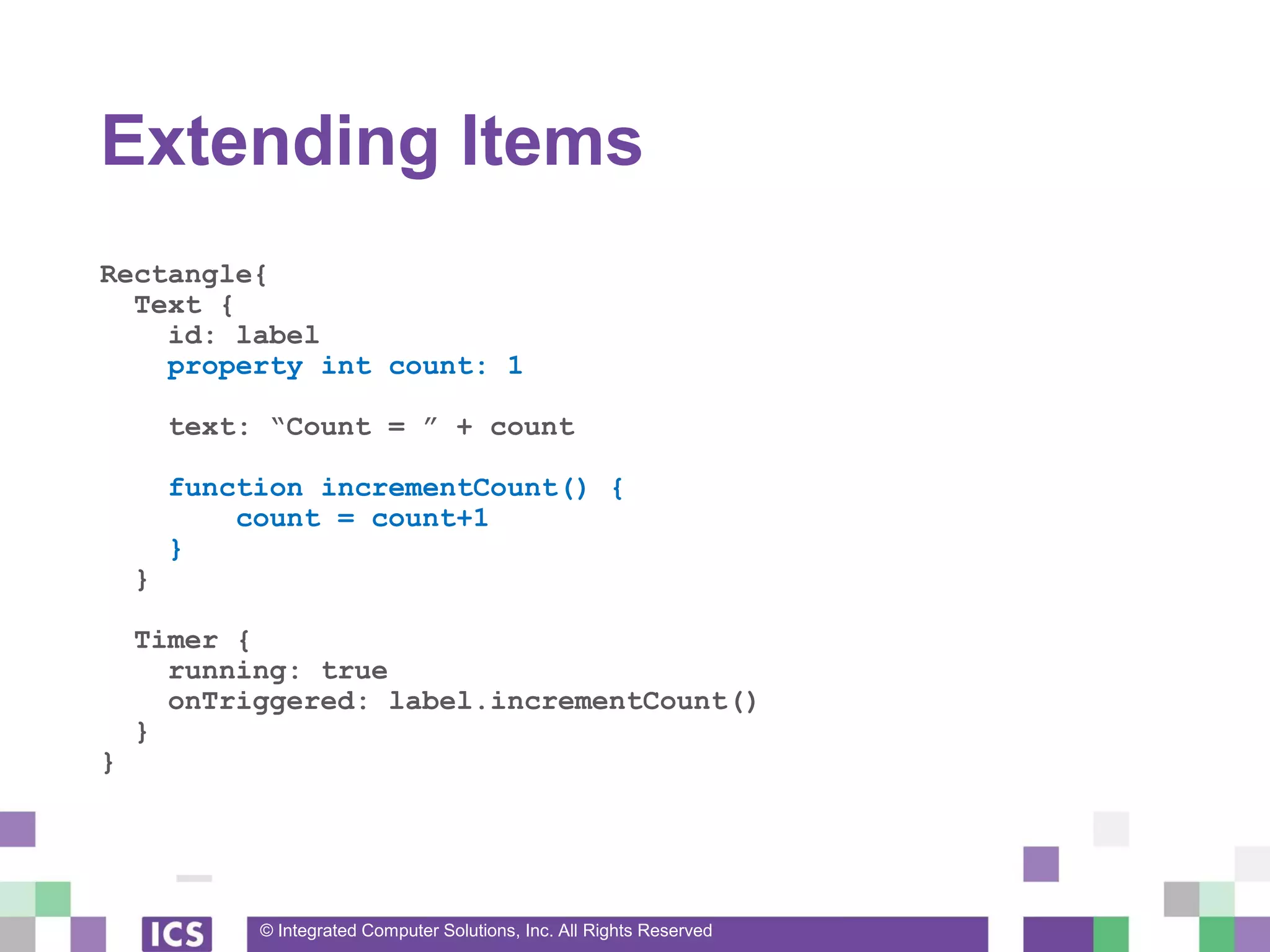
Extending Items
Rectangle{
Text {
id: label
property int count: 1
text: “Count = ” + count
function incrementCount() {
count = count+1
}
}
Timer {
running: true
onTriggered: label.incrementCount()
}
}
© Integrated Computer Solutions, Inc. All Rights Reserved
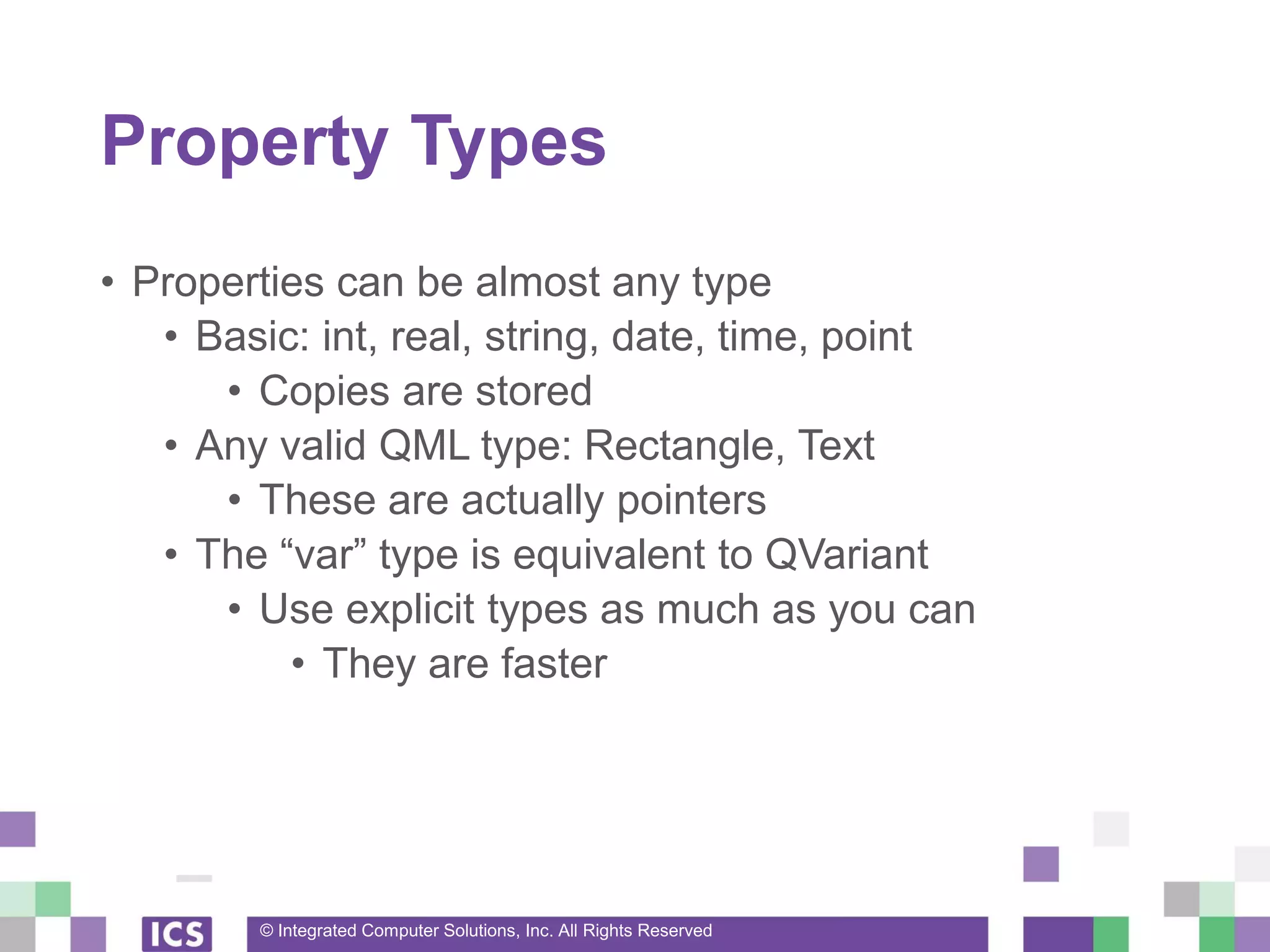
Property Types
• Properties can be almost any type
• Basic: int, real, string, date, time, point
• Copies are stored
• Any valid QML type: Rectangle, Text
• These are actually pointers
• The “var” type is equivalent to QVariant
• Use explicit types as much as you can
• They are faster
© Integrated Computer Solutions, Inc. All Rights Reserved
Property Types
Rectangle{
id: customItem
property int anInt: 1
property real aDouble: 50.5
property bool aBool: false
property string aString: “”
property var anything: 50.5
property list<point> points: [ Qt.point(0,0), Qt.point(100,100) ]
}
© Integrated Computer Solutions, Inc. All Rights Reserved
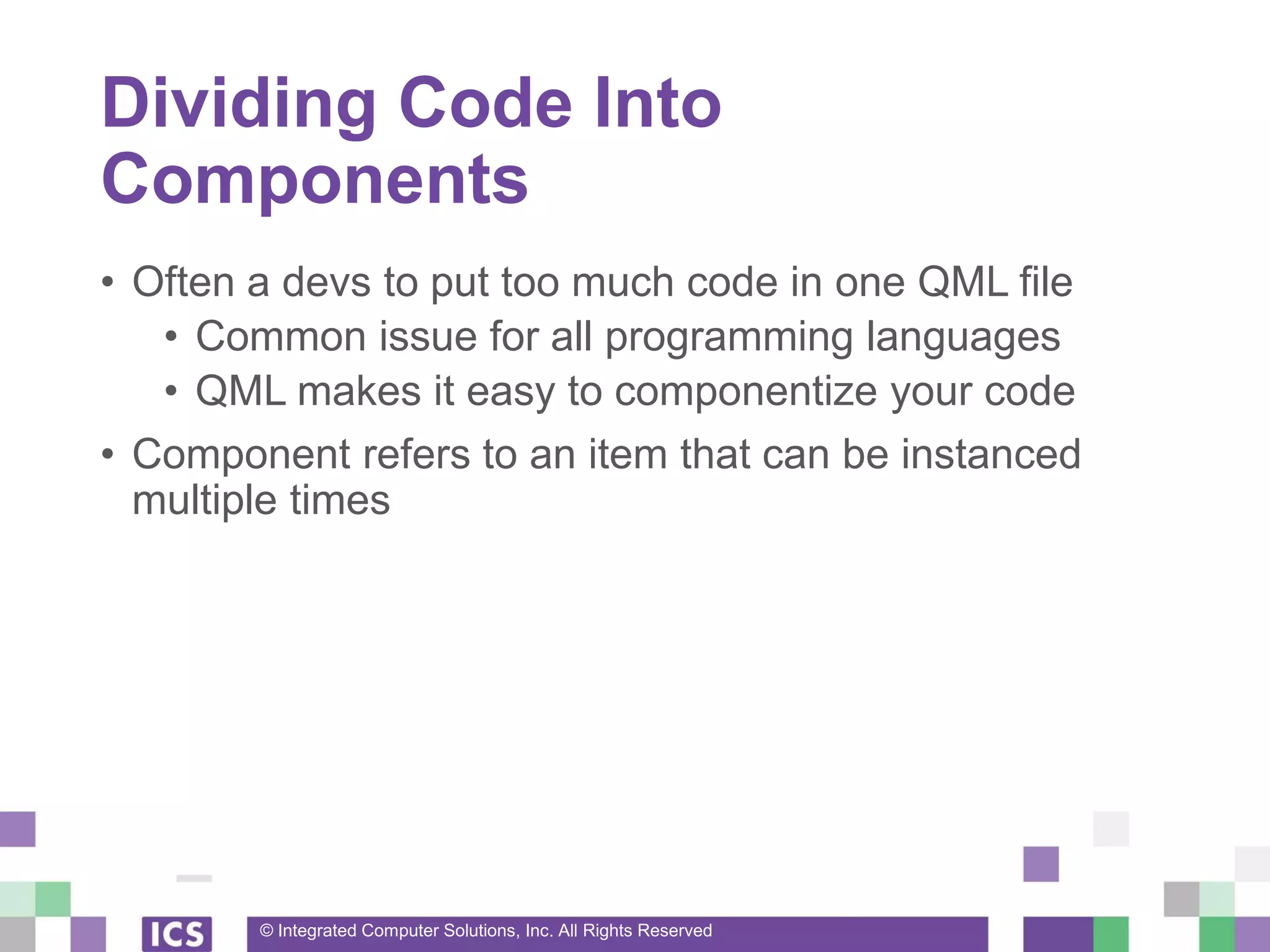
Dividing Code Into
Components
• Often a devs to put too much code in one QML file
• Common issue for all programming languages
• QML makes it easy to componentize your code
• Component refers to an item that can be instanced
multiple times
© Integrated Computer Solutions, Inc. All Rights Reserved
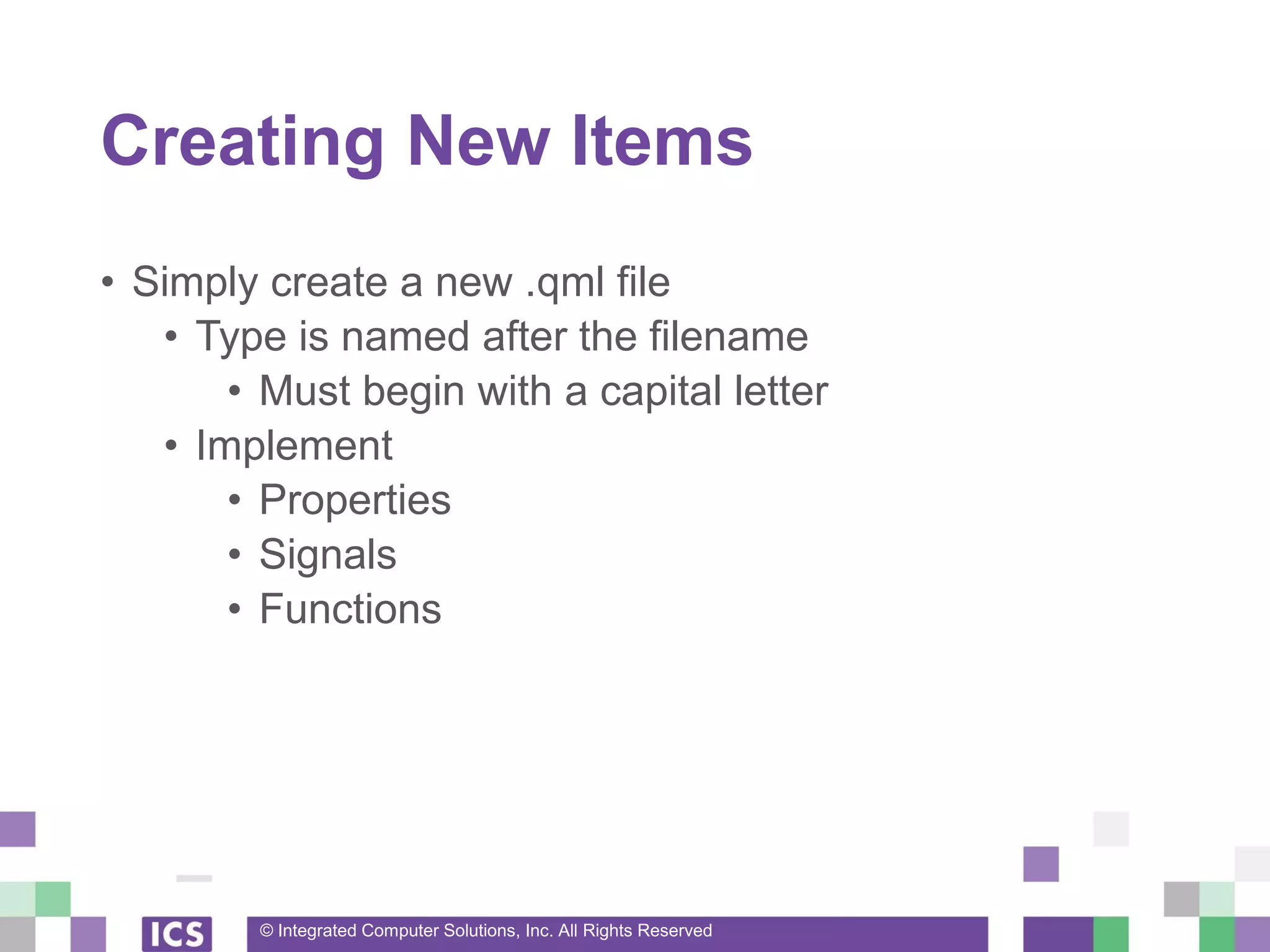
Creating New Items
• Simply create a new .qml file
• Type is named after the filename
• Must begin with a capital letter
• Implement
• Properties
• Signals
• Functions
© Integrated Computer Solutions, Inc. All Rights Reserved
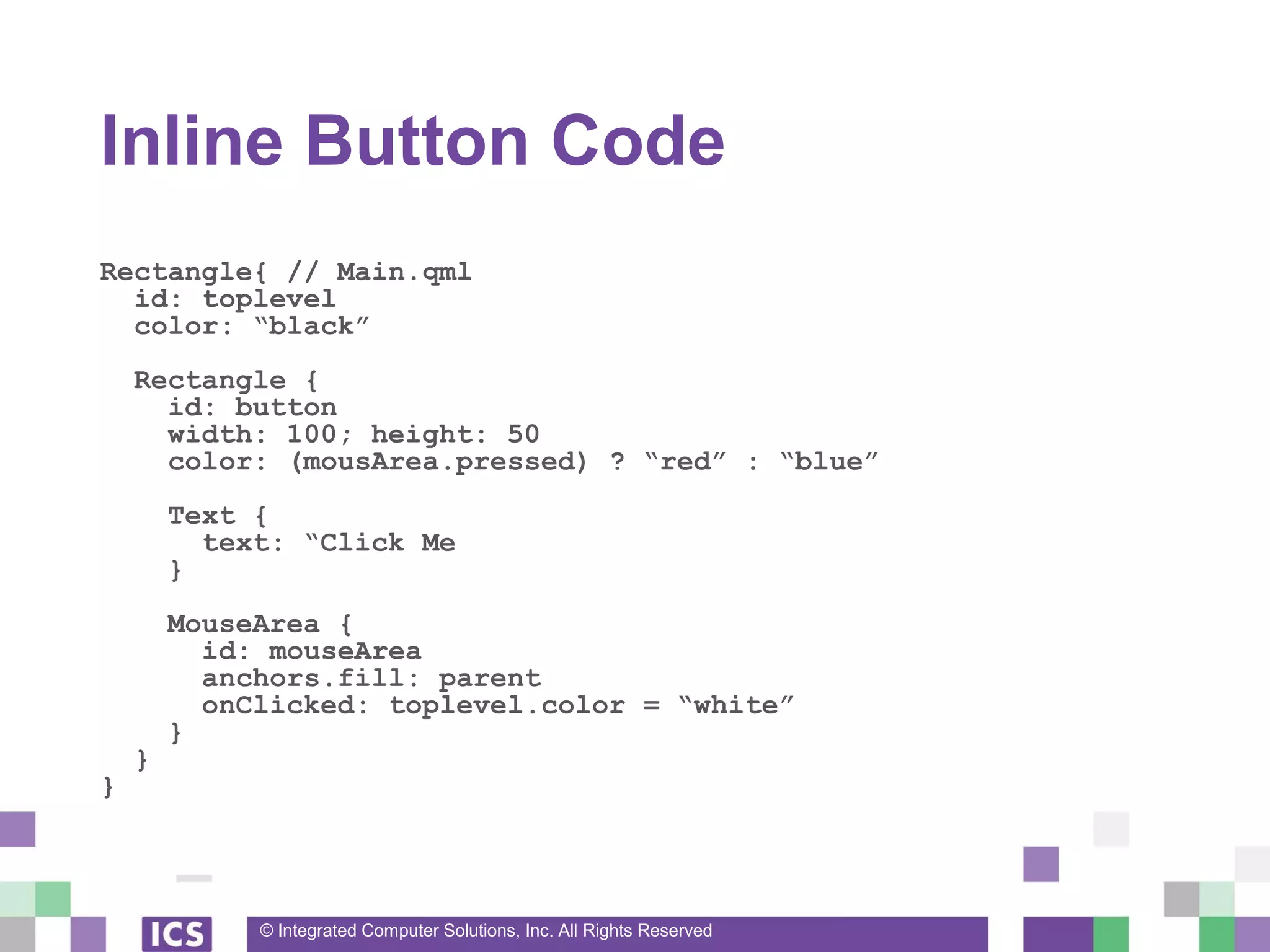
Inline Button Code
Rectangle{ // Main.qml
id: toplevel
color: “black”
Rectangle {
id: button
width: 100; height: 50
color: (mousArea.pressed) ? “red” : “blue”
Text {
text: “Click Me
}
MouseArea {
id: mouseArea
anchors.fill: parent
onClicked: toplevel.color = “white”
}
}
}
© Integrated Computer Solutions, Inc. All Rights Reserved
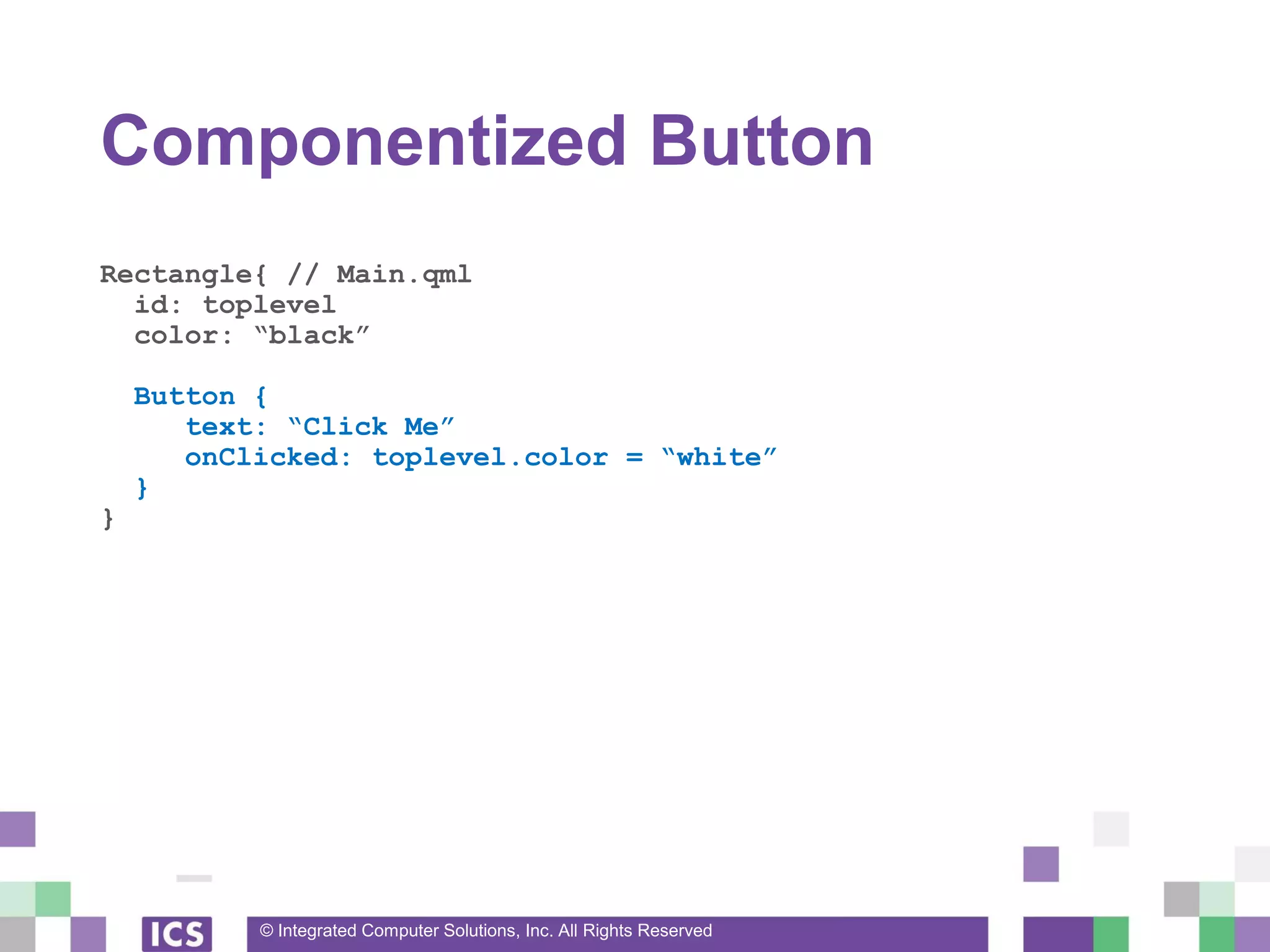
Componentized Button
Rectangle{ // Main.qml
id: toplevel
color: “black”
Button {
text: “Click Me”
onClicked: toplevel.color = “white”
}
}
© Integrated Computer Solutions, Inc. All Rights Reserved
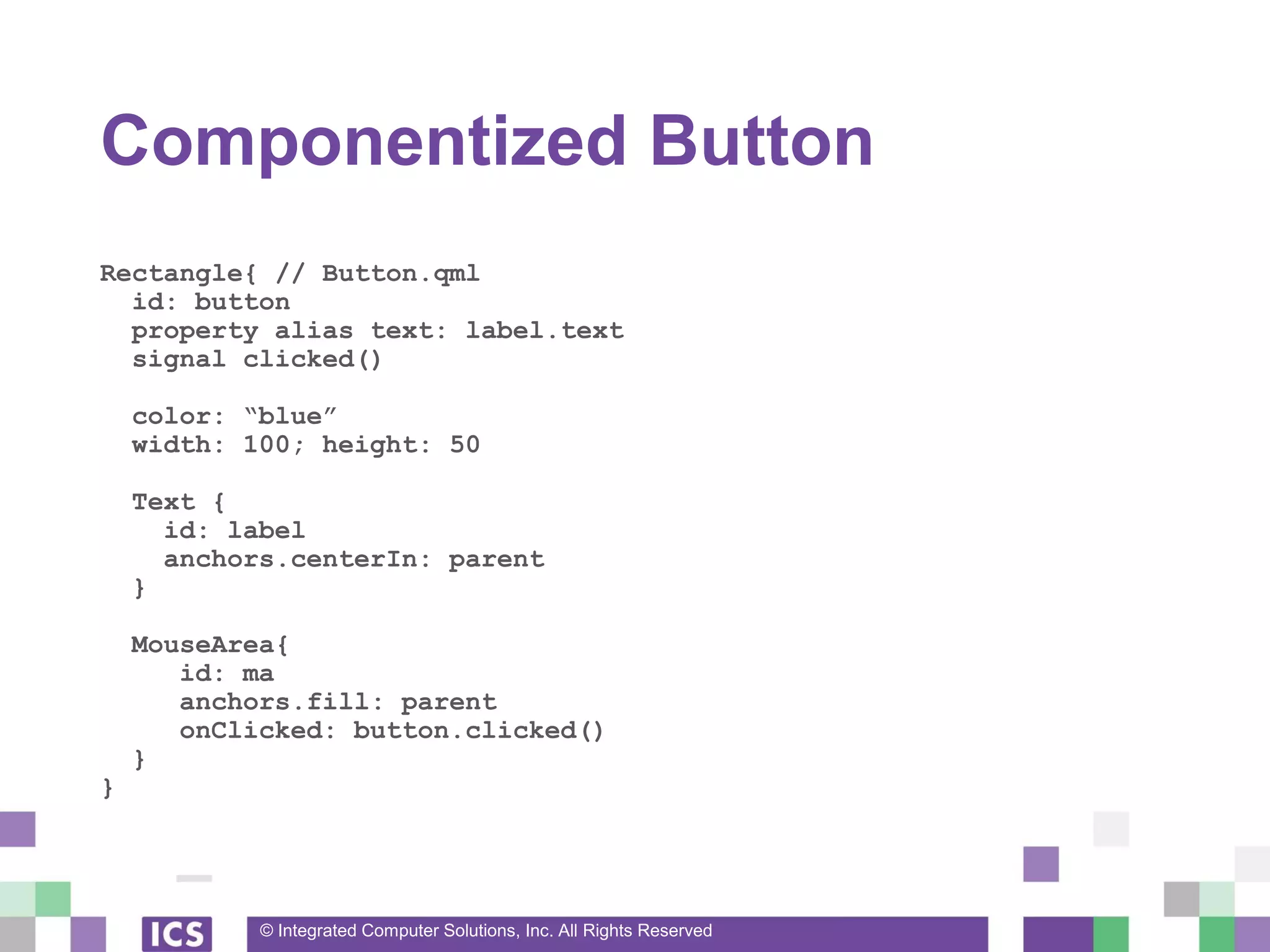
Componentized Button
Rectangle{ // Button.qml
id: button
property alias text: label.text
signal clicked()
color: “blue”
width: 100; height: 50
Text {
id: label
anchors.centerIn: parent
}
MouseArea{
id: ma
anchors.fill: parent
onClicked: button.clicked()
}
}
© Integrated Computer Solutions, Inc. All Rights Reserved
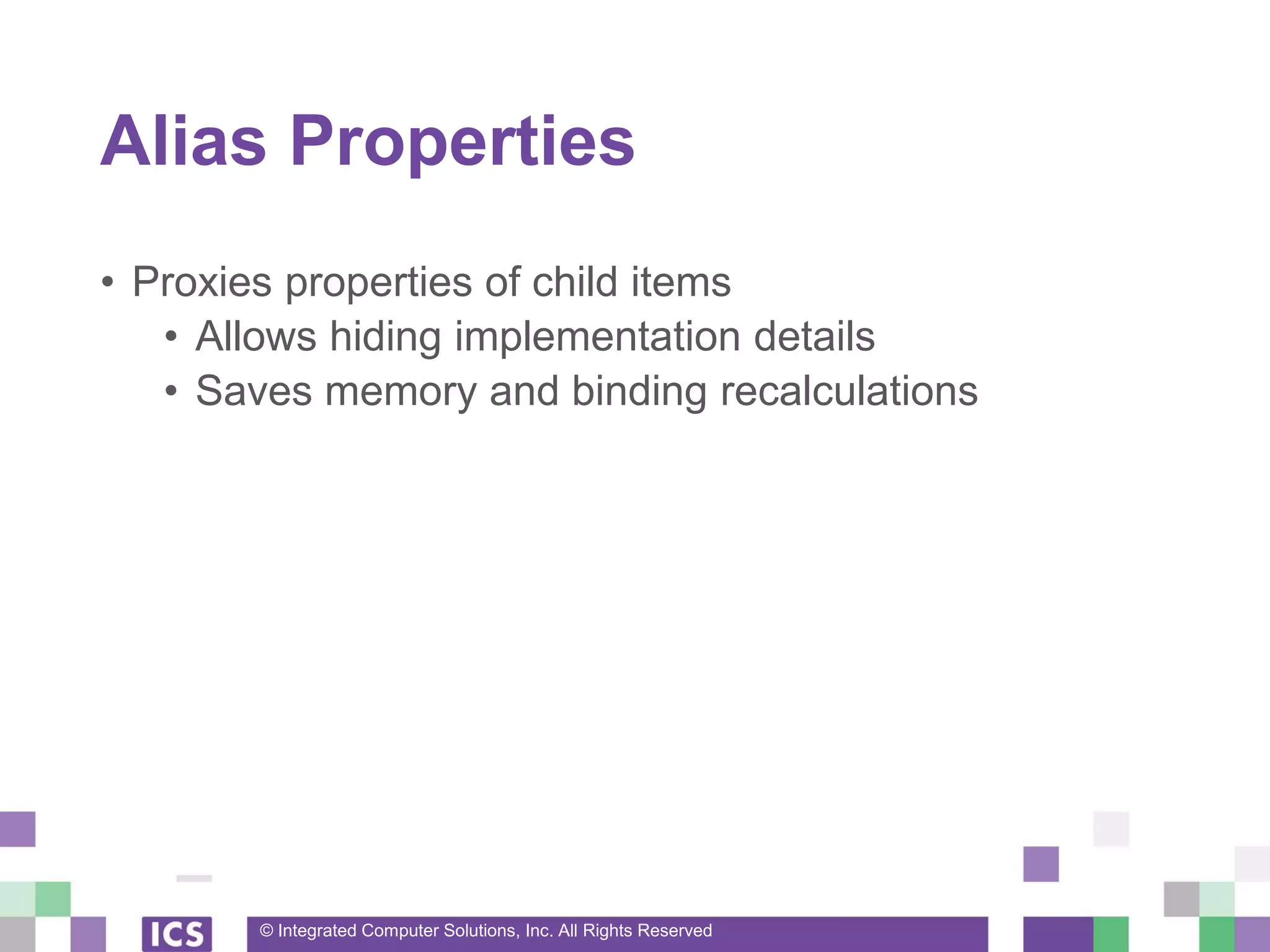
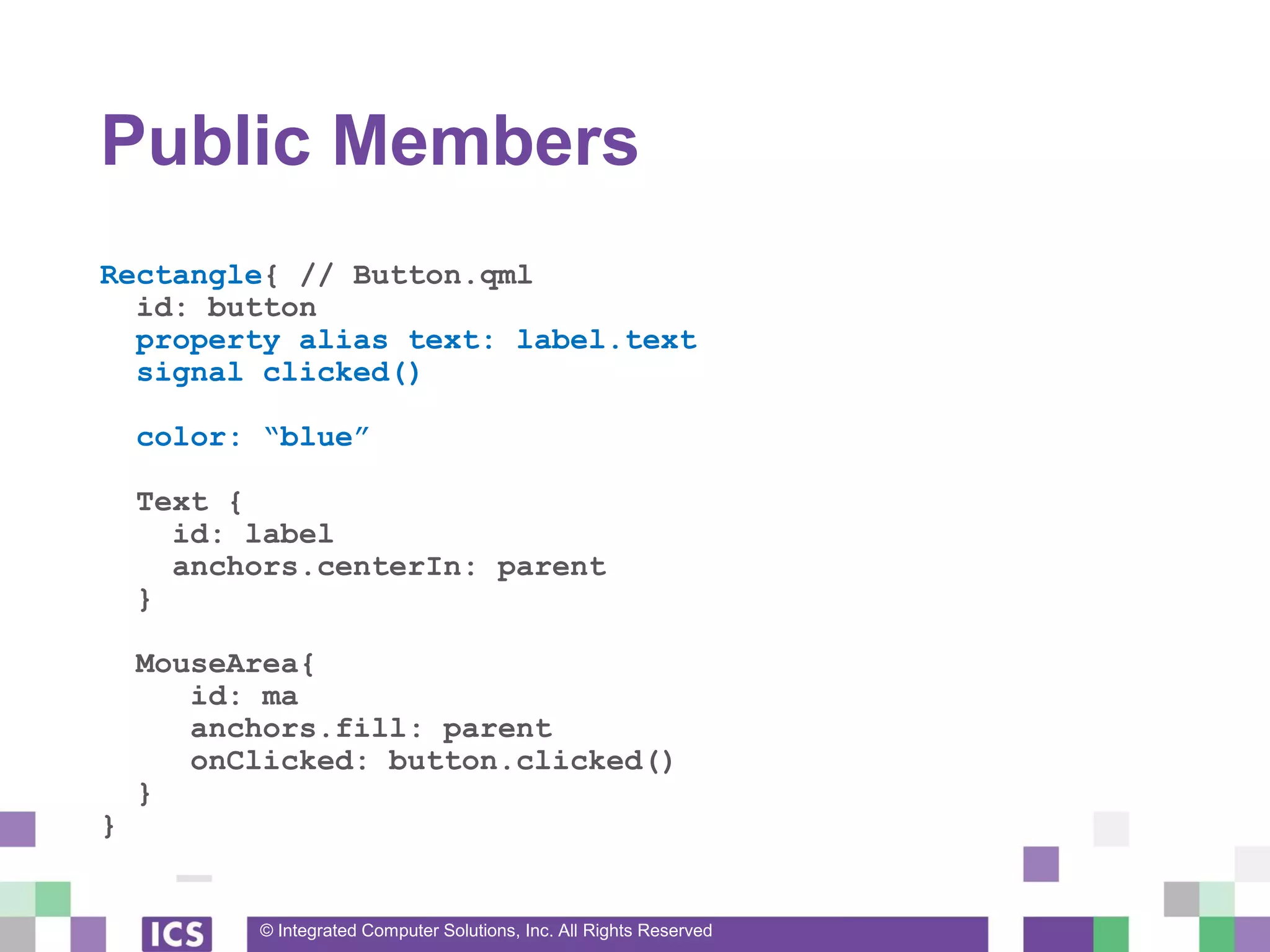
Alias Properties
• Proxies properties of child items
• Allows hiding implementation details
• Saves memory and binding recalculations
© Integrated Computer Solutions, Inc. All Rights Reserved
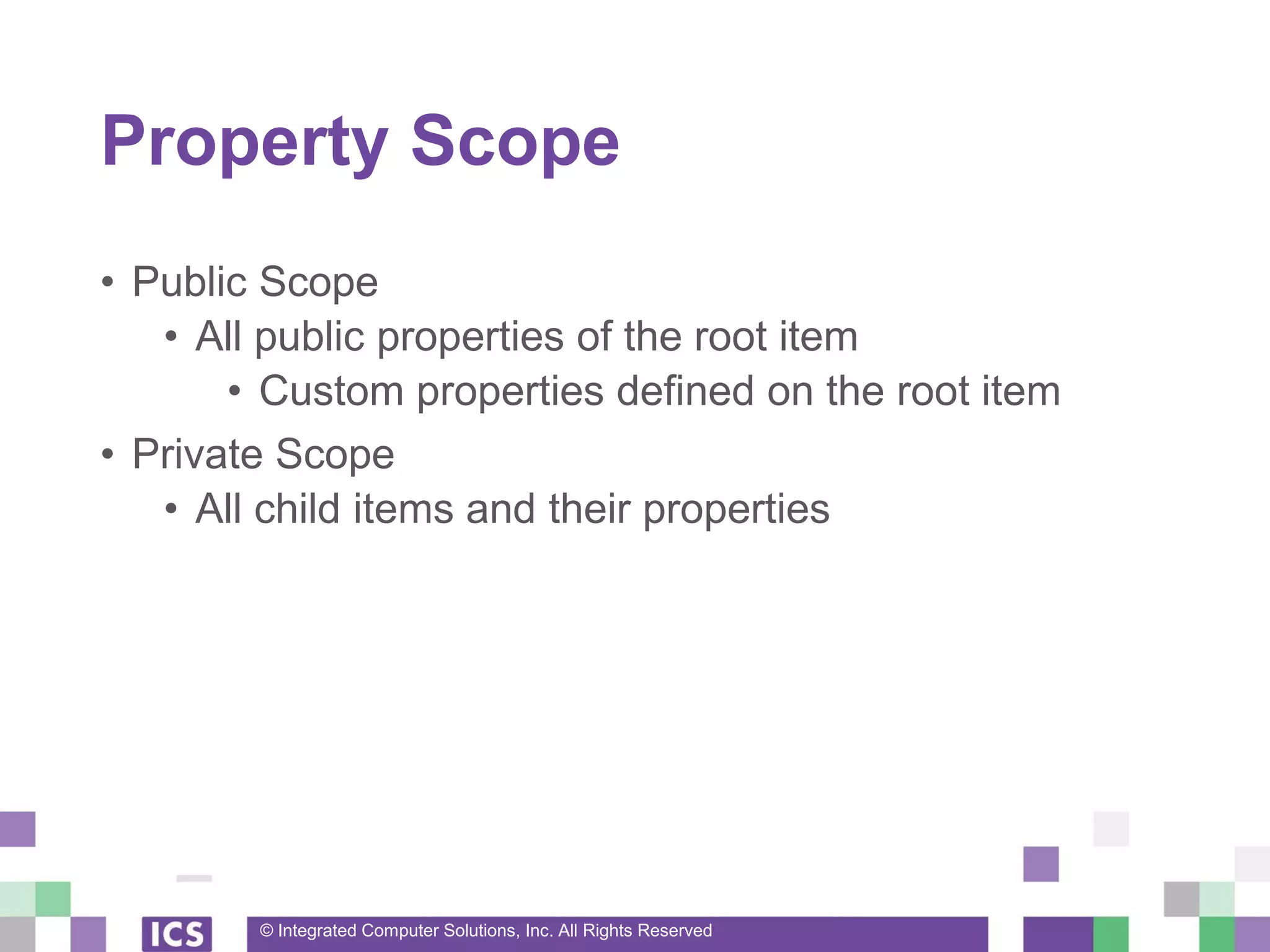
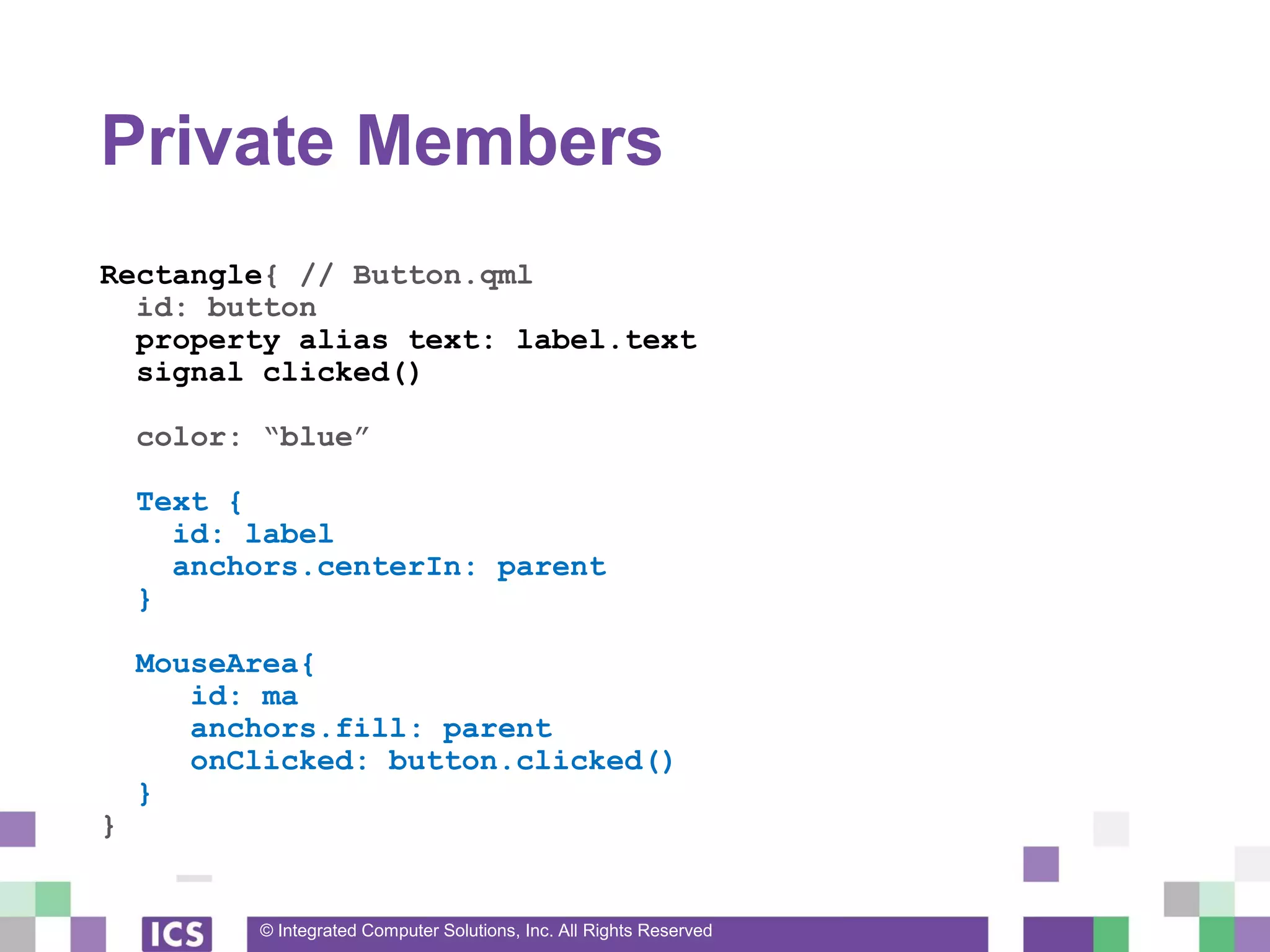
Property Scope
• Public Scope
• All public properties of the root item
• Custom properties defined on the root item
• Private Scope
• All child items and their properties
© Integrated Computer Solutions, Inc. All Rights Reserved
Public Members
Rectangle{ // Button.qml
id: button
property alias text: label.text
signal clicked()
color: “blue”
Text {
id: label
anchors.centerIn: parent
}
MouseArea{
id: ma
anchors.fill: parent
onClicked: button.clicked()
}
}
© Integrated Computer Solutions, Inc. All Rights Reserved
Private Members
Rectangle{ // Button.qml
id: button
property alias text: label.text
signal clicked()
color: “blue”
Text {
id: label
anchors.centerIn: parent
}
MouseArea{
id: ma
anchors.fill: parent
onClicked: button.clicked()
}
}
© Integrated Computer Solutions, Inc. All Rights Reserved
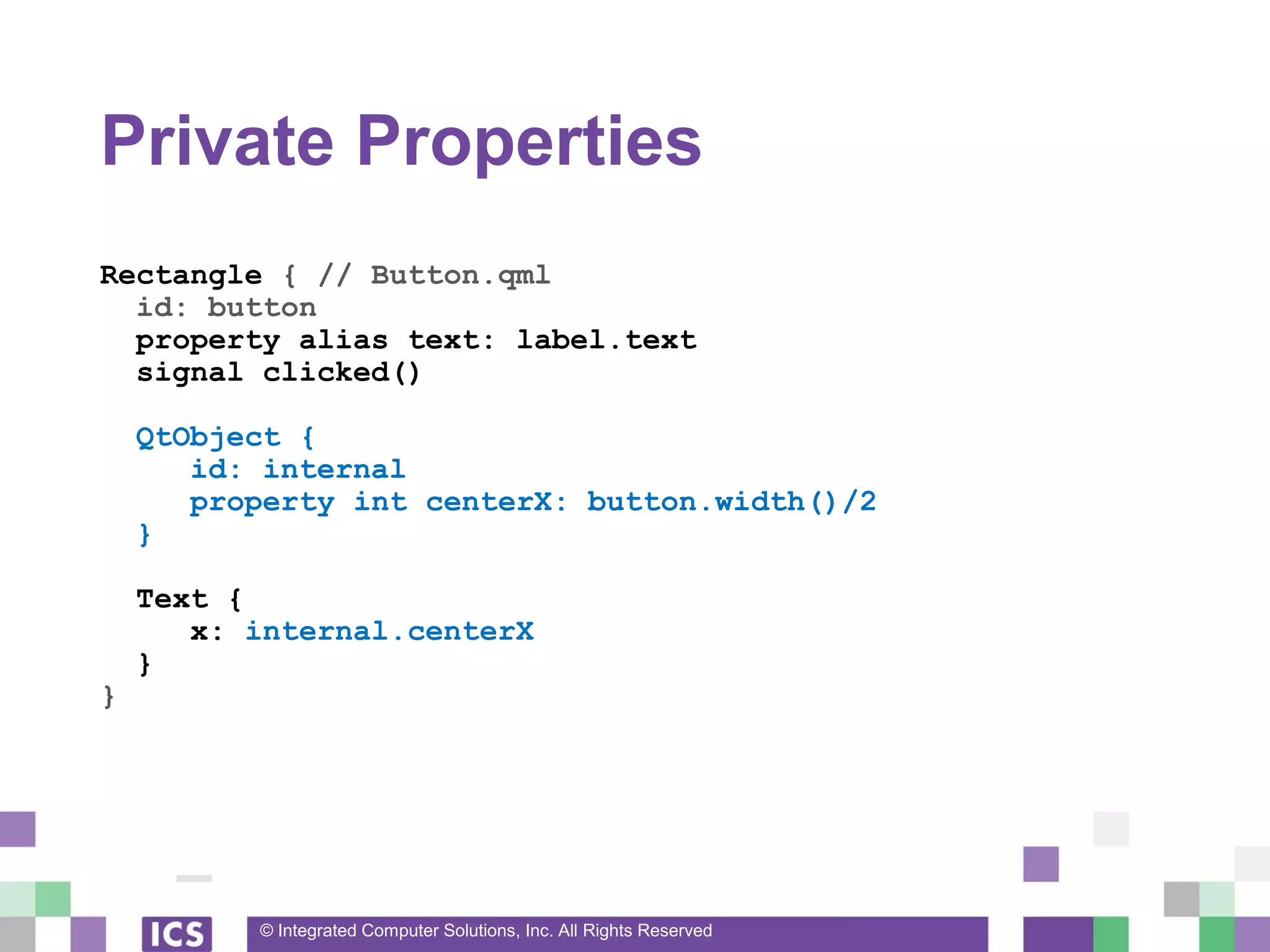
Private Properties
Rectangle { // Button.qml
id: button
property alias text: label.text
signal clicked()
QtObject {
id: internal
property int centerX: button.width()/2
}
Text {
x: internal.centerX
}
}
© Integrated Computer Solutions, Inc. All Rights Reserved
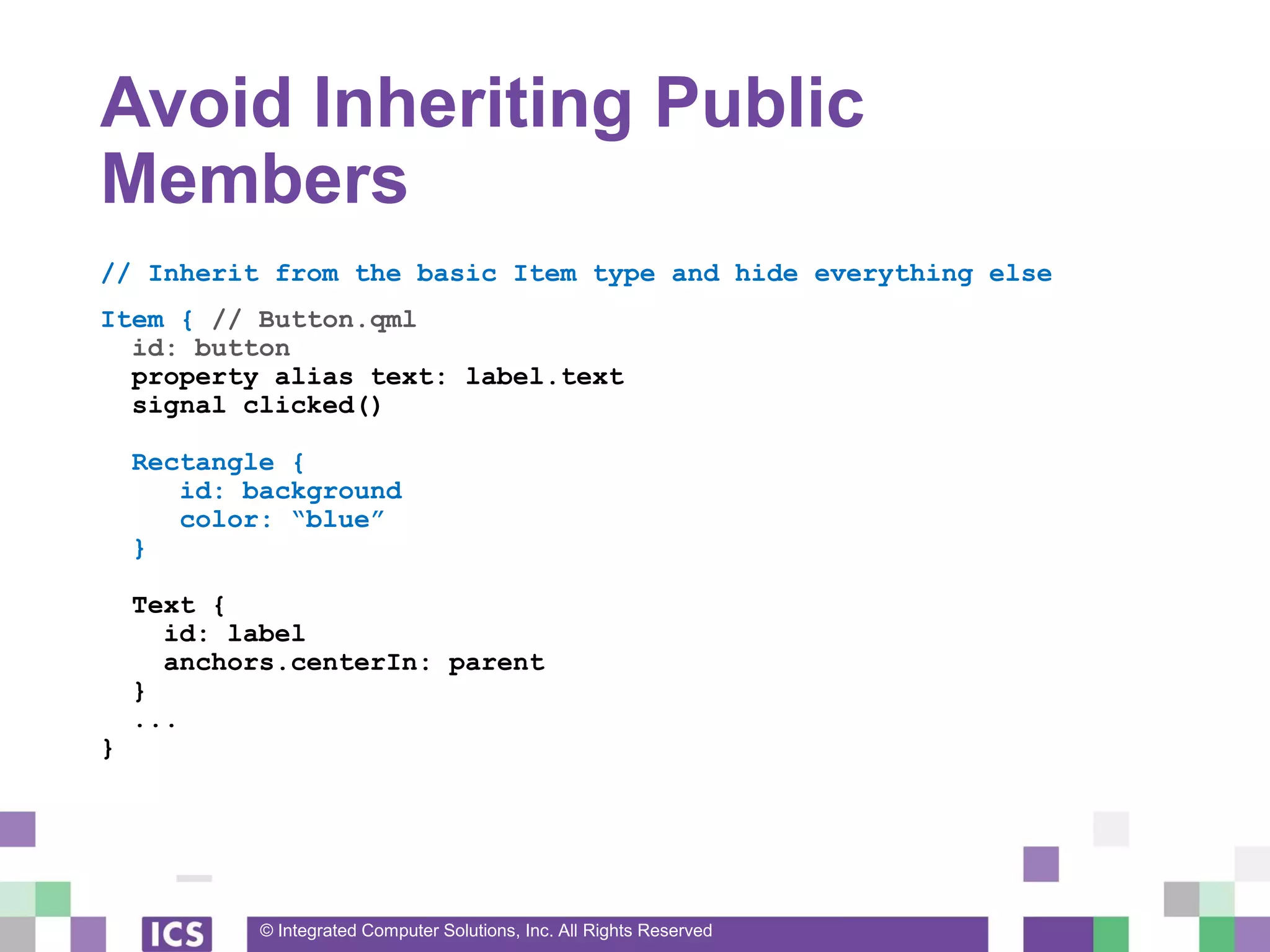
Avoid Inheriting Public
Members
// Inherit from the basic Item type and hide everything else
Item { // Button.qml
id: button
property alias text: label.text
signal clicked()
Rectangle {
id: background
color: “blue”
}
Text {
id: label
anchors.centerIn: parent
}
...
}
© Integrated Computer Solutions, Inc. All Rights Reserved
States and Transitions
© Integrated Computer Solutions, Inc. All Rights Reserved
States
• State Machines can make your code “more
declarative”
• A basic state machine is built into every Item
• No parallel states or state history
© Integrated Computer Solutions, Inc. All Rights Reserved
States
• Every Item has a states property
• States contain
• Name
• When Clause
• List of PropertyChanges{} objects
© Integrated Computer Solutions, Inc. All Rights Reserved
Setting States
• Item can be set to a give state two ways
• 1) “state” property is set to the name of the State
• item.state = “Pressed”
• 2) The when clause of the State is true
• When clauses must be mutually exclusive
• They are evaluated in creation order
© Integrated Computer Solutions, Inc. All Rights Reserved
Button States
Item {
Rectangle { id: bkg; color: “blue” }
MouseArea { id: ma }
states: [
State {
name: “Pressed”
when: ma.pressed
PropertyChanges { target: bkg; color: “red” }
},
State {
name: “Disabled”
when: !(ma.enabled)
PropertyChanges { target: bkg; color: “grey” }
}
]
}
© Integrated Computer Solutions, Inc. All Rights Reserved
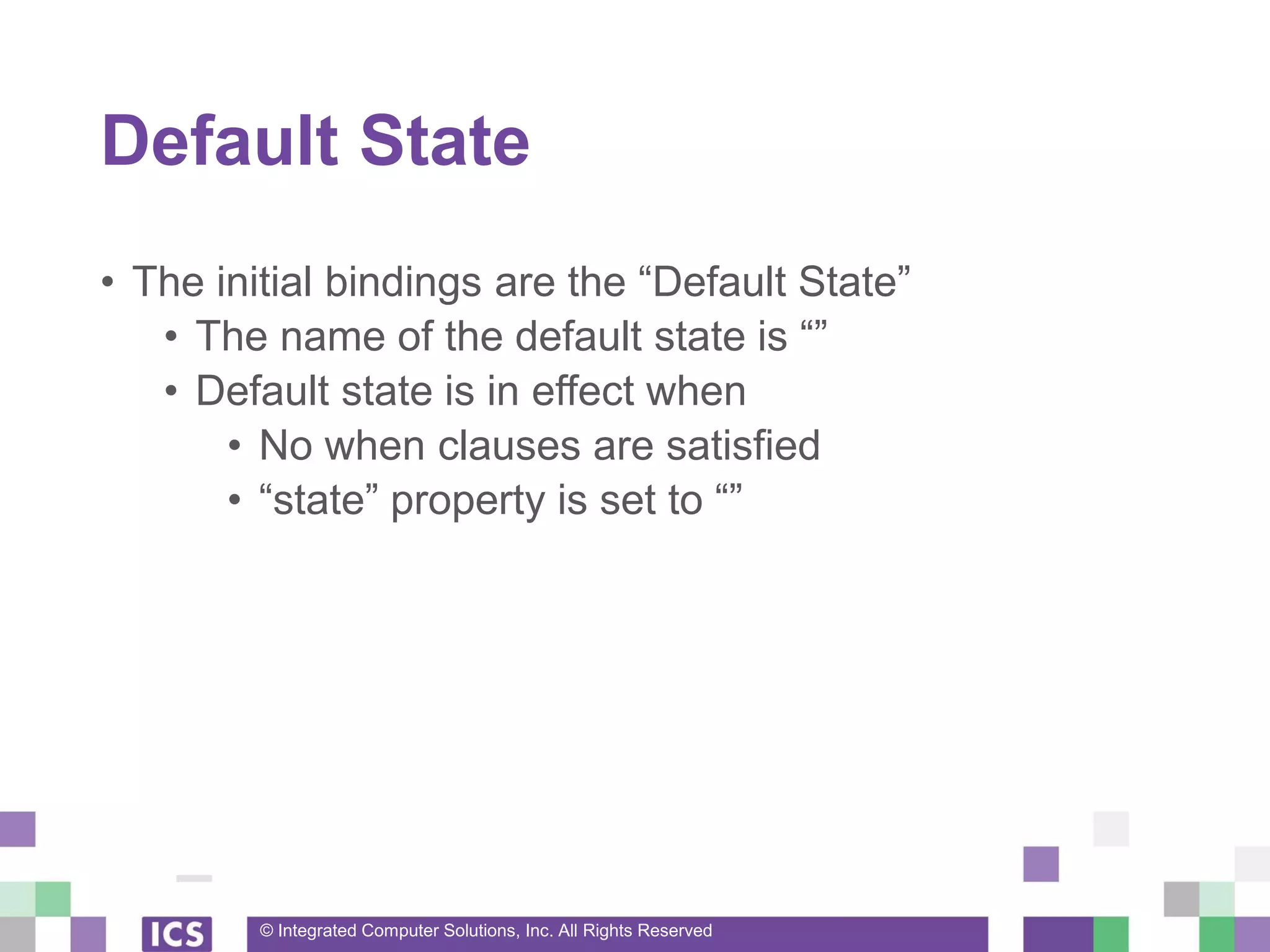
Default State
• The initial bindings are the “Default State”
• The name of the default state is “”
• Default state is in effect when
• No when clauses are satisfied
• “state” property is set to “”
© Integrated Computer Solutions, Inc. All Rights Reserved
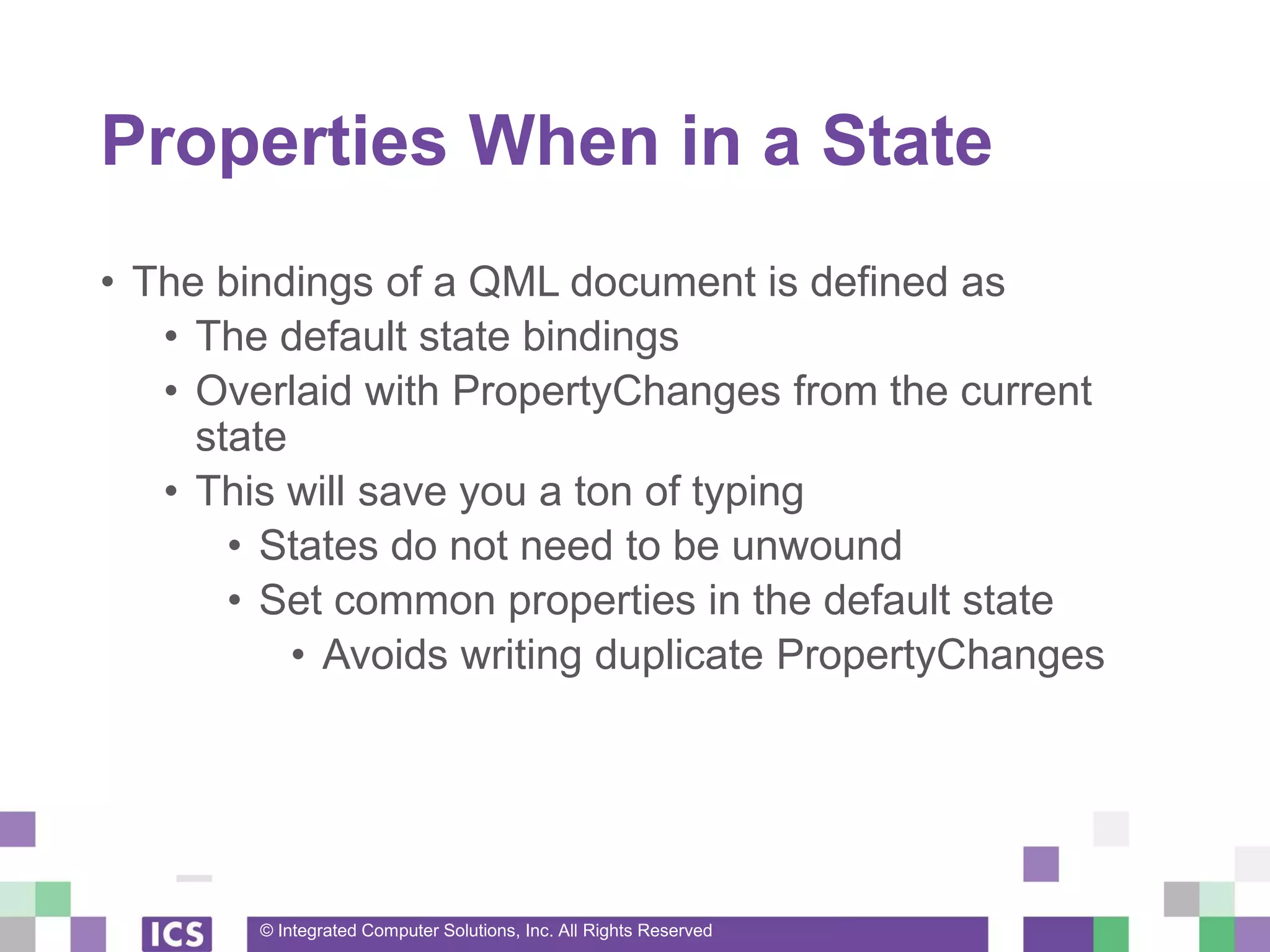
Properties When in a State
• The bindings of a QML document is defined as
• The default state bindings
• Overlaid with PropertyChanges from the current
state
• This will save you a ton of typing
• States do not need to be unwound
• Set common properties in the default state
• Avoids writing duplicate PropertyChanges
© Integrated Computer Solutions, Inc. All Rights Reserved
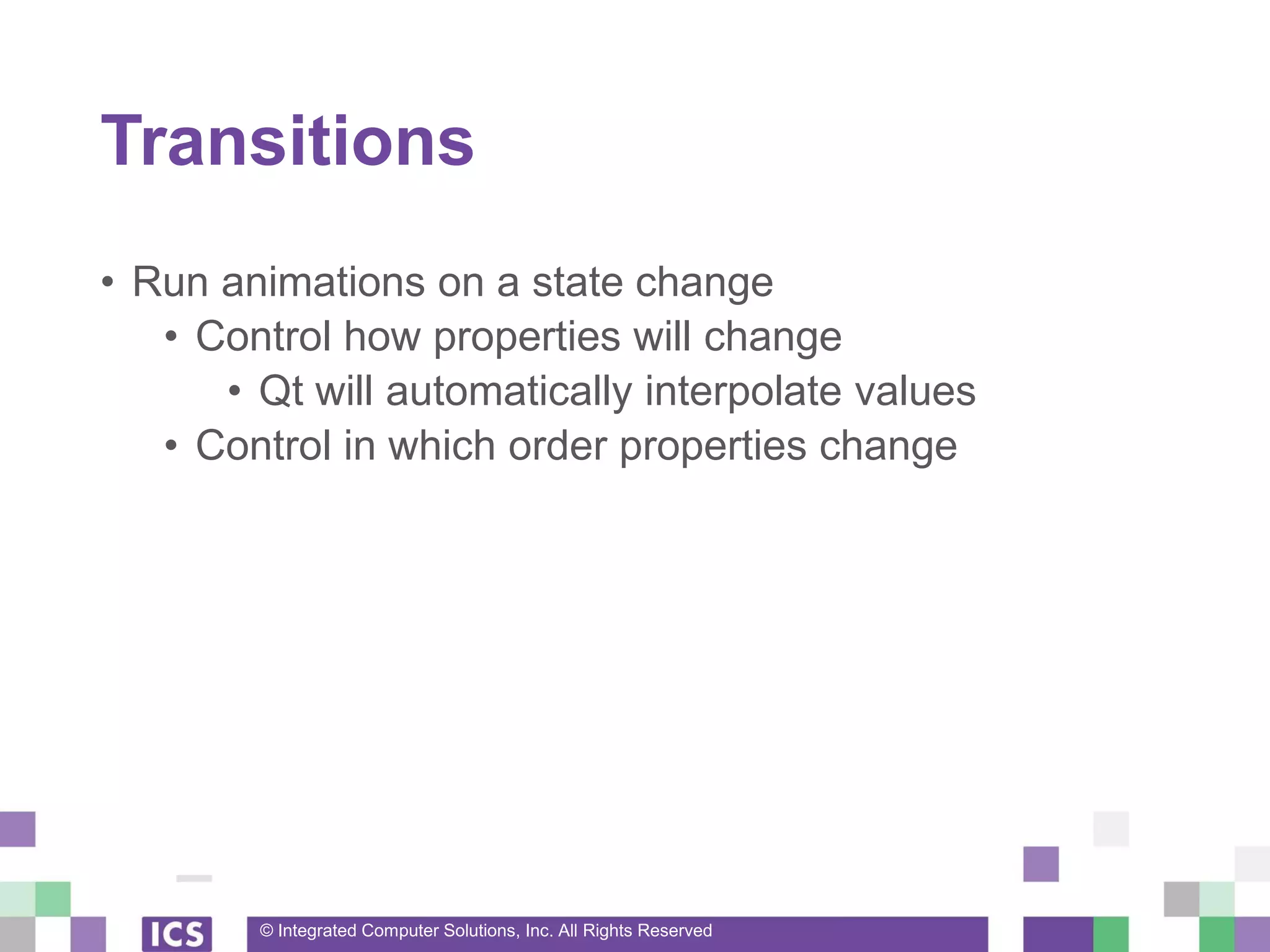
Transitions
• Run animations on a state change
• Control how properties will change
• Qt will automatically interpolate values
• Control in which order properties change
© Integrated Computer Solutions, Inc. All Rights Reserved
Transitions
[ ... ]
transitions: [
Transition {
from: “”; to: “Pressed”
PropertyAnimation { target: bkg
properties: “color”
duration: 500
},
Transition {
from: “*”; to: “Disabled”
PropertyAnimation { target: bkg
properties: “color”
duration: 250
}
]
[ ... ]
© Integrated Computer Solutions, Inc. All Rights Reserved
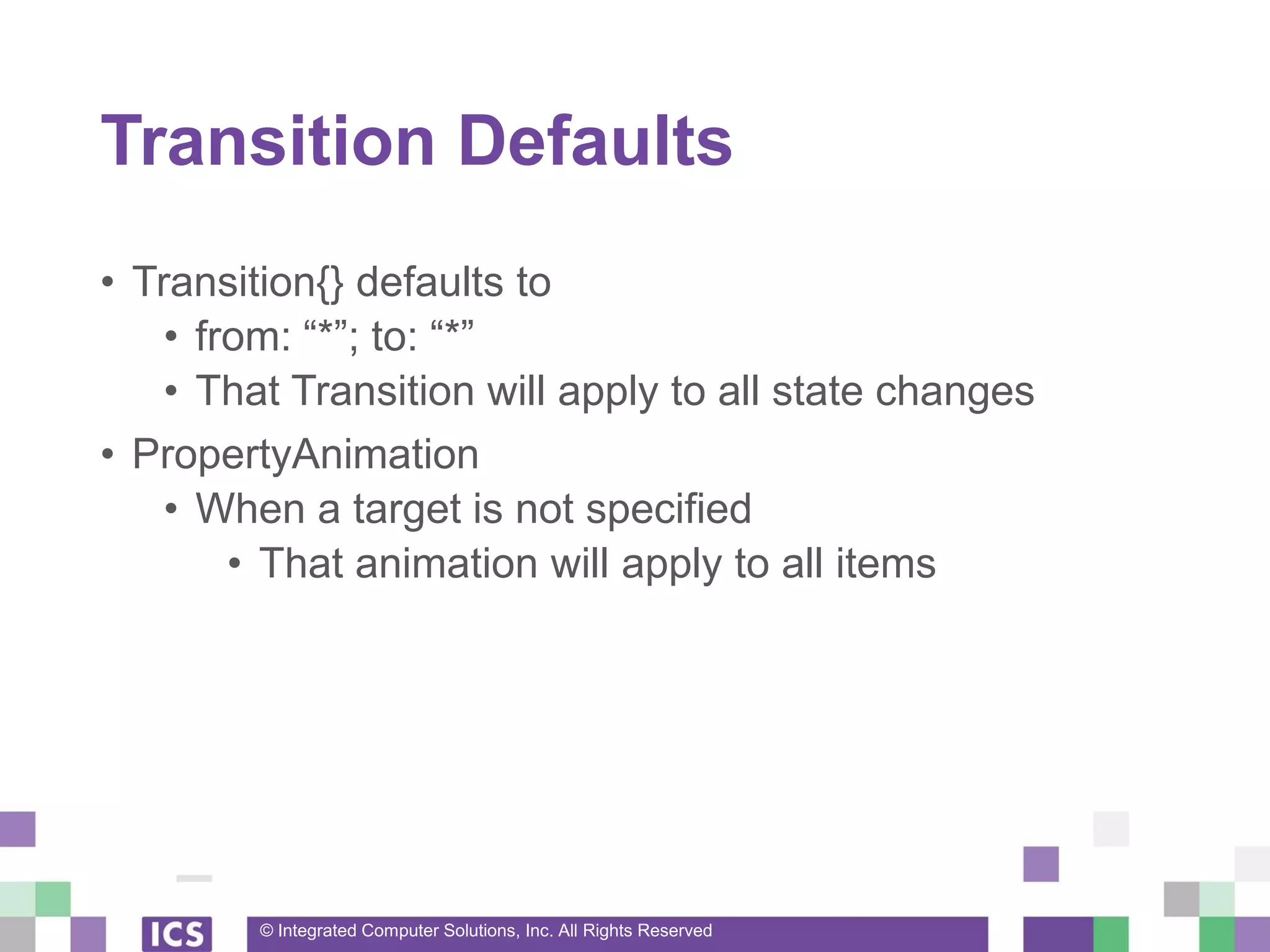
Transition Defaults
• Transition{} defaults to
• from: “*”; to: “*”
• That Transition will apply to all state changes
• PropertyAnimation
• When a target is not specified
• That animation will apply to all items
© Integrated Computer Solutions, Inc. All Rights Reserved
Button Transition
Item {
Rectangle { id: bkg; color: “blue” }
MouseArea { id: ma }
states: [
State { name: “Pressed”; when: ma.pressed
PropertyChanges { target: bkg; color: “red” }
},
State { name: “Disabled”; when: !(ma.enabled)
PropertyChanges { target: bkg; color: “grey” }
}
]
transitions: [
Transition {
PropertyAnimation {
properties: “color”
duration: 500
}
}
]
}
© Integrated Computer Solutions, Inc. All Rights Reserved
Dynamic Creation of Items
© Integrated Computer Solutions, Inc. All Rights Reserved
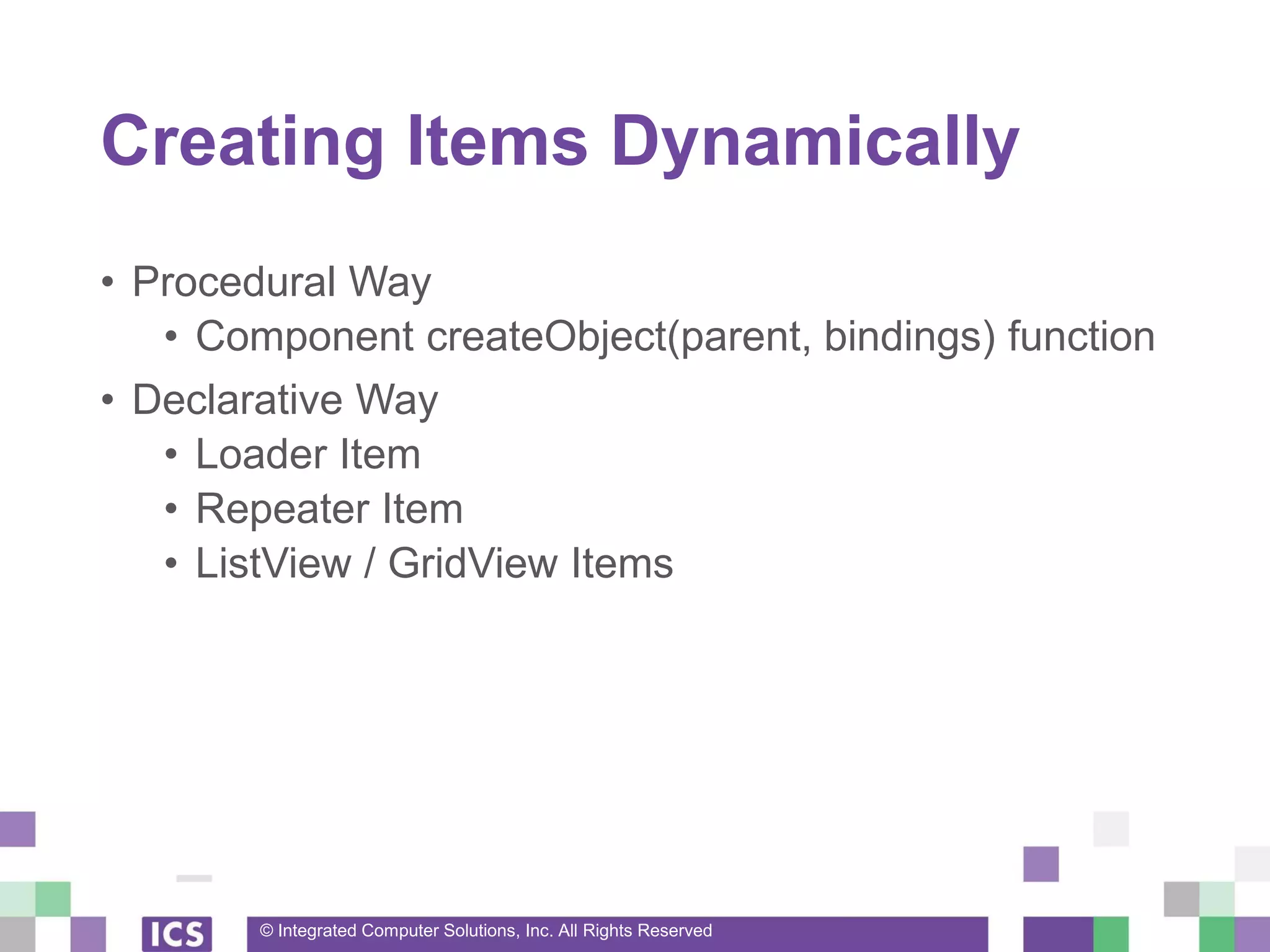
Creating Items Dynamically
• Procedural Way
• Component createObject(parent, bindings) function
• Declarative Way
• Loader Item
• Repeater Item
• ListView / GridView Items
© Integrated Computer Solutions, Inc. All Rights Reserved
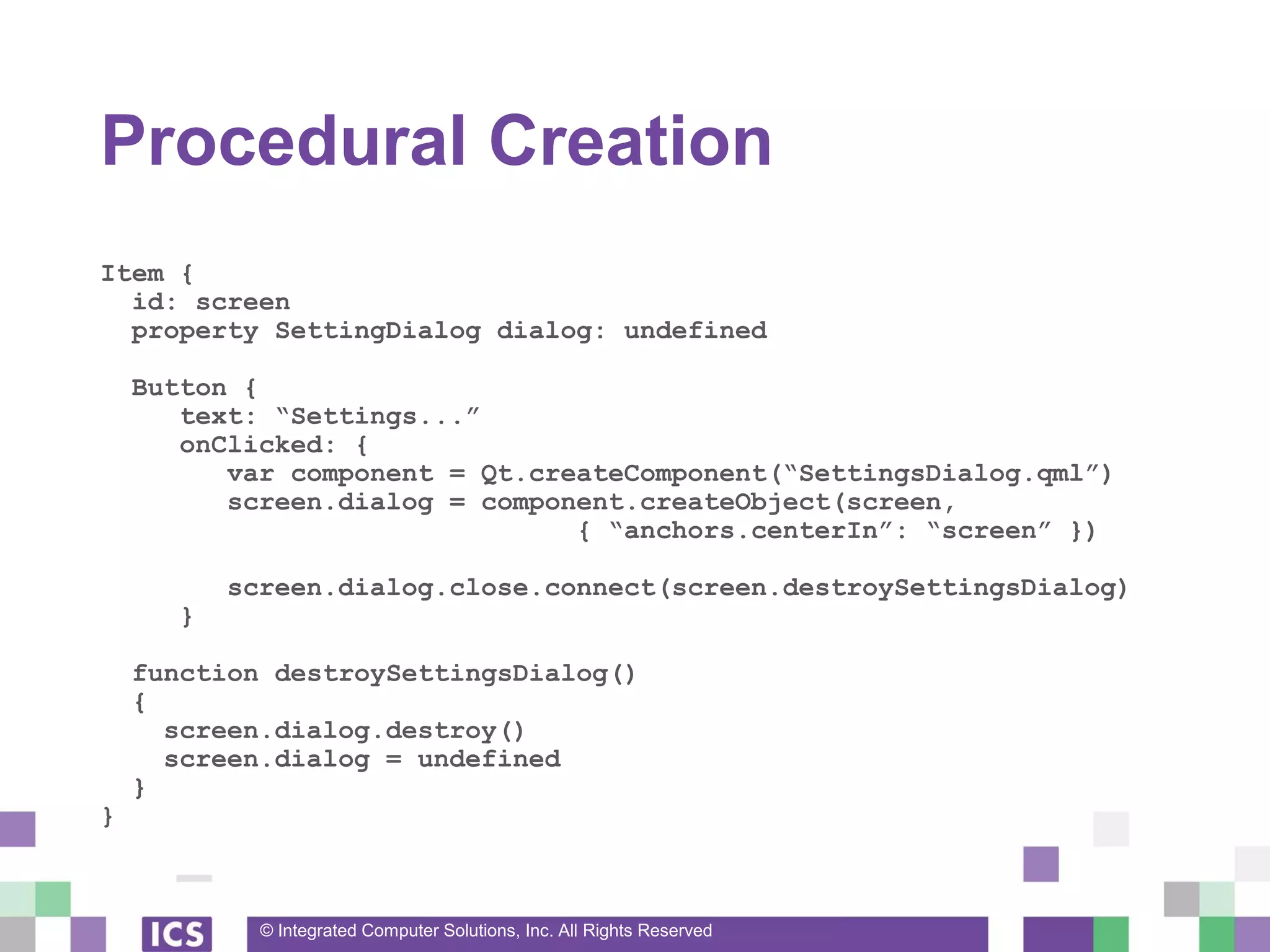
Procedural Creation
Item {
id: screen
property SettingDialog dialog: undefined
Button {
text: “Settings...”
onClicked: {
var component = Qt.createComponent(“SettingsDialog.qml”)
screen.dialog = component.createObject(screen,
{ “anchors.centerIn”: “screen” })
screen.dialog.close.connect(screen.destroySettingsDialog)
}
function destroySettingsDialog()
{
screen.dialog.destroy()
screen.dialog = undefined
}
}
© Integrated Computer Solutions, Inc. All Rights Reserved
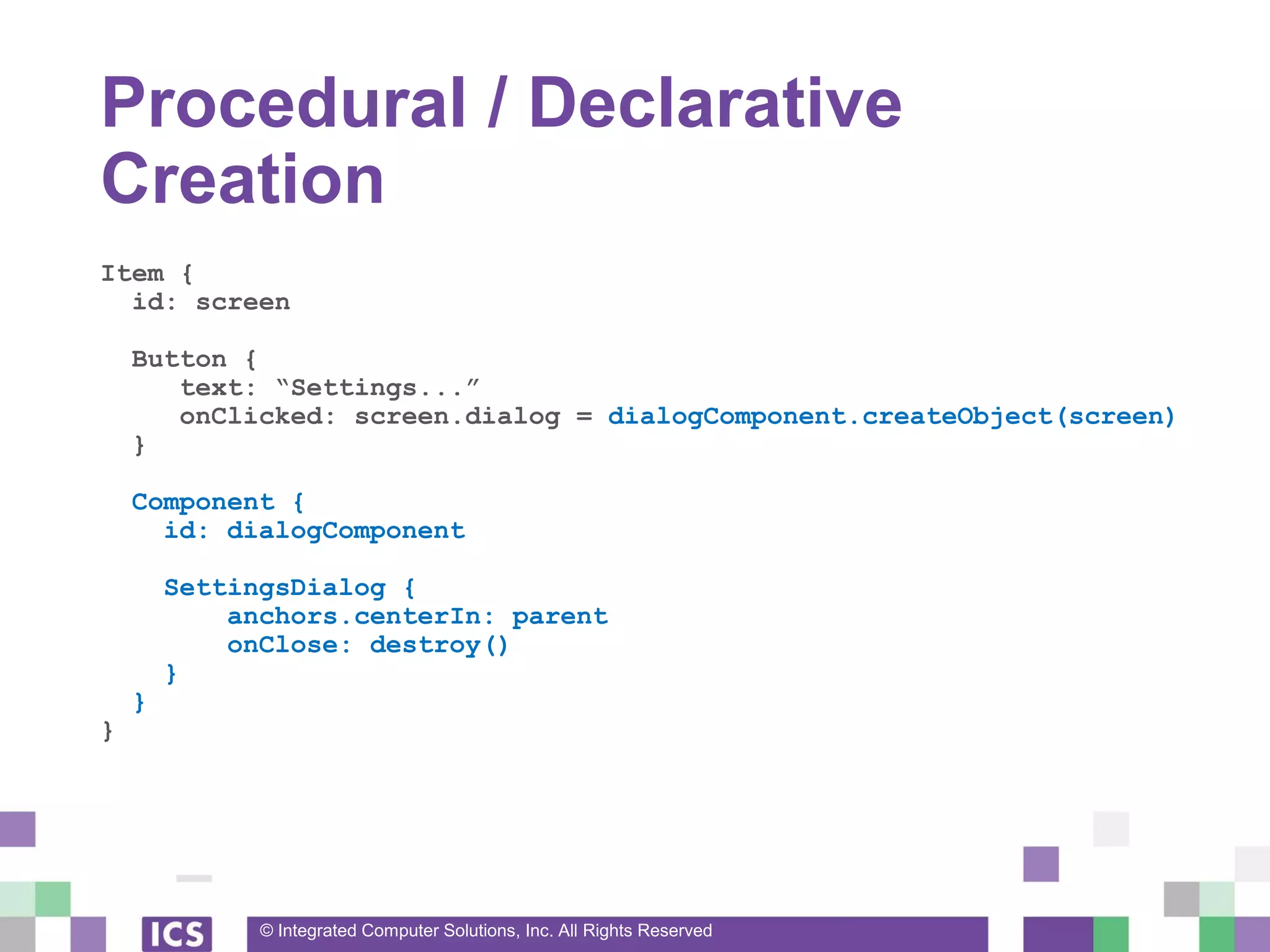
Procedural / Declarative
Creation
Item {
id: screen
Button {
text: “Settings...”
onClicked: screen.dialog = dialogComponent.createObject(screen)
}
Component {
id: dialogComponent
SettingsDialog {
anchors.centerIn: parent
onClose: destroy()
}
}
}
© Integrated Computer Solutions, Inc. All Rights Reserved
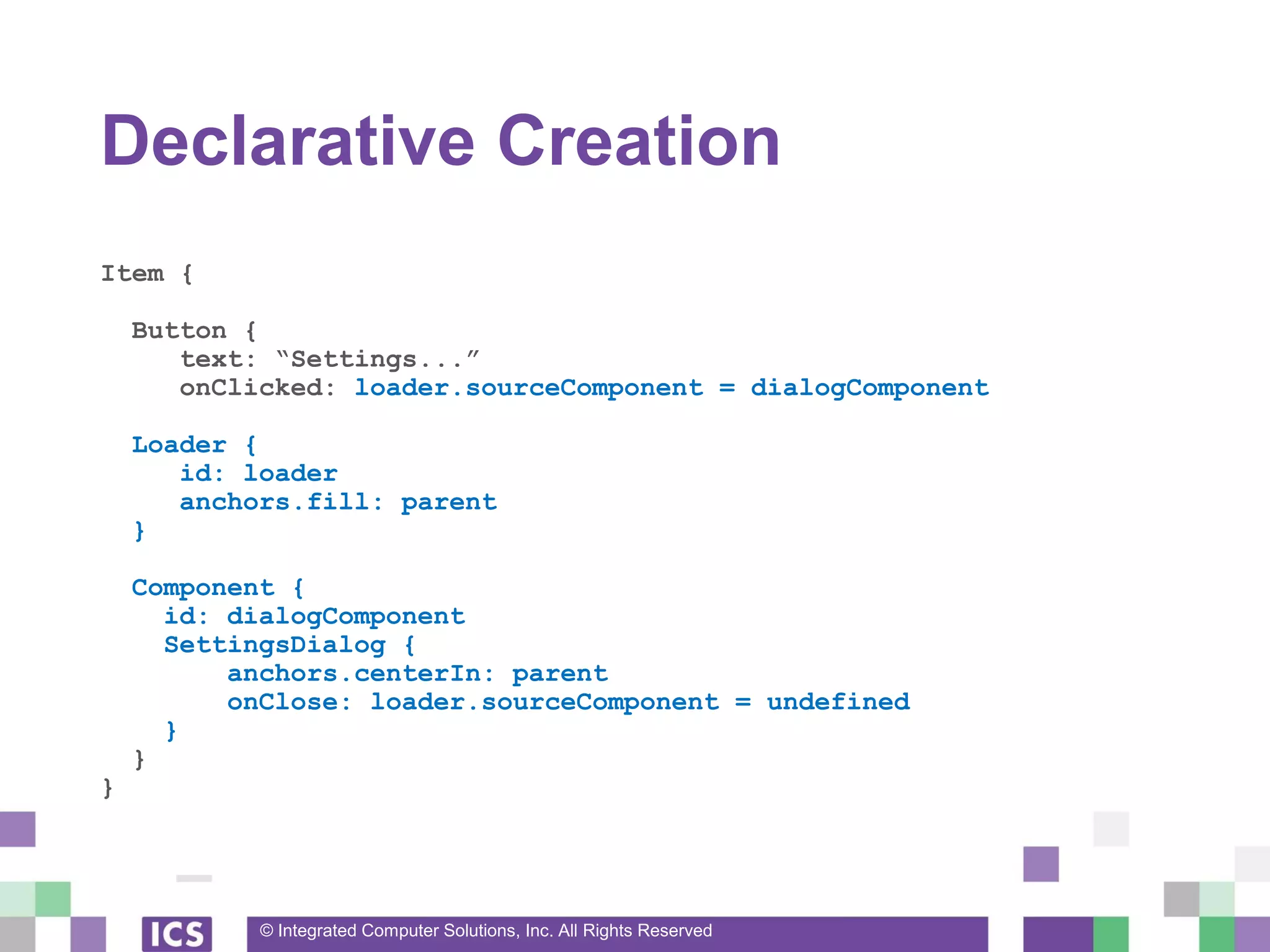
Declarative Creation
Item {
Button {
text: “Settings...”
onClicked: loader.sourceComponent = dialogComponent
Loader {
id: loader
anchors.fill: parent
}
Component {
id: dialogComponent
SettingsDialog {
anchors.centerIn: parent
onClose: loader.sourceComponent = undefined
}
}
}
© Integrated Computer Solutions, Inc. All Rights Reserved
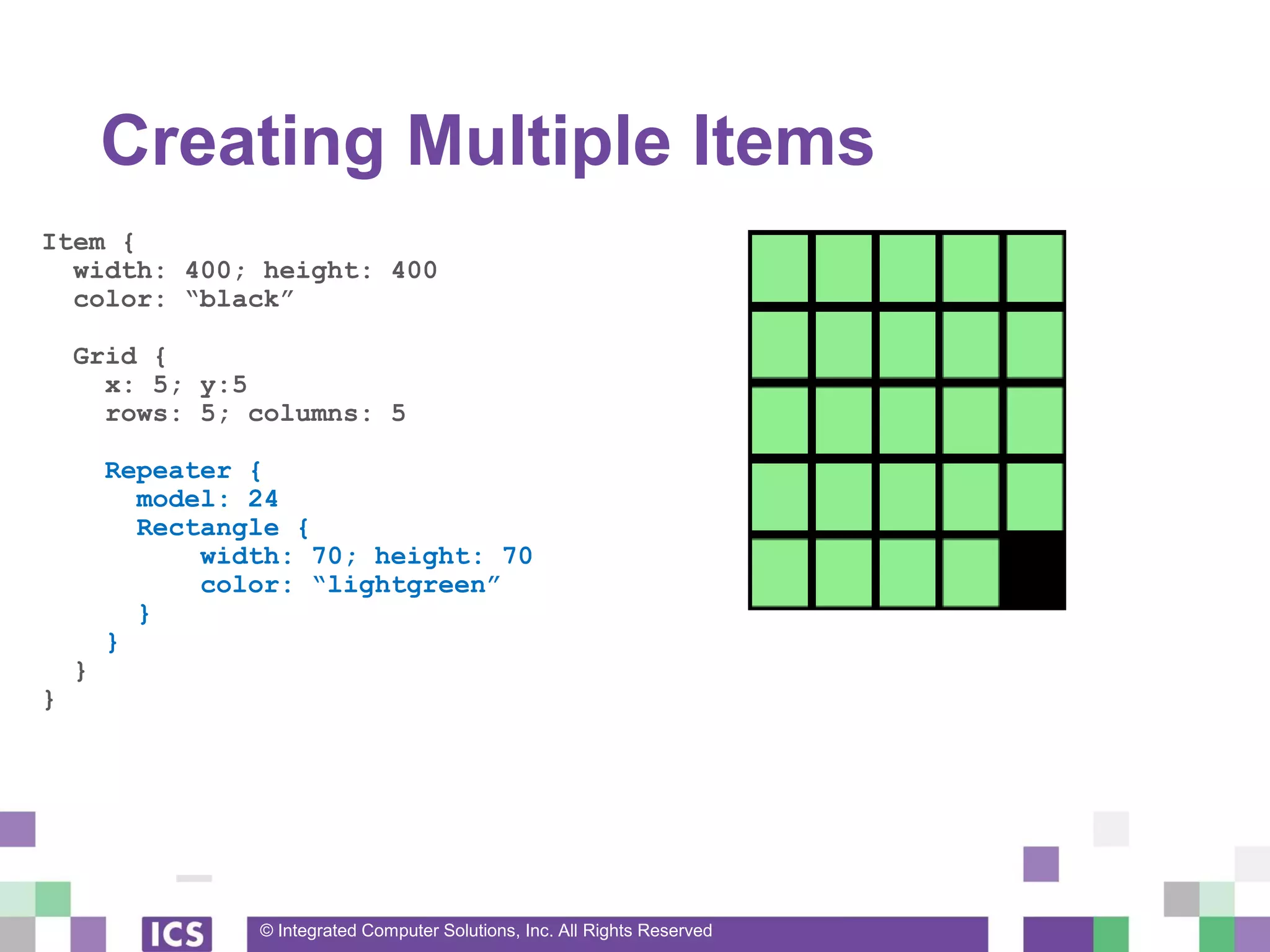
Creating Multiple Items
Item {
width: 400; height: 400
color: “black”
Grid {
x: 5; y:5
rows: 5; columns: 5
Repeater {
model: 24
Rectangle {
width: 70; height: 70
color: “lightgreen”
}
}
}
}
© Integrated Computer Solutions, Inc. All Rights Reserved
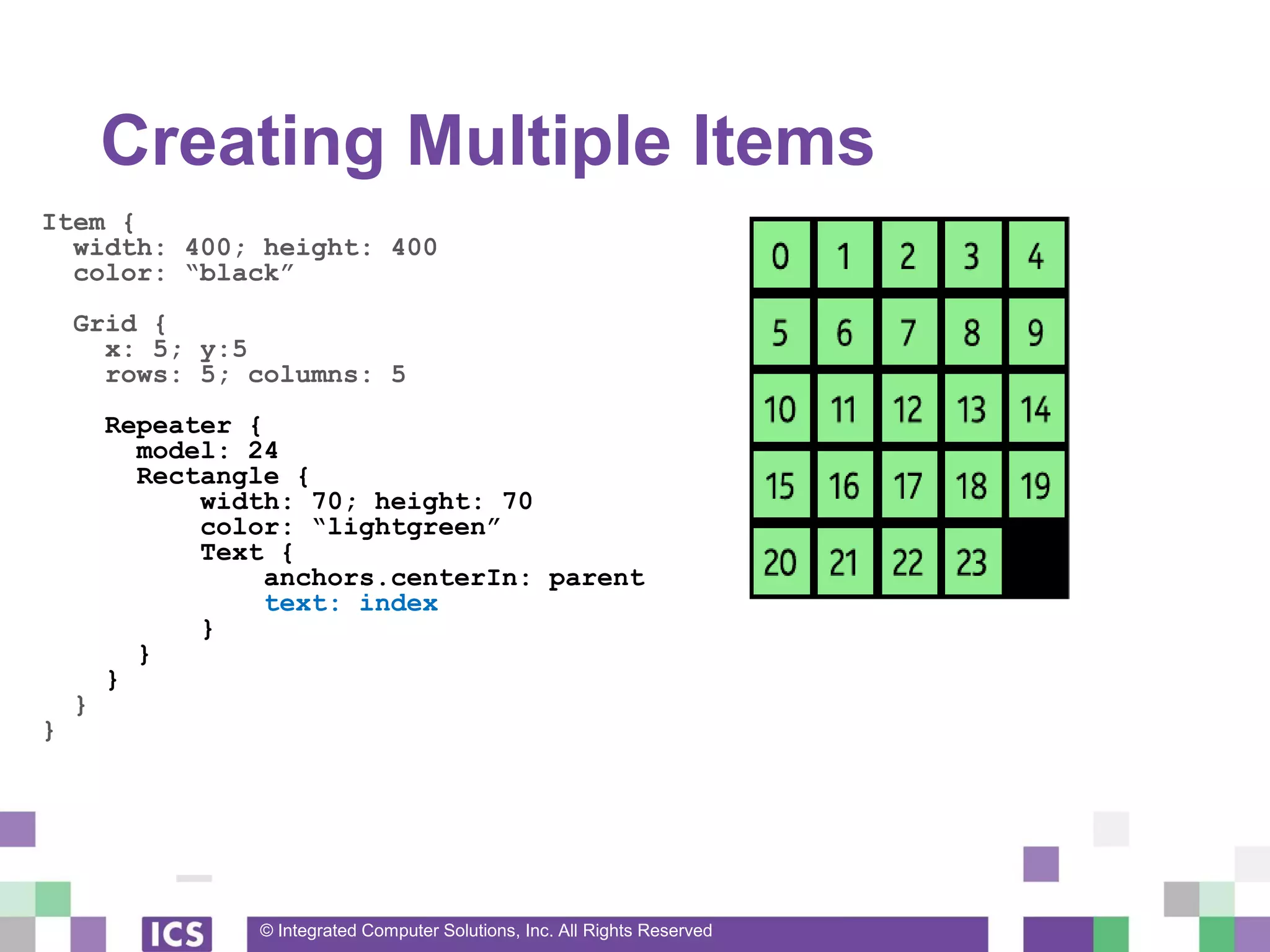
Creating Multiple Items
Item {
width: 400; height: 400
color: “black”
Grid {
x: 5; y:5
rows: 5; columns: 5
Repeater {
model: 24
Rectangle {
width: 70; height: 70
color: “lightgreen”
Text {
anchors.centerIn: parent
text: index
}
}
}
}
}
© Integrated Computer Solutions, Inc. All Rights Reserved
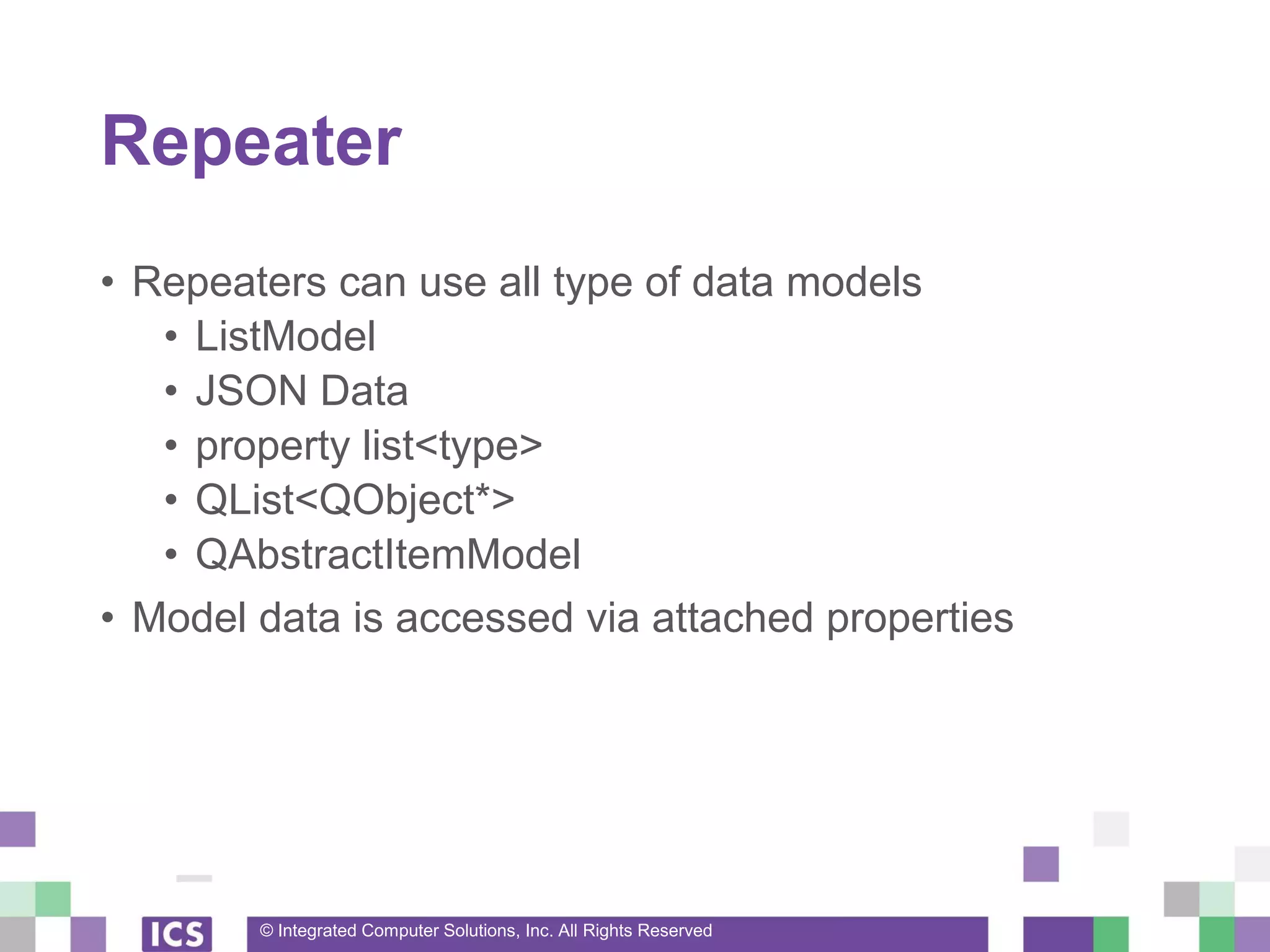
Repeater
• Repeaters can use all type of data models
• ListModel
• JSON Data
• property list<type>
• QList<QObject*>
• QAbstractItemModel
• Model data is accessed via attached properties
© Integrated Computer Solutions, Inc. All Rights Reserved
Upcoming Webinars
• QML by Design, July 13
• This webinar will touch on the benefits of having designers
trained in the same framework the programmers are using.
• Best Practices in Qt Quick/QML - Part 3, July 27
• C++ / QML Integration
• Reusing Existing C++ code

Best Practices in Qt Quick/QML - Part 2

  • 1.
    © Integrated ComputerSolutions, Inc. All Rights Reserved Best Practices in Qt Quick/QML Part 2 Justin Noel Senior Consulting Engineer ICS, Inc.
  • 2.
    © Integrated ComputerSolutions, Inc. All Rights Reserved Agenda • Creating New Items • State and Transitions • Dynamic Creation of Items
  • 3.
    © Integrated ComputerSolutions, Inc. All Rights Reserved Creating New Items
  • 4.
    © Integrated ComputerSolutions, Inc. All Rights Reserved Extending Items • Any instance of a QML item is effectively a subclass • Add member properties • Add member functions • Add signals • There is no reason to add signals to an instance
  • 5.
    © Integrated ComputerSolutions, Inc. All Rights Reserved Extending Items Rectangle{ Text { id: label property int count: 1 text: “Count = ” + count function incrementCount() { count = count+1 } } Timer { running: true onTriggered: label.incrementCount() } }
  • 6.
    © Integrated ComputerSolutions, Inc. All Rights Reserved Property Types • Properties can be almost any type • Basic: int, real, string, date, time, point • Copies are stored • Any valid QML type: Rectangle, Text • These are actually pointers • The “var” type is equivalent to QVariant • Use explicit types as much as you can • They are faster
  • 7.
    © Integrated ComputerSolutions, Inc. All Rights Reserved Property Types Rectangle{ id: customItem property int anInt: 1 property real aDouble: 50.5 property bool aBool: false property string aString: “” property var anything: 50.5 property list<point> points: [ Qt.point(0,0), Qt.point(100,100) ] }
  • 8.
    © Integrated ComputerSolutions, Inc. All Rights Reserved Dividing Code Into Components • Often a devs to put too much code in one QML file • Common issue for all programming languages • QML makes it easy to componentize your code • Component refers to an item that can be instanced multiple times
  • 9.
    © Integrated ComputerSolutions, Inc. All Rights Reserved Creating New Items • Simply create a new .qml file • Type is named after the filename • Must begin with a capital letter • Implement • Properties • Signals • Functions
  • 10.
    © Integrated ComputerSolutions, Inc. All Rights Reserved Inline Button Code Rectangle{ // Main.qml id: toplevel color: “black” Rectangle { id: button width: 100; height: 50 color: (mousArea.pressed) ? “red” : “blue” Text { text: “Click Me } MouseArea { id: mouseArea anchors.fill: parent onClicked: toplevel.color = “white” } } }
  • 11.
    © Integrated ComputerSolutions, Inc. All Rights Reserved Componentized Button Rectangle{ // Main.qml id: toplevel color: “black” Button { text: “Click Me” onClicked: toplevel.color = “white” } }
  • 12.
    © Integrated ComputerSolutions, Inc. All Rights Reserved Componentized Button Rectangle{ // Button.qml id: button property alias text: label.text signal clicked() color: “blue” width: 100; height: 50 Text { id: label anchors.centerIn: parent } MouseArea{ id: ma anchors.fill: parent onClicked: button.clicked() } }
  • 13.
    © Integrated ComputerSolutions, Inc. All Rights Reserved Alias Properties • Proxies properties of child items • Allows hiding implementation details • Saves memory and binding recalculations
  • 14.
    © Integrated ComputerSolutions, Inc. All Rights Reserved Property Scope • Public Scope • All public properties of the root item • Custom properties defined on the root item • Private Scope • All child items and their properties
  • 15.
    © Integrated ComputerSolutions, Inc. All Rights Reserved Public Members Rectangle{ // Button.qml id: button property alias text: label.text signal clicked() color: “blue” Text { id: label anchors.centerIn: parent } MouseArea{ id: ma anchors.fill: parent onClicked: button.clicked() } }
  • 16.
    © Integrated ComputerSolutions, Inc. All Rights Reserved Private Members Rectangle{ // Button.qml id: button property alias text: label.text signal clicked() color: “blue” Text { id: label anchors.centerIn: parent } MouseArea{ id: ma anchors.fill: parent onClicked: button.clicked() } }
  • 17.
    © Integrated ComputerSolutions, Inc. All Rights Reserved Private Properties Rectangle { // Button.qml id: button property alias text: label.text signal clicked() QtObject { id: internal property int centerX: button.width()/2 } Text { x: internal.centerX } }
  • 18.
    © Integrated ComputerSolutions, Inc. All Rights Reserved Avoid Inheriting Public Members // Inherit from the basic Item type and hide everything else Item { // Button.qml id: button property alias text: label.text signal clicked() Rectangle { id: background color: “blue” } Text { id: label anchors.centerIn: parent } ... }
  • 19.
    © Integrated ComputerSolutions, Inc. All Rights Reserved States and Transitions
  • 20.
    © Integrated ComputerSolutions, Inc. All Rights Reserved States • State Machines can make your code “more declarative” • A basic state machine is built into every Item • No parallel states or state history
  • 21.
    © Integrated ComputerSolutions, Inc. All Rights Reserved States • Every Item has a states property • States contain • Name • When Clause • List of PropertyChanges{} objects
  • 22.
    © Integrated ComputerSolutions, Inc. All Rights Reserved Setting States • Item can be set to a give state two ways • 1) “state” property is set to the name of the State • item.state = “Pressed” • 2) The when clause of the State is true • When clauses must be mutually exclusive • They are evaluated in creation order
  • 23.
    © Integrated ComputerSolutions, Inc. All Rights Reserved Button States Item { Rectangle { id: bkg; color: “blue” } MouseArea { id: ma } states: [ State { name: “Pressed” when: ma.pressed PropertyChanges { target: bkg; color: “red” } }, State { name: “Disabled” when: !(ma.enabled) PropertyChanges { target: bkg; color: “grey” } } ] }
  • 24.
    © Integrated ComputerSolutions, Inc. All Rights Reserved Default State • The initial bindings are the “Default State” • The name of the default state is “” • Default state is in effect when • No when clauses are satisfied • “state” property is set to “”
  • 25.
    © Integrated ComputerSolutions, Inc. All Rights Reserved Properties When in a State • The bindings of a QML document is defined as • The default state bindings • Overlaid with PropertyChanges from the current state • This will save you a ton of typing • States do not need to be unwound • Set common properties in the default state • Avoids writing duplicate PropertyChanges
  • 26.
    © Integrated ComputerSolutions, Inc. All Rights Reserved Transitions • Run animations on a state change • Control how properties will change • Qt will automatically interpolate values • Control in which order properties change
  • 27.
    © Integrated ComputerSolutions, Inc. All Rights Reserved Transitions [ ... ] transitions: [ Transition { from: “”; to: “Pressed” PropertyAnimation { target: bkg properties: “color” duration: 500 }, Transition { from: “*”; to: “Disabled” PropertyAnimation { target: bkg properties: “color” duration: 250 } ] [ ... ]
  • 28.
    © Integrated ComputerSolutions, Inc. All Rights Reserved Transition Defaults • Transition{} defaults to • from: “*”; to: “*” • That Transition will apply to all state changes • PropertyAnimation • When a target is not specified • That animation will apply to all items
  • 29.
    © Integrated ComputerSolutions, Inc. All Rights Reserved Button Transition Item { Rectangle { id: bkg; color: “blue” } MouseArea { id: ma } states: [ State { name: “Pressed”; when: ma.pressed PropertyChanges { target: bkg; color: “red” } }, State { name: “Disabled”; when: !(ma.enabled) PropertyChanges { target: bkg; color: “grey” } } ] transitions: [ Transition { PropertyAnimation { properties: “color” duration: 500 } } ] }
  • 30.
    © Integrated ComputerSolutions, Inc. All Rights Reserved Dynamic Creation of Items
  • 31.
    © Integrated ComputerSolutions, Inc. All Rights Reserved Creating Items Dynamically • Procedural Way • Component createObject(parent, bindings) function • Declarative Way • Loader Item • Repeater Item • ListView / GridView Items
  • 32.
    © Integrated ComputerSolutions, Inc. All Rights Reserved Procedural Creation Item { id: screen property SettingDialog dialog: undefined Button { text: “Settings...” onClicked: { var component = Qt.createComponent(“SettingsDialog.qml”) screen.dialog = component.createObject(screen, { “anchors.centerIn”: “screen” }) screen.dialog.close.connect(screen.destroySettingsDialog) } function destroySettingsDialog() { screen.dialog.destroy() screen.dialog = undefined } }
  • 33.
    © Integrated ComputerSolutions, Inc. All Rights Reserved Procedural / Declarative Creation Item { id: screen Button { text: “Settings...” onClicked: screen.dialog = dialogComponent.createObject(screen) } Component { id: dialogComponent SettingsDialog { anchors.centerIn: parent onClose: destroy() } } }
  • 34.
    © Integrated ComputerSolutions, Inc. All Rights Reserved Declarative Creation Item { Button { text: “Settings...” onClicked: loader.sourceComponent = dialogComponent Loader { id: loader anchors.fill: parent } Component { id: dialogComponent SettingsDialog { anchors.centerIn: parent onClose: loader.sourceComponent = undefined } } }
  • 35.
    © Integrated ComputerSolutions, Inc. All Rights Reserved Creating Multiple Items Item { width: 400; height: 400 color: “black” Grid { x: 5; y:5 rows: 5; columns: 5 Repeater { model: 24 Rectangle { width: 70; height: 70 color: “lightgreen” } } } }
  • 36.
    © Integrated ComputerSolutions, Inc. All Rights Reserved Creating Multiple Items Item { width: 400; height: 400 color: “black” Grid { x: 5; y:5 rows: 5; columns: 5 Repeater { model: 24 Rectangle { width: 70; height: 70 color: “lightgreen” Text { anchors.centerIn: parent text: index } } } } }
  • 37.
    © Integrated ComputerSolutions, Inc. All Rights Reserved Repeater • Repeaters can use all type of data models • ListModel • JSON Data • property list<type> • QList<QObject*> • QAbstractItemModel • Model data is accessed via attached properties
  • 38.
    © Integrated ComputerSolutions, Inc. All Rights Reserved Upcoming Webinars • QML by Design, July 13 • This webinar will touch on the benefits of having designers trained in the same framework the programmers are using. • Best Practices in Qt Quick/QML - Part 3, July 27 • C++ / QML Integration • Reusing Existing C++ code